
RecursosBibliotecas de símbolos DWG
Free AutoCAD bearing snap rings and grooves (DWG) after ISO 464: D 13 to 250 mm
Bearing snap rings and grooves: 271 ready-made AutoCAD blocks (DWG), free to download and use in your own projects, as a ZIP or one symbol at a time.
271 blocks at real size: the snap ring groove with its chamfer in the outer ring for every outside diameter D and series of the tables of ISO 464 (dimension series 18 and 19, diameter series 0, 2, 3 and 4), and the snap ring with side view and section for every D, including the small bearings of the annexes.
Version 1.0 · updated 30 de outubro de 2026 · Check out what's changed
Using AutoCAD 2017 or an earlier version? Download the 2010 format
Copyright CADXChange. Use and modify the symbols freely in your own drawings and projects, including commercial ones; credit and a link are needed only when you publish them. Please do not redistribute or resell the library. Each ZIP holds one plain DWG file in AutoCAD 2018 format and a README; no add-in needed. Provided as is, without warranty. Library terms (CXL-1.0)
Related symbol libraries
All 271 symbols
271 de 271 símbolos
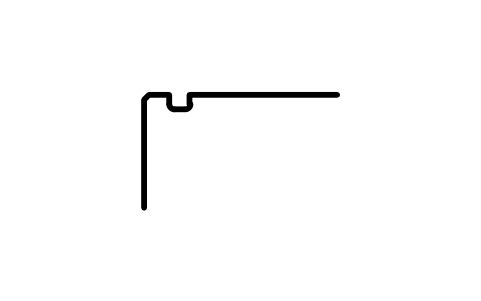
Snap ring groove D 22, series 19
BSR_G_19_22Atributos
DESIGNATIONSTANDARDSERIESOUTSIDE_DIAMETER_DGROOVE_DIAMETER_D1GROOVE_POSITION_APOSITION_TOLERANCEGROOVE_WIDTH_BFILLET_R0_MAXCHAMFER_R1_MINPART_NOREMARKSDESC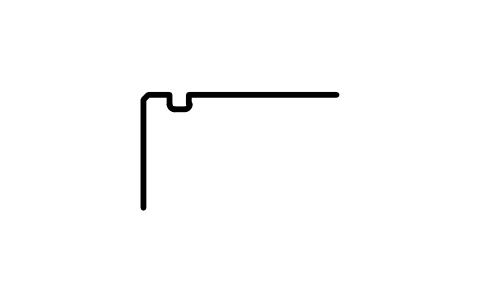
Snap ring groove D 24, series 19
BSR_G_19_24Atributos
DESIGNATIONSTANDARDSERIESOUTSIDE_DIAMETER_DGROOVE_DIAMETER_D1GROOVE_POSITION_APOSITION_TOLERANCEGROOVE_WIDTH_BFILLET_R0_MAXCHAMFER_R1_MINPART_NOREMARKSDESC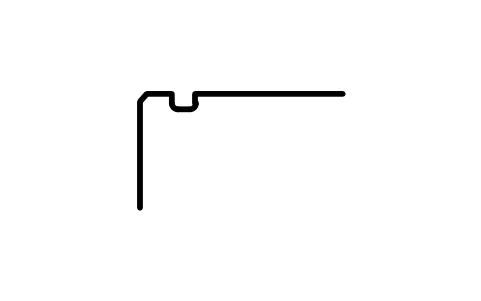
Snap ring groove D 28, series 19
BSR_G_19_28Atributos
DESIGNATIONSTANDARDSERIESOUTSIDE_DIAMETER_DGROOVE_DIAMETER_D1GROOVE_POSITION_APOSITION_TOLERANCEGROOVE_WIDTH_BFILLET_R0_MAXCHAMFER_R1_MINPART_NOREMARKSDESC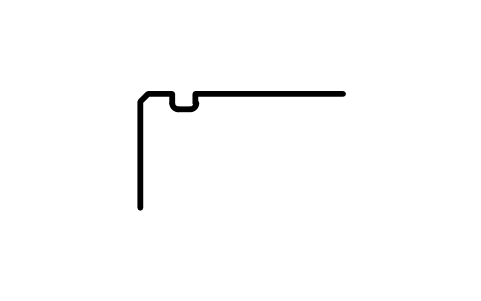
Snap ring groove D 30, series 19
BSR_G_19_30Atributos
DESIGNATIONSTANDARDSERIESOUTSIDE_DIAMETER_DGROOVE_DIAMETER_D1GROOVE_POSITION_APOSITION_TOLERANCEGROOVE_WIDTH_BFILLET_R0_MAXCHAMFER_R1_MINPART_NOREMARKSDESC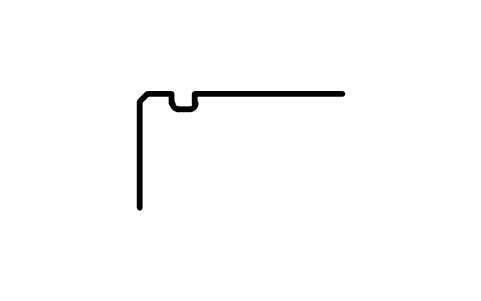
Snap ring groove D 32, series 18
BSR_G_18_32Atributos
DESIGNATIONSTANDARDSERIESOUTSIDE_DIAMETER_DGROOVE_DIAMETER_D1GROOVE_POSITION_APOSITION_TOLERANCEGROOVE_WIDTH_BFILLET_R0_MAXCHAMFER_R1_MINPART_NOREMARKSDESC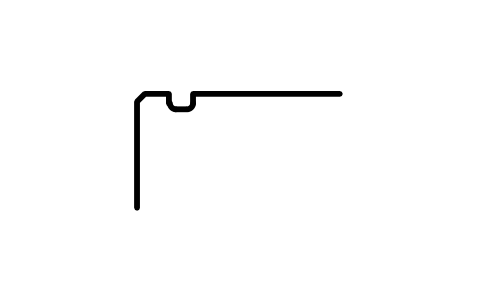
Snap ring groove D 34, series 18
BSR_G_18_34Atributos
DESIGNATIONSTANDARDSERIESOUTSIDE_DIAMETER_DGROOVE_DIAMETER_D1GROOVE_POSITION_APOSITION_TOLERANCEGROOVE_WIDTH_BFILLET_R0_MAXCHAMFER_R1_MINPART_NOREMARKSDESC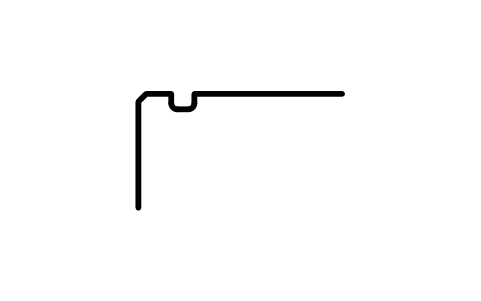
Snap ring groove D 37, series 18
BSR_G_18_37Atributos
DESIGNATIONSTANDARDSERIESOUTSIDE_DIAMETER_DGROOVE_DIAMETER_D1GROOVE_POSITION_APOSITION_TOLERANCEGROOVE_WIDTH_BFILLET_R0_MAXCHAMFER_R1_MINPART_NOREMARKSDESC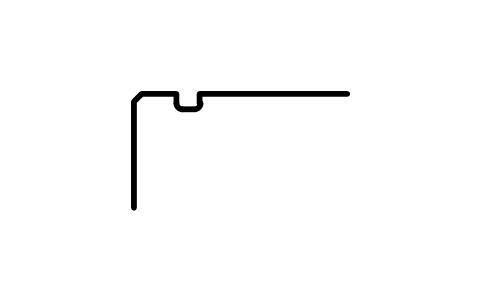
Snap ring groove D 37, series 19
BSR_G_19_37Atributos
DESIGNATIONSTANDARDSERIESOUTSIDE_DIAMETER_DGROOVE_DIAMETER_D1GROOVE_POSITION_APOSITION_TOLERANCEGROOVE_WIDTH_BFILLET_R0_MAXCHAMFER_R1_MINPART_NOREMARKSDESC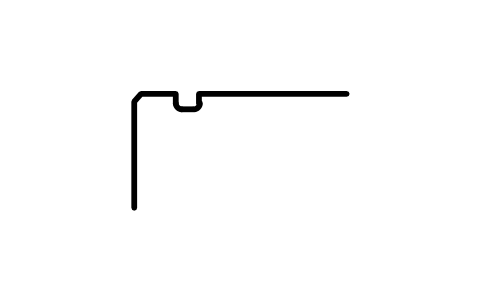
Snap ring groove D 39, series 19
BSR_G_19_39Atributos
DESIGNATIONSTANDARDSERIESOUTSIDE_DIAMETER_DGROOVE_DIAMETER_D1GROOVE_POSITION_APOSITION_TOLERANCEGROOVE_WIDTH_BFILLET_R0_MAXCHAMFER_R1_MINPART_NOREMARKSDESC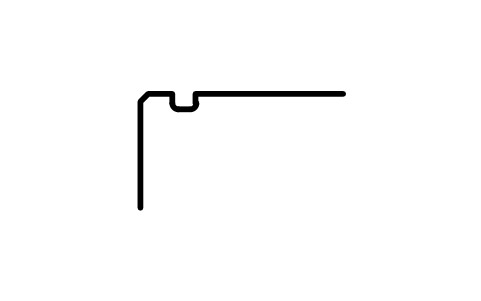
Snap ring groove D 40, series 18
BSR_G_18_40Atributos
DESIGNATIONSTANDARDSERIESOUTSIDE_DIAMETER_DGROOVE_DIAMETER_D1GROOVE_POSITION_APOSITION_TOLERANCEGROOVE_WIDTH_BFILLET_R0_MAXCHAMFER_R1_MINPART_NOREMARKSDESC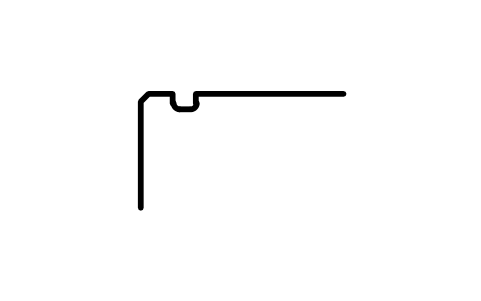
Snap ring groove D 42, series 18
BSR_G_18_42Atributos
DESIGNATIONSTANDARDSERIESOUTSIDE_DIAMETER_DGROOVE_DIAMETER_D1GROOVE_POSITION_APOSITION_TOLERANCEGROOVE_WIDTH_BFILLET_R0_MAXCHAMFER_R1_MINPART_NOREMARKSDESC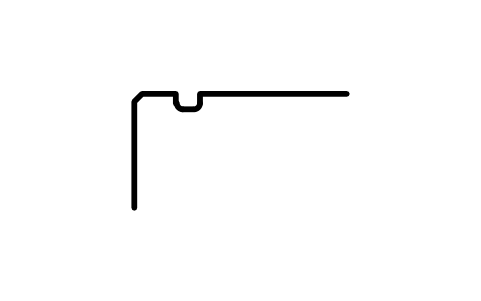
Snap ring groove D 42, series 19
BSR_G_19_42Atributos
DESIGNATIONSTANDARDSERIESOUTSIDE_DIAMETER_DGROOVE_DIAMETER_D1GROOVE_POSITION_APOSITION_TOLERANCEGROOVE_WIDTH_BFILLET_R0_MAXCHAMFER_R1_MINPART_NOREMARKSDESC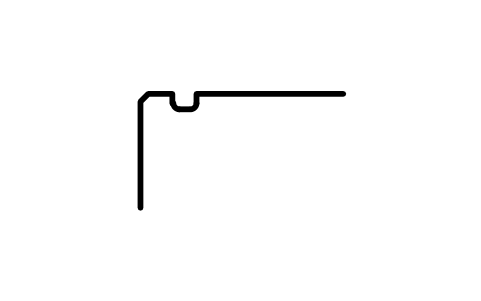
Snap ring groove D 44, series 18
BSR_G_18_44Atributos
DESIGNATIONSTANDARDSERIESOUTSIDE_DIAMETER_DGROOVE_DIAMETER_D1GROOVE_POSITION_APOSITION_TOLERANCEGROOVE_WIDTH_BFILLET_R0_MAXCHAMFER_R1_MINPART_NOREMARKSDESC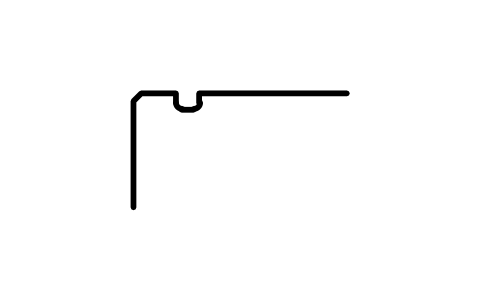
Snap ring groove D 45, series 19
BSR_G_19_45Atributos
DESIGNATIONSTANDARDSERIESOUTSIDE_DIAMETER_DGROOVE_DIAMETER_D1GROOVE_POSITION_APOSITION_TOLERANCEGROOVE_WIDTH_BFILLET_R0_MAXCHAMFER_R1_MINPART_NOREMARKSDESC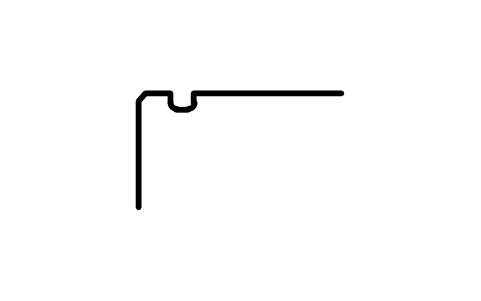
Snap ring groove D 47, series 18
BSR_G_18_47Atributos
DESIGNATIONSTANDARDSERIESOUTSIDE_DIAMETER_DGROOVE_DIAMETER_D1GROOVE_POSITION_APOSITION_TOLERANCEGROOVE_WIDTH_BFILLET_R0_MAXCHAMFER_R1_MINPART_NOREMARKSDESC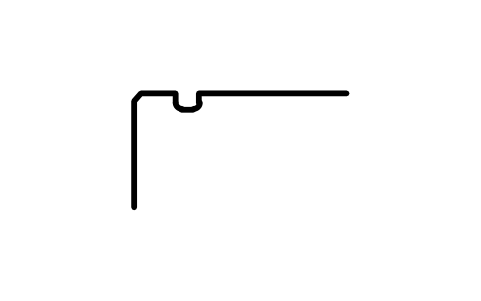
Snap ring groove D 47, series 19
BSR_G_19_47Atributos
DESIGNATIONSTANDARDSERIESOUTSIDE_DIAMETER_DGROOVE_DIAMETER_D1GROOVE_POSITION_APOSITION_TOLERANCEGROOVE_WIDTH_BFILLET_R0_MAXCHAMFER_R1_MINPART_NOREMARKSDESC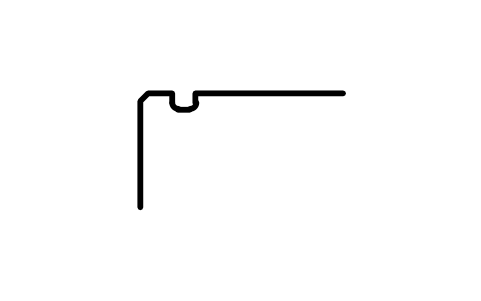
Snap ring groove D 52, series 18
BSR_G_18_52Atributos
DESIGNATIONSTANDARDSERIESOUTSIDE_DIAMETER_DGROOVE_DIAMETER_D1GROOVE_POSITION_APOSITION_TOLERANCEGROOVE_WIDTH_BFILLET_R0_MAXCHAMFER_R1_MINPART_NOREMARKSDESC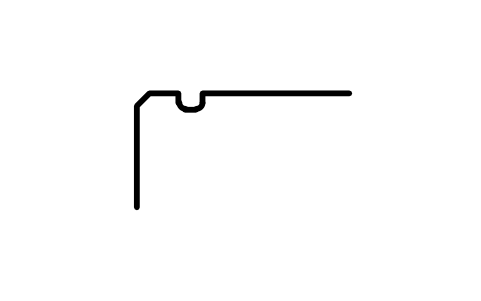
Snap ring groove D 52, series 19
BSR_G_19_52Atributos
DESIGNATIONSTANDARDSERIESOUTSIDE_DIAMETER_DGROOVE_DIAMETER_D1GROOVE_POSITION_APOSITION_TOLERANCEGROOVE_WIDTH_BFILLET_R0_MAXCHAMFER_R1_MINPART_NOREMARKSDESC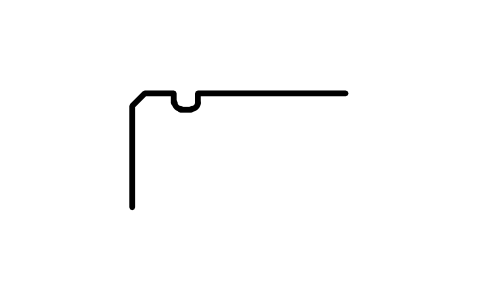
Snap ring groove D 55, series 19
BSR_G_19_55Atributos
DESIGNATIONSTANDARDSERIESOUTSIDE_DIAMETER_DGROOVE_DIAMETER_D1GROOVE_POSITION_APOSITION_TOLERANCEGROOVE_WIDTH_BFILLET_R0_MAXCHAMFER_R1_MINPART_NOREMARKSDESC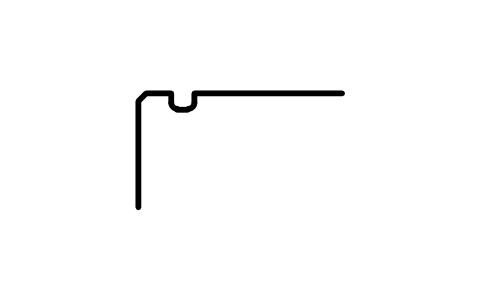
Snap ring groove D 58, series 18
BSR_G_18_58Atributos
DESIGNATIONSTANDARDSERIESOUTSIDE_DIAMETER_DGROOVE_DIAMETER_D1GROOVE_POSITION_APOSITION_TOLERANCEGROOVE_WIDTH_BFILLET_R0_MAXCHAMFER_R1_MINPART_NOREMARKSDESC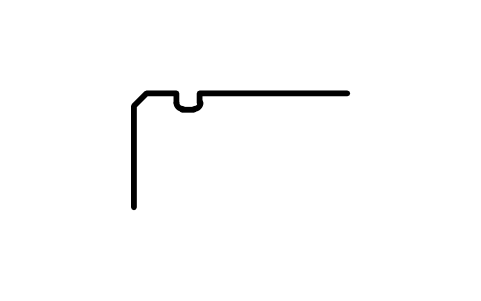
Snap ring groove D 62, series 19
BSR_G_19_62Atributos
DESIGNATIONSTANDARDSERIESOUTSIDE_DIAMETER_DGROOVE_DIAMETER_D1GROOVE_POSITION_APOSITION_TOLERANCEGROOVE_WIDTH_BFILLET_R0_MAXCHAMFER_R1_MINPART_NOREMARKSDESC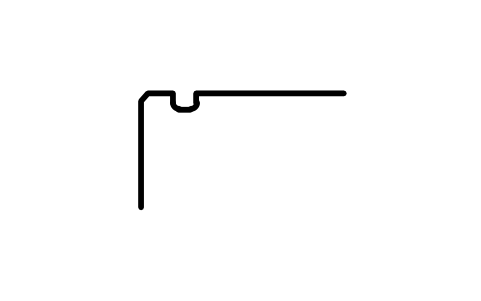
Snap ring groove D 65, series 18
BSR_G_18_65Atributos
DESIGNATIONSTANDARDSERIESOUTSIDE_DIAMETER_DGROOVE_DIAMETER_D1GROOVE_POSITION_APOSITION_TOLERANCEGROOVE_WIDTH_BFILLET_R0_MAXCHAMFER_R1_MINPART_NOREMARKSDESC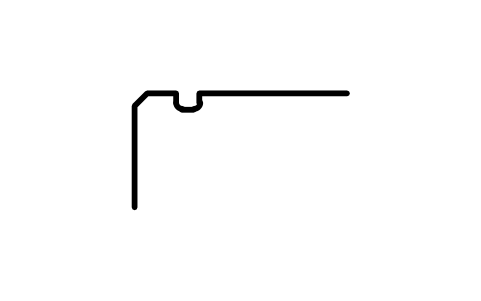
Snap ring groove D 68, series 19
BSR_G_19_68Atributos
DESIGNATIONSTANDARDSERIESOUTSIDE_DIAMETER_DGROOVE_DIAMETER_D1GROOVE_POSITION_APOSITION_TOLERANCEGROOVE_WIDTH_BFILLET_R0_MAXCHAMFER_R1_MINPART_NOREMARKSDESC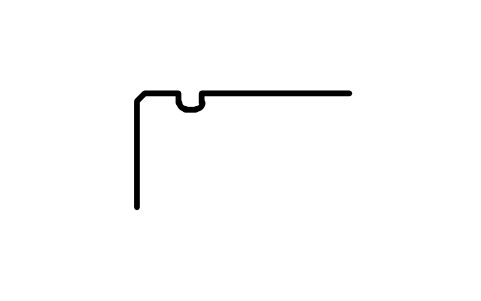
Snap ring groove D 72, series 18
BSR_G_18_72Atributos
DESIGNATIONSTANDARDSERIESOUTSIDE_DIAMETER_DGROOVE_DIAMETER_D1GROOVE_POSITION_APOSITION_TOLERANCEGROOVE_WIDTH_BFILLET_R0_MAXCHAMFER_R1_MINPART_NOREMARKSDESC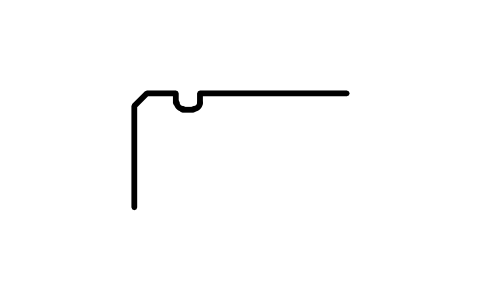
Snap ring groove D 72, series 19
BSR_G_19_72Atributos
DESIGNATIONSTANDARDSERIESOUTSIDE_DIAMETER_DGROOVE_DIAMETER_D1GROOVE_POSITION_APOSITION_TOLERANCEGROOVE_WIDTH_BFILLET_R0_MAXCHAMFER_R1_MINPART_NOREMARKSDESC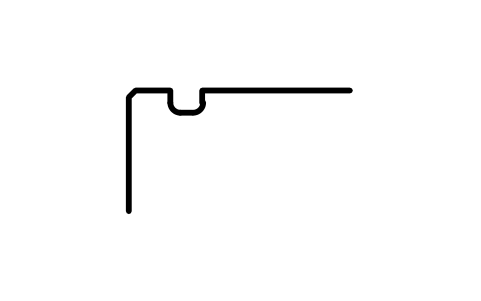
Snap ring groove D 78, series 18
BSR_G_18_78Atributos
DESIGNATIONSTANDARDSERIESOUTSIDE_DIAMETER_DGROOVE_DIAMETER_D1GROOVE_POSITION_APOSITION_TOLERANCEGROOVE_WIDTH_BFILLET_R0_MAXCHAMFER_R1_MINPART_NOREMARKSDESC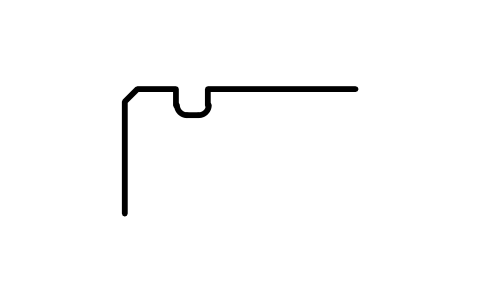
Snap ring groove D 80, series 19
BSR_G_19_80Atributos
DESIGNATIONSTANDARDSERIESOUTSIDE_DIAMETER_DGROOVE_DIAMETER_D1GROOVE_POSITION_APOSITION_TOLERANCEGROOVE_WIDTH_BFILLET_R0_MAXCHAMFER_R1_MINPART_NOREMARKSDESC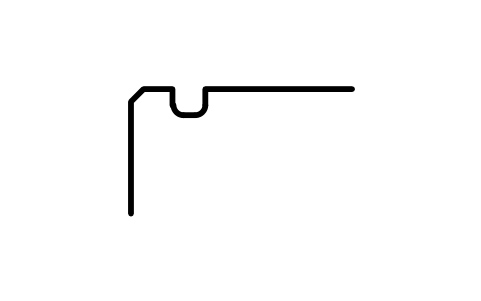
Snap ring groove D 85, series 18
BSR_G_18_85Atributos
DESIGNATIONSTANDARDSERIESOUTSIDE_DIAMETER_DGROOVE_DIAMETER_D1GROOVE_POSITION_APOSITION_TOLERANCEGROOVE_WIDTH_BFILLET_R0_MAXCHAMFER_R1_MINPART_NOREMARKSDESC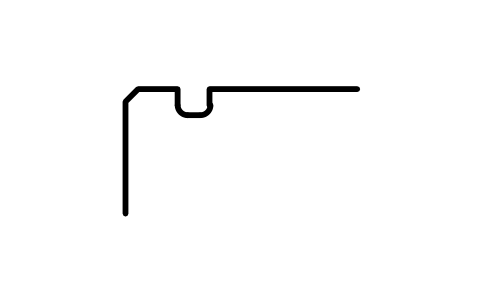
Snap ring groove D 85, series 19
BSR_G_19_85Atributos
DESIGNATIONSTANDARDSERIESOUTSIDE_DIAMETER_DGROOVE_DIAMETER_D1GROOVE_POSITION_APOSITION_TOLERANCEGROOVE_WIDTH_BFILLET_R0_MAXCHAMFER_R1_MINPART_NOREMARKSDESC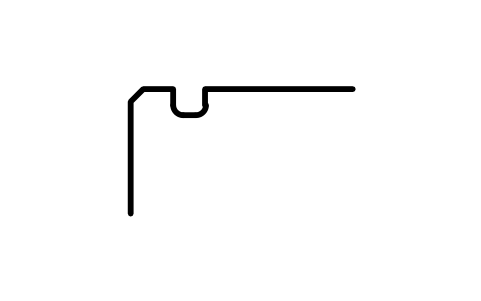
Snap ring groove D 90, series 18
BSR_G_18_90Atributos
DESIGNATIONSTANDARDSERIESOUTSIDE_DIAMETER_DGROOVE_DIAMETER_D1GROOVE_POSITION_APOSITION_TOLERANCEGROOVE_WIDTH_BFILLET_R0_MAXCHAMFER_R1_MINPART_NOREMARKSDESC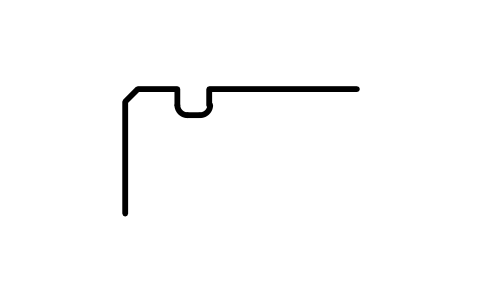
Snap ring groove D 90, series 19
BSR_G_19_90Atributos
DESIGNATIONSTANDARDSERIESOUTSIDE_DIAMETER_DGROOVE_DIAMETER_D1GROOVE_POSITION_APOSITION_TOLERANCEGROOVE_WIDTH_BFILLET_R0_MAXCHAMFER_R1_MINPART_NOREMARKSDESC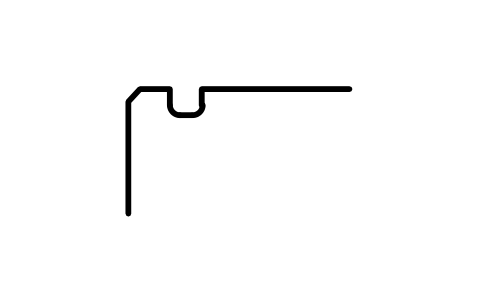
Snap ring groove D 95, series 18
BSR_G_18_95Atributos
DESIGNATIONSTANDARDSERIESOUTSIDE_DIAMETER_DGROOVE_DIAMETER_D1GROOVE_POSITION_APOSITION_TOLERANCEGROOVE_WIDTH_BFILLET_R0_MAXCHAMFER_R1_MINPART_NOREMARKSDESC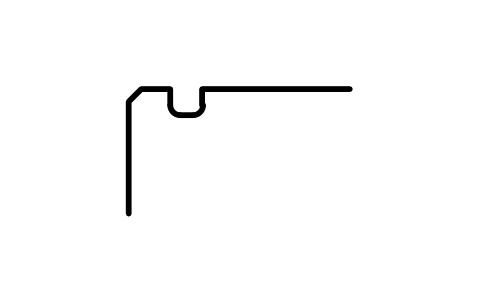
Snap ring groove D 100, series 18
BSR_G_18_100Atributos
DESIGNATIONSTANDARDSERIESOUTSIDE_DIAMETER_DGROOVE_DIAMETER_D1GROOVE_POSITION_APOSITION_TOLERANCEGROOVE_WIDTH_BFILLET_R0_MAXCHAMFER_R1_MINPART_NOREMARKSDESC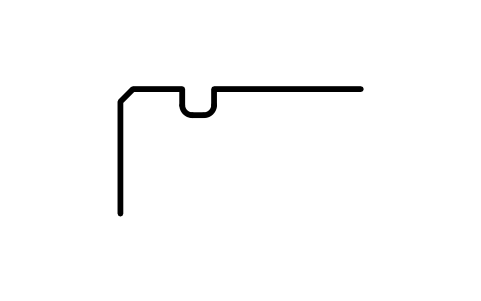
Snap ring groove D 100, series 19
BSR_G_19_100Atributos
DESIGNATIONSTANDARDSERIESOUTSIDE_DIAMETER_DGROOVE_DIAMETER_D1GROOVE_POSITION_APOSITION_TOLERANCEGROOVE_WIDTH_BFILLET_R0_MAXCHAMFER_R1_MINPART_NOREMARKSDESC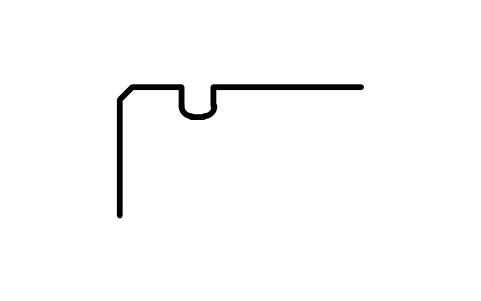
Snap ring groove D 105, series 19
BSR_G_19_105Atributos
DESIGNATIONSTANDARDSERIESOUTSIDE_DIAMETER_DGROOVE_DIAMETER_D1GROOVE_POSITION_APOSITION_TOLERANCEGROOVE_WIDTH_BFILLET_R0_MAXCHAMFER_R1_MINPART_NOREMARKSDESC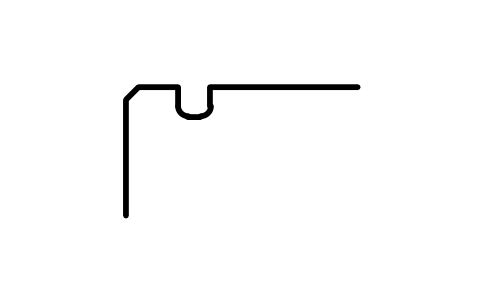
Snap ring groove D 110, series 18
BSR_G_18_110Atributos
DESIGNATIONSTANDARDSERIESOUTSIDE_DIAMETER_DGROOVE_DIAMETER_D1GROOVE_POSITION_APOSITION_TOLERANCEGROOVE_WIDTH_BFILLET_R0_MAXCHAMFER_R1_MINPART_NOREMARKSDESC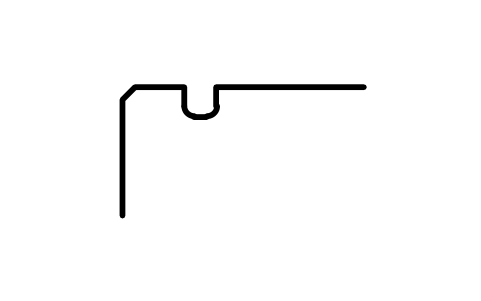
Snap ring groove D 110, series 19
BSR_G_19_110Atributos
DESIGNATIONSTANDARDSERIESOUTSIDE_DIAMETER_DGROOVE_DIAMETER_D1GROOVE_POSITION_APOSITION_TOLERANCEGROOVE_WIDTH_BFILLET_R0_MAXCHAMFER_R1_MINPART_NOREMARKSDESC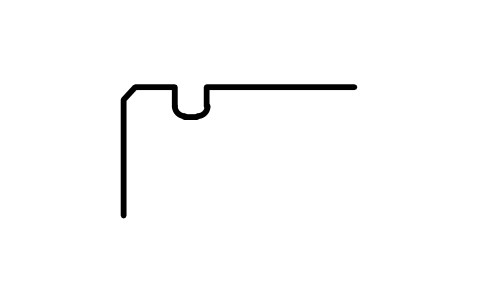
Snap ring groove D 115, series 18
BSR_G_18_115Atributos
DESIGNATIONSTANDARDSERIESOUTSIDE_DIAMETER_DGROOVE_DIAMETER_D1GROOVE_POSITION_APOSITION_TOLERANCEGROOVE_WIDTH_BFILLET_R0_MAXCHAMFER_R1_MINPART_NOREMARKSDESC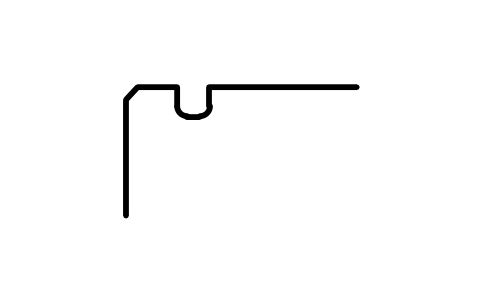
Snap ring groove D 120, series 18
BSR_G_18_120Atributos
DESIGNATIONSTANDARDSERIESOUTSIDE_DIAMETER_DGROOVE_DIAMETER_D1GROOVE_POSITION_APOSITION_TOLERANCEGROOVE_WIDTH_BFILLET_R0_MAXCHAMFER_R1_MINPART_NOREMARKSDESC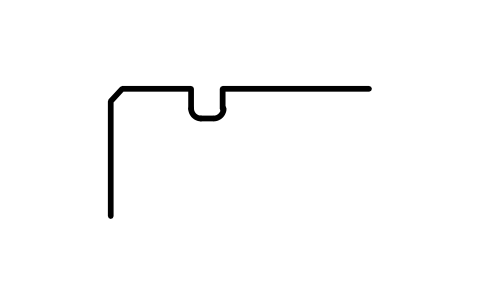
Snap ring groove D 120, series 19
BSR_G_19_120Atributos
DESIGNATIONSTANDARDSERIESOUTSIDE_DIAMETER_DGROOVE_DIAMETER_D1GROOVE_POSITION_APOSITION_TOLERANCEGROOVE_WIDTH_BFILLET_R0_MAXCHAMFER_R1_MINPART_NOREMARKSDESC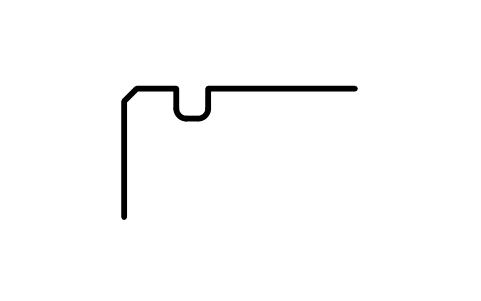
Snap ring groove D 125, series 18
BSR_G_18_125Atributos
DESIGNATIONSTANDARDSERIESOUTSIDE_DIAMETER_DGROOVE_DIAMETER_D1GROOVE_POSITION_APOSITION_TOLERANCEGROOVE_WIDTH_BFILLET_R0_MAXCHAMFER_R1_MINPART_NOREMARKSDESC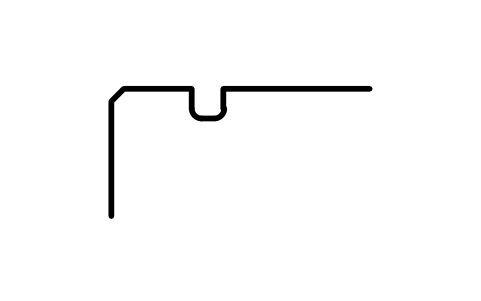
Snap ring groove D 125, series 19
BSR_G_19_125Atributos
DESIGNATIONSTANDARDSERIESOUTSIDE_DIAMETER_DGROOVE_DIAMETER_D1GROOVE_POSITION_APOSITION_TOLERANCEGROOVE_WIDTH_BFILLET_R0_MAXCHAMFER_R1_MINPART_NOREMARKSDESC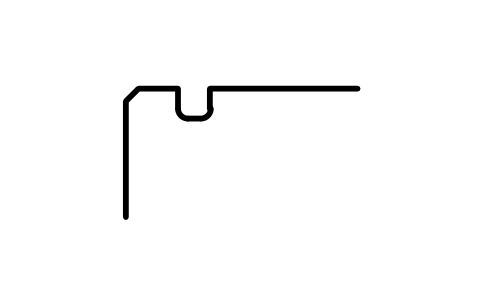
Snap ring groove D 130, series 18
BSR_G_18_130Atributos
DESIGNATIONSTANDARDSERIESOUTSIDE_DIAMETER_DGROOVE_DIAMETER_D1GROOVE_POSITION_APOSITION_TOLERANCEGROOVE_WIDTH_BFILLET_R0_MAXCHAMFER_R1_MINPART_NOREMARKSDESC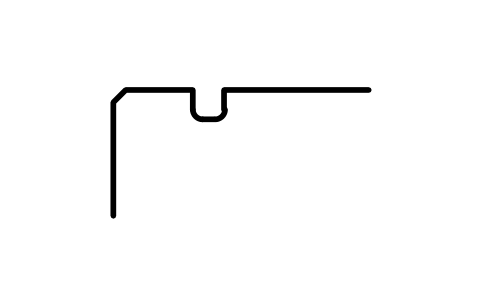
Snap ring groove D 130, series 19
BSR_G_19_130Atributos
DESIGNATIONSTANDARDSERIESOUTSIDE_DIAMETER_DGROOVE_DIAMETER_D1GROOVE_POSITION_APOSITION_TOLERANCEGROOVE_WIDTH_BFILLET_R0_MAXCHAMFER_R1_MINPART_NOREMARKSDESC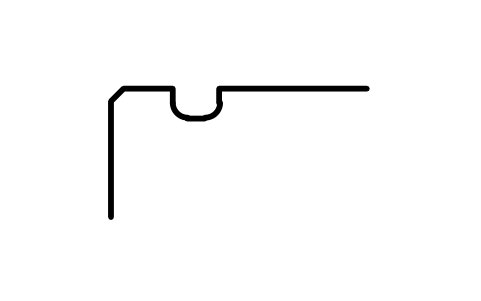
Snap ring groove D 140, series 18
BSR_G_18_140Atributos
DESIGNATIONSTANDARDSERIESOUTSIDE_DIAMETER_DGROOVE_DIAMETER_D1GROOVE_POSITION_APOSITION_TOLERANCEGROOVE_WIDTH_BFILLET_R0_MAXCHAMFER_R1_MINPART_NOREMARKSDESC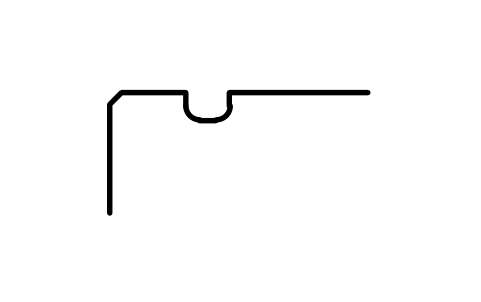
Snap ring groove D 140, series 19
BSR_G_19_140Atributos
DESIGNATIONSTANDARDSERIESOUTSIDE_DIAMETER_DGROOVE_DIAMETER_D1GROOVE_POSITION_APOSITION_TOLERANCEGROOVE_WIDTH_BFILLET_R0_MAXCHAMFER_R1_MINPART_NOREMARKSDESC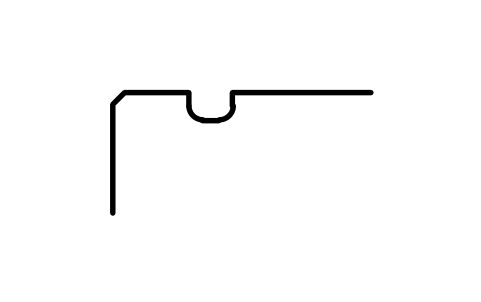
Snap ring groove D 145, series 19
BSR_G_19_145Atributos
DESIGNATIONSTANDARDSERIESOUTSIDE_DIAMETER_DGROOVE_DIAMETER_D1GROOVE_POSITION_APOSITION_TOLERANCEGROOVE_WIDTH_BFILLET_R0_MAXCHAMFER_R1_MINPART_NOREMARKSDESC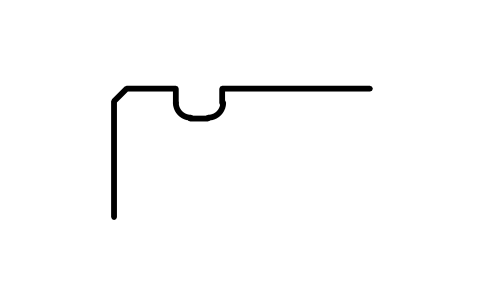
Snap ring groove D 150, series 18
BSR_G_18_150Atributos
DESIGNATIONSTANDARDSERIESOUTSIDE_DIAMETER_DGROOVE_DIAMETER_D1GROOVE_POSITION_APOSITION_TOLERANCEGROOVE_WIDTH_BFILLET_R0_MAXCHAMFER_R1_MINPART_NOREMARKSDESC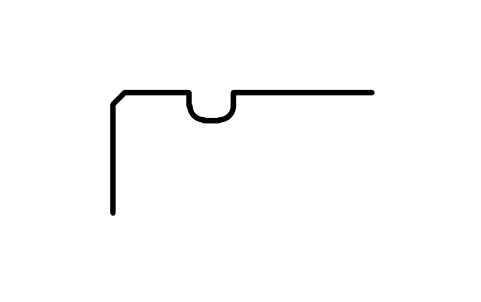
Snap ring groove D 150, series 19
BSR_G_19_150Atributos
DESIGNATIONSTANDARDSERIESOUTSIDE_DIAMETER_DGROOVE_DIAMETER_D1GROOVE_POSITION_APOSITION_TOLERANCEGROOVE_WIDTH_BFILLET_R0_MAXCHAMFER_R1_MINPART_NOREMARKSDESC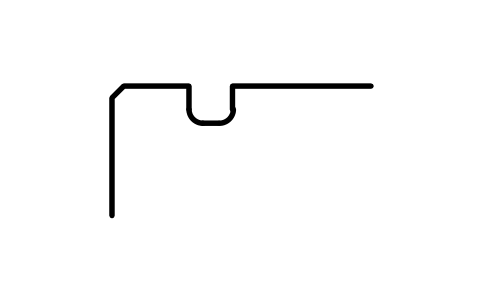
Snap ring groove D 165, series 18
BSR_G_18_165Atributos
DESIGNATIONSTANDARDSERIESOUTSIDE_DIAMETER_DGROOVE_DIAMETER_D1GROOVE_POSITION_APOSITION_TOLERANCEGROOVE_WIDTH_BFILLET_R0_MAXCHAMFER_R1_MINPART_NOREMARKSDESC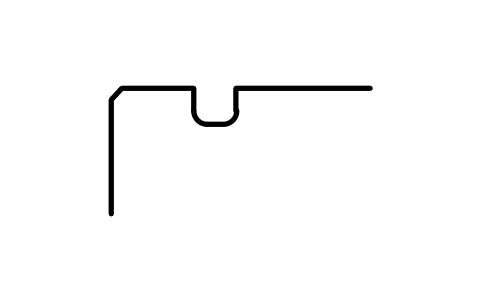
Snap ring groove D 165, series 19
BSR_G_19_165Atributos
DESIGNATIONSTANDARDSERIESOUTSIDE_DIAMETER_DGROOVE_DIAMETER_D1GROOVE_POSITION_APOSITION_TOLERANCEGROOVE_WIDTH_BFILLET_R0_MAXCHAMFER_R1_MINPART_NOREMARKSDESC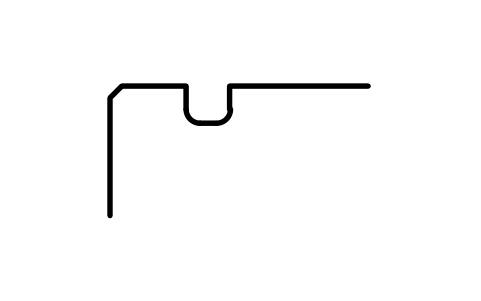
Snap ring groove D 175, series 18
BSR_G_18_175Atributos
DESIGNATIONSTANDARDSERIESOUTSIDE_DIAMETER_DGROOVE_DIAMETER_D1GROOVE_POSITION_APOSITION_TOLERANCEGROOVE_WIDTH_BFILLET_R0_MAXCHAMFER_R1_MINPART_NOREMARKSDESC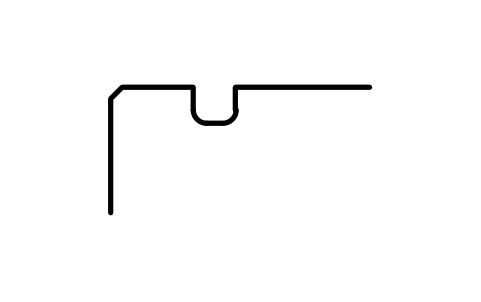
Snap ring groove D 180, series 19
BSR_G_19_180Atributos
DESIGNATIONSTANDARDSERIESOUTSIDE_DIAMETER_DGROOVE_DIAMETER_D1GROOVE_POSITION_APOSITION_TOLERANCEGROOVE_WIDTH_BFILLET_R0_MAXCHAMFER_R1_MINPART_NOREMARKSDESC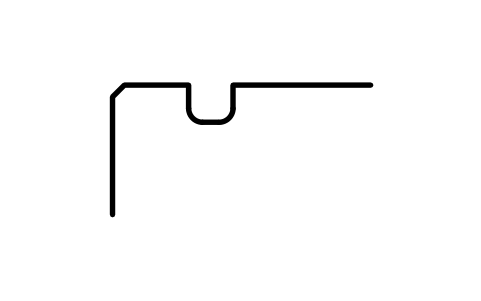
Snap ring groove D 190, series 18
BSR_G_18_190Atributos
DESIGNATIONSTANDARDSERIESOUTSIDE_DIAMETER_DGROOVE_DIAMETER_D1GROOVE_POSITION_APOSITION_TOLERANCEGROOVE_WIDTH_BFILLET_R0_MAXCHAMFER_R1_MINPART_NOREMARKSDESC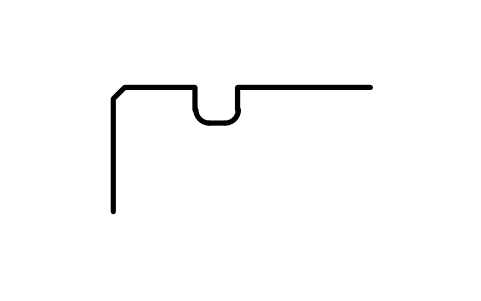
Snap ring groove D 190, series 19
BSR_G_19_190Atributos
DESIGNATIONSTANDARDSERIESOUTSIDE_DIAMETER_DGROOVE_DIAMETER_D1GROOVE_POSITION_APOSITION_TOLERANCEGROOVE_WIDTH_BFILLET_R0_MAXCHAMFER_R1_MINPART_NOREMARKSDESC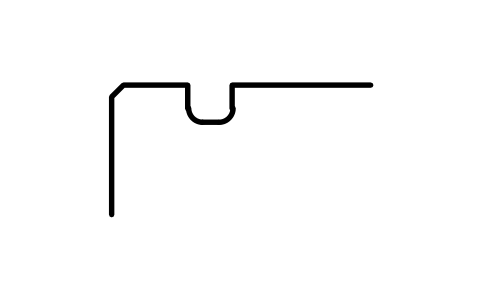
Snap ring groove D 200, series 18
BSR_G_18_200Atributos
DESIGNATIONSTANDARDSERIESOUTSIDE_DIAMETER_DGROOVE_DIAMETER_D1GROOVE_POSITION_APOSITION_TOLERANCEGROOVE_WIDTH_BFILLET_R0_MAXCHAMFER_R1_MINPART_NOREMARKSDESC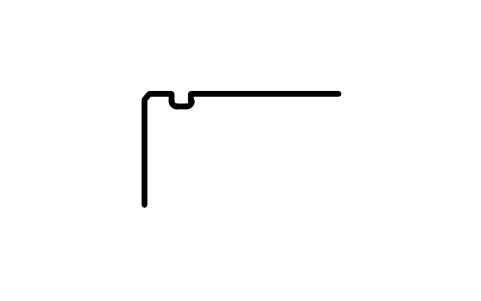
Snap ring groove D 13, series 2
BSR_G_2_13Atributos
DESIGNATIONSTANDARDSERIESOUTSIDE_DIAMETER_DGROOVE_DIAMETER_D1GROOVE_POSITION_APOSITION_TOLERANCEGROOVE_WIDTH_BFILLET_R0_MAXCHAMFER_R1_MINPART_NOREMARKSDESC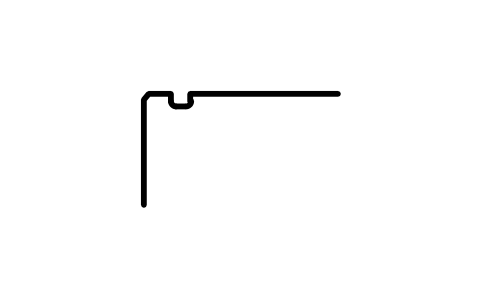
Snap ring groove D 13, series 3
BSR_G_3_13Atributos
DESIGNATIONSTANDARDSERIESOUTSIDE_DIAMETER_DGROOVE_DIAMETER_D1GROOVE_POSITION_APOSITION_TOLERANCEGROOVE_WIDTH_BFILLET_R0_MAXCHAMFER_R1_MINPART_NOREMARKSDESC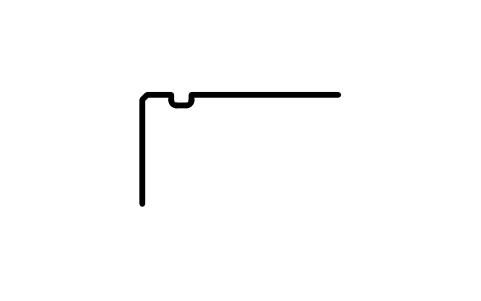
Snap ring groove D 16, series 2
BSR_G_2_16Atributos
DESIGNATIONSTANDARDSERIESOUTSIDE_DIAMETER_DGROOVE_DIAMETER_D1GROOVE_POSITION_APOSITION_TOLERANCEGROOVE_WIDTH_BFILLET_R0_MAXCHAMFER_R1_MINPART_NOREMARKSDESC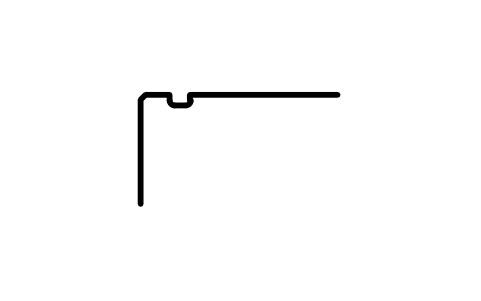
Snap ring groove D 16, series 3
BSR_G_3_16Atributos
DESIGNATIONSTANDARDSERIESOUTSIDE_DIAMETER_DGROOVE_DIAMETER_D1GROOVE_POSITION_APOSITION_TOLERANCEGROOVE_WIDTH_BFILLET_R0_MAXCHAMFER_R1_MINPART_NOREMARKSDESC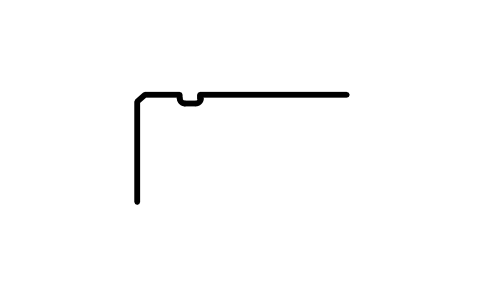
Snap ring groove D 19, series 0
BSR_G_0_19Atributos
DESIGNATIONSTANDARDSERIESOUTSIDE_DIAMETER_DGROOVE_DIAMETER_D1GROOVE_POSITION_APOSITION_TOLERANCEGROOVE_WIDTH_BFILLET_R0_MAXCHAMFER_R1_MINPART_NOREMARKSDESC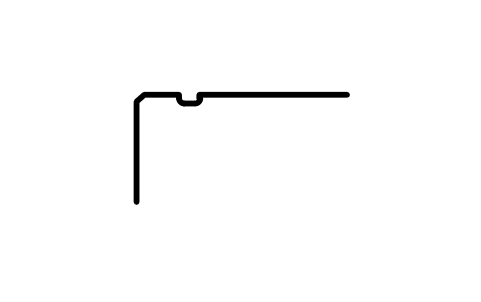
Snap ring groove D 19, series 2
BSR_G_2_19Atributos
DESIGNATIONSTANDARDSERIESOUTSIDE_DIAMETER_DGROOVE_DIAMETER_D1GROOVE_POSITION_APOSITION_TOLERANCEGROOVE_WIDTH_BFILLET_R0_MAXCHAMFER_R1_MINPART_NOREMARKSDESC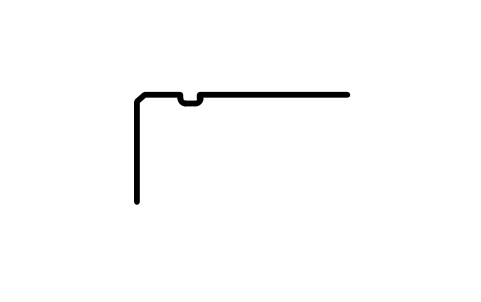
Snap ring groove D 19, series 3
BSR_G_3_19Atributos
DESIGNATIONSTANDARDSERIESOUTSIDE_DIAMETER_DGROOVE_DIAMETER_D1GROOVE_POSITION_APOSITION_TOLERANCEGROOVE_WIDTH_BFILLET_R0_MAXCHAMFER_R1_MINPART_NOREMARKSDESC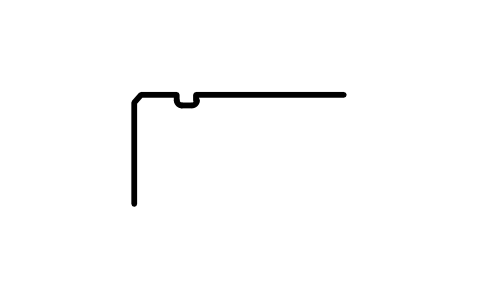
Snap ring groove D 22, series 0
BSR_G_0_22Atributos
DESIGNATIONSTANDARDSERIESOUTSIDE_DIAMETER_DGROOVE_DIAMETER_D1GROOVE_POSITION_APOSITION_TOLERANCEGROOVE_WIDTH_BFILLET_R0_MAXCHAMFER_R1_MINPART_NOREMARKSDESC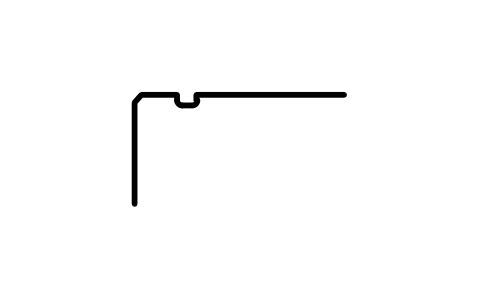
Snap ring groove D 22, series 2
BSR_G_2_22Atributos
DESIGNATIONSTANDARDSERIESOUTSIDE_DIAMETER_DGROOVE_DIAMETER_D1GROOVE_POSITION_APOSITION_TOLERANCEGROOVE_WIDTH_BFILLET_R0_MAXCHAMFER_R1_MINPART_NOREMARKSDESC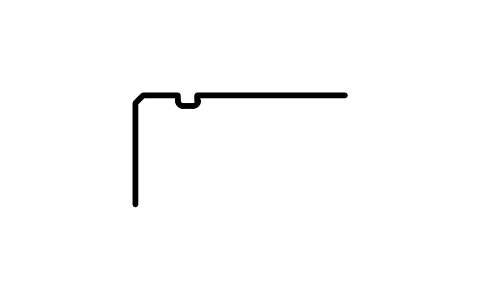
Snap ring groove D 22, series 3
BSR_G_3_22Atributos
DESIGNATIONSTANDARDSERIESOUTSIDE_DIAMETER_DGROOVE_DIAMETER_D1GROOVE_POSITION_APOSITION_TOLERANCEGROOVE_WIDTH_BFILLET_R0_MAXCHAMFER_R1_MINPART_NOREMARKSDESC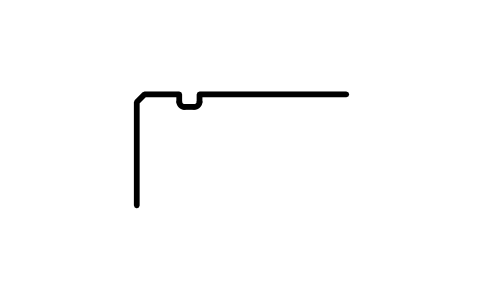
Snap ring groove D 24, series 0
BSR_G_0_24Atributos
DESIGNATIONSTANDARDSERIESOUTSIDE_DIAMETER_DGROOVE_DIAMETER_D1GROOVE_POSITION_APOSITION_TOLERANCEGROOVE_WIDTH_BFILLET_R0_MAXCHAMFER_R1_MINPART_NOREMARKSDESC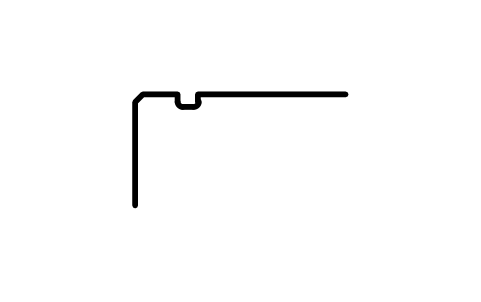
Snap ring groove D 24, series 2
BSR_G_2_24Atributos
DESIGNATIONSTANDARDSERIESOUTSIDE_DIAMETER_DGROOVE_DIAMETER_D1GROOVE_POSITION_APOSITION_TOLERANCEGROOVE_WIDTH_BFILLET_R0_MAXCHAMFER_R1_MINPART_NOREMARKSDESC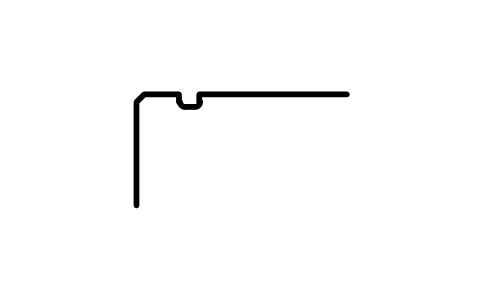
Snap ring groove D 24, series 3
BSR_G_3_24Atributos
DESIGNATIONSTANDARDSERIESOUTSIDE_DIAMETER_DGROOVE_DIAMETER_D1GROOVE_POSITION_APOSITION_TOLERANCEGROOVE_WIDTH_BFILLET_R0_MAXCHAMFER_R1_MINPART_NOREMARKSDESC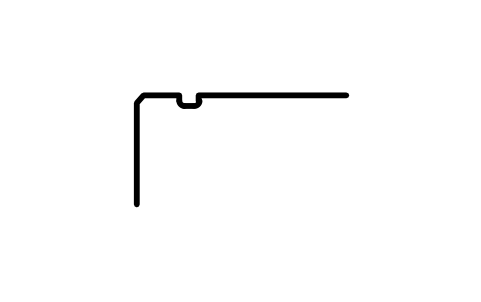
Snap ring groove D 26, series 0
BSR_G_0_26Atributos
DESIGNATIONSTANDARDSERIESOUTSIDE_DIAMETER_DGROOVE_DIAMETER_D1GROOVE_POSITION_APOSITION_TOLERANCEGROOVE_WIDTH_BFILLET_R0_MAXCHAMFER_R1_MINPART_NOREMARKSDESC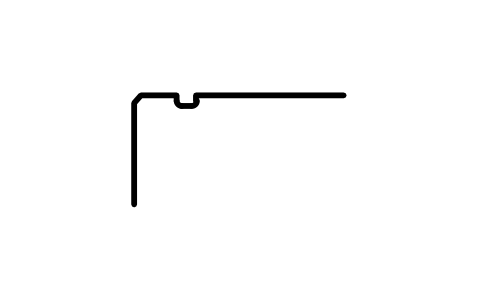
Snap ring groove D 26, series 2
BSR_G_2_26Atributos
DESIGNATIONSTANDARDSERIESOUTSIDE_DIAMETER_DGROOVE_DIAMETER_D1GROOVE_POSITION_APOSITION_TOLERANCEGROOVE_WIDTH_BFILLET_R0_MAXCHAMFER_R1_MINPART_NOREMARKSDESC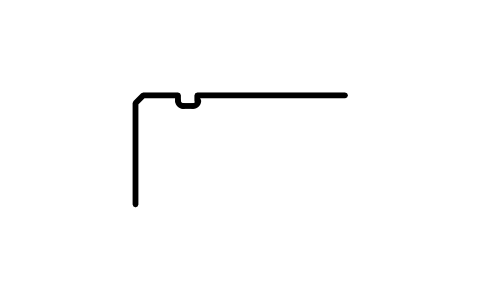
Snap ring groove D 26, series 3
BSR_G_3_26Atributos
DESIGNATIONSTANDARDSERIESOUTSIDE_DIAMETER_DGROOVE_DIAMETER_D1GROOVE_POSITION_APOSITION_TOLERANCEGROOVE_WIDTH_BFILLET_R0_MAXCHAMFER_R1_MINPART_NOREMARKSDESC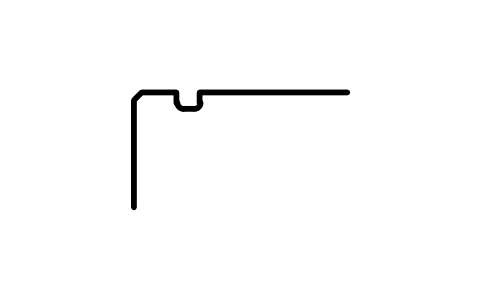
Snap ring groove D 28, series 0
BSR_G_0_28Atributos
DESIGNATIONSTANDARDSERIESOUTSIDE_DIAMETER_DGROOVE_DIAMETER_D1GROOVE_POSITION_APOSITION_TOLERANCEGROOVE_WIDTH_BFILLET_R0_MAXCHAMFER_R1_MINPART_NOREMARKSDESC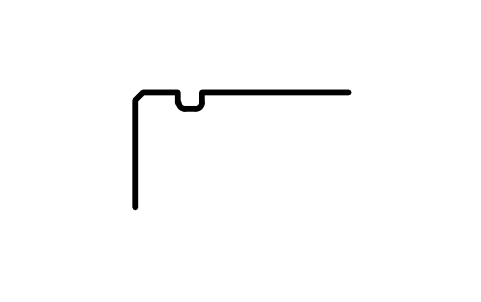
Snap ring groove D 28, series 3
BSR_G_3_28Atributos
DESIGNATIONSTANDARDSERIESOUTSIDE_DIAMETER_DGROOVE_DIAMETER_D1GROOVE_POSITION_APOSITION_TOLERANCEGROOVE_WIDTH_BFILLET_R0_MAXCHAMFER_R1_MINPART_NOREMARKSDESC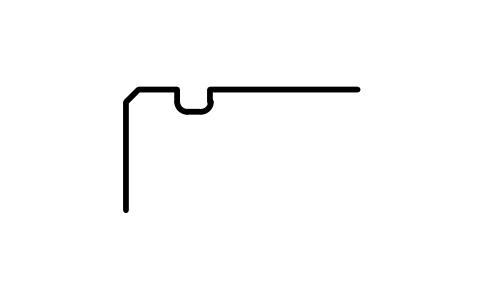
Snap ring groove D 30, series 2
BSR_G_2_30Atributos
DESIGNATIONSTANDARDSERIESOUTSIDE_DIAMETER_DGROOVE_DIAMETER_D1GROOVE_POSITION_APOSITION_TOLERANCEGROOVE_WIDTH_BFILLET_R0_MAXCHAMFER_R1_MINPART_NOREMARKSDESC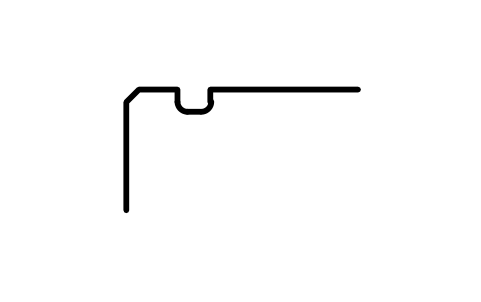
Snap ring groove D 30, series 3
BSR_G_3_30Atributos
DESIGNATIONSTANDARDSERIESOUTSIDE_DIAMETER_DGROOVE_DIAMETER_D1GROOVE_POSITION_APOSITION_TOLERANCEGROOVE_WIDTH_BFILLET_R0_MAXCHAMFER_R1_MINPART_NOREMARKSDESC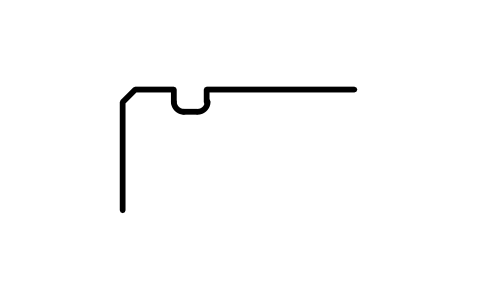
Snap ring groove D 30, series 4
BSR_G_4_30Atributos
DESIGNATIONSTANDARDSERIESOUTSIDE_DIAMETER_DGROOVE_DIAMETER_D1GROOVE_POSITION_APOSITION_TOLERANCEGROOVE_WIDTH_BFILLET_R0_MAXCHAMFER_R1_MINPART_NOREMARKSDESC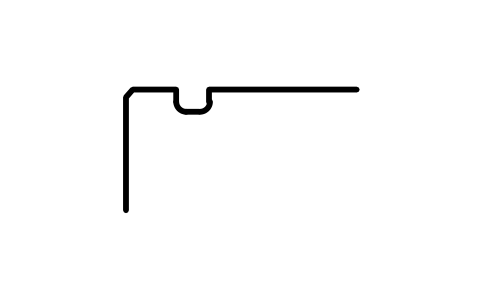
Snap ring groove D 32, series 0
BSR_G_0_32Atributos
DESIGNATIONSTANDARDSERIESOUTSIDE_DIAMETER_DGROOVE_DIAMETER_D1GROOVE_POSITION_APOSITION_TOLERANCEGROOVE_WIDTH_BFILLET_R0_MAXCHAMFER_R1_MINPART_NOREMARKSDESC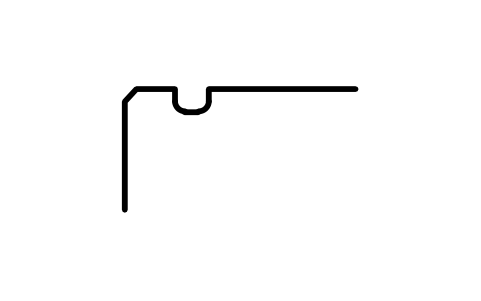
Snap ring groove D 32, series 2
BSR_G_2_32Atributos
DESIGNATIONSTANDARDSERIESOUTSIDE_DIAMETER_DGROOVE_DIAMETER_D1GROOVE_POSITION_APOSITION_TOLERANCEGROOVE_WIDTH_BFILLET_R0_MAXCHAMFER_R1_MINPART_NOREMARKSDESC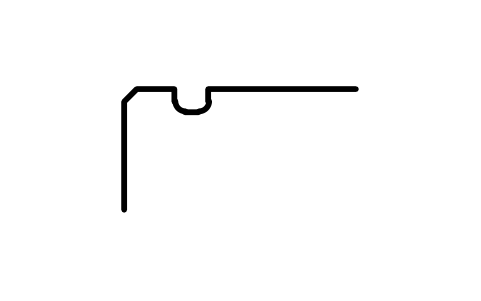
Snap ring groove D 32, series 4
BSR_G_4_32Atributos
DESIGNATIONSTANDARDSERIESOUTSIDE_DIAMETER_DGROOVE_DIAMETER_D1GROOVE_POSITION_APOSITION_TOLERANCEGROOVE_WIDTH_BFILLET_R0_MAXCHAMFER_R1_MINPART_NOREMARKSDESC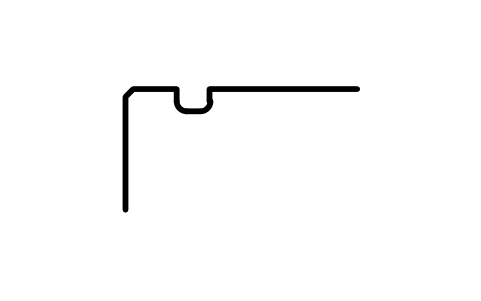
Snap ring groove D 35, series 0
BSR_G_0_35Atributos
DESIGNATIONSTANDARDSERIESOUTSIDE_DIAMETER_DGROOVE_DIAMETER_D1GROOVE_POSITION_APOSITION_TOLERANCEGROOVE_WIDTH_BFILLET_R0_MAXCHAMFER_R1_MINPART_NOREMARKSDESC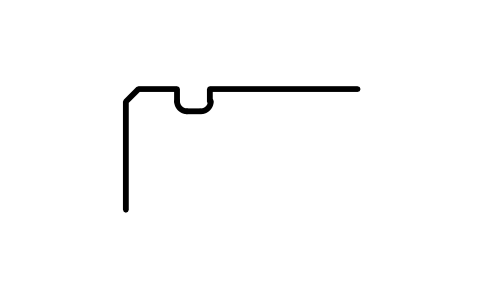
Snap ring groove D 35, series 2
BSR_G_2_35Atributos
DESIGNATIONSTANDARDSERIESOUTSIDE_DIAMETER_DGROOVE_DIAMETER_D1GROOVE_POSITION_APOSITION_TOLERANCEGROOVE_WIDTH_BFILLET_R0_MAXCHAMFER_R1_MINPART_NOREMARKSDESC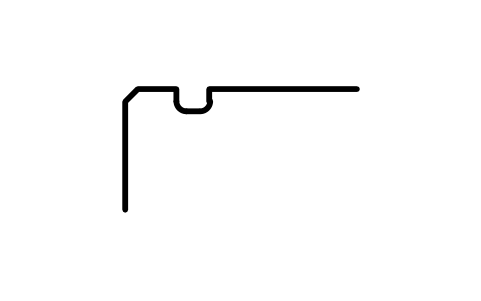
Snap ring groove D 35, series 3
BSR_G_3_35Atributos
DESIGNATIONSTANDARDSERIESOUTSIDE_DIAMETER_DGROOVE_DIAMETER_D1GROOVE_POSITION_APOSITION_TOLERANCEGROOVE_WIDTH_BFILLET_R0_MAXCHAMFER_R1_MINPART_NOREMARKSDESC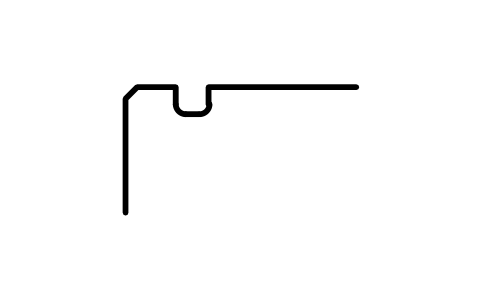
Snap ring groove D 37, series 3
BSR_G_3_37Atributos
DESIGNATIONSTANDARDSERIESOUTSIDE_DIAMETER_DGROOVE_DIAMETER_D1GROOVE_POSITION_APOSITION_TOLERANCEGROOVE_WIDTH_BFILLET_R0_MAXCHAMFER_R1_MINPART_NOREMARKSDESC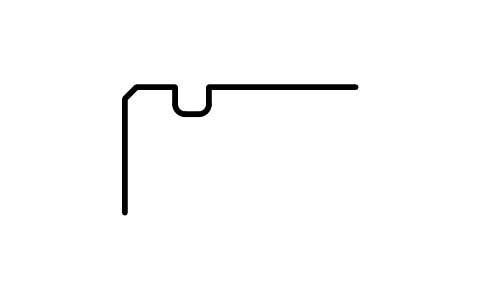
Snap ring groove D 37, series 4
BSR_G_4_37Atributos
DESIGNATIONSTANDARDSERIESOUTSIDE_DIAMETER_DGROOVE_DIAMETER_D1GROOVE_POSITION_APOSITION_TOLERANCEGROOVE_WIDTH_BFILLET_R0_MAXCHAMFER_R1_MINPART_NOREMARKSDESC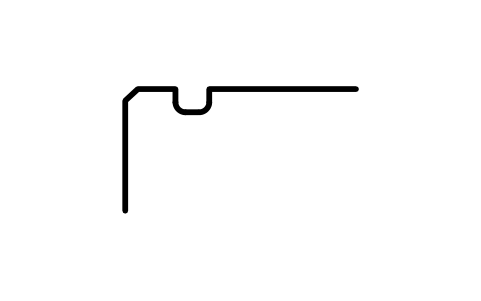
Snap ring groove D 40, series 2
BSR_G_2_40Atributos
DESIGNATIONSTANDARDSERIESOUTSIDE_DIAMETER_DGROOVE_DIAMETER_D1GROOVE_POSITION_APOSITION_TOLERANCEGROOVE_WIDTH_BFILLET_R0_MAXCHAMFER_R1_MINPART_NOREMARKSDESC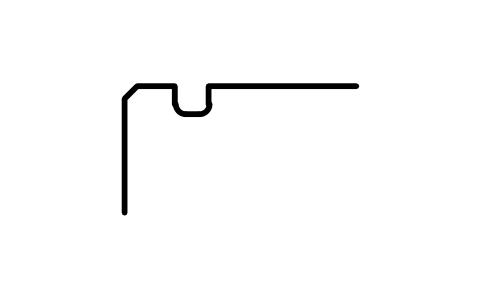
Snap ring groove D 42, series 0
BSR_G_0_42Atributos
DESIGNATIONSTANDARDSERIESOUTSIDE_DIAMETER_DGROOVE_DIAMETER_D1GROOVE_POSITION_APOSITION_TOLERANCEGROOVE_WIDTH_BFILLET_R0_MAXCHAMFER_R1_MINPART_NOREMARKSDESC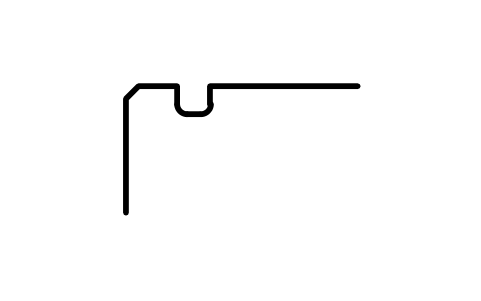
Snap ring groove D 42, series 3
BSR_G_3_42Atributos
DESIGNATIONSTANDARDSERIESOUTSIDE_DIAMETER_DGROOVE_DIAMETER_D1GROOVE_POSITION_APOSITION_TOLERANCEGROOVE_WIDTH_BFILLET_R0_MAXCHAMFER_R1_MINPART_NOREMARKSDESC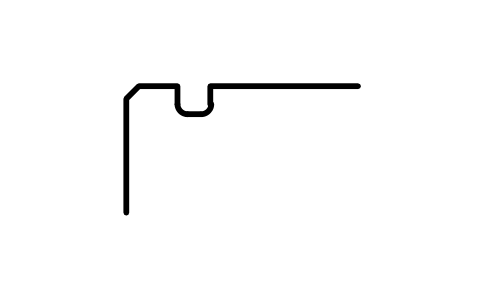
Snap ring groove D 42, series 4
BSR_G_4_42Atributos
DESIGNATIONSTANDARDSERIESOUTSIDE_DIAMETER_DGROOVE_DIAMETER_D1GROOVE_POSITION_APOSITION_TOLERANCEGROOVE_WIDTH_BFILLET_R0_MAXCHAMFER_R1_MINPART_NOREMARKSDESC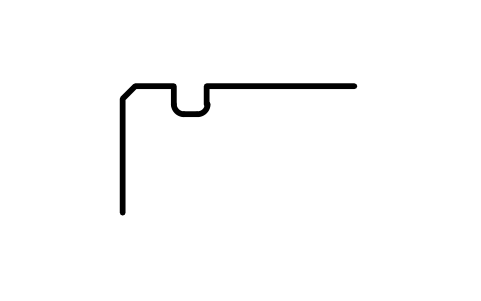
Snap ring groove D 44, series 0
BSR_G_0_44Atributos
DESIGNATIONSTANDARDSERIESOUTSIDE_DIAMETER_DGROOVE_DIAMETER_D1GROOVE_POSITION_APOSITION_TOLERANCEGROOVE_WIDTH_BFILLET_R0_MAXCHAMFER_R1_MINPART_NOREMARKSDESC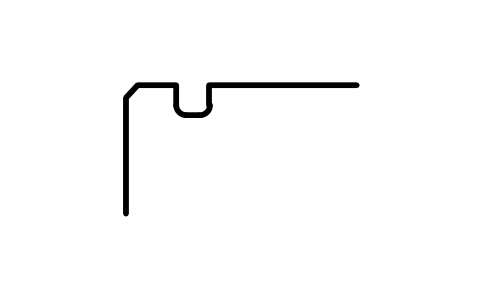
Snap ring groove D 47, series 0
BSR_G_0_47Atributos
DESIGNATIONSTANDARDSERIESOUTSIDE_DIAMETER_DGROOVE_DIAMETER_D1GROOVE_POSITION_APOSITION_TOLERANCEGROOVE_WIDTH_BFILLET_R0_MAXCHAMFER_R1_MINPART_NOREMARKSDESC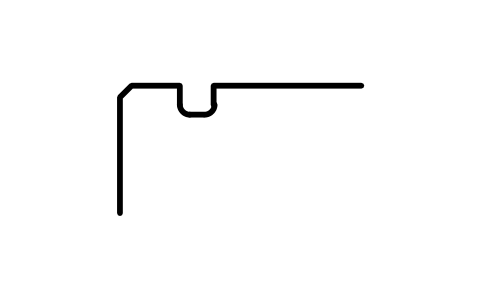
Snap ring groove D 47, series 2
BSR_G_2_47Atributos
DESIGNATIONSTANDARDSERIESOUTSIDE_DIAMETER_DGROOVE_DIAMETER_D1GROOVE_POSITION_APOSITION_TOLERANCEGROOVE_WIDTH_BFILLET_R0_MAXCHAMFER_R1_MINPART_NOREMARKSDESC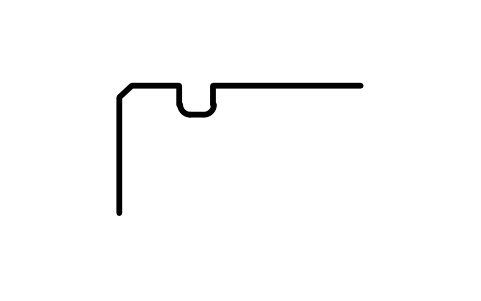
Snap ring groove D 47, series 3
BSR_G_3_47Atributos
DESIGNATIONSTANDARDSERIESOUTSIDE_DIAMETER_DGROOVE_DIAMETER_D1GROOVE_POSITION_APOSITION_TOLERANCEGROOVE_WIDTH_BFILLET_R0_MAXCHAMFER_R1_MINPART_NOREMARKSDESC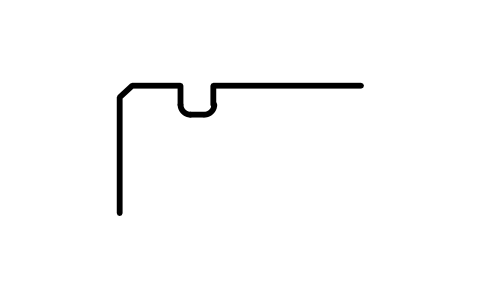
Snap ring groove D 50, series 2
BSR_G_2_50Atributos
DESIGNATIONSTANDARDSERIESOUTSIDE_DIAMETER_DGROOVE_DIAMETER_D1GROOVE_POSITION_APOSITION_TOLERANCEGROOVE_WIDTH_BFILLET_R0_MAXCHAMFER_R1_MINPART_NOREMARKSDESC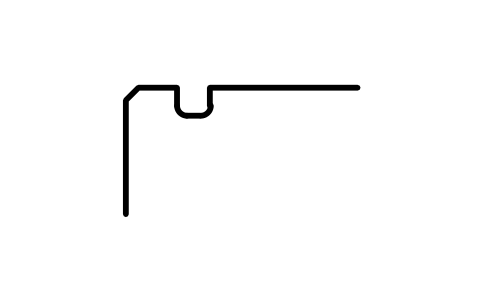
Snap ring groove D 52, series 0
BSR_G_0_52Atributos
DESIGNATIONSTANDARDSERIESOUTSIDE_DIAMETER_DGROOVE_DIAMETER_D1GROOVE_POSITION_APOSITION_TOLERANCEGROOVE_WIDTH_BFILLET_R0_MAXCHAMFER_R1_MINPART_NOREMARKSDESC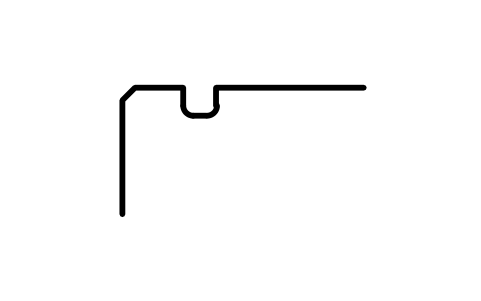
Snap ring groove D 52, series 2
BSR_G_2_52Atributos
DESIGNATIONSTANDARDSERIESOUTSIDE_DIAMETER_DGROOVE_DIAMETER_D1GROOVE_POSITION_APOSITION_TOLERANCEGROOVE_WIDTH_BFILLET_R0_MAXCHAMFER_R1_MINPART_NOREMARKSDESC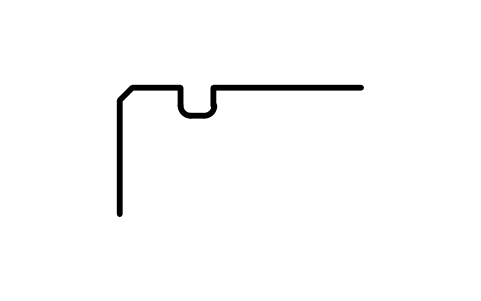
Snap ring groove D 52, series 3
BSR_G_3_52Atributos
DESIGNATIONSTANDARDSERIESOUTSIDE_DIAMETER_DGROOVE_DIAMETER_D1GROOVE_POSITION_APOSITION_TOLERANCEGROOVE_WIDTH_BFILLET_R0_MAXCHAMFER_R1_MINPART_NOREMARKSDESC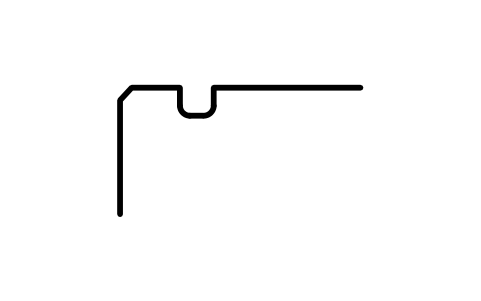
Snap ring groove D 52, series 4
BSR_G_4_52Atributos
DESIGNATIONSTANDARDSERIESOUTSIDE_DIAMETER_DGROOVE_DIAMETER_D1GROOVE_POSITION_APOSITION_TOLERANCEGROOVE_WIDTH_BFILLET_R0_MAXCHAMFER_R1_MINPART_NOREMARKSDESC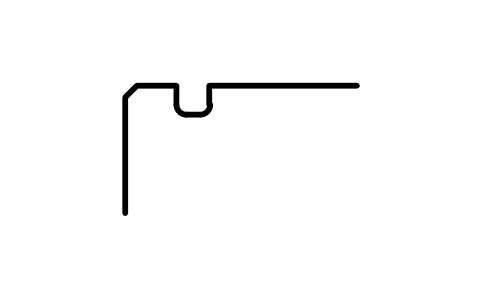
Snap ring groove D 55, series 0
BSR_G_0_55Atributos
DESIGNATIONSTANDARDSERIESOUTSIDE_DIAMETER_DGROOVE_DIAMETER_D1GROOVE_POSITION_APOSITION_TOLERANCEGROOVE_WIDTH_BFILLET_R0_MAXCHAMFER_R1_MINPART_NOREMARKSDESC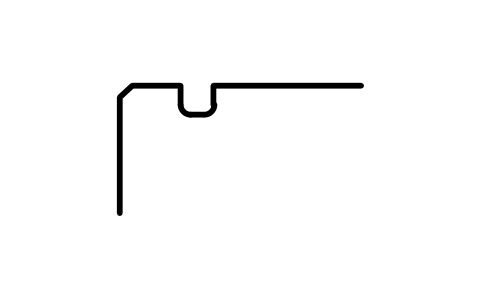
Snap ring groove D 56, series 3
BSR_G_3_56Atributos
DESIGNATIONSTANDARDSERIESOUTSIDE_DIAMETER_DGROOVE_DIAMETER_D1GROOVE_POSITION_APOSITION_TOLERANCEGROOVE_WIDTH_BFILLET_R0_MAXCHAMFER_R1_MINPART_NOREMARKSDESC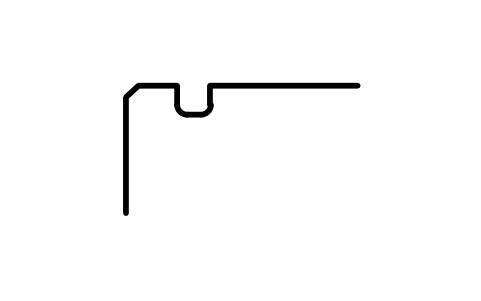
Snap ring groove D 58, series 0
BSR_G_0_58Atributos
DESIGNATIONSTANDARDSERIESOUTSIDE_DIAMETER_DGROOVE_DIAMETER_D1GROOVE_POSITION_APOSITION_TOLERANCEGROOVE_WIDTH_BFILLET_R0_MAXCHAMFER_R1_MINPART_NOREMARKSDESC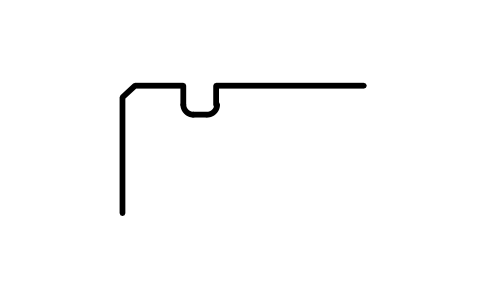
Snap ring groove D 58, series 2
BSR_G_2_58Atributos
DESIGNATIONSTANDARDSERIESOUTSIDE_DIAMETER_DGROOVE_DIAMETER_D1GROOVE_POSITION_APOSITION_TOLERANCEGROOVE_WIDTH_BFILLET_R0_MAXCHAMFER_R1_MINPART_NOREMARKSDESC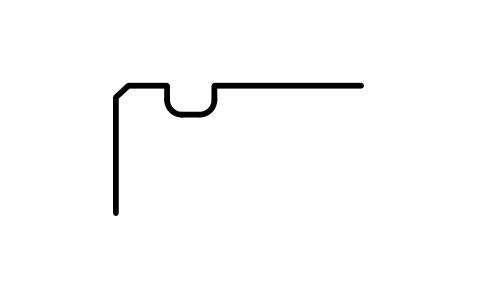
Snap ring groove D 62, series 0
BSR_G_0_62Atributos
DESIGNATIONSTANDARDSERIESOUTSIDE_DIAMETER_DGROOVE_DIAMETER_D1GROOVE_POSITION_APOSITION_TOLERANCEGROOVE_WIDTH_BFILLET_R0_MAXCHAMFER_R1_MINPART_NOREMARKSDESC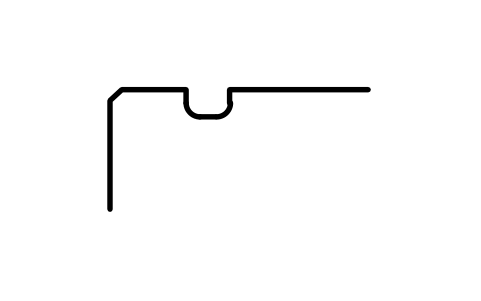
Snap ring groove D 62, series 2
BSR_G_2_62Atributos
DESIGNATIONSTANDARDSERIESOUTSIDE_DIAMETER_DGROOVE_DIAMETER_D1GROOVE_POSITION_APOSITION_TOLERANCEGROOVE_WIDTH_BFILLET_R0_MAXCHAMFER_R1_MINPART_NOREMARKSDESC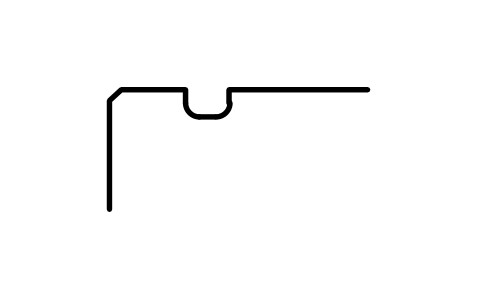
Snap ring groove D 62, series 3
BSR_G_3_62Atributos
DESIGNATIONSTANDARDSERIESOUTSIDE_DIAMETER_DGROOVE_DIAMETER_D1GROOVE_POSITION_APOSITION_TOLERANCEGROOVE_WIDTH_BFILLET_R0_MAXCHAMFER_R1_MINPART_NOREMARKSDESC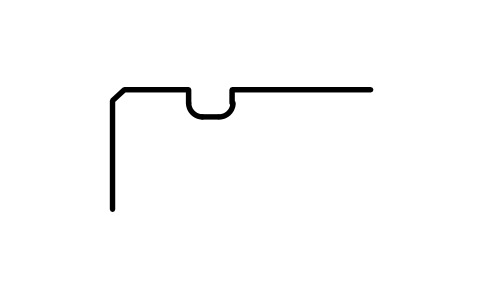
Snap ring groove D 62, series 4
BSR_G_4_62Atributos
DESIGNATIONSTANDARDSERIESOUTSIDE_DIAMETER_DGROOVE_DIAMETER_D1GROOVE_POSITION_APOSITION_TOLERANCEGROOVE_WIDTH_BFILLET_R0_MAXCHAMFER_R1_MINPART_NOREMARKSDESC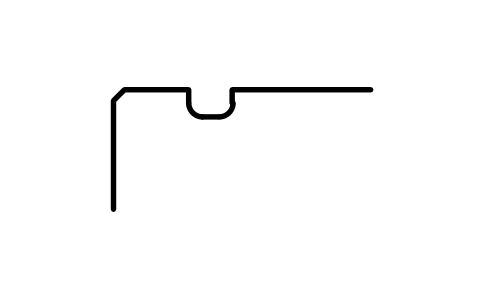
Snap ring groove D 65, series 2
BSR_G_2_65Atributos
DESIGNATIONSTANDARDSERIESOUTSIDE_DIAMETER_DGROOVE_DIAMETER_D1GROOVE_POSITION_APOSITION_TOLERANCEGROOVE_WIDTH_BFILLET_R0_MAXCHAMFER_R1_MINPART_NOREMARKSDESC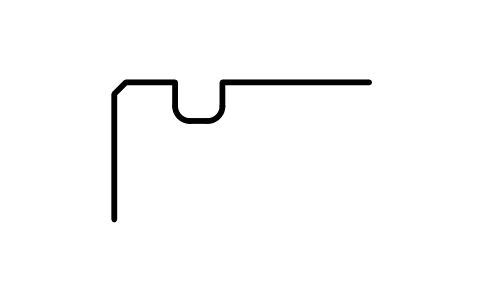
Snap ring groove D 68, series 0
BSR_G_0_68Atributos
DESIGNATIONSTANDARDSERIESOUTSIDE_DIAMETER_DGROOVE_DIAMETER_D1GROOVE_POSITION_APOSITION_TOLERANCEGROOVE_WIDTH_BFILLET_R0_MAXCHAMFER_R1_MINPART_NOREMARKSDESC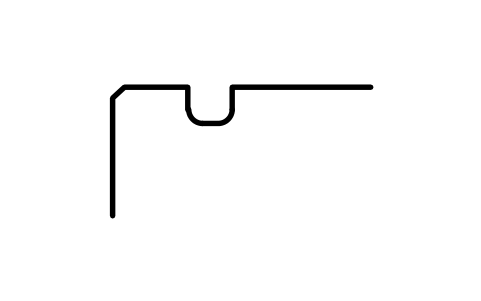
Snap ring groove D 68, series 3
BSR_G_3_68Atributos
DESIGNATIONSTANDARDSERIESOUTSIDE_DIAMETER_DGROOVE_DIAMETER_D1GROOVE_POSITION_APOSITION_TOLERANCEGROOVE_WIDTH_BFILLET_R0_MAXCHAMFER_R1_MINPART_NOREMARKSDESC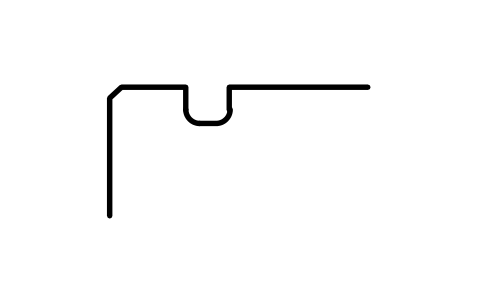
Snap ring groove D 72, series 2
BSR_G_2_72Atributos
DESIGNATIONSTANDARDSERIESOUTSIDE_DIAMETER_DGROOVE_DIAMETER_D1GROOVE_POSITION_APOSITION_TOLERANCEGROOVE_WIDTH_BFILLET_R0_MAXCHAMFER_R1_MINPART_NOREMARKSDESC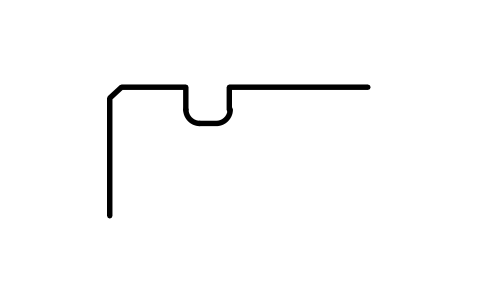
Snap ring groove D 72, series 3
BSR_G_3_72Atributos
DESIGNATIONSTANDARDSERIESOUTSIDE_DIAMETER_DGROOVE_DIAMETER_D1GROOVE_POSITION_APOSITION_TOLERANCEGROOVE_WIDTH_BFILLET_R0_MAXCHAMFER_R1_MINPART_NOREMARKSDESC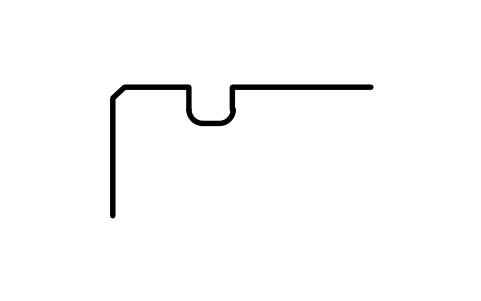
Snap ring groove D 72, series 4
BSR_G_4_72Atributos
DESIGNATIONSTANDARDSERIESOUTSIDE_DIAMETER_DGROOVE_DIAMETER_D1GROOVE_POSITION_APOSITION_TOLERANCEGROOVE_WIDTH_BFILLET_R0_MAXCHAMFER_R1_MINPART_NOREMARKSDESC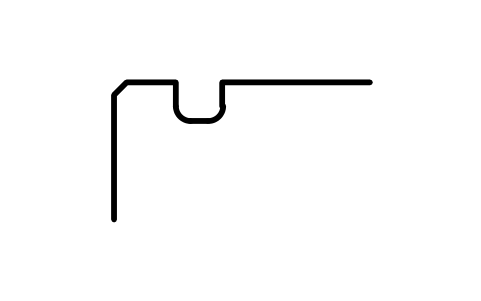
Snap ring groove D 75, series 0
BSR_G_0_75Atributos
DESIGNATIONSTANDARDSERIESOUTSIDE_DIAMETER_DGROOVE_DIAMETER_D1GROOVE_POSITION_APOSITION_TOLERANCEGROOVE_WIDTH_BFILLET_R0_MAXCHAMFER_R1_MINPART_NOREMARKSDESC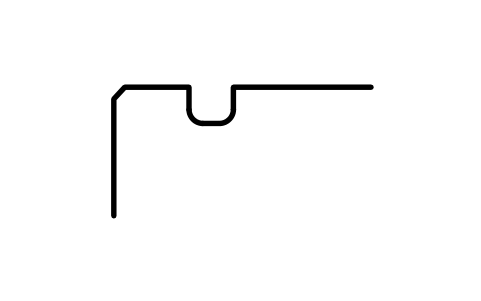
Snap ring groove D 75, series 3
BSR_G_3_75Atributos
DESIGNATIONSTANDARDSERIESOUTSIDE_DIAMETER_DGROOVE_DIAMETER_D1GROOVE_POSITION_APOSITION_TOLERANCEGROOVE_WIDTH_BFILLET_R0_MAXCHAMFER_R1_MINPART_NOREMARKSDESC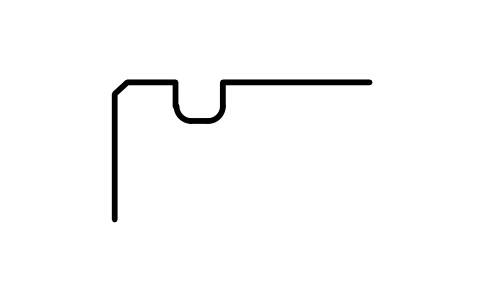
Snap ring groove D 80, series 0
BSR_G_0_80Atributos
DESIGNATIONSTANDARDSERIESOUTSIDE_DIAMETER_DGROOVE_DIAMETER_D1GROOVE_POSITION_APOSITION_TOLERANCEGROOVE_WIDTH_BFILLET_R0_MAXCHAMFER_R1_MINPART_NOREMARKSDESC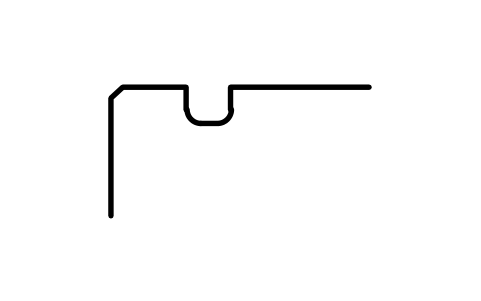
Snap ring groove D 80, series 2
BSR_G_2_80Atributos
DESIGNATIONSTANDARDSERIESOUTSIDE_DIAMETER_DGROOVE_DIAMETER_D1GROOVE_POSITION_APOSITION_TOLERANCEGROOVE_WIDTH_BFILLET_R0_MAXCHAMFER_R1_MINPART_NOREMARKSDESC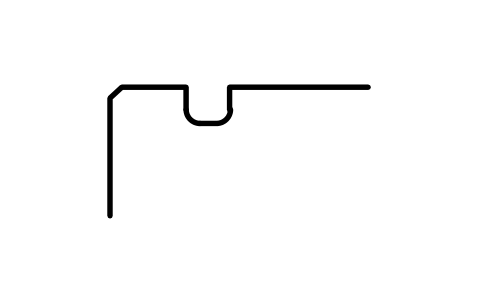
Snap ring groove D 80, series 3
BSR_G_3_80Atributos
DESIGNATIONSTANDARDSERIESOUTSIDE_DIAMETER_DGROOVE_DIAMETER_D1GROOVE_POSITION_APOSITION_TOLERANCEGROOVE_WIDTH_BFILLET_R0_MAXCHAMFER_R1_MINPART_NOREMARKSDESC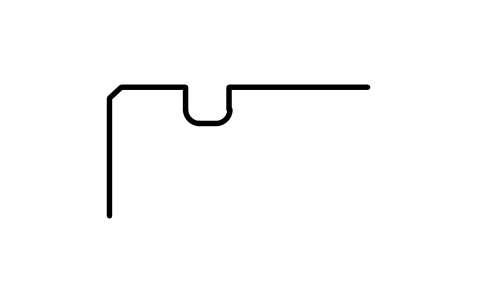
Snap ring groove D 80, series 4
BSR_G_4_80Atributos
DESIGNATIONSTANDARDSERIESOUTSIDE_DIAMETER_DGROOVE_DIAMETER_D1GROOVE_POSITION_APOSITION_TOLERANCEGROOVE_WIDTH_BFILLET_R0_MAXCHAMFER_R1_MINPART_NOREMARKSDESC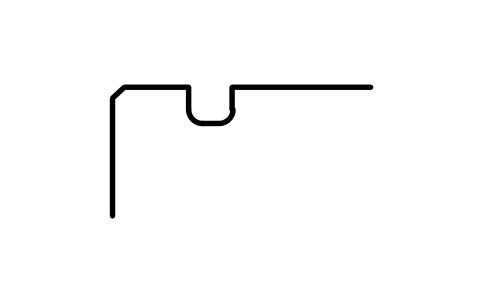
Snap ring groove D 85, series 2
BSR_G_2_85Atributos
DESIGNATIONSTANDARDSERIESOUTSIDE_DIAMETER_DGROOVE_DIAMETER_D1GROOVE_POSITION_APOSITION_TOLERANCEGROOVE_WIDTH_BFILLET_R0_MAXCHAMFER_R1_MINPART_NOREMARKSDESC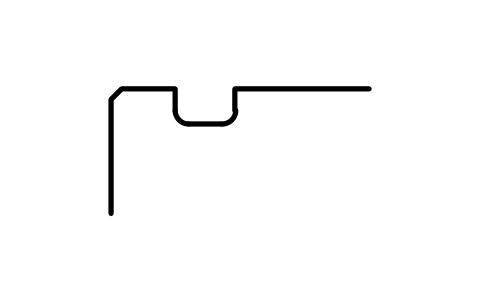
Snap ring groove D 90, series 0
BSR_G_0_90Atributos
DESIGNATIONSTANDARDSERIESOUTSIDE_DIAMETER_DGROOVE_DIAMETER_D1GROOVE_POSITION_APOSITION_TOLERANCEGROOVE_WIDTH_BFILLET_R0_MAXCHAMFER_R1_MINPART_NOREMARKSDESC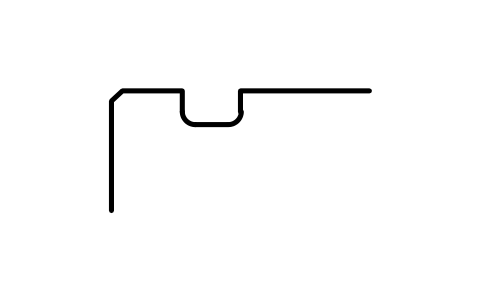
Snap ring groove D 90, series 2
BSR_G_2_90Atributos
DESIGNATIONSTANDARDSERIESOUTSIDE_DIAMETER_DGROOVE_DIAMETER_D1GROOVE_POSITION_APOSITION_TOLERANCEGROOVE_WIDTH_BFILLET_R0_MAXCHAMFER_R1_MINPART_NOREMARKSDESC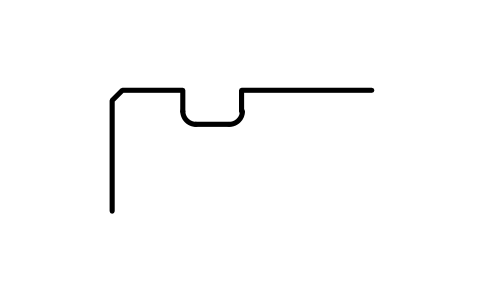
Snap ring groove D 90, series 3
BSR_G_3_90Atributos
DESIGNATIONSTANDARDSERIESOUTSIDE_DIAMETER_DGROOVE_DIAMETER_D1GROOVE_POSITION_APOSITION_TOLERANCEGROOVE_WIDTH_BFILLET_R0_MAXCHAMFER_R1_MINPART_NOREMARKSDESC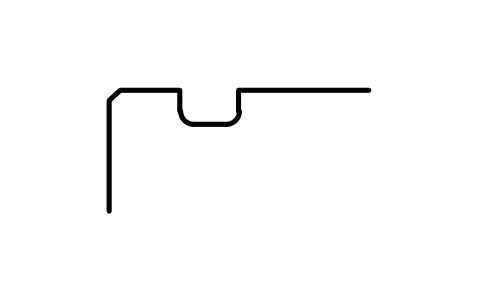
Snap ring groove D 90, series 4
BSR_G_4_90Atributos
DESIGNATIONSTANDARDSERIESOUTSIDE_DIAMETER_DGROOVE_DIAMETER_D1GROOVE_POSITION_APOSITION_TOLERANCEGROOVE_WIDTH_BFILLET_R0_MAXCHAMFER_R1_MINPART_NOREMARKSDESC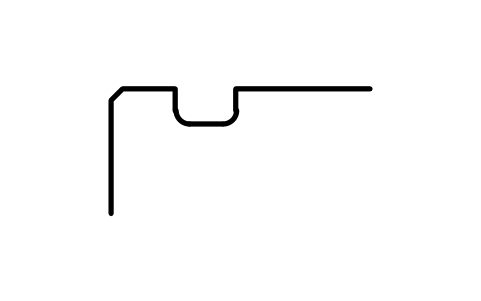
Snap ring groove D 95, series 0
BSR_G_0_95Atributos
DESIGNATIONSTANDARDSERIESOUTSIDE_DIAMETER_DGROOVE_DIAMETER_D1GROOVE_POSITION_APOSITION_TOLERANCEGROOVE_WIDTH_BFILLET_R0_MAXCHAMFER_R1_MINPART_NOREMARKSDESC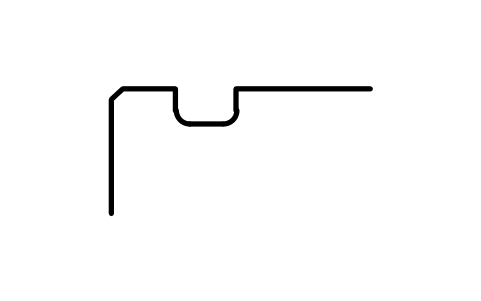
Snap ring groove D 100, series 0
BSR_G_0_100Atributos
DESIGNATIONSTANDARDSERIESOUTSIDE_DIAMETER_DGROOVE_DIAMETER_D1GROOVE_POSITION_APOSITION_TOLERANCEGROOVE_WIDTH_BFILLET_R0_MAXCHAMFER_R1_MINPART_NOREMARKSDESC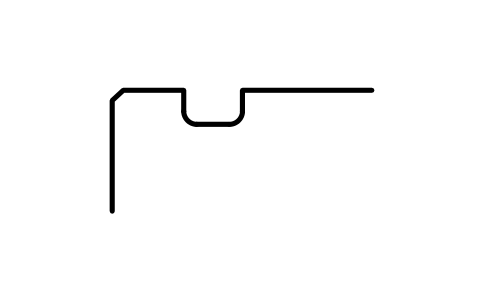
Snap ring groove D 100, series 2
BSR_G_2_100Atributos
DESIGNATIONSTANDARDSERIESOUTSIDE_DIAMETER_DGROOVE_DIAMETER_D1GROOVE_POSITION_APOSITION_TOLERANCEGROOVE_WIDTH_BFILLET_R0_MAXCHAMFER_R1_MINPART_NOREMARKSDESC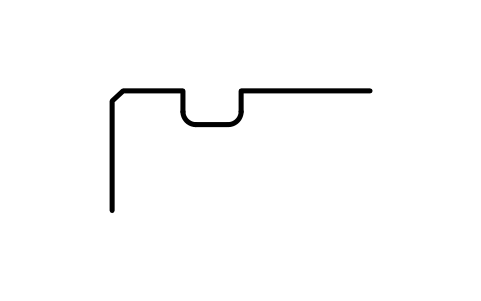
Snap ring groove D 100, series 3
BSR_G_3_100Atributos
DESIGNATIONSTANDARDSERIESOUTSIDE_DIAMETER_DGROOVE_DIAMETER_D1GROOVE_POSITION_APOSITION_TOLERANCEGROOVE_WIDTH_BFILLET_R0_MAXCHAMFER_R1_MINPART_NOREMARKSDESC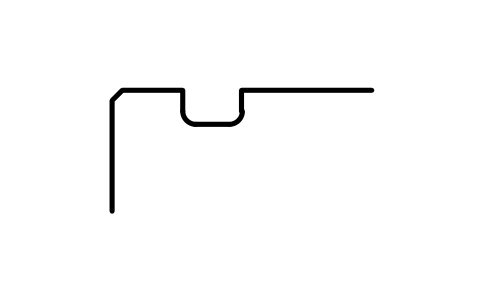
Snap ring groove D 100, series 4
BSR_G_4_100Atributos
DESIGNATIONSTANDARDSERIESOUTSIDE_DIAMETER_DGROOVE_DIAMETER_D1GROOVE_POSITION_APOSITION_TOLERANCEGROOVE_WIDTH_BFILLET_R0_MAXCHAMFER_R1_MINPART_NOREMARKSDESC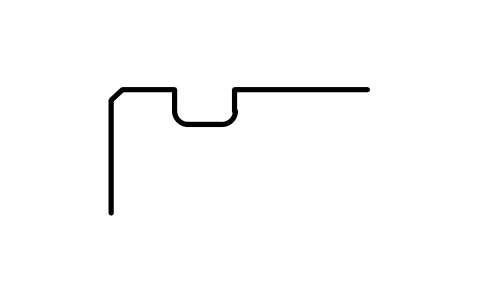
Snap ring groove D 110, series 0
BSR_G_0_110Atributos
DESIGNATIONSTANDARDSERIESOUTSIDE_DIAMETER_DGROOVE_DIAMETER_D1GROOVE_POSITION_APOSITION_TOLERANCEGROOVE_WIDTH_BFILLET_R0_MAXCHAMFER_R1_MINPART_NOREMARKSDESC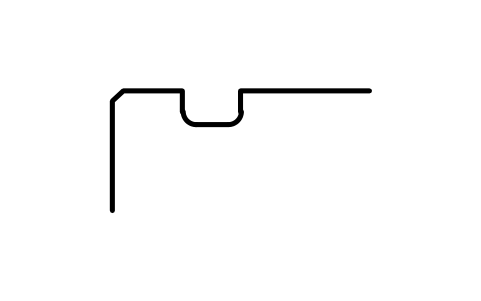
Snap ring groove D 110, series 2
BSR_G_2_110Atributos
DESIGNATIONSTANDARDSERIESOUTSIDE_DIAMETER_DGROOVE_DIAMETER_D1GROOVE_POSITION_APOSITION_TOLERANCEGROOVE_WIDTH_BFILLET_R0_MAXCHAMFER_R1_MINPART_NOREMARKSDESC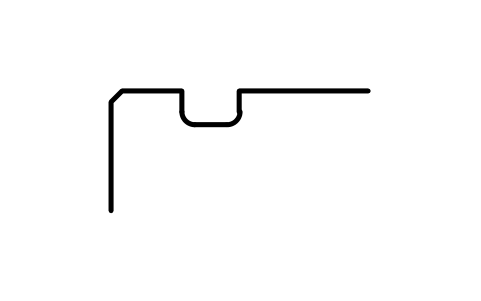
Snap ring groove D 110, series 3
BSR_G_3_110Atributos
DESIGNATIONSTANDARDSERIESOUTSIDE_DIAMETER_DGROOVE_DIAMETER_D1GROOVE_POSITION_APOSITION_TOLERANCEGROOVE_WIDTH_BFILLET_R0_MAXCHAMFER_R1_MINPART_NOREMARKSDESC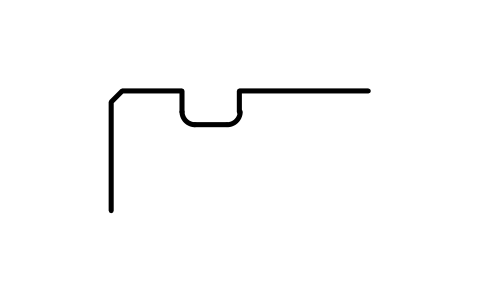
Snap ring groove D 110, series 4
BSR_G_4_110Atributos
DESIGNATIONSTANDARDSERIESOUTSIDE_DIAMETER_DGROOVE_DIAMETER_D1GROOVE_POSITION_APOSITION_TOLERANCEGROOVE_WIDTH_BFILLET_R0_MAXCHAMFER_R1_MINPART_NOREMARKSDESC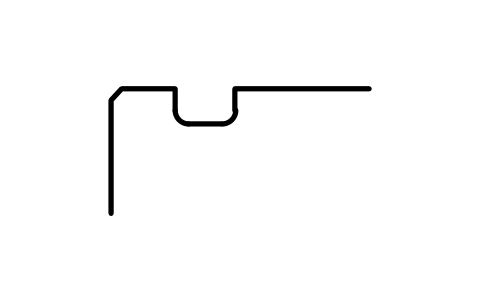
Snap ring groove D 115, series 0
BSR_G_0_115Atributos
DESIGNATIONSTANDARDSERIESOUTSIDE_DIAMETER_DGROOVE_DIAMETER_D1GROOVE_POSITION_APOSITION_TOLERANCEGROOVE_WIDTH_BFILLET_R0_MAXCHAMFER_R1_MINPART_NOREMARKSDESC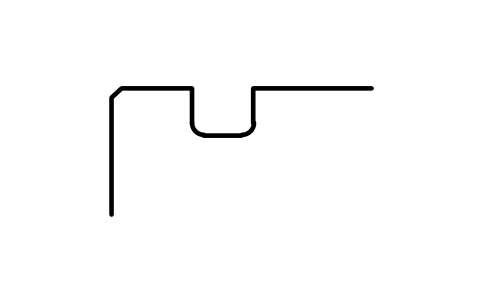
Snap ring groove D 120, series 2
BSR_G_2_120Atributos
DESIGNATIONSTANDARDSERIESOUTSIDE_DIAMETER_DGROOVE_DIAMETER_D1GROOVE_POSITION_APOSITION_TOLERANCEGROOVE_WIDTH_BFILLET_R0_MAXCHAMFER_R1_MINPART_NOREMARKSDESC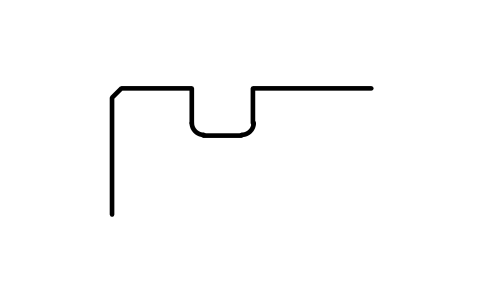
Snap ring groove D 120, series 3
BSR_G_3_120Atributos
DESIGNATIONSTANDARDSERIESOUTSIDE_DIAMETER_DGROOVE_DIAMETER_D1GROOVE_POSITION_APOSITION_TOLERANCEGROOVE_WIDTH_BFILLET_R0_MAXCHAMFER_R1_MINPART_NOREMARKSDESC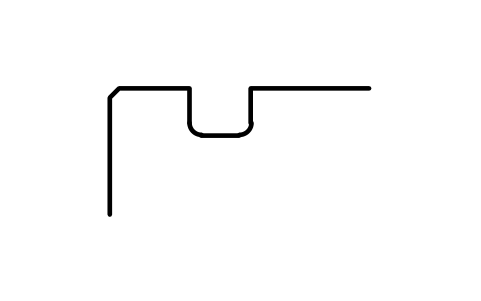
Snap ring groove D 120, series 4
BSR_G_4_120Atributos
DESIGNATIONSTANDARDSERIESOUTSIDE_DIAMETER_DGROOVE_DIAMETER_D1GROOVE_POSITION_APOSITION_TOLERANCEGROOVE_WIDTH_BFILLET_R0_MAXCHAMFER_R1_MINPART_NOREMARKSDESC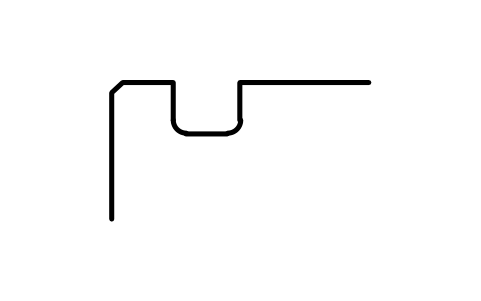
Snap ring groove D 125, series 0
BSR_G_0_125Atributos
DESIGNATIONSTANDARDSERIESOUTSIDE_DIAMETER_DGROOVE_DIAMETER_D1GROOVE_POSITION_APOSITION_TOLERANCEGROOVE_WIDTH_BFILLET_R0_MAXCHAMFER_R1_MINPART_NOREMARKSDESC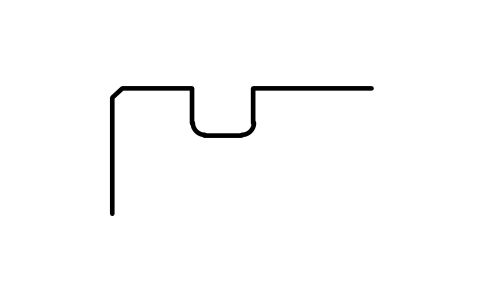
Snap ring groove D 125, series 2
BSR_G_2_125Atributos
DESIGNATIONSTANDARDSERIESOUTSIDE_DIAMETER_DGROOVE_DIAMETER_D1GROOVE_POSITION_APOSITION_TOLERANCEGROOVE_WIDTH_BFILLET_R0_MAXCHAMFER_R1_MINPART_NOREMARKSDESC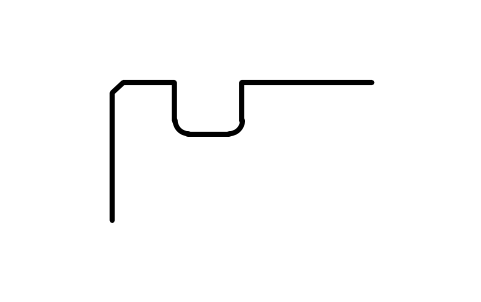
Snap ring groove D 130, series 0
BSR_G_0_130Atributos
DESIGNATIONSTANDARDSERIESOUTSIDE_DIAMETER_DGROOVE_DIAMETER_D1GROOVE_POSITION_APOSITION_TOLERANCEGROOVE_WIDTH_BFILLET_R0_MAXCHAMFER_R1_MINPART_NOREMARKSDESC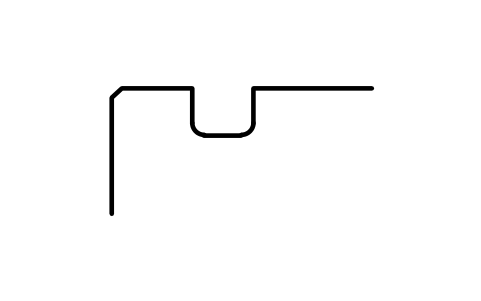
Snap ring groove D 130, series 2
BSR_G_2_130Atributos
DESIGNATIONSTANDARDSERIESOUTSIDE_DIAMETER_DGROOVE_DIAMETER_D1GROOVE_POSITION_APOSITION_TOLERANCEGROOVE_WIDTH_BFILLET_R0_MAXCHAMFER_R1_MINPART_NOREMARKSDESC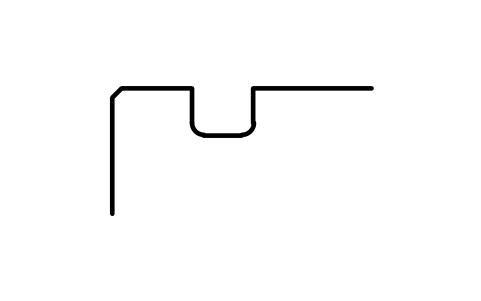
Snap ring groove D 130, series 3
BSR_G_3_130Atributos
DESIGNATIONSTANDARDSERIESOUTSIDE_DIAMETER_DGROOVE_DIAMETER_D1GROOVE_POSITION_APOSITION_TOLERANCEGROOVE_WIDTH_BFILLET_R0_MAXCHAMFER_R1_MINPART_NOREMARKSDESC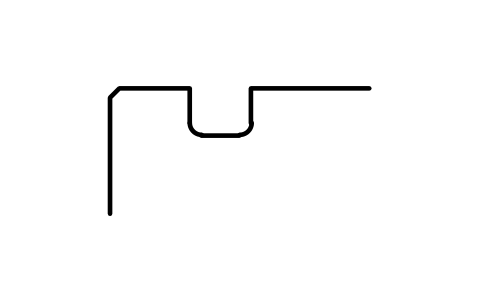
Snap ring groove D 130, series 4
BSR_G_4_130Atributos
DESIGNATIONSTANDARDSERIESOUTSIDE_DIAMETER_DGROOVE_DIAMETER_D1GROOVE_POSITION_APOSITION_TOLERANCEGROOVE_WIDTH_BFILLET_R0_MAXCHAMFER_R1_MINPART_NOREMARKSDESC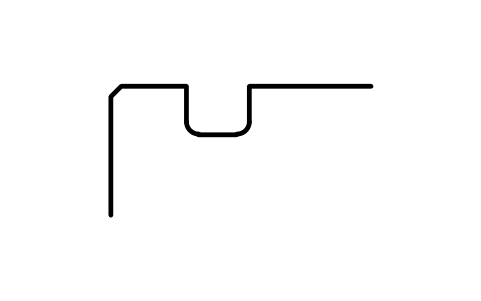
Snap ring groove D 140, series 0
BSR_G_0_140Atributos
DESIGNATIONSTANDARDSERIESOUTSIDE_DIAMETER_DGROOVE_DIAMETER_D1GROOVE_POSITION_APOSITION_TOLERANCEGROOVE_WIDTH_BFILLET_R0_MAXCHAMFER_R1_MINPART_NOREMARKSDESC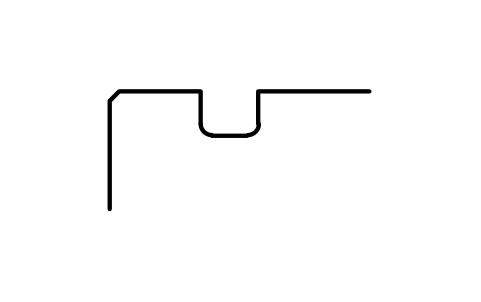
Snap ring groove D 140, series 2
BSR_G_2_140Atributos
DESIGNATIONSTANDARDSERIESOUTSIDE_DIAMETER_DGROOVE_DIAMETER_D1GROOVE_POSITION_APOSITION_TOLERANCEGROOVE_WIDTH_BFILLET_R0_MAXCHAMFER_R1_MINPART_NOREMARKSDESC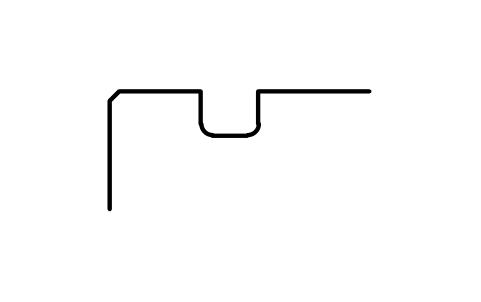
Snap ring groove D 140, series 3
BSR_G_3_140Atributos
DESIGNATIONSTANDARDSERIESOUTSIDE_DIAMETER_DGROOVE_DIAMETER_D1GROOVE_POSITION_APOSITION_TOLERANCEGROOVE_WIDTH_BFILLET_R0_MAXCHAMFER_R1_MINPART_NOREMARKSDESC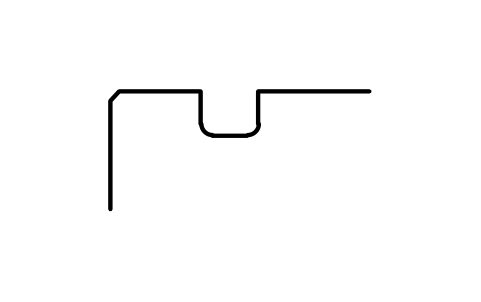
Snap ring groove D 140, series 4
BSR_G_4_140Atributos
DESIGNATIONSTANDARDSERIESOUTSIDE_DIAMETER_DGROOVE_DIAMETER_D1GROOVE_POSITION_APOSITION_TOLERANCEGROOVE_WIDTH_BFILLET_R0_MAXCHAMFER_R1_MINPART_NOREMARKSDESC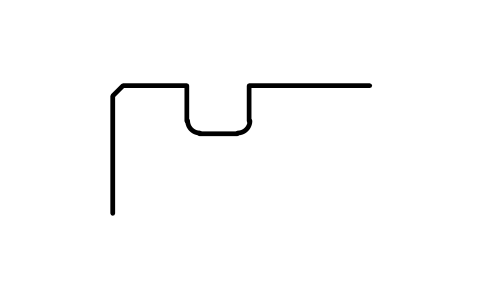
Snap ring groove D 145, series 0
BSR_G_0_145Atributos
DESIGNATIONSTANDARDSERIESOUTSIDE_DIAMETER_DGROOVE_DIAMETER_D1GROOVE_POSITION_APOSITION_TOLERANCEGROOVE_WIDTH_BFILLET_R0_MAXCHAMFER_R1_MINPART_NOREMARKSDESC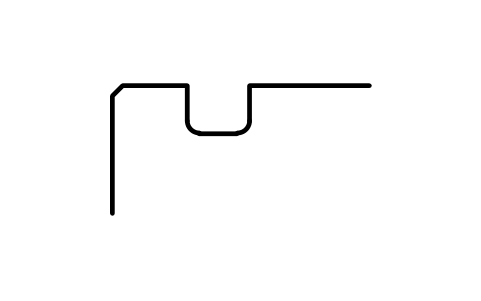
Snap ring groove D 150, series 0
BSR_G_0_150Atributos
DESIGNATIONSTANDARDSERIESOUTSIDE_DIAMETER_DGROOVE_DIAMETER_D1GROOVE_POSITION_APOSITION_TOLERANCEGROOVE_WIDTH_BFILLET_R0_MAXCHAMFER_R1_MINPART_NOREMARKSDESC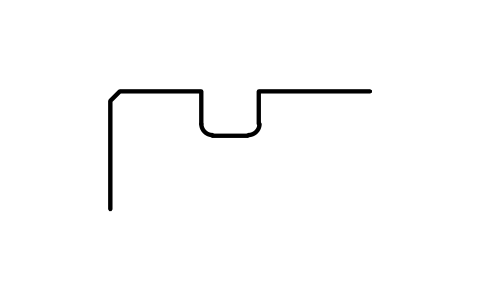
Snap ring groove D 150, series 2
BSR_G_2_150Atributos
DESIGNATIONSTANDARDSERIESOUTSIDE_DIAMETER_DGROOVE_DIAMETER_D1GROOVE_POSITION_APOSITION_TOLERANCEGROOVE_WIDTH_BFILLET_R0_MAXCHAMFER_R1_MINPART_NOREMARKSDESC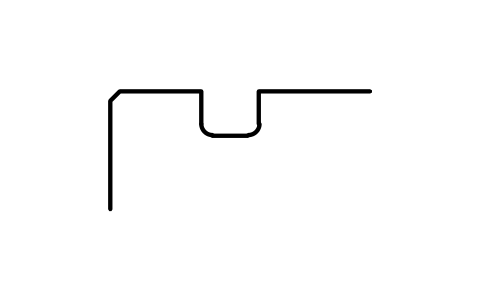
Snap ring groove D 150, series 3
BSR_G_3_150Atributos
DESIGNATIONSTANDARDSERIESOUTSIDE_DIAMETER_DGROOVE_DIAMETER_D1GROOVE_POSITION_APOSITION_TOLERANCEGROOVE_WIDTH_BFILLET_R0_MAXCHAMFER_R1_MINPART_NOREMARKSDESC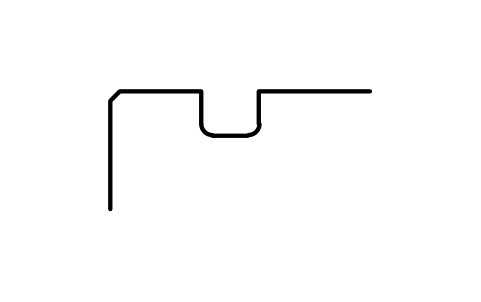
Snap ring groove D 150, series 4
BSR_G_4_150Atributos
DESIGNATIONSTANDARDSERIESOUTSIDE_DIAMETER_DGROOVE_DIAMETER_D1GROOVE_POSITION_APOSITION_TOLERANCEGROOVE_WIDTH_BFILLET_R0_MAXCHAMFER_R1_MINPART_NOREMARKSDESC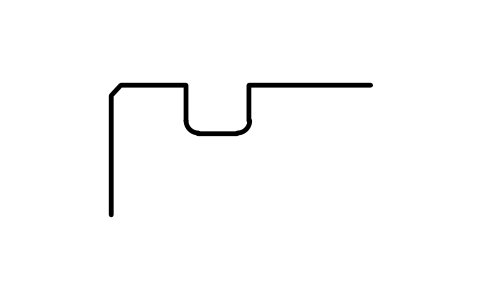
Snap ring groove D 160, series 0
BSR_G_0_160Atributos
DESIGNATIONSTANDARDSERIESOUTSIDE_DIAMETER_DGROOVE_DIAMETER_D1GROOVE_POSITION_APOSITION_TOLERANCEGROOVE_WIDTH_BFILLET_R0_MAXCHAMFER_R1_MINPART_NOREMARKSDESC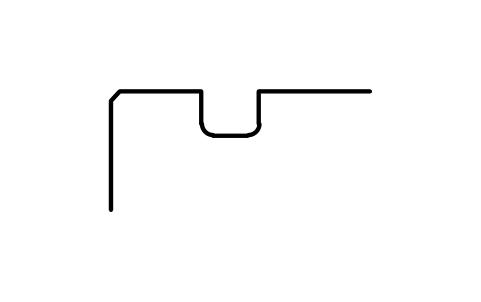
Snap ring groove D 160, series 2
BSR_G_2_160Atributos
DESIGNATIONSTANDARDSERIESOUTSIDE_DIAMETER_DGROOVE_DIAMETER_D1GROOVE_POSITION_APOSITION_TOLERANCEGROOVE_WIDTH_BFILLET_R0_MAXCHAMFER_R1_MINPART_NOREMARKSDESC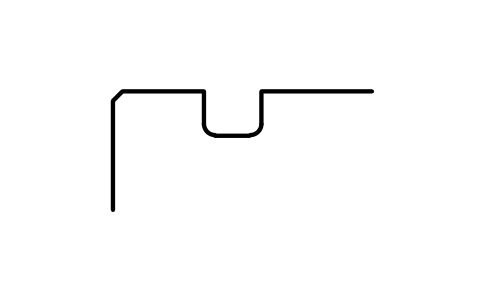
Snap ring groove D 160, series 3
BSR_G_3_160Atributos
DESIGNATIONSTANDARDSERIESOUTSIDE_DIAMETER_DGROOVE_DIAMETER_D1GROOVE_POSITION_APOSITION_TOLERANCEGROOVE_WIDTH_BFILLET_R0_MAXCHAMFER_R1_MINPART_NOREMARKSDESC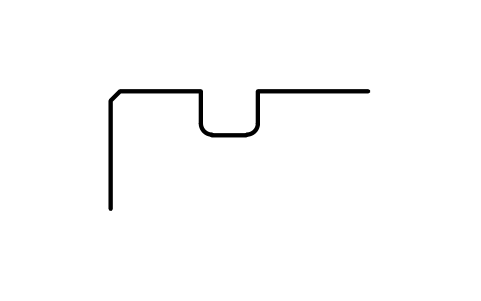
Snap ring groove D 160, series 4
BSR_G_4_160Atributos
DESIGNATIONSTANDARDSERIESOUTSIDE_DIAMETER_DGROOVE_DIAMETER_D1GROOVE_POSITION_APOSITION_TOLERANCEGROOVE_WIDTH_BFILLET_R0_MAXCHAMFER_R1_MINPART_NOREMARKSDESC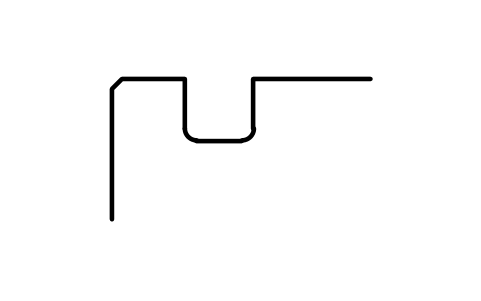
Snap ring groove D 170, series 0
BSR_G_0_170Atributos
DESIGNATIONSTANDARDSERIESOUTSIDE_DIAMETER_DGROOVE_DIAMETER_D1GROOVE_POSITION_APOSITION_TOLERANCEGROOVE_WIDTH_BFILLET_R0_MAXCHAMFER_R1_MINPART_NOREMARKSDESC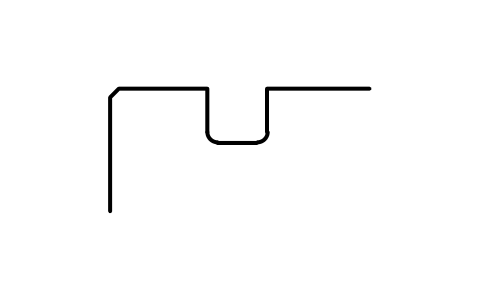
Snap ring groove D 170, series 2
BSR_G_2_170Atributos
DESIGNATIONSTANDARDSERIESOUTSIDE_DIAMETER_DGROOVE_DIAMETER_D1GROOVE_POSITION_APOSITION_TOLERANCEGROOVE_WIDTH_BFILLET_R0_MAXCHAMFER_R1_MINPART_NOREMARKSDESC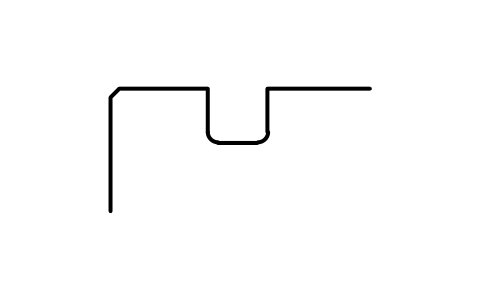
Snap ring groove D 170, series 3
BSR_G_3_170Atributos
DESIGNATIONSTANDARDSERIESOUTSIDE_DIAMETER_DGROOVE_DIAMETER_D1GROOVE_POSITION_APOSITION_TOLERANCEGROOVE_WIDTH_BFILLET_R0_MAXCHAMFER_R1_MINPART_NOREMARKSDESC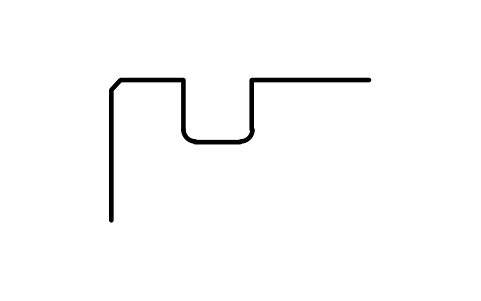
Snap ring groove D 180, series 0
BSR_G_0_180Atributos
DESIGNATIONSTANDARDSERIESOUTSIDE_DIAMETER_DGROOVE_DIAMETER_D1GROOVE_POSITION_APOSITION_TOLERANCEGROOVE_WIDTH_BFILLET_R0_MAXCHAMFER_R1_MINPART_NOREMARKSDESC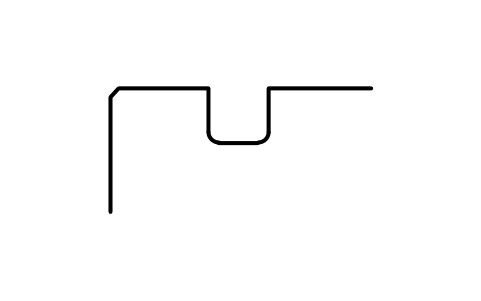
Snap ring groove D 180, series 2
BSR_G_2_180Atributos
DESIGNATIONSTANDARDSERIESOUTSIDE_DIAMETER_DGROOVE_DIAMETER_D1GROOVE_POSITION_APOSITION_TOLERANCEGROOVE_WIDTH_BFILLET_R0_MAXCHAMFER_R1_MINPART_NOREMARKSDESC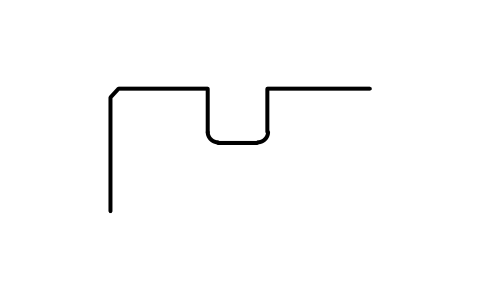
Snap ring groove D 180, series 3
BSR_G_3_180Atributos
DESIGNATIONSTANDARDSERIESOUTSIDE_DIAMETER_DGROOVE_DIAMETER_D1GROOVE_POSITION_APOSITION_TOLERANCEGROOVE_WIDTH_BFILLET_R0_MAXCHAMFER_R1_MINPART_NOREMARKSDESC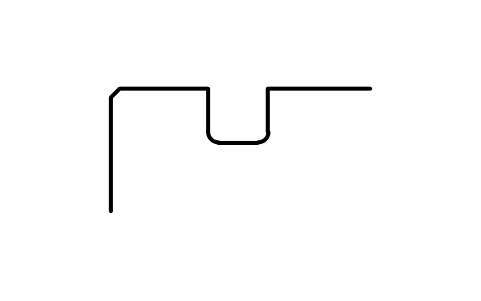
Snap ring groove D 180, series 4
BSR_G_4_180Atributos
DESIGNATIONSTANDARDSERIESOUTSIDE_DIAMETER_DGROOVE_DIAMETER_D1GROOVE_POSITION_APOSITION_TOLERANCEGROOVE_WIDTH_BFILLET_R0_MAXCHAMFER_R1_MINPART_NOREMARKSDESC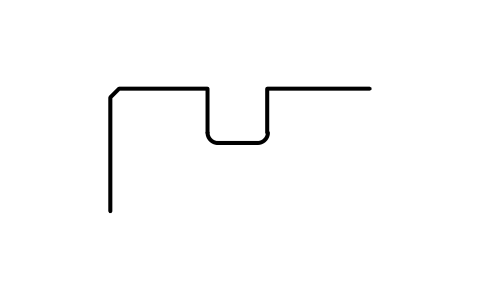
Snap ring groove D 190, series 2
BSR_G_2_190Atributos
DESIGNATIONSTANDARDSERIESOUTSIDE_DIAMETER_DGROOVE_DIAMETER_D1GROOVE_POSITION_APOSITION_TOLERANCEGROOVE_WIDTH_BFILLET_R0_MAXCHAMFER_R1_MINPART_NOREMARKSDESC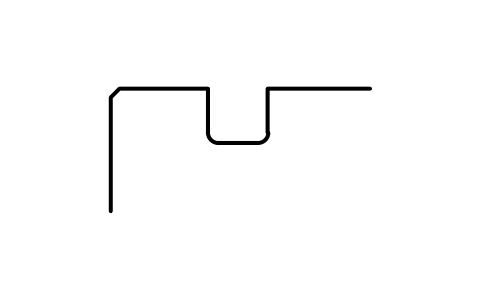
Snap ring groove D 190, series 3
BSR_G_3_190Atributos
DESIGNATIONSTANDARDSERIESOUTSIDE_DIAMETER_DGROOVE_DIAMETER_D1GROOVE_POSITION_APOSITION_TOLERANCEGROOVE_WIDTH_BFILLET_R0_MAXCHAMFER_R1_MINPART_NOREMARKSDESC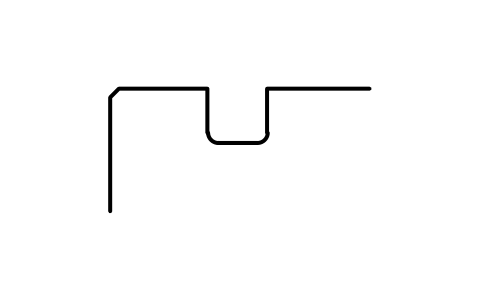
Snap ring groove D 190, series 4
BSR_G_4_190Atributos
DESIGNATIONSTANDARDSERIESOUTSIDE_DIAMETER_DGROOVE_DIAMETER_D1GROOVE_POSITION_APOSITION_TOLERANCEGROOVE_WIDTH_BFILLET_R0_MAXCHAMFER_R1_MINPART_NOREMARKSDESC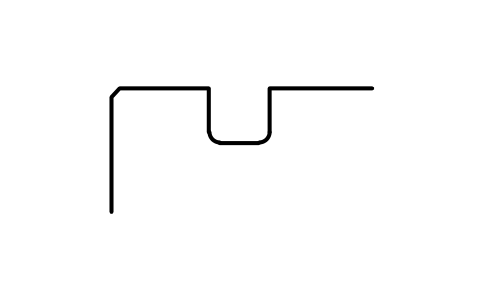
Snap ring groove D 200, series 0
BSR_G_0_200Atributos
DESIGNATIONSTANDARDSERIESOUTSIDE_DIAMETER_DGROOVE_DIAMETER_D1GROOVE_POSITION_APOSITION_TOLERANCEGROOVE_WIDTH_BFILLET_R0_MAXCHAMFER_R1_MINPART_NOREMARKSDESC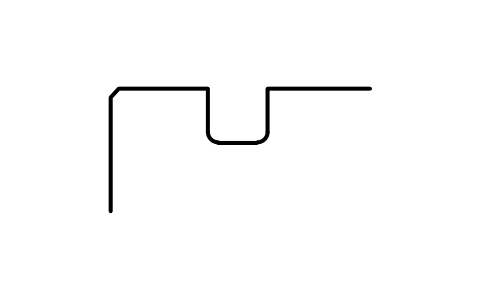
Snap ring groove D 200, series 2
BSR_G_2_200Atributos
DESIGNATIONSTANDARDSERIESOUTSIDE_DIAMETER_DGROOVE_DIAMETER_D1GROOVE_POSITION_APOSITION_TOLERANCEGROOVE_WIDTH_BFILLET_R0_MAXCHAMFER_R1_MINPART_NOREMARKSDESC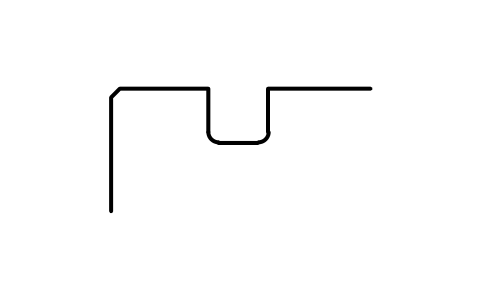
Snap ring groove D 200, series 3
BSR_G_3_200Atributos
DESIGNATIONSTANDARDSERIESOUTSIDE_DIAMETER_DGROOVE_DIAMETER_D1GROOVE_POSITION_APOSITION_TOLERANCEGROOVE_WIDTH_BFILLET_R0_MAXCHAMFER_R1_MINPART_NOREMARKSDESC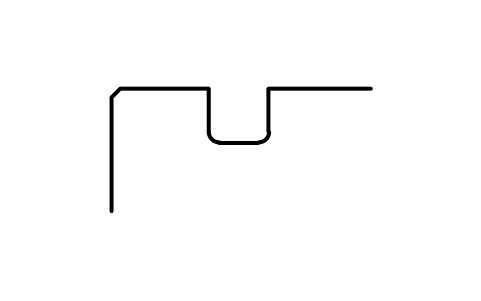
Snap ring groove D 200, series 4
BSR_G_4_200Atributos
DESIGNATIONSTANDARDSERIESOUTSIDE_DIAMETER_DGROOVE_DIAMETER_D1GROOVE_POSITION_APOSITION_TOLERANCEGROOVE_WIDTH_BFILLET_R0_MAXCHAMFER_R1_MINPART_NOREMARKSDESC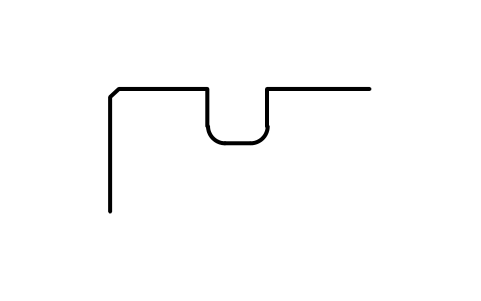
Snap ring groove D 210, series 0
BSR_G_0_210Atributos
DESIGNATIONSTANDARDSERIESOUTSIDE_DIAMETER_DGROOVE_DIAMETER_D1GROOVE_POSITION_APOSITION_TOLERANCEGROOVE_WIDTH_BFILLET_R0_MAXCHAMFER_R1_MINPART_NOREMARKSDESC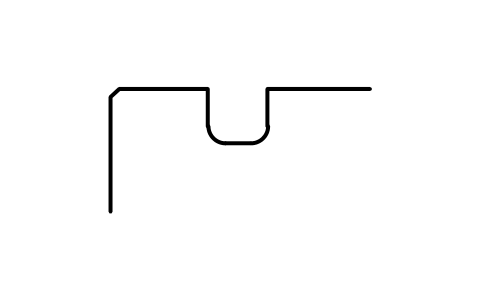
Snap ring groove D 210, series 4
BSR_G_4_210Atributos
DESIGNATIONSTANDARDSERIESOUTSIDE_DIAMETER_DGROOVE_DIAMETER_D1GROOVE_POSITION_APOSITION_TOLERANCEGROOVE_WIDTH_BFILLET_R0_MAXCHAMFER_R1_MINPART_NOREMARKSDESC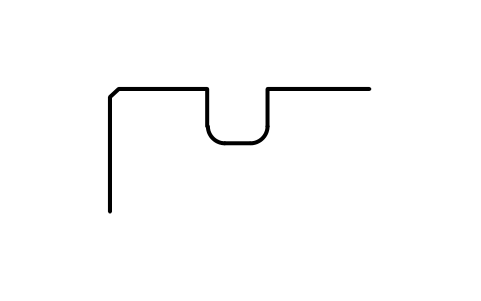
Snap ring groove D 215, series 2
BSR_G_2_215Atributos
DESIGNATIONSTANDARDSERIESOUTSIDE_DIAMETER_DGROOVE_DIAMETER_D1GROOVE_POSITION_APOSITION_TOLERANCEGROOVE_WIDTH_BFILLET_R0_MAXCHAMFER_R1_MINPART_NOREMARKSDESC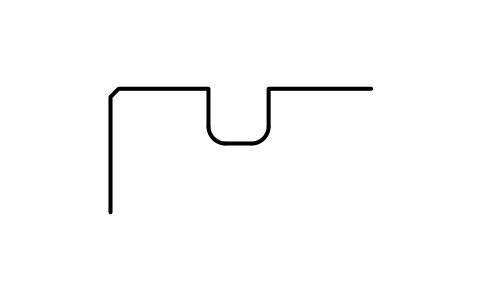
Snap ring groove D 215, series 3
BSR_G_3_215Atributos
DESIGNATIONSTANDARDSERIESOUTSIDE_DIAMETER_DGROOVE_DIAMETER_D1GROOVE_POSITION_APOSITION_TOLERANCEGROOVE_WIDTH_BFILLET_R0_MAXCHAMFER_R1_MINPART_NOREMARKSDESC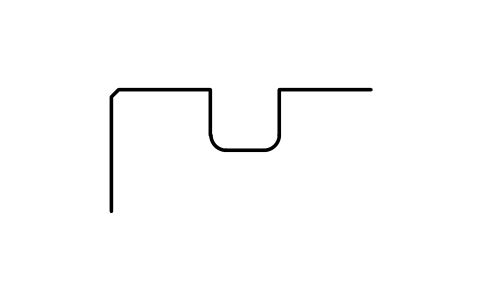
Snap ring groove D 225, series 0
BSR_G_0_225Atributos
DESIGNATIONSTANDARDSERIESOUTSIDE_DIAMETER_DGROOVE_DIAMETER_D1GROOVE_POSITION_APOSITION_TOLERANCEGROOVE_WIDTH_BFILLET_R0_MAXCHAMFER_R1_MINPART_NOREMARKSDESC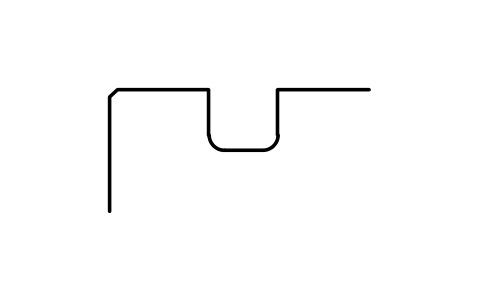
Snap ring groove D 225, series 3
BSR_G_3_225Atributos
DESIGNATIONSTANDARDSERIESOUTSIDE_DIAMETER_DGROOVE_DIAMETER_D1GROOVE_POSITION_APOSITION_TOLERANCEGROOVE_WIDTH_BFILLET_R0_MAXCHAMFER_R1_MINPART_NOREMARKSDESC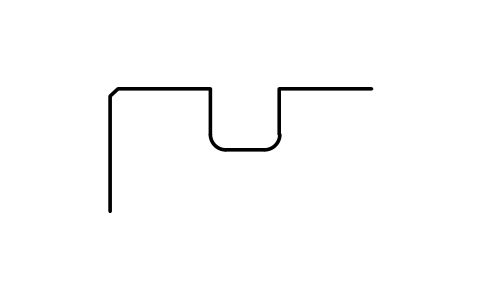
Snap ring groove D 225, series 4
BSR_G_4_225Atributos
DESIGNATIONSTANDARDSERIESOUTSIDE_DIAMETER_DGROOVE_DIAMETER_D1GROOVE_POSITION_APOSITION_TOLERANCEGROOVE_WIDTH_BFILLET_R0_MAXCHAMFER_R1_MINPART_NOREMARKSDESC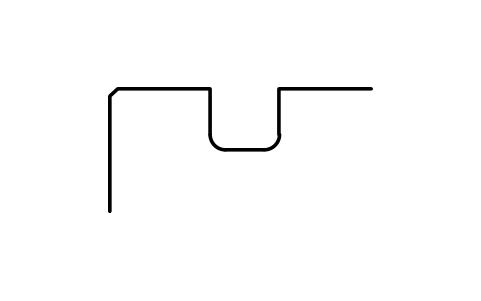
Snap ring groove D 230, series 2
BSR_G_2_230Atributos
DESIGNATIONSTANDARDSERIESOUTSIDE_DIAMETER_DGROOVE_DIAMETER_D1GROOVE_POSITION_APOSITION_TOLERANCEGROOVE_WIDTH_BFILLET_R0_MAXCHAMFER_R1_MINPART_NOREMARKSDESC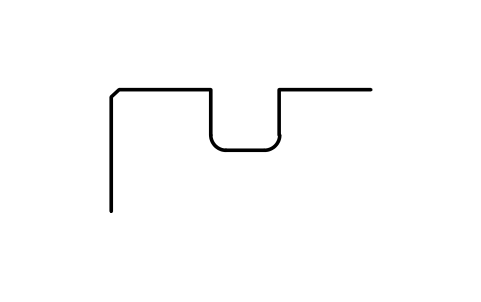
Snap ring groove D 240, series 0
BSR_G_0_240Atributos
DESIGNATIONSTANDARDSERIESOUTSIDE_DIAMETER_DGROOVE_DIAMETER_D1GROOVE_POSITION_APOSITION_TOLERANCEGROOVE_WIDTH_BFILLET_R0_MAXCHAMFER_R1_MINPART_NOREMARKSDESC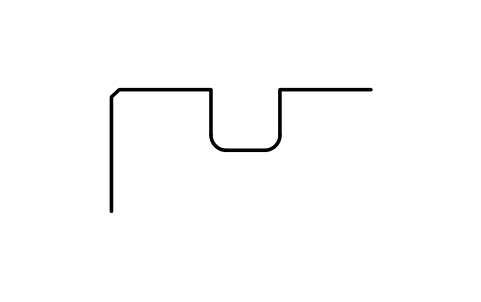
Snap ring groove D 240, series 3
BSR_G_3_240Atributos
DESIGNATIONSTANDARDSERIESOUTSIDE_DIAMETER_DGROOVE_DIAMETER_D1GROOVE_POSITION_APOSITION_TOLERANCEGROOVE_WIDTH_BFILLET_R0_MAXCHAMFER_R1_MINPART_NOREMARKSDESC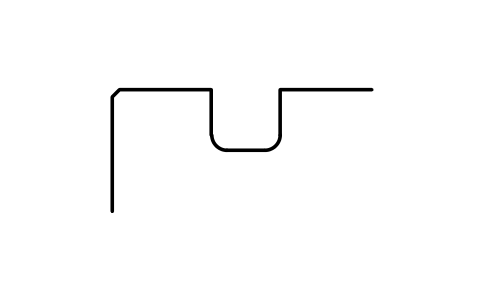
Snap ring groove D 240, series 4
BSR_G_4_240Atributos
DESIGNATIONSTANDARDSERIESOUTSIDE_DIAMETER_DGROOVE_DIAMETER_D1GROOVE_POSITION_APOSITION_TOLERANCEGROOVE_WIDTH_BFILLET_R0_MAXCHAMFER_R1_MINPART_NOREMARKSDESC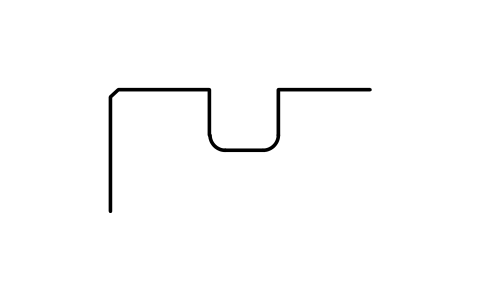
Snap ring groove D 250, series 2
BSR_G_2_250Atributos
DESIGNATIONSTANDARDSERIESOUTSIDE_DIAMETER_DGROOVE_DIAMETER_D1GROOVE_POSITION_APOSITION_TOLERANCEGROOVE_WIDTH_BFILLET_R0_MAXCHAMFER_R1_MINPART_NOREMARKSDESC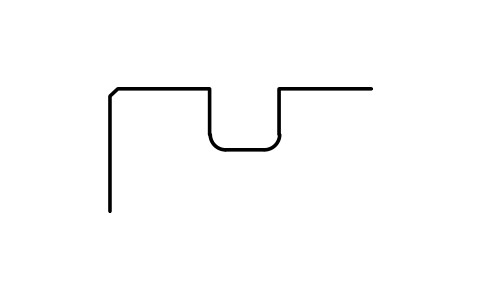
Snap ring groove D 250, series 4
BSR_G_4_250Atributos
DESIGNATIONSTANDARDSERIESOUTSIDE_DIAMETER_DGROOVE_DIAMETER_D1GROOVE_POSITION_APOSITION_TOLERANCEGROOVE_WIDTH_BFILLET_R0_MAXCHAMFER_R1_MINPART_NOREMARKSDESC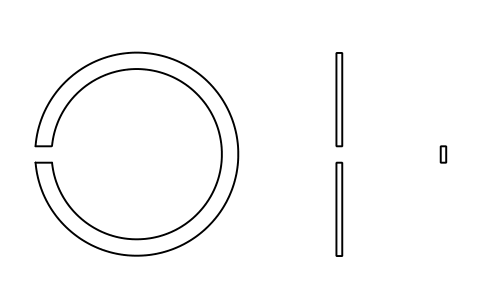
Snap ring D 22 (18, 19)
BSR_R_1819_22Atributos
DESIGNATIONSTANDARDSERIESOUTSIDE_DIAMETER_DD2_MOUNTED_MAXD3_FREESECTION_HEIGHT_ETHICKNESS_FGAP_GMATERIALPART_NOQTYREMARKSDESC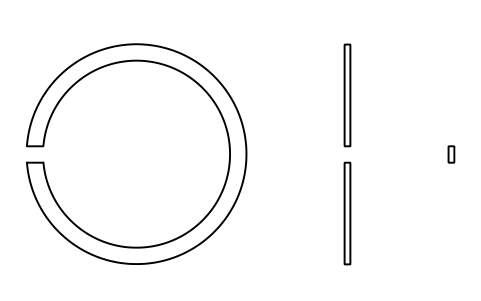
Snap ring D 24 (18, 19)
BSR_R_1819_24Atributos
DESIGNATIONSTANDARDSERIESOUTSIDE_DIAMETER_DD2_MOUNTED_MAXD3_FREESECTION_HEIGHT_ETHICKNESS_FGAP_GMATERIALPART_NOQTYREMARKSDESC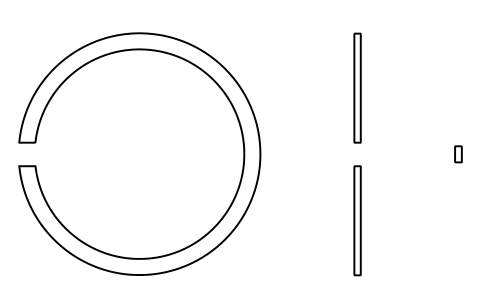
Snap ring D 28 (18, 19)
BSR_R_1819_28Atributos
DESIGNATIONSTANDARDSERIESOUTSIDE_DIAMETER_DD2_MOUNTED_MAXD3_FREESECTION_HEIGHT_ETHICKNESS_FGAP_GMATERIALPART_NOQTYREMARKSDESC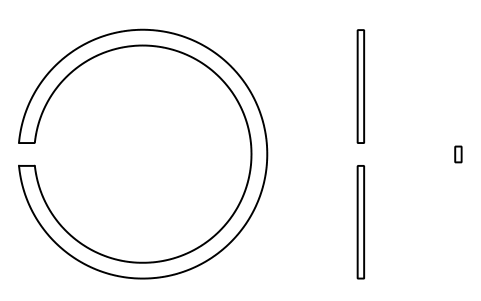
Snap ring D 30 (18, 19)
BSR_R_1819_30Atributos
DESIGNATIONSTANDARDSERIESOUTSIDE_DIAMETER_DD2_MOUNTED_MAXD3_FREESECTION_HEIGHT_ETHICKNESS_FGAP_GMATERIALPART_NOQTYREMARKSDESC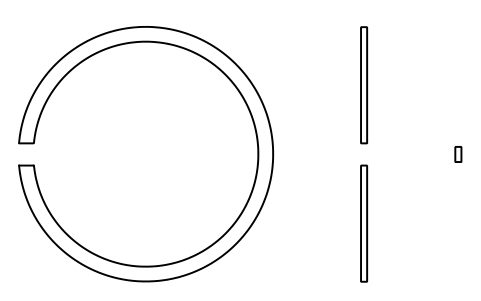
Snap ring D 32 (18, 19)
BSR_R_1819_32Atributos
DESIGNATIONSTANDARDSERIESOUTSIDE_DIAMETER_DD2_MOUNTED_MAXD3_FREESECTION_HEIGHT_ETHICKNESS_FGAP_GMATERIALPART_NOQTYREMARKSDESC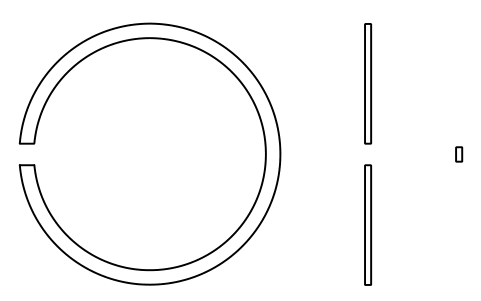
Snap ring D 34 (18, 19)
BSR_R_1819_34Atributos
DESIGNATIONSTANDARDSERIESOUTSIDE_DIAMETER_DD2_MOUNTED_MAXD3_FREESECTION_HEIGHT_ETHICKNESS_FGAP_GMATERIALPART_NOQTYREMARKSDESC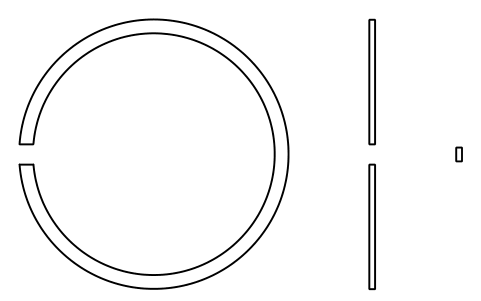
Snap ring D 37 (18, 19)
BSR_R_1819_37Atributos
DESIGNATIONSTANDARDSERIESOUTSIDE_DIAMETER_DD2_MOUNTED_MAXD3_FREESECTION_HEIGHT_ETHICKNESS_FGAP_GMATERIALPART_NOQTYREMARKSDESC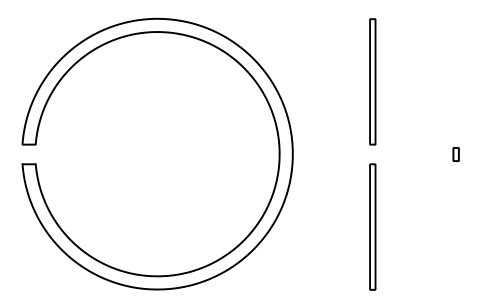
Snap ring D 39 (18, 19)
BSR_R_1819_39Atributos
DESIGNATIONSTANDARDSERIESOUTSIDE_DIAMETER_DD2_MOUNTED_MAXD3_FREESECTION_HEIGHT_ETHICKNESS_FGAP_GMATERIALPART_NOQTYREMARKSDESC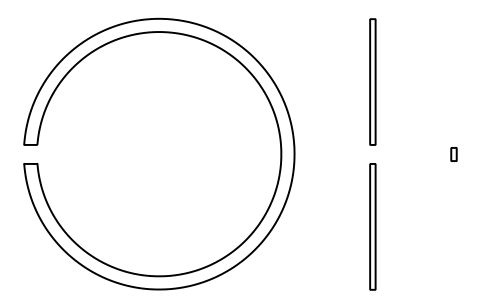
Snap ring D 40 (18, 19)
BSR_R_1819_40Atributos
DESIGNATIONSTANDARDSERIESOUTSIDE_DIAMETER_DD2_MOUNTED_MAXD3_FREESECTION_HEIGHT_ETHICKNESS_FGAP_GMATERIALPART_NOQTYREMARKSDESC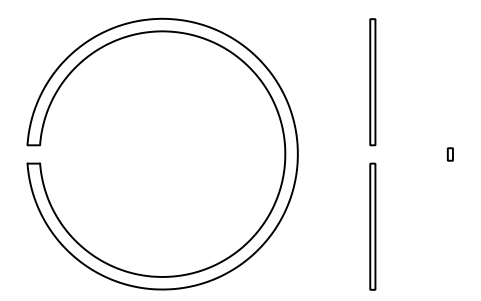
Snap ring D 42 (18, 19)
BSR_R_1819_42Atributos
DESIGNATIONSTANDARDSERIESOUTSIDE_DIAMETER_DD2_MOUNTED_MAXD3_FREESECTION_HEIGHT_ETHICKNESS_FGAP_GMATERIALPART_NOQTYREMARKSDESC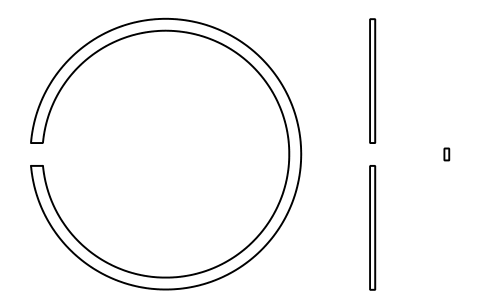
Snap ring D 44 (18, 19)
BSR_R_1819_44Atributos
DESIGNATIONSTANDARDSERIESOUTSIDE_DIAMETER_DD2_MOUNTED_MAXD3_FREESECTION_HEIGHT_ETHICKNESS_FGAP_GMATERIALPART_NOQTYREMARKSDESC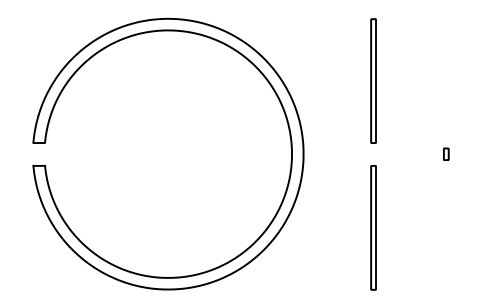
Snap ring D 45 (18, 19)
BSR_R_1819_45Atributos
DESIGNATIONSTANDARDSERIESOUTSIDE_DIAMETER_DD2_MOUNTED_MAXD3_FREESECTION_HEIGHT_ETHICKNESS_FGAP_GMATERIALPART_NOQTYREMARKSDESC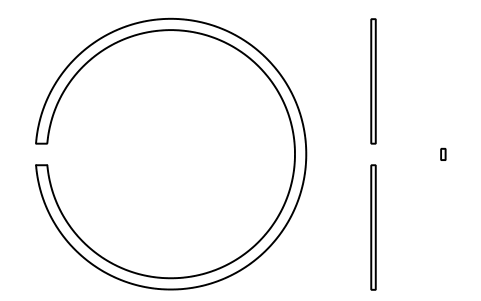
Snap ring D 47 (18, 19)
BSR_R_1819_47Atributos
DESIGNATIONSTANDARDSERIESOUTSIDE_DIAMETER_DD2_MOUNTED_MAXD3_FREESECTION_HEIGHT_ETHICKNESS_FGAP_GMATERIALPART_NOQTYREMARKSDESC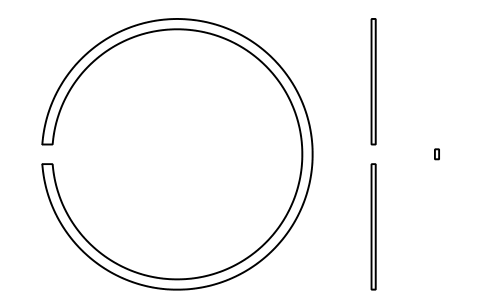
Snap ring D 52 (18, 19)
BSR_R_1819_52Atributos
DESIGNATIONSTANDARDSERIESOUTSIDE_DIAMETER_DD2_MOUNTED_MAXD3_FREESECTION_HEIGHT_ETHICKNESS_FGAP_GMATERIALPART_NOQTYREMARKSDESC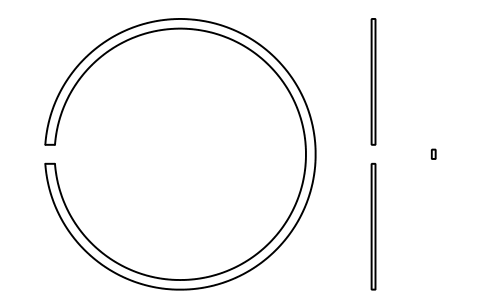
Snap ring D 55 (18, 19)
BSR_R_1819_55Atributos
DESIGNATIONSTANDARDSERIESOUTSIDE_DIAMETER_DD2_MOUNTED_MAXD3_FREESECTION_HEIGHT_ETHICKNESS_FGAP_GMATERIALPART_NOQTYREMARKSDESC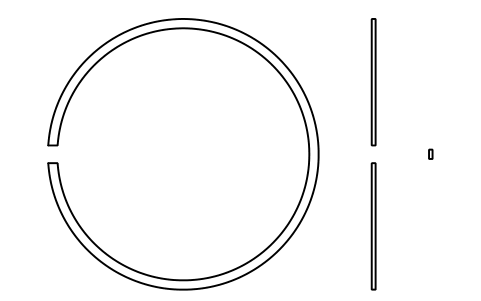
Snap ring D 58 (18, 19)
BSR_R_1819_58Atributos
DESIGNATIONSTANDARDSERIESOUTSIDE_DIAMETER_DD2_MOUNTED_MAXD3_FREESECTION_HEIGHT_ETHICKNESS_FGAP_GMATERIALPART_NOQTYREMARKSDESC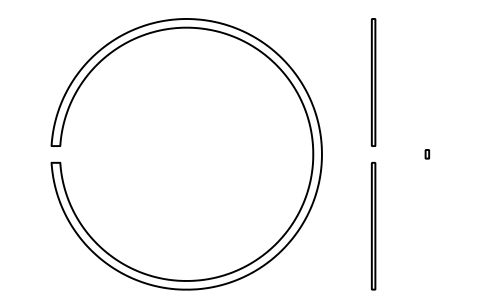
Snap ring D 62 (18, 19)
BSR_R_1819_62Atributos
DESIGNATIONSTANDARDSERIESOUTSIDE_DIAMETER_DD2_MOUNTED_MAXD3_FREESECTION_HEIGHT_ETHICKNESS_FGAP_GMATERIALPART_NOQTYREMARKSDESC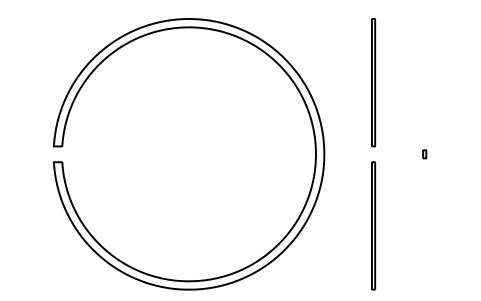
Snap ring D 65 (18, 19)
BSR_R_1819_65Atributos
DESIGNATIONSTANDARDSERIESOUTSIDE_DIAMETER_DD2_MOUNTED_MAXD3_FREESECTION_HEIGHT_ETHICKNESS_FGAP_GMATERIALPART_NOQTYREMARKSDESC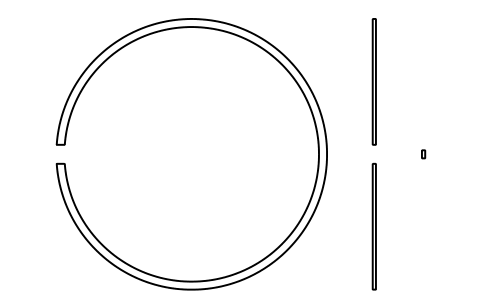
Snap ring D 68 (18, 19)
BSR_R_1819_68Atributos
DESIGNATIONSTANDARDSERIESOUTSIDE_DIAMETER_DD2_MOUNTED_MAXD3_FREESECTION_HEIGHT_ETHICKNESS_FGAP_GMATERIALPART_NOQTYREMARKSDESC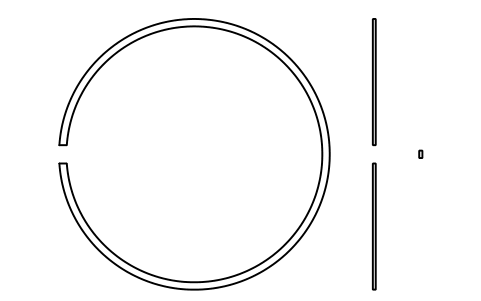
Snap ring D 72 (18, 19)
BSR_R_1819_72Atributos
DESIGNATIONSTANDARDSERIESOUTSIDE_DIAMETER_DD2_MOUNTED_MAXD3_FREESECTION_HEIGHT_ETHICKNESS_FGAP_GMATERIALPART_NOQTYREMARKSDESC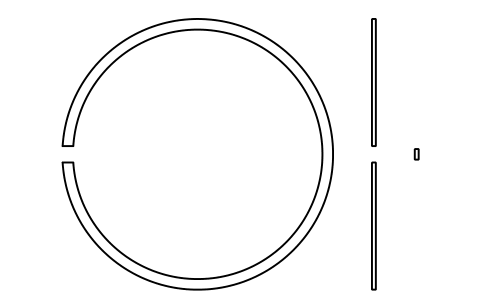
Snap ring D 78 (18, 19)
BSR_R_1819_78Atributos
DESIGNATIONSTANDARDSERIESOUTSIDE_DIAMETER_DD2_MOUNTED_MAXD3_FREESECTION_HEIGHT_ETHICKNESS_FGAP_GMATERIALPART_NOQTYREMARKSDESC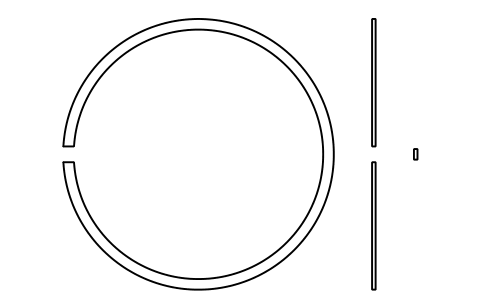
Snap ring D 80 (18, 19)
BSR_R_1819_80Atributos
DESIGNATIONSTANDARDSERIESOUTSIDE_DIAMETER_DD2_MOUNTED_MAXD3_FREESECTION_HEIGHT_ETHICKNESS_FGAP_GMATERIALPART_NOQTYREMARKSDESC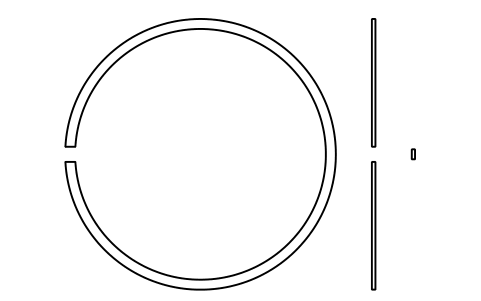
Snap ring D 85 (18, 19)
BSR_R_1819_85Atributos
DESIGNATIONSTANDARDSERIESOUTSIDE_DIAMETER_DD2_MOUNTED_MAXD3_FREESECTION_HEIGHT_ETHICKNESS_FGAP_GMATERIALPART_NOQTYREMARKSDESC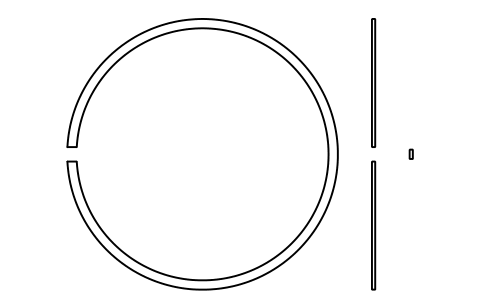
Snap ring D 90 (18, 19)
BSR_R_1819_90Atributos
DESIGNATIONSTANDARDSERIESOUTSIDE_DIAMETER_DD2_MOUNTED_MAXD3_FREESECTION_HEIGHT_ETHICKNESS_FGAP_GMATERIALPART_NOQTYREMARKSDESC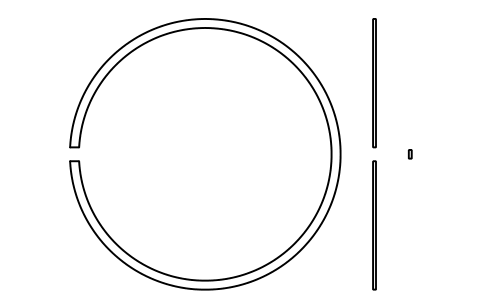
Snap ring D 95 (18, 19)
BSR_R_1819_95Atributos
DESIGNATIONSTANDARDSERIESOUTSIDE_DIAMETER_DD2_MOUNTED_MAXD3_FREESECTION_HEIGHT_ETHICKNESS_FGAP_GMATERIALPART_NOQTYREMARKSDESC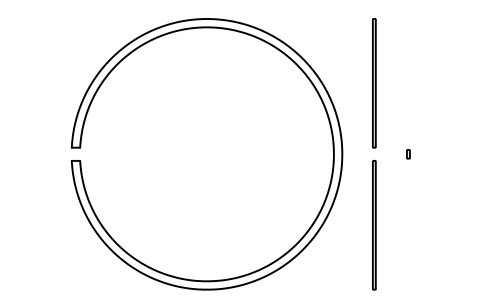
Snap ring D 100 (18, 19)
BSR_R_1819_100Atributos
DESIGNATIONSTANDARDSERIESOUTSIDE_DIAMETER_DD2_MOUNTED_MAXD3_FREESECTION_HEIGHT_ETHICKNESS_FGAP_GMATERIALPART_NOQTYREMARKSDESC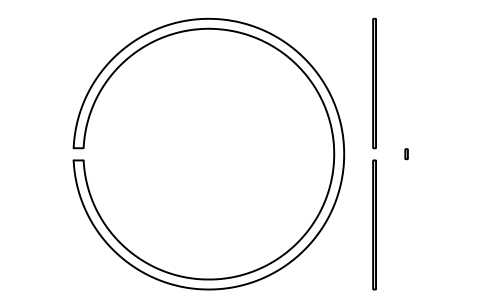
Snap ring D 105 (18, 19)
BSR_R_1819_105Atributos
DESIGNATIONSTANDARDSERIESOUTSIDE_DIAMETER_DD2_MOUNTED_MAXD3_FREESECTION_HEIGHT_ETHICKNESS_FGAP_GMATERIALPART_NOQTYREMARKSDESC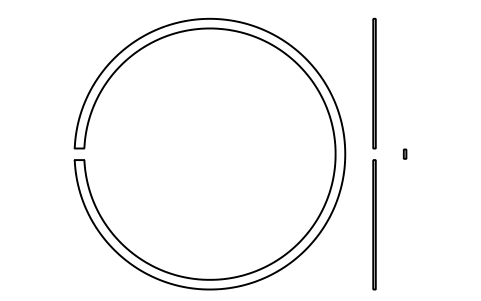
Snap ring D 110 (18, 19)
BSR_R_1819_110Atributos
DESIGNATIONSTANDARDSERIESOUTSIDE_DIAMETER_DD2_MOUNTED_MAXD3_FREESECTION_HEIGHT_ETHICKNESS_FGAP_GMATERIALPART_NOQTYREMARKSDESC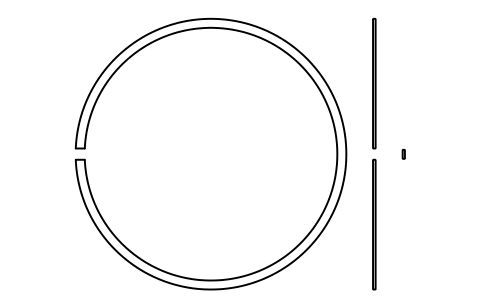
Snap ring D 115 (18, 19)
BSR_R_1819_115Atributos
DESIGNATIONSTANDARDSERIESOUTSIDE_DIAMETER_DD2_MOUNTED_MAXD3_FREESECTION_HEIGHT_ETHICKNESS_FGAP_GMATERIALPART_NOQTYREMARKSDESC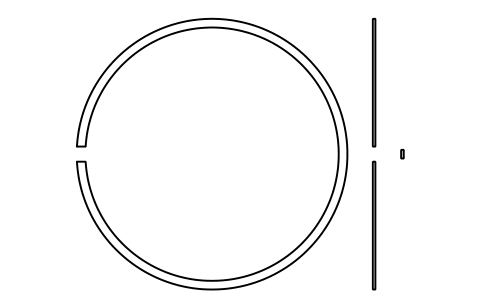
Snap ring D 120 (18, 19)
BSR_R_1819_120Atributos
DESIGNATIONSTANDARDSERIESOUTSIDE_DIAMETER_DD2_MOUNTED_MAXD3_FREESECTION_HEIGHT_ETHICKNESS_FGAP_GMATERIALPART_NOQTYREMARKSDESC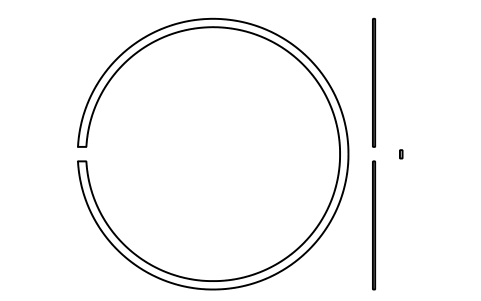
Snap ring D 125 (18, 19)
BSR_R_1819_125Atributos
DESIGNATIONSTANDARDSERIESOUTSIDE_DIAMETER_DD2_MOUNTED_MAXD3_FREESECTION_HEIGHT_ETHICKNESS_FGAP_GMATERIALPART_NOQTYREMARKSDESC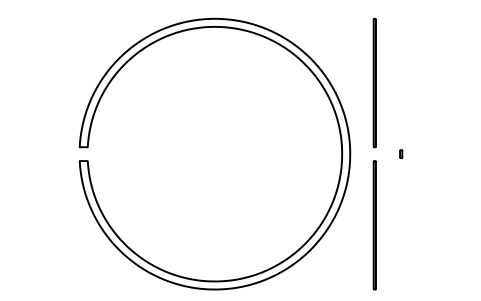
Snap ring D 130 (18, 19)
BSR_R_1819_130Atributos
DESIGNATIONSTANDARDSERIESOUTSIDE_DIAMETER_DD2_MOUNTED_MAXD3_FREESECTION_HEIGHT_ETHICKNESS_FGAP_GMATERIALPART_NOQTYREMARKSDESC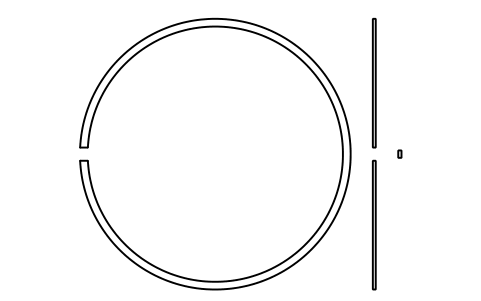
Snap ring D 140 (18, 19)
BSR_R_1819_140Atributos
DESIGNATIONSTANDARDSERIESOUTSIDE_DIAMETER_DD2_MOUNTED_MAXD3_FREESECTION_HEIGHT_ETHICKNESS_FGAP_GMATERIALPART_NOQTYREMARKSDESC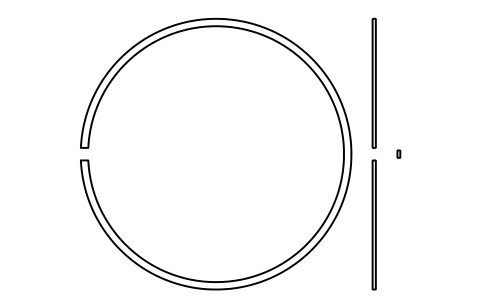
Snap ring D 145 (18, 19)
BSR_R_1819_145Atributos
DESIGNATIONSTANDARDSERIESOUTSIDE_DIAMETER_DD2_MOUNTED_MAXD3_FREESECTION_HEIGHT_ETHICKNESS_FGAP_GMATERIALPART_NOQTYREMARKSDESC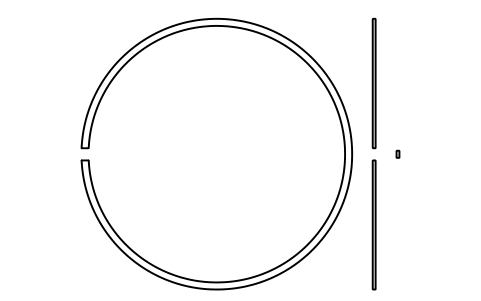
Snap ring D 150 (18, 19)
BSR_R_1819_150Atributos
DESIGNATIONSTANDARDSERIESOUTSIDE_DIAMETER_DD2_MOUNTED_MAXD3_FREESECTION_HEIGHT_ETHICKNESS_FGAP_GMATERIALPART_NOQTYREMARKSDESC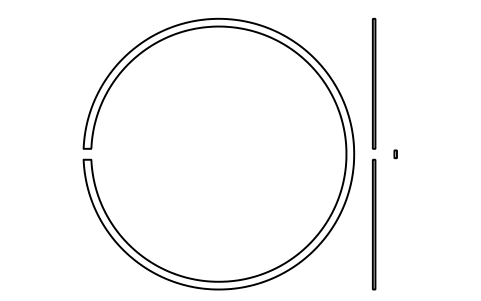
Snap ring D 165 (18, 19)
BSR_R_1819_165Atributos
DESIGNATIONSTANDARDSERIESOUTSIDE_DIAMETER_DD2_MOUNTED_MAXD3_FREESECTION_HEIGHT_ETHICKNESS_FGAP_GMATERIALPART_NOQTYREMARKSDESC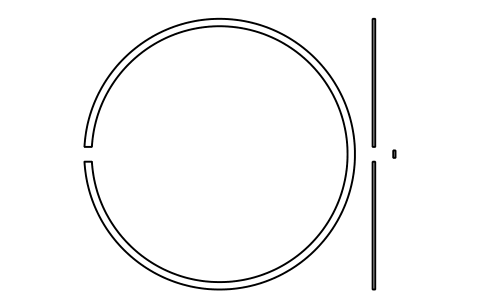
Snap ring D 175 (18, 19)
BSR_R_1819_175Atributos
DESIGNATIONSTANDARDSERIESOUTSIDE_DIAMETER_DD2_MOUNTED_MAXD3_FREESECTION_HEIGHT_ETHICKNESS_FGAP_GMATERIALPART_NOQTYREMARKSDESC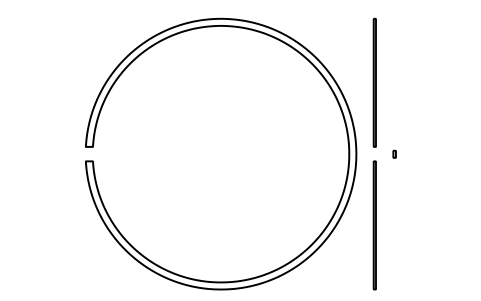
Snap ring D 180 (18, 19)
BSR_R_1819_180Atributos
DESIGNATIONSTANDARDSERIESOUTSIDE_DIAMETER_DD2_MOUNTED_MAXD3_FREESECTION_HEIGHT_ETHICKNESS_FGAP_GMATERIALPART_NOQTYREMARKSDESC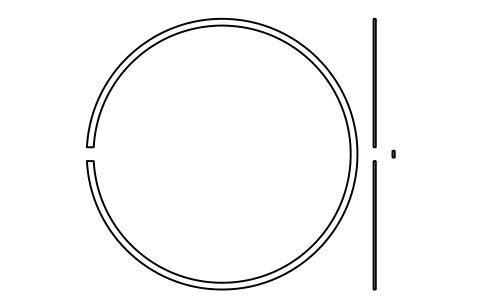
Snap ring D 190 (18, 19)
BSR_R_1819_190Atributos
DESIGNATIONSTANDARDSERIESOUTSIDE_DIAMETER_DD2_MOUNTED_MAXD3_FREESECTION_HEIGHT_ETHICKNESS_FGAP_GMATERIALPART_NOQTYREMARKSDESC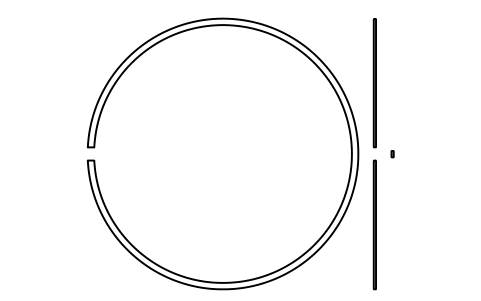
Snap ring D 200 (18, 19)
BSR_R_1819_200Atributos
DESIGNATIONSTANDARDSERIESOUTSIDE_DIAMETER_DD2_MOUNTED_MAXD3_FREESECTION_HEIGHT_ETHICKNESS_FGAP_GMATERIALPART_NOQTYREMARKSDESC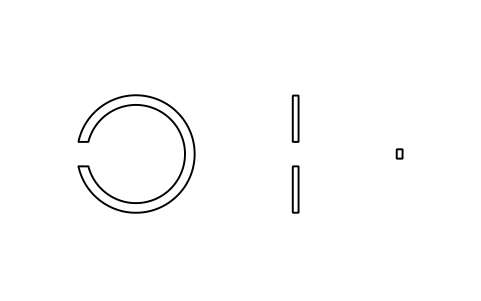
Snap ring D 13 (0, 2, 3, 4)
BSR_R_0234_13Atributos
DESIGNATIONSTANDARDSERIESOUTSIDE_DIAMETER_DD2_MOUNTED_MAXD3_FREESECTION_HEIGHT_ETHICKNESS_FGAP_GMATERIALPART_NOQTYREMARKSDESC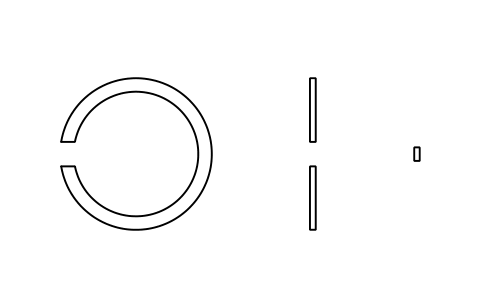
Snap ring D 16 (0, 2, 3, 4)
BSR_R_0234_16Atributos
DESIGNATIONSTANDARDSERIESOUTSIDE_DIAMETER_DD2_MOUNTED_MAXD3_FREESECTION_HEIGHT_ETHICKNESS_FGAP_GMATERIALPART_NOQTYREMARKSDESC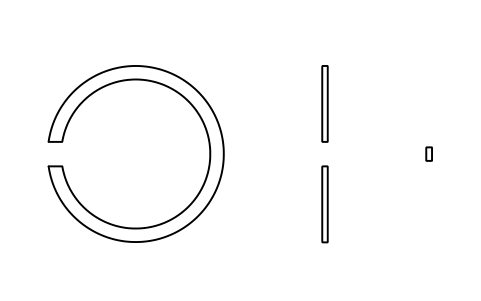
Snap ring D 19 (0, 2, 3, 4)
BSR_R_0234_19Atributos
DESIGNATIONSTANDARDSERIESOUTSIDE_DIAMETER_DD2_MOUNTED_MAXD3_FREESECTION_HEIGHT_ETHICKNESS_FGAP_GMATERIALPART_NOQTYREMARKSDESC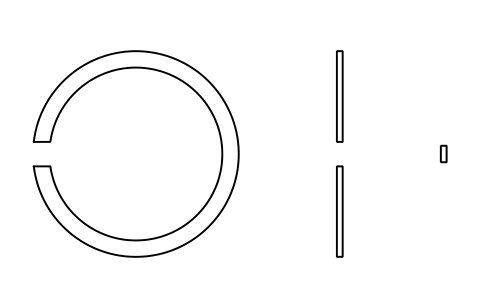
Snap ring D 22 (0, 2, 3, 4)
BSR_R_0234_22Atributos
DESIGNATIONSTANDARDSERIESOUTSIDE_DIAMETER_DD2_MOUNTED_MAXD3_FREESECTION_HEIGHT_ETHICKNESS_FGAP_GMATERIALPART_NOQTYREMARKSDESC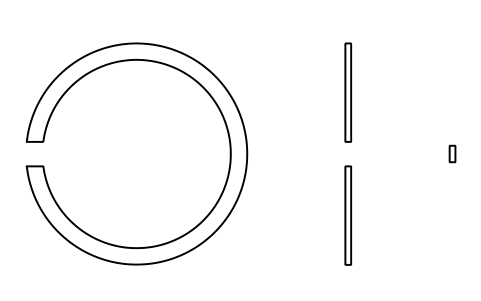
Snap ring D 24 (0, 2, 3, 4)
BSR_R_0234_24Atributos
DESIGNATIONSTANDARDSERIESOUTSIDE_DIAMETER_DD2_MOUNTED_MAXD3_FREESECTION_HEIGHT_ETHICKNESS_FGAP_GMATERIALPART_NOQTYREMARKSDESC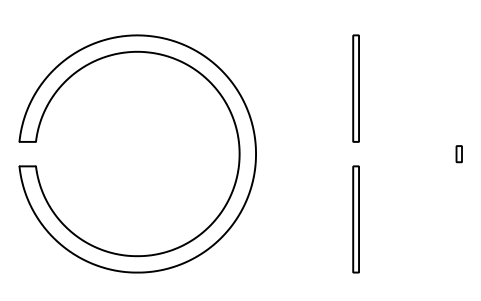
Snap ring D 26 (0, 2, 3, 4)
BSR_R_0234_26Atributos
DESIGNATIONSTANDARDSERIESOUTSIDE_DIAMETER_DD2_MOUNTED_MAXD3_FREESECTION_HEIGHT_ETHICKNESS_FGAP_GMATERIALPART_NOQTYREMARKSDESC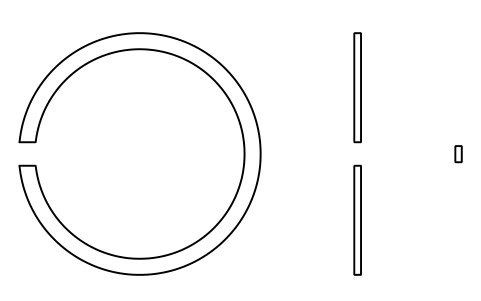
Snap ring D 28 (0, 2, 3, 4)
BSR_R_0234_28Atributos
DESIGNATIONSTANDARDSERIESOUTSIDE_DIAMETER_DD2_MOUNTED_MAXD3_FREESECTION_HEIGHT_ETHICKNESS_FGAP_GMATERIALPART_NOQTYREMARKSDESC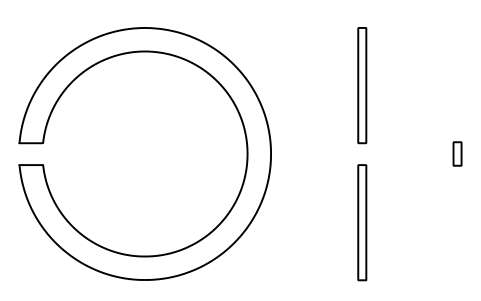
Snap ring D 30 (0, 2, 3, 4)
BSR_R_0234_30Atributos
DESIGNATIONSTANDARDSERIESOUTSIDE_DIAMETER_DD2_MOUNTED_MAXD3_FREESECTION_HEIGHT_ETHICKNESS_FGAP_GMATERIALPART_NOQTYREMARKSDESC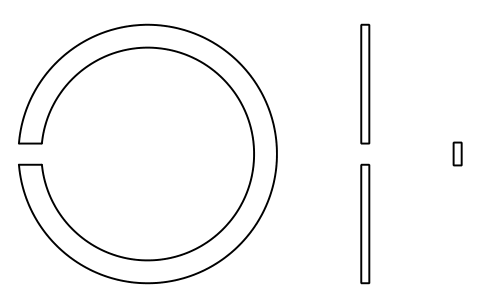
Snap ring D 32 (0, 2, 3, 4)
BSR_R_0234_32Atributos
DESIGNATIONSTANDARDSERIESOUTSIDE_DIAMETER_DD2_MOUNTED_MAXD3_FREESECTION_HEIGHT_ETHICKNESS_FGAP_GMATERIALPART_NOQTYREMARKSDESC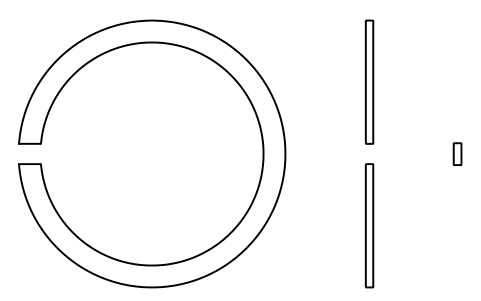
Snap ring D 35 (0, 2, 3, 4)
BSR_R_0234_35Atributos
DESIGNATIONSTANDARDSERIESOUTSIDE_DIAMETER_DD2_MOUNTED_MAXD3_FREESECTION_HEIGHT_ETHICKNESS_FGAP_GMATERIALPART_NOQTYREMARKSDESC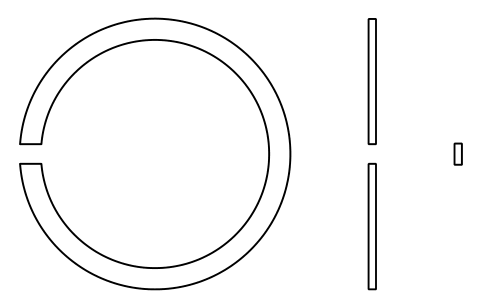
Snap ring D 37 (0, 2, 3, 4)
BSR_R_0234_37Atributos
DESIGNATIONSTANDARDSERIESOUTSIDE_DIAMETER_DD2_MOUNTED_MAXD3_FREESECTION_HEIGHT_ETHICKNESS_FGAP_GMATERIALPART_NOQTYREMARKSDESC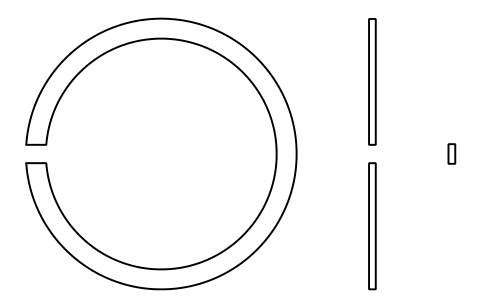
Snap ring D 40 (0, 2, 3, 4)
BSR_R_0234_40Atributos
DESIGNATIONSTANDARDSERIESOUTSIDE_DIAMETER_DD2_MOUNTED_MAXD3_FREESECTION_HEIGHT_ETHICKNESS_FGAP_GMATERIALPART_NOQTYREMARKSDESC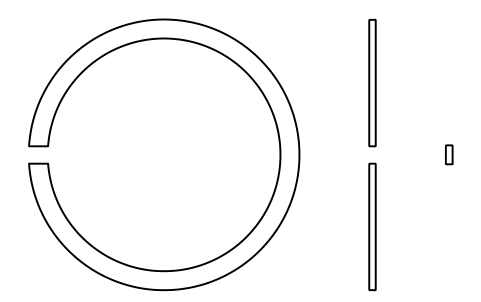
Snap ring D 42 (0, 2, 3, 4)
BSR_R_0234_42Atributos
DESIGNATIONSTANDARDSERIESOUTSIDE_DIAMETER_DD2_MOUNTED_MAXD3_FREESECTION_HEIGHT_ETHICKNESS_FGAP_GMATERIALPART_NOQTYREMARKSDESC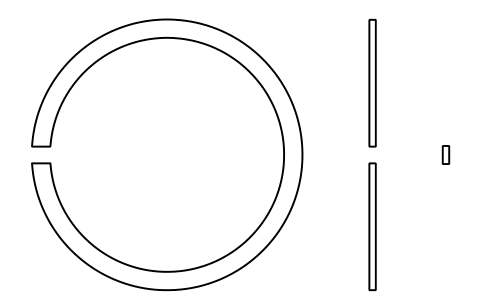
Snap ring D 44 (0, 2, 3, 4)
BSR_R_0234_44Atributos
DESIGNATIONSTANDARDSERIESOUTSIDE_DIAMETER_DD2_MOUNTED_MAXD3_FREESECTION_HEIGHT_ETHICKNESS_FGAP_GMATERIALPART_NOQTYREMARKSDESC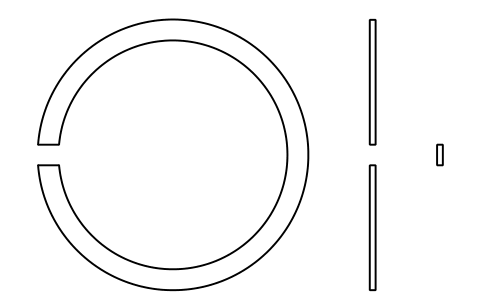
Snap ring D 47 (0, 2, 3, 4)
BSR_R_0234_47Atributos
DESIGNATIONSTANDARDSERIESOUTSIDE_DIAMETER_DD2_MOUNTED_MAXD3_FREESECTION_HEIGHT_ETHICKNESS_FGAP_GMATERIALPART_NOQTYREMARKSDESC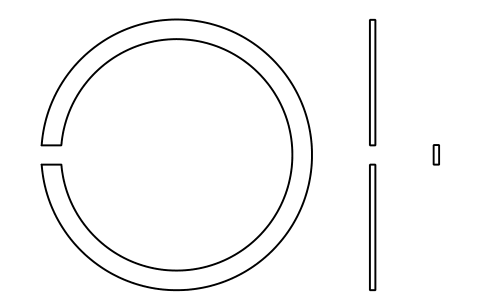
Snap ring D 50 (0, 2, 3, 4)
BSR_R_0234_50Atributos
DESIGNATIONSTANDARDSERIESOUTSIDE_DIAMETER_DD2_MOUNTED_MAXD3_FREESECTION_HEIGHT_ETHICKNESS_FGAP_GMATERIALPART_NOQTYREMARKSDESC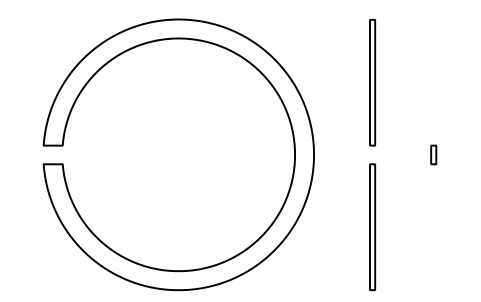
Snap ring D 52 (0, 2, 3, 4)
BSR_R_0234_52Atributos
DESIGNATIONSTANDARDSERIESOUTSIDE_DIAMETER_DD2_MOUNTED_MAXD3_FREESECTION_HEIGHT_ETHICKNESS_FGAP_GMATERIALPART_NOQTYREMARKSDESC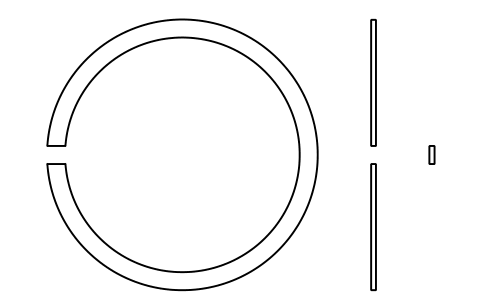
Snap ring D 55 (0, 2, 3, 4)
BSR_R_0234_55Atributos
DESIGNATIONSTANDARDSERIESOUTSIDE_DIAMETER_DD2_MOUNTED_MAXD3_FREESECTION_HEIGHT_ETHICKNESS_FGAP_GMATERIALPART_NOQTYREMARKSDESC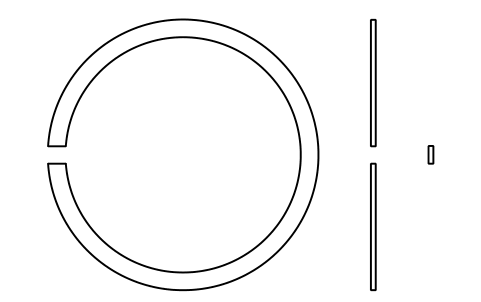
Snap ring D 56 (0, 2, 3, 4)
BSR_R_0234_56Atributos
DESIGNATIONSTANDARDSERIESOUTSIDE_DIAMETER_DD2_MOUNTED_MAXD3_FREESECTION_HEIGHT_ETHICKNESS_FGAP_GMATERIALPART_NOQTYREMARKSDESC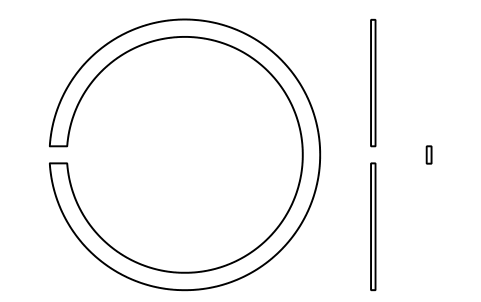
Snap ring D 58 (0, 2, 3, 4)
BSR_R_0234_58Atributos
DESIGNATIONSTANDARDSERIESOUTSIDE_DIAMETER_DD2_MOUNTED_MAXD3_FREESECTION_HEIGHT_ETHICKNESS_FGAP_GMATERIALPART_NOQTYREMARKSDESC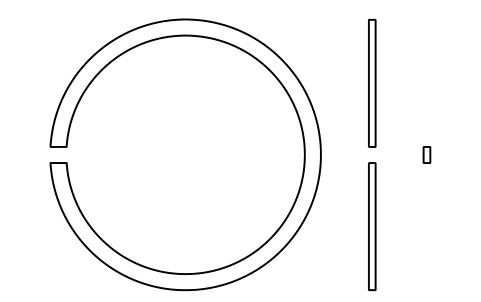
Snap ring D 62 (0, 2, 3, 4)
BSR_R_0234_62Atributos
DESIGNATIONSTANDARDSERIESOUTSIDE_DIAMETER_DD2_MOUNTED_MAXD3_FREESECTION_HEIGHT_ETHICKNESS_FGAP_GMATERIALPART_NOQTYREMARKSDESC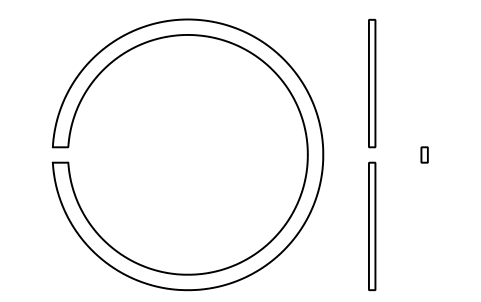
Snap ring D 65 (0, 2, 3, 4)
BSR_R_0234_65Atributos
DESIGNATIONSTANDARDSERIESOUTSIDE_DIAMETER_DD2_MOUNTED_MAXD3_FREESECTION_HEIGHT_ETHICKNESS_FGAP_GMATERIALPART_NOQTYREMARKSDESC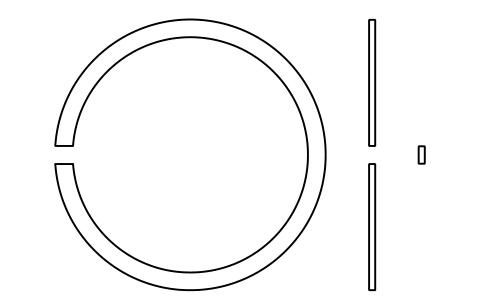
Snap ring D 68 (0, 2, 3, 4)
BSR_R_0234_68Atributos
DESIGNATIONSTANDARDSERIESOUTSIDE_DIAMETER_DD2_MOUNTED_MAXD3_FREESECTION_HEIGHT_ETHICKNESS_FGAP_GMATERIALPART_NOQTYREMARKSDESC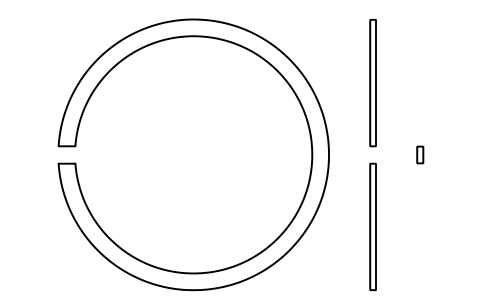
Snap ring D 72 (0, 2, 3, 4)
BSR_R_0234_72Atributos
DESIGNATIONSTANDARDSERIESOUTSIDE_DIAMETER_DD2_MOUNTED_MAXD3_FREESECTION_HEIGHT_ETHICKNESS_FGAP_GMATERIALPART_NOQTYREMARKSDESC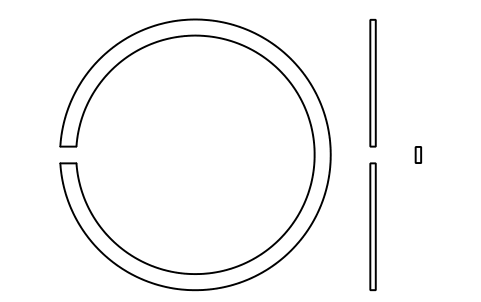
Snap ring D 75 (0, 2, 3, 4)
BSR_R_0234_75Atributos
DESIGNATIONSTANDARDSERIESOUTSIDE_DIAMETER_DD2_MOUNTED_MAXD3_FREESECTION_HEIGHT_ETHICKNESS_FGAP_GMATERIALPART_NOQTYREMARKSDESC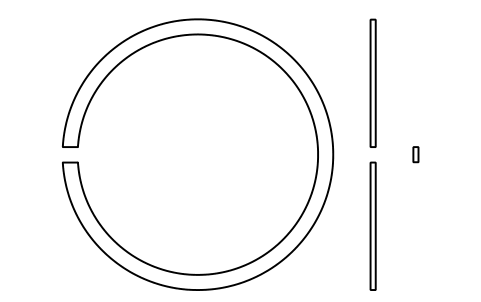
Snap ring D 80 (0, 2, 3, 4)
BSR_R_0234_80Atributos
DESIGNATIONSTANDARDSERIESOUTSIDE_DIAMETER_DD2_MOUNTED_MAXD3_FREESECTION_HEIGHT_ETHICKNESS_FGAP_GMATERIALPART_NOQTYREMARKSDESC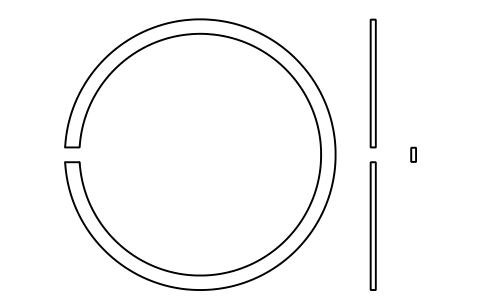
Snap ring D 85 (0, 2, 3, 4)
BSR_R_0234_85Atributos
DESIGNATIONSTANDARDSERIESOUTSIDE_DIAMETER_DD2_MOUNTED_MAXD3_FREESECTION_HEIGHT_ETHICKNESS_FGAP_GMATERIALPART_NOQTYREMARKSDESC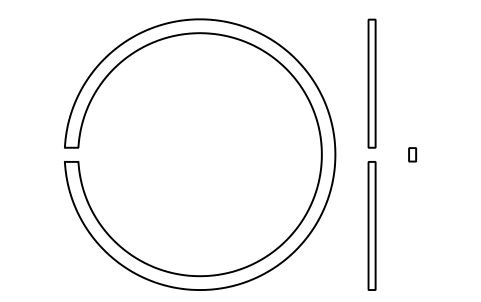
Snap ring D 90 (0, 2, 3, 4)
BSR_R_0234_90Atributos
DESIGNATIONSTANDARDSERIESOUTSIDE_DIAMETER_DD2_MOUNTED_MAXD3_FREESECTION_HEIGHT_ETHICKNESS_FGAP_GMATERIALPART_NOQTYREMARKSDESC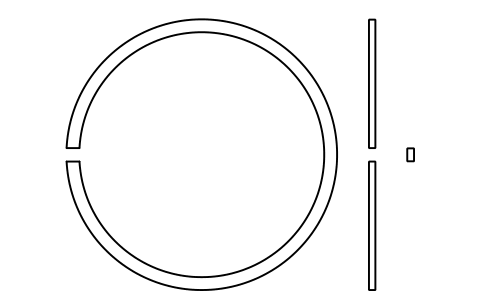
Snap ring D 95 (0, 2, 3, 4)
BSR_R_0234_95Atributos
DESIGNATIONSTANDARDSERIESOUTSIDE_DIAMETER_DD2_MOUNTED_MAXD3_FREESECTION_HEIGHT_ETHICKNESS_FGAP_GMATERIALPART_NOQTYREMARKSDESC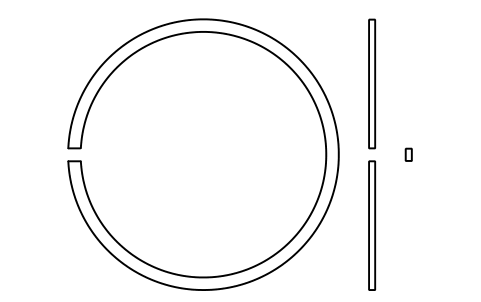
Snap ring D 100 (0, 2, 3, 4)
BSR_R_0234_100Atributos
DESIGNATIONSTANDARDSERIESOUTSIDE_DIAMETER_DD2_MOUNTED_MAXD3_FREESECTION_HEIGHT_ETHICKNESS_FGAP_GMATERIALPART_NOQTYREMARKSDESC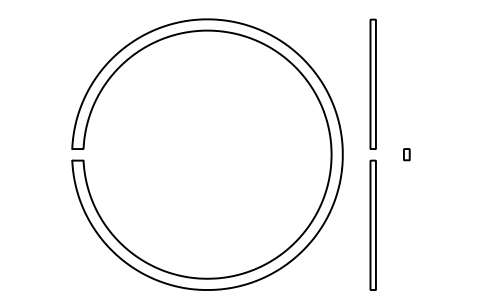
Snap ring D 110 (0, 2, 3, 4)
BSR_R_0234_110Atributos
DESIGNATIONSTANDARDSERIESOUTSIDE_DIAMETER_DD2_MOUNTED_MAXD3_FREESECTION_HEIGHT_ETHICKNESS_FGAP_GMATERIALPART_NOQTYREMARKSDESC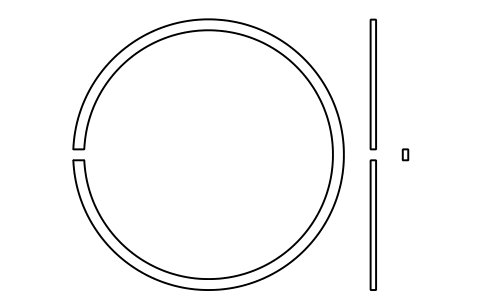
Snap ring D 115 (0, 2, 3, 4)
BSR_R_0234_115Atributos
DESIGNATIONSTANDARDSERIESOUTSIDE_DIAMETER_DD2_MOUNTED_MAXD3_FREESECTION_HEIGHT_ETHICKNESS_FGAP_GMATERIALPART_NOQTYREMARKSDESC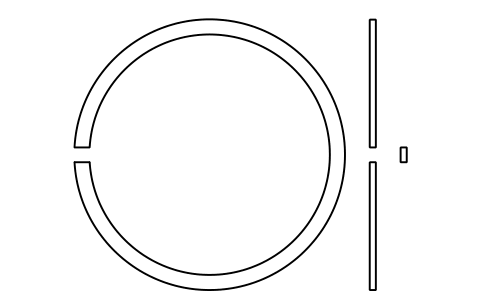
Snap ring D 120 (0, 2, 3, 4)
BSR_R_0234_120Atributos
DESIGNATIONSTANDARDSERIESOUTSIDE_DIAMETER_DD2_MOUNTED_MAXD3_FREESECTION_HEIGHT_ETHICKNESS_FGAP_GMATERIALPART_NOQTYREMARKSDESC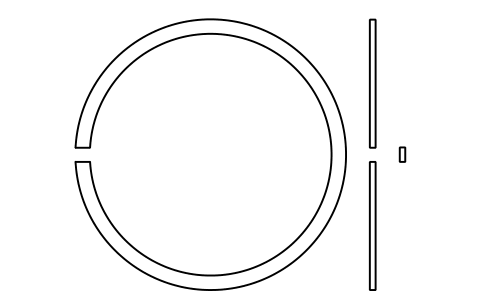
Snap ring D 125 (0, 2, 3, 4)
BSR_R_0234_125Atributos
DESIGNATIONSTANDARDSERIESOUTSIDE_DIAMETER_DD2_MOUNTED_MAXD3_FREESECTION_HEIGHT_ETHICKNESS_FGAP_GMATERIALPART_NOQTYREMARKSDESC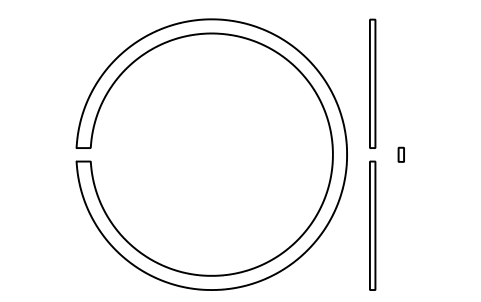
Snap ring D 130 (0, 2, 3, 4)
BSR_R_0234_130Atributos
DESIGNATIONSTANDARDSERIESOUTSIDE_DIAMETER_DD2_MOUNTED_MAXD3_FREESECTION_HEIGHT_ETHICKNESS_FGAP_GMATERIALPART_NOQTYREMARKSDESC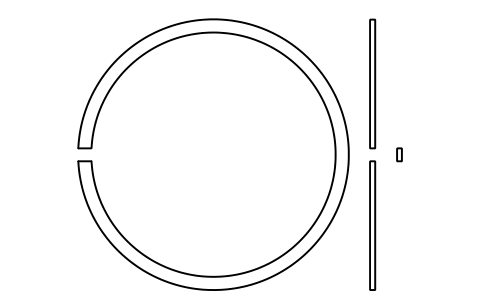
Snap ring D 140 (0, 2, 3, 4)
BSR_R_0234_140Atributos
DESIGNATIONSTANDARDSERIESOUTSIDE_DIAMETER_DD2_MOUNTED_MAXD3_FREESECTION_HEIGHT_ETHICKNESS_FGAP_GMATERIALPART_NOQTYREMARKSDESC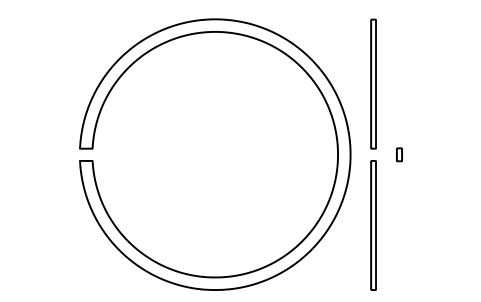
Snap ring D 145 (0, 2, 3, 4)
BSR_R_0234_145Atributos
DESIGNATIONSTANDARDSERIESOUTSIDE_DIAMETER_DD2_MOUNTED_MAXD3_FREESECTION_HEIGHT_ETHICKNESS_FGAP_GMATERIALPART_NOQTYREMARKSDESC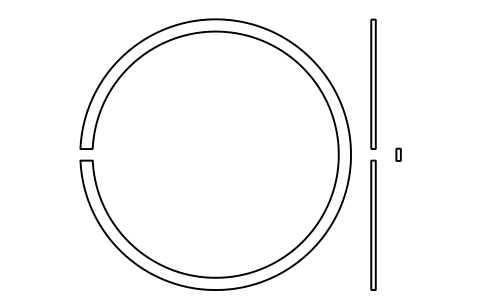
Snap ring D 150 (0, 2, 3, 4)
BSR_R_0234_150Atributos
DESIGNATIONSTANDARDSERIESOUTSIDE_DIAMETER_DD2_MOUNTED_MAXD3_FREESECTION_HEIGHT_ETHICKNESS_FGAP_GMATERIALPART_NOQTYREMARKSDESC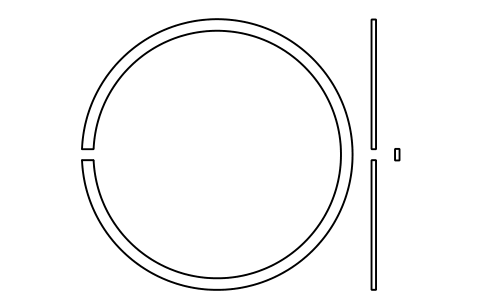
Snap ring D 160 (0, 2, 3, 4)
BSR_R_0234_160Atributos
DESIGNATIONSTANDARDSERIESOUTSIDE_DIAMETER_DD2_MOUNTED_MAXD3_FREESECTION_HEIGHT_ETHICKNESS_FGAP_GMATERIALPART_NOQTYREMARKSDESC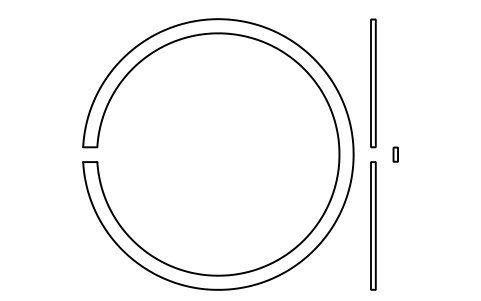
Snap ring D 170 (0, 2, 3, 4)
BSR_R_0234_170Atributos
DESIGNATIONSTANDARDSERIESOUTSIDE_DIAMETER_DD2_MOUNTED_MAXD3_FREESECTION_HEIGHT_ETHICKNESS_FGAP_GMATERIALPART_NOQTYREMARKSDESC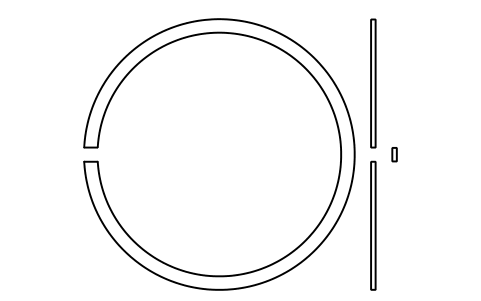
Snap ring D 180 (0, 2, 3, 4)
BSR_R_0234_180Atributos
DESIGNATIONSTANDARDSERIESOUTSIDE_DIAMETER_DD2_MOUNTED_MAXD3_FREESECTION_HEIGHT_ETHICKNESS_FGAP_GMATERIALPART_NOQTYREMARKSDESC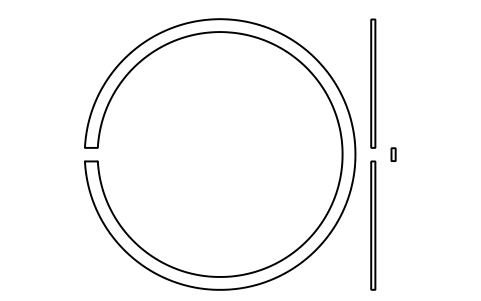
Snap ring D 190 (0, 2, 3, 4)
BSR_R_0234_190Atributos
DESIGNATIONSTANDARDSERIESOUTSIDE_DIAMETER_DD2_MOUNTED_MAXD3_FREESECTION_HEIGHT_ETHICKNESS_FGAP_GMATERIALPART_NOQTYREMARKSDESC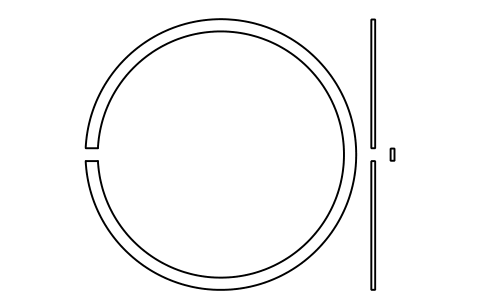
Snap ring D 200 (0, 2, 3, 4)
BSR_R_0234_200Atributos
DESIGNATIONSTANDARDSERIESOUTSIDE_DIAMETER_DD2_MOUNTED_MAXD3_FREESECTION_HEIGHT_ETHICKNESS_FGAP_GMATERIALPART_NOQTYREMARKSDESC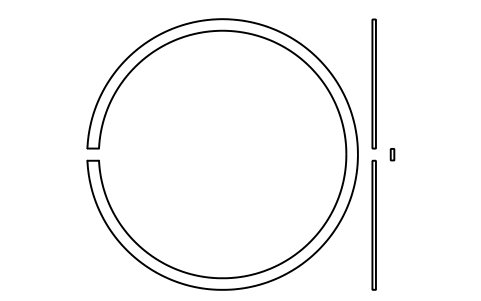
Snap ring D 210 (0, 2, 3, 4)
BSR_R_0234_210Atributos
DESIGNATIONSTANDARDSERIESOUTSIDE_DIAMETER_DD2_MOUNTED_MAXD3_FREESECTION_HEIGHT_ETHICKNESS_FGAP_GMATERIALPART_NOQTYREMARKSDESC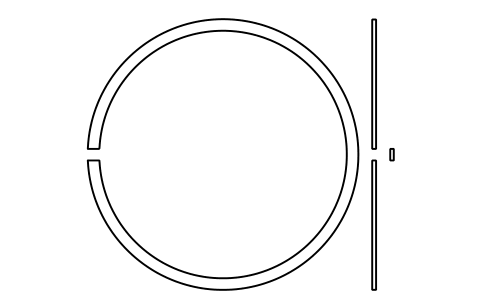
Snap ring D 215 (0, 2, 3, 4)
BSR_R_0234_215Atributos
DESIGNATIONSTANDARDSERIESOUTSIDE_DIAMETER_DD2_MOUNTED_MAXD3_FREESECTION_HEIGHT_ETHICKNESS_FGAP_GMATERIALPART_NOQTYREMARKSDESC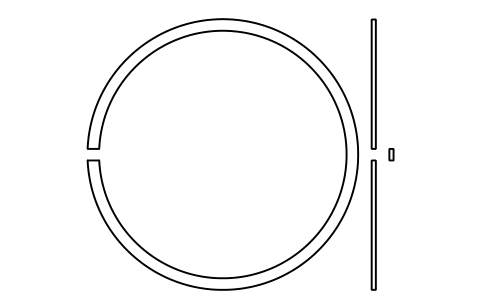
Snap ring D 225 (0, 2, 3, 4)
BSR_R_0234_225Atributos
DESIGNATIONSTANDARDSERIESOUTSIDE_DIAMETER_DD2_MOUNTED_MAXD3_FREESECTION_HEIGHT_ETHICKNESS_FGAP_GMATERIALPART_NOQTYREMARKSDESC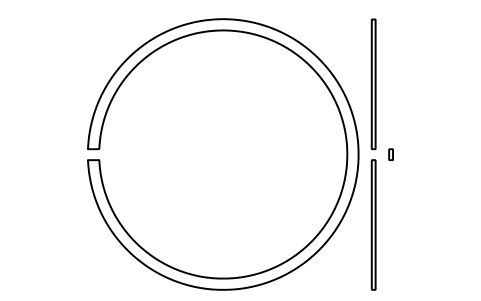
Snap ring D 230 (0, 2, 3, 4)
BSR_R_0234_230Atributos
DESIGNATIONSTANDARDSERIESOUTSIDE_DIAMETER_DD2_MOUNTED_MAXD3_FREESECTION_HEIGHT_ETHICKNESS_FGAP_GMATERIALPART_NOQTYREMARKSDESC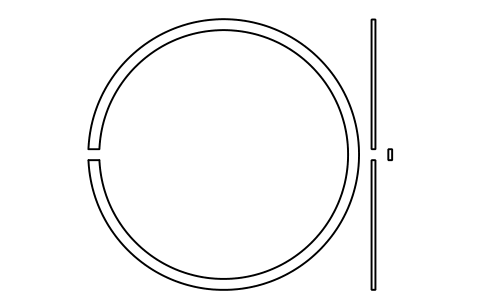
Snap ring D 240 (0, 2, 3, 4)
BSR_R_0234_240Atributos
DESIGNATIONSTANDARDSERIESOUTSIDE_DIAMETER_DD2_MOUNTED_MAXD3_FREESECTION_HEIGHT_ETHICKNESS_FGAP_GMATERIALPART_NOQTYREMARKSDESC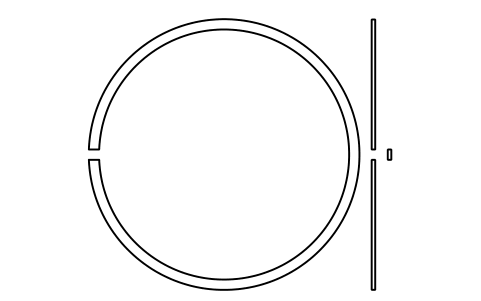
Snap ring D 250 (0, 2, 3, 4)
BSR_R_0234_250Atributos
DESIGNATIONSTANDARDSERIESOUTSIDE_DIAMETER_DD2_MOUNTED_MAXD3_FREESECTION_HEIGHT_ETHICKNESS_FGAP_GMATERIALPART_NOQTYREMARKSDESC
Faltou um símbolo? Diga qual.
Attributes for parts lists
Every value of the tables is an invisible attribute. A groove block holds OUTSIDE_DIAMETER_D, GROOVE_DIAMETER_D1, GROOVE_POSITION_A, POSITION_TOLERANCE, GROOVE_WIDTH_B, FILLET_R0_MAX and CHAMFER_R1_MIN; a ring block holds D2_MOUNTED_MAX, D3_FREE, SECTION_HEIGHT_E, THICKNESS_F and GAP_G.
How to use the library
- Unzip the file and open the DWG. Copy the symbols you need into your plan, or drag the blocks in from DesignCenter (ADCENTER).
- The blocks are drawn at real size in millimetres, 1 drawing unit = 1 mm. A groove block is the half section of the outer ring at the groove: outer surface at the top, the chamfered face at the left, the groove at the distance a with width b, depth (D - D1) / 2 and the fillet r0. Insert it at the corner of the face and the outer surface.
- A ring block shows the mounted ring with its gap g, the side view and the section A-A (e by f). The insertion point is the ring centre. The free diameter D3 before mounting and its deviations are in the attribute D3_FREE.
- The groups are the grooves for series 18 and 19, the grooves for series 0, 2, 3 and 4, the rings for series 18 and 19 and the rings for series 0, 2, 3 and 4. Within a group the blocks run from the smallest to the largest outside diameter D.
About the standard
ISO 464 (third edition, 2015) gives the dimensions and tolerance values of snap ring grooves and chamfers in the outer ring and of the snap rings for radial rolling bearings with a locating snap ring: groove diameter D1, position a and width b of the groove, fillet radius r0, chamfer r1, and for the ring the diameters D2 and D3, the section height e, the thickness f and the gap g. The tables cover outside diameters from 30 to 250 mm; the annexes add D below 30 mm, where the standard recommends a bearing with a flanged outer ring instead.
The blocks are our own drawings from the standard tables, not copies, and the library is not certified. The outer ring wall is cut off in the groove blocks because its thickness depends on the bearing, the fillet is drawn at its maximum, the chamfer at its smallest value and the gap of the ring as an opening with parallel sides.
What changed in each version
Version 1.0 · 30 de outubro de 2026
New symbols (271)
Snap ring groove D 22, series 19 · Snap ring groove D 24, series 19 · Snap ring groove D 28, series 19 · Snap ring groove D 30, series 19 · Snap ring groove D 32, series 18 · Snap ring groove D 34, series 18 · Snap ring groove D 37, series 18 · Snap ring groove D 37, series 19 · Snap ring groove D 39, series 19 · Snap ring groove D 40, series 18 · Snap ring groove D 42, series 18 · Snap ring groove D 42, series 19 · Snap ring groove D 44, series 18 · Snap ring groove D 45, series 19 · Snap ring groove D 47, series 18 · Snap ring groove D 47, series 19 · Snap ring groove D 52, series 18 · Snap ring groove D 52, series 19 · Snap ring groove D 55, series 19 · Snap ring groove D 58, series 18 · Snap ring groove D 62, series 19 · Snap ring groove D 65, series 18 · Snap ring groove D 68, series 19 · Snap ring groove D 72, series 18 · Snap ring groove D 72, series 19 · Snap ring groove D 78, series 18 · Snap ring groove D 80, series 19 · Snap ring groove D 85, series 18 · Snap ring groove D 85, series 19 · Snap ring groove D 90, series 18 · Snap ring groove D 90, series 19 · Snap ring groove D 95, series 18 · Snap ring groove D 100, series 18 · Snap ring groove D 100, series 19 · Snap ring groove D 105, series 19 · Snap ring groove D 110, series 18 · Snap ring groove D 110, series 19 · Snap ring groove D 115, series 18 · Snap ring groove D 120, series 18 · Snap ring groove D 120, series 19 · 231 more
Frequently asked questions
- Why does a diameter have no block for some series?
- A series has a block only where the table gives values for it. Where the table shows a dash for a series, for example series 18 at D 30, no groove or chamfer value exists and no block is drawn.
- How do I use a groove block in a bearing drawing?
- Insert it at the corner where the chamfered face meets the outer surface of the outer ring, then draw the rest of the ring from there. The groove, its fillet and the chamfer are already in the right place; the values are in the attributes for the dimensioning.
- Can I use the symbols in commercial projects?
- Yes. They are free to use and modify in your own projects, including commercial ones. They are provided as is, without warranty. Please do not redistribute or resell the library; see the library terms.
- Which series and sizes are included?
- Dimension series 18 and 19 and diameter series 0, 2, 3 and 4, with outside diameters from 13 mm (small bearings of the annexes) to 250 mm. The rings follow the same sizes, in two groups: series 18 and 19, and series 0, 2, 3 and 4.
- Can I change a symbol or add attributes?
- Yes. Open the DWG, edit a block with BEDIT to change it or add attributes, and save. To update drawings that already contain the block, run ATTSYNC or replace the block. Make a backup first: attribute values can be lost if ATTSYNC is used carelessly.
- Where do I find a ready-made set of these symbols for AutoCAD?
- AutoCAD itself ships only a small set of sample blocks, so a full symbol set has to come from a library. Download the ZIP on this page and open the DWG: every symbol is a block. Insert one with INSERT (Blocks palette, Libraries tab, then pick the DWG) or drag it from DesignCenter (ADCENTER). You can also download a single symbol on its own.