
RecursosBibliotecas de símbolos DWG
Free AutoCAD fuel station, car wash and auto service layout symbols (DWG): dispensers, tanks, wash tunnels, lifts
Fuel station, car wash and auto service layout: 192 blocos prontos de AutoCAD (DWG), de download gratuito e uso nos seus próprios projetos, em ZIP ou um símbolo por vez.
192 blocks at real size for planning petrol and diesel stations, truck stops, car washes and vehicle workshops: fuel dispensers and pump islands (two to eight hoses, truck, LPG, CNG, hydrogen and AdBlue units), canopies and forecourt furniture, cars, trucks and a delivery tanker, underground tanks, chambers, vent stacks and oil-water separators, shop and kiosk equipment, car wash arches, brushes, dryers, conveyors and bays, lifts, pits and workshop machines, eight complete layouts and explosive atmosphere zones. Everything is a plain 2D block you can insert, scale and edit.
Usa o AutoCAD 2017 ou uma versão anterior? Baixar o formato 2010
Copyright CADXChange. Use e modifique os símbolos livremente nos seus desenhos e projetos, inclusive comerciais; crédito e link só são necessários se você os publicar. Não redistribua nem revenda a biblioteca. Cada ZIP contém um arquivo DWG simples no formato do AutoCAD 2018 e um README; não é preciso nenhum plug-in. Fornecido no estado em que se encontra, sem garantia. Termos da biblioteca (CXL-1.0)
Bibliotecas de símbolos relacionadas
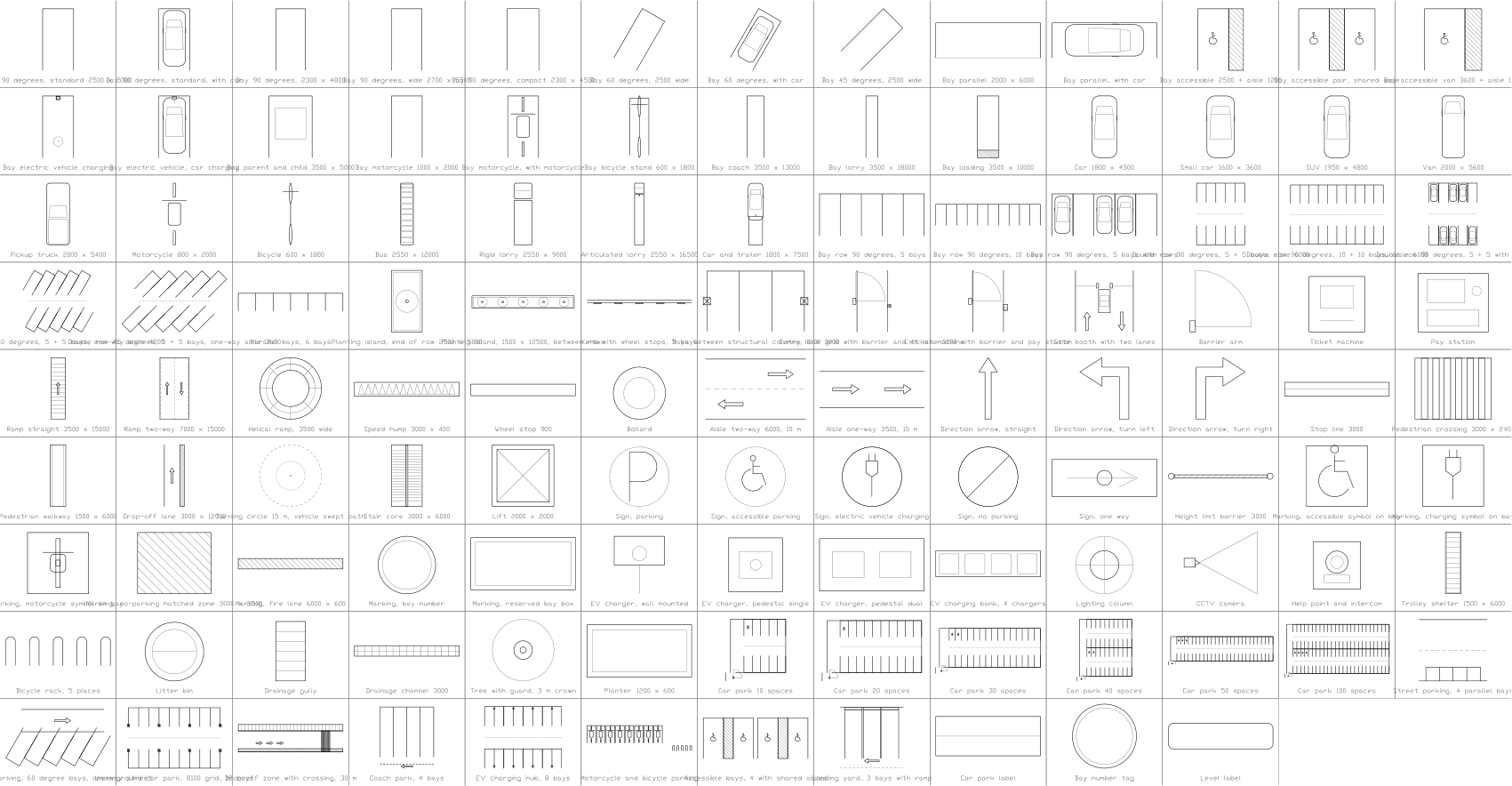
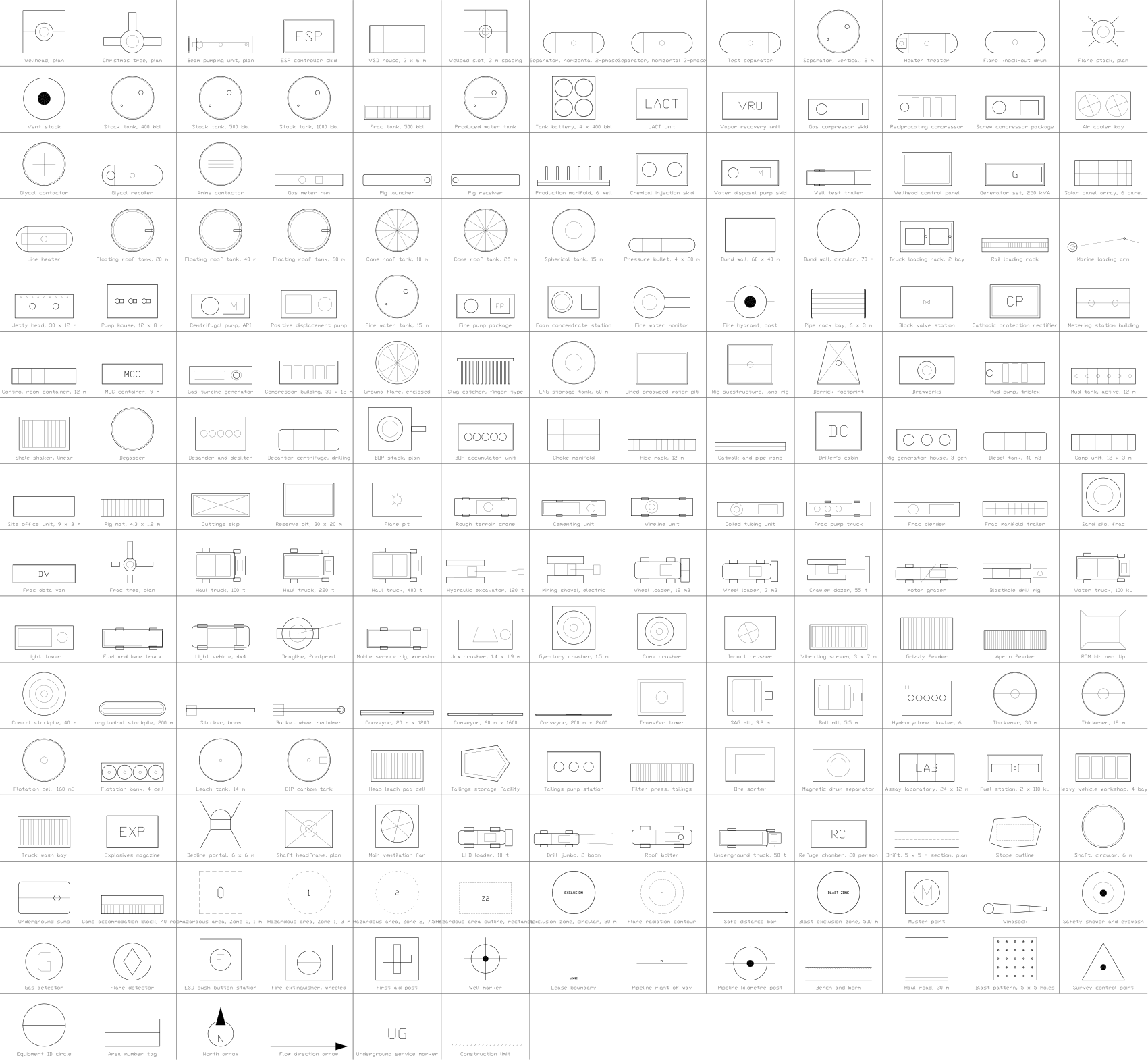
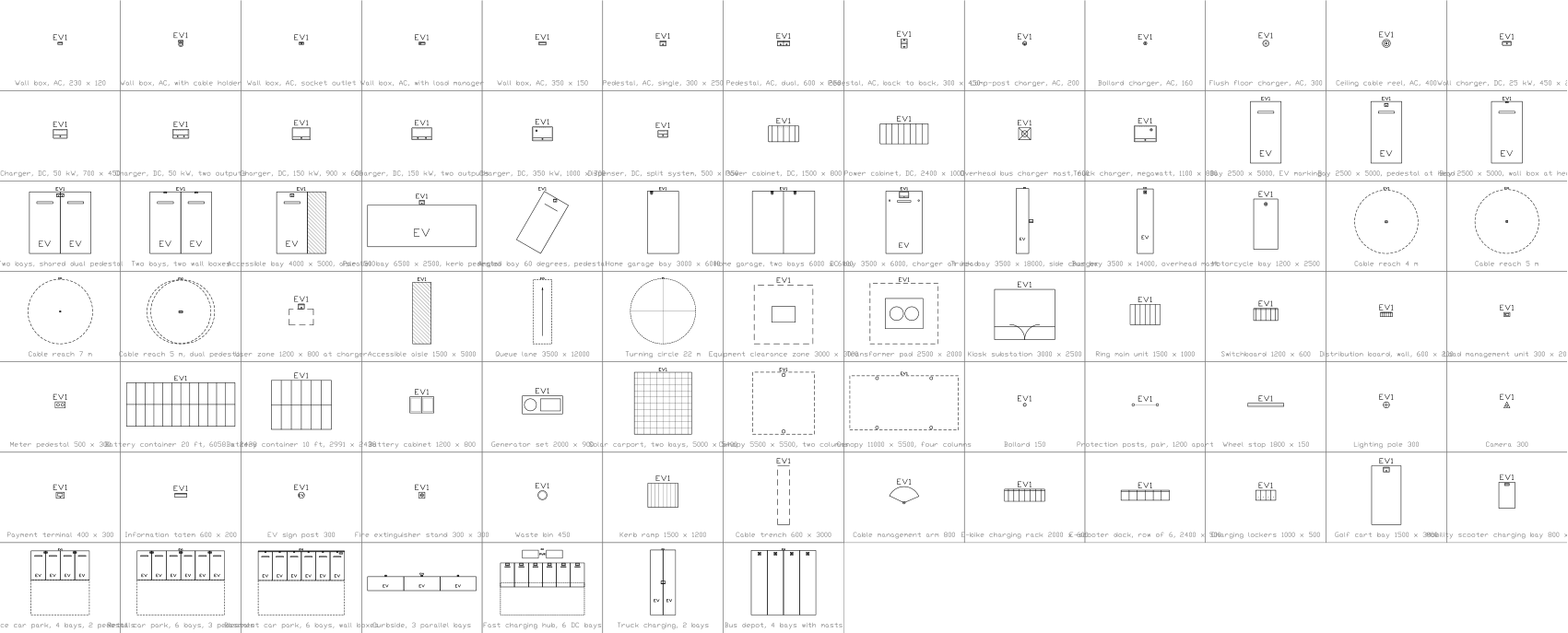
Todos os 192 símbolos
192 de 192 símbolos
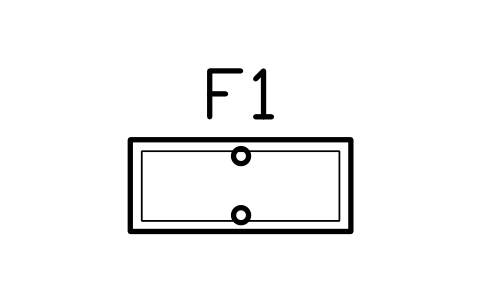
Fuel dispenser, 2 hoses
FCW_DISP_2HAtributos
TAGITEM_TYPESIZEPRODUCTSFLOW_LPMPOWER_KWMANUFACTURERMODELQTYREMARKSDESC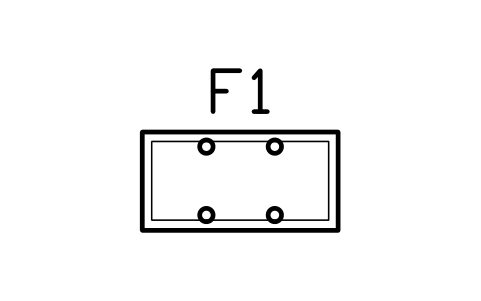
Fuel dispenser, 4 hoses
FCW_DISP_4HAtributos
TAGITEM_TYPESIZEPRODUCTSFLOW_LPMPOWER_KWMANUFACTURERMODELQTYREMARKSDESC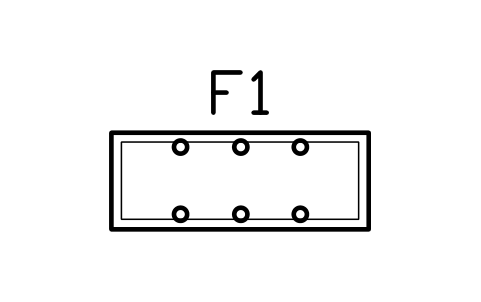
Fuel dispenser, 6 hoses
FCW_DISP_6HAtributos
TAGITEM_TYPESIZEPRODUCTSFLOW_LPMPOWER_KWMANUFACTURERMODELQTYREMARKSDESC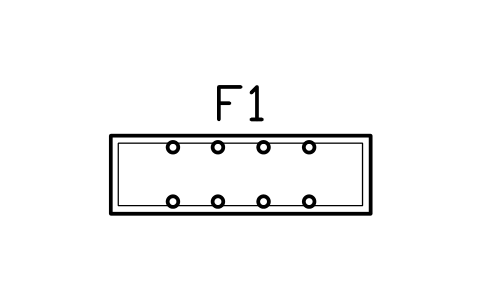
Fuel dispenser, 8 hoses
FCW_DISP_8HAtributos
TAGITEM_TYPESIZEPRODUCTSFLOW_LPMPOWER_KWMANUFACTURERMODELQTYREMARKSDESC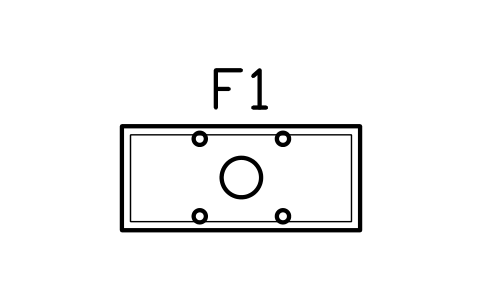
Truck diesel dispenser
FCW_DISP_HGVAtributos
TAGITEM_TYPESIZEPRODUCTSFLOW_LPMPOWER_KWMANUFACTURERMODELQTYREMARKSDESC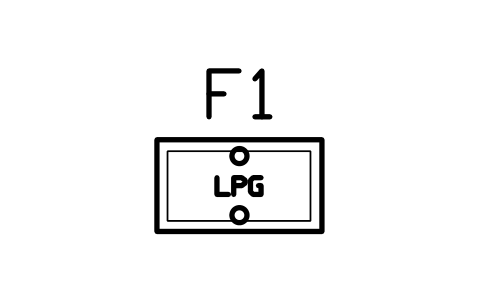
LPG dispenser
FCW_DISP_LPGAtributos
TAGITEM_TYPESIZEPRODUCTSFLOW_LPMPOWER_KWMANUFACTURERMODELQTYREMARKSDESC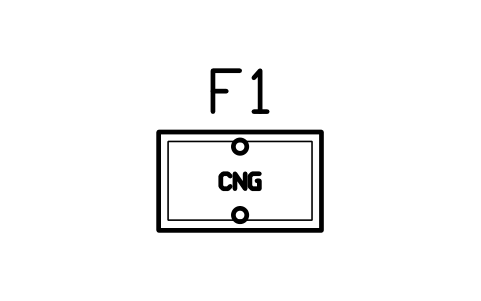
CNG dispenser
FCW_DISP_CNGAtributos
TAGITEM_TYPESIZEPRODUCTSFLOW_LPMPOWER_KWMANUFACTURERMODELQTYREMARKSDESC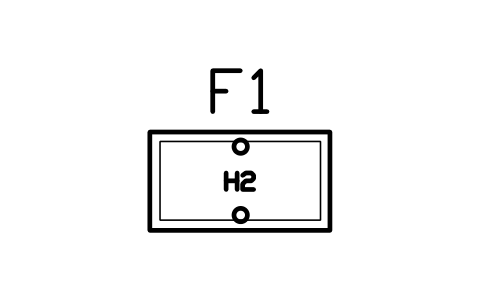
Hydrogen dispenser
FCW_DISP_H2Atributos
TAGITEM_TYPESIZEPRODUCTSFLOW_LPMPOWER_KWMANUFACTURERMODELQTYREMARKSDESC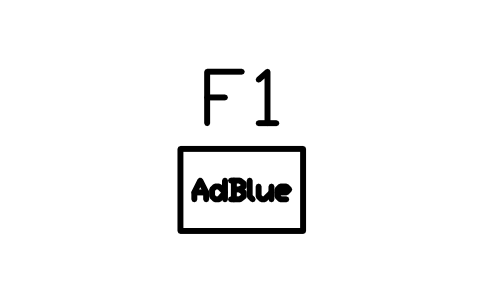
AdBlue pump
FCW_DISP_ADBLUEAtributos
TAGITEM_TYPESIZEPRODUCTSFLOW_LPMPOWER_KWMANUFACTURERMODELQTYREMARKSDESC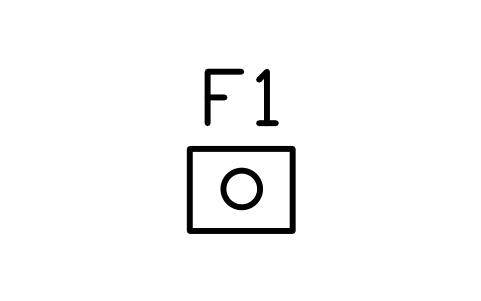
Oil dispensing post
FCW_DISP_OILAtributos
TAGITEM_TYPESIZEPRODUCTSFLOW_LPMPOWER_KWMANUFACTURERMODELQTYREMARKSDESC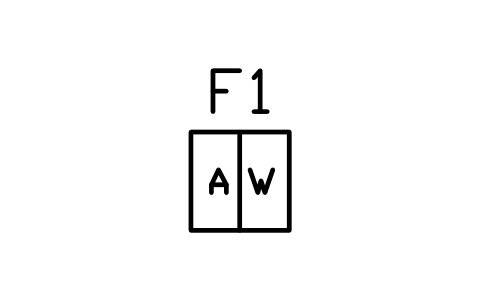
Air and water post 600 x 600
FCW_AIR_WATERAtributos
TAGITEM_TYPESIZEPRODUCTSFLOW_LPMPOWER_KWMANUFACTURERMODELQTYREMARKSDESC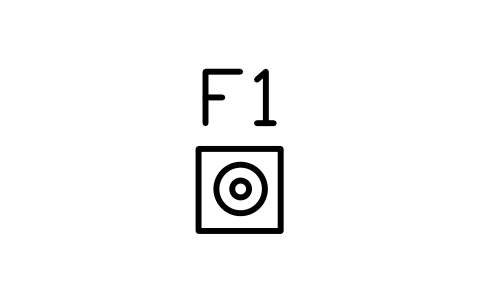
Tyre inflator post
FCW_AIR_TYREAtributos
TAGITEM_TYPESIZEPRODUCTSFLOW_LPMPOWER_KWMANUFACTURERMODELQTYREMARKSDESC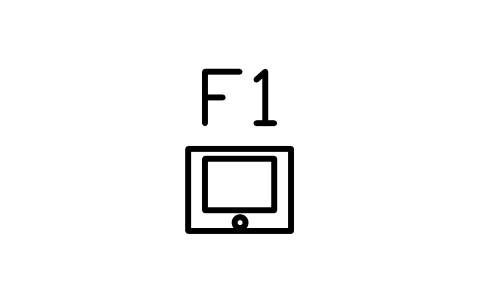
Outdoor payment terminal
FCW_PAY_OUTDOORAtributos
TAGITEM_TYPESIZEPRODUCTSFLOW_LPMPOWER_KWMANUFACTURERMODELQTYREMARKSDESC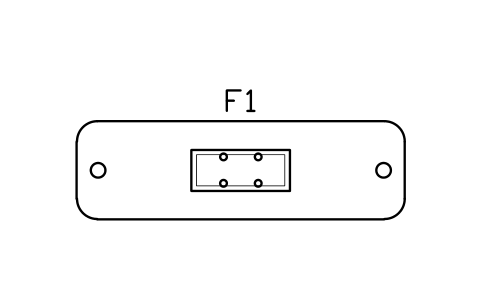
Pump island 4000, 1 x 4 hoses
FCW_ISLAND_4000_1_4Atributos
TAGITEM_TYPESIZEPRODUCTSFLOW_LPMPOWER_KWMANUFACTURERMODELQTYREMARKSDESC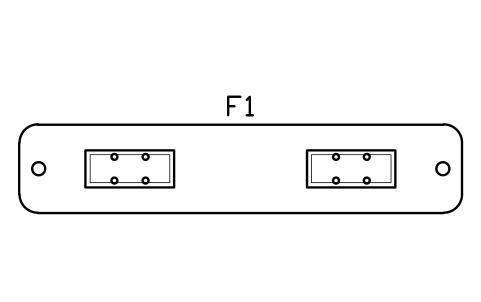
Pump island 6000, 2 x 4 hoses
FCW_ISLAND_6000_2_4Atributos
TAGITEM_TYPESIZEPRODUCTSFLOW_LPMPOWER_KWMANUFACTURERMODELQTYREMARKSDESC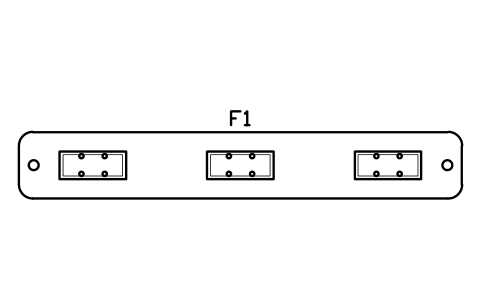
Pump island 8000, 3 x 4 hoses
FCW_ISLAND_8000_3_4Atributos
TAGITEM_TYPESIZEPRODUCTSFLOW_LPMPOWER_KWMANUFACTURERMODELQTYREMARKSDESC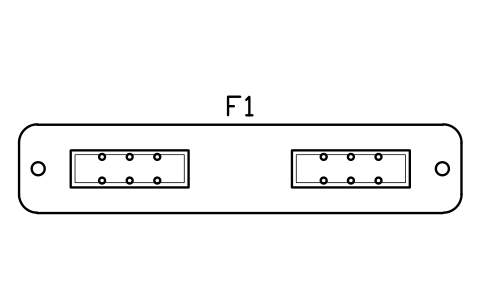
Pump island 6000, 2 x 6 hoses
FCW_ISLAND_6000_2_6Atributos
TAGITEM_TYPESIZEPRODUCTSFLOW_LPMPOWER_KWMANUFACTURERMODELQTYREMARKSDESC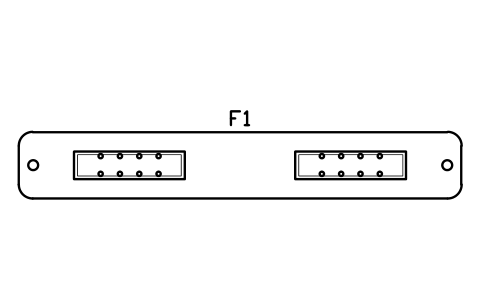
Pump island 8000, 2 x 8 hoses
FCW_ISLAND_8000_2_8Atributos
TAGITEM_TYPESIZEPRODUCTSFLOW_LPMPOWER_KWMANUFACTURERMODELQTYREMARKSDESC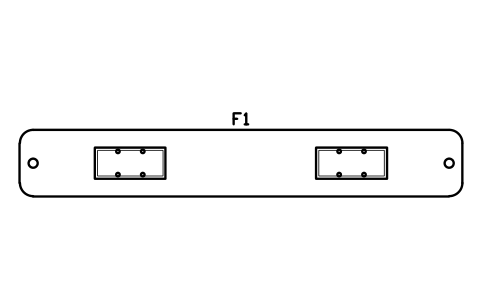
Truck island 10000, 2 dispensers
FCW_ISLAND_HGV_10Atributos
TAGITEM_TYPESIZEPRODUCTSFLOW_LPMPOWER_KWMANUFACTURERMODELQTYREMARKSDESC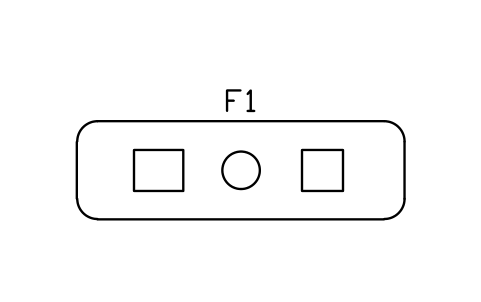
Island with air, water, vacuum
FCW_ISLAND_VACAtributos
TAGITEM_TYPESIZEPRODUCTSFLOW_LPMPOWER_KWMANUFACTURERMODELQTYREMARKSDESC
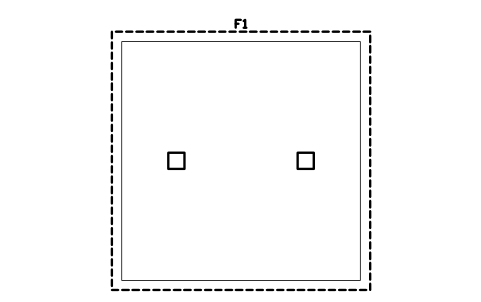
Canopy 8000 x 8000
FCW_CANOPY_8000_8000Atributos
TAGITEM_TYPESIZEMATERIALMANUFACTURERMODELQTYREMARKSDESC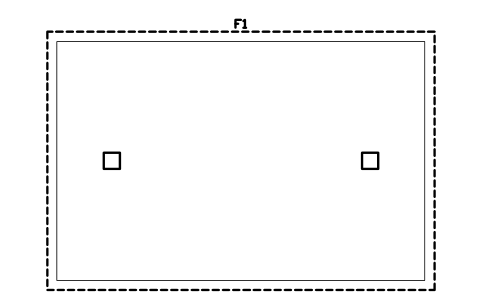
Canopy 12000 x 8000
FCW_CANOPY_12000_8000Atributos
TAGITEM_TYPESIZEMATERIALMANUFACTURERMODELQTYREMARKSDESC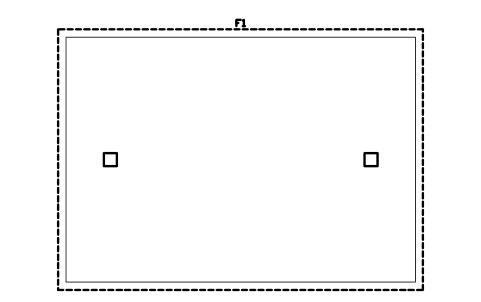
Canopy 14000 x 10000
FCW_CANOPY_14000_10000Atributos
TAGITEM_TYPESIZEMATERIALMANUFACTURERMODELQTYREMARKSDESC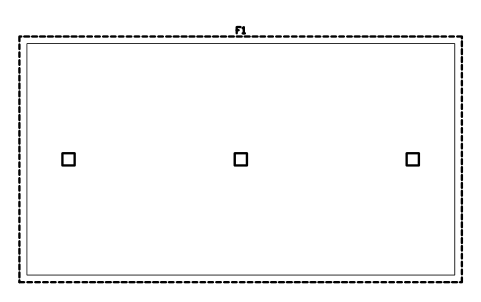
Canopy 18000 x 10000
FCW_CANOPY_18000_10000Atributos
TAGITEM_TYPESIZEMATERIALMANUFACTURERMODELQTYREMARKSDESC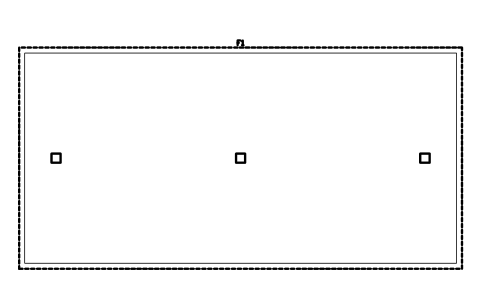
Canopy 24000 x 12000
FCW_CANOPY_24000_12000Atributos
TAGITEM_TYPESIZEMATERIALMANUFACTURERMODELQTYREMARKSDESC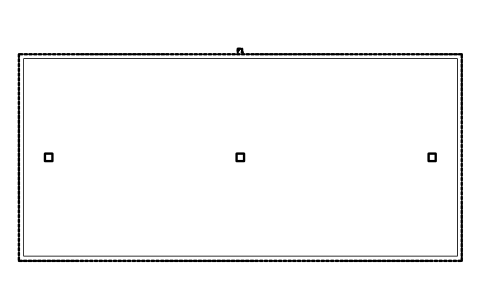
Canopy 30000 x 14000
FCW_CANOPY_30000_14000Atributos
TAGITEM_TYPESIZEMATERIALMANUFACTURERMODELQTYREMARKSDESC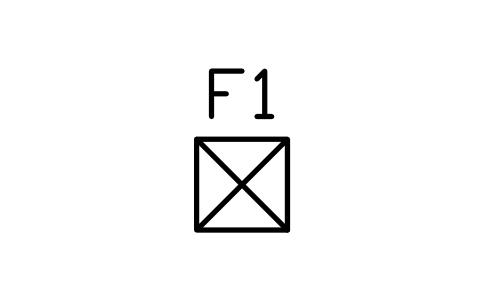
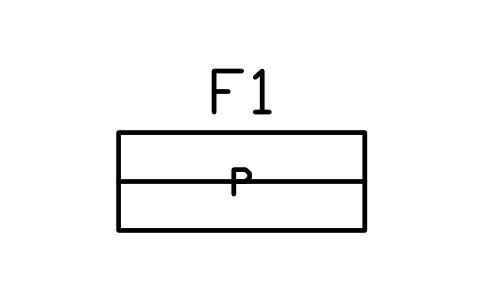
Accessible bay 3600 x 5000
FCW_BAY_ACCESSAtributos
TAGITEM_TYPESIZEMATERIALMANUFACTURERMODELQTYREMARKSDESC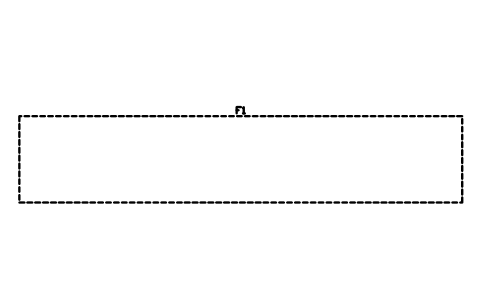
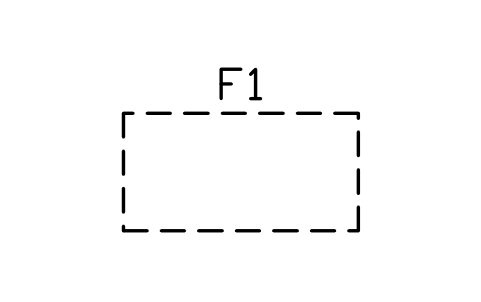
Motorcycle bay 1000 x 2000
FCW_BAY_MOTOAtributos
TAGITEM_TYPESIZEMATERIALMANUFACTURERMODELQTYREMARKSDESC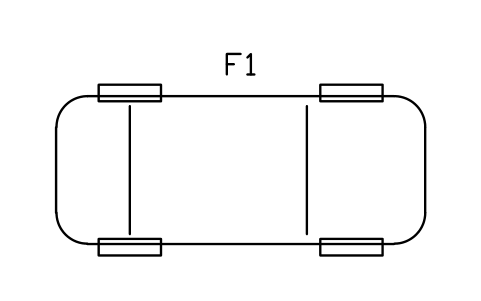
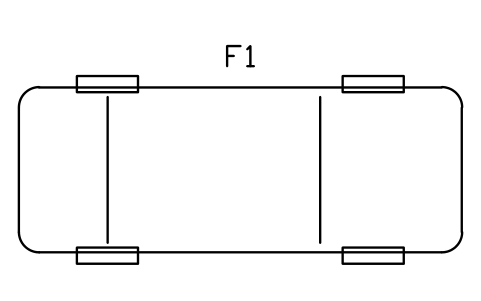
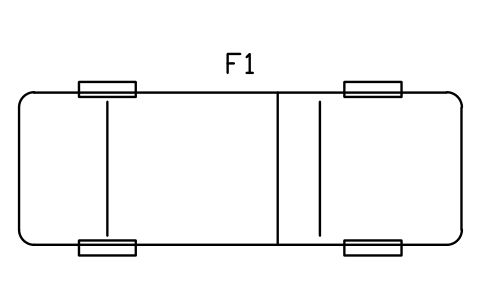
Pickup, plan 5900 x 2030
FCW_V_PICKUPAtributos
TAGITEM_TYPESIZEMATERIALMANUFACTURERMODELQTYREMARKSDESC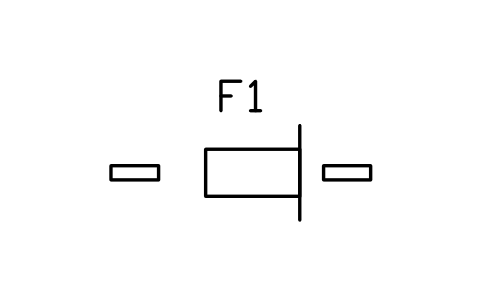
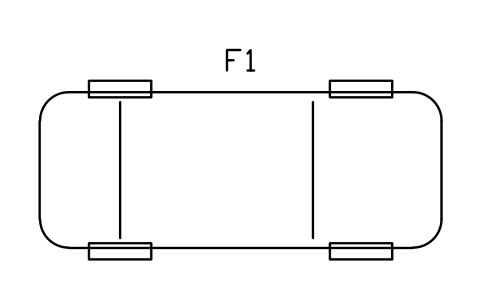
Motorcycle, plan 2200 x 800
FCW_V_MOTOAtributos
TAGITEM_TYPESIZEMATERIALMANUFACTURERMODELQTYREMARKSDESC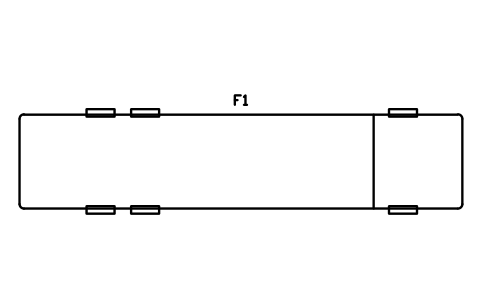
Rigid truck, plan 12000 x 2550
FCW_V_TRUCK12Atributos
TAGITEM_TYPESIZEMATERIALMANUFACTURERMODELQTYREMARKSDESC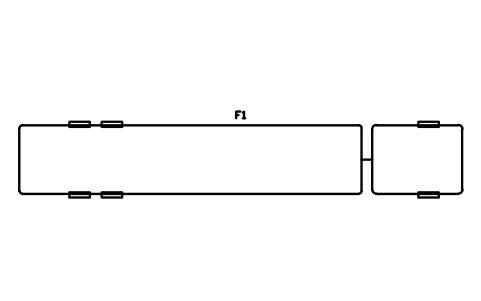
Articulated truck, plan 16500
FCW_V_ARTICAtributos
TAGITEM_TYPESIZEMATERIALMANUFACTURERMODELQTYREMARKSDESC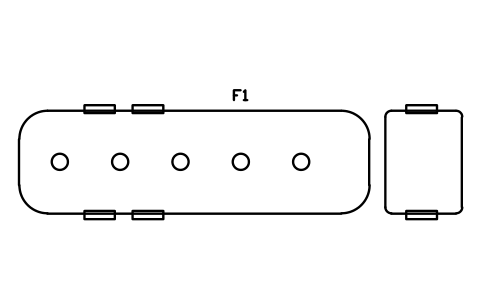
Fuel delivery tanker, plan 11000
FCW_V_TANKERAtributos
TAGITEM_TYPESIZEMATERIALMANUFACTURERMODELQTYREMARKSDESC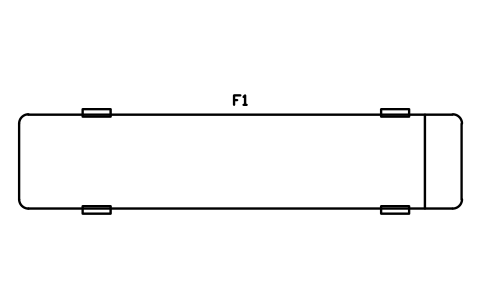
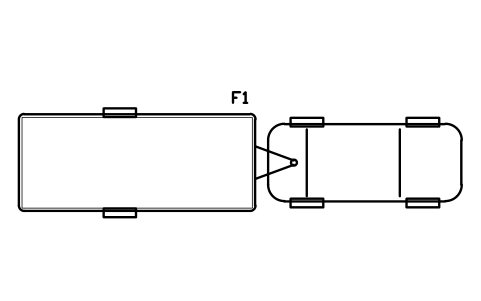
Car and caravan, plan 10500
FCW_V_CARAVANAtributos
TAGITEM_TYPESIZEMATERIALMANUFACTURERMODELQTYREMARKSDESC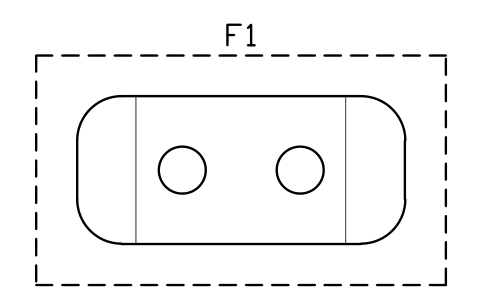
Underground tank 10 m3
FCW_UST_10Atributos
TAGITEM_TYPESIZECAPACITY_M3PRODUCTMATERIALWALLMANUFACTURERMODELQTYREMARKSDESC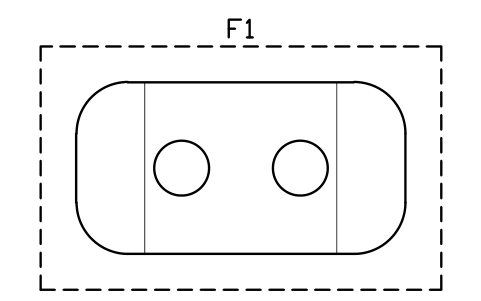
Underground tank 20 m3
FCW_UST_20Atributos
TAGITEM_TYPESIZECAPACITY_M3PRODUCTMATERIALWALLMANUFACTURERMODELQTYREMARKSDESC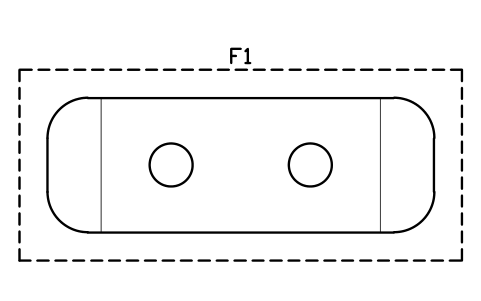
Underground tank 30 m3
FCW_UST_30Atributos
TAGITEM_TYPESIZECAPACITY_M3PRODUCTMATERIALWALLMANUFACTURERMODELQTYREMARKSDESC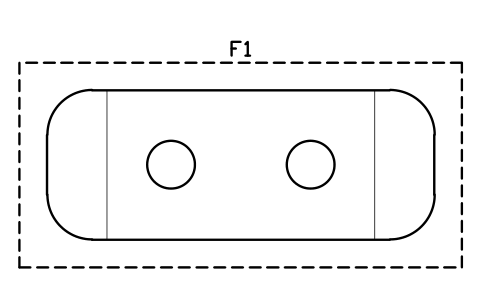
Underground tank 40 m3
FCW_UST_40Atributos
TAGITEM_TYPESIZECAPACITY_M3PRODUCTMATERIALWALLMANUFACTURERMODELQTYREMARKSDESC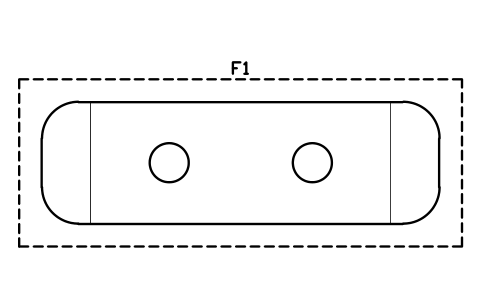
Underground tank 50 m3
FCW_UST_50Atributos
TAGITEM_TYPESIZECAPACITY_M3PRODUCTMATERIALWALLMANUFACTURERMODELQTYREMARKSDESC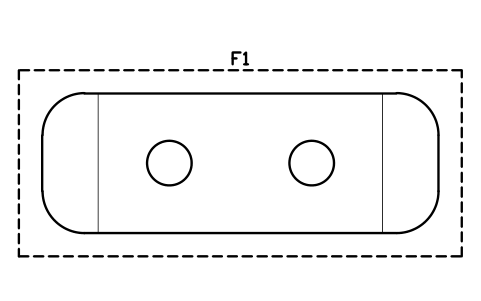
Underground tank 60 m3
FCW_UST_60Atributos
TAGITEM_TYPESIZECAPACITY_M3PRODUCTMATERIALWALLMANUFACTURERMODELQTYREMARKSDESC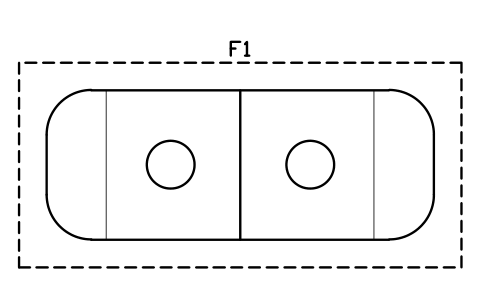
Two-compartment tank 40 m3
FCW_UST_2CAtributos
TAGITEM_TYPESIZECAPACITY_M3PRODUCTMATERIALWALLMANUFACTURERMODELQTYREMARKSDESC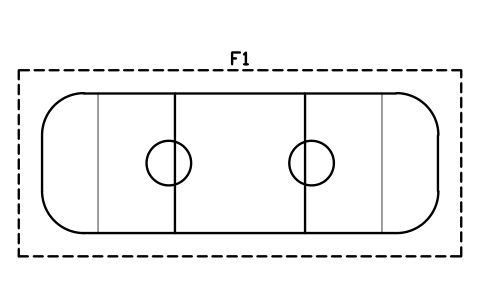
Three-compartment tank 60 m3
FCW_UST_3CAtributos
TAGITEM_TYPESIZECAPACITY_M3PRODUCTMATERIALWALLMANUFACTURERMODELQTYREMARKSDESC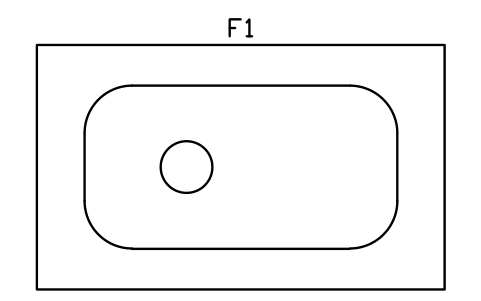
Above-ground tank 20 m3, bunded
FCW_AST_20Atributos
TAGITEM_TYPESIZECAPACITY_M3PRODUCTMATERIALWALLMANUFACTURERMODELQTYREMARKSDESC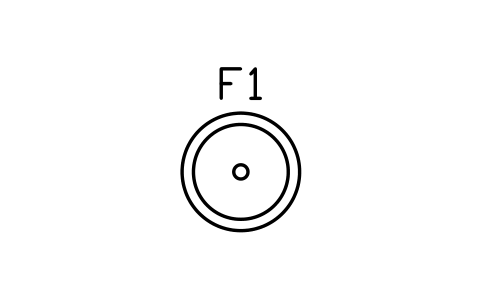
Tank manway chamber 1000
FCW_MANWAY_CHAtributos
TAGITEM_TYPESIZECAPACITY_M3PRODUCTMATERIALWALLMANUFACTURERMODELQTYREMARKSDESC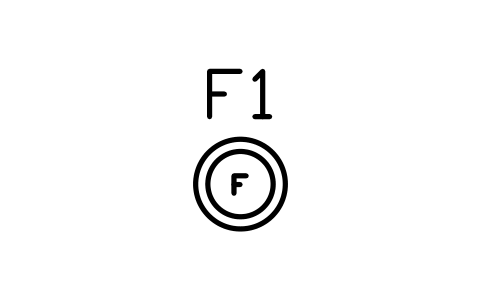
Fill point chamber 500
FCW_FILL_CHAtributos
TAGITEM_TYPESIZECAPACITY_M3PRODUCTMATERIALWALLMANUFACTURERMODELQTYREMARKSDESC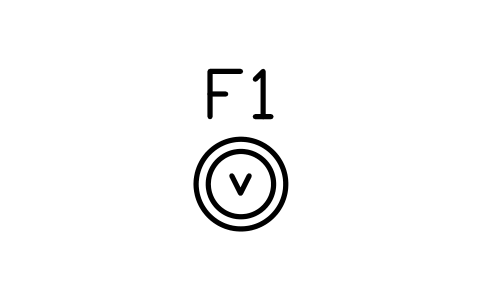
Vapour return chamber 500
FCW_VAPOUR_CHAtributos
TAGITEM_TYPESIZECAPACITY_M3PRODUCTMATERIALWALLMANUFACTURERMODELQTYREMARKSDESC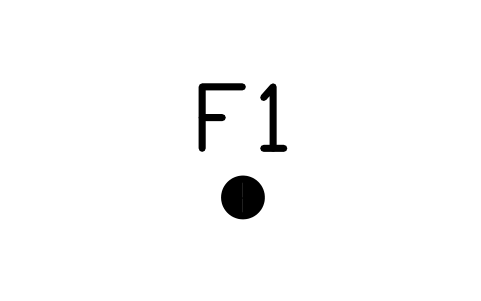
Vent stack 150
FCW_VENT_STACKAtributos
TAGITEM_TYPESIZECAPACITY_M3PRODUCTMATERIALWALLMANUFACTURERMODELQTYREMARKSDESC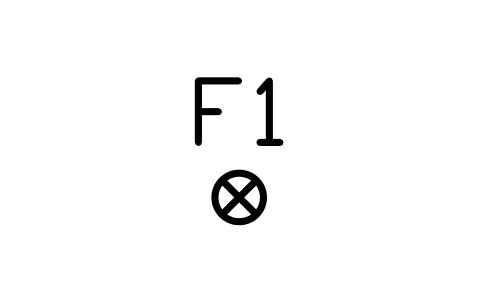
Monitoring well 200
FCW_MON_WELLAtributos
TAGITEM_TYPESIZECAPACITY_M3PRODUCTMATERIALWALLMANUFACTURERMODELQTYREMARKSDESC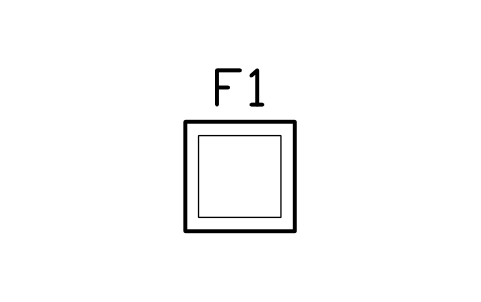
Dispenser sump 800 x 800
FCW_SUMP_DISPAtributos
TAGITEM_TYPESIZECAPACITY_M3PRODUCTMATERIALWALLMANUFACTURERMODELQTYREMARKSDESC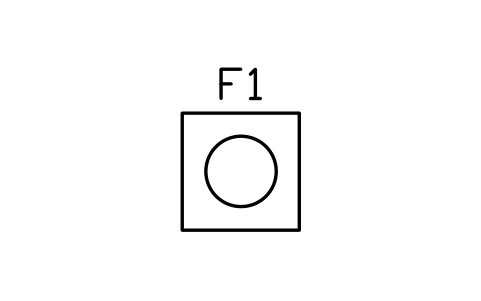
Transition sump 1000 x 1000
FCW_SUMP_TRANSAtributos
TAGITEM_TYPESIZECAPACITY_M3PRODUCTMATERIALWALLMANUFACTURERMODELQTYREMARKSDESC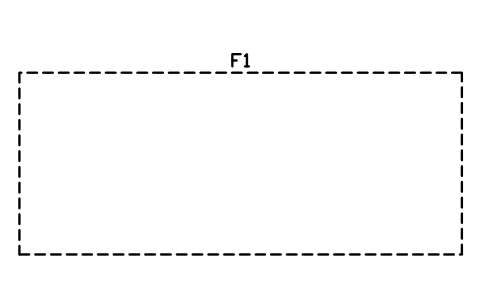
Tank pit 9000 x 3700
FCW_TANK_PITAtributos
TAGITEM_TYPESIZECAPACITY_M3PRODUCTMATERIALWALLMANUFACTURERMODELQTYREMARKSDESC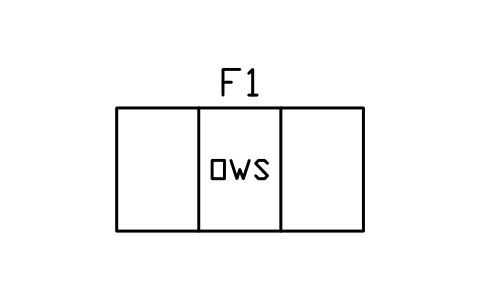
Oil-water separator 6 L/s
FCW_SEP_OIL_6Atributos
TAGITEM_TYPESIZECAPACITY_M3PRODUCTMATERIALWALLMANUFACTURERMODELQTYREMARKSDESC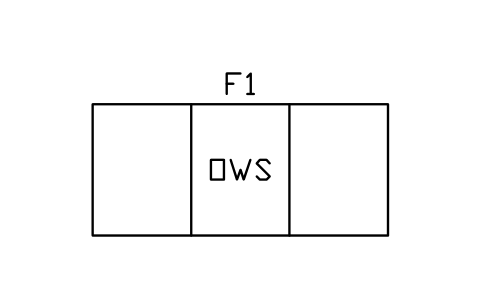
Oil-water separator 15 L/s
FCW_SEP_OIL_15Atributos
TAGITEM_TYPESIZECAPACITY_M3PRODUCTMATERIALWALLMANUFACTURERMODELQTYREMARKSDESC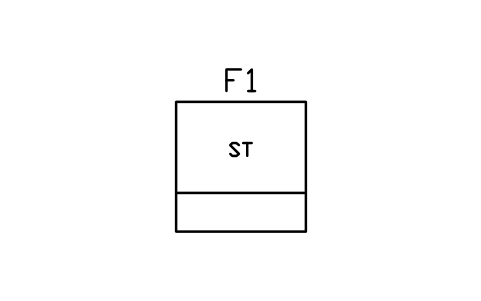
Sand trap 1500 x 1500
FCW_SEP_SANDAtributos
TAGITEM_TYPESIZECAPACITY_M3PRODUCTMATERIALWALLMANUFACTURERMODELQTYREMARKSDESC
Emergency shut-off switch
FCW_ESD_SWITCHAtributos
TAGITEM_TYPESIZEMATERIALMANUFACTURERMODELQTYREMARKSDESC
Tanker delivery point 3000 x 4000
FCW_DELIVERY_PTAtributos
TAGITEM_TYPESIZEMATERIALMANUFACTURERMODELQTYREMARKSDESC
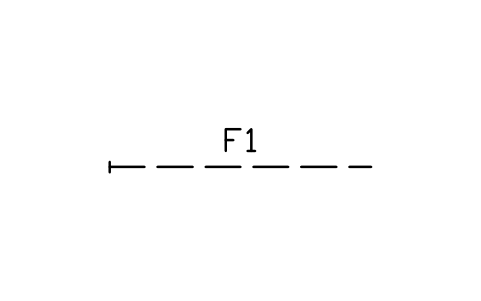
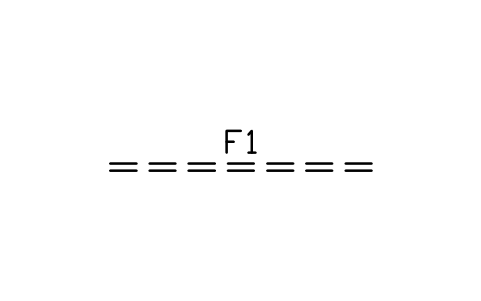
Vapour recovery pipe 3000
FCW_PIPE_VAPOURAtributos
TAGITEM_TYPESIZEMATERIALMANUFACTURERMODELQTYREMARKSDESC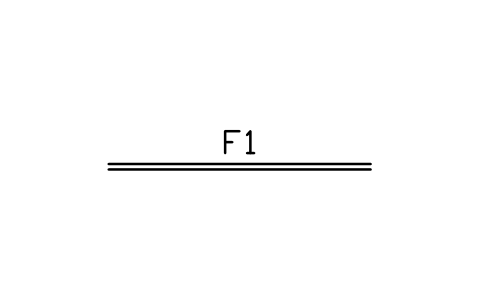
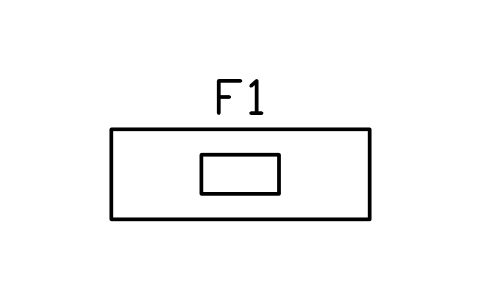
Sales counter 2000 x 700
FCW_SHOP_COUNTER_2Atributos
TAGITEM_TYPESIZEMATERIALMANUFACTURERMODELQTYREMARKSDESC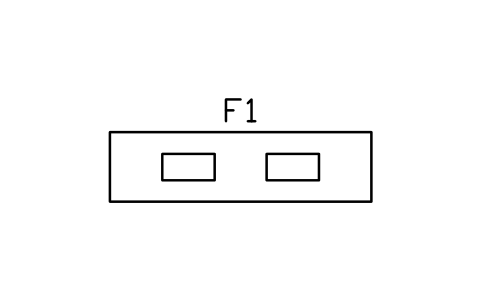
Sales counter 3000 x 800
FCW_SHOP_COUNTER_3Atributos
TAGITEM_TYPESIZEMATERIALMANUFACTURERMODELQTYREMARKSDESC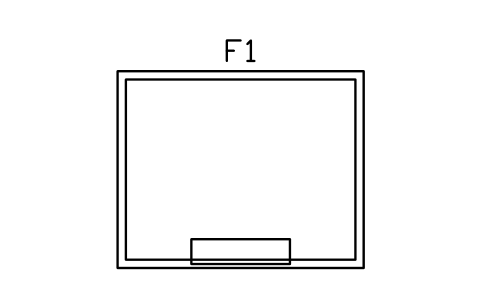
Cashier kiosk 3000 x 2400
FCW_KIOSK_3X2Atributos
TAGITEM_TYPESIZEMATERIALMANUFACTURERMODELQTYREMARKSDESC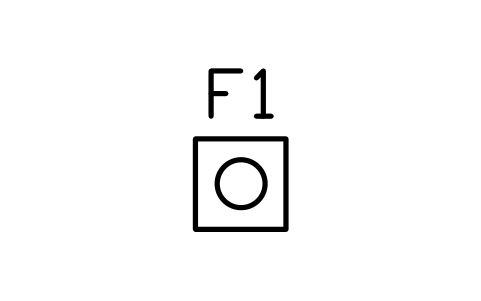
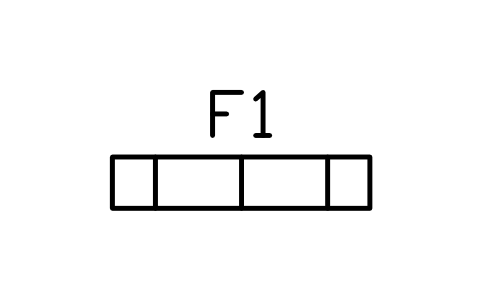
Tobacco gantry 1500 x 300
FCW_TOBACCOAtributos
TAGITEM_TYPESIZEMATERIALMANUFACTURERMODELQTYREMARKSDESC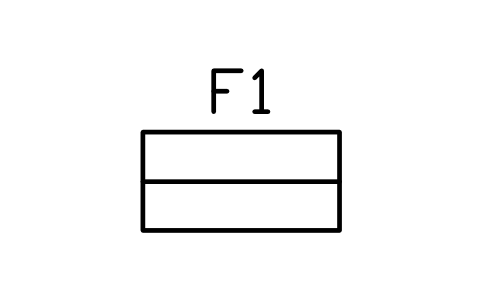
Gondola shelving 1200 x 600
FCW_SHELF_1200Atributos
TAGITEM_TYPESIZEMATERIALMANUFACTURERMODELQTYREMARKSDESC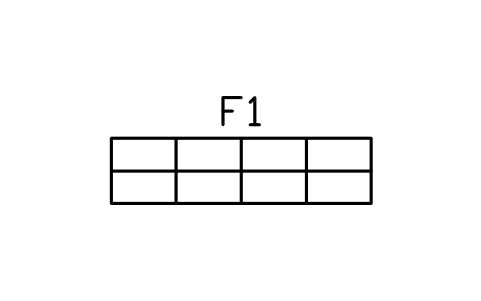
Gondola shelving 2400 x 600
FCW_SHELF_2400Atributos
TAGITEM_TYPESIZEMATERIALMANUFACTURERMODELQTYREMARKSDESC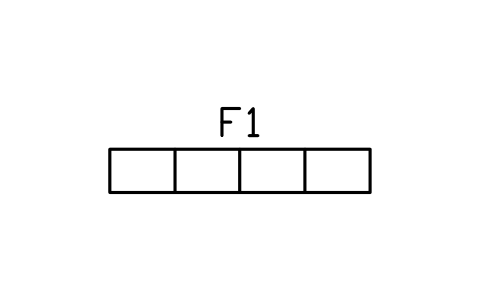
Wall shelving 2400 x 400
FCW_SHELF_WALLAtributos
TAGITEM_TYPESIZEMATERIALMANUFACTURERMODELQTYREMARKSDESC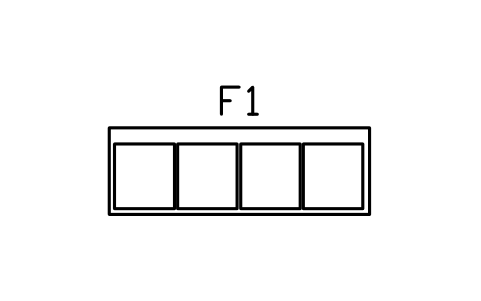
Drinks cooler wall 2400 x 800
FCW_COOLER_WALLAtributos
TAGITEM_TYPESIZEMATERIALMANUFACTURERMODELQTYREMARKSDESC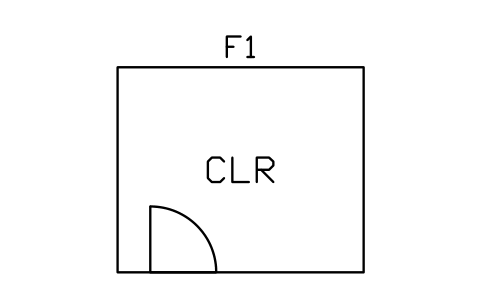
Walk-in cooler 3000 x 2500
FCW_COOLER_WALKAtributos
TAGITEM_TYPESIZEMATERIALMANUFACTURERMODELQTYREMARKSDESC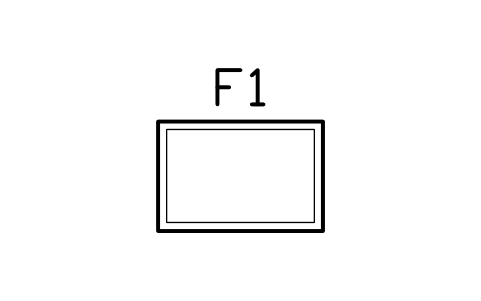
Chest freezer 1200 x 800
FCW_FREEZER_CHESTAtributos
TAGITEM_TYPESIZEMATERIALMANUFACTURERMODELQTYREMARKSDESC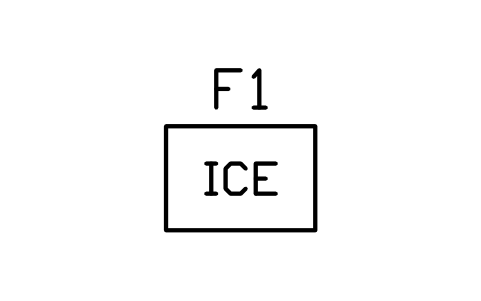
Ice merchandiser 1000 x 700
FCW_ICE_BINAtributos
TAGITEM_TYPESIZEMATERIALMANUFACTURERMODELQTYREMARKSDESC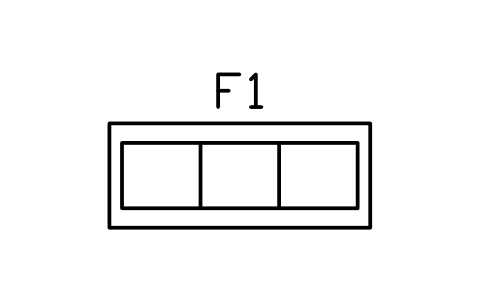
Hot food counter 2000 x 800
FCW_HOT_FOODAtributos
TAGITEM_TYPESIZEMATERIALMANUFACTURERMODELQTYREMARKSDESC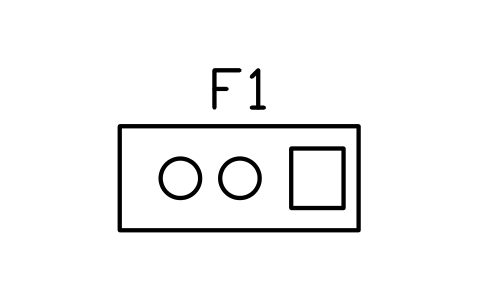
Coffee station 1600 x 700
FCW_COFFEE_BARAtributos
TAGITEM_TYPESIZEMATERIALMANUFACTURERMODELQTYREMARKSDESC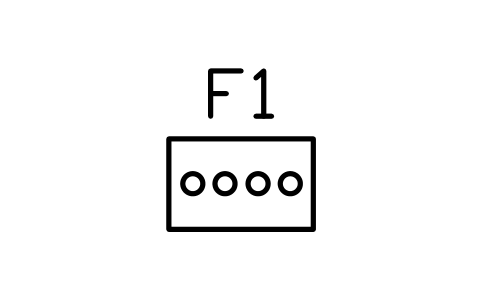
Roller grill 800 x 500
FCW_ROLLER_GRILLAtributos
TAGITEM_TYPESIZEMATERIALMANUFACTURERMODELQTYREMARKSDESC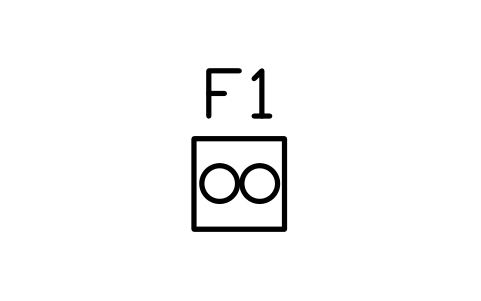
Frozen drink machine 500 x 500
FCW_SLUSHAtributos
TAGITEM_TYPESIZEMATERIALMANUFACTURERMODELQTYREMARKSDESC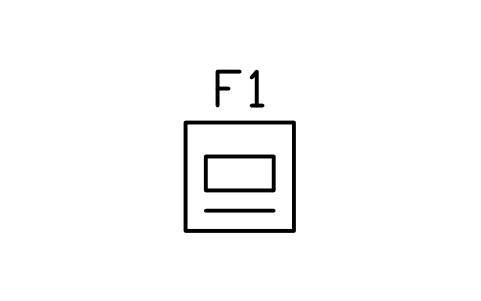
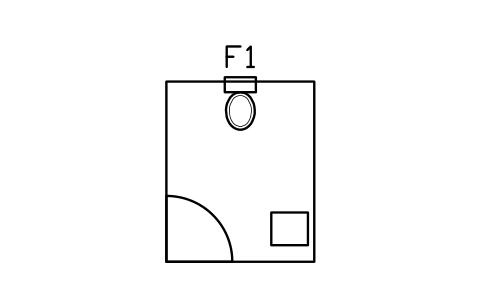
Unisex restroom 1800 x 2200
FCW_RESTROOMAtributos
TAGITEM_TYPESIZEMATERIALMANUFACTURERMODELQTYREMARKSDESC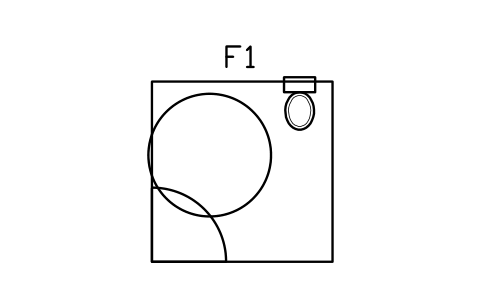
Accessible restroom 2200 x 2200
FCW_RESTROOM_ACCAtributos
TAGITEM_TYPESIZEMATERIALMANUFACTURERMODELQTYREMARKSDESC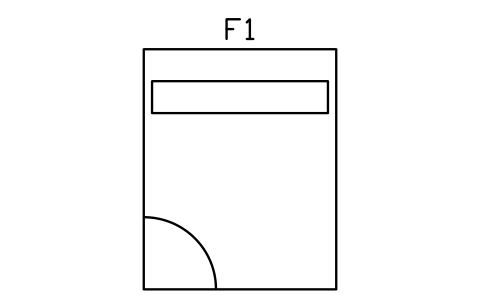
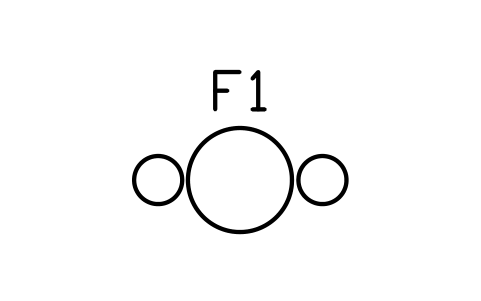
High table with two stools
FCW_TABLE_STOOLAtributos
TAGITEM_TYPESIZEMATERIALMANUFACTURERMODELQTYREMARKSDESC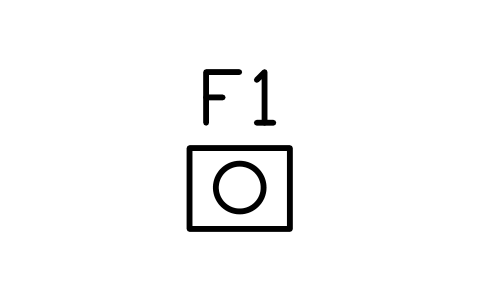
Lottery terminal 500 x 400
FCW_LOTTERYAtributos
TAGITEM_TYPESIZEMATERIALMANUFACTURERMODELQTYREMARKSDESC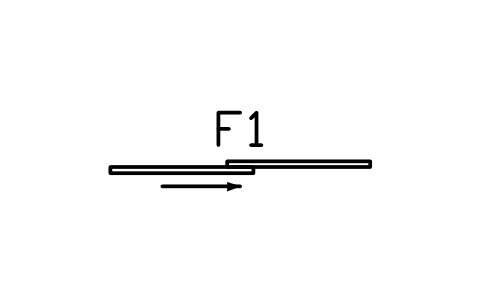
Shop entrance, sliding 2000
FCW_SHOP_DOORAtributos
TAGITEM_TYPESIZEMATERIALMANUFACTURERMODELQTYREMARKSDESC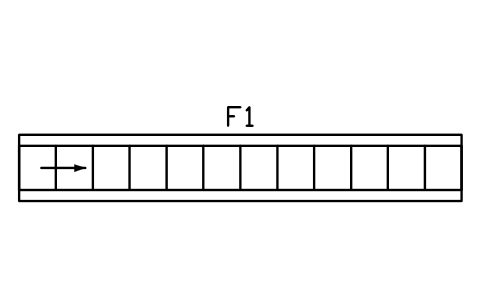
Conveyor 6000
FCW_W_CONV_6Atributos
TAGITEM_TYPESIZEPOWER_KWWATER_LPMVOLTAGE_VMANUFACTURERMODELQTYREMARKSDESC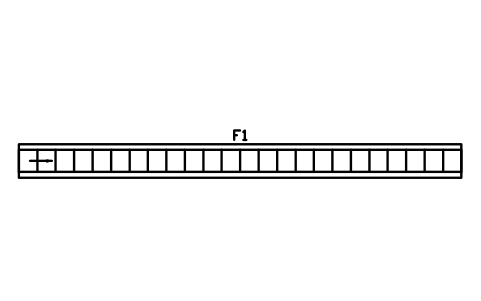
Conveyor 12000
FCW_W_CONV_12Atributos
TAGITEM_TYPESIZEPOWER_KWWATER_LPMVOLTAGE_VMANUFACTURERMODELQTYREMARKSDESC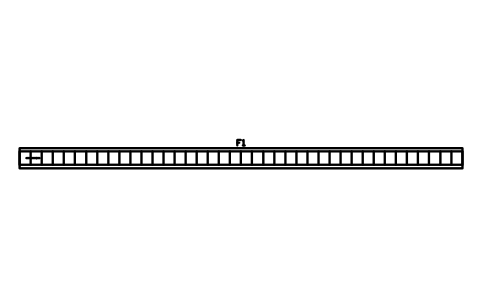
Conveyor 20000
FCW_W_CONV_20Atributos
TAGITEM_TYPESIZEPOWER_KWWATER_LPMVOLTAGE_VMANUFACTURERMODELQTYREMARKSDESC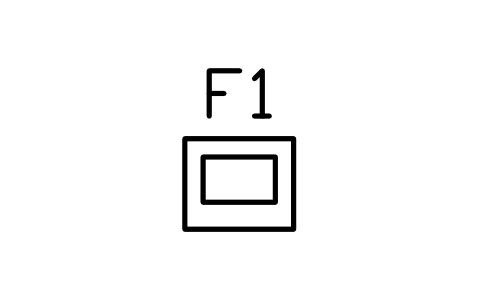
Wash pay station 600 x 500
FCW_W_PAYAtributos
TAGITEM_TYPESIZEPOWER_KWWATER_LPMVOLTAGE_VMANUFACTURERMODELQTYREMARKSDESC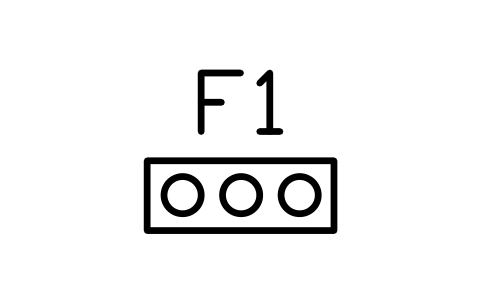
Tunnel entrance sign and sensor
FCW_W_ENTRYAtributos
TAGITEM_TYPESIZEPOWER_KWWATER_LPMVOLTAGE_VMANUFACTURERMODELQTYREMARKSDESC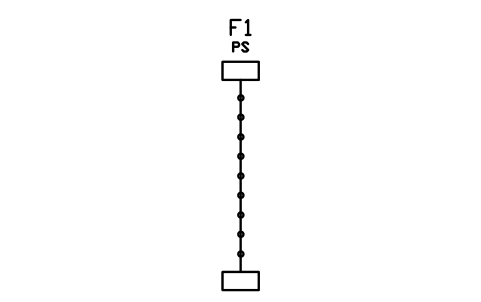
Pre-soak arch
FCW_W_PRESOAKAtributos
TAGITEM_TYPESIZEPOWER_KWWATER_LPMVOLTAGE_VMANUFACTURERMODELQTYREMARKSDESC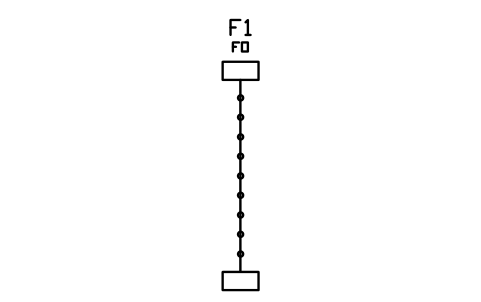
Foam arch
FCW_W_FOAMAtributos
TAGITEM_TYPESIZEPOWER_KWWATER_LPMVOLTAGE_VMANUFACTURERMODELQTYREMARKSDESC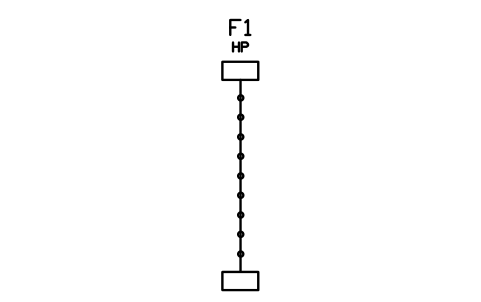
High-pressure arch
FCW_W_HPAtributos
TAGITEM_TYPESIZEPOWER_KWWATER_LPMVOLTAGE_VMANUFACTURERMODELQTYREMARKSDESC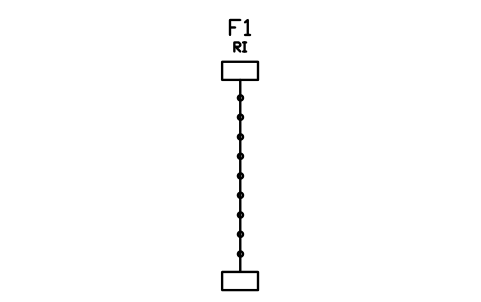
Rinse arch
FCW_W_RINSEAtributos
TAGITEM_TYPESIZEPOWER_KWWATER_LPMVOLTAGE_VMANUFACTURERMODELQTYREMARKSDESC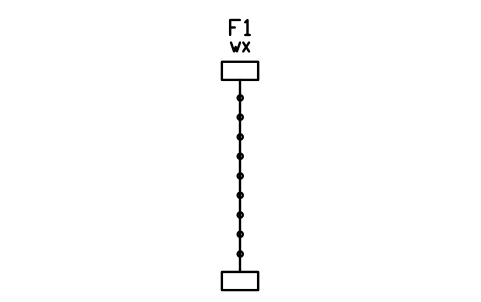
Wax and protectant arch
FCW_W_WAXAtributos
TAGITEM_TYPESIZEPOWER_KWWATER_LPMVOLTAGE_VMANUFACTURERMODELQTYREMARKSDESC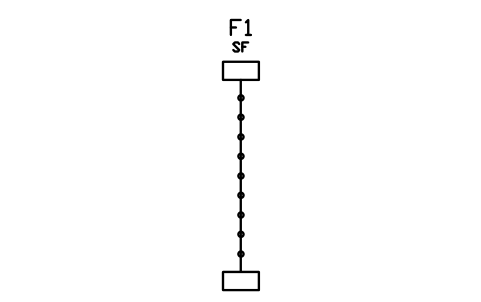
Spot-free rinse arch
FCW_W_SPOTFREEAtributos
TAGITEM_TYPESIZEPOWER_KWWATER_LPMVOLTAGE_VMANUFACTURERMODELQTYREMARKSDESC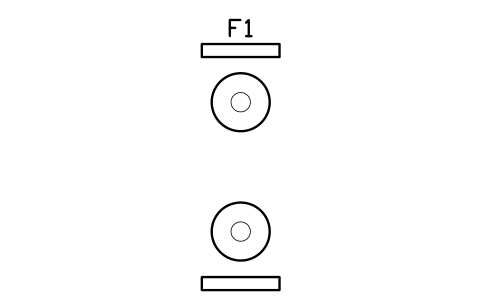
Wrap-around brushes
FCW_W_WRAPAtributos
TAGITEM_TYPESIZEPOWER_KWWATER_LPMVOLTAGE_VMANUFACTURERMODELQTYREMARKSDESC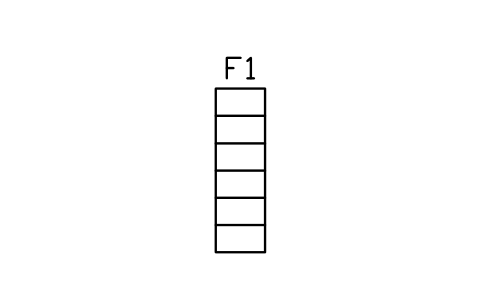
Top brush
FCW_W_TOPBRUSHAtributos
TAGITEM_TYPESIZEPOWER_KWWATER_LPMVOLTAGE_VMANUFACTURERMODELQTYREMARKSDESC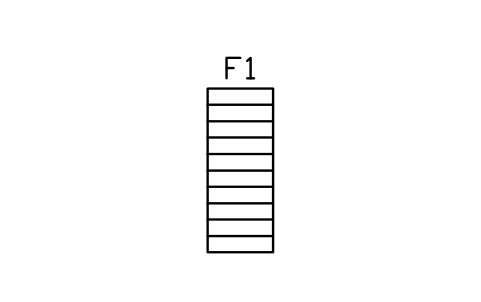
Mitter curtain
FCW_W_MITTERAtributos
TAGITEM_TYPESIZEPOWER_KWWATER_LPMVOLTAGE_VMANUFACTURERMODELQTYREMARKSDESC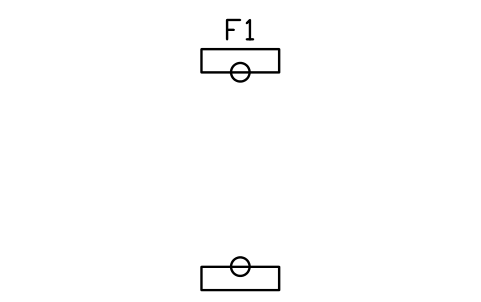
Wheel scrubbers
FCW_W_WHEELAtributos
TAGITEM_TYPESIZEPOWER_KWWATER_LPMVOLTAGE_VMANUFACTURERMODELQTYREMARKSDESC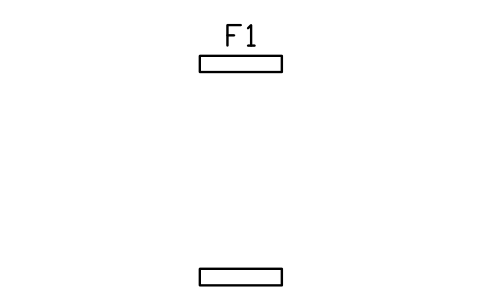
Rocker panel wash
FCW_W_ROCKERAtributos
TAGITEM_TYPESIZEPOWER_KWWATER_LPMVOLTAGE_VMANUFACTURERMODELQTYREMARKSDESC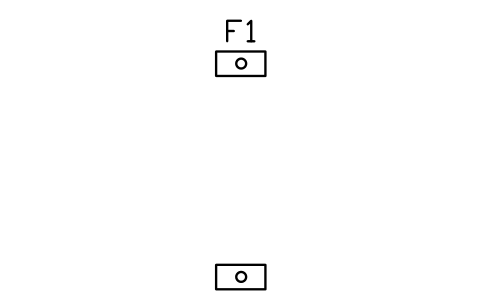
Tyre shine applicator
FCW_W_TIRESHINEAtributos
TAGITEM_TYPESIZEPOWER_KWWATER_LPMVOLTAGE_VMANUFACTURERMODELQTYREMARKSDESC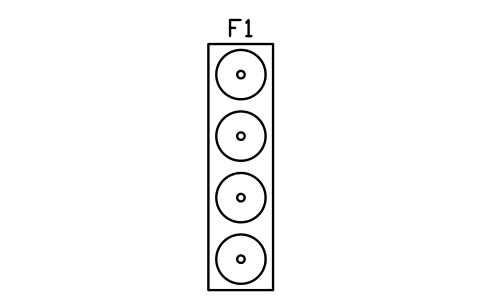
Dryer, 4 fans
FCW_W_DRYER_4Atributos
TAGITEM_TYPESIZEPOWER_KWWATER_LPMVOLTAGE_VMANUFACTURERMODELQTYREMARKSDESC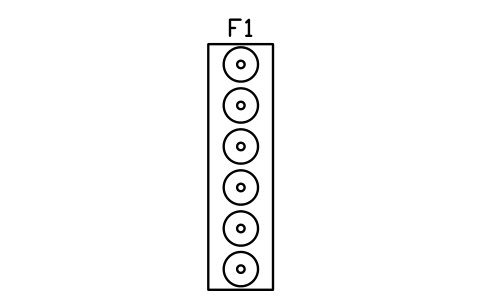
Dryer, 6 fans
FCW_W_DRYER_6Atributos
TAGITEM_TYPESIZEPOWER_KWWATER_LPMVOLTAGE_VMANUFACTURERMODELQTYREMARKSDESC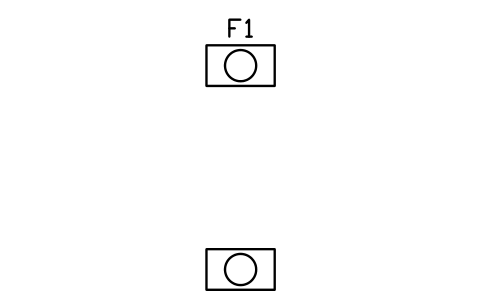
Side dryers
FCW_W_DRYER_SIDEAtributos
TAGITEM_TYPESIZEPOWER_KWWATER_LPMVOLTAGE_VMANUFACTURERMODELQTYREMARKSDESC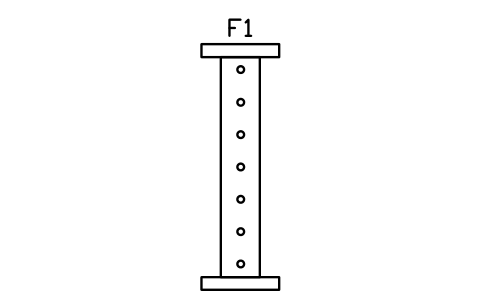
Touchless gantry, in-bay
FCW_W_TOUCHLESSAtributos
TAGITEM_TYPESIZEPOWER_KWWATER_LPMVOLTAGE_VMANUFACTURERMODELQTYREMARKSDESC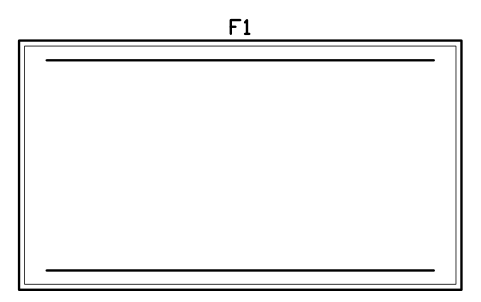
In-bay automatic bay 4500 x 8000
FCW_W_IBA_BAYAtributos
TAGITEM_TYPESIZEPOWER_KWWATER_LPMVOLTAGE_VMANUFACTURERMODELQTYREMARKSDESC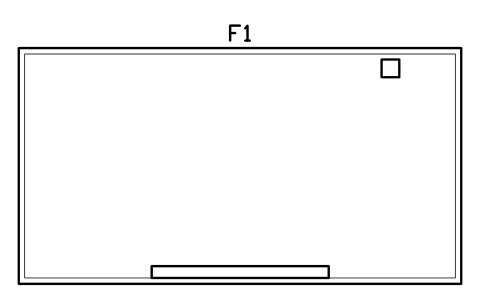
Self-serve bay 4000 x 7500
FCW_W_SELF_BAYAtributos
TAGITEM_TYPESIZEPOWER_KWWATER_LPMVOLTAGE_VMANUFACTURERMODELQTYREMARKSDESC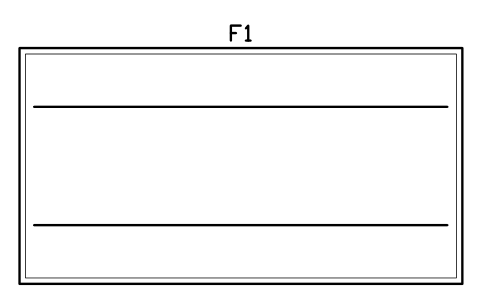
Hand wash bay 4000 x 7500
FCW_W_HAND_BAYAtributos
TAGITEM_TYPESIZEPOWER_KWWATER_LPMVOLTAGE_VMANUFACTURERMODELQTYREMARKSDESC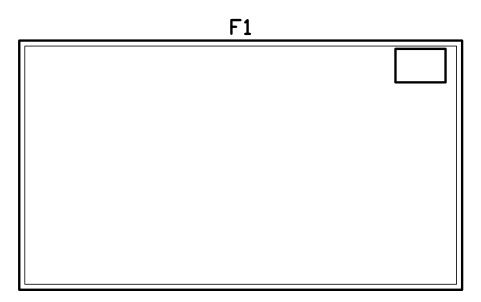
Detail bay 4500 x 8000
FCW_W_DETAIL_BAYAtributos
TAGITEM_TYPESIZEPOWER_KWWATER_LPMVOLTAGE_VMANUFACTURERMODELQTYREMARKSDESC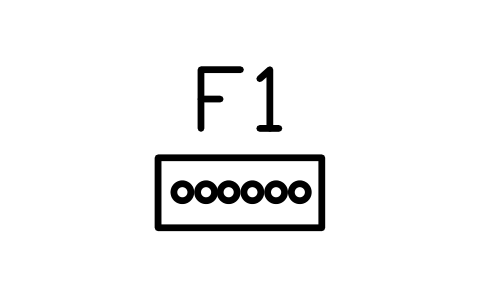
Self-serve selector panel
FCW_W_PANEL_SELECTAtributos
TAGITEM_TYPESIZEPOWER_KWWATER_LPMVOLTAGE_VMANUFACTURERMODELQTYREMARKSDESC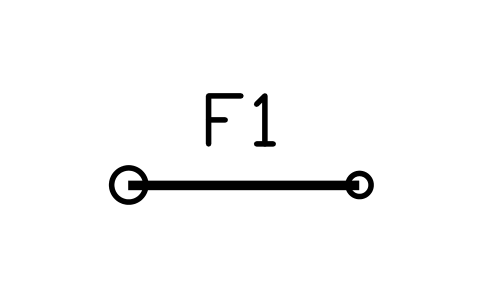
Self-serve boom and wand
FCW_W_BOOMAtributos
TAGITEM_TYPESIZEPOWER_KWWATER_LPMVOLTAGE_VMANUFACTURERMODELQTYREMARKSDESC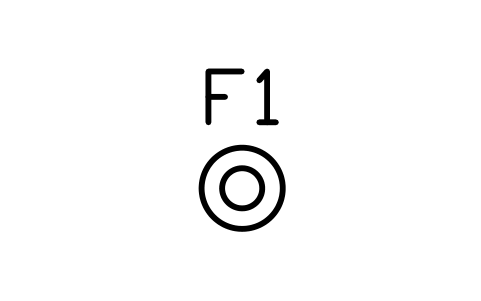
Foam brush station
FCW_W_FOAM_BRUSHAtributos
TAGITEM_TYPESIZEPOWER_KWWATER_LPMVOLTAGE_VMANUFACTURERMODELQTYREMARKSDESC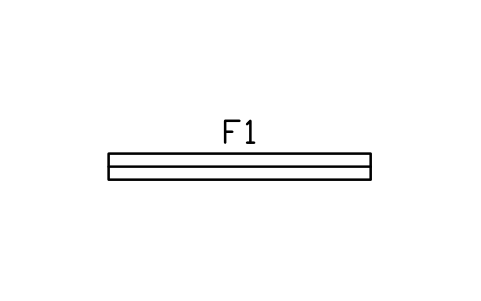
Drain trench 300 x 3000
FCW_W_TRENCHAtributos
TAGITEM_TYPESIZEPOWER_KWWATER_LPMVOLTAGE_VMANUFACTURERMODELQTYREMARKSDESC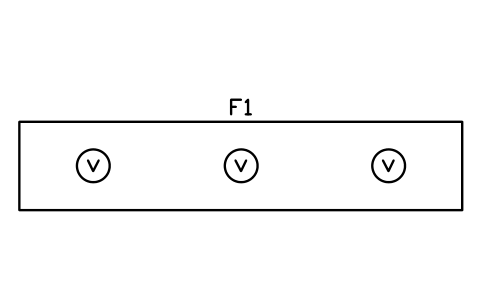
Vacuum island, 3 stations
FCW_W_VAC_3Atributos
TAGITEM_TYPESIZEPOWER_KWWATER_LPMVOLTAGE_VMANUFACTURERMODELQTYREMARKSDESC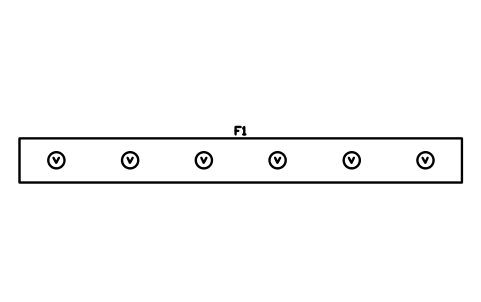
Vacuum island, 6 stations
FCW_W_VAC_6Atributos
TAGITEM_TYPESIZEPOWER_KWWATER_LPMVOLTAGE_VMANUFACTURERMODELQTYREMARKSDESC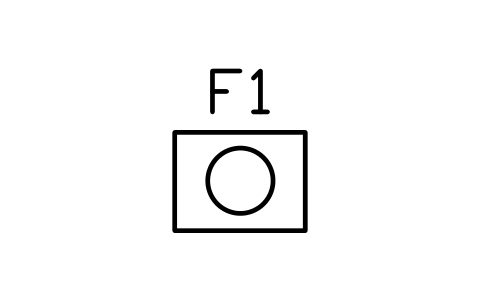
Vacuum turbine unit 800 x 600
FCW_W_VAC_UNITAtributos
TAGITEM_TYPESIZEPOWER_KWWATER_LPMVOLTAGE_VMANUFACTURERMODELQTYREMARKSDESC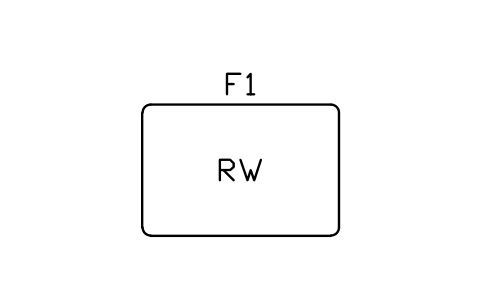
Water reclaim tank 5000 L
FCW_W_TANK_RECLAIMAtributos
TAGITEM_TYPESIZEPOWER_KWWATER_LPMVOLTAGE_VMANUFACTURERMODELQTYREMARKSDESC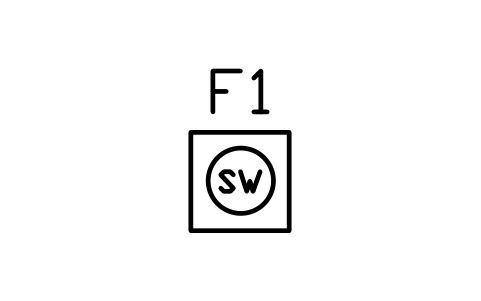
Water softener 600 x 600
FCW_W_SOFTENERAtributos
TAGITEM_TYPESIZEPOWER_KWWATER_LPMVOLTAGE_VMANUFACTURERMODELQTYREMARKSDESC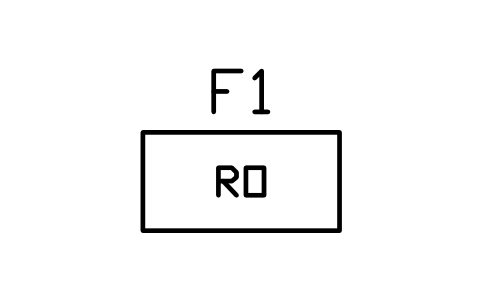
Reverse osmosis unit 1200 x 600
FCW_W_ROAtributos
TAGITEM_TYPESIZEPOWER_KWWATER_LPMVOLTAGE_VMANUFACTURERMODELQTYREMARKSDESC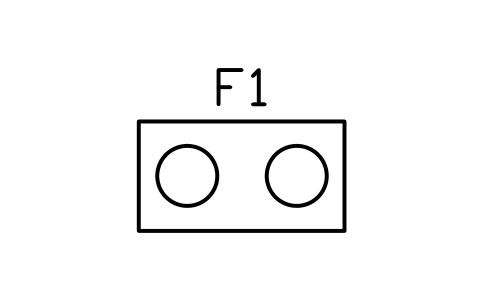
Pump skid 1500 x 800
FCW_W_PUMP_ROOMAtributos
TAGITEM_TYPESIZEPOWER_KWWATER_LPMVOLTAGE_VMANUFACTURERMODELQTYREMARKSDESC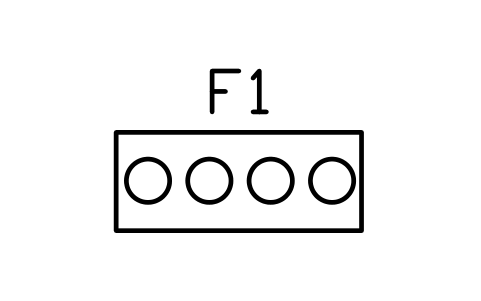
Chemical rack 1500 x 600
FCW_W_CHEM_RACKAtributos
TAGITEM_TYPESIZEPOWER_KWWATER_LPMVOLTAGE_VMANUFACTURERMODELQTYREMARKSDESC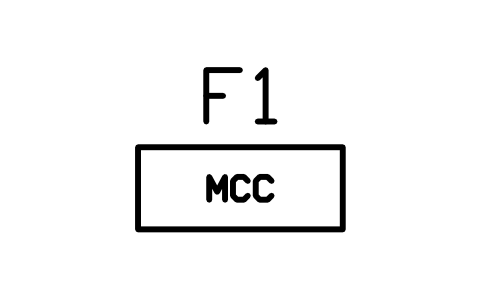
Control panel 1000 x 400
FCW_W_MCCAtributos
TAGITEM_TYPESIZEPOWER_KWWATER_LPMVOLTAGE_VMANUFACTURERMODELQTYREMARKSDESC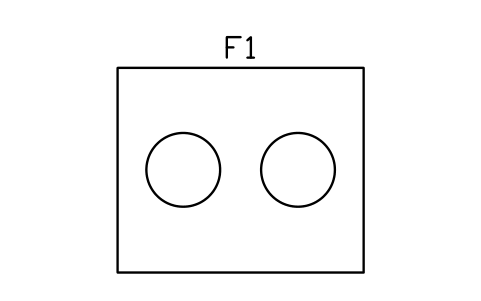
Blower room 3000 x 2500
FCW_W_BLOWER_RMAtributos
TAGITEM_TYPESIZEPOWER_KWWATER_LPMVOLTAGE_VMANUFACTURERMODELQTYREMARKSDESC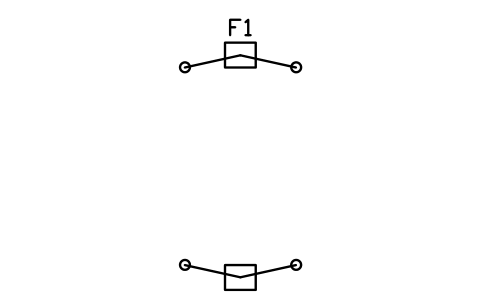
Two-post lift, 3600 span
FCW_S_LIFT_2PAtributos
TAGITEM_TYPESIZEPOWER_KWWATER_LPMVOLTAGE_VMANUFACTURERMODELQTYREMARKSDESC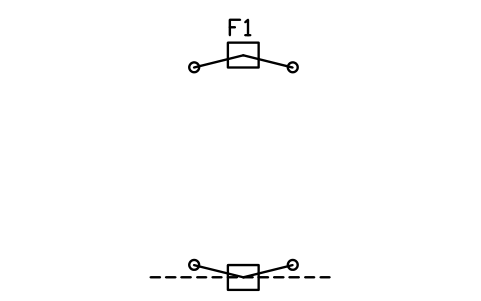
Asymmetric two-post lift
FCW_S_LIFT_2P_ASYMAtributos
TAGITEM_TYPESIZEPOWER_KWWATER_LPMVOLTAGE_VMANUFACTURERMODELQTYREMARKSDESC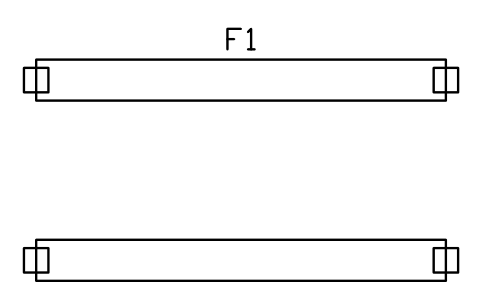
Four-post lift 5000 x 3000
FCW_S_LIFT_4PAtributos
TAGITEM_TYPESIZEPOWER_KWWATER_LPMVOLTAGE_VMANUFACTURERMODELQTYREMARKSDESC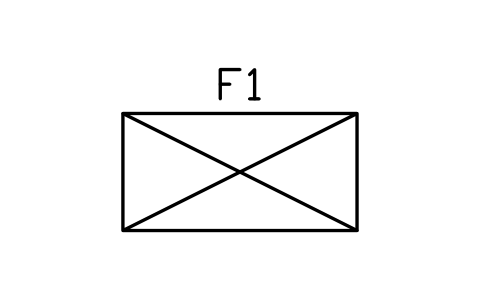
Scissor lift 2000 x 1000
FCW_S_LIFT_SCISSORAtributos
TAGITEM_TYPESIZEPOWER_KWWATER_LPMVOLTAGE_VMANUFACTURERMODELQTYREMARKSDESC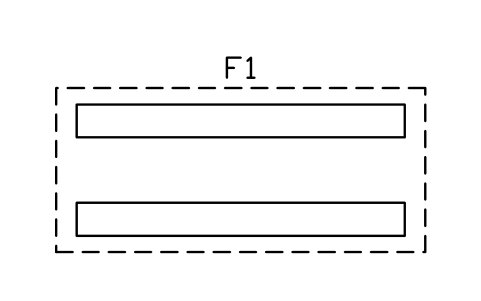
In-ground lift 4500 x 2000
FCW_S_LIFT_INGROUNDAtributos
TAGITEM_TYPESIZEPOWER_KWWATER_LPMVOLTAGE_VMANUFACTURERMODELQTYREMARKSDESC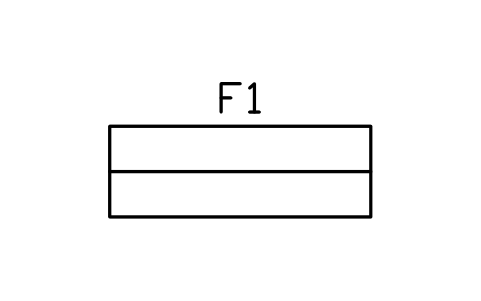
Motorcycle lift 2300 x 800
FCW_S_LIFT_MOTOAtributos
TAGITEM_TYPESIZEPOWER_KWWATER_LPMVOLTAGE_VMANUFACTURERMODELQTYREMARKSDESC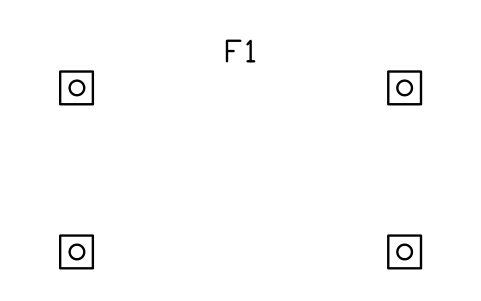
Mobile column lifts, set of four
FCW_S_LIFT_MOBILEAtributos
TAGITEM_TYPESIZEPOWER_KWWATER_LPMVOLTAGE_VMANUFACTURERMODELQTYREMARKSDESC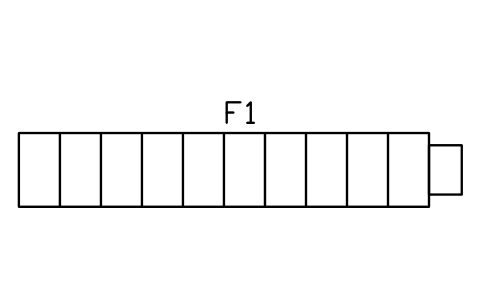
Inspection pit 5000 x 900
FCW_S_PITAtributos
TAGITEM_TYPESIZEPOWER_KWWATER_LPMVOLTAGE_VMANUFACTURERMODELQTYREMARKSDESC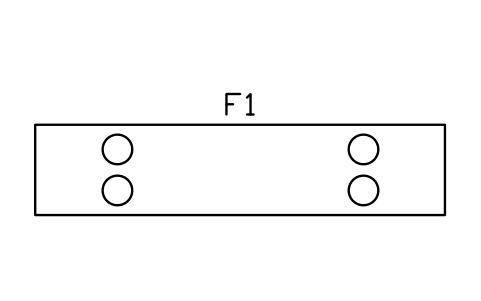
Wheel alignment rack 5000 x 1100
FCW_S_ALIGNAtributos
TAGITEM_TYPESIZEPOWER_KWWATER_LPMVOLTAGE_VMANUFACTURERMODELQTYREMARKSDESC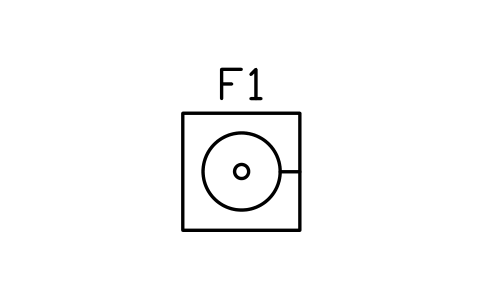
Tyre changer 1000 x 1000
FCW_S_TYRE_CHANGERAtributos
TAGITEM_TYPESIZEPOWER_KWWATER_LPMVOLTAGE_VMANUFACTURERMODELQTYREMARKSDESC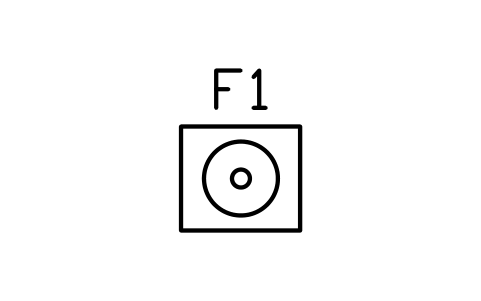
Wheel balancer 800 x 700
FCW_S_BALANCERAtributos
TAGITEM_TYPESIZEPOWER_KWWATER_LPMVOLTAGE_VMANUFACTURERMODELQTYREMARKSDESC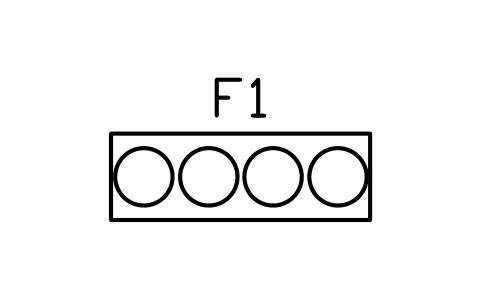
Tyre rack 1800 x 600
FCW_S_TYRE_RACKAtributos
TAGITEM_TYPESIZEPOWER_KWWATER_LPMVOLTAGE_VMANUFACTURERMODELQTYREMARKSDESC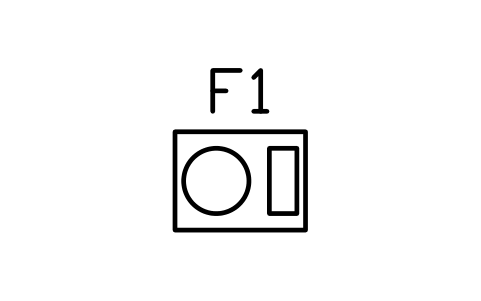
Air compressor 800 x 600
FCW_S_COMPRESSORAtributos
TAGITEM_TYPESIZEPOWER_KWWATER_LPMVOLTAGE_VMANUFACTURERMODELQTYREMARKSDESC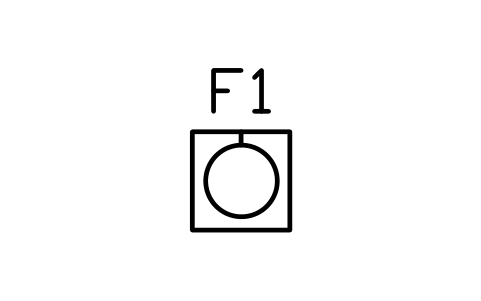
Oil drain unit 600 x 600
FCW_S_OIL_DRAINAtributos
TAGITEM_TYPESIZEPOWER_KWWATER_LPMVOLTAGE_VMANUFACTURERMODELQTYREMARKSDESC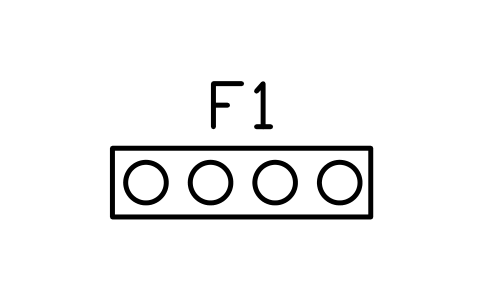
Fluid reel rack 1500 x 400
FCW_S_FLUID_RACKAtributos
TAGITEM_TYPESIZEPOWER_KWWATER_LPMVOLTAGE_VMANUFACTURERMODELQTYREMARKSDESC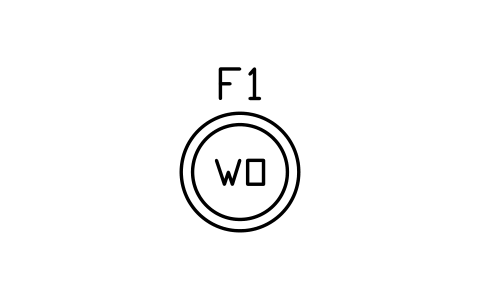
Waste oil tank 1000
FCW_S_OIL_TANK_WASTEAtributos
TAGITEM_TYPESIZEPOWER_KWWATER_LPMVOLTAGE_VMANUFACTURERMODELQTYREMARKSDESC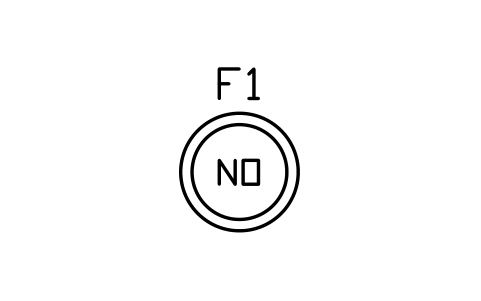
New oil tank 1000
FCW_S_OIL_TANK_NEWAtributos
TAGITEM_TYPESIZEPOWER_KWWATER_LPMVOLTAGE_VMANUFACTURERMODELQTYREMARKSDESC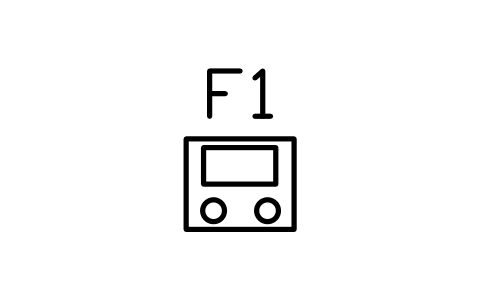
Battery charger cart 600 x 500
FCW_S_BATTERY_CHGAtributos
TAGITEM_TYPESIZEPOWER_KWWATER_LPMVOLTAGE_VMANUFACTURERMODELQTYREMARKSDESC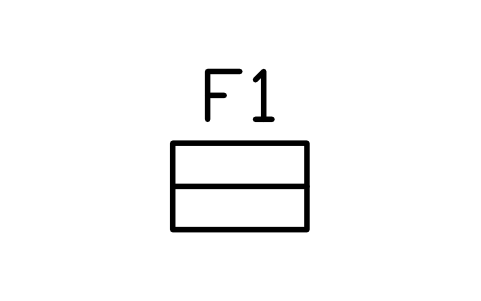
Tool chest 700 x 450
FCW_S_TOOL_CHESTAtributos
TAGITEM_TYPESIZEPOWER_KWWATER_LPMVOLTAGE_VMANUFACTURERMODELQTYREMARKSDESC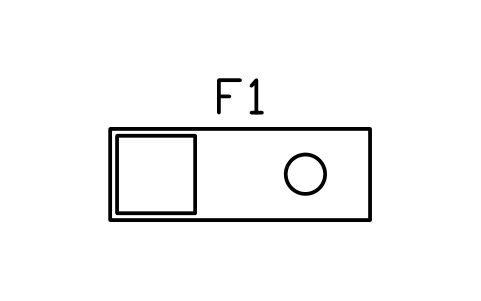
Workbench 2000 x 700
FCW_S_BENCHAtributos
TAGITEM_TYPESIZEPOWER_KWWATER_LPMVOLTAGE_VMANUFACTURERMODELQTYREMARKSDESC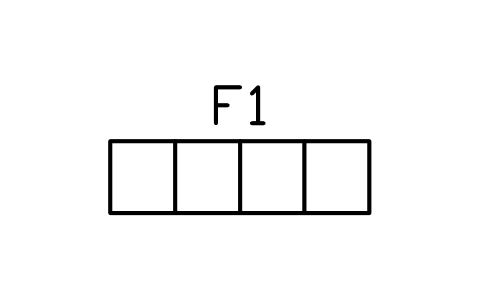
Parts shelving 1800 x 500
FCW_S_PARTS_SHELFAtributos
TAGITEM_TYPESIZEPOWER_KWWATER_LPMVOLTAGE_VMANUFACTURERMODELQTYREMARKSDESC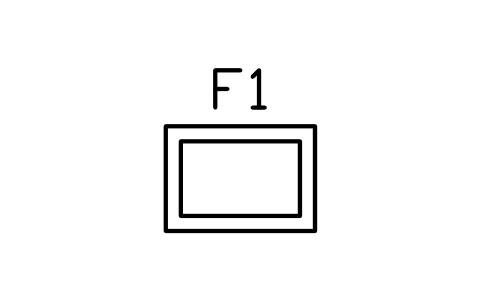
Parts washer 1000 x 700
FCW_S_WASH_BASINAtributos
TAGITEM_TYPESIZEPOWER_KWWATER_LPMVOLTAGE_VMANUFACTURERMODELQTYREMARKSDESC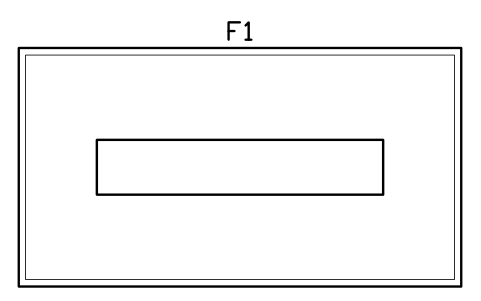
Lube bay 3500 x 6500
FCW_S_BAY_LUBEAtributos
TAGITEM_TYPESIZEPOWER_KWWATER_LPMVOLTAGE_VMANUFACTURERMODELQTYREMARKSDESC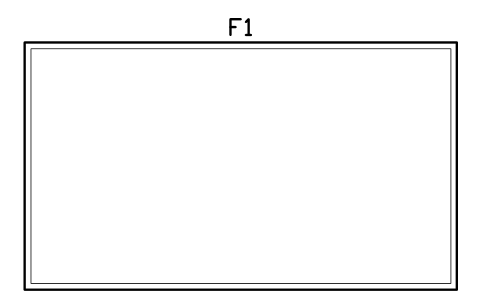
Service bay 4000 x 7000
FCW_S_BAY_SERVICEAtributos
TAGITEM_TYPESIZEPOWER_KWWATER_LPMVOLTAGE_VMANUFACTURERMODELQTYREMARKSDESC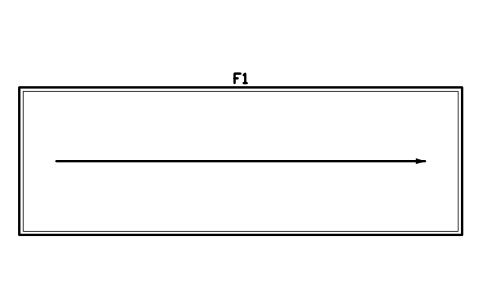
Test lane 4000 x 12000
FCW_S_BAY_TESTAtributos
TAGITEM_TYPESIZEPOWER_KWWATER_LPMVOLTAGE_VMANUFACTURERMODELQTYREMARKSDESC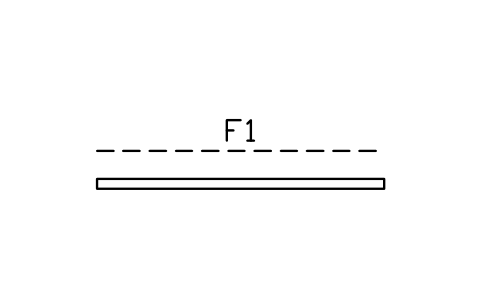
Roller door 3500
FCW_S_ROLLER_DOORAtributos
TAGITEM_TYPESIZEPOWER_KWWATER_LPMVOLTAGE_VMANUFACTURERMODELQTYREMARKSDESC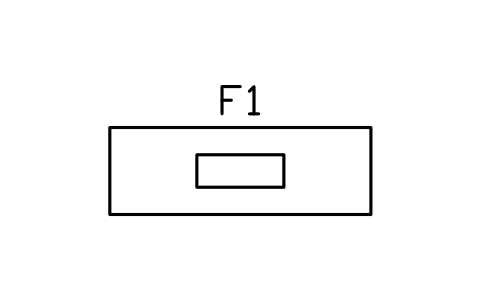
Service reception 2400 x 800
FCW_S_RECEPTIONAtributos
TAGITEM_TYPESIZEPOWER_KWWATER_LPMVOLTAGE_VMANUFACTURERMODELQTYREMARKSDESC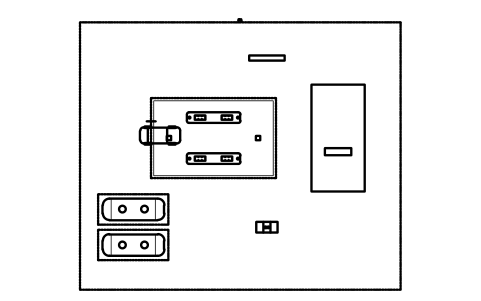
Faltou um símbolo? Diga qual.
Atributos para listas de materiais
Every block carries a tag you can number and invisible attributes for the equipment list. A dispenser holds ITEM_TYPE, SIZE, PRODUCTS, FLOW_LPM and POWER_KW; a tank holds CAPACITY_M3, PRODUCT, MATERIAL and WALL; a car wash or workshop machine holds POWER_KW, WATER_LPM and VOLTAGE_V. Manufacturer, model, quantity and remarks are on every equipment block.
Export the blocks of a layout to Excel with BlockSync to get an equipment list with dispensers, tanks and machines and their quantities, check the tags and write the corrections back in one run, with preview and backup.
Como usar a biblioteca
- Unzip the file and open the DWG. Copy the symbols you need into your plan, or drag the blocks in from DesignCenter (ADCENTER).
- The blocks are drawn at real size in millimetres, 1 drawing unit = 1 mm. If your drawing is in metres, insert them with a scale of 0.001. A four-hose dispenser is 1200 x 600, a 30 m3 underground tank 6900 x 2400, a car 4500 x 1800.
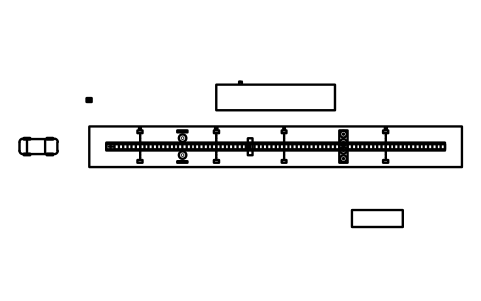
- Islands, canopies, tanks and vehicles lie along the X axis and vehicles drive towards +X. Counters and workshop equipment have the operating side towards the bottom of the drawing. Car wash equipment is seen from above with the travel direction towards +X, so a tunnel is built by placing the conveyor and then the arches, brushes and dryers along it. Rotate any block by 90, 180 or 270 degrees to fit your site.
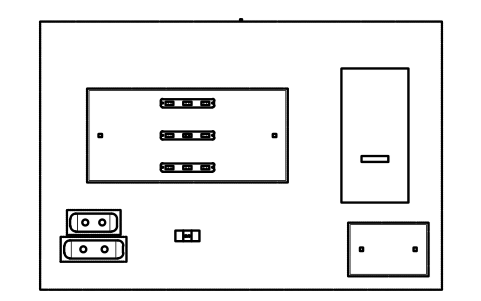
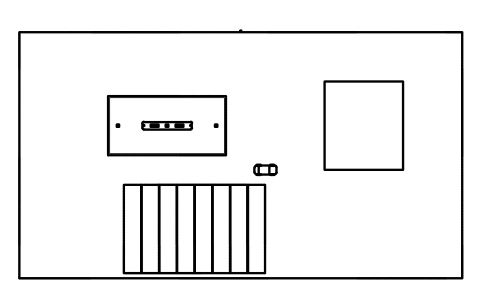
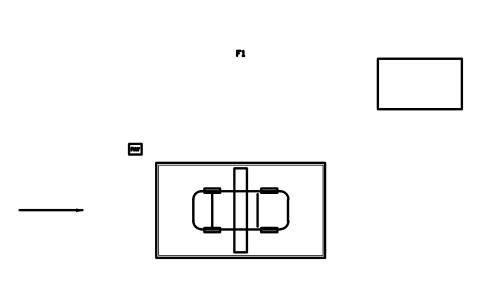
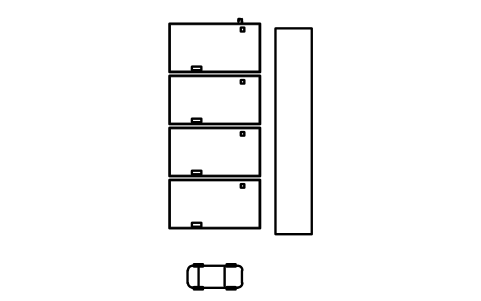
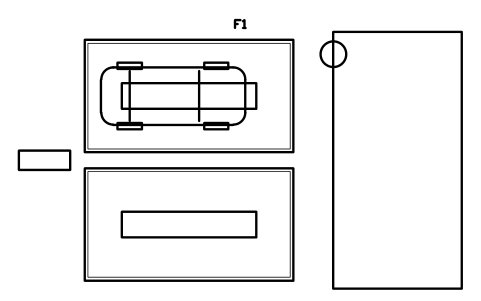
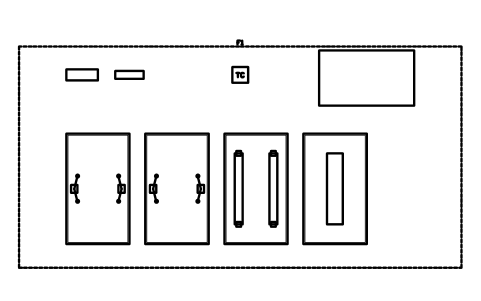
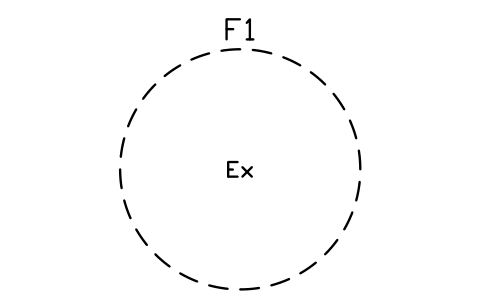
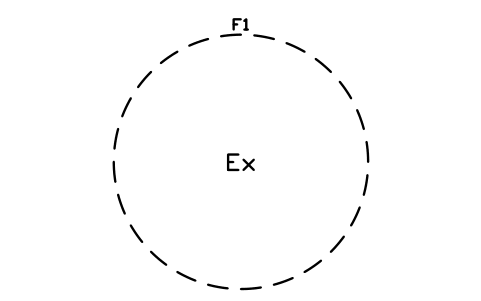
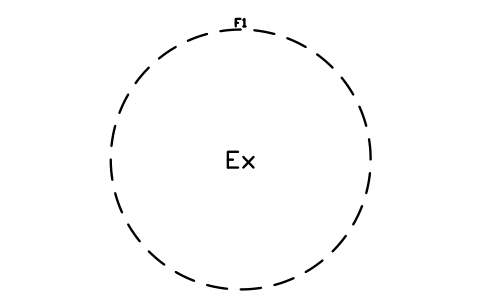
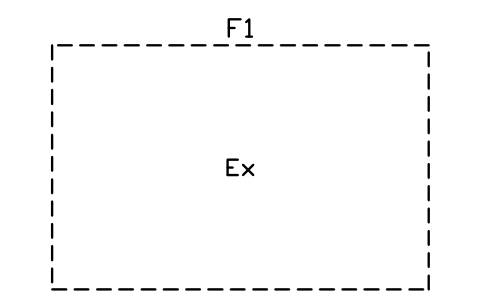
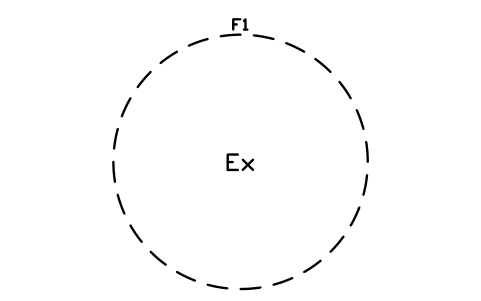
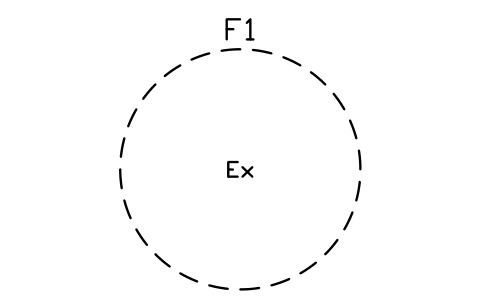
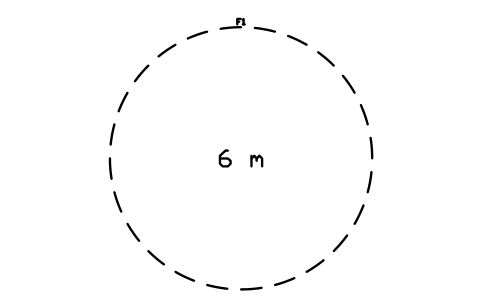
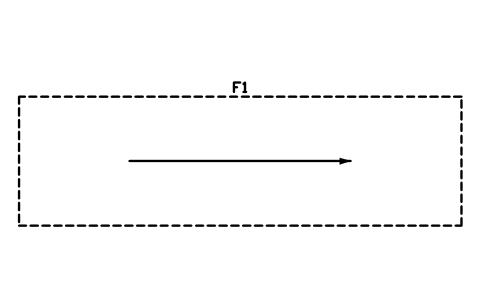
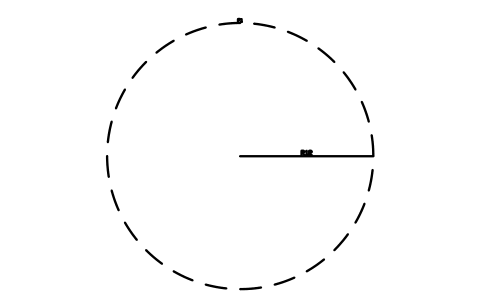
- Start from the site boundary or a layout, then place the canopy, the islands and the tanks, and add the shop, the wash and the workshop. The eight complete layouts show how: small and large forecourts, a truck stop, a tunnel car wash, an in-bay automatic, a self-serve wash, a quick lube and a four-bay workshop. Zones are dashed outlines without fill: explosive atmosphere circles, safety distances, vehicle routes and queue lanes. Put them on their own layer and switch them off for the plot.
About the drawings
There is no standard for the drawings of fuel station, car wash and workshop layouts. The blocks follow the common practice of site layout drawings: a dispenser as a housing with its nozzle holsters, a tank as a rounded body with its manways inside a dashed pit, an arch as a frame across the tunnel with its spray bar.
The blocks are our own drawings, not copies, and the library is not certified. The sizes are common planning values. Fuel storage and dispensing, explosive atmosphere zones, safety distances, environmental protection, drainage and traffic rules differ by country and by the equipment you specify, so use the data sheet of your equipment and the rules of your authority; the zone circles are only markers for your own values.
Perguntas frequentes
- Can I use the blocks in a drawing in metres?
- Yes. The blocks are in millimetres, so insert them with a scale of 0.001 (or set the block unit conversion); a 6900 mm tank then measures 6.9 units on a drawing in metres. In a drawing in millimetres they come in at the right size without any scaling.
- Which tank, dispenser and lift types are included?
- Underground tanks of 10, 20, 30, 40, 50 and 60 m3, two- and three-compartment tanks and a bunded above-ground tank; dispensers with 2, 4, 6 and 8 hoses and units for trucks, LPG, CNG, hydrogen and AdBlue; two-post, four-post, scissor, in-ground, motorcycle and mobile column lifts, pits and an alignment rack; and tunnel, in-bay automatic, self-serve and hand wash equipment.
- Can I use the symbols in commercial projects?
- Yes. They are free to use and modify in your own projects, including commercial ones. They are provided as is, without warranty. Please do not redistribute or resell the library; see the library terms.
- Is the library only for petrol stations?
- No. The wash and workshop blocks work for stand-alone car washes, quick lube centres, tyre shops and garages, and the dispensers, tanks and canopies also suit depot and fleet fuelling, marinas and truck stops. Use the groups you need and ignore the rest.
- Can I change a symbol or add attributes?
- Yes. Open the DWG, edit a block with BEDIT to change it or add attributes, and save. To update drawings that already contain the block, run ATTSYNC or replace the block. Make a backup first: attribute values can be lost if ATTSYNC is used carelessly.
- Onde encontro um conjunto pronto destes símbolos para o AutoCAD?
- O AutoCAD traz só uns poucos blocos de exemplo, então um conjunto completo de símbolos precisa vir de uma biblioteca. Baixe o ZIP desta página e abra o DWG: cada símbolo é um bloco. Insira um com o comando INSERT (paleta Blocos, guia Bibliotecas, depois escolha o DWG) ou arraste-o do DesignCenter (ADCENTER). Também é possível baixar um símbolo isolado.