
RecursosBibliotecas de símbolos DWG
Free AutoCAD welding process numbers (DWG) after ISO 4063: 111, 135, 141, 52 and more
Welding process numbers: 214 ready-made AutoCAD blocks (DWG), free to download and use in your own projects, as a ZIP or one symbol at a time.
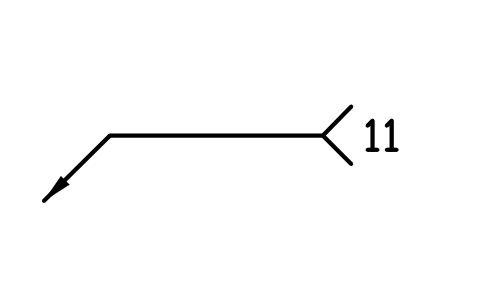
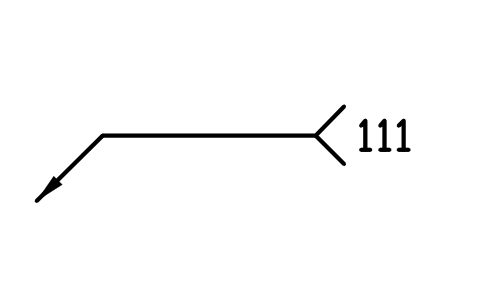
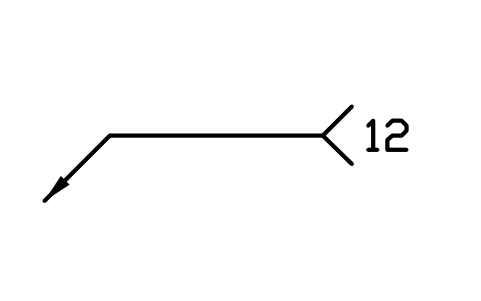
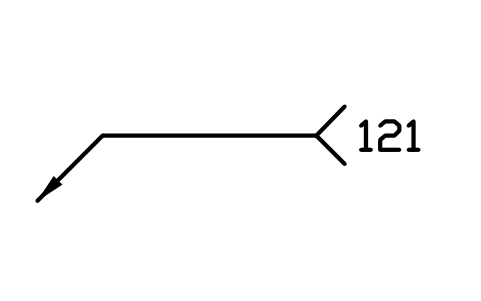
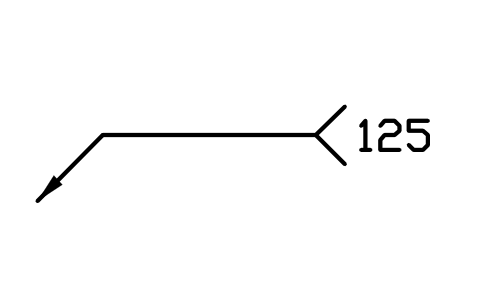
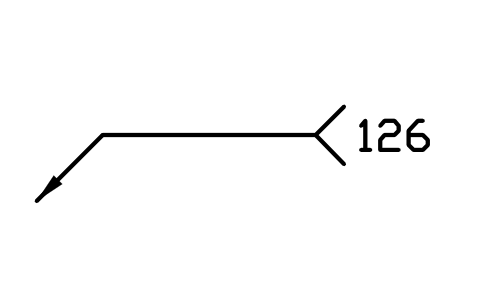
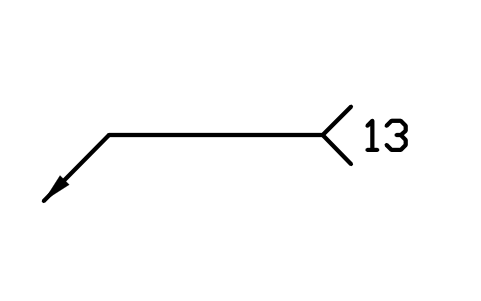
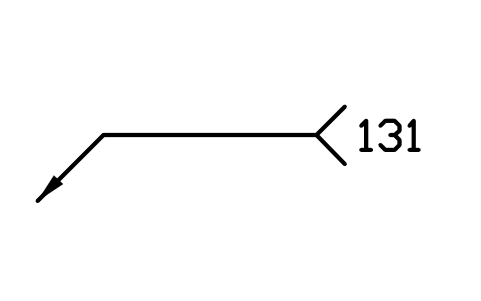
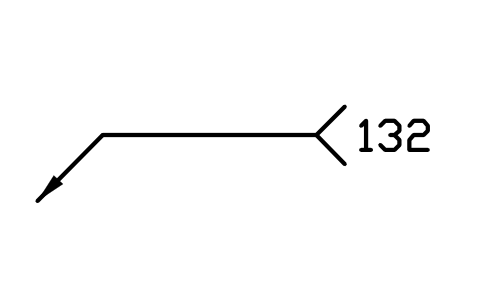
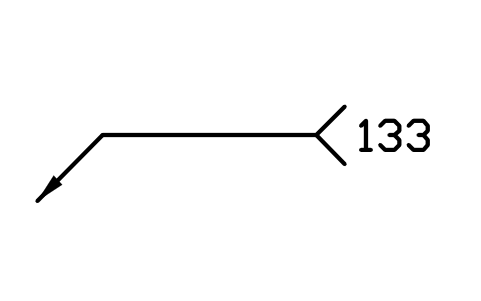
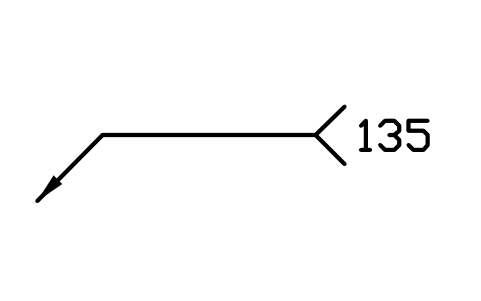
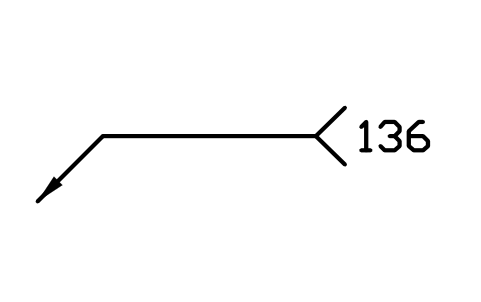
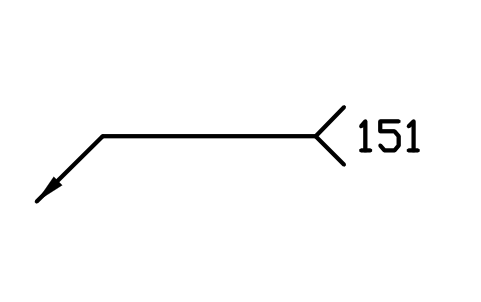
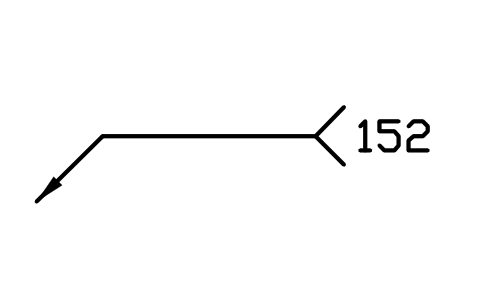
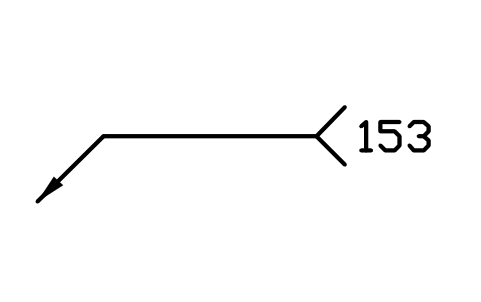
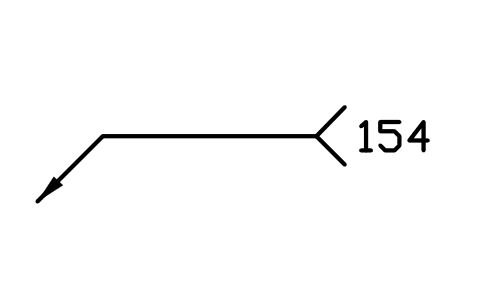
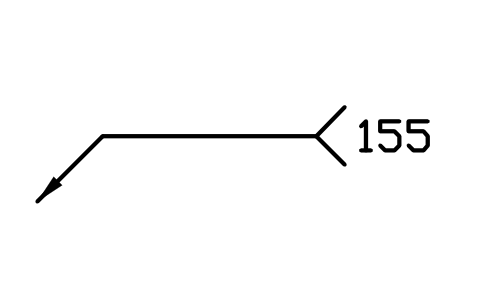
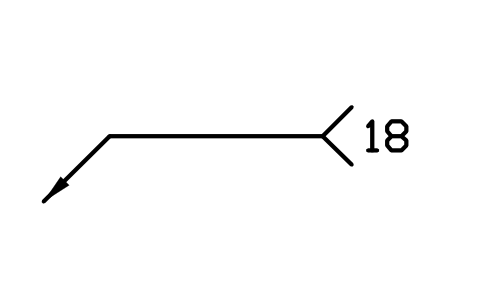
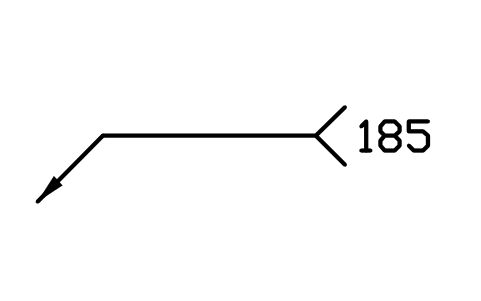
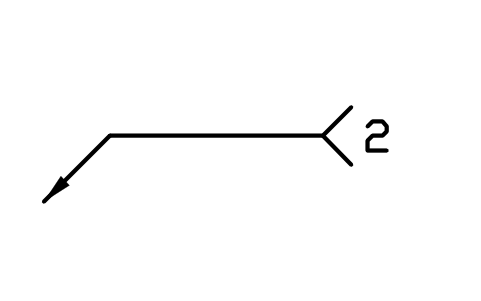
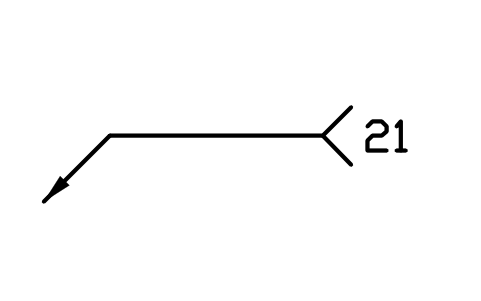
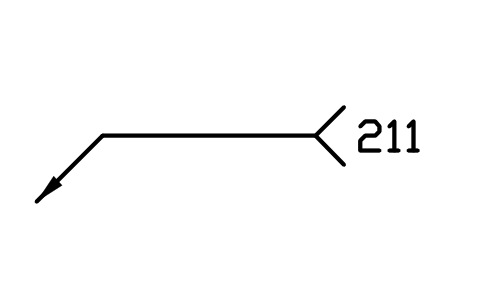
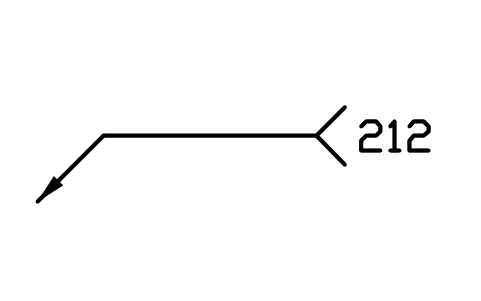
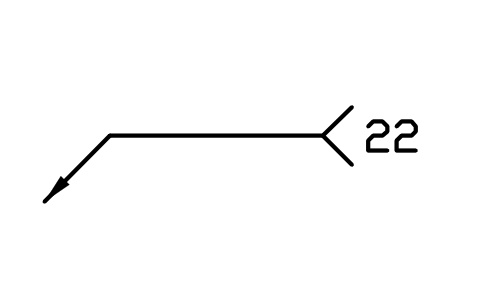
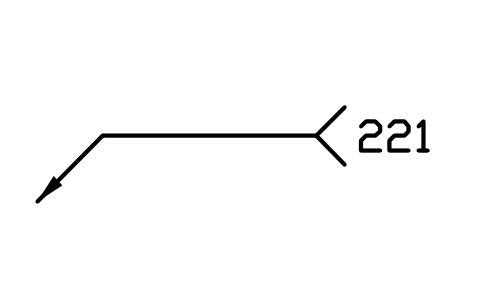
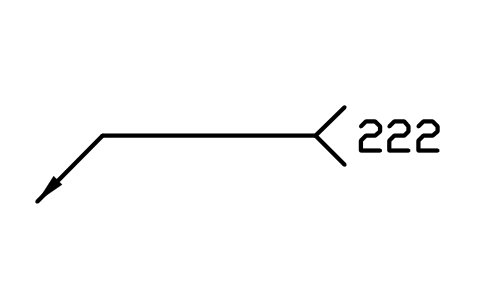
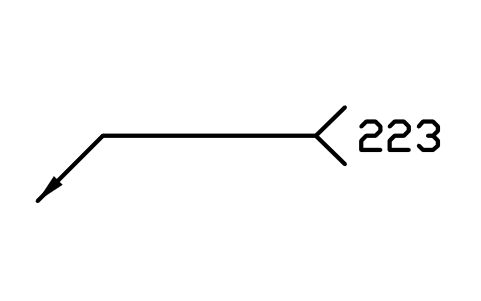
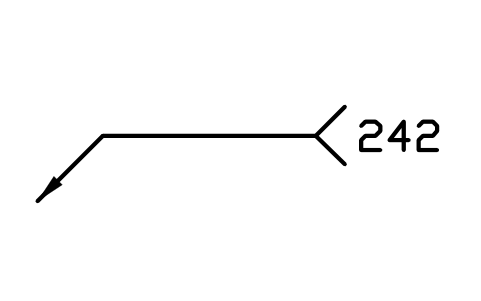
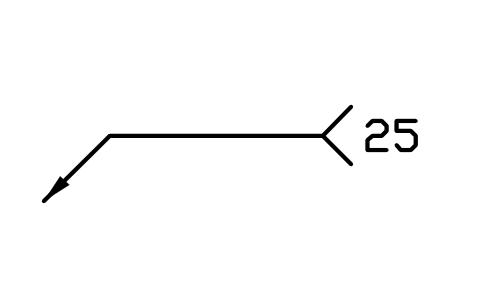
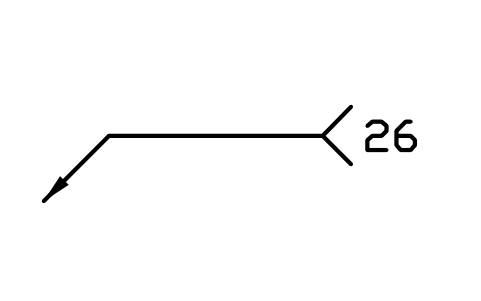
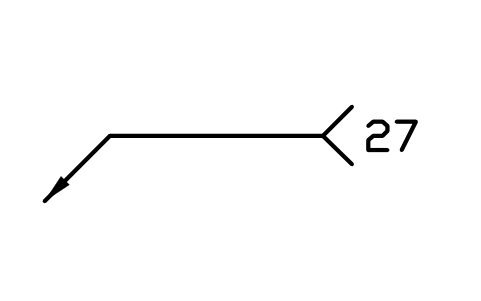
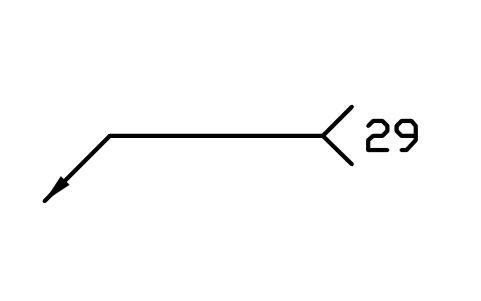
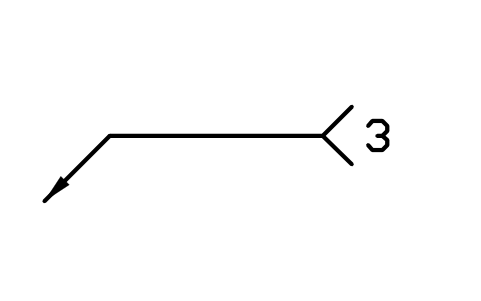
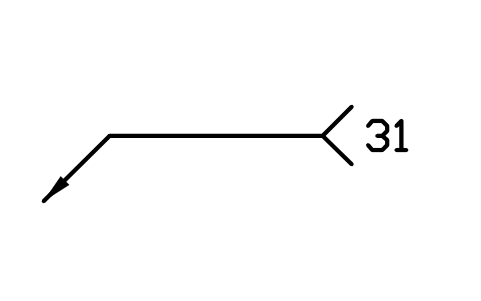
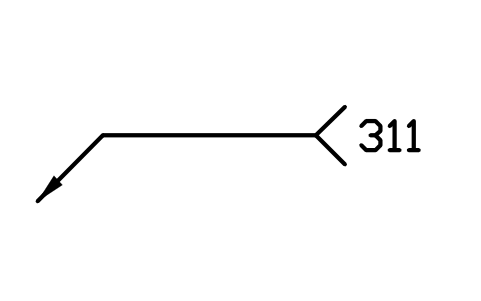
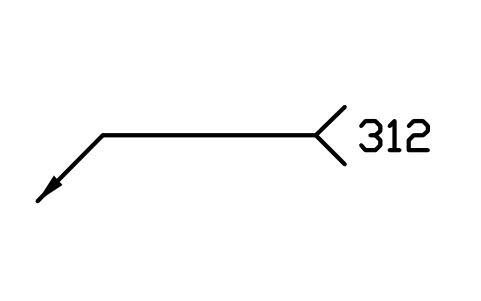
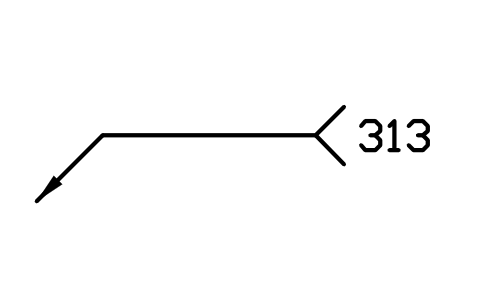
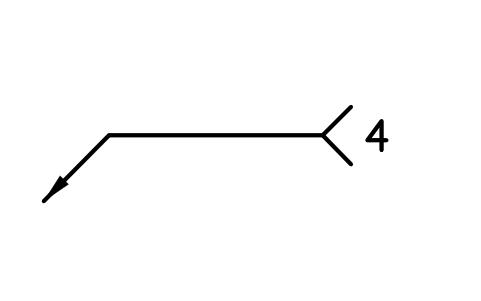
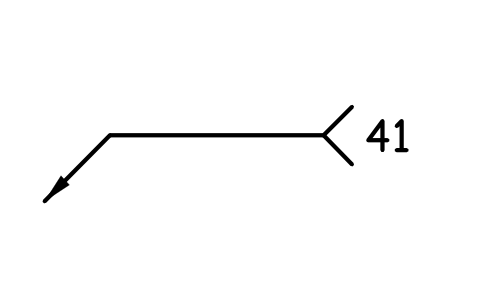
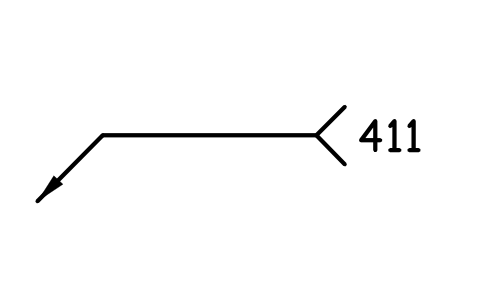
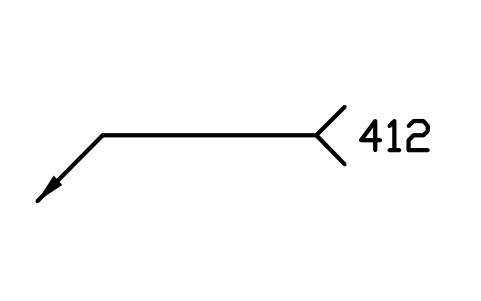
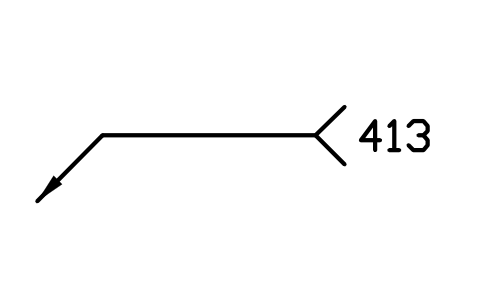
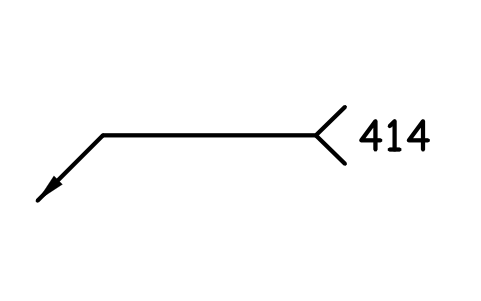
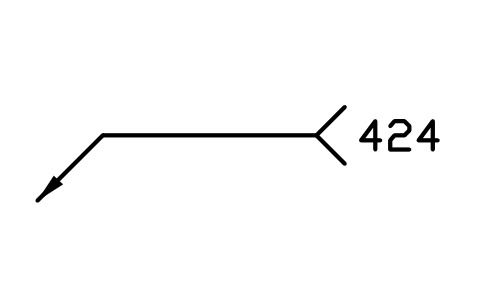
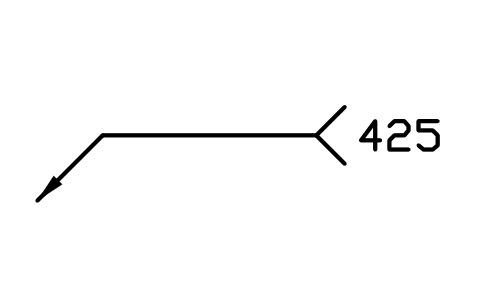
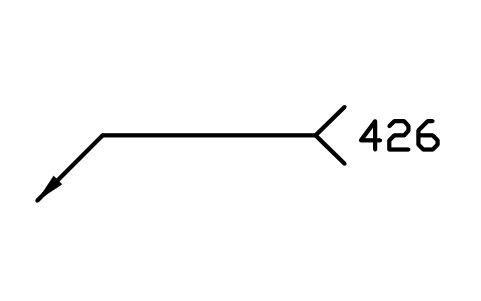
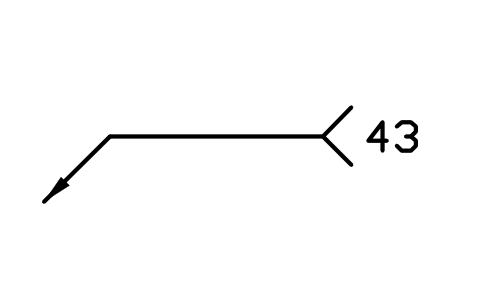
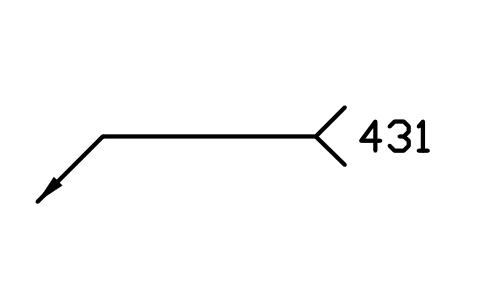
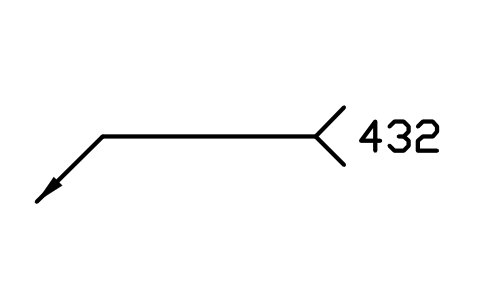
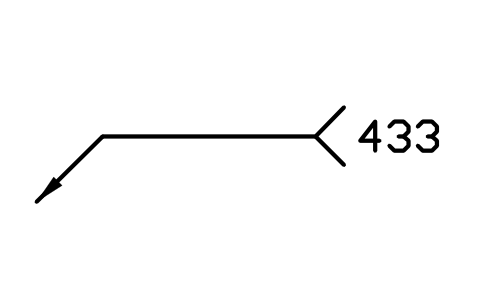
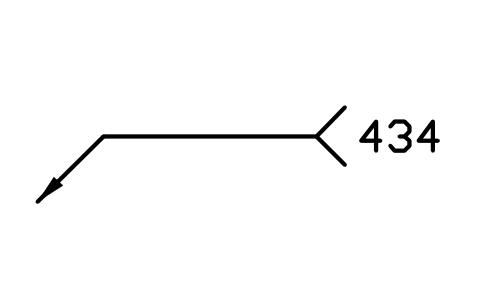
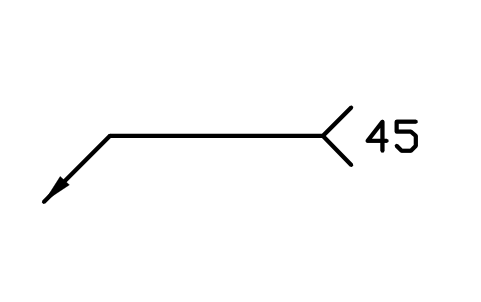
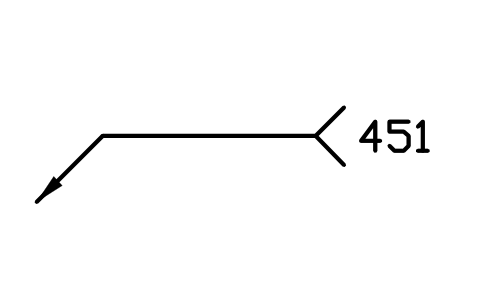
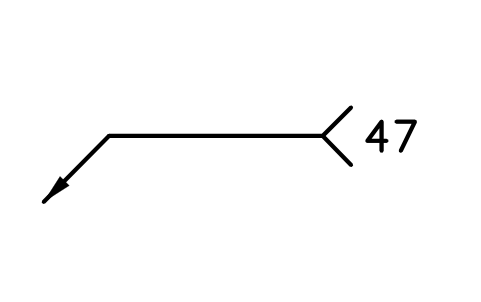
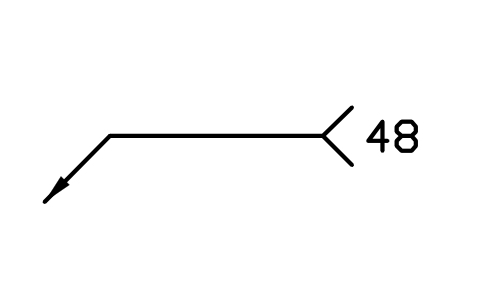
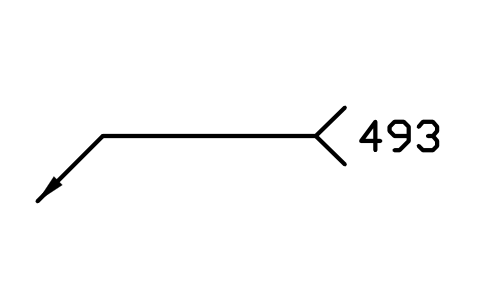
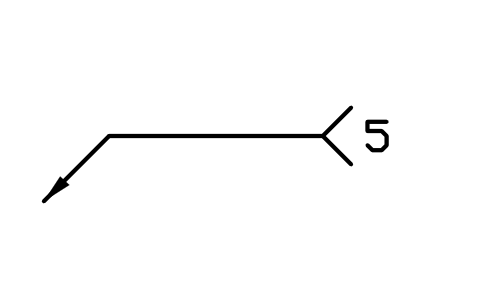
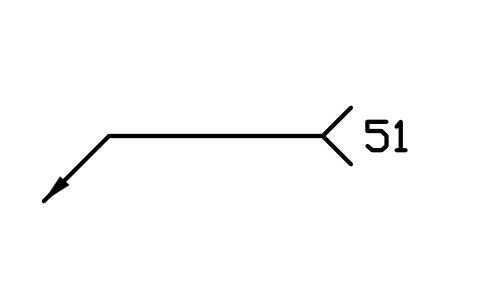
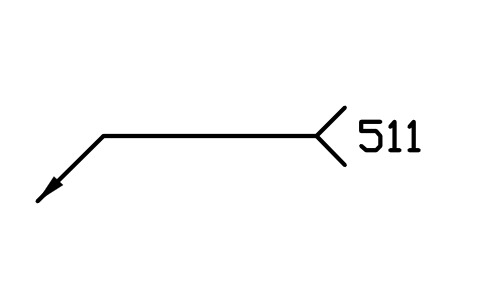
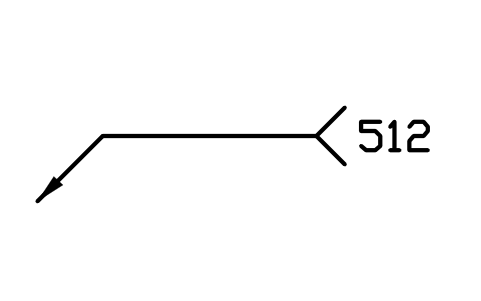
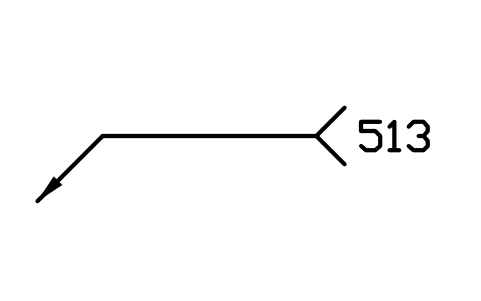
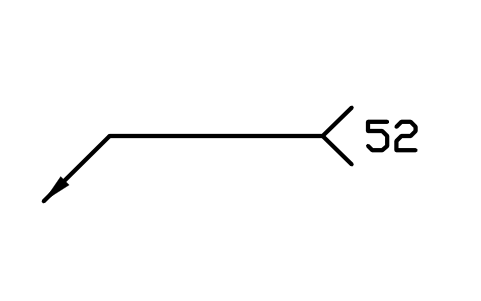
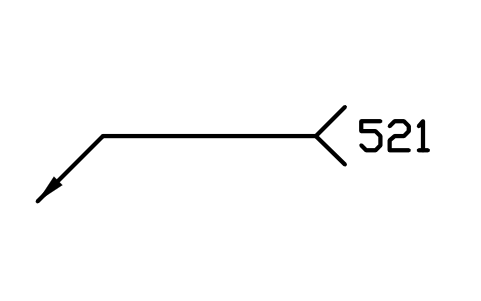
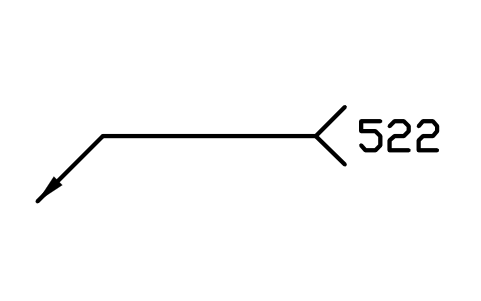
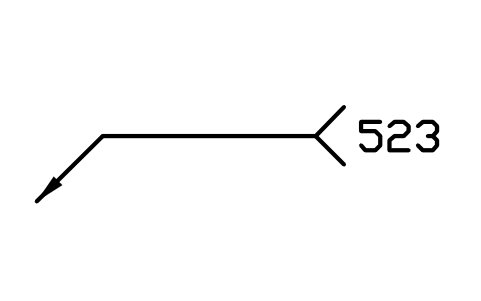
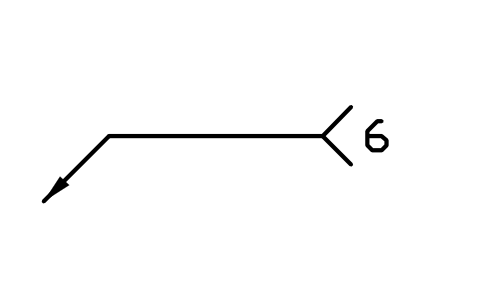
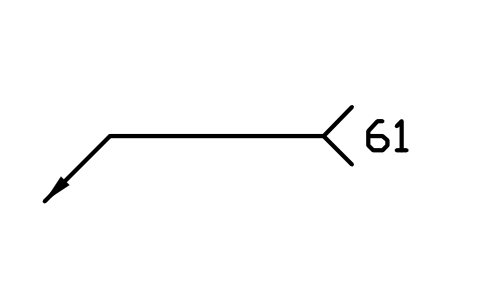
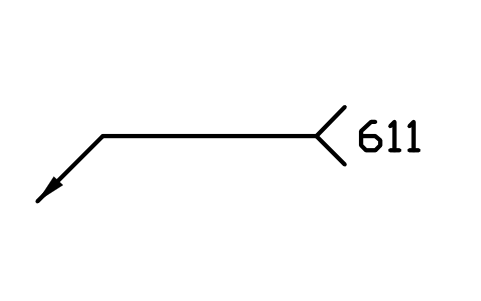
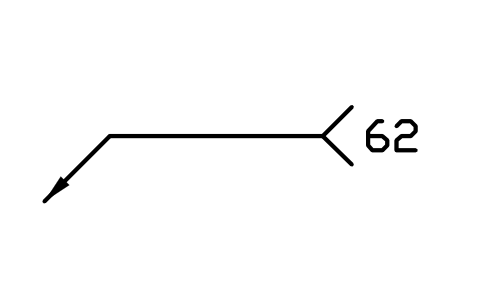
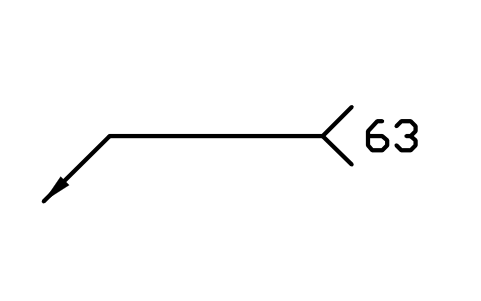
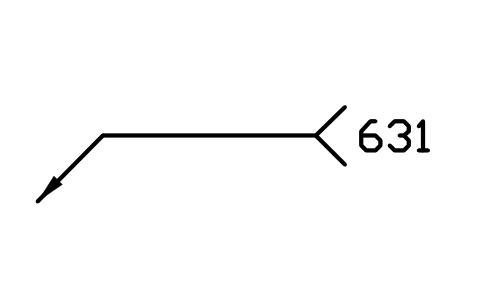
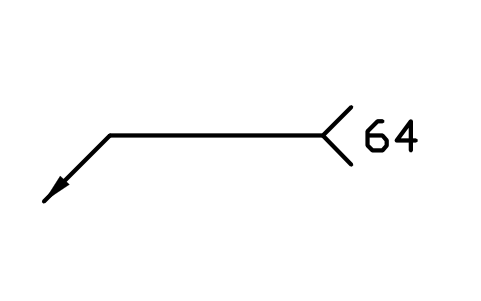
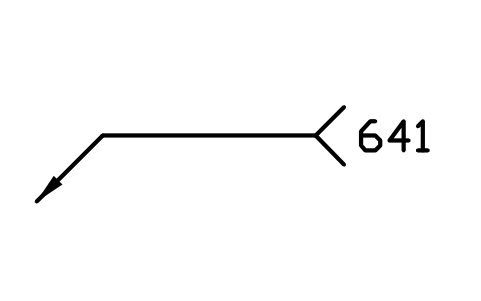
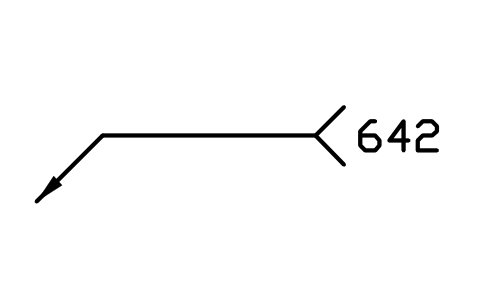
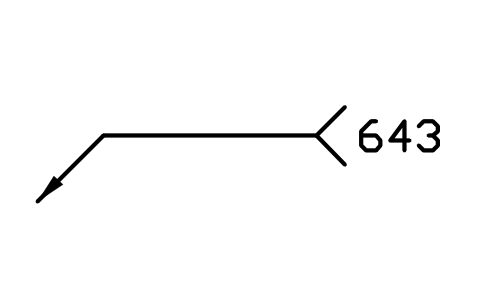
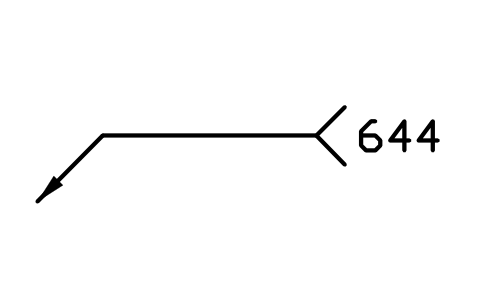
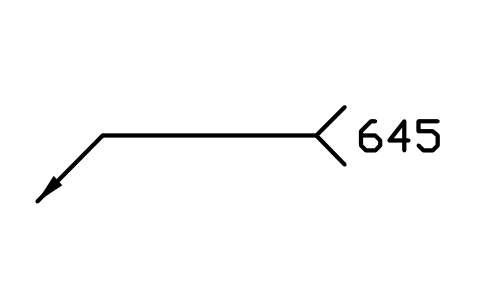
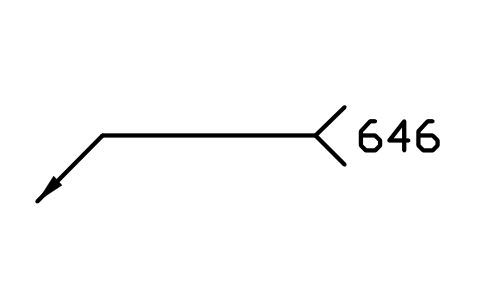
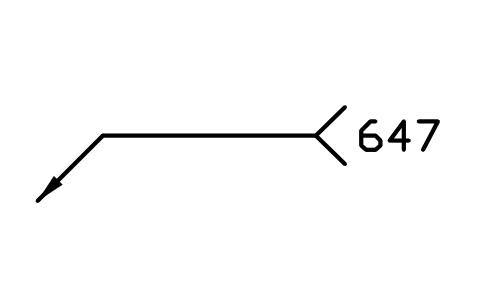
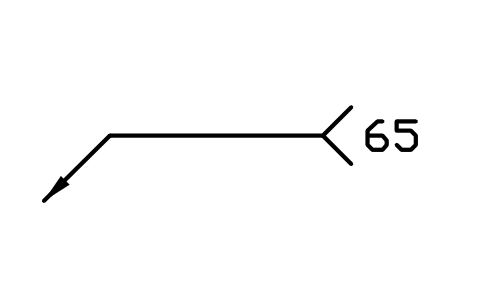
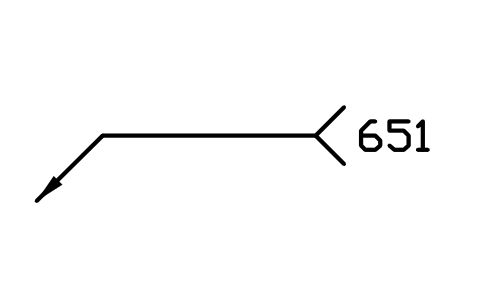
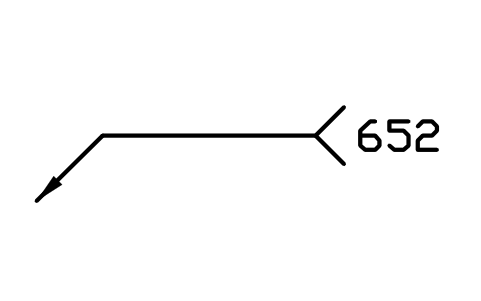
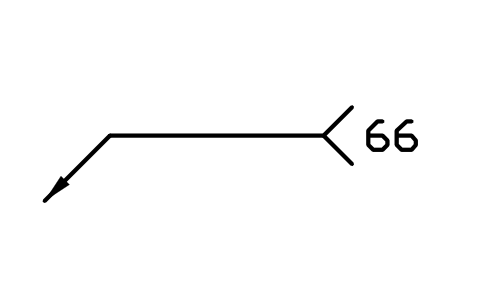
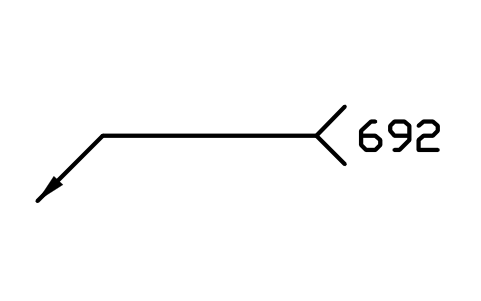
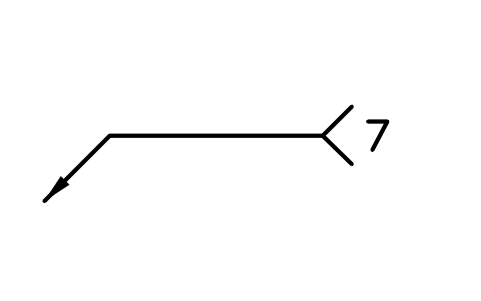
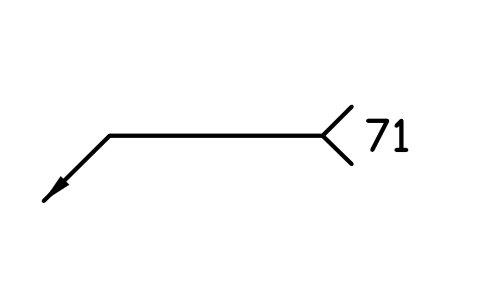
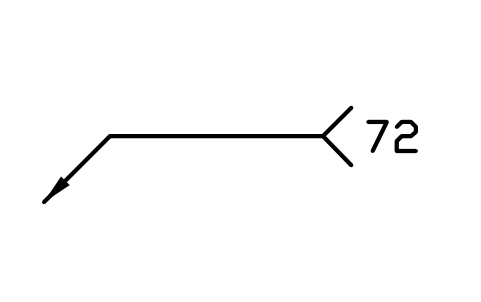
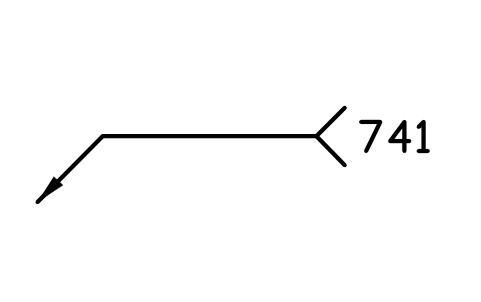
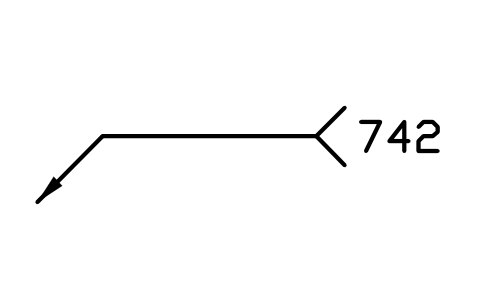
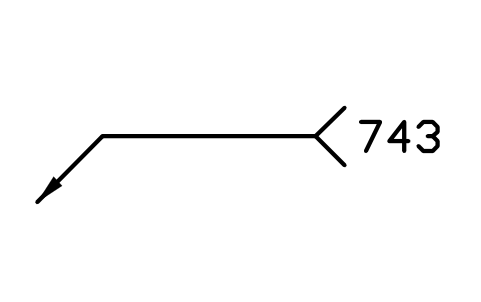
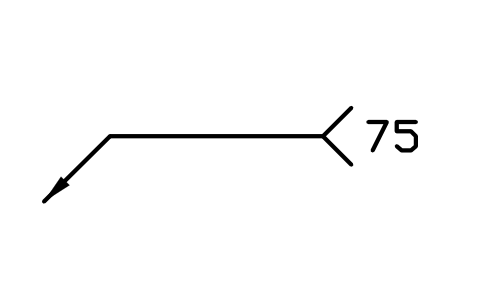
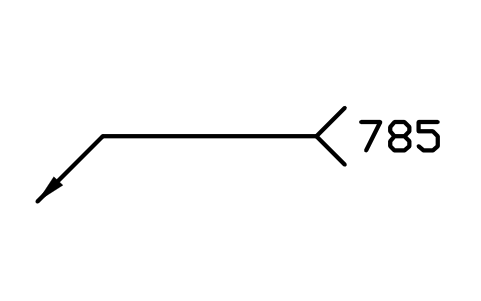
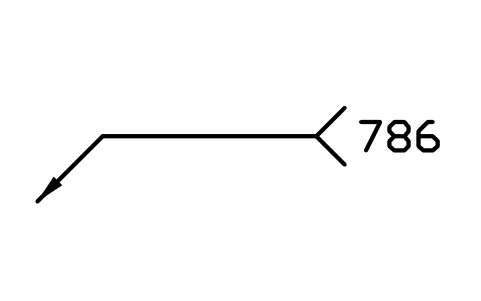
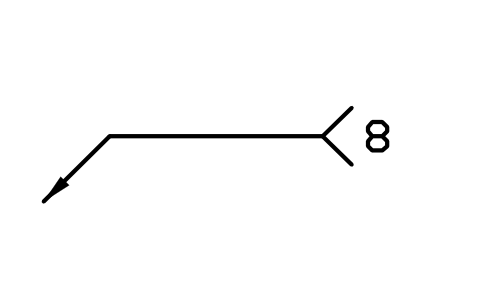
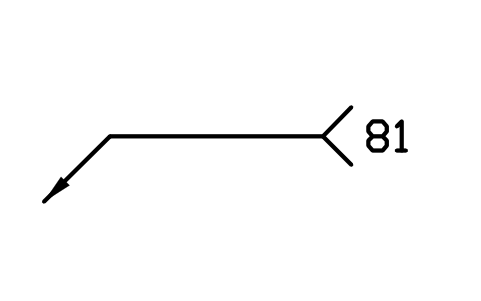
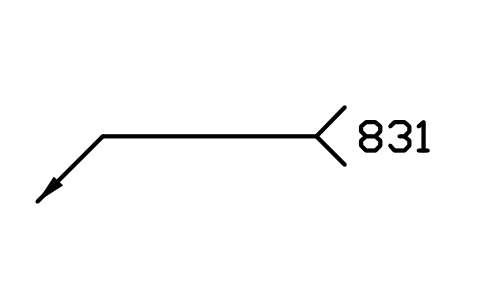
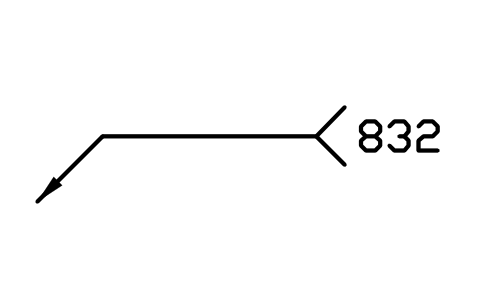
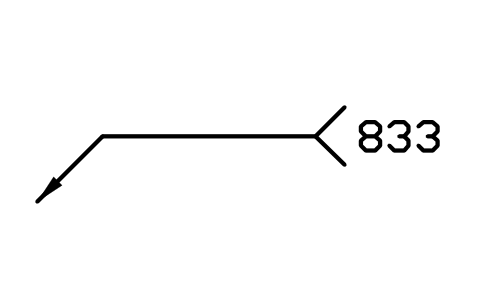
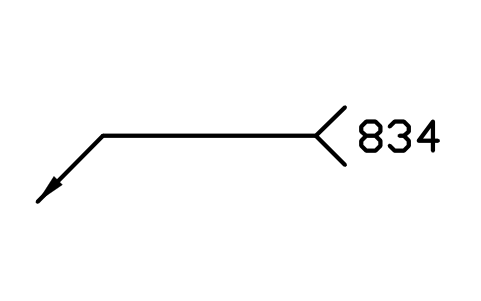
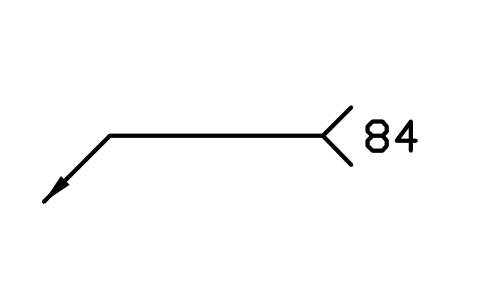
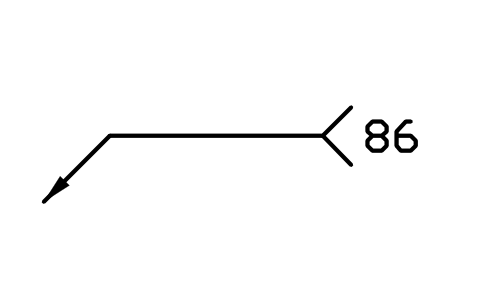
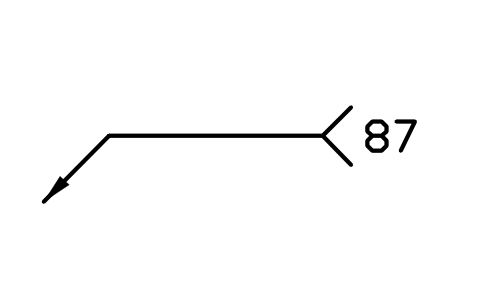
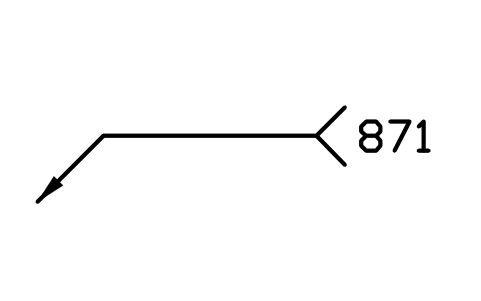
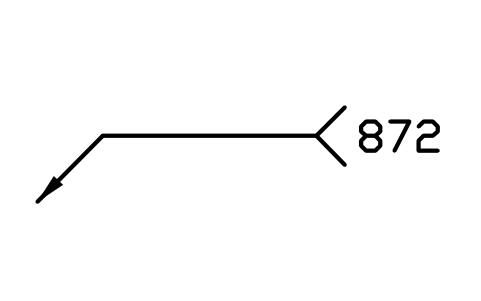
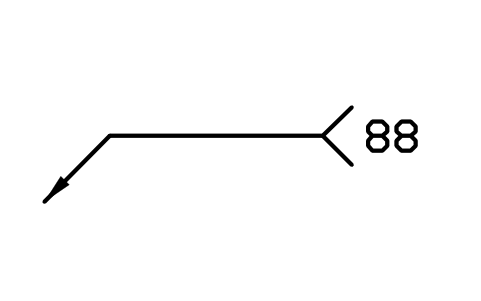
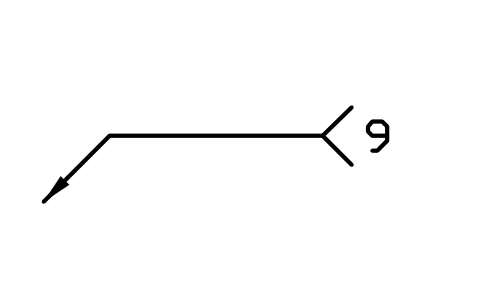
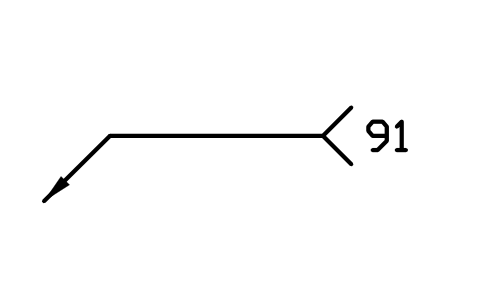
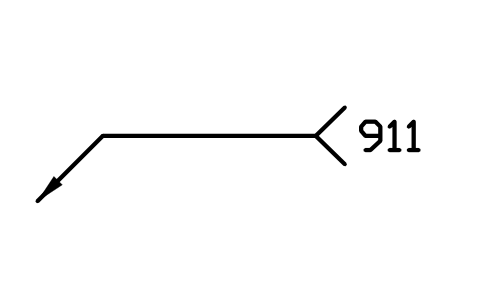
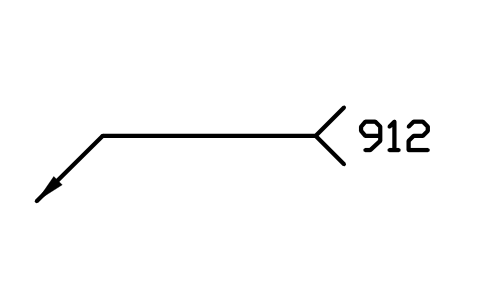
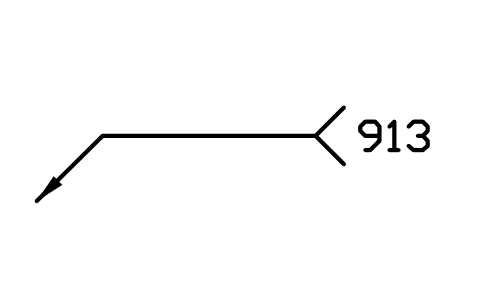
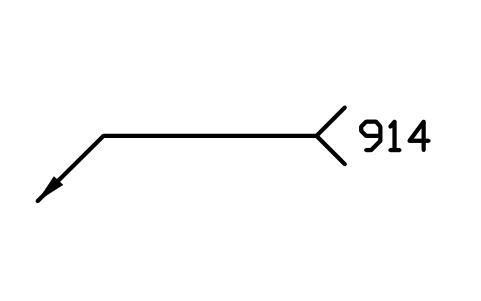
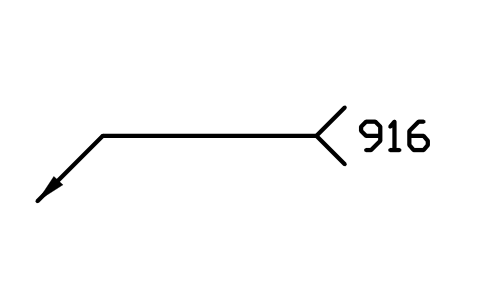
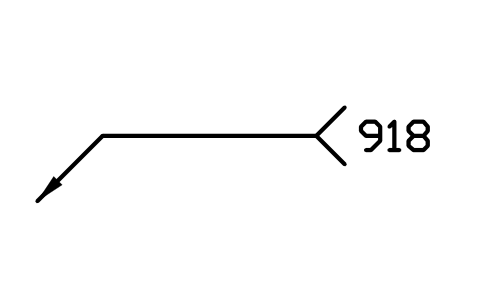
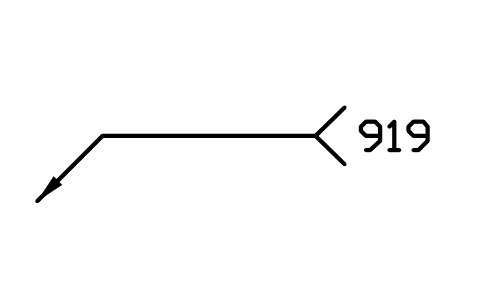
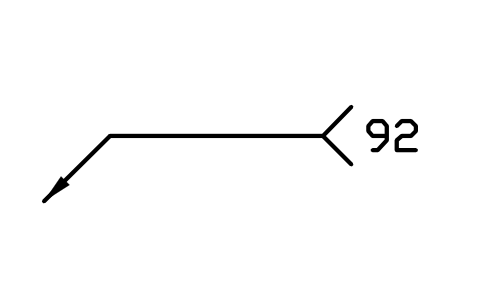
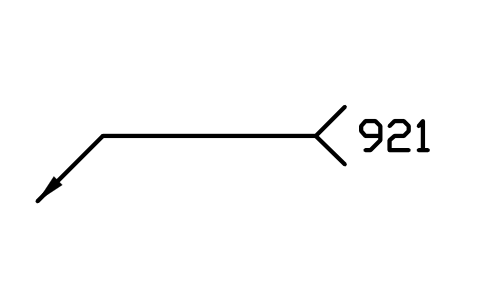
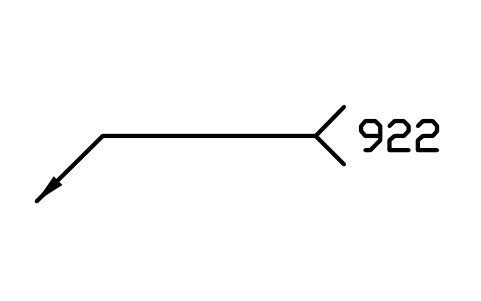
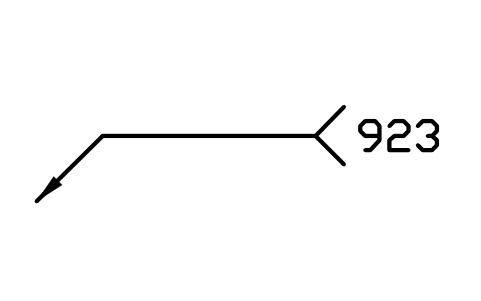
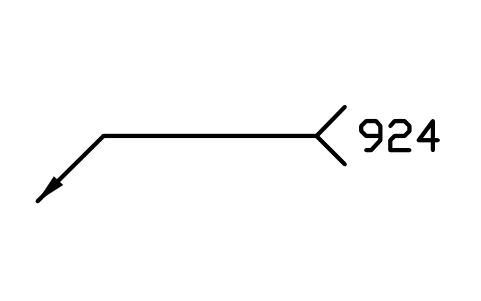
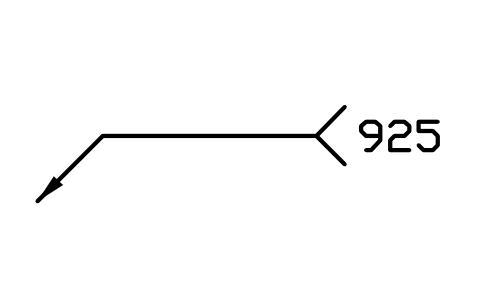
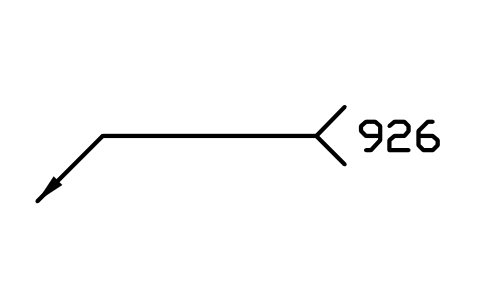
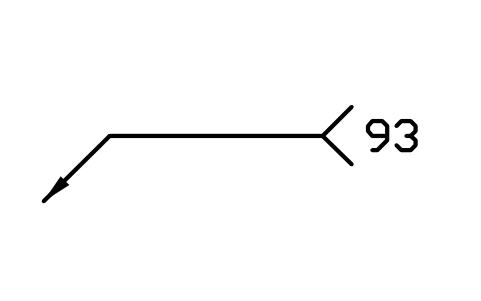
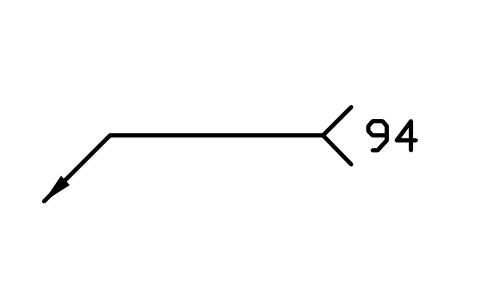
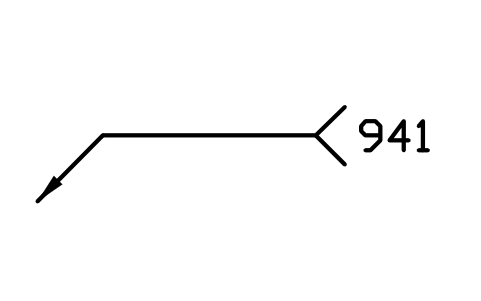
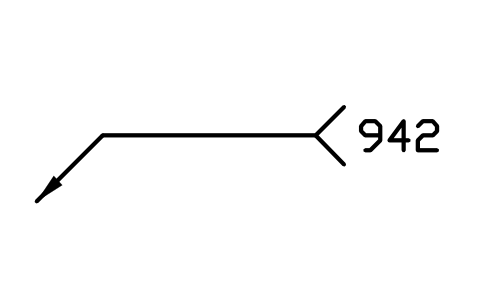
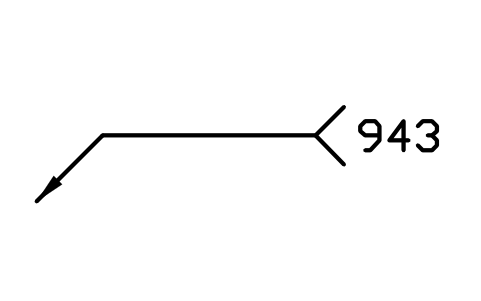
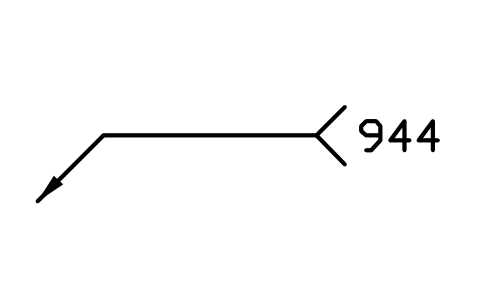
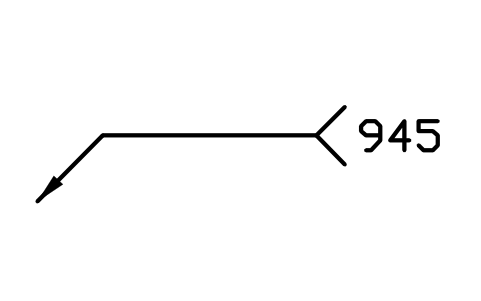
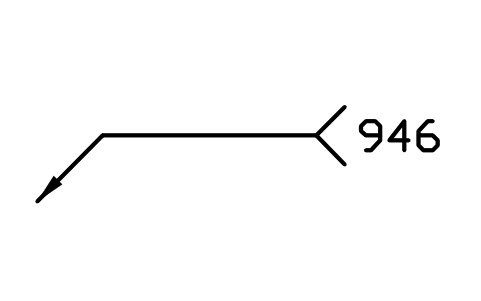
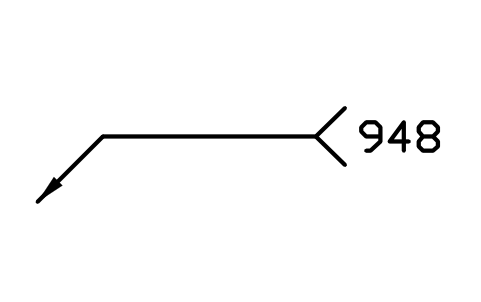
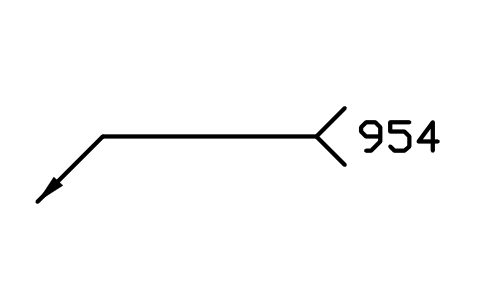
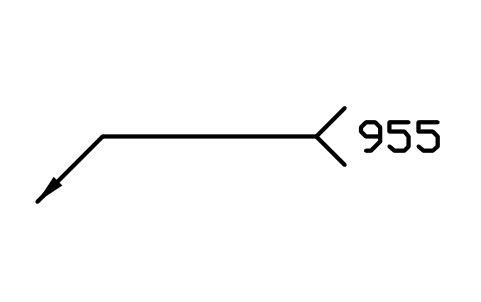
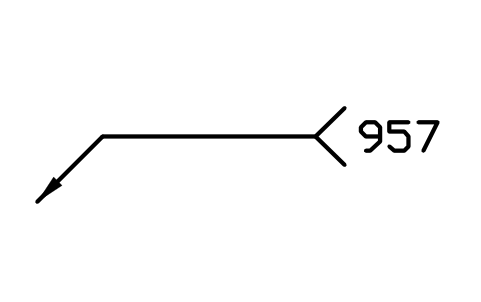
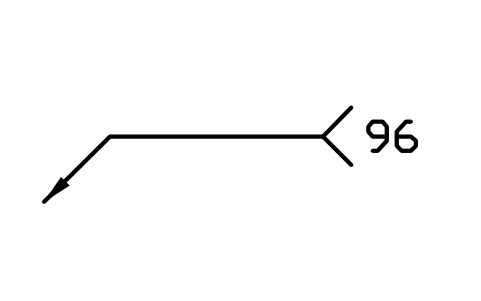
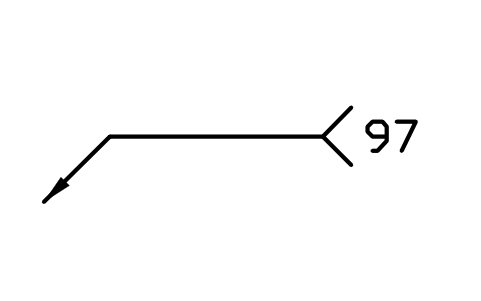
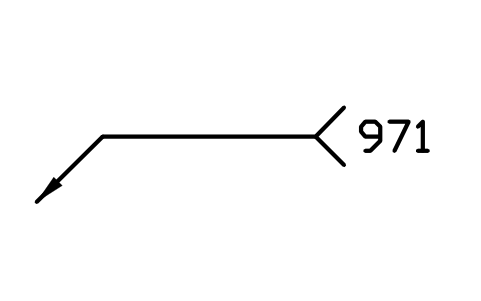
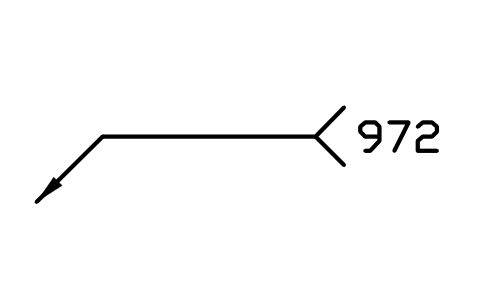
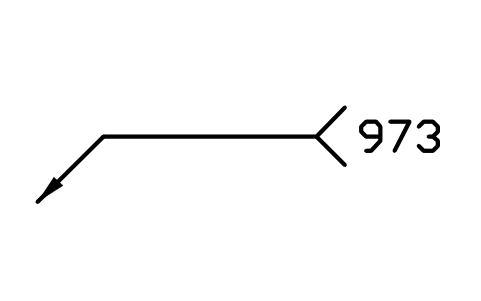
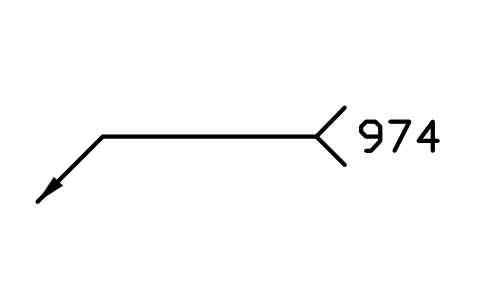
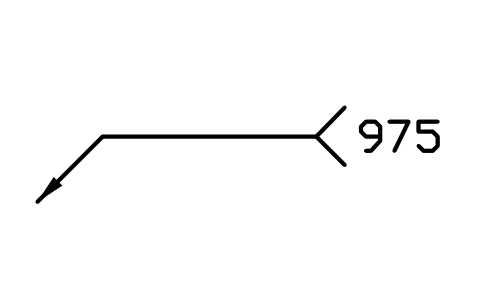
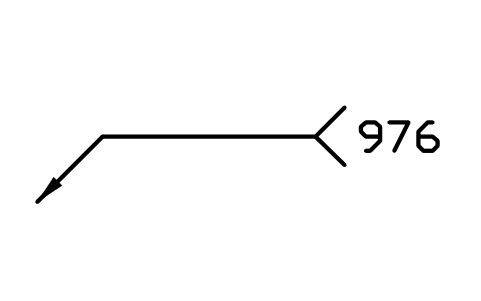
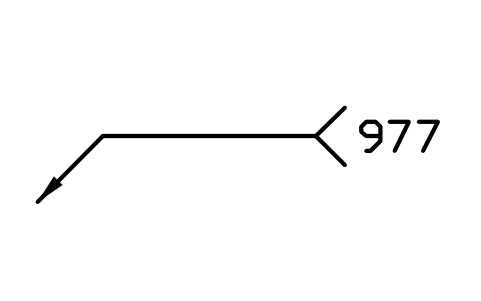
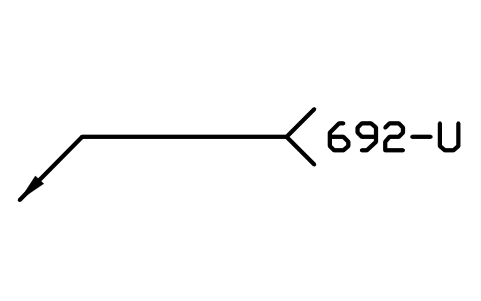
214 process reference numbers as ready-to-use AutoCAD blocks, each on a reference line with the arrow and the tail fork like the tail of a welding symbol: the nine main processes, the groups and sub-groups of arc welding (111 manual metal arc, 121 submerged arc, 131 to 138 MIG and MAG, 141 to 147 TIG, 15 plasma), resistance welding, gas welding, welding with pressure, beam welding, plastics-specific welding, other welding processes, thermal cutting and gouging, brazing and soldering, and the process variants for plastics joining and staking.
Version 1.0 · updated 30 de outubro de 2026 · Check out what's changed
Using AutoCAD 2017 or an earlier version? Download the 2010 format
Copyright CADXChange. Use and modify the symbols freely in your own drawings and projects, including commercial ones; credit and a link are needed only when you publish them. Please do not redistribute or resell the library. Each ZIP holds one plain DWG file in AutoCAD 2018 format and a README; no add-in needed. Provided as is, without warranty. Library terms (CXL-1.0)
Related symbol libraries
All 214 symbols
214 de 214 símbolos
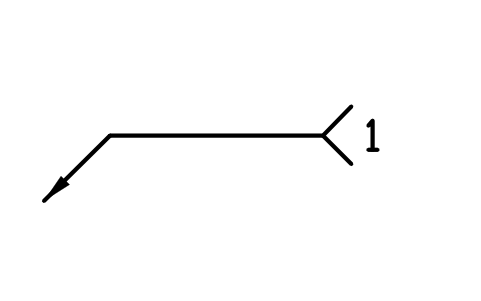
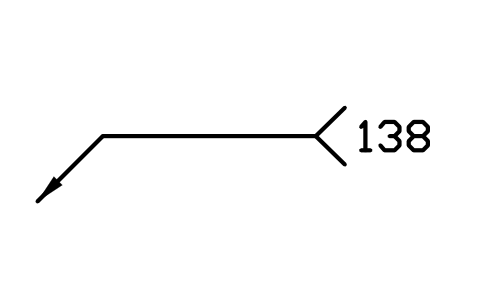
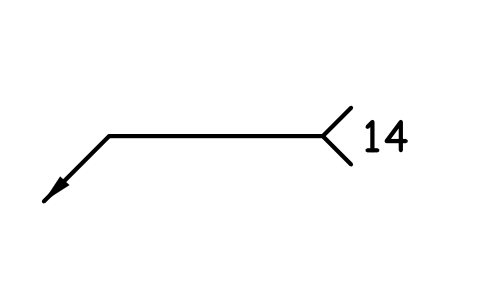
14 Gas-shielded arc welding with non-consumable tungsten electrode
WPN_14Atributos
PROCESSNAMEREMARKSDESC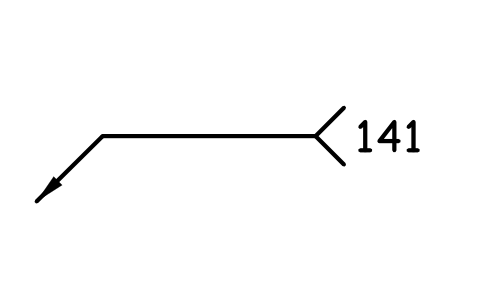
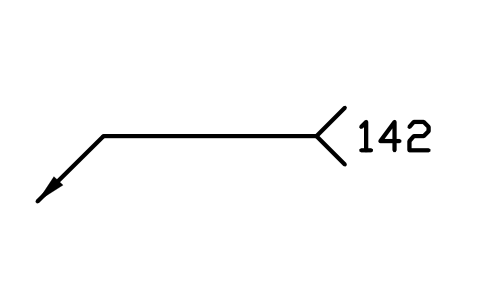
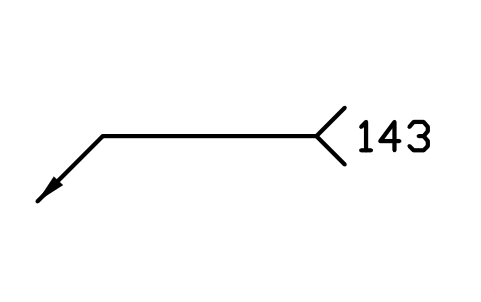
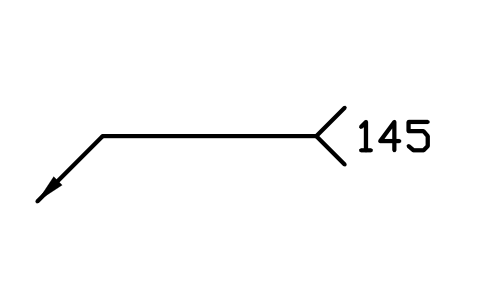
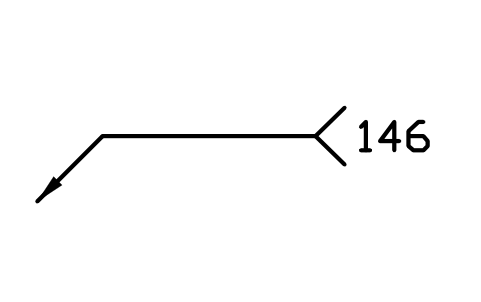
146 TIG welding using reducing gas and tubular cored filler material
WPN_146Atributos
PROCESSNAMEREMARKSDESC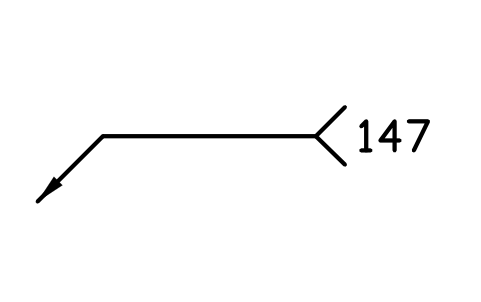
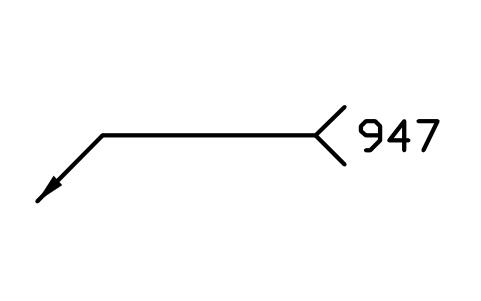
147 Gas-shielded arc welding with non-consumable tungsten electrode using active gas
WPN_147Atributos
PROCESSNAMEREMARKSDESC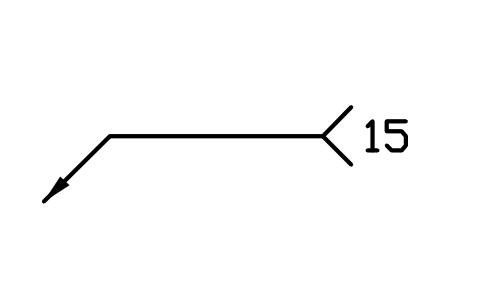
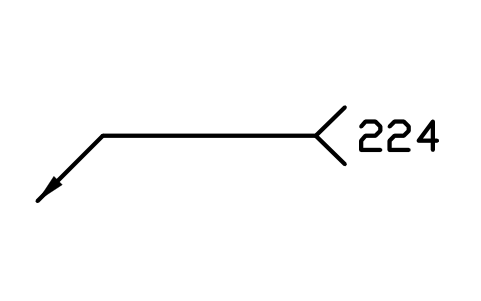
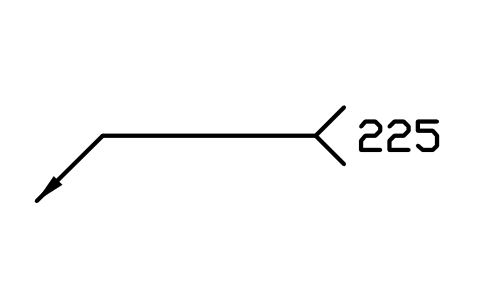
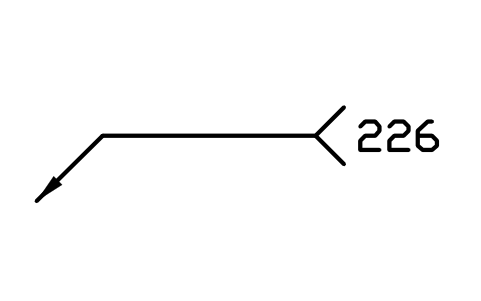
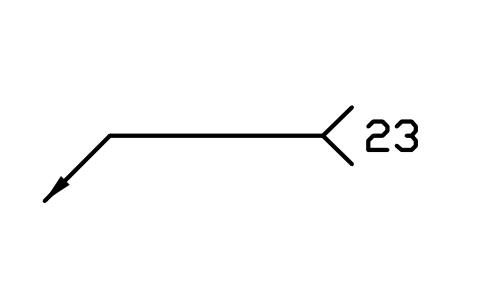
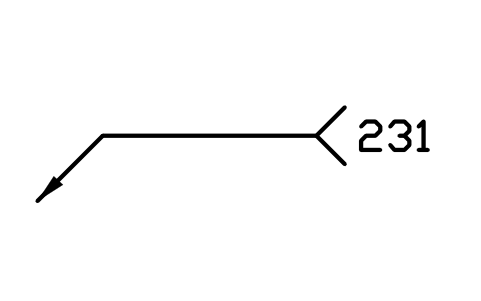
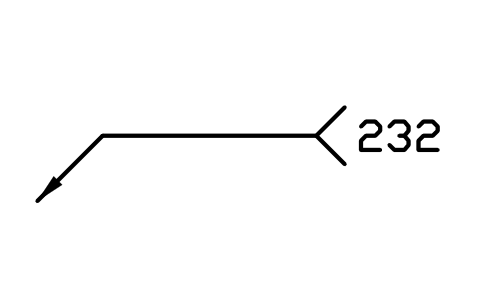
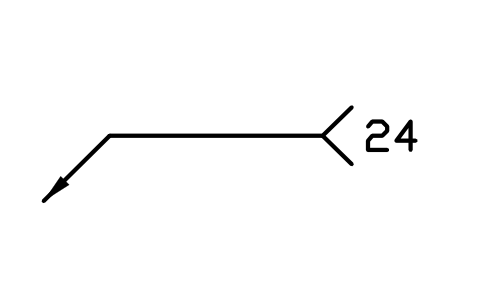
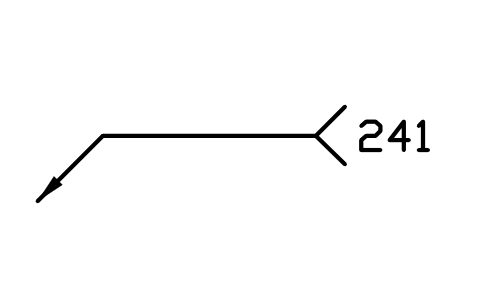
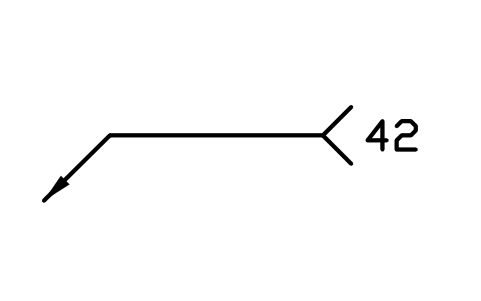
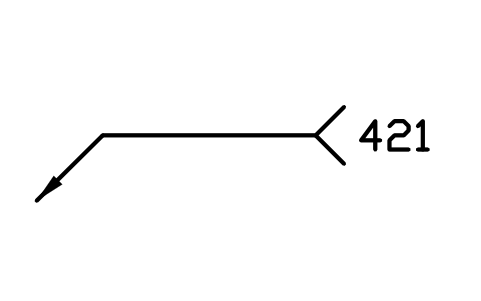
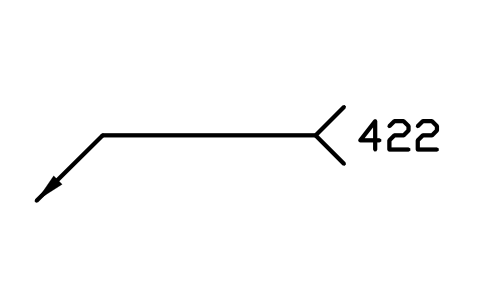
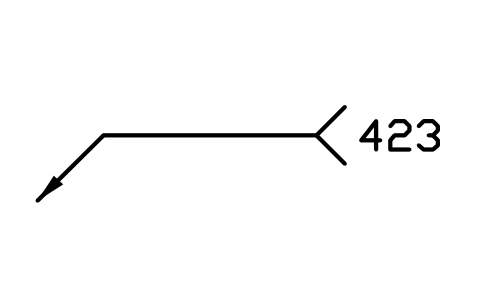
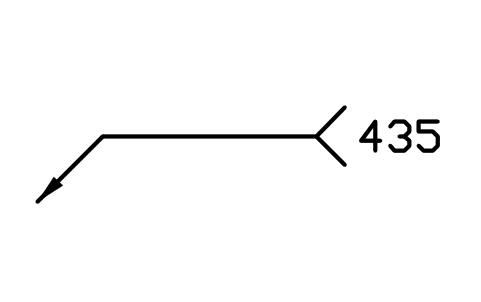
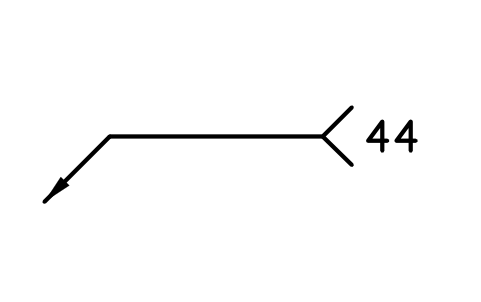
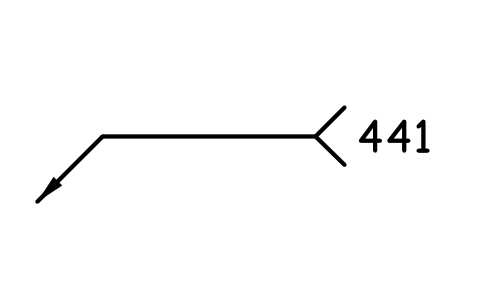
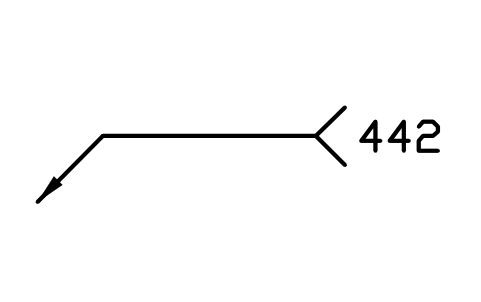
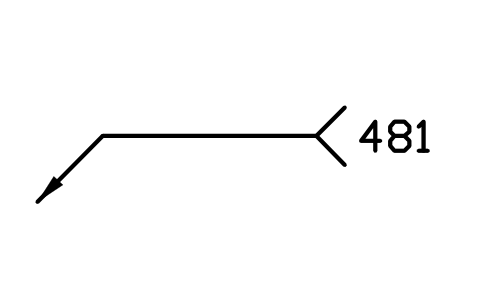
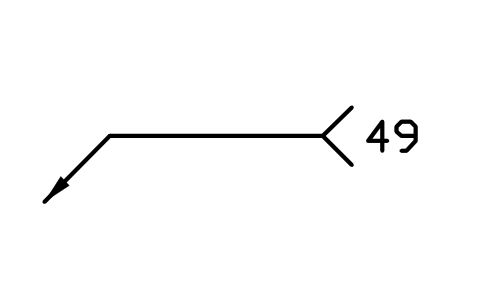
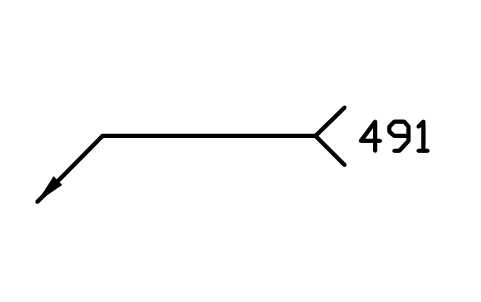
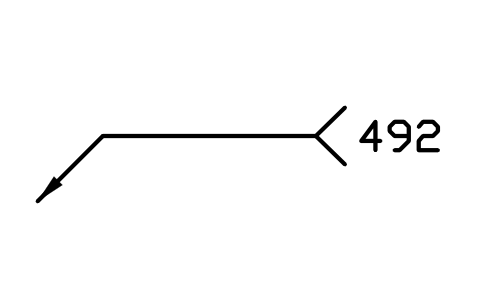
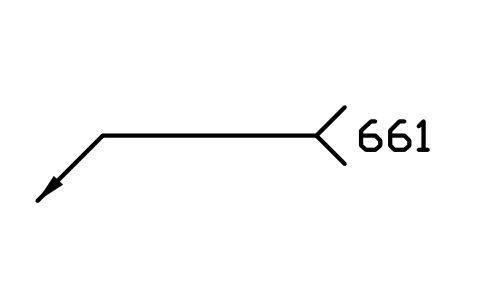
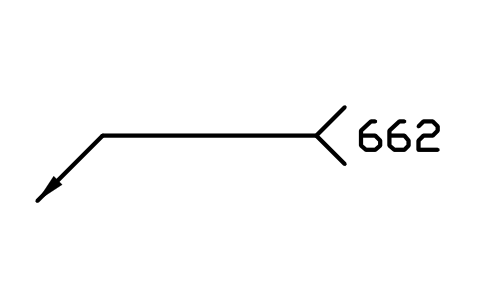
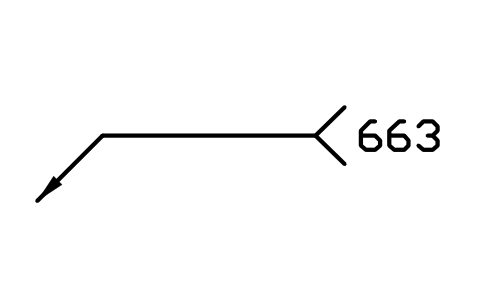
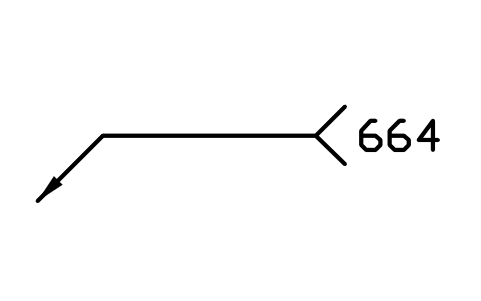
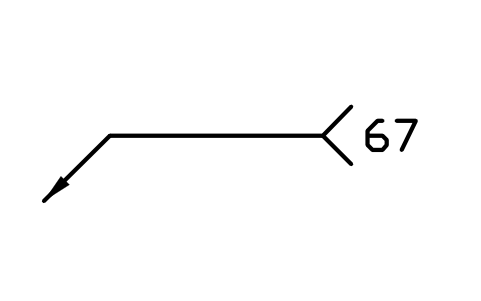
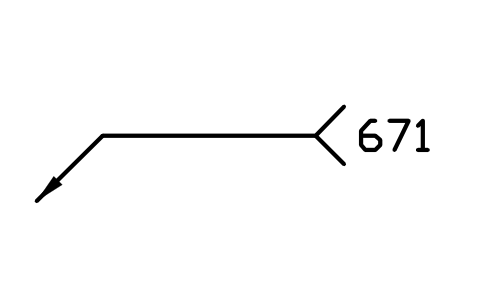
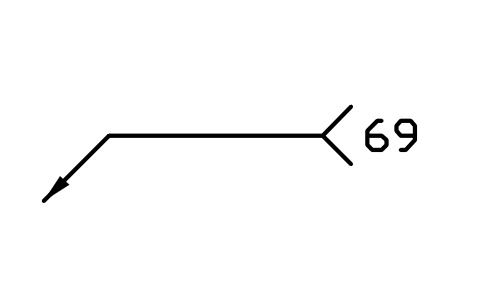
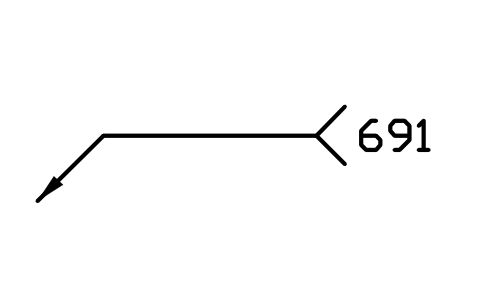
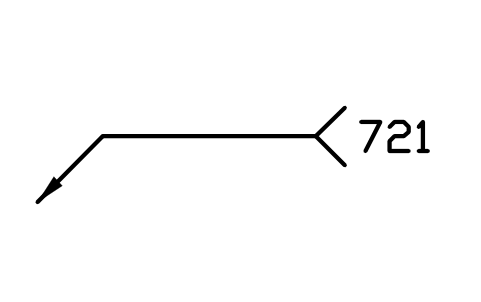
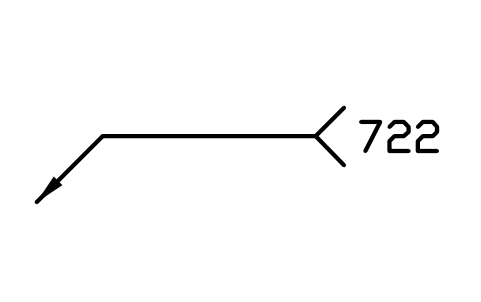
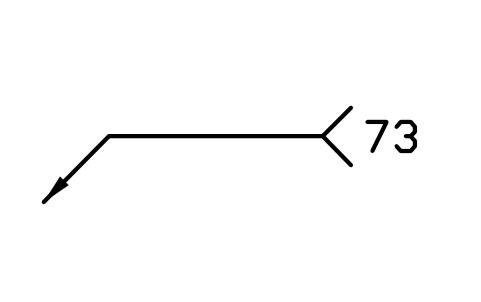
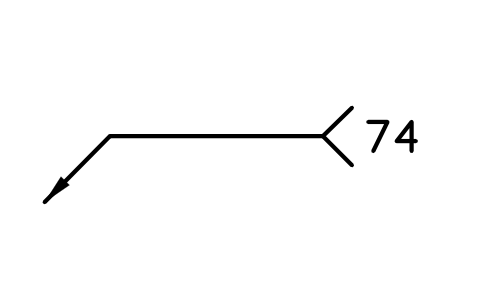
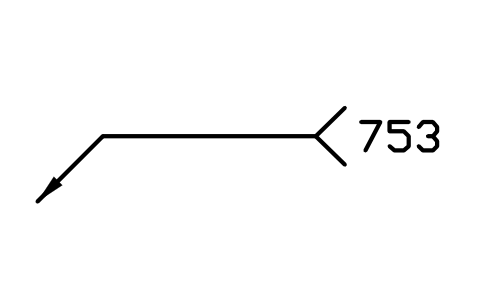
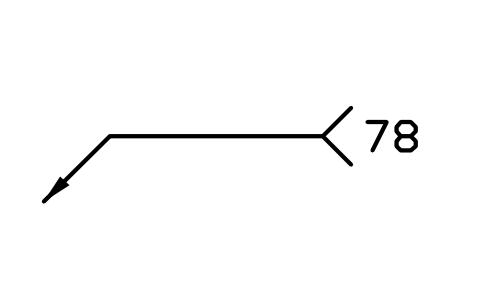
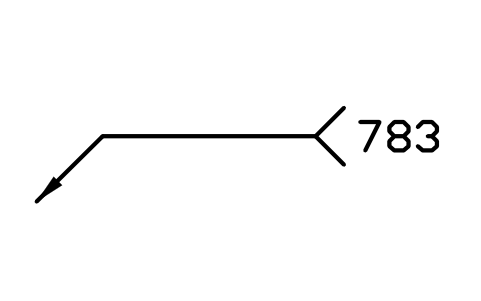
783 Drawn arc stud welding with ceramic ferrule or shielding gas
WPN_783Atributos
PROCESSNAMEREMARKSDESC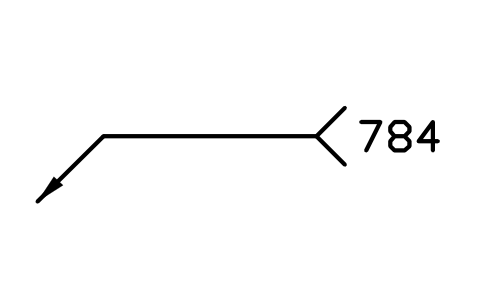
Faltou um símbolo? Diga qual.
Attributes for parts lists
The visible attribute is PROCESS, the reference number in the tail of the symbol, for example 135; type another number, a transfer mode (131-D) or a hybrid (522 + 15) afterwards. Invisible attributes: NAME (the process name) and REMARKS.
How to use the library
- Unzip the file and open the DWG. Copy the symbols you need into your plan, or drag the blocks in from DesignCenter (ADCENTER).
- The blocks are drawn at the plotted size in millimetres with text 3.5 mm high, like the tail text of a welding symbol. Insert them at the scale of your drawing. For other text heights scale the block by the ratio of the heights.
- The insertion point is the tip of the arrow. Place the block as a stand-alone note, or copy the number into the tail of a weld symbol: the tail fork is drawn the same way as in the welding symbol libraries.
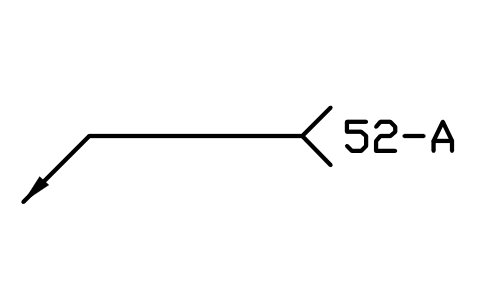
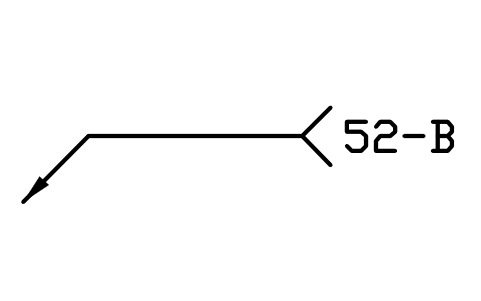
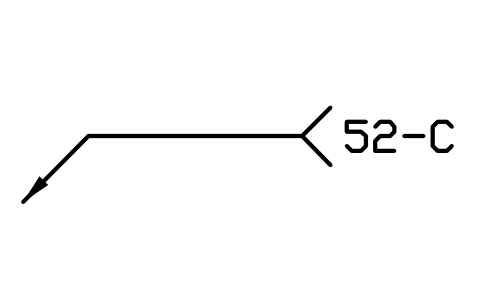
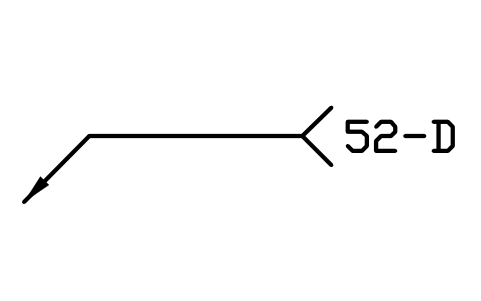
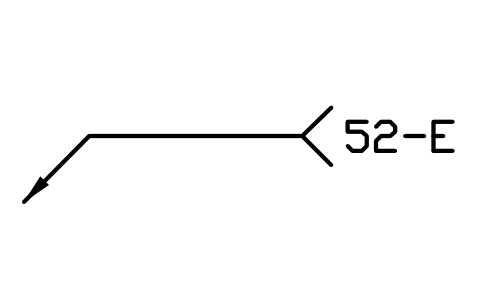
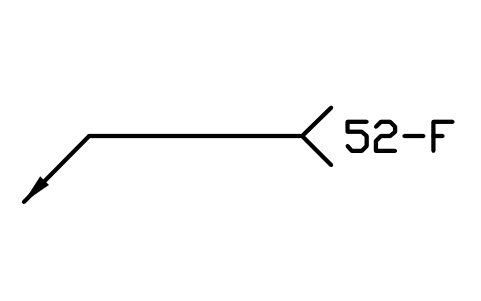
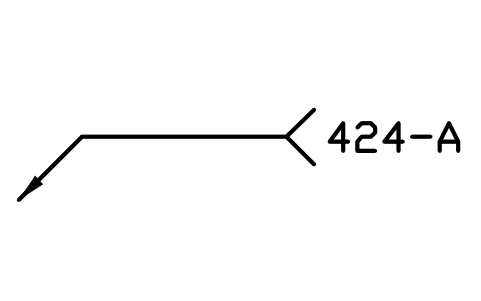
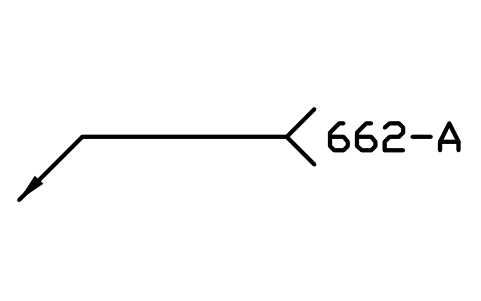
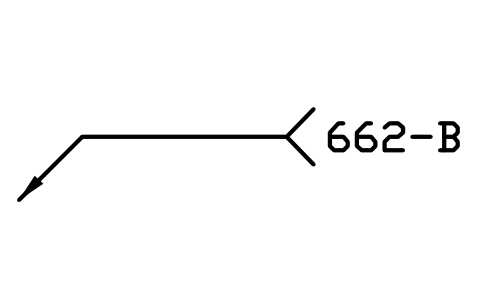
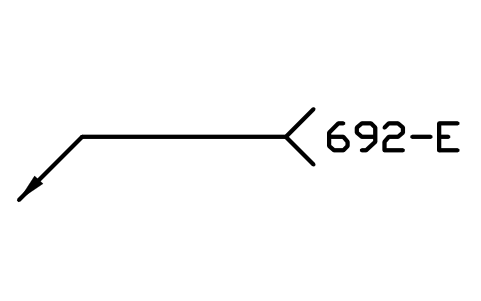
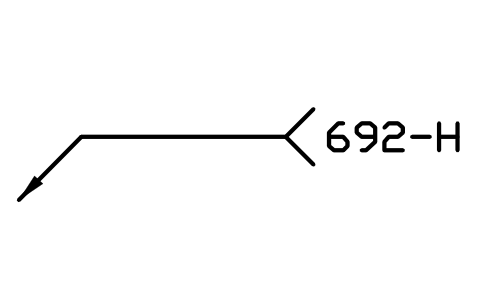
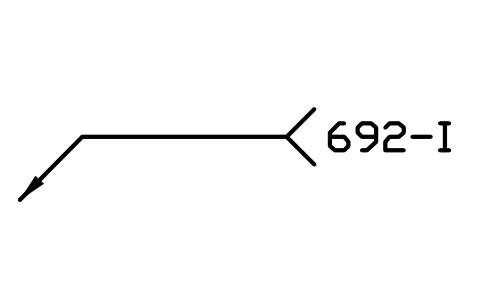
- The groups follow the main processes of the standard: 1 arc welding, 2 resistance welding, 3 gas welding, 4 welding with pressure, 5 beam welding, 6 plastics-specific welding, 7 other welding processes, 8 cutting and gouging, 9 brazing and soldering. A last group holds the process variants of annex A for plastics joining (52-A to 52-F, 424-A, 662-A, 662-B) and staking (692-E, 692-H, 692-I, 692-U).
About the standard
ISO 4063:2023 gives every welding, brazing, soldering and cutting process a reference number of at most three digits: the first digit is the main process, two digits the group and three digits the sub-group. The number is written in the tail of the weld symbol or in the procedure specification, and in a full designation after the standard, for example ISO 4063 - 135. Processes used together in one area are joined with a plus sign (522 + 15); letters and digits after the number mark a transfer mode, a number of electrodes or an additional wire.
The blocks are our own drawings, not copies, and the library is not certified. Numbers and names follow the 2023 edition; replaced and obsolete processes of annex B are not included. The weld shapes themselves are in the ISO 2553 and AWS A2.4 libraries; the weld position codes of ISO 6947 are not part of this library.
What changed in each version
Version 1.0 · 30 de outubro de 2026
New symbols (214)
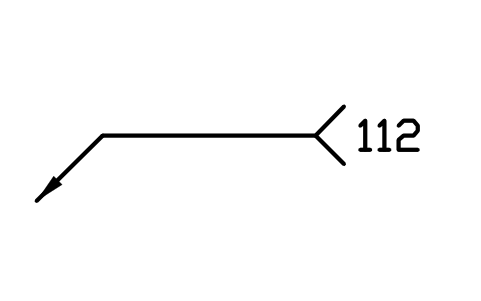
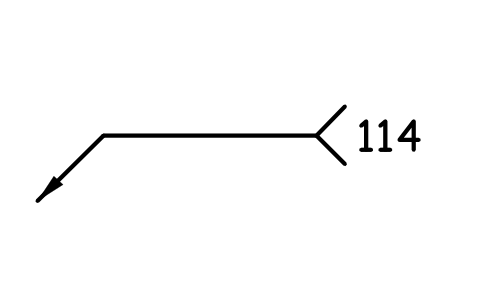
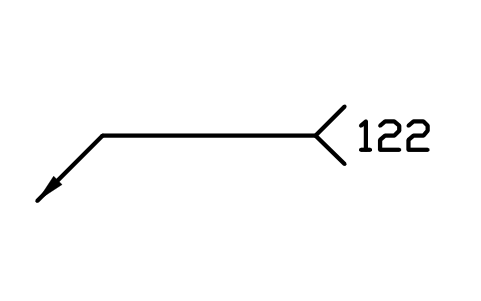
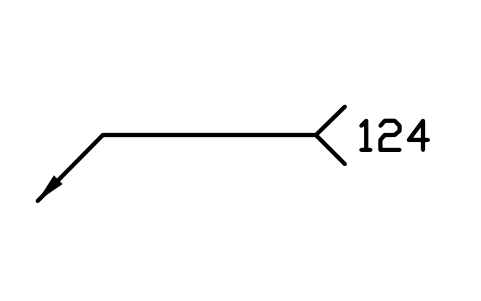
1 Arc welding · 11 Metal arc welding without gas protection · 111 Manual metal arc welding · 112 Gravity welding · 114 Self-shielded tubular cored arc welding · 12 Submerged arc welding · 121 Submerged arc welding with solid wire electrode · 122 Submerged arc welding with strip electrode · 124 Submerged arc welding with metal powder addition · 125 Submerged arc welding with tubular cored electrode · 126 Submerged arc welding with cored strip electrode · 13 Gas-shielded metal arc welding · 131 MIG welding with solid wire electrode · 132 MIG welding with flux cored electrode · 133 MIG welding with metal cored electrode · 135 MAG welding with solid wire electrode · 136 MAG welding with flux cored electrode · 138 MAG welding with metal cored electrode · 14 Gas-shielded arc welding with non-consumable tungsten electrode · 141 TIG welding with solid filler material · 142 Autogenous TIG welding · 143 TIG welding with tubular cored filler material · 145 TIG welding using reducing gas and solid filler material · 146 TIG welding using reducing gas and tubular cored filler material · 147 Gas-shielded arc welding with non-consumable tungsten electrode using active gas · 15 Plasma arc welding · 151 Plasma MIG welding · 152 Powder plasma arc welding · 153 Plasma welding with transferred arc · 154 Plasma arc welding with non-transferred arc · 155 Plasma arc welding with partially transferred arc · 18 Other arc welding processes · 185 Magnetically impelled arc welding · 2 Resistance welding · 21 Resistance spot welding · 211 Indirect spot welding · 212 Direct spot welding · 22 Resistance seam welding · 221 Lap seam welding · 222 Mash seam welding · 174 more
Frequently asked questions
- Which edition of ISO 4063 is used?
- The numbers and process names are taken from ISO 4063:2023, the list of processes in clause 5 and the plastics and staking variants of annex A. Processes that the 2023 edition replaced or dropped are left out.
- How do I write a transfer mode, a number of electrodes or a hybrid process?
- Double-click the block and edit PROCESS. The standard adds a letter for the transfer mode (131-D short-circuit, 131-S spray, 131-P pulsed), a digit for the number of electrodes (131-2), a letter for cold or hot wire (121-C, 121-H), and joins processes used together with a plus sign (522 + 15).
- Can I use the symbols in commercial projects?
- Yes. They are free to use and modify in your own projects, including commercial ones. They are provided as is, without warranty. Please do not redistribute or resell the library; see the library terms.
- Are the weld symbols and weld positions included?
- No. This library holds the process numbers only. The weld shapes for the symbol are in the ISO 2553 and the AWS A2.4 welding symbol libraries, where the tail text can carry the process number; the weld position codes of ISO 6947 are not included.
- Can I change a symbol or add attributes?
- Yes. Open the DWG, edit a block with BEDIT to change it or add attributes, and save. To update drawings that already contain the block, run ATTSYNC or replace the block. Make a backup first: attribute values can be lost if ATTSYNC is used carelessly.
- Where do I find a ready-made set of these symbols for AutoCAD?
- AutoCAD itself ships only a small set of sample blocks, so a full symbol set has to come from a library. Download the ZIP on this page and open the DWG: every symbol is a block. Insert one with INSERT (Blocks palette, Libraries tab, then pick the DWG) or drag it from DesignCenter (ADCENTER). You can also download a single symbol on its own.