
RecursosBibliotecas de símbolos DWG
Free AutoCAD escape plan elements (DWG) after ISO 23601: headers, arrows, route strips
Escape plan elements: 25 ready-made AutoCAD blocks (DWG), free to download and use in your own projects, as a ZIP or one symbol at a time.
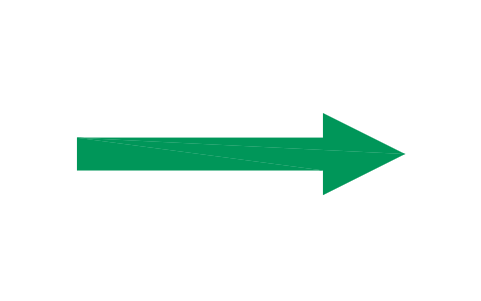
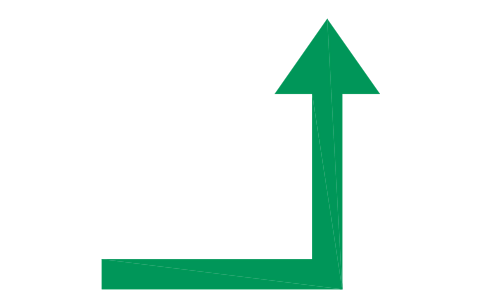
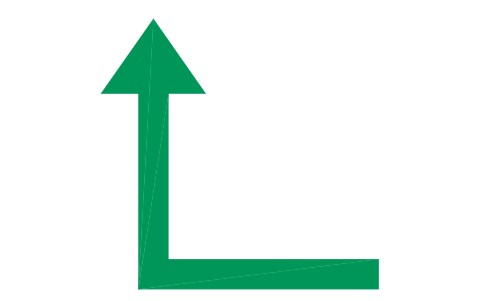
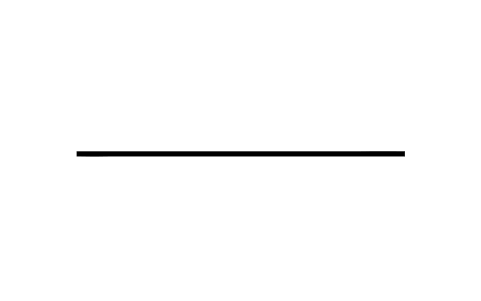
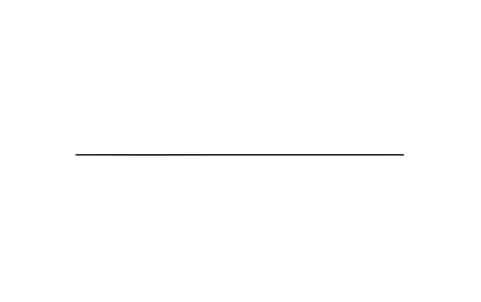
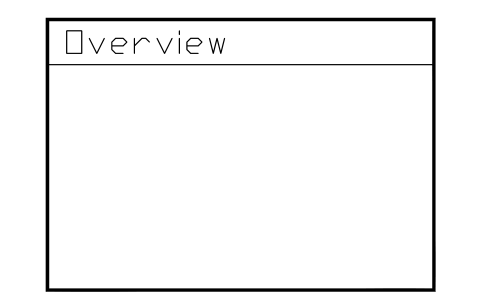
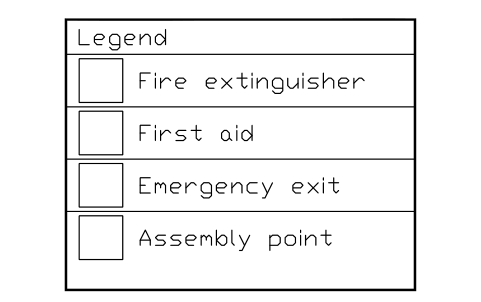
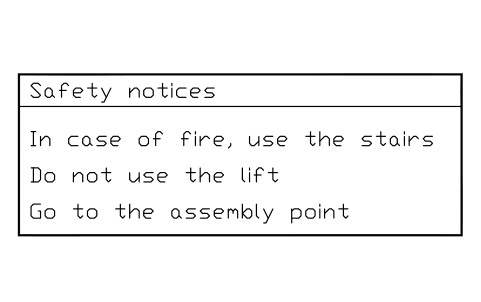
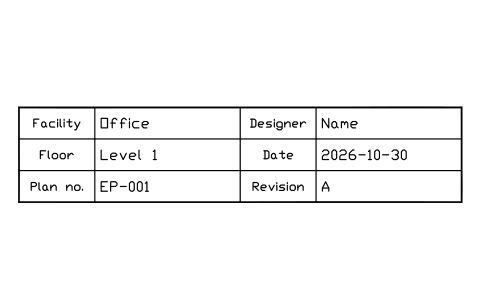
25 building blocks for escape and evacuation plans as ready-to-use AutoCAD blocks: green plan headers with the band heights of the standard for A3, A2, A1 and A0, the blue user point marker, escape direction arrows, escape route strips in light green, the three line weights for walls, partitions and details, an overview plan frame, a legend box, a safety notices box, a plan information block and sign cells for the safety signs.
Version 1.0 · updated 30 de outubro de 2026 · Check out what's changed
Using AutoCAD 2017 or an earlier version? Download the 2010 format
Copyright CADXChange. Use and modify the symbols freely in your own drawings and projects, including commercial ones; credit and a link are needed only when you publish them. Please do not redistribute or resell the library. Each ZIP holds one plain DWG file in AutoCAD 2018 format and a README; no add-in needed. Provided as is, without warranty. Library terms (CXL-1.0)
Related symbol libraries
All 25 symbols
25 de 25 símbolos










Faltou um símbolo? Diga qual.
Attributes for parts lists
Header text, labels, titles and the plan information are editable attributes: HEADER, LABEL, TITLE, the legend rows ROW1 to ROW4, the notice lines LINE1 to LINE3, and FACILITY, FLOOR, DESIGNER, DATE, PLAN_NO and REVISION in the information block.
How to use the library
- Unzip the file and open the DWG. Copy the symbols you need into your plan, or drag the blocks in from DesignCenter (ADCENTER).
- The elements are drawn at the plotted size in millimetres, 1 drawing unit = 1 mm. Insert them at the scale of the plan sheet. The header blocks show the band height and the lettering size for A3, A2, A1 and A0 (21, 30, 42 and 59 mm bands with 13, 18, 26 and 36 mm lettering); extend the green field to the full width of your sheet.
- The colours are on their own layers: SIGN-GREEN for headers and arrows, SIGN-LIGHTGREEN for escape route strips, SIGN-BLUE for the user point and SIGN-WHITE for the header lettering. Change a layer colour and every block follows.
- The groups are plan headers, user point, direction arrows and escape route strips, line weights, information boxes and sign cells. The wall, partition and detail lines carry 1.6, 0.6 and 0.15 mm; the 7 mm sign cell is the smallest sign height the standard allows on a plan.
About the standard
ISO 23601 sets out how an escape and evacuation plan is drawn: a green header band with contrasting lettering, a white background with black outlines, line weights for walls, partitions and details, signs at least 7 mm high and lettering at least 2 mm high, escape directions in green, the user point in blue, an overview plan no larger than a tenth of the plan area, a legend with safety notices, and the plan information with facility, floor, date, revision and plan number.
The blocks are our own drawings, not copies, and the library is not certified. The proportions of arrows, strips and boxes are drawn after the example plans in the standard, which does not dimension them. The safety signs that belong on a plan are in the ISO 7010 libraries and are not repeated here.
What changed in each version
Version 1.0 · 30 de outubro de 2026
New symbols (25)
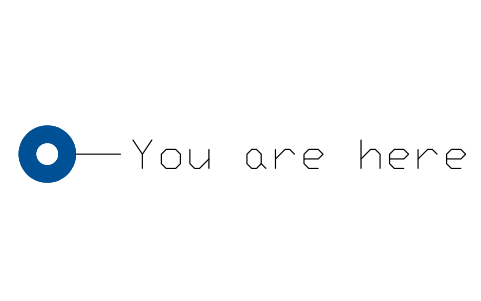
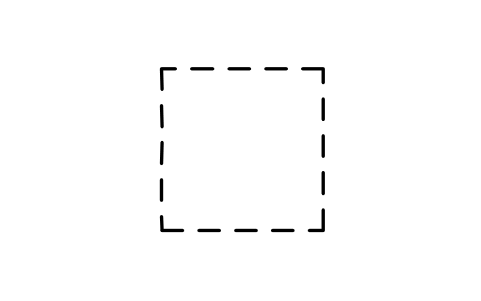
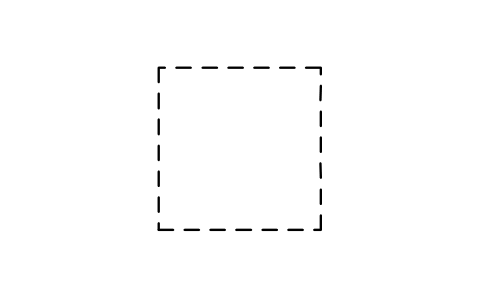
Plan header, A3 · Plan header, A2 · Plan header, A1 · Plan header, A0 · User point marker · User point marker with label · Escape direction arrow, straight · Escape direction arrow, bend to the left · Escape direction arrow, bend to the right · Escape route strip, straight · Escape route strip, corner · Escape route strip, T junction · Escape route strip, cross junction · Escape route strip with direction arrow · Wall line, 1.6 mm · Partition line, 0.6 mm · Detail line, 0.15 mm · Overview plan frame · Legend box with four rows · Safety notices box with three lines · Plan information block · Sign cell 7 mm (smallest sign on a plan) · Sign cell 10 mm · Sign cell 15 mm · Sign cell 20 mm
Frequently asked questions
- Are the safety signs for exits and extinguishers included?
- No. The signs themselves are in the ISO 7010 libraries on this site. This library holds the plan elements around them: header, arrows, route strips, legend, notices and the cells to place the signs in.
- How do I get a header for the right sheet size?
- Insert ESC_HDR_A3, ESC_HDR_A2, ESC_HDR_A1 or ESC_HDR_A0: the band height and the lettering size already match the table of the standard. Extend the green field to the width of your sheet and double-click the block to edit the HEADER text.
- Can I use the symbols in commercial projects?
- Yes. They are free to use and modify in your own projects, including commercial ones. They are provided as is, without warranty. Please do not redistribute or resell the library; see the library terms.
- Can I change the colours?
- Yes. The colours are layer colours. Change SIGN-GREEN, SIGN-LIGHTGREEN or SIGN-BLUE in the Layer Manager if your local rules ask for another shade, and every block follows.
- Can I change a symbol or add attributes?
- Yes. Open the DWG, edit a block with BEDIT to change it or add attributes, and save. To update drawings that already contain the block, run ATTSYNC or replace the block. Make a backup first: attribute values can be lost if ATTSYNC is used carelessly.
- Where do I find a ready-made set of these symbols for AutoCAD?
- AutoCAD itself ships only a small set of sample blocks, so a full symbol set has to come from a library. Download the ZIP on this page and open the DWG: every symbol is a block. Insert one with INSERT (Blocks palette, Libraries tab, then pick the DWG) or drag it from DesignCenter (ADCENTER). You can also download a single symbol on its own.