
KaynaklarDWG sembol kütüphaneleri
Konular:Kat planı sembolleri
AutoCAD robot cell and machine safety layout symbols (DWG)
Robot cell and machine safety layout symbols: 130 hazır AutoCAD bloğu (DWG). 24 sembollük başlangıç paketi ücretsiz; Standart sürüm $29.
Ücretsiz başlangıç paketi: 24 sembol
Bu kütüphanenin en çok kullanılan sembolleri, tek bir DWG içinde AutoCAD bloğu olarak. Herkes için ücretsiz, her projede kullanılabilir.
 Guard fence panel, 1000
 Guard fence panel, 2000
 Guard panel, wire mesh
 Guard panel, transparent
 Guard panel, solid
 Fence post with base plate
 Fence corner, 90 degrees
 Interlocked hinged door
 Interlocked sliding door
 Interlocked double door
 Maintenance door, key locked
 Removable guard panel
 Cell fence, small, with gate
 Cell fence, medium, with gate
 Cell fence, large, with gate
 Emergency stop pushbutton
 Emergency stop, wall mounted
 Emergency stop rope pull switch
 Warning sign, robot in operation
 Prohibition sign, no entry
 Warning sign, crushing hazard
 Warning sign, automatic start
 Mandatory sign, authorised persons only
 Emergency stop location marker
Standart: 130 sembol
Standart sürümün 130 sembolünün tamamı tek indirmede, doğrudan AutoCAD'e eklemeye hazır. Bir kez ödeyin, dosyalar sizde kalsın.
Robot Cell and Machine Safety Pro: 150 more symbols
Beyond the 130 free symbols above, Pro adds the rest of the standard as AutoCAD blocks, section by section: qualifying symbols, connections, switching and relay devices, circuit protectors, transmission and communication, rotating machinery, readouts, lamps, systems and stations, and more. One licence covers every section, and the free library stays free.
Standart · 130 sembol
Robot cell and machine safety Pro symbols · 150
Ücretsiz başlangıç paketi
$0Herkes için, her proje için
- 24 sembol
- Giriş gerekmez
- Tek DWG dosyası
Kütüphane lisansı
$29
Bir kişi için
Education: free
- Tek seferlik ödeme
Student or teacher?
Free for one year with your school e-mail address. Renew it with the same address.
Sign in with your school e-mail address, we check it, and the licence is added to your account.
YakındaOkul ya da üniversite e-posta adresiyle ücretsiz; öğrenim ve eğitim için.
Pro library licence
$69
For one person
Education: $34.50
- Pay once
- Includes the free IEEE 315 library
Student or teacher?
Half price ($34.50) for one year with your school e-mail address. Buy again next year to renew.
Sign in with your school e-mail address, we check it, and you pay half price.
YakındaWhat you get
- All 150 symbols of the sections on this page, as AutoCAD blocks in DWG files
- The free IEEE 315 library with its 79 symbols, in the same download
- Every section as a ZIP in AutoCAD 2018 format and in AutoCAD 2010 format
- Sections added later come with the same purchase
- The free IEEE 315 library stays free and unchanged.
- A perpetual licence: pay once, keep the files.
Her sürüm neleri içerir
Semboller gruplara göre, her sürümün her gruptan kaç sembol içerdiğiyle birlikte.
| İçerik | Ücretsiz | Standart | Pro |
|---|---|---|---|
| Tüm semboller | 24 | 130 | 280 |
| Bu sürümün eklediği | — | +106 | +150 |
| Robots and work envelopes | — | 20 | 20 |
| Bases, tracks and positioners | — | 12 | 12 |
| Fences and guards | 15 | 16 | 16 |
| Presence sensing | — | 14 | 14 |
| Controls and signalling | 3 | 16 | 16 |
| Conveying and loading | — | 14 | 14 |
| Fixtures and tool positions | — | 8 | 8 |
| Complete cell layouts | — | 14 | 14 |
8 grup daha gösterDaha az grup göster
| Zones, markings and signs | 6 | 16 | 16 |
|---|---|---|---|
| Industry cells | — | — | 46 |
| Safety distance layouts | — | — | 20 |
| Safeguard assemblies | — | — | 20 |
| Robot stations | — | — | 20 |
| Work envelope sets | — | — | 16 |
| Loading and part flow | — | — | 16 |
| Control cabinet arrangements | — | — | 12 |
Pro, Standart'taki tüm sembolleri ve yalnızca Pro'da bulunanları içerir.
130 AutoCAD plan blocks at real size for robot cell and machine safety layouts. Six-axis, SCARA, delta, gantry and collaborative robots with their work envelopes, tracks and positioners, guard fences and interlocked doors, light curtains and laser scanners with protective and warning fields, emergency stops and teach pendants, conveying and loading, fixtures, 14 complete cell layouts, and zones, floor markings and signs.
Standart kütüphane: sürüm 1.0, güncelleme 29 Kasım 2026 · Pro library: version 1.0, updated 29 Kasım 2026 · Nelerin değiştiğine göz atın
Tüm 130 sembol
130 sembolün 130 tanesi
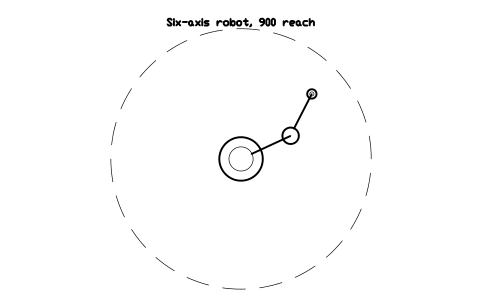
Six-axis robot, 900 reach
RCS_ROB6_SÖznitelikler
DESIGNATIONSIZEITEM_NOREACH_MMPAYLOAD_KGWEIGHT_KGVOLTAGE_VMANUFACTURERMODELQTYREMARKSDESC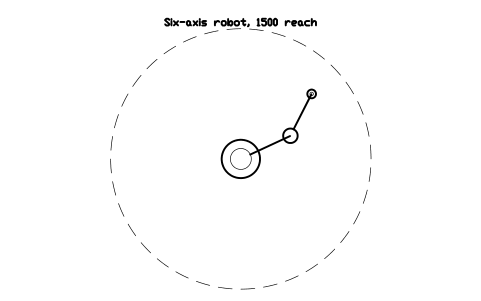
Six-axis robot, 1500 reach
RCS_ROB6_MÖznitelikler
DESIGNATIONSIZEITEM_NOREACH_MMPAYLOAD_KGWEIGHT_KGVOLTAGE_VMANUFACTURERMODELQTYREMARKSDESC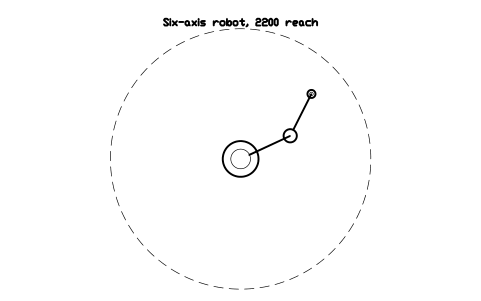
Six-axis robot, 2200 reach
RCS_ROB6_LÖznitelikler
DESIGNATIONSIZEITEM_NOREACH_MMPAYLOAD_KGWEIGHT_KGVOLTAGE_VMANUFACTURERMODELQTYREMARKSDESC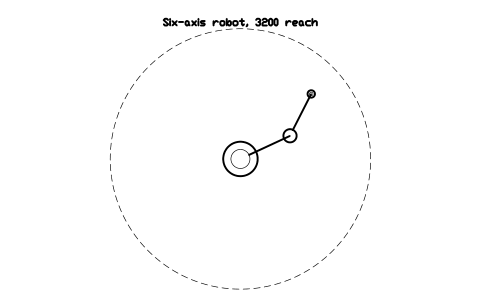
Six-axis robot, 3200 reach
RCS_ROB6_HÖznitelikler
DESIGNATIONSIZEITEM_NOREACH_MMPAYLOAD_KGWEIGHT_KGVOLTAGE_VMANUFACTURERMODELQTYREMARKSDESC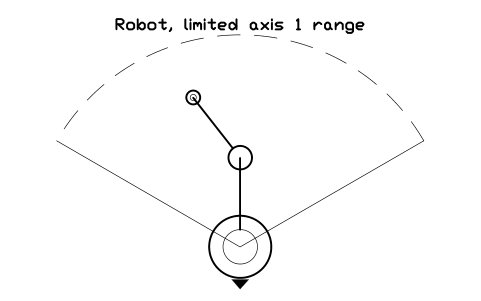
Robot, limited axis 1 range
RCS_ROB6_SECTÖznitelikler
DESIGNATIONSIZEITEM_NOREACH_MMPAYLOAD_KGWEIGHT_KGMANUFACTURERMODELQTYREMARKSDESC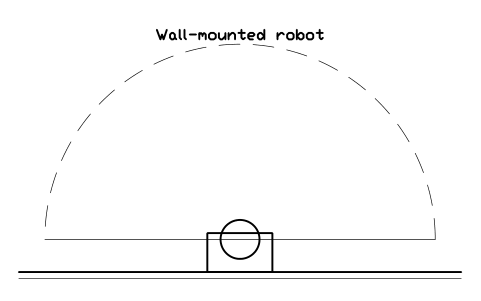
Wall-mounted robot
RCS_ROB6_WALLÖznitelikler
DESIGNATIONSIZEITEM_NOREACH_MMPAYLOAD_KGWEIGHT_KGMANUFACTURERMODELQTYREMARKSDESC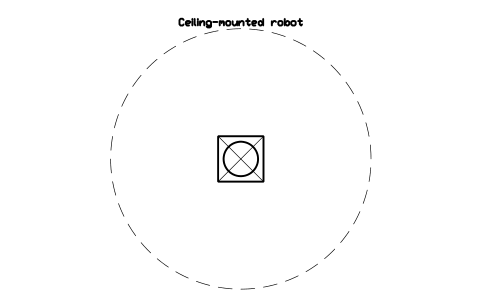
Ceiling-mounted robot
RCS_ROB6_CEILÖznitelikler
DESIGNATIONSIZEITEM_NOREACH_MMPAYLOAD_KGWEIGHT_KGMANUFACTURERMODELQTYREMARKSDESC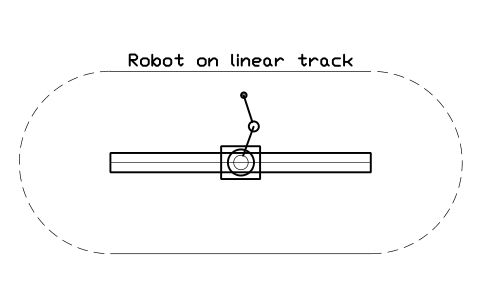
Robot on linear track
RCS_ROB6_TRACKÖznitelikler
DESIGNATIONSIZEITEM_NOREACH_MMPAYLOAD_KGTRACK_LENGTH_MMMANUFACTURERMODELQTYREMARKSDESC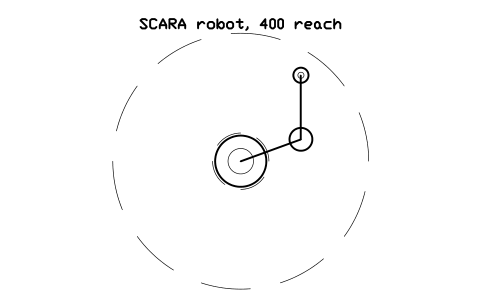
SCARA robot, 400 reach
RCS_SCARA_SÖznitelikler
DESIGNATIONSIZEITEM_NOREACH_MMPAYLOAD_KGWEIGHT_KGMANUFACTURERMODELQTYREMARKSDESC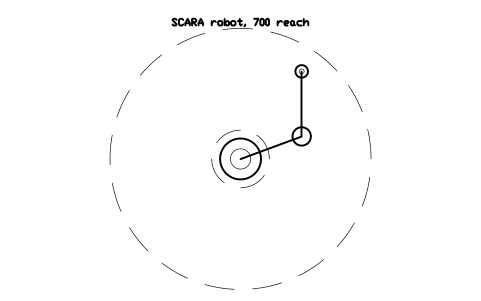
SCARA robot, 700 reach
RCS_SCARA_MÖznitelikler
DESIGNATIONSIZEITEM_NOREACH_MMPAYLOAD_KGWEIGHT_KGMANUFACTURERMODELQTYREMARKSDESC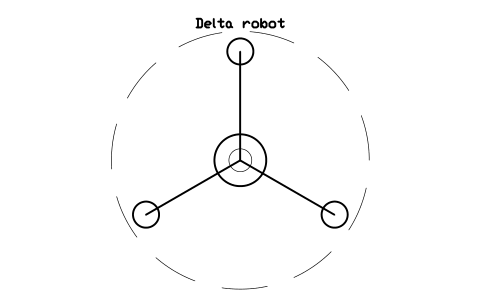
Delta robot
RCS_DELTAÖznitelikler
DESIGNATIONSIZEITEM_NOREACH_MMPAYLOAD_KGWEIGHT_KGMANUFACTURERMODELQTYREMARKSDESC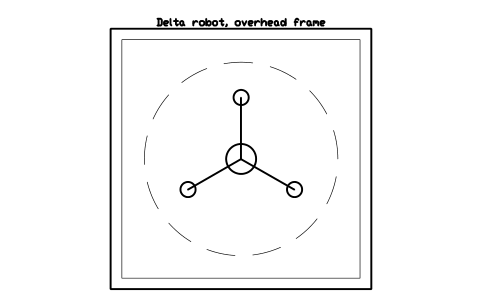
Delta robot, overhead frame
RCS_DELTA_FRAMEÖznitelikler
DESIGNATIONSIZEITEM_NOREACH_MMPAYLOAD_KGWEIGHT_KGMANUFACTURERMODELQTYREMARKSDESC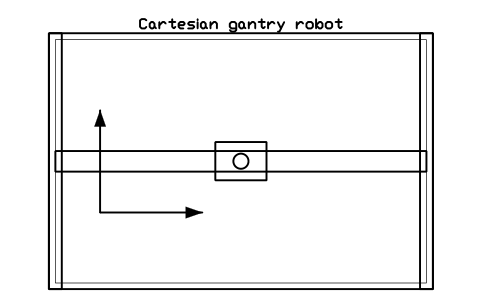
Cartesian gantry robot
RCS_GANTRY_XYÖznitelikler
DESIGNATIONSIZEITEM_NOREACH_MMPAYLOAD_KGWEIGHT_KGMANUFACTURERMODELQTYREMARKSDESC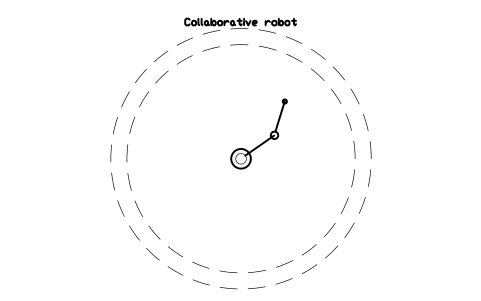
Collaborative robot
RCS_COBOTÖznitelikler
DESIGNATIONSIZEITEM_NOREACH_MMPAYLOAD_KGWEIGHT_KGPL_REQUIREDMANUFACTURERMODELQTYREMARKSDESC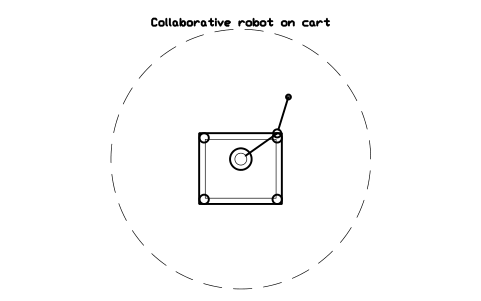
Collaborative robot on cart
RCS_COBOT_CARTÖznitelikler
DESIGNATIONSIZEITEM_NOREACH_MMPAYLOAD_KGWEIGHT_KGMANUFACTURERMODELQTYREMARKSDESC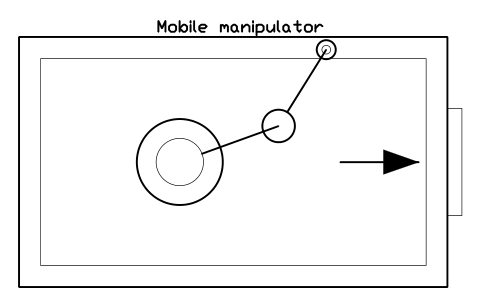
Mobile manipulator
RCS_MOBILE_MANIPÖznitelikler
DESIGNATIONSIZEITEM_NOREACH_MMPAYLOAD_KGWEIGHT_KGMANUFACTURERMODELQTYREMARKSDESC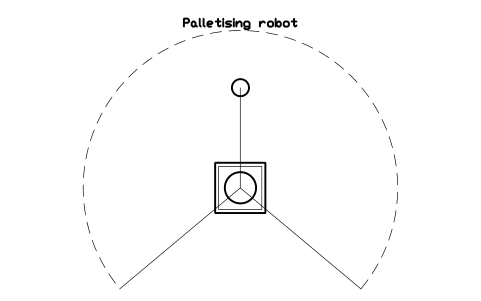
Palletising robot
RCS_PALLETISERÖznitelikler
DESIGNATIONSIZEITEM_NOREACH_MMPAYLOAD_KGWEIGHT_KGMANUFACTURERMODELQTYREMARKSDESC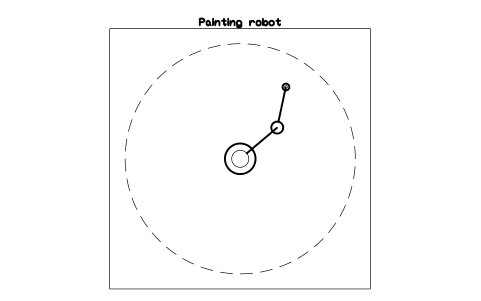
Painting robot
RCS_PAINT_ROBÖznitelikler
DESIGNATIONSIZEITEM_NOREACH_MMPAYLOAD_KGEX_ZONEMANUFACTURERMODELQTYREMARKSDESC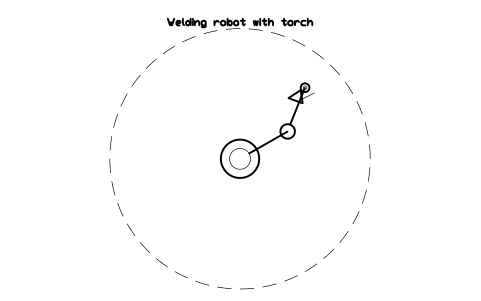
Welding robot with torch
RCS_WELD_ROBÖznitelikler
DESIGNATIONSIZEITEM_NOREACH_MMPAYLOAD_KGWELD_PROCESSMANUFACTURERMODELQTYREMARKSDESC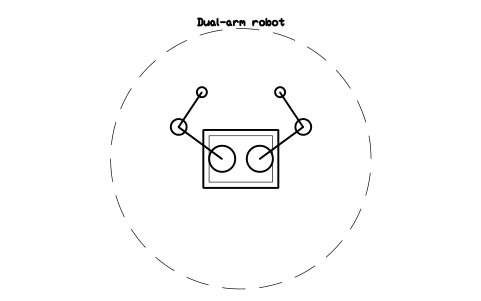
Dual-arm robot
RCS_DUAL_ARMÖznitelikler
DESIGNATIONSIZEITEM_NOREACH_MMPAYLOAD_KGWEIGHT_KGMANUFACTURERMODELQTYREMARKSDESC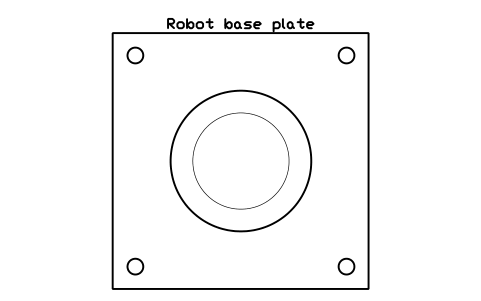
Robot base plate
RCS_BASE_PLATEÖznitelikler
DESIGNATIONSIZEITEM_NOWEIGHT_KGMATERIALMANUFACTURERMODELQTYREMARKSDESC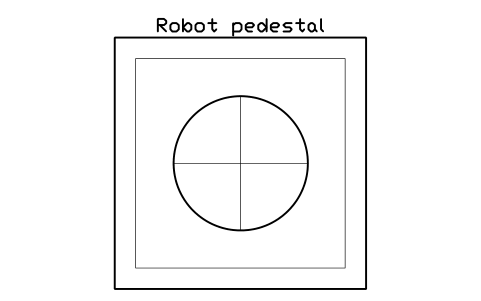
Robot pedestal
RCS_BASE_PEDESTALÖznitelikler
DESIGNATIONSIZEITEM_NOHEIGHT_MMWEIGHT_KGMANUFACTURERMODELQTYREMARKSDESC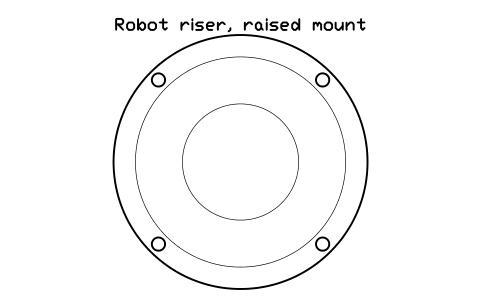
Robot riser, raised mount
RCS_BASE_RISERÖznitelikler
DESIGNATIONSIZEITEM_NOHEIGHT_MMWEIGHT_KGMANUFACTURERMODELQTYREMARKSDESC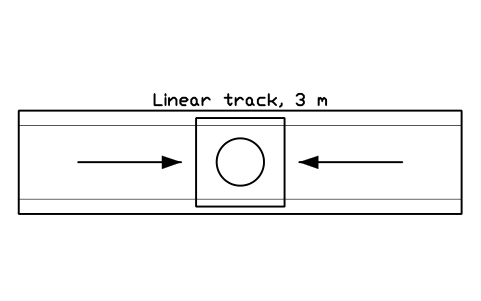
Linear track, 3 m
RCS_TRACK_3MÖznitelikler
DESIGNATIONSIZEITEM_NOSTROKE_MMWEIGHT_KGMANUFACTURERMODELQTYREMARKSDESC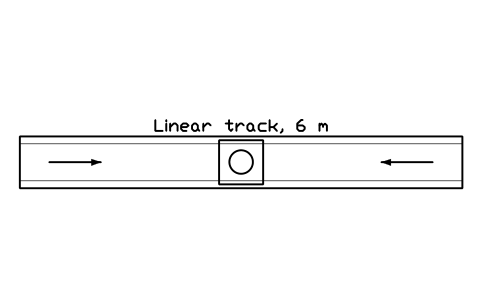
Linear track, 6 m
RCS_TRACK_6MÖznitelikler
DESIGNATIONSIZEITEM_NOSTROKE_MMWEIGHT_KGMANUFACTURERMODELQTYREMARKSDESC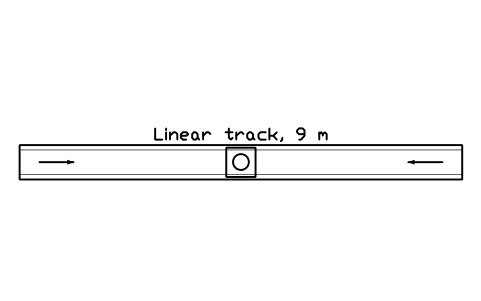
Linear track, 9 m
RCS_TRACK_9MÖznitelikler
DESIGNATIONSIZEITEM_NOSTROKE_MMWEIGHT_KGMANUFACTURERMODELQTYREMARKSDESC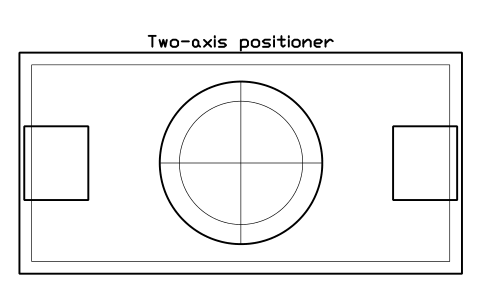
Two-axis positioner
RCS_POS_2AXÖznitelikler
DESIGNATIONSIZEITEM_NOLOAD_KGWEIGHT_KGMANUFACTURERMODELQTYREMARKSDESC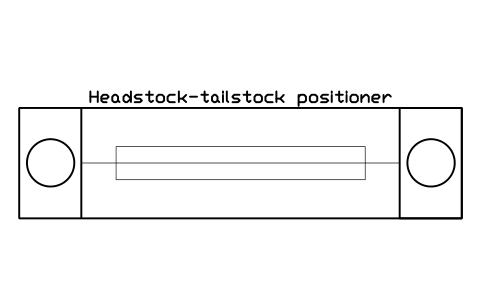
Headstock-tailstock positioner
RCS_POS_HTÖznitelikler
DESIGNATIONSIZEITEM_NOLOAD_KGWEIGHT_KGMANUFACTURERMODELQTYREMARKSDESC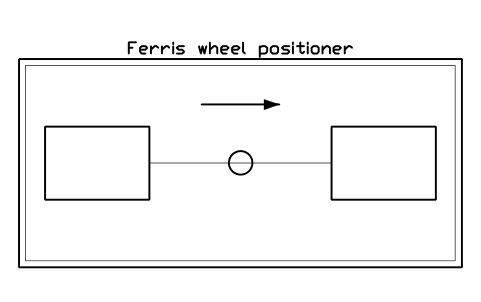
Ferris wheel positioner
RCS_POS_FERRISÖznitelikler
DESIGNATIONSIZEITEM_NOLOAD_KGWEIGHT_KGMANUFACTURERMODELQTYREMARKSDESC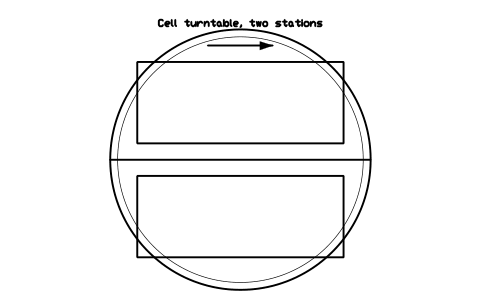
Cell turntable, two stations
RCS_TURNTABLEÖznitelikler
DESIGNATIONSIZEITEM_NOLOAD_KGWEIGHT_KGMANUFACTURERMODELQTYREMARKSDESC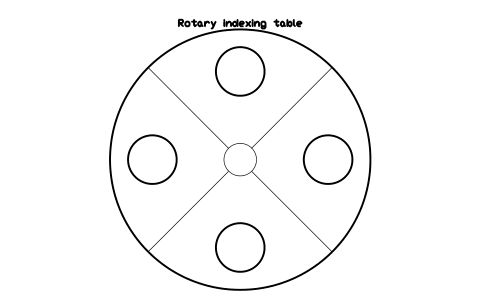
Rotary indexing table
RCS_INDEXERÖznitelikler
DESIGNATIONSIZEITEM_NOSTATIONSWEIGHT_KGMANUFACTURERMODELQTYREMARKSDESC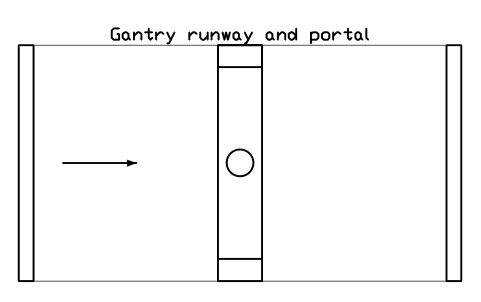
Gantry runway and portal
RCS_GANTRY_RAILÖznitelikler
DESIGNATIONSIZEITEM_NOSPAN_MMWEIGHT_KGMANUFACTURERMODELQTYREMARKSDESCGuard fence panel, 1000
RCS_FENCE_1MÖznitelikler
DESIGNATIONSIZEITEM_NOHEIGHT_MMMATERIALMANUFACTURERMODELQTYREMARKSDESCGuard fence panel, 2000
RCS_FENCE_2MÖznitelikler
DESIGNATIONSIZEITEM_NOHEIGHT_MMMATERIALMANUFACTURERMODELQTYREMARKSDESCGuard panel, wire mesh
RCS_FENCE_MESHÖznitelikler
DESIGNATIONSIZEITEM_NOHEIGHT_MMMESH_MMMANUFACTURERMODELQTYREMARKSDESCGuard panel, transparent
RCS_FENCE_CLEARÖznitelikler
DESIGNATIONSIZEITEM_NOHEIGHT_MMMATERIALMANUFACTURERMODELQTYREMARKSDESCGuard panel, solid
RCS_FENCE_SOLIDÖznitelikler
DESIGNATIONSIZEITEM_NOHEIGHT_MMMATERIALMANUFACTURERMODELQTYREMARKSDESCFence post with base plate
RCS_FENCE_POSTÖznitelikler
DESIGNATIONSIZEITEM_NOHEIGHT_MMMANUFACTURERMODELQTYREMARKSDESCFence corner, 90 degrees
RCS_FENCE_CORNERÖznitelikler
DESIGNATIONSIZEITEM_NOHEIGHT_MMMANUFACTURERMODELQTYREMARKSDESCInterlocked hinged door
RCS_DOOR_HINGEÖznitelikler
DESIGNATIONSIZEITEM_NOCATEGORYPL_REQUIREDINTERLOCKMANUFACTURERMODELQTYREMARKSDESCInterlocked sliding door
RCS_DOOR_SLIDEÖznitelikler
DESIGNATIONSIZEITEM_NOCATEGORYPL_REQUIREDINTERLOCKMANUFACTURERMODELQTYREMARKSDESCInterlocked double door
RCS_DOOR_DOUBLEÖznitelikler
DESIGNATIONSIZEITEM_NOCATEGORYPL_REQUIREDINTERLOCKMANUFACTURERMODELQTYREMARKSDESCMaintenance door, key locked
RCS_DOOR_MAINTÖznitelikler
DESIGNATIONSIZEITEM_NOLOCKMANUFACTURERMODELQTYREMARKSDESCRemovable guard panel
RCS_HATCH_PANELÖznitelikler
DESIGNATIONSIZEITEM_NOFASTENERMANUFACTURERMODELQTYREMARKSDESC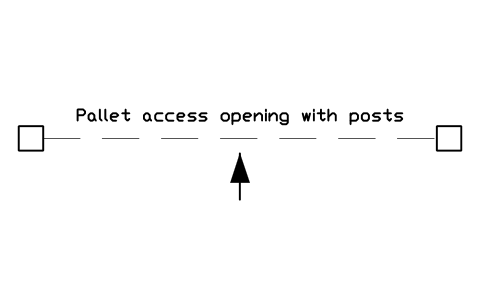
Pallet access opening with posts
RCS_GATE_PALLETÖznitelikler
DESIGNATIONSIZEITEM_NOOPENING_MMSAFETY_DIST_MMMANUFACTURERMODELQTYREMARKSDESCCell fence, small, with gate
RCS_CELL_FENCE_SÖznitelikler
DESIGNATIONSIZEITEM_NOHEIGHT_MMCATEGORYMANUFACTURERMODELQTYREMARKSDESCCell fence, medium, with gate
RCS_CELL_FENCE_MÖznitelikler
DESIGNATIONSIZEITEM_NOHEIGHT_MMCATEGORYMANUFACTURERMODELQTYREMARKSDESCCell fence, large, with gate
RCS_CELL_FENCE_LÖznitelikler
DESIGNATIONSIZEITEM_NOHEIGHT_MMCATEGORYMANUFACTURERMODELQTYREMARKSDESC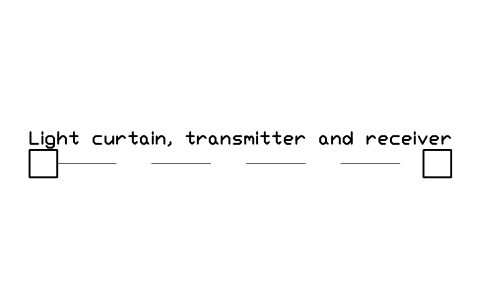
Light curtain, transmitter and receiver
RCS_LC_PAIRÖznitelikler
DESIGNATIONSIZEITEM_NORESOLUTION_MMPROTECTED_HEIGHT_MMRANGE_MPL_REQUIREDSTOP_TIME_MSMANUFACTURERMODELQTYREMARKSDESC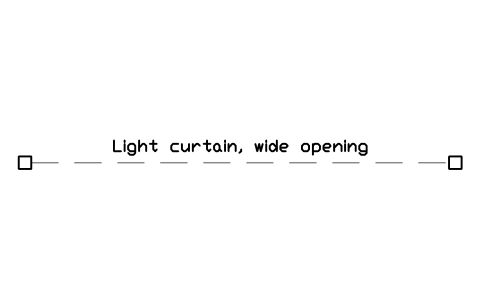
Light curtain, wide opening
RCS_LC_WIDEÖznitelikler
DESIGNATIONSIZEITEM_NORESOLUTION_MMPROTECTED_HEIGHT_MMRANGE_MPL_REQUIREDSTOP_TIME_MSMANUFACTURERMODELQTYREMARKSDESC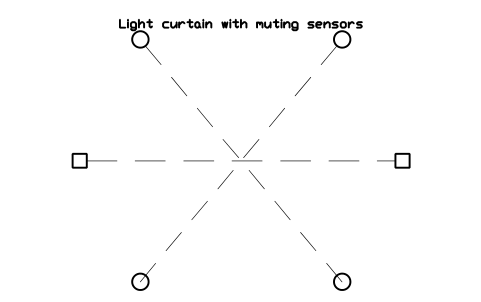
Light curtain with muting sensors
RCS_LC_MUTINGÖznitelikler
DESIGNATIONSIZEITEM_NORESOLUTION_MMPROTECTED_HEIGHT_MMPL_REQUIREDMUTINGMANUFACTURERMODELQTYREMARKSDESC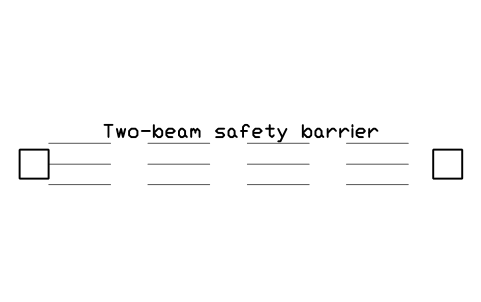
Two-beam safety barrier
RCS_BEAM_2Öznitelikler
DESIGNATIONSIZEITEM_NORANGE_MPL_REQUIREDBEAM_HEIGHTS_MMMANUFACTURERMODELQTYREMARKSDESC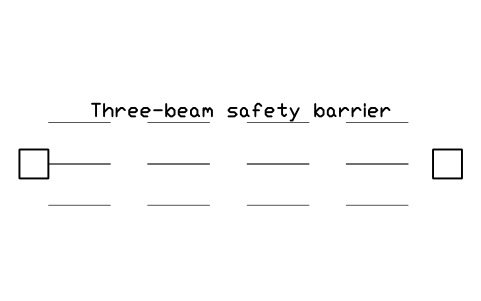
Three-beam safety barrier
RCS_BEAM_3Öznitelikler
DESIGNATIONSIZEITEM_NORANGE_MPL_REQUIREDBEAM_HEIGHTS_MMMANUFACTURERMODELQTYREMARKSDESC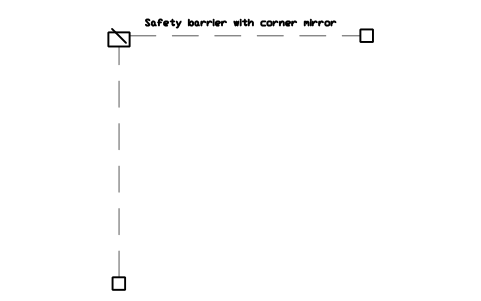
Safety barrier with corner mirror
RCS_BEAM_MIRRORÖznitelikler
DESIGNATIONSIZEITEM_NORANGE_MPL_REQUIREDMANUFACTURERMODELQTYREMARKSDESC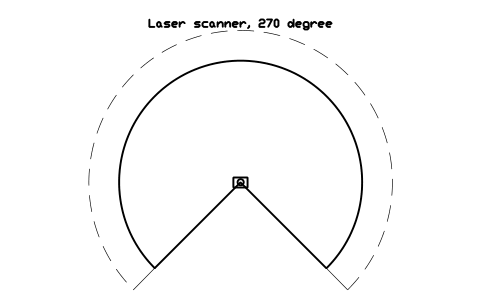
Laser scanner, 270 degree
RCS_SCAN_270Öznitelikler
DESIGNATIONSIZEITEM_NORANGE_MPL_REQUIREDFIELD_SETSMANUFACTURERMODELQTYREMARKSDESC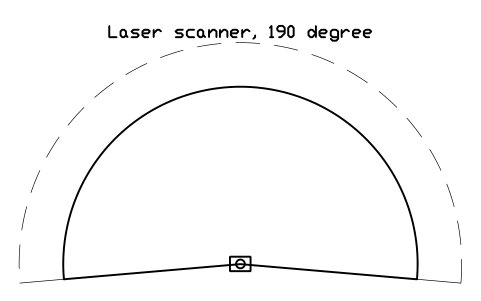
Laser scanner, 190 degree
RCS_SCAN_190Öznitelikler
DESIGNATIONSIZEITEM_NORANGE_MPL_REQUIREDFIELD_SETSMANUFACTURERMODELQTYREMARKSDESC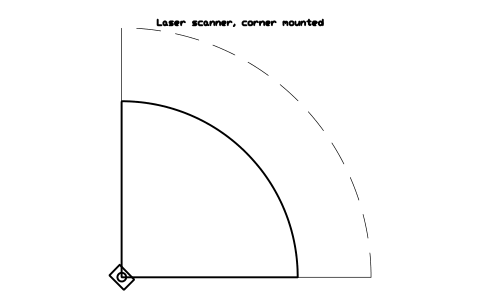
Laser scanner, corner mounted
RCS_SCAN_90Öznitelikler
DESIGNATIONSIZEITEM_NORANGE_MPL_REQUIREDFIELD_SETSMANUFACTURERMODELQTYREMARKSDESC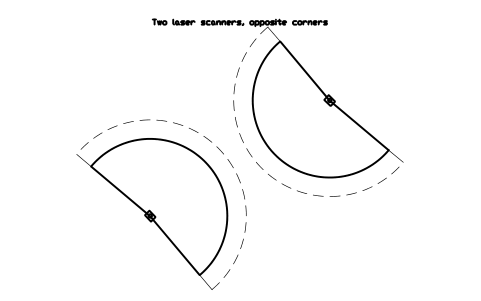
Two laser scanners, opposite corners
RCS_SCAN_PAIRÖznitelikler
DESIGNATIONSIZEITEM_NORANGE_MPL_REQUIREDMANUFACTURERMODELQTYREMARKSDESC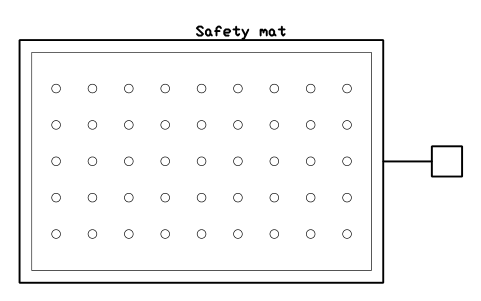
Safety mat
RCS_MATÖznitelikler
DESIGNATIONSIZEITEM_NOPL_REQUIREDSIZE_MMMANUFACTURERMODELQTYREMARKSDESC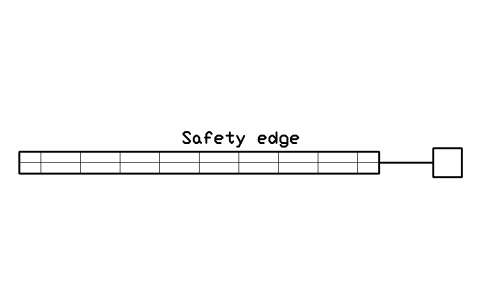
Safety edge
RCS_EDGEÖznitelikler
DESIGNATIONSIZEITEM_NOPL_REQUIREDLENGTH_MMMANUFACTURERMODELQTYREMARKSDESC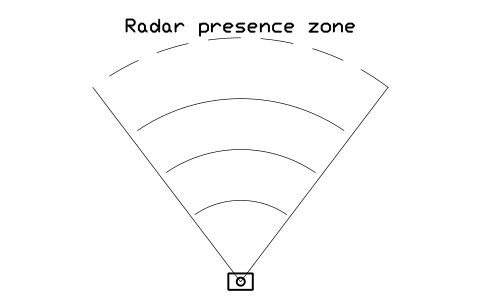
Radar presence zone
RCS_RADAR_ZONEÖznitelikler
DESIGNATIONSIZEITEM_NORANGE_MPL_REQUIREDMANUFACTURERMODELQTYREMARKSDESC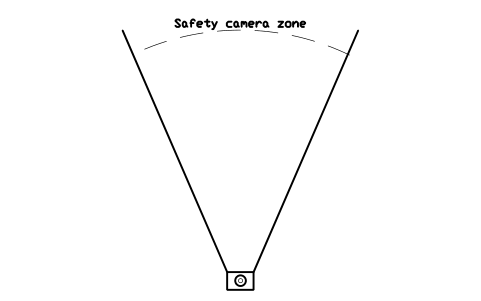
Safety camera zone
RCS_CAM3D_ZONEÖznitelikler
DESIGNATIONSIZEITEM_NORANGE_MPL_REQUIREDZONESMANUFACTURERMODELQTYREMARKSDESCEmergency stop pushbutton
RCS_ESTOPÖznitelikler
DESIGNATIONSIZEITEM_NOPL_REQUIREDCATEGORYZONEMANUFACTURERMODELQTYREMARKSDESCEmergency stop, wall mounted
RCS_ESTOP_WALLÖznitelikler
DESIGNATIONSIZEITEM_NOPL_REQUIREDCATEGORYZONEMANUFACTURERMODELQTYREMARKSDESCEmergency stop rope pull switch
RCS_ESTOP_ROPEÖznitelikler
DESIGNATIONSIZEITEM_NOPL_REQUIREDROPE_LENGTH_MMANUFACTURERMODELQTYREMARKSDESC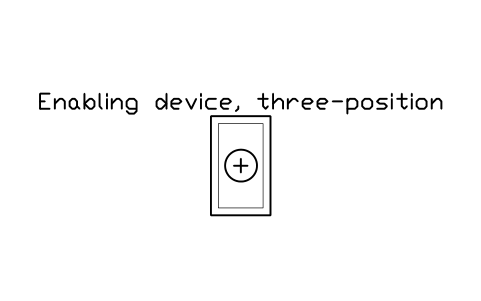
Enabling device, three-position
RCS_ENABLEÖznitelikler
DESIGNATIONSIZEITEM_NOPL_REQUIREDMANUFACTURERMODELQTYREMARKSDESC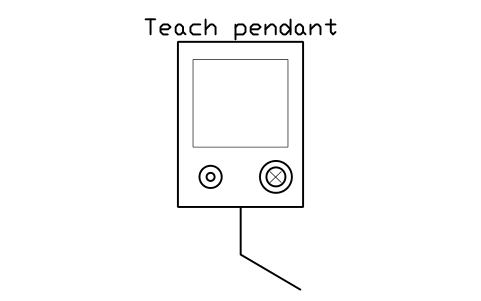
Teach pendant
RCS_PENDANTÖznitelikler
DESIGNATIONSIZEITEM_NOPL_REQUIREDCABLE_LENGTH_MMANUFACTURERMODELQTYREMARKSDESC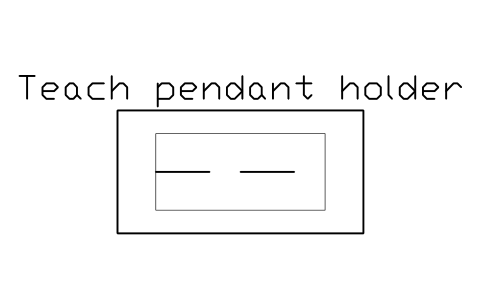
Teach pendant holder
RCS_PENDANT_HOLDÖznitelikler
DESIGNATIONSIZEITEM_NOMOUNTINGMANUFACTURERMODELQTYREMARKSDESC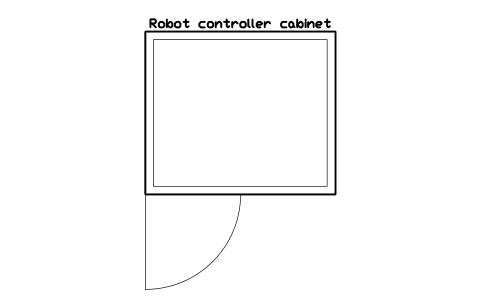
Robot controller cabinet
RCS_CAB_ROBOTÖznitelikler
DESIGNATIONSIZEITEM_NOPOWER_KWVOLTAGE_VWEIGHT_KGMANUFACTURERMODELQTYREMARKSDESC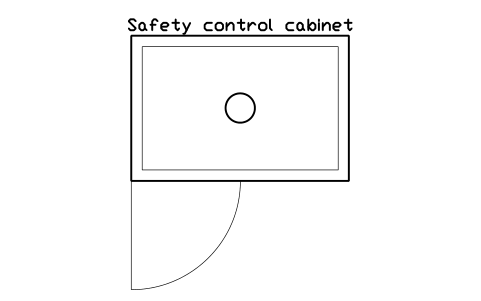
Safety control cabinet
RCS_CAB_SAFETYÖznitelikler
DESIGNATIONSIZEITEM_NOPOWER_KWVOLTAGE_VPL_REQUIREDMANUFACTURERMODELQTYREMARKSDESC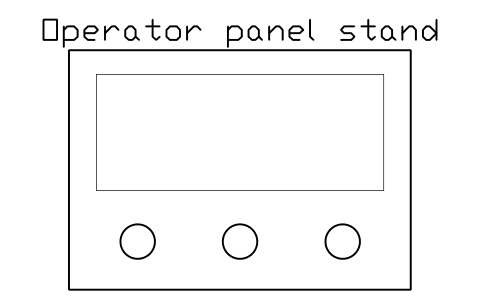
Operator panel stand
RCS_OP_PANELÖznitelikler
DESIGNATIONSIZEITEM_NOVOLTAGE_VMANUFACTURERMODELQTYREMARKSDESC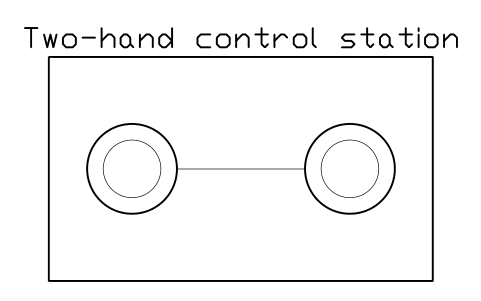
Two-hand control station
RCS_TWO_HANDÖznitelikler
DESIGNATIONSIZEITEM_NOPL_REQUIREDCATEGORYSAFETY_DIST_MMMANUFACTURERMODELQTYREMARKSDESC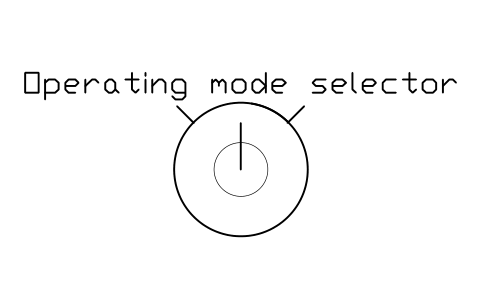
Operating mode selector
RCS_MODE_SELÖznitelikler
DESIGNATIONSIZEITEM_NOPL_REQUIREDMODESMANUFACTURERMODELQTYREMARKSDESC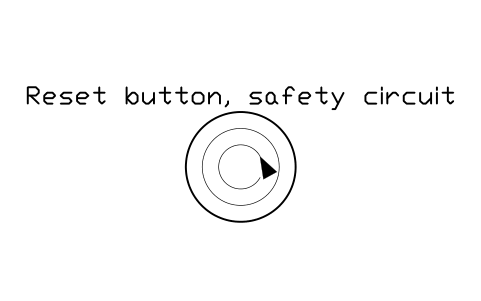
Reset button, safety circuit
RCS_RESETÖznitelikler
DESIGNATIONSIZEITEM_NOZONEMANUFACTURERMODELQTYREMARKSDESC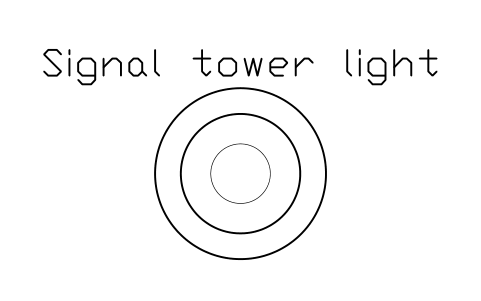
Signal tower light
RCS_STACK_LIGHTÖznitelikler
DESIGNATIONSIZEITEM_NOCOLOURSMANUFACTURERMODELQTYREMARKSDESC
Beacon and horn
RCS_BEACON_HORNÖznitelikler
DESIGNATIONSIZEITEM_NOSOUND_LEVELMANUFACTURERMODELQTYREMARKSDESC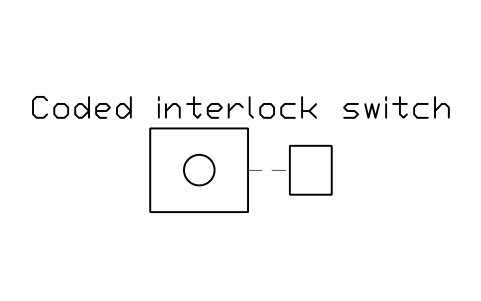
Coded interlock switch
RCS_INTERLOCK_SWÖznitelikler
DESIGNATIONSIZEITEM_NOPL_REQUIREDCATEGORYACTUATORMANUFACTURERMODELQTYREMARKSDESC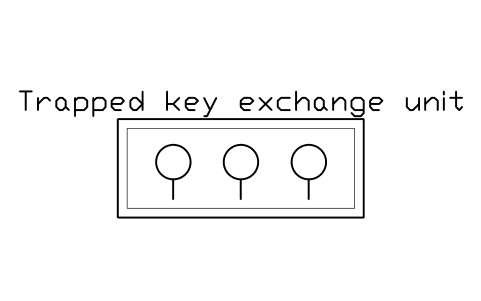
Trapped key exchange unit
RCS_KEY_EXCHANGEÖznitelikler
DESIGNATIONSIZEITEM_NOKEYSMANUFACTURERMODELQTYREMARKSDESC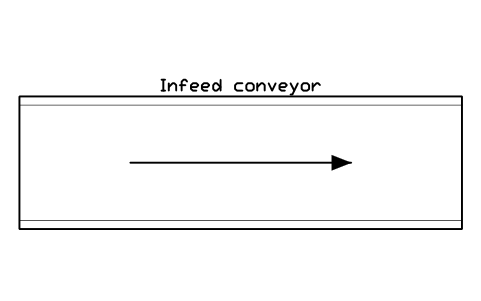
Infeed conveyor
RCS_CONV_INÖznitelikler
DESIGNATIONSIZEITEM_NOSPEED_M_MINPOWER_KWMANUFACTURERMODELQTYREMARKSDESC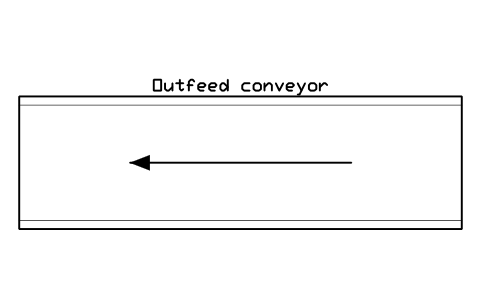
Outfeed conveyor
RCS_CONV_OUTÖznitelikler
DESIGNATIONSIZEITEM_NOSPEED_M_MINPOWER_KWMANUFACTURERMODELQTYREMARKSDESC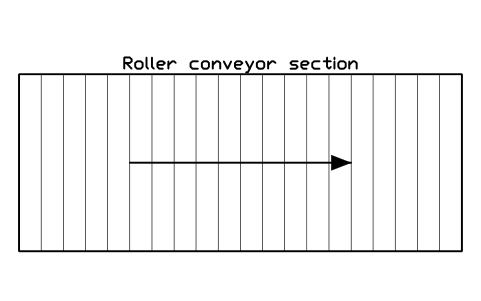
Roller conveyor section
RCS_CONV_ROLLERÖznitelikler
DESIGNATIONSIZEITEM_NOLOAD_KGPOWER_KWMANUFACTURERMODELQTYREMARKSDESC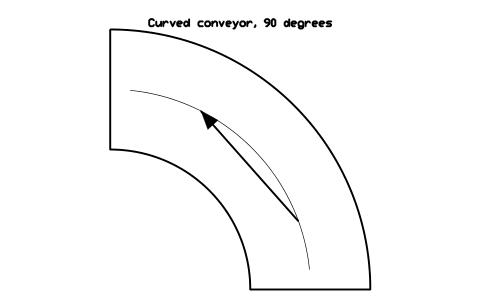
Curved conveyor, 90 degrees
RCS_CONV_CORNERÖznitelikler
DESIGNATIONSIZEITEM_NOSPEED_M_MINPOWER_KWMANUFACTURERMODELQTYREMARKSDESC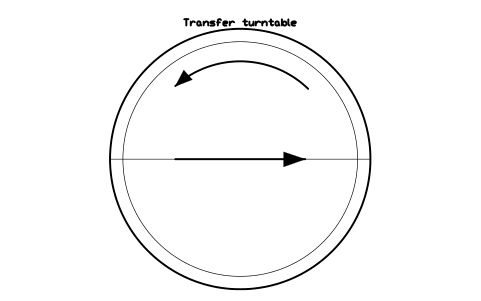
Transfer turntable
RCS_CONV_TURNÖznitelikler
DESIGNATIONSIZEITEM_NOLOAD_KGPOWER_KWMANUFACTURERMODELQTYREMARKSDESC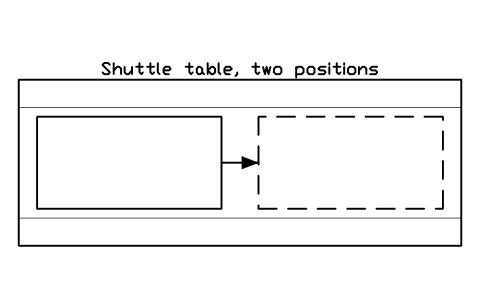
Shuttle table, two positions
RCS_SHUTTLEÖznitelikler
DESIGNATIONSIZEITEM_NOLOAD_KGPOWER_KWMANUFACTURERMODELQTYREMARKSDESC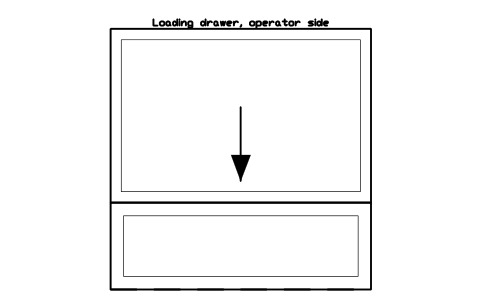
Loading drawer, operator side
RCS_DRAWERÖznitelikler
DESIGNATIONSIZEITEM_NOLOAD_KGPOWER_KWMANUFACTURERMODELQTYREMARKSDESC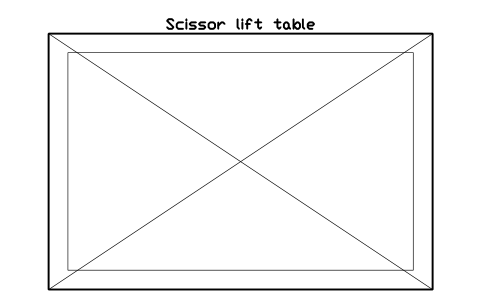
Scissor lift table
RCS_LIFT_TABLEÖznitelikler
DESIGNATIONSIZEITEM_NOLIFT_MMLOAD_KGMANUFACTURERMODELQTYREMARKSDESC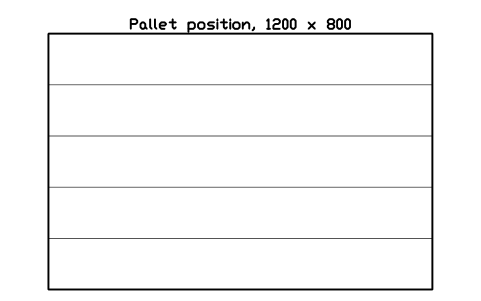
Pallet position, 1200 x 800
RCS_PALLETÖznitelikler
DESIGNATIONSIZEITEM_NOLOAD_KGPALLET_TYPEMANUFACTURERMODELQTYREMARKSDESC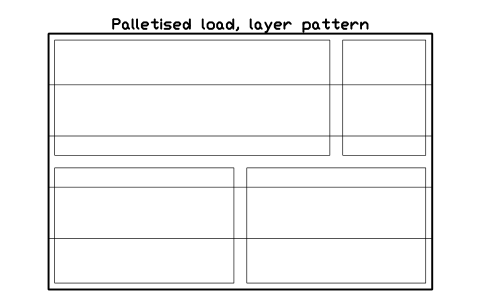
Palletised load, layer pattern
RCS_PALLET_STACKÖznitelikler
DESIGNATIONSIZEITEM_NOLOAD_KGLAYERSMANUFACTURERMODELQTYREMARKSDESC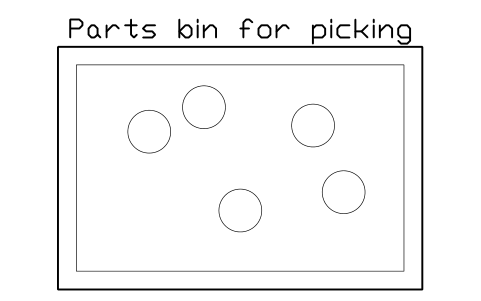
Parts bin for picking
RCS_BINÖznitelikler
DESIGNATIONSIZEITEM_NOPART_NOMANUFACTURERMODELQTYREMARKSDESC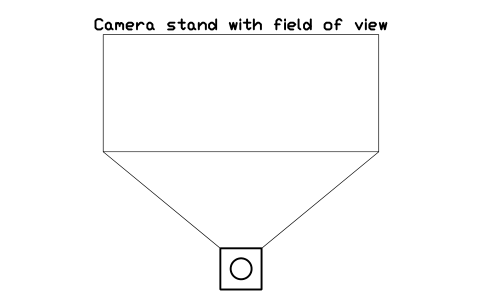
Camera stand with field of view
RCS_VISION_STANDÖznitelikler
DESIGNATIONSIZEITEM_NOFIELD_MMCAMERAMANUFACTURERMODELQTYREMARKSDESC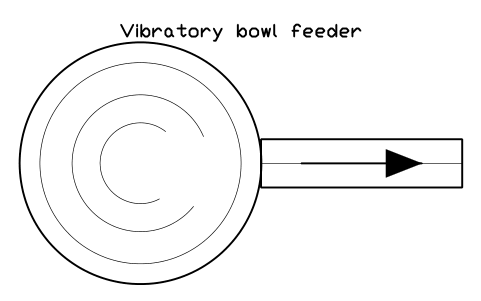
Vibratory bowl feeder
RCS_FEEDERÖznitelikler
DESIGNATIONSIZEITEM_NOPART_NOPOWER_KWMANUFACTURERMODELQTYREMARKSDESC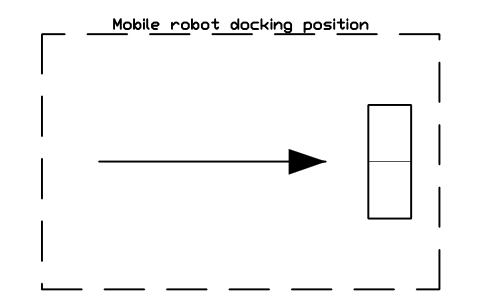
Mobile robot docking position
RCS_AGV_DOCKÖznitelikler
DESIGNATIONSIZEITEM_NOVEHICLEMANUFACTURERMODELQTYREMARKSDESC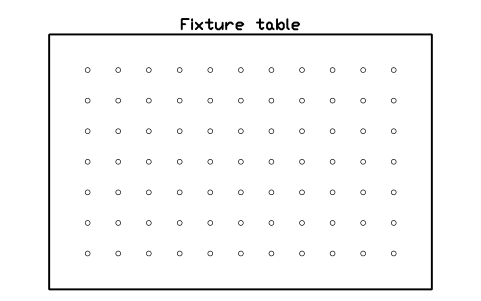
Fixture table
RCS_FIX_TABLEÖznitelikler
DESIGNATIONSIZEITEM_NOLOAD_KGTOPMANUFACTURERMODELQTYREMARKSDESC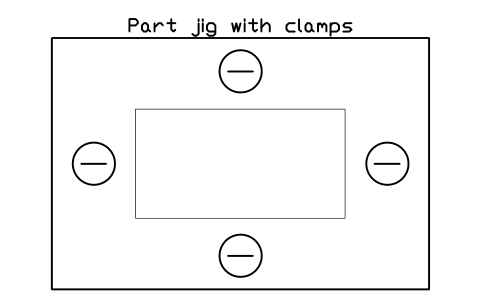
Part jig with clamps
RCS_FIX_JIGÖznitelikler
DESIGNATIONSIZEITEM_NOPART_NOCLAMPSMANUFACTURERMODELQTYREMARKSDESC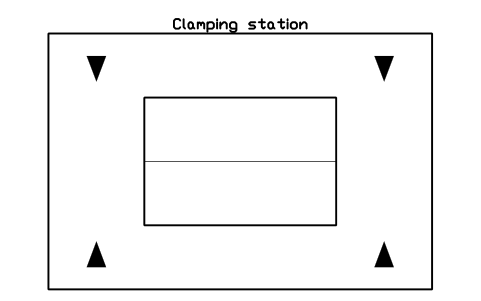
Clamping station
RCS_CLAMP_STNÖznitelikler
DESIGNATIONSIZEITEM_NOCLAMP_FORCE_NAIR_BARMANUFACTURERMODELQTYREMARKSDESC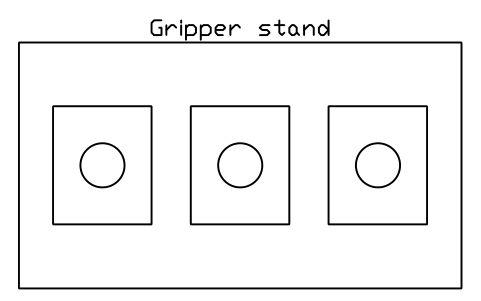
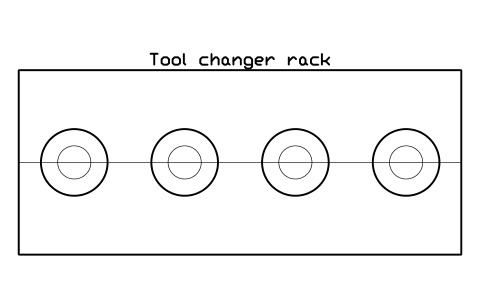
Tool changer rack
RCS_TOOL_CHANGERÖznitelikler
DESIGNATIONSIZEITEM_NOPOSITIONSMANUFACTURERMODELQTYREMARKSDESC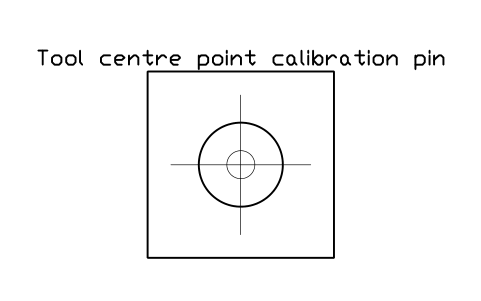
Tool centre point calibration pin
RCS_TCP_CALÖznitelikler
DESIGNATIONSIZEITEM_NOMANUFACTURERMODELQTYREMARKSDESC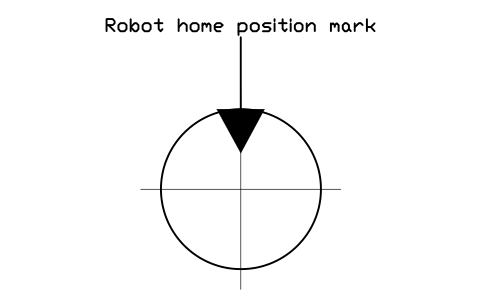
Robot home position mark
RCS_HOME_POSÖznitelikler
DESIGNATIONSIZEITEM_NOMANUFACTURERMODELQTYREMARKSDESC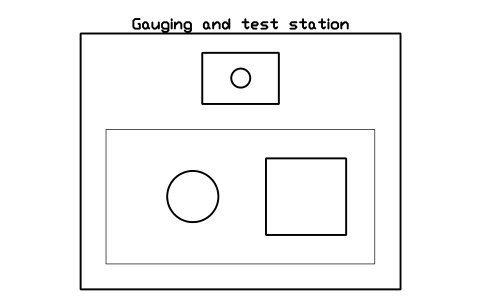
Gauging and test station
RCS_TEST_STNÖznitelikler
DESIGNATIONSIZEITEM_NOPOWER_KWTESTMANUFACTURERMODELQTYREMARKSDESC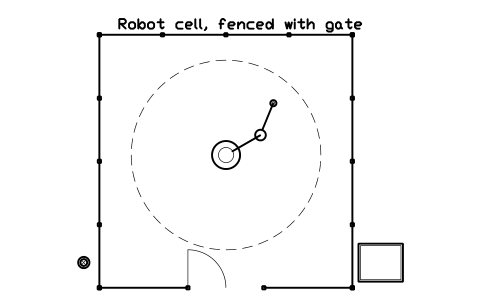
Robot cell, fenced with gate
RCS_CELL_ROBOTÖznitelikler
DESIGNATIONSIZEITEM_NOSAFETY_DIST_MMPL_REQUIREDMANUFACTURERMODELQTYREMARKSDESC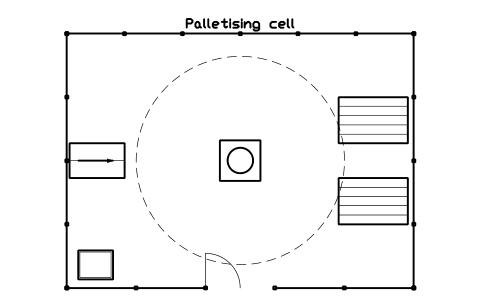
Palletising cell
RCS_CELL_PALLETÖznitelikler
DESIGNATIONSIZEITEM_NOSAFETY_DIST_MMPL_REQUIREDMANUFACTURERMODELQTYREMARKSDESC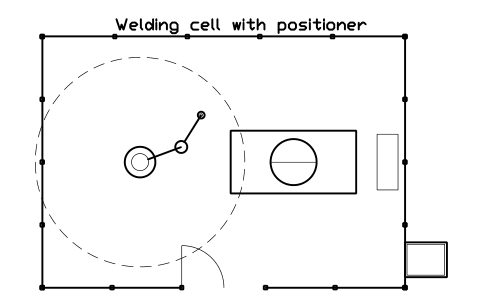
Welding cell with positioner
RCS_CELL_WELDÖznitelikler
DESIGNATIONSIZEITEM_NOSAFETY_DIST_MMPL_REQUIREDMANUFACTURERMODELQTYREMARKSDESC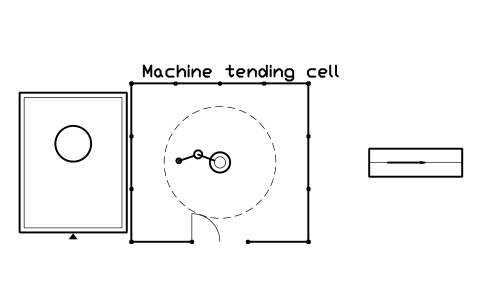
Machine tending cell
RCS_CELL_TENDÖznitelikler
DESIGNATIONSIZEITEM_NOSAFETY_DIST_MMPL_REQUIREDMANUFACTURERMODELQTYREMARKSDESC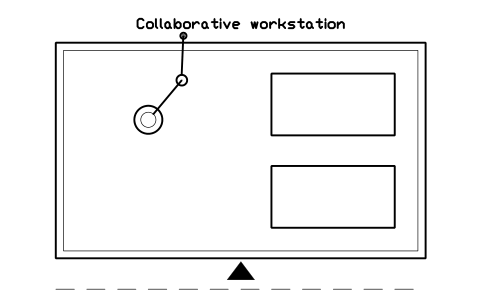
Collaborative workstation
RCS_CELL_COBOTÖznitelikler
DESIGNATIONSIZEITEM_NOPL_REQUIREDPAYLOAD_KGMANUFACTURERMODELQTYREMARKSDESC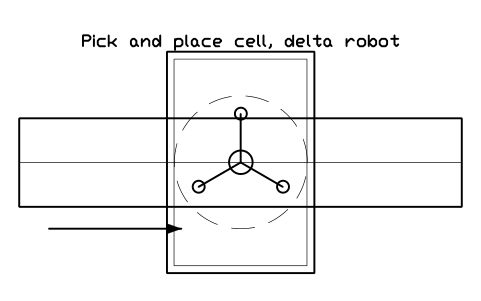
Pick and place cell, delta robot
RCS_CELL_DELTAÖznitelikler
DESIGNATIONSIZEITEM_NOPL_REQUIREDRATEMANUFACTURERMODELQTYREMARKSDESC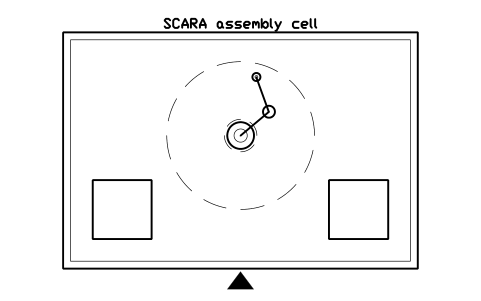
SCARA assembly cell
RCS_CELL_SCARAÖznitelikler
DESIGNATIONSIZEITEM_NOPL_REQUIREDCYCLE_SMANUFACTURERMODELQTYREMARKSDESC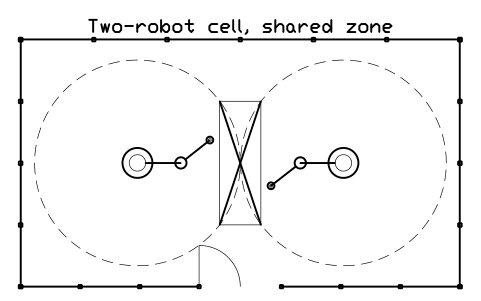
Two-robot cell, shared zone
RCS_CELL_DUALÖznitelikler
DESIGNATIONSIZEITEM_NOSAFETY_DIST_MMPL_REQUIREDSHARED_ZONEMANUFACTURERMODELQTYREMARKSDESC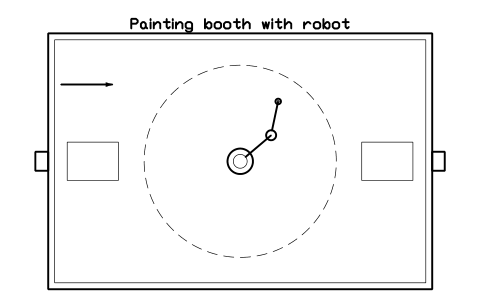
Painting booth with robot
RCS_CELL_PAINTÖznitelikler
DESIGNATIONSIZEITEM_NOEX_ZONEPL_REQUIREDMANUFACTURERMODELQTYREMARKSDESC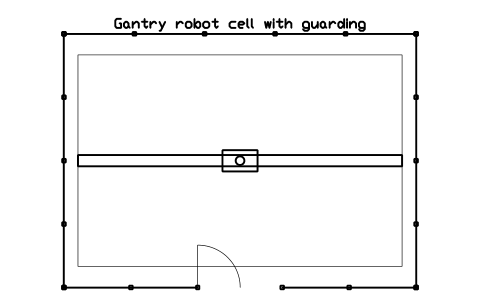
Gantry robot cell with guarding
RCS_CELL_GANTRYÖznitelikler
DESIGNATIONSIZEITEM_NOSAFETY_DIST_MMPL_REQUIREDMANUFACTURERMODELQTYREMARKSDESC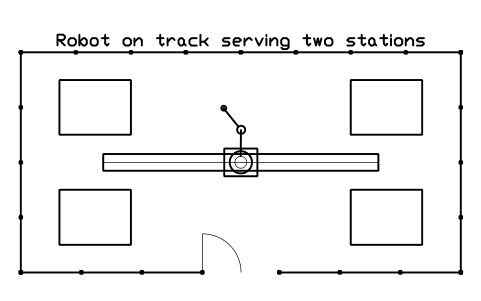
Robot on track serving two stations
RCS_CELL_TRACKÖznitelikler
DESIGNATIONSIZEITEM_NOSAFETY_DIST_MMPL_REQUIREDMANUFACTURERMODELQTYREMARKSDESC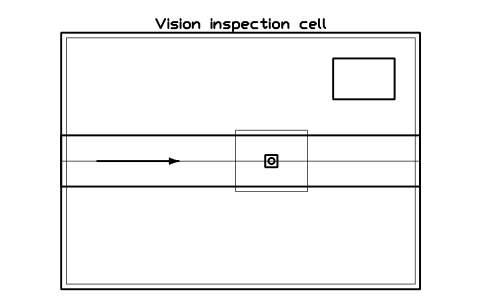
Vision inspection cell
RCS_CELL_VISIONÖznitelikler
DESIGNATIONSIZEITEM_NOPL_REQUIREDMANUFACTURERMODELQTYREMARKSDESC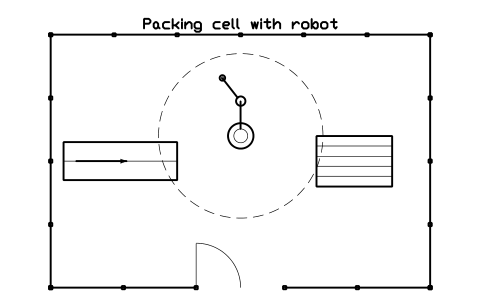
Packing cell with robot
RCS_CELL_PACKÖznitelikler
DESIGNATIONSIZEITEM_NOSAFETY_DIST_MMPL_REQUIREDMANUFACTURERMODELQTYREMARKSDESC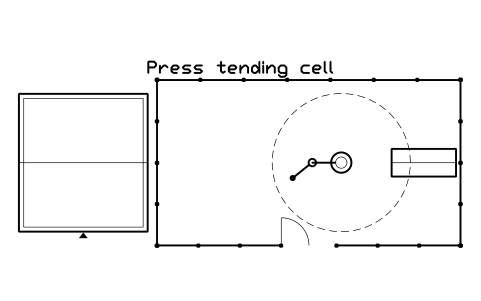
Press tending cell
RCS_CELL_PRESSÖznitelikler
DESIGNATIONSIZEITEM_NOSAFETY_DIST_MMPL_REQUIREDPRESS_FORCE_KNMANUFACTURERMODELQTYREMARKSDESC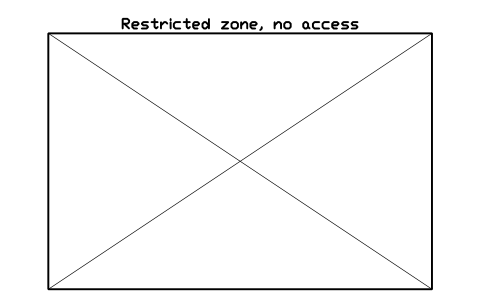
Restricted zone, no access
RCS_ZONE_RESTRICTÖznitelikler
DESIGNATIONSIZEITEM_NOZONEMANUFACTURERMODELQTYREMARKSDESC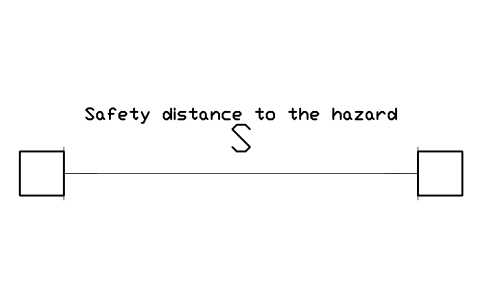
Safety distance to the hazard
RCS_ZONE_SAFEDISTÖznitelikler
DESIGNATIONSIZEITEM_NOSAFETY_DIST_MMMANUFACTURERMODELQTYREMARKSDESC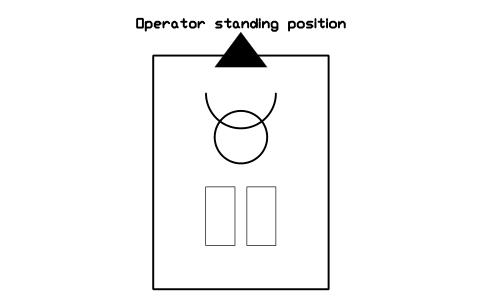
Operator standing position
RCS_ZONE_OPERATORÖznitelikler
DESIGNATIONSIZEITEM_NOZONEMANUFACTURERMODELQTYREMARKSDESC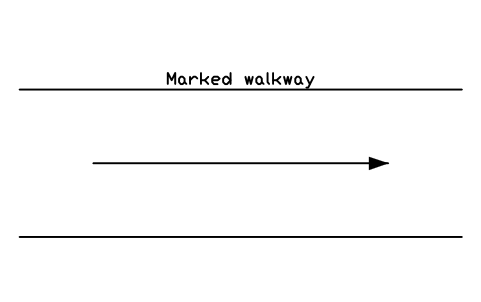
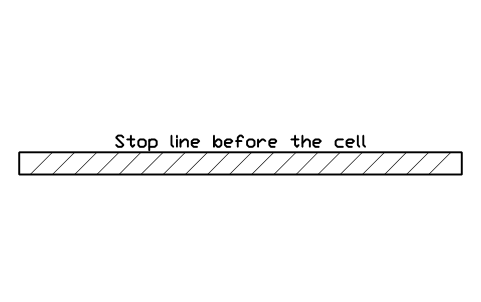
Stop line before the cell
RCS_STOP_LINEÖznitelikler
DESIGNATIONSIZEITEM_NOZONEMANUFACTURERMODELQTYREMARKSDESC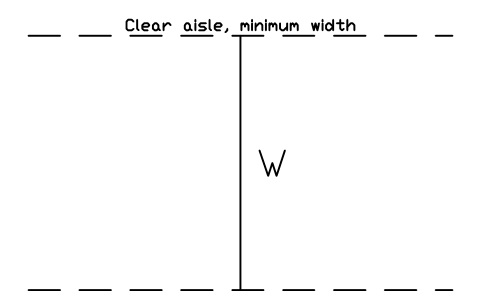
Clear aisle, minimum width
RCS_AISLE_CLEARÖznitelikler
DESIGNATIONSIZEITEM_NOMIN_WIDTH_MMMANUFACTURERMODELQTYREMARKSDESC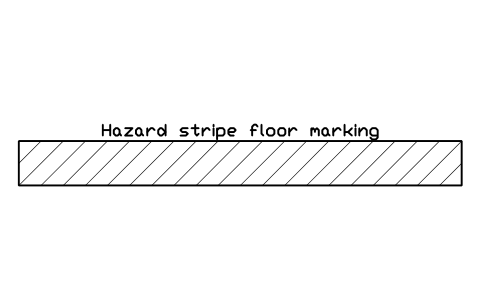
Hazard stripe floor marking
RCS_HAZARD_STRIPEÖznitelikler
DESIGNATIONSIZEITEM_NOZONEMANUFACTURERMODELQTYREMARKSDESC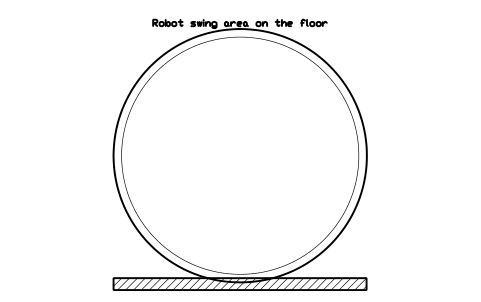
Robot swing area on the floor
RCS_ZONE_SWINGÖznitelikler
DESIGNATIONSIZEITEM_NOREACH_MMMANUFACTURERMODELQTYREMARKSDESC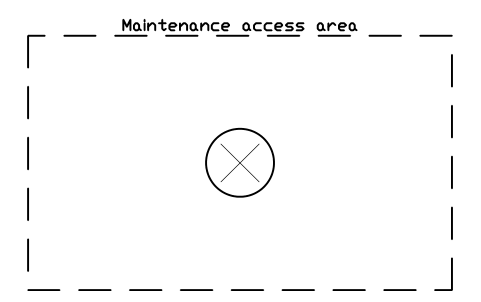
Maintenance access area
RCS_ZONE_MAINTÖznitelikler
DESIGNATIONSIZEITEM_NOZONEMANUFACTURERMODELQTYREMARKSDESC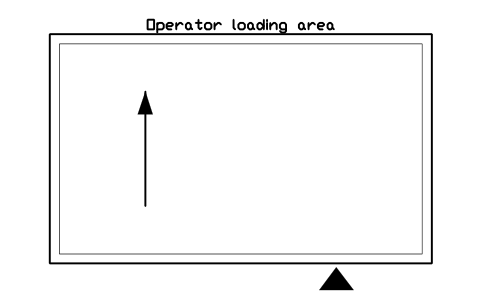
Operator loading area
RCS_ZONE_LOADINGÖznitelikler
DESIGNATIONSIZEITEM_NOZONEMANUFACTURERMODELQTYREMARKSDESCWarning sign, robot in operation
RCS_SIGN_ROBOTÖznitelikler
DESIGNATIONSIZEITEM_NOMANUFACTURERMODELQTYREMARKSDESCProhibition sign, no entry
RCS_SIGN_NOENTRYÖznitelikler
DESIGNATIONSIZEITEM_NOMANUFACTURERMODELQTYREMARKSDESCWarning sign, crushing hazard
RCS_SIGN_PINCHÖznitelikler
DESIGNATIONSIZEITEM_NOMANUFACTURERMODELQTYREMARKSDESCWarning sign, automatic start
RCS_SIGN_AUTOSTARTÖznitelikler
DESIGNATIONSIZEITEM_NOMANUFACTURERMODELQTYREMARKSDESCMandatory sign, authorised persons only
RCS_SIGN_AUTHÖznitelikler
DESIGNATIONSIZEITEM_NOMANUFACTURERMODELQTYREMARKSDESCEmergency stop location marker
RCS_SIGN_ESTOP_LOCÖznitelikler
DESIGNATIONSIZEITEM_NOMANUFACTURERMODELQTYREMARKSDESC
- Every symbol is an AutoCAD block, drawn in millimetres at 1:1 and named IEEE_GROUP_NAME; insert it at scale 1.
- Each block has two invisible attributes, DESC (the symbol name) and REMARKS (free text). All geometry is on layer SYMBOL.
- Each DWG has a CATALOG layout with all its symbols on one sheet, ready to plot to PDF, and a README.txt lists every block.
- Plain DWG files in AutoCAD 2018 format, plus a second ZIP per section in AutoCAD 2010 format. No add-in is needed.
- The 130 symbols of the free library come in the same download as their own DWG, so you have the whole set in one place.
Robot cell and machine safety Pro symbols 150
150 more plan blocks for robot cell layouts: safety distance layouts, work envelope sets, safeguard assemblies, control cabinet arrangements, robot stations, loading stations and industry cells. The distance arrows carry no values; check every layout against the risk assessment of your machine.
150 sembolün 150 tanesi
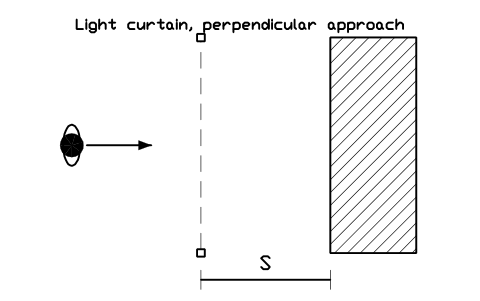
Light curtain, perpendicular approach
RSP_SD_LC_PERPÖznitelikler
DESIGNATIONSIZEITEM_NOSAFETY_DIST_MMSTOP_TIME_MSRESOLUTION_MMAPPROACH_SPEEDMANUFACTURERMODELQTYREMARKSDESC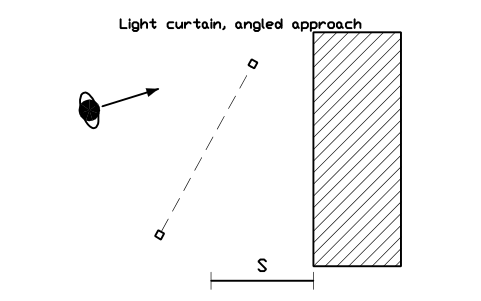
Light curtain, angled approach
RSP_SD_LC_ANGLEDÖznitelikler
DESIGNATIONSIZEITEM_NOSAFETY_DIST_MMSTOP_TIME_MSANGLE_DEGMANUFACTURERMODELQTYREMARKSDESC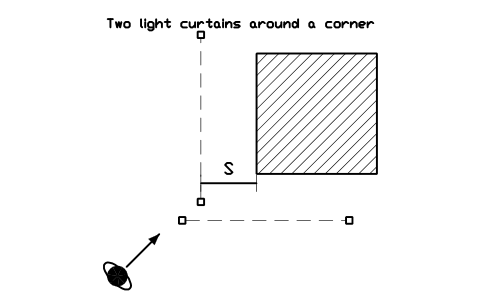
Two light curtains around a corner
RSP_SD_LC_LÖznitelikler
DESIGNATIONSIZEITEM_NOSAFETY_DIST_MMSTOP_TIME_MSRESOLUTION_MMMANUFACTURERMODELQTYREMARKSDESC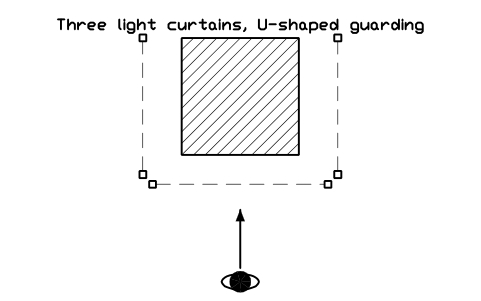
Three light curtains, U-shaped guarding
RSP_SD_LC_UÖznitelikler
DESIGNATIONSIZEITEM_NOSAFETY_DIST_MMSTOP_TIME_MSRESOLUTION_MMMANUFACTURERMODELQTYREMARKSDESC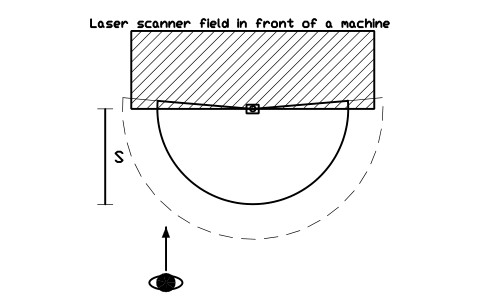
Laser scanner field in front of a machine
RSP_SD_SCAN_FRONTÖznitelikler
DESIGNATIONSIZEITEM_NOSAFETY_DIST_MMSTOP_TIME_MSRANGE_MFIELD_SETSMANUFACTURERMODELQTYREMARKSDESC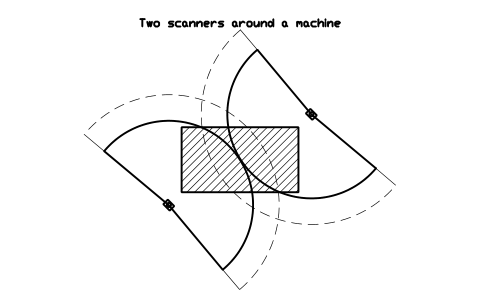
Two scanners around a machine
RSP_SD_SCAN_PAIRÖznitelikler
DESIGNATIONSIZEITEM_NOSAFETY_DIST_MMSTOP_TIME_MSRANGE_MMANUFACTURERMODELQTYREMARKSDESC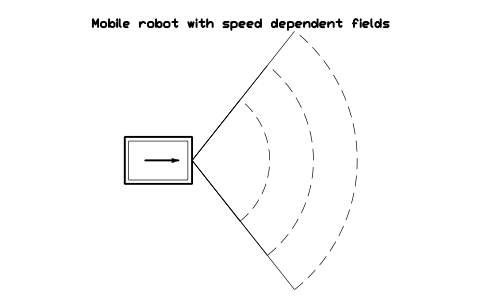
Mobile robot with speed dependent fields
RSP_SD_SCAN_AGVÖznitelikler
DESIGNATIONSIZEITEM_NOSPEED_M_SFIELD_SETSMANUFACTURERMODELQTYREMARKSDESC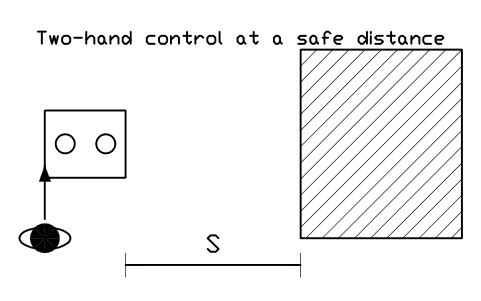
Two-hand control at a safe distance
RSP_SD_TWOHANDÖznitelikler
DESIGNATIONSIZEITEM_NOSAFETY_DIST_MMSTOP_TIME_MSPL_REQUIREDMANUFACTURERMODELQTYREMARKSDESC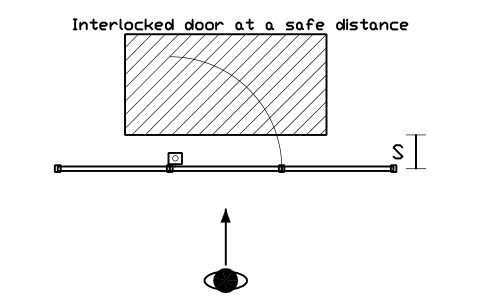
Interlocked door at a safe distance
RSP_SD_DOORÖznitelikler
DESIGNATIONSIZEITEM_NOSAFETY_DIST_MMRUNDOWN_TIME_SPL_REQUIREDMANUFACTURERMODELQTYREMARKSDESC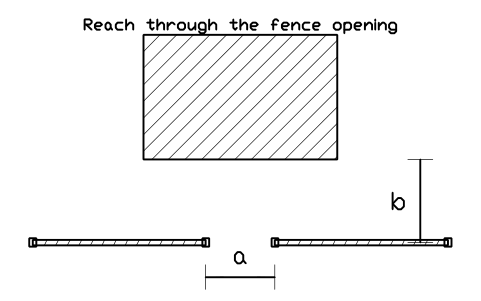
Reach through the fence opening
RSP_SD_FENCE_GAPÖznitelikler
DESIGNATIONSIZEITEM_NOOPENING_MMDISTANCE_MMMANUFACTURERMODELQTYREMARKSDESC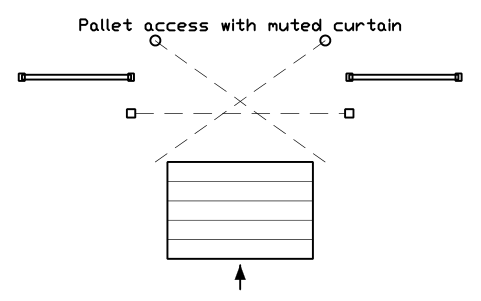
Pallet access with muted curtain
RSP_SD_PALLETÖznitelikler
DESIGNATIONSIZEITEM_NOSAFETY_DIST_MMPL_REQUIREDMUTINGMANUFACTURERMODELQTYREMARKSDESC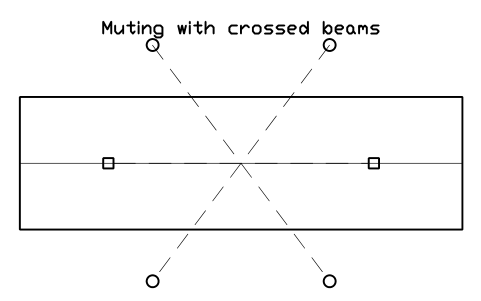
Muting with crossed beams
RSP_SD_MUTE_XÖznitelikler
DESIGNATIONSIZEITEM_NOPL_REQUIREDMUTINGMUTE_TIME_SMANUFACTURERMODELQTYREMARKSDESC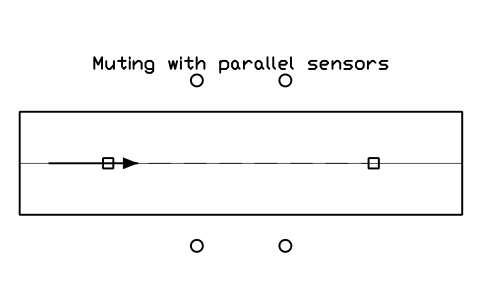
Muting with parallel sensors
RSP_SD_MUTE_PARÖznitelikler
DESIGNATIONSIZEITEM_NOPL_REQUIREDMUTINGMANUFACTURERMODELQTYREMARKSDESC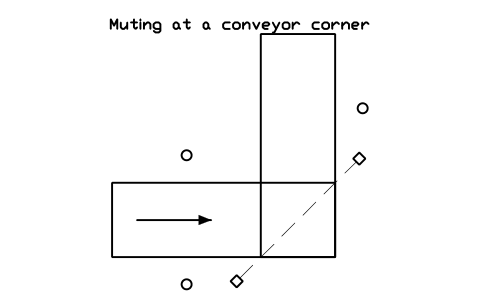
Muting at a conveyor corner
RSP_SD_MUTE_LÖznitelikler
DESIGNATIONSIZEITEM_NOPL_REQUIREDMUTINGMANUFACTURERMODELQTYREMARKSDESC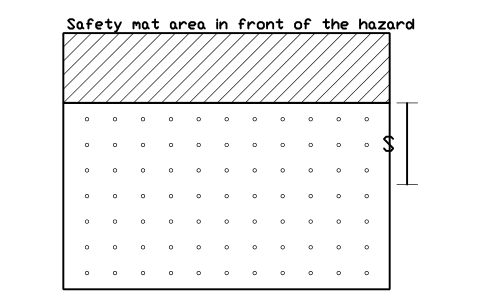
Safety mat area in front of the hazard
RSP_SD_MATÖznitelikler
DESIGNATIONSIZEITEM_NOSAFETY_DIST_MMPL_REQUIREDMAT_SIZE_MMMANUFACTURERMODELQTYREMARKSDESC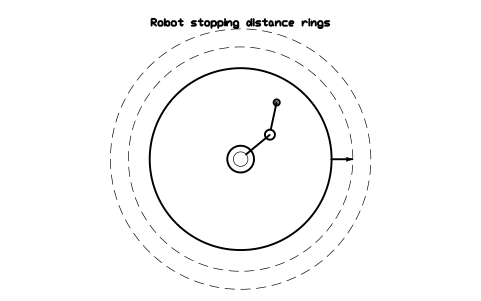
Robot stopping distance rings
RSP_SD_STOP_ZONEÖznitelikler
DESIGNATIONSIZEITEM_NOSTOP_TIME_MSSTOP_CATEGORYREACH_MMMANUFACTURERMODELQTYREMARKSDESC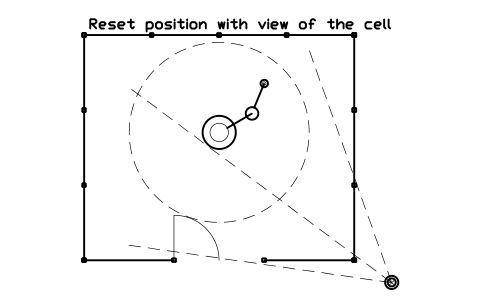
Reset position with view of the cell
RSP_SD_RESET_VIEWÖznitelikler
DESIGNATIONSIZEITEM_NORESET_POSITIONMANUFACTURERMODELQTYREMARKSDESC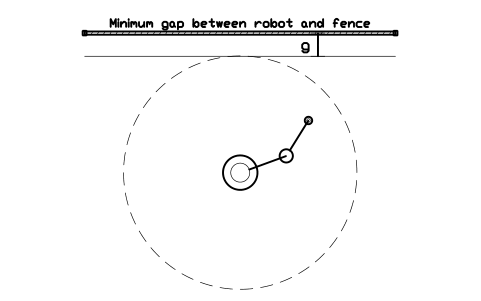
Minimum gap between robot and fence
RSP_SD_MIN_GAPÖznitelikler
DESIGNATIONSIZEITEM_NOMIN_GAP_MMREACH_MMMANUFACTURERMODELQTYREMARKSDESC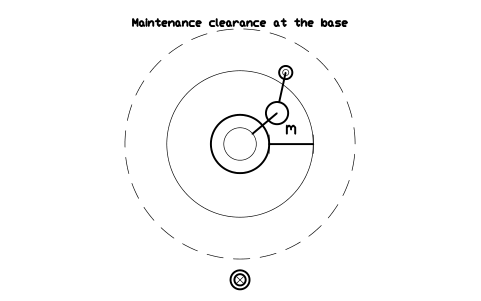
Maintenance clearance at the base
RSP_SD_MAINT_SPACEÖznitelikler
DESIGNATIONSIZEITEM_NOCLEARANCE_MMMANUFACTURERMODELQTYREMARKSDESC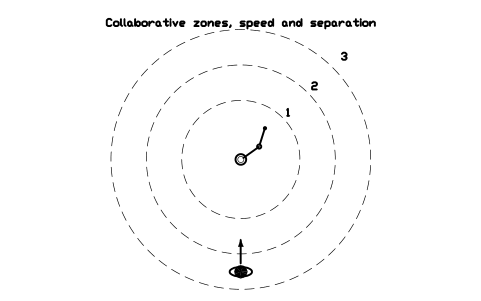
Collaborative zones, speed and separation
RSP_SD_COLLABÖznitelikler
DESIGNATIONSIZEITEM_NOPL_REQUIREDSEPARATION_MMMANUFACTURERMODELQTYREMARKSDESC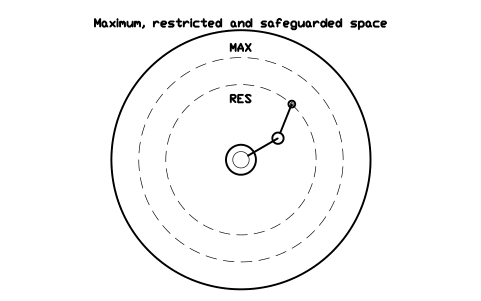
Maximum, restricted and safeguarded space
RSP_EN_SETÖznitelikler
DESIGNATIONSIZEITEM_NOREACH_MMRESTRICTED_MMMANUFACTURERMODELQTYREMARKSDESC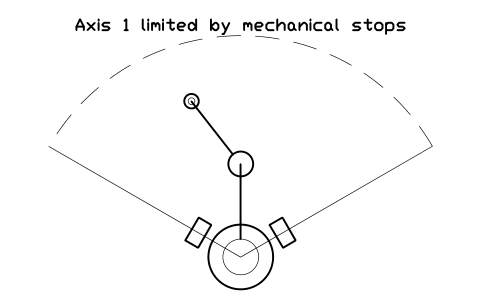
Axis 1 limited by mechanical stops
RSP_EN_AXIS1Öznitelikler
DESIGNATIONSIZEITEM_NOREACH_MMAXIS1_RANGE_DEGMANUFACTURERMODELQTYREMARKSDESC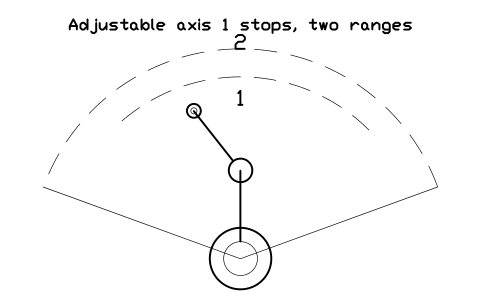
Adjustable axis 1 stops, two ranges
RSP_EN_AXIS1_ADJÖznitelikler
DESIGNATIONSIZEITEM_NOREACH_MMAXIS1_RANGE_DEGMANUFACTURERMODELQTYREMARKSDESC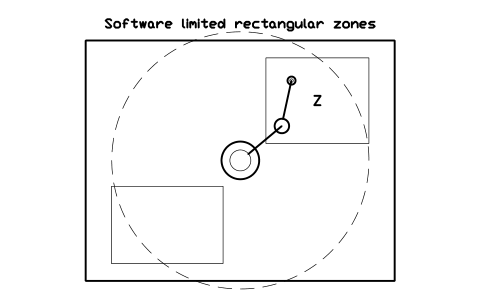
Software limited rectangular zones
RSP_EN_SOFTÖznitelikler
DESIGNATIONSIZEITEM_NOZONESPL_REQUIREDMANUFACTURERMODELQTYREMARKSDESC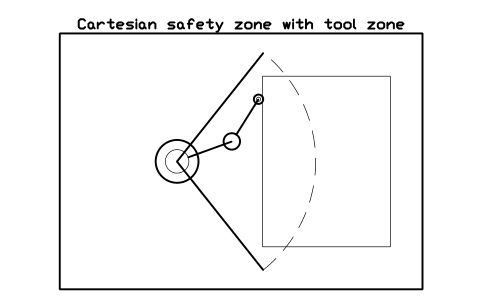
Cartesian safety zone with tool zone
RSP_EN_ZONE_BOXÖznitelikler
DESIGNATIONSIZEITEM_NOZONESPL_REQUIREDMANUFACTURERMODELQTYREMARKSDESC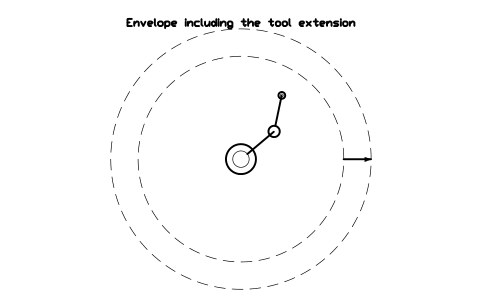
Envelope including the tool extension
RSP_EN_TOOLÖznitelikler
DESIGNATIONSIZEITEM_NOREACH_MMTOOL_LENGTH_MMMANUFACTURERMODELQTYREMARKSDESC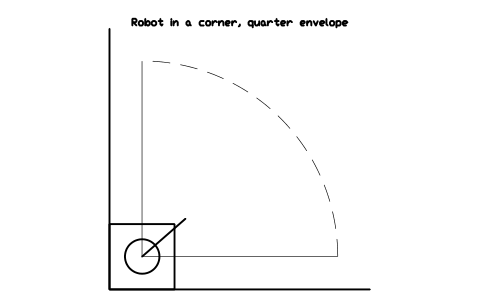
Robot in a corner, quarter envelope
RSP_EN_CORNERÖznitelikler
DESIGNATIONSIZEITEM_NOREACH_MMPAYLOAD_KGMANUFACTURERMODELQTYREMARKSDESC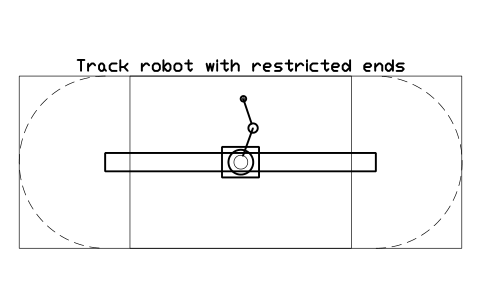
Track robot with restricted ends
RSP_EN_TRACKÖznitelikler
DESIGNATIONSIZEITEM_NOSTROKE_MMREACH_MMMANUFACTURERMODELQTYREMARKSDESC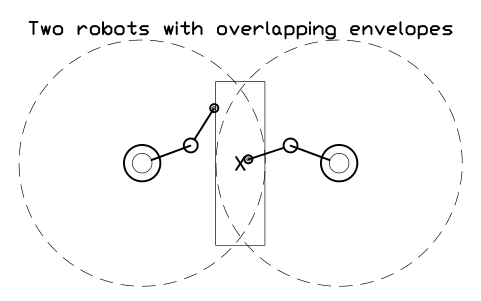
Two robots with overlapping envelopes
RSP_EN_DUALÖznitelikler
DESIGNATIONSIZEITEM_NOSHARED_ZONEPL_REQUIREDMANUFACTURERMODELQTYREMARKSDESC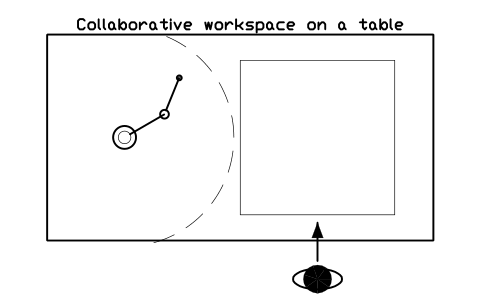
Collaborative workspace on a table
RSP_EN_COBOTÖznitelikler
DESIGNATIONSIZEITEM_NOPL_REQUIREDPAYLOAD_KGMANUFACTURERMODELQTYREMARKSDESC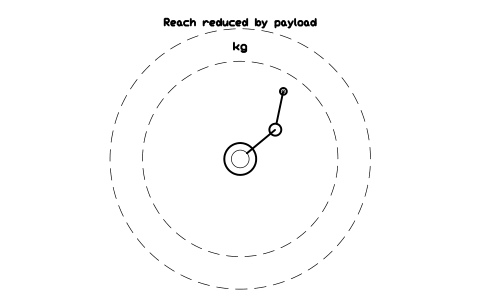
Reach reduced by payload
RSP_EN_DERATEÖznitelikler
DESIGNATIONSIZEITEM_NOREACH_MMPAYLOAD_KGDERATED_REACH_MMMANUFACTURERMODELQTYREMARKSDESC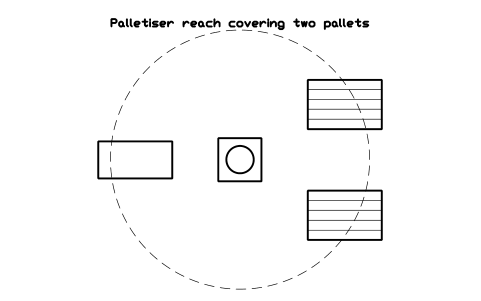
Palletiser reach covering two pallets
RSP_EN_PALLETÖznitelikler
DESIGNATIONSIZEITEM_NOREACH_MMPALLETSMANUFACTURERMODELQTYREMARKSDESC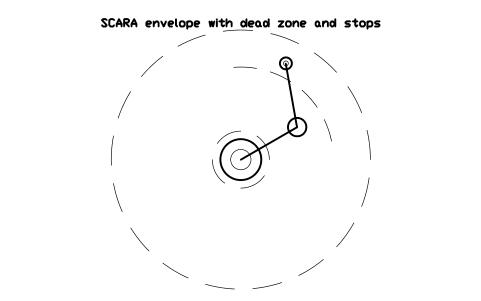
SCARA envelope with dead zone and stops
RSP_EN_SCARAÖznitelikler
DESIGNATIONSIZEITEM_NOREACH_MMPAYLOAD_KGMANUFACTURERMODELQTYREMARKSDESC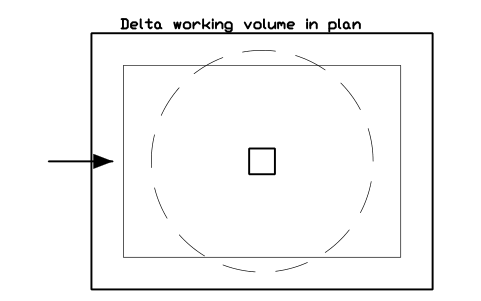
Delta working volume in plan
RSP_EN_DELTAÖznitelikler
DESIGNATIONSIZEITEM_NOREACH_MMPAYLOAD_KGMANUFACTURERMODELQTYREMARKSDESC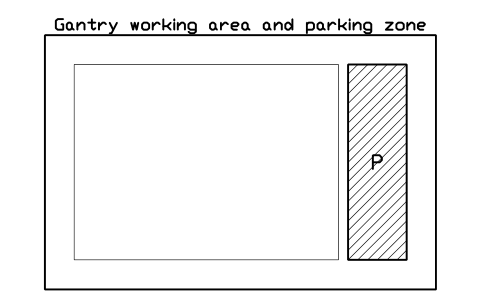
Gantry working area and parking zone
RSP_EN_GANTRYÖznitelikler
DESIGNATIONSIZEITEM_NOSTROKE_X_MMSTROKE_Y_MMMANUFACTURERMODELQTYREMARKSDESC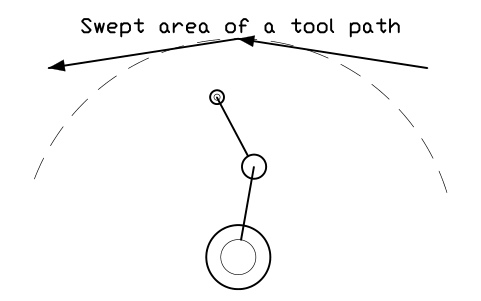
Swept area of a tool path
RSP_EN_SWEEPÖznitelikler
DESIGNATIONSIZEITEM_NOREACH_MMPATH_NAMEMANUFACTURERMODELQTYREMARKSDESC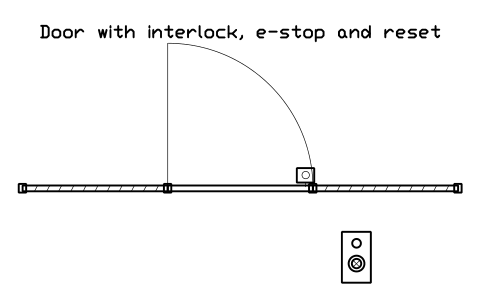
Door with interlock, e-stop and reset
RSP_SA_DOOR_STNÖznitelikler
DESIGNATIONSIZEITEM_NOCATEGORYPL_REQUIREDINTERLOCKMANUFACTURERMODELQTYREMARKSDESC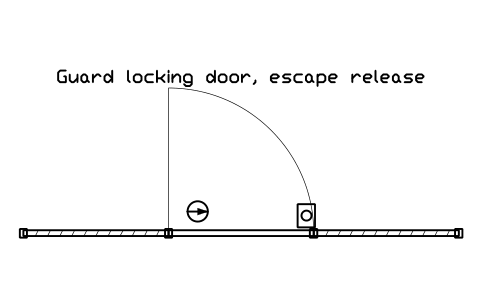
Guard locking door, escape release
RSP_SA_DOOR_LOCKÖznitelikler
DESIGNATIONSIZEITEM_NOCATEGORYPL_REQUIREDLOCK_TYPEMANUFACTURERMODELQTYREMARKSDESC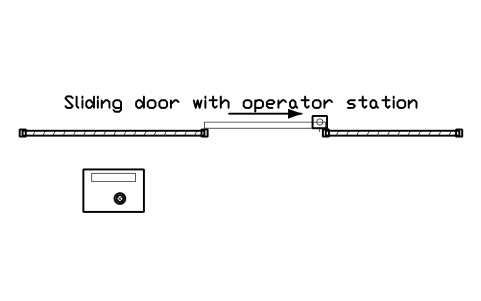
Sliding door with operator station
RSP_SA_SLIDE_STNÖznitelikler
DESIGNATIONSIZEITEM_NOCATEGORYPL_REQUIREDMANUFACTURERMODELQTYREMARKSDESC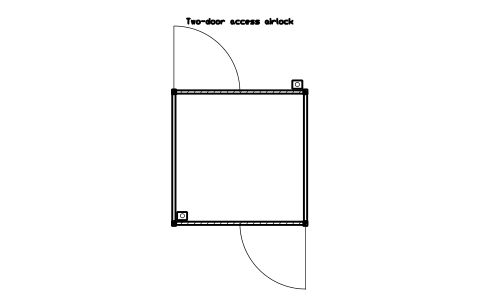
Two-door access airlock
RSP_SA_AIRLOCKÖznitelikler
DESIGNATIONSIZEITEM_NOCATEGORYPL_REQUIREDSEQUENCEMANUFACTURERMODELQTYREMARKSDESC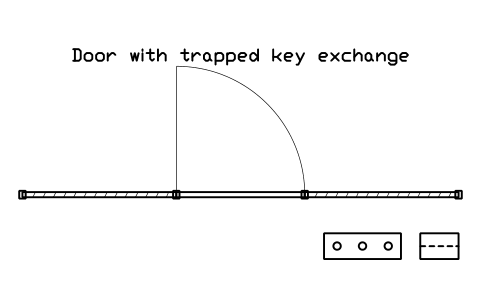
Door with trapped key exchange
RSP_SA_ENTRY_KEYÖznitelikler
DESIGNATIONSIZEITEM_NOKEYSPL_REQUIREDMANUFACTURERMODELQTYREMARKSDESC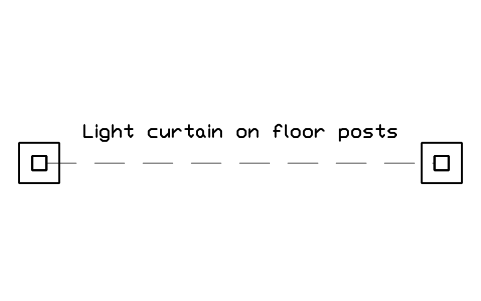
Light curtain on floor posts
RSP_SA_CURTAIN_POSTSÖznitelikler
DESIGNATIONSIZEITEM_NORESOLUTION_MMPROTECTED_HEIGHT_MMPL_REQUIREDMANUFACTURERMODELQTYREMARKSDESC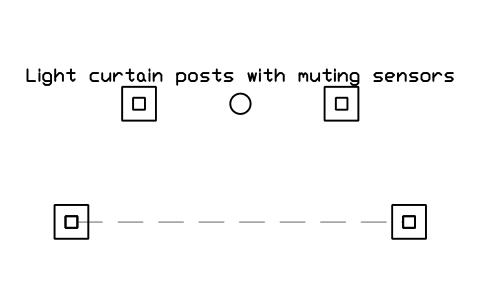
Light curtain posts with muting sensors
RSP_SA_CURTAIN_MUTEÖznitelikler
DESIGNATIONSIZEITEM_NORESOLUTION_MMPL_REQUIREDMUTINGMANUFACTURERMODELQTYREMARKSDESC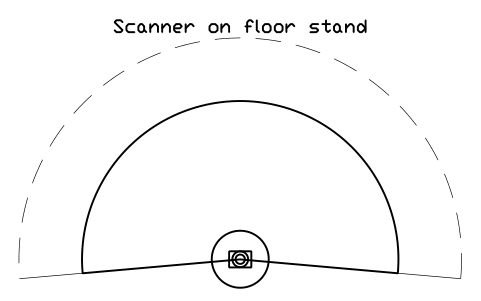
Scanner on floor stand
RSP_SA_SCAN_STANDÖznitelikler
DESIGNATIONSIZEITEM_NORANGE_MPL_REQUIREDFIELD_SETSMANUFACTURERMODELQTYREMARKSDESC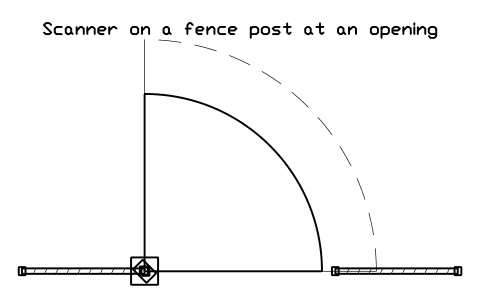
Scanner on a fence post at an opening
RSP_SA_SCAN_FENCEÖznitelikler
DESIGNATIONSIZEITEM_NORANGE_MPL_REQUIREDMANUFACTURERMODELQTYREMARKSDESC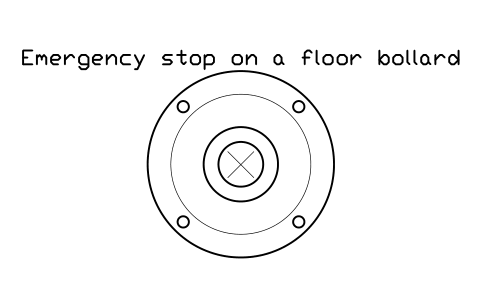
Emergency stop on a floor bollard
RSP_SA_ESTOP_BOLLARDÖznitelikler
DESIGNATIONSIZEITEM_NOPL_REQUIREDCATEGORYMANUFACTURERMODELQTYREMARKSDESC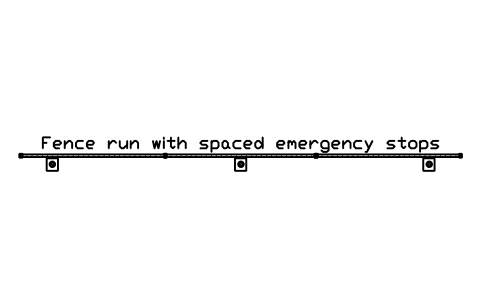
Fence run with spaced emergency stops
RSP_SA_ESTOP_RUNÖznitelikler
DESIGNATIONSIZEITEM_NOSPACING_MMPL_REQUIREDMANUFACTURERMODELQTYREMARKSDESC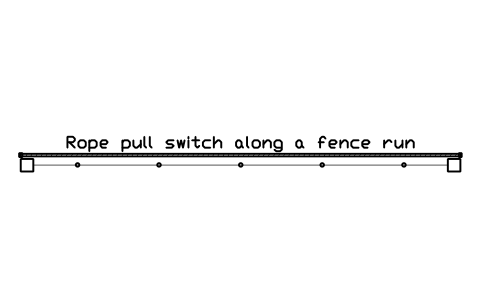
Rope pull switch along a fence run
RSP_SA_ROPE_RUNÖznitelikler
DESIGNATIONSIZEITEM_NOPL_REQUIREDROPE_LENGTH_MMANUFACTURERMODELQTYREMARKSDESC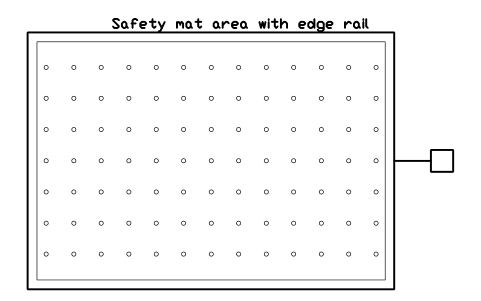
Safety mat area with edge rail
RSP_SA_MAT_AREAÖznitelikler
DESIGNATIONSIZEITEM_NOPL_REQUIREDSIZE_MMMANUFACTURERMODELQTYREMARKSDESC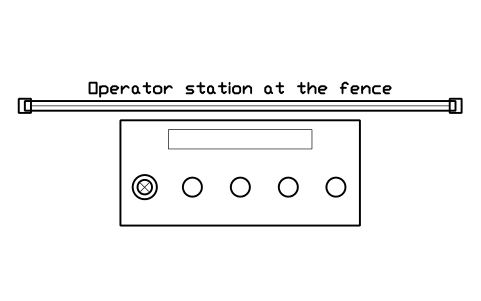
Operator station at the fence
RSP_SA_OP_STATIONÖznitelikler
DESIGNATIONSIZEITEM_NOVOLTAGE_VPL_REQUIREDMANUFACTURERMODELQTYREMARKSDESC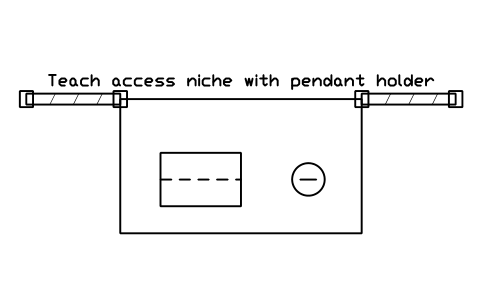
Teach access niche with pendant holder
RSP_SA_TEACH_PORTÖznitelikler
DESIGNATIONSIZEITEM_NOPL_REQUIREDMANUFACTURERMODELQTYREMARKSDESC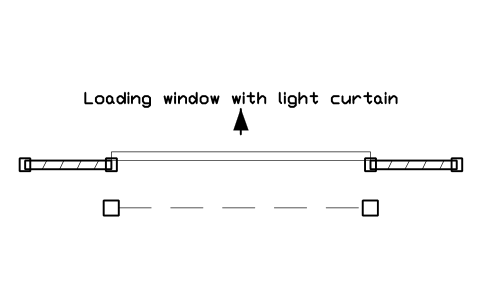
Loading window with light curtain
RSP_SA_LOAD_WINDOWÖznitelikler
DESIGNATIONSIZEITEM_NORESOLUTION_MMPL_REQUIREDSHUTTERMANUFACTURERMODELQTYREMARKSDESC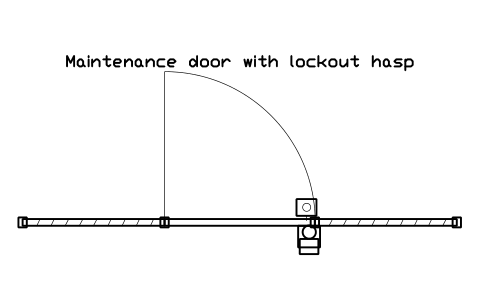
Maintenance door with lockout hasp
RSP_SA_MAINT_HASPÖznitelikler
DESIGNATIONSIZEITEM_NOLOCKPL_REQUIREDMANUFACTURERMODELQTYREMARKSDESC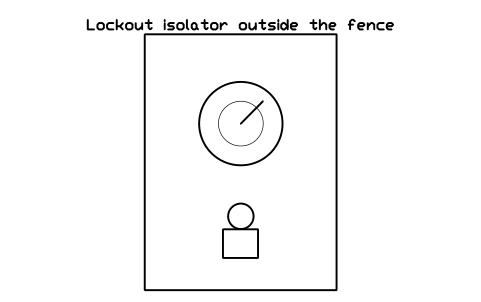
Lockout isolator outside the fence
RSP_SA_LOTOÖznitelikler
DESIGNATIONSIZEITEM_NOVOLTAGE_VISOLATORMANUFACTURERMODELQTYREMARKSDESC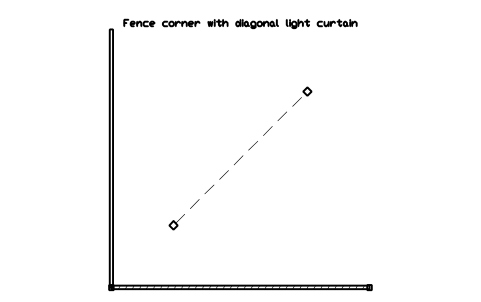
Fence corner with diagonal light curtain
RSP_SA_CORNER_LCÖznitelikler
DESIGNATIONSIZEITEM_NORESOLUTION_MMPL_REQUIREDMANUFACTURERMODELQTYREMARKSDESC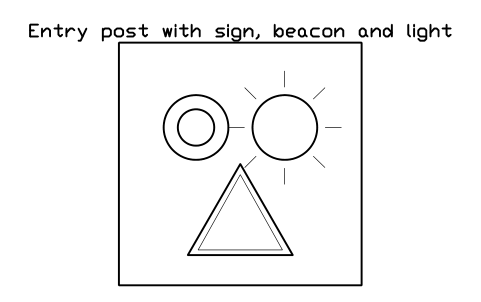
Entry post with sign, beacon and light
RSP_SA_ENTRY_POSTÖznitelikler
DESIGNATIONSIZEITEM_NOSIGNSMANUFACTURERMODELQTYREMARKSDESC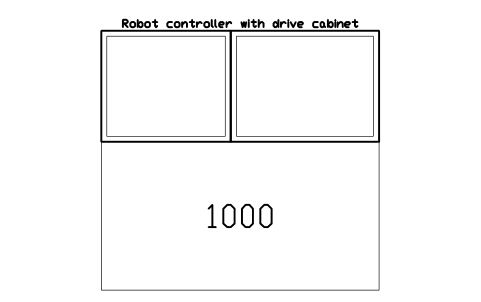
Robot controller with drive cabinet
RSP_CB_ROBOTÖznitelikler
DESIGNATIONSIZEITEM_NOPOWER_KWVOLTAGE_VWEIGHT_KGMANUFACTURERMODELQTYREMARKSDESC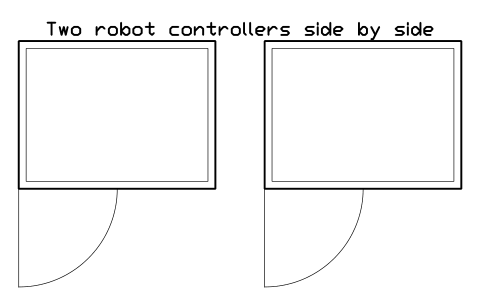
Two robot controllers side by side
RSP_CB_ROBOT_DUALÖznitelikler
DESIGNATIONSIZEITEM_NOPOWER_KWVOLTAGE_VMANUFACTURERMODELQTYREMARKSDESC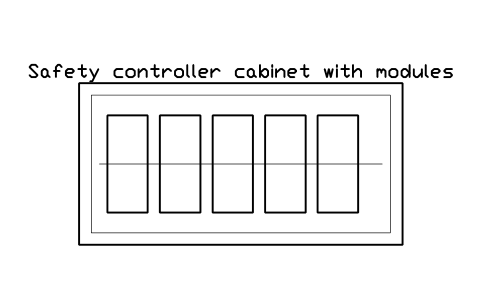
Safety controller cabinet with modules
RSP_CB_SAFETY_PLCÖznitelikler
DESIGNATIONSIZEITEM_NOPL_REQUIREDCATEGORYIO_POINTSMANUFACTURERMODELQTYREMARKSDESC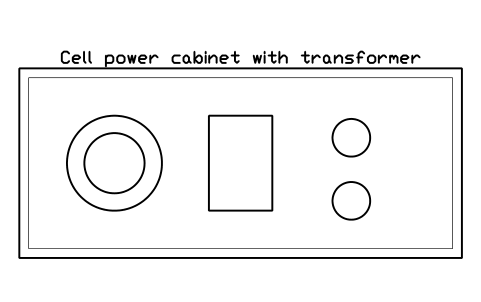
Cell power cabinet with transformer
RSP_CB_CELL_POWERÖznitelikler
DESIGNATIONSIZEITEM_NOPOWER_KWVOLTAGE_VMANUFACTURERMODELQTYREMARKSDESC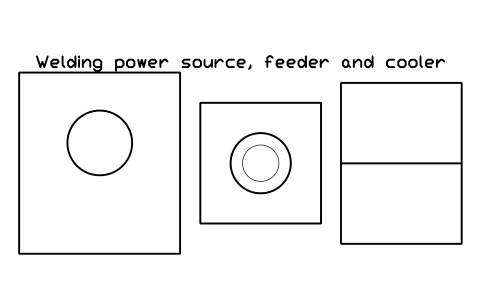
Welding power source, feeder and cooler
RSP_CB_WELD_POWERÖznitelikler
DESIGNATIONSIZEITEM_NOPOWER_KWPROCESSMANUFACTURERMODELQTYREMARKSDESC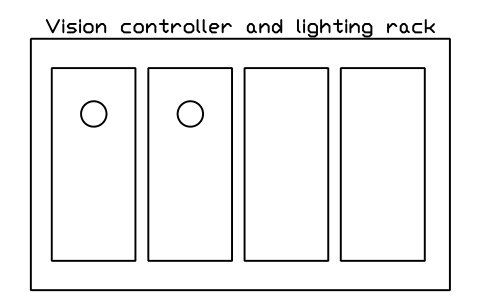
Vision controller and lighting rack
RSP_CB_VISIONÖznitelikler
DESIGNATIONSIZEITEM_NOVOLTAGE_VCAMERASMANUFACTURERMODELQTYREMARKSDESC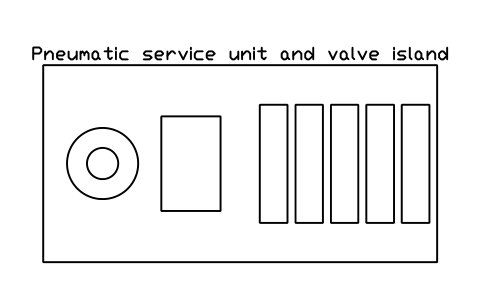
Pneumatic service unit and valve island
RSP_CB_PNEUÖznitelikler
DESIGNATIONSIZEITEM_NOAIR_BARVALVESMANUFACTURERMODELQTYREMARKSDESC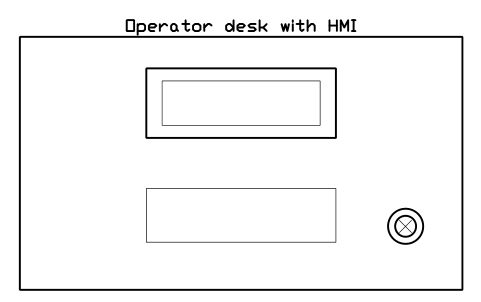
Operator desk with HMI
RSP_CB_DESKÖznitelikler
DESIGNATIONSIZEITEM_NOVOLTAGE_VHMI_SIZEMANUFACTURERMODELQTYREMARKSDESC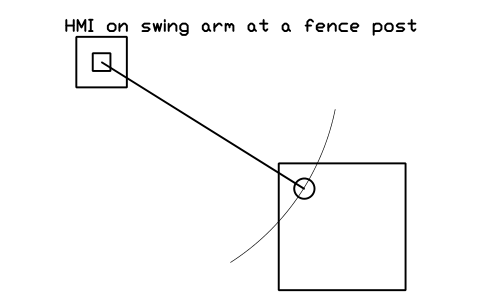
HMI on swing arm at a fence post
RSP_CB_HMI_ARMÖznitelikler
DESIGNATIONSIZEITEM_NOHMI_SIZEMANUFACTURERMODELQTYREMARKSDESC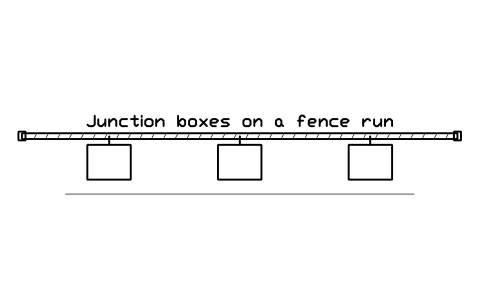
Junction boxes on a fence run
RSP_CB_JUNCTIONÖznitelikler
DESIGNATIONSIZEITEM_NOBOXESMANUFACTURERMODELQTYREMARKSDESC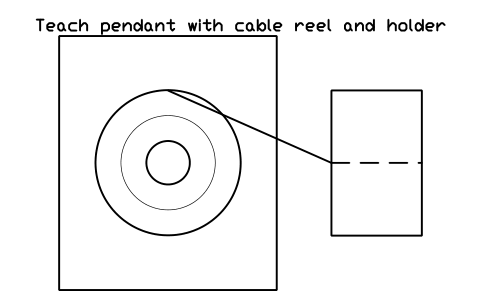
Teach pendant with cable reel and holder
RSP_CB_PENDANT_REELÖznitelikler
DESIGNATIONSIZEITEM_NOPL_REQUIREDCABLE_LENGTH_MMANUFACTURERMODELQTYREMARKSDESC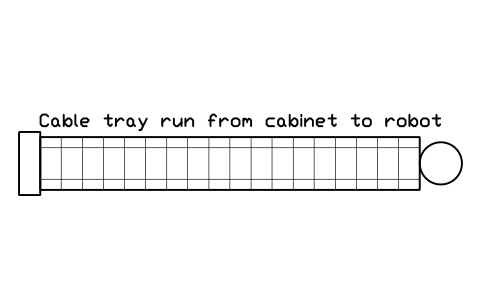
Cable tray run from cabinet to robot
RSP_CB_TRAYÖznitelikler
DESIGNATIONSIZEITEM_NOTRAY_WIDTH_MMLENGTH_MMANUFACTURERMODELQTYREMARKSDESC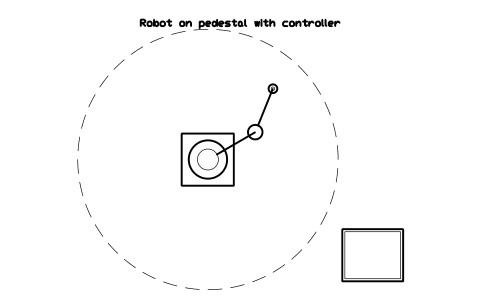
Robot on pedestal with controller
RSP_RS_PEDESTALÖznitelikler
DESIGNATIONSIZEITEM_NOREACH_MMPAYLOAD_KGMANUFACTURERMODELQTYREMARKSDESC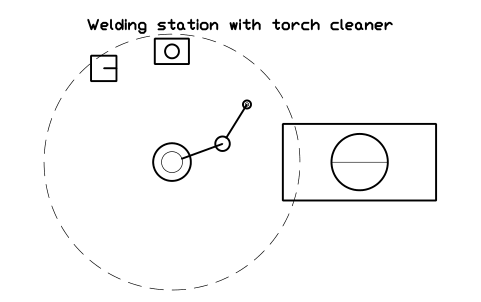
Welding station with torch cleaner
RSP_RS_WELDÖznitelikler
DESIGNATIONSIZEITEM_NOREACH_MMWELD_PROCESSMANUFACTURERMODELQTYREMARKSDESC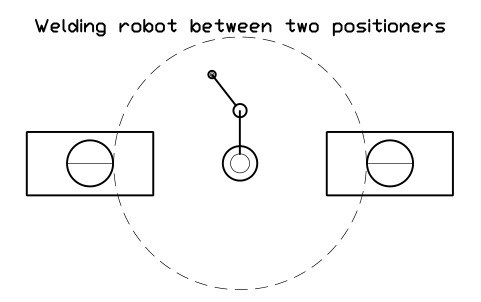
Welding robot between two positioners
RSP_RS_WELD_TWINÖznitelikler
DESIGNATIONSIZEITEM_NOREACH_MMSTATIONSMANUFACTURERMODELQTYREMARKSDESC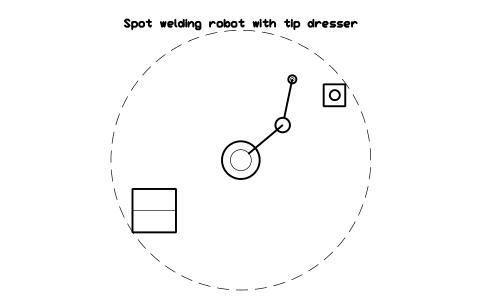
Spot welding robot with tip dresser
RSP_RS_SPOTÖznitelikler
DESIGNATIONSIZEITEM_NOREACH_MMGUN_FORCE_NMANUFACTURERMODELQTYREMARKSDESC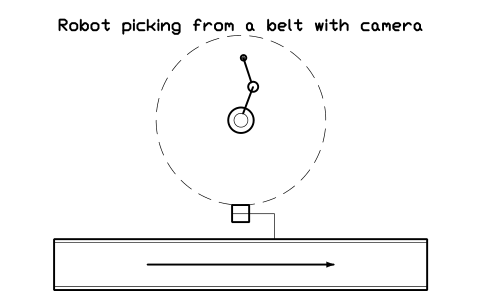
Robot picking from a belt with camera
RSP_RS_BELT_PICKÖznitelikler
DESIGNATIONSIZEITEM_NOREACH_MMVISIONMANUFACTURERMODELQTYREMARKSDESC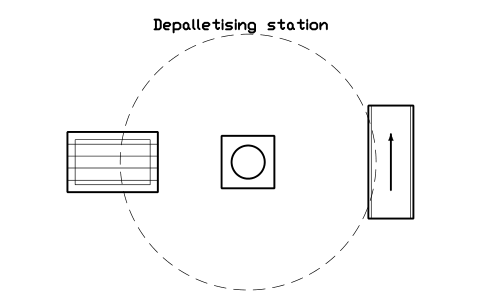
Depalletising station
RSP_RS_DEPALÖznitelikler
DESIGNATIONSIZEITEM_NOREACH_MMPAYLOAD_KGMANUFACTURERMODELQTYREMARKSDESC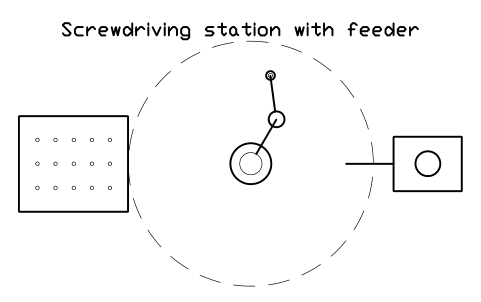
Screwdriving station with feeder
RSP_RS_SCREWÖznitelikler
DESIGNATIONSIZEITEM_NOREACH_MMSCREW_TYPEMANUFACTURERMODELQTYREMARKSDESC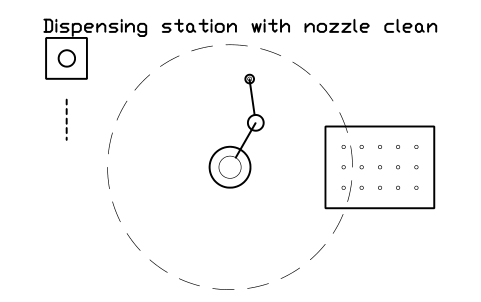
Dispensing station with nozzle clean
RSP_RS_DISPENSEÖznitelikler
DESIGNATIONSIZEITEM_NOREACH_MMMEDIUMMANUFACTURERMODELQTYREMARKSDESC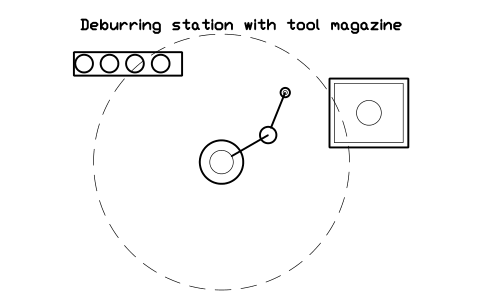
Deburring station with tool magazine
RSP_RS_DEBURRÖznitelikler
DESIGNATIONSIZEITEM_NOREACH_MMSPINDLE_KWMANUFACTURERMODELQTYREMARKSDESC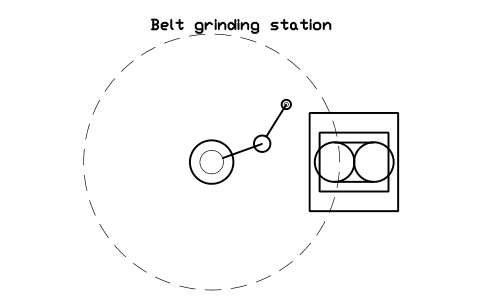
Belt grinding station
RSP_RS_BELT_GRINDÖznitelikler
DESIGNATIONSIZEITEM_NOREACH_MMBELT_KWMANUFACTURERMODELQTYREMARKSDESC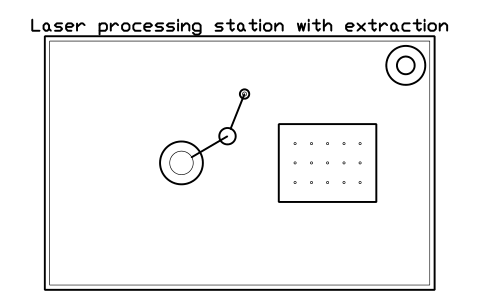
Laser processing station with extraction
RSP_RS_LASERÖznitelikler
DESIGNATIONSIZEITEM_NOREACH_MMLASER_CLASSMANUFACTURERMODELQTYREMARKSDESC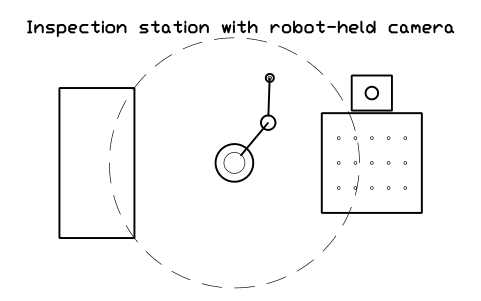
Inspection station with robot-held camera
RSP_RS_INSPECTÖznitelikler
DESIGNATIONSIZEITEM_NOREACH_MMCAMERAMANUFACTURERMODELQTYREMARKSDESC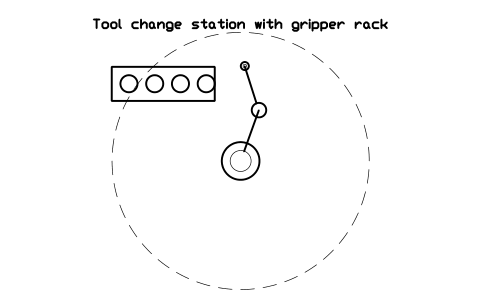
Tool change station with gripper rack
RSP_RS_TOOLCHANGEÖznitelikler
DESIGNATIONSIZEITEM_NOREACH_MMTOOLSMANUFACTURERMODELQTYREMARKSDESC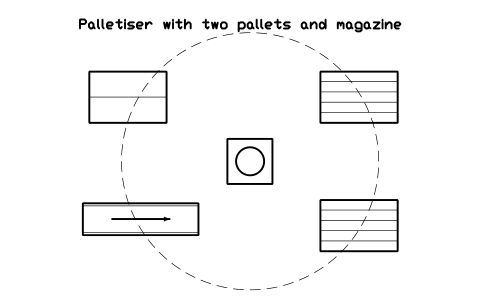
Palletiser with two pallets and magazine
RSP_RS_PAL_TWOÖznitelikler
DESIGNATIONSIZEITEM_NOREACH_MMPAYLOAD_KGMANUFACTURERMODELQTYREMARKSDESC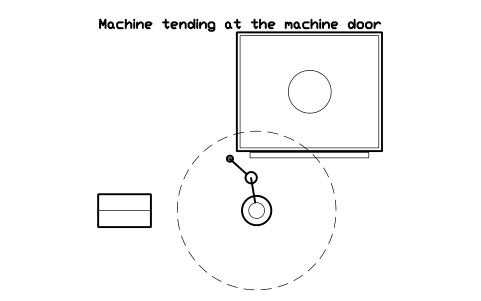
Machine tending at the machine door
RSP_RS_TEND_DOORÖznitelikler
DESIGNATIONSIZEITEM_NOREACH_MMMACHINE_NOMANUFACTURERMODELQTYREMARKSDESC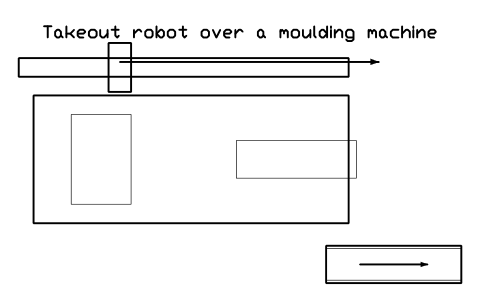
Takeout robot over a moulding machine
RSP_RS_MOULD_TAKEOUTÖznitelikler
DESIGNATIONSIZEITEM_NOCLAMP_FORCE_KNPAYLOAD_KGMANUFACTURERMODELQTYREMARKSDESC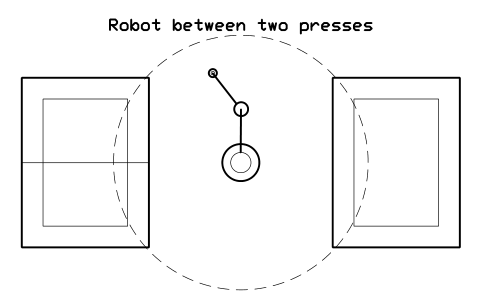
Robot between two presses
RSP_RS_PRESS_TRANSFERÖznitelikler
DESIGNATIONSIZEITEM_NOREACH_MMPRESS_FORCE_KNMANUFACTURERMODELQTYREMARKSDESC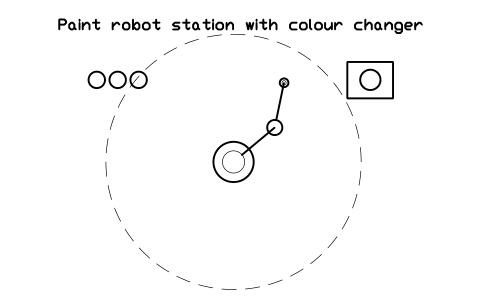
Paint robot station with colour changer
RSP_RS_PAINTÖznitelikler
DESIGNATIONSIZEITEM_NOREACH_MMEX_ZONEMANUFACTURERMODELQTYREMARKSDESC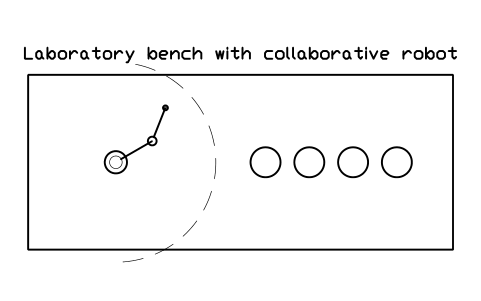
Laboratory bench with collaborative robot
RSP_RS_LABÖznitelikler
DESIGNATIONSIZEITEM_NOPL_REQUIREDPAYLOAD_KGMANUFACTURERMODELQTYREMARKSDESC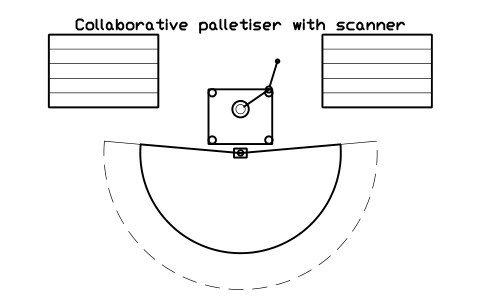
Collaborative palletiser with scanner
RSP_RS_COBOT_PALÖznitelikler
DESIGNATIONSIZEITEM_NOPL_REQUIREDPAYLOAD_KGMANUFACTURERMODELQTYREMARKSDESC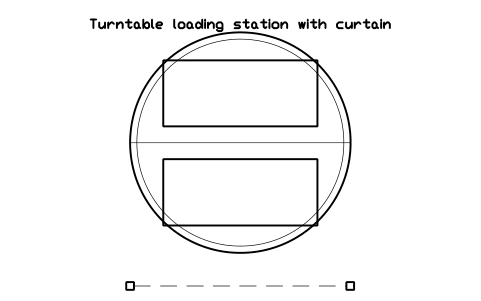
Turntable loading station with curtain
RSP_LF_TURNTABLEÖznitelikler
DESIGNATIONSIZEITEM_NOLOAD_KGPL_REQUIREDMANUFACTURERMODELQTYREMARKSDESC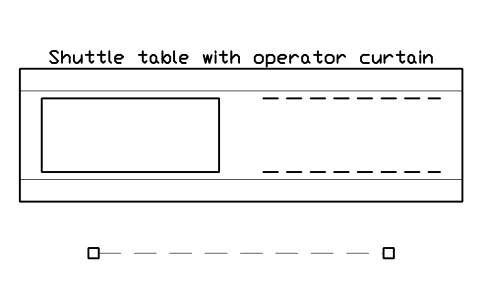
Shuttle table with operator curtain
RSP_LF_SHUTTLEÖznitelikler
DESIGNATIONSIZEITEM_NOLOAD_KGPL_REQUIREDMANUFACTURERMODELQTYREMARKSDESC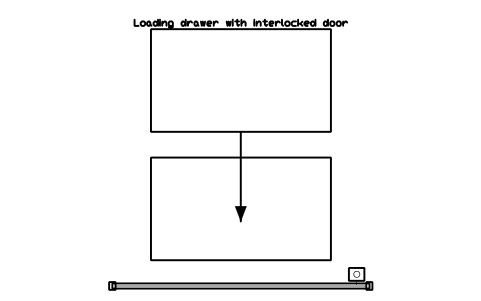
Loading drawer with interlocked door
RSP_LF_DRAWERÖznitelikler
DESIGNATIONSIZEITEM_NOLOAD_KGPL_REQUIREDMANUFACTURERMODELQTYREMARKSDESC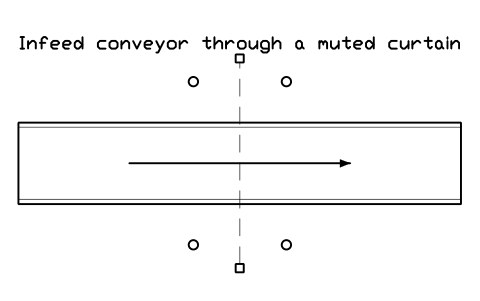
Infeed conveyor through a muted curtain
RSP_LF_CONV_MUTEÖznitelikler
DESIGNATIONSIZEITEM_NOPL_REQUIREDMUTINGMANUFACTURERMODELQTYREMARKSDESC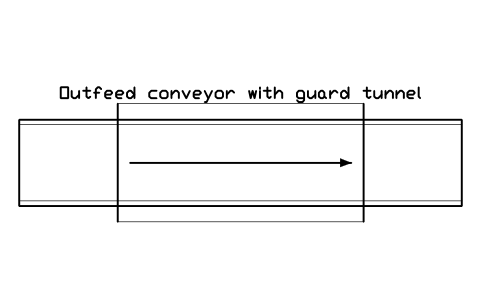
Outfeed conveyor with guard tunnel
RSP_LF_TUNNELÖznitelikler
DESIGNATIONSIZEITEM_NOTUNNEL_LENGTH_MMPL_REQUIREDMANUFACTURERMODELQTYREMARKSDESC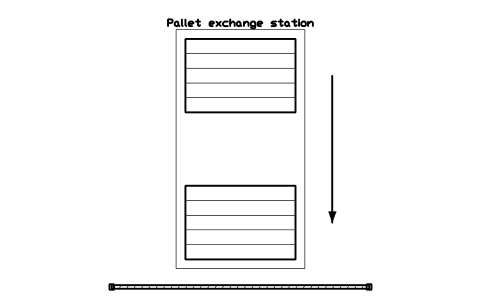
Pallet exchange station
RSP_LF_PAL_EXCHÖznitelikler
DESIGNATIONSIZEITEM_NOPL_REQUIREDFORK_ACCESSMANUFACTURERMODELQTYREMARKSDESC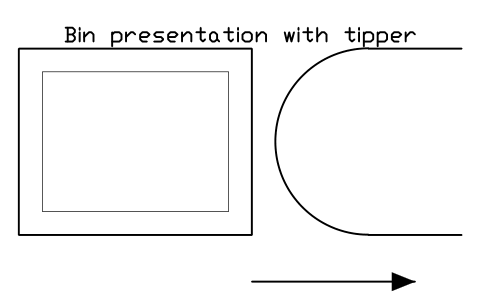
Bin presentation with tipper
RSP_LF_BIN_FEEDÖznitelikler
DESIGNATIONSIZEITEM_NOBIN_SIZEMANUFACTURERMODELQTYREMARKSDESC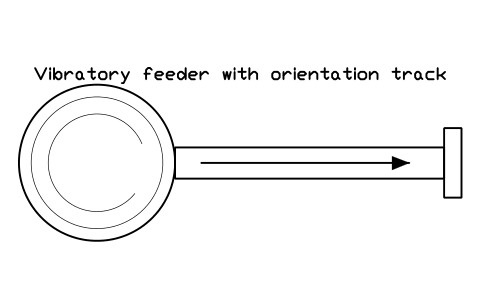
Vibratory feeder with orientation track
RSP_LF_FEEDERÖznitelikler
DESIGNATIONSIZEITEM_NOPART_NOPOWER_KWMANUFACTURERMODELQTYREMARKSDESC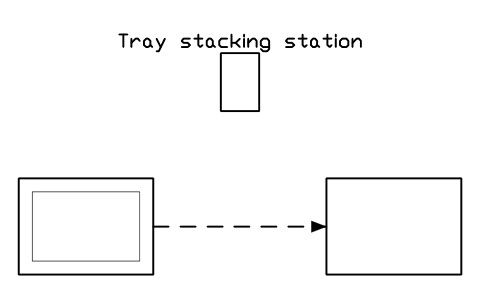
Tray stacking station
RSP_LF_TRAY_STACKÖznitelikler
DESIGNATIONSIZEITEM_NOTRAY_SIZEMANUFACTURERMODELQTYREMARKSDESC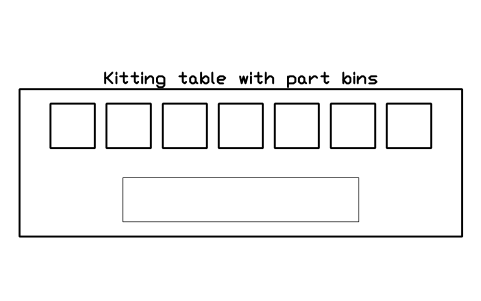
Kitting table with part bins
RSP_LF_KITTINGÖznitelikler
DESIGNATIONSIZEITEM_NOBINSMANUFACTURERMODELQTYREMARKSDESC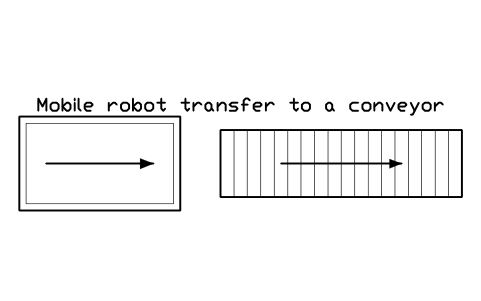
Mobile robot transfer to a conveyor
RSP_LF_AGV_TRANSFERÖznitelikler
DESIGNATIONSIZEITEM_NOVEHICLEMANUFACTURERMODELQTYREMARKSDESC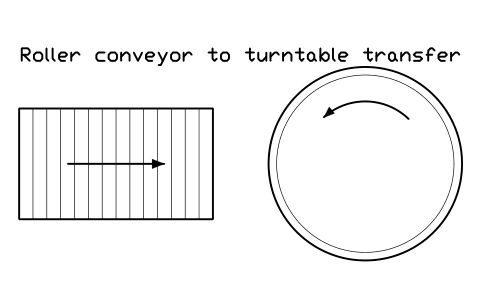
Roller conveyor to turntable transfer
RSP_LF_ROLLER_TURNÖznitelikler
DESIGNATIONSIZEITEM_NOLOAD_KGMANUFACTURERMODELQTYREMARKSDESC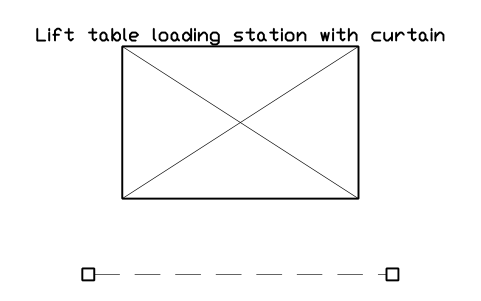
Lift table loading station with curtain
RSP_LF_LIFT_LOADÖznitelikler
DESIGNATIONSIZEITEM_NOLIFT_MMPL_REQUIREDMANUFACTURERMODELQTYREMARKSDESC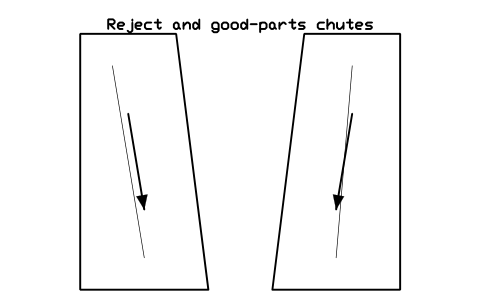
Reject and good-parts chutes
RSP_LF_CHUTESÖznitelikler
DESIGNATIONSIZEITEM_NOOUTPUTMANUFACTURERMODELQTYREMARKSDESC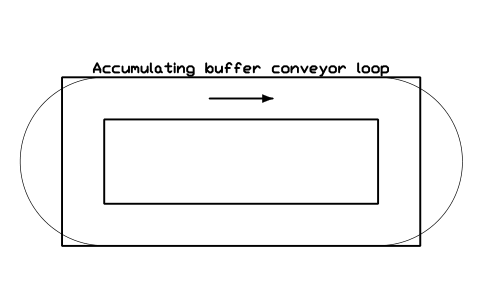
Accumulating buffer conveyor loop
RSP_LF_BUFFERÖznitelikler
DESIGNATIONSIZEITEM_NOBUFFER_COUNTMANUFACTURERMODELQTYREMARKSDESC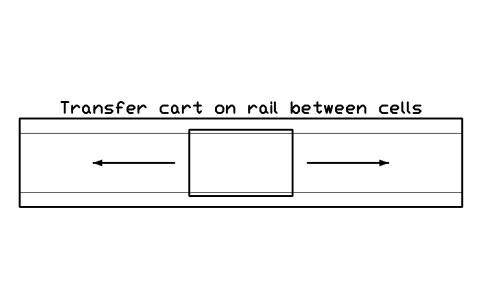
Transfer cart on rail between cells
RSP_LF_TRAVERSEÖznitelikler
DESIGNATIONSIZEITEM_NOSTROKE_MMLOAD_KGMANUFACTURERMODELQTYREMARKSDESC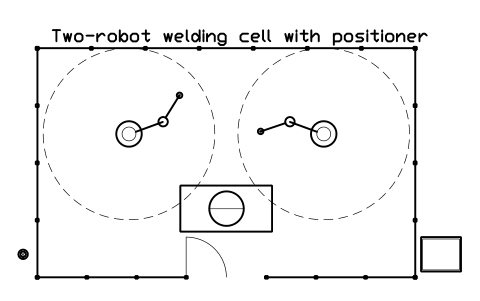
Two-robot welding cell with positioner
RSP_CL_WELD_2RÖznitelikler
DESIGNATIONSIZEITEM_NOSAFETY_DIST_MMPL_REQUIREDMANUFACTURERMODELQTYREMARKSDESC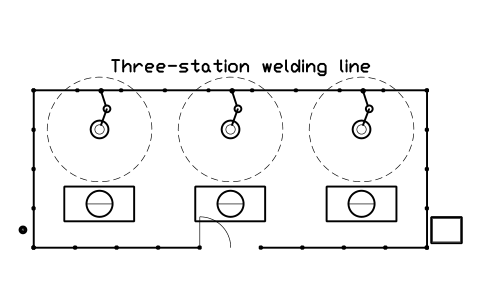
Three-station welding line
RSP_CL_WELD_LINE3Öznitelikler
DESIGNATIONSIZEITEM_NOSAFETY_DIST_MMPL_REQUIREDMANUFACTURERMODELQTYREMARKSDESC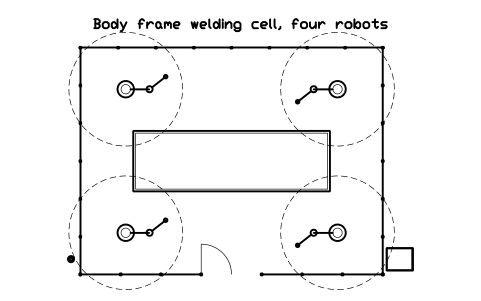
Body frame welding cell, four robots
RSP_CL_WELD_BODYÖznitelikler
DESIGNATIONSIZEITEM_NOSAFETY_DIST_MMPL_REQUIREDMANUFACTURERMODELQTYREMARKSDESC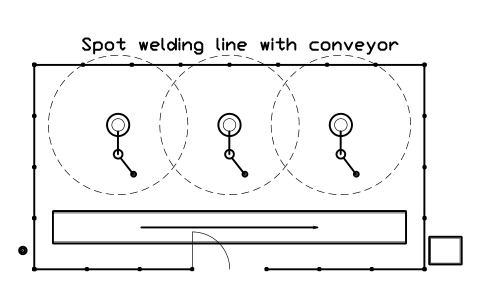
Spot welding line with conveyor
RSP_CL_SPOT_LINEÖznitelikler
DESIGNATIONSIZEITEM_NOSAFETY_DIST_MMPL_REQUIREDMANUFACTURERMODELQTYREMARKSDESC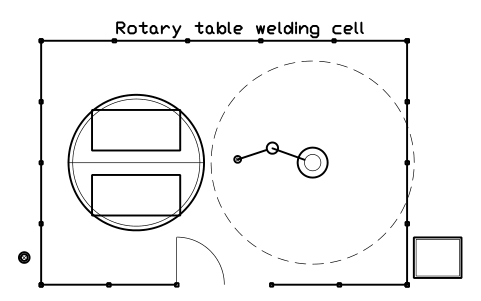
Rotary table welding cell
RSP_CL_WELD_ROTARYÖznitelikler
DESIGNATIONSIZEITEM_NOSAFETY_DIST_MMPL_REQUIREDMANUFACTURERMODELQTYREMARKSDESC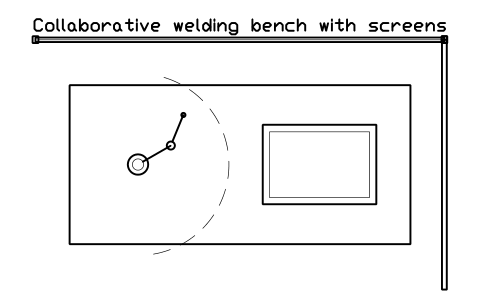
Collaborative welding bench with screens
RSP_CL_WELD_COBOTÖznitelikler
DESIGNATIONSIZEITEM_NOWELD_PROCESSSAFETY_DIST_MMPL_REQUIREDMANUFACTURERMODELQTYREMARKSDESC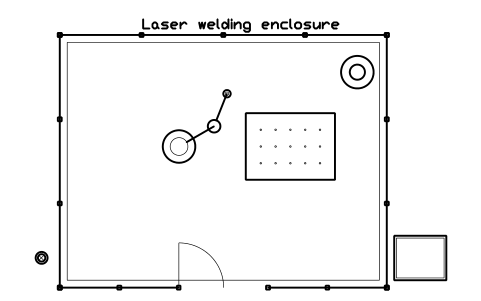
Laser welding enclosure
RSP_CL_LASER_WELDÖznitelikler
DESIGNATIONSIZEITEM_NOLASER_CLASSSAFETY_DIST_MMPL_REQUIREDMANUFACTURERMODELQTYREMARKSDESC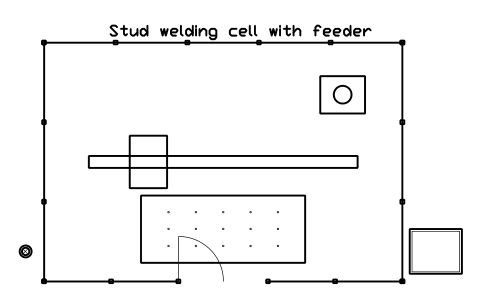
Stud welding cell with feeder
RSP_CL_STUDÖznitelikler
DESIGNATIONSIZEITEM_NOSAFETY_DIST_MMPL_REQUIREDMANUFACTURERMODELQTYREMARKSDESC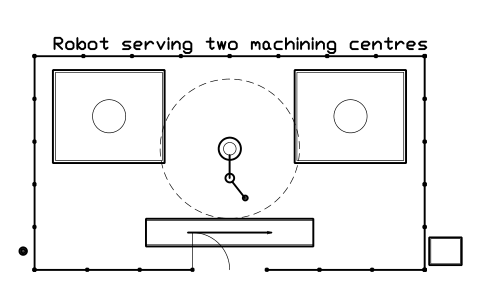
Robot serving two machining centres
RSP_CL_CNC_2MÖznitelikler
DESIGNATIONSIZEITEM_NOSAFETY_DIST_MMPL_REQUIREDMANUFACTURERMODELQTYREMARKSDESC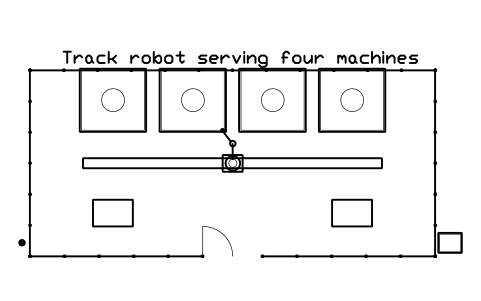
Track robot serving four machines
RSP_CL_CNC_RAILÖznitelikler
DESIGNATIONSIZEITEM_NOSAFETY_DIST_MMPL_REQUIREDMANUFACTURERMODELQTYREMARKSDESC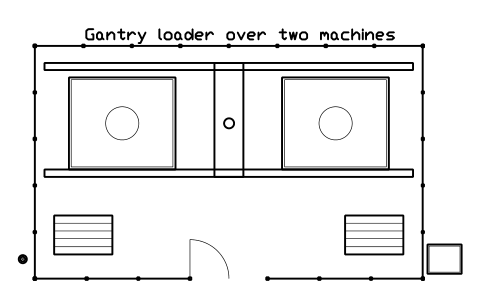
Gantry loader over two machines
RSP_CL_CNC_GANTRYÖznitelikler
DESIGNATIONSIZEITEM_NOSAFETY_DIST_MMPL_REQUIREDMANUFACTURERMODELQTYREMARKSDESC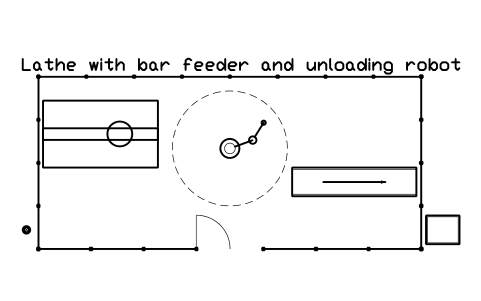
Lathe with bar feeder and unloading robot
RSP_CL_LATHE_BARÖznitelikler
DESIGNATIONSIZEITEM_NOSAFETY_DIST_MMPL_REQUIREDMANUFACTURERMODELQTYREMARKSDESC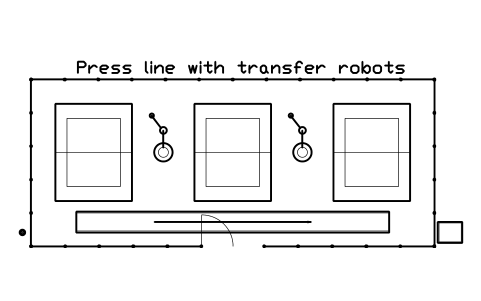
Press line with transfer robots
RSP_CL_PRESS_LINEÖznitelikler
DESIGNATIONSIZEITEM_NOSAFETY_DIST_MMPL_REQUIREDMANUFACTURERMODELQTYREMARKSDESC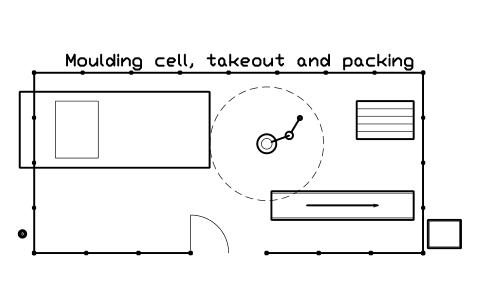
Moulding cell, takeout and packing
RSP_CL_MOULD_TAKEÖznitelikler
DESIGNATIONSIZEITEM_NOSAFETY_DIST_MMPL_REQUIREDMANUFACTURERMODELQTYREMARKSDESC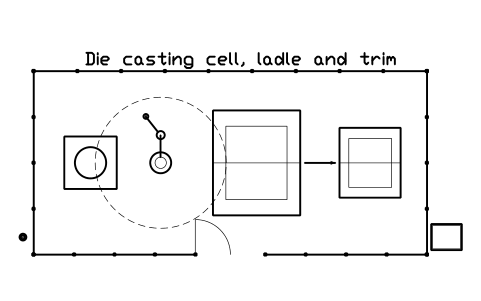
Die casting cell, ladle and trim
RSP_CL_DIECASTÖznitelikler
DESIGNATIONSIZEITEM_NOSAFETY_DIST_MMPL_REQUIREDMANUFACTURERMODELQTYREMARKSDESC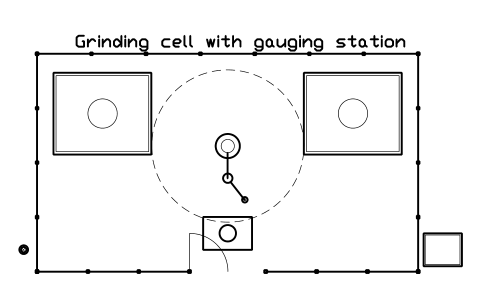
Grinding cell with gauging station
RSP_CL_GRINDÖznitelikler
DESIGNATIONSIZEITEM_NOSAFETY_DIST_MMPL_REQUIREDMANUFACTURERMODELQTYREMARKSDESC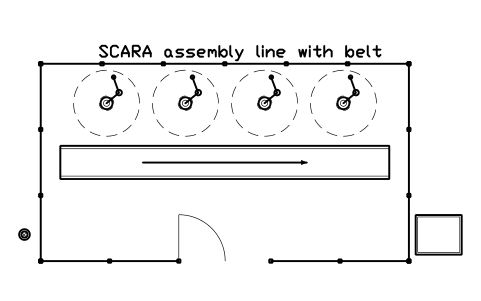
SCARA assembly line with belt
RSP_CL_ASM_SCARAÖznitelikler
DESIGNATIONSIZEITEM_NOSAFETY_DIST_MMPL_REQUIREDMANUFACTURERMODELQTYREMARKSDESC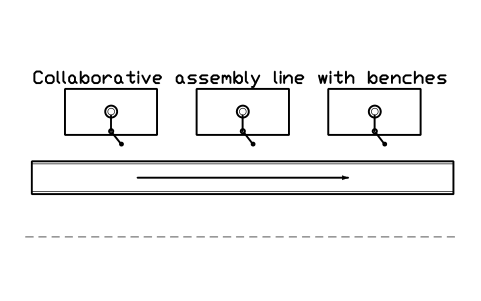
Collaborative assembly line with benches
RSP_CL_ASM_COBOTÖznitelikler
DESIGNATIONSIZEITEM_NOSTATIONSSAFETY_DIST_MMPL_REQUIREDMANUFACTURERMODELQTYREMARKSDESC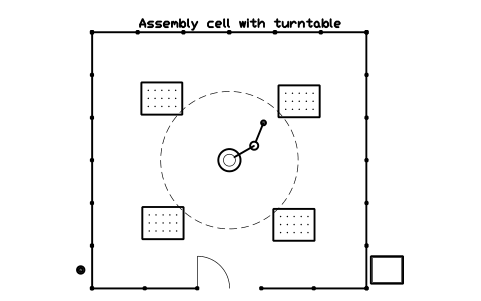
Assembly cell with turntable
RSP_CL_ASM_6AXÖznitelikler
DESIGNATIONSIZEITEM_NOSAFETY_DIST_MMPL_REQUIREDMANUFACTURERMODELQTYREMARKSDESC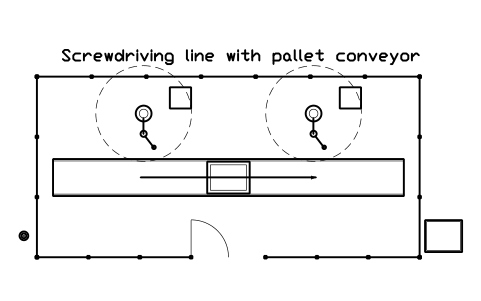
Screwdriving line with pallet conveyor
RSP_CL_SCREW_LINEÖznitelikler
DESIGNATIONSIZEITEM_NOSAFETY_DIST_MMPL_REQUIREDMANUFACTURERMODELQTYREMARKSDESC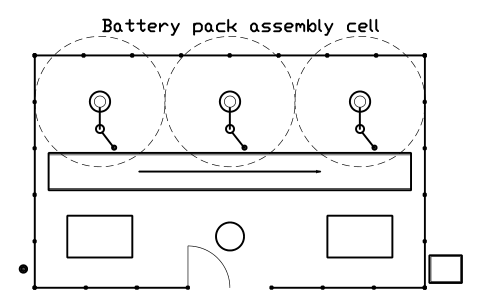
Battery pack assembly cell
RSP_CL_BATTERYÖznitelikler
DESIGNATIONSIZEITEM_NOSAFETY_DIST_MMPL_REQUIREDMANUFACTURERMODELQTYREMARKSDESC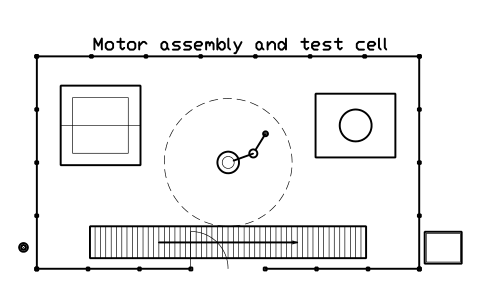
Motor assembly and test cell
RSP_CL_MOTORÖznitelikler
DESIGNATIONSIZEITEM_NOSAFETY_DIST_MMPL_REQUIREDMANUFACTURERMODELQTYREMARKSDESC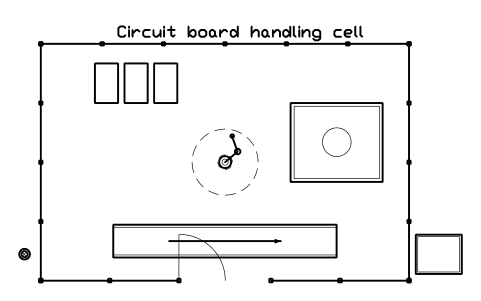
Circuit board handling cell
RSP_CL_PCB_TENDÖznitelikler
DESIGNATIONSIZEITEM_NOSAFETY_DIST_MMPL_REQUIREDMANUFACTURERMODELQTYREMARKSDESC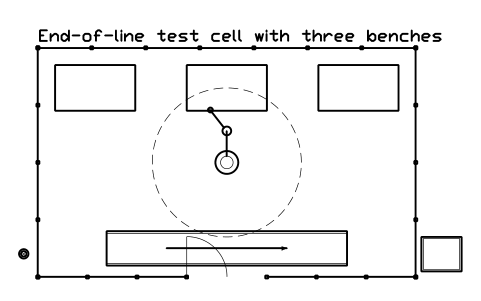
End-of-line test cell with three benches
RSP_CL_EOL_TESTÖznitelikler
DESIGNATIONSIZEITEM_NOSAFETY_DIST_MMPL_REQUIREDMANUFACTURERMODELQTYREMARKSDESC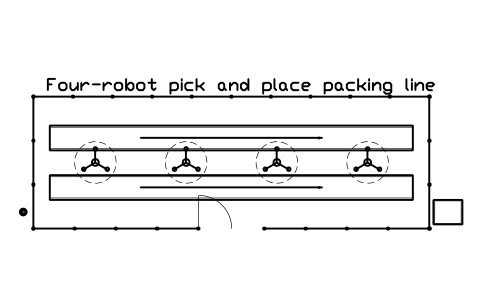
Four-robot pick and place packing line
RSP_CL_PACK_DELTAÖznitelikler
DESIGNATIONSIZEITEM_NOSAFETY_DIST_MMPL_REQUIREDMANUFACTURERMODELQTYREMARKSDESC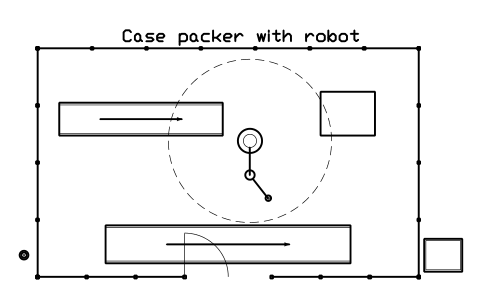
Case packer with robot
RSP_CL_CASE_PACKÖznitelikler
DESIGNATIONSIZEITEM_NOSAFETY_DIST_MMPL_REQUIREDMANUFACTURERMODELQTYREMARKSDESC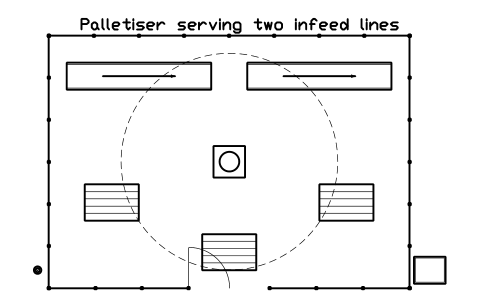
Palletiser serving two infeed lines
RSP_CL_PAL_2LINEÖznitelikler
DESIGNATIONSIZEITEM_NOSAFETY_DIST_MMPL_REQUIREDMANUFACTURERMODELQTYREMARKSDESC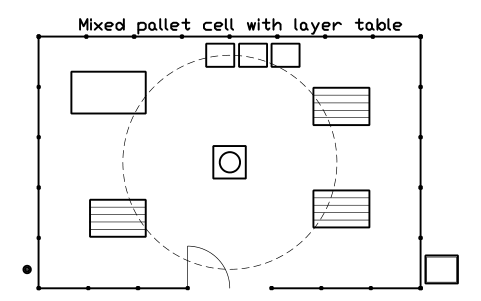
Mixed pallet cell with layer table
RSP_CL_PAL_MIXEDÖznitelikler
DESIGNATIONSIZEITEM_NOSAFETY_DIST_MMPL_REQUIREDMANUFACTURERMODELQTYREMARKSDESC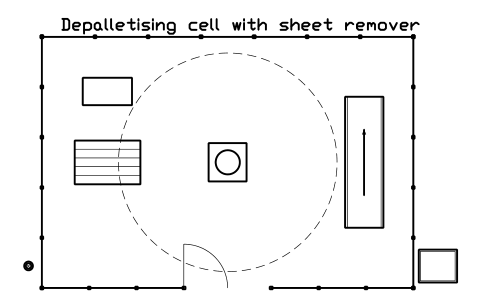
Depalletising cell with sheet remover
RSP_CL_DEPALÖznitelikler
DESIGNATIONSIZEITEM_NOSAFETY_DIST_MMPL_REQUIREDMANUFACTURERMODELQTYREMARKSDESC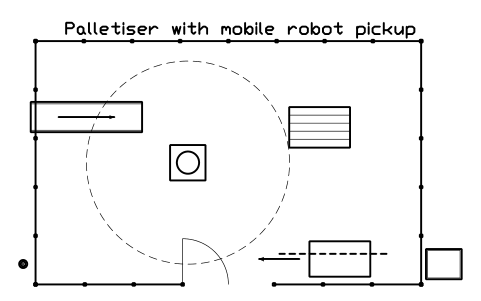
Palletiser with mobile robot pickup
RSP_CL_PAL_AGVÖznitelikler
DESIGNATIONSIZEITEM_NOSAFETY_DIST_MMPL_REQUIREDMANUFACTURERMODELQTYREMARKSDESC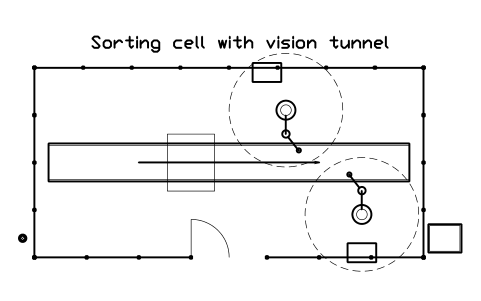
Sorting cell with vision tunnel
RSP_CL_SORT_VISIONÖznitelikler
DESIGNATIONSIZEITEM_NOSAFETY_DIST_MMPL_REQUIREDMANUFACTURERMODELQTYREMARKSDESC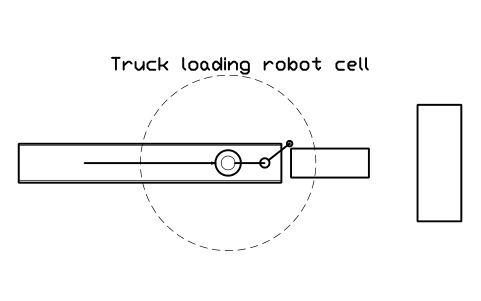
Truck loading robot cell
RSP_CL_TRUCKÖznitelikler
DESIGNATIONSIZEITEM_NOTRUCK_TYPESAFETY_DIST_MMPL_REQUIREDMANUFACTURERMODELQTYREMARKSDESC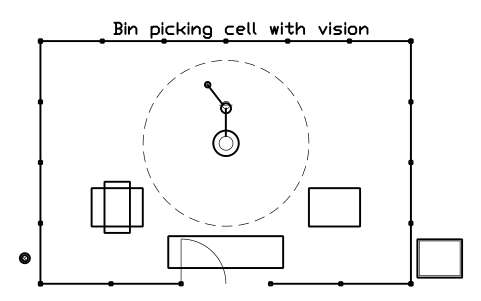
Bin picking cell with vision
RSP_CL_BIN_PICKÖznitelikler
DESIGNATIONSIZEITEM_NOSAFETY_DIST_MMPL_REQUIREDMANUFACTURERMODELQTYREMARKSDESC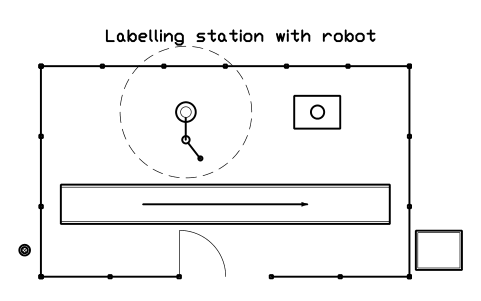
Labelling station with robot
RSP_CL_LABELÖznitelikler
DESIGNATIONSIZEITEM_NOSAFETY_DIST_MMPL_REQUIREDMANUFACTURERMODELQTYREMARKSDESC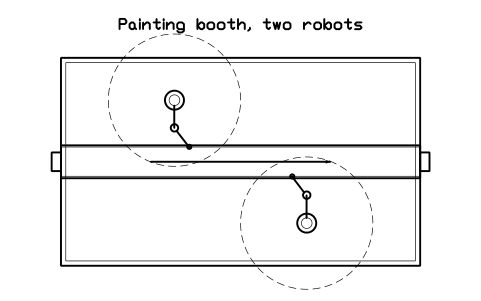
Painting booth, two robots
RSP_CL_PAINT_2RÖznitelikler
DESIGNATIONSIZEITEM_NOEX_ZONESAFETY_DIST_MMPL_REQUIREDMANUFACTURERMODELQTYREMARKSDESC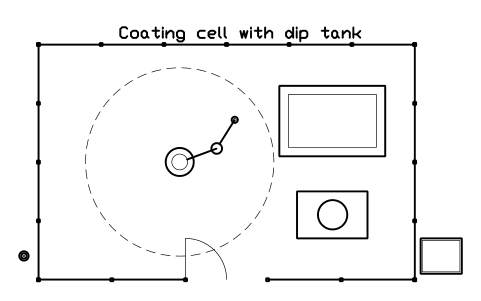
Coating cell with dip tank
RSP_CL_COATÖznitelikler
DESIGNATIONSIZEITEM_NOSAFETY_DIST_MMPL_REQUIREDMANUFACTURERMODELQTYREMARKSDESC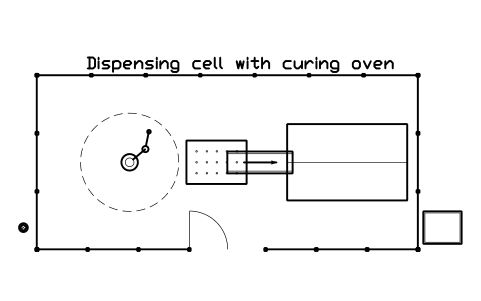
Dispensing cell with curing oven
RSP_CL_DISPENSEÖznitelikler
DESIGNATIONSIZEITEM_NOSAFETY_DIST_MMPL_REQUIREDMANUFACTURERMODELQTYREMARKSDESC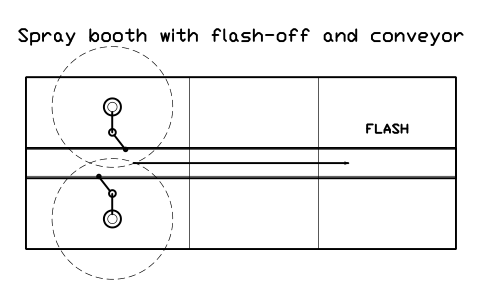
Spray booth with flash-off and conveyor
RSP_CL_SPRAY_CONVÖznitelikler
DESIGNATIONSIZEITEM_NOEX_ZONESAFETY_DIST_MMPL_REQUIREDMANUFACTURERMODELQTYREMARKSDESC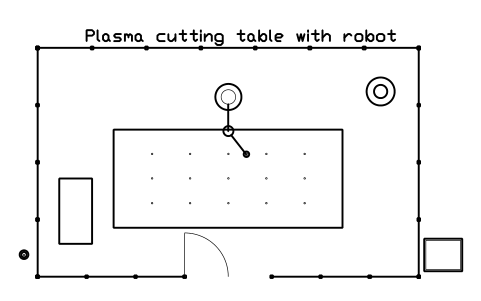
Plasma cutting table with robot
RSP_CL_PLASMAÖznitelikler
DESIGNATIONSIZEITEM_NOSAFETY_DIST_MMPL_REQUIREDMANUFACTURERMODELQTYREMARKSDESC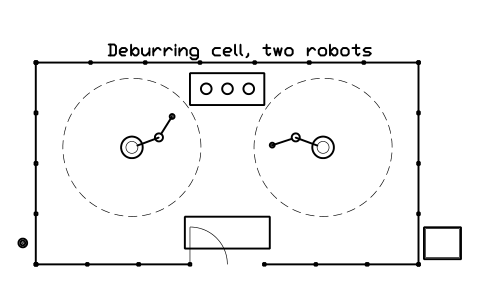
Deburring cell, two robots
RSP_CL_DEBURRÖznitelikler
DESIGNATIONSIZEITEM_NOSAFETY_DIST_MMPL_REQUIREDMANUFACTURERMODELQTYREMARKSDESC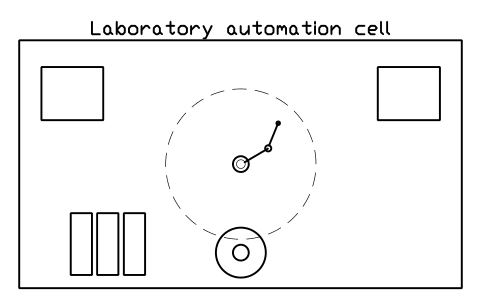
Laboratory automation cell
RSP_CL_LAB_AUTOÖznitelikler
DESIGNATIONSIZEITEM_NOPAYLOAD_KGSAFETY_DIST_MMPL_REQUIREDMANUFACTURERMODELQTYREMARKSDESC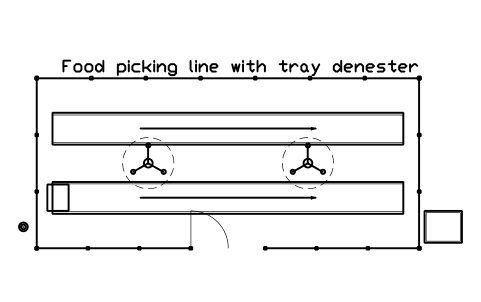
Food picking line with tray denester
RSP_CL_FOOD_PICKÖznitelikler
DESIGNATIONSIZEITEM_NOSAFETY_DIST_MMPL_REQUIREDMANUFACTURERMODELQTYREMARKSDESC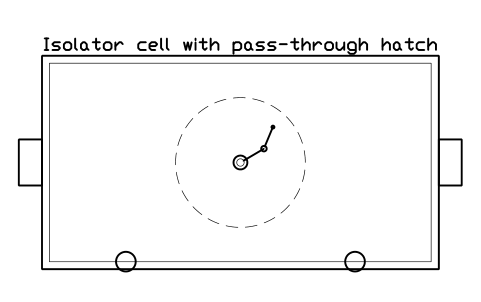
Isolator cell with pass-through hatch
RSP_CL_PHARMAÖznitelikler
DESIGNATIONSIZEITEM_NOPAYLOAD_KGSAFETY_DIST_MMPL_REQUIREDMANUFACTURERMODELQTYREMARKSDESC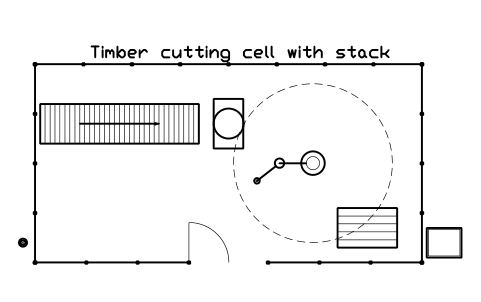
Timber cutting cell with stack
RSP_CL_WOODÖznitelikler
DESIGNATIONSIZEITEM_NOSAFETY_DIST_MMPL_REQUIREDMANUFACTURERMODELQTYREMARKSDESC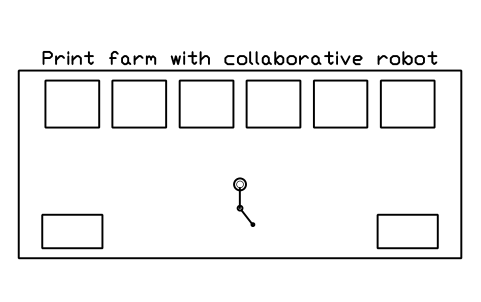
Print farm with collaborative robot
RSP_CL_3D_PRINTÖznitelikler
DESIGNATIONSIZEITEM_NOPAYLOAD_KGSAFETY_DIST_MMPL_REQUIREDMANUFACTURERMODELQTYREMARKSDESC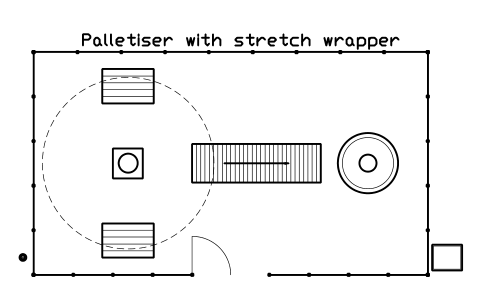
Palletiser with stretch wrapper
RSP_CL_WRAPÖznitelikler
DESIGNATIONSIZEITEM_NOSAFETY_DIST_MMPL_REQUIREDMANUFACTURERMODELQTYREMARKSDESC
İlgili sembol kütüphaneleri
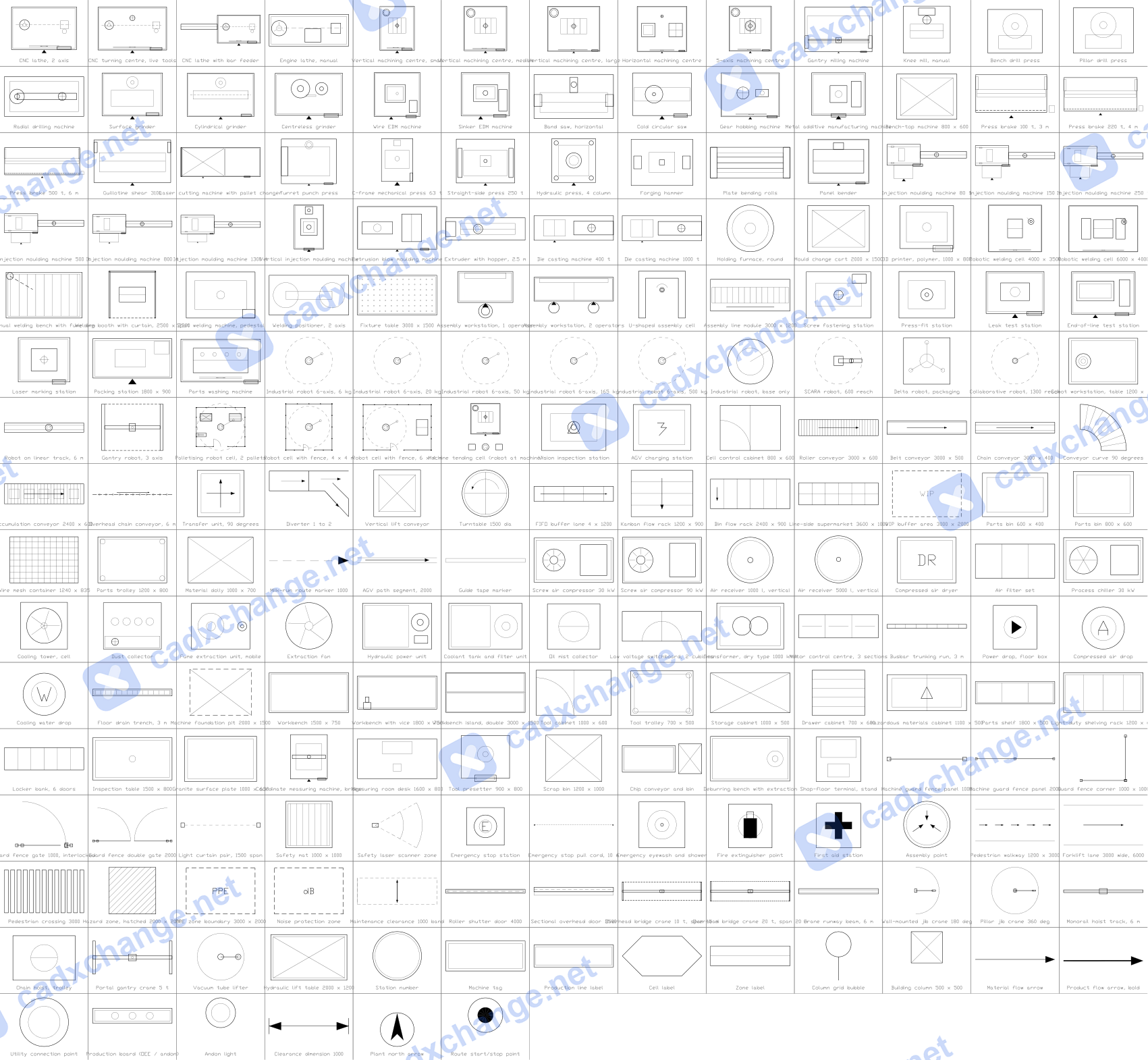
Bir sembol mü eksik? Hangisi olduğunu bize yazın.
Malzeme listeleri için öznitelikler
Each block has a visible DESIGNATION and the other fields as invisible attributes: item number, size, reach, payload, required performance level, category, safety distance, manufacturer, model, quantity and remarks. Safety devices and robots can be listed from the same blocks.
Export the blocks of a layout to Excel with BlockSync to build the equipment and safety device list, and write corrections back in one run, with preview and backup.
Kütüphane nasıl kullanılır
- Unzip the file and open the DWG. Copy the symbols you need into your drawing, or drag the blocks in from DesignCenter (ADCENTER).
- Blocks are drawn at real size in millimetres at 1:1, so a cell can be laid out in a factory plan at the scale of the drawing. The origin is the centre of the item, or the centre of the robot base.
- The operator side faces down (-Y). A robot shows its work envelope as a dashed circle or sector; scanners show the protective field as a solid outline and the warning field dashed.
- Fence panels carry their posts, hinged doors show the swing arc, and the cell fences are rectangles with the gate on the front side, so the access to the cell is visible at a glance.
About the sizes
The sizes are typical trade sizes, not a standard. Reach, footprint, stopping time and safety distance come from the manufacturer and from the risk assessment of the machine.
The library does not replace a risk assessment and is not certified. Enter the values your project requires in the attributes.
Her sürümde neler değişti
Sürüm 1.0 · 29 Kasım 2026
Yeni semboller (130)
Six-axis robot, 900 reach · Six-axis robot, 1500 reach · Six-axis robot, 2200 reach · Six-axis robot, 3200 reach · Robot, limited axis 1 range · Wall-mounted robot · Ceiling-mounted robot · Robot on linear track · SCARA robot, 400 reach · SCARA robot, 700 reach · Delta robot · Delta robot, overhead frame · Cartesian gantry robot · Collaborative robot · Collaborative robot on cart · Mobile manipulator · Palletising robot · Painting robot · Welding robot with torch · Dual-arm robot · Robot base plate · Robot pedestal · Robot riser, raised mount · Linear track, 3 m · Linear track, 6 m · Linear track, 9 m · Two-axis positioner · Headstock-tailstock positioner · Ferris wheel positioner · Cell turntable, two stations · Rotary indexing table · Gantry runway and portal · Guard fence panel, 1000 · Guard fence panel, 2000 · Guard panel, wire mesh · Guard panel, transparent · Guard panel, solid · Fence post with base plate · Fence corner, 90 degrees · Interlocked hinged door · 90 tane daha
Sık sorulan sorular
- Which drawings is this library for?
- Layouts of robot cells and machine guarding, safety concept drawings, factory and line layouts with robot stations, tender and installation drawings, and training material for machine safety.
- Are complete cells included?
- Yes. Fourteen complete layouts: fenced robot cell, palletising, welding with positioner, machine tending, collaborative workstation, delta pick and place, SCARA assembly, two robots with a shared zone, painting booth, gantry, robot on a track, vision inspection, packing and press tending.
- Can I use the symbols in commercial projects?
- Yes, once you hold the licence. You may use and modify them in your own projects, including commercial ones. They are provided as is, without warranty. Please do not redistribute or resell the library; see the library terms.
- Which symbols are in the free starter pack?
- 24 blocks: guard panels, posts and corners, the hinged, sliding and double doors, the three cell fences, emergency stops and the warning and prohibition signs. The full library adds the robots, positioners, sensing devices, controls, conveying and complete cells.
- Can I change a symbol or add attributes?
- Yes. Open the DWG, edit a block with BEDIT to change it or add attributes, and save. To update drawings that already contain the block, run ATTSYNC or replace the block. Make a backup first: attribute values can be lost if ATTSYNC is used carelessly.
- AutoCAD için bu sembollerin hazır bir setini nereden bulabilirim?
- AutoCAD yalnızca az sayıda örnek blokla gelir; tam bir sembol seti için bir kütüphane gerekir. Bu sayfadaki ZIP'i indirip DWG dosyasını açın: her sembol bir bloktur. Bir sembolü INSERT komutuyla (Bloklar paleti, Kütüphaneler sekmesi, ardından DWG'yi seçin) ekleyebilir ya da DesignCenter'dan (ADCENTER) sürükleyebilirsiniz. Tek bir sembolü ayrı olarak da indirebilirsiniz.