
KaynaklarDWG sembol kütüphaneleri
Free AutoCAD RV, tiny house and yacht interior symbols (DWG): trailers, berths, galleys, layouts
RV, tiny house and yacht interior layout: kendi projelerinizde ücretsiz indirip kullanabileceğiniz 257 hazır AutoCAD bloğu (DWG); ZIP olarak ya da tek tek sembol olarak.
257 blocks at real size for planning the inside of small mobile homes and boats: vehicle and hull outlines (travel trailers, fifth wheels, camper vans, motorhomes, tiny house trailers, sailing yachts, catamarans, motor yachts, narrowboats), beds and berths, galley fittings, dinettes and settees, bathrooms, doors, windows and slide-outs, water, power and heating equipment, nine complete layouts and clearance markers. Everything is a plain 2D block you can insert, scale and edit.
AutoCAD 2017 veya daha eski bir sürüm mü kullanıyorsunuz? 2010 biçimini indirin
Telif hakkı CADXChange. Sembolleri kendi çizimlerinizde ve projelerinizde, ticari olanlar dahil, serbestçe kullanıp düzenleyebilirsiniz; atıf ve bağlantı yalnızca bunları yayımladığınızda gerekir. Lütfen kütüphaneyi yeniden dağıtmayın ya da satmayın. Her ZIP'te AutoCAD 2018 biçiminde tek bir DWG dosyası ve bir README bulunur; ek bir eklenti gerekmez. Olduğu gibi, garanti verilmeden sunulur. Kütüphane koşulları (CXL-1.0)
İlgili sembol kütüphaneleri
Tüm 257 sembol
257 sembolün 257 tanesi
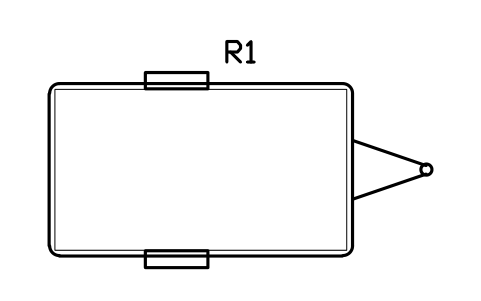
Travel trailer 3700 x 2100
RVI_TT_3700Öznitelikler
TAGITEM_TYPESIZEGVWR_KGSLEEPSMANUFACTURERMODELQTYREMARKSDESC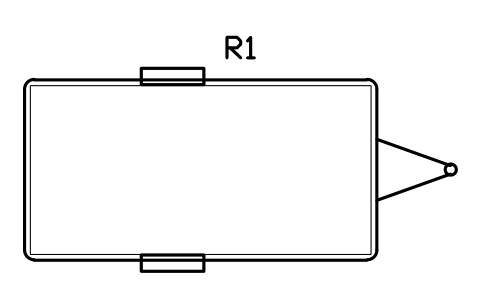
Travel trailer 4300 x 2200
RVI_TT_4300Öznitelikler
TAGITEM_TYPESIZEGVWR_KGSLEEPSMANUFACTURERMODELQTYREMARKSDESC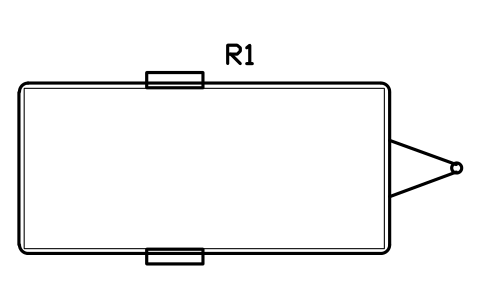
Travel trailer 5000 x 2300
RVI_TT_5000Öznitelikler
TAGITEM_TYPESIZEGVWR_KGSLEEPSMANUFACTURERMODELQTYREMARKSDESC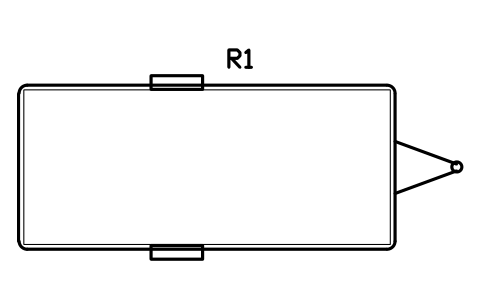
Travel trailer 5500 x 2400
RVI_TT_5500Öznitelikler
TAGITEM_TYPESIZEGVWR_KGSLEEPSMANUFACTURERMODELQTYREMARKSDESC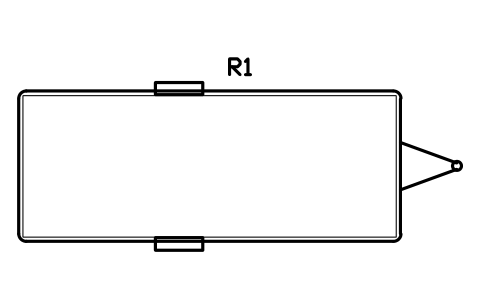
Travel trailer 6100 x 2400
RVI_TT_6100Öznitelikler
TAGITEM_TYPESIZEGVWR_KGSLEEPSMANUFACTURERMODELQTYREMARKSDESC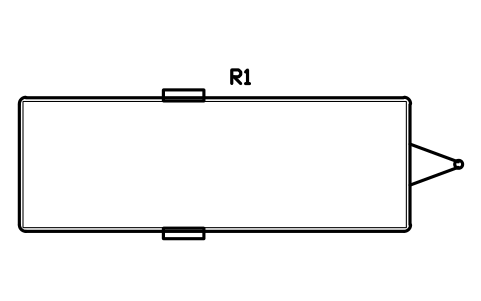
Travel trailer 7300 x 2500
RVI_TT_7300Öznitelikler
TAGITEM_TYPESIZEGVWR_KGSLEEPSMANUFACTURERMODELQTYREMARKSDESC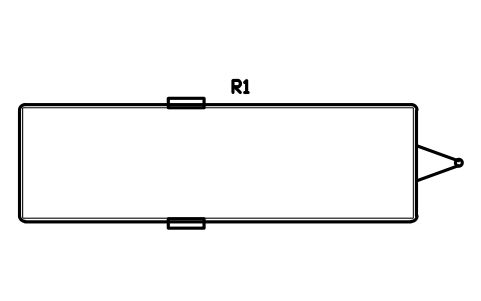
Travel trailer 8500 x 2500
RVI_TT_8500Öznitelikler
TAGITEM_TYPESIZEGVWR_KGSLEEPSMANUFACTURERMODELQTYREMARKSDESC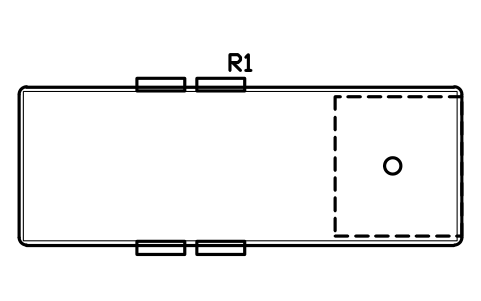
Fifth wheel 7000 x 2500
RVI_FW_7000Öznitelikler
TAGITEM_TYPESIZEGVWR_KGSLEEPSMANUFACTURERMODELQTYREMARKSDESC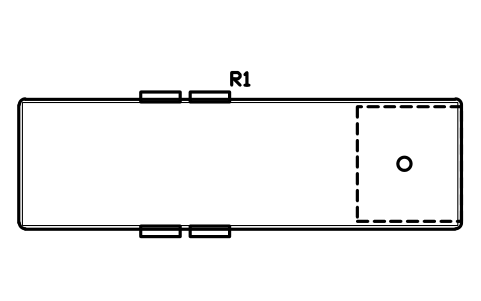
Fifth wheel 8500 x 2500
RVI_FW_8500Öznitelikler
TAGITEM_TYPESIZEGVWR_KGSLEEPSMANUFACTURERMODELQTYREMARKSDESC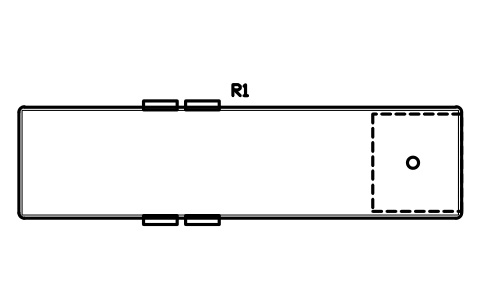
Fifth wheel 10000 x 2500
RVI_FW_10000Öznitelikler
TAGITEM_TYPESIZEGVWR_KGSLEEPSMANUFACTURERMODELQTYREMARKSDESC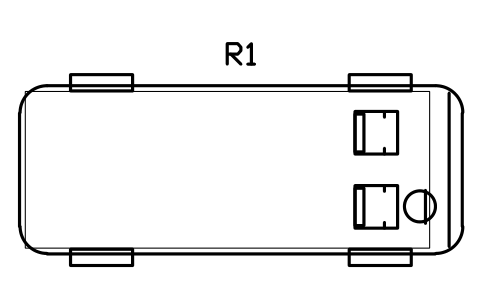
Camper van 5400 x 2050
RVI_VAN_5400Öznitelikler
TAGITEM_TYPESIZEGVWR_KGSLEEPSMANUFACTURERMODELQTYREMARKSDESC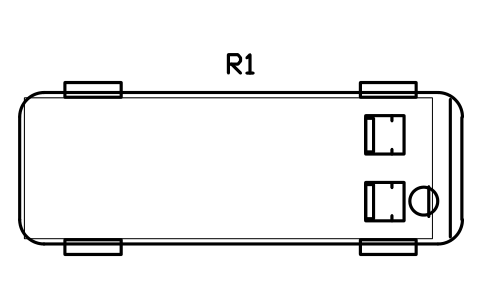
Camper van 6000 x 2050
RVI_VAN_6000Öznitelikler
TAGITEM_TYPESIZEGVWR_KGSLEEPSMANUFACTURERMODELQTYREMARKSDESC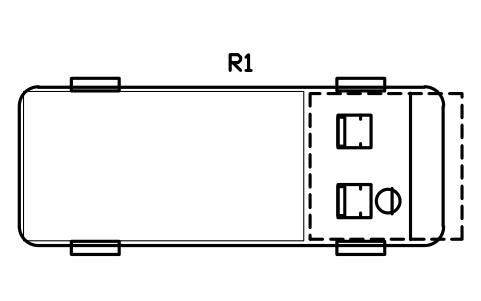
Class C motorhome 6700 x 2500
RVI_C_6700Öznitelikler
TAGITEM_TYPESIZEGVWR_KGSLEEPSMANUFACTURERMODELQTYREMARKSDESC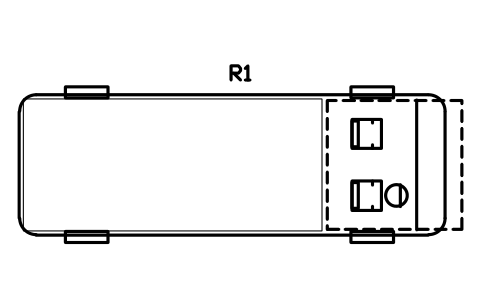
Class C motorhome 7600 x 2500
RVI_C_7600Öznitelikler
TAGITEM_TYPESIZEGVWR_KGSLEEPSMANUFACTURERMODELQTYREMARKSDESC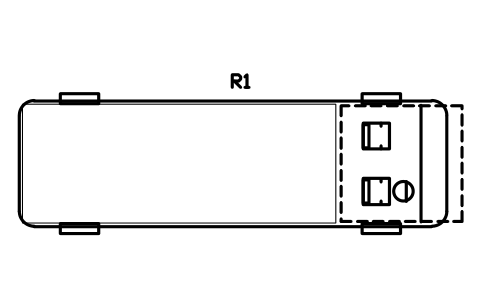
Class C motorhome 8500 x 2500
RVI_C_8500Öznitelikler
TAGITEM_TYPESIZEGVWR_KGSLEEPSMANUFACTURERMODELQTYREMARKSDESC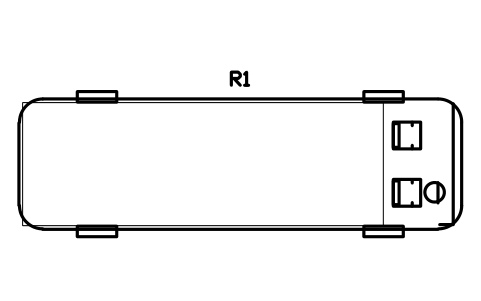
Class A motorhome 8500 x 2500
RVI_A_8500Öznitelikler
TAGITEM_TYPESIZEGVWR_KGSLEEPSMANUFACTURERMODELQTYREMARKSDESC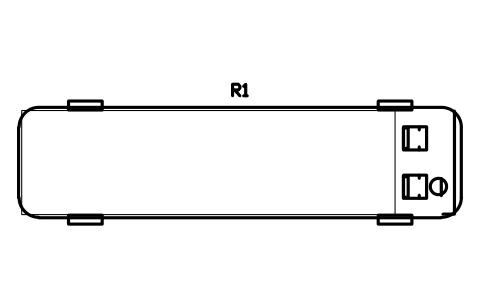
Class A motorhome 10000 x 2500
RVI_A_10000Öznitelikler
TAGITEM_TYPESIZEGVWR_KGSLEEPSMANUFACTURERMODELQTYREMARKSDESC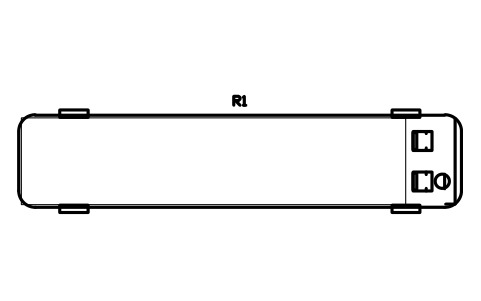
Class A motorhome 12000 x 2500
RVI_A_12000Öznitelikler
TAGITEM_TYPESIZEGVWR_KGSLEEPSMANUFACTURERMODELQTYREMARKSDESC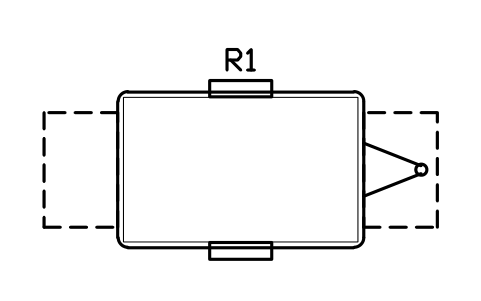
Pop-up trailer 3000 x 1900
RVI_POPUP_3000Öznitelikler
TAGITEM_TYPESIZEGVWR_KGSLEEPSMANUFACTURERMODELQTYREMARKSDESC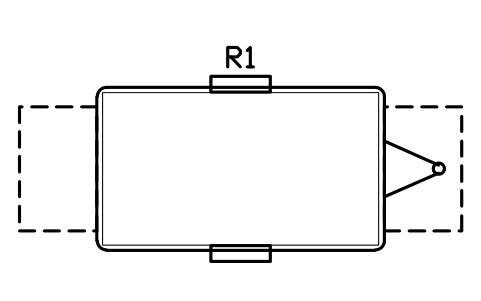
Pop-up trailer 3700 x 2100
RVI_POPUP_3700Öznitelikler
TAGITEM_TYPESIZEGVWR_KGSLEEPSMANUFACTURERMODELQTYREMARKSDESC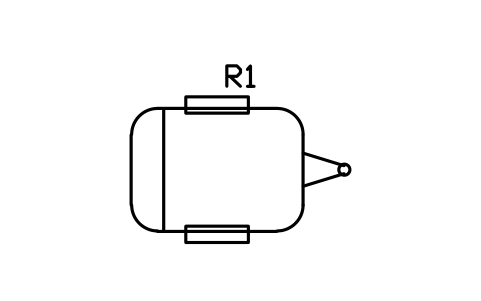
Teardrop trailer 2100 x 1500
RVI_TEARDROP_2100Öznitelikler
TAGITEM_TYPESIZEGVWR_KGSLEEPSMANUFACTURERMODELQTYREMARKSDESC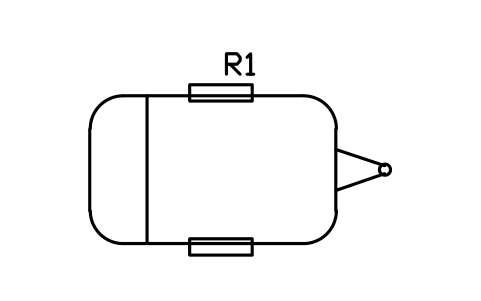
Teardrop trailer 3000 x 1800
RVI_TEARDROP_3000Öznitelikler
TAGITEM_TYPESIZEGVWR_KGSLEEPSMANUFACTURERMODELQTYREMARKSDESC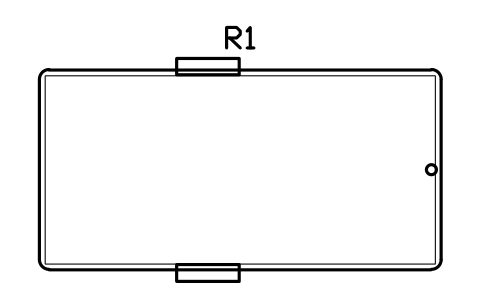
Tiny house trailer 4900 x 2438
RVI_TINY_4900Öznitelikler
TAGITEM_TYPESIZEGVWR_KGSLEEPSMANUFACTURERMODELQTYREMARKSDESC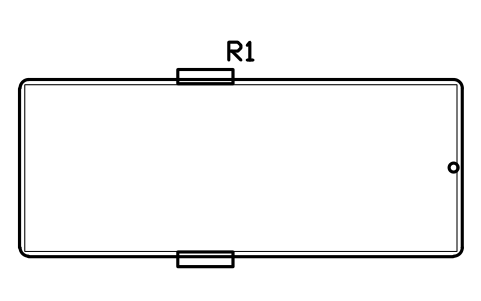
Tiny house trailer 6100 x 2438
RVI_TINY_6100Öznitelikler
TAGITEM_TYPESIZEGVWR_KGSLEEPSMANUFACTURERMODELQTYREMARKSDESC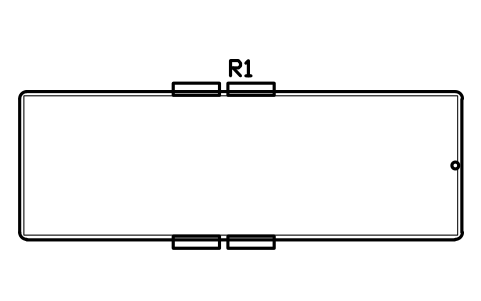
Tiny house trailer 7300 x 2438
RVI_TINY_7300Öznitelikler
TAGITEM_TYPESIZEGVWR_KGSLEEPSMANUFACTURERMODELQTYREMARKSDESC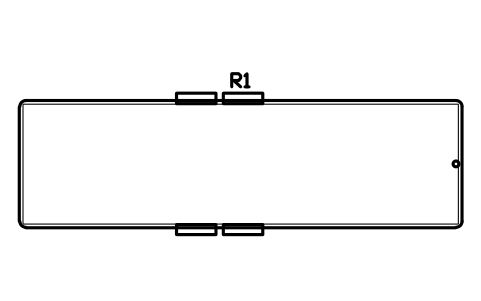
Tiny house trailer 8500 x 2438
RVI_TINY_8500Öznitelikler
TAGITEM_TYPESIZEGVWR_KGSLEEPSMANUFACTURERMODELQTYREMARKSDESC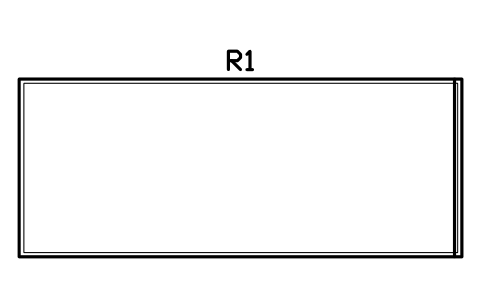
Shipping container, 20 ft
RVI_CONTAINER_20Öznitelikler
TAGITEM_TYPESIZEGVWR_KGSLEEPSMANUFACTURERMODELQTYREMARKSDESC
Shipping container, 40 ft
RVI_CONTAINER_40Öznitelikler
TAGITEM_TYPESIZEGVWR_KGSLEEPSMANUFACTURERMODELQTYREMARKSDESC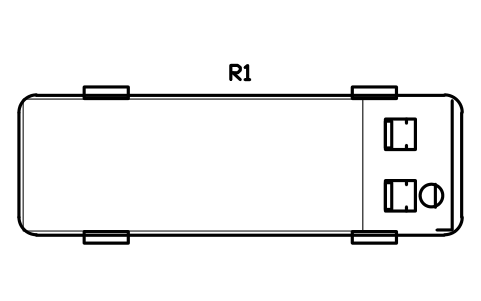
Bus conversion 7600 x 2400
RVI_BUS_7600Öznitelikler
TAGITEM_TYPESIZEGVWR_KGSLEEPSMANUFACTURERMODELQTYREMARKSDESC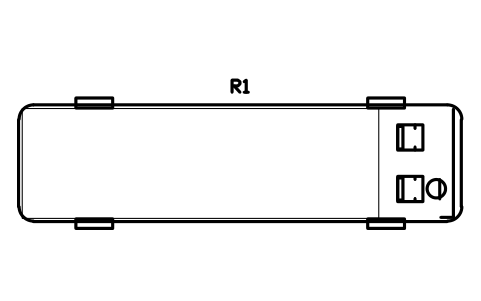
Bus conversion 9100 x 2400
RVI_BUS_9100Öznitelikler
TAGITEM_TYPESIZEGVWR_KGSLEEPSMANUFACTURERMODELQTYREMARKSDESC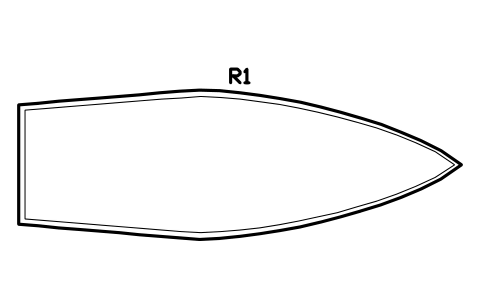
Sailing yacht hull 8000 x 2700
RVI_SAIL_8000Öznitelikler
TAGITEM_TYPESIZEGVWR_KGSLEEPSMANUFACTURERMODELQTYREMARKSDESC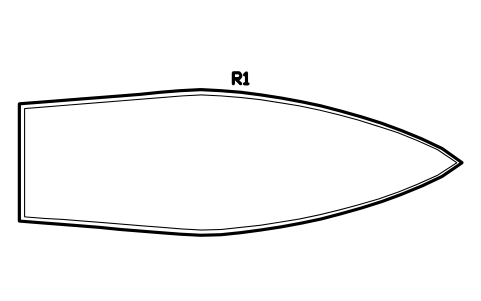
Sailing yacht hull 10000 x 3300
RVI_SAIL_10000Öznitelikler
TAGITEM_TYPESIZEGVWR_KGSLEEPSMANUFACTURERMODELQTYREMARKSDESC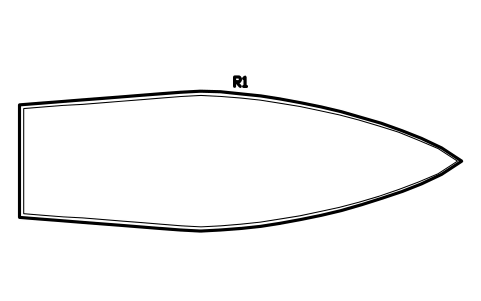
Sailing yacht hull 12000 x 3800
RVI_SAIL_12000Öznitelikler
TAGITEM_TYPESIZEGVWR_KGSLEEPSMANUFACTURERMODELQTYREMARKSDESC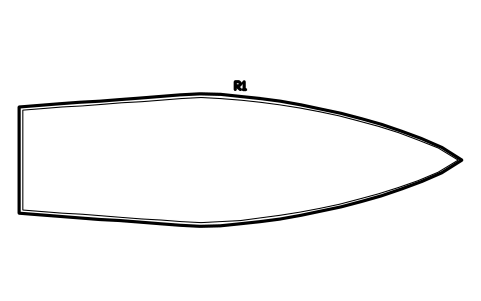
Sailing yacht hull 14000 x 4200
RVI_SAIL_14000Öznitelikler
TAGITEM_TYPESIZEGVWR_KGSLEEPSMANUFACTURERMODELQTYREMARKSDESC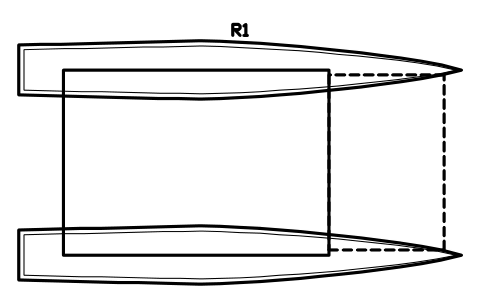
Catamaran 10000 x 5500
RVI_CAT_10000Öznitelikler
TAGITEM_TYPESIZEGVWR_KGSLEEPSMANUFACTURERMODELQTYREMARKSDESC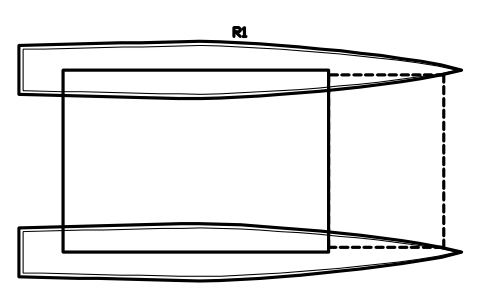
Catamaran 12000 x 6500
RVI_CAT_12000Öznitelikler
TAGITEM_TYPESIZEGVWR_KGSLEEPSMANUFACTURERMODELQTYREMARKSDESC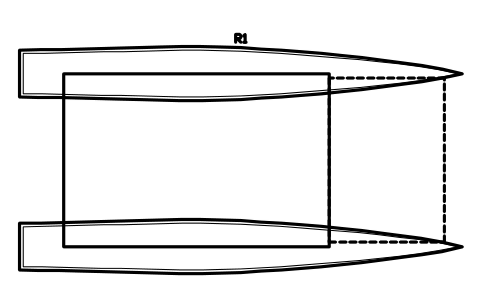
Catamaran 14000 x 7200
RVI_CAT_14000Öznitelikler
TAGITEM_TYPESIZEGVWR_KGSLEEPSMANUFACTURERMODELQTYREMARKSDESC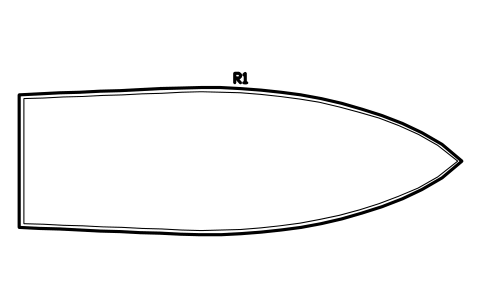
Motor yacht hull 12000 x 4000
RVI_MOTOR_12000Öznitelikler
TAGITEM_TYPESIZEGVWR_KGSLEEPSMANUFACTURERMODELQTYREMARKSDESC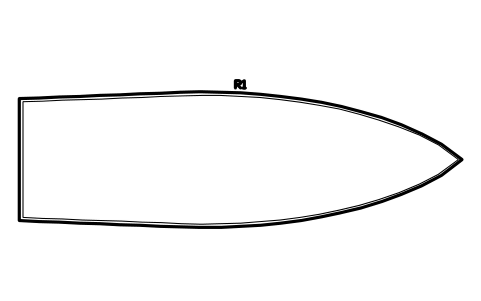
Motor yacht hull 15000 x 4600
RVI_MOTOR_15000Öznitelikler
TAGITEM_TYPESIZEGVWR_KGSLEEPSMANUFACTURERMODELQTYREMARKSDESC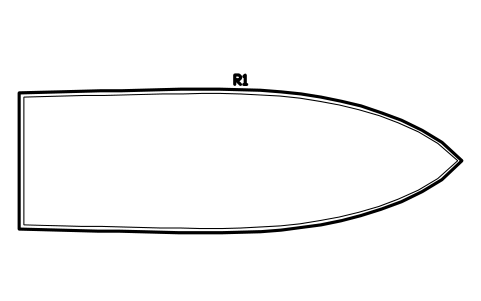
Trawler yacht hull 12000 x 3900
RVI_TRAWLER_12Öznitelikler
TAGITEM_TYPESIZEGVWR_KGSLEEPSMANUFACTURERMODELQTYREMARKSDESC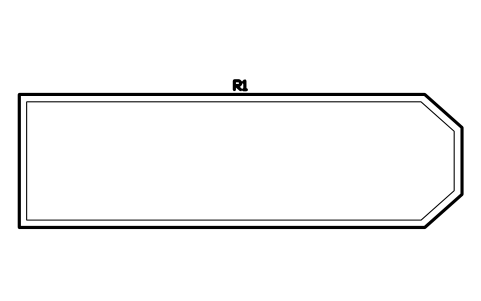
Houseboat hull 12000 x 3600
RVI_HOUSEBOAT_12Öznitelikler
TAGITEM_TYPESIZEGVWR_KGSLEEPSMANUFACTURERMODELQTYREMARKSDESC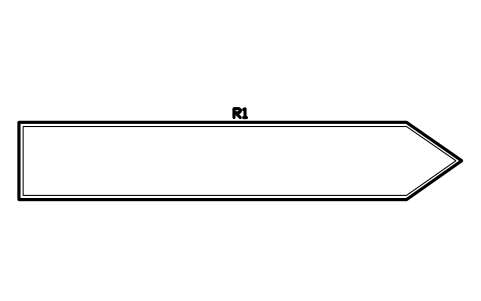
Narrowboat 12000 x 2100
RVI_NARROW_12Öznitelikler
TAGITEM_TYPESIZEGVWR_KGSLEEPSMANUFACTURERMODELQTYREMARKSDESC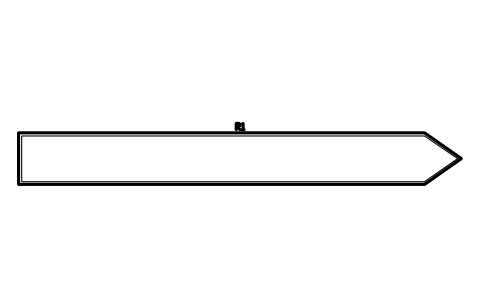
Narrowboat 18000 x 2100
RVI_NARROW_18Öznitelikler
TAGITEM_TYPESIZEGVWR_KGSLEEPSMANUFACTURERMODELQTYREMARKSDESC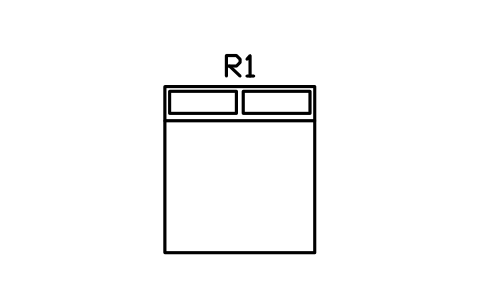
King bed 1830 x 2030
RVI_BED_1830_2030Öznitelikler
TAGITEM_TYPESIZEMATERIALMANUFACTURERMODELQTYREMARKSDESC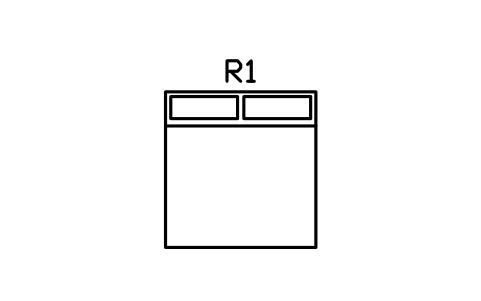
RV king, short bed 1830 x 1900
RVI_BED_1830_1900Öznitelikler
TAGITEM_TYPESIZEMATERIALMANUFACTURERMODELQTYREMARKSDESC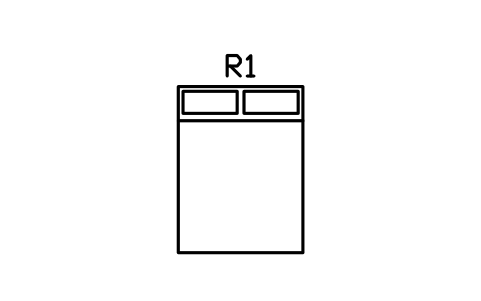
Queen bed 1520 x 2030
RVI_BED_1520_2030Öznitelikler
TAGITEM_TYPESIZEMATERIALMANUFACTURERMODELQTYREMARKSDESC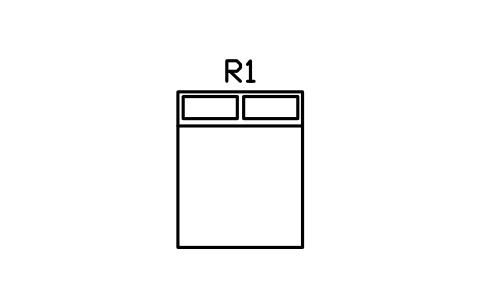
RV short queen bed 1520 x 1900
RVI_BED_1520_1900Öznitelikler
TAGITEM_TYPESIZEMATERIALMANUFACTURERMODELQTYREMARKSDESC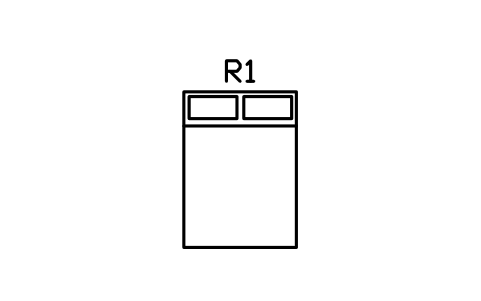
Double bed 1370 x 1900
RVI_BED_1370_1900Öznitelikler
TAGITEM_TYPESIZEMATERIALMANUFACTURERMODELQTYREMARKSDESC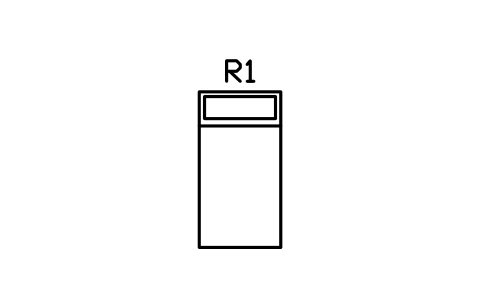
Twin bed 990 x 1900
RVI_BED_990_1900Öznitelikler
TAGITEM_TYPESIZEMATERIALMANUFACTURERMODELQTYREMARKSDESC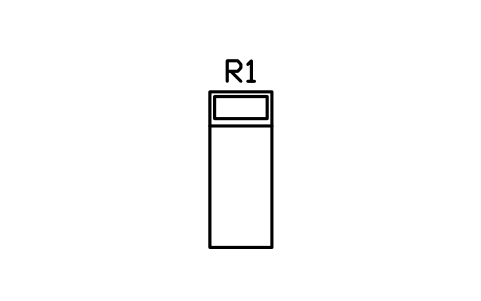
Single bed 760 x 1900
RVI_BED_760_1900Öznitelikler
TAGITEM_TYPESIZEMATERIALMANUFACTURERMODELQTYREMARKSDESC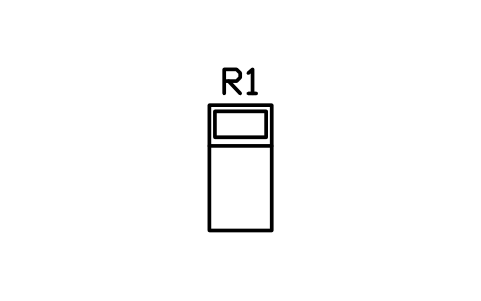
Child bed 650 x 1300
RVI_BED_650_1300Öznitelikler
TAGITEM_TYPESIZEMATERIALMANUFACTURERMODELQTYREMARKSDESC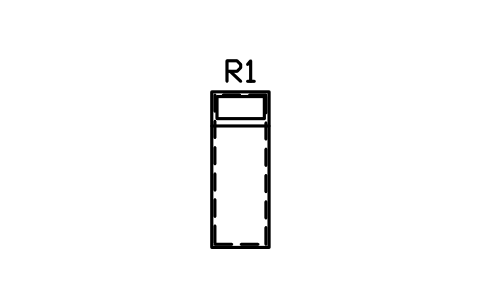
Bunk bed 700 x 1900
RVI_BUNK_700_1900Öznitelikler
TAGITEM_TYPESIZEMATERIALMANUFACTURERMODELQTYREMARKSDESC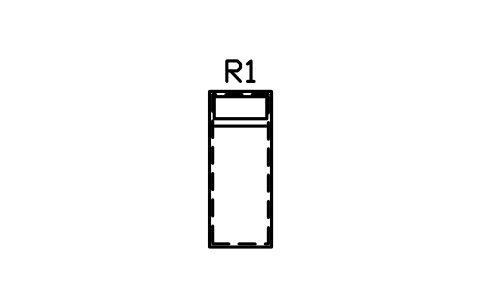
Bunk bed 760 x 1900
RVI_BUNK_760_1900Öznitelikler
TAGITEM_TYPESIZEMATERIALMANUFACTURERMODELQTYREMARKSDESC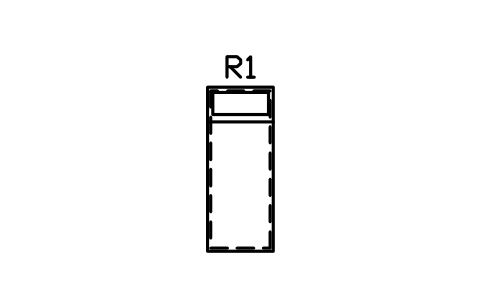
Bunk bed 800 x 2000
RVI_BUNK_800_2000Öznitelikler
TAGITEM_TYPESIZEMATERIALMANUFACTURERMODELQTYREMARKSDESC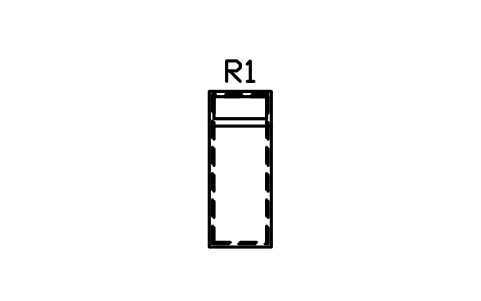
Triple bunks 760 x 1900
RVI_BUNK_TRIPLEÖznitelikler
TAGITEM_TYPESIZEMATERIALMANUFACTURERMODELQTYREMARKSDESC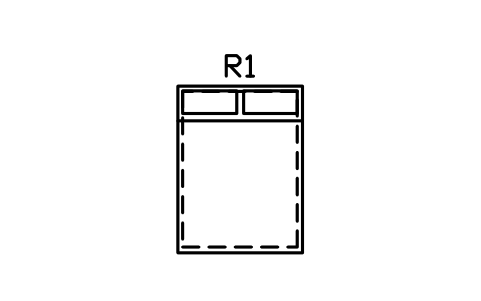
Cab-over bed 1520 x 2030
RVI_BED_CABOVERÖznitelikler
TAGITEM_TYPESIZEMATERIALMANUFACTURERMODELQTYREMARKSDESC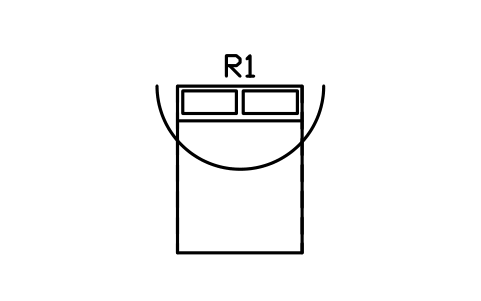
Wall bed 1520 x 2030, open
RVI_BED_MURPHYÖznitelikler
TAGITEM_TYPESIZEMATERIALMANUFACTURERMODELQTYREMARKSDESC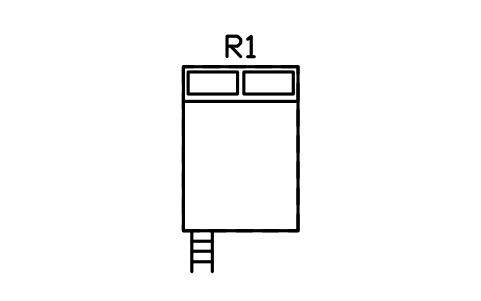
Loft bed 1400 x 2000
RVI_BED_LOFT_1400Öznitelikler
TAGITEM_TYPESIZEMATERIALMANUFACTURERMODELQTYREMARKSDESC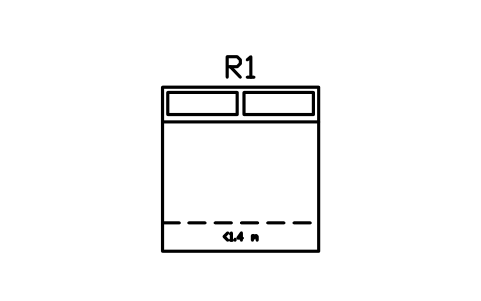
Sloped loft bed 1900 x 2000
RVI_BED_LOFT_SLOPEDÖznitelikler
TAGITEM_TYPESIZEMATERIALMANUFACTURERMODELQTYREMARKSDESC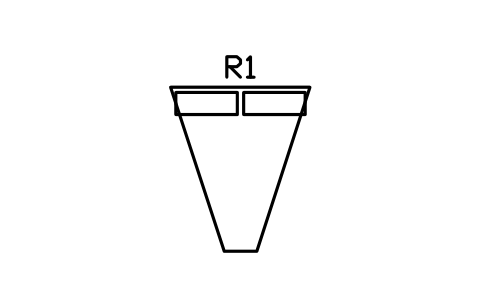
V-berth 1700 head, 400 foot
RVI_BED_VBERTHÖznitelikler
TAGITEM_TYPESIZEMATERIALMANUFACTURERMODELQTYREMARKSDESC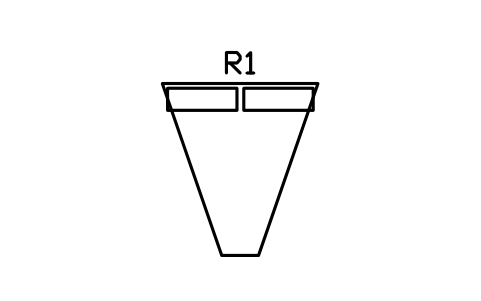
V-berth, long 1900 head
RVI_BED_VBERTH_LÖznitelikler
TAGITEM_TYPESIZEMATERIALMANUFACTURERMODELQTYREMARKSDESC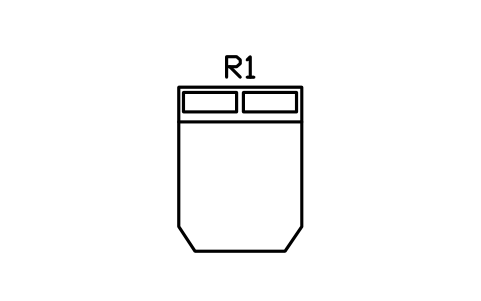
Island double berth 1500 x 2000
RVI_BED_ISLANDÖznitelikler
TAGITEM_TYPESIZEMATERIALMANUFACTURERMODELQTYREMARKSDESC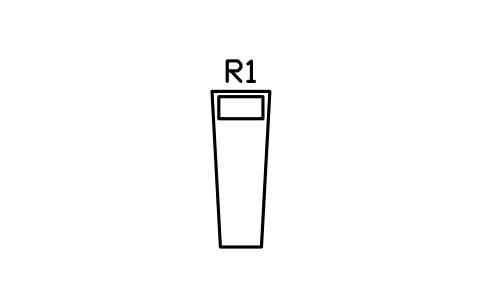
Quarter berth 700 x 1900
RVI_BED_QUARTERÖznitelikler
TAGITEM_TYPESIZEMATERIALMANUFACTURERMODELQTYREMARKSDESC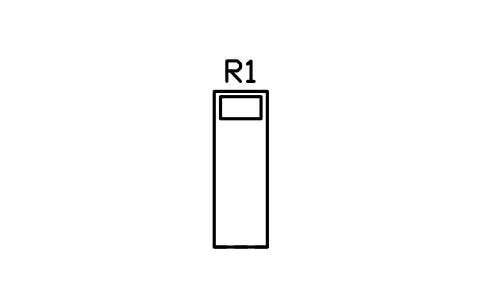
Pilot berth 650 x 1900
RVI_BED_PILOTÖznitelikler
TAGITEM_TYPESIZEMATERIALMANUFACTURERMODELQTYREMARKSDESC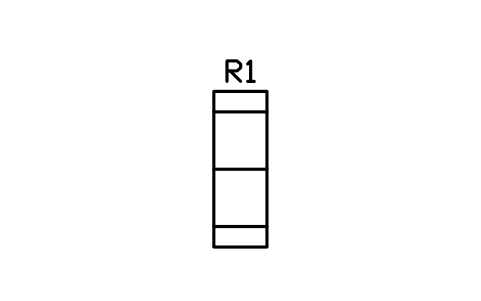
Settee berth 650 x 1900
RVI_BED_SETTEEÖznitelikler
TAGITEM_TYPESIZEMATERIALMANUFACTURERMODELQTYREMARKSDESC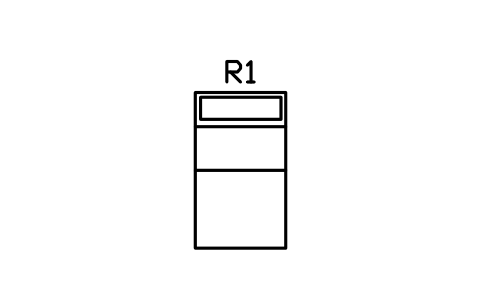
Dinette bed 1100 x 1900
RVI_BED_DINETTEÖznitelikler
TAGITEM_TYPESIZEMATERIALMANUFACTURERMODELQTYREMARKSDESC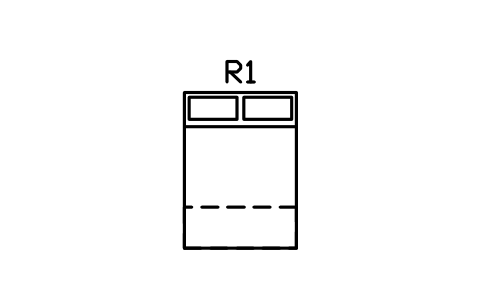
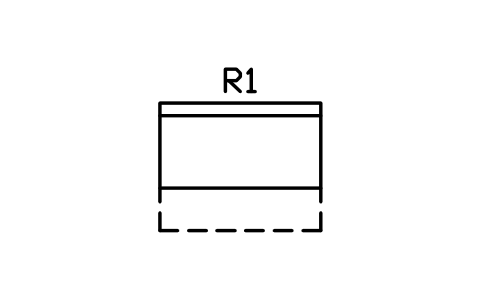
Jackknife sofa bed 1800
RVI_BED_JACKKNIFEÖznitelikler
TAGITEM_TYPESIZEMATERIALMANUFACTURERMODELQTYREMARKSDESC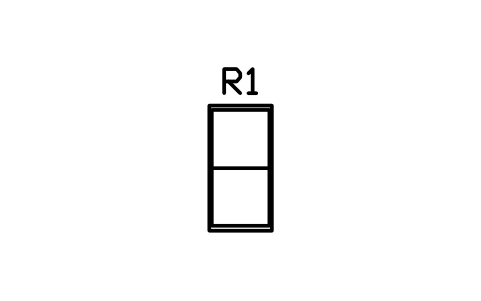
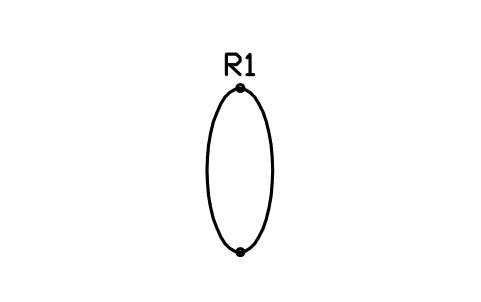
Hammock 800 x 2000
RVI_BED_HAMMOCKÖznitelikler
TAGITEM_TYPESIZEMATERIALMANUFACTURERMODELQTYREMARKSDESC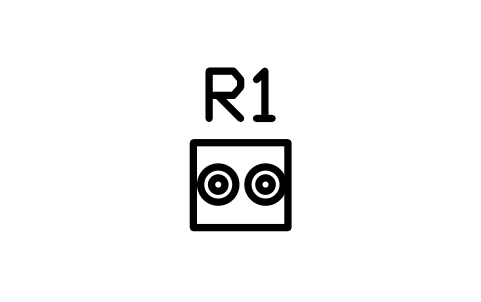
Cooktop, two burner 500 x 450
RVI_STOVE_2Öznitelikler
TAGITEM_TYPESIZEPOWER_WVOLTAGE_VSUPPLYMANUFACTURERMODELQTYREMARKSDESC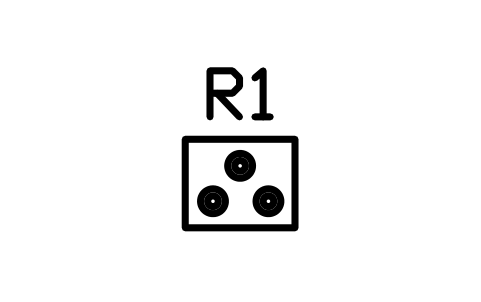
Cooktop, three burner 600 x 480
RVI_STOVE_3Öznitelikler
TAGITEM_TYPESIZEPOWER_WVOLTAGE_VSUPPLYMANUFACTURERMODELQTYREMARKSDESC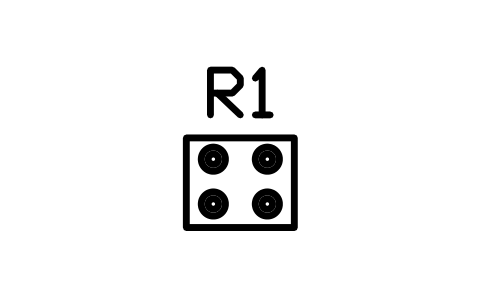
Cooktop, four burner 600 x 500
RVI_STOVE_4Öznitelikler
TAGITEM_TYPESIZEPOWER_WVOLTAGE_VSUPPLYMANUFACTURERMODELQTYREMARKSDESC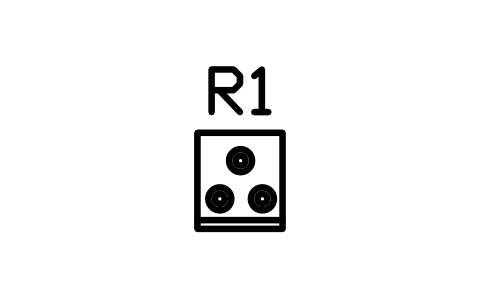
Range with oven 500 x 560
RVI_RANGE_500Öznitelikler
TAGITEM_TYPESIZEPOWER_WVOLTAGE_VSUPPLYMANUFACTURERMODELQTYREMARKSDESC
Gimballed stove 520 x 470
RVI_STOVE_GIMBALÖznitelikler
TAGITEM_TYPESIZEPOWER_WVOLTAGE_VSUPPLYMANUFACTURERMODELQTYREMARKSDESC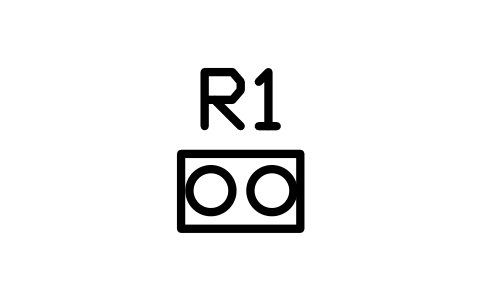
Portable hob 550 x 350
RVI_HOB_PORTABLEÖznitelikler
TAGITEM_TYPESIZEPOWER_WVOLTAGE_VSUPPLYMANUFACTURERMODELQTYREMARKSDESC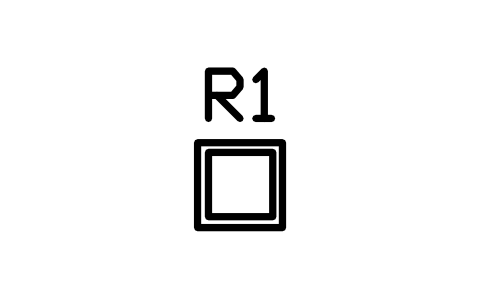
Compact oven 450 x 450
RVI_OVEN_COMPACTÖznitelikler
TAGITEM_TYPESIZEPOWER_WVOLTAGE_VSUPPLYMANUFACTURERMODELQTYREMARKSDESC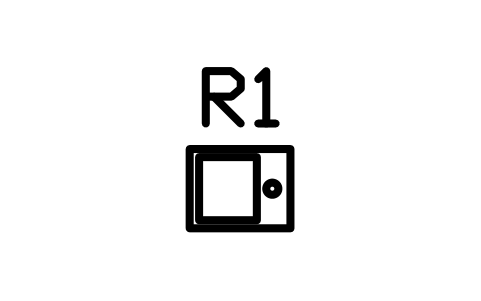
Microwave 480 x 380
RVI_MICROWAVEÖznitelikler
TAGITEM_TYPESIZEPOWER_WVOLTAGE_VSUPPLYMANUFACTURERMODELQTYREMARKSDESC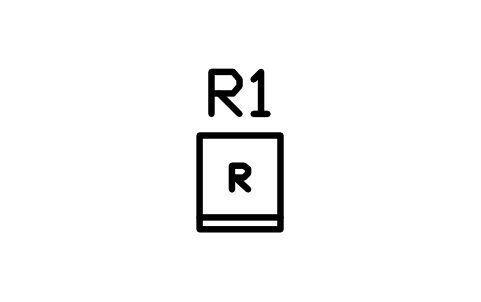
Absorption fridge 90 L
RVI_FRIDGE_60Öznitelikler
TAGITEM_TYPESIZEPOWER_WVOLTAGE_VSUPPLYMANUFACTURERMODELQTYREMARKSDESC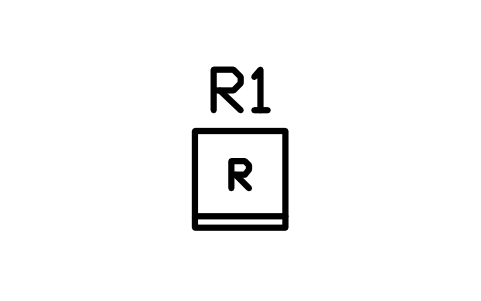
Fridge 150 L 560 x 600
RVI_FRIDGE_150Öznitelikler
TAGITEM_TYPESIZEPOWER_WVOLTAGE_VSUPPLYMANUFACTURERMODELQTYREMARKSDESC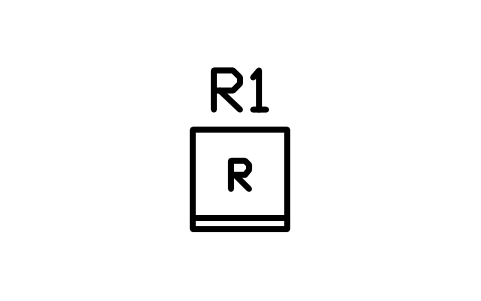
Fridge 190 L 600 x 640
RVI_FRIDGE_190Öznitelikler
TAGITEM_TYPESIZEPOWER_WVOLTAGE_VSUPPLYMANUFACTURERMODELQTYREMARKSDESC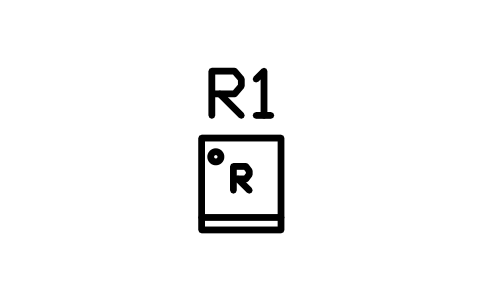
Compressor fridge 12 V 100 L
RVI_FRIDGE_12V_100Öznitelikler
TAGITEM_TYPESIZEPOWER_WVOLTAGE_VSUPPLYMANUFACTURERMODELQTYREMARKSDESC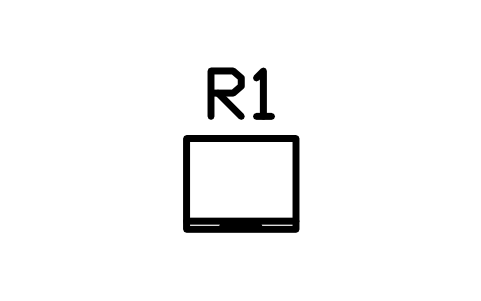
Fridge drawer 600 x 500
RVI_FRIDGE_DRAWERÖznitelikler
TAGITEM_TYPESIZEPOWER_WVOLTAGE_VSUPPLYMANUFACTURERMODELQTYREMARKSDESC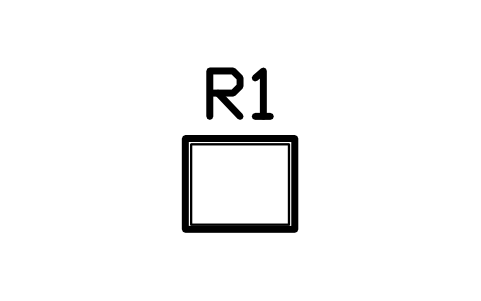
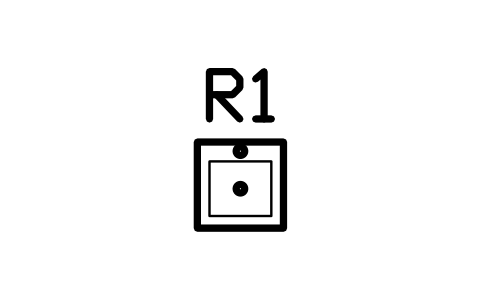
Sink, single bowl 450 x 450
RVI_SINK_1Öznitelikler
TAGITEM_TYPESIZEPOWER_WVOLTAGE_VSUPPLYMANUFACTURERMODELQTYREMARKSDESC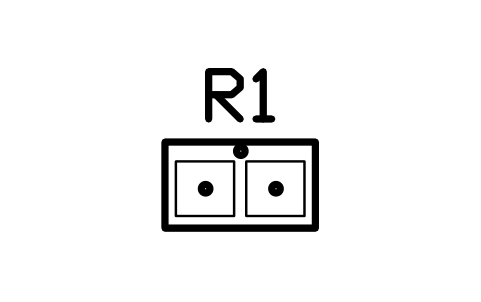
Sink, double bowl 800 x 450
RVI_SINK_2Öznitelikler
TAGITEM_TYPESIZEPOWER_WVOLTAGE_VSUPPLYMANUFACTURERMODELQTYREMARKSDESC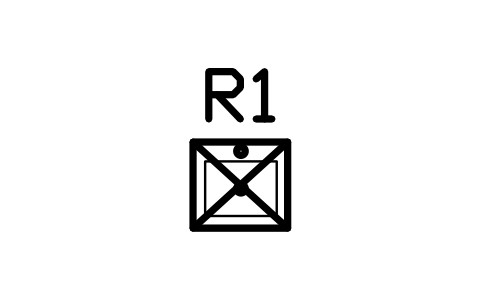
Sink with fold-down cover
RVI_SINK_COVERÖznitelikler
TAGITEM_TYPESIZEPOWER_WVOLTAGE_VSUPPLYMANUFACTURERMODELQTYREMARKSDESC
Round bar sink 300
RVI_SINK_ROUNDÖznitelikler
TAGITEM_TYPESIZEPOWER_WVOLTAGE_VSUPPLYMANUFACTURERMODELQTYREMARKSDESC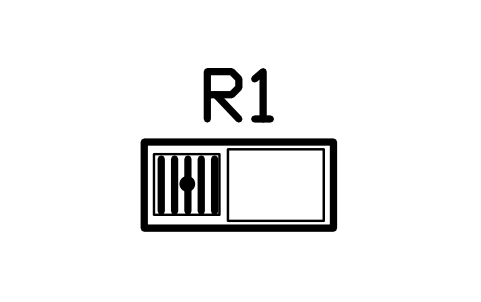
Sink with drainer 1000 x 450
RVI_SINK_DRAINÖznitelikler
TAGITEM_TYPESIZEPOWER_WVOLTAGE_VSUPPLYMANUFACTURERMODELQTYREMARKSDESC
Galley counter 450 x 600
RVI_COUNTER_450Öznitelikler
TAGITEM_TYPESIZEMATERIALMANUFACTURERMODELQTYREMARKSDESC
Galley counter 600 x 600
RVI_COUNTER_600Öznitelikler
TAGITEM_TYPESIZEMATERIALMANUFACTURERMODELQTYREMARKSDESC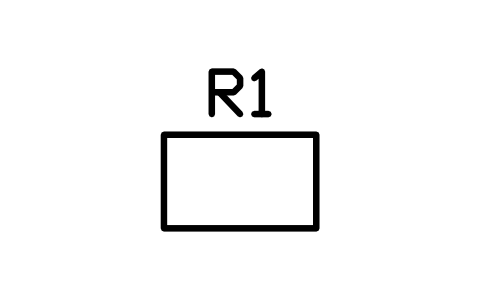
Galley counter 900 x 550
RVI_COUNTER_900Öznitelikler
TAGITEM_TYPESIZEMATERIALMANUFACTURERMODELQTYREMARKSDESC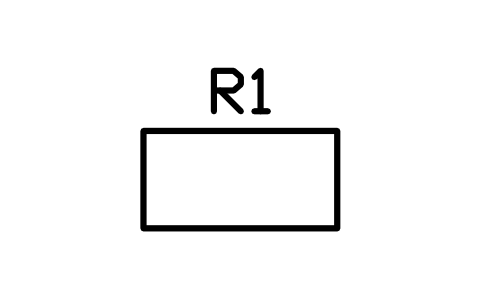
Galley counter 1200 x 600
RVI_COUNTER_1200Öznitelikler
TAGITEM_TYPESIZEMATERIALMANUFACTURERMODELQTYREMARKSDESC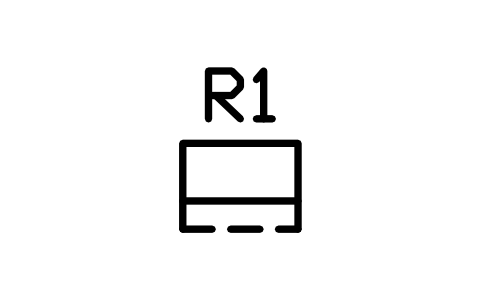
Counter extension, folded 600
RVI_COUNTER_FOLDÖznitelikler
TAGITEM_TYPESIZEMATERIALMANUFACTURERMODELQTYREMARKSDESC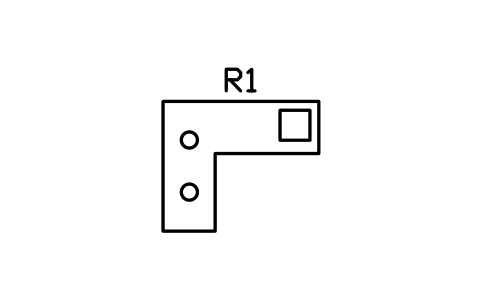
L-shaped galley 1800 x 1500
RVI_GALLEY_LÖznitelikler
TAGITEM_TYPESIZEMATERIALMANUFACTURERMODELQTYREMARKSDESC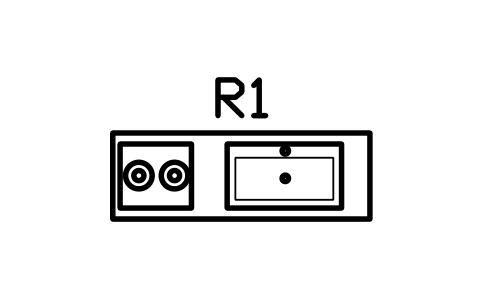
Straight galley 1800 x 600
RVI_GALLEY_STRAIGHTÖznitelikler
TAGITEM_TYPESIZEMATERIALMANUFACTURERMODELQTYREMARKSDESC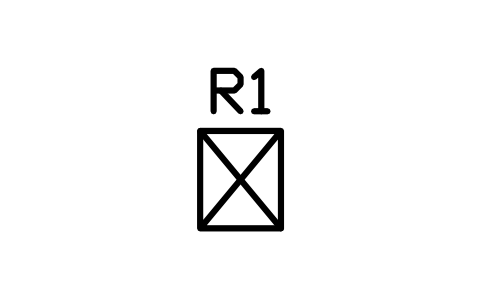
Pantry cabinet 500 x 600
RVI_PANTRY_500Öznitelikler
TAGITEM_TYPESIZEMATERIALMANUFACTURERMODELQTYREMARKSDESC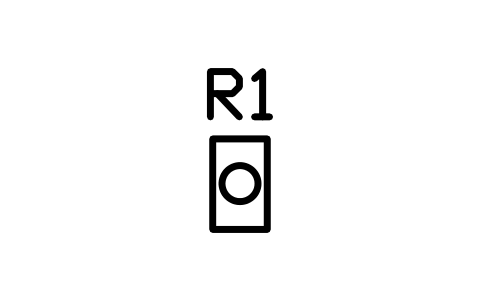
Pull-out bin 300 x 500
RVI_PULLOUT_300Öznitelikler
TAGITEM_TYPESIZEMATERIALMANUFACTURERMODELQTYREMARKSDESC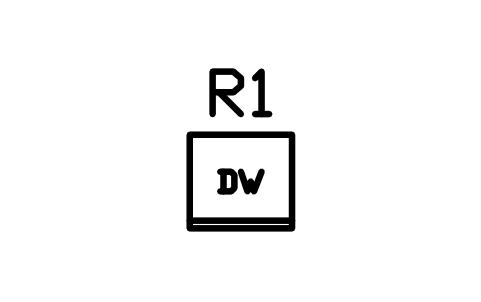
Dishwasher drawer 600 x 550
RVI_DISH_DRAWERÖznitelikler
TAGITEM_TYPESIZEPOWER_WVOLTAGE_VSUPPLYMANUFACTURERMODELQTYREMARKSDESC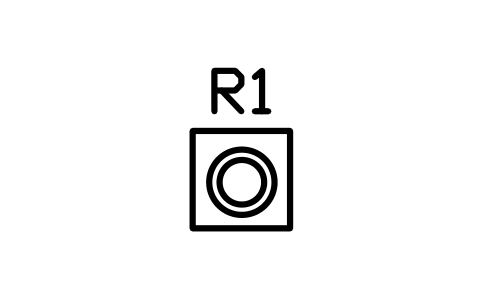
Washer dryer combo 600 x 600
RVI_WASHER_DRYERÖznitelikler
TAGITEM_TYPESIZEPOWER_WVOLTAGE_VSUPPLYMANUFACTURERMODELQTYREMARKSDESC
Coffee machine 250 x 350
RVI_COFFEEÖznitelikler
TAGITEM_TYPESIZEPOWER_WVOLTAGE_VSUPPLYMANUFACTURERMODELQTYREMARKSDESC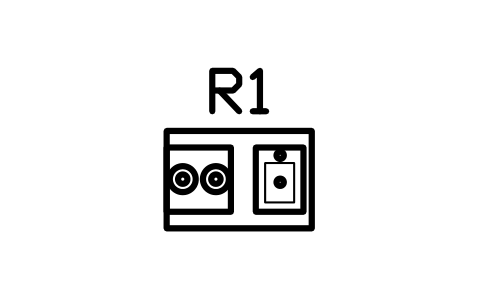
Outdoor slide kitchen 900 x 600
RVI_KITCHEN_OUTDOORÖznitelikler
TAGITEM_TYPESIZEPOWER_WVOLTAGE_VSUPPLYMANUFACTURERMODELQTYREMARKSDESC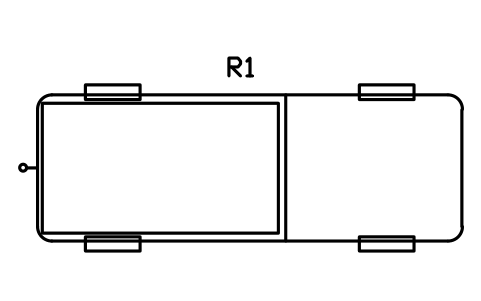
Pickup truck, plan 5900 x 2030
RVI_TOW_PICKUPÖznitelikler
TAGITEM_TYPESIZEGVWR_KGSLEEPSMANUFACTURERMODELQTYREMARKSDESC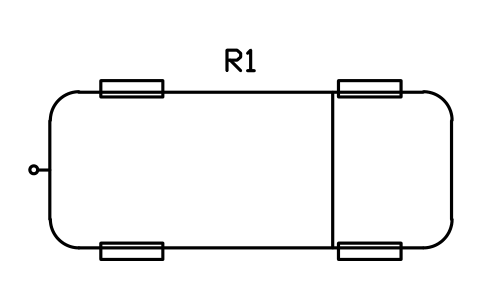
SUV, plan 4900 x 1900
RVI_TOW_SUVÖznitelikler
TAGITEM_TYPESIZEGVWR_KGSLEEPSMANUFACTURERMODELQTYREMARKSDESC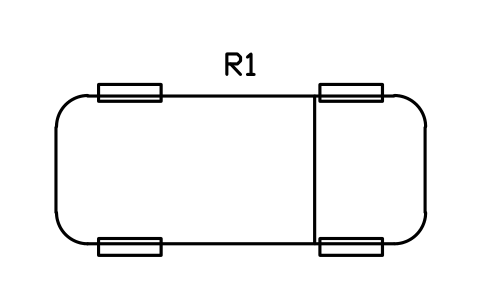
Car, plan 4500 x 1800
RVI_TOW_CARÖznitelikler
TAGITEM_TYPESIZEGVWR_KGSLEEPSMANUFACTURERMODELQTYREMARKSDESC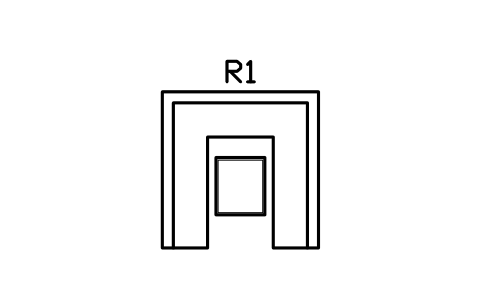
U-dinette with table 1900 x 1900
RVI_DINETTE_UÖznitelikler
TAGITEM_TYPESIZEMATERIALMANUFACTURERMODELQTYREMARKSDESC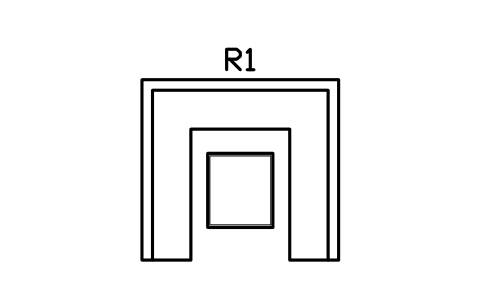
U-dinette with table 2400 x 2200
RVI_DINETTE_U_2400Öznitelikler
TAGITEM_TYPESIZEMATERIALMANUFACTURERMODELQTYREMARKSDESC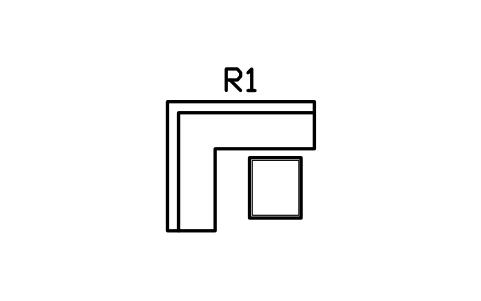
L-dinette with table 1700 x 1500
RVI_DINETTE_LÖznitelikler
TAGITEM_TYPESIZEMATERIALMANUFACTURERMODELQTYREMARKSDESC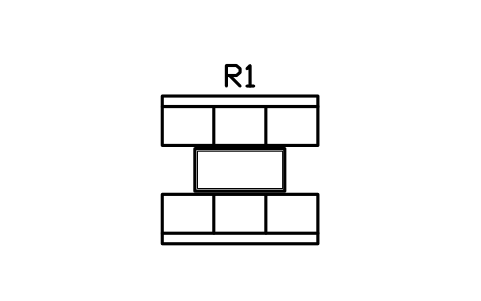
Booth dinette 1900 x 1800
RVI_DINETTE_BOOTHÖznitelikler
TAGITEM_TYPESIZEMATERIALMANUFACTURERMODELQTYREMARKSDESC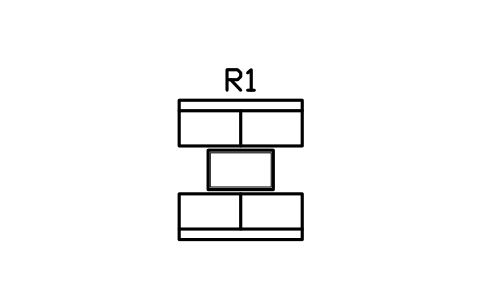
Booth dinette 1500 x 1700
RVI_DINETTE_BOOTH_SÖznitelikler
TAGITEM_TYPESIZEMATERIALMANUFACTURERMODELQTYREMARKSDESC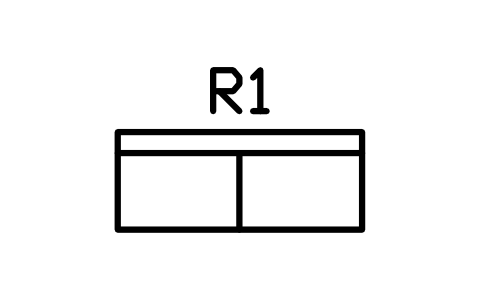
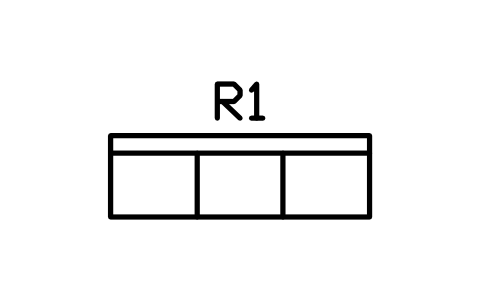
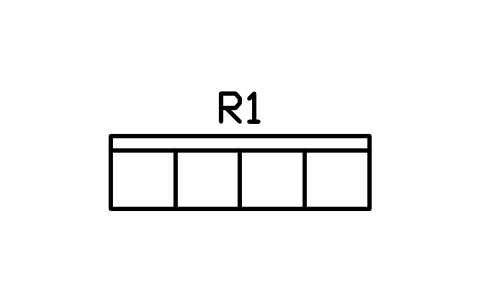
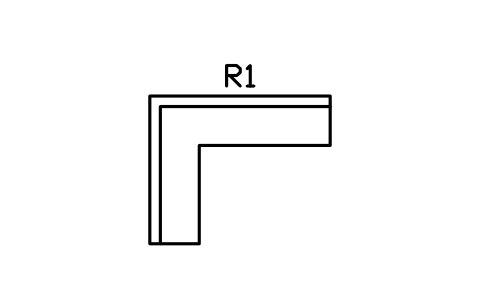
L-settee 2200 x 1800
RVI_SETTEE_L_2200Öznitelikler
TAGITEM_TYPESIZEMATERIALMANUFACTURERMODELQTYREMARKSDESC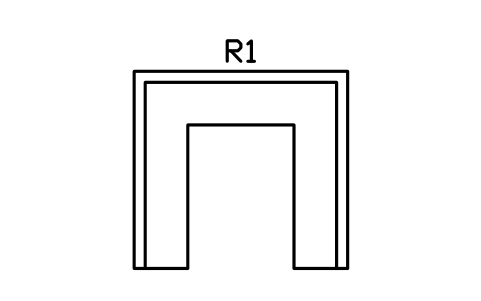
U-settee 2600 x 2400
RVI_SETTEE_U_2600Öznitelikler
TAGITEM_TYPESIZEMATERIALMANUFACTURERMODELQTYREMARKSDESC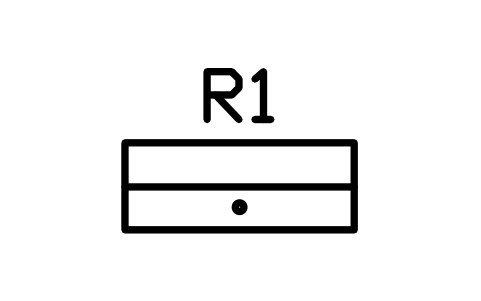
Bench with storage 1200 x 450
RVI_BENCH_STORAGEÖznitelikler
TAGITEM_TYPESIZEMATERIALMANUFACTURERMODELQTYREMARKSDESC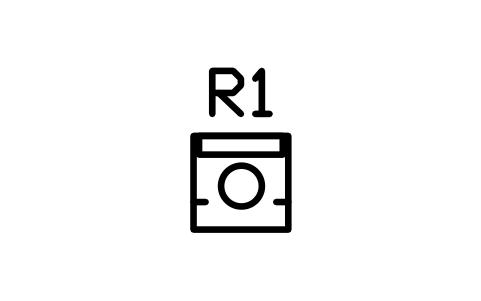
Swivel captain chair 550
RVI_SEAT_CAPTAINÖznitelikler
TAGITEM_TYPESIZEMATERIALMANUFACTURERMODELQTYREMARKSDESC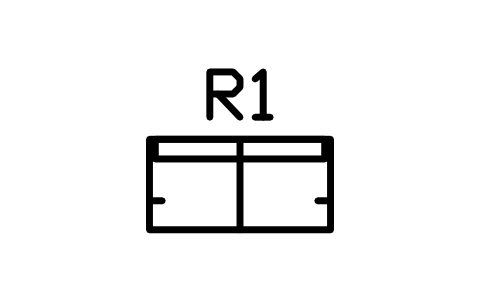
Helm seat, double 1000 x 500
RVI_SEAT_HELMÖznitelikler
TAGITEM_TYPESIZEMATERIALMANUFACTURERMODELQTYREMARKSDESC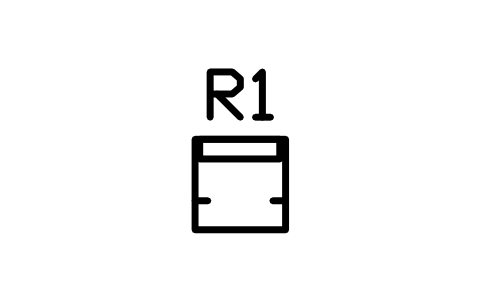
Helm seat, single 500
RVI_SEAT_HELM_1Öznitelikler
TAGITEM_TYPESIZEMATERIALMANUFACTURERMODELQTYREMARKSDESC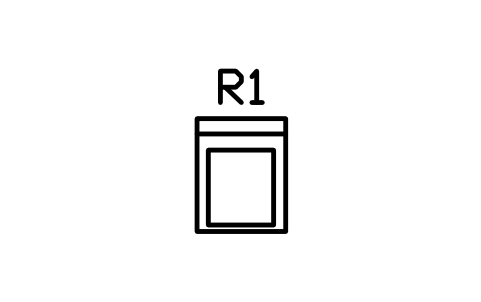
Theatre recliner 700 x 900
RVI_SEAT_RECLINERÖznitelikler
TAGITEM_TYPESIZEMATERIALMANUFACTURERMODELQTYREMARKSDESC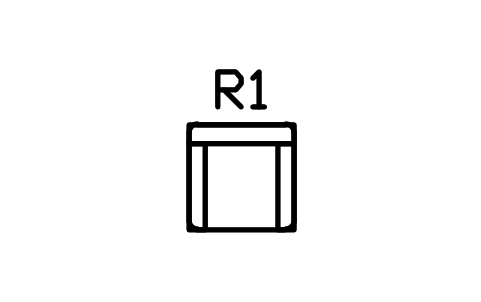
Armchair 750 x 750
RVI_SEAT_ARMCHAIRÖznitelikler
TAGITEM_TYPESIZEMATERIALMANUFACTURERMODELQTYREMARKSDESC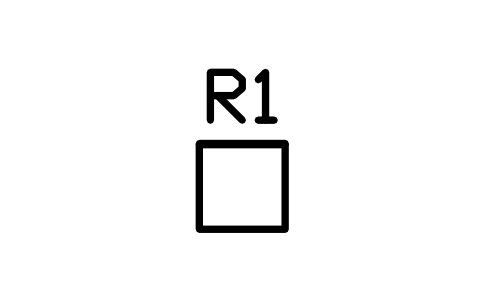
Folding chair 450
RVI_SEAT_FOLDINGÖznitelikler
TAGITEM_TYPESIZEMATERIALMANUFACTURERMODELQTYREMARKSDESC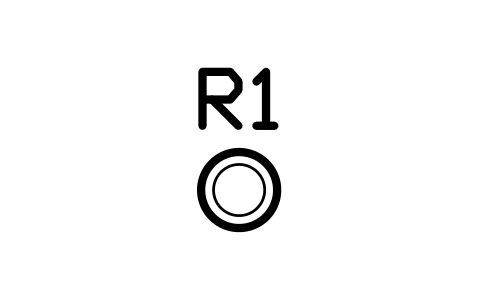
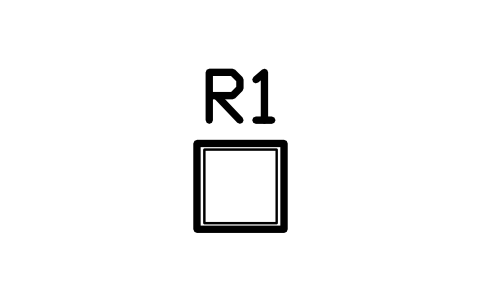
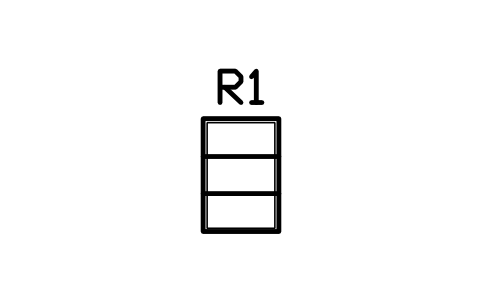
Drop-leaf table 600 x 900
RVI_TABLE_DROPLEAFÖznitelikler
TAGITEM_TYPESIZEMATERIALMANUFACTURERMODELQTYREMARKSDESC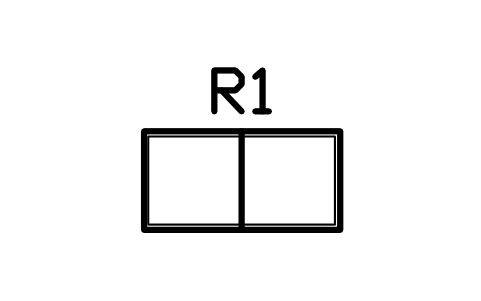
Folding table 1200 x 600
RVI_TABLE_FOLDÖznitelikler
TAGITEM_TYPESIZEMATERIALMANUFACTURERMODELQTYREMARKSDESC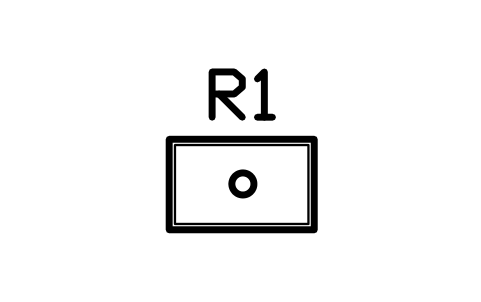
Pedestal table 800 x 500
RVI_TABLE_PEDESTALÖznitelikler
TAGITEM_TYPESIZEMATERIALMANUFACTURERMODELQTYREMARKSDESC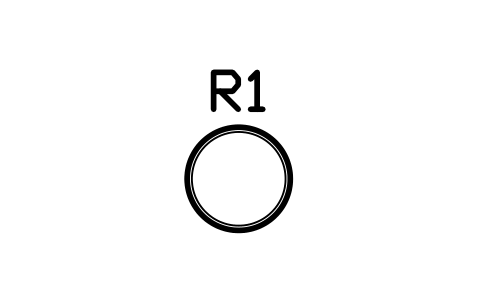
Round table 700
RVI_TABLE_ROUND_700Öznitelikler
TAGITEM_TYPESIZEMATERIALMANUFACTURERMODELQTYREMARKSDESC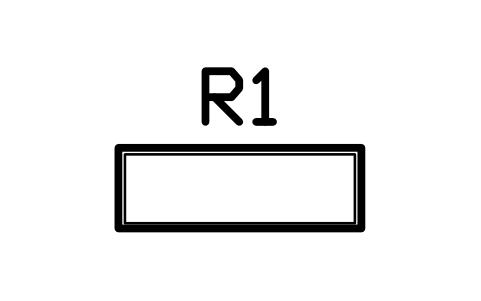
Bar table 1200 x 400
RVI_TABLE_BARÖznitelikler
TAGITEM_TYPESIZEMATERIALMANUFACTURERMODELQTYREMARKSDESC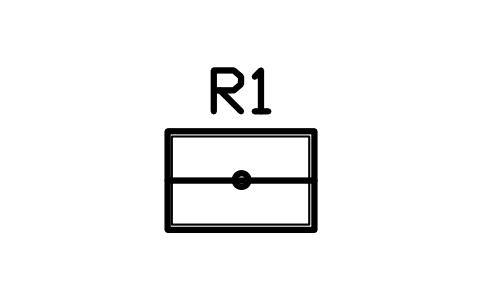
Cockpit table 900 x 600
RVI_TABLE_COCKPITÖznitelikler
TAGITEM_TYPESIZEMATERIALMANUFACTURERMODELQTYREMARKSDESC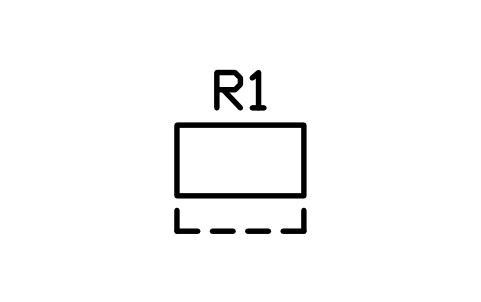
Fold-up desk 900 x 500
RVI_DESK_FOLDÖznitelikler
TAGITEM_TYPESIZEMATERIALMANUFACTURERMODELQTYREMARKSDESC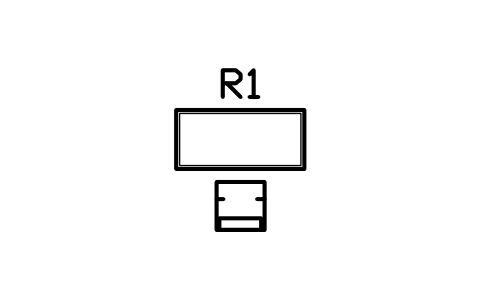
Work desk 1200 x 550
RVI_DESK_1200Öznitelikler
TAGITEM_TYPESIZEMATERIALMANUFACTURERMODELQTYREMARKSDESC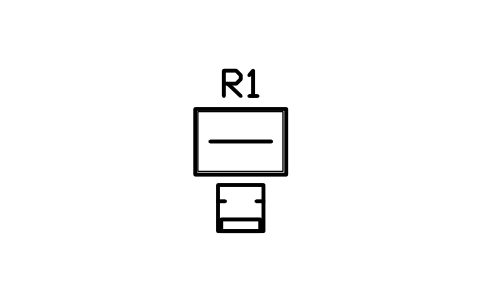
Chart table with seat 900 x 1300
RVI_NAV_STATIONÖznitelikler
TAGITEM_TYPESIZEMATERIALMANUFACTURERMODELQTYREMARKSDESC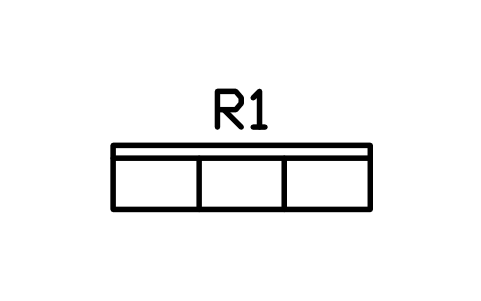
Cockpit bench 1800 x 450
RVI_COCKPIT_BENCHÖznitelikler
TAGITEM_TYPESIZEMATERIALMANUFACTURERMODELQTYREMARKSDESC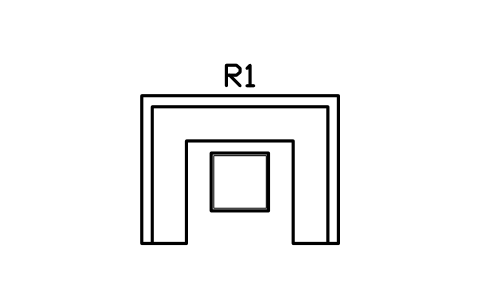
Aft lounge, U-shaped 2400 x 1800
RVI_COCKPIT_LOUNGEÖznitelikler
TAGITEM_TYPESIZEMATERIALMANUFACTURERMODELQTYREMARKSDESC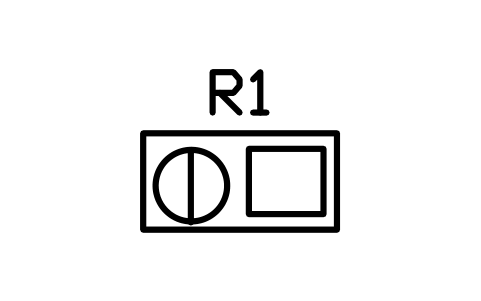
Helm console 1200 x 600
RVI_HELM_CONSOLEÖznitelikler
TAGITEM_TYPESIZEMATERIALMANUFACTURERMODELQTYREMARKSDESC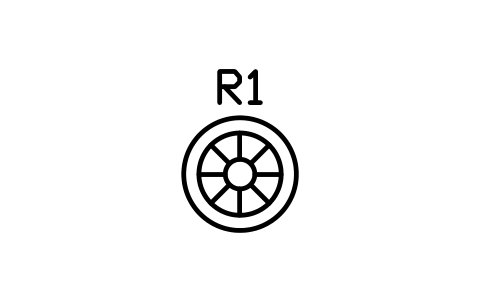
Steering wheel and pedestal
RVI_WHEELÖznitelikler
TAGITEM_TYPESIZEMATERIALMANUFACTURERMODELQTYREMARKSDESC
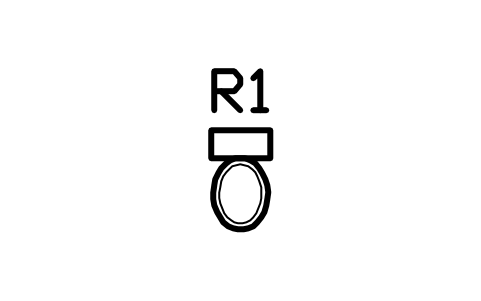
Toilet, flush 380 x 700
RVI_TOILET_HOMEÖznitelikler
TAGITEM_TYPESIZEMATERIALMANUFACTURERMODELQTYREMARKSDESC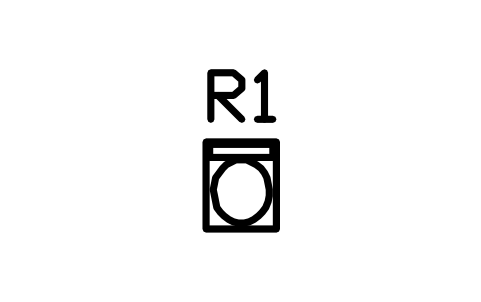
Cassette toilet 380 x 470
RVI_TOILET_CASSETTEÖznitelikler
TAGITEM_TYPESIZEMATERIALMANUFACTURERMODELQTYREMARKSDESC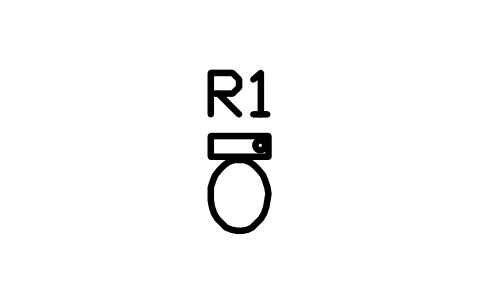
Marine head 400 x 550
RVI_TOILET_MARINEÖznitelikler
TAGITEM_TYPESIZEMATERIALMANUFACTURERMODELQTYREMARKSDESC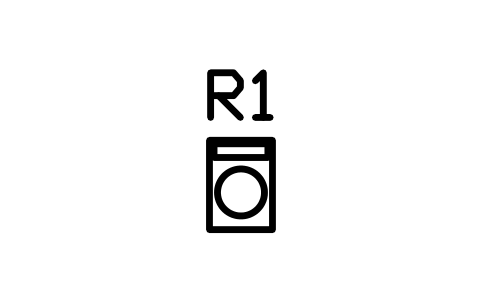
Composting toilet 350 x 500
RVI_TOILET_COMPOSTÖznitelikler
TAGITEM_TYPESIZEMATERIALMANUFACTURERMODELQTYREMARKSDESC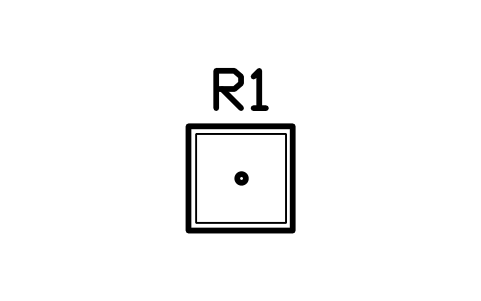
Shower tray 700 x 700
RVI_SHOWER_700Öznitelikler
TAGITEM_TYPESIZEMATERIALMANUFACTURERMODELQTYREMARKSDESC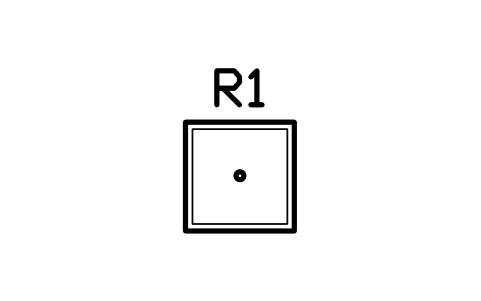
Shower tray 800 x 800
RVI_SHOWER_800Öznitelikler
TAGITEM_TYPESIZEMATERIALMANUFACTURERMODELQTYREMARKSDESC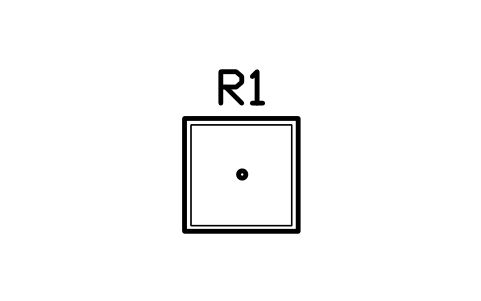
Shower tray 900 x 900
RVI_SHOWER_900Öznitelikler
TAGITEM_TYPESIZEMATERIALMANUFACTURERMODELQTYREMARKSDESC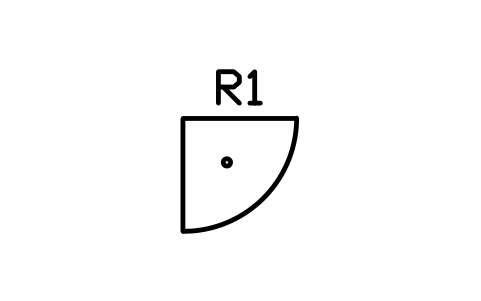
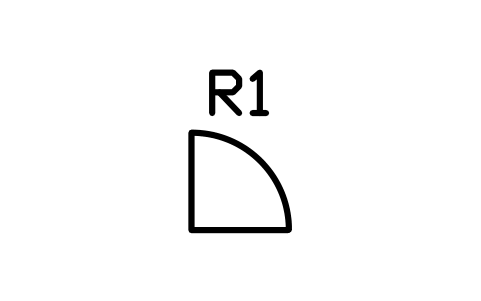
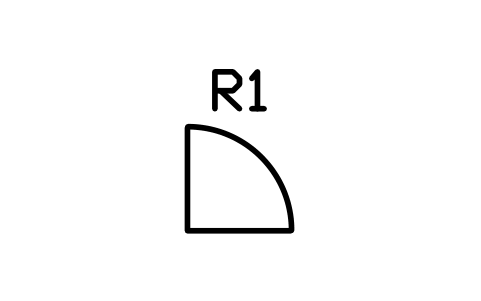
Quadrant shower 900
RVI_SHOWER_QUADÖznitelikler
TAGITEM_TYPESIZEMATERIALMANUFACTURERMODELQTYREMARKSDESC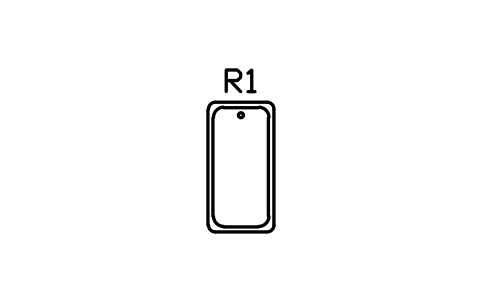
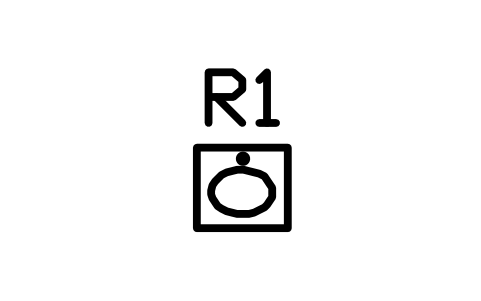
Vanity with basin 450 x 400
RVI_VANITY_450Öznitelikler
TAGITEM_TYPESIZEMATERIALMANUFACTURERMODELQTYREMARKSDESC
Outdoor shower point
RVI_SHOWER_OUTDOORÖznitelikler
TAGITEM_TYPESIZEMATERIALMANUFACTURERMODELQTYREMARKSDESC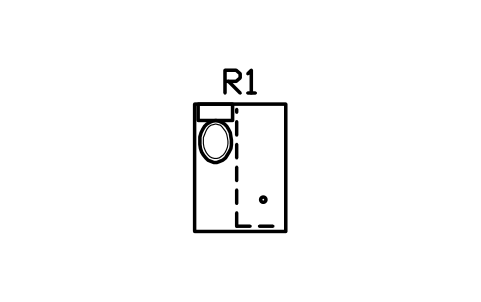
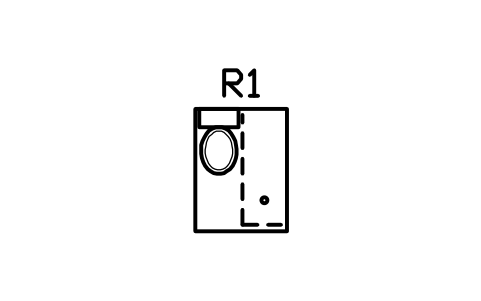
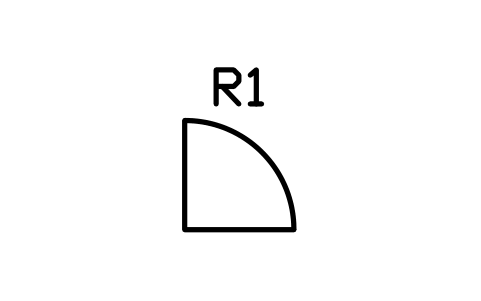
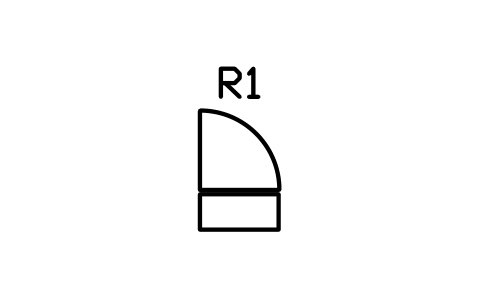
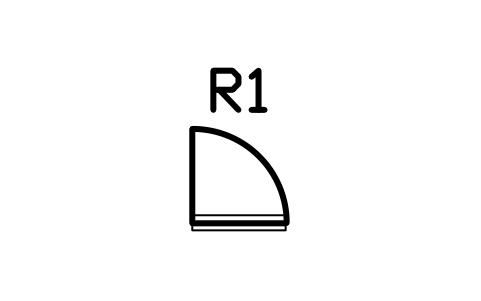
Entry door with step 700
RVI_DOOR_ENTRY_700Öznitelikler
TAGITEM_TYPESIZEMATERIALMANUFACTURERMODELQTYREMARKSDESC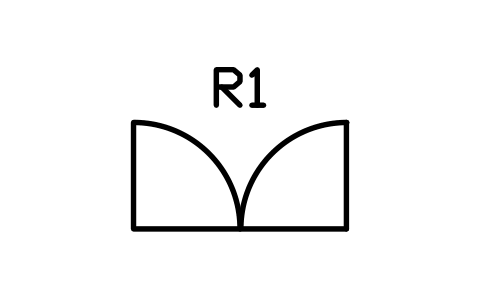
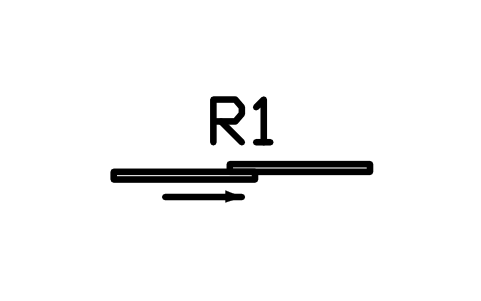
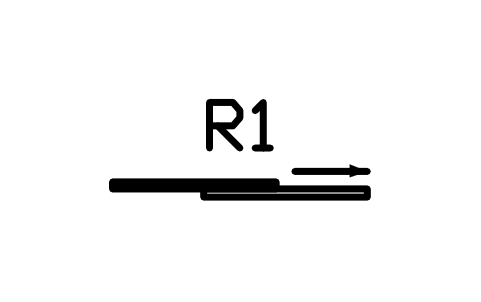
Sliding door 1500
RVI_DOOR_SLIDE_1500Öznitelikler
TAGITEM_TYPESIZEMATERIALMANUFACTURERMODELQTYREMARKSDESC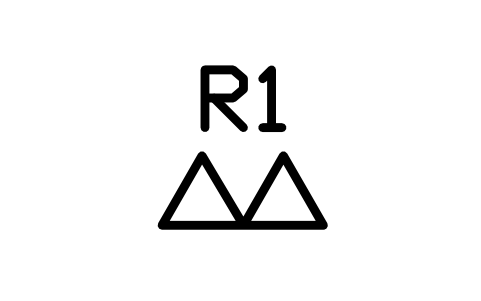
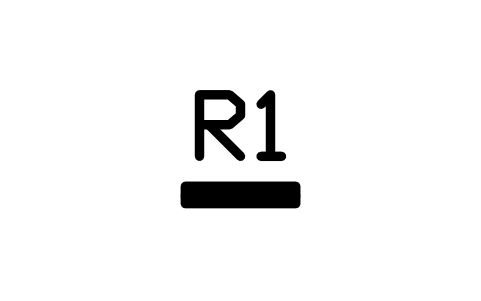
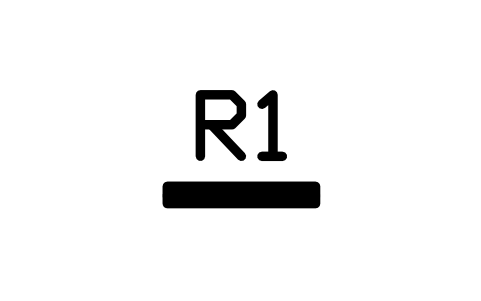
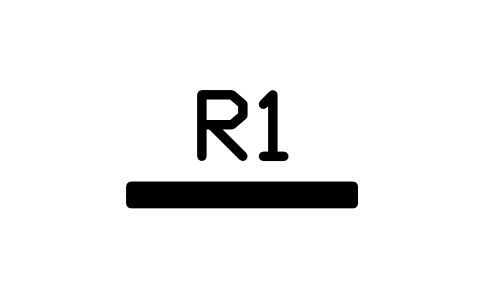
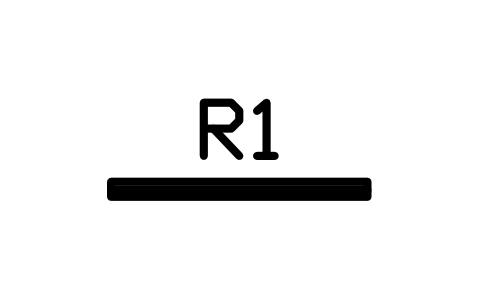
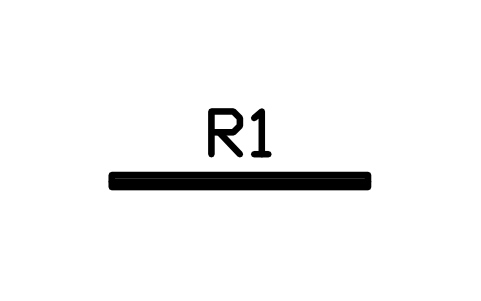
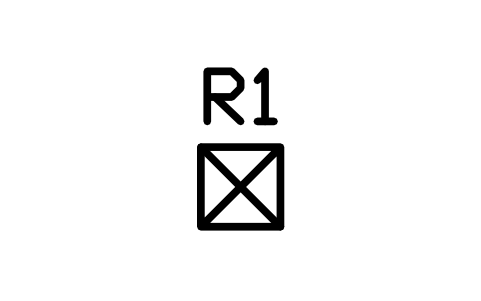
Deck hatch 400 x 400
RVI_HATCH_400Öznitelikler
TAGITEM_TYPESIZEMATERIALMANUFACTURERMODELQTYREMARKSDESC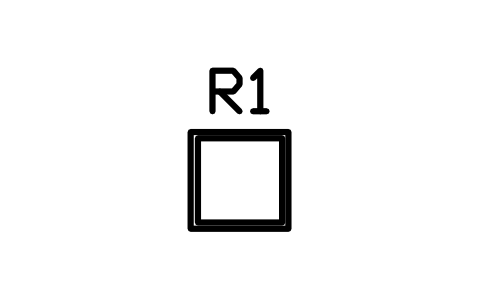
Deck hatch 600 x 600
RVI_HATCH_600Öznitelikler
TAGITEM_TYPESIZEMATERIALMANUFACTURERMODELQTYREMARKSDESC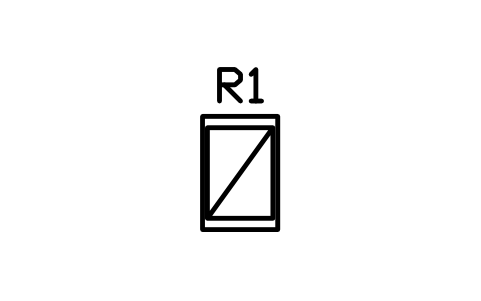

Roof hatch 400 x 400
RVI_ROOF_HATCHÖznitelikler
TAGITEM_TYPESIZEMATERIALMANUFACTURERMODELQTYREMARKSDESC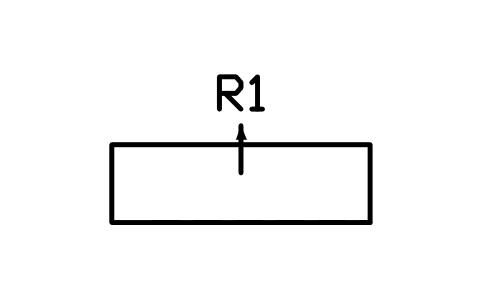
Slide-out 2000 x 600, extended
RVI_SLIDEOUT_2000Öznitelikler
TAGITEM_TYPESIZEMATERIALMANUFACTURERMODELQTYREMARKSDESC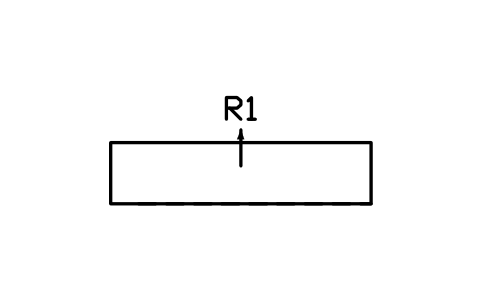
Slide-out 3000 x 700, extended
RVI_SLIDEOUT_3000Öznitelikler
TAGITEM_TYPESIZEMATERIALMANUFACTURERMODELQTYREMARKSDESC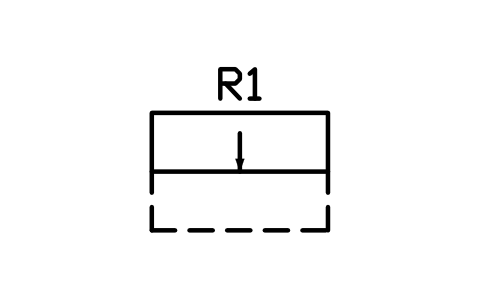
Slide-out 1500 x 500, retracted
RVI_SLIDEOUT_FOLDÖznitelikler
TAGITEM_TYPESIZEMATERIALMANUFACTURERMODELQTYREMARKSDESC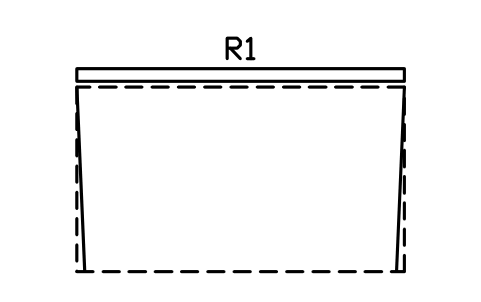
Awning 4000 x 2400, extended
RVI_AWNING_4000Öznitelikler
TAGITEM_TYPESIZEMATERIALMANUFACTURERMODELQTYREMARKSDESC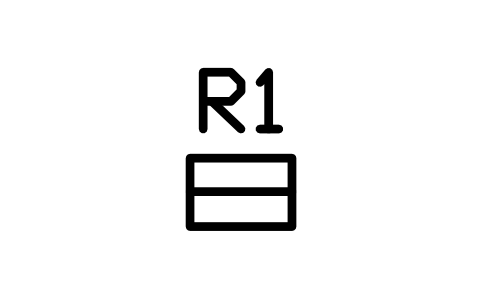
Entry step, folding 450 x 300
RVI_STEP_FOLDÖznitelikler
TAGITEM_TYPESIZEMATERIALMANUFACTURERMODELQTYREMARKSDESC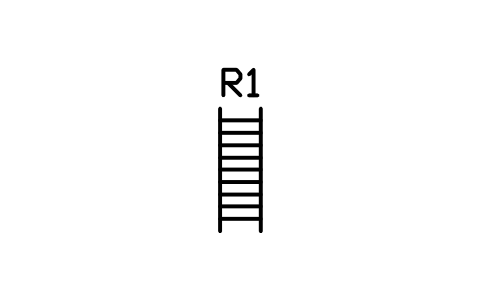
Loft ladder 400 x 1200
RVI_LADDER_LOFTÖznitelikler
TAGITEM_TYPESIZEMATERIALMANUFACTURERMODELQTYREMARKSDESC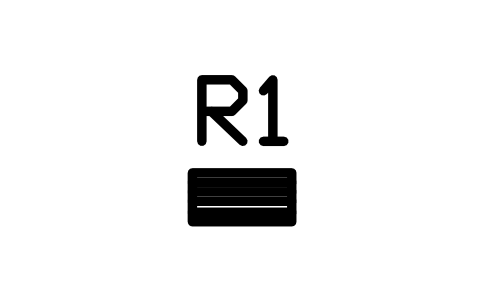
Rear access ladder 400 x 200
RVI_LADDER_REARÖznitelikler
TAGITEM_TYPESIZEMATERIALMANUFACTURERMODELQTYREMARKSDESC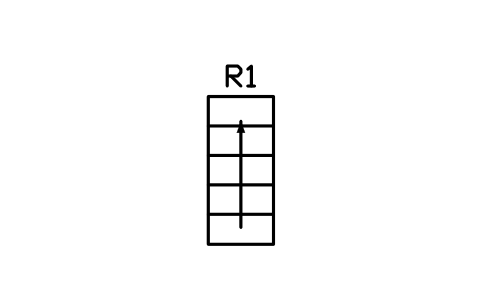
Storage stair, 5 steps 800 x 1800
RVI_STAIR_STORAGEÖznitelikler
TAGITEM_TYPESIZEMATERIALMANUFACTURERMODELQTYREMARKSDESC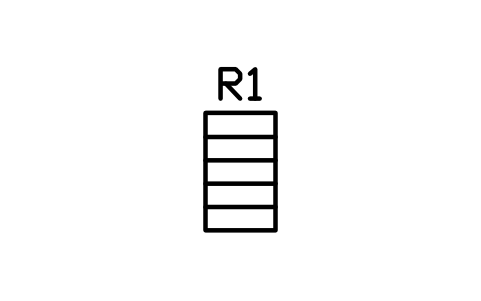
Companionway ladder 600 x 1000
RVI_COMPANIONWAYÖznitelikler
TAGITEM_TYPESIZEMATERIALMANUFACTURERMODELQTYREMARKSDESC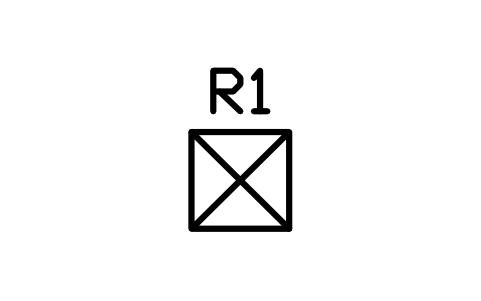
Wardrobe 600 x 600
RVI_WARDROBE_600Öznitelikler
TAGITEM_TYPESIZEMATERIALMANUFACTURERMODELQTYREMARKSDESC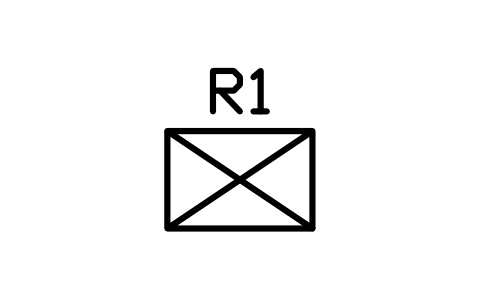
Wardrobe 900 x 600
RVI_WARDROBE_900Öznitelikler
TAGITEM_TYPESIZEMATERIALMANUFACTURERMODELQTYREMARKSDESC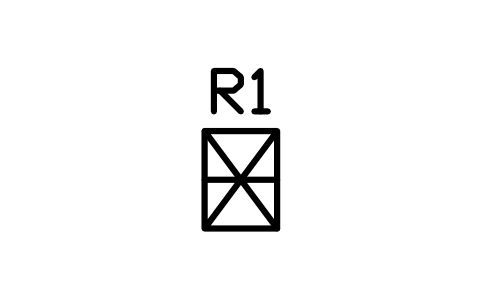
Hanging locker 450 x 600
RVI_HANGING_LOCKERÖznitelikler
TAGITEM_TYPESIZEMATERIALMANUFACTURERMODELQTYREMARKSDESC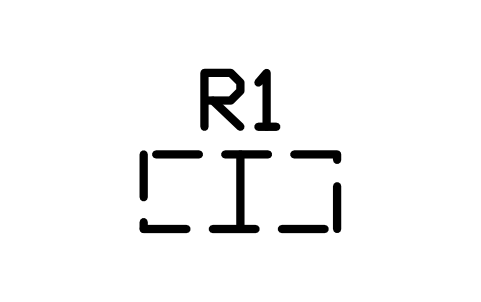
Overhead cabinet 900 x 350
RVI_OVERHEAD_900Öznitelikler
TAGITEM_TYPESIZEMATERIALMANUFACTURERMODELQTYREMARKSDESC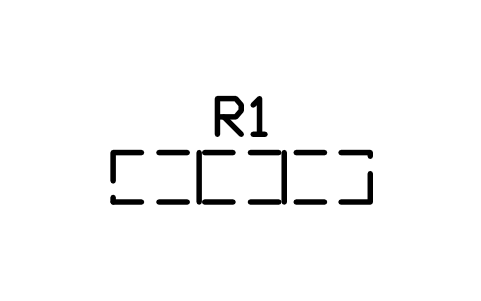
Overhead cabinet 1800 x 350
RVI_OVERHEAD_1800Öznitelikler
TAGITEM_TYPESIZEMATERIALMANUFACTURERMODELQTYREMARKSDESC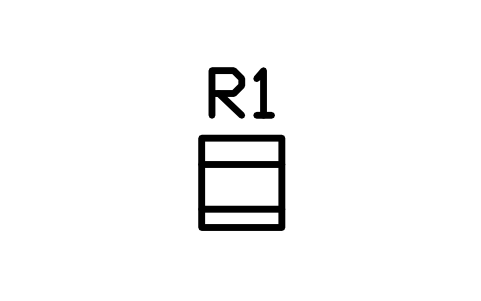
Drawer unit 450 x 500
RVI_DRAWERS_450Öznitelikler
TAGITEM_TYPESIZEMATERIALMANUFACTURERMODELQTYREMARKSDESC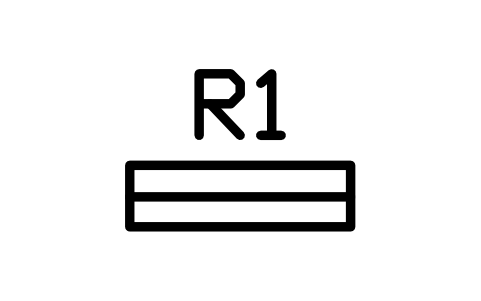
Shelf unit 900 x 250
RVI_SHELF_900Öznitelikler
TAGITEM_TYPESIZEMATERIALMANUFACTURERMODELQTYREMARKSDESC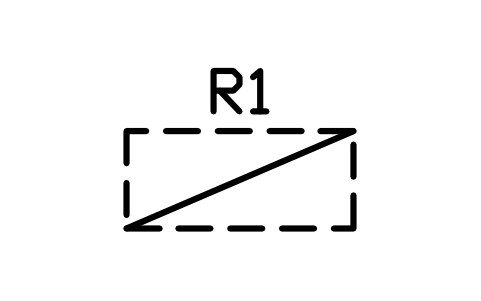
Under-bed storage 1400 x 600
RVI_UNDERBEDÖznitelikler
TAGITEM_TYPESIZEMATERIALMANUFACTURERMODELQTYREMARKSDESC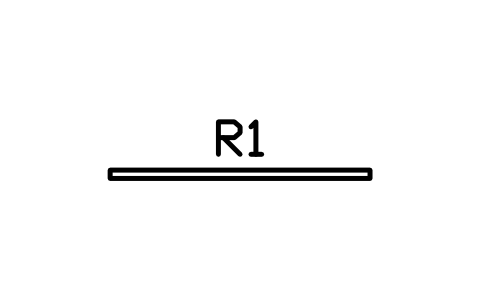
Interior wall 2000 x 60
RVI_WALL_60Öznitelikler
TAGITEM_TYPESIZEMATERIALMANUFACTURERMODELQTYREMARKSDESC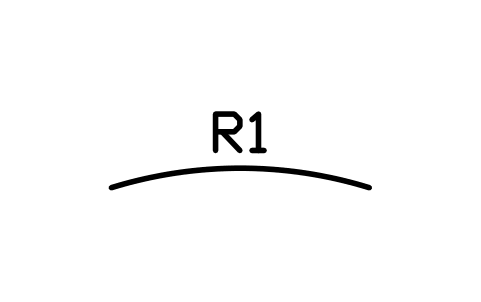
Curved bulkhead 1800
RVI_WALL_CURVEDÖznitelikler
TAGITEM_TYPESIZEMATERIALMANUFACTURERMODELQTYREMARKSDESC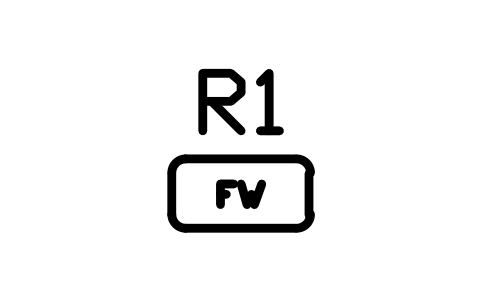
Fresh water tank 40 L
RVI_TANK_FW40Öznitelikler
TAGITEM_TYPESIZECAPACITY_LMATERIALMANUFACTURERMODELQTYREMARKSDESC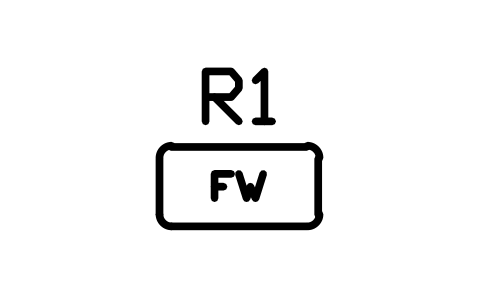
Fresh water tank 75 L
RVI_TANK_FW75Öznitelikler
TAGITEM_TYPESIZECAPACITY_LMATERIALMANUFACTURERMODELQTYREMARKSDESC
Fresh water tank 100 L
RVI_TANK_FW100Öznitelikler
TAGITEM_TYPESIZECAPACITY_LMATERIALMANUFACTURERMODELQTYREMARKSDESC
Fresh water tank 150 L
RVI_TANK_FW150Öznitelikler
TAGITEM_TYPESIZECAPACITY_LMATERIALMANUFACTURERMODELQTYREMARKSDESC
Grey water tank 75 L
RVI_TANK_GW75Öznitelikler
TAGITEM_TYPESIZECAPACITY_LMATERIALMANUFACTURERMODELQTYREMARKSDESC
Grey water tank 100 L
RVI_TANK_GW100Öznitelikler
TAGITEM_TYPESIZECAPACITY_LMATERIALMANUFACTURERMODELQTYREMARKSDESC
Black water tank 40 L
RVI_TANK_BW40Öznitelikler
TAGITEM_TYPESIZECAPACITY_LMATERIALMANUFACTURERMODELQTYREMARKSDESC
Black water tank 75 L
RVI_TANK_BW75Öznitelikler
TAGITEM_TYPESIZECAPACITY_LMATERIALMANUFACTURERMODELQTYREMARKSDESC
Fuel tank 200 L
RVI_TANK_FUEL200Öznitelikler
TAGITEM_TYPESIZECAPACITY_LMATERIALMANUFACTURERMODELQTYREMARKSDESC
LPG bottle 6 kg
RVI_LPG_6KGÖznitelikler
TAGITEM_TYPESIZECAPACITY_LMATERIALMANUFACTURERMODELQTYREMARKSDESC
LPG bottle 11 kg
RVI_LPG_11KGÖznitelikler
TAGITEM_TYPESIZECAPACITY_LMATERIALMANUFACTURERMODELQTYREMARKSDESC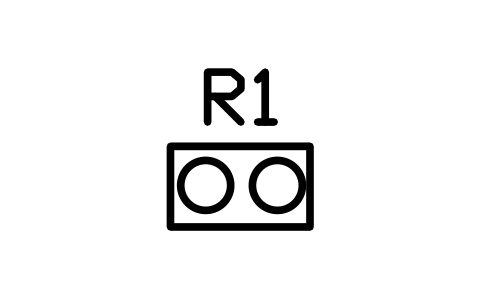
LPG locker, two bottles
RVI_LPG_LOCKERÖznitelikler
TAGITEM_TYPESIZECAPACITY_LMATERIALMANUFACTURERMODELQTYREMARKSDESC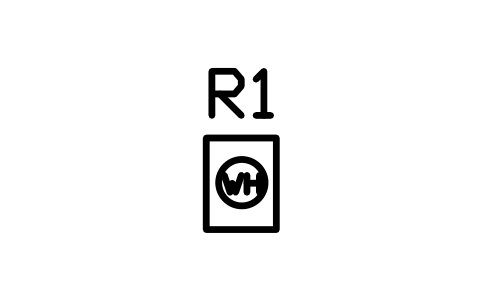
Water heater 10 gal
RVI_HEATER_WATER10Öznitelikler
TAGITEM_TYPESIZEPOWER_WVOLTAGE_VSUPPLYMANUFACTURERMODELQTYREMARKSDESC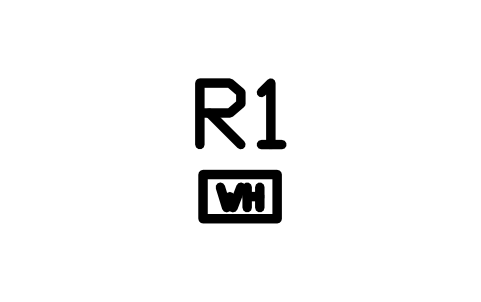
Tankless water heater
RVI_HEATER_TANKLESSÖznitelikler
TAGITEM_TYPESIZEPOWER_WVOLTAGE_VSUPPLYMANUFACTURERMODELQTYREMARKSDESC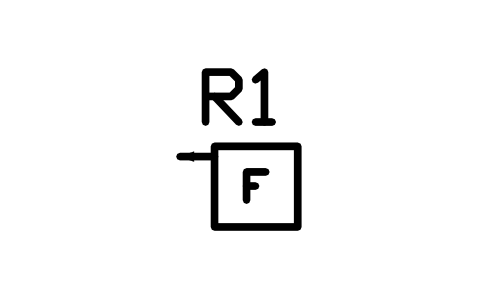
LPG furnace 420 x 400
RVI_FURNACEÖznitelikler
TAGITEM_TYPESIZEPOWER_WVOLTAGE_VSUPPLYMANUFACTURERMODELQTYREMARKSDESC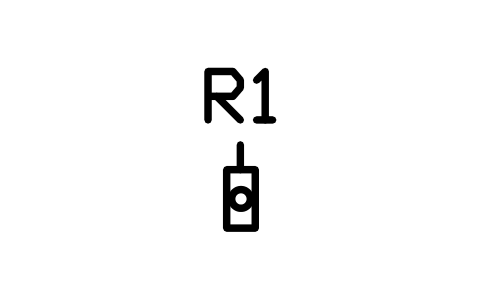
Diesel air heater 150 x 300
RVI_HEATER_DIESELÖznitelikler
TAGITEM_TYPESIZEPOWER_WVOLTAGE_VSUPPLYMANUFACTURERMODELQTYREMARKSDESC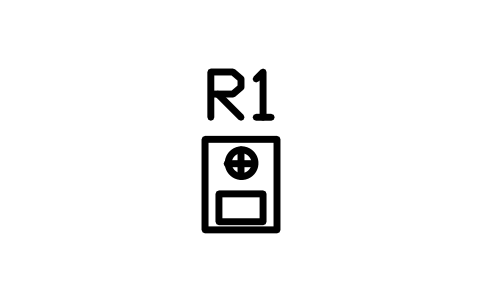
Wood stove with flue 400 x 500
RVI_STOVE_WOODÖznitelikler
TAGITEM_TYPESIZEPOWER_WVOLTAGE_VSUPPLYMANUFACTURERMODELQTYREMARKSDESC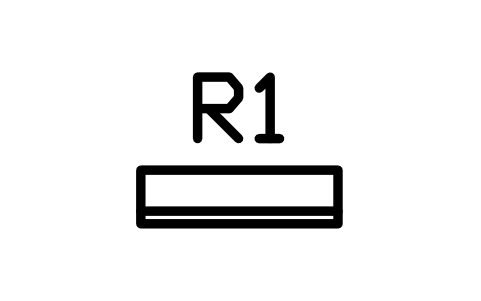
Mini-split indoor unit 800 x 220
RVI_MINISPLITÖznitelikler
TAGITEM_TYPESIZEPOWER_WVOLTAGE_VSUPPLYMANUFACTURERMODELQTYREMARKSDESC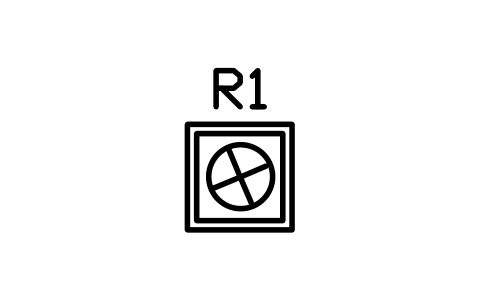
Roof air conditioner 730 x 730
RVI_AC_ROOFÖznitelikler
TAGITEM_TYPESIZEPOWER_WVOLTAGE_VSUPPLYMANUFACTURERMODELQTYREMARKSDESC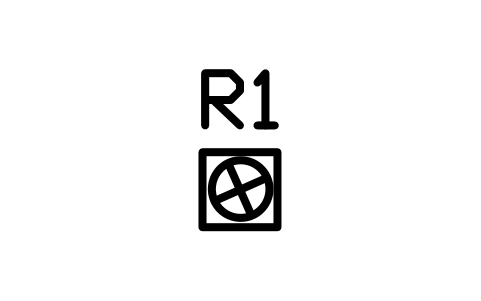
Roof vent fan 360 x 360
RVI_VENT_FANÖznitelikler
TAGITEM_TYPESIZEPOWER_WVOLTAGE_VSUPPLYMANUFACTURERMODELQTYREMARKSDESC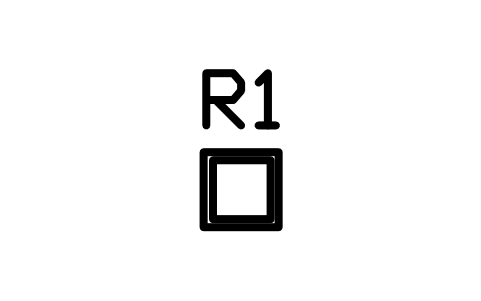
Roof vent 360 x 360
RVI_VENT_PLAINÖznitelikler
TAGITEM_TYPESIZEPOWER_WVOLTAGE_VSUPPLYMANUFACTURERMODELQTYREMARKSDESC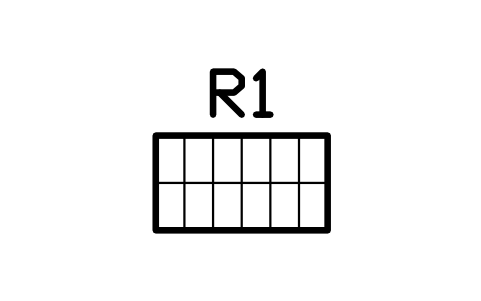
Solar panel 100 W 1000 x 550
RVI_SOLAR_100Öznitelikler
TAGITEM_TYPESIZEPOWER_WVOLTAGE_VSUPPLYMANUFACTURERMODELQTYREMARKSDESC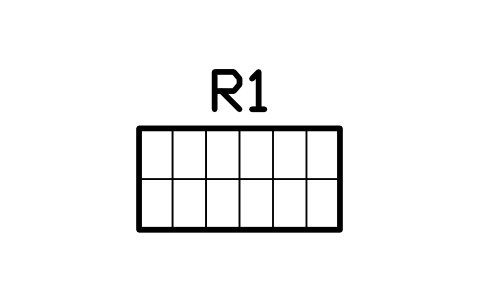
Solar panel 200 W 1350 x 680
RVI_SOLAR_200Öznitelikler
TAGITEM_TYPESIZEPOWER_WVOLTAGE_VSUPPLYMANUFACTURERMODELQTYREMARKSDESC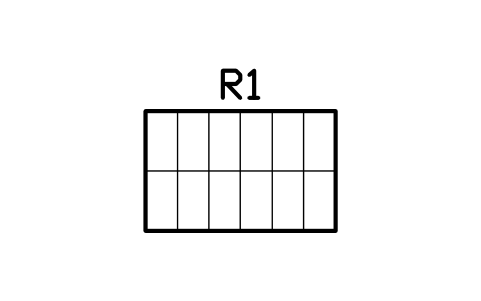
Solar panel 400 W 1750 x 1100
RVI_SOLAR_400Öznitelikler
TAGITEM_TYPESIZEPOWER_WVOLTAGE_VSUPPLYMANUFACTURERMODELQTYREMARKSDESC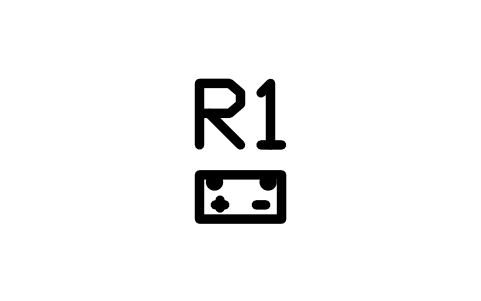
Battery 100 Ah 330 x 175
RVI_BATTERY_100Öznitelikler
TAGITEM_TYPESIZEPOWER_WVOLTAGE_VSUPPLYMANUFACTURERMODELQTYREMARKSDESC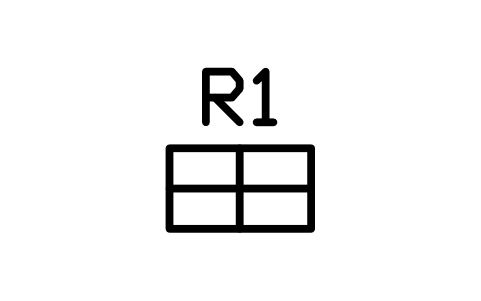
Battery bank, 2 x 2 batteries
RVI_BATTERY_BANKÖznitelikler
TAGITEM_TYPESIZEPOWER_WVOLTAGE_VSUPPLYMANUFACTURERMODELQTYREMARKSDESC
Inverter charger 500 x 250
RVI_INVERTERÖznitelikler
TAGITEM_TYPESIZEPOWER_WVOLTAGE_VSUPPLYMANUFACTURERMODELQTYREMARKSDESC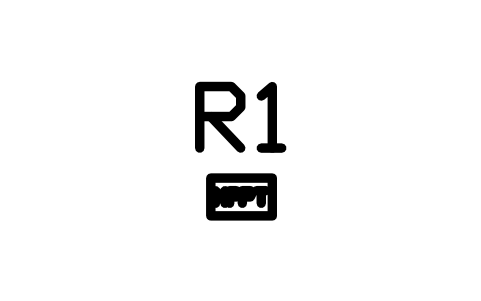
Solar charge controller
RVI_MPPTÖznitelikler
TAGITEM_TYPESIZEPOWER_WVOLTAGE_VSUPPLYMANUFACTURERMODELQTYREMARKSDESC
AC distribution panel 300 x 200
RVI_PANEL_ACÖznitelikler
TAGITEM_TYPESIZEPOWER_WVOLTAGE_VSUPPLYMANUFACTURERMODELQTYREMARKSDESC
DC fuse panel 200 x 120
RVI_PANEL_DCÖznitelikler
TAGITEM_TYPESIZEPOWER_WVOLTAGE_VSUPPLYMANUFACTURERMODELQTYREMARKSDESC
Shore power inlet
RVI_SHORE_INLETÖznitelikler
TAGITEM_TYPESIZEPOWER_WVOLTAGE_VSUPPLYMANUFACTURERMODELQTYREMARKSDESC
Portable generator 600 x 300
RVI_GENERATORÖznitelikler
TAGITEM_TYPESIZEPOWER_WVOLTAGE_VSUPPLYMANUFACTURERMODELQTYREMARKSDESC
Water pump 200 x 150
RVI_PUMP_WATERÖznitelikler
TAGITEM_TYPESIZEPOWER_WVOLTAGE_VSUPPLYMANUFACTURERMODELQTYREMARKSDESC
Water inlet and city connection
RVI_WATER_INLETÖznitelikler
TAGITEM_TYPESIZEPOWER_WVOLTAGE_VSUPPLYMANUFACTURERMODELQTYREMARKSDESC
Waste dump valve
RVI_DUMP_VALVEÖznitelikler
TAGITEM_TYPESIZEPOWER_WVOLTAGE_VSUPPLYMANUFACTURERMODELQTYREMARKSDESC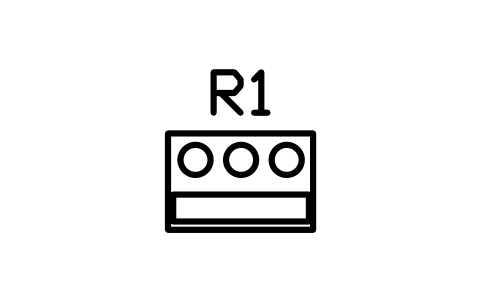
Inboard engine 900 x 600
RVI_ENGINE_INBOARDÖznitelikler
TAGITEM_TYPESIZEPOWER_WVOLTAGE_VSUPPLYMANUFACTURERMODELQTYREMARKSDESC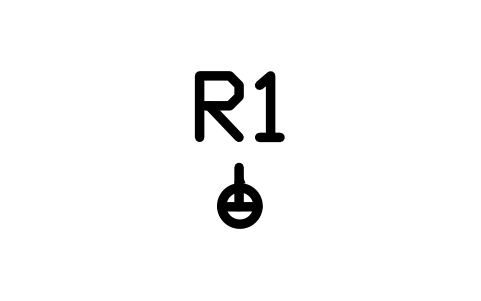
Bilge pump
RVI_BILGE_PUMPÖznitelikler
TAGITEM_TYPESIZEPOWER_WVOLTAGE_VSUPPLYMANUFACTURERMODELQTYREMARKSDESC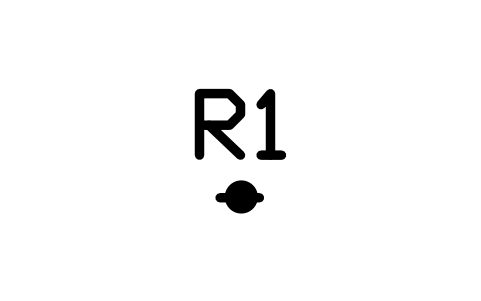
Seacock and through-hull
RVI_SEACOCKÖznitelikler
TAGITEM_TYPESIZEPOWER_WVOLTAGE_VSUPPLYMANUFACTURERMODELQTYREMARKSDESC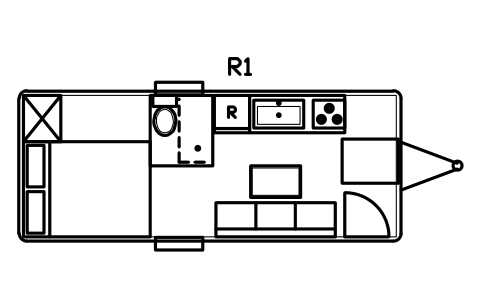
Travel trailer layout 6100 x 2400
RVI_LAY_TT_6100Öznitelikler
TAGITEM_TYPESIZESLEEPSAREA_M2REMARKSDESC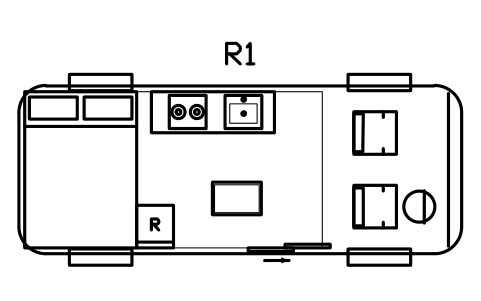
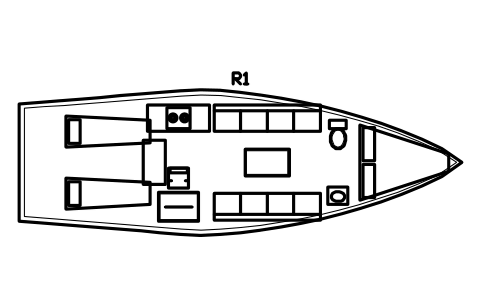
Sailing yacht layout 10000 x 3300
RVI_LAY_SAIL_10MÖznitelikler
TAGITEM_TYPESIZESLEEPSAREA_M2REMARKSDESC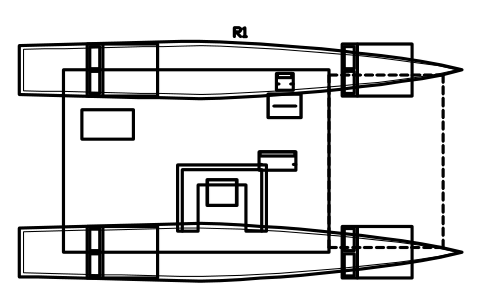
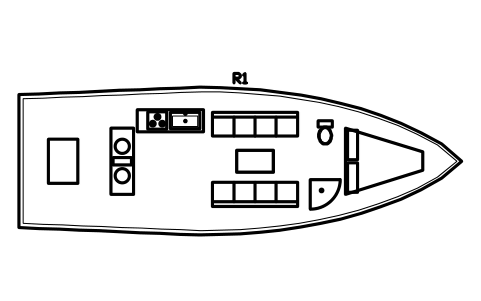
Motor yacht layout 12000 x 4000
RVI_LAY_MOTOR_12MÖznitelikler
TAGITEM_TYPESIZESLEEPSAREA_M2REMARKSDESC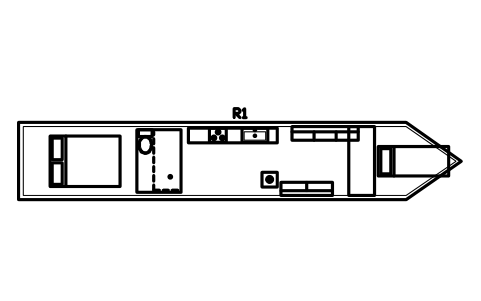
Narrowboat layout 12000 x 2100
RVI_LAY_NARROW_12MÖznitelikler
TAGITEM_TYPESIZESLEEPSAREA_M2REMARKSDESC
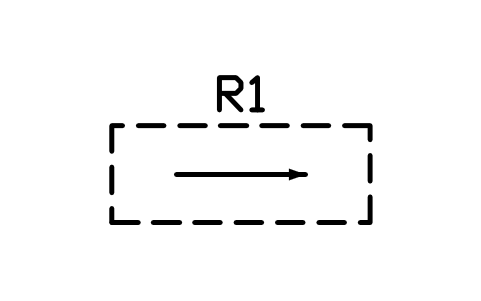
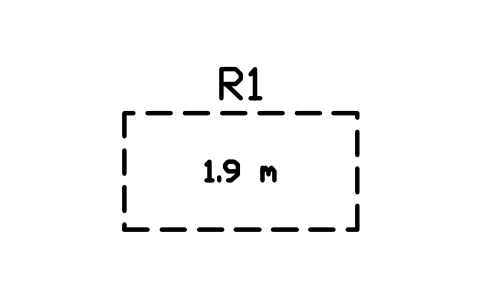

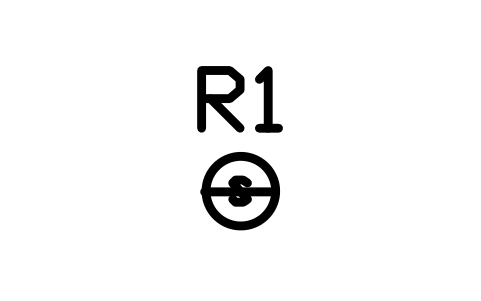
Bir sembol mü eksik? Hangisi olduğunu bize yazın.
Malzeme listeleri için öznitelikler
Every block carries a tag you can number and invisible attributes for the equipment list. Vehicles and hulls hold ITEM_TYPE, SIZE, GVWR_KG and SLEEPS; furniture holds ITEM_TYPE, SIZE and MATERIAL; equipment holds POWER_W, VOLTAGE_V and SUPPLY; tanks hold CAPACITY_L. Manufacturer, model, quantity and remarks are on every block.
Export the blocks of a layout to Excel with BlockSync to get a list of fittings, tanks and equipment with quantities, check the tags and write the corrections back in one run, with preview and backup.
Kütüphane nasıl kullanılır
- Unzip the file and open the DWG. Copy the symbols you need into your plan, or drag the blocks in from DesignCenter (ADCENTER).
- The blocks are drawn at real size in millimetres, 1 drawing unit = 1 mm. If your drawing is in metres, insert them with a scale of 0.001. A queen bed is 1520 x 2030 on the plan, a 6100 mm travel trailer is 6100 x 2400 over the body.
- Vehicles and hulls lie along the X axis with the front, hitch or bow towards +X. Beds have the head towards +Y, seats and settees the back towards +Y, and galley and bathroom fittings the wall side towards +Y with the user at the bottom. Rotate a block by 90, 180 or 270 degrees to put it against any wall.
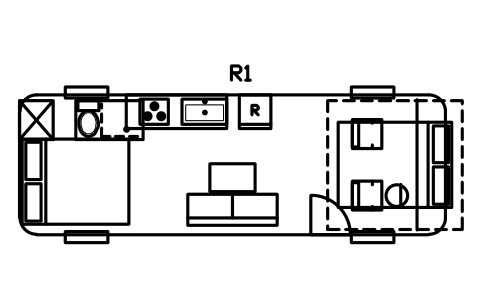
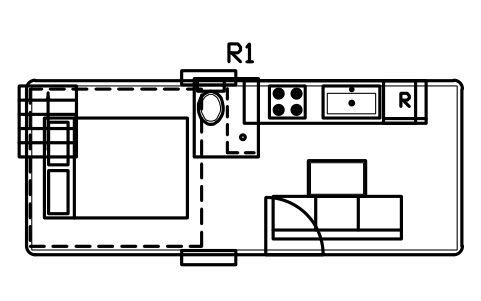
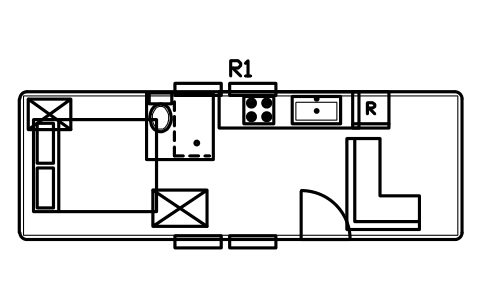
- Build a layout by placing the outline first, then the furniture and fittings on top of it. The nine complete layouts show how: a travel trailer, a camper van, a Class C motorhome, two tiny houses, a sailing yacht, a catamaran, a motor yacht and a narrowboat. Clearance markers show slide-out and awning zones, aisle widths, headroom, parking pads and turning radius.
About the drawings
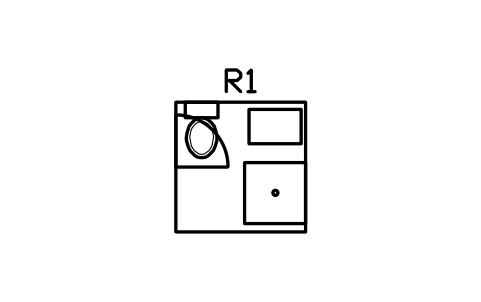
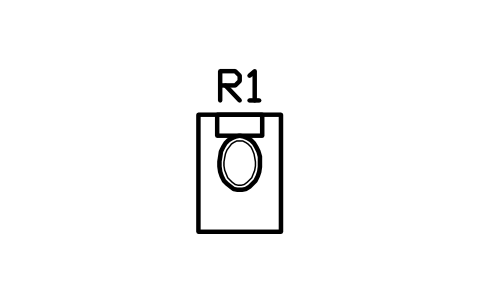
There is no standard for the drawings of RV, tiny house and yacht interiors. The blocks follow common practice in layout drawings: a bed with its pillows at the head, a cooktop with its burners, a toilet with its cistern at the back, a door as a leaf with its swing arc.
The blocks are our own drawings, not copies, and the library is not certified. The sizes are common planning values; road, marine, gas and fire rules, weight limits and legal dimensions depend on your country and on the model you specify, so check the data sheet and the rules that apply.
Sık sorulan sorular
- Can I use the blocks in a drawing in metres?
- Yes. The blocks are in millimetres, so insert them with a scale of 0.001 (or set the block unit conversion); a 1520 mm wide bed then measures 1.52 units on a drawing in metres. In a drawing in millimetres they come in at the right size without any scaling.
- Which vehicle and hull sizes are included?
- Travel trailers from 3700 to 8500 mm, fifth wheels from 7000 to 10000 mm, camper vans of 5400 and 6000 mm, Class C motorhomes from 6700 to 8500 mm, Class A from 8500 to 12000 mm, pop-ups, teardrops, tiny house trailers from 4900 to 8500 mm, 20 and 40 ft containers, bus conversions, sailing yachts from 8 to 14 m, catamarans from 10 to 14 m, motor yachts, a trawler, a houseboat, narrowboats and three tow vehicles.
- Can I use the symbols in commercial projects?
- Yes. They are free to use and modify in your own projects, including commercial ones. They are provided as is, without warranty. Please do not redistribute or resell the library; see the library terms.
- Is the library only for RVs?
- No. The same fittings work for tiny houses, caravans, converted vans and buses, container homes, boats and narrowboats: a bed, a galley, a wet bath or a tank looks the same wherever it is installed. Start from the outline that matches your project and take the rest from the library.
- Can I change a symbol or add attributes?
- Yes. Open the DWG, edit a block with BEDIT to change it or add attributes, and save. To update drawings that already contain the block, run ATTSYNC or replace the block. Make a backup first: attribute values can be lost if ATTSYNC is used carelessly.
- AutoCAD için bu sembollerin hazır bir setini nereden bulabilirim?
- AutoCAD yalnızca az sayıda örnek blokla gelir; tam bir sembol seti için bir kütüphane gerekir. Bu sayfadaki ZIP'i indirip DWG dosyasını açın: her sembol bir bloktur. Bir sembolü INSERT komutuyla (Bloklar paleti, Kütüphaneler sekmesi, ardından DWG'yi seçin) ekleyebilir ya da DesignCenter'dan (ADCENTER) sürükleyebilirsiniz. Tek bir sembolü ayrı olarak da indirebilirsiniz.