
KaynaklarDWG sembol kütüphaneleri
Free AutoCAD septic tank and on-site wastewater symbols (DWG): tanks, drain fields, mounds, sections
Septic tank and on-site wastewater: 176 ready-made AutoCAD blocks (DWG), free to download and use in your own projects, as a ZIP or one symbol at a time.
176 blocks at real size in plan and section: septic tanks of 750 to 2000 gal and 2000 to 6000 L with one or two compartments, round tanks, pump and dosing chambers, holding tanks and lift stations; aerobic units, filters, disinfection, wetlands, lagoons and grease interceptors; distribution, drop and valve boxes, manifolds, risers, ports, pumps and controls; gravel, chamber and pressure trenches, absorption and drip fields, mounds, at-grade and evapotranspiration beds, seepage pits; field layouts, reserve areas, pipes, fittings, wells, test marks, setback lines and sections.
Version 1.0 · updated 30 Ekim 2026 · Check out what's changed
Using AutoCAD 2017 or an earlier version? Download the 2010 format
Copyright CADXChange. Use and modify the symbols freely in your own drawings and projects, including commercial ones; credit and a link are needed only when you publish them. Please do not redistribute or resell the library. Each ZIP holds one plain DWG file in AutoCAD 2018 format and a README; no add-in needed. Provided as is, without warranty. Library terms (CXL-1.0)
Related symbol libraries

All 176 symbols
176 sembolün 176 tanesi
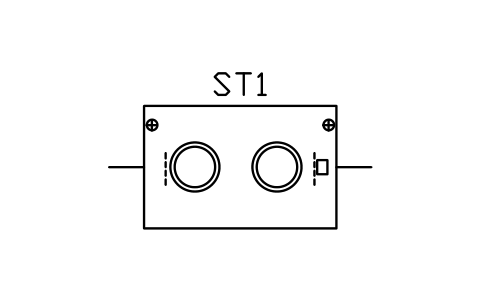
Septic tank 750 gal, 1 compartment
SEP_TANK_1C_750GÖznitelikler
TAGTANK_TYPECAPACITY_GALCAPACITY_LLENGTH_MMWIDTH_MMCOMPARTMENTSMATERIALINLET_INVERT_MMOUTLET_INVERT_MMMANUFACTURERMODELREMARKSDESC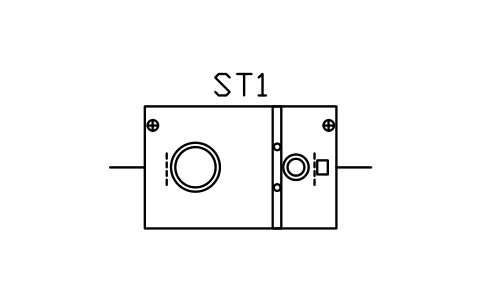
Septic tank 750 gal, 2 compartments
SEP_TANK_2C_750GÖznitelikler
TAGTANK_TYPECAPACITY_GALCAPACITY_LLENGTH_MMWIDTH_MMCOMPARTMENTSMATERIALINLET_INVERT_MMOUTLET_INVERT_MMMANUFACTURERMODELREMARKSDESC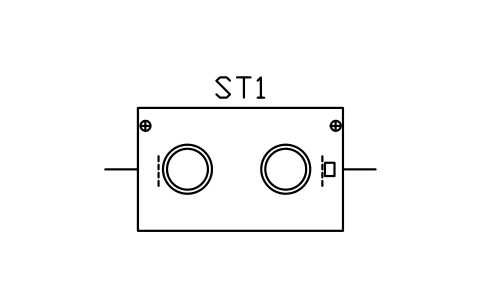
Septic tank 1000 gal, 1 compartment
SEP_TANK_1C_1000GÖznitelikler
TAGTANK_TYPECAPACITY_GALCAPACITY_LLENGTH_MMWIDTH_MMCOMPARTMENTSMATERIALINLET_INVERT_MMOUTLET_INVERT_MMMANUFACTURERMODELREMARKSDESC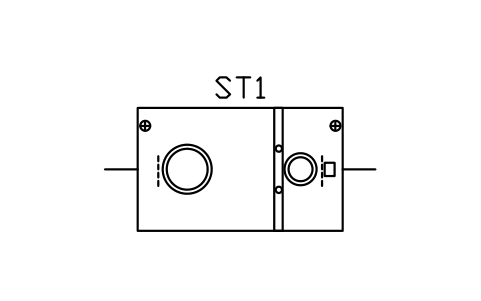
Septic tank 1000 gal, 2 compartments
SEP_TANK_2C_1000GÖznitelikler
TAGTANK_TYPECAPACITY_GALCAPACITY_LLENGTH_MMWIDTH_MMCOMPARTMENTSMATERIALINLET_INVERT_MMOUTLET_INVERT_MMMANUFACTURERMODELREMARKSDESC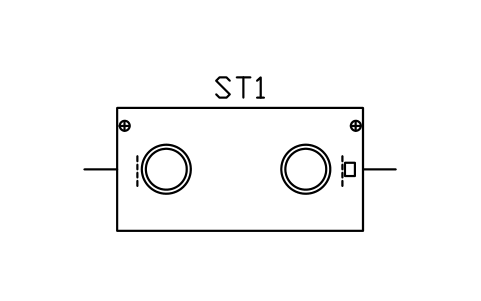
Septic tank 1250 gal, 1 compartment
SEP_TANK_1C_1250GÖznitelikler
TAGTANK_TYPECAPACITY_GALCAPACITY_LLENGTH_MMWIDTH_MMCOMPARTMENTSMATERIALINLET_INVERT_MMOUTLET_INVERT_MMMANUFACTURERMODELREMARKSDESC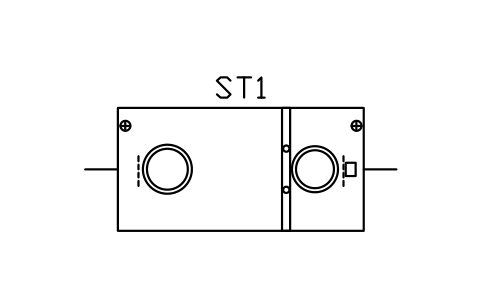
Septic tank 1250 gal, 2 compartments
SEP_TANK_2C_1250GÖznitelikler
TAGTANK_TYPECAPACITY_GALCAPACITY_LLENGTH_MMWIDTH_MMCOMPARTMENTSMATERIALINLET_INVERT_MMOUTLET_INVERT_MMMANUFACTURERMODELREMARKSDESC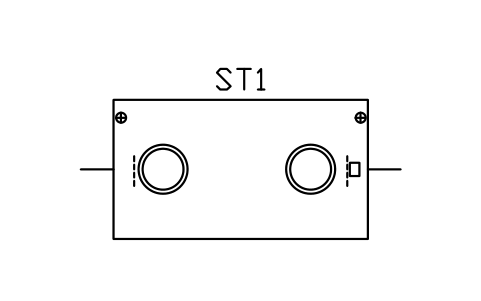
Septic tank 1500 gal, 1 compartment
SEP_TANK_1C_1500GÖznitelikler
TAGTANK_TYPECAPACITY_GALCAPACITY_LLENGTH_MMWIDTH_MMCOMPARTMENTSMATERIALINLET_INVERT_MMOUTLET_INVERT_MMMANUFACTURERMODELREMARKSDESC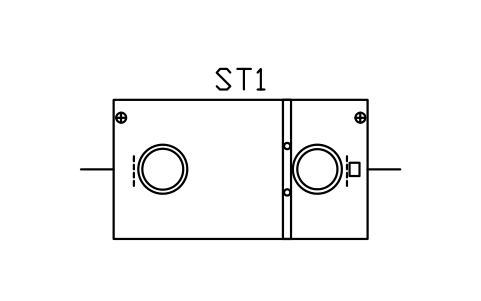
Septic tank 1500 gal, 2 compartments
SEP_TANK_2C_1500GÖznitelikler
TAGTANK_TYPECAPACITY_GALCAPACITY_LLENGTH_MMWIDTH_MMCOMPARTMENTSMATERIALINLET_INVERT_MMOUTLET_INVERT_MMMANUFACTURERMODELREMARKSDESC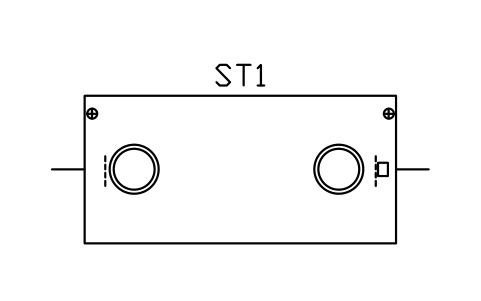
Septic tank 2000 gal, 1 compartment
SEP_TANK_1C_2000GÖznitelikler
TAGTANK_TYPECAPACITY_GALCAPACITY_LLENGTH_MMWIDTH_MMCOMPARTMENTSMATERIALINLET_INVERT_MMOUTLET_INVERT_MMMANUFACTURERMODELREMARKSDESC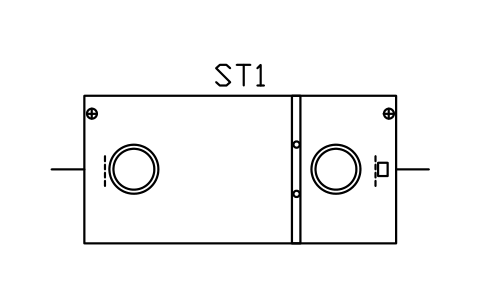
Septic tank 2000 gal, 2 compartments
SEP_TANK_2C_2000GÖznitelikler
TAGTANK_TYPECAPACITY_GALCAPACITY_LLENGTH_MMWIDTH_MMCOMPARTMENTSMATERIALINLET_INVERT_MMOUTLET_INVERT_MMMANUFACTURERMODELREMARKSDESC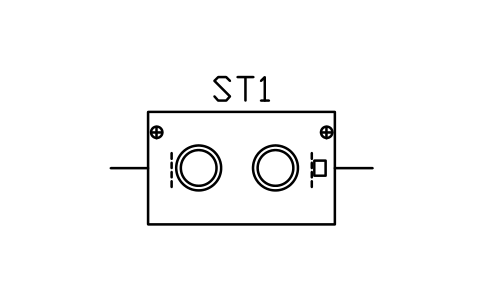
Septic tank 2000 L, 1 compartment
SEP_TANK_1C_2000LÖznitelikler
TAGTANK_TYPECAPACITY_GALCAPACITY_LLENGTH_MMWIDTH_MMCOMPARTMENTSMATERIALINLET_INVERT_MMOUTLET_INVERT_MMMANUFACTURERMODELREMARKSDESC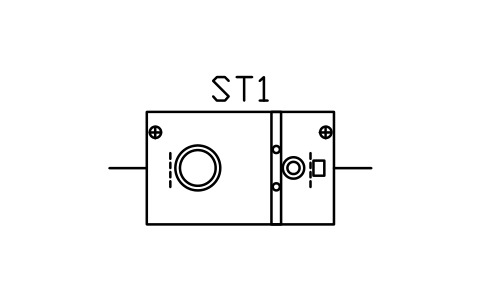
Septic tank 2000 L, 2 compartments
SEP_TANK_2C_2000LÖznitelikler
TAGTANK_TYPECAPACITY_GALCAPACITY_LLENGTH_MMWIDTH_MMCOMPARTMENTSMATERIALINLET_INVERT_MMOUTLET_INVERT_MMMANUFACTURERMODELREMARKSDESC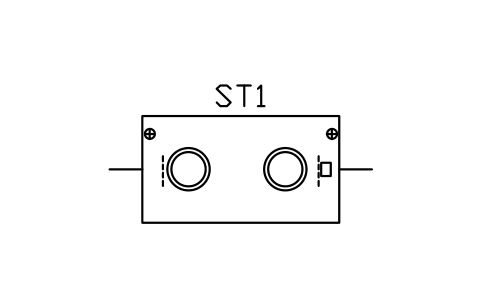
Septic tank 3000 L, 1 compartment
SEP_TANK_1C_3000LÖznitelikler
TAGTANK_TYPECAPACITY_GALCAPACITY_LLENGTH_MMWIDTH_MMCOMPARTMENTSMATERIALINLET_INVERT_MMOUTLET_INVERT_MMMANUFACTURERMODELREMARKSDESC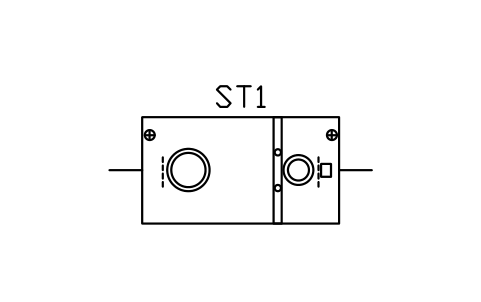
Septic tank 3000 L, 2 compartments
SEP_TANK_2C_3000LÖznitelikler
TAGTANK_TYPECAPACITY_GALCAPACITY_LLENGTH_MMWIDTH_MMCOMPARTMENTSMATERIALINLET_INVERT_MMOUTLET_INVERT_MMMANUFACTURERMODELREMARKSDESC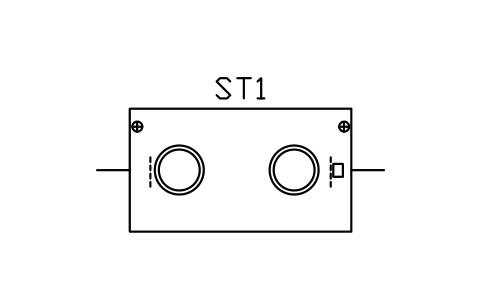
Septic tank 4000 L, 1 compartment
SEP_TANK_1C_4000LÖznitelikler
TAGTANK_TYPECAPACITY_GALCAPACITY_LLENGTH_MMWIDTH_MMCOMPARTMENTSMATERIALINLET_INVERT_MMOUTLET_INVERT_MMMANUFACTURERMODELREMARKSDESC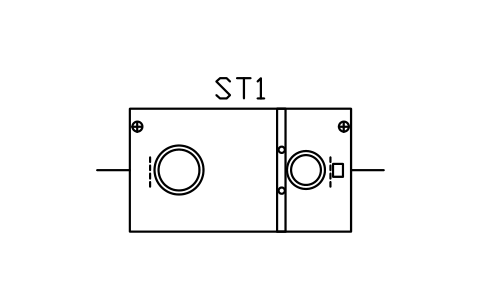
Septic tank 4000 L, 2 compartments
SEP_TANK_2C_4000LÖznitelikler
TAGTANK_TYPECAPACITY_GALCAPACITY_LLENGTH_MMWIDTH_MMCOMPARTMENTSMATERIALINLET_INVERT_MMOUTLET_INVERT_MMMANUFACTURERMODELREMARKSDESC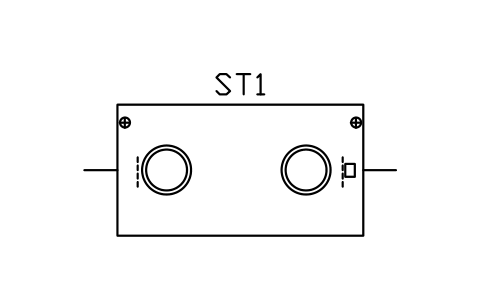
Septic tank 5000 L, 1 compartment
SEP_TANK_1C_5000LÖznitelikler
TAGTANK_TYPECAPACITY_GALCAPACITY_LLENGTH_MMWIDTH_MMCOMPARTMENTSMATERIALINLET_INVERT_MMOUTLET_INVERT_MMMANUFACTURERMODELREMARKSDESC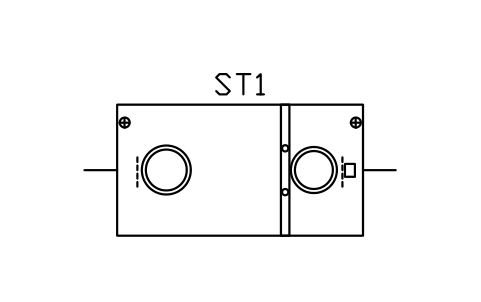
Septic tank 5000 L, 2 compartments
SEP_TANK_2C_5000LÖznitelikler
TAGTANK_TYPECAPACITY_GALCAPACITY_LLENGTH_MMWIDTH_MMCOMPARTMENTSMATERIALINLET_INVERT_MMOUTLET_INVERT_MMMANUFACTURERMODELREMARKSDESC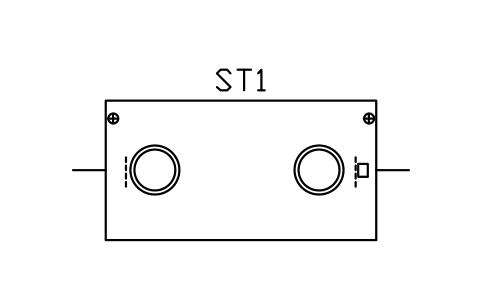
Septic tank 6000 L, 1 compartment
SEP_TANK_1C_6000LÖznitelikler
TAGTANK_TYPECAPACITY_GALCAPACITY_LLENGTH_MMWIDTH_MMCOMPARTMENTSMATERIALINLET_INVERT_MMOUTLET_INVERT_MMMANUFACTURERMODELREMARKSDESC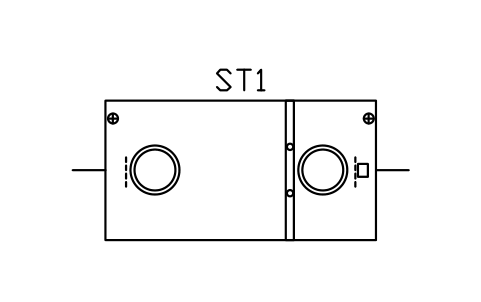
Septic tank 6000 L, 2 compartments
SEP_TANK_2C_6000LÖznitelikler
TAGTANK_TYPECAPACITY_GALCAPACITY_LLENGTH_MMWIDTH_MMCOMPARTMENTSMATERIALINLET_INVERT_MMOUTLET_INVERT_MMMANUFACTURERMODELREMARKSDESC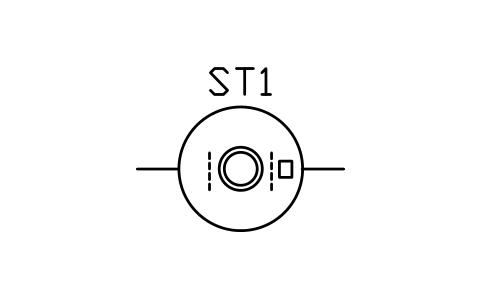
Septic tank, round, 1200
SEP_TANK_RD_1200Öznitelikler
TAGTANK_TYPECAPACITY_GALCAPACITY_LLENGTH_MMWIDTH_MMCOMPARTMENTSMATERIALINLET_INVERT_MMOUTLET_INVERT_MMMANUFACTURERMODELREMARKSDESC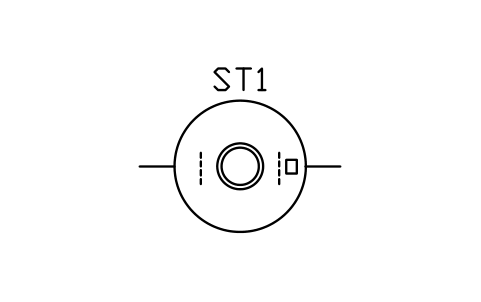
Septic tank, round, 1500
SEP_TANK_RD_1500Öznitelikler
TAGTANK_TYPECAPACITY_GALCAPACITY_LLENGTH_MMWIDTH_MMCOMPARTMENTSMATERIALINLET_INVERT_MMOUTLET_INVERT_MMMANUFACTURERMODELREMARKSDESC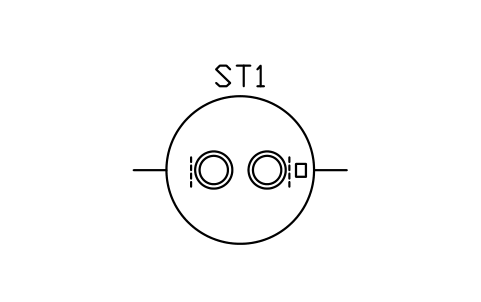
Septic tank, round, 1800
SEP_TANK_RD_1800Öznitelikler
TAGTANK_TYPECAPACITY_GALCAPACITY_LLENGTH_MMWIDTH_MMCOMPARTMENTSMATERIALINLET_INVERT_MMOUTLET_INVERT_MMMANUFACTURERMODELREMARKSDESC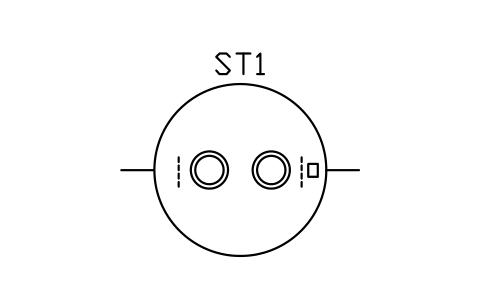
Septic tank, round, 2100
SEP_TANK_RD_2100Öznitelikler
TAGTANK_TYPECAPACITY_GALCAPACITY_LLENGTH_MMWIDTH_MMCOMPARTMENTSMATERIALINLET_INVERT_MMOUTLET_INVERT_MMMANUFACTURERMODELREMARKSDESC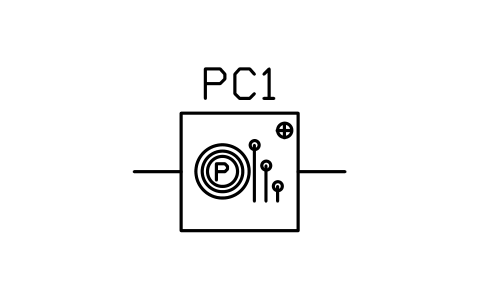
Pump chamber, 1000 x 1000
SEP_PUMP_CH_1000X1000Öznitelikler
TAGTANK_TYPECAPACITY_GALCAPACITY_LLENGTH_MMWIDTH_MMCOMPARTMENTSMATERIALINLET_INVERT_MMOUTLET_INVERT_MMMANUFACTURERMODELREMARKSDESC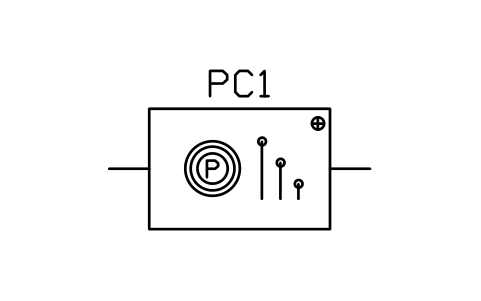
Pump chamber, 1800 x 1200
SEP_PUMP_CH_1800X1200Öznitelikler
TAGTANK_TYPECAPACITY_GALCAPACITY_LLENGTH_MMWIDTH_MMCOMPARTMENTSMATERIALINLET_INVERT_MMOUTLET_INVERT_MMMANUFACTURERMODELREMARKSDESC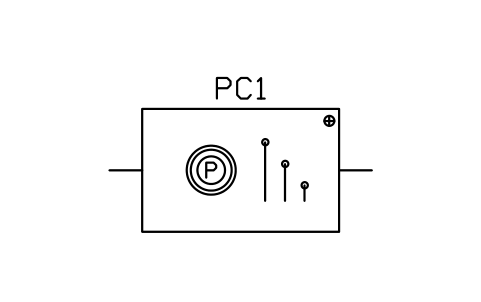
Pump chamber, 2400 x 1500
SEP_PUMP_CH_2400X1500Öznitelikler
TAGTANK_TYPECAPACITY_GALCAPACITY_LLENGTH_MMWIDTH_MMCOMPARTMENTSMATERIALINLET_INVERT_MMOUTLET_INVERT_MMMANUFACTURERMODELREMARKSDESC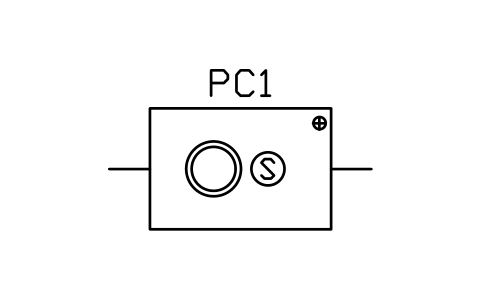
Dosing tank with siphon, 1800 x 1200
SEP_DOSE_SIPHONÖznitelikler
TAGTANK_TYPECAPACITY_GALCAPACITY_LLENGTH_MMWIDTH_MMCOMPARTMENTSMATERIALINLET_INVERT_MMOUTLET_INVERT_MMMANUFACTURERMODELREMARKSDESC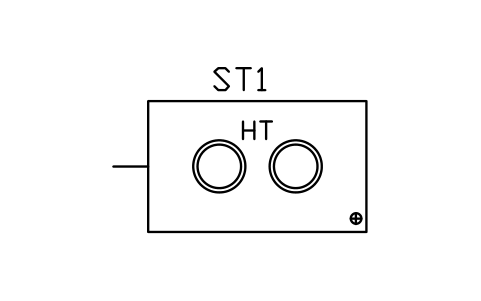
Holding tank 1000 gal
SEP_HOLD_1000GÖznitelikler
TAGTANK_TYPECAPACITY_GALCAPACITY_LLENGTH_MMWIDTH_MMCOMPARTMENTSMATERIALINLET_INVERT_MMOUTLET_INVERT_MMMANUFACTURERMODELREMARKSDESC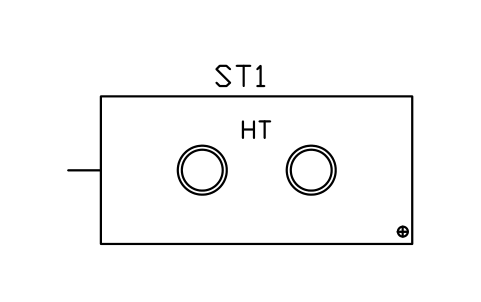
Holding tank 2000 gal
SEP_HOLD_2000GÖznitelikler
TAGTANK_TYPECAPACITY_GALCAPACITY_LLENGTH_MMWIDTH_MMCOMPARTMENTSMATERIALINLET_INVERT_MMOUTLET_INVERT_MMMANUFACTURERMODELREMARKSDESC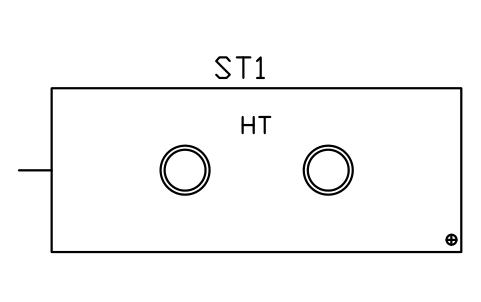
Holding tank 3000 gal
SEP_HOLD_3000GÖznitelikler
TAGTANK_TYPECAPACITY_GALCAPACITY_LLENGTH_MMWIDTH_MMCOMPARTMENTSMATERIALINLET_INVERT_MMOUTLET_INVERT_MMMANUFACTURERMODELREMARKSDESC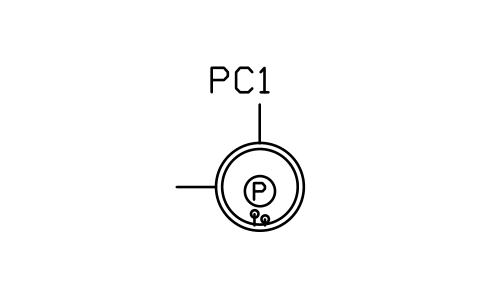
Lift station, 900
SEP_LIFT_900Öznitelikler
TAGUNIT_TYPESIZEDESIGN_FLOW_L_DDESIGN_FLOW_GPDMATERIALPOWER_WMANUFACTURERMODELREMARKSDESC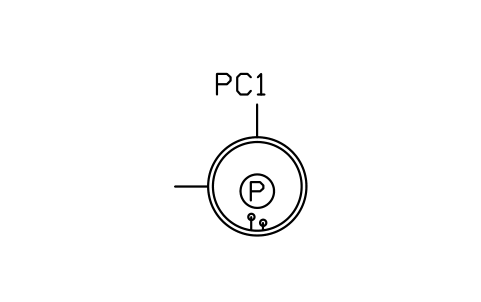
Lift station, 1200
SEP_LIFT_1200Öznitelikler
TAGUNIT_TYPESIZEDESIGN_FLOW_L_DDESIGN_FLOW_GPDMATERIALPOWER_WMANUFACTURERMODELREMARKSDESC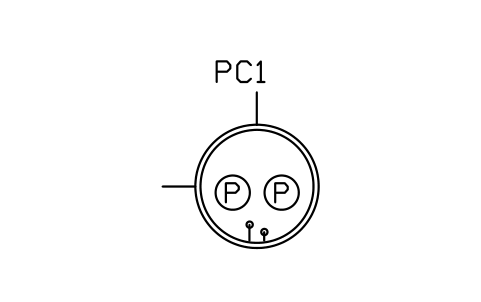
Lift station, duplex, 1500
SEP_LIFT_1500Öznitelikler
TAGUNIT_TYPESIZEDESIGN_FLOW_L_DDESIGN_FLOW_GPDMATERIALPOWER_WMANUFACTURERMODELREMARKSDESC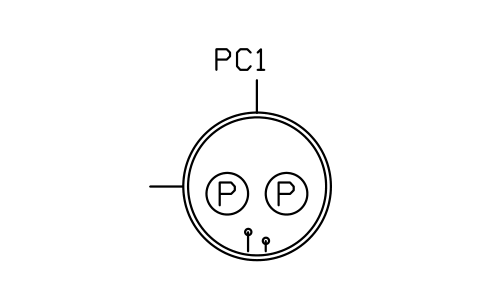
Lift station, duplex, 1800
SEP_LIFT_1800Öznitelikler
TAGUNIT_TYPESIZEDESIGN_FLOW_L_DDESIGN_FLOW_GPDMATERIALPOWER_WMANUFACTURERMODELREMARKSDESC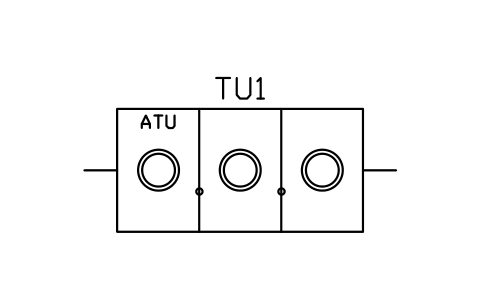
Aerobic unit, 3 chambers, 3000
SEP_ATU_3C_3000Öznitelikler
TAGUNIT_TYPESIZEDESIGN_FLOW_L_DDESIGN_FLOW_GPDMATERIALPOWER_WMANUFACTURERMODELREMARKSDESC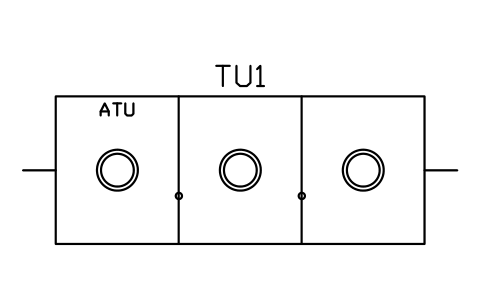
Aerobic unit, 3 chambers, 4500
SEP_ATU_3C_4500Öznitelikler
TAGUNIT_TYPESIZEDESIGN_FLOW_L_DDESIGN_FLOW_GPDMATERIALPOWER_WMANUFACTURERMODELREMARKSDESC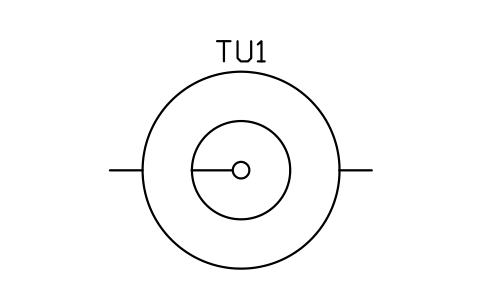
Clarifier, round, 2400
SEP_CLARIFIER_RDÖznitelikler
TAGUNIT_TYPESIZEDESIGN_FLOW_L_DDESIGN_FLOW_GPDMATERIALPOWER_WMANUFACTURERMODELREMARKSDESC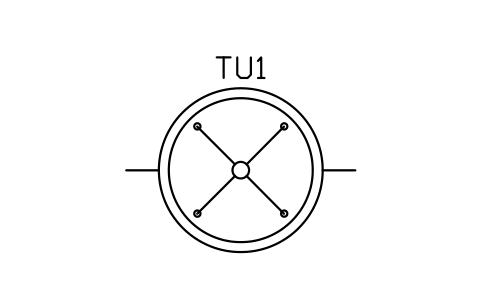
Spray filter, round, 2000
SEP_SPRAY_FILTER_2000Öznitelikler
TAGUNIT_TYPESIZEDESIGN_FLOW_L_DDESIGN_FLOW_GPDMATERIALPOWER_WMANUFACTURERMODELREMARKSDESC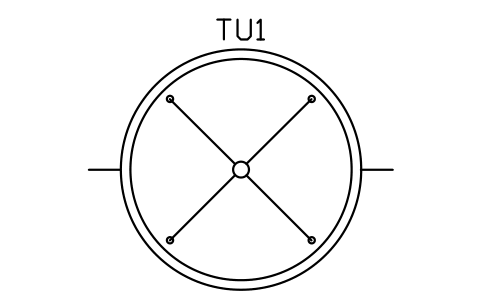
Spray filter, round, 3000
SEP_SPRAY_FILTER_3000Öznitelikler
TAGUNIT_TYPESIZEDESIGN_FLOW_L_DDESIGN_FLOW_GPDMATERIALPOWER_WMANUFACTURERMODELREMARKSDESC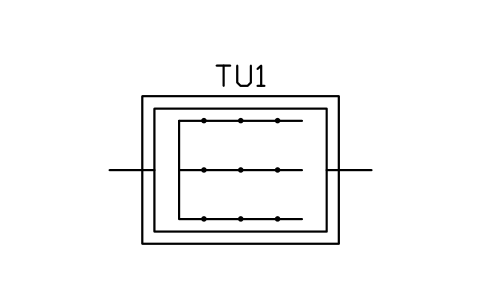
Packed-bed filter, 2400 x 1800
SEP_MEDIA_FILTER_2400Öznitelikler
TAGUNIT_TYPESIZEDESIGN_FLOW_L_DDESIGN_FLOW_GPDMATERIALPOWER_WMANUFACTURERMODELREMARKSDESC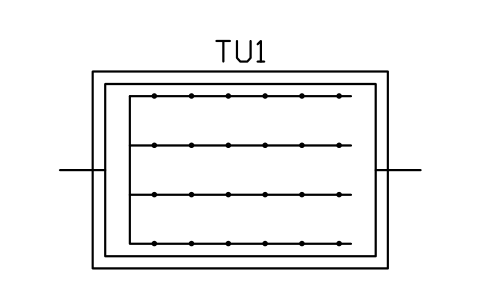
Packed-bed filter, 3600 x 2400
SEP_MEDIA_FILTER_3600Öznitelikler
TAGUNIT_TYPESIZEDESIGN_FLOW_L_DDESIGN_FLOW_GPDMATERIALPOWER_WMANUFACTURERMODELREMARKSDESC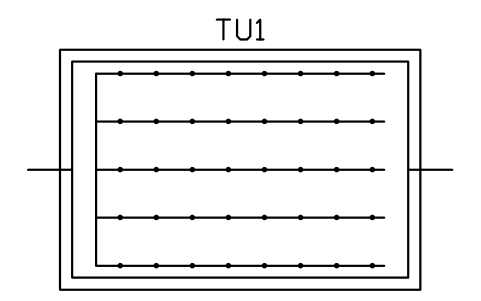
Sand filter, 4500 x 3000
SEP_SAND_FILTER_4500Öznitelikler
TAGUNIT_TYPESIZEDESIGN_FLOW_L_DDESIGN_FLOW_GPDMATERIALPOWER_WMANUFACTURERMODELREMARKSDESC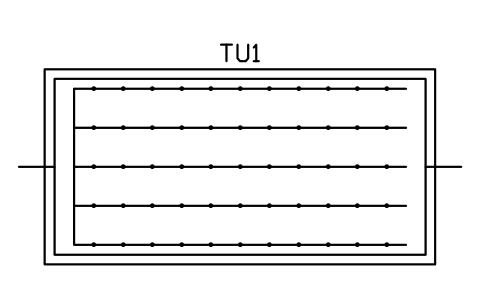
Sand filter, 6000 x 3000
SEP_SAND_FILTER_6000Öznitelikler
TAGUNIT_TYPESIZEDESIGN_FLOW_L_DDESIGN_FLOW_GPDMATERIALPOWER_WMANUFACTURERMODELREMARKSDESC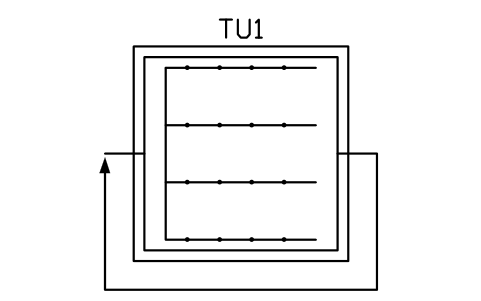
Recirculating gravel filter, 3000
SEP_GRAVEL_FILTER_3000Öznitelikler
TAGUNIT_TYPESIZEDESIGN_FLOW_L_DDESIGN_FLOW_GPDMATERIALPOWER_WMANUFACTURERMODELREMARKSDESC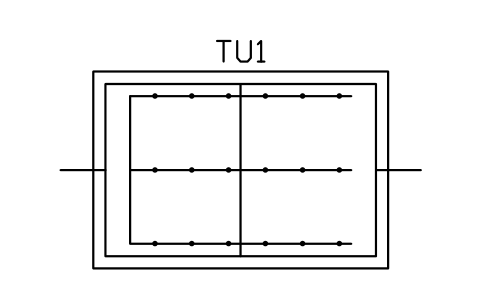
Peat biofilter, 3600 x 2400
SEP_PEAT_FILTER_3600Öznitelikler
TAGUNIT_TYPESIZEDESIGN_FLOW_L_DDESIGN_FLOW_GPDMATERIALPOWER_WMANUFACTURERMODELREMARKSDESC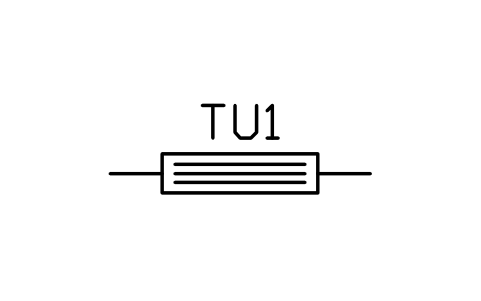
UV disinfection unit
SEP_UV_UNITÖznitelikler
TAGUNIT_TYPESIZEDESIGN_FLOW_L_DDESIGN_FLOW_GPDMATERIALPOWER_WMANUFACTURERMODELREMARKSDESC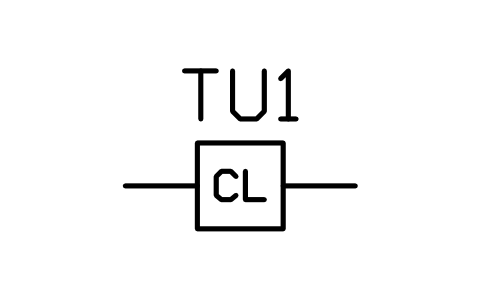
Tablet chlorinator
SEP_CHLORINATORÖznitelikler
TAGUNIT_TYPESIZEDESIGN_FLOW_L_DDESIGN_FLOW_GPDMATERIALPOWER_WMANUFACTURERMODELREMARKSDESC
Effluent filter
SEP_EFF_FILTERÖznitelikler
TAGUNIT_TYPESIZEDESIGN_FLOW_L_DDESIGN_FLOW_GPDMATERIALPOWER_WMANUFACTURERMODELREMARKSDESC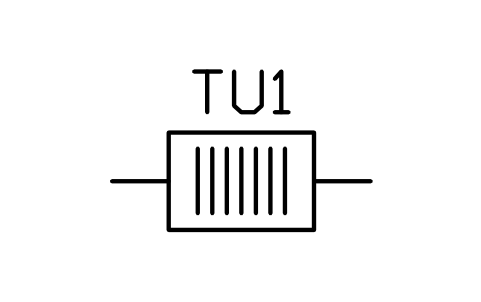
Screen basket chamber
SEP_PRETREAT_SCREENÖznitelikler
TAGUNIT_TYPESIZEDESIGN_FLOW_L_DDESIGN_FLOW_GPDMATERIALPOWER_WMANUFACTURERMODELREMARKSDESC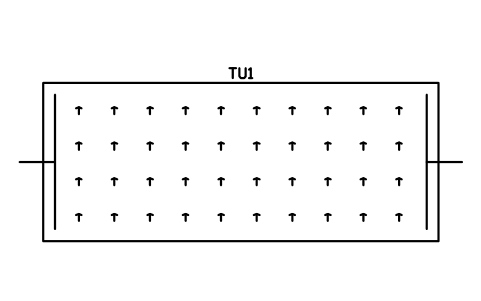
Planted bed wetland, 10000 x 4000
SEP_WETLAND_10000Öznitelikler
TAGUNIT_TYPESIZEDESIGN_FLOW_L_DDESIGN_FLOW_GPDMATERIALPOWER_WMANUFACTURERMODELREMARKSDESC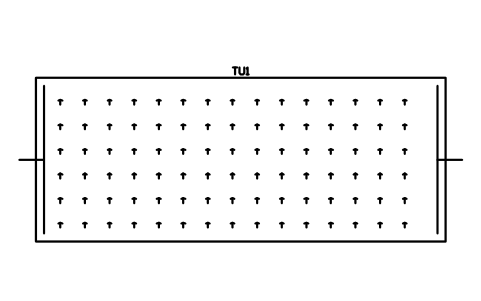
Planted bed wetland, 15000 x 6000
SEP_WETLAND_15000Öznitelikler
TAGUNIT_TYPESIZEDESIGN_FLOW_L_DDESIGN_FLOW_GPDMATERIALPOWER_WMANUFACTURERMODELREMARKSDESC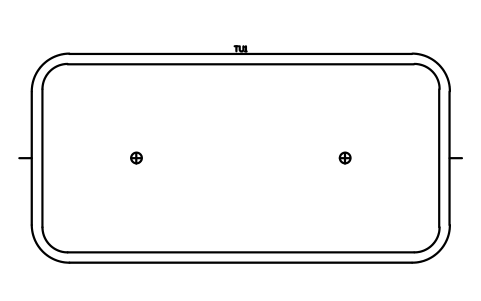
Aerated lagoon, 20000 x 10000
SEP_LAGOON_20000Öznitelikler
TAGUNIT_TYPESIZEDESIGN_FLOW_L_DDESIGN_FLOW_GPDMATERIALPOWER_WMANUFACTURERMODELREMARKSDESC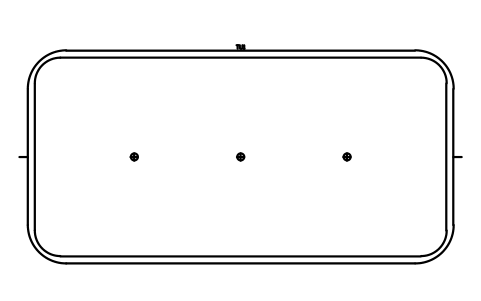
Aerated lagoon, 30000 x 15000
SEP_LAGOON_30000Öznitelikler
TAGUNIT_TYPESIZEDESIGN_FLOW_L_DDESIGN_FLOW_GPDMATERIALPOWER_WMANUFACTURERMODELREMARKSDESC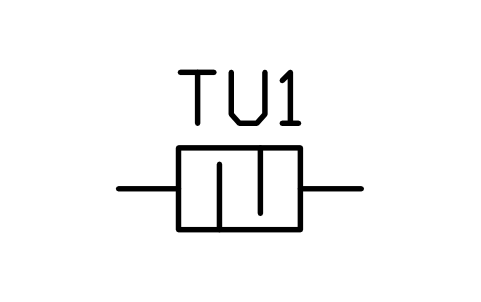
Grease trap, indoor, 600
SEP_GREASE_TRAP_INDOORÖznitelikler
TAGUNIT_TYPESIZEDESIGN_FLOW_L_DDESIGN_FLOW_GPDMATERIALPOWER_WMANUFACTURERMODELREMARKSDESC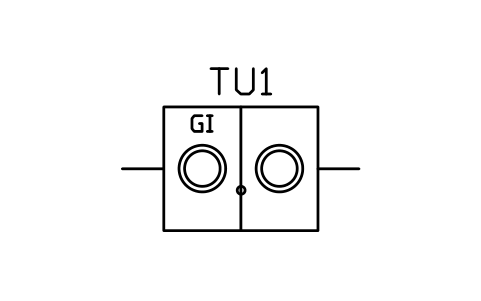
Grease interceptor, 1500
SEP_GREASE_INT_2C_1500Öznitelikler
TAGUNIT_TYPESIZEDESIGN_FLOW_L_DDESIGN_FLOW_GPDMATERIALPOWER_WMANUFACTURERMODELREMARKSDESC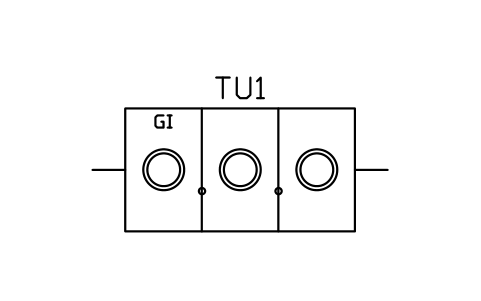
Grease interceptor, 2800
SEP_GREASE_INT_3C_2800Öznitelikler
TAGUNIT_TYPESIZEDESIGN_FLOW_L_DDESIGN_FLOW_GPDMATERIALPOWER_WMANUFACTURERMODELREMARKSDESC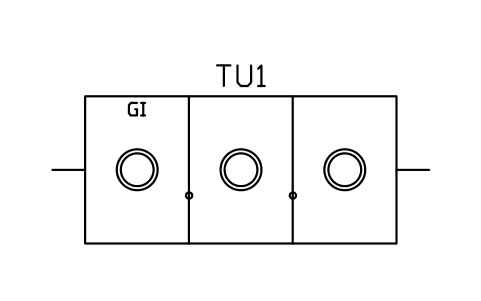
Grease interceptor, 3800
SEP_GREASE_INT_3C_3800Öznitelikler
TAGUNIT_TYPESIZEDESIGN_FLOW_L_DDESIGN_FLOW_GPDMATERIALPOWER_WMANUFACTURERMODELREMARKSDESC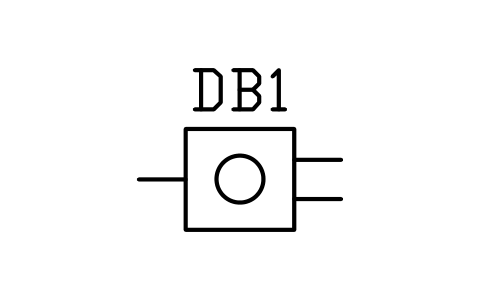
Distribution box, 2 outlets
SEP_DBOX_2Öznitelikler
TAGITEM_TYPESIZEMATERIALMANUFACTURERMODELREMARKSDESC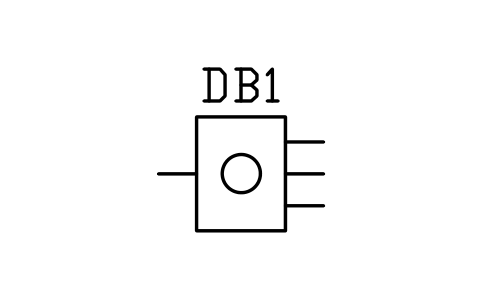
Distribution box, 3 outlets
SEP_DBOX_3Öznitelikler
TAGITEM_TYPESIZEMATERIALMANUFACTURERMODELREMARKSDESC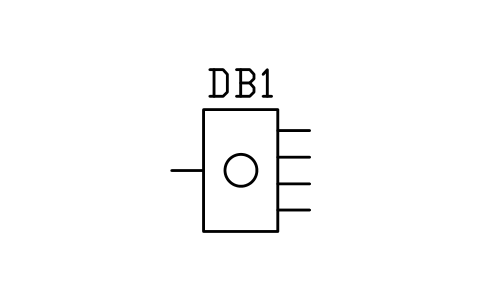
Distribution box, 4 outlets
SEP_DBOX_4Öznitelikler
TAGITEM_TYPESIZEMATERIALMANUFACTURERMODELREMARKSDESC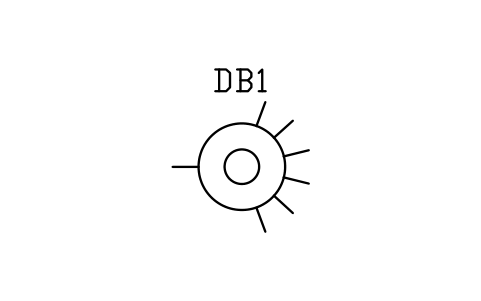
Distribution box, 6 outlets
SEP_DBOX_6Öznitelikler
TAGITEM_TYPESIZEMATERIALMANUFACTURERMODELREMARKSDESC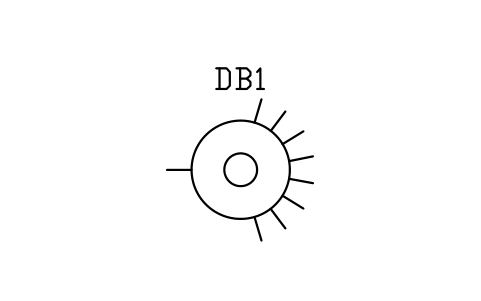
Distribution box, 8 outlets
SEP_DBOX_8Öznitelikler
TAGITEM_TYPESIZEMATERIALMANUFACTURERMODELREMARKSDESC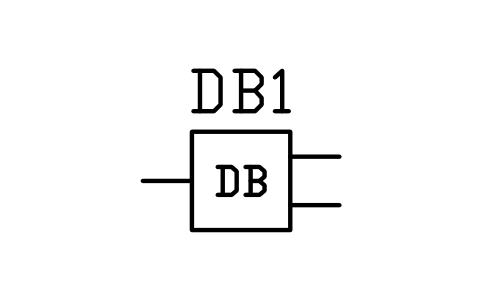
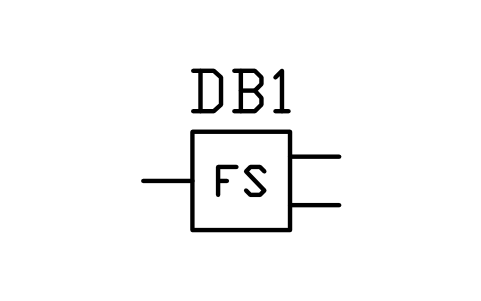
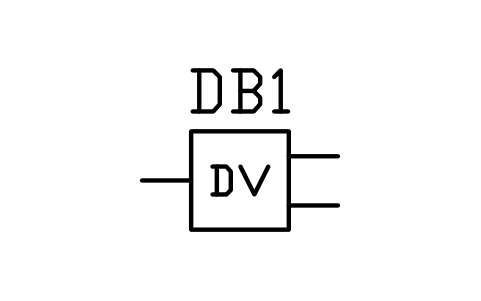
Diversion valve box
SEP_DIVERSION_VALVEÖznitelikler
TAGITEM_TYPESIZEMATERIALMANUFACTURERMODELREMARKSDESC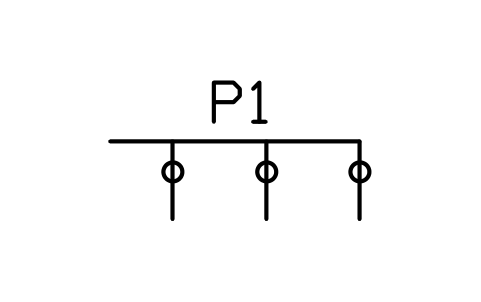
Pressure manifold, 3 laterals
SEP_MANIFOLD_3Öznitelikler
TAGITEM_TYPESIZEMATERIALMANUFACTURERMODELREMARKSDESC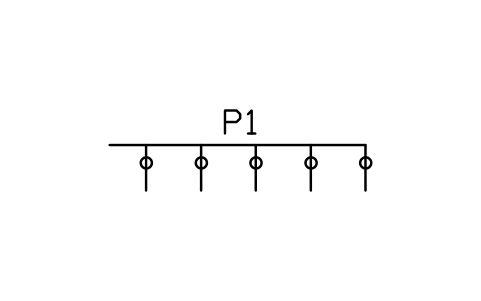
Pressure manifold, 5 laterals
SEP_MANIFOLD_5Öznitelikler
TAGITEM_TYPESIZEMATERIALMANUFACTURERMODELREMARKSDESC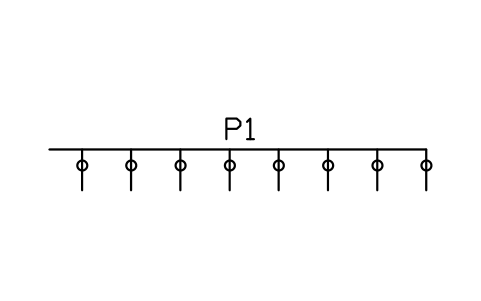
Pressure manifold, 8 laterals
SEP_MANIFOLD_8Öznitelikler
TAGITEM_TYPESIZEMATERIALMANUFACTURERMODELREMARKSDESC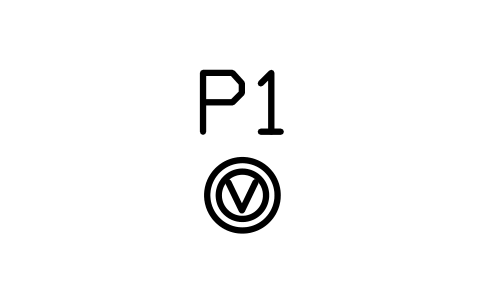
Valve box, round, 300
SEP_VALVE_BOX_RD_300Öznitelikler
TAGITEM_TYPESIZEMATERIALMANUFACTURERMODELREMARKSDESC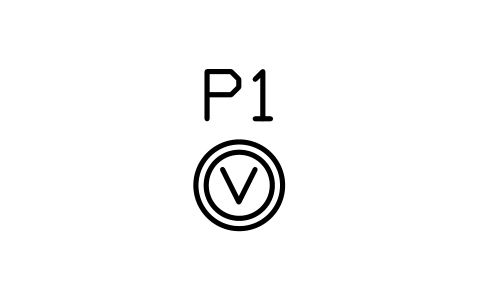
Valve box, round, 450
SEP_VALVE_BOX_RD_450Öznitelikler
TAGITEM_TYPESIZEMATERIALMANUFACTURERMODELREMARKSDESC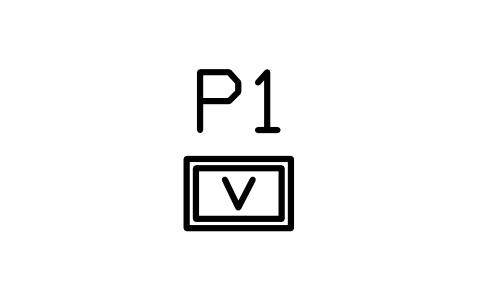
Valve box, rectangular, 300 x 450
SEP_VALVE_BOX_RECTÖznitelikler
TAGITEM_TYPESIZEMATERIALMANUFACTURERMODELREMARKSDESC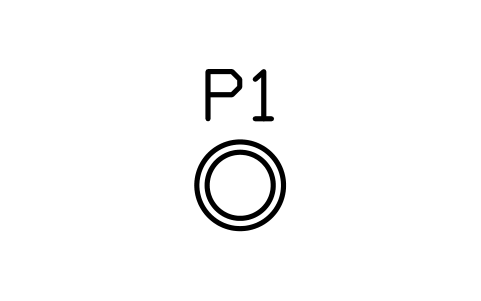
Access riser with lid, 450
SEP_RISER_450Öznitelikler
TAGITEM_TYPESIZEMATERIALMANUFACTURERMODELREMARKSDESC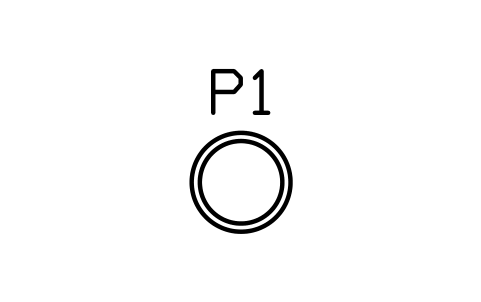
Access riser with lid, 600
SEP_RISER_600Öznitelikler
TAGITEM_TYPESIZEMATERIALMANUFACTURERMODELREMARKSDESC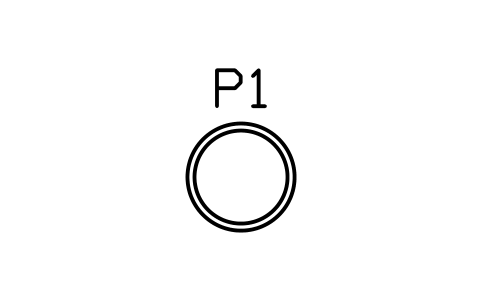
Access riser with lid, 750
SEP_RISER_750Öznitelikler
TAGITEM_TYPESIZEMATERIALMANUFACTURERMODELREMARKSDESC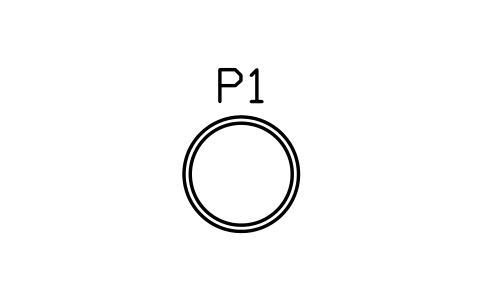
Access riser with lid, 900
SEP_RISER_900Öznitelikler
TAGITEM_TYPESIZEMATERIALMANUFACTURERMODELREMARKSDESC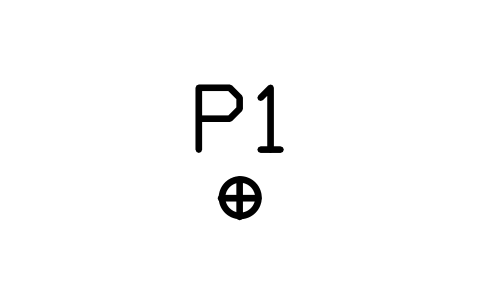
Inspection port, 100
SEP_PORT_INSPECTIONÖznitelikler
TAGITEM_TYPESIZEMATERIALMANUFACTURERMODELREMARKSDESC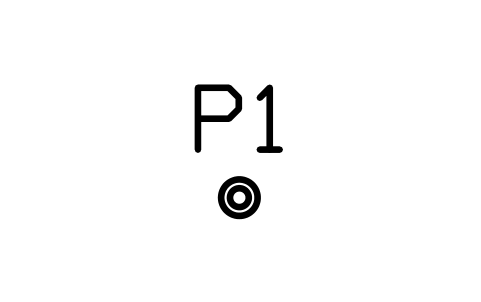
Observation port, 100
SEP_PORT_OBSERVATIONÖznitelikler
TAGITEM_TYPESIZEMATERIALMANUFACTURERMODELREMARKSDESC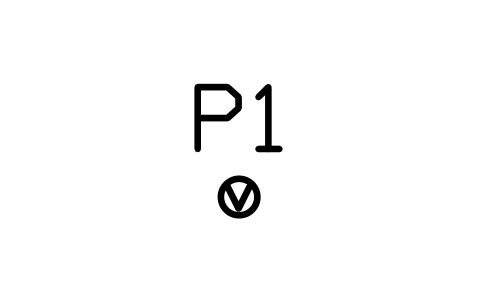
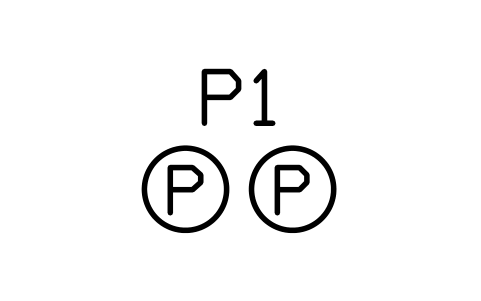
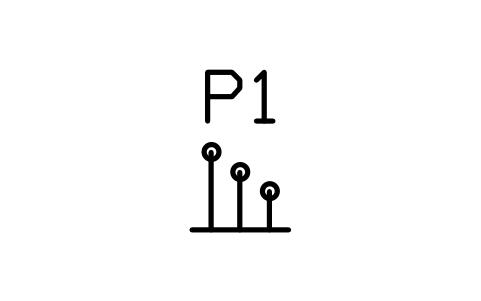
Float switch set, 3 levels
SEP_FLOAT_SETÖznitelikler
TAGITEM_TYPESIZEMATERIALMANUFACTURERMODELREMARKSDESC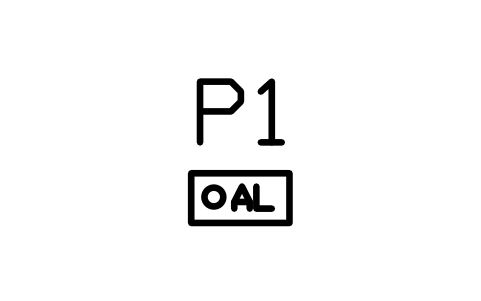
High-water alarm panel
SEP_ALARM_PANELÖznitelikler
TAGITEM_TYPESIZEMATERIALMANUFACTURERMODELREMARKSDESC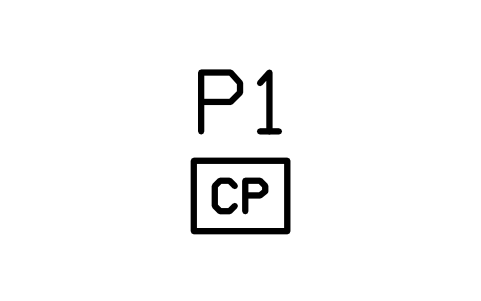
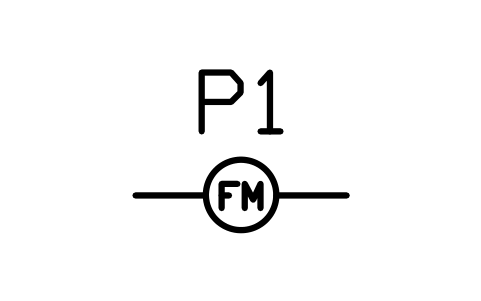
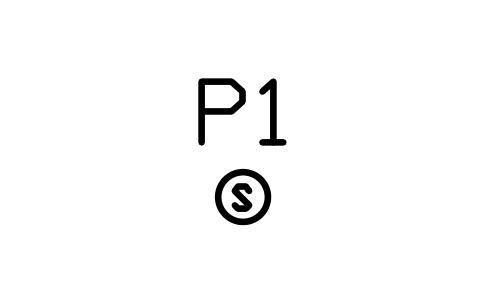
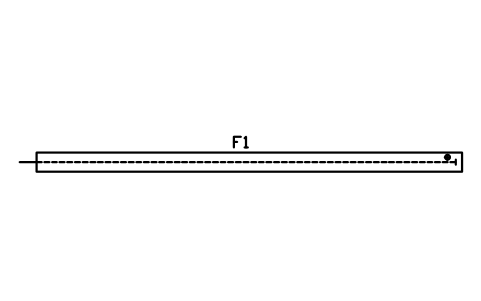
Gravel trench, 450 x 10000
SEP_TRENCH_GRAVEL_450Öznitelikler
TAGFIELD_TYPESIZETRENCH_WIDTH_MMPIPE_DIAMETER_MMMEDIALOADING_RATE_L_M2_DAREA_M2MANUFACTURERMODELREMARKSDESC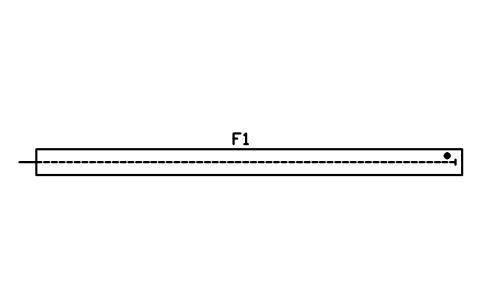
Gravel trench, 600 x 10000
SEP_TRENCH_GRAVEL_600Öznitelikler
TAGFIELD_TYPESIZETRENCH_WIDTH_MMPIPE_DIAMETER_MMMEDIALOADING_RATE_L_M2_DAREA_M2MANUFACTURERMODELREMARKSDESC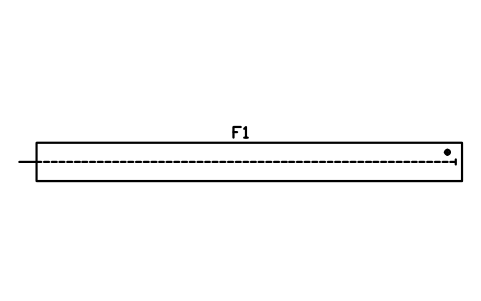
Gravel trench, 900 x 10000
SEP_TRENCH_GRAVEL_900Öznitelikler
TAGFIELD_TYPESIZETRENCH_WIDTH_MMPIPE_DIAMETER_MMMEDIALOADING_RATE_L_M2_DAREA_M2MANUFACTURERMODELREMARKSDESC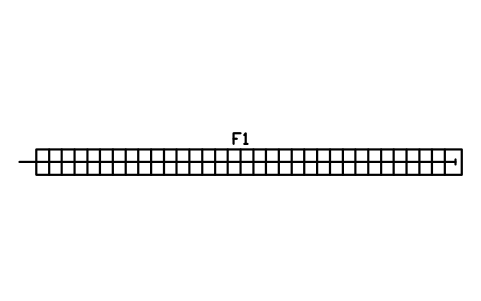
Chamber trench, 600 x 10000
SEP_TRENCH_CHAMBER_600Öznitelikler
TAGFIELD_TYPESIZETRENCH_WIDTH_MMPIPE_DIAMETER_MMMEDIALOADING_RATE_L_M2_DAREA_M2MANUFACTURERMODELREMARKSDESC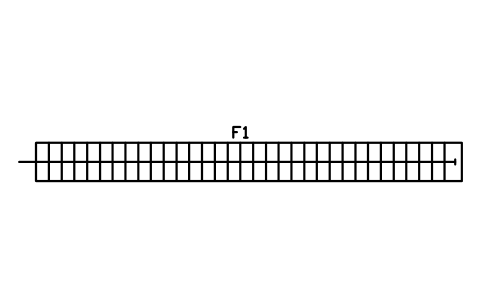
Chamber trench, 900 x 10000
SEP_TRENCH_CHAMBER_900Öznitelikler
TAGFIELD_TYPESIZETRENCH_WIDTH_MMPIPE_DIAMETER_MMMEDIALOADING_RATE_L_M2_DAREA_M2MANUFACTURERMODELREMARKSDESC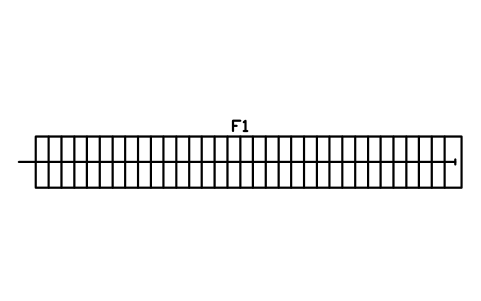
Chamber trench, 1200 x 10000
SEP_TRENCH_CHAMBER_1200Öznitelikler
TAGFIELD_TYPESIZETRENCH_WIDTH_MMPIPE_DIAMETER_MMMEDIALOADING_RATE_L_M2_DAREA_M2MANUFACTURERMODELREMARKSDESC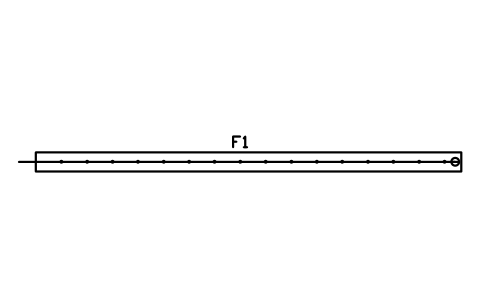
Pressure trench, 450 x 10000
SEP_TRENCH_PRESSURE_450Öznitelikler
TAGFIELD_TYPESIZETRENCH_WIDTH_MMPIPE_DIAMETER_MMMEDIALOADING_RATE_L_M2_DAREA_M2MANUFACTURERMODELREMARKSDESC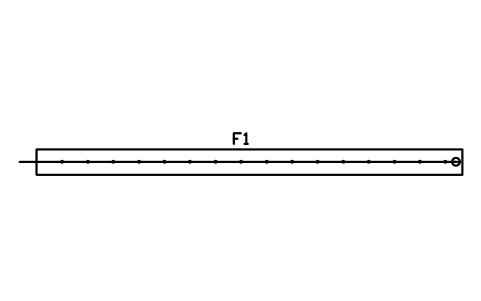
Pressure trench, 600 x 10000
SEP_TRENCH_PRESSURE_600Öznitelikler
TAGFIELD_TYPESIZETRENCH_WIDTH_MMPIPE_DIAMETER_MMMEDIALOADING_RATE_L_M2_DAREA_M2MANUFACTURERMODELREMARKSDESC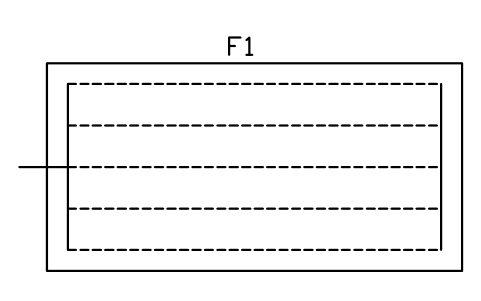
Absorption bed, 6000 x 3000
SEP_BED_3000X6000Öznitelikler
TAGFIELD_TYPESIZETRENCH_WIDTH_MMPIPE_DIAMETER_MMMEDIALOADING_RATE_L_M2_DAREA_M2MANUFACTURERMODELREMARKSDESC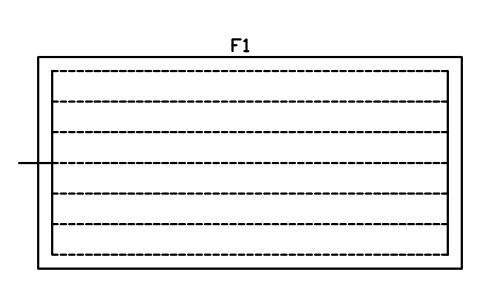
Absorption bed, 9000 x 4500
SEP_BED_4500X9000Öznitelikler
TAGFIELD_TYPESIZETRENCH_WIDTH_MMPIPE_DIAMETER_MMMEDIALOADING_RATE_L_M2_DAREA_M2MANUFACTURERMODELREMARKSDESC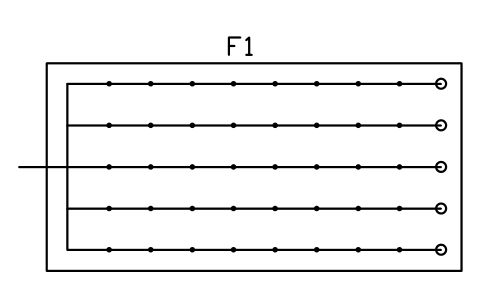
Pressure-dosed bed, 6000 x 3000
SEP_BED_PRESSURE_6000Öznitelikler
TAGFIELD_TYPESIZETRENCH_WIDTH_MMPIPE_DIAMETER_MMMEDIALOADING_RATE_L_M2_DAREA_M2MANUFACTURERMODELREMARKSDESC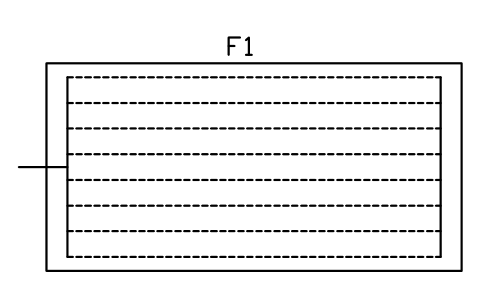
Drip dispersal field, 6000 x 3000
SEP_DRIP_3000X6000Öznitelikler
TAGFIELD_TYPESIZETRENCH_WIDTH_MMPIPE_DIAMETER_MMMEDIALOADING_RATE_L_M2_DAREA_M2MANUFACTURERMODELREMARKSDESC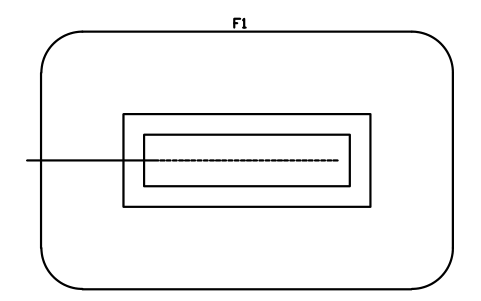
Mound system, bed 6000 x 1500
SEP_MOUND_1500X6000Öznitelikler
TAGFIELD_TYPESIZETRENCH_WIDTH_MMPIPE_DIAMETER_MMMEDIALOADING_RATE_L_M2_DAREA_M2MANUFACTURERMODELREMARKSDESC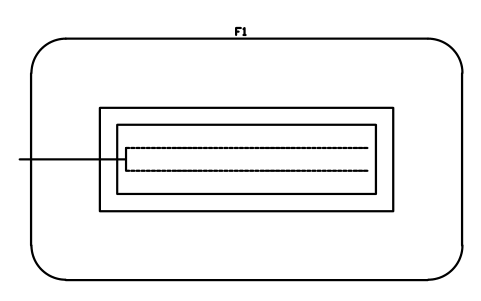
Mound system, bed 9000 x 2400
SEP_MOUND_2400X9000Öznitelikler
TAGFIELD_TYPESIZETRENCH_WIDTH_MMPIPE_DIAMETER_MMMEDIALOADING_RATE_L_M2_DAREA_M2MANUFACTURERMODELREMARKSDESC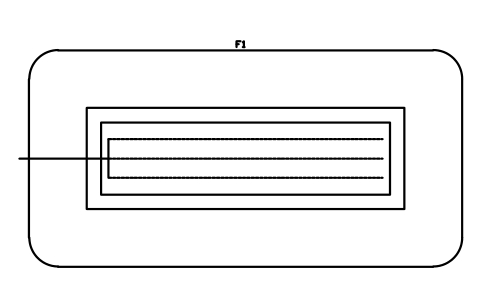
Mound system, bed 12000 x 3000
SEP_MOUND_3000X12000Öznitelikler
TAGFIELD_TYPESIZETRENCH_WIDTH_MMPIPE_DIAMETER_MMMEDIALOADING_RATE_L_M2_DAREA_M2MANUFACTURERMODELREMARKSDESC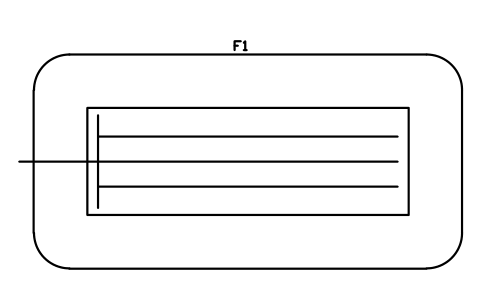
At-grade bed, 9000 x 3000
SEP_ATGRADE_3000X9000Öznitelikler
TAGFIELD_TYPESIZETRENCH_WIDTH_MMPIPE_DIAMETER_MMMEDIALOADING_RATE_L_M2_DAREA_M2MANUFACTURERMODELREMARKSDESC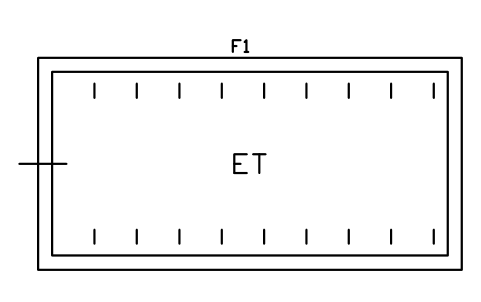
Evapotranspiration bed, 9000 x 4500
SEP_ET_BED_4500X9000Öznitelikler
TAGFIELD_TYPESIZETRENCH_WIDTH_MMPIPE_DIAMETER_MMMEDIALOADING_RATE_L_M2_DAREA_M2MANUFACTURERMODELREMARKSDESC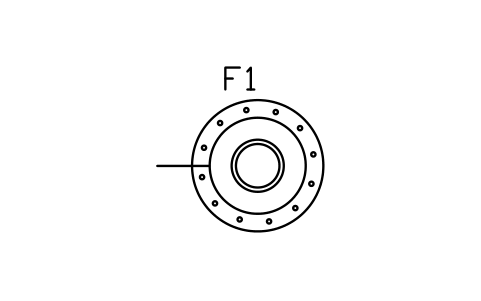
Seepage pit, 1500
SEP_PIT_1500Öznitelikler
TAGFIELD_TYPESIZETRENCH_WIDTH_MMPIPE_DIAMETER_MMMEDIALOADING_RATE_L_M2_DAREA_M2MANUFACTURERMODELREMARKSDESC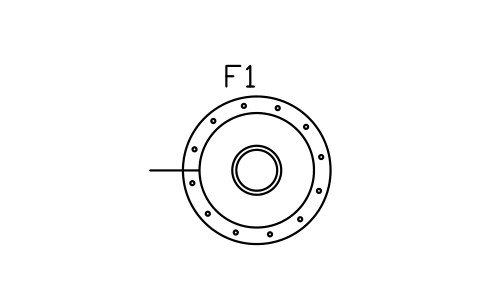
Seepage pit, 1800
SEP_PIT_1800Öznitelikler
TAGFIELD_TYPESIZETRENCH_WIDTH_MMPIPE_DIAMETER_MMMEDIALOADING_RATE_L_M2_DAREA_M2MANUFACTURERMODELREMARKSDESC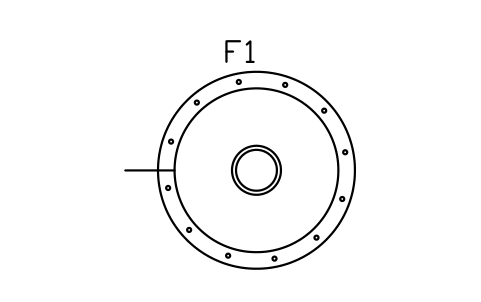
Seepage pit, 2400
SEP_PIT_2400Öznitelikler
TAGFIELD_TYPESIZETRENCH_WIDTH_MMPIPE_DIAMETER_MMMEDIALOADING_RATE_L_M2_DAREA_M2MANUFACTURERMODELREMARKSDESC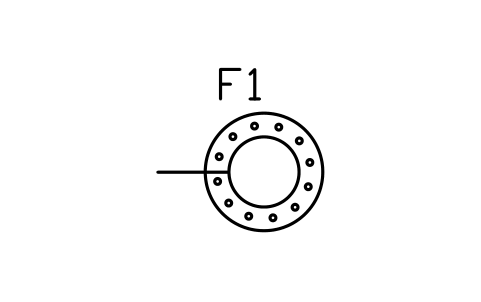
Dry well, 1000
SEP_DRYWELL_1000Öznitelikler
TAGFIELD_TYPESIZETRENCH_WIDTH_MMPIPE_DIAMETER_MMMEDIALOADING_RATE_L_M2_DAREA_M2MANUFACTURERMODELREMARKSDESC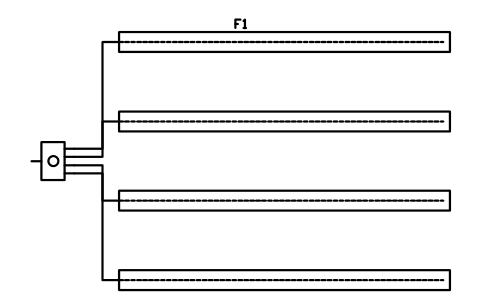
Layout, 4 parallel trenches
SEP_LAYOUT_PARALLEL_4Öznitelikler
TAGFIELD_TYPESIZETRENCH_WIDTH_MMPIPE_DIAMETER_MMMEDIALOADING_RATE_L_M2_DAREA_M2MANUFACTURERMODELREMARKSDESC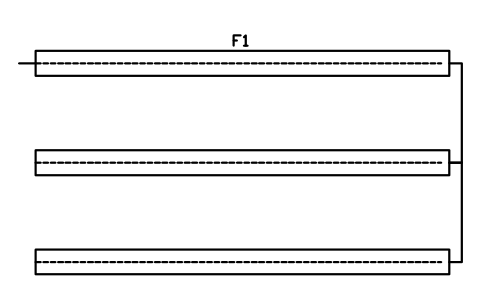
Layout, 3 trenches in series
SEP_LAYOUT_SERIAL_3Öznitelikler
TAGFIELD_TYPESIZETRENCH_WIDTH_MMPIPE_DIAMETER_MMMEDIALOADING_RATE_L_M2_DAREA_M2MANUFACTURERMODELREMARKSDESC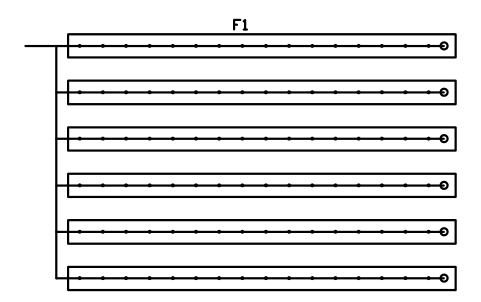
Layout, pressure-dosed 6 laterals
SEP_LAYOUT_PRESSURE_6Öznitelikler
TAGFIELD_TYPESIZETRENCH_WIDTH_MMPIPE_DIAMETER_MMMEDIALOADING_RATE_L_M2_DAREA_M2MANUFACTURERMODELREMARKSDESC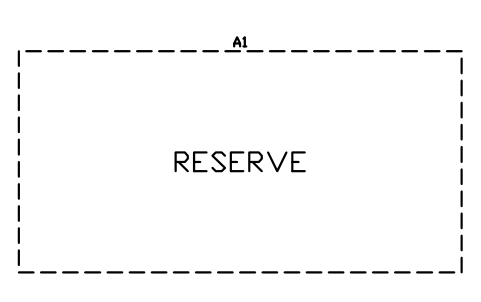
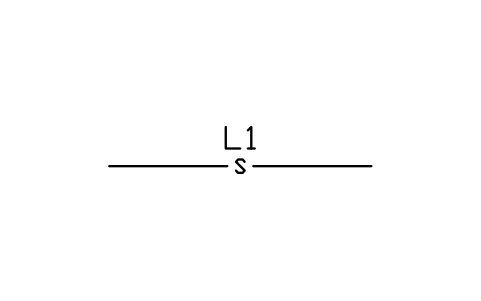
Building sewer, gravity
SEP_LINE_SEWERÖznitelikler
TAGLINE_TYPEPIPE_DIAMETER_MMMATERIALSLOPE_PCTREMARKSDESC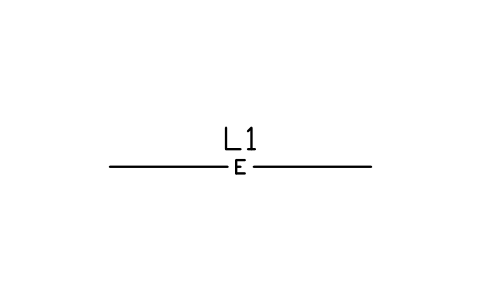
Effluent line, gravity
SEP_LINE_EFFLUENTÖznitelikler
TAGLINE_TYPEPIPE_DIAMETER_MMMATERIALSLOPE_PCTREMARKSDESC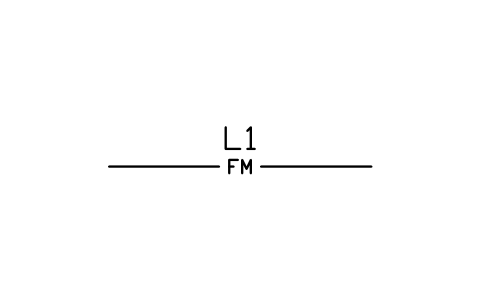
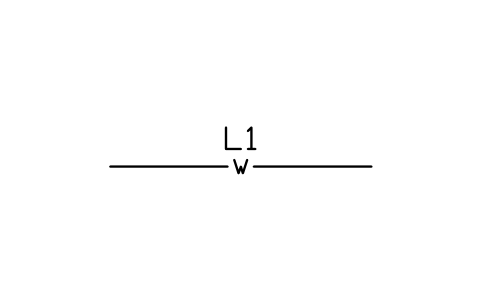
Pressure line (force main)
SEP_LINE_PRESSUREÖznitelikler
TAGLINE_TYPEPIPE_DIAMETER_MMMATERIALSLOPE_PCTREMARKSDESC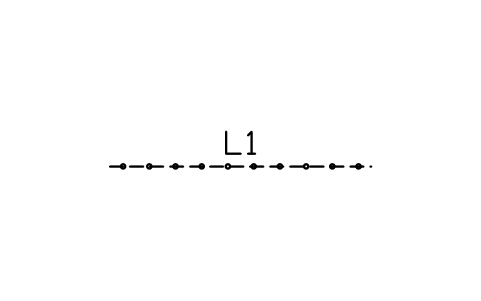
Perforated distribution pipe
SEP_LINE_PERFORATEDÖznitelikler
TAGLINE_TYPEPIPE_DIAMETER_MMMATERIALSLOPE_PCTREMARKSDESC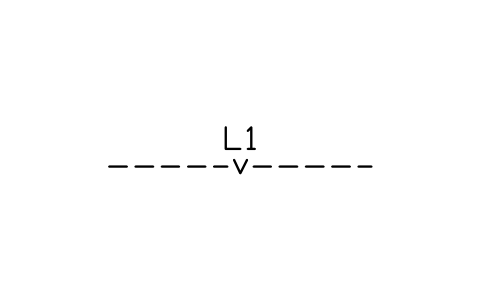
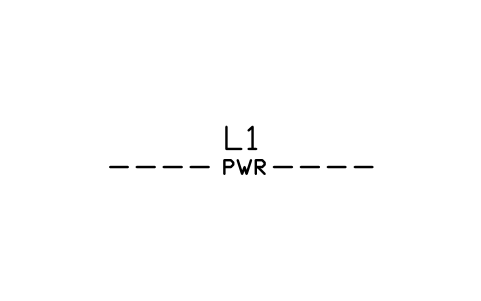
Power and control cable
SEP_LINE_POWERÖznitelikler
TAGLINE_TYPEPIPE_DIAMETER_MMMATERIALSLOPE_PCTREMARKSDESC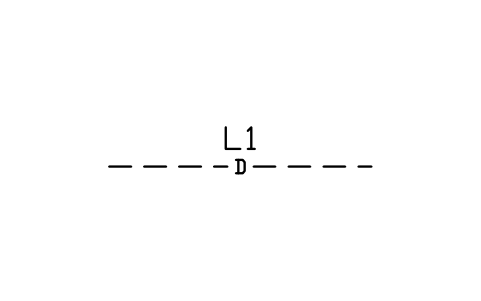
Curtain or footing drain
SEP_LINE_DRAINÖznitelikler
TAGLINE_TYPEPIPE_DIAMETER_MMMATERIALSLOPE_PCTREMARKSDESC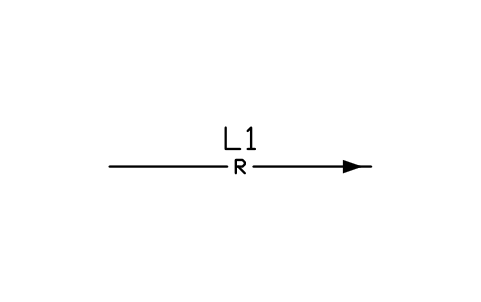
Recirculation line
SEP_LINE_RETURNÖznitelikler
TAGLINE_TYPEPIPE_DIAMETER_MMMATERIALSLOPE_PCTREMARKSDESC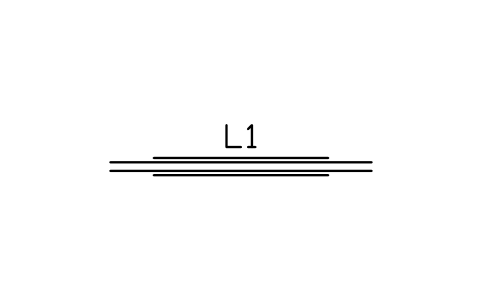
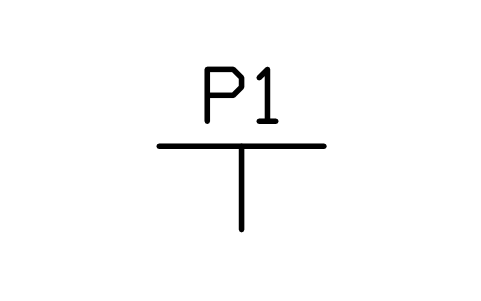
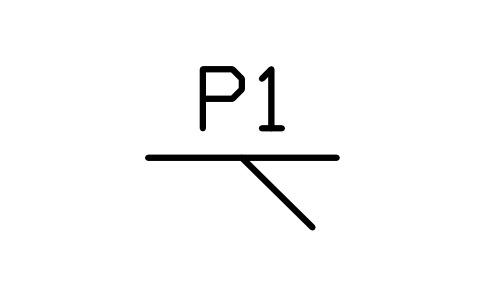
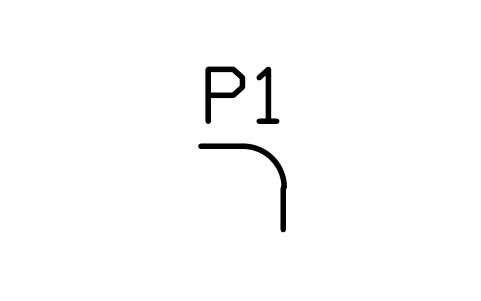
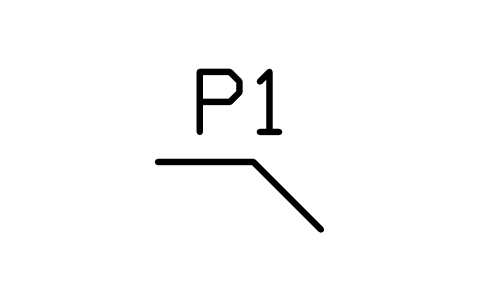
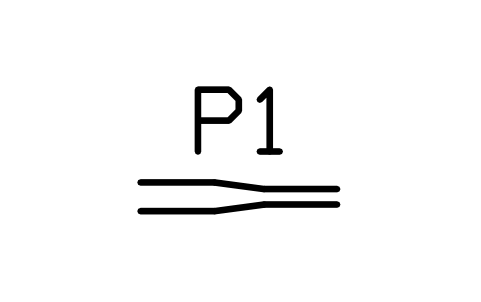
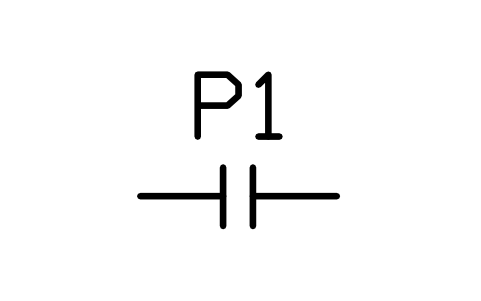
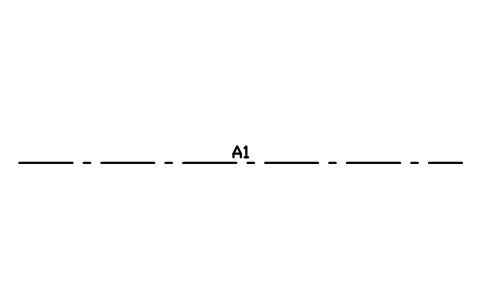
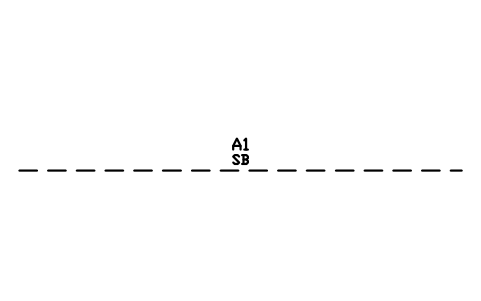
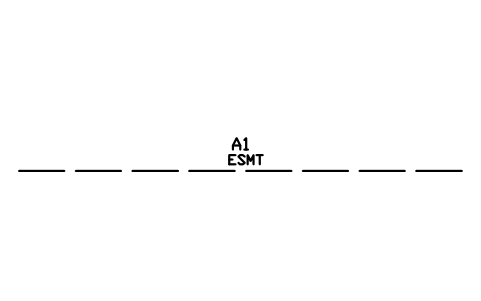
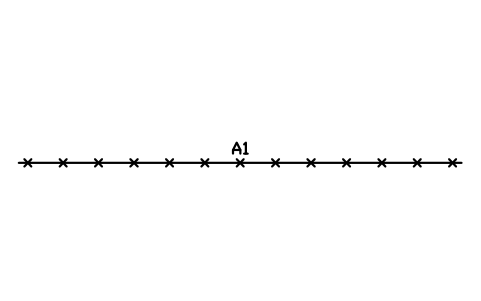
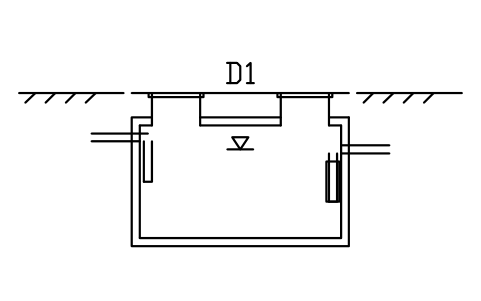
Section, septic tank, 1 compartment
SEP_SEC_TANK_1CÖznitelikler
TAGITEM_TYPESIZEMATERIALMANUFACTURERMODELREMARKSDESC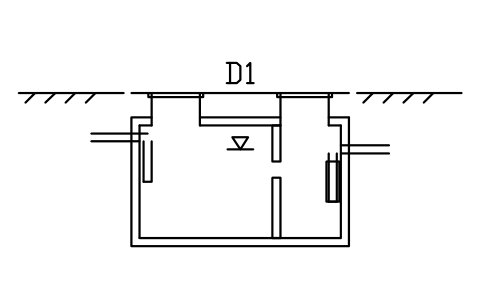
Section, septic tank, 2 compartments
SEP_SEC_TANK_2CÖznitelikler
TAGITEM_TYPESIZEMATERIALMANUFACTURERMODELREMARKSDESC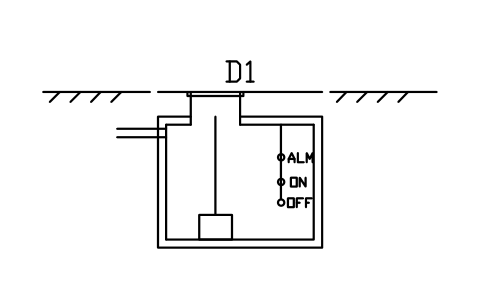
Section, pump chamber
SEP_SEC_PUMP_CHÖznitelikler
TAGITEM_TYPESIZEMATERIALMANUFACTURERMODELREMARKSDESC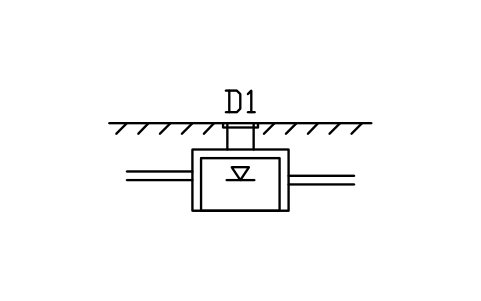
Section, distribution box
SEP_SEC_DBOXÖznitelikler
TAGITEM_TYPESIZEMATERIALMANUFACTURERMODELREMARKSDESC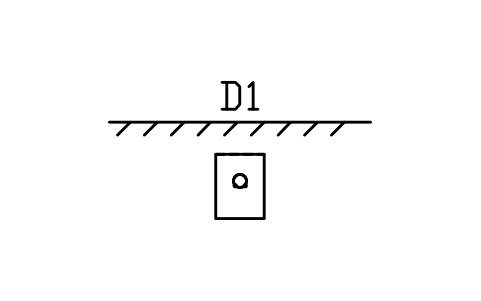
Section, gravel trench, 450
SEP_SEC_TRENCH_450Öznitelikler
TAGITEM_TYPESIZEMATERIALMANUFACTURERMODELREMARKSDESC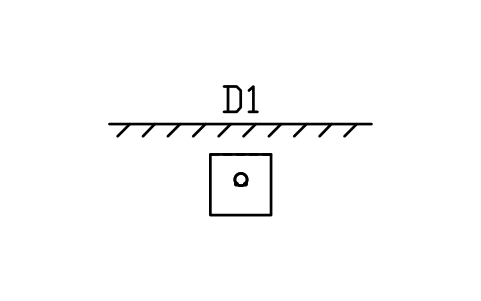
Section, gravel trench, 600
SEP_SEC_TRENCH_600Öznitelikler
TAGITEM_TYPESIZEMATERIALMANUFACTURERMODELREMARKSDESC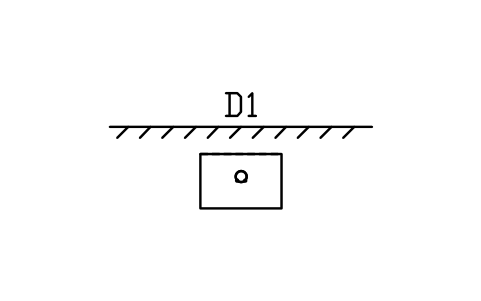
Section, gravel trench, 900
SEP_SEC_TRENCH_900Öznitelikler
TAGITEM_TYPESIZEMATERIALMANUFACTURERMODELREMARKSDESC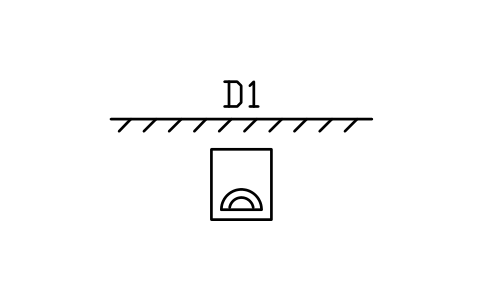
Section, chamber trench, 600
SEP_SEC_CHAMBER_600Öznitelikler
TAGITEM_TYPESIZEMATERIALMANUFACTURERMODELREMARKSDESC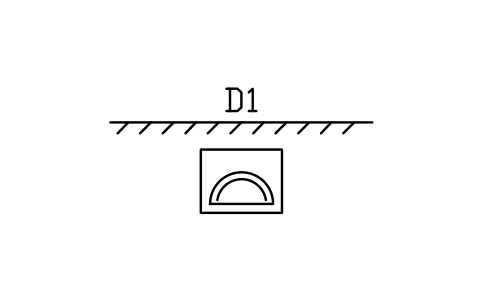
Section, chamber trench, 900
SEP_SEC_CHAMBER_900Öznitelikler
TAGITEM_TYPESIZEMATERIALMANUFACTURERMODELREMARKSDESC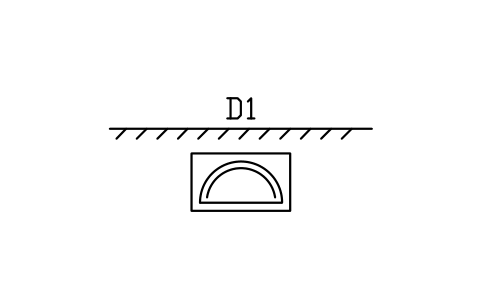
Section, chamber trench, 1200
SEP_SEC_CHAMBER_1200Öznitelikler
TAGITEM_TYPESIZEMATERIALMANUFACTURERMODELREMARKSDESC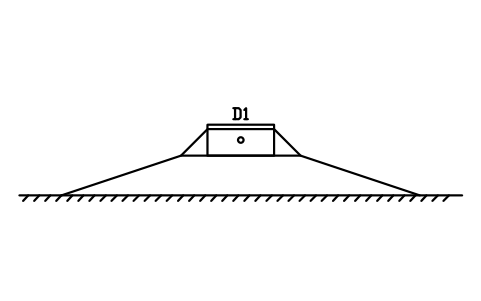
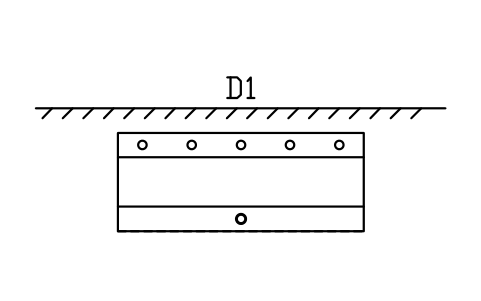
Section, sand filter
SEP_SEC_SAND_FILTERÖznitelikler
TAGITEM_TYPESIZEMATERIALMANUFACTURERMODELREMARKSDESC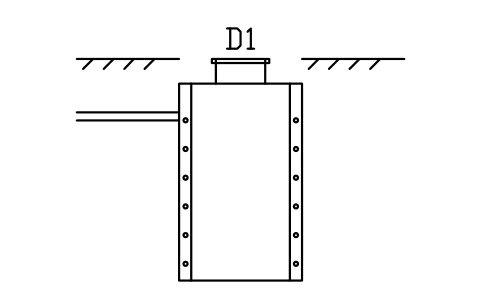
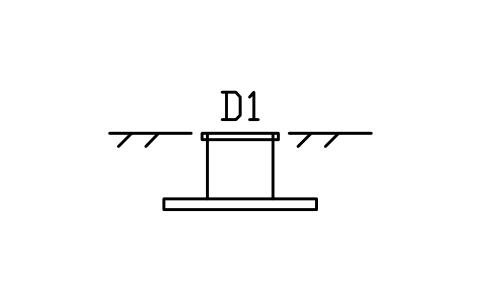
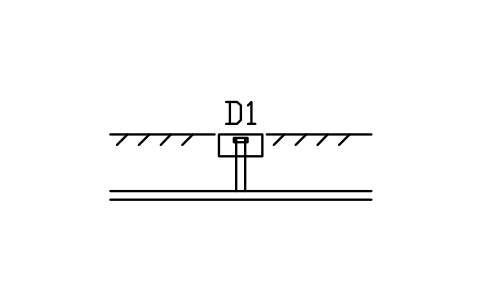
Section, cleanout to grade
SEP_SEC_CLEANOUTÖznitelikler
TAGITEM_TYPESIZEMATERIALMANUFACTURERMODELREMARKSDESC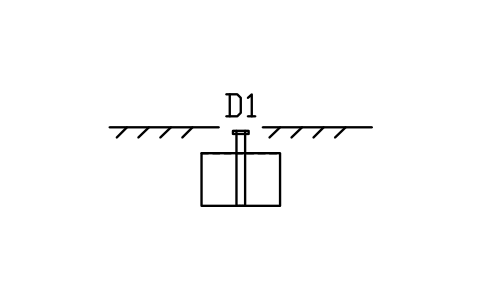
Section, inspection port
SEP_SEC_PORTÖznitelikler
TAGITEM_TYPESIZEMATERIALMANUFACTURERMODELREMARKSDESC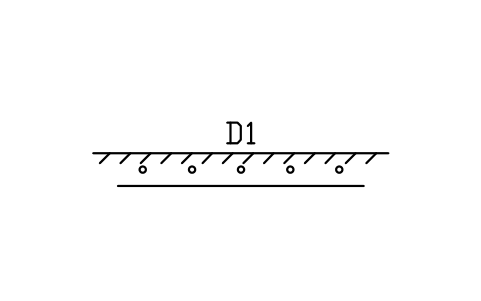
Section, drip dispersal tubing
SEP_SEC_DRIPÖznitelikler
TAGITEM_TYPESIZEMATERIALMANUFACTURERMODELREMARKSDESC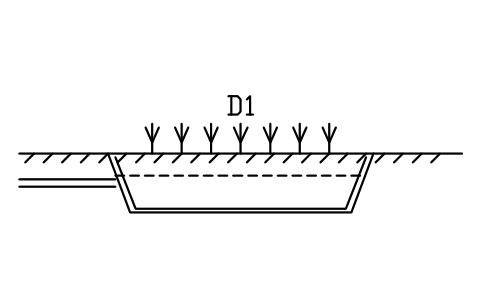
Section, planted bed wetland
SEP_SEC_WETLANDÖznitelikler
TAGITEM_TYPESIZEMATERIALMANUFACTURERMODELREMARKSDESC
Bir sembol mü eksik? Hangisi olduğunu bize yazın.
Attributes for parts lists
Every block carries a tag you can number and invisible attributes for the schedule. A tank holds TANK_TYPE, CAPACITY_GAL, CAPACITY_L, LENGTH_MM, WIDTH_MM, COMPARTMENTS, MATERIAL and the inlet and outlet invert depths; a treatment unit holds UNIT_TYPE, SIZE, DESIGN_FLOW_L_D, DESIGN_FLOW_GPD and POWER_W; a field holds FIELD_TYPE, SIZE, TRENCH_WIDTH_MM, PIPE_DIAMETER_MM, MEDIA, LOADING_RATE_L_M2_D and AREA_M2.
How to use the library
- Unzip the file and open the DWG. Copy the symbols you need into your plan, or drag the blocks in from DesignCenter (ADCENTER).
- The blocks are drawn at real size in millimetres, 1 drawing unit = 1 mm, so a 1500 x 2500 tank is 1500 x 2500 units on the site plan. Tank sizes are typical plan sizes for the nominal capacity; makers differ, so check the data sheet of the tank you specify and change the block if needed.
- Tanks, boxes and treatment units are centred on their middle with the flow from left to right: the inlet pipe stub is on the left, the outlet stub on the right, both on the horizontal centre line. Trenches, beds and mounds start at the feed pipe: the origin is the start of the trench on its centre line, so you can place the block where the pipe from the distribution box arrives.
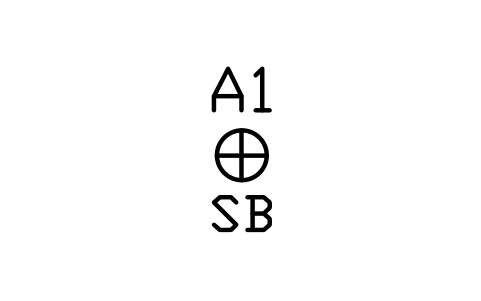
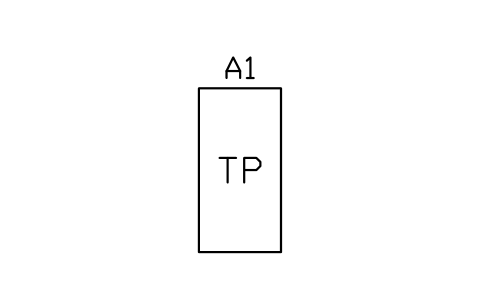
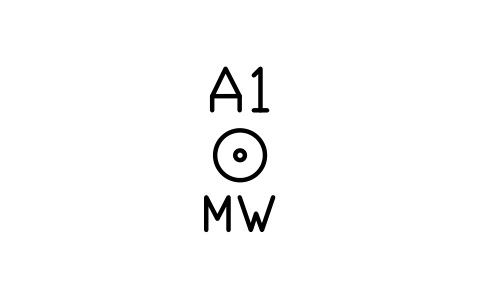
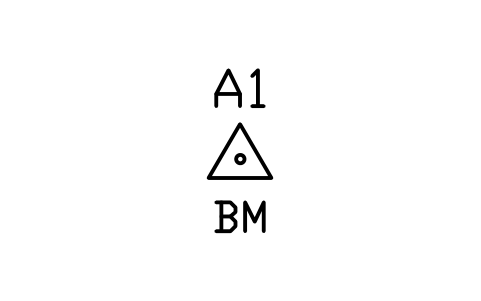
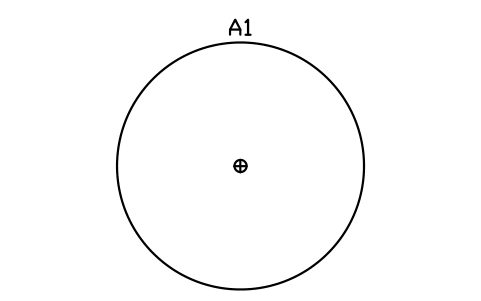
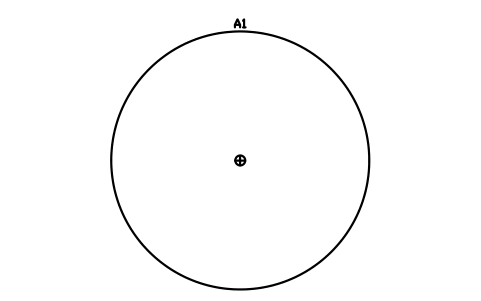
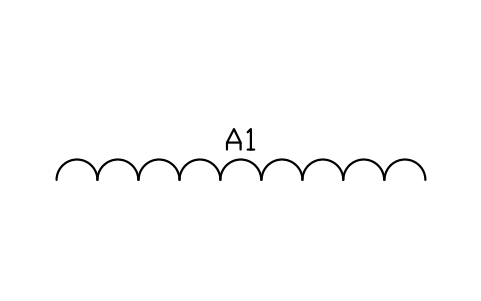
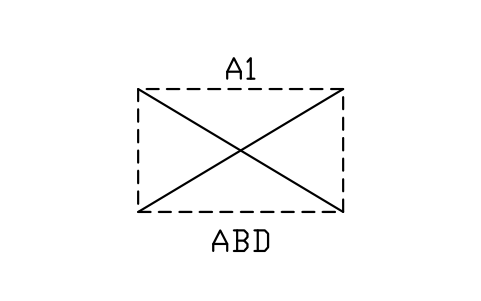
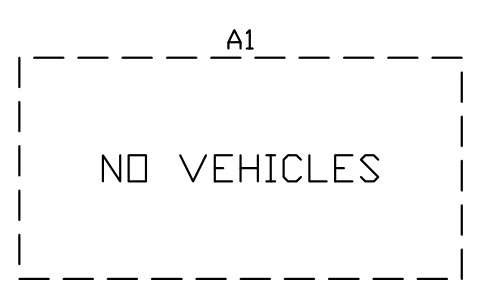
- Sections are drawn with the ground line at Y = 0 and everything below it at negative Y, with the insertion point on the centre line at the ground line. The marker blocks (reserve areas, setback lines and circles, test holes, no-vehicle zones) carry no product attributes; scale a setback circle uniformly to the distance your authority requires.
About the drawings
There is no standard for the symbols of septic and on-site wastewater drawings. The blocks follow the common conventions of the trade: tanks as rectangles or circles with their risers, inlet and outlet stubs and tee baffles, distribution boxes with their outlets, trenches with the perforated pipe on the centre line, mounds as nested outlines of bed, fill and toe of slope.
The blocks are our own drawings, not copies, and the library is not certified. Sizes are typical; the design rules of on-site systems, such as setback distances, loading rates and trench lengths, differ between authorities, so size and place every part to your local rules and the design of your engineer or designer.
What changed in each version
Version 1.0 · 30 Ekim 2026
New symbols (176)
Septic tank 750 gal, 1 compartment · Septic tank 750 gal, 2 compartments · Septic tank 1000 gal, 1 compartment · Septic tank 1000 gal, 2 compartments · Septic tank 1250 gal, 1 compartment · Septic tank 1250 gal, 2 compartments · Septic tank 1500 gal, 1 compartment · Septic tank 1500 gal, 2 compartments · Septic tank 2000 gal, 1 compartment · Septic tank 2000 gal, 2 compartments · Septic tank 2000 L, 1 compartment · Septic tank 2000 L, 2 compartments · Septic tank 3000 L, 1 compartment · Septic tank 3000 L, 2 compartments · Septic tank 4000 L, 1 compartment · Septic tank 4000 L, 2 compartments · Septic tank 5000 L, 1 compartment · Septic tank 5000 L, 2 compartments · Septic tank 6000 L, 1 compartment · Septic tank 6000 L, 2 compartments · Septic tank, round, 1200 · Septic tank, round, 1500 · Septic tank, round, 1800 · Septic tank, round, 2100 · Pump chamber, 1000 x 1000 · Pump chamber, 1800 x 1200 · Pump chamber, 2400 x 1500 · Dosing tank with siphon, 1800 x 1200 · Holding tank 1000 gal · Holding tank 2000 gal · Holding tank 3000 gal · Lift station, 900 · Lift station, 1200 · Lift station, duplex, 1500 · Lift station, duplex, 1800 · Aerobic unit, 3 chambers, 3000 · Aerobic unit, 3 chambers, 4500 · Clarifier, round, 2400 · Spray filter, round, 2000 · Spray filter, round, 3000 · 136 more
Frequently asked questions
- Which tank sizes are included?
- Rectangular tanks of 750, 1000, 1250, 1500 and 2000 US gal and 2000, 3000, 4000, 5000 and 6000 L, each with one or two compartments, and round tanks of 1200, 1500, 1800 and 2100 mm. Holding tanks of 1000, 2000 and 3000 gal, pump chambers and lift stations come in several sizes too. The capacity and plan size are in the attributes.
- Do the setback circles give the required distances?
- No. The circles of radius 15000 and 30000 are drawing aids; the distance you need depends on your authority and on what is being protected. Scale the circle uniformly to the required distance, or draw your own with the setback line block.
- Can I use the symbols in commercial projects?
- Yes. They are free to use and modify in your own projects, including commercial ones. They are provided as is, without warranty. Please do not redistribute or resell the library; see the library terms.
- Which blocks do I use for a complete system?
- Start with the tank, then a distribution box or a pump chamber with a manifold, then the trenches, bed or mound, and join them with the line blocks. The three field layout blocks show a parallel, a serial and a pressure-dosed field as a starting point, and the section blocks give the details for the permit drawing.
- Can I change a symbol or add attributes?
- Yes. Open the DWG, edit a block with BEDIT to change it or add attributes, and save. To update drawings that already contain the block, run ATTSYNC or replace the block. Make a backup first: attribute values can be lost if ATTSYNC is used carelessly.
- Where do I find a ready-made set of these symbols for AutoCAD?
- AutoCAD itself ships only a small set of sample blocks, so a full symbol set has to come from a library. Download the ZIP on this page and open the DWG: every symbol is a block. Insert one with INSERT (Blocks palette, Libraries tab, then pick the DWG) or drag it from DesignCenter (ADCENTER). You can also download a single symbol on its own.