
KaynaklarDWG sembol kütüphaneleri
Free landscape plan symbols for AutoCAD (DWG): plants, paving, outdoor furniture and garden structures
Landscape plan symbols: 37 ready-made AutoCAD blocks (DWG), free to download and use in your own projects, as a ZIP or one symbol at a time.
37 landscape plan symbols at real size in millimetres: deciduous trees, conifers and palms in three crown sizes, round shrubs, hedges, groundcover and ornamental grass, brick and slab paving, decking and gravel, outdoor furniture, a swimming pool, a pond and a fountain, and garden structures such as a pergola, a gazebo, a shed, fences, a gate and a retaining wall. Plants carry botanical name, common name, size and height as attributes, so a planting schedule can be counted straight from the drawings.
Version 1.0 · updated 17 Ekim 2026
Using AutoCAD 2017 or an earlier version? Download the 2010 format
Free to use and modify in your own projects, including commercial ones. The ZIP holds one plain DWG file in AutoCAD 2018 format and a README; no add-in needed. Provided as is, without warranty.
Related symbol libraries

Bu araçlarla iyi çalışır
 Bu sembolleri 30 çizime mi koyacaksınız?Değişen bir sembolü, her dosyayı açmadan, tüm çizimlerde tek seferde değiştirin.BlockCopy aracını gör
 Bu sembolleri çizimlerinizde saymanız mı gerekiyor?Bir çizim setindeki tüm sembolleri ve özniteliklerini Excel'e aktarın, satırları düzenleyin ve geri yazın.BlockSync aracını gör
 Bu sembolü hangi çizimler kullanıyor?Yüzlerce çizimde blokları ve metinleri aynı anda arayın, sonra doğrudan eşleşmeye gidin.DwgSearch aracını gör
All 37 symbols
37 sembolün 37 tanesi
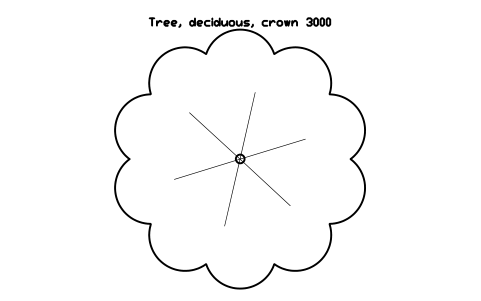
Tree, deciduous, crown 3000
LAN_TREE_DECIDUOUS_3000Öznitelikler
TAGDESIGNATIONBOTANICAL_NAMECOMMON_NAMESIZEHEIGHTQTYREMARKSDESC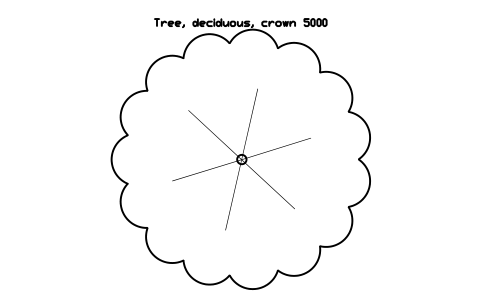
Tree, deciduous, crown 5000
LAN_TREE_DECIDUOUS_5000Öznitelikler
TAGDESIGNATIONBOTANICAL_NAMECOMMON_NAMESIZEHEIGHTQTYREMARKSDESC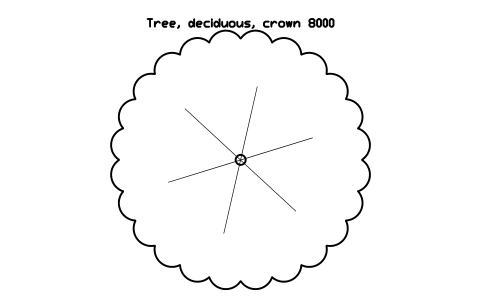
Tree, deciduous, crown 8000
LAN_TREE_DECIDUOUS_8000Öznitelikler
TAGDESIGNATIONBOTANICAL_NAMECOMMON_NAMESIZEHEIGHTQTYREMARKSDESC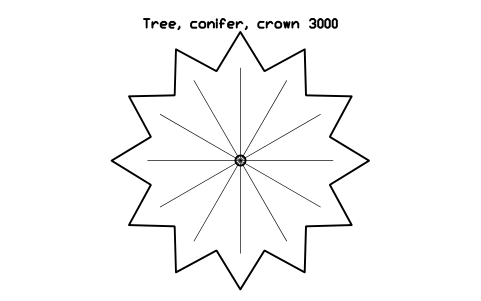
Tree, conifer, crown 3000
LAN_TREE_CONIFER_3000Öznitelikler
TAGDESIGNATIONBOTANICAL_NAMECOMMON_NAMESIZEHEIGHTQTYREMARKSDESC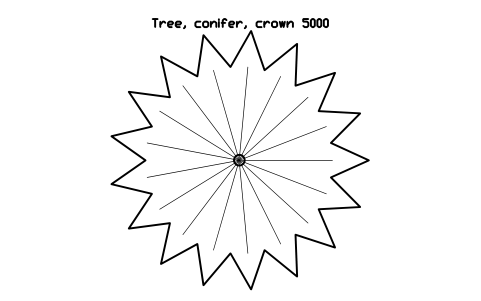
Tree, conifer, crown 5000
LAN_TREE_CONIFER_5000Öznitelikler
TAGDESIGNATIONBOTANICAL_NAMECOMMON_NAMESIZEHEIGHTQTYREMARKSDESC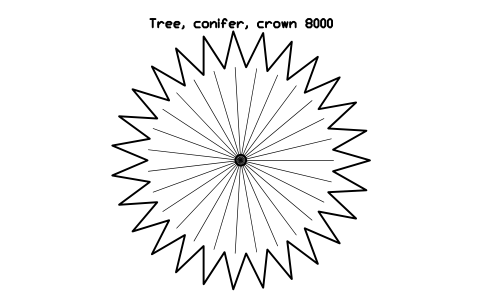
Tree, conifer, crown 8000
LAN_TREE_CONIFER_8000Öznitelikler
TAGDESIGNATIONBOTANICAL_NAMECOMMON_NAMESIZEHEIGHTQTYREMARKSDESC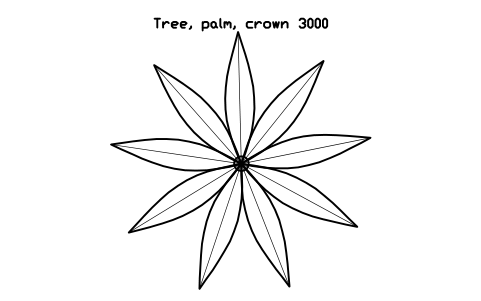
Tree, palm, crown 3000
LAN_TREE_PALM_3000Öznitelikler
TAGDESIGNATIONBOTANICAL_NAMECOMMON_NAMESIZEHEIGHTQTYREMARKSDESC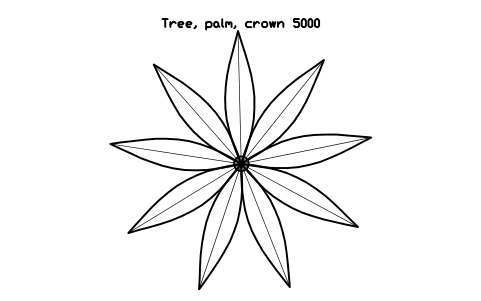
Tree, palm, crown 5000
LAN_TREE_PALM_5000Öznitelikler
TAGDESIGNATIONBOTANICAL_NAMECOMMON_NAMESIZEHEIGHTQTYREMARKSDESC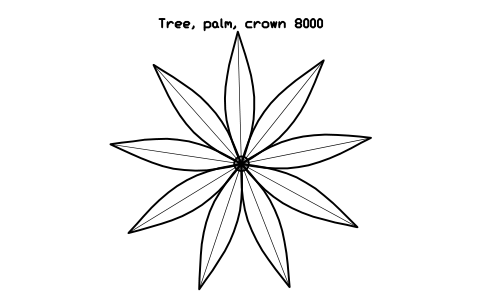
Tree, palm, crown 8000
LAN_TREE_PALM_8000Öznitelikler
TAGDESIGNATIONBOTANICAL_NAMECOMMON_NAMESIZEHEIGHTQTYREMARKSDESC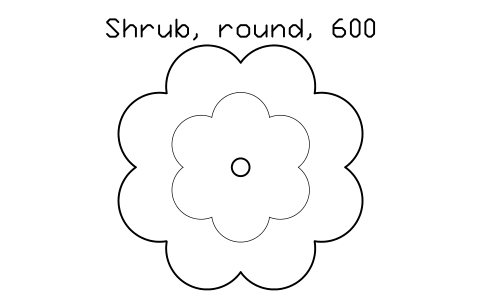
Shrub, round, 600
LAN_SHRUB_600Öznitelikler
TAGDESIGNATIONBOTANICAL_NAMECOMMON_NAMESIZEHEIGHTQTYREMARKSDESC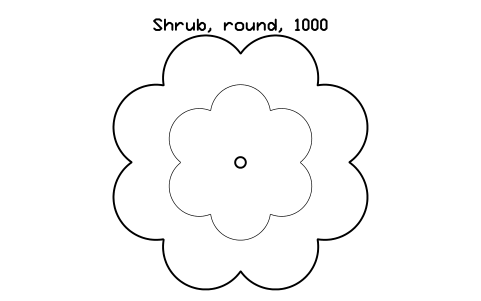
Shrub, round, 1000
LAN_SHRUB_1000Öznitelikler
TAGDESIGNATIONBOTANICAL_NAMECOMMON_NAMESIZEHEIGHTQTYREMARKSDESC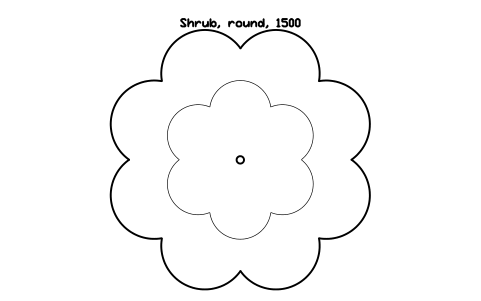
Shrub, round, 1500
LAN_SHRUB_1500Öznitelikler
TAGDESIGNATIONBOTANICAL_NAMECOMMON_NAMESIZEHEIGHTQTYREMARKSDESC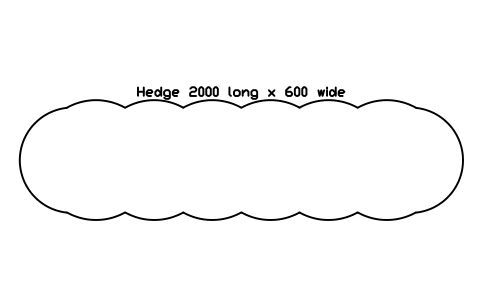
Hedge 2000 long x 600 wide
LAN_HEDGE_2000Öznitelikler
TAGDESIGNATIONBOTANICAL_NAMECOMMON_NAMESIZEHEIGHTQTYREMARKSDESC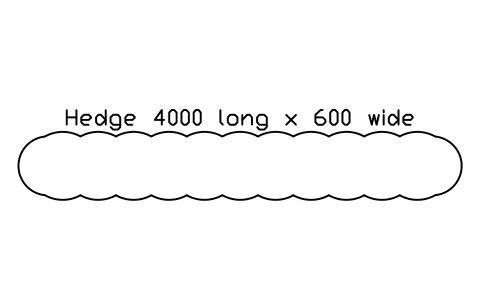
Hedge 4000 long x 600 wide
LAN_HEDGE_4000Öznitelikler
TAGDESIGNATIONBOTANICAL_NAMECOMMON_NAMESIZEHEIGHTQTYREMARKSDESC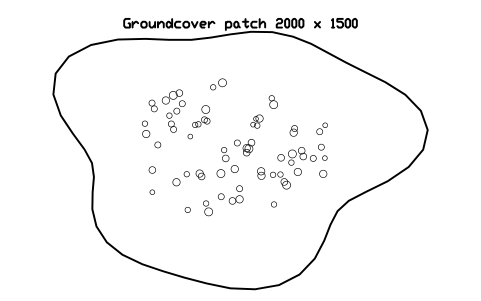
Groundcover patch 2000 x 1500
LAN_GROUNDCOVER_2000X1500Öznitelikler
TAGDESIGNATIONBOTANICAL_NAMECOMMON_NAMESIZEHEIGHTQTYREMARKSDESC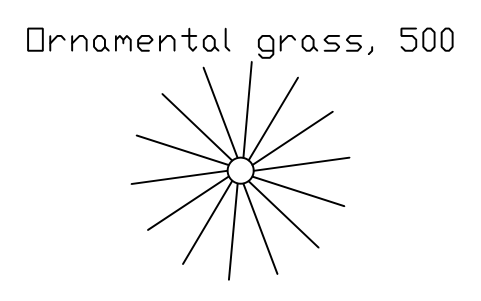
Ornamental grass, 500
LAN_GRASS_TUFT_500Öznitelikler
TAGDESIGNATIONBOTANICAL_NAMECOMMON_NAMESIZEHEIGHTQTYREMARKSDESC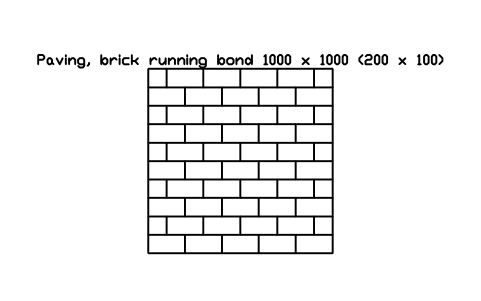
Paving, brick running bond 1000 x 1000 (200 x 100)
LAN_PAVING_BRICK_1000Öznitelikler
TAGDESIGNATIONSIZEMATERIALFINISHMANUFACTURERQTYREMARKSDESC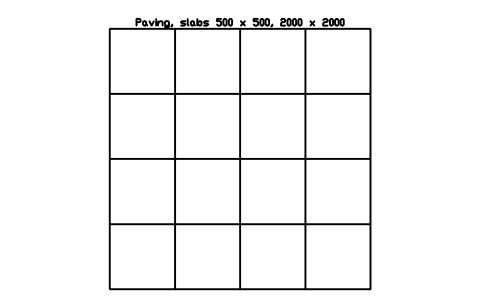
Paving, slabs 500 x 500, 2000 x 2000
LAN_PAVING_SLABS_2000Öznitelikler
TAGDESIGNATIONSIZEMATERIALFINISHMANUFACTURERQTYREMARKSDESC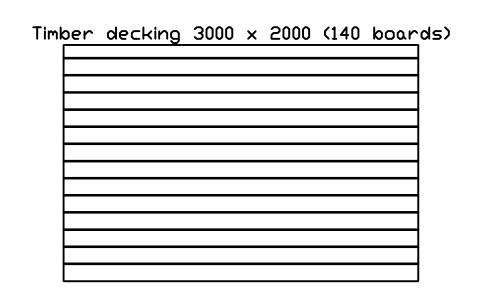
Timber decking 3000 x 2000 (140 boards)
LAN_DECKING_3000X2000Öznitelikler
TAGDESIGNATIONSIZEMATERIALFINISHMANUFACTURERQTYREMARKSDESC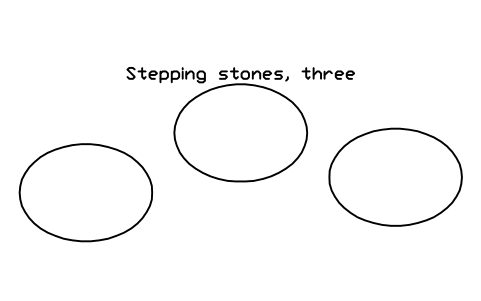
Stepping stones, three
LAN_STEPPING_STONESÖznitelikler
TAGDESIGNATIONSIZEMATERIALFINISHMANUFACTURERQTYREMARKSDESC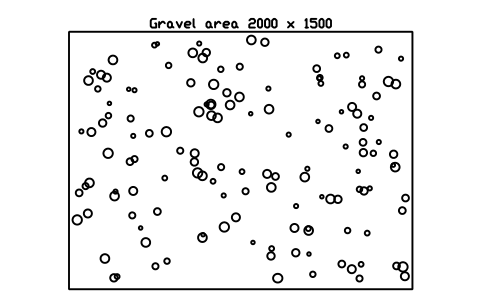
Gravel area 2000 x 1500
LAN_GRAVEL_2000X1500Öznitelikler
TAGDESIGNATIONSIZEMATERIALFINISHMANUFACTURERQTYREMARKSDESC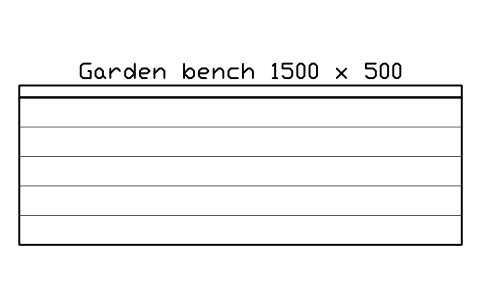
Garden bench 1500 x 500
LAN_BENCH_1500Öznitelikler
TAGDESIGNATIONSIZEMATERIALFINISHMANUFACTURERQTYREMARKSDESC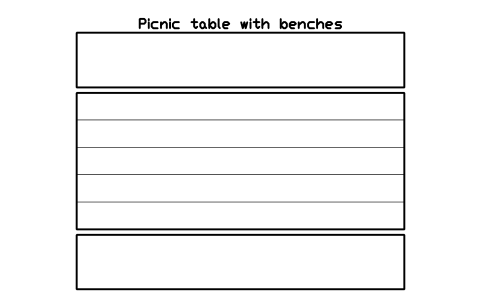
Picnic table with benches
LAN_PICNIC_TABLEÖznitelikler
TAGDESIGNATIONSIZEMATERIALFINISHMANUFACTURERQTYREMARKSDESC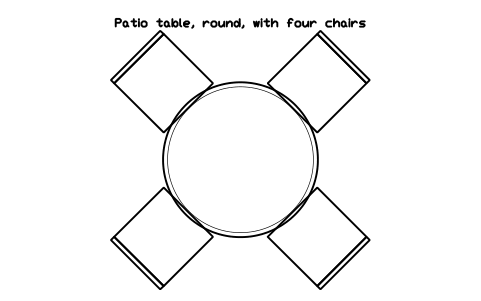
Patio table, round, with four chairs
LAN_PATIO_SET_4Öznitelikler
TAGDESIGNATIONSIZEMATERIALFINISHMANUFACTURERQTYREMARKSDESC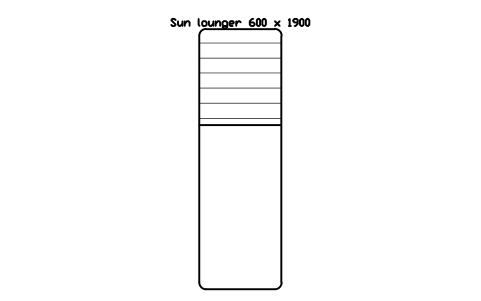
Sun lounger 600 x 1900
LAN_SUN_LOUNGERÖznitelikler
TAGDESIGNATIONSIZEMATERIALFINISHMANUFACTURERQTYREMARKSDESC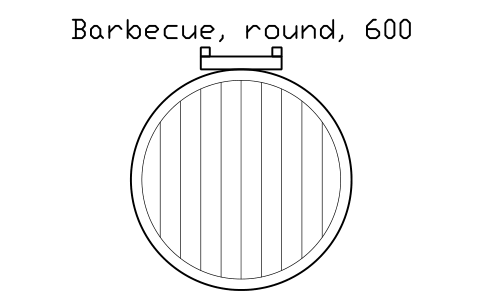
Barbecue, round, 600
LAN_BBQ_600Öznitelikler
TAGDESIGNATIONSIZEMATERIALFINISHMANUFACTURERQTYREMARKSDESC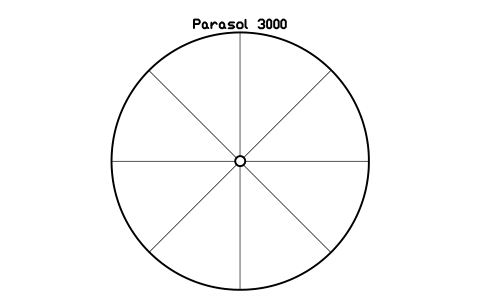
Parasol 3000
LAN_PARASOL_3000Öznitelikler
TAGDESIGNATIONSIZEMATERIALFINISHMANUFACTURERQTYREMARKSDESC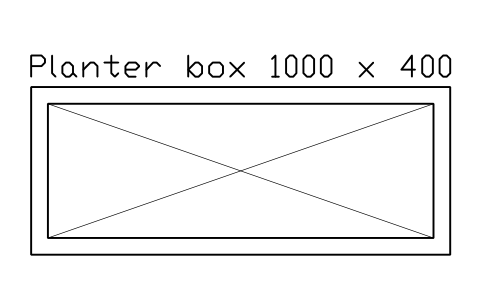
Planter box 1000 x 400
LAN_PLANTER_1000X400Öznitelikler
TAGDESIGNATIONSIZEMATERIALFINISHMANUFACTURERQTYREMARKSDESC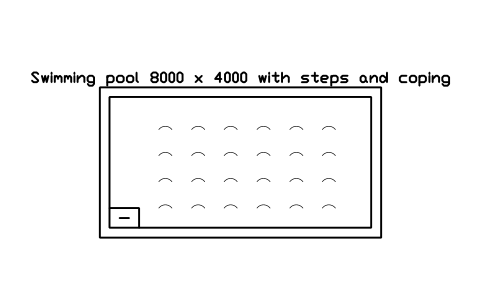
Swimming pool 8000 x 4000 with steps and coping
LAN_POOL_8000X4000Öznitelikler
TAGDESIGNATIONSIZEMATERIALFINISHMANUFACTURERQTYREMARKSDESC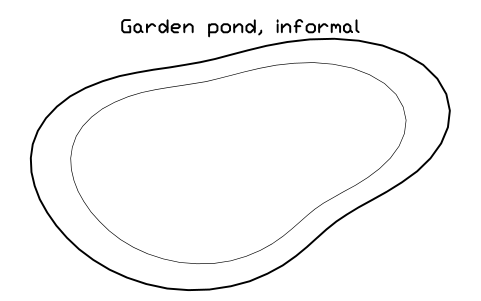
Garden pond, informal
LAN_PONDÖznitelikler
TAGDESIGNATIONSIZEMATERIALFINISHMANUFACTURERQTYREMARKSDESC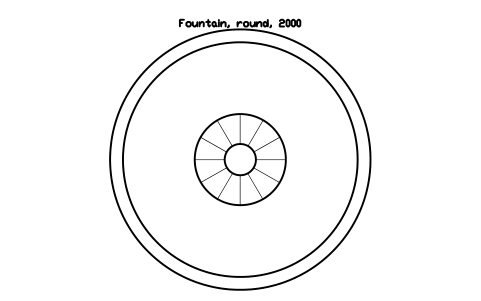
Fountain, round, 2000
LAN_FOUNTAIN_2000Öznitelikler
TAGDESIGNATIONSIZEMATERIALFINISHMANUFACTURERQTYREMARKSDESC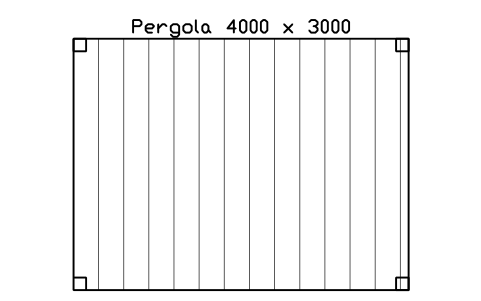
Pergola 4000 x 3000
LAN_PERGOLA_4000X3000Öznitelikler
TAGDESIGNATIONSIZEMATERIALFINISHMANUFACTURERQTYREMARKSDESC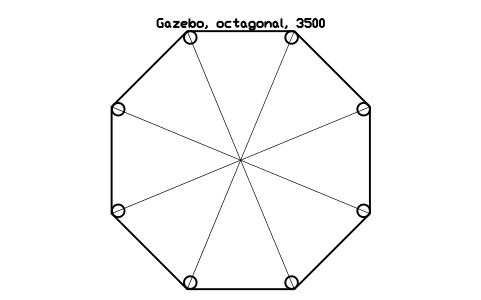
Gazebo, octagonal, 3500
LAN_GAZEBO_3500Öznitelikler
TAGDESIGNATIONSIZEMATERIALFINISHMANUFACTURERQTYREMARKSDESC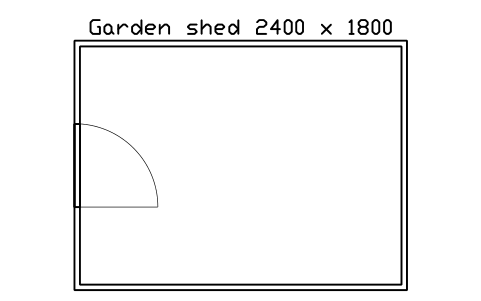
Garden shed 2400 x 1800
LAN_SHED_2400X1800Öznitelikler
TAGDESIGNATIONSIZEMATERIALFINISHMANUFACTURERQTYREMARKSDESC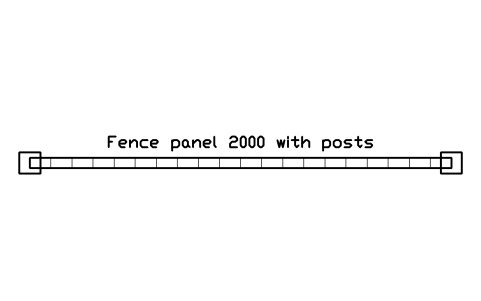
Fence panel 2000 with posts
LAN_FENCE_2000Öznitelikler
TAGDESIGNATIONSIZEMATERIALFINISHMANUFACTURERQTYREMARKSDESC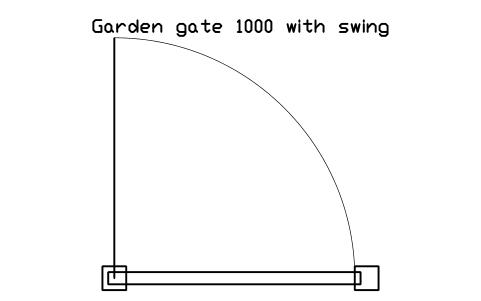
Garden gate 1000 with swing
LAN_GATE_1000Öznitelikler
TAGDESIGNATIONSIZEMATERIALFINISHMANUFACTURERQTYREMARKSDESC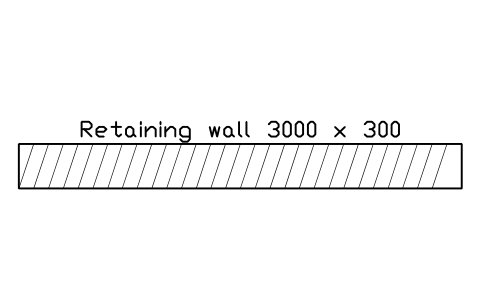
Retaining wall 3000 x 300
LAN_RETAINING_WALL_3000Öznitelikler
TAGDESIGNATIONSIZEMATERIALFINISHMANUFACTURERQTYREMARKSDESC
Bir sembol mü eksik? Hangisi olduğunu bize yazın.
Attributes for parts lists
Every block has a visible DESIGNATION attribute (for example Tree, deciduous, crown 5000) above the symbol. Plants have the attributes BOTANICAL_NAME, COMMON_NAME, SIZE, HEIGHT, QTY and REMARKS; the other blocks have SIZE, MATERIAL, FINISH, MANUFACTURER, QTY and REMARKS.
Export the blocks of all drawings to Excel with BlockSync to count the plants by species and size, build a planting schedule with a pivot table, and write corrections back in one run, with preview and backup.
How to use the library
- Unzip the file and open the DWG. Copy the symbols you need into your plan, or drag the blocks in from DesignCenter (ADCENTER).
- The blocks are drawn at real size in millimetres, 1 drawing unit = 1 mm, with the origin at the centre. Plants are drawn at their crown or spread diameter: insert them at scale 1, or scale the block to the size of your planting plan.
- Trees have a trunk circle and thin branch lines, conifers a star-shaped crown, palms radial fronds, and shrubs and hedges a scalloped edge, so the plant types can be told apart on a plan.
- Paving, decking and gravel blocks are patterns of a typical size: copy or array them over the area, or draw the area boundary and keep the block as a sample of the pattern.
About the symbols
Plant symbols show the crown or spread at the size in their name; set the real size in the SIZE and HEIGHT attributes. Outdoor furniture, the pool, the pond and the structures have typical sizes that you adjust to your design.
The symbols are our own drawings in a common plan style, not a national drawing standard. Landscape drawing conventions differ between offices and countries, so match the line weights and colours to your own template.
Frequently asked questions
- Can I change the size of a tree?
- Yes. Scale the block, or edit it with BEDIT, and update the SIZE attribute. The blocks are drawn at three crown sizes, 3, 5 and 8 m, which cover most plans.
- Can I use the symbols on a plan in metres?
- Yes. The blocks are drawn in millimetres, so in a drawing in metres insert them with a scale factor of 0.001.
- Can I use the symbols in commercial projects?
- Yes. They are free to use and modify in your own projects, including commercial ones. They are provided as is, without warranty.
- How do I get a planting schedule from my drawings?
- Export the plant blocks of all drawings to Excel with BlockSync: one row per block with the botanical name, size and quantity. Total them with a pivot table to get a planting schedule.
- Can I change a symbol or add attributes?
- Yes. Open the DWG, edit a block with BEDIT to change it or add attributes, and save. To update drawings that already contain the block, run ATTSYNC or replace the block. Make a backup first: attribute values can be lost if ATTSYNC is used carelessly.
- Where do I find a ready-made set of these symbols for AutoCAD?
- AutoCAD itself ships only a small set of sample blocks, so a full symbol set has to come from a library. Download the ZIP on this page and open the DWG: every symbol is a block. Insert one with INSERT (Blocks palette, Libraries tab, then pick the DWG) or drag it from DesignCenter (ADCENTER). You can also download a single symbol on its own.
Count the symbols and build a parts list
Because ratings and part numbers are attributes, the symbols of a whole project can be counted and listed without opening the drawings. Export the blocks to Excel, total them with a pivot table and write corrections back in one run, with preview and backup.
See how to count blocks with BlockSync