
KaynaklarDWG sembol kütüphaneleri
Free AutoCAD entourage blocks (DWG): people, vehicles, trees and street furniture
Entourage symbols: 71 ready-made AutoCAD blocks (DWG), free to download and use in your own projects, as a ZIP or one symbol at a time.
71 entourage blocks for AutoCAD in elevation at real size in millimetres: standing, seated and wheelchair figures, couples and families, cars, pickups, vans, buses, trucks, taxis, motorcycles and bicycles in side view, deciduous trees, conifers, palms, shrubs, hedges, potted plants and cacti, street lamps, benches, litter bins, bus shelters, road signs, fences, railings and bicycle racks.
Version 1.0 · updated 17 Ekim 2026
Using AutoCAD 2017 or an earlier version? Download the 2010 format
Free to use and modify in your own projects, including commercial ones. The ZIP holds one plain DWG file in AutoCAD 2018 format and a README; no add-in needed. Provided as is, without warranty.
Related symbol libraries

Bu araçlarla iyi çalışır
 Bu sembolleri 30 çizime mi koyacaksınız?Değişen bir sembolü, her dosyayı açmadan, tüm çizimlerde tek seferde değiştirin.BlockCopy aracını gör
 Bu sembolleri çizimlerinizde saymanız mı gerekiyor?Bir çizim setindeki tüm sembolleri ve özniteliklerini Excel'e aktarın, satırları düzenleyin ve geri yazın.BlockSync aracını gör
 Bu sembolü hangi çizimler kullanıyor?Yüzlerce çizimde blokları ve metinleri aynı anda arayın, sonra doğrudan eşleşmeye gidin.DwgSearch aracını gör
All 71 symbols
71 sembolün 71 tanesi
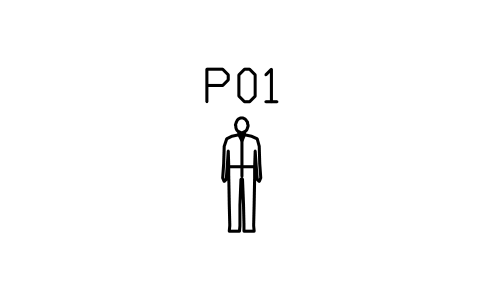
Person, man standing, 1750
ENT_PERSON_MANÖznitelikler
TAGDESCRIPTIONSIZEQTYREMARKSDESC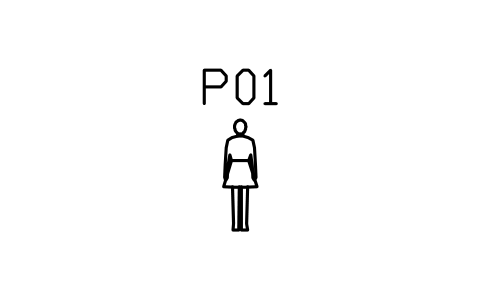
Person, woman standing, 1650
ENT_PERSON_WOMANÖznitelikler
TAGDESCRIPTIONSIZEQTYREMARKSDESC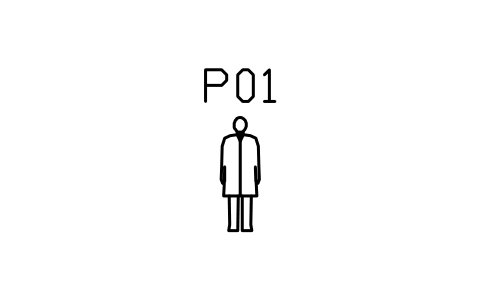
Person, man in long coat
ENT_PERSON_MAN_COATÖznitelikler
TAGDESCRIPTIONSIZEQTYREMARKSDESC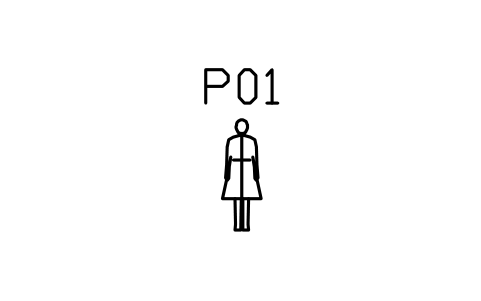
Person, woman in long coat
ENT_PERSON_WOMAN_COATÖznitelikler
TAGDESCRIPTIONSIZEQTYREMARKSDESC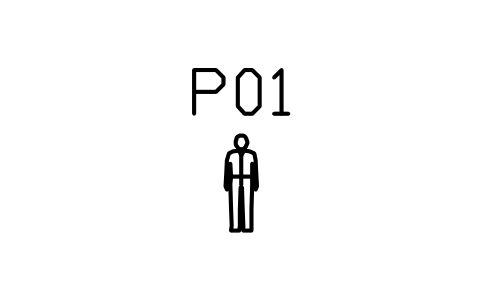
Person, child standing, 1100
ENT_PERSON_CHILDÖznitelikler
TAGDESCRIPTIONSIZEQTYREMARKSDESC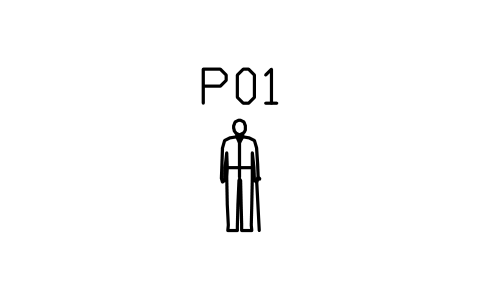
Person, elderly with stick
ENT_PERSON_ELDERÖznitelikler
TAGDESCRIPTIONSIZEQTYREMARKSDESC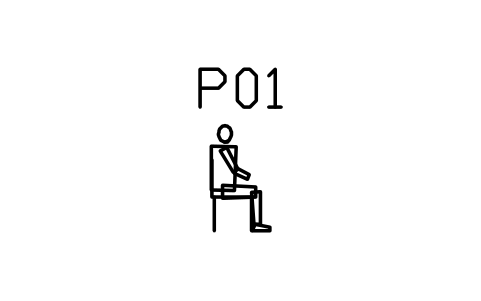
Person, man seated on chair
ENT_PERSON_MAN_SEATEDÖznitelikler
TAGDESCRIPTIONSIZEQTYREMARKSDESC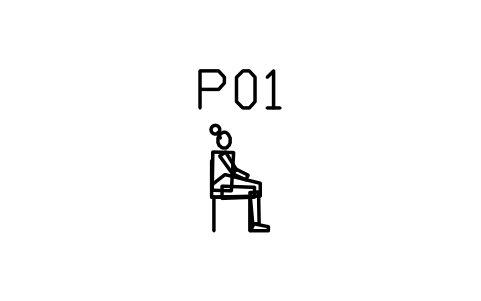
Person, woman seated on chair
ENT_PERSON_WOMAN_SEATEDÖznitelikler
TAGDESCRIPTIONSIZEQTYREMARKSDESC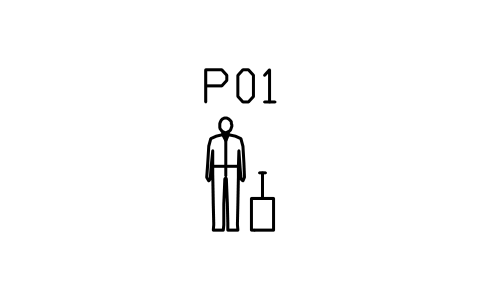
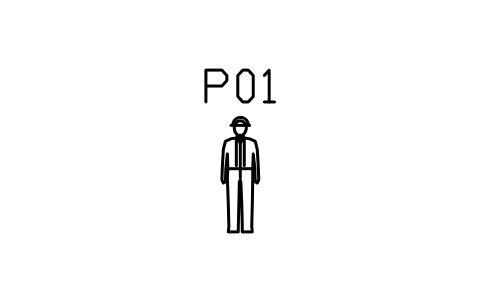
Person, worker with helmet
ENT_PERSON_WORKERÖznitelikler
TAGDESCRIPTIONSIZEQTYREMARKSDESC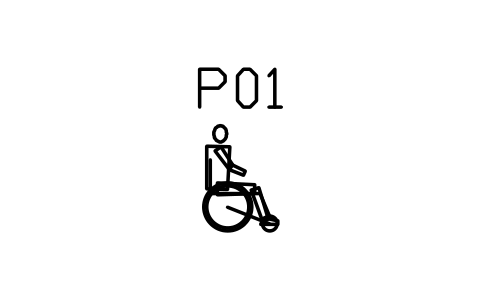
Person in wheelchair, side view
ENT_PERSON_WHEELCHAIRÖznitelikler
TAGDESCRIPTIONSIZEQTYREMARKSDESC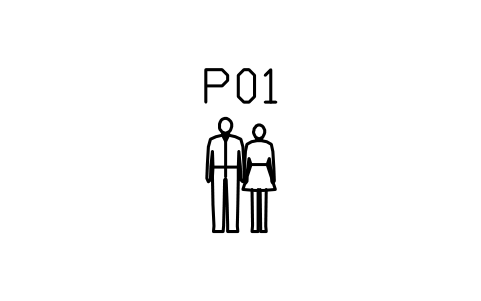
People, couple standing
ENT_PERSON_COUPLEÖznitelikler
TAGDESCRIPTIONSIZEQTYREMARKSDESC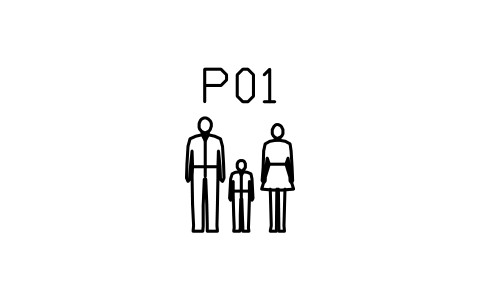
People, family of three
ENT_PERSON_FAMILYÖznitelikler
TAGDESCRIPTIONSIZEQTYREMARKSDESC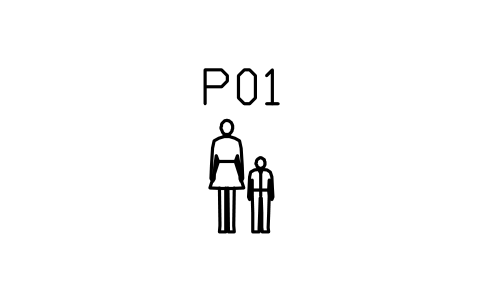
People, woman with child
ENT_PERSON_PARENT_CHILDÖznitelikler
TAGDESCRIPTIONSIZEQTYREMARKSDESC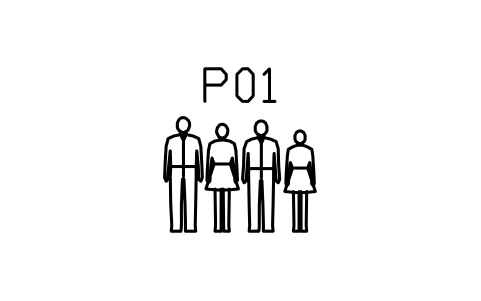
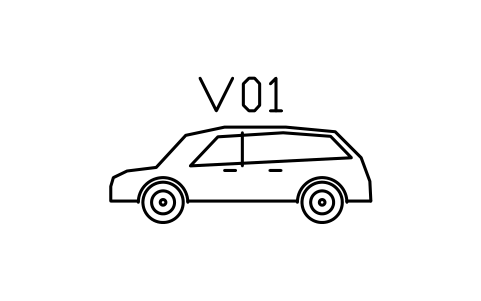
Car, hatchback, side view
ENT_CAR_HATCH_SIDEÖznitelikler
TAGDESCRIPTIONSIZEQTYREMARKSDESC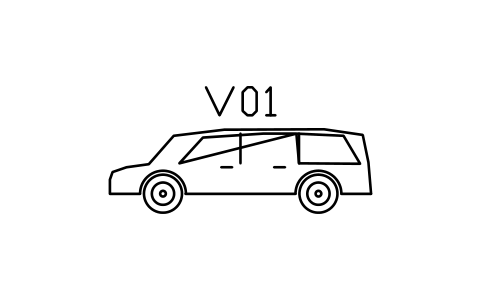
Car, estate, side view
ENT_CAR_ESTATE_SIDEÖznitelikler
TAGDESCRIPTIONSIZEQTYREMARKSDESC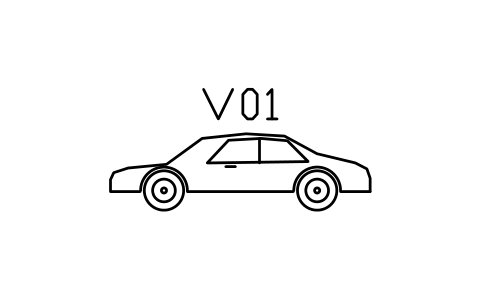
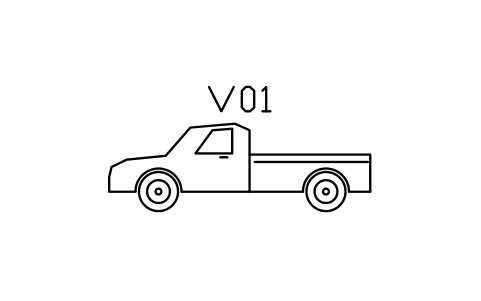
Car, pickup truck, side view
ENT_CAR_PICKUP_SIDEÖznitelikler
TAGDESCRIPTIONSIZEQTYREMARKSDESC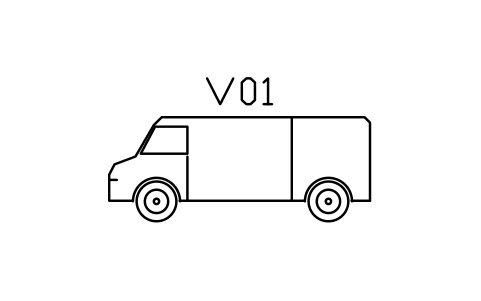
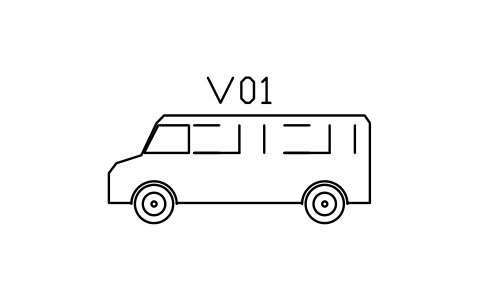
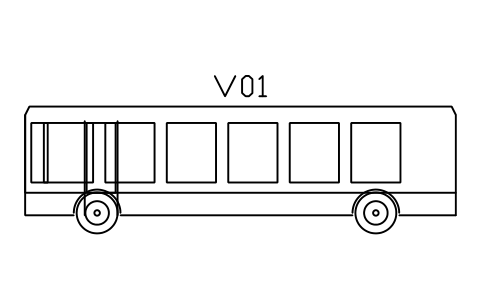
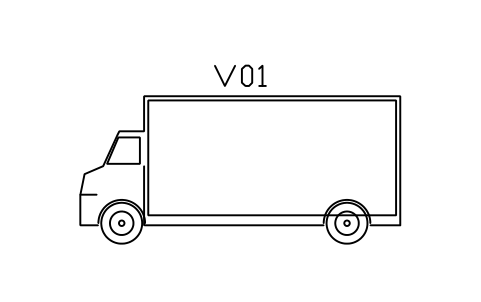
Truck, box truck, side view
ENT_TRUCK_BOX_SIDEÖznitelikler
TAGDESCRIPTIONSIZEQTYREMARKSDESC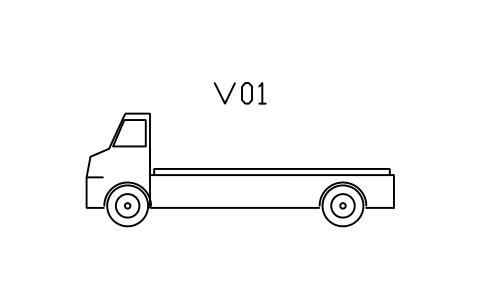
Truck, flatbed truck, side view
ENT_TRUCK_FLATBED_SIDEÖznitelikler
TAGDESCRIPTIONSIZEQTYREMARKSDESC
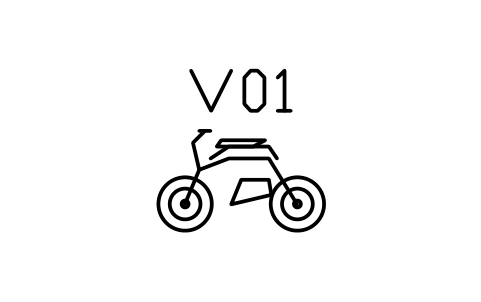
Motorcycle, side view
ENT_MOTORCYCLE_SIDEÖznitelikler
TAGDESCRIPTIONSIZEQTYREMARKSDESC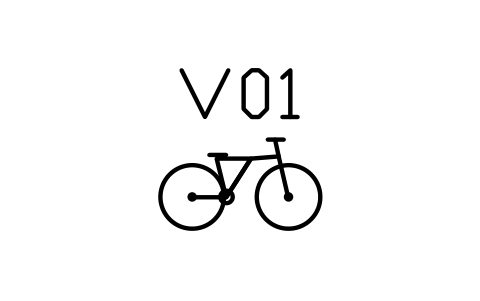
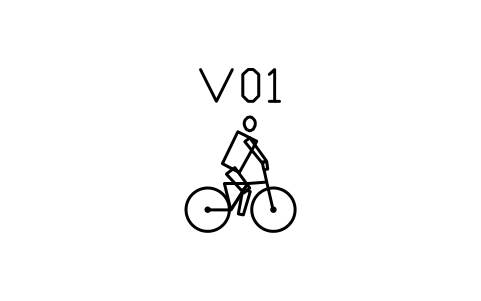
Person cycling, side view
ENT_BICYCLE_RIDERÖznitelikler
TAGDESCRIPTIONSIZEQTYREMARKSDESC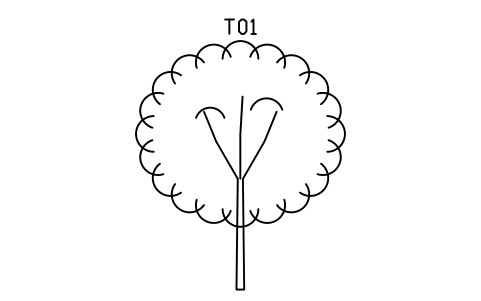
Tree, deciduous, round, 8000
ENT_TREE_DECIDUOUS_8MÖznitelikler
TAGBOTANICAL_NAMECOMMON_NAMEHEIGHT_MSPREAD_MTRUNK_DIAMETER_MMSTATUSQTYREMARKSDESC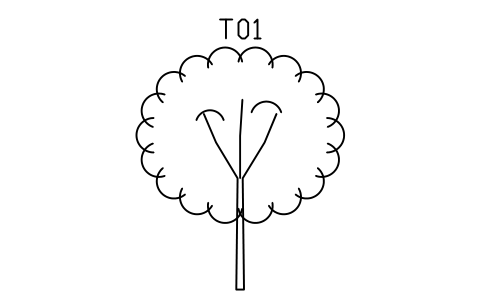
Tree, deciduous, round, 6000
ENT_TREE_DECIDUOUS_6MÖznitelikler
TAGBOTANICAL_NAMECOMMON_NAMEHEIGHT_MSPREAD_MTRUNK_DIAMETER_MMSTATUSQTYREMARKSDESC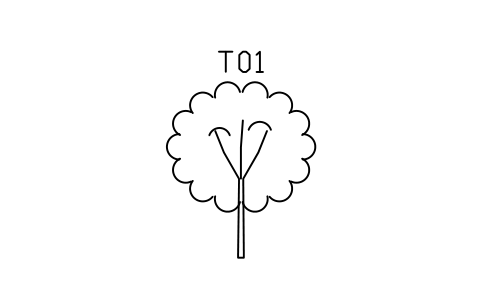
Tree, deciduous, round, 4000
ENT_TREE_DECIDUOUS_4MÖznitelikler
TAGBOTANICAL_NAMECOMMON_NAMEHEIGHT_MSPREAD_MTRUNK_DIAMETER_MMSTATUSQTYREMARKSDESC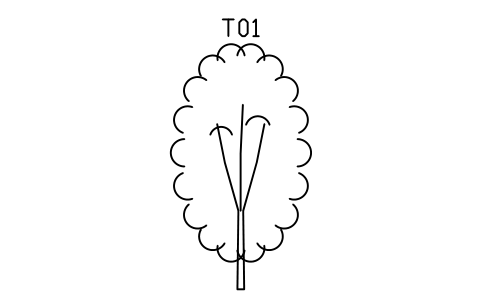
Tree, deciduous, oval, 7000
ENT_TREE_OVALÖznitelikler
TAGBOTANICAL_NAMECOMMON_NAMEHEIGHT_MSPREAD_MTRUNK_DIAMETER_MMSTATUSQTYREMARKSDESC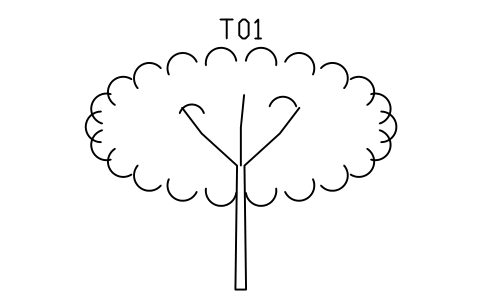
Tree, deciduous, wide, 6000
ENT_TREE_SPREADINGÖznitelikler
TAGBOTANICAL_NAMECOMMON_NAMEHEIGHT_MSPREAD_MTRUNK_DIAMETER_MMSTATUSQTYREMARKSDESC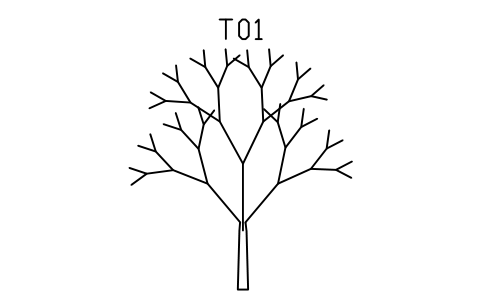
Tree, bare, winter
ENT_TREE_BAREÖznitelikler
TAGBOTANICAL_NAMECOMMON_NAMEHEIGHT_MSPREAD_MTRUNK_DIAMETER_MMSTATUSQTYREMARKSDESC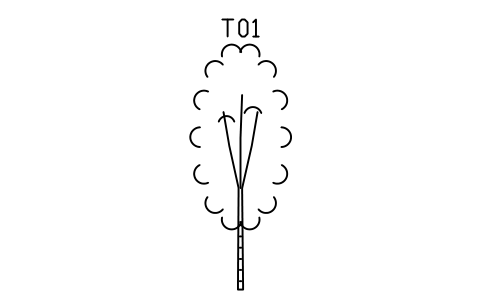
Tree, birch, slim, 7000
ENT_TREE_BIRCHÖznitelikler
TAGBOTANICAL_NAMECOMMON_NAMEHEIGHT_MSPREAD_MTRUNK_DIAMETER_MMSTATUSQTYREMARKSDESC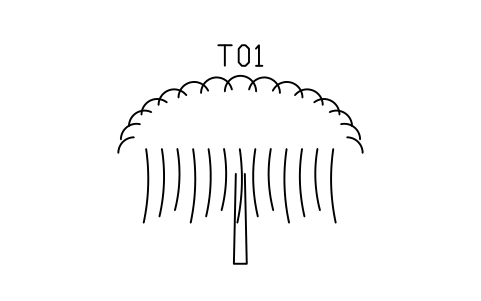
Tree, willow, weeping
ENT_TREE_WILLOWÖznitelikler
TAGBOTANICAL_NAMECOMMON_NAMEHEIGHT_MSPREAD_MTRUNK_DIAMETER_MMSTATUSQTYREMARKSDESC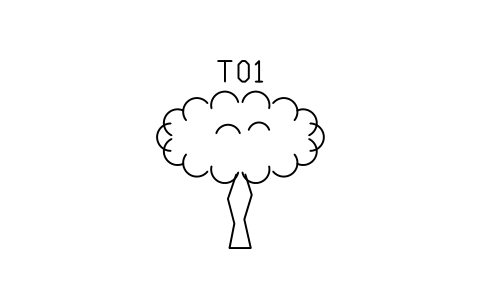
Tree, olive
ENT_TREE_OLIVEÖznitelikler
TAGBOTANICAL_NAMECOMMON_NAMEHEIGHT_MSPREAD_MTRUNK_DIAMETER_MMSTATUSQTYREMARKSDESC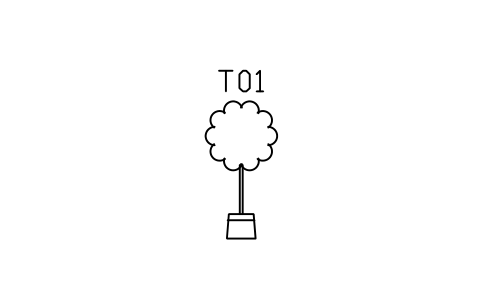
Tree, topiary ball in pot
ENT_TREE_LOLLIPOPÖznitelikler
TAGBOTANICAL_NAMECOMMON_NAMEHEIGHT_MSPREAD_MTRUNK_DIAMETER_MMSTATUSQTYREMARKSDESC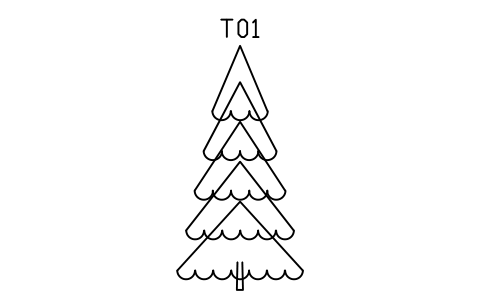
Tree, spruce, 7000
ENT_CONIFER_SPRUCEÖznitelikler
TAGBOTANICAL_NAMECOMMON_NAMEHEIGHT_MSPREAD_MTRUNK_DIAMETER_MMSTATUSQTYREMARKSDESC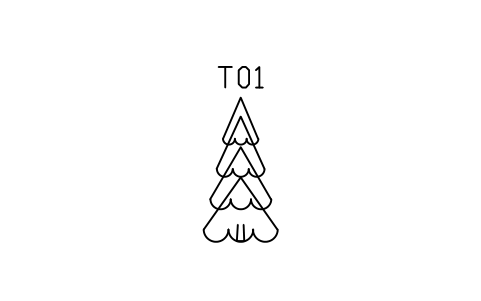
Tree, spruce, 3500
ENT_CONIFER_SPRUCE_SMALLÖznitelikler
TAGBOTANICAL_NAMECOMMON_NAMEHEIGHT_MSPREAD_MTRUNK_DIAMETER_MMSTATUSQTYREMARKSDESC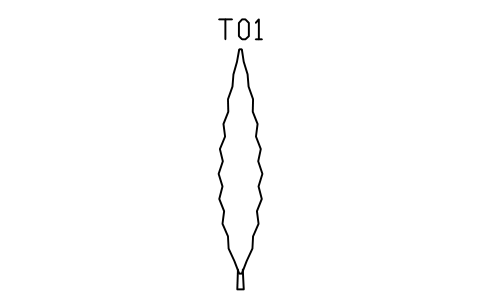
Tree, cypress, columnar, 6000
ENT_CONIFER_CYPRESSÖznitelikler
TAGBOTANICAL_NAMECOMMON_NAMEHEIGHT_MSPREAD_MTRUNK_DIAMETER_MMSTATUSQTYREMARKSDESC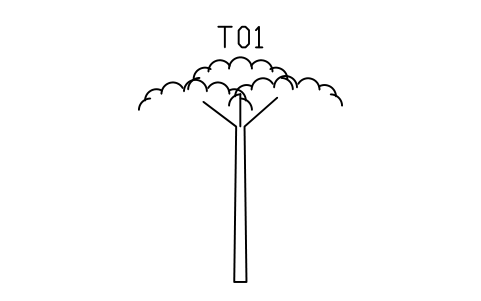
Tree, pine, umbrella crown
ENT_CONIFER_PINEÖznitelikler
TAGBOTANICAL_NAMECOMMON_NAMEHEIGHT_MSPREAD_MTRUNK_DIAMETER_MMSTATUSQTYREMARKSDESC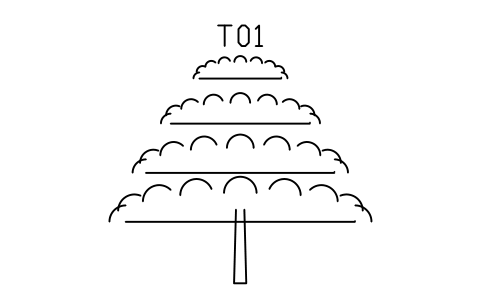
Tree, cedar, layered, 6000
ENT_CONIFER_CEDARÖznitelikler
TAGBOTANICAL_NAMECOMMON_NAMEHEIGHT_MSPREAD_MTRUNK_DIAMETER_MMSTATUSQTYREMARKSDESC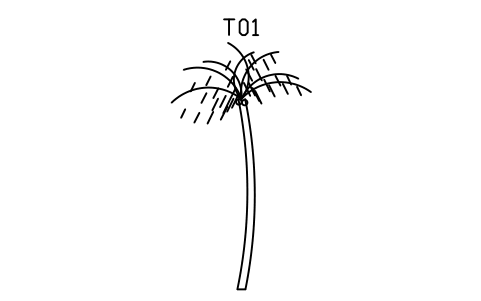
Palm, coconut, 7000
ENT_PALM_COCONUTÖznitelikler
TAGBOTANICAL_NAMECOMMON_NAMEHEIGHT_MSPREAD_MTRUNK_DIAMETER_MMSTATUSQTYREMARKSDESC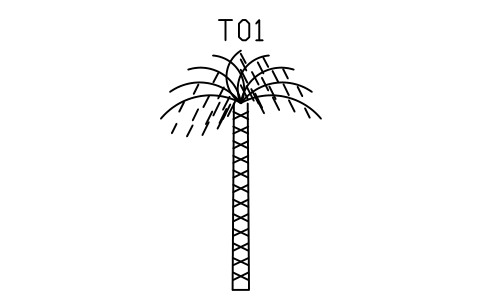
Palm, date palm, 6000
ENT_PALM_DATEÖznitelikler
TAGBOTANICAL_NAMECOMMON_NAMEHEIGHT_MSPREAD_MTRUNK_DIAMETER_MMSTATUSQTYREMARKSDESC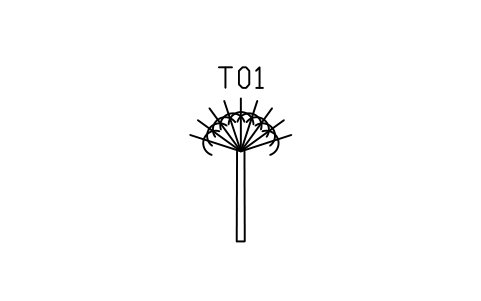
Palm, fan palm, 3500
ENT_PALM_FANÖznitelikler
TAGBOTANICAL_NAMECOMMON_NAMEHEIGHT_MSPREAD_MTRUNK_DIAMETER_MMSTATUSQTYREMARKSDESC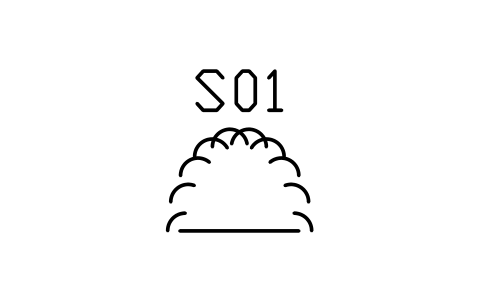
Shrub, round, 1200
ENT_SHRUB_ROUNDÖznitelikler
TAGBOTANICAL_NAMECOMMON_NAMEHEIGHT_MSPREAD_MTRUNK_DIAMETER_MMSTATUSQTYREMARKSDESC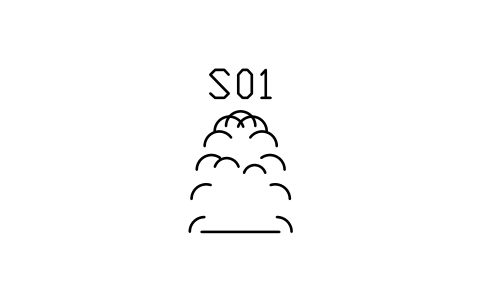
Shrub, tall, 2000
ENT_SHRUB_TALLÖznitelikler
TAGBOTANICAL_NAMECOMMON_NAMEHEIGHT_MSPREAD_MTRUNK_DIAMETER_MMSTATUSQTYREMARKSDESC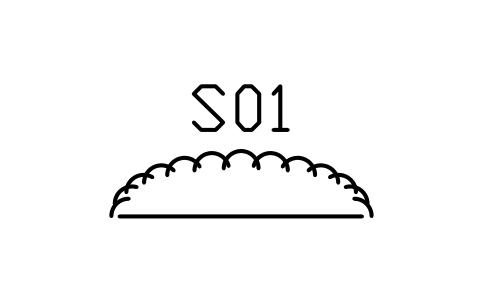
Shrub, low and wide, 600
ENT_SHRUB_LOWÖznitelikler
TAGBOTANICAL_NAMECOMMON_NAMEHEIGHT_MSPREAD_MTRUNK_DIAMETER_MMSTATUSQTYREMARKSDESC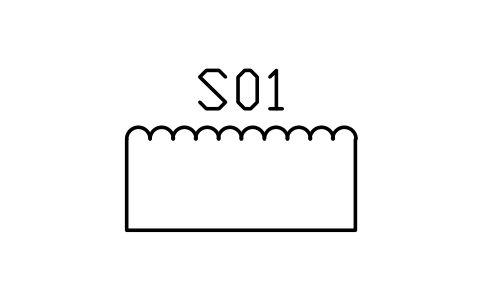
Hedge, clipped, 3000 long
ENT_HEDGEÖznitelikler
TAGBOTANICAL_NAMECOMMON_NAMEHEIGHT_MSPREAD_MTRUNK_DIAMETER_MMSTATUSQTYREMARKSDESC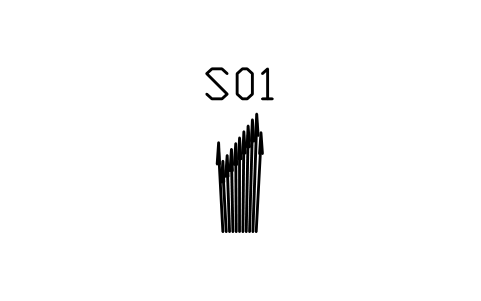
Reeds, 1800
ENT_REEDSÖznitelikler
TAGBOTANICAL_NAMECOMMON_NAMEHEIGHT_MSPREAD_MTRUNK_DIAMETER_MMSTATUSQTYREMARKSDESC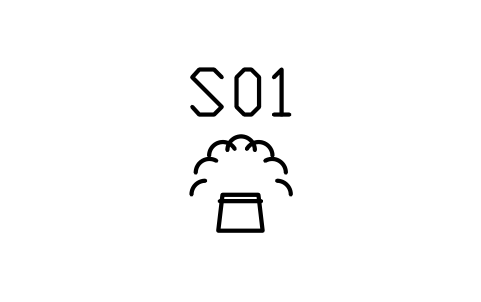
Plant in pot, 900
ENT_POT_PLANTÖznitelikler
TAGBOTANICAL_NAMECOMMON_NAMEHEIGHT_MSPREAD_MTRUNK_DIAMETER_MMSTATUSQTYREMARKSDESC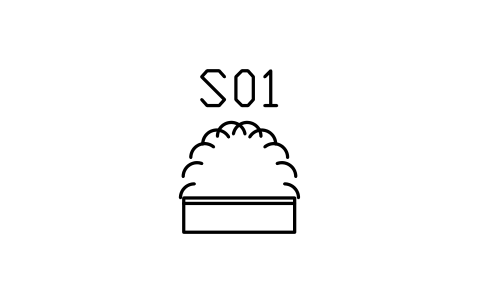
Planter box with shrub
ENT_PLANTER_SHRUBÖznitelikler
TAGBOTANICAL_NAMECOMMON_NAMEHEIGHT_MSPREAD_MTRUNK_DIAMETER_MMSTATUSQTYREMARKSDESC
Cactus, saguaro, 2000
ENT_CACTUSÖznitelikler
TAGBOTANICAL_NAMECOMMON_NAMEHEIGHT_MSPREAD_MTRUNK_DIAMETER_MMSTATUSQTYREMARKSDESC
Rose bush, 1000
ENT_ROSE_BUSHÖznitelikler
TAGBOTANICAL_NAMECOMMON_NAMEHEIGHT_MSPREAD_MTRUNK_DIAMETER_MMSTATUSQTYREMARKSDESC
Street lamp, single arm, 6000
ENT_LAMP_POSTÖznitelikler
TAGDESCRIPTIONSIZEQTYREMARKSDESC
Street lamp, double arm, 6000
ENT_LAMP_POST_DOUBLEÖznitelikler
TAGDESCRIPTIONSIZEQTYREMARKSDESC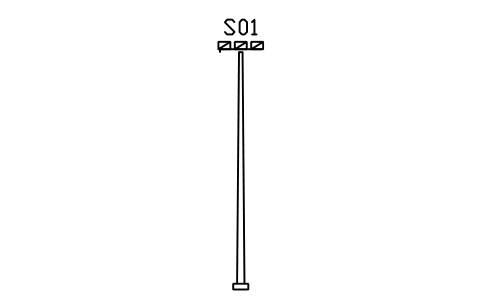
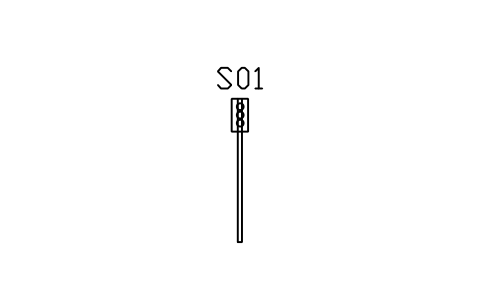
Traffic light, pole, 3500
ENT_TRAFFIC_LIGHTÖznitelikler
TAGDESCRIPTIONSIZEQTYREMARKSDESC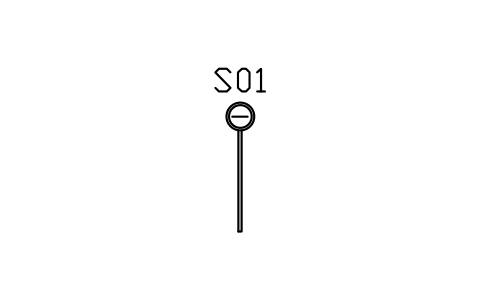
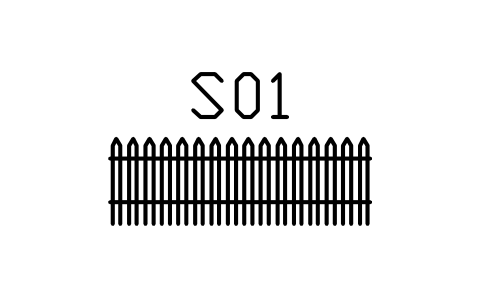
Fence, picket, 3000 long
ENT_FENCE_PICKETÖznitelikler
TAGDESCRIPTIONSIZEQTYREMARKSDESC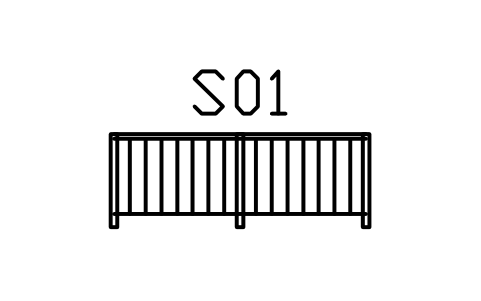
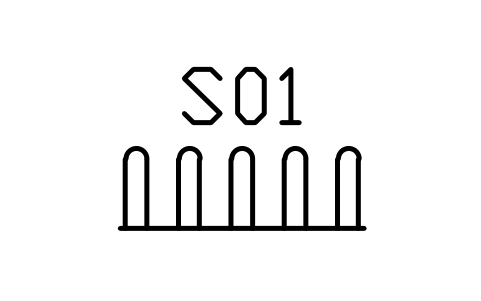
Bir sembol mü eksik? Hangisi olduğunu bize yazın.
Attributes for parts lists
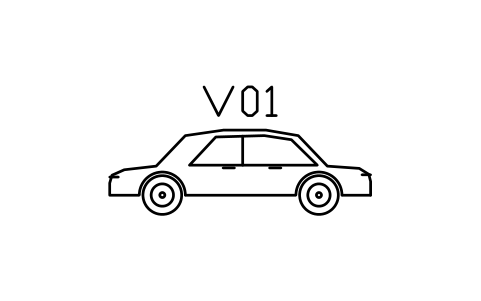
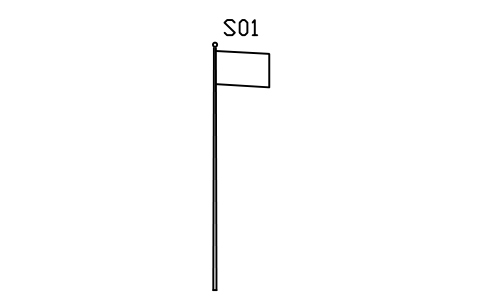
Every block has a visible tag (P01 for a person, V01 for a vehicle, T01 for a tree, S01 for street furniture and smaller plants). The data you put on a schedule are invisible attributes: DESCRIPTION, SIZE, QTY and REMARKS, and for trees and plants also BOTANICAL_NAME, COMMON_NAME, HEIGHT_M, SPREAD_M, TRUNK_DIAMETER_MM and STATUS.
Export the blocks of all drawings to Excel with BlockSync to build a planting schedule or a furniture list: one row per block with its tag and attributes, written back in one run with preview and backup.
How to use the library
- Unzip the file and open the DWG. Copy the symbols you need into your plan, or drag the blocks in from DesignCenter (ADCENTER).
- Insert the blocks at scale 1 in model space; they are drawn at real size in millimetres. The catalog in the file shows them at 1:200, so the tallest trees and the bus fit in a cell.
- Each figure stands on the ground line: the insertion point is the centre of the foot, the wheels or the trunk. Cars face left. Use MIRROR for the other direction, and scale the block a little to vary a row of trees or people.
- The symbols are line work without fills and sit on the layer SYMBOL, so they take the colour you give the layer. Double-click a block (or run EATTEDIT) to fill in the tag and the schedule data.
About the drawing conventions
There is no standard for entourage: people, cars and trees are scale figures, and every office draws them in its own way.
These symbols are our own simple line drawings, not portraits of any make or species, and the library is not certified against any standard. Adjust the blocks to the look of your drawings.
Frequently asked questions
- Which makes and models are the cars?
- None in particular. The cars are generic body shapes (sedan, hatchback, estate, coupe, pickup and so on) at typical sizes, so they work in any project without looking like a specific brand.
- Which units are the blocks in?
- Millimetres, at real size. Insert them at scale 1 in a model space that is in millimetres; if your drawing is in metres or inches, scale the blocks on insertion (0.001 or 0.03937).
- Can I use the symbols in commercial projects?
- Yes. They are free to use and modify in your own projects, including commercial ones. They are provided as is, without warranty.
- How do I make a planting schedule from the drawings?
- Fill in the botanical name, height and spread of each tree in its attributes, then export the tree blocks of all drawings to Excel with BlockSync: one row per tree. Edit the data in Excel and write it back in one run, with preview and backup.
- Can I change a symbol or add attributes?
- Yes. Open the DWG, edit a block with BEDIT to change it or add attributes, and save. To update drawings that already contain the block, run ATTSYNC or replace the block. Make a backup first: attribute values can be lost if ATTSYNC is used carelessly.
- Where do I find a ready-made set of these symbols for AutoCAD?
- AutoCAD itself ships only a small set of sample blocks, so a full symbol set has to come from a library. Download the ZIP on this page and open the DWG: every symbol is a block. Insert one with INSERT (Blocks palette, Libraries tab, then pick the DWG) or drag it from DesignCenter (ADCENTER). You can also download a single symbol on its own.
Count the symbols and build a parts list
Because ratings and part numbers are attributes, the symbols of a whole project can be counted and listed without opening the drawings. Export the blocks to Excel, total them with a pivot table and write corrections back in one run, with preview and backup.
See how to count blocks with BlockSync