
RecursosBibliotecas de símbolos DWG
Free AutoCAD modular furniture blocks (DWG): sectionals, beds, storage walls, tables, desks, lighting, rugs and room sets
Contemporary modular furniture plan symbols: 227 ready-made AutoCAD blocks (DWG), free to download and use in your own projects, as a ZIP or one symbol at a time.
227 contemporary modular furniture symbols for AutoCAD in plan view at real size in millimetres: straight sofas for two to four with slab or slim arms, loveseats, single sofa modules (armless, arm left, arm right, both arms, corner and chaise end), sofas with a left or right chaise, L sectionals from 2800 to 3600 in left and right versions, U sectionals, ottomans, storage ottomans and poufs, lounge and swivel chairs, dining chairs with sled bases, counter and bar stools, benches, coffee tables in rectangular, square, round, oval and glass forms with tray and book detail, nesting tables, side tables and consoles including a wall-hung one, dining tables from 1400 to 2600 with extension leaf and round and oval tops, dining sets with four to ten chairs, platform, floating, foot-drawer, panel-headboard, shelf-headboard and attached-bedside beds from single to super king with pillows, duvet and throw, bedsides, wardrobes with hinged or sliding doors, dressers and chests, floating TV units with a screen and speakers, low media units, sideboards, wall systems with towers, open cubes and glass doors, cube shelving, bookcases, floating shelves, room dividers, shoe cabinets, coat rails and mudroom lockers, straight, drawer-pedestal, sit-stand, wall-hung and L desks, bench workstations, task chairs, meeting tables for six to ten, arc floor lamps, round, linear and cluster pendants, track lights, table lamps, wall lights and mirrors, plain, striped, block, shaggy, layered, round, oval and organic rugs, planters, potted plants and wall art, plus 18 complete room sets.
Version 1.0 · updated 29 de outubro de 2026 · Check out what's changed
Using AutoCAD 2017 or an earlier version? Download the 2010 format
Copyright CADXChange. Use and modify the symbols freely in your own drawings and projects, including commercial ones; credit and a link are needed only when you publish them. Please do not redistribute or resell the library. Each ZIP holds one plain DWG file in AutoCAD 2018 format and a README; no add-in needed. Provided as is, without warranty. Library terms (CXL-1.0)
Related symbol libraries
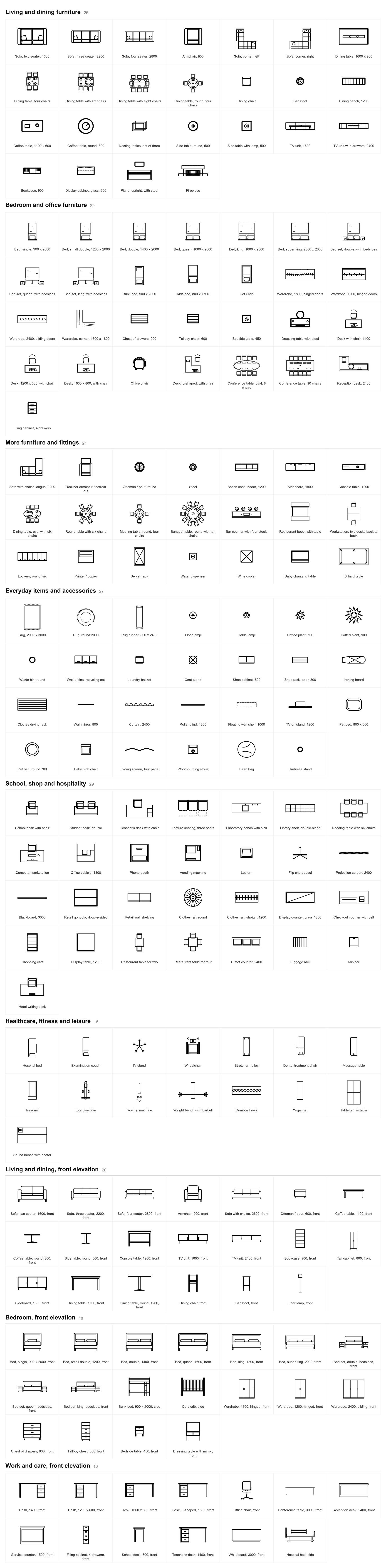
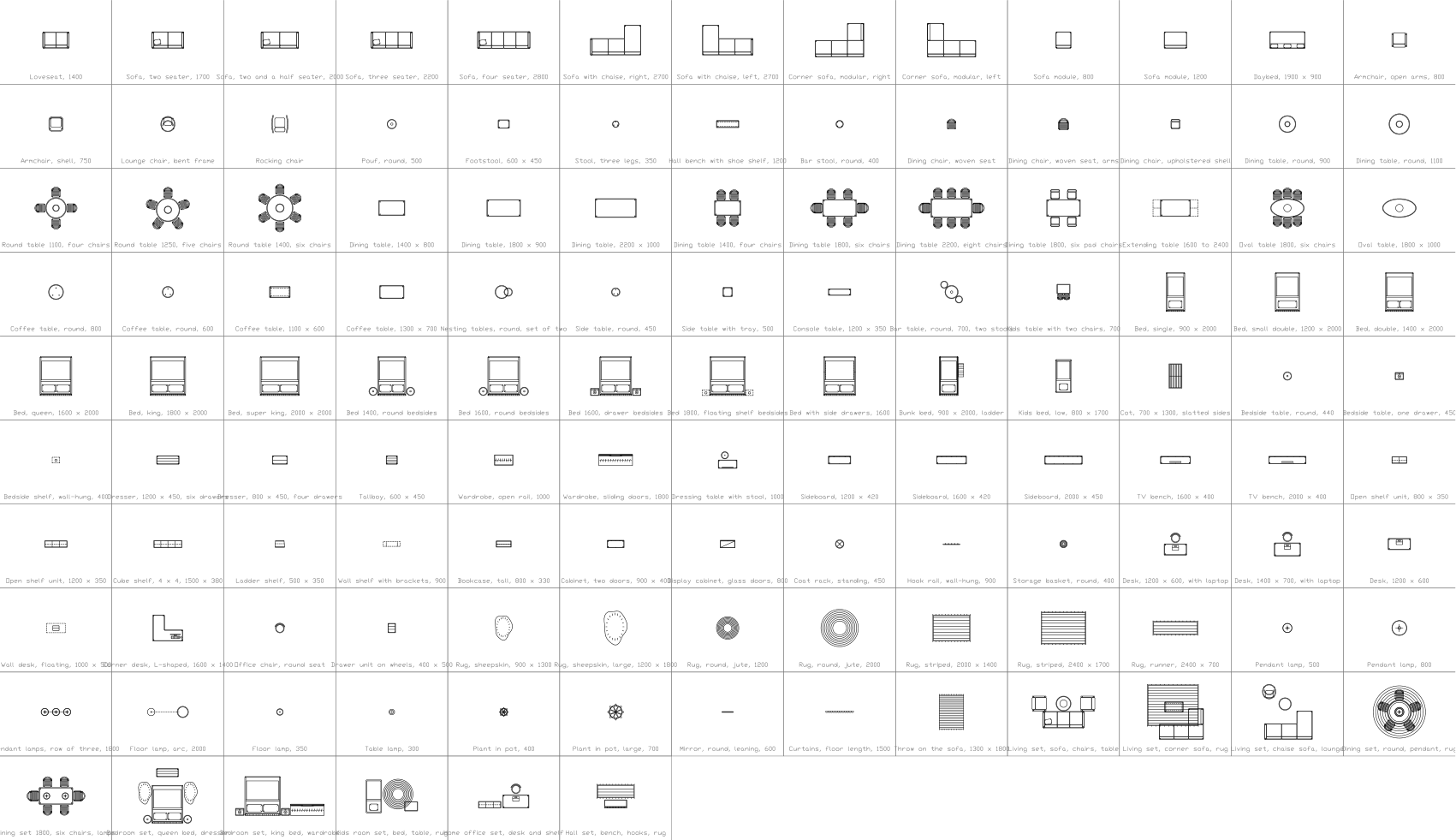
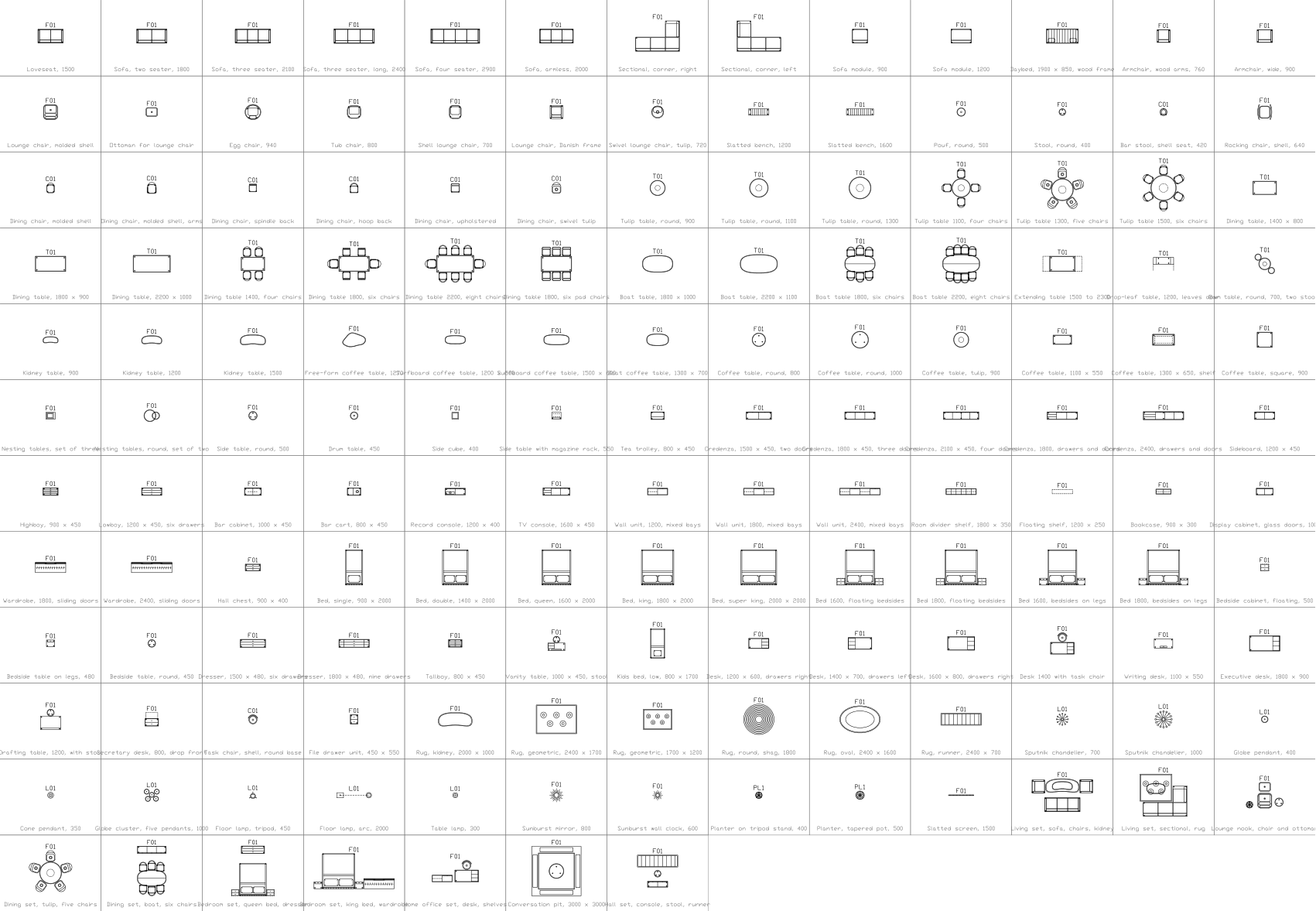
Combina bem com estas ferramentas
 Vai colocar estes símbolos em 30 desenhos?Troque um símbolo alterado em todos os desenhos de uma vez, sem abrir cada arquivo.Ver o BlockCopy
 Precisa contar estes símbolos nos seus desenhos?Exporte para o Excel todos os símbolos e atributos de um conjunto de desenhos, edite as linhas e grave de volta.Ver o BlockSync
 Quais desenhos usam este símbolo?Pesquise blocos e textos em centenas de desenhos de uma vez e vá direto ao resultado.Ver o DwgSearch
All 227 symbols
227 de 227 símbolos
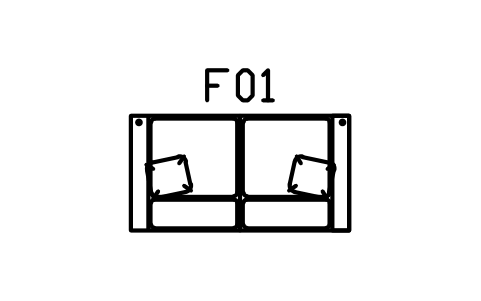
Sofa, slab arms, two seater
CMM_SOFA_2Atributos
TAGDESCRIPTIONWIDTH_MMDEPTH_MMHEIGHT_MMMATERIALFINISHQTYMANUFACTURERMODELREMARKSDESC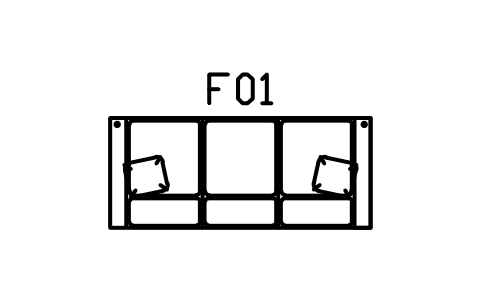
Sofa, slab arms, three seater
CMM_SOFA_3Atributos
TAGDESCRIPTIONWIDTH_MMDEPTH_MMHEIGHT_MMMATERIALFINISHQTYMANUFACTURERMODELREMARKSDESC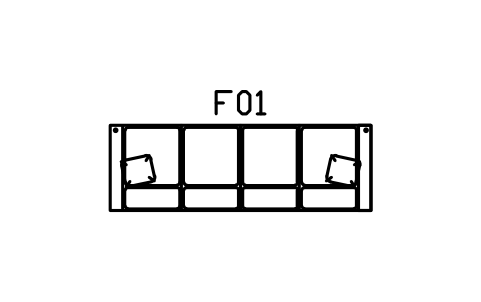
Sofa, slab arms, four seater
CMM_SOFA_4Atributos
TAGDESCRIPTIONWIDTH_MMDEPTH_MMHEIGHT_MMMATERIALFINISHQTYMANUFACTURERMODELREMARKSDESC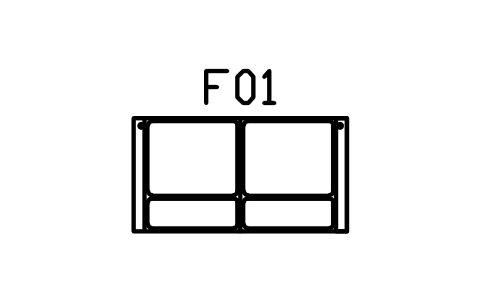
Sofa, slim arms, two seater
CMM_SOFA_SLIM_2Atributos
TAGDESCRIPTIONWIDTH_MMDEPTH_MMHEIGHT_MMMATERIALFINISHQTYMANUFACTURERMODELREMARKSDESC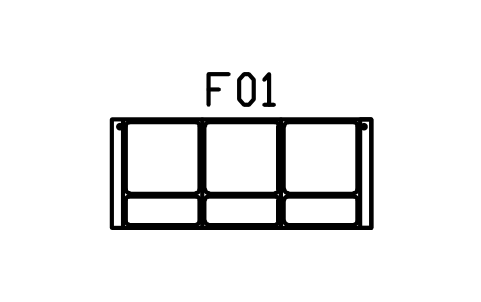
Sofa, slim arms, three seater
CMM_SOFA_SLIM_3Atributos
TAGDESCRIPTIONWIDTH_MMDEPTH_MMHEIGHT_MMMATERIALFINISHQTYMANUFACTURERMODELREMARKSDESC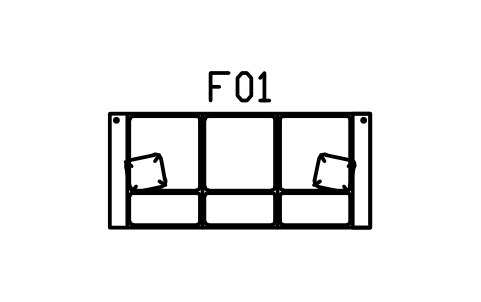
Sofa, deep seat, three seater
CMM_SOFA_DEEP_3Atributos
TAGDESCRIPTIONWIDTH_MMDEPTH_MMHEIGHT_MMMATERIALFINISHQTYMANUFACTURERMODELREMARKSDESC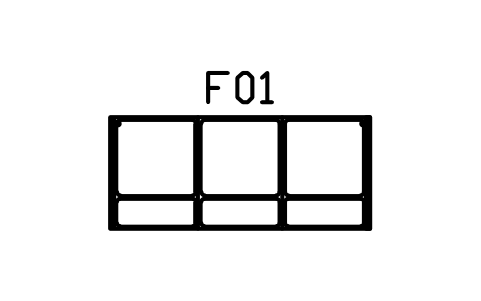
Sofa, armless, three seater
CMM_SOFA_ARMLESS_3Atributos
TAGDESCRIPTIONWIDTH_MMDEPTH_MMHEIGHT_MMMATERIALFINISHQTYMANUFACTURERMODELREMARKSDESC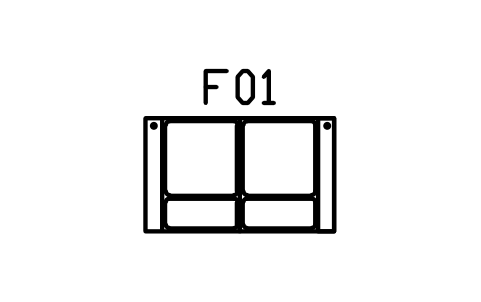
Loveseat, slab arms, 1500
CMM_LOVESEATAtributos
TAGDESCRIPTIONWIDTH_MMDEPTH_MMHEIGHT_MMMATERIALFINISHQTYMANUFACTURERMODELREMARKSDESC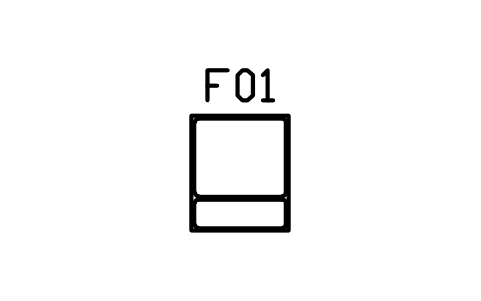
Module, armless, 800
CMM_MOD_ARMLESS_800Atributos
TAGDESCRIPTIONWIDTH_MMDEPTH_MMHEIGHT_MMMATERIALFINISHQTYMANUFACTURERMODELREMARKSDESC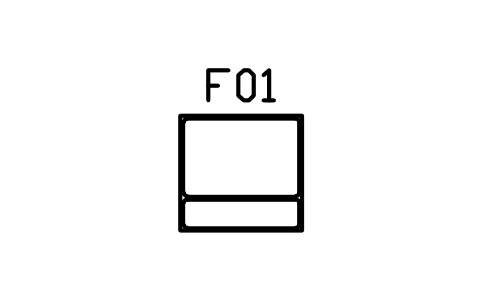
Module, armless, 1000
CMM_MOD_ARMLESS_1000Atributos
TAGDESCRIPTIONWIDTH_MMDEPTH_MMHEIGHT_MMMATERIALFINISHQTYMANUFACTURERMODELREMARKSDESC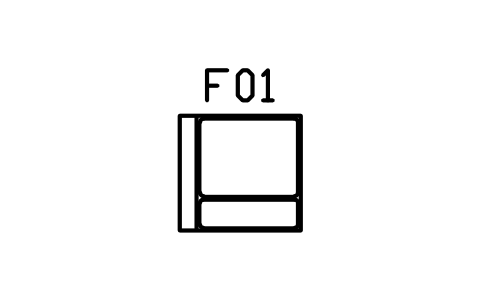
Module, arm left, 1000
CMM_MOD_ARM_LEFTAtributos
TAGDESCRIPTIONWIDTH_MMDEPTH_MMHEIGHT_MMMATERIALFINISHQTYMANUFACTURERMODELREMARKSDESC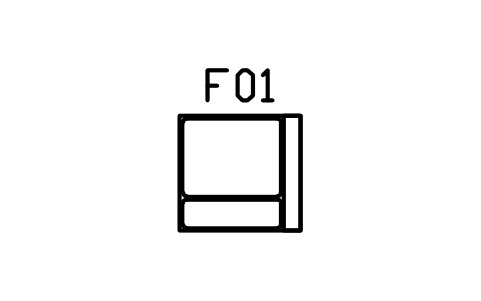
Module, arm right, 1000
CMM_MOD_ARM_RIGHTAtributos
TAGDESCRIPTIONWIDTH_MMDEPTH_MMHEIGHT_MMMATERIALFINISHQTYMANUFACTURERMODELREMARKSDESC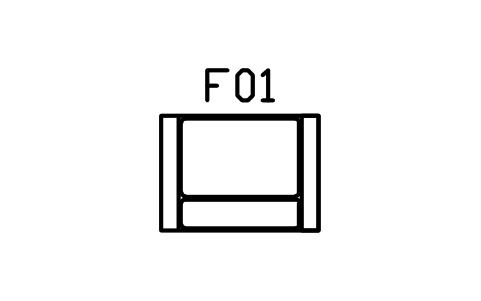
Module, arms both sides, 1300
CMM_MOD_ARM_BOTHAtributos
TAGDESCRIPTIONWIDTH_MMDEPTH_MMHEIGHT_MMMATERIALFINISHQTYMANUFACTURERMODELREMARKSDESC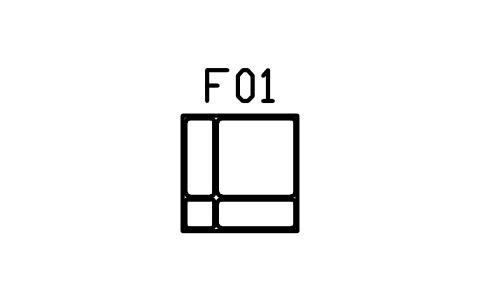
Module, corner, 950 x 950
CMM_MOD_CORNERAtributos
TAGDESCRIPTIONWIDTH_MMDEPTH_MMHEIGHT_MMMATERIALFINISHQTYMANUFACTURERMODELREMARKSDESC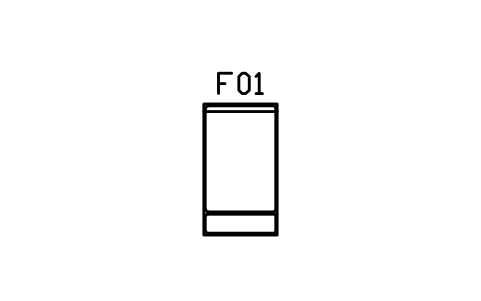
Module, chaise end, 900 x 1600
CMM_MOD_CHAISEAtributos
TAGDESCRIPTIONWIDTH_MMDEPTH_MMHEIGHT_MMMATERIALFINISHQTYMANUFACTURERMODELREMARKSDESC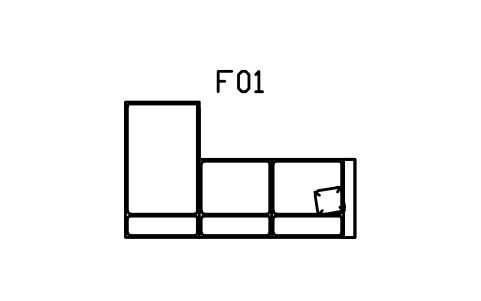
Sofa with chaise, left, 2800 x 1650
CMM_CHAISE_L_2800Atributos
TAGDESCRIPTIONWIDTH_MMDEPTH_MMHEIGHT_MMMATERIALFINISHQTYMANUFACTURERMODELREMARKSDESC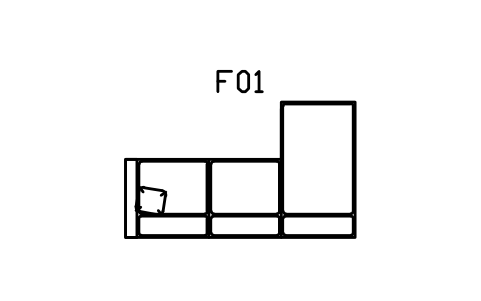
Sofa with chaise, right, 2800 x 1650
CMM_CHAISE_R_2800Atributos
TAGDESCRIPTIONWIDTH_MMDEPTH_MMHEIGHT_MMMATERIALFINISHQTYMANUFACTURERMODELREMARKSDESC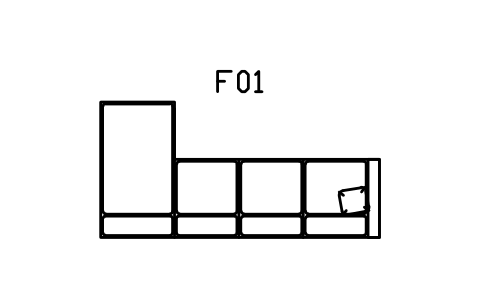
Sofa with chaise, left, 3400 x 1650
CMM_CHAISE_L_3400Atributos
TAGDESCRIPTIONWIDTH_MMDEPTH_MMHEIGHT_MMMATERIALFINISHQTYMANUFACTURERMODELREMARKSDESC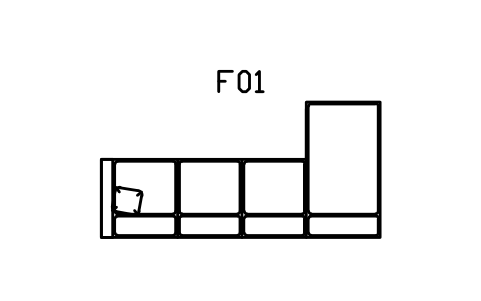
Sofa with chaise, right, 3400 x 1650
CMM_CHAISE_R_3400Atributos
TAGDESCRIPTIONWIDTH_MMDEPTH_MMHEIGHT_MMMATERIALFINISHQTYMANUFACTURERMODELREMARKSDESC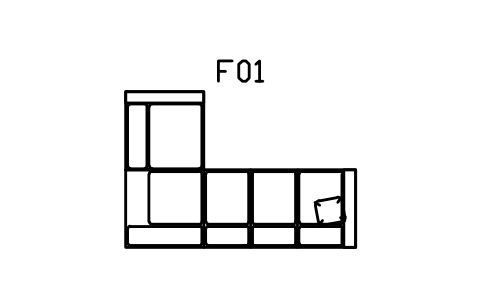
L sectional, left return, 2800 x 1900
CMM_L_L_2800Atributos
TAGDESCRIPTIONWIDTH_MMDEPTH_MMHEIGHT_MMMATERIALFINISHQTYMANUFACTURERMODELREMARKSDESC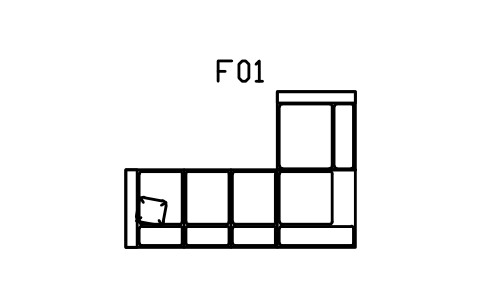
L sectional, right return, 2800 x 1900
CMM_L_R_2800Atributos
TAGDESCRIPTIONWIDTH_MMDEPTH_MMHEIGHT_MMMATERIALFINISHQTYMANUFACTURERMODELREMARKSDESC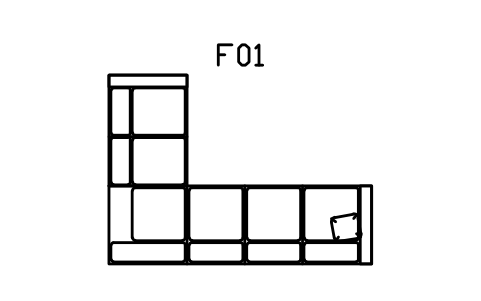
L sectional, left return, 3200 x 2300
CMM_L_L_3200Atributos
TAGDESCRIPTIONWIDTH_MMDEPTH_MMHEIGHT_MMMATERIALFINISHQTYMANUFACTURERMODELREMARKSDESC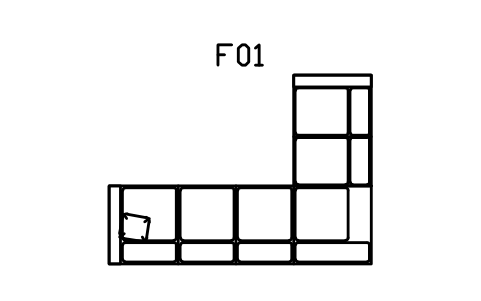
L sectional, right return, 3200 x 2300
CMM_L_R_3200Atributos
TAGDESCRIPTIONWIDTH_MMDEPTH_MMHEIGHT_MMMATERIALFINISHQTYMANUFACTURERMODELREMARKSDESC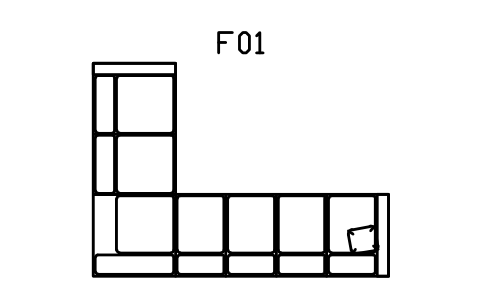
L sectional, left return, 3600 x 2600
CMM_L_L_3600Atributos
TAGDESCRIPTIONWIDTH_MMDEPTH_MMHEIGHT_MMMATERIALFINISHQTYMANUFACTURERMODELREMARKSDESC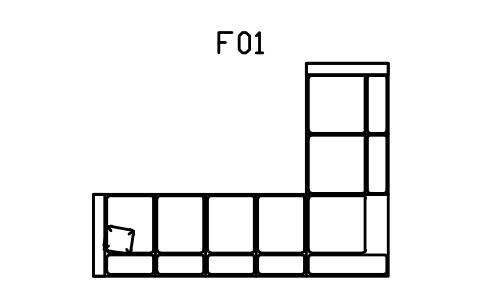
L sectional, right return, 3600 x 2600
CMM_L_R_3600Atributos
TAGDESCRIPTIONWIDTH_MMDEPTH_MMHEIGHT_MMMATERIALFINISHQTYMANUFACTURERMODELREMARKSDESC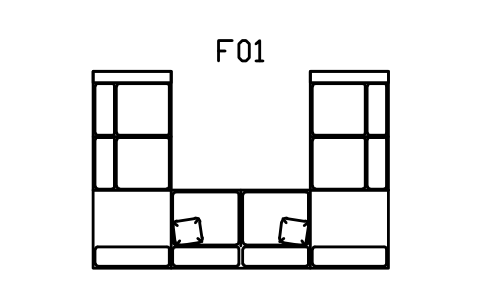
U sectional, 3600 x 2400
CMM_U_3600Atributos
TAGDESCRIPTIONWIDTH_MMDEPTH_MMHEIGHT_MMMATERIALFINISHQTYMANUFACTURERMODELREMARKSDESC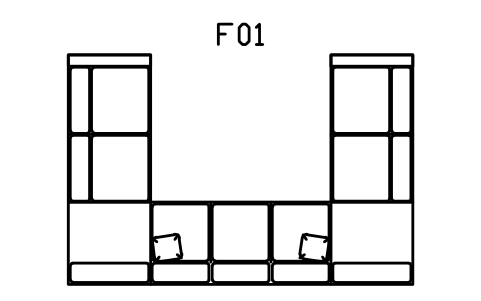
U sectional, 4200 x 2800
CMM_U_4200Atributos
TAGDESCRIPTIONWIDTH_MMDEPTH_MMHEIGHT_MMMATERIALFINISHQTYMANUFACTURERMODELREMARKSDESC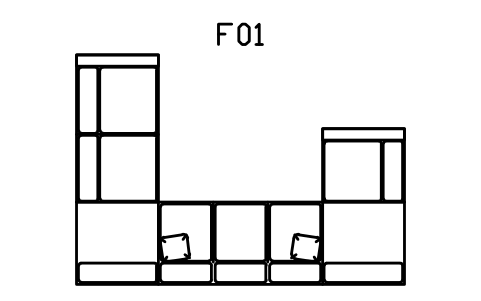
U sectional, long left, 4000 x 2800
CMM_U_ASYMAtributos
TAGDESCRIPTIONWIDTH_MMDEPTH_MMHEIGHT_MMMATERIALFINISHQTYMANUFACTURERMODELREMARKSDESC
Ottoman, 900 x 600
CMM_OTT_900Atributos
TAGDESCRIPTIONWIDTH_MMDEPTH_MMHEIGHT_MMMATERIALFINISHQTYMANUFACTURERMODELREMARKSDESC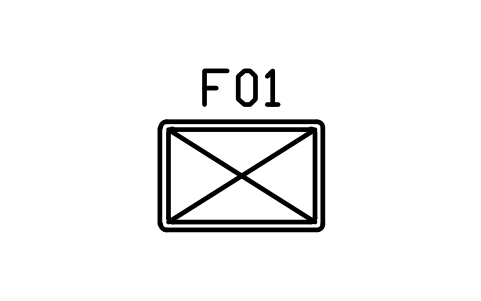
Ottoman, 1200 x 800
CMM_OTT_1200Atributos
TAGDESCRIPTIONWIDTH_MMDEPTH_MMHEIGHT_MMMATERIALFINISHQTYMANUFACTURERMODELREMARKSDESC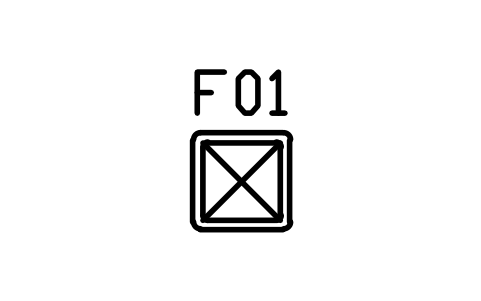
Ottoman, cube, 600
CMM_OTT_CUBEAtributos
TAGDESCRIPTIONWIDTH_MMDEPTH_MMHEIGHT_MMMATERIALFINISHQTYMANUFACTURERMODELREMARKSDESC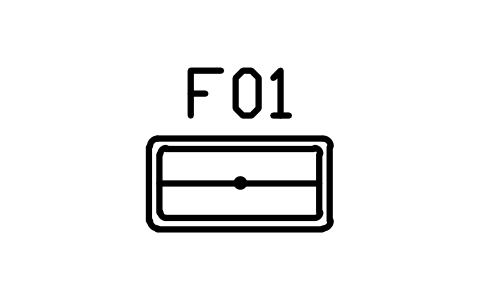
Ottoman, storage lid, 1000 x 500
CMM_OTT_STORAGEAtributos
TAGDESCRIPTIONWIDTH_MMDEPTH_MMHEIGHT_MMMATERIALFINISHQTYMANUFACTURERMODELREMARKSDESC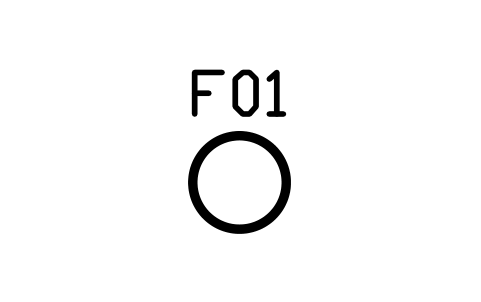
Pouf, round, 600
CMM_POUF_600Atributos
TAGDESCRIPTIONWIDTH_MMDEPTH_MMHEIGHT_MMMATERIALFINISHQTYMANUFACTURERMODELREMARKSDESC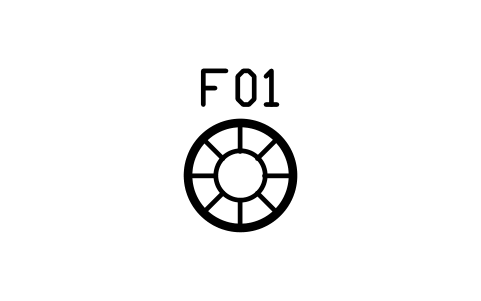
Pouf, round, tufted, 800
CMM_POUF_800Atributos
TAGDESCRIPTIONWIDTH_MMDEPTH_MMHEIGHT_MMMATERIALFINISHQTYMANUFACTURERMODELREMARKSDESC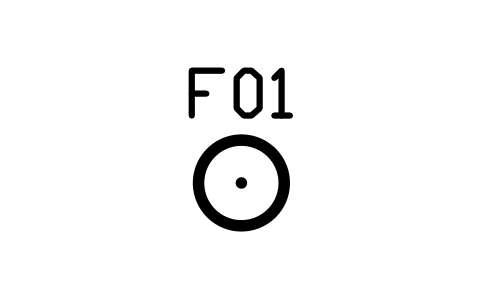
Pouf, round, button, 500
CMM_POUF_BUTTONAtributos
TAGDESCRIPTIONWIDTH_MMDEPTH_MMHEIGHT_MMMATERIALFINISHQTYMANUFACTURERMODELREMARKSDESC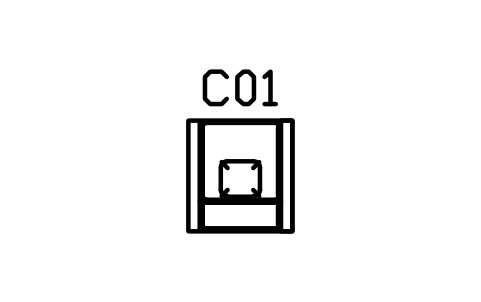
Lounge chair, slab arms, 800
CMM_LOUNGE_800Atributos
TAGDESCRIPTIONWIDTH_MMDEPTH_MMHEIGHT_MMMATERIALFINISHQTYMANUFACTURERMODELREMARKSDESC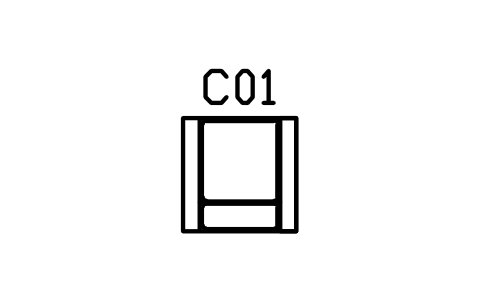
Lounge chair, wide arms, 900
CMM_LOUNGE_900Atributos
TAGDESCRIPTIONWIDTH_MMDEPTH_MMHEIGHT_MMMATERIALFINISHQTYMANUFACTURERMODELREMARKSDESC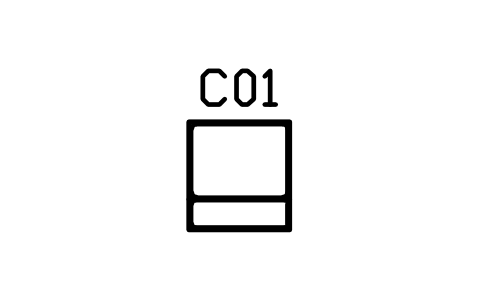
Lounge chair, armless, 750
CMM_LOUNGE_ARMLESSAtributos
TAGDESCRIPTIONWIDTH_MMDEPTH_MMHEIGHT_MMMATERIALFINISHQTYMANUFACTURERMODELREMARKSDESC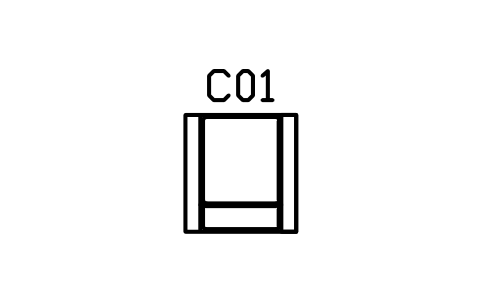
Lounge chair, deep seat, 950
CMM_LOUNGE_DEEPAtributos
TAGDESCRIPTIONWIDTH_MMDEPTH_MMHEIGHT_MMMATERIALFINISHQTYMANUFACTURERMODELREMARKSDESC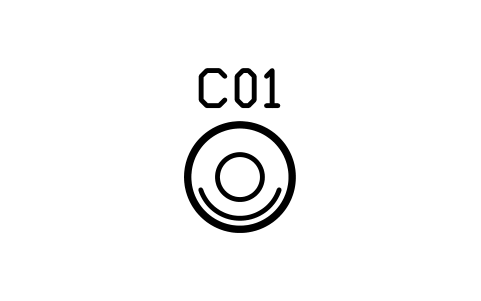
Swivel chair, round base, 760
CMM_SWIVEL_760Atributos
TAGDESCRIPTIONWIDTH_MMDEPTH_MMHEIGHT_MMMATERIALFINISHQTYMANUFACTURERMODELREMARKSDESC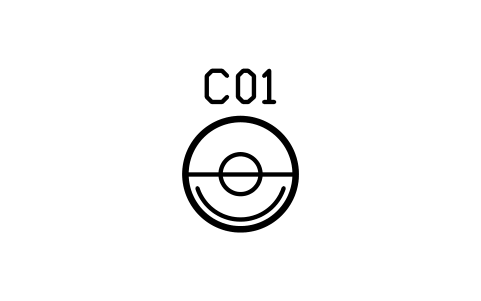
Swivel chair, wide, 900
CMM_SWIVEL_900Atributos
TAGDESCRIPTIONWIDTH_MMDEPTH_MMHEIGHT_MMMATERIALFINISHQTYMANUFACTURERMODELREMARKSDESC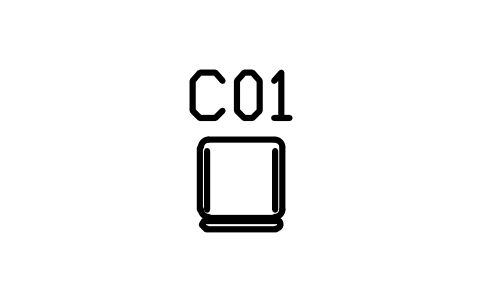
Dining chair, sled base
CMM_CHAIR_SLEDAtributos
TAGDESCRIPTIONWIDTH_MMDEPTH_MMHEIGHT_MMMATERIALFINISHQTYMANUFACTURERMODELREMARKSDESC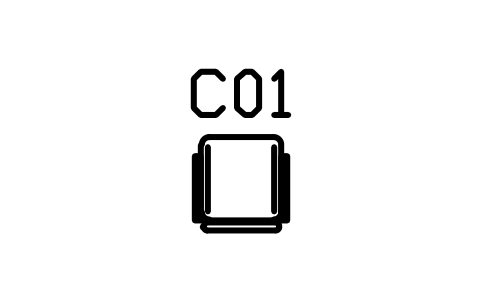
Dining chair, arms
CMM_CHAIR_ARMSAtributos
TAGDESCRIPTIONWIDTH_MMDEPTH_MMHEIGHT_MMMATERIALFINISHQTYMANUFACTURERMODELREMARKSDESC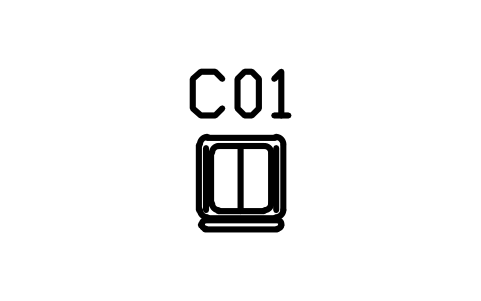
Dining chair, shell seat
CMM_CHAIR_SHELLAtributos
TAGDESCRIPTIONWIDTH_MMDEPTH_MMHEIGHT_MMMATERIALFINISHQTYMANUFACTURERMODELREMARKSDESC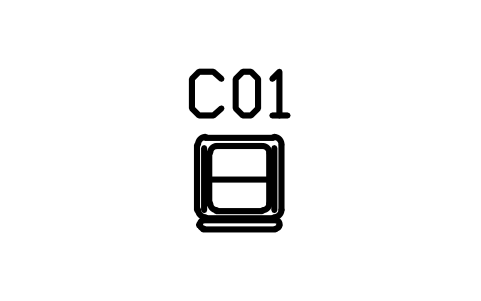
Dining chair, upholstered
CMM_CHAIR_UPHAtributos
TAGDESCRIPTIONWIDTH_MMDEPTH_MMHEIGHT_MMMATERIALFINISHQTYMANUFACTURERMODELREMARKSDESC
Counter stool, 360
CMM_STOOL_COUNTERAtributos
TAGDESCRIPTIONWIDTH_MMDEPTH_MMHEIGHT_MMMATERIALFINISHQTYMANUFACTURERMODELREMARKSDESC
Bar stool, back, 400
CMM_STOOL_BARAtributos
TAGDESCRIPTIONWIDTH_MMDEPTH_MMHEIGHT_MMMATERIALFINISHQTYMANUFACTURERMODELREMARKSDESC
Stool, backless, 320
CMM_STOOL_BACKLESSAtributos
TAGDESCRIPTIONWIDTH_MMDEPTH_MMHEIGHT_MMMATERIALFINISHQTYMANUFACTURERMODELREMARKSDESC
Bench, slab, 1200 x 380
CMM_BENCH_1200Atributos
TAGDESCRIPTIONWIDTH_MMDEPTH_MMHEIGHT_MMMATERIALFINISHQTYMANUFACTURERMODELREMARKSDESC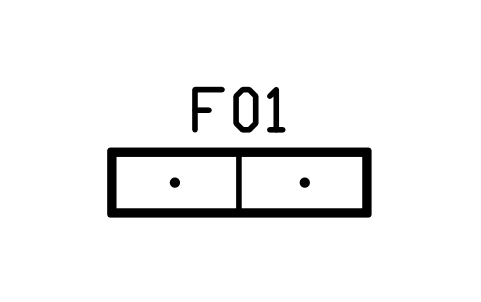
Bench, slab, split, 1600 x 400
CMM_BENCH_1600Atributos
TAGDESCRIPTIONWIDTH_MMDEPTH_MMHEIGHT_MMMATERIALFINISHQTYMANUFACTURERMODELREMARKSDESC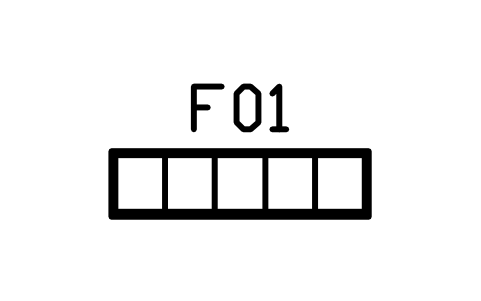
Bench, slatted, 1500 x 380
CMM_BENCH_SLATAtributos
TAGDESCRIPTIONWIDTH_MMDEPTH_MMHEIGHT_MMMATERIALFINISHQTYMANUFACTURERMODELREMARKSDESC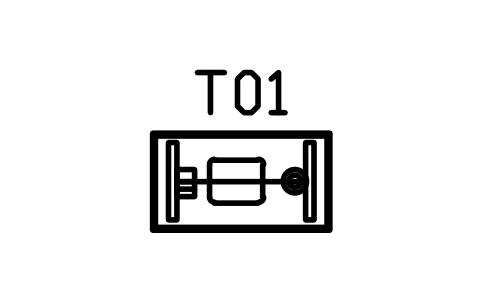
Coffee table, 1100 x 600
CMM_COFFEE_1100Atributos
TAGDESCRIPTIONWIDTH_MMDEPTH_MMHEIGHT_MMMATERIALFINISHQTYMANUFACTURERMODELREMARKSDESC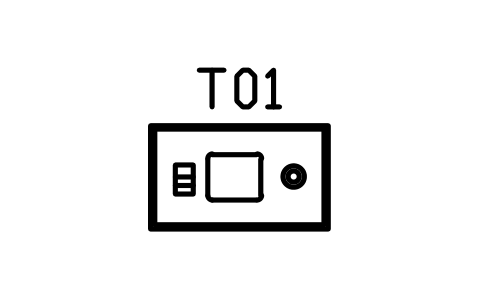
Coffee table, 1200 x 700
CMM_COFFEE_1200Atributos
TAGDESCRIPTIONWIDTH_MMDEPTH_MMHEIGHT_MMMATERIALFINISHQTYMANUFACTURERMODELREMARKSDESC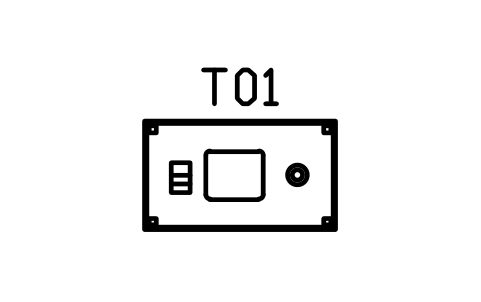
Coffee table, 1400 x 800
CMM_COFFEE_1400Atributos
TAGDESCRIPTIONWIDTH_MMDEPTH_MMHEIGHT_MMMATERIALFINISHQTYMANUFACTURERMODELREMARKSDESC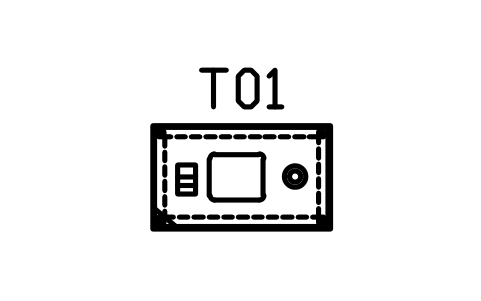
Coffee table, glass top, 1200 x 700
CMM_COFFEE_GLASSAtributos
TAGDESCRIPTIONWIDTH_MMDEPTH_MMHEIGHT_MMMATERIALFINISHQTYMANUFACTURERMODELREMARKSDESC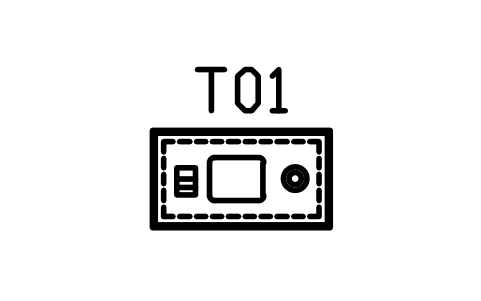
Coffee table, shelf, 1100 x 600
CMM_COFFEE_SHELFAtributos
TAGDESCRIPTIONWIDTH_MMDEPTH_MMHEIGHT_MMMATERIALFINISHQTYMANUFACTURERMODELREMARKSDESC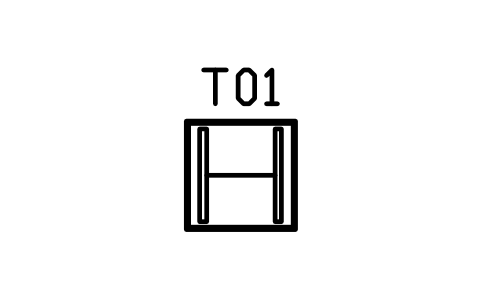
Coffee table, square, 800
CMM_COFFEE_SQ_800Atributos
TAGDESCRIPTIONWIDTH_MMDEPTH_MMHEIGHT_MMMATERIALFINISHQTYMANUFACTURERMODELREMARKSDESC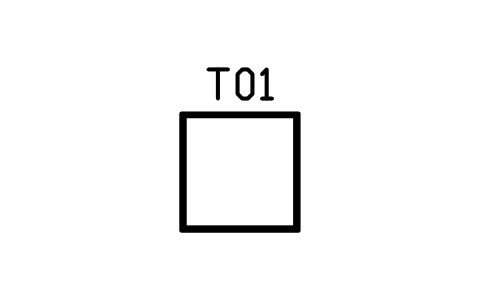
Coffee table, square, 1000
CMM_COFFEE_SQ_1000Atributos
TAGDESCRIPTIONWIDTH_MMDEPTH_MMHEIGHT_MMMATERIALFINISHQTYMANUFACTURERMODELREMARKSDESC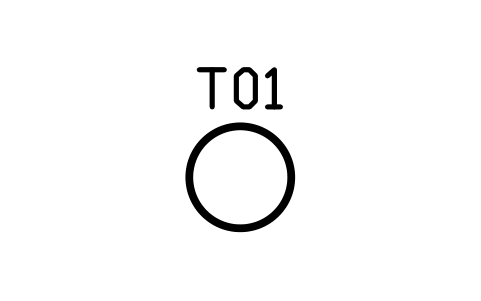
Coffee table, round, 700
CMM_COFFEE_RND_700Atributos
TAGDESCRIPTIONWIDTH_MMDEPTH_MMHEIGHT_MMMATERIALFINISHQTYMANUFACTURERMODELREMARKSDESC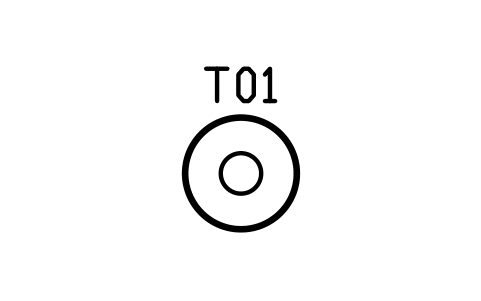
Coffee table, round, pedestal, 900
CMM_COFFEE_RND_900Atributos
TAGDESCRIPTIONWIDTH_MMDEPTH_MMHEIGHT_MMMATERIALFINISHQTYMANUFACTURERMODELREMARKSDESC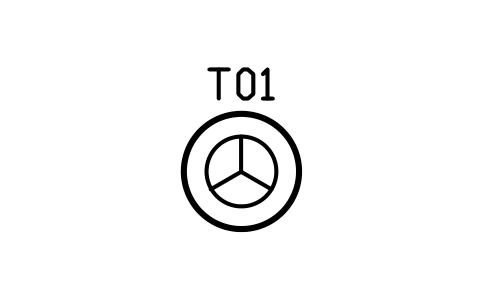
Coffee table, round, tripod, 1000
CMM_COFFEE_RND_1000Atributos
TAGDESCRIPTIONWIDTH_MMDEPTH_MMHEIGHT_MMMATERIALFINISHQTYMANUFACTURERMODELREMARKSDESC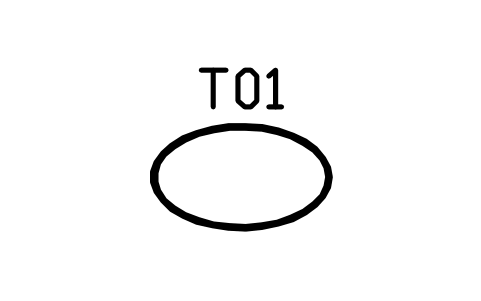
Coffee table, oval, 1200 x 700
CMM_COFFEE_OVALAtributos
TAGDESCRIPTIONWIDTH_MMDEPTH_MMHEIGHT_MMMATERIALFINISHQTYMANUFACTURERMODELREMARKSDESC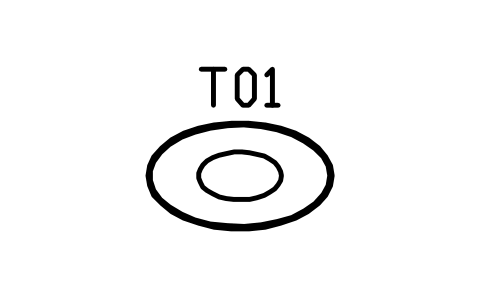
Coffee table, oval, pedestal, 1300 x 750
CMM_COFFEE_OVAL_BASEAtributos
TAGDESCRIPTIONWIDTH_MMDEPTH_MMHEIGHT_MMMATERIALFINISHQTYMANUFACTURERMODELREMARKSDESC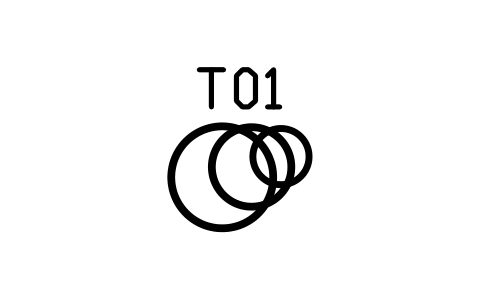
Nesting tables, round, 3 pieces
CMM_NEST_RNDAtributos
TAGDESCRIPTIONWIDTH_MMDEPTH_MMHEIGHT_MMMATERIALFINISHQTYMANUFACTURERMODELREMARKSDESC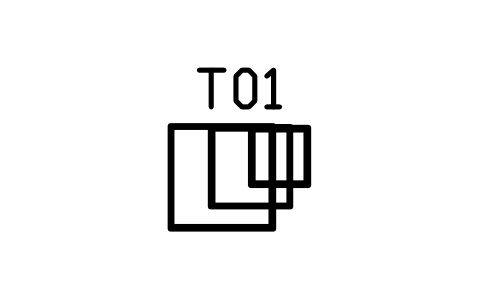
Nesting tables, square, 3 pieces
CMM_NEST_SQAtributos
TAGDESCRIPTIONWIDTH_MMDEPTH_MMHEIGHT_MMMATERIALFINISHQTYMANUFACTURERMODELREMARKSDESC
Nesting tables, round, 2 pieces
CMM_NEST_2Atributos
TAGDESCRIPTIONWIDTH_MMDEPTH_MMHEIGHT_MMMATERIALFINISHQTYMANUFACTURERMODELREMARKSDESC
Side table, cube, 450
CMM_SIDE_450Atributos
TAGDESCRIPTIONWIDTH_MMDEPTH_MMHEIGHT_MMMATERIALFINISHQTYMANUFACTURERMODELREMARKSDESC
Side table, square, 500
CMM_SIDE_500Atributos
TAGDESCRIPTIONWIDTH_MMDEPTH_MMHEIGHT_MMMATERIALFINISHQTYMANUFACTURERMODELREMARKSDESC
Side table, round, 450
CMM_SIDE_RND_450Atributos
TAGDESCRIPTIONWIDTH_MMDEPTH_MMHEIGHT_MMMATERIALFINISHQTYMANUFACTURERMODELREMARKSDESC
Side table, round, pedestal, 550
CMM_SIDE_RND_550Atributos
TAGDESCRIPTIONWIDTH_MMDEPTH_MMHEIGHT_MMMATERIALFINISHQTYMANUFACTURERMODELREMARKSDESC
Side table, drum, 400
CMM_SIDE_DRUMAtributos
TAGDESCRIPTIONWIDTH_MMDEPTH_MMHEIGHT_MMMATERIALFINISHQTYMANUFACTURERMODELREMARKSDESC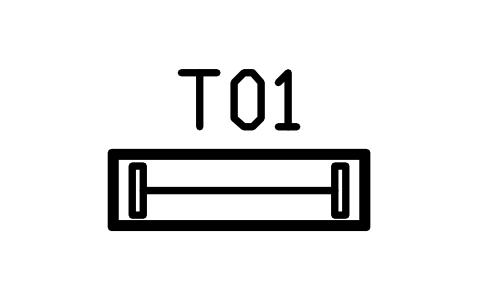
Console table, 1200 x 350
CMM_CONSOLE_1200Atributos
TAGDESCRIPTIONWIDTH_MMDEPTH_MMHEIGHT_MMMATERIALFINISHQTYMANUFACTURERMODELREMARKSDESC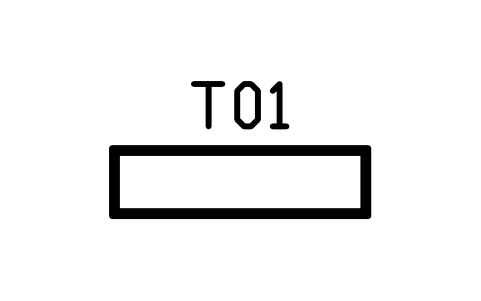
Console table, 1500 x 400
CMM_CONSOLE_1500Atributos
TAGDESCRIPTIONWIDTH_MMDEPTH_MMHEIGHT_MMMATERIALFINISHQTYMANUFACTURERMODELREMARKSDESC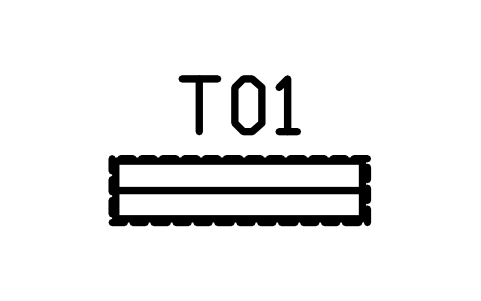
Console, wall hung, 1200 x 300
CMM_CONSOLE_FLOATAtributos
TAGDESCRIPTIONWIDTH_MMDEPTH_MMHEIGHT_MMMATERIALFINISHQTYMANUFACTURERMODELREMARKSDESC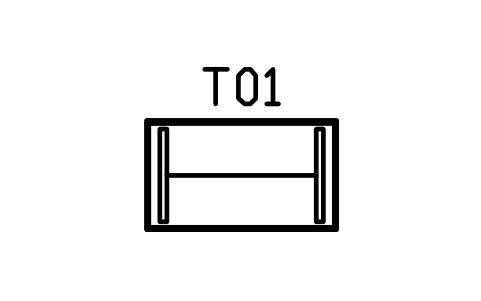
Dining table, 1400 x 800
CMM_DINING_1400Atributos
TAGDESCRIPTIONWIDTH_MMDEPTH_MMHEIGHT_MMMATERIALFINISHQTYMANUFACTURERMODELREMARKSDESC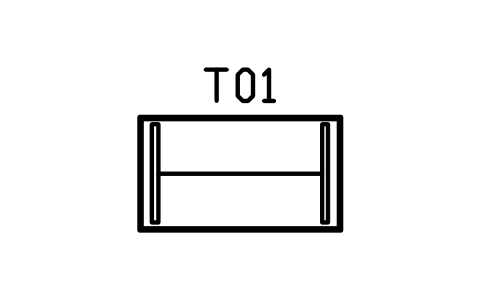
Dining table, 1600 x 900
CMM_DINING_1600Atributos
TAGDESCRIPTIONWIDTH_MMDEPTH_MMHEIGHT_MMMATERIALFINISHQTYMANUFACTURERMODELREMARKSDESC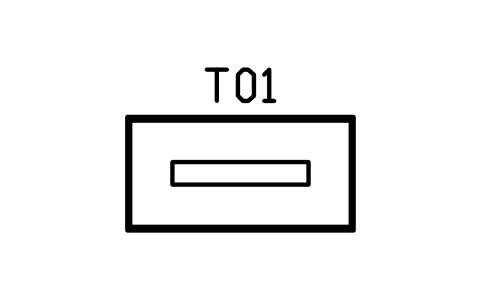
Dining table, 1800 x 900
CMM_DINING_1800Atributos
TAGDESCRIPTIONWIDTH_MMDEPTH_MMHEIGHT_MMMATERIALFINISHQTYMANUFACTURERMODELREMARKSDESC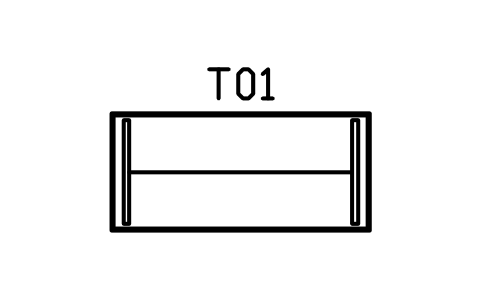
Dining table, 2200 x 1000
CMM_DINING_2200Atributos
TAGDESCRIPTIONWIDTH_MMDEPTH_MMHEIGHT_MMMATERIALFINISHQTYMANUFACTURERMODELREMARKSDESC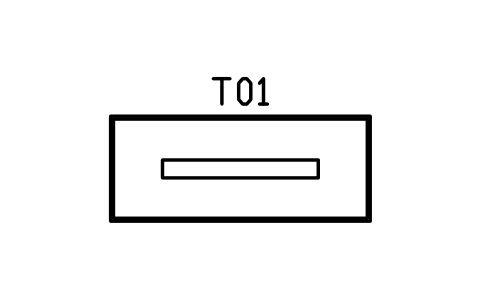
Dining table, 2600 x 1050
CMM_DINING_2600Atributos
TAGDESCRIPTIONWIDTH_MMDEPTH_MMHEIGHT_MMMATERIALFINISHQTYMANUFACTURERMODELREMARKSDESC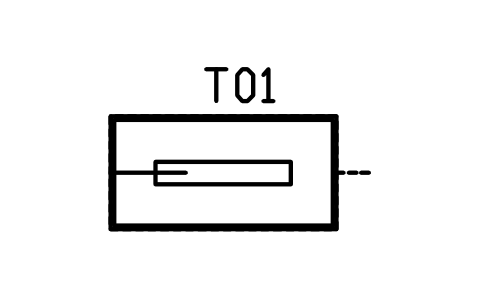
Dining table, extending, 1800 / 2400
CMM_DINING_EXTAtributos
TAGDESCRIPTIONWIDTH_MMDEPTH_MMHEIGHT_MMMATERIALFINISHQTYMANUFACTURERMODELREMARKSDESC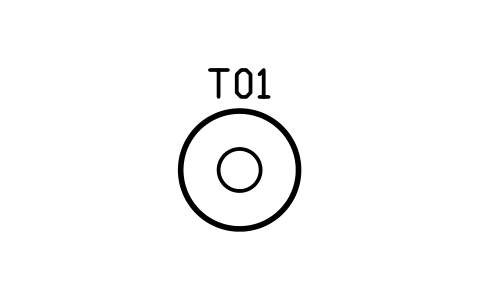
Dining table, round, 1100
CMM_DINING_RND_1100Atributos
TAGDESCRIPTIONWIDTH_MMDEPTH_MMHEIGHT_MMMATERIALFINISHQTYMANUFACTURERMODELREMARKSDESC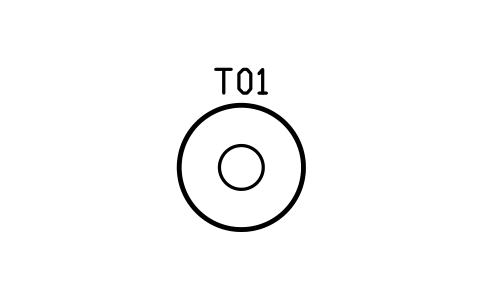
Dining table, round, 1350
CMM_DINING_RND_1350Atributos
TAGDESCRIPTIONWIDTH_MMDEPTH_MMHEIGHT_MMMATERIALFINISHQTYMANUFACTURERMODELREMARKSDESC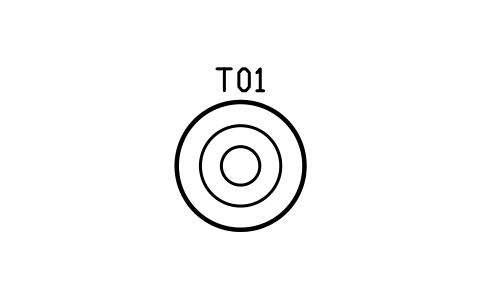
Dining table, round, 1500
CMM_DINING_RND_1500Atributos
TAGDESCRIPTIONWIDTH_MMDEPTH_MMHEIGHT_MMMATERIALFINISHQTYMANUFACTURERMODELREMARKSDESC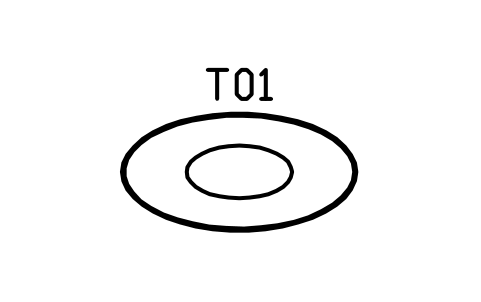
Dining table, oval, 2000 x 1000
CMM_DINING_OVALAtributos
TAGDESCRIPTIONWIDTH_MMDEPTH_MMHEIGHT_MMMATERIALFINISHQTYMANUFACTURERMODELREMARKSDESC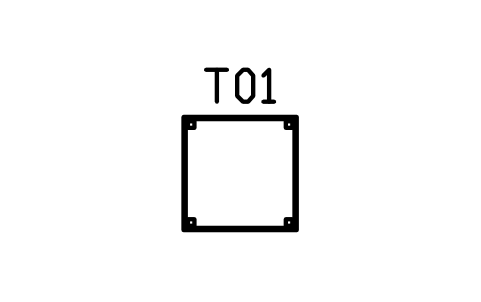
Dining table, square, 900
CMM_DINING_SQ_900Atributos
TAGDESCRIPTIONWIDTH_MMDEPTH_MMHEIGHT_MMMATERIALFINISHQTYMANUFACTURERMODELREMARKSDESC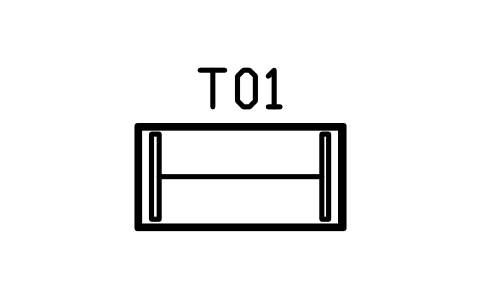
Bar table, 1400 x 700
CMM_BAR_TABLEAtributos
TAGDESCRIPTIONWIDTH_MMDEPTH_MMHEIGHT_MMMATERIALFINISHQTYMANUFACTURERMODELREMARKSDESC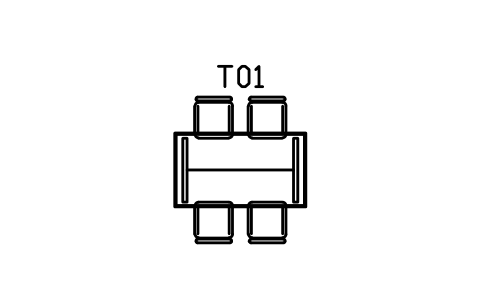
Dining set, 1600 x 900, four chairs
CMM_DS_1600_4Atributos
TAGDESCRIPTIONWIDTH_MMDEPTH_MMHEIGHT_MMMATERIALFINISHQTYMANUFACTURERMODELREMARKSDESC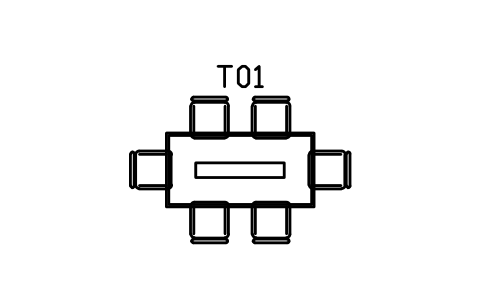
Dining set, 1800 x 900, six chairs
CMM_DS_1800_6Atributos
TAGDESCRIPTIONWIDTH_MMDEPTH_MMHEIGHT_MMMATERIALFINISHQTYMANUFACTURERMODELREMARKSDESC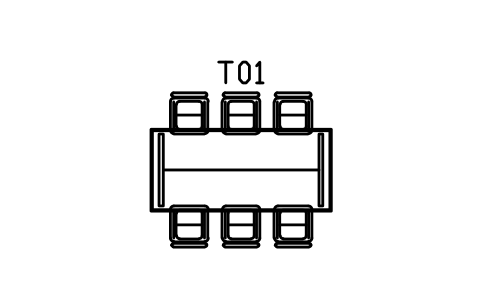
Dining set, 2200 x 1000, six chairs
CMM_DS_2200_6Atributos
TAGDESCRIPTIONWIDTH_MMDEPTH_MMHEIGHT_MMMATERIALFINISHQTYMANUFACTURERMODELREMARKSDESC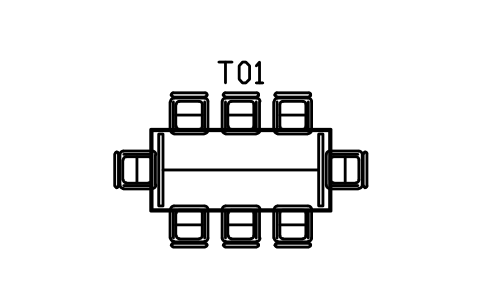
Dining set, 2200 x 1000, eight chairs
CMM_DS_2200_8Atributos
TAGDESCRIPTIONWIDTH_MMDEPTH_MMHEIGHT_MMMATERIALFINISHQTYMANUFACTURERMODELREMARKSDESC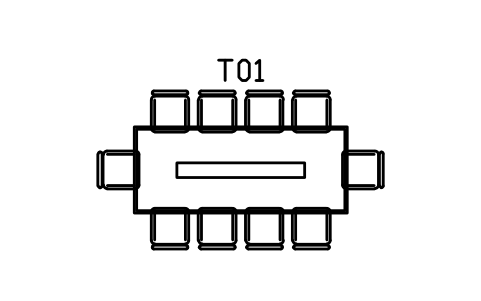
Dining set, 2600 x 1050, ten chairs
CMM_DS_2600_10Atributos
TAGDESCRIPTIONWIDTH_MMDEPTH_MMHEIGHT_MMMATERIALFINISHQTYMANUFACTURERMODELREMARKSDESC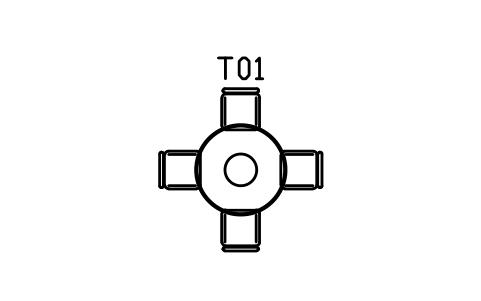
Dining set, round 1100, four chairs
CMM_DS_RND_1100_4Atributos
TAGDESCRIPTIONWIDTH_MMDEPTH_MMHEIGHT_MMMATERIALFINISHQTYMANUFACTURERMODELREMARKSDESC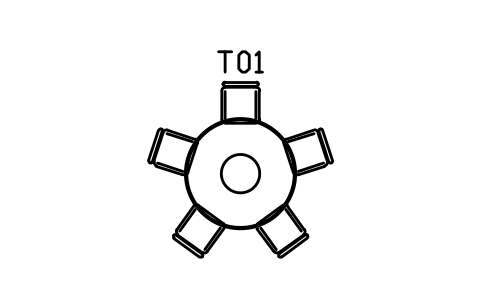
Dining set, round 1350, five chairs
CMM_DS_RND_1350_5Atributos
TAGDESCRIPTIONWIDTH_MMDEPTH_MMHEIGHT_MMMATERIALFINISHQTYMANUFACTURERMODELREMARKSDESC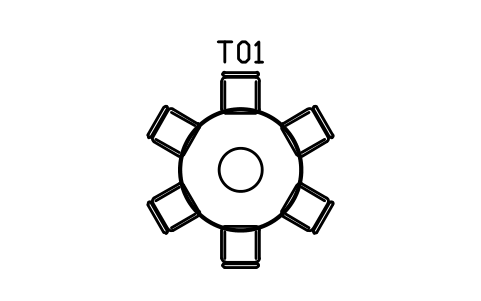
Dining set, round 1500, six chairs
CMM_DS_RND_1500_6Atributos
TAGDESCRIPTIONWIDTH_MMDEPTH_MMHEIGHT_MMMATERIALFINISHQTYMANUFACTURERMODELREMARKSDESC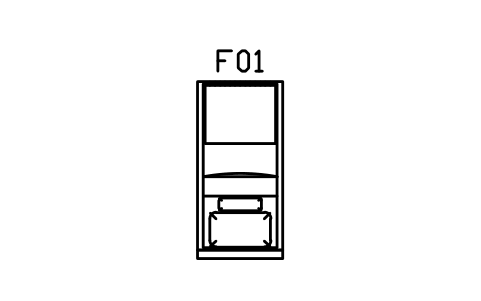
Platform bed, single, 900 x 2000
CMM_BED_900Atributos
TAGDESCRIPTIONWIDTH_MMDEPTH_MMHEIGHT_MMMATERIALFINISHQTYMANUFACTURERMODELREMARKSDESC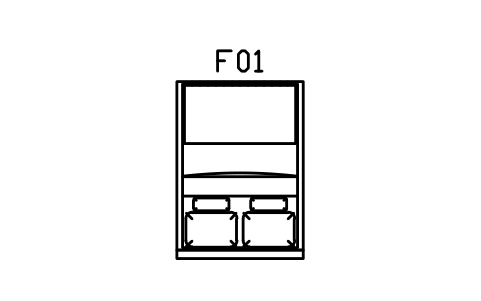
Platform bed, double, 1400 x 2000
CMM_BED_1400Atributos
TAGDESCRIPTIONWIDTH_MMDEPTH_MMHEIGHT_MMMATERIALFINISHQTYMANUFACTURERMODELREMARKSDESC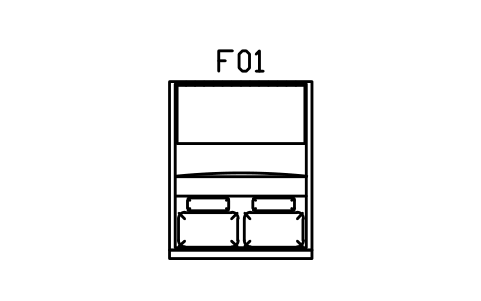
Platform bed, queen, 1600 x 2000
CMM_BED_1600Atributos
TAGDESCRIPTIONWIDTH_MMDEPTH_MMHEIGHT_MMMATERIALFINISHQTYMANUFACTURERMODELREMARKSDESC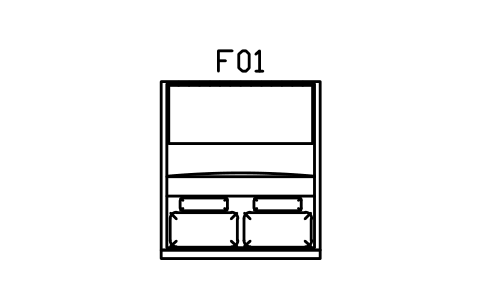
Platform bed, king, 1800 x 2000
CMM_BED_1800Atributos
TAGDESCRIPTIONWIDTH_MMDEPTH_MMHEIGHT_MMMATERIALFINISHQTYMANUFACTURERMODELREMARKSDESC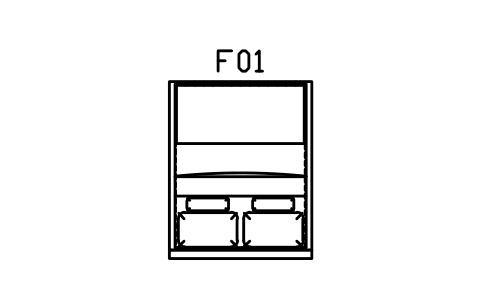
Floating bed, queen, 1600 x 2000
CMM_BED_FLOAT_1600Atributos
TAGDESCRIPTIONWIDTH_MMDEPTH_MMHEIGHT_MMMATERIALFINISHQTYMANUFACTURERMODELREMARKSDESC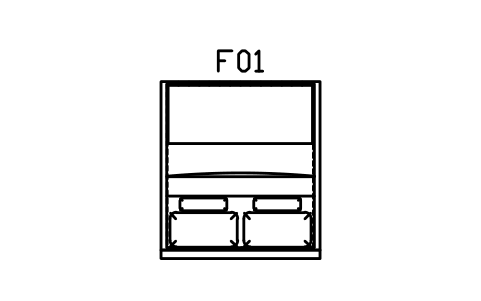
Floating bed, king, 1800 x 2000
CMM_BED_FLOAT_1800Atributos
TAGDESCRIPTIONWIDTH_MMDEPTH_MMHEIGHT_MMMATERIALFINISHQTYMANUFACTURERMODELREMARKSDESC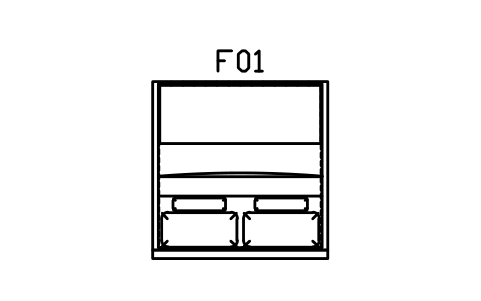
Floating bed, super king, 2000 x 2000
CMM_BED_FLOAT_2000Atributos
TAGDESCRIPTIONWIDTH_MMDEPTH_MMHEIGHT_MMMATERIALFINISHQTYMANUFACTURERMODELREMARKSDESC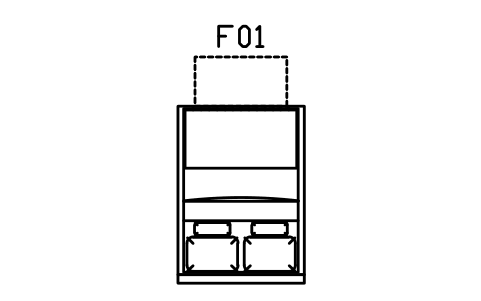
Bed, foot drawer, double, 1400 x 2000
CMM_BED_DRAWER_1400Atributos
TAGDESCRIPTIONWIDTH_MMDEPTH_MMHEIGHT_MMMATERIALFINISHQTYMANUFACTURERMODELREMARKSDESC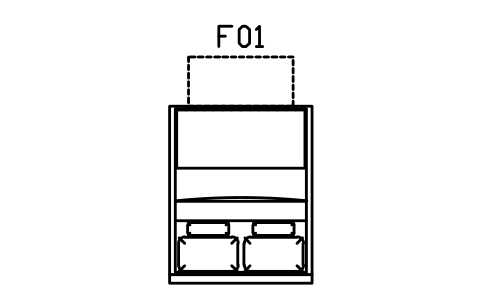
Bed, foot drawer, queen, 1600 x 2000
CMM_BED_DRAWER_1600Atributos
TAGDESCRIPTIONWIDTH_MMDEPTH_MMHEIGHT_MMMATERIALFINISHQTYMANUFACTURERMODELREMARKSDESC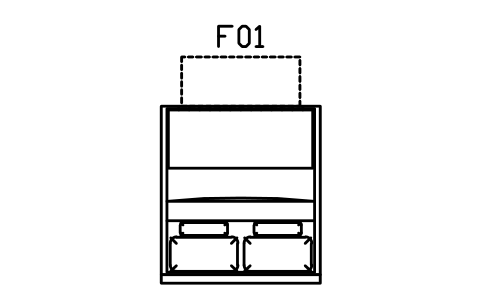
Bed, foot drawer, king, 1800 x 2000
CMM_BED_DRAWER_1800Atributos
TAGDESCRIPTIONWIDTH_MMDEPTH_MMHEIGHT_MMMATERIALFINISHQTYMANUFACTURERMODELREMARKSDESC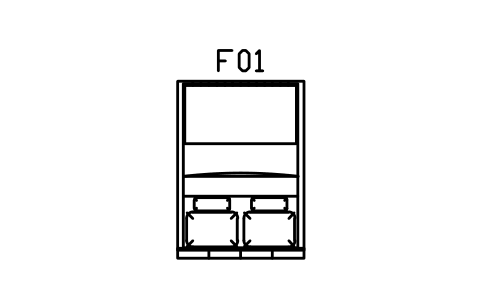
Bed, panel head, double, 1400 x 2000
CMM_BED_UPH_1400Atributos
TAGDESCRIPTIONWIDTH_MMDEPTH_MMHEIGHT_MMMATERIALFINISHQTYMANUFACTURERMODELREMARKSDESC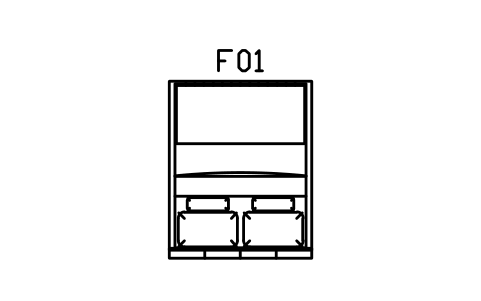
Bed, panel head, queen, 1600 x 2000
CMM_BED_UPH_1600Atributos
TAGDESCRIPTIONWIDTH_MMDEPTH_MMHEIGHT_MMMATERIALFINISHQTYMANUFACTURERMODELREMARKSDESC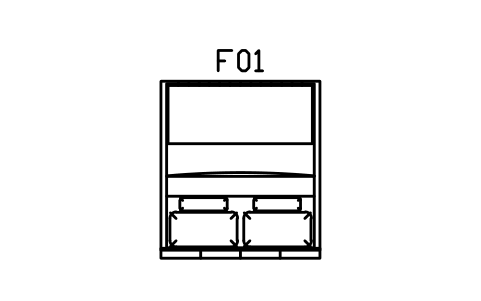
Bed, panel head, king, 1800 x 2000
CMM_BED_UPH_1800Atributos
TAGDESCRIPTIONWIDTH_MMDEPTH_MMHEIGHT_MMMATERIALFINISHQTYMANUFACTURERMODELREMARKSDESC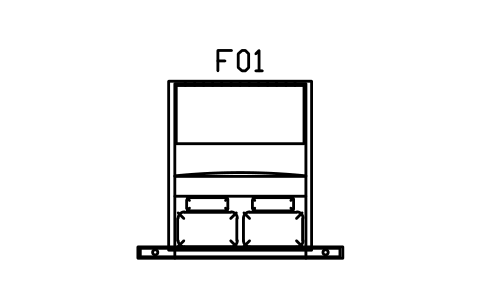
Bed, headboard shelf, queen, 1600 x 2000
CMM_BED_LEDGE_1600Atributos
TAGDESCRIPTIONWIDTH_MMDEPTH_MMHEIGHT_MMMATERIALFINISHQTYMANUFACTURERMODELREMARKSDESC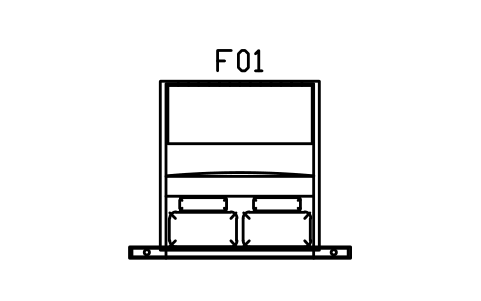
Bed, headboard shelf, king, 1800 x 2000
CMM_BED_LEDGE_1800Atributos
TAGDESCRIPTIONWIDTH_MMDEPTH_MMHEIGHT_MMMATERIALFINISHQTYMANUFACTURERMODELREMARKSDESC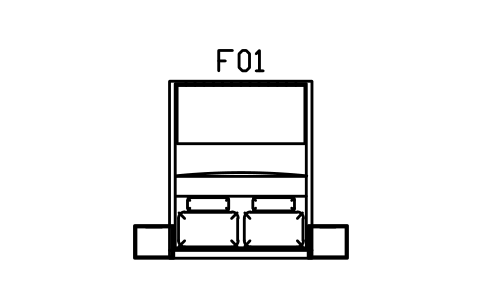
Bed, side units, queen, 1600 x 2000
CMM_BED_SIDE_1600Atributos
TAGDESCRIPTIONWIDTH_MMDEPTH_MMHEIGHT_MMMATERIALFINISHQTYMANUFACTURERMODELREMARKSDESC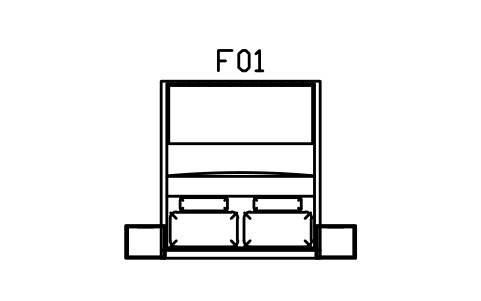
Bed, side units, king, 1800 x 2000
CMM_BED_SIDE_1800Atributos
TAGDESCRIPTIONWIDTH_MMDEPTH_MMHEIGHT_MMMATERIALFINISHQTYMANUFACTURERMODELREMARKSDESC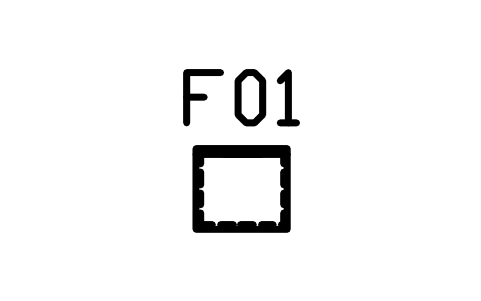
Bedside, floating, 450 x 400
CMM_BEDSIDE_FLOATAtributos
TAGDESCRIPTIONWIDTH_MMDEPTH_MMHEIGHT_MMMATERIALFINISHQTYMANUFACTURERMODELREMARKSDESC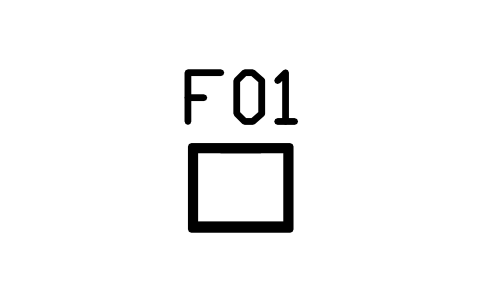
Bedside, two drawers, 500 x 420
CMM_BEDSIDE_500Atributos
TAGDESCRIPTIONWIDTH_MMDEPTH_MMHEIGHT_MMMATERIALFINISHQTYMANUFACTURERMODELREMARKSDESC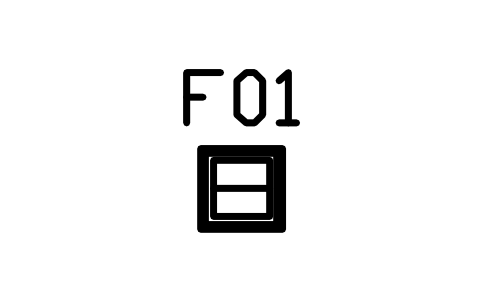
Bedside, open cube, 400
CMM_BEDSIDE_CUBEAtributos
TAGDESCRIPTIONWIDTH_MMDEPTH_MMHEIGHT_MMMATERIALFINISHQTYMANUFACTURERMODELREMARKSDESC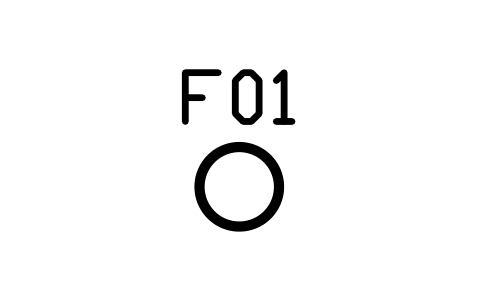
Bedside, round, 420
CMM_BEDSIDE_ROUNDAtributos
TAGDESCRIPTIONWIDTH_MMDEPTH_MMHEIGHT_MMMATERIALFINISHQTYMANUFACTURERMODELREMARKSDESC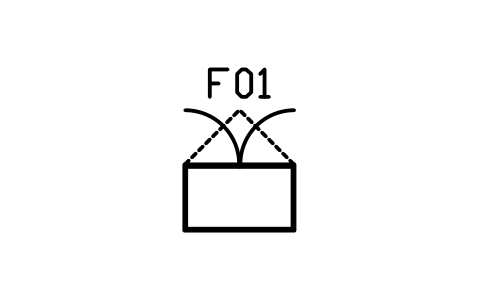
Wardrobe, hinged, 2 doors, 1000
CMM_WARD_HINGED_2Atributos
TAGDESCRIPTIONWIDTH_MMDEPTH_MMHEIGHT_MMMATERIALFINISHQTYMANUFACTURERMODELREMARKSDESC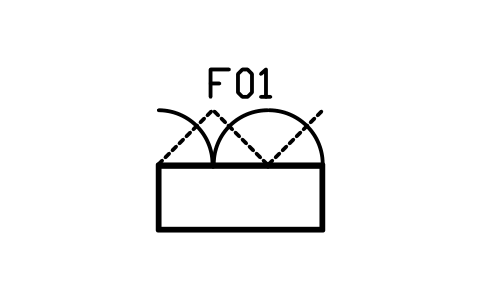
Wardrobe, hinged, 3 doors, 1500
CMM_WARD_HINGED_3Atributos
TAGDESCRIPTIONWIDTH_MMDEPTH_MMHEIGHT_MMMATERIALFINISHQTYMANUFACTURERMODELREMARKSDESC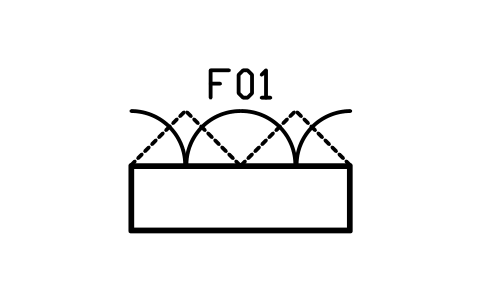
Wardrobe, hinged, 4 doors, 2000
CMM_WARD_HINGED_4Atributos
TAGDESCRIPTIONWIDTH_MMDEPTH_MMHEIGHT_MMMATERIALFINISHQTYMANUFACTURERMODELREMARKSDESC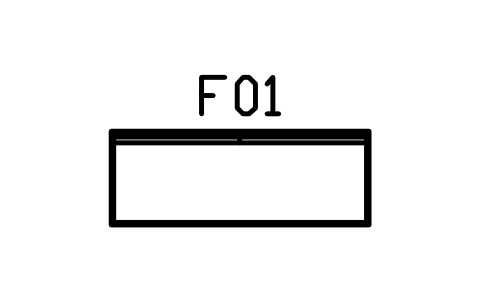
Wardrobe, sliding, 2 doors, 1800
CMM_WARD_SLIDE_2Atributos
TAGDESCRIPTIONWIDTH_MMDEPTH_MMHEIGHT_MMMATERIALFINISHQTYMANUFACTURERMODELREMARKSDESC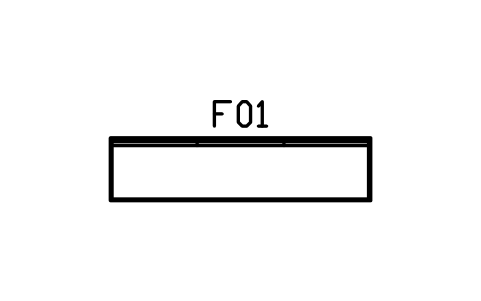
Wardrobe, sliding, 3 doors, 2700
CMM_WARD_SLIDE_3Atributos
TAGDESCRIPTIONWIDTH_MMDEPTH_MMHEIGHT_MMMATERIALFINISHQTYMANUFACTURERMODELREMARKSDESC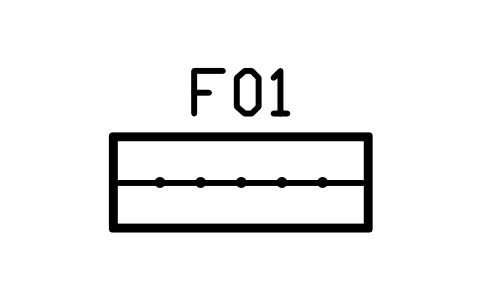
Wardrobe, open rail, 1500
CMM_WARD_OPENAtributos
TAGDESCRIPTIONWIDTH_MMDEPTH_MMHEIGHT_MMMATERIALFINISHQTYMANUFACTURERMODELREMARKSDESC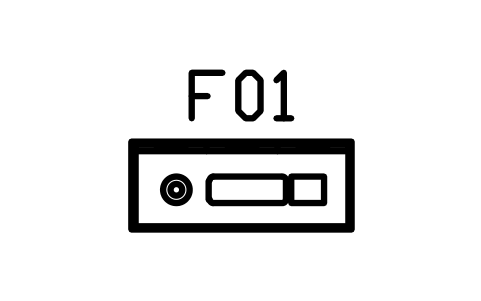
Dresser, 6 drawers, 1200 x 480
CMM_DRESSER_1200Atributos
TAGDESCRIPTIONWIDTH_MMDEPTH_MMHEIGHT_MMMATERIALFINISHQTYMANUFACTURERMODELREMARKSDESC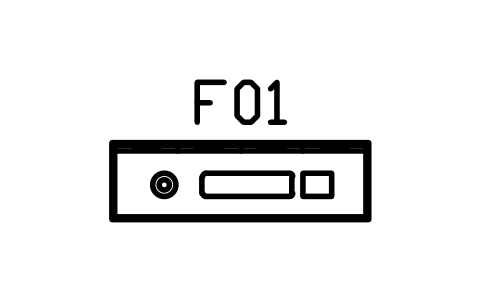
Dresser, 8 drawers, 1600 x 480
CMM_DRESSER_1600Atributos
TAGDESCRIPTIONWIDTH_MMDEPTH_MMHEIGHT_MMMATERIALFINISHQTYMANUFACTURERMODELREMARKSDESC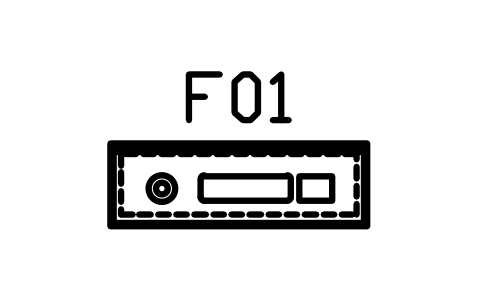
Dresser, floating, 1400 x 450
CMM_DRESSER_FLOATAtributos
TAGDESCRIPTIONWIDTH_MMDEPTH_MMHEIGHT_MMMATERIALFINISHQTYMANUFACTURERMODELREMARKSDESC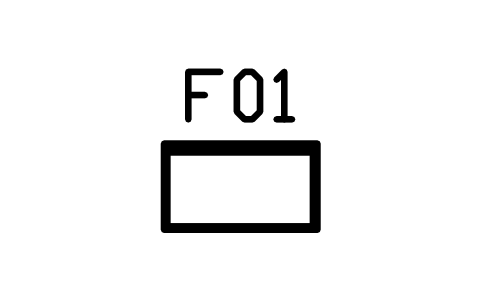
Chest of drawers, tall, 800 x 450
CMM_CHEST_800Atributos
TAGDESCRIPTIONWIDTH_MMDEPTH_MMHEIGHT_MMMATERIALFINISHQTYMANUFACTURERMODELREMARKSDESC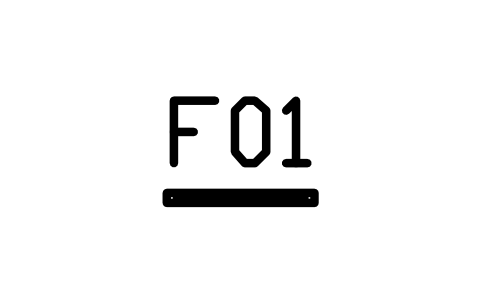
Mirror, floor, wall leaning, 600
CMM_MIRROR_FLOORAtributos
TAGDESCRIPTIONWIDTH_MMDEPTH_MMHEIGHT_MMMATERIALFINISHQTYMANUFACTURERMODELREMARKSDESC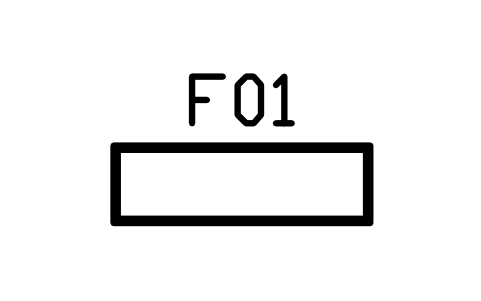
Bed end bench, 1400 x 420
CMM_BENCH_BEDAtributos
TAGDESCRIPTIONWIDTH_MMDEPTH_MMHEIGHT_MMMATERIALFINISHQTYMANUFACTURERMODELREMARKSDESC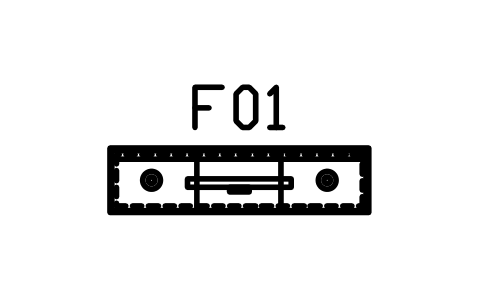
TV unit, floating, 1600 x 400
CMM_TV_FLOAT_1600Atributos
TAGDESCRIPTIONWIDTH_MMDEPTH_MMHEIGHT_MMMATERIALFINISHQTYMANUFACTURERMODELREMARKSDESC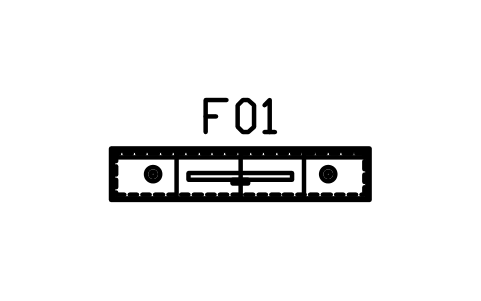
TV unit, floating, 2000 x 400
CMM_TV_FLOAT_2000Atributos
TAGDESCRIPTIONWIDTH_MMDEPTH_MMHEIGHT_MMMATERIALFINISHQTYMANUFACTURERMODELREMARKSDESC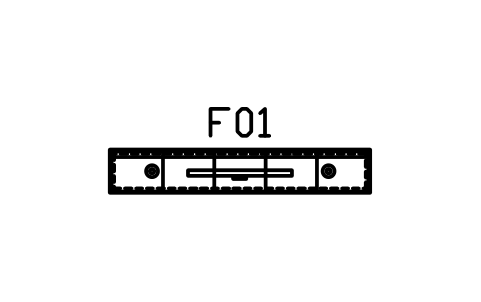
TV unit, floating, 2400 x 400
CMM_TV_FLOAT_2400Atributos
TAGDESCRIPTIONWIDTH_MMDEPTH_MMHEIGHT_MMMATERIALFINISHQTYMANUFACTURERMODELREMARKSDESC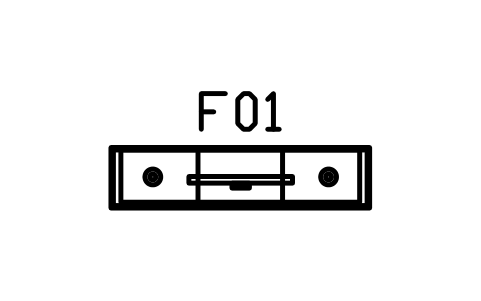
TV unit, low, plinth, 1800 x 420
CMM_TV_LOW_1800Atributos
TAGDESCRIPTIONWIDTH_MMDEPTH_MMHEIGHT_MMMATERIALFINISHQTYMANUFACTURERMODELREMARKSDESC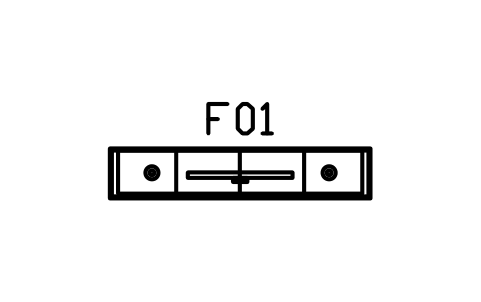
TV unit, low, plinth, 2200 x 420
CMM_TV_LOW_2200Atributos
TAGDESCRIPTIONWIDTH_MMDEPTH_MMHEIGHT_MMMATERIALFINISHQTYMANUFACTURERMODELREMARKSDESC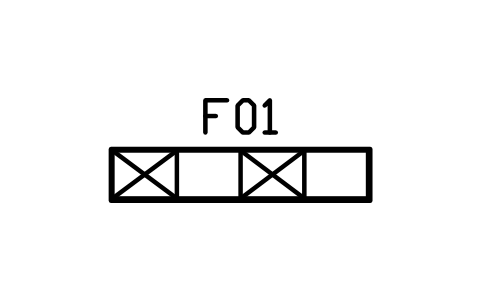
TV unit, cubes and doors, 2000 x 400
CMM_TV_CUBESAtributos
TAGDESCRIPTIONWIDTH_MMDEPTH_MMHEIGHT_MMMATERIALFINISHQTYMANUFACTURERMODELREMARKSDESC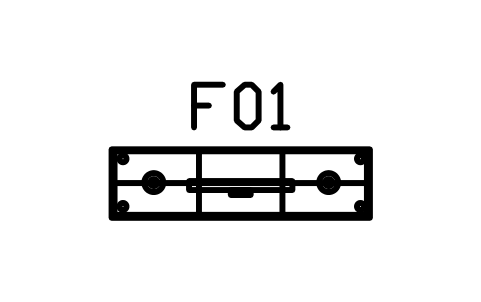
TV unit, legs and shelf, 1500 x 400
CMM_TV_LEGSAtributos
TAGDESCRIPTIONWIDTH_MMDEPTH_MMHEIGHT_MMMATERIALFINISHQTYMANUFACTURERMODELREMARKSDESC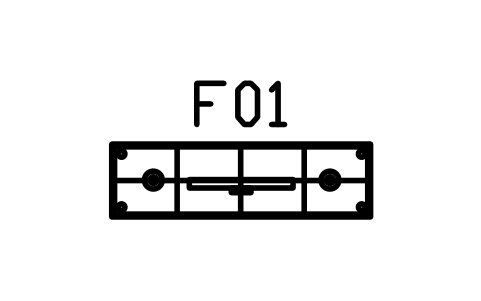
Sideboard, 1600 x 450
CMM_SIDEBOARD_1600Atributos
TAGDESCRIPTIONWIDTH_MMDEPTH_MMHEIGHT_MMMATERIALFINISHQTYMANUFACTURERMODELREMARKSDESC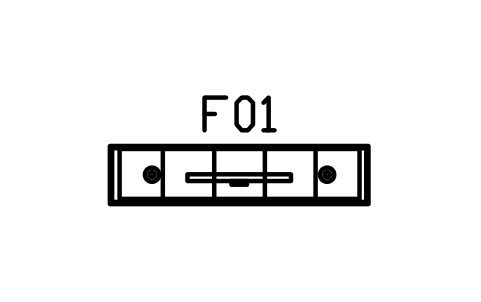
Sideboard, 2000 x 450
CMM_SIDEBOARD_2000Atributos
TAGDESCRIPTIONWIDTH_MMDEPTH_MMHEIGHT_MMMATERIALFINISHQTYMANUFACTURERMODELREMARKSDESC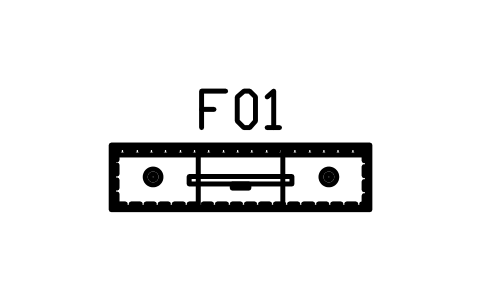
Sideboard, floating, 1800 x 450
CMM_SIDEBOARD_FLOATAtributos
TAGDESCRIPTIONWIDTH_MMDEPTH_MMHEIGHT_MMMATERIALFINISHQTYMANUFACTURERMODELREMARKSDESC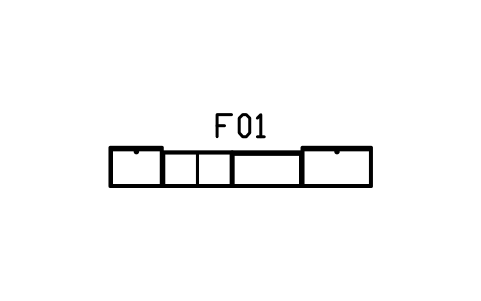
Wall system, 3000, tower and cubes
CMM_WALL_3000Atributos
TAGDESCRIPTIONWIDTH_MMDEPTH_MMHEIGHT_MMMATERIALFINISHQTYMANUFACTURERMODELREMARKSDESC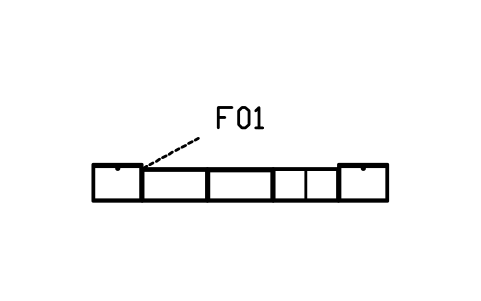
Wall system, 3600, glass and closed
CMM_WALL_3600Atributos
TAGDESCRIPTIONWIDTH_MMDEPTH_MMHEIGHT_MMMATERIALFINISHQTYMANUFACTURERMODELREMARKSDESC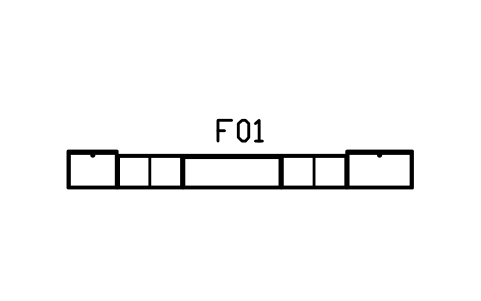
Wall system, 4200, media wall
CMM_WALL_4200Atributos
TAGDESCRIPTIONWIDTH_MMDEPTH_MMHEIGHT_MMMATERIALFINISHQTYMANUFACTURERMODELREMARKSDESC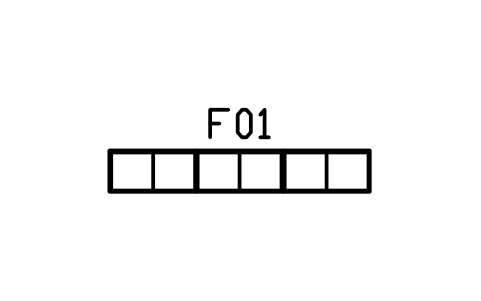
Wall system, 2400, open cubes
CMM_WALL_2400Atributos
TAGDESCRIPTIONWIDTH_MMDEPTH_MMHEIGHT_MMMATERIALFINISHQTYMANUFACTURERMODELREMARKSDESC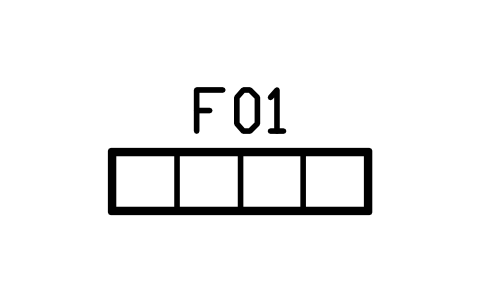
Cube shelf, 4 cubes, 1600 x 380
CMM_CUBES_4Atributos
TAGDESCRIPTIONWIDTH_MMDEPTH_MMHEIGHT_MMMATERIALFINISHQTYMANUFACTURERMODELREMARKSDESC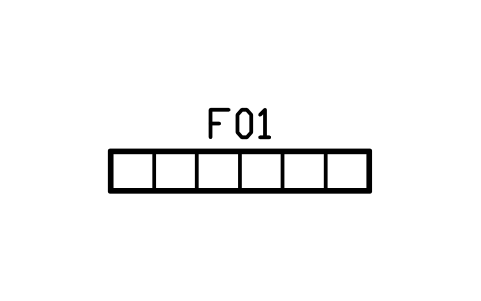
Cube shelf, 6 cubes, 2400 x 380
CMM_CUBES_6Atributos
TAGDESCRIPTIONWIDTH_MMDEPTH_MMHEIGHT_MMMATERIALFINISHQTYMANUFACTURERMODELREMARKSDESC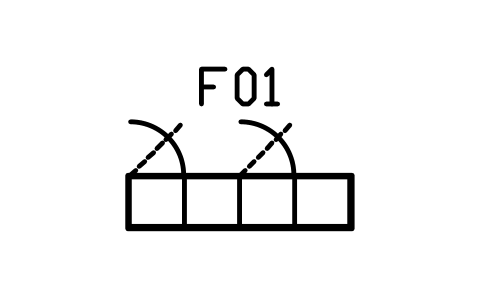
Cube shelf, with doors, 1600 x 380
CMM_CUBES_DOORSAtributos
TAGDESCRIPTIONWIDTH_MMDEPTH_MMHEIGHT_MMMATERIALFINISHQTYMANUFACTURERMODELREMARKSDESC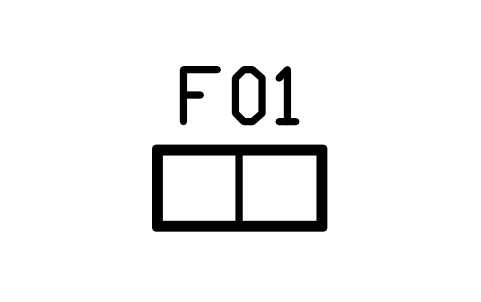
Cube shelf, tall, 800 x 380
CMM_CUBES_TALLAtributos
TAGDESCRIPTIONWIDTH_MMDEPTH_MMHEIGHT_MMMATERIALFINISHQTYMANUFACTURERMODELREMARKSDESC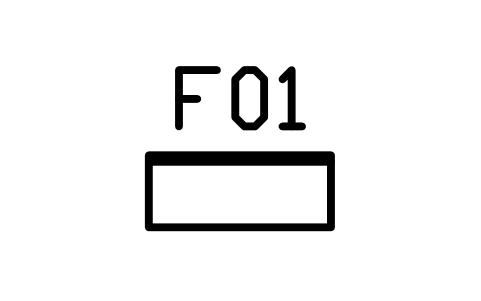
Bookcase, 800 x 320
CMM_BOOKCASE_800Atributos
TAGDESCRIPTIONWIDTH_MMDEPTH_MMHEIGHT_MMMATERIALFINISHQTYMANUFACTURERMODELREMARKSDESC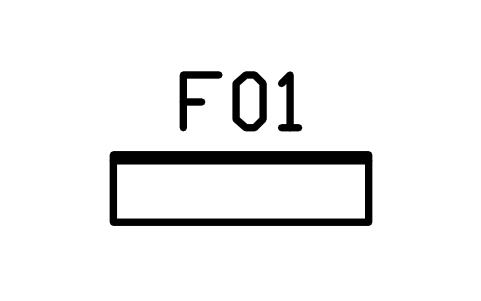
Bookcase, 1200 x 320
CMM_BOOKCASE_1200Atributos
TAGDESCRIPTIONWIDTH_MMDEPTH_MMHEIGHT_MMMATERIALFINISHQTYMANUFACTURERMODELREMARKSDESC
Shelf, floating, 900 x 250
CMM_SHELF_FLOAT_900Atributos
TAGDESCRIPTIONWIDTH_MMDEPTH_MMHEIGHT_MMMATERIALFINISHQTYMANUFACTURERMODELREMARKSDESC
Shelf, floating, 1500 x 250
CMM_SHELF_FLOAT_1500Atributos
TAGDESCRIPTIONWIDTH_MMDEPTH_MMHEIGHT_MMMATERIALFINISHQTYMANUFACTURERMODELREMARKSDESC
Room divider shelf, 1200 x 350
CMM_DIVIDER_1200Atributos
TAGDESCRIPTIONWIDTH_MMDEPTH_MMHEIGHT_MMMATERIALFINISHQTYMANUFACTURERMODELREMARKSDESC
Room divider shelf, 1800 x 350
CMM_DIVIDER_1800Atributos
TAGDESCRIPTIONWIDTH_MMDEPTH_MMHEIGHT_MMMATERIALFINISHQTYMANUFACTURERMODELREMARKSDESC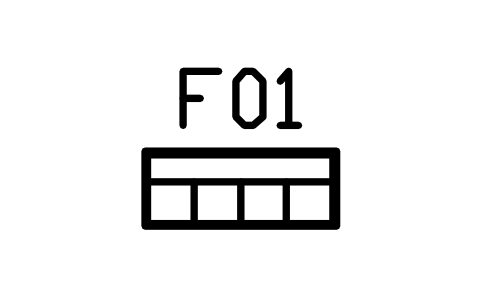
Shoe cabinet, flip down, 900 x 350
CMM_ENTRY_SHOEAtributos
TAGDESCRIPTIONWIDTH_MMDEPTH_MMHEIGHT_MMMATERIALFINISHQTYMANUFACTURERMODELREMARKSDESC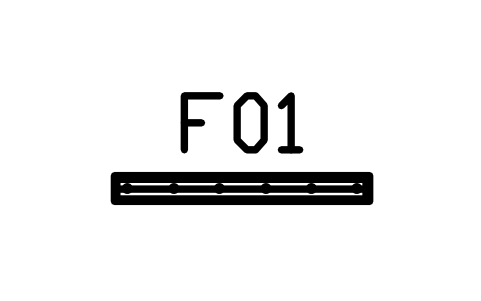
Coat rail panel, 1200 x 40
CMM_ENTRY_COATSAtributos
TAGDESCRIPTIONWIDTH_MMDEPTH_MMHEIGHT_MMMATERIALFINISHQTYMANUFACTURERMODELREMARKSDESC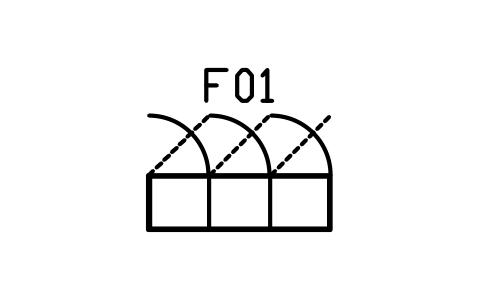
Mudroom lockers, 3 doors, 1500 x 450
CMM_ENTRY_LOCKERSAtributos
TAGDESCRIPTIONWIDTH_MMDEPTH_MMHEIGHT_MMMATERIALFINISHQTYMANUFACTURERMODELREMARKSDESC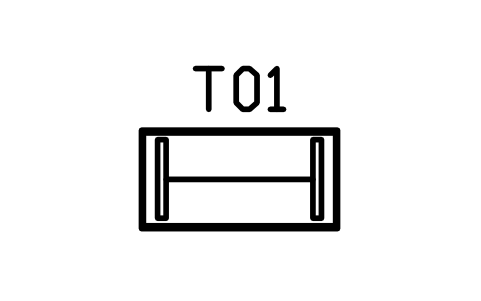
Desk, sled legs, 1200 x 600
CMM_DESK_1200Atributos
TAGDESCRIPTIONWIDTH_MMDEPTH_MMHEIGHT_MMMATERIALFINISHQTYMANUFACTURERMODELREMARKSDESC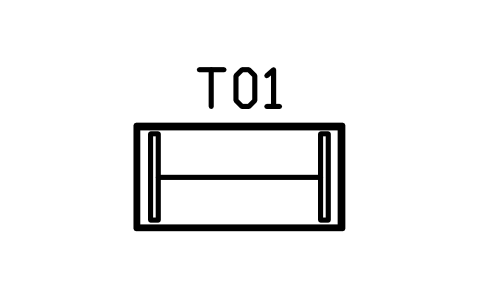
Desk, sled legs, 1400 x 700
CMM_DESK_1400Atributos
TAGDESCRIPTIONWIDTH_MMDEPTH_MMHEIGHT_MMMATERIALFINISHQTYMANUFACTURERMODELREMARKSDESC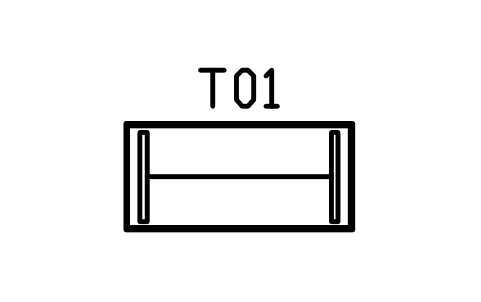
Desk, sled legs, 1600 x 750
CMM_DESK_1600Atributos
TAGDESCRIPTIONWIDTH_MMDEPTH_MMHEIGHT_MMMATERIALFINISHQTYMANUFACTURERMODELREMARKSDESC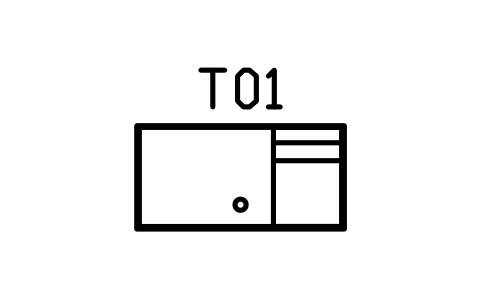
Desk, drawer pedestal, 1400 x 700
CMM_DESK_PED_1400Atributos
TAGDESCRIPTIONWIDTH_MMDEPTH_MMHEIGHT_MMMATERIALFINISHQTYMANUFACTURERMODELREMARKSDESC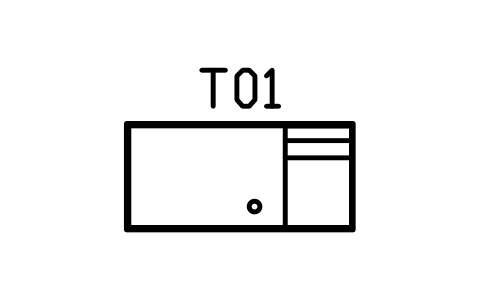
Desk, drawer pedestal, 1600 x 750
CMM_DESK_PED_1600Atributos
TAGDESCRIPTIONWIDTH_MMDEPTH_MMHEIGHT_MMMATERIALFINISHQTYMANUFACTURERMODELREMARKSDESC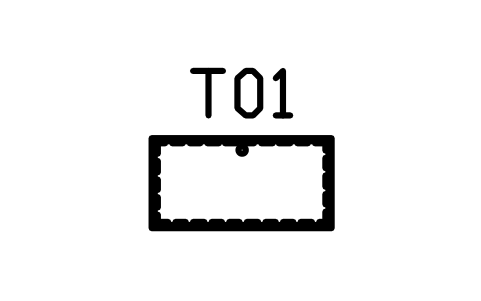
Desk, wall hung, 1000 x 500
CMM_DESK_FLOATAtributos
TAGDESCRIPTIONWIDTH_MMDEPTH_MMHEIGHT_MMMATERIALFINISHQTYMANUFACTURERMODELREMARKSDESC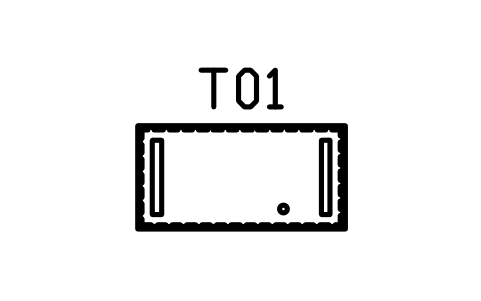
Desk, sit stand, 1400 x 700
CMM_DESK_SIT_STANDAtributos
TAGDESCRIPTIONWIDTH_MMDEPTH_MMHEIGHT_MMMATERIALFINISHQTYMANUFACTURERMODELREMARKSDESC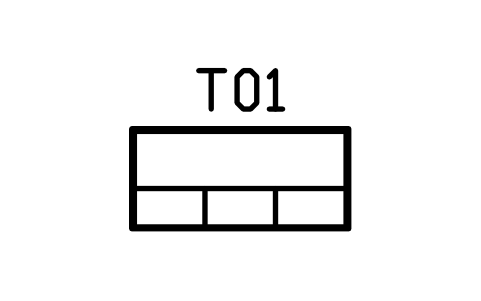
Desk, shelf hutch, 1400 x 650
CMM_DESK_HUTCHAtributos
TAGDESCRIPTIONWIDTH_MMDEPTH_MMHEIGHT_MMMATERIALFINISHQTYMANUFACTURERMODELREMARKSDESC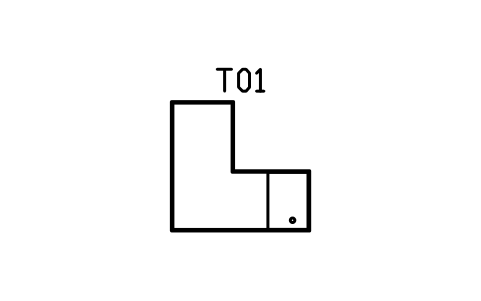
Desk, L, left return, 1600 x 1500
CMM_DESK_L_LAtributos
TAGDESCRIPTIONWIDTH_MMDEPTH_MMHEIGHT_MMMATERIALFINISHQTYMANUFACTURERMODELREMARKSDESC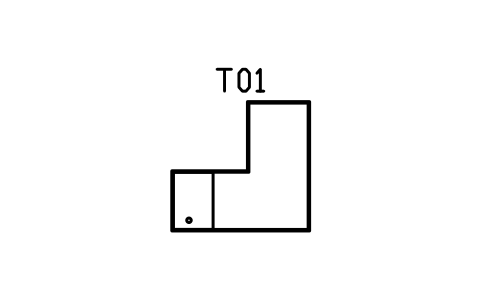
Desk, L, right return, 1600 x 1500
CMM_DESK_L_RAtributos
TAGDESCRIPTIONWIDTH_MMDEPTH_MMHEIGHT_MMMATERIALFINISHQTYMANUFACTURERMODELREMARKSDESC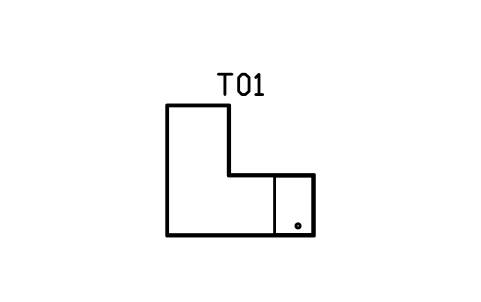
Desk, L, left return, 1800 x 1600
CMM_DESK_L_L_1800Atributos
TAGDESCRIPTIONWIDTH_MMDEPTH_MMHEIGHT_MMMATERIALFINISHQTYMANUFACTURERMODELREMARKSDESC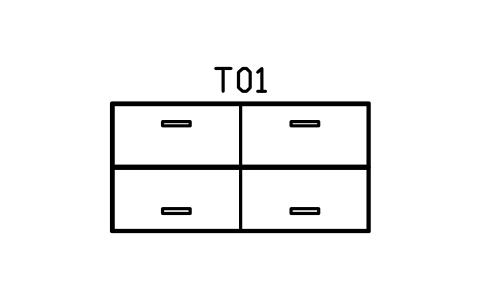
Workstation bench, 2 seats, 2800
CMM_WORK_BENCH_2Atributos
TAGDESCRIPTIONWIDTH_MMDEPTH_MMHEIGHT_MMMATERIALFINISHQTYMANUFACTURERMODELREMARKSDESC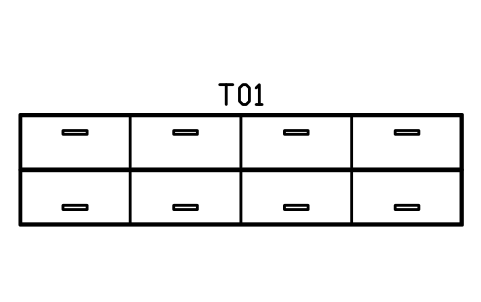
Workstation bench, 4 seats, 5600
CMM_WORK_BENCH_4Atributos
TAGDESCRIPTIONWIDTH_MMDEPTH_MMHEIGHT_MMMATERIALFINISHQTYMANUFACTURERMODELREMARKSDESC
Task chair, 5 star base
CMM_CHAIR_TASKAtributos
TAGDESCRIPTIONWIDTH_MMDEPTH_MMHEIGHT_MMMATERIALFINISHQTYMANUFACTURERMODELREMARKSDESC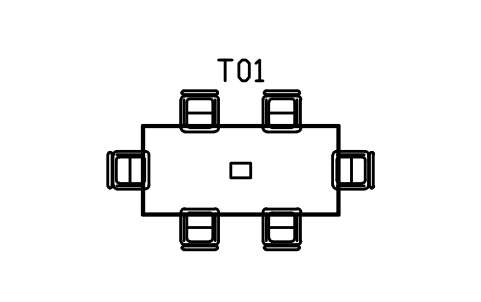
Meeting table, 2400 x 1100, 6 chairs
CMM_MEET_2400_6Atributos
TAGDESCRIPTIONWIDTH_MMDEPTH_MMHEIGHT_MMMATERIALFINISHQTYMANUFACTURERMODELREMARKSDESC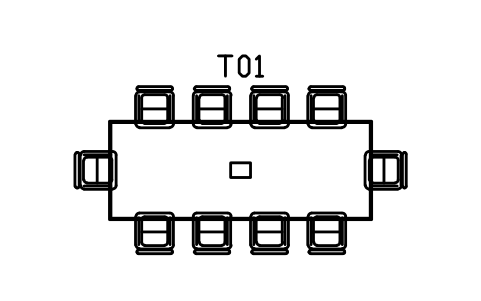
Meeting table, 3200 x 1200, 10 chairs
CMM_MEET_3200_10Atributos
TAGDESCRIPTIONWIDTH_MMDEPTH_MMHEIGHT_MMMATERIALFINISHQTYMANUFACTURERMODELREMARKSDESC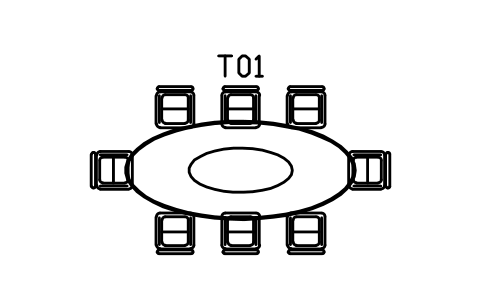
Meeting table, oval, 2800, 8 chairs
CMM_MEET_OVAL_8Atributos
TAGDESCRIPTIONWIDTH_MMDEPTH_MMHEIGHT_MMMATERIALFINISHQTYMANUFACTURERMODELREMARKSDESC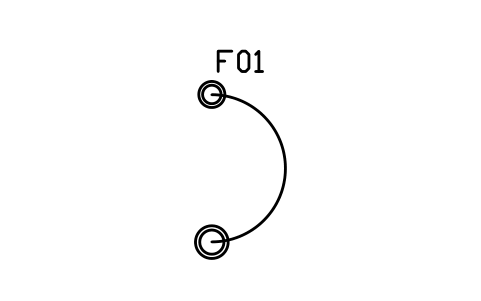
Floor lamp, arc, reach 1800
CMM_LAMP_ARCAtributos
TAGDESCRIPTIONWIDTH_MMDEPTH_MMHEIGHT_MMMATERIALFINISHQTYMANUFACTURERMODELREMARKSDESC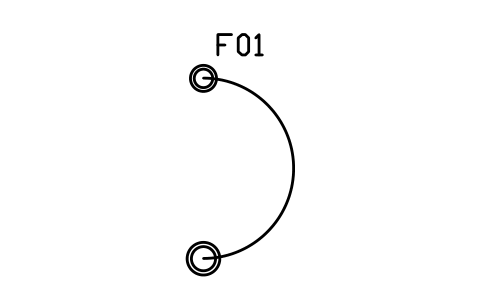
Floor lamp, arc, reach 2200
CMM_LAMP_ARC_2200Atributos
TAGDESCRIPTIONWIDTH_MMDEPTH_MMHEIGHT_MMMATERIALFINISHQTYMANUFACTURERMODELREMARKSDESC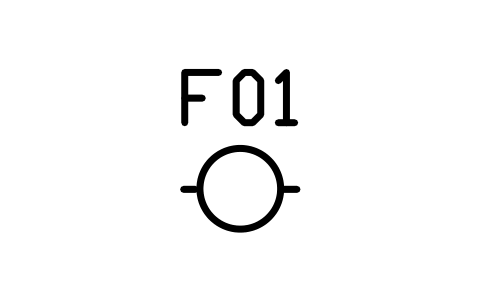
Pendant, round, 400
CMM_PENDANT_400Atributos
TAGDESCRIPTIONWIDTH_MMDEPTH_MMHEIGHT_MMMATERIALFINISHQTYMANUFACTURERMODELREMARKSDESC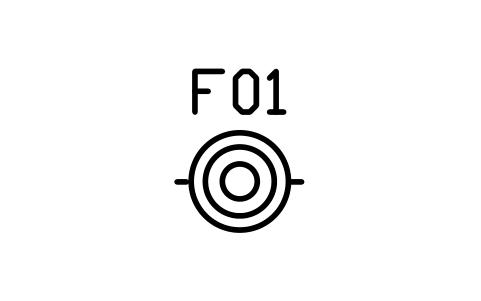
Pendant, round, 600
CMM_PENDANT_600Atributos
TAGDESCRIPTIONWIDTH_MMDEPTH_MMHEIGHT_MMMATERIALFINISHQTYMANUFACTURERMODELREMARKSDESC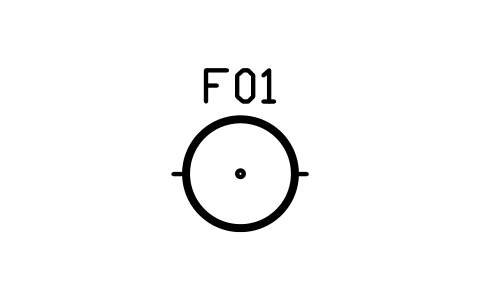
Pendant, round, ring, 900
CMM_PENDANT_900Atributos
TAGDESCRIPTIONWIDTH_MMDEPTH_MMHEIGHT_MMMATERIALFINISHQTYMANUFACTURERMODELREMARKSDESC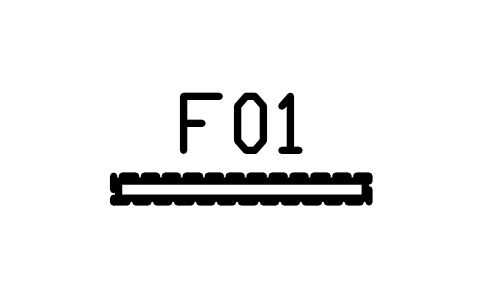
Pendant, linear, 1200
CMM_PENDANT_LINEAR_1200Atributos
TAGDESCRIPTIONWIDTH_MMDEPTH_MMHEIGHT_MMMATERIALFINISHQTYMANUFACTURERMODELREMARKSDESC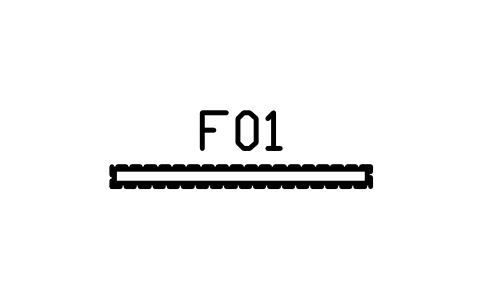
Pendant, linear, 1800
CMM_PENDANT_LINEAR_1800Atributos
TAGDESCRIPTIONWIDTH_MMDEPTH_MMHEIGHT_MMMATERIALFINISHQTYMANUFACTURERMODELREMARKSDESC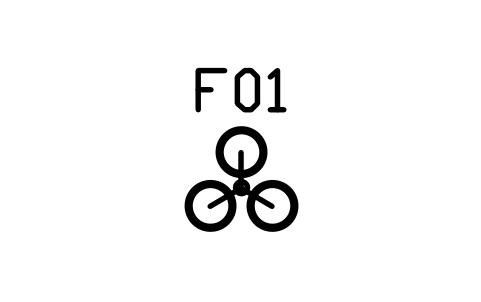
Pendant cluster, 3 globes
CMM_PENDANT_CLUSTER_3Atributos
TAGDESCRIPTIONWIDTH_MMDEPTH_MMHEIGHT_MMMATERIALFINISHQTYMANUFACTURERMODELREMARKSDESC
Pendant cluster, 5 globes
CMM_PENDANT_CLUSTER_5Atributos
TAGDESCRIPTIONWIDTH_MMDEPTH_MMHEIGHT_MMMATERIALFINISHQTYMANUFACTURERMODELREMARKSDESC
Track light, 1500, 3 heads
CMM_TRACK_1500Atributos
TAGDESCRIPTIONWIDTH_MMDEPTH_MMHEIGHT_MMMATERIALFINISHQTYMANUFACTURERMODELREMARKSDESC
Track light, 2400, 5 heads
CMM_TRACK_2400Atributos
TAGDESCRIPTIONWIDTH_MMDEPTH_MMHEIGHT_MMMATERIALFINISHQTYMANUFACTURERMODELREMARKSDESC
Table lamp, round, 300
CMM_LAMP_TABLEAtributos
TAGDESCRIPTIONWIDTH_MMDEPTH_MMHEIGHT_MMMATERIALFINISHQTYMANUFACTURERMODELREMARKSDESC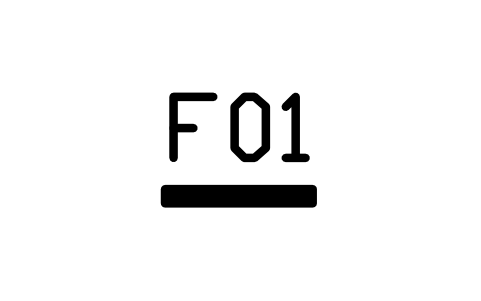
Wall light, bar, 600
CMM_SCONCE_BARAtributos
TAGDESCRIPTIONWIDTH_MMDEPTH_MMHEIGHT_MMMATERIALFINISHQTYMANUFACTURERMODELREMARKSDESC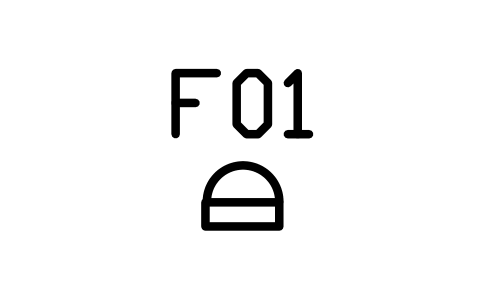
Wall light, half round, 300
CMM_SCONCE_ROUNDAtributos
TAGDESCRIPTIONWIDTH_MMDEPTH_MMHEIGHT_MMMATERIALFINISHQTYMANUFACTURERMODELREMARKSDESC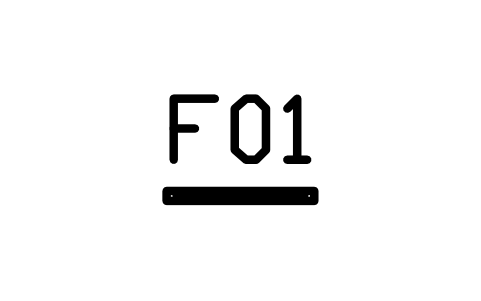
Mirror, wall, slab, 600
CMM_MIRROR_WALL_600Atributos
TAGDESCRIPTIONWIDTH_MMDEPTH_MMHEIGHT_MMMATERIALFINISHQTYMANUFACTURERMODELREMARKSDESC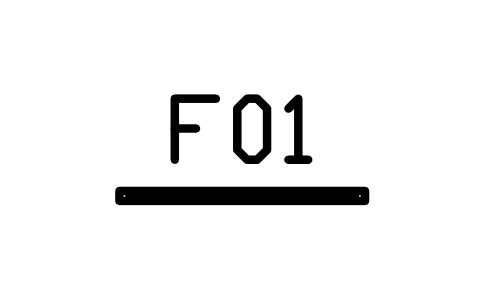
Mirror, wall, slab, 1000
CMM_MIRROR_WALL_1000Atributos
TAGDESCRIPTIONWIDTH_MMDEPTH_MMHEIGHT_MMMATERIALFINISHQTYMANUFACTURERMODELREMARKSDESC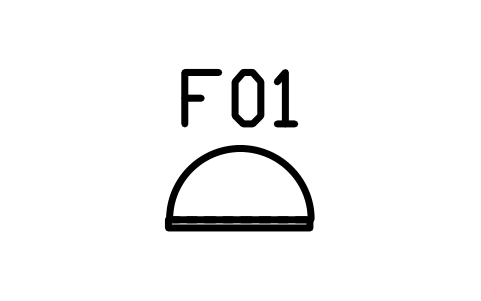
Mirror, round, 700
CMM_MIRROR_ROUND_700Atributos
TAGDESCRIPTIONWIDTH_MMDEPTH_MMHEIGHT_MMMATERIALFINISHQTYMANUFACTURERMODELREMARKSDESC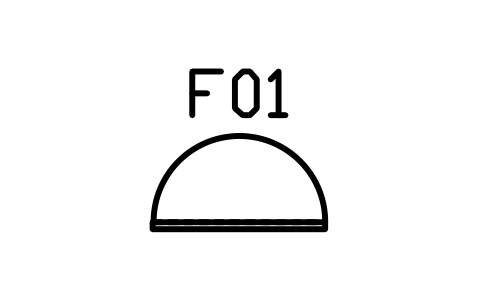
Mirror, round, 1000
CMM_MIRROR_ROUND_1000Atributos
TAGDESCRIPTIONWIDTH_MMDEPTH_MMHEIGHT_MMMATERIALFINISHQTYMANUFACTURERMODELREMARKSDESC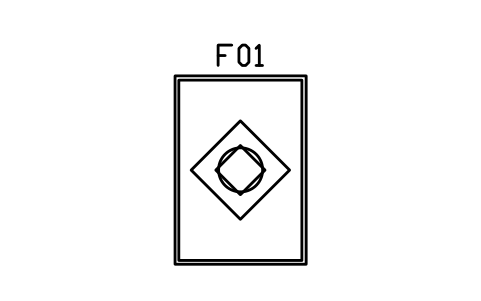
Rug, 1600 x 2300
CMM_RUG_1600Atributos
TAGDESCRIPTIONWIDTH_MMDEPTH_MMHEIGHT_MMMATERIALFINISHQTYMANUFACTURERMODELREMARKSDESC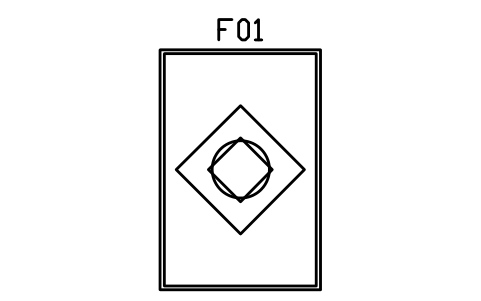
Rug, 2000 x 3000
CMM_RUG_2000Atributos
TAGDESCRIPTIONWIDTH_MMDEPTH_MMHEIGHT_MMMATERIALFINISHQTYMANUFACTURERMODELREMARKSDESC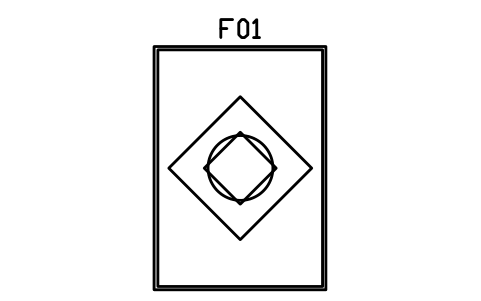
Rug, 2400 x 3400
CMM_RUG_2400Atributos
TAGDESCRIPTIONWIDTH_MMDEPTH_MMHEIGHT_MMMATERIALFINISHQTYMANUFACTURERMODELREMARKSDESC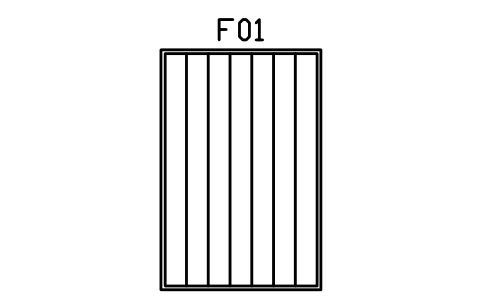
Rug, stripes, 2000 x 3000
CMM_RUG_STRIPE_2000Atributos
TAGDESCRIPTIONWIDTH_MMDEPTH_MMHEIGHT_MMMATERIALFINISHQTYMANUFACTURERMODELREMARKSDESC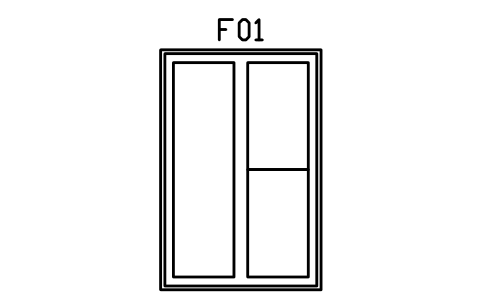
Rug, colour blocks, 2000 x 3000
CMM_RUG_BLOCKS_2000Atributos
TAGDESCRIPTIONWIDTH_MMDEPTH_MMHEIGHT_MMMATERIALFINISHQTYMANUFACTURERMODELREMARKSDESC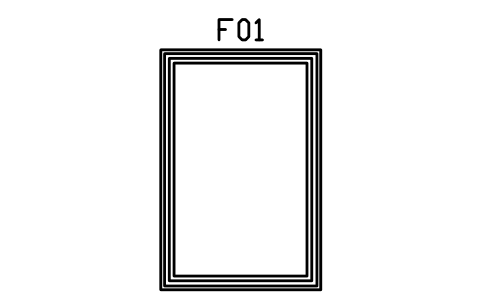
Rug, shaggy, double border, 2000 x 3000
CMM_RUG_SHAG_2000Atributos
TAGDESCRIPTIONWIDTH_MMDEPTH_MMHEIGHT_MMMATERIALFINISHQTYMANUFACTURERMODELREMARKSDESC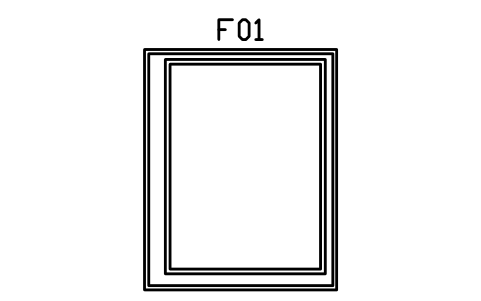
Rug, layered, 2400 x 3000
CMM_RUG_LAYER_2400Atributos
TAGDESCRIPTIONWIDTH_MMDEPTH_MMHEIGHT_MMMATERIALFINISHQTYMANUFACTURERMODELREMARKSDESC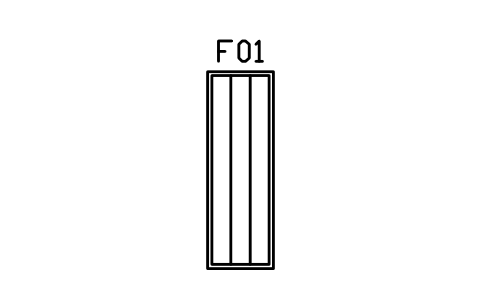
Rug, runner, 800 x 2400
CMM_RUG_RUNNERAtributos
TAGDESCRIPTIONWIDTH_MMDEPTH_MMHEIGHT_MMMATERIALFINISHQTYMANUFACTURERMODELREMARKSDESC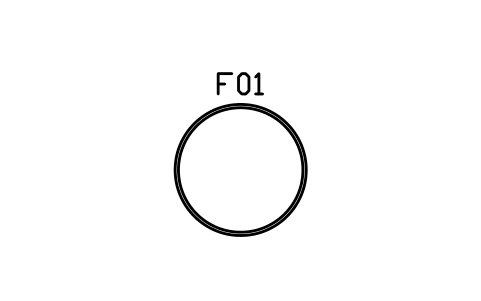
Rug, round, 1600
CMM_RUG_ROUND_1600Atributos
TAGDESCRIPTIONWIDTH_MMDEPTH_MMHEIGHT_MMMATERIALFINISHQTYMANUFACTURERMODELREMARKSDESC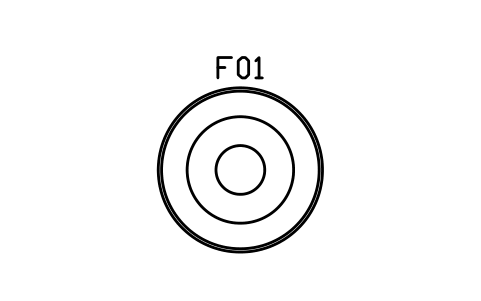
Rug, round, rings, 2000
CMM_RUG_ROUND_2000Atributos
TAGDESCRIPTIONWIDTH_MMDEPTH_MMHEIGHT_MMMATERIALFINISHQTYMANUFACTURERMODELREMARKSDESC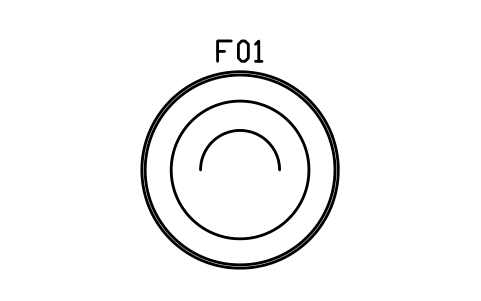
Rug, round, half moon, 2400
CMM_RUG_ROUND_2400Atributos
TAGDESCRIPTIONWIDTH_MMDEPTH_MMHEIGHT_MMMATERIALFINISHQTYMANUFACTURERMODELREMARKSDESC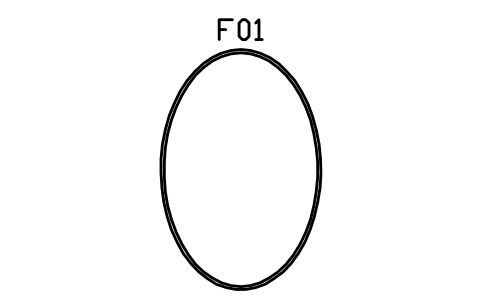
Rug, oval, 2000 x 3000
CMM_RUG_OVAL_2000Atributos
TAGDESCRIPTIONWIDTH_MMDEPTH_MMHEIGHT_MMMATERIALFINISHQTYMANUFACTURERMODELREMARKSDESC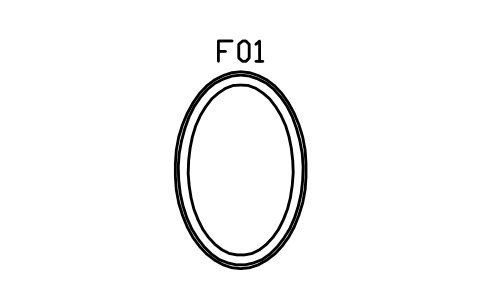
Rug, oval, inner, 1600 x 2400
CMM_RUG_OVAL_1600Atributos
TAGDESCRIPTIONWIDTH_MMDEPTH_MMHEIGHT_MMMATERIALFINISHQTYMANUFACTURERMODELREMARKSDESC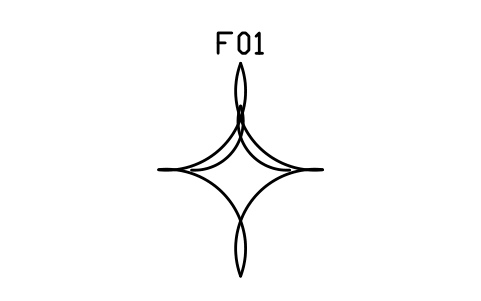
Rug, organic shape, 2000 x 2600
CMM_RUG_BLOB_2000Atributos
TAGDESCRIPTIONWIDTH_MMDEPTH_MMHEIGHT_MMMATERIALFINISHQTYMANUFACTURERMODELREMARKSDESC
Planter box, 800 x 300
CMM_PLANTER_800Atributos
TAGDESCRIPTIONWIDTH_MMDEPTH_MMHEIGHT_MMMATERIALFINISHQTYMANUFACTURERMODELREMARKSDESC
Planter box, 1400 x 350
CMM_PLANTER_1400Atributos
TAGDESCRIPTIONWIDTH_MMDEPTH_MMHEIGHT_MMMATERIALFINISHQTYMANUFACTURERMODELREMARKSDESC
Plant in pot, 500
CMM_PLANT_500Atributos
TAGDESCRIPTIONWIDTH_MMDEPTH_MMHEIGHT_MMMATERIALFINISHQTYMANUFACTURERMODELREMARKSDESC
Plant in pot, large, 800
CMM_PLANT_800Atributos
TAGDESCRIPTIONWIDTH_MMDEPTH_MMHEIGHT_MMMATERIALFINISHQTYMANUFACTURERMODELREMARKSDESC
Wall art, single, 900
CMM_ART_1Atributos
TAGDESCRIPTIONWIDTH_MMDEPTH_MMHEIGHT_MMMATERIALFINISHQTYMANUFACTURERMODELREMARKSDESC
Wall art, triptych, 3 x 500
CMM_ART_3Atributos
TAGDESCRIPTIONWIDTH_MMDEPTH_MMHEIGHT_MMMATERIALFINISHQTYMANUFACTURERMODELREMARKSDESC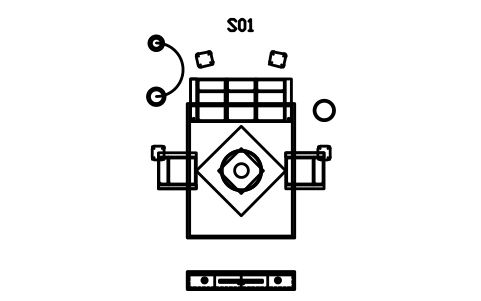
Living room set, sofa and media wall
CMM_SET_LIVING_MEDIAAtributos
TAGDESCRIPTIONWIDTH_MMDEPTH_MMHEIGHT_MMMATERIALFINISHQTYMANUFACTURERMODELREMARKSDESC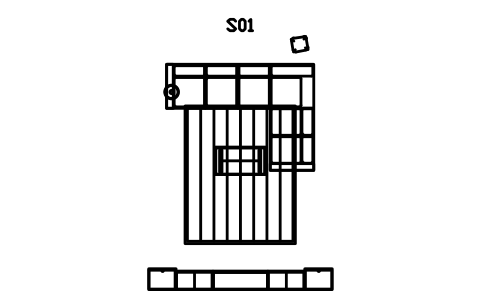
Living room set, L sectional
CMM_SET_LIVING_LAtributos
TAGDESCRIPTIONWIDTH_MMDEPTH_MMHEIGHT_MMMATERIALFINISHQTYMANUFACTURERMODELREMARKSDESC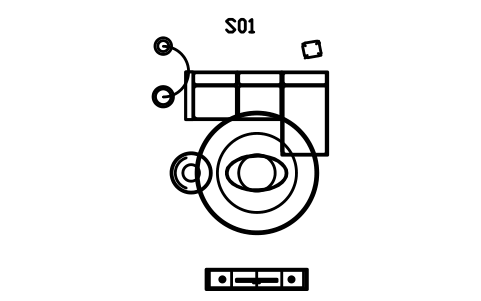
Living room set, chaise sofa
CMM_SET_LIVING_CHAISEAtributos
TAGDESCRIPTIONWIDTH_MMDEPTH_MMHEIGHT_MMMATERIALFINISHQTYMANUFACTURERMODELREMARKSDESC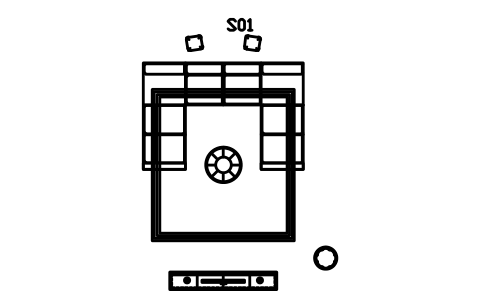
Living room set, U sectional
CMM_SET_LIVING_UAtributos
TAGDESCRIPTIONWIDTH_MMDEPTH_MMHEIGHT_MMMATERIALFINISHQTYMANUFACTURERMODELREMARKSDESC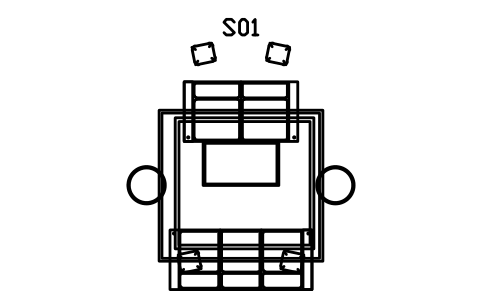
Lounge set, two sofas facing
CMM_SET_LOUNGEAtributos
TAGDESCRIPTIONWIDTH_MMDEPTH_MMHEIGHT_MMMATERIALFINISHQTYMANUFACTURERMODELREMARKSDESC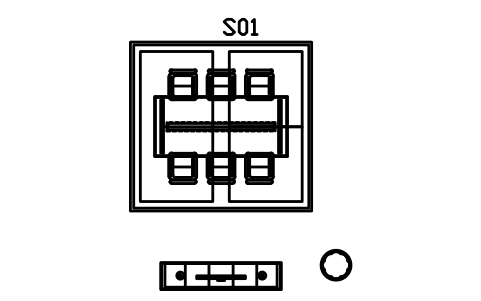
Dining room set, six chairs, 2200
CMM_SET_DINING_6Atributos
TAGDESCRIPTIONWIDTH_MMDEPTH_MMHEIGHT_MMMATERIALFINISHQTYMANUFACTURERMODELREMARKSDESC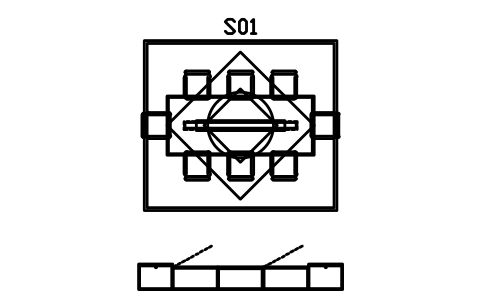
Dining room set, eight chairs, 2600
CMM_SET_DINING_8Atributos
TAGDESCRIPTIONWIDTH_MMDEPTH_MMHEIGHT_MMMATERIALFINISHQTYMANUFACTURERMODELREMARKSDESC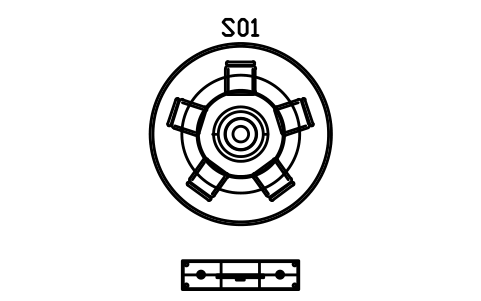
Dining set, round table, 5 chairs
CMM_SET_DINING_ROUNDAtributos
TAGDESCRIPTIONWIDTH_MMDEPTH_MMHEIGHT_MMMATERIALFINISHQTYMANUFACTURERMODELREMARKSDESC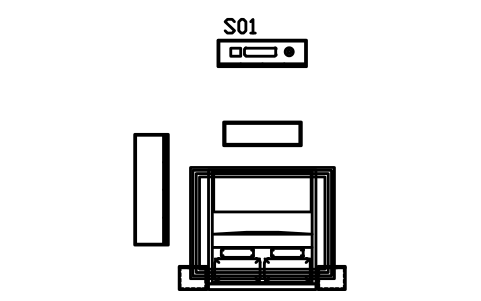
Bedroom set, king platform bed
CMM_SET_BEDROOM_KINGAtributos
TAGDESCRIPTIONWIDTH_MMDEPTH_MMHEIGHT_MMMATERIALFINISHQTYMANUFACTURERMODELREMARKSDESC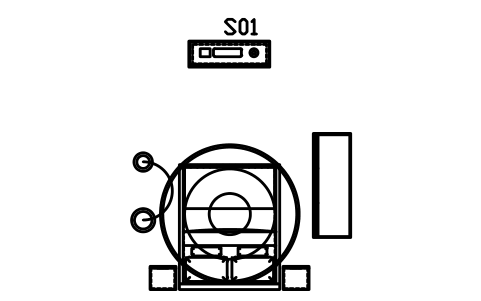
Bedroom set, floating bed and wall unit
CMM_SET_BEDROOM_FLOATAtributos
TAGDESCRIPTIONWIDTH_MMDEPTH_MMHEIGHT_MMMATERIALFINISHQTYMANUFACTURERMODELREMARKSDESC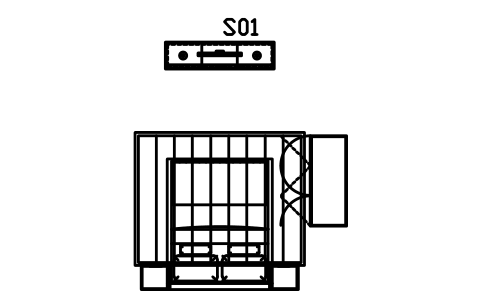
Bedroom set, queen bed, side units
CMM_SET_BEDROOM_SIDEAtributos
TAGDESCRIPTIONWIDTH_MMDEPTH_MMHEIGHT_MMMATERIALFINISHQTYMANUFACTURERMODELREMARKSDESC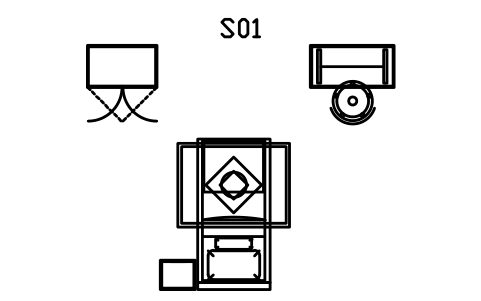
Guest room set, single bed and desk
CMM_SET_BEDROOM_SINGLEAtributos
TAGDESCRIPTIONWIDTH_MMDEPTH_MMHEIGHT_MMMATERIALFINISHQTYMANUFACTURERMODELREMARKSDESC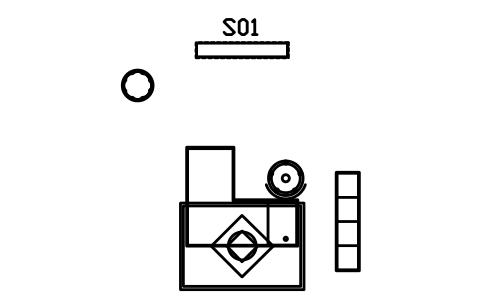
Home office set, L desk and shelves
CMM_SET_OFFICE_LAtributos
TAGDESCRIPTIONWIDTH_MMDEPTH_MMHEIGHT_MMMATERIALFINISHQTYMANUFACTURERMODELREMARKSDESC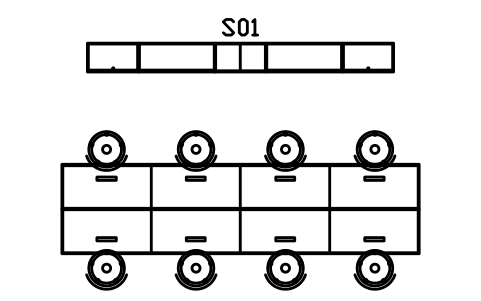
Office set, bench workstation, 4 seats
CMM_SET_WORKSTATIONAtributos
TAGDESCRIPTIONWIDTH_MMDEPTH_MMHEIGHT_MMMATERIALFINISHQTYMANUFACTURERMODELREMARKSDESC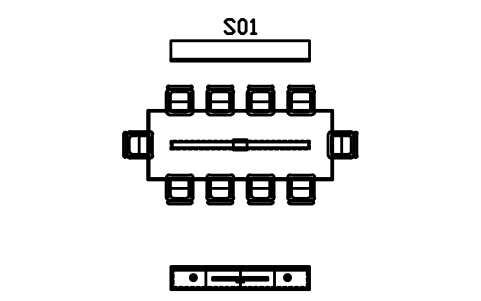
Meeting room set, 3200, 10 chairs
CMM_SET_MEETINGAtributos
TAGDESCRIPTIONWIDTH_MMDEPTH_MMHEIGHT_MMMATERIALFINISHQTYMANUFACTURERMODELREMARKSDESC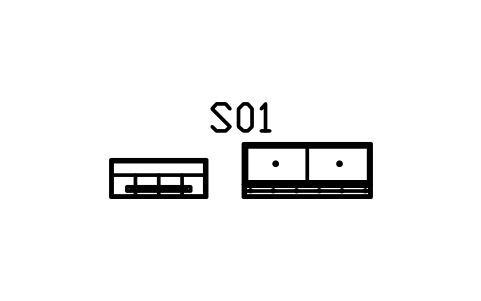
Entrance set, shoes, bench, mirror
CMM_SET_ENTRYAtributos
TAGDESCRIPTIONWIDTH_MMDEPTH_MMHEIGHT_MMMATERIALFINISHQTYMANUFACTURERMODELREMARKSDESC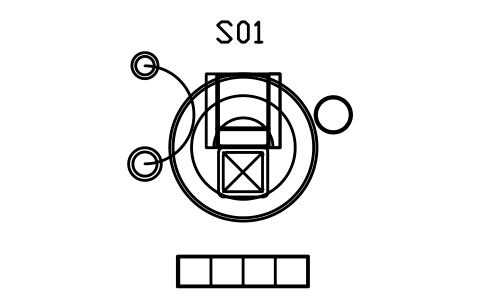
Reading corner set, chair and shelf
CMM_SET_READINGAtributos
TAGDESCRIPTIONWIDTH_MMDEPTH_MMHEIGHT_MMMATERIALFINISHQTYMANUFACTURERMODELREMARKSDESC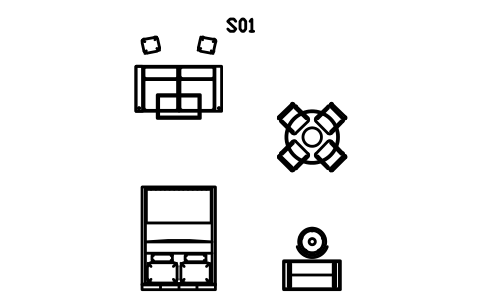
Studio set, sofa, bed, desk and dining
CMM_SET_STUDIOAtributos
TAGDESCRIPTIONWIDTH_MMDEPTH_MMHEIGHT_MMMATERIALFINISHQTYMANUFACTURERMODELREMARKSDESC
Faltou um símbolo? Diga qual.
Attributes for parts lists
Every block has a visible tag (F01 for a piece of furniture, T01 for a table, C01 for a chair, B01 for a bed, S01 for a room set). The data for a schedule are invisible attributes: DESCRIPTION, WIDTH_MM, DEPTH_MM, HEIGHT_MM, MATERIAL, FINISH and QTY, plus MANUFACTURER and MODEL.
Width, depth and height are prefilled with the size named in the block, so a furniture schedule can be read straight from the drawing. Export the blocks of all drawings to Excel with BlockSync to build a schedule or a quantity list, check it and write the changes back.
How to use the library
- Unzip the file and open the DWG. Copy the symbols you need into your plan, or drag the blocks in from DesignCenter (ADCENTER).
- Insert the blocks at scale 1 in model space; they are drawn at real size in millimetres. The catalog in the file shows them at 1:100.
- A piece is inserted at the centre of its back edge: sofas, cabinets and beds sit with the back or the head against the wall and the front faces into the room. Round tables, stools and rugs are inserted at their centre. A room set is inserted at the centre of the back edge of its main piece. Use ROTATE for other directions and MIRROR for the other hand.
- Every group of pieces also comes as a room set: a block with the sectional, rug, coffee table and media wall of a living room, a dining table with its chairs and linear pendant, a bedroom with a platform or floating bed, bedsides, dresser and wardrobe, a guest room, a home office, a bench workstation, a meeting room, an entrance, a reading corner or a studio. Insert the set for a quick layout and explode it when you want to move single pieces; the same pieces are in the library on their own. Sofa modules are drawn so that you can build your own sectional from armless, corner and chaise pieces, and wall-hung pieces are drawn with a dashed outline of the gap below them.
About the style
There is no standard for furniture plan symbols. The contemporary modular look is drawn after its common traits: slab arms, seams between modules, sled and blade legs, low platform frames, floating wall-hung units, cube grids and clean rectangular tops.
These symbols are our own drawings after the common design conventions of the style, and the library is not certified against any standard. Check them against your project and change the blocks if yours differ.
What changed in each version
Version 1.0 · 29 de outubro de 2026
New symbols (227)
Sofa, slab arms, two seater · Sofa, slab arms, three seater · Sofa, slab arms, four seater · Sofa, slim arms, two seater · Sofa, slim arms, three seater · Sofa, deep seat, three seater · Sofa, armless, three seater · Loveseat, slab arms, 1500 · Module, armless, 800 · Module, armless, 1000 · Module, arm left, 1000 · Module, arm right, 1000 · Module, arms both sides, 1300 · Module, corner, 950 x 950 · Module, chaise end, 900 x 1600 · Sofa with chaise, left, 2800 x 1650 · Sofa with chaise, right, 2800 x 1650 · Sofa with chaise, left, 3400 x 1650 · Sofa with chaise, right, 3400 x 1650 · L sectional, left return, 2800 x 1900 · L sectional, right return, 2800 x 1900 · L sectional, left return, 3200 x 2300 · L sectional, right return, 3200 x 2300 · L sectional, left return, 3600 x 2600 · L sectional, right return, 3600 x 2600 · U sectional, 3600 x 2400 · U sectional, 4200 x 2800 · U sectional, long left, 4000 x 2800 · Ottoman, 900 x 600 · Ottoman, 1200 x 800 · Ottoman, cube, 600 · Ottoman, storage lid, 1000 x 500 · Pouf, round, 600 · Pouf, round, tufted, 800 · Pouf, round, button, 500 · Lounge chair, slab arms, 800 · Lounge chair, wide arms, 900 · Lounge chair, armless, 750 · Lounge chair, deep seat, 950 · Swivel chair, round base, 760 · 187 more
Frequently asked questions
- Are these symbols to a standard?
- No. Furniture plan symbols have no binding standard, and a modular look is a design approach, not a rule set. The blocks follow its common traits and can be changed to match your project.
- What are the room sets?
- Ready-made groups of pieces as one block each, for example a living room with a sectional, rug and media wall, a lounge with two sofas facing each other, dining rooms for four to ten, bedrooms with a platform, floating or attached-bedside bed, a guest room, a home office, a bench workstation, a meeting room, an entrance, a reading corner and a studio. Explode a set to work on single pieces.
- Can I use the symbols in commercial projects?
- Yes. They are free to use and modify in your own projects, including commercial ones. They are provided as is, without warranty. Please do not redistribute or resell the library; see the library terms.
- Can I use these together with the architectural furniture library?
- Yes. They use the same units, the same attributes and the same insertion rule, so the libraries can be used in one plan. This one adds the modular pieces; the architectural library has the plain everyday pieces, the doors, the windows and the bathroom and kitchen fittings, and the mid-century modern library has the pieces of that style.
- Can I change a symbol or add attributes?
- Yes. Open the DWG, edit a block with BEDIT to change it or add attributes, and save. To update drawings that already contain the block, run ATTSYNC or replace the block. Make a backup first: attribute values can be lost if ATTSYNC is used carelessly.
- Are the floor, wallpaper and material patterns hatches?
- No, they are blocks made of thin lines. Insert one, scale it to the area you want to show and copy it to cover more (ARRAY), or use it as a legend sample next to your finish schedule. For large areas the hatch patterns of your CAD program are the better choice.
- Should I download this library or one of the smaller topic libraries (furniture, doors and windows, bathroom and kitchen, stairs, walls and roofs)?
- This one has everything in a single file. If you need only one topic, the topic library holds the same blocks in a smaller file, and the furniture library adds front elevations of the furniture.
- Where do I find a ready-made set of these symbols for AutoCAD?
- AutoCAD itself ships only a small set of sample blocks, so a full symbol set has to come from a library. Download the ZIP on this page and open the DWG: every symbol is a block. Insert one with INSERT (Blocks palette, Libraries tab, then pick the DWG) or drag it from DesignCenter (ADCENTER). You can also download a single symbol on its own.
Count the symbols and build a parts list
Because ratings and part numbers are attributes, the symbols of a whole project can be counted and listed without opening the drawings. Export the blocks to Excel, total them with a pivot table and write corrections back in one run, with preview and backup.
See how to count blocks with BlockSync