
RecursosBibliotecas de símbolos DWG
Free AutoCAD symbols for DCS and shared display (DWG), ISA 5.3 style
DCS and shared display symbols (ISA 5.3): 64 ready-made AutoCAD blocks (DWG), free to download and use in your own projects, as a ZIP or one symbol at a time.
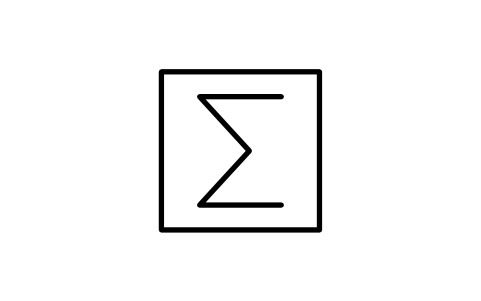
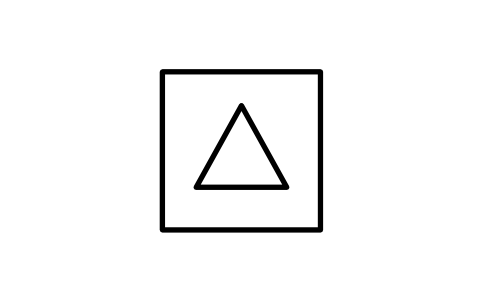
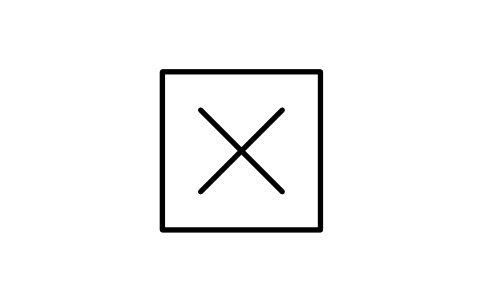
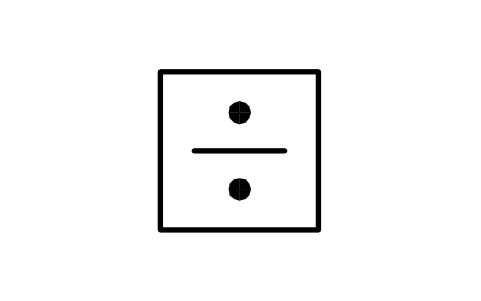
64 symbols for control loop drawings and flow diagrams of distributed control systems, as ready-to-use AutoCAD blocks drawn after ISA 5.3: shared display and shared control bubbles (operator accessible, auxiliary interface, not accessible), computer hexagons, logic and sequential controllers, computation blocks (square root, summing, difference, multiplication, division, bias, high and low select, integration, derivative, characterizer), system links, software alarm marks and the 13 example loops of the standard's appendix, from computer control with analog backup to supervisory set point control.
Version 1.0 · updated 17 de outubro de 2026
Using AutoCAD 2017 or an earlier version? Download the 2010 format
Free to use and modify in your own projects, including commercial ones. The ZIP holds one plain DWG file in AutoCAD 2018 format and a README; no add-in needed. Provided as is, without warranty.
Related symbol libraries
Combina bem com estas ferramentas
 Precisa contar estes símbolos nos seus desenhos?Exporte para o Excel todos os símbolos e atributos de um conjunto de desenhos, edite as linhas e grave de volta.Ver o BlockSync
 Revisou um símbolo e precisa saber o que mudou?Compare duas revisões de um conjunto de desenhos bloco a bloco e receba um relatório do que foi adicionado, removido ou modificado.Ver o BlockCompare
 Quais desenhos usam este símbolo?Pesquise blocos e textos em centenas de desenhos de uma vez e vá direto ao resultado.Ver o DwgSearch
All 64 symbols
64 de 64 símbolos
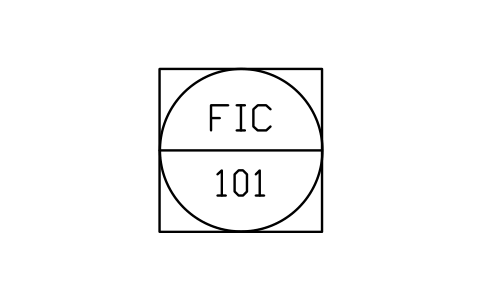
Shared, operator accessible
IS3_SHARED_ACCESSIBLEAtributos
TAG_FUNCLOOP_NOSERVICEAREARANGEUNITSIGNAL_TYPEIO_ADDRESSCABINETPID_NOMANUFACTURERMODELDATASHEET_NODESC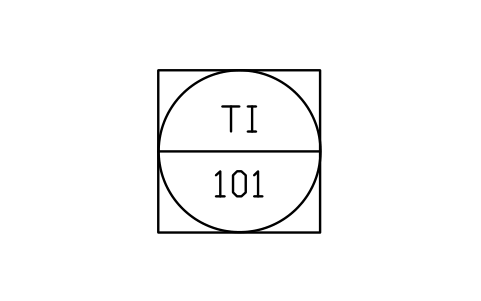
Shared display, indicator
IS3_SHARED_ACC_INDAtributos
TAG_FUNCLOOP_NOSERVICEAREARANGEUNITSIGNAL_TYPEIO_ADDRESSCABINETPID_NOMANUFACTURERMODELDATASHEET_NODESC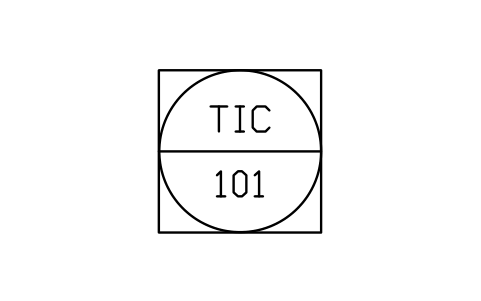
Shared control, controller
IS3_SHARED_ACC_CTRLAtributos
TAG_FUNCLOOP_NOSERVICEAREARANGEUNITSIGNAL_TYPEIO_ADDRESSCABINETPID_NOMANUFACTURERMODELDATASHEET_NODESC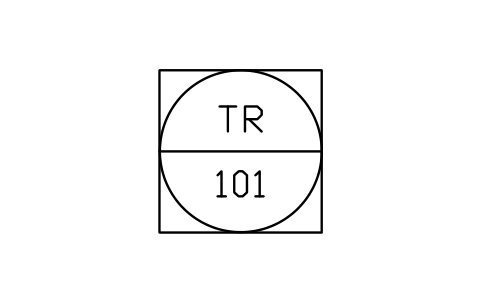
Shared display, recorder
IS3_SHARED_ACC_RECAtributos
TAG_FUNCLOOP_NOSERVICEAREARANGEUNITSIGNAL_TYPEIO_ADDRESSCABINETPID_NOMANUFACTURERMODELDATASHEET_NODESC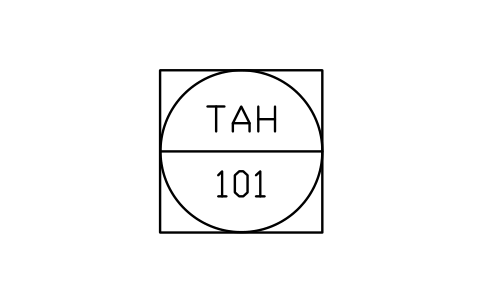
Shared display, alarm point
IS3_SHARED_ACC_ALARMAtributos
TAG_FUNCLOOP_NOSERVICEAREARANGEUNITSIGNAL_TYPEIO_ADDRESSCABINETPID_NOMANUFACTURERMODELDATASHEET_NODESC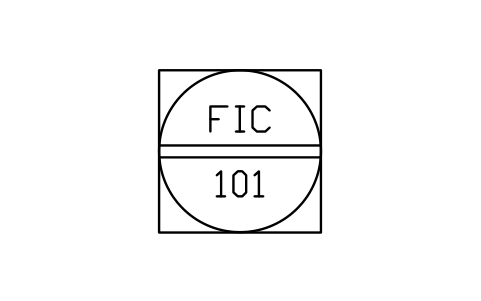
Shared, auxiliary interface
IS3_SHARED_AUXILIARYAtributos
TAG_FUNCLOOP_NOSERVICEAREARANGEUNITSIGNAL_TYPEIO_ADDRESSCABINETPID_NOMANUFACTURERMODELDATASHEET_NODESC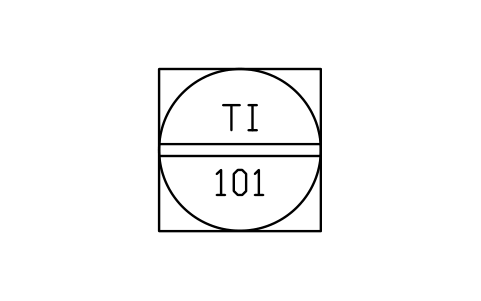
Auxiliary interface, indicator
IS3_SHARED_AUX_INDAtributos
TAG_FUNCLOOP_NOSERVICEAREARANGEUNITSIGNAL_TYPEIO_ADDRESSCABINETPID_NOMANUFACTURERMODELDATASHEET_NODESC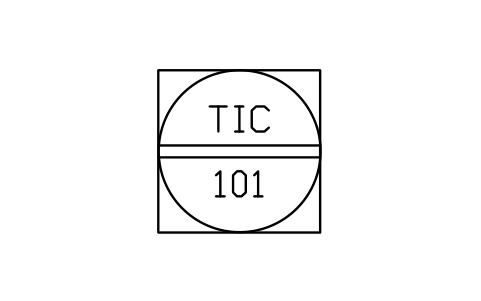
Auxiliary interface, controller
IS3_SHARED_AUX_CTRLAtributos
TAG_FUNCLOOP_NOSERVICEAREARANGEUNITSIGNAL_TYPEIO_ADDRESSCABINETPID_NOMANUFACTURERMODELDATASHEET_NODESC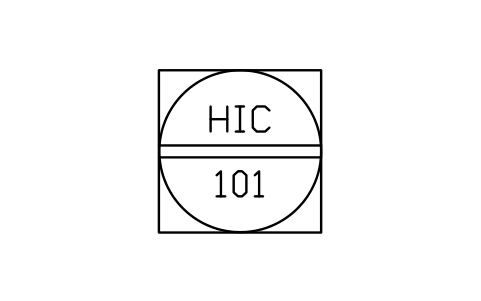
Auxiliary interface, manual
IS3_SHARED_AUX_MANUALAtributos
TAG_FUNCLOOP_NOSERVICEAREARANGEUNITSIGNAL_TYPEIO_ADDRESSCABINETPID_NOMANUFACTURERMODELDATASHEET_NODESC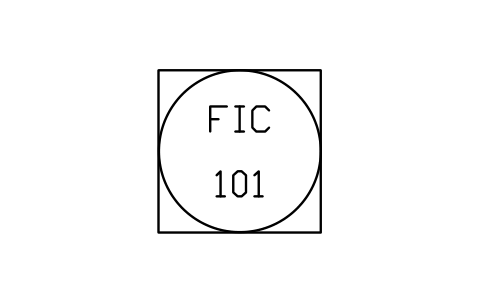
Shared, not accessible
IS3_SHARED_BLINDAtributos
TAG_FUNCLOOP_NOSERVICEAREARANGEUNITSIGNAL_TYPEIO_ADDRESSCABINETPID_NOMANUFACTURERMODELDATASHEET_NODESC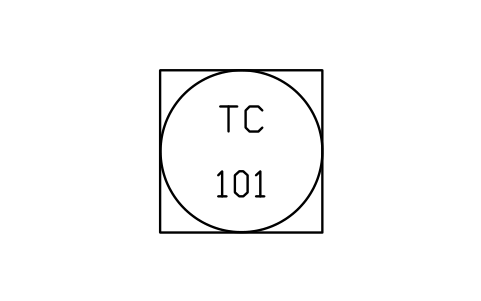
Shared blind controller
IS3_SHARED_BLIND_CTRLAtributos
TAG_FUNCLOOP_NOSERVICEAREARANGEUNITSIGNAL_TYPEIO_ADDRESSCABINETPID_NOMANUFACTURERMODELDATASHEET_NODESC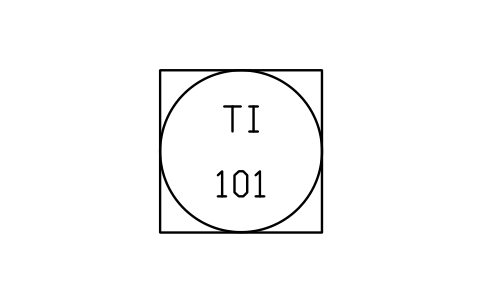
Shared display, in field
IS3_SHARED_BLIND_FIELDAtributos
TAG_FUNCLOOP_NOSERVICEAREARANGEUNITSIGNAL_TYPEIO_ADDRESSCABINETPID_NOMANUFACTURERMODELDATASHEET_NODESC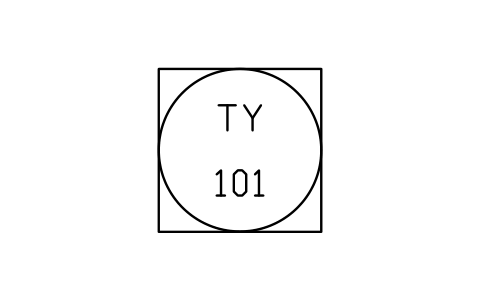
Shared computation module
IS3_SHARED_BLIND_CALCAtributos
TAG_FUNCLOOP_NOSERVICEAREARANGEUNITSIGNAL_TYPEIO_ADDRESSCABINETPID_NOMANUFACTURERMODELDATASHEET_NODESC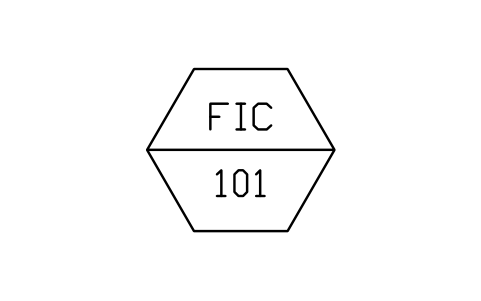
Computer, operator accessible
IS3_COMPUTER_ACCESSIBLEAtributos
TAG_FUNCLOOP_NOSERVICEAREARANGEUNITSIGNAL_TYPEIO_ADDRESSCABINETPID_NOMANUFACTURERMODELDATASHEET_NODESC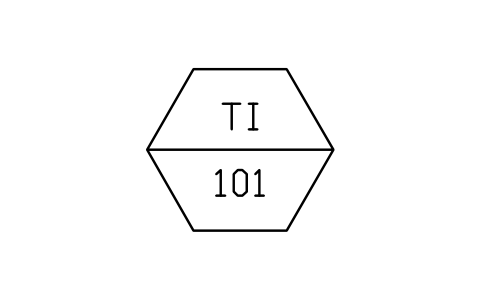
Computer display, indicator
IS3_COMPUTER_ACC_INDAtributos
TAG_FUNCLOOP_NOSERVICEAREARANGEUNITSIGNAL_TYPEIO_ADDRESSCABINETPID_NOMANUFACTURERMODELDATASHEET_NODESC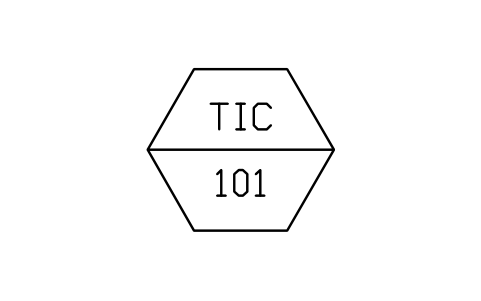
Computer display, controller
IS3_COMPUTER_ACC_CTRLAtributos
TAG_FUNCLOOP_NOSERVICEAREARANGEUNITSIGNAL_TYPEIO_ADDRESSCABINETPID_NOMANUFACTURERMODELDATASHEET_NODESC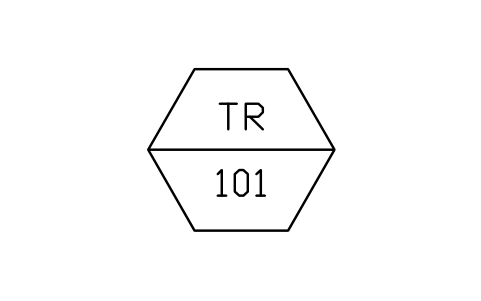
Computer display, recorder
IS3_COMPUTER_ACC_RECAtributos
TAG_FUNCLOOP_NOSERVICEAREARANGEUNITSIGNAL_TYPEIO_ADDRESSCABINETPID_NOMANUFACTURERMODELDATASHEET_NODESC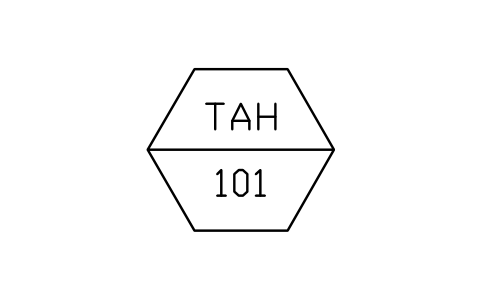
Computer display, alarm point
IS3_COMPUTER_ACC_ALARMAtributos
TAG_FUNCLOOP_NOSERVICEAREARANGEUNITSIGNAL_TYPEIO_ADDRESSCABINETPID_NOMANUFACTURERMODELDATASHEET_NODESC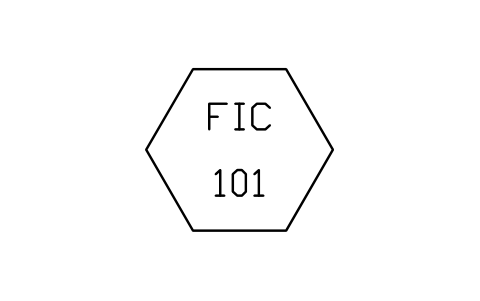
Computer, not accessible
IS3_COMPUTER_BLINDAtributos
TAG_FUNCLOOP_NOSERVICEAREARANGEUNITSIGNAL_TYPEIO_ADDRESSCABINETPID_NOMANUFACTURERMODELDATASHEET_NODESC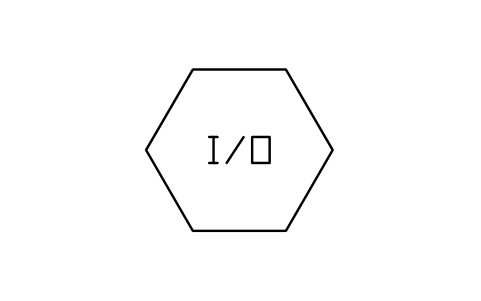
Computer, input / output
IS3_COMPUTER_IOAtributos
TAGMARKIO_ADDRESSCABINETREMARKSDESC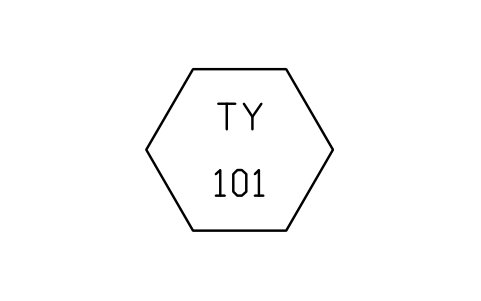
Computer, computation
IS3_COMPUTER_CALCAtributos
TAG_FUNCLOOP_NOSERVICEAREARANGEUNITSIGNAL_TYPEIO_ADDRESSCABINETPID_NOMANUFACTURERMODELDATASHEET_NODESC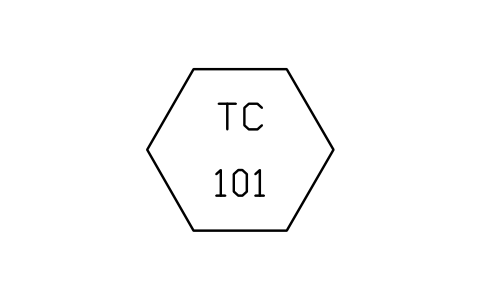
Computer, blind controller
IS3_COMPUTER_BLIND_CTRLAtributos
TAG_FUNCLOOP_NOSERVICEAREARANGEUNITSIGNAL_TYPEIO_ADDRESSCABINETPID_NOMANUFACTURERMODELDATASHEET_NODESC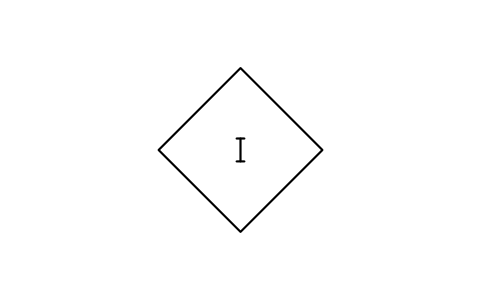
Complex logic, general
IS3_LOGIC_GENERALAtributos
TAGLOGIC_MARKLOGIC_NOSERVICEREMARKSDESC
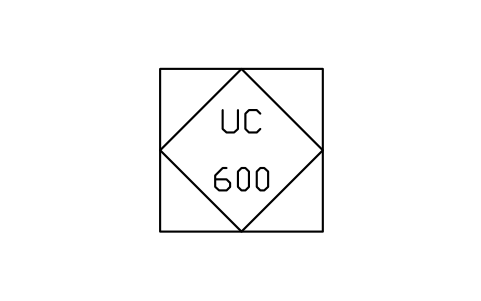
Logic controller, blind
IS3_PLC_BLINDAtributos
TAG_FUNCLOOP_NOSERVICEAREARANGEUNITSIGNAL_TYPEIO_ADDRESSCABINETPID_NOMANUFACTURERMODELDATASHEET_NODESC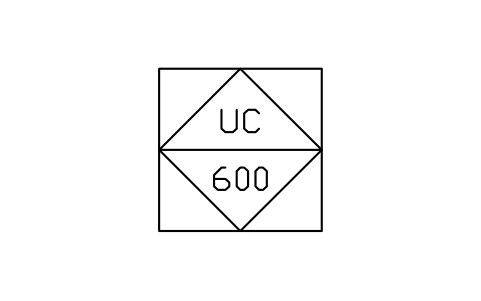
Logic controller, accessible
IS3_PLC_ACCESSIBLEAtributos
TAG_FUNCLOOP_NOSERVICEAREARANGEUNITSIGNAL_TYPEIO_ADDRESSCABINETPID_NOMANUFACTURERMODELDATASHEET_NODESC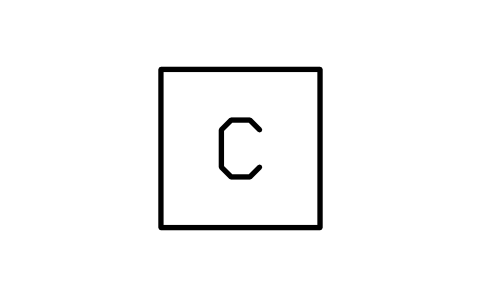
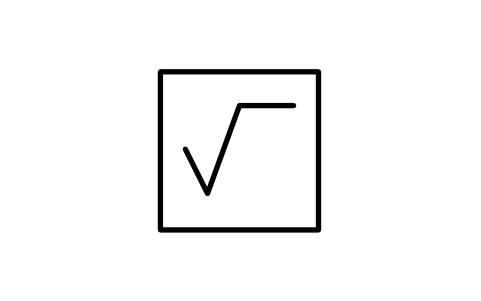
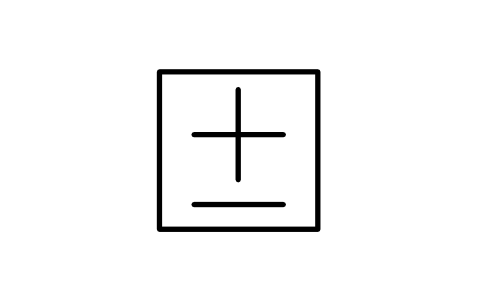
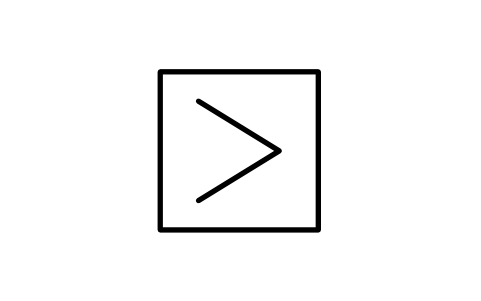
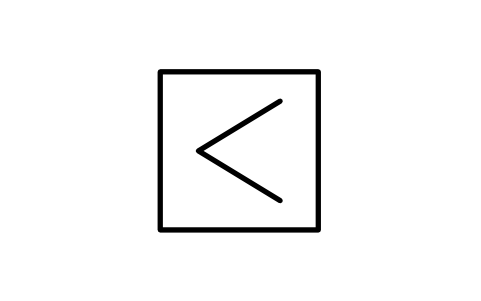
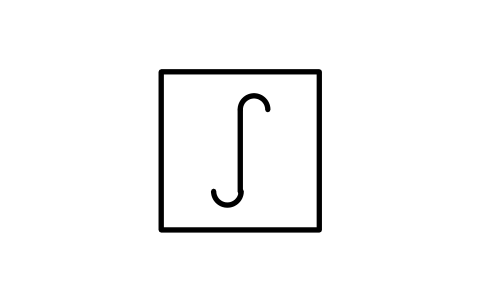
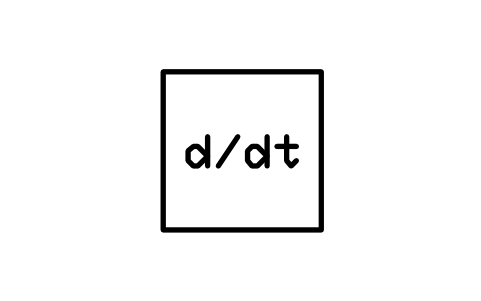
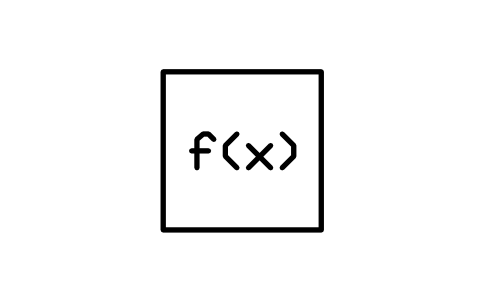
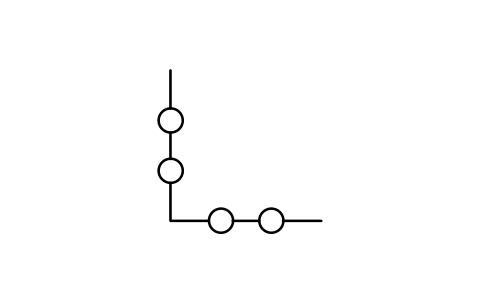
Characterizer
IS3_FN_CHARACTERIZERAtributos
TAGFUNCTIONBLOCK_NOLOOP_NOSERVICEMODELDESC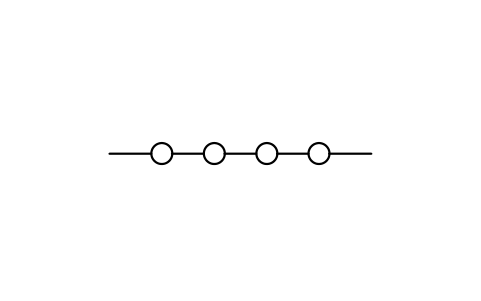
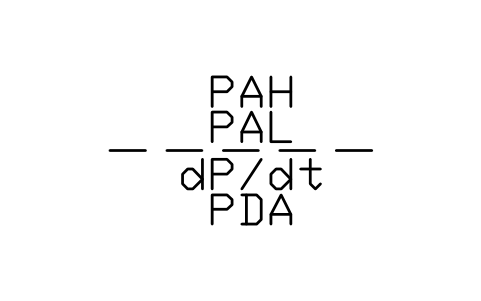
Alarms, measured variable
IS3_ALARMS_MEASUREDAtributos
TAGALARM1ALARM2ALARM3ALARM4SETPOINTSDESC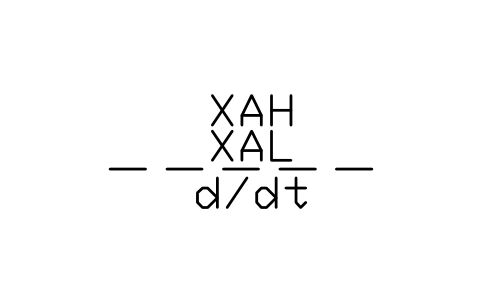
Alarms, controller output
IS3_ALARMS_OUTPUTAtributos
TAGALARM1ALARM2ALARM3SETPOINTSDESC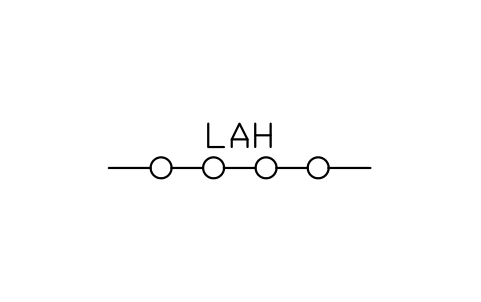
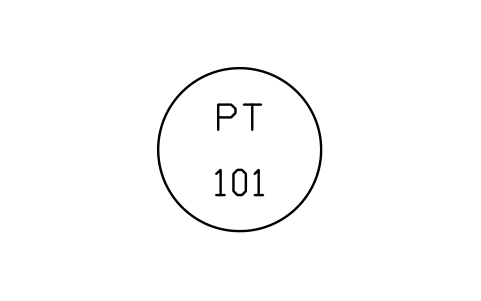
Field instrument bubble
IS3_FIELD_INSTRUMENTAtributos
TAG_FUNCLOOP_NOSERVICEAREARANGEUNITSIGNAL_TYPEIO_ADDRESSCABINETPID_NOMANUFACTURERMODELDATASHEET_NODESC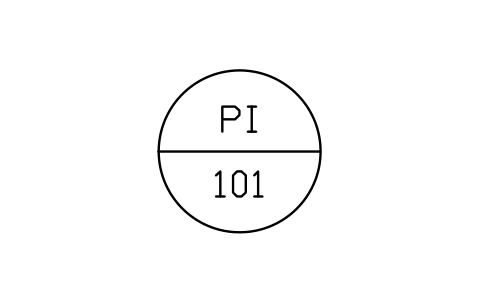
Panel instrument bubble
IS3_PANEL_INSTRUMENTAtributos
TAG_FUNCLOOP_NOSERVICEAREARANGEUNITSIGNAL_TYPEIO_ADDRESSCABINETPID_NOMANUFACTURERMODELDATASHEET_NODESC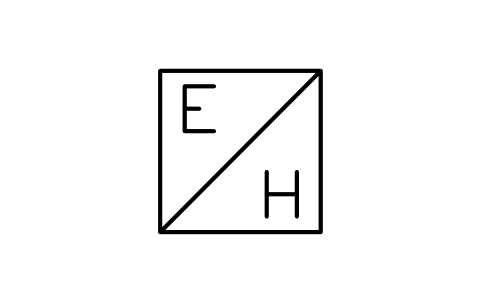
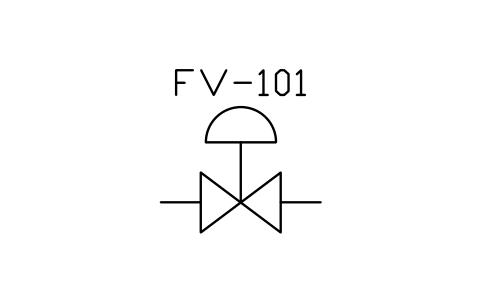
Control valve, diaphragm
IS3_VALVE_DIAPHRAGMAtributos
TAGSIZEFAIL_POSITIONCVMANUFACTURERMODELREMARKSDESC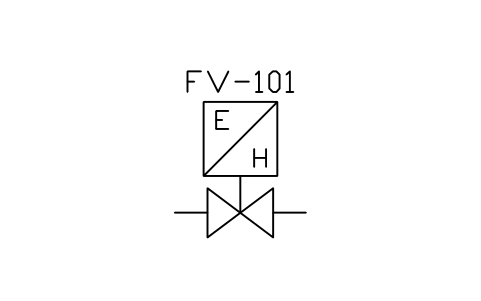
Control valve, E/H converter
IS3_VALVE_CONVERTERAtributos
TAGSIZEFAIL_POSITIONCVMANUFACTURERMODELREMARKSDESC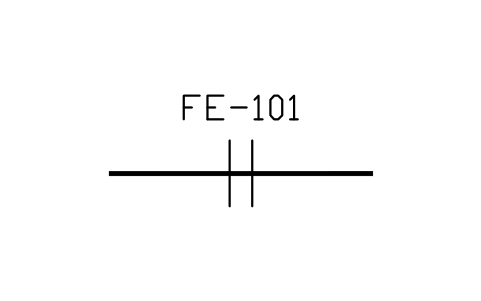
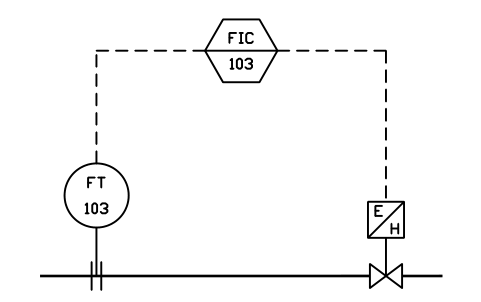
Computer loop, no backup
IS3_LOOP_A1Atributos
TAGF0L0F1L1SERVICEAREAPID_NOMODELREMARKSDESC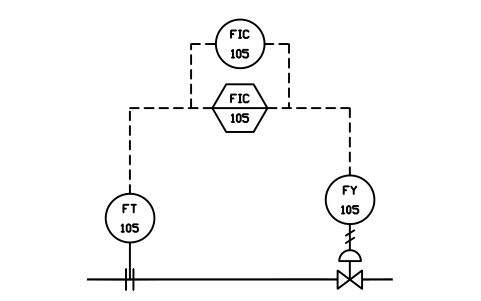
Computer loop, analog backup
IS3_LOOP_A2Atributos
TAGF0L0F1L1F2L2F3L3SERVICEAREAPID_NOMODELREMARKSDESC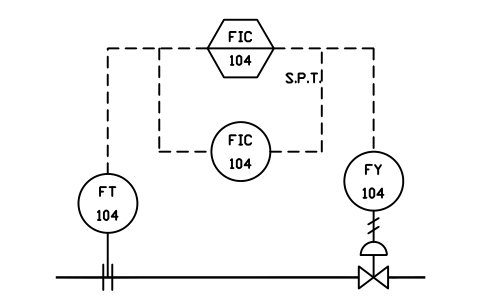
Computer loop, SPT backup
IS3_LOOP_A3Atributos
TAGF0L0F1L1F2L2F3L3SERVICEAREAPID_NOMODELREMARKSDESC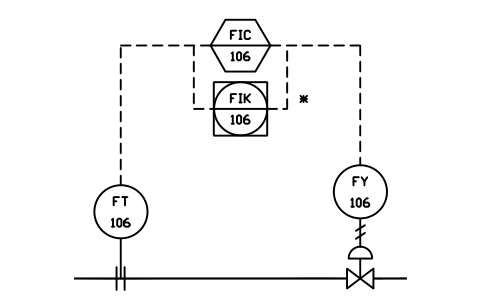
Computer loop, DCS backup
IS3_LOOP_A4Atributos
TAGF0L0F1L1F2L2F3L3SERVICEAREAPID_NOMODELREMARKSDESC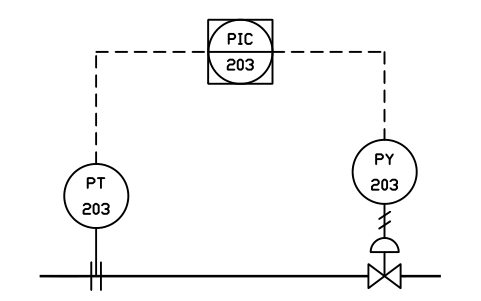
Shared loop, no backup
IS3_LOOP_A5Atributos
TAGF0L0F1L1F2L2SERVICEAREAPID_NOMODELREMARKSDESC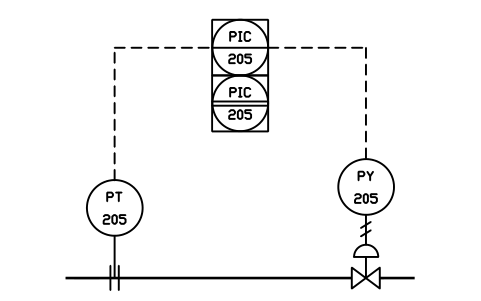
Shared loop, aux interface
IS3_LOOP_A6Atributos
TAGF0L0F1L1F2L2F3L3SERVICEAREAPID_NOMODELREMARKSDESC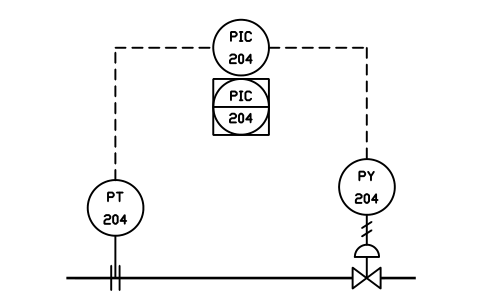
Analog loop, shared backup
IS3_LOOP_A7Atributos
TAGF0L0F1L1F2L2F3L3SERVICEAREAPID_NOMODELREMARKSDESC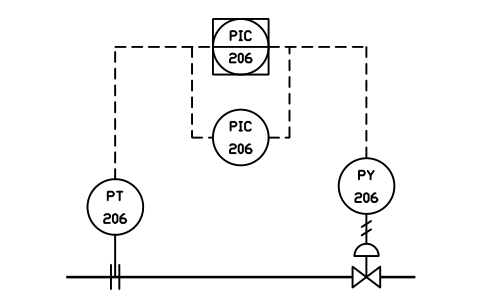
Shared loop, analog backup
IS3_LOOP_A8Atributos
TAGF0L0F1L1F2L2F3L3SERVICEAREAPID_NOMODELREMARKSDESC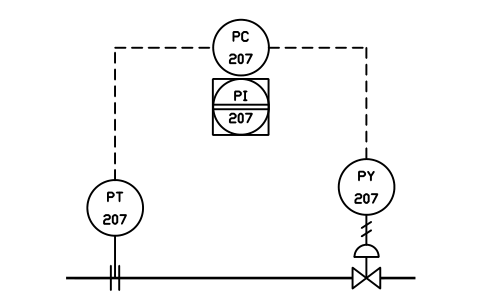
Blind loop, shared display
IS3_LOOP_A9Atributos
TAGF0L0F1L1F2L2F3L3SERVICEAREAPID_NOMODELREMARKSDESC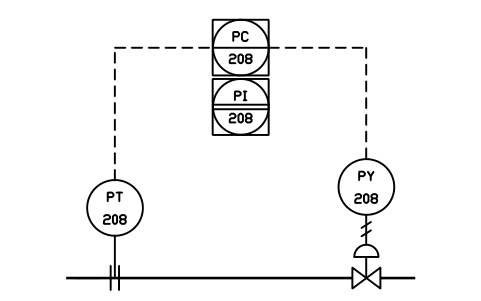
Blind loop, aux interface
IS3_LOOP_A10Atributos
TAGF0L0F1L1F2L2F3L3SERVICEAREAPID_NOMODELREMARKSDESC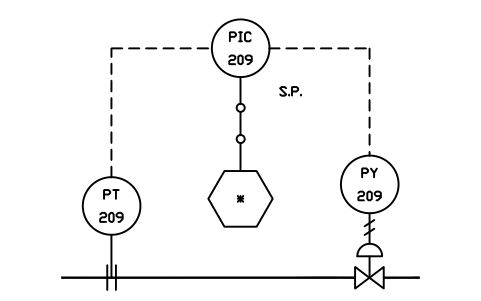
Supervisory SP, via link
IS3_LOOP_A11Atributos
TAGF0L0F1L1F2L2M3SERVICEAREAPID_NOMODELREMARKSDESC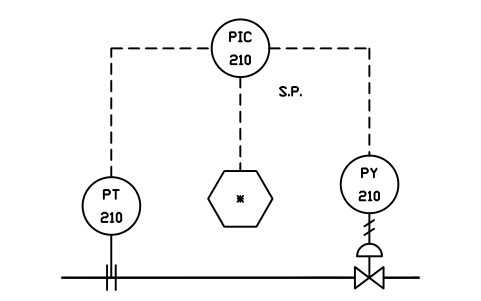
Supervisory SP, hardwired
IS3_LOOP_A12Atributos
TAGF0L0F1L1F2L2M3SERVICEAREAPID_NOMODELREMARKSDESC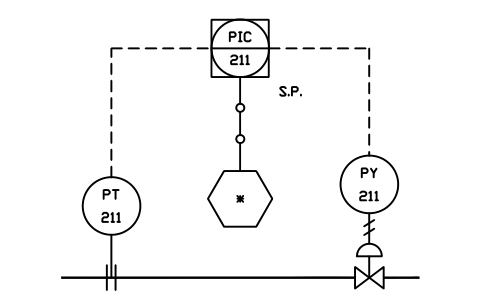
Supervisory SP, shared
IS3_LOOP_A13Atributos
TAGF0L0F1L1F2L2M3SERVICEAREAPID_NOMODELREMARKSDESC
Faltou um símbolo? Diga qual.
Attributes for parts lists
A bubble has two visible attributes inside it: TAG_FUNC for the function letters (for example FIC) and LOOP_NO for the loop number (for example 101). The other attributes are invisible: SERVICE, AREA, RANGE, UNIT, SIGNAL_TYPE, IO_ADDRESS, CABINET, PID_NO, MANUFACTURER, MODEL and DATASHEET_NO. Computation blocks carry FUNCTION and BLOCK_NO.
The loop blocks carry the function letters and loop number of every bubble as attributes, so you set them once per bubble after inserting. Because the data sit in attributes, you can export an instrument index or an I/O list from all drawings of a project to Excel with BlockSync, check it and write the corrections back in one run, with preview and backup.
How to use the library
- Unzip the file and open the DWG. Copy the symbols you need into your loop or flow diagram, or drag the blocks in from DesignCenter (ADCENTER).
- Bubbles and logic symbols are inserted by their centre and are drawn at the usual instrument bubble size, so they fit next to symbols from the ISA 5.1 library. The loop blocks are small complete drawings at half size: insert one, explode it if you want to rearrange the parts, or copy single symbols out of it.
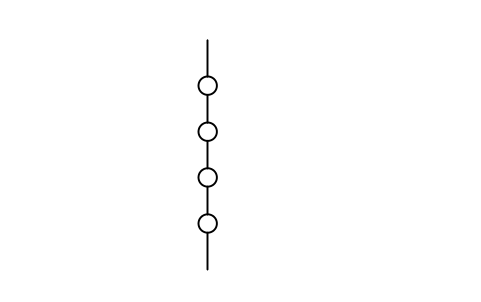
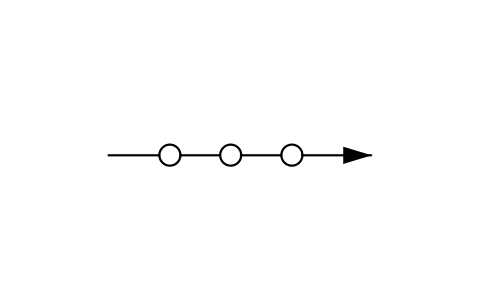
- Choose the shape for the kind of device: a circle in a square is a shared display or shared control function, a hexagon is a computer function, a diamond is logic or sequential control. The line across the symbol shows where the operator reaches it: one line for normally accessible, two lines for an auxiliary interface device, no line for not accessible. Computation blocks are small squares with the function mark inside, and the system link is a line with small circles.
- Double-click the block (or run EATTEDIT) and fill in the function letters, the loop number and the instrument data.
About ISA 5.3 and ISA 5.1
ISA 5.3-1983, Graphic Symbols for Distributed Control/Shared Display Instrumentation, Logic and Computer Systems, was written for control systems with microprocessors and shared displays. Its content has since been merged into ISA 5.1-2009, which no longer exists as a separate document, but drawings, specifications and engineers still refer to ISA 5.3. This library follows the figures and the grouping of ISA 5.3. For discrete instruments, valves, primary elements and signal lines see the ISA 5.1 library, and use the two together.
These symbols are our own drawings after the figures of the standard. They are not copied from it, and the library is not certified against it. Company and project standards often differ in details such as the bubble size; change a block if your legend differs.
Frequently asked questions
- ISA 5.3 was merged into ISA 5.1. Why a separate library?
- Because people still look for it by that name, and many existing drawings and specifications are written to ISA 5.3. The library collects its symbols and example loops in one file, named the way you search for them. The same shapes appear in the ISA 5.1 library as the shared, computer and logic bubbles.
- How is this library different from the ISA 5.1 library?
- The ISA 5.1 library is the broad one: instrument bubbles for every location, primary elements, signal lines, valves and actuators. This library is focused on distributed control and adds what ISA 5.3 shows beyond the bubbles: computation blocks, system links, software alarm marks and the complete example loops. The devices needed to finish a loop are included here too.
- Can I use the symbols in commercial projects?
- Yes. They are free to use and modify in your own projects, including commercial ones. They are provided as is, without warranty.
- Can I use the symbols in commercial projects?
- Yes. They are free to use and modify in your own projects, including commercial ones. They are provided as is, without warranty.
- Can I change a symbol or add attributes?
- Yes. Open the DWG, edit a block with BEDIT to change it or add attributes, and save. To update drawings that already contain the block, run ATTSYNC or replace the block. Make a backup first: attribute values can be lost if ATTSYNC is used carelessly.
- Where do I find a ready-made set of these symbols for AutoCAD?
- AutoCAD itself ships only a small set of sample blocks, so a full symbol set has to come from a library. Download the ZIP on this page and open the DWG: every symbol is a block. Insert one with INSERT (Blocks palette, Libraries tab, then pick the DWG) or drag it from DesignCenter (ADCENTER). You can also download a single symbol on its own.
Count the symbols and build a parts list
Because ratings and part numbers are attributes, the symbols of a whole project can be counted and listed without opening the drawings. Export the blocks to Excel, total them with a pivot table and write corrections back in one run, with preview and backup.
See how to count blocks with BlockSync