
RecursosBibliotecas de símbolos DWG
Free AutoCAD electrical symbols, ANSI/IEEE 315 style (DWG): contacts, pushbuttons, coils, breakers, transformers, motors
Electrical symbols, ANSI/IEEE 315 style: 79 ready-made AutoCAD blocks (DWG), free to download and use in your own projects, as a ZIP or one symbol at a time.
79 electrical symbols as ready-to-use AutoCAD blocks in the US style of IEEE Std 315 (ANSI Y32.2): normally open and closed contacts, also with time delay, pushbuttons, blade and selector switches, flow, level, pressure and temperature switches, limit switches, operating coils, contactors, fuses, circuit breakers, grounds, transformers, motors and generators, resistors, capacitors, batteries, meters, lamps and the circle of a protective device number. The device tag, ratings and part numbers sit in attributes, so a control or one-line diagram can be read straight into a device list.
Version 1.0 · updated 17 de outubro de 2026
Using AutoCAD 2017 or an earlier version? Download the 2010 format
Free to use and modify in your own projects, including commercial ones. The ZIP holds one plain DWG file in AutoCAD 2018 format and a README; no add-in needed. Provided as is, without warranty.
Related symbol libraries
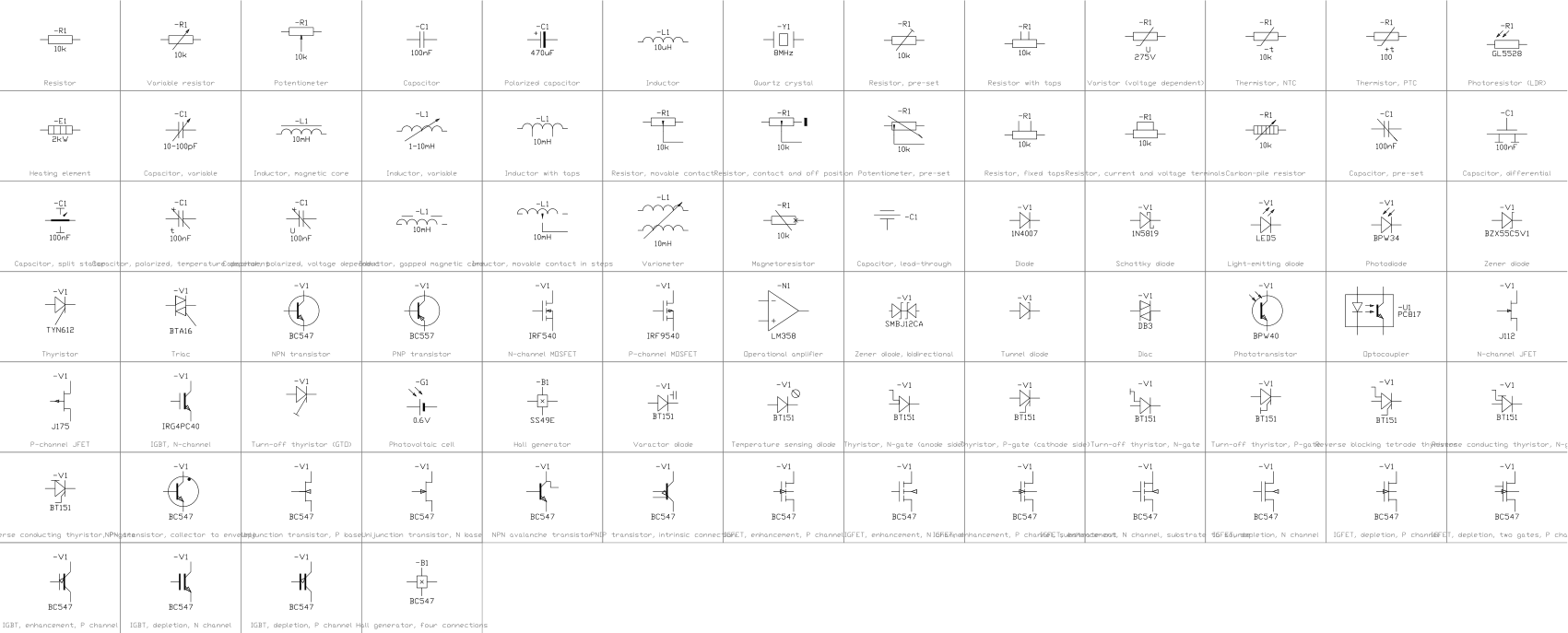
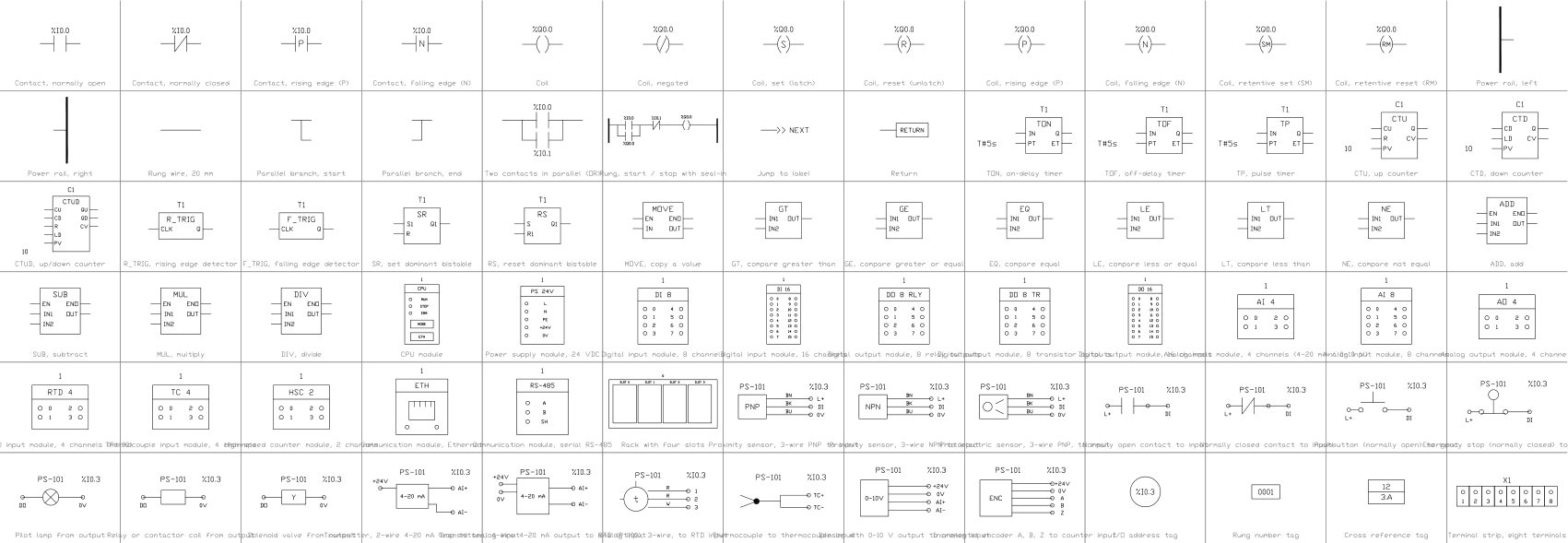
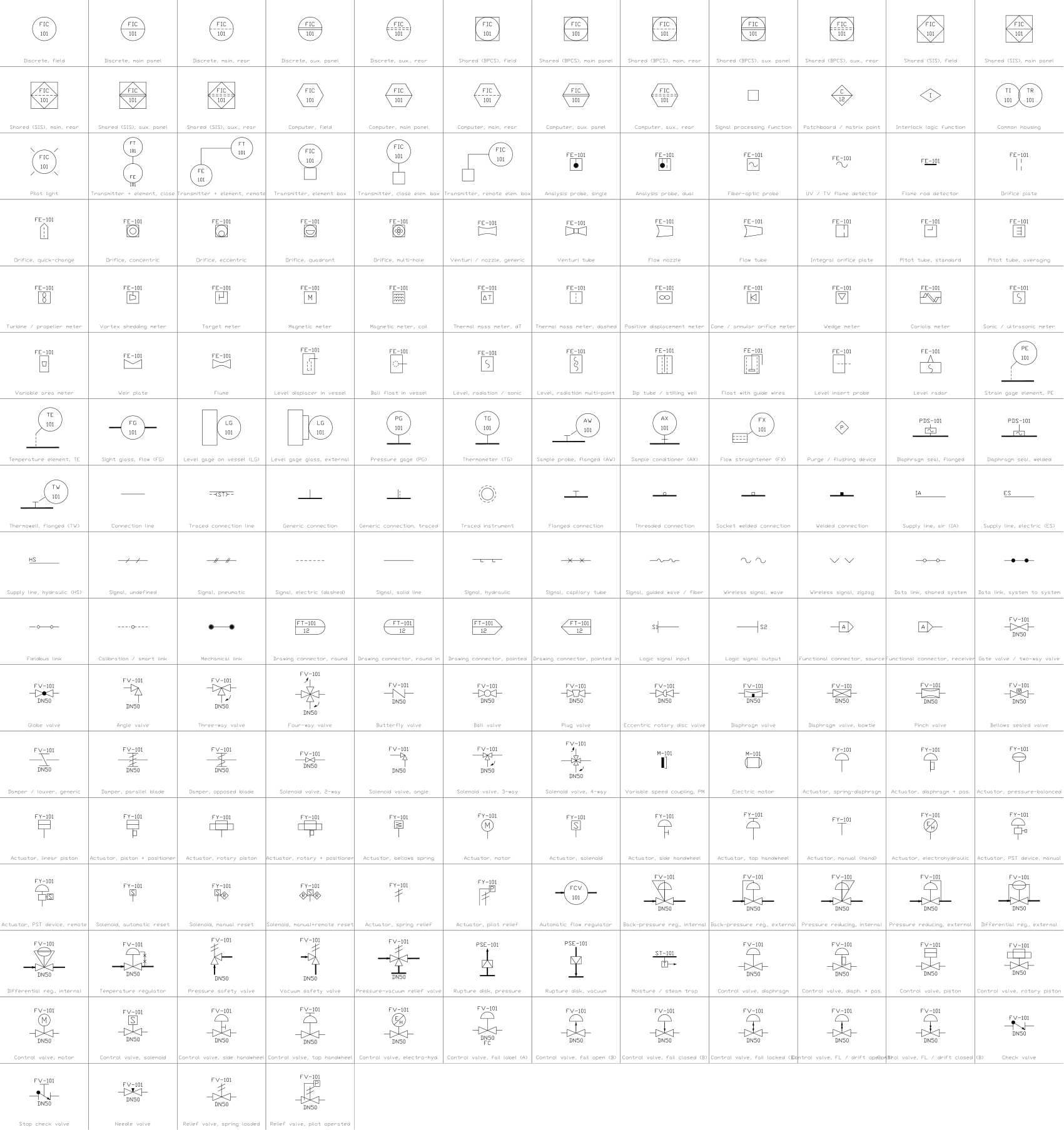
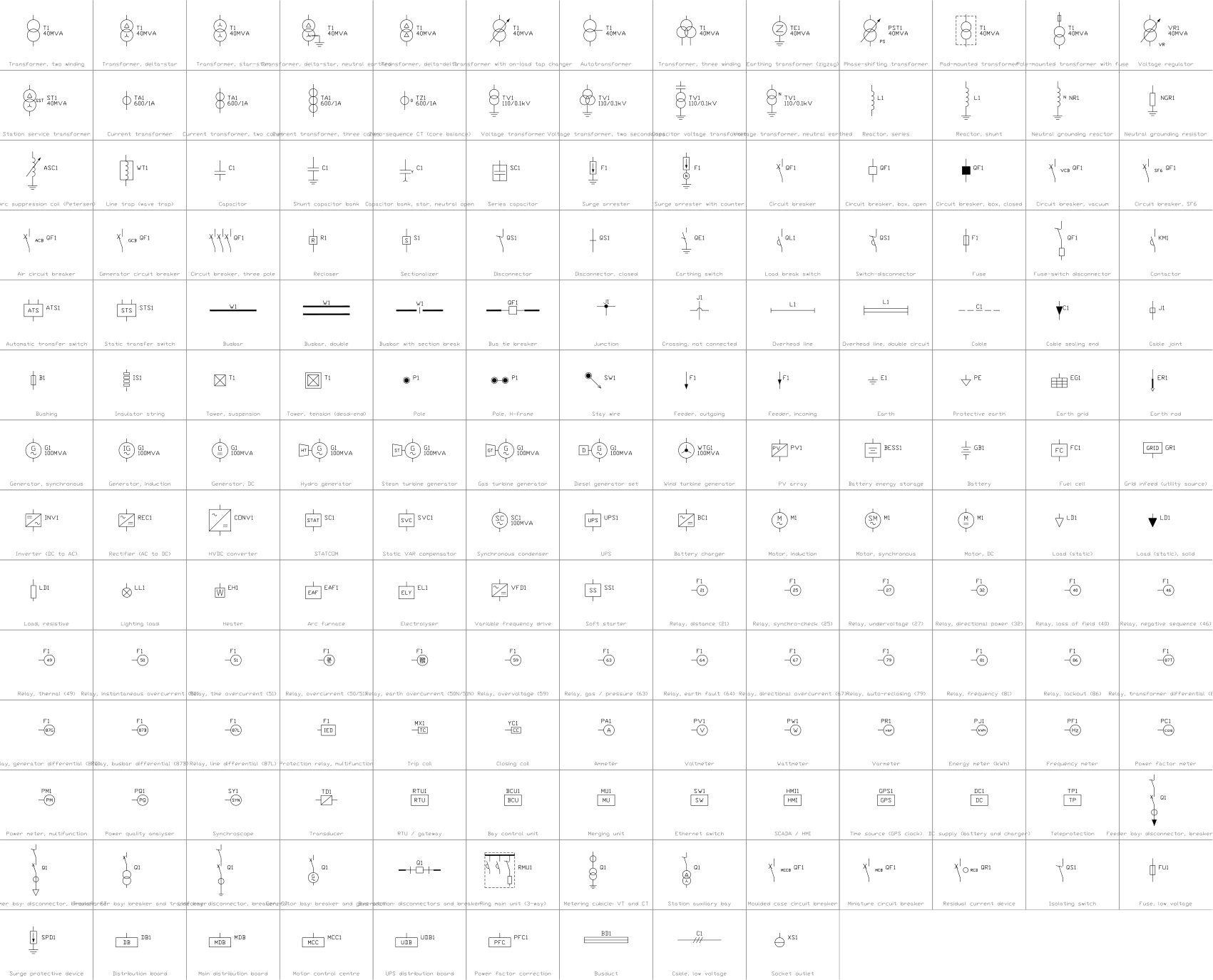
Combina bem com estas ferramentas
 Precisa contar estes símbolos nos seus desenhos?Exporte para o Excel todos os símbolos e atributos de um conjunto de desenhos, edite as linhas e grave de volta.Ver o BlockSync
 Revisou um símbolo e precisa saber o que mudou?Compare duas revisões de um conjunto de desenhos bloco a bloco e receba um relatório do que foi adicionado, removido ou modificado.Ver o BlockCompare
 Quais desenhos usam este símbolo?Pesquise blocos e textos em centenas de desenhos de uma vez e vá direto ao resultado.Ver o DwgSearch
All 79 symbols
79 de 79 símbolos
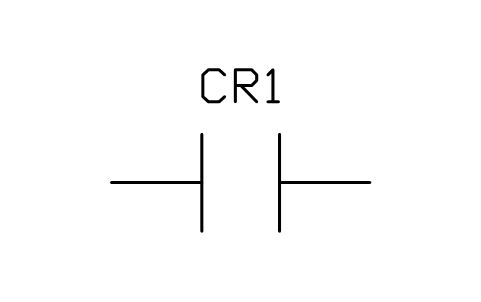
Contact, normally open (make)
IEEE_CONTACT_NOAtributos
TAGDEVICERATINGPART_NOMANUFACTURERREMARKSDESC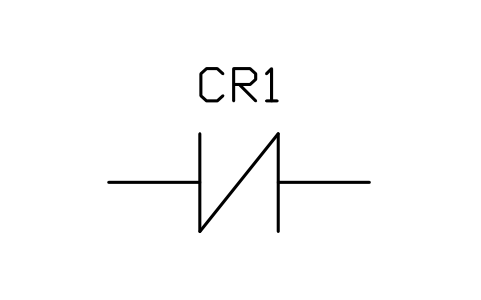
Contact, normally closed (break)
IEEE_CONTACT_NCAtributos
TAGDEVICERATINGPART_NOMANUFACTURERREMARKSDESC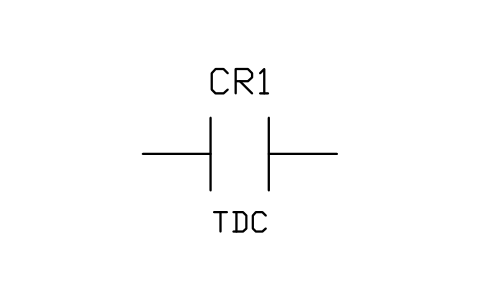
Contact, normally open, time delay closing (TDC)
IEEE_CONTACT_NO_TDCAtributos
TAGDEVICERATINGPART_NOMANUFACTURERREMARKSDESC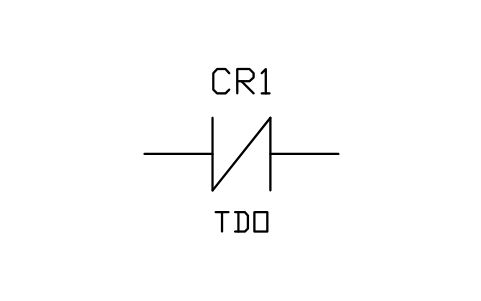
Contact, normally closed, time delay opening (TDO)
IEEE_CONTACT_NC_TDOAtributos
TAGDEVICERATINGPART_NOMANUFACTURERREMARKSDESC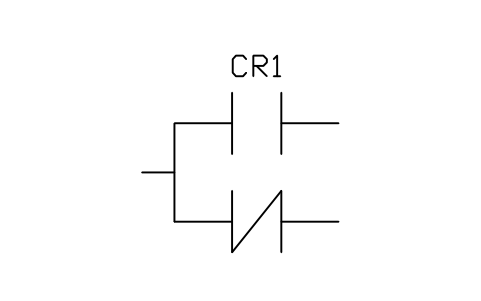
Contact, transfer (one open, one closed)
IEEE_CONTACT_TRANSFERAtributos
TAGDEVICERATINGPART_NOMANUFACTURERREMARKSDESC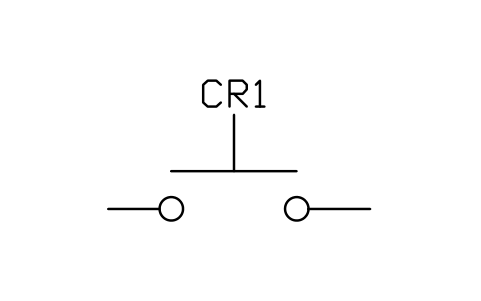
Pushbutton, circuit closing (normally open)
IEEE_PB_NOAtributos
TAGDEVICERATINGPART_NOMANUFACTURERREMARKSDESC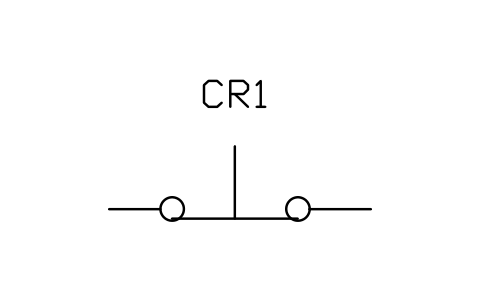
Pushbutton, circuit opening (normally closed)
IEEE_PB_NCAtributos
TAGDEVICERATINGPART_NOMANUFACTURERREMARKSDESC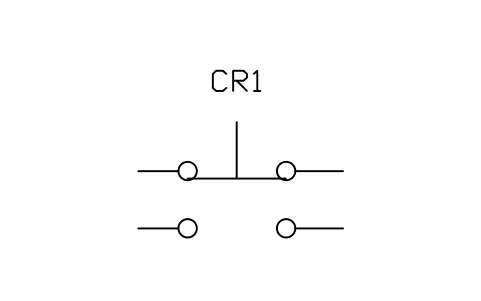
Pushbutton, two-circuit
IEEE_PB_TWO_CIRCUITAtributos
TAGDEVICERATINGPART_NOMANUFACTURERREMARKSDESC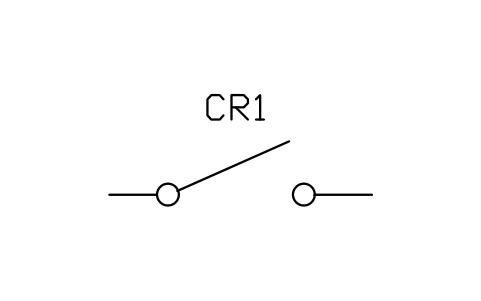
Switch, single throw, open
IEEE_SWITCH_SPST_OPENAtributos
TAGDEVICERATINGPART_NOMANUFACTURERREMARKSDESC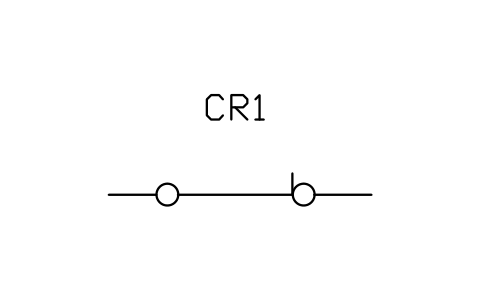
Switch, single throw, closed
IEEE_SWITCH_SPST_CLOSEDAtributos
TAGDEVICERATINGPART_NOMANUFACTURERREMARKSDESC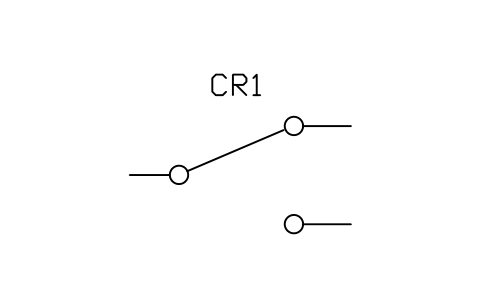
Switch, two-position transfer
IEEE_SWITCH_SPDTAtributos
TAGDEVICERATINGPART_NOMANUFACTURERREMARKSDESC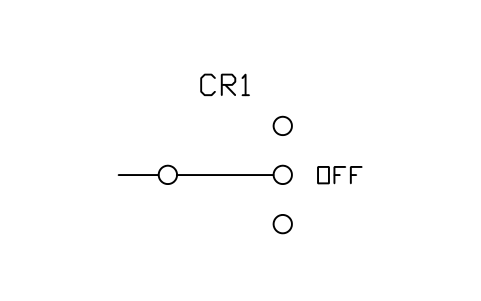
Switch, three-position with OFF
IEEE_SWITCH_3POS_OFFAtributos
TAGDEVICERATINGPART_NOMANUFACTURERREMARKSDESC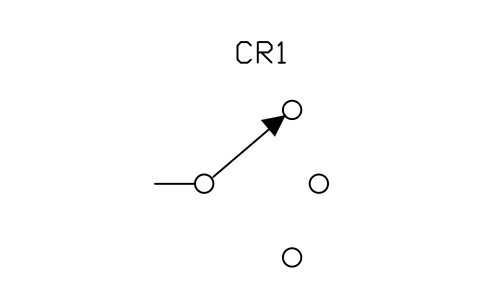
Selector switch, three positions
IEEE_SELECTOR_3POSAtributos
TAGDEVICERATINGPART_NOMANUFACTURERREMARKSDESC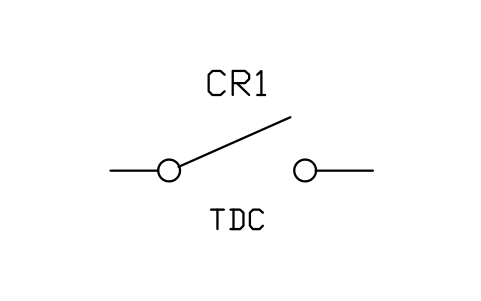
Switch, open, time delay closing (TDC)
IEEE_SWITCH_OPEN_TDCAtributos
TAGDEVICERATINGPART_NOMANUFACTURERREMARKSDESC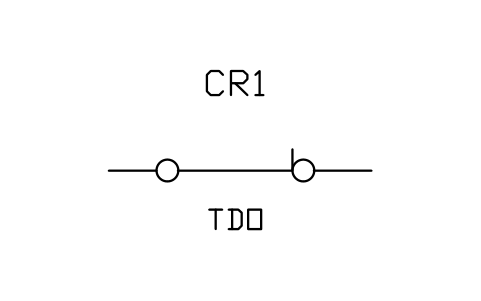
Switch, closed, time delay opening (TDO)
IEEE_SWITCH_CLOSED_TDOAtributos
TAGDEVICERATINGPART_NOMANUFACTURERREMARKSDESC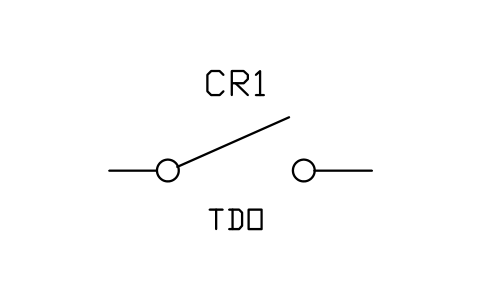
Switch, open, time delay opening (TDO)
IEEE_SWITCH_OPEN_TDOAtributos
TAGDEVICERATINGPART_NOMANUFACTURERREMARKSDESC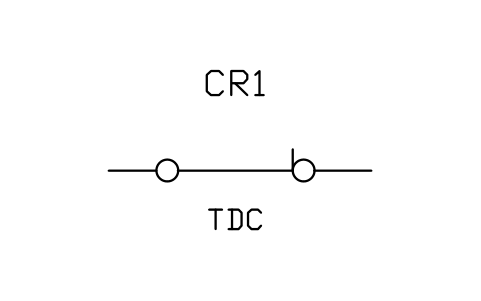
Switch, closed, time delay closing (TDC)
IEEE_SWITCH_CLOSED_TDCAtributos
TAGDEVICERATINGPART_NOMANUFACTURERREMARKSDESC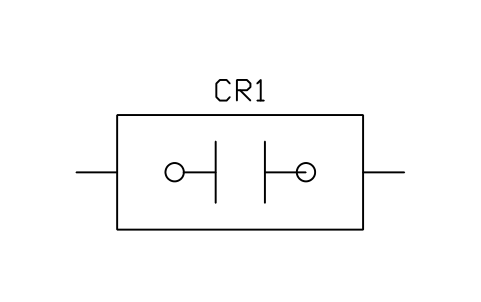
Limit switch, circuit closing (normally open)
IEEE_LIMIT_NOAtributos
TAGDEVICERATINGPART_NOMANUFACTURERREMARKSDESC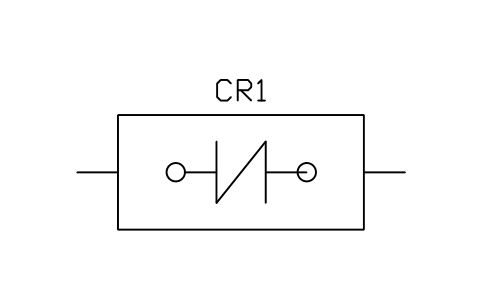
Limit switch, circuit opening (normally closed)
IEEE_LIMIT_NCAtributos
TAGDEVICERATINGPART_NOMANUFACTURERREMARKSDESC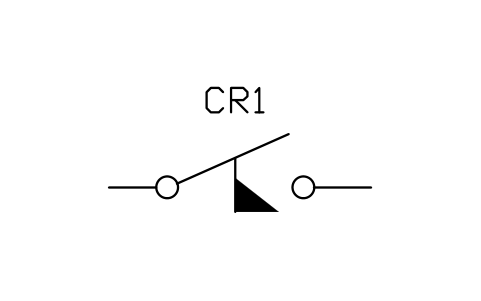
Flow switch, closes on rise
IEEE_FLOW_CLOSESAtributos
TAGDEVICERATINGPART_NOMANUFACTURERREMARKSDESC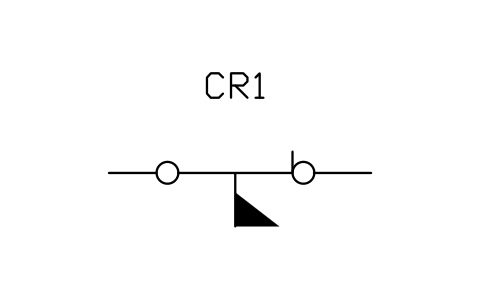
Flow switch, opens on rise
IEEE_FLOW_OPENSAtributos
TAGDEVICERATINGPART_NOMANUFACTURERREMARKSDESC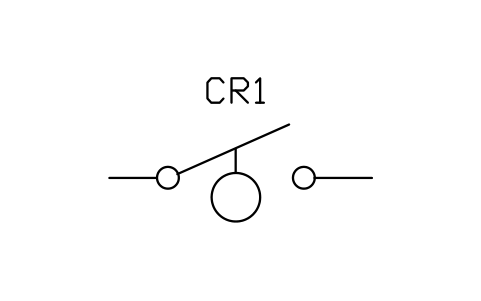
Level switch, closes on rise
IEEE_LEVEL_CLOSESAtributos
TAGDEVICERATINGPART_NOMANUFACTURERREMARKSDESC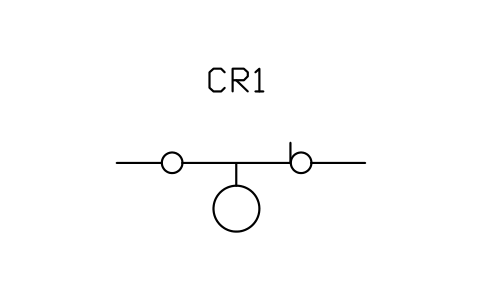
Level switch, opens on rise
IEEE_LEVEL_OPENSAtributos
TAGDEVICERATINGPART_NOMANUFACTURERREMARKSDESC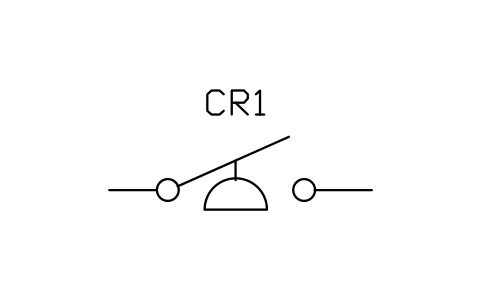
Pressure or vacuum switch, closes on rise
IEEE_PRESSURE_CLOSESAtributos
TAGDEVICERATINGPART_NOMANUFACTURERREMARKSDESC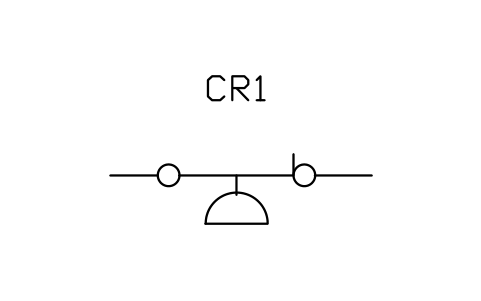
Pressure or vacuum switch, opens on rise
IEEE_PRESSURE_OPENSAtributos
TAGDEVICERATINGPART_NOMANUFACTURERREMARKSDESC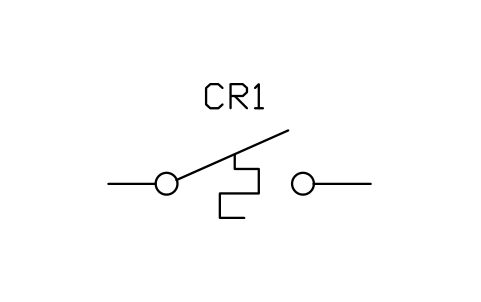
Temperature switch, closes on rise
IEEE_TEMP_CLOSESAtributos
TAGDEVICERATINGPART_NOMANUFACTURERREMARKSDESC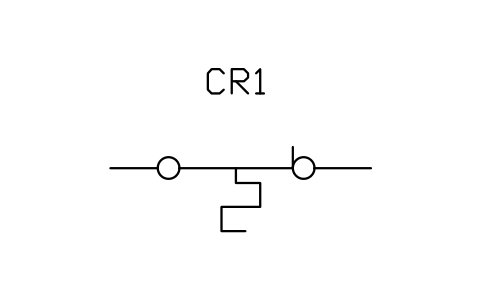
Temperature switch, opens on rise
IEEE_TEMP_OPENSAtributos
TAGDEVICERATINGPART_NOMANUFACTURERREMARKSDESC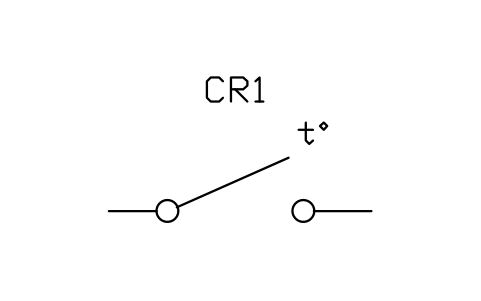
Thermostat, closes on rising temperature
IEEE_THERMOSTAT_CLOSESAtributos
TAGDEVICERATINGPART_NOMANUFACTURERREMARKSDESC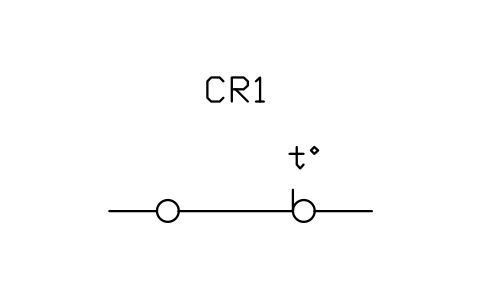
Thermostat, opens on rising temperature
IEEE_THERMOSTAT_OPENSAtributos
TAGDEVICERATINGPART_NOMANUFACTURERREMARKSDESC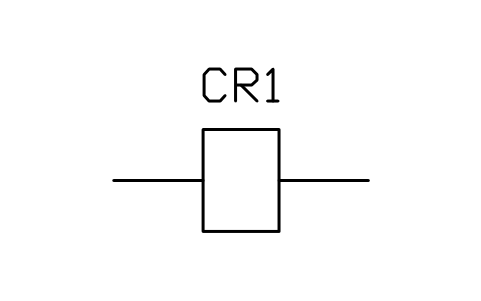
Operating coil, rectangle
IEEE_COIL_RECTAtributos
TAGDEVICEVOLTAGEPART_NOMANUFACTURERREMARKSDESC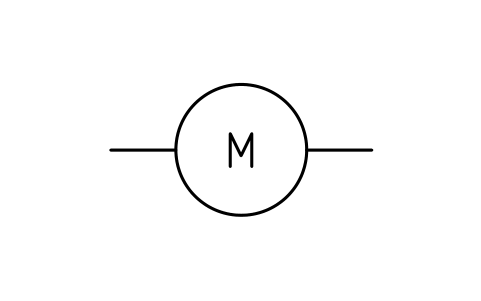
Operating coil, circle with designation
IEEE_COIL_CIRCLEAtributos
TAGDESIGNATIONVOLTAGEPART_NOMANUFACTURERREMARKSDESC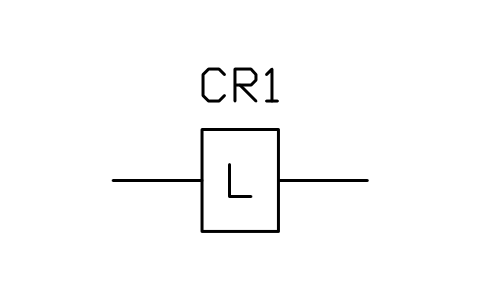
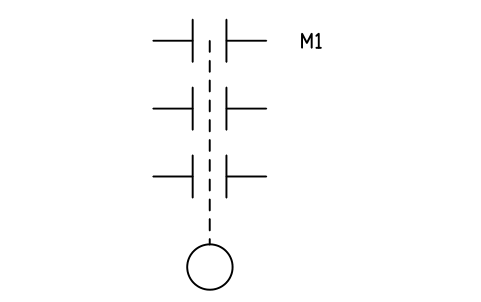
Contactor, three poles with operating coil
IEEE_CONTACTOR_3PAtributos
TAGDEVICERATINGPART_NOMANUFACTURERREMARKSDESC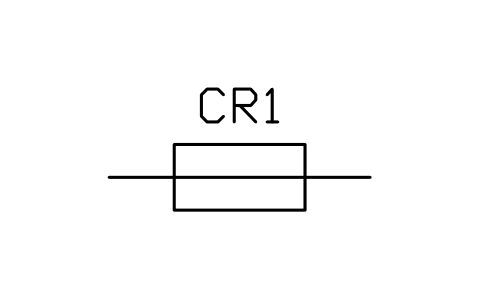
Fuse, rectangle with line
IEEE_FUSE_LINEAtributos
TAGDEVICERATINGPART_NOMANUFACTURERREMARKSDESC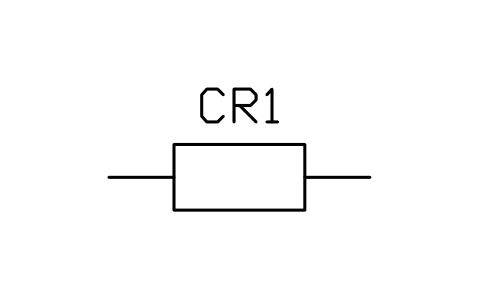
Fuse, rectangle
IEEE_FUSE_BOXAtributos
TAGDEVICERATINGPART_NOMANUFACTURERREMARKSDESC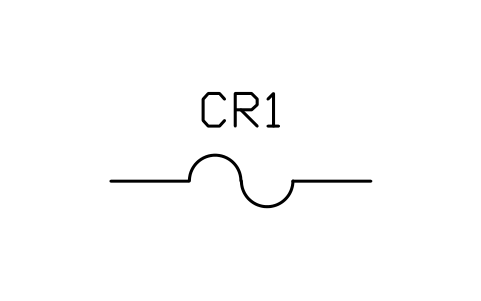
Fuse, wavy line
IEEE_FUSE_WAVYAtributos
TAGDEVICERATINGPART_NOMANUFACTURERREMARKSDESC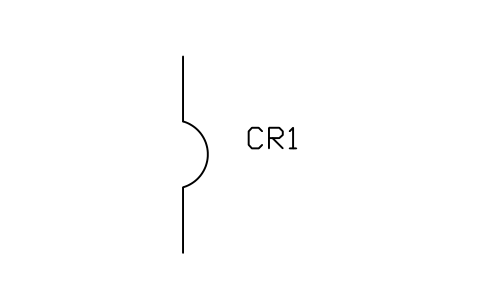
Circuit breaker, general
IEEE_BREAKER_GENERALAtributos
TAGDEVICERATINGPART_NOMANUFACTURERREMARKSDESC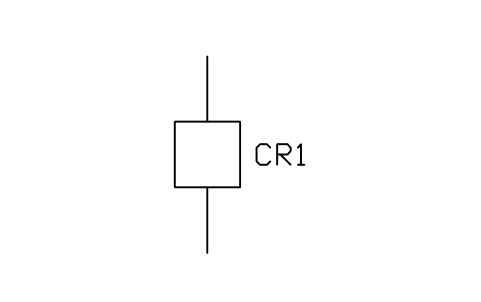
Circuit breaker, single pole (one-line)
IEEE_BREAKER_1PAtributos
TAGDEVICERATINGPART_NOMANUFACTURERREMARKSDESC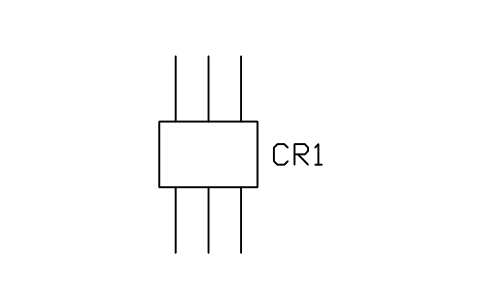
Circuit breaker, three poles
IEEE_BREAKER_3PAtributos
TAGDEVICERATINGPART_NOMANUFACTURERREMARKSDESC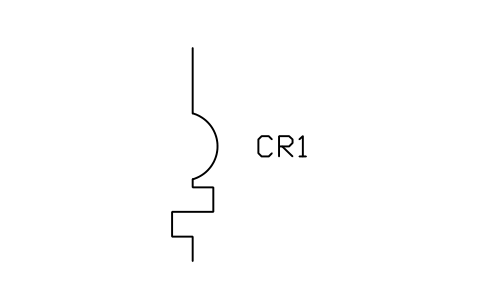
Circuit breaker with thermal overload device
IEEE_BREAKER_THERMALAtributos
TAGDEVICERATINGPART_NOMANUFACTURERREMARKSDESC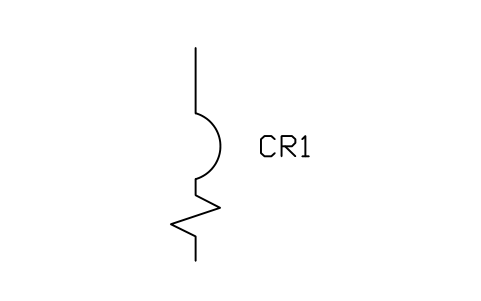
Circuit breaker with magnetic overload device
IEEE_BREAKER_MAGNETICAtributos
TAGDEVICERATINGPART_NOMANUFACTURERREMARKSDESC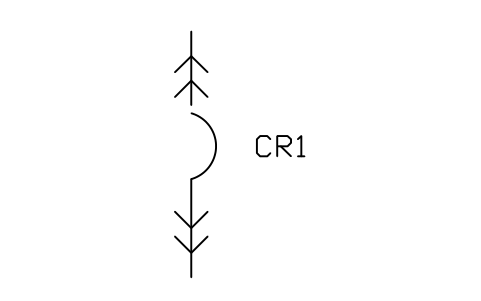
Circuit breaker, drawout type
IEEE_BREAKER_DRAWOUTAtributos
TAGDEVICERATINGPART_NOMANUFACTURERREMARKSDESC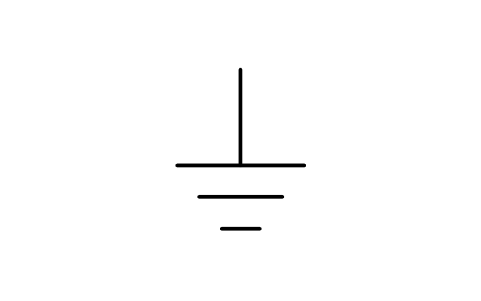
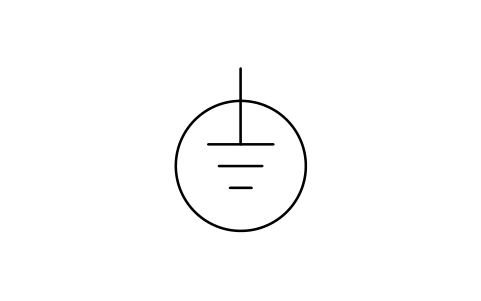
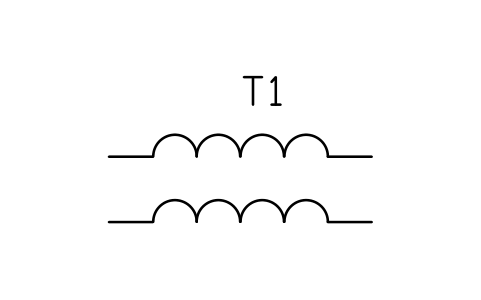
Transformer, two windings (coil form)
IEEE_TRANSFORMER_COILSAtributos
TAGDEVICERATINGVOLTAGE_PRIMARYVOLTAGE_SECONDARYIMPEDANCEPART_NOMANUFACTURERREMARKSDESC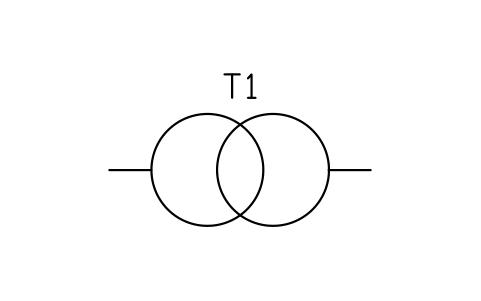
Transformer, two windings (circle form)
IEEE_TRANSFORMER_CIRCLESAtributos
TAGDEVICERATINGVOLTAGE_PRIMARYVOLTAGE_SECONDARYIMPEDANCEPART_NOMANUFACTURERREMARKSDESC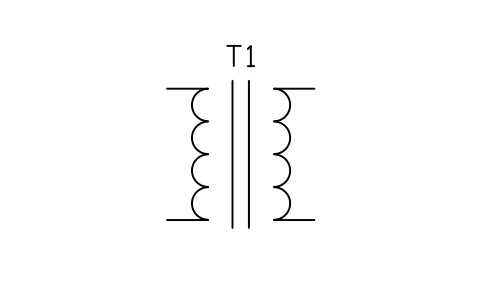
Transformer with magnetic core
IEEE_TRANSFORMER_COREAtributos
TAGDEVICERATINGVOLTAGE_PRIMARYVOLTAGE_SECONDARYIMPEDANCEPART_NOMANUFACTURERREMARKSDESC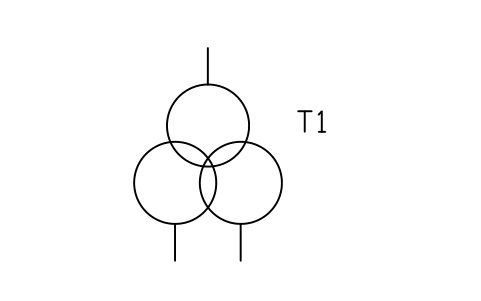
Transformer, three windings (circle form)
IEEE_TRANSFORMER_3WAtributos
TAGDEVICERATINGVOLTAGE_PRIMARYVOLTAGE_SECONDARYIMPEDANCEPART_NOMANUFACTURERREMARKSDESC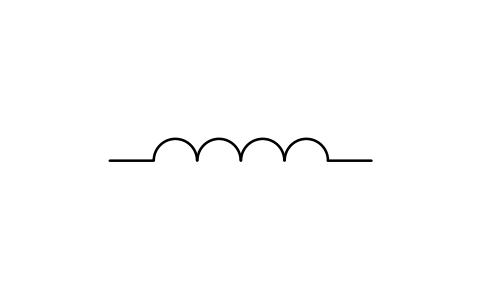
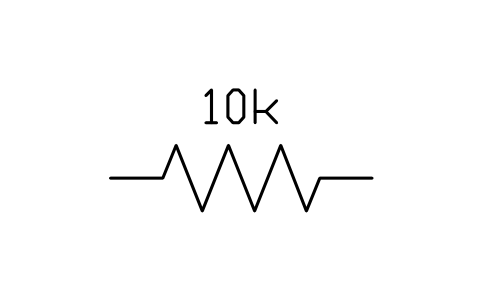
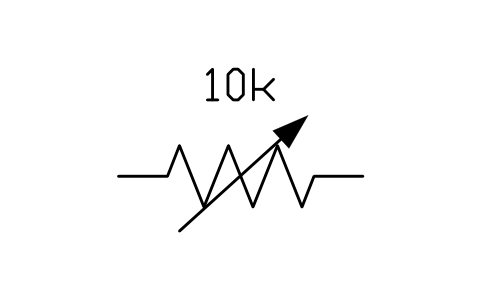
Resistor, adjustable (rheostat)
IEEE_RESISTOR_VARIABLEAtributos
TAGVALUEPOWERREMARKSDESC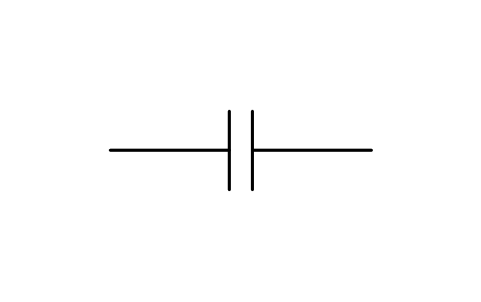
Capacitor, two parallel lines
IEEE_CAPACITOR_1Atributos
TAGVALUEVOLTAGEPART_NOREMARKSDESC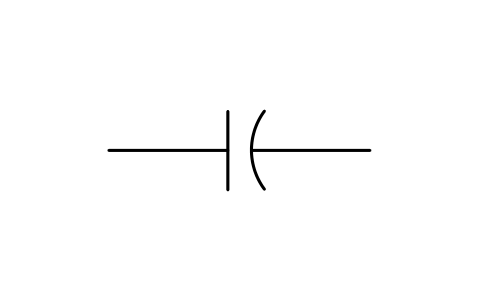
Capacitor, straight and curved line
IEEE_CAPACITOR_2Atributos
TAGVALUEVOLTAGEPART_NOREMARKSDESC
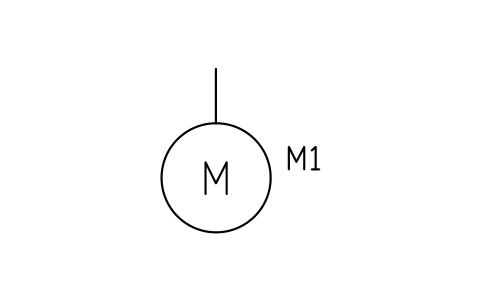
Motor, general
IEEE_MOTORAtributos
TAGDEVICERATINGVOLTAGEPHASESSPEED_RPMPART_NOMANUFACTURERREMARKSDESC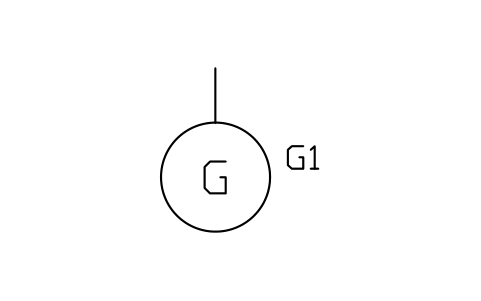
Generator, general
IEEE_GENERATORAtributos
TAGDEVICERATINGVOLTAGEPHASESSPEED_RPMPART_NOMANUFACTURERREMARKSDESC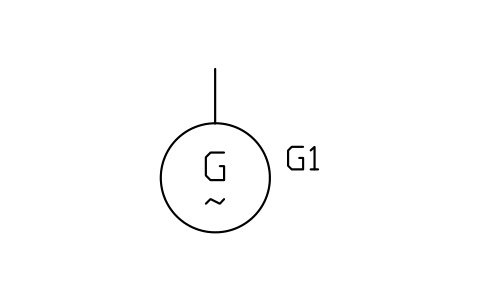
Generator, alternating current
IEEE_GENERATOR_ACAtributos
TAGDEVICERATINGVOLTAGEPHASESSPEED_RPMPART_NOMANUFACTURERREMARKSDESC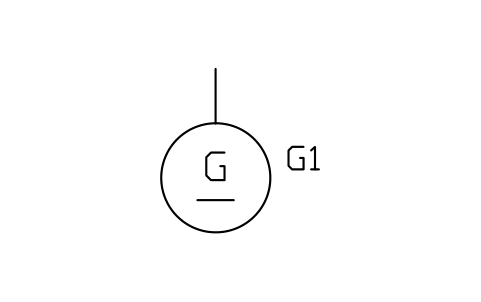
Generator, direct current
IEEE_GENERATOR_DCAtributos
TAGDEVICERATINGVOLTAGEPHASESSPEED_RPMPART_NOMANUFACTURERREMARKSDESC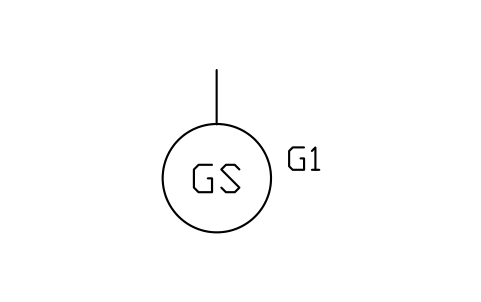
Generator, synchronous
IEEE_GENERATOR_SYNCAtributos
TAGDEVICERATINGVOLTAGEPHASESSPEED_RPMPART_NOMANUFACTURERREMARKSDESC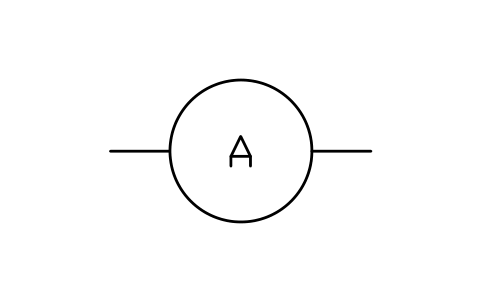
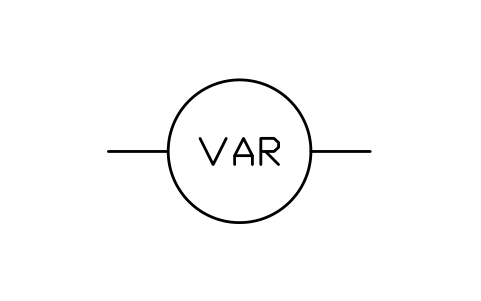
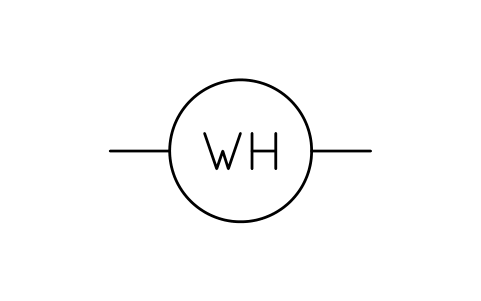
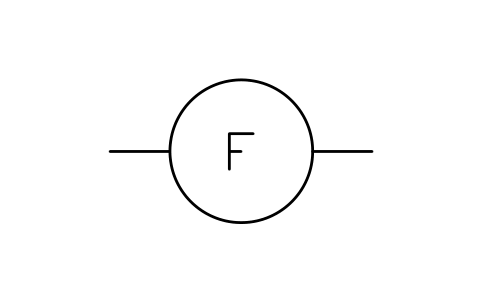
Meter, generic with letters
IEEE_METER_GENERICAtributos
TAGLETTERSRANGEPART_NOMANUFACTURERREMARKSDESC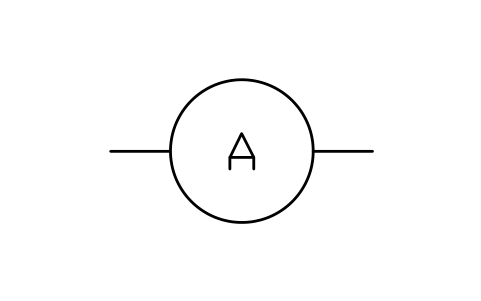
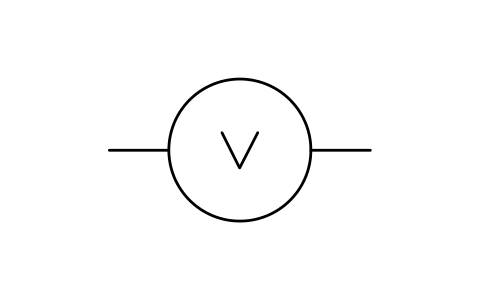
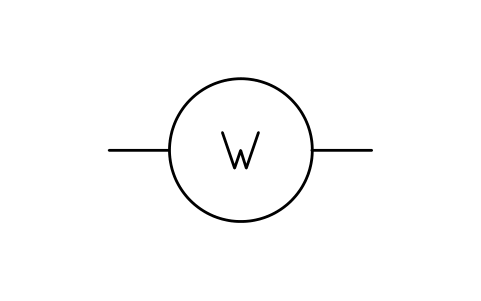
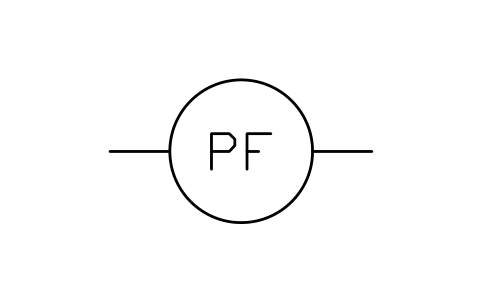
Power factor meter
IEEE_METER_PFAtributos
TAGDEVICERANGEPART_NOMANUFACTURERREMARKSDESC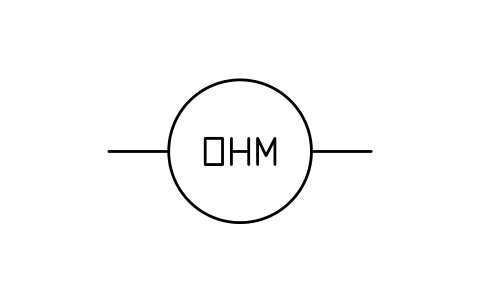
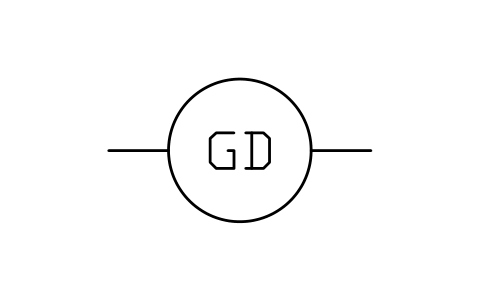
Ground detector
IEEE_METER_GDAtributos
TAGDEVICERANGEPART_NOMANUFACTURERREMARKSDESC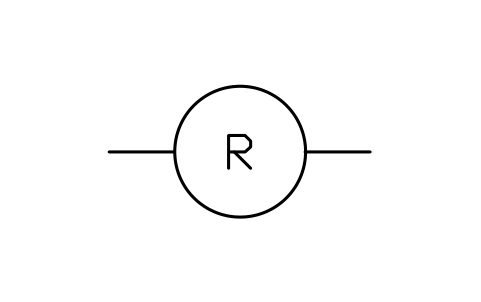
Pilot light, circle with colour letter
IEEE_LAMP_PILOTAtributos
TAGCOLORDEVICEPART_NOREMARKSDESC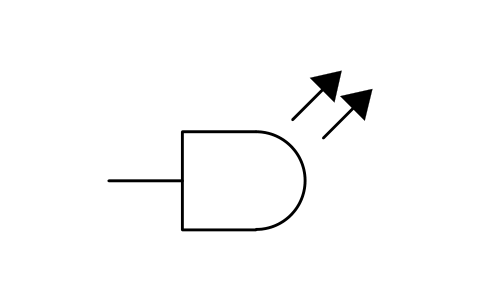
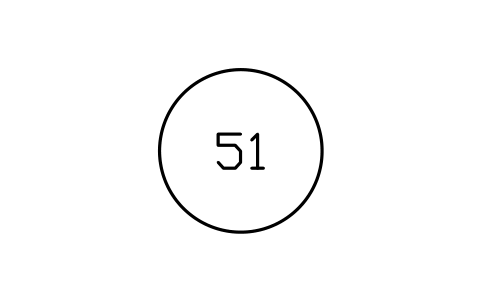
Protective device number, circle
IEEE_DEVICE_NUMBERAtributos
TAGFUNCTIONDESCRIPTIONSETTINGREMARKSDESC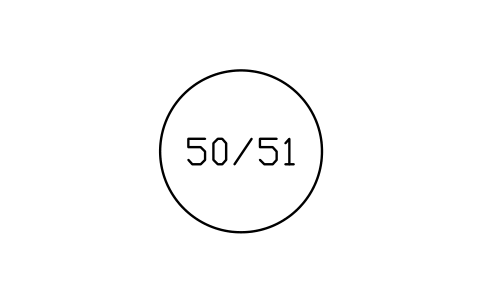
Protective device numbers, circle with two functions
IEEE_DEVICE_NUMBER_DUALAtributos
TAGFUNCTIONDESCRIPTIONSETTINGREMARKSDESC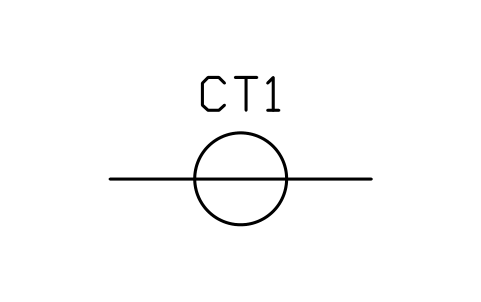
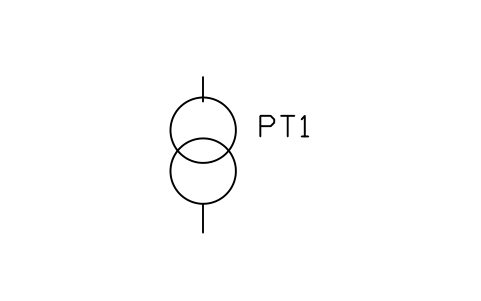
Potential (voltage) transformer (one-line)
IEEE_PTAtributos
TAGDEVICERATIOREMARKSDESC
Faltou um símbolo? Diga qual.
Attributes for parts lists
Every symbol has a visible DEVICE attribute for its designation (for example CR1 for a relay, FS-101 for a flow switch, M1 for a motor), shown next to the symbol; coils, pilot lights and device number circles show it inside the circle. Ratings, voltages, part numbers and manufacturer are invisible attributes: RATING, VOLTAGE, PART_NO and MANUFACTURER; transformers also carry the primary and secondary voltage and the impedance.
Export the blocks of all diagrams to Excel with BlockSync to build a device list or a motor list, check it, and write corrections back in one run, with preview and backup.
How to use the library
- Unzip the file and open the DWG. Copy the symbols you need into your plan, or drag the blocks in from DesignCenter (ADCENTER).
- The blocks are drawn at plotted size in millimetres (text 2.5 mm). Insert them at scale 1 in a layout, or at the scale of your drawing in model space.
- Contacts, switches, coils and passive parts sit on a horizontal wire 20 mm long, so they chain without gaps; the insertion point is the left end. Breakers, fuses and grounds hang from their top terminal. Motors, generators and meters are inserted at the centre of the circle.
- Double-click a block (or run EATTEDIT) to enter the designation and the ratings. The process-actuated switches show the contact state at a rising value: an open blade means it closes on rise, a closed blade means it opens on rise.
About IEEE 315 and what we claim
IEEE Std 315-1975 (ANSI Y32.2-1975), Graphic Symbols for Electrical and Electronics Diagrams, is the US standard for these symbols. It shows several forms for most items, so two drawings that both follow the standard can still look different.
The symbols are our own drawings after the symbol tables of the standard, not copies, and the library is not certified against it. The pilot light and the protective device number circles follow common US practice rather than a table of 315. Check your company or client standard before you rely on a shape.
Frequently asked questions
- Do these symbols follow ANSI/IEEE 315?
- They are drawn after its symbol tables, using one form for each item, but the library is not certified. The standard allows several forms for most items, so check which one your client requires.
- Are these IEC or ANSI symbols?
- They are in the US style of IEEE Std 315, also published as ANSI Y32.2: parallel-line contacts, circles for motors and so on. For the European style see our IEC 60617 library.
- Can I use the symbols in commercial projects?
- Yes. They are free to use and modify in your own projects, including commercial ones. They are provided as is, without warranty.
- How do I build a device list from the diagrams?
- Export the blocks of all diagrams to Excel with BlockSync: one row per block with its DEVICE tag, rating and part number. Sort and check the list there, and write corrections back in one run, with preview and backup.
- Can I change a symbol or add attributes?
- Yes. Open the DWG, edit a block with BEDIT to change it or add attributes, and save. To update drawings that already contain the block, run ATTSYNC or replace the block. Make a backup first: attribute values can be lost if ATTSYNC is used carelessly.
- Where do I find a ready-made set of these symbols for AutoCAD?
- AutoCAD itself ships only a small set of sample blocks, so a full symbol set has to come from a library. Download the ZIP on this page and open the DWG: every symbol is a block. Insert one with INSERT (Blocks palette, Libraries tab, then pick the DWG) or drag it from DesignCenter (ADCENTER). You can also download a single symbol on its own.
Count the symbols and build a parts list
Because ratings and part numbers are attributes, the symbols of a whole project can be counted and listed without opening the drawings. Export the blocks to Excel, total them with a pivot table and write corrections back in one run, with preview and backup.
See how to count blocks with BlockSync