ResourcesSeptic tank and on-site wastewater
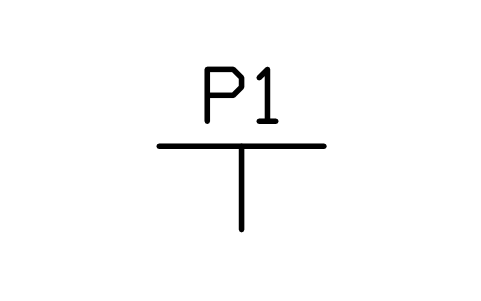
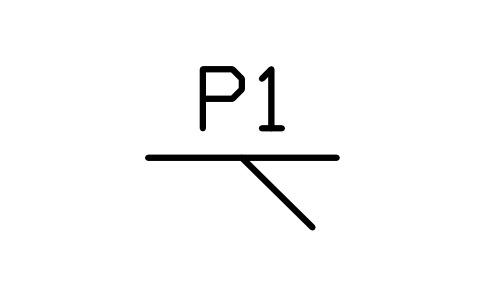
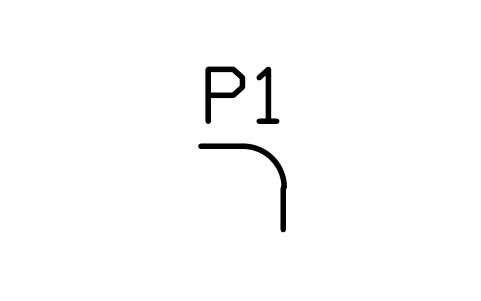
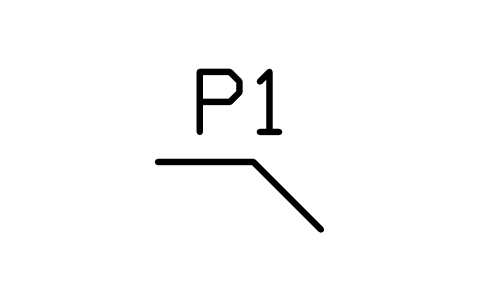
Check valve symbol (DWG block)
Check valve is a ready-to-use AutoCAD block named SEP_VALVE_CHECK in the Septic tank and on-site wastewater, group “Fittings and valves”. It carries 8 attributes, 1 of them visible, so it works in equipment lists and DATAEXTRACTION exports.
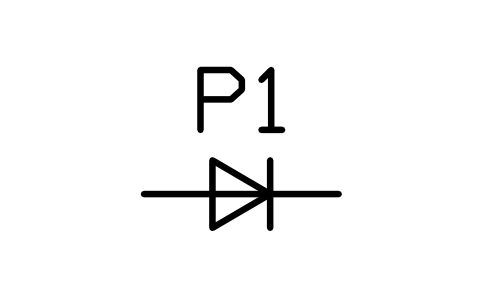
Block details
| Block name | SEP_VALVE_CHECK |
|---|---|
| Library | Septic tank and on-site wastewater |
| Group | Fittings and valves |
| Attributes | 8 attributes, 1 visible |
Attributes
Visible on the drawing: TAG.
Hidden, they carry the data for schedules: ITEM_TYPE, SIZE, MATERIAL, MANUFACTURER, MODEL, REMARKS, DESC.
How to use it
- Download the ZIP and unzip it. It holds one DWG with the block SEP_VALVE_CHECK.
- Open the DWG and copy the block into your drawing, or insert it from the DWG with INSERT.
- Double-click a copy to fill in the tag and the other attributes.
The symbol is our own drawing after the common form of Septic tank and on-site wastewater, not a certified copy. The library page explains how the symbols relate to the standard.
Names in other languages
The same symbol under its name in the other site languages.
- English
- Check valve
- Simplified Chinese
- 止回阀
- Traditional Chinese
- 止回閥
- Japanese
- 逆止弁
- Korean
- 체크 밸브
- German
- Rückschlagventil
- French
- Clapet anti-retour
- Italian
- Valvola di ritegno
- Spanish
- Válvula de retención