
ResourcesSeptic tank and on-site wastewater
Effluent filter symbol (DWG block)
Effluent filter is a ready-to-use AutoCAD block named SEP_EFF_FILTER in the Septic tank and on-site wastewater, group “Treatment units and filters”. It carries 11 attributes, 1 of them visible, so it works in equipment lists and DATAEXTRACTION exports.

Block details
| Block name | SEP_EFF_FILTER |
|---|---|
| Library | Septic tank and on-site wastewater |
| Group | Treatment units and filters |
| Attributes | 11 attributes, 1 visible |
Attributes
Visible on the drawing: TAG.
Hidden, they carry the data for schedules: UNIT_TYPE, SIZE, DESIGN_FLOW_L_D, DESIGN_FLOW_GPD, MATERIAL, POWER_W, MANUFACTURER, MODEL, REMARKS, DESC.
How to use it
- Download the ZIP and unzip it. It holds one DWG with the block SEP_EFF_FILTER.
- Open the DWG and copy the block into your drawing, or insert it from the DWG with INSERT.
- Double-click a copy to fill in the tag and the other attributes.
The symbol is our own drawing after the common form of Septic tank and on-site wastewater, not a certified copy. The library page explains how the symbols relate to the standard.
Names in other languages
The same symbol under its name in the other site languages.
- English
- Effluent filter
- Simplified Chinese
- 出水滤网
- Traditional Chinese
- 出水濾網
- Japanese
- 流出ろ過フィルター
- Korean
- 유출수 필터
- German
- Auslauffilter
- French
- Filtre de sortie
- Italian
- Filtro di uscita
- Spanish
- Filtro de salida
More symbols in the group “Treatment units and filters”
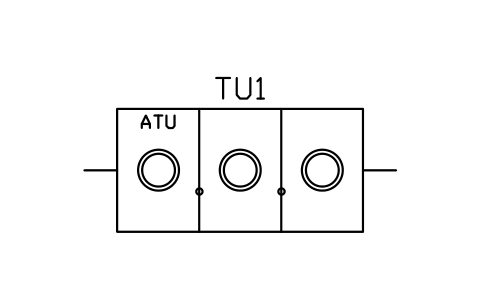 Aerobic unit, 3 chambers, 3000
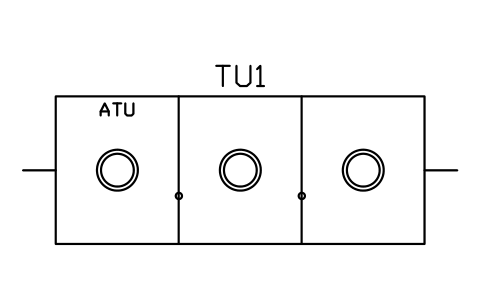 Aerobic unit, 3 chambers, 4500
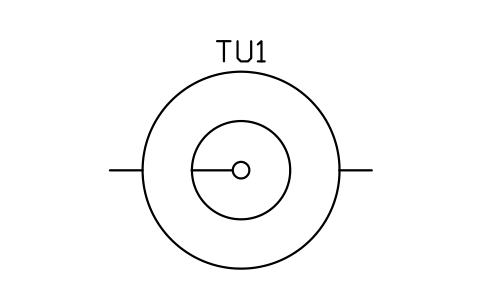 Clarifier, round, 2400
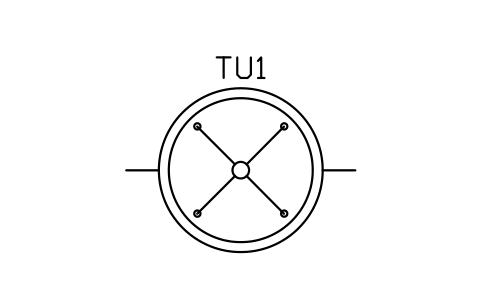 Spray filter, round, 2000
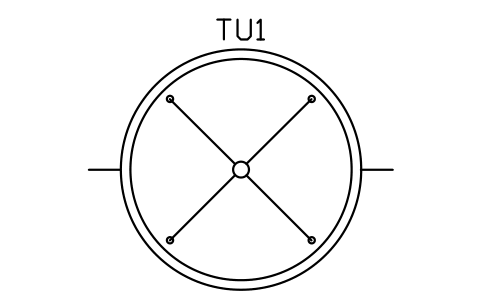 Spray filter, round, 3000
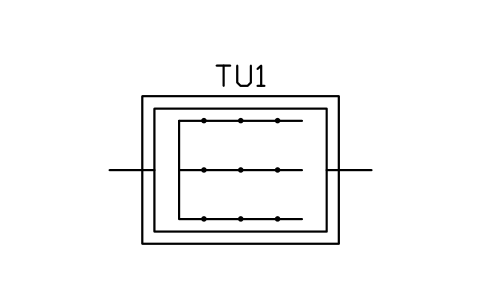 Packed-bed filter, 2400 x 1800
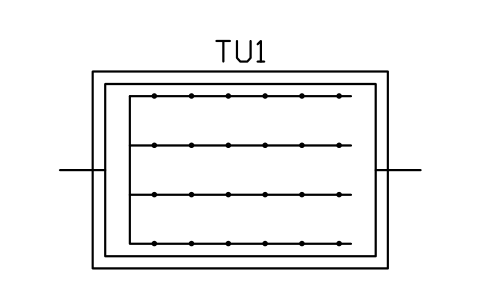 Packed-bed filter, 3600 x 2400
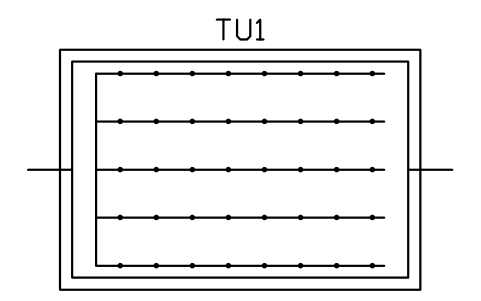 Sand filter, 4500 x 3000
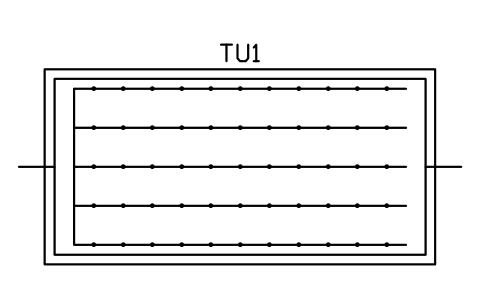 Sand filter, 6000 x 3000
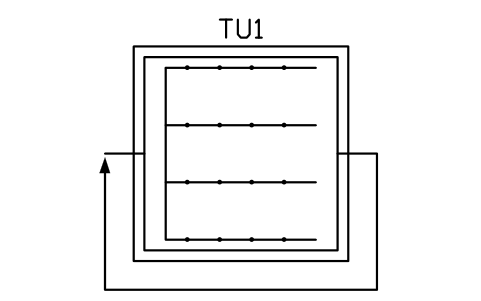 Recirculating gravel filter, 3000
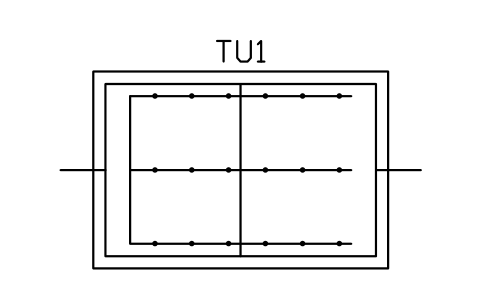 Peat biofilter, 3600 x 2400
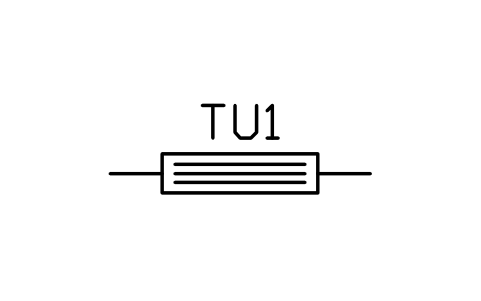 UV disinfection unit