
KaynaklarDWG sembol kütüphaneleri
Konular:Power system fire protection symbolsTek hat şeması sembolleriBina tesisat sembolleri
AutoCAD power system fire protection symbols (DWG): fire water, spray, suppression, detection and alarm
Power system fire protection symbols: 256 hazır AutoCAD bloğu (DWG). 12 sembollük başlangıç paketi ücretsiz; Standart sürüm $79.
Ücretsiz başlangıç paketi: 12 sembol
Bu kütüphanenin en çok kullanılan sembolleri, tek bir DWG içinde AutoCAD bloğu olarak. Herkes için ücretsiz, her projede kullanılabilir.
 Deluge valve set
 Water spray nozzle
 Fire pump, electric
 Hydrant, pillar
 Smoke detector, photoelectric
 Linear heat cable
 Flame detector, UV/IR
 Fire alarm control panel
 Penetration seal
 Nitrogen injection cabinet
 Thermal runaway detector
 Battery container
Standart: 256 sembol
Standart sürümün 256 sembolünün tamamı tek indirmede, doğrudan AutoCAD'e eklemeye hazır. Bir kez ödeyin, dosyalar sizde kalsın.
Ücretsiz başlangıç paketi
$0Herkes için, her proje için
- 12 sembol
- Giriş gerekmez
- Tek DWG dosyası
Kütüphane lisansı
$79
Bir kişi için
Education: free
- Tek seferlik ödeme
Student or teacher?
Free for one year with your school e-mail address. Renew it with the same address.
Sign in with your school e-mail address, we check it, and the licence is added to your account.
YakındaOkul ya da üniversite e-posta adresiyle ücretsiz; öğrenim ve eğitim için.
Her sürüm neleri içerir
Semboller gruplara göre, her sürümün her gruptan kaç sembol içerdiğiyle birlikte.
| İçerik | Ücretsiz | Standart |
|---|---|---|
| Tüm semboller | 12 | 256 |
| Bu sürümün eklediği | — | +244 |
| Fire water supply | 2 | 22 |
| Water spray and sprinklers | 2 | 30 |
| Foam systems | — | 8 |
| Gas and aerosol systems | — | 28 |
| Transformer protection | 1 | 14 |
| Detection | 3 | 28 |
| Alarm and control | 1 | 22 |
| Passive fire protection | 1 | 20 |
8 grup daha gösterDaha az grup göster
| Cable facilities | — | 8 |
|---|---|---|
| Fire zones and hazard areas | — | 10 |
| Power plant areas | — | 16 |
| HVDC converter station | — | 6 |
| Battery energy storage | 2 | 20 |
| Renewable and prefabricated | — | 8 |
| System diagram lines and marks | — | 10 |
| Extinguishers and fire points | — | 6 |
Ücretsiz paket elle seçilmiş bir derlemedir. Standart tek seferlik bir satın almadır ve tüm sembolleri DWG dosyaları olarak verir.
256 symbols as ready-to-use AutoCAD blocks for the fire protection of power facilities: fire water supply (tanks, pumps with their drivers, hydrants, hose stations, monitors, valves); water spray, deluge, pre-action and sprinkler systems with electric, hydraulic and pneumatic release, spray rings and transformer headers, water mist; foam; clean agent, inert gas, CO2 and aerosol systems with cylinders, banks, selector valves, nozzles and release stations; transformer protection (oil pits, oil-water separators, accident sumps, nitrogen injection, fast drain and depressurisation, fire walls); detection (smoke, heat, linear heat, flame, beam, aspirating and gas detectors, manual call points); alarm panels, modules, notification appliances and gateways to DCS and SCADA; fire barriers, doors, dampers and penetration seals; cable spreading rooms, tunnels and trays; fire zones; power plant areas such as lube oil, hydrogen seal oil, coal handling and boiler front; HVDC valve halls; battery energy storage with thermal runaway and off-gas detection, deflagration vents and suppression; system diagram lines and extinguishers.
Sürüm 1.0 · güncelleme: 25 Kasım 2026 · Nelerin değiştiğine göz atın
Bu kütüphaneyle hazırlanan örnek çizimler
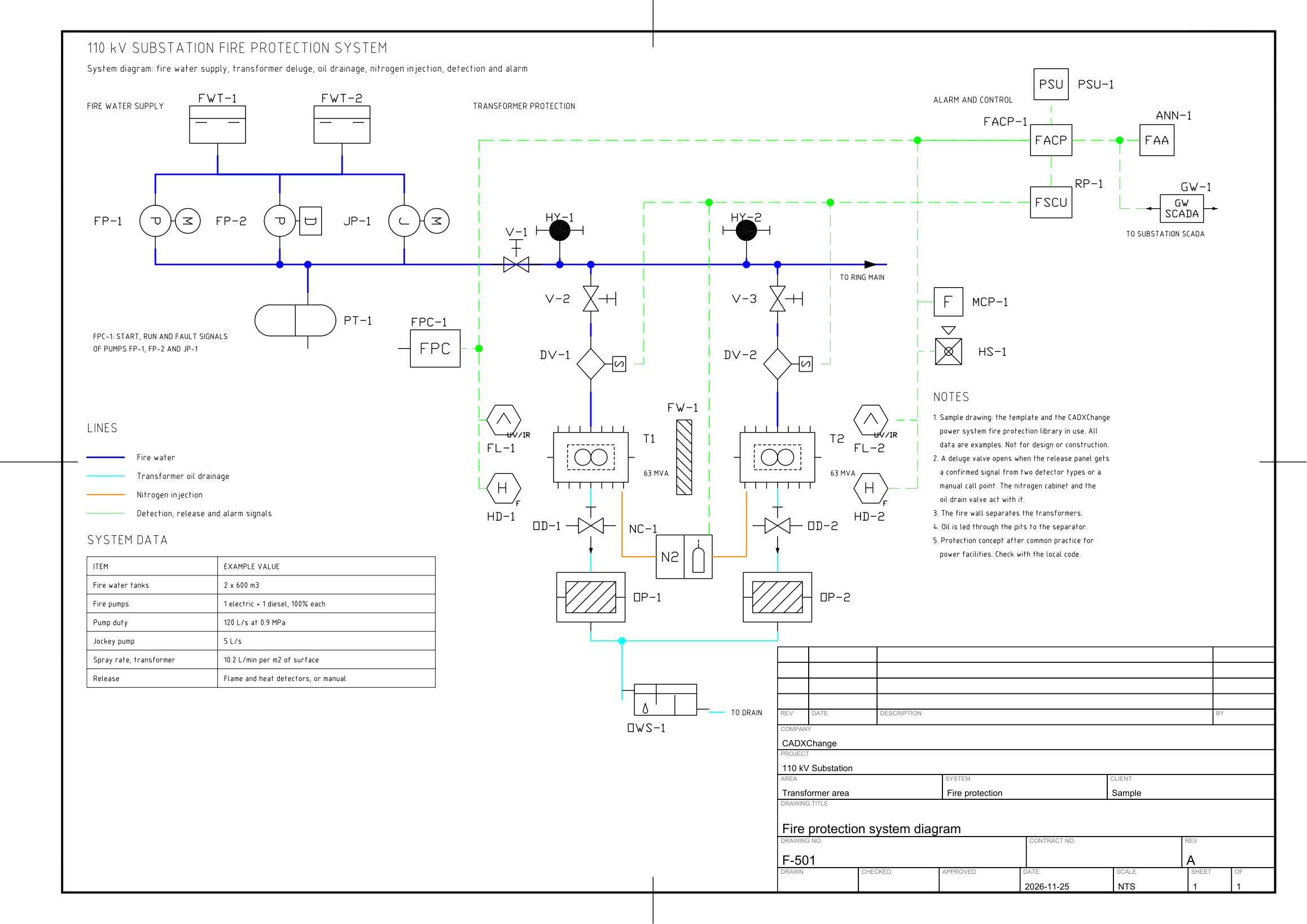
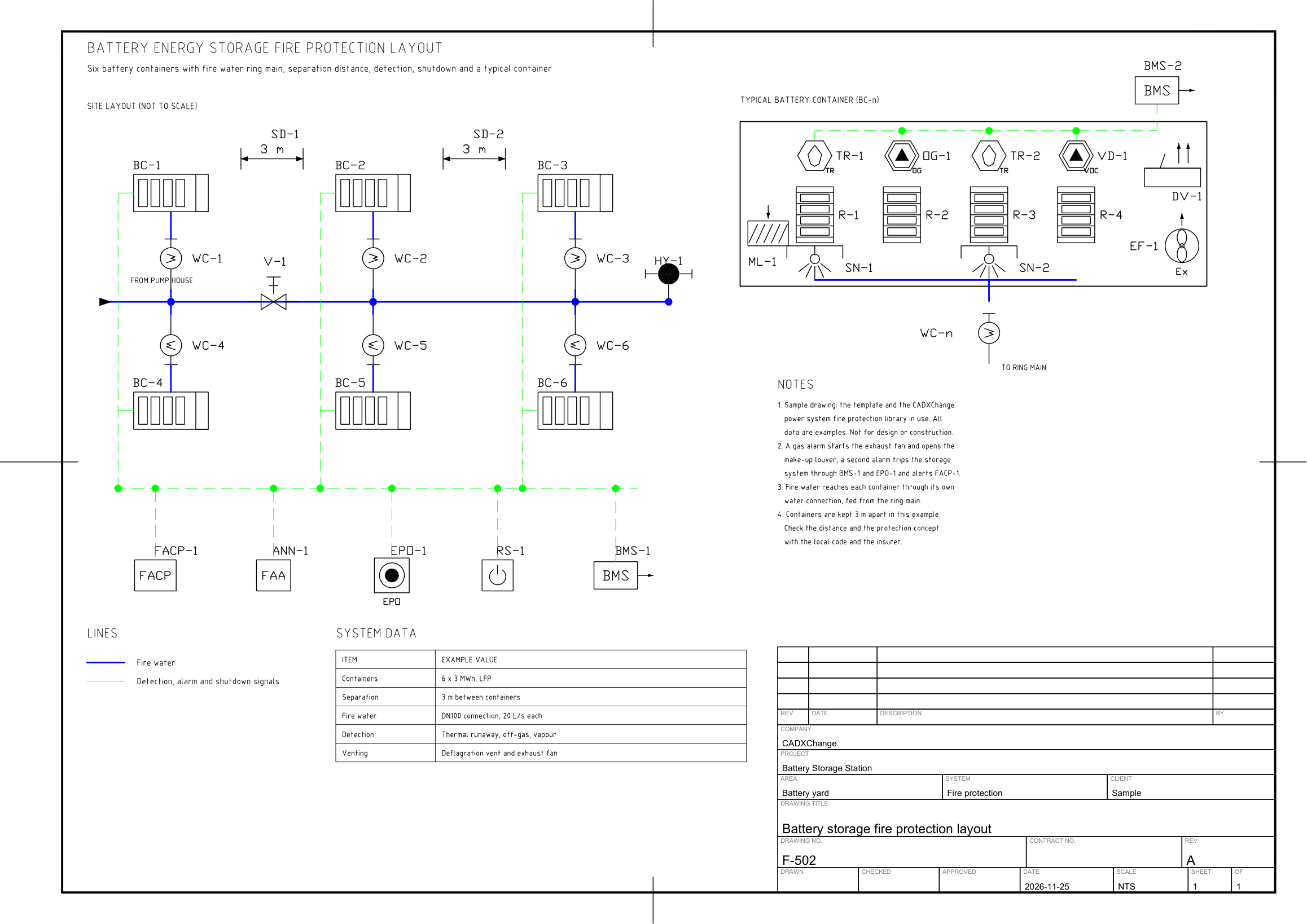
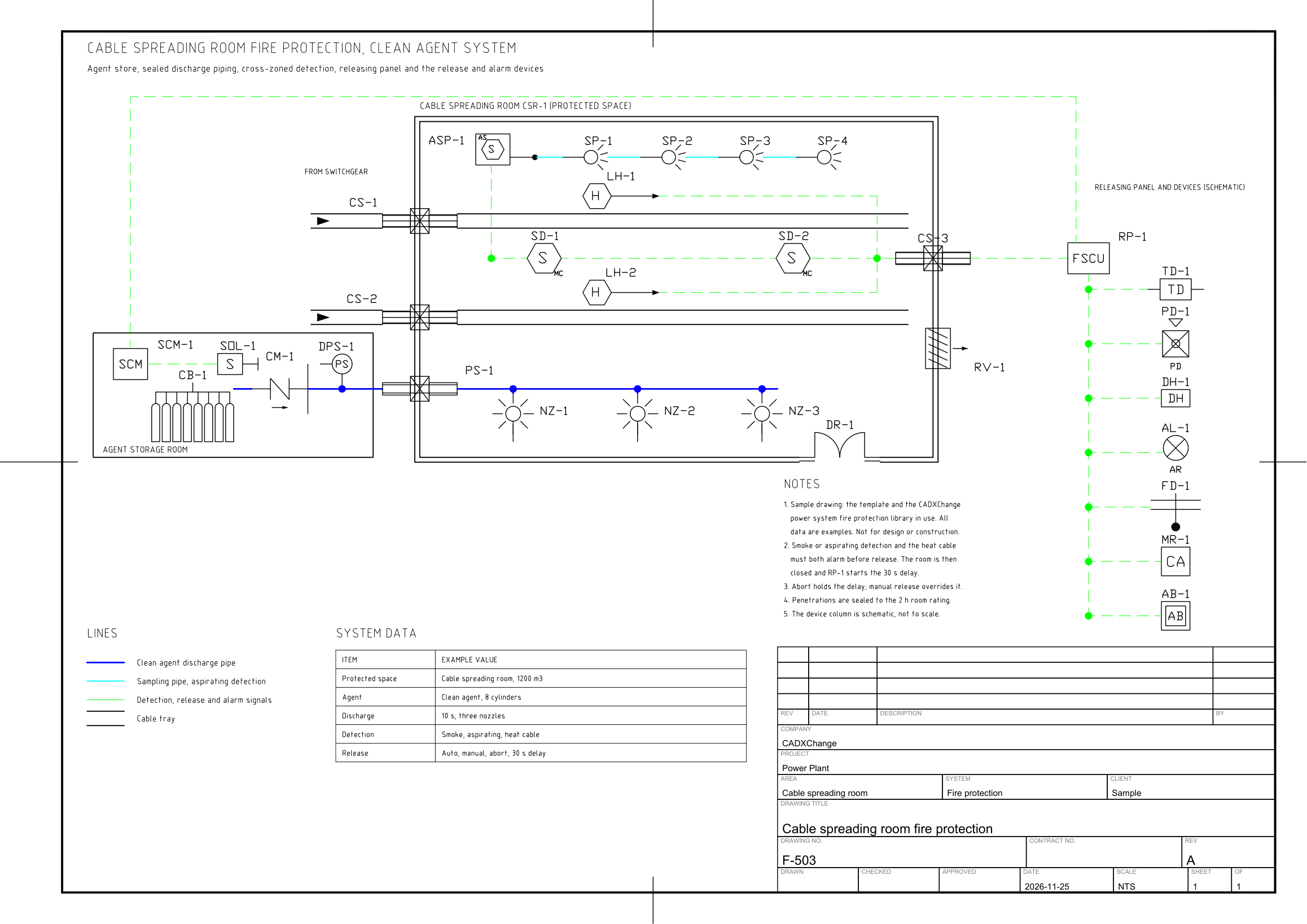
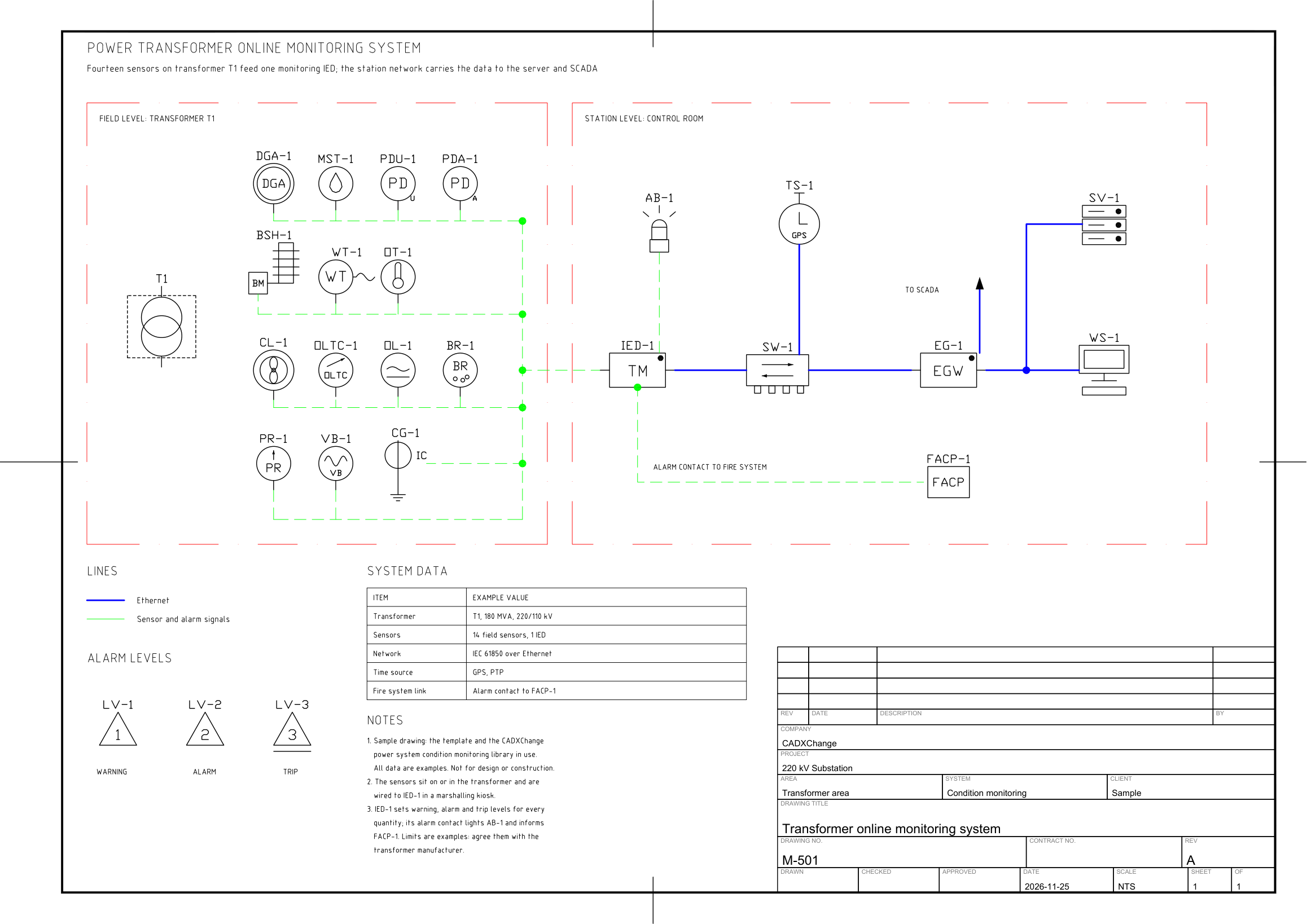
Tüm 256 sembol
256 sembolün 256 tanesi
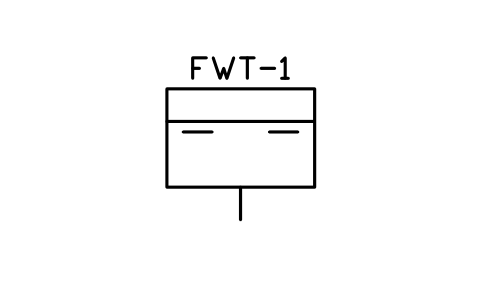
Fire water tank
PFP_FW_TANKÖznitelikler
TAGVOLUME_M3MATERIALDESIGN_PRESSURE_BARSERVICEZONELOCATIONMANUFACTURERMODELREMARKSDESC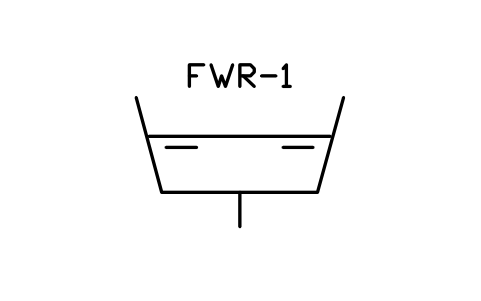
Fire water reservoir
PFP_FW_RESERVOIRÖznitelikler
TAGVOLUME_M3MATERIALDESIGN_PRESSURE_BARSERVICEZONELOCATIONMANUFACTURERMODELREMARKSDESCFire pump, electric
PFP_PUMP_ELECÖznitelikler
TAGFLOW_M3HHEAD_MPOWER_KWPRESSURE_BARDRIVERZONELOCATIONMANUFACTURERMODELREMARKSDESC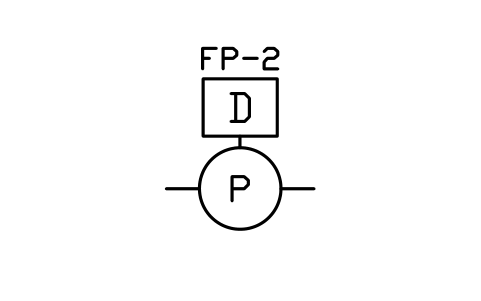
Fire pump, diesel engine
PFP_PUMP_DIESELÖznitelikler
TAGFLOW_M3HHEAD_MPOWER_KWPRESSURE_BARDRIVERZONELOCATIONMANUFACTURERMODELREMARKSDESC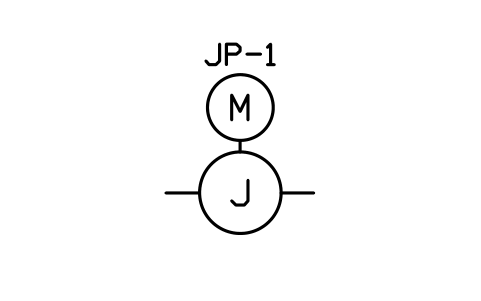
Jockey pump
PFP_PUMP_JOCKEYÖznitelikler
TAGFLOW_M3HHEAD_MPOWER_KWPRESSURE_BARDRIVERZONELOCATIONMANUFACTURERMODELREMARKSDESC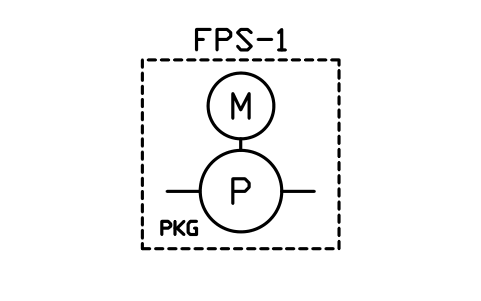
Fire pump set, packaged
PFP_PUMP_SETÖznitelikler
TAGFLOW_M3HHEAD_MPOWER_KWPRESSURE_BARDRIVERZONELOCATIONMANUFACTURERMODELREMARKSDESC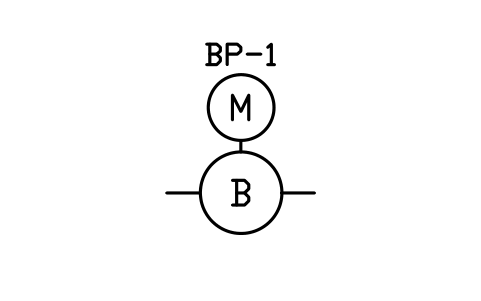
Booster pump
PFP_PUMP_BOOSTERÖznitelikler
TAGFLOW_M3HHEAD_MPOWER_KWPRESSURE_BARDRIVERZONELOCATIONMANUFACTURERMODELREMARKSDESC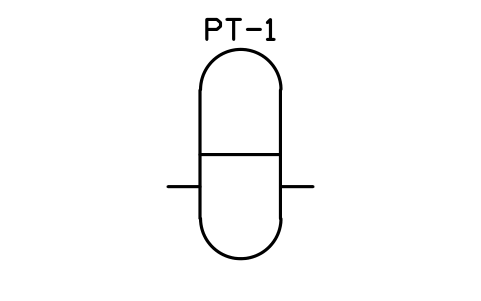
Pressure tank
PFP_PRESS_TANKÖznitelikler
TAGVOLUME_M3MATERIALDESIGN_PRESSURE_BARSERVICEZONELOCATIONMANUFACTURERMODELREMARKSDESC
Fire water ring main
PFP_RING_MAINÖznitelikler
TAGSIZE_DNPRESSURE_RATINGACTUATIONSERVICEMATERIALSUPERVISEDZONEMANUFACTURERMODELREMARKSDESC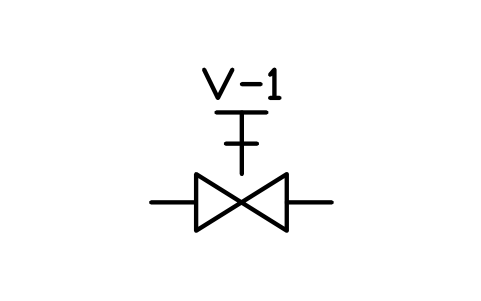
Sectional valve, OS&Y
PFP_VALVE_OSYÖznitelikler
TAGSIZE_DNPRESSURE_RATINGACTUATIONSERVICEMATERIALSUPERVISEDZONEMANUFACTURERMODELREMARKSDESC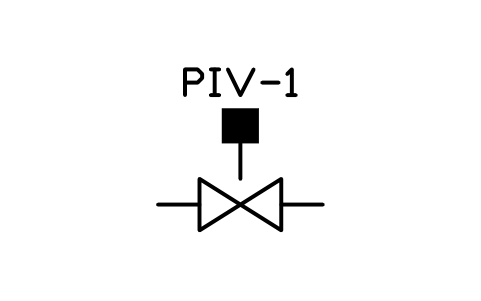
Post indicator valve
PFP_VALVE_PIVÖznitelikler
TAGSIZE_DNPRESSURE_RATINGACTUATIONSERVICEMATERIALSUPERVISEDZONEMANUFACTURERMODELREMARKSDESC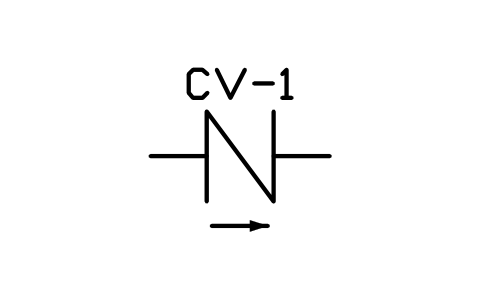
Check valve, fire service
PFP_CHECK_VALVEÖznitelikler
TAGSIZE_DNPRESSURE_RATINGACTUATIONSERVICEMATERIALSUPERVISEDZONEMANUFACTURERMODELREMARKSDESC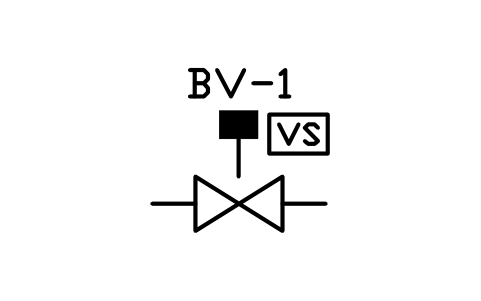
Butterfly valve, supervised
PFP_VALVE_BFLY_SUPÖznitelikler
TAGSIZE_DNPRESSURE_RATINGACTUATIONSERVICEMATERIALSUPERVISEDZONEMANUFACTURERMODELREMARKSDESCHydrant, pillar
PFP_HYDRANT_PILLARÖznitelikler
TAGSIZE_DNOUTLETSFLOW_LPSPRESSURE_BARZONELOCATIONMANUFACTURERMODELREMARKSDESC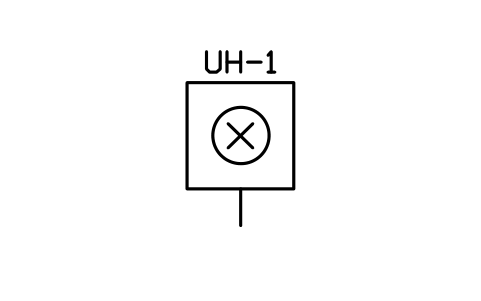
Hydrant, underground
PFP_HYDRANT_UGÖznitelikler
TAGSIZE_DNOUTLETSFLOW_LPSPRESSURE_BARZONELOCATIONMANUFACTURERMODELREMARKSDESC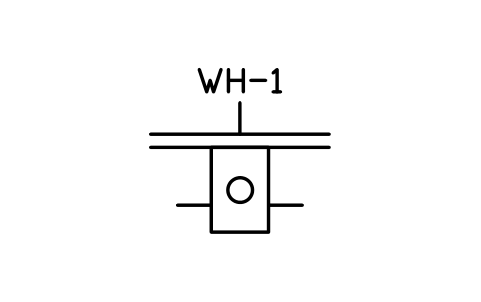
Hydrant, wall
PFP_HYDRANT_WALLÖznitelikler
TAGSIZE_DNOUTLETSFLOW_LPSPRESSURE_BARZONELOCATIONMANUFACTURERMODELREMARKSDESC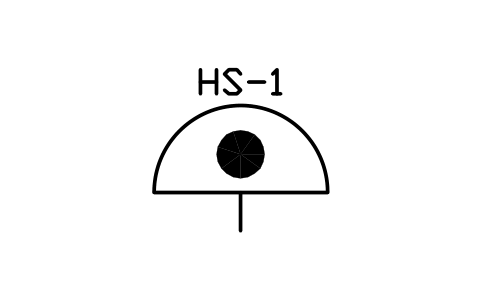
Hose station, wet standpipe
PFP_HOSE_STATIONÖznitelikler
TAGSIZE_DNOUTLETSFLOW_LPSPRESSURE_BARZONELOCATIONMANUFACTURERMODELREMARKSDESC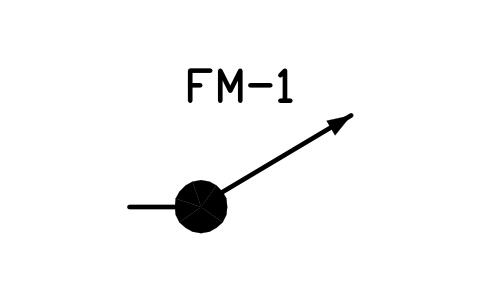
Fire monitor, fixed
PFP_MONITOR_FIXEDÖznitelikler
TAGFLOW_LPMPRESSURE_BARK_FACTORORIFICE_MMSPRAY_ANGLE_DEGMOUNTINGZONEMANUFACTURERMODELREMARKSDESC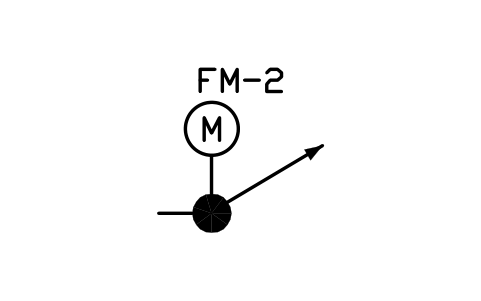
Fire monitor, remote
PFP_MONITOR_REMOTEÖznitelikler
TAGFLOW_LPMPRESSURE_BARK_FACTORORIFICE_MMSPRAY_ANGLE_DEGMOUNTINGZONEMANUFACTURERMODELREMARKSDESC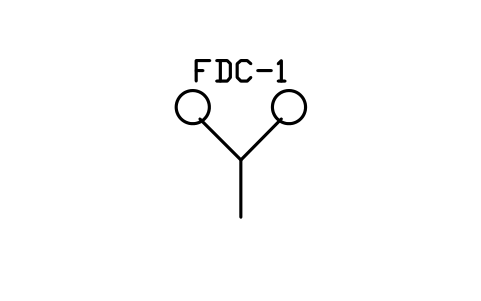
Fire dept connection
PFP_FDCÖznitelikler
TAGSIZE_DNOUTLETSFLOW_LPSPRESSURE_BARZONELOCATIONMANUFACTURERMODELREMARKSDESC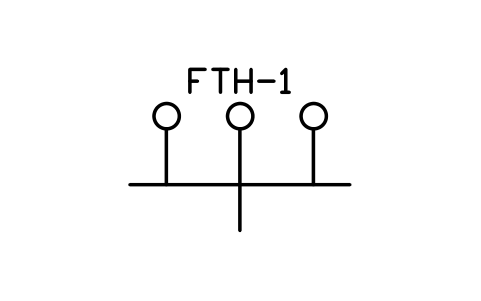
Flow test header
PFP_FLOW_TESTÖznitelikler
TAGSIZE_DNOUTLETSFLOW_LPSPRESSURE_BARZONELOCATIONMANUFACTURERMODELREMARKSDESC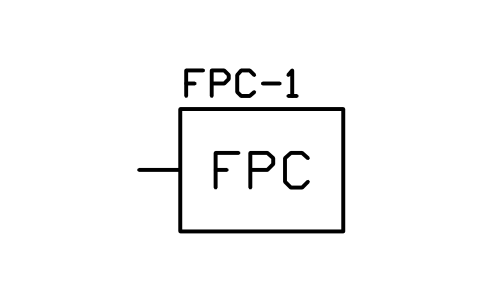
Fire pump controller
PFP_PUMP_CTRLÖznitelikler
TAGZONESLOOPSSUPPLY_VBATTERY_AHCOMMUNICATIONLOCATIONADDRESS_RANGEMANUFACTURERMODELREMARKSDESCDeluge valve set
PFP_DELUGE_SETÖznitelikler
TAGSIZE_DNRELEASEPRESSURE_RATINGTRIMSUPERVISEDSERVICEZONEMANUFACTURERMODELREMARKSDESC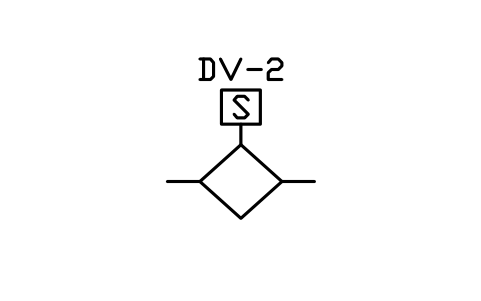
Deluge valve, electric
PFP_DELUGE_ELECÖznitelikler
TAGSIZE_DNRELEASEPRESSURE_RATINGTRIMSUPERVISEDSERVICEZONEMANUFACTURERMODELREMARKSDESC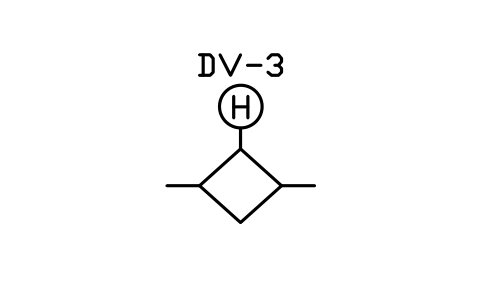
Deluge valve, hydraulic
PFP_DELUGE_HYDRÖznitelikler
TAGSIZE_DNRELEASEPRESSURE_RATINGTRIMSUPERVISEDSERVICEZONEMANUFACTURERMODELREMARKSDESC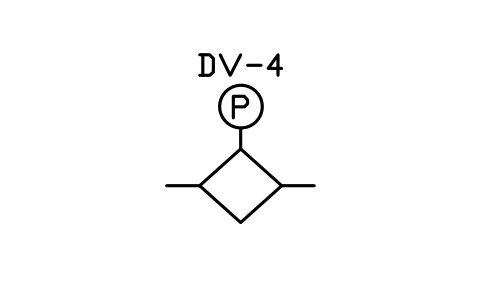
Deluge valve, pneumatic
PFP_DELUGE_PNEUÖznitelikler
TAGSIZE_DNRELEASEPRESSURE_RATINGTRIMSUPERVISEDSERVICEZONEMANUFACTURERMODELREMARKSDESC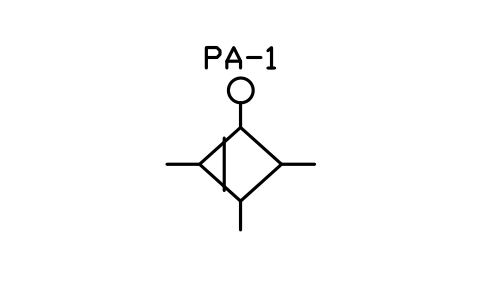
Pre-action valve set
PFP_PREACTION_SETÖznitelikler
TAGSIZE_DNRELEASEPRESSURE_RATINGTRIMSUPERVISEDSERVICEZONEMANUFACTURERMODELREMARKSDESC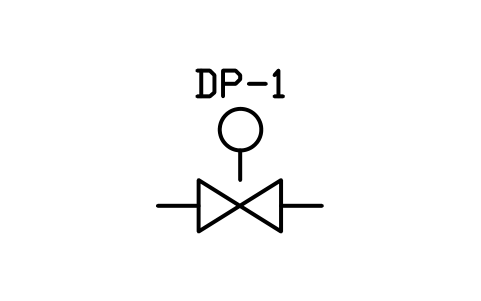
Dry pipe valve set
PFP_DRYPIPE_SETÖznitelikler
TAGSIZE_DNRELEASEPRESSURE_RATINGTRIMSUPERVISEDSERVICEZONEMANUFACTURERMODELREMARKSDESC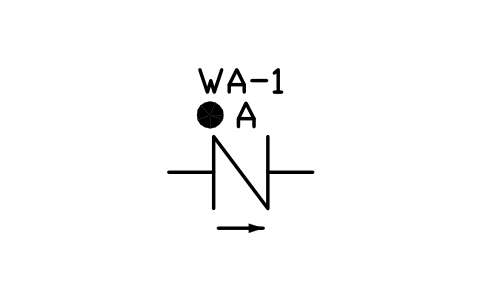
Wet alarm valve set
PFP_WET_ALARM_SETÖznitelikler
TAGSIZE_DNRELEASEPRESSURE_RATINGTRIMSUPERVISEDSERVICEZONEMANUFACTURERMODELREMARKSDESC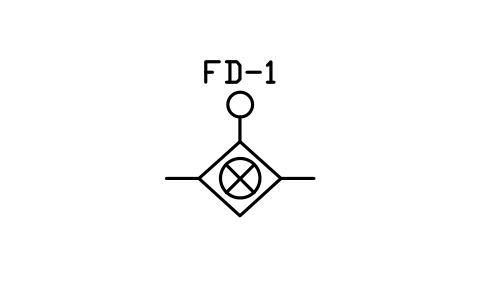
Foam-water deluge set
PFP_FOAM_DELUGEÖznitelikler
TAGSIZE_DNRELEASEPRESSURE_RATINGTRIMSUPERVISEDSERVICEZONEMANUFACTURERMODELREMARKSDESCWater spray nozzle
PFP_SPRAY_NOZZLEÖznitelikler
TAGFLOW_LPMPRESSURE_BARK_FACTORORIFICE_MMSPRAY_ANGLE_DEGMOUNTINGZONEMANUFACTURERMODELREMARKSDESC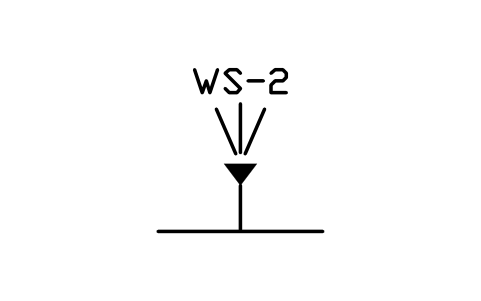
Spray nozzle, high velocity
PFP_SPRAY_HVÖznitelikler
TAGFLOW_LPMPRESSURE_BARK_FACTORORIFICE_MMSPRAY_ANGLE_DEGMOUNTINGZONEMANUFACTURERMODELREMARKSDESC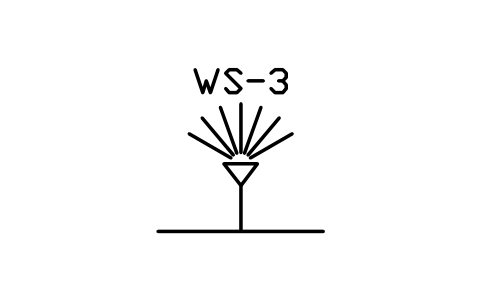
Spray nozzle, mid velocity
PFP_SPRAY_MVÖznitelikler
TAGFLOW_LPMPRESSURE_BARK_FACTORORIFICE_MMSPRAY_ANGLE_DEGMOUNTINGZONEMANUFACTURERMODELREMARKSDESC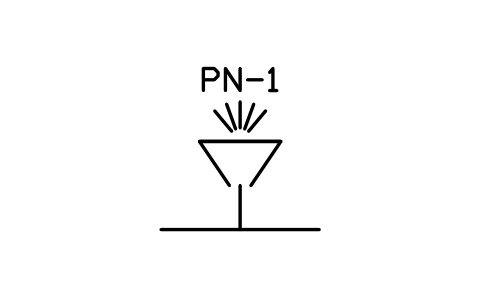
Projector nozzle
PFP_PROJECTORÖznitelikler
TAGFLOW_LPMPRESSURE_BARK_FACTORORIFICE_MMSPRAY_ANGLE_DEGMOUNTINGZONEMANUFACTURERMODELREMARKSDESC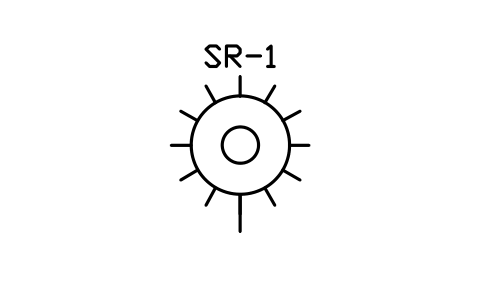
Spray ring, bushing
PFP_SPRAY_RINGÖznitelikler
TAGFLOW_LPMPRESSURE_BARK_FACTORORIFICE_MMSPRAY_ANGLE_DEGMOUNTINGZONEMANUFACTURERMODELREMARKSDESC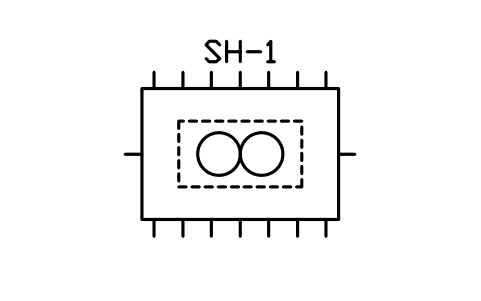
Spray header, transformer
PFP_SPRAY_HEADERÖznitelikler
TAGFLOW_LPMPRESSURE_BARK_FACTORORIFICE_MMSPRAY_ANGLE_DEGMOUNTINGZONEMANUFACTURERMODELREMARKSDESC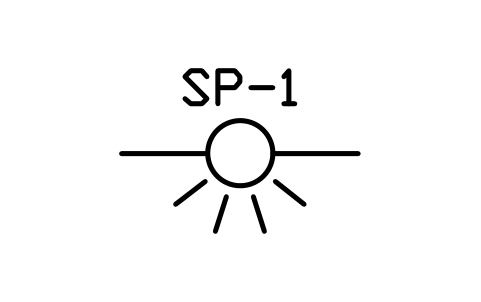
Open sprinkler
PFP_SPRINKLER_OPENÖznitelikler
TAGACTIVATION_CK_FACTORRESPONSEORIFICE_MMFINISHCOVERAGE_M2ZONEMANUFACTURERMODELREMARKSDESC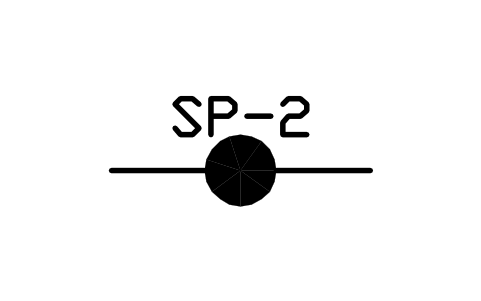
Sprinkler, pendant
PFP_SPRINKLER_PENDÖznitelikler
TAGACTIVATION_CK_FACTORRESPONSEORIFICE_MMFINISHCOVERAGE_M2ZONEMANUFACTURERMODELREMARKSDESC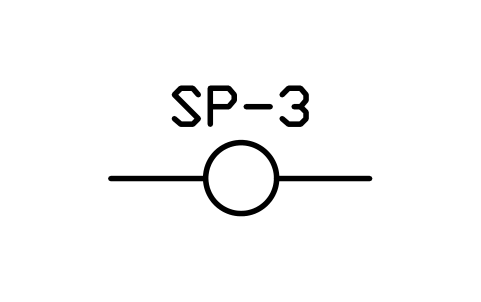
Sprinkler, upright
PFP_SPRINKLER_UPRÖznitelikler
TAGACTIVATION_CK_FACTORRESPONSEORIFICE_MMFINISHCOVERAGE_M2ZONEMANUFACTURERMODELREMARKSDESC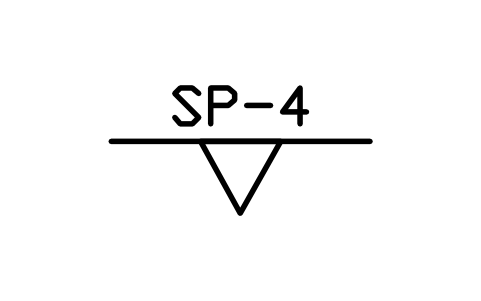
Sprinkler, sidewall
PFP_SPRINKLER_SIDEÖznitelikler
TAGACTIVATION_CK_FACTORRESPONSEORIFICE_MMFINISHCOVERAGE_M2ZONEMANUFACTURERMODELREMARKSDESC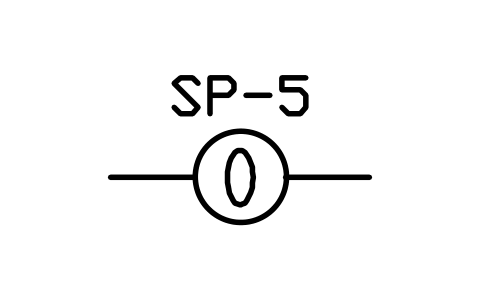
Sprinkler, glass bulb
PFP_SPRINKLER_BULBÖznitelikler
TAGACTIVATION_CK_FACTORRESPONSEORIFICE_MMFINISHCOVERAGE_M2ZONEMANUFACTURERMODELREMARKSDESC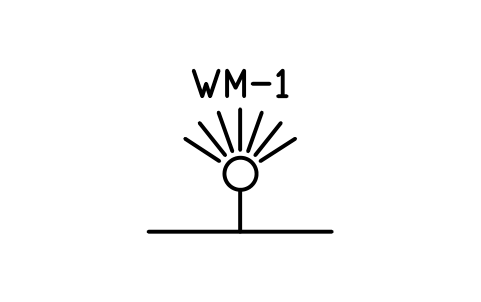
Water mist nozzle
PFP_WM_NOZZLEÖznitelikler
TAGFLOW_LPMPRESSURE_BARK_FACTORORIFICE_MMSPRAY_ANGLE_DEGMOUNTINGZONEMANUFACTURERMODELREMARKSDESC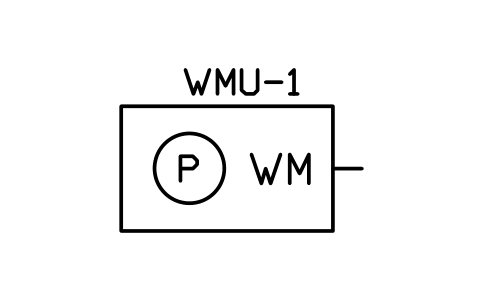
Water mist pump unit
PFP_WM_PUMP_UNITÖznitelikler
TAGFLOW_LPMPRESSURE_BARPOWER_KWAGENTZONELOCATIONDISCHARGE_SMANUFACTURERMODELREMARKSDESC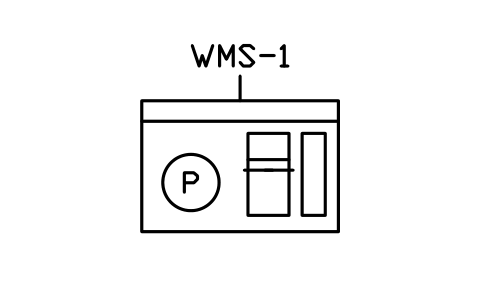
Water mist skid
PFP_WM_SKIDÖznitelikler
TAGFLOW_LPMPRESSURE_BARPOWER_KWAGENTZONELOCATIONDISCHARGE_SMANUFACTURERMODELREMARKSDESC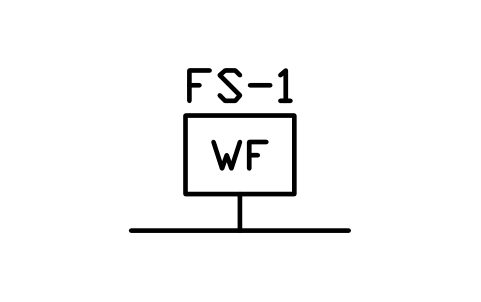
Flow switch
PFP_FLOW_SWITCHÖznitelikler
TAGSETTINGCONTACTSENCLOSURESERVICEZONELOOPADDRESSMANUFACTURERMODELREMARKSDESC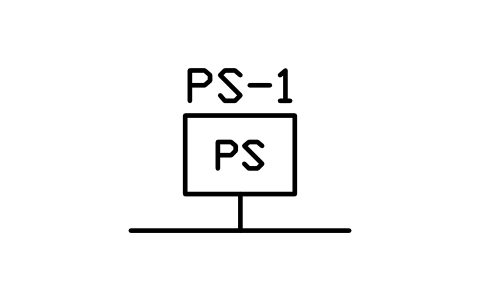
Pressure switch
PFP_PRESS_SWITCHÖznitelikler
TAGSETTINGCONTACTSENCLOSURESERVICEZONELOOPADDRESSMANUFACTURERMODELREMARKSDESC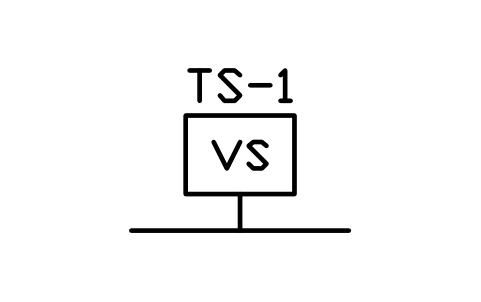
Tamper switch
PFP_TAMPER_SWITCHÖznitelikler
TAGSETTINGCONTACTSENCLOSURESERVICEZONELOOPADDRESSMANUFACTURERMODELREMARKSDESC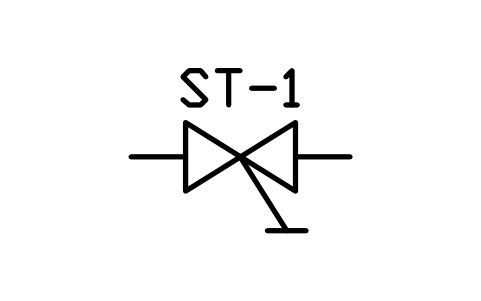
Strainer, line
PFP_STRAINERÖznitelikler
TAGSIZE_DNPRESSURE_RATINGACTUATIONSERVICEMATERIALSUPERVISEDZONEMANUFACTURERMODELREMARKSDESC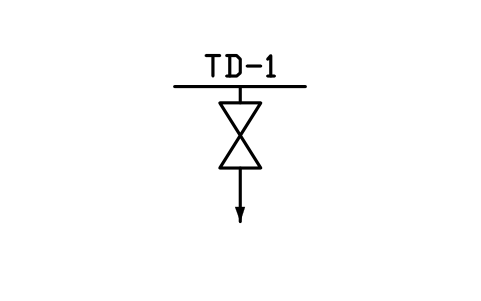
Test and drain
PFP_TEST_DRAINÖznitelikler
TAGSIZE_DNPRESSURE_RATINGACTUATIONSERVICEMATERIALSUPERVISEDZONEMANUFACTURERMODELREMARKSDESC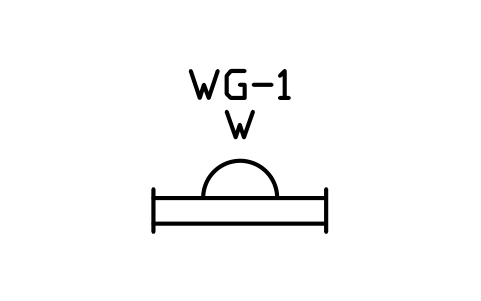
Alarm gong, water motor
PFP_GONGÖznitelikler
TAGSOUND_DBCANDELAVOLTAGE_VMOUNTINGCIRCUITZONEENCLOSUREMANUFACTURERMODELREMARKSDESC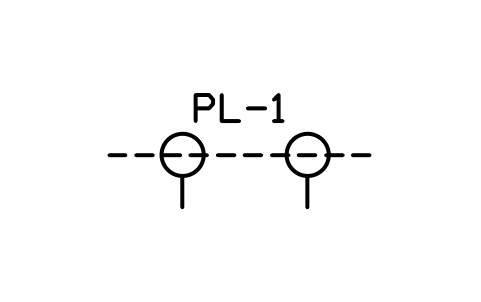
Pilot sprinkler line
PFP_PILOT_LINEÖznitelikler
TAGACTIVATION_CK_FACTORRESPONSEORIFICE_MMFINISHCOVERAGE_M2ZONEMANUFACTURERMODELREMARKSDESC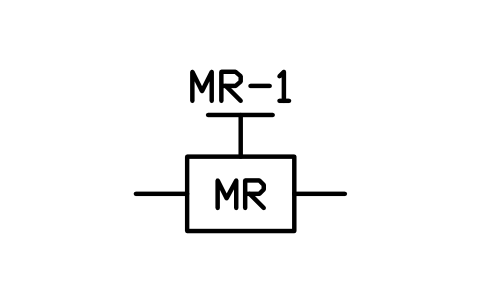
Release trim, manual
PFP_RELEASE_TRIMÖznitelikler
TAGSIZE_DNPRESSURE_RATINGACTUATIONSERVICEMATERIALSUPERVISEDZONEMANUFACTURERMODELREMARKSDESC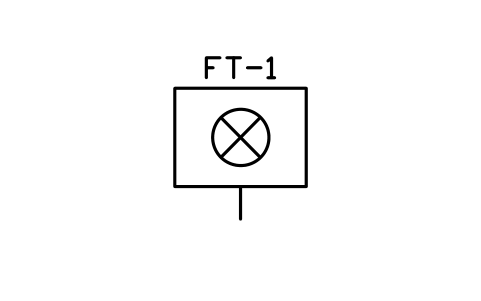
Foam concentrate tank
PFP_FOAM_TANKÖznitelikler
TAGFOAM_TYPECONCENTRATION_PCTVOLUME_LFLOW_LPMPRESSURE_BARZONEMANUFACTURERMODELREMARKSDESC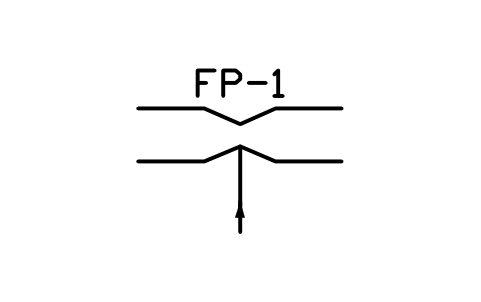
Foam proportioner, inline
PFP_FOAM_PROP_INLINEÖznitelikler
TAGFOAM_TYPECONCENTRATION_PCTVOLUME_LFLOW_LPMPRESSURE_BARZONEMANUFACTURERMODELREMARKSDESC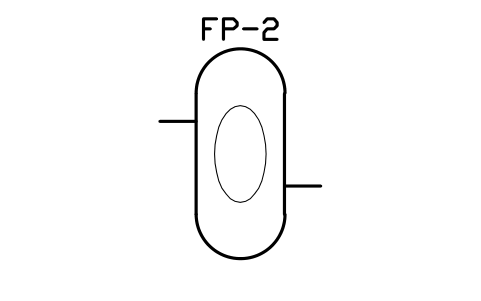
Foam proportioner, bladder
PFP_FOAM_PROP_BLADDERÖznitelikler
TAGFOAM_TYPECONCENTRATION_PCTVOLUME_LFLOW_LPMPRESSURE_BARZONEMANUFACTURERMODELREMARKSDESC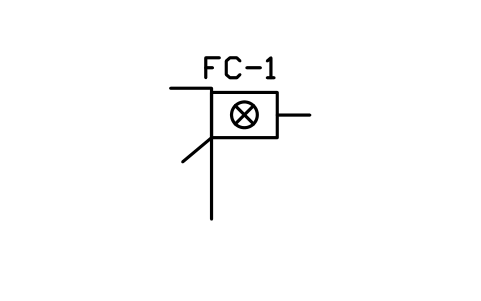
Foam chamber, tank
PFP_FOAM_CHAMBERÖznitelikler
TAGFOAM_TYPECONCENTRATION_PCTVOLUME_LFLOW_LPMPRESSURE_BARZONEMANUFACTURERMODELREMARKSDESC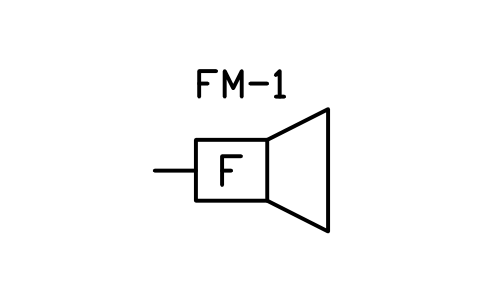
Foam maker
PFP_FOAM_MAKERÖznitelikler
TAGFOAM_TYPECONCENTRATION_PCTVOLUME_LFLOW_LPMPRESSURE_BARZONEMANUFACTURERMODELREMARKSDESC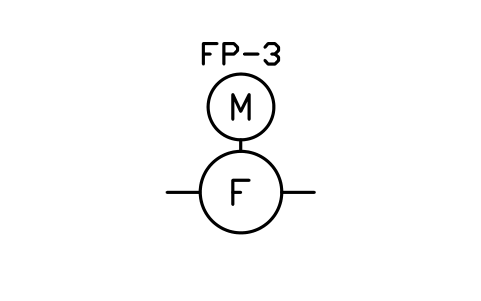
Foam pump
PFP_FOAM_PUMPÖznitelikler
TAGFLOW_M3HHEAD_MPOWER_KWPRESSURE_BARDRIVERZONELOCATIONMANUFACTURERMODELREMARKSDESC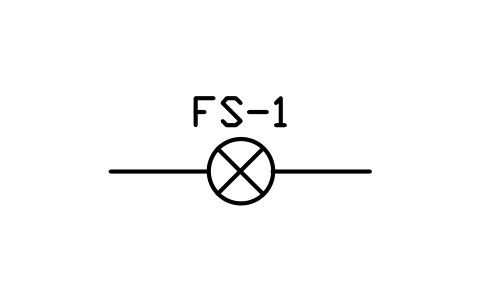
Foam solution line
PFP_FOAM_LINEÖznitelikler
TAGFOAM_TYPECONCENTRATION_PCTVOLUME_LFLOW_LPMPRESSURE_BARZONEMANUFACTURERMODELREMARKSDESC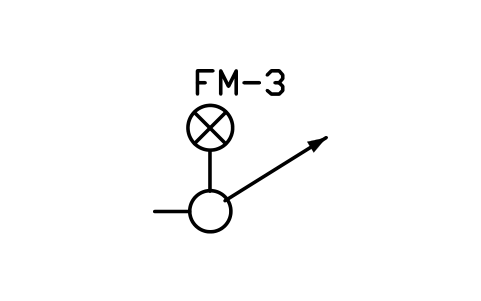
Foam monitor
PFP_FOAM_MONITORÖznitelikler
TAGFLOW_LPMPRESSURE_BARK_FACTORORIFICE_MMSPRAY_ANGLE_DEGMOUNTINGZONEMANUFACTURERMODELREMARKSDESC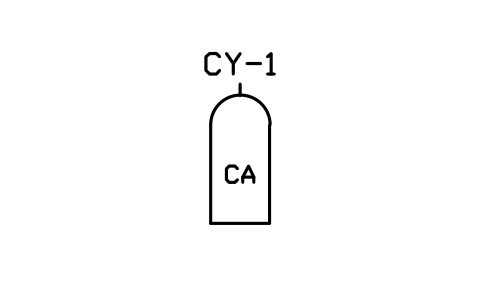
Clean agent cylinder
PFP_CYL_CLEANÖznitelikler
TAGAGENTFILL_KGVOLUME_LPRESSURE_BARDISCHARGE_SZONELOCATIONMANUFACTURERMODELREMARKSDESC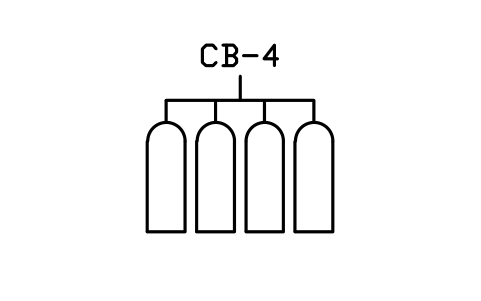
Cylinder bank, 4
PFP_BANK_4Öznitelikler
TAGAGENTFILL_KGVOLUME_LPRESSURE_BARDISCHARGE_SZONELOCATIONMANUFACTURERMODELREMARKSDESC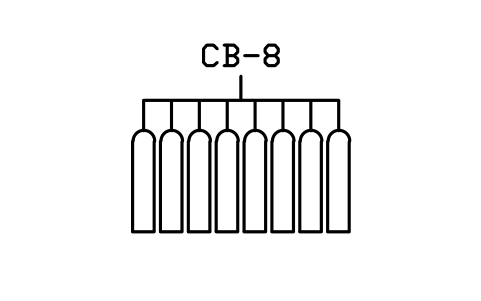
Cylinder bank, 8
PFP_BANK_8Öznitelikler
TAGAGENTFILL_KGVOLUME_LPRESSURE_BARDISCHARGE_SZONELOCATIONMANUFACTURERMODELREMARKSDESC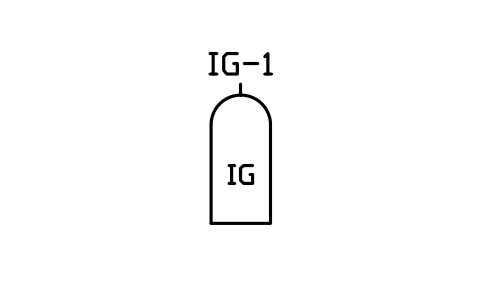
Inert gas cylinder
PFP_CYL_INERTÖznitelikler
TAGAGENTFILL_KGVOLUME_LPRESSURE_BARDISCHARGE_SZONELOCATIONMANUFACTURERMODELREMARKSDESC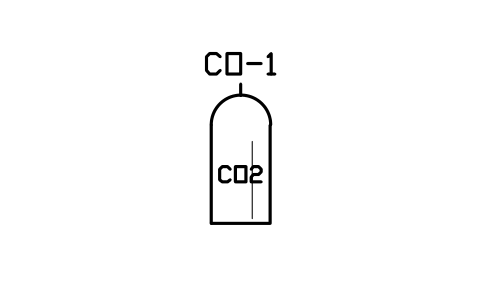
CO2 cylinder
PFP_CYL_CO2Öznitelikler
TAGAGENTFILL_KGVOLUME_LPRESSURE_BARDISCHARGE_SZONELOCATIONMANUFACTURERMODELREMARKSDESC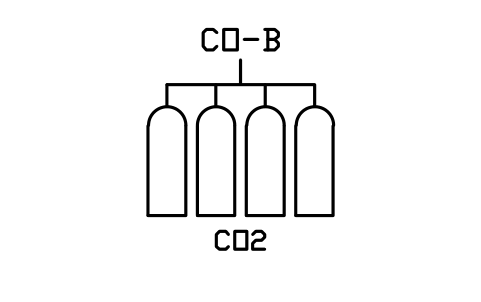
CO2 bank
PFP_BANK_CO2Öznitelikler
TAGAGENTFILL_KGVOLUME_LPRESSURE_BARDISCHARGE_SZONELOCATIONMANUFACTURERMODELREMARKSDESC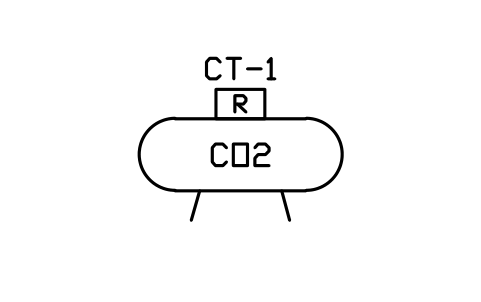
CO2 tank, low pressure
PFP_TANK_CO2_LPÖznitelikler
TAGVOLUME_M3MATERIALDESIGN_PRESSURE_BARSERVICEZONELOCATIONMANUFACTURERMODELREMARKSDESC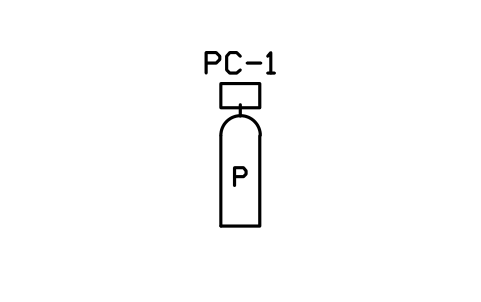
Pilot cylinder
PFP_CYL_PILOTÖznitelikler
TAGAGENTFILL_KGVOLUME_LPRESSURE_BARDISCHARGE_SZONELOCATIONMANUFACTURERMODELREMARKSDESC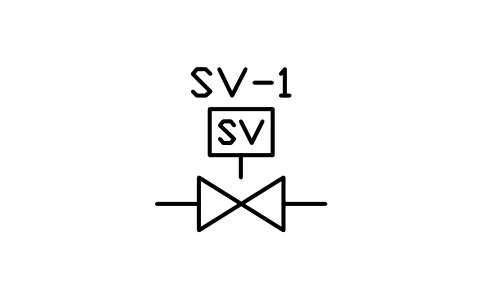
Selector valve
PFP_SELECTOR_VALVEÖznitelikler
TAGSIZE_DNPRESSURE_RATINGACTUATIONSERVICEMATERIALSUPERVISEDZONEMANUFACTURERMODELREMARKSDESC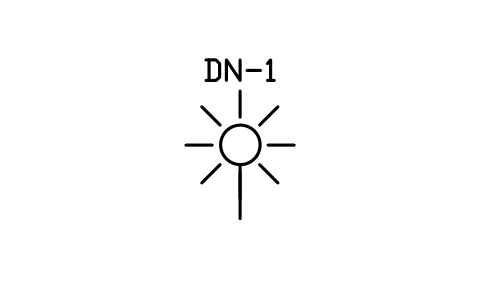
Discharge nozzle, 360
PFP_NOZZLE_360Öznitelikler
TAGAGENTFLOW_KGSORIFICE_MMCOVERAGE_M2MOUNTINGZONEMANUFACTURERMODELREMARKSDESC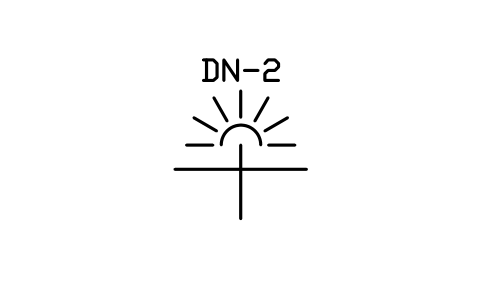
Discharge nozzle, 180
PFP_NOZZLE_180Öznitelikler
TAGAGENTFLOW_KGSORIFICE_MMCOVERAGE_M2MOUNTINGZONEMANUFACTURERMODELREMARKSDESC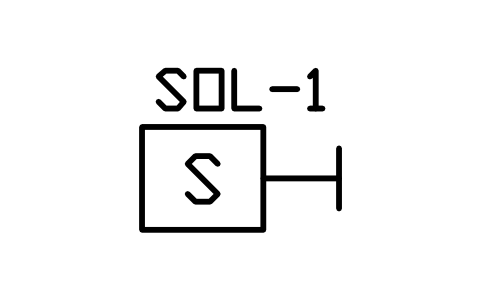
Release solenoid
PFP_SOLENOIDÖznitelikler
TAGADDRESSLOOPZONEFUNCTIONVOLTAGE_VCIRCUITLOCATIONMANUFACTURERMODELREMARKSDESC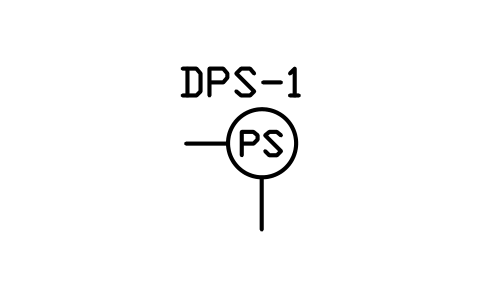
Discharge pressure switch
PFP_DISCH_PSÖznitelikler
TAGSETTINGCONTACTSENCLOSURESERVICEZONELOOPADDRESSMANUFACTURERMODELREMARKSDESC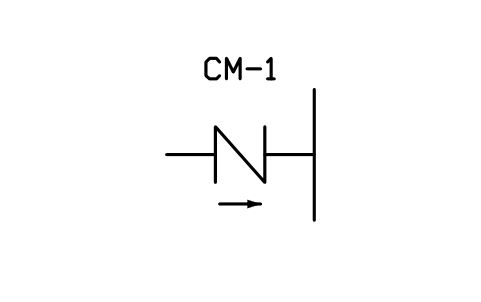
Check valve, manifold
PFP_CHECK_MANIFOLDÖznitelikler
TAGSIZE_DNPRESSURE_RATINGACTUATIONSERVICEMATERIALSUPERVISEDZONEMANUFACTURERMODELREMARKSDESC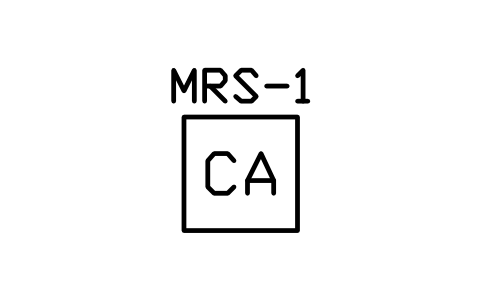
Manual release station
PFP_MANUAL_RELEASEÖznitelikler
TAGTYPEZONELOOPADDRESSENCLOSUREMOUNTING_HEIGHT_MFUNCTIONMANUFACTURERMODELREMARKSDESC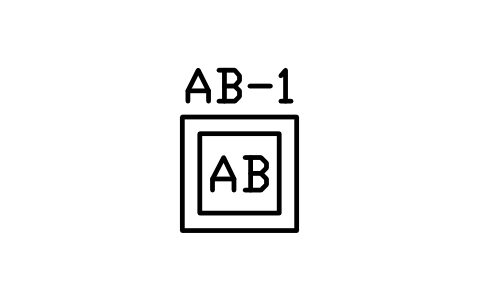
Abort switch
PFP_ABORTÖznitelikler
TAGTYPEZONELOOPADDRESSENCLOSUREMOUNTING_HEIGHT_MFUNCTIONMANUFACTURERMODELREMARKSDESC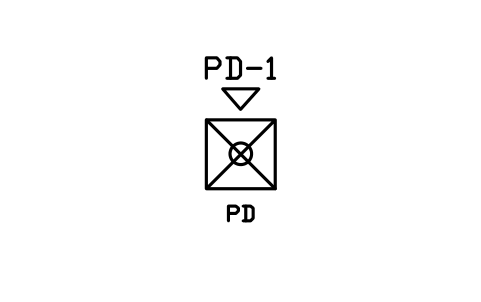
Pre-discharge horn, strobe
PFP_PREDISCH_ALARMÖznitelikler
TAGSOUND_DBCANDELAVOLTAGE_VMOUNTINGCIRCUITZONEENCLOSUREMANUFACTURERMODELREMARKSDESC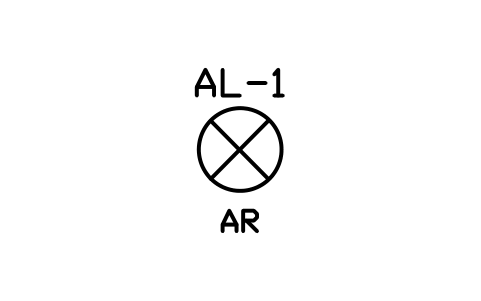
Agent released lamp
PFP_AGENT_LAMPÖznitelikler
TAGSOUND_DBCANDELAVOLTAGE_VMOUNTINGCIRCUITZONEENCLOSUREMANUFACTURERMODELREMARKSDESC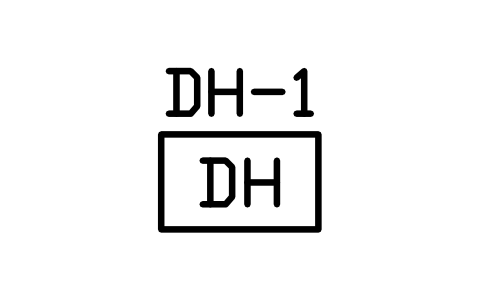
Door hold-open
PFP_DOOR_HOLDÖznitelikler
TAGADDRESSLOOPZONEFUNCTIONVOLTAGE_VCIRCUITLOCATIONMANUFACTURERMODELREMARKSDESC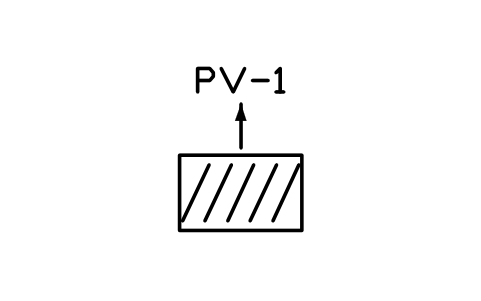
Pressure relief vent
PFP_RELIEF_VENTÖznitelikler
TAGRATING_HSIZE_MMACTUATIONRELEASE_TEMP_CZONELOCATIONMANUFACTURERMODELREMARKSDESC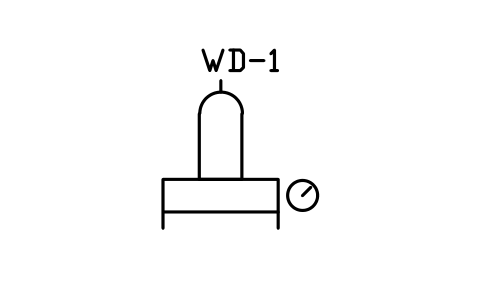
Weighing device
PFP_WEIGH_DEVICEÖznitelikler
TAGAGENTFILL_KGVOLUME_LPRESSURE_BARDISCHARGE_SZONELOCATIONMANUFACTURERMODELREMARKSDESC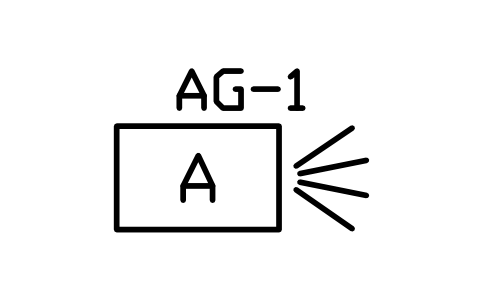
Aerosol generator
PFP_AEROSOLÖznitelikler
TAGAGENTFILL_KGVOLUME_LPRESSURE_BARDISCHARGE_SZONELOCATIONMANUFACTURERMODELREMARKSDESC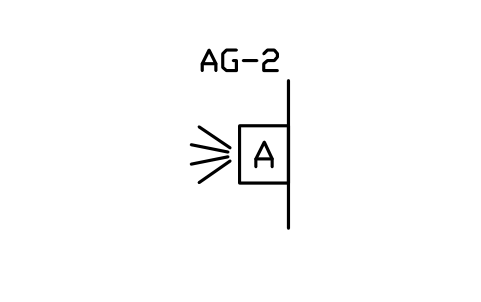
Aerosol generator, wall
PFP_AEROSOL_WALLÖznitelikler
TAGAGENTFILL_KGVOLUME_LPRESSURE_BARDISCHARGE_SZONELOCATIONMANUFACTURERMODELREMARKSDESC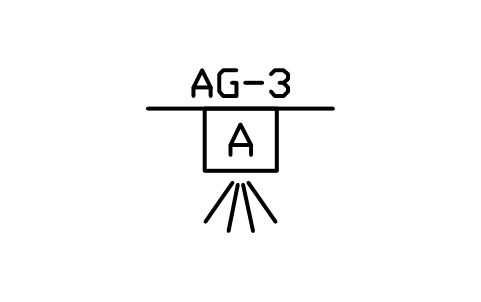
Aerosol generator, ceiling
PFP_AEROSOL_CEILÖznitelikler
TAGAGENTFILL_KGVOLUME_LPRESSURE_BARDISCHARGE_SZONELOCATIONMANUFACTURERMODELREMARKSDESC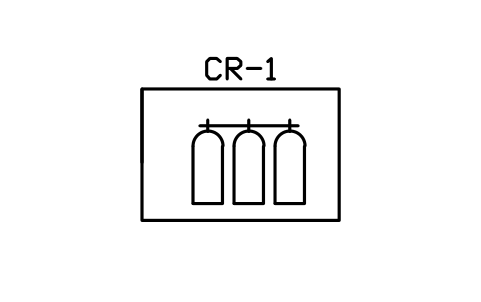
Cylinder room
PFP_CYL_ROOMÖznitelikler
TAGZONEAREA_M2RATING_HHAZARDPROTECTIONLOCATIONMANUFACTURERMODELREMARKSDESC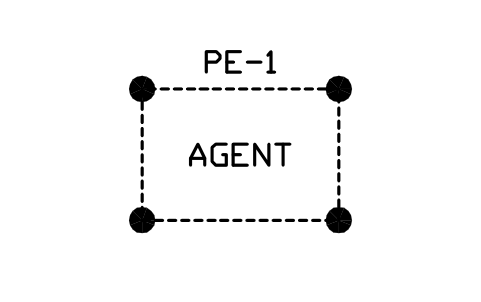
Protected enclosure
PFP_PROT_ENCLOSUREÖznitelikler
TAGZONEAREA_M2RATING_HHAZARDPROTECTIONLOCATIONMANUFACTURERMODELREMARKSDESC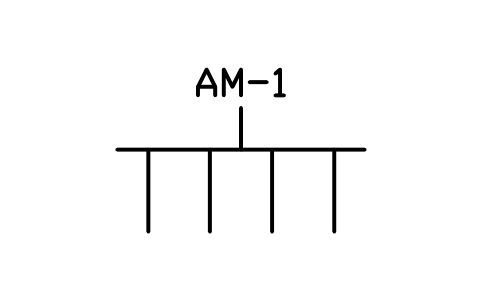
Agent manifold
PFP_AGENT_MANIFOLDÖznitelikler
TAGSIZE_DNPRESSURE_RATINGACTUATIONSERVICEMATERIALSUPERVISEDZONEMANUFACTURERMODELREMARKSDESC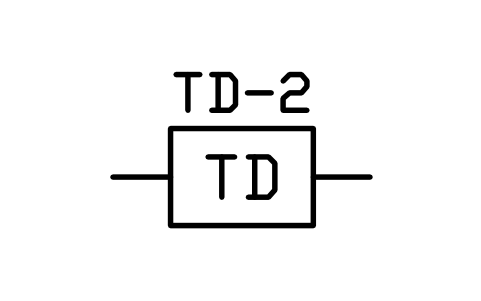
Time delay
PFP_TIME_DELAYÖznitelikler
TAGADDRESSLOOPZONEFUNCTIONVOLTAGE_VCIRCUITLOCATIONMANUFACTURERMODELREMARKSDESC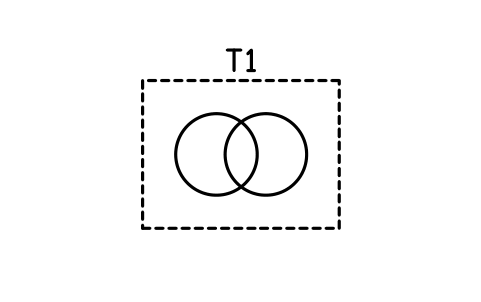
Oil transformer, protected
PFP_TR_PROTECTEDÖznitelikler
TAGSERVICEVOLUME_M3POWER_KWHAZARDPROTECTIONZONELOCATIONMANUFACTURERMODELREMARKSDESC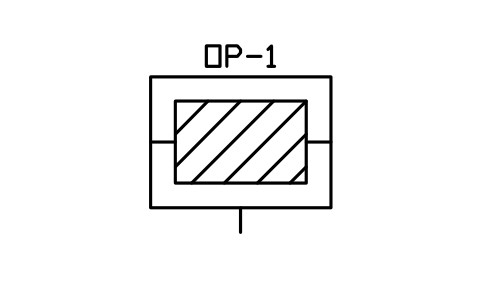
Transformer oil pit
PFP_OIL_PITÖznitelikler
TAGSERVICEVOLUME_M3POWER_KWHAZARDPROTECTIONZONELOCATIONMANUFACTURERMODELREMARKSDESC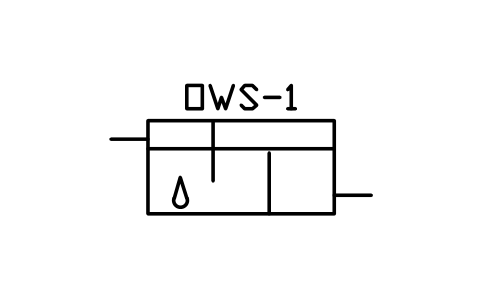
Oil-water separator
PFP_OIL_SEPARATORÖznitelikler
TAGSERVICEVOLUME_M3POWER_KWHAZARDPROTECTIONZONELOCATIONMANUFACTURERMODELREMARKSDESC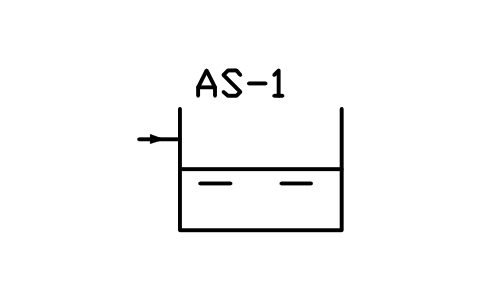
Accident oil sump
PFP_ACC_SUMPÖznitelikler
TAGSERVICEVOLUME_M3POWER_KWHAZARDPROTECTIONZONELOCATIONMANUFACTURERMODELREMARKSDESC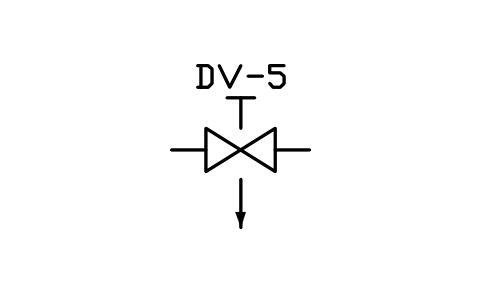
Oil drain valve
PFP_OIL_DRAIN_VALVEÖznitelikler
TAGSIZE_DNPRESSURE_RATINGACTUATIONSERVICEMATERIALSUPERVISEDZONEMANUFACTURERMODELREMARKSDESCNitrogen injection cabinet
PFP_N2_CABINETÖznitelikler
TAGSERVICEVOLUME_M3POWER_KWHAZARDPROTECTIONZONELOCATIONMANUFACTURERMODELREMARKSDESC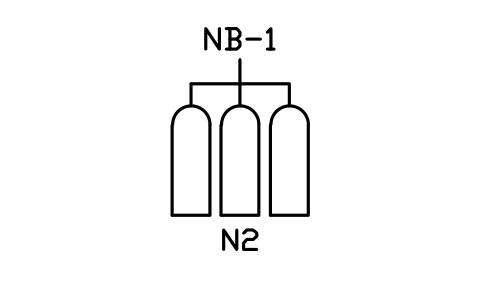
Nitrogen cylinder bank
PFP_N2_BANKÖznitelikler
TAGAGENTFILL_KGVOLUME_LPRESSURE_BARDISCHARGE_SZONELOCATIONMANUFACTURERMODELREMARKSDESC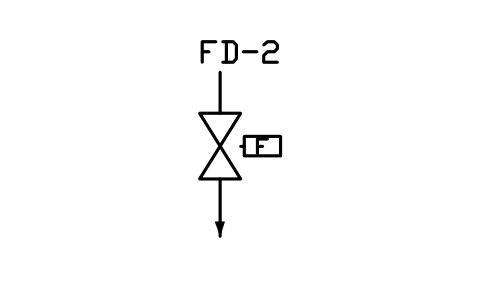
Fast oil drain
PFP_FAST_DRAINÖznitelikler
TAGSIZE_DNPRESSURE_RATINGACTUATIONSERVICEMATERIALSUPERVISEDZONEMANUFACTURERMODELREMARKSDESC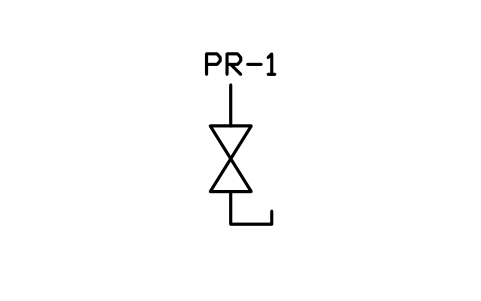
Pressure relief valve
PFP_PRESS_RELIEFÖznitelikler
TAGSIZE_DNPRESSURE_RATINGACTUATIONSERVICEMATERIALSUPERVISEDZONEMANUFACTURERMODELREMARKSDESC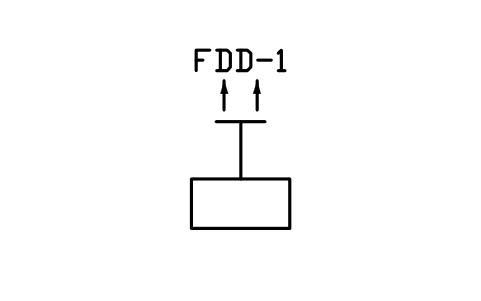
Fast depressurisation
PFP_FAST_DEPRESSÖznitelikler
TAGSIZE_DNPRESSURE_RATINGACTUATIONSERVICEMATERIALSUPERVISEDZONEMANUFACTURERMODELREMARKSDESC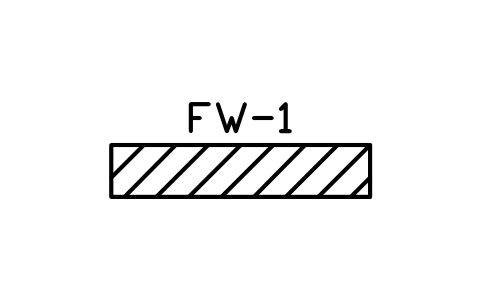
Fire wall, transformers
PFP_FIRE_WALL_TRÖznitelikler
TAGRATING_HMATERIALTHICKNESS_MMTEST_STANDARDLOCATIONZONEMANUFACTURERMODELREMARKSDESC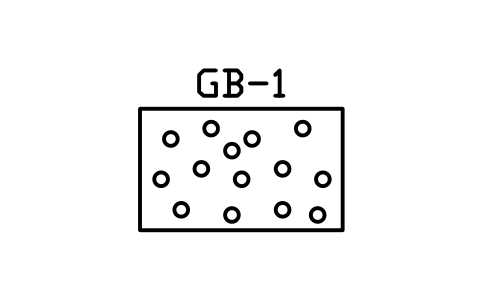
Gravel bed
PFP_GRAVEL_BEDÖznitelikler
TAGSERVICEVOLUME_M3POWER_KWHAZARDPROTECTIONZONELOCATIONMANUFACTURERMODELREMARKSDESC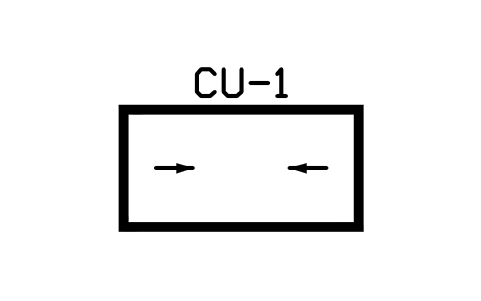
Oil containment curb
PFP_CURBÖznitelikler
TAGSERVICEVOLUME_M3POWER_KWHAZARDPROTECTIONZONELOCATIONMANUFACTURERMODELREMARKSDESC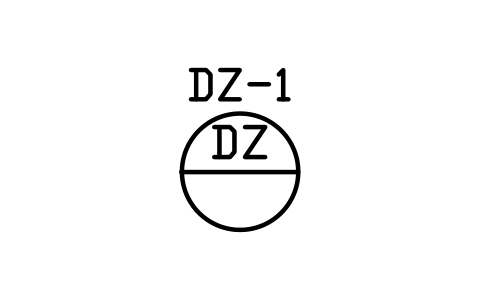
Deluge zone marker
PFP_DELUGE_ZONEÖznitelikler
TAGZONEAREA_M2RATING_HHAZARDPROTECTIONLOCATIONMANUFACTURERMODELREMARKSDESCSmoke detector, photoelectric
PFP_SMOKE_PHOTOÖznitelikler
TAGDETECTOR_TYPEZONELOOPADDRESSCOVERAGE_M2MOUNTINGRESPONSEENCLOSUREMANUFACTURERMODELREMARKSDESC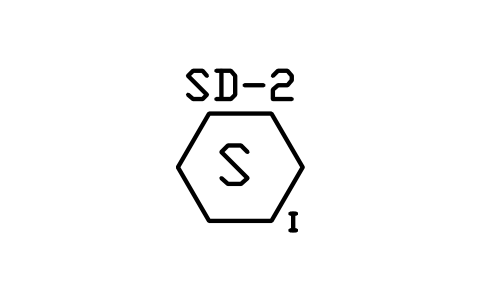
Smoke detector, ionisation
PFP_SMOKE_IONÖznitelikler
TAGDETECTOR_TYPEZONELOOPADDRESSCOVERAGE_M2MOUNTINGRESPONSEENCLOSUREMANUFACTURERMODELREMARKSDESC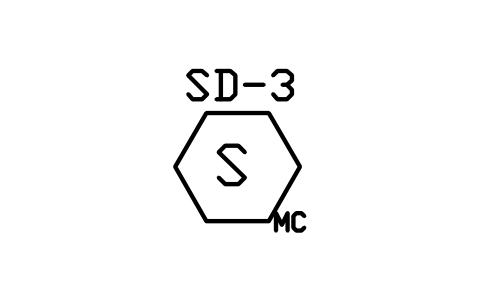
Smoke detector, multi-criteria
PFP_SMOKE_MULTIÖznitelikler
TAGDETECTOR_TYPEZONELOOPADDRESSCOVERAGE_M2MOUNTINGRESPONSEENCLOSUREMANUFACTURERMODELREMARKSDESC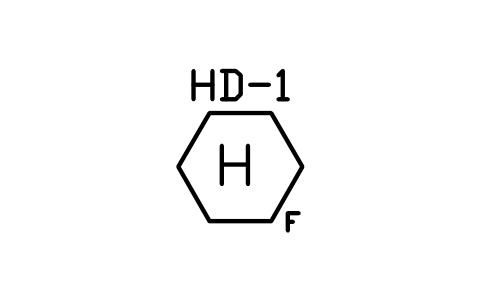
Heat detector, fixed
PFP_HEAT_FIXEDÖznitelikler
TAGDETECTOR_TYPEZONELOOPADDRESSCOVERAGE_M2MOUNTINGRESPONSEENCLOSUREMANUFACTURERMODELREMARKSDESC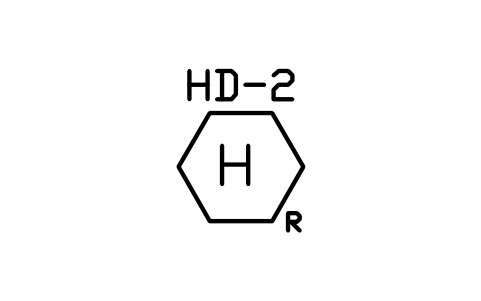
Heat detector, rate-of-rise
PFP_HEAT_RORÖznitelikler
TAGDETECTOR_TYPEZONELOOPADDRESSCOVERAGE_M2MOUNTINGRESPONSEENCLOSUREMANUFACTURERMODELREMARKSDESC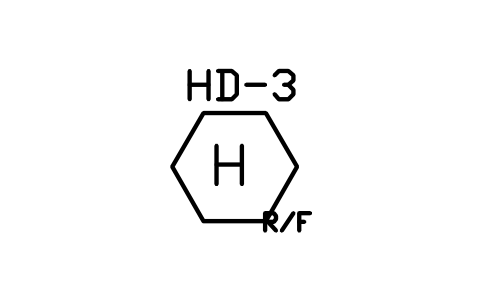
Heat detector, combination
PFP_HEAT_COMBIÖznitelikler
TAGDETECTOR_TYPEZONELOOPADDRESSCOVERAGE_M2MOUNTINGRESPONSEENCLOSUREMANUFACTURERMODELREMARKSDESCLinear heat cable
PFP_LHCÖznitelikler
TAGCABLE_TYPELENGTH_MALARM_TEMP_CZONELOOPADDRESSMOUNTINGMANUFACTURERMODELREMARKSDESC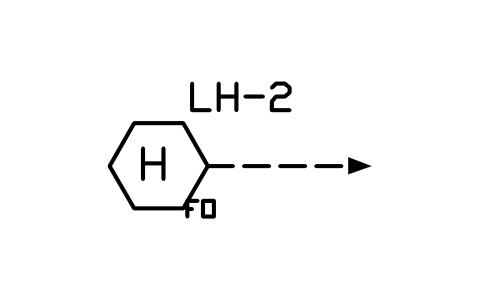
Linear heat, fibre optic
PFP_LHC_FIBREÖznitelikler
TAGCABLE_TYPELENGTH_MALARM_TEMP_CZONELOOPADDRESSMOUNTINGMANUFACTURERMODELREMARKSDESC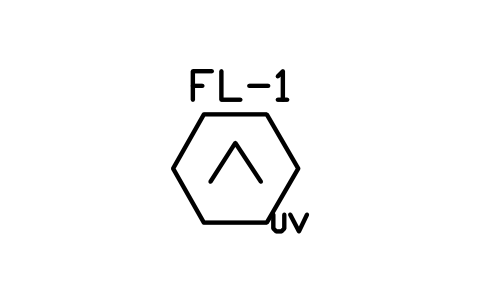
Flame detector, UV
PFP_FLAME_UVÖznitelikler
TAGDETECTOR_TYPEZONELOOPADDRESSCOVERAGE_M2MOUNTINGRESPONSEENCLOSUREMANUFACTURERMODELREMARKSDESC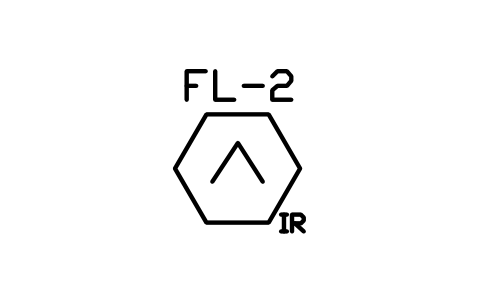
Flame detector, IR
PFP_FLAME_IRÖznitelikler
TAGDETECTOR_TYPEZONELOOPADDRESSCOVERAGE_M2MOUNTINGRESPONSEENCLOSUREMANUFACTURERMODELREMARKSDESCFlame detector, UV/IR
PFP_FLAME_UVIRÖznitelikler
TAGDETECTOR_TYPEZONELOOPADDRESSCOVERAGE_M2MOUNTINGRESPONSEENCLOSUREMANUFACTURERMODELREMARKSDESC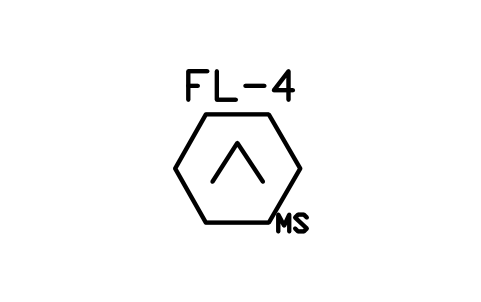
Flame detector, multi-spectrum
PFP_FLAME_MSÖznitelikler
TAGDETECTOR_TYPEZONELOOPADDRESSCOVERAGE_M2MOUNTINGRESPONSEENCLOSUREMANUFACTURERMODELREMARKSDESC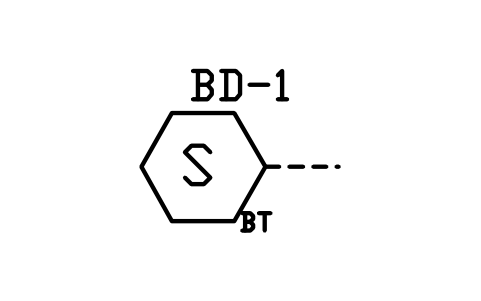
Beam detector, transmitter
PFP_BEAM_TXÖznitelikler
TAGDETECTOR_TYPEZONELOOPADDRESSCOVERAGE_M2MOUNTINGRESPONSEENCLOSUREMANUFACTURERMODELREMARKSDESC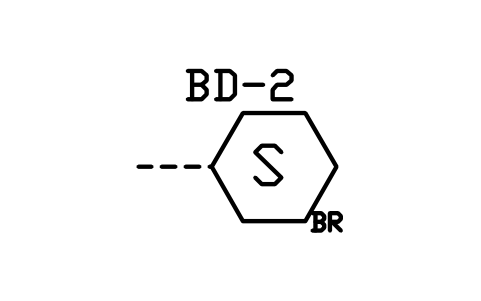
Beam detector, receiver
PFP_BEAM_RXÖznitelikler
TAGDETECTOR_TYPEZONELOOPADDRESSCOVERAGE_M2MOUNTINGRESPONSEENCLOSUREMANUFACTURERMODELREMARKSDESC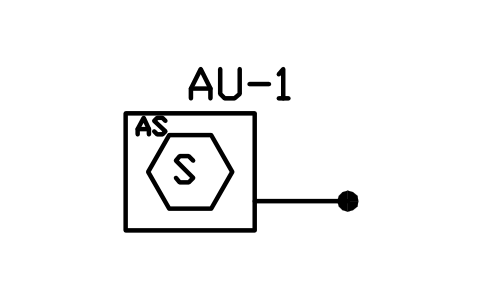
Aspirating unit
PFP_ASPIRATINGÖznitelikler
TAGDETECTOR_TYPEZONELOOPADDRESSCOVERAGE_M2MOUNTINGRESPONSEENCLOSUREMANUFACTURERMODELREMARKSDESC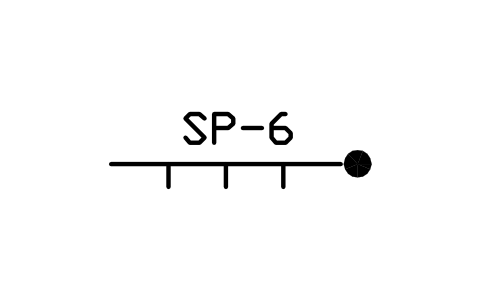
Sampling pipe
PFP_SAMPLING_PIPEÖznitelikler
TAGCABLE_TYPELENGTH_MALARM_TEMP_CZONELOOPADDRESSMOUNTINGMANUFACTURERMODELREMARKSDESC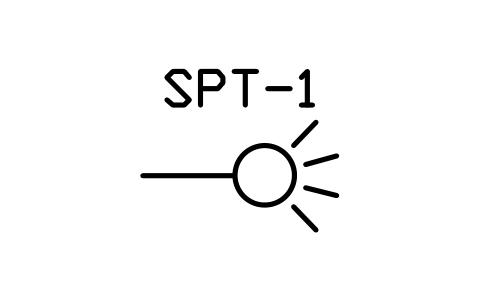
Sampling point
PFP_SAMPLING_POINTÖznitelikler
TAGDETECTOR_TYPEZONELOOPADDRESSCOVERAGE_M2MOUNTINGRESPONSEENCLOSUREMANUFACTURERMODELREMARKSDESC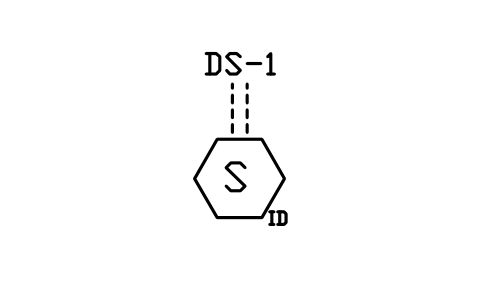
Duct smoke detector
PFP_DUCT_SMOKEÖznitelikler
TAGDETECTOR_TYPEZONELOOPADDRESSCOVERAGE_M2MOUNTINGRESPONSEENCLOSUREMANUFACTURERMODELREMARKSDESC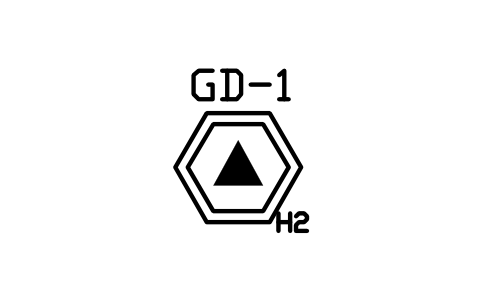
Gas detector, hydrogen
PFP_GAS_H2Öznitelikler
TAGGASRANGEALARM_1ALARM_2ZONELOOPADDRESSOUTPUTMANUFACTURERMODELREMARKSDESC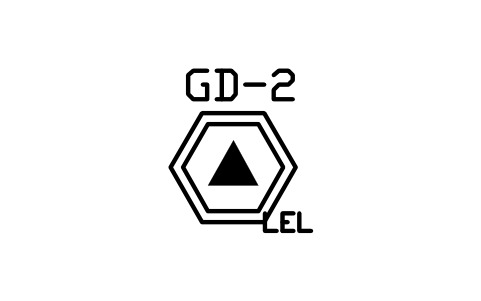
Gas detector, combustible
PFP_GAS_LELÖznitelikler
TAGGASRANGEALARM_1ALARM_2ZONELOOPADDRESSOUTPUTMANUFACTURERMODELREMARKSDESC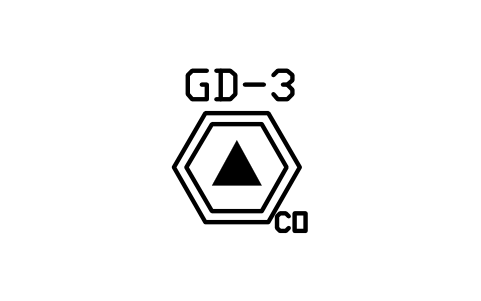
Gas detector, CO
PFP_GAS_COÖznitelikler
TAGGASRANGEALARM_1ALARM_2ZONELOOPADDRESSOUTPUTMANUFACTURERMODELREMARKSDESC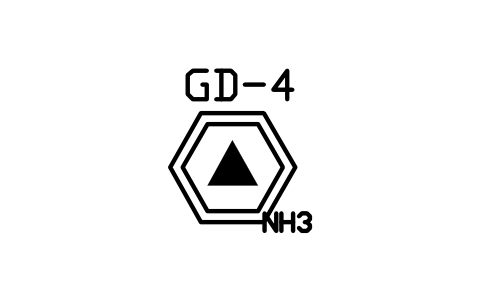
Gas detector, ammonia
PFP_GAS_NH3Öznitelikler
TAGGASRANGEALARM_1ALARM_2ZONELOOPADDRESSOUTPUTMANUFACTURERMODELREMARKSDESC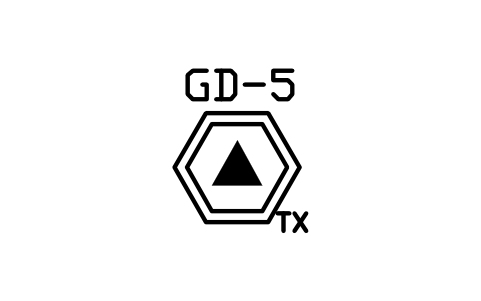
Gas detector, toxic
PFP_GAS_TOXICÖznitelikler
TAGGASRANGEALARM_1ALARM_2ZONELOOPADDRESSOUTPUTMANUFACTURERMODELREMARKSDESC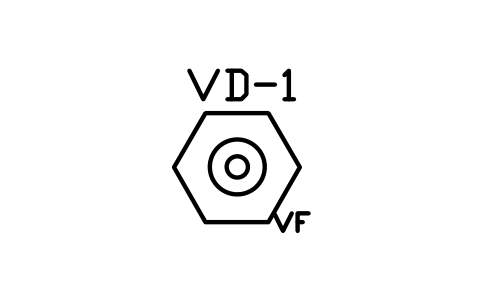
Video flame detector
PFP_VIDEO_FLAMEÖznitelikler
TAGDETECTOR_TYPEZONELOOPADDRESSCOVERAGE_M2MOUNTINGRESPONSEENCLOSUREMANUFACTURERMODELREMARKSDESC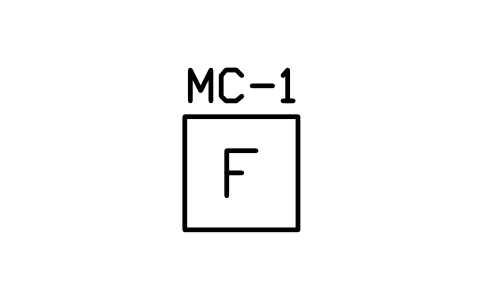
Manual call point
PFP_MCPÖznitelikler
TAGTYPEZONELOOPADDRESSENCLOSUREMOUNTING_HEIGHT_MFUNCTIONMANUFACTURERMODELREMARKSDESC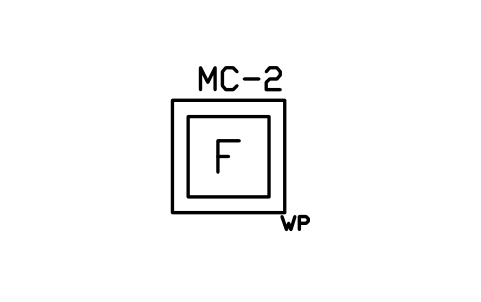
Manual call point, weatherproof
PFP_MCP_WPÖznitelikler
TAGTYPEZONELOOPADDRESSENCLOSUREMOUNTING_HEIGHT_MFUNCTIONMANUFACTURERMODELREMARKSDESC
Emergency telephone
PFP_EMERG_PHONEÖznitelikler
TAGTYPEZONELOOPADDRESSENCLOSUREMOUNTING_HEIGHT_MFUNCTIONMANUFACTURERMODELREMARKSDESC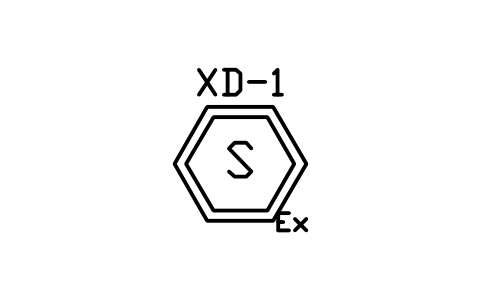
Detector, explosion-proof
PFP_DET_EXÖznitelikler
TAGDETECTOR_TYPEZONELOOPADDRESSCOVERAGE_M2MOUNTINGRESPONSEENCLOSUREMANUFACTURERMODELREMARKSDESCFire alarm control panel
PFP_FACPÖznitelikler
TAGZONESLOOPSSUPPLY_VBATTERY_AHCOMMUNICATIONLOCATIONADDRESS_RANGEMANUFACTURERMODELREMARKSDESC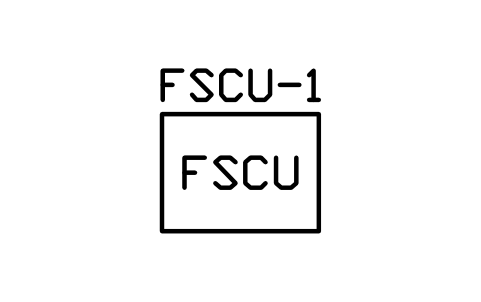
Releasing control panel
PFP_RELEASE_PANELÖznitelikler
TAGZONESLOOPSSUPPLY_VBATTERY_AHCOMMUNICATIONLOCATIONADDRESS_RANGEMANUFACTURERMODELREMARKSDESC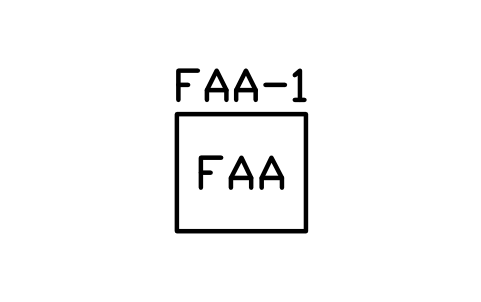
Remote annunciator
PFP_ANNUNCIATORÖznitelikler
TAGZONESLOOPSSUPPLY_VBATTERY_AHCOMMUNICATIONLOCATIONADDRESS_RANGEMANUFACTURERMODELREMARKSDESC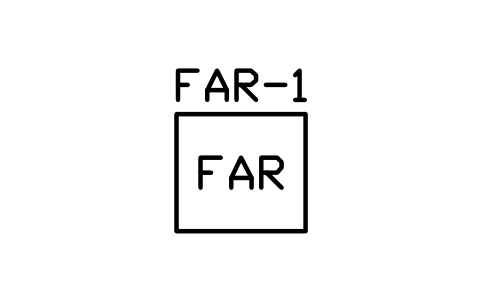
Repeater panel
PFP_REPEATERÖznitelikler
TAGZONESLOOPSSUPPLY_VBATTERY_AHCOMMUNICATIONLOCATIONADDRESS_RANGEMANUFACTURERMODELREMARKSDESC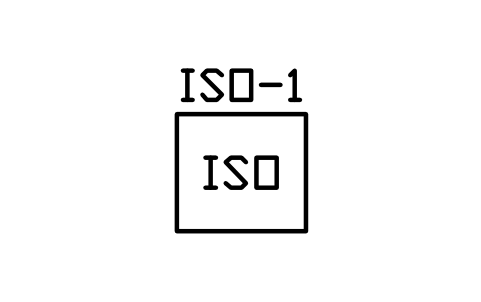
Loop isolator
PFP_LOOP_ISOLATORÖznitelikler
TAGADDRESSLOOPZONEFUNCTIONVOLTAGE_VCIRCUITLOCATIONMANUFACTURERMODELREMARKSDESC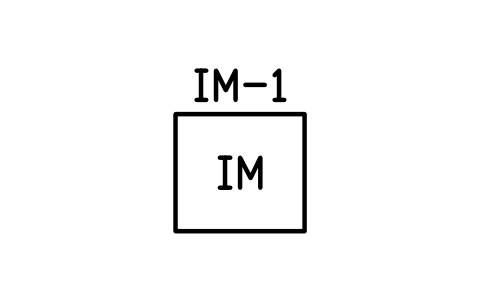
Input module
PFP_MOD_INPUTÖznitelikler
TAGADDRESSLOOPZONEFUNCTIONVOLTAGE_VCIRCUITLOCATIONMANUFACTURERMODELREMARKSDESC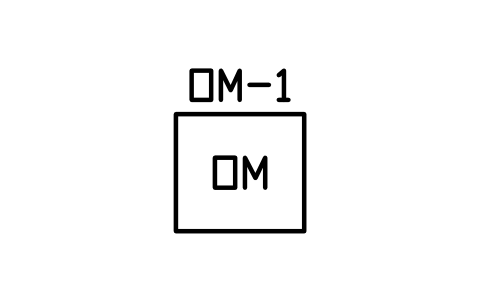
Output module
PFP_MOD_OUTPUTÖznitelikler
TAGADDRESSLOOPZONEFUNCTIONVOLTAGE_VCIRCUITLOCATIONMANUFACTURERMODELREMARKSDESC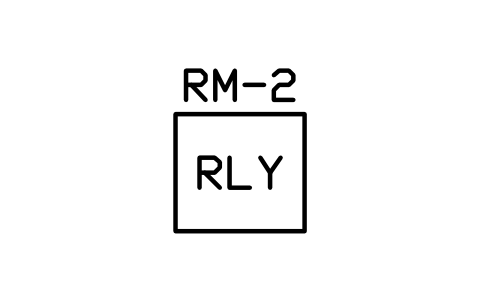
Relay module
PFP_MOD_RELAYÖznitelikler
TAGADDRESSLOOPZONEFUNCTIONVOLTAGE_VCIRCUITLOCATIONMANUFACTURERMODELREMARKSDESC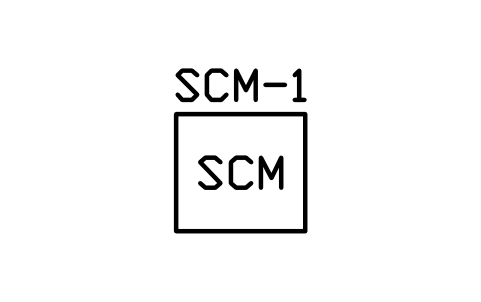
Solenoid control module
PFP_MOD_SOLENOIDÖznitelikler
TAGADDRESSLOOPZONEFUNCTIONVOLTAGE_VCIRCUITLOCATIONMANUFACTURERMODELREMARKSDESC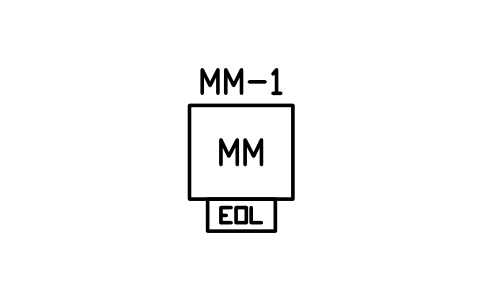
Monitor module, supervised
PFP_MOD_MONITORÖznitelikler
TAGADDRESSLOOPZONEFUNCTIONVOLTAGE_VCIRCUITLOCATIONMANUFACTURERMODELREMARKSDESC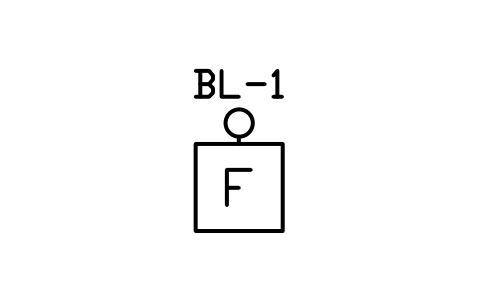
Bell
PFP_BELLÖznitelikler
TAGSOUND_DBCANDELAVOLTAGE_VMOUNTINGCIRCUITZONEENCLOSUREMANUFACTURERMODELREMARKSDESC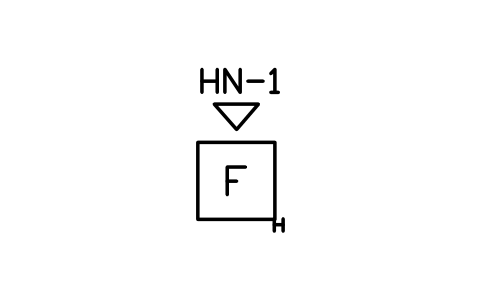
Horn
PFP_HORNÖznitelikler
TAGSOUND_DBCANDELAVOLTAGE_VMOUNTINGCIRCUITZONEENCLOSUREMANUFACTURERMODELREMARKSDESC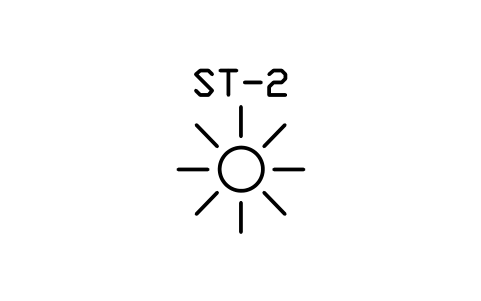
Strobe
PFP_STROBEÖznitelikler
TAGSOUND_DBCANDELAVOLTAGE_VMOUNTINGCIRCUITZONEENCLOSUREMANUFACTURERMODELREMARKSDESC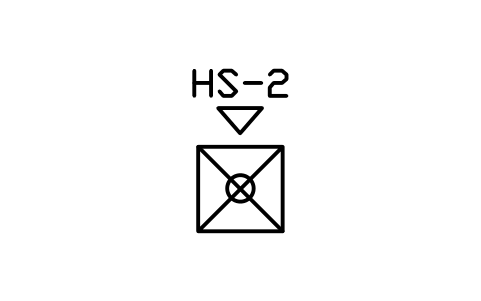
Horn and strobe
PFP_HORN_STROBEÖznitelikler
TAGSOUND_DBCANDELAVOLTAGE_VMOUNTINGCIRCUITZONEENCLOSUREMANUFACTURERMODELREMARKSDESC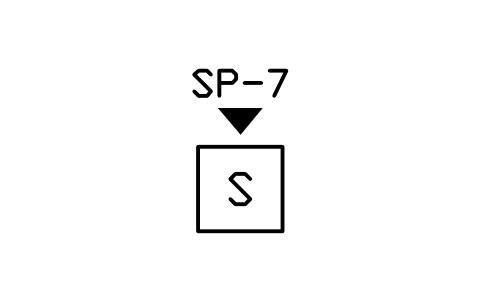
Speaker
PFP_SPEAKERÖznitelikler
TAGSOUND_DBCANDELAVOLTAGE_VMOUNTINGCIRCUITZONEENCLOSUREMANUFACTURERMODELREMARKSDESC
Beacon
PFP_BEACONÖznitelikler
TAGSOUND_DBCANDELAVOLTAGE_VMOUNTINGCIRCUITZONEENCLOSUREMANUFACTURERMODELREMARKSDESC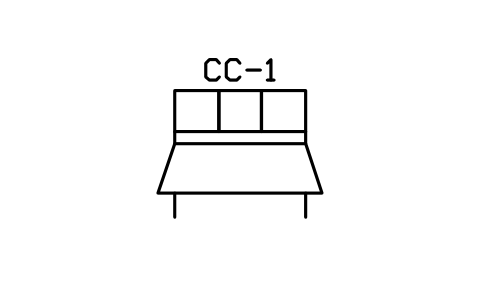
Fire control room console
PFP_CONTROL_CONSOLEÖznitelikler
TAGZONESLOOPSSUPPLY_VBATTERY_AHCOMMUNICATIONLOCATIONADDRESS_RANGEMANUFACTURERMODELREMARKSDESC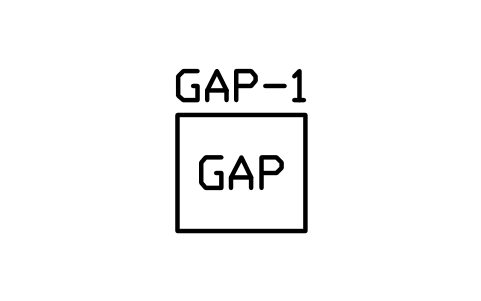
Graphic annunciator panel
PFP_GRAPHIC_PANELÖznitelikler
TAGZONESLOOPSSUPPLY_VBATTERY_AHCOMMUNICATIONLOCATIONADDRESS_RANGEMANUFACTURERMODELREMARKSDESC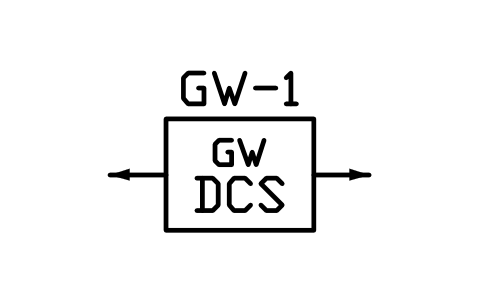
Gateway to DCS
PFP_GATEWAY_DCSÖznitelikler
TAGZONESLOOPSSUPPLY_VBATTERY_AHCOMMUNICATIONLOCATIONADDRESS_RANGEMANUFACTURERMODELREMARKSDESC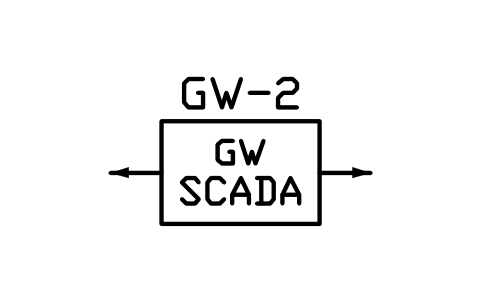
Gateway to SCADA
PFP_GATEWAY_SCADAÖznitelikler
TAGZONESLOOPSSUPPLY_VBATTERY_AHCOMMUNICATIONLOCATIONADDRESS_RANGEMANUFACTURERMODELREMARKSDESC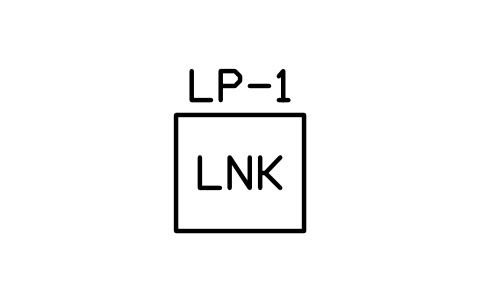
Linkage panel
PFP_LINKAGE_PANELÖznitelikler
TAGZONESLOOPSSUPPLY_VBATTERY_AHCOMMUNICATIONLOCATIONADDRESS_RANGEMANUFACTURERMODELREMARKSDESC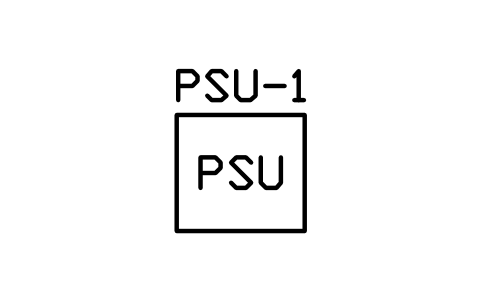
Fire panel power supply
PFP_PSUÖznitelikler
TAGZONESLOOPSSUPPLY_VBATTERY_AHCOMMUNICATIONLOCATIONADDRESS_RANGEMANUFACTURERMODELREMARKSDESC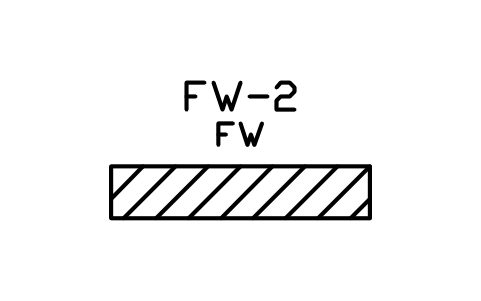
Fire wall
PFP_FIRE_WALLÖznitelikler
TAGRATING_HMATERIALTHICKNESS_MMTEST_STANDARDLOCATIONZONEMANUFACTURERMODELREMARKSDESC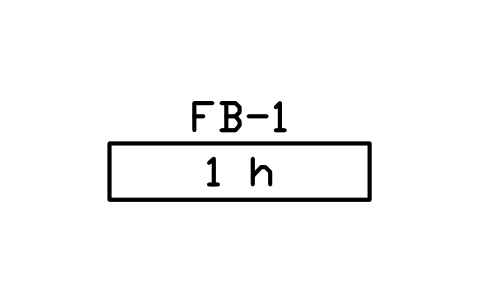
Fire barrier, 1 h
PFP_BARRIER_1HÖznitelikler
TAGRATING_HMATERIALTHICKNESS_MMTEST_STANDARDLOCATIONZONEMANUFACTURERMODELREMARKSDESC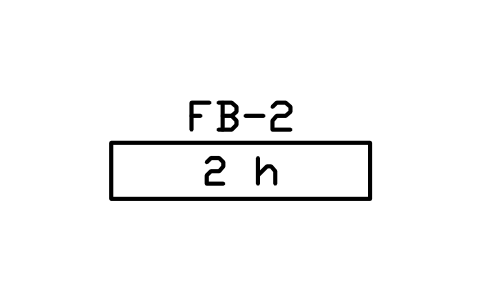
Fire barrier, 2 h
PFP_BARRIER_2HÖznitelikler
TAGRATING_HMATERIALTHICKNESS_MMTEST_STANDARDLOCATIONZONEMANUFACTURERMODELREMARKSDESC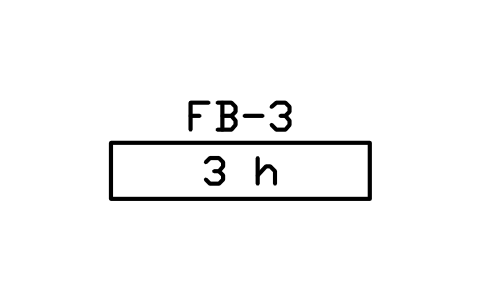
Fire barrier, 3 h
PFP_BARRIER_3HÖznitelikler
TAGRATING_HMATERIALTHICKNESS_MMTEST_STANDARDLOCATIONZONEMANUFACTURERMODELREMARKSDESC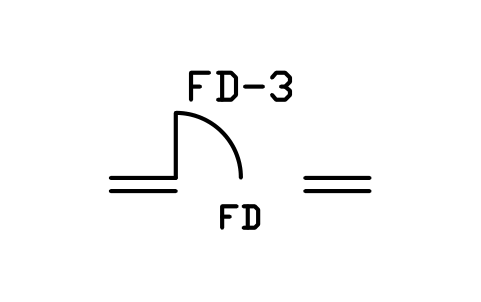
Fire door, single
PFP_DOOR_SINGLEÖznitelikler
TAGRATING_HMATERIALTHICKNESS_MMTEST_STANDARDLOCATIONZONEMANUFACTURERMODELREMARKSDESC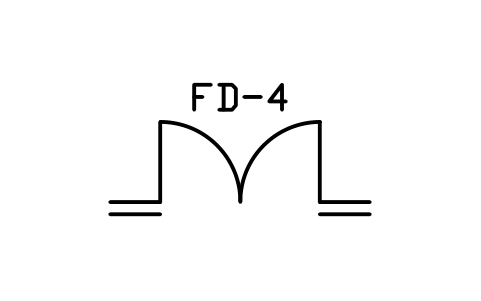
Fire door, double
PFP_DOOR_DOUBLEÖznitelikler
TAGRATING_HMATERIALTHICKNESS_MMTEST_STANDARDLOCATIONZONEMANUFACTURERMODELREMARKSDESC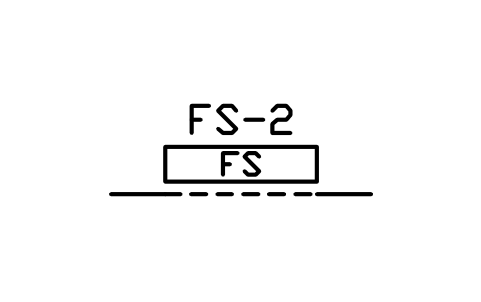
Fire shutter
PFP_SHUTTERÖznitelikler
TAGRATING_HMATERIALTHICKNESS_MMTEST_STANDARDLOCATIONZONEMANUFACTURERMODELREMARKSDESC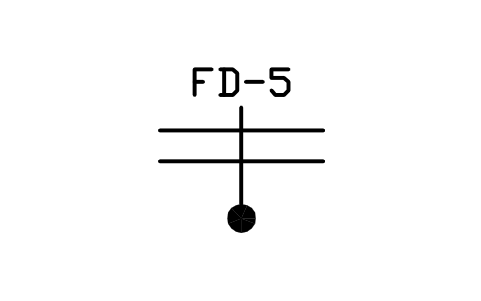
Fire damper
PFP_FIRE_DAMPERÖznitelikler
TAGRATING_HSIZE_MMACTUATIONRELEASE_TEMP_CZONELOCATIONMANUFACTURERMODELREMARKSDESC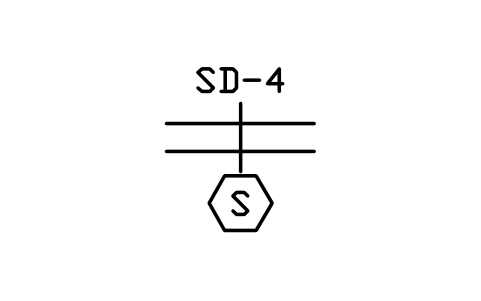
Smoke damper
PFP_SMOKE_DAMPERÖznitelikler
TAGRATING_HSIZE_MMACTUATIONRELEASE_TEMP_CZONELOCATIONMANUFACTURERMODELREMARKSDESC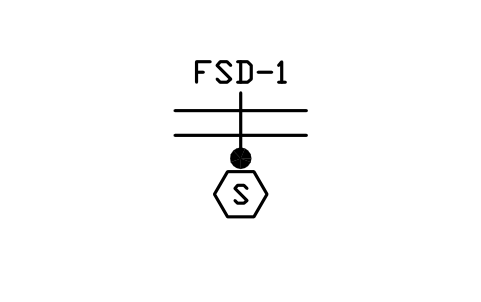
Fire and smoke damper
PFP_FIRE_SMOKE_DAMPERÖznitelikler
TAGRATING_HSIZE_MMACTUATIONRELEASE_TEMP_CZONELOCATIONMANUFACTURERMODELREMARKSDESCPenetration seal
PFP_PEN_SEALÖznitelikler
TAGRATING_HPENETRANTSIZE_MMSEAL_SYSTEMZONELOCATIONMANUFACTURERMODELREMARKSDESC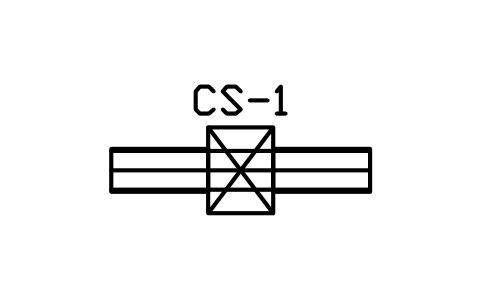
Cable penetration seal
PFP_CABLE_SEALÖznitelikler
TAGRATING_HPENETRANTSIZE_MMSEAL_SYSTEMZONELOCATIONMANUFACTURERMODELREMARKSDESC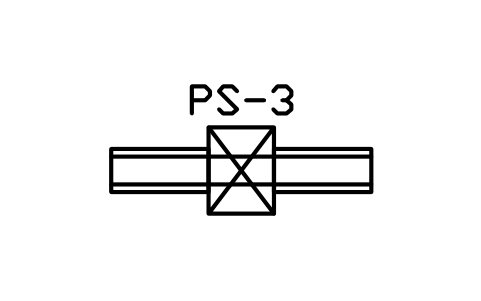
Pipe penetration seal
PFP_PIPE_SEALÖznitelikler
TAGRATING_HPENETRANTSIZE_MMSEAL_SYSTEMZONELOCATIONMANUFACTURERMODELREMARKSDESC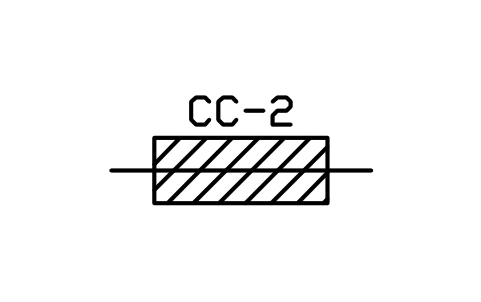
Cable coating
PFP_CABLE_COATINGÖznitelikler
TAGRATING_HPENETRANTSIZE_MMSEAL_SYSTEMZONELOCATIONMANUFACTURERMODELREMARKSDESC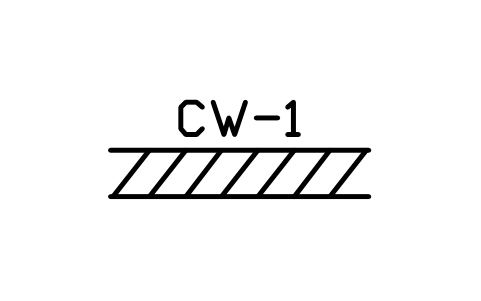
Cable wrap
PFP_CABLE_WRAPÖznitelikler
TAGRATING_HPENETRANTSIZE_MMSEAL_SYSTEMZONELOCATIONMANUFACTURERMODELREMARKSDESC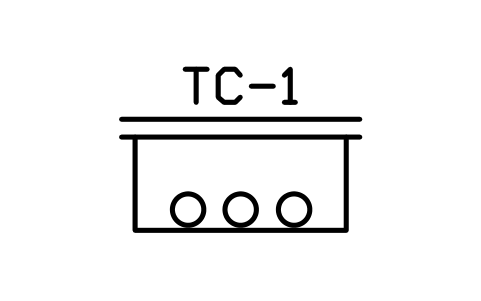
Cable tray cover
PFP_TRAY_COVERÖznitelikler
TAGRATING_HPENETRANTSIZE_MMSEAL_SYSTEMZONELOCATIONMANUFACTURERMODELREMARKSDESC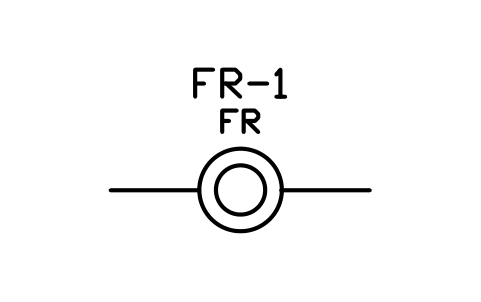
Fire-resistant cable
PFP_FR_CABLEÖznitelikler
TAGRATING_HPENETRANTSIZE_MMSEAL_SYSTEMZONELOCATIONMANUFACTURERMODELREMARKSDESC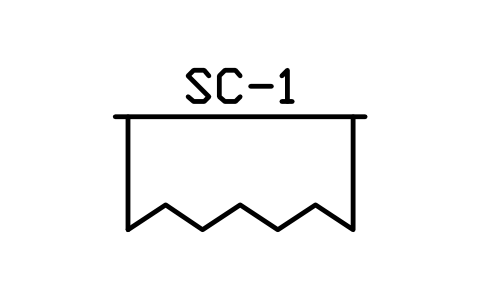
Smoke curtain
PFP_SMOKE_CURTAINÖznitelikler
TAGRATING_HMATERIALTHICKNESS_MMTEST_STANDARDLOCATIONZONEMANUFACTURERMODELREMARKSDESC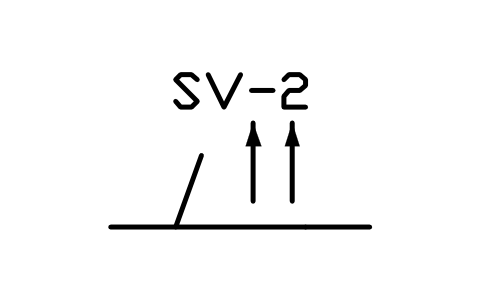
Smoke vent
PFP_SMOKE_VENTÖznitelikler
TAGRATING_HSIZE_MMACTUATIONRELEASE_TEMP_CZONELOCATIONMANUFACTURERMODELREMARKSDESC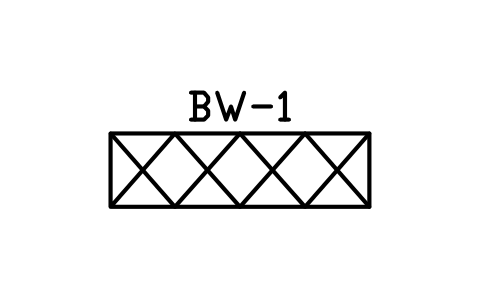
Blast wall
PFP_BLAST_WALLÖznitelikler
TAGRATING_HMATERIALTHICKNESS_MMTEST_STANDARDLOCATIONZONEMANUFACTURERMODELREMARKSDESC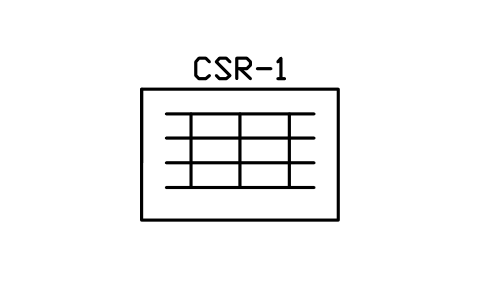
Cable spreading room
PFP_CABLE_SPREAD_ROOMÖznitelikler
TAGZONEAREA_M2RATING_HHAZARDPROTECTIONLOCATIONMANUFACTURERMODELREMARKSDESC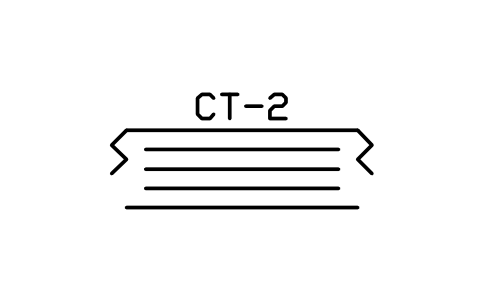
Cable tunnel
PFP_CABLE_TUNNELÖznitelikler
TAGZONEAREA_M2RATING_HHAZARDPROTECTIONLOCATIONMANUFACTURERMODELREMARKSDESC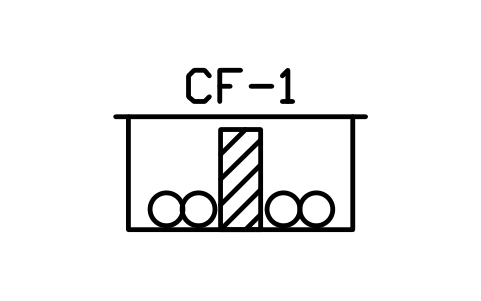
Cable trench, fire stop
PFP_TRENCH_STOPÖznitelikler
TAGRATING_HPENETRANTSIZE_MMSEAL_SYSTEMZONELOCATIONMANUFACTURERMODELREMARKSDESC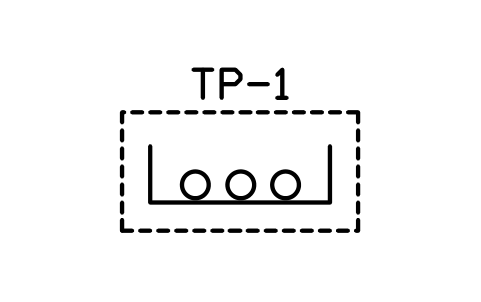
Cable tray, protected
PFP_TRAY_PROTECTEDÖznitelikler
TAGZONEAREA_M2RATING_HHAZARDPROTECTIONLOCATIONMANUFACTURERMODELREMARKSDESC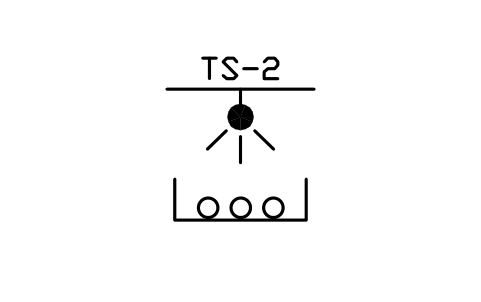
Tray sprinkler
PFP_TRAY_SPRINKLERÖznitelikler
TAGACTIVATION_CK_FACTORRESPONSEORIFICE_MMFINISHCOVERAGE_M2ZONEMANUFACTURERMODELREMARKSDESC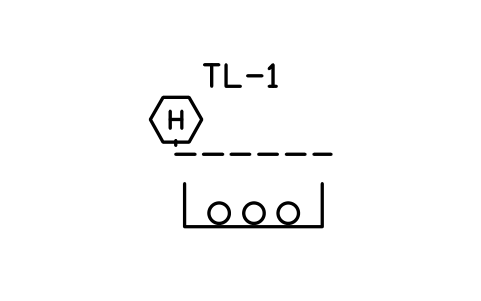
Tray linear heat
PFP_TRAY_LHCÖznitelikler
TAGCABLE_TYPELENGTH_MALARM_TEMP_CZONELOOPADDRESSMOUNTINGMANUFACTURERMODELREMARKSDESC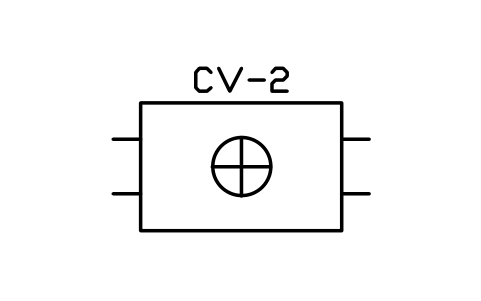
Cable vault
PFP_CABLE_VAULTÖznitelikler
TAGZONEAREA_M2RATING_HHAZARDPROTECTIONLOCATIONMANUFACTURERMODELREMARKSDESC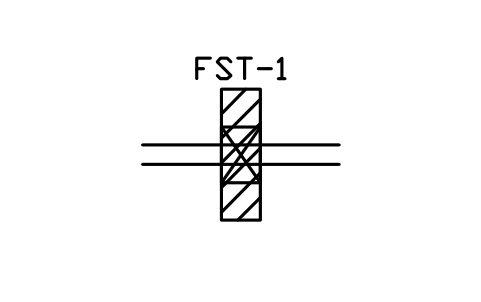
Fire stop, tray
PFP_FIRESTOP_TRAYÖznitelikler
TAGRATING_HPENETRANTSIZE_MMSEAL_SYSTEMZONELOCATIONMANUFACTURERMODELREMARKSDESC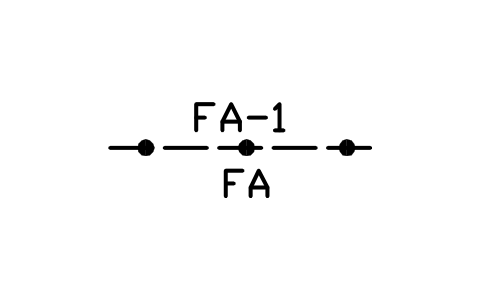
Fire area boundary
PFP_AREA_BOUNDARYÖznitelikler
TAGZONEAREA_M2RATING_HHAZARDPROTECTIONLOCATIONMANUFACTURERMODELREMARKSDESC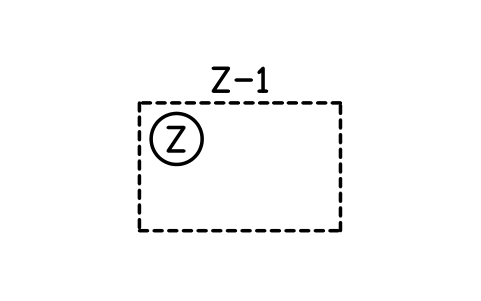
Fire zone
PFP_FIRE_ZONEÖznitelikler
TAGZONEAREA_M2RATING_HHAZARDPROTECTIONLOCATIONMANUFACTURERMODELREMARKSDESC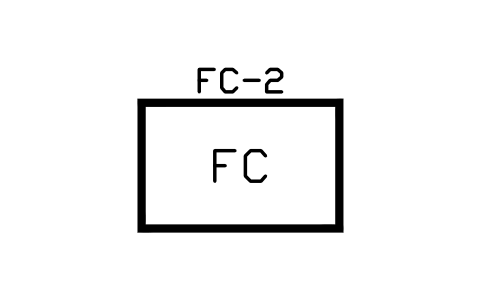
Fire compartment
PFP_FIRE_COMPARTMENTÖznitelikler
TAGZONEAREA_M2RATING_HHAZARDPROTECTIONLOCATIONMANUFACTURERMODELREMARKSDESC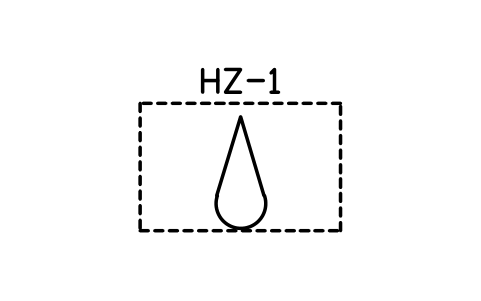
Hazard zone, oil
PFP_HAZARD_OILÖznitelikler
TAGZONEAREA_M2RATING_HHAZARDPROTECTIONLOCATIONMANUFACTURERMODELREMARKSDESC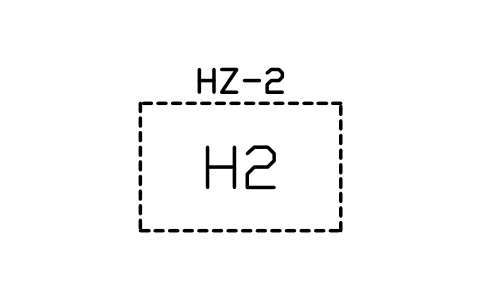
Hazard zone, hydrogen
PFP_HAZARD_H2Öznitelikler
TAGZONEAREA_M2RATING_HHAZARDPROTECTIONLOCATIONMANUFACTURERMODELREMARKSDESC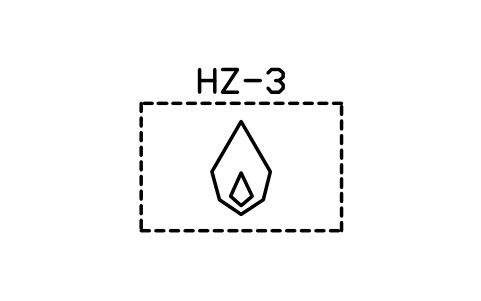
Hazard zone, fuel
PFP_HAZARD_FUELÖznitelikler
TAGZONEAREA_M2RATING_HHAZARDPROTECTIONLOCATIONMANUFACTURERMODELREMARKSDESC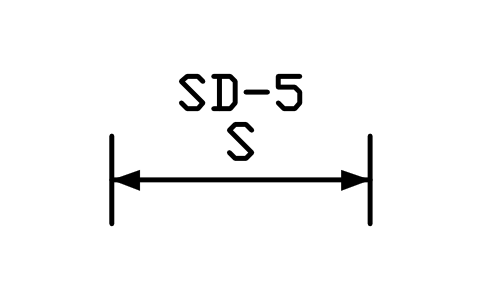
Separation distance
PFP_SEP_DISTANCEÖznitelikler
TAGZONEAREA_M2RATING_HHAZARDPROTECTIONLOCATIONMANUFACTURERMODELREMARKSDESC
Rated wall marker
PFP_RATED_WALL_MARKÖznitelikler
TAGRATING_HMATERIALTHICKNESS_MMTEST_STANDARDLOCATIONZONEMANUFACTURERMODELREMARKSDESC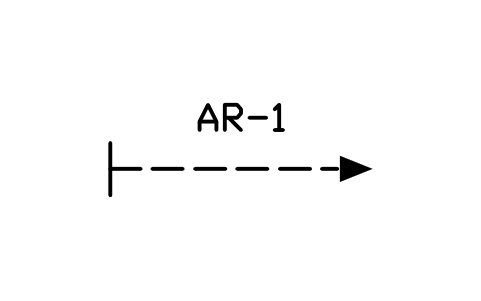
Fire access route
PFP_ACCESS_ROUTEÖznitelikler
TAGZONEAREA_M2RATING_HHAZARDPROTECTIONLOCATIONMANUFACTURERMODELREMARKSDESC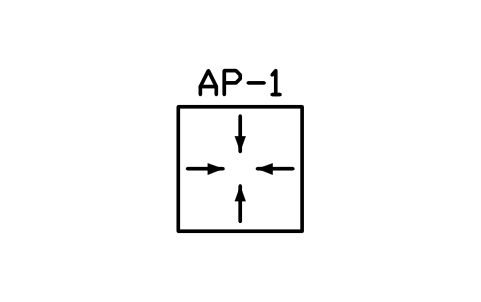
Assembly point
PFP_ASSEMBLY_POINTÖznitelikler
TAGZONEAREA_M2RATING_HHAZARDPROTECTIONLOCATIONMANUFACTURERMODELREMARKSDESC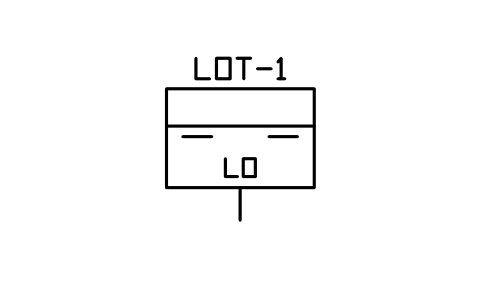
Lube oil tank
PFP_LUBE_OIL_TANKÖznitelikler
TAGSERVICEVOLUME_M3POWER_KWHAZARDPROTECTIONZONELOCATIONMANUFACTURERMODELREMARKSDESC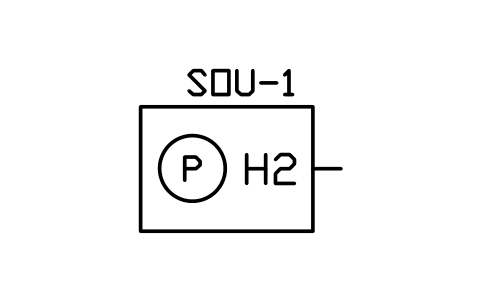
Hydrogen seal oil unit
PFP_H2_SEAL_OILÖznitelikler
TAGSERVICEVOLUME_M3POWER_KWHAZARDPROTECTIONZONELOCATIONMANUFACTURERMODELREMARKSDESC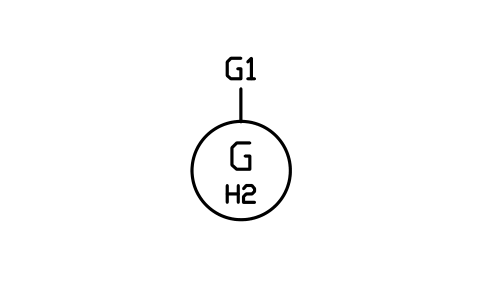
Generator, hydrogen cooled
PFP_GEN_H2Öznitelikler
TAGSERVICEVOLUME_M3POWER_KWHAZARDPROTECTIONZONELOCATIONMANUFACTURERMODELREMARKSDESC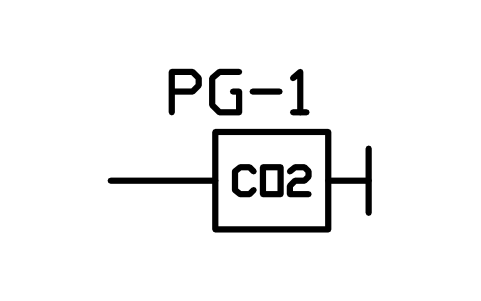
CO2 purge connection
PFP_CO2_PURGEÖznitelikler
TAGSIZE_DNPRESSURE_RATINGACTUATIONSERVICEMATERIALSUPERVISEDZONEMANUFACTURERMODELREMARKSDESC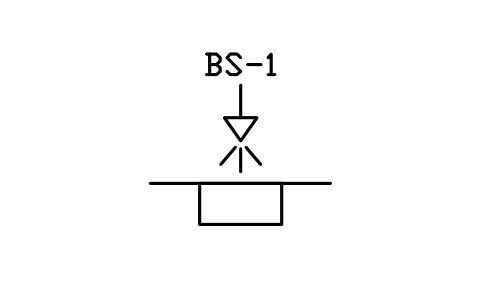
Turbine bearing spray
PFP_BEARING_SPRAYÖznitelikler
TAGFLOW_LPMPRESSURE_BARK_FACTORORIFICE_MMSPRAY_ANGLE_DEGMOUNTINGZONEMANUFACTURERMODELREMARKSDESC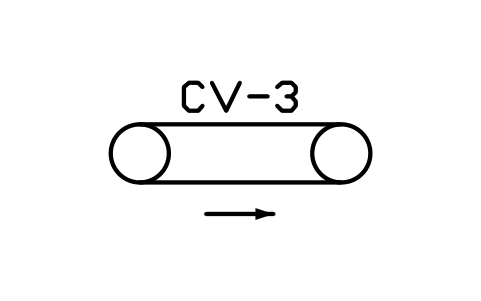
Coal conveyor
PFP_COAL_CONVEYORÖznitelikler
TAGSERVICEVOLUME_M3POWER_KWHAZARDPROTECTIONZONELOCATIONMANUFACTURERMODELREMARKSDESC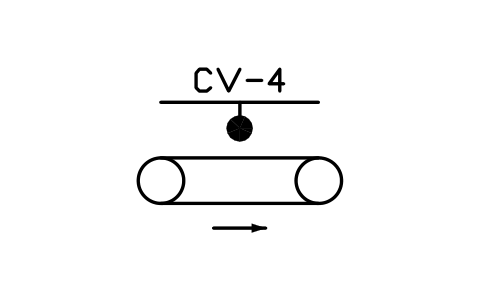
Conveyor sprinkler
PFP_CONVEYOR_SPRINKLERÖznitelikler
TAGACTIVATION_CK_FACTORRESPONSEORIFICE_MMFINISHCOVERAGE_M2ZONEMANUFACTURERMODELREMARKSDESC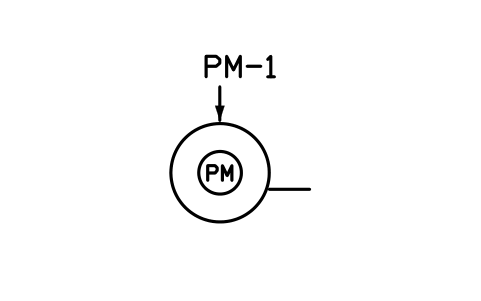
Pulverizer
PFP_PULVERIZERÖznitelikler
TAGSERVICEVOLUME_M3POWER_KWHAZARDPROTECTIONZONELOCATIONMANUFACTURERMODELREMARKSDESC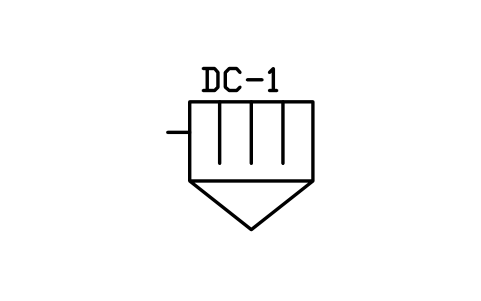
Dust collector
PFP_DUST_COLLECTORÖznitelikler
TAGSERVICEVOLUME_M3POWER_KWHAZARDPROTECTIONZONELOCATIONMANUFACTURERMODELREMARKSDESC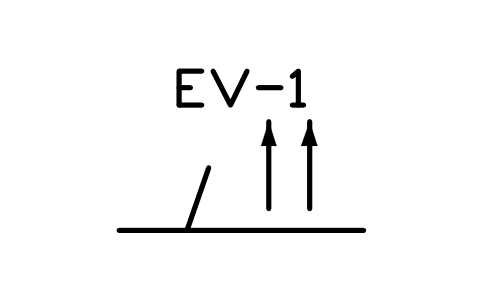
Explosion vent panel
PFP_EXPL_VENT_PANELÖznitelikler
TAGRATING_HSIZE_MMACTUATIONRELEASE_TEMP_CZONELOCATIONMANUFACTURERMODELREMARKSDESC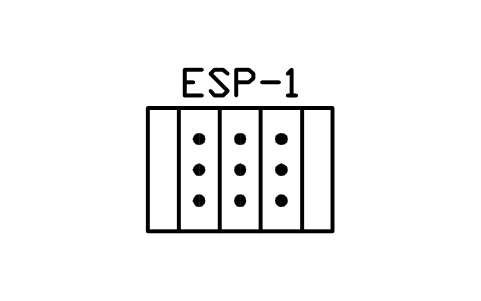
Electrostatic precipitator
PFP_ESPÖznitelikler
TAGSERVICEVOLUME_M3POWER_KWHAZARDPROTECTIONZONELOCATIONMANUFACTURERMODELREMARKSDESC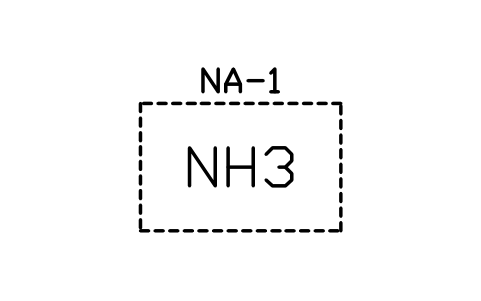
Ammonia area
PFP_AMMONIA_AREAÖznitelikler
TAGZONEAREA_M2RATING_HHAZARDPROTECTIONLOCATIONMANUFACTURERMODELREMARKSDESC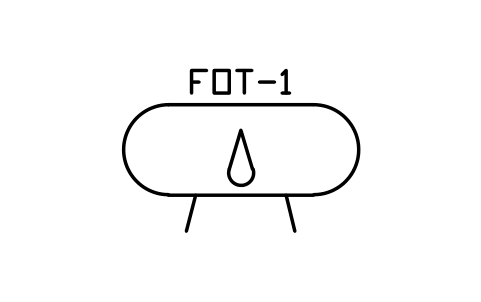
Fuel oil tank
PFP_FUEL_OIL_TANKÖznitelikler
TAGVOLUME_M3MATERIALDESIGN_PRESSURE_BARSERVICEZONELOCATIONMANUFACTURERMODELREMARKSDESC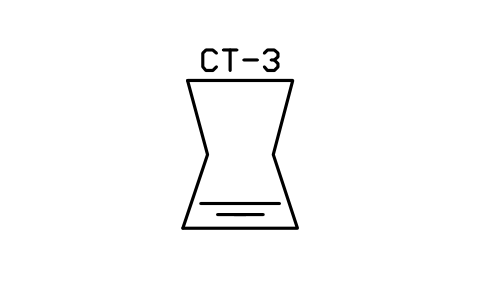
Cooling tower
PFP_COOLING_TOWERÖznitelikler
TAGSERVICEVOLUME_M3POWER_KWHAZARDPROTECTIONZONELOCATIONMANUFACTURERMODELREMARKSDESC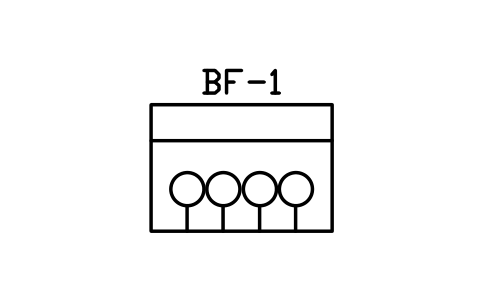
Boiler front
PFP_BOILER_FRONTÖznitelikler
TAGSERVICEVOLUME_M3POWER_KWHAZARDPROTECTIONZONELOCATIONMANUFACTURERMODELREMARKSDESC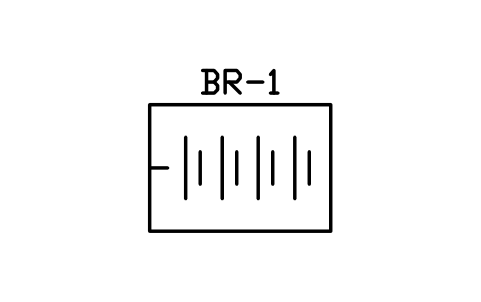
Battery room
PFP_BATTERY_ROOMÖznitelikler
TAGZONEAREA_M2RATING_HHAZARDPROTECTIONLOCATIONMANUFACTURERMODELREMARKSDESC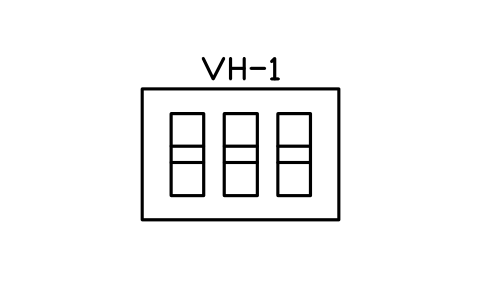
Valve hall
PFP_VALVE_HALLÖznitelikler
TAGZONEAREA_M2RATING_HHAZARDPROTECTIONLOCATIONMANUFACTURERMODELREMARKSDESC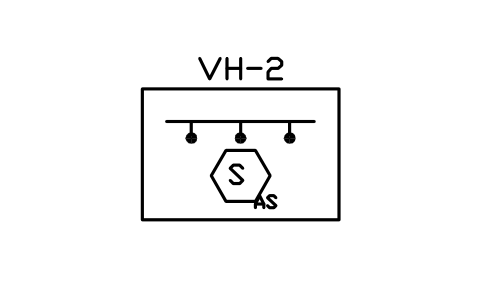
Valve hall aspirating
PFP_VALVE_HALL_ASPIRÖznitelikler
TAGDETECTOR_TYPEZONELOOPADDRESSCOVERAGE_M2MOUNTINGRESPONSEENCLOSUREMANUFACTURERMODELREMARKSDESC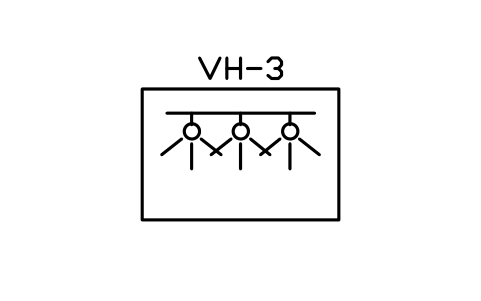
Valve hall water mist
PFP_VALVE_HALL_MISTÖznitelikler
TAGFLOW_LPMPRESSURE_BARK_FACTORORIFICE_MMSPRAY_ANGLE_DEGMOUNTINGZONEMANUFACTURERMODELREMARKSDESC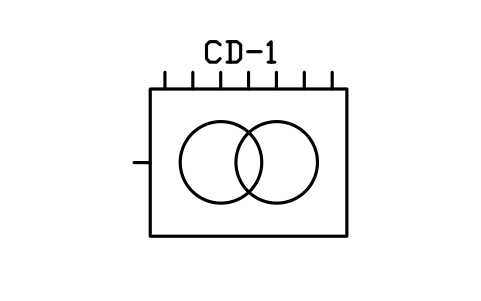
Converter transformer deluge
PFP_CONV_TR_DELUGEÖznitelikler
TAGFLOW_LPMPRESSURE_BARK_FACTORORIFICE_MMSPRAY_ANGLE_DEGMOUNTINGZONEMANUFACTURERMODELREMARKSDESC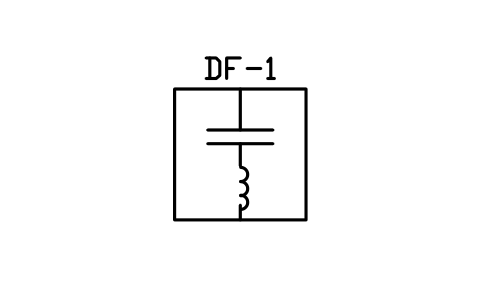
DC filter
PFP_DC_FILTERÖznitelikler
TAGSERVICEVOLUME_M3POWER_KWHAZARDPROTECTIONZONELOCATIONMANUFACTURERMODELREMARKSDESC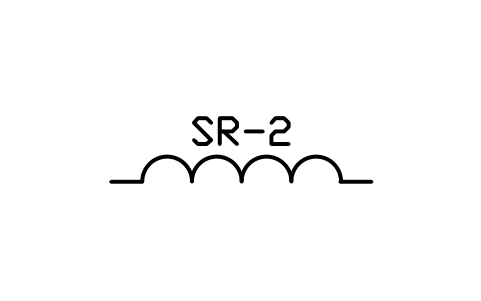
Smoothing reactor
PFP_SMOOTHING_REACTORÖznitelikler
TAGSERVICEVOLUME_M3POWER_KWHAZARDPROTECTIONZONELOCATIONMANUFACTURERMODELREMARKSDESC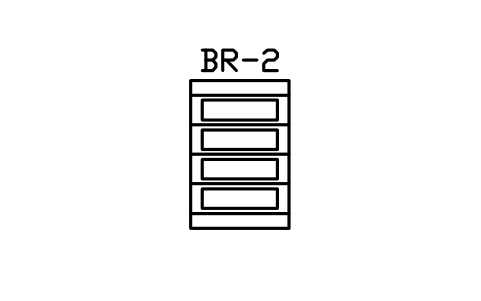
Battery rack
PFP_BATT_RACKÖznitelikler
TAGCAPACITY_KWHCHEMISTRYVOLTAGE_VPROTECTIONZONELOCATIONMANUFACTURERMODELREMARKSDESC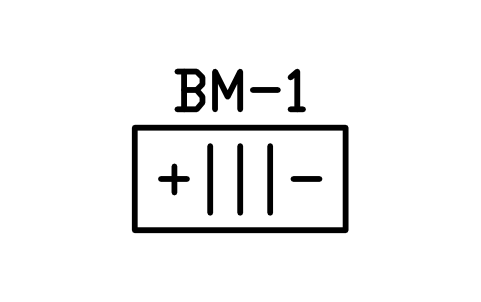
Battery module
PFP_BATT_MODULEÖznitelikler
TAGCAPACITY_KWHCHEMISTRYVOLTAGE_VPROTECTIONZONELOCATIONMANUFACTURERMODELREMARKSDESCBattery container
PFP_BATT_CONTAINERÖznitelikler
TAGCAPACITY_KWHCHEMISTRYVOLTAGE_VPROTECTIONZONELOCATIONMANUFACTURERMODELREMARKSDESC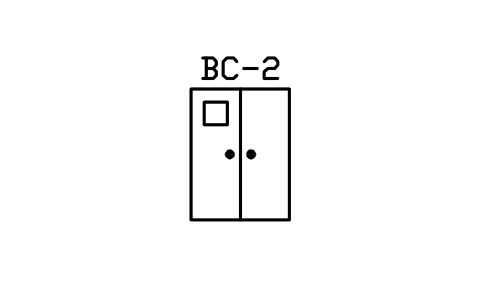
Battery cabinet
PFP_BATT_CABINETÖznitelikler
TAGCAPACITY_KWHCHEMISTRYVOLTAGE_VPROTECTIONZONELOCATIONMANUFACTURERMODELREMARKSDESCThermal runaway detector
PFP_TR_DETECTORÖznitelikler
TAGGASRANGEALARM_1ALARM_2ZONELOOPADDRESSOUTPUTMANUFACTURERMODELREMARKSDESC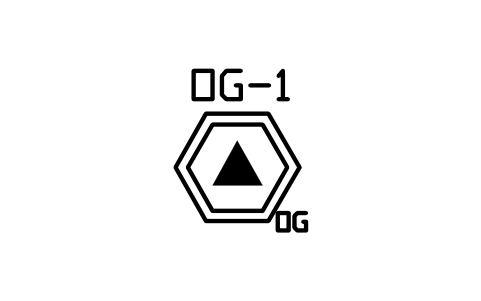
Off-gas detector
PFP_OFFGAS_DETECTORÖznitelikler
TAGGASRANGEALARM_1ALARM_2ZONELOOPADDRESSOUTPUTMANUFACTURERMODELREMARKSDESC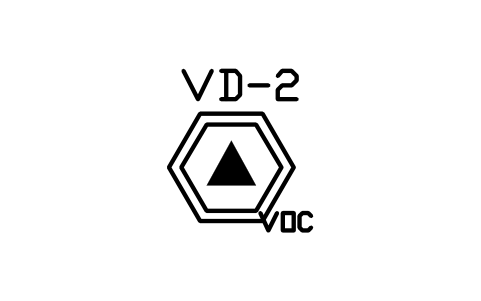
Electrolyte vapour detector
PFP_VAPOUR_DETECTORÖznitelikler
TAGGASRANGEALARM_1ALARM_2ZONELOOPADDRESSOUTPUTMANUFACTURERMODELREMARKSDESC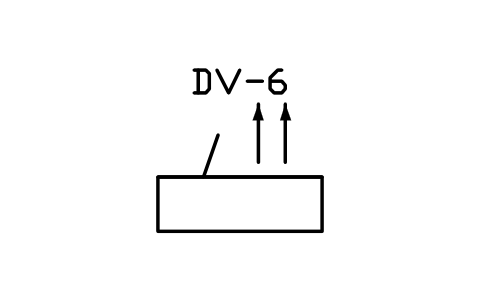
Deflagration vent
PFP_DEFLAG_VENTÖznitelikler
TAGRATING_HSIZE_MMACTUATIONRELEASE_TEMP_CZONELOCATIONMANUFACTURERMODELREMARKSDESC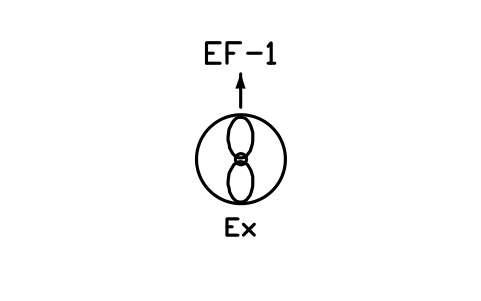
Exhaust fan, explosion-proof
PFP_EXHAUST_FAN_EXÖznitelikler
TAGRATING_HSIZE_MMACTUATIONRELEASE_TEMP_CZONELOCATIONMANUFACTURERMODELREMARKSDESC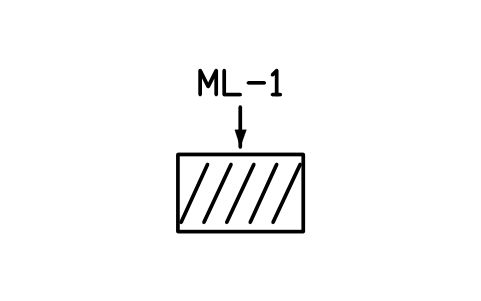
Make-up air louver
PFP_MAKEUP_LOUVREÖznitelikler
TAGRATING_HSIZE_MMACTUATIONRELEASE_TEMP_CZONELOCATIONMANUFACTURERMODELREMARKSDESC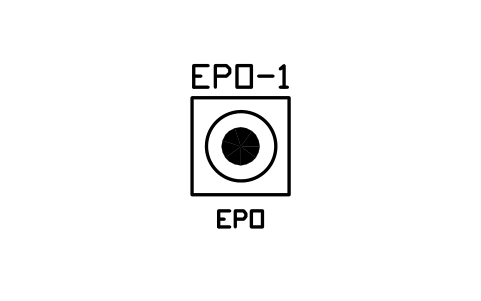
Emergency power off
PFP_EPOÖznitelikler
TAGTYPEZONELOOPADDRESSENCLOSUREMOUNTING_HEIGHT_MFUNCTIONMANUFACTURERMODELREMARKSDESC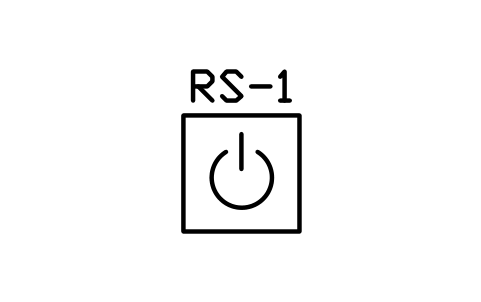
Remote shutdown
PFP_REMOTE_SHUTDOWNÖznitelikler
TAGTYPEZONELOOPADDRESSENCLOSUREMOUNTING_HEIGHT_MFUNCTIONMANUFACTURERMODELREMARKSDESC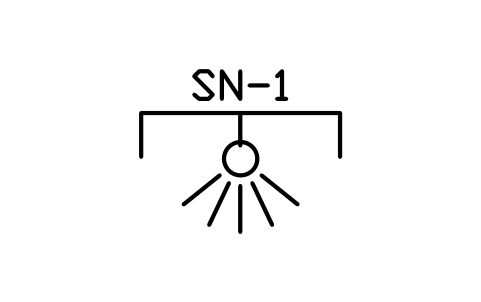
Suppression nozzle, container
PFP_SUPP_NOZZLE_CONTÖznitelikler
TAGAGENTFLOW_KGSORIFICE_MMCOVERAGE_M2MOUNTINGZONEMANUFACTURERMODELREMARKSDESC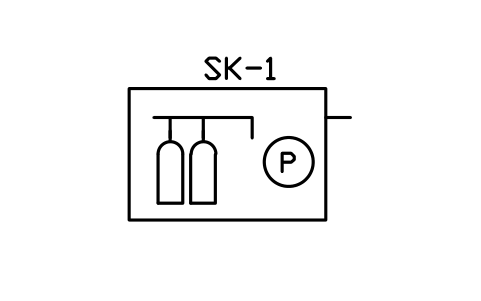
Suppression skid
PFP_SUPP_SKIDÖznitelikler
TAGFLOW_LPMPRESSURE_BARPOWER_KWAGENTZONELOCATIONDISCHARGE_SMANUFACTURERMODELREMARKSDESC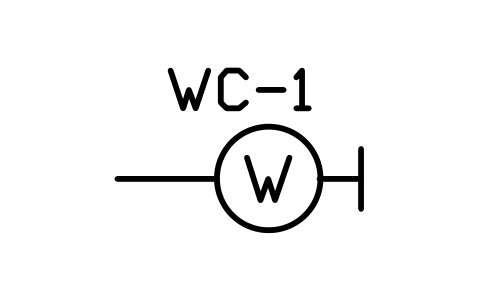
Water supply connection
PFP_WATER_CONNÖznitelikler
TAGSIZE_DNOUTLETSFLOW_LPSPRESSURE_BARZONELOCATIONMANUFACTURERMODELREMARKSDESC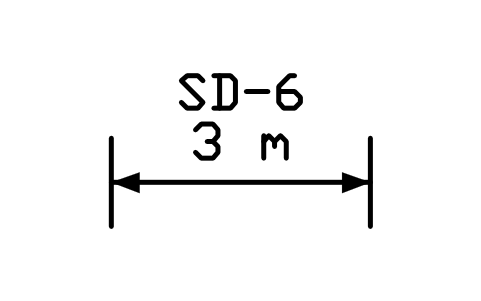
Separation distance, 3 m
PFP_SEP_3MÖznitelikler
TAGZONEAREA_M2RATING_HHAZARDPROTECTIONLOCATIONMANUFACTURERMODELREMARKSDESC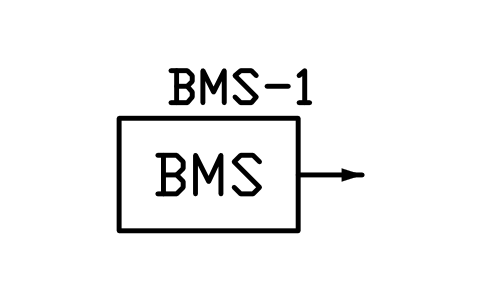
BMS interface
PFP_BMS_INTERFACEÖznitelikler
TAGZONESLOOPSSUPPLY_VBATTERY_AHCOMMUNICATIONLOCATIONADDRESS_RANGEMANUFACTURERMODELREMARKSDESC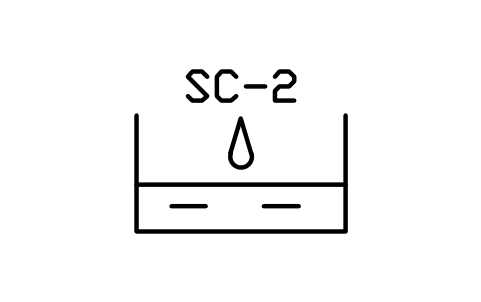
Spill containment
PFP_SPILL_CONTAINÖznitelikler
TAGZONEAREA_M2RATING_HHAZARDPROTECTIONLOCATIONMANUFACTURERMODELREMARKSDESC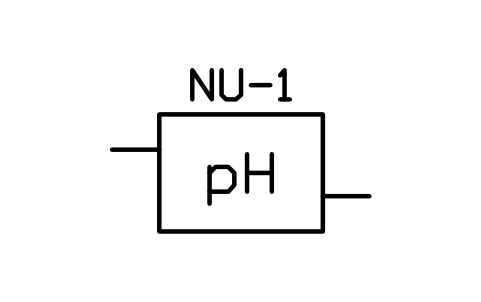
Neutralisation unit
PFP_NEUTRALISERÖznitelikler
TAGSERVICEVOLUME_M3POWER_KWHAZARDPROTECTIONZONELOCATIONMANUFACTURERMODELREMARKSDESC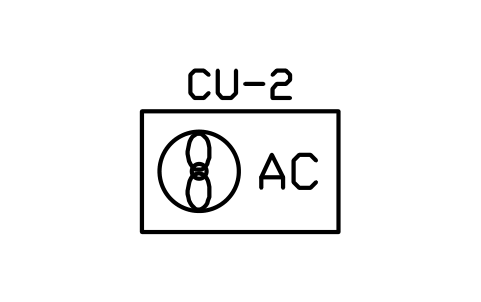
Cooling unit
PFP_COOLING_UNITÖznitelikler
TAGSERVICEVOLUME_M3POWER_KWHAZARDPROTECTIONZONELOCATIONMANUFACTURERMODELREMARKSDESC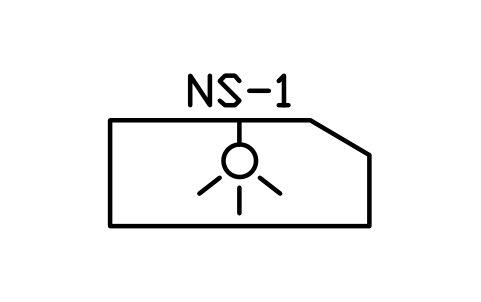
Nacelle suppression
PFP_NACELLE_SUPPÖznitelikler
TAGAGENTFLOW_KGSORIFICE_MMCOVERAGE_M2MOUNTINGZONEMANUFACTURERMODELREMARKSDESC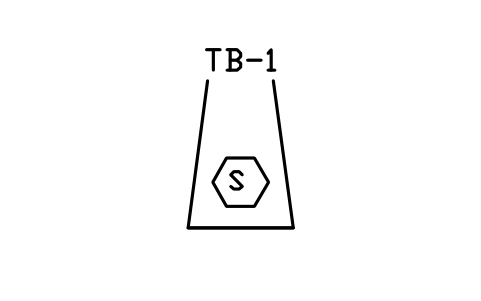
Tower base detector
PFP_TOWER_BASE_DETÖznitelikler
TAGDETECTOR_TYPEZONELOOPADDRESSCOVERAGE_M2MOUNTINGRESPONSEENCLOSUREMANUFACTURERMODELREMARKSDESC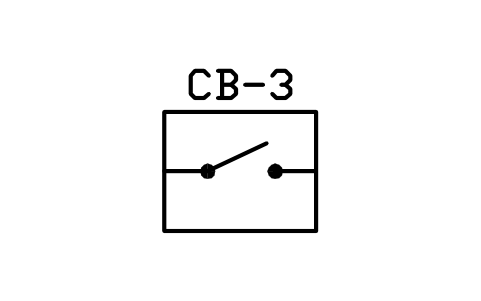
Combiner box isolator
PFP_COMBINER_ISOÖznitelikler
TAGADDRESSLOOPZONEFUNCTIONVOLTAGE_VCIRCUITLOCATIONMANUFACTURERMODELREMARKSDESC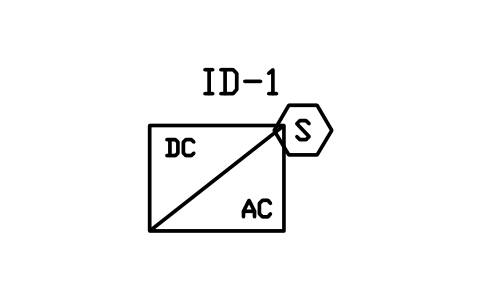
Inverter detector
PFP_INVERTER_DETÖznitelikler
TAGDETECTOR_TYPEZONELOOPADDRESSCOVERAGE_M2MOUNTINGRESPONSEENCLOSUREMANUFACTURERMODELREMARKSDESC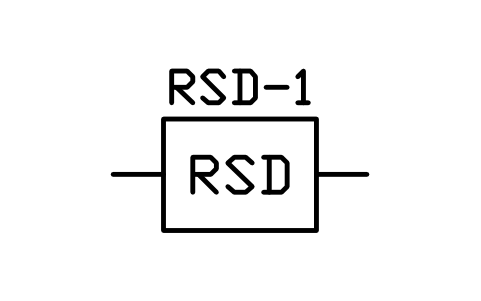
PV rapid shutdown
PFP_PV_RSDÖznitelikler
TAGADDRESSLOOPZONEFUNCTIONVOLTAGE_VCIRCUITLOCATIONMANUFACTURERMODELREMARKSDESC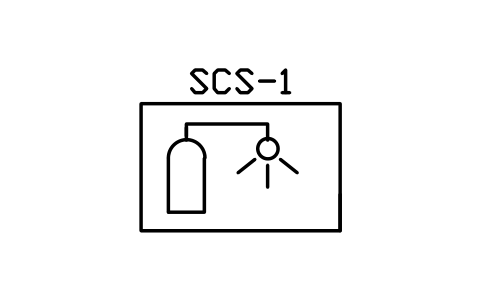
Substation cabin suppression
PFP_SUBST_CABIN_SUPPÖznitelikler
TAGFLOW_LPMPRESSURE_BARPOWER_KWAGENTZONELOCATIONDISCHARGE_SMANUFACTURERMODELREMARKSDESC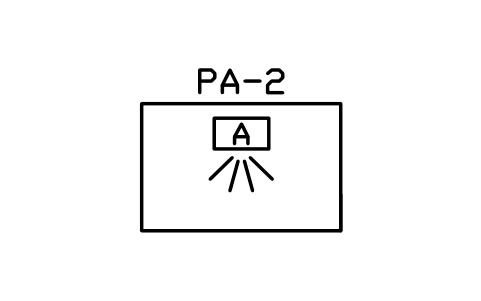
Prefab cabin aerosol
PFP_PREFAB_AEROSOLÖznitelikler
TAGAGENTFILL_KGVOLUME_LPRESSURE_BARDISCHARGE_SZONELOCATIONMANUFACTURERMODELREMARKSDESC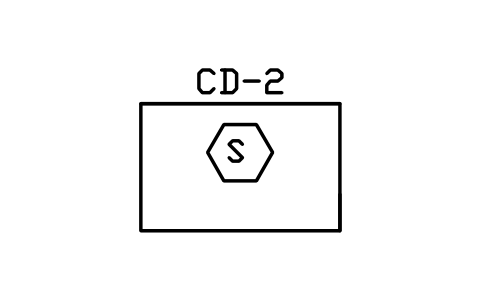
Cabin smoke detector
PFP_CABIN_SMOKE_DETÖznitelikler
TAGDETECTOR_TYPEZONELOOPADDRESSCOVERAGE_M2MOUNTINGRESPONSEENCLOSUREMANUFACTURERMODELREMARKSDESC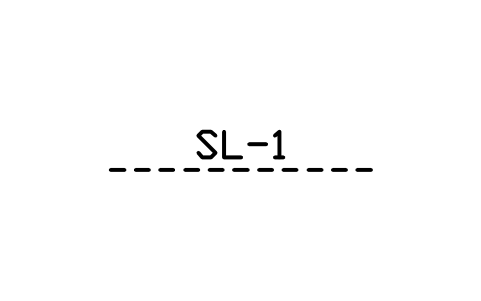
Signal line
PFP_LINE_SIGNALÖznitelikler
TAGADDRESSLOOPZONEFUNCTIONVOLTAGE_VCIRCUITLOCATIONMANUFACTURERMODELREMARKSDESC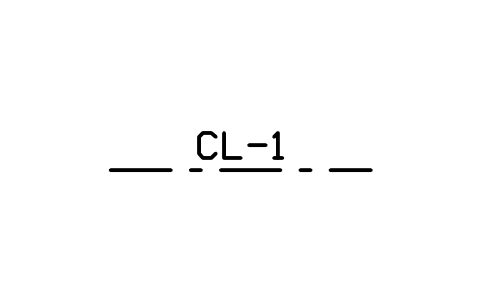
Control line
PFP_LINE_CONTROLÖznitelikler
TAGADDRESSLOOPZONEFUNCTIONVOLTAGE_VCIRCUITLOCATIONMANUFACTURERMODELREMARKSDESC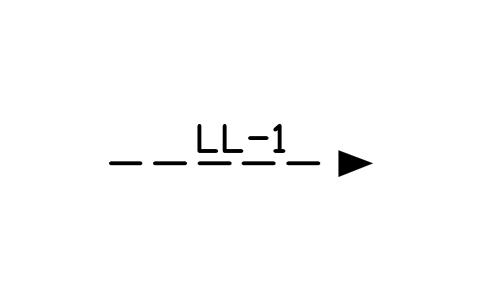
Linkage line
PFP_LINE_LINKAGEÖznitelikler
TAGADDRESSLOOPZONEFUNCTIONVOLTAGE_VCIRCUITLOCATIONMANUFACTURERMODELREMARKSDESC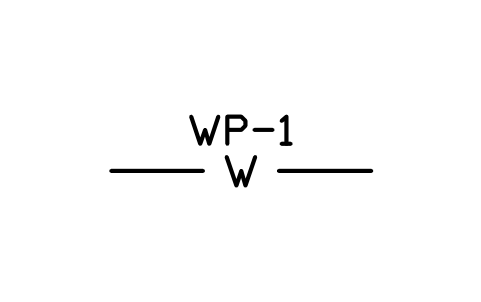
Water pipe
PFP_LINE_WATERÖznitelikler
TAGSIZE_DNPRESSURE_RATINGACTUATIONSERVICEMATERIALSUPERVISEDZONEMANUFACTURERMODELREMARKSDESC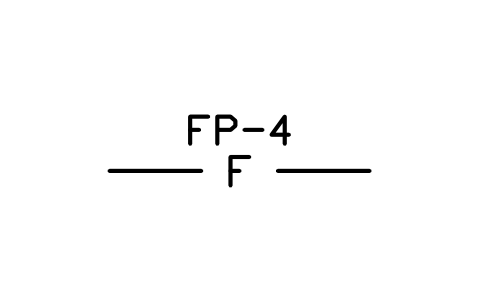
Foam pipe
PFP_LINE_FOAMÖznitelikler
TAGSIZE_DNPRESSURE_RATINGACTUATIONSERVICEMATERIALSUPERVISEDZONEMANUFACTURERMODELREMARKSDESC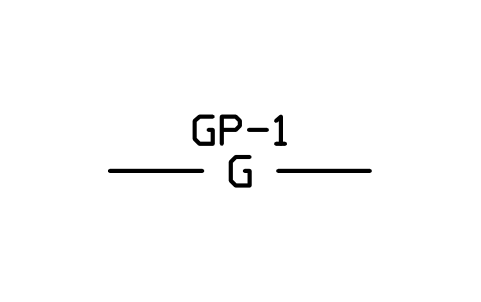
Gas pipe
PFP_LINE_GASÖznitelikler
TAGSIZE_DNPRESSURE_RATINGACTUATIONSERVICEMATERIALSUPERVISEDZONEMANUFACTURERMODELREMARKSDESC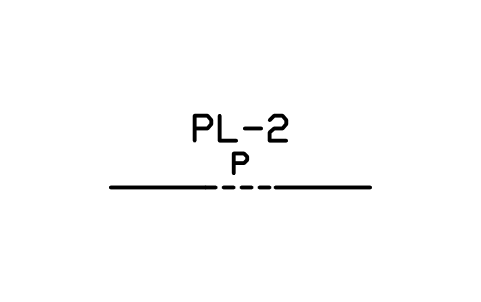
Pilot line
PFP_LINE_PILOTÖznitelikler
TAGSIZE_DNPRESSURE_RATINGACTUATIONSERVICEMATERIALSUPERVISEDZONEMANUFACTURERMODELREMARKSDESC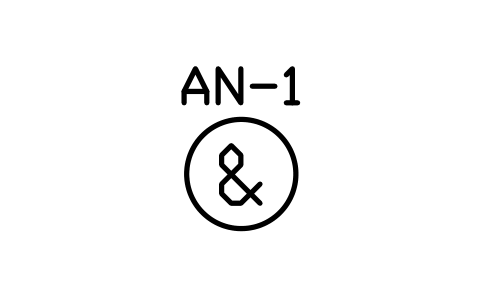
AND marker
PFP_MARK_ANDÖznitelikler
TAGADDRESSLOOPZONEFUNCTIONVOLTAGE_VCIRCUITLOCATIONMANUFACTURERMODELREMARKSDESC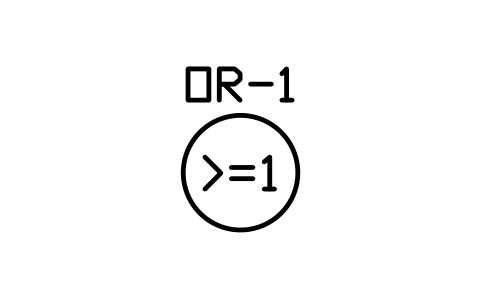
OR marker
PFP_MARK_ORÖznitelikler
TAGADDRESSLOOPZONEFUNCTIONVOLTAGE_VCIRCUITLOCATIONMANUFACTURERMODELREMARKSDESC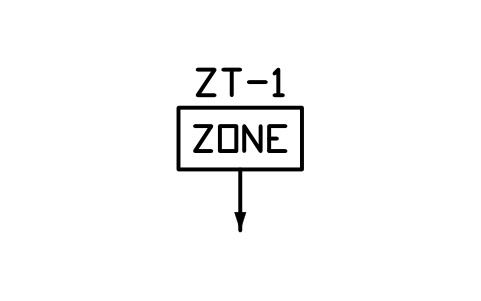
Zone tag
PFP_ZONE_TAGÖznitelikler
TAGZONEAREA_M2RATING_HHAZARDPROTECTIONLOCATIONMANUFACTURERMODELREMARKSDESC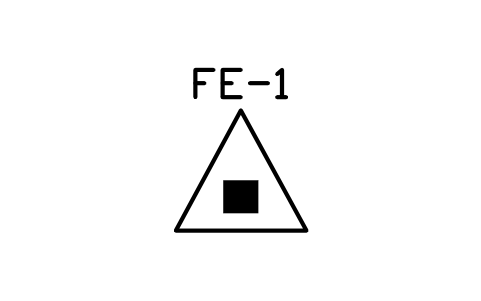
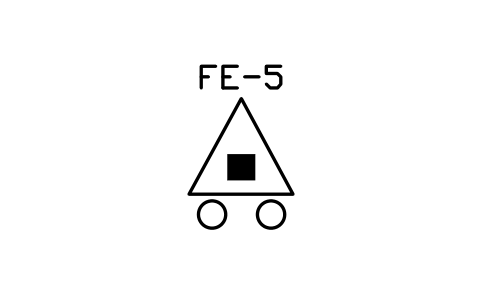
Extinguisher, wheeled
PFP_EXT_WHEELEDÖznitelikler
TAGTYPERATINGZONELOCATIONMANUFACTURERMODELREMARKSDESC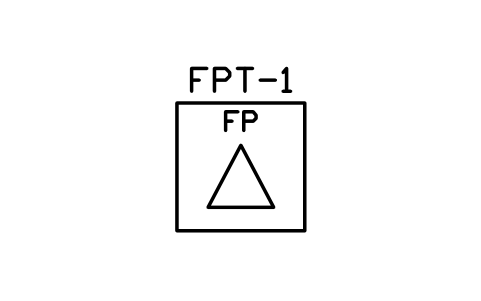
Telif hakkı CADXChange. Sembolleri kendi çizimlerinizde ve projelerinizde, ticari olanlar dahil, serbestçe kullanıp düzenleyebilirsiniz; atıf ve bağlantı yalnızca bunları yayımladığınızda gerekir. Lütfen kütüphaneyi yeniden dağıtmayın ya da satmayın. Her ZIP'te AutoCAD 2018 biçiminde tek bir DWG dosyası ve bir README bulunur; ek bir eklenti gerekmez. Olduğu gibi, garanti verilmeden sunulur. Kütüphane koşulları (CXL-1.0)
İlgili sembol kütüphaneleri
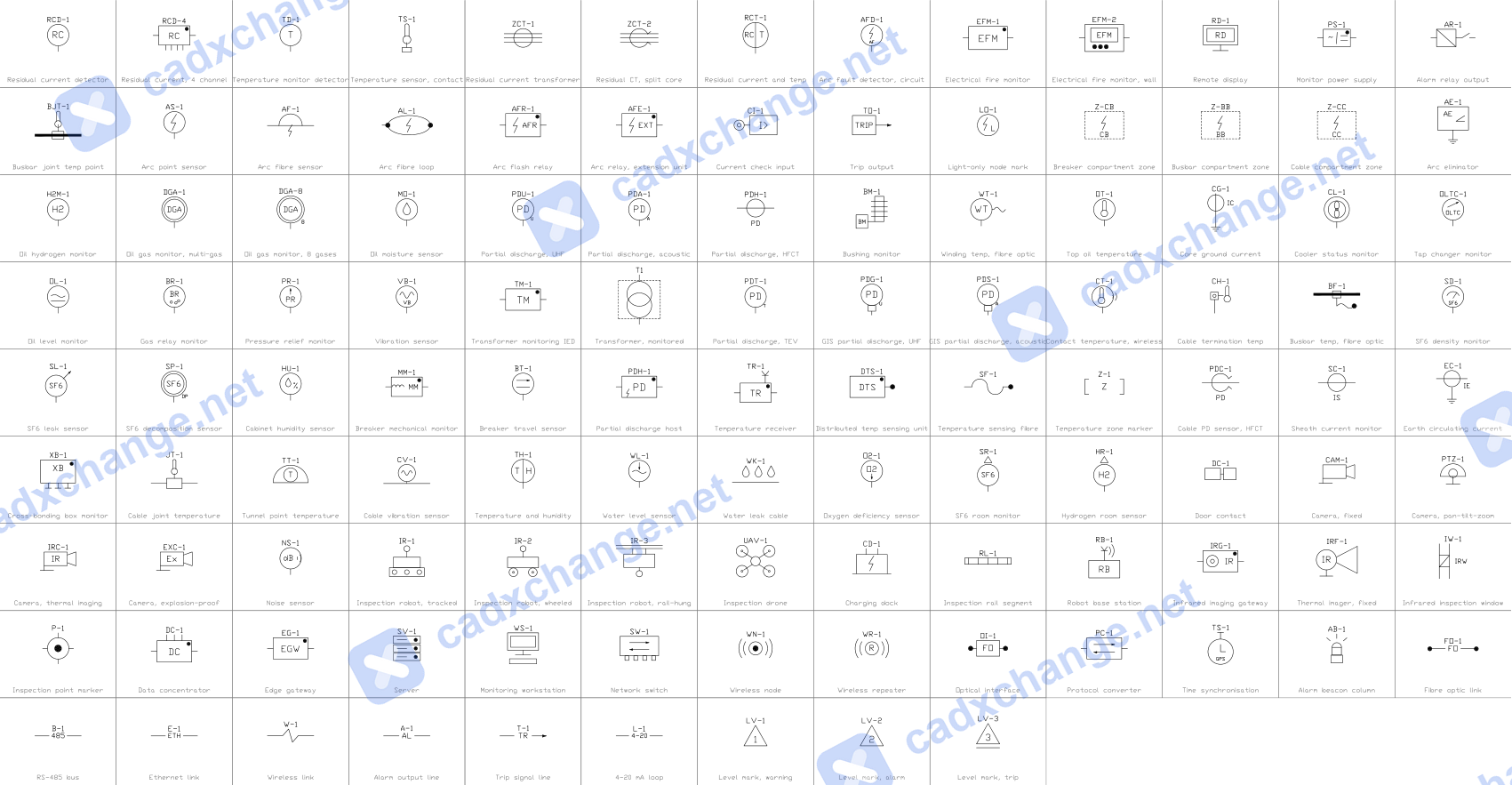
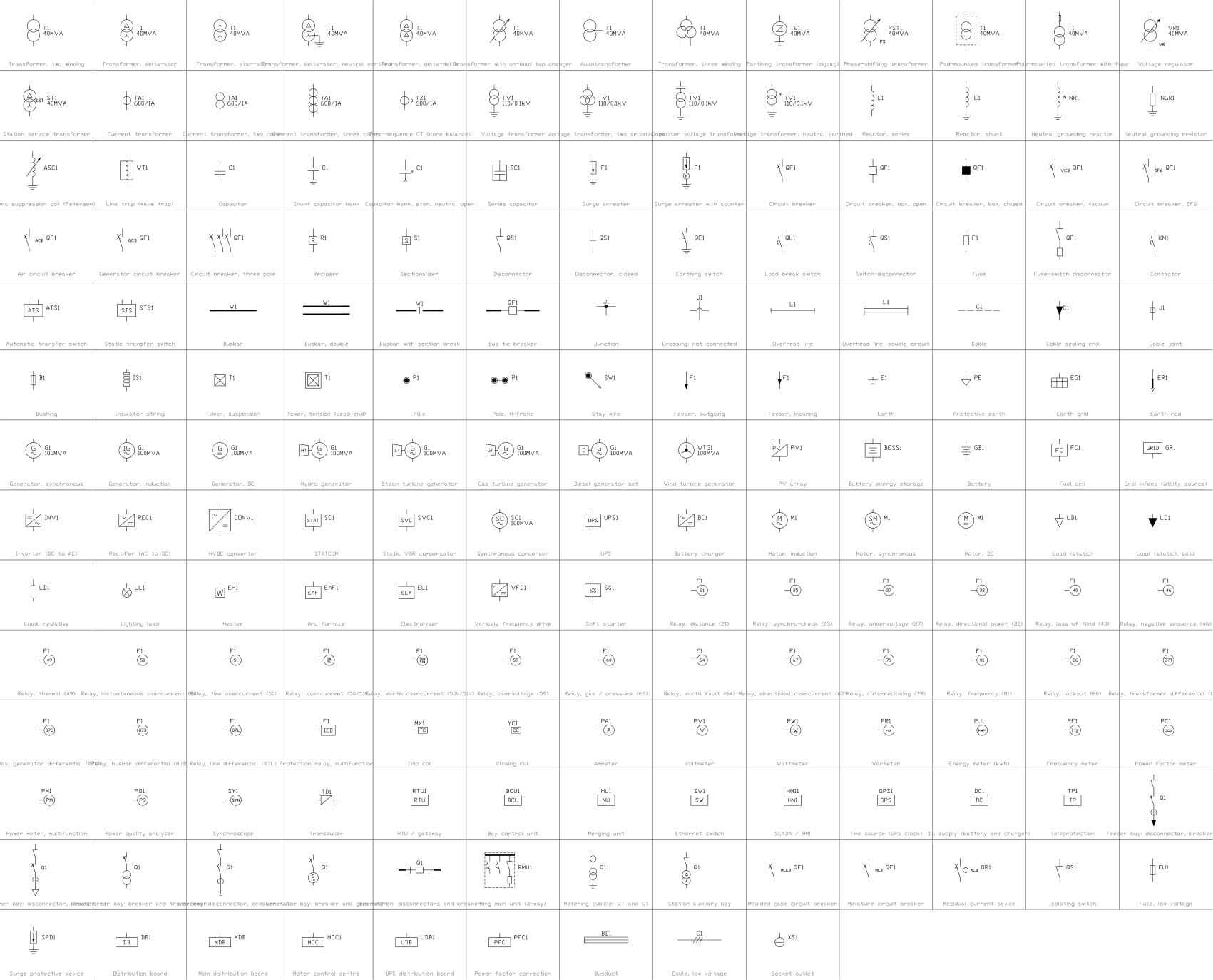
Bir sembol mü eksik? Hangisi olduğunu bize yazın.
Malzeme listeleri için öznitelikler
Every block has a visible tag next to the symbol (for example FP-1 for a pump, DV-1 for a deluge valve, SD-1 for a detector) and one visible rating. The data of your schedules are invisible attributes: ZONE, LOOP and ADDRESS for detectors and modules; FLOW_LPM, PRESSURE_BAR and K_FACTOR for nozzles; AGENT, FILL_KG and DISCHARGE_S for gas systems; RATING_H for barriers, dampers and seals; plus MANUFACTURER, MODEL and REMARKS on every block.
Kütüphane nasıl kullanılır
- Unzip the file and open the DWG. Copy the symbols you need into your drawing, or drag the blocks in from DesignCenter (ADCENTER).
- The symbols are drawn at the plotted size in millimetres and have the size and style of the power system single-line library, so they can share a drawing with it. Insert them at scale 1 and scale the block if your drawing needs a different size.
- Valves, sprinklers, switches and pumps sit on a horizontal centre line with short stubs; detectors, panels and notification appliances are centred on their shape. Plan items such as rooms, pits, zones and cable facilities are pictograms: scale the inserted block to your drawing.
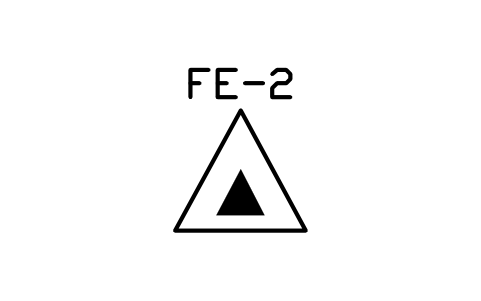
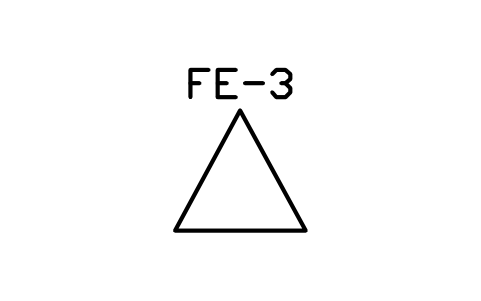
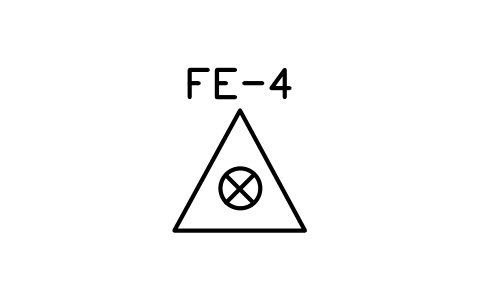
- Detectors use one hexagon with a letter and a subscript for the type, control units are boxes with their abbreviation, and extinguishing systems and extinguishers use the circle, square and triangle families. Change the letters in the block if your legend differs.
About the symbols
The figures of general fire protection equipment (sprinklers, valves, hydrants, extinguishers, detectors, control units, notification appliances and the extinguishing system marks) follow NFPA 170. Equipment specific to power facilities, such as transformer protection, cable facilities, converter stations, energy storage and plant areas, has no symbol standard: it is drawn after the protection requirements of NFPA 850 and NFPA 855 and the usual practice of the trade, with the same elements.
The blocks are our own drawings, not copies of a standard, and the library is not certified. Check them against the legend of your project, your client and the fire rules that apply, and change a block if yours differs.
Her sürümde neler değişti
Sürüm 1.0 · 25 Kasım 2026
Yeni semboller (256)
Fire water tank · Fire water reservoir · Fire pump, electric · Fire pump, diesel engine · Jockey pump · Fire pump set, packaged · Booster pump · Pressure tank · Fire water ring main · Sectional valve, OS&Y · Post indicator valve · Check valve, fire service · Butterfly valve, supervised · Hydrant, pillar · Hydrant, underground · Hydrant, wall · Hose station, wet standpipe · Fire monitor, fixed · Fire monitor, remote · Fire dept connection · Flow test header · Fire pump controller · Deluge valve set · Deluge valve, electric · Deluge valve, hydraulic · Deluge valve, pneumatic · Pre-action valve set · Dry pipe valve set · Wet alarm valve set · Foam-water deluge set · Water spray nozzle · Spray nozzle, high velocity · Spray nozzle, mid velocity · Projector nozzle · Spray ring, bushing · Spray header, transformer · Open sprinkler · Sprinkler, pendant · Sprinkler, upright · Sprinkler, sidewall · 216 tane daha
Sık sorulan sorular
- Which fire protection standards does the library follow?
- The general devices follow the figures of NFPA 170. The power-specific equipment has no symbol standard, so it is drawn after the protection requirements of NFPA 850 (power plants and HVDC converter stations) and NFPA 855 (energy storage) and the usual practice of the trade. It does not replace the fire rules of your project.
- Does the library design the fire protection system?
- No. It is a set of drawing symbols. The choice of agent, flow, coverage and detector layout comes from your engineering and the applicable code; the blocks carry attributes to record the result.
- Can I use the symbols in commercial projects?
- Yes, once you hold the licence. You may use and modify them in your own projects, including commercial ones. They are provided as is, without warranty. Please do not redistribute or resell the library; see the library terms.
- What do I get free, and what is in the paid library?
- A starter pack of 12 symbols and every single symbol preview are free to look at. The paid library has all the symbols in one DWG, one block per symbol, with a ZIP for AutoCAD 2018 and later and one for AutoCAD 2010.
- Can I change a symbol or add attributes?
- Yes. Open the DWG, edit a block with BEDIT to change it or add attributes, and save. To update drawings that already contain the block, run ATTSYNC or replace the block. Make a backup first: attribute values can be lost if ATTSYNC is used carelessly.
- AutoCAD için bu sembollerin hazır bir setini nereden bulabilirim?
- AutoCAD yalnızca az sayıda örnek blokla gelir; tam bir sembol seti için bir kütüphane gerekir. Bu sayfadaki ZIP'i indirip DWG dosyasını açın: her sembol bir bloktur. Bir sembolü INSERT komutuyla (Bloklar paleti, Kütüphaneler sekmesi, ardından DWG'yi seçin) ekleyebilir ya da DesignCenter'dan (ADCENTER) sürükleyebilirsiniz. Tek bir sembolü ayrı olarak da indirebilirsiniz.