
ResourcesBuilding services symbols
HVAC plan: sample DWG file with ducts, terminals, chilled water and building services template
A complete level plan of a small office building at 1:100: an air handling unit in the plant room feeding six diffusers in the open office and two in the meeting room, a return trunk with four grilles in the corridor, toilet exhaust with a roof fan, and an air-cooled chiller with a pump and four fan coil cassettes on a chilled water loop. Ducts are drawn as double lines, with fire dampers where they pass the plant room wall, thermostats and a CO2 sensor, duct and pipe tags, an air terminal schedule, an equipment schedule, notes and a filled-in title block. Every symbol is a block with its attributes filled in (tag, service, airflow, sizes).
Free to use and modify in your own projects, including commercial ones. The ZIP holds the sample drawing, a template, a plot style table and a README; no add-in needed. The data in the drawing is made up, so it is not for design or construction. Provided as is, without warranty.
This sample uses these resources
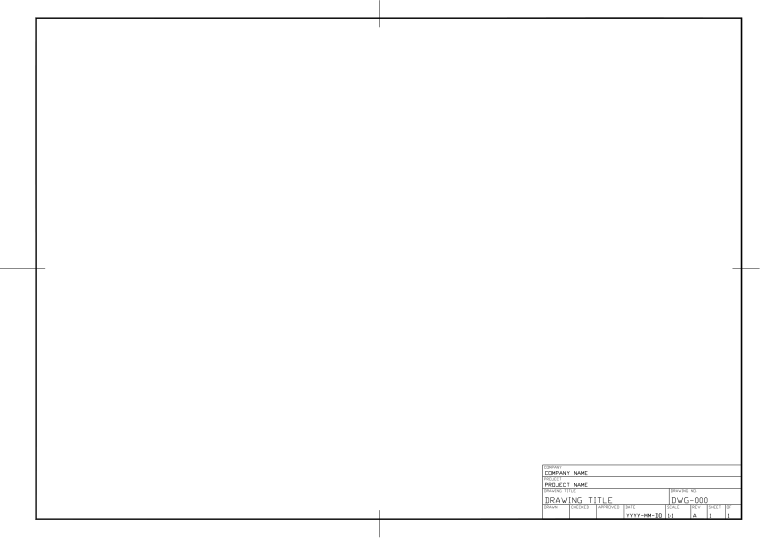
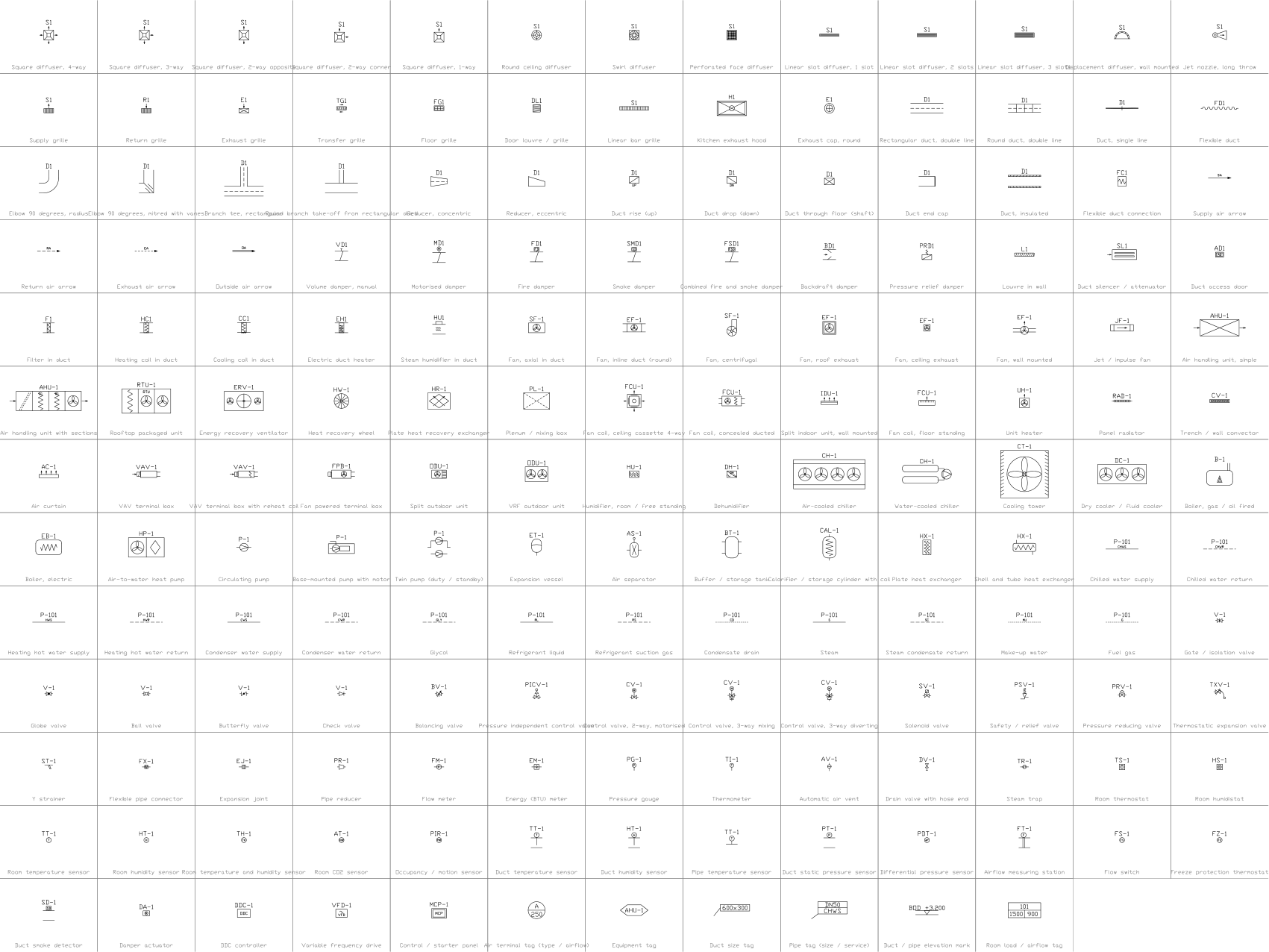
The symbols are blocks from our own libraries, with their attributes filled in. The sheet and its title block come from our ISO A3 title block template. Download them to draw your own diagrams.
What is in the ZIP
- HVAC-Plan-Sample.dwg
Sample drawing (DWG, AutoCAD 2018 format) - BuildingServices-Template-ISO-A3.dwt
Template (DWT) that the drawing was made on - CADXChange-Monochrome.ctb
Plot style table (CTB) that prints every colour black - README.txt
README with the layer list and how to use the files
The template
The building services template has 12 layers with colours, line weights and linetypes (building background, supply, return and exhaust ducts, chilled and hot water pipes, controls, symbols, tags, text, notes and dimensions), the text styles ISO-2.5 to ISO-5, the dimension style ISO-25 and an ISO A3 layout with a title block and revision table. The layer names are a common convention, not a standard; rename them to match your company's rules.
Layers defined
Every layer in the template with its colour, line weight and linetype, and how many objects of this sample are on it. Layers the sample does not use are still defined, ready for your own drawing.
| Layer | Colour | Line weight | Linetype | Used for | Objects here |
|---|---|---|---|---|---|
| Building services layers | |||||
| HVAC-BG-WALL | 8 | 0.35 mm | Continuous | Building background: walls and partitions | 9 |
| HVAC-DUCT-SUP | 5 | 0.35 mm | Continuous | Supply air ducts | 32 |
| HVAC-DUCT-RET | 3 | 0.35 mm | Continuous | Return air ducts | 9 |
| HVAC-DUCT-EXH | 30 | 0.35 mm | Continuous | Exhaust air ducts | 8 |
| HVAC-PIPE-CHW | 4 | 0.35 mm | Continuous | Chilled water pipes | 12 |
| HVAC-PIPE-HW | 1 | 0.35 mm | Continuous | Heating hot water pipes | not used here |
| HVAC-CTRL | 6 | 0.18 mm | DASHED | Control wiring and sensor links | 7 |
| SYMBOL | 7 | 0.25 mm | Continuous | Symbols (the layer the symbol libraries use) | 43 |
| HVAC-TAG | 7 | 0.18 mm | Continuous | Equipment, terminal and duct tags | not used here |
| HVAC-TEXT | 7 | 0.18 mm | Continuous | General text, room names, tables | 82 |
| HVAC-NOTES | 7 | 0.18 mm | Continuous | Notes and legends | 14 |
| HVAC-DIM | 3 | 0.18 mm | Continuous | Dimensions | 2 |
| Sheet and symbol layers | |||||
| 0 | 7 | default | Continuous | Default layer, keep it empty | not used here |
| FRAME | 7 | default | Continuous | Sheet border | 5 |
| TITLEBLOCK | 7 | default | Continuous | Title block and revision table | 1 |
| VIEWPORT | 8 | default | Continuous | Layout viewport frame (does not plot) | 2 |
| DRAWING-AREA | 8 | default | Continuous | Boundary of the model drawing area (does not plot) | 2 |
Styles defined
The text styles, the dimension style and the linetypes that the template defines, so you do not have to set them up in each new drawing.
| Kind | Name | Settings |
|---|---|---|
| Text style | ISO | isocp.shx, 15°, variable height |
| Text style | ISO-2.5 | isocp.shx, 15°, 2.5 mm high |
| Text style | ISO-3.5 | isocp.shx, 15°, 3.5 mm high |
| Text style | ISO-5 | isocp.shx, 15°, 5 mm high |
| Text style | TB-en | Arial, used by the title block |
| Dimension style | ISO-25 | Text 2.5 mm, arrows 2.5 mm, extension lines 1.25 mm beyond the dimension line and 0.625 mm from the object, dimension lines 3.75 mm apart, 0 decimals |
| Linetype | Continuous | Solid line |
| Linetype | DASHED | Dashed |
| Linetype | DASHDOT | Dash-dot |
| Linetype | CENTER | Centre line |
| Linetype | PHANTOM | Phantom line |
| Linetype | HIDDEN | Hidden line |
Sheet and drawing setup
How the sheet is set up, so your own drawings print the same way.
- Sheet
- ISO A3 landscape, 420 × 297 mm.
- Layout
- One layout named ISO-A3, plotted at 1:1 on full-bleed A3 media, so the sheet has no printer margin.
- Border
- 20 mm from the left edge (binding side) and 10 mm from the other edges; the drawing area inside is 390 × 277 mm.
- Model space
- Units are millimetres. The drawing area is shown at 1:1, so 1 mm in the drawing is 1 mm on paper.
- Title block
- 160 × 79 mm at the lower right, with a four-line revision table above the company, project, title and approval fields.
- Text size
- 2.5 mm for labels and notes, 3.5 mm and 5 mm for headings.
- Linetype scale
- 1, so dashes are sized for plotting at 1:1.
- Plot style
- None set. Pick the CTB from the ZIP in the page setup for black-and-white plots.
Title block fields
The attributes of the title block. Double-click it to fill them in, or write them for a whole set of drawings with BlockSync.
| Attribute | Field on the sheet | Value in this sample |
|---|---|---|
| COMPANY | COMPANY | CADXChange |
| PROJECT | PROJECT | Office Building |
| AREA | AREA | Level 1 |
| SYSTEM | SYSTEM | HVAC |
| CLIENT | CLIENT | Sample |
| TITLE | DRAWING TITLE | HVAC plan, air and chilled water |
| DRAWING_NO | DRAWING NO. | H-701 |
| CONTRACT_NO | CONTRACT NO. | — |
| REV | REV | A |
| DRAWN | DRAWN | — |
| CHECKED | CHECKED | — |
| APPROVED | APPROVED | — |
| DATE | DATE | 2026-10-21 |
| SCALE | SCALE | 1:100 |
| SHEET | SHEET | 1 |
| SHEET_OF | OF | 1 |
Revision table: R1 to R4, each with REV, DATE, DESCRIPTION and BY (16 attributes, empty in this sample).
Blocks in the drawing
The equipment list of the drawing: block name, symbol and how many times it is placed. BlockSync exports the same list from your own drawings.
| Symbol | Block | Placed |
|---|---|---|
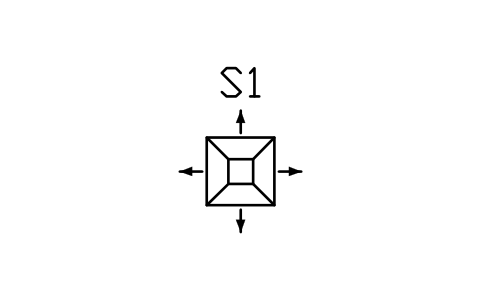 Square diffuser, 4-way Square diffuser, 4-way | HV_DIFF_SQ_4WAY | 8 |
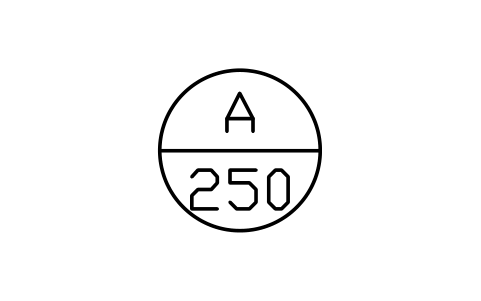 Air terminal tag (type / airflow) Air terminal tag (type / airflow) | HV_TAG_TERMINAL | 8 |
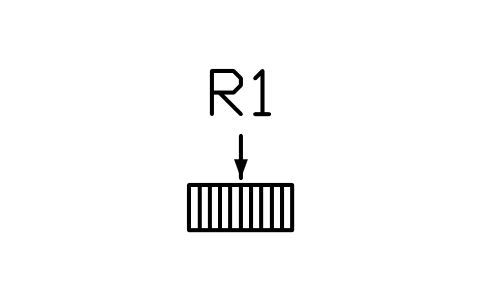 Return grille Return grille | HV_GRILLE_RETURN | 4 |
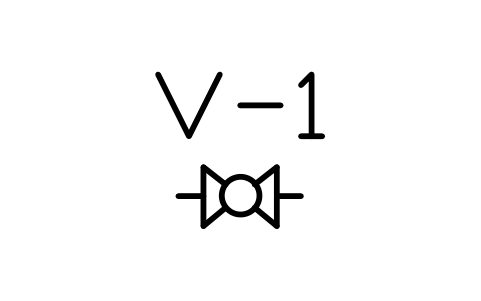 Ball valve Ball valve | HV_VALVE_BALL | 4 |
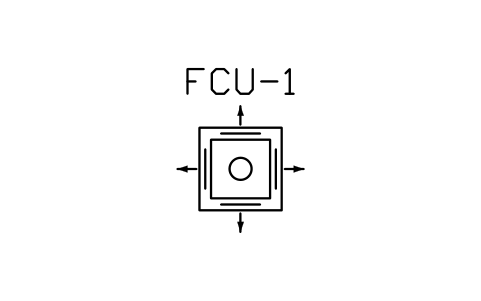 Fan coil, ceiling cassette 4-way Fan coil, ceiling cassette 4-way | HV_FCU_CASSETTE | 4 |
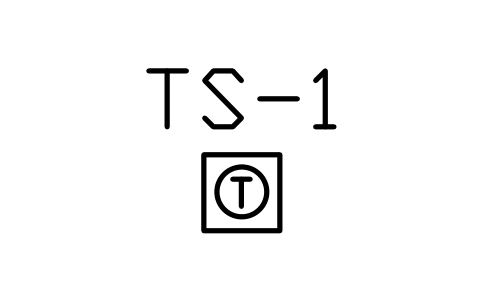 Room thermostat Room thermostat | HV_THERMOSTAT | 3 |
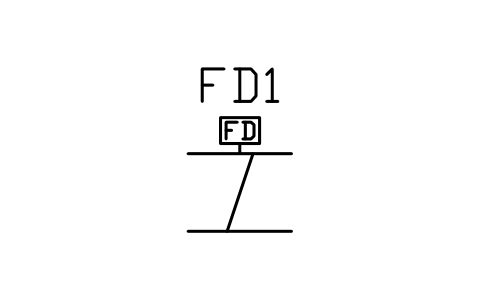 Fire damper Fire damper | HV_DAMPER_FIRE | 2 |
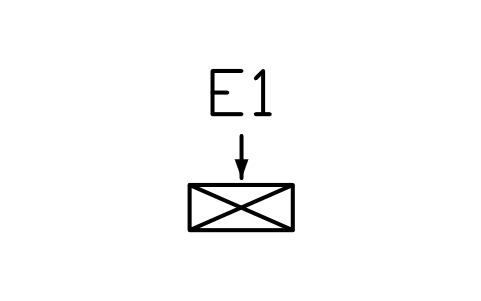 Exhaust grille Exhaust grille | HV_GRILLE_EXHAUST | 2 |
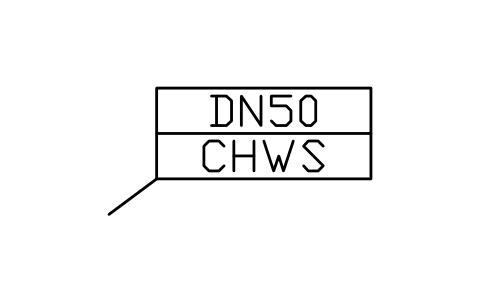 Pipe tag (size / service) Pipe tag (size / service) | HV_TAG_PIPE | 2 |
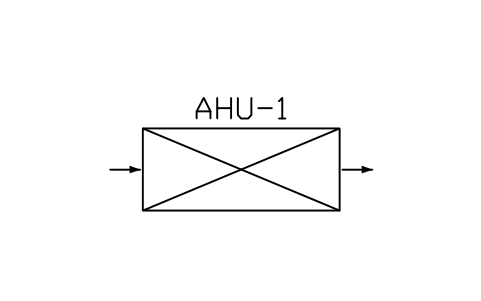 Air handling unit, simple Air handling unit, simple | HV_AHU_SIMPLE | 1 |
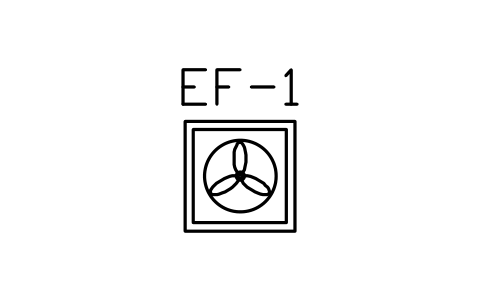 Fan, roof exhaust Fan, roof exhaust | HV_FAN_ROOF | 1 |
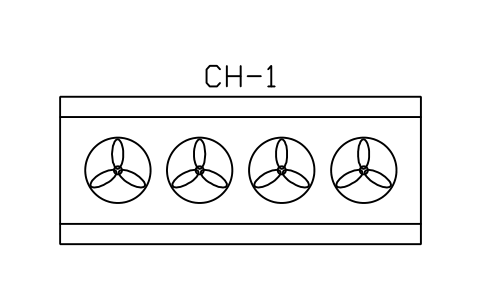 Air-cooled chiller Air-cooled chiller | HV_CHILLER_AIR | 1 |
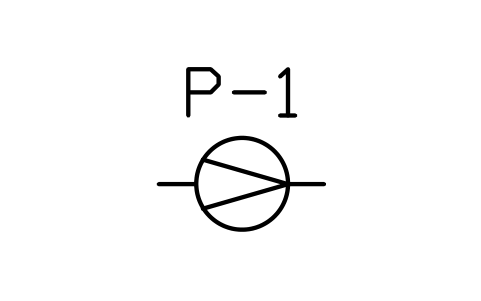 Circulating pump Circulating pump | HV_PUMP_CIRC | 1 |
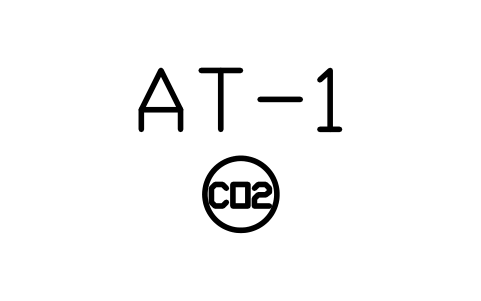 Room CO2 sensor Room CO2 sensor | HV_SENSOR_CO2 | 1 |
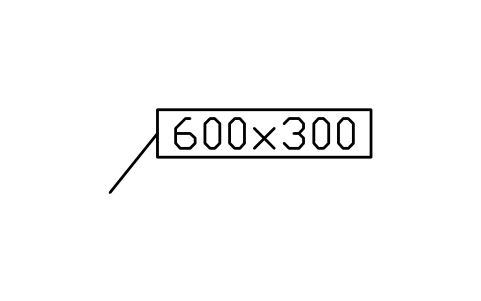 Duct size tag Duct size tag | HV_TAG_DUCT_SIZE | 1 |
Equipment schedule
One row per placed symbol, read from the attributes of the blocks in the drawing: what is shown on the sheet, and the schedule attributes that were filled in but are not shown. BlockSync exports these same attributes from your own drawings.
| Tag | Description | Shown on the sheet | Filled in, not shown |
|---|---|---|---|
| S1 | Square diffuser, 4-wayHV_DIFF_SQ_4WAY | TERMINAL_TYPE = 4-way diffuserSERVICE = Supply airAIRFLOW = 120NECK_SIZE = 250 x 250FACE_SIZE = 600 x 600DAMPER = YesFINISH = White | |
| S4 | Square diffuser, 4-wayHV_DIFF_SQ_4WAY | TERMINAL_TYPE = 4-way diffuserSERVICE = Supply airAIRFLOW = 120NECK_SIZE = 250 x 250FACE_SIZE = 600 x 600DAMPER = YesFINISH = White | |
| S2 | Square diffuser, 4-wayHV_DIFF_SQ_4WAY | TERMINAL_TYPE = 4-way diffuserSERVICE = Supply airAIRFLOW = 120NECK_SIZE = 250 x 250FACE_SIZE = 600 x 600DAMPER = YesFINISH = White | |
| S5 | Square diffuser, 4-wayHV_DIFF_SQ_4WAY | TERMINAL_TYPE = 4-way diffuserSERVICE = Supply airAIRFLOW = 120NECK_SIZE = 250 x 250FACE_SIZE = 600 x 600DAMPER = YesFINISH = White | |
| S3 | Square diffuser, 4-wayHV_DIFF_SQ_4WAY | TERMINAL_TYPE = 4-way diffuserSERVICE = Supply airAIRFLOW = 120NECK_SIZE = 250 x 250FACE_SIZE = 600 x 600DAMPER = YesFINISH = White | |
| S6 | Square diffuser, 4-wayHV_DIFF_SQ_4WAY | TERMINAL_TYPE = 4-way diffuserSERVICE = Supply airAIRFLOW = 120NECK_SIZE = 250 x 250FACE_SIZE = 600 x 600DAMPER = YesFINISH = White | |
| S7 | Square diffuser, 4-wayHV_DIFF_SQ_4WAY | TERMINAL_TYPE = 4-way diffuserSERVICE = Supply airAIRFLOW = 100NECK_SIZE = 250 x 250FACE_SIZE = 600 x 600DAMPER = YesFINISH = White | |
| S8 | Square diffuser, 4-wayHV_DIFF_SQ_4WAY | TERMINAL_TYPE = 4-way diffuserSERVICE = Supply airAIRFLOW = 100NECK_SIZE = 250 x 250FACE_SIZE = 600 x 600DAMPER = YesFINISH = White | |
| FD-1 | Fire damperHV_DAMPER_FIRE | SIZE = 600 x 300DAMPER_TYPE = Fire damperACTUATOR = Spring returnFIRE_RATING = EI 120FAIL_POSITION = Closed | |
| AHU-1 | Air handling unit, simpleHV_AHU_SIMPLE | SERVICE = Office air handlingSUPPLY_AIRFLOW = 1000RETURN_AIRFLOW = 900OUTSIDE_AIRFLOW = 150ESP_PA = 250COOLING_KW = 45HEATING_KW = 25FAN_KW = 2.2VOLTAGE = 400 VFILTER_CLASS = F7 | |
| FD-2 | Fire damperHV_DAMPER_FIRE | SIZE = 600 x 300DAMPER_TYPE = Fire damperACTUATOR = Spring returnFIRE_RATING = EI 120FAIL_POSITION = Closed | |
| R1 | Return grilleHV_GRILLE_RETURN | TERMINAL_TYPE = Return grilleSERVICE = Return airAIRFLOW = 225NECK_SIZE = 600 x 260FACE_SIZE = 600 x 260DAMPER = YesFINISH = White | |
| R2 | Return grilleHV_GRILLE_RETURN | TERMINAL_TYPE = Return grilleSERVICE = Return airAIRFLOW = 225NECK_SIZE = 600 x 260FACE_SIZE = 600 x 260DAMPER = YesFINISH = White | |
| R3 | Return grilleHV_GRILLE_RETURN | TERMINAL_TYPE = Return grilleSERVICE = Return airAIRFLOW = 225NECK_SIZE = 600 x 260FACE_SIZE = 600 x 260DAMPER = YesFINISH = White | |
| R4 | Return grilleHV_GRILLE_RETURN | TERMINAL_TYPE = Return grilleSERVICE = Return airAIRFLOW = 225NECK_SIZE = 600 x 260FACE_SIZE = 600 x 260DAMPER = YesFINISH = White | |
| E1 | Exhaust grilleHV_GRILLE_EXHAUST | TERMINAL_TYPE = Exhaust grilleSERVICE = Toilet exhaustAIRFLOW = 60NECK_SIZE = 300 x 150FACE_SIZE = 600 x 260DAMPER = YesFINISH = White | |
| E2 | Exhaust grilleHV_GRILLE_EXHAUST | TERMINAL_TYPE = Exhaust grilleSERVICE = Toilet exhaustAIRFLOW = 60NECK_SIZE = 300 x 150FACE_SIZE = 600 x 260DAMPER = YesFINISH = White | |
| EF-1 | Fan, roof exhaustHV_FAN_ROOF | SERVICE = Toilet exhaustAIRFLOW = 120STATIC_PA = 150MOTOR_KW = 0.25VOLTAGE = 400 VSPEED_CONTROL = VariableAREA_SERVED = Toilets | |
| CH-1 | Air-cooled chillerHV_CHILLER_AIR | SERVICE = Chilled waterVOLTAGE = 400 V | |
| CHP-1 | Circulating pumpHV_PUMP_CIRC | SERVICE = Chilled waterFLOW_M3H = 10VOLTAGE = 400 VSPEED_CONTROL = Variable | |
| FC-1 | Fan coil, ceiling cassette 4-wayHV_FCU_CASSETTE | SERVICE = Cooling and heatingAIRFLOW = 0.35COOLING_KW = 4.5HEATING_KW = 6POWER_KW = 0.07VOLTAGE = 400 VREFRIGERANT_OR_WATER = Water | |
| FC-2 | Fan coil, ceiling cassette 4-wayHV_FCU_CASSETTE | SERVICE = Cooling and heatingAIRFLOW = 0.35COOLING_KW = 4.5HEATING_KW = 6POWER_KW = 0.07VOLTAGE = 400 VREFRIGERANT_OR_WATER = Water | |
| FC-3 | Fan coil, ceiling cassette 4-wayHV_FCU_CASSETTE | SERVICE = Cooling and heatingAIRFLOW = 0.35COOLING_KW = 4.5HEATING_KW = 6POWER_KW = 0.07VOLTAGE = 400 VREFRIGERANT_OR_WATER = Water | |
| FC-4 | Fan coil, ceiling cassette 4-wayHV_FCU_CASSETTE | SERVICE = Cooling and heatingAIRFLOW = 0.35COOLING_KW = 4.5HEATING_KW = 6POWER_KW = 0.07VOLTAGE = 400 VREFRIGERANT_OR_WATER = Water | |
| ROOM TEMP 1 | Room thermostatHV_THERMOSTAT | SIGNAL = 0-10 VSETPOINT = 22 CLOCATION = Level 1CONTROLLER = DDC-1 | |
| ROOM TEMP 2 | Room thermostatHV_THERMOSTAT | SIGNAL = 0-10 VSETPOINT = 22 CLOCATION = Level 1CONTROLLER = DDC-1 | |
| ROOM TEMP 3 | Room thermostatHV_THERMOSTAT | SIGNAL = 0-10 VSETPOINT = 22 CLOCATION = Level 1CONTROLLER = DDC-1 | |
| CO2 OFFICE | Room CO2 sensorHV_SENSOR_CO2 | SIGNAL = 0-10 VRANGE = 0-2000 ppmSETPOINT = 1000 ppmLOCATION = Open officeCONTROLLER = DDC-1 |
Manufacturer, model and remarks are left empty on every block, ready for your data. The values are examples.
How to use it
- Open the sample drawing to see how layers, text and the title block are used, or open it in the browser first, nothing to install.
- Start your own drawing from the template (NEW, then pick the DWT file). Copy the CTB file to your plot styles folder if you want black-and-white plots.
- Insert blocks from the symbol library into your drawing. The blocks in the sample are copies; they do not change when a library changes.
- Double-click the title block to fill it in, then export the equipment list with BlockSync.
Frequently asked questions
- Can I use the drawing for a real project?
- As a starting point for layout and layers, yes. The ratings, settings and cable sizes are made up, so the diagram has to be checked and changed for your project before it is used for design or construction.
- Why are the layers coloured?
- Colours and line weights follow the layers: power circuits are red and heavy, control is cyan, signal is green. The plot style table in the ZIP prints everything black and keeps the line weights, so you can plot in black and white as well.
- Which CAD programs open it?
- The drawing and the template are in AutoCAD 2018 format, which AutoCAD 2018 and later open, and so do other CAD programs that read this format. The browser viewer needs nothing installed.