
ResourcesElectrical symbols, ANSI/IEEE 315 style
Flow switch, opens on rise symbol (DWG block)
Flow switch, opens on rise is a ready-to-use AutoCAD block named IEEE_FLOW_OPENS in the Electrical symbols, ANSI/IEEE 315 style, group “Process-actuated and limit switches”. It carries 7 attributes, 2 of them visible, so it works in equipment lists and BlockSync exports.
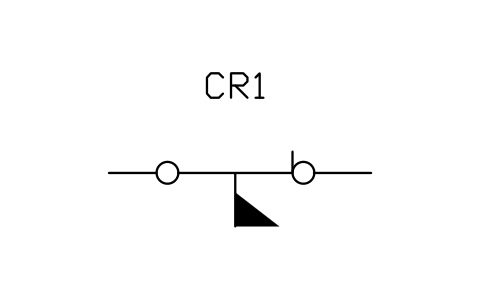
Block details
| Block name | IEEE_FLOW_OPENS |
|---|---|
| Library | Electrical symbols, ANSI/IEEE 315 style |
| Group | Process-actuated and limit switches |
| Standard | ANSI/IEEE 315 |
| Attributes | 7 attributes, 2 visible |
Attributes
Visible on the drawing: TAG, DEVICE.
Hidden, they carry the data for schedules: RATING, PART_NO, MANUFACTURER, REMARKS, DESC.
Export the attributes of every copy in a drawing to Excel with BlockSync, check them and write the corrections back in one run.
How to use it
- Download the ZIP and unzip it. It holds one DWG with the block IEEE_FLOW_OPENS.
- Open the DWG and copy the block into your drawing, or insert it from the DWG with INSERT.
- Double-click a copy to fill in the tag and the other attributes.
The symbol is our own drawing after the common form of ANSI/IEEE 315, not a certified copy. The library page explains how the symbols relate to the standard.
Names in other languages
The same symbol under its name in the other site languages.
- English
- Flow switch, opens on rise
- Simplified Chinese
- 流量开关,流量上升时断开
- Traditional Chinese
- 流量開關,流量上升時斷開
- Japanese
- 流量スイッチ、流量上昇で開
- Korean
- 유량 스위치, 상승 시 열림
- German
- Strömungsschalter, öffnet bei steigendem Durchfluss
- French
- Contacteur de débit, s'ouvre à la hausse
- Italian
- Interruttore di flusso, apre in aumento
- Spanish
- Interruptor de flujo, abre al subir
More symbols in the group “Process-actuated and limit switches”
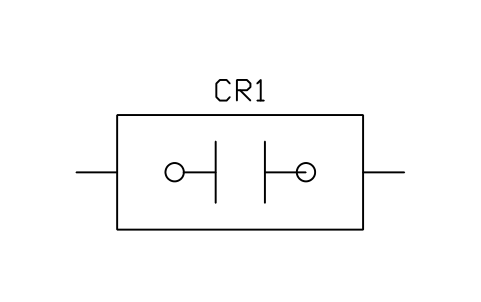 Limit switch, circuit closing (normally open)
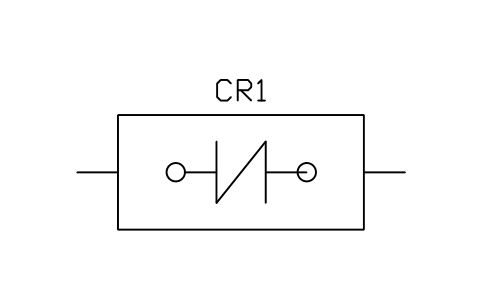 Limit switch, circuit opening (normally closed)
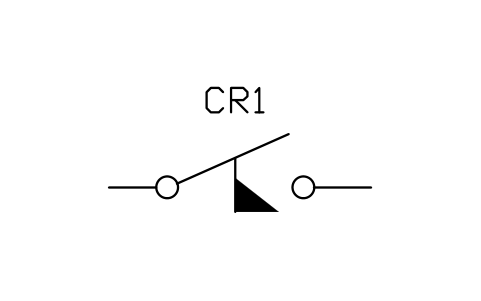 Flow switch, closes on rise
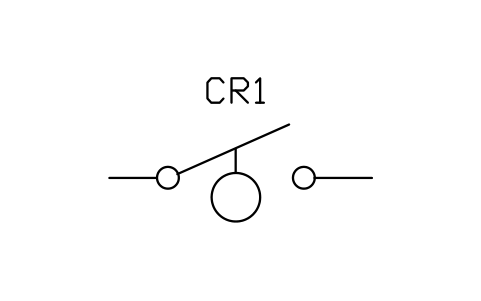 Level switch, closes on rise
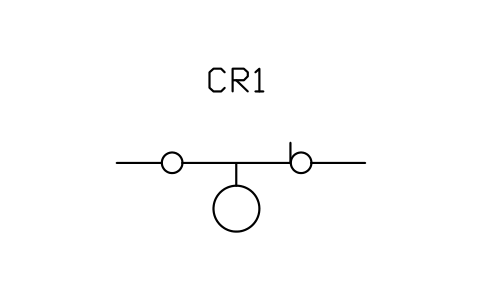 Level switch, opens on rise
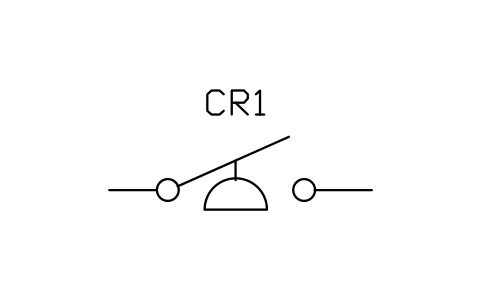 Pressure or vacuum switch, closes on rise
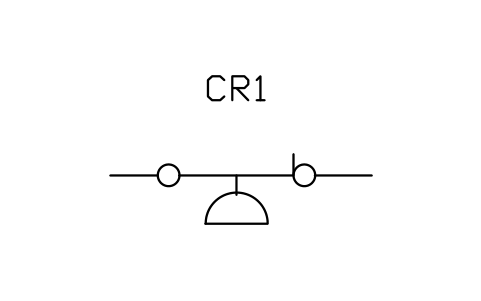 Pressure or vacuum switch, opens on rise
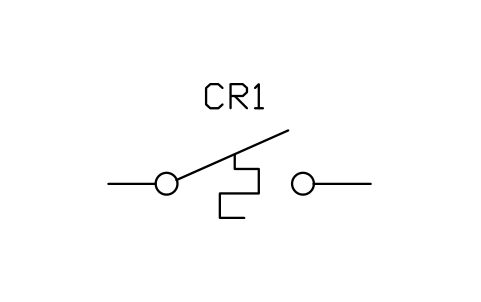 Temperature switch, closes on rise
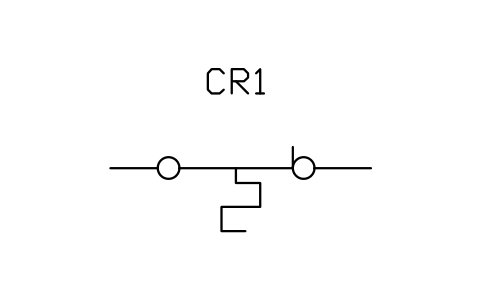 Temperature switch, opens on rise
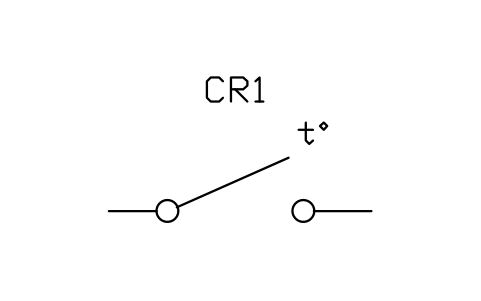 Thermostat, closes on rising temperature
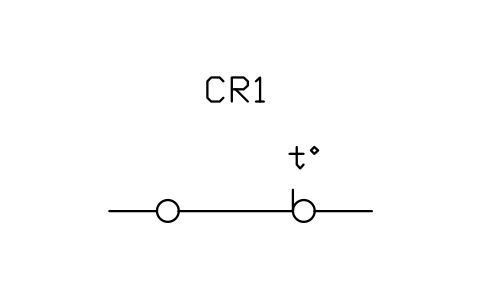 Thermostat, opens on rising temperature