
ResourcesElectrical symbols, ANSI/IEEE 315 style
Pushbutton, two-circuit symbol (DWG block)
Pushbutton, two-circuit is a ready-to-use AutoCAD block named IEEE_PB_TWO_CIRCUIT in the Electrical symbols, ANSI/IEEE 315 style, group “Contacts, pushbuttons and switches”. It carries 7 attributes, 2 of them visible, so it works in equipment lists and BlockSync exports.
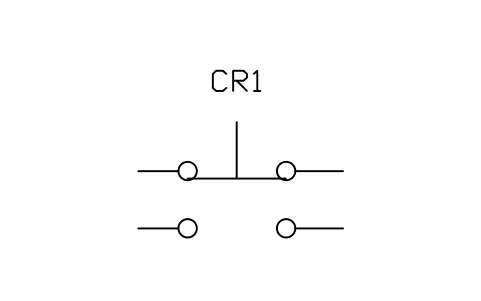
Block details
| Block name | IEEE_PB_TWO_CIRCUIT |
|---|---|
| Library | Electrical symbols, ANSI/IEEE 315 style |
| Group | Contacts, pushbuttons and switches |
| Standard | ANSI/IEEE 315 |
| Attributes | 7 attributes, 2 visible |
Attributes
Visible on the drawing: TAG, DEVICE.
Hidden, they carry the data for schedules: RATING, PART_NO, MANUFACTURER, REMARKS, DESC.
Export the attributes of every copy in a drawing to Excel with BlockSync, check them and write the corrections back in one run.
How to use it
- Download the ZIP and unzip it. It holds one DWG with the block IEEE_PB_TWO_CIRCUIT.
- Open the DWG and copy the block into your drawing, or insert it from the DWG with INSERT.
- Double-click a copy to fill in the tag and the other attributes.
The symbol is our own drawing after the common form of ANSI/IEEE 315, not a certified copy. The library page explains how the symbols relate to the standard.
Names in other languages
The same symbol under its name in the other site languages.
- English
- Pushbutton, two-circuit
- Simplified Chinese
- 按钮,双电路
- Traditional Chinese
- 按鈕,雙電路
- Japanese
- 押しボタン、2回路
- Korean
- 푸시버튼, 2회로
- German
- Taster, zweikreisig
- French
- Bouton-poussoir à deux circuits
- Italian
- Pulsante a due circuiti
- Spanish
- Pulsador de dos circuitos
More symbols in the group “Contacts, pushbuttons and switches”
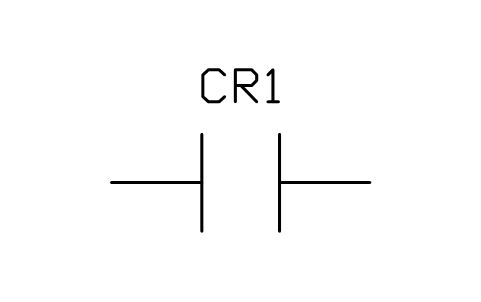 Contact, normally open (make)
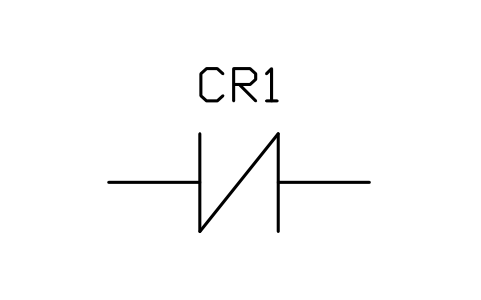 Contact, normally closed (break)
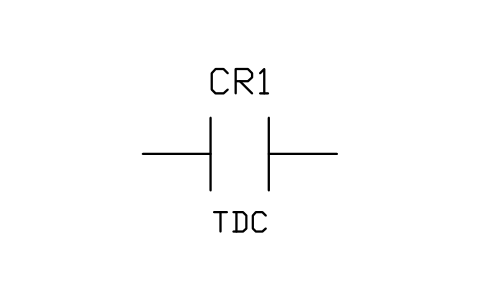 Contact, normally open, time delay closing (TDC)
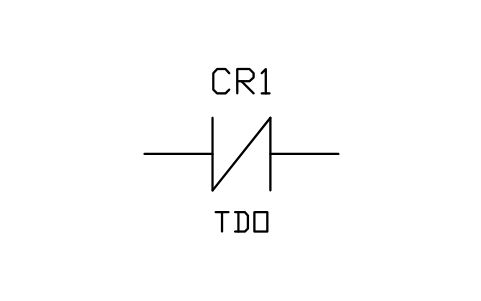 Contact, normally closed, time delay opening (TDO)
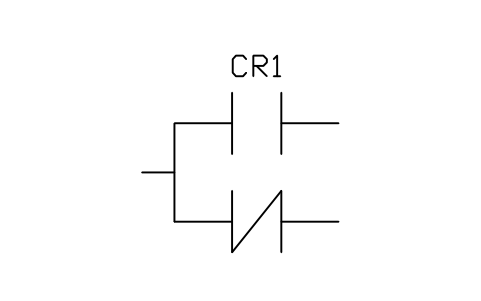 Contact, transfer (one open, one closed)
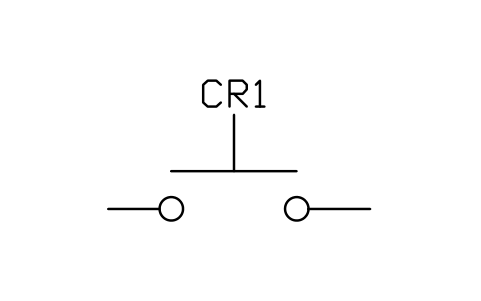 Pushbutton, circuit closing (normally open)
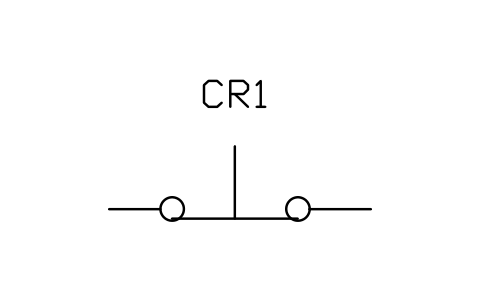 Pushbutton, circuit opening (normally closed)
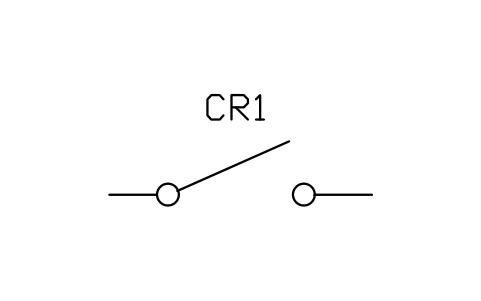 Switch, single throw, open
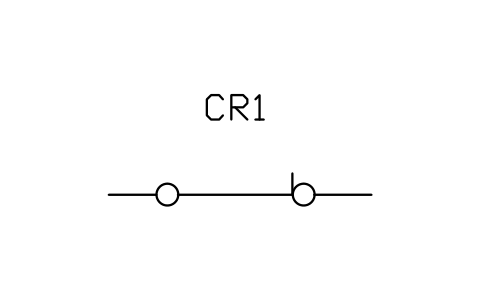 Switch, single throw, closed
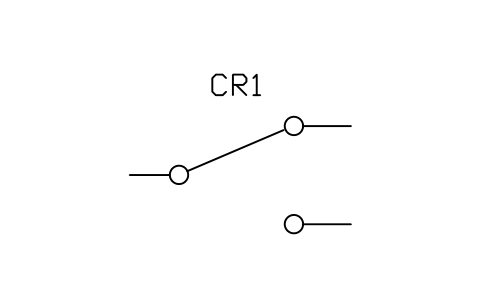 Switch, two-position transfer
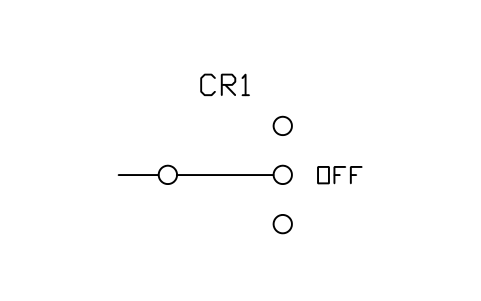 Switch, three-position with OFF
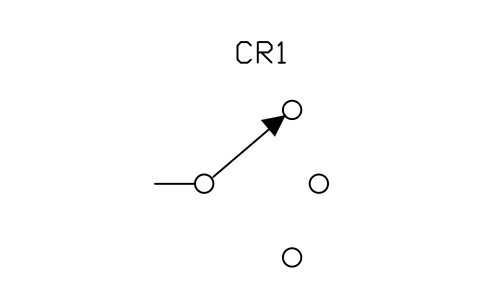 Selector switch, three positions