ResourcesCommon electrical symbols (IEC 60617)
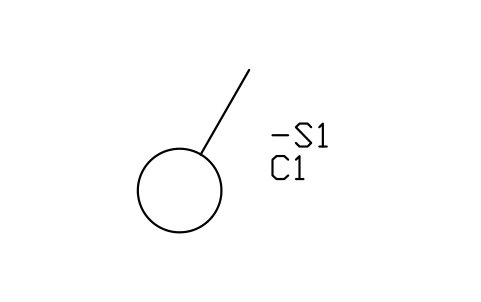
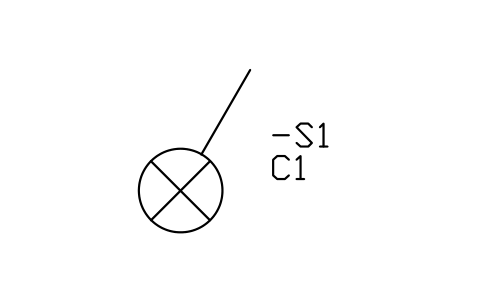
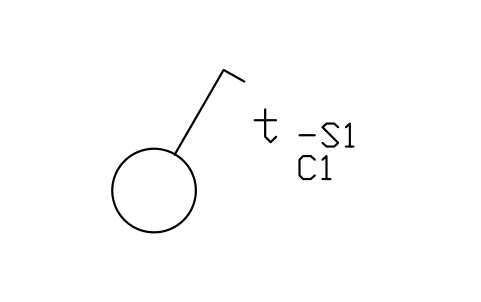
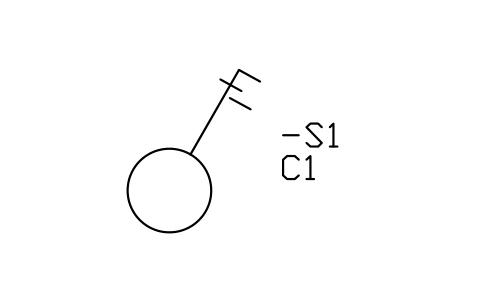
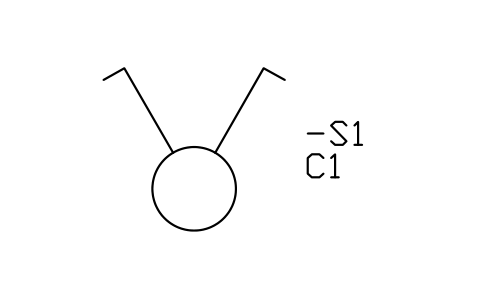
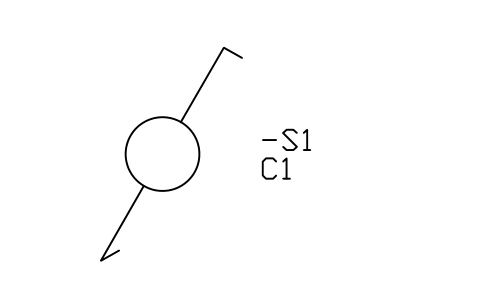
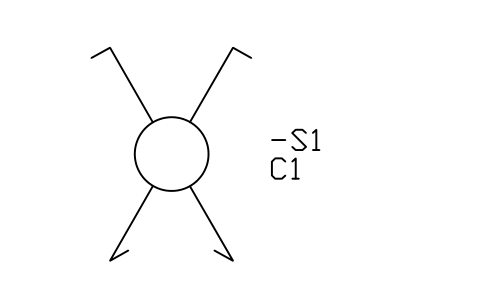
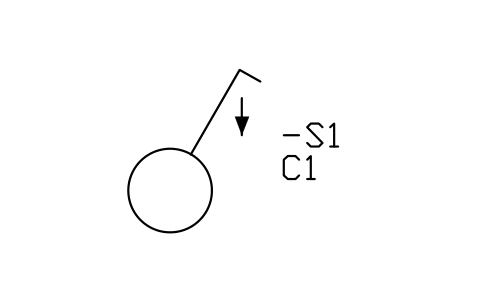
Dimmer symbol (DWG block)
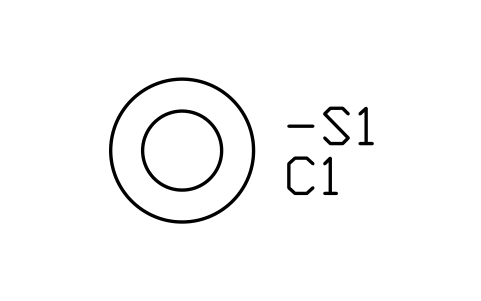
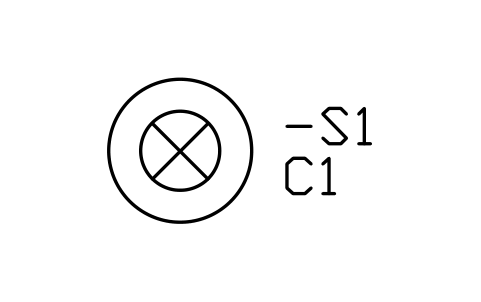
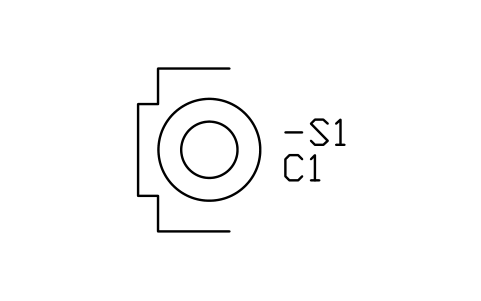
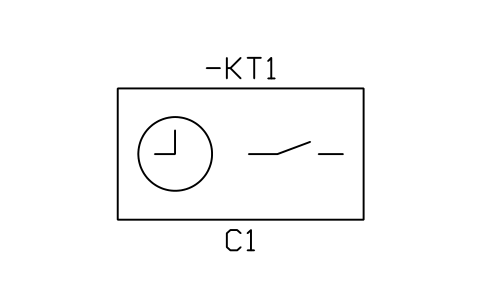
Dimmer is a ready-to-use AutoCAD block named IEC_DIMMER in the Common electrical symbols (IEC 60617), group “Switches and push-buttons”. It carries 11 attributes, 2 of them visible, so it works in equipment lists and BlockSync exports.
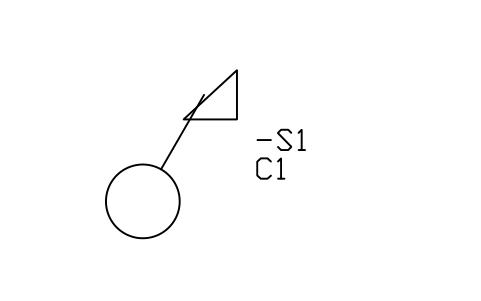
Block details
| Block name | IEC_DIMMER |
|---|---|
| Library | Common electrical symbols (IEC 60617) |
| Group | Switches and push-buttons |
| Standard | IEC 60617 |
| Attributes | 11 attributes, 2 visible |
Attributes
Visible on the drawing: TAG, CIRCUIT.
Hidden, they carry the data for schedules: RATING_A, IP_RATING, MOUNT_HEIGHT_MM, MANUFACTURER, MODEL, REMARKS, MANUFACTURER, PART_NO, DESC.
Export the attributes of every copy in a drawing to Excel with BlockSync, check them and write the corrections back in one run.
How to use it
- Download the ZIP and unzip it. It holds one DWG with the block IEC_DIMMER.
- Open the DWG and copy the block into your drawing, or insert it from the DWG with INSERT.
- Double-click a copy to fill in the tag and the other attributes.
Used in sample drawings
The Dimmer symbol is placed in these finished sample drawings, so you can see how it is used on a real sheet:
The symbol is our own drawing after the common form of IEC 60617, not a certified copy. The library page explains how the symbols relate to the standard.
Names in other languages
The same symbol under its name in the other site languages.
- English
- Dimmer
- Simplified Chinese
- 调光器
- Traditional Chinese
- 調光器
- Japanese
- 調光器
- Korean
- 조광기
- German
- Dimmer
- French
- Variateur de lumière
- Italian
- Regolatore di luminosità (dimmer)
- Spanish
- Regulador de luz (dimmer)