
Topics:Annotation and GD&T symbolsP&ID symbolsElectrical schematic symbols
ISO 14617 graphical symbols for AutoCAD (DWG): Graphical symbols for diagrams
ISO 14617: Graphical symbols for diagrams: 1055 ready-made AutoCAD blocks (DWG). A starter pack of 30 symbols is free; the Standard edition is $29.
Free starter pack: 30 symbols
The most-used symbols of this library, as AutoCAD blocks in one DWG. Free for everyone, for any project.
 Complex device, functional unit
 Complex device, functional unit
 Label
 Amplification
 Amplification
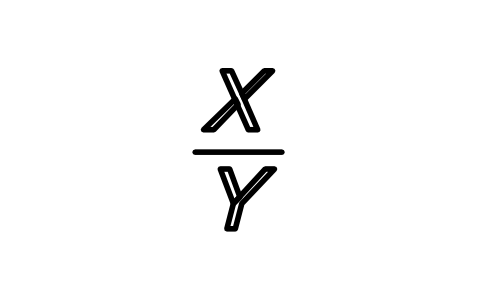 Dividing
 Dividing
 Pumping system
 Adjustability
 Adjustability
 Adjustability
 Stepwise variability
 Resistor, pre-set adjustable
 Direction of hydraulic power
 Limit
 Direction of mass flow in pipeline
 Envelope
 Envelope
 Liquid
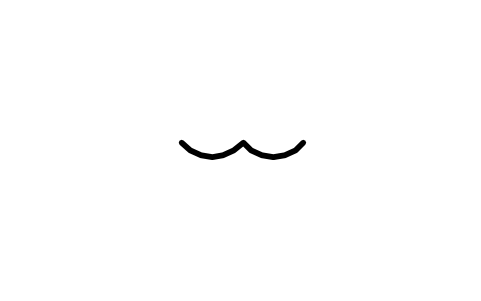 Liquid
 Protective gas discharge tube
 One item only
 AND and three OR elements
 Functional connection
 Functional connection
 Pure functional type
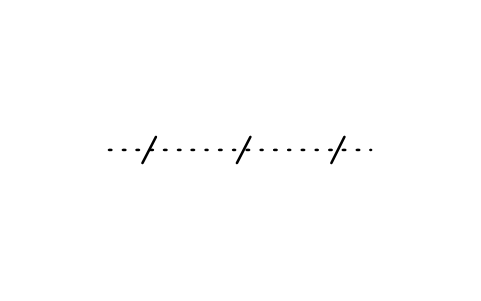 Pure functional type
 Crossing of connections
 Joint of connections
 Joint of connections
 Joint of multiple mechanical links
 Flange coupling, flange pair
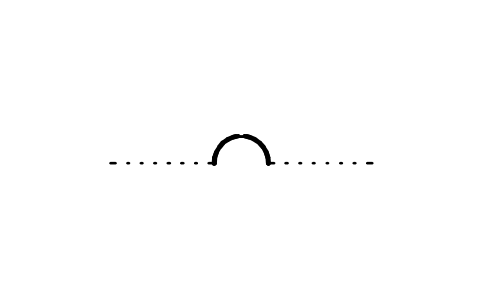 Expansion loop
 Quick-release coupling
 Connection, n parallel branches
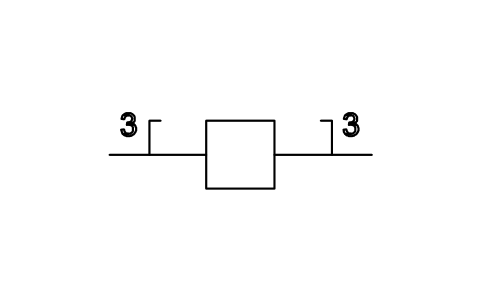 Three parallel identical branches
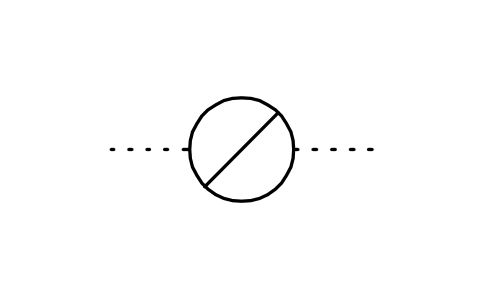 Mechanical gear pair
 Solenoid clutch, off at no voltage
 Manual actuator
 Four positions, clockwise
Standard: 398 symbols
All 398 symbols of the Standard edition in one download, ready to insert in AutoCAD. Pay once and keep the files.
- Complex device, functional unit
- Complex device, functional unit
- Label
- Amplification
- Amplification
 Touch effect
 Delay
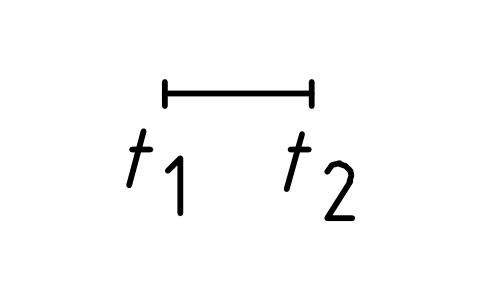 Delay
 Stabilizing
 Compensated output
 Transition to higher level
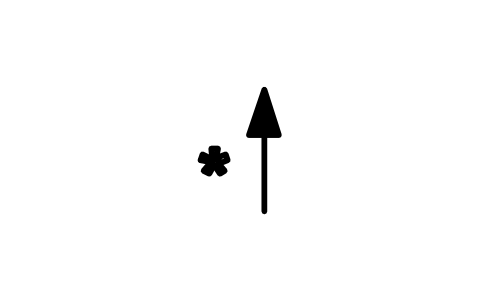 Transition to higher level
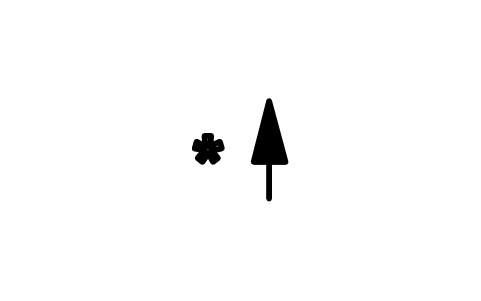 Transition to higher level
 Transition to lower level
 Transition to lower level
 Transition to lower level
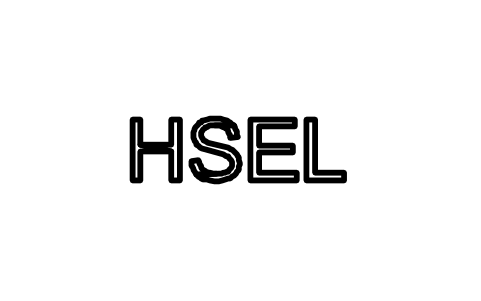 Selection of highest value
 Selection of highest value
 Selection of lowest value
 Selection of lowest value
 Automatic operation
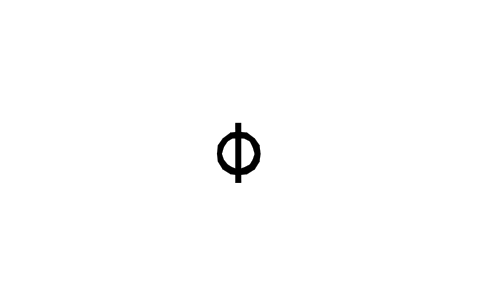 Complex function
 Complex function
 Registering; recording, printing
 Perforating
- Dividing
- Dividing
 Bias
 Bias
 Change of state, set value from above
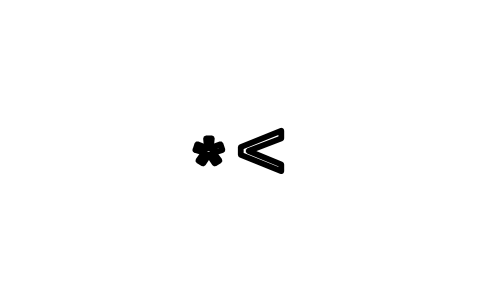 Change of state, set value from above
 Change of state, about set value
- Pumping system
 Subtraction function component
 Delay element with switch-on delay
 DC to DC converter
- Adjustability
- Adjustability
- Adjustability
 Non-linear adjustability
 Non-linear inherent variability
- Stepwise variability
- Resistor, pre-set adjustable
 Resistor, five steps
 Resistor, motor adjustable
 Sinusoidal force, motion or flow
 Sinusoidal force, motion or flow
 Pulse-shaped force, motion or flow
 Positive-going step
 Analogue signal
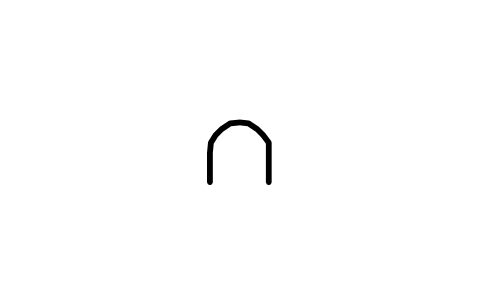 Analogue signal
- Direction of hydraulic power
 Direction of pneumatic power
 Signal or energy flow
 Signal or energy flow
 Flow in both directions
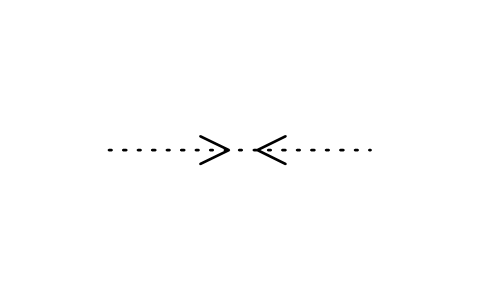 Flow in both directions
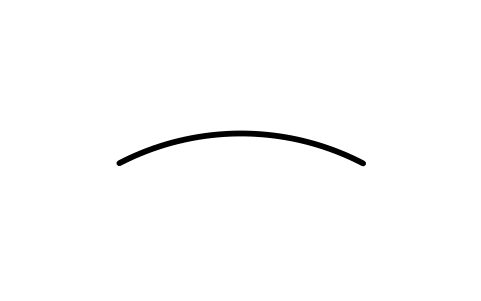 Circular motion, any direction
 Circular motion, any direction
- Limit
- Direction of mass flow in pipeline
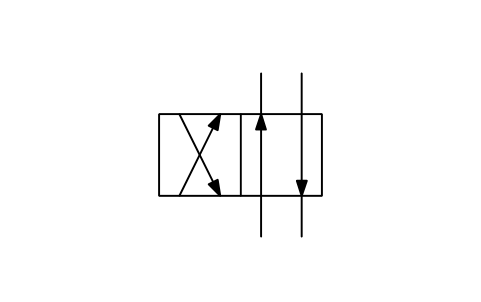 Direction of mass flow in a valve
 Reciprocating motion
 Linear motion, partial reversal
- Envelope
- Envelope
- Liquid
- Liquid
 Gas
- Protective gas discharge tube
- One item only
- AND and three OR elements
- Functional connection
- Functional connection
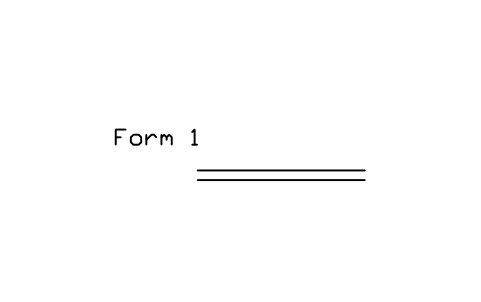 Mechanical link, shaft
 Pipeline, duct
- Pure functional type
- Pure functional type
 Capillary type
 Electric type
 Circular shape
 Twisted pipeline or duct
- Crossing of connections
 Twisted rectangular pipeline
 Jacketed pipeline
 Four pipelines forming a unit
- Joint of connections
- Joint of connections
- Joint of multiple mechanical links
- Flange coupling, flange pair
 Flexible coupling
 Welded, brazed, or soldered joint
- Expansion loop
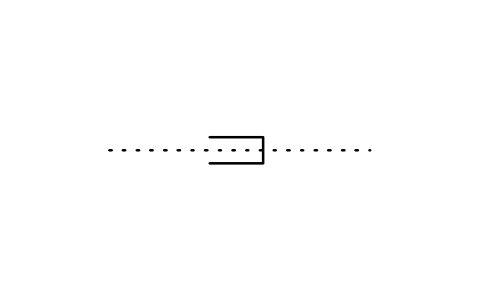 Expansion sleeve
 PortISO
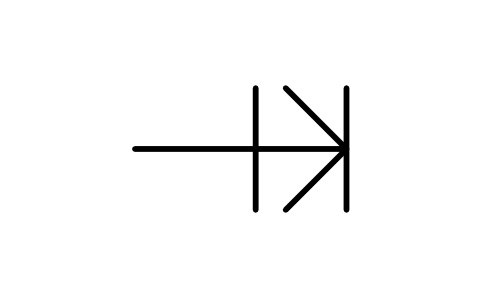 Quick coupling, self-mating, closing
- Quick-release coupling
- Connection, n parallel branches
- Three parallel identical branches
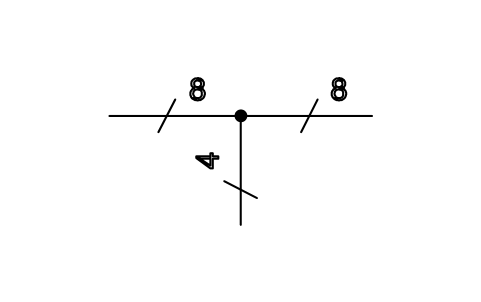 Eight connections, four branching
 Three connections, changed
- Mechanical gear pair
 Clutch, disengaged when idle
 Brake, disengaged when idle
 Automatic return device
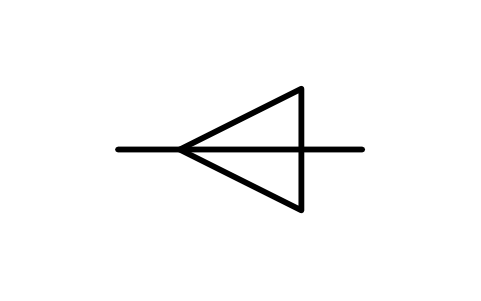 Automatic return device
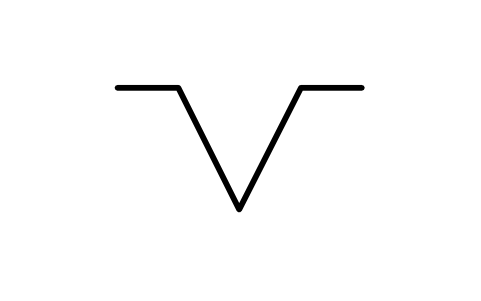 Detent, discrete position
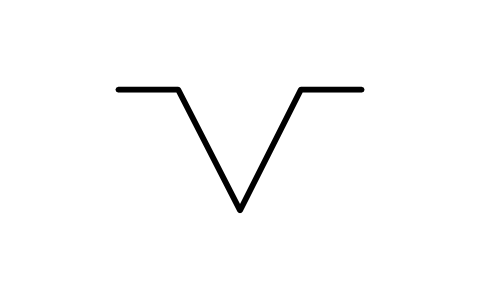 Detent, discrete position
 Detent, shown disengaged
 Latching device
 Latching device
 Blocking device
 Blocking device
- Solenoid clutch, off at no voltage
 Solenoid brake, on at no voltage
 Multi-position switch with return
- Manual actuator
 Manual actuator by pushing
 Manual actuator, push and pull
 Manual actuator in form of key
 Manual actuator in form of treadle
- Four positions, clockwise
 Control switch operated by pushing
 Switch, three positions, push-pull
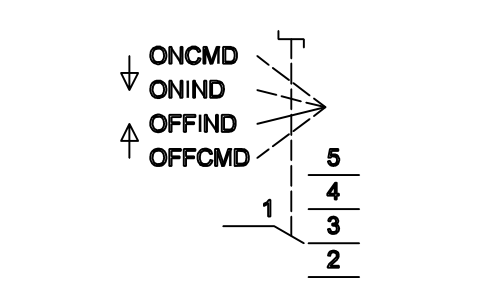 Rotary switch, four positions
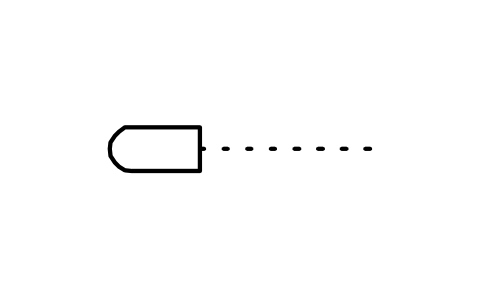 Plunger; tracer
 Cam profile
 Flow-target-operated actuator
 Double-acting hydraulic actuator
 Double-acting hydraulic actuator
 Hydraulic motor, reversible
 Cam and roller, make contact
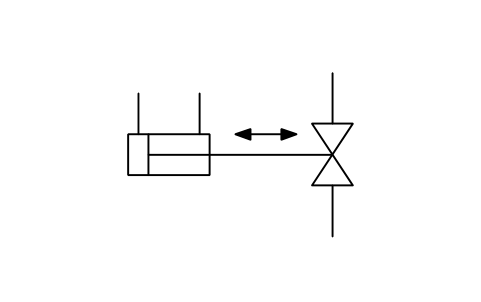 Double-acting cylinder actuator
 Actuating device consisting of
 Actuating device, single cylinder
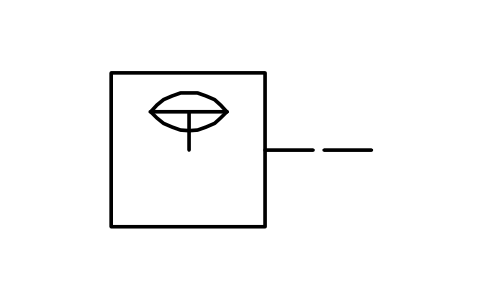 Actuating device, diaphragm
 Spring actuator, manual charging
 Displacer
 Buffer head
 Weight-loaded safety valve, latched
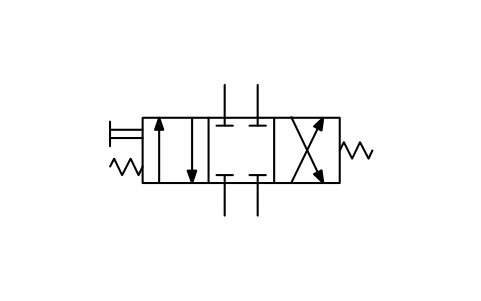 4/3 directional valve, mid return
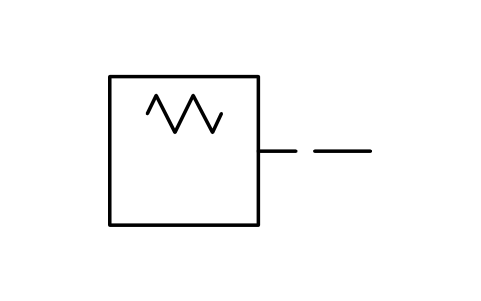 Spring-loaded actuating device
 Restrictor
 Flow nozzle
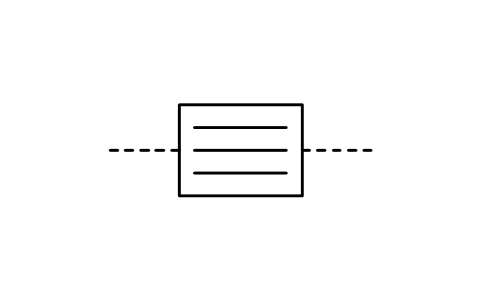 Flow straightener
 Rupturing disc
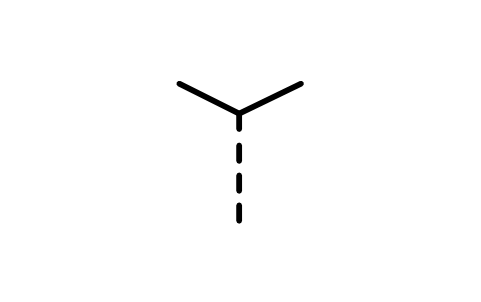 Drain funnel
 Blind
 Restriction, pre-set adjustable
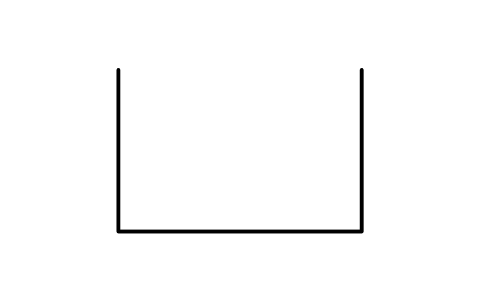 Tank, atmospheric pressure
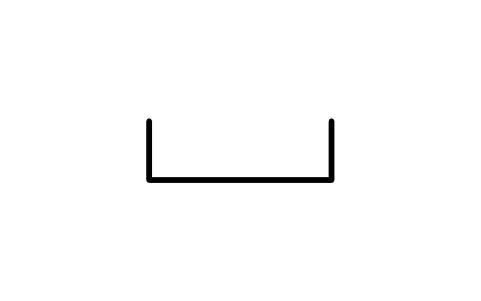 Tank, atmospheric pressure
 Shelf store
 Closed tank, atmospheric
 Tank with conic roof
 Gas-holder
 Pressure vessel
 Two-way valve
 Three-way valve
 Non-return function
 Globe type
 Plug type
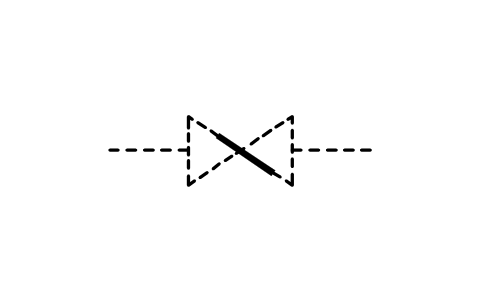 Disc or butterfly type
 2-way valve, diaphragm, spring close
 2-way valve, solenoid actuator
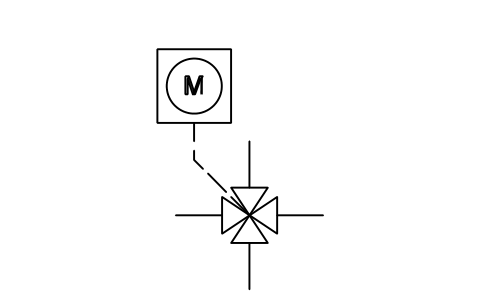 4-way valve, motor actuator
 Weight-loaded non-return valve
 Globe-type non-return valve
 Safety valve, opens above p
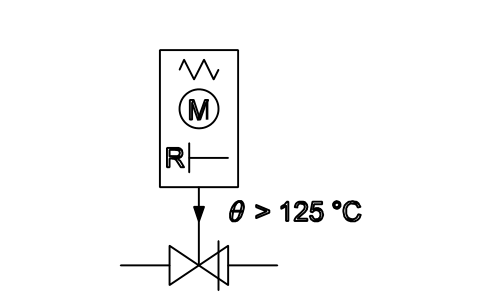 Quick-acting valve, temperature
 Control valve, motor actuator
 De-superheater control valve
 Restrictor valve
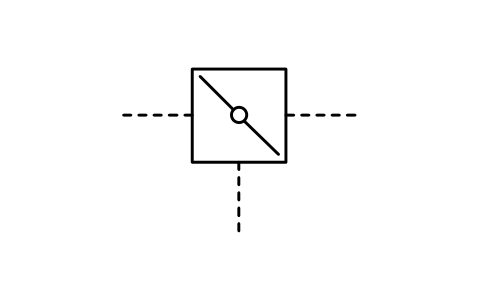 Two-or three-way damper
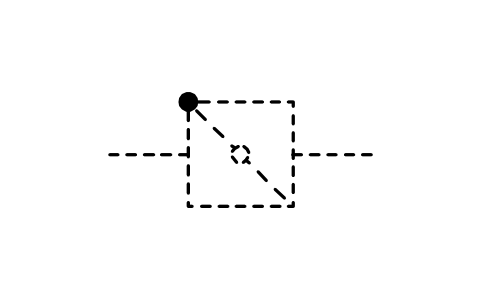 Non-return function
 Adjustability
 Multi-leaf damper
 Valve
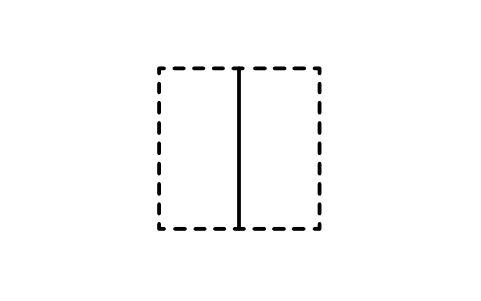 Open flow path
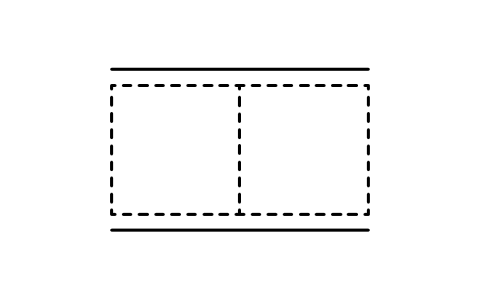 Infinite intermediate positions
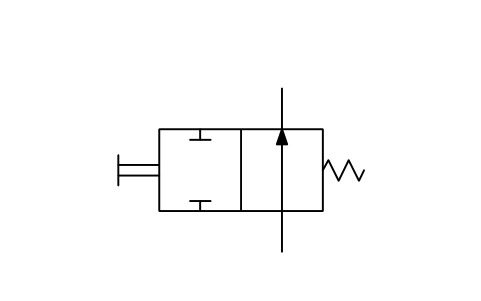 Directional valve, manual, spring
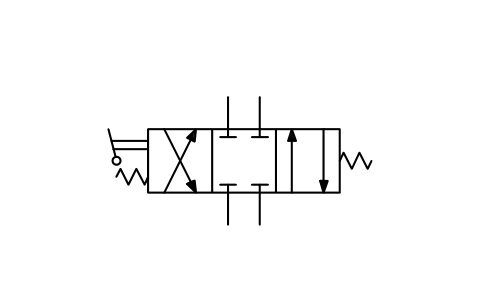 Directional valve, lever, 3 positions
 Directional valve, manual or electric
 Directional valve, electrohydraulic
 Pilot directional valve, detailed
 Pilot valve, release, detailed
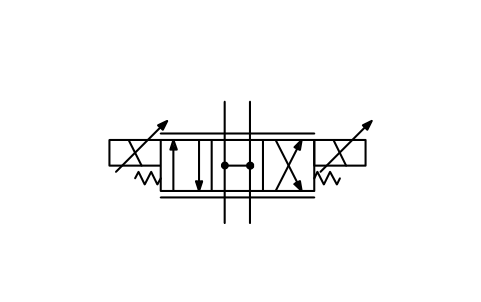 Servo valve, negative overlap
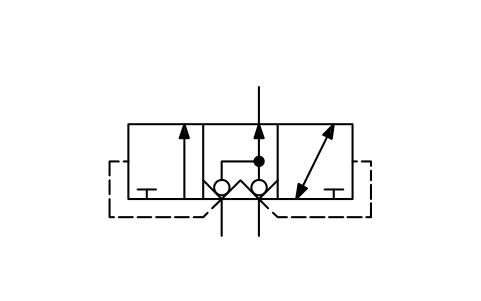 Directional valve, 3 ports, 3 pos.
 Single-stage relief valve, detail
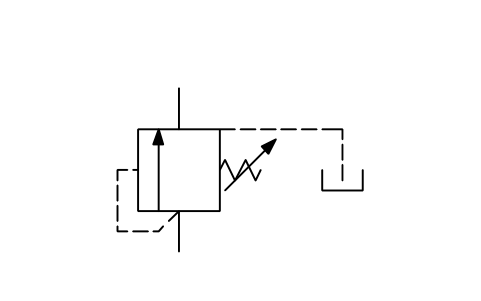 Relief valve, external drain
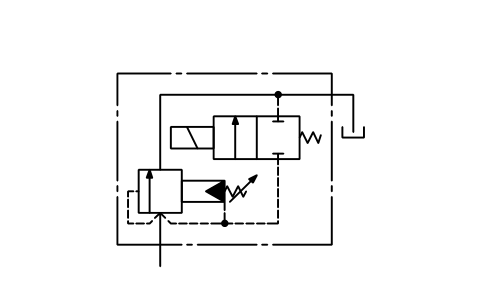 Electrohydraulic relief, detailed
 Pressure reducing valve, simple
 Adjustable restrictor, detailed
 Restrictor, one-way flow
 Flow control, p/T comp., detailed
 Spring-loaded non-return valve
 Pilot check valve, pilot opens
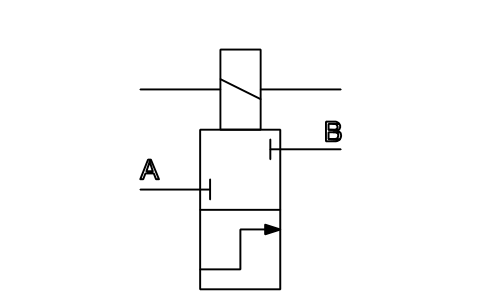 Hygienic valve
 Hygienic valve
 Self-operating release valve
 Liquid pump
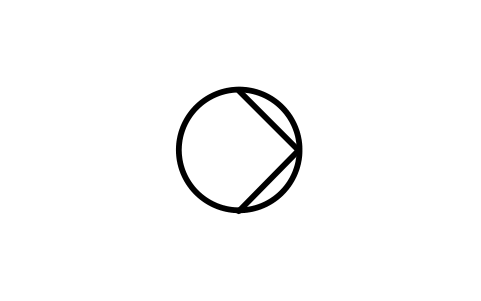 Liquid pump
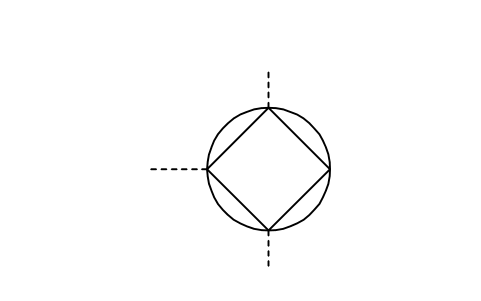 Liquid pump, reversible flow
 Pulse-shaped force or flow
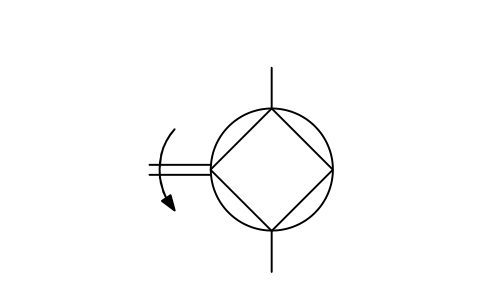 Over-centre liquid pump
 Liquid pump, even flow
 Ejector pump
 Gas-lift pump
 Getter pump
 Electric liquid pump
 Hydraulic pump
 Hydraulic pump, reversible flow
 Pneumatic motor, reversible flow
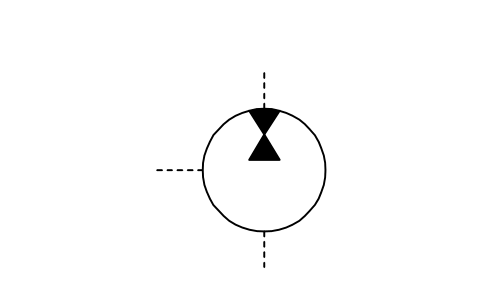 Hydraulic pump/motor, one direction
 Pneumatic pump/motor, reversible
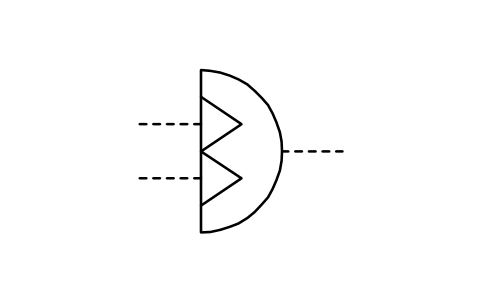 Pneumatic semi-rotary motor
 Adjustability
 Positive displacement type
 Hydraulic pump, variable capacity
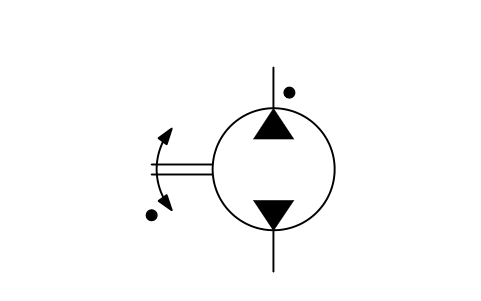 Reversible hydraulic pump
 Hydraulic pump, pulsating flow
 Hydraulic motor, variable capacity
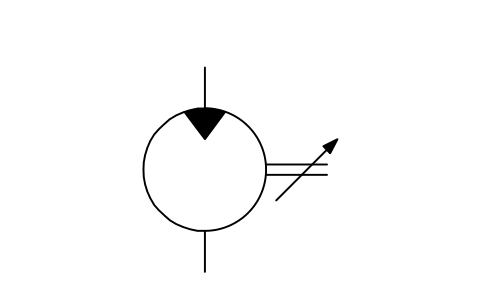 Hydraulic motor, flow controlled
 Hydraulic motor, reversible by flow
 Pneumatic motor, rotodynamic
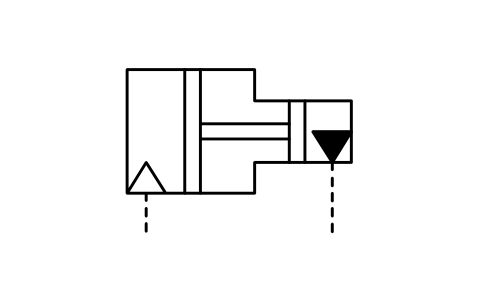 Linear pressure intensifier
 Hydraulic extension cylinder
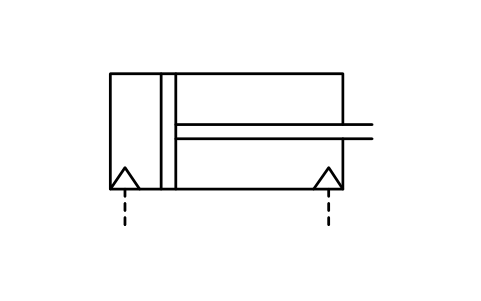 Double-acting pneumatic cylinder
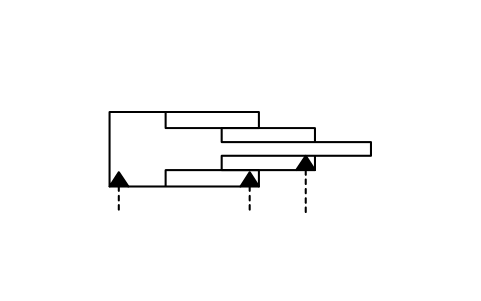 Double-acting hydr. telescopic cyl.
 Extension cylinder with drain
 Pneumatic cylinder, double rod
 Finned tube
 Heat-exchanger, condenser
 De-superheater, humidifier
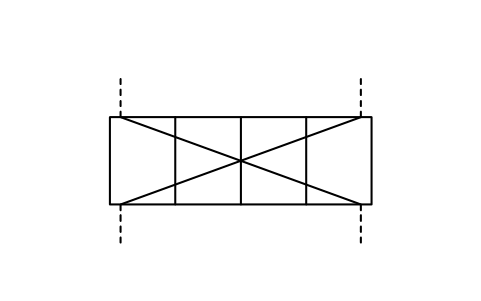 Heat-exchanger of plate type
 Cooling tower
 Cooling tower, humidifier
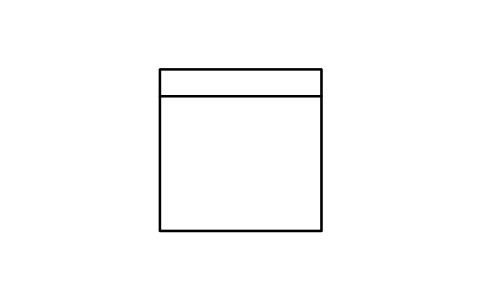 Boiler, steam generator
 Ionizing radiation type
 Fired type
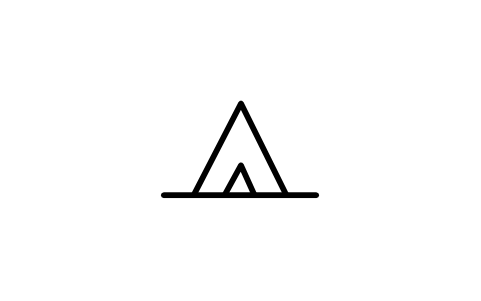 Fired type
 Electric electrode type
 Boiler, fired-type
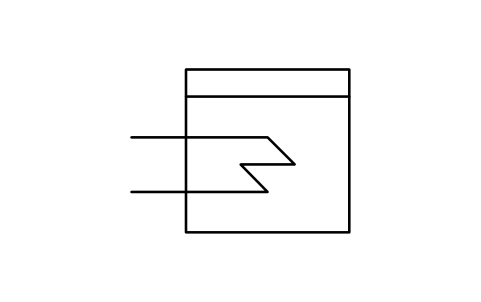 Steam generator
 Heat pump, refrigerator or freezer
 Heat pump
 Steam turbine
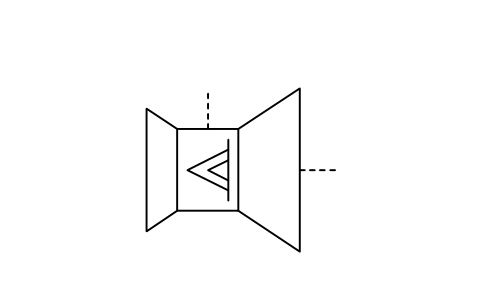 Gas turbine
 Steam turbine, centre inlet, taps
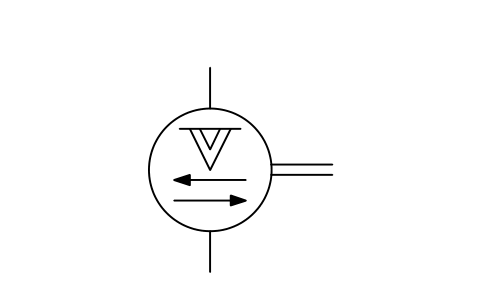 Piston internal combustion engine
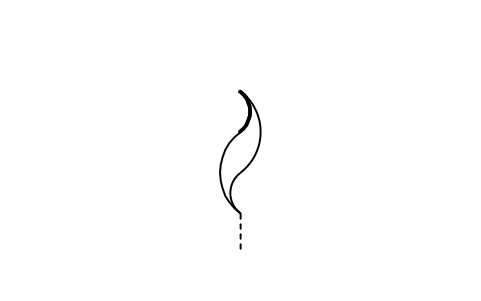 Flare
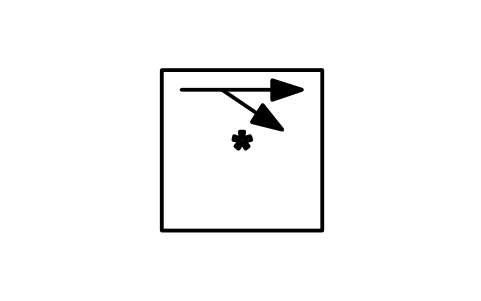 Device for separating
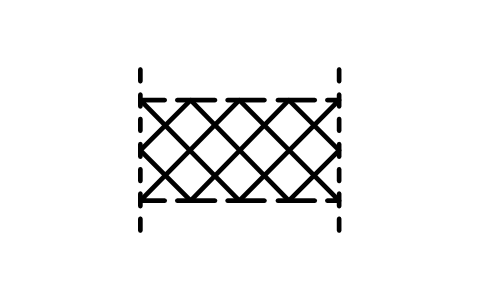 Bed filter element of fixed type
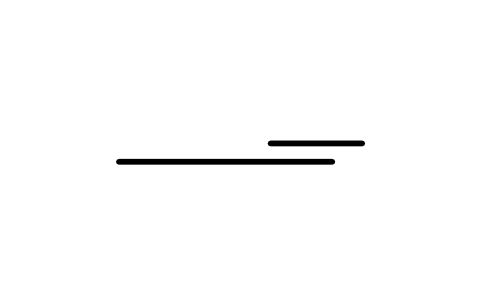 Disc with knife
 Electrostatic type
 Chemical type
 Vibrating screen, sieve
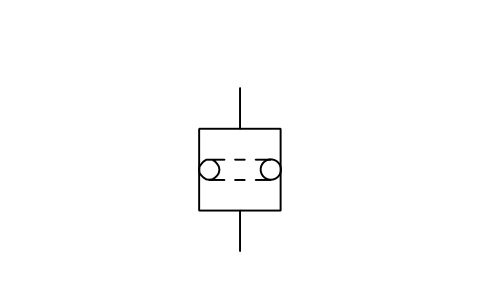 Belt filter, roll filter
 Bed filter of fluidized type
 Vacuum cleaner
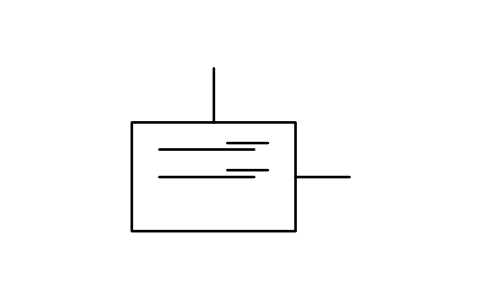 Disc and plate separator
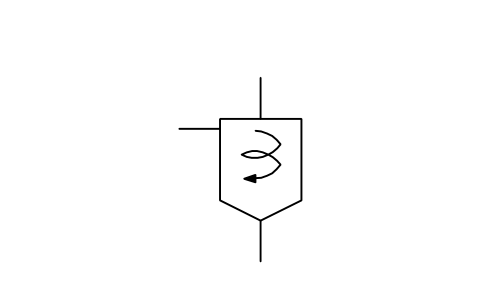 Cyclone separator
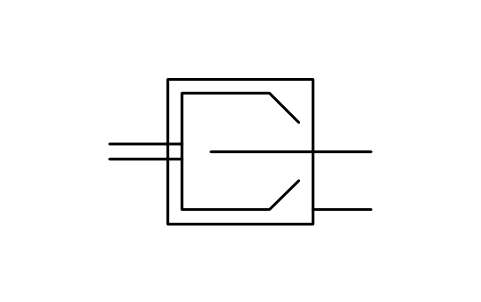 Decanter centrifuge
 Washing machine with spinning
 Electromagnetic separator
 Thermal separator, heating coil
 Ion exchange separator
 Purifier using conversion
 Catalytic type
 Purifier of catalytic type
 Device for mixing
 Mixer, stirrer
 Air conditioner, pneumatic systems
 Material forming by forging
 Forming by bending or folding
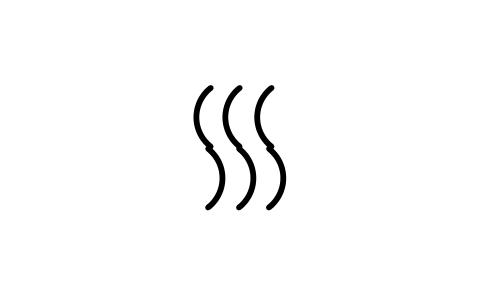 Heat treatment
 Size enlarging by sintering
 Dividing by shearing
 Reaming
 Broaching
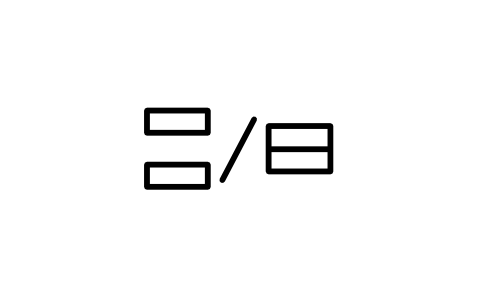 Joining
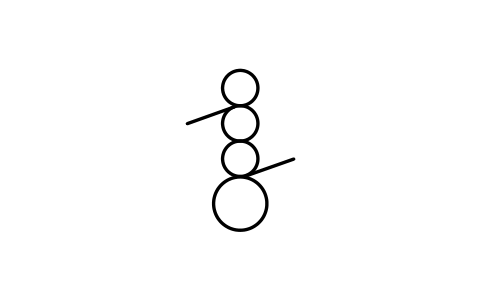 Calendering
 Feeding funnel, hopper
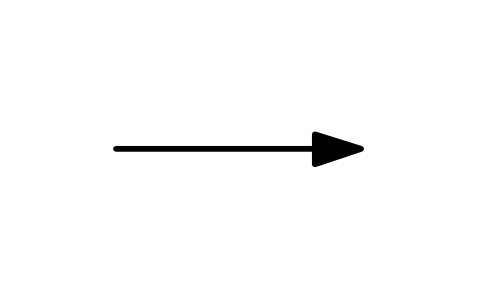 Direction, except energy or signal
 Bidirectional, simultaneously
 Belt type with scraper flights
 Ropeway type, overhead type
 Vibrating type
 Mobile scraper belt conveyor
 Straight gravity slide
 Compressing screw conveyor
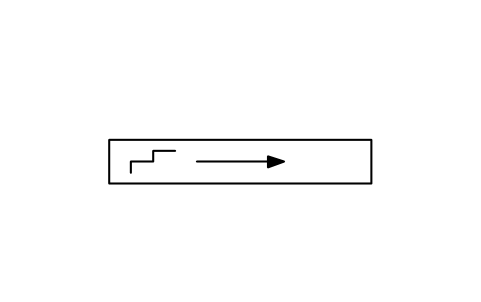 Escalator, up to the right
 Lift, hoist
 Double rail, railway track
 Railway turntable, four tracks
 Fork lift truck
 Bulldozer
 Tank truck
 Wagon or trailer, non-solid material
 Point of measurement
 Measurement near vessel bottom
 Delay in both directions
 Manual operation of valve
 Manual valve, delayed return
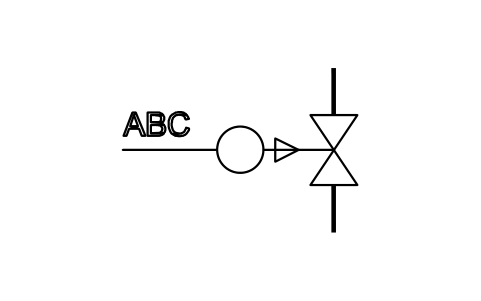 Automatic valve, return to closed
 Automatic valve, infinite positions
 Information-processing function
 Primary location, central room
 Function with negated input
 Function with enabling
 Manual switching, indication
 Flow rate indication
 Pressure transmitting
 Strainer differential pressure
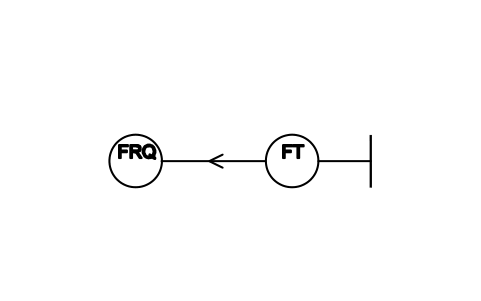 Flow recording with totaliser
 Vessel top temperature transmitter
 Temperature switching
 Subtraction of flow rate signals
 Lowest flow signal selection
 Flow rate computing
 Temperature indication, central room
 Computer control with back-up
 Remote valve, return to closed
 Remote control valve, set value
 Sensor
 Signal converter, form 2
 Thermocouple
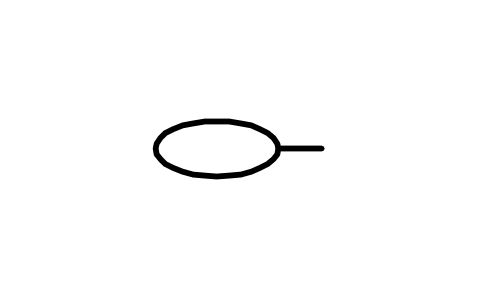 Float type
 Membrane or diaphragm type
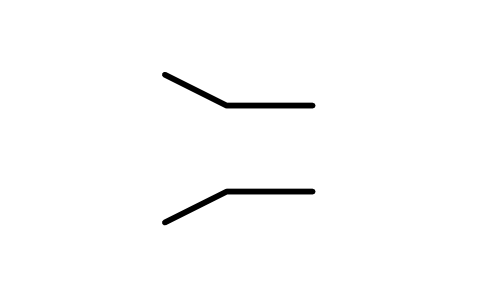 Critical flow nozzle type
 Flow elbow type
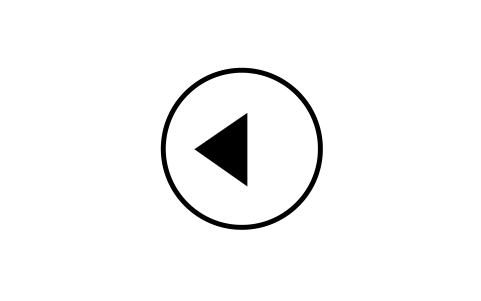 Rotary type, turbine type
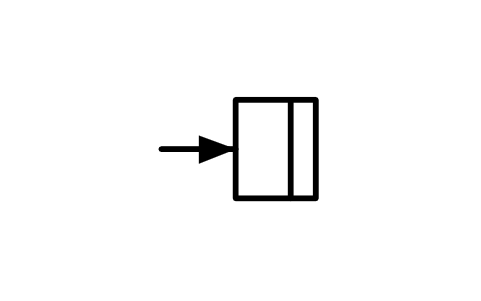 Receiving ultrasonic type
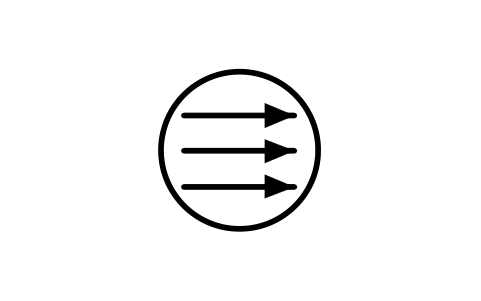 Optical type
 Letter B, rotatable stator
 Letter R, resolving or receiver
 Level sensor
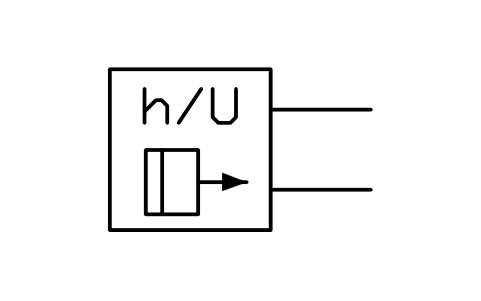 Level transducer, sonic, integral
 Pressure sensor
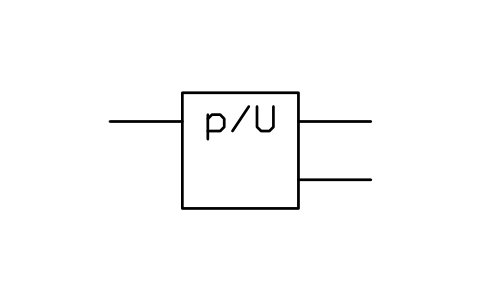 Pressure transducer, voltage out
 Sensor, non-ionizing radiation
 Tachometer generator, DC type
 Position transducer, differential
 Boss with well
 Temperature sensor in boss, pipeline
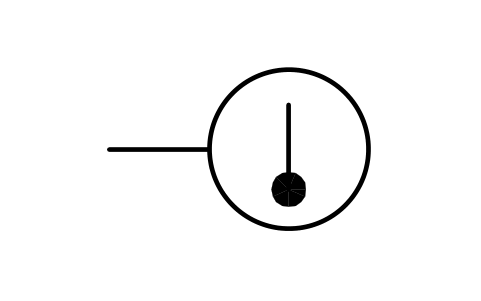 Thermometer
 Recording instrument
 Thermometer, degrees Celsius
 Counter
 Counter with reset to 0
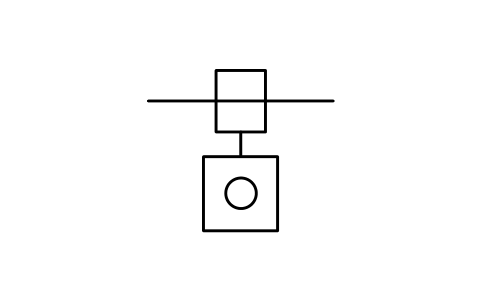 Electromechanical counter
 Counter, manual reset to 0
 Display unit
 Electromechanical indicator
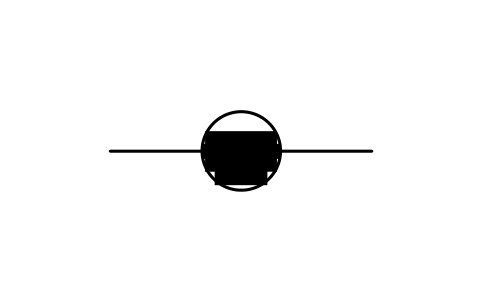 Indicator with automatic return
 Amplifier
 High limitation, form 1
 Low limitation, form 1
 Device for summing
 Device for averaging
 Device for high limitation
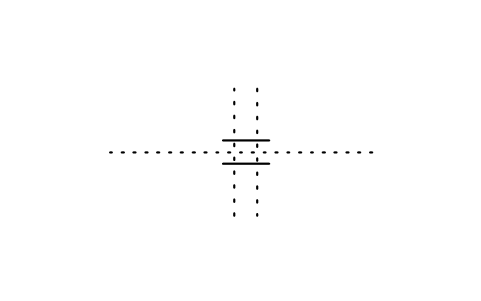 Sleeve through construction
 Seal, different air pressure
 Guide bracket
 Located on poles
 On a tray, endpoints shown
 Going to a storey below
 Slope of, for example, a pipeline
 Sound
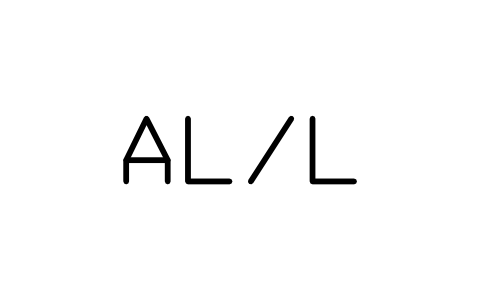 Light alarm
 Underground joint
 Pipelines in two pipes
 Distribution centre
 Cross-connection device
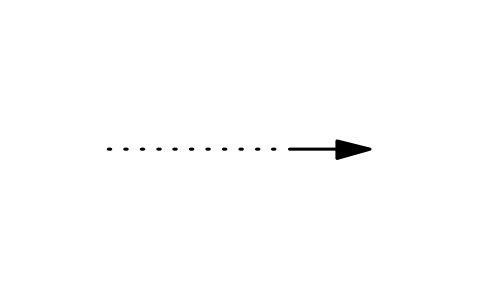 Outlet tap
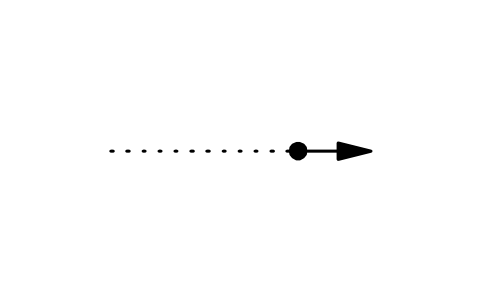 Outlet tap in taphole
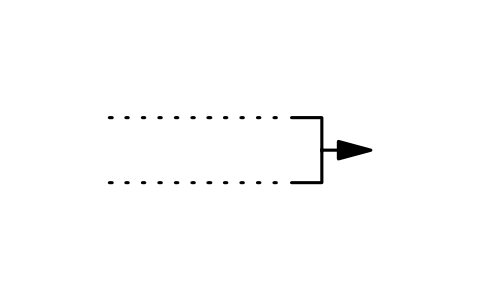 Mixing outlet tap
 Mixing outlet tap on wall
 Self-closing outlet tap
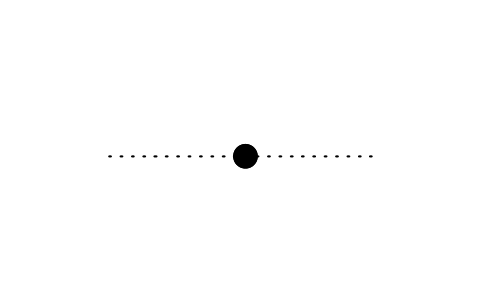 Underground hydrant
 Sensor
 Electric window foil
 Sound
 Smoke
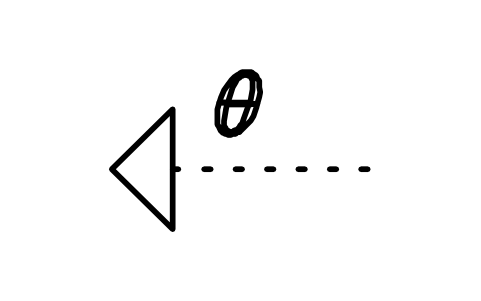 Heat sensor
 Sound detector
 Smoke detector
 Passage detector
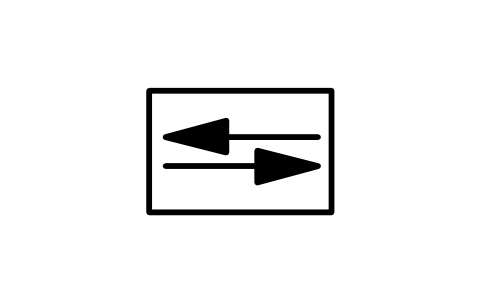 Vibration detector
 Fired stove or water heater
 Direction of mass flow
 Heat pump, temperature decrease
 Salt
 Hot water generating plant
 Hot water plant, electric
 Heat-pump coolant plant
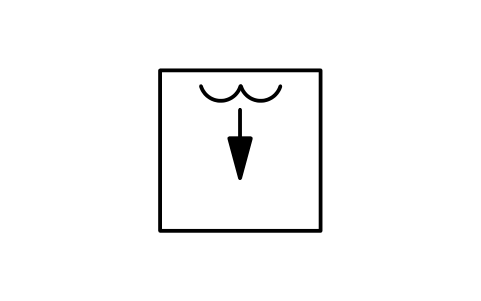 Freshwater infiltration plant
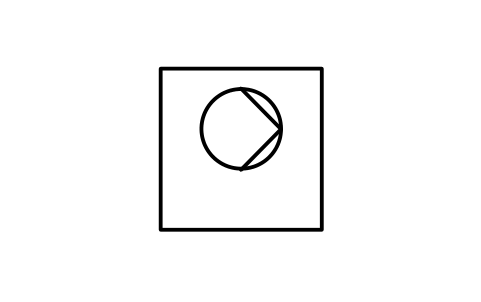 Pumping station
 Sewage after-treatment pond
Pro: all 1055 symbols
Every symbol of the library, 1055 in all, in one download. Standard holds 398 of them. Pay once and keep the files.
Free starter pack
$0For everyone, for any project
- 30 symbols
- No sign-in
- One DWG
Library licence
$29
For one person
Education: free
- Pay once
Student or teacher?
Free for one year with your school e-mail address. Renew it with the same address.
Sign in with your school e-mail address, we check it, and the licence is added to your account.
Available soonEducation licences are for study and teaching, valid for one year, and renewed with your school e-mail address.
Pro licence
$49
For one person
Education: $24.50
- Pay once
Student or teacher?
Half price ($24.50) for one year with your school e-mail address. Buy again next year to renew.
Sign in with your school e-mail address, we check it, and you pay half price.
Available soonHalf price ($24.50) for one year with your school e-mail address. Buy again next year to renew.
What each version contains
The symbols by group, and how many of each group every version holds.
| Content | Free | Standard | Pro |
|---|---|---|---|
| All symbols | 30 | 398 | 1055 |
| Added by this version | — | +368 | +657 |
| Components, devices, functional units, equipment, plants and functions: basic symbols | 1 | 1 | 1 |
| Components, devices, functional units, equipment, plants and functions: Input and output labels | 1 | 1 | 2 |
| Components, devices, functional units, equipment, plants and functions: General functions | 1 | 13 | 30 |
| Components, devices, functional units, equipment, plants and functions: Mathematical operations | 1 | 4 | 11 |
| Components, devices, functional units, equipment, plants and functions: examples | 1 | 4 | 14 |
| Variability: basic symbols | 1 | 7 | 19 |
| Variability: supplementary symbols | 1 | 1 | 2 |
| Variability: examples | 1 | 3 | 7 |
Show 138 more groupsShow fewer groups
| Directions: basic symbols | 1 | 5 | 10 |
|---|---|---|---|
| Directions: supplementary symbols | 1 | 1 | 3 |
| Directions: examples | 1 | 4 | 13 |
| Envelopes (tanks): basic symbols | 1 | 1 | 1 |
| Materials: basic symbols | 1 | 2 | 6 |
| Materials: examples | 1 | 1 | 2 |
| Simplifications: basic symbols | 1 | 1 | 3 |
| Simplifications: examples | 1 | 1 | 2 |
| Connections: basic symbols | 1 | 3 | 7 |
| Connections: supplementary symbols | 1 | 5 | 14 |
| Connections: examples | 1 | 4 | 12 |
| Connection joints and pipeline ends: basic symbols | 1 | 1 | 3 |
| Connection joints and pipeline ends: examples | 1 | 1 | 3 |
| Connection joints, junctions, and related devices of specified design: basic symbols | 1 | 3 | 8 |
| Fittings: basic symbols | 1 | 4 | 12 |
| Fittings: examples | 1 | 1 | 1 |
| Additional simplifications: basic symbols | 1 | 1 | 3 |
| Additional simplifications: examples | 1 | 3 | 8 |
| Basic elements: basic symbols | 1 | 8 | 20 |
| Basic elements: examples | 1 | 3 | 9 |
| Manually operated actuators: basic symbols | 1 | 5 | 12 |
| Manually operated actuators: supplementary symbols | 1 | 1 | 4 |
| Manually operated actuators: examples | — | 3 | 8 |
| Automatic actuators: basic symbols | — | 6 | 19 |
| Automatic actuators: examples | — | 2 | 5 |
| Actuating devices: basic symbols | — | 1 | 1 |
| Actuating devices: examples | — | 3 | 7 |
| Mechanical elements: basic symbols | — | 2 | 7 |
| Mechanical elements: examples | — | 3 | 7 |
| Pipe and duct elements: basic symbols | — | 6 | 19 |
| Pipe and duct elements: examples | — | 1 | 1 |
| Devices for storage: basic symbols | — | 2 | 6 |
| Devices for storage: examples | — | 4 | 14 |
| General-purpose valves | — | 2 | 4 |
| General-purpose valves: Functions | 1 | 3 | 9 |
| General-purpose valves: Construction | — | 3 | 11 |
| General-purpose valves: Shut-off valves | — | 3 | 7 |
| General-purpose valves: Non-return valves and check valves | — | 2 | 5 |
| General-purpose valves: Valves with safety function | — | 2 | 5 |
| General-purpose valves: Control valves | — | 2 | 8 |
| General-purpose valves: Other valves | — | 1 | 1 |
| Dampers: basic symbols | — | 1 | 1 |
| Dampers: supplementary symbols | — | 2 | 4 |
| Dampers: examples | — | 1 | 3 |
| Valves for fluid power systems: basic symbols | — | 1 | 3 |
| Valves for fluid power systems: supplementary symbols | — | 2 | 7 |
| Valves for fluid power systems: Directional control valves | — | 8 | 23 |
| Valves for fluid power systems: Pressure control valves | — | 4 | 11 |
| Valves for fluid power systems: Flow control valves | — | 3 | 10 |
| Valves for fluid power systems: Non-return/check valves | — | 2 | 4 |
| Hygienic valves: examples | — | 2 | 4 |
| Valves with special functions: basic symbols | — | 1 | 1 |
| Mechanically driven pumps, compressors and fans: basic symbols | — | 2 | 4 |
| Mechanically driven pumps, compressors and fans: supplementary symbols | 1 | 2 | 5 |
| Mechanically driven pumps, compressors and fans: examples | — | 2 | 9 |
| Entrainment and entrapment pumps: basic symbols | — | 3 | 9 |
| Electric pumps: basic symbols | — | 1 | 1 |
| Fluid power: basic symbols | — | 7 | 21 |
| Fluid power: supplementary symbols | — | 3 | 7 |
| Fluid power: examples | — | 7 | 20 |
| Linear fluid motors, fluid cylinders: basic symbols | — | 3 | 11 |
| Linear fluid motors, fluid cylinders: examples | — | 2 | 4 |
| Heat-exchangers, condensers: basic symbols | 1 | 3 | 12 |
| Heat-exchangers, condensers: examples | — | 2 | 5 |
| Cooling towers: basic symbols | — | 1 | 1 |
| Cooling towers: examples | — | 1 | 3 |
| Boilers, steam generators, furnaces, and hot air generators: basic symbols | — | 1 | 3 |
| Boilers, steam generators, furnaces, and hot air generators: supplementary symbols | — | 3 | 6 |
| Boilers, steam generators, furnaces, and hot air generators: examples | — | 2 | 7 |
| Heat pumps, refrigerators and freezers: basic symbols | — | 1 | 1 |
| Heat pumps, refrigerators and freezers: supplementary symbols | — | 2 | 3 |
| Heat pumps, refrigerators and freezers: examples | — | 1 | 3 |
| Steam and gas turbines: basic symbols | — | 2 | 5 |
| Steam and gas turbines: examples | — | 1 | 1 |
| Engines with reciprocating or rotary pistons: basic symbols | — | — | 3 |
| Engines with reciprocating or rotary pistons: examples | — | 1 | 2 |
| Miscellaneous: basic symbols | — | 1 | 1 |
| Devices for separating | — | 3 | 8 |
| Devices for separating: supplementary symbols | — | 3 | 9 |
| Devices for separating: examples | — | 11 | 33 |
| Devices for purification by conversion: basic symbols | — | 1 | 1 |
| Devices for purification by conversion: supplementary symbols | — | 1 | 1 |
| Devices for purification by conversion: examples | — | 1 | 1 |
| Devices for mixing: basic symbols | — | 1 | 3 |
| Devices for mixing: examples | — | 1 | 4 |
| Air conditioners for pneumatic systems: basic symbols | — | 1 | 1 |
| Casting machines and machine tools: supplementary symbols | — | 9 | 26 |
| Devices for transport and handling of material: basic symbols | — | 1 | 2 |
| Devices for transport and handling of material: supplementary symbols | — | 5 | 14 |
| Devices for transport and handling of material: examples | — | 4 | 13 |
| Cranes, lifts, hoists, and materials handling robots: basic symbols | — | 1 | 1 |
| Tracks and associated devices: basic symbols | — | 1 | 3 |
| Tracks and associated devices: examples | — | 1 | 1 |
| Industrial trucks, vehicles and cargo ships: basic symbols | — | 4 | 14 |
| Functional links and junctions: basic symbols | 2 | 2 | 2 |
| Functional links and junctions: supplementary symbols | 1 | 4 | 7 |
| Point of measurement: basic symbols | — | 1 | 1 |
| Point of measurement: examples | — | 1 | 2 |
| Operation of final controlling elements: basic symbols | — | — | 2 |
| Operation of final controlling elements: supplementary symbols | — | 5 | 8 |
| Operation of final controlling elements: examples | — | 4 | 14 |
| Information-processing functions: basic symbols | — | 1 | 2 |
| Information-processing functions: Other general functions | 2 | 7 | 14 |
| Information-processing functions: Indication of location | — | 1 | 4 |
| Information-processing functions: examples | — | 13 | 37 |
| Back-up functions: examples | — | 1 | 1 |
| Examples of use of symbols in control loops | — | 2 | 8 |
| Sensors and transducers: basic symbols | — | 3 | 9 |
| Sensors and transducers: supplementary symbols | — | 9 | 26 |
| Sensors and transducers: examples | — | 7 | 20 |
| Fittings for sensors: basic symbols | — | 1 | 3 |
| Fittings for sensors: examples | — | 1 | 2 |
| Measuring instruments: basic symbols | — | 2 | 4 |
| Measuring instruments: examples | — | 1 | 5 |
| Counters and clocks: basic symbols | — | 1 | 3 |
| Counters and clocks: examples | — | 3 | 7 |
| Displays and signalling devices: basic symbols | — | 2 | 5 |
| Displays and signalling devices: examples | — | 1 | 3 |
| Analogue signal processing: basic symbols | — | 1 | 6 |
| Analogue signal processing: supplementary symbols | — | 2 | 4 |
| Analogue signal processing: examples | — | 3 | 8 |
| Installation of pipelines and ducts: basic symbols | — | 5 | 12 |
| Installation of pipelines and ducts: supplementary symbols | — | 6 | 19 |
| Installation of pipelines and ducts: examples | — | 2 | 7 |
| Water taps and related devices | — | 2 | 5 |
| Water taps and related devices: basic symbols | — | 1 | 2 |
| Water taps and related devices: supplementary symbols | — | 1 | 1 |
| Water taps and related devices: examples | — | 1 | 1 |
| Hydrants and related devices | — | 1 | 3 |
| Hydrants and related devices: supplementary symbols | — | — | 1 |
| Devices for measurement, control and protection: basic symbols | — | 2 | 4 |
| Devices for measurement, control and protection: supplementary symbols | — | 2 | 5 |
| Devices for measurement, control and protection: examples | — | 5 | 14 |
| Water heaters, air conditioners: basic symbols | 1 | 1 | 1 |
| Water heaters, air conditioners: supplementary symbols | — | 1 | 2 |
| Water heaters, air conditioners: examples | — | 1 | 2 |
| Technical plants and systems: supplementary symbols | 1 | 8 | 15 |
| Technical plants and systems: examples | — | 6 | 15 |
Pro holds every symbol of Standard plus the Pro-only ones.
1001 AutoCAD blocks drawn after the entries of ISO 14617 "Graphical symbols for diagrams" (ISO 14617-2–15): general function symbols, qualifiers, variability and direction marks, materials, pipe and line connections, joints, fittings and related devices; actuators and operating devices, basic mechanical components, pipe and duct elements, storage devices, general-purpose valves, dampers and valves for fluid power systems; pumps, compressors and fans, fluid power machines and cylinders, heat exchangers, boilers, turbines and engines, devices for separating, purification and mixing, material treatment, and transport and handling of material; sensors and measuring transducers, fittings for sensors, measuring instruments, counters and clocks, displays and signalling devices, analogue signal processing, functional links, points of measurement, operation of final controlling elements, information-processing functions, indication of location and complete control loop examples; installation of pipelines and ducts, water taps, hydrants, devices for measurement, control and protection, water heaters, air conditioners and technical plants. Every block keeps the registration number of its entry and the clause it is taken from.
Free to use and modify in your own projects, including commercial ones. The ZIP holds one plain DWG file in AutoCAD 2018 format and a README; no add-in needed. Provided as is, without warranty.
Missing a symbol? Tell us which one.
Attributes for parts lists
Symbols of devices carry a visible tag (for example V-101) and invisible attributes for the schedule: SERVICE, SIZE, FLOW_M3H, POWER_KW, RANGE, SIGNAL, MANUFACTURER, MODEL and REMARKS. Plain graphical symbols such as lines, arrows and qualifiers have no tag. All blocks carry STD_CLAUSE and STD_REF.
How to use the library
- Unzip the file and open the DWG. Copy the symbols you need into your plan, or drag the blocks in from DesignCenter (ADCENTER).
- The symbols are drawn in millimetres on the module of the standard (2.5 mm), mostly 5 to 30 mm in size. Insert them at scale 1 and scale the block up or down to the size of your diagram.
- Place the block and join your lines to its ends. Where the standard shows a symbol together with a line or a stub, the line is part of the block. Explode a block if you need to adapt it.
- The standard orders its symbols as basic symbols, supplementary symbols that are combined with them, and application examples. The catalog follows that order, and the clause of every symbol is stored in the attribute STD_CLAUSE.
About the standard
The blocks are drawn after ISO 14617-2–15 "Graphical symbols for diagrams". The block name contains the registration number of the entry, and the attribute STD_REF holds it, so you can look the symbol up in your copy of the standard.
The blocks are our own drawings, not copies of the standard, and the library is not certified. Check them against the standard and the legend of your project, and change a block if yours differs.
Frequently asked questions
- Which parts of ISO 14617 are in this library?
- ISO 14617-2–15: General symbols and connections, Valves, actuators and mechanical components, Machines, heat transfer, separation and handling, Measurement and control, Installation diagrams and network maps.
- How do I find a symbol I know by its number?
- Every block is named ISX_<registration number>_<name> and carries the number in the attribute STD_REF, so you can search the block list or the drawing for it.
- Can I use the symbols in commercial projects?
- Yes. They are free to use and modify in your own projects, including commercial ones. They are provided as is, without warranty.
- Can I use it together with other symbol libraries?
- Yes. The libraries for ISO 14084-2 power plants, ISO 10628-2 P&ID, ISO 1219 fluid power, ISA 5.1 instrumentation and IEC 60617 electrical diagrams cover related ground and can be used in the same drawing.
- Can I change a symbol or add attributes?
- Yes. Open the DWG, edit a block with BEDIT to change it or add attributes, and save. To update drawings that already contain the block, run ATTSYNC or replace the block. Make a backup first: attribute values can be lost if ATTSYNC is used carelessly.
- Where do I find a ready-made set of these symbols for AutoCAD?
- AutoCAD itself ships only a small set of sample blocks, so a full symbol set has to come from a library. Download the ZIP on this page and open the DWG: every symbol is a block. Insert one with INSERT (Blocks palette, Libraries tab, then pick the DWG) or drag it from DesignCenter (ADCENTER). You can also download a single symbol on its own.