
Free AutoCAD metallurgy and rolling mill symbols (DWG): furnaces, casters, mill stands, finishing lines
Metallurgy and rolling mill symbols: 107 ready-made AutoCAD blocks (DWG), free to download and use in your own projects, as a ZIP or one symbol at a time.
107 metallurgical plant symbols as ready-to-use AutoCAD blocks for process flow diagrams and plant layouts: blast furnace, hot blast stove, sinter strand and coke oven, converter, electric arc furnace, ladle, ladle furnace, RH and VD degassers, tundish and continuous casters, walking beam and pusher reheating furnaces, bell annealing and continuous annealing furnaces, induction furnace and cupola, mill stands from 2-high to 20-high, tandem finishing train, down coiler, shears, cooling bed, pickling tank, galvanising pot, slitter, overhead and ladle cranes, coil car, aluminium reduction cell, flash smelting furnace and flotation cell. Each block carries a tag and invisible equipment list attributes.
Version 1.0 · updated October 17, 2026
Using AutoCAD 2017 or an earlier version? Download the 2010 format
Copyright CADXChange. Use and modify the symbols freely in your own drawings and projects, including commercial ones; credit and a link are needed only when you publish them. Please do not redistribute or resell the library. Each ZIP holds one plain DWG file in AutoCAD 2018 format and a README; no add-in needed. Provided as is, without warranty. Library terms (CXL-1.0)
Related symbol libraries
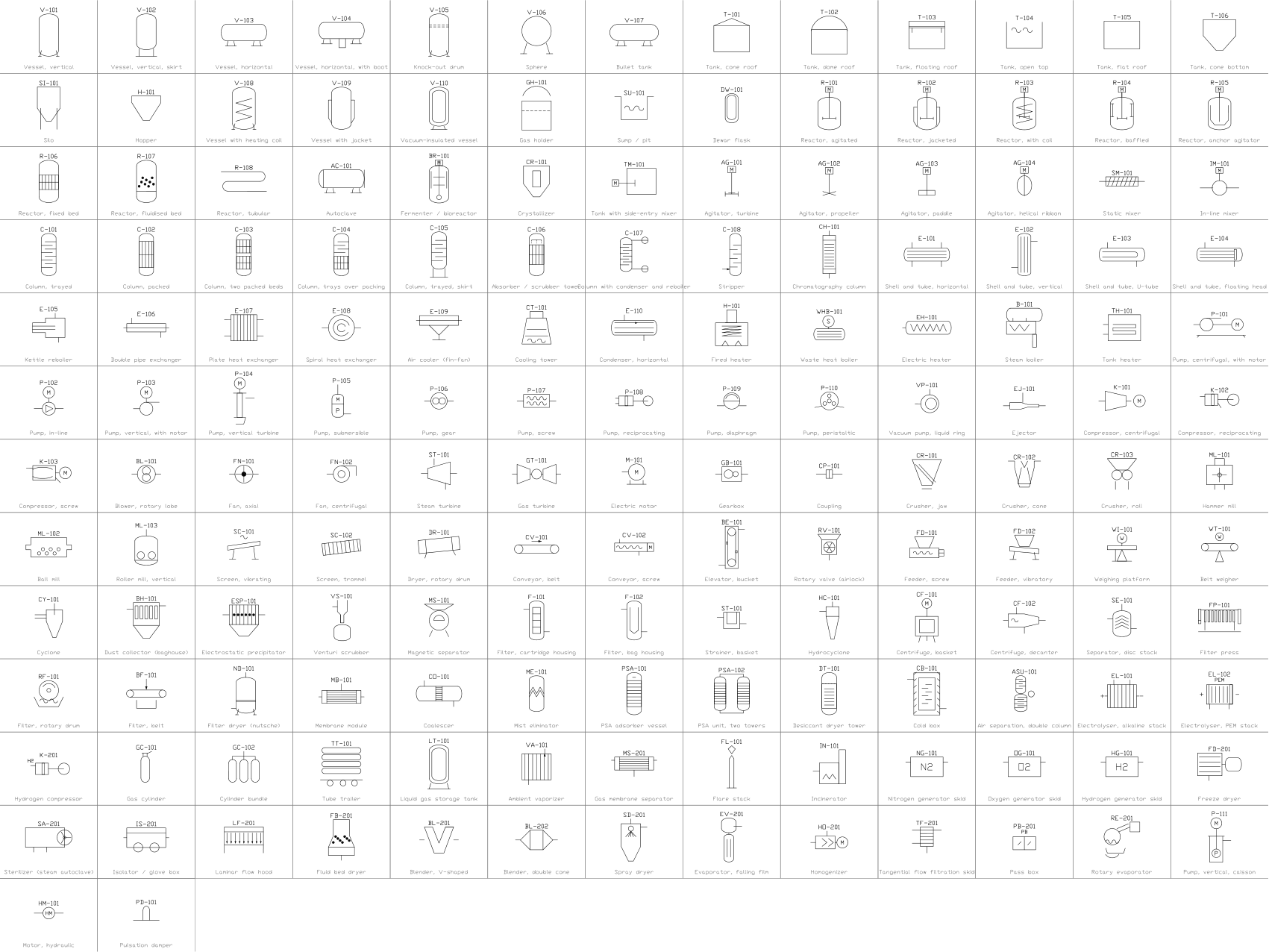
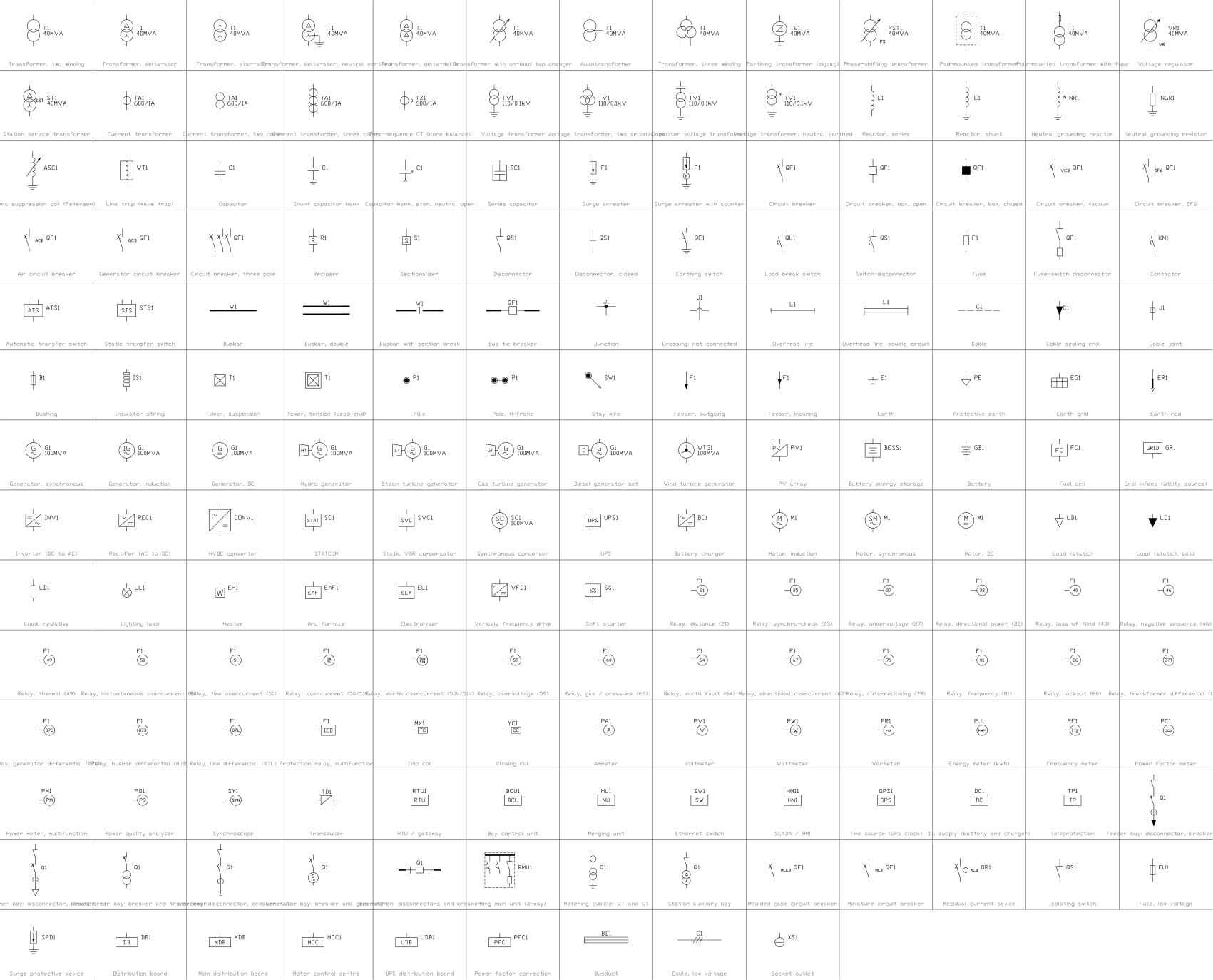
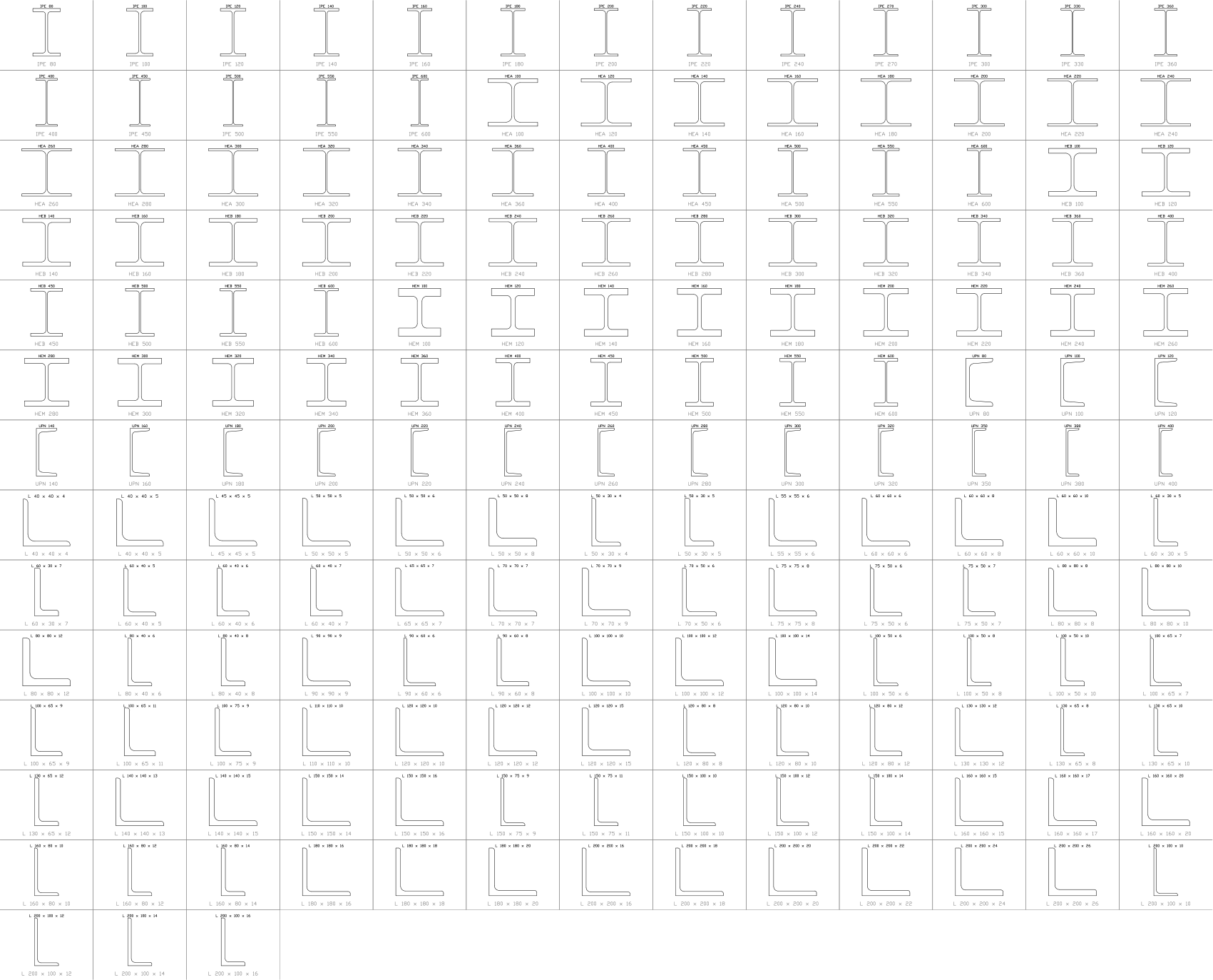
All 107 symbols
107 of 107 symbols
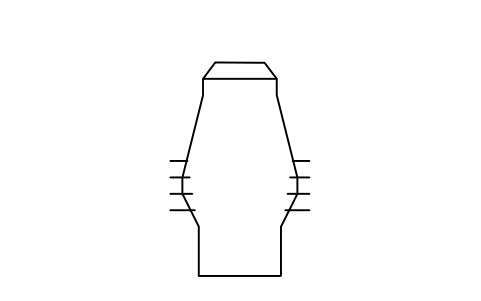
Blast furnace
MET_BFAttributes
TAGSERVICECAPACITYTEMPERATURE_CFUEL_OR_POWERDIMENSIONSREFRACTORYMANUFACTURERMODELREMARKSDESC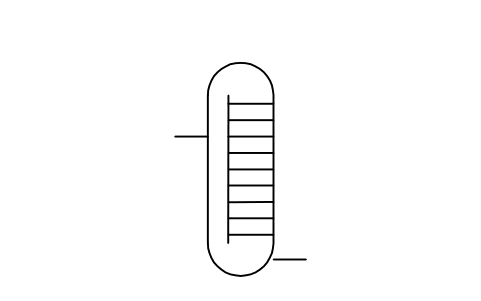
Hot blast stove
MET_STOVEAttributes
TAGSERVICECAPACITYTEMPERATURE_CFUEL_OR_POWERDIMENSIONSREFRACTORYMANUFACTURERMODELREMARKSDESC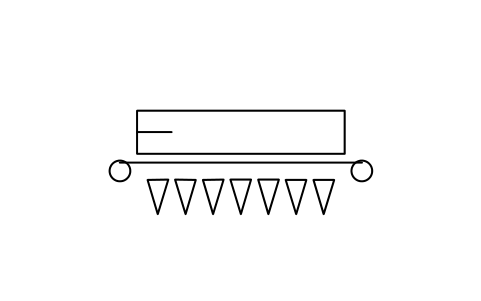
Sinter strand
MET_SINTERAttributes
TAGSERVICECAPACITYTEMPERATURE_CFUEL_OR_POWERDIMENSIONSREFRACTORYMANUFACTURERMODELREMARKSDESC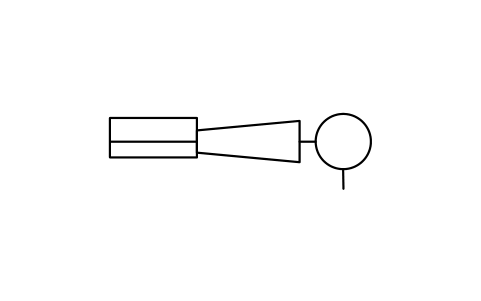
Pellet plant, grate-kiln
MET_PELLETAttributes
TAGSERVICECAPACITYTEMPERATURE_CFUEL_OR_POWERDIMENSIONSREFRACTORYMANUFACTURERMODELREMARKSDESC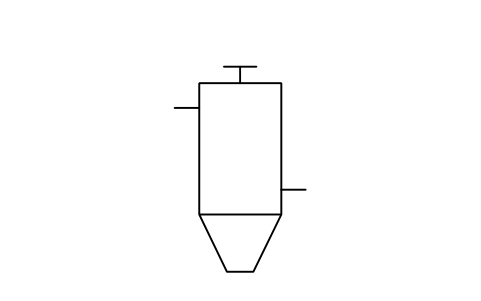
Shaft furnace (DRI)
MET_SHAFT_FURNACEAttributes
TAGSERVICECAPACITYTEMPERATURE_CFUEL_OR_POWERDIMENSIONSREFRACTORYMANUFACTURERMODELREMARKSDESC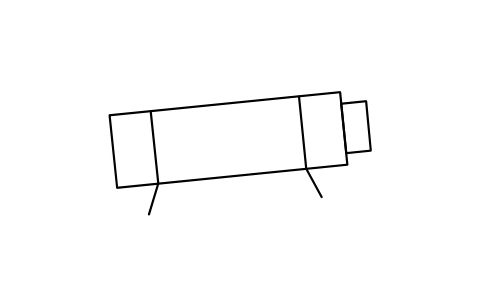
Rotary kiln
MET_KILNAttributes
TAGSERVICECAPACITYTEMPERATURE_CFUEL_OR_POWERDIMENSIONSREFRACTORYMANUFACTURERMODELREMARKSDESC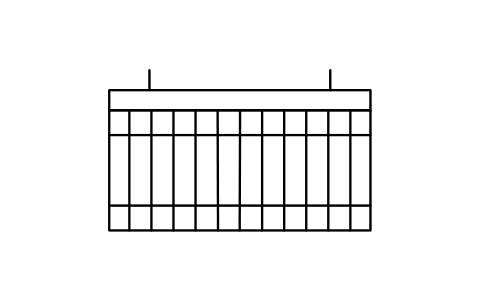
Coke oven battery
MET_COKE_OVENAttributes
TAGSERVICECAPACITYTEMPERATURE_CFUEL_OR_POWERDIMENSIONSREFRACTORYMANUFACTURERMODELREMARKSDESC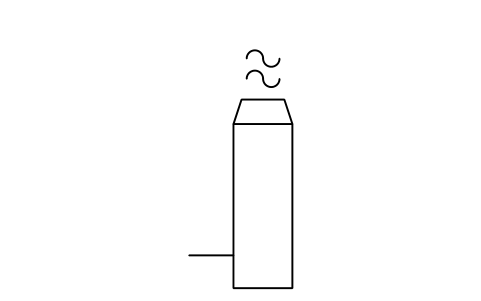
Coke quenching tower
MET_COKE_QUENCHAttributes
TAGSERVICECAPACITYTEMPERATURE_CFUEL_OR_POWERDIMENSIONSREFRACTORYMANUFACTURERMODELREMARKSDESC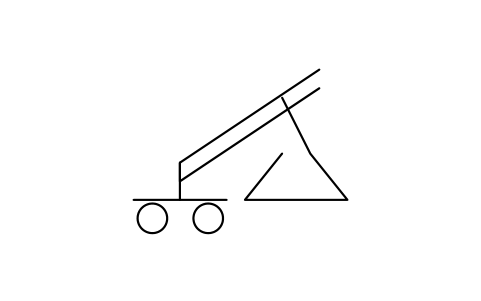
Stacker
MET_STACKERAttributes
TAGSERVICECAPACITYTEMPERATURE_CFUEL_OR_POWERDIMENSIONSREFRACTORYMANUFACTURERMODELREMARKSDESC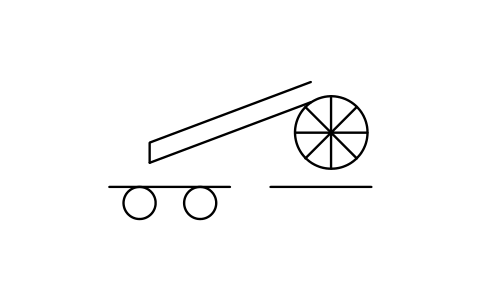
Bucket wheel reclaimer
MET_RECLAIMERAttributes
TAGSERVICECAPACITYTEMPERATURE_CFUEL_OR_POWERDIMENSIONSREFRACTORYMANUFACTURERMODELREMARKSDESC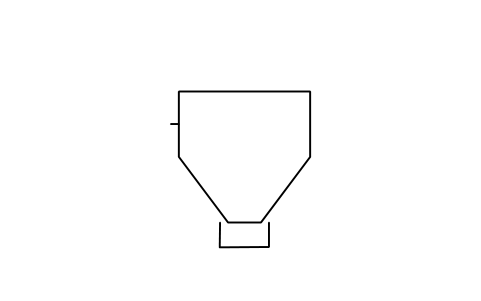
Storage bin with gate
MET_BINAttributes
TAGSERVICECAPACITYTEMPERATURE_CFUEL_OR_POWERDIMENSIONSREFRACTORYMANUFACTURERMODELREMARKSDESC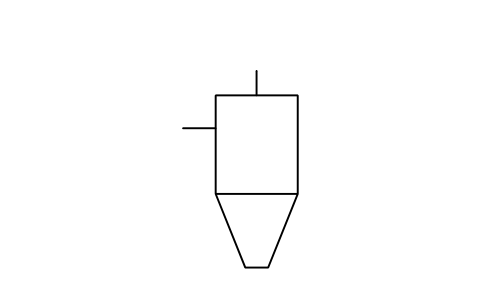
Dust catcher
MET_DUSTCATCHERAttributes
TAGSERVICECAPACITYTEMPERATURE_CFUEL_OR_POWERDIMENSIONSREFRACTORYMANUFACTURERMODELREMARKSDESC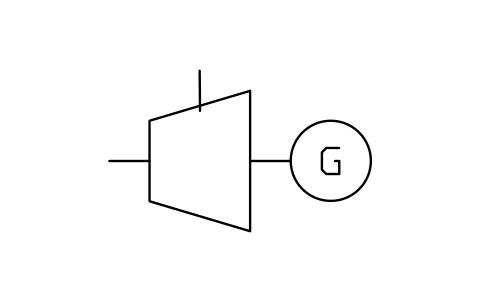
Top gas recovery turbine
MET_TRTAttributes
TAGSERVICECAPACITYTEMPERATURE_CFUEL_OR_POWERDIMENSIONSREFRACTORYMANUFACTURERMODELREMARKSDESC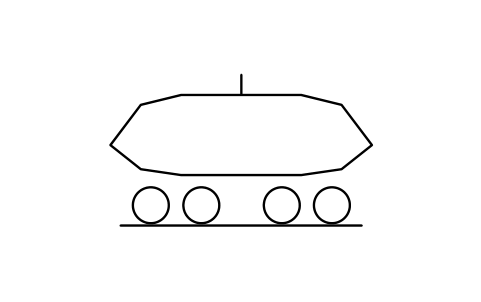
Torpedo car
MET_TORPEDOAttributes
TAGSERVICECAPACITYDIMENSIONSLININGPOWERTAP_TO_TAP_MINMANUFACTURERMODELREMARKSDESC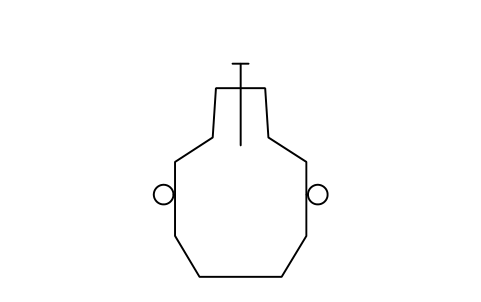
Converter (BOF)
MET_BOFAttributes
TAGSERVICECAPACITYDIMENSIONSLININGPOWERTAP_TO_TAP_MINMANUFACTURERMODELREMARKSDESC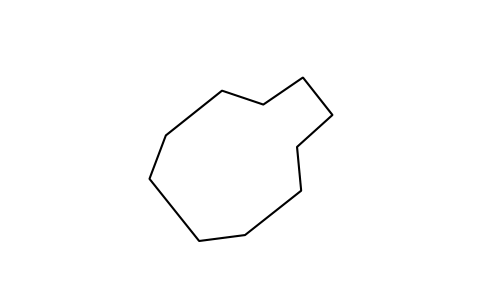
Converter, tilted for tapping
MET_BOF_TILTAttributes
TAGSERVICECAPACITYDIMENSIONSLININGPOWERTAP_TO_TAP_MINMANUFACTURERMODELREMARKSDESC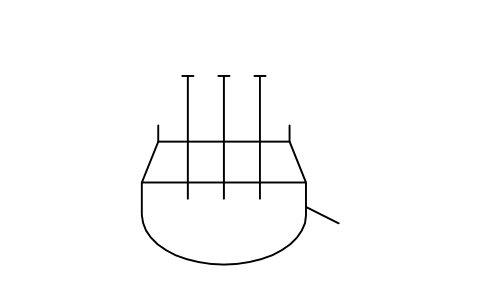
Electric arc furnace
MET_EAFAttributes
TAGSERVICECAPACITYDIMENSIONSLININGPOWERTAP_TO_TAP_MINMANUFACTURERMODELREMARKSDESC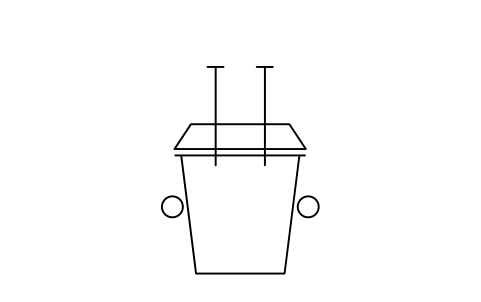
Ladle furnace
MET_LFAttributes
TAGSERVICECAPACITYDIMENSIONSLININGPOWERTAP_TO_TAP_MINMANUFACTURERMODELREMARKSDESC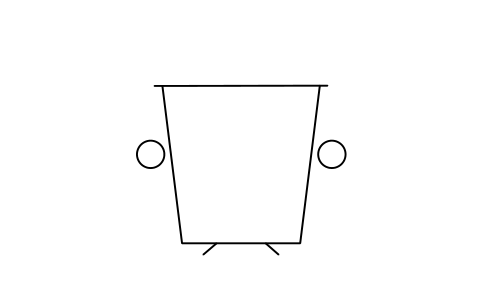
Ladle
MET_LADLEAttributes
TAGSERVICECAPACITYDIMENSIONSLININGPOWERTAP_TO_TAP_MINMANUFACTURERMODELREMARKSDESC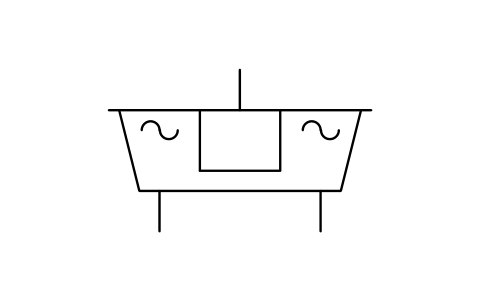
Tundish
MET_TUNDISHAttributes
TAGSERVICECAPACITYDIMENSIONSLININGPOWERTAP_TO_TAP_MINMANUFACTURERMODELREMARKSDESC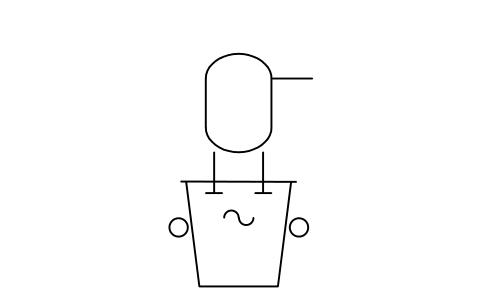
RH vacuum degasser
MET_RHAttributes
TAGSERVICECAPACITYDIMENSIONSLININGPOWERTAP_TO_TAP_MINMANUFACTURERMODELREMARKSDESC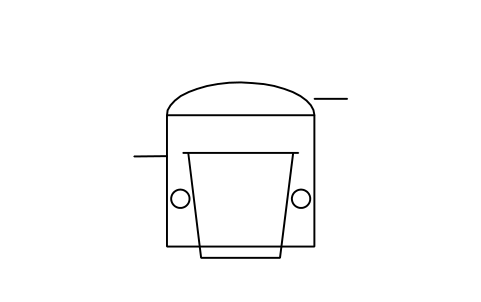
Vacuum degasser (VD)
MET_VDAttributes
TAGSERVICECAPACITYDIMENSIONSLININGPOWERTAP_TO_TAP_MINMANUFACTURERMODELREMARKSDESC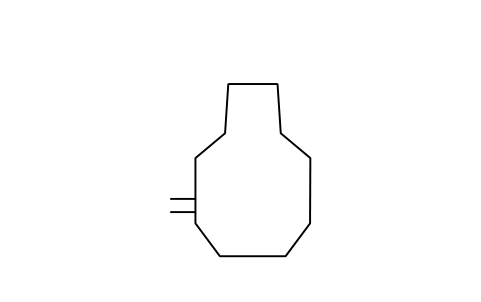
AOD / VOD converter
MET_AODAttributes
TAGSERVICECAPACITYDIMENSIONSLININGPOWERTAP_TO_TAP_MINMANUFACTURERMODELREMARKSDESC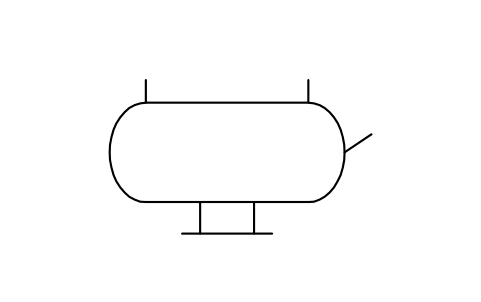
Hot metal mixer
MET_MIXERAttributes
TAGSERVICECAPACITYDIMENSIONSLININGPOWERTAP_TO_TAP_MINMANUFACTURERMODELREMARKSDESC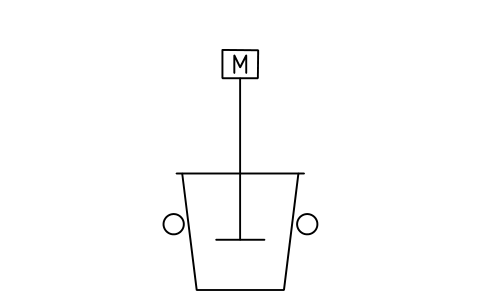
Hot metal desulphurisation (KR)
MET_DESULFAttributes
TAGSERVICECAPACITYDIMENSIONSLININGPOWERTAP_TO_TAP_MINMANUFACTURERMODELREMARKSDESC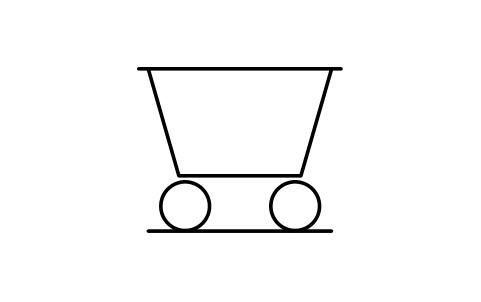
Slag pot
MET_SLAGPOTAttributes
TAGSERVICECAPACITYDIMENSIONSLININGPOWERTAP_TO_TAP_MINMANUFACTURERMODELREMARKSDESC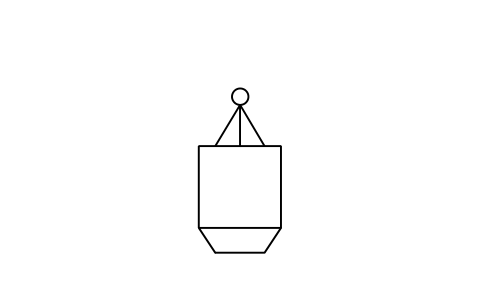
Scrap charging bucket
MET_SCRAPBUCKETAttributes
TAGSERVICECAPACITYDIMENSIONSLININGPOWERTAP_TO_TAP_MINMANUFACTURERMODELREMARKSDESC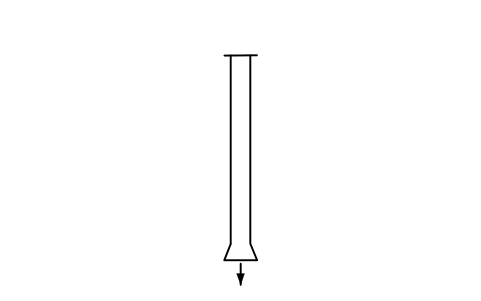
Oxygen lance
MET_LANCEAttributes
TAGSERVICECAPACITYDIMENSIONSLININGPOWERTAP_TO_TAP_MINMANUFACTURERMODELREMARKSDESC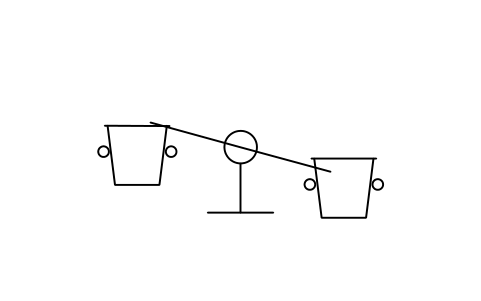
Ladle turret
MET_TURRETAttributes
TAGSERVICESECTION_MMSTRANDSCASTING_SPEEDRADIUS_MCAPACITYMANUFACTURERMODELREMARKSDESC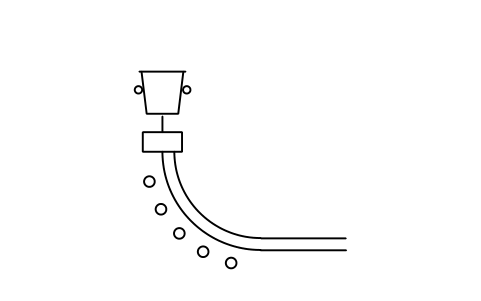
Continuous caster, curved
MET_CASTERAttributes
TAGSERVICESECTION_MMSTRANDSCASTING_SPEEDRADIUS_MCAPACITYMANUFACTURERMODELREMARKSDESC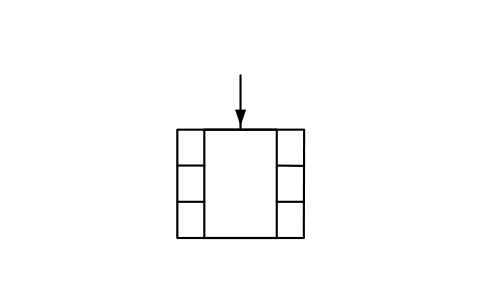
Continuous casting mould
MET_MOLDAttributes
TAGSERVICESECTION_MMSTRANDSCASTING_SPEEDRADIUS_MCAPACITYMANUFACTURERMODELREMARKSDESC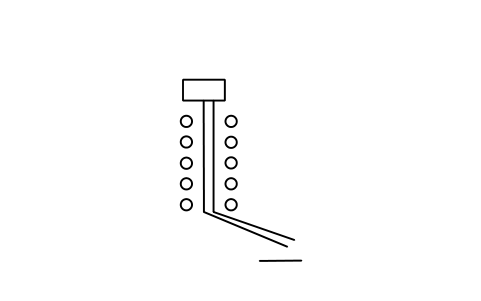
Billet caster
MET_BILLET_CASTERAttributes
TAGSERVICESECTION_MMSTRANDSCASTING_SPEEDRADIUS_MCAPACITYMANUFACTURERMODELREMARKSDESC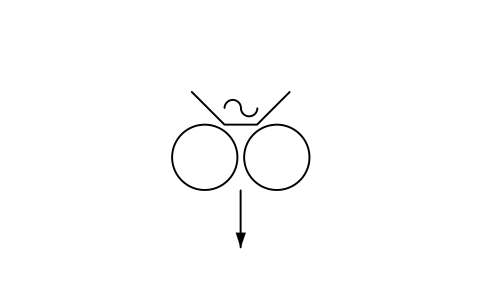
Twin-roll strip caster
MET_STRIP_CASTERAttributes
TAGSERVICESECTION_MMSTRANDSCASTING_SPEEDRADIUS_MCAPACITYMANUFACTURERMODELREMARKSDESC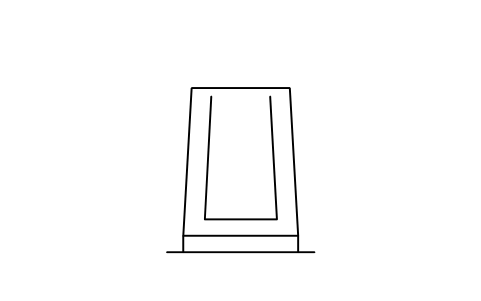
Ingot mould
MET_INGOT_MOLDAttributes
TAGSERVICESECTION_MMSTRANDSCASTING_SPEEDRADIUS_MCAPACITYMANUFACTURERMODELREMARKSDESC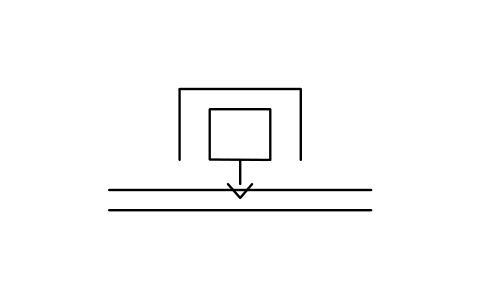
Strand cutting torch
MET_TORCH_CUTAttributes
TAGSERVICESECTION_MMSTRANDSCASTING_SPEEDRADIUS_MCAPACITYMANUFACTURERMODELREMARKSDESC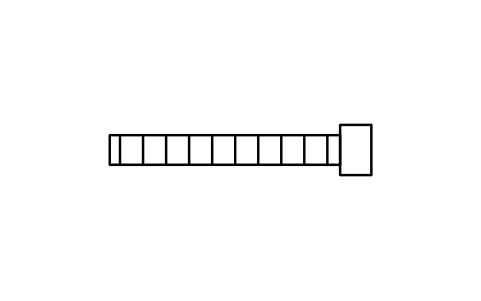
Dummy bar
MET_DUMMYBARAttributes
TAGSERVICESECTION_MMSTRANDSCASTING_SPEEDRADIUS_MCAPACITYMANUFACTURERMODELREMARKSDESC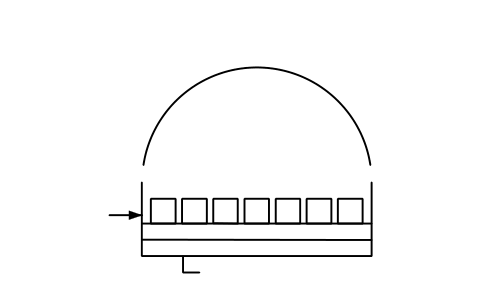
Reheating furnace, walking beam
MET_REHEAT_WALKINGAttributes
TAGSERVICECAPACITYTEMPERATURE_CFUEL_OR_POWERDIMENSIONSREFRACTORYMANUFACTURERMODELREMARKSDESC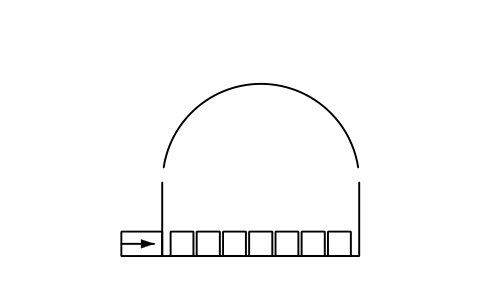
Reheating furnace, pusher
MET_REHEAT_PUSHERAttributes
TAGSERVICECAPACITYTEMPERATURE_CFUEL_OR_POWERDIMENSIONSREFRACTORYMANUFACTURERMODELREMARKSDESC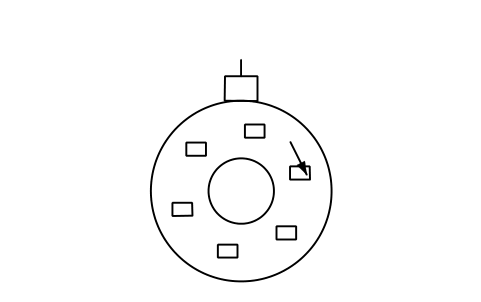
Rotary hearth furnace
MET_ROTARY_HEARTHAttributes
TAGSERVICECAPACITYTEMPERATURE_CFUEL_OR_POWERDIMENSIONSREFRACTORYMANUFACTURERMODELREMARKSDESC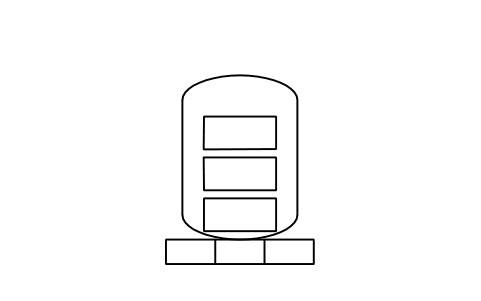
Bell annealing furnace
MET_BELL_FURNACEAttributes
TAGSERVICECAPACITYTEMPERATURE_CFUEL_OR_POWERDIMENSIONSREFRACTORYMANUFACTURERMODELREMARKSDESC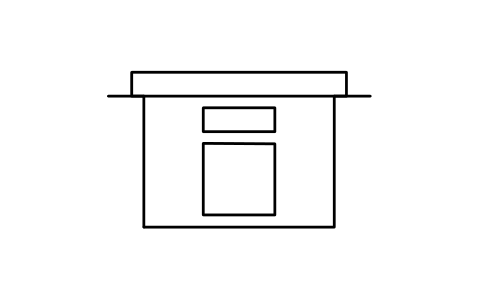
Soaking pit
MET_SOAKING_PITAttributes
TAGSERVICECAPACITYTEMPERATURE_CFUEL_OR_POWERDIMENSIONSREFRACTORYMANUFACTURERMODELREMARKSDESC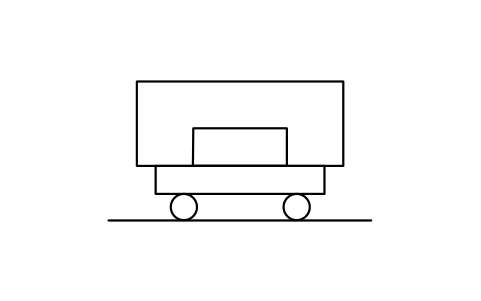
Car-bottom furnace
MET_CARBOTTOMAttributes
TAGSERVICECAPACITYTEMPERATURE_CFUEL_OR_POWERDIMENSIONSREFRACTORYMANUFACTURERMODELREMARKSDESC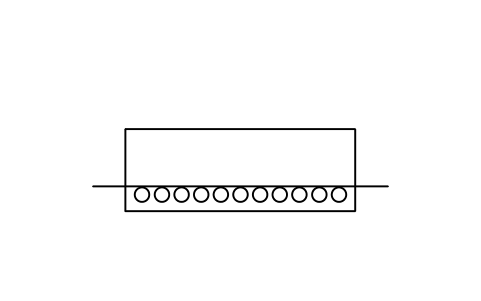
Roller hearth furnace
MET_ROLLER_HEARTHAttributes
TAGSERVICECAPACITYTEMPERATURE_CFUEL_OR_POWERDIMENSIONSREFRACTORYMANUFACTURERMODELREMARKSDESC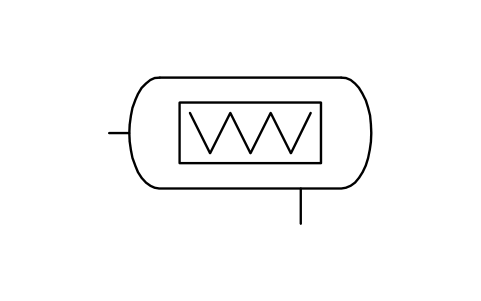
Vacuum furnace
MET_VACUUM_FURNAttributes
TAGSERVICECAPACITYTEMPERATURE_CFUEL_OR_POWERDIMENSIONSREFRACTORYMANUFACTURERMODELREMARKSDESC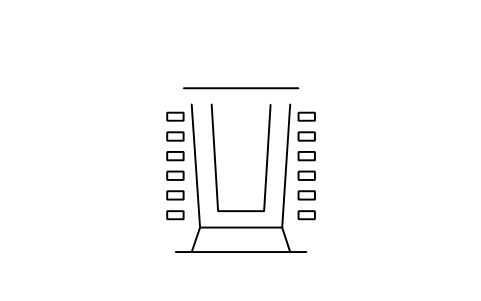
Induction furnace
MET_INDUCTIONAttributes
TAGSERVICECAPACITYTEMPERATURE_CFUEL_OR_POWERDIMENSIONSREFRACTORYMANUFACTURERMODELREMARKSDESC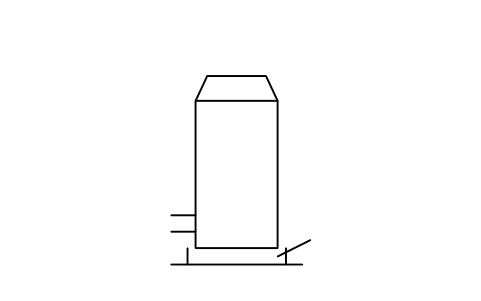
Cupola
MET_CUPOLAAttributes
TAGSERVICECAPACITYTEMPERATURE_CFUEL_OR_POWERDIMENSIONSREFRACTORYMANUFACTURERMODELREMARKSDESC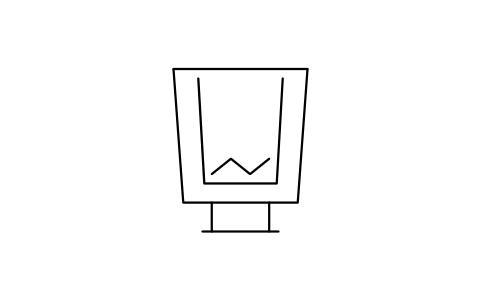
Crucible furnace
MET_CRUCIBLEAttributes
TAGSERVICECAPACITYTEMPERATURE_CFUEL_OR_POWERDIMENSIONSREFRACTORYMANUFACTURERMODELREMARKSDESC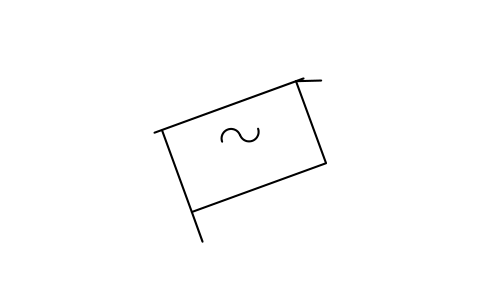
Tilting furnace
MET_TILT_FURNAttributes
TAGSERVICECAPACITYTEMPERATURE_CFUEL_OR_POWERDIMENSIONSREFRACTORYMANUFACTURERMODELREMARKSDESC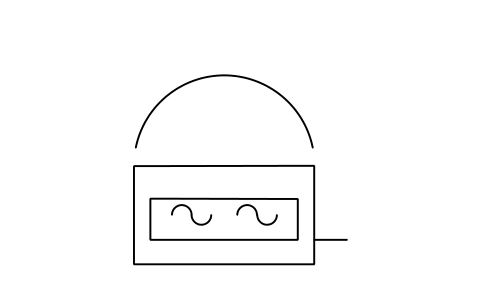
Holding furnace
MET_HOLDING_FURNAttributes
TAGSERVICECAPACITYTEMPERATURE_CFUEL_OR_POWERDIMENSIONSREFRACTORYMANUFACTURERMODELREMARKSDESC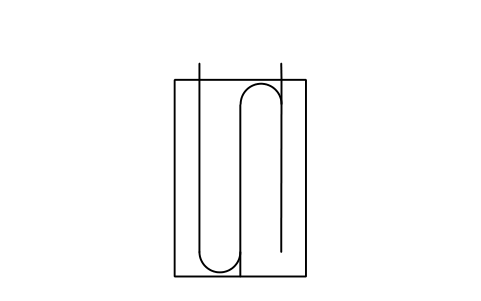
Continuous annealing furnace
MET_CAL_FURNACEAttributes
TAGSERVICECAPACITYTEMPERATURE_CFUEL_OR_POWERDIMENSIONSREFRACTORYMANUFACTURERMODELREMARKSDESC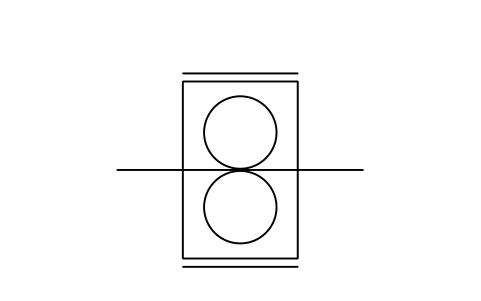
Mill stand, 2-high
MET_MILL_2HIAttributes
TAGSERVICEROLL_DIAMETER_MMBARREL_LENGTH_MMROLLING_FORCE_KNMOTOR_KWSTRIP_WIDTH_MMTHICKNESS_MMMANUFACTURERMODELREMARKSDESC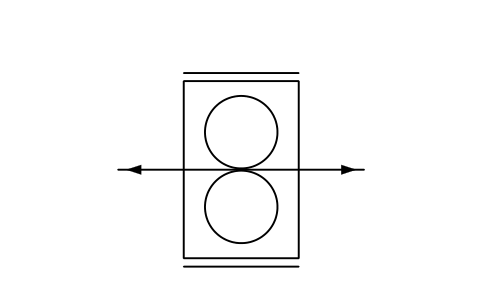
Mill stand, 2-high reversing
MET_MILL_2HI_REVAttributes
TAGSERVICEROLL_DIAMETER_MMBARREL_LENGTH_MMROLLING_FORCE_KNMOTOR_KWSTRIP_WIDTH_MMTHICKNESS_MMMANUFACTURERMODELREMARKSDESC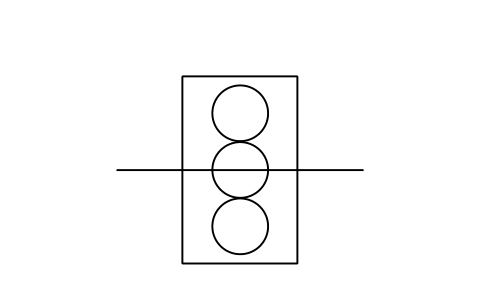
Mill stand, 3-high
MET_MILL_3HIAttributes
TAGSERVICEROLL_DIAMETER_MMBARREL_LENGTH_MMROLLING_FORCE_KNMOTOR_KWSTRIP_WIDTH_MMTHICKNESS_MMMANUFACTURERMODELREMARKSDESC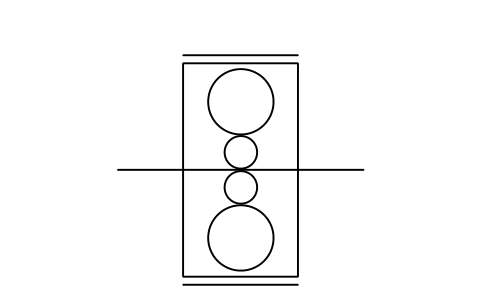
Mill stand, 4-high
MET_MILL_4HIAttributes
TAGSERVICEROLL_DIAMETER_MMBARREL_LENGTH_MMROLLING_FORCE_KNMOTOR_KWSTRIP_WIDTH_MMTHICKNESS_MMMANUFACTURERMODELREMARKSDESC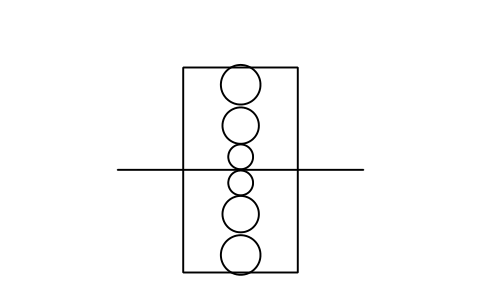
Mill stand, 6-high
MET_MILL_6HIAttributes
TAGSERVICEROLL_DIAMETER_MMBARREL_LENGTH_MMROLLING_FORCE_KNMOTOR_KWSTRIP_WIDTH_MMTHICKNESS_MMMANUFACTURERMODELREMARKSDESC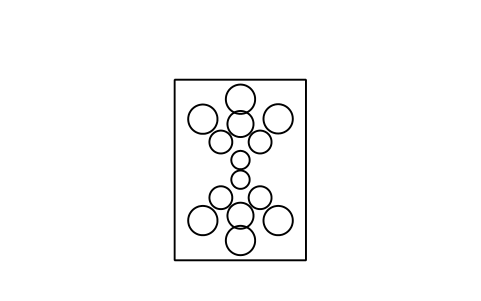
Mill stand, 20-high (Sendzimir)
MET_MILL_20HIAttributes
TAGSERVICEROLL_DIAMETER_MMBARREL_LENGTH_MMROLLING_FORCE_KNMOTOR_KWSTRIP_WIDTH_MMTHICKNESS_MMMANUFACTURERMODELREMARKSDESC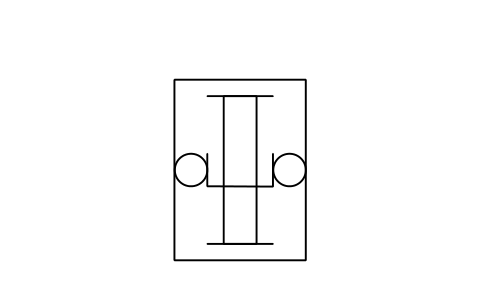
Universal mill stand (beam)
MET_MILL_UNIVAttributes
TAGSERVICEROLL_DIAMETER_MMBARREL_LENGTH_MMROLLING_FORCE_KNMOTOR_KWSTRIP_WIDTH_MMTHICKNESS_MMMANUFACTURERMODELREMARKSDESC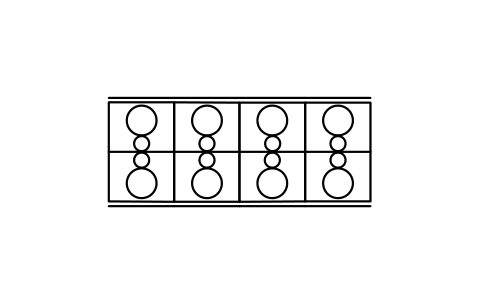
Tandem finishing train
MET_MILL_TANDEMAttributes
TAGSERVICEROLL_DIAMETER_MMBARREL_LENGTH_MMROLLING_FORCE_KNMOTOR_KWSTRIP_WIDTH_MMTHICKNESS_MMMANUFACTURERMODELREMARKSDESC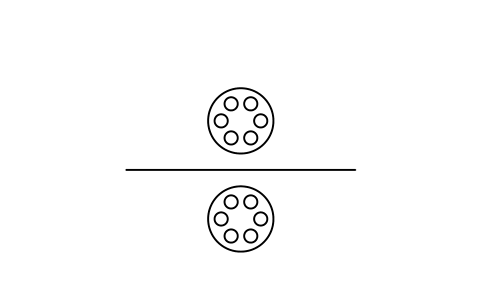
Planetary mill
MET_MILL_PLANAttributes
TAGSERVICEROLL_DIAMETER_MMBARREL_LENGTH_MMROLLING_FORCE_KNMOTOR_KWSTRIP_WIDTH_MMTHICKNESS_MMMANUFACTURERMODELREMARKSDESC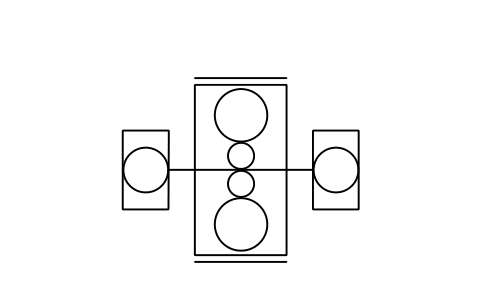
Steckel mill
MET_MILL_STECKELAttributes
TAGSERVICEROLL_DIAMETER_MMBARREL_LENGTH_MMROLLING_FORCE_KNMOTOR_KWSTRIP_WIDTH_MMTHICKNESS_MMMANUFACTURERMODELREMARKSDESC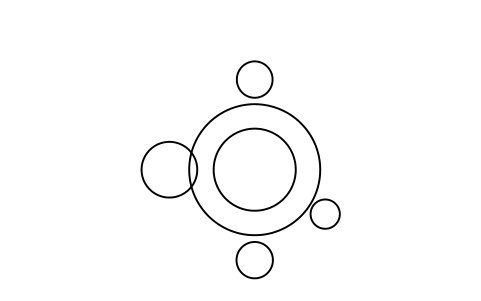
Ring rolling mill
MET_MILL_RINGAttributes
TAGSERVICEROLL_DIAMETER_MMBARREL_LENGTH_MMROLLING_FORCE_KNMOTOR_KWSTRIP_WIDTH_MMTHICKNESS_MMMANUFACTURERMODELREMARKSDESC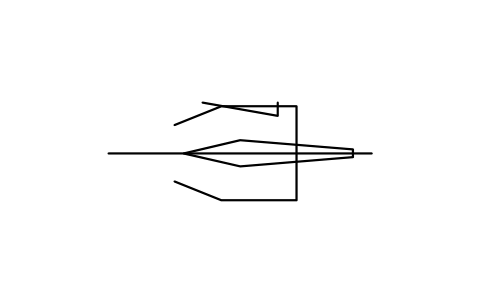
Piercing mill (tube)
MET_MILL_PIERCERAttributes
TAGSERVICEROLL_DIAMETER_MMBARREL_LENGTH_MMROLLING_FORCE_KNMOTOR_KWSTRIP_WIDTH_MMTHICKNESS_MMMANUFACTURERMODELREMARKSDESC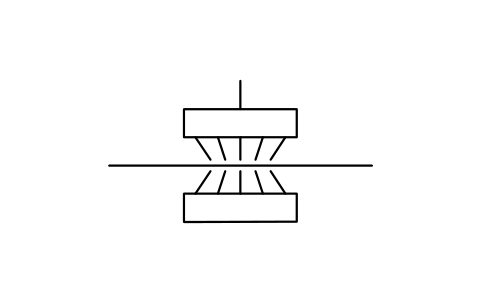
Descaler (high pressure)
MET_DESCALERAttributes
TAGSERVICEROLL_DIAMETER_MMBARREL_LENGTH_MMROLLING_FORCE_KNMOTOR_KWSTRIP_WIDTH_MMTHICKNESS_MMMANUFACTURERMODELREMARKSDESC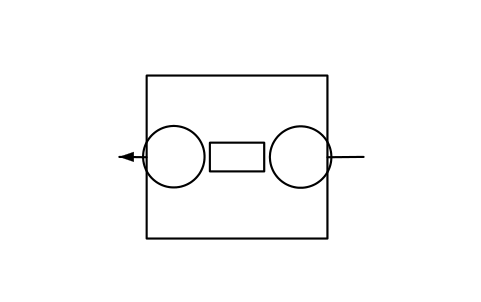
Edger
MET_EDGERAttributes
TAGSERVICEROLL_DIAMETER_MMBARREL_LENGTH_MMROLLING_FORCE_KNMOTOR_KWSTRIP_WIDTH_MMTHICKNESS_MMMANUFACTURERMODELREMARKSDESC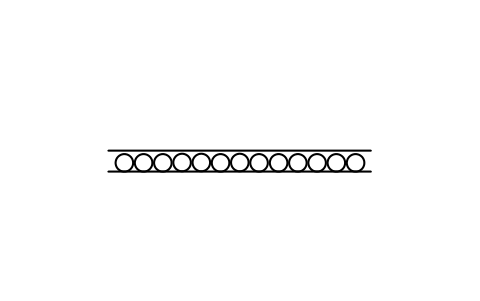
Roller table
MET_ROLLTABLEAttributes
TAGSERVICECAPACITYSTRIP_WIDTH_MMTHICKNESS_MMSPEED_MPMPOWER_KWMANUFACTURERMODELREMARKSDESC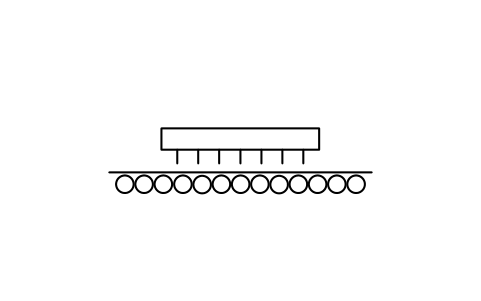
Runout table with cooling
MET_RUNOUTAttributes
TAGSERVICECAPACITYSTRIP_WIDTH_MMTHICKNESS_MMSPEED_MPMPOWER_KWMANUFACTURERMODELREMARKSDESC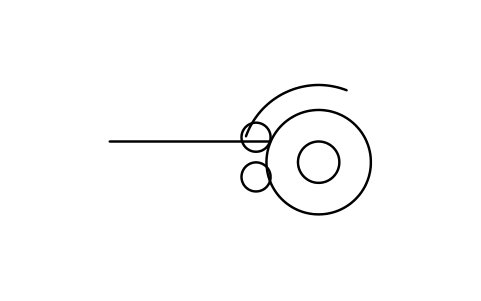
Down coiler
MET_COILERAttributes
TAGSERVICECAPACITYSTRIP_WIDTH_MMTHICKNESS_MMSPEED_MPMPOWER_KWMANUFACTURERMODELREMARKSDESC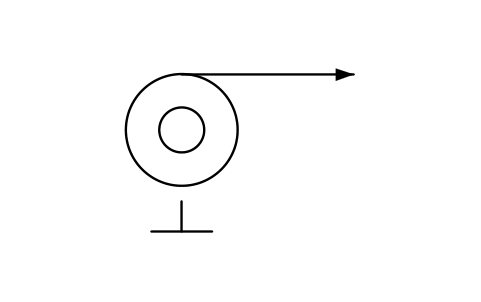
Uncoiler (pay-off reel)
MET_PAYOFFAttributes
TAGSERVICECAPACITYSTRIP_WIDTH_MMTHICKNESS_MMSPEED_MPMPOWER_KWMANUFACTURERMODELREMARKSDESC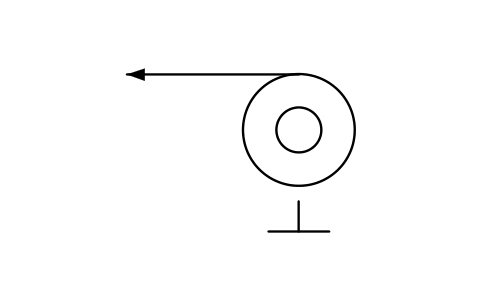
Recoiler (tension reel)
MET_RECOILERAttributes
TAGSERVICECAPACITYSTRIP_WIDTH_MMTHICKNESS_MMSPEED_MPMPOWER_KWMANUFACTURERMODELREMARKSDESC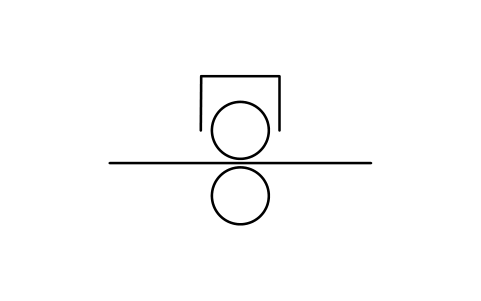
Pinch roll
MET_PINCHAttributes
TAGSERVICECAPACITYSTRIP_WIDTH_MMTHICKNESS_MMSPEED_MPMPOWER_KWMANUFACTURERMODELREMARKSDESC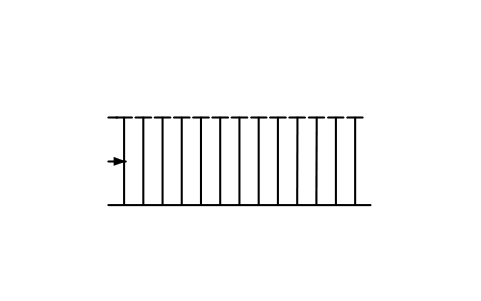
Cooling bed
MET_COOLBEDAttributes
TAGSERVICECAPACITYSTRIP_WIDTH_MMTHICKNESS_MMSPEED_MPMPOWER_KWMANUFACTURERMODELREMARKSDESC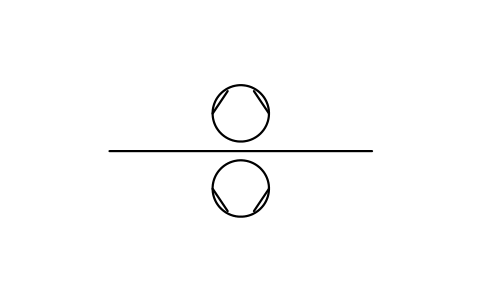
Flying shear
MET_SHEAR_FLYINGAttributes
TAGSERVICECAPACITYSTRIP_WIDTH_MMTHICKNESS_MMSPEED_MPMPOWER_KWMANUFACTURERMODELREMARKSDESC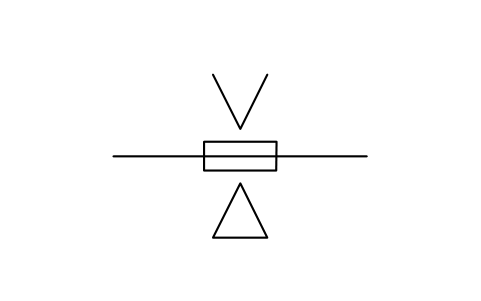
Crop shear
MET_SHEAR_CROPAttributes
TAGSERVICECAPACITYSTRIP_WIDTH_MMTHICKNESS_MMSPEED_MPMPOWER_KWMANUFACTURERMODELREMARKSDESC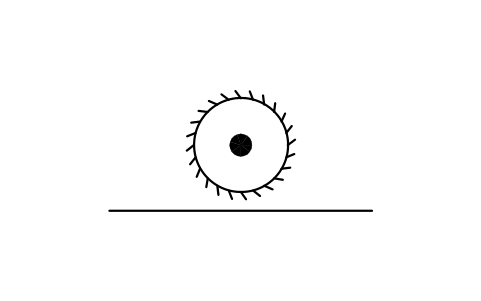
Hot saw
MET_SAWAttributes
TAGSERVICECAPACITYSTRIP_WIDTH_MMTHICKNESS_MMSPEED_MPMPOWER_KWMANUFACTURERMODELREMARKSDESC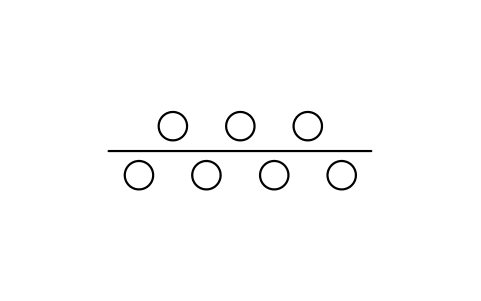
Roller straightener
MET_STRAIGHTENERAttributes
TAGSERVICECAPACITYSTRIP_WIDTH_MMTHICKNESS_MMSPEED_MPMPOWER_KWMANUFACTURERMODELREMARKSDESC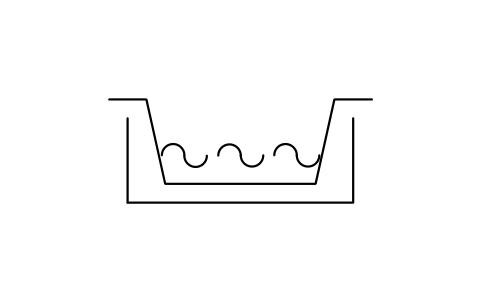
Pickling tank
MET_PICKLEAttributes
TAGSERVICECAPACITYSTRIP_WIDTH_MMTHICKNESS_MMSPEED_MPMPOWER_KWMANUFACTURERMODELREMARKSDESC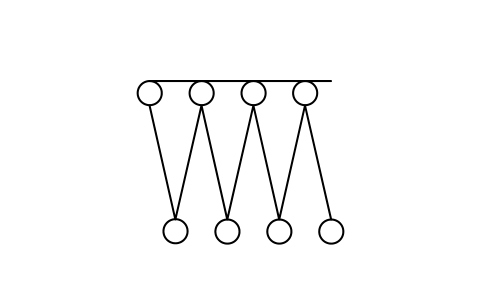
Looper (strip accumulator)
MET_LOOPERAttributes
TAGSERVICECAPACITYSTRIP_WIDTH_MMTHICKNESS_MMSPEED_MPMPOWER_KWMANUFACTURERMODELREMARKSDESC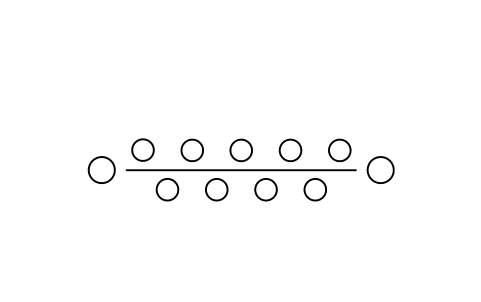
Tension leveller
MET_TENSION_LEVELERAttributes
TAGSERVICECAPACITYSTRIP_WIDTH_MMTHICKNESS_MMSPEED_MPMPOWER_KWMANUFACTURERMODELREMARKSDESC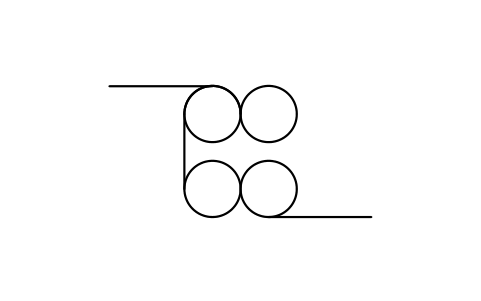
Tension bridle
MET_BRIDLEAttributes
TAGSERVICECAPACITYSTRIP_WIDTH_MMTHICKNESS_MMSPEED_MPMPOWER_KWMANUFACTURERMODELREMARKSDESC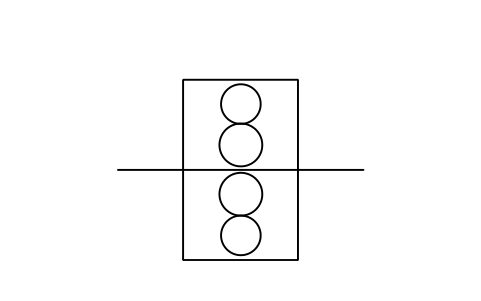
Skin pass mill
MET_SKINPASSAttributes
TAGSERVICEROLL_DIAMETER_MMBARREL_LENGTH_MMROLLING_FORCE_KNMOTOR_KWSTRIP_WIDTH_MMTHICKNESS_MMMANUFACTURERMODELREMARKSDESC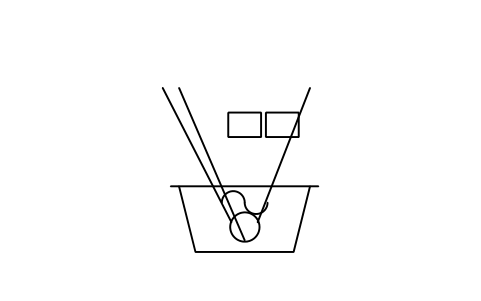
Galvanising pot
MET_GALV_POTAttributes
TAGSERVICECAPACITYSTRIP_WIDTH_MMTHICKNESS_MMSPEED_MPMPOWER_KWMANUFACTURERMODELREMARKSDESC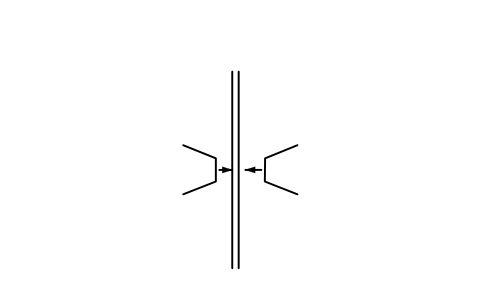
Air knives
MET_AIRKNIFEAttributes
TAGSERVICECAPACITYSTRIP_WIDTH_MMTHICKNESS_MMSPEED_MPMPOWER_KWMANUFACTURERMODELREMARKSDESC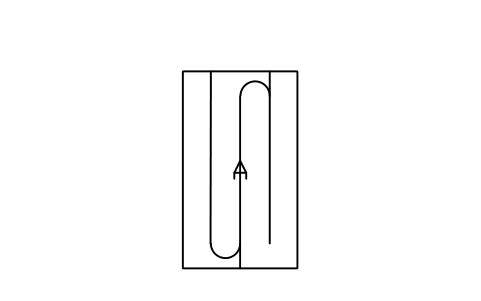
Annealing tower
MET_CGL_TOWERAttributes
TAGSERVICECAPACITYSTRIP_WIDTH_MMTHICKNESS_MMSPEED_MPMPOWER_KWMANUFACTURERMODELREMARKSDESC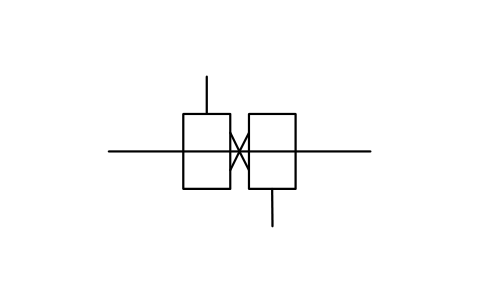
Flash butt welder
MET_FLASHWELDAttributes
TAGSERVICECAPACITYSTRIP_WIDTH_MMTHICKNESS_MMSPEED_MPMPOWER_KWMANUFACTURERMODELREMARKSDESC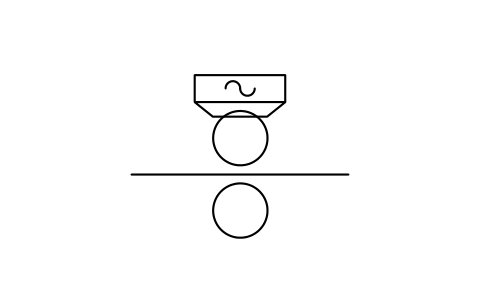
Roll coater
MET_COATERAttributes
TAGSERVICECAPACITYSTRIP_WIDTH_MMTHICKNESS_MMSPEED_MPMPOWER_KWMANUFACTURERMODELREMARKSDESC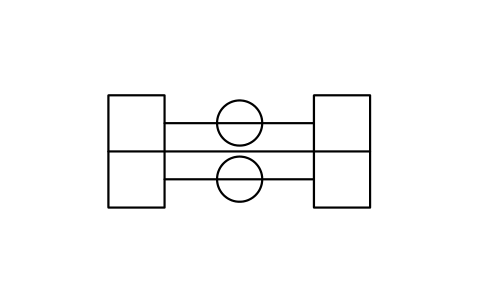
Slitter
MET_SLITTERAttributes
TAGSERVICECAPACITYSTRIP_WIDTH_MMTHICKNESS_MMSPEED_MPMPOWER_KWMANUFACTURERMODELREMARKSDESC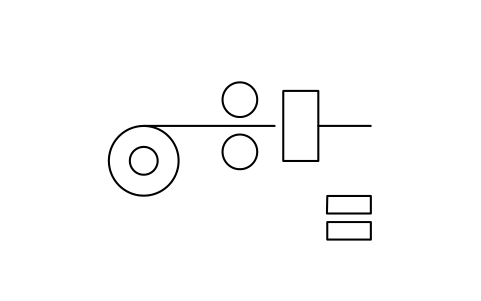
Cut-to-length line
MET_CTLAttributes
TAGSERVICECAPACITYSTRIP_WIDTH_MMTHICKNESS_MMSPEED_MPMPOWER_KWMANUFACTURERMODELREMARKSDESC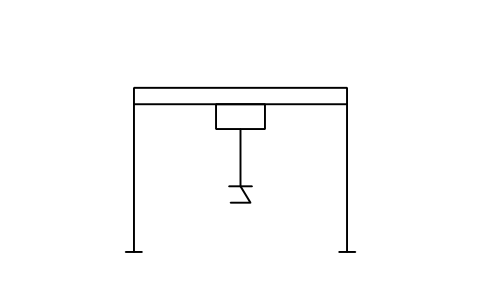
Overhead crane
MET_CRANE_EOTAttributes
TAGSERVICECAPACITY_TSPAN_MLIFT_HEIGHT_MDUTY_CLASSSPEEDMANUFACTURERMODELREMARKSDESC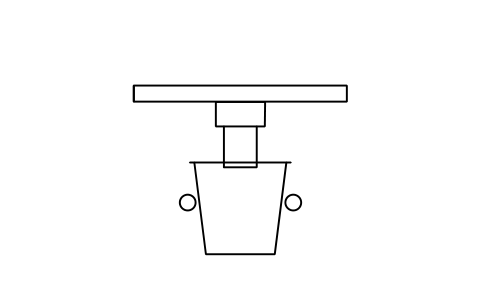
Ladle crane
MET_CRANE_LADLEAttributes
TAGSERVICECAPACITY_TSPAN_MLIFT_HEIGHT_MDUTY_CLASSSPEEDMANUFACTURERMODELREMARKSDESC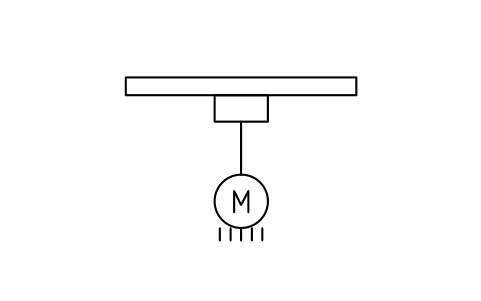
Magnet crane
MET_CRANE_MAGNETAttributes
TAGSERVICECAPACITY_TSPAN_MLIFT_HEIGHT_MDUTY_CLASSSPEEDMANUFACTURERMODELREMARKSDESC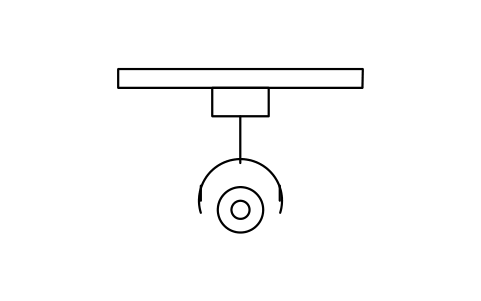
Coil crane with C-hook
MET_CRANE_COILAttributes
TAGSERVICECAPACITY_TSPAN_MLIFT_HEIGHT_MDUTY_CLASSSPEEDMANUFACTURERMODELREMARKSDESC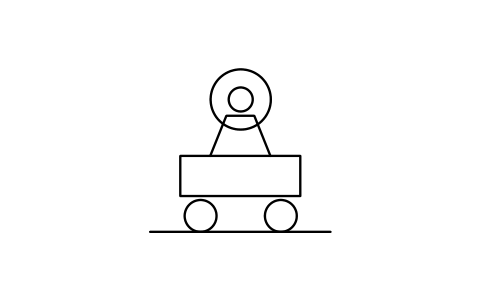
Coil car
MET_COILCARAttributes
TAGSERVICECAPACITY_TSPAN_MLIFT_HEIGHT_MDUTY_CLASSSPEEDMANUFACTURERMODELREMARKSDESC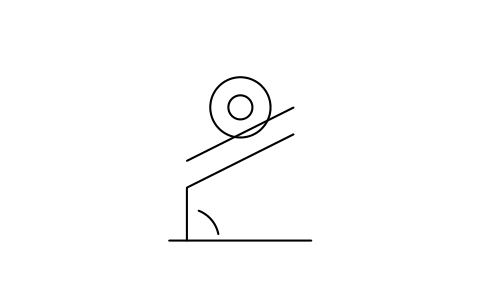
Coil tilter
MET_COILTILTAttributes
TAGSERVICECAPACITY_TSPAN_MLIFT_HEIGHT_MDUTY_CLASSSPEEDMANUFACTURERMODELREMARKSDESC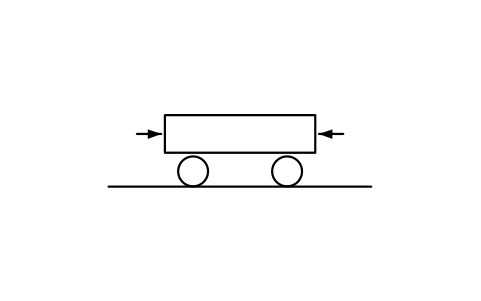
Transfer car
MET_TRANSFER_CARAttributes
TAGSERVICECAPACITY_TSPAN_MLIFT_HEIGHT_MDUTY_CLASSSPEEDMANUFACTURERMODELREMARKSDESC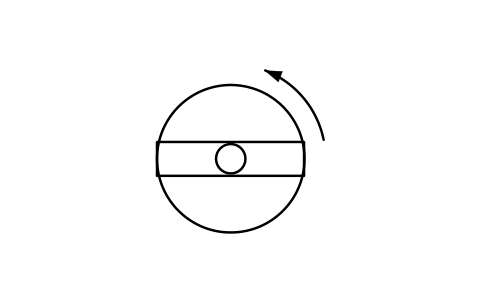
Turntable
MET_TURNTABLEAttributes
TAGSERVICECAPACITY_TSPAN_MLIFT_HEIGHT_MDUTY_CLASSSPEEDMANUFACTURERMODELREMARKSDESC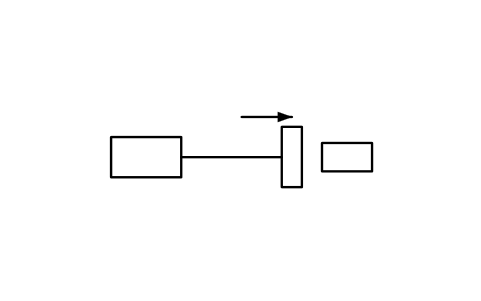
Pusher / kick-off
MET_PUSHERAttributes
TAGSERVICECAPACITY_TSPAN_MLIFT_HEIGHT_MDUTY_CLASSSPEEDMANUFACTURERMODELREMARKSDESC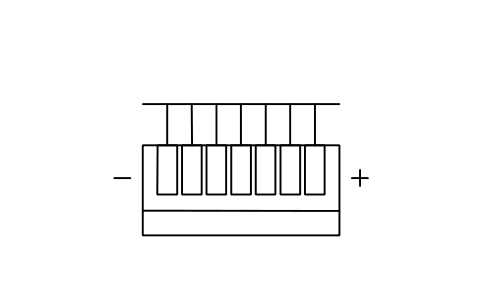
Aluminium reduction cell
MET_SMELTER_POTAttributes
TAGSERVICECAPACITYCURRENT_KADIMENSIONSPOWER_KWMATERIALMANUFACTURERMODELREMARKSDESC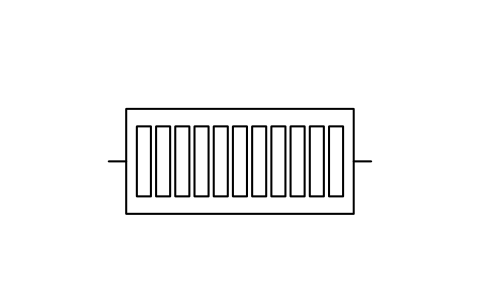
Anode baking furnace
MET_ANODE_BAKEAttributes
TAGSERVICECAPACITYCURRENT_KADIMENSIONSPOWER_KWMATERIALMANUFACTURERMODELREMARKSDESC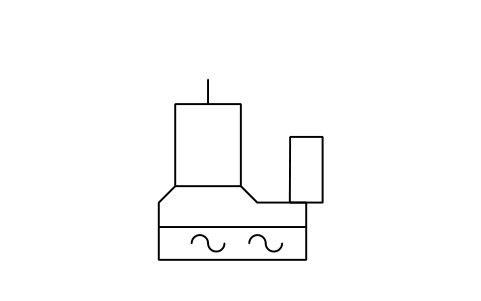
Flash smelting furnace
MET_FLASH_SMELTAttributes
TAGSERVICECAPACITYCURRENT_KADIMENSIONSPOWER_KWMATERIALMANUFACTURERMODELREMARKSDESC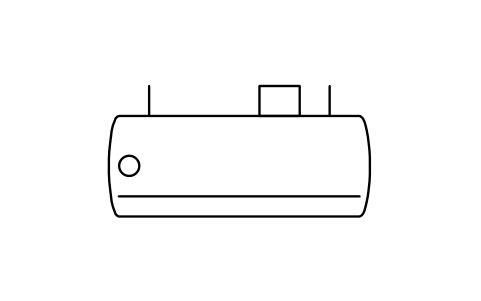
Peirce-Smith converter
MET_PS_CONVERTERAttributes
TAGSERVICECAPACITYCURRENT_KADIMENSIONSPOWER_KWMATERIALMANUFACTURERMODELREMARKSDESC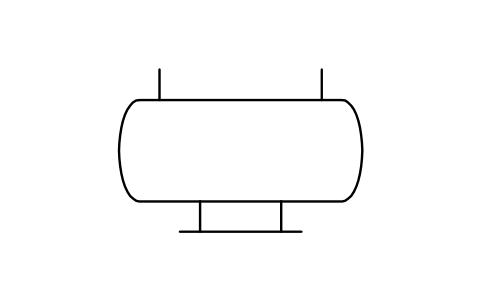
Anode furnace
MET_ANODE_FURNAttributes
TAGSERVICECAPACITYCURRENT_KADIMENSIONSPOWER_KWMATERIALMANUFACTURERMODELREMARKSDESC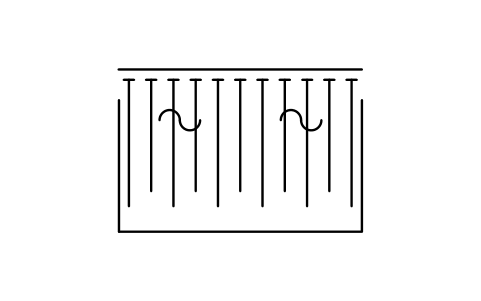
Electro-refining cell
MET_EREFINEAttributes
TAGSERVICECAPACITYCURRENT_KADIMENSIONSPOWER_KWMATERIALMANUFACTURERMODELREMARKSDESC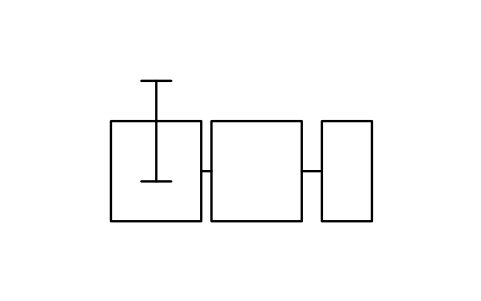
SX-EW mixer-settler
MET_SXEWAttributes
TAGSERVICECAPACITYCURRENT_KADIMENSIONSPOWER_KWMATERIALMANUFACTURERMODELREMARKSDESC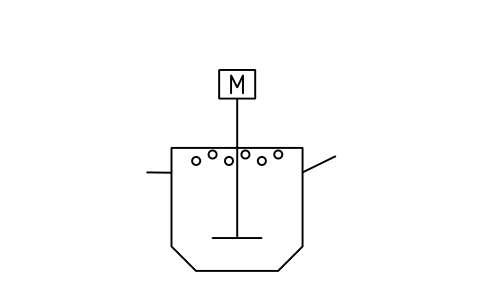
Flotation cell
MET_FLOTATIONAttributes
TAGSERVICECAPACITYCURRENT_KADIMENSIONSPOWER_KWMATERIALMANUFACTURERMODELREMARKSDESC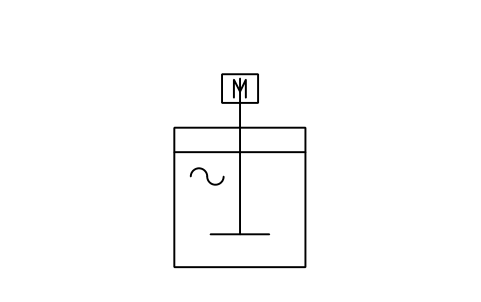
Leaching tank
MET_LEACH_TANKAttributes
TAGSERVICECAPACITYCURRENT_KADIMENSIONSPOWER_KWMATERIALMANUFACTURERMODELREMARKSDESC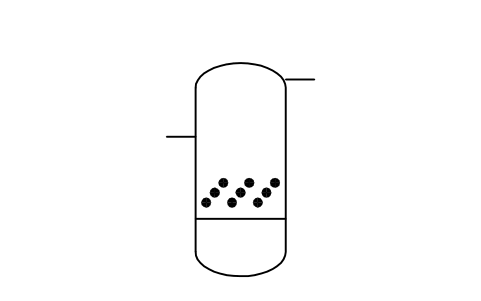
Fluid bed roaster
MET_ZINC_ROASTERAttributes
TAGSERVICECAPACITYCURRENT_KADIMENSIONSPOWER_KWMATERIALMANUFACTURERMODELREMARKSDESC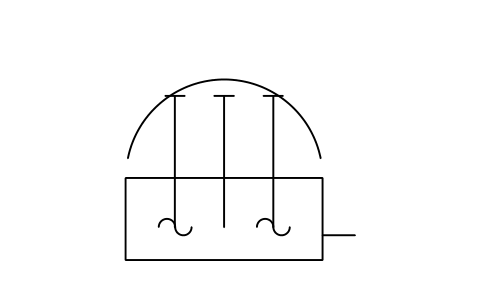
Submerged arc furnace
MET_ARC_SUBMERGEDAttributes
TAGSERVICECAPACITYCURRENT_KADIMENSIONSPOWER_KWMATERIALMANUFACTURERMODELREMARKSDESC
Missing a symbol? Tell us which one.
Attributes for parts lists
Every block has a visible tag next to the symbol (for example BF-1 for a blast furnace, F1 for a finishing stand, CC-1 for a caster). The data of your equipment list are invisible attributes: CAPACITY, DIMENSIONS, TEMPERATURE_C and FUEL_OR_POWER for furnaces; ROLL_DIAMETER_MM, ROLLING_FORCE_KN and MOTOR_KW for mill stands; SECTION_MM, STRANDS and CASTING_SPEED for casters; CAPACITY_T, SPAN_M and DUTY_CLASS for cranes.
How to use the library
- Unzip the file and open the DWG. Copy the symbols you need into your plan, or drag the blocks in from DesignCenter (ADCENTER).
- The symbols are drawn at the plotted size in millimetres (text 2 mm) and are 20 to 30 mm across. Furnaces and vessels are drawn in elevation and roll stands in front view. Insert them at scale 1 and scale the block to the size of your drawing.
- A mill stand shows the housing with the work rolls and, where the type has them, the backup and intermediate rolls (2-high, 3-high, 4-high, 6-high and 20-high). The strip is a horizontal pass line through the centre, so stands, coilers, reels, loopers and shears line up into a mill train.
- The shapes are simplified on purpose: a converter, a ladle or a tundish is one clear outline, so that a plant flow sheet stays readable. Use your own detail drawings for the construction of the equipment.
About the conventions
There is no standard for metallurgical plant symbols: each plant and each equipment supplier draws its own, and flow sheets use the shapes that are customary in the industry. The symbols here are generic outlines that you can recognise at a glance.
The blocks are our own drawings, not copies of a standard, and the library is not certified. Check them against the legend of your project or company and change a block if yours differs.
Frequently asked questions
- Are these the exact shapes of my equipment?
- No. They are simplified outlines for flow sheets and layouts, not detail drawings of any manufacturer's equipment. The equipment data go in the attributes, and the construction belongs in your own detail drawings.
- Can I line up mill stands into a rolling mill train?
- Yes. Every stand has the pass line through its centre at the same height, so you can insert several stands in a row and join the lines. Add coilers, reels, shears, descalers and the roller table in the same way to build the whole line.
- Can I use the symbols in commercial projects?
- Yes. They are free to use and modify in your own projects, including commercial ones. They are provided as is, without warranty. Please do not redistribute or resell the library; see the library terms.
- Does it cover non-ferrous metals and mineral processing?
- Yes: aluminium reduction cells and anode baking furnaces, flash smelting furnaces, Peirce-Smith converters, anode furnaces, electro-refining cells, SX-EW mixer-settlers, flotation cells, leaching tanks, roasters and submerged arc furnaces. Mills, crushers and screens are in the process equipment library.
- Can I change a symbol or add attributes?
- Yes. Open the DWG, edit a block with BEDIT to change it or add attributes, and save. To update drawings that already contain the block, run ATTSYNC or replace the block. Make a backup first: attribute values can be lost if ATTSYNC is used carelessly.
- Where do I find a ready-made set of these symbols for AutoCAD?
- AutoCAD itself ships only a small set of sample blocks, so a full symbol set has to come from a library. Download the ZIP on this page and open the DWG: every symbol is a block. Insert one with INSERT (Blocks palette, Libraries tab, then pick the DWG) or drag it from DesignCenter (ADCENTER). You can also download a single symbol on its own.