
Topics:Power system primary equipment symbolsPower system secondary equipment symbolsSingle-line diagram symbols
Free AutoCAD single-line diagram symbols (DWG) for power plants, substations and distribution
Power system single-line symbols (IEC 60617): 139 ready-made AutoCAD blocks (DWG). A starter pack of 24 symbols is free; the Standard edition is $19.
Free starter pack: 24 symbols
The most-used symbols of this library, as AutoCAD blocks in one DWG. Free for everyone, for any project.
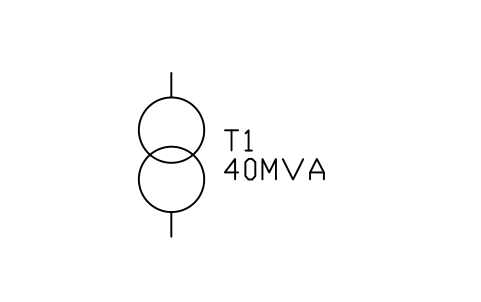 Transformer, two winding
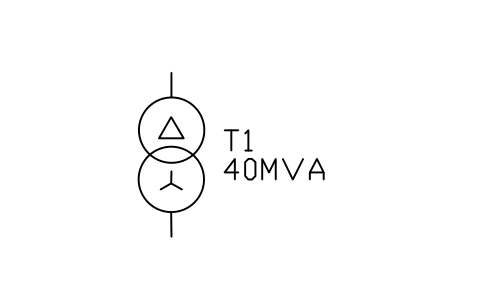 Transformer, delta-star
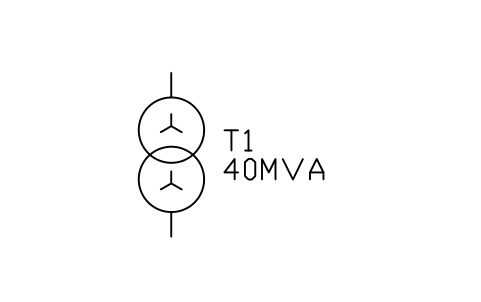 Transformer, star-star
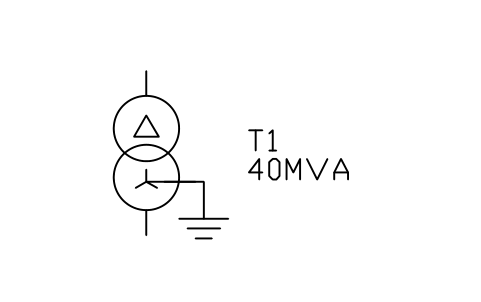 Transformer, delta-star, neutral earthed
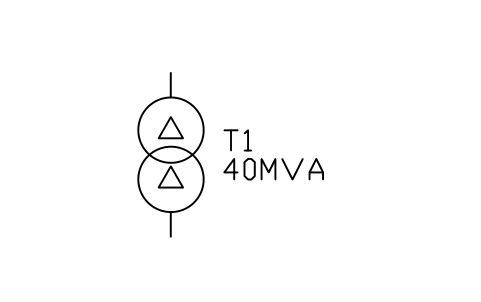 Transformer, delta-delta
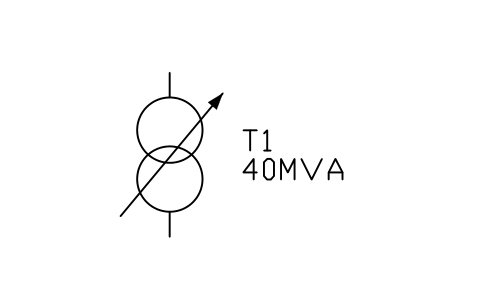 Transformer with on-load tap changer
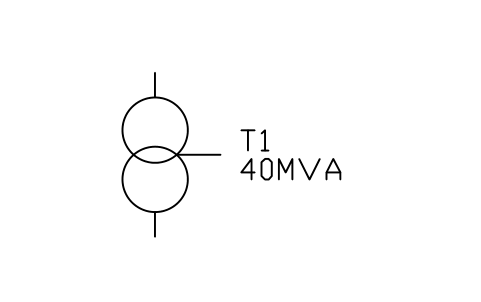 Autotransformer
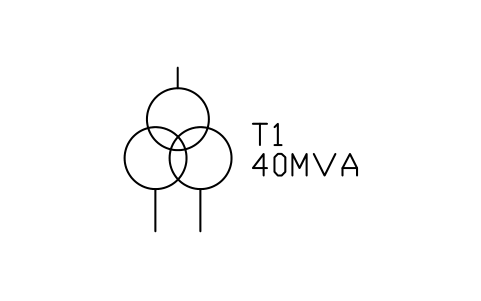 Transformer, three winding
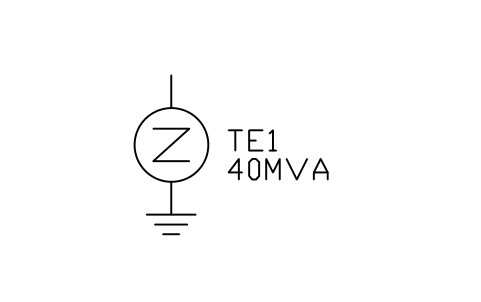 Earthing transformer (zigzag)
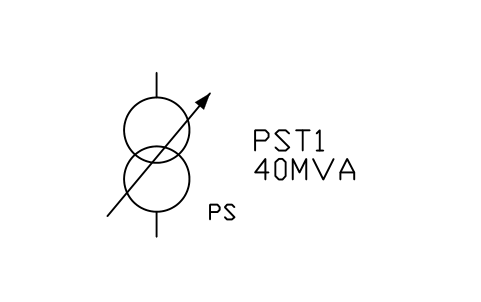 Phase-shifting transformer
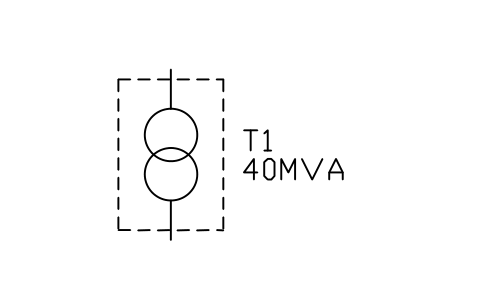 Pad-mounted transformer
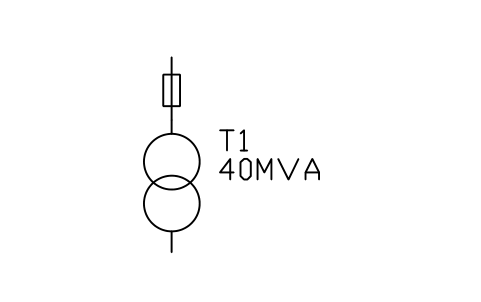 Pole-mounted transformer with fuse
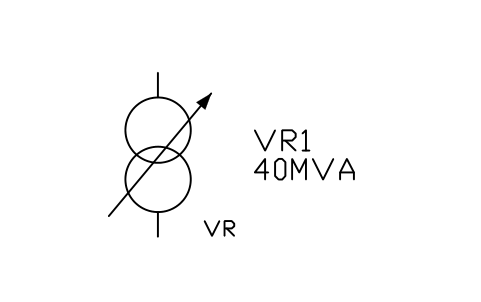 Voltage regulator
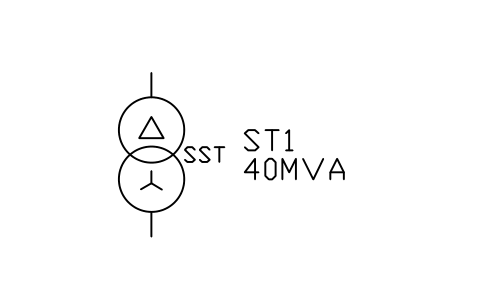 Station service transformer
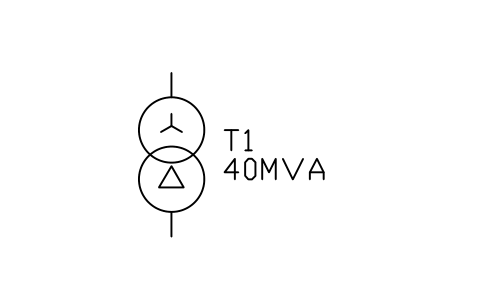 Transformer, star-delta
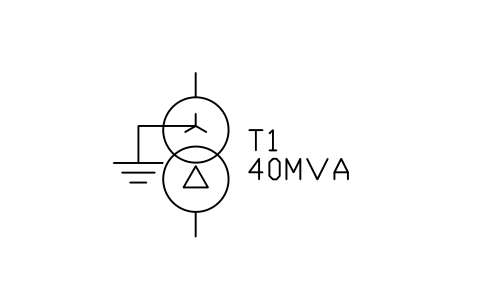 Transformer, star-delta, neutral earthed
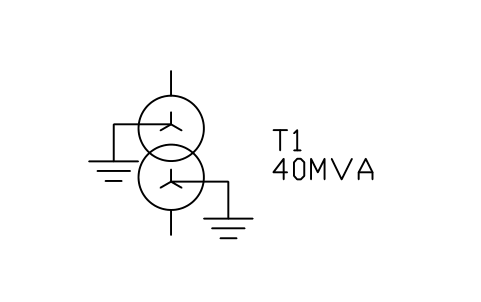 Transformer, star-star, both neutrals earthed
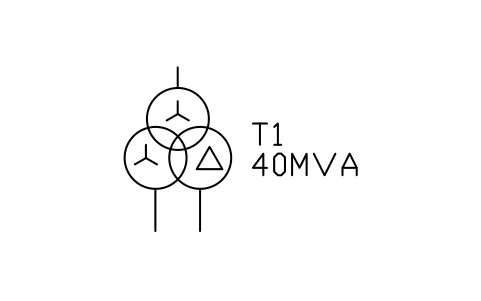 Transformer, three winding, delta tertiary
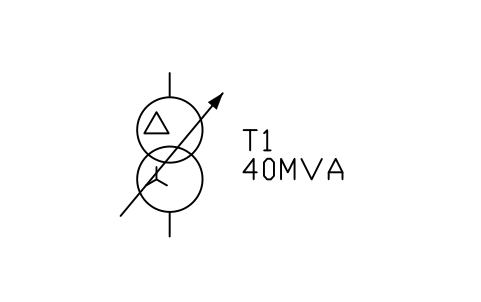 Transformer, delta-star, on-load tap changer
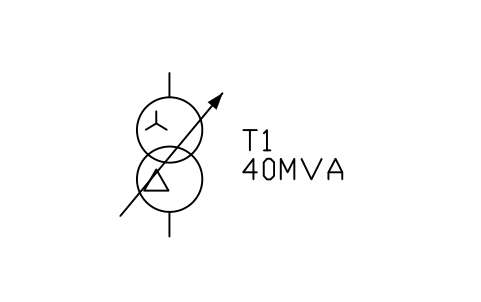 Transformer, star-delta, on-load tap changer
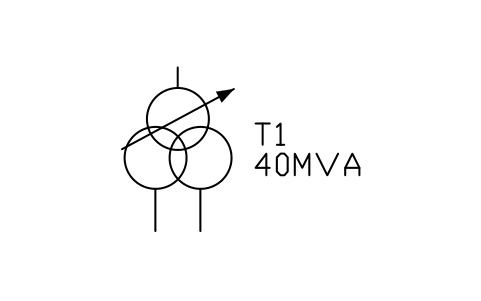 Transformer, three winding, on-load tap changer
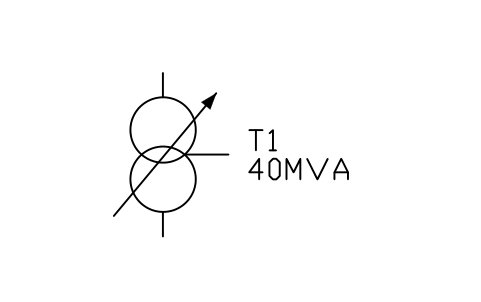 Autotransformer, on-load tap changer
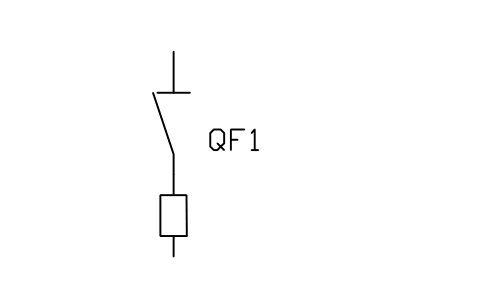 Fuse-switch disconnector
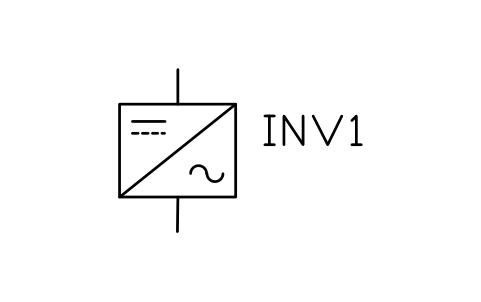 Inverter (DC to AC)
Standard: 139 symbols
All 139 symbols of the Standard edition in one download, ready to insert in AutoCAD. Pay once and keep the files.
IEC 60617 Power System Pro: 168 more symbols
Beyond the 139 free symbols above, Pro adds the rest of the standard as AutoCAD blocks, section by section: qualifying symbols, connections, switching and relay devices, circuit protectors, transmission and communication, rotating machinery, readouts, lamps, systems and stations, and more. One licence covers every section, and the free library stays free.
Standard · 139 symbols
Power system single-line Pro symbols · 168
Free starter pack
$0For everyone, for any project
- 24 symbols
- No sign-in
- One DWG
Library licence
$19
For one person
Education: free
- Pay once
Student or teacher?
Free for one year with your school e-mail address. Renew it with the same address.
Sign in with your school e-mail address, we check it, and the licence is added to your account.
Available soonEducation licences are for study and teaching, valid for one year, and renewed with your school e-mail address.
Pro library licence
$49
For one person
Education: $24.50
- Pay once
- Includes the free IEEE 315 library
Student or teacher?
Half price ($24.50) for one year with your school e-mail address. Buy again next year to renew.
Sign in with your school e-mail address, we check it, and you pay half price.
Available soonWhat you get
- All 168 symbols of the sections on this page, as AutoCAD blocks in DWG files
- The free IEEE 315 library with its 79 symbols, in the same download
- Every section as a ZIP in AutoCAD 2018 format and in AutoCAD 2010 format
- Sections added later come with the same purchase
- The free IEEE 315 library stays free and unchanged.
- A perpetual licence: pay once, keep the files.
What each version contains
The symbols by group, and how many of each group every version holds.
| Content | Free | Standard | Pro |
|---|---|---|---|
| All symbols | 24 | 139 | 307 |
| Added by this version | — | +115 | +168 |
| Transformers | 22 | 22 | 22 |
| Circuit breakers and switches | 1 | 34 | 34 |
| Busbars, lines and cables | — | 35 | 35 |
| Generation and sources | 1 | 28 | 28 |
| Motors and loads | — | 20 | 20 |
| Meters and control | — | — | 33 |
| Protection relays | — | — | 25 |
| Switchgear bays | — | — | 20 |
Show 7 more groupsShow fewer groups
| Instrument transformers | — | — | 15 |
|---|---|---|---|
| Low voltage distribution | — | — | 15 |
| Machine protection relays | — | — | 15 |
| System and auxiliary relays | — | — | 15 |
| Reactors, capacitors and arresters | — | — | 12 |
| Reactive compensation and filters | — | — | 10 |
| Generator excitation and auxiliaries | — | — | 8 |
Pro holds every symbol of Standard plus the Pro-only ones.
139 power system symbols as ready-to-use AutoCAD blocks for single-line diagrams: two- and three-winding transformers with delta, star, open delta and neutral earthing marks and on-load tap changers, circuit breakers in the IEC and box forms, disconnectors, earthing switches, fuses, busbars, overhead lines, cables, gas-insulated parts and towers, generators, wind and storage units, inverters, batteries, motors and loads. Each block carries a tag, the main rating and invisible equipment list attributes.
Standard library: version 1.2, updated November 9, 2026 · Pro library: version 1.0, updated November 9, 2026 · Check out what's changed
Sample drawings made with this library
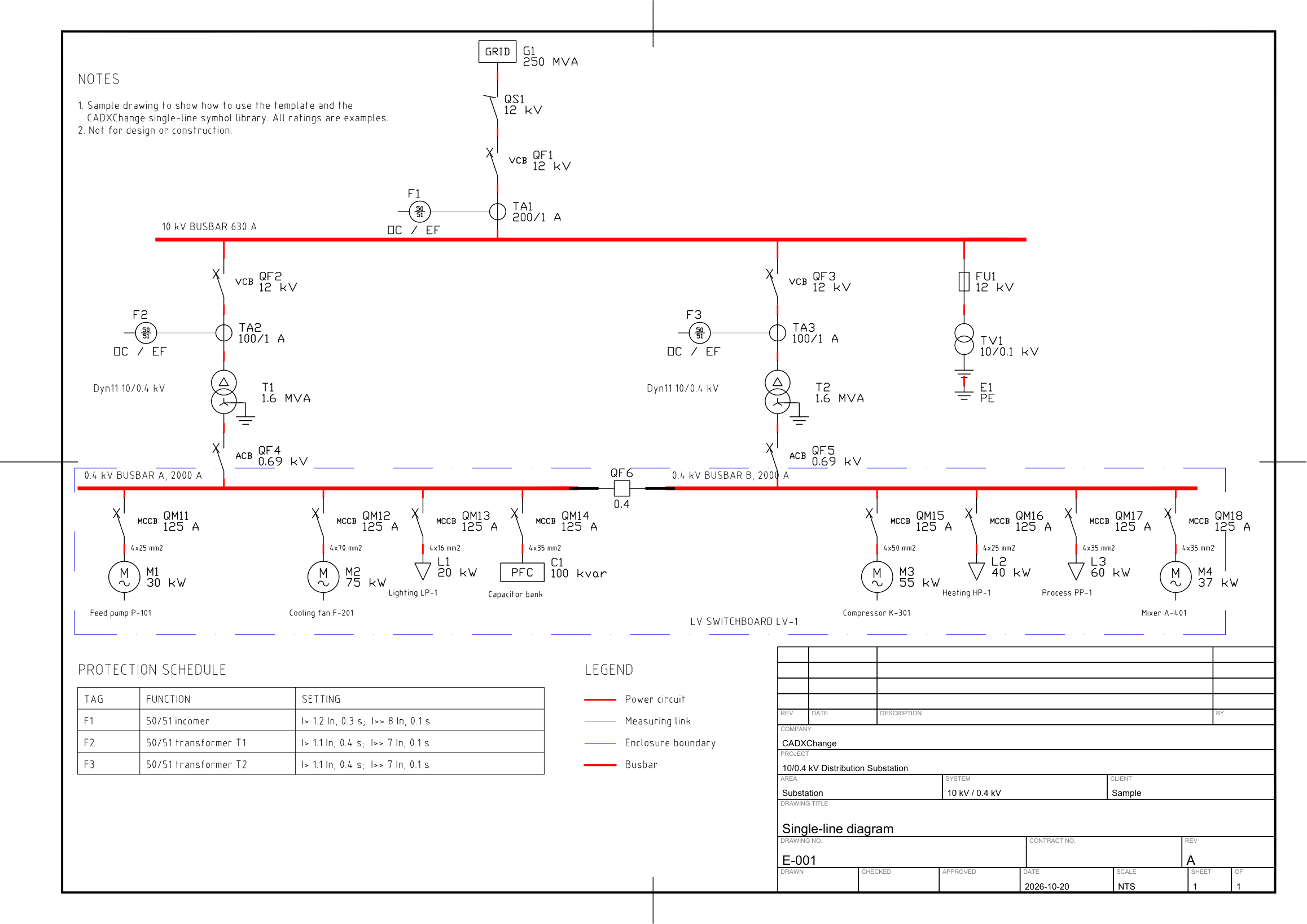
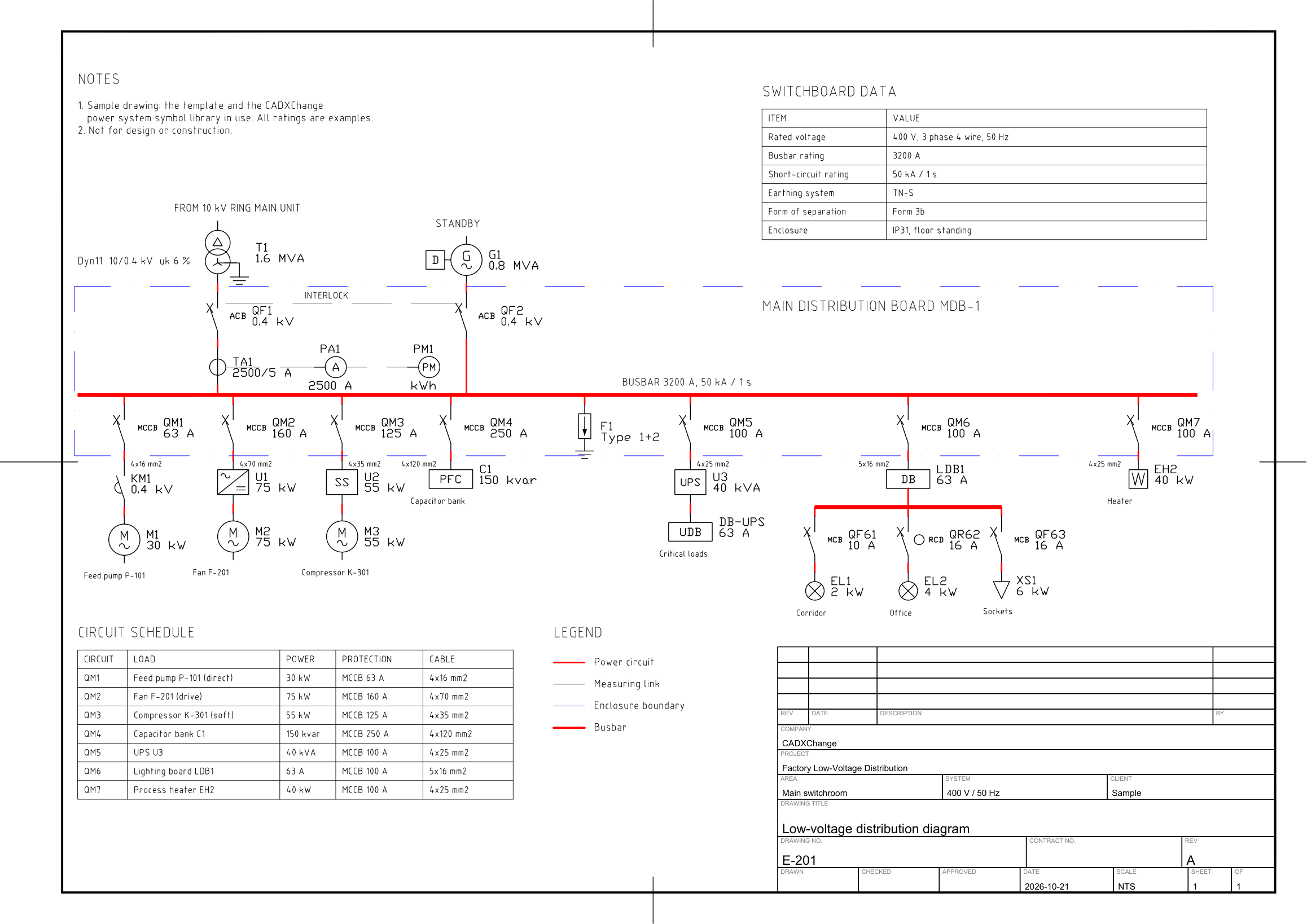
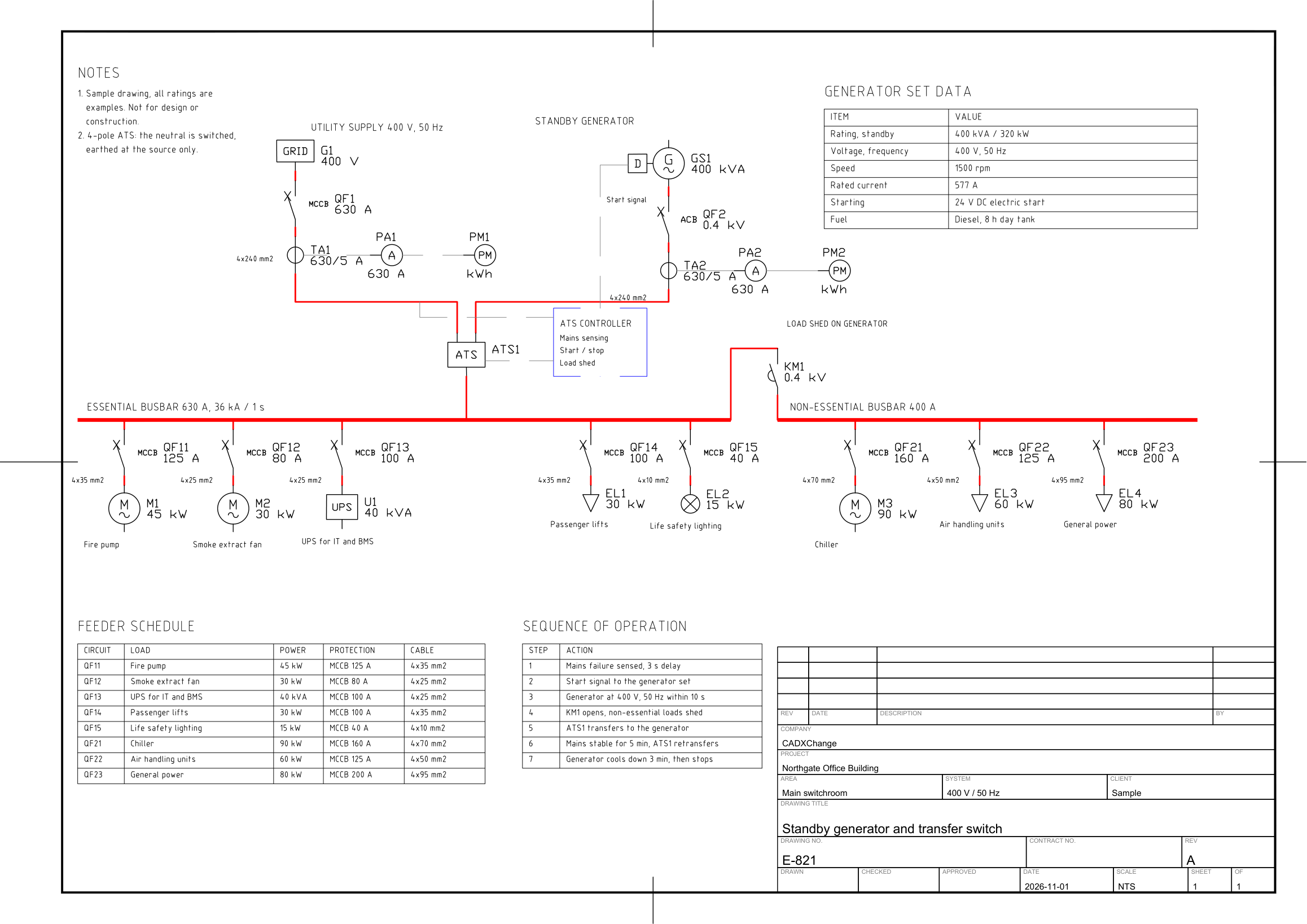
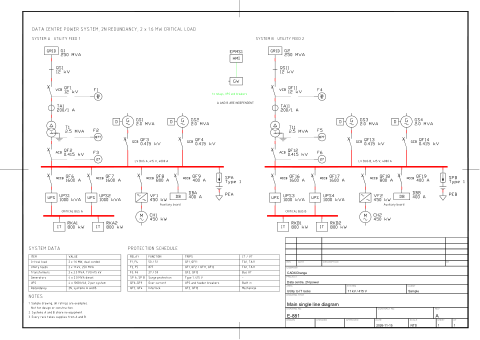
All 139 symbols
139 of 139 symbols
Transformer, two winding
PWR_TX_2WAttributes
TAGRATING_MVAVOLTAGE_RATIOVECTOR_GROUPIMPEDANCE_PCTTAP_RANGECOOLINGNEUTRAL_EARTHINGMANUFACTURERMODELREMARKSDESCTransformer, delta-star
PWR_TX_DYAttributes
TAGRATING_MVAVOLTAGE_RATIOVECTOR_GROUPIMPEDANCE_PCTTAP_RANGECOOLINGNEUTRAL_EARTHINGMANUFACTURERMODELREMARKSDESCTransformer, star-star
PWR_TX_YYAttributes
TAGRATING_MVAVOLTAGE_RATIOVECTOR_GROUPIMPEDANCE_PCTTAP_RANGECOOLINGNEUTRAL_EARTHINGMANUFACTURERMODELREMARKSDESCTransformer, delta-star, neutral earthed
PWR_TX_DYNAttributes
TAGRATING_MVAVOLTAGE_RATIOVECTOR_GROUPIMPEDANCE_PCTTAP_RANGECOOLINGNEUTRAL_EARTHINGMANUFACTURERMODELREMARKSDESCTransformer, delta-delta
PWR_TX_DDAttributes
TAGRATING_MVAVOLTAGE_RATIOVECTOR_GROUPIMPEDANCE_PCTTAP_RANGECOOLINGNEUTRAL_EARTHINGMANUFACTURERMODELREMARKSDESCTransformer with on-load tap changer
PWR_TX_OLTCAttributes
TAGRATING_MVAVOLTAGE_RATIOVECTOR_GROUPIMPEDANCE_PCTTAP_RANGECOOLINGNEUTRAL_EARTHINGMANUFACTURERMODELREMARKSDESCAutotransformer
PWR_TX_AUTOAttributes
TAGRATING_MVAVOLTAGE_RATIOVECTOR_GROUPIMPEDANCE_PCTTAP_RANGECOOLINGNEUTRAL_EARTHINGMANUFACTURERMODELREMARKSDESCTransformer, three winding
PWR_TX_3WAttributes
TAGRATING_MVAVOLTAGE_RATIOVECTOR_GROUPIMPEDANCE_PCTTAP_RANGECOOLINGNEUTRAL_EARTHINGMANUFACTURERMODELREMARKSDESCEarthing transformer (zigzag)
PWR_TX_ZIGZAGAttributes
TAGRATING_MVAVOLTAGE_RATIOVECTOR_GROUPIMPEDANCE_PCTTAP_RANGECOOLINGNEUTRAL_EARTHINGMANUFACTURERMODELREMARKSDESCPhase-shifting transformer
PWR_TX_PHASEAttributes
TAGRATING_MVAVOLTAGE_RATIOVECTOR_GROUPIMPEDANCE_PCTTAP_RANGECOOLINGNEUTRAL_EARTHINGMANUFACTURERMODELREMARKSDESCPad-mounted transformer
PWR_TX_PADAttributes
TAGRATING_MVAVOLTAGE_RATIOVECTOR_GROUPIMPEDANCE_PCTTAP_RANGECOOLINGNEUTRAL_EARTHINGMANUFACTURERMODELREMARKSDESCPole-mounted transformer with fuse
PWR_TX_POLEAttributes
TAGRATING_MVAVOLTAGE_RATIOVECTOR_GROUPIMPEDANCE_PCTTAP_RANGECOOLINGNEUTRAL_EARTHINGMANUFACTURERMODELREMARKSDESCVoltage regulator
PWR_TX_REGULATORAttributes
TAGRATING_MVAVOLTAGE_RATIOVECTOR_GROUPIMPEDANCE_PCTTAP_RANGECOOLINGNEUTRAL_EARTHINGMANUFACTURERMODELREMARKSDESCStation service transformer
PWR_TX_STATIONAttributes
TAGRATING_MVAVOLTAGE_RATIOVECTOR_GROUPIMPEDANCE_PCTTAP_RANGECOOLINGNEUTRAL_EARTHINGMANUFACTURERMODELREMARKSDESC- New in 1.1
Transformer, star-delta
PWR_TX_YDAttributes
TAGRATING_MVAVOLTAGE_RATIOVECTOR_GROUPIMPEDANCE_PCTTAP_RANGECOOLINGNEUTRAL_EARTHINGMANUFACTURERMODELREMARKSDESC - New in 1.1
Transformer, star-delta, neutral earthed
PWR_TX_YNDAttributes
TAGRATING_MVAVOLTAGE_RATIOVECTOR_GROUPIMPEDANCE_PCTTAP_RANGECOOLINGNEUTRAL_EARTHINGMANUFACTURERMODELREMARKSDESC - New in 1.1
Transformer, star-star, both neutrals earthed
PWR_TX_YNYNAttributes
TAGRATING_MVAVOLTAGE_RATIOVECTOR_GROUPIMPEDANCE_PCTTAP_RANGECOOLINGNEUTRAL_EARTHINGMANUFACTURERMODELREMARKSDESC - New in 1.1
Transformer, three winding, delta tertiary
PWR_TX_3W_YYDAttributes
TAGRATING_MVAVOLTAGE_RATIOVECTOR_GROUPIMPEDANCE_PCTTAP_RANGECOOLINGNEUTRAL_EARTHINGMANUFACTURERMODELREMARKSDESC - New in 1.1
Transformer, delta-star, on-load tap changer
PWR_TX_DY_OLTCAttributes
TAGRATING_MVAVOLTAGE_RATIOVECTOR_GROUPIMPEDANCE_PCTTAP_RANGECOOLINGNEUTRAL_EARTHINGMANUFACTURERMODELREMARKSDESC - New in 1.1
Transformer, star-delta, on-load tap changer
PWR_TX_YD_OLTCAttributes
TAGRATING_MVAVOLTAGE_RATIOVECTOR_GROUPIMPEDANCE_PCTTAP_RANGECOOLINGNEUTRAL_EARTHINGMANUFACTURERMODELREMARKSDESC - New in 1.1
Transformer, three winding, on-load tap changer
PWR_TX_3W_OLTCAttributes
TAGRATING_MVAVOLTAGE_RATIOVECTOR_GROUPIMPEDANCE_PCTTAP_RANGECOOLINGNEUTRAL_EARTHINGMANUFACTURERMODELREMARKSDESC - New in 1.1
Autotransformer, on-load tap changer
PWR_TX_AUTO_OLTCAttributes
TAGRATING_MVAVOLTAGE_RATIOVECTOR_GROUPIMPEDANCE_PCTTAP_RANGECOOLINGNEUTRAL_EARTHINGMANUFACTURERMODELREMARKSDESC 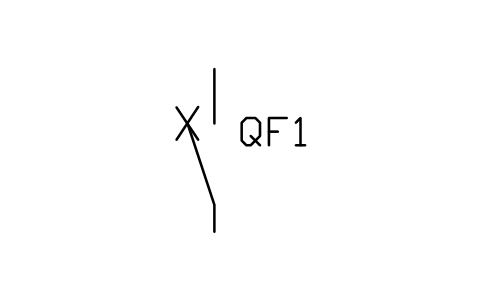
Circuit breaker
PWR_CBAttributes
TAGRATED_KVRATED_CURRENT_ABREAKING_KAINTERRUPTERMECHANISMCONTROL_VOLTAGEMANUFACTURERMODELREMARKSDESC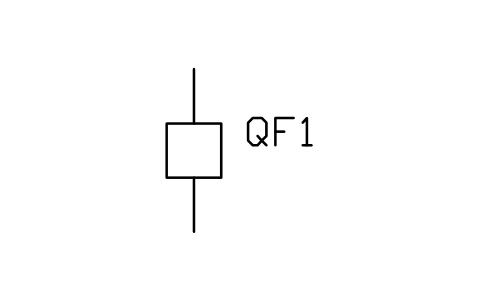
Circuit breaker, box, open
PWR_CB_BOX_OPENAttributes
TAGRATED_KVRATED_CURRENT_ABREAKING_KAINTERRUPTERMECHANISMCONTROL_VOLTAGEMANUFACTURERMODELREMARKSDESC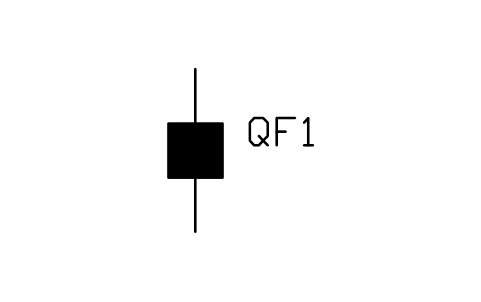
Circuit breaker, box, closed
PWR_CB_BOX_CLOSEDAttributes
TAGRATED_KVRATED_CURRENT_ABREAKING_KAINTERRUPTERMECHANISMCONTROL_VOLTAGEMANUFACTURERMODELREMARKSDESC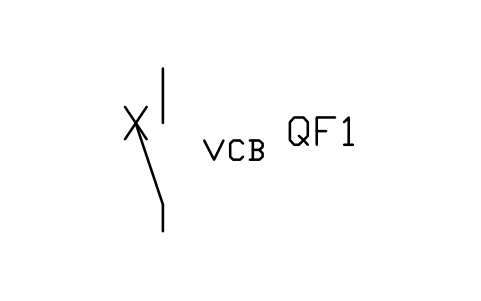
Circuit breaker, vacuum
PWR_CB_VCBAttributes
TAGRATED_KVRATED_CURRENT_ABREAKING_KAINTERRUPTERMECHANISMCONTROL_VOLTAGEMANUFACTURERMODELREMARKSDESC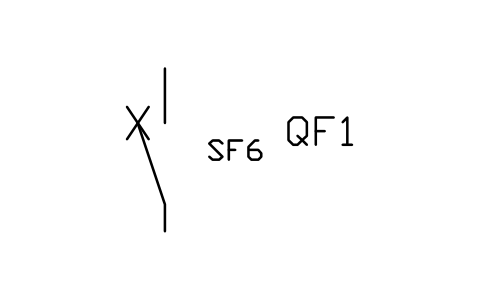
Circuit breaker, SF6
PWR_CB_SF6Attributes
TAGRATED_KVRATED_CURRENT_ABREAKING_KAINTERRUPTERMECHANISMCONTROL_VOLTAGEMANUFACTURERMODELREMARKSDESC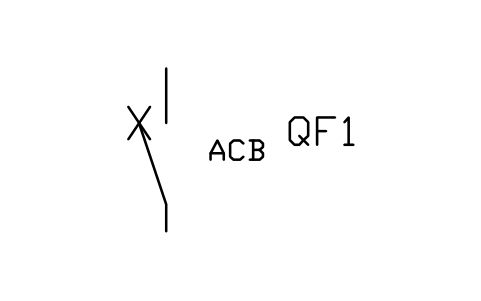
Air circuit breaker
PWR_CB_ACBAttributes
TAGRATED_KVRATED_CURRENT_ABREAKING_KAINTERRUPTERMECHANISMCONTROL_VOLTAGEMANUFACTURERMODELREMARKSDESC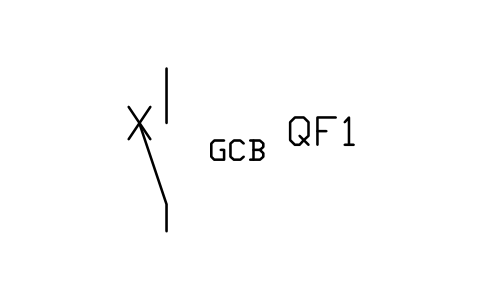
Generator circuit breaker
PWR_CB_GENAttributes
TAGRATED_KVRATED_CURRENT_ABREAKING_KAINTERRUPTERMECHANISMCONTROL_VOLTAGEMANUFACTURERMODELREMARKSDESC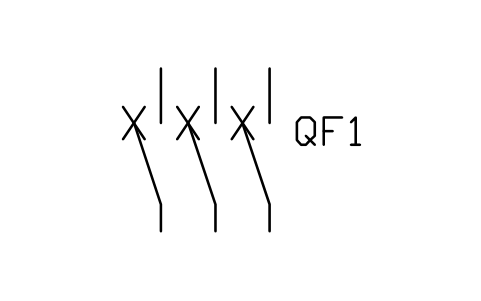
Circuit breaker, three pole
PWR_CB_3PAttributes
TAGRATED_KVRATED_CURRENT_ABREAKING_KAINTERRUPTERMECHANISMCONTROL_VOLTAGEMANUFACTURERMODELREMARKSDESC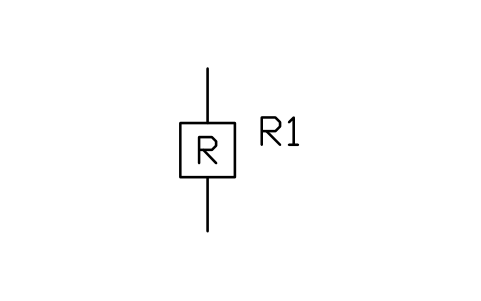
Recloser
PWR_RECLOSERAttributes
TAGRATED_KVRATED_CURRENT_ABREAKING_KAINTERRUPTERMECHANISMCONTROL_VOLTAGEMANUFACTURERMODELREMARKSDESC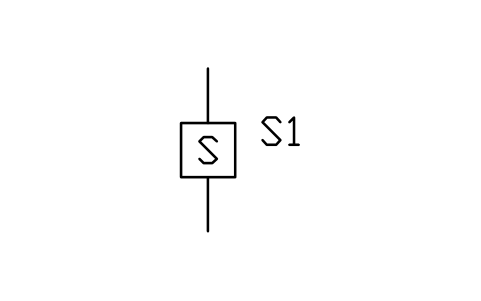
Sectionalizer
PWR_SECTIONALIZERAttributes
TAGRATED_KVRATED_CURRENT_ABREAKING_KAINTERRUPTERMECHANISMCONTROL_VOLTAGEMANUFACTURERMODELREMARKSDESC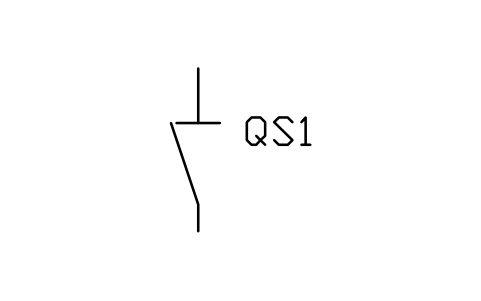
Disconnector
PWR_DISCONNECTORAttributes
TAGRATED_KVRATED_CURRENT_ASHORT_TIME_KAEARTHING_SWITCHMECHANISMMANUFACTURERMODELREMARKSDESC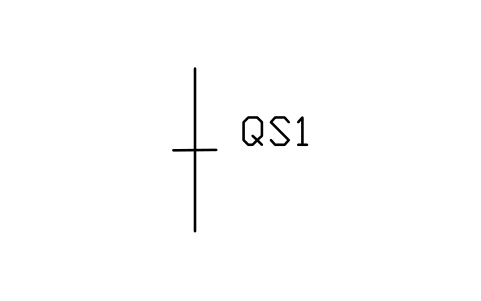
Disconnector, closed
PWR_DISCONNECTOR_CLOSEDAttributes
TAGRATED_KVRATED_CURRENT_ASHORT_TIME_KAEARTHING_SWITCHMECHANISMMANUFACTURERMODELREMARKSDESC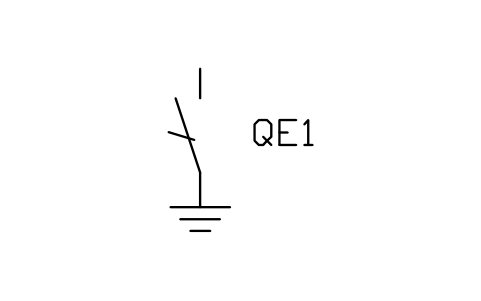
Earthing switch
PWR_EARTH_SWITCHAttributes
TAGRATED_KVRATED_CURRENT_ASHORT_TIME_KAEARTHING_SWITCHMECHANISMMANUFACTURERMODELREMARKSDESC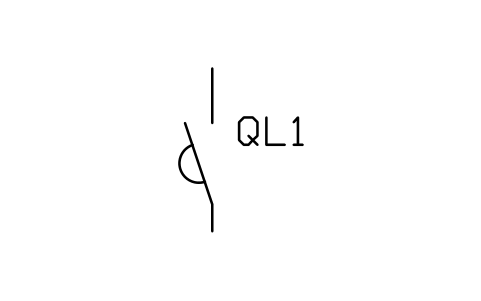
Load break switch
PWR_LOAD_BREAKAttributes
TAGRATED_KVRATED_CURRENT_ASHORT_TIME_KAEARTHING_SWITCHMECHANISMMANUFACTURERMODELREMARKSDESC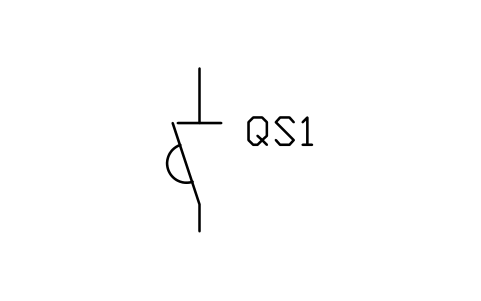
Switch-disconnector
PWR_SWITCH_DISCAttributes
TAGRATED_KVRATED_CURRENT_ASHORT_TIME_KAEARTHING_SWITCHMECHANISMMANUFACTURERMODELREMARKSDESC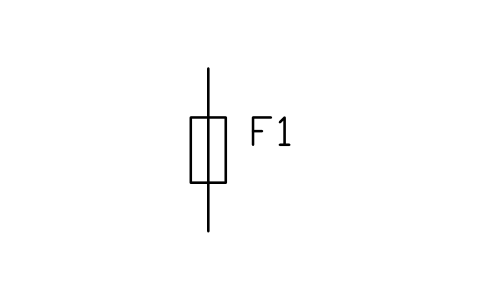
Fuse
PWR_FUSEAttributes
TAGRATED_KVRATED_CURRENT_ABREAKING_KACHARACTERISTICMANUFACTURERMODELREMARKSDESCFuse-switch disconnector
PWR_FUSE_SWITCHAttributes
TAGRATED_KVRATED_CURRENT_ABREAKING_KACHARACTERISTICMANUFACTURERMODELREMARKSDESC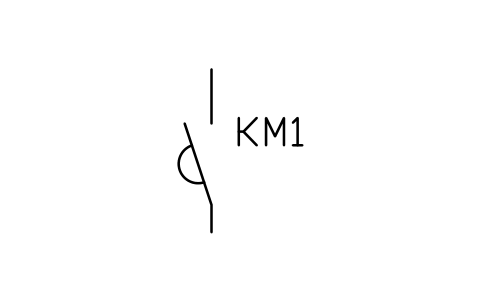
Contactor
PWR_CONTACTORAttributes
TAGRATED_KVRATED_CURRENT_ABREAKING_KAINTERRUPTERMECHANISMCONTROL_VOLTAGEMANUFACTURERMODELREMARKSDESC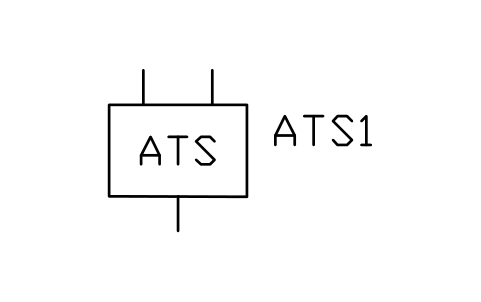
Automatic transfer switch
PWR_ATSAttributes
TAGRATED_KVRATED_CURRENT_ABREAKING_KAINTERRUPTERMECHANISMCONTROL_VOLTAGEMANUFACTURERMODELREMARKSDESC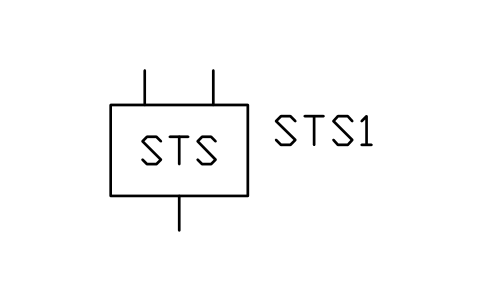
Static transfer switch
PWR_STSAttributes
TAGRATED_KVRATED_CURRENT_ABREAKING_KAINTERRUPTERMECHANISMCONTROL_VOLTAGEMANUFACTURERMODELREMARKSDESC- New in 1.1
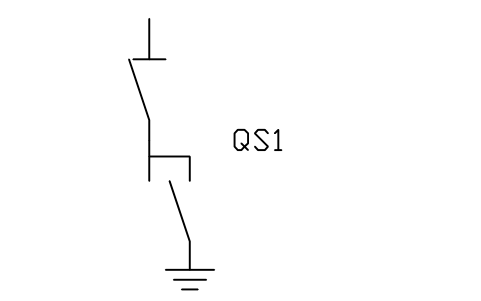
Disconnector with earthing switch
PWR_DISC_ESAttributes
TAGRATED_KVRATED_CURRENT_ASHORT_TIME_KAEARTHING_SWITCHMECHANISMMANUFACTURERMODELREMARKSDESC - New in 1.1
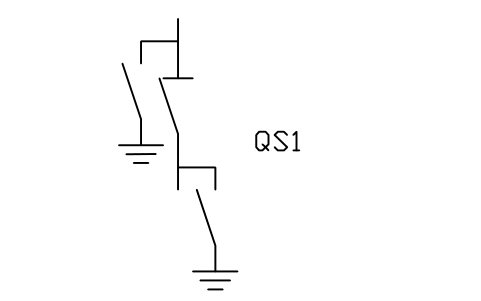
Disconnector with two earthing switches
PWR_DISC_2ESAttributes
TAGRATED_KVRATED_CURRENT_ASHORT_TIME_KAEARTHING_SWITCHMECHANISMMANUFACTURERMODELREMARKSDESC - New in 1.1
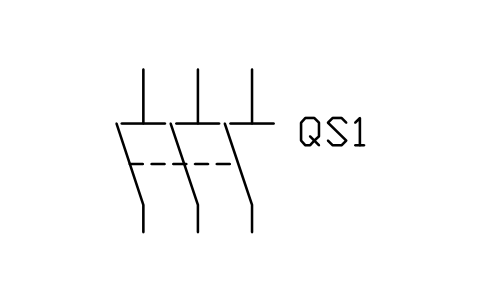
Disconnector, three pole
PWR_DISC_3PAttributes
TAGRATED_KVRATED_CURRENT_ASHORT_TIME_KAEARTHING_SWITCHMECHANISMMANUFACTURERMODELREMARKSDESC - New in 1.1
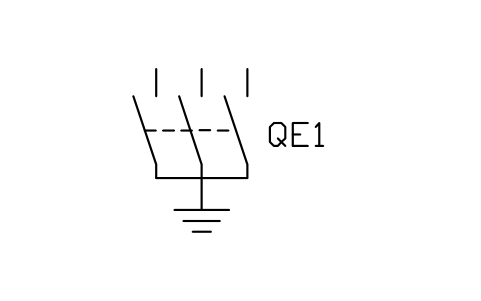
Earthing switch, three pole
PWR_ES_3PAttributes
TAGRATED_KVRATED_CURRENT_ASHORT_TIME_KAEARTHING_SWITCHMECHANISMMANUFACTURERMODELREMARKSDESC - New in 1.1
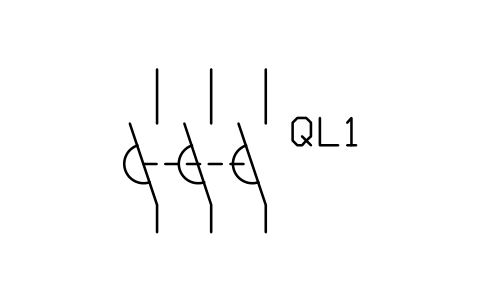
Load break switch, three pole
PWR_LBS_3PAttributes
TAGRATED_KVRATED_CURRENT_ASHORT_TIME_KAEARTHING_SWITCHMECHANISMMANUFACTURERMODELREMARKSDESC - New in 1.1
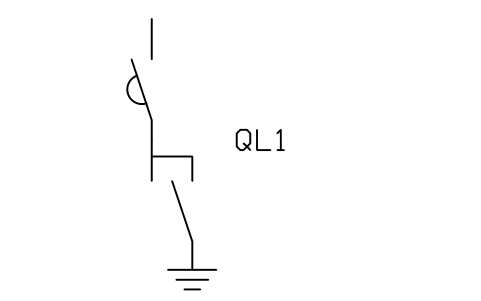
Load break switch with earthing switch
PWR_LBS_ESAttributes
TAGRATED_KVRATED_CURRENT_ASHORT_TIME_KAEARTHING_SWITCHMECHANISMMANUFACTURERMODELREMARKSDESC - New in 1.1
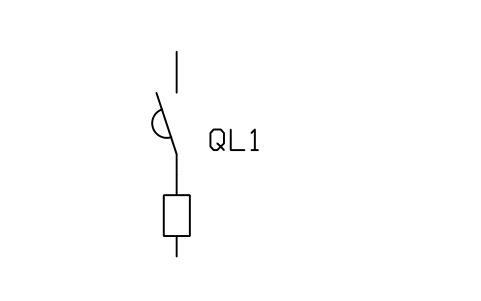
Load break switch with fuse
PWR_LBS_FUSEAttributes
TAGRATED_KVRATED_CURRENT_ABREAKING_KACHARACTERISTICMANUFACTURERMODELREMARKSDESC - New in 1.1
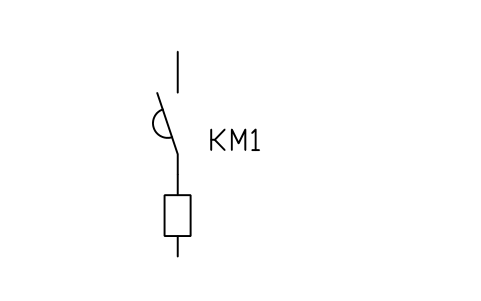
Contactor with fuse
PWR_CONTACTOR_FUSEAttributes
TAGRATED_KVRATED_CURRENT_ABREAKING_KACHARACTERISTICMANUFACTURERMODELREMARKSDESC - New in 1.1
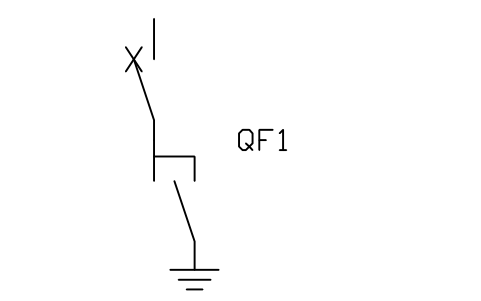
Circuit breaker with earthing switch
PWR_CB_ESAttributes
TAGRATED_KVRATED_CURRENT_ABREAKING_KAINTERRUPTERMECHANISMCONTROL_VOLTAGEMANUFACTURERMODELREMARKSDESC - New in 1.1
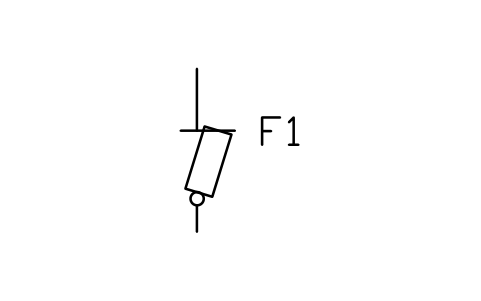
Fuse cutout (drop-out)
PWR_FUSE_CUTOUTAttributes
TAGRATED_KVRATED_CURRENT_ABREAKING_KACHARACTERISTICMANUFACTURERMODELREMARKSDESC - New in 1.1
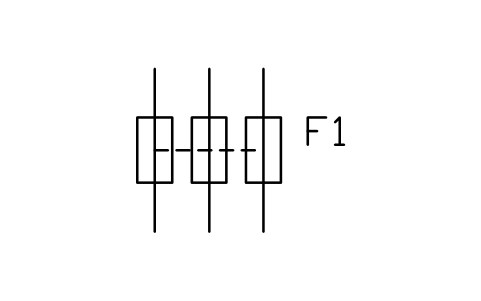
Fuse, three pole
PWR_FUSE_3PAttributes
TAGRATED_KVRATED_CURRENT_ABREAKING_KACHARACTERISTICMANUFACTURERMODELREMARKSDESC - New in 1.1
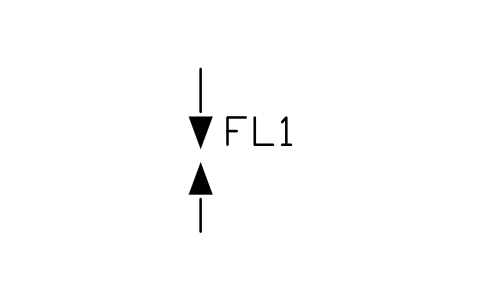
Current limiter (power cable)
PWR_CURRENT_LIMITERAttributes
TAGRATED_KVRATED_CURRENT_ABREAKING_KACHARACTERISTICMANUFACTURERMODELREMARKSDESC - New in 1.1
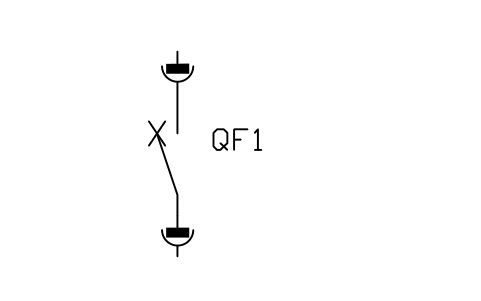
Circuit breaker, withdrawable
PWR_CB_WDAttributes
TAGRATED_KVRATED_CURRENT_ABREAKING_KAINTERRUPTERMECHANISMCONTROL_VOLTAGEMANUFACTURERMODELREMARKSDESC - New in 1.1
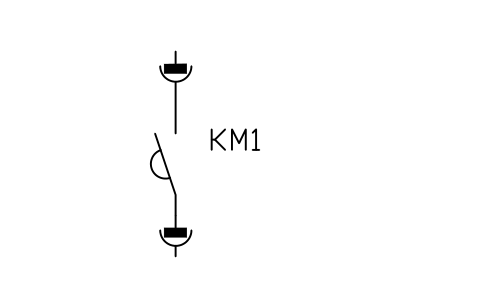
Contactor, withdrawable
PWR_CONTACTOR_WDAttributes
TAGRATED_KVRATED_CURRENT_ABREAKING_KAINTERRUPTERMECHANISMCONTROL_VOLTAGEMANUFACTURERMODELREMARKSDESC 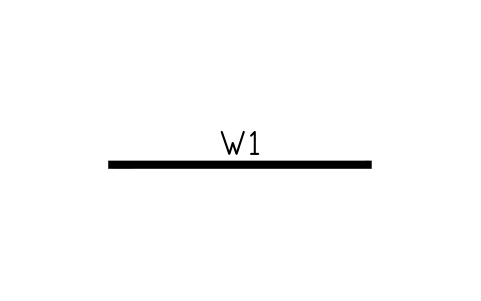
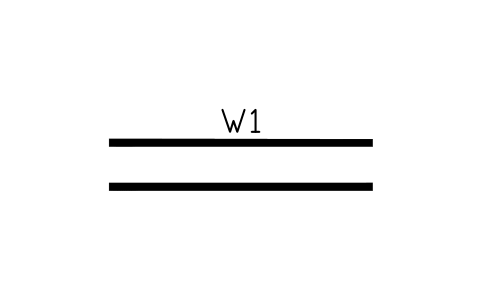
Busbar, double
PWR_BUS_DOUBLEAttributes
TAGVOLTAGE_KVRATED_CURRENT_ACONDUCTORSHORT_CIRCUIT_KAREMARKSDESC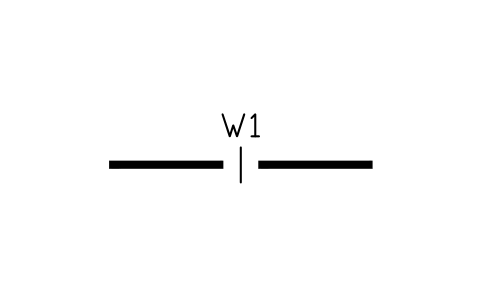
Busbar with section break
PWR_BUS_SECTIONAttributes
TAGVOLTAGE_KVRATED_CURRENT_ACONDUCTORSHORT_CIRCUIT_KAREMARKSDESC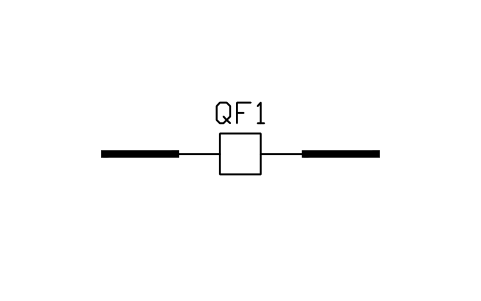
Bus tie breaker
PWR_BUS_TIEAttributes
TAGVOLTAGE_KVRATED_CURRENT_ACONDUCTORSHORT_CIRCUIT_KAREMARKSDESC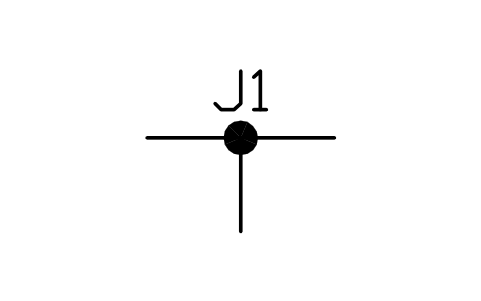
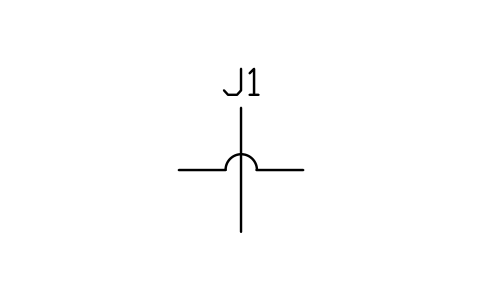
Crossing, not connected
PWR_CROSSINGAttributes
TAGVOLTAGE_KVRATED_CURRENT_ACONDUCTORSHORT_CIRCUIT_KAREMARKSDESC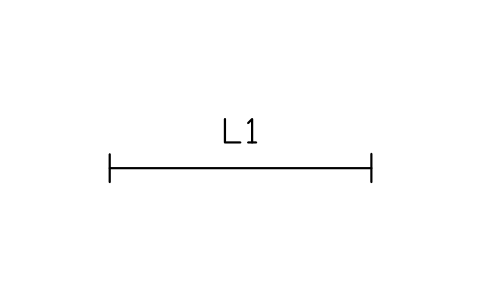
Overhead line
PWR_OHLAttributes
TAGVOLTAGE_KVCONDUCTORLENGTH_KMRATED_CURRENT_ACIRCUITSFROM_TOREMARKSDESC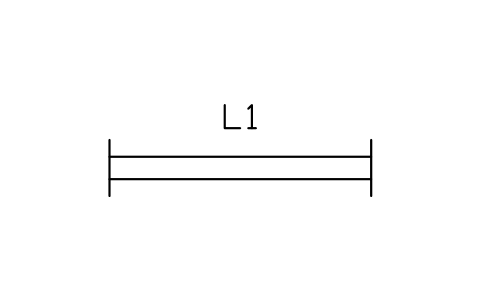
Overhead line, double circuit
PWR_OHL_DOUBLEAttributes
TAGVOLTAGE_KVCONDUCTORLENGTH_KMRATED_CURRENT_ACIRCUITSFROM_TOREMARKSDESC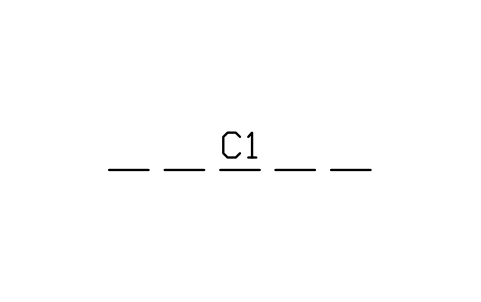
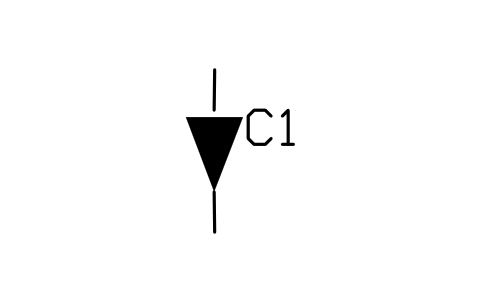
Cable sealing end
PWR_CABLE_ENDAttributes
TAGVOLTAGE_KVCABLE_TYPELENGTH_MRATED_CURRENT_AFROM_TOREMARKSDESC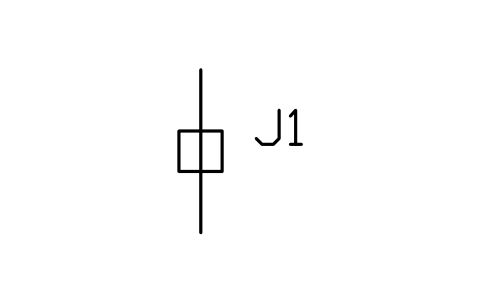
Cable joint
PWR_CABLE_JOINTAttributes
TAGVOLTAGE_KVCABLE_TYPELENGTH_MRATED_CURRENT_AFROM_TOREMARKSDESC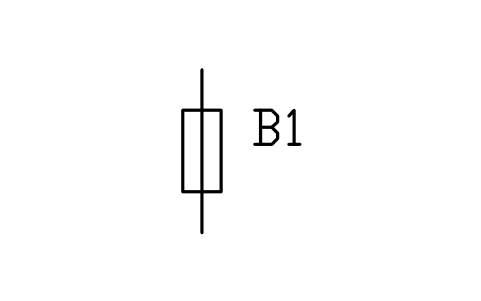
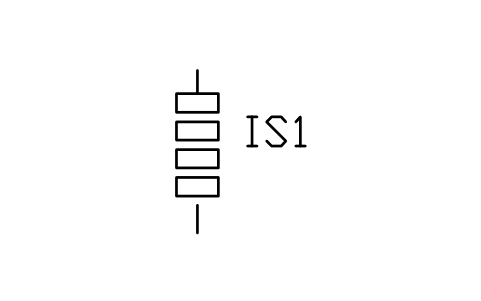
Insulator string
PWR_INSULATORAttributes
TAGVOLTAGE_KVCABLE_TYPELENGTH_MRATED_CURRENT_AFROM_TOREMARKSDESC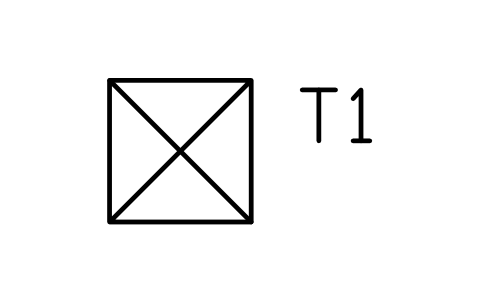
Tower, suspension
PWR_TOWER_SUSPAttributes
TAGVOLTAGE_KVCONDUCTORLENGTH_KMRATED_CURRENT_ACIRCUITSFROM_TOREMARKSDESC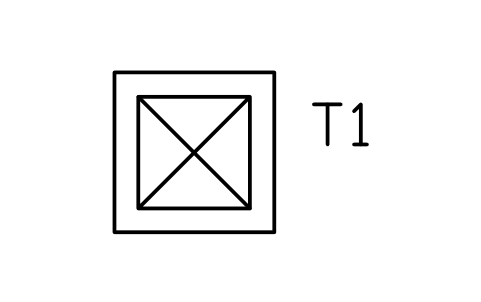
Tower, tension (dead-end)
PWR_TOWER_TENSAttributes
TAGVOLTAGE_KVCONDUCTORLENGTH_KMRATED_CURRENT_ACIRCUITSFROM_TOREMARKSDESC
Pole, H-frame
PWR_POLE_HAttributes
TAGVOLTAGE_KVCONDUCTORLENGTH_KMRATED_CURRENT_ACIRCUITSFROM_TOREMARKSDESC
Feeder, outgoing
PWR_FEEDER_OUTAttributes
TAGVOLTAGE_KVCABLE_TYPELENGTH_MRATED_CURRENT_AFROM_TOREMARKSDESC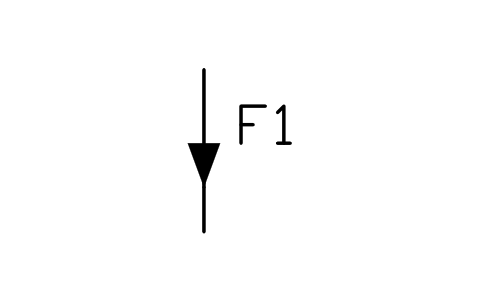
Feeder, incoming
PWR_FEEDER_INAttributes
TAGVOLTAGE_KVCABLE_TYPELENGTH_MRATED_CURRENT_AFROM_TOREMARKSDESC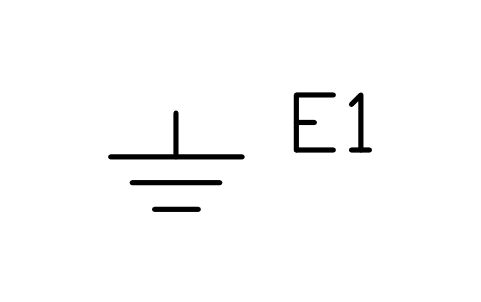
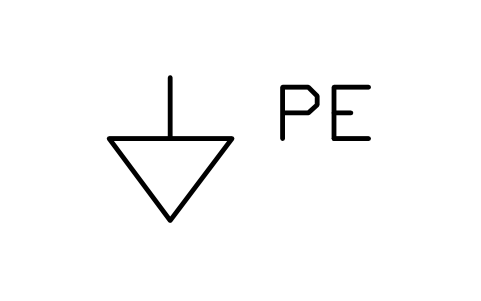
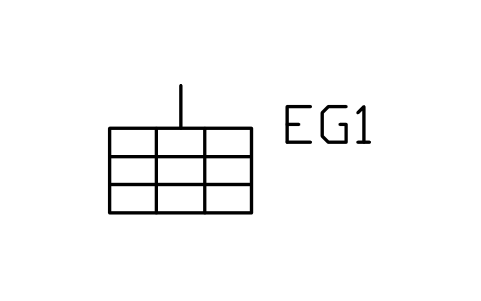
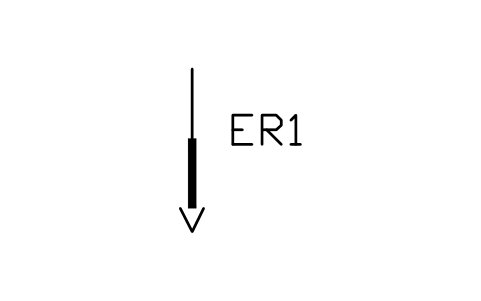
- New in 1.1
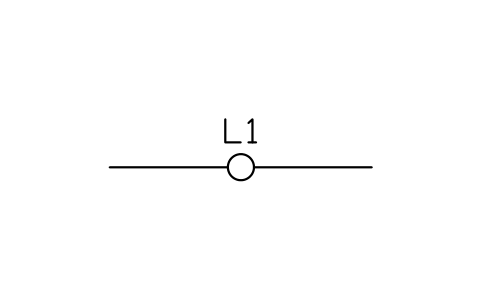
Overhead line (IEC mark)
PWR_LINE_OH_IECAttributes
TAGVOLTAGE_KVCONDUCTORLENGTH_KMRATED_CURRENT_ACIRCUITSFROM_TOREMARKSDESC - New in 1.1
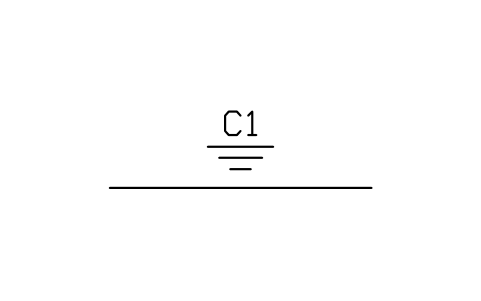
Underground line
PWR_LINE_UGAttributes
TAGVOLTAGE_KVCABLE_TYPELENGTH_MRATED_CURRENT_AFROM_TOREMARKSDESC - New in 1.1
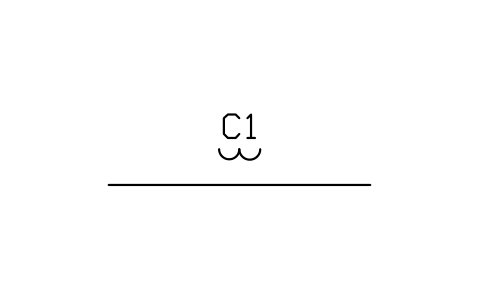
Submarine line
PWR_LINE_SUBAttributes
TAGVOLTAGE_KVCABLE_TYPELENGTH_MRATED_CURRENT_AFROM_TOREMARKSDESC - New in 1.1
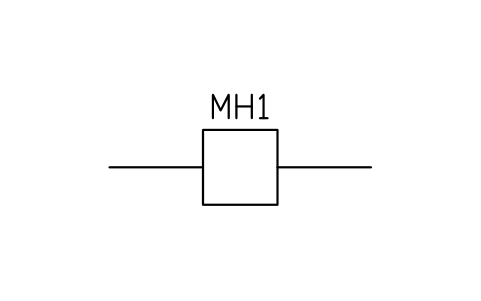
Cable manhole (chamber)
PWR_MANHOLEAttributes
TAGVOLTAGE_KVCABLE_TYPELENGTH_MRATED_CURRENT_AFROM_TOREMARKSDESC - New in 1.1
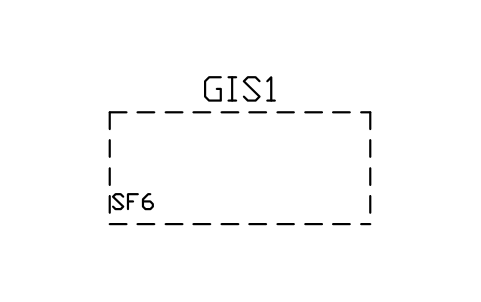
Gas-insulated enclosure
PWR_GIS_ENCLAttributes
TAGRATED_KVRATED_CURRENT_ASHORT_CIRCUIT_KABAY_NAMEMANUFACTURERMODELREMARKSDESC - New in 1.1
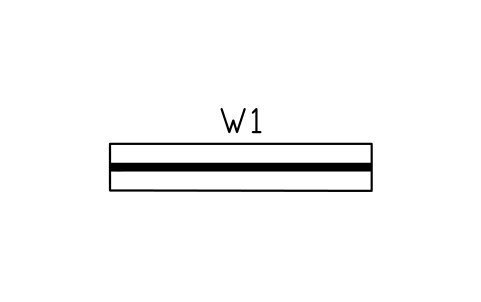
Gas-insulated busbar
PWR_GIBAttributes
TAGVOLTAGE_KVRATED_CURRENT_ACONDUCTORSHORT_CIRCUIT_KAREMARKSDESC - New in 1.1
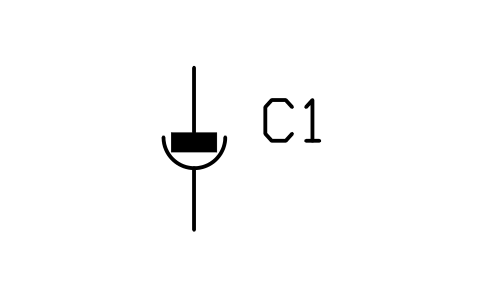
Cable separable connector
PWR_CABLE_SEPARABLEAttributes
TAGVOLTAGE_KVCABLE_TYPELENGTH_MRATED_CURRENT_AFROM_TOREMARKSDESC - New in 1.1
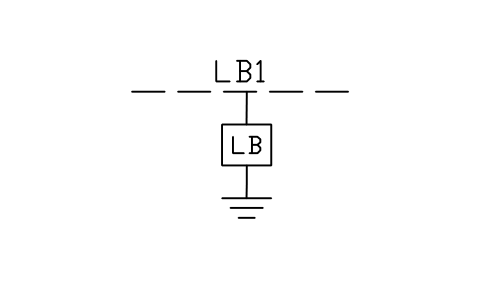
Link box (sheath bonding)
PWR_LINK_BOXAttributes
TAGVOLTAGE_KVCABLE_TYPELENGTH_MRATED_CURRENT_AFROM_TOREMARKSDESC - New in 1.1
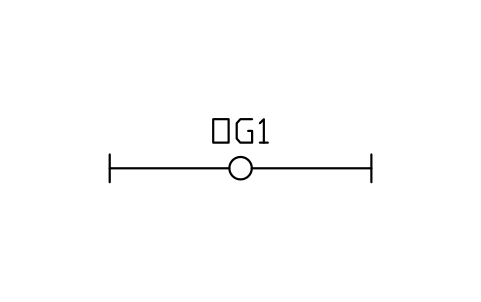
Optical ground wire (OPGW)
PWR_OPGWAttributes
TAGVOLTAGE_KVCONDUCTORLENGTH_KMRATED_CURRENT_ACIRCUITSFROM_TOREMARKSDESC - New in 1.1
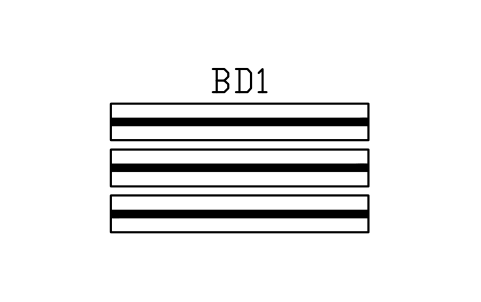
Isolated phase busduct
PWR_BUS_ISOPHASEAttributes
TAGVOLTAGE_KVRATED_CURRENT_ACONDUCTORSHORT_CIRCUIT_KAREMARKSDESC - New in 1.1
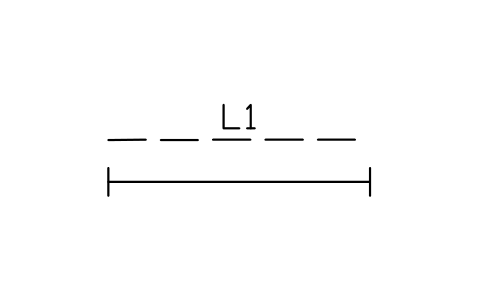
Overhead line with ground wire
PWR_OHL_GROUNDWIREAttributes
TAGVOLTAGE_KVCONDUCTORLENGTH_KMRATED_CURRENT_ACIRCUITSFROM_TOREMARKSDESC 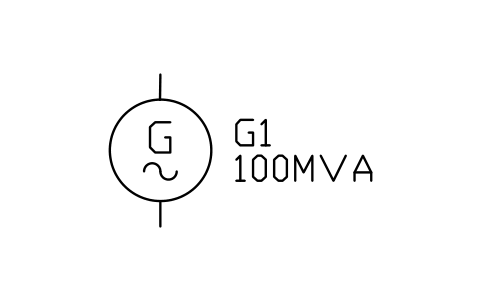
Generator, synchronous
PWR_GEN_SYNCAttributes
TAGRATING_MVAVOLTAGE_KVPOWER_FACTORSPEED_RPMEXCITATIONCOOLINGMANUFACTURERMODELREMARKSDESC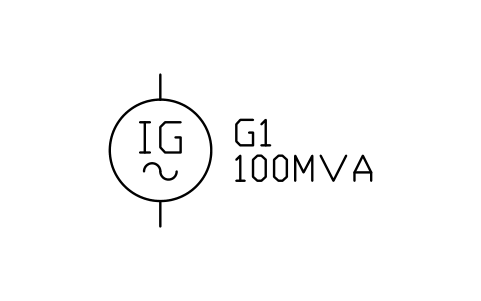
Generator, induction
PWR_GEN_ASYNCAttributes
TAGRATING_MVAVOLTAGE_KVPOWER_FACTORSPEED_RPMEXCITATIONCOOLINGMANUFACTURERMODELREMARKSDESC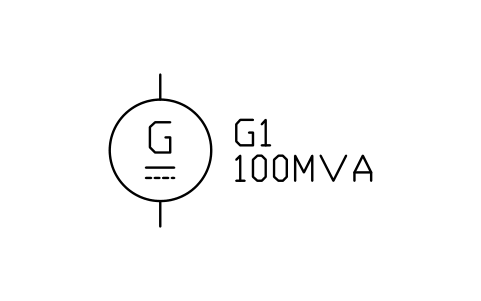
Generator, DC
PWR_GEN_DCAttributes
TAGRATING_MVAVOLTAGE_KVPOWER_FACTORSPEED_RPMEXCITATIONCOOLINGMANUFACTURERMODELREMARKSDESC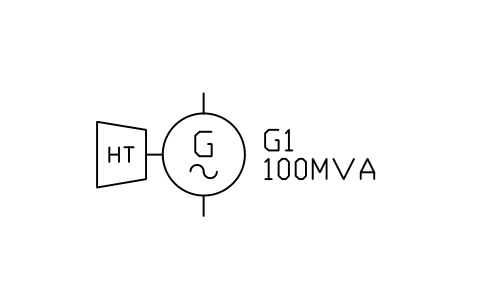
Hydro generator
PWR_GEN_HYDROAttributes
TAGRATING_MVAVOLTAGE_KVPOWER_FACTORSPEED_RPMEXCITATIONCOOLINGMANUFACTURERMODELREMARKSDESC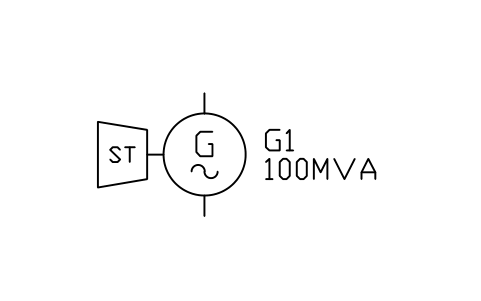
Steam turbine generator
PWR_GEN_STEAMAttributes
TAGRATING_MVAVOLTAGE_KVPOWER_FACTORSPEED_RPMEXCITATIONCOOLINGMANUFACTURERMODELREMARKSDESC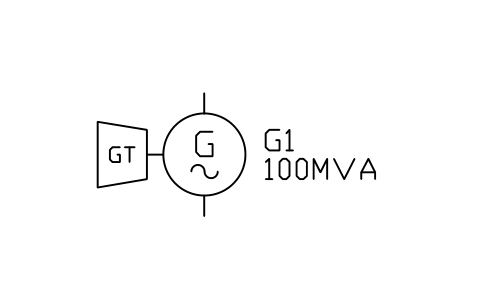
Gas turbine generator
PWR_GEN_GASAttributes
TAGRATING_MVAVOLTAGE_KVPOWER_FACTORSPEED_RPMEXCITATIONCOOLINGMANUFACTURERMODELREMARKSDESC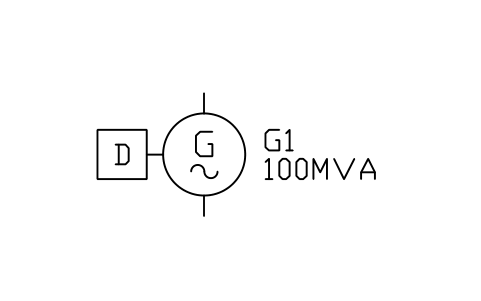
Diesel generator set
PWR_GEN_DIESELAttributes
TAGRATING_MVAVOLTAGE_KVPOWER_FACTORSPEED_RPMEXCITATIONCOOLINGMANUFACTURERMODELREMARKSDESC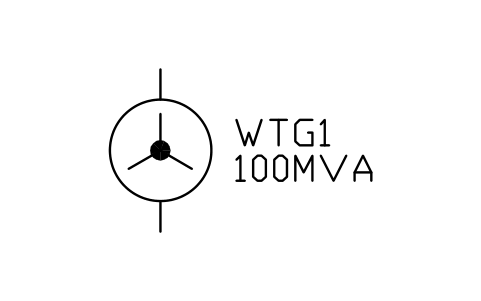
Wind turbine generator
PWR_GEN_WINDAttributes
TAGRATING_MVAVOLTAGE_KVPOWER_FACTORSPEED_RPMEXCITATIONCOOLINGMANUFACTURERMODELREMARKSDESC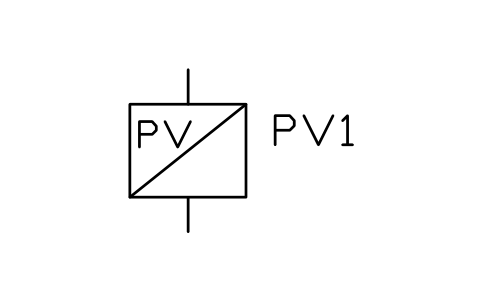
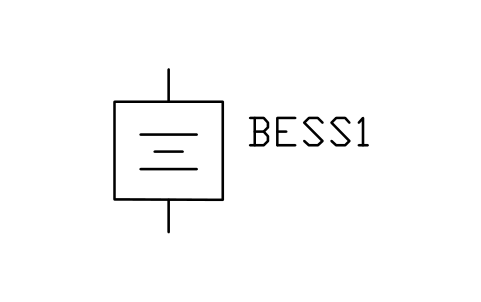
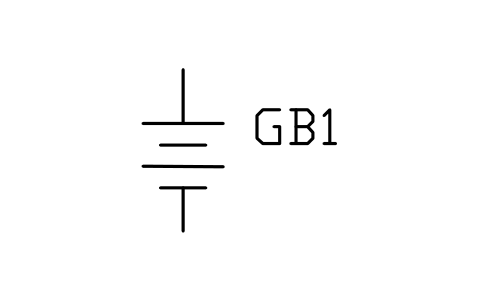
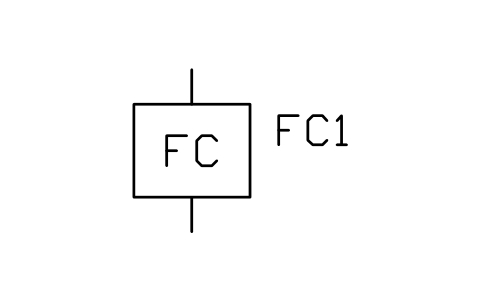
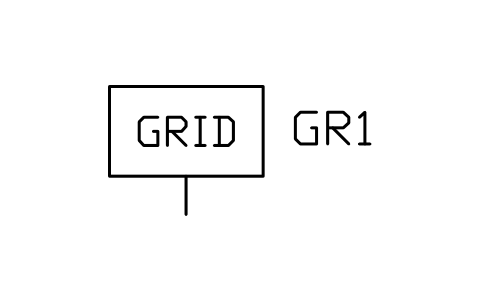
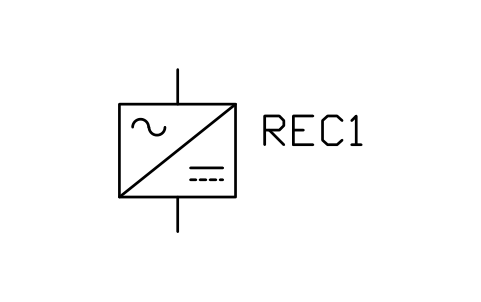
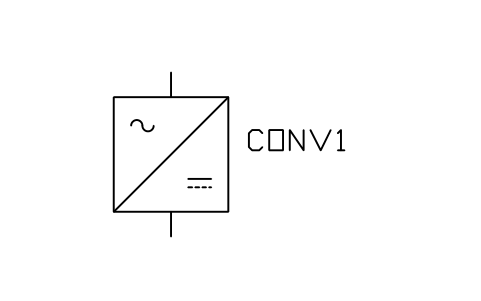
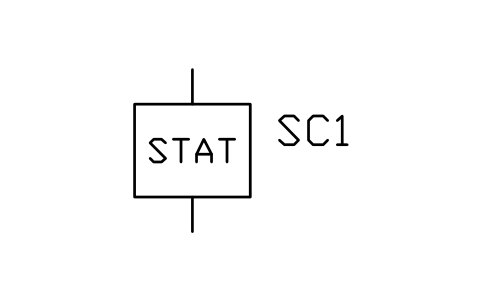
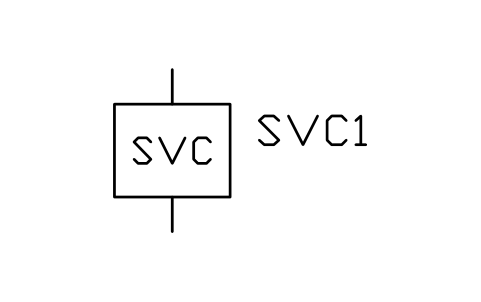
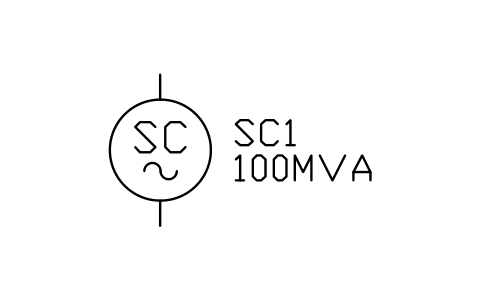
Synchronous condenser
PWR_SYNC_CONDAttributes
TAGRATING_MVAVOLTAGE_KVPOWER_FACTORSPEED_RPMEXCITATIONCOOLINGMANUFACTURERMODELREMARKSDESC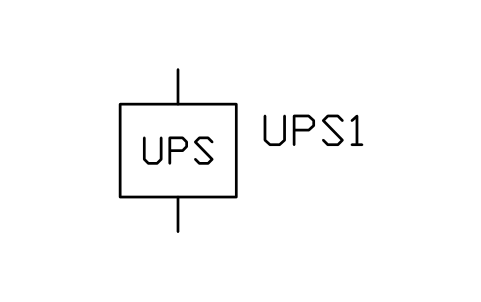
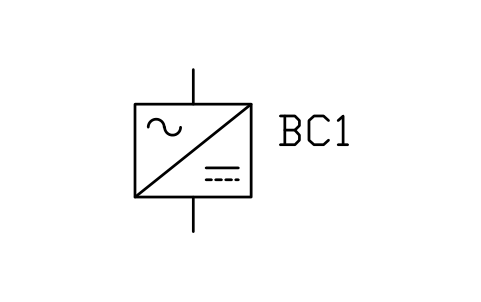
- New in 1.1
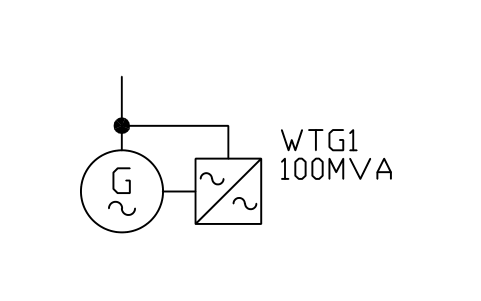
Wind generator, doubly fed (DFIG)
PWR_GEN_WIND_DFIGAttributes
TAGRATING_MVAVOLTAGE_KVPOWER_FACTORSPEED_RPMEXCITATIONCOOLINGMANUFACTURERMODELREMARKSDESC - New in 1.1
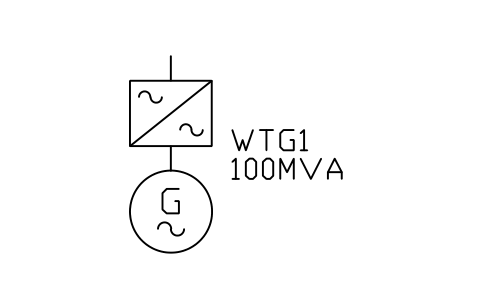
Wind generator, full converter
PWR_GEN_WIND_FCAttributes
TAGRATING_MVAVOLTAGE_KVPOWER_FACTORSPEED_RPMEXCITATIONCOOLINGMANUFACTURERMODELREMARKSDESC - New in 1.1
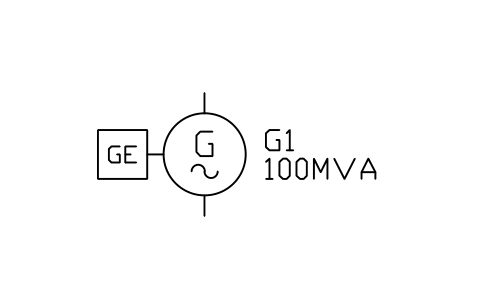
Gas engine generator set
PWR_GEN_GASENGINEAttributes
TAGRATING_MVAVOLTAGE_KVPOWER_FACTORSPEED_RPMEXCITATIONCOOLINGMANUFACTURERMODELREMARKSDESC - New in 1.1
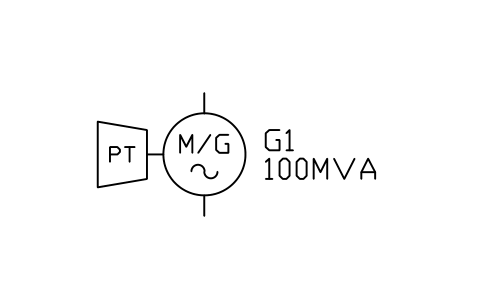
Pumped storage motor-generator
PWR_GEN_PUMPEDAttributes
TAGRATING_MVAVOLTAGE_KVPOWER_FACTORSPEED_RPMEXCITATIONCOOLINGMANUFACTURERMODELREMARKSDESC - New in 1.1
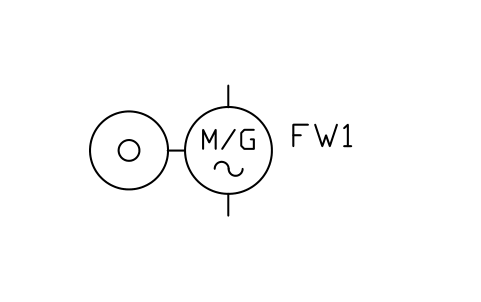
- New in 1.1
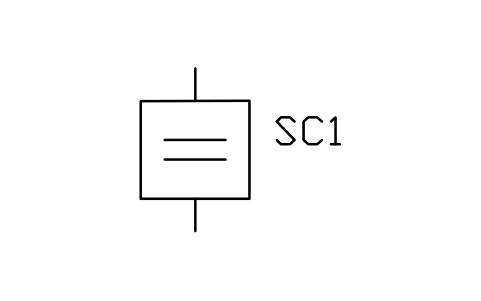
Supercapacitor energy storage
PWR_SUPERCAPAttributes
TAGRATINGVOLTAGE_KVUNITSMANUFACTURERMODELREMARKSDESC - New in 1.1
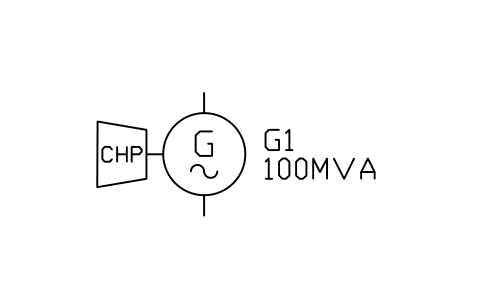
Combined heat and power set
PWR_GEN_CHPAttributes
TAGRATING_MVAVOLTAGE_KVPOWER_FACTORSPEED_RPMEXCITATIONCOOLINGMANUFACTURERMODELREMARKSDESC 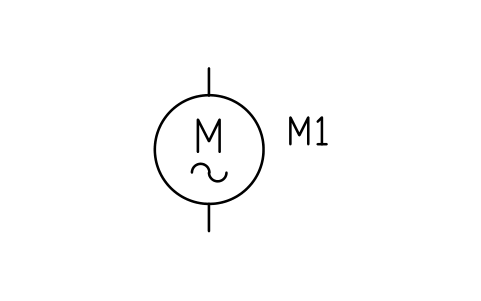
Motor, induction
PWR_MOTOR_IMAttributes
TAGPOWER_KWVOLTAGEPOWER_FACTORSTARTINGSERVICEMANUFACTURERMODELREMARKSDESC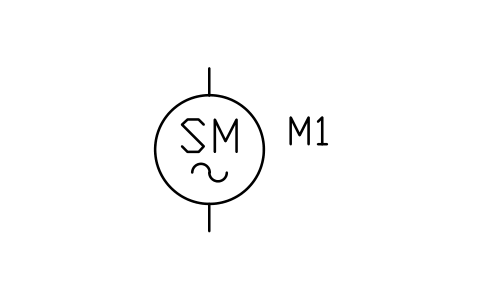
Motor, synchronous
PWR_MOTOR_SMAttributes
TAGPOWER_KWVOLTAGEPOWER_FACTORSTARTINGSERVICEMANUFACTURERMODELREMARKSDESC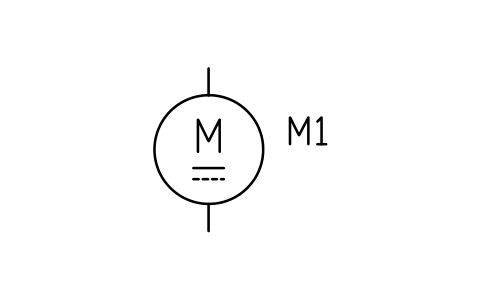
Motor, DC
PWR_MOTOR_DCAttributes
TAGPOWER_KWVOLTAGEPOWER_FACTORSTARTINGSERVICEMANUFACTURERMODELREMARKSDESC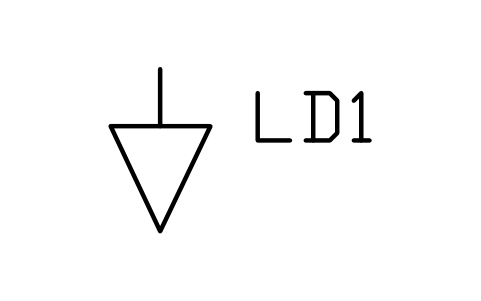
Load (static)
PWR_LOADAttributes
TAGPOWER_KWVOLTAGEPOWER_FACTORSTARTINGSERVICEMANUFACTURERMODELREMARKSDESC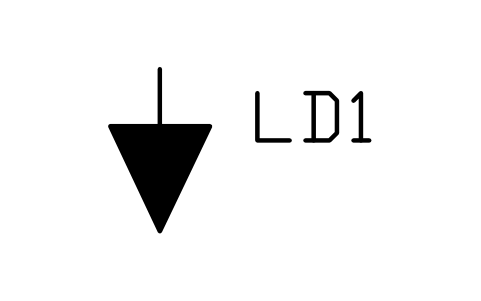
Load (static), solid
PWR_LOAD_FILLAttributes
TAGPOWER_KWVOLTAGEPOWER_FACTORSTARTINGSERVICEMANUFACTURERMODELREMARKSDESC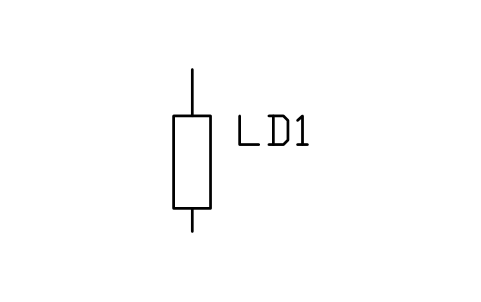
Load, resistive
PWR_LOAD_RESISTIVEAttributes
TAGPOWER_KWVOLTAGEPOWER_FACTORSTARTINGSERVICEMANUFACTURERMODELREMARKSDESC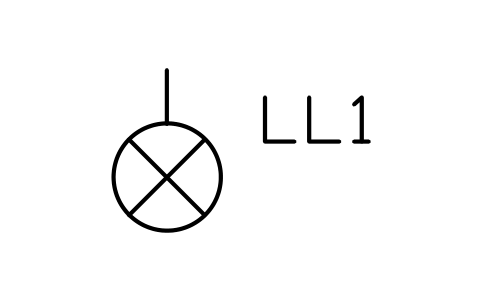
Lighting load
PWR_LOAD_LIGHTAttributes
TAGPOWER_KWVOLTAGEPOWER_FACTORSTARTINGSERVICEMANUFACTURERMODELREMARKSDESC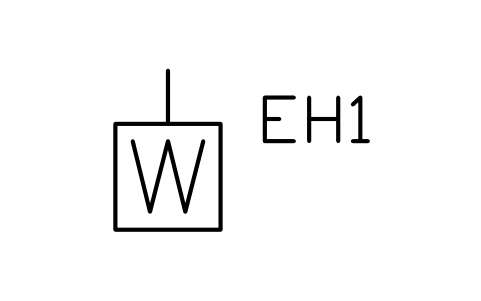
Heater
PWR_LOAD_HEATERAttributes
TAGPOWER_KWVOLTAGEPOWER_FACTORSTARTINGSERVICEMANUFACTURERMODELREMARKSDESC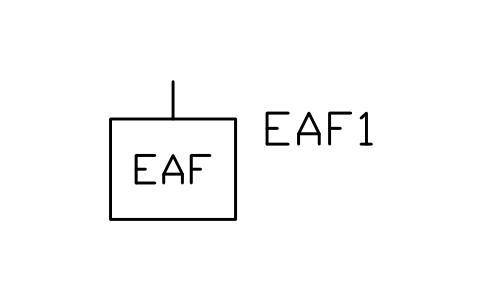
Arc furnace
PWR_LOAD_ARCAttributes
TAGPOWER_KWVOLTAGEPOWER_FACTORSTARTINGSERVICEMANUFACTURERMODELREMARKSDESC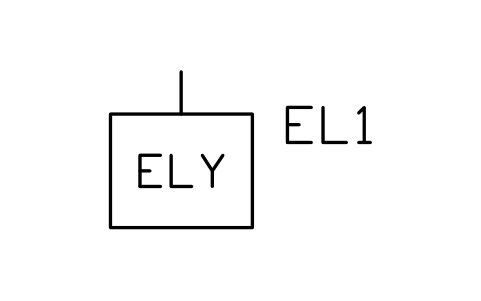
Electrolyser
PWR_LOAD_ELECTROLYSERAttributes
TAGPOWER_KWVOLTAGEPOWER_FACTORSTARTINGSERVICEMANUFACTURERMODELREMARKSDESC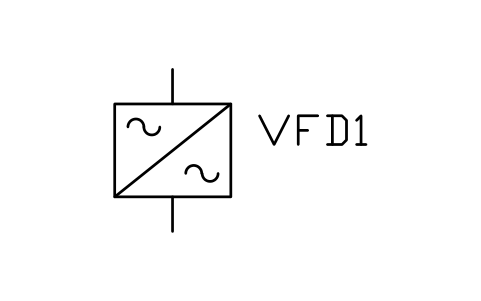
Variable frequency drive
PWR_VFDAttributes
TAGPOWER_KWVOLTAGEPOWER_FACTORSTARTINGSERVICEMANUFACTURERMODELREMARKSDESC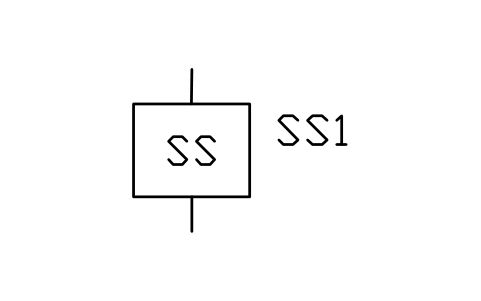
Soft starter
PWR_SOFTSTARTAttributes
TAGPOWER_KWVOLTAGEPOWER_FACTORSTARTINGSERVICEMANUFACTURERMODELREMARKSDESC- New in 1.1
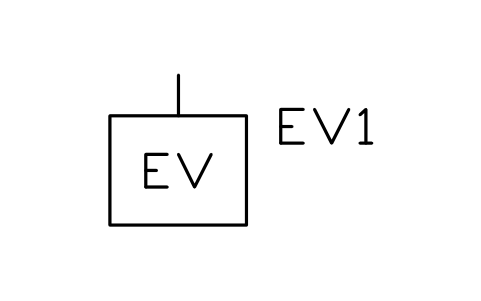
EV charger
PWR_LOAD_EVAttributes
TAGPOWER_KWVOLTAGEPOWER_FACTORSTARTINGSERVICEMANUFACTURERMODELREMARKSDESC - New in 1.1
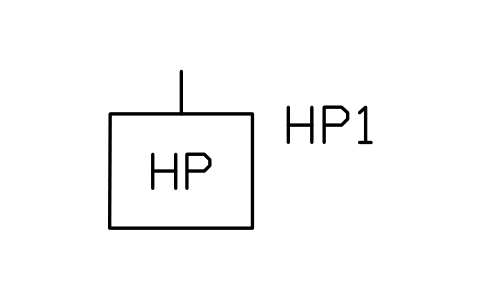
Heat pump
PWR_LOAD_HEATPUMPAttributes
TAGPOWER_KWVOLTAGEPOWER_FACTORSTARTINGSERVICEMANUFACTURERMODELREMARKSDESC - New in 1.1
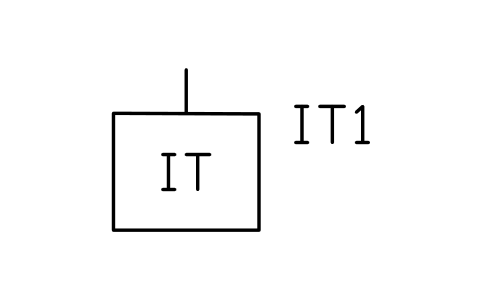
Data centre load
PWR_LOAD_DATAAttributes
TAGPOWER_KWVOLTAGEPOWER_FACTORSTARTINGSERVICEMANUFACTURERMODELREMARKSDESC - New in 1.1
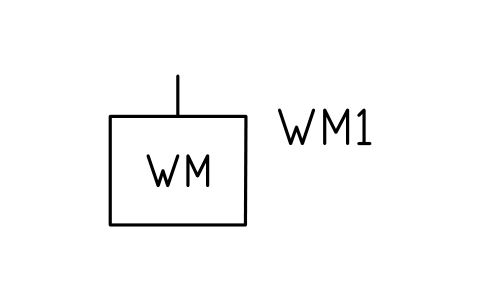
Welding machine
PWR_LOAD_WELDERAttributes
TAGPOWER_KWVOLTAGEPOWER_FACTORSTARTINGSERVICEMANUFACTURERMODELREMARKSDESC - New in 1.1
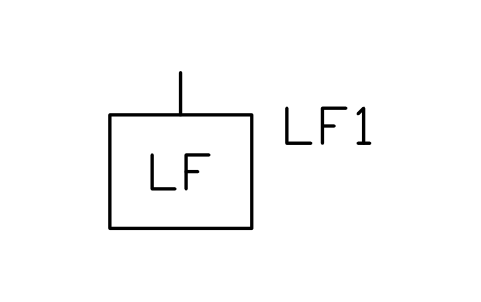
Lift / crane drive
PWR_LOAD_LIFTAttributes
TAGPOWER_KWVOLTAGEPOWER_FACTORSTARTINGSERVICEMANUFACTURERMODELREMARKSDESC - New in 1.1
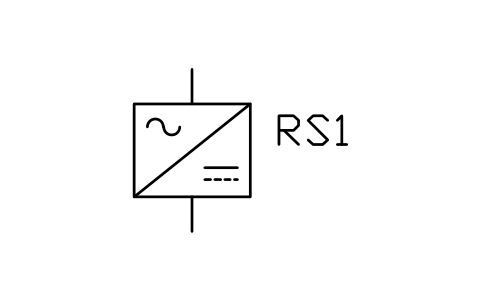
Rectifier set (electrolysis)
PWR_LOAD_RECTSETAttributes
TAGPOWER_KWVOLTAGEPOWER_FACTORSTARTINGSERVICEMANUFACTURERMODELREMARKSDESC - New in 1.1
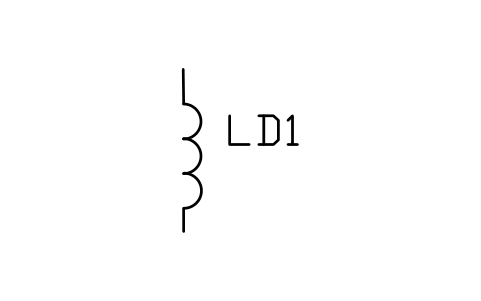
Load, inductive
PWR_LOAD_INDAttributes
TAGPOWER_KWVOLTAGEPOWER_FACTORSTARTINGSERVICEMANUFACTURERMODELREMARKSDESC - New in 1.1
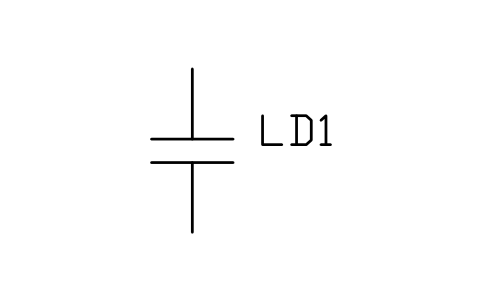
Load, capacitive
PWR_LOAD_CAPAttributes
TAGPOWER_KWVOLTAGEPOWER_FACTORSTARTINGSERVICEMANUFACTURERMODELREMARKSDESC
- Every symbol is an AutoCAD block, drawn in millimetres at 1:1 and named IEEE_GROUP_NAME; insert it at scale 1.
- Each block has two invisible attributes, DESC (the symbol name) and REMARKS (free text). All geometry is on layer SYMBOL.
- Each DWG has a CATALOG layout with all its symbols on one sheet, ready to plot to PDF, and a README.txt lists every block.
- Plain DWG files in AutoCAD 2018 format, plus a second ZIP per section in AutoCAD 2010 format. No add-in is needed.
- The 139 symbols of the free library come in the same download as their own DWG, so you have the whole set in one place.
Power system single-line Pro symbols 168
168 further symbols of this library for Pro, in the same blocks, layers and attributes as the free ones.
168 of 168 symbols
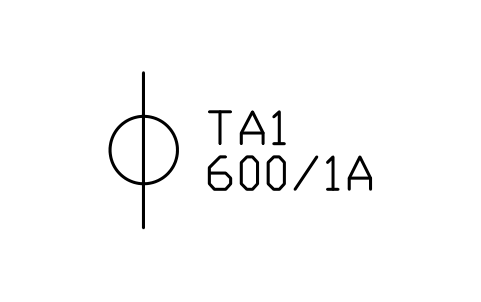
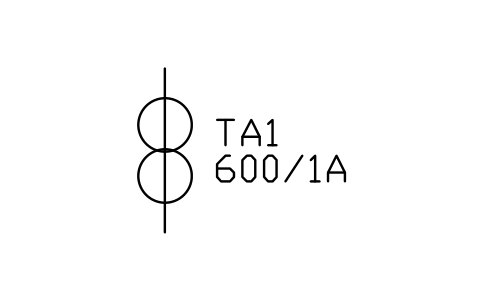
Current transformer, two cores
PWR_CT_2COREAttributes
TAGRATIOCLASSBURDEN_VACORESRATED_KVMANUFACTURERMODELREMARKSDESC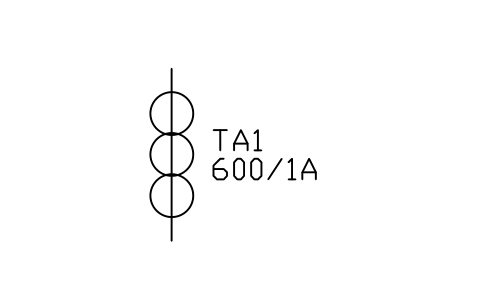
Current transformer, three cores
PWR_CT_3COREAttributes
TAGRATIOCLASSBURDEN_VACORESRATED_KVMANUFACTURERMODELREMARKSDESC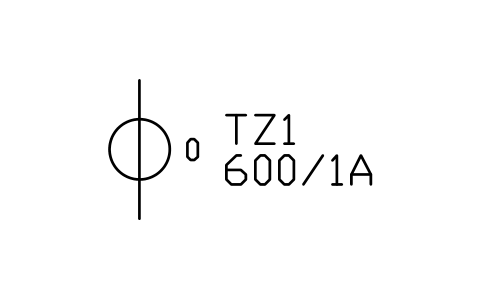
Zero-sequence CT (core balance)
PWR_CT_ZEROAttributes
TAGRATIOCLASSBURDEN_VACORESRATED_KVMANUFACTURERMODELREMARKSDESC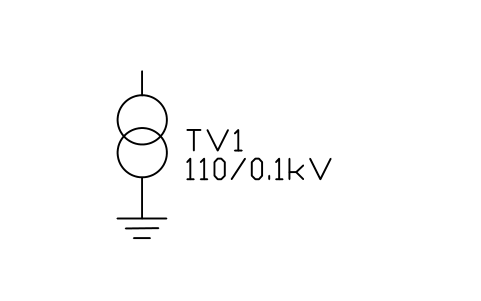
Voltage transformer
PWR_VTAttributes
TAGRATIOCLASSBURDEN_VAWINDINGSRATED_KVMANUFACTURERMODELREMARKSDESC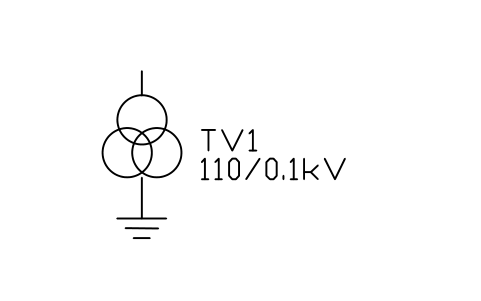
Voltage transformer, two secondaries
PWR_VT_OPENAttributes
TAGRATIOCLASSBURDEN_VAWINDINGSRATED_KVMANUFACTURERMODELREMARKSDESC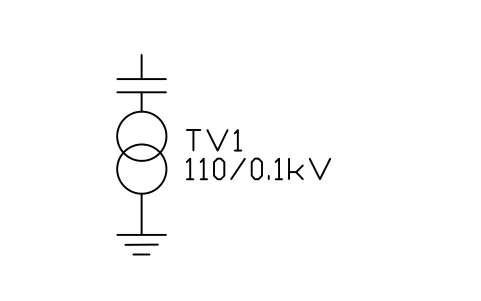
Capacitor voltage transformer
PWR_CVTAttributes
TAGRATIOCLASSBURDEN_VAWINDINGSRATED_KVMANUFACTURERMODELREMARKSDESC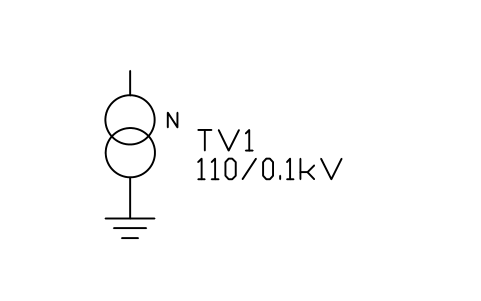
Voltage transformer, neutral earthed
PWR_VT_NEUTRALAttributes
TAGRATIOCLASSBURDEN_VAWINDINGSRATED_KVMANUFACTURERMODELREMARKSDESC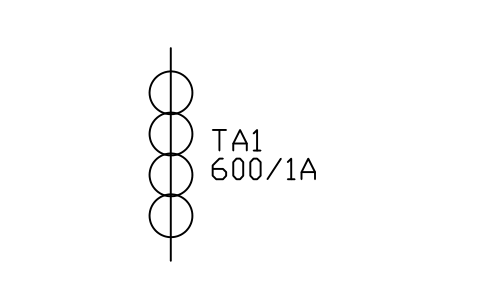
Current transformer, four cores
PWR_CT_4COREAttributes
TAGRATIOCLASSBURDEN_VACORESRATED_KVMANUFACTURERMODELREMARKSDESC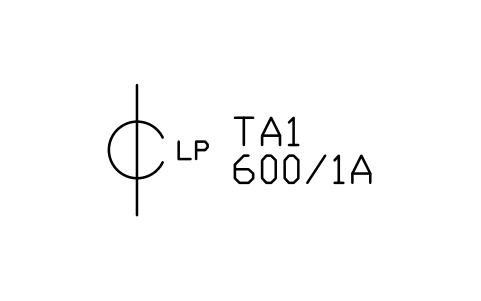
Low power current sensor (Rogowski)
PWR_CT_LPCTAttributes
TAGRATIOCLASSBURDEN_VACORESRATED_KVMANUFACTURERMODELREMARKSDESC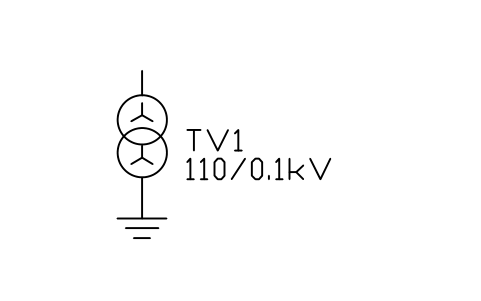
Voltage transformer, star-star
PWR_VT_YYAttributes
TAGRATIOCLASSBURDEN_VAWINDINGSRATED_KVMANUFACTURERMODELREMARKSDESC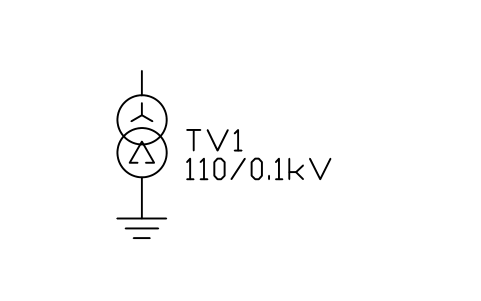
Voltage transformer, star, open delta
PWR_VT_YODAttributes
TAGRATIOCLASSBURDEN_VAWINDINGSRATED_KVMANUFACTURERMODELREMARKSDESC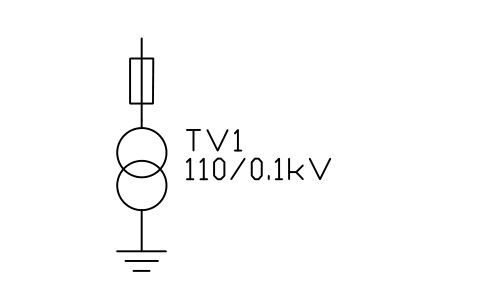
Voltage transformer with fuse
PWR_VT_FUSEDAttributes
TAGRATIOCLASSBURDEN_VAWINDINGSRATED_KVMANUFACTURERMODELREMARKSDESC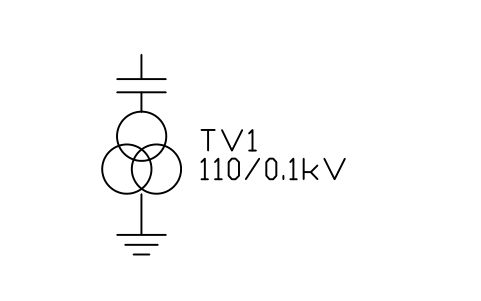
Capacitor voltage transformer, two secondaries
PWR_CVT_2SECAttributes
TAGRATIOCLASSBURDEN_VAWINDINGSRATED_KVMANUFACTURERMODELREMARKSDESC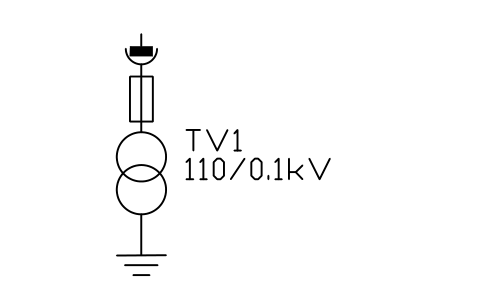
Voltage transformer, withdrawable
PWR_VT_WDAttributes
TAGRATIOCLASSBURDEN_VAWINDINGSRATED_KVMANUFACTURERMODELREMARKSDESC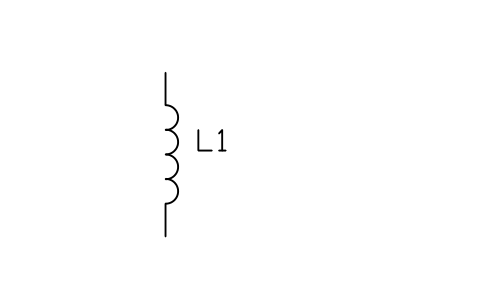
Reactor, series
PWR_REACTORAttributes
TAGRATINGRATED_KVRATED_CURRENT_ATYPEMANUFACTURERMODELREMARKSDESC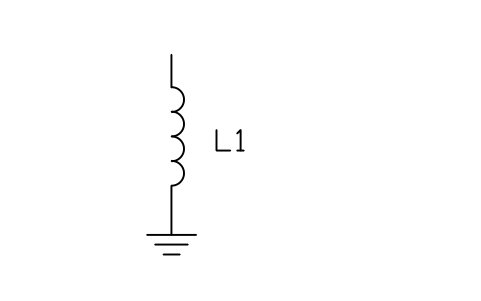
Reactor, shunt
PWR_REACTOR_SHUNTAttributes
TAGRATINGRATED_KVRATED_CURRENT_ATYPEMANUFACTURERMODELREMARKSDESC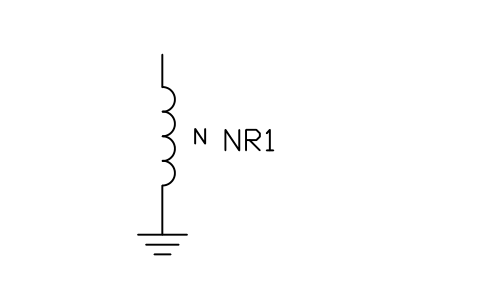
Neutral grounding reactor
PWR_REACTOR_NEUTRALAttributes
TAGRATINGRATED_KVRATED_CURRENT_ATYPEMANUFACTURERMODELREMARKSDESC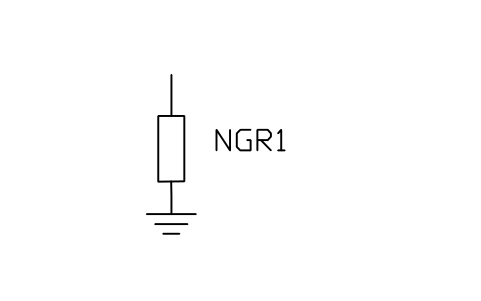
Neutral grounding resistor
PWR_NGRAttributes
TAGRATINGRATED_KVRATED_CURRENT_ATYPEMANUFACTURERMODELREMARKSDESC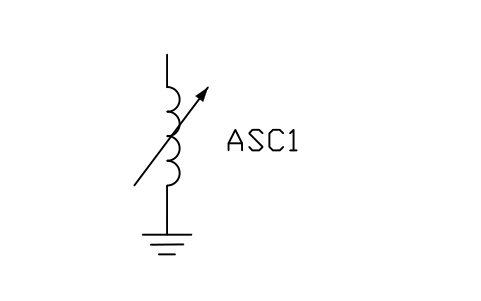
Arc suppression coil (Petersen)
PWR_PETERSENAttributes
TAGRATINGRATED_KVRATED_CURRENT_ATYPEMANUFACTURERMODELREMARKSDESC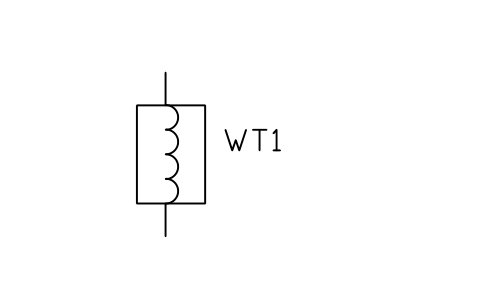
Line trap (wave trap)
PWR_WAVE_TRAPAttributes
TAGRATINGRATED_KVRATED_CURRENT_ATYPEMANUFACTURERMODELREMARKSDESC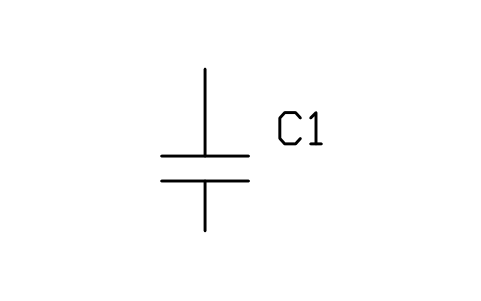
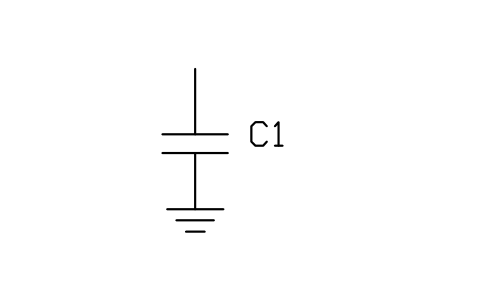
Shunt capacitor bank
PWR_CAP_SHUNTAttributes
TAGRATINGRATED_KVRATED_CURRENT_ATYPEMANUFACTURERMODELREMARKSDESC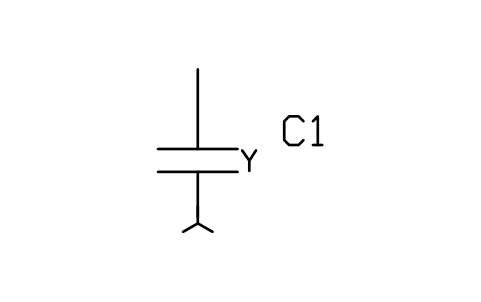
Capacitor bank, star, neutral open
PWR_CAP_SHUNT_YAttributes
TAGRATINGRATED_KVRATED_CURRENT_ATYPEMANUFACTURERMODELREMARKSDESC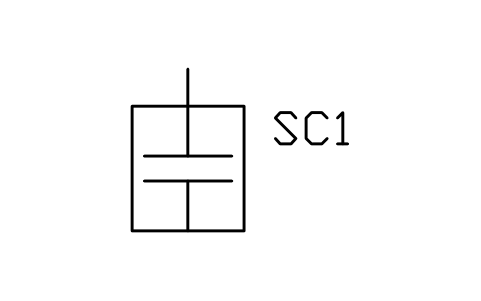
Series capacitor
PWR_CAP_SERIESAttributes
TAGRATINGRATED_KVRATED_CURRENT_ATYPEMANUFACTURERMODELREMARKSDESC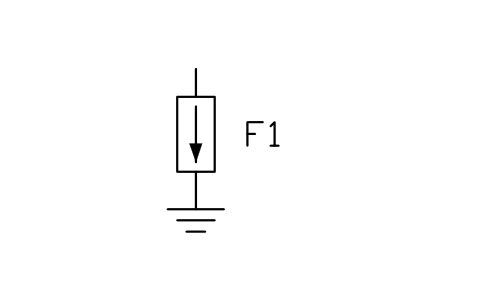
Surge arrester
PWR_ARRESTERAttributes
TAGRATED_KVMCOV_KVDISCHARGE_KAHOUSINGMANUFACTURERMODELREMARKSDESC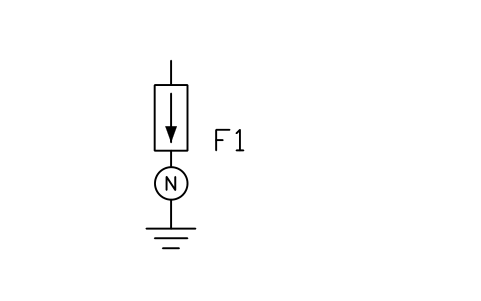
Surge arrester with counter
PWR_ARRESTER_COUNTERAttributes
TAGRATED_KVMCOV_KVDISCHARGE_KAHOUSINGMANUFACTURERMODELREMARKSDESC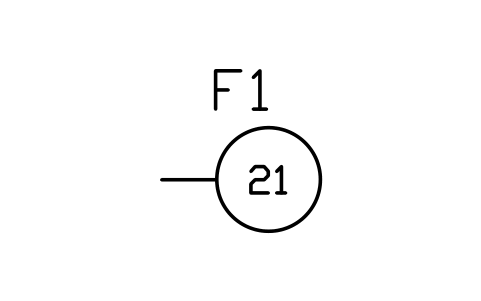
Relay, distance (21)
PWR_R_21Attributes
TAGFUNCTIONSETTINGTRIPSCT_INPUTVT_INPUTMANUFACTURERMODELREMARKSDESC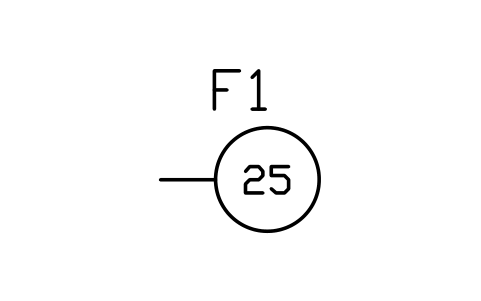
Relay, synchro-check (25)
PWR_R_25Attributes
TAGFUNCTIONSETTINGTRIPSCT_INPUTVT_INPUTMANUFACTURERMODELREMARKSDESC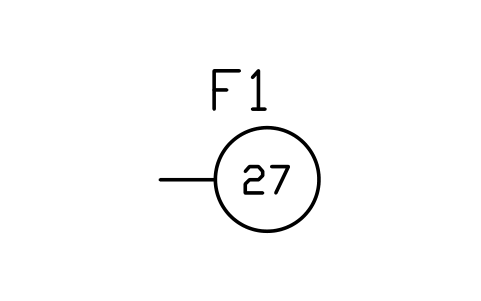
Relay, undervoltage (27)
PWR_R_27Attributes
TAGFUNCTIONSETTINGTRIPSCT_INPUTVT_INPUTMANUFACTURERMODELREMARKSDESC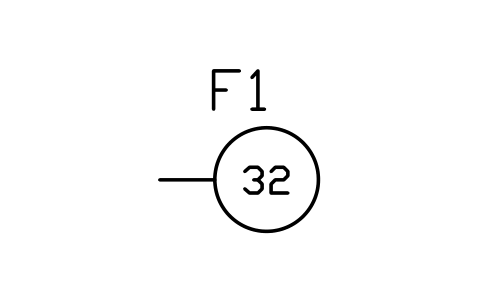
Relay, directional power (32)
PWR_R_32Attributes
TAGFUNCTIONSETTINGTRIPSCT_INPUTVT_INPUTMANUFACTURERMODELREMARKSDESC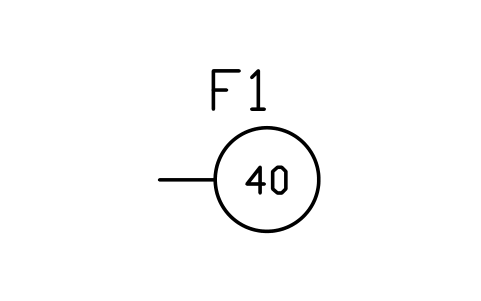
Relay, loss of field (40)
PWR_R_40Attributes
TAGFUNCTIONSETTINGTRIPSCT_INPUTVT_INPUTMANUFACTURERMODELREMARKSDESC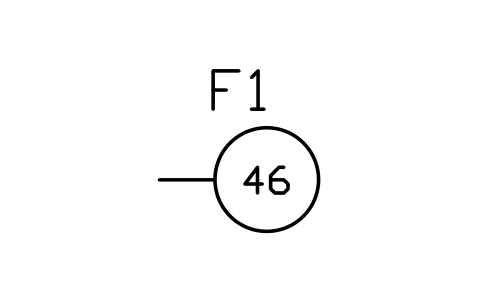
Relay, negative sequence (46)
PWR_R_46Attributes
TAGFUNCTIONSETTINGTRIPSCT_INPUTVT_INPUTMANUFACTURERMODELREMARKSDESC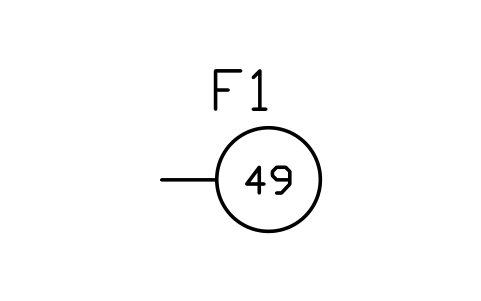
Relay, thermal (49)
PWR_R_49Attributes
TAGFUNCTIONSETTINGTRIPSCT_INPUTVT_INPUTMANUFACTURERMODELREMARKSDESC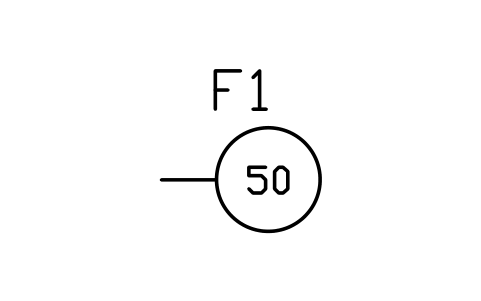
Relay, instantaneous overcurrent (50)
PWR_R_50Attributes
TAGFUNCTIONSETTINGTRIPSCT_INPUTVT_INPUTMANUFACTURERMODELREMARKSDESC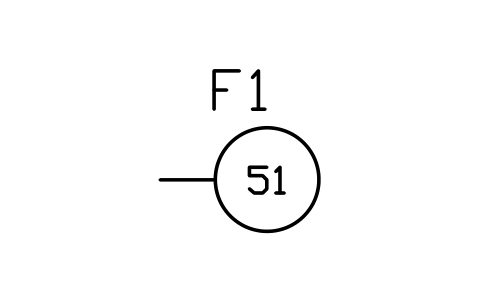
Relay, time overcurrent (51)
PWR_R_51Attributes
TAGFUNCTIONSETTINGTRIPSCT_INPUTVT_INPUTMANUFACTURERMODELREMARKSDESC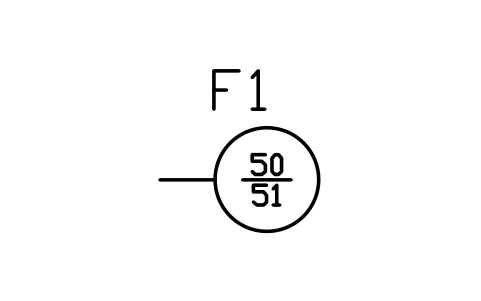
Relay, overcurrent (50/51)
PWR_R_5051Attributes
TAGFUNCTIONSETTINGTRIPSCT_INPUTVT_INPUTMANUFACTURERMODELREMARKSDESC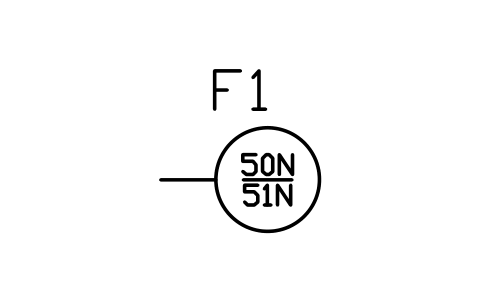
Relay, earth overcurrent (50N/51N)
PWR_R_5051NAttributes
TAGFUNCTIONSETTINGTRIPSCT_INPUTVT_INPUTMANUFACTURERMODELREMARKSDESC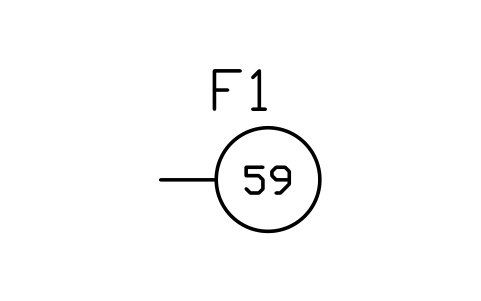
Relay, overvoltage (59)
PWR_R_59Attributes
TAGFUNCTIONSETTINGTRIPSCT_INPUTVT_INPUTMANUFACTURERMODELREMARKSDESC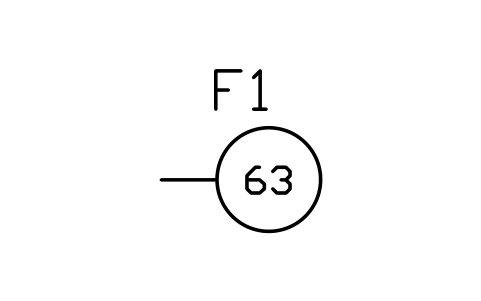
Relay, gas / pressure (63)
PWR_R_63Attributes
TAGFUNCTIONSETTINGTRIPSCT_INPUTVT_INPUTMANUFACTURERMODELREMARKSDESC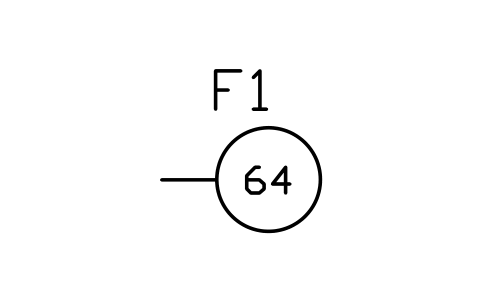
Relay, earth fault (64)
PWR_R_64Attributes
TAGFUNCTIONSETTINGTRIPSCT_INPUTVT_INPUTMANUFACTURERMODELREMARKSDESC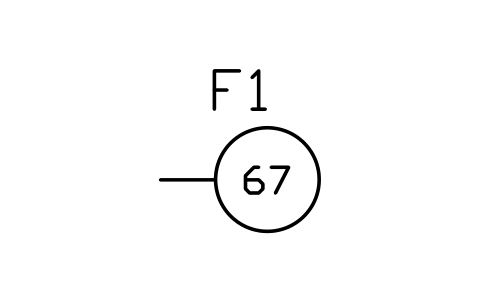
Relay, directional overcurrent (67)
PWR_R_67Attributes
TAGFUNCTIONSETTINGTRIPSCT_INPUTVT_INPUTMANUFACTURERMODELREMARKSDESC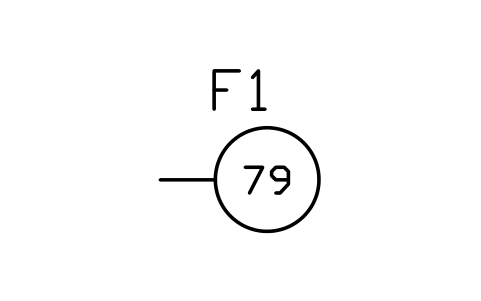
Relay, auto-reclosing (79)
PWR_R_79Attributes
TAGFUNCTIONSETTINGTRIPSCT_INPUTVT_INPUTMANUFACTURERMODELREMARKSDESC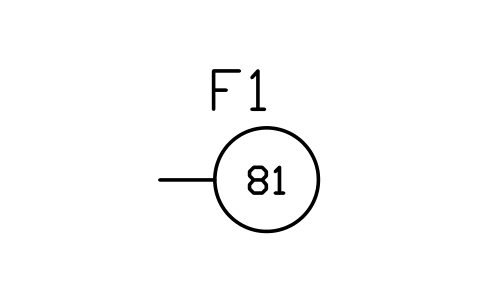
Relay, frequency (81)
PWR_R_81Attributes
TAGFUNCTIONSETTINGTRIPSCT_INPUTVT_INPUTMANUFACTURERMODELREMARKSDESC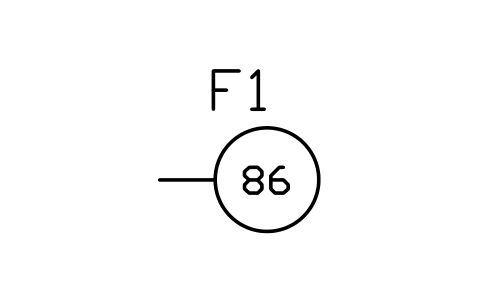
Relay, lockout (86)
PWR_R_86Attributes
TAGFUNCTIONSETTINGTRIPSCT_INPUTVT_INPUTMANUFACTURERMODELREMARKSDESC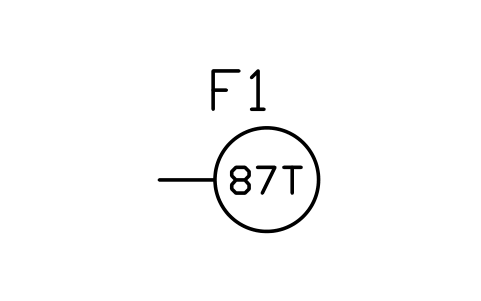
Relay, transformer differential (87T)
PWR_R_87TAttributes
TAGFUNCTIONSETTINGTRIPSCT_INPUTVT_INPUTMANUFACTURERMODELREMARKSDESC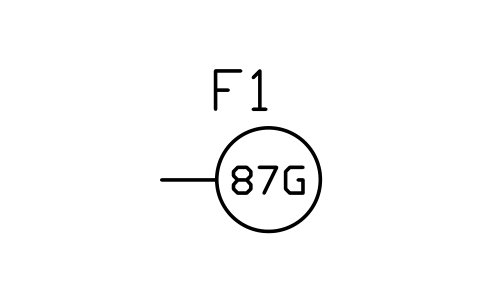
Relay, generator differential (87G)
PWR_R_87GAttributes
TAGFUNCTIONSETTINGTRIPSCT_INPUTVT_INPUTMANUFACTURERMODELREMARKSDESC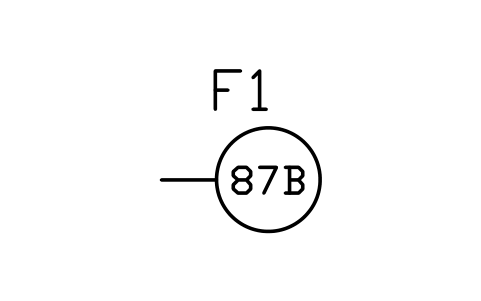
Relay, busbar differential (87B)
PWR_R_87BAttributes
TAGFUNCTIONSETTINGTRIPSCT_INPUTVT_INPUTMANUFACTURERMODELREMARKSDESC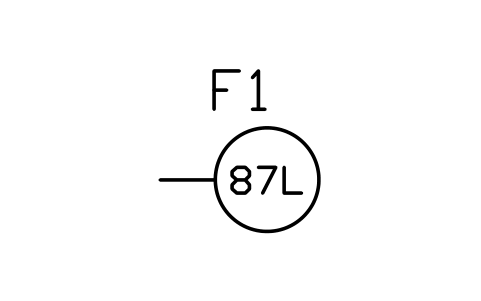
Relay, line differential (87L)
PWR_R_87LAttributes
TAGFUNCTIONSETTINGTRIPSCT_INPUTVT_INPUTMANUFACTURERMODELREMARKSDESC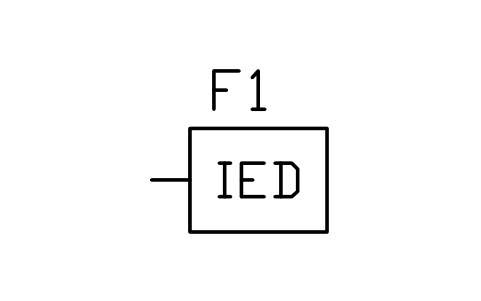
Protection relay, multifunction
PWR_R_GENERICAttributes
TAGFUNCTIONSETTINGTRIPSCT_INPUTVT_INPUTMANUFACTURERMODELREMARKSDESC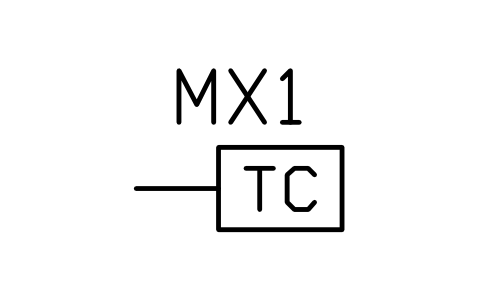
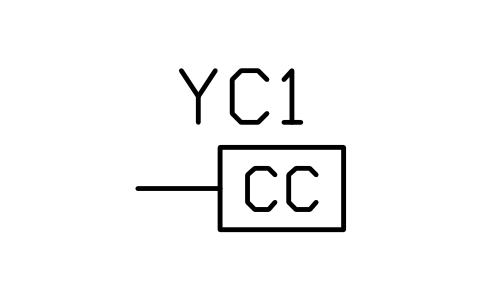
Closing coil
PWR_R_CLOSEAttributes
TAGFUNCTIONSETTINGTRIPSCT_INPUTVT_INPUTMANUFACTURERMODELREMARKSDESC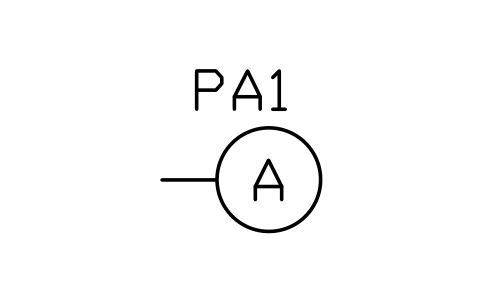
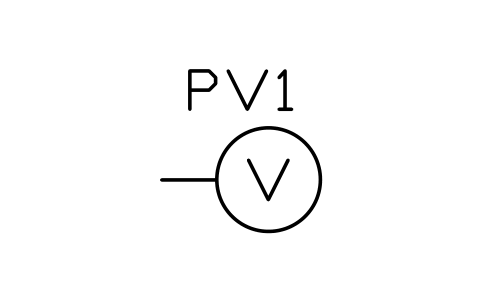
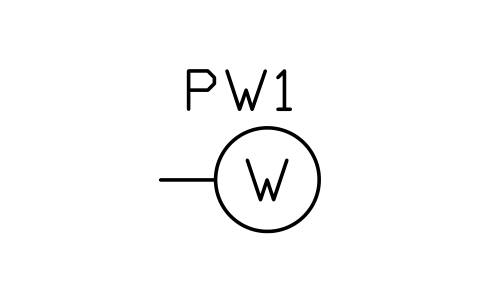
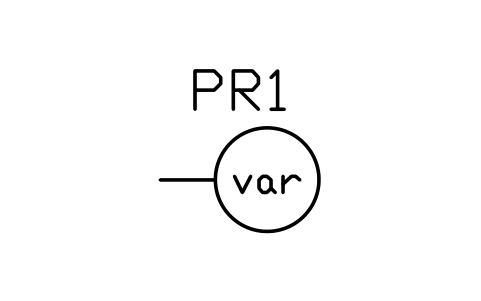
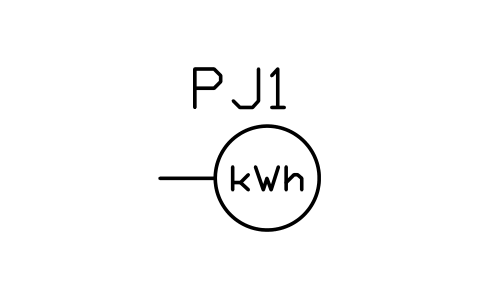
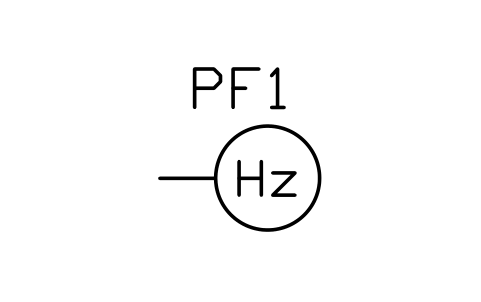
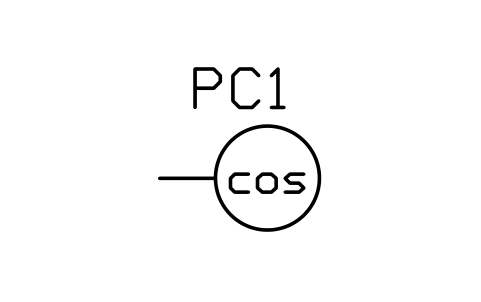
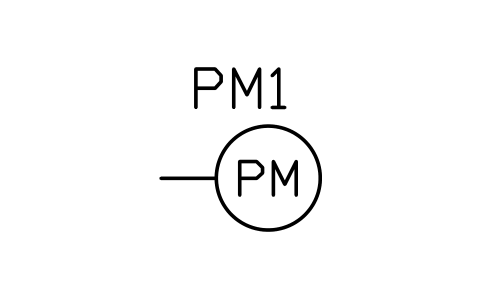
Power meter, multifunction
PWR_M_PMAttributes
TAGRANGEACCURACY_CLASSINPUTOUTPUTMANUFACTURERMODELREMARKSDESC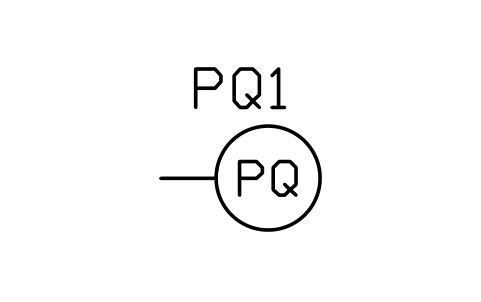
Power quality analyser
PWR_M_PQAttributes
TAGRANGEACCURACY_CLASSINPUTOUTPUTMANUFACTURERMODELREMARKSDESC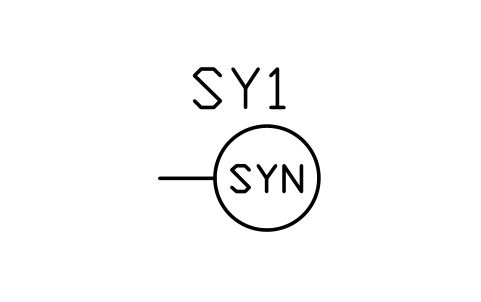
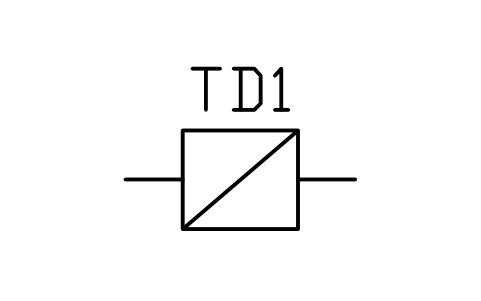
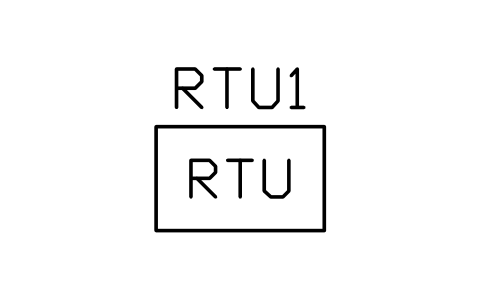
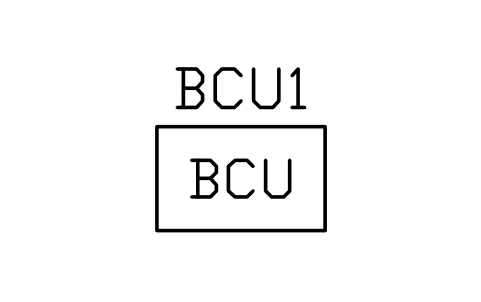
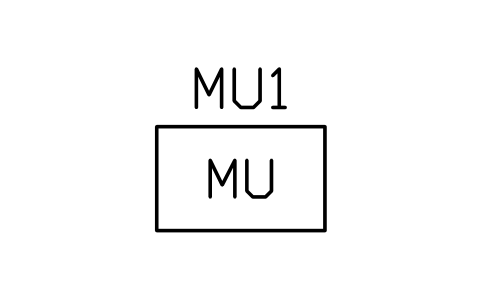
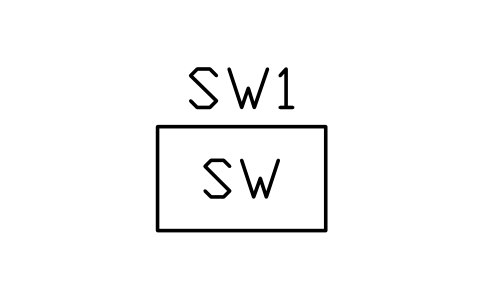
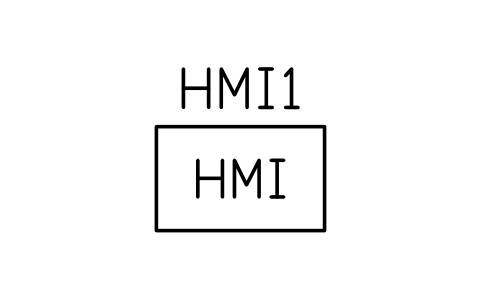
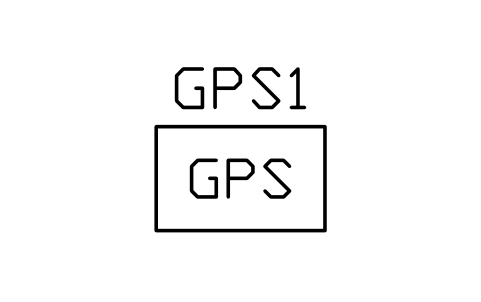
Time source (GPS clock)
PWR_C_GPSAttributes
TAGFUNCTIONSUPPLYCOMMUNICATIONMANUFACTURERMODELREMARKSDESC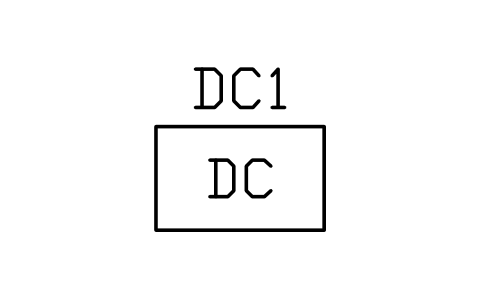
DC supply (battery and charger)
PWR_C_DCSUPPLYAttributes
TAGFUNCTIONSUPPLYCOMMUNICATIONMANUFACTURERMODELREMARKSDESC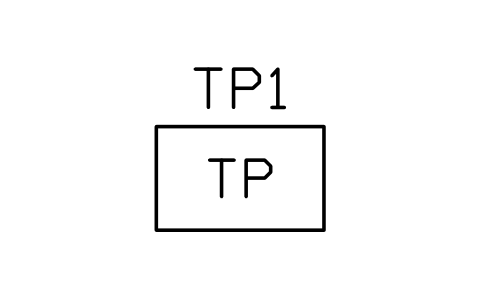
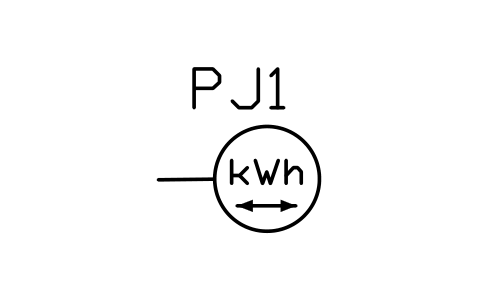
Energy meter, import / export
PWR_M_WH_BIAttributes
TAGRANGEACCURACY_CLASSINPUTOUTPUTMANUFACTURERMODELREMARKSDESC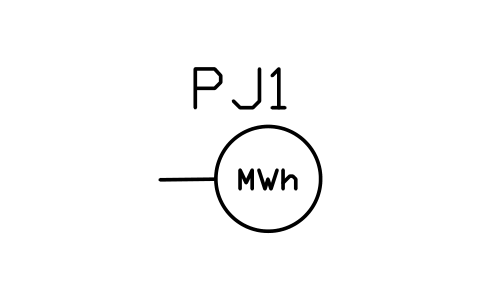
Energy meter, revenue (MWh)
PWR_M_MWHAttributes
TAGRANGEACCURACY_CLASSINPUTOUTPUTMANUFACTURERMODELREMARKSDESC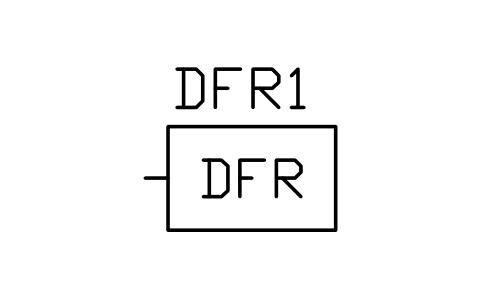
Disturbance fault recorder
PWR_C_DFRAttributes
TAGFUNCTIONSUPPLYCOMMUNICATIONMANUFACTURERMODELREMARKSDESC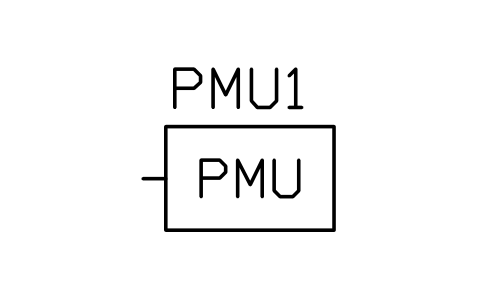
Phasor measurement unit
PWR_C_PMUAttributes
TAGFUNCTIONSUPPLYCOMMUNICATIONMANUFACTURERMODELREMARKSDESC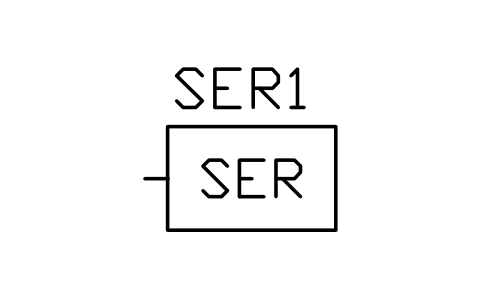
Sequence of events recorder
PWR_C_SERAttributes
TAGFUNCTIONSUPPLYCOMMUNICATIONMANUFACTURERMODELREMARKSDESC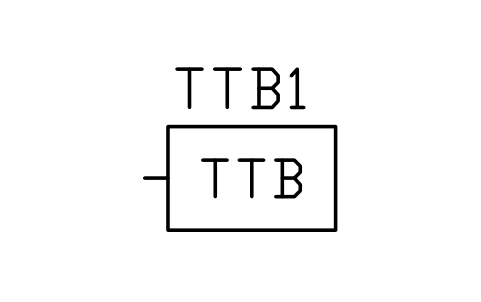
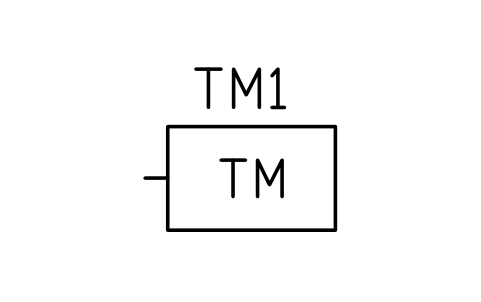
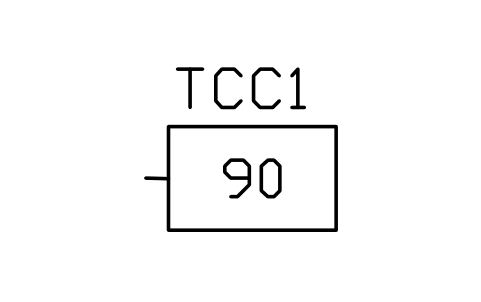
Tap changer controller (90)
PWR_C_TAPCTRLAttributes
TAGFUNCTIONSUPPLYCOMMUNICATIONMANUFACTURERMODELREMARKSDESC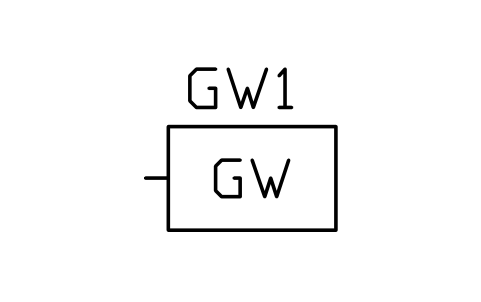
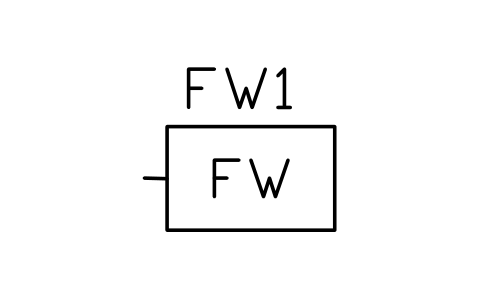
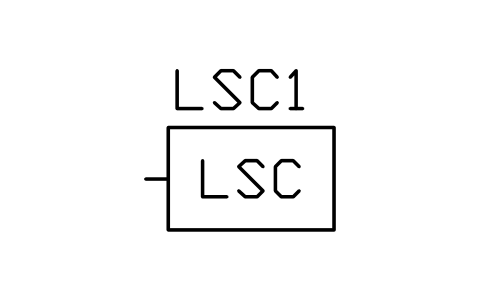
Load shedding controller
PWR_C_LSCAttributes
TAGFUNCTIONSUPPLYCOMMUNICATIONMANUFACTURERMODELREMARKSDESC
DC distribution board
PWR_C_DCBOARDAttributes
TAGFUNCTIONSUPPLYCOMMUNICATIONMANUFACTURERMODELREMARKSDESC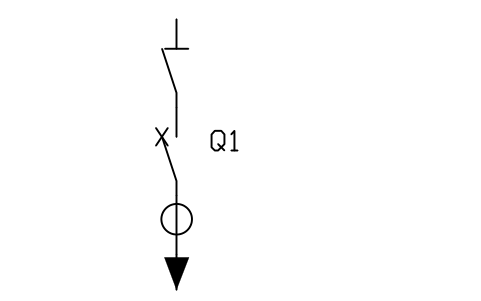
Feeder bay: disconnector, breaker, CT
PWR_BAY_FEEDERAttributes
TAGRATED_KVRATED_CURRENT_ASHORT_CIRCUIT_KABAY_NAMEMANUFACTURERMODELREMARKSDESC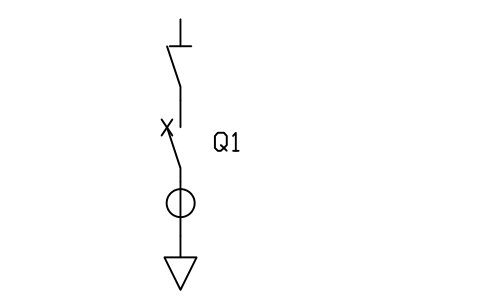
Incomer bay: disconnector, breaker, CT
PWR_BAY_INCOMERAttributes
TAGRATED_KVRATED_CURRENT_ASHORT_CIRCUIT_KABAY_NAMEMANUFACTURERMODELREMARKSDESC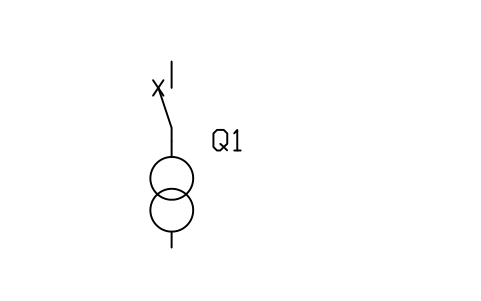
Transformer bay: breaker and transformer
PWR_BAY_TXAttributes
TAGRATED_KVRATED_CURRENT_ASHORT_CIRCUIT_KABAY_NAMEMANUFACTURERMODELREMARKSDESC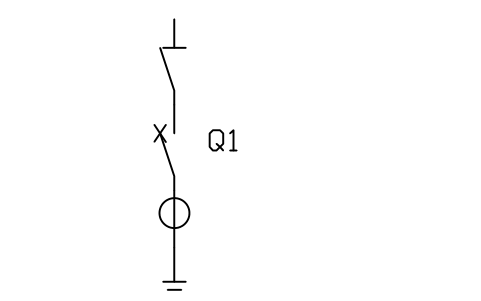
Line bay: disconnector, breaker, CT
PWR_BAY_LINEAttributes
TAGRATED_KVRATED_CURRENT_ASHORT_CIRCUIT_KABAY_NAMEMANUFACTURERMODELREMARKSDESC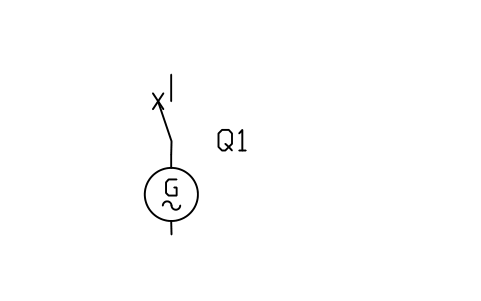
Generator bay: breaker and generator
PWR_BAY_GENAttributes
TAGRATED_KVRATED_CURRENT_ASHORT_CIRCUIT_KABAY_NAMEMANUFACTURERMODELREMARKSDESC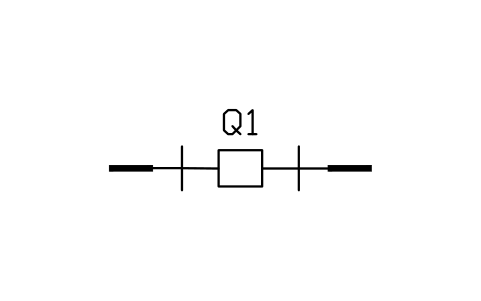
Bus section: disconnectors and breaker
PWR_BAY_TIEAttributes
TAGRATED_KVRATED_CURRENT_ASHORT_CIRCUIT_KABAY_NAMEMANUFACTURERMODELREMARKSDESC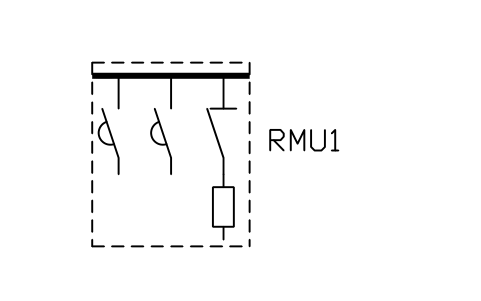
Ring main unit (3-way)
PWR_RMUAttributes
TAGRATED_KVRATED_CURRENT_ASHORT_CIRCUIT_KABAY_NAMEMANUFACTURERMODELREMARKSDESC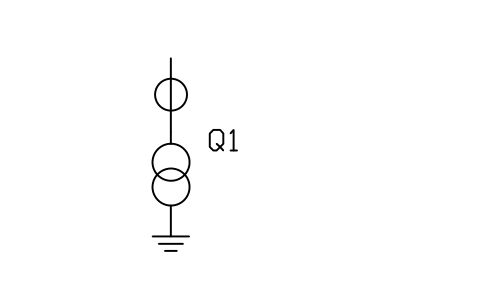
Metering cubicle: VT and CT
PWR_BAY_METERINGAttributes
TAGRATED_KVRATED_CURRENT_ASHORT_CIRCUIT_KABAY_NAMEMANUFACTURERMODELREMARKSDESC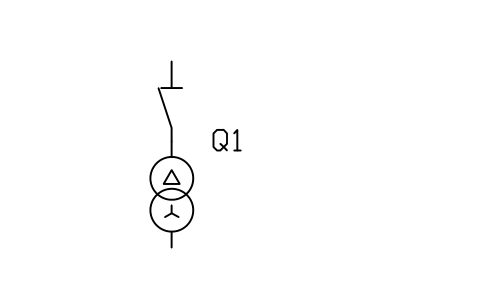
Station auxiliary bay
PWR_BAY_SSAttributes
TAGRATED_KVRATED_CURRENT_ASHORT_CIRCUIT_KABAY_NAMEMANUFACTURERMODELREMARKSDESC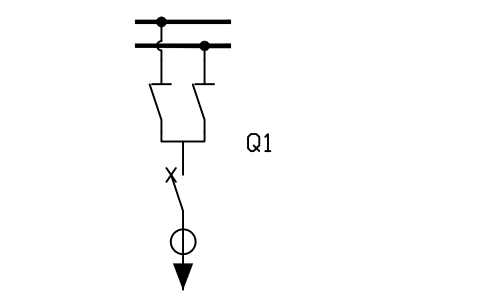
Double busbar feeder bay
PWR_BAY_DB_FEEDERAttributes
TAGRATED_KVRATED_CURRENT_ASHORT_CIRCUIT_KABAY_NAMEMANUFACTURERMODELREMARKSDESC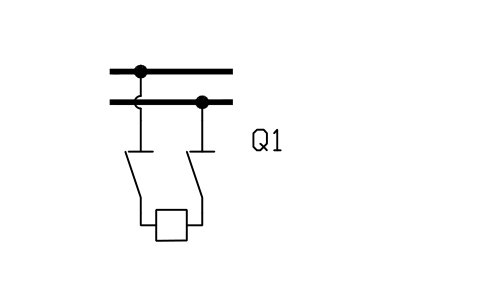
Double busbar coupler bay
PWR_BAY_DB_COUPLERAttributes
TAGRATED_KVRATED_CURRENT_ASHORT_CIRCUIT_KABAY_NAMEMANUFACTURERMODELREMARKSDESC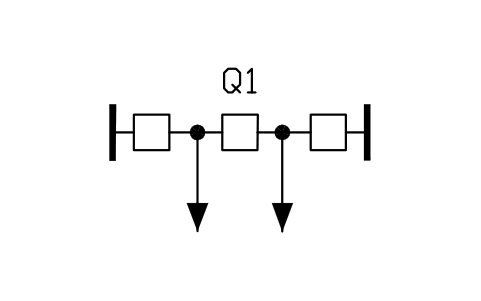
One-and-a-half breaker diameter
PWR_BAY_ONE_HALFAttributes
TAGRATED_KVRATED_CURRENT_ASHORT_CIRCUIT_KABAY_NAMEMANUFACTURERMODELREMARKSDESC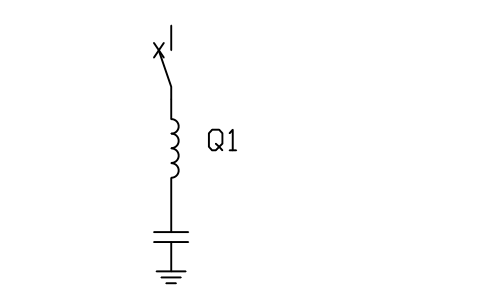
Capacitor bay: breaker, reactor, bank
PWR_BAY_CAPAttributes
TAGRATED_KVRATED_CURRENT_ASHORT_CIRCUIT_KABAY_NAMEMANUFACTURERMODELREMARKSDESC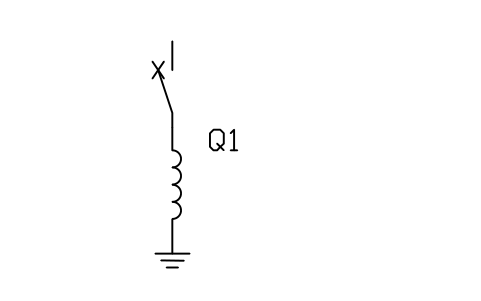
Reactor bay: breaker and shunt reactor
PWR_BAY_REACTORAttributes
TAGRATED_KVRATED_CURRENT_ASHORT_CIRCUIT_KABAY_NAMEMANUFACTURERMODELREMARKSDESC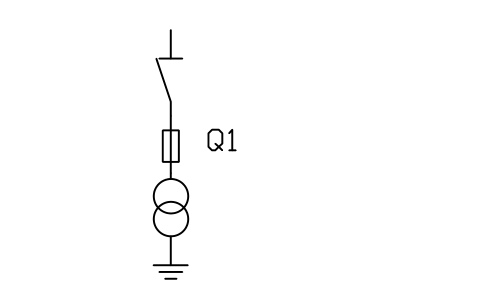
Voltage transformer bay: fuse and VT
PWR_BAY_VTAttributes
TAGRATED_KVRATED_CURRENT_ASHORT_CIRCUIT_KABAY_NAMEMANUFACTURERMODELREMARKSDESC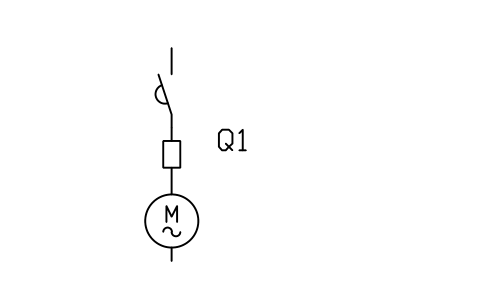
Motor feeder bay: contactor, fuse, motor
PWR_BAY_MOTORAttributes
TAGRATED_KVRATED_CURRENT_ASHORT_CIRCUIT_KABAY_NAMEMANUFACTURERMODELREMARKSDESC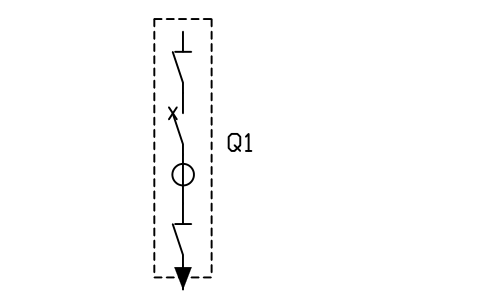
GIS feeder bay: gas-insulated
PWR_BAY_GIS_FEEDERAttributes
TAGRATED_KVRATED_CURRENT_ASHORT_CIRCUIT_KABAY_NAMEMANUFACTURERMODELREMARKSDESC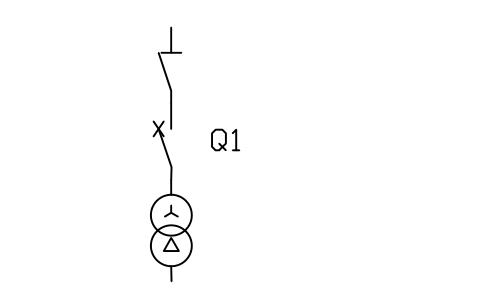
Transformer feeder: disconnector, breaker, TX
PWR_BAY_TX_FEEDERAttributes
TAGRATED_KVRATED_CURRENT_ASHORT_CIRCUIT_KABAY_NAMEMANUFACTURERMODELREMARKSDESC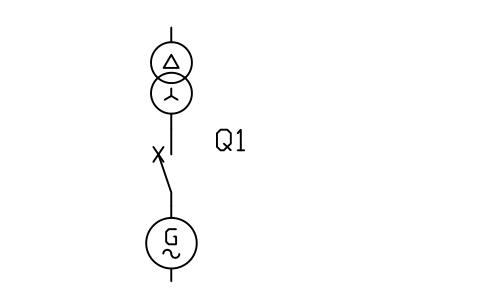
Generator unit: transformer, GCB, generator
PWR_BAY_GEN_UNITAttributes
TAGRATED_KVRATED_CURRENT_ASHORT_CIRCUIT_KABAY_NAMEMANUFACTURERMODELREMARKSDESC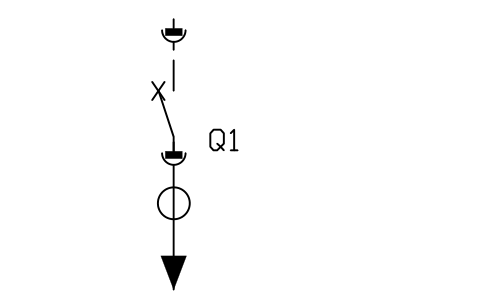
MV panel: withdrawable breaker, CT, cable
PWR_BAY_MV_PANELAttributes
TAGRATED_KVRATED_CURRENT_ASHORT_CIRCUIT_KABAY_NAMEMANUFACTURERMODELREMARKSDESC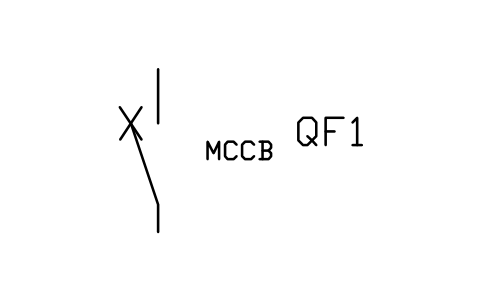
Moulded case circuit breaker
PWR_LV_MCCBAttributes
TAGRATED_CURRENT_AVOLTAGEBREAKING_KATRIP_UNITPOLESMANUFACTURERMODELREMARKSDESC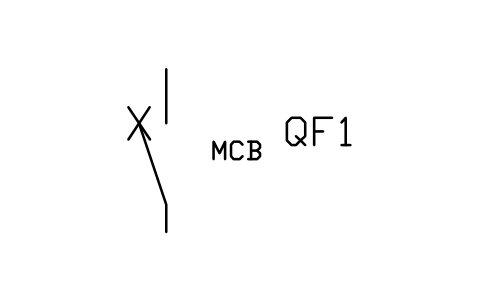
Miniature circuit breaker
PWR_LV_MCBAttributes
TAGRATED_CURRENT_AVOLTAGEBREAKING_KATRIP_UNITPOLESMANUFACTURERMODELREMARKSDESC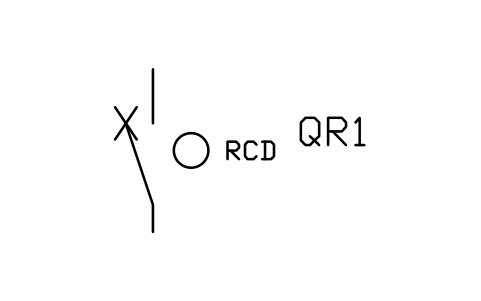
Residual current device
PWR_LV_RCDAttributes
TAGRATED_CURRENT_AVOLTAGEBREAKING_KATRIP_UNITPOLESMANUFACTURERMODELREMARKSDESC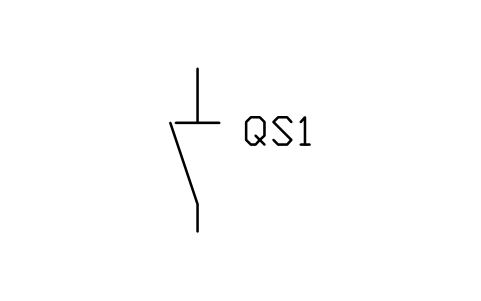
Isolating switch
PWR_LV_ISOLATORAttributes
TAGRATED_CURRENT_AVOLTAGEBREAKING_KATRIP_UNITPOLESMANUFACTURERMODELREMARKSDESC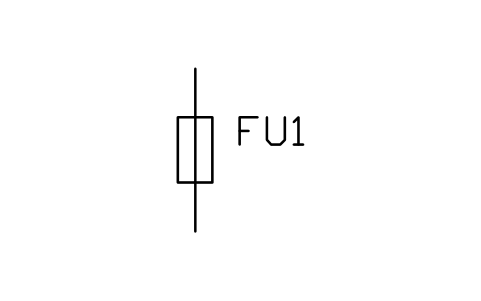
Fuse, low voltage
PWR_LV_FUSEAttributes
TAGRATED_CURRENT_AVOLTAGEBREAKING_KATRIP_UNITPOLESMANUFACTURERMODELREMARKSDESC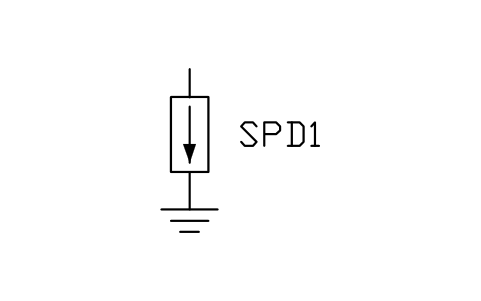
Surge protective device
PWR_LV_SPDAttributes
TAGRATED_CURRENT_AVOLTAGEBREAKING_KATRIP_UNITPOLESMANUFACTURERMODELREMARKSDESC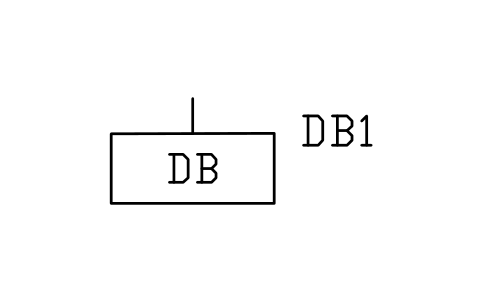
Distribution board
PWR_LV_DBAttributes
TAGRATED_CURRENT_AVOLTAGEBREAKING_KATRIP_UNITPOLESMANUFACTURERMODELREMARKSDESC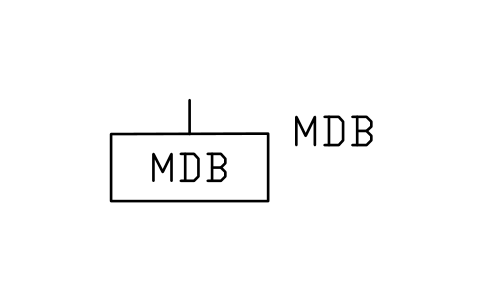
Main distribution board
PWR_LV_MDBAttributes
TAGRATED_CURRENT_AVOLTAGEBREAKING_KATRIP_UNITPOLESMANUFACTURERMODELREMARKSDESC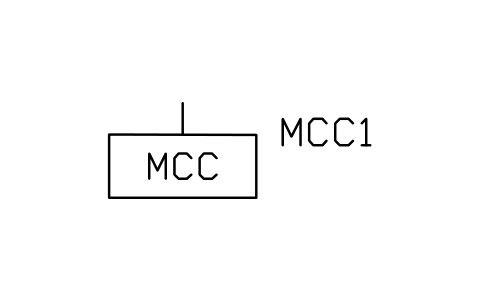
Motor control centre
PWR_LV_MCCAttributes
TAGRATED_CURRENT_AVOLTAGEBREAKING_KATRIP_UNITPOLESMANUFACTURERMODELREMARKSDESC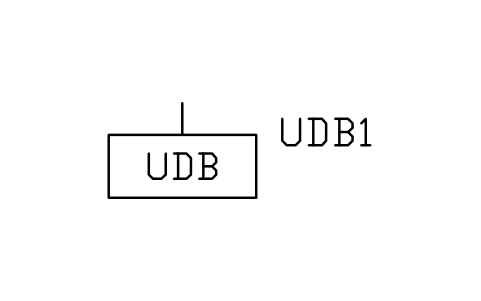
UPS distribution board
PWR_LV_UPSDBAttributes
TAGRATED_CURRENT_AVOLTAGEBREAKING_KATRIP_UNITPOLESMANUFACTURERMODELREMARKSDESC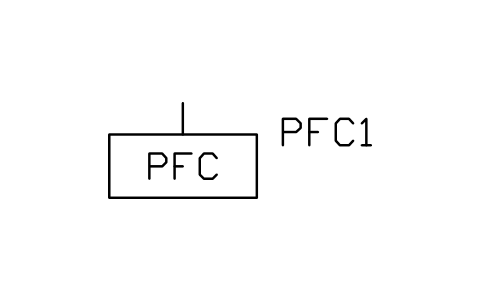
Power factor correction
PWR_LV_PFCAttributes
TAGRATED_CURRENT_AVOLTAGEBREAKING_KATRIP_UNITPOLESMANUFACTURERMODELREMARKSDESC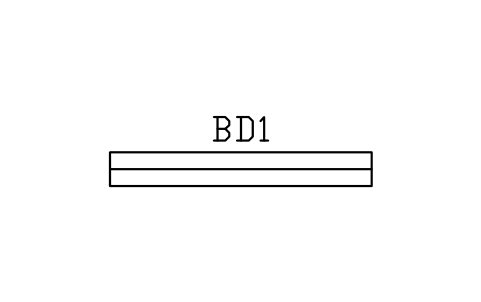
Busduct
PWR_LV_BUSDUCTAttributes
TAGRATED_CURRENT_AVOLTAGEBREAKING_KATRIP_UNITPOLESMANUFACTURERMODELREMARKSDESC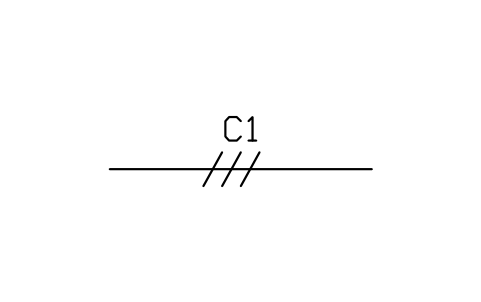
Cable, low voltage
PWR_LV_CABLEAttributes
TAGRATED_CURRENT_AVOLTAGEBREAKING_KATRIP_UNITPOLESMANUFACTURERMODELREMARKSDESC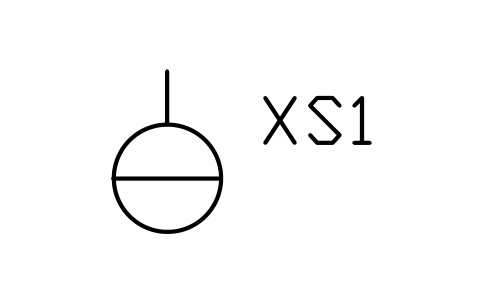
Socket outlet
PWR_LV_SOCKETAttributes
TAGRATED_CURRENT_AVOLTAGEBREAKING_KATRIP_UNITPOLESMANUFACTURERMODELREMARKSDESC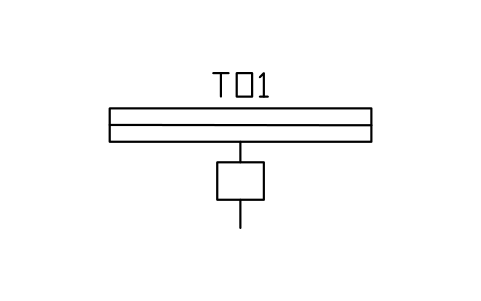
Busway tap-off unit
PWR_BUSWAY_TAPAttributes
TAGRATED_CURRENT_AVOLTAGEBREAKING_KATRIP_UNITPOLESMANUFACTURERMODELREMARKSDESC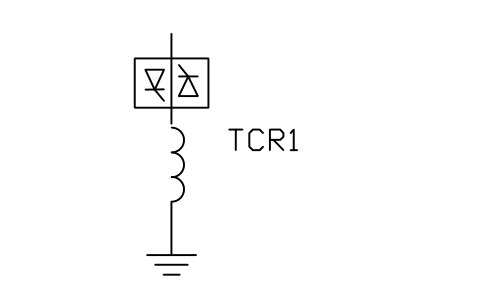
Thyristor controlled reactor (TCR)
PWR_TCRAttributes
TAGRATINGRATED_KVRATED_CURRENT_ATYPEMANUFACTURERMODELREMARKSDESC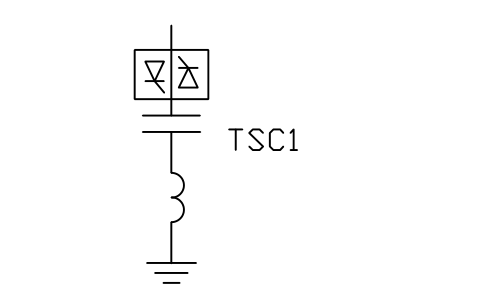
Thyristor switched capacitor (TSC)
PWR_TSCAttributes
TAGRATINGRATED_KVRATED_CURRENT_ATYPEMANUFACTURERMODELREMARKSDESC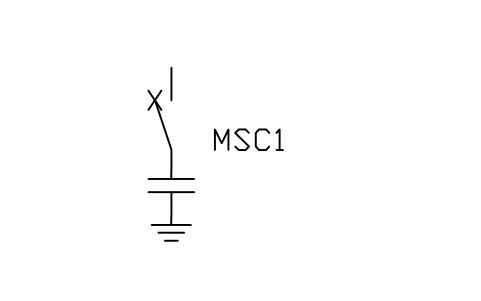
Mechanically switched capacitor (MSC)
PWR_MSCAttributes
TAGRATINGRATED_KVRATED_CURRENT_ATYPEMANUFACTURERMODELREMARKSDESC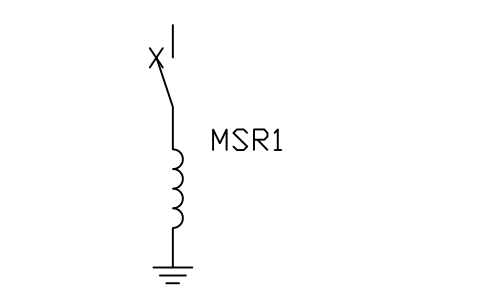
Mechanically switched reactor (MSR)
PWR_MSRAttributes
TAGRATINGRATED_KVRATED_CURRENT_ATYPEMANUFACTURERMODELREMARKSDESC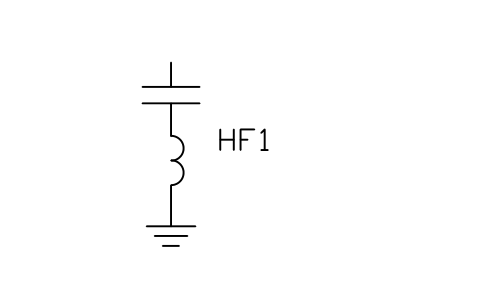
Harmonic filter, single tuned
PWR_FILTER_TUNEDAttributes
TAGRATINGRATED_KVRATED_CURRENT_ATYPEMANUFACTURERMODELREMARKSDESC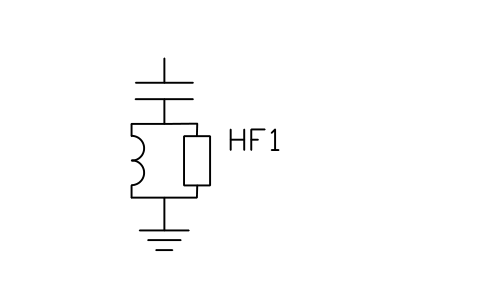
Harmonic filter, high pass (damped)
PWR_FILTER_HPAttributes
TAGRATINGRATED_KVRATED_CURRENT_ATYPEMANUFACTURERMODELREMARKSDESC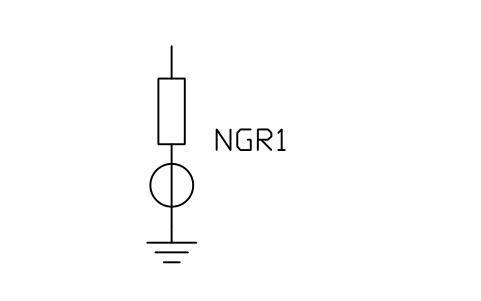
Neutral earthing resistor with CT
PWR_NGR_CTAttributes
TAGRATINGRATED_KVRATED_CURRENT_ATYPEMANUFACTURERMODELREMARKSDESC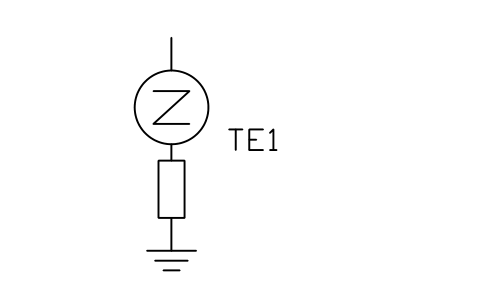
Earthing transformer with resistor
PWR_EARTHING_TX_RAttributes
TAGRATINGRATED_KVRATED_CURRENT_ATYPEMANUFACTURERMODELREMARKSDESC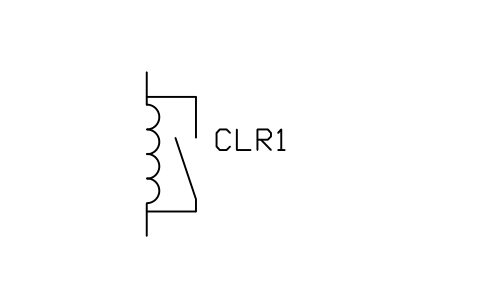
Current limiting reactor with bypass
PWR_CLR_BYPASSAttributes
TAGRATINGRATED_KVRATED_CURRENT_ATYPEMANUFACTURERMODELREMARKSDESC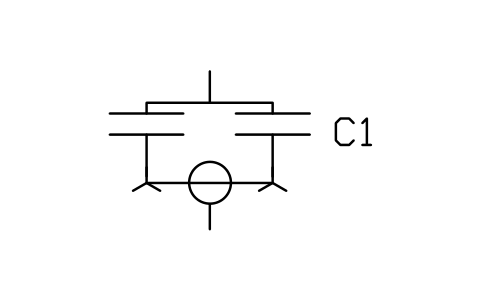
Capacitor bank, double star, unbalance CT
PWR_CAP_DBL_STARAttributes
TAGRATINGRATED_KVRATED_CURRENT_ATYPEMANUFACTURERMODELREMARKSDESC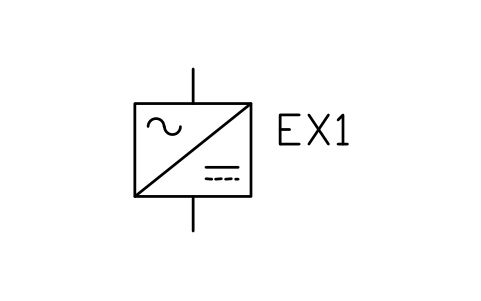
Excitation, static (thyristor)
PWR_EXC_STATICAttributes
TAGFUNCTIONSUPPLYCOMMUNICATIONMANUFACTURERMODELREMARKSDESC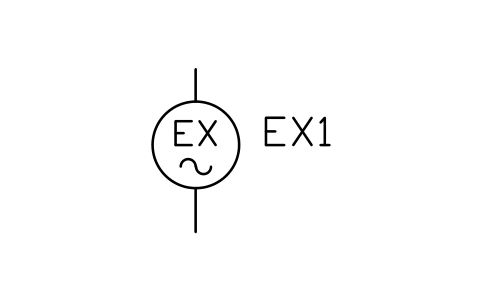
Excitation, rotating (brushless)
PWR_EXC_ROTATINGAttributes
TAGFUNCTIONSUPPLYCOMMUNICATIONMANUFACTURERMODELREMARKSDESC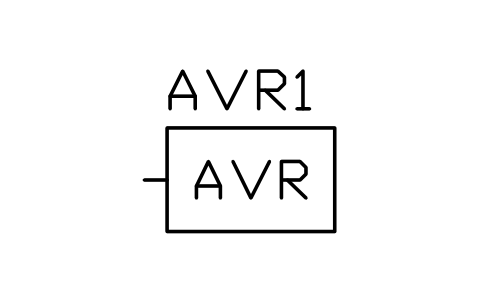
Automatic voltage regulator (AVR)
PWR_AVRAttributes
TAGFUNCTIONSUPPLYCOMMUNICATIONMANUFACTURERMODELREMARKSDESC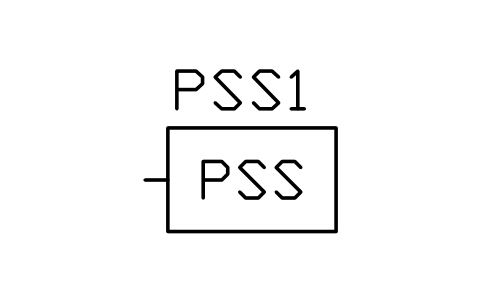
Power system stabiliser (PSS)
PWR_PSSAttributes
TAGFUNCTIONSUPPLYCOMMUNICATIONMANUFACTURERMODELREMARKSDESC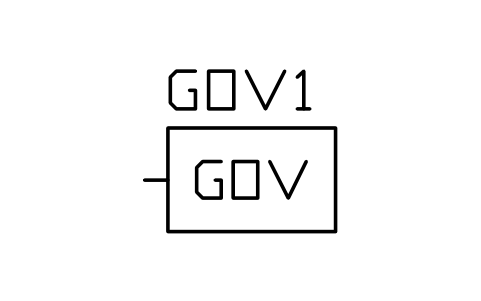
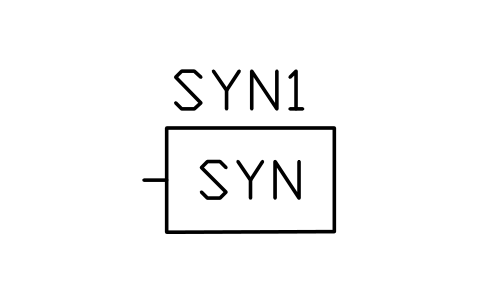
Automatic synchroniser
PWR_SYNCHRONISERAttributes
TAGFUNCTIONSUPPLYCOMMUNICATIONMANUFACTURERMODELREMARKSDESC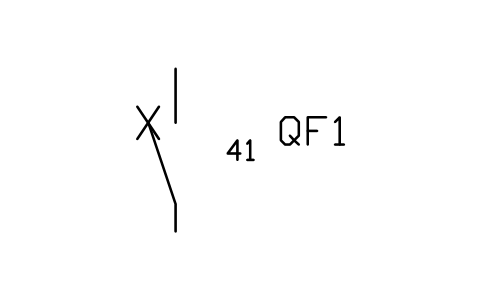
Field circuit breaker (41)
PWR_FIELD_BREAKERAttributes
TAGRATED_KVRATED_CURRENT_ABREAKING_KAINTERRUPTERMECHANISMCONTROL_VOLTAGEMANUFACTURERMODELREMARKSDESC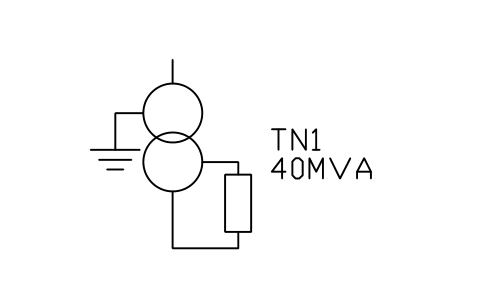
Generator neutral earthing transformer
PWR_GEN_NEUTRAL_TXAttributes
TAGRATING_MVAVOLTAGE_RATIOVECTOR_GROUPIMPEDANCE_PCTTAP_RANGECOOLINGNEUTRAL_EARTHINGMANUFACTURERMODELREMARKSDESC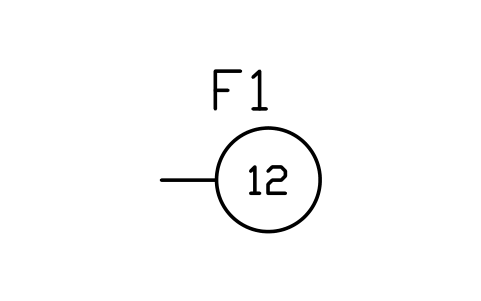
Relay, overspeed (12)
PWR_R_12Attributes
TAGFUNCTIONSETTINGTRIPSCT_INPUTVT_INPUTMANUFACTURERMODELREMARKSDESC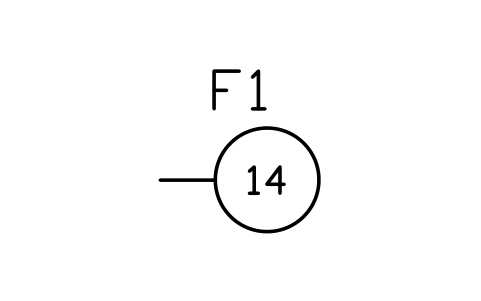
Relay, underspeed (14)
PWR_R_14Attributes
TAGFUNCTIONSETTINGTRIPSCT_INPUTVT_INPUTMANUFACTURERMODELREMARKSDESC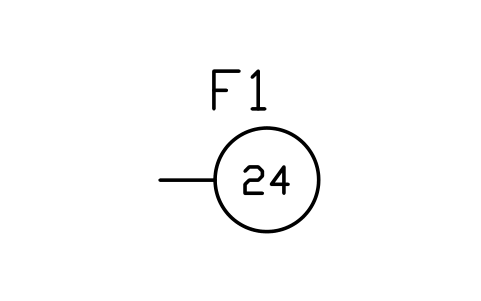
Relay, overexcitation V/Hz (24)
PWR_R_24Attributes
TAGFUNCTIONSETTINGTRIPSCT_INPUTVT_INPUTMANUFACTURERMODELREMARKSDESC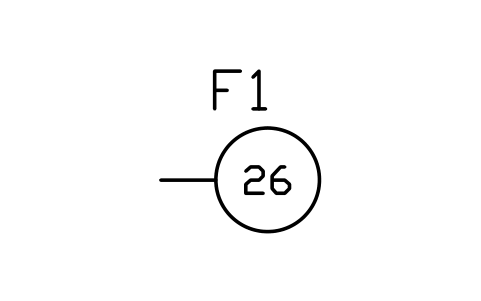
Relay, apparatus thermal (26)
PWR_R_26Attributes
TAGFUNCTIONSETTINGTRIPSCT_INPUTVT_INPUTMANUFACTURERMODELREMARKSDESC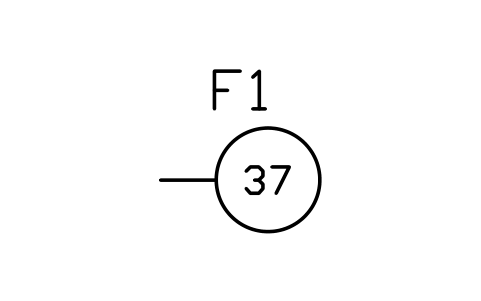
Relay, undercurrent / underpower (37)
PWR_R_37Attributes
TAGFUNCTIONSETTINGTRIPSCT_INPUTVT_INPUTMANUFACTURERMODELREMARKSDESC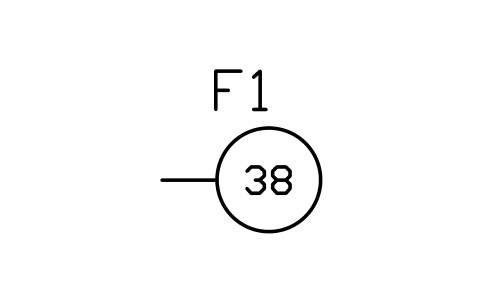
Relay, bearing protection (38)
PWR_R_38Attributes
TAGFUNCTIONSETTINGTRIPSCT_INPUTVT_INPUTMANUFACTURERMODELREMARKSDESC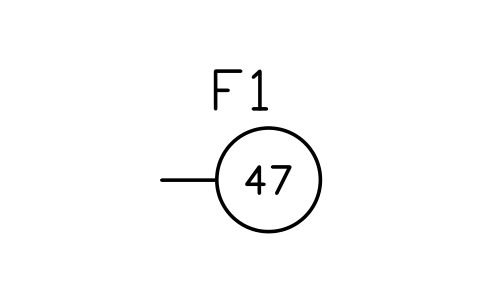
Relay, phase sequence / voltage (47)
PWR_R_47Attributes
TAGFUNCTIONSETTINGTRIPSCT_INPUTVT_INPUTMANUFACTURERMODELREMARKSDESC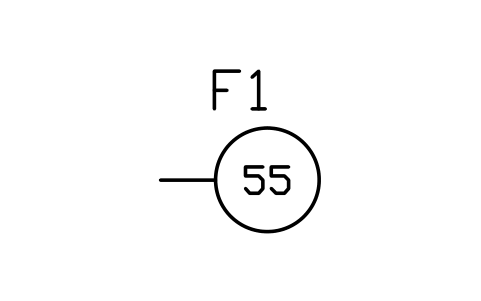
Relay, power factor (55)
PWR_R_55Attributes
TAGFUNCTIONSETTINGTRIPSCT_INPUTVT_INPUTMANUFACTURERMODELREMARKSDESC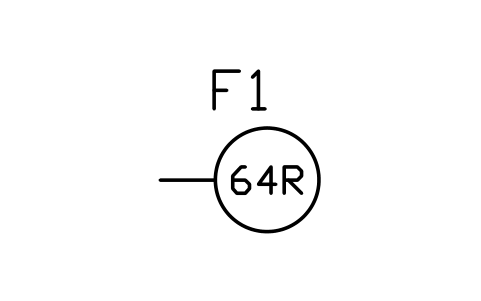
Relay, rotor earth fault (64R)
PWR_R_64RAttributes
TAGFUNCTIONSETTINGTRIPSCT_INPUTVT_INPUTMANUFACTURERMODELREMARKSDESC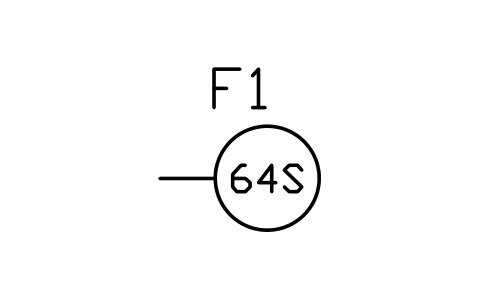
Relay, stator earth fault (64S)
PWR_R_64SAttributes
TAGFUNCTIONSETTINGTRIPSCT_INPUTVT_INPUTMANUFACTURERMODELREMARKSDESC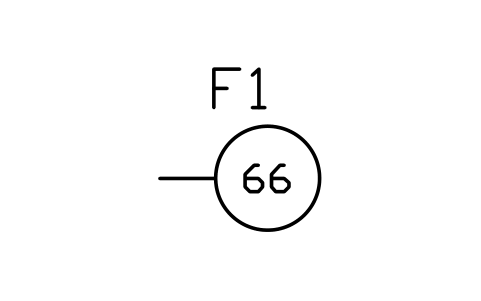
Relay, starts per hour (66)
PWR_R_66Attributes
TAGFUNCTIONSETTINGTRIPSCT_INPUTVT_INPUTMANUFACTURERMODELREMARKSDESC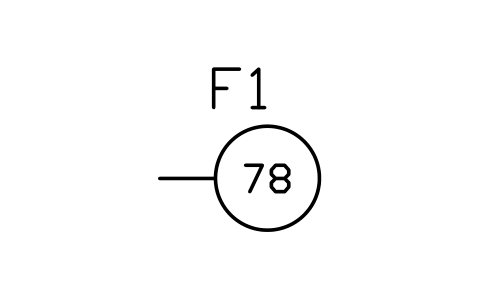
Relay, out of step (78)
PWR_R_78Attributes
TAGFUNCTIONSETTINGTRIPSCT_INPUTVT_INPUTMANUFACTURERMODELREMARKSDESC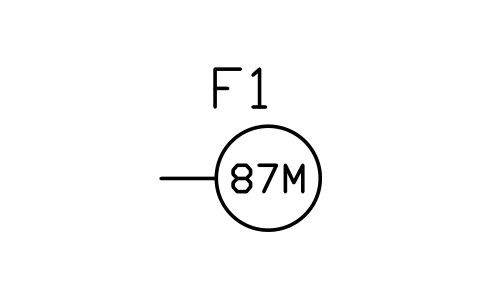
Relay, motor differential (87M)
PWR_R_87MAttributes
TAGFUNCTIONSETTINGTRIPSCT_INPUTVT_INPUTMANUFACTURERMODELREMARKSDESC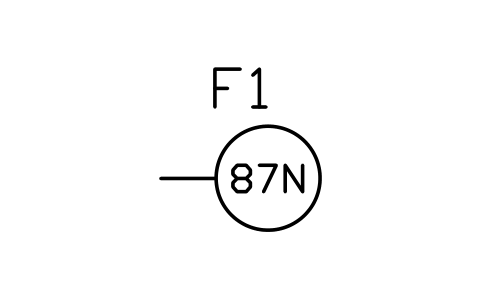
Relay, restricted earth fault (87N)
PWR_R_87NAttributes
TAGFUNCTIONSETTINGTRIPSCT_INPUTVT_INPUTMANUFACTURERMODELREMARKSDESC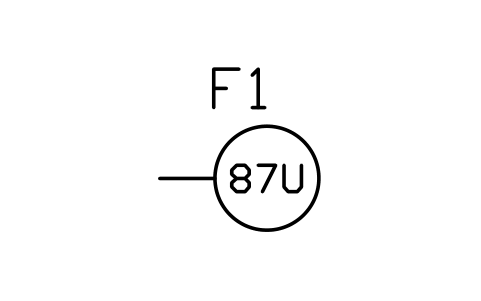
Relay, unit differential (87U)
PWR_R_87UAttributes
TAGFUNCTIONSETTINGTRIPSCT_INPUTVT_INPUTMANUFACTURERMODELREMARKSDESC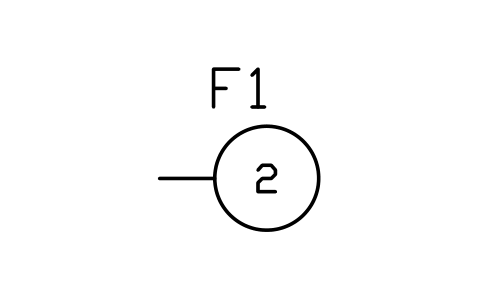
Relay, time delay starting (2)
PWR_R_2Attributes
TAGFUNCTIONSETTINGTRIPSCT_INPUTVT_INPUTMANUFACTURERMODELREMARKSDESC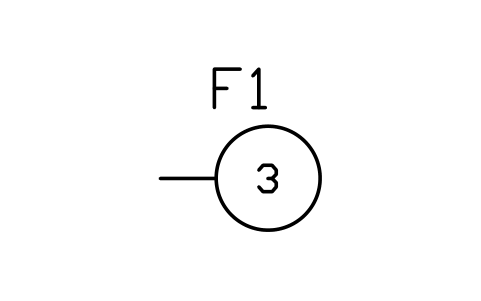
Relay, checking / interlocking (3)
PWR_R_3Attributes
TAGFUNCTIONSETTINGTRIPSCT_INPUTVT_INPUTMANUFACTURERMODELREMARKSDESC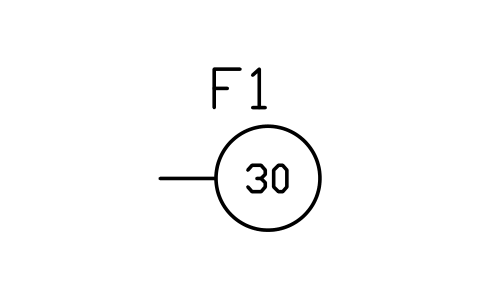
Relay, annunciator (30)
PWR_R_30Attributes
TAGFUNCTIONSETTINGTRIPSCT_INPUTVT_INPUTMANUFACTURERMODELREMARKSDESC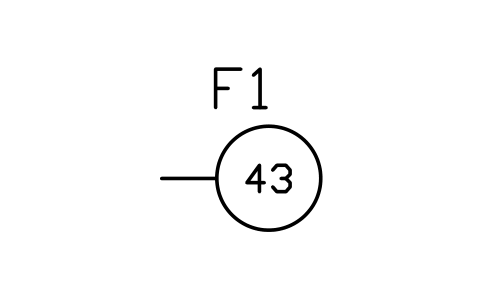
Selector device (43)
PWR_R_43Attributes
TAGFUNCTIONSETTINGTRIPSCT_INPUTVT_INPUTMANUFACTURERMODELREMARKSDESC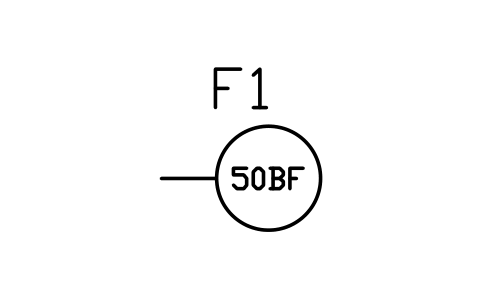
Relay, breaker failure (50BF)
PWR_R_50BFAttributes
TAGFUNCTIONSETTINGTRIPSCT_INPUTVT_INPUTMANUFACTURERMODELREMARKSDESC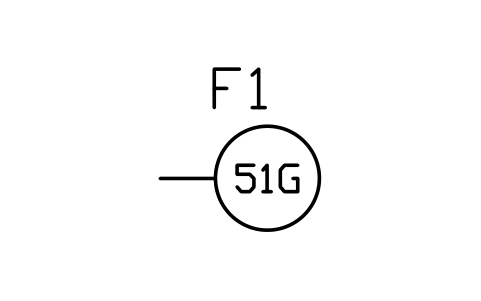
Relay, ground overcurrent (51G)
PWR_R_51GAttributes
TAGFUNCTIONSETTINGTRIPSCT_INPUTVT_INPUTMANUFACTURERMODELREMARKSDESC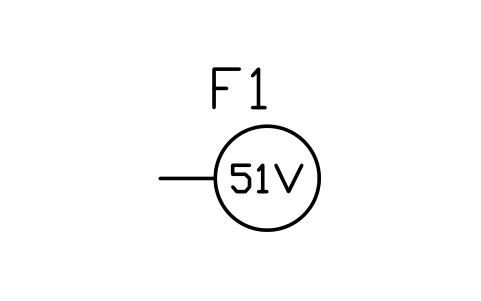
Relay, voltage-restrained overcurrent (51V)
PWR_R_51VAttributes
TAGFUNCTIONSETTINGTRIPSCT_INPUTVT_INPUTMANUFACTURERMODELREMARKSDESC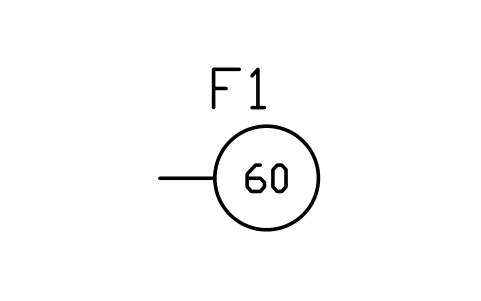
Relay, voltage balance (60)
PWR_R_60Attributes
TAGFUNCTIONSETTINGTRIPSCT_INPUTVT_INPUTMANUFACTURERMODELREMARKSDESC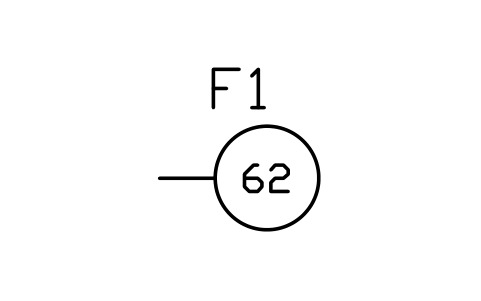
Relay, time delay stopping (62)
PWR_R_62Attributes
TAGFUNCTIONSETTINGTRIPSCT_INPUTVT_INPUTMANUFACTURERMODELREMARKSDESC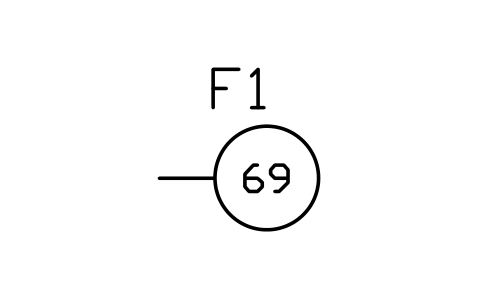
Permissive control device (69)
PWR_R_69Attributes
TAGFUNCTIONSETTINGTRIPSCT_INPUTVT_INPUTMANUFACTURERMODELREMARKSDESC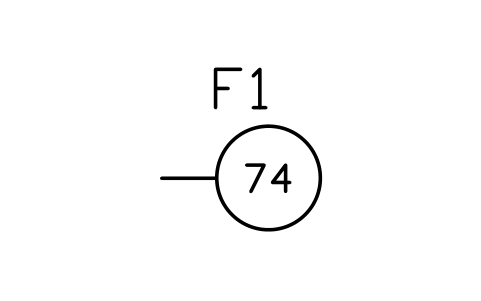
Relay, alarm (74)
PWR_R_74Attributes
TAGFUNCTIONSETTINGTRIPSCT_INPUTVT_INPUTMANUFACTURERMODELREMARKSDESC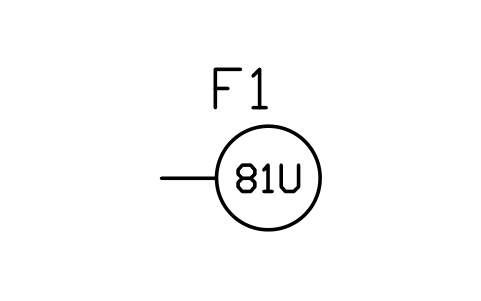
Relay, underfrequency (81U)
PWR_R_81UAttributes
TAGFUNCTIONSETTINGTRIPSCT_INPUTVT_INPUTMANUFACTURERMODELREMARKSDESC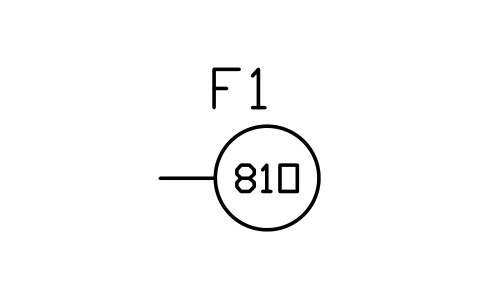
Relay, overfrequency (81O)
PWR_R_81OAttributes
TAGFUNCTIONSETTINGTRIPSCT_INPUTVT_INPUTMANUFACTURERMODELREMARKSDESC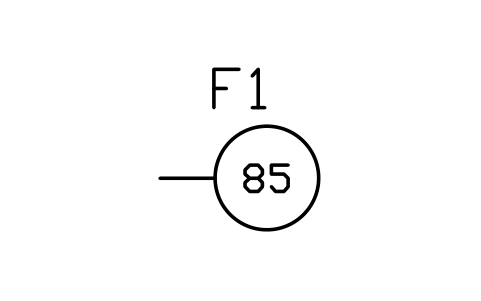
Relay, carrier / pilot wire (85)
PWR_R_85Attributes
TAGFUNCTIONSETTINGTRIPSCT_INPUTVT_INPUTMANUFACTURERMODELREMARKSDESC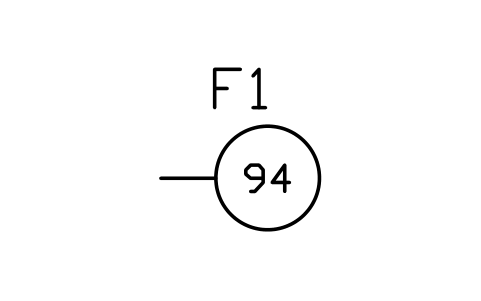
Relay, tripping (94)
PWR_R_94Attributes
TAGFUNCTIONSETTINGTRIPSCT_INPUTVT_INPUTMANUFACTURERMODELREMARKSDESC
IEC 60617 has several parts. The other libraries of the standard:
- Common electrical symbols (IEC 60617)
- Power system primary equipment symbols (IEC 60617)
- Power system secondary equipment symbols (IEC 60617)
- Electron tubes, crystals, delay lines (IEC 60617)
- Logic gate symbols (IEC 60617)
- Flip-flops, multiplexers, op amps (IEC 60617)
- Telephone, selectors, sound and recording (IEC 60617)
- Antennas, waveguides, modulation, filters and optical fibre (IEC 60617)
- Relays, protection and switching devices (IEC 60617)
- Machines, transformers, meters and symbol elements (IEC 60617)
- Busbar trunking, cable television, airfield lighting and connectors (IEC 60617)
- Gas-insulated switchgear, alarms and installation devices (IEC 60617)
Related symbol libraries
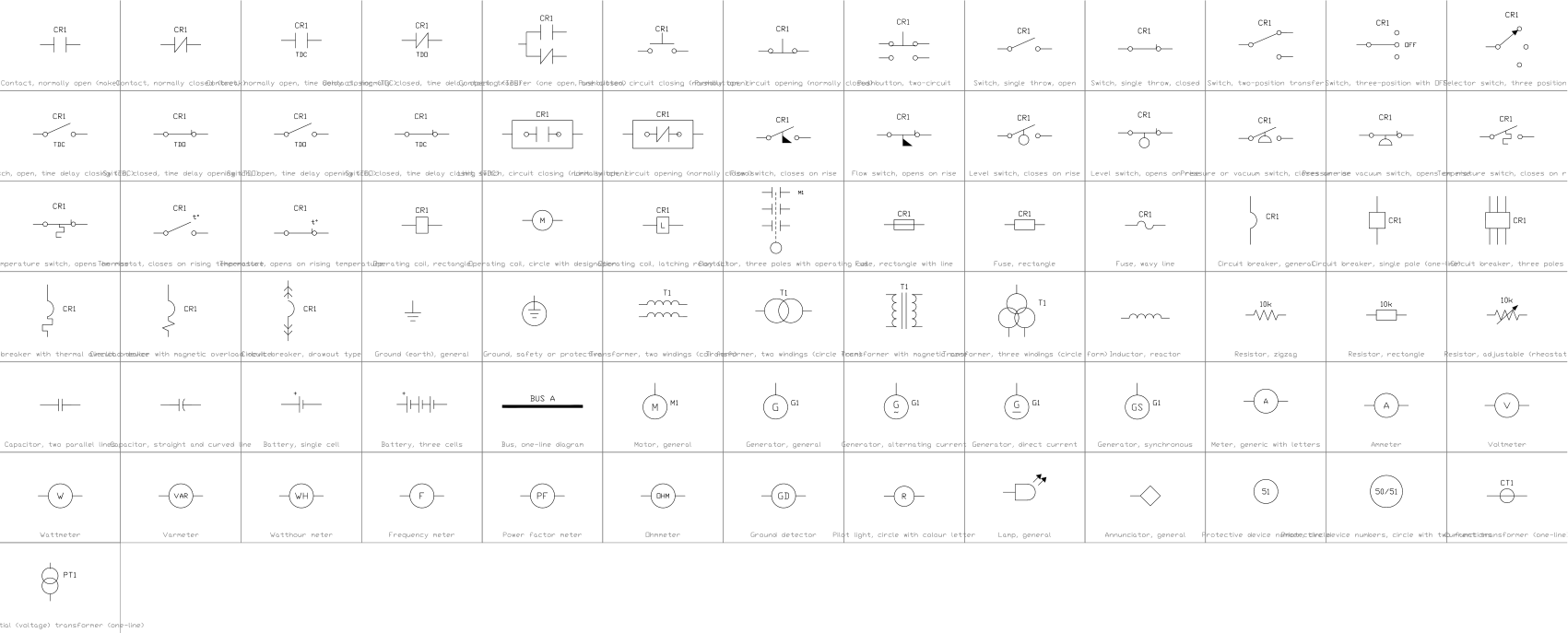 Electrical symbols, ANSI/IEEE 315 style79 symbols
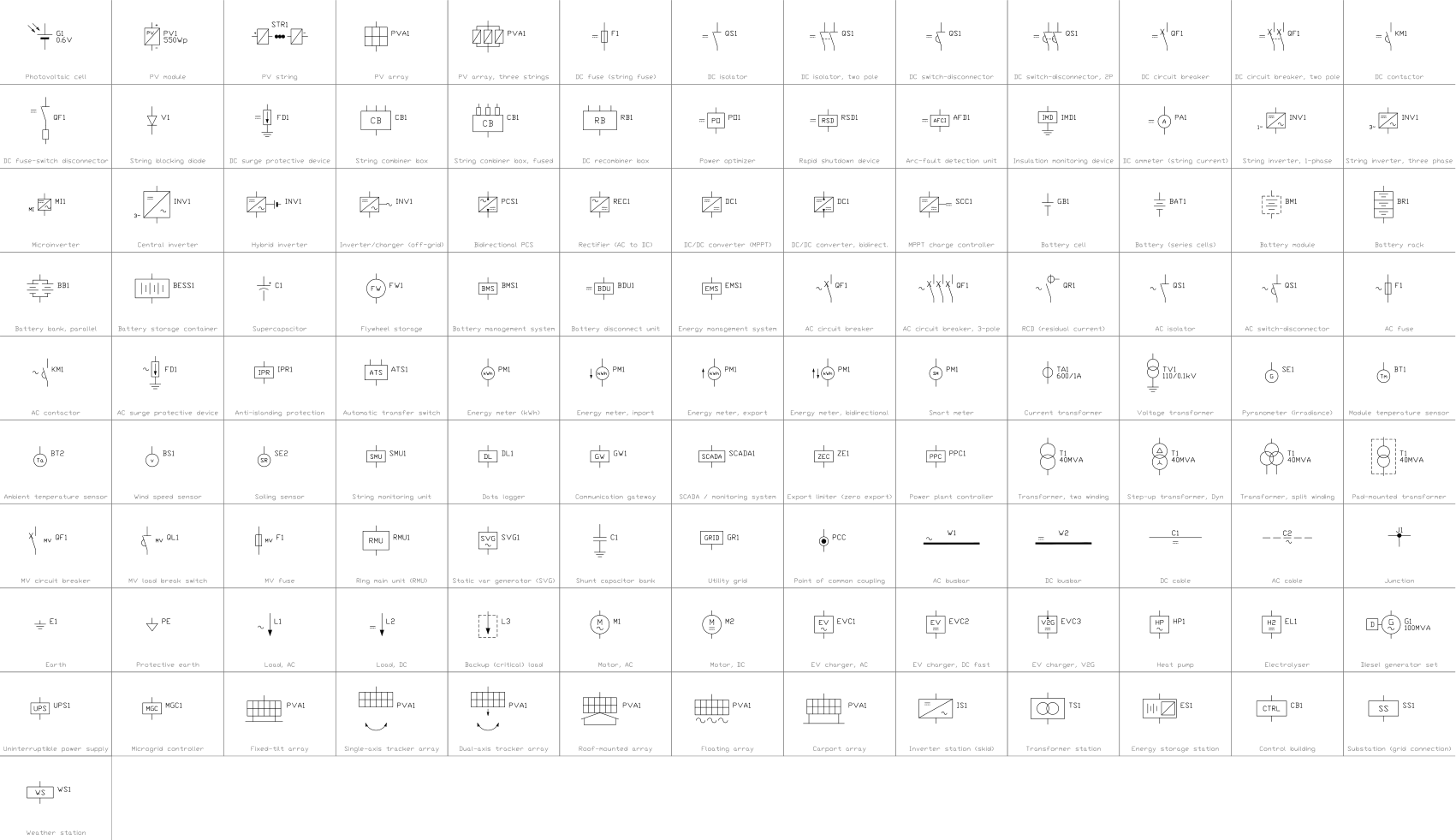 Solar PV and energy storage symbols (IEC 60617 style)120 symbols
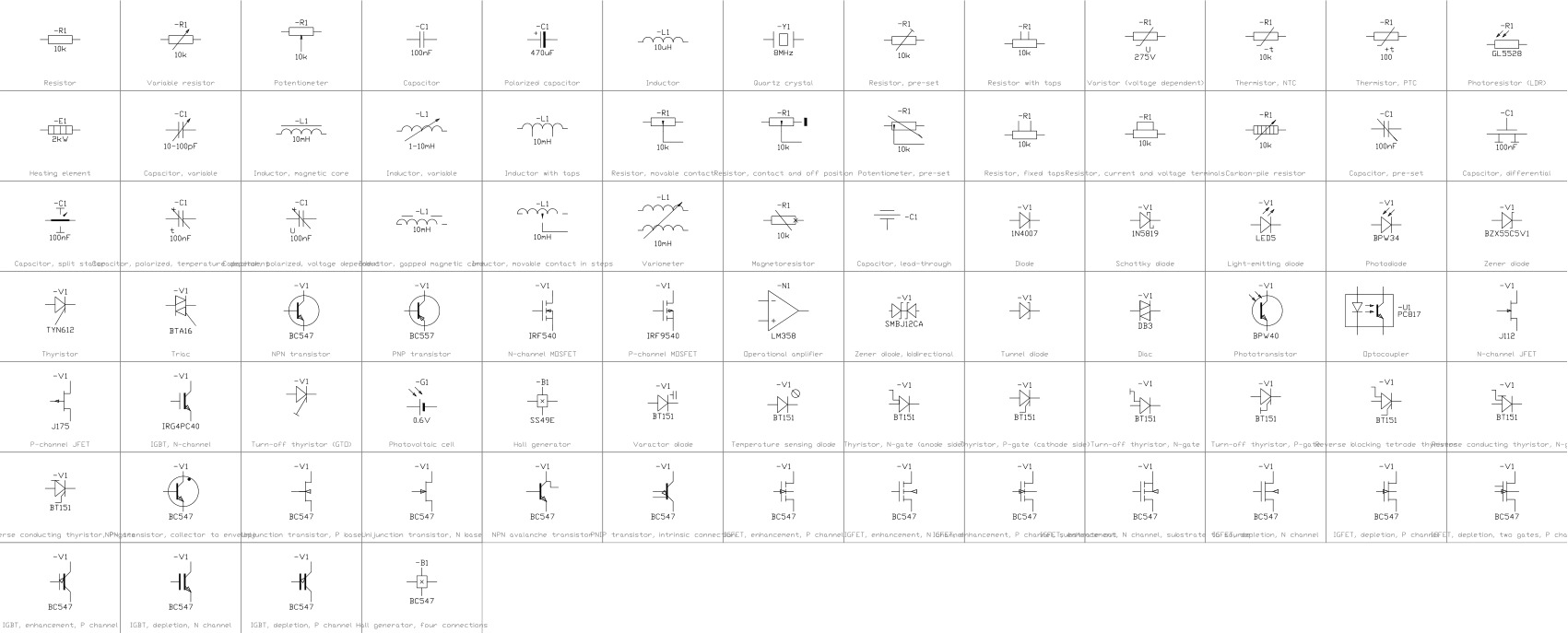 Common electrical symbols (IEC 60617)187 symbols
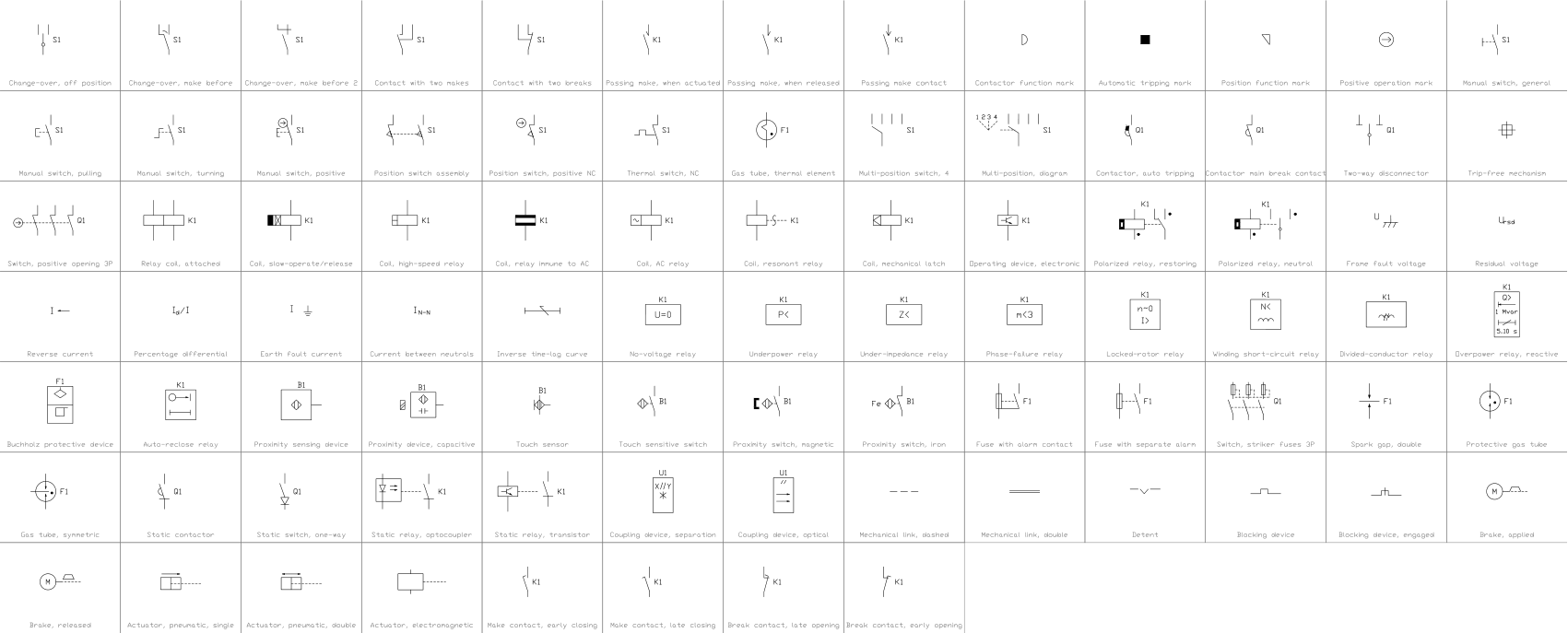 Relays, protection and switching devices (IEC 60617)86 symbols
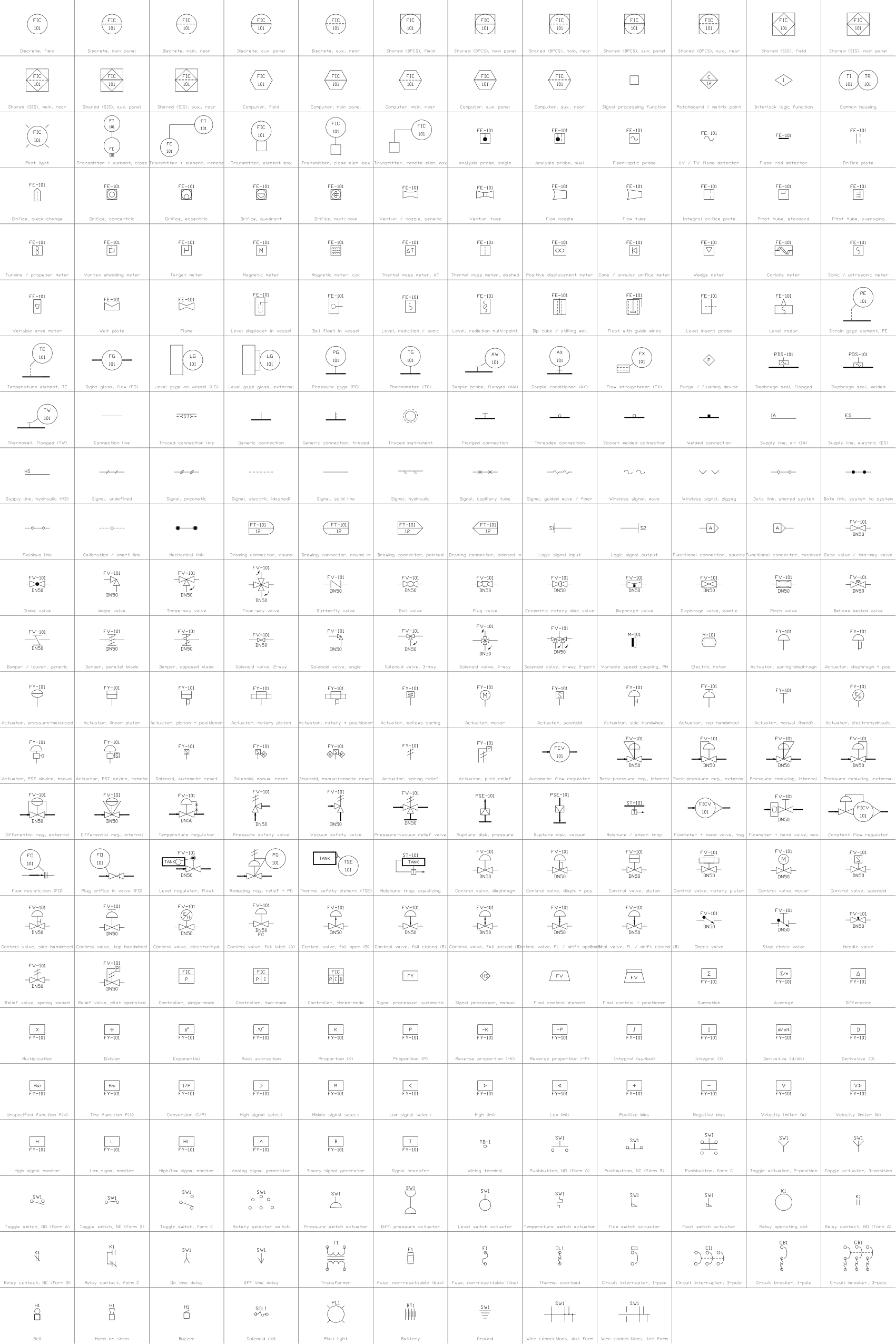 Instrumentation symbols (ISA 5.1 style)133 symbols
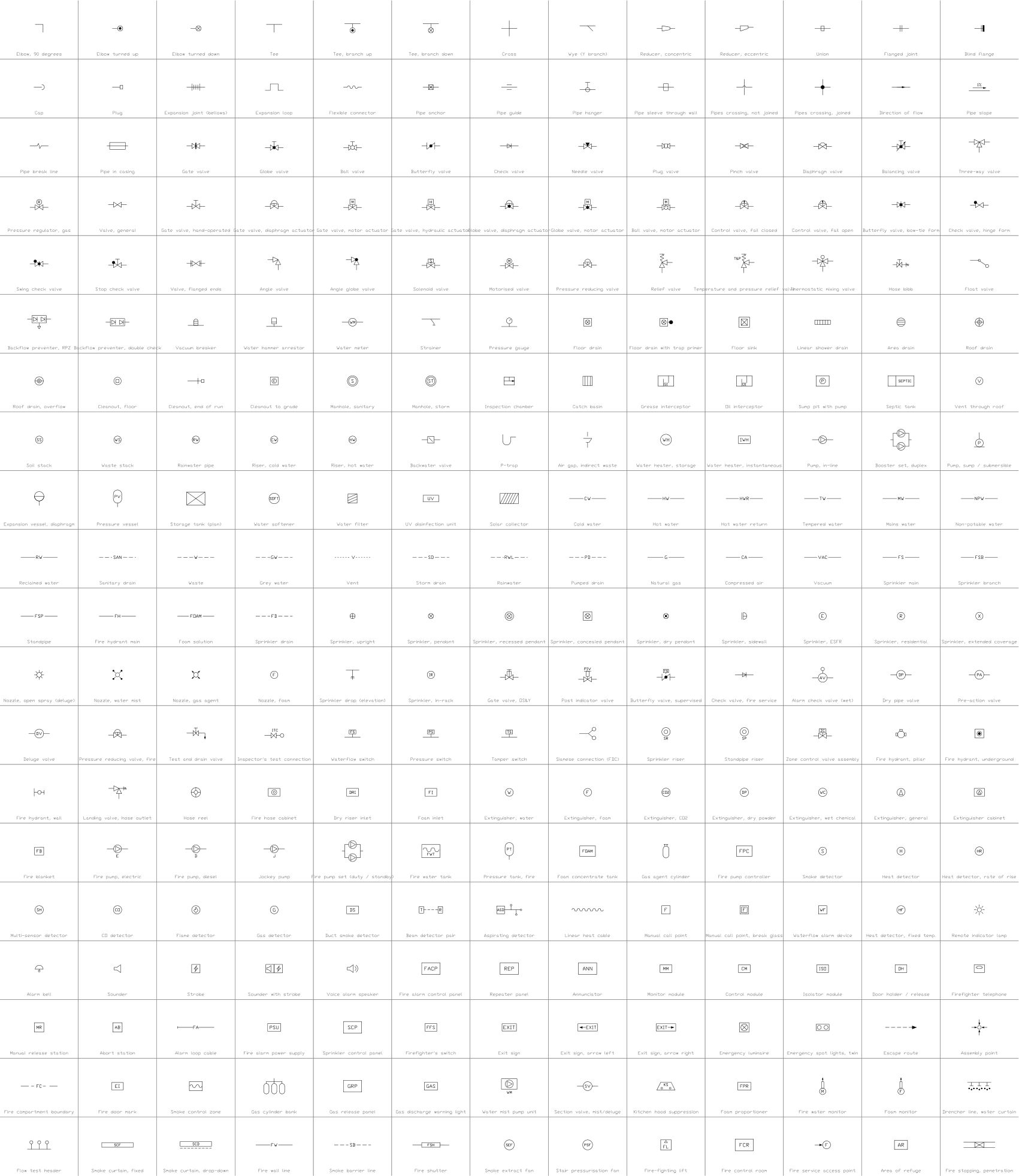 Plumbing and fire protection symbols260 symbols
Missing a symbol? Tell us which one.
Attributes for parts lists
Every block has a visible tag next to the symbol (for example T1, QF1) and a second visible attribute with the main rating, such as the rated power of a transformer. The data of your equipment list are invisible attributes: VOLTAGE_RATIO, VECTOR_GROUP, IMPEDANCE_PCT and TAP_RANGE for transformers; RATED_KV, RATED_CURRENT_A and BREAKING_KA for breakers and switches.
How to use the library
- Unzip the file and open the DWG. Copy the symbols you need into your plan, or drag the blocks in from DesignCenter (ADCENTER).
- The symbols are drawn at the plotted size in millimetres. Vertical symbols have the connection point at the top, which is the insertion point, and the other connection at the bottom, on a 5 mm grid, so symbols stack into a feeder; busbars, lines, relays and meters are horizontal and centred on the insertion point.
- Transformers show their winding connections (delta, star, open delta, neutral earthed) and an optional on-load tap changer. Circuit breakers come in the IEC form with the cross and as a box, open and closed; the disconnectors, earthing switches, fuses and load break switches follow the same style, and withdrawable devices use the plug-and-socket contact of IEC 60617.
- The busbar blocks are horizontal and centred on the insertion point; draw longer busbars as thick polylines of the same width. Build your own feeders by stacking the single symbols on the 5 mm grid.
About the conventions
Single-line symbols differ between IEC and IEEE practice and between utilities. The breaker, transformer and switch symbols here follow IEC 60617 and IEEE 315 single-line practice.
The blocks are our own drawings, not copies of a standard, and the library is not certified. Check the symbols against the legend of your utility or customer, and change a block if yours differs.
What changed in each version
Version 1.2 · November 9, 2026
Removed: 168
Version 1.1 · November 5, 2026
Version 1.1 adds 129 symbols: more transformer connections and on-load tap changers, more instrument transformers, reactive power compensation and harmonic filters, withdrawable devices and earthing switch combinations, double busbar, one-and-a-half breaker, GIS and medium voltage panel bays, wind, storage and generator excitation units, 31 more protection relay device numbers, recorders and control devices, more lines, cables and enclosures, and more loads. The variable frequency drive now shows the AC to AC converter form.
New symbols (129)
Transformer, star-delta · Transformer, star-delta, neutral earthed · Transformer, star-star, both neutrals earthed · Transformer, three winding, delta tertiary · Transformer, delta-star, on-load tap changer · Transformer, star-delta, on-load tap changer · Transformer, three winding, on-load tap changer · Autotransformer, on-load tap changer · Disconnector with earthing switch · Disconnector with two earthing switches · Disconnector, three pole · Earthing switch, three pole · Load break switch, three pole · Load break switch with earthing switch · Load break switch with fuse · Contactor with fuse · Circuit breaker with earthing switch · Fuse cutout (drop-out) · Fuse, three pole · Current limiter (power cable) · Circuit breaker, withdrawable · Contactor, withdrawable · Overhead line (IEC mark) · Underground line · Submarine line · Cable manhole (chamber) · Gas-insulated enclosure · Gas-insulated busbar · Cable separable connector · Link box (sheath bonding) · Optical ground wire (OPGW) · Isolated phase busduct · Overhead line with ground wire · Wind generator, doubly fed (DFIG) · Wind generator, full converter · Gas engine generator set · Pumped storage motor-generator · Flywheel energy storage · Supercapacitor energy storage · Combined heat and power set · 89 more
Engineering calculators
Frequently asked questions
- Are the symbols IEC or IEEE style?
- Both appear. Circuit breakers are given in the IEC form with the cross and in a box form. Use the form your utility or customer expects and delete the others from the drawing.
- Can I draw a complete substation single-line diagram with this library?
- Yes, for the main circuit. Combine transformers, breakers, disconnectors, lines, cables and sources, and draw the busbars as thick polylines of the same width as the busbar block. Instrument transformers, arresters, protection relays, meters and ready-made switchgear bays are not in the free library.
- Can I use the symbols in commercial projects?
- Yes. You may use and modify them in your own projects, including commercial ones. They are provided as is, without warranty. Please do not redistribute or resell the library; see the library terms.
- Where are the motor control and PLC symbols?
- Contacts, coils, pushbuttons and relays for control circuits are in the IEC 60617 and ANSI/IEEE 315 electrical symbol libraries, and the I/O symbols are in the PLC ladder library. This library covers the power circuit.
- Can I change a symbol or add attributes?
- Yes. Open the DWG, edit a block with BEDIT to change it or add attributes, and save. To update drawings that already contain the block, run ATTSYNC or replace the block. Make a backup first: attribute values can be lost if ATTSYNC is used carelessly.
- Where do I find a ready-made set of these symbols for AutoCAD?
- AutoCAD itself ships only a small set of sample blocks, so a full symbol set has to come from a library. Download the ZIP on this page and open the DWG: every symbol is a block. Insert one with INSERT (Blocks palette, Libraries tab, then pick the DWG) or drag it from DesignCenter (ADCENTER). You can also download a single symbol on its own.