
AutoCAD power system primary equipment symbols (DWG): the power-carrying side of a single-line diagram
Power system primary equipment symbols: 448 ready-made AutoCAD blocks (DWG). A starter pack of 24 symbols is free; the Standard edition is $19.
Free starter pack: 24 symbols
The most-used symbols of this library, as AutoCAD blocks in one DWG. Free for everyone, for any project.
 Transformer, two winding
 Transformer, delta-star
 Transformer, delta-star, neutral earthed
 Transformer with on-load tap changer
 Autotransformer
 Transformer, three winding
 Pad-mounted transformer
 Station service transformer
 Single busbar scheme
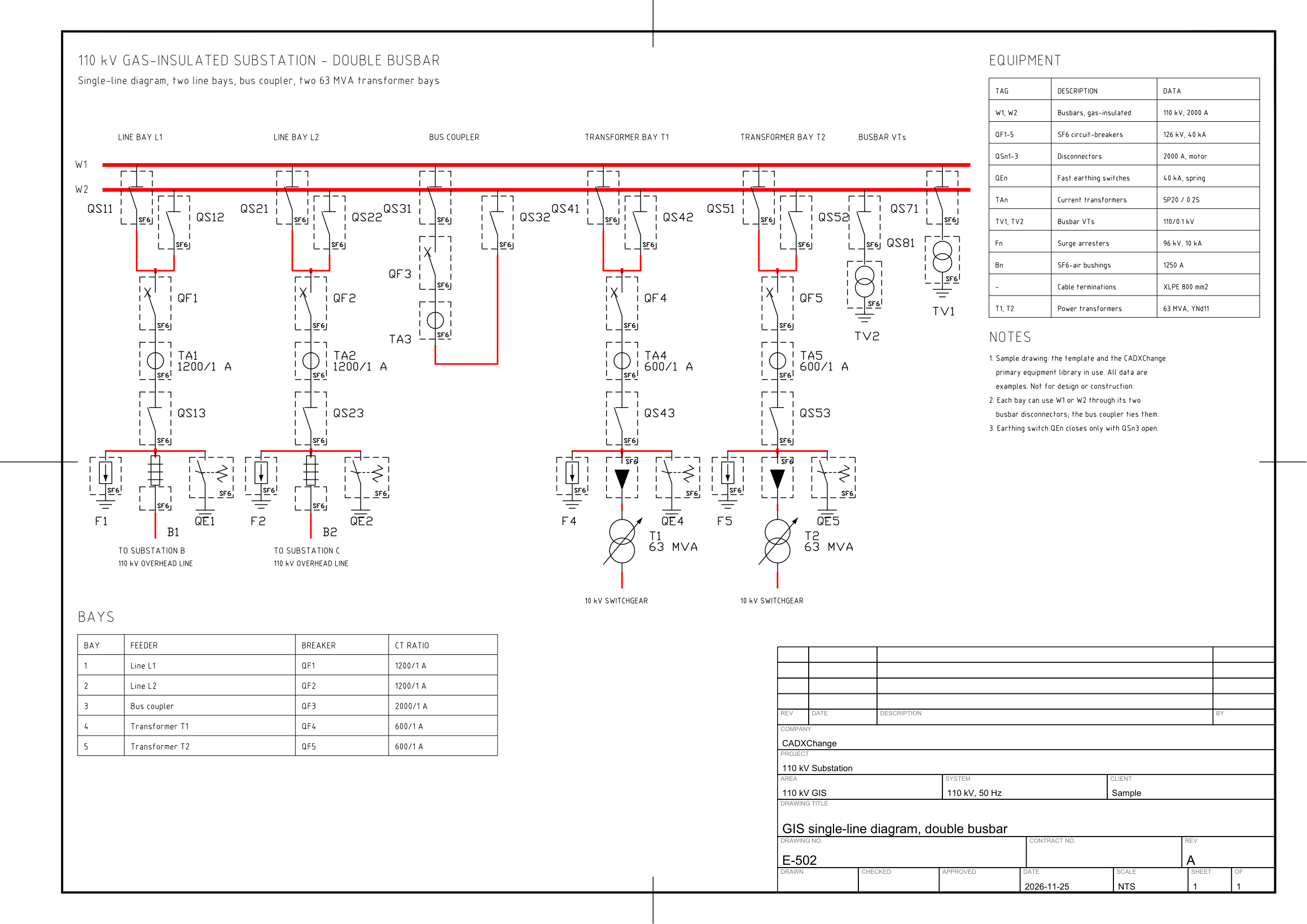
 Double busbar scheme
 Ring busbar scheme
 H scheme, line breakers
 Bridge scheme, TX breakers
 Thyristor valve
 Converter, line-commutated
 HVDC back-to-back station
 Neutral isolated
 Neutral earthed via resistor
 Neutral via Petersen coil
 Coupling capacitor, coil
 Post insulator
 Line, bundle of 2
 Cable termination, outdoor
 Cables in parallel, two
Standard: 122 symbols
All 122 symbols of the Standard edition in one download, ready to insert in AutoCAD. Pay once and keep the files.
 Generator, synchronous
 Generator, induction
 Generator, DC
 Hydro generator
 Steam turbine generator
 Gas turbine generator
 Diesel generator set
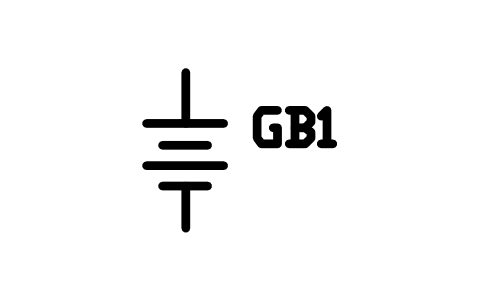
 Cell
 AC source
 Motor, three-phase
 Motor, single-phase
 Generator, three-phase
 Rectifier
 Inverter
 DC/DC converter
 Frequency converter
 Photovoltaic generator
 Motor, slip-ring
 Motor, induction
 Motor, synchronous
 Motor, DC
 Load (static)
 Load (static), solid
 Load, resistive
- Transformer, two winding
- Transformer, delta-star
 Transformer, star-star
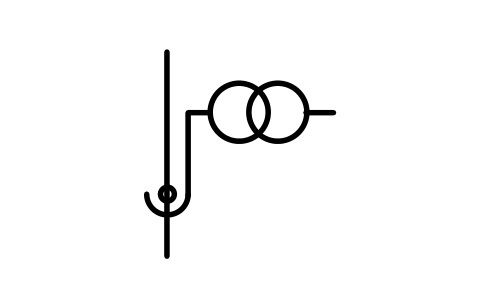
- Transformer, delta-star, neutral earthed
 Transformer, delta-delta
- Transformer with on-load tap changer
- Autotransformer
- Transformer, three winding
 Earthing transformer (zigzag)
 Phase-shifting transformer
- Pad-mounted transformer
- Station service transformer
 Transformer, polarity dots
 Autotransformer, circle
 Transformer, var. coupling
 CT, two secondary windings
 CT, secondary with tap
 CT, five primary passages
 Pulse CT, three conductors
 Pulse CT, two secondaries
 Transformer, D-Y, windings
 Tx D-Y, tap changer, wdg
 Winding, delta
 Winding, open delta
 Winding, star
 Winding, star with neutral
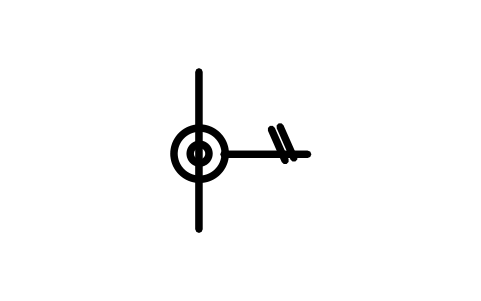
 Brush (slip-ring or commutator)
 Circuit breaker
 Circuit breaker, box, open
 Circuit breaker, box, closed
 Circuit breaker, vacuum
 Circuit breaker, SF6
 Air circuit breaker
 Generator circuit breaker
 Circuit breaker, three pole
 Recloser
 Sectionalizer
 Busbar
 Busbar, double
 Busbar with section break
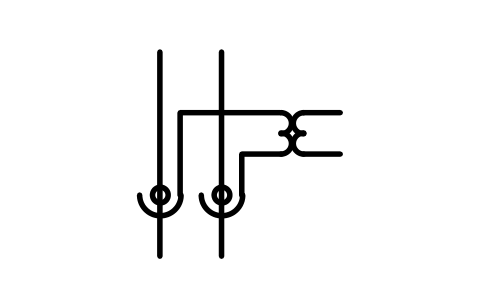
 Bus tie breaker
 Junction
 Crossing, not connected
 Overhead line
 Overhead line, double circuit
 Cable
 Cable sealing end
 Cable joint
 Current transformer
 Current transformer, two cores
 Current transformer, three cores
 Zero-sequence CT (core balance)
 Reactor, series
 Reactor, shunt
 Neutral grounding reactor
 Neutral grounding resistor
 Thyristor controlled reactor (TCR)
 Thyristor switched capacitor (TSC)
 Mechanically switched capacitor (MSC)
 Feeder bay: disconnector, breaker, CT
 Incomer bay: disconnector, breaker, CT
 Transformer bay: breaker and transformer
 Line bay: disconnector, breaker, CT
 Generator bay: breaker and generator
 Bus section: disconnectors and breaker
 GIS enclosure and conductor
 GIS compartment end, sealed
 GIS compartment partition
 GIS partition, two chambers
 GIS gas through spacer
 Moulded case circuit breaker
 Miniature circuit breaker
 Residual current device
 Isolating switch
 Excitation, static (thyristor)
 Substation, in service
 Hydro station, planned
 Hydro station, in service
 Thermal station, planned
 Transformer, forced cooling
 Transformer, dry type
- Single busbar scheme
- Double busbar scheme
- Ring busbar scheme
- H scheme, line breakers
- Bridge scheme, TX breakers
- Thyristor valve
 Converter leg (two valves)
- Converter, line-commutated
- HVDC back-to-back station
- Coupling capacitor, coil
- Post insulator
- Line, bundle of 2
- Cable termination, outdoor
- Cables in parallel, two
- Neutral isolated
- Neutral earthed via resistor
- Neutral via Petersen coil
Pro: all 448 symbols
Every symbol of the library, 448 in all, in one download. Standard holds 122 of them. Pay once and keep the files.
Free starter pack
$0For everyone, for any project
- 24 symbols
- No sign-in
- One DWG
Library licence
$19
For one person
Education: free
- Pay once
Student or teacher?
Free for one year with your school e-mail address. Renew it with the same address.
Sign in with your school e-mail address, we check it, and the licence is added to your account.
Available soonEducation licences are for study and teaching, valid for one year, and renewed with your school e-mail address.
Pro licence
$49
For one person
Education: $24.50
- Pay once
Student or teacher?
Half price ($24.50) for one year with your school e-mail address. Buy again next year to renew.
Sign in with your school e-mail address, we check it, and you pay half price.
Available soonHalf price ($24.50) for one year with your school e-mail address. Buy again next year to renew.
What each version contains
The symbols by group, and how many of each group every version holds.
| Content | Free | Standard | Pro |
|---|---|---|---|
| All symbols | 24 | 122 | 448 |
| Added by this version | — | +98 | +326 |
| Generators and sources | — | 7 | 25 |
| Rotating machines (IEC) | — | 11 | 37 |
| Motors and loads | — | 6 | 20 |
| Power transformers | 8 | 12 | 40 |
| Transformers, winding form | — | 10 | 33 |
| Winding connections | — | 5 | 18 |
| Circuit breakers and switches | — | 10 | 37 |
| Disconnector and earthing types | — | — | 9 |
Show 16 more groupsShow fewer groups
| Busbars, lines and cables | — | 11 | 38 |
|---|---|---|---|
| Instrument transformers | — | 4 | 19 |
| Reactors, capacitors and arresters | — | 4 | 12 |
| Reactive compensation and filters | — | 3 | 15 |
| Switchgear bays | — | 6 | 20 |
| Gas-insulated switchgear | — | 5 | 18 |
| GIS modules (SF6) | — | — | 13 |
| Low voltage distribution | — | 4 | 15 |
| Generator excitation and auxiliaries | — | 1 | 4 |
| Power stations and substations | — | 4 | 13 |
| Substation equipment | — | 2 | 7 |
| Busbar schemes | 5 | 5 | 13 |
| HVDC and converters | 3 | 4 | 19 |
| Line equipment | 3 | 3 | 11 |
| Cable systems | 2 | 2 | 8 |
| Neutral earthing | 3 | 3 | 4 |
Pro holds every symbol of Standard plus the Pro-only ones.
448 symbols as ready-to-use AutoCAD blocks for the primary side of a power system, the equipment that carries the power: generators and motors, two- and three-winding transformers in circle and winding form, circuit breakers, disconnectors and earthing switches, busbars, lines and cables, instrument transformers (the bodies, as drawn on a single-line diagram), reactors, capacitors and arresters, reactive compensation, switchgear bays and gas-insulated switchgear, power station and substation outlines, ready-made busbar schemes (single, double, ring, H, bridge, transfer bus), HVDC valves, converters and links, line and cable equipment, and neutral earthing. Protection, control and metering belong to the secondary side and are not in this library; current and voltage transformers appear here as the bodies of the single-line diagram. For high-voltage substations it adds the yard disconnector types, fast-acting earthing switches, series compensation, combined and optical instrument transformers, HVDC switching and SF6 gas-insulated modules with hybrid bays and gas-insulated lines.
Version 1.1 · updated November 24, 2026 · Check out what's changed
Sample drawings made with this library
All 448 symbols
448 of 448 symbols
Generator, synchronous
PRI_GEN_SYNCAttributes
TAGRATING_MVAVOLTAGE_KVPOWER_FACTORSPEED_RPMEXCITATIONCOOLINGMANUFACTURERMODELREMARKSDESCGenerator, induction
PRI_GEN_ASYNCAttributes
TAGRATING_MVAVOLTAGE_KVPOWER_FACTORSPEED_RPMEXCITATIONCOOLINGMANUFACTURERMODELREMARKSDESCGenerator, DC
PRI_GEN_DCAttributes
TAGRATING_MVAVOLTAGE_KVPOWER_FACTORSPEED_RPMEXCITATIONCOOLINGMANUFACTURERMODELREMARKSDESCHydro generator
PRI_GEN_HYDROAttributes
TAGRATING_MVAVOLTAGE_KVPOWER_FACTORSPEED_RPMEXCITATIONCOOLINGMANUFACTURERMODELREMARKSDESCSteam turbine generator
PRI_GEN_STEAMAttributes
TAGRATING_MVAVOLTAGE_KVPOWER_FACTORSPEED_RPMEXCITATIONCOOLINGMANUFACTURERMODELREMARKSDESCGas turbine generator
PRI_GEN_GASAttributes
TAGRATING_MVAVOLTAGE_KVPOWER_FACTORSPEED_RPMEXCITATIONCOOLINGMANUFACTURERMODELREMARKSDESCDiesel generator set
PRI_GEN_DIESELAttributes
TAGRATING_MVAVOLTAGE_KVPOWER_FACTORSPEED_RPMEXCITATIONCOOLINGMANUFACTURERMODELREMARKSDESC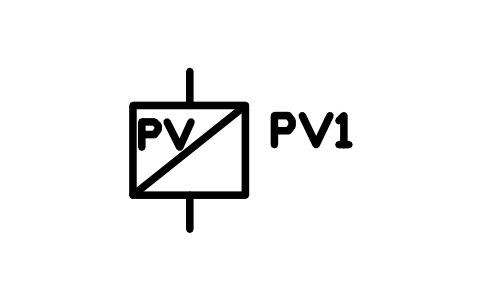

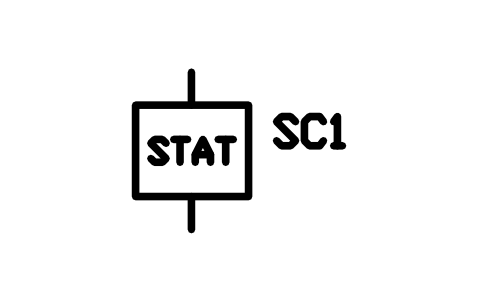
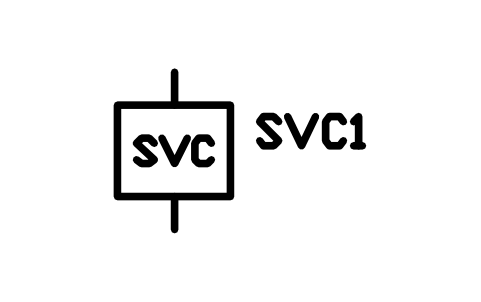

Synchronous condenser
PRI_SYNC_CONDAttributes
TAGRATING_MVAVOLTAGE_KVPOWER_FACTORSPEED_RPMEXCITATIONCOOLINGMANUFACTURERMODELREMARKSDESC
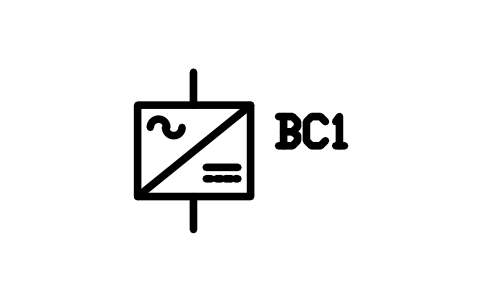
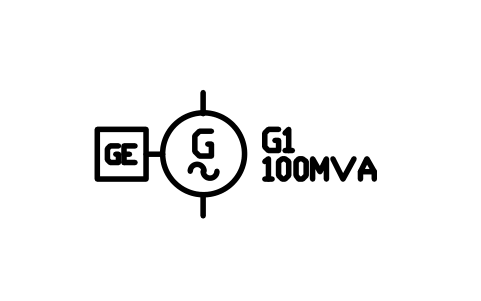
Gas engine generator set
PRI_GEN_GASENGINEAttributes
TAGRATING_MVAVOLTAGE_KVPOWER_FACTORSPEED_RPMEXCITATIONCOOLINGMANUFACTURERMODELREMARKSDESC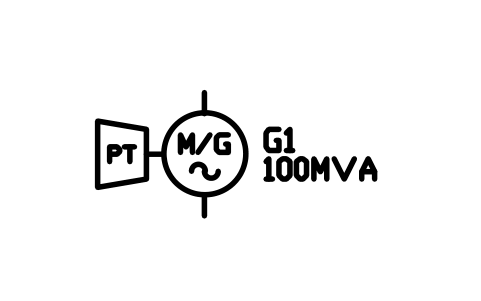
Pumped storage motor-generator
PRI_GEN_PUMPEDAttributes
TAGRATING_MVAVOLTAGE_KVPOWER_FACTORSPEED_RPMEXCITATIONCOOLINGMANUFACTURERMODELREMARKSDESC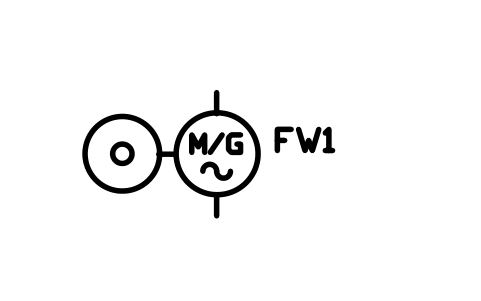
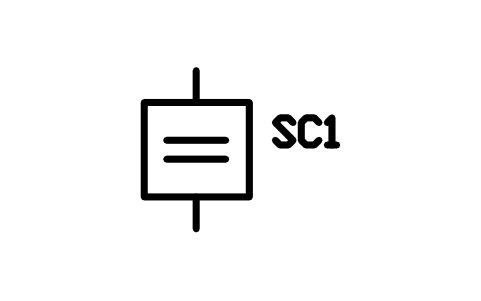
Supercapacitor energy storage
PRI_SUPERCAPAttributes
TAGRATINGVOLTAGE_KVUNITSMANUFACTURERMODELREMARKSDESC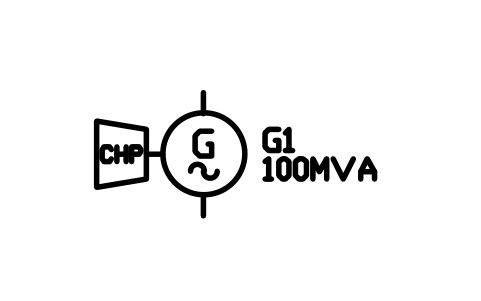
Combined heat and power set
PRI_GEN_CHPAttributes
TAGRATING_MVAVOLTAGE_KVPOWER_FACTORSPEED_RPMEXCITATIONCOOLINGMANUFACTURERMODELREMARKSDESCMotor, three-phase
PRI_IEC_MOTOR_3PHAttributes
TAGPOWER_KWVOLTAGECURRENTSPEED_RPMFREQUENCYMANUFACTURERPART_NODESCMotor, single-phase
PRI_IEC_MOTOR_1PHAttributes
TAGPOWER_KWVOLTAGECURRENTSPEED_RPMFREQUENCYMANUFACTURERPART_NODESCGenerator, three-phase
PRI_IEC_GENERATOR_3PHAttributes
TAGRATING_KVAVOLTAGECURRENTFREQUENCYSPEED_RPMMANUFACTURERPART_NODESCRectifier
PRI_IEC_RECTIFIERAttributes
TAGPOWER_KWINPUT_VOUTPUT_VOUTPUT_AEFFICIENCY_PCTSTD_CLAUSESTD_REFMANUFACTURERPART_NODESCInverter
PRI_IEC_INVERTERAttributes
TAGPOWER_KWINPUT_VOUTPUT_VOUTPUT_AEFFICIENCY_PCTSTD_CLAUSESTD_REFMANUFACTURERPART_NODESCDC/DC converter
PRI_IEC_DC_CONVERTERAttributes
TAGPOWER_KWINPUT_VOUTPUT_VOUTPUT_AEFFICIENCY_PCTSTD_CLAUSESTD_REFMANUFACTURERPART_NODESCFrequency converter
PRI_IEC_FREQUENCY_CONVERTERAttributes
TAGPOWER_KWINPUT_VOUTPUT_HZOUTPUT_APROTECTIONSTD_CLAUSESTD_REFMANUFACTURERPART_NODESCPhotovoltaic generator
PRI_IEC_PV_GENERATORAttributes
TAGPOWER_KWPVOLTAGECURRENTMODULESSTD_CLAUSESTD_REFMANUFACTURERPART_NODESCMotor, slip-ring
PRI_IEC_MOTOR_WOUNDAttributes
TAGPOWER_KWVOLTAGECURRENTSPEED_RPMROTOR_VSTD_CLAUSESTD_REFMANUFACTURERPART_NODESC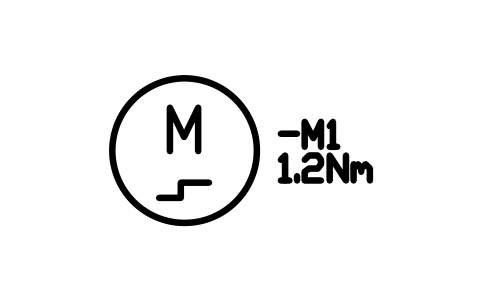
Motor, stepper
PRI_IEC_MOTOR_STEPPERAttributes
TAGTORQUE_NMVOLTAGECURRENTSTEP_ANGLESTD_CLAUSESTD_REFMANUFACTURERPART_NODESC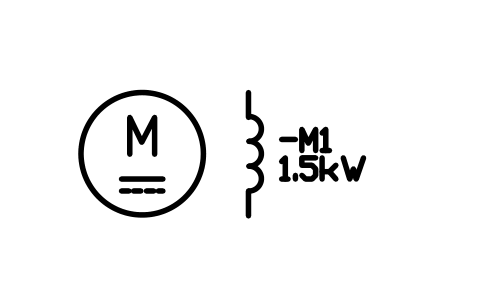
Motor, DC, separate field
PRI_IEC_MOTOR_DC_SEPAttributes
TAGPOWER_KWVOLTAGECURRENTFIELD_VSPEED_RPMMANUFACTURERPART_NODESC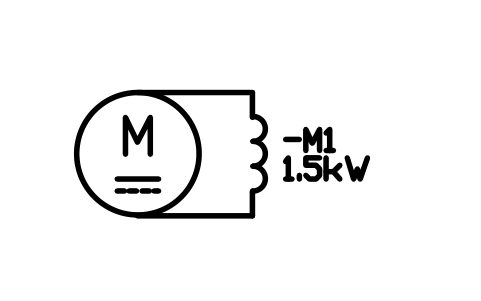
Motor, DC, shunt field
PRI_IEC_MOTOR_DC_SHUNTAttributes
TAGPOWER_KWVOLTAGECURRENTSPEED_RPMSTD_CLAUSESTD_REFMANUFACTURERPART_NODESC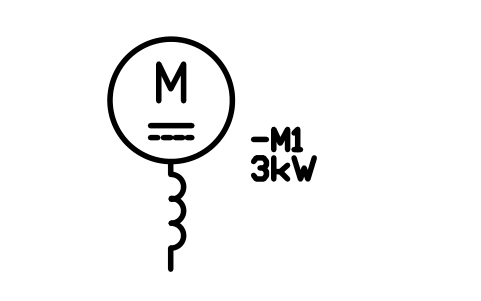
Motor, DC, series field
PRI_IEC_MOTOR_DC_SERIESAttributes
TAGPOWER_KWVOLTAGECURRENTSPEED_RPMSTD_CLAUSESTD_REFMANUFACTURERPART_NODESC
Generator, single-phase
PRI_IEC_GENERATOR_1PHAttributes
TAGRATING_KVAVOLTAGECURRENTFREQUENCYSPEED_RPMMANUFACTURERPART_NODESC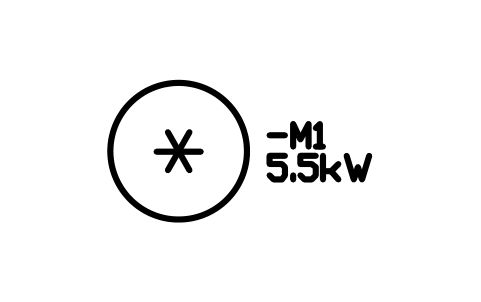
Machine, general symbol
PRI_IEC_MACHINEAttributes
TAGPOWER_KWVOLTAGECURRENTTYPESTD_CLAUSESTD_REFMANUFACTURERPART_NODESC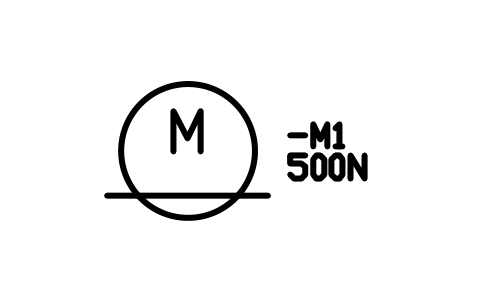
Motor, linear
PRI_IEC_MOTOR_LINEARAttributes
TAGFORCE_NVOLTAGECURRENTSTROKE_MMSTD_CLAUSESTD_REFMANUFACTURERPART_NODESC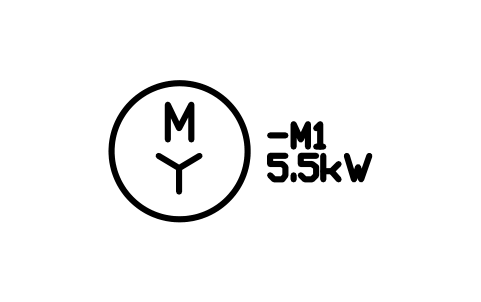
Motor, star-connected
PRI_IEC_MOTOR_STARAttributes
TAGPOWER_KWVOLTAGECURRENTSPEED_RPMFREQUENCYSTD_CLAUSESTD_REFMANUFACTURERPART_NODESC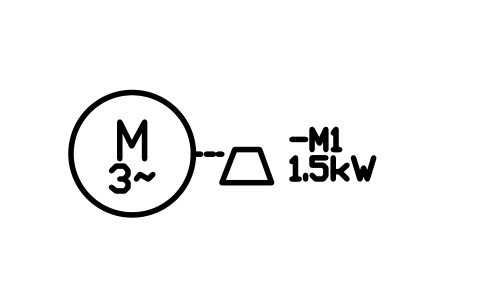
Motor with brake
PRI_IEC_MOTOR_BRAKEAttributes
TAGPOWER_KWVOLTAGECURRENTBRAKE_VBRAKE_NMMANUFACTURERPART_NODESC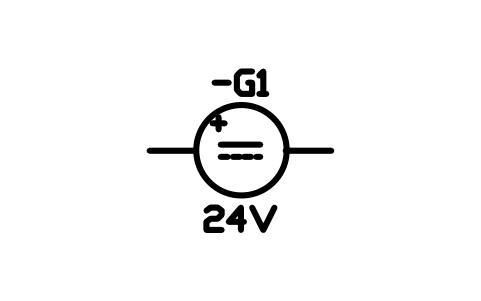
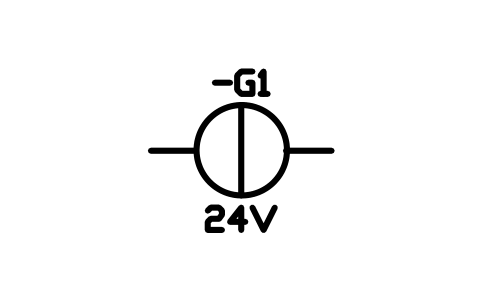
Voltage source
PRI_IEC_SOURCE_VOLTAGEAttributes
TAGVOLTAGEINTERNAL_OHMSTD_CLAUSESTD_REFMANUFACTURERPART_NODESC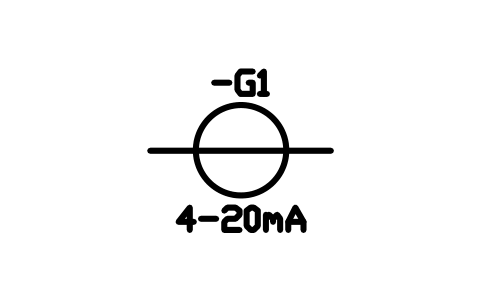
Current source
PRI_IEC_SOURCE_CURRENTAttributes
TAGCURRENTCOMPLIANCE_VSTD_CLAUSESTD_REFMANUFACTURERPART_NODESC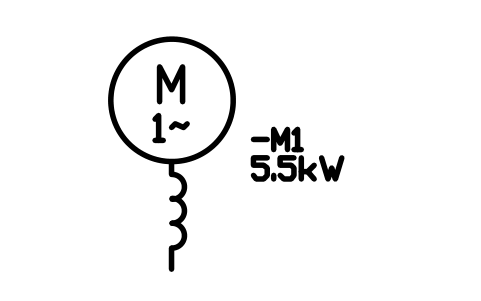
Motor, single-phase, series
PRI_IEC_MOTOR_1PH_SERIESAttributes
TAGPOWER_KWVOLTAGECURRENTSPEED_RPMFREQUENCYSTD_CLAUSESTD_REFMANUFACTURERPART_NODESC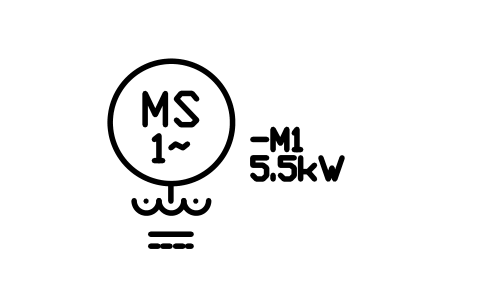
Motor, synchronous, single-phase
PRI_IEC_MOTOR_SYNC_1PHAttributes
TAGPOWER_KWVOLTAGECURRENTSPEED_RPMFREQUENCYSTD_CLAUSESTD_REFMANUFACTURERPART_NODESC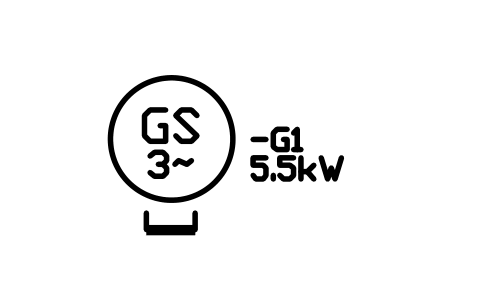
Generator, synchronous, permanent magnet
PRI_IEC_GENERATOR_SYNC_PMAttributes
TAGPOWER_KWVOLTAGECURRENTSPEED_RPMFREQUENCYSTD_CLAUSESTD_REFMANUFACTURERPART_NODESC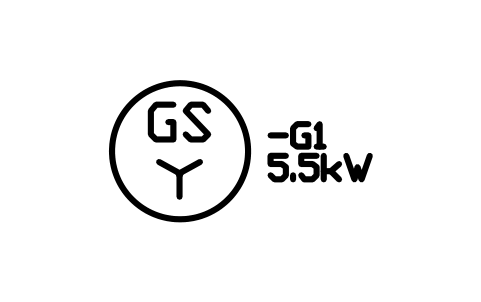
Generator, synchronous, star with neutral
PRI_IEC_GENERATOR_SYNC_STAR_NAttributes
TAGPOWER_KWVOLTAGECURRENTSPEED_RPMFREQUENCYMANUFACTURERPART_NODESC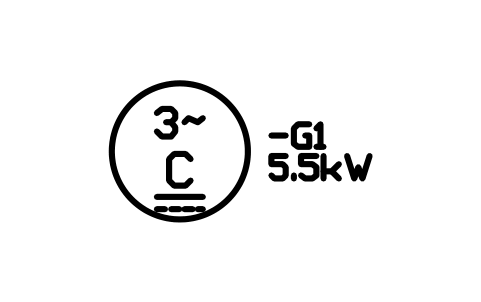
Synchronous converter, three-phase
PRI_IEC_CONVERTER_SYNCAttributes
TAGPOWER_KWVOLTAGECURRENTSPEED_RPMFREQUENCYSTD_CLAUSESTD_REFMANUFACTURERPART_NODESC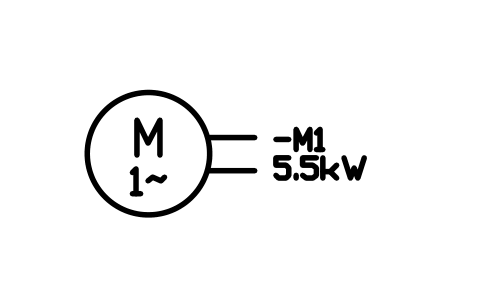
Induction motor, single-phase, two windings
PRI_IEC_MOTOR_INDUCTION_1PH_AUXAttributes
TAGPOWER_KWVOLTAGECURRENTSPEED_RPMFREQUENCYMANUFACTURERPART_NODESC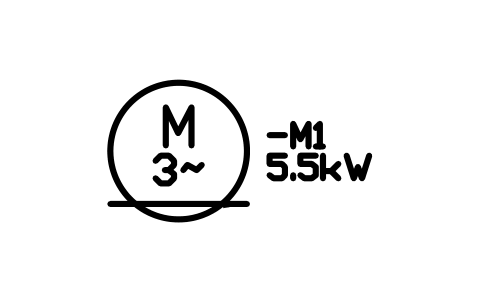
Linear induction motor, three-phase
PRI_IEC_MOTOR_LINEAR_3PHAttributes
TAGPOWER_KWVOLTAGECURRENTSPEED_RPMFREQUENCYSTD_CLAUSESTD_REFMANUFACTURERPART_NODESC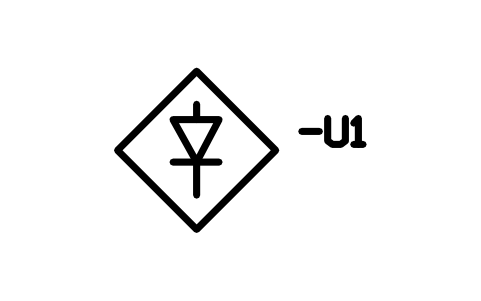
Rectifier, bridge connection
PRI_IEC_RECTIFIER_BRIDGEAttributes
TAGTYPEVOLTAGECURRENTPACKAGESTD_CLAUSESTD_REFMANUFACTURERPART_NODESC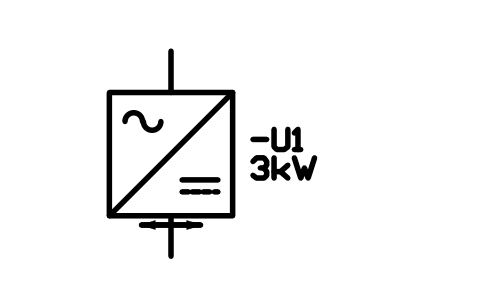
Rectifier/inverter
PRI_IEC_RECTIFIER_INVERTERAttributes
TAGPOWER_KWINPUT_VOUTPUT_VOUTPUT_AEFFICIENCY_PCTSTD_CLAUSESTD_REFMANUFACTURERPART_NODESC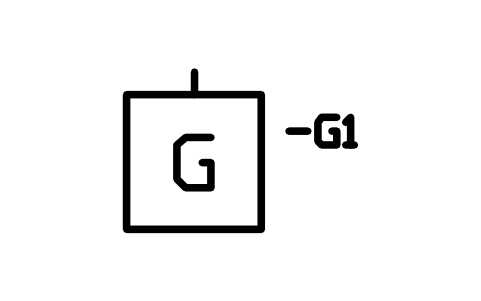
Static generator
PRI_IEC_STATIC_GENERATORAttributes
TAGRATINGMANUFACTURERMODELREMARKSSTD_CLAUSESTD_REFMANUFACTURERPART_NODESC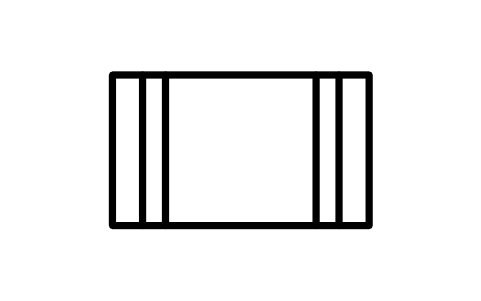
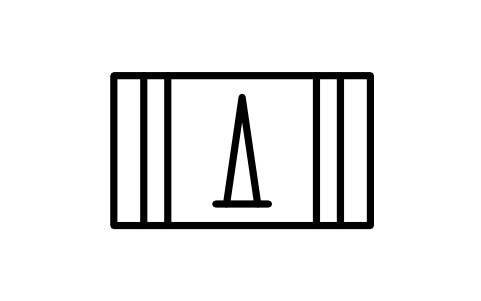
Heat source, combustion
PRI_IEC_HEAT_SOURCE_COMBUSTIONAttributes
POWERFUELMANUFACTURERMODELREMARKSSTD_CLAUSESTD_REFDESC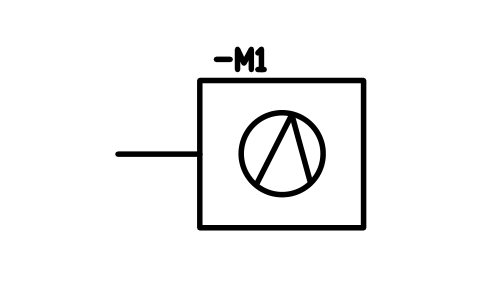
Fan, in housing
PRI_IEC_FAN_IN_HOUSINGAttributes
TAGFLOW_M3HMANUFACTURERMODELREMARKSMANUFACTURERPART_NODESC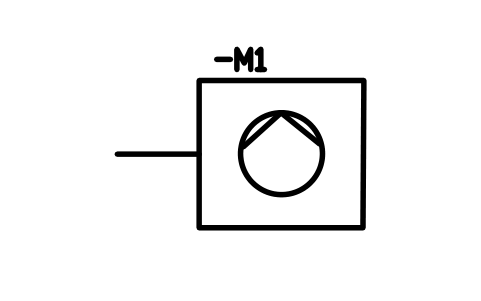
Pump, in housing
PRI_IEC_PUMP_IN_HOUSINGAttributes
TAGFLOW_M3HMANUFACTURERMODELREMARKSMANUFACTURERPART_NODESCMotor, induction
PRI_MOTOR_IMAttributes
TAGPOWER_KWVOLTAGEPOWER_FACTORSTARTINGSERVICEMANUFACTURERMODELREMARKSDESCMotor, synchronous
PRI_MOTOR_SMAttributes
TAGPOWER_KWVOLTAGEPOWER_FACTORSTARTINGSERVICEMANUFACTURERMODELREMARKSDESCMotor, DC
PRI_MOTOR_DCAttributes
TAGPOWER_KWVOLTAGEPOWER_FACTORSTARTINGSERVICEMANUFACTURERMODELREMARKSDESCLoad (static)
PRI_LOADAttributes
TAGPOWER_KWVOLTAGEPOWER_FACTORSTARTINGSERVICEMANUFACTURERMODELREMARKSDESCLoad (static), solid
PRI_LOAD_FILLAttributes
TAGPOWER_KWVOLTAGEPOWER_FACTORSTARTINGSERVICEMANUFACTURERMODELREMARKSDESCLoad, resistive
PRI_LOAD_RESISTIVEAttributes
TAGPOWER_KWVOLTAGEPOWER_FACTORSTARTINGSERVICEMANUFACTURERMODELREMARKSDESC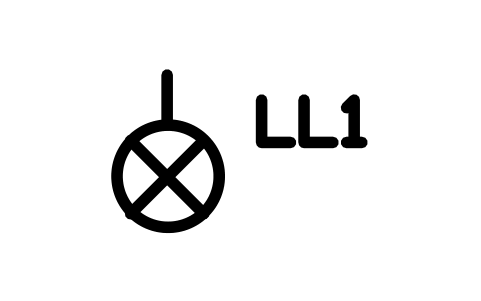
Lighting load
PRI_LOAD_LIGHTAttributes
TAGPOWER_KWVOLTAGEPOWER_FACTORSTARTINGSERVICEMANUFACTURERMODELREMARKSDESC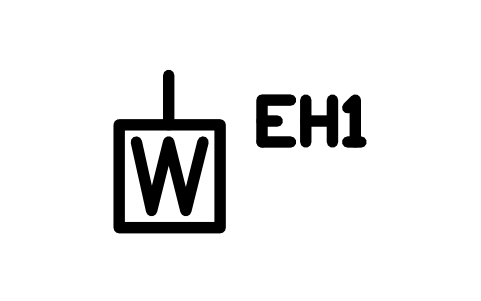
Heater
PRI_LOAD_HEATERAttributes
TAGPOWER_KWVOLTAGEPOWER_FACTORSTARTINGSERVICEMANUFACTURERMODELREMARKSDESC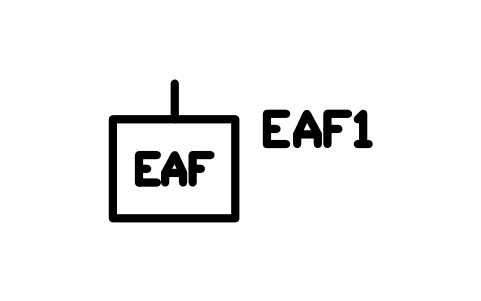
Arc furnace
PRI_LOAD_ARCAttributes
TAGPOWER_KWVOLTAGEPOWER_FACTORSTARTINGSERVICEMANUFACTURERMODELREMARKSDESC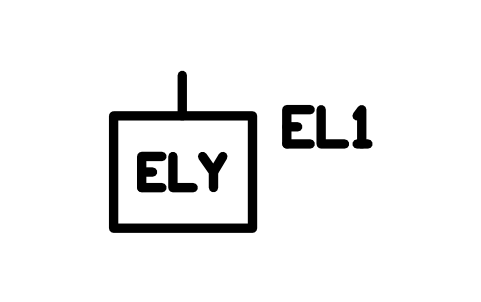
Electrolyser
PRI_LOAD_ELECTROLYSERAttributes
TAGPOWER_KWVOLTAGEPOWER_FACTORSTARTINGSERVICEMANUFACTURERMODELREMARKSDESC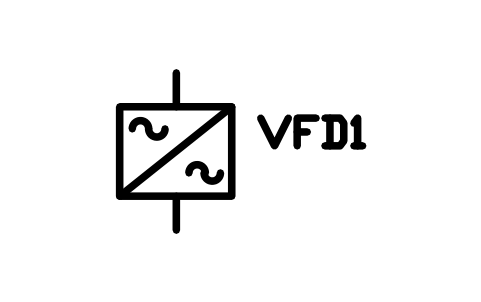
Variable frequency drive
PRI_VFDAttributes
TAGPOWER_KWVOLTAGEPOWER_FACTORSTARTINGSERVICEMANUFACTURERMODELREMARKSDESC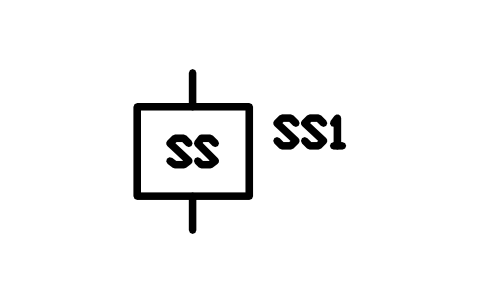
Soft starter
PRI_SOFTSTARTAttributes
TAGPOWER_KWVOLTAGEPOWER_FACTORSTARTINGSERVICEMANUFACTURERMODELREMARKSDESC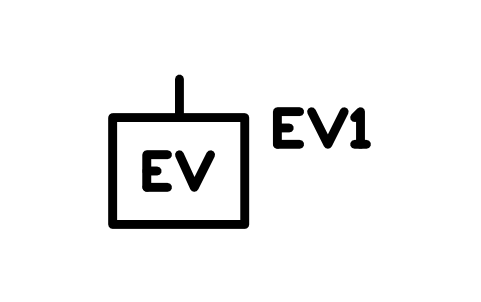
EV charger
PRI_LOAD_EVAttributes
TAGPOWER_KWVOLTAGEPOWER_FACTORSTARTINGSERVICEMANUFACTURERMODELREMARKSDESC
Heat pump
PRI_LOAD_HEATPUMPAttributes
TAGPOWER_KWVOLTAGEPOWER_FACTORSTARTINGSERVICEMANUFACTURERMODELREMARKSDESC
Data centre load
PRI_LOAD_DATAAttributes
TAGPOWER_KWVOLTAGEPOWER_FACTORSTARTINGSERVICEMANUFACTURERMODELREMARKSDESC
Welding machine
PRI_LOAD_WELDERAttributes
TAGPOWER_KWVOLTAGEPOWER_FACTORSTARTINGSERVICEMANUFACTURERMODELREMARKSDESC
Lift / crane drive
PRI_LOAD_LIFTAttributes
TAGPOWER_KWVOLTAGEPOWER_FACTORSTARTINGSERVICEMANUFACTURERMODELREMARKSDESC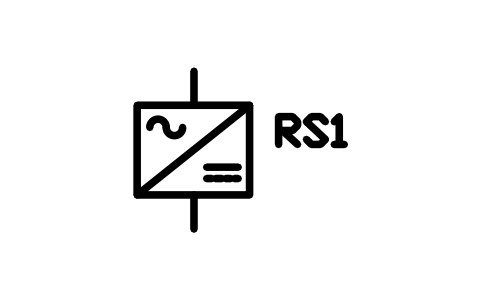
Rectifier set (electrolysis)
PRI_LOAD_RECTSETAttributes
TAGPOWER_KWVOLTAGEPOWER_FACTORSTARTINGSERVICEMANUFACTURERMODELREMARKSDESC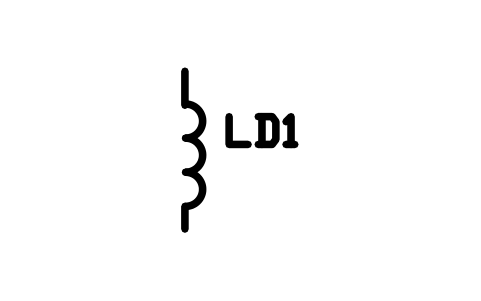
Load, inductive
PRI_LOAD_INDAttributes
TAGPOWER_KWVOLTAGEPOWER_FACTORSTARTINGSERVICEMANUFACTURERMODELREMARKSDESC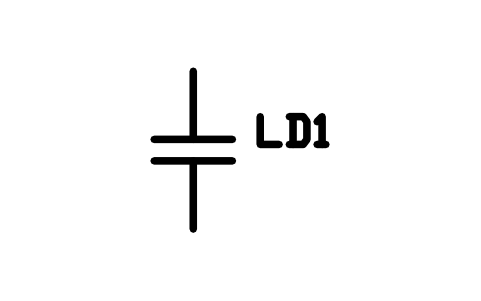
Load, capacitive
PRI_LOAD_CAPAttributes
TAGPOWER_KWVOLTAGEPOWER_FACTORSTARTINGSERVICEMANUFACTURERMODELREMARKSDESCTransformer, two winding
PRI_TX_2WAttributes
TAGRATING_MVAVOLTAGE_RATIOVECTOR_GROUPIMPEDANCE_PCTTAP_RANGECOOLINGNEUTRAL_EARTHINGMANUFACTURERMODELREMARKSDESCTransformer, delta-star
PRI_TX_DYAttributes
TAGRATING_MVAVOLTAGE_RATIOVECTOR_GROUPIMPEDANCE_PCTTAP_RANGECOOLINGNEUTRAL_EARTHINGMANUFACTURERMODELREMARKSDESCTransformer, star-star
PRI_TX_YYAttributes
TAGRATING_MVAVOLTAGE_RATIOVECTOR_GROUPIMPEDANCE_PCTTAP_RANGECOOLINGNEUTRAL_EARTHINGMANUFACTURERMODELREMARKSDESCTransformer, delta-star, neutral earthed
PRI_TX_DYNAttributes
TAGRATING_MVAVOLTAGE_RATIOVECTOR_GROUPIMPEDANCE_PCTTAP_RANGECOOLINGNEUTRAL_EARTHINGMANUFACTURERMODELREMARKSDESCTransformer, delta-delta
PRI_TX_DDAttributes
TAGRATING_MVAVOLTAGE_RATIOVECTOR_GROUPIMPEDANCE_PCTTAP_RANGECOOLINGNEUTRAL_EARTHINGMANUFACTURERMODELREMARKSDESCTransformer with on-load tap changer
PRI_TX_OLTCAttributes
TAGRATING_MVAVOLTAGE_RATIOVECTOR_GROUPIMPEDANCE_PCTTAP_RANGECOOLINGNEUTRAL_EARTHINGMANUFACTURERMODELREMARKSDESCAutotransformer
PRI_TX_AUTOAttributes
TAGRATING_MVAVOLTAGE_RATIOVECTOR_GROUPIMPEDANCE_PCTTAP_RANGECOOLINGNEUTRAL_EARTHINGMANUFACTURERMODELREMARKSDESCTransformer, three winding
PRI_TX_3WAttributes
TAGRATING_MVAVOLTAGE_RATIOVECTOR_GROUPIMPEDANCE_PCTTAP_RANGECOOLINGNEUTRAL_EARTHINGMANUFACTURERMODELREMARKSDESCEarthing transformer (zigzag)
PRI_TX_ZIGZAGAttributes
TAGRATING_MVAVOLTAGE_RATIOVECTOR_GROUPIMPEDANCE_PCTTAP_RANGECOOLINGNEUTRAL_EARTHINGMANUFACTURERMODELREMARKSDESCPhase-shifting transformer
PRI_TX_PHASEAttributes
TAGRATING_MVAVOLTAGE_RATIOVECTOR_GROUPIMPEDANCE_PCTTAP_RANGECOOLINGNEUTRAL_EARTHINGMANUFACTURERMODELREMARKSDESCPad-mounted transformer
PRI_TX_PADAttributes
TAGRATING_MVAVOLTAGE_RATIOVECTOR_GROUPIMPEDANCE_PCTTAP_RANGECOOLINGNEUTRAL_EARTHINGMANUFACTURERMODELREMARKSDESC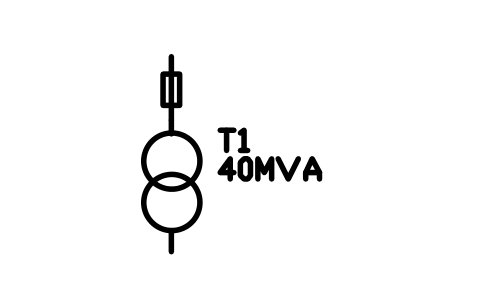
Pole-mounted transformer with fuse
PRI_TX_POLEAttributes
TAGRATING_MVAVOLTAGE_RATIOVECTOR_GROUPIMPEDANCE_PCTTAP_RANGECOOLINGNEUTRAL_EARTHINGMANUFACTURERMODELREMARKSDESC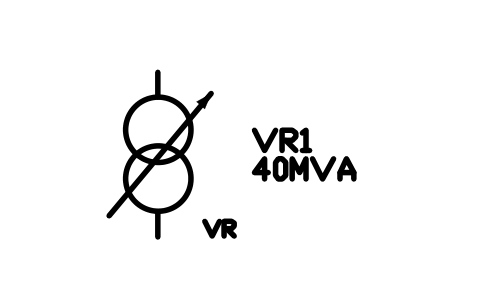
Voltage regulator
PRI_TX_REGULATORAttributes
TAGRATING_MVAVOLTAGE_RATIOVECTOR_GROUPIMPEDANCE_PCTTAP_RANGECOOLINGNEUTRAL_EARTHINGMANUFACTURERMODELREMARKSDESCStation service transformer
PRI_TX_STATIONAttributes
TAGRATING_MVAVOLTAGE_RATIOVECTOR_GROUPIMPEDANCE_PCTTAP_RANGECOOLINGNEUTRAL_EARTHINGMANUFACTURERMODELREMARKSDESC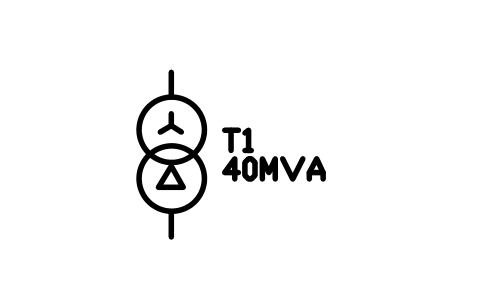
Transformer, star-delta
PRI_TX_YDAttributes
TAGRATING_MVAVOLTAGE_RATIOVECTOR_GROUPIMPEDANCE_PCTTAP_RANGECOOLINGNEUTRAL_EARTHINGMANUFACTURERMODELREMARKSDESC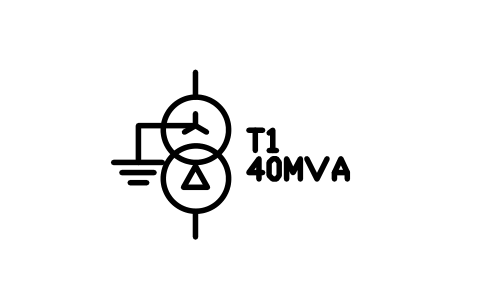
Transformer, star-delta, neutral earthed
PRI_TX_YNDAttributes
TAGRATING_MVAVOLTAGE_RATIOVECTOR_GROUPIMPEDANCE_PCTTAP_RANGECOOLINGNEUTRAL_EARTHINGMANUFACTURERMODELREMARKSDESC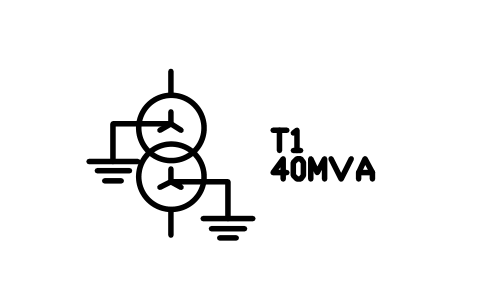
Transformer, star-star, both neutrals earthed
PRI_TX_YNYNAttributes
TAGRATING_MVAVOLTAGE_RATIOVECTOR_GROUPIMPEDANCE_PCTTAP_RANGECOOLINGNEUTRAL_EARTHINGMANUFACTURERMODELREMARKSDESC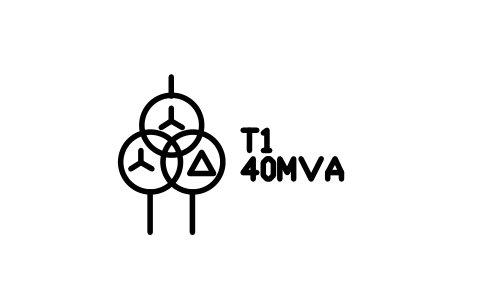
Transformer, three winding, delta tertiary
PRI_TX_3W_YYDAttributes
TAGRATING_MVAVOLTAGE_RATIOVECTOR_GROUPIMPEDANCE_PCTTAP_RANGECOOLINGNEUTRAL_EARTHINGMANUFACTURERMODELREMARKSDESC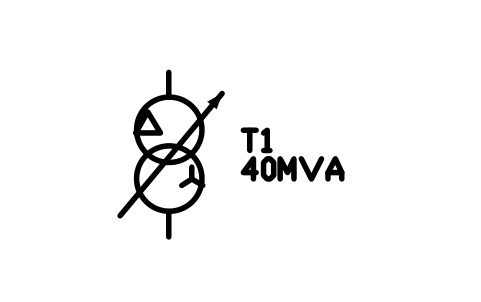
Transformer, delta-star, on-load tap changer
PRI_TX_DY_OLTCAttributes
TAGRATING_MVAVOLTAGE_RATIOVECTOR_GROUPIMPEDANCE_PCTTAP_RANGECOOLINGNEUTRAL_EARTHINGMANUFACTURERMODELREMARKSDESC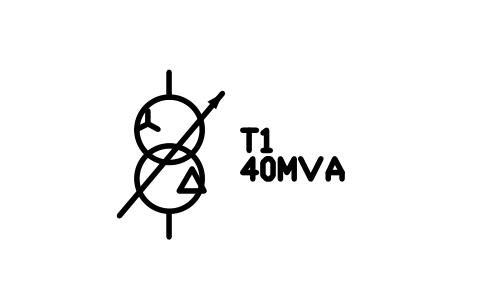
Transformer, star-delta, on-load tap changer
PRI_TX_YD_OLTCAttributes
TAGRATING_MVAVOLTAGE_RATIOVECTOR_GROUPIMPEDANCE_PCTTAP_RANGECOOLINGNEUTRAL_EARTHINGMANUFACTURERMODELREMARKSDESC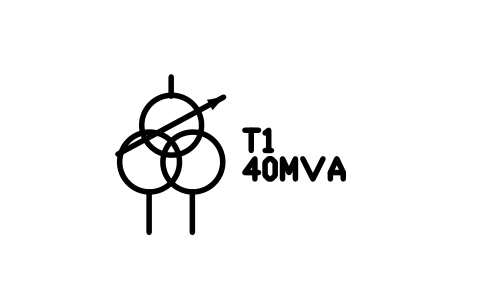
Transformer, three winding, on-load tap changer
PRI_TX_3W_OLTCAttributes
TAGRATING_MVAVOLTAGE_RATIOVECTOR_GROUPIMPEDANCE_PCTTAP_RANGECOOLINGNEUTRAL_EARTHINGMANUFACTURERMODELREMARKSDESC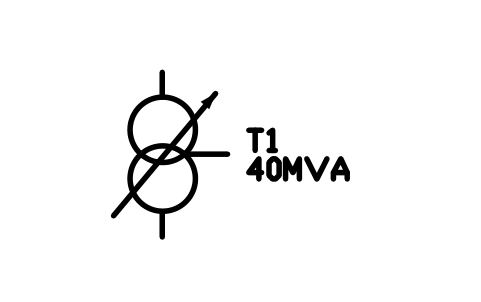
Autotransformer, on-load tap changer
PRI_TX_AUTO_OLTCAttributes
TAGRATING_MVAVOLTAGE_RATIOVECTOR_GROUPIMPEDANCE_PCTTAP_RANGECOOLINGNEUTRAL_EARTHINGMANUFACTURERMODELREMARKSDESC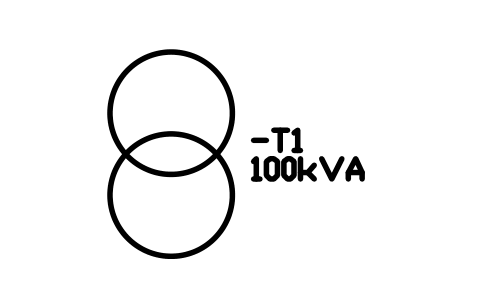
Transformer (circles)
PRI_IEC_TRANSFORMERAttributes
TAGRATING_KVAPRIMARY_VSECONDARY_VVECTOR_GROUPFREQUENCYIMPEDANCE_PCTSTD_CLAUSESTD_REFMANUFACTURERPART_NODESC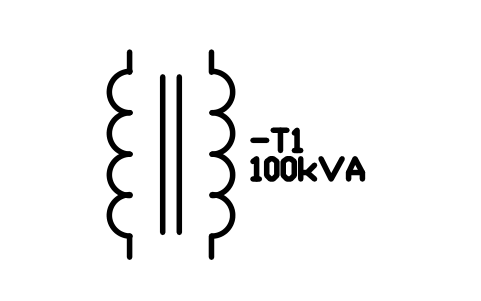
Transformer (windings)
PRI_IEC_TRANSFORMER_WINDINGSAttributes
TAGRATING_KVAPRIMARY_VSECONDARY_VVECTOR_GROUPFREQUENCYIMPEDANCE_PCTSTD_CLAUSESTD_REFMANUFACTURERPART_NODESC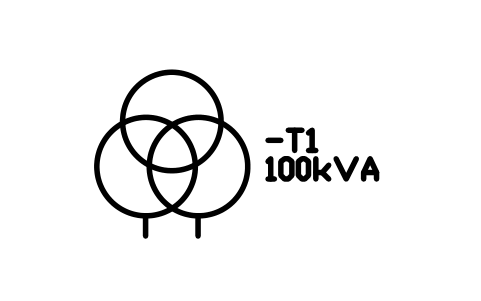
Transformer, three windings
PRI_IEC_TRANSFORMER_3WAttributes
TAGRATING_KVAPRIMARY_VSECONDARY_VTERTIARY_VVECTOR_GROUPFREQUENCYSTD_CLAUSESTD_REFMANUFACTURERPART_NODESC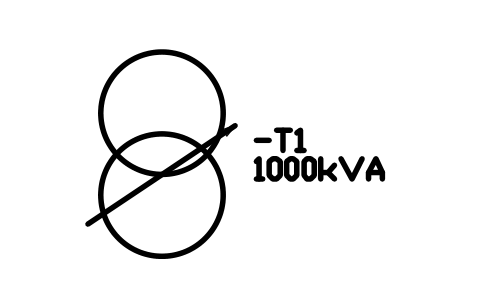
Transformer, tap changer
PRI_IEC_TRANSFORMER_TAPSAttributes
TAGRATING_KVAPRIMARY_VSECONDARY_VTAP_RANGEVECTOR_GROUPIMPEDANCE_PCTMANUFACTURERPART_NODESC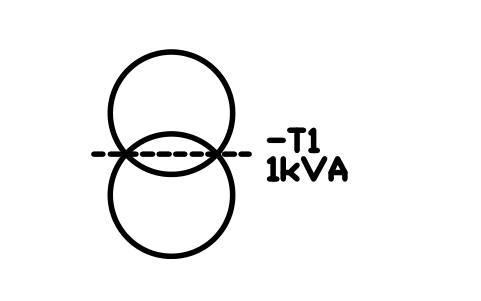
Transformer, screened
PRI_IEC_TRANSFORMER_ISOLATINGAttributes
TAGRATING_KVAPRIMARY_VSECONDARY_VFREQUENCYPROTECTIONMANUFACTURERPART_NODESC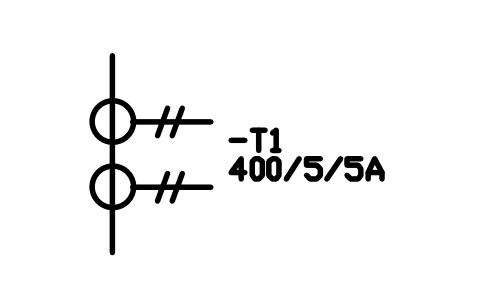
Current transformer, 2 cores
PRI_IEC_CT_2COREAttributes
TAGRATIOCORE1CORE2SECONDARY_AMANUFACTURERPART_NODESC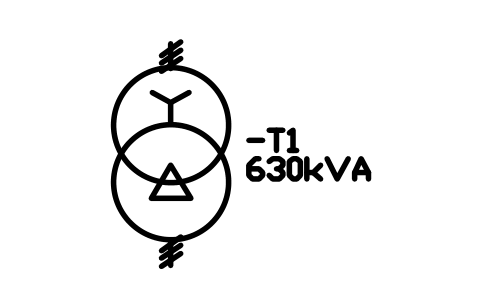
Transformer, 3-phase, star-delta
PRI_IEC_TRANSFORMER_3PH_STAR_DELTAAttributes
TAGRATING_KVAPRIMARY_VSECONDARY_VVECTOR_GROUPFREQUENCYIMPEDANCE_PCTMANUFACTURERPART_NODESC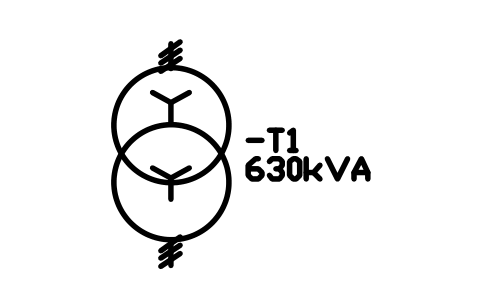
Transformer, 3-phase, star-star
PRI_IEC_TRANSFORMER_3PH_STAR_STARAttributes
TAGRATING_KVAPRIMARY_VSECONDARY_VVECTOR_GROUPFREQUENCYIMPEDANCE_PCTMANUFACTURERPART_NODESC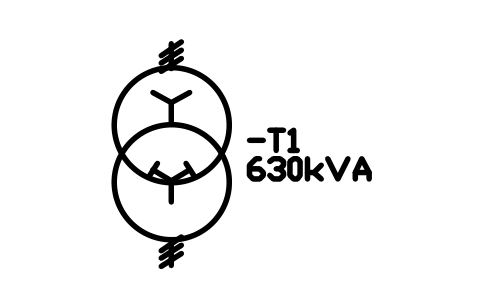
Transformer, 3-phase, star-zigzag
PRI_IEC_TRANSFORMER_3PH_STAR_ZIGAttributes
TAGRATING_KVAPRIMARY_VSECONDARY_VVECTOR_GROUPFREQUENCYIMPEDANCE_PCTMANUFACTURERPART_NODESC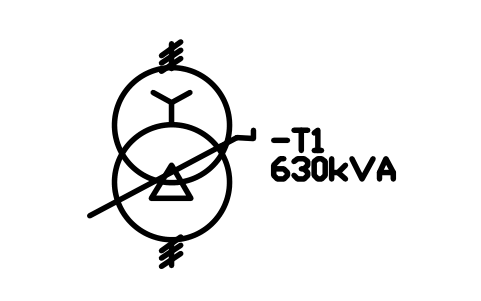
Transformer, 3-phase, tap changer
PRI_IEC_TRANSFORMER_3PH_TAP_CHANGERAttributes
TAGRATING_KVAPRIMARY_VSECONDARY_VVECTOR_GROUPFREQUENCYIMPEDANCE_PCTMANUFACTURERPART_NODESC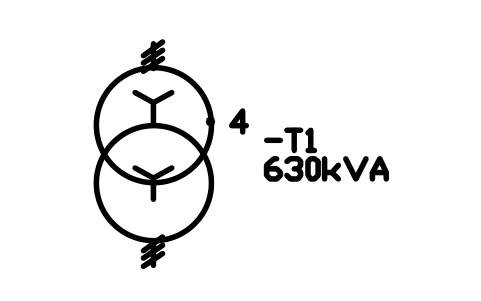
Transformer, 3-phase, four taps
PRI_IEC_TRANSFORMER_3PH_TAPS_4Attributes
TAGRATING_KVAPRIMARY_VSECONDARY_VVECTOR_GROUPFREQUENCYIMPEDANCE_PCTMANUFACTURERPART_NODESC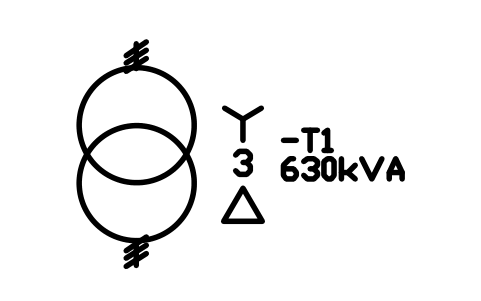
Transformer bank, 1-phase units, star-delta
PRI_IEC_TRANSFORMER_BANK_STAR_DELTAAttributes
TAGRATING_KVAPRIMARY_VSECONDARY_VVECTOR_GROUPFREQUENCYIMPEDANCE_PCTMANUFACTURERPART_NODESC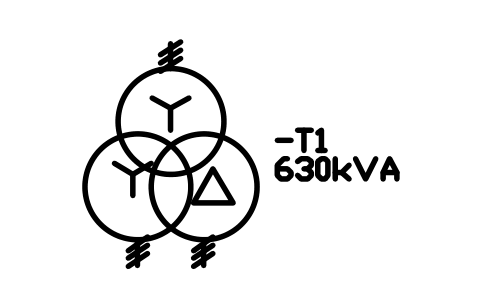
Transformer, 3-phase, star-star-delta
PRI_IEC_TRANSFORMER_3W_STAR_STAR_DELTAAttributes
TAGRATING_KVAPRIMARY_VSECONDARY_VVECTOR_GROUPFREQUENCYIMPEDANCE_PCTMANUFACTURERPART_NODESC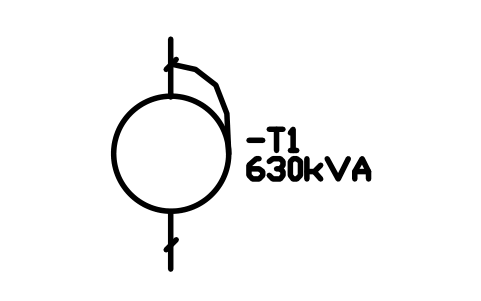
Autotransformer, single-phase
PRI_IEC_AUTOTRANSFORMER_CIRCLEAttributes
TAGRATING_KVAPRIMARY_VSECONDARY_VVECTOR_GROUPFREQUENCYIMPEDANCE_PCTMANUFACTURERPART_NODESC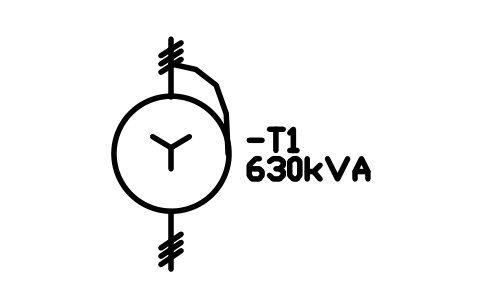
Autotransformer, 3-phase, star
PRI_IEC_AUTOTRANSFORMER_3PH_STARAttributes
TAGRATING_KVAPRIMARY_VSECONDARY_VVECTOR_GROUPFREQUENCYIMPEDANCE_PCTMANUFACTURERPART_NODESC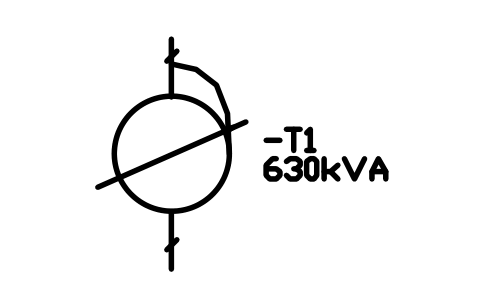
Autotransformer, voltage regulation
PRI_IEC_AUTOTRANSFORMER_REGULATEDAttributes
TAGRATING_KVAPRIMARY_VSECONDARY_VVECTOR_GROUPFREQUENCYIMPEDANCE_PCTMANUFACTURERPART_NODESC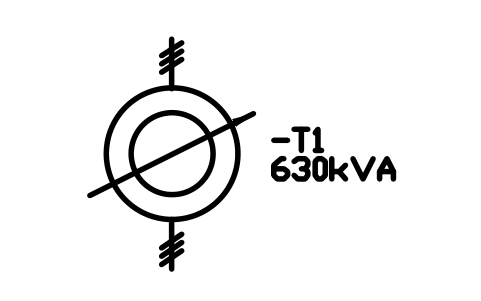
Induction regulator, 3-phase
PRI_IEC_INDUCTION_REGULATORAttributes
TAGRATING_KVAPRIMARY_VSECONDARY_VVECTOR_GROUPFREQUENCYIMPEDANCE_PCTMANUFACTURERPART_NODESC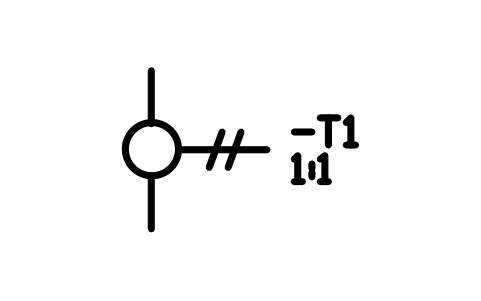
Pulse transformer
PRI_IEC_PULSE_TRANSFORMERAttributes
TAGRATIOPULSE_WIDTHMANUFACTURERMODELREMARKSMANUFACTURERPART_NODESCTransformer, polarity dots
PRI_MCH_S00843_TRANSFORMER_POLARITY_DOTSAttributes
TAGRATINGPART_NOMANUFACTURERREMARKSSTD_CLAUSESTD_REFDESCAutotransformer, circle
PRI_MCH_S00846_AUTOTRANSFORMER_CIRCLEAttributes
TAGRATINGPART_NOMANUFACTURERREMARKSSTD_CLAUSESTD_REFDESCTransformer, var. coupling
PRI_MCH_S00856_TRANSFORMER_VAR_COUPLINGAttributes
TAGRATINGPART_NOMANUFACTURERREMARKSSTD_CLAUSESTD_REFDESCCT, two secondary windings
PRI_MCH_S00882_CT_TWO_SECONDARY_WINDINGSAttributes
TAGRATINGPART_NOMANUFACTURERREMARKSSTD_CLAUSESTD_REFDESCCT, secondary with tap
PRI_MCH_S00884_CT_SECONDARY_WITH_TAPAttributes
TAGRATINGPART_NOMANUFACTURERREMARKSSTD_CLAUSESTD_REFDESCCT, five primary passages
PRI_MCH_S00886_CT_FIVE_PRIMARY_PASSAGESAttributes
TAGRATINGPART_NOMANUFACTURERREMARKSSTD_CLAUSESTD_REFDESCPulse CT, three conductors
PRI_MCH_S00888_PULSE_CT_THREE_CONDUCTORSAttributes
TAGRATINGPART_NOMANUFACTURERREMARKSSTD_CLAUSESTD_REFDESCPulse CT, two secondaries
PRI_MCH_S00890_PULSE_CT_TWO_SECONDARIESAttributes
TAGRATINGPART_NOMANUFACTURERREMARKSSTD_CLAUSESTD_REFDESCTransformer, D-Y, windings
PRI_MCH_S00859_TRANSFORMER_D_Y_WINDINGSAttributes
TAGRATINGPART_NOMANUFACTURERREMARKSSTD_CLAUSESTD_REFDESCTx D-Y, tap changer, wdg
PRI_MCH_S00865_TX_D_Y_TAP_CHANGER_WDGAttributes
TAGRATINGPART_NOMANUFACTURERREMARKSSTD_CLAUSESTD_REFDESC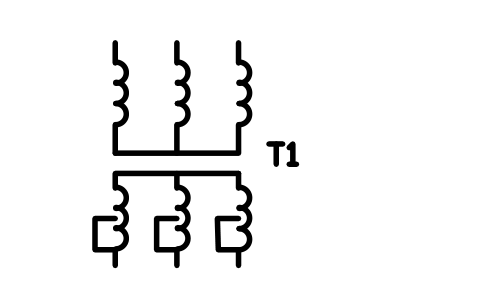
Tx Y-Y, four taps, windings
PRI_MCH_S00861_TX_Y_Y_FOUR_TAPS_WINDINGSAttributes
TAGRATINGPART_NOMANUFACTURERREMARKSSTD_CLAUSESTD_REFDESC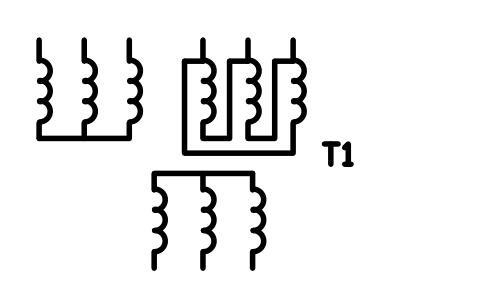
Transformer, Y-Y-D, windings
PRI_MCH_S00869_TRANSFORMER_Y_Y_D_WINDINGSAttributes
TAGRATINGPART_NOMANUFACTURERREMARKSSTD_CLAUSESTD_REFDESC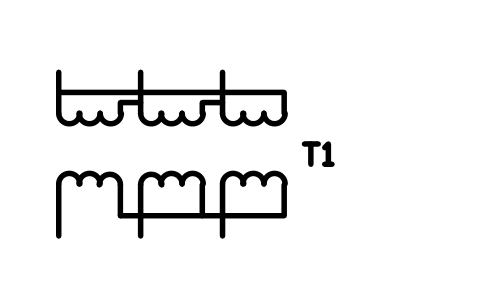
Bank, 1-ph units, D-Y, wdg
PRI_MCH_S00863_BANK_1_PH_UNITS_D_Y_WDGAttributes
TAGRATINGPART_NOMANUFACTURERREMARKSSTD_CLAUSESTD_REFDESC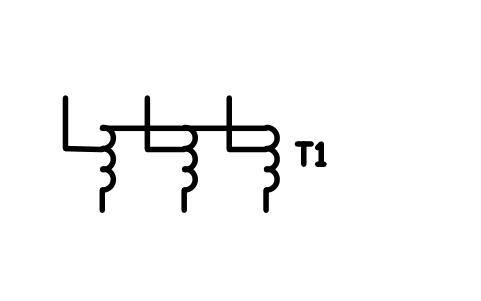
Autotransf. 3-ph, windings
PRI_MCH_S00873_AUTOTRANSF_3_PH_WINDINGSAttributes
TAGRATINGPART_NOMANUFACTURERREMARKSSTD_CLAUSESTD_REFDESC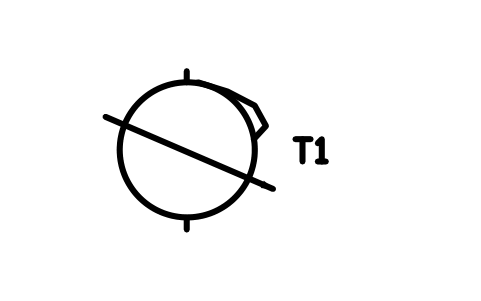
Autotransf. reg., circle
PRI_MCH_S00874_AUTOTRANSF_REG_CIRCLEAttributes
TAGRATINGPART_NOMANUFACTURERREMARKSSTD_CLAUSESTD_REFDESC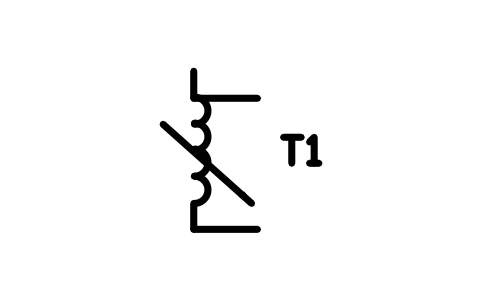
Autotransf. reg., windings
PRI_MCH_S00875_AUTOTRANSF_REG_WINDINGSAttributes
TAGRATINGPART_NOMANUFACTURERREMARKSSTD_CLAUSESTD_REFDESC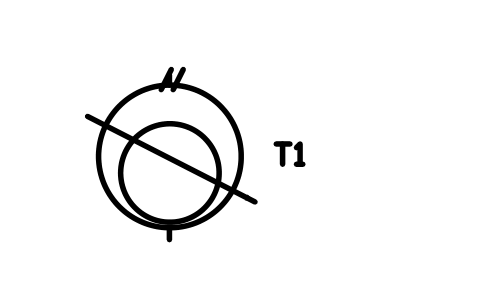
Induction regulator, circle
PRI_MCH_S00876_INDUCTION_REGULATOR_CIRCLEAttributes
TAGRATINGPART_NOMANUFACTURERREMARKSSTD_CLAUSESTD_REFDESC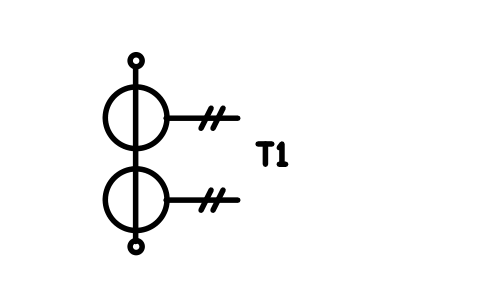
CT, two cores, one sec. each
PRI_MCH_S00880_CT_TWO_CORES_ONE_SEC_EACHAttributes
TAGRATINGPART_NOMANUFACTURERREMARKSSTD_CLAUSESTD_REFDESC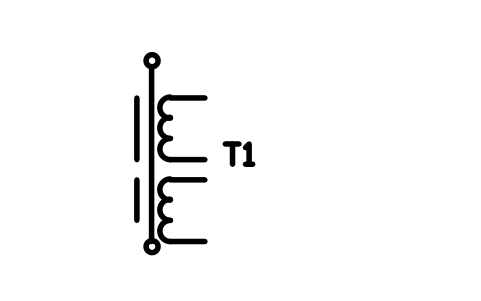
CT winding, two cores
PRI_MCH_S00881_CT_WINDING_TWO_CORESAttributes
TAGRATINGPART_NOMANUFACTURERREMARKSSTD_CLAUSESTD_REFDESC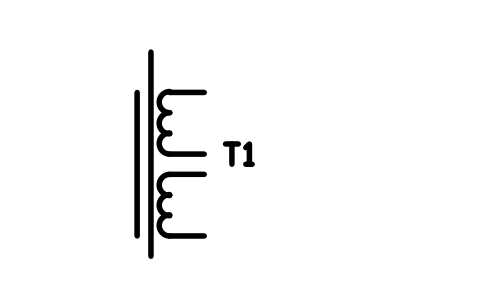
CT winding, two secondaries
PRI_MCH_S00883_CT_WINDING_TWO_SECONDARIESAttributes
TAGRATINGPART_NOMANUFACTURERREMARKSSTD_CLAUSESTD_REFDESC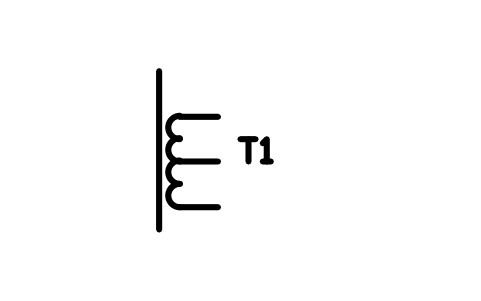
CT winding, one tap
PRI_MCH_S00885_CT_WINDING_ONE_TAPAttributes
TAGRATINGPART_NOMANUFACTURERREMARKSSTD_CLAUSESTD_REFDESC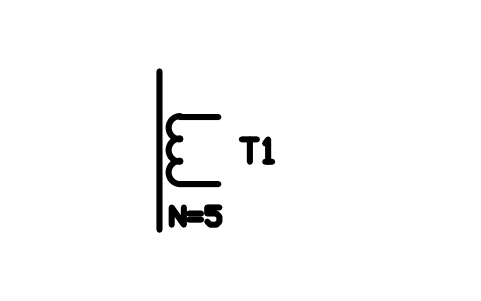
CT winding, five passages
PRI_MCH_S00887_CT_WINDING_FIVE_PASSAGESAttributes
TAGRATINGPART_NOMANUFACTURERREMARKSSTD_CLAUSESTD_REFDESC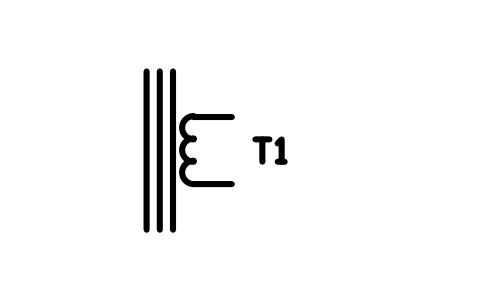
CT winding, three conductors
PRI_MCH_S00889_CT_WINDING_THREE_CONDUCTORSAttributes
TAGRATINGPART_NOMANUFACTURERREMARKSSTD_CLAUSESTD_REFDESC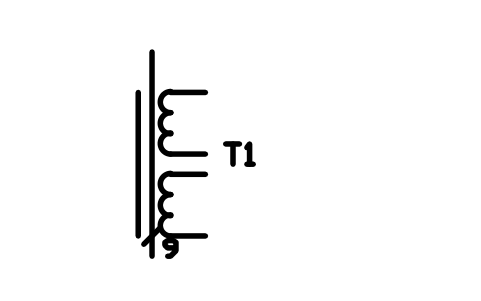
Pulse CT winding, two sec.
PRI_MCH_S00891_PULSE_CT_WINDING_TWO_SECAttributes
TAGRATINGPART_NOMANUFACTURERREMARKSSTD_CLAUSESTD_REFDESC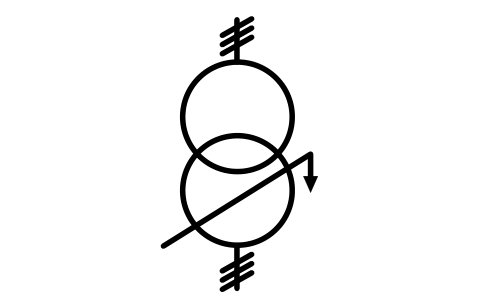
Phase shifter, three-phase
PRI_GAI_S01837_PHASE_SHIFTER_THREE_PHASEAttributes
REMARKSSTD_CLAUSESTD_REFDESC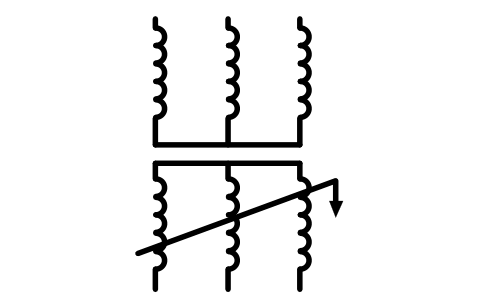
Phase shifter, 3-ph, wound
PRI_GAI_S01838_PHASE_SHIFTER_3_PH_WOUNDAttributes
REMARKSSTD_CLAUSESTD_REFDESC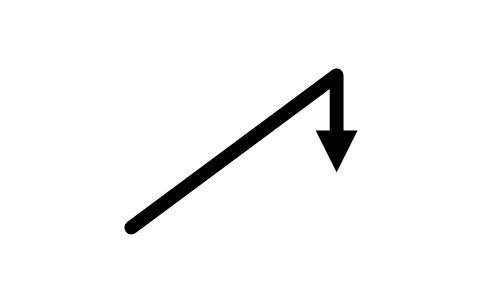
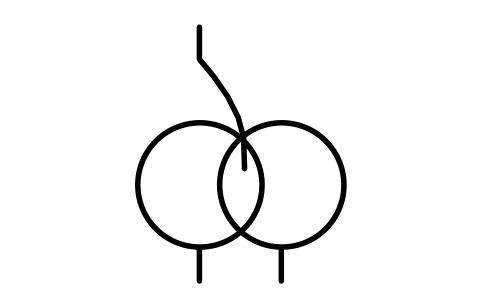
Autotransformer, tertiary
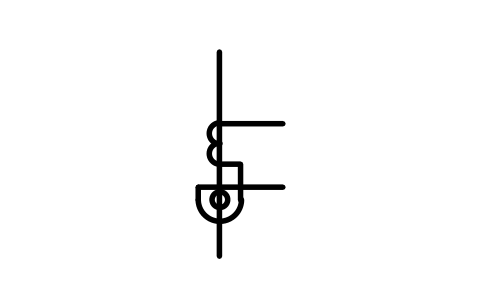
PRI_GAI_S01913_AUTOTRANSFORMER_TERTIARYAttributes
REMARKSSTD_CLAUSESTD_REFDESC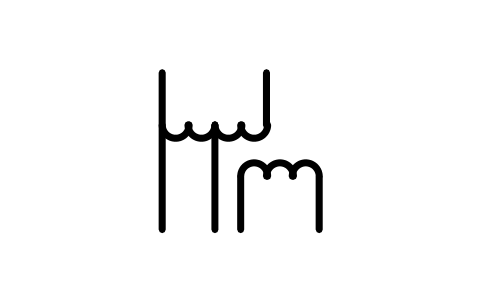
Autotransformer, tertiary 2
PRI_GAI_S01914_AUTOTRANSFORMER_TERTIARY_2Attributes
REMARKSSTD_CLAUSESTD_REFDESC

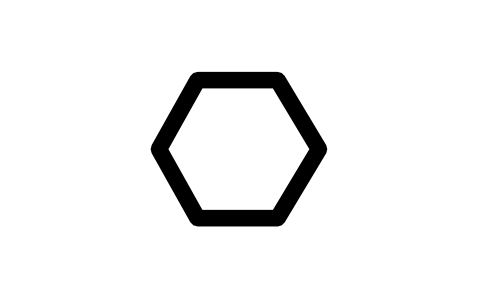
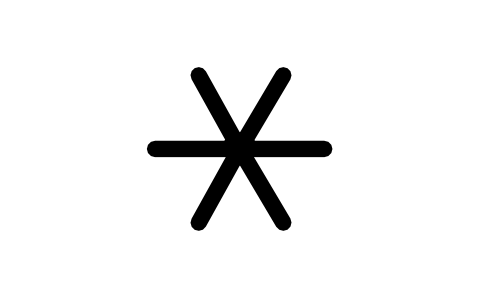
Circuit breaker
PRI_CBAttributes
TAGRATED_KVRATED_CURRENT_ABREAKING_KAINTERRUPTERMECHANISMCONTROL_VOLTAGEMANUFACTURERMODELREMARKSDESCCircuit breaker, box, open
PRI_CB_BOX_OPENAttributes
TAGRATED_KVRATED_CURRENT_ABREAKING_KAINTERRUPTERMECHANISMCONTROL_VOLTAGEMANUFACTURERMODELREMARKSDESCCircuit breaker, box, closed
PRI_CB_BOX_CLOSEDAttributes
TAGRATED_KVRATED_CURRENT_ABREAKING_KAINTERRUPTERMECHANISMCONTROL_VOLTAGEMANUFACTURERMODELREMARKSDESCCircuit breaker, vacuum
PRI_CB_VCBAttributes
TAGRATED_KVRATED_CURRENT_ABREAKING_KAINTERRUPTERMECHANISMCONTROL_VOLTAGEMANUFACTURERMODELREMARKSDESCCircuit breaker, SF6
PRI_CB_SF6Attributes
TAGRATED_KVRATED_CURRENT_ABREAKING_KAINTERRUPTERMECHANISMCONTROL_VOLTAGEMANUFACTURERMODELREMARKSDESCAir circuit breaker
PRI_CB_ACBAttributes
TAGRATED_KVRATED_CURRENT_ABREAKING_KAINTERRUPTERMECHANISMCONTROL_VOLTAGEMANUFACTURERMODELREMARKSDESCGenerator circuit breaker
PRI_CB_GENAttributes
TAGRATED_KVRATED_CURRENT_ABREAKING_KAINTERRUPTERMECHANISMCONTROL_VOLTAGEMANUFACTURERMODELREMARKSDESCCircuit breaker, three pole
PRI_CB_3PAttributes
TAGRATED_KVRATED_CURRENT_ABREAKING_KAINTERRUPTERMECHANISMCONTROL_VOLTAGEMANUFACTURERMODELREMARKSDESCRecloser
PRI_RECLOSERAttributes
TAGRATED_KVRATED_CURRENT_ABREAKING_KAINTERRUPTERMECHANISMCONTROL_VOLTAGEMANUFACTURERMODELREMARKSDESCSectionalizer
PRI_SECTIONALIZERAttributes
TAGRATED_KVRATED_CURRENT_ABREAKING_KAINTERRUPTERMECHANISMCONTROL_VOLTAGEMANUFACTURERMODELREMARKSDESC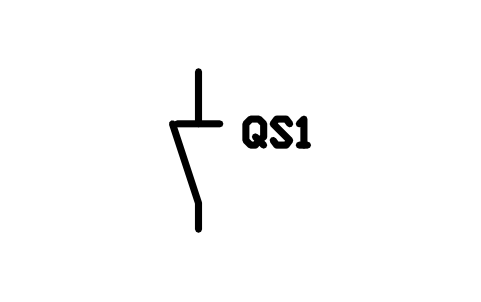
Disconnector
PRI_DISCONNECTORAttributes
TAGRATED_KVRATED_CURRENT_ASHORT_TIME_KAEARTHING_SWITCHMECHANISMMANUFACTURERMODELREMARKSDESC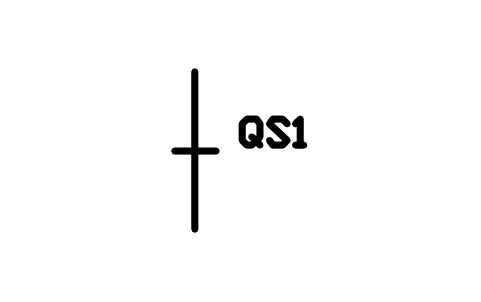
Disconnector, closed
PRI_DISCONNECTOR_CLOSEDAttributes
TAGRATED_KVRATED_CURRENT_ASHORT_TIME_KAEARTHING_SWITCHMECHANISMMANUFACTURERMODELREMARKSDESC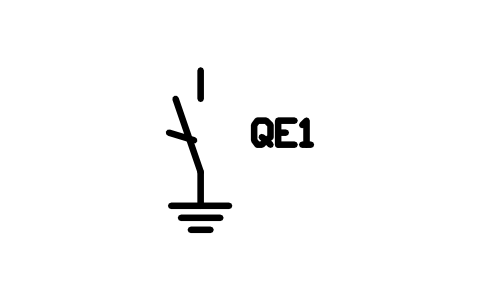
Earthing switch
PRI_EARTH_SWITCHAttributes
TAGRATED_KVRATED_CURRENT_ASHORT_TIME_KAEARTHING_SWITCHMECHANISMMANUFACTURERMODELREMARKSDESC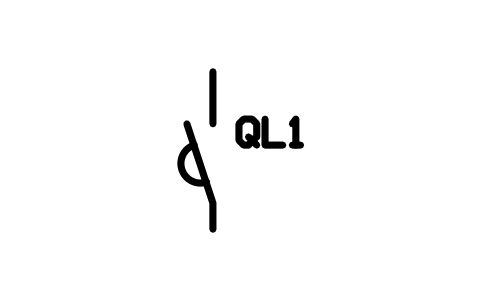
Load break switch
PRI_LOAD_BREAKAttributes
TAGRATED_KVRATED_CURRENT_ASHORT_TIME_KAEARTHING_SWITCHMECHANISMMANUFACTURERMODELREMARKSDESC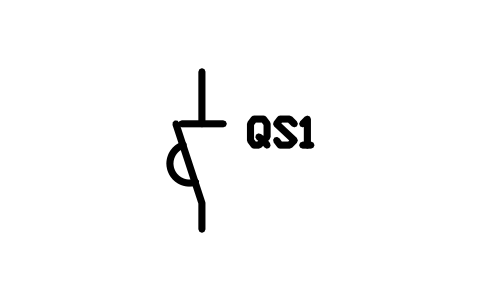
Switch-disconnector
PRI_SWITCH_DISCAttributes
TAGRATED_KVRATED_CURRENT_ASHORT_TIME_KAEARTHING_SWITCHMECHANISMMANUFACTURERMODELREMARKSDESC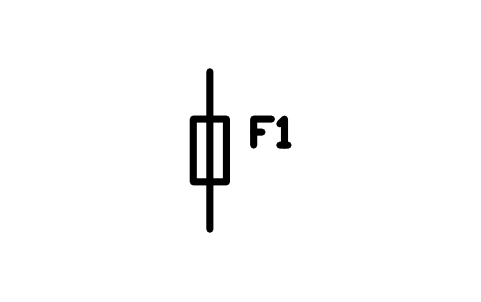
Fuse
PRI_FUSEAttributes
TAGRATED_KVRATED_CURRENT_ABREAKING_KACHARACTERISTICMANUFACTURERMODELREMARKSDESC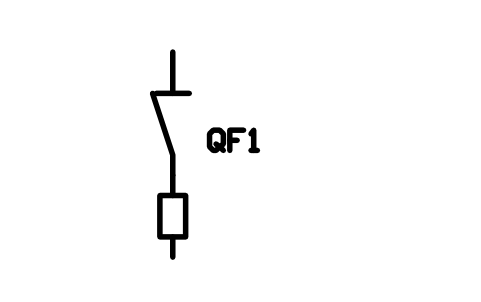
Fuse-switch disconnector
PRI_FUSE_SWITCHAttributes
TAGRATED_KVRATED_CURRENT_ABREAKING_KACHARACTERISTICMANUFACTURERMODELREMARKSDESC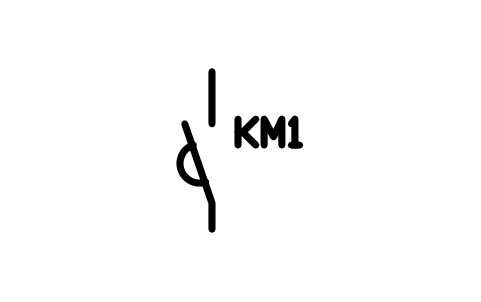
Contactor
PRI_CONTACTORAttributes
TAGRATED_KVRATED_CURRENT_ABREAKING_KAINTERRUPTERMECHANISMCONTROL_VOLTAGEMANUFACTURERMODELREMARKSDESC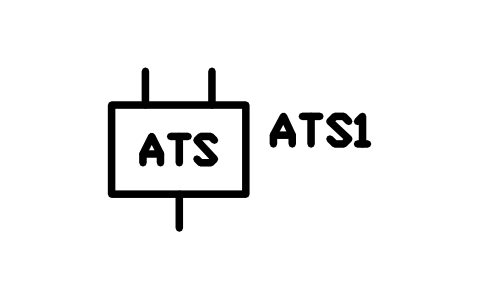
Automatic transfer switch
PRI_ATSAttributes
TAGRATED_KVRATED_CURRENT_ABREAKING_KAINTERRUPTERMECHANISMCONTROL_VOLTAGEMANUFACTURERMODELREMARKSDESC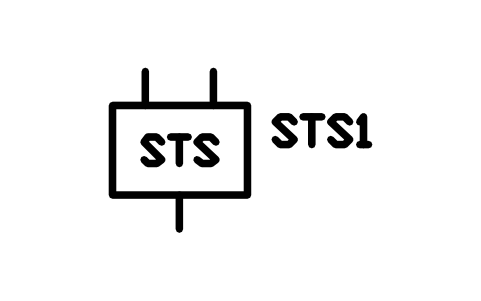
Static transfer switch
PRI_STSAttributes
TAGRATED_KVRATED_CURRENT_ABREAKING_KAINTERRUPTERMECHANISMCONTROL_VOLTAGEMANUFACTURERMODELREMARKSDESC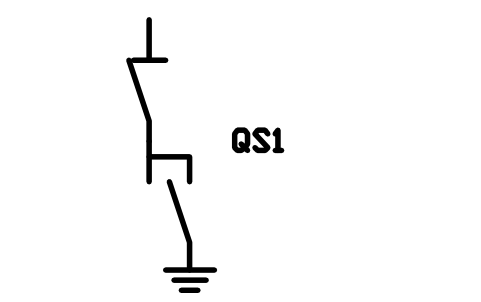
Disconnector with earthing switch
PRI_DISC_ESAttributes
TAGRATED_KVRATED_CURRENT_ASHORT_TIME_KAEARTHING_SWITCHMECHANISMMANUFACTURERMODELREMARKSDESC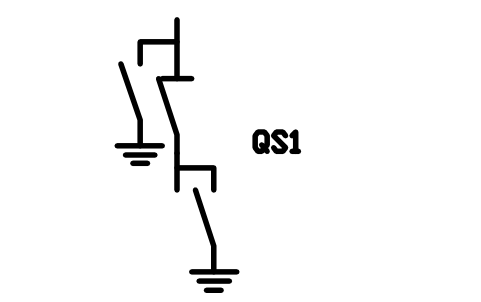
Disconnector with two earthing switches
PRI_DISC_2ESAttributes
TAGRATED_KVRATED_CURRENT_ASHORT_TIME_KAEARTHING_SWITCHMECHANISMMANUFACTURERMODELREMARKSDESC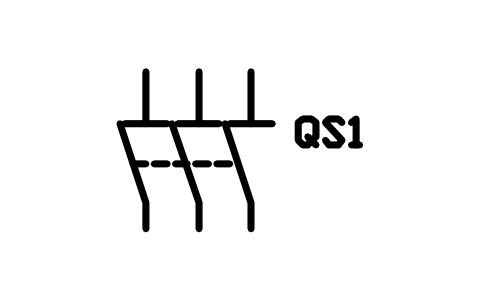
Disconnector, three pole
PRI_DISC_3PAttributes
TAGRATED_KVRATED_CURRENT_ASHORT_TIME_KAEARTHING_SWITCHMECHANISMMANUFACTURERMODELREMARKSDESC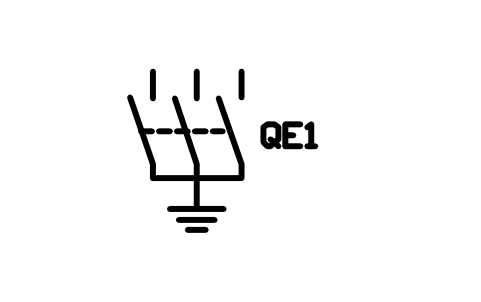
Earthing switch, three pole
PRI_ES_3PAttributes
TAGRATED_KVRATED_CURRENT_ASHORT_TIME_KAEARTHING_SWITCHMECHANISMMANUFACTURERMODELREMARKSDESC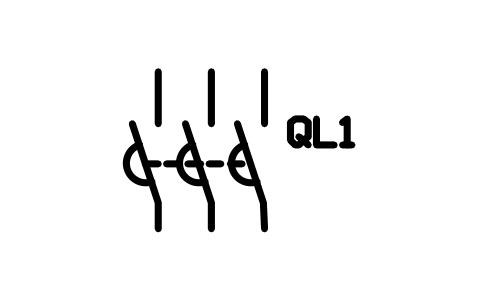
Load break switch, three pole
PRI_LBS_3PAttributes
TAGRATED_KVRATED_CURRENT_ASHORT_TIME_KAEARTHING_SWITCHMECHANISMMANUFACTURERMODELREMARKSDESC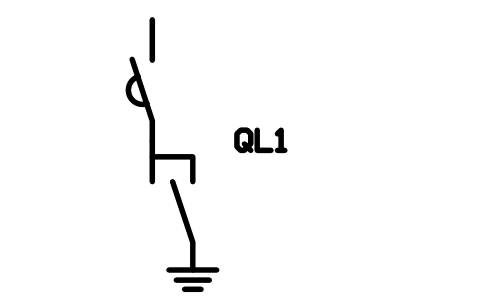
Load break switch with earthing switch
PRI_LBS_ESAttributes
TAGRATED_KVRATED_CURRENT_ASHORT_TIME_KAEARTHING_SWITCHMECHANISMMANUFACTURERMODELREMARKSDESC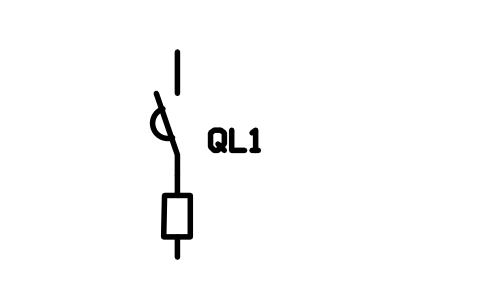
Load break switch with fuse
PRI_LBS_FUSEAttributes
TAGRATED_KVRATED_CURRENT_ABREAKING_KACHARACTERISTICMANUFACTURERMODELREMARKSDESC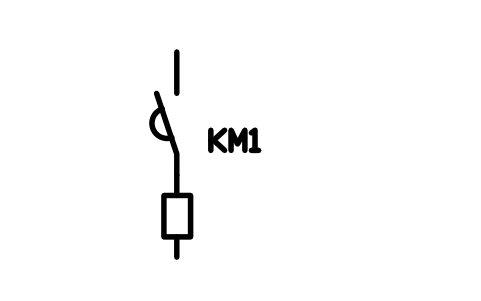
Contactor with fuse
PRI_CONTACTOR_FUSEAttributes
TAGRATED_KVRATED_CURRENT_ABREAKING_KACHARACTERISTICMANUFACTURERMODELREMARKSDESC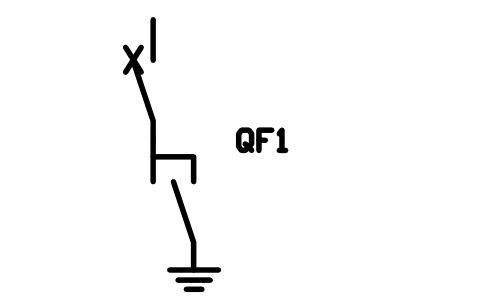
Circuit breaker with earthing switch
PRI_CB_ESAttributes
TAGRATED_KVRATED_CURRENT_ABREAKING_KAINTERRUPTERMECHANISMCONTROL_VOLTAGEMANUFACTURERMODELREMARKSDESC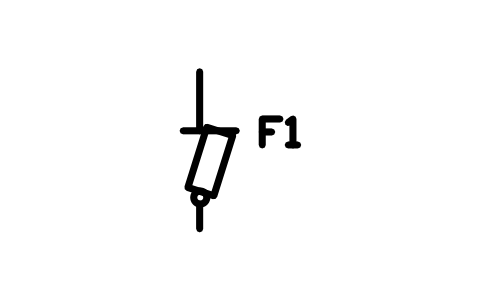
Fuse cutout (drop-out)
PRI_FUSE_CUTOUTAttributes
TAGRATED_KVRATED_CURRENT_ABREAKING_KACHARACTERISTICMANUFACTURERMODELREMARKSDESC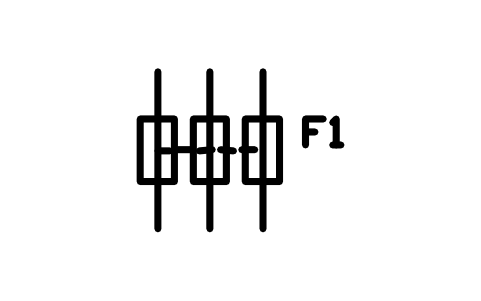
Fuse, three pole
PRI_FUSE_3PAttributes
TAGRATED_KVRATED_CURRENT_ABREAKING_KACHARACTERISTICMANUFACTURERMODELREMARKSDESC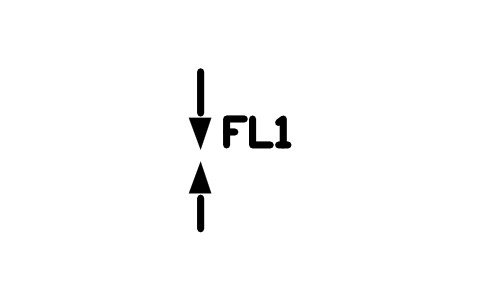
Current limiter (power cable)
PRI_CURRENT_LIMITERAttributes
TAGRATED_KVRATED_CURRENT_ABREAKING_KACHARACTERISTICMANUFACTURERMODELREMARKSDESC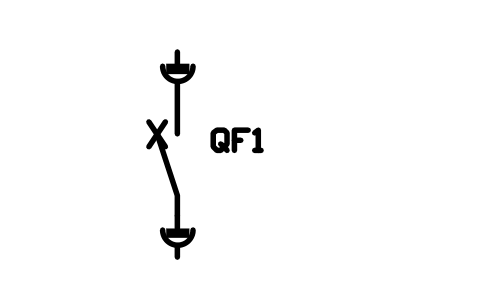
Circuit breaker, withdrawable
PRI_CB_WDAttributes
TAGRATED_KVRATED_CURRENT_ABREAKING_KAINTERRUPTERMECHANISMCONTROL_VOLTAGEMANUFACTURERMODELREMARKSDESC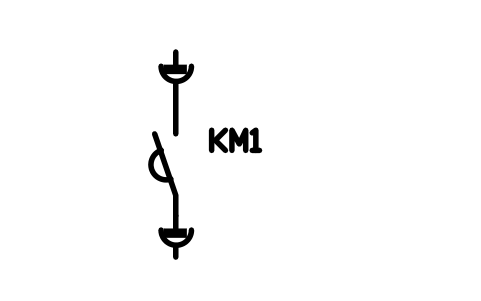
Contactor, withdrawable
PRI_CONTACTOR_WDAttributes
TAGRATED_KVRATED_CURRENT_ABREAKING_KAINTERRUPTERMECHANISMCONTROL_VOLTAGEMANUFACTURERMODELREMARKSDESC- New in 1.1
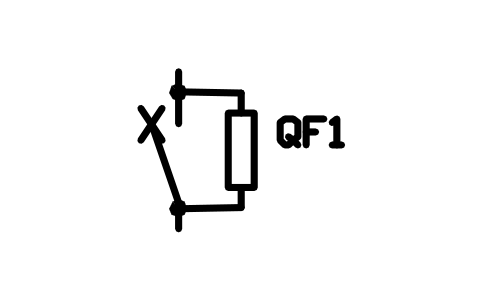
Breaker, closing resistor
PRI_CB_CLOSING_RESAttributes
TAGRATED_KVRATED_CURRENT_ABREAKING_KAINTERRUPTERMECHANISMCONTROL_VOLTAGEMANUFACTURERMODELREMARKSDESC - New in 1.1
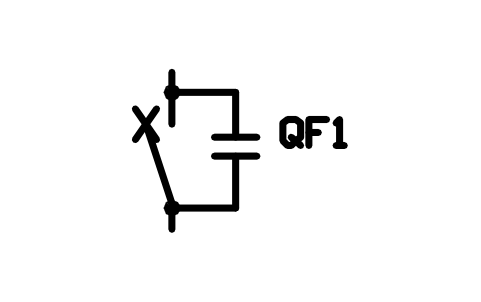
Breaker, grading capacitors
PRI_CB_GRADING_CAPAttributes
TAGRATED_KVRATED_CURRENT_ABREAKING_KAINTERRUPTERMECHANISMCONTROL_VOLTAGEMANUFACTURERMODELREMARKSDESC - New in 1.1
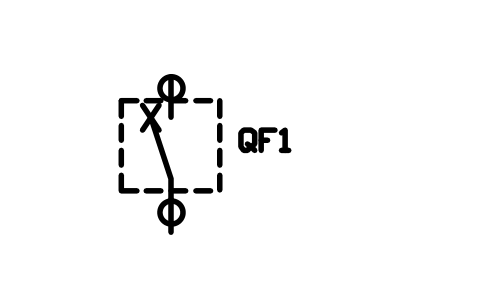
Dead-tank breaker with CTs
PRI_CB_DEAD_TANKAttributes
TAGRATED_KVRATED_CURRENT_ABREAKING_KAINTERRUPTERMECHANISMCONTROL_VOLTAGEMANUFACTURERMODELREMARKSDESC - New in 1.1
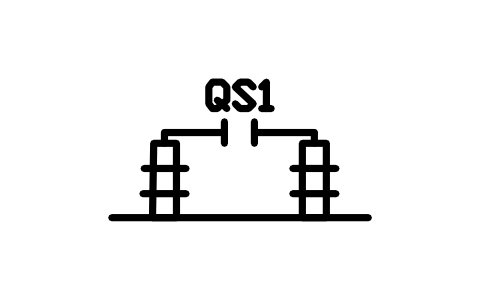
Centre-break disconnector
PRI_DS_CENTRE_BREAKAttributes
TAGRATED_KVRATED_CURRENT_ASHORT_TIME_KAEARTHING_SWITCHMECHANISMMANUFACTURERMODELREMARKSDESC - New in 1.1
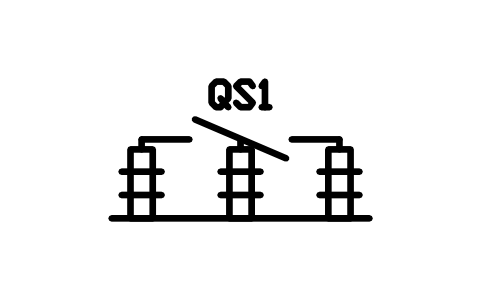
Double-break disconnector
PRI_DS_DOUBLE_BREAKAttributes
TAGRATED_KVRATED_CURRENT_ASHORT_TIME_KAEARTHING_SWITCHMECHANISMMANUFACTURERMODELREMARKSDESC - New in 1.1
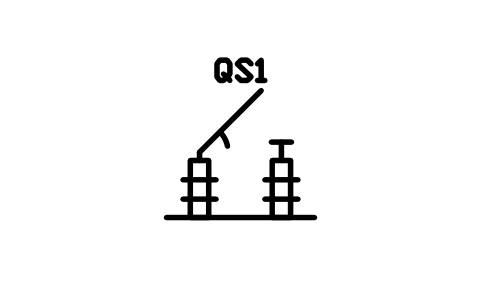
Vertical-break disconnector
PRI_DS_VERTICAL_BREAKAttributes
TAGRATED_KVRATED_CURRENT_ASHORT_TIME_KAEARTHING_SWITCHMECHANISMMANUFACTURERMODELREMARKSDESC - New in 1.1
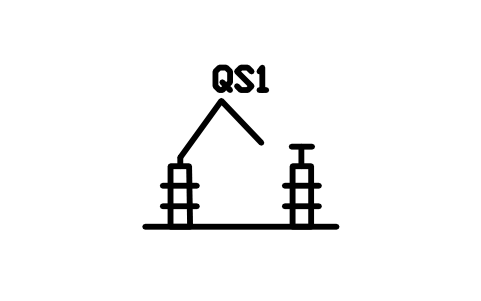
Knee-type disconnector
PRI_DS_KNEEAttributes
TAGRATED_KVRATED_CURRENT_ASHORT_TIME_KAEARTHING_SWITCHMECHANISMMANUFACTURERMODELREMARKSDESC - New in 1.1
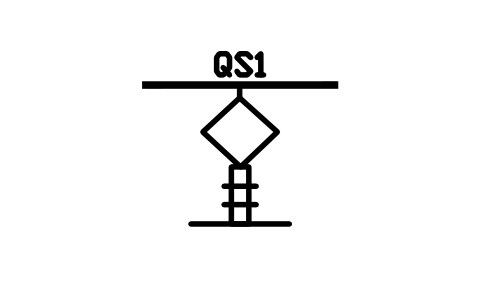
Pantograph disconnector
PRI_DS_PANTOGRAPHAttributes
TAGRATED_KVRATED_CURRENT_ASHORT_TIME_KAEARTHING_SWITCHMECHANISMMANUFACTURERMODELREMARKSDESC - New in 1.1
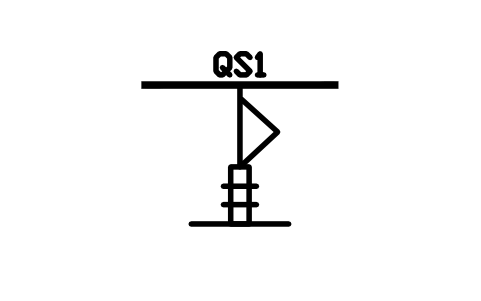
Semi-pantograph disconnector
PRI_DS_SEMI_PANTOAttributes
TAGRATED_KVRATED_CURRENT_ASHORT_TIME_KAEARTHING_SWITCHMECHANISMMANUFACTURERMODELREMARKSDESC - New in 1.1
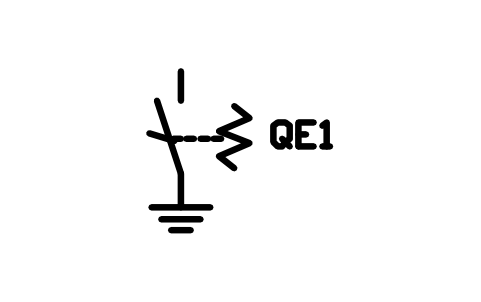
Earthing switch, fast-acting
PRI_ES_FASTAttributes
TAGRATED_KVRATED_CURRENT_ASHORT_TIME_KAEARTHING_SWITCHMECHANISMMANUFACTURERMODELREMARKSDESC - New in 1.1
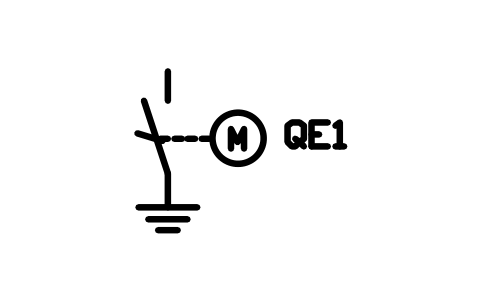
Earthing switch, motor drive
PRI_ES_MOTORAttributes
TAGRATED_KVRATED_CURRENT_ASHORT_TIME_KAEARTHING_SWITCHMECHANISMMANUFACTURERMODELREMARKSDESC - New in 1.1
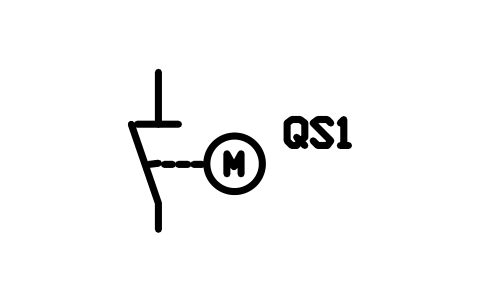
Disconnector, motor drive
PRI_DS_MOTORAttributes
TAGRATED_KVRATED_CURRENT_ASHORT_TIME_KAEARTHING_SWITCHMECHANISMMANUFACTURERMODELREMARKSDESC Busbar, double
PRI_BUS_DOUBLEAttributes
TAGVOLTAGE_KVRATED_CURRENT_ACONDUCTORSHORT_CIRCUIT_KAREMARKSDESCBusbar with section break
PRI_BUS_SECTIONAttributes
TAGVOLTAGE_KVRATED_CURRENT_ACONDUCTORSHORT_CIRCUIT_KAREMARKSDESCBus tie breaker
PRI_BUS_TIEAttributes
TAGVOLTAGE_KVRATED_CURRENT_ACONDUCTORSHORT_CIRCUIT_KAREMARKSDESCCrossing, not connected
PRI_CROSSINGAttributes
TAGVOLTAGE_KVRATED_CURRENT_ACONDUCTORSHORT_CIRCUIT_KAREMARKSDESCOverhead line
PRI_OHLAttributes
TAGVOLTAGE_KVCONDUCTORLENGTH_KMRATED_CURRENT_ACIRCUITSFROM_TOREMARKSDESCOverhead line, double circuit
PRI_OHL_DOUBLEAttributes
TAGVOLTAGE_KVCONDUCTORLENGTH_KMRATED_CURRENT_ACIRCUITSFROM_TOREMARKSDESCCable sealing end
PRI_CABLE_ENDAttributes
TAGVOLTAGE_KVCABLE_TYPELENGTH_MRATED_CURRENT_AFROM_TOREMARKSDESCCable joint
PRI_CABLE_JOINTAttributes
TAGVOLTAGE_KVCABLE_TYPELENGTH_MRATED_CURRENT_AFROM_TOREMARKSDESC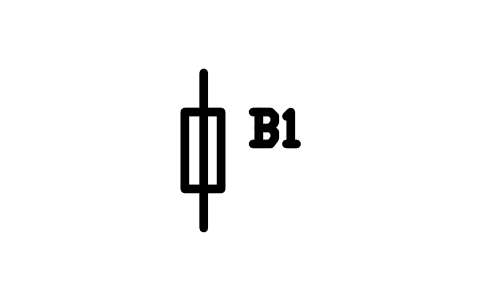
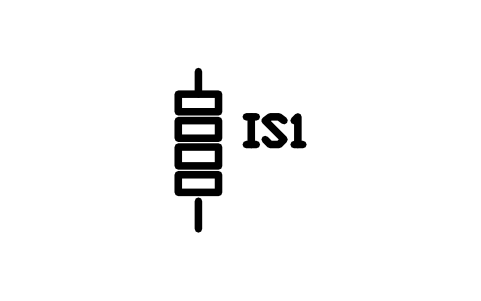
Insulator string
PRI_INSULATORAttributes
TAGVOLTAGE_KVCABLE_TYPELENGTH_MRATED_CURRENT_AFROM_TOREMARKSDESC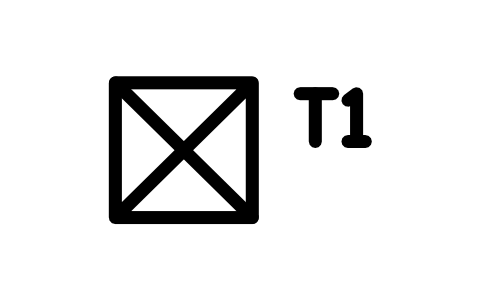
Tower, suspension
PRI_TOWER_SUSPAttributes
TAGVOLTAGE_KVCONDUCTORLENGTH_KMRATED_CURRENT_ACIRCUITSFROM_TOREMARKSDESC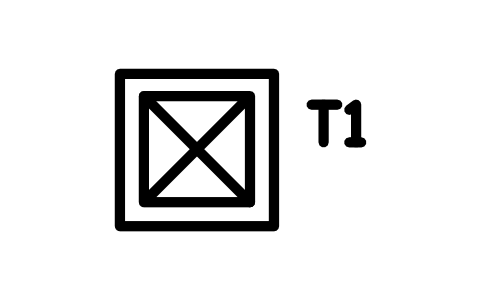
Tower, tension (dead-end)
PRI_TOWER_TENSAttributes
TAGVOLTAGE_KVCONDUCTORLENGTH_KMRATED_CURRENT_ACIRCUITSFROM_TOREMARKSDESC
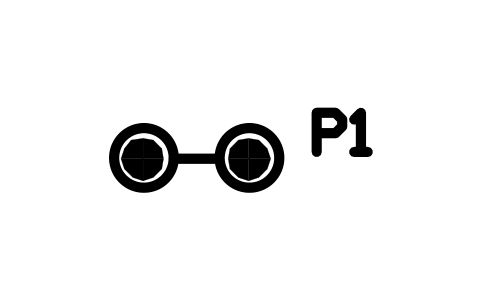
Pole, H-frame
PRI_POLE_HAttributes
TAGVOLTAGE_KVCONDUCTORLENGTH_KMRATED_CURRENT_ACIRCUITSFROM_TOREMARKSDESC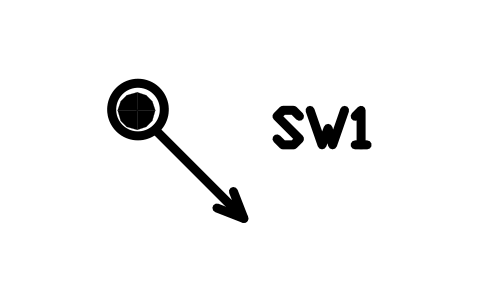
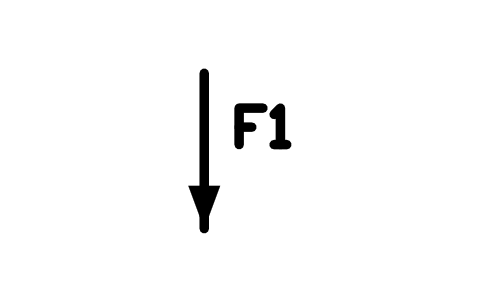
Feeder, outgoing
PRI_FEEDER_OUTAttributes
TAGVOLTAGE_KVCABLE_TYPELENGTH_MRATED_CURRENT_AFROM_TOREMARKSDESC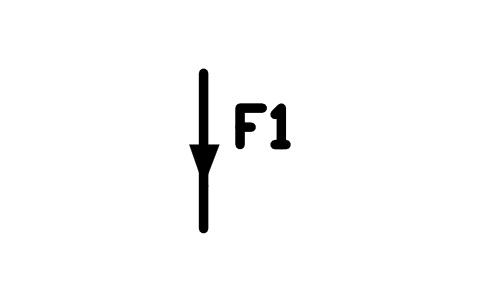
Feeder, incoming
PRI_FEEDER_INAttributes
TAGVOLTAGE_KVCABLE_TYPELENGTH_MRATED_CURRENT_AFROM_TOREMARKSDESC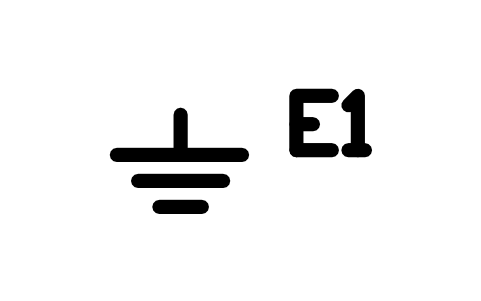
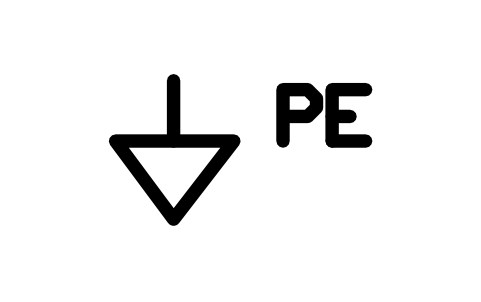
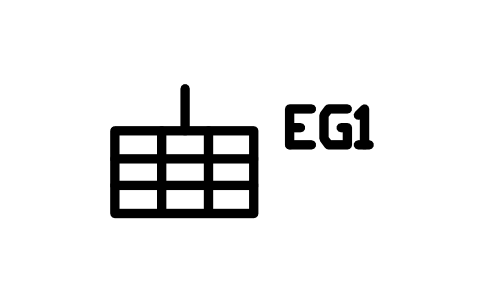
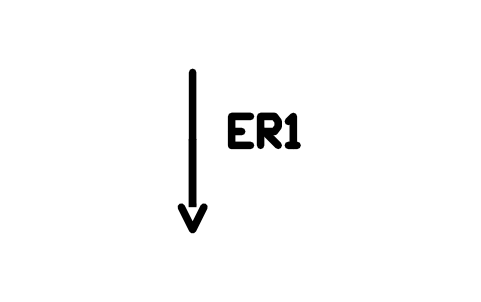
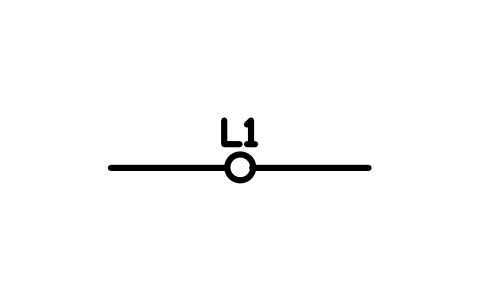
Overhead line (IEC mark)
PRI_LINE_OH_IECAttributes
TAGVOLTAGE_KVCONDUCTORLENGTH_KMRATED_CURRENT_ACIRCUITSFROM_TOREMARKSDESC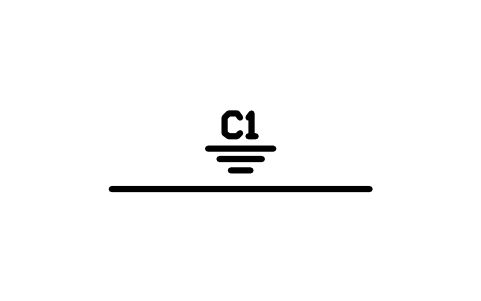
Underground line
PRI_LINE_UGAttributes
TAGVOLTAGE_KVCABLE_TYPELENGTH_MRATED_CURRENT_AFROM_TOREMARKSDESC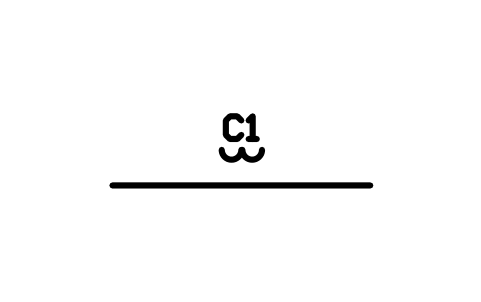
Submarine line
PRI_LINE_SUBAttributes
TAGVOLTAGE_KVCABLE_TYPELENGTH_MRATED_CURRENT_AFROM_TOREMARKSDESC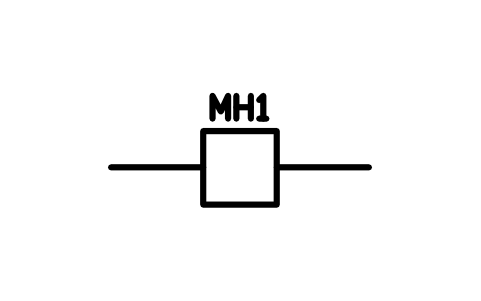
Cable manhole (chamber)
PRI_MANHOLEAttributes
TAGVOLTAGE_KVCABLE_TYPELENGTH_MRATED_CURRENT_AFROM_TOREMARKSDESC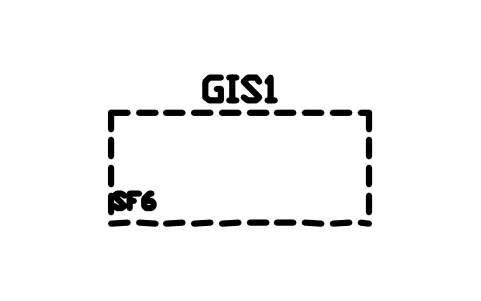
Gas-insulated enclosure
PRI_GIS_ENCLAttributes
TAGRATED_KVRATED_CURRENT_ASHORT_CIRCUIT_KABAY_NAMEMANUFACTURERMODELREMARKSDESC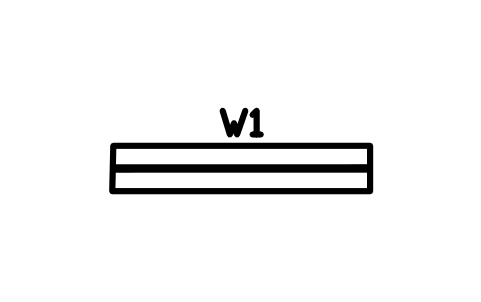
Gas-insulated busbar
PRI_GIBAttributes
TAGVOLTAGE_KVRATED_CURRENT_ACONDUCTORSHORT_CIRCUIT_KAREMARKSDESC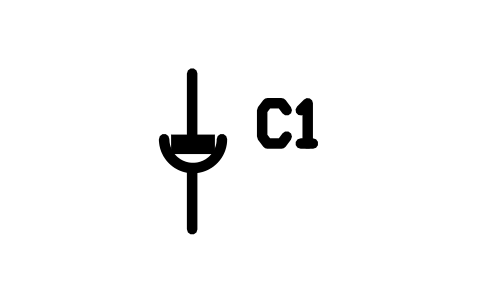
Cable separable connector
PRI_CABLE_SEPARABLEAttributes
TAGVOLTAGE_KVCABLE_TYPELENGTH_MRATED_CURRENT_AFROM_TOREMARKSDESC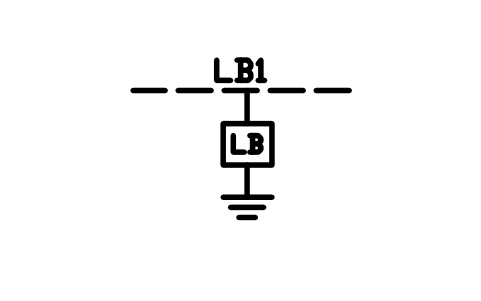
Link box (sheath bonding)
PRI_LINK_BOXAttributes
TAGVOLTAGE_KVCABLE_TYPELENGTH_MRATED_CURRENT_AFROM_TOREMARKSDESC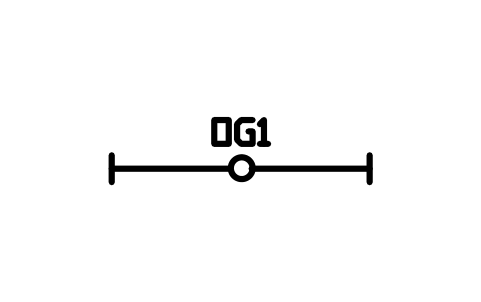
Optical ground wire (OPGW)
PRI_OPGWAttributes
TAGVOLTAGE_KVCONDUCTORLENGTH_KMRATED_CURRENT_ACIRCUITSFROM_TOREMARKSDESC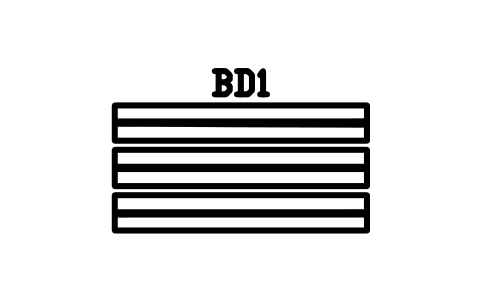
Isolated phase busduct
PRI_BUS_ISOPHASEAttributes
TAGVOLTAGE_KVRATED_CURRENT_ACONDUCTORSHORT_CIRCUIT_KAREMARKSDESC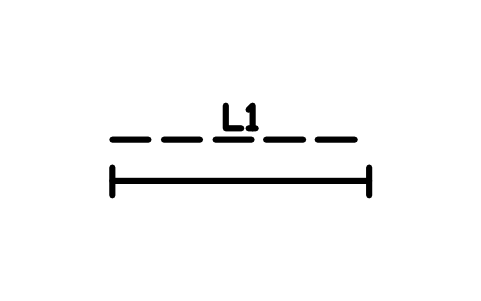
Overhead line with ground wire
PRI_OHL_GROUNDWIREAttributes
TAGVOLTAGE_KVCONDUCTORLENGTH_KMRATED_CURRENT_ACIRCUITSFROM_TOREMARKSDESC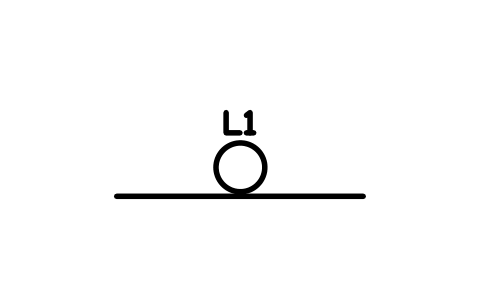
Line in a duct
PRI_IEC_LINE_DUCTAttributes
ROUTECABLE_TYPELENGTH_MVOLTAGE_VREMARKSSTD_CLAUSESTD_REFMANUFACTURERPART_NODESC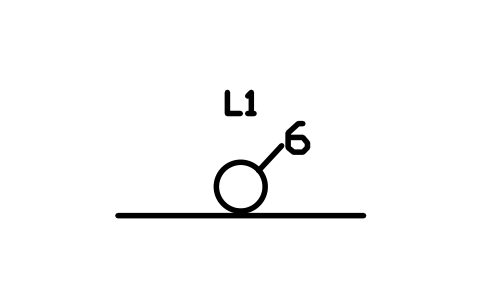
Line in a six-way duct
PRI_IEC_LINE_SIX_WAY_DUCTAttributes
ROUTECABLE_TYPELENGTH_MVOLTAGE_VREMARKSSTD_CLAUSESTD_REFMANUFACTURERPART_NODESC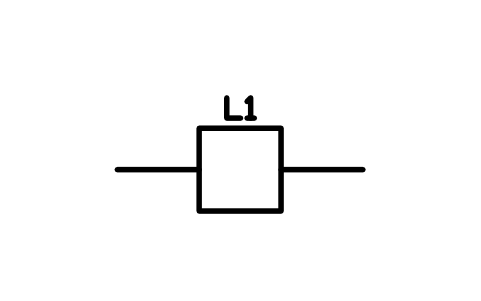
Manhole for underground line
PRI_IEC_MANHOLEAttributes
ROUTECABLE_TYPELENGTH_MVOLTAGE_VREMARKSSTD_CLAUSESTD_REFMANUFACTURERPART_NODESCCurrent transformer, two cores
PRI_CT_2COREAttributes
TAGRATIOCLASSBURDEN_VACORESRATED_KVMANUFACTURERMODELREMARKSDESCCurrent transformer, three cores
PRI_CT_3COREAttributes
TAGRATIOCLASSBURDEN_VACORESRATED_KVMANUFACTURERMODELREMARKSDESCZero-sequence CT (core balance)
PRI_CT_ZEROAttributes
TAGRATIOCLASSBURDEN_VACORESRATED_KVMANUFACTURERMODELREMARKSDESC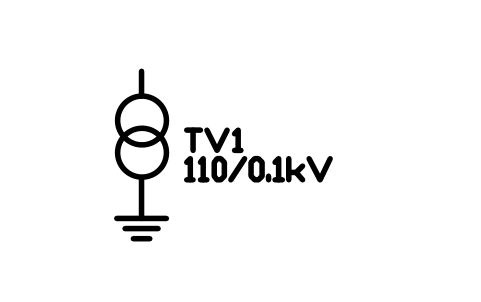
Voltage transformer
PRI_VTAttributes
TAGRATIOCLASSBURDEN_VAWINDINGSRATED_KVMANUFACTURERMODELREMARKSDESC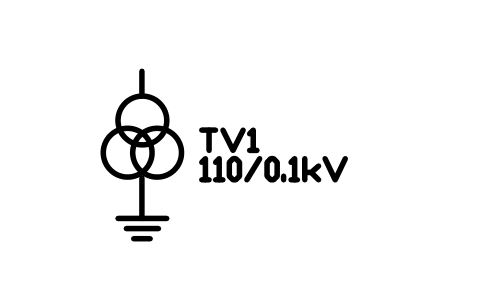
Voltage transformer, two secondaries
PRI_VT_OPENAttributes
TAGRATIOCLASSBURDEN_VAWINDINGSRATED_KVMANUFACTURERMODELREMARKSDESC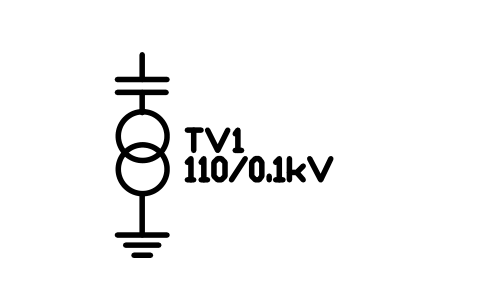
Capacitor voltage transformer
PRI_CVTAttributes
TAGRATIOCLASSBURDEN_VAWINDINGSRATED_KVMANUFACTURERMODELREMARKSDESC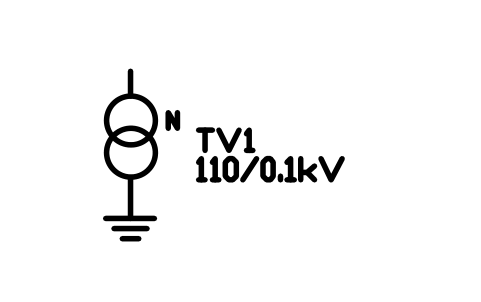
Voltage transformer, neutral earthed
PRI_VT_NEUTRALAttributes
TAGRATIOCLASSBURDEN_VAWINDINGSRATED_KVMANUFACTURERMODELREMARKSDESC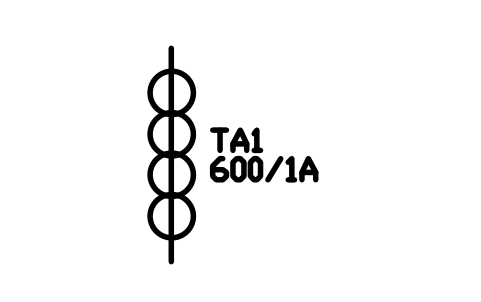
Current transformer, four cores
PRI_CT_4COREAttributes
TAGRATIOCLASSBURDEN_VACORESRATED_KVMANUFACTURERMODELREMARKSDESC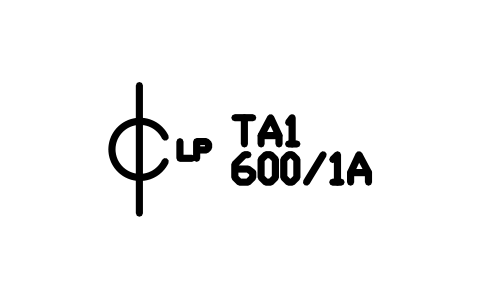
Low power current sensor (Rogowski)
PRI_CT_LPCTAttributes
TAGRATIOCLASSBURDEN_VACORESRATED_KVMANUFACTURERMODELREMARKSDESC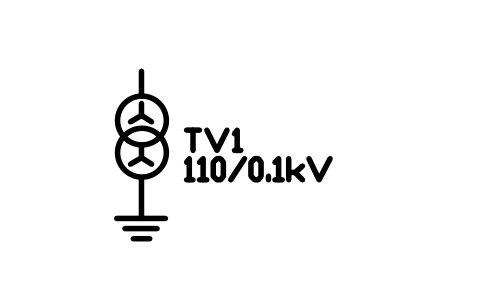
Voltage transformer, star-star
PRI_VT_YYAttributes
TAGRATIOCLASSBURDEN_VAWINDINGSRATED_KVMANUFACTURERMODELREMARKSDESC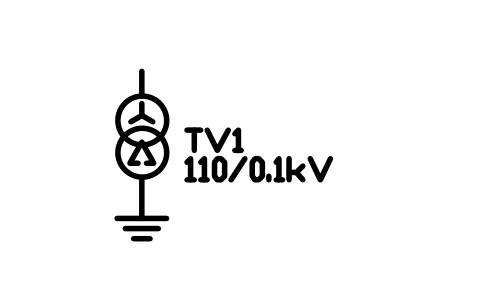
Voltage transformer, star, open delta
PRI_VT_YODAttributes
TAGRATIOCLASSBURDEN_VAWINDINGSRATED_KVMANUFACTURERMODELREMARKSDESC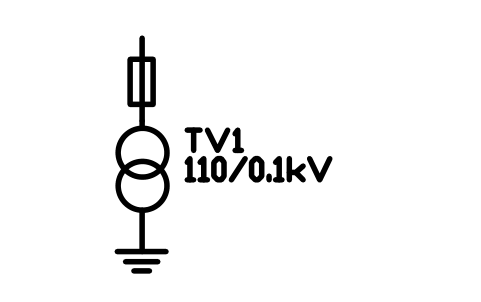
Voltage transformer with fuse
PRI_VT_FUSEDAttributes
TAGRATIOCLASSBURDEN_VAWINDINGSRATED_KVMANUFACTURERMODELREMARKSDESC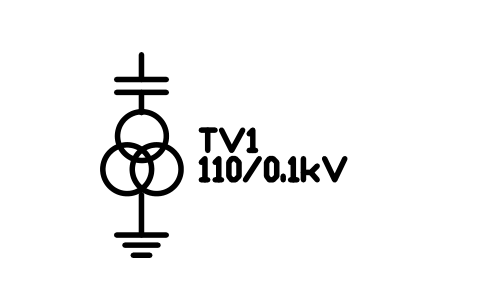
Capacitor voltage transformer, two secondaries
PRI_CVT_2SECAttributes
TAGRATIOCLASSBURDEN_VAWINDINGSRATED_KVMANUFACTURERMODELREMARKSDESC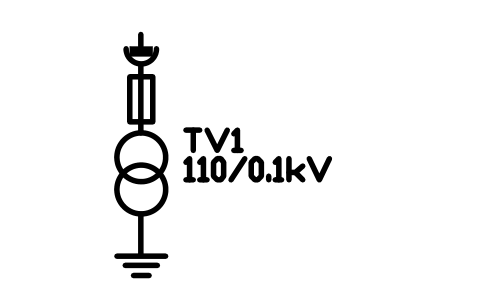
Voltage transformer, withdrawable
PRI_VT_WDAttributes
TAGRATIOCLASSBURDEN_VAWINDINGSRATED_KVMANUFACTURERMODELREMARKSDESC- New in 1.1
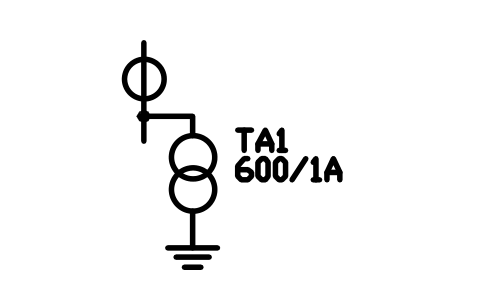
CT and VT, combined
PRI_ITX_COMBINEDAttributes
TAGRATIOCLASSBURDEN_VACORESRATED_KVMANUFACTURERMODELREMARKSDESC - New in 1.1
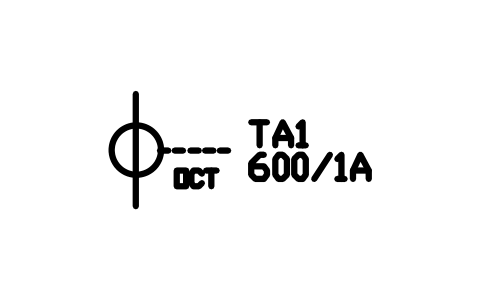
Current transformer, optical
PRI_CT_OPTICALAttributes
TAGRATIOCLASSBURDEN_VACORESRATED_KVMANUFACTURERMODELREMARKSDESC - New in 1.1
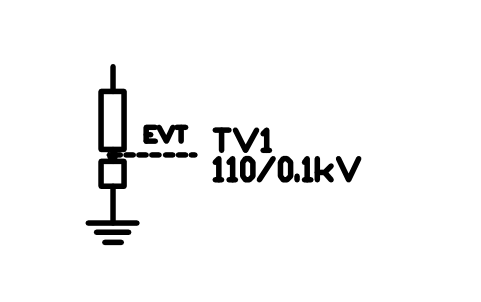
Electronic voltage sensor
PRI_VT_ELECTRONICAttributes
TAGRATIOCLASSBURDEN_VAWINDINGSRATED_KVMANUFACTURERMODELREMARKSDESC - New in 1.1
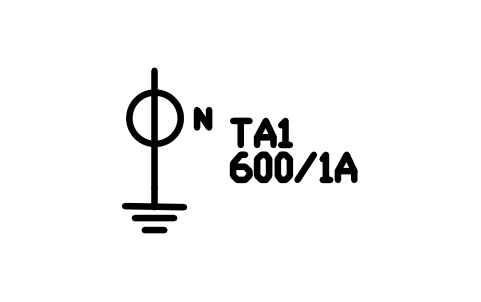
Neutral current transformer
PRI_CT_NEUTRALAttributes
TAGRATIOCLASSBURDEN_VACORESRATED_KVMANUFACTURERMODELREMARKSDESC Reactor, series
PRI_REACTORAttributes
TAGRATINGRATED_KVRATED_CURRENT_ATYPEMANUFACTURERMODELREMARKSDESCReactor, shunt
PRI_REACTOR_SHUNTAttributes
TAGRATINGRATED_KVRATED_CURRENT_ATYPEMANUFACTURERMODELREMARKSDESCNeutral grounding reactor
PRI_REACTOR_NEUTRALAttributes
TAGRATINGRATED_KVRATED_CURRENT_ATYPEMANUFACTURERMODELREMARKSDESCNeutral grounding resistor
PRI_NGRAttributes
TAGRATINGRATED_KVRATED_CURRENT_ATYPEMANUFACTURERMODELREMARKSDESC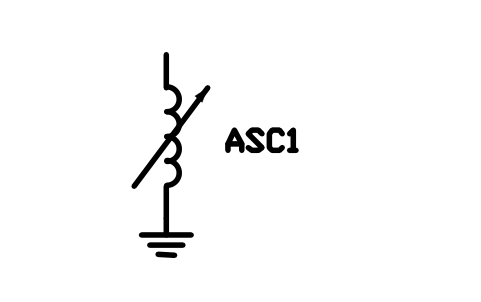
Arc suppression coil (Petersen)
PRI_PETERSENAttributes
TAGRATINGRATED_KVRATED_CURRENT_ATYPEMANUFACTURERMODELREMARKSDESC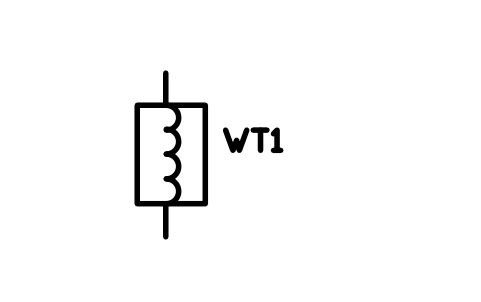
Line trap (wave trap)
PRI_WAVE_TRAPAttributes
TAGRATINGRATED_KVRATED_CURRENT_ATYPEMANUFACTURERMODELREMARKSDESC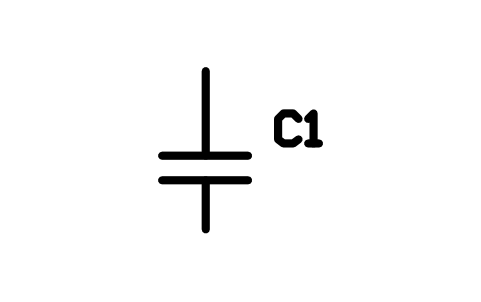
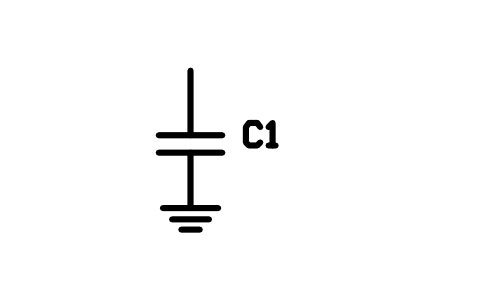
Shunt capacitor bank
PRI_CAP_SHUNTAttributes
TAGRATINGRATED_KVRATED_CURRENT_ATYPEMANUFACTURERMODELREMARKSDESC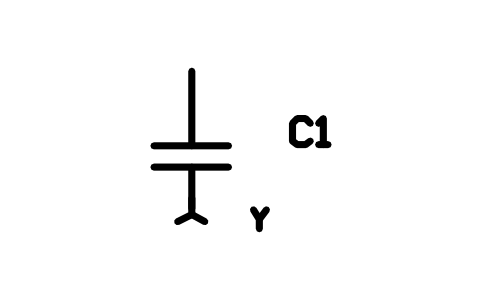
Capacitor bank, star, neutral open
PRI_CAP_SHUNT_YAttributes
TAGRATINGRATED_KVRATED_CURRENT_ATYPEMANUFACTURERMODELREMARKSDESC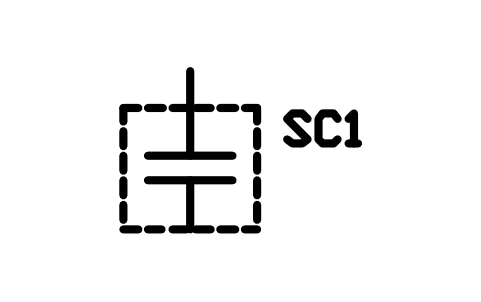
Series capacitor
PRI_CAP_SERIESAttributes
TAGRATINGRATED_KVRATED_CURRENT_ATYPEMANUFACTURERMODELREMARKSDESC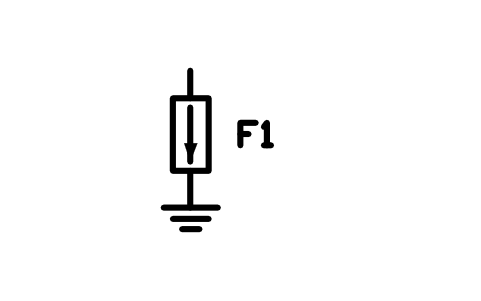
Surge arrester
PRI_ARRESTERAttributes
TAGRATED_KVMCOV_KVDISCHARGE_KAHOUSINGMANUFACTURERMODELREMARKSDESC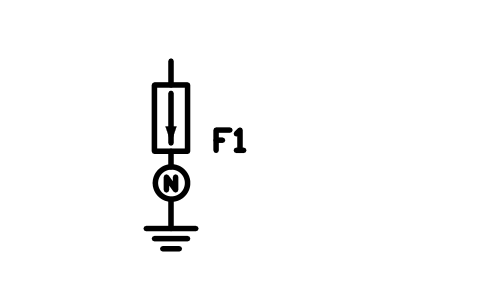
Surge arrester with counter
PRI_ARRESTER_COUNTERAttributes
TAGRATED_KVMCOV_KVDISCHARGE_KAHOUSINGMANUFACTURERMODELREMARKSDESCThyristor controlled reactor (TCR)
PRI_TCRAttributes
TAGRATINGRATED_KVRATED_CURRENT_ATYPEMANUFACTURERMODELREMARKSDESCThyristor switched capacitor (TSC)
PRI_TSCAttributes
TAGRATINGRATED_KVRATED_CURRENT_ATYPEMANUFACTURERMODELREMARKSDESCMechanically switched capacitor (MSC)
PRI_MSCAttributes
TAGRATINGRATED_KVRATED_CURRENT_ATYPEMANUFACTURERMODELREMARKSDESC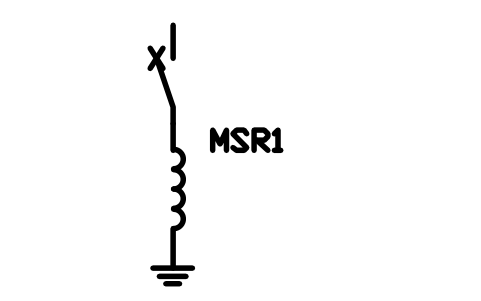
Mechanically switched reactor (MSR)
PRI_MSRAttributes
TAGRATINGRATED_KVRATED_CURRENT_ATYPEMANUFACTURERMODELREMARKSDESC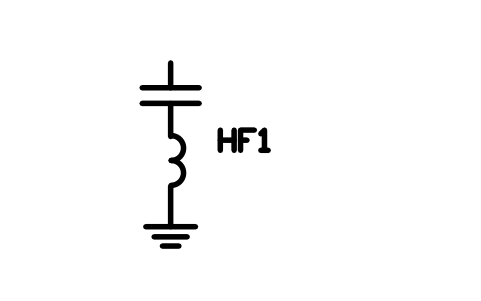
Harmonic filter, single tuned
PRI_FILTER_TUNEDAttributes
TAGRATINGRATED_KVRATED_CURRENT_ATYPEMANUFACTURERMODELREMARKSDESC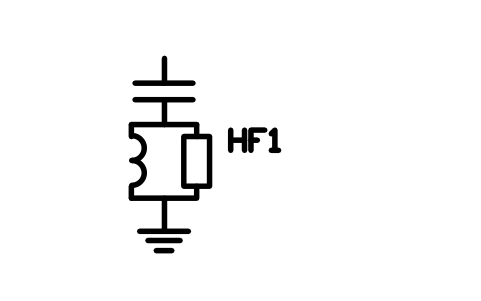
Harmonic filter, high pass (damped)
PRI_FILTER_HPAttributes
TAGRATINGRATED_KVRATED_CURRENT_ATYPEMANUFACTURERMODELREMARKSDESC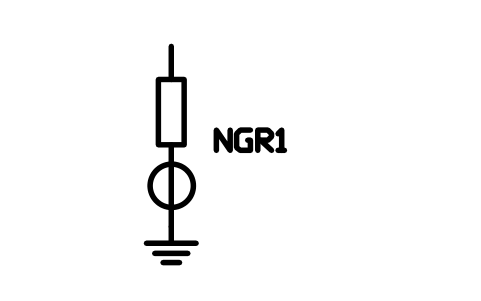
Neutral earthing resistor with CT
PRI_NGR_CTAttributes
TAGRATINGRATED_KVRATED_CURRENT_ATYPEMANUFACTURERMODELREMARKSDESC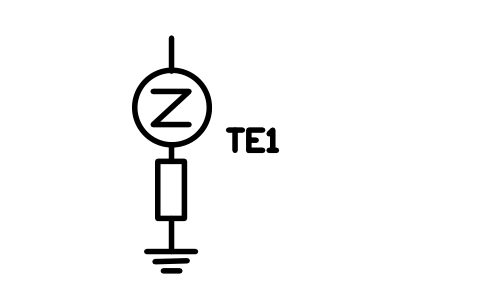
Earthing transformer with resistor
PRI_EARTHING_TX_RAttributes
TAGRATINGRATED_KVRATED_CURRENT_ATYPEMANUFACTURERMODELREMARKSDESC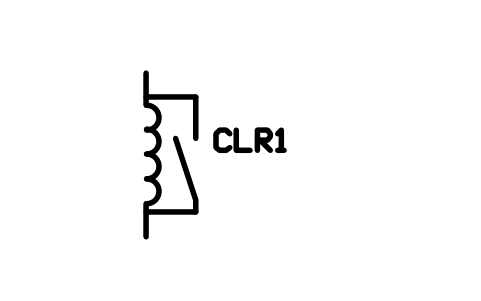
Current limiting reactor with bypass
PRI_CLR_BYPASSAttributes
TAGRATINGRATED_KVRATED_CURRENT_ATYPEMANUFACTURERMODELREMARKSDESC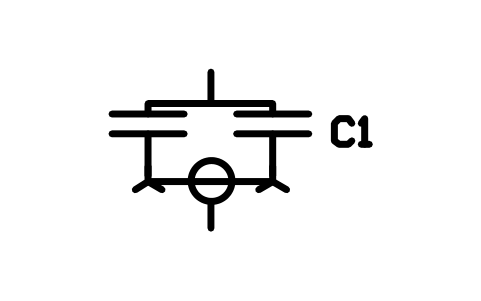
Capacitor bank, double star, unbalance CT
PRI_CAP_DBL_STARAttributes
TAGRATINGRATED_KVRATED_CURRENT_ATYPEMANUFACTURERMODELREMARKSDESC- New in 1.1
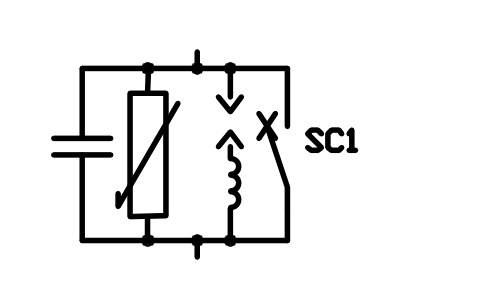
Series compensation unit
PRI_FSCAttributes
TAGRATINGRATED_KVRATED_CURRENT_ATYPEMANUFACTURERMODELREMARKSDESC - New in 1.1
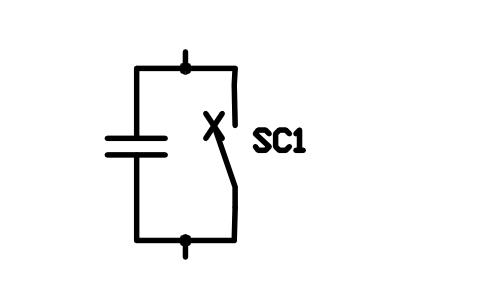
Series capacitor with bypass
PRI_FSC_BYPASSAttributes
TAGRATINGRATED_KVRATED_CURRENT_ATYPEMANUFACTURERMODELREMARKSDESC - New in 1.1
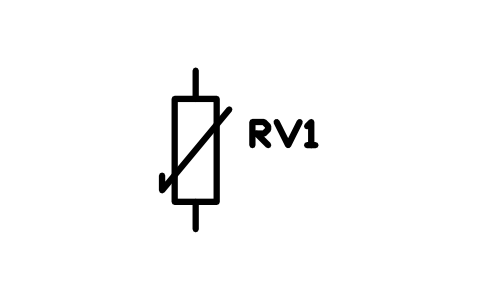
Metal-oxide varistor (MOV)
PRI_MOVAttributes
TAGRATINGRATED_KVRATED_CURRENT_ATYPEMANUFACTURERMODELREMARKSDESC - New in 1.1
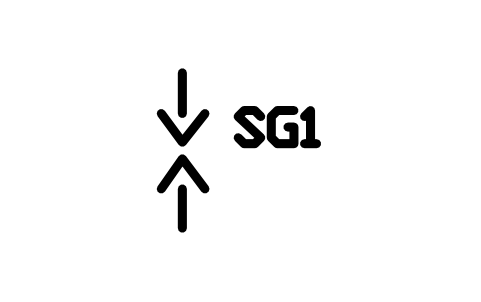
Spark gap, protective
PRI_SPARK_GAPAttributes
TAGRATINGRATED_KVRATED_CURRENT_ATYPEMANUFACTURERMODELREMARKSDESC - New in 1.1
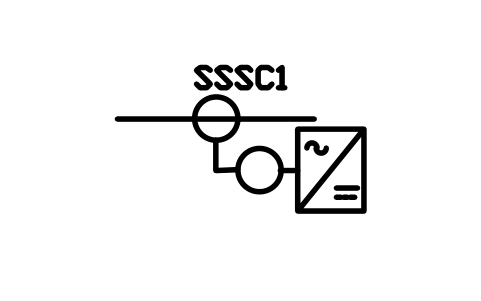
SSSC, series converter
PRI_SSSCAttributes
TAGRATINGRATED_KVRATED_CURRENT_ATYPEMANUFACTURERMODELREMARKSDESC Feeder bay: disconnector, breaker, CT
PRI_BAY_FEEDERAttributes
TAGRATED_KVRATED_CURRENT_ASHORT_CIRCUIT_KABAY_NAMEMANUFACTURERMODELREMARKSDESCIncomer bay: disconnector, breaker, CT
PRI_BAY_INCOMERAttributes
TAGRATED_KVRATED_CURRENT_ASHORT_CIRCUIT_KABAY_NAMEMANUFACTURERMODELREMARKSDESCTransformer bay: breaker and transformer
PRI_BAY_TXAttributes
TAGRATED_KVRATED_CURRENT_ASHORT_CIRCUIT_KABAY_NAMEMANUFACTURERMODELREMARKSDESCLine bay: disconnector, breaker, CT
PRI_BAY_LINEAttributes
TAGRATED_KVRATED_CURRENT_ASHORT_CIRCUIT_KABAY_NAMEMANUFACTURERMODELREMARKSDESCGenerator bay: breaker and generator
PRI_BAY_GENAttributes
TAGRATED_KVRATED_CURRENT_ASHORT_CIRCUIT_KABAY_NAMEMANUFACTURERMODELREMARKSDESCBus section: disconnectors and breaker
PRI_BAY_TIEAttributes
TAGRATED_KVRATED_CURRENT_ASHORT_CIRCUIT_KABAY_NAMEMANUFACTURERMODELREMARKSDESC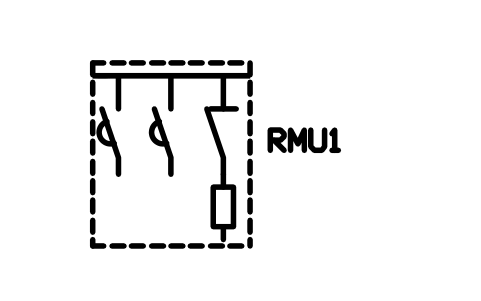
Ring main unit (3-way)
PRI_RMUAttributes
TAGRATED_KVRATED_CURRENT_ASHORT_CIRCUIT_KABAY_NAMEMANUFACTURERMODELREMARKSDESC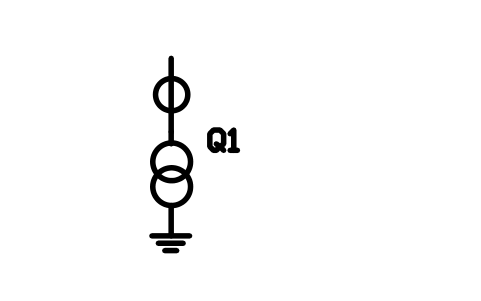
Metering cubicle: VT and CT
PRI_BAY_METERINGAttributes
TAGRATED_KVRATED_CURRENT_ASHORT_CIRCUIT_KABAY_NAMEMANUFACTURERMODELREMARKSDESC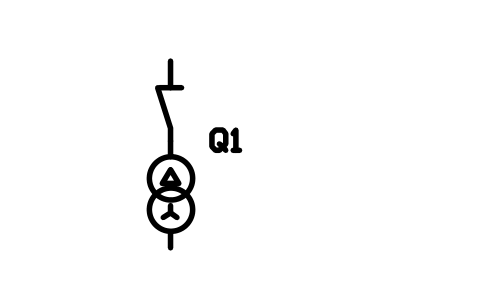
Station auxiliary bay
PRI_BAY_SSAttributes
TAGRATED_KVRATED_CURRENT_ASHORT_CIRCUIT_KABAY_NAMEMANUFACTURERMODELREMARKSDESC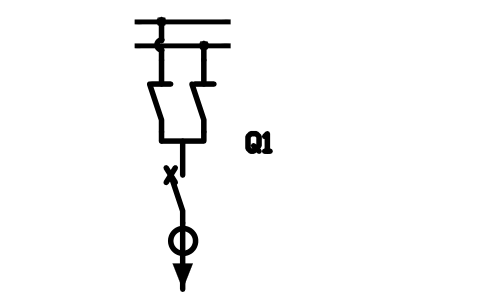
Double busbar feeder bay
PRI_BAY_DB_FEEDERAttributes
TAGRATED_KVRATED_CURRENT_ASHORT_CIRCUIT_KABAY_NAMEMANUFACTURERMODELREMARKSDESC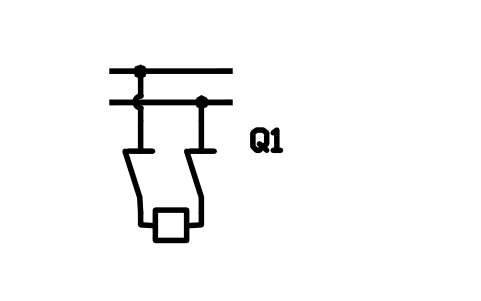
Double busbar coupler bay
PRI_BAY_DB_COUPLERAttributes
TAGRATED_KVRATED_CURRENT_ASHORT_CIRCUIT_KABAY_NAMEMANUFACTURERMODELREMARKSDESC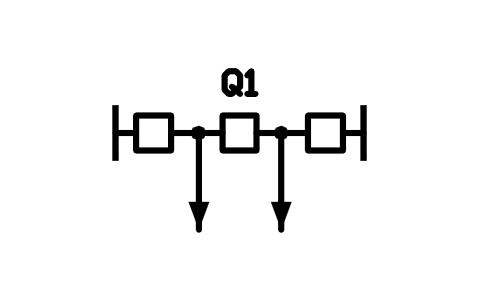
One-and-a-half breaker diameter
PRI_BAY_ONE_HALFAttributes
TAGRATED_KVRATED_CURRENT_ASHORT_CIRCUIT_KABAY_NAMEMANUFACTURERMODELREMARKSDESC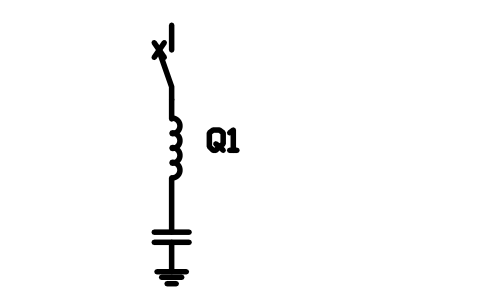
Capacitor bay: breaker, reactor, bank
PRI_BAY_CAPAttributes
TAGRATED_KVRATED_CURRENT_ASHORT_CIRCUIT_KABAY_NAMEMANUFACTURERMODELREMARKSDESC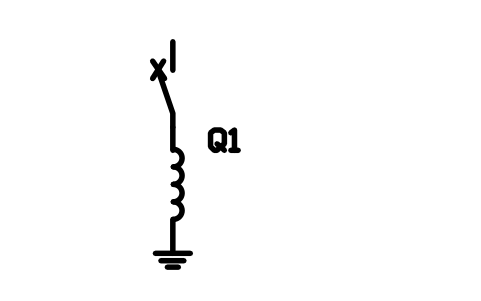
Reactor bay: breaker and shunt reactor
PRI_BAY_REACTORAttributes
TAGRATED_KVRATED_CURRENT_ASHORT_CIRCUIT_KABAY_NAMEMANUFACTURERMODELREMARKSDESC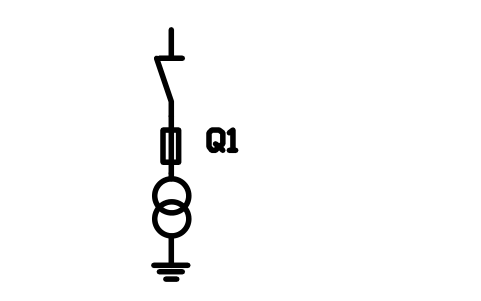
Voltage transformer bay: fuse and VT
PRI_BAY_VTAttributes
TAGRATED_KVRATED_CURRENT_ASHORT_CIRCUIT_KABAY_NAMEMANUFACTURERMODELREMARKSDESC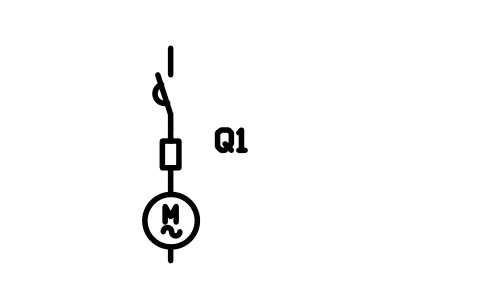
Motor feeder bay: contactor, fuse, motor
PRI_BAY_MOTORAttributes
TAGRATED_KVRATED_CURRENT_ASHORT_CIRCUIT_KABAY_NAMEMANUFACTURERMODELREMARKSDESC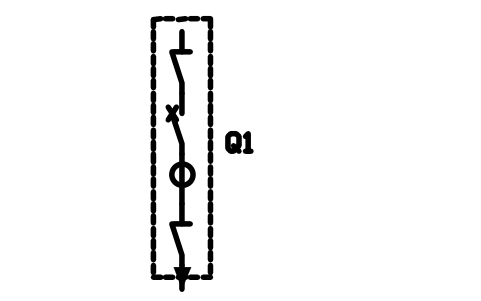
GIS feeder bay: gas-insulated
PRI_BAY_GIS_FEEDERAttributes
TAGRATED_KVRATED_CURRENT_ASHORT_CIRCUIT_KABAY_NAMEMANUFACTURERMODELREMARKSDESC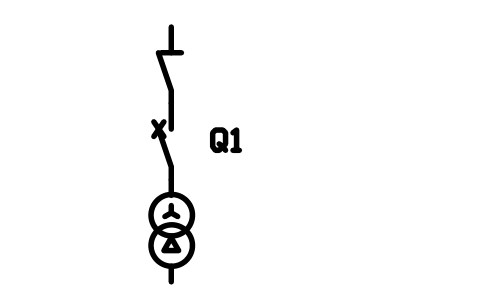
Transformer feeder: disconnector, breaker, TX
PRI_BAY_TX_FEEDERAttributes
TAGRATED_KVRATED_CURRENT_ASHORT_CIRCUIT_KABAY_NAMEMANUFACTURERMODELREMARKSDESC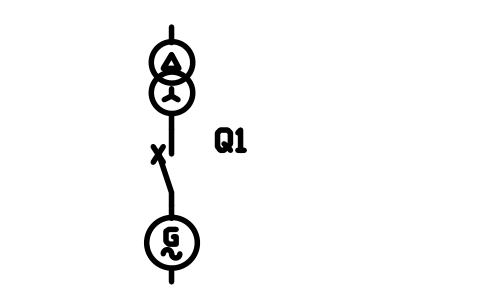
Generator unit: transformer, GCB, generator
PRI_BAY_GEN_UNITAttributes
TAGRATED_KVRATED_CURRENT_ASHORT_CIRCUIT_KABAY_NAMEMANUFACTURERMODELREMARKSDESC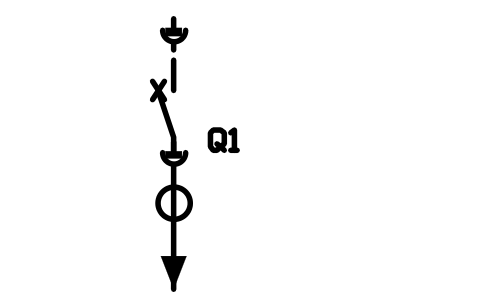
MV panel: withdrawable breaker, CT, cable
PRI_BAY_MV_PANELAttributes
TAGRATED_KVRATED_CURRENT_ASHORT_CIRCUIT_KABAY_NAMEMANUFACTURERMODELREMARKSDESCGIS enclosure and conductor
PRI_GAI_S01391_GIS_ENCLOSURE_AND_CONDUCTORAttributes
REMARKSSTD_CLAUSESTD_REFDESCGIS compartment end, sealed
PRI_GAI_S01392_GIS_COMPARTMENT_END_SEALEDAttributes
REMARKSSTD_CLAUSESTD_REFDESCGIS compartment partition
PRI_GAI_S01393_GIS_COMPARTMENT_PARTITIONAttributes
REMARKSSTD_CLAUSESTD_REFDESCGIS partition, two chambers
PRI_GAI_S01459_GIS_PARTITION_TWO_CHAMBERSAttributes
REMARKSSTD_CLAUSESTD_REFDESC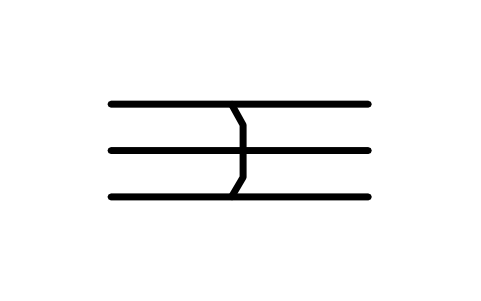
GIS support insul., inside
PRI_GAI_S01460_GIS_SUPPORT_INSUL_INSIDEAttributes
REMARKSSTD_CLAUSESTD_REFDESC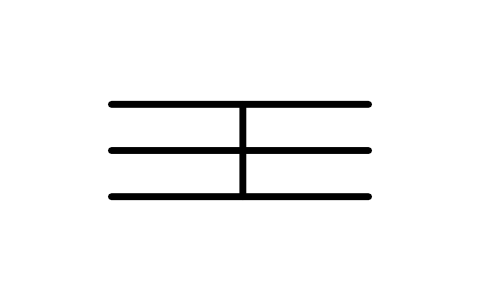
GIS support insul., external
PRI_GAI_S01461_GIS_SUPPORT_INSUL_EXTERNALAttributes
REMARKSSTD_CLAUSESTD_REFDESC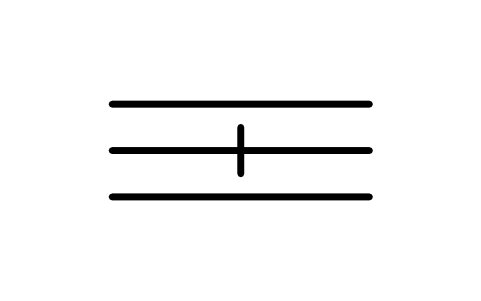
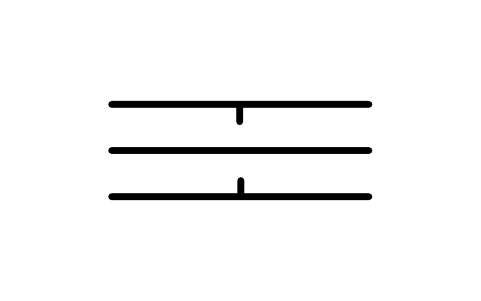
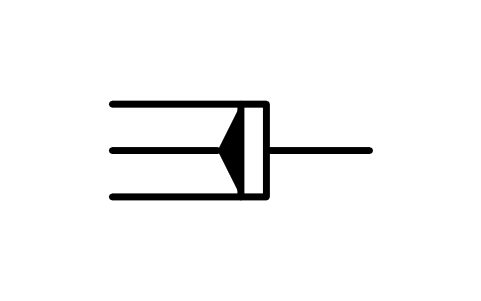
GIS to air-insulated bushing
PRI_GAI_S01396_GIS_TO_AIR_INSULATED_BUSHINGAttributes
REMARKSSTD_CLAUSESTD_REFDESC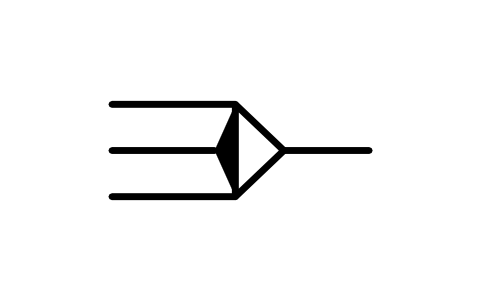
GIS to cable sealing end
PRI_GAI_S01397_GIS_TO_CABLE_SEALING_ENDAttributes
REMARKSSTD_CLAUSESTD_REFDESC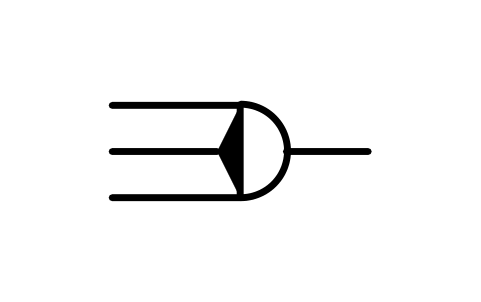
GIS to transformer bushing
PRI_GAI_S01398_GIS_TO_TRANSFORMER_BUSHINGAttributes
REMARKSSTD_CLAUSESTD_REFDESC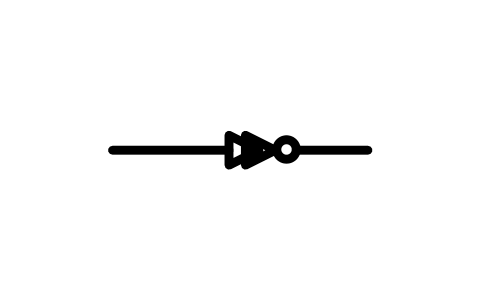
Live connection terminal
PRI_GAI_S01836_LIVE_CONNECTION_TERMINALAttributes
REMARKSSTD_CLAUSESTD_REFDESC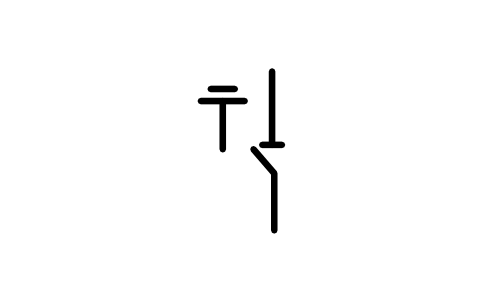
Disconnector, earth switch
PRI_GAI_S01848_DISCONNECTOR_EARTH_SWITCHAttributes
REMARKSSTD_CLAUSESTD_REFDESC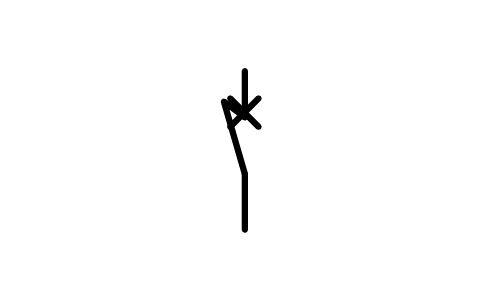
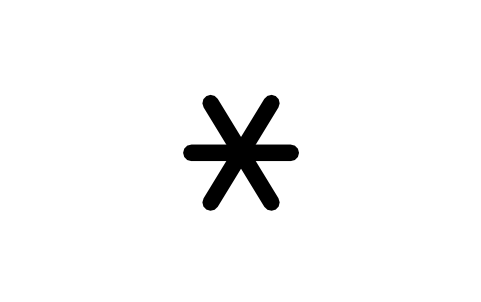
Disconnecting breaker mark
PRI_GAI_S01860_DISCONNECTING_BREAKER_MARKAttributes
REMARKSSTD_CLAUSESTD_REFDESC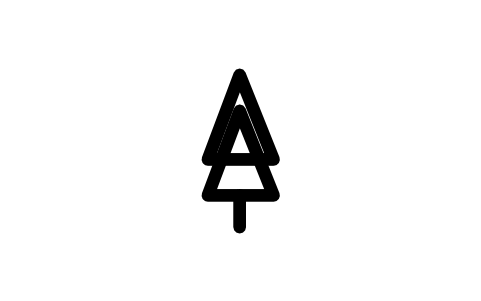
Live connectable/disconnect.
PRI_GAI_S01849_LIVE_CONNECTABLE_DISCONNECTAttributes
REMARKSSTD_CLAUSESTD_REFDESC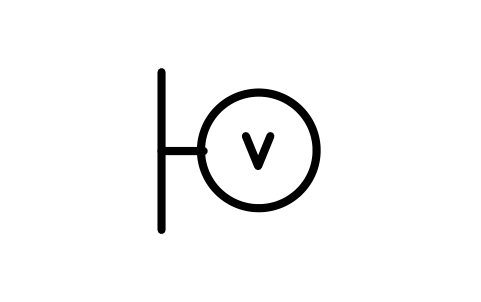
- New in 1.1
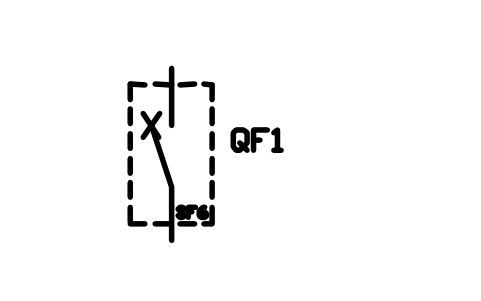
GIS breaker module
PRI_GISM_CBAttributes
TAGRATED_KVRATED_CURRENT_ABREAKING_KAINTERRUPTERMECHANISMCONTROL_VOLTAGEMANUFACTURERMODELREMARKSDESC - New in 1.1
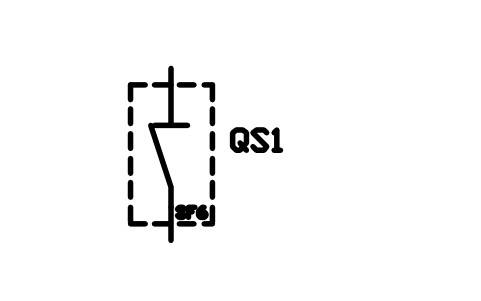
GIS disconnector module
PRI_GISM_DSAttributes
TAGRATED_KVRATED_CURRENT_ASHORT_TIME_KAEARTHING_SWITCHMECHANISMMANUFACTURERMODELREMARKSDESC - New in 1.1
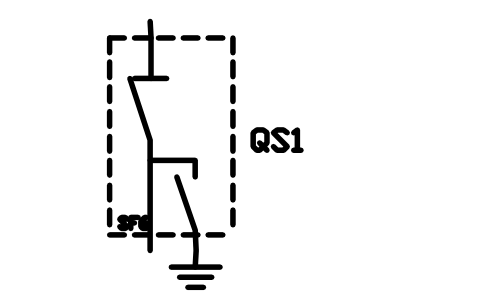
GIS three-position module
PRI_GISM_DS_ESAttributes
TAGRATED_KVRATED_CURRENT_ASHORT_TIME_KAEARTHING_SWITCHMECHANISMMANUFACTURERMODELREMARKSDESC - New in 1.1
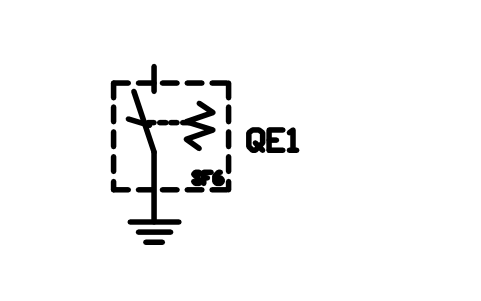
GIS fast earthing module
PRI_GISM_ES_FASTAttributes
TAGRATED_KVRATED_CURRENT_ASHORT_TIME_KAEARTHING_SWITCHMECHANISMMANUFACTURERMODELREMARKSDESC - New in 1.1
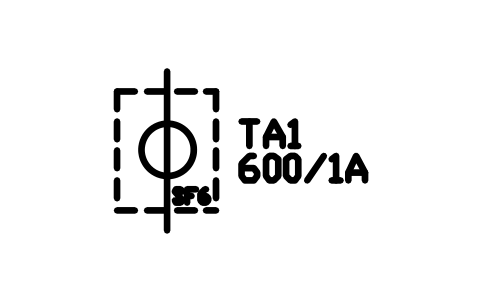
GIS current transformer
PRI_GISM_CTAttributes
TAGRATIOCLASSBURDEN_VACORESRATED_KVMANUFACTURERMODELREMARKSDESC - New in 1.1
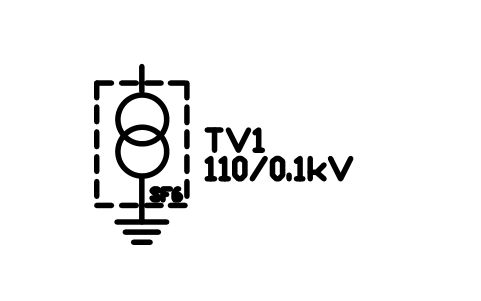
GIS voltage transformer
PRI_GISM_VTAttributes
TAGRATIOCLASSBURDEN_VAWINDINGSRATED_KVMANUFACTURERMODELREMARKSDESC - New in 1.1
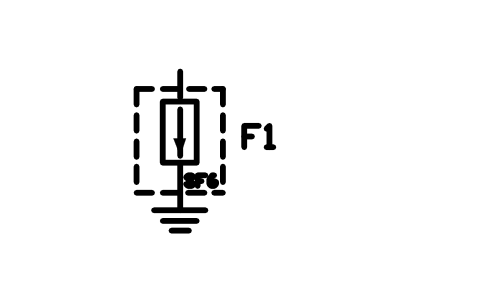
GIS surge arrester
PRI_GISM_ARRESTERAttributes
TAGRATED_KVMCOV_KVDISCHARGE_KAHOUSINGMANUFACTURERMODELREMARKSDESC - New in 1.1
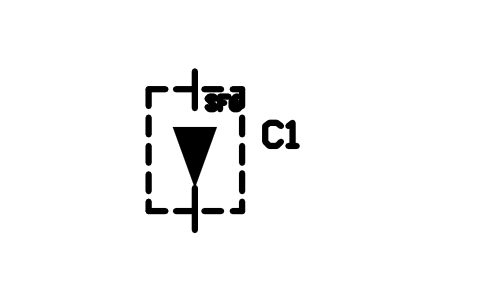
GIS cable end module
PRI_GISM_CABLE_ENDAttributes
TAGVOLTAGE_KVCABLE_TYPELENGTH_MRATED_CURRENT_AFROM_TOREMARKSDESC - New in 1.1
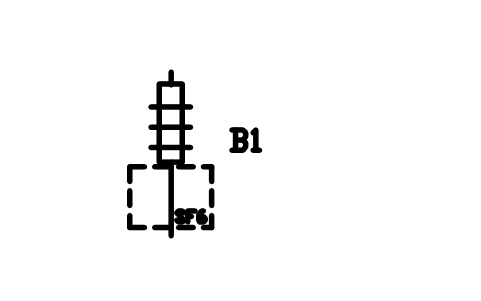
GIS SF6-air bushing
PRI_GISM_BUSHINGAttributes
TAGVOLTAGE_KVCABLE_TYPELENGTH_MRATED_CURRENT_AFROM_TOREMARKSDESC - New in 1.1
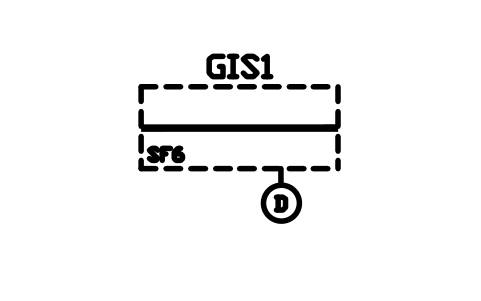
GIS gas compartment
PRI_GISM_DENSITYAttributes
TAGRATED_KVRATED_CURRENT_ASHORT_CIRCUIT_KABAY_NAMEMANUFACTURERMODELREMARKSDESC - New in 1.1
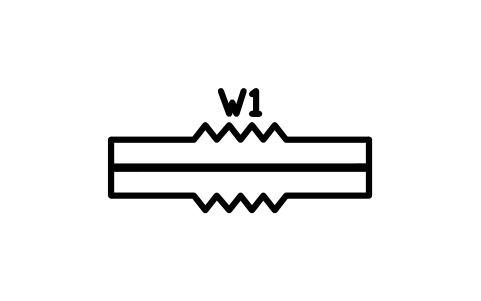
GIS expansion joint
PRI_GISM_BELLOWSAttributes
TAGVOLTAGE_KVRATED_CURRENT_ACONDUCTORSHORT_CIRCUIT_KAREMARKSDESC - New in 1.1
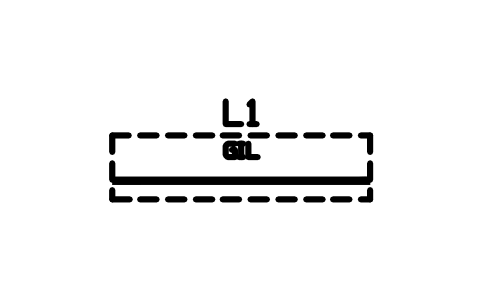
Gas-insulated line (GIL)
PRI_GILAttributes
TAGVOLTAGE_KVCONDUCTORLENGTH_KMRATED_CURRENT_ACIRCUITSFROM_TOREMARKSDESC - New in 1.1
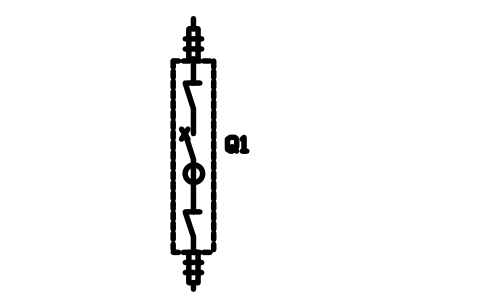
HGIS bay, hybrid
PRI_HGIS_BAYAttributes
TAGRATED_KVRATED_CURRENT_ASHORT_CIRCUIT_KABAY_NAMEMANUFACTURERMODELREMARKSDESC Moulded case circuit breaker
PRI_LV_MCCBAttributes
TAGRATED_CURRENT_AVOLTAGEBREAKING_KATRIP_UNITPOLESMANUFACTURERMODELREMARKSDESCMiniature circuit breaker
PRI_LV_MCBAttributes
TAGRATED_CURRENT_AVOLTAGEBREAKING_KATRIP_UNITPOLESMANUFACTURERMODELREMARKSDESCResidual current device
PRI_LV_RCDAttributes
TAGRATED_CURRENT_AVOLTAGEBREAKING_KATRIP_UNITPOLESMANUFACTURERMODELREMARKSDESCIsolating switch
PRI_LV_ISOLATORAttributes
TAGRATED_CURRENT_AVOLTAGEBREAKING_KATRIP_UNITPOLESMANUFACTURERMODELREMARKSDESC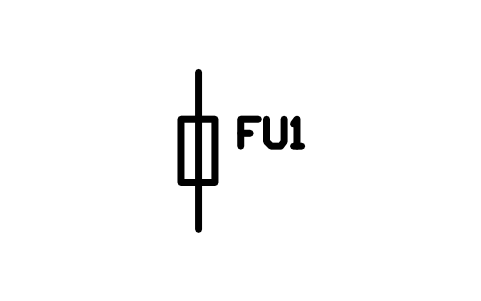
Fuse, low voltage
PRI_LV_FUSEAttributes
TAGRATED_CURRENT_AVOLTAGEBREAKING_KATRIP_UNITPOLESMANUFACTURERMODELREMARKSDESC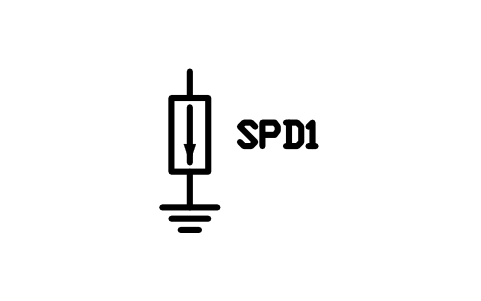
Surge protective device
PRI_LV_SPDAttributes
TAGRATED_CURRENT_AVOLTAGEBREAKING_KATRIP_UNITPOLESMANUFACTURERMODELREMARKSDESC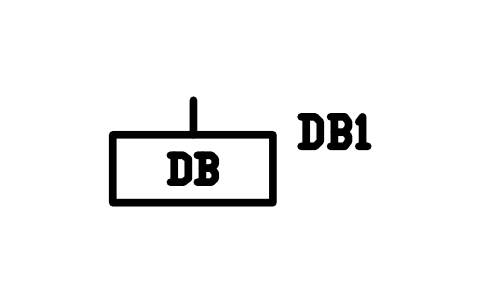
Distribution board
PRI_LV_DBAttributes
TAGRATED_CURRENT_AVOLTAGEBREAKING_KATRIP_UNITPOLESMANUFACTURERMODELREMARKSDESC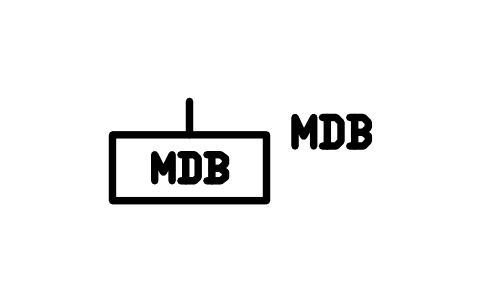
Main distribution board
PRI_LV_MDBAttributes
TAGRATED_CURRENT_AVOLTAGEBREAKING_KATRIP_UNITPOLESMANUFACTURERMODELREMARKSDESC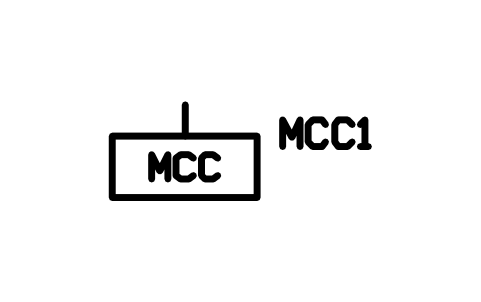
Motor control centre
PRI_LV_MCCAttributes
TAGRATED_CURRENT_AVOLTAGEBREAKING_KATRIP_UNITPOLESMANUFACTURERMODELREMARKSDESC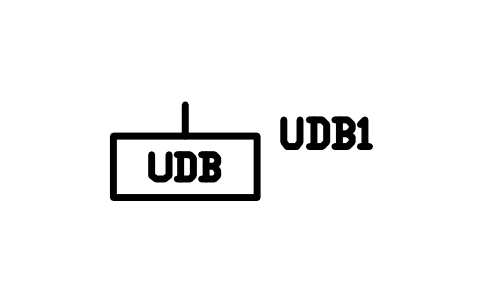
UPS distribution board
PRI_LV_UPSDBAttributes
TAGRATED_CURRENT_AVOLTAGEBREAKING_KATRIP_UNITPOLESMANUFACTURERMODELREMARKSDESC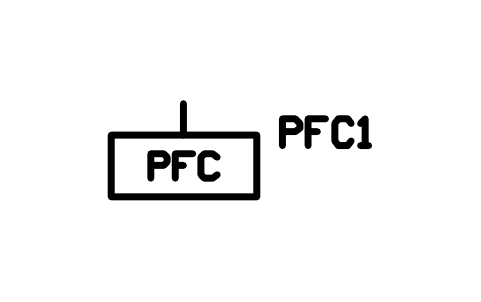
Power factor correction
PRI_LV_PFCAttributes
TAGRATED_CURRENT_AVOLTAGEBREAKING_KATRIP_UNITPOLESMANUFACTURERMODELREMARKSDESC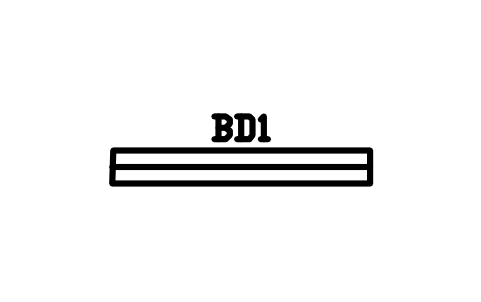
Busduct
PRI_LV_BUSDUCTAttributes
TAGRATED_CURRENT_AVOLTAGEBREAKING_KATRIP_UNITPOLESMANUFACTURERMODELREMARKSDESC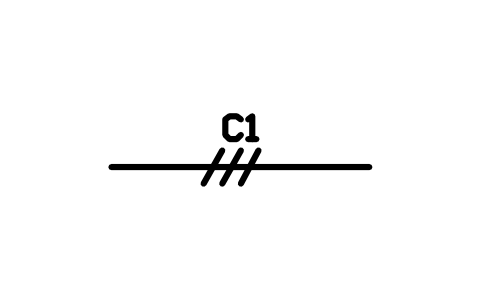
Cable, low voltage
PRI_LV_CABLEAttributes
TAGRATED_CURRENT_AVOLTAGEBREAKING_KATRIP_UNITPOLESMANUFACTURERMODELREMARKSDESC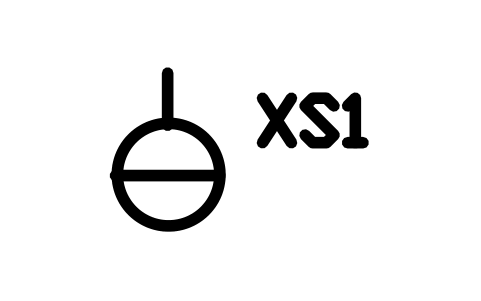
Socket outlet
PRI_LV_SOCKETAttributes
TAGRATED_CURRENT_AVOLTAGEBREAKING_KATRIP_UNITPOLESMANUFACTURERMODELREMARKSDESC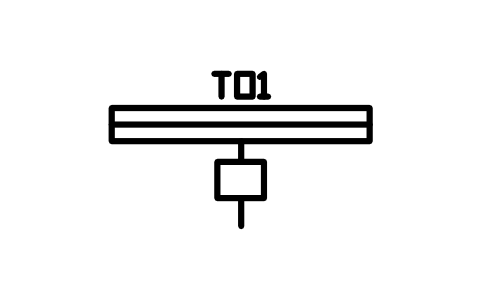
Busway tap-off unit
PRI_BUSWAY_TAPAttributes
TAGRATED_CURRENT_AVOLTAGEBREAKING_KATRIP_UNITPOLESMANUFACTURERMODELREMARKSDESCExcitation, static (thyristor)
PRI_EXC_STATICAttributes
TAGFUNCTIONSUPPLYCOMMUNICATIONMANUFACTURERMODELREMARKSDESC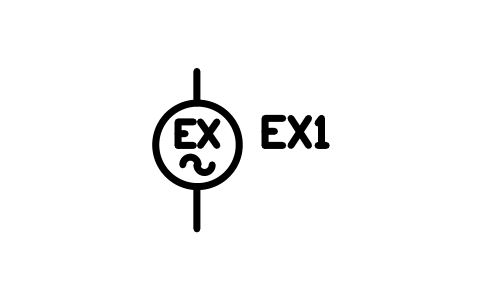
Excitation, rotating (brushless)
PRI_EXC_ROTATINGAttributes
TAGFUNCTIONSUPPLYCOMMUNICATIONMANUFACTURERMODELREMARKSDESC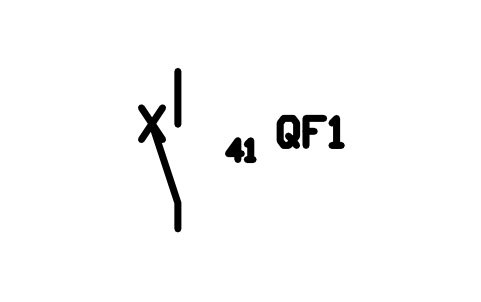
Field circuit breaker (41)
PRI_FIELD_BREAKERAttributes
TAGRATED_KVRATED_CURRENT_ABREAKING_KAINTERRUPTERMECHANISMCONTROL_VOLTAGEMANUFACTURERMODELREMARKSDESC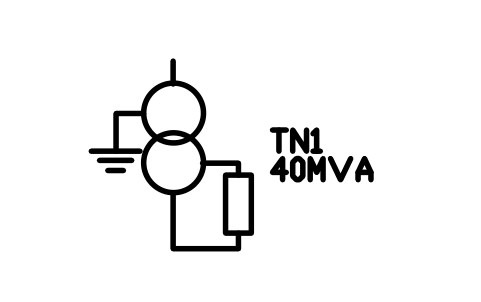
Generator neutral earthing transformer
PRI_GEN_NEUTRAL_TXAttributes
TAGRATING_MVAVOLTAGE_RATIOVECTOR_GROUPIMPEDANCE_PCTTAP_RANGECOOLINGNEUTRAL_EARTHINGMANUFACTURERMODELREMARKSDESCSubstation, in service
PRI_IEC_STATION_SUBSTATIONAttributes
TAGSTATION_NAMECAPACITY_MWVOLTAGE_KVOWNERREMARKSSTD_CLAUSESTD_REFMANUFACTURERPART_NODESCHydro station, planned
PRI_IEC_STATION_HYDRO_PLANNEDAttributes
TAGSTATION_NAMECAPACITY_MWVOLTAGE_KVOWNERREMARKSSTD_CLAUSESTD_REFMANUFACTURERPART_NODESCHydro station, in service
PRI_IEC_STATION_HYDROAttributes
TAGSTATION_NAMECAPACITY_MWVOLTAGE_KVOWNERREMARKSSTD_CLAUSESTD_REFMANUFACTURERPART_NODESCThermal station, planned
PRI_IEC_STATION_THERMAL_PLANNEDAttributes
TAGSTATION_NAMECAPACITY_MWVOLTAGE_KVOWNERREMARKSSTD_CLAUSESTD_REFMANUFACTURERPART_NODESC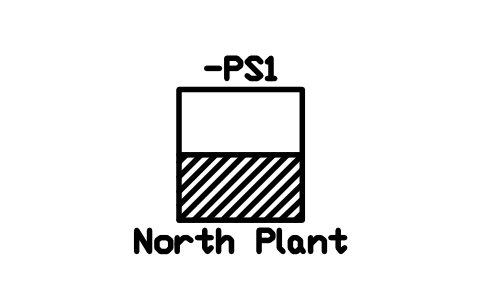
Thermal station, in service
PRI_IEC_STATION_THERMALAttributes
TAGSTATION_NAMECAPACITY_MWVOLTAGE_KVOWNERREMARKSSTD_CLAUSESTD_REFMANUFACTURERPART_NODESC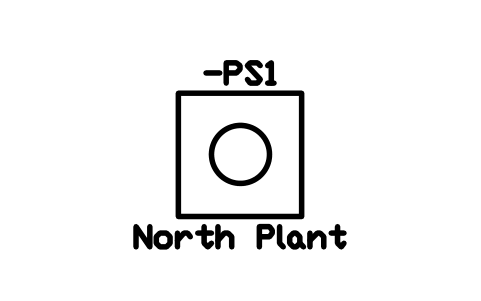
Nuclear station, planned
PRI_IEC_STATION_NUCLEAR_PLANNEDAttributes
TAGSTATION_NAMECAPACITY_MWVOLTAGE_KVOWNERREMARKSSTD_CLAUSESTD_REFMANUFACTURERPART_NODESC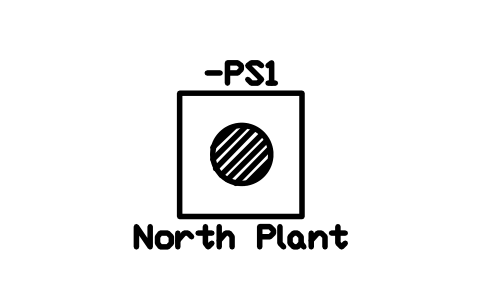
Nuclear station, in service
PRI_IEC_STATION_NUCLEARAttributes
TAGSTATION_NAMECAPACITY_MWVOLTAGE_KVOWNERREMARKSSTD_CLAUSESTD_REFMANUFACTURERPART_NODESC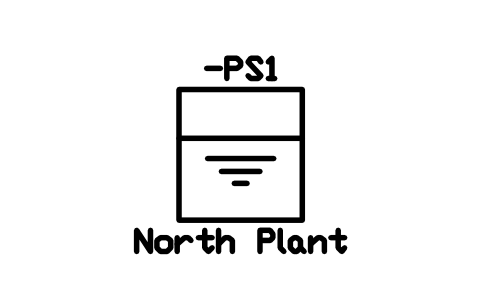
Geothermal station, planned
PRI_IEC_STATION_GEOTHERMAL_PLANNEDAttributes
TAGSTATION_NAMECAPACITY_MWVOLTAGE_KVOWNERREMARKSSTD_CLAUSESTD_REFMANUFACTURERPART_NODESC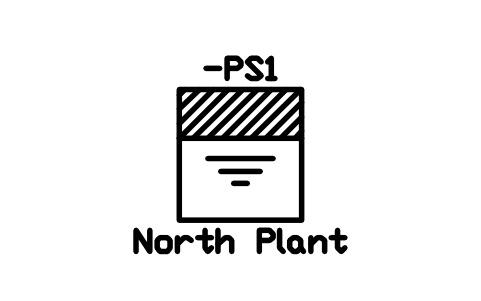
Geothermal station, in service
PRI_IEC_STATION_GEOTHERMALAttributes
TAGSTATION_NAMECAPACITY_MWVOLTAGE_KVOWNERREMARKSSTD_CLAUSESTD_REFMANUFACTURERPART_NODESC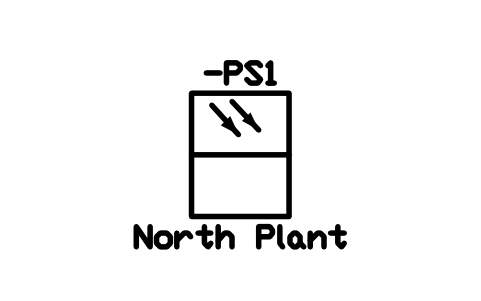
Solar station, planned
PRI_IEC_STATION_SOLAR_PLANNEDAttributes
TAGSTATION_NAMECAPACITY_MWVOLTAGE_KVOWNERREMARKSSTD_CLAUSESTD_REFMANUFACTURERPART_NODESC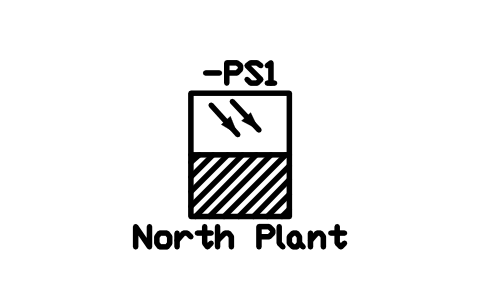
Solar station, in service
PRI_IEC_STATION_SOLARAttributes
TAGSTATION_NAMECAPACITY_MWVOLTAGE_KVOWNERREMARKSSTD_CLAUSESTD_REFMANUFACTURERPART_NODESC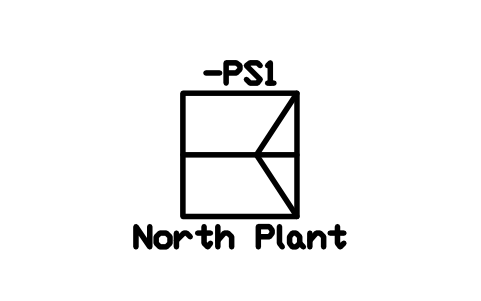
Wind station, planned
PRI_IEC_STATION_WIND_PLANNEDAttributes
TAGSTATION_NAMECAPACITY_MWVOLTAGE_KVOWNERREMARKSSTD_CLAUSESTD_REFMANUFACTURERPART_NODESC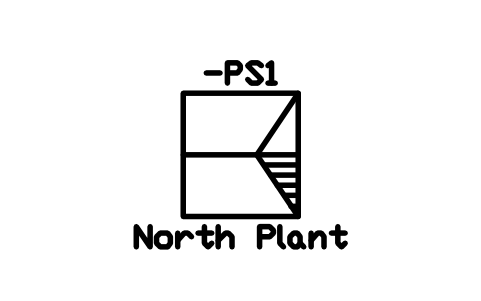
Wind station, in service
PRI_IEC_STATION_WINDAttributes
TAGSTATION_NAMECAPACITY_MWVOLTAGE_KVOWNERREMARKSSTD_CLAUSESTD_REFMANUFACTURERPART_NODESCTransformer, forced cooling
PRI_TX_FORCED_COOLEDAttributes
TAGRATING_MVAVOLTAGE_RATIOVECTOR_GROUPIMPEDANCE_PCTTAP_RANGECOOLINGNEUTRAL_EARTHINGMANUFACTURERMODELREMARKSDESCTransformer, dry type
PRI_TX_DRYAttributes
TAGRATING_MVAVOLTAGE_RATIOVECTOR_GROUPIMPEDANCE_PCTTAP_RANGECOOLINGNEUTRAL_EARTHINGMANUFACTURERMODELREMARKSDESC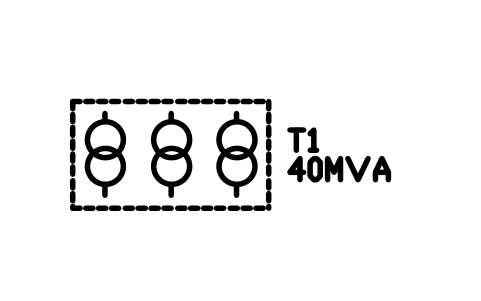
Transformer bank, 3 x 1-ph
PRI_TX_BANK_1PHAttributes
TAGRATING_MVAVOLTAGE_RATIOVECTOR_GROUPIMPEDANCE_PCTTAP_RANGECOOLINGNEUTRAL_EARTHINGMANUFACTURERMODELREMARKSDESC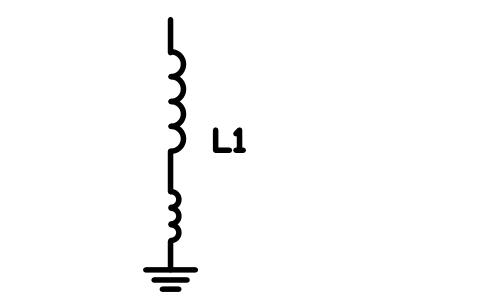
Shunt reactor, neutral coil
PRI_REACTOR_SHUNT_NRAttributes
TAGRATINGRATED_KVRATED_CURRENT_ATYPEMANUFACTURERMODELREMARKSDESC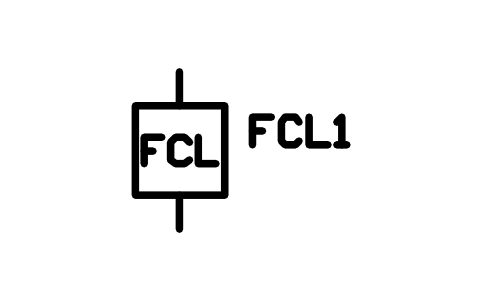
Fault current limiter
PRI_FCLAttributes
TAGRATINGRATED_KVRATED_CURRENT_ATYPEMANUFACTURERMODELREMARKSDESC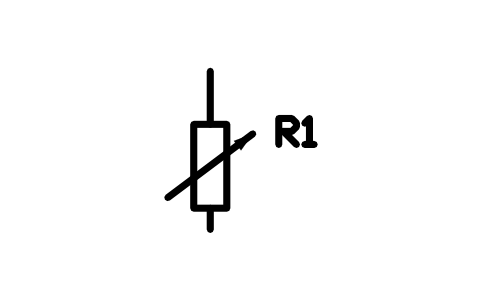
Braking resistor
PRI_BRAKE_RESISTORAttributes
TAGRATINGRATED_KVRATED_CURRENT_ATYPEMANUFACTURERMODELREMARKSDESC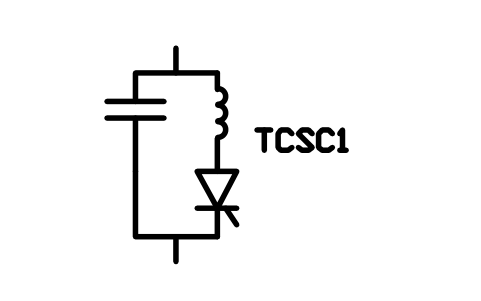
Series capacitor, TCSC
PRI_TCSCAttributes
TAGRATINGRATED_KVRATED_CURRENT_ATYPEMANUFACTURERMODELREMARKSDESCSingle busbar scheme
PRI_SCH_SINGLEAttributes
TAGRATED_KVRATED_CURRENT_ASHORT_CIRCUIT_KABAY_NAMEMANUFACTURERMODELREMARKSDESC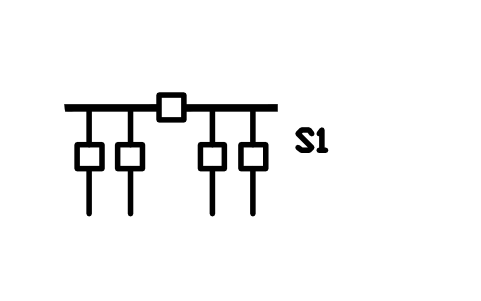
Single busbar, sectionalised
PRI_SCH_SECTIONAttributes
TAGRATED_KVRATED_CURRENT_ASHORT_CIRCUIT_KABAY_NAMEMANUFACTURERMODELREMARKSDESC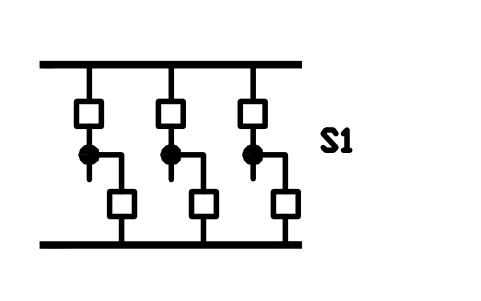
Single busbar, transfer bus
PRI_SCH_BYPASSAttributes
TAGRATED_KVRATED_CURRENT_ASHORT_CIRCUIT_KABAY_NAMEMANUFACTURERMODELREMARKSDESCDouble busbar scheme
PRI_SCH_DOUBLEAttributes
TAGRATED_KVRATED_CURRENT_ASHORT_CIRCUIT_KABAY_NAMEMANUFACTURERMODELREMARKSDESC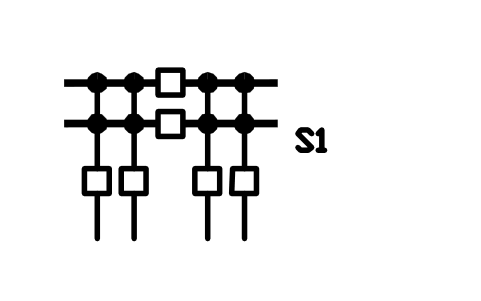
Double busbar, sectionalised
PRI_SCH_DOUBLE_SECTAttributes
TAGRATED_KVRATED_CURRENT_ASHORT_CIRCUIT_KABAY_NAMEMANUFACTURERMODELREMARKSDESC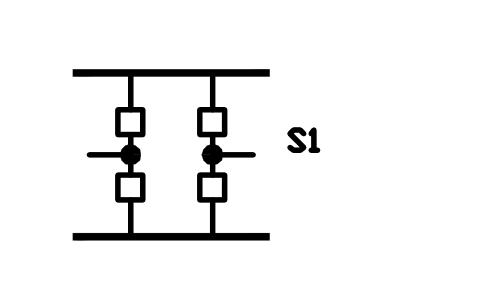
Double busbar, 2 breakers
PRI_SCH_DOUBLE_BKRAttributes
TAGRATED_KVRATED_CURRENT_ASHORT_CIRCUIT_KABAY_NAMEMANUFACTURERMODELREMARKSDESCRing busbar scheme
PRI_SCH_RINGAttributes
TAGRATED_KVRATED_CURRENT_ASHORT_CIRCUIT_KABAY_NAMEMANUFACTURERMODELREMARKSDESCH scheme, line breakers
PRI_SCH_HAttributes
TAGRATED_KVRATED_CURRENT_ASHORT_CIRCUIT_KABAY_NAMEMANUFACTURERMODELREMARKSDESCBridge scheme, TX breakers
PRI_SCH_BRIDGE_TXAttributes
TAGRATED_KVRATED_CURRENT_ASHORT_CIRCUIT_KABAY_NAMEMANUFACTURERMODELREMARKSDESC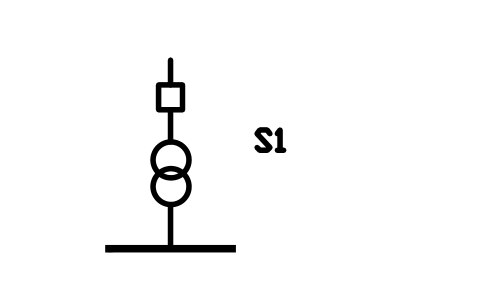
Line-transformer unit
PRI_SCH_LINE_TXAttributes
TAGRATED_KVRATED_CURRENT_ASHORT_CIRCUIT_KABAY_NAMEMANUFACTURERMODELREMARKSDESC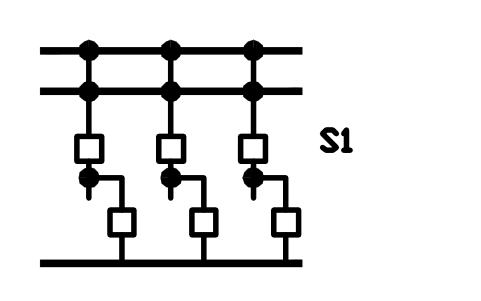
Double busbar, transfer bus
PRI_SCH_DOUBLE_TRANSFERAttributes
TAGRATED_KVRATED_CURRENT_ASHORT_CIRCUIT_KABAY_NAMEMANUFACTURERMODELREMARKSDESC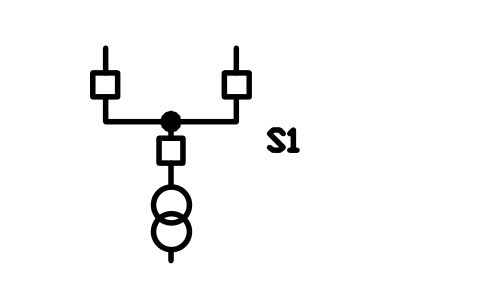
T-connection, two lines
PRI_SCH_TEEAttributes
TAGRATED_KVRATED_CURRENT_ASHORT_CIRCUIT_KABAY_NAMEMANUFACTURERMODELREMARKSDESC- New in 1.1
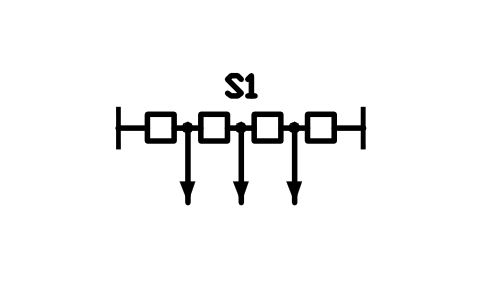
Breaker-and-a-third scheme
PRI_SCH_FOUR_THIRDSAttributes
TAGRATED_KVRATED_CURRENT_ASHORT_CIRCUIT_KABAY_NAMEMANUFACTURERMODELREMARKSDESC Converter leg (two valves)
PRI_HVDC_LEGAttributes
TAGRATINGVOLTAGE_KVUNITSMANUFACTURERMODELREMARKSDESCConverter, line-commutated
PRI_HVDC_CONV_LCCAttributes
TAGRATINGVOLTAGE_KVUNITSMANUFACTURERMODELREMARKSDESC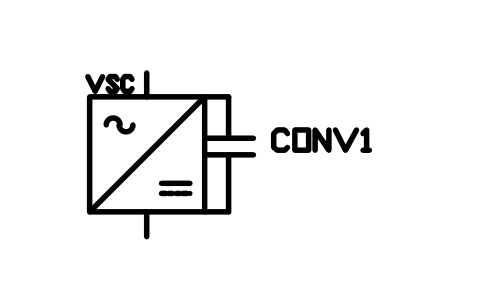
Converter, voltage-sourced
PRI_HVDC_CONV_VSCAttributes
TAGRATINGVOLTAGE_KVUNITSMANUFACTURERMODELREMARKSDESC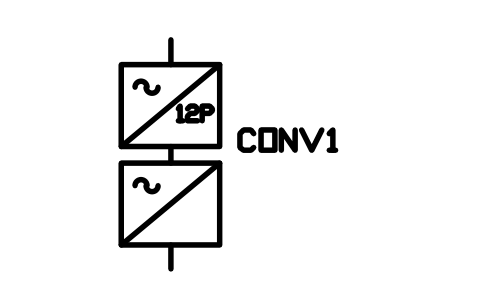
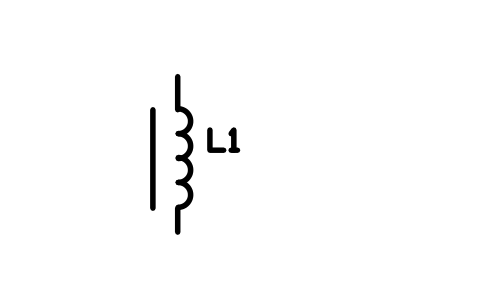
Smoothing reactor, DC
PRI_HVDC_SMOOTHINGAttributes
TAGRATINGRATED_KVRATED_CURRENT_ATYPEMANUFACTURERMODELREMARKSDESC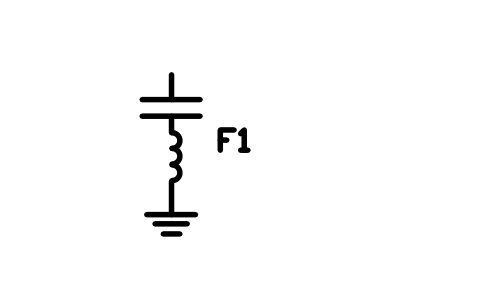
DC filter, tuned
PRI_HVDC_DC_FILTERAttributes
TAGRATINGRATED_KVRATED_CURRENT_ATYPEMANUFACTURERMODELREMARKSDESC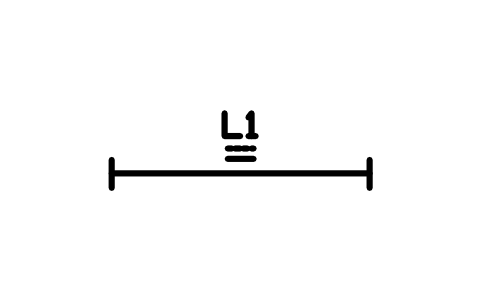
DC line, overhead
PRI_HVDC_LINEAttributes
TAGVOLTAGE_KVCONDUCTORLENGTH_KMRATED_CURRENT_ACIRCUITSFROM_TOREMARKSDESC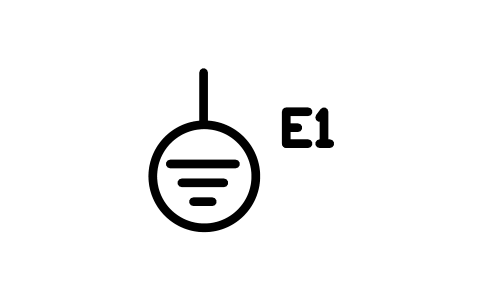
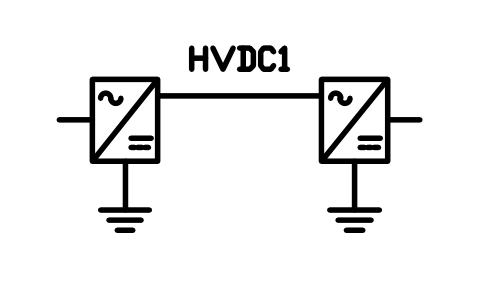
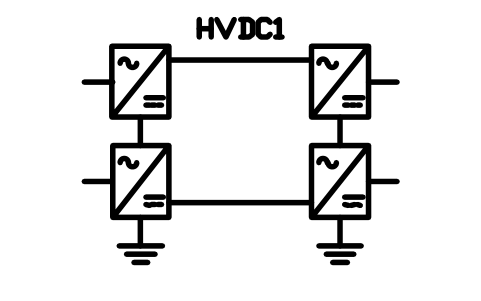
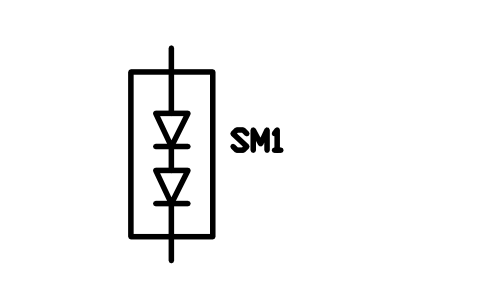
MMC half-bridge submodule
PRI_HVDC_MMC_SMAttributes
TAGRATINGVOLTAGE_KVUNITSMANUFACTURERMODELREMARKSDESC- New in 1.1
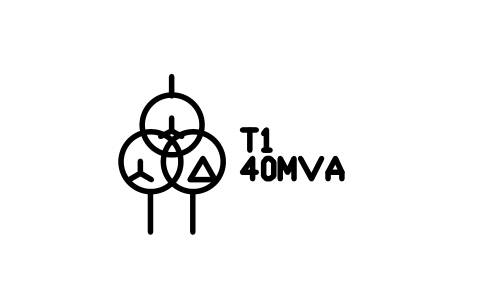
Converter transformer
PRI_HVDC_TX_CONVAttributes
TAGRATING_MVAVOLTAGE_RATIOVECTOR_GROUPIMPEDANCE_PCTTAP_RANGECOOLINGNEUTRAL_EARTHINGMANUFACTURERMODELREMARKSDESC - New in 1.1
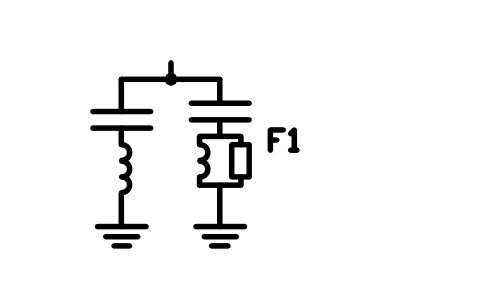
AC filter bank, HVDC
PRI_HVDC_AC_FILTERAttributes
TAGRATINGRATED_KVRATED_CURRENT_ATYPEMANUFACTURERMODELREMARKSDESC - New in 1.1
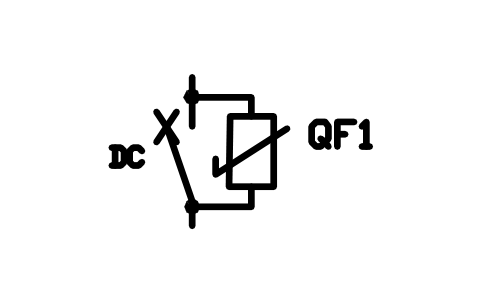
DC circuit breaker
PRI_HVDC_DC_BREAKERAttributes
TAGRATED_KVRATED_CURRENT_ABREAKING_KAINTERRUPTERMECHANISMCONTROL_VOLTAGEMANUFACTURERMODELREMARKSDESC - New in 1.1
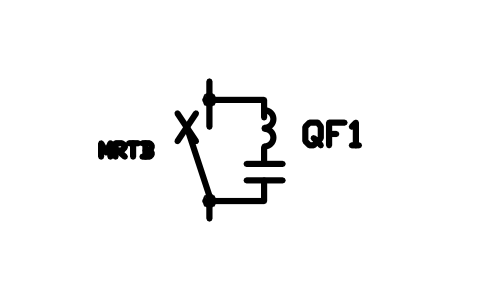
MRTB, metallic return
PRI_HVDC_MRTBAttributes
TAGRATED_KVRATED_CURRENT_ABREAKING_KAINTERRUPTERMECHANISMCONTROL_VOLTAGEMANUFACTURERMODELREMARKSDESC - New in 1.1
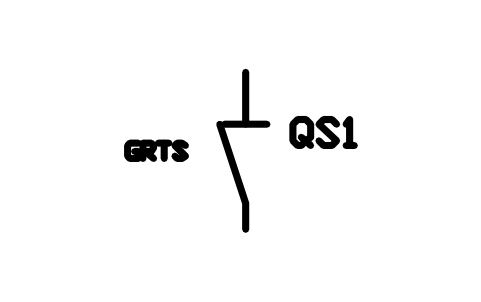
Ground return switch (GRTS)
PRI_HVDC_GRTSAttributes
TAGRATED_KVRATED_CURRENT_ASHORT_TIME_KAEARTHING_SWITCHMECHANISMMANUFACTURERMODELREMARKSDESC - New in 1.1
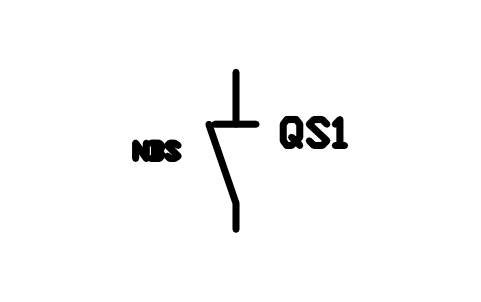
Neutral bus switch (NBS)
PRI_HVDC_NBSAttributes
TAGRATED_KVRATED_CURRENT_ASHORT_TIME_KAEARTHING_SWITCHMECHANISMMANUFACTURERMODELREMARKSDESC Coupling capacitor, coil
PRI_COUPLING_CAPAttributes
TAGRATINGRATED_KVRATED_CURRENT_ATYPEMANUFACTURERMODELREMARKSDESCPost insulator
PRI_POST_INSULATORAttributes
TAGVOLTAGE_KVCABLE_TYPELENGTH_MRATED_CURRENT_AFROM_TOREMARKSDESC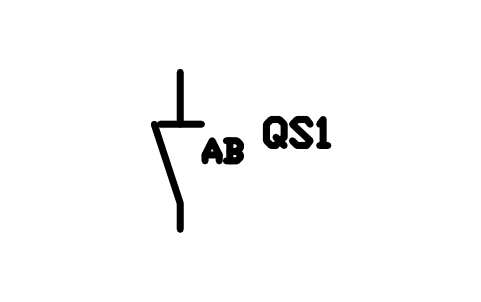
Air-break switch, on pole
PRI_AIR_BREAKAttributes
TAGRATED_KVRATED_CURRENT_ASHORT_TIME_KAEARTHING_SWITCHMECHANISMMANUFACTURERMODELREMARKSDESC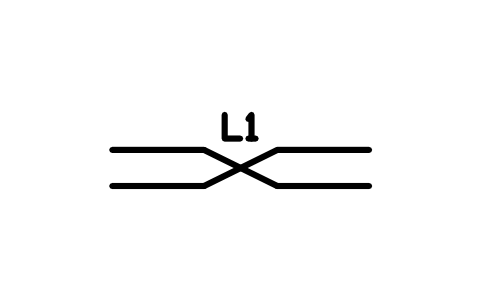
Line transposition
PRI_LINE_TRANSPOSEAttributes
TAGVOLTAGE_KVCONDUCTORLENGTH_KMRATED_CURRENT_ACIRCUITSFROM_TOREMARKSDESCLine, bundle of 2
PRI_LINE_BUNDLE_2Attributes
TAGVOLTAGE_KVCONDUCTORLENGTH_KMRATED_CURRENT_ACIRCUITSFROM_TOREMARKSDESC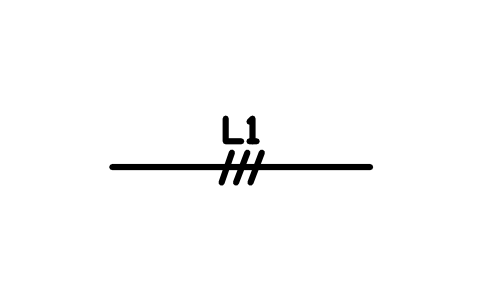
Line, bundle of 3
PRI_LINE_BUNDLE_3Attributes
TAGVOLTAGE_KVCONDUCTORLENGTH_KMRATED_CURRENT_ACIRCUITSFROM_TOREMARKSDESC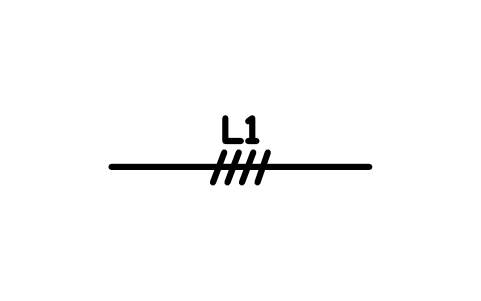
Line, bundle of 4
PRI_LINE_BUNDLE_4Attributes
TAGVOLTAGE_KVCONDUCTORLENGTH_KMRATED_CURRENT_ACIRCUITSFROM_TOREMARKSDESC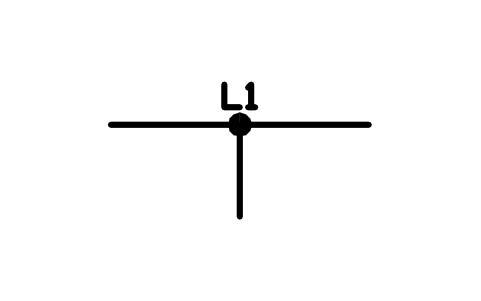
Line T-off
PRI_LINE_T_TAPAttributes
TAGVOLTAGE_KVCONDUCTORLENGTH_KMRATED_CURRENT_ACIRCUITSFROM_TOREMARKSDESC
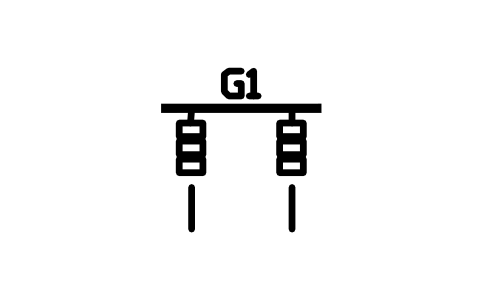
Line gantry, two strings
PRI_GANTRYAttributes
TAGVOLTAGE_KVCONDUCTORLENGTH_KMRATED_CURRENT_ACIRCUITSFROM_TOREMARKSDESC- New in 1.1
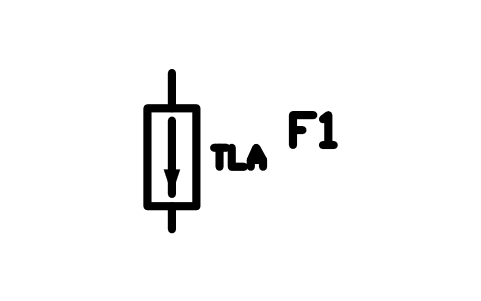
Line surge arrester
PRI_LINE_ARRESTERAttributes
TAGRATED_KVMCOV_KVDISCHARGE_KAHOUSINGMANUFACTURERMODELREMARKSDESC Cable termination, outdoor
PRI_CABLE_TERM_OUTAttributes
TAGVOLTAGE_KVCABLE_TYPELENGTH_MRATED_CURRENT_AFROM_TOREMARKSDESC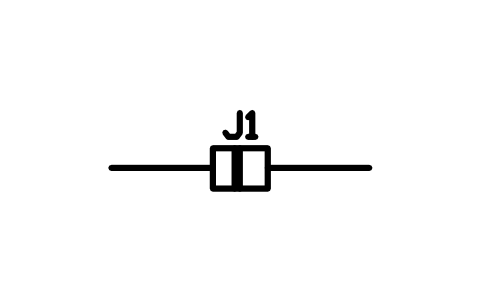
Cable joint, sheath break
PRI_JOINT_INSULATINGAttributes
TAGVOLTAGE_KVCABLE_TYPELENGTH_MRATED_CURRENT_AFROM_TOREMARKSDESC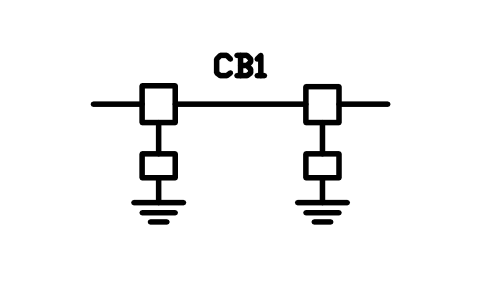
Cable cross-bonding section
PRI_CROSS_BONDINGAttributes
TAGVOLTAGE_KVCABLE_TYPELENGTH_MRATED_CURRENT_AFROM_TOREMARKSDESC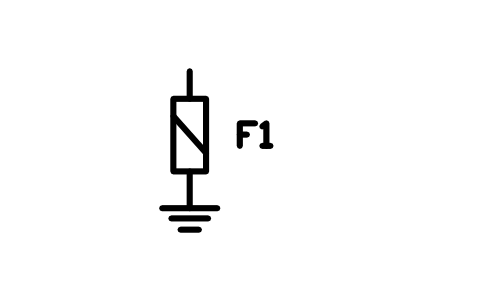
Sheath voltage limiter
PRI_SVLAttributes
TAGRATED_KVMCOV_KVDISCHARGE_KAHOUSINGMANUFACTURERMODELREMARKSDESCCables in parallel, two
PRI_CABLE_PARALLEL_2Attributes
TAGVOLTAGE_KVCABLE_TYPELENGTH_MRATED_CURRENT_AFROM_TOREMARKSDESC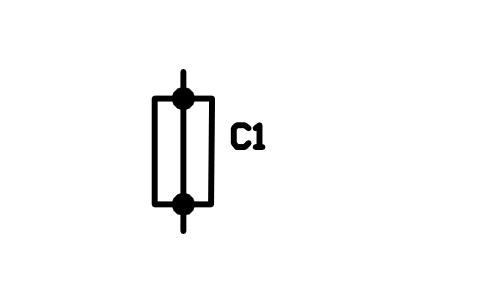
Cables in parallel, three
PRI_CABLE_PARALLEL_3Attributes
TAGVOLTAGE_KVCABLE_TYPELENGTH_MRATED_CURRENT_AFROM_TOREMARKSDESC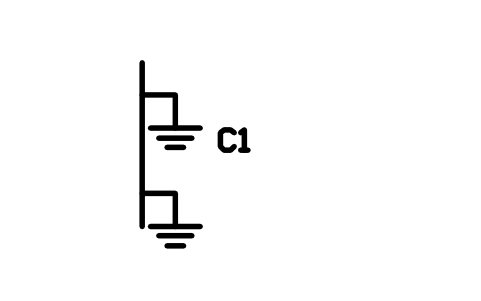
Cable screen, solid bonded
PRI_CABLE_SOLID_BONDAttributes
TAGVOLTAGE_KVCABLE_TYPELENGTH_MRATED_CURRENT_AFROM_TOREMARKSDESC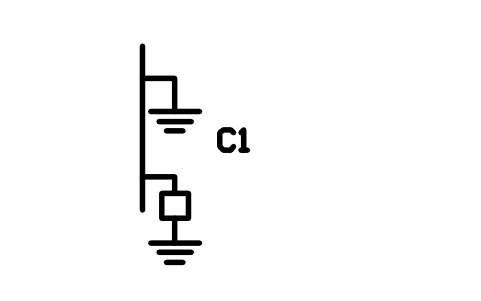
Cable screen, single-point
PRI_CABLE_SINGLE_BONDAttributes
TAGVOLTAGE_KVCABLE_TYPELENGTH_MRATED_CURRENT_AFROM_TOREMARKSDESCNeutral isolated
PRI_NEUTRAL_ISOLATEDAttributes
TAGRATING_MVAVOLTAGE_RATIOVECTOR_GROUPIMPEDANCE_PCTTAP_RANGECOOLINGNEUTRAL_EARTHINGMANUFACTURERMODELREMARKSDESCNeutral earthed via resistor
PRI_NEUTRAL_RESISTORAttributes
TAGRATING_MVAVOLTAGE_RATIOVECTOR_GROUPIMPEDANCE_PCTTAP_RANGECOOLINGNEUTRAL_EARTHINGMANUFACTURERMODELREMARKSDESC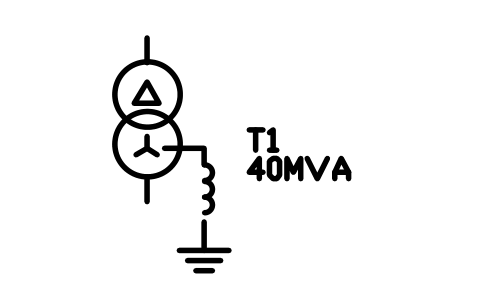
Neutral earthed via reactor
PRI_NEUTRAL_REACTORAttributes
TAGRATING_MVAVOLTAGE_RATIOVECTOR_GROUPIMPEDANCE_PCTTAP_RANGECOOLINGNEUTRAL_EARTHINGMANUFACTURERMODELREMARKSDESCNeutral via Petersen coil
PRI_NEUTRAL_RESONANTAttributes
TAGRATING_MVAVOLTAGE_RATIOVECTOR_GROUPIMPEDANCE_PCTTAP_RANGECOOLINGNEUTRAL_EARTHINGMANUFACTURERMODELREMARKSDESC
Copyright CADXChange. Use and modify the symbols freely in your own drawings and projects, including commercial ones; credit and a link are needed only when you publish them. Please do not redistribute or resell the library. Each ZIP holds one plain DWG file in AutoCAD 2018 format and a README; no add-in needed. Provided as is, without warranty. Library terms (CXL-1.0)
IEC 60617 has several parts. The other libraries of the standard:
- Common electrical symbols (IEC 60617)
- Power system single-line symbols (IEC 60617)
- Power system secondary equipment symbols
- Electron tubes, crystals, delay lines (IEC 60617)
- Logic gate symbols (IEC 60617)
- Flip-flops, multiplexers, op amps (IEC 60617)
- Telephone, selectors, sound and recording (IEC 60617)
- Antennas, waveguides, modulation, filters and optical fibre (IEC 60617)
- Relays, protection and switching devices (IEC 60617)
- Machines, transformers, meters and symbol elements (IEC 60617)
- Busbar trunking, cable television, airfield lighting and connectors (IEC 60617)
- Gas-insulated switchgear, alarms and installation devices (IEC 60617)
Related symbol libraries
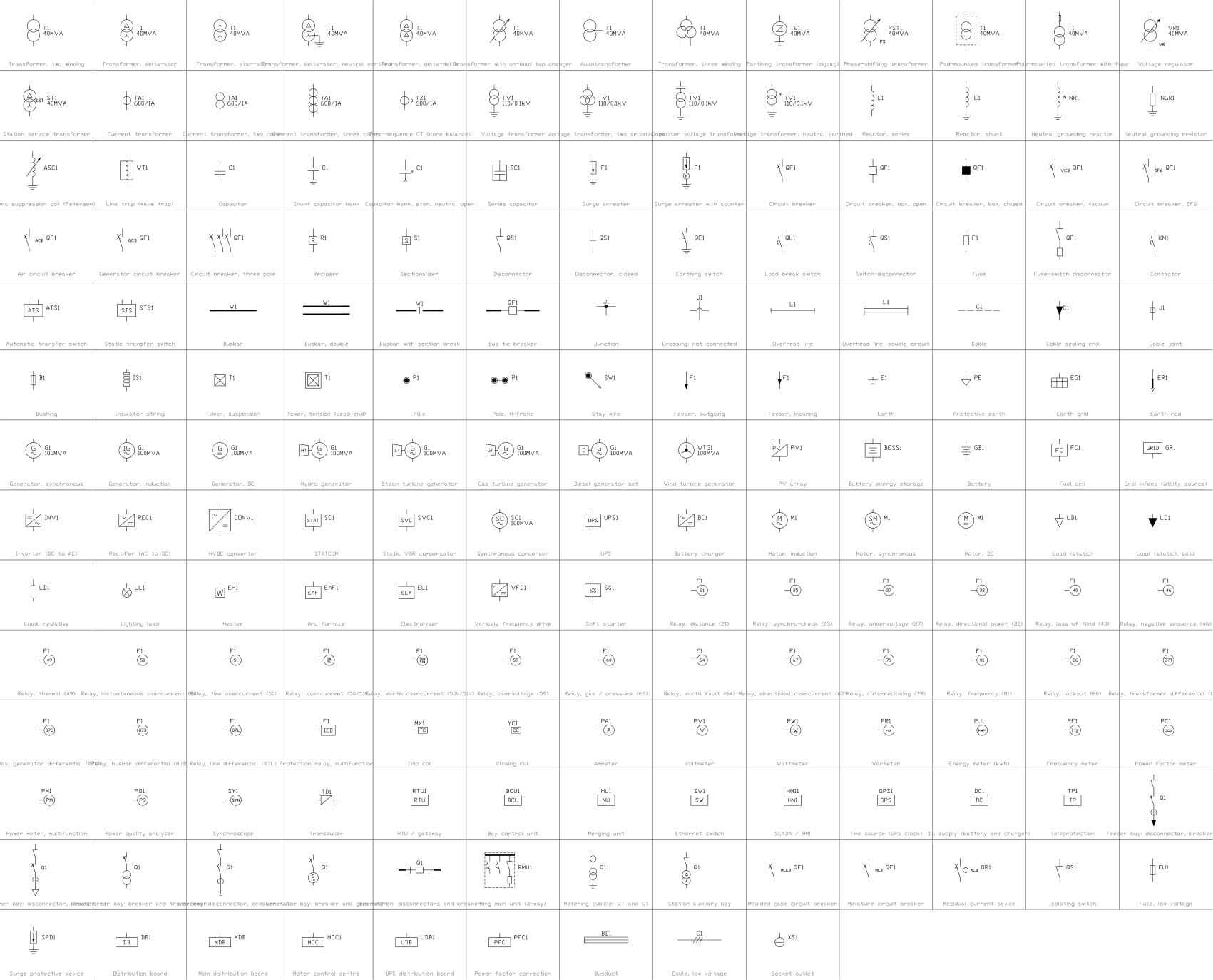
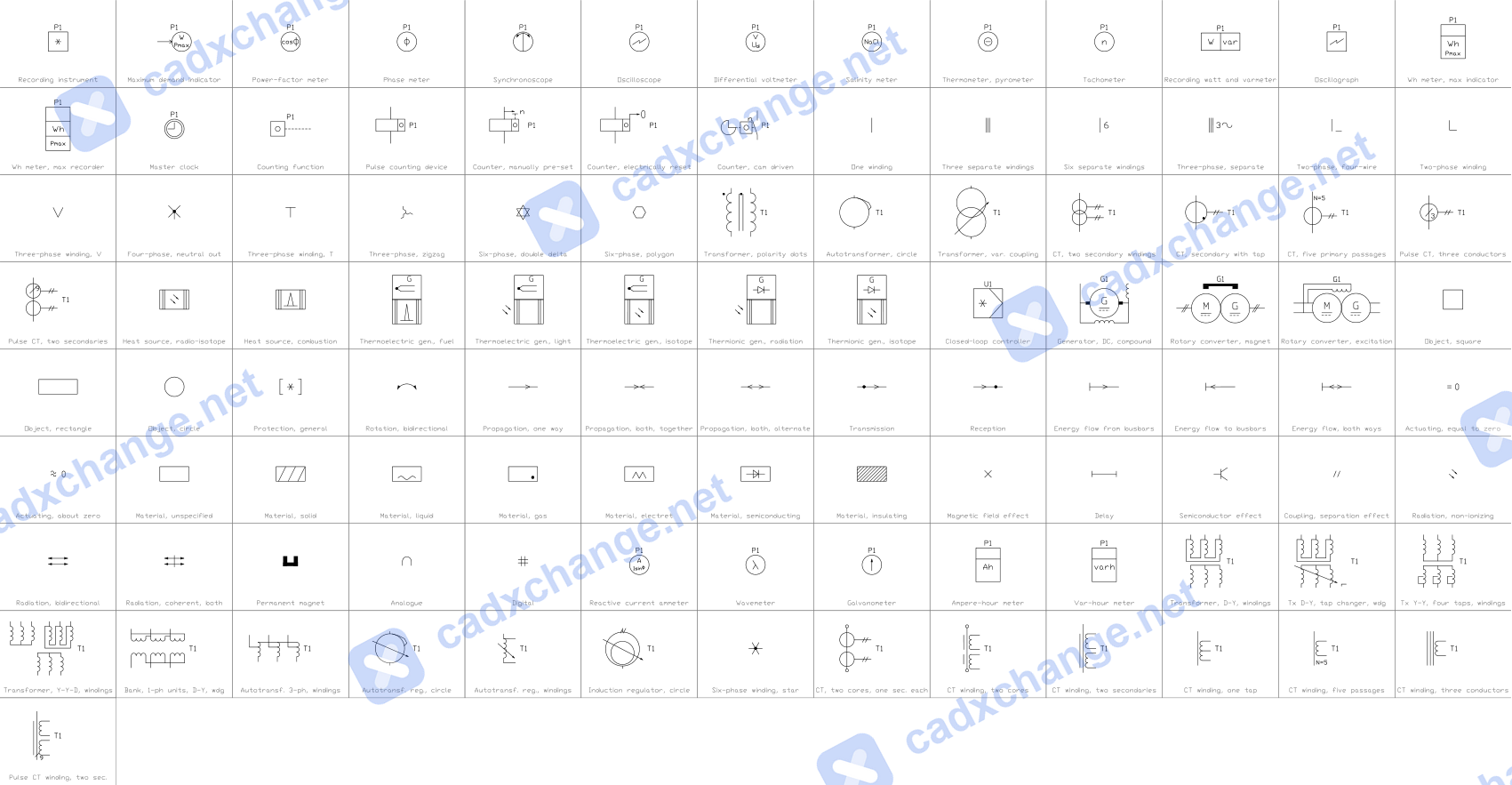
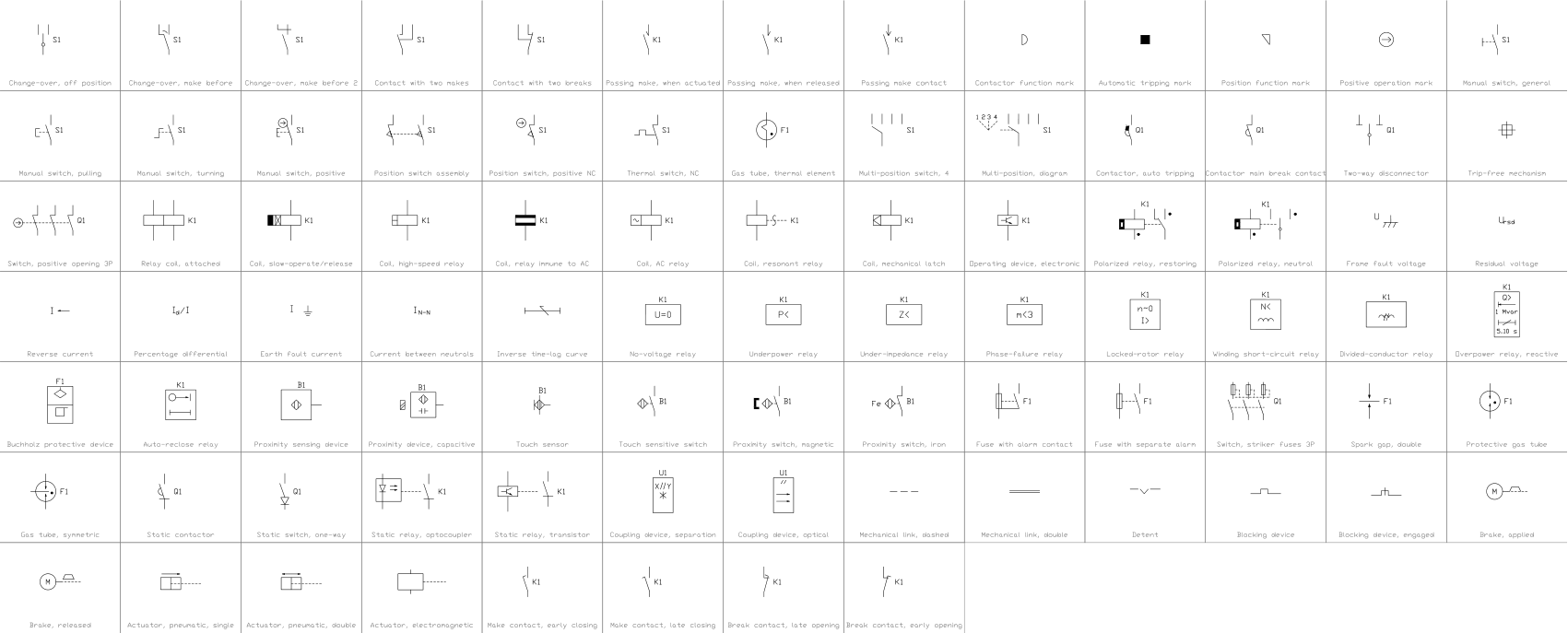
Missing a symbol? Tell us which one.
Attributes for parts lists
Every block has a visible tag next to the symbol (for example T1 for a transformer, QF1 for a breaker, G1 for a generator). The data of your equipment schedule are invisible attributes: RATING_MVA, VOLTAGE_KV, VECTOR_GROUP, IMPEDANCE_PCT and COOLING for transformers; RATED_KV, RATED_CURRENT_A and BREAKING_KA for switching devices; SHORT_CIRCUIT_MVA for busbars and sources; FROM_TO for lines and cables; plus MANUFACTURER, MODEL and REMARKS on most blocks.
How to use the library
- Unzip the file and open the DWG. Copy the symbols you need into your plan, or drag the blocks in from DesignCenter (ADCENTER).
- The symbols are drawn at the plotted size in millimetres, mostly 15 to 30 mm long, and sit in the same size and style as the other IEC 60617 libraries, so they can share a drawing with them. Insert them at scale 1 and scale the block if your diagram needs a different size.
- Vertical devices have the connection at the top, which is the insertion point, and the other end below; busbars and busbar schemes are horizontal and centred. The busbar schemes are complete bays with breakers and disconnectors, so a substation main connection can be started from one block.
- Several items come in more than one form: transformers as circles and as windings, with and without tap changer, every common winding connection, and busbar schemes from the single busbar to the ring and the bridge. Pick the form that matches the level of detail of your drawing.
About the symbols
The electrical forms follow IEC 60617. Items that the standard does not draw as a single figure, such as busbar scheme blocks, HVDC links and cable bonding arrangements, are made from the standard's elements in the way that is usual on single-line diagrams.
The blocks are our own drawings, not copies of a standard, and the library is not certified. Check them against the legend of your project or company and change a block if yours differs.
What changed in each version
Version 1.1 · November 24, 2026
42 new symbols for high-voltage work: six yard disconnector types, fast-acting and motor-driven earthing switches, breakers with closing resistors, grading capacitors or dead tank, a series compensation unit with its varistor, spark gap and bypass breaker, combined, optical and electronic instrument transformers, a converter transformer with HVDC switching and filters, a breaker-and-a-third scheme, and 13 SF6 gas-insulated modules, including a hybrid bay and a gas-insulated line.
New symbols (42)
Breaker, closing resistor · Breaker, grading capacitors · Dead-tank breaker with CTs · Centre-break disconnector · Double-break disconnector · Vertical-break disconnector · Knee-type disconnector · Pantograph disconnector · Semi-pantograph disconnector · Earthing switch, fast-acting · Earthing switch, motor drive · Disconnector, motor drive · CT and VT, combined · Current transformer, optical · Electronic voltage sensor · Neutral current transformer · Series compensation unit · Series capacitor with bypass · Metal-oxide varistor (MOV) · Spark gap, protective · SSSC, series converter · GIS breaker module · GIS disconnector module · GIS three-position module · GIS fast earthing module · GIS current transformer · GIS voltage transformer · GIS surge arrester · GIS cable end module · GIS SF6-air bushing · GIS gas compartment · GIS expansion joint · Gas-insulated line (GIL) · HGIS bay, hybrid · Breaker-and-a-third scheme · Converter transformer · AC filter bank, HVDC · DC circuit breaker · MRTB, metallic return · Ground return switch (GRTS) · 2 more
Version 1.0 · November 24, 2026
New symbols (406)
Generator, synchronous · Generator, induction · Generator, DC · Hydro generator · Steam turbine generator · Gas turbine generator · Diesel generator set · PV array · Battery energy storage · Battery · Fuel cell · Grid infeed (utility source) · Inverter (DC to AC) · Rectifier (AC to DC) · HVDC converter · STATCOM · Static VAR compensator · Synchronous condenser · UPS · Battery charger · Gas engine generator set · Pumped storage motor-generator · Flywheel energy storage · Supercapacitor energy storage · Combined heat and power set · Cell · AC source · Motor, three-phase · Motor, single-phase · Generator, three-phase · Rectifier · Inverter · DC/DC converter · Frequency converter · Photovoltaic generator · Motor, slip-ring · Motor, stepper · Motor, DC, separate field · Motor, DC, shunt field · Motor, DC, series field · 366 more
Frequently asked questions
- What is primary equipment, and what is left out?
- Primary equipment is the equipment that carries the power: generators, transformers, switchgear, busbars, lines and cables, reactors and capacitors. Relays, protection devices, meters, control switches, terminals and signalling belong to the secondary side and are left out. Current and voltage transformers are here as the bodies you draw on a single-line diagram.
- Can I draw a substation main connection with it?
- Yes. Ready-made busbar schemes (single busbar, sectionalised, with transfer bus, double busbar, ring, H and bridge), transformer and line bays, gas-insulated switchgear, instrument transformers, arresters, earthing and neutral earthing are in the library, as well as the HVDC valves and converters for a converter station.
- Can I use the symbols in commercial projects?
- Yes. You may use and modify them in your own projects, including commercial ones. They are provided as is, without warranty. Please do not redistribute or resell the library; see the library terms.
- How is this library different from the power system library?
- The power system library is a mixed one: it holds protection relays and measuring devices next to the equipment. This library holds only the primary side, with the same equipment redrawn under its own names and many additions (busbar schemes, HVDC, line equipment, cable systems and neutral earthing), so every symbol on the page is power equipment. Blocks of the same shape are named differently, so both libraries can share a drawing.
- Can I change a symbol or add attributes?
- Yes. Open the DWG, edit a block with BEDIT to change it or add attributes, and save. To update drawings that already contain the block, run ATTSYNC or replace the block. Make a backup first: attribute values can be lost if ATTSYNC is used carelessly.
- Where do I find a ready-made set of these symbols for AutoCAD?
- AutoCAD itself ships only a small set of sample blocks, so a full symbol set has to come from a library. Download the ZIP on this page and open the DWG: every symbol is a block. Insert one with INSERT (Blocks palette, Libraries tab, then pick the DWG) or drag it from DesignCenter (ADCENTER). You can also download a single symbol on its own.