
Topics:Building services symbolsInstrumentation and control symbolsElectrical schematic symbols
Free AutoCAD machine, transformer, meter and symbol element symbols (DWG), IEC 60617 style
Machines, transformers, meters and symbol elements (IEC 60617): 105 ready-made AutoCAD blocks (DWG). A starter pack of 24 symbols is free; the Standard edition is $19.
Free starter pack: 24 symbols
The most-used symbols of this library, as AutoCAD blocks in one DWG. Free for everyone, for any project.
 Recording instrument
 Master clock
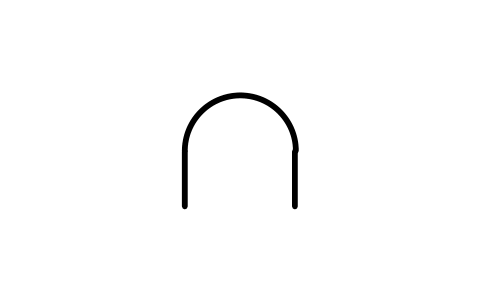
 One winding
 Transformer, polarity dots
 Heat source, radio-isotope
 Object, square
 Maximum demand indicator
 Counting function
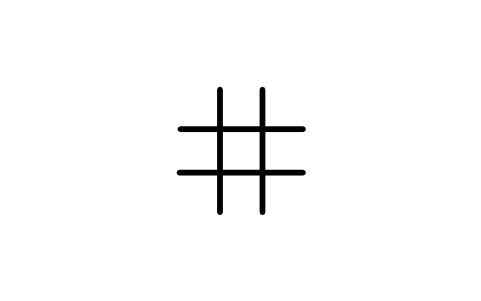
 Three separate windings
 Autotransformer, circle
 Heat source, combustion
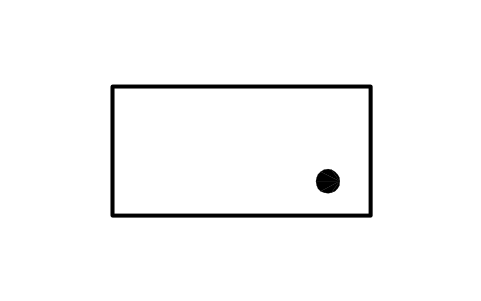
 Object, rectangle
 Power-factor meter
 Pulse counting device
 Six separate windings
 Transformer, var. coupling
 Thermoelectric gen., fuel
 Object, circle
 Phase meter
 Counter, manually pre-set
 Three-phase, separate
 CT, two secondary windings
 Thermoelectric gen., light
 Protection, general
Standard: 105 symbols
All 105 symbols of the Standard edition in one download, ready to insert in AutoCAD. Pay once and keep the files.
Free starter pack
$0For everyone, for any project
- 24 symbols
- No sign-in
- One DWG
Library licence
$19
For one person
Education: free
- Pay once
Student or teacher?
Free for one year with your school e-mail address. Renew it with the same address.
Sign in with your school e-mail address, we check it, and the licence is added to your account.
Available soonEducation licences are for study and teaching, valid for one year, and renewed with your school e-mail address.
What each version contains
The symbols by group, and how many of each group every version holds.
| Content | Free | Standard |
|---|---|---|
| All symbols | 24 | 105 |
| Added by this version | — | +81 |
| Instruments and indicators | 4 | 19 |
| Counters and clocks | 4 | 6 |
| Winding connections | 4 | 13 |
| Transformers and current transformers | 4 | 24 |
| Heat sources and generators | 4 | 11 |
| Symbol elements | 4 | 32 |
The free pack is a hand-picked selection. Standard is one purchase and gives you every symbol as DWG files.
105 symbols as ready-to-use AutoCAD blocks, drawn after IEC 60617 (parts 2, 6, 8): winding connection marks (one to six phases, V, T, zigzag, double delta, polygon), transformer and current transformer variants (polarity dots, variable coupling, tap, several passages, pulse transformers), heat sources and thermoelectric and thermionic generators, the closed-loop controller, instruments (recording, maximum demand, power factor, phase, synchronoscope, oscilloscope, differential voltmeter, tachometer, thermometer, combined wattmeters, watt-hour meters with maximum demand), counters and the master clock, and the symbol elements (objects, propagation and energy flow, materials, effects, radiation, magnet, analogue and digital marks). Each block stores the entry number of the standard and the database number in invisible attributes.
Version 1.3 · updated November 24, 2026 · Check out what's changed
All 105 symbols
105 of 105 symbols
Recording instrument
MCH_S00911_RECORDING_INSTRUMENTAttributes
TAGRATINGPART_NOMANUFACTURERREMARKSSTD_CLAUSESTD_REFDESCMaximum demand indicator
MCH_S00915_MAXIMUM_DEMAND_INDICATORAttributes
TAGRATINGPART_NOMANUFACTURERREMARKSSTD_CLAUSESTD_REFDESCPower-factor meter
MCH_S00917_POWER_FACTOR_METERAttributes
TAGRATINGPART_NOMANUFACTURERREMARKSSTD_CLAUSESTD_REFDESC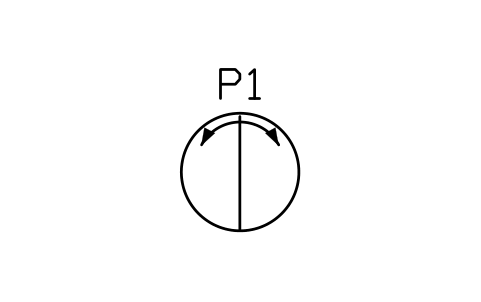
Synchronoscope
MCH_S00920_SYNCHRONOSCOPEAttributes
TAGRATINGPART_NOMANUFACTURERREMARKSSTD_CLAUSESTD_REFDESC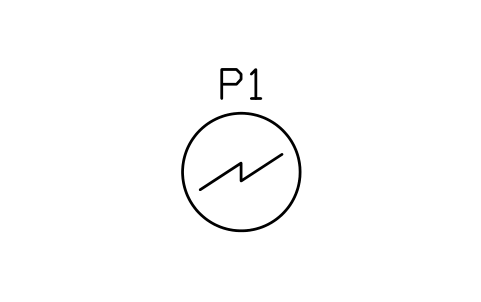
Oscilloscope
MCH_S00922_OSCILLOSCOPEAttributes
TAGRATINGPART_NOMANUFACTURERREMARKSSTD_CLAUSESTD_REFDESC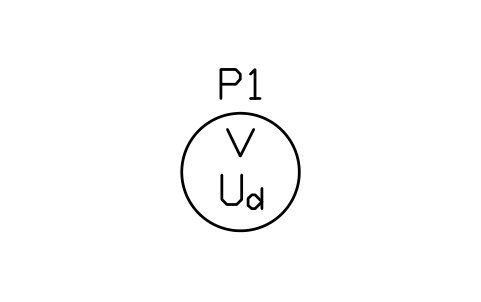
Differential voltmeter
MCH_S00923_DIFFERENTIAL_VOLTMETERAttributes
TAGRATINGPART_NOMANUFACTURERREMARKSSTD_CLAUSESTD_REFDESC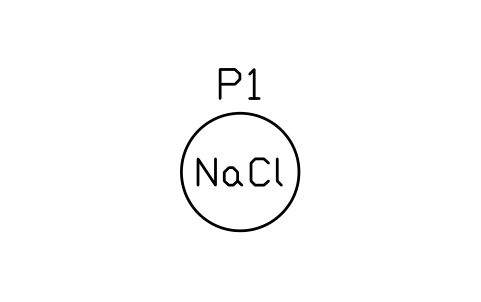
Salinity meter
MCH_S00925_SALINITY_METERAttributes
TAGRATINGPART_NOMANUFACTURERREMARKSSTD_CLAUSESTD_REFDESC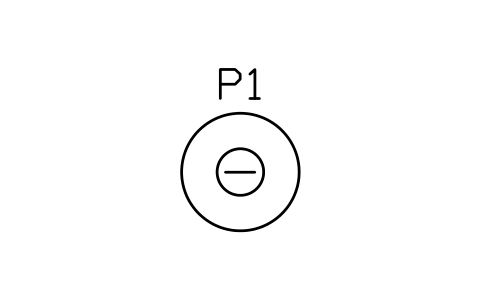
Thermometer, pyrometer
MCH_S00926_THERMOMETER_PYROMETERAttributes
TAGRATINGPART_NOMANUFACTURERREMARKSSTD_CLAUSESTD_REFDESC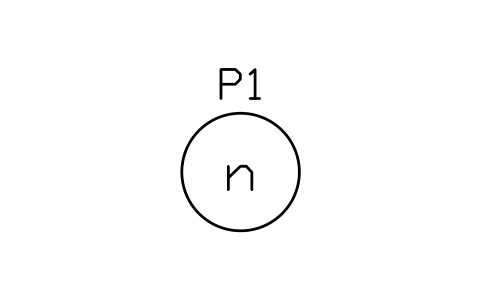
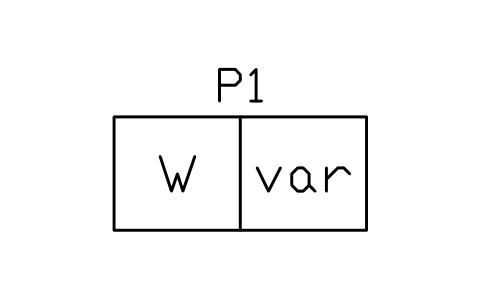
Recording watt and varmeter
MCH_S00929_RECORDING_WATT_AND_VARMETERAttributes
TAGRATINGPART_NOMANUFACTURERREMARKSSTD_CLAUSESTD_REFDESC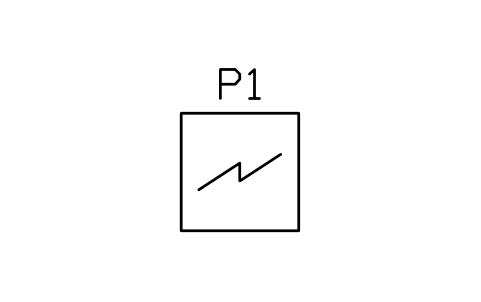
Oscillograph
MCH_S00930_OSCILLOGRAPHAttributes
TAGRATINGPART_NOMANUFACTURERREMARKSSTD_CLAUSESTD_REFDESC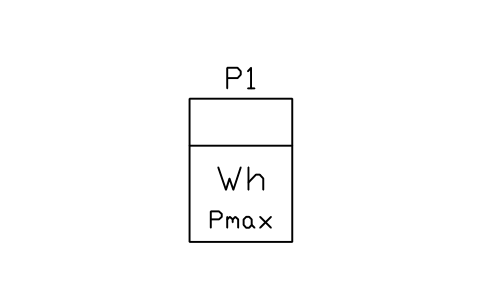
Wh meter, max indicator
MCH_S00943_WH_METER_MAX_INDICATORAttributes
TAGRATINGPART_NOMANUFACTURERREMARKSSTD_CLAUSESTD_REFDESC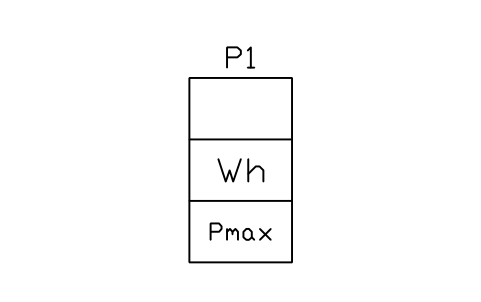
Wh meter, max recorder
MCH_S00944_WH_METER_MAX_RECORDERAttributes
TAGRATINGPART_NOMANUFACTURERREMARKSSTD_CLAUSESTD_REFDESCMaster clock
MCH_S00960_MASTER_CLOCKAttributes
TAGRATINGPART_NOMANUFACTURERREMARKSSTD_CLAUSESTD_REFDESCCounting function
MCH_S00946_COUNTING_FUNCTIONAttributes
TAGRATINGPART_NOMANUFACTURERREMARKSSTD_CLAUSESTD_REFDESCPulse counting device
MCH_S00947_PULSE_COUNTING_DEVICEAttributes
TAGRATINGPART_NOMANUFACTURERREMARKSSTD_CLAUSESTD_REFDESCCounter, manually pre-set
MCH_S00948_COUNTER_MANUALLY_PRE_SETAttributes
TAGRATINGPART_NOMANUFACTURERREMARKSSTD_CLAUSESTD_REFDESC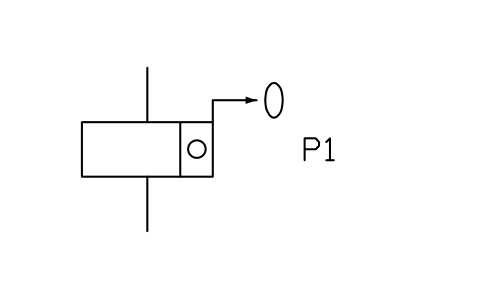
Counter, electrically reset
MCH_S00949_COUNTER_ELECTRICALLY_RESETAttributes
TAGRATINGPART_NOMANUFACTURERREMARKSSTD_CLAUSESTD_REFDESC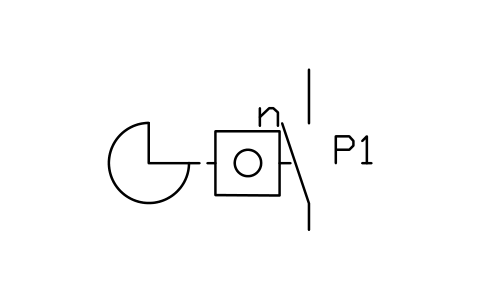
Counter, cam driven
MCH_S00951_COUNTER_CAM_DRIVENAttributes
TAGRATINGPART_NOMANUFACTURERREMARKSSTD_CLAUSESTD_REFDESC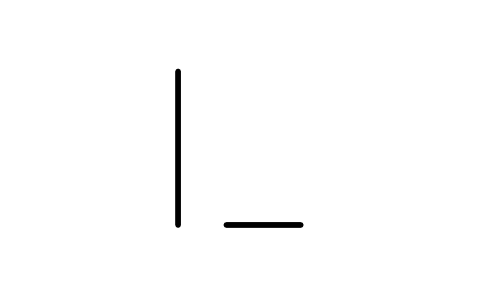

Transformer, polarity dots
MCH_S00843_TRANSFORMER_POLARITY_DOTSAttributes
TAGRATINGPART_NOMANUFACTURERREMARKSSTD_CLAUSESTD_REFDESCAutotransformer, circle
MCH_S00846_AUTOTRANSFORMER_CIRCLEAttributes
TAGRATINGPART_NOMANUFACTURERREMARKSSTD_CLAUSESTD_REFDESCTransformer, var. coupling
MCH_S00856_TRANSFORMER_VAR_COUPLINGAttributes
TAGRATINGPART_NOMANUFACTURERREMARKSSTD_CLAUSESTD_REFDESCCT, two secondary windings
MCH_S00882_CT_TWO_SECONDARY_WINDINGSAttributes
TAGRATINGPART_NOMANUFACTURERREMARKSSTD_CLAUSESTD_REFDESC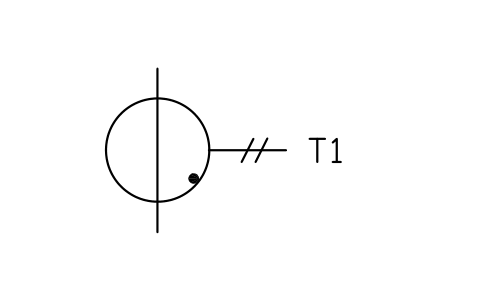
CT, secondary with tap
MCH_S00884_CT_SECONDARY_WITH_TAPAttributes
TAGRATINGPART_NOMANUFACTURERREMARKSSTD_CLAUSESTD_REFDESC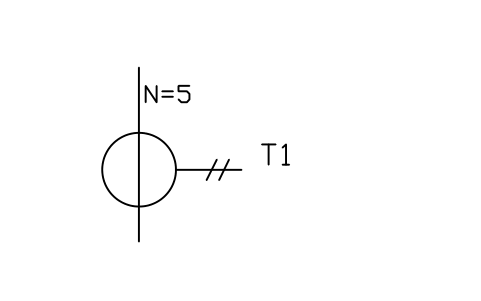
CT, five primary passages
MCH_S00886_CT_FIVE_PRIMARY_PASSAGESAttributes
TAGRATINGPART_NOMANUFACTURERREMARKSSTD_CLAUSESTD_REFDESC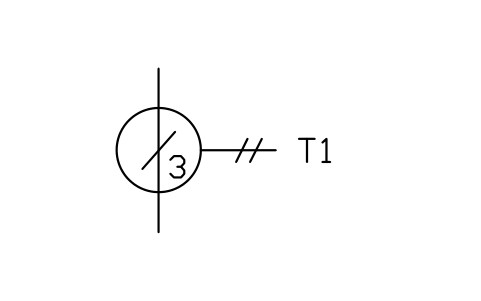
Pulse CT, three conductors
MCH_S00888_PULSE_CT_THREE_CONDUCTORSAttributes
TAGRATINGPART_NOMANUFACTURERREMARKSSTD_CLAUSESTD_REFDESC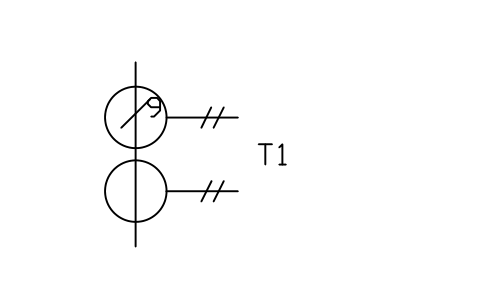
Pulse CT, two secondaries
MCH_S00890_PULSE_CT_TWO_SECONDARIESAttributes
TAGRATINGPART_NOMANUFACTURERREMARKSSTD_CLAUSESTD_REFDESCHeat source, radio-isotope
MCH_S00901_HEAT_SOURCE_RADIO_ISOTOPEAttributes
REMARKSSTD_CLAUSESTD_REFDESC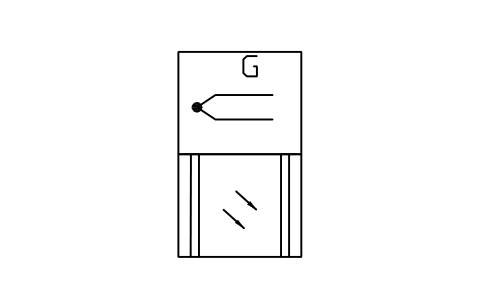
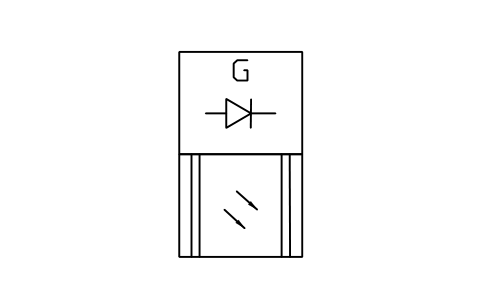
Thermoelectric gen., isotope
MCH_S00905_THERMOELECTRIC_GEN_ISOTOPEAttributes
REMARKSSTD_CLAUSESTD_REFDESC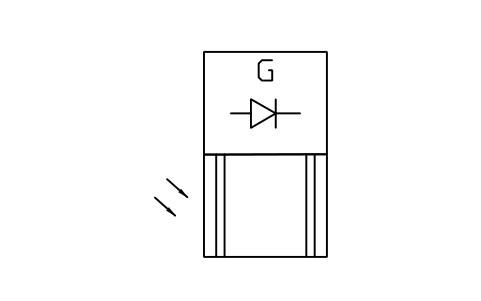
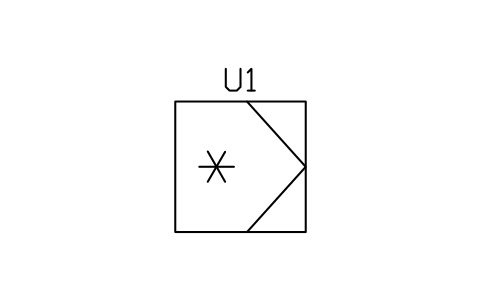
Closed-loop controller
MCH_S00909_CLOSED_LOOP_CONTROLLERAttributes
TAGRATINGPART_NOMANUFACTURERREMARKSSTD_CLAUSESTD_REFDESC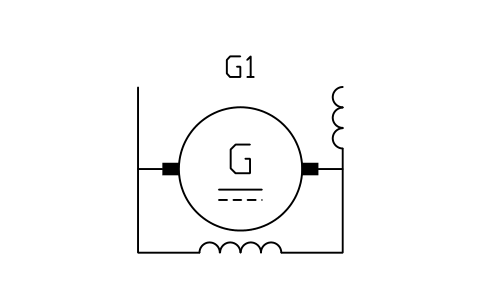
Generator, DC, compound
MCH_S00825_GENERATOR_DC_COMPOUNDAttributes
TAGRATINGPART_NOMANUFACTURERREMARKSSTD_CLAUSESTD_REFDESC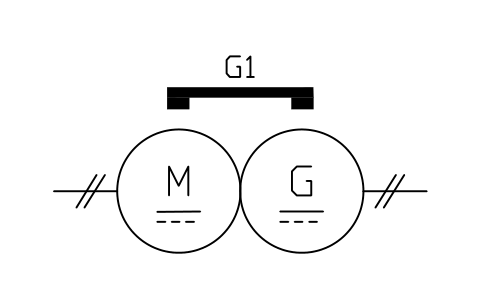
Rotary converter, magnet
MCH_S00826_ROTARY_CONVERTER_MAGNETAttributes
TAGRATINGPART_NOMANUFACTURERREMARKSSTD_CLAUSESTD_REFDESC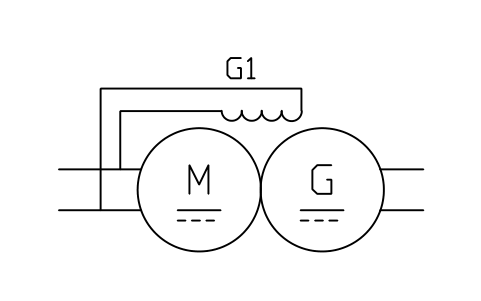
Rotary converter, excitation
MCH_S00827_ROTARY_CONVERTER_EXCITATIONAttributes
TAGRATINGPART_NOMANUFACTURERREMARKSSTD_CLAUSESTD_REFDESC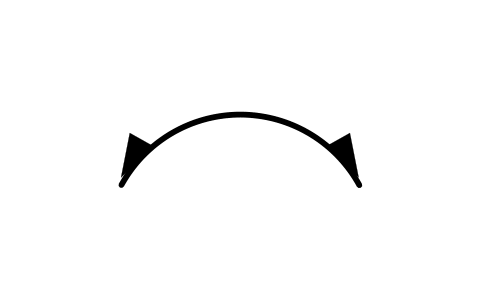
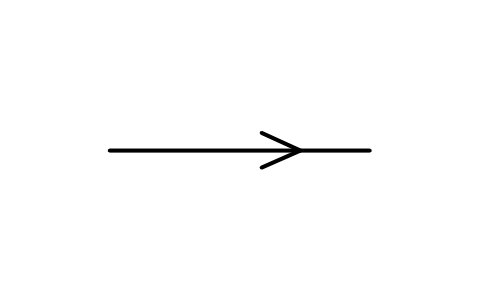
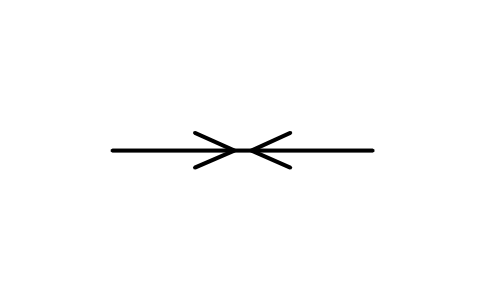
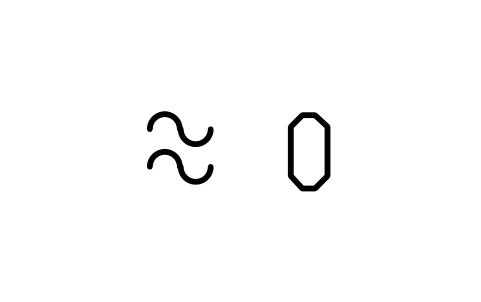
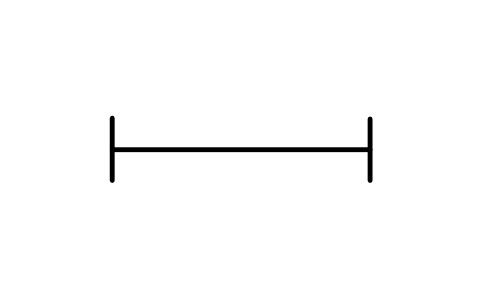
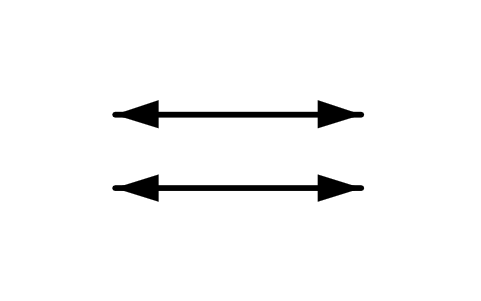
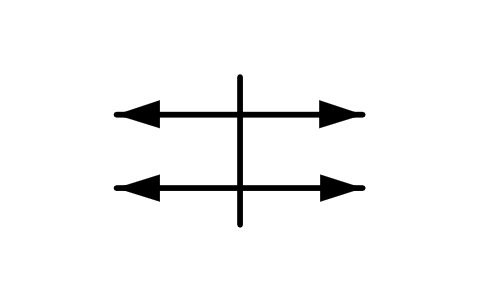
Propagation, both, together
MCH_S00100_PROPAGATION_BOTH_TOGETHERAttributes
REMARKSSTD_CLAUSESTD_REFDESC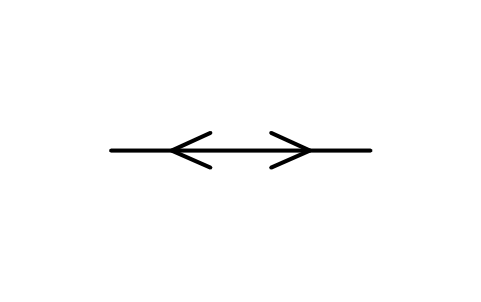
Propagation, both, alternate
MCH_S00101_PROPAGATION_BOTH_ALTERNATEAttributes
REMARKSSTD_CLAUSESTD_REFDESC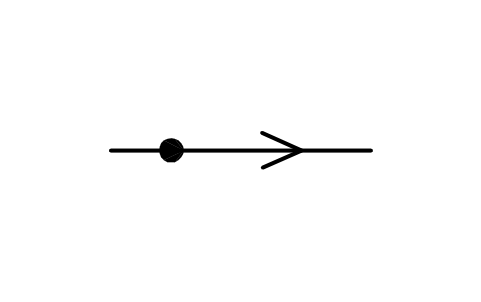
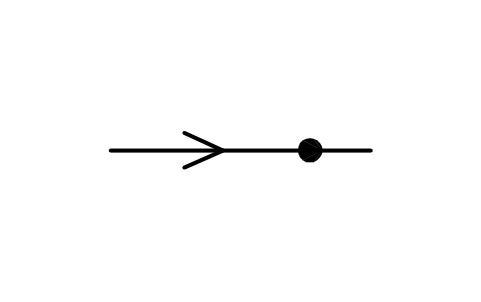
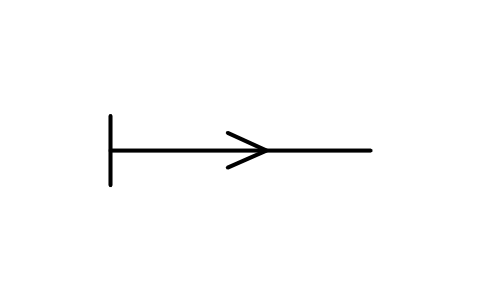
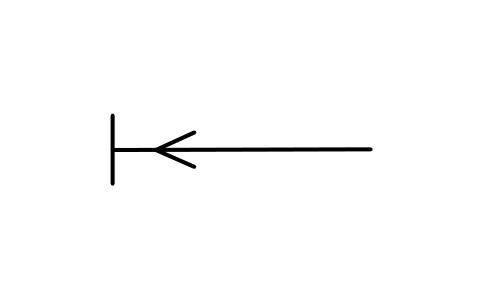
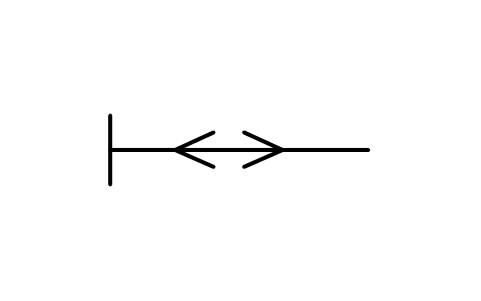
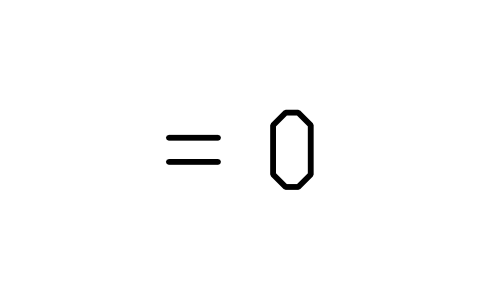


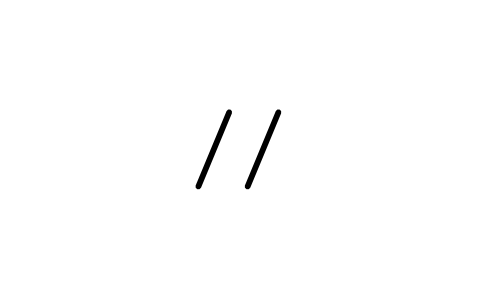
Coupling, separation effect
MCH_S00126_COUPLING_SEPARATION_EFFECTAttributes
REMARKSSTD_CLAUSESTD_REFDESC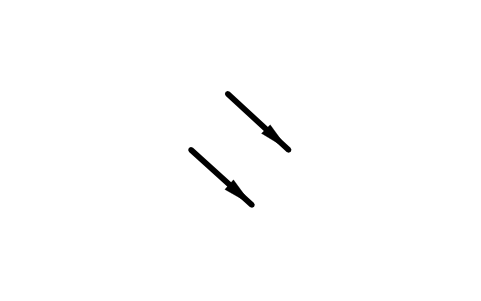

Reactive current ammeter
MCH_S00914_REACTIVE_CURRENT_AMMETERAttributes
TAGRATINGPART_NOMANUFACTURERREMARKSSTD_CLAUSESTD_REFDESC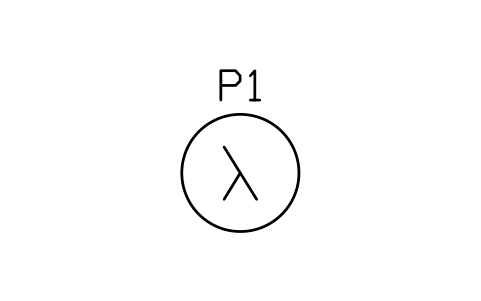
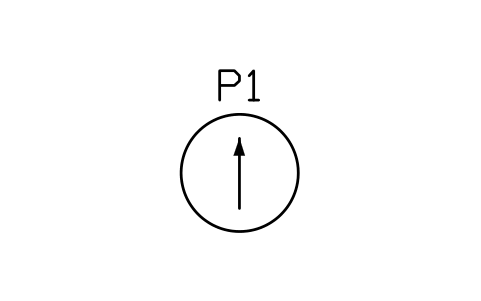
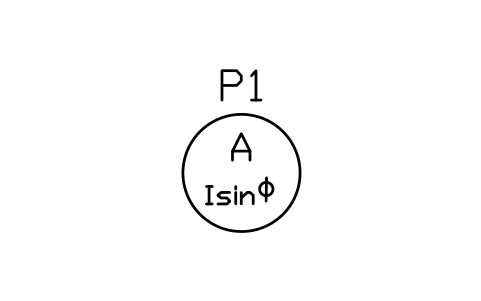
Galvanometer
MCH_S00924_GALVANOMETERAttributes
TAGRATINGPART_NOMANUFACTURERREMARKSSTD_CLAUSESTD_REFDESC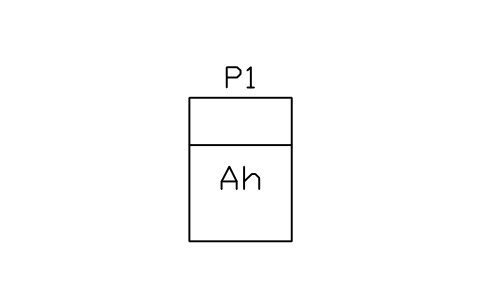
Ampere-hour meter
MCH_S00932_AMPERE_HOUR_METERAttributes
TAGRATINGPART_NOMANUFACTURERREMARKSSTD_CLAUSESTD_REFDESC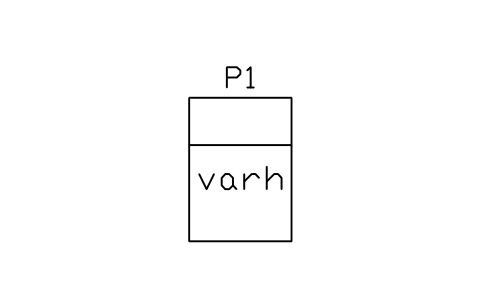
Var-hour meter
MCH_S00945_VAR_HOUR_METERAttributes
TAGRATINGPART_NOMANUFACTURERREMARKSSTD_CLAUSESTD_REFDESC- New in 1.3
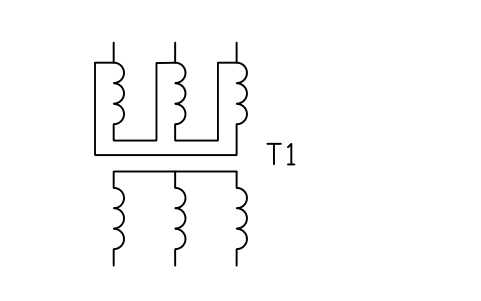
Transformer, D-Y, windings
MCH_S00859_TRANSFORMER_D_Y_WINDINGSAttributes
TAGRATINGPART_NOMANUFACTURERREMARKSSTD_CLAUSESTD_REFDESC - New in 1.3
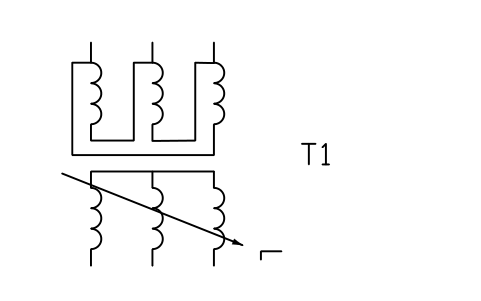
Tx D-Y, tap changer, wdg
MCH_S00865_TX_D_Y_TAP_CHANGER_WDGAttributes
TAGRATINGPART_NOMANUFACTURERREMARKSSTD_CLAUSESTD_REFDESC - New in 1.3
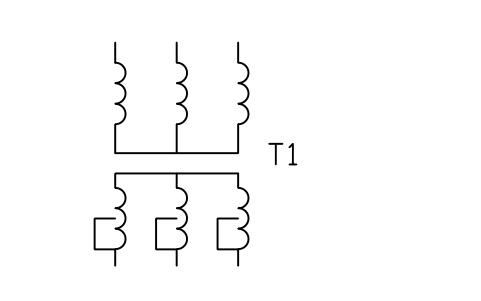
Tx Y-Y, four taps, windings
MCH_S00861_TX_Y_Y_FOUR_TAPS_WINDINGSAttributes
TAGRATINGPART_NOMANUFACTURERREMARKSSTD_CLAUSESTD_REFDESC - New in 1.3
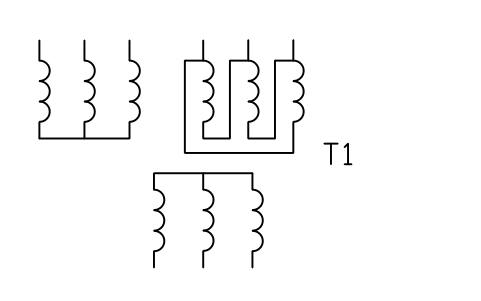
Transformer, Y-Y-D, windings
MCH_S00869_TRANSFORMER_Y_Y_D_WINDINGSAttributes
TAGRATINGPART_NOMANUFACTURERREMARKSSTD_CLAUSESTD_REFDESC - New in 1.3
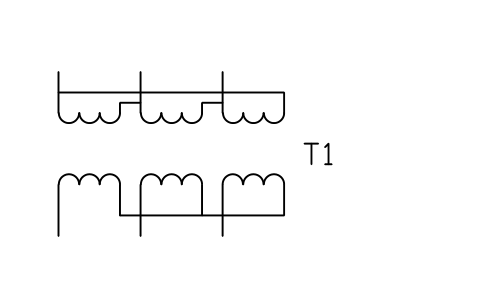
Bank, 1-ph units, D-Y, wdg
MCH_S00863_BANK_1_PH_UNITS_D_Y_WDGAttributes
TAGRATINGPART_NOMANUFACTURERREMARKSSTD_CLAUSESTD_REFDESC - New in 1.3
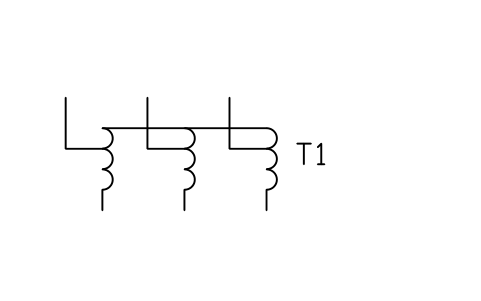
Autotransf. 3-ph, windings
MCH_S00873_AUTOTRANSF_3_PH_WINDINGSAttributes
TAGRATINGPART_NOMANUFACTURERREMARKSSTD_CLAUSESTD_REFDESC - New in 1.3
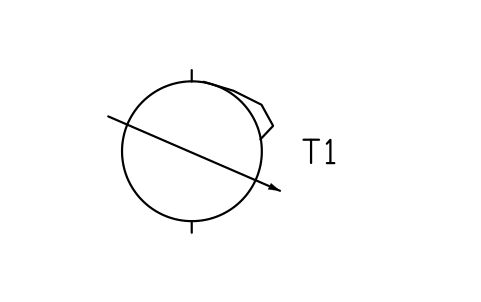
Autotransf. reg., circle
MCH_S00874_AUTOTRANSF_REG_CIRCLEAttributes
TAGRATINGPART_NOMANUFACTURERREMARKSSTD_CLAUSESTD_REFDESC - New in 1.3
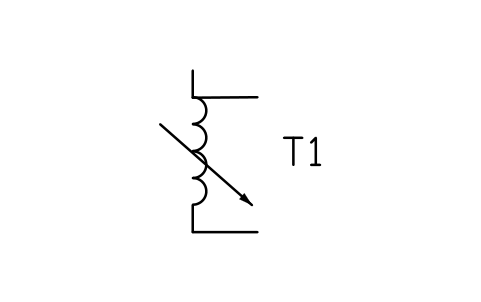
Autotransf. reg., windings
MCH_S00875_AUTOTRANSF_REG_WINDINGSAttributes
TAGRATINGPART_NOMANUFACTURERREMARKSSTD_CLAUSESTD_REFDESC - New in 1.3
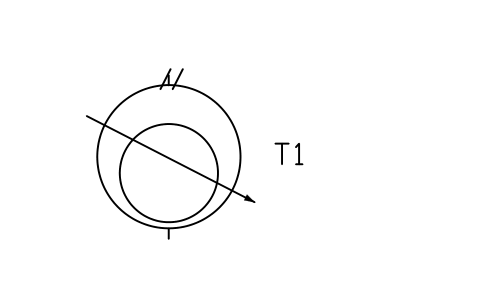
Induction regulator, circle
MCH_S00876_INDUCTION_REGULATOR_CIRCLEAttributes
TAGRATINGPART_NOMANUFACTURERREMARKSSTD_CLAUSESTD_REFDESC - New in 1.3
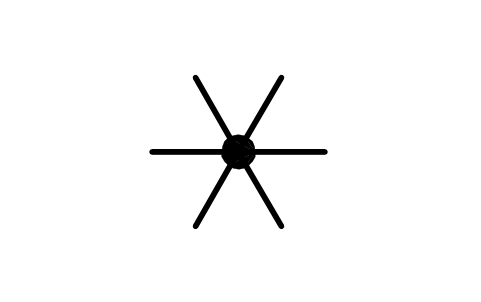
- New in 1.3
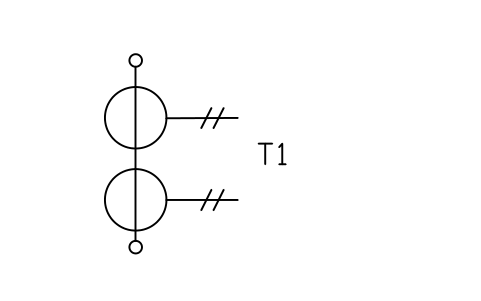
CT, two cores, one sec. each
MCH_S00880_CT_TWO_CORES_ONE_SEC_EACHAttributes
TAGRATINGPART_NOMANUFACTURERREMARKSSTD_CLAUSESTD_REFDESC - New in 1.3
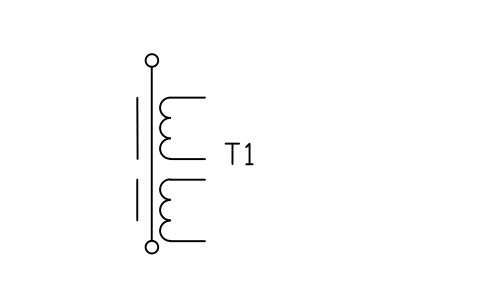
CT winding, two cores
MCH_S00881_CT_WINDING_TWO_CORESAttributes
TAGRATINGPART_NOMANUFACTURERREMARKSSTD_CLAUSESTD_REFDESC - New in 1.3
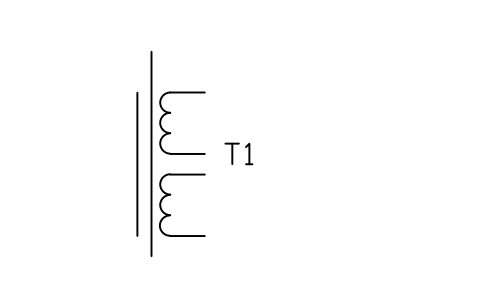
CT winding, two secondaries
MCH_S00883_CT_WINDING_TWO_SECONDARIESAttributes
TAGRATINGPART_NOMANUFACTURERREMARKSSTD_CLAUSESTD_REFDESC - New in 1.3
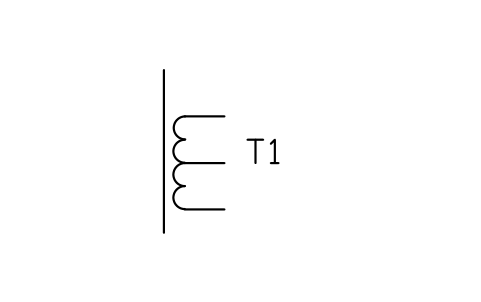
CT winding, one tap
MCH_S00885_CT_WINDING_ONE_TAPAttributes
TAGRATINGPART_NOMANUFACTURERREMARKSSTD_CLAUSESTD_REFDESC - New in 1.3
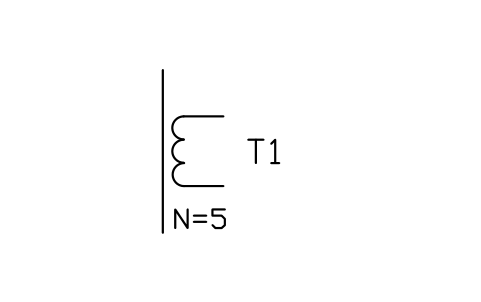
CT winding, five passages
MCH_S00887_CT_WINDING_FIVE_PASSAGESAttributes
TAGRATINGPART_NOMANUFACTURERREMARKSSTD_CLAUSESTD_REFDESC - New in 1.3
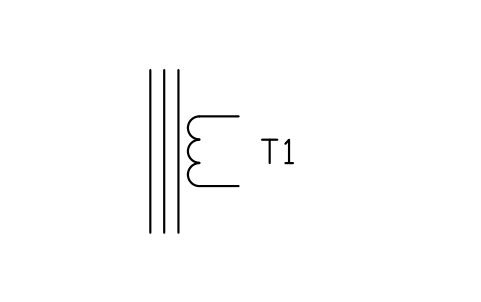
CT winding, three conductors
MCH_S00889_CT_WINDING_THREE_CONDUCTORSAttributes
TAGRATINGPART_NOMANUFACTURERREMARKSSTD_CLAUSESTD_REFDESC - New in 1.3
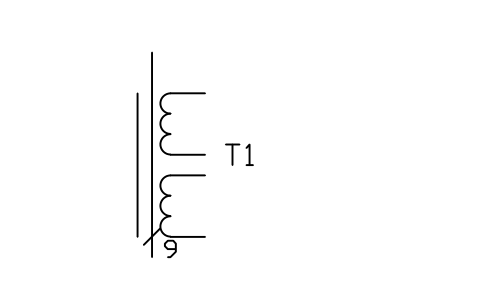
Pulse CT winding, two sec.
MCH_S00891_PULSE_CT_WINDING_TWO_SECAttributes
TAGRATINGPART_NOMANUFACTURERREMARKSSTD_CLAUSESTD_REFDESC
Copyright CADXChange. Use and modify the symbols freely in your own drawings and projects, including commercial ones; credit and a link are needed only when you publish them. Please do not redistribute or resell the library. Each ZIP holds one plain DWG file in AutoCAD 2018 format and a README; no add-in needed. Provided as is, without warranty. Library terms (CXL-1.0)
IEC 60617 has several parts. The other libraries of the standard:
- Common electrical symbols (IEC 60617)
- Power system single-line symbols (IEC 60617)
- Power system primary equipment symbols (IEC 60617)
- Power system secondary equipment symbols (IEC 60617)
- Electron tubes, crystals, delay lines (IEC 60617)
- Logic gate symbols (IEC 60617)
- Flip-flops, multiplexers, op amps (IEC 60617)
- Telephone, selectors, sound and recording (IEC 60617)
- Antennas, waveguides, modulation, filters and optical fibre (IEC 60617)
- Relays, protection and switching devices (IEC 60617)
- Busbar trunking, cable television, airfield lighting and connectors (IEC 60617)
- Gas-insulated switchgear, alarms and installation devices (IEC 60617)
Related symbol libraries
Missing a symbol? Tell us which one.
Attributes for parts lists
Devices carry a visible reference such as P1, T1 or U1 and invisible attributes: RATING, PART_NO, MANUFACTURER and REMARKS. Marks and small figures have a remarks field only, so they can be combined freely.
How to use the library
- Unzip the file and open the DWG. Copy the symbols you need into your plan, or drag the blocks in from DesignCenter (ADCENTER).
- The symbols are drawn at plotted size in millimetres on a 2.5 mm grid, the grid of the standard's pages: a boxed device is about 10 to 20 mm wide, a contact about 15 mm high. Insert them at the scale of your drawing, for example scale 2 on a 1:2 drawing.
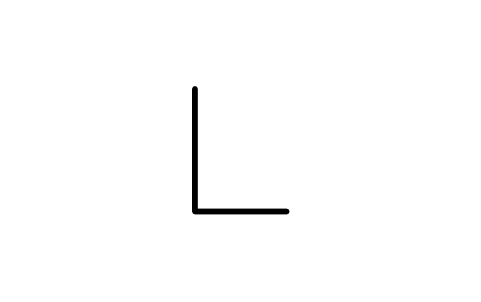
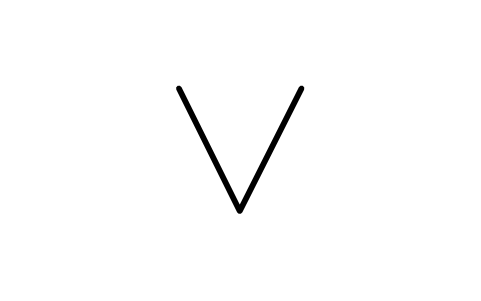
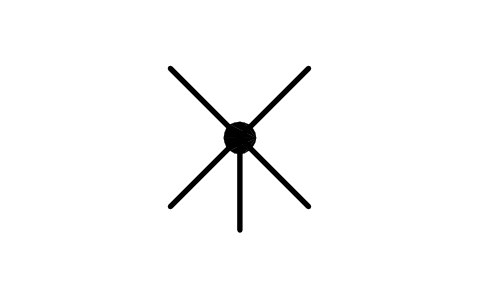
- Meters are circles or boxes centred on their figure, with a visible reference P1. Current transformers are vertical with the primary at the top, and the secondary leaves to the right with the standard's slashes. Winding marks and symbol elements are small figures centred on themselves, meant to be combined with other symbols.
- Variants share the same body and differ by a mark or a detail. Edit the mark to make a variant that is not in the library.
About IEC 60617
IEC 60617 is the international standard for graphical symbols for diagrams, in many parts. This library holds figures of parts 2, 6, 8 that are not in the library “Common electrical symbols (IEC 60617)”, drawn after the standard's database.
These symbols are our own drawings after the figures of the standard. They are not copied from it, and the library is not certified against it. Check them against the standard, your company standard or your customer’s legend before you decide to use a symbol.
What changed in each version
Version 1.3 · November 24, 2026
17 new symbols for transformer and current transformer drawings: three-phase transformers drawn as windings (delta-star, star-star with four taps, star-star-delta, with tap changer), a bank of three single-phase units, a three-phase autotransformer, regulating autotransformers and an induction regulator, a six-phase star winding, and current transformers drawn as windings with two cores, two secondaries, a tap, five passes of the primary and three primary conductors.
New symbols (17)
Transformer, D-Y, windings · Tx D-Y, tap changer, wdg · Tx Y-Y, four taps, windings · Transformer, Y-Y-D, windings · Bank, 1-ph units, D-Y, wdg · Autotransf. 3-ph, windings · Autotransf. reg., circle · Autotransf. reg., windings · Induction regulator, circle · Six-phase winding, star · CT, two cores, one sec. each · CT winding, two cores · CT winding, two secondaries · CT winding, one tap · CT winding, five passages · CT winding, three conductors · Pulse CT winding, two sec.
Version 1.2 · October 28, 2026
New symbols (5)
Reactive current ammeter · Wavemeter · Galvanometer · Ampere-hour meter · Var-hour meter
Version 1.1 · October 21, 2026
New symbols (5)
Generator, DC, compound · Rotary converter, magnet · Rotary converter, excitation · Actuating, equal to zero · Actuating, about zero
Engineering calculators
Frequently asked questions
- Where are the ordinary motors, generators and transformers?
- Motors, generators, the common transformers and the star and delta winding marks are in the library “Common electrical symbols (IEC 60617)”. This library has the variants and the less common ones.
- Where are the other IEC 60617 symbols?
- The standard is spread over several libraries on this site: common electrical symbols, power system single-line, semiconductors and tubes, binary logic elements, logic functions and analogue, telephone and sound, telecom transmission, relays and protection, machines and meters, and busbar trunking with cable television. Every library page lists the others.
- Can I use the symbols in commercial projects?
- Yes. They are free to use and modify in your own projects, including commercial ones. They are provided as is, without warranty. Please do not redistribute or resell the library; see the library terms.
- What are the symbol elements for?
- Objects, materials, propagation arrows, energy-flow marks and effects are the building blocks of IEC 60617 symbols. Put them inside or next to your own symbol when you need a figure that the library does not have.
- Can I change a symbol or add attributes?
- Yes. Open the DWG, edit a block with BEDIT to change it or add attributes, and save. To update drawings that already contain the block, run ATTSYNC or replace the block. Make a backup first: attribute values can be lost if ATTSYNC is used carelessly.
- Where do I find a ready-made set of these symbols for AutoCAD?
- AutoCAD itself ships only a small set of sample blocks, so a full symbol set has to come from a library. Download the ZIP on this page and open the DWG: every symbol is a block. Insert one with INSERT (Blocks palette, Libraries tab, then pick the DWG) or drag it from DesignCenter (ADCENTER). You can also download a single symbol on its own.