
Topics:Electrical schematic symbols
Free AutoCAD telephone, selector and sound symbols (DWG), IEC 60617-9 style
Telephone, selectors, sound and recording (IEC 60617): 78 ready-made AutoCAD blocks (DWG). A starter pack of 24 symbols is free; the Standard edition is $19.
Free starter pack: 24 symbols
The most-used symbols of this library, as AutoCAD blocks in one DWG. Free for everyone, for any project.
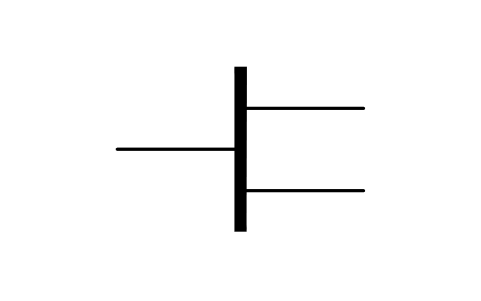
 Connecting stage
 Selector wiper, non-bridging
 Level, bridging wiper
 Telephone set
 Magnetic indication
 Microphone
 Transducer head
 Recorder or reproducer
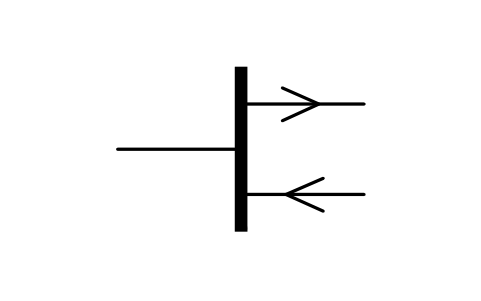
 Stage, x inlets, y outlets
 Selector wiper, bridging
 Level, non-bridging wiper
 Telephone, local battery
 Moving coil indication
 Microphone, push-pull
 Stereo head, stylus
 Recorder, magnetic drum
 Stage, z grading groups
 Arc, single-motion selector
 Single-motion, non-homing
 Telephone, common battery
 Moving iron indication
 Earphone
 Light sensitive head
 Stylus-type reproducer
Standard: 78 symbols
All 78 symbols of the Standard edition in one download, ready to insert in AutoCAD. Pay once and keep the files.
Free starter pack
$0For everyone, for any project
- 24 symbols
- No sign-in
- One DWG
Library licence
$19
For one person
Education: free
- Pay once
Student or teacher?
Free for one year with your school e-mail address. Renew it with the same address.
Sign in with your school e-mail address, we check it, and the licence is added to your account.
Available soonEducation licences are for study and teaching, valid for one year, and renewed with your school e-mail address.
What each version contains
The symbols by group, and how many of each group every version holds.
| Content | Free | Standard |
|---|---|---|
| All symbols | 24 | 78 |
| Added by this version | — | +54 |
| Connecting, marking and switching stages | 3 | 13 |
| Selector parts | 3 | 7 |
| Selectors | 3 | 13 |
| Telephone sets and terminal apparatus | 3 | 10 |
| Recording and reproducing indications | 3 | 11 |
| Microphones, earphones and loudspeakers | 3 | 5 |
| Transducer and magnetic heads | 3 | 14 |
| Recorders and reproducers | 3 | 5 |
The free pack is a hand-picked selection. Standard is one purchase and gives you every symbol as DWG files.
78 symbols as ready-to-use AutoCAD blocks, drawn after IEC 60617-9: connecting, marking and switching stages, automatic switching equipment and the manual switchboard, selector wipers, arcs and banks, single-motion, two-motion, motor-driven, four-wire and crossbar selectors, telephone sets (general, local battery, common battery, paying, loudspeaker, several lines), transmitting and receiving apparatus, telefax and the telegraph repeater, the recording indications (magnetic, moving coil, moving iron, stereo, disc, tape, drum, erasing, surface acoustic wave), microphones, earphones, loudspeakers, transducer and magnetic heads, the hydrophone, the surface-acoustic-wave transducer, and recorders and reproducers.
Version 1.0 · updated October 17, 2026
All 78 symbols
78 of 78 symbols
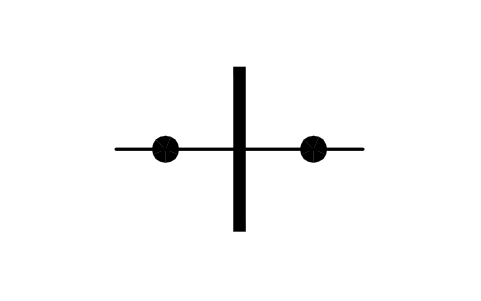
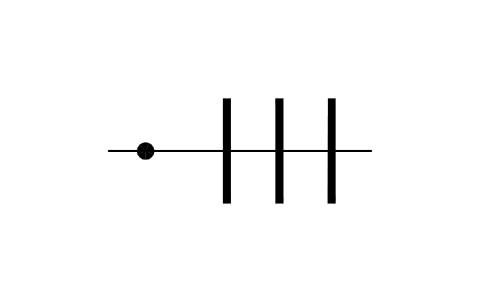
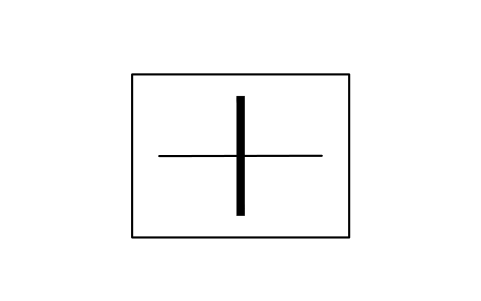
Automatic switching equip.
TEL_S00994_AUTOMATIC_SWITCHING_EQUIPAttributes
TAGFUNCTIONPART_NOMANUFACTURERREMARKSSTD_CLAUSESTD_REFDESC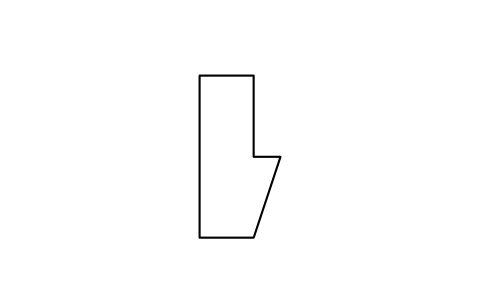
Manual switchboard
TEL_S00995_MANUAL_SWITCHBOARDAttributes
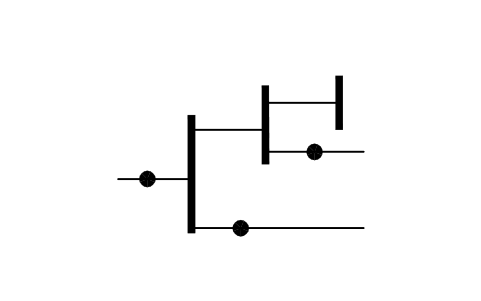
TAGFUNCTIONPART_NOMANUFACTURERREMARKSSTD_CLAUSESTD_REFDESCSelector wiper, non-bridging
TEL_S00996_SELECTOR_WIPER_NON_BRIDGINGAttributes
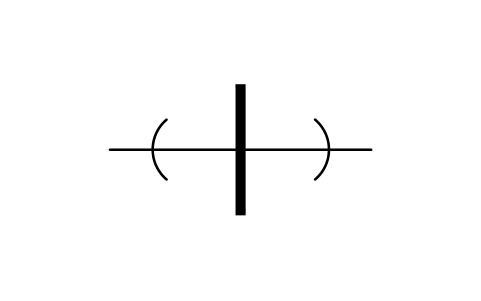
REMARKSSTD_CLAUSESTD_REFDESCArc, single-motion selector
TEL_S00998_ARC_SINGLE_MOTION_SELECTORAttributes
REMARKSSTD_CLAUSESTD_REFDESC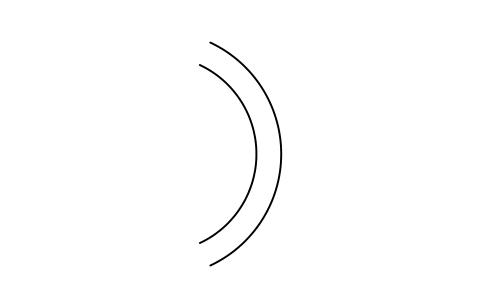

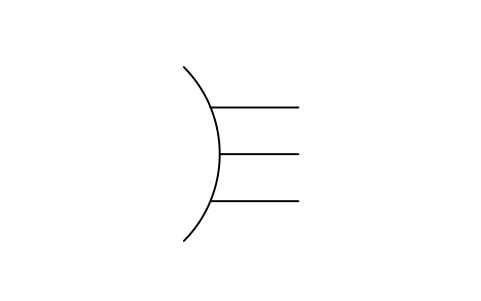
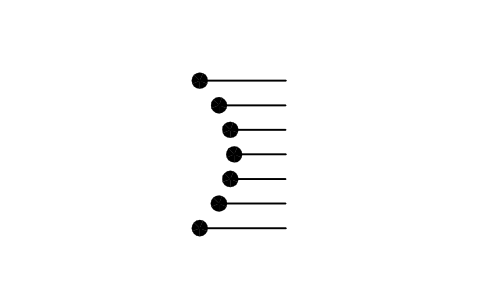
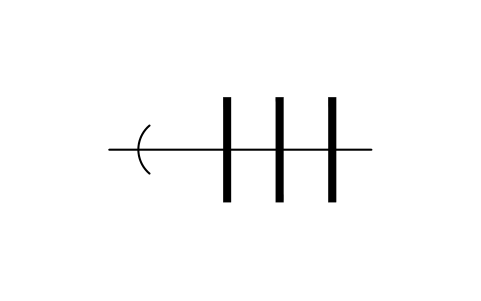
Level, bridging wiper
TEL_S01004_LEVEL_BRIDGING_WIPERAttributes
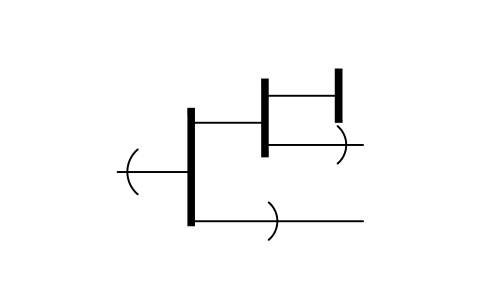
TAGFUNCTIONPART_NOMANUFACTURERREMARKSSTD_CLAUSESTD_REFDESCLevel, non-bridging wiper
TEL_S01005_LEVEL_NON_BRIDGING_WIPERAttributes
TAGFUNCTIONPART_NOMANUFACTURERREMARKSSTD_CLAUSESTD_REFDESCSingle-motion, non-homing
TEL_S01006_SINGLE_MOTION_NON_HOMINGAttributes
TAGFUNCTIONPART_NOMANUFACTURERREMARKSSTD_CLAUSESTD_REFDESC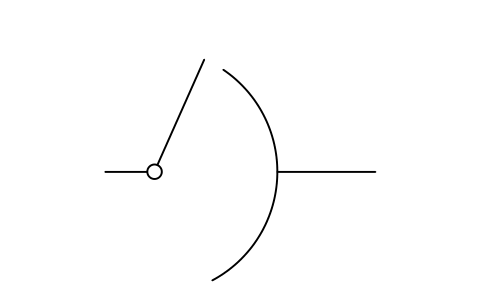
Single-motion, homing
TEL_S01007_SINGLE_MOTION_HOMINGAttributes
TAGFUNCTIONPART_NOMANUFACTURERREMARKSSTD_CLAUSESTD_REFDESC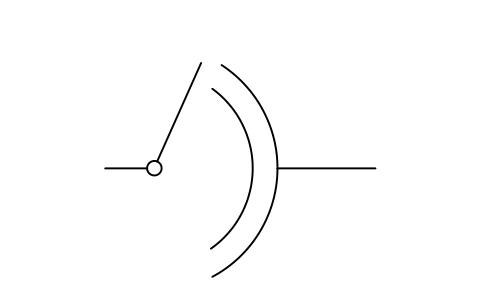
Two-motion selector, homing
TEL_S01008_TWO_MOTION_SELECTOR_HOMINGAttributes
TAGFUNCTIONPART_NOMANUFACTURERREMARKSSTD_CLAUSESTD_REFDESC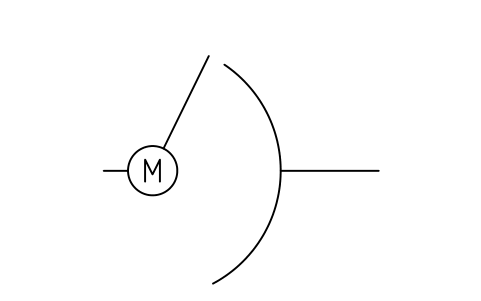
Motor-driven selector
TEL_S01009_MOTOR_DRIVEN_SELECTORAttributes
TAGFUNCTIONPART_NOMANUFACTURERREMARKSSTD_CLAUSESTD_REFDESC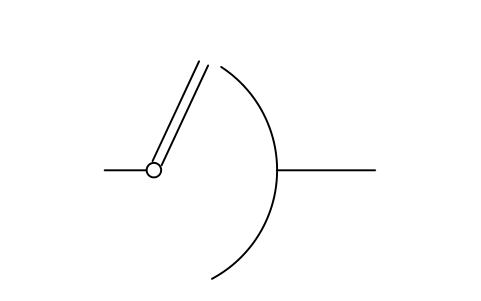
Four-wire selector, homing
TEL_S01010_FOUR_WIRE_SELECTOR_HOMINGAttributes
TAGFUNCTIONPART_NOMANUFACTURERREMARKSSTD_CLAUSESTD_REFDESC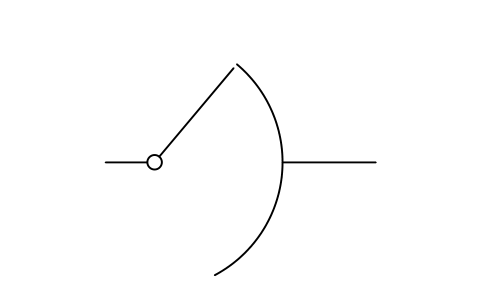
Single-motion selector, set
TEL_S01011_SINGLE_MOTION_SELECTOR_SETAttributes
TAGFUNCTIONPART_NOMANUFACTURERREMARKSSTD_CLAUSESTD_REFDESC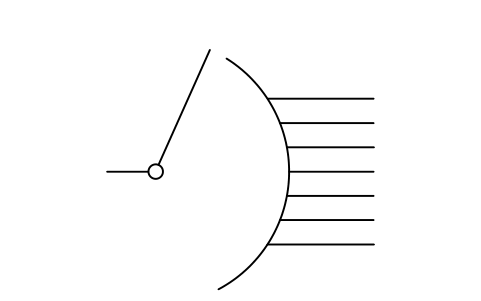
Homing selector, outlets
TEL_S01012_HOMING_SELECTOR_OUTLETSAttributes
TAGFUNCTIONPART_NOMANUFACTURERREMARKSSTD_CLAUSESTD_REFDESC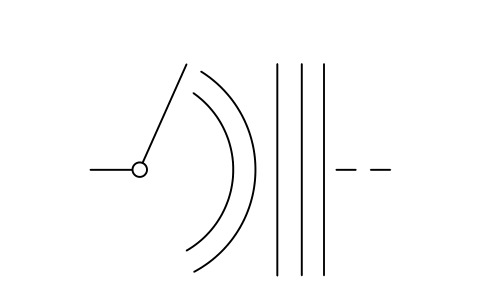
Two-motion, showing levels
TEL_S01013_TWO_MOTION_SHOWING_LEVELSAttributes
TAGFUNCTIONPART_NOMANUFACTURERREMARKSSTD_CLAUSESTD_REFDESC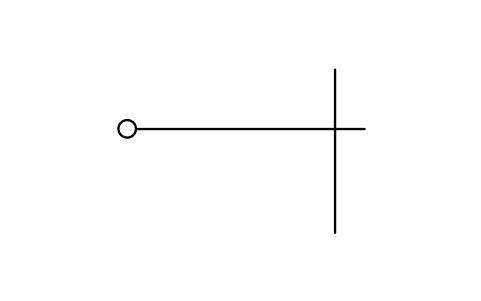
Crossbar selector
TEL_S01014_CROSSBAR_SELECTORAttributes
TAGFUNCTIONPART_NOMANUFACTURERREMARKSSTD_CLAUSESTD_REFDESC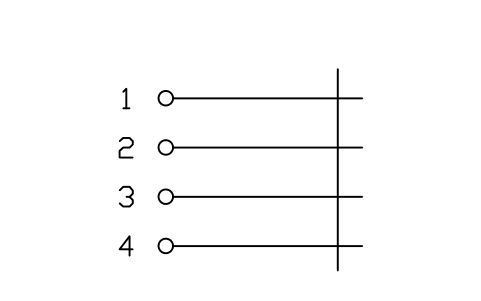
Crossbar, single unit
TEL_S01015_CROSSBAR_SINGLE_UNITAttributes
TAGFUNCTIONPART_NOMANUFACTURERREMARKSSTD_CLAUSESTD_REFDESC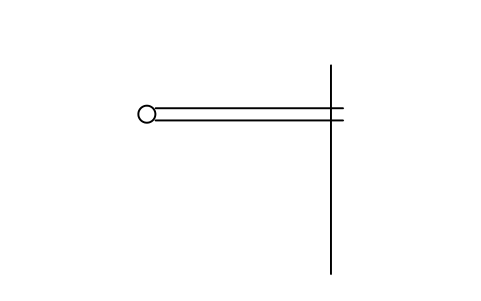
Crossbar, four-wire
TEL_S01016_CROSSBAR_FOUR_WIREAttributes
TAGFUNCTIONPART_NOMANUFACTURERREMARKSSTD_CLAUSESTD_REFDESCTelephone set
TEL_S01017_TELEPHONE_SETAttributes
TAGFUNCTIONPART_NOMANUFACTURERREMARKSSTD_CLAUSESTD_REFDESCTelephone, local battery
TEL_S01018_TELEPHONE_LOCAL_BATTERYAttributes
TAGFUNCTIONPART_NOMANUFACTURERREMARKSSTD_CLAUSESTD_REFDESCTelephone, common battery
TEL_S01019_TELEPHONE_COMMON_BATTERYAttributes
TAGFUNCTIONPART_NOMANUFACTURERREMARKSSTD_CLAUSESTD_REFDESC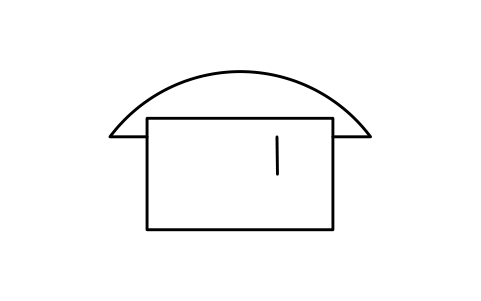
Telephone, paying
TEL_S01023_TELEPHONE_PAYINGAttributes
TAGFUNCTIONPART_NOMANUFACTURERREMARKSSTD_CLAUSESTD_REFDESC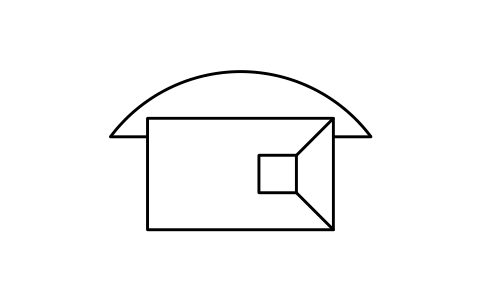
Telephone, loudspeaker
TEL_S01025_TELEPHONE_LOUDSPEAKERAttributes
TAGFUNCTIONPART_NOMANUFACTURERREMARKSSTD_CLAUSESTD_REFDESC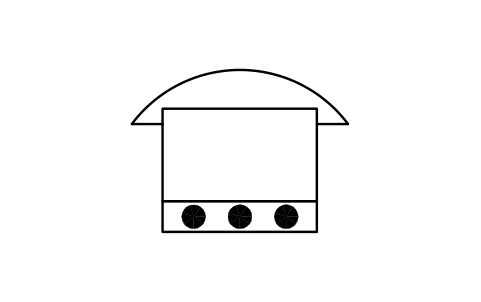
Telephone, several lines
TEL_S01028_TELEPHONE_SEVERAL_LINESAttributes
TAGFUNCTIONPART_NOMANUFACTURERREMARKSSTD_CLAUSESTD_REFDESC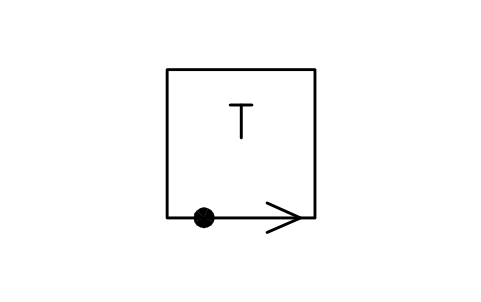
Transmitting apparatus
TEL_S01029_TRANSMITTING_APPARATUSAttributes
TAGFUNCTIONPART_NOMANUFACTURERREMARKSSTD_CLAUSESTD_REFDESC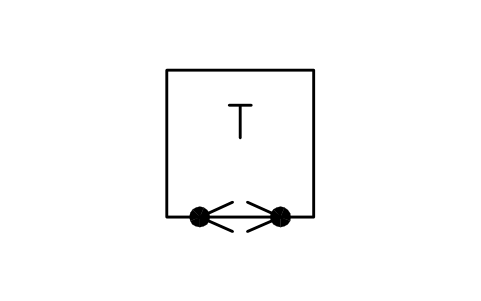
Transceiver apparatus, 2-way
TEL_S01030_TRANSCEIVER_APPARATUS_2_WAYAttributes
TAGFUNCTIONPART_NOMANUFACTURERREMARKSSTD_CLAUSESTD_REFDESC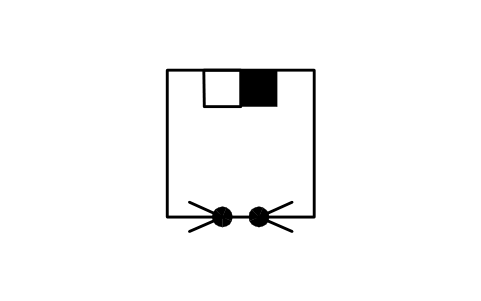
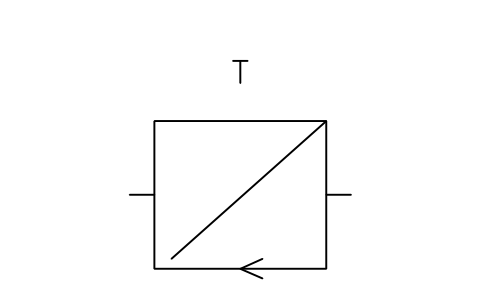
Telegraph repeater, duplex
TEL_S01039_TELEGRAPH_REPEATER_DUPLEXAttributes
TAGFUNCTIONPART_NOMANUFACTURERREMARKSSTD_CLAUSESTD_REFDESC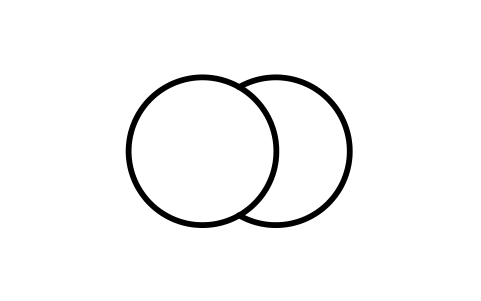
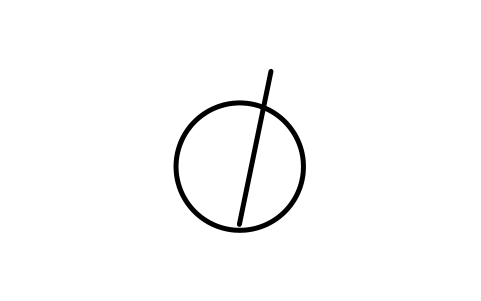
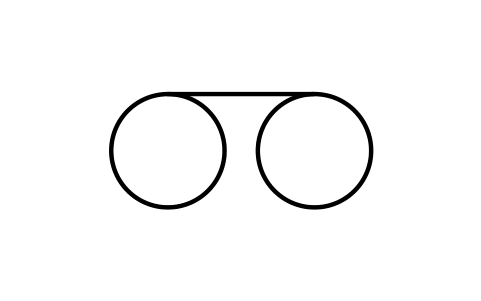
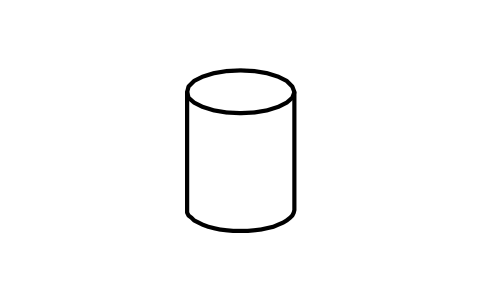
Microphone, push-pull
TEL_S01055_MICROPHONE_PUSH_PULLAttributes
TAGFUNCTIONPART_NOMANUFACTURERREMARKSSTD_CLAUSESTD_REFDESC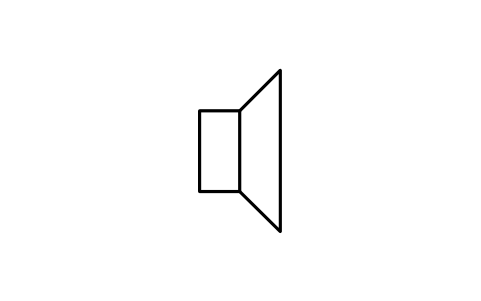
Loudspeaker
TEL_S01059_LOUDSPEAKERAttributes
TAGFUNCTIONPART_NOMANUFACTURERREMARKSSTD_CLAUSESTD_REFDESC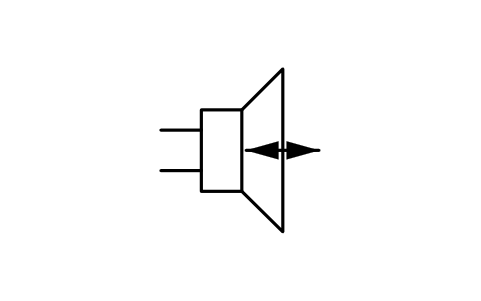
Loudspeaker-microphone
TEL_S01060_LOUDSPEAKER_MICROPHONEAttributes
TAGFUNCTIONPART_NOMANUFACTURERREMARKSSTD_CLAUSESTD_REFDESCTransducer head
TEL_S01061_TRANSDUCER_HEADAttributes
TAGFUNCTIONPART_NOMANUFACTURERREMARKSSTD_CLAUSESTD_REFDESCStereo head, stylus
TEL_S01062_STEREO_HEAD_STYLUSAttributes
TAGFUNCTIONPART_NOMANUFACTURERREMARKSSTD_CLAUSESTD_REFDESCLight sensitive head
TEL_S01063_LIGHT_SENSITIVE_HEADAttributes
TAGFUNCTIONPART_NOMANUFACTURERREMARKSSTD_CLAUSESTD_REFDESC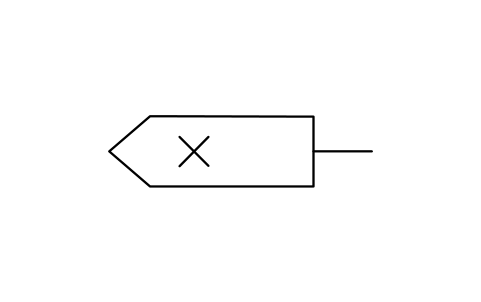
Erasing head
TEL_S01064_ERASING_HEADAttributes
TAGFUNCTIONPART_NOMANUFACTURERREMARKSSTD_CLAUSESTD_REFDESC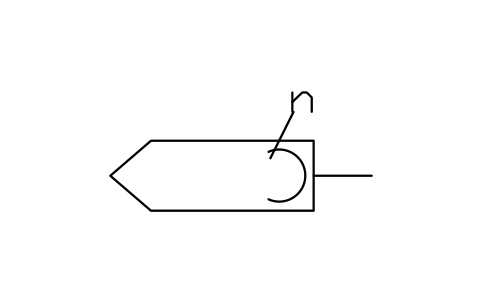
Magnetic head, n tracks
TEL_S01065_MAGNETIC_HEAD_N_TRACKSAttributes
TAGFUNCTIONPART_NOMANUFACTURERREMARKSSTD_CLAUSESTD_REFDESC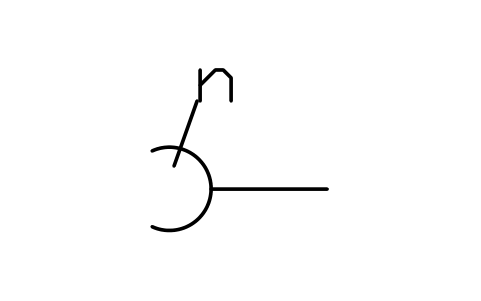
Magnetic winding, n tracks
TEL_S01066_MAGNETIC_WINDING_N_TRACKSAttributes
TAGFUNCTIONPART_NOMANUFACTURERREMARKSSTD_CLAUSESTD_REFDESC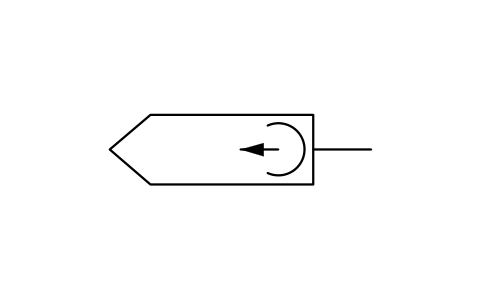
Magnetic writing head
TEL_S01067_MAGNETIC_WRITING_HEADAttributes
TAGFUNCTIONPART_NOMANUFACTURERREMARKSSTD_CLAUSESTD_REFDESC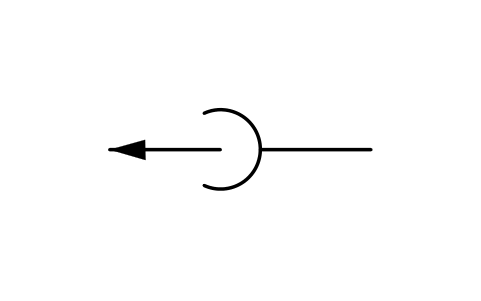
Magnetic writing winding
TEL_S01068_MAGNETIC_WRITING_WINDINGAttributes
TAGFUNCTIONPART_NOMANUFACTURERREMARKSSTD_CLAUSESTD_REFDESC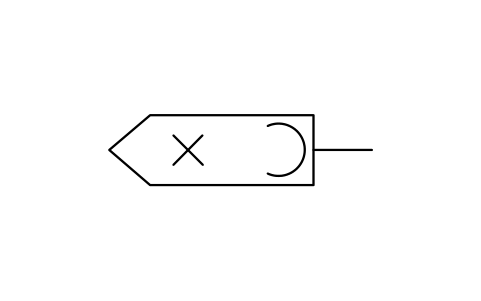
Magnetic erasing head
TEL_S01069_MAGNETIC_ERASING_HEADAttributes
TAGFUNCTIONPART_NOMANUFACTURERREMARKSSTD_CLAUSESTD_REFDESC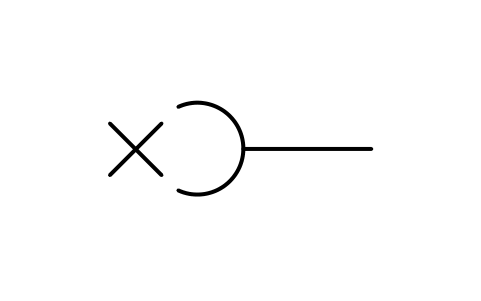
Magnetic erasing winding
TEL_S01070_MAGNETIC_ERASING_WINDINGAttributes
TAGFUNCTIONPART_NOMANUFACTURERREMARKSSTD_CLAUSESTD_REFDESC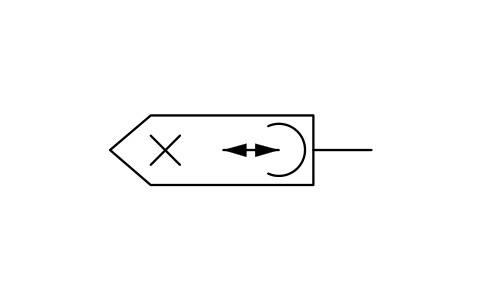
Magnetic read/write/erase
TEL_S01071_MAGNETIC_READ_WRITE_ERASEAttributes
TAGFUNCTIONPART_NOMANUFACTURERREMARKSSTD_CLAUSESTD_REFDESC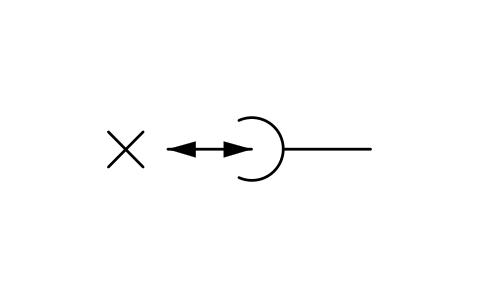
Read/write/erase winding
TEL_S01072_READ_WRITE_ERASE_WINDINGAttributes
TAGFUNCTIONPART_NOMANUFACTURERREMARKSSTD_CLAUSESTD_REFDESC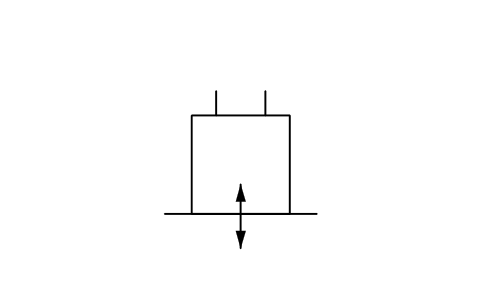
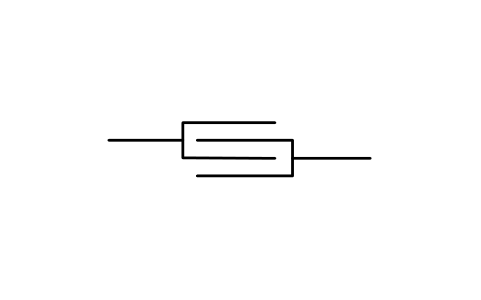
SAW transducer
TEL_S01074_SAW_TRANSDUCERAttributes
TAGFUNCTIONPART_NOMANUFACTURERREMARKSSTD_CLAUSESTD_REFDESCRecorder or reproducer
TEL_S01075_RECORDER_OR_REPRODUCERAttributes
TAGFUNCTIONPART_NOMANUFACTURERREMARKSSTD_CLAUSESTD_REFDESCRecorder, magnetic drum
TEL_S01076_RECORDER_MAGNETIC_DRUMAttributes
TAGFUNCTIONPART_NOMANUFACTURERREMARKSSTD_CLAUSESTD_REFDESCStylus-type reproducer
TEL_S01077_STYLUS_TYPE_REPRODUCERAttributes
TAGFUNCTIONPART_NOMANUFACTURERREMARKSSTD_CLAUSESTD_REFDESC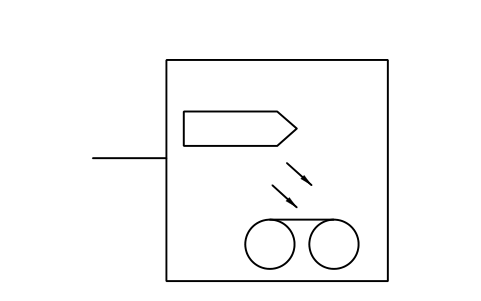
Optical file recorder
TEL_S01078_OPTICAL_FILE_RECORDERAttributes
TAGFUNCTIONPART_NOMANUFACTURERREMARKSSTD_CLAUSESTD_REFDESC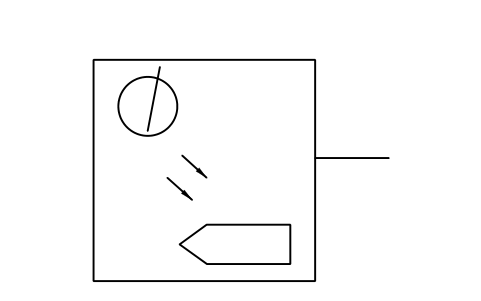
Optical disc reproducer
TEL_S01079_OPTICAL_DISC_REPRODUCERAttributes
TAGFUNCTIONPART_NOMANUFACTURERREMARKSSTD_CLAUSESTD_REFDESC
Copyright CADXChange. Use and modify the symbols freely in your own drawings and projects, including commercial ones; credit and a link are needed only when you publish them. Please do not redistribute or resell the library. Each ZIP holds one plain DWG file in AutoCAD 2018 format and a README; no add-in needed. Provided as is, without warranty. Library terms (CXL-1.0)
IEC 60617 has several parts. The other libraries of the standard:
- Common electrical symbols (IEC 60617)
- Power system single-line symbols (IEC 60617)
- Power system primary equipment symbols (IEC 60617)
- Power system secondary equipment symbols (IEC 60617)
- Electron tubes, crystals, delay lines (IEC 60617)
- Logic gate symbols (IEC 60617)
- Flip-flops, multiplexers, op amps (IEC 60617)
- Antennas, waveguides, modulation, filters and optical fibre (IEC 60617)
- Relays, protection and switching devices (IEC 60617)
- Machines, transformers, meters and symbol elements (IEC 60617)
- Busbar trunking, cable television, airfield lighting and connectors (IEC 60617)
- Gas-insulated switchgear, alarms and installation devices (IEC 60617)
Related symbol libraries
Missing a symbol? Tell us which one.
Attributes for parts lists
The apparatus (selectors, telephone sets, microphones, loudspeakers, heads, recorders) carries a visible reference such as TEL1 or SW1 and invisible attributes: FUNCTION, PART_NO, MANUFACTURER and REMARKS. The small indication fragments (tape, drum, erasing and so on) have a remarks field only, because you combine them with other symbols.
How to use the library
- Unzip the file and open the DWG. Copy the symbols you need into your plan, or drag the blocks in from DesignCenter (ADCENTER).
- The symbols are drawn at plotted size in millimetres, on a 3 mm grid: a telephone set is about 21 mm wide, the bar of a connecting stage 12 mm high. Insert them at the scale of your drawing, for example scale 2 on a 1:2 drawing.
- Stages, selector wipers and arcs have the insertion point at the left end of the line or at the wiper pivot, so selectors can be snapped to a conductor. Telephone sets, apparatus, microphones, heads and recorders are centred on their box or body; a head has its insertion point at the tip. Place the indication fragments inside a box to build your own recorder.
- The telephone sets share one body and differ only by the mark inside, so they are easy to swap. The selectors differ in where the wiper rests: the homing selectors park it outside the arc, the non-homing and set selectors let it end on the arc. Edit the wiper angle if your diagram needs another position.
About IEC 60617-9
IEC 60617 is the international standard for graphical symbols for diagrams. Part 9 covers telecommunications: switching and peripheral equipment, the symbols for exchanges, telephone sets, telegraph apparatus, sound and recording equipment. This library follows the figures of that part.
These symbols are our own drawings after the figures of the standard. They are not copied from it, and the library is not certified against it. Check them against the standard, your company standard or your customer’s legend before you decide to use a symbol.
Frequently asked questions
- How do I draw a selector?
- Use the block of the type you need, for example “Single-motion, homing” or “Two-motion selector, homing”. The wiper, the arc and the outlet are already drawn. The individual parts (wiper, arc, bank, level) are also separate blocks, so you can build a type that is not here.
- Where are antennas, waveguides and modulators?
- They belong to telecommunications transmission, part 10 of the standard, and are not in this library. This one holds the switching, telephone and sound symbols.
- Can I use the symbols in commercial projects?
- Yes. They are free to use and modify in your own projects, including commercial ones. They are provided as is, without warranty. Please do not redistribute or resell the library; see the library terms.
- Why do the indication symbols have no reference?
- Recording, erasing, tape, drum and similar indications are not devices; they are marks that go inside the symbol of a recorder, a head or a stage. They only have a remarks field, so you can combine them without extra attributes in the drawing.
- Can I change a symbol or add attributes?
- Yes. Open the DWG, edit a block with BEDIT to change it or add attributes, and save. To update drawings that already contain the block, run ATTSYNC or replace the block. Make a backup first: attribute values can be lost if ATTSYNC is used carelessly.
- Where do I find a ready-made set of these symbols for AutoCAD?
- AutoCAD itself ships only a small set of sample blocks, so a full symbol set has to come from a library. Download the ZIP on this page and open the DWG: every symbol is a block. Insert one with INSERT (Blocks palette, Libraries tab, then pick the DWG) or drag it from DesignCenter (ADCENTER). You can also download a single symbol on its own.