
AutoCAD power system secondary equipment symbols (DWG): protection, control, measurement and signalling
Power system secondary equipment symbols: 572 ready-made AutoCAD blocks (DWG). A starter pack of 24 symbols is free; the Standard edition is $19.
Free starter pack: 24 symbols
The most-used symbols of this library, as AutoCAD blocks in one DWG. Free for everyone, for any project.
 Disconnect terminal, open
 Disconnect terminal, closed
 Test terminal, with sockets
 CT test terminal, normal
 CT test terminal, shorted
 Breaker aux contact, make
 Breaker aux contact, break
 Trip circuit supervision
 Control switch, trip-close
 Selector, local-remote
 Emergency stop, mushroom
 Annunciator window, lamp
 Flasher unit
 Beacon, rotating
 Protocol converter
 Fibre-optic link
 Ethernet link
 GOOSE message link
 Time synchronisation link
 Oil temperature indicator
 Winding temperature indicator
 Fused terminal
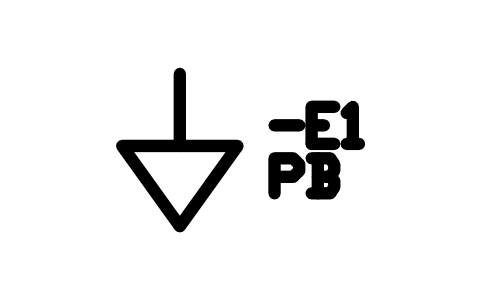
 Protective earth terminal
 Twisted pair
Standard: 126 symbols
All 126 symbols of the Standard edition in one download, ready to insert in AutoCAD. Pay once and keep the files.
- Disconnect terminal, open
- Disconnect terminal, closed
- Test terminal, with sockets
- CT test terminal, normal
- CT test terminal, shorted
- Breaker aux contact, make
- Breaker aux contact, break
- Trip circuit supervision
- Control switch, trip-close
- Selector, local-remote
- Emergency stop, mushroom
- Annunciator window, lamp
- Flasher unit
- Beacon, rotating
- Protocol converter
- Fibre-optic link
- Ethernet link
- GOOSE message link
- Time synchronisation link
- Oil temperature indicator
- Winding temperature indicator
- Fused terminal
- Protective earth terminal
- Twisted pair
 Voltage test terminals, 4
 Test plug, 4-pole
 Test switch, 6-pole
 Test point, labelled
 Earthing link, removable
 Anti-pumping relay
 Motor, spring charging
 Mechanical interlock
 Trip link, removable
 Selector, auto-off-manual
 Synchronising switch
 Pushbutton, reset
 Annunciator panel, 8 windows
 First-out alarm unit
 Pushbutton, lamp test
 Pushbutton, acknowledge
 Modem
 Fibre-optic transceiver
 Serial bus, RS-485
 Disturbance fault recorder
 Event recorder (SER)
 Phasor measurement unit
 Firewall
 Oil level indicator
 Pressure relief device
 Sudden pressure relay
 SF6 density monitor
 Resistance thermometer (RTD)
 Vibration sensor
 Speed sensor
 Pressure transmitter (PT)
 Level transmitter (LT)
 Temperature transmitter (TT)
 Terminal strip, 6 ways
 Terminal jumper bar
 Junction box
 Cable screen, earthed one end
 Screened twisted pair
 Wire number marker
 Relay panel
 Control cubicle
 Marshalling kiosk
 DC distribution board
 Battery bank outline
 Relay, distance (21)
 Relay, synchro-check (25)
 Relay, undervoltage (27)
 Relay, directional power (32)
 Relay, instantaneous overcurrent (50)
 Relay, time overcurrent (51)
 Relay, overcurrent (50/51)
 Relay, earth overcurrent (50N/51N)
 Relay, overvoltage (59)
 Relay, earth fault (64)
 Relay, directional overcurrent (67)
 Relay, auto-reclosing (79)
 Relay, frequency (81)
 Relay, lockout (86)
 Relay, transformer differential (87T)
 Relay, busbar differential (87B)
 Relay, line differential (87L)
 Protection relay, multifunction
 Trip coil
 Closing coil
 Ammeter
 Voltmeter
 Wattmeter
 Varmeter
 Energy meter (kWh)
 Frequency meter
 Power factor meter
 Power meter, multifunction
 Synchroscope
 Transducer
 RTU / gateway
 Bay control unit
 Merging unit
 Ethernet switch
 SCADA / HMI
 Time source (GPS clock)
 DC supply (battery and charger)
 Test terminal block
 Teleprotection
 Make contact (NO)
 Break contact (NC)
 Changeover contact
 Push-button, NO
 Make contact, closing delay
 Make contact, opening delay
 Break contact, opening delay
 Break contact, closing delay
 Key switch, NO
 Relay / contactor coil
 Contactor main contact
 Contactor, 3-pole
 Fuse
 Contactor, 4-pole
 Signal lamp
 Bell
 Buzzer
 Horn / siren
 Terminal
Pro: all 572 symbols
Every symbol of the library, 572 in all, in one download. Standard holds 126 of them. Pay once and keep the files.
Free starter pack
$0For everyone, for any project
- 24 symbols
- No sign-in
- One DWG
Library licence
$19
For one person
Education: free
- Pay once
Student or teacher?
Free for one year with your school e-mail address. Renew it with the same address.
Sign in with your school e-mail address, we check it, and the licence is added to your account.
Available soonEducation licences are for study and teaching, valid for one year, and renewed with your school e-mail address.
Pro licence
$49
For one person
Education: $24.50
- Pay once
Student or teacher?
Half price ($24.50) for one year with your school e-mail address. Buy again next year to renew.
Sign in with your school e-mail address, we check it, and you pay half price.
Available soonHalf price ($24.50) for one year with your school e-mail address. Buy again next year to renew.
What each version contains
The symbols by group, and how many of each group every version holds.
| Content | Free | Standard | Pro |
|---|---|---|---|
| All symbols | 24 | 126 | 572 |
| Added by this version | — | +102 | +446 |
| Protection relays | — | 20 | 74 |
| Protection quantities | — | — | 17 |
| Instrument transformers, secondary side | — | — | 21 |
| Test and isolation | 5 | 11 | 11 |
| Trip and close circuits | 3 | 7 | 7 |
| Control switches | 3 | 6 | 10 |
| Contacts and switches (IEC) | — | 9 | 34 |
| Contact variants | — | — | 12 |
Show 22 more groupsShow fewer groups
| Contacts and switches (IEEE) | — | — | 17 |
|---|---|---|---|
| Limit and process switches | — | — | 12 |
| Relay coils and contactors | — | 1 | 29 |
| Switching and protection devices | — | 4 | 32 |
| Operating marks and links | — | — | 18 |
| Position and temperature switches | — | — | 6 |
| Fuses and static switching | — | — | 12 |
| Sensors and transducers | 2 | 12 | 18 |
| Meters and transducers | — | 10 | 13 |
| Meters and indicators | — | — | 32 |
| Counters and clocks | — | — | 6 |
| Lamps and signalling | — | 4 | 19 |
| Annunciators and alarms | 3 | 7 | 7 |
| Detectors and alarms | — | — | 25 |
| Communication and automation | 5 | 19 | 49 |
| Network and data links | — | — | 10 |
| Station network links | — | — | 11 |
| DC and AC auxiliary supply | — | 1 | 10 |
| Terminals and connections | 2 | 6 | 32 |
| Wiring and cables | 1 | 4 | 15 |
| Plugs and links | — | — | 8 |
| Panel and cubicle | — | 5 | 5 |
Pro holds every symbol of Standard plus the Pro-only ones.
572 symbols as ready-to-use AutoCAD blocks for the secondary side of a power system, the equipment and circuits that watch, protect, control, measure and signal: protection relays with their device numbers and protection quantities; contacts, coils, relays and contactors in the IEC and the IEEE forms; control, selector and emergency stop switches, push-buttons, limit and process switches; test terminals, isolating and shorting links, test plugs and test switches; trip and close circuit elements (breaker auxiliary contacts, trip circuit supervision, spring charging motor, interlocks); annunciators, lamps, horns and beacons; meters, transducers, recorders, counters and clocks; instrument transformers with their secondary circuits; communication and automation devices (bay control units, merging units, gateways, protocol converters, fibre-optic and Ethernet links, GOOSE messages, time synchronisation, fault and event recorders); DC and AC auxiliary supply; terminals, wiring, cables and cable screens; and panel and cubicle outlines. The equipment that carries the power is in the primary equipment library.
Version 1.2 · updated November 25, 2026 · Check out what's changed
Sample drawings made with this library
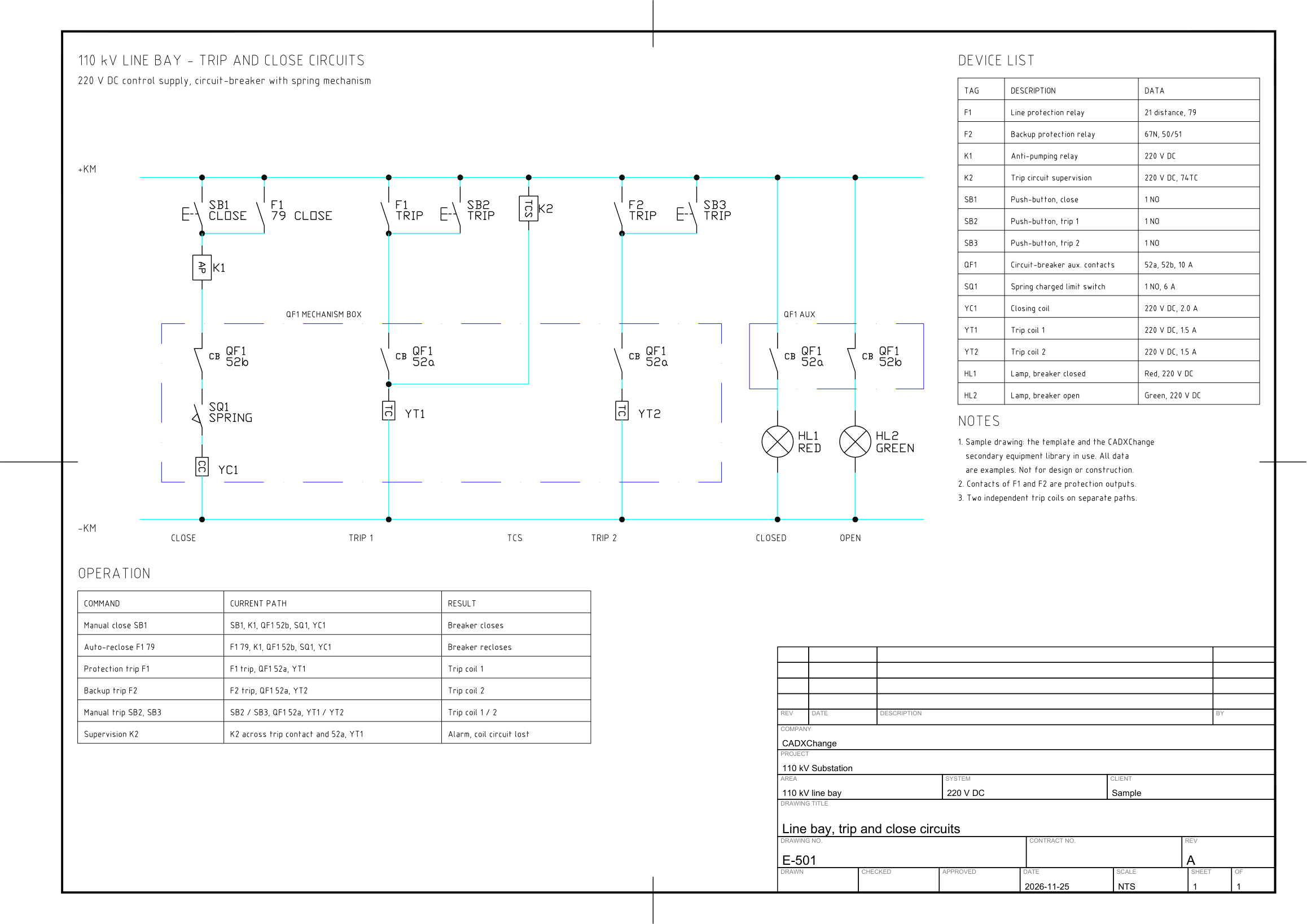
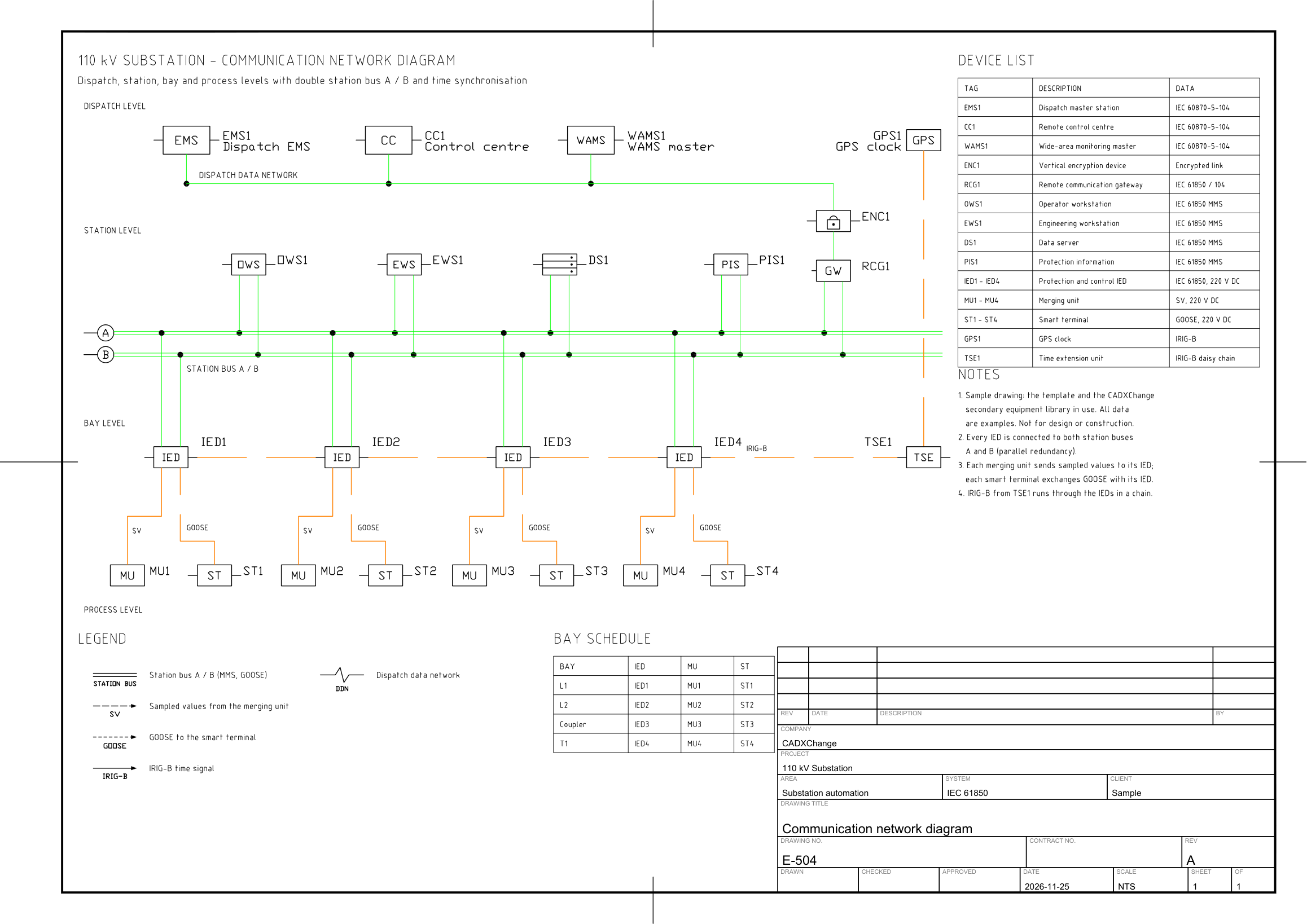
All 572 symbols
572 of 572 symbols
Relay, distance (21)
SEC_R_21Attributes
TAGFUNCTIONSETTINGTRIPSCT_INPUTVT_INPUTMANUFACTURERMODELREMARKSDESCRelay, synchro-check (25)
SEC_R_25Attributes
TAGFUNCTIONSETTINGTRIPSCT_INPUTVT_INPUTMANUFACTURERMODELREMARKSDESCRelay, undervoltage (27)
SEC_R_27Attributes
TAGFUNCTIONSETTINGTRIPSCT_INPUTVT_INPUTMANUFACTURERMODELREMARKSDESCRelay, directional power (32)
SEC_R_32Attributes
TAGFUNCTIONSETTINGTRIPSCT_INPUTVT_INPUTMANUFACTURERMODELREMARKSDESC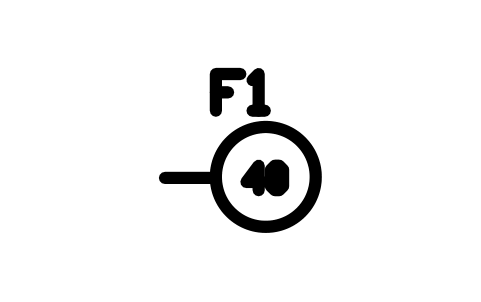
Relay, loss of field (40)
SEC_R_40Attributes
TAGFUNCTIONSETTINGTRIPSCT_INPUTVT_INPUTMANUFACTURERMODELREMARKSDESC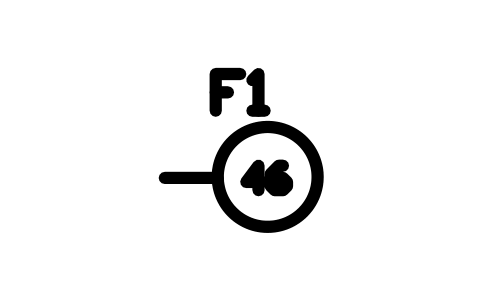
Relay, negative sequence (46)
SEC_R_46Attributes
TAGFUNCTIONSETTINGTRIPSCT_INPUTVT_INPUTMANUFACTURERMODELREMARKSDESC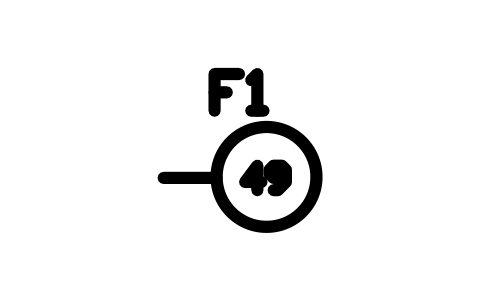
Relay, thermal (49)
SEC_R_49Attributes
TAGFUNCTIONSETTINGTRIPSCT_INPUTVT_INPUTMANUFACTURERMODELREMARKSDESCRelay, instantaneous overcurrent (50)
SEC_R_50Attributes
TAGFUNCTIONSETTINGTRIPSCT_INPUTVT_INPUTMANUFACTURERMODELREMARKSDESCRelay, time overcurrent (51)
SEC_R_51Attributes
TAGFUNCTIONSETTINGTRIPSCT_INPUTVT_INPUTMANUFACTURERMODELREMARKSDESCRelay, overcurrent (50/51)
SEC_R_5051Attributes
TAGFUNCTIONSETTINGTRIPSCT_INPUTVT_INPUTMANUFACTURERMODELREMARKSDESCRelay, earth overcurrent (50N/51N)
SEC_R_5051NAttributes
TAGFUNCTIONSETTINGTRIPSCT_INPUTVT_INPUTMANUFACTURERMODELREMARKSDESCRelay, overvoltage (59)
SEC_R_59Attributes
TAGFUNCTIONSETTINGTRIPSCT_INPUTVT_INPUTMANUFACTURERMODELREMARKSDESC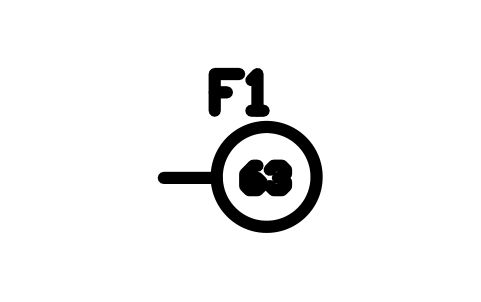
Relay, gas / pressure (63)
SEC_R_63Attributes
TAGFUNCTIONSETTINGTRIPSCT_INPUTVT_INPUTMANUFACTURERMODELREMARKSDESCRelay, earth fault (64)
SEC_R_64Attributes
TAGFUNCTIONSETTINGTRIPSCT_INPUTVT_INPUTMANUFACTURERMODELREMARKSDESCRelay, directional overcurrent (67)
SEC_R_67Attributes
TAGFUNCTIONSETTINGTRIPSCT_INPUTVT_INPUTMANUFACTURERMODELREMARKSDESCRelay, auto-reclosing (79)
SEC_R_79Attributes
TAGFUNCTIONSETTINGTRIPSCT_INPUTVT_INPUTMANUFACTURERMODELREMARKSDESCRelay, frequency (81)
SEC_R_81Attributes
TAGFUNCTIONSETTINGTRIPSCT_INPUTVT_INPUTMANUFACTURERMODELREMARKSDESCRelay, lockout (86)
SEC_R_86Attributes
TAGFUNCTIONSETTINGTRIPSCT_INPUTVT_INPUTMANUFACTURERMODELREMARKSDESCRelay, transformer differential (87T)
SEC_R_87TAttributes
TAGFUNCTIONSETTINGTRIPSCT_INPUTVT_INPUTMANUFACTURERMODELREMARKSDESC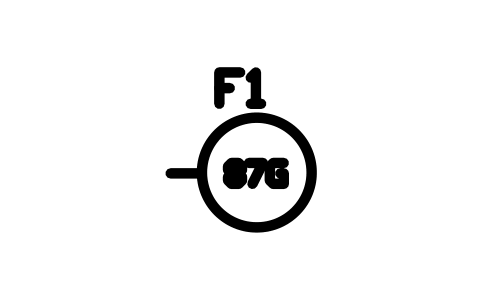
Relay, generator differential (87G)
SEC_R_87GAttributes
TAGFUNCTIONSETTINGTRIPSCT_INPUTVT_INPUTMANUFACTURERMODELREMARKSDESCRelay, busbar differential (87B)
SEC_R_87BAttributes
TAGFUNCTIONSETTINGTRIPSCT_INPUTVT_INPUTMANUFACTURERMODELREMARKSDESCRelay, line differential (87L)
SEC_R_87LAttributes
TAGFUNCTIONSETTINGTRIPSCT_INPUTVT_INPUTMANUFACTURERMODELREMARKSDESCProtection relay, multifunction
SEC_R_GENERICAttributes
TAGFUNCTIONSETTINGTRIPSCT_INPUTVT_INPUTMANUFACTURERMODELREMARKSDESCClosing coil
SEC_R_CLOSEAttributes
TAGFUNCTIONSETTINGTRIPSCT_INPUTVT_INPUTMANUFACTURERMODELREMARKSDESC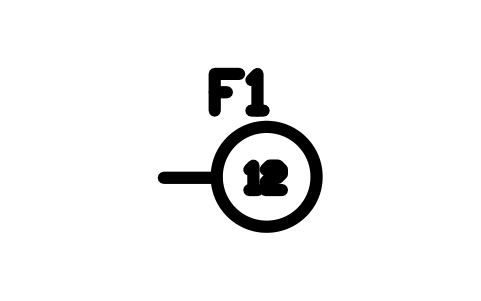
Relay, overspeed (12)
SEC_R_12Attributes
TAGFUNCTIONSETTINGTRIPSCT_INPUTVT_INPUTMANUFACTURERMODELREMARKSDESC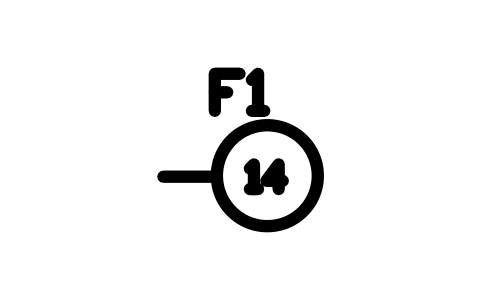
Relay, underspeed (14)
SEC_R_14Attributes
TAGFUNCTIONSETTINGTRIPSCT_INPUTVT_INPUTMANUFACTURERMODELREMARKSDESC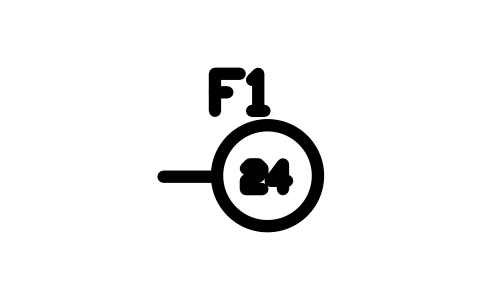
Relay, overexcitation V/Hz (24)
SEC_R_24Attributes
TAGFUNCTIONSETTINGTRIPSCT_INPUTVT_INPUTMANUFACTURERMODELREMARKSDESC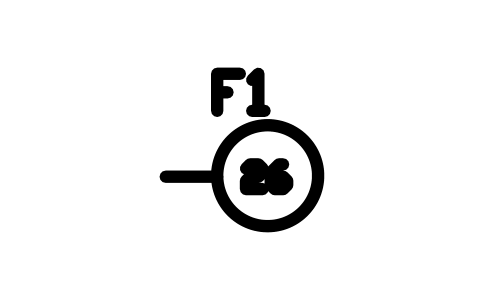
Relay, apparatus thermal (26)
SEC_R_26Attributes
TAGFUNCTIONSETTINGTRIPSCT_INPUTVT_INPUTMANUFACTURERMODELREMARKSDESC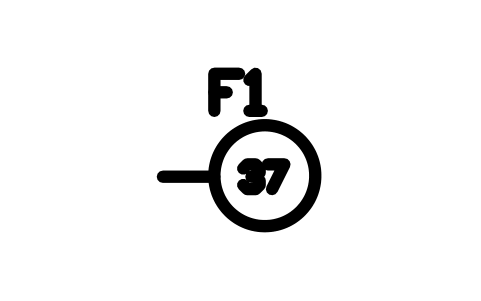
Relay, undercurrent / underpower (37)
SEC_R_37Attributes
TAGFUNCTIONSETTINGTRIPSCT_INPUTVT_INPUTMANUFACTURERMODELREMARKSDESC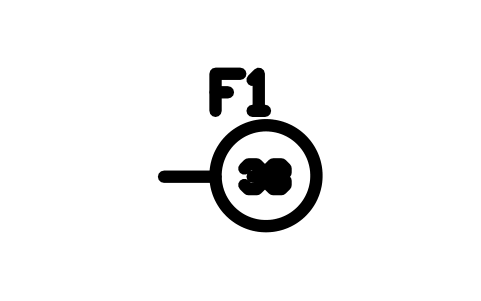
Relay, bearing protection (38)
SEC_R_38Attributes
TAGFUNCTIONSETTINGTRIPSCT_INPUTVT_INPUTMANUFACTURERMODELREMARKSDESC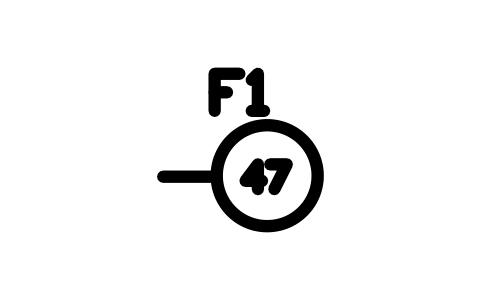
Relay, phase sequence / voltage (47)
SEC_R_47Attributes
TAGFUNCTIONSETTINGTRIPSCT_INPUTVT_INPUTMANUFACTURERMODELREMARKSDESC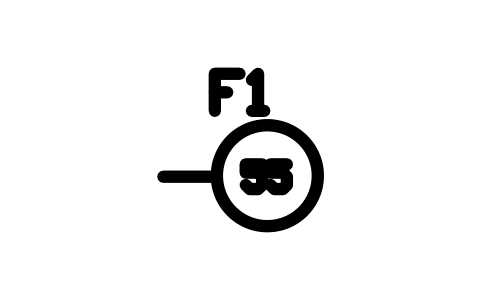
Relay, power factor (55)
SEC_R_55Attributes
TAGFUNCTIONSETTINGTRIPSCT_INPUTVT_INPUTMANUFACTURERMODELREMARKSDESC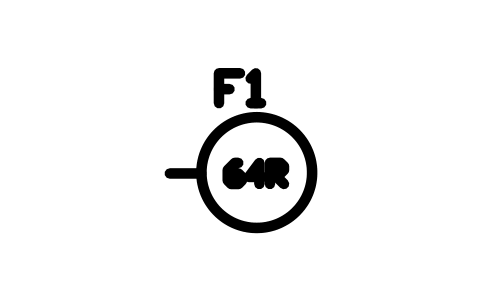
Relay, rotor earth fault (64R)
SEC_R_64RAttributes
TAGFUNCTIONSETTINGTRIPSCT_INPUTVT_INPUTMANUFACTURERMODELREMARKSDESC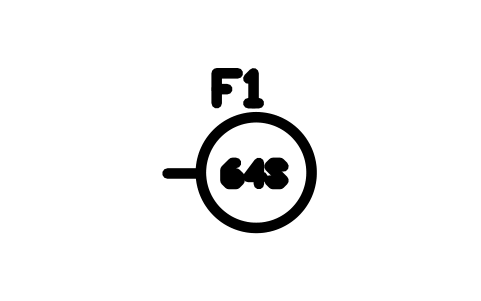
Relay, stator earth fault (64S)
SEC_R_64SAttributes
TAGFUNCTIONSETTINGTRIPSCT_INPUTVT_INPUTMANUFACTURERMODELREMARKSDESC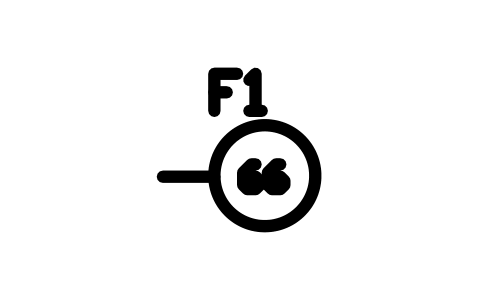
Relay, starts per hour (66)
SEC_R_66Attributes
TAGFUNCTIONSETTINGTRIPSCT_INPUTVT_INPUTMANUFACTURERMODELREMARKSDESC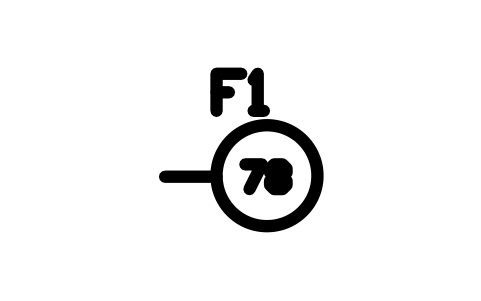
Relay, out of step (78)
SEC_R_78Attributes
TAGFUNCTIONSETTINGTRIPSCT_INPUTVT_INPUTMANUFACTURERMODELREMARKSDESC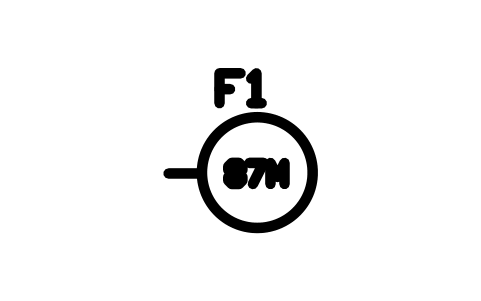
Relay, motor differential (87M)
SEC_R_87MAttributes
TAGFUNCTIONSETTINGTRIPSCT_INPUTVT_INPUTMANUFACTURERMODELREMARKSDESC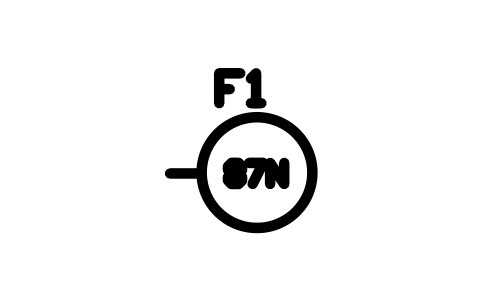
Relay, restricted earth fault (87N)
SEC_R_87NAttributes
TAGFUNCTIONSETTINGTRIPSCT_INPUTVT_INPUTMANUFACTURERMODELREMARKSDESC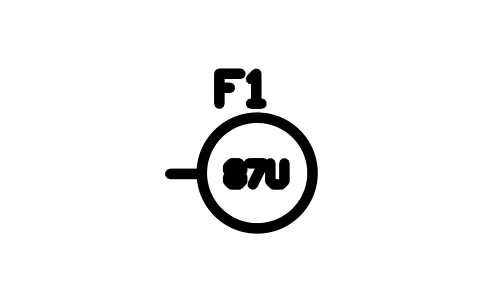
Relay, unit differential (87U)
SEC_R_87UAttributes
TAGFUNCTIONSETTINGTRIPSCT_INPUTVT_INPUTMANUFACTURERMODELREMARKSDESC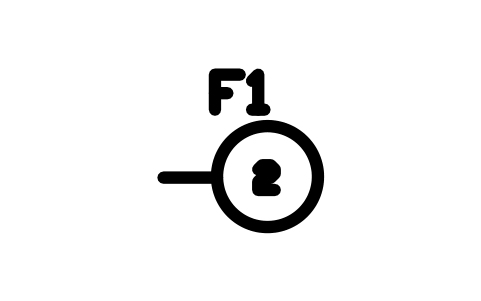
Relay, time delay starting (2)
SEC_R_2Attributes
TAGFUNCTIONSETTINGTRIPSCT_INPUTVT_INPUTMANUFACTURERMODELREMARKSDESC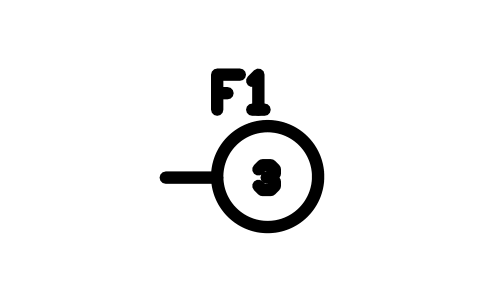
Relay, checking / interlocking (3)
SEC_R_3Attributes
TAGFUNCTIONSETTINGTRIPSCT_INPUTVT_INPUTMANUFACTURERMODELREMARKSDESC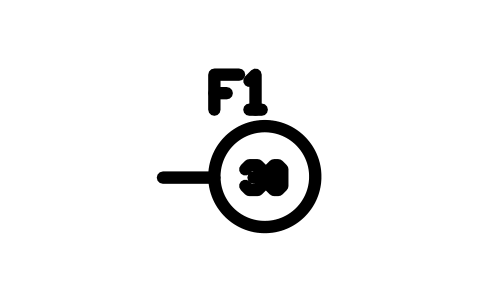
Relay, annunciator (30)
SEC_R_30Attributes
TAGFUNCTIONSETTINGTRIPSCT_INPUTVT_INPUTMANUFACTURERMODELREMARKSDESC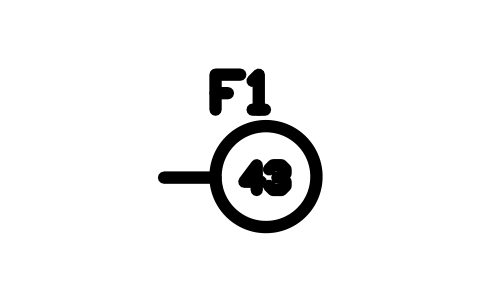
Selector device (43)
SEC_R_43Attributes
TAGFUNCTIONSETTINGTRIPSCT_INPUTVT_INPUTMANUFACTURERMODELREMARKSDESC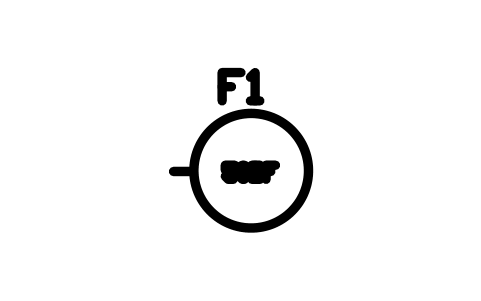
Relay, breaker failure (50BF)
SEC_R_50BFAttributes
TAGFUNCTIONSETTINGTRIPSCT_INPUTVT_INPUTMANUFACTURERMODELREMARKSDESC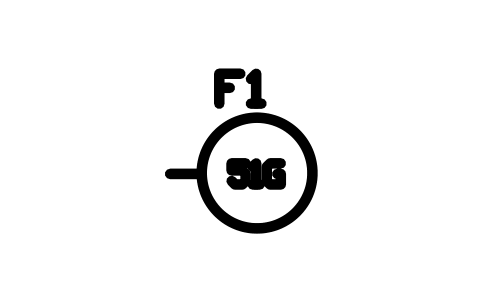
Relay, ground overcurrent (51G)
SEC_R_51GAttributes
TAGFUNCTIONSETTINGTRIPSCT_INPUTVT_INPUTMANUFACTURERMODELREMARKSDESC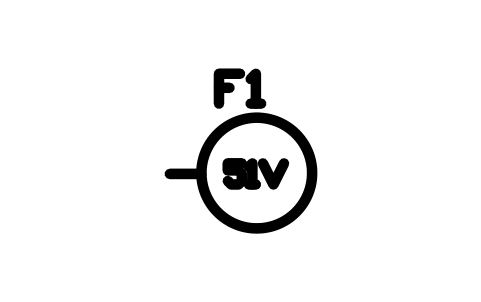
Relay, voltage-restrained overcurrent (51V)
SEC_R_51VAttributes
TAGFUNCTIONSETTINGTRIPSCT_INPUTVT_INPUTMANUFACTURERMODELREMARKSDESC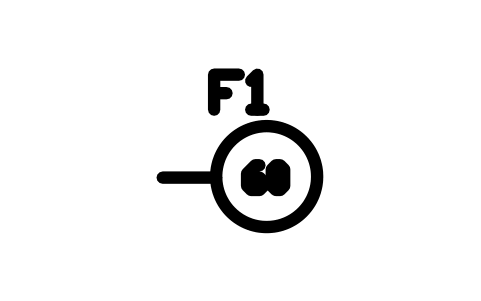
Relay, voltage balance (60)
SEC_R_60Attributes
TAGFUNCTIONSETTINGTRIPSCT_INPUTVT_INPUTMANUFACTURERMODELREMARKSDESC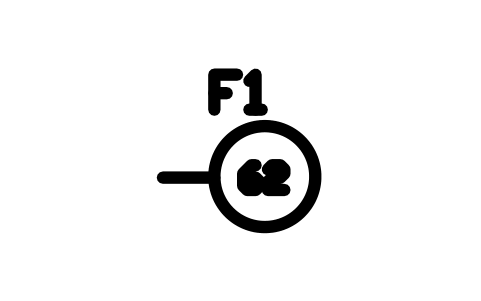
Relay, time delay stopping (62)
SEC_R_62Attributes
TAGFUNCTIONSETTINGTRIPSCT_INPUTVT_INPUTMANUFACTURERMODELREMARKSDESC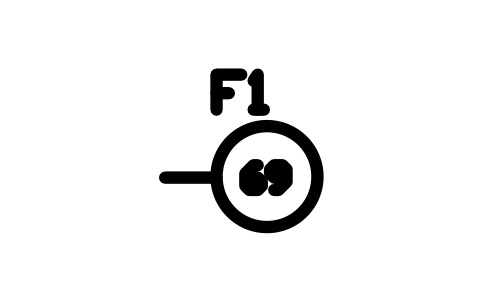
Permissive control device (69)
SEC_R_69Attributes
TAGFUNCTIONSETTINGTRIPSCT_INPUTVT_INPUTMANUFACTURERMODELREMARKSDESC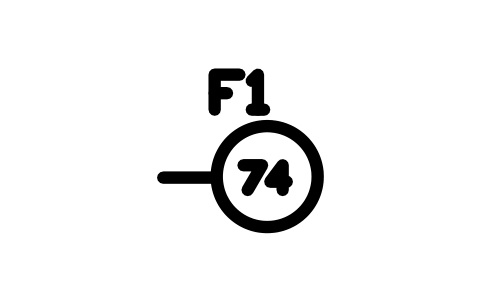
Relay, alarm (74)
SEC_R_74Attributes
TAGFUNCTIONSETTINGTRIPSCT_INPUTVT_INPUTMANUFACTURERMODELREMARKSDESC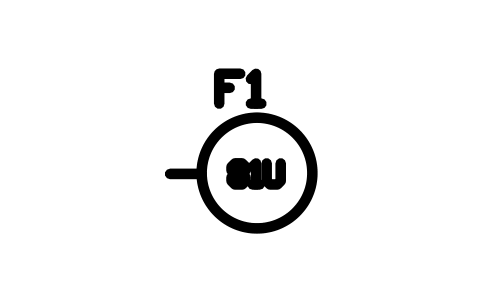
Relay, underfrequency (81U)
SEC_R_81UAttributes
TAGFUNCTIONSETTINGTRIPSCT_INPUTVT_INPUTMANUFACTURERMODELREMARKSDESC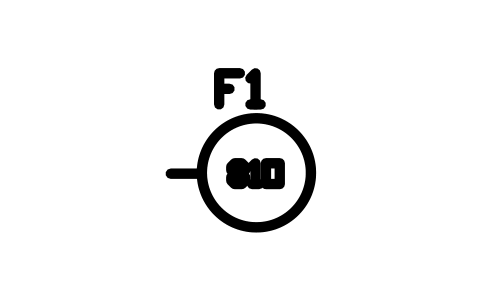
Relay, overfrequency (81O)
SEC_R_81OAttributes
TAGFUNCTIONSETTINGTRIPSCT_INPUTVT_INPUTMANUFACTURERMODELREMARKSDESC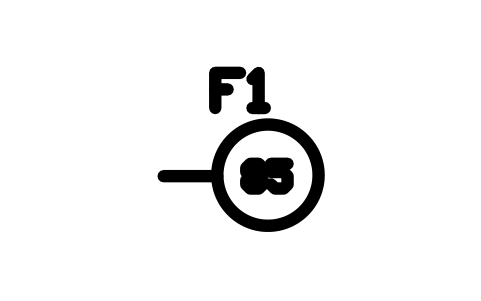
Relay, carrier / pilot wire (85)
SEC_R_85Attributes
TAGFUNCTIONSETTINGTRIPSCT_INPUTVT_INPUTMANUFACTURERMODELREMARKSDESC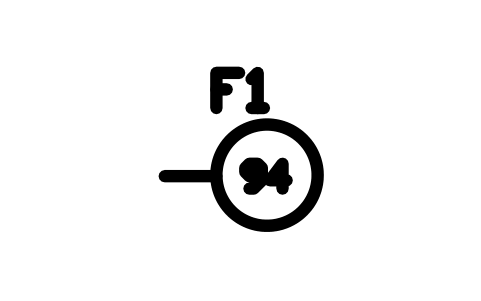
Relay, tripping (94)
SEC_R_94Attributes
TAGFUNCTIONSETTINGTRIPSCT_INPUTVT_INPUTMANUFACTURERMODELREMARKSDESC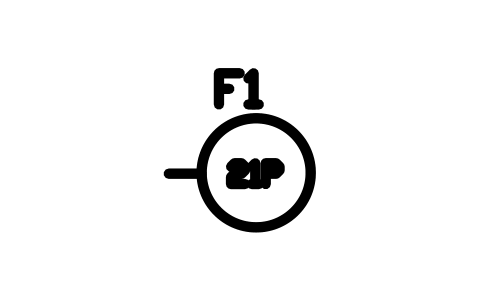
Relay, phase distance (21P)
SEC_R_21PAttributes
TAGFUNCTIONSETTINGTRIPSCT_INPUTVT_INPUTMANUFACTURERMODELREMARKSDESC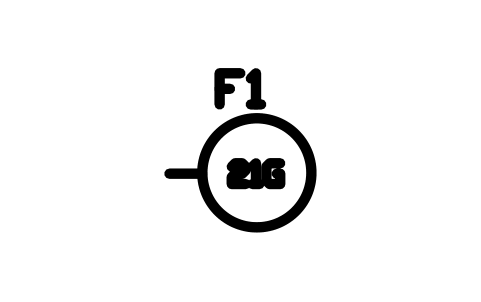
Relay, ground distance (21G)
SEC_R_21GAttributes
TAGFUNCTIONSETTINGTRIPSCT_INPUTVT_INPUTMANUFACTURERMODELREMARKSDESC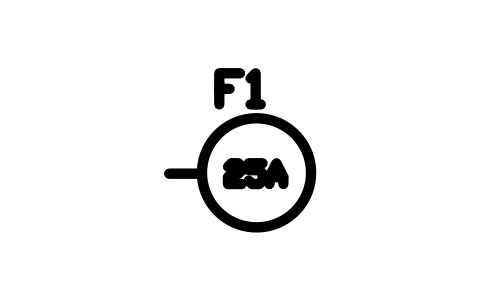
Relay, auto-synchronising (25A)
SEC_R_25AAttributes
TAGFUNCTIONSETTINGTRIPSCT_INPUTVT_INPUTMANUFACTURERMODELREMARKSDESC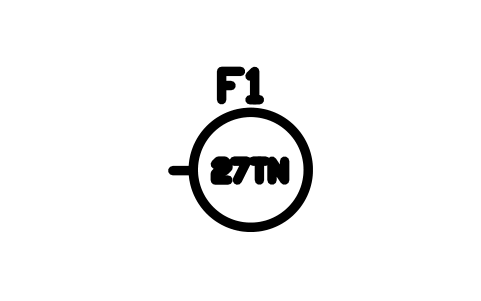
Relay, stator earth 3rd harmonic (27TN)
SEC_R_27TNAttributes
TAGFUNCTIONSETTINGTRIPSCT_INPUTVT_INPUTMANUFACTURERMODELREMARKSDESC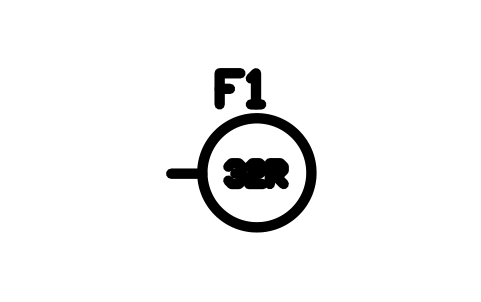
Relay, reverse power (32R)
SEC_R_32RAttributes
TAGFUNCTIONSETTINGTRIPSCT_INPUTVT_INPUTMANUFACTURERMODELREMARKSDESC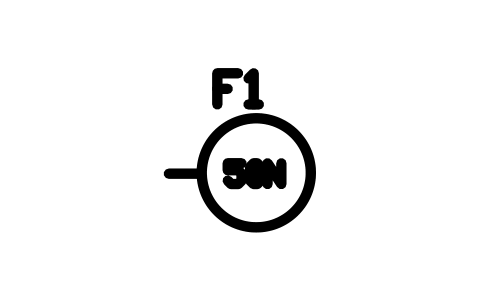
Relay, neutral instantaneous (50N)
SEC_R_50NAttributes
TAGFUNCTIONSETTINGTRIPSCT_INPUTVT_INPUTMANUFACTURERMODELREMARKSDESC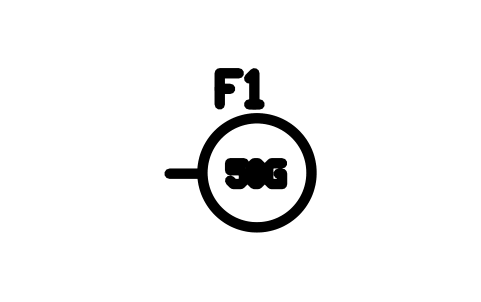
Relay, ground instantaneous (50G)
SEC_R_50GAttributes
TAGFUNCTIONSETTINGTRIPSCT_INPUTVT_INPUTMANUFACTURERMODELREMARKSDESC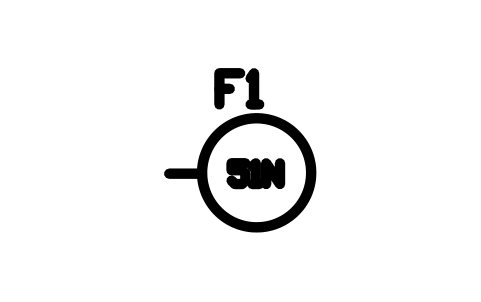
Relay, neutral time overcurrent (51N)
SEC_R_51NAttributes
TAGFUNCTIONSETTINGTRIPSCT_INPUTVT_INPUTMANUFACTURERMODELREMARKSDESC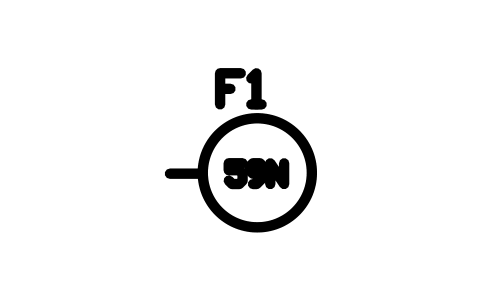
Relay, neutral overvoltage (59N)
SEC_R_59NAttributes
TAGFUNCTIONSETTINGTRIPSCT_INPUTVT_INPUTMANUFACTURERMODELREMARKSDESC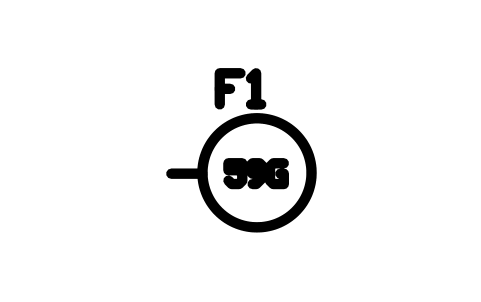
Relay, ground overvoltage (59G)
SEC_R_59GAttributes
TAGFUNCTIONSETTINGTRIPSCT_INPUTVT_INPUTMANUFACTURERMODELREMARKSDESC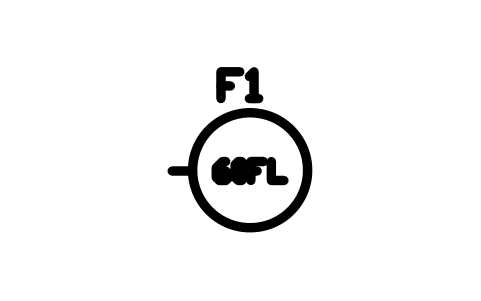
Relay, VT fuse failure (60FL)
SEC_R_60FLAttributes
TAGFUNCTIONSETTINGTRIPSCT_INPUTVT_INPUTMANUFACTURERMODELREMARKSDESC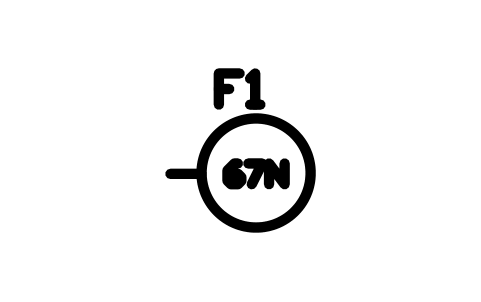
Relay, directional earth fault (67N)
SEC_R_67NAttributes
TAGFUNCTIONSETTINGTRIPSCT_INPUTVT_INPUTMANUFACTURERMODELREMARKSDESC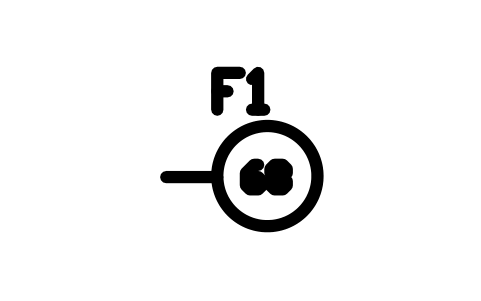
Relay, power swing blocking (68)
SEC_R_68Attributes
TAGFUNCTIONSETTINGTRIPSCT_INPUTVT_INPUTMANUFACTURERMODELREMARKSDESC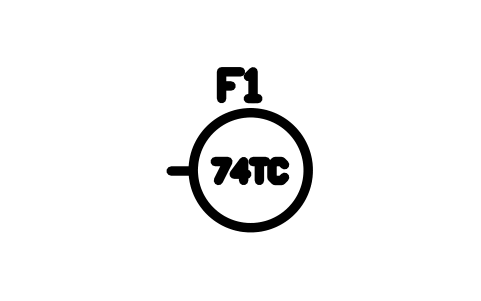
Relay, trip circuit monitor (74TC)
SEC_R_74TCAttributes
TAGFUNCTIONSETTINGTRIPSCT_INPUTVT_INPUTMANUFACTURERMODELREMARKSDESC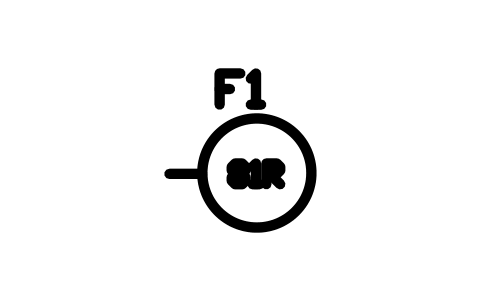
Relay, rate of change of frequency (81R)
SEC_R_81RAttributes
TAGFUNCTIONSETTINGTRIPSCT_INPUTVT_INPUTMANUFACTURERMODELREMARKSDESC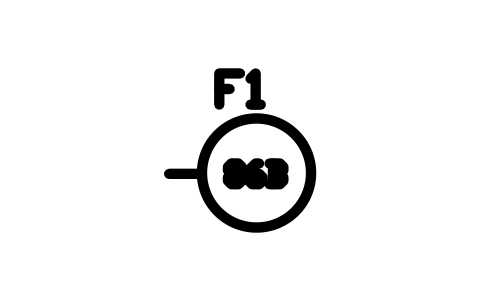
Relay, busbar lockout (86B)
SEC_R_86BAttributes
TAGFUNCTIONSETTINGTRIPSCT_INPUTVT_INPUTMANUFACTURERMODELREMARKSDESC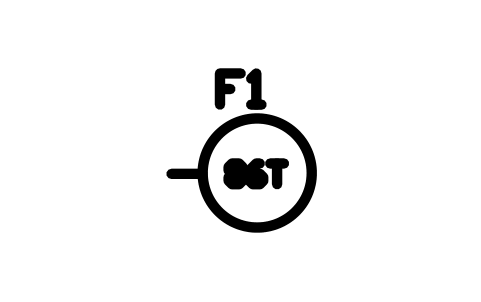
Relay, transformer lockout (86T)
SEC_R_86TAttributes
TAGFUNCTIONSETTINGTRIPSCT_INPUTVT_INPUTMANUFACTURERMODELREMARKSDESC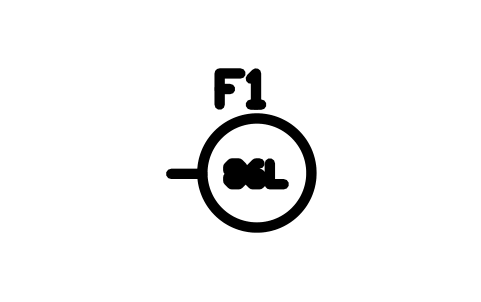
Relay, line lockout (86L)
SEC_R_86LAttributes
TAGFUNCTIONSETTINGTRIPSCT_INPUTVT_INPUTMANUFACTURERMODELREMARKSDESC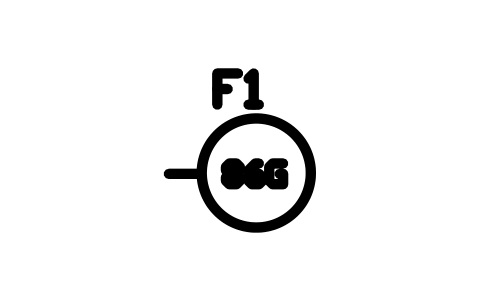
Relay, generator lockout (86G)
SEC_R_86GAttributes
TAGFUNCTIONSETTINGTRIPSCT_INPUTVT_INPUTMANUFACTURERMODELREMARKSDESC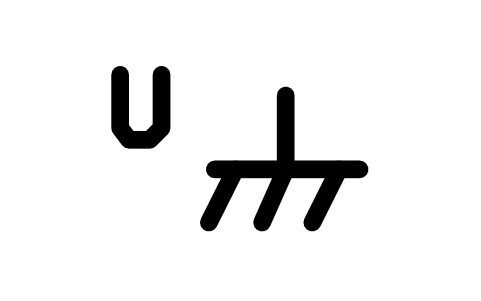

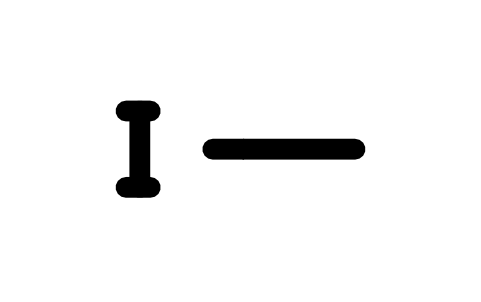
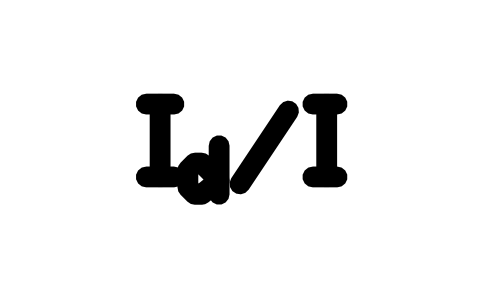
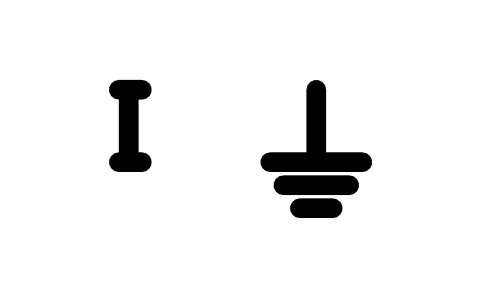
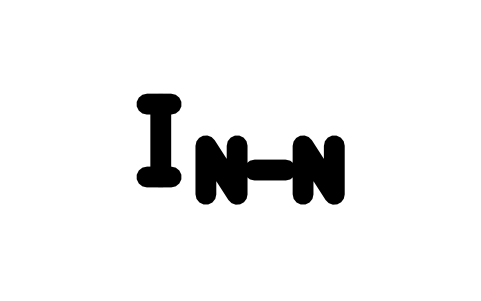
Current between neutrals
SEC_RLY_S00335_CURRENT_BETWEEN_NEUTRALSAttributes
REMARKSSTD_CLAUSESTD_REFDESC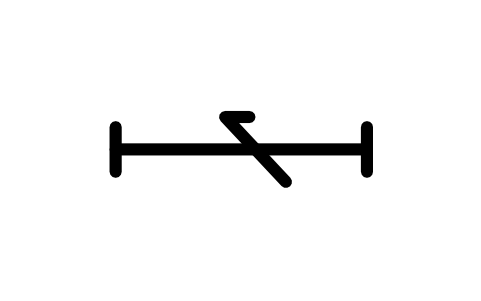
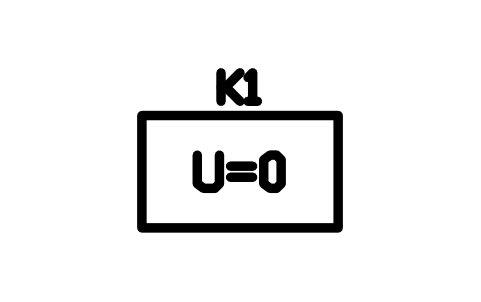
No-voltage relay
SEC_RLY_S00338_NO_VOLTAGE_RELAYAttributes
TAGRATINGPART_NOMANUFACTURERREMARKSSTD_CLAUSESTD_REFDESC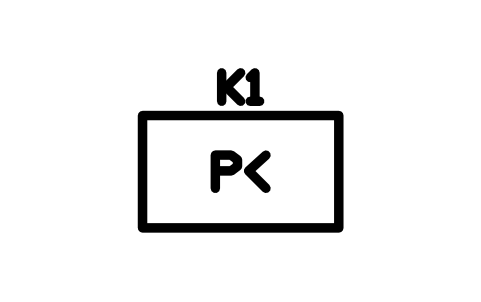
Underpower relay
SEC_RLY_S00340_UNDERPOWER_RELAYAttributes
TAGRATINGPART_NOMANUFACTURERREMARKSSTD_CLAUSESTD_REFDESC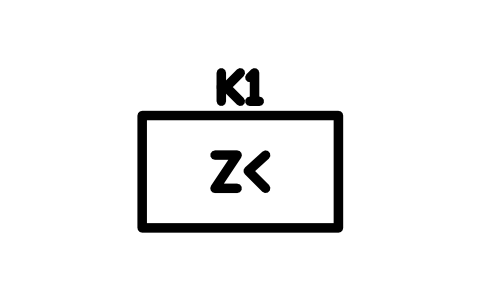
Under-impedance relay
SEC_RLY_S00346_UNDER_IMPEDANCE_RELAYAttributes
TAGRATINGPART_NOMANUFACTURERREMARKSSTD_CLAUSESTD_REFDESC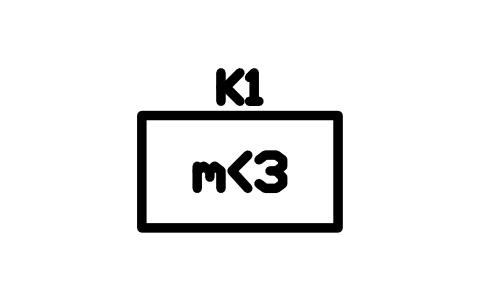
Phase-failure relay
SEC_RLY_S00349_PHASE_FAILURE_RELAYAttributes
TAGRATINGPART_NOMANUFACTURERREMARKSSTD_CLAUSESTD_REFDESC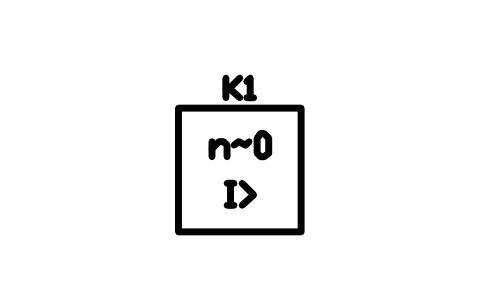
Locked-rotor relay
SEC_RLY_S00350_LOCKED_ROTOR_RELAYAttributes
TAGRATINGPART_NOMANUFACTURERREMARKSSTD_CLAUSESTD_REFDESC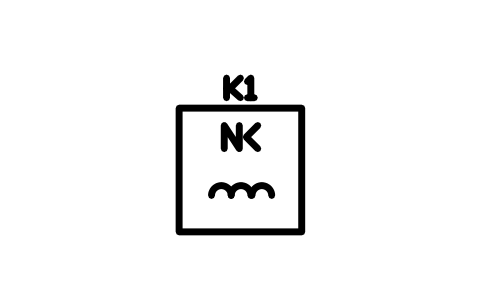
Winding short-circuit relay
SEC_RLY_S00347_WINDING_SHORT_CIRCUIT_RELAYAttributes
TAGRATINGPART_NOMANUFACTURERREMARKSSTD_CLAUSESTD_REFDESC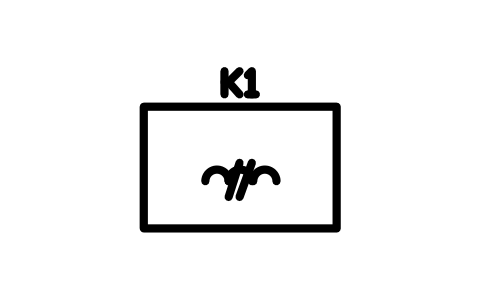
Divided-conductor relay
SEC_RLY_S00348_DIVIDED_CONDUCTOR_RELAYAttributes
TAGRATINGPART_NOMANUFACTURERREMARKSSTD_CLAUSESTD_REFDESC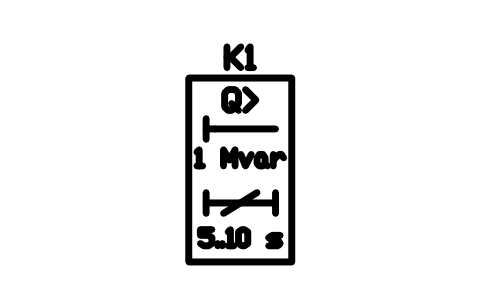
Overpower relay, reactive
SEC_RLY_S00343_OVERPOWER_RELAY_REACTIVEAttributes
TAGRATINGPART_NOMANUFACTURERREMARKSSTD_CLAUSESTD_REFDESC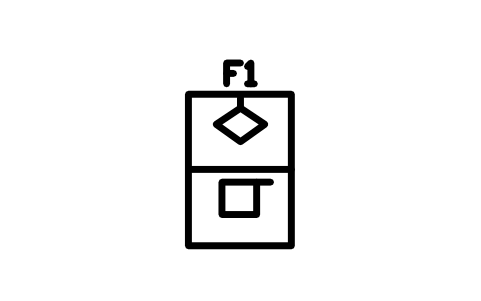
Buchholz protective device
SEC_RLY_S00352_BUCHHOLZ_PROTECTIVE_DEVICEAttributes
TAGRATINGPART_NOMANUFACTURERREMARKSSTD_CLAUSESTD_REFDESC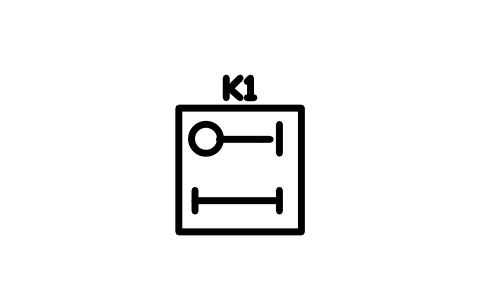
Auto-reclose relay
SEC_RLY_S00353_AUTO_RECLOSE_RELAYAttributes
TAGRATINGPART_NOMANUFACTURERREMARKSSTD_CLAUSESTD_REFDESC

Current transformer, two cores
SEC_CT_2COREAttributes
TAGRATIOCLASSBURDEN_VACORESRATED_KVMANUFACTURERMODELREMARKSDESC
Current transformer, three cores
SEC_CT_3COREAttributes
TAGRATIOCLASSBURDEN_VACORESRATED_KVMANUFACTURERMODELREMARKSDESC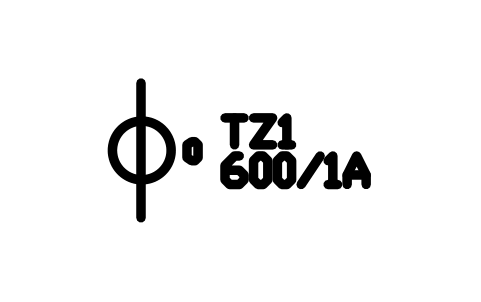
Zero-sequence CT (core balance)
SEC_CT_ZEROAttributes
TAGRATIOCLASSBURDEN_VACORESRATED_KVMANUFACTURERMODELREMARKSDESC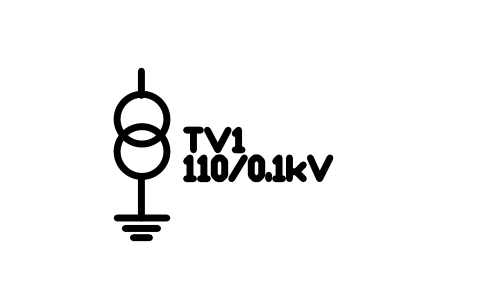
Voltage transformer
SEC_VTAttributes
TAGRATIOCLASSBURDEN_VAWINDINGSRATED_KVMANUFACTURERMODELREMARKSDESC
Voltage transformer, two secondaries
SEC_VT_OPENAttributes
TAGRATIOCLASSBURDEN_VAWINDINGSRATED_KVMANUFACTURERMODELREMARKSDESC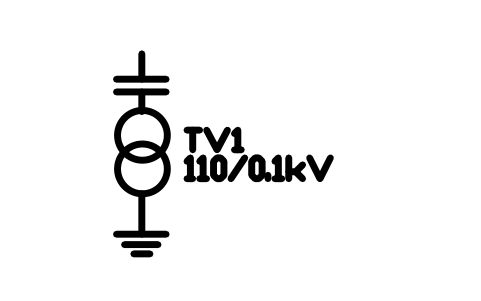
Capacitor voltage transformer
SEC_CVTAttributes
TAGRATIOCLASSBURDEN_VAWINDINGSRATED_KVMANUFACTURERMODELREMARKSDESC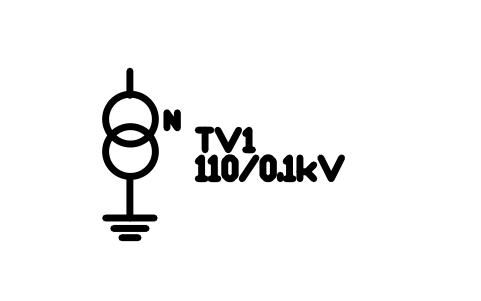
Voltage transformer, neutral earthed
SEC_VT_NEUTRALAttributes
TAGRATIOCLASSBURDEN_VAWINDINGSRATED_KVMANUFACTURERMODELREMARKSDESC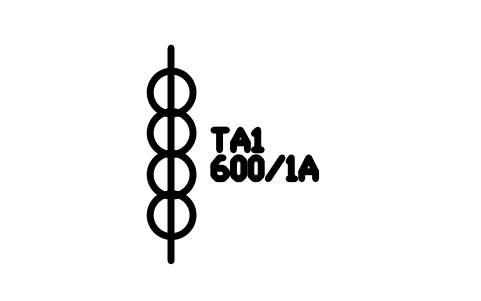
Current transformer, four cores
SEC_CT_4COREAttributes
TAGRATIOCLASSBURDEN_VACORESRATED_KVMANUFACTURERMODELREMARKSDESC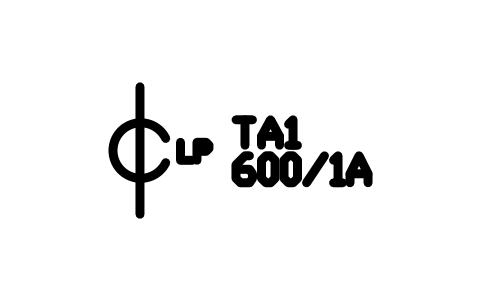
Low power current sensor (Rogowski)
SEC_CT_LPCTAttributes
TAGRATIOCLASSBURDEN_VACORESRATED_KVMANUFACTURERMODELREMARKSDESC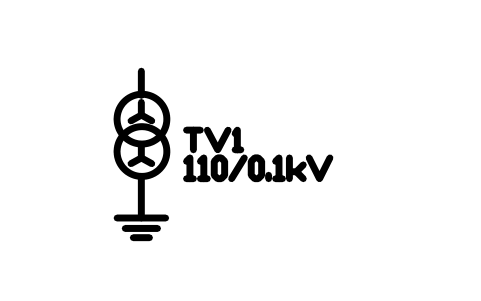
Voltage transformer, star-star
SEC_VT_YYAttributes
TAGRATIOCLASSBURDEN_VAWINDINGSRATED_KVMANUFACTURERMODELREMARKSDESC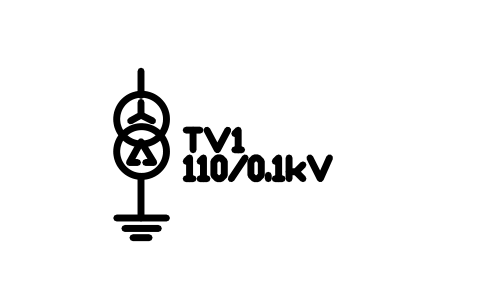
Voltage transformer, star, open delta
SEC_VT_YODAttributes
TAGRATIOCLASSBURDEN_VAWINDINGSRATED_KVMANUFACTURERMODELREMARKSDESC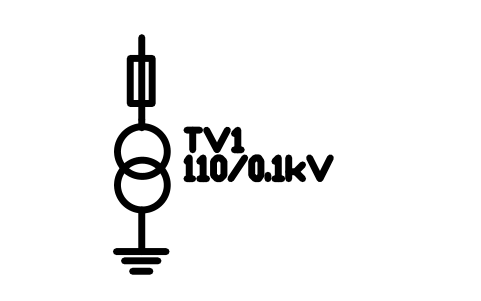
Voltage transformer with fuse
SEC_VT_FUSEDAttributes
TAGRATIOCLASSBURDEN_VAWINDINGSRATED_KVMANUFACTURERMODELREMARKSDESC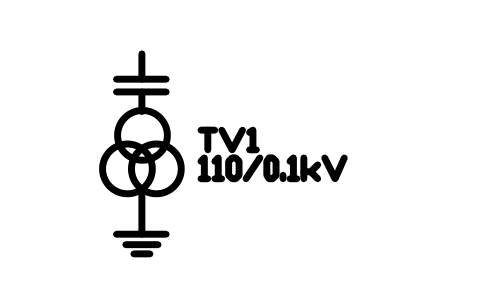
Capacitor voltage transformer, two secondaries
SEC_CVT_2SECAttributes
TAGRATIOCLASSBURDEN_VAWINDINGSRATED_KVMANUFACTURERMODELREMARKSDESC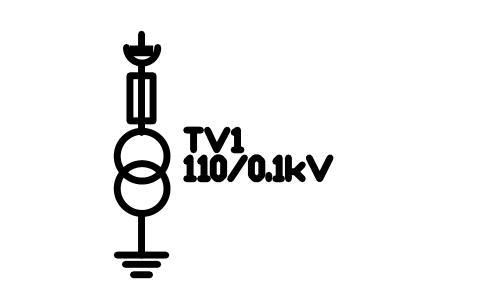
Voltage transformer, withdrawable
SEC_VT_WDAttributes
TAGRATIOCLASSBURDEN_VAWINDINGSRATED_KVMANUFACTURERMODELREMARKSDESC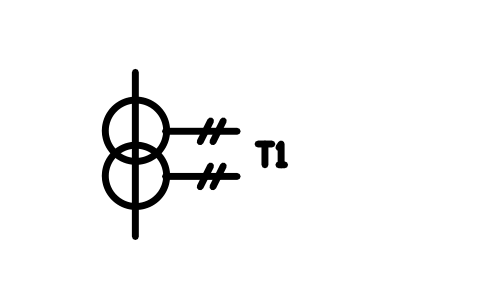
CT, two secondary windings
SEC_MCH_S00882_CT_TWO_SECONDARY_WINDINGSAttributes
TAGRATINGPART_NOMANUFACTURERREMARKSSTD_CLAUSESTD_REFDESC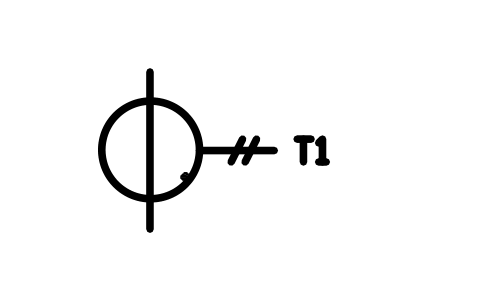
CT, secondary with tap
SEC_MCH_S00884_CT_SECONDARY_WITH_TAPAttributes
TAGRATINGPART_NOMANUFACTURERREMARKSSTD_CLAUSESTD_REFDESC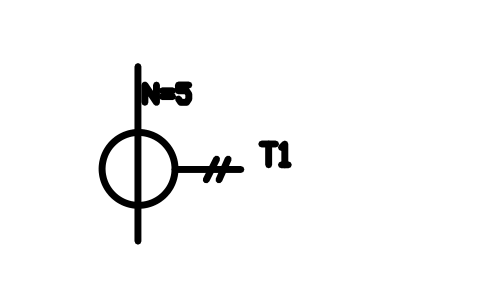
CT, five primary passages
SEC_MCH_S00886_CT_FIVE_PRIMARY_PASSAGESAttributes
TAGRATINGPART_NOMANUFACTURERREMARKSSTD_CLAUSESTD_REFDESC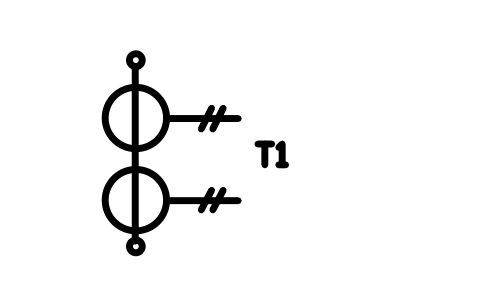
CT, two cores, one sec. each
SEC_MCH_S00880_CT_TWO_CORES_ONE_SEC_EACHAttributes
TAGRATINGPART_NOMANUFACTURERREMARKSSTD_CLAUSESTD_REFDESC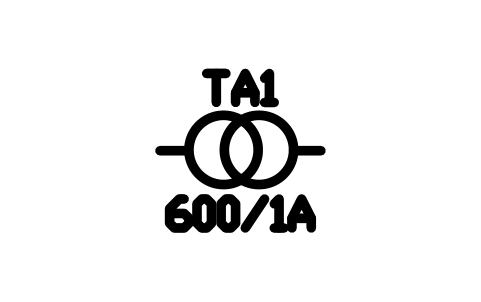
Interposing CT
SEC_CT_INTERPOSINGAttributes
TAGRATIOCLASSBURDEN_VACORESRATED_KVMANUFACTURERMODELREMARKSDESC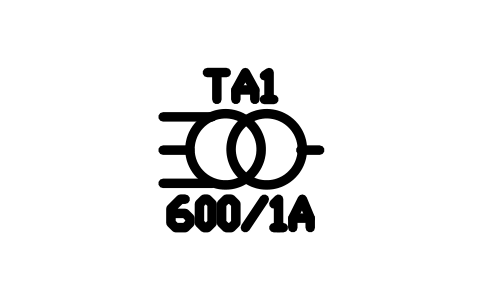
Summation CT
SEC_CT_SUMMATIONAttributes
TAGRATIOCLASSBURDEN_VACORESRATED_KVMANUFACTURERMODELREMARKSDESCDisconnect terminal, open
SEC_TST_ISO_OPENAttributes
TAGTERMINALWIRE_NOCABLEMANUFACTURERMODELREMARKSDESCDisconnect terminal, closed
SEC_TST_ISO_CLOSEDAttributes
TAGTERMINALWIRE_NOCABLEMANUFACTURERMODELREMARKSDESCTest terminal, with sockets
SEC_TST_TERM_SOCKETAttributes
TAGTERMINALWIRE_NOCABLEMANUFACTURERMODELREMARKSDESCCT test terminal, normal
SEC_TST_CT_NORMALAttributes
TAGTERMINALWIRE_NOCABLEMANUFACTURERMODELREMARKSDESCCT test terminal, shorted
SEC_TST_CT_SHORTAttributes
TAGTERMINALWIRE_NOCABLEMANUFACTURERMODELREMARKSDESCEarthing link, removable
SEC_TST_EARTH_LINKAttributes
TAGTERMINALWIRE_NOCABLEMANUFACTURERMODELREMARKSDESCBreaker aux contact, make
SEC_TC_AUX_NOAttributes
TAGFUNCTIONSETTINGTRIPSCT_INPUTVT_INPUTMANUFACTURERMODELREMARKSDESCBreaker aux contact, break
SEC_TC_AUX_NCAttributes
TAGFUNCTIONSETTINGTRIPSCT_INPUTVT_INPUTMANUFACTURERMODELREMARKSDESCTrip circuit supervision
SEC_TC_TCSAttributes
TAGFUNCTIONSETTINGTRIPSCT_INPUTVT_INPUTMANUFACTURERMODELREMARKSDESCAnti-pumping relay
SEC_TC_ANTIPUMPAttributes
TAGFUNCTIONSETTINGTRIPSCT_INPUTVT_INPUTMANUFACTURERMODELREMARKSDESCMotor, spring charging
SEC_TC_SPRING_MOTORAttributes
TAGPOWER_KWVOLTAGEPOWER_FACTORSTARTINGSERVICEMANUFACTURERMODELREMARKSDESCMechanical interlock
SEC_TC_MECH_INTERLOCKAttributes
TAGFUNCTIONSETTINGTRIPSCT_INPUTVT_INPUTMANUFACTURERMODELREMARKSDESC
Automatic voltage regulator (AVR)
SEC_AVRAttributes
TAGFUNCTIONSUPPLYCOMMUNICATIONMANUFACTURERMODELREMARKSDESC
Power system stabiliser (PSS)
SEC_PSSAttributes
TAGFUNCTIONSUPPLYCOMMUNICATIONMANUFACTURERMODELREMARKSDESC
Automatic synchroniser
SEC_SYNCHRONISERAttributes
TAGFUNCTIONSUPPLYCOMMUNICATIONMANUFACTURERMODELREMARKSDESCControl switch, trip-close
SEC_CSW_TRIP_CLOSEAttributes
TAGPOSITIONSCONTACT_BLOCKSOPERATIONMANUFACTURERMODELREMARKSDESCSelector, local-remote
SEC_CSW_LOCAL_REMOTEAttributes
TAGPOSITIONSCONTACT_BLOCKSOPERATIONMANUFACTURERMODELREMARKSDESCSelector, auto-off-manual
SEC_CSW_AUTO_OFF_MANAttributes
TAGPOSITIONSCONTACT_BLOCKSOPERATIONMANUFACTURERMODELREMARKSDESCEmergency stop, mushroom
SEC_CSW_ESTOPAttributes
TAGPOSITIONSCONTACT_BLOCKSOPERATIONMANUFACTURERMODELREMARKSDESCSynchronising switch
SEC_CSW_SYNCAttributes
TAGPOSITIONSCONTACT_BLOCKSOPERATIONMANUFACTURERMODELREMARKSDESCPushbutton, reset
SEC_CSW_RESETAttributes
TAGPOSITIONSCONTACT_BLOCKSOPERATIONMANUFACTURERMODELREMARKSDESCMake contact (NO)
SEC_IEC_CONTACT_NOAttributes
TAGCONTACT_NORATING_ASTD_CLAUSESTD_REFMANUFACTURERPART_NODESCBreak contact (NC)
SEC_IEC_CONTACT_NCAttributes
TAGCONTACT_NORATING_ASTD_CLAUSESTD_REFMANUFACTURERPART_NODESCChangeover contact
SEC_IEC_CONTACT_CHANGEOVERAttributes
TAGCONTACT_NORATING_ASTD_CLAUSESTD_REFMANUFACTURERPART_NODESCPush-button, NO
SEC_IEC_PUSHBUTTON_NOAttributes
TAGLEGENDCONTACT_NOCOLORSTD_CLAUSESTD_REFMANUFACTURERPART_NODESC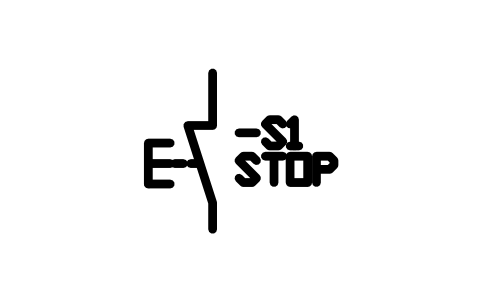
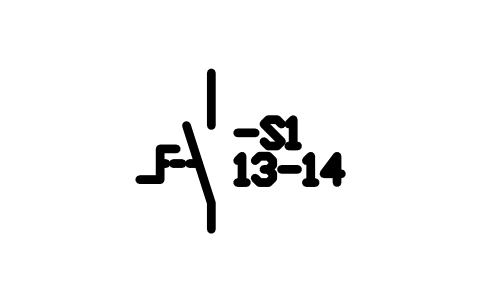
Selector switch, NO
SEC_IEC_SELECTOR_NOAttributes
TAGCONTACT_NOLEGENDPOSITIONSRATING_AMANUFACTURERPART_NODESC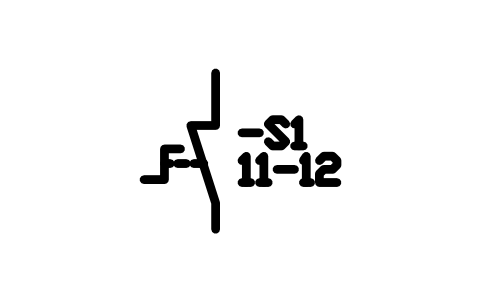
Selector switch, NC
SEC_IEC_SELECTOR_NCAttributes
TAGCONTACT_NOLEGENDPOSITIONSRATING_AMANUFACTURERPART_NODESC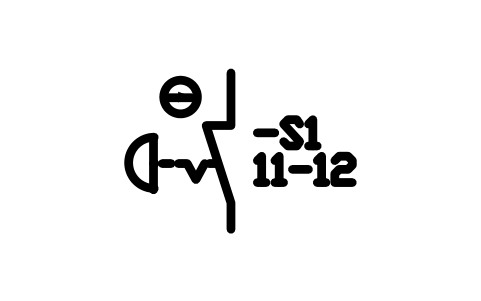
Emergency stop, NC
SEC_IEC_ESTOPAttributes
TAGCONTACT_NOLEGENDCOLORRATING_ASTD_CLAUSESTD_REFMANUFACTURERPART_NODESC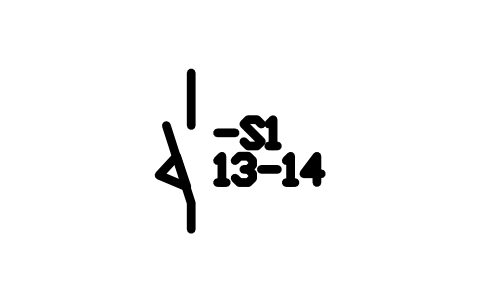
Limit switch, NO
SEC_IEC_LIMIT_NOAttributes
TAGCONTACT_NORATING_AACTUATORVOLTAGESTD_CLAUSESTD_REFMANUFACTURERPART_NODESC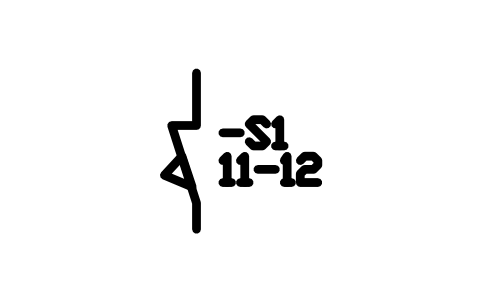
Limit switch, NC
SEC_IEC_LIMIT_NCAttributes
TAGCONTACT_NORATING_AACTUATORVOLTAGEMANUFACTURERPART_NODESC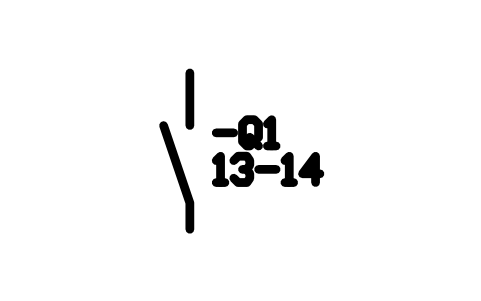
Auxiliary contact, NO
SEC_IEC_AUX_CONTACT_NOAttributes
TAGCONTACT_NORATING_AOPERATING_DEVICEMANUFACTURERPART_NODESC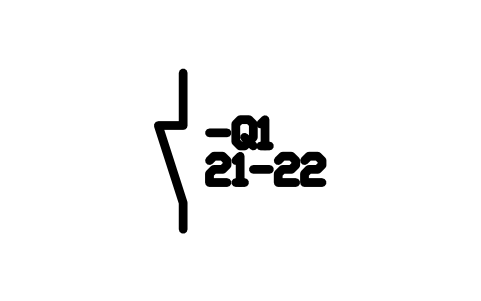
Auxiliary contact, NC
SEC_IEC_AUX_CONTACT_NCAttributes
TAGCONTACT_NORATING_AOPERATING_DEVICEMANUFACTURERPART_NODESC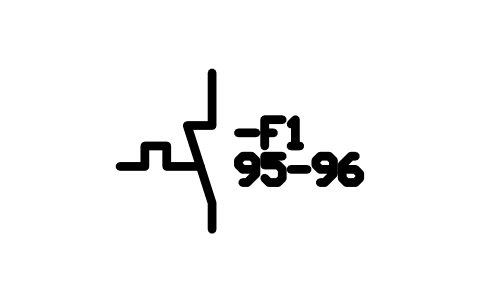
Thermal overload contact, NC
SEC_IEC_THERMAL_CONTACT_NCAttributes
TAGCONTACT_NORATING_AMANUFACTURERPART_NODESC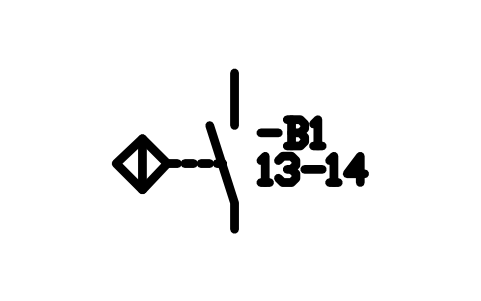
Proximity switch, NO
SEC_IEC_PROXIMITY_NOAttributes
TAGCONTACT_NOSENSING_TYPERANGE_MMVOLTAGESTD_CLAUSESTD_REFMANUFACTURERPART_NODESC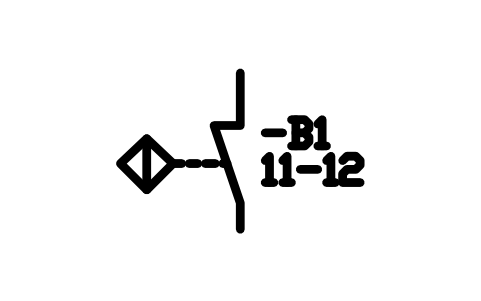
Proximity switch, NC
SEC_IEC_PROXIMITY_NCAttributes
TAGCONTACT_NOSENSING_TYPERANGE_MMVOLTAGEMANUFACTURERPART_NODESCMake contact, closing delay
SEC_IEC_CONTACT_NO_TDCAttributes
TAGCONTACT_NODELAY_SRATING_ASTD_CLAUSESTD_REFMANUFACTURERPART_NODESCMake contact, opening delay
SEC_IEC_CONTACT_NO_TDOAttributes
TAGCONTACT_NODELAY_SRATING_ASTD_CLAUSESTD_REFMANUFACTURERPART_NODESCBreak contact, opening delay
SEC_IEC_CONTACT_NC_TDOAttributes
TAGCONTACT_NODELAY_SRATING_ASTD_CLAUSESTD_REFMANUFACTURERPART_NODESCBreak contact, closing delay
SEC_IEC_CONTACT_NC_TDCAttributes
TAGCONTACT_NODELAY_SRATING_ASTD_CLAUSESTD_REFMANUFACTURERPART_NODESC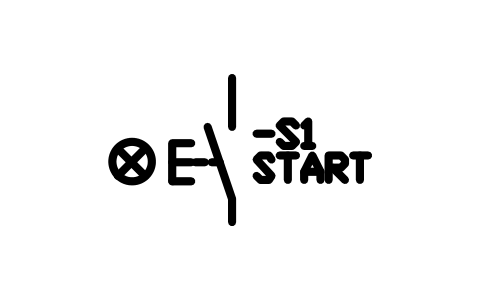
Push-button, lit, NO
SEC_IEC_PUSHBUTTON_LAMP_NOAttributes
TAGLEGENDCONTACT_NOCOLORLAMP_VOLTAGEMANUFACTURERPART_NODESC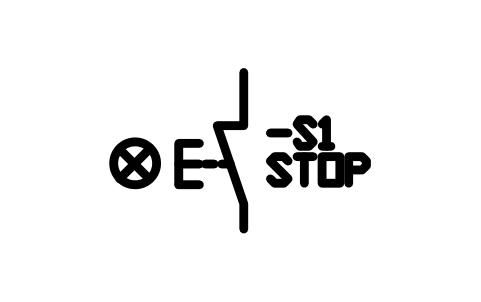
Push-button, lit, NC
SEC_IEC_PUSHBUTTON_LAMP_NCAttributes
TAGLEGENDCONTACT_NOCOLORLAMP_VOLTAGEMANUFACTURERPART_NODESC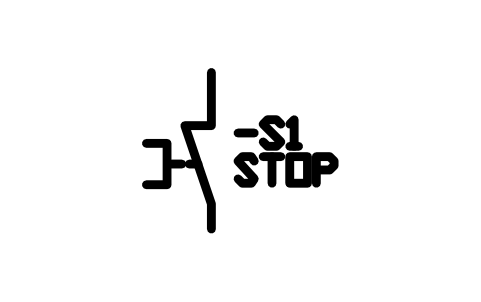
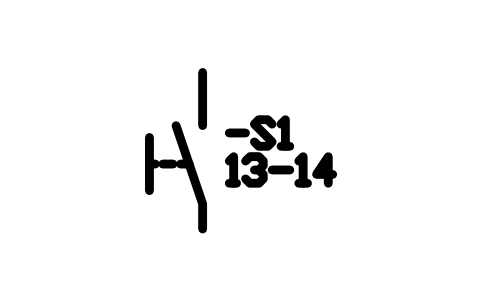
Switch, manually operated, general (NO)
SEC_IEC_SWITCH_MANUAL_NOAttributes
TAGCONTACT_NOFUNCTIONRATING_AVOLTAGESTD_CLAUSESTD_REFMANUFACTURERPART_NODESC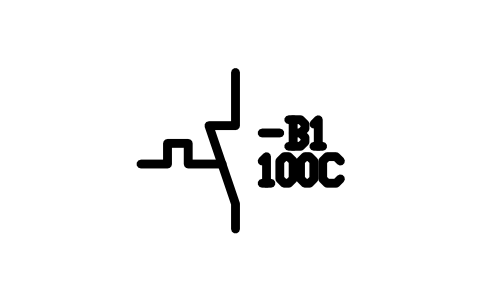
Thermal switch, self-operating (NC)
SEC_IEC_THERMAL_SWITCH_NCAttributes
TAGSETPOINT_CCONTACT_NORESETHYSTERESIS_CRATING_AVOLTAGESTD_CLAUSESTD_REFMANUFACTURERPART_NODESCKey switch, NO
SEC_IEC_KEY_SWITCH_NOAttributes
TAGCONTACT_NOLEGENDPOSITIONSRATING_AMANUFACTURERPART_NODESC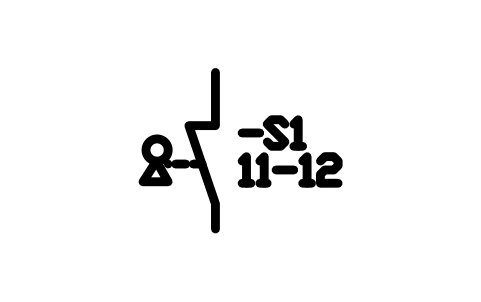
Key switch, NC
SEC_IEC_KEY_SWITCH_NCAttributes
TAGCONTACT_NOLEGENDPOSITIONSRATING_AMANUFACTURERPART_NODESC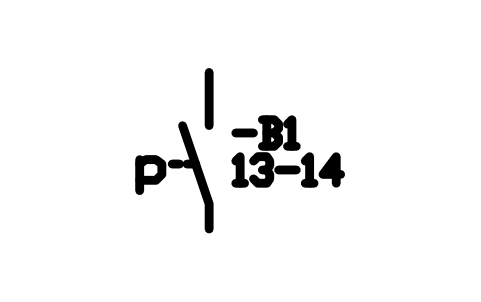
Pressure switch, NO
SEC_IEC_PRESSURE_SWITCH_NOAttributes
TAGCONTACT_NORANGERATING_AMEDIUMMANUFACTURERPART_NODESC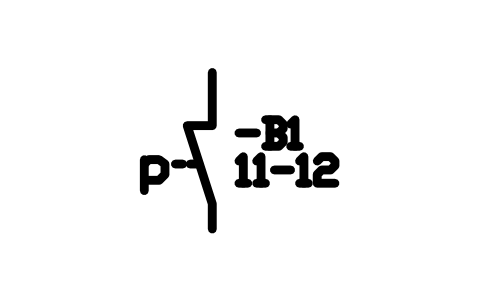
Pressure switch, NC
SEC_IEC_PRESSURE_SWITCH_NCAttributes
TAGCONTACT_NORANGERATING_AMEDIUMMANUFACTURERPART_NODESC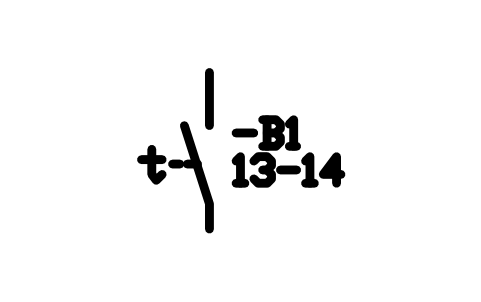
Temperature switch, NO
SEC_IEC_TEMP_SWITCH_NOAttributes
TAGCONTACT_NORANGERATING_ASENSORSTD_CLAUSESTD_REFMANUFACTURERPART_NODESC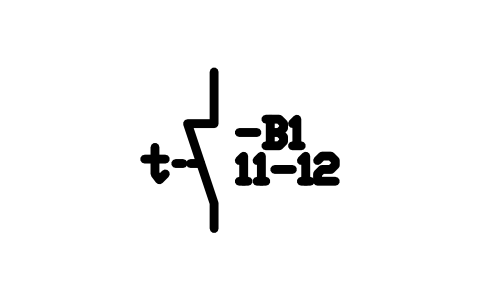
Temperature switch, NC
SEC_IEC_TEMP_SWITCH_NCAttributes
TAGCONTACT_NORANGERATING_ASENSORSTD_CLAUSESTD_REFMANUFACTURERPART_NODESC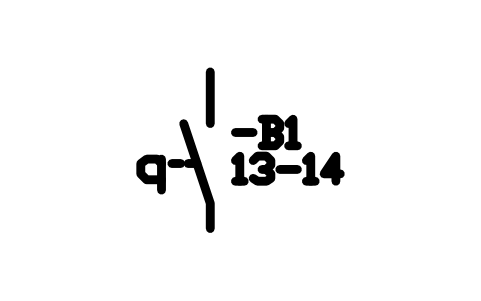
Flow switch, NO
SEC_IEC_FLOW_SWITCH_NOAttributes
TAGCONTACT_NORANGERATING_AMEDIUMMANUFACTURERPART_NODESC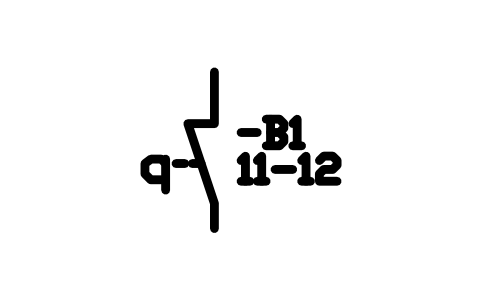
Flow switch, NC
SEC_IEC_FLOW_SWITCH_NCAttributes
TAGCONTACT_NORANGERATING_AMEDIUMMANUFACTURERPART_NODESC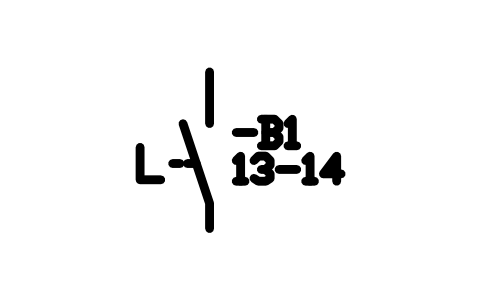
Level switch, NO
SEC_IEC_LEVEL_SWITCH_NOAttributes
TAGCONTACT_NORANGERATING_APRINCIPLEMANUFACTURERPART_NODESC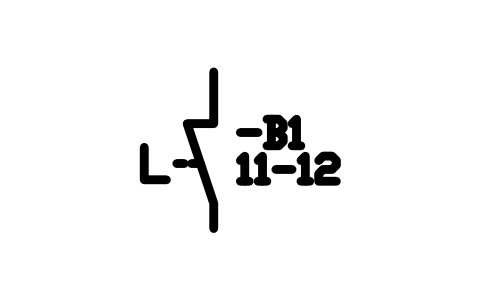
Level switch, NC
SEC_IEC_LEVEL_SWITCH_NCAttributes
TAGCONTACT_NORANGERATING_APRINCIPLEMANUFACTURERPART_NODESC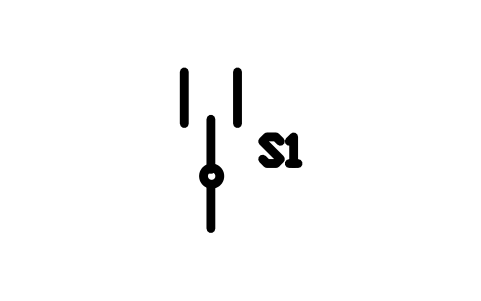
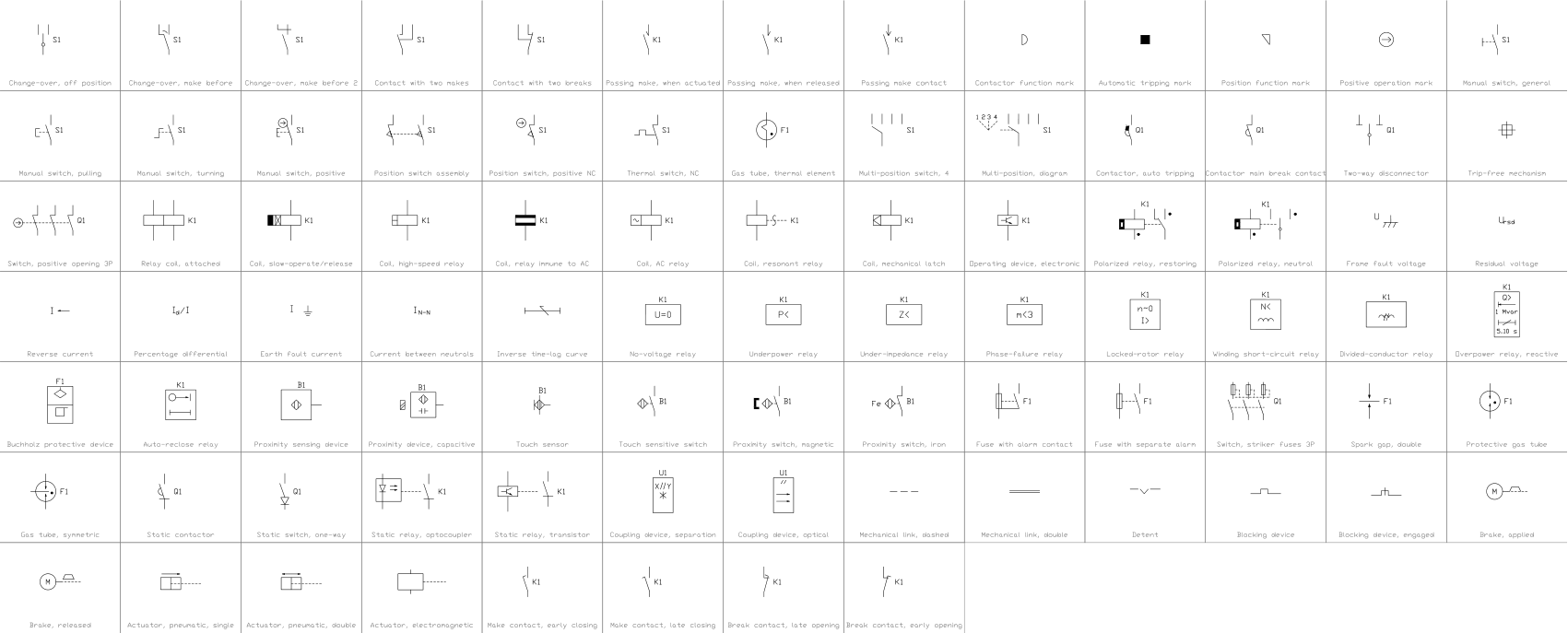
Change-over, off position
SEC_RLY_S00231_CHANGE_OVER_OFF_POSITIONAttributes
TAGRATINGPART_NOMANUFACTURERREMARKSSTD_CLAUSESTD_REFDESC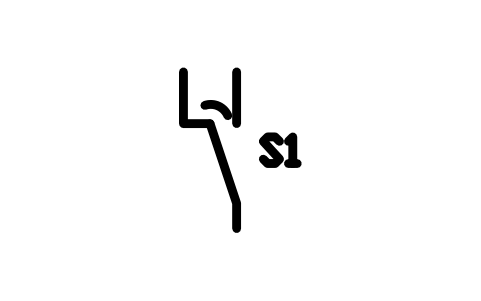
Change-over, make before
SEC_RLY_S00232_CHANGE_OVER_MAKE_BEFOREAttributes
TAGRATINGPART_NOMANUFACTURERREMARKSSTD_CLAUSESTD_REFDESC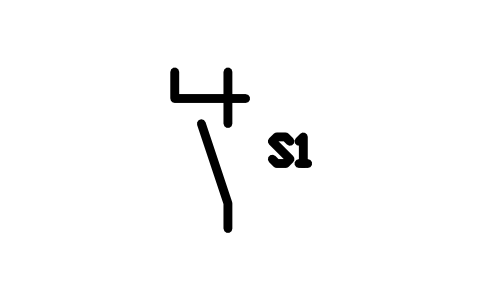
Change-over, make before 2
SEC_RLY_S00233_CHANGE_OVER_MAKE_BEFORE_2Attributes
TAGRATINGPART_NOMANUFACTURERREMARKSSTD_CLAUSESTD_REFDESC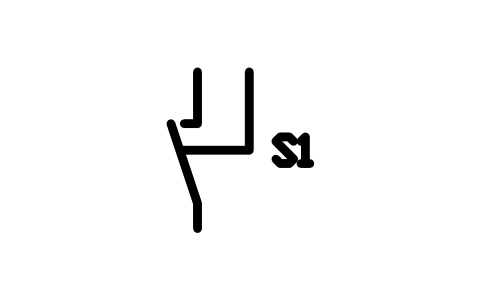
Contact with two makes
SEC_RLY_S00234_CONTACT_WITH_TWO_MAKESAttributes
TAGRATINGPART_NOMANUFACTURERREMARKSSTD_CLAUSESTD_REFDESC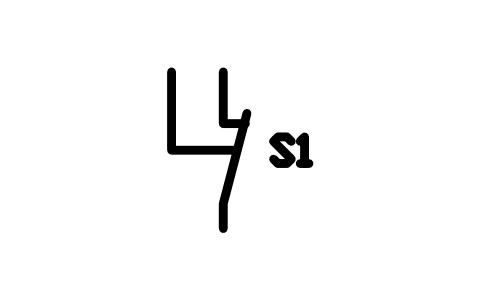
Contact with two breaks
SEC_RLY_S00235_CONTACT_WITH_TWO_BREAKSAttributes
TAGRATINGPART_NOMANUFACTURERREMARKSSTD_CLAUSESTD_REFDESC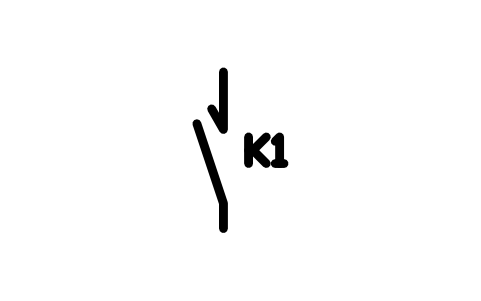
Passing make, when actuated
SEC_RLY_S00236_PASSING_MAKE_WHEN_ACTUATEDAttributes
TAGRATINGPART_NOMANUFACTURERREMARKSSTD_CLAUSESTD_REFDESC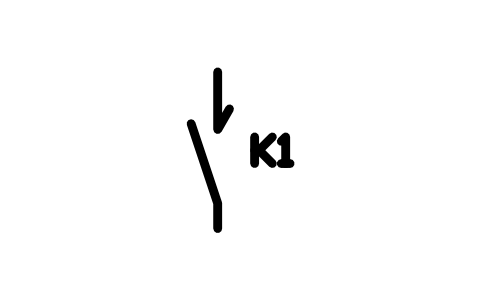
Passing make, when released
SEC_RLY_S00237_PASSING_MAKE_WHEN_RELEASEDAttributes
TAGRATINGPART_NOMANUFACTURERREMARKSSTD_CLAUSESTD_REFDESC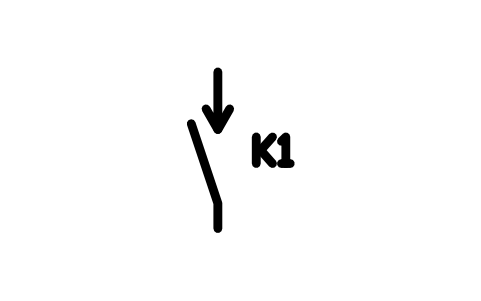
Passing make contact
SEC_RLY_S00238_PASSING_MAKE_CONTACTAttributes
TAGRATINGPART_NOMANUFACTURERREMARKSSTD_CLAUSESTD_REFDESC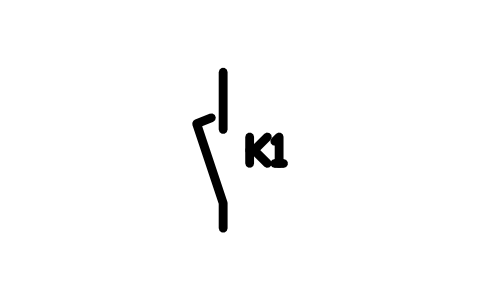
Make contact, early closing
SEC_RLY_S00239_MAKE_CONTACT_EARLY_CLOSINGAttributes
TAGRATINGPART_NOMANUFACTURERREMARKSSTD_CLAUSESTD_REFDESC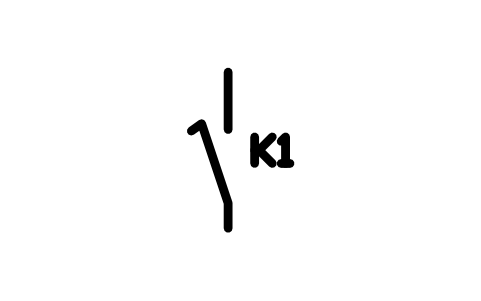
Make contact, late closing
SEC_RLY_S00240_MAKE_CONTACT_LATE_CLOSINGAttributes
TAGRATINGPART_NOMANUFACTURERREMARKSSTD_CLAUSESTD_REFDESC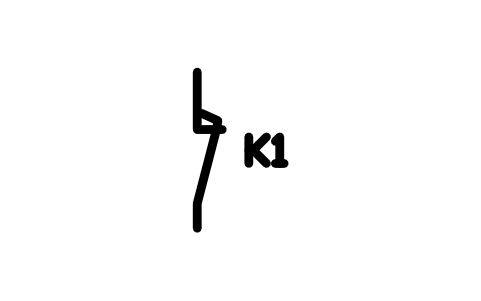
Break contact, late opening
SEC_RLY_S00241_BREAK_CONTACT_LATE_OPENINGAttributes
TAGRATINGPART_NOMANUFACTURERREMARKSSTD_CLAUSESTD_REFDESC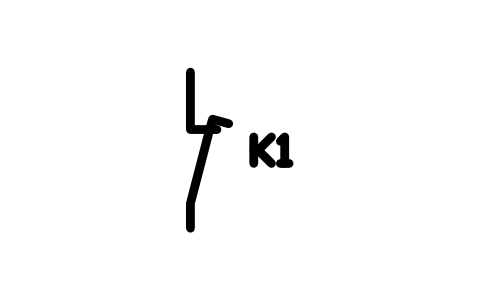
Break contact, early opening
SEC_RLY_S00242_BREAK_CONTACT_EARLY_OPENINGAttributes
TAGRATINGPART_NOMANUFACTURERREMARKSSTD_CLAUSESTD_REFDESC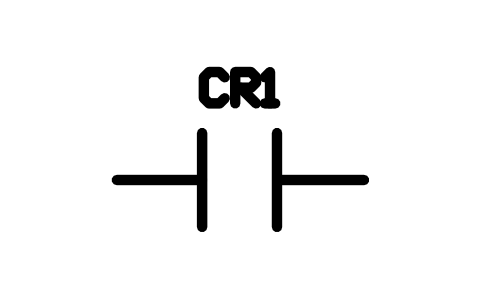
Contact, normally open (make)
SEC_IEEE_CONTACT_NOAttributes
DEVICERATINGPART_NOMANUFACTURERREMARKSDESC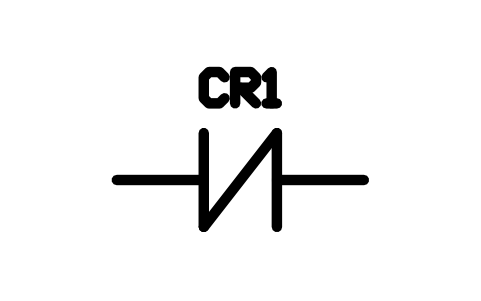
Contact, normally closed (break)
SEC_IEEE_CONTACT_NCAttributes
DEVICERATINGPART_NOMANUFACTURERREMARKSDESC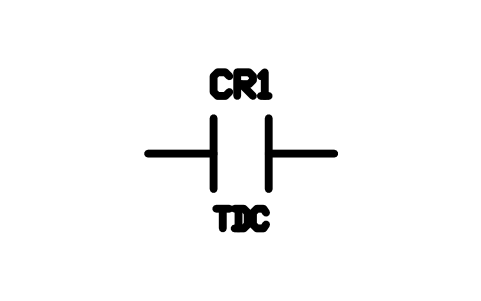
Contact, normally open, time delay closing (TDC)
SEC_IEEE_CONTACT_NO_TDCAttributes
DEVICERATINGPART_NOMANUFACTURERREMARKSDESC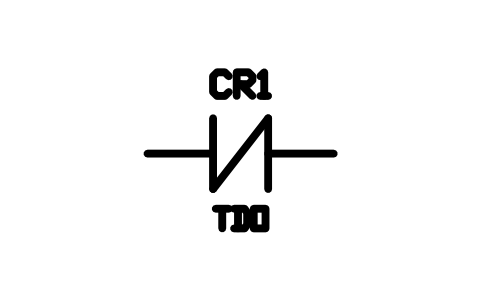
Contact, normally closed, time delay opening (TDO)
SEC_IEEE_CONTACT_NC_TDOAttributes
DEVICERATINGPART_NOMANUFACTURERREMARKSDESC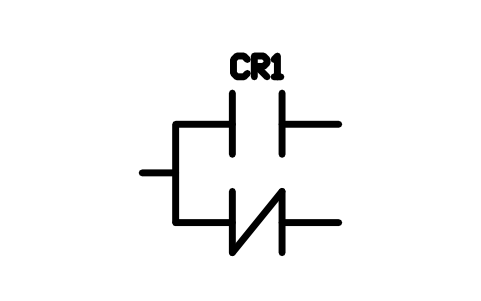
Contact, transfer (one open, one closed)
SEC_IEEE_CONTACT_TRANSFERAttributes
DEVICERATINGPART_NOMANUFACTURERREMARKSDESC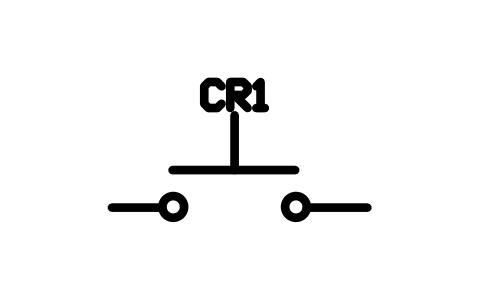
Pushbutton, circuit closing (normally open)
SEC_IEEE_PB_NOAttributes
DEVICERATINGPART_NOMANUFACTURERREMARKSDESC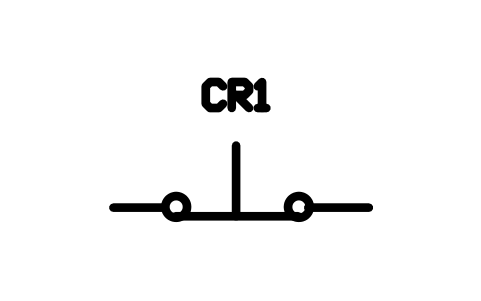
Pushbutton, circuit opening (normally closed)
SEC_IEEE_PB_NCAttributes
DEVICERATINGPART_NOMANUFACTURERREMARKSDESC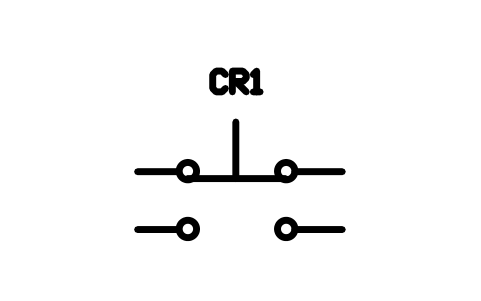
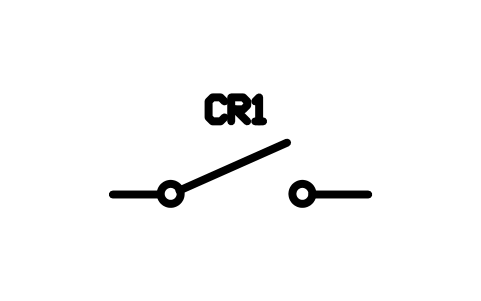
Switch, single throw, open
SEC_IEEE_SWITCH_SPST_OPENAttributes
DEVICERATINGPART_NOMANUFACTURERREMARKSDESC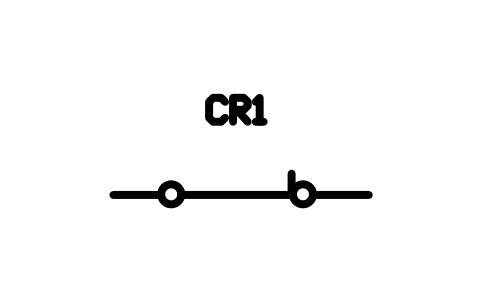
Switch, single throw, closed
SEC_IEEE_SWITCH_SPST_CLOSEDAttributes
DEVICERATINGPART_NOMANUFACTURERREMARKSDESC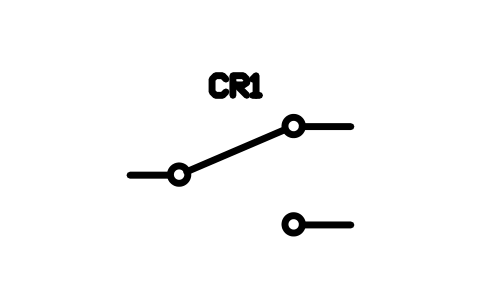
Switch, two-position transfer
SEC_IEEE_SWITCH_SPDTAttributes
DEVICERATINGPART_NOMANUFACTURERREMARKSDESC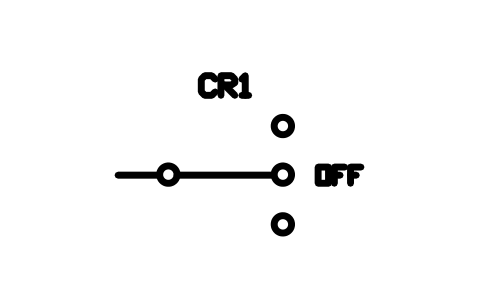
Switch, three-position with OFF
SEC_IEEE_SWITCH_3POS_OFFAttributes
DEVICERATINGPART_NOMANUFACTURERREMARKSDESC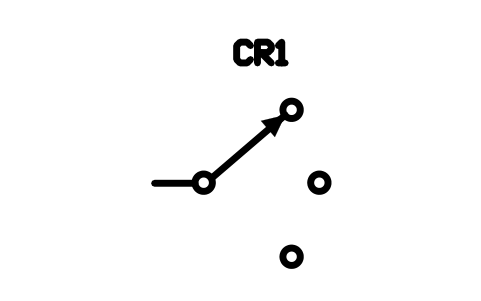
Selector switch, three positions
SEC_IEEE_SELECTOR_3POSAttributes
DEVICERATINGPART_NOMANUFACTURERREMARKSDESC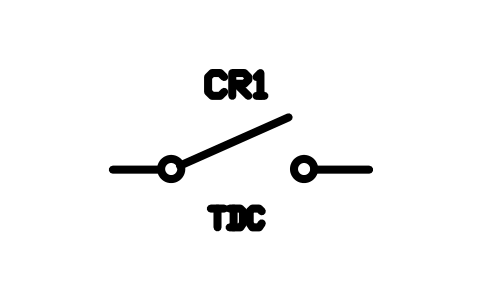
Switch, open, time delay closing (TDC)
SEC_IEEE_SWITCH_OPEN_TDCAttributes
DEVICERATINGPART_NOMANUFACTURERREMARKSDESC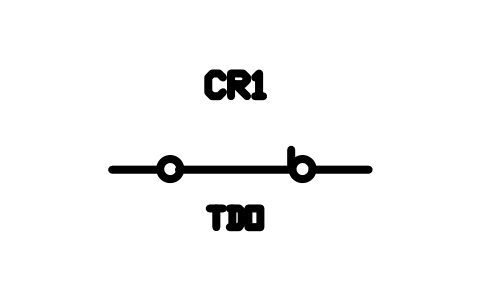
Switch, closed, time delay opening (TDO)
SEC_IEEE_SWITCH_CLOSED_TDOAttributes
DEVICERATINGPART_NOMANUFACTURERREMARKSDESC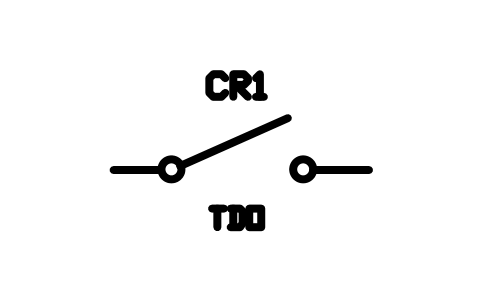
Switch, open, time delay opening (TDO)
SEC_IEEE_SWITCH_OPEN_TDOAttributes
DEVICERATINGPART_NOMANUFACTURERREMARKSDESC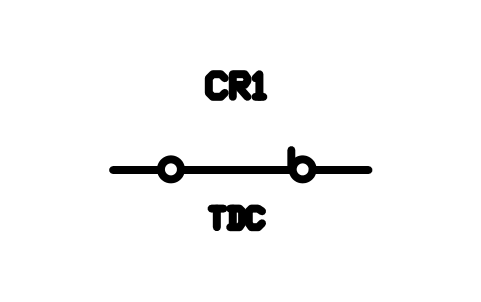
Switch, closed, time delay closing (TDC)
SEC_IEEE_SWITCH_CLOSED_TDCAttributes
DEVICERATINGPART_NOMANUFACTURERREMARKSDESC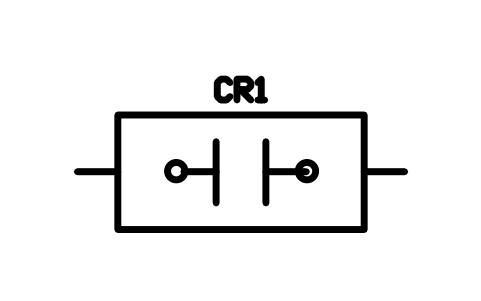
Limit switch, circuit closing (normally open)
SEC_IEEE_LIMIT_NOAttributes
DEVICERATINGPART_NOMANUFACTURERREMARKSDESC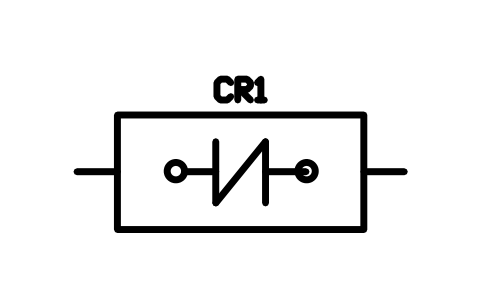
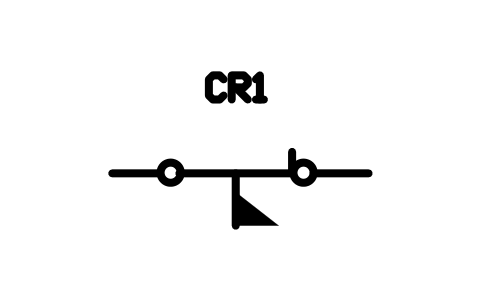
Limit switch, circuit opening (normally closed)
SEC_IEEE_LIMIT_NCAttributes
DEVICERATINGPART_NOMANUFACTURERREMARKSDESC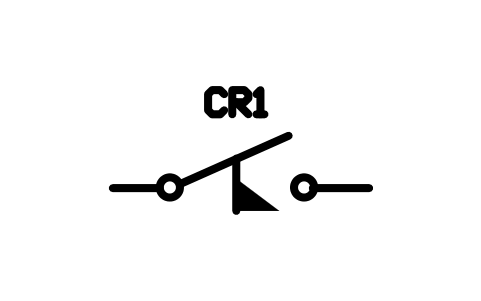
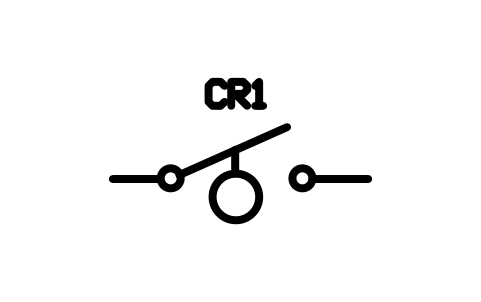
Level switch, closes on rise
SEC_IEEE_LEVEL_CLOSESAttributes
DEVICERATINGPART_NOMANUFACTURERREMARKSDESC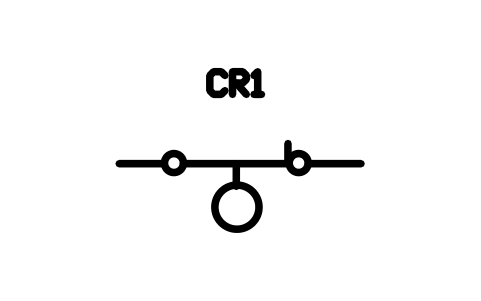
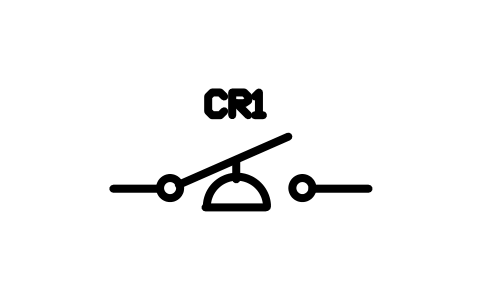
Pressure or vacuum switch, closes on rise
SEC_IEEE_PRESSURE_CLOSESAttributes
DEVICERATINGPART_NOMANUFACTURERREMARKSDESC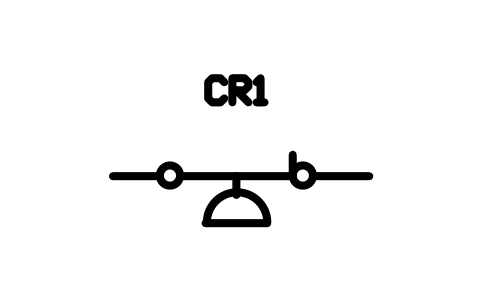
Pressure or vacuum switch, opens on rise
SEC_IEEE_PRESSURE_OPENSAttributes
DEVICERATINGPART_NOMANUFACTURERREMARKSDESC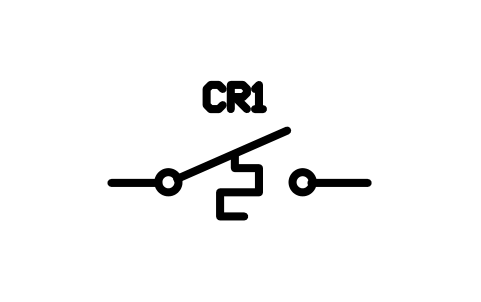
Temperature switch, closes on rise
SEC_IEEE_TEMP_CLOSESAttributes
DEVICERATINGPART_NOMANUFACTURERREMARKSDESC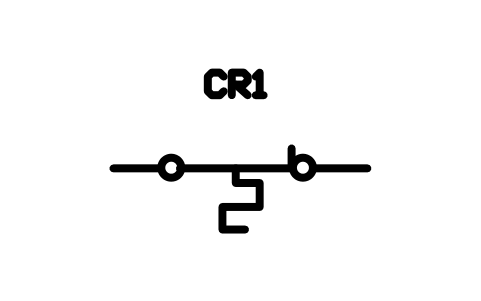
Temperature switch, opens on rise
SEC_IEEE_TEMP_OPENSAttributes
DEVICERATINGPART_NOMANUFACTURERREMARKSDESC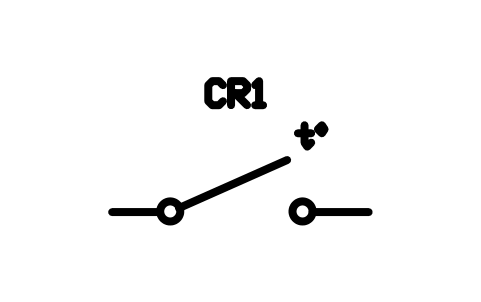
Thermostat, closes on rising temperature
SEC_IEEE_THERMOSTAT_CLOSESAttributes
DEVICERATINGPART_NOMANUFACTURERREMARKSDESC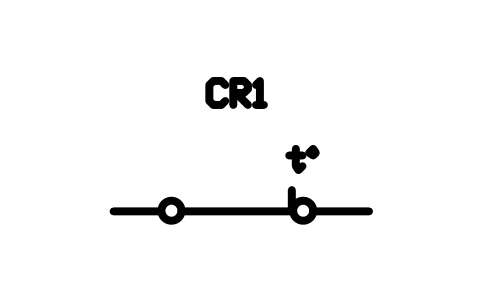
Thermostat, opens on rising temperature
SEC_IEEE_THERMOSTAT_OPENSAttributes
DEVICERATINGPART_NOMANUFACTURERREMARKSDESC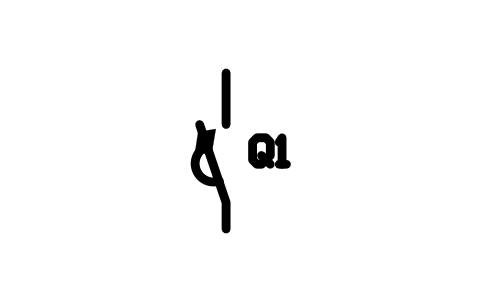
Contactor, auto tripping
SEC_RLY_S00285_CONTACTOR_AUTO_TRIPPINGAttributes
TAGRATINGPART_NOMANUFACTURERREMARKSSTD_CLAUSESTD_REFDESC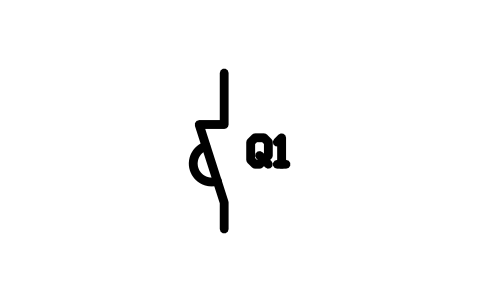
Contactor main break contact
SEC_RLY_S00286_CONTACTOR_MAIN_BREAK_CONTACTAttributes
TAGRATINGPART_NOMANUFACTURERREMARKSSTD_CLAUSESTD_REFDESC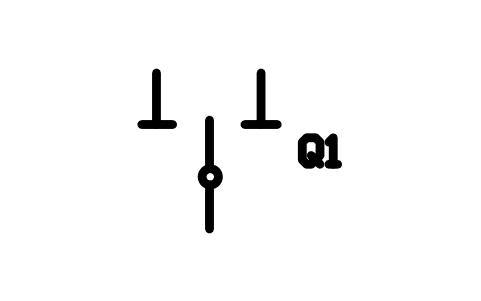
Two-way disconnector
SEC_RLY_S00289_TWO_WAY_DISCONNECTORAttributes
TAGRATINGPART_NOMANUFACTURERREMARKSSTD_CLAUSESTD_REFDESC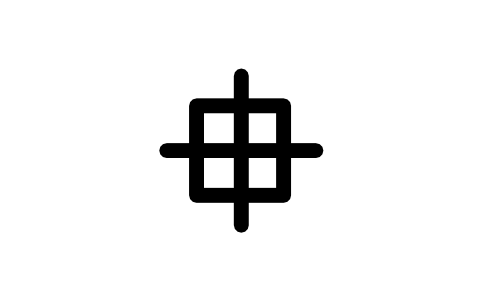
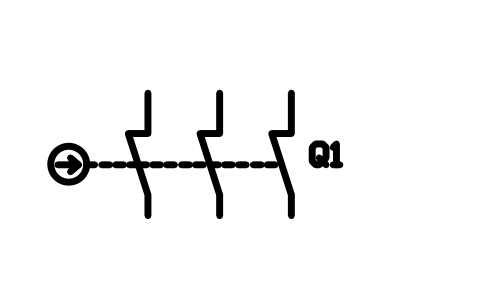
Switch, positive opening 3P
SEC_RLY_S00296_SWITCH_POSITIVE_OPENING_3PAttributes
TAGRATINGPART_NOMANUFACTURERREMARKSSTD_CLAUSESTD_REFDESC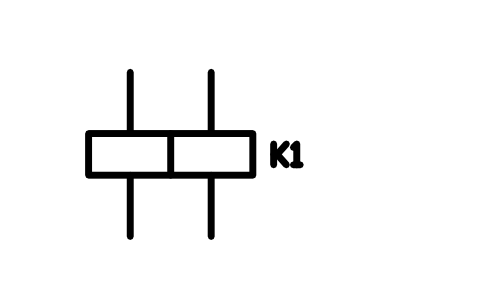
Relay coil, attached
SEC_RLY_S00307_RELAY_COIL_ATTACHEDAttributes
TAGRATINGPART_NOMANUFACTURERREMARKSSTD_CLAUSESTD_REFDESC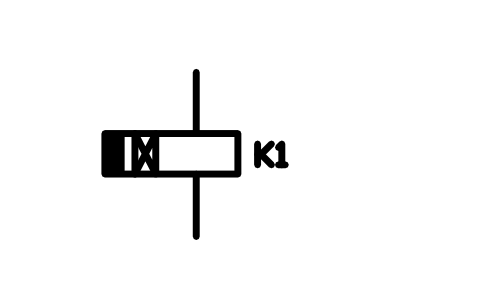
Coil, slow-operate/release
SEC_RLY_S00313_COIL_SLOW_OPERATE_RELEASEAttributes
TAGRATINGPART_NOMANUFACTURERREMARKSSTD_CLAUSESTD_REFDESC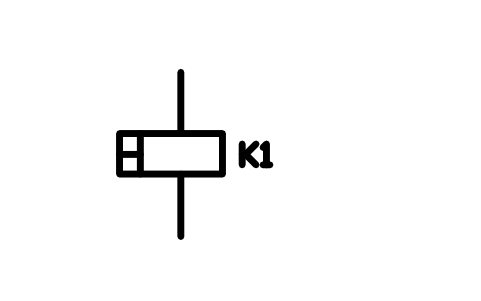
Coil, high-speed relay
SEC_RLY_S00314_COIL_HIGH_SPEED_RELAYAttributes
TAGRATINGPART_NOMANUFACTURERREMARKSSTD_CLAUSESTD_REFDESC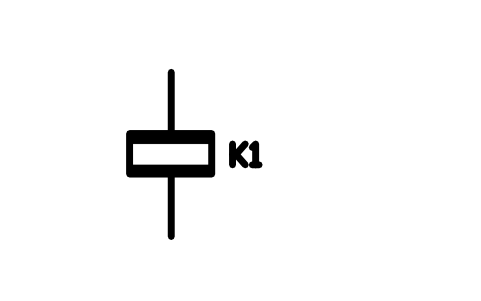
Coil, relay immune to AC
SEC_RLY_S00315_COIL_RELAY_IMMUNE_TO_ACAttributes
TAGRATINGPART_NOMANUFACTURERREMARKSSTD_CLAUSESTD_REFDESC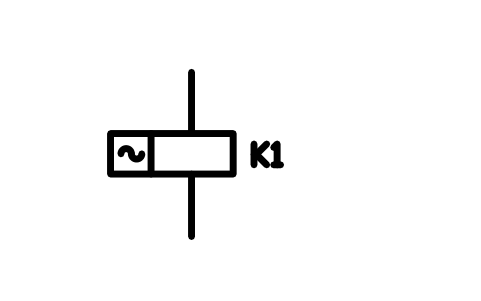
Coil, AC relay
SEC_RLY_S00316_COIL_AC_RELAYAttributes
TAGRATINGPART_NOMANUFACTURERREMARKSSTD_CLAUSESTD_REFDESC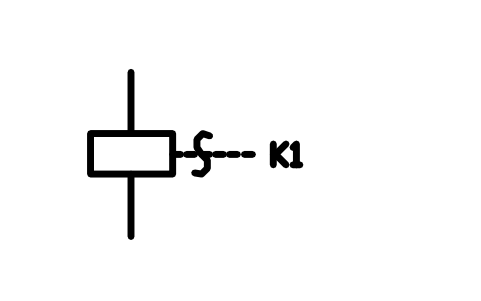
Coil, resonant relay
SEC_RLY_S00317_COIL_RESONANT_RELAYAttributes
TAGRATINGPART_NOMANUFACTURERREMARKSSTD_CLAUSESTD_REFDESC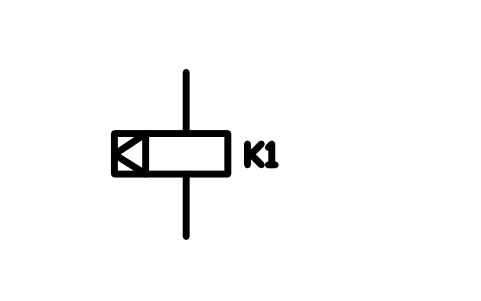
Coil, mechanical latch
SEC_RLY_S00318_COIL_MECHANICAL_LATCHAttributes
TAGRATINGPART_NOMANUFACTURERREMARKSSTD_CLAUSESTD_REFDESC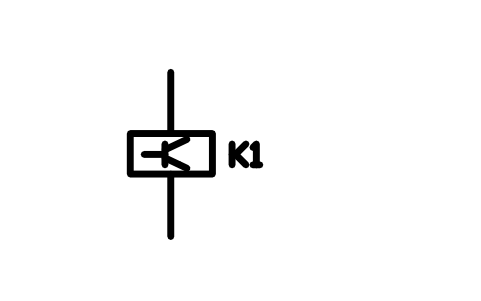
Operating device, electronic
SEC_RLY_S00326_OPERATING_DEVICE_ELECTRONICAttributes
TAGRATINGPART_NOMANUFACTURERREMARKSSTD_CLAUSESTD_REFDESC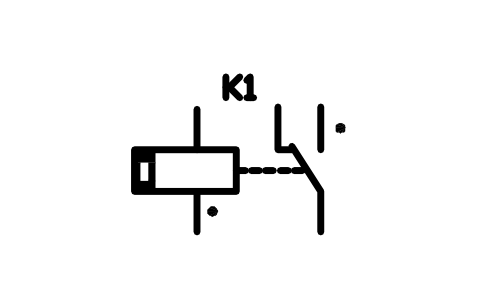
Polarized relay, restoring
SEC_RLY_S00320_POLARIZED_RELAY_RESTORINGAttributes
TAGRATINGPART_NOMANUFACTURERREMARKSSTD_CLAUSESTD_REFDESC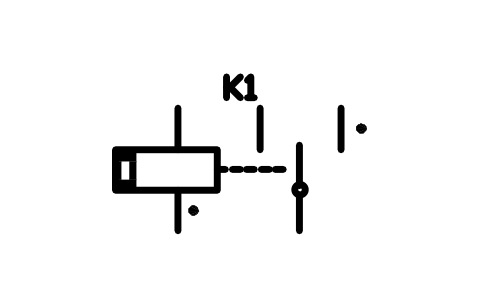
Polarized relay, neutral
SEC_RLY_S00321_POLARIZED_RELAY_NEUTRALAttributes
TAGRATINGPART_NOMANUFACTURERREMARKSSTD_CLAUSESTD_REFDESC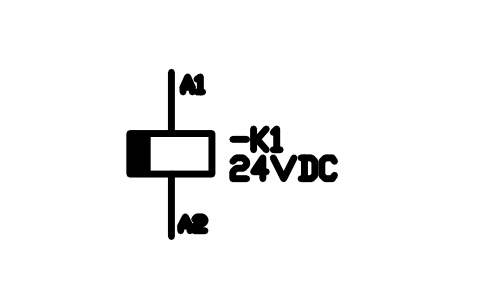
Coil, slow-releasing relay
SEC_IEC_COIL_SLOW_RELEASEAttributes
TAGVOLTAGEDELAY_SSERIESSTD_CLAUSESTD_REFMANUFACTURERPART_NODESC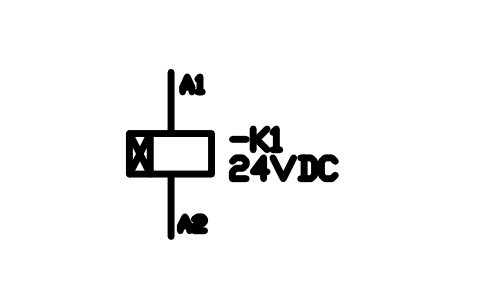
Coil, slow-operating relay
SEC_IEC_COIL_SLOW_OPERATEAttributes
TAGVOLTAGEDELAY_SSERIESSTD_CLAUSESTD_REFMANUFACTURERPART_NODESC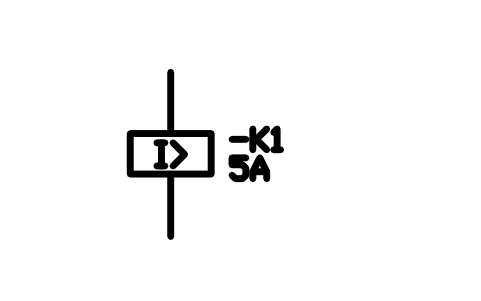
Overcurrent relay coil
SEC_IEC_COIL_OVERCURRENTAttributes
TAGSETTING_ATIME_SCHARACTERISTICMANUFACTURERPART_NODESC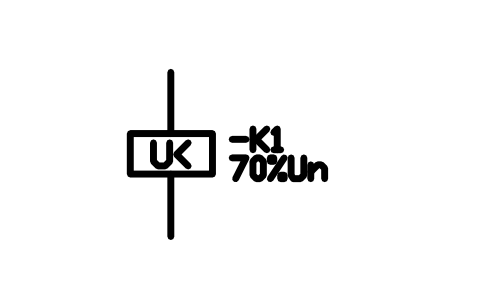
Undervoltage relay coil
SEC_IEC_COIL_UNDERVOLTAGEAttributes
TAGSETTING_VTIME_SVOLTAGESTD_CLAUSESTD_REFMANUFACTURERPART_NODESC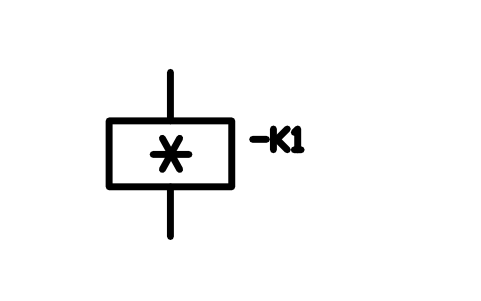
Measuring relay
SEC_IEC_RELAY_MEASURINGAttributes
TAGFUNCTIONSETTINGVOLTAGECT_RATIOMANUFACTURERPART_NODESC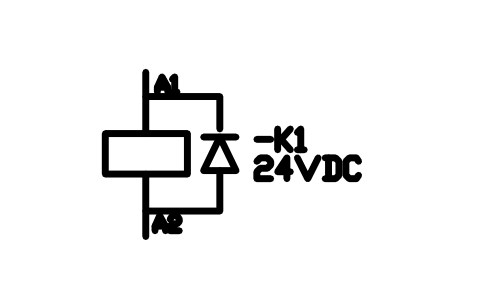
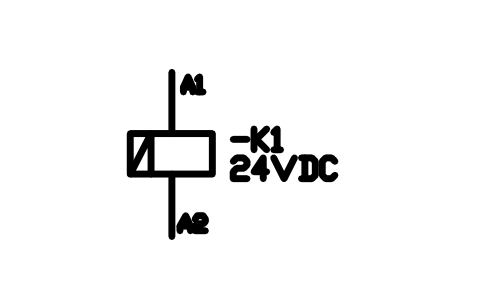
Coil, remanent relay, form 1
SEC_IEC_COIL_REMANENTAttributes
TAGVOLTAGEMANUFACTURERMODELREMARKSSTD_CLAUSESTD_REFMANUFACTURERPART_NODESC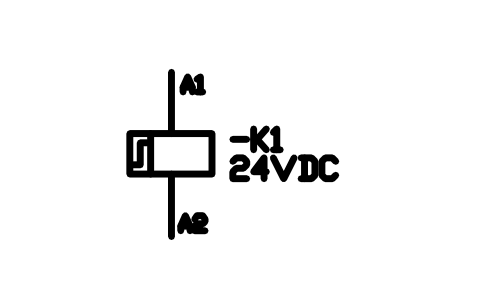
Coil, remanent relay, form 2
SEC_IEC_COIL_REMANENT_2Attributes
TAGVOLTAGEMANUFACTURERMODELREMARKSSTD_CLAUSESTD_REFMANUFACTURERPART_NODESC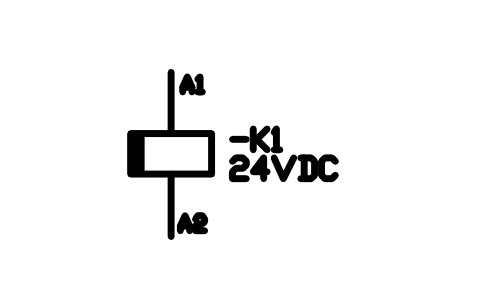
Coil, polarized relay
SEC_IEC_COIL_POLARIZEDAttributes
TAGVOLTAGEMANUFACTURERMODELREMARKSSTD_CLAUSESTD_REFMANUFACTURERPART_NODESC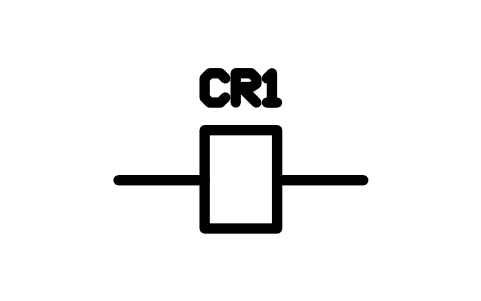
Operating coil, rectangle
SEC_IEEE_COIL_RECTAttributes
DEVICEVOLTAGECONTACTSPART_NOMANUFACTURERSERIESREMARKSDESC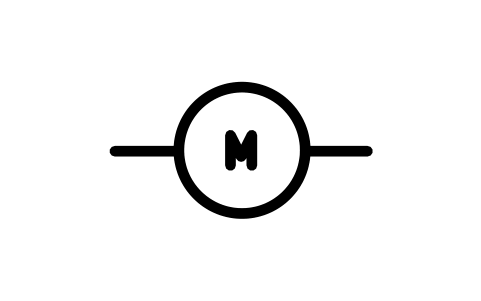
Operating coil, circle with designation
SEC_IEEE_COIL_CIRCLEAttributes
DESIGNATIONVOLTAGECONTACTSPART_NOMANUFACTURERSERIESREMARKSDESC
Contactor, three poles with operating coil
SEC_IEEE_CONTACTOR_3PAttributes
DEVICERATINGCOIL_VOLTAGECONTACTSPART_NOMANUFACTURERSERIESREMARKSDESCContactor main contact
SEC_IEC_CONTACTOR_NOAttributes
TAGCONTACT_NORATING_ASTD_CLAUSESTD_REFMANUFACTURERPART_NODESCContactor, 3-pole
SEC_IEC_CONTACTOR_3PAttributes
TAGRATING_APOLESUTILIZATIONCOIL_VOLTAGESERIESCONTACTSPOWER_KWMANUFACTURERPART_NODESCFuse
SEC_IEC_FUSEAttributes
TAGRATING_AVOLTAGECLASSBREAKING_KASTD_CLAUSESTD_REFMANUFACTURERPART_NODESC
Circuit-breaker
SEC_IEC_CIRCUIT_BREAKERAttributes
TAGRATING_APOLESCURVEBREAKING_KAVOLTAGESERIESSTD_CLAUSESTD_REFMANUFACTURERPART_NODESC
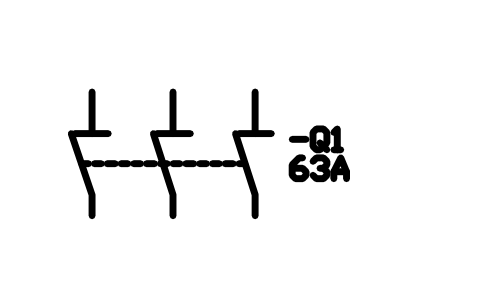
Circuit-breaker, 3-pole
SEC_IEC_CIRCUIT_BREAKER_3PAttributes
TAGRATING_APOLESCURVEBREAKING_KAVOLTAGESERIESMANUFACTURERPART_NODESC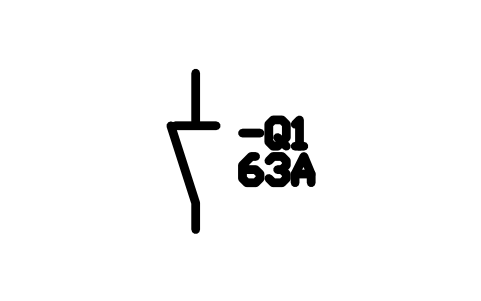
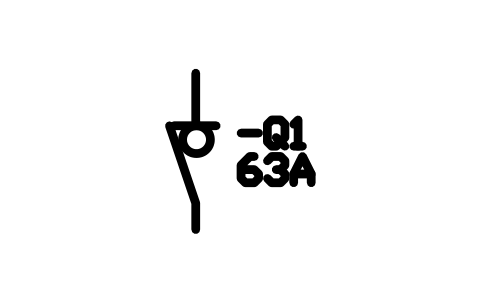
Switch-disconnector
SEC_IEC_SWITCH_DISCONNECTORAttributes
TAGRATING_APOLESVOLTAGESTD_CLAUSESTD_REFMANUFACTURERPART_NODESC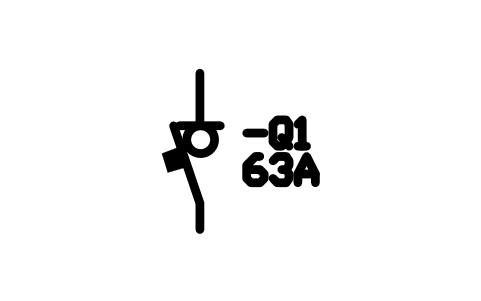
Switch-disconnector, release
SEC_IEC_SWITCH_DISCONNECTOR_TRIPAttributes
TAGRATING_APOLESVOLTAGETRIP_RATING_ASTD_CLAUSESTD_REFMANUFACTURERPART_NODESC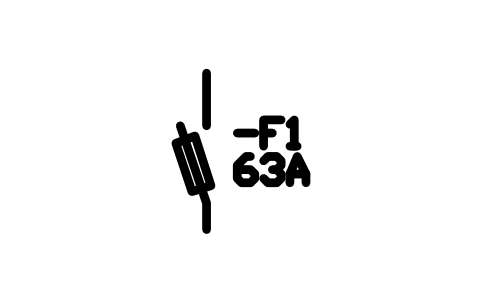
Fuse-switch
SEC_IEC_FUSE_SWITCHAttributes
TAGRATING_AVOLTAGECLASSBREAKING_KASTD_CLAUSESTD_REFMANUFACTURERPART_NODESC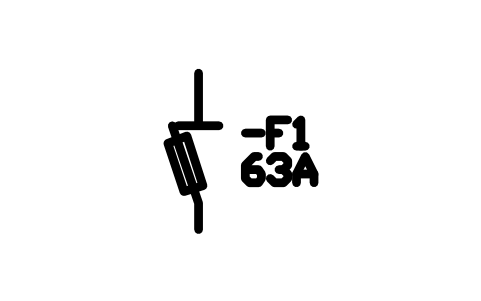
Fuse-disconnector
SEC_IEC_FUSE_DISCONNECTORAttributes
TAGRATING_AVOLTAGECLASSBREAKING_KASTD_CLAUSESTD_REFMANUFACTURERPART_NODESC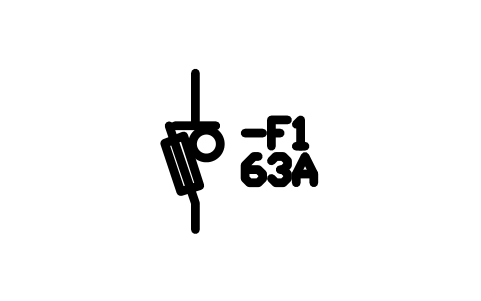
Fuse switch-disconnector
SEC_IEC_FUSE_SWITCH_DISCONNECTORAttributes
TAGRATING_AVOLTAGECLASSBREAKING_KAMANUFACTURERPART_NODESC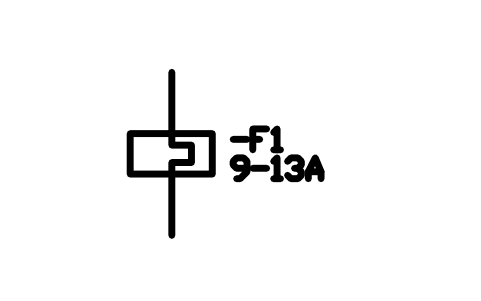
Thermal overload relay
SEC_IEC_THERMAL_RELAYAttributes
TAGSETTING_ACLASSPOLESSERIESMANUFACTURERPART_NODESC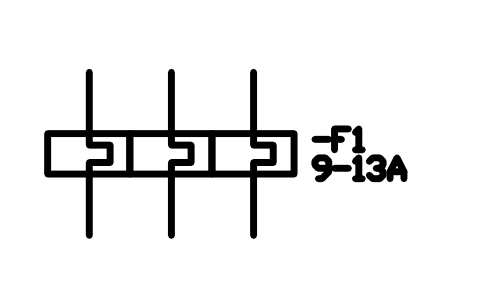
Thermal overload relay, 3P
SEC_IEC_THERMAL_RELAY_3PAttributes
TAGSETTING_ACLASSPOLESSERIESMANUFACTURERPART_NODESC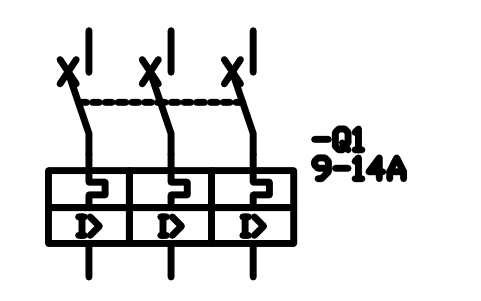
Motor protection breaker, 3P
SEC_IEC_MPCB_3PAttributes
TAGSETTING_APOLESBREAKING_KAVOLTAGEMAGNETIC_ASERIESPOWER_KWMANUFACTURERPART_NODESC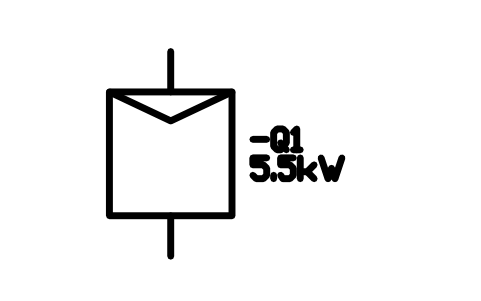
Motor starter
SEC_IEC_STARTERAttributes
TAGRATING_KWVOLTAGECURRENTSTD_CLAUSESTD_REFMANUFACTURERPART_NODESC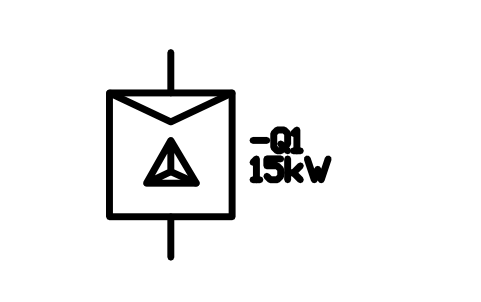
Star-delta starter
SEC_IEC_STARTER_STAR_DELTAAttributes
TAGRATING_KWVOLTAGECURRENTSTD_CLAUSESTD_REFMANUFACTURERPART_NODESC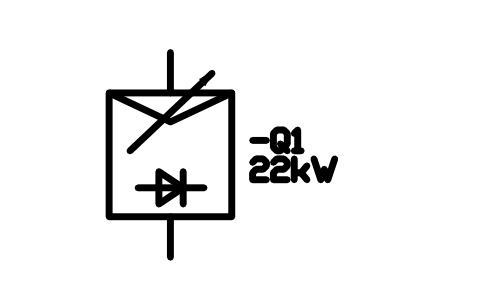
Soft starter (thyristor)
SEC_IEC_SOFT_STARTERAttributes
TAGRATING_KWVOLTAGECURRENTRAMP_SSTD_CLAUSESTD_REFMANUFACTURERPART_NODESC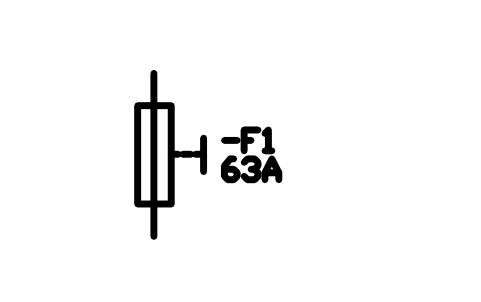
Fuse with striker
SEC_IEC_FUSE_STRIKERAttributes
TAGRATING_AVOLTAGECLASSBREAKING_KASTD_CLAUSESTD_REFMANUFACTURERPART_NODESC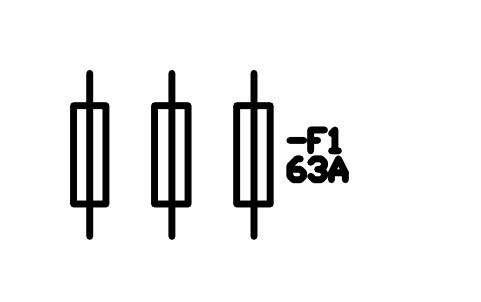
Fuses, 3-pole
SEC_IEC_FUSE_3PAttributes
TAGRATING_APOLESVOLTAGECLASSBREAKING_KAMANUFACTURERPART_NODESC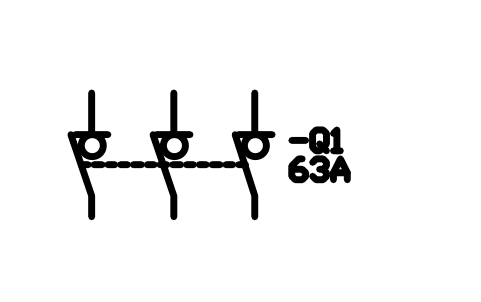
Switch-disconnector, 3-pole
SEC_IEC_SWITCH_DISCONNECTOR_3PAttributes
TAGRATING_APOLESVOLTAGEMANUFACTURERPART_NODESC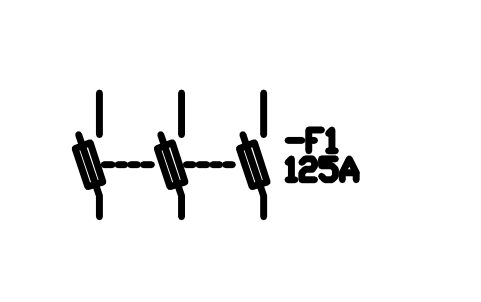
Fuse-switch, 3-pole
SEC_IEC_FUSE_SWITCH_3PAttributes
TAGRATING_APOLESVOLTAGECLASSBREAKING_KAMANUFACTURERPART_NODESC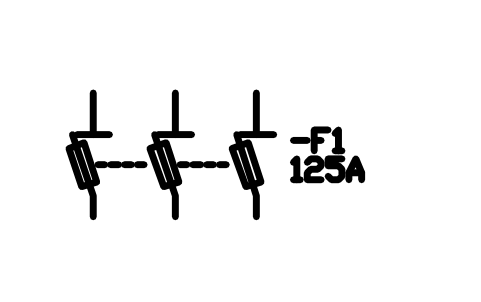
Fuse-disconnector, 3-pole
SEC_IEC_FUSE_DISCONNECTOR_3PAttributes
TAGRATING_APOLESVOLTAGECLASSBREAKING_KAMANUFACTURERPART_NODESC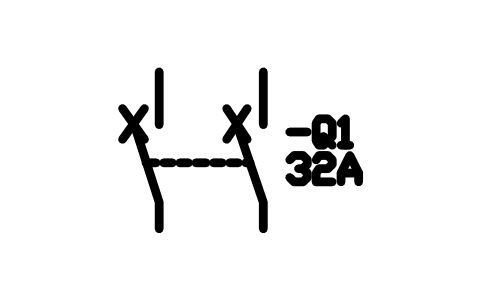
Circuit-breaker, 2-pole
SEC_IEC_CIRCUIT_BREAKER_2PAttributes
TAGRATING_APOLESCURVEBREAKING_KAVOLTAGEMANUFACTURERPART_NODESC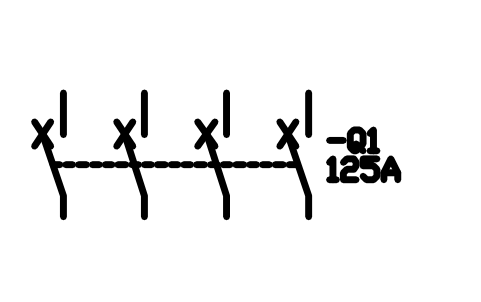
Circuit-breaker, 4-pole
SEC_IEC_CIRCUIT_BREAKER_4PAttributes
TAGRATING_APOLESCURVEBREAKING_KAVOLTAGEMANUFACTURERPART_NODESCContactor, 4-pole
SEC_IEC_CONTACTOR_4PAttributes
TAGRATING_APOLESUTILIZATIONCOIL_VOLTAGEMANUFACTURERPART_NODESC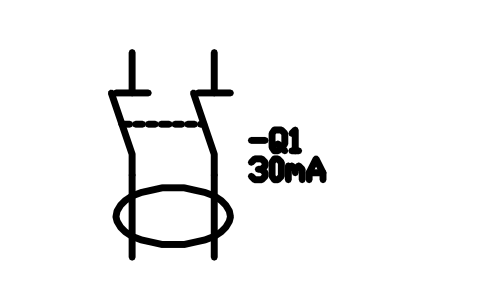
Residual current device, 2P
SEC_IEC_RCD_2PAttributes
TAGSENSITIVITY_MARATING_ATYPEPOLESVOLTAGESERIESMANUFACTURERPART_NODESC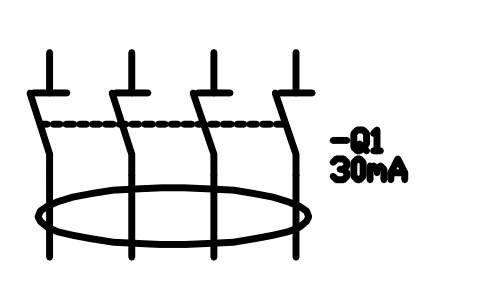
Residual current device, 4P
SEC_IEC_RCD_4PAttributes
TAGSENSITIVITY_MARATING_ATYPEPOLESVOLTAGESERIESMANUFACTURERPART_NODESC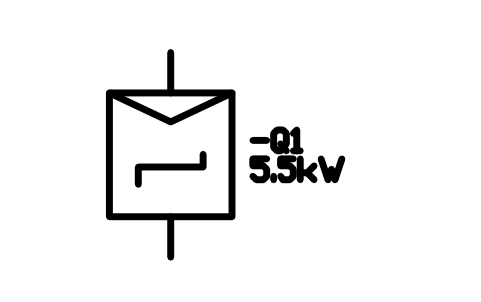
Starter, operating in steps
SEC_IEC_STARTER_STEPSAttributes
TAGRATING_KWVOLTAGECURRENTMANUFACTURERMODELREMARKSSTD_CLAUSESTD_REFMANUFACTURERPART_NODESC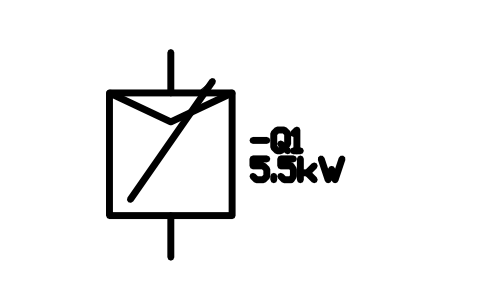
Starter-regulator
SEC_IEC_STARTER_REGULATORAttributes
TAGRATING_KWVOLTAGECURRENTMANUFACTURERMODELREMARKSSTD_CLAUSESTD_REFMANUFACTURERPART_NODESC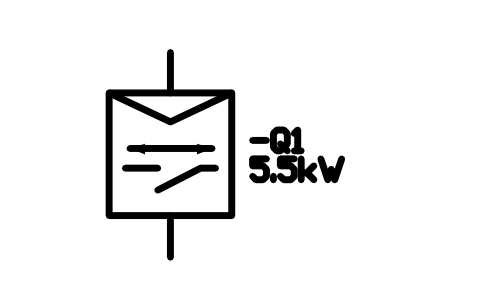
Starter, direct, reversing
SEC_IEC_STARTER_REVERSINGAttributes
TAGRATING_KWVOLTAGECURRENTMANUFACTURERMODELREMARKSSTD_CLAUSESTD_REFMANUFACTURERPART_NODESC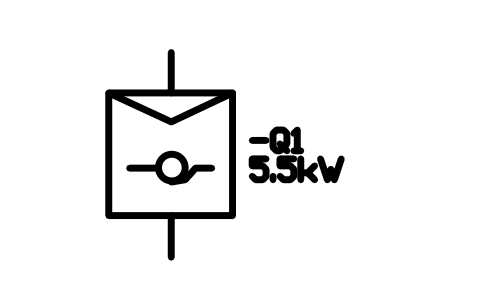
Starter, auto-transformer
SEC_IEC_STARTER_AUTOTRANSFORMERAttributes
TAGRATING_KWVOLTAGECURRENTMANUFACTURERMODELREMARKSSTD_CLAUSESTD_REFMANUFACTURERPART_NODESC

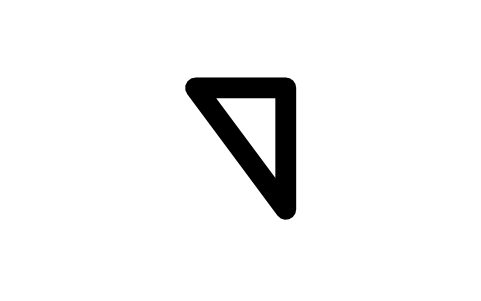
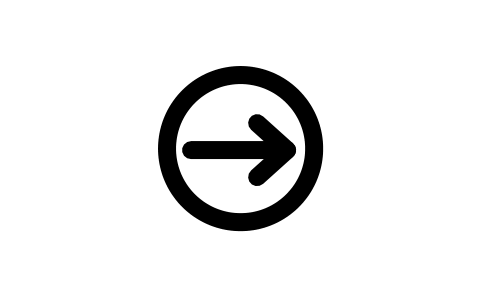
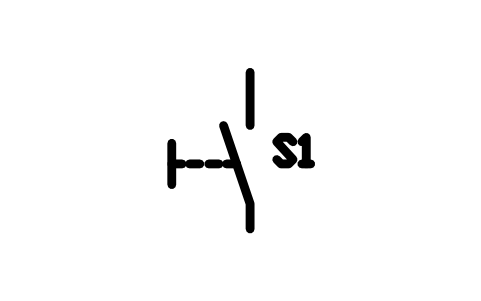
Manual switch, general
SEC_RLY_S00253_MANUAL_SWITCH_GENERALAttributes
TAGRATINGPART_NOMANUFACTURERREMARKSSTD_CLAUSESTD_REFDESC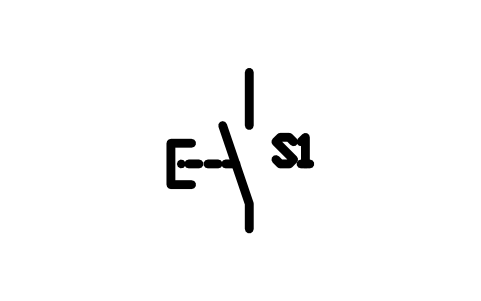
Manual switch, pulling
SEC_RLY_S00255_MANUAL_SWITCH_PULLINGAttributes
TAGRATINGPART_NOMANUFACTURERREMARKSSTD_CLAUSESTD_REFDESC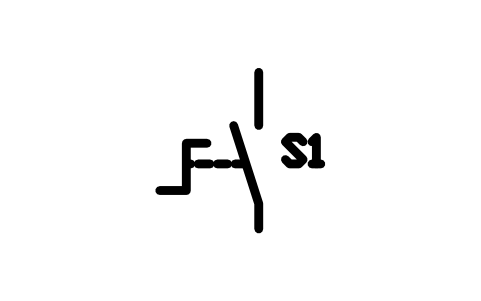
Manual switch, turning
SEC_RLY_S00256_MANUAL_SWITCH_TURNINGAttributes
TAGRATINGPART_NOMANUFACTURERREMARKSSTD_CLAUSESTD_REFDESC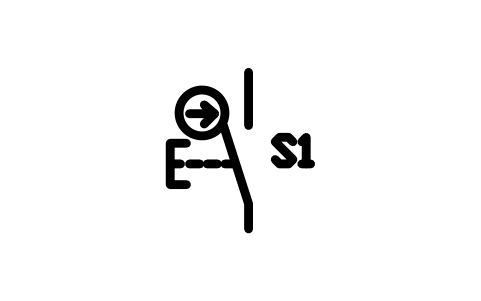
Manual switch, positive
SEC_RLY_S00257_MANUAL_SWITCH_POSITIVEAttributes
TAGRATINGPART_NOMANUFACTURERREMARKSSTD_CLAUSESTD_REFDESC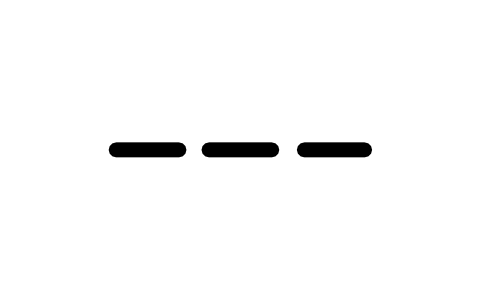
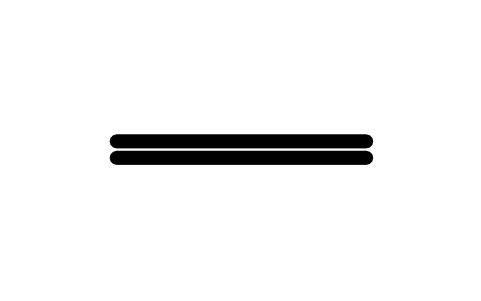
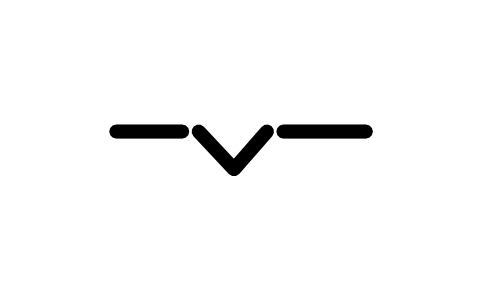
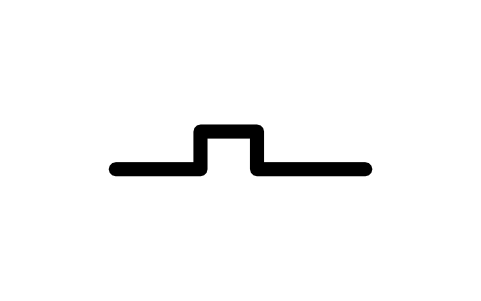
Blocking device, engaged
SEC_RLY_S00158_BLOCKING_DEVICE_ENGAGEDAttributes
REMARKSSTD_CLAUSESTD_REFDESC
Actuator, pneumatic, single
SEC_RLY_S00187_ACTUATOR_PNEUMATIC_SINGLEAttributes
REMARKSSTD_CLAUSESTD_REFDESC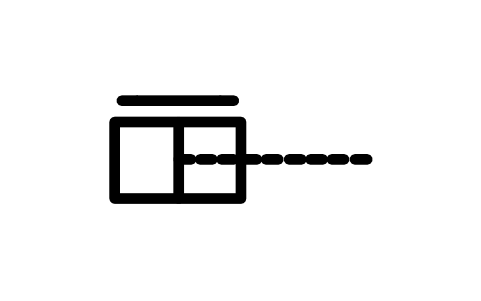
Actuator, pneumatic, double
SEC_RLY_S00188_ACTUATOR_PNEUMATIC_DOUBLEAttributes
REMARKSSTD_CLAUSESTD_REFDESC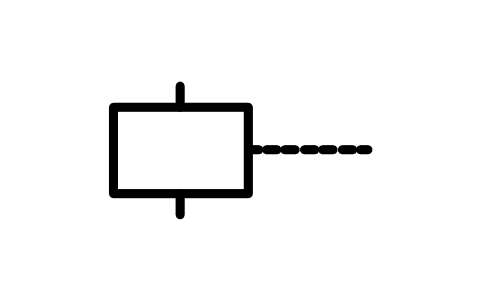
Actuator, electromagnetic
SEC_RLY_S00189_ACTUATOR_ELECTROMAGNETICAttributes
REMARKSSTD_CLAUSESTD_REFDESC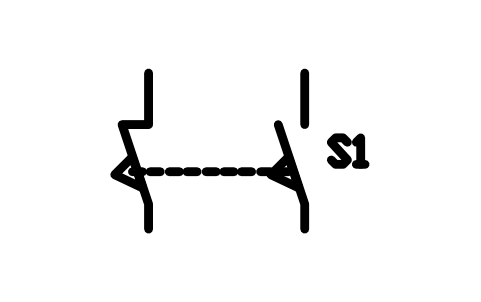
Position switch assembly
SEC_RLY_S00261_POSITION_SWITCH_ASSEMBLYAttributes
TAGRATINGPART_NOMANUFACTURERREMARKSSTD_CLAUSESTD_REFDESC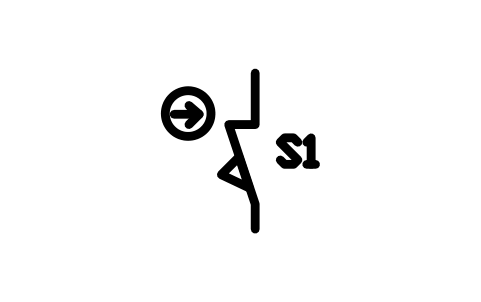
Position switch, positive NC
SEC_RLY_S00262_POSITION_SWITCH_POSITIVE_NCAttributes
TAGRATINGPART_NOMANUFACTURERREMARKSSTD_CLAUSESTD_REFDESC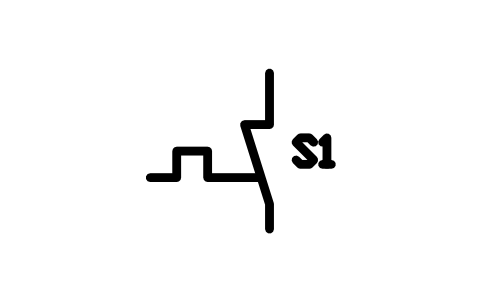
Thermal switch, NC
SEC_RLY_S00265_THERMAL_SWITCH_NCAttributes
TAGRATINGPART_NOMANUFACTURERREMARKSSTD_CLAUSESTD_REFDESC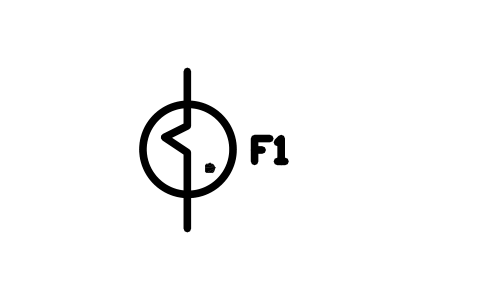
Gas tube, thermal element
SEC_RLY_S00266_GAS_TUBE_THERMAL_ELEMENTAttributes
TAGRATINGPART_NOMANUFACTURERREMARKSSTD_CLAUSESTD_REFDESC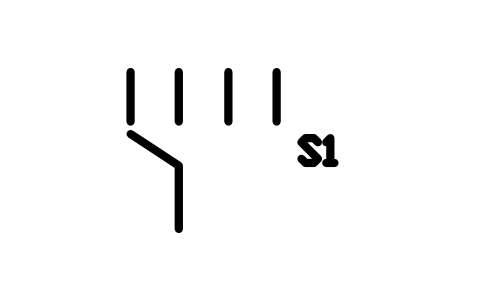
Multi-position switch, 4
SEC_RLY_S00271_MULTI_POSITION_SWITCH_4Attributes
TAGRATINGPART_NOMANUFACTURERREMARKSSTD_CLAUSESTD_REFDESC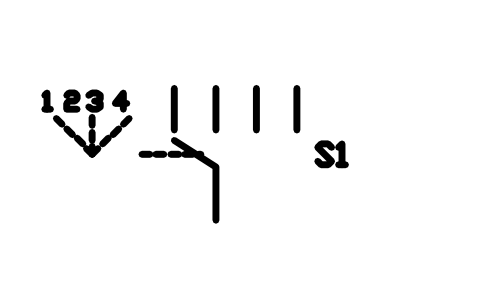
Multi-position, diagram
SEC_RLY_S00272_MULTI_POSITION_DIAGRAMAttributes
TAGRATINGPART_NOMANUFACTURERREMARKSSTD_CLAUSESTD_REFDESC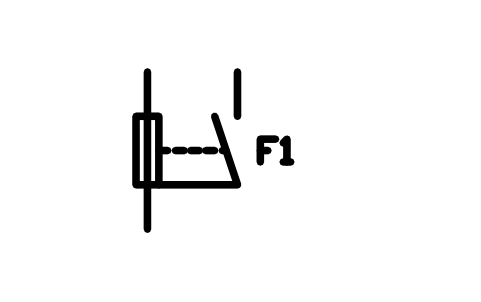
Fuse with alarm contact
SEC_RLY_S00365_FUSE_WITH_ALARM_CONTACTAttributes
TAGRATINGPART_NOMANUFACTURERREMARKSSTD_CLAUSESTD_REFDESC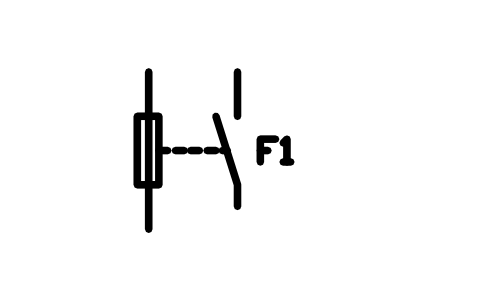
Fuse with separate alarm
SEC_RLY_S00366_FUSE_WITH_SEPARATE_ALARMAttributes
TAGRATINGPART_NOMANUFACTURERREMARKSSTD_CLAUSESTD_REFDESC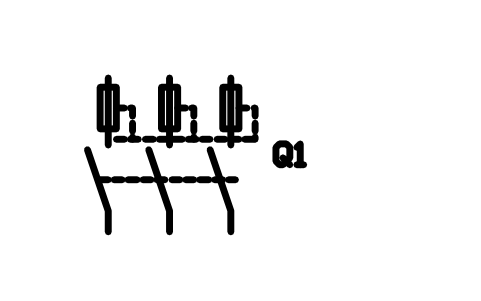
Switch, striker fuses 3P
SEC_RLY_S00367_SWITCH_STRIKER_FUSES_3PAttributes
TAGRATINGPART_NOMANUFACTURERREMARKSSTD_CLAUSESTD_REFDESC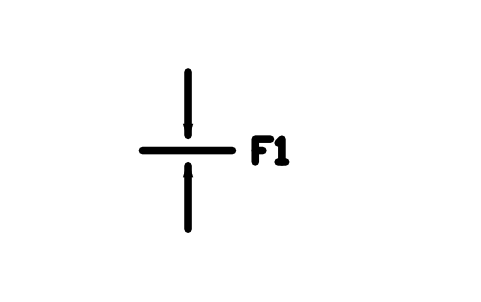
Spark gap, double
SEC_RLY_S00372_SPARK_GAP_DOUBLEAttributes
TAGRATINGPART_NOMANUFACTURERREMARKSSTD_CLAUSESTD_REFDESC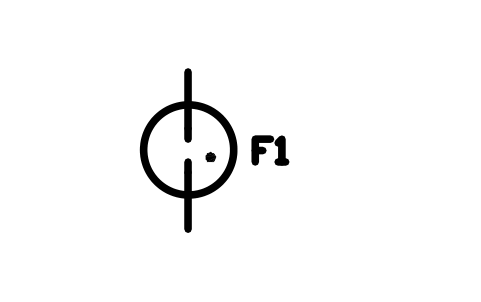
Protective gas tube
SEC_RLY_S00374_PROTECTIVE_GAS_TUBEAttributes
TAGRATINGPART_NOMANUFACTURERREMARKSSTD_CLAUSESTD_REFDESC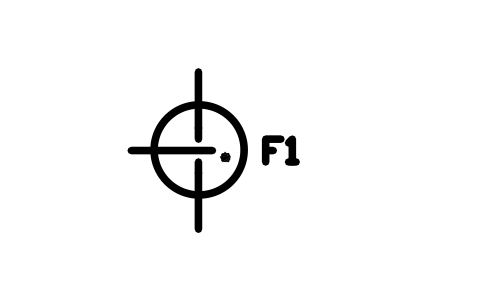
Gas tube, symmetric
SEC_RLY_S00375_GAS_TUBE_SYMMETRICAttributes
TAGRATINGPART_NOMANUFACTURERREMARKSSTD_CLAUSESTD_REFDESC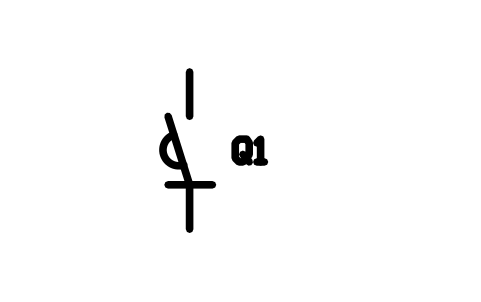
Static contactor
SEC_RLY_S00377_STATIC_CONTACTORAttributes
TAGRATINGPART_NOMANUFACTURERREMARKSSTD_CLAUSESTD_REFDESC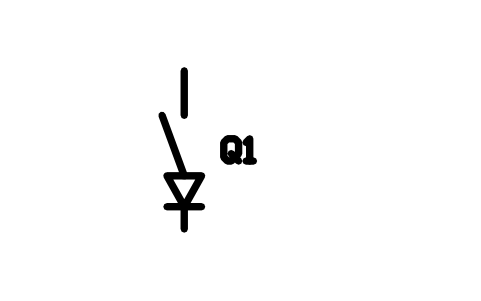
Static switch, one-way
SEC_RLY_S00378_STATIC_SWITCH_ONE_WAYAttributes
TAGRATINGPART_NOMANUFACTURERREMARKSSTD_CLAUSESTD_REFDESC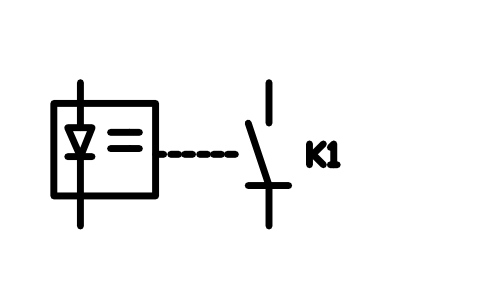
Static relay, optocoupler
SEC_RLY_S00380_STATIC_RELAY_OPTOCOUPLERAttributes
TAGRATINGPART_NOMANUFACTURERREMARKSSTD_CLAUSESTD_REFDESC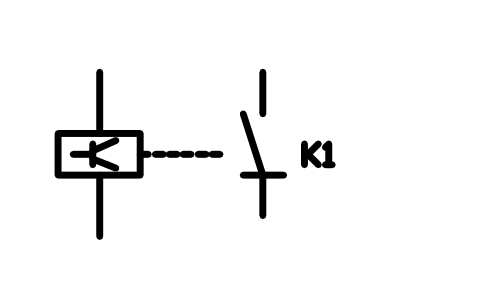
Static relay, transistor
SEC_RLY_S00382_STATIC_RELAY_TRANSISTORAttributes
TAGRATINGPART_NOMANUFACTURERREMARKSSTD_CLAUSESTD_REFDESC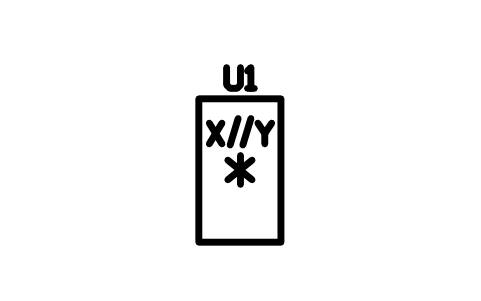
Coupling device, separation
SEC_RLY_S00383_COUPLING_DEVICE_SEPARATIONAttributes
TAGRATINGPART_NOMANUFACTURERREMARKSSTD_CLAUSESTD_REFDESC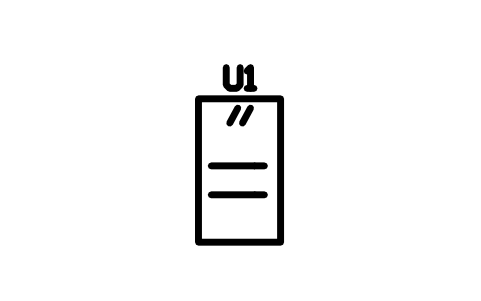
Coupling device, optical
SEC_RLY_S00384_COUPLING_DEVICE_OPTICALAttributes
TAGRATINGPART_NOMANUFACTURERREMARKSSTD_CLAUSESTD_REFDESC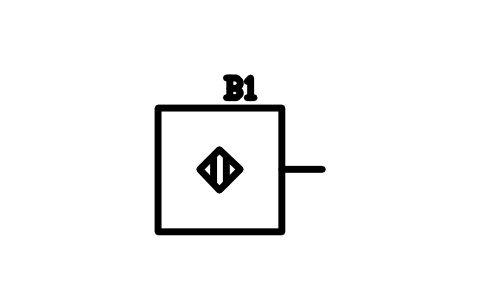
Proximity sensing device
SEC_RLY_S00355_PROXIMITY_SENSING_DEVICEAttributes
TAGRATINGPART_NOMANUFACTURERREMARKSSTD_CLAUSESTD_REFDESC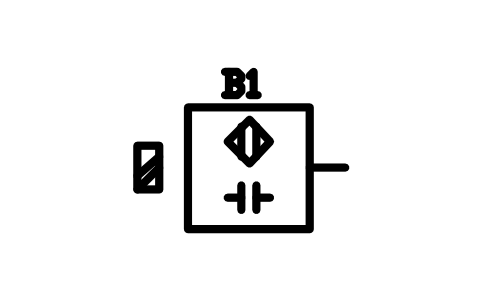
Proximity device, capacitive
SEC_RLY_S00356_PROXIMITY_DEVICE_CAPACITIVEAttributes
TAGRATINGPART_NOMANUFACTURERREMARKSSTD_CLAUSESTD_REFDESC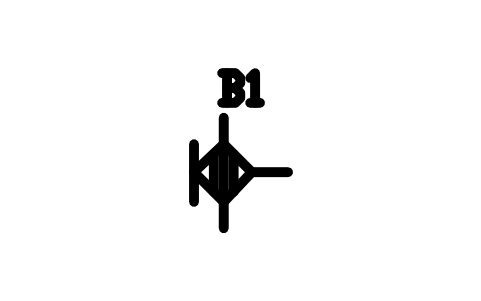
Touch sensor
SEC_RLY_S00357_TOUCH_SENSORAttributes
TAGRATINGPART_NOMANUFACTURERREMARKSSTD_CLAUSESTD_REFDESC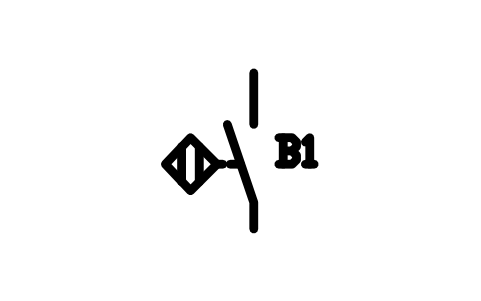
Touch sensitive switch
SEC_RLY_S00358_TOUCH_SENSITIVE_SWITCHAttributes
TAGRATINGPART_NOMANUFACTURERREMARKSSTD_CLAUSESTD_REFDESC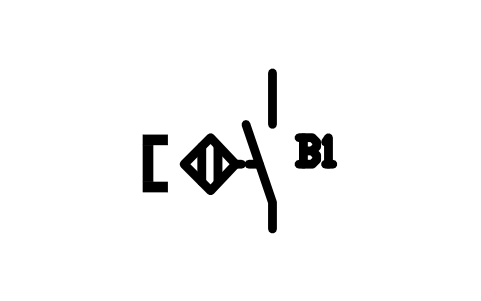
Proximity switch, magnetic
SEC_RLY_S00360_PROXIMITY_SWITCH_MAGNETICAttributes
TAGRATINGPART_NOMANUFACTURERREMARKSSTD_CLAUSESTD_REFDESC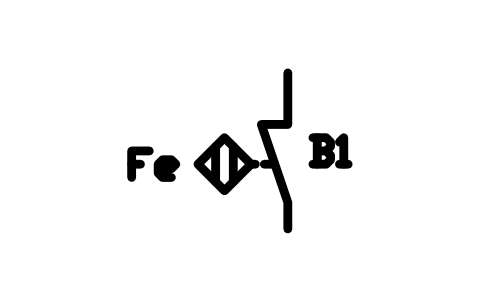
Proximity switch, iron
SEC_RLY_S00361_PROXIMITY_SWITCH_IRONAttributes
TAGRATINGPART_NOMANUFACTURERREMARKSSTD_CLAUSESTD_REFDESCPower meter, multifunction
SEC_M_PMAttributes
TAGRANGEACCURACY_CLASSINPUTOUTPUTMANUFACTURERMODELREMARKSDESC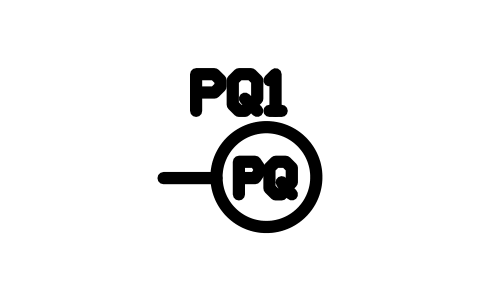
Power quality analyser
SEC_M_PQAttributes
TAGRANGEACCURACY_CLASSINPUTOUTPUTMANUFACTURERMODELREMARKSDESC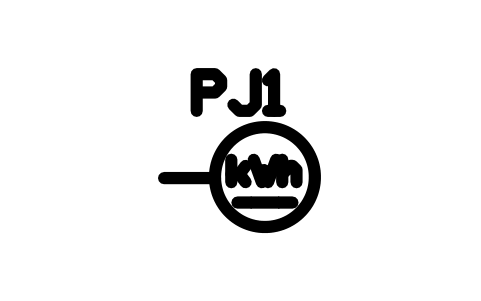
Energy meter, import / export
SEC_M_WH_BIAttributes
TAGRANGEACCURACY_CLASSINPUTOUTPUTMANUFACTURERMODELREMARKSDESC
Energy meter, revenue (MWh)
SEC_M_MWHAttributes
TAGRANGEACCURACY_CLASSINPUTOUTPUTMANUFACTURERMODELREMARKSDESC
Watt-hour meter
SEC_IEC_ENERGY_METERAttributes
TAGACCURACY_CLASSVOLTAGECURRENTSTD_CLAUSESTD_REFMANUFACTURERPART_NODESC
Reactive power meter
SEC_IEC_VARMETERAttributes
TAGRANGEACCURACY_CLASSSTD_CLAUSESTD_REFMANUFACTURERPART_NODESC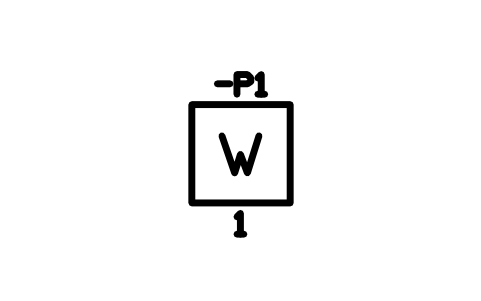
Recording wattmeter
SEC_IEC_WATTMETER_RECORDINGAttributes
TAGACCURACY_CLASSVOLTAGECURRENTMANUFACTURERMODELREMARKSSTD_CLAUSESTD_REFMANUFACTURERPART_NODESC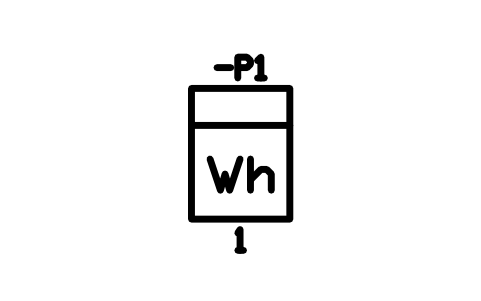
Watt-hour meter, box form
SEC_IEC_WH_METER_BOXAttributes
TAGACCURACY_CLASSVOLTAGECURRENTMANUFACTURERMODELREMARKSSTD_CLAUSESTD_REFMANUFACTURERPART_NODESC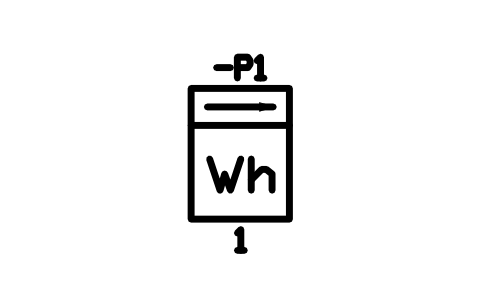
Watt-hour meter, one direction
SEC_IEC_WH_METER_ONE_WAYAttributes
TAGACCURACY_CLASSVOLTAGECURRENTMANUFACTURERMODELREMARKSSTD_CLAUSESTD_REFMANUFACTURERPART_NODESC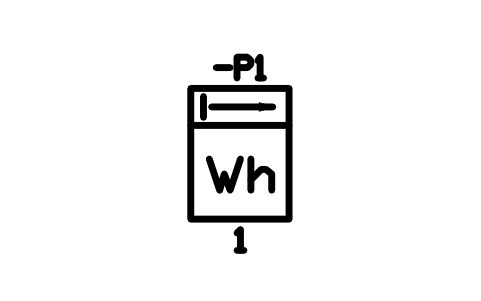
Watt-hour meter, from busbar
SEC_IEC_WH_METER_FROM_BUSBARAttributes
TAGACCURACY_CLASSVOLTAGECURRENTMANUFACTURERMODELREMARKSSTD_CLAUSESTD_REFMANUFACTURERPART_NODESC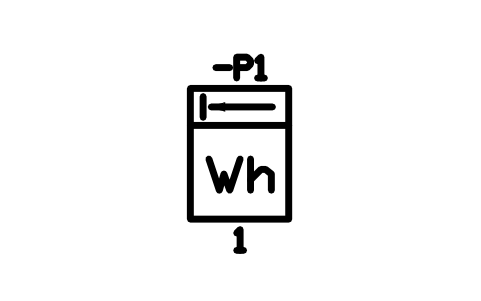
Watt-hour meter, to busbar
SEC_IEC_WH_METER_TO_BUSBARAttributes
TAGACCURACY_CLASSVOLTAGECURRENTMANUFACTURERMODELREMARKSSTD_CLAUSESTD_REFMANUFACTURERPART_NODESC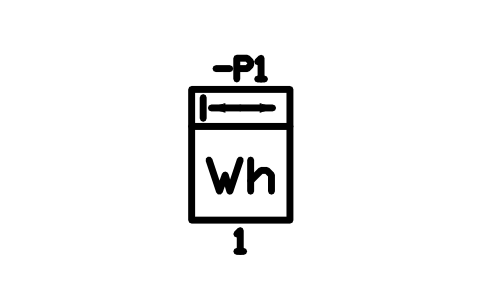
Watt-hour meter, both ways
SEC_IEC_WH_METER_BOTH_WAYSAttributes
TAGACCURACY_CLASSVOLTAGECURRENTMANUFACTURERMODELREMARKSSTD_CLAUSESTD_REFMANUFACTURERPART_NODESC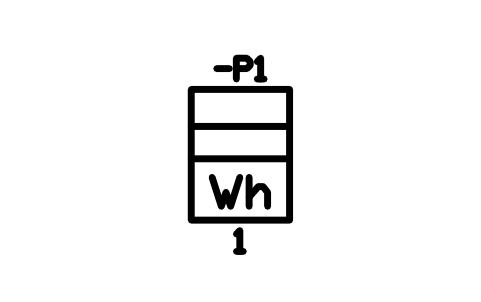
Watt-hour meter, multi-rate
SEC_IEC_WH_METER_MULTI_RATEAttributes
TAGACCURACY_CLASSVOLTAGECURRENTMANUFACTURERMODELREMARKSSTD_CLAUSESTD_REFMANUFACTURERPART_NODESC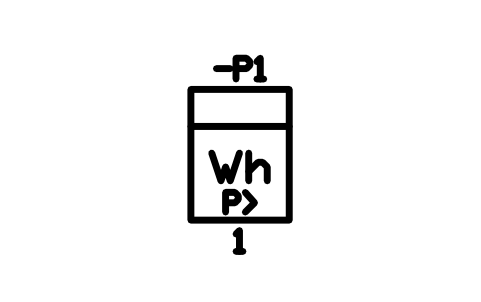
Watt-hour meter, excess
SEC_IEC_WH_METER_EXCESSAttributes
TAGACCURACY_CLASSVOLTAGECURRENTMANUFACTURERMODELREMARKSSTD_CLAUSESTD_REFMANUFACTURERPART_NODESC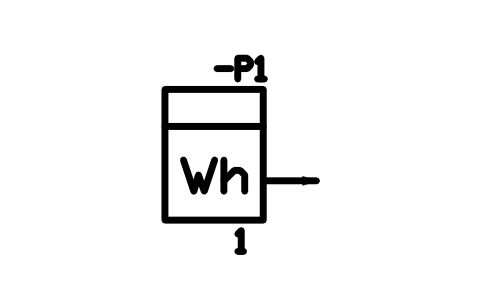
Watt-hour meter, transmitter
SEC_IEC_WH_METER_TRANSMITTERAttributes
TAGACCURACY_CLASSVOLTAGECURRENTMANUFACTURERMODELREMARKSSTD_CLAUSESTD_REFMANUFACTURERPART_NODESC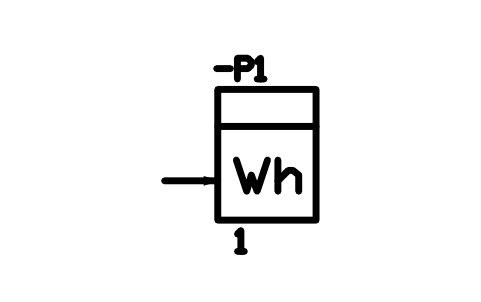
Slave watt-hour meter
SEC_IEC_WH_METER_SLAVEAttributes
TAGACCURACY_CLASSVOLTAGECURRENTMANUFACTURERMODELREMARKSSTD_CLAUSESTD_REFMANUFACTURERPART_NODESC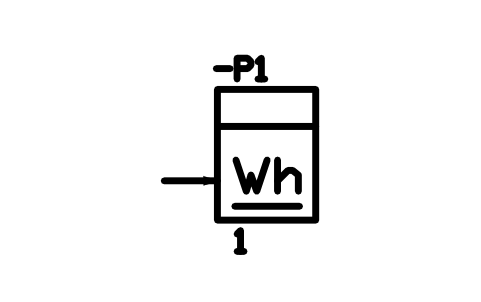
Slave watt-hour meter, print
SEC_IEC_WH_METER_SLAVE_PRINTAttributes
TAGACCURACY_CLASSVOLTAGECURRENTMANUFACTURERMODELREMARKSSTD_CLAUSESTD_REFMANUFACTURERPART_NODESC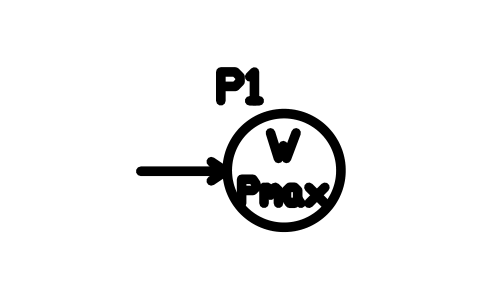
Maximum demand indicator
SEC_MCH_S00915_MAXIMUM_DEMAND_INDICATORAttributes
TAGRATINGPART_NOMANUFACTURERREMARKSSTD_CLAUSESTD_REFDESC
Power-factor meter
SEC_MCH_S00917_POWER_FACTOR_METERAttributes
TAGRATINGPART_NOMANUFACTURERREMARKSSTD_CLAUSESTD_REFDESC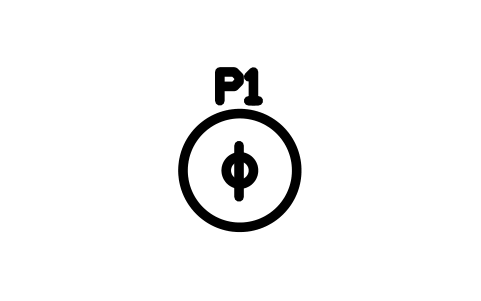
Phase meter
SEC_MCH_S00918_PHASE_METERAttributes
TAGRATINGPART_NOMANUFACTURERREMARKSSTD_CLAUSESTD_REFDESC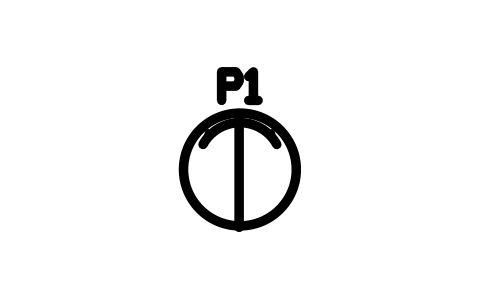
Synchronoscope
SEC_MCH_S00920_SYNCHRONOSCOPEAttributes
TAGRATINGPART_NOMANUFACTURERREMARKSSTD_CLAUSESTD_REFDESC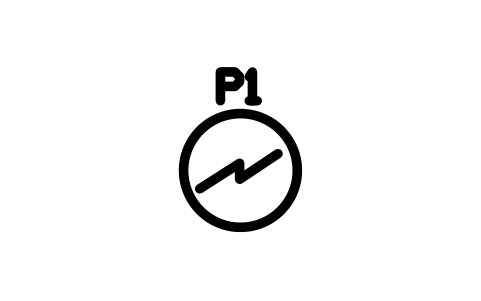
Oscilloscope
SEC_MCH_S00922_OSCILLOSCOPEAttributes
TAGRATINGPART_NOMANUFACTURERREMARKSSTD_CLAUSESTD_REFDESC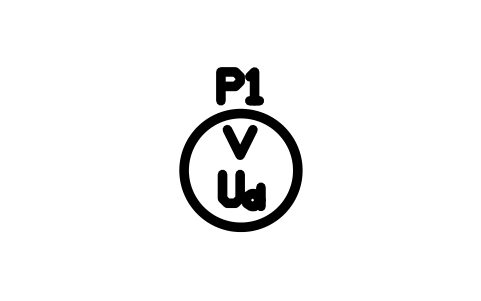
Differential voltmeter
SEC_MCH_S00923_DIFFERENTIAL_VOLTMETERAttributes
TAGRATINGPART_NOMANUFACTURERREMARKSSTD_CLAUSESTD_REFDESC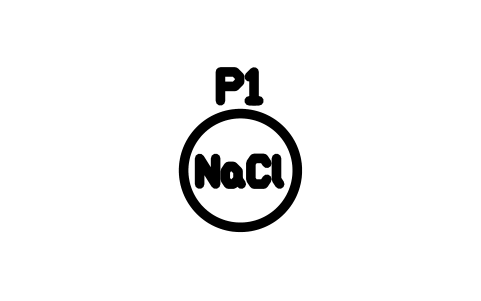
Salinity meter
SEC_MCH_S00925_SALINITY_METERAttributes
TAGRATINGPART_NOMANUFACTURERREMARKSSTD_CLAUSESTD_REFDESC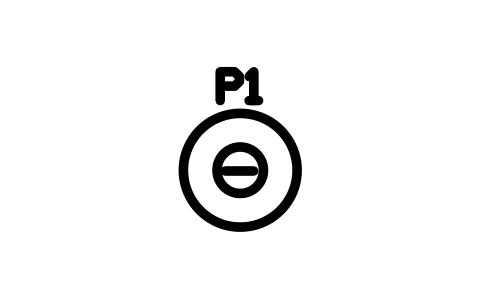
Thermometer, pyrometer
SEC_MCH_S00926_THERMOMETER_PYROMETERAttributes
TAGRATINGPART_NOMANUFACTURERREMARKSSTD_CLAUSESTD_REFDESC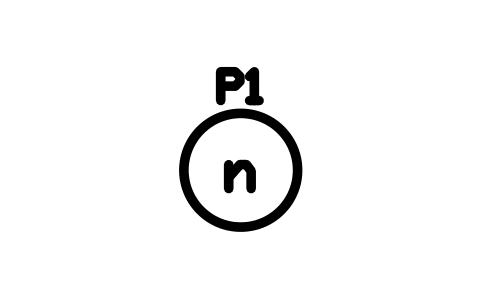
Tachometer
SEC_MCH_S00927_TACHOMETERAttributes
TAGRATINGPART_NOMANUFACTURERREMARKSSTD_CLAUSESTD_REFDESC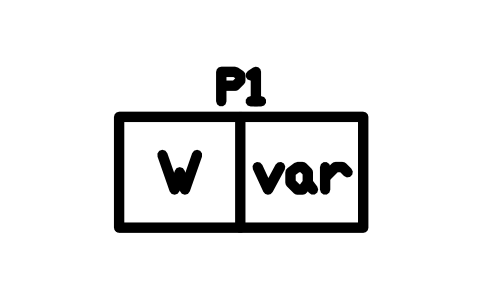
Recording watt and varmeter
SEC_MCH_S00929_RECORDING_WATT_AND_VARMETERAttributes
TAGRATINGPART_NOMANUFACTURERREMARKSSTD_CLAUSESTD_REFDESC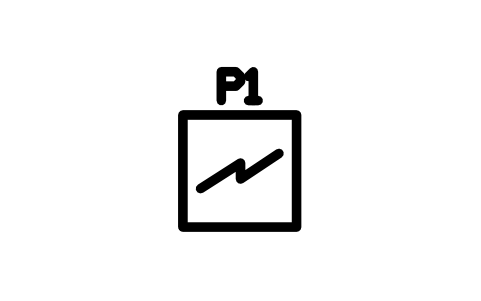
Oscillograph
SEC_MCH_S00930_OSCILLOGRAPHAttributes
TAGRATINGPART_NOMANUFACTURERREMARKSSTD_CLAUSESTD_REFDESC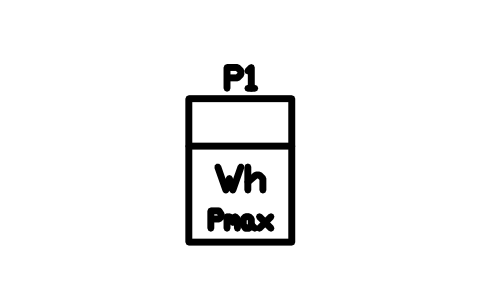
Wh meter, max indicator
SEC_MCH_S00943_WH_METER_MAX_INDICATORAttributes
TAGRATINGPART_NOMANUFACTURERREMARKSSTD_CLAUSESTD_REFDESC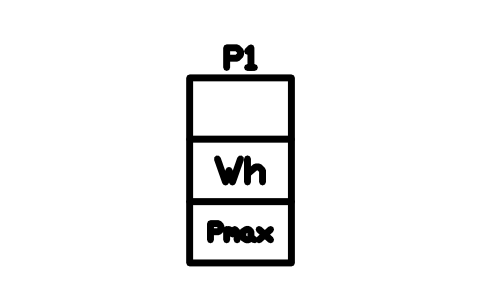
Wh meter, max recorder
SEC_MCH_S00944_WH_METER_MAX_RECORDERAttributes
TAGRATINGPART_NOMANUFACTURERREMARKSSTD_CLAUSESTD_REFDESC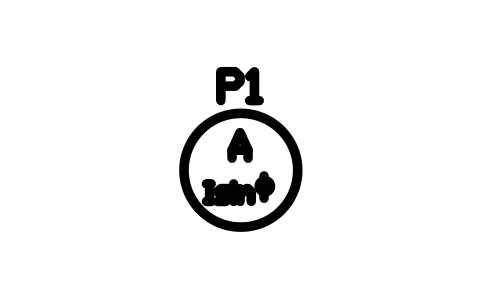
Reactive current ammeter
SEC_MCH_S00914_REACTIVE_CURRENT_AMMETERAttributes
TAGRATINGPART_NOMANUFACTURERREMARKSSTD_CLAUSESTD_REFDESC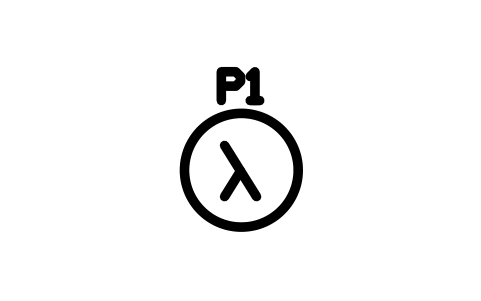
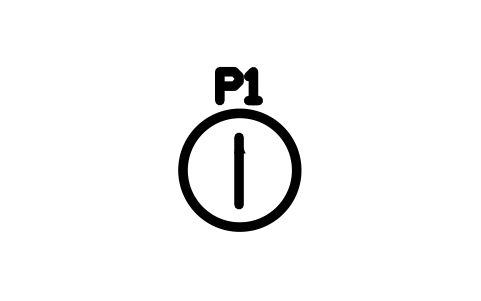
Galvanometer
SEC_MCH_S00924_GALVANOMETERAttributes
TAGRATINGPART_NOMANUFACTURERREMARKSSTD_CLAUSESTD_REFDESC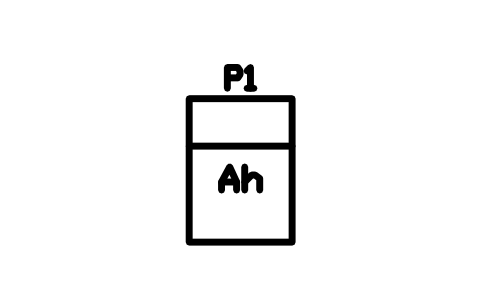
Ampere-hour meter
SEC_MCH_S00932_AMPERE_HOUR_METERAttributes
TAGRATINGPART_NOMANUFACTURERREMARKSSTD_CLAUSESTD_REFDESC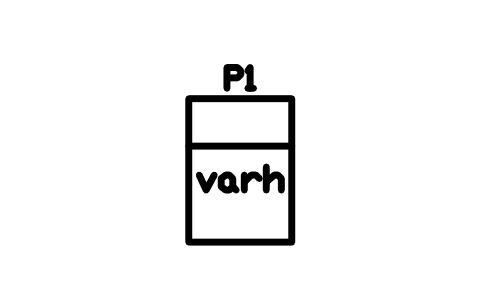
Var-hour meter
SEC_MCH_S00945_VAR_HOUR_METERAttributes
TAGRATINGPART_NOMANUFACTURERREMARKSSTD_CLAUSESTD_REFDESC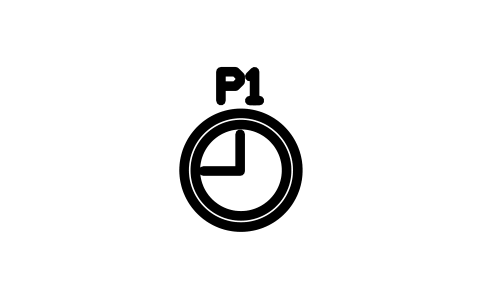
Master clock
SEC_MCH_S00960_MASTER_CLOCKAttributes
TAGRATINGPART_NOMANUFACTURERREMARKSSTD_CLAUSESTD_REFDESC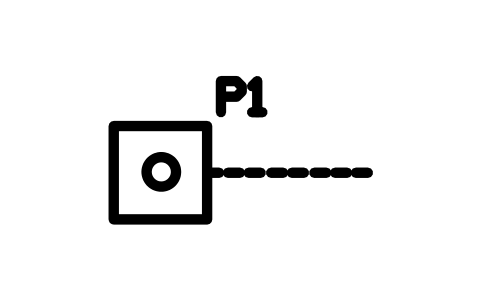
Counting function
SEC_MCH_S00946_COUNTING_FUNCTIONAttributes
TAGRATINGPART_NOMANUFACTURERREMARKSSTD_CLAUSESTD_REFDESC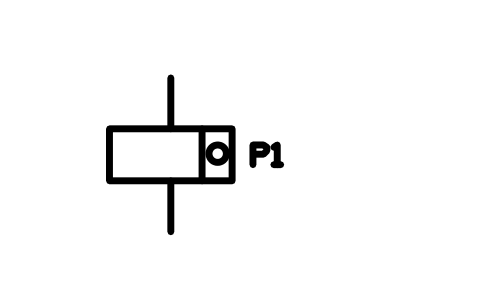
Pulse counting device
SEC_MCH_S00947_PULSE_COUNTING_DEVICEAttributes
TAGRATINGPART_NOMANUFACTURERREMARKSSTD_CLAUSESTD_REFDESC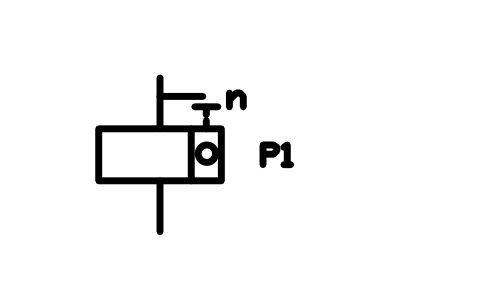
Counter, manually pre-set
SEC_MCH_S00948_COUNTER_MANUALLY_PRE_SETAttributes
TAGRATINGPART_NOMANUFACTURERREMARKSSTD_CLAUSESTD_REFDESC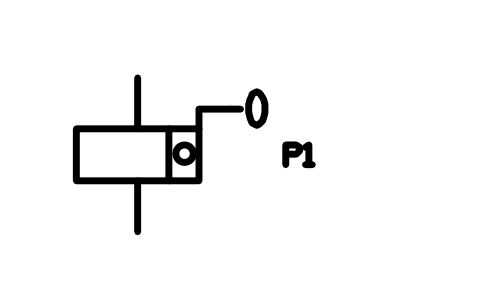
Counter, electrically reset
SEC_MCH_S00949_COUNTER_ELECTRICALLY_RESETAttributes
TAGRATINGPART_NOMANUFACTURERREMARKSSTD_CLAUSESTD_REFDESC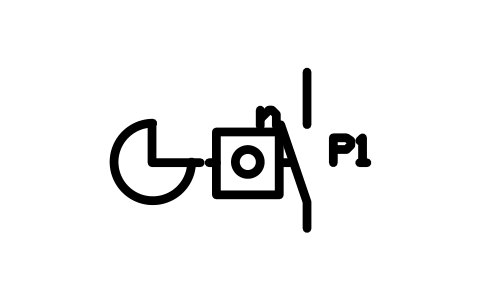
Counter, cam driven
SEC_MCH_S00951_COUNTER_CAM_DRIVENAttributes
TAGRATINGPART_NOMANUFACTURERREMARKSSTD_CLAUSESTD_REFDESC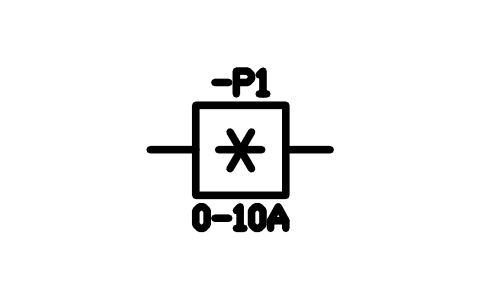
Recording instrument
SEC_IEC_RECORDERAttributes
TAGRANGECHART_SPEEDACCURACY_CLASSSTD_CLAUSESTD_REFMANUFACTURERPART_NODESC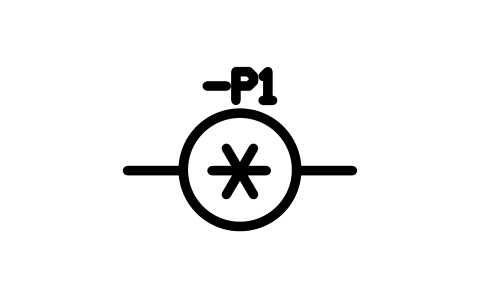
Indicating instrument
SEC_IEC_INSTRUMENTAttributes
TAGQUANTITYRANGEACCURACY_CLASSSTD_CLAUSESTD_REFMANUFACTURERPART_NODESC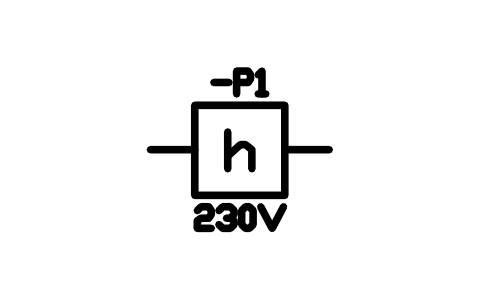
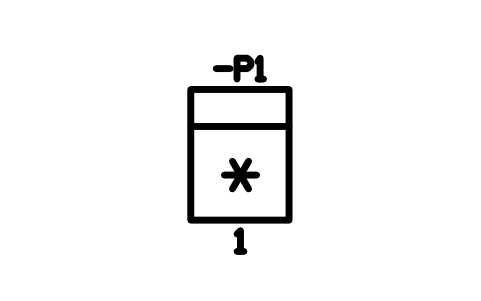
Integrating instrument, general
SEC_IEC_INSTRUMENT_INTEGRATINGAttributes
TAGACCURACY_CLASSVOLTAGECURRENTMANUFACTURERMODELREMARKSSTD_CLAUSESTD_REFMANUFACTURERPART_NODESC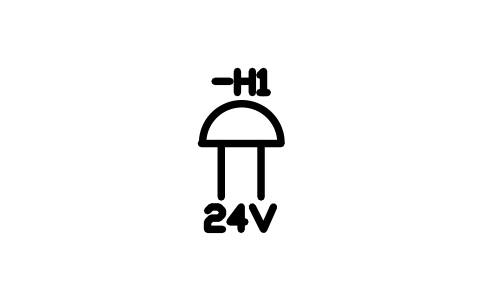
Acoustic signal device
SEC_IEC_ACOUSTIC_DEVICEAttributes
TAGVOLTAGESOUND_DBMANUFACTURERMODELREMARKSSTD_CLAUSESTD_REFMANUFACTURERPART_NODESC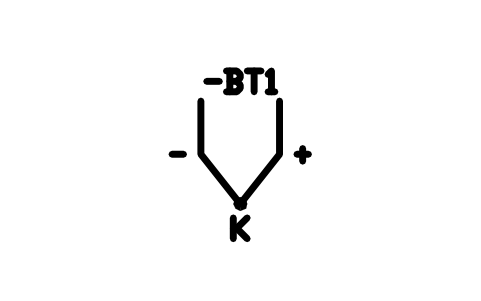
Thermocouple
SEC_IEC_THERMOCOUPLEAttributes
TAGTC_TYPERANGE_CMANUFACTURERMODELREMARKSSTD_CLAUSESTD_REFMANUFACTURERPART_NODESC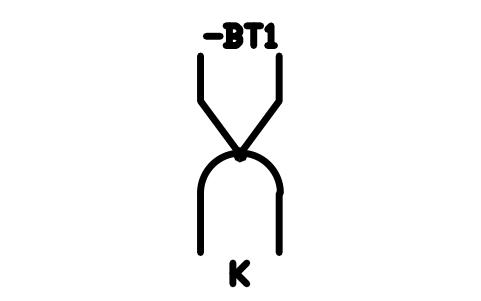
Thermocouple, heating element
SEC_IEC_THERMOCOUPLE_HEATEDAttributes
TAGTC_TYPERANGE_CMANUFACTURERMODELREMARKSSTD_CLAUSESTD_REFMANUFACTURERPART_NODESC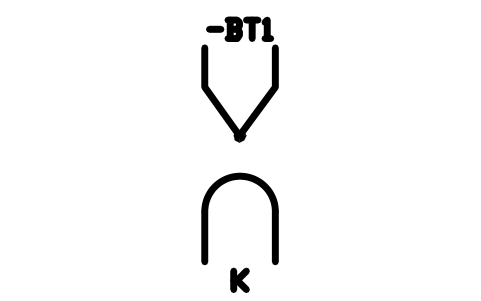
Thermocouple, insulated heater
SEC_IEC_THERMOCOUPLE_INSULATEDAttributes
TAGTC_TYPERANGE_CMANUFACTURERMODELREMARKSSTD_CLAUSESTD_REFMANUFACTURERPART_NODESC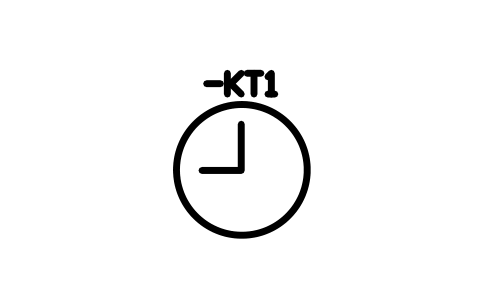
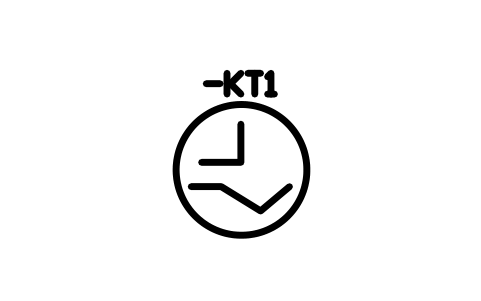
Clock, with contact
SEC_IEC_CLOCK_CONTACTAttributes
TAGCONTACT_NOMANUFACTURERMODELREMARKSSTD_CLAUSESTD_REFMANUFACTURERPART_NODESC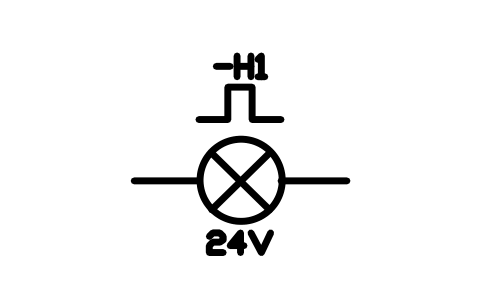
Signal lamp, flashing
SEC_IEC_LAMP_FLASHINGAttributes
TAGVOLTAGECOLORMANUFACTURERMODELREMARKSSTD_CLAUSESTD_REFMANUFACTURERPART_NODESC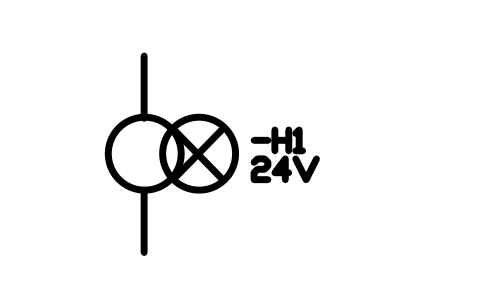
Signal lamp, built-in transformer
SEC_IEC_LAMP_TRANSFORMERAttributes
TAGVOLTAGECOLORMANUFACTURERMODELREMARKSSTD_CLAUSESTD_REFMANUFACTURERPART_NODESC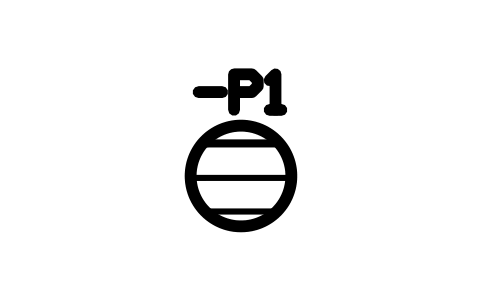
Electromechanical indicator
SEC_IEC_INDICATOR_ELEMENTAttributes
TAGLEGENDVOLTAGEMANUFACTURERMODELREMARKSSTD_CLAUSESTD_REFMANUFACTURERPART_NODESC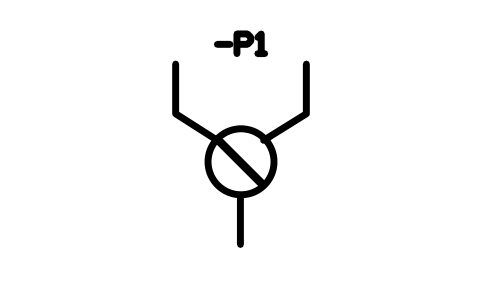
Electromechanical position indicator
SEC_IEC_POSITION_INDICATORAttributes
TAGLEGENDVOLTAGEMANUFACTURERMODELREMARKSSTD_CLAUSESTD_REFMANUFACTURERPART_NODESC
Siren
SEC_IEC_SIRENAttributes
TAGVOLTAGESOUND_DBMANUFACTURERMODELREMARKSSTD_CLAUSESTD_REFMANUFACTURERPART_NODESCAnnunciator window, lamp
SEC_ANN_WINDOWAttributes
TAGFUNCTIONSUPPLYCOMMUNICATIONMANUFACTURERMODELREMARKSDESCAnnunciator panel, 8 windows
SEC_ANN_PANEL_8Attributes
TAGFUNCTIONSUPPLYCOMMUNICATIONMANUFACTURERMODELREMARKSDESCFirst-out alarm unit
SEC_ANN_FIRST_OUTAttributes
TAGFUNCTIONSUPPLYCOMMUNICATIONMANUFACTURERMODELREMARKSDESCPushbutton, lamp test
SEC_ANN_LAMP_TESTAttributes
TAGPOSITIONSCONTACT_BLOCKSOPERATIONMANUFACTURERMODELREMARKSDESCPushbutton, acknowledge
SEC_ANN_ACKAttributes
TAGPOSITIONSCONTACT_BLOCKSOPERATIONMANUFACTURERMODELREMARKSDESC
Motion detector, infrared
SEC_GAI_S01872_MOTION_DETECTOR_INFRAREDAttributes
REMARKSSTD_CLAUSESTD_REFDESC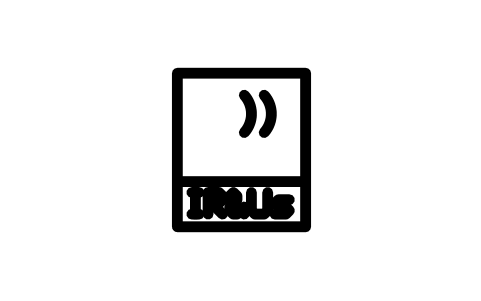
Motion det., IR + ultrasonic
SEC_GAI_S01873_MOTION_DET_IR_ULTRASONICAttributes
REMARKSSTD_CLAUSESTD_REFDESC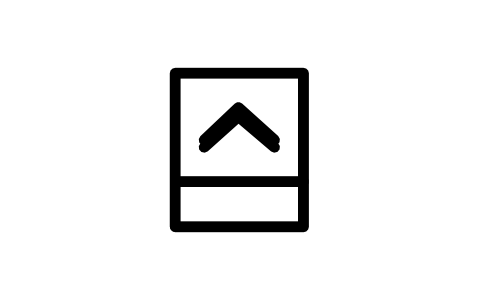
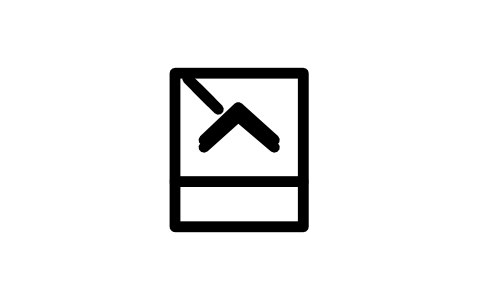
Smoke detector, ionizing
SEC_GAI_S01875_SMOKE_DETECTOR_IONIZINGAttributes
REMARKSSTD_CLAUSESTD_REFDESC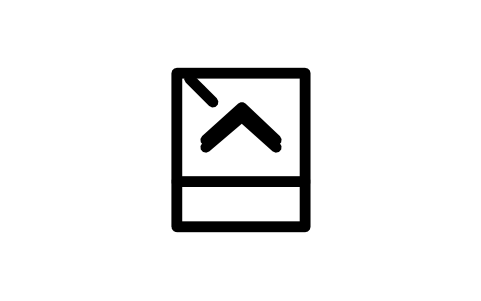
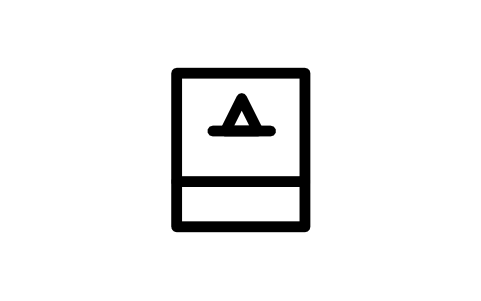
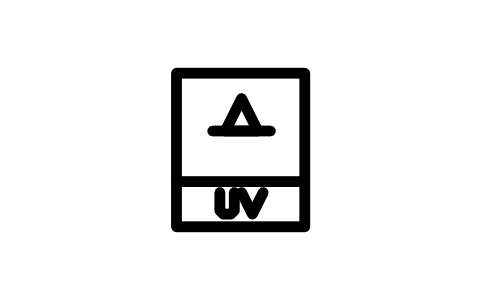
Flame detector, ultraviolet
SEC_GAI_S01878_FLAME_DETECTOR_ULTRAVIOLETAttributes
REMARKSSTD_CLAUSESTD_REFDESC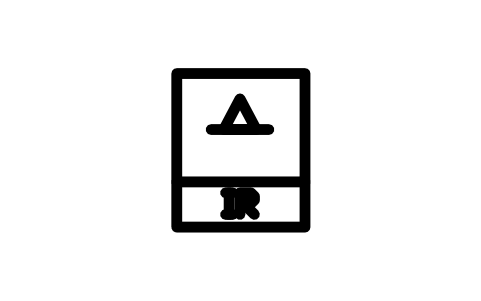
Flame detector, infrared
SEC_GAI_S01879_FLAME_DETECTOR_INFRAREDAttributes
REMARKSSTD_CLAUSESTD_REFDESC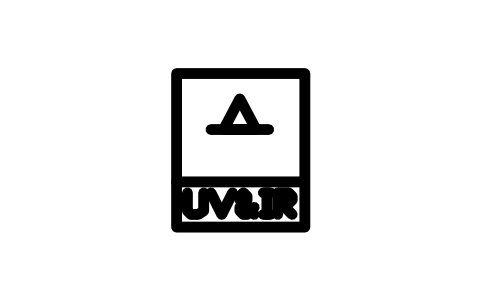
Flame det., UV and infrared
SEC_GAI_S01880_FLAME_DET_UV_AND_INFRAREDAttributes
REMARKSSTD_CLAUSESTD_REFDESC
Heat detector, differential
SEC_GAI_S01884_HEAT_DETECTOR_DIFFERENTIALAttributes
REMARKSSTD_CLAUSESTD_REFDESC


Acoustic signalling device
SEC_GAI_S01417_ACOUSTIC_SIGNALLING_DEVICEAttributes
REMARKSSTD_CLAUSESTD_REFDESC

Stand-alone emergency switch
SEC_GAI_S01864_STAND_ALONE_EMERGENCY_SWITCHAttributes
REMARKSSTD_CLAUSESTD_REFDESCTime source (GPS clock)
SEC_C_GPSAttributes
TAGFUNCTIONSUPPLYCOMMUNICATIONMANUFACTURERMODELREMARKSDESC
Disturbance fault recorder
SEC_C_DFRAttributes
TAGFUNCTIONSUPPLYCOMMUNICATIONMANUFACTURERMODELREMARKSDESC
Phasor measurement unit
SEC_C_PMUAttributes
TAGFUNCTIONSUPPLYCOMMUNICATIONMANUFACTURERMODELREMARKSDESC
Sequence of events recorder
SEC_C_SERAttributes
TAGFUNCTIONSUPPLYCOMMUNICATIONMANUFACTURERMODELREMARKSDESC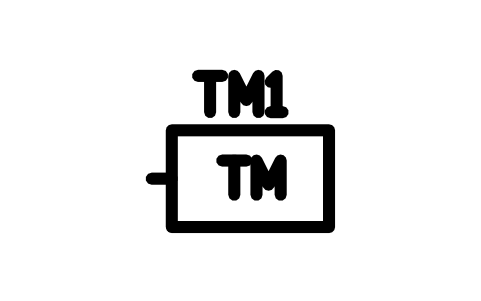
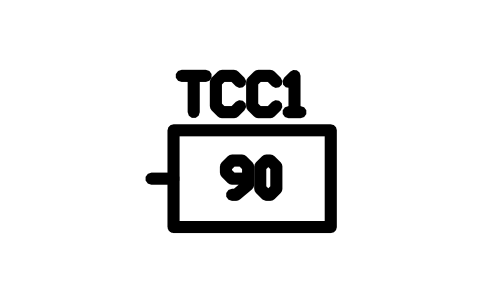
Tap changer controller (90)
SEC_C_TAPCTRLAttributes
TAGFUNCTIONSUPPLYCOMMUNICATIONMANUFACTURERMODELREMARKSDESC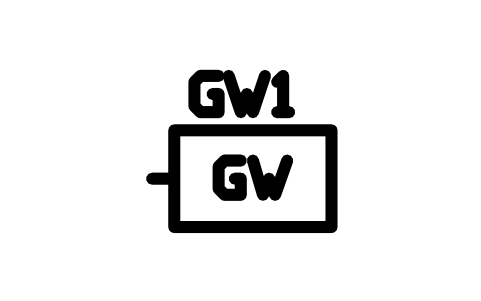
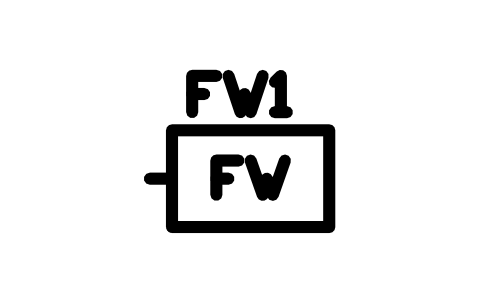


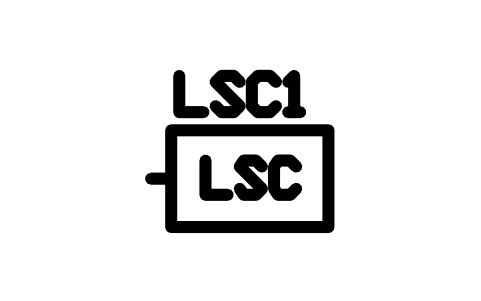
Load shedding controller
SEC_C_LSCAttributes
TAGFUNCTIONSUPPLYCOMMUNICATIONMANUFACTURERMODELREMARKSDESC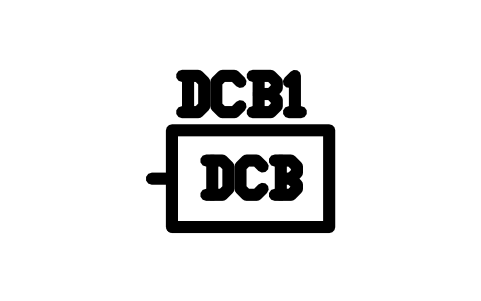
DC distribution board
SEC_C_DCBOARDAttributes
TAGFUNCTIONSUPPLYCOMMUNICATIONMANUFACTURERMODELREMARKSDESCProtocol converter
SEC_COM_PROTOCOL_CONVAttributes
TAGFUNCTIONSUPPLYCOMMUNICATIONMANUFACTURERMODELREMARKSDESCFibre-optic transceiver
SEC_COM_FO_TRANSCEIVERAttributes
TAGFUNCTIONSUPPLYCOMMUNICATIONMANUFACTURERMODELREMARKSDESCFibre-optic link
SEC_COM_FIBRE_LINKAttributes
TAGFUNCTIONSUPPLYCOMMUNICATIONMANUFACTURERMODELREMARKSDESCTime synchronisation link
SEC_COM_TIMESYNCAttributes
TAGFUNCTIONSUPPLYCOMMUNICATIONMANUFACTURERMODELREMARKSDESCDisturbance fault recorder
SEC_COM_DFRAttributes
TAGFUNCTIONSUPPLYCOMMUNICATIONMANUFACTURERMODELREMARKSDESCPhasor measurement unit
SEC_COM_PMUAttributes
TAGFUNCTIONSUPPLYCOMMUNICATIONMANUFACTURERMODELREMARKSDESC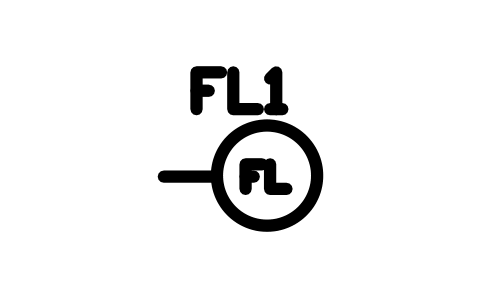
- New in 1.2
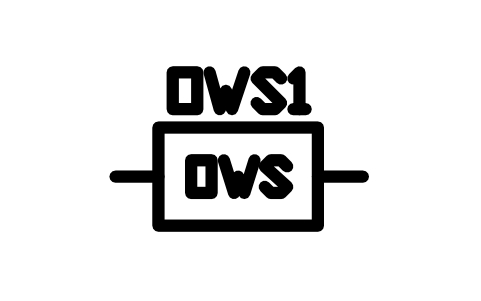
- New in 1.2
Engineering workstation
SEC_COM_EWSAttributes
TAGFUNCTIONSUPPLYCOMMUNICATIONMANUFACTURERMODELREMARKSDESC - New in 1.2
- New in 1.2
Protection information substation
SEC_COM_PISAttributes
TAGFUNCTIONSUPPLYCOMMUNICATIONMANUFACTURERMODELREMARKSDESC - New in 1.2
- New in 1.2
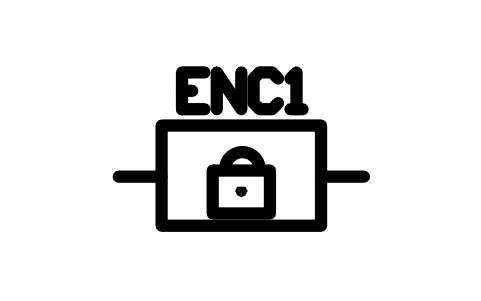
Vertical encryption device
SEC_COM_ENCRYPTIONAttributes
TAGFUNCTIONSUPPLYCOMMUNICATIONMANUFACTURERMODELREMARKSDESC - New in 1.2
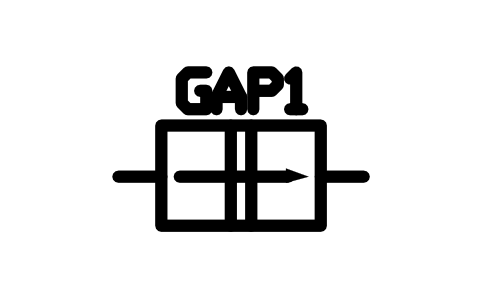
Isolation device, forward
SEC_COM_ISOLATOR_FWDAttributes
TAGFUNCTIONSUPPLYCOMMUNICATIONMANUFACTURERMODELREMARKSDESC - New in 1.2
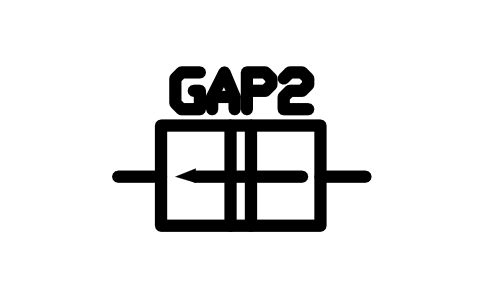
Isolation device, reverse
SEC_COM_ISOLATOR_REVAttributes
TAGFUNCTIONSUPPLYCOMMUNICATIONMANUFACTURERMODELREMARKSDESC - New in 1.2
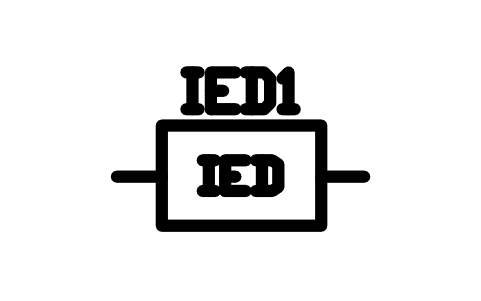
Protection and control IED
SEC_COM_IEDAttributes
TAGFUNCTIONSUPPLYCOMMUNICATIONMANUFACTURERMODELREMARKSDESC - New in 1.2
Smart terminal
SEC_COM_SMART_TERMINALAttributes
TAGFUNCTIONSUPPLYCOMMUNICATIONMANUFACTURERMODELREMARKSDESC - New in 1.2
Redundancy box (PRP / HSR)
SEC_COM_REDBOXAttributes
TAGFUNCTIONSUPPLYCOMMUNICATIONMANUFACTURERMODELREMARKSDESC - New in 1.2
Optical distribution frame
SEC_COM_ODFAttributes
TAGFUNCTIONSUPPLYCOMMUNICATIONMANUFACTURERMODELREMARKSDESC - New in 1.2
- New in 1.2
Time synchronisation extension
SEC_COM_TIME_EXTAttributes
TAGFUNCTIONSUPPLYCOMMUNICATIONMANUFACTURERMODELREMARKSDESC - New in 1.2
Communication power supply, 48 V DC
SEC_COM_COMM_PSAttributes
TAGFUNCTIONSUPPLYCOMMUNICATIONMANUFACTURERMODELREMARKSDESC - New in 1.2
Dispatch master station (EMS / SCADA)
SEC_COM_EMSAttributes
TAGFUNCTIONSUPPLYCOMMUNICATIONMANUFACTURERMODELREMARKSDESC - New in 1.2
Remote control centre
SEC_COM_CONTROL_CENTREAttributes
TAGFUNCTIONSUPPLYCOMMUNICATIONMANUFACTURERMODELREMARKSDESC - New in 1.2
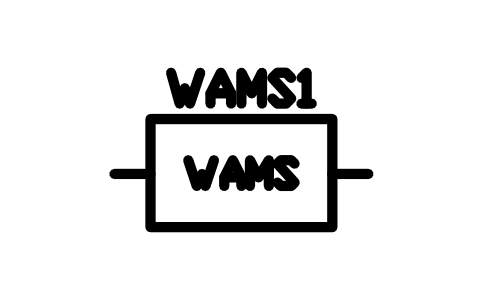
Wide-area monitoring master (WAMS)
SEC_COM_WAMSAttributes
TAGFUNCTIONSUPPLYCOMMUNICATIONMANUFACTURERMODELREMARKSDESC 
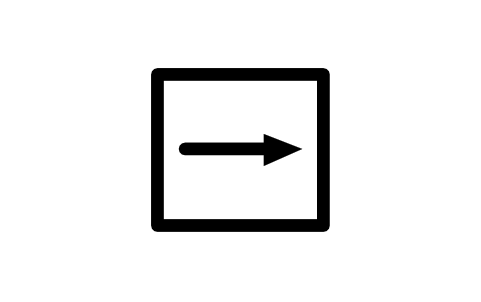
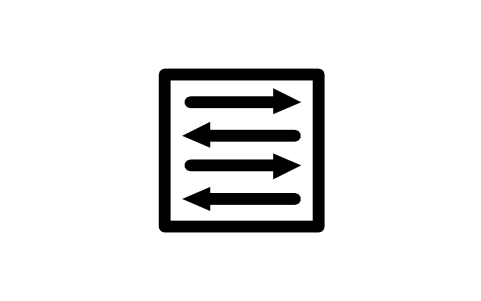
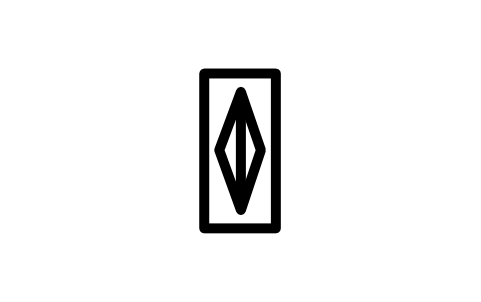

- New in 1.2
- New in 1.2

- New in 1.2
- New in 1.2
- New in 1.2
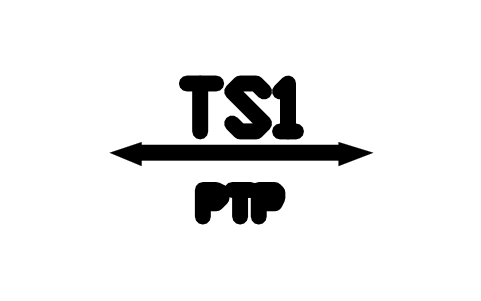
Time synchronisation, IEEE 1588
SEC_NET_PTPAttributes
TAGFUNCTIONSUPPLYCOMMUNICATIONMANUFACTURERMODELREMARKSDESC - New in 1.2
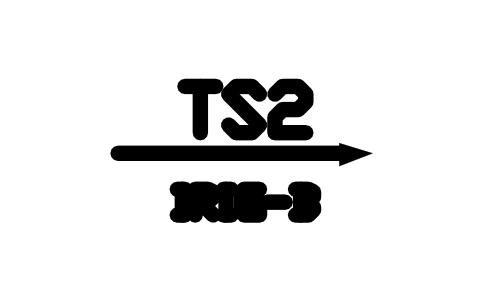
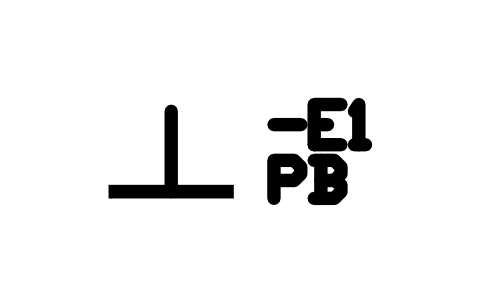
Time synchronisation, IRIG-B
SEC_NET_IRIGBAttributes
TAGFUNCTIONSUPPLYCOMMUNICATIONMANUFACTURERMODELREMARKSDESC - New in 1.2
- New in 1.2
- New in 1.2
- New in 1.2
Dispatch data network link
SEC_NET_DISPATCHAttributes
TAGFUNCTIONSUPPLYCOMMUNICATIONMANUFACTURERMODELREMARKSDESC - New in 1.2
Power line carrier channel
SEC_NET_PLCAttributes
TAGFUNCTIONSUPPLYCOMMUNICATIONMANUFACTURERMODELREMARKSDESC 


DC supply (battery and charger)
SEC_C_DCSUPPLYAttributes
TAGFUNCTIONSUPPLYCOMMUNICATIONMANUFACTURERMODELREMARKSDESC
UPS distribution board
SEC_LV_UPSDBAttributes
TAGRATED_CURRENT_AVOLTAGEBREAKING_KATRIP_UNITPOLESMANUFACTURERMODELREMARKSDESC
Rectifier
SEC_IEC_RECTIFIERAttributes
TAGPOWER_KWINPUT_VOUTPUT_VOUTPUT_AEFFICIENCY_PCTSTD_CLAUSESTD_REFMANUFACTURERPART_NODESC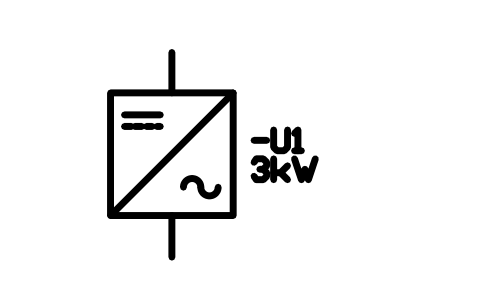
Inverter
SEC_IEC_INVERTERAttributes
TAGPOWER_KWINPUT_VOUTPUT_VOUTPUT_AEFFICIENCY_PCTSTD_CLAUSESTD_REFMANUFACTURERPART_NODESC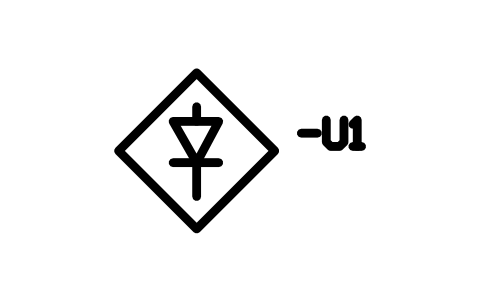
Rectifier, bridge connection
SEC_IEC_RECTIFIER_BRIDGEAttributes
TAGTYPEVOLTAGECURRENTPACKAGESTD_CLAUSESTD_REFMANUFACTURERPART_NODESC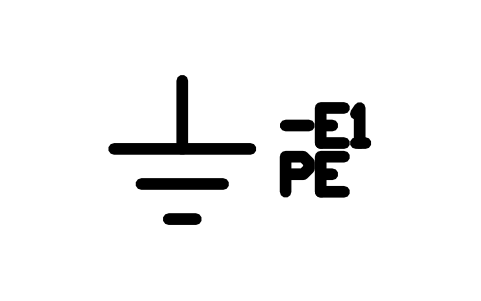
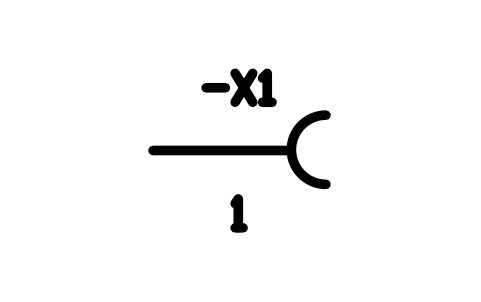
Socket (female contact)
SEC_IEC_SOCKETAttributes
TAGCONTACT_NORATING_ASTD_CLAUSESTD_REFMANUFACTURERPART_NODESC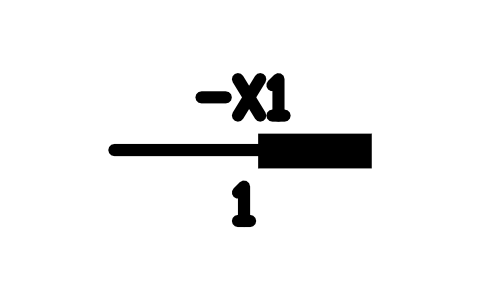
Plug (male contact)
SEC_IEC_PLUGAttributes
TAGCONTACT_NORATING_ASTD_CLAUSESTD_REFMANUFACTURERPART_NODESC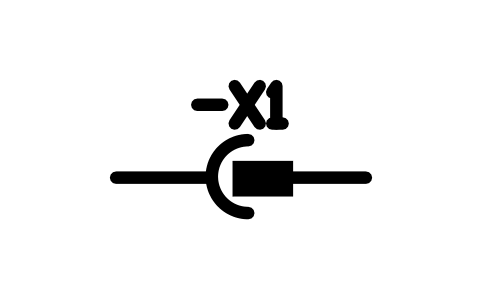
Plug and socket
SEC_IEC_PLUG_SOCKETAttributes
TAGCONNECTORRATING_APOLESSTD_CLAUSESTD_REFMANUFACTURERPART_NODESC
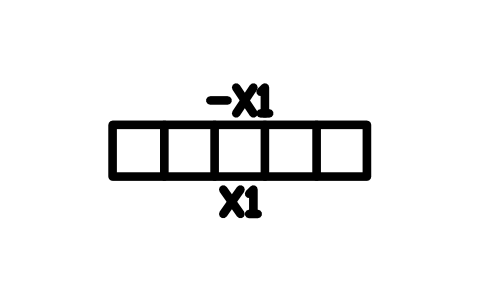
Terminal strip
SEC_IEC_TERMINAL_STRIPAttributes
TAGCONNECTORRATING_APOLESMANUFACTURERMODELREMARKSSTD_CLAUSESTD_REFMANUFACTURERPART_NODESC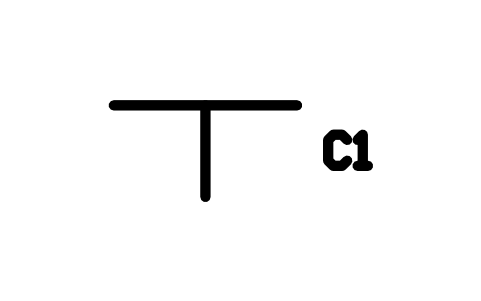
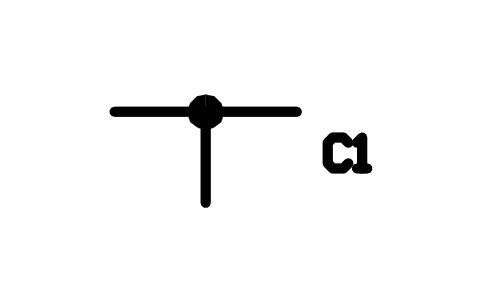
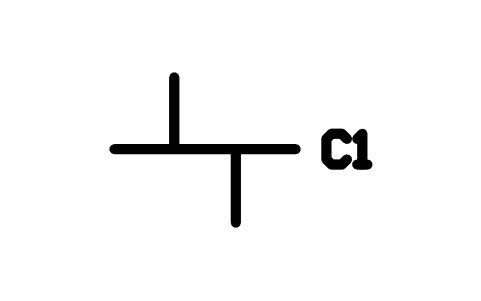
Double junction, form 1
SEC_IEC_DOUBLE_JUNCTIONAttributes
CIRCUITCABLE_TYPEREMARKSSTD_CLAUSESTD_REFDESC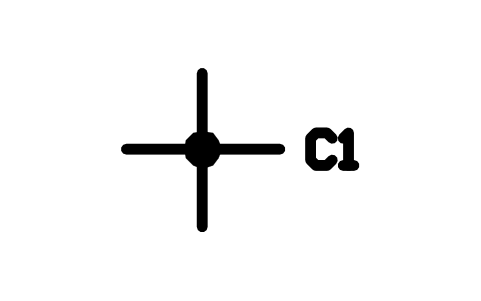
Double junction, form 2
SEC_IEC_DOUBLE_JUNCTION_DOTAttributes
CIRCUITCABLE_TYPEREMARKSSTD_CLAUSESTD_REFDESC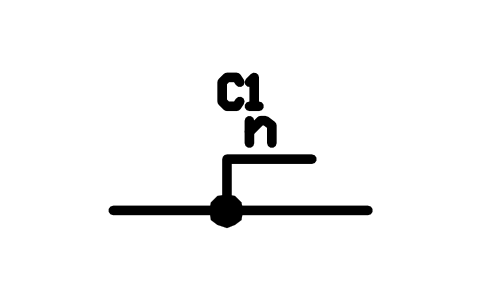
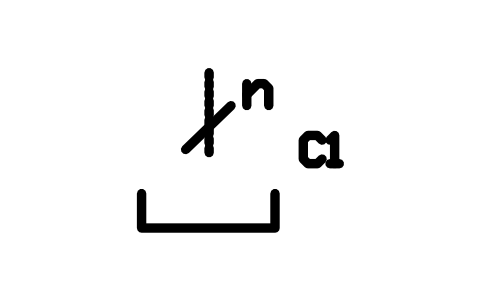
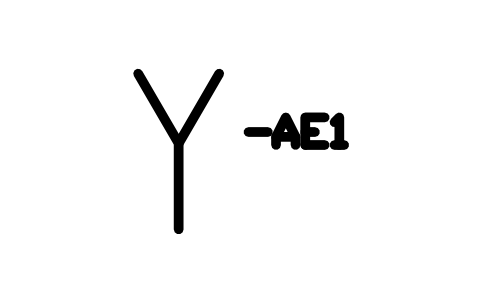
Antenna, general
SEC_IEC_ANTENNAAttributes
TAGFREQUENCYMANUFACTURERMODELREMARKSSTD_CLAUSESTD_REFMANUFACTURERPART_NODESC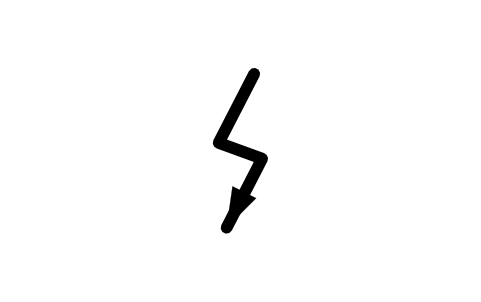

Connection, conductor, cable
SEC_IEC_CONDUCTORAttributes
CABLECABLE_TYPECONDUCTORSMANUFACTURERMODELREMARKSDESC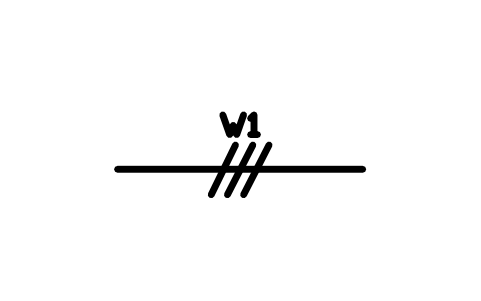
Group of 3 connections, form 1
SEC_IEC_CONDUCTOR_GROUP_3Attributes
CABLECABLE_TYPECONDUCTORSMANUFACTURERMODELREMARKSDESC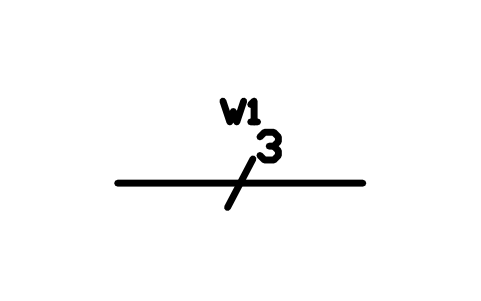
Group of connections, form 2
SEC_IEC_CONDUCTOR_GROUP_NAttributes
CABLECABLE_TYPECONDUCTORSMANUFACTURERMODELREMARKSDESC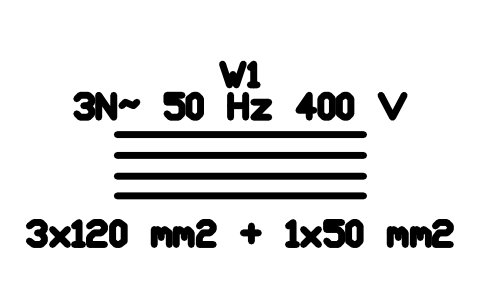
3-phase circuit with data
SEC_IEC_CIRCUIT_3PHAttributes
CABLECABLE_TYPECONDUCTORSMANUFACTURERMODELREMARKSSTD_CLAUSESTD_REFDESC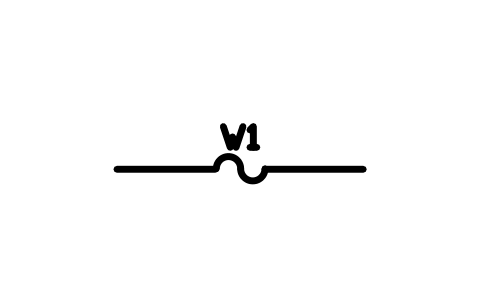
Flexible connection
SEC_IEC_CONDUCTOR_FLEXIBLEAttributes
CABLECABLE_TYPECONDUCTORSMANUFACTURERMODELREMARKSSTD_CLAUSESTD_REFDESC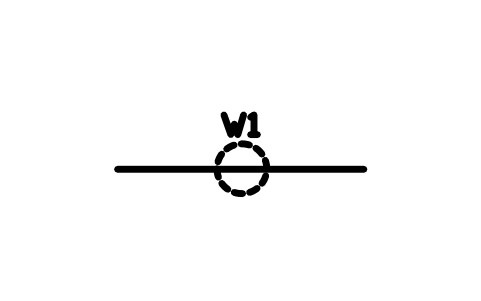
Screened conductor
SEC_IEC_CONDUCTOR_SCREENEDAttributes
CABLECABLE_TYPECONDUCTORSMANUFACTURERMODELREMARKSSTD_CLAUSESTD_REFDESC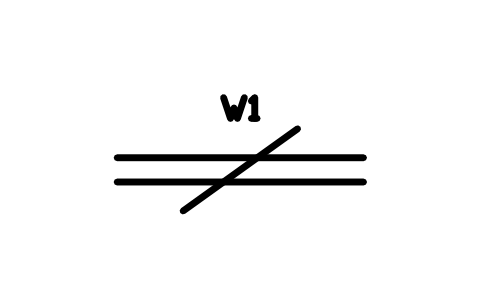
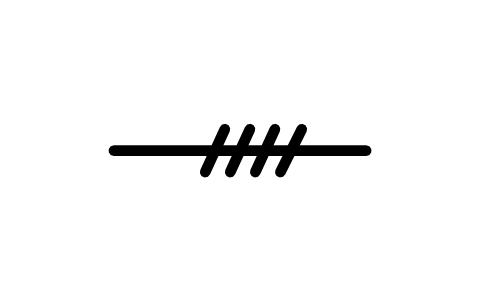
Twisted connection
SEC_IEC_CONDUCTOR_TWISTEDAttributes
CABLECABLE_TYPECONDUCTORSMANUFACTURERMODELREMARKSSTD_CLAUSESTD_REFDESC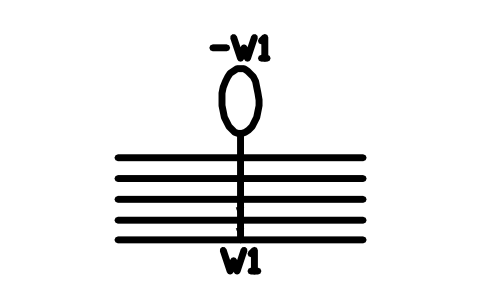
Conductors in a cable
SEC_IEC_CONDUCTORS_IN_CABLEAttributes
TAGCABLECABLE_TYPECONDUCTORSMANUFACTURERMODELREMARKSMANUFACTURERPART_NODESC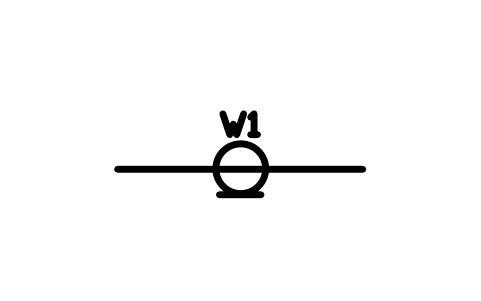
Coaxial pair
SEC_IEC_COAX_PAIRAttributes
CABLECABLE_TYPECONDUCTORSMANUFACTURERMODELREMARKSSTD_CLAUSESTD_REFDESC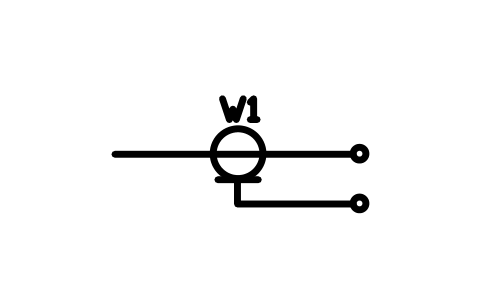
Coaxial pair to terminals
SEC_IEC_COAX_PAIR_TERMINALSAttributes
CABLECABLE_TYPECONDUCTORSMANUFACTURERMODELREMARKSSTD_CLAUSESTD_REFDESC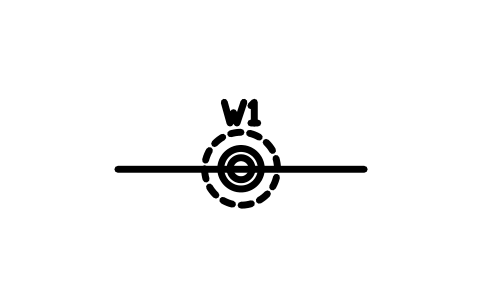
Coaxial pair with screen
SEC_IEC_COAX_PAIR_SCREENAttributes
CABLECABLE_TYPECONDUCTORSMANUFACTURERMODELREMARKSSTD_CLAUSESTD_REFDESCCable screen, earthed one end
SEC_WIR_SHIELD_1ENDAttributes
TAGTERMINALWIRE_NOCABLEMANUFACTURERMODELREMARKSDESCScreened twisted pair
SEC_WIR_SCREENED_PAIRAttributes
TAGTERMINALWIRE_NOCABLEMANUFACTURERMODELREMARKSDESC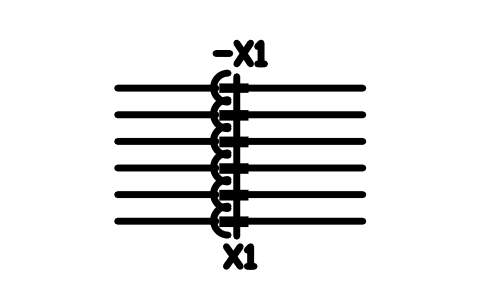
Plug and socket, 6 poles
SEC_IEC_PLUG_SOCKET_6PAttributes
TAGCONNECTORRATING_APOLESMANUFACTURERMODELREMARKSMANUFACTURERPART_NODESC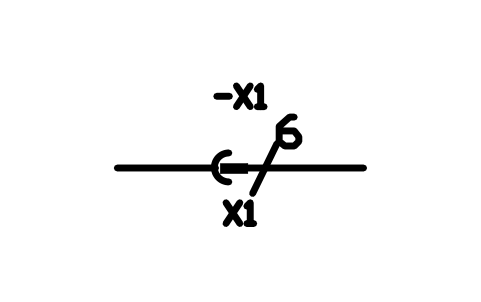
Plug and socket, multipole
SEC_IEC_PLUG_SOCKET_MULTIAttributes
TAGCONNECTORRATING_APOLESMANUFACTURERMODELREMARKSSTD_CLAUSESTD_REFMANUFACTURERPART_NODESC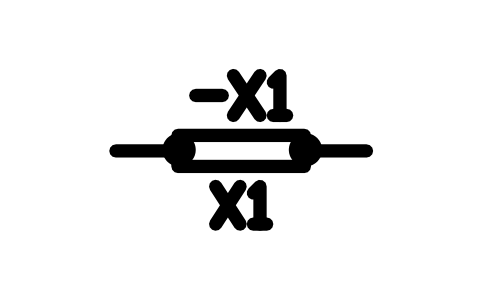
Connecting link, closed, test
SEC_IEC_LINK_CLOSED_TESTAttributes
TAGCONNECTORRATING_APOLESMANUFACTURERMODELREMARKSMANUFACTURERPART_NODESC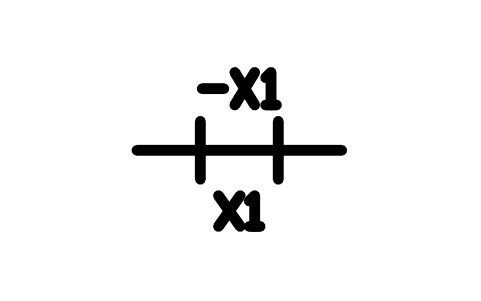
Connecting link, closed, form 2
SEC_IEC_LINK_CLOSEDAttributes
TAGCONNECTORRATING_APOLESMANUFACTURERMODELREMARKSMANUFACTURERPART_NODESC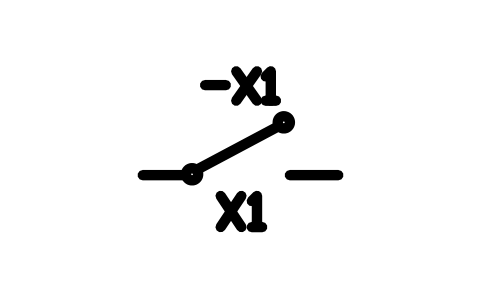
Connecting link, open
SEC_IEC_LINK_OPENAttributes
TAGCONNECTORRATING_APOLESMANUFACTURERMODELREMARKSSTD_CLAUSESTD_REFMANUFACTURERPART_NODESC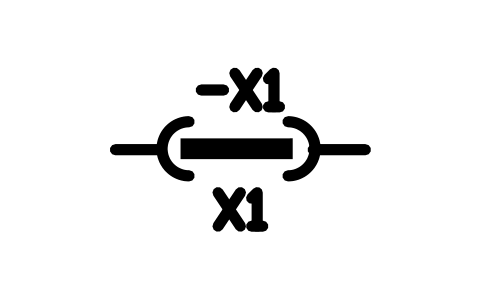
Connector, male-male, U-link
SEC_IEC_CONNECTOR_MALE_MALEAttributes
TAGCONNECTORRATING_APOLESMANUFACTURERMODELREMARKSSTD_CLAUSESTD_REFMANUFACTURERPART_NODESC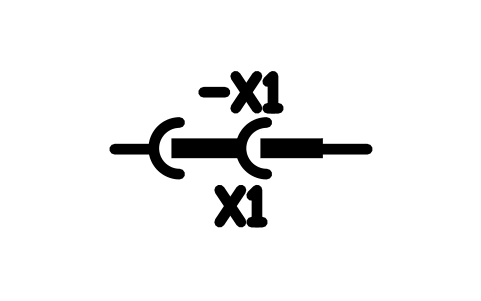
Connector, male-female, U-link
SEC_IEC_CONNECTOR_MALE_FEMALEAttributes
TAGCONNECTORRATING_APOLESMANUFACTURERMODELREMARKSSTD_CLAUSESTD_REFMANUFACTURERPART_NODESC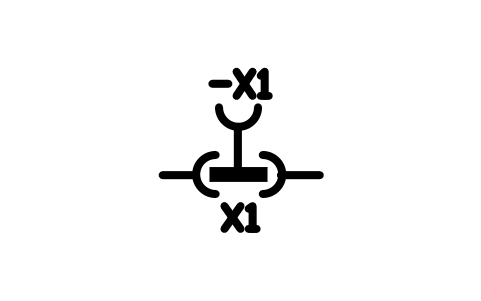
Connector, male-male, socket access
SEC_IEC_CONNECTOR_SOCKET_ACCESSAttributes
TAGCONNECTORRATING_APOLESMANUFACTURERMODELREMARKSSTD_CLAUSESTD_REFMANUFACTURERPART_NODESCRelay panel
SEC_PNL_RELAYAttributes
TAGPANEL_NAMEWIDTH_MMDEPTH_MMHEIGHT_MMSUPPLYMANUFACTURERREMARKSDESCControl cubicle
SEC_PNL_CONTROLAttributes
TAGPANEL_NAMEWIDTH_MMDEPTH_MMHEIGHT_MMSUPPLYMANUFACTURERREMARKSDESCMarshalling kiosk
SEC_PNL_MARSHALLINGAttributes
TAGPANEL_NAMEWIDTH_MMDEPTH_MMHEIGHT_MMSUPPLYMANUFACTURERREMARKSDESCDC distribution board
SEC_PNL_DC_BOARDAttributes
TAGPANEL_NAMEWIDTH_MMDEPTH_MMHEIGHT_MMSUPPLYMANUFACTURERREMARKSDESCBattery bank outline
SEC_PNL_BATTERY_BANKAttributes
TAGPANEL_NAMEWIDTH_MMDEPTH_MMHEIGHT_MMSUPPLYMANUFACTURERREMARKSDESC
Copyright CADXChange. Use and modify the symbols freely in your own drawings and projects, including commercial ones; credit and a link are needed only when you publish them. Please do not redistribute or resell the library. Each ZIP holds one plain DWG file in AutoCAD 2018 format and a README; no add-in needed. Provided as is, without warranty. Library terms (CXL-1.0)
IEC 60617 has several parts. The other libraries of the standard:
- Common electrical symbols (IEC 60617)
- Power system single-line symbols (IEC 60617)
- Power system primary equipment symbols
- Electron tubes, crystals, delay lines (IEC 60617)
- Logic gate symbols (IEC 60617)
- Flip-flops, multiplexers, op amps (IEC 60617)
- Telephone, selectors, sound and recording (IEC 60617)
- Antennas, waveguides, modulation, filters and optical fibre (IEC 60617)
- Relays, protection and switching devices (IEC 60617)
- Machines, transformers, meters and symbol elements (IEC 60617)
- Busbar trunking, cable television, airfield lighting and connectors (IEC 60617)
- Gas-insulated switchgear, alarms and installation devices (IEC 60617)
Related symbol libraries
Missing a symbol? Tell us which one.
Attributes for parts lists
Every block has a visible tag next to the symbol (for example F1 for a relay, SA1 for a switch, X1 for a terminal, DC1 for a board). The data of your schedules are invisible attributes: FUNCTION, SETTING, TRIPS, CT_INPUT and VT_INPUT for protection relays; RANGE, ACCURACY_CLASS and OUTPUT for meters and transducers; SUPPLY and COMMUNICATION for automation devices; TERMINAL, WIRE_NO and CABLE for terminals and wiring; plus MANUFACTURER, MODEL and REMARKS on most blocks.
How to use the library
- Unzip the file and open the DWG. Copy the symbols you need into your plan, or drag the blocks in from DesignCenter (ADCENTER).
- The symbols are drawn at the plotted size in millimetres and have the size and style of the power system and the other IEC 60617 libraries, so they can share a drawing with them. Insert them at scale 1 and scale the block if your drawing needs a different size.
- Contacts and push-buttons are vertical with the connection at the top, which is the insertion point; relays, meters, links and terminals are horizontal and centred with the connections left and right; panel icons are outlines centred on the origin.
- Several items come in more than one form: contacts and coils in the IEC and in the IEEE forms, make and break variants, with and without delay. Pick the form that your project legend uses.
About the symbols
The electrical forms follow IEC 60617. Devices that the standard does not draw as a single figure, such as test terminals, trip circuit elements, communication links and panel outlines, are made from the standard's elements or as boxes with a short code, in the way that is usual on protection and control drawings.
The blocks are our own drawings, not copies of a standard, and the library is not certified. Check them against the legend of your project or company and change a block if yours differs.
What changed in each version
Version 1.2 · November 25, 2026
29 new symbols for substation communication: 18 devices (operator and engineering workstations, data server, protection information substation, vertical encryption and forward / reverse isolation devices, IED, smart terminal, PRP / HSR redundancy box, ODF, network analyser, time synchronisation extension, communication power supply, dispatch master station, remote control centre, WAMS master) and a new group of 11 network links (station bus, process bus, MMS, sampled values, IEEE 1588 and IRIG-B time synchronisation, fibre ring, network A and B markers, dispatch data network, power line carrier).
New symbols (29)
Operator workstation · Engineering workstation · Data server · Protection information substation · Printer · Vertical encryption device · Isolation device, forward · Isolation device, reverse · Protection and control IED · Smart terminal · Redundancy box (PRP / HSR) · Optical distribution frame · Network analyser · Time synchronisation extension · Communication power supply, 48 V DC · Dispatch master station (EMS / SCADA) · Remote control centre · Wide-area monitoring master (WAMS) · Station bus · Process bus · MMS link · Sampled values link · Time synchronisation, IEEE 1588 · Time synchronisation, IRIG-B · Fibre-optic ring · Network A marker · Network B marker · Dispatch data network link · Power line carrier channel
Version 1.1 · November 24, 2026
22 new symbols: 19 protection function numbers for lines, transformers, busbars and generators (phase and ground distance, directional earth fault, power swing blocking, VT fuse failure, rate of change of frequency, stator earth fault, lockout relays for busbar, transformer, line and generator and more), the interposing and the summation current transformer, and a fault locator.
New symbols (22)
Relay, phase distance (21P) · Relay, ground distance (21G) · Relay, auto-synchronising (25A) · Relay, stator earth 3rd harmonic (27TN) · Relay, reverse power (32R) · Relay, neutral instantaneous (50N) · Relay, ground instantaneous (50G) · Relay, neutral time overcurrent (51N) · Relay, neutral overvoltage (59N) · Relay, ground overvoltage (59G) · Relay, VT fuse failure (60FL) · Relay, directional earth fault (67N) · Relay, power swing blocking (68) · Relay, trip circuit monitor (74TC) · Relay, rate of change of frequency (81R) · Relay, busbar lockout (86B) · Relay, transformer lockout (86T) · Relay, line lockout (86L) · Relay, generator lockout (86G) · Interposing CT · Summation CT · Fault locator
Version 1.0 · November 24, 2026
New symbols (521)
Relay, distance (21) · Relay, synchro-check (25) · Relay, undervoltage (27) · Relay, directional power (32) · Relay, loss of field (40) · Relay, negative sequence (46) · Relay, thermal (49) · Relay, instantaneous overcurrent (50) · Relay, time overcurrent (51) · Relay, overcurrent (50/51) · Relay, earth overcurrent (50N/51N) · Relay, overvoltage (59) · Relay, gas / pressure (63) · Relay, earth fault (64) · Relay, directional overcurrent (67) · Relay, auto-reclosing (79) · Relay, frequency (81) · Relay, lockout (86) · Relay, transformer differential (87T) · Relay, generator differential (87G) · Relay, busbar differential (87B) · Relay, line differential (87L) · Protection relay, multifunction · Trip coil · Closing coil · Relay, overspeed (12) · Relay, underspeed (14) · Relay, overexcitation V/Hz (24) · Relay, apparatus thermal (26) · Relay, undercurrent / underpower (37) · Relay, bearing protection (38) · Relay, phase sequence / voltage (47) · Relay, power factor (55) · Relay, rotor earth fault (64R) · Relay, stator earth fault (64S) · Relay, starts per hour (66) · Relay, out of step (78) · Relay, motor differential (87M) · Relay, restricted earth fault (87N) · Relay, unit differential (87U) · 481 more
Frequently asked questions
- What is secondary equipment, and what is left out?
- Secondary equipment watches, protects, controls, measures and signals: relays, protection devices, meters, control switches, terminals, test blocks, annunciators, communication and auxiliary supply. The equipment that carries the power (generators, transformers, switchgear, busbars, lines, cables) is left out and is in the primary equipment library. Current and voltage transformers are in both.
- Can I draw a protection scheme or a control circuit with it?
- Yes. Protection relays with device numbers, trip and close circuit elements, contacts and coils, control and selector switches, test terminals and shorting links, annunciators and the terminal and wiring symbols are in the library, as well as the communication devices for a substation automation drawing.
- Can I use the symbols in commercial projects?
- Yes. You may use and modify them in your own projects, including commercial ones. They are provided as is, without warranty. Please do not redistribute or resell the library; see the library terms.
- How is this library different from the power system and relay libraries?
- The power system library mixes primary equipment with a smaller set of relays and meters, and the relay library holds the IEC 60617 switching and relay symbols. This library gathers the secondary side in one place, repeats the symbols you need from those libraries and adds test terminals, trip circuit elements, control switches, annunciators, communication links, sensors, terminals and panel outlines. Blocks of the same shape are named differently, so the libraries can share a drawing.
- Can I change a symbol or add attributes?
- Yes. Open the DWG, edit a block with BEDIT to change it or add attributes, and save. To update drawings that already contain the block, run ATTSYNC or replace the block. Make a backup first: attribute values can be lost if ATTSYNC is used carelessly.
- Where do I find a ready-made set of these symbols for AutoCAD?
- AutoCAD itself ships only a small set of sample blocks, so a full symbol set has to come from a library. Download the ZIP on this page and open the DWG: every symbol is a block. Insert one with INSERT (Blocks palette, Libraries tab, then pick the DWG) or drag it from DesignCenter (ADCENTER). You can also download a single symbol on its own.