
Free AutoCAD logic gate symbols (DWG), IEC 60617-12 style: binary logic elements and qualifying symbols
Logic gate symbols (IEC 60617): 119 ready-made AutoCAD blocks (DWG), free to download and use in your own projects, as a ZIP or one symbol at a time.
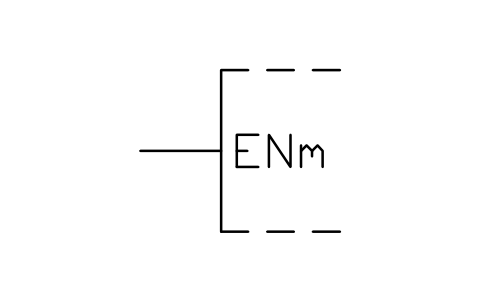
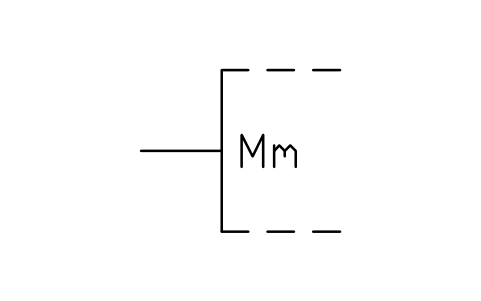
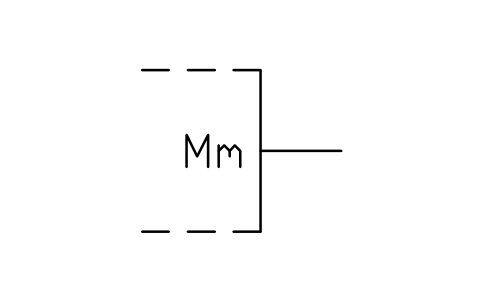
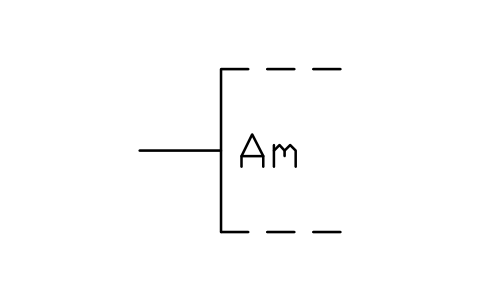
119 binary logic symbols as ready-to-use AutoCAD blocks, drawn after IEC 60617-12: the element outlines, negation, polarity and dynamic indicators, internal connections, outputs with open circuit, 3-state and special amplification, function inputs (E, EN, D, J, K, R, S, T, shifting and counting), comparator and arithmetic connections (greater, less, equal, borrow, carry, content), bit, label and line groupings, fixed states, the dependency notation (G, V, N, Z, C, S, R, EN, M, A) and the basic logic elements: OR, AND, threshold, majority, odd, even, exclusive-OR, buffer, negator, inverter, NAND and NOR.
Using AutoCAD 2017 or an earlier version? Download the 2010 format
Free to use and modify in your own projects, including commercial ones. The ZIP holds one plain DWG file in AutoCAD 2018 format and a README; no add-in needed. Provided as is, without warranty.
IEC 60617 has several parts. The other libraries of the standard:
- Common electrical symbols (IEC 60617)
- Power system single-line symbols (IEC 60617)
- Electron tubes, crystals, delay lines (IEC 60617)
- Flip-flops, multiplexers, op amps (IEC 60617)
- Telephone, selectors, sound and recording (IEC 60617)
- Antennas, waveguides, modulation, filters and optical fibre (IEC 60617)
- Relays, protection and switching devices (IEC 60617)
- Machines, transformers, meters and symbol elements (IEC 60617)
- Busbar trunking, cable television, airfield lighting and connectors (IEC 60617)
After you download
Use the symbols across a whole drawing set
A symbol only helps when every drawing uses the same version of it.
- Open the DWG and copy the blocks you need into your drawing, or drag them in from DesignCenter. Insert them at scale 1; the README in this ZIP gives the drawing unit and the insertion point of each group.
- When a symbol changes later, replace the old block with the new one in every drawing in one run with BlockCopy, instead of opening each file.
- To count symbols or list their attributes across many drawings, export them to Excel with BlockSync and build a pivot table from the result.
Step-by-step guideBlockCopyBlockSync
Related guides:ATTSYNC Cleared My Attribute Values — How to Update Block Definitions SafelyCount Blocks Across Multiple Drawings — Build a BOM / Material Take-Off in Excel from a Whole Drawing Set
The tools are free for up to 10 files per batch; Pro removes the limit.
All 119 symbols
119 of 119 symbols
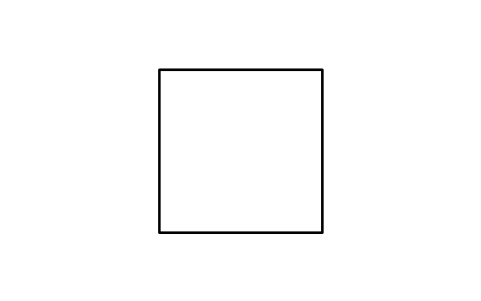
Element outline
LGB_S01463_ELEMENT_OUTLINEAttributes
TAGREMARKSSTD_CLAUSESTD_REFDESC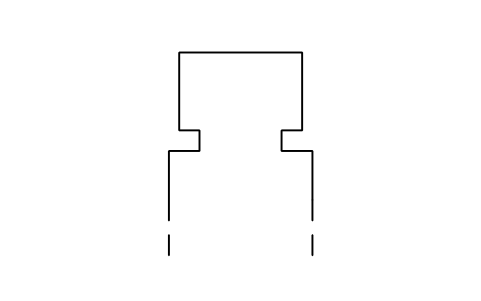
Common control block outline
LGB_S01464_COMMON_CONTROL_BLOCK_OUTLINEAttributes
TAGREMARKSSTD_CLAUSESTD_REFDESC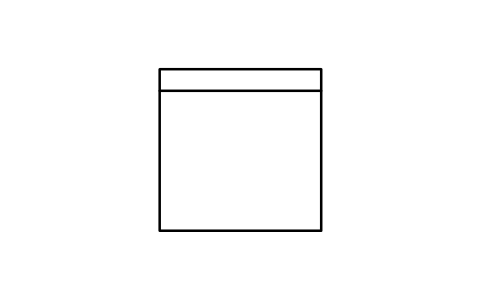
Common output element
LGB_S01465_COMMON_OUTPUT_ELEMENTAttributes
TAGREMARKSSTD_CLAUSESTD_REFDESC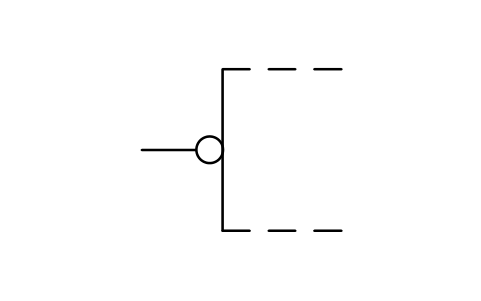
Logic negation, input
LGB_S01466_LOGIC_NEGATION_INPUTAttributes
TAGREMARKSSTD_CLAUSESTD_REFDESC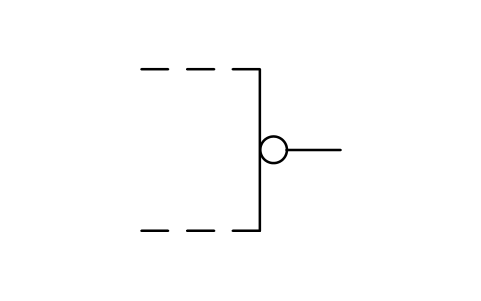
Logic negation, output
LGB_S01467_LOGIC_NEGATION_OUTPUTAttributes
TAGREMARKSSTD_CLAUSESTD_REFDESC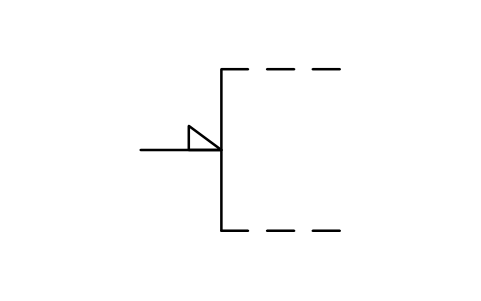
Polarity indicator, input
LGB_S01468_POLARITY_INDICATOR_INPUTAttributes
TAGREMARKSSTD_CLAUSESTD_REFDESC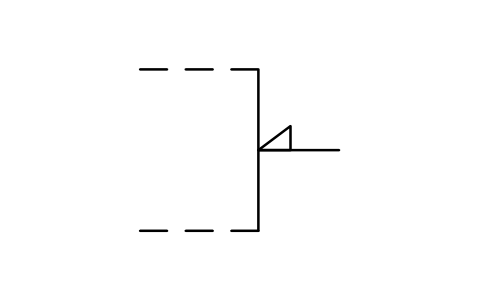
Polarity indicator, output
LGB_S01469_POLARITY_INDICATOR_OUTPUTAttributes
TAGREMARKSSTD_CLAUSESTD_REFDESC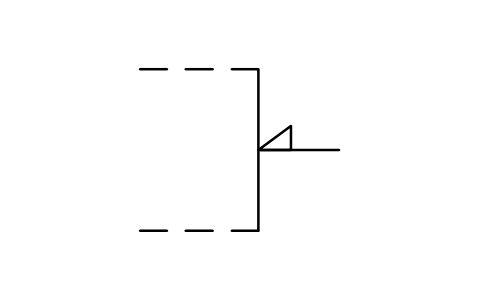
Polarity ind., in, R to L
LGB_S01470_POLARITY_IND_IN_R_TO_LAttributes
TAGREMARKSSTD_CLAUSESTD_REFDESC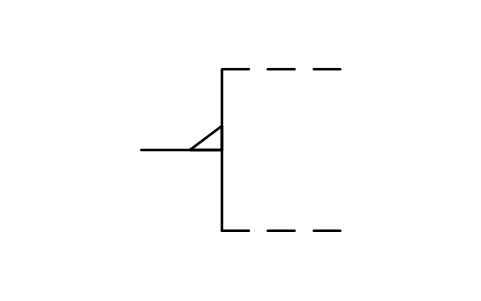
Polarity ind., out, R to L
LGB_S01471_POLARITY_IND_OUT_R_TO_LAttributes
TAGREMARKSSTD_CLAUSESTD_REFDESC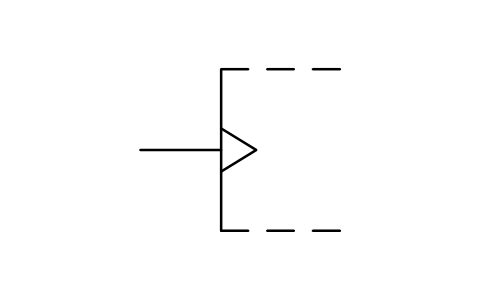
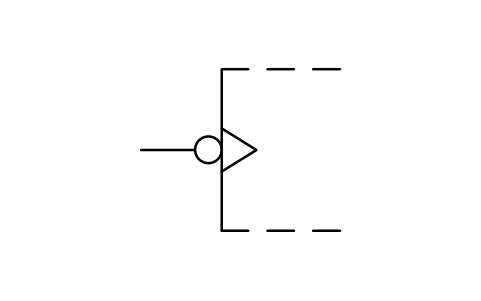
Dynamic input, negation
LGB_S01473_DYNAMIC_INPUT_NEGATIONAttributes
TAGREMARKSSTD_CLAUSESTD_REFDESC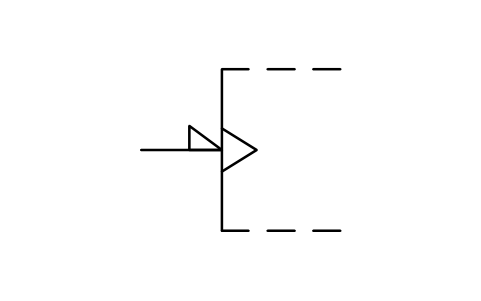
Dynamic input, polarity ind.
LGB_S01474_DYNAMIC_INPUT_POLARITY_INDAttributes
TAGREMARKSSTD_CLAUSESTD_REFDESC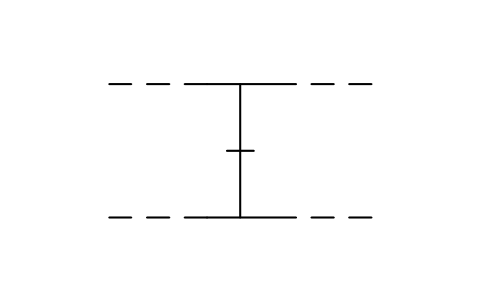
Internal connection, marked
LGB_S01475_INTERNAL_CONNECTION_MARKEDAttributes
TAGREMARKSSTD_CLAUSESTD_REFDESC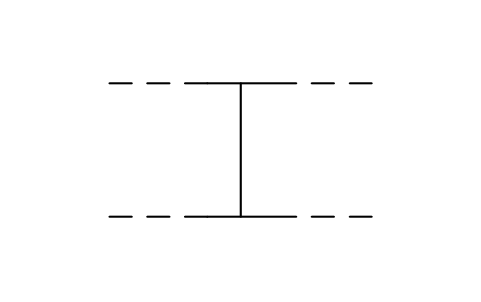
Internal connection
LGB_S01476_INTERNAL_CONNECTIONAttributes
TAGREMARKSSTD_CLAUSESTD_REFDESC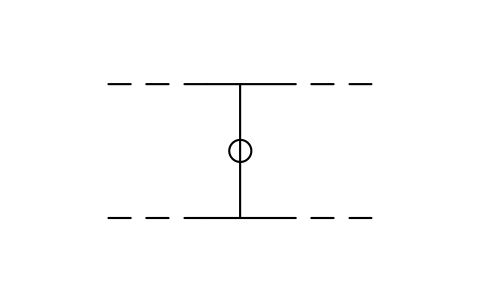
Internal conn., negation
LGB_S01809_INTERNAL_CONN_NEGATIONAttributes
TAGREMARKSSTD_CLAUSESTD_REFDESC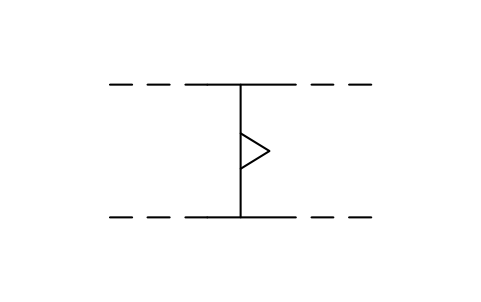
Internal connection, dynamic
LGB_S01477_INTERNAL_CONNECTION_DYNAMICAttributes
TAGREMARKSSTD_CLAUSESTD_REFDESC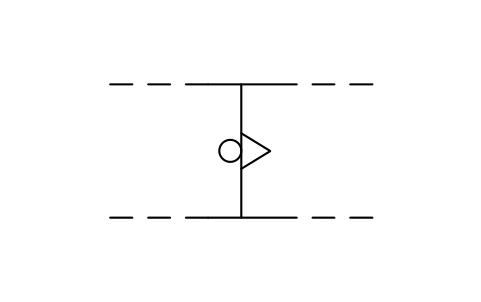
Internal conn., neg, dyn.
LGB_S01478_INTERNAL_CONN_NEG_DYNAttributes
TAGREMARKSSTD_CLAUSESTD_REFDESC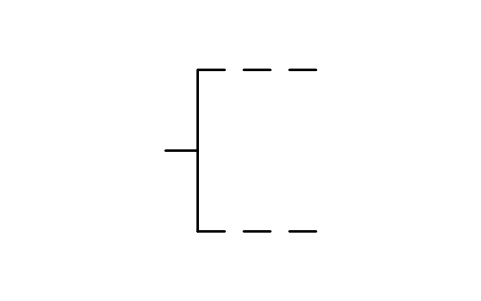
Internal input, left side
LGB_S01479_INTERNAL_INPUT_LEFT_SIDEAttributes
TAGREMARKSSTD_CLAUSESTD_REFDESC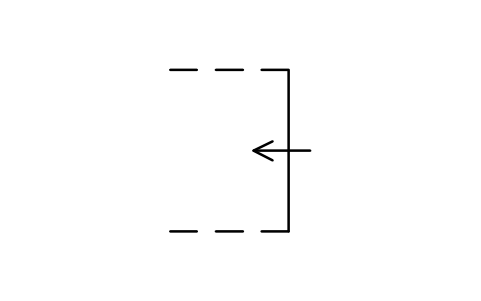
Internal input, right side
LGB_S01480_INTERNAL_INPUT_RIGHT_SIDEAttributes
TAGREMARKSSTD_CLAUSESTD_REFDESC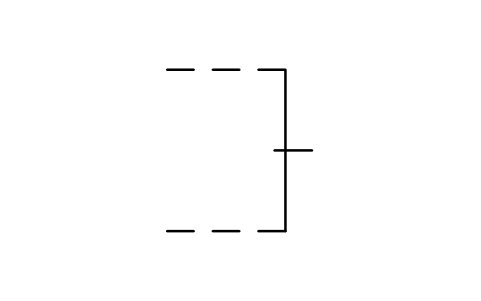
Internal output, right side
LGB_S01481_INTERNAL_OUTPUT_RIGHT_SIDEAttributes
TAGREMARKSSTD_CLAUSESTD_REFDESC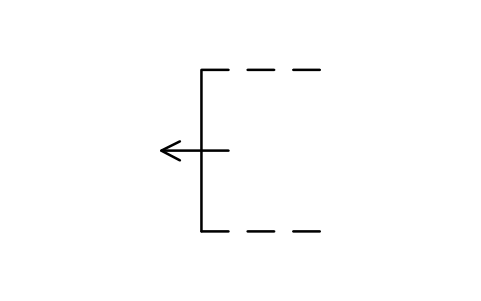
Internal output, left side
LGB_S01482_INTERNAL_OUTPUT_LEFT_SIDEAttributes
TAGREMARKSSTD_CLAUSESTD_REFDESC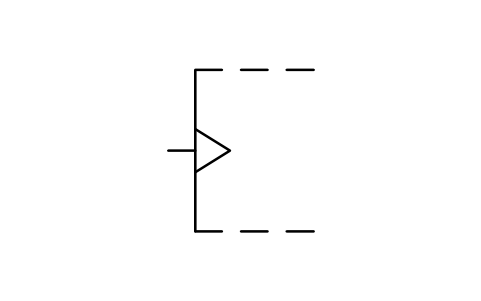
Internal dyn. input, left
LGB_S01483_INTERNAL_DYN_INPUT_LEFTAttributes
TAGREMARKSSTD_CLAUSESTD_REFDESC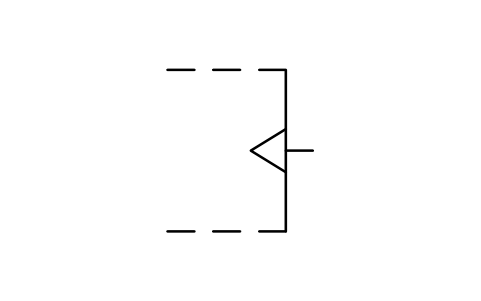
Internal dyn. input, right
LGB_S01484_INTERNAL_DYN_INPUT_RIGHTAttributes
TAGREMARKSSTD_CLAUSESTD_REFDESC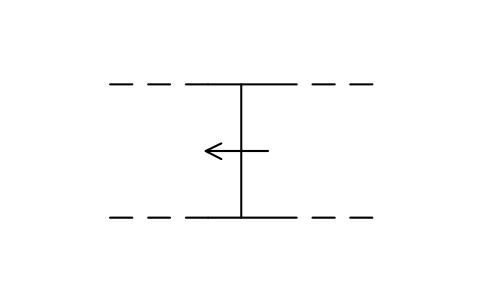
Internal connection, R to L
LGB_S01485_INTERNAL_CONNECTION_R_TO_LAttributes
TAGREMARKSSTD_CLAUSESTD_REFDESC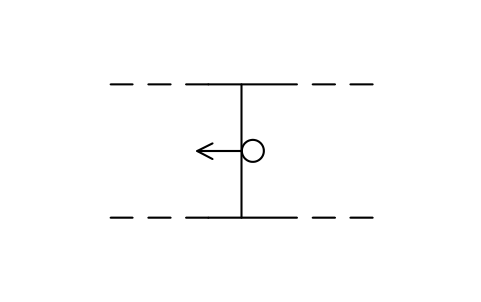
Internal conn., neg, R to L
LGB_S01486_INTERNAL_CONN_NEG_R_TO_LAttributes
TAGREMARKSSTD_CLAUSESTD_REFDESC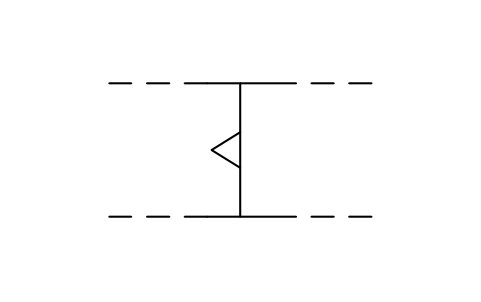
Internal conn., dyn., R to L
LGB_S01487_INTERNAL_CONN_DYN_R_TO_LAttributes
TAGREMARKSSTD_CLAUSESTD_REFDESC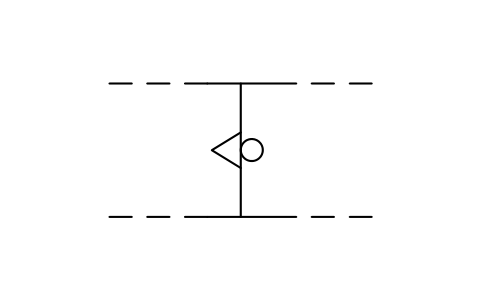
Int. conn., neg dyn, R to L
LGB_S01488_INT_CONN_NEG_DYN_R_TO_LAttributes
TAGREMARKSSTD_CLAUSESTD_REFDESC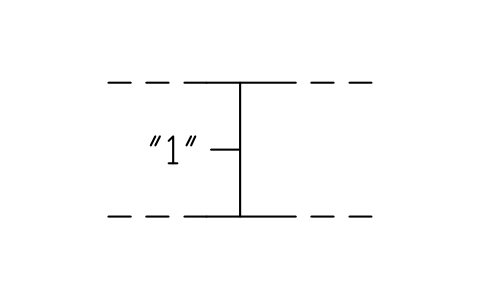
Fixed 1-state, int. conn.
LGB_S01489_FIXED_1_STATE_INT_CONNAttributes
TAGREMARKSSTD_CLAUSESTD_REFDESC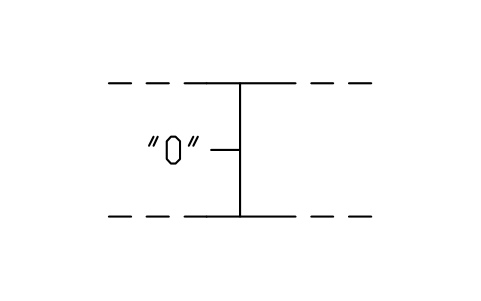
Fixed 0-state, int. conn.
LGB_S01490_FIXED_0_STATE_INT_CONNAttributes
TAGREMARKSSTD_CLAUSESTD_REFDESC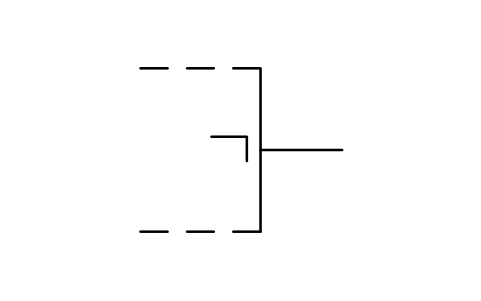
Postponed output
LGB_S01491_POSTPONED_OUTPUTAttributes
TAGREMARKSSTD_CLAUSESTD_REFDESC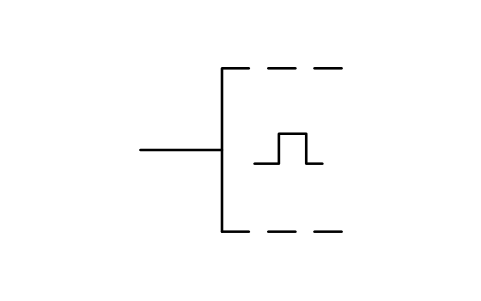
Bi-threshold input
LGB_S01492_BI_THRESHOLD_INPUTAttributes
TAGREMARKSSTD_CLAUSESTD_REFDESC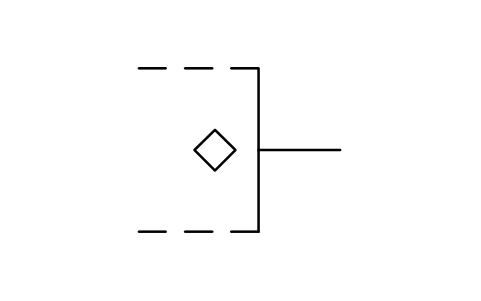
Open-circuit output
LGB_S01493_OPEN_CIRCUIT_OUTPUTAttributes
TAGREMARKSSTD_CLAUSESTD_REFDESC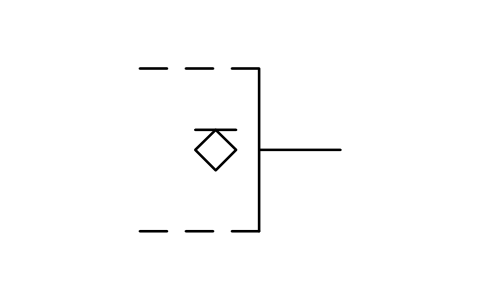
Open-circuit output, H-type
LGB_S01494_OPEN_CIRCUIT_OUTPUT_H_TYPEAttributes
TAGREMARKSSTD_CLAUSESTD_REFDESC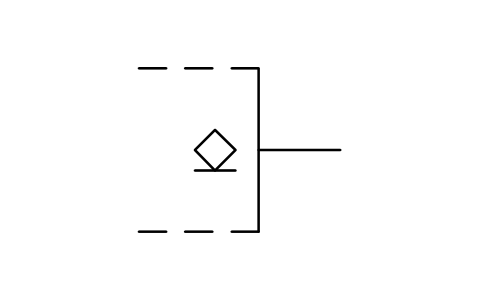
Open-circuit output, L-type
LGB_S01495_OPEN_CIRCUIT_OUTPUT_L_TYPEAttributes
TAGREMARKSSTD_CLAUSESTD_REFDESC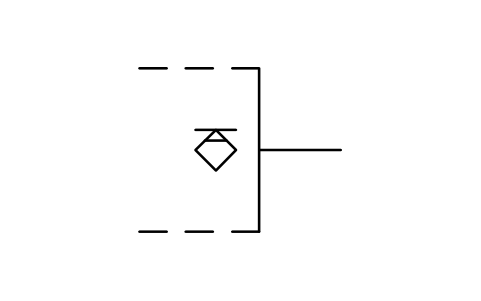
Passive pull-down output
LGB_S01496_PASSIVE_PULL_DOWN_OUTPUTAttributes
TAGREMARKSSTD_CLAUSESTD_REFDESC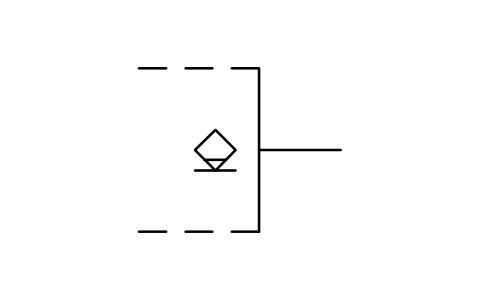
Passive pull-up output
LGB_S01497_PASSIVE_PULL_UP_OUTPUTAttributes
TAGREMARKSSTD_CLAUSESTD_REFDESC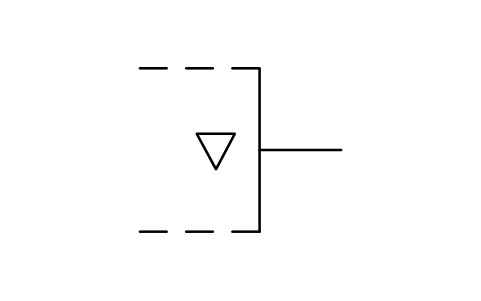
3-state output
LGB_S01498_3_STATE_OUTPUTAttributes
TAGREMARKSSTD_CLAUSESTD_REFDESC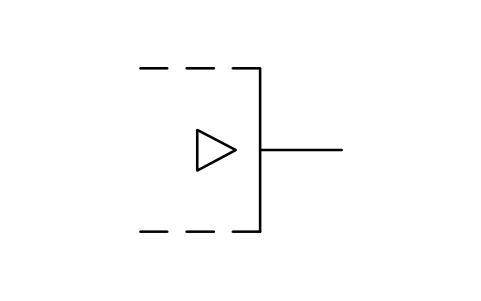
Output, special amplif.
LGB_S01499_OUTPUT_SPECIAL_AMPLIFAttributes
TAGREMARKSSTD_CLAUSESTD_REFDESC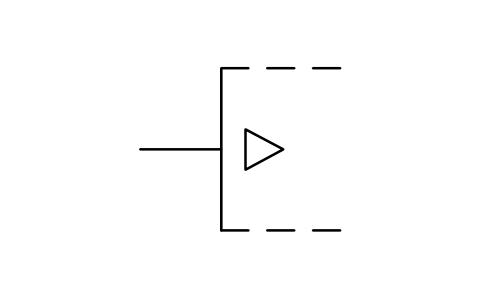
Input, special amplif.
LGB_S01500_INPUT_SPECIAL_AMPLIFAttributes
TAGREMARKSSTD_CLAUSESTD_REFDESC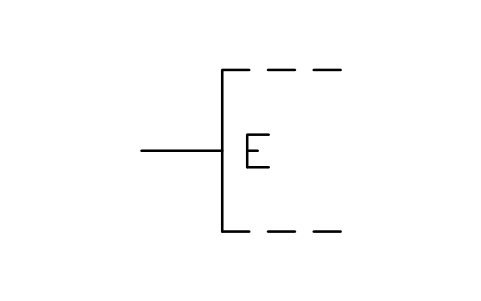
Extension input
LGB_S01501_EXTENSION_INPUTAttributes
TAGREMARKSSTD_CLAUSESTD_REFDESC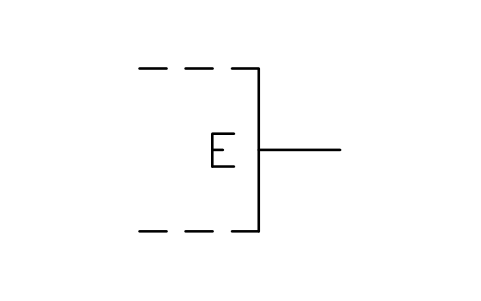
Extender output
LGB_S01502_EXTENDER_OUTPUTAttributes
TAGREMARKSSTD_CLAUSESTD_REFDESC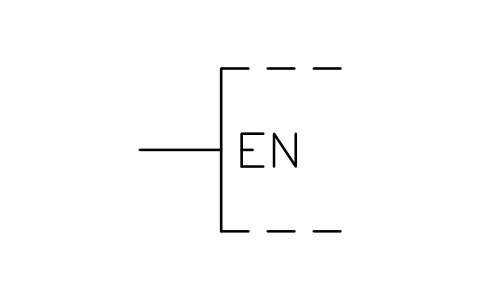
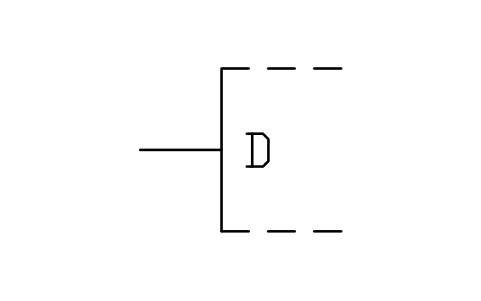
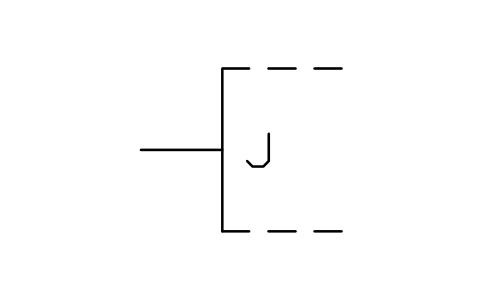
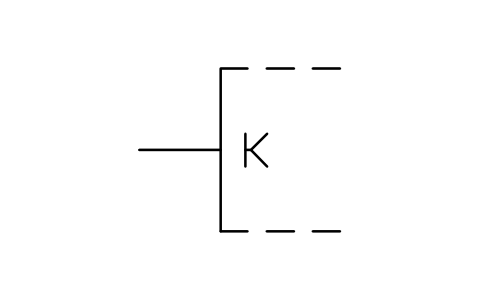
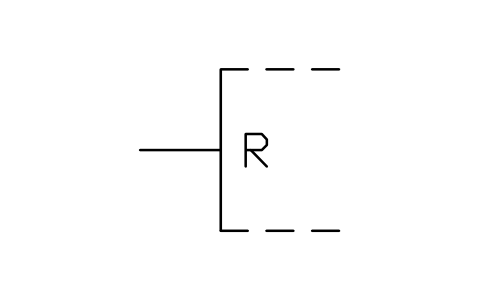
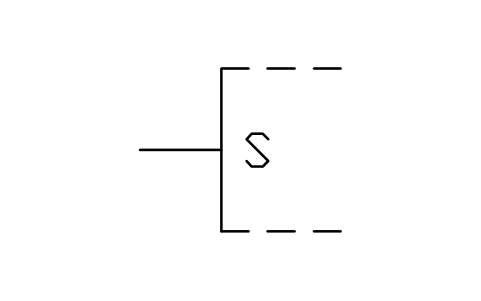
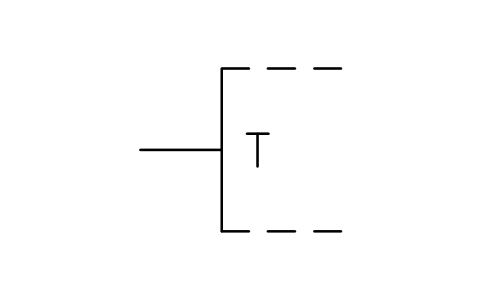
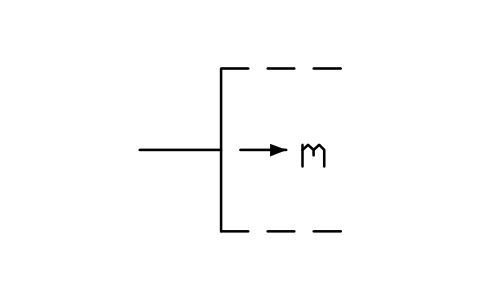
Shift input, left to right
LGB_S01510_SHIFT_INPUT_LEFT_TO_RIGHTAttributes
TAGREMARKSSTD_CLAUSESTD_REFDESC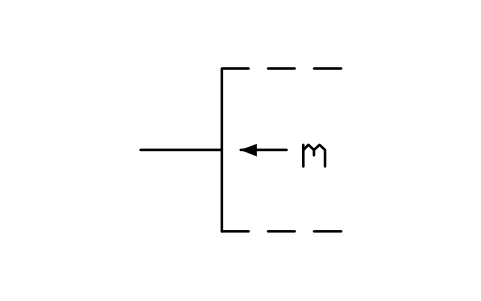
Shift input, right to left
LGB_S01511_SHIFT_INPUT_RIGHT_TO_LEFTAttributes
TAGREMARKSSTD_CLAUSESTD_REFDESC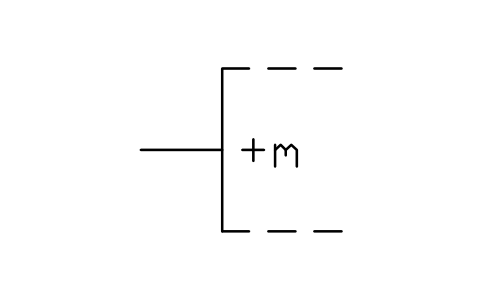
Count-up input
LGB_S01512_COUNT_UP_INPUTAttributes
TAGREMARKSSTD_CLAUSESTD_REFDESC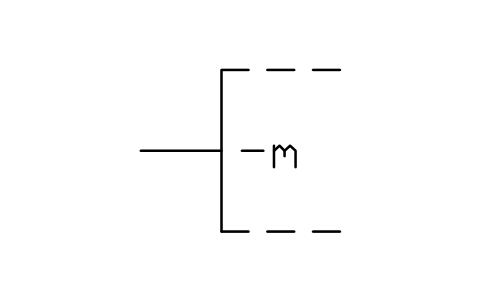
Count-down input
LGB_S01513_COUNT_DOWN_INPUTAttributes
TAGREMARKSSTD_CLAUSESTD_REFDESC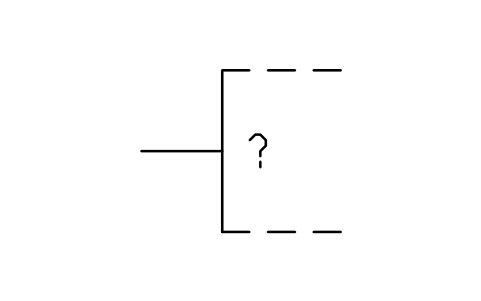
Query input, memory
LGB_S01514_QUERY_INPUT_MEMORYAttributes
TAGREMARKSSTD_CLAUSESTD_REFDESC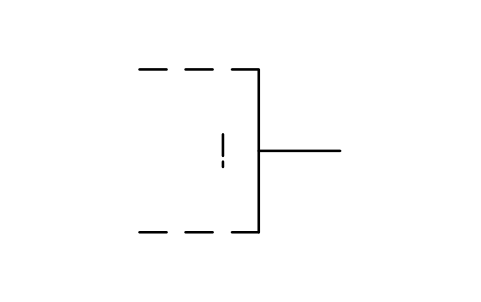
Compare output, memory
LGB_S01515_COMPARE_OUTPUT_MEMORYAttributes
TAGREMARKSSTD_CLAUSESTD_REFDESC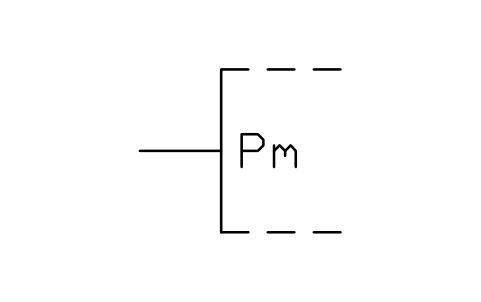
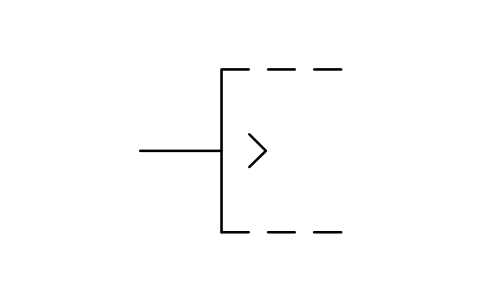
Greater-than input
LGB_S01520_GREATER_THAN_INPUTAttributes
TAGREMARKSSTD_CLAUSESTD_REFDESC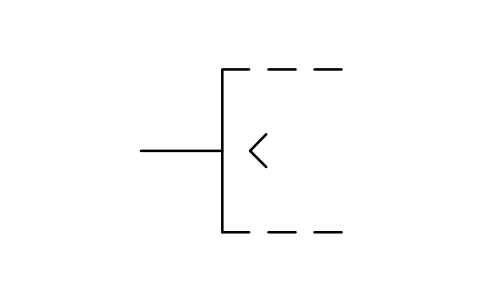
Less-than input
LGB_S01521_LESS_THAN_INPUTAttributes
TAGREMARKSSTD_CLAUSESTD_REFDESC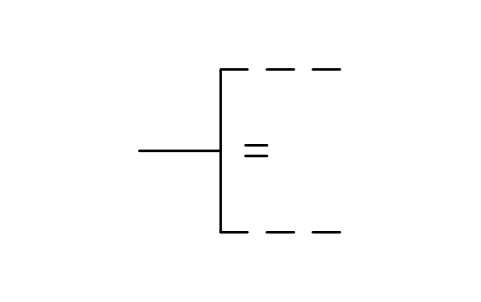
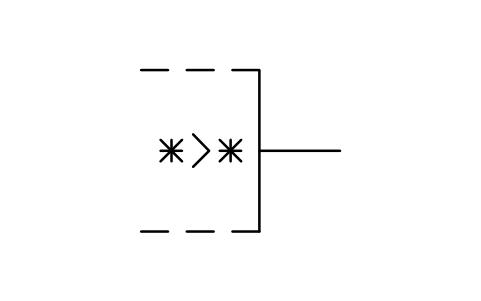
Greater-than output
LGB_S01523_GREATER_THAN_OUTPUTAttributes
TAGREMARKSSTD_CLAUSESTD_REFDESC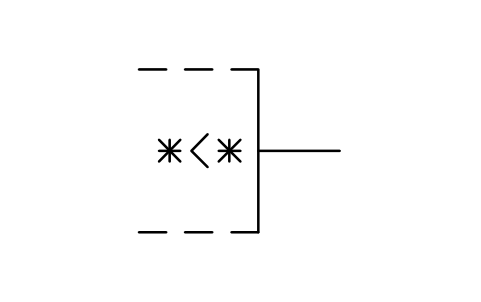
Less-than output
LGB_S01524_LESS_THAN_OUTPUTAttributes
TAGREMARKSSTD_CLAUSESTD_REFDESC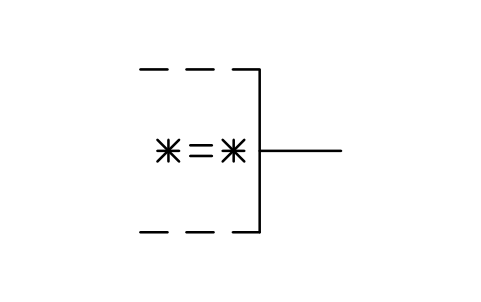
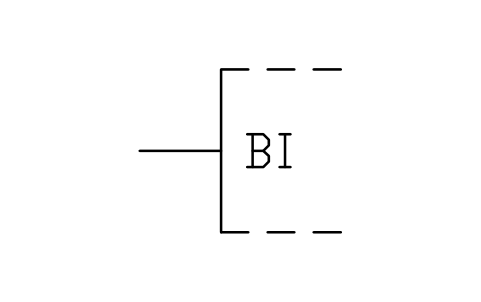
Borrow-in input
LGB_S01526_BORROW_IN_INPUTAttributes
TAGREMARKSSTD_CLAUSESTD_REFDESC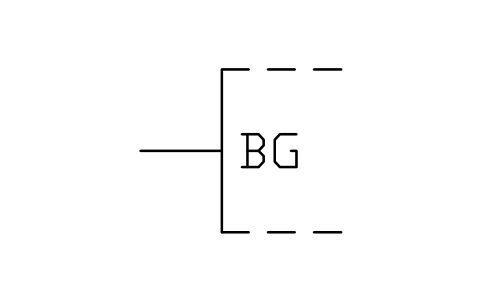
Borrow-generate input
LGB_S01527_BORROW_GENERATE_INPUTAttributes
TAGREMARKSSTD_CLAUSESTD_REFDESC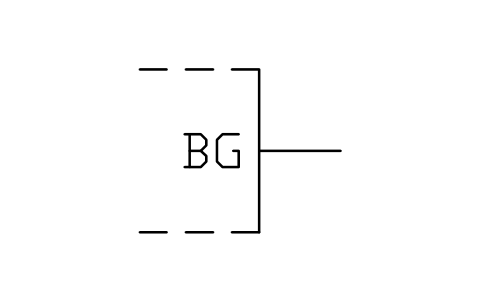
Borrow-generate output
LGB_S01528_BORROW_GENERATE_OUTPUTAttributes
TAGREMARKSSTD_CLAUSESTD_REFDESC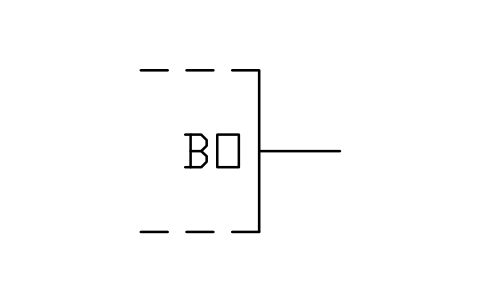
Borrow-out output
LGB_S01529_BORROW_OUT_OUTPUTAttributes
TAGREMARKSSTD_CLAUSESTD_REFDESC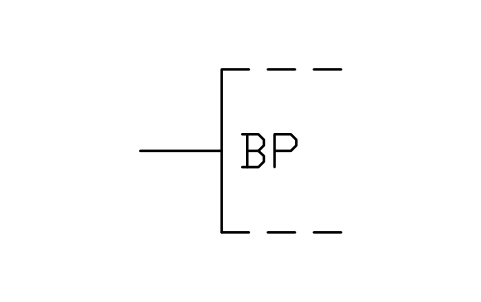
Borrow-propagate input
LGB_S01530_BORROW_PROPAGATE_INPUTAttributes
TAGREMARKSSTD_CLAUSESTD_REFDESC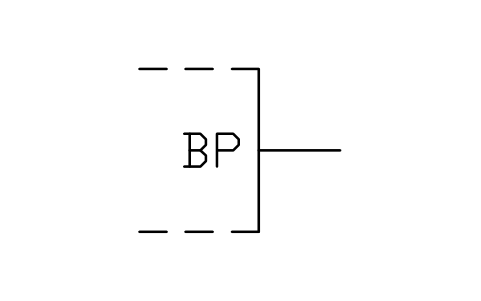
Borrow-propagate output
LGB_S01531_BORROW_PROPAGATE_OUTPUTAttributes
TAGREMARKSSTD_CLAUSESTD_REFDESC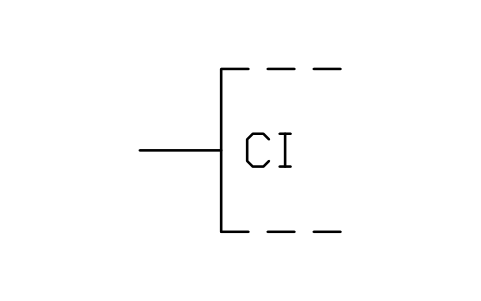
Carry-in input
LGB_S01532_CARRY_IN_INPUTAttributes
TAGREMARKSSTD_CLAUSESTD_REFDESC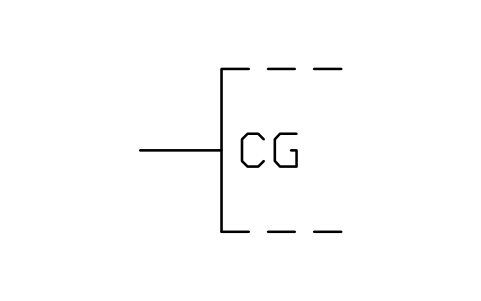
Carry-generate input
LGB_S01533_CARRY_GENERATE_INPUTAttributes
TAGREMARKSSTD_CLAUSESTD_REFDESC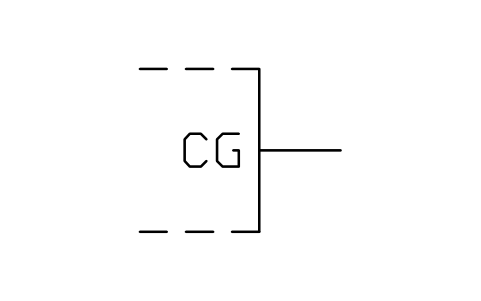
Carry-generate output
LGB_S01534_CARRY_GENERATE_OUTPUTAttributes
TAGREMARKSSTD_CLAUSESTD_REFDESC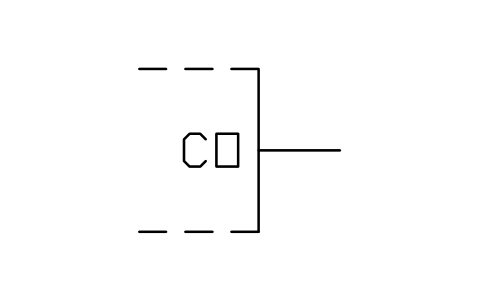
Carry-out output
LGB_S01535_CARRY_OUT_OUTPUTAttributes
TAGREMARKSSTD_CLAUSESTD_REFDESC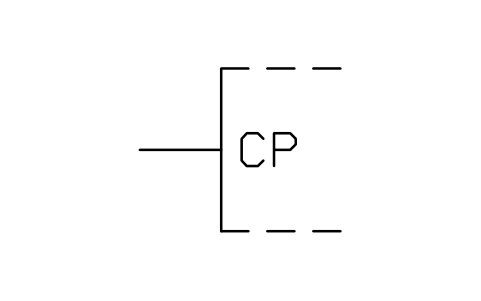
Carry-propagate input
LGB_S01536_CARRY_PROPAGATE_INPUTAttributes
TAGREMARKSSTD_CLAUSESTD_REFDESC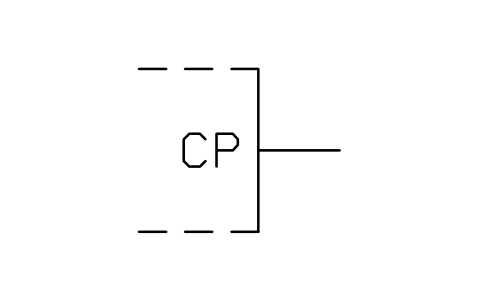
Carry-propagate output
LGB_S01537_CARRY_PROPAGATE_OUTPUTAttributes
TAGREMARKSSTD_CLAUSESTD_REFDESC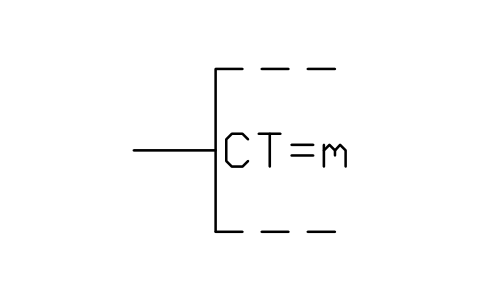
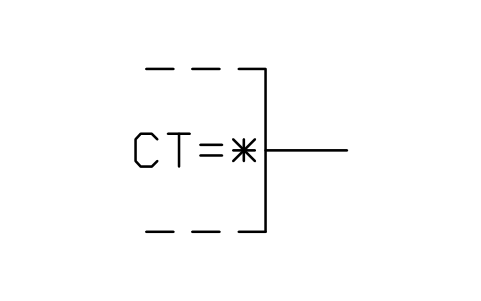
Content output
LGB_S01539_CONTENT_OUTPUTAttributes
TAGREMARKSSTD_CLAUSESTD_REFDESC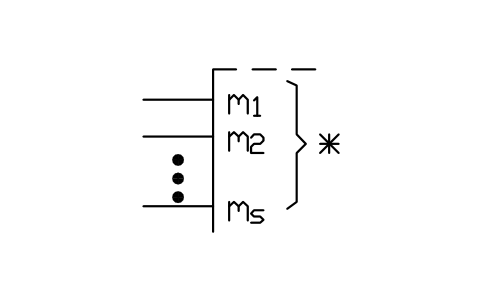
Bit grouping, input
LGB_S01516_BIT_GROUPING_INPUTAttributes
TAGREMARKSSTD_CLAUSESTD_REFDESC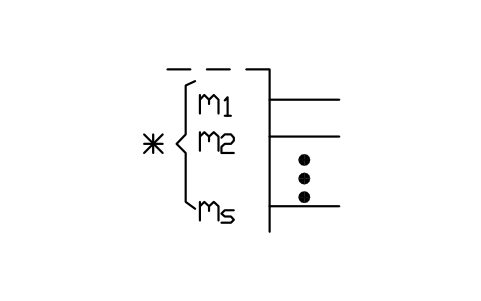
Bit grouping, output
LGB_S01517_BIT_GROUPING_OUTPUTAttributes
TAGREMARKSSTD_CLAUSESTD_REFDESC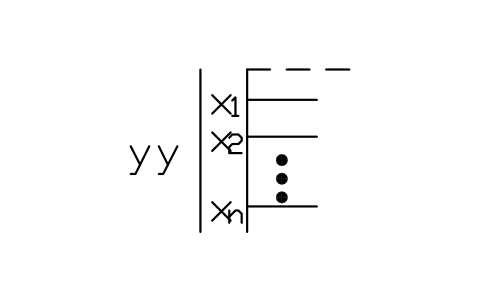
Label grouping
LGB_S01518_LABEL_GROUPINGAttributes
TAGREMARKSSTD_CLAUSESTD_REFDESC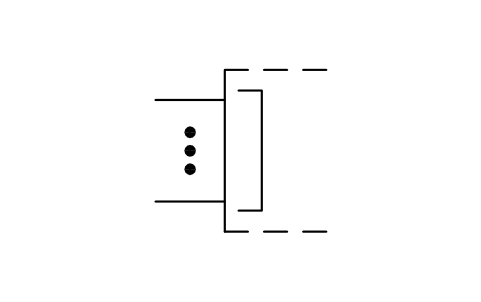
Line grouping, input side
LGB_S01540_LINE_GROUPING_INPUT_SIDEAttributes
TAGREMARKSSTD_CLAUSESTD_REFDESC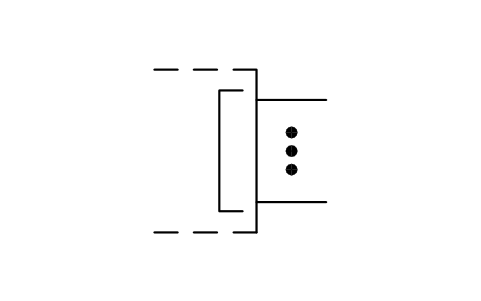
Line grouping, output side
LGB_S01541_LINE_GROUPING_OUTPUT_SIDEAttributes
TAGREMARKSSTD_CLAUSESTD_REFDESC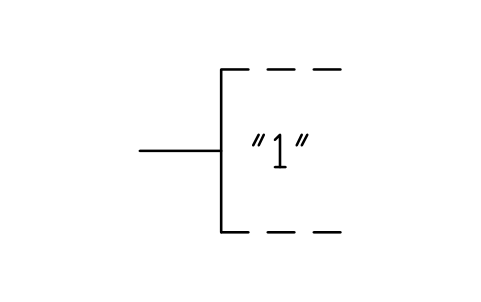
Fixed-mode input
LGB_S01542_FIXED_MODE_INPUTAttributes
TAGREMARKSSTD_CLAUSESTD_REFDESC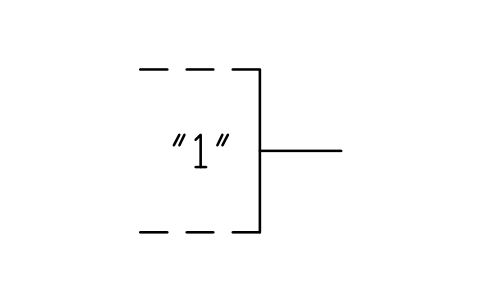
Fixed 1-state output
LGB_S01543_FIXED_1_STATE_OUTPUTAttributes
TAGREMARKSSTD_CLAUSESTD_REFDESC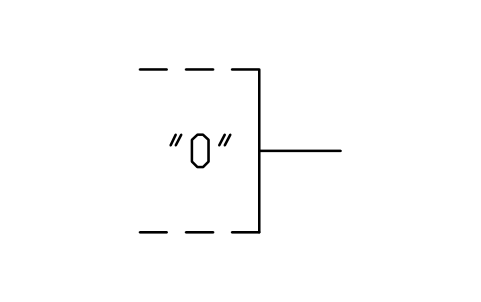
Fixed 0-state output
LGB_S01544_FIXED_0_STATE_OUTPUTAttributes
TAGREMARKSSTD_CLAUSESTD_REFDESC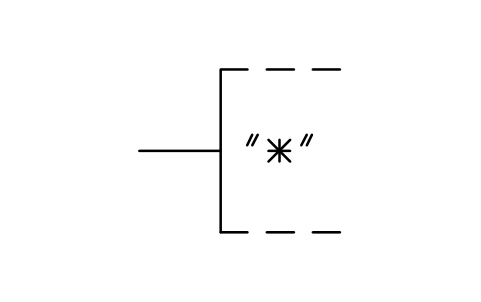
Required connection
LGB_S01545_REQUIRED_CONNECTIONAttributes
TAGREMARKSSTD_CLAUSESTD_REFDESC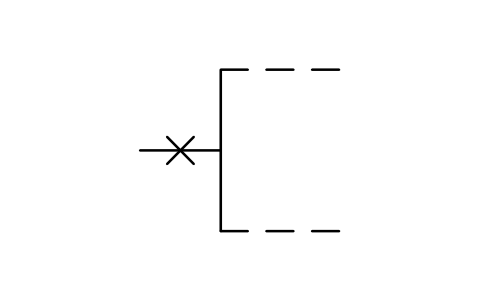
Non-logic connection
LGB_S01546_NON_LOGIC_CONNECTIONAttributes
TAGREMARKSSTD_CLAUSESTD_REFDESC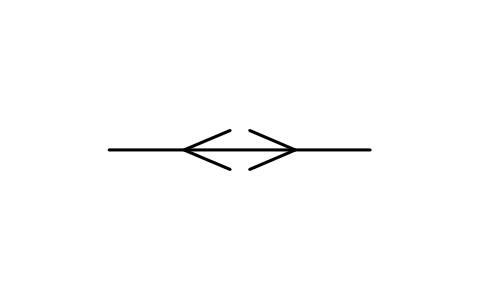
Bidirectional signal flow
LGB_S01547_BIDIRECTIONAL_SIGNAL_FLOWAttributes
TAGREMARKSSTD_CLAUSESTD_REFDESC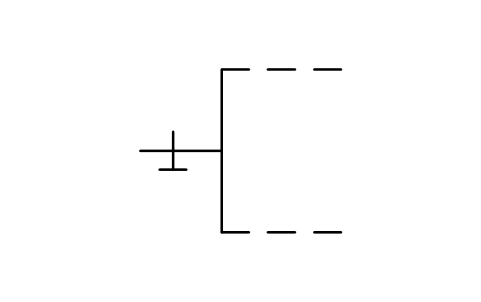
Input, internal pull-down
LGB_S01548_INPUT_INTERNAL_PULL_DOWNAttributes
TAGREMARKSSTD_CLAUSESTD_REFDESC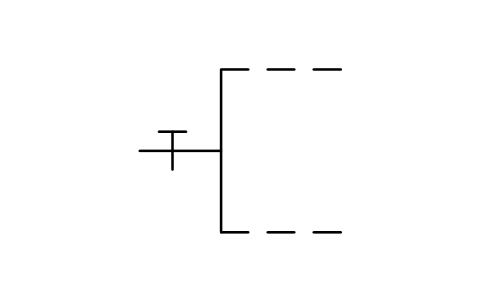
Input, internal pull-up
LGB_S01549_INPUT_INTERNAL_PULL_UPAttributes
TAGREMARKSSTD_CLAUSESTD_REFDESC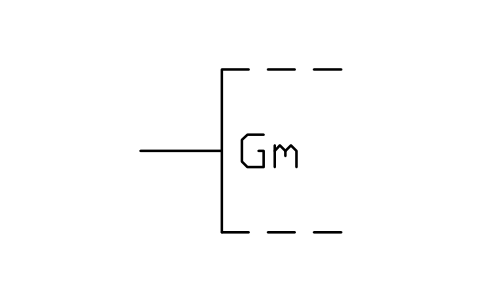
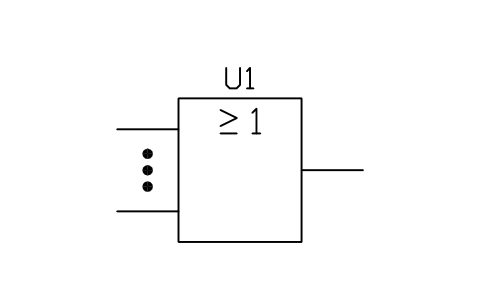
OR element
LGB_S01566_OR_ELEMENTAttributes
TAGFUNCTIONPART_NOPIN_NUMBERSMANUFACTURERREMARKSSTD_CLAUSESTD_REFDESC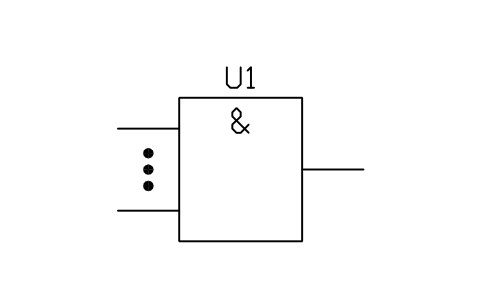
AND element
LGB_S01567_AND_ELEMENTAttributes
TAGFUNCTIONPART_NOPIN_NUMBERSMANUFACTURERREMARKSSTD_CLAUSESTD_REFDESC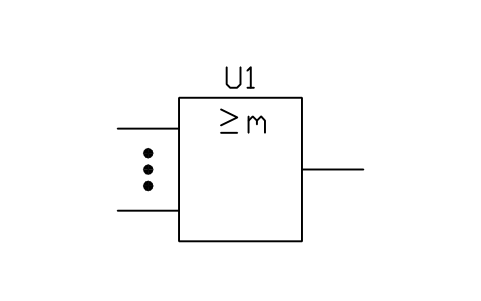
Logic threshold element
LGB_S01568_LOGIC_THRESHOLD_ELEMENTAttributes
TAGFUNCTIONPART_NOPIN_NUMBERSMANUFACTURERREMARKSSTD_CLAUSESTD_REFDESC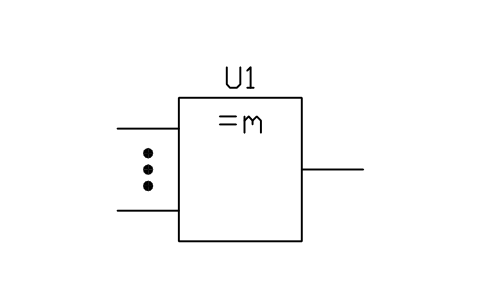
m and only m element
LGB_S01569_M_AND_ONLY_M_ELEMENTAttributes
TAGFUNCTIONPART_NOPIN_NUMBERSMANUFACTURERREMARKSSTD_CLAUSESTD_REFDESC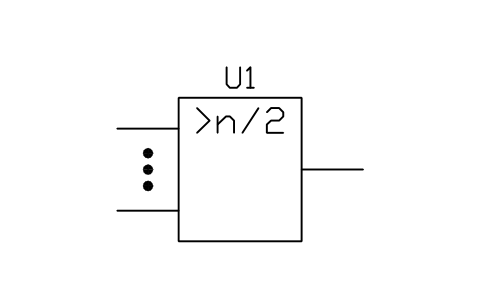
Majority element
LGB_S01570_MAJORITY_ELEMENTAttributes
TAGFUNCTIONPART_NOPIN_NUMBERSMANUFACTURERREMARKSSTD_CLAUSESTD_REFDESC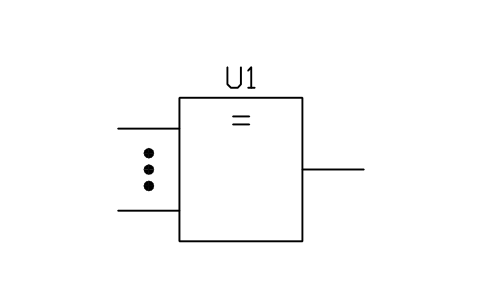
Logic identity element
LGB_S01571_LOGIC_IDENTITY_ELEMENTAttributes
TAGFUNCTIONPART_NOPIN_NUMBERSMANUFACTURERREMARKSSTD_CLAUSESTD_REFDESC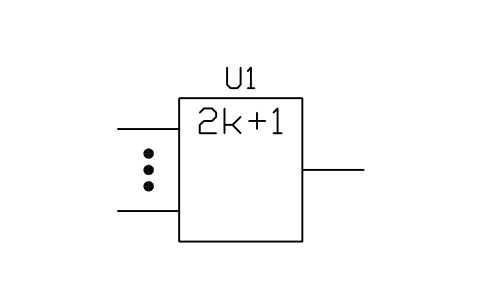
Odd element
LGB_S01572_ODD_ELEMENTAttributes
TAGFUNCTIONPART_NOPIN_NUMBERSMANUFACTURERREMARKSSTD_CLAUSESTD_REFDESC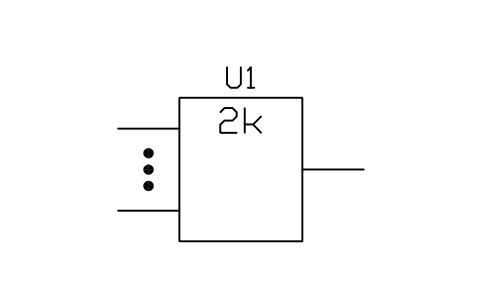
Even element
LGB_S01573_EVEN_ELEMENTAttributes
TAGFUNCTIONPART_NOPIN_NUMBERSMANUFACTURERREMARKSSTD_CLAUSESTD_REFDESC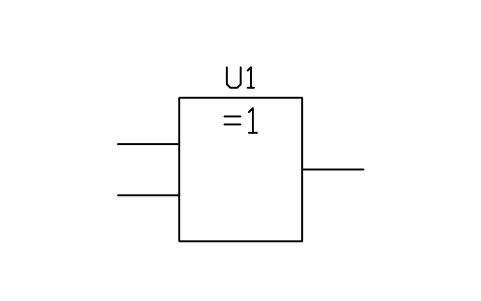
Exclusive-OR element
LGB_S01574_EXCLUSIVE_OR_ELEMENTAttributes
TAGFUNCTIONPART_NOPIN_NUMBERSMANUFACTURERREMARKSSTD_CLAUSESTD_REFDESC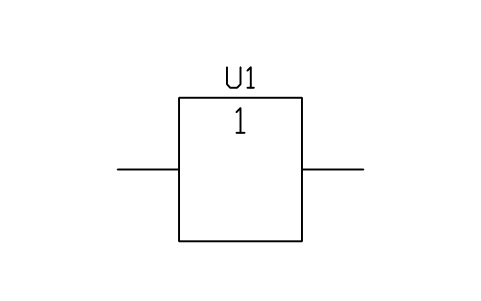
Buffer
LGB_S01575_BUFFERAttributes
TAGFUNCTIONPART_NOPIN_NUMBERSMANUFACTURERREMARKSSTD_CLAUSESTD_REFDESC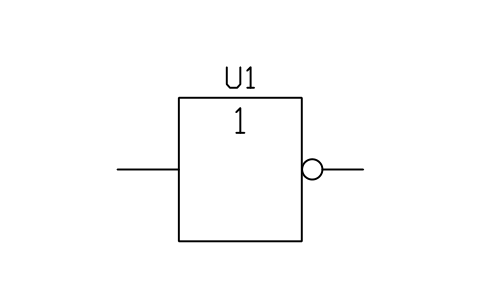
Negator
LGB_S01576_NEGATORAttributes
TAGFUNCTIONPART_NOPIN_NUMBERSMANUFACTURERREMARKSSTD_CLAUSESTD_REFDESC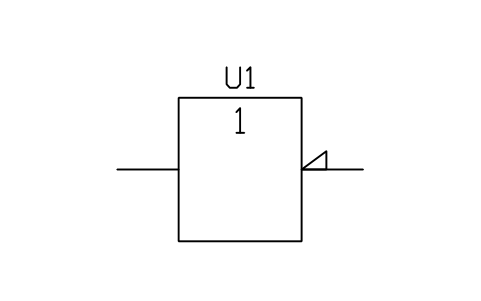
Inverter, polarity indicator
LGB_S01577_INVERTER_POLARITY_INDICATORAttributes
TAGFUNCTIONPART_NOPIN_NUMBERSMANUFACTURERREMARKSSTD_CLAUSESTD_REFDESC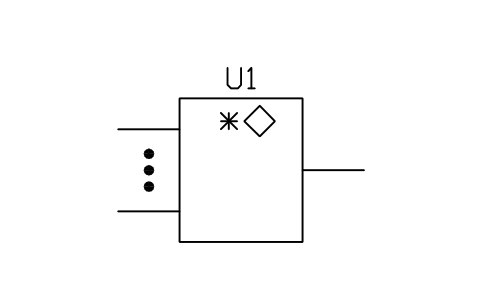
Distributed connection
LGB_S01578_DISTRIBUTED_CONNECTIONAttributes
TAGFUNCTIONPART_NOPIN_NUMBERSMANUFACTURERREMARKSSTD_CLAUSESTD_REFDESC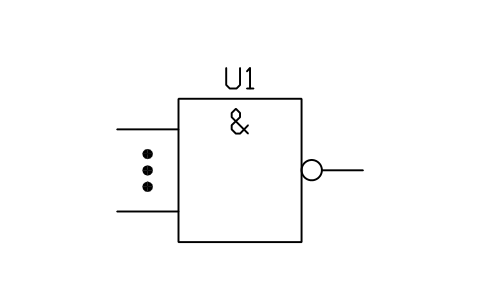
AND, negated output (NAND)
LGB_S01579_AND_NEGATED_OUTPUT_NANDAttributes
TAGFUNCTIONPART_NOPIN_NUMBERSMANUFACTURERREMARKSSTD_CLAUSESTD_REFDESC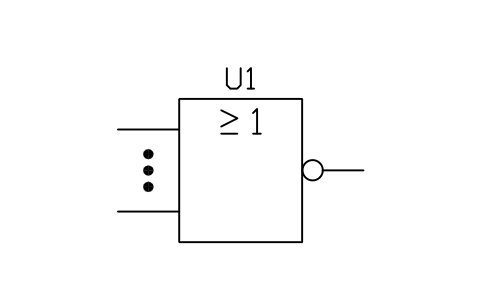
OR, negated output (NOR)
LGB_S01580_OR_NEGATED_OUTPUT_NORAttributes
TAGFUNCTIONPART_NOPIN_NUMBERSMANUFACTURERREMARKSSTD_CLAUSESTD_REFDESC
Missing a symbol? Tell us which one.
Attributes for parts lists
The logic elements carry a visible reference (U1) and invisible attributes: FUNCTION, PART_NO, PIN_NUMBERS, MANUFACTURER and REMARKS. Every block also stores the entry number of the standard (STD_CLAUSE, for example IEC 60617-12 12-27-02) and its database number (STD_REF) as invisible attributes, so you can look the symbol up in the standard.
Because the data sit in attributes, you can export the logic elements of a project to Excel with BlockSync, build a parts list, check it and write the corrections back in one run, with preview and backup.
How to use the library
- Unzip the file and open the DWG. Copy the symbols you need into your plan, or drag the blocks in from DesignCenter (ADCENTER).
- The symbols are drawn at plotted size in millimetres on a 2.5 mm module: text 3 mm high, pin pitch 5 mm. Insert them at the scale of your drawing, for example scale 2 on a 1:2 drawing.
- The symbols are of two kinds. The basic logic elements are complete symbols: insert them at the centre of the box. The rest are fragments, a piece of an element outline with one connection or one qualifying symbol; their insertion point is the free end of the connection line. Draw the element around the fragments with the outline block or with your own lines.
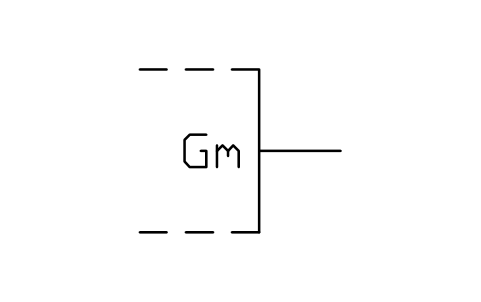
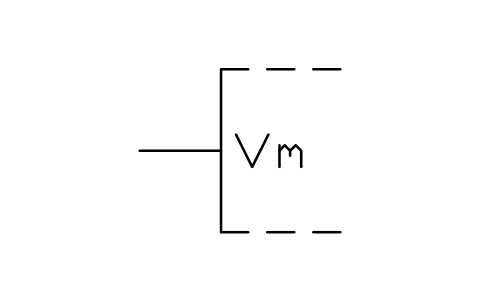
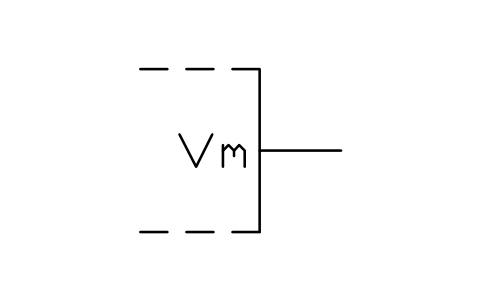
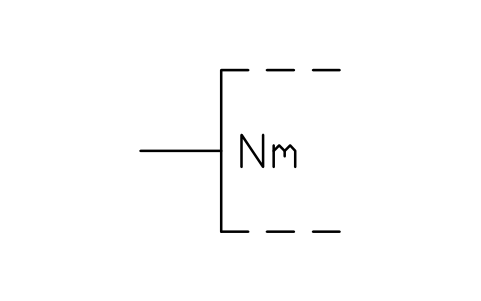
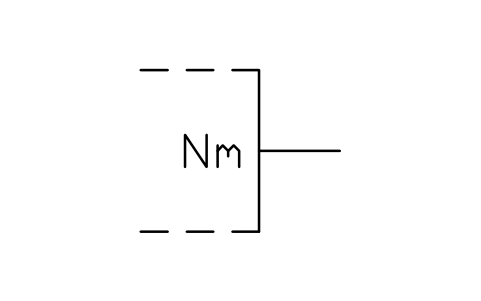
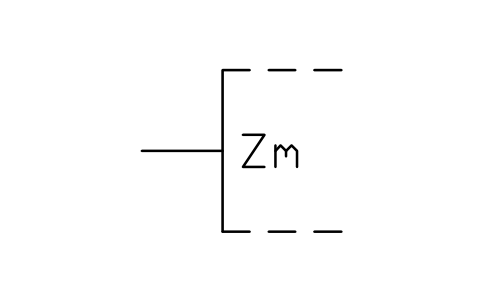
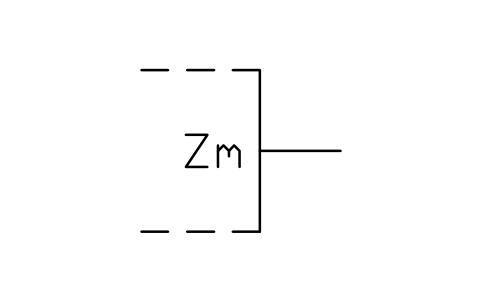
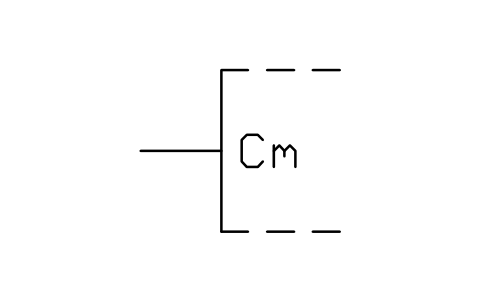
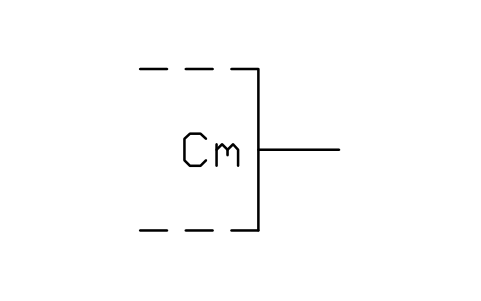
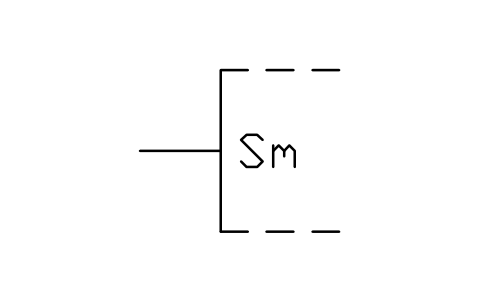
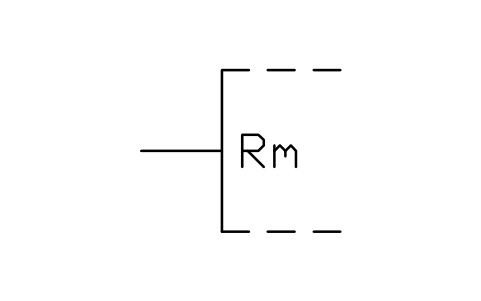
- Qualifying symbols combine as the standard shows: a negation circle and a dynamic wedge on one input, a dependency letter on an input and the same number m on the inputs it affects. Replace the m of the dependency blocks by the number of your diagram (edit the text after exploding the block).
About IEC 60617-12
IEC 60617 is the international standard for graphical symbols for diagrams; part 12 covers binary logic elements, drawn as rectangular symbols with qualifying symbols inside and at the connections. This library follows the figures of part 12 for outlines, qualifying symbols, dependency notation and the basic logic elements. Complete circuits with pin numbers, such as multiplexers, adders, registers and memories, are not in this library.
These symbols are our own drawings after the figures of the standard. They are not copied from it, and the library is not certified against it. Check them against the standard, your company standard or your customer’s legend before you rely on a shape.
Frequently asked questions
- How do I draw a NAND or NOR gate?
- Use the blocks “AND, negated output (NAND)” and “OR, negated output (NOR)”: an AND element with the ampersand or an OR element with the sign for greater than or equal to 1, and a negation circle on the output. For other combinations take the logic element you need and add a negation fragment on the input or output you want to invert.
- What do the letters G, V, N, Z, C, S, R, EN, M and A mean?
- They are the labels of the dependency notation. G stands for an AND relation, V for OR, N for negate, Z for interconnection, C for control, S for set, R for reset, EN for enable, M for mode and A for address. The number m written after the letter ties the affecting input to the inputs or outputs that carry the same number.
- Can I use the symbols in commercial projects?
- Yes. They are free to use and modify in your own projects, including commercial ones. They are provided as is, without warranty.
- Are the American distinctive-shape gate symbols included?
- No. This library has the rectangular symbols of IEC 60617-12, which are the ones the standard and most international documentation use. The curved distinctive shapes of the American standard are not in this library.
- Can I change a symbol or add attributes?
- Yes. Open the DWG, edit a block with BEDIT to change it or add attributes, and save. To update drawings that already contain the block, run ATTSYNC or replace the block. Make a backup first: attribute values can be lost if ATTSYNC is used carelessly.
- Where do I find a ready-made set of these symbols for AutoCAD?
- AutoCAD itself ships only a small set of sample blocks, so a full symbol set has to come from a library. Download the ZIP on this page and open the DWG: every symbol is a block. Insert one with INSERT (Blocks palette, Libraries tab, then pick the DWG) or drag it from DesignCenter (ADCENTER). You can also download a single symbol on its own.
Count the symbols and build a parts list
Because ratings and part numbers are attributes, the symbols of a whole project can be counted and listed without opening the drawings. Export the blocks to Excel, total them with a pivot table and write corrections back in one run, with preview and backup.
See how to count blocks with BlockSync