
Topics:Instrumentation and control symbolsElectrical schematic symbols
AutoCAD automotive wiring symbols (DWG, IEC 60617 style)
Automotive wiring symbols (IEC 60617 style): 150 ready-made AutoCAD blocks (DWG). A starter pack of 24 symbols is free; the Standard edition is $39.
Free starter pack: 24 symbols
The most-used symbols of this library, as AutoCAD blocks in one DWG. Free for everyone, for any project.
 Ground point, body
 Ground strap, engine
 Ground point, signal
 Pin contact
 Socket contact
 Mated contact pair
 Inline connector, 2 way
 Connector, 2 pin
 Connector, 3 pin
 Connector, 4 pin
 Connector, 6 pin
 Connector, 8 pin
 Diagnostic socket, 16 pin
 Splice point
 Splice, crimped
 Splice, ultrasonic
 Ring terminal
 Blade terminal
 Bullet connector
 Wire junction
 Wire crossing, no joint
 Twisted wire pair
 Shielded cable
 Bulkhead pass-through
Standard: 150 symbols
All 150 symbols of the Standard edition in one download, ready to insert in AutoCAD. Pay once and keep the files.
IEC 60617 Pro: 162 more symbols
Beyond the 150 free symbols above, Pro adds the rest of the standard as AutoCAD blocks, section by section: qualifying symbols, connections, switching and relay devices, circuit protectors, transmission and communication, rotating machinery, readouts, lamps, systems and stations, and more. One licence covers every section, and the free library stays free.
Standard · 150 symbols
Automotive wiring Pro symbols · 162
Free starter pack
$0For everyone, for any project
- 24 symbols
- No sign-in
- One DWG
Library licence
$39
For one person
Education: free
- Pay once
Student or teacher?
Free for one year with your school e-mail address. Renew it with the same address.
Sign in with your school e-mail address, we check it, and the licence is added to your account.
Available soonEducation licences are for study and teaching, valid for one year, and renewed with your school e-mail address.
Pro library licence
$69
For one person
Education: $34.50
- Pay once
- Includes the free IEEE 315 library
Student or teacher?
Half price ($34.50) for one year with your school e-mail address. Buy again next year to renew.
Sign in with your school e-mail address, we check it, and you pay half price.
Available soonWhat you get
- All 162 symbols of the sections on this page, as AutoCAD blocks in DWG files
- The free IEEE 315 library with its 79 symbols, in the same download
- Every section as a ZIP in AutoCAD 2018 format and in AutoCAD 2010 format
- Sections added later come with the same purchase
- The free IEEE 315 library stays free and unchanged.
- A perpetual licence: pay once, keep the files.
What each version contains
The symbols by group, and how many of each group every version holds.
| Content | Free | Standard | Pro |
|---|---|---|---|
| All symbols | 24 | 150 | 312 |
| Added by this version | — | +126 | +162 |
| Power supply and grounds | 3 | 16 | 16 |
| Fuses and relays | — | 24 | 24 |
| Connectors and splices | 21 | 22 | 22 |
| Switches and sensors | — | 24 | 24 |
| Motors and actuators | — | 18 | 18 |
| Lighting and warning devices | — | 14 | 14 |
| High voltage and electric drive | — | 20 | 20 |
| Control units and networks | — | 12 | 12 |
Show 5 more groupsShow fewer groups
| Harness drawing forms | — | — | 59 |
|---|---|---|---|
| Circuit modules | — | — | 36 |
| Control unit and connector pin blocks | — | — | 36 |
| Bus topologies | — | — | 17 |
| High voltage system diagrams | — | — | 14 |
Pro holds every symbol of Standard plus the Pro-only ones.
150 AutoCAD blocks for vehicle wiring diagrams and harness drawings. Power supply and grounds, fuses and relays, connectors, splices and terminals, switches and sensors, motors and actuators, lighting and warning devices, high voltage and electric drive from battery pack and contactors to inverter, charger and charge inlets, and control units with CAN, LIN and Ethernet.
Standard library: version 1.0, updated November 28, 2026 · Pro library: version 1.0, updated November 28, 2026 · Check out what's changed
All 150 symbols
150 of 150 symbols
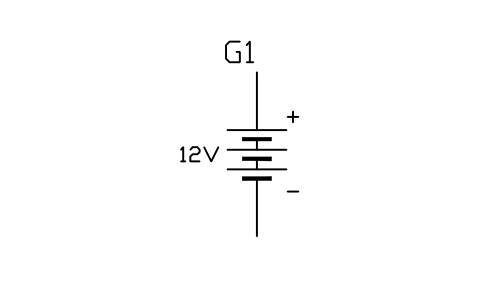
Battery 12 V
AUT_PWR_BATT_12VAttributes
TAGVOLTAGE_VCAPACITY_AHCURRENT_APOWER_KWWIRE_MM2TERMINALLOCATIONMANUFACTURERPART_NOREMARKSDESC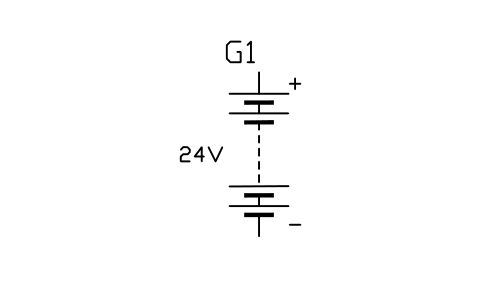
Battery 24 V, two units
AUT_PWR_BATT_24VAttributes
TAGVOLTAGE_VCAPACITY_AHCURRENT_APOWER_KWWIRE_MM2TERMINALLOCATIONMANUFACTURERPART_NOREMARKSDESC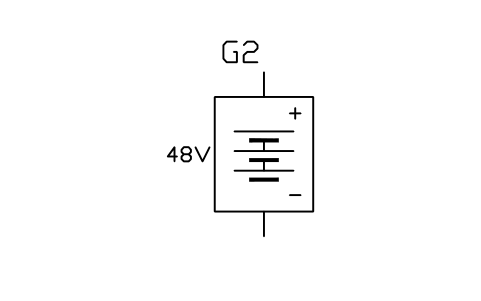
Battery 48 V
AUT_PWR_BATT_48VAttributes
TAGVOLTAGE_VCAPACITY_AHCURRENT_APOWER_KWWIRE_MM2TERMINALLOCATIONMANUFACTURERPART_NOREMARKSDESC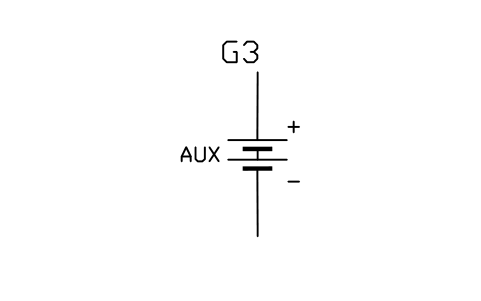
Auxiliary battery
AUT_PWR_BATT_AUXAttributes
TAGVOLTAGE_VCAPACITY_AHCURRENT_APOWER_KWWIRE_MM2TERMINALLOCATIONMANUFACTURERPART_NOREMARKSDESC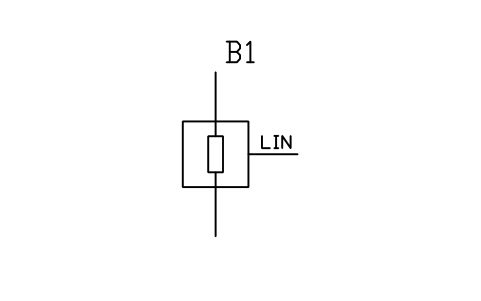
Battery sensor
AUT_PWR_BATT_SENSORAttributes
TAGVOLTAGE_VCAPACITY_AHCURRENT_APOWER_KWWIRE_MM2TERMINALLOCATIONMANUFACTURERPART_NOREMARKSDESC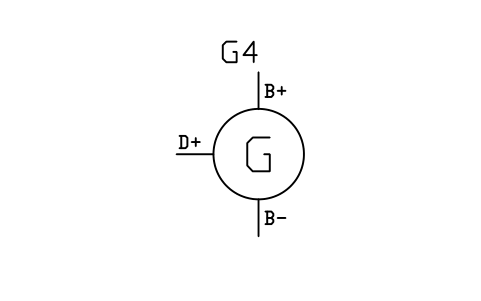
Alternator
AUT_PWR_ALTERNATORAttributes
TAGVOLTAGE_VCAPACITY_AHCURRENT_APOWER_KWWIRE_MM2TERMINALLOCATIONMANUFACTURERPART_NOREMARKSDESC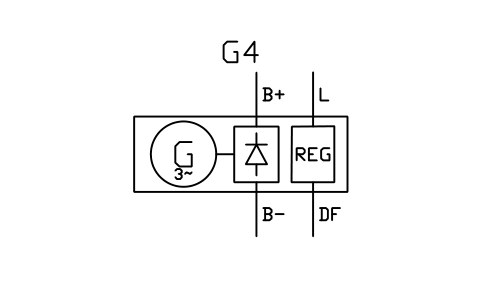
Alternator with regulator
AUT_PWR_ALT_RECTAttributes
TAGVOLTAGE_VCAPACITY_AHCURRENT_APOWER_KWWIRE_MM2TERMINALLOCATIONMANUFACTURERPART_NOREMARKSDESC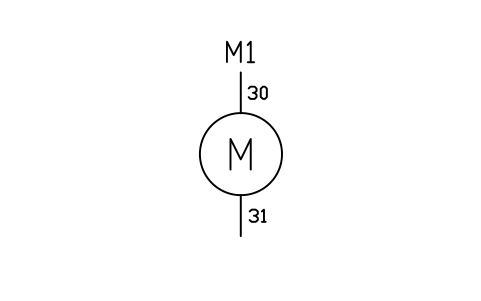
Starter motor
AUT_PWR_STARTERAttributes
TAGVOLTAGE_VCAPACITY_AHCURRENT_APOWER_KWWIRE_MM2TERMINALLOCATIONMANUFACTURERPART_NOREMARKSDESC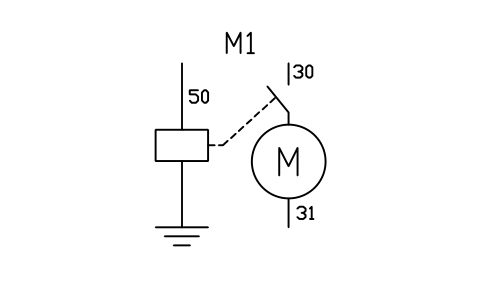
Starter with solenoid
AUT_PWR_STARTER_SOLAttributes
TAGVOLTAGE_VCAPACITY_AHCURRENT_APOWER_KWWIRE_MM2TERMINALLOCATIONMANUFACTURERPART_NOREMARKSDESC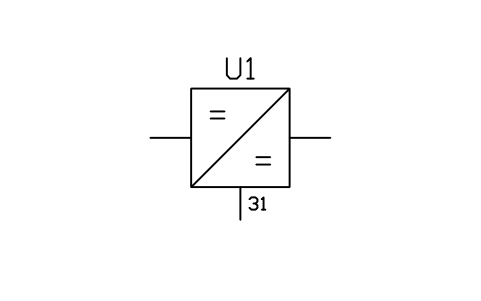
DC/DC converter
AUT_PWR_DCDCAttributes
TAGVOLTAGE_VCAPACITY_AHCURRENT_APOWER_KWWIRE_MM2TERMINALLOCATIONMANUFACTURERPART_NOREMARKSDESC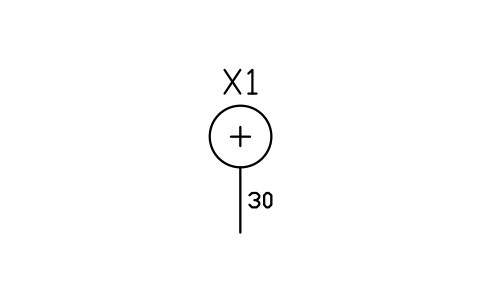
Jump start terminal
AUT_PWR_JUMP_POINTAttributes
TAGVOLTAGE_VCAPACITY_AHCURRENT_APOWER_KWWIRE_MM2TERMINALLOCATIONMANUFACTURERPART_NOREMARKSDESC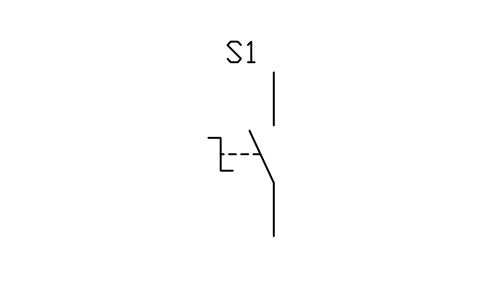
Battery isolator switch
AUT_PWR_MAIN_SWITCHAttributes
TAGVOLTAGE_VCAPACITY_AHCURRENT_APOWER_KWWIRE_MM2TERMINALLOCATIONMANUFACTURERPART_NOREMARKSDESC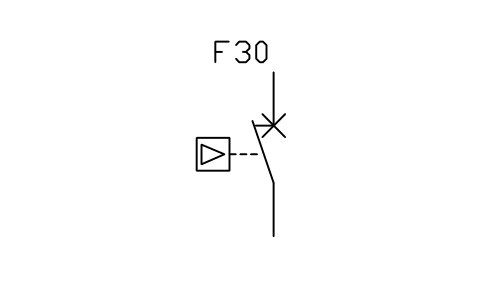
Pyrotechnic disconnector
AUT_PWR_PYRO_DISCAttributes
TAGVOLTAGE_VCAPACITY_AHCURRENT_APOWER_KWWIRE_MM2TERMINALLOCATIONMANUFACTURERPART_NOREMARKSDESCGround point, body
AUT_PWR_GND_BODYAttributes
TAGVOLTAGE_VCAPACITY_AHCURRENT_APOWER_KWWIRE_MM2TERMINALLOCATIONMANUFACTURERPART_NOREMARKSDESCGround strap, engine
AUT_PWR_GND_ENGINEAttributes
TAGVOLTAGE_VCAPACITY_AHCURRENT_APOWER_KWWIRE_MM2TERMINALLOCATIONMANUFACTURERPART_NOREMARKSDESCGround point, signal
AUT_PWR_GND_SIGNALAttributes
TAGVOLTAGE_VCAPACITY_AHCURRENT_APOWER_KWWIRE_MM2TERMINALLOCATIONMANUFACTURERPART_NOREMARKSDESC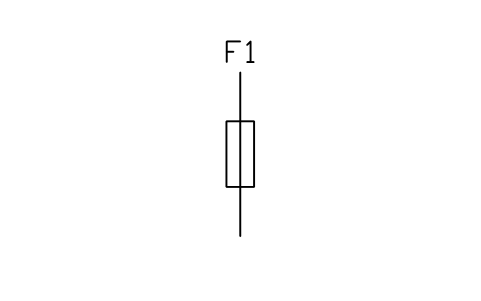
Blade fuse
AUT_FUS_BLADEAttributes
TAGCURRENT_AVOLTAGE_VCIRCUITPOSITIONTYPE_CODECOIL_OHMWIRE_MM2MANUFACTURERPART_NOREMARKSDESC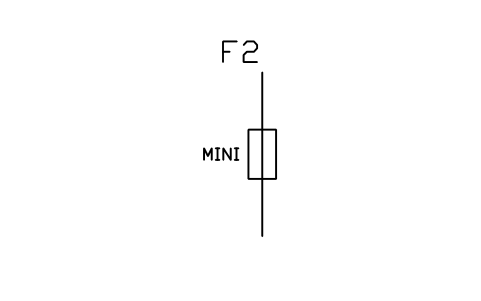
Blade fuse, mini
AUT_FUS_MINIAttributes
TAGCURRENT_AVOLTAGE_VCIRCUITPOSITIONTYPE_CODECOIL_OHMWIRE_MM2MANUFACTURERPART_NOREMARKSDESC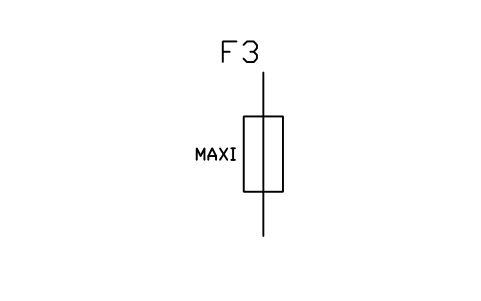
Blade fuse, maxi
AUT_FUS_MAXIAttributes
TAGCURRENT_AVOLTAGE_VCIRCUITPOSITIONTYPE_CODECOIL_OHMWIRE_MM2MANUFACTURERPART_NOREMARKSDESC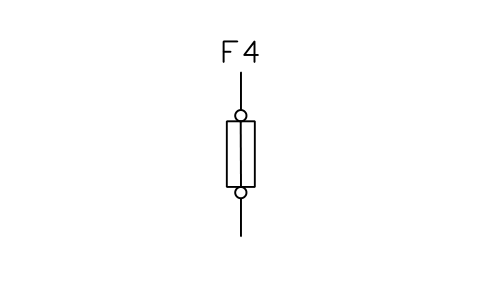
Bolt-down strip fuse
AUT_FUS_STRIPAttributes
TAGCURRENT_AVOLTAGE_VCIRCUITPOSITIONTYPE_CODECOIL_OHMWIRE_MM2MANUFACTURERPART_NOREMARKSDESC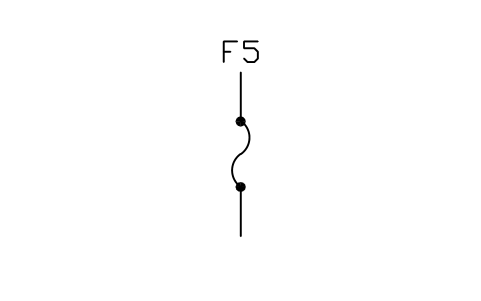
Fusible link
AUT_FUS_LINKAttributes
TAGCURRENT_AVOLTAGE_VCIRCUITPOSITIONTYPE_CODECOIL_OHMWIRE_MM2MANUFACTURERPART_NOREMARKSDESC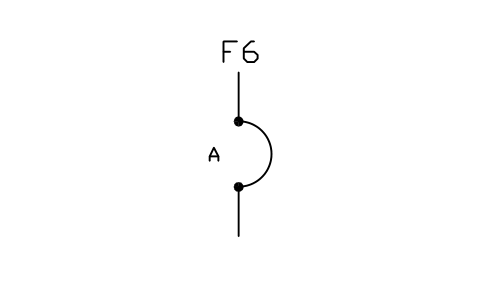
Breaker, self resetting
AUT_FUS_BREAKER_AUTOAttributes
TAGCURRENT_AVOLTAGE_VCIRCUITPOSITIONTYPE_CODECOIL_OHMWIRE_MM2MANUFACTURERPART_NOREMARKSDESC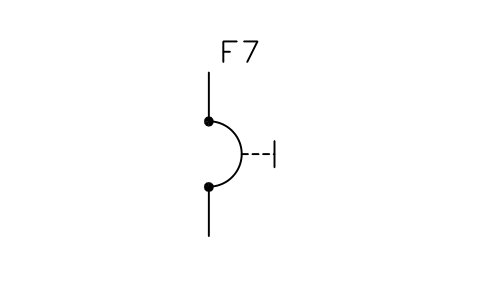
Breaker, manual reset
AUT_FUS_BREAKER_MANAttributes
TAGCURRENT_AVOLTAGE_VCIRCUITPOSITIONTYPE_CODECOIL_OHMWIRE_MM2MANUFACTURERPART_NOREMARKSDESC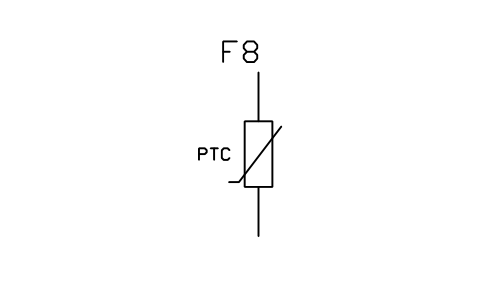
Resettable PTC fuse
AUT_FUS_PTCAttributes
TAGCURRENT_AVOLTAGE_VCIRCUITPOSITIONTYPE_CODECOIL_OHMWIRE_MM2MANUFACTURERPART_NOREMARKSDESC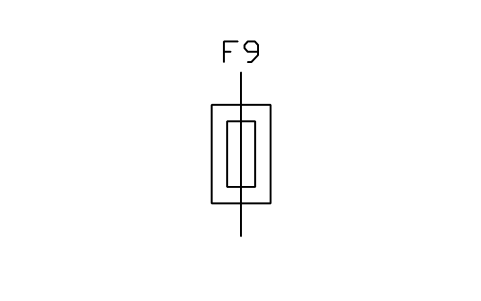
Fuse in holder
AUT_FUS_HOLDERAttributes
TAGCURRENT_AVOLTAGE_VCIRCUITPOSITIONTYPE_CODECOIL_OHMWIRE_MM2MANUFACTURERPART_NOREMARKSDESC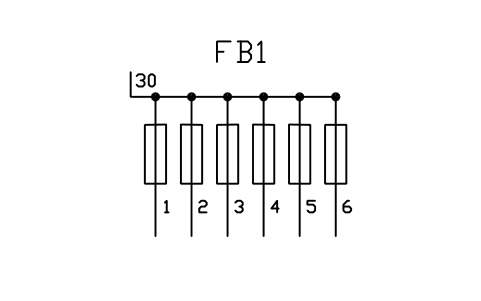
Fuse block, six ways
AUT_FUS_BLOCKAttributes
TAGCURRENT_AVOLTAGE_VCIRCUITPOSITIONTYPE_CODECOIL_OHMWIRE_MM2MANUFACTURERPART_NOREMARKSDESC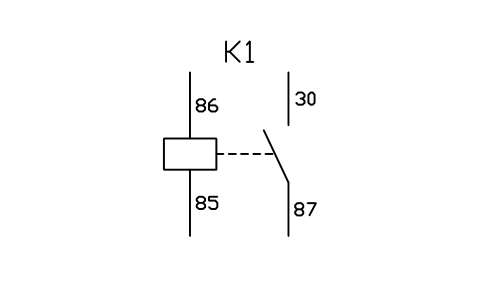
Relay, normally open
AUT_REL_NOAttributes
TAGCURRENT_AVOLTAGE_VCIRCUITPOSITIONTYPE_CODECOIL_OHMWIRE_MM2MANUFACTURERPART_NOREMARKSDESC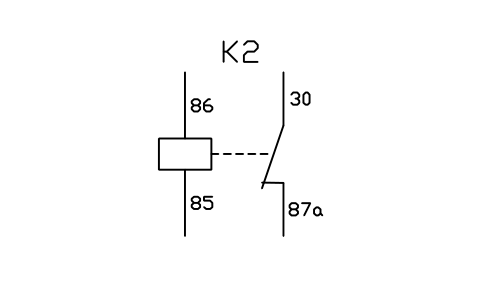
Relay, normally closed
AUT_REL_NCAttributes
TAGCURRENT_AVOLTAGE_VCIRCUITPOSITIONTYPE_CODECOIL_OHMWIRE_MM2MANUFACTURERPART_NOREMARKSDESC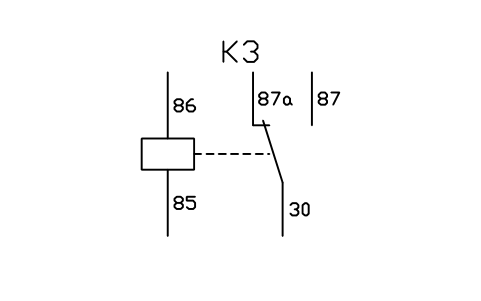
Relay, changeover
AUT_REL_CHANGEAttributes
TAGCURRENT_AVOLTAGE_VCIRCUITPOSITIONTYPE_CODECOIL_OHMWIRE_MM2MANUFACTURERPART_NOREMARKSDESC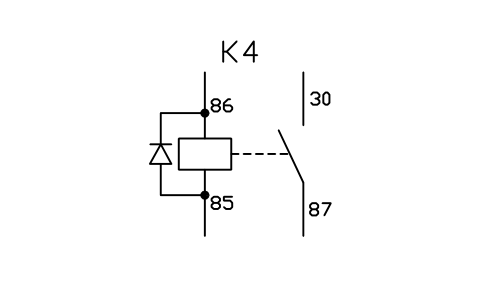
Relay with coil diode
AUT_REL_DIODEAttributes
TAGCURRENT_AVOLTAGE_VCIRCUITPOSITIONTYPE_CODECOIL_OHMWIRE_MM2MANUFACTURERPART_NOREMARKSDESC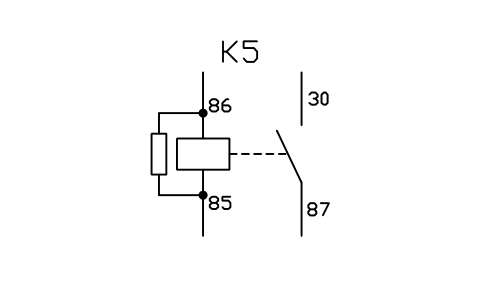
Relay with coil resistor
AUT_REL_RESISTORAttributes
TAGCURRENT_AVOLTAGE_VCIRCUITPOSITIONTYPE_CODECOIL_OHMWIRE_MM2MANUFACTURERPART_NOREMARKSDESC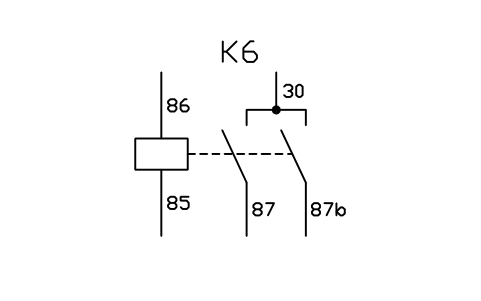
Relay, two outputs
AUT_REL_DUAL_OUTAttributes
TAGCURRENT_AVOLTAGE_VCIRCUITPOSITIONTYPE_CODECOIL_OHMWIRE_MM2MANUFACTURERPART_NOREMARKSDESC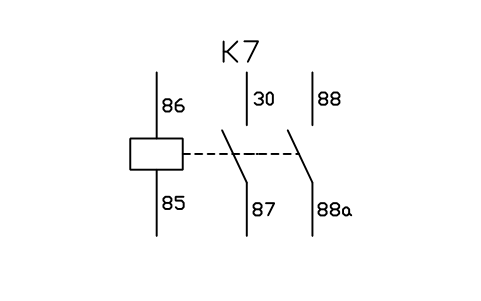
Relay, two contacts
AUT_REL_DOUBLE_NOAttributes
TAGCURRENT_AVOLTAGE_VCIRCUITPOSITIONTYPE_CODECOIL_OHMWIRE_MM2MANUFACTURERPART_NOREMARKSDESC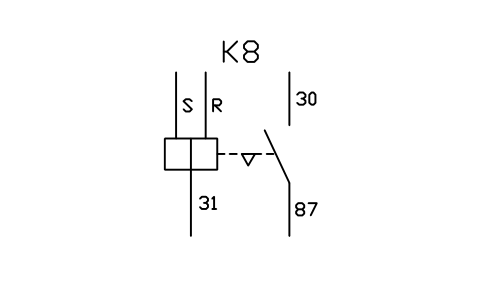
Relay, latching
AUT_REL_LATCHAttributes
TAGCURRENT_AVOLTAGE_VCIRCUITPOSITIONTYPE_CODECOIL_OHMWIRE_MM2MANUFACTURERPART_NOREMARKSDESC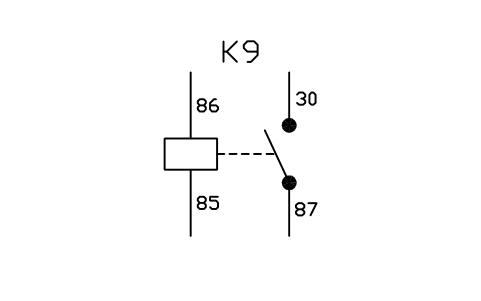
Heavy duty relay
AUT_REL_MAINAttributes
TAGCURRENT_AVOLTAGE_VCIRCUITPOSITIONTYPE_CODECOIL_OHMWIRE_MM2MANUFACTURERPART_NOREMARKSDESC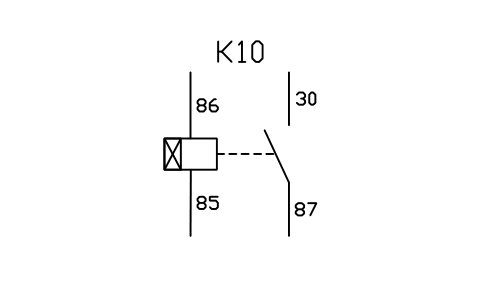
Time delay relay
AUT_REL_TIMERAttributes
TAGCURRENT_AVOLTAGE_VCIRCUITPOSITIONTYPE_CODECOIL_OHMWIRE_MM2MANUFACTURERPART_NOREMARKSDESC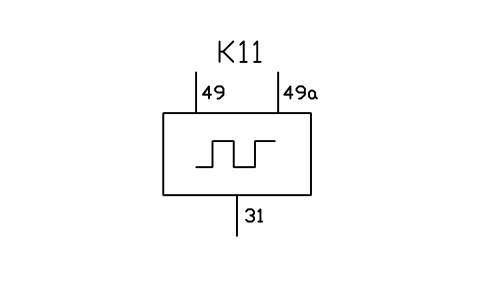
Flasher unit
AUT_REL_FLASHERAttributes
TAGCURRENT_AVOLTAGE_VCIRCUITPOSITIONTYPE_CODECOIL_OHMWIRE_MM2MANUFACTURERPART_NOREMARKSDESC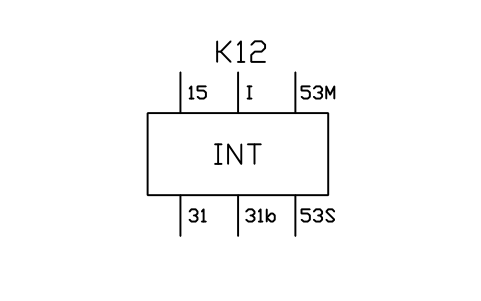
Wiper interval relay
AUT_REL_WIPERAttributes
TAGCURRENT_AVOLTAGE_VCIRCUITPOSITIONTYPE_CODECOIL_OHMWIRE_MM2MANUFACTURERPART_NOREMARKSDESC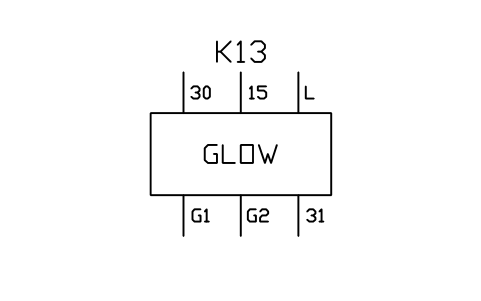
Glow control unit
AUT_REL_GLOWAttributes
TAGCURRENT_AVOLTAGE_VCIRCUITPOSITIONTYPE_CODECOIL_OHMWIRE_MM2MANUFACTURERPART_NOREMARKSDESC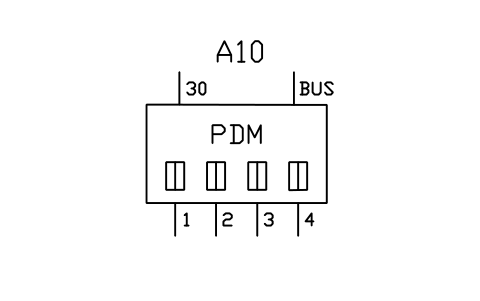
Smart fuse module
AUT_REL_SMARTAttributes
TAGCURRENT_AVOLTAGE_VCIRCUITPOSITIONTYPE_CODECOIL_OHMWIRE_MM2MANUFACTURERPART_NOREMARKSDESCPin contact
AUT_CON_PINAttributes
TAGCONNECTORPIN_COUNTWIRE_MM2WIRE_COLOURLOCATIONSEALINGMATING_CODEMANUFACTURERPART_NOREMARKSDESCSocket contact
AUT_CON_SOCKETAttributes
TAGCONNECTORPIN_COUNTWIRE_MM2WIRE_COLOURLOCATIONSEALINGMATING_CODEMANUFACTURERPART_NOREMARKSDESCMated contact pair
AUT_CON_MATEDAttributes
TAGCONNECTORPIN_COUNTWIRE_MM2WIRE_COLOURLOCATIONSEALINGMATING_CODEMANUFACTURERPART_NOREMARKSDESCInline connector, 2 way
AUT_CON_INLINE_2Attributes
TAGCONNECTORPIN_COUNTWIRE_MM2WIRE_COLOURLOCATIONSEALINGMATING_CODEMANUFACTURERPART_NOREMARKSDESCConnector, 2 pin
AUT_CON_2PAttributes
TAGCONNECTORPIN_COUNTWIRE_MM2WIRE_COLOURLOCATIONSEALINGMATING_CODEMANUFACTURERPART_NOREMARKSDESCConnector, 3 pin
AUT_CON_3PAttributes
TAGCONNECTORPIN_COUNTWIRE_MM2WIRE_COLOURLOCATIONSEALINGMATING_CODEMANUFACTURERPART_NOREMARKSDESCConnector, 4 pin
AUT_CON_4PAttributes
TAGCONNECTORPIN_COUNTWIRE_MM2WIRE_COLOURLOCATIONSEALINGMATING_CODEMANUFACTURERPART_NOREMARKSDESCConnector, 6 pin
AUT_CON_6PAttributes
TAGCONNECTORPIN_COUNTWIRE_MM2WIRE_COLOURLOCATIONSEALINGMATING_CODEMANUFACTURERPART_NOREMARKSDESCConnector, 8 pin
AUT_CON_8PAttributes
TAGCONNECTORPIN_COUNTWIRE_MM2WIRE_COLOURLOCATIONSEALINGMATING_CODEMANUFACTURERPART_NOREMARKSDESC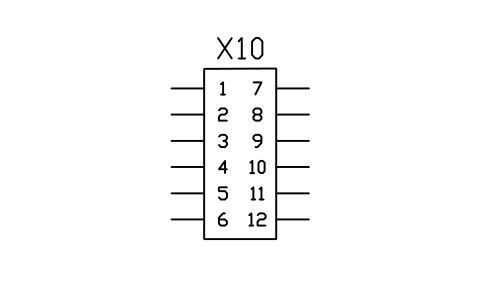
Connector, 12 pin
AUT_CON_12PAttributes
TAGCONNECTORPIN_COUNTWIRE_MM2WIRE_COLOURLOCATIONSEALINGMATING_CODEMANUFACTURERPART_NOREMARKSDESCDiagnostic socket, 16 pin
AUT_CON_DIAG16Attributes
TAGCONNECTORPIN_COUNTWIRE_MM2WIRE_COLOURLOCATIONSEALINGMATING_CODEMANUFACTURERPART_NOREMARKSDESCSplice point
AUT_CON_SPLICEAttributes
TAGCONNECTORPIN_COUNTWIRE_MM2WIRE_COLOURLOCATIONSEALINGMATING_CODEMANUFACTURERPART_NOREMARKSDESCSplice, crimped
AUT_CON_SPLICE_CLOSEDAttributes
TAGCONNECTORPIN_COUNTWIRE_MM2WIRE_COLOURLOCATIONSEALINGMATING_CODEMANUFACTURERPART_NOREMARKSDESCSplice, ultrasonic
AUT_CON_SPLICE_USAttributes
TAGCONNECTORPIN_COUNTWIRE_MM2WIRE_COLOURLOCATIONSEALINGMATING_CODEMANUFACTURERPART_NOREMARKSDESCRing terminal
AUT_CON_RINGAttributes
TAGCONNECTORPIN_COUNTWIRE_MM2WIRE_COLOURLOCATIONSEALINGMATING_CODEMANUFACTURERPART_NOREMARKSDESCBlade terminal
AUT_CON_SPADEAttributes
TAGCONNECTORPIN_COUNTWIRE_MM2WIRE_COLOURLOCATIONSEALINGMATING_CODEMANUFACTURERPART_NOREMARKSDESCBullet connector
AUT_CON_BULLETAttributes
TAGCONNECTORPIN_COUNTWIRE_MM2WIRE_COLOURLOCATIONSEALINGMATING_CODEMANUFACTURERPART_NOREMARKSDESCWire junction
AUT_CON_JUNCTIONAttributes
TAGCONNECTORPIN_COUNTWIRE_MM2WIRE_COLOURLOCATIONSEALINGMATING_CODEMANUFACTURERPART_NOREMARKSDESCWire crossing, no joint
AUT_CON_CROSSINGAttributes
TAGCONNECTORPIN_COUNTWIRE_MM2WIRE_COLOURLOCATIONSEALINGMATING_CODEMANUFACTURERPART_NOREMARKSDESCTwisted wire pair
AUT_CON_TWISTEDAttributes
TAGCONNECTORPIN_COUNTWIRE_MM2WIRE_COLOURLOCATIONSEALINGMATING_CODEMANUFACTURERPART_NOREMARKSDESCShielded cable
AUT_CON_SHIELDEDAttributes
TAGCONNECTORPIN_COUNTWIRE_MM2WIRE_COLOURLOCATIONSEALINGMATING_CODEMANUFACTURERPART_NOREMARKSDESCBulkhead pass-through
AUT_CON_GROMMETAttributes
TAGCONNECTORPIN_COUNTWIRE_MM2WIRE_COLOURLOCATIONSEALINGMATING_CODEMANUFACTURERPART_NOREMARKSDESC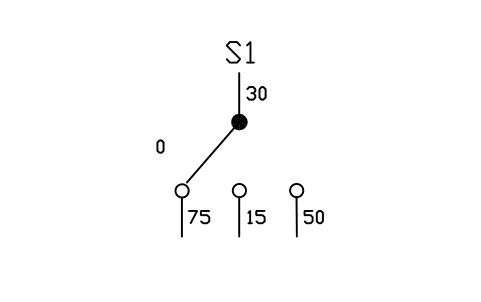
Ignition switch
AUT_SW_IGNITIONAttributes
TAGFUNCTIONSIGNALVOLTAGE_VCURRENT_ASET_POINTPIN_ASSIGNMENTLOCATIONMANUFACTURERPART_NOREMARKSDESC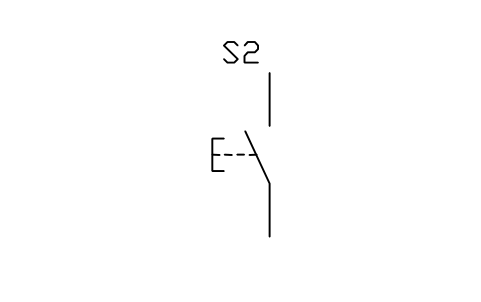
Push button, make
AUT_SW_PUSH_NOAttributes
TAGFUNCTIONSIGNALVOLTAGE_VCURRENT_ASET_POINTPIN_ASSIGNMENTLOCATIONMANUFACTURERPART_NOREMARKSDESC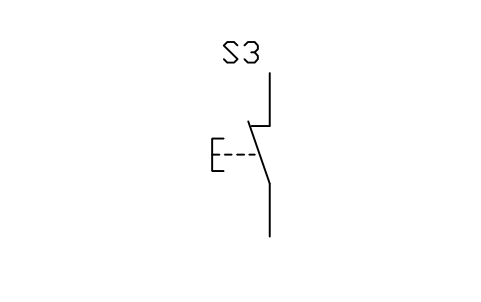
Push button, break
AUT_SW_PUSH_NCAttributes
TAGFUNCTIONSIGNALVOLTAGE_VCURRENT_ASET_POINTPIN_ASSIGNMENTLOCATIONMANUFACTURERPART_NOREMARKSDESC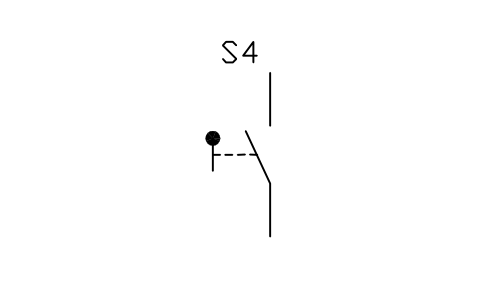
Toggle switch
AUT_SW_TOGGLEAttributes
TAGFUNCTIONSIGNALVOLTAGE_VCURRENT_ASET_POINTPIN_ASSIGNMENTLOCATIONMANUFACTURERPART_NOREMARKSDESC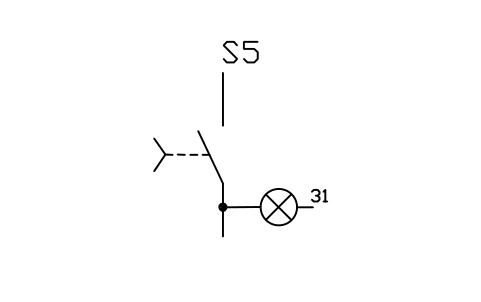
Rocker switch with lamp
AUT_SW_ROCKER_LAMPAttributes
TAGFUNCTIONSIGNALVOLTAGE_VCURRENT_ASET_POINTPIN_ASSIGNMENTLOCATIONMANUFACTURERPART_NOREMARKSDESC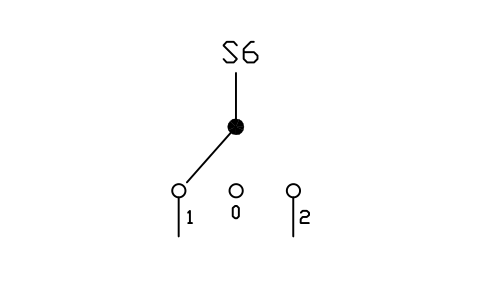
Switch, three positions
AUT_SW_THREE_POSAttributes
TAGFUNCTIONSIGNALVOLTAGE_VCURRENT_ASET_POINTPIN_ASSIGNMENTLOCATIONMANUFACTURERPART_NOREMARKSDESC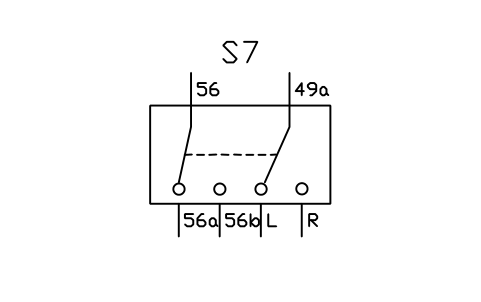
Column stalk switch
AUT_SW_STALKAttributes
TAGFUNCTIONSIGNALVOLTAGE_VCURRENT_ASET_POINTPIN_ASSIGNMENTLOCATIONMANUFACTURERPART_NOREMARKSDESC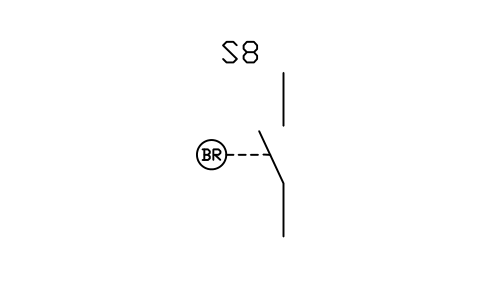
Brake light switch
AUT_SW_BRAKE_LIGHTAttributes
TAGFUNCTIONSIGNALVOLTAGE_VCURRENT_ASET_POINTPIN_ASSIGNMENTLOCATIONMANUFACTURERPART_NOREMARKSDESC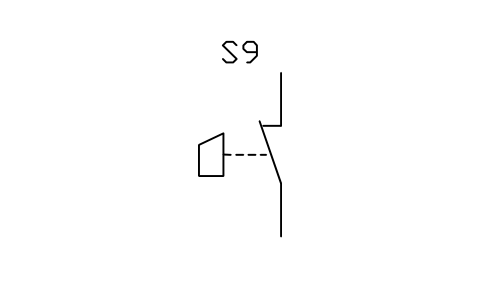
Door contact switch
AUT_SW_DOORAttributes
TAGFUNCTIONSIGNALVOLTAGE_VCURRENT_ASET_POINTPIN_ASSIGNMENTLOCATIONMANUFACTURERPART_NOREMARKSDESC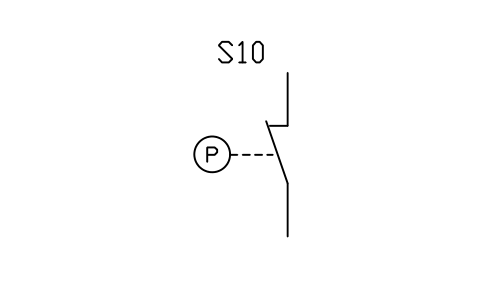
Oil pressure switch
AUT_SW_OIL_PRESSAttributes
TAGFUNCTIONSIGNALVOLTAGE_VCURRENT_ASET_POINTPIN_ASSIGNMENTLOCATIONMANUFACTURERPART_NOREMARKSDESC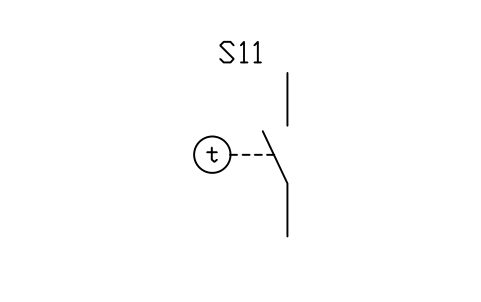
Temperature switch
AUT_SW_TEMPAttributes
TAGFUNCTIONSIGNALVOLTAGE_VCURRENT_ASET_POINTPIN_ASSIGNMENTLOCATIONMANUFACTURERPART_NOREMARKSDESC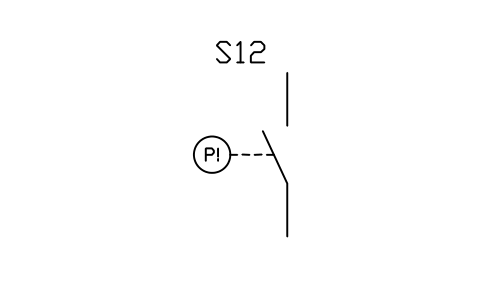
Parking brake switch
AUT_SW_HANDBRAKEAttributes
TAGFUNCTIONSIGNALVOLTAGE_VCURRENT_ASET_POINTPIN_ASSIGNMENTLOCATIONMANUFACTURERPART_NOREMARKSDESC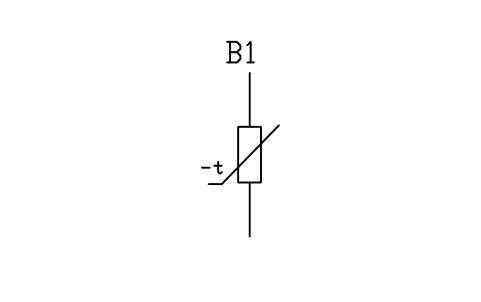
Temperature sensor, NTC
AUT_SEN_NTCAttributes
TAGFUNCTIONSIGNALVOLTAGE_VCURRENT_ASET_POINTPIN_ASSIGNMENTLOCATIONMANUFACTURERPART_NOREMARKSDESC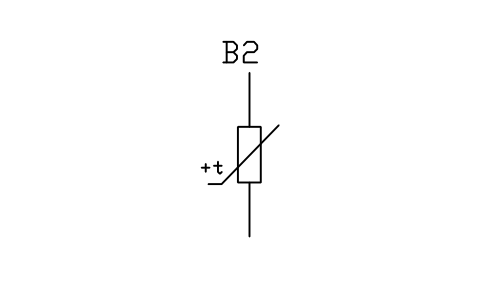
Temperature sensor, PTC
AUT_SEN_PTCAttributes
TAGFUNCTIONSIGNALVOLTAGE_VCURRENT_ASET_POINTPIN_ASSIGNMENTLOCATIONMANUFACTURERPART_NOREMARKSDESC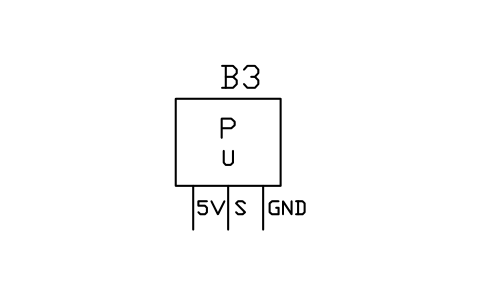
Pressure sensor, 3 wire
AUT_SEN_PRESSUREAttributes
TAGFUNCTIONSIGNALVOLTAGE_VCURRENT_ASET_POINTPIN_ASSIGNMENTLOCATIONMANUFACTURERPART_NOREMARKSDESC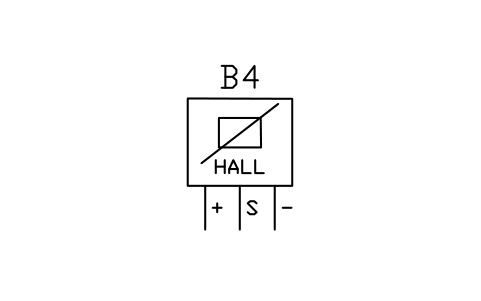
Hall effect sensor
AUT_SEN_HALLAttributes
TAGFUNCTIONSIGNALVOLTAGE_VCURRENT_ASET_POINTPIN_ASSIGNMENTLOCATIONMANUFACTURERPART_NOREMARKSDESC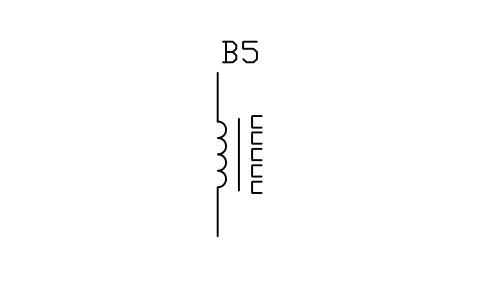
Speed sensor, inductive
AUT_SEN_SPEED_INDAttributes
TAGFUNCTIONSIGNALVOLTAGE_VCURRENT_ASET_POINTPIN_ASSIGNMENTLOCATIONMANUFACTURERPART_NOREMARKSDESC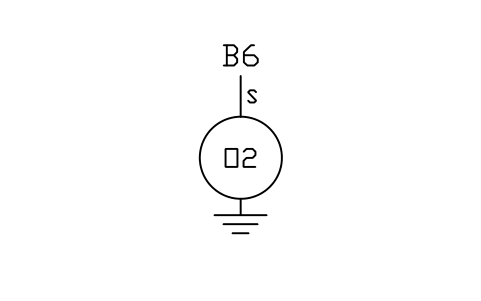
Oxygen sensor, 1 wire
AUT_SEN_LAMBDA_1Attributes
TAGFUNCTIONSIGNALVOLTAGE_VCURRENT_ASET_POINTPIN_ASSIGNMENTLOCATIONMANUFACTURERPART_NOREMARKSDESC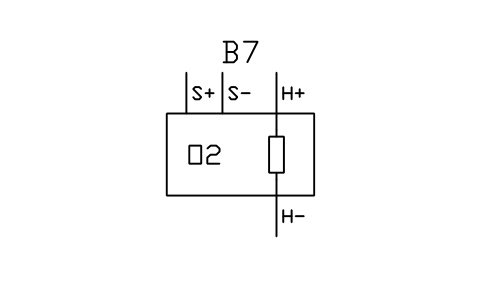
Oxygen sensor, heated
AUT_SEN_LAMBDA_4Attributes
TAGFUNCTIONSIGNALVOLTAGE_VCURRENT_ASET_POINTPIN_ASSIGNMENTLOCATIONMANUFACTURERPART_NOREMARKSDESC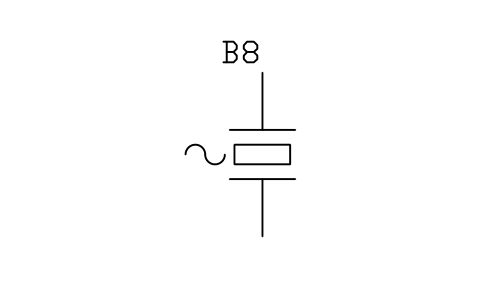
Knock sensor
AUT_SEN_KNOCKAttributes
TAGFUNCTIONSIGNALVOLTAGE_VCURRENT_ASET_POINTPIN_ASSIGNMENTLOCATIONMANUFACTURERPART_NOREMARKSDESC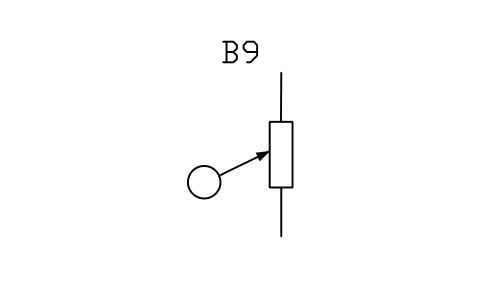
Fuel level sender
AUT_SEN_FUEL_LEVELAttributes
TAGFUNCTIONSIGNALVOLTAGE_VCURRENT_ASET_POINTPIN_ASSIGNMENTLOCATIONMANUFACTURERPART_NOREMARKSDESC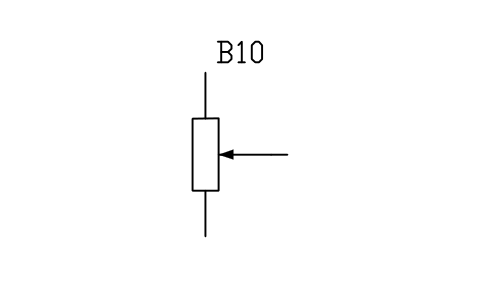
Position sensor, pot
AUT_SEN_THROTTLEAttributes
TAGFUNCTIONSIGNALVOLTAGE_VCURRENT_ASET_POINTPIN_ASSIGNMENTLOCATIONMANUFACTURERPART_NOREMARKSDESC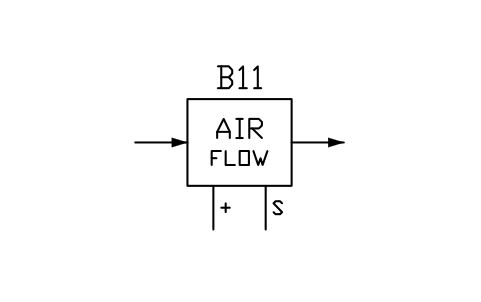
Air mass flow sensor
AUT_SEN_AIRFLOWAttributes
TAGFUNCTIONSIGNALVOLTAGE_VCURRENT_ASET_POINTPIN_ASSIGNMENTLOCATIONMANUFACTURERPART_NOREMARKSDESC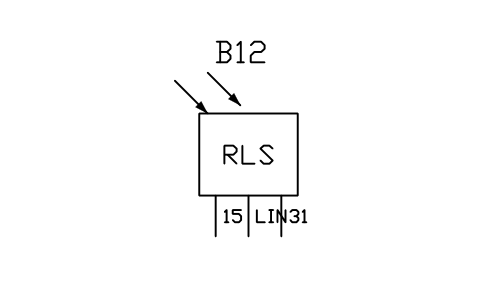
Rain and light sensor
AUT_SEN_RAIN_LIGHTAttributes
TAGFUNCTIONSIGNALVOLTAGE_VCURRENT_ASET_POINTPIN_ASSIGNMENTLOCATIONMANUFACTURERPART_NOREMARKSDESC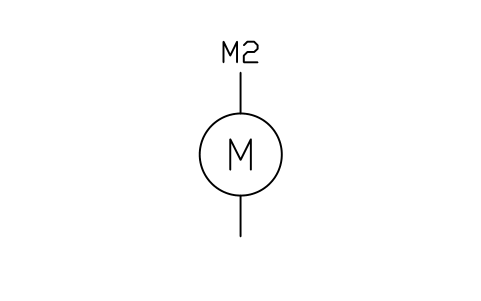
DC motor
AUT_ACT_MOTORAttributes
TAGFUNCTIONPOWER_WVOLTAGE_VCURRENT_ARESISTANCE_OHMPIN_ASSIGNMENTLOCATIONMANUFACTURERPART_NOREMARKSDESC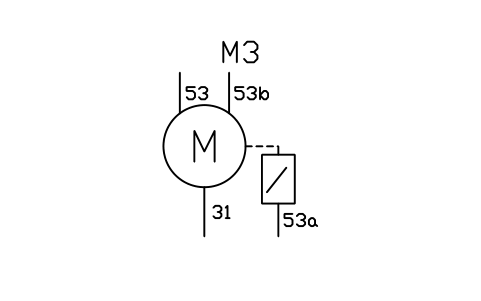
Wiper motor, two speed
AUT_ACT_WIPERAttributes
TAGFUNCTIONPOWER_WVOLTAGE_VCURRENT_ARESISTANCE_OHMPIN_ASSIGNMENTLOCATIONMANUFACTURERPART_NOREMARKSDESC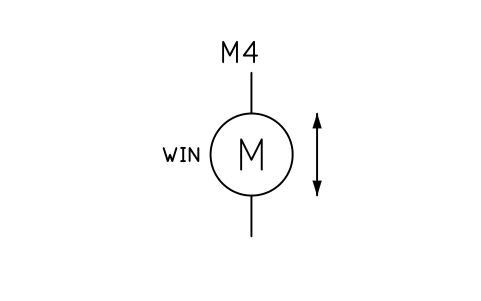
Window lift motor
AUT_ACT_WINDOWAttributes
TAGFUNCTIONPOWER_WVOLTAGE_VCURRENT_ARESISTANCE_OHMPIN_ASSIGNMENTLOCATIONMANUFACTURERPART_NOREMARKSDESC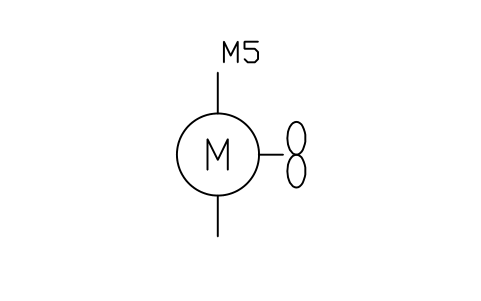
Blower motor
AUT_ACT_BLOWERAttributes
TAGFUNCTIONPOWER_WVOLTAGE_VCURRENT_ARESISTANCE_OHMPIN_ASSIGNMENTLOCATIONMANUFACTURERPART_NOREMARKSDESC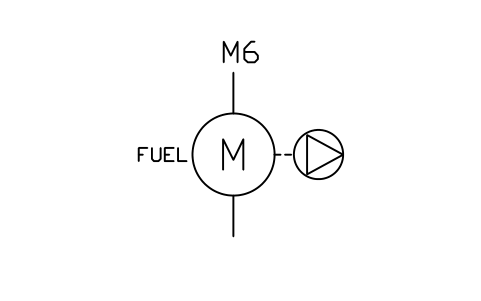
Fuel pump motor
AUT_ACT_FUEL_PUMPAttributes
TAGFUNCTIONPOWER_WVOLTAGE_VCURRENT_ARESISTANCE_OHMPIN_ASSIGNMENTLOCATIONMANUFACTURERPART_NOREMARKSDESC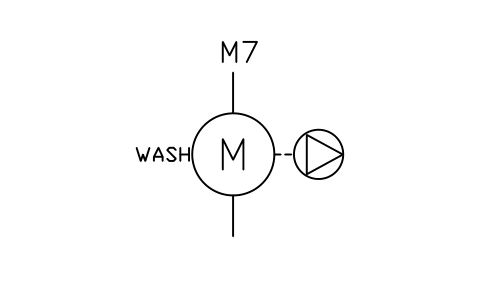
Washer pump motor
AUT_ACT_WASHERAttributes
TAGFUNCTIONPOWER_WVOLTAGE_VCURRENT_ARESISTANCE_OHMPIN_ASSIGNMENTLOCATIONMANUFACTURERPART_NOREMARKSDESC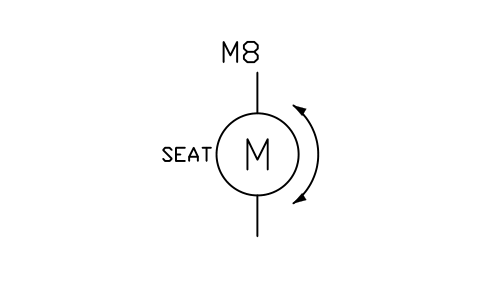
Seat motor, reversible
AUT_ACT_SEATAttributes
TAGFUNCTIONPOWER_WVOLTAGE_VCURRENT_ARESISTANCE_OHMPIN_ASSIGNMENTLOCATIONMANUFACTURERPART_NOREMARKSDESC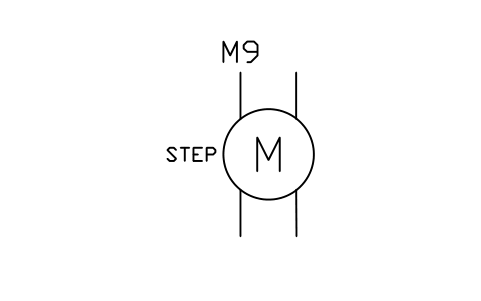
Stepper motor
AUT_ACT_STEPPERAttributes
TAGFUNCTIONPOWER_WVOLTAGE_VCURRENT_ARESISTANCE_OHMPIN_ASSIGNMENTLOCATIONMANUFACTURERPART_NOREMARKSDESC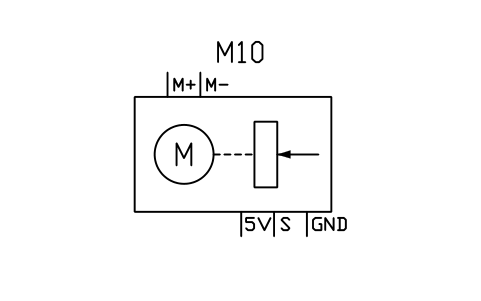
Throttle actuator
AUT_ACT_THROTTLEAttributes
TAGFUNCTIONPOWER_WVOLTAGE_VCURRENT_ARESISTANCE_OHMPIN_ASSIGNMENTLOCATIONMANUFACTURERPART_NOREMARKSDESC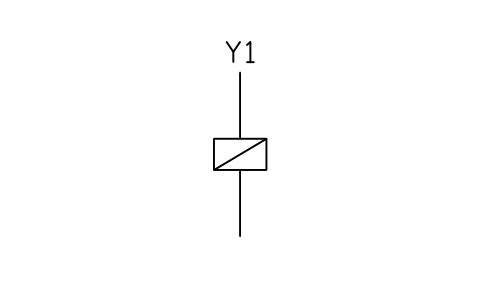
Solenoid
AUT_ACT_SOLENOIDAttributes
TAGFUNCTIONPOWER_WVOLTAGE_VCURRENT_ARESISTANCE_OHMPIN_ASSIGNMENTLOCATIONMANUFACTURERPART_NOREMARKSDESC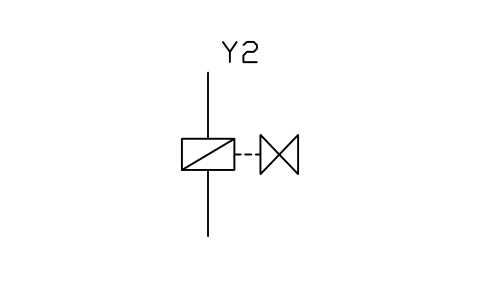
Solenoid valve
AUT_ACT_VALVEAttributes
TAGFUNCTIONPOWER_WVOLTAGE_VCURRENT_ARESISTANCE_OHMPIN_ASSIGNMENTLOCATIONMANUFACTURERPART_NOREMARKSDESC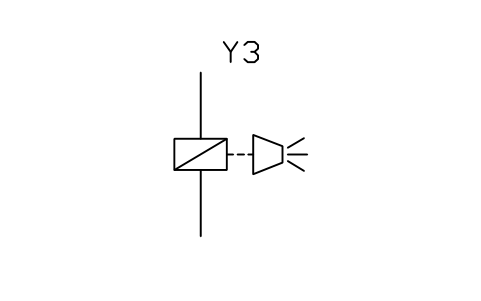
Fuel injector
AUT_ACT_INJECTORAttributes
TAGFUNCTIONPOWER_WVOLTAGE_VCURRENT_ARESISTANCE_OHMPIN_ASSIGNMENTLOCATIONMANUFACTURERPART_NOREMARKSDESC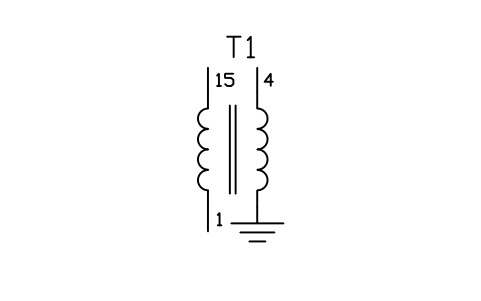
Ignition coil
AUT_ACT_COILAttributes
TAGFUNCTIONPOWER_WVOLTAGE_VCURRENT_ARESISTANCE_OHMPIN_ASSIGNMENTLOCATIONMANUFACTURERPART_NOREMARKSDESC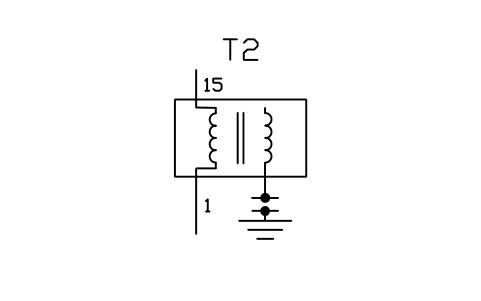
Coil on plug
AUT_ACT_COIL_PLUGAttributes
TAGFUNCTIONPOWER_WVOLTAGE_VCURRENT_ARESISTANCE_OHMPIN_ASSIGNMENTLOCATIONMANUFACTURERPART_NOREMARKSDESC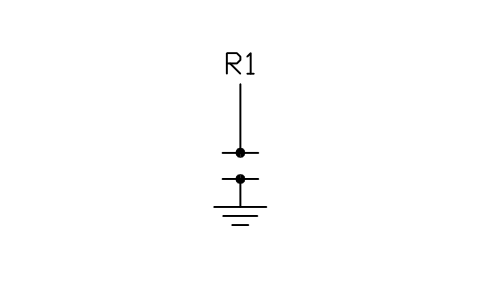
Spark plug
AUT_ACT_SPARK_PLUGAttributes
TAGFUNCTIONPOWER_WVOLTAGE_VCURRENT_ARESISTANCE_OHMPIN_ASSIGNMENTLOCATIONMANUFACTURERPART_NOREMARKSDESC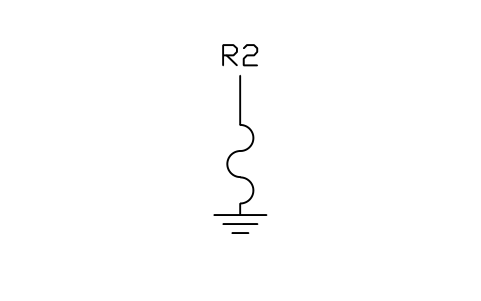
Glow plug
AUT_ACT_GLOW_PLUGAttributes
TAGFUNCTIONPOWER_WVOLTAGE_VCURRENT_ARESISTANCE_OHMPIN_ASSIGNMENTLOCATIONMANUFACTURERPART_NOREMARKSDESC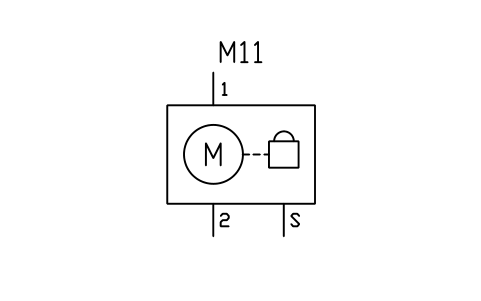
Door lock actuator
AUT_ACT_DOOR_LOCKAttributes
TAGFUNCTIONPOWER_WVOLTAGE_VCURRENT_ARESISTANCE_OHMPIN_ASSIGNMENTLOCATIONMANUFACTURERPART_NOREMARKSDESC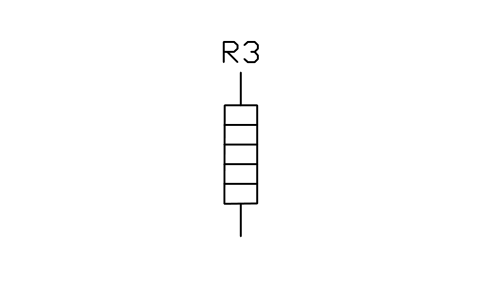
Heating element
AUT_ACT_HEATERAttributes
TAGFUNCTIONPOWER_WVOLTAGE_VCURRENT_ARESISTANCE_OHMPIN_ASSIGNMENTLOCATIONMANUFACTURERPART_NOREMARKSDESC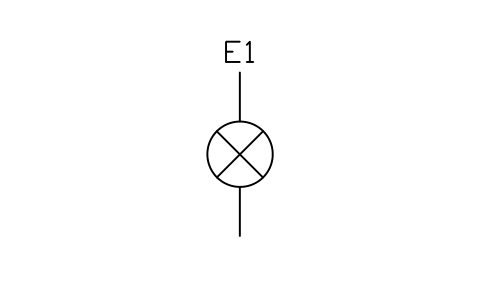
Lamp
AUT_LMP_BULBAttributes
TAGFUNCTIONPOWER_WVOLTAGE_VCURRENT_ARESISTANCE_OHMPIN_ASSIGNMENTLOCATIONMANUFACTURERPART_NOREMARKSDESC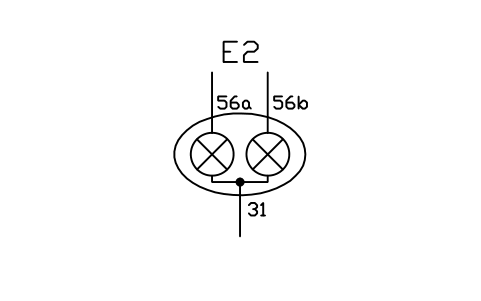
Lamp, two filaments
AUT_LMP_TWINAttributes
TAGFUNCTIONPOWER_WVOLTAGE_VCURRENT_ARESISTANCE_OHMPIN_ASSIGNMENTLOCATIONMANUFACTURERPART_NOREMARKSDESC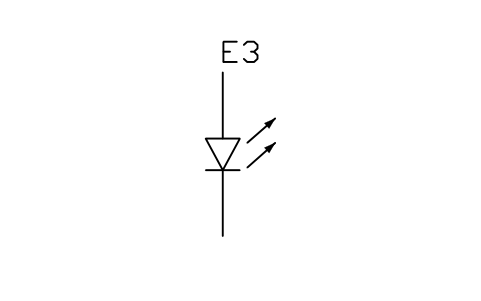
LED
AUT_LMP_LEDAttributes
TAGFUNCTIONPOWER_WVOLTAGE_VCURRENT_ARESISTANCE_OHMPIN_ASSIGNMENTLOCATIONMANUFACTURERPART_NOREMARKSDESC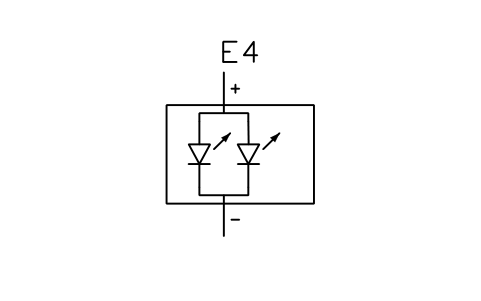
LED lamp module
AUT_LMP_LED_MODULEAttributes
TAGFUNCTIONPOWER_WVOLTAGE_VCURRENT_ARESISTANCE_OHMPIN_ASSIGNMENTLOCATIONMANUFACTURERPART_NOREMARKSDESC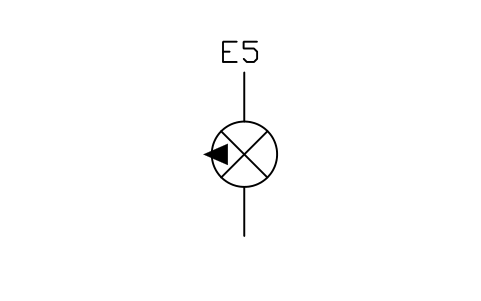
Turn signal lamp
AUT_LMP_INDICATORAttributes
TAGFUNCTIONPOWER_WVOLTAGE_VCURRENT_ARESISTANCE_OHMPIN_ASSIGNMENTLOCATIONMANUFACTURERPART_NOREMARKSDESC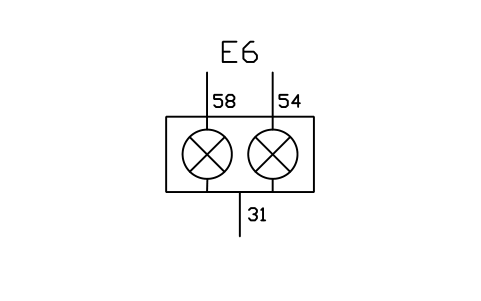
Tail and stop lamp
AUT_LMP_TAIL_STOPAttributes
TAGFUNCTIONPOWER_WVOLTAGE_VCURRENT_ARESISTANCE_OHMPIN_ASSIGNMENTLOCATIONMANUFACTURERPART_NOREMARKSDESC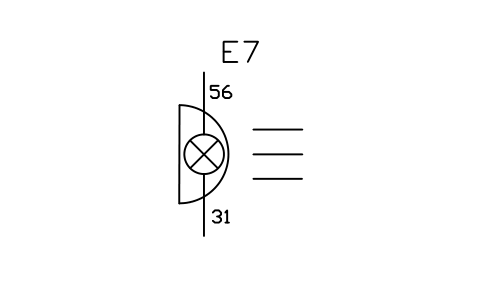
Headlamp unit
AUT_LMP_HEADLAMPAttributes
TAGFUNCTIONPOWER_WVOLTAGE_VCURRENT_ARESISTANCE_OHMPIN_ASSIGNMENTLOCATIONMANUFACTURERPART_NOREMARKSDESC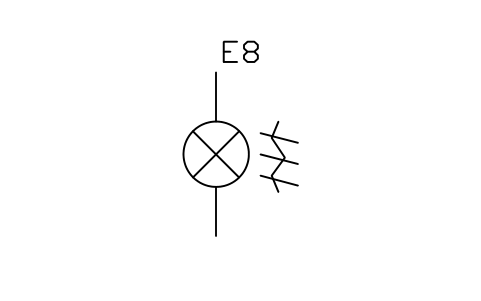
Fog lamp
AUT_LMP_FOGAttributes
TAGFUNCTIONPOWER_WVOLTAGE_VCURRENT_ARESISTANCE_OHMPIN_ASSIGNMENTLOCATIONMANUFACTURERPART_NOREMARKSDESC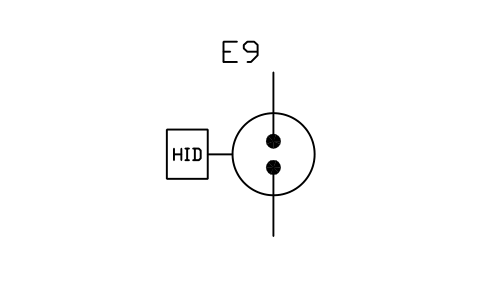
Gas discharge lamp
AUT_LMP_XENONAttributes
TAGFUNCTIONPOWER_WVOLTAGE_VCURRENT_ARESISTANCE_OHMPIN_ASSIGNMENTLOCATIONMANUFACTURERPART_NOREMARKSDESC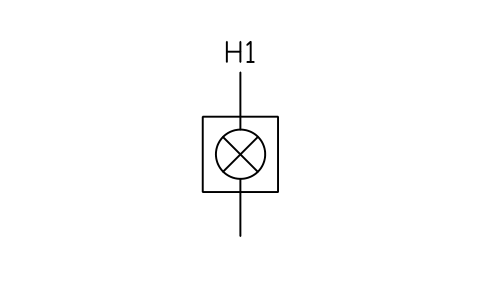
Cluster warning lamp
AUT_LMP_WARNINGAttributes
TAGFUNCTIONPOWER_WVOLTAGE_VCURRENT_ARESISTANCE_OHMPIN_ASSIGNMENTLOCATIONMANUFACTURERPART_NOREMARKSDESC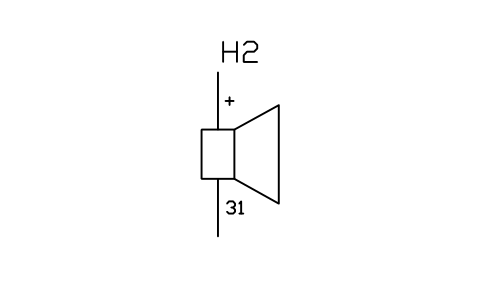
Horn
AUT_LMP_HORNAttributes
TAGFUNCTIONPOWER_WVOLTAGE_VCURRENT_ARESISTANCE_OHMPIN_ASSIGNMENTLOCATIONMANUFACTURERPART_NOREMARKSDESC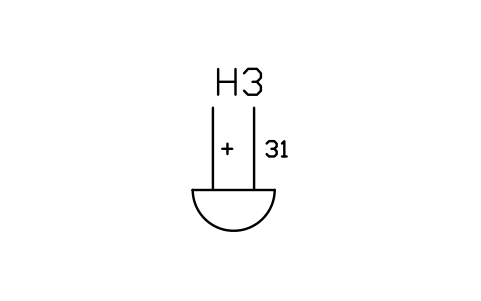
Buzzer
AUT_LMP_BUZZERAttributes
TAGFUNCTIONPOWER_WVOLTAGE_VCURRENT_ARESISTANCE_OHMPIN_ASSIGNMENTLOCATIONMANUFACTURERPART_NOREMARKSDESC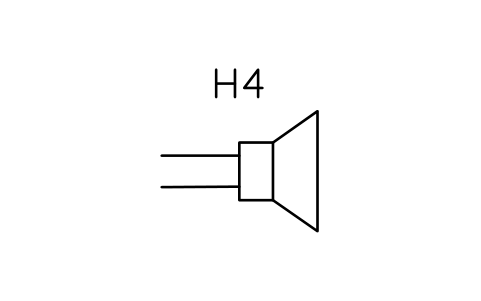
Loudspeaker
AUT_LMP_SPEAKERAttributes
TAGFUNCTIONPOWER_WVOLTAGE_VCURRENT_ARESISTANCE_OHMPIN_ASSIGNMENTLOCATIONMANUFACTURERPART_NOREMARKSDESC
Warning beacon
AUT_LMP_BEACONAttributes
TAGFUNCTIONPOWER_WVOLTAGE_VCURRENT_ARESISTANCE_OHMPIN_ASSIGNMENTLOCATIONMANUFACTURERPART_NOREMARKSDESC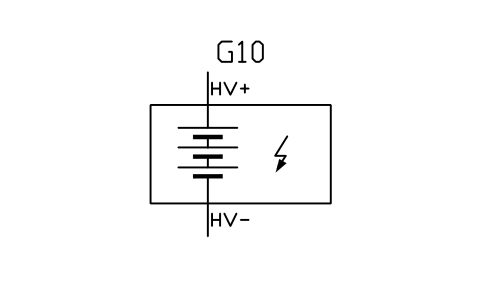
HV battery pack
AUT_HV_PACKAttributes
TAGVOLTAGE_VCURRENT_APOWER_KWENERGY_KWHWIRE_MM2FUNCTIONLOCATIONMANUFACTURERPART_NOREMARKSDESC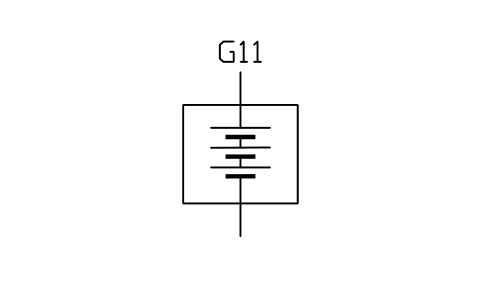
Battery module
AUT_HV_MODULEAttributes
TAGVOLTAGE_VCURRENT_APOWER_KWENERGY_KWHWIRE_MM2FUNCTIONLOCATIONMANUFACTURERPART_NOREMARKSDESC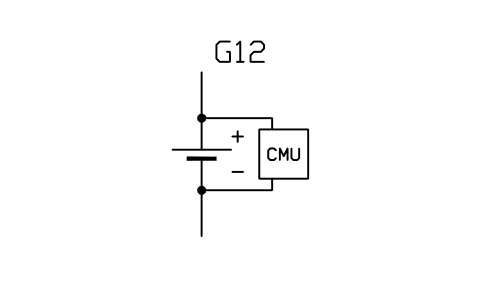
Cell with monitoring
AUT_HV_CELL_SENSEAttributes
TAGVOLTAGE_VCURRENT_APOWER_KWENERGY_KWHWIRE_MM2FUNCTIONLOCATIONMANUFACTURERPART_NOREMARKSDESC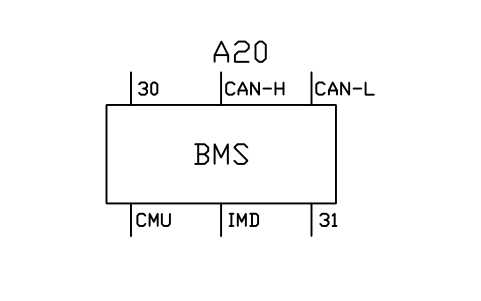
Battery management unit
AUT_HV_BMSAttributes
TAGVOLTAGE_VCURRENT_APOWER_KWENERGY_KWHWIRE_MM2FUNCTIONLOCATIONMANUFACTURERPART_NOREMARKSDESC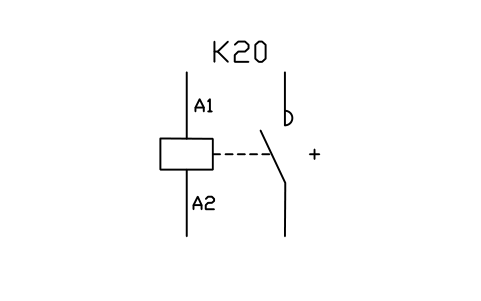
HV contactor, positive
AUT_HV_CONTACTOR_POSAttributes
TAGVOLTAGE_VCURRENT_APOWER_KWENERGY_KWHWIRE_MM2FUNCTIONLOCATIONMANUFACTURERPART_NOREMARKSDESC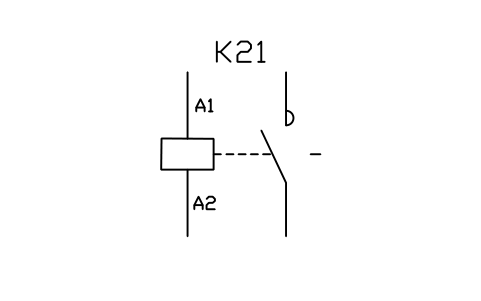
HV contactor, negative
AUT_HV_CONTACTOR_NEGAttributes
TAGVOLTAGE_VCURRENT_APOWER_KWENERGY_KWHWIRE_MM2FUNCTIONLOCATIONMANUFACTURERPART_NOREMARKSDESC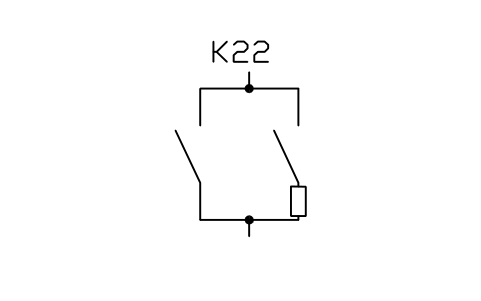
HV precharge branch
AUT_HV_PRECHARGEAttributes
TAGVOLTAGE_VCURRENT_APOWER_KWENERGY_KWHWIRE_MM2FUNCTIONLOCATIONMANUFACTURERPART_NOREMARKSDESC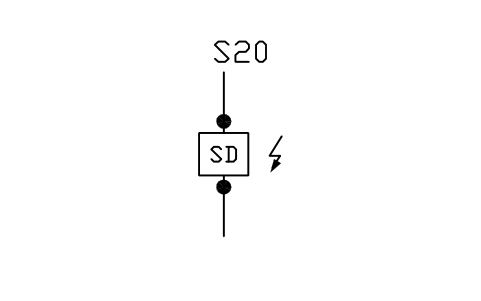
Service disconnect
AUT_HV_DISCONNECTAttributes
TAGVOLTAGE_VCURRENT_APOWER_KWENERGY_KWHWIRE_MM2FUNCTIONLOCATIONMANUFACTURERPART_NOREMARKSDESC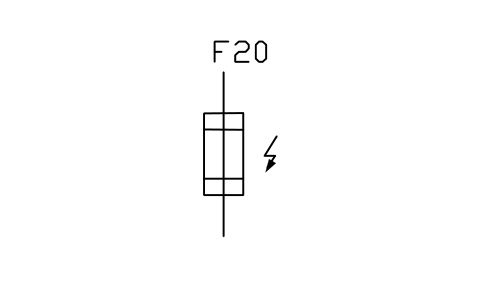
HV fuse
AUT_HV_FUSEAttributes
TAGVOLTAGE_VCURRENT_APOWER_KWENERGY_KWHWIRE_MM2FUNCTIONLOCATIONMANUFACTURERPART_NOREMARKSDESC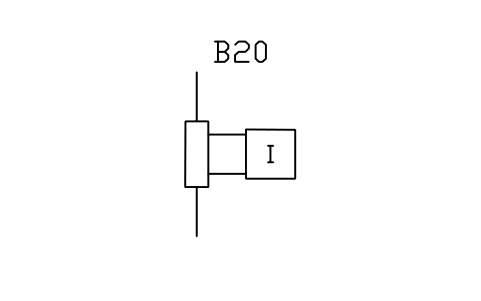
HV current sensor
AUT_HV_SHUNTAttributes
TAGVOLTAGE_VCURRENT_APOWER_KWENERGY_KWHWIRE_MM2FUNCTIONLOCATIONMANUFACTURERPART_NOREMARKSDESC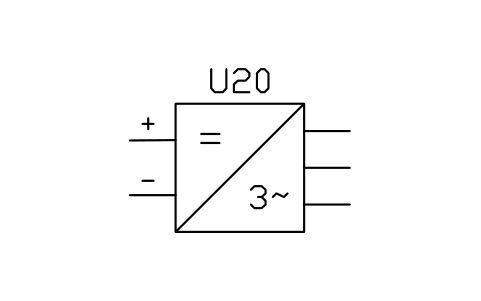
Traction inverter
AUT_HV_INVERTERAttributes
TAGVOLTAGE_VCURRENT_APOWER_KWENERGY_KWHWIRE_MM2FUNCTIONLOCATIONMANUFACTURERPART_NOREMARKSDESC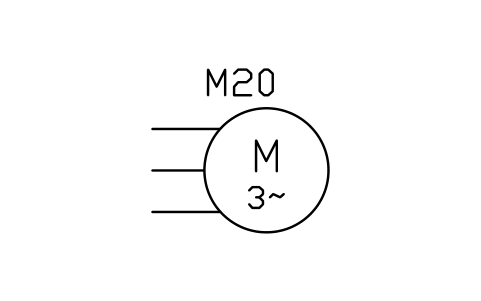
Traction motor
AUT_HV_MOTORAttributes
TAGVOLTAGE_VCURRENT_APOWER_KWENERGY_KWHWIRE_MM2FUNCTIONLOCATIONMANUFACTURERPART_NOREMARKSDESC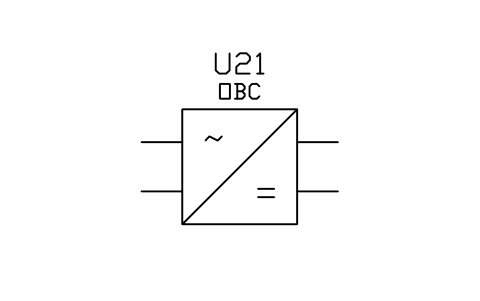
Onboard charger
AUT_HV_OBCAttributes
TAGVOLTAGE_VCURRENT_APOWER_KWENERGY_KWHWIRE_MM2FUNCTIONLOCATIONMANUFACTURERPART_NOREMARKSDESC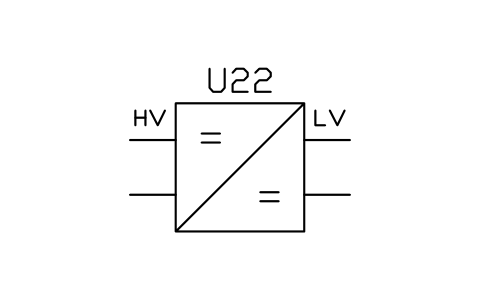
HV to LV converter
AUT_HV_DCDCAttributes
TAGVOLTAGE_VCURRENT_APOWER_KWENERGY_KWHWIRE_MM2FUNCTIONLOCATIONMANUFACTURERPART_NOREMARKSDESC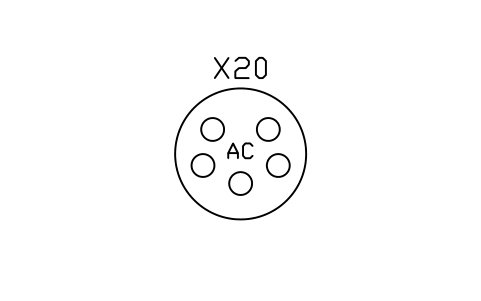
Charge inlet, AC
AUT_HV_INLET_ACAttributes
TAGVOLTAGE_VCURRENT_APOWER_KWENERGY_KWHWIRE_MM2FUNCTIONLOCATIONMANUFACTURERPART_NOREMARKSDESC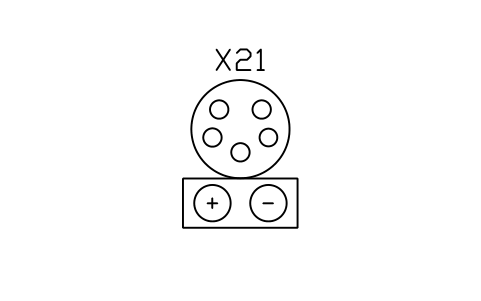
Charge inlet, combined
AUT_HV_INLET_DCAttributes
TAGVOLTAGE_VCURRENT_APOWER_KWENERGY_KWHWIRE_MM2FUNCTIONLOCATIONMANUFACTURERPART_NOREMARKSDESC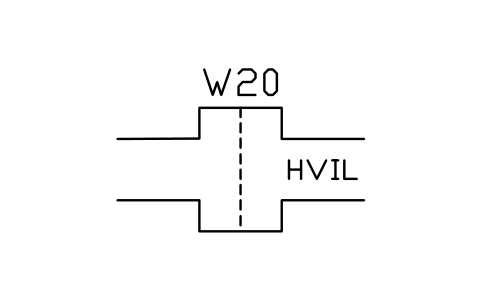
Interlock loop
AUT_HV_INTERLOCKAttributes
TAGVOLTAGE_VCURRENT_APOWER_KWENERGY_KWHWIRE_MM2FUNCTIONLOCATIONMANUFACTURERPART_NOREMARKSDESC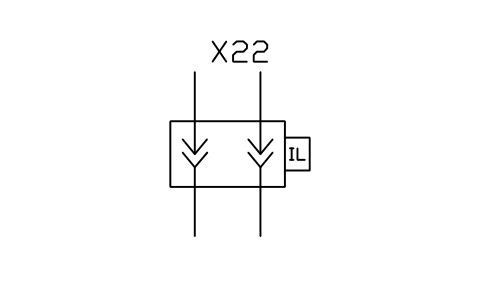
HV connector, interlocked
AUT_HV_CONNECTORAttributes
TAGVOLTAGE_VCURRENT_APOWER_KWENERGY_KWHWIRE_MM2FUNCTIONLOCATIONMANUFACTURERPART_NOREMARKSDESC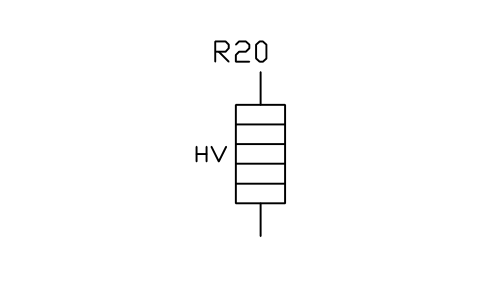
HV heater
AUT_HV_PTC_HEATERAttributes
TAGVOLTAGE_VCURRENT_APOWER_KWENERGY_KWHWIRE_MM2FUNCTIONLOCATIONMANUFACTURERPART_NOREMARKSDESC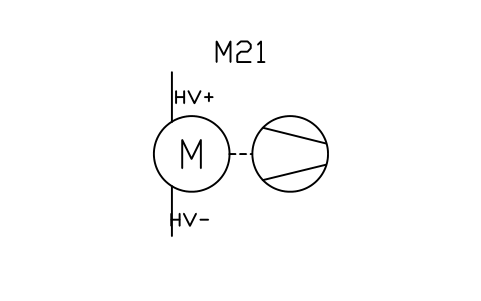
Electric compressor
AUT_HV_COMPRESSORAttributes
TAGVOLTAGE_VCURRENT_APOWER_KWENERGY_KWHWIRE_MM2FUNCTIONLOCATIONMANUFACTURERPART_NOREMARKSDESC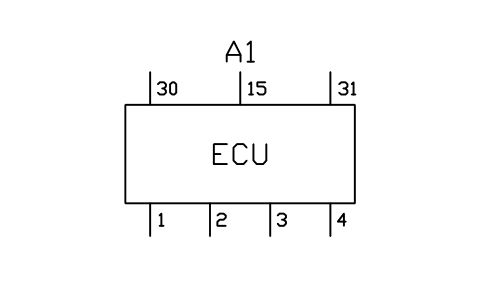
Control unit
AUT_NET_ECUAttributes
TAGFUNCTIONADDRESSBITRATESUPPLY_TERMINALSOFTWARE_REFPIN_ASSIGNMENTLOCATIONMANUFACTURERPART_NOREMARKSDESC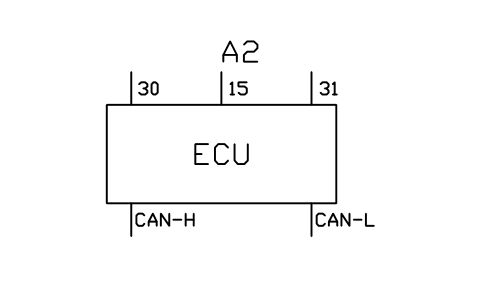
Control unit with CAN
AUT_NET_ECU_CANAttributes
TAGFUNCTIONADDRESSBITRATESUPPLY_TERMINALSOFTWARE_REFPIN_ASSIGNMENTLOCATIONMANUFACTURERPART_NOREMARKSDESC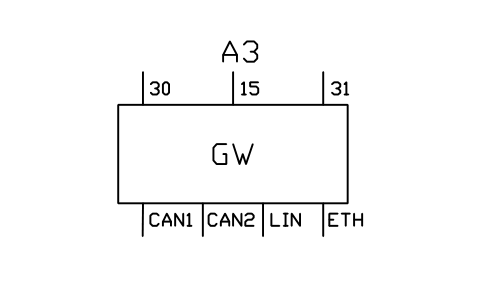
Gateway
AUT_NET_GATEWAYAttributes
TAGFUNCTIONADDRESSBITRATESUPPLY_TERMINALSOFTWARE_REFPIN_ASSIGNMENTLOCATIONMANUFACTURERPART_NOREMARKSDESC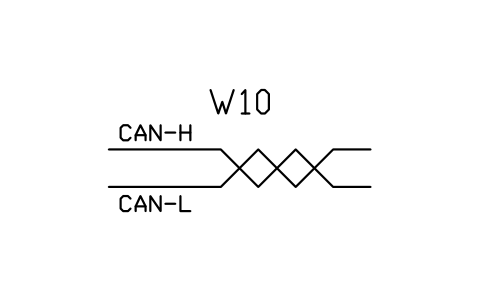
CAN bus pair
AUT_NET_CAN_BUSAttributes
TAGFUNCTIONADDRESSBITRATESUPPLY_TERMINALSOFTWARE_REFPIN_ASSIGNMENTLOCATIONMANUFACTURERPART_NOREMARKSDESC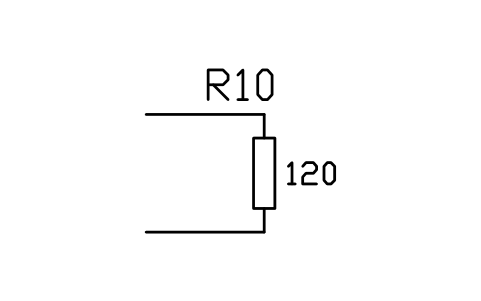
CAN termination, 120 ohm
AUT_NET_CAN_TERMAttributes
TAGFUNCTIONADDRESSBITRATESUPPLY_TERMINALSOFTWARE_REFPIN_ASSIGNMENTLOCATIONMANUFACTURERPART_NOREMARKSDESC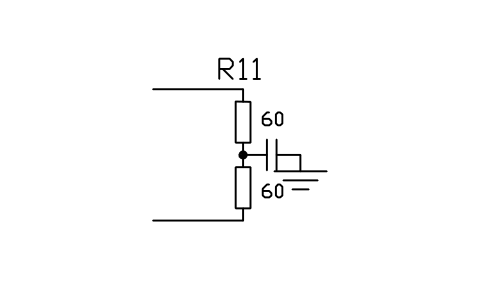
Split CAN termination
AUT_NET_CAN_SPLITAttributes
TAGFUNCTIONADDRESSBITRATESUPPLY_TERMINALSOFTWARE_REFPIN_ASSIGNMENTLOCATIONMANUFACTURERPART_NOREMARKSDESC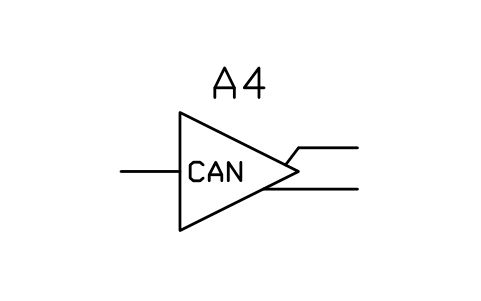
CAN transceiver
AUT_NET_CAN_NODEAttributes
TAGFUNCTIONADDRESSBITRATESUPPLY_TERMINALSOFTWARE_REFPIN_ASSIGNMENTLOCATIONMANUFACTURERPART_NOREMARKSDESC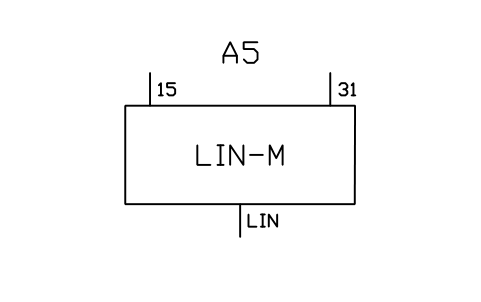
LIN master node
AUT_NET_LIN_MASTERAttributes
TAGFUNCTIONADDRESSBITRATESUPPLY_TERMINALSOFTWARE_REFPIN_ASSIGNMENTLOCATIONMANUFACTURERPART_NOREMARKSDESC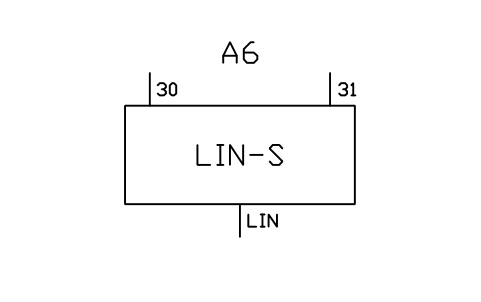
LIN slave node
AUT_NET_LIN_SLAVEAttributes
TAGFUNCTIONADDRESSBITRATESUPPLY_TERMINALSOFTWARE_REFPIN_ASSIGNMENTLOCATIONMANUFACTURERPART_NOREMARKSDESC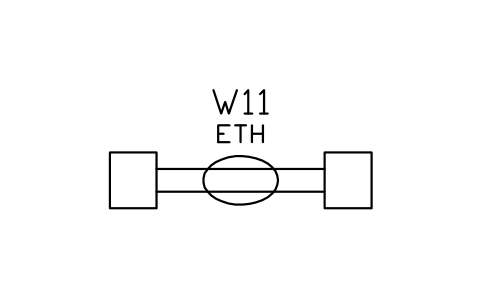
Ethernet link, one pair
AUT_NET_ETHERNETAttributes
TAGFUNCTIONADDRESSBITRATESUPPLY_TERMINALSOFTWARE_REFPIN_ASSIGNMENTLOCATIONMANUFACTURERPART_NOREMARKSDESC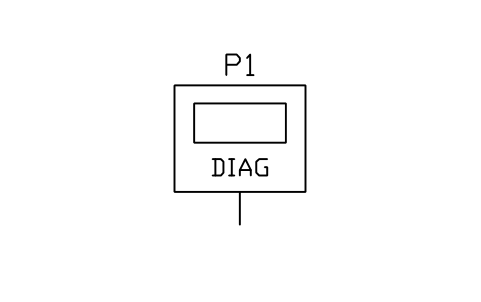
Diagnostic tester
AUT_NET_TESTERAttributes
TAGFUNCTIONADDRESSBITRATESUPPLY_TERMINALSOFTWARE_REFPIN_ASSIGNMENTLOCATIONMANUFACTURERPART_NOREMARKSDESC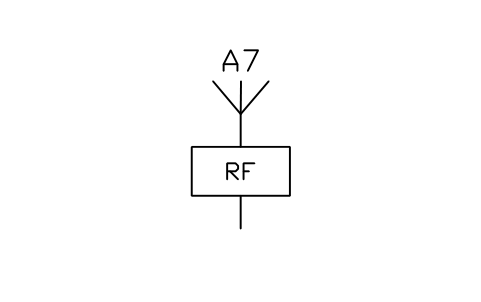
Antenna module
AUT_NET_ANTENNAAttributes
TAGFUNCTIONADDRESSBITRATESUPPLY_TERMINALSOFTWARE_REFPIN_ASSIGNMENTLOCATIONMANUFACTURERPART_NOREMARKSDESC
- Every symbol is an AutoCAD block, drawn in millimetres at 1:1 and named IEEE_GROUP_NAME; insert it at scale 1.
- Each block has two invisible attributes, DESC (the symbol name) and REMARKS (free text). All geometry is on layer SYMBOL.
- Each DWG has a CATALOG layout with all its symbols on one sheet, ready to plot to PDF, and a README.txt lists every block.
- Plain DWG files in AutoCAD 2018 format, plus a second ZIP per section in AutoCAD 2010 format. No add-in is needed.
- The 150 symbols of the free library come in the same download as their own DWG, so you have the whole set in one place.
Automotive wiring Pro symbols 162
162 more symbols: circuit modules with wire numbers, EV high voltage diagrams, harness drawing forms, control unit and connector pin blocks and bus topologies.
162 of 162 symbols
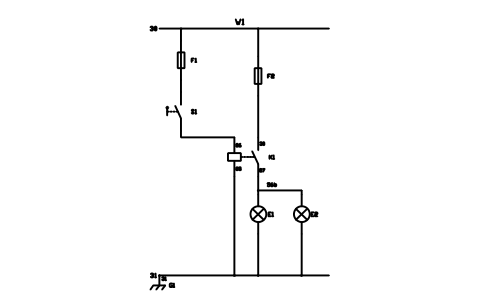
Low beam headlamps, relay controlled
AUT_MOD_LOWBEAMAttributes
TAGFUNCTIONVOLTAGE_VFUSE_AWIRE_MM2LOCATIONNOTESDESC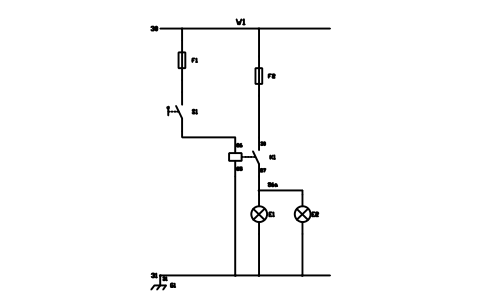
High beam headlamps, relay controlled
AUT_MOD_HIGHBEAMAttributes
TAGFUNCTIONVOLTAGE_VFUSE_AWIRE_MM2LOCATIONNOTESDESC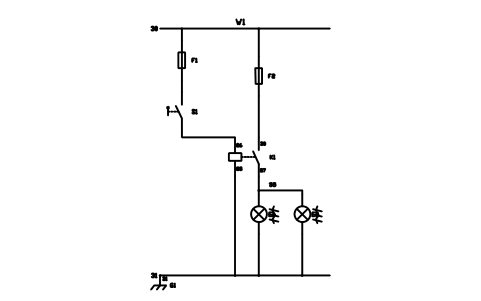
Front fog lamps, relay controlled
AUT_MOD_FOGFRONTAttributes
TAGFUNCTIONVOLTAGE_VFUSE_AWIRE_MM2LOCATIONNOTESDESC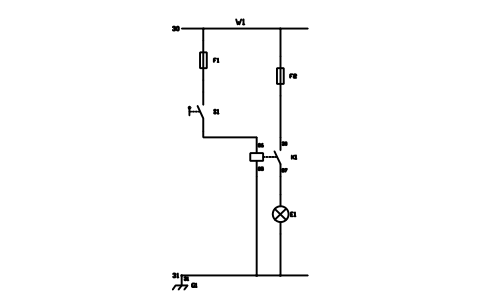
Rear fog lamp, relay controlled
AUT_MOD_FOGREARAttributes
TAGFUNCTIONVOLTAGE_VFUSE_AWIRE_MM2LOCATIONNOTESDESC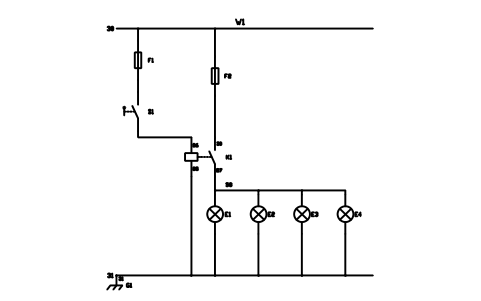
Position and tail lamps, relay controlled
AUT_MOD_POSITIONAttributes
TAGFUNCTIONVOLTAGE_VFUSE_AWIRE_MM2LOCATIONNOTESDESC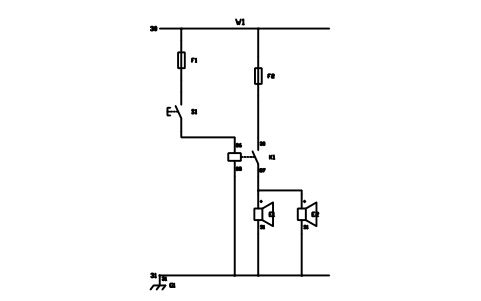
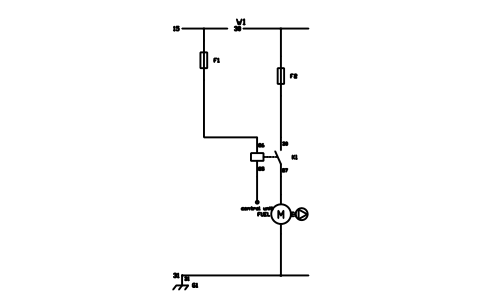
Fuel pump, relay driven by control unit
AUT_MOD_FUELPUMPAttributes
TAGFUNCTIONVOLTAGE_VFUSE_AWIRE_MM2LOCATIONNOTESDESC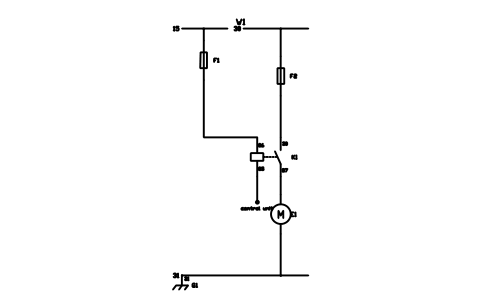
Radiator fan, relay driven by control unit
AUT_MOD_COOLFAN_ECUAttributes
TAGFUNCTIONVOLTAGE_VFUSE_AWIRE_MM2LOCATIONNOTESDESC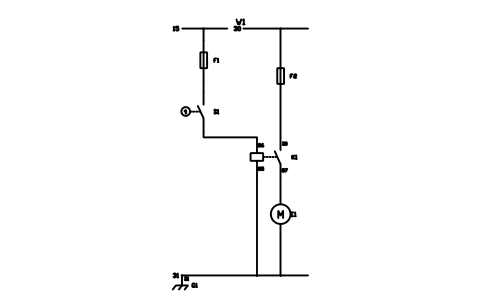
Radiator fan, thermo switch and relay
AUT_MOD_COOLFAN_THERMOAttributes
TAGFUNCTIONVOLTAGE_VFUSE_AWIRE_MM2LOCATIONNOTESDESC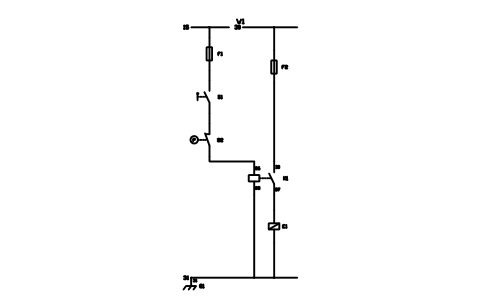
Air conditioning compressor clutch, switch and pressure switch
AUT_MOD_ACCLUTCHAttributes
TAGFUNCTIONVOLTAGE_VFUSE_AWIRE_MM2LOCATIONNOTESDESC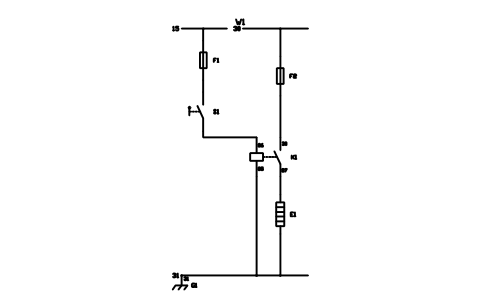
Heated rear window, relay controlled
AUT_MOD_REARHEATAttributes
TAGFUNCTIONVOLTAGE_VFUSE_AWIRE_MM2LOCATIONNOTESDESC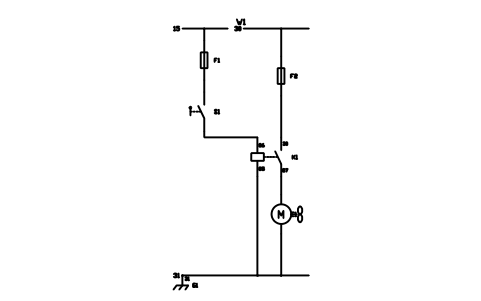
Cabin blower, relay controlled
AUT_MOD_BLOWERAttributes
TAGFUNCTIONVOLTAGE_VFUSE_AWIRE_MM2LOCATIONNOTESDESC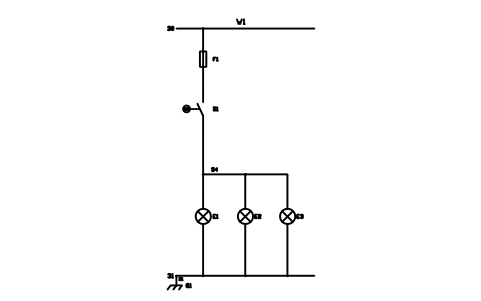
Brake lights, brake light switch
AUT_MOD_BRAKELIGHTSAttributes
TAGFUNCTIONVOLTAGE_VFUSE_AWIRE_MM2LOCATIONNOTESDESC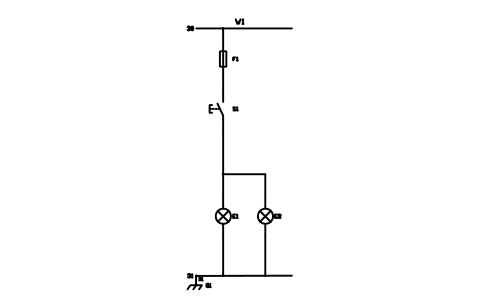
Reversing lamps, reverse switch
AUT_MOD_REVERSEAttributes
TAGFUNCTIONVOLTAGE_VFUSE_AWIRE_MM2LOCATIONNOTESDESC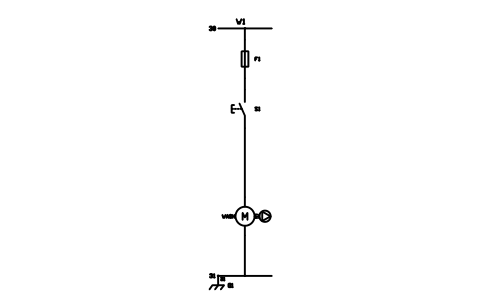
Windscreen washer pump, push button
AUT_MOD_WASHERAttributes
TAGFUNCTIONVOLTAGE_VFUSE_AWIRE_MM2LOCATIONNOTESDESC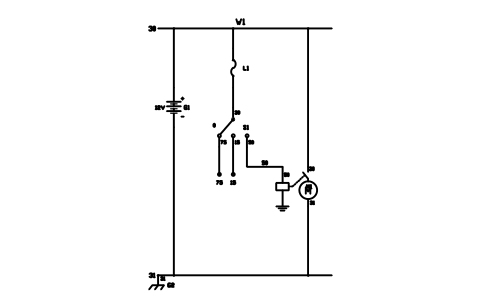
Starter circuit, ignition switch and solenoid
AUT_MOD_STARTERAttributes
TAGFUNCTIONVOLTAGE_VFUSE_AWIRE_MM2LOCATIONNOTESDESC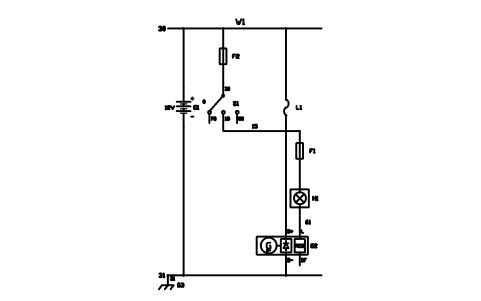
Charging circuit, alternator with charge warning lamp
AUT_MOD_CHARGINGAttributes
TAGFUNCTIONVOLTAGE_VFUSE_AWIRE_MM2LOCATIONNOTESDESC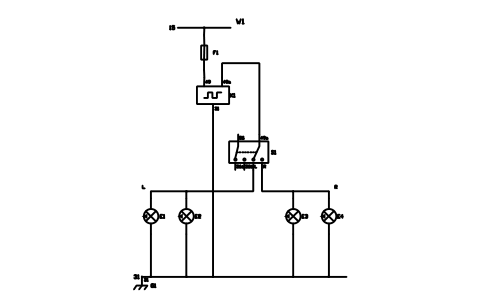
Turn signals, flasher unit and column stalk
AUT_MOD_TURNAttributes
TAGFUNCTIONVOLTAGE_VFUSE_AWIRE_MM2LOCATIONNOTESDESC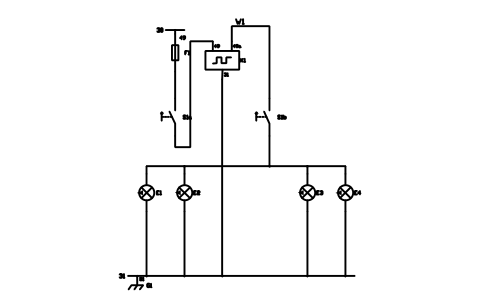
Hazard warning, switch and flasher unit
AUT_MOD_HAZARDAttributes
TAGFUNCTIONVOLTAGE_VFUSE_AWIRE_MM2LOCATIONNOTESDESC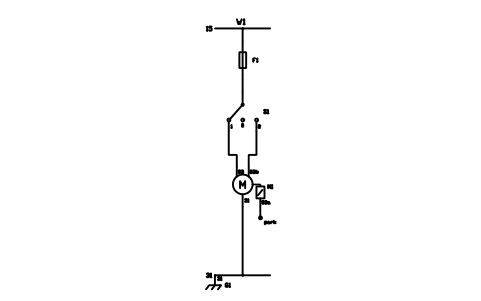
Windscreen wiper, two speed, switch controlled
AUT_MOD_WIPERAttributes
TAGFUNCTIONVOLTAGE_VFUSE_AWIRE_MM2LOCATIONNOTESDESC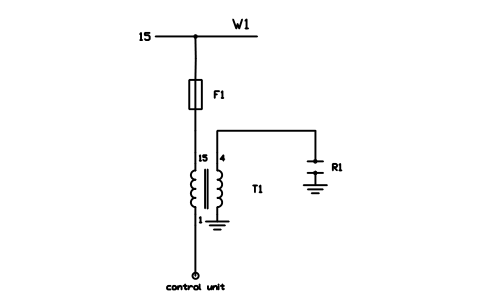
Ignition coil circuit, control unit driven
AUT_MOD_IGNCOILAttributes
TAGFUNCTIONVOLTAGE_VFUSE_AWIRE_MM2LOCATIONNOTESDESC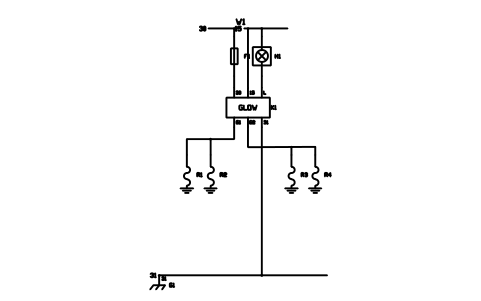
Diesel glow plug system, control unit and warning lamp
AUT_MOD_GLOWAttributes
TAGFUNCTIONVOLTAGE_VFUSE_AWIRE_MM2LOCATIONNOTESDESC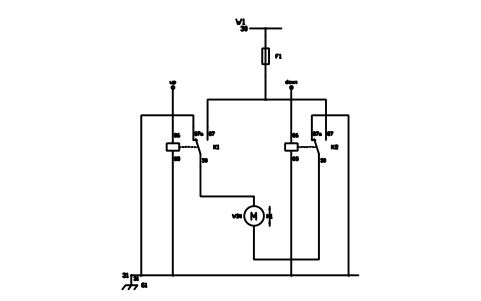
Power window motor, reversing with two relays
AUT_MOD_WINDOWAttributes
TAGFUNCTIONVOLTAGE_VFUSE_AWIRE_MM2LOCATIONNOTESDESC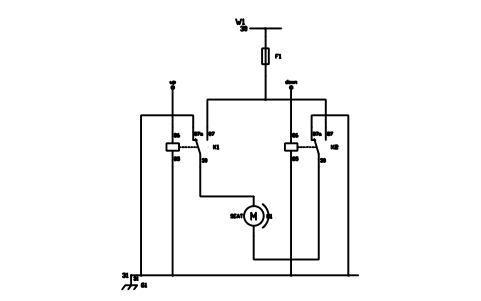
Seat adjustment motor, reversing with two relays
AUT_MOD_SEATAttributes
TAGFUNCTIONVOLTAGE_VFUSE_AWIRE_MM2LOCATIONNOTESDESC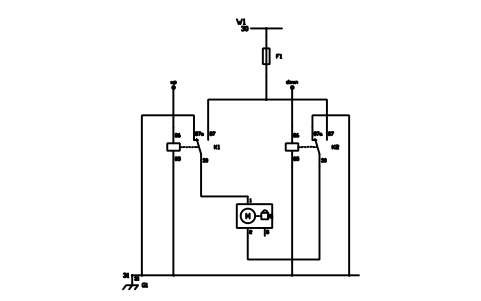
Central locking motor, reversing with two relays
AUT_MOD_LOCKAttributes
TAGFUNCTIONVOLTAGE_VFUSE_AWIRE_MM2LOCATIONNOTESDESC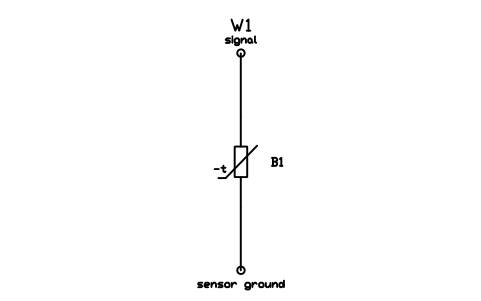
Temperature sensor, NTC, to control unit
AUT_MOD_NTCAttributes
TAGFUNCTIONVOLTAGE_VFUSE_AWIRE_MM2LOCATIONNOTESDESC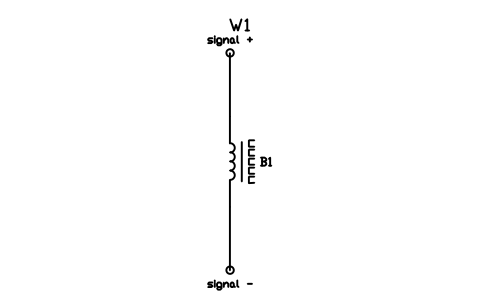
Wheel speed sensor, inductive, to control unit
AUT_MOD_SPEEDAttributes
TAGFUNCTIONVOLTAGE_VFUSE_AWIRE_MM2LOCATIONNOTESDESC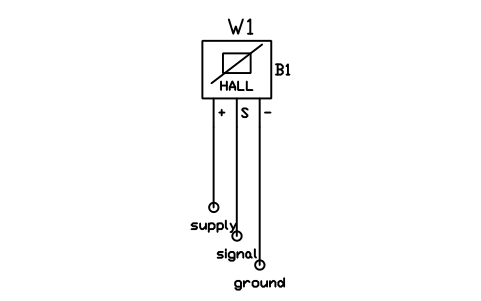
Hall effect sensor, three wire, to control unit
AUT_MOD_HALLAttributes
TAGFUNCTIONVOLTAGE_VFUSE_AWIRE_MM2LOCATIONNOTESDESC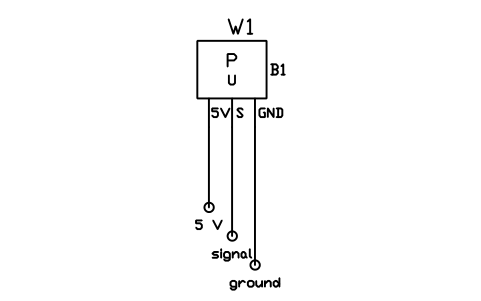
Pressure sensor, three wire, to control unit
AUT_MOD_PRESSUREAttributes
TAGFUNCTIONVOLTAGE_VFUSE_AWIRE_MM2LOCATIONNOTESDESC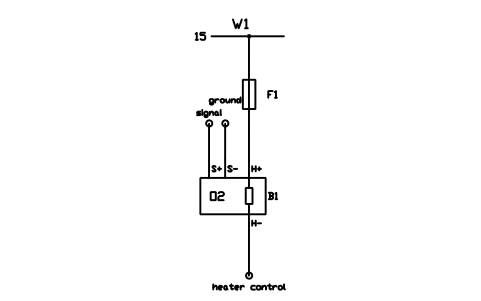
Heated oxygen sensor with control unit connections
AUT_MOD_LAMBDAAttributes
TAGFUNCTIONVOLTAGE_VFUSE_AWIRE_MM2LOCATIONNOTESDESC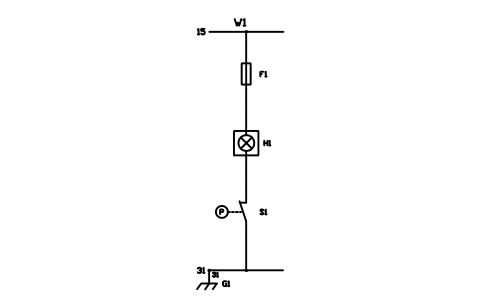
Oil pressure warning lamp and switch
AUT_MOD_OILWARNAttributes
TAGFUNCTIONVOLTAGE_VFUSE_AWIRE_MM2LOCATIONNOTESDESC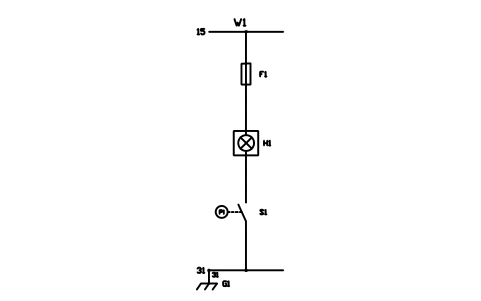
Parking brake warning lamp and switch
AUT_MOD_HANDBRAKEAttributes
TAGFUNCTIONVOLTAGE_VFUSE_AWIRE_MM2LOCATIONNOTESDESC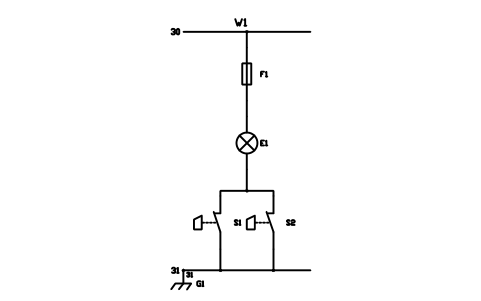
Interior lamp with door contact switches
AUT_MOD_DOORLAMPAttributes
TAGFUNCTIONVOLTAGE_VFUSE_AWIRE_MM2LOCATIONNOTESDESC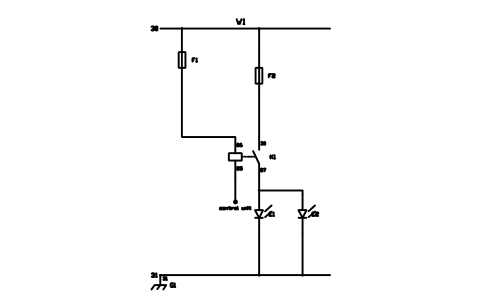
Daytime running lamps, relay driven by control unit
AUT_MOD_DRLAttributes
TAGFUNCTIONVOLTAGE_VFUSE_AWIRE_MM2LOCATIONNOTESDESC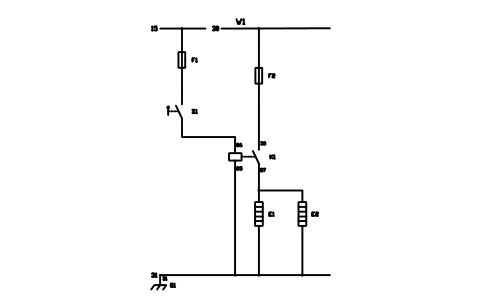
Heated seat, relay controlled
AUT_MOD_SEATHEATAttributes
TAGFUNCTIONVOLTAGE_VFUSE_AWIRE_MM2LOCATIONNOTESDESC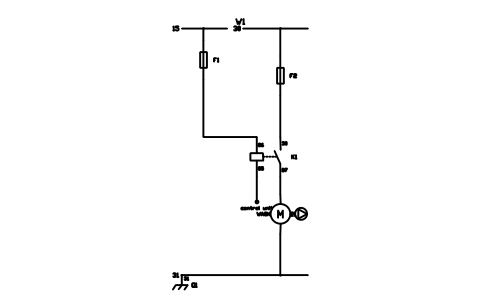
Washer pump, relay driven by control unit
AUT_MOD_WASHERRELAYAttributes
TAGFUNCTIONVOLTAGE_VFUSE_AWIRE_MM2LOCATIONNOTESDESC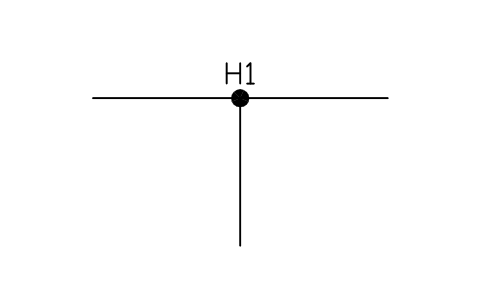
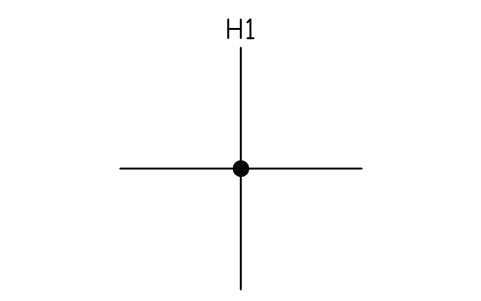
Branch point, cross
AUT_HRN_BR_XAttributes
TAGLENGTH_MMDIAMETER_MMWIRE_COUNTCOVERINGPART_NUMBERNOTESDESC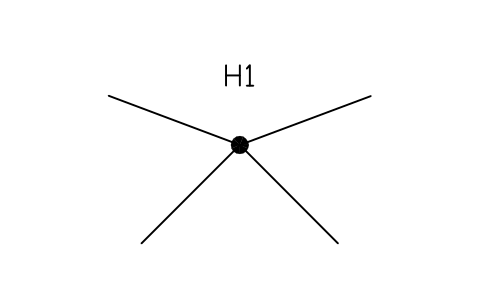
Branch point, star of four
AUT_HRN_BR_STARAttributes
TAGLENGTH_MMDIAMETER_MMWIRE_COUNTCOVERINGPART_NUMBERNOTESDESC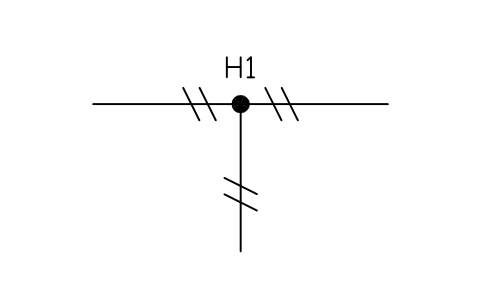
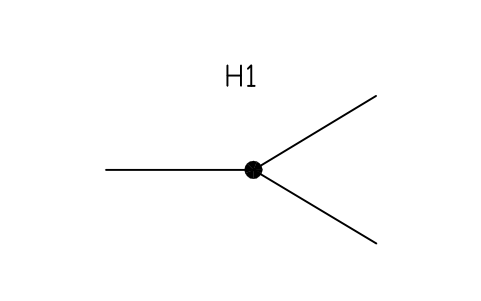
Branch point, T with tape
AUT_HRN_BR_TAPEAttributes
TAGLENGTH_MMDIAMETER_MMWIRE_COUNTCOVERINGPART_NUMBERNOTESDESC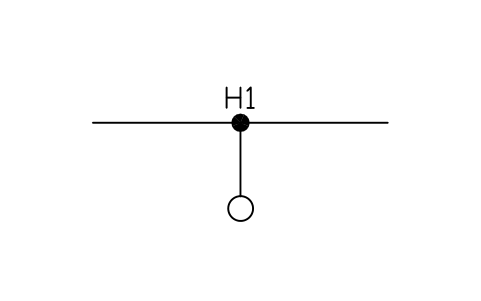
Branch point, T with short stub
AUT_HRN_BR_STUBAttributes
TAGLENGTH_MMDIAMETER_MMWIRE_COUNTCOVERINGPART_NUMBERNOTESDESC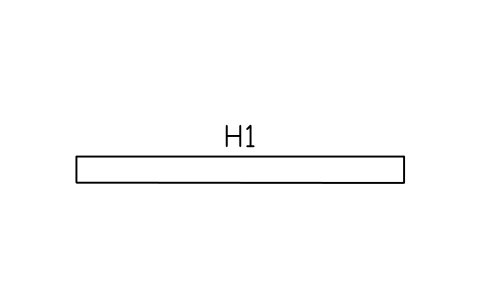
Harness segment, bundle
AUT_HRN_SEG_BUNDLEAttributes
TAGLENGTH_MMDIAMETER_MMWIRE_COUNTCOVERINGPART_NUMBERNOTESDESC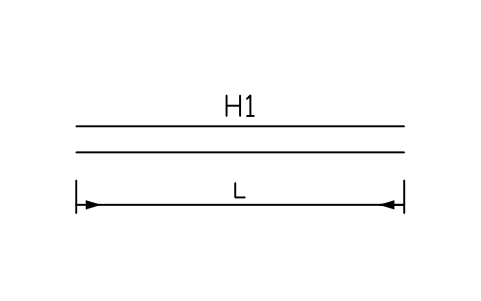
Harness segment with length
AUT_HRN_SEG_DIMAttributes
TAGLENGTH_MMDIAMETER_MMWIRE_COUNTCOVERINGPART_NUMBERNOTESDESC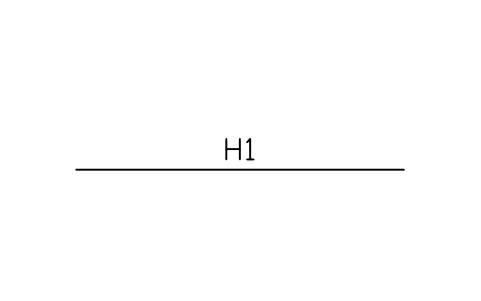
Single wire segment
AUT_HRN_SEG_WIREAttributes
TAGLENGTH_MMDIAMETER_MMWIRE_COUNTCOVERINGPART_NUMBERNOTESDESC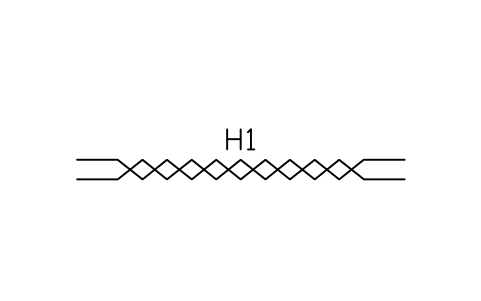
Twisted pair segment
AUT_HRN_SEG_TWISTEDAttributes
TAGLENGTH_MMDIAMETER_MMWIRE_COUNTCOVERINGPART_NUMBERNOTESDESC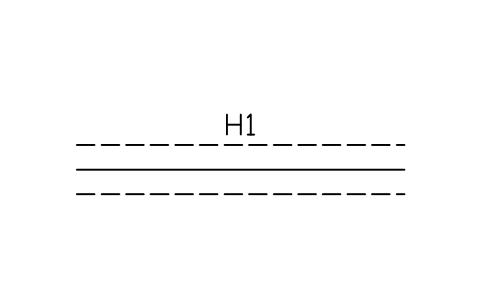
Shielded cable segment
AUT_HRN_SEG_SHIELDAttributes
TAGLENGTH_MMDIAMETER_MMWIRE_COUNTCOVERINGPART_NUMBERNOTESDESC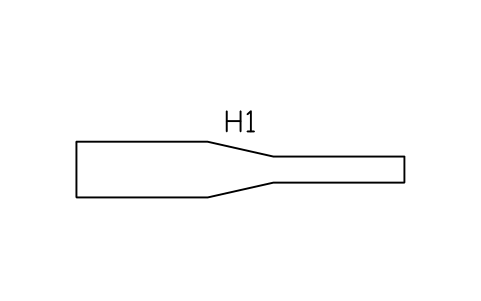
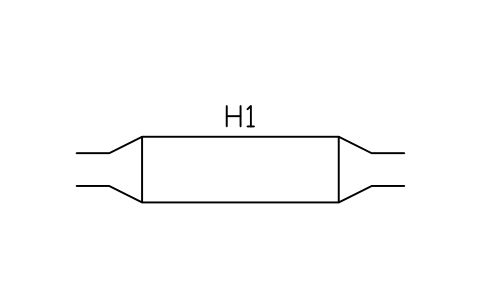
Harness segment, reducing diameter
AUT_HRN_SEG_TAPERAttributes
TAGLENGTH_MMDIAMETER_MMWIRE_COUNTCOVERINGPART_NUMBERNOTESDESC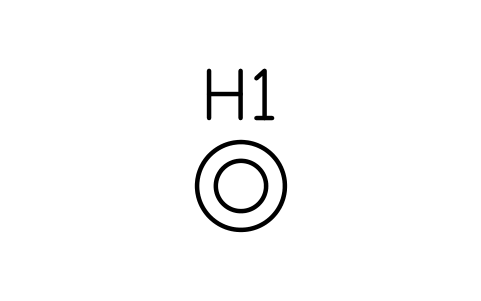
Bundle cross section, 1 wire
AUT_HRN_SECTION_1Attributes
TAGLENGTH_MMDIAMETER_MMWIRE_COUNTCOVERINGPART_NUMBERNOTESDESC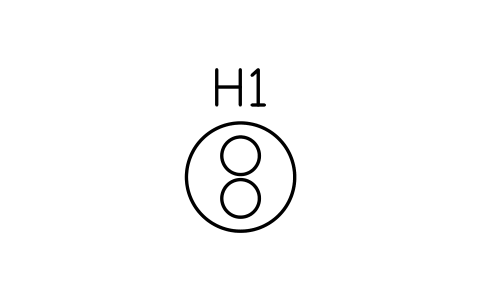
Bundle cross section, 2 wires
AUT_HRN_SECTION_2Attributes
TAGLENGTH_MMDIAMETER_MMWIRE_COUNTCOVERINGPART_NUMBERNOTESDESC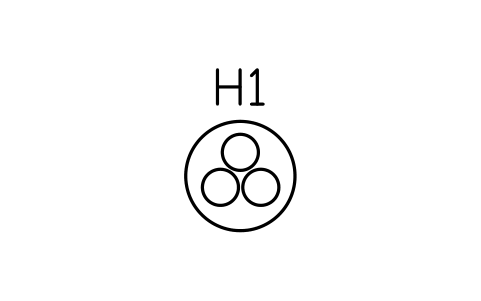
Bundle cross section, 3 wires
AUT_HRN_SECTION_3Attributes
TAGLENGTH_MMDIAMETER_MMWIRE_COUNTCOVERINGPART_NUMBERNOTESDESC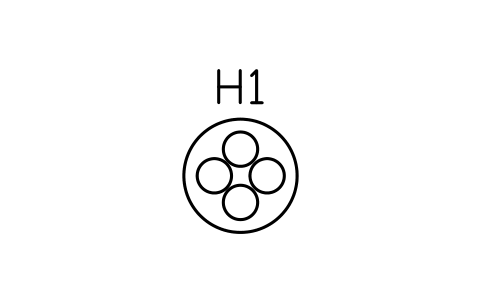
Bundle cross section, 4 wires
AUT_HRN_SECTION_4Attributes
TAGLENGTH_MMDIAMETER_MMWIRE_COUNTCOVERINGPART_NUMBERNOTESDESC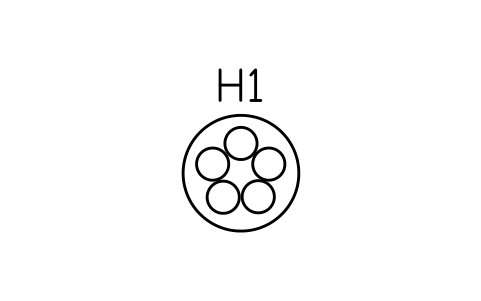
Bundle cross section, 5 wires
AUT_HRN_SECTION_5Attributes
TAGLENGTH_MMDIAMETER_MMWIRE_COUNTCOVERINGPART_NUMBERNOTESDESC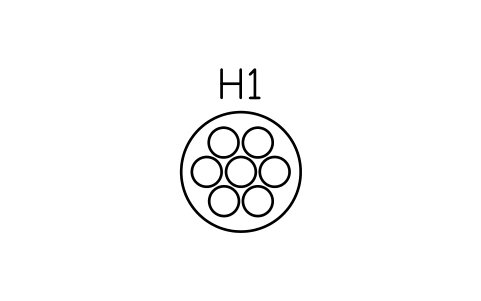
Bundle cross section, 7 wires
AUT_HRN_SECTION_7Attributes
TAGLENGTH_MMDIAMETER_MMWIRE_COUNTCOVERINGPART_NUMBERNOTESDESC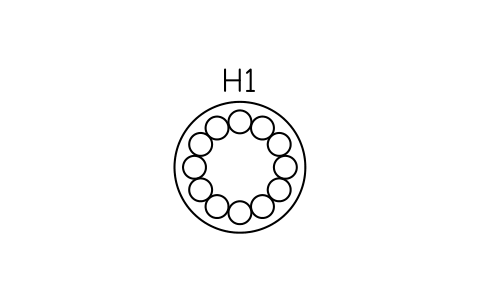
Bundle cross section, 12 wires
AUT_HRN_SECTION_12Attributes
TAGLENGTH_MMDIAMETER_MMWIRE_COUNTCOVERINGPART_NUMBERNOTESDESC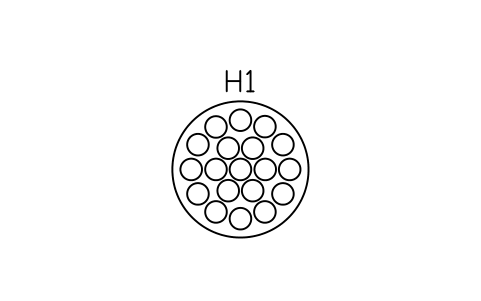
Bundle cross section, 19 wires
AUT_HRN_SECTION_19Attributes
TAGLENGTH_MMDIAMETER_MMWIRE_COUNTCOVERINGPART_NUMBERNOTESDESC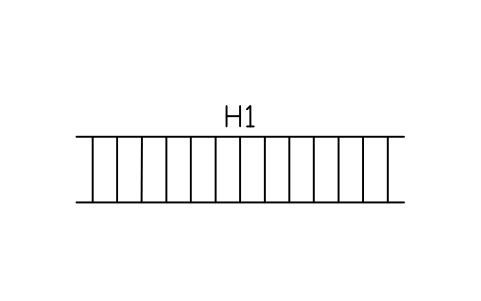
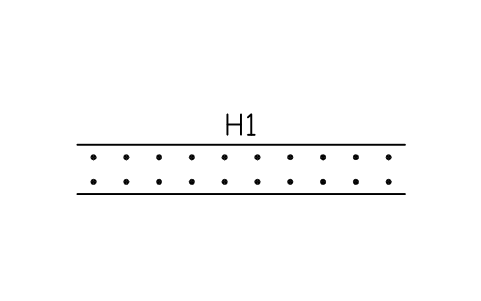
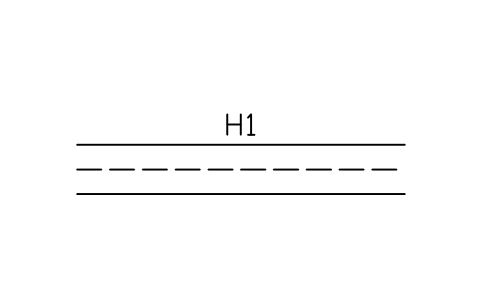
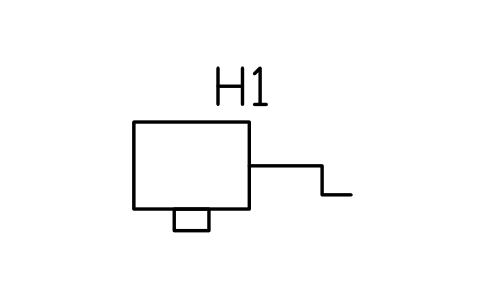
Corrugated conduit
AUT_HRN_COV_CORRUGATEDAttributes
TAGLENGTH_MMDIAMETER_MMWIRE_COUNTCOVERINGPART_NUMBERNOTESDESC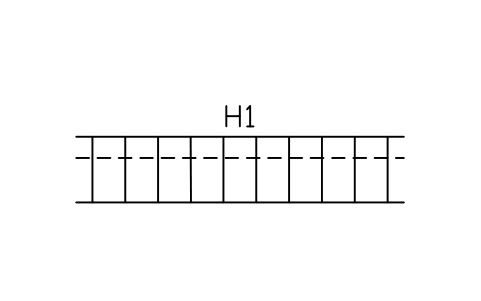
Split conduit
AUT_HRN_COV_SPLITAttributes
TAGLENGTH_MMDIAMETER_MMWIRE_COUNTCOVERINGPART_NUMBERNOTESDESC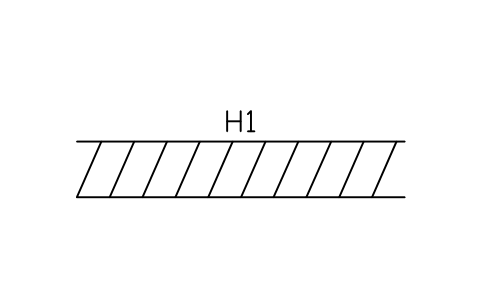
Spiral wrap
AUT_HRN_COV_SPIRALAttributes
TAGLENGTH_MMDIAMETER_MMWIRE_COUNTCOVERINGPART_NUMBERNOTESDESC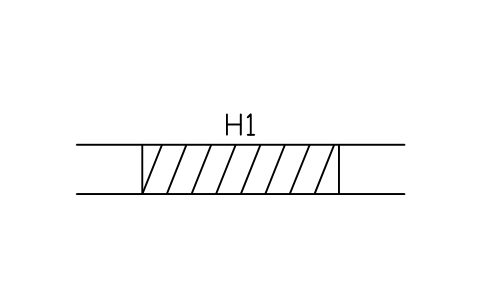
Heat shrink sleeve
AUT_HRN_COV_SHRINKAttributes
TAGLENGTH_MMDIAMETER_MMWIRE_COUNTCOVERINGPART_NUMBERNOTESDESC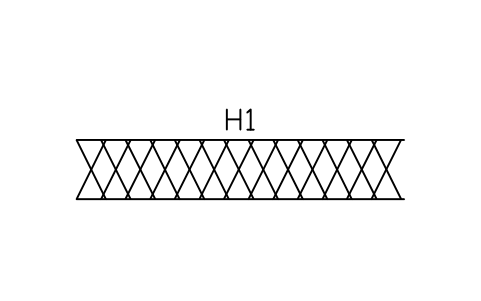
Braided sleeve
AUT_HRN_COV_BRAIDAttributes
TAGLENGTH_MMDIAMETER_MMWIRE_COUNTCOVERINGPART_NUMBERNOTESDESC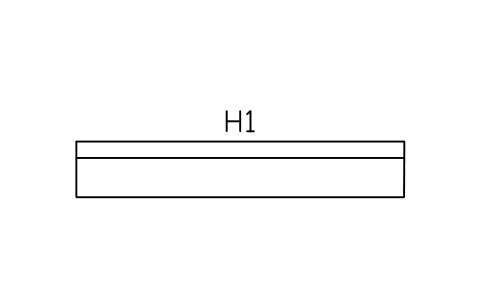
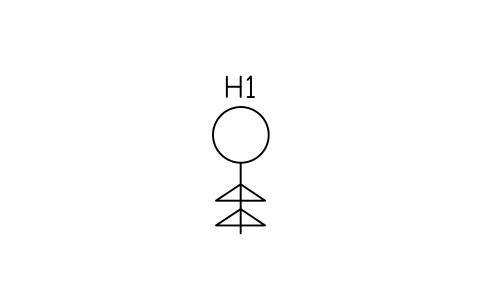
Fir tree clip
AUT_HRN_FIX_CLIPAttributes
TAGLENGTH_MMDIAMETER_MMWIRE_COUNTCOVERINGPART_NUMBERNOTESDESC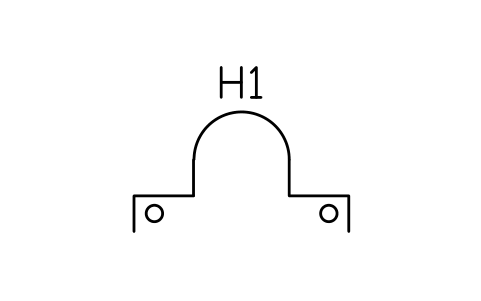
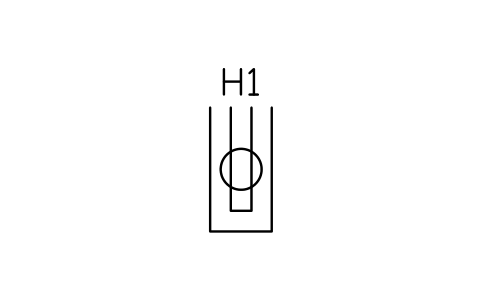
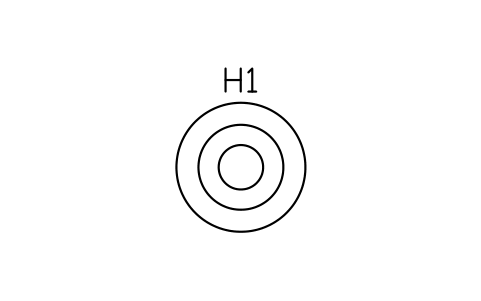
Round grommet
AUT_HRN_FIX_GROMMETAttributes
TAGLENGTH_MMDIAMETER_MMWIRE_COUNTCOVERINGPART_NUMBERNOTESDESC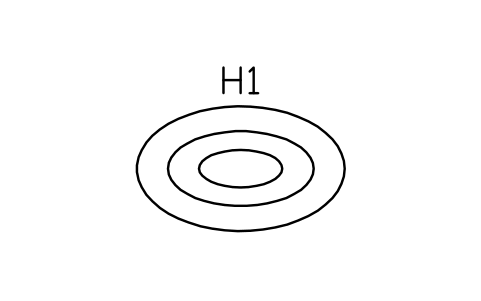
Oval grommet
AUT_HRN_FIX_GROMMET_OVALAttributes
TAGLENGTH_MMDIAMETER_MMWIRE_COUNTCOVERINGPART_NUMBERNOTESDESC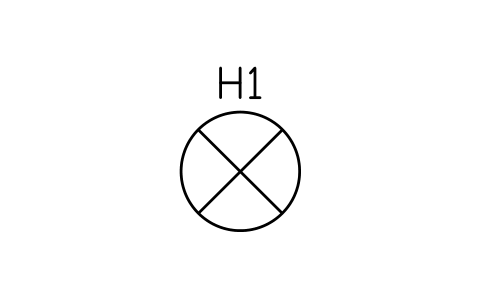
Blanking plug
AUT_HRN_FIX_BLANKAttributes
TAGLENGTH_MMDIAMETER_MMWIRE_COUNTCOVERINGPART_NUMBERNOTESDESC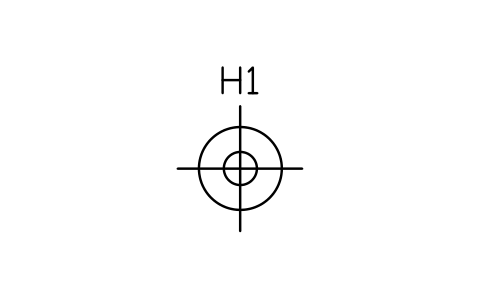
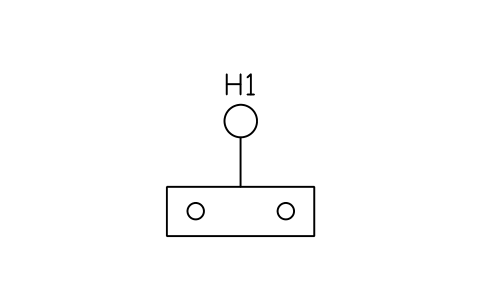
Bracket mount
AUT_HRN_FIX_BRACKETAttributes
TAGLENGTH_MMDIAMETER_MMWIRE_COUNTCOVERINGPART_NUMBERNOTESDESC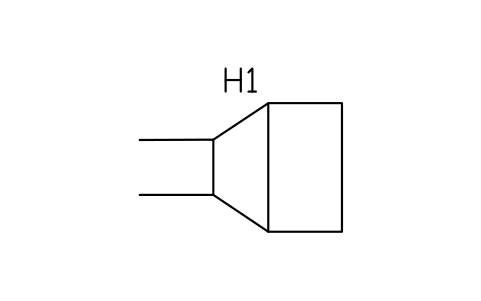
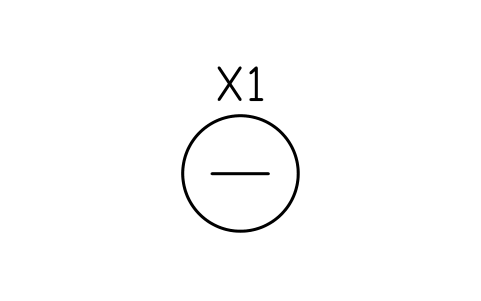
Connector number bubble
AUT_HRN_CON_BUBBLEAttributes
TAGLENGTH_MMDIAMETER_MMWIRE_COUNTCOVERINGPART_NUMBERNOTESDESC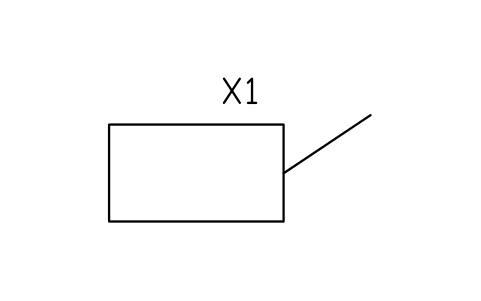
Connector box with leader
AUT_HRN_CON_LEADERAttributes
TAGLENGTH_MMDIAMETER_MMWIRE_COUNTCOVERINGPART_NUMBERNOTESDESC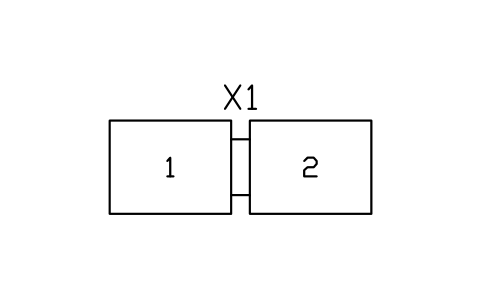
Mated connector pair
AUT_HRN_CON_MATEDAttributes
TAGLENGTH_MMDIAMETER_MMWIRE_COUNTCOVERINGPART_NUMBERNOTESDESC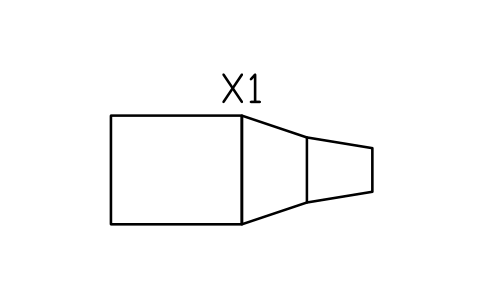
Back shell with strain relief
AUT_HRN_CON_BACKSHELLAttributes
TAGLENGTH_MMDIAMETER_MMWIRE_COUNTCOVERINGPART_NUMBERNOTESDESC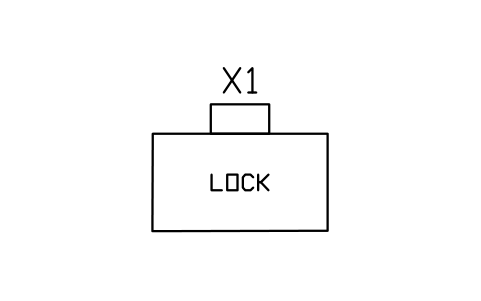
Connector with lock
AUT_HRN_CON_LOCKAttributes
TAGLENGTH_MMDIAMETER_MMWIRE_COUNTCOVERINGPART_NUMBERNOTESDESC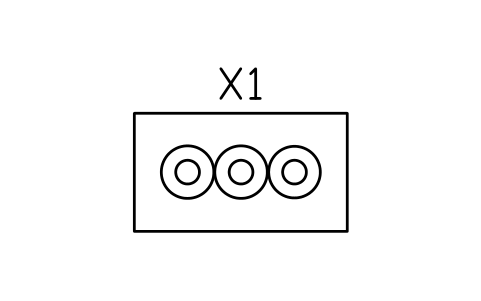
Connector with cable seal
AUT_HRN_CON_SEALAttributes
TAGLENGTH_MMDIAMETER_MMWIRE_COUNTCOVERINGPART_NUMBERNOTESDESC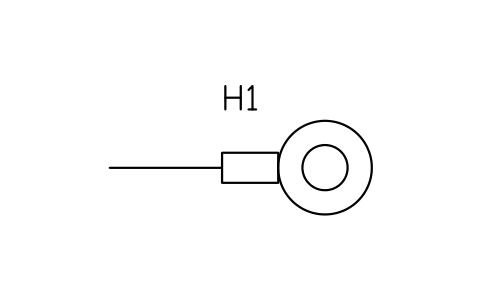
Ring terminal end
AUT_HRN_END_RINGAttributes
TAGLENGTH_MMDIAMETER_MMWIRE_COUNTCOVERINGPART_NUMBERNOTESDESC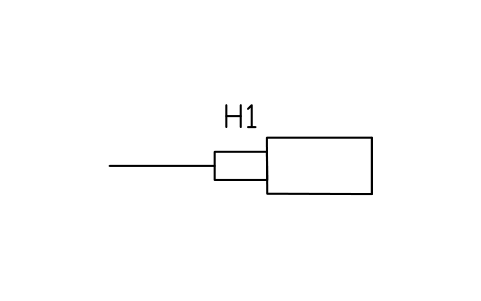
Spade terminal end
AUT_HRN_END_SPADEAttributes
TAGLENGTH_MMDIAMETER_MMWIRE_COUNTCOVERINGPART_NUMBERNOTESDESC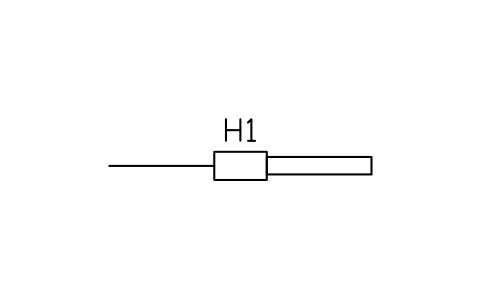
Pin terminal end
AUT_HRN_END_PINAttributes
TAGLENGTH_MMDIAMETER_MMWIRE_COUNTCOVERINGPART_NUMBERNOTESDESC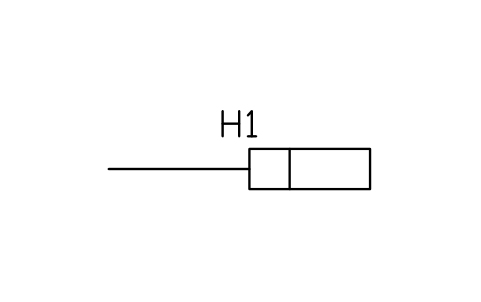
Ferrule end
AUT_HRN_END_FERRULEAttributes
TAGLENGTH_MMDIAMETER_MMWIRE_COUNTCOVERINGPART_NUMBERNOTESDESC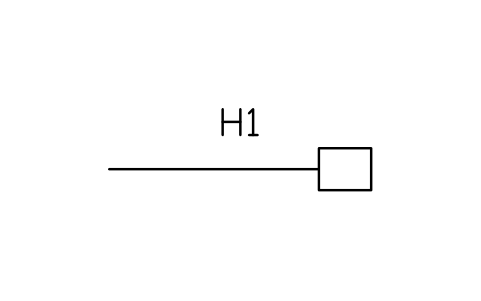
Sealed wire end
AUT_HRN_END_SEALEDAttributes
TAGLENGTH_MMDIAMETER_MMWIRE_COUNTCOVERINGPART_NUMBERNOTESDESC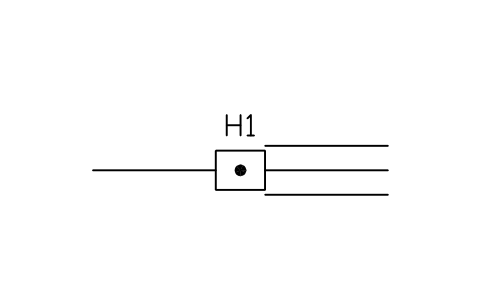
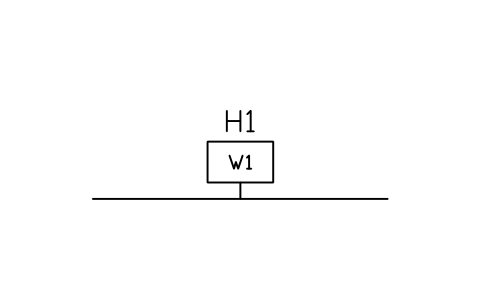
Wire label flag
AUT_HRN_MK_FLAGAttributes
TAGLENGTH_MMDIAMETER_MMWIRE_COUNTCOVERINGPART_NUMBERNOTESDESC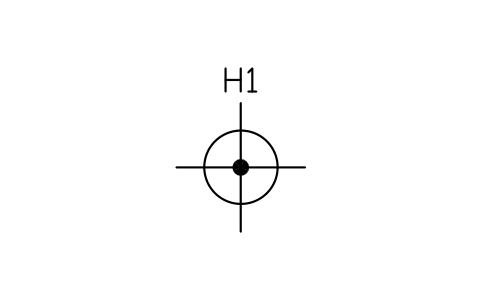
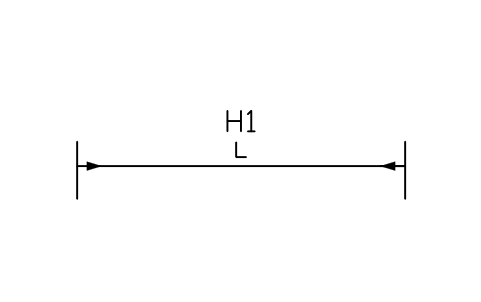
Length dimension
AUT_HRN_MK_LENGTHAttributes
TAGLENGTH_MMDIAMETER_MMWIRE_COUNTCOVERINGPART_NUMBERNOTESDESC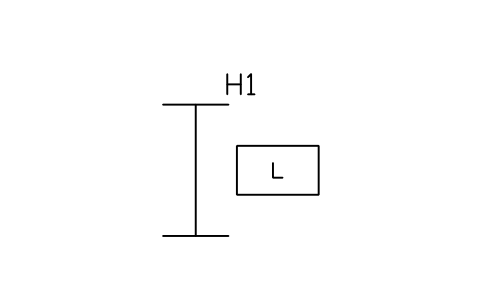
Breakout length tag
AUT_HRN_MK_BREAKOUTAttributes
TAGLENGTH_MMDIAMETER_MMWIRE_COUNTCOVERINGPART_NUMBERNOTESDESC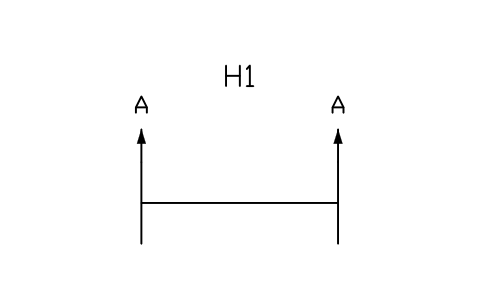
View cut arrows
AUT_HRN_MK_CUTAttributes
TAGLENGTH_MMDIAMETER_MMWIRE_COUNTCOVERINGPART_NUMBERNOTESDESC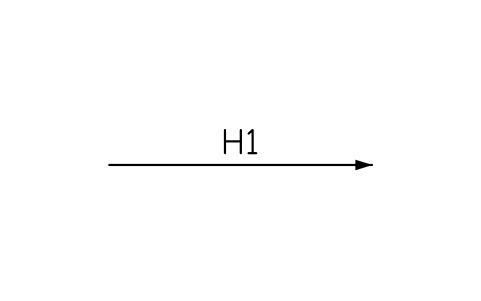
Direction arrow
AUT_HRN_MK_DIRECTIONAttributes
TAGLENGTH_MMDIAMETER_MMWIRE_COUNTCOVERINGPART_NUMBERNOTESDESC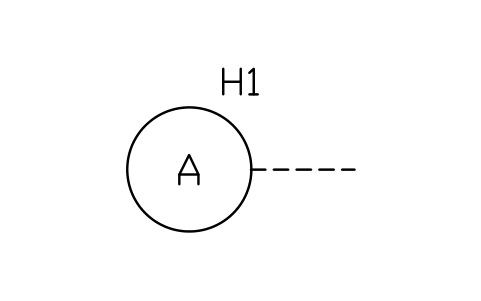
Detail bubble
AUT_HRN_MK_DETAILAttributes
TAGLENGTH_MMDIAMETER_MMWIRE_COUNTCOVERINGPART_NUMBERNOTESDESC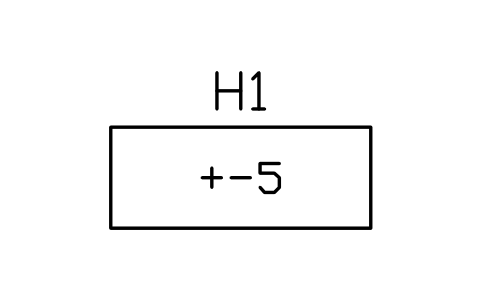
Tolerance tag
AUT_HRN_MK_TOLERANCEAttributes
TAGLENGTH_MMDIAMETER_MMWIRE_COUNTCOVERINGPART_NUMBERNOTESDESC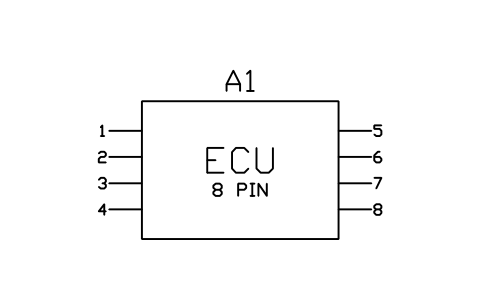
Control unit, 8 pin
AUT_PIN_ECU_8Attributes
TAGFUNCTIONPART_NUMBERMATING_CODESUPPLY_VLOCATIONNOTESDESC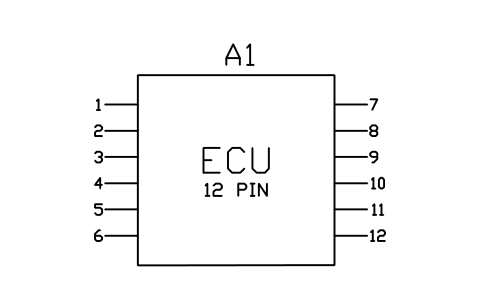
Control unit, 12 pin
AUT_PIN_ECU_12Attributes
TAGFUNCTIONPART_NUMBERMATING_CODESUPPLY_VLOCATIONNOTESDESC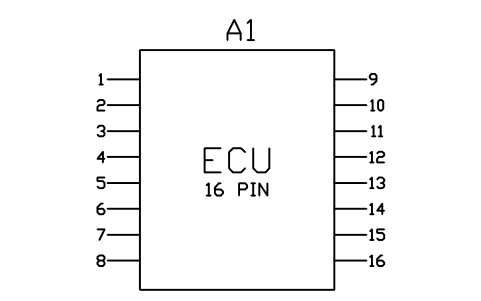
Control unit, 16 pin
AUT_PIN_ECU_16Attributes
TAGFUNCTIONPART_NUMBERMATING_CODESUPPLY_VLOCATIONNOTESDESC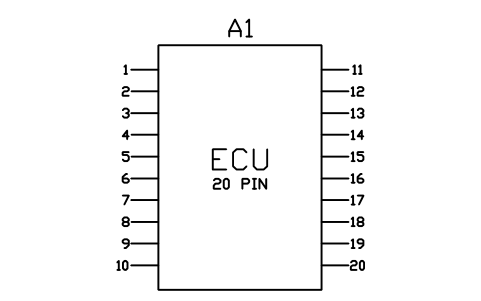
Control unit, 20 pin
AUT_PIN_ECU_20Attributes
TAGFUNCTIONPART_NUMBERMATING_CODESUPPLY_VLOCATIONNOTESDESC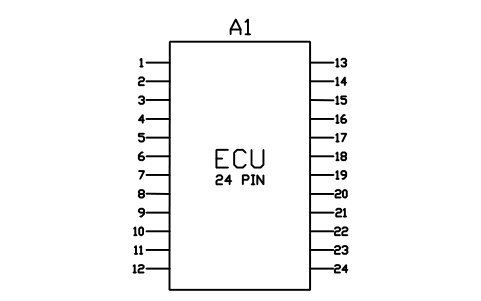
Control unit, 24 pin
AUT_PIN_ECU_24Attributes
TAGFUNCTIONPART_NUMBERMATING_CODESUPPLY_VLOCATIONNOTESDESC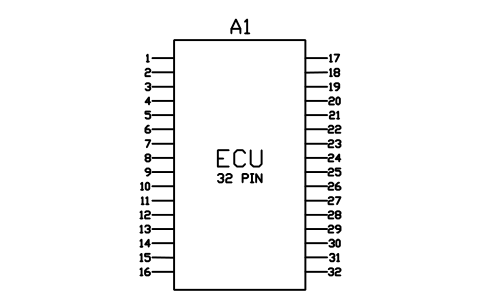
Control unit, 32 pin
AUT_PIN_ECU_32Attributes
TAGFUNCTIONPART_NUMBERMATING_CODESUPPLY_VLOCATIONNOTESDESC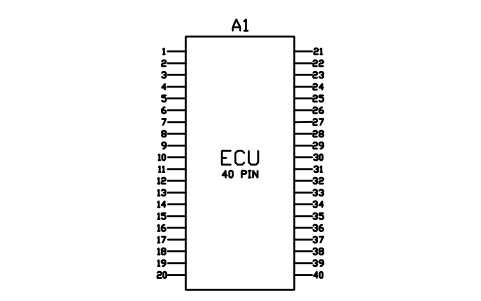
Control unit, 40 pin
AUT_PIN_ECU_40Attributes
TAGFUNCTIONPART_NUMBERMATING_CODESUPPLY_VLOCATIONNOTESDESC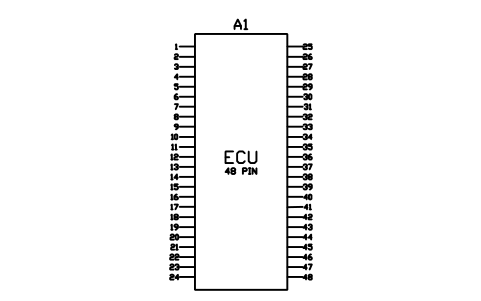
Control unit, 48 pin
AUT_PIN_ECU_48Attributes
TAGFUNCTIONPART_NUMBERMATING_CODESUPPLY_VLOCATIONNOTESDESC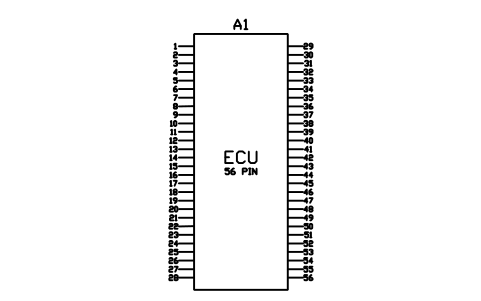
Control unit, 56 pin
AUT_PIN_ECU_56Attributes
TAGFUNCTIONPART_NUMBERMATING_CODESUPPLY_VLOCATIONNOTESDESC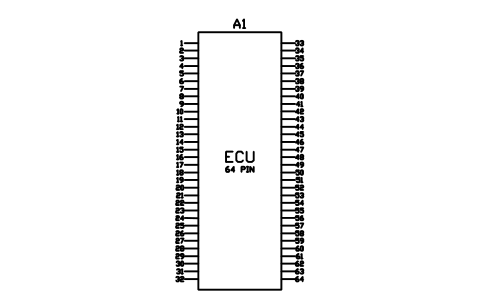
Control unit, 64 pin
AUT_PIN_ECU_64Attributes
TAGFUNCTIONPART_NUMBERMATING_CODESUPPLY_VLOCATIONNOTESDESC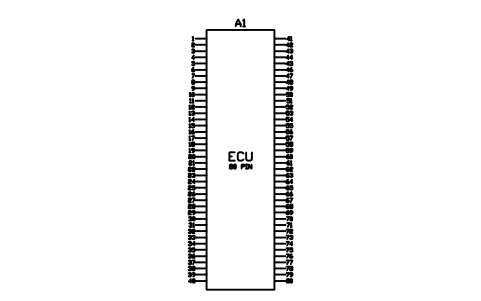
Control unit, 80 pin
AUT_PIN_ECU_80Attributes
TAGFUNCTIONPART_NUMBERMATING_CODESUPPLY_VLOCATIONNOTESDESC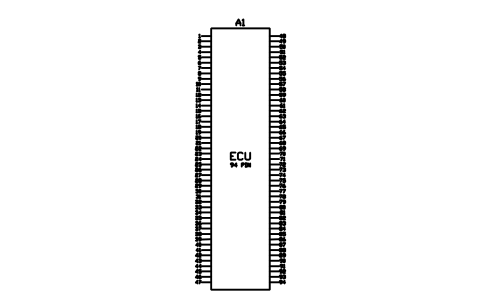
Control unit, 94 pin
AUT_PIN_ECU_94Attributes
TAGFUNCTIONPART_NUMBERMATING_CODESUPPLY_VLOCATIONNOTESDESC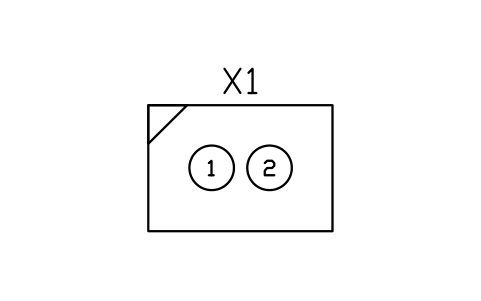
Connector cavity map, 2 way
AUT_PIN_CONN_2Attributes
TAGFUNCTIONPART_NUMBERMATING_CODESUPPLY_VLOCATIONNOTESDESC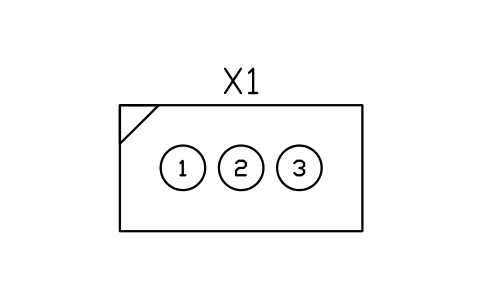
Connector cavity map, 3 way
AUT_PIN_CONN_3Attributes
TAGFUNCTIONPART_NUMBERMATING_CODESUPPLY_VLOCATIONNOTESDESC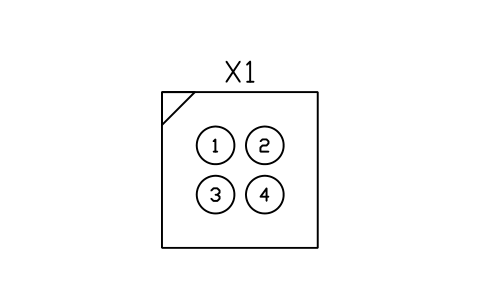
Connector cavity map, 4 way
AUT_PIN_CONN_4Attributes
TAGFUNCTIONPART_NUMBERMATING_CODESUPPLY_VLOCATIONNOTESDESC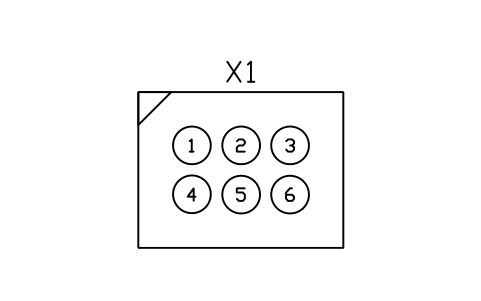
Connector cavity map, 6 way
AUT_PIN_CONN_6Attributes
TAGFUNCTIONPART_NUMBERMATING_CODESUPPLY_VLOCATIONNOTESDESC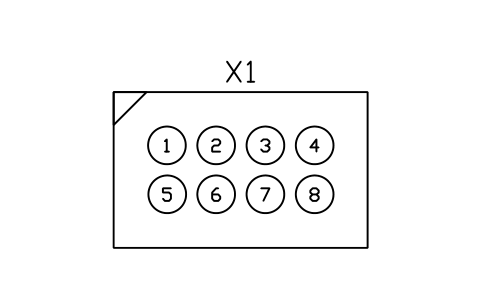
Connector cavity map, 8 way
AUT_PIN_CONN_8Attributes
TAGFUNCTIONPART_NUMBERMATING_CODESUPPLY_VLOCATIONNOTESDESC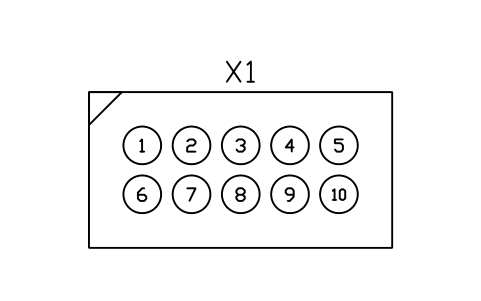
Connector cavity map, 10 way
AUT_PIN_CONN_10Attributes
TAGFUNCTIONPART_NUMBERMATING_CODESUPPLY_VLOCATIONNOTESDESC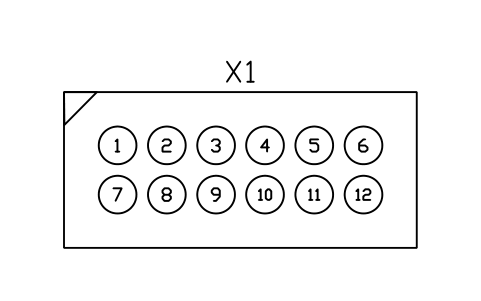
Connector cavity map, 12 way
AUT_PIN_CONN_12Attributes
TAGFUNCTIONPART_NUMBERMATING_CODESUPPLY_VLOCATIONNOTESDESC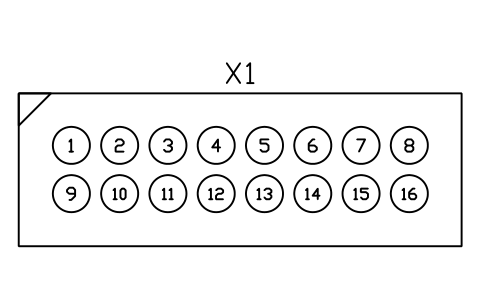
Connector cavity map, 16 way
AUT_PIN_CONN_16Attributes
TAGFUNCTIONPART_NUMBERMATING_CODESUPPLY_VLOCATIONNOTESDESC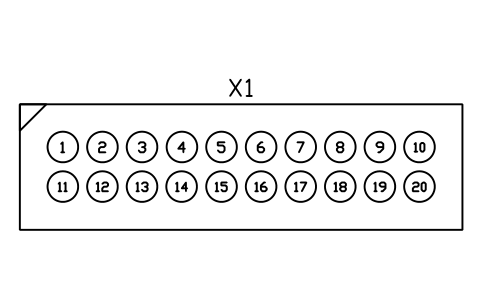
Connector cavity map, 20 way
AUT_PIN_CONN_20Attributes
TAGFUNCTIONPART_NUMBERMATING_CODESUPPLY_VLOCATIONNOTESDESC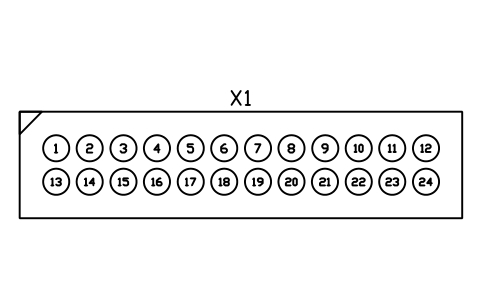
Connector cavity map, 24 way
AUT_PIN_CONN_24Attributes
TAGFUNCTIONPART_NUMBERMATING_CODESUPPLY_VLOCATIONNOTESDESC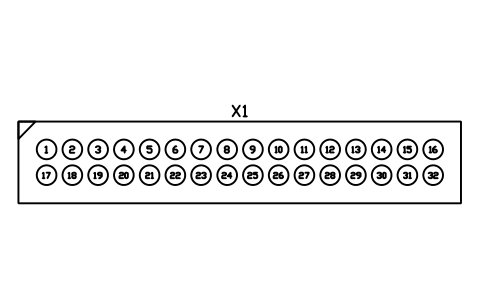
Connector cavity map, 32 way
AUT_PIN_CONN_32Attributes
TAGFUNCTIONPART_NUMBERMATING_CODESUPPLY_VLOCATIONNOTESDESC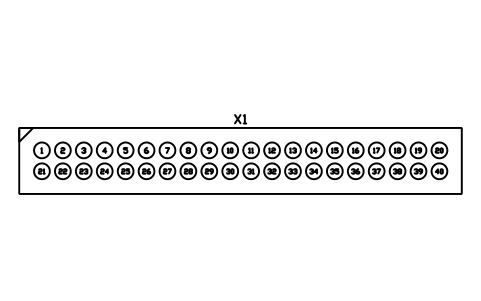
Connector cavity map, 40 way
AUT_PIN_CONN_40Attributes
TAGFUNCTIONPART_NUMBERMATING_CODESUPPLY_VLOCATIONNOTESDESC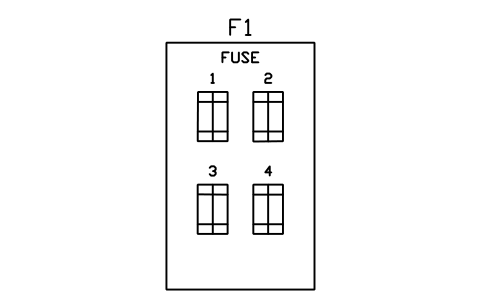
Fuse panel, 4 positions
AUT_PIN_FUSE_4Attributes
TAGFUNCTIONPART_NUMBERMATING_CODESUPPLY_VLOCATIONNOTESDESC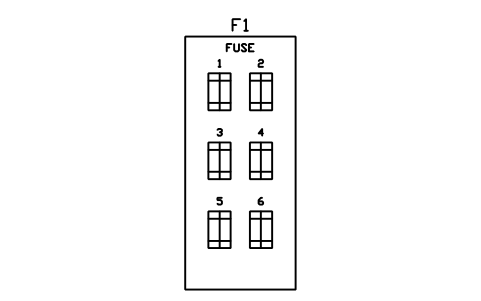
Fuse panel, 6 positions
AUT_PIN_FUSE_6Attributes
TAGFUNCTIONPART_NUMBERMATING_CODESUPPLY_VLOCATIONNOTESDESC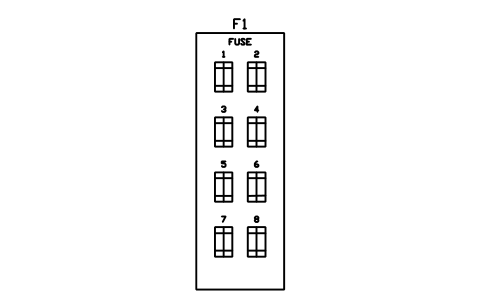
Fuse panel, 8 positions
AUT_PIN_FUSE_8Attributes
TAGFUNCTIONPART_NUMBERMATING_CODESUPPLY_VLOCATIONNOTESDESC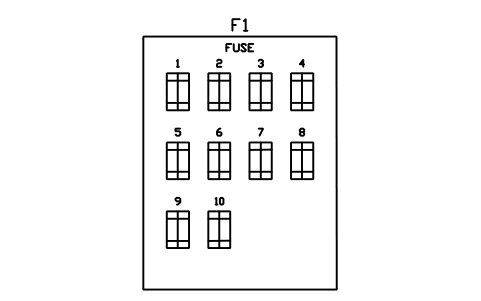
Fuse panel, 10 positions
AUT_PIN_FUSE_10Attributes
TAGFUNCTIONPART_NUMBERMATING_CODESUPPLY_VLOCATIONNOTESDESC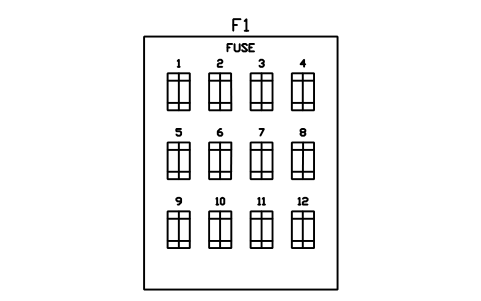
Fuse panel, 12 positions
AUT_PIN_FUSE_12Attributes
TAGFUNCTIONPART_NUMBERMATING_CODESUPPLY_VLOCATIONNOTESDESC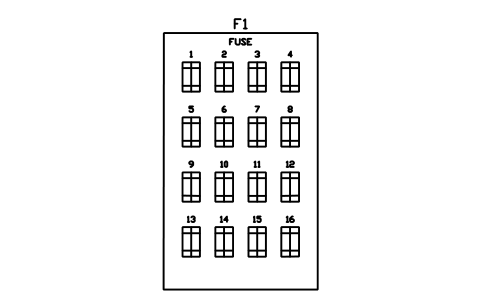
Fuse panel, 16 positions
AUT_PIN_FUSE_16Attributes
TAGFUNCTIONPART_NUMBERMATING_CODESUPPLY_VLOCATIONNOTESDESC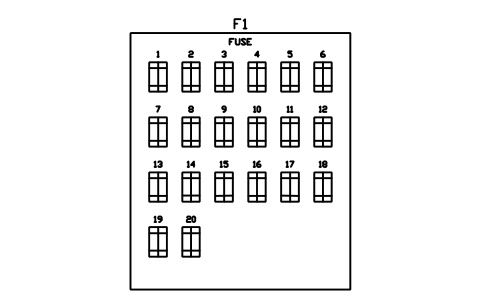
Fuse panel, 20 positions
AUT_PIN_FUSE_20Attributes
TAGFUNCTIONPART_NUMBERMATING_CODESUPPLY_VLOCATIONNOTESDESC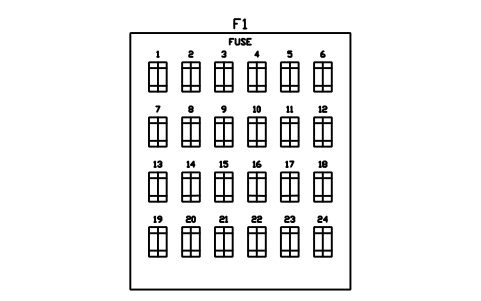
Fuse panel, 24 positions
AUT_PIN_FUSE_24Attributes
TAGFUNCTIONPART_NUMBERMATING_CODESUPPLY_VLOCATIONNOTESDESC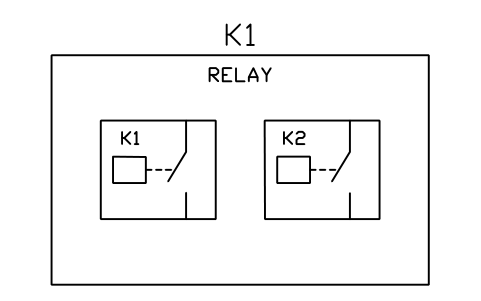
Relay panel, 2 positions
AUT_PIN_RELAY_2Attributes
TAGFUNCTIONPART_NUMBERMATING_CODESUPPLY_VLOCATIONNOTESDESC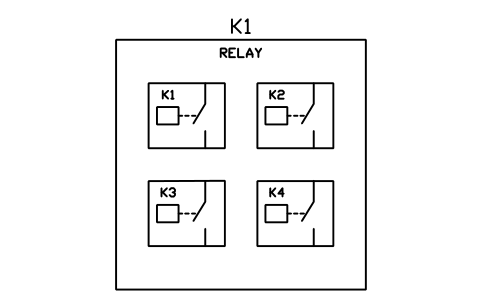
Relay panel, 4 positions
AUT_PIN_RELAY_4Attributes
TAGFUNCTIONPART_NUMBERMATING_CODESUPPLY_VLOCATIONNOTESDESC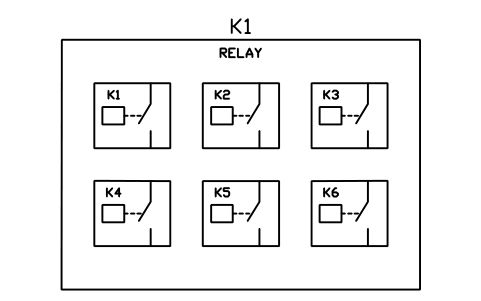
Relay panel, 6 positions
AUT_PIN_RELAY_6Attributes
TAGFUNCTIONPART_NUMBERMATING_CODESUPPLY_VLOCATIONNOTESDESC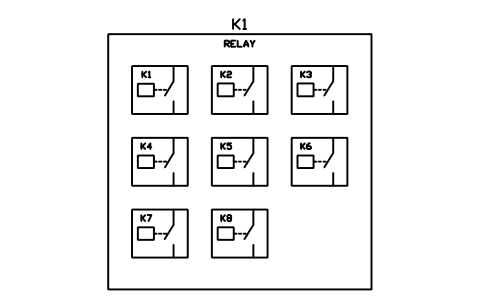
Relay panel, 8 positions
AUT_PIN_RELAY_8Attributes
TAGFUNCTIONPART_NUMBERMATING_CODESUPPLY_VLOCATIONNOTESDESC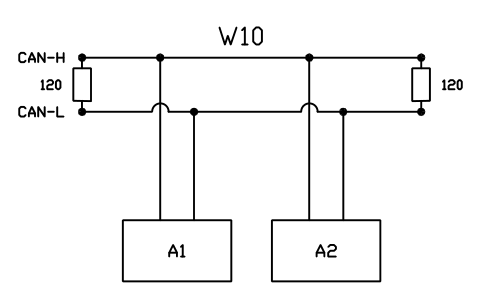
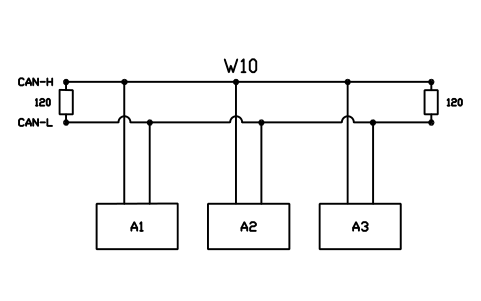
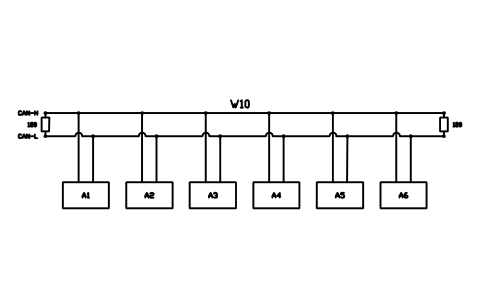
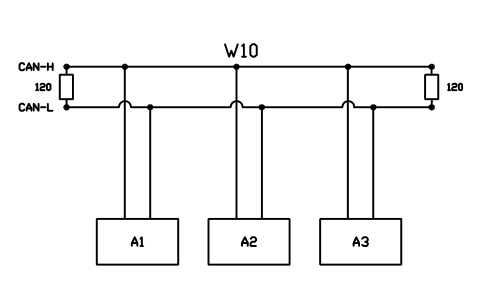
CAN bus, 3 nodes, with stub lines
AUT_BUS_CAN_STUB_3Attributes
TAGBUS_TYPEBITRATETERMINATION_OHMCABLELOCATIONNOTESDESC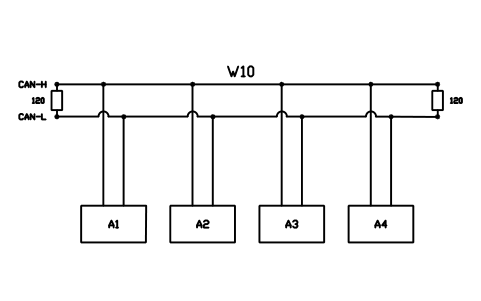
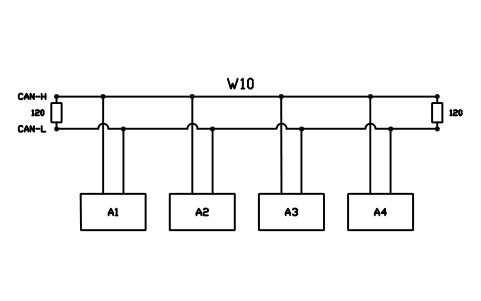
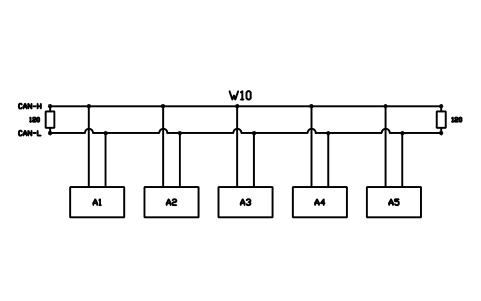
CAN bus, 4 nodes, with stub lines
AUT_BUS_CAN_STUB_4Attributes
TAGBUS_TYPEBITRATETERMINATION_OHMCABLELOCATIONNOTESDESC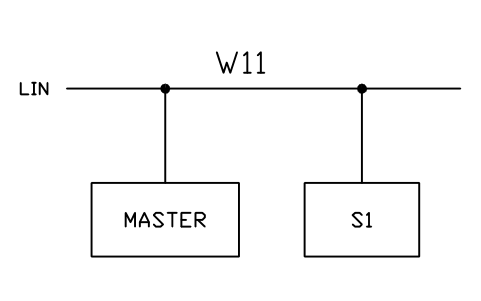
LIN bus, master and 1 slave
AUT_BUS_LIN_1Attributes
TAGBUS_TYPEBITRATETERMINATION_OHMCABLELOCATIONNOTESDESC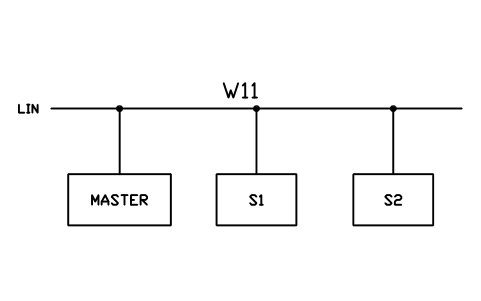
LIN bus, master and 2 slaves
AUT_BUS_LIN_2Attributes
TAGBUS_TYPEBITRATETERMINATION_OHMCABLELOCATIONNOTESDESC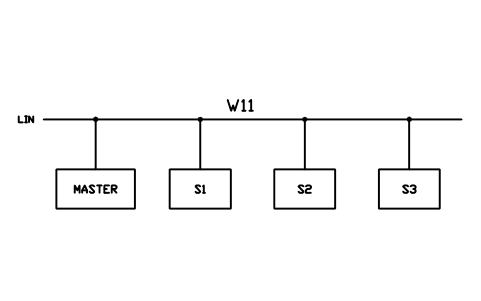
LIN bus, master and 3 slaves
AUT_BUS_LIN_3Attributes
TAGBUS_TYPEBITRATETERMINATION_OHMCABLELOCATIONNOTESDESC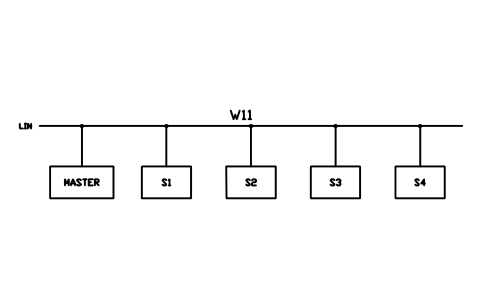
LIN bus, master and 4 slaves
AUT_BUS_LIN_4Attributes
TAGBUS_TYPEBITRATETERMINATION_OHMCABLELOCATIONNOTESDESC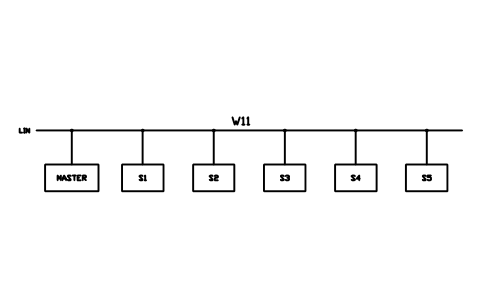
LIN bus, master and 5 slaves
AUT_BUS_LIN_5Attributes
TAGBUS_TYPEBITRATETERMINATION_OHMCABLELOCATIONNOTESDESC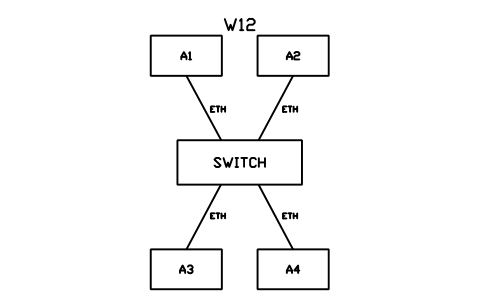
Ethernet star, switch with 4 nodes
AUT_BUS_ETH_4Attributes
TAGBUS_TYPEBITRATETERMINATION_OHMCABLELOCATIONNOTESDESC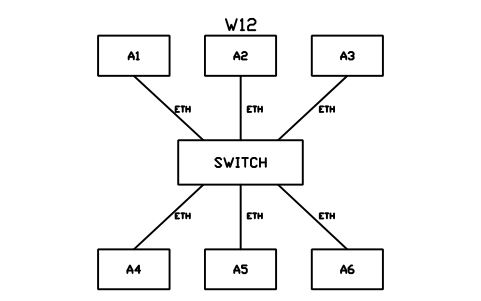
Ethernet star, switch with 6 nodes
AUT_BUS_ETH_6Attributes
TAGBUS_TYPEBITRATETERMINATION_OHMCABLELOCATIONNOTESDESC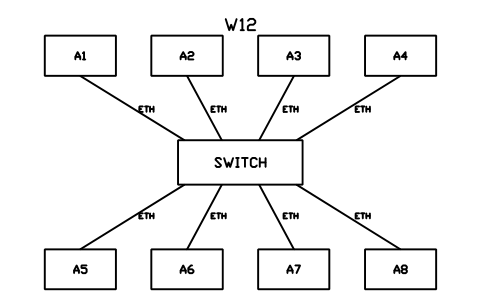
Ethernet star, switch with 8 nodes
AUT_BUS_ETH_8Attributes
TAGBUS_TYPEBITRATETERMINATION_OHMCABLELOCATIONNOTESDESC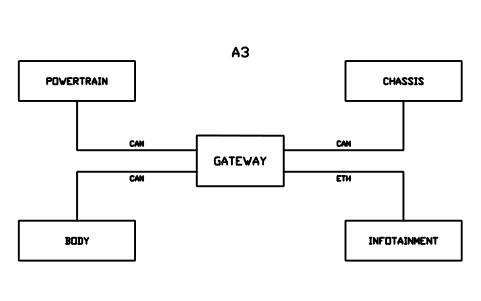
Central gateway with 4 domains
AUT_BUS_GW_4Attributes
TAGBUS_TYPEBITRATETERMINATION_OHMCABLELOCATIONNOTESDESC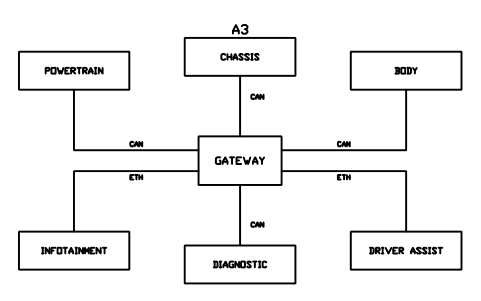
Central gateway with 6 domains
AUT_BUS_GW_6Attributes
TAGBUS_TYPEBITRATETERMINATION_OHMCABLELOCATIONNOTESDESC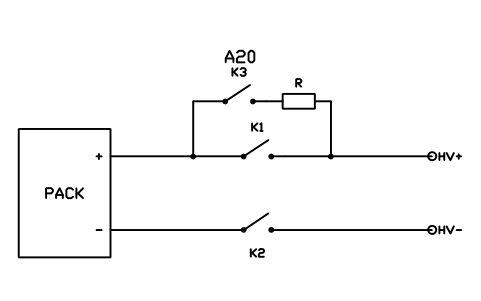
HV battery pack, main contactors and precharge
AUT_HVS_CONTACTORSAttributes
TAGFUNCTIONVOLTAGE_VENERGY_KWHCURRENT_ALOCATIONNOTESDESC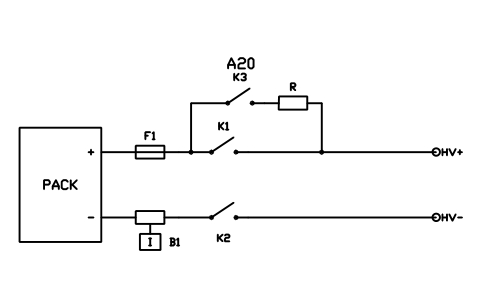
HV battery pack, fuse, current sensor, contactors and precharge
AUT_HVS_PACK_FUSEDAttributes
TAGFUNCTIONVOLTAGE_VENERGY_KWHCURRENT_ALOCATIONNOTESDESC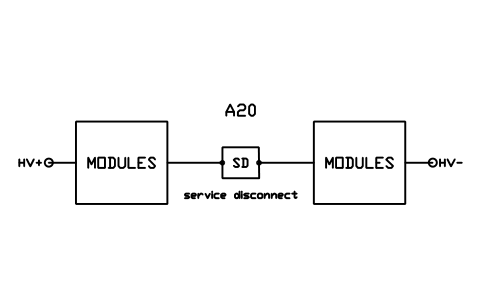
HV battery pack with service disconnect between module groups
AUT_HVS_SERVICEAttributes
TAGFUNCTIONVOLTAGE_VENERGY_KWHCURRENT_ALOCATIONNOTESDESC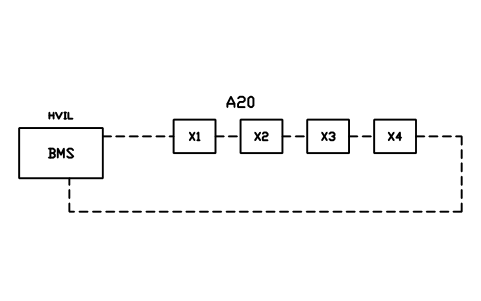
Interlock loop through four HV connectors
AUT_HVS_HVILAttributes
TAGFUNCTIONVOLTAGE_VENERGY_KWHCURRENT_ALOCATIONNOTESDESC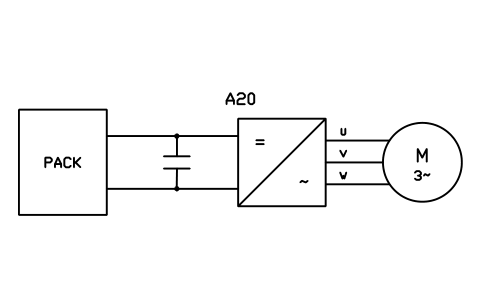
Traction drive, pack, inverter and motor
AUT_HVS_DRIVEAttributes
TAGFUNCTIONVOLTAGE_VENERGY_KWHCURRENT_ALOCATIONNOTESDESC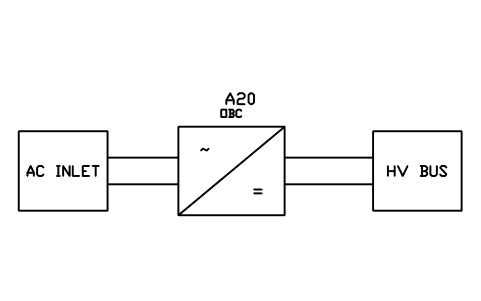
AC charging, inlet, onboard charger and HV bus
AUT_HVS_OBCAttributes
TAGFUNCTIONVOLTAGE_VENERGY_KWHCURRENT_ALOCATIONNOTESDESC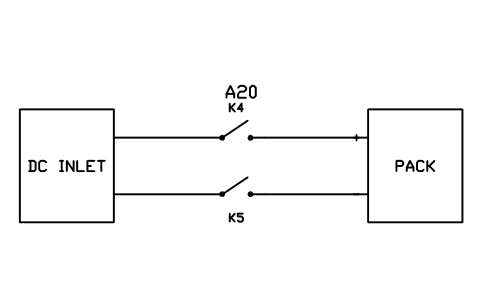
DC charging, inlet, charging contactors and pack
AUT_HVS_DCCHARGEAttributes
TAGFUNCTIONVOLTAGE_VENERGY_KWHCURRENT_ALOCATIONNOTESDESC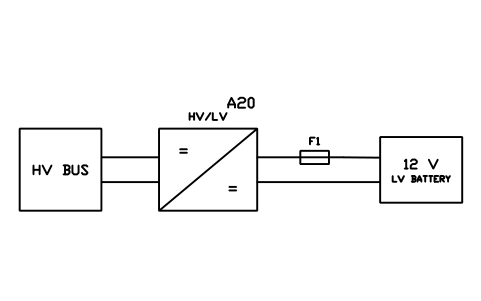
HV to LV converter with 12 V battery
AUT_HVS_DCDCAttributes
TAGFUNCTIONVOLTAGE_VENERGY_KWHCURRENT_ALOCATIONNOTESDESC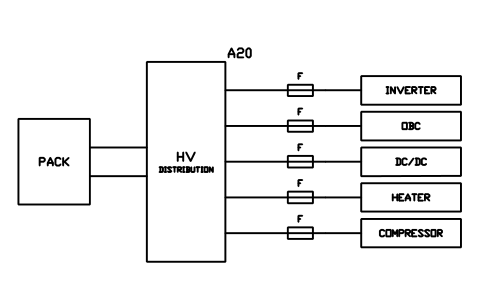
HV distribution with fused branches
AUT_HVS_DISTRIBUTIONAttributes
TAGFUNCTIONVOLTAGE_VENERGY_KWHCURRENT_ALOCATIONNOTESDESC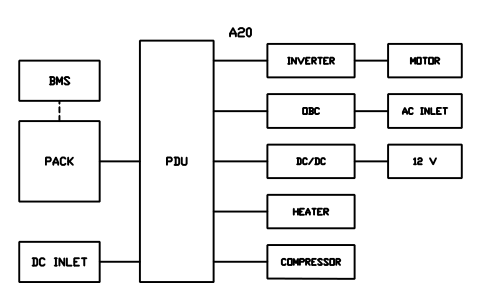
Electric vehicle HV system overview
AUT_HVS_OVERVIEWAttributes
TAGFUNCTIONVOLTAGE_VENERGY_KWHCURRENT_ALOCATIONNOTESDESC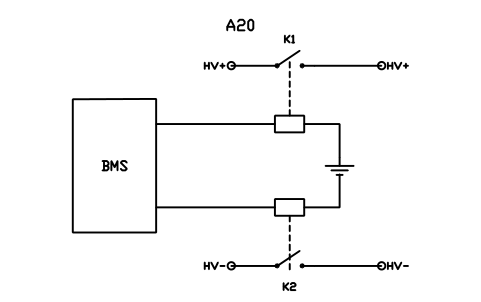
Main contactors driven by the battery management unit
AUT_HVS_CONTACTOR_CTRLAttributes
TAGFUNCTIONVOLTAGE_VENERGY_KWHCURRENT_ALOCATIONNOTESDESC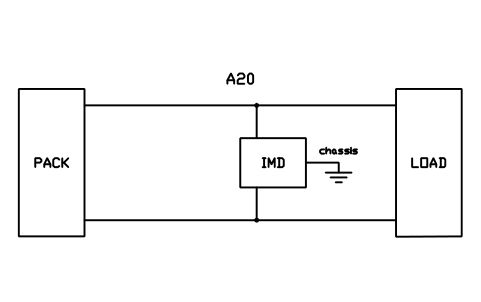
Isolation monitoring between the HV lines and chassis
AUT_HVS_ISOLATIONAttributes
TAGFUNCTIONVOLTAGE_VENERGY_KWHCURRENT_ALOCATIONNOTESDESC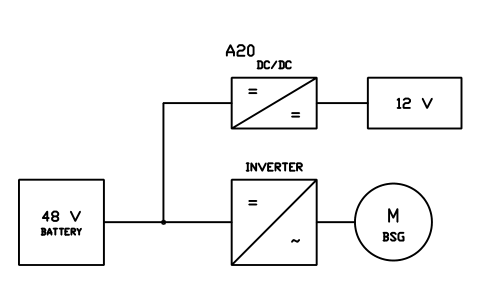
48 V mild hybrid, battery, belt starter generator and DC/DC
AUT_HVS_MILD_HYBRIDAttributes
TAGFUNCTIONVOLTAGE_VENERGY_KWHCURRENT_ALOCATIONNOTESDESC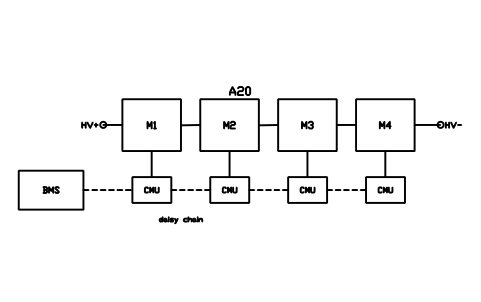
Battery modules with cell monitoring units on a daisy chain
AUT_HVS_CELL_MONITORAttributes
TAGFUNCTIONVOLTAGE_VENERGY_KWHCURRENT_ALOCATIONNOTESDESC
Related symbol libraries
Missing a symbol? Tell us which one.
Attributes for parts lists
Each block has a visible TAG (for example G1, F1, S1, M2) and one visible field: voltage, current, connector code or function, depending on the symbol. The other fields are invisible attributes such as cable cross section, wire colour, pin assignment, terminals, location in the vehicle, manufacturer, part number and remarks.
Export the blocks of a wiring diagram to Excel with BlockSync to build the fuse, connector and part lists, and write corrections back in one run, with preview and backup.
How to use the library
- Unzip the file and open the DWG. Copy the symbols you need into your drawing, or drag the blocks in from DesignCenter (ADCENTER).
- Symbols are drawn at the plotted size in millimetres and are centred on the insertion point. Insert at the scale of the drawing.
- Most components are drawn upright with their connections at the top and bottom, and terminals such as 30, 87, 85 and 86 are written beside the connections where they apply, so wires can be snapped to the ends.
- High voltage blocks carry a lightning mark, and the network blocks show CAN, LIN and Ethernet links with their terminations, so power and communication parts are easy to tell apart.
About the conventions
The electrical symbols are drawn in the IEC 60617 style; they have not been checked figure by figure against the standard. Terminal numbers follow common vehicle wiring diagram practice, and no conformity with a terminal or connector standard is claimed.
The library is not certified. Vehicle makers use their own legends and terminal codes, so check what your project requires.
What changed in each version
Version 1.0 · November 28, 2026
New symbols (150)
Battery 12 V · Battery 24 V, two units · Battery 48 V · Auxiliary battery · Battery sensor · Alternator · Alternator with regulator · Starter motor · Starter with solenoid · DC/DC converter · Jump start terminal · Battery isolator switch · Pyrotechnic disconnector · Ground point, body · Ground strap, engine · Ground point, signal · Blade fuse · Blade fuse, mini · Blade fuse, maxi · Bolt-down strip fuse · Fusible link · Breaker, self resetting · Breaker, manual reset · Resettable PTC fuse · Fuse in holder · Fuse block, six ways · Relay, normally open · Relay, normally closed · Relay, changeover · Relay with coil diode · Relay with coil resistor · Relay, two outputs · Relay, two contacts · Relay, latching · Heavy duty relay · Time delay relay · Flasher unit · Wiper interval relay · Glow control unit · Smart fuse module · 110 more
Frequently asked questions
- Which drawings is this library for?
- Vehicle and machine wiring diagrams, harness and connector drawings, conversion and retrofit schematics for vans, trucks and special vehicles, and electric vehicle training and service drawings.
- Are electric vehicle high voltage symbols included?
- Yes. The high voltage group has the battery pack and module, battery management, main contactors and precharge branch, service disconnect, fuse, current sensor, inverter, traction motor, onboard charger, converter, AC and combined charge inlets, interlock loop, heater and compressor.
- Can I use the symbols in commercial projects?
- Yes, once you hold the licence. You may use and modify them in your own projects, including commercial ones. They are provided as is, without warranty. Please do not redistribute or resell the library; see the library terms.
- Which symbols are in the free starter pack?
- 24 blocks: three ground points and 21 contact, connector, splice, terminal and cable symbols. The full library adds power supply, fuses and relays, the 12 pin connector, switches and sensors, actuators, lighting, high voltage and control units.
- Can I change a symbol or add attributes?
- Yes. Open the DWG, edit a block with BEDIT to change it or add attributes, and save. To update drawings that already contain the block, run ATTSYNC or replace the block. Make a backup first: attribute values can be lost if ATTSYNC is used carelessly.
- Where do I find a ready-made set of these symbols for AutoCAD?
- AutoCAD itself ships only a small set of sample blocks, so a full symbol set has to come from a library. Download the ZIP on this page and open the DWG: every symbol is a block. Insert one with INSERT (Blocks palette, Libraries tab, then pick the DWG) or drag it from DesignCenter (ADCENTER). You can also download a single symbol on its own.