
AutoCAD wind power symbols (DWG): turbines, converters, collector feeders, wind farm layout
Wind power symbols: 411 ready-made AutoCAD blocks (DWG). A starter pack of 25 symbols is free; the Standard edition is $19.
Free starter pack: 25 symbols
The most-used symbols of this library, as AutoCAD blocks in one DWG. Free for everyone, for any project.
 Fixed-speed turbine
 Doubly fed turbine
 Full-converter turbine
 Direct-drive PM turbine
 Gearbox
 Back-to-back converter
 Turbine transformer, Dyn
 Turbine switchgear, 3 ways
 Collector feeder, string
 Collector feeder, ring
 Dynamic reactive compensation
 Point of common coupling
 Turbine controller
 Turbine in plan
 Rotor swept circle
 Crane hardstanding
 Access road section
 Cable trench
 Met mast with guys
 Substation compound
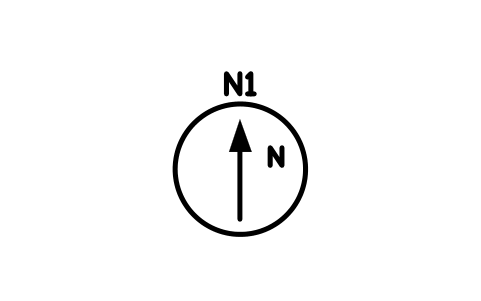
 Wind rose
 Tubular tower
 Nacelle, side view
 Rotor with swept circle
 Gravity foundation section
Standard: 111 symbols
All 111 symbols of the Standard edition in one download, ready to insert in AutoCAD. Pay once and keep the files.
- Fixed-speed turbine
 Wound-rotor turbine
- Doubly fed turbine
- Full-converter turbine
- Direct-drive PM turbine
 Excited synchronous turbine
 Full-converter induction
- Gearbox
- Back-to-back converter
 Machine-side converter
 Grid-side converter
 Crowbar protection
 Pitch drive
 Yaw drive
 Slip ring unit
 Down-tower cable with twist
 Auxiliary transformer
 Anemometer
 Wind vane
- Turbine transformer, Dyn
 Turbine transformer, Dy, fuse
 Turbine switchgear, 2 ways
- Turbine switchgear, 3 ways
- Collector feeder, string
 Collector feeder, radial
- Collector feeder, ring
 Collector feeder, T-off
 Collector busbar, 4 feeders
- Dynamic reactive compensation
- Point of common coupling
 Revenue meter at the PCC
 Power plant controller
- Turbine controller
 Wind farm SCADA server
- Turbine in plan
- Rotor swept circle
 Turbine number marker
- Crane hardstanding
- Access road section
- Cable trench
- Met mast with guys
- Substation compound
 Service and control building
 Transformer pad in plan
 Setback radius
- Wind rose
 Laydown area
 Turning circle
- Tubular tower
 Lattice tower
- Nacelle, side view
 Rotor hub with blade roots
 Rotor blade
- Rotor with swept circle
- Gravity foundation section
 Piled foundation section
 Met mast elevation
 Aviation warning light
 Foundation earth ring
 Transformer, two winding
 Transformer, delta-star
 Transformer, delta-star, neutral earthed
 Transformer with on-load tap changer
 Transformer, three winding
 Pad-mounted transformer
 Station service transformer
 Current transformer
 Current transformer, two cores
 Voltage transformer
 Capacitor voltage transformer
 Reactor, shunt
 Neutral grounding resistor
 Surge arrester
 Circuit breaker
 Circuit breaker, vacuum
 Circuit breaker, SF6
 Disconnector
 Earthing switch
 Load break switch
 Switch-disconnector
 Fuse
 Contactor
 Busbar
 Busbar, double
 Busbar with section break
 Junction
 Crossing, not connected
 Overhead line
 Cable
 Cable sealing end
 Cable joint
 Earth
 Protective earth
 Earth grid
 Earth rod
 Battery energy storage
 Grid infeed (utility source)
 STATCOM
 Static VAR compensator
 UPS
 Protection relay, multifunction
 Ammeter
 Voltmeter
 Energy meter (kWh)
 Power meter, multifunction
 RTU / gateway
 SCADA / HMI
 Moulded case circuit breaker
 Miniature circuit breaker
 Surge protective device
 Distribution board
Pro: all 411 symbols
Every symbol of the library, 411 in all, in one download. Standard holds 111 of them. Pay once and keep the files.
Free starter pack
$0For everyone, for any project
- 25 symbols
- No sign-in
- One DWG
Library licence
$19
For one person
Education: free
- Pay once
Student or teacher?
Free for one year with your school e-mail address. Renew it with the same address.
Sign in with your school e-mail address, we check it, and the licence is added to your account.
Available soonEducation licences are for study and teaching, valid for one year, and renewed with your school e-mail address.
Pro licence
$49
For one person
Education: $24.50
- Pay once
Student or teacher?
Half price ($24.50) for one year with your school e-mail address. Buy again next year to renew.
Sign in with your school e-mail address, we check it, and you pay half price.
Available soonHalf price ($24.50) for one year with your school e-mail address. Buy again next year to renew.
What each version contains
The symbols by group, and how many of each group every version holds.
| Content | Free | Standard | Pro |
|---|---|---|---|
| All symbols | 25 | 111 | 411 |
| Added by this version | — | +86 | +300 |
| Wind turbine types | 4 | 7 | 9 |
| Drive train and converters | 2 | 5 | 8 |
| Nacelle and tower base | — | 7 | 21 |
| Turbine transformer and collector | 5 | 10 | 18 |
| Plant control and grid connection | 2 | 5 | 12 |
| Site layout | 8 | 14 | 25 |
| Structures and foundations | 4 | 11 | 14 |
| Transformers | — | 7 | 22 |
Show 15 more groupsShow fewer groups
| Instrument transformers | — | 4 | 15 |
|---|---|---|---|
| Reactors, capacitors and arresters | — | 3 | 12 |
| Circuit breakers and switches | — | 9 | 34 |
| Busbars, lines and cables | — | 13 | 35 |
| Generation and sources | — | 5 | 8 |
| Motors and loads | — | — | 5 |
| Protection relays | — | 1 | 25 |
| Meters and control | — | 6 | 33 |
| Switchgear bays | — | — | 20 |
| Low voltage distribution | — | 4 | 15 |
| Reactive compensation and filters | — | — | 10 |
| Generator excitation and auxiliaries | — | — | 8 |
| Machine protection relays | — | — | 15 |
| System and auxiliary relays | — | — | 15 |
| Solar, storage and off-grid | — | — | 32 |
Pro holds every symbol of Standard plus the Pro-only ones.
411 symbols as ready-to-use AutoCAD blocks for wind farm single-line diagrams and layout plans. The wind part: turbine types from fixed speed to full converter, gearbox and generator, back-to-back and crowbar circuits, pitch and yaw drives, slip ring, tower cable, nacelle sensors and controllers; turbine transformers and switchgear; collector feeders as string, radial, ring and T-off; the point of common coupling, revenue meter, power plant controller and SCADA; and plan icons for turbine positions, rotor sweep, roads, trenches, met masts, substation and set-backs, with tower, foundation and blade elevations. Alongside them the general power system symbols (transformers, breakers, switches, busbars, cables, instrument transformers, relays, meters, earthing) and the solar, battery and off-grid symbols for hybrid plants, so one file draws the whole wind farm.
Version 1.0 · updated November 24, 2026 · Check out what's changed
All 411 symbols
411 of 411 symbols
Fixed-speed turbine
WND_T_FIXEDAttributes
TAGRATING_MWROTOR_DIAMETER_MHUB_HEIGHT_MVOLTAGE_VSPEED_RPMWIND_CLASSMANUFACTURERMODELREMARKSDESCWound-rotor turbine
WND_T_WRIMAttributes
TAGRATING_MWROTOR_DIAMETER_MHUB_HEIGHT_MVOLTAGE_VSPEED_RPMWIND_CLASSMANUFACTURERMODELREMARKSDESCDoubly fed turbine
WND_T_DFIGAttributes
TAGRATING_MWROTOR_DIAMETER_MHUB_HEIGHT_MVOLTAGE_VSPEED_RPMWIND_CLASSMANUFACTURERMODELREMARKSDESCFull-converter turbine
WND_T_FCAttributes
TAGRATING_MWROTOR_DIAMETER_MHUB_HEIGHT_MVOLTAGE_VSPEED_RPMWIND_CLASSMANUFACTURERMODELREMARKSDESCDirect-drive PM turbine
WND_T_FC_PMSGAttributes
TAGRATING_MWROTOR_DIAMETER_MHUB_HEIGHT_MVOLTAGE_VSPEED_RPMWIND_CLASSMANUFACTURERMODELREMARKSDESCExcited synchronous turbine
WND_T_FC_EESGAttributes
TAGRATING_MWROTOR_DIAMETER_MHUB_HEIGHT_MVOLTAGE_VSPEED_RPMWIND_CLASSMANUFACTURERMODELREMARKSDESCFull-converter induction
WND_T_FC_INDAttributes
TAGRATING_MWROTOR_DIAMETER_MHUB_HEIGHT_MVOLTAGE_VSPEED_RPMWIND_CLASSMANUFACTURERMODELREMARKSDESC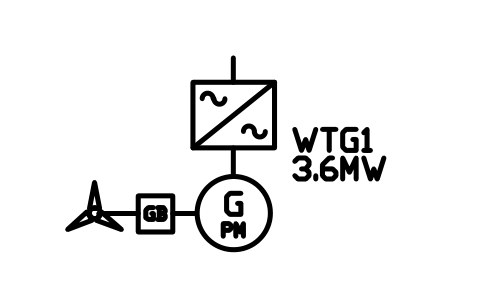
Medium-speed PM turbine
WND_T_MEDIUMAttributes
TAGRATING_MWROTOR_DIAMETER_MHUB_HEIGHT_MVOLTAGE_VSPEED_RPMWIND_CLASSMANUFACTURERMODELREMARKSDESC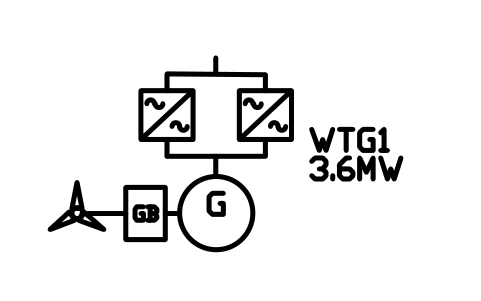
Full-converter, parallel
WND_T_FC_PARALLELAttributes
TAGRATING_MWROTOR_DIAMETER_MHUB_HEIGHT_MVOLTAGE_VSPEED_RPMWIND_CLASSMANUFACTURERMODELREMARKSDESCBack-to-back converter
WND_CONV_B2BAttributes
TAGPOWER_KVAVOLTAGE_VDC_LINK_VTOPOLOGYCOOLINGMANUFACTURERMODELREMARKSDESCMachine-side converter
WND_CONV_MACHINEAttributes
TAGPOWER_KVAVOLTAGE_VDC_LINK_VTOPOLOGYCOOLINGMANUFACTURERMODELREMARKSDESCGrid-side converter
WND_CONV_GRIDAttributes
TAGPOWER_KVAVOLTAGE_VDC_LINK_VTOPOLOGYCOOLINGMANUFACTURERMODELREMARKSDESCCrowbar protection
WND_CROWBARAttributes
TAGPOWER_KVAVOLTAGE_VDC_LINK_VTOPOLOGYCOOLINGMANUFACTURERMODELREMARKSDESC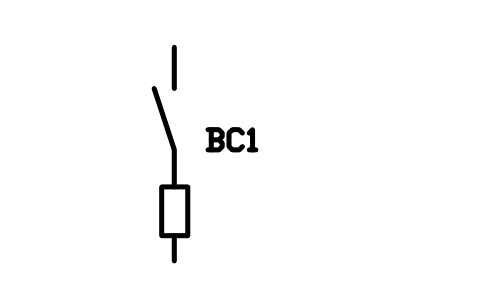
DC brake chopper
WND_DC_CHOPPERAttributes
TAGPOWER_KVAVOLTAGE_VDC_LINK_VTOPOLOGYCOOLINGMANUFACTURERMODELREMARKSDESC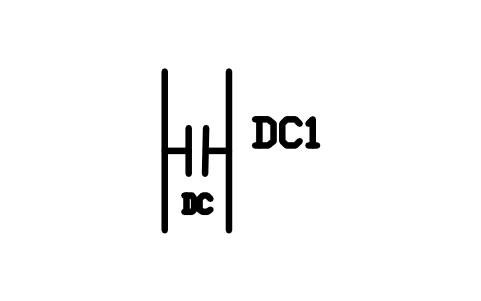
DC link with capacitor
WND_DC_LINKAttributes
TAGPOWER_KVAVOLTAGE_VDC_LINK_VTOPOLOGYCOOLINGMANUFACTURERMODELREMARKSDESC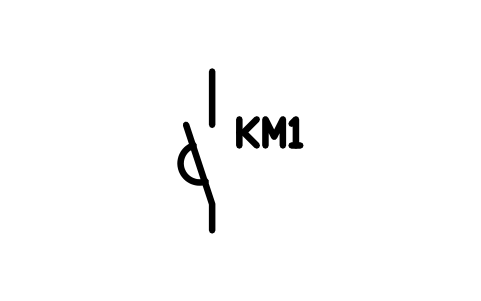
Rotor circuit contactor
WND_ROTOR_CIRCUITAttributes
TAGPOWER_KVAVOLTAGE_VDC_LINK_VTOPOLOGYCOOLINGMANUFACTURERMODELREMARKSDESCPitch drive
WND_PITCH_DRIVEAttributes
TAGPOWER_KWVOLTAGE_VTORQUE_NMSPEED_RPMMANUFACTURERMODELREMARKSDESC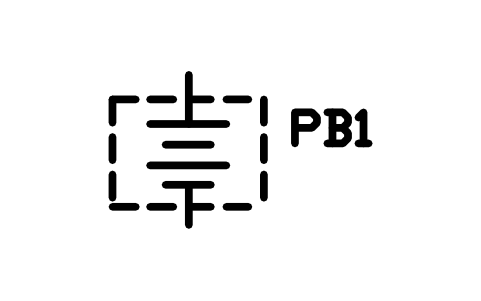
Pitch battery backup
WND_PITCH_BATAttributes
TAGVOLTAGE_VCAPACITY_AHCHEMISTRYAXESMANUFACTURERMODELREMARKSDESCSlip ring unit
WND_SLIPRINGAttributes
TAGPOWER_KWVOLTAGE_VTORQUE_NMSPEED_RPMMANUFACTURERMODELREMARKSDESCDown-tower cable with twist
WND_TOWER_CABLEAttributes
TAGCABLE_TYPEVOLTAGE_KVLENGTH_MTWIST_TURNSRATED_CURRENT_AREMARKSDESCAuxiliary transformer
WND_AUX_TXAttributes
TAGRATING_MVAVOLTAGE_RATIOVECTOR_GROUPIMPEDANCE_PCTTAP_RANGECOOLINGNEUTRAL_EARTHINGMANUFACTURERMODELREMARKSDESC
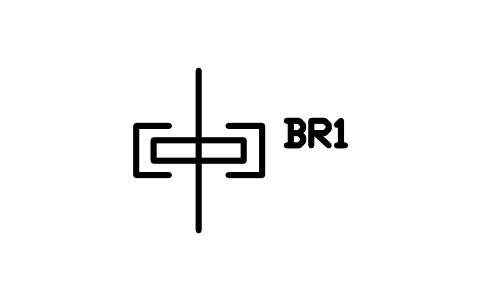
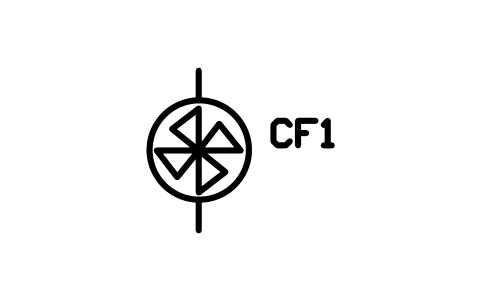

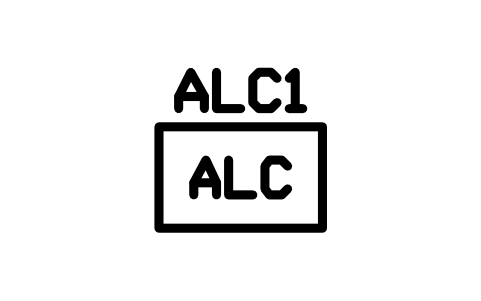
Nacelle control cabinet
WND_NACELLE_CTRLAttributes
TAGFUNCTIONSUPPLYCOMMUNICATIONMANUFACTURERMODELREMARKSDESC
Tower base control cabinet
WND_BASE_CTRLAttributes
TAGFUNCTIONSUPPLYCOMMUNICATIONMANUFACTURERMODELREMARKSDESC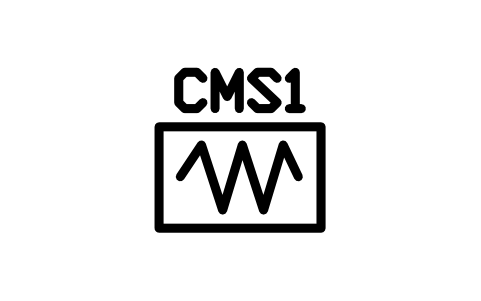
Condition monitoring unit
WND_CMSAttributes
TAGFUNCTIONSUPPLYCOMMUNICATIONMANUFACTURERMODELREMARKSDESC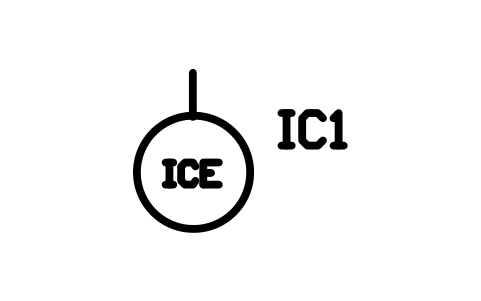
Ice detector
WND_ICE_DETECTAttributes
TAGMEASURESRANGEACCURACYOUTPUTHEATINGMANUFACTURERMODELREMARKSDESC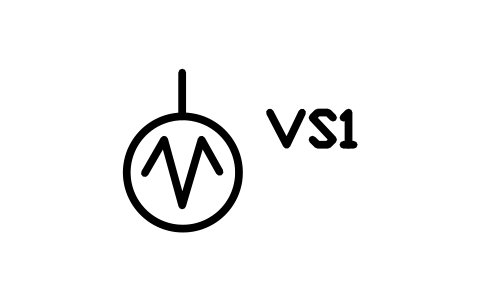
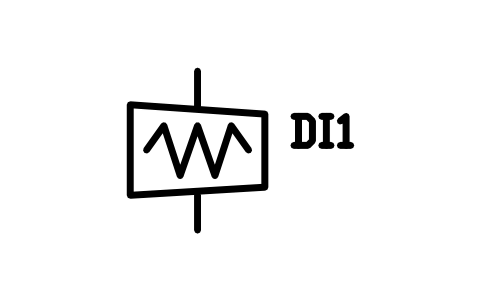
Vibration sensor
WND_VIBRATIONAttributes
TAGMEASURESRANGEACCURACYOUTPUTHEATINGMANUFACTURERMODELREMARKSDESC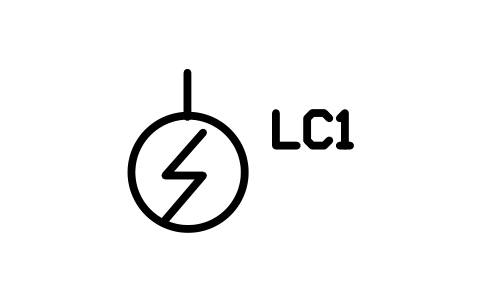
Lightning event counter
WND_LIGHTNING_COUNTAttributes
TAGMEASURESRANGEACCURACYOUTPUTHEATINGMANUFACTURERMODELREMARKSDESC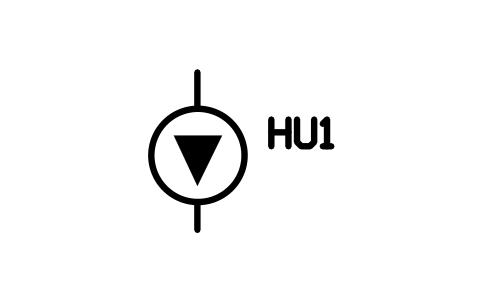
Aviation light controller
WND_AVIATION_CTRLAttributes
TAGFUNCTIONSUPPLYCOMMUNICATIONMANUFACTURERMODELREMARKSDESC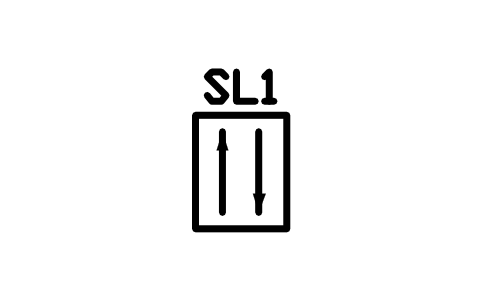
Turbine transformer, Dyn
WND_BOXTX_DYNAttributes
TAGRATING_MVAVOLTAGE_RATIOVECTOR_GROUPIMPEDANCE_PCTTAP_RANGECOOLINGNEUTRAL_EARTHINGMANUFACTURERMODELREMARKSDESCTurbine transformer, Dy, fuse
WND_BOXTX_DYAttributes
TAGRATING_MVAVOLTAGE_RATIOVECTOR_GROUPIMPEDANCE_PCTTAP_RANGECOOLINGNEUTRAL_EARTHINGMANUFACTURERMODELREMARKSDESC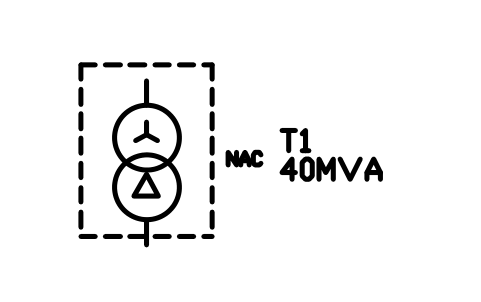
Nacelle-integrated transformer
WND_BOXTX_INTEGAttributes
TAGRATING_MVAVOLTAGE_RATIOVECTOR_GROUPIMPEDANCE_PCTTAP_RANGECOOLINGNEUTRAL_EARTHINGMANUFACTURERMODELREMARKSDESC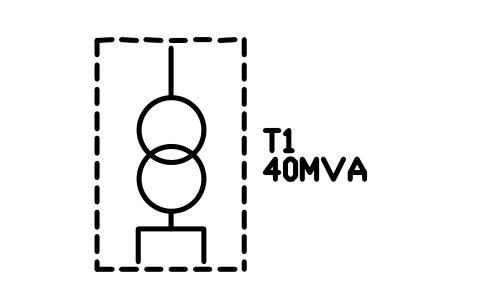
Pad-mount TX, loop feed
WND_BOXTX_PADAttributes
TAGRATING_MVAVOLTAGE_RATIOVECTOR_GROUPIMPEDANCE_PCTTAP_RANGECOOLINGNEUTRAL_EARTHINGMANUFACTURERMODELREMARKSDESCTurbine switchgear, 2 ways
WND_RMU_2WAttributes
TAGRATED_KVRATED_CURRENT_ASHORT_TIME_KAINSULATIONWAYSMANUFACTURERMODELREMARKSDESCTurbine switchgear, 3 ways
WND_RMU_3WAttributes
TAGRATED_KVRATED_CURRENT_ASHORT_TIME_KAINSULATIONWAYSMANUFACTURERMODELREMARKSDESC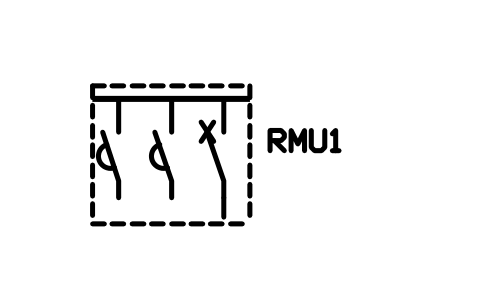
Turbine switchgear, breaker
WND_TURB_SWG_CBAttributes
TAGRATED_KVRATED_CURRENT_ASHORT_TIME_KAINSULATIONWAYSMANUFACTURERMODELREMARKSDESCCollector feeder, string
WND_FEEDER_STRINGAttributes
TAGVOLTAGE_KVTURBINESCABLE_TYPELENGTH_MRATED_CURRENT_AFROM_TOREMARKSDESCCollector feeder, radial
WND_FEEDER_RADIALAttributes
TAGVOLTAGE_KVTURBINESCABLE_TYPELENGTH_MRATED_CURRENT_AFROM_TOREMARKSDESCCollector feeder, ring
WND_FEEDER_RINGAttributes
TAGVOLTAGE_KVTURBINESCABLE_TYPELENGTH_MRATED_CURRENT_AFROM_TOREMARKSDESCCollector feeder, T-off
WND_FEEDER_TAPAttributes
TAGVOLTAGE_KVTURBINESCABLE_TYPELENGTH_MRATED_CURRENT_AFROM_TOREMARKSDESCCollector busbar, 4 feeders
WND_COLLECTOR_BUSAttributes
TAGVOLTAGE_KVRATED_CURRENT_ACONDUCTORSHORT_CIRCUIT_KAREMARKSDESC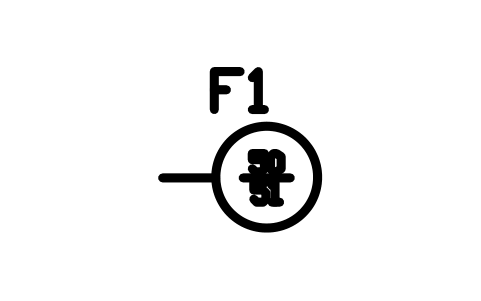
Feeder protection, 50/51
WND_FEEDER_PROTAttributes
TAGFUNCTIONSETTINGTRIPSCT_INPUTVT_INPUTMANUFACTURERMODELREMARKSDESC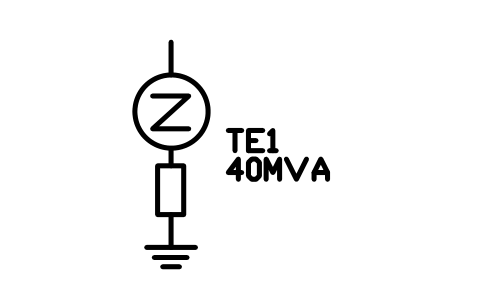
Grounding TX and resistor
WND_COLL_GND_TXAttributes
TAGRATING_MVAVOLTAGE_RATIOVECTOR_GROUPIMPEDANCE_PCTTAP_RANGECOOLINGNEUTRAL_EARTHINGMANUFACTURERMODELREMARKSDESC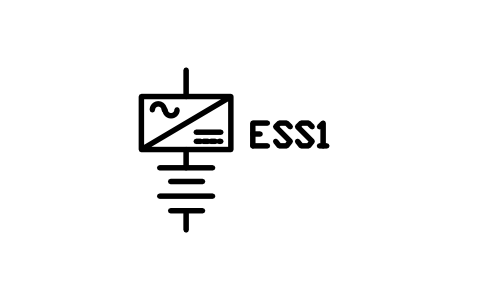
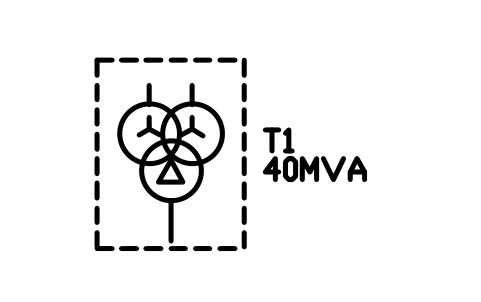
Turbine TX, two LV windings
WND_BOXTX_2LVAttributes
TAGRATING_MVAVOLTAGE_RATIOVECTOR_GROUPIMPEDANCE_PCTTAP_RANGECOOLINGNEUTRAL_EARTHINGMANUFACTURERMODELREMARKSDESC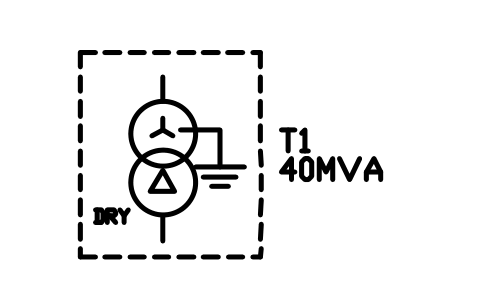
Dry-type turbine transformer
WND_BOXTX_DRYAttributes
TAGRATING_MVAVOLTAGE_RATIOVECTOR_GROUPIMPEDANCE_PCTTAP_RANGECOOLINGNEUTRAL_EARTHINGMANUFACTURERMODELREMARKSDESCRevenue meter at the PCC
WND_METER_PCCAttributes
TAGMETER_TYPECT_RATIOACCURACY_CLASSPHASESCOMMUNICATIONMETERING_POINTMANUFACTURERMODELREMARKSDESC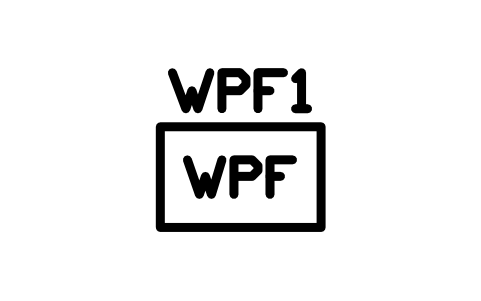
Wind power forecast system
WND_WPFSAttributes
TAGFUNCTIONSUPPLYCOMMUNICATIONMANUFACTURERMODELREMARKSDESC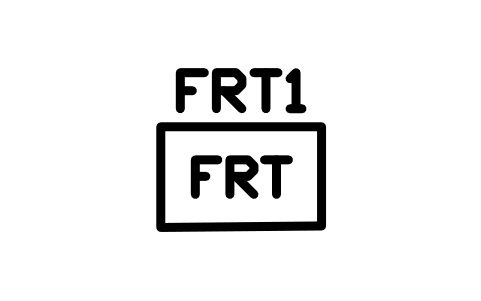
Fault ride-through control
WND_FRT_CTRLAttributes
TAGFUNCTIONSUPPLYCOMMUNICATIONMANUFACTURERMODELREMARKSDESC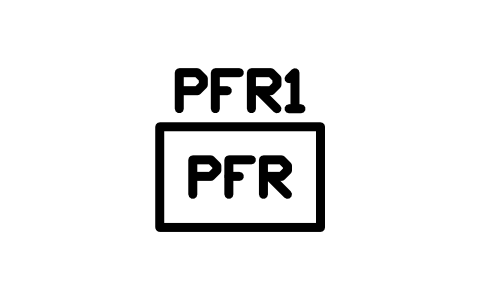
Frequency response control
WND_FREQ_RESPAttributes
TAGFUNCTIONSUPPLYCOMMUNICATIONMANUFACTURERMODELREMARKSDESCTurbine controller
WND_SCADA_TURBAttributes
TAGFUNCTIONSUPPLYCOMMUNICATIONMANUFACTURERMODELREMARKSDESCWind farm SCADA server
WND_SCADA_SRVAttributes
TAGFUNCTIONSUPPLYCOMMUNICATIONMANUFACTURERMODELREMARKSDESC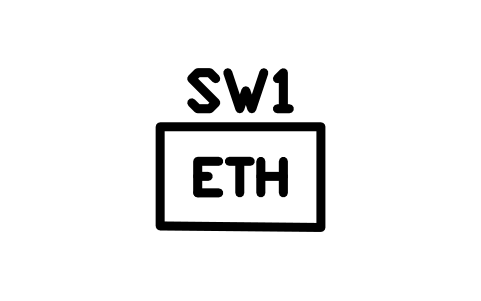
Turbine network switch
WND_NET_SWITCHAttributes
TAGFUNCTIONSUPPLYCOMMUNICATIONMANUFACTURERMODELREMARKSDESC
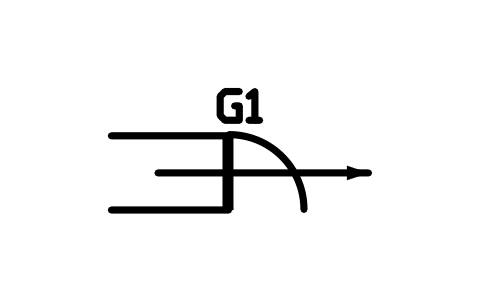
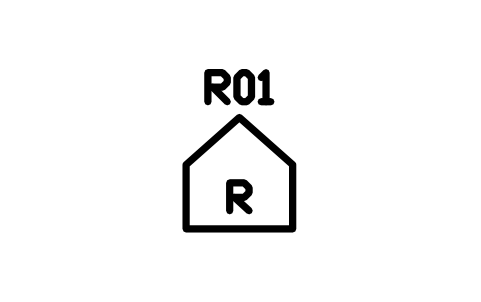
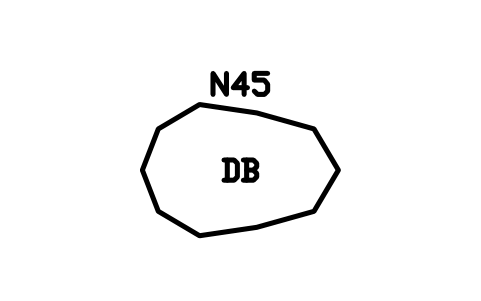
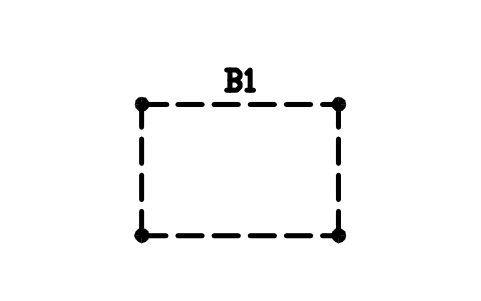
Tubular tower
WND_ELEV_TOWERAttributes
TAGHEIGHT_MBASE_DIAMETER_MTOP_DIAMETER_MMATERIALMASS_TMANUFACTURERMODELREMARKSDESCLattice tower
WND_ELEV_LATTICEAttributes
TAGHEIGHT_MBASE_DIAMETER_MTOP_DIAMETER_MMATERIALMASS_TMANUFACTURERMODELREMARKSDESC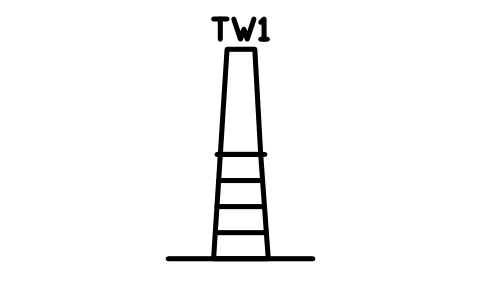
Concrete-steel hybrid tower
WND_ELEV_HYBRIDAttributes
TAGHEIGHT_MBASE_DIAMETER_MTOP_DIAMETER_MMATERIALMASS_TMANUFACTURERMODELREMARKSDESCNacelle, side view
WND_ELEV_NACELLEAttributes
TAGHEIGHT_MBASE_DIAMETER_MTOP_DIAMETER_MMATERIALMASS_TMANUFACTURERMODELREMARKSDESCRotor hub with blade roots
WND_ELEV_HUBAttributes
TAGHEIGHT_MBASE_DIAMETER_MTOP_DIAMETER_MMATERIALMASS_TMANUFACTURERMODELREMARKSDESCRotor blade
WND_ELEV_BLADEAttributes
TAGHEIGHT_MBASE_DIAMETER_MTOP_DIAMETER_MMATERIALMASS_TMANUFACTURERMODELREMARKSDESCRotor with swept circle
WND_ELEV_ROTORAttributes
TAGHEIGHT_MBASE_DIAMETER_MTOP_DIAMETER_MMATERIALMASS_TMANUFACTURERMODELREMARKSDESCGravity foundation section
WND_FND_GRAVITYAttributes
TAGDIAMETER_MDEPTH_MCONCRETE_M3REBAR_TSOILREMARKSDESCPiled foundation section
WND_FND_PILEDAttributes
TAGDIAMETER_MDEPTH_MCONCRETE_M3REBAR_TSOILREMARKSDESC
Met mast elevation
WND_ELEV_METAttributes
TAGHEIGHT_MBASE_DIAMETER_MTOP_DIAMETER_MMATERIALMASS_TMANUFACTURERMODELREMARKSDESCAviation warning light
WND_LIGHT_REDAttributes
TAGHEIGHT_MBASE_DIAMETER_MTOP_DIAMETER_MMATERIALMASS_TMANUFACTURERMODELREMARKSDESC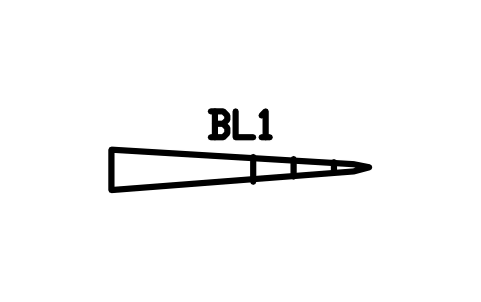
Blade tip marking
WND_MARK_BLADEAttributes
TAGHEIGHT_MBASE_DIAMETER_MTOP_DIAMETER_MMATERIALMASS_TMANUFACTURERMODELREMARKSDESCTransformer, two winding
WNS_TX_2WAttributes
TAGRATING_MVAVOLTAGE_RATIOVECTOR_GROUPIMPEDANCE_PCTTAP_RANGECOOLINGNEUTRAL_EARTHINGMANUFACTURERMODELREMARKSDESCTransformer, delta-star
WNS_TX_DYAttributes
TAGRATING_MVAVOLTAGE_RATIOVECTOR_GROUPIMPEDANCE_PCTTAP_RANGECOOLINGNEUTRAL_EARTHINGMANUFACTURERMODELREMARKSDESC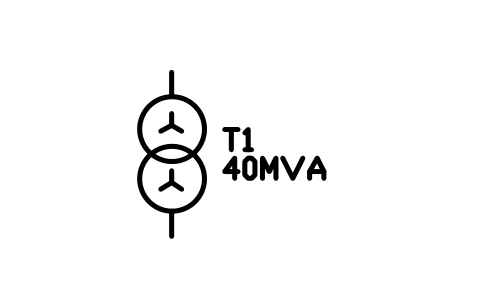
Transformer, star-star
WNS_TX_YYAttributes
TAGRATING_MVAVOLTAGE_RATIOVECTOR_GROUPIMPEDANCE_PCTTAP_RANGECOOLINGNEUTRAL_EARTHINGMANUFACTURERMODELREMARKSDESCTransformer, delta-star, neutral earthed
WNS_TX_DYNAttributes
TAGRATING_MVAVOLTAGE_RATIOVECTOR_GROUPIMPEDANCE_PCTTAP_RANGECOOLINGNEUTRAL_EARTHINGMANUFACTURERMODELREMARKSDESC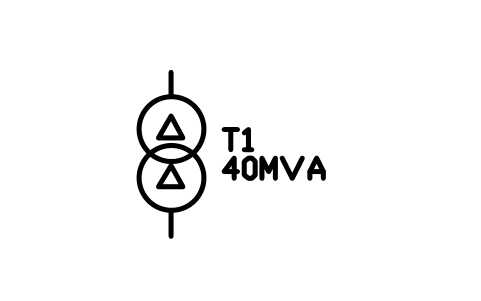
Transformer, delta-delta
WNS_TX_DDAttributes
TAGRATING_MVAVOLTAGE_RATIOVECTOR_GROUPIMPEDANCE_PCTTAP_RANGECOOLINGNEUTRAL_EARTHINGMANUFACTURERMODELREMARKSDESCTransformer with on-load tap changer
WNS_TX_OLTCAttributes
TAGRATING_MVAVOLTAGE_RATIOVECTOR_GROUPIMPEDANCE_PCTTAP_RANGECOOLINGNEUTRAL_EARTHINGMANUFACTURERMODELREMARKSDESC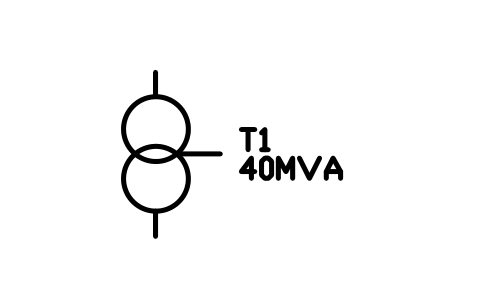
Autotransformer
WNS_TX_AUTOAttributes
TAGRATING_MVAVOLTAGE_RATIOVECTOR_GROUPIMPEDANCE_PCTTAP_RANGECOOLINGNEUTRAL_EARTHINGMANUFACTURERMODELREMARKSDESCTransformer, three winding
WNS_TX_3WAttributes
TAGRATING_MVAVOLTAGE_RATIOVECTOR_GROUPIMPEDANCE_PCTTAP_RANGECOOLINGNEUTRAL_EARTHINGMANUFACTURERMODELREMARKSDESC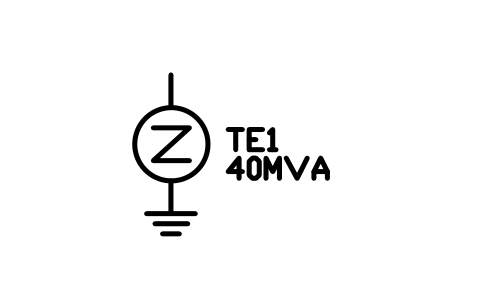
Earthing transformer (zigzag)
WNS_TX_ZIGZAGAttributes
TAGRATING_MVAVOLTAGE_RATIOVECTOR_GROUPIMPEDANCE_PCTTAP_RANGECOOLINGNEUTRAL_EARTHINGMANUFACTURERMODELREMARKSDESC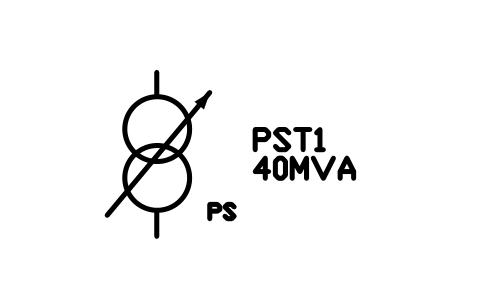
Phase-shifting transformer
WNS_TX_PHASEAttributes
TAGRATING_MVAVOLTAGE_RATIOVECTOR_GROUPIMPEDANCE_PCTTAP_RANGECOOLINGNEUTRAL_EARTHINGMANUFACTURERMODELREMARKSDESCPad-mounted transformer
WNS_TX_PADAttributes
TAGRATING_MVAVOLTAGE_RATIOVECTOR_GROUPIMPEDANCE_PCTTAP_RANGECOOLINGNEUTRAL_EARTHINGMANUFACTURERMODELREMARKSDESC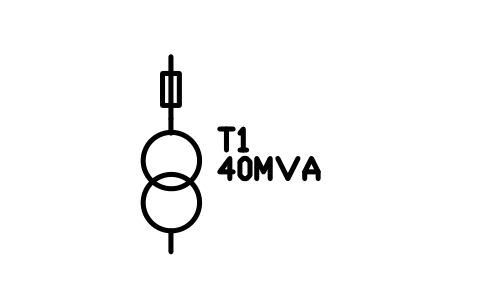
Pole-mounted transformer with fuse
WNS_TX_POLEAttributes
TAGRATING_MVAVOLTAGE_RATIOVECTOR_GROUPIMPEDANCE_PCTTAP_RANGECOOLINGNEUTRAL_EARTHINGMANUFACTURERMODELREMARKSDESC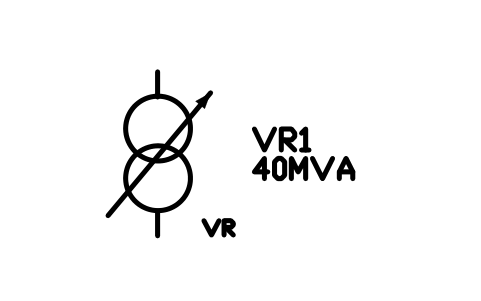
Voltage regulator
WNS_TX_REGULATORAttributes
TAGRATING_MVAVOLTAGE_RATIOVECTOR_GROUPIMPEDANCE_PCTTAP_RANGECOOLINGNEUTRAL_EARTHINGMANUFACTURERMODELREMARKSDESCStation service transformer
WNS_TX_STATIONAttributes
TAGRATING_MVAVOLTAGE_RATIOVECTOR_GROUPIMPEDANCE_PCTTAP_RANGECOOLINGNEUTRAL_EARTHINGMANUFACTURERMODELREMARKSDESC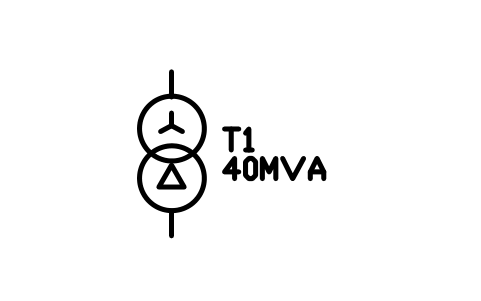
Transformer, star-delta
WNS_TX_YDAttributes
TAGRATING_MVAVOLTAGE_RATIOVECTOR_GROUPIMPEDANCE_PCTTAP_RANGECOOLINGNEUTRAL_EARTHINGMANUFACTURERMODELREMARKSDESC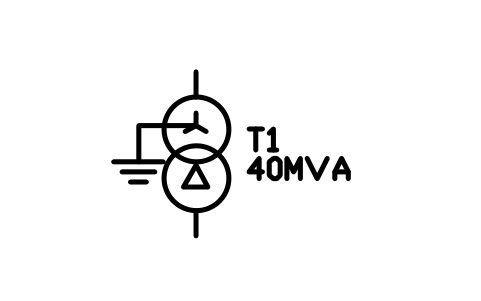
Transformer, star-delta, neutral earthed
WNS_TX_YNDAttributes
TAGRATING_MVAVOLTAGE_RATIOVECTOR_GROUPIMPEDANCE_PCTTAP_RANGECOOLINGNEUTRAL_EARTHINGMANUFACTURERMODELREMARKSDESC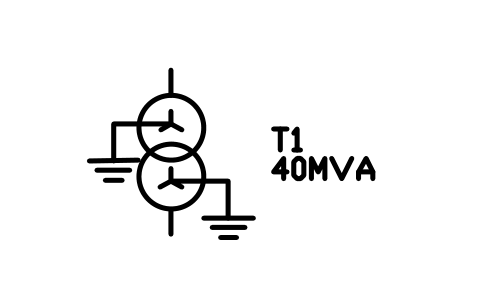
Transformer, star-star, both neutrals earthed
WNS_TX_YNYNAttributes
TAGRATING_MVAVOLTAGE_RATIOVECTOR_GROUPIMPEDANCE_PCTTAP_RANGECOOLINGNEUTRAL_EARTHINGMANUFACTURERMODELREMARKSDESC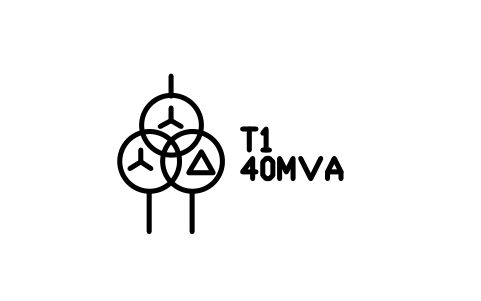
Transformer, three winding, delta tertiary
WNS_TX_3W_YYDAttributes
TAGRATING_MVAVOLTAGE_RATIOVECTOR_GROUPIMPEDANCE_PCTTAP_RANGECOOLINGNEUTRAL_EARTHINGMANUFACTURERMODELREMARKSDESC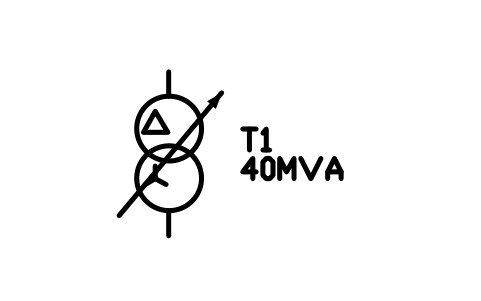
Transformer, delta-star, on-load tap changer
WNS_TX_DY_OLTCAttributes
TAGRATING_MVAVOLTAGE_RATIOVECTOR_GROUPIMPEDANCE_PCTTAP_RANGECOOLINGNEUTRAL_EARTHINGMANUFACTURERMODELREMARKSDESC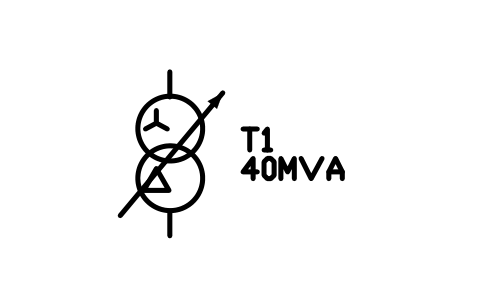
Transformer, star-delta, on-load tap changer
WNS_TX_YD_OLTCAttributes
TAGRATING_MVAVOLTAGE_RATIOVECTOR_GROUPIMPEDANCE_PCTTAP_RANGECOOLINGNEUTRAL_EARTHINGMANUFACTURERMODELREMARKSDESC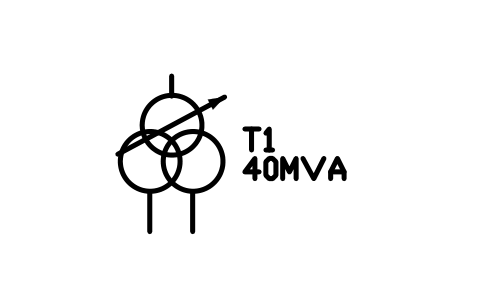
Transformer, three winding, on-load tap changer
WNS_TX_3W_OLTCAttributes
TAGRATING_MVAVOLTAGE_RATIOVECTOR_GROUPIMPEDANCE_PCTTAP_RANGECOOLINGNEUTRAL_EARTHINGMANUFACTURERMODELREMARKSDESC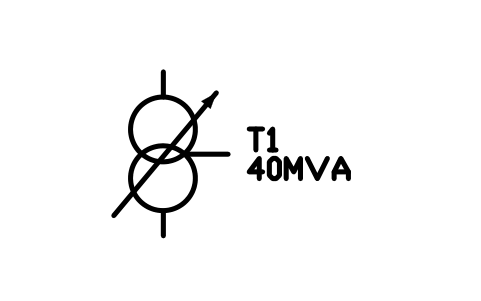
Autotransformer, on-load tap changer
WNS_TX_AUTO_OLTCAttributes
TAGRATING_MVAVOLTAGE_RATIOVECTOR_GROUPIMPEDANCE_PCTTAP_RANGECOOLINGNEUTRAL_EARTHINGMANUFACTURERMODELREMARKSDESCCurrent transformer, two cores
WNS_CT_2COREAttributes
TAGRATIOCLASSBURDEN_VACORESRATED_KVMANUFACTURERMODELREMARKSDESC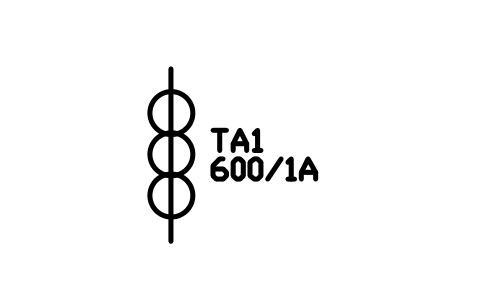
Current transformer, three cores
WNS_CT_3COREAttributes
TAGRATIOCLASSBURDEN_VACORESRATED_KVMANUFACTURERMODELREMARKSDESC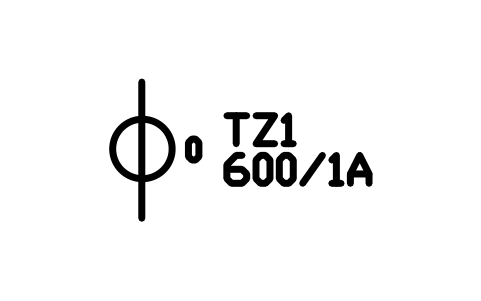
Zero-sequence CT (core balance)
WNS_CT_ZEROAttributes
TAGRATIOCLASSBURDEN_VACORESRATED_KVMANUFACTURERMODELREMARKSDESCVoltage transformer
WNS_VTAttributes
TAGRATIOCLASSBURDEN_VAWINDINGSRATED_KVMANUFACTURERMODELREMARKSDESC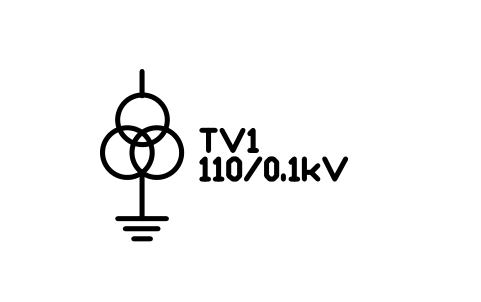
Voltage transformer, two secondaries
WNS_VT_OPENAttributes
TAGRATIOCLASSBURDEN_VAWINDINGSRATED_KVMANUFACTURERMODELREMARKSDESCCapacitor voltage transformer
WNS_CVTAttributes
TAGRATIOCLASSBURDEN_VAWINDINGSRATED_KVMANUFACTURERMODELREMARKSDESC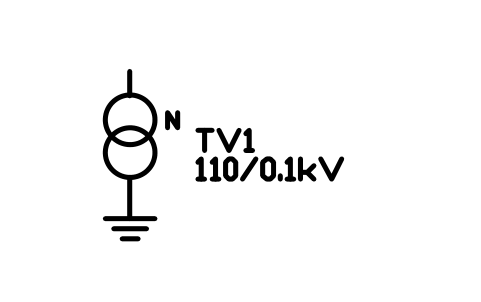
Voltage transformer, neutral earthed
WNS_VT_NEUTRALAttributes
TAGRATIOCLASSBURDEN_VAWINDINGSRATED_KVMANUFACTURERMODELREMARKSDESC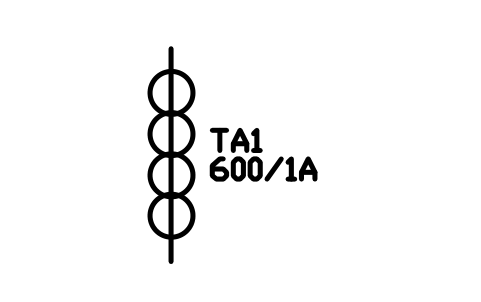
Current transformer, four cores
WNS_CT_4COREAttributes
TAGRATIOCLASSBURDEN_VACORESRATED_KVMANUFACTURERMODELREMARKSDESC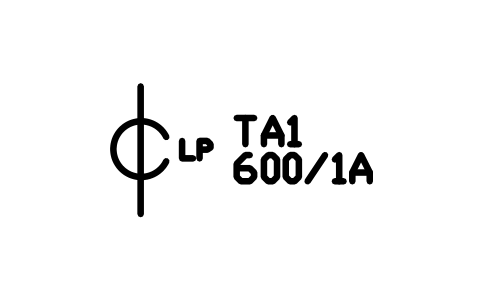
Low power current sensor (Rogowski)
WNS_CT_LPCTAttributes
TAGRATIOCLASSBURDEN_VACORESRATED_KVMANUFACTURERMODELREMARKSDESC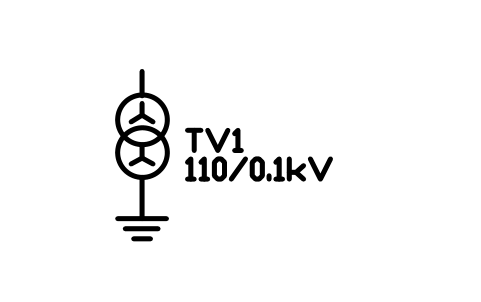
Voltage transformer, star-star
WNS_VT_YYAttributes
TAGRATIOCLASSBURDEN_VAWINDINGSRATED_KVMANUFACTURERMODELREMARKSDESC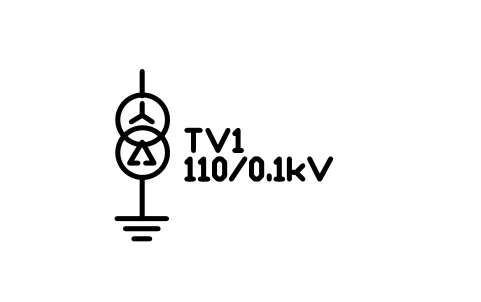
Voltage transformer, star, open delta
WNS_VT_YODAttributes
TAGRATIOCLASSBURDEN_VAWINDINGSRATED_KVMANUFACTURERMODELREMARKSDESC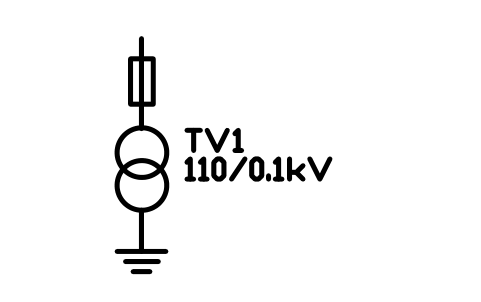
Voltage transformer with fuse
WNS_VT_FUSEDAttributes
TAGRATIOCLASSBURDEN_VAWINDINGSRATED_KVMANUFACTURERMODELREMARKSDESC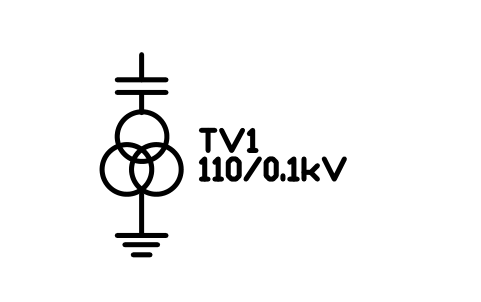
Capacitor voltage transformer, two secondaries
WNS_CVT_2SECAttributes
TAGRATIOCLASSBURDEN_VAWINDINGSRATED_KVMANUFACTURERMODELREMARKSDESC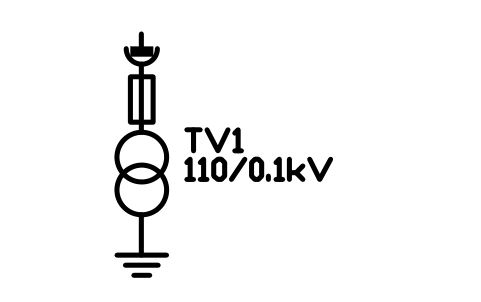
Voltage transformer, withdrawable
WNS_VT_WDAttributes
TAGRATIOCLASSBURDEN_VAWINDINGSRATED_KVMANUFACTURERMODELREMARKSDESC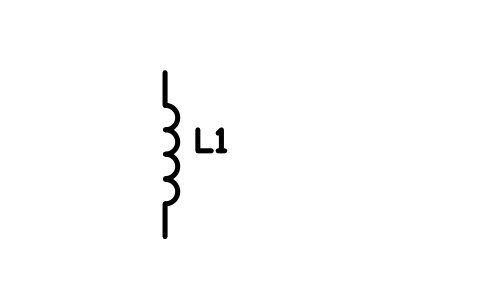
Reactor, series
WNS_REACTORAttributes
TAGRATINGRATED_KVRATED_CURRENT_ATYPEMANUFACTURERMODELREMARKSDESCReactor, shunt
WNS_REACTOR_SHUNTAttributes
TAGRATINGRATED_KVRATED_CURRENT_ATYPEMANUFACTURERMODELREMARKSDESC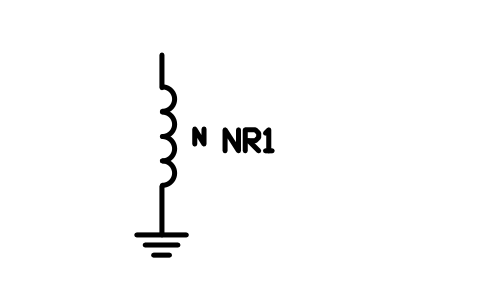
Neutral grounding reactor
WNS_REACTOR_NEUTRALAttributes
TAGRATINGRATED_KVRATED_CURRENT_ATYPEMANUFACTURERMODELREMARKSDESCNeutral grounding resistor
WNS_NGRAttributes
TAGRATINGRATED_KVRATED_CURRENT_ATYPEMANUFACTURERMODELREMARKSDESC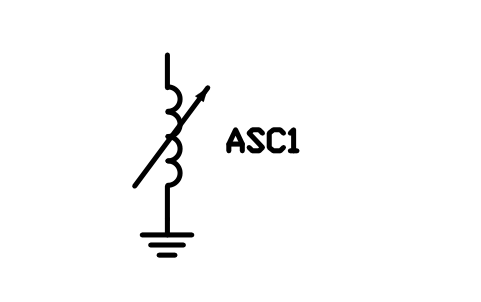
Arc suppression coil (Petersen)
WNS_PETERSENAttributes
TAGRATINGRATED_KVRATED_CURRENT_ATYPEMANUFACTURERMODELREMARKSDESC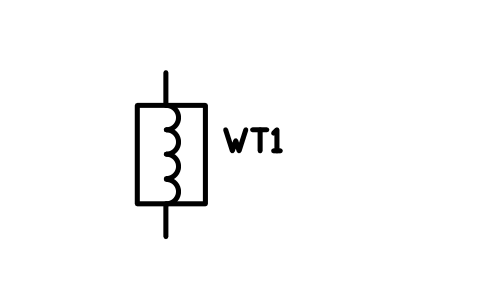
Line trap (wave trap)
WNS_WAVE_TRAPAttributes
TAGRATINGRATED_KVRATED_CURRENT_ATYPEMANUFACTURERMODELREMARKSDESC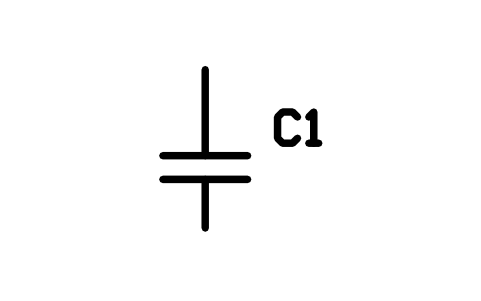
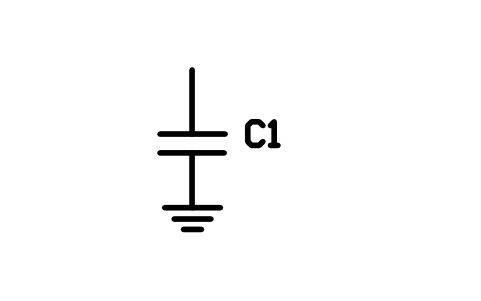
Shunt capacitor bank
WNS_CAP_SHUNTAttributes
TAGRATINGRATED_KVRATED_CURRENT_ATYPEMANUFACTURERMODELREMARKSDESC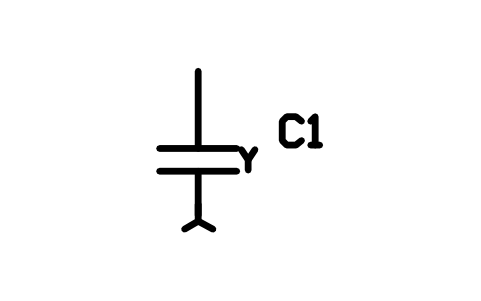
Capacitor bank, star, neutral open
WNS_CAP_SHUNT_YAttributes
TAGRATINGRATED_KVRATED_CURRENT_ATYPEMANUFACTURERMODELREMARKSDESC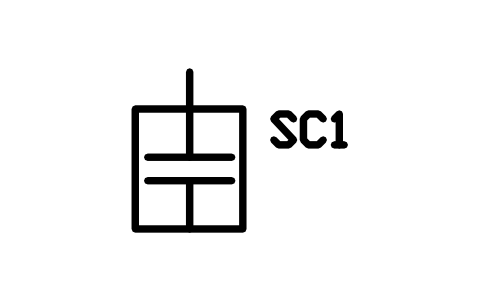
Series capacitor
WNS_CAP_SERIESAttributes
TAGRATINGRATED_KVRATED_CURRENT_ATYPEMANUFACTURERMODELREMARKSDESCSurge arrester
WNS_ARRESTERAttributes
TAGRATED_KVMCOV_KVDISCHARGE_KAHOUSINGMANUFACTURERMODELREMARKSDESC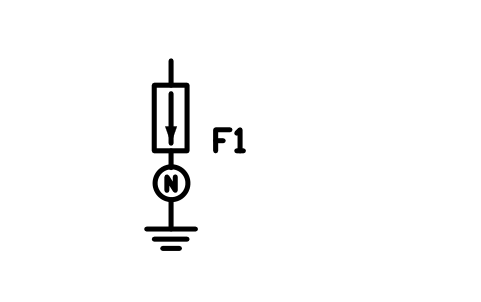
Surge arrester with counter
WNS_ARRESTER_COUNTERAttributes
TAGRATED_KVMCOV_KVDISCHARGE_KAHOUSINGMANUFACTURERMODELREMARKSDESCCircuit breaker
WNS_CBAttributes
TAGRATED_KVRATED_CURRENT_ABREAKING_KAINTERRUPTERMECHANISMCONTROL_VOLTAGEMANUFACTURERMODELREMARKSDESC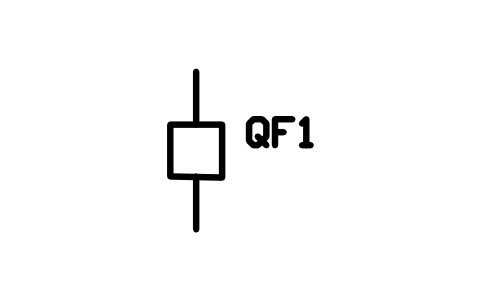
Circuit breaker, box, open
WNS_CB_BOX_OPENAttributes
TAGRATED_KVRATED_CURRENT_ABREAKING_KAINTERRUPTERMECHANISMCONTROL_VOLTAGEMANUFACTURERMODELREMARKSDESC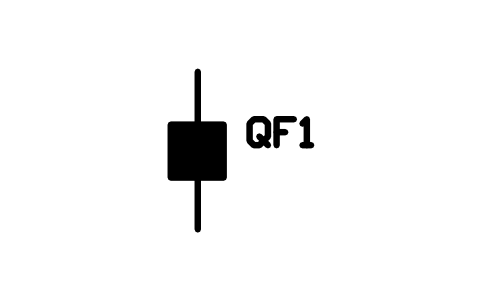
Circuit breaker, box, closed
WNS_CB_BOX_CLOSEDAttributes
TAGRATED_KVRATED_CURRENT_ABREAKING_KAINTERRUPTERMECHANISMCONTROL_VOLTAGEMANUFACTURERMODELREMARKSDESCCircuit breaker, vacuum
WNS_CB_VCBAttributes
TAGRATED_KVRATED_CURRENT_ABREAKING_KAINTERRUPTERMECHANISMCONTROL_VOLTAGEMANUFACTURERMODELREMARKSDESCCircuit breaker, SF6
WNS_CB_SF6Attributes
TAGRATED_KVRATED_CURRENT_ABREAKING_KAINTERRUPTERMECHANISMCONTROL_VOLTAGEMANUFACTURERMODELREMARKSDESC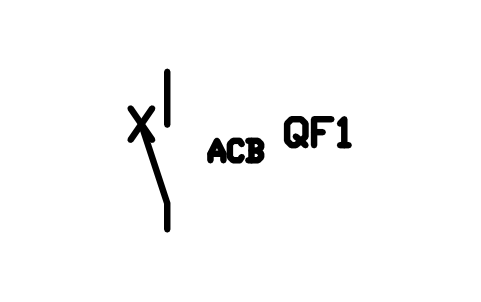
Air circuit breaker
WNS_CB_ACBAttributes
TAGRATED_KVRATED_CURRENT_ABREAKING_KAINTERRUPTERMECHANISMCONTROL_VOLTAGEMANUFACTURERMODELREMARKSDESC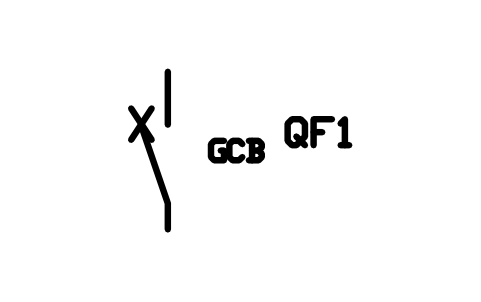
Generator circuit breaker
WNS_CB_GENAttributes
TAGRATED_KVRATED_CURRENT_ABREAKING_KAINTERRUPTERMECHANISMCONTROL_VOLTAGEMANUFACTURERMODELREMARKSDESC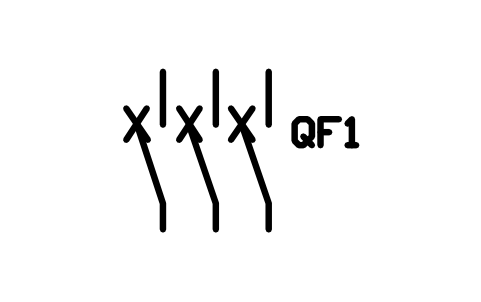
Circuit breaker, three pole
WNS_CB_3PAttributes
TAGRATED_KVRATED_CURRENT_ABREAKING_KAINTERRUPTERMECHANISMCONTROL_VOLTAGEMANUFACTURERMODELREMARKSDESC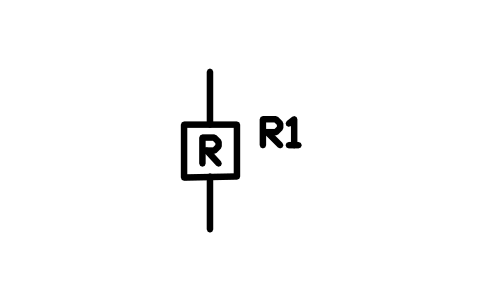
Recloser
WNS_RECLOSERAttributes
TAGRATED_KVRATED_CURRENT_ABREAKING_KAINTERRUPTERMECHANISMCONTROL_VOLTAGEMANUFACTURERMODELREMARKSDESC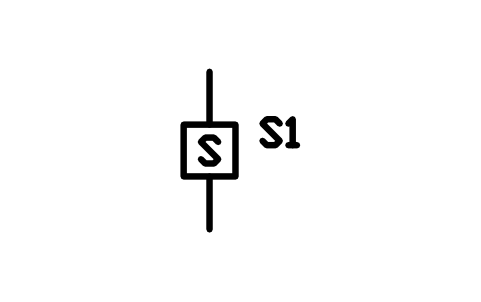
Sectionalizer
WNS_SECTIONALIZERAttributes
TAGRATED_KVRATED_CURRENT_ABREAKING_KAINTERRUPTERMECHANISMCONTROL_VOLTAGEMANUFACTURERMODELREMARKSDESCDisconnector
WNS_DISCONNECTORAttributes
TAGRATED_KVRATED_CURRENT_ASHORT_TIME_KAEARTHING_SWITCHMECHANISMMANUFACTURERMODELREMARKSDESC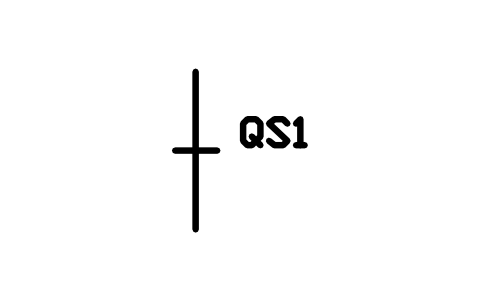
Disconnector, closed
WNS_DISCONNECTOR_CLOSEDAttributes
TAGRATED_KVRATED_CURRENT_ASHORT_TIME_KAEARTHING_SWITCHMECHANISMMANUFACTURERMODELREMARKSDESCEarthing switch
WNS_EARTH_SWITCHAttributes
TAGRATED_KVRATED_CURRENT_ASHORT_TIME_KAEARTHING_SWITCHMECHANISMMANUFACTURERMODELREMARKSDESCLoad break switch
WNS_LOAD_BREAKAttributes
TAGRATED_KVRATED_CURRENT_ASHORT_TIME_KAEARTHING_SWITCHMECHANISMMANUFACTURERMODELREMARKSDESCSwitch-disconnector
WNS_SWITCH_DISCAttributes
TAGRATED_KVRATED_CURRENT_ASHORT_TIME_KAEARTHING_SWITCHMECHANISMMANUFACTURERMODELREMARKSDESCFuse
WNS_FUSEAttributes
TAGRATED_KVRATED_CURRENT_ABREAKING_KACHARACTERISTICMANUFACTURERMODELREMARKSDESC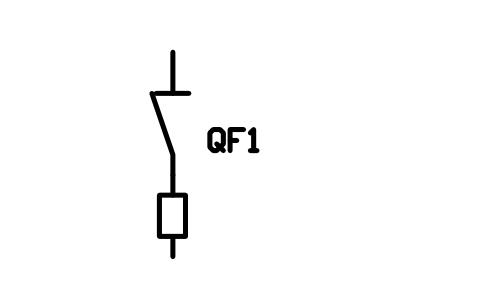
Fuse-switch disconnector
WNS_FUSE_SWITCHAttributes
TAGRATED_KVRATED_CURRENT_ABREAKING_KACHARACTERISTICMANUFACTURERMODELREMARKSDESCContactor
WNS_CONTACTORAttributes
TAGRATED_KVRATED_CURRENT_ABREAKING_KAINTERRUPTERMECHANISMCONTROL_VOLTAGEMANUFACTURERMODELREMARKSDESC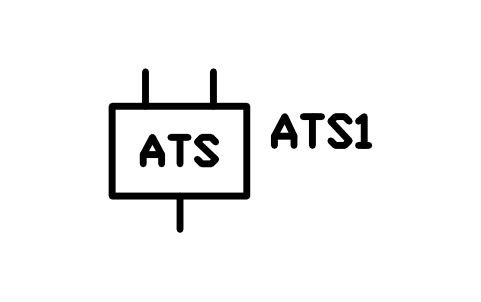
Automatic transfer switch
WNS_ATSAttributes
TAGRATED_KVRATED_CURRENT_ABREAKING_KAINTERRUPTERMECHANISMCONTROL_VOLTAGEMANUFACTURERMODELREMARKSDESC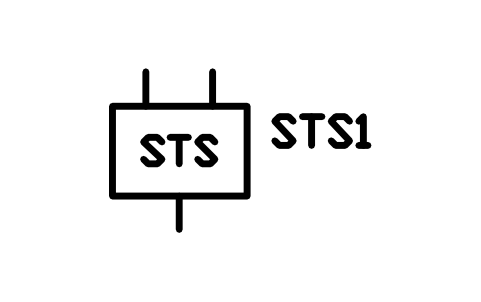
Static transfer switch
WNS_STSAttributes
TAGRATED_KVRATED_CURRENT_ABREAKING_KAINTERRUPTERMECHANISMCONTROL_VOLTAGEMANUFACTURERMODELREMARKSDESC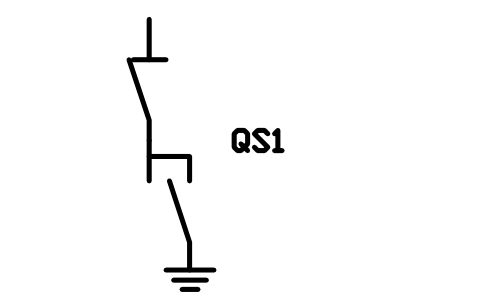
Disconnector with earthing switch
WNS_DISC_ESAttributes
TAGRATED_KVRATED_CURRENT_ASHORT_TIME_KAEARTHING_SWITCHMECHANISMMANUFACTURERMODELREMARKSDESC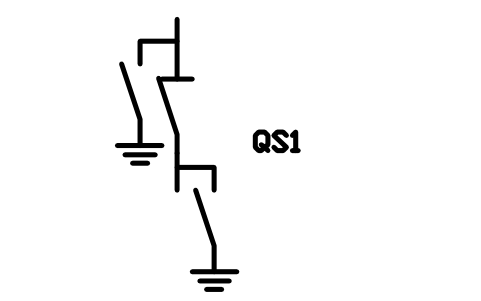
Disconnector with two earthing switches
WNS_DISC_2ESAttributes
TAGRATED_KVRATED_CURRENT_ASHORT_TIME_KAEARTHING_SWITCHMECHANISMMANUFACTURERMODELREMARKSDESC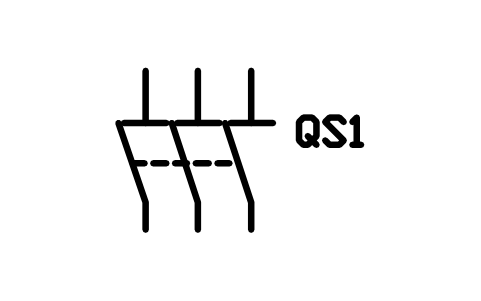
Disconnector, three pole
WNS_DISC_3PAttributes
TAGRATED_KVRATED_CURRENT_ASHORT_TIME_KAEARTHING_SWITCHMECHANISMMANUFACTURERMODELREMARKSDESC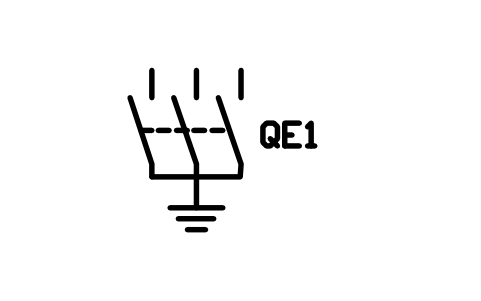
Earthing switch, three pole
WNS_ES_3PAttributes
TAGRATED_KVRATED_CURRENT_ASHORT_TIME_KAEARTHING_SWITCHMECHANISMMANUFACTURERMODELREMARKSDESC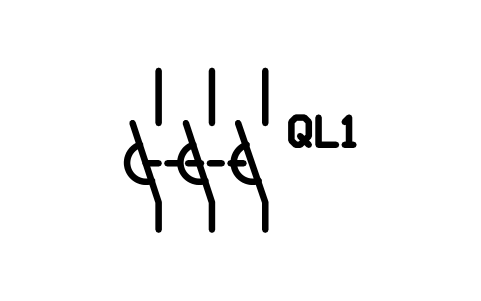
Load break switch, three pole
WNS_LBS_3PAttributes
TAGRATED_KVRATED_CURRENT_ASHORT_TIME_KAEARTHING_SWITCHMECHANISMMANUFACTURERMODELREMARKSDESC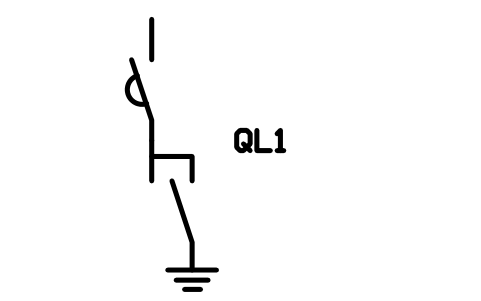
Load break switch with earthing switch
WNS_LBS_ESAttributes
TAGRATED_KVRATED_CURRENT_ASHORT_TIME_KAEARTHING_SWITCHMECHANISMMANUFACTURERMODELREMARKSDESC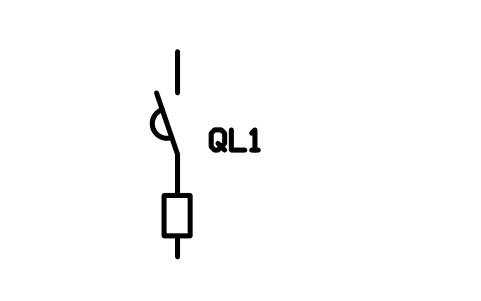
Load break switch with fuse
WNS_LBS_FUSEAttributes
TAGRATED_KVRATED_CURRENT_ABREAKING_KACHARACTERISTICMANUFACTURERMODELREMARKSDESC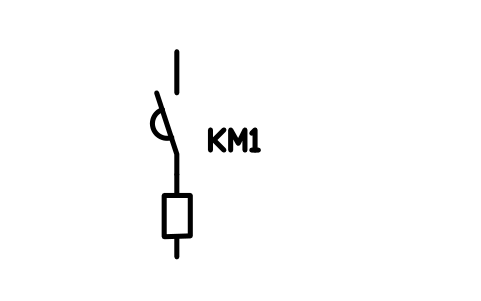
Contactor with fuse
WNS_CONTACTOR_FUSEAttributes
TAGRATED_KVRATED_CURRENT_ABREAKING_KACHARACTERISTICMANUFACTURERMODELREMARKSDESC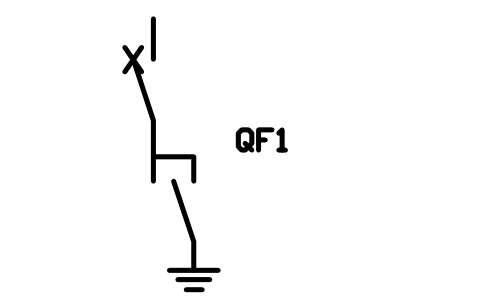
Circuit breaker with earthing switch
WNS_CB_ESAttributes
TAGRATED_KVRATED_CURRENT_ABREAKING_KAINTERRUPTERMECHANISMCONTROL_VOLTAGEMANUFACTURERMODELREMARKSDESC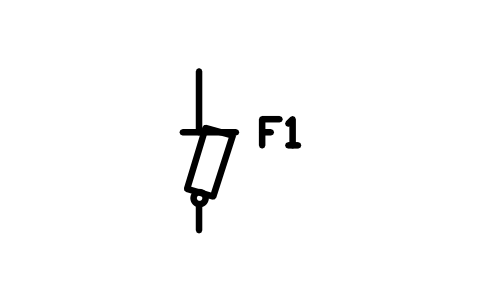
Fuse cutout (drop-out)
WNS_FUSE_CUTOUTAttributes
TAGRATED_KVRATED_CURRENT_ABREAKING_KACHARACTERISTICMANUFACTURERMODELREMARKSDESC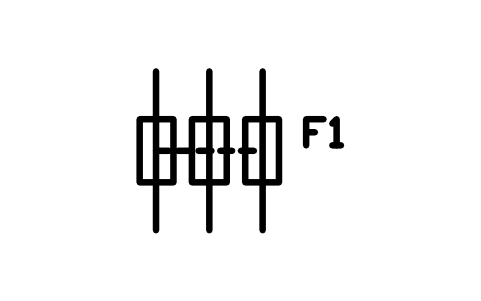
Fuse, three pole
WNS_FUSE_3PAttributes
TAGRATED_KVRATED_CURRENT_ABREAKING_KACHARACTERISTICMANUFACTURERMODELREMARKSDESC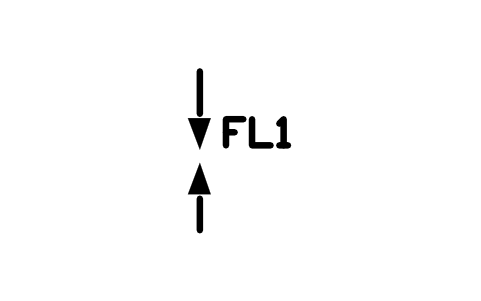
Current limiter (power cable)
WNS_CURRENT_LIMITERAttributes
TAGRATED_KVRATED_CURRENT_ABREAKING_KACHARACTERISTICMANUFACTURERMODELREMARKSDESC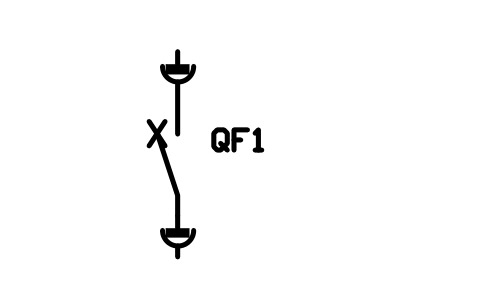
Circuit breaker, withdrawable
WNS_CB_WDAttributes
TAGRATED_KVRATED_CURRENT_ABREAKING_KAINTERRUPTERMECHANISMCONTROL_VOLTAGEMANUFACTURERMODELREMARKSDESC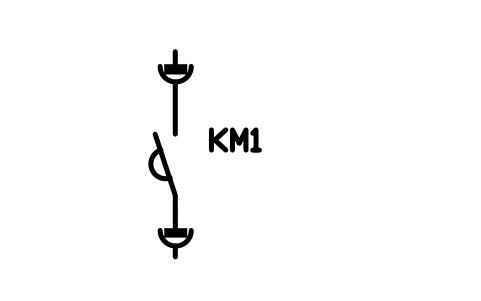
Contactor, withdrawable
WNS_CONTACTOR_WDAttributes
TAGRATED_KVRATED_CURRENT_ABREAKING_KAINTERRUPTERMECHANISMCONTROL_VOLTAGEMANUFACTURERMODELREMARKSDESCBusbar, double
WNS_BUS_DOUBLEAttributes
TAGVOLTAGE_KVRATED_CURRENT_ACONDUCTORSHORT_CIRCUIT_KAREMARKSDESCBusbar with section break
WNS_BUS_SECTIONAttributes
TAGVOLTAGE_KVRATED_CURRENT_ACONDUCTORSHORT_CIRCUIT_KAREMARKSDESC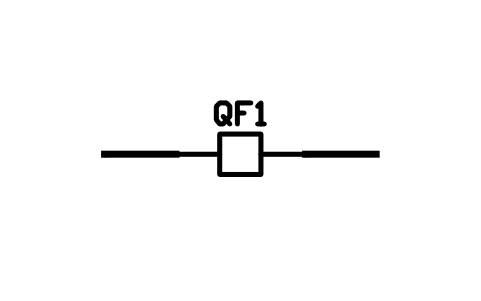
Bus tie breaker
WNS_BUS_TIEAttributes
TAGVOLTAGE_KVRATED_CURRENT_ACONDUCTORSHORT_CIRCUIT_KAREMARKSDESCCrossing, not connected
WNS_CROSSINGAttributes
TAGVOLTAGE_KVRATED_CURRENT_ACONDUCTORSHORT_CIRCUIT_KAREMARKSDESCOverhead line
WNS_OHLAttributes
TAGVOLTAGE_KVCONDUCTORLENGTH_KMRATED_CURRENT_ACIRCUITSFROM_TOREMARKSDESC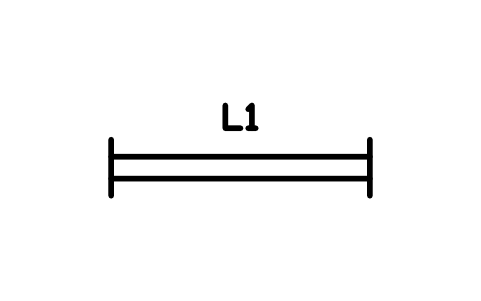
Overhead line, double circuit
WNS_OHL_DOUBLEAttributes
TAGVOLTAGE_KVCONDUCTORLENGTH_KMRATED_CURRENT_ACIRCUITSFROM_TOREMARKSDESCCable sealing end
WNS_CABLE_ENDAttributes
TAGVOLTAGE_KVCABLE_TYPELENGTH_MRATED_CURRENT_AFROM_TOREMARKSDESCCable joint
WNS_CABLE_JOINTAttributes
TAGVOLTAGE_KVCABLE_TYPELENGTH_MRATED_CURRENT_AFROM_TOREMARKSDESC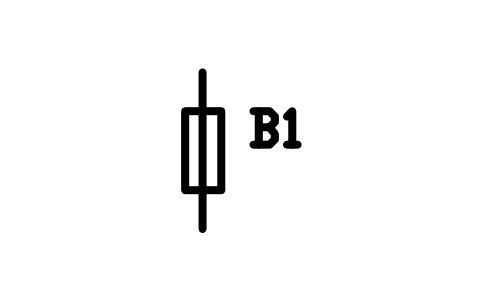
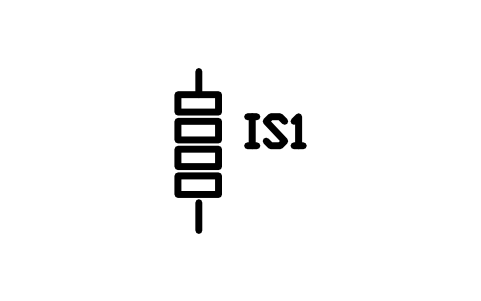
Insulator string
WNS_INSULATORAttributes
TAGVOLTAGE_KVCABLE_TYPELENGTH_MRATED_CURRENT_AFROM_TOREMARKSDESC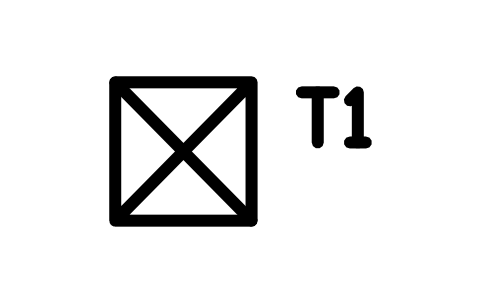
Tower, suspension
WNS_TOWER_SUSPAttributes
TAGVOLTAGE_KVCONDUCTORLENGTH_KMRATED_CURRENT_ACIRCUITSFROM_TOREMARKSDESC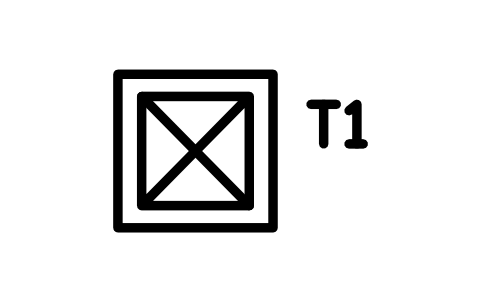
Tower, tension (dead-end)
WNS_TOWER_TENSAttributes
TAGVOLTAGE_KVCONDUCTORLENGTH_KMRATED_CURRENT_ACIRCUITSFROM_TOREMARKSDESC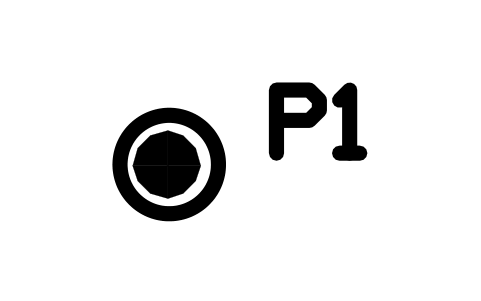
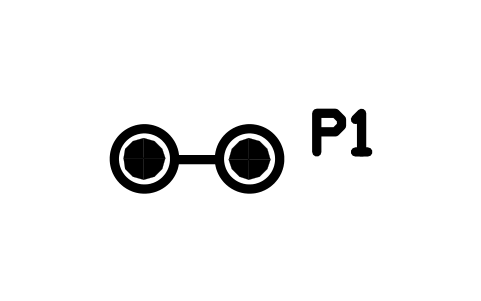
Pole, H-frame
WNS_POLE_HAttributes
TAGVOLTAGE_KVCONDUCTORLENGTH_KMRATED_CURRENT_ACIRCUITSFROM_TOREMARKSDESC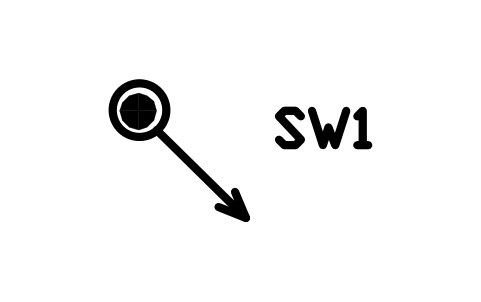
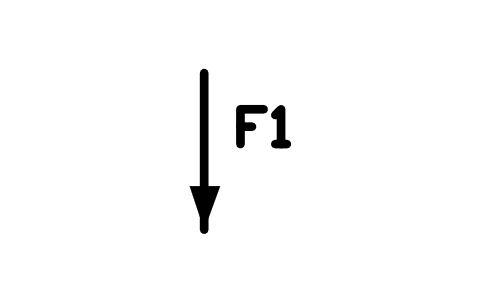
Feeder, outgoing
WNS_FEEDER_OUTAttributes
TAGVOLTAGE_KVCABLE_TYPELENGTH_MRATED_CURRENT_AFROM_TOREMARKSDESC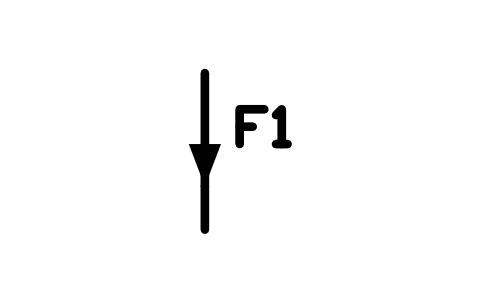
Feeder, incoming
WNS_FEEDER_INAttributes
TAGVOLTAGE_KVCABLE_TYPELENGTH_MRATED_CURRENT_AFROM_TOREMARKSDESC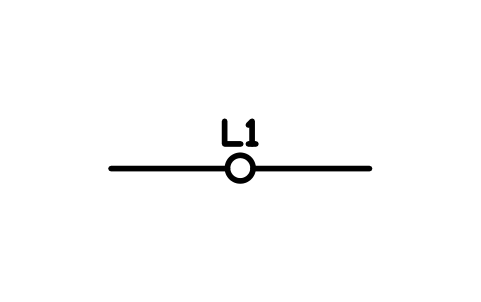
Overhead line (IEC mark)
WNS_LINE_OH_IECAttributes
TAGVOLTAGE_KVCONDUCTORLENGTH_KMRATED_CURRENT_ACIRCUITSFROM_TOREMARKSDESC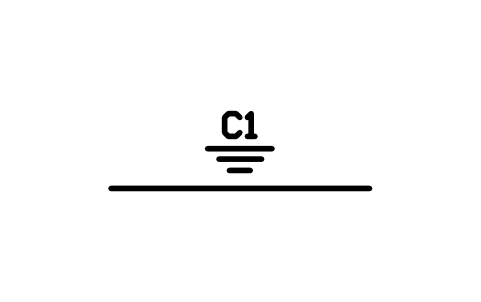
Underground line
WNS_LINE_UGAttributes
TAGVOLTAGE_KVCABLE_TYPELENGTH_MRATED_CURRENT_AFROM_TOREMARKSDESC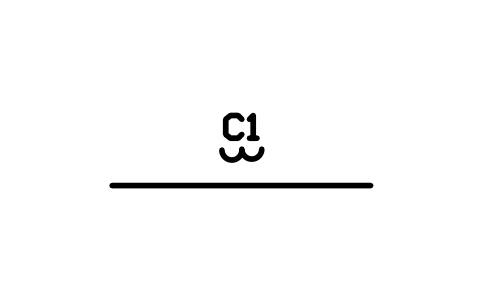
Submarine line
WNS_LINE_SUBAttributes
TAGVOLTAGE_KVCABLE_TYPELENGTH_MRATED_CURRENT_AFROM_TOREMARKSDESC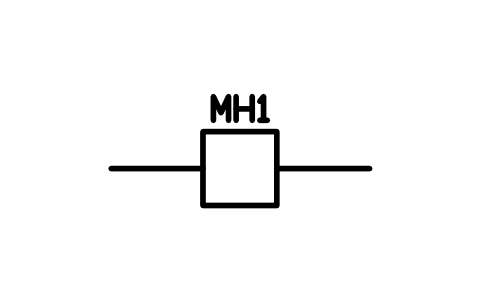
Cable manhole (chamber)
WNS_MANHOLEAttributes
TAGVOLTAGE_KVCABLE_TYPELENGTH_MRATED_CURRENT_AFROM_TOREMARKSDESC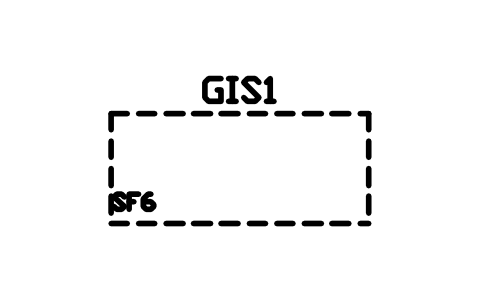
Gas-insulated enclosure
WNS_GIS_ENCLAttributes
TAGRATED_KVRATED_CURRENT_ASHORT_CIRCUIT_KABAY_NAMEMANUFACTURERMODELREMARKSDESC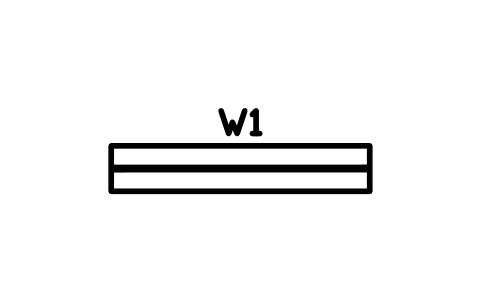
Gas-insulated busbar
WNS_GIBAttributes
TAGVOLTAGE_KVRATED_CURRENT_ACONDUCTORSHORT_CIRCUIT_KAREMARKSDESC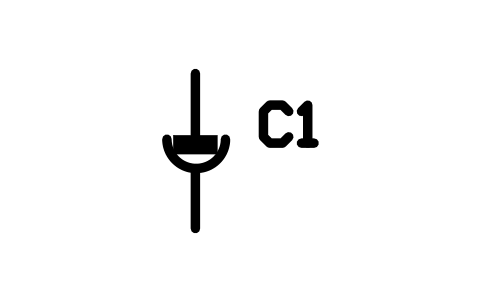
Cable separable connector
WNS_CABLE_SEPARABLEAttributes
TAGVOLTAGE_KVCABLE_TYPELENGTH_MRATED_CURRENT_AFROM_TOREMARKSDESC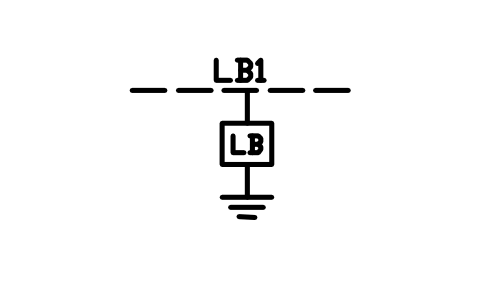
Link box (sheath bonding)
WNS_LINK_BOXAttributes
TAGVOLTAGE_KVCABLE_TYPELENGTH_MRATED_CURRENT_AFROM_TOREMARKSDESC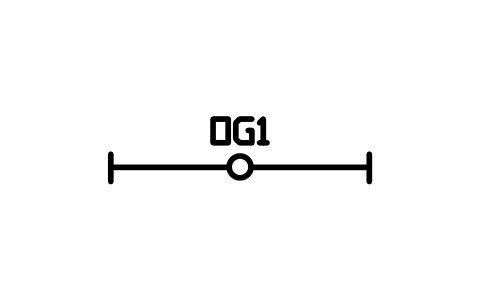
Optical ground wire (OPGW)
WNS_OPGWAttributes
TAGVOLTAGE_KVCONDUCTORLENGTH_KMRATED_CURRENT_ACIRCUITSFROM_TOREMARKSDESC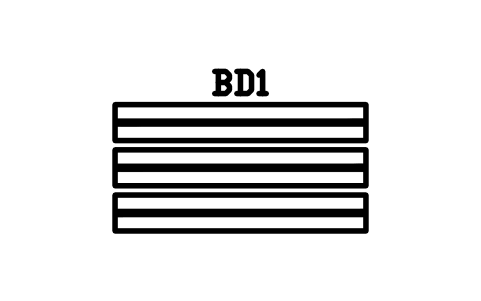
Isolated phase busduct
WNS_BUS_ISOPHASEAttributes
TAGVOLTAGE_KVRATED_CURRENT_ACONDUCTORSHORT_CIRCUIT_KAREMARKSDESC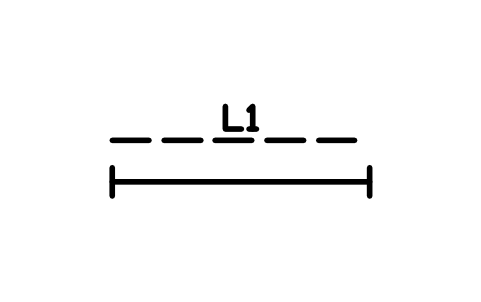
Overhead line with ground wire
WNS_OHL_GROUNDWIREAttributes
TAGVOLTAGE_KVCONDUCTORLENGTH_KMRATED_CURRENT_ACIRCUITSFROM_TOREMARKSDESC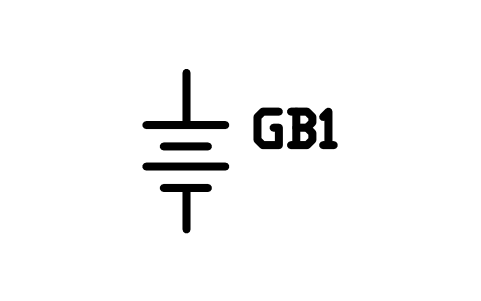
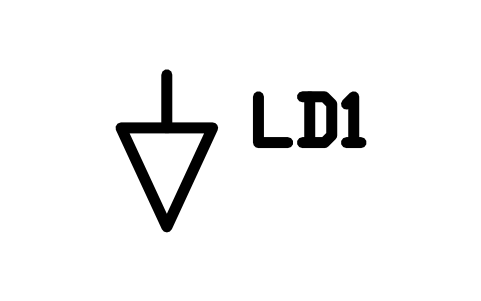
Load (static)
WNS_LOADAttributes
TAGPOWER_KWVOLTAGEPOWER_FACTORSTARTINGSERVICEMANUFACTURERMODELREMARKSDESC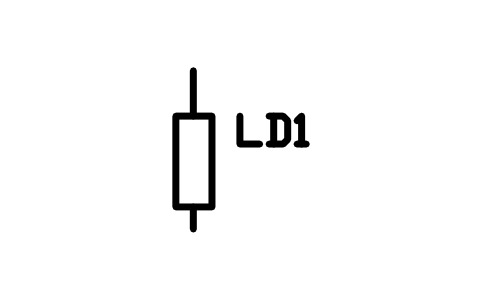
Load, resistive
WNS_LOAD_RESISTIVEAttributes
TAGPOWER_KWVOLTAGEPOWER_FACTORSTARTINGSERVICEMANUFACTURERMODELREMARKSDESC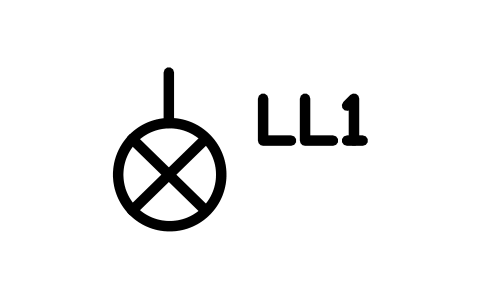
Lighting load
WNS_LOAD_LIGHTAttributes
TAGPOWER_KWVOLTAGEPOWER_FACTORSTARTINGSERVICEMANUFACTURERMODELREMARKSDESC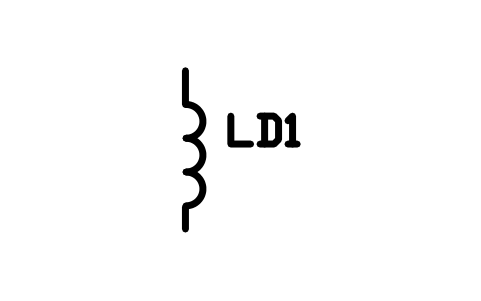
Load, inductive
WNS_LOAD_INDAttributes
TAGPOWER_KWVOLTAGEPOWER_FACTORSTARTINGSERVICEMANUFACTURERMODELREMARKSDESC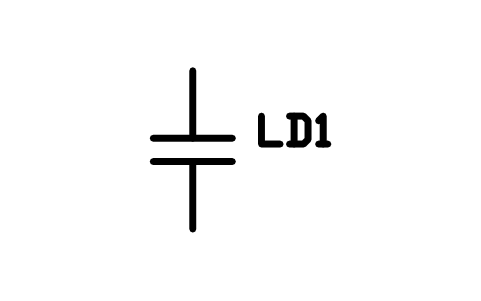
Load, capacitive
WNS_LOAD_CAPAttributes
TAGPOWER_KWVOLTAGEPOWER_FACTORSTARTINGSERVICEMANUFACTURERMODELREMARKSDESC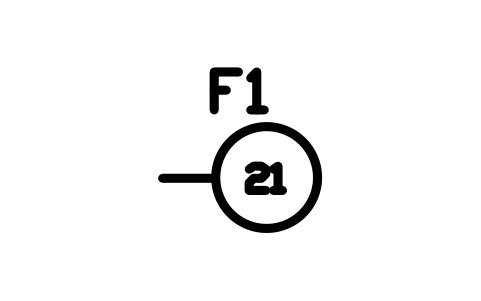
Relay, distance (21)
WNS_R_21Attributes
TAGFUNCTIONSETTINGTRIPSCT_INPUTVT_INPUTMANUFACTURERMODELREMARKSDESC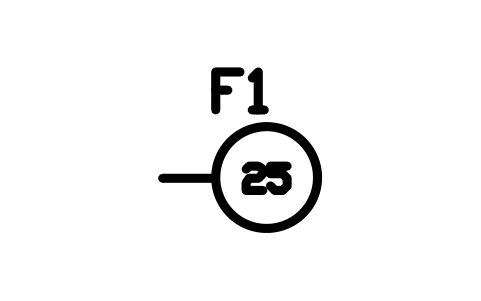
Relay, synchro-check (25)
WNS_R_25Attributes
TAGFUNCTIONSETTINGTRIPSCT_INPUTVT_INPUTMANUFACTURERMODELREMARKSDESC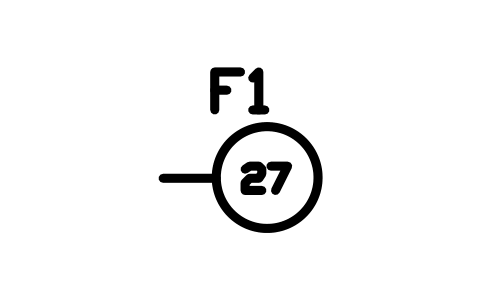
Relay, undervoltage (27)
WNS_R_27Attributes
TAGFUNCTIONSETTINGTRIPSCT_INPUTVT_INPUTMANUFACTURERMODELREMARKSDESC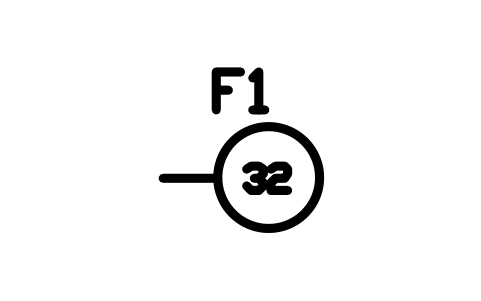
Relay, directional power (32)
WNS_R_32Attributes
TAGFUNCTIONSETTINGTRIPSCT_INPUTVT_INPUTMANUFACTURERMODELREMARKSDESC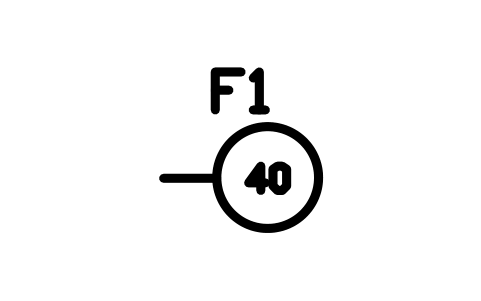
Relay, loss of field (40)
WNS_R_40Attributes
TAGFUNCTIONSETTINGTRIPSCT_INPUTVT_INPUTMANUFACTURERMODELREMARKSDESC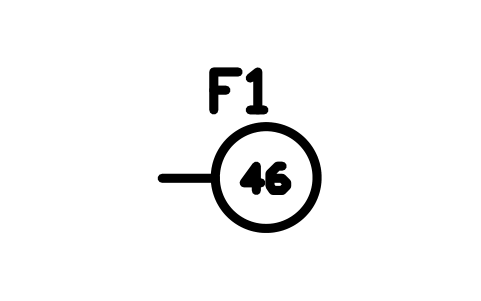
Relay, negative sequence (46)
WNS_R_46Attributes
TAGFUNCTIONSETTINGTRIPSCT_INPUTVT_INPUTMANUFACTURERMODELREMARKSDESC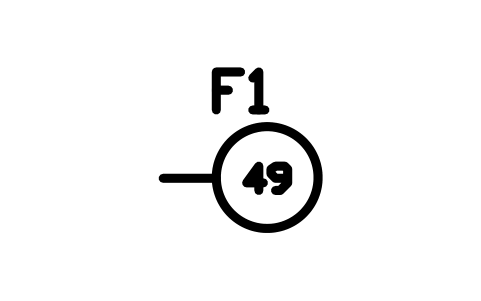
Relay, thermal (49)
WNS_R_49Attributes
TAGFUNCTIONSETTINGTRIPSCT_INPUTVT_INPUTMANUFACTURERMODELREMARKSDESC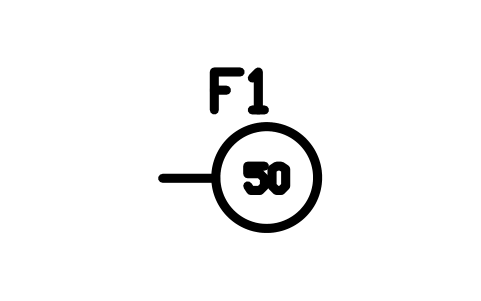
Relay, instantaneous overcurrent (50)
WNS_R_50Attributes
TAGFUNCTIONSETTINGTRIPSCT_INPUTVT_INPUTMANUFACTURERMODELREMARKSDESC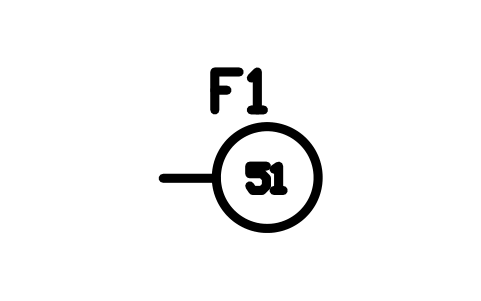
Relay, time overcurrent (51)
WNS_R_51Attributes
TAGFUNCTIONSETTINGTRIPSCT_INPUTVT_INPUTMANUFACTURERMODELREMARKSDESC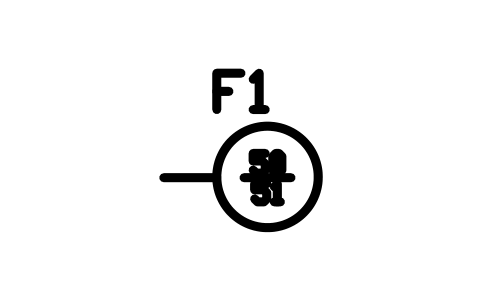
Relay, overcurrent (50/51)
WNS_R_5051Attributes
TAGFUNCTIONSETTINGTRIPSCT_INPUTVT_INPUTMANUFACTURERMODELREMARKSDESC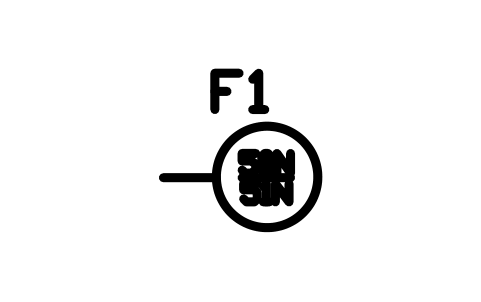
Relay, earth overcurrent (50N/51N)
WNS_R_5051NAttributes
TAGFUNCTIONSETTINGTRIPSCT_INPUTVT_INPUTMANUFACTURERMODELREMARKSDESC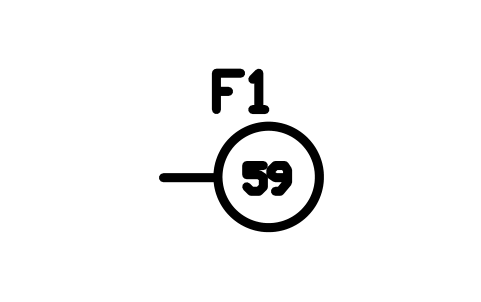
Relay, overvoltage (59)
WNS_R_59Attributes
TAGFUNCTIONSETTINGTRIPSCT_INPUTVT_INPUTMANUFACTURERMODELREMARKSDESC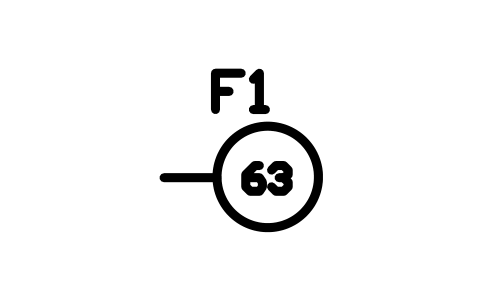
Relay, gas / pressure (63)
WNS_R_63Attributes
TAGFUNCTIONSETTINGTRIPSCT_INPUTVT_INPUTMANUFACTURERMODELREMARKSDESC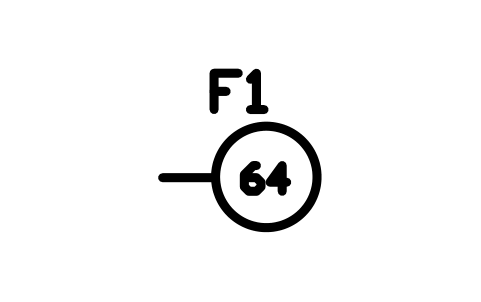
Relay, earth fault (64)
WNS_R_64Attributes
TAGFUNCTIONSETTINGTRIPSCT_INPUTVT_INPUTMANUFACTURERMODELREMARKSDESC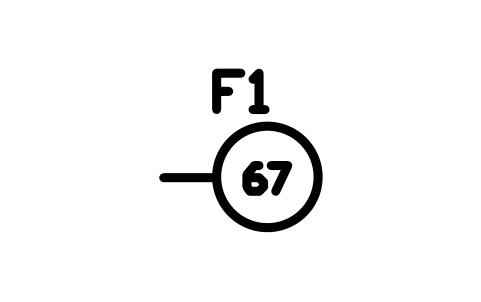
Relay, directional overcurrent (67)
WNS_R_67Attributes
TAGFUNCTIONSETTINGTRIPSCT_INPUTVT_INPUTMANUFACTURERMODELREMARKSDESC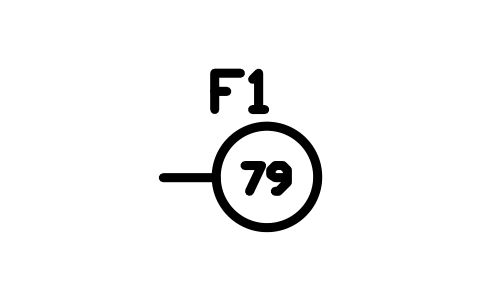
Relay, auto-reclosing (79)
WNS_R_79Attributes
TAGFUNCTIONSETTINGTRIPSCT_INPUTVT_INPUTMANUFACTURERMODELREMARKSDESC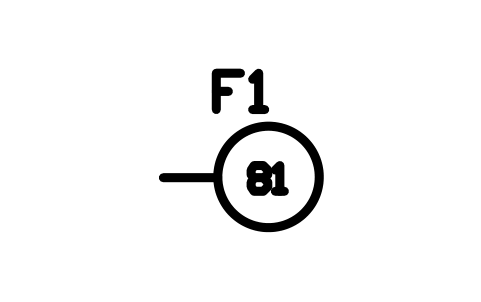
Relay, frequency (81)
WNS_R_81Attributes
TAGFUNCTIONSETTINGTRIPSCT_INPUTVT_INPUTMANUFACTURERMODELREMARKSDESC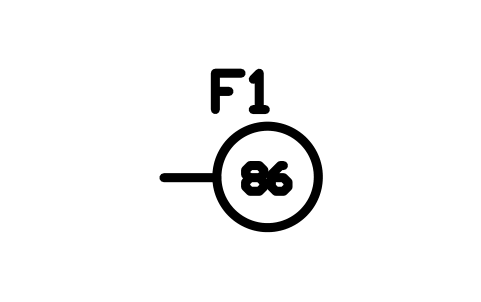
Relay, lockout (86)
WNS_R_86Attributes
TAGFUNCTIONSETTINGTRIPSCT_INPUTVT_INPUTMANUFACTURERMODELREMARKSDESC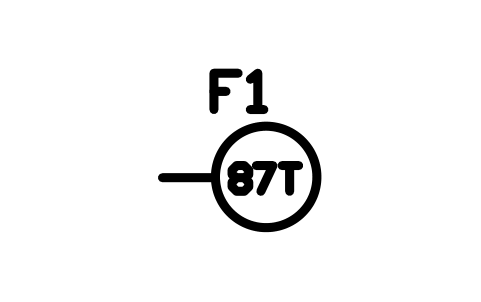
Relay, transformer differential (87T)
WNS_R_87TAttributes
TAGFUNCTIONSETTINGTRIPSCT_INPUTVT_INPUTMANUFACTURERMODELREMARKSDESC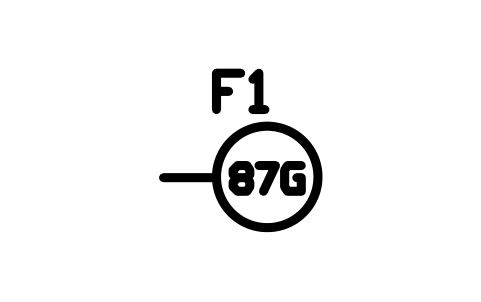
Relay, generator differential (87G)
WNS_R_87GAttributes
TAGFUNCTIONSETTINGTRIPSCT_INPUTVT_INPUTMANUFACTURERMODELREMARKSDESC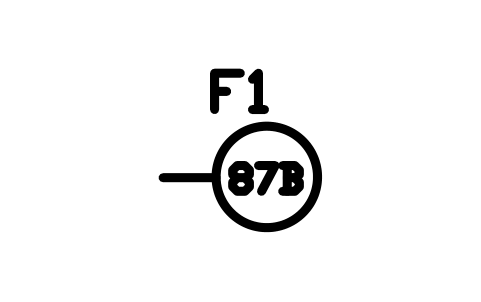
Relay, busbar differential (87B)
WNS_R_87BAttributes
TAGFUNCTIONSETTINGTRIPSCT_INPUTVT_INPUTMANUFACTURERMODELREMARKSDESC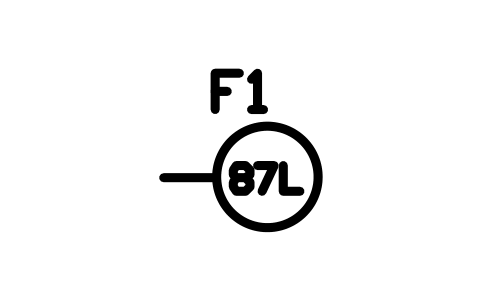
Relay, line differential (87L)
WNS_R_87LAttributes
TAGFUNCTIONSETTINGTRIPSCT_INPUTVT_INPUTMANUFACTURERMODELREMARKSDESCProtection relay, multifunction
WNS_R_GENERICAttributes
TAGFUNCTIONSETTINGTRIPSCT_INPUTVT_INPUTMANUFACTURERMODELREMARKSDESC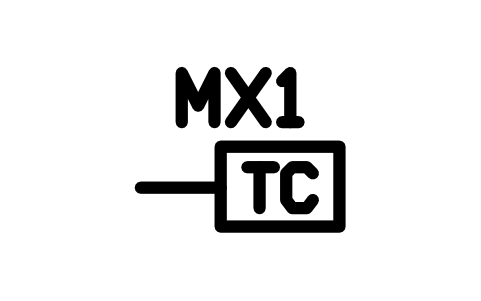
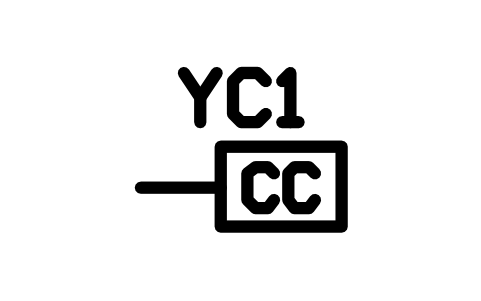
Closing coil
WNS_R_CLOSEAttributes
TAGFUNCTIONSETTINGTRIPSCT_INPUTVT_INPUTMANUFACTURERMODELREMARKSDESC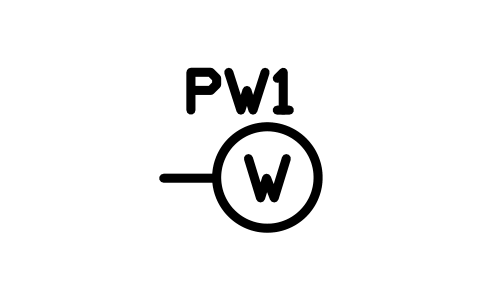
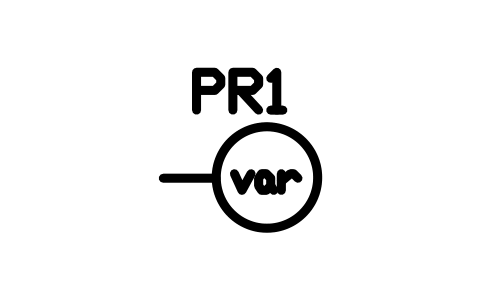
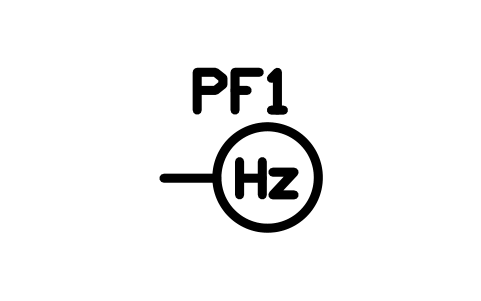
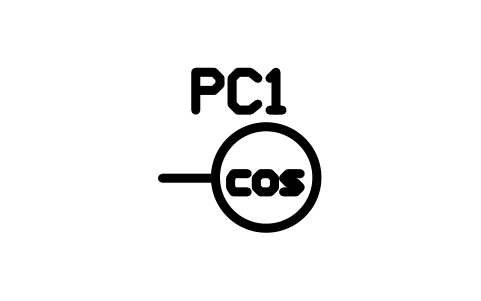
Power meter, multifunction
WNS_M_PMAttributes
TAGRANGEACCURACY_CLASSINPUTOUTPUTMANUFACTURERMODELREMARKSDESC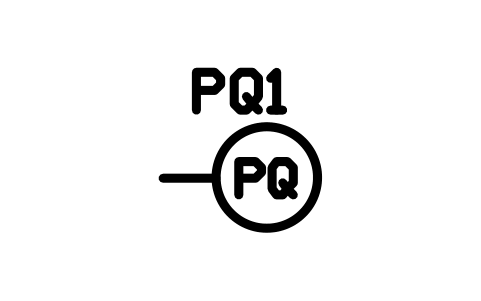
Power quality analyser
WNS_M_PQAttributes
TAGRANGEACCURACY_CLASSINPUTOUTPUTMANUFACTURERMODELREMARKSDESC


Time source (GPS clock)
WNS_C_GPSAttributes
TAGFUNCTIONSUPPLYCOMMUNICATIONMANUFACTURERMODELREMARKSDESC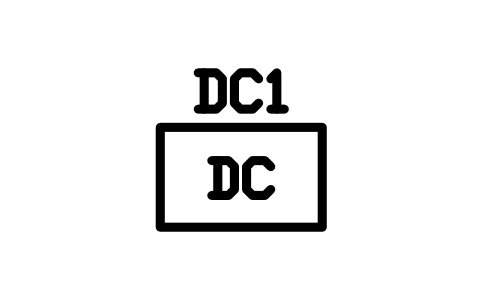
DC supply (battery and charger)
WNS_C_DCSUPPLYAttributes
TAGFUNCTIONSUPPLYCOMMUNICATIONMANUFACTURERMODELREMARKSDESC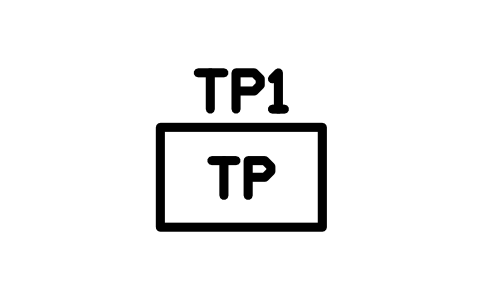
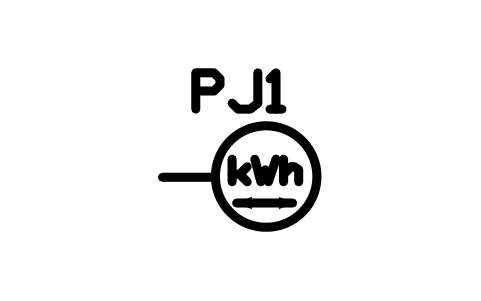
Energy meter, import / export
WNS_M_WH_BIAttributes
TAGRANGEACCURACY_CLASSINPUTOUTPUTMANUFACTURERMODELREMARKSDESC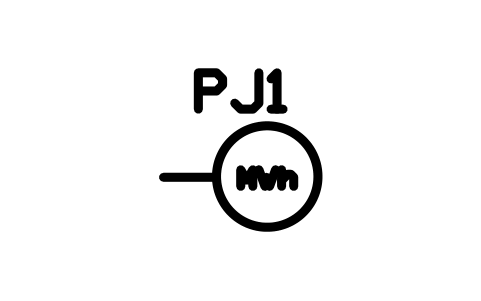
Energy meter, revenue (MWh)
WNS_M_MWHAttributes
TAGRANGEACCURACY_CLASSINPUTOUTPUTMANUFACTURERMODELREMARKSDESC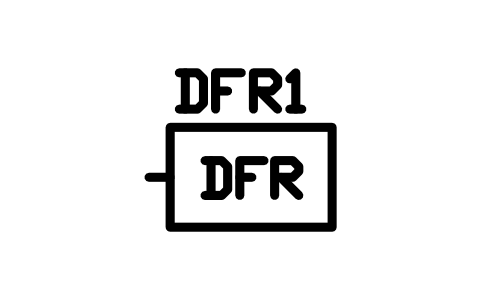
Disturbance fault recorder
WNS_C_DFRAttributes
TAGFUNCTIONSUPPLYCOMMUNICATIONMANUFACTURERMODELREMARKSDESC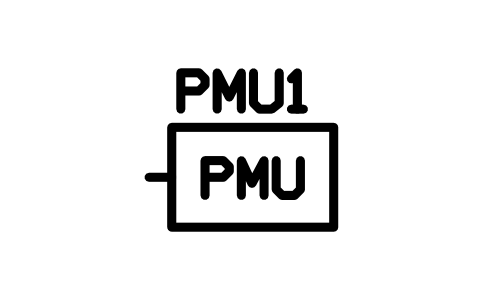
Phasor measurement unit
WNS_C_PMUAttributes
TAGFUNCTIONSUPPLYCOMMUNICATIONMANUFACTURERMODELREMARKSDESC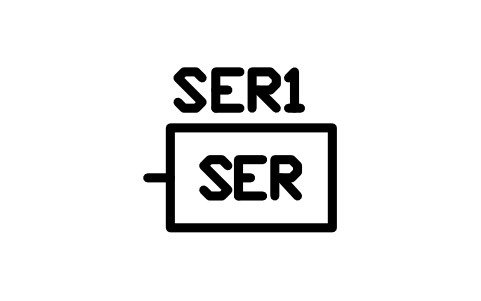
Sequence of events recorder
WNS_C_SERAttributes
TAGFUNCTIONSUPPLYCOMMUNICATIONMANUFACTURERMODELREMARKSDESC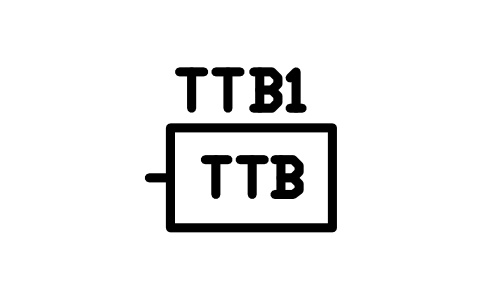
Tap changer controller (90)
WNS_C_TAPCTRLAttributes
TAGFUNCTIONSUPPLYCOMMUNICATIONMANUFACTURERMODELREMARKSDESC
Load shedding controller
WNS_C_LSCAttributes
TAGFUNCTIONSUPPLYCOMMUNICATIONMANUFACTURERMODELREMARKSDESC
DC distribution board
WNS_C_DCBOARDAttributes
TAGFUNCTIONSUPPLYCOMMUNICATIONMANUFACTURERMODELREMARKSDESC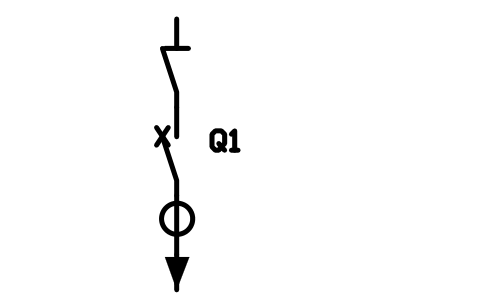
Feeder bay: disconnector, breaker, CT
WNS_BAY_FEEDERAttributes
TAGRATED_KVRATED_CURRENT_ASHORT_CIRCUIT_KABAY_NAMEMANUFACTURERMODELREMARKSDESC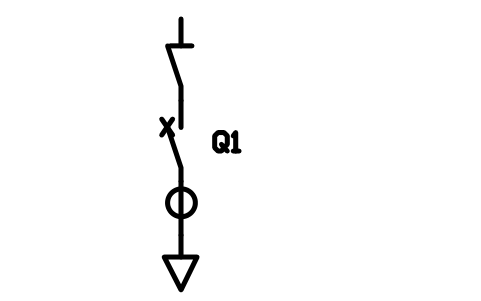
Incomer bay: disconnector, breaker, CT
WNS_BAY_INCOMERAttributes
TAGRATED_KVRATED_CURRENT_ASHORT_CIRCUIT_KABAY_NAMEMANUFACTURERMODELREMARKSDESC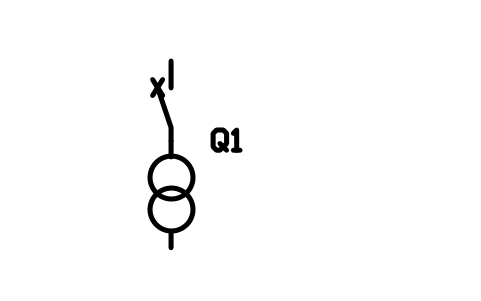
Transformer bay: breaker and transformer
WNS_BAY_TXAttributes
TAGRATED_KVRATED_CURRENT_ASHORT_CIRCUIT_KABAY_NAMEMANUFACTURERMODELREMARKSDESC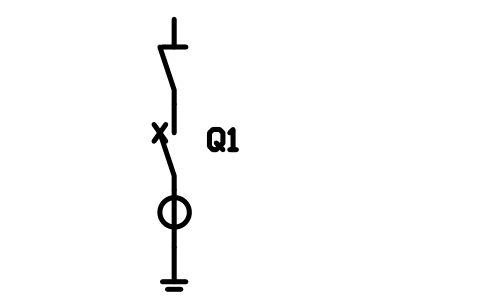
Line bay: disconnector, breaker, CT
WNS_BAY_LINEAttributes
TAGRATED_KVRATED_CURRENT_ASHORT_CIRCUIT_KABAY_NAMEMANUFACTURERMODELREMARKSDESC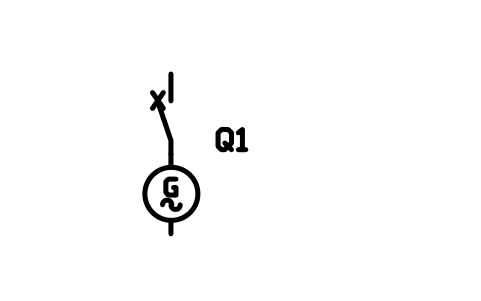
Generator bay: breaker and generator
WNS_BAY_GENAttributes
TAGRATED_KVRATED_CURRENT_ASHORT_CIRCUIT_KABAY_NAMEMANUFACTURERMODELREMARKSDESC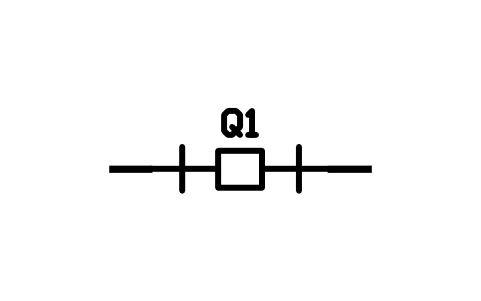
Bus section: disconnectors and breaker
WNS_BAY_TIEAttributes
TAGRATED_KVRATED_CURRENT_ASHORT_CIRCUIT_KABAY_NAMEMANUFACTURERMODELREMARKSDESC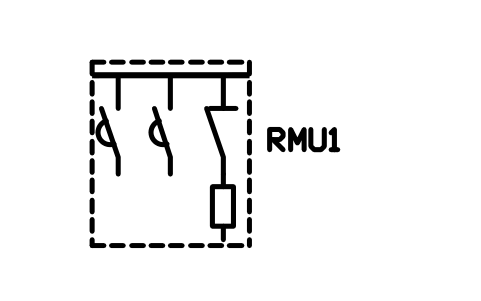
Ring main unit (3-way)
WNS_RMUAttributes
TAGRATED_KVRATED_CURRENT_ASHORT_CIRCUIT_KABAY_NAMEMANUFACTURERMODELREMARKSDESC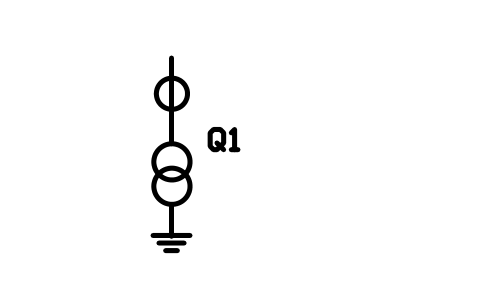
Metering cubicle: VT and CT
WNS_BAY_METERINGAttributes
TAGRATED_KVRATED_CURRENT_ASHORT_CIRCUIT_KABAY_NAMEMANUFACTURERMODELREMARKSDESC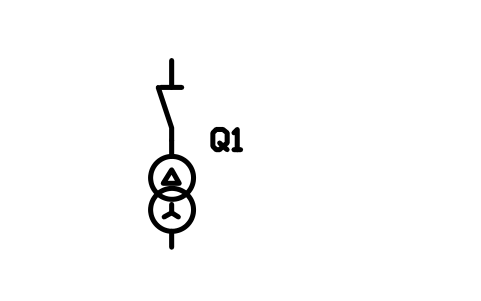
Station auxiliary bay
WNS_BAY_SSAttributes
TAGRATED_KVRATED_CURRENT_ASHORT_CIRCUIT_KABAY_NAMEMANUFACTURERMODELREMARKSDESC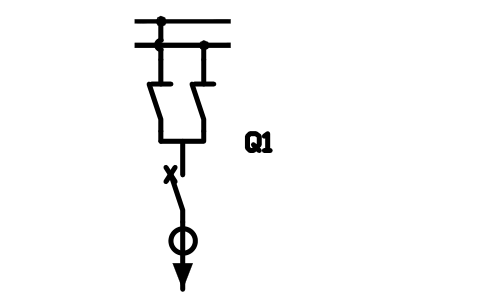
Double busbar feeder bay
WNS_BAY_DB_FEEDERAttributes
TAGRATED_KVRATED_CURRENT_ASHORT_CIRCUIT_KABAY_NAMEMANUFACTURERMODELREMARKSDESC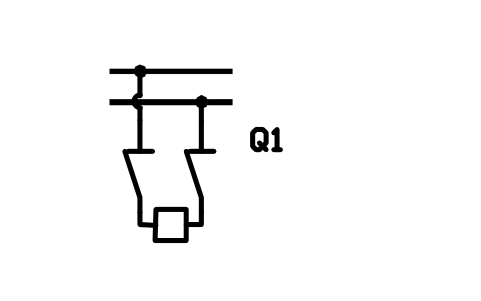
Double busbar coupler bay
WNS_BAY_DB_COUPLERAttributes
TAGRATED_KVRATED_CURRENT_ASHORT_CIRCUIT_KABAY_NAMEMANUFACTURERMODELREMARKSDESC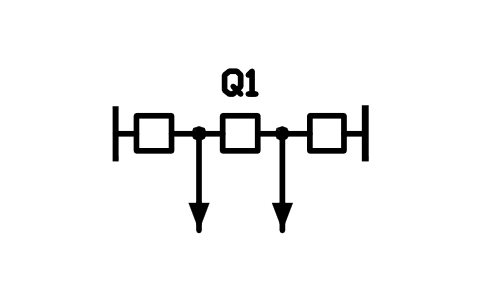
One-and-a-half breaker diameter
WNS_BAY_ONE_HALFAttributes
TAGRATED_KVRATED_CURRENT_ASHORT_CIRCUIT_KABAY_NAMEMANUFACTURERMODELREMARKSDESC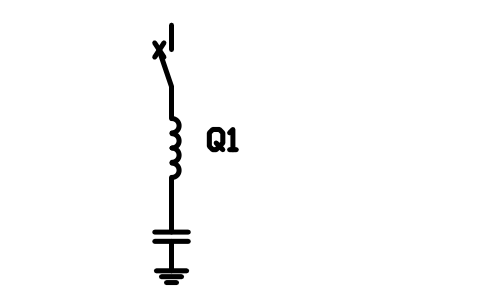
Capacitor bay: breaker, reactor, bank
WNS_BAY_CAPAttributes
TAGRATED_KVRATED_CURRENT_ASHORT_CIRCUIT_KABAY_NAMEMANUFACTURERMODELREMARKSDESC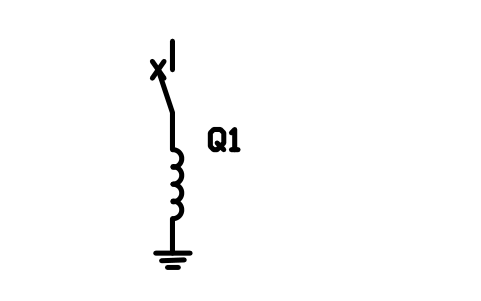
Reactor bay: breaker and shunt reactor
WNS_BAY_REACTORAttributes
TAGRATED_KVRATED_CURRENT_ASHORT_CIRCUIT_KABAY_NAMEMANUFACTURERMODELREMARKSDESC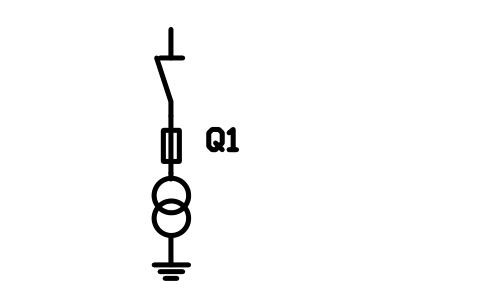
Voltage transformer bay: fuse and VT
WNS_BAY_VTAttributes
TAGRATED_KVRATED_CURRENT_ASHORT_CIRCUIT_KABAY_NAMEMANUFACTURERMODELREMARKSDESC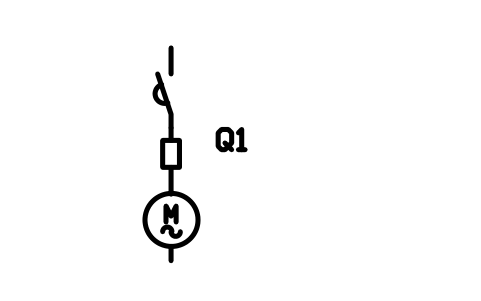
Motor feeder bay: contactor, fuse, motor
WNS_BAY_MOTORAttributes
TAGRATED_KVRATED_CURRENT_ASHORT_CIRCUIT_KABAY_NAMEMANUFACTURERMODELREMARKSDESC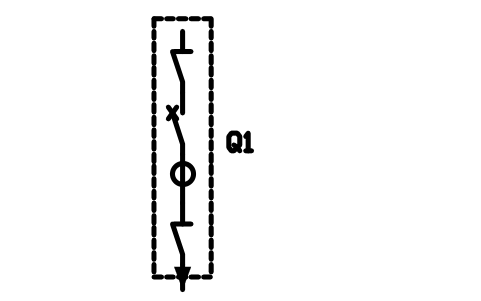
GIS feeder bay: gas-insulated
WNS_BAY_GIS_FEEDERAttributes
TAGRATED_KVRATED_CURRENT_ASHORT_CIRCUIT_KABAY_NAMEMANUFACTURERMODELREMARKSDESC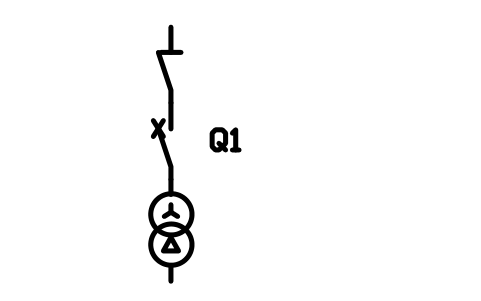
Transformer feeder: disconnector, breaker, TX
WNS_BAY_TX_FEEDERAttributes
TAGRATED_KVRATED_CURRENT_ASHORT_CIRCUIT_KABAY_NAMEMANUFACTURERMODELREMARKSDESC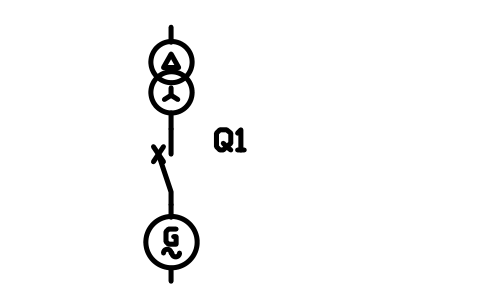
Generator unit: transformer, GCB, generator
WNS_BAY_GEN_UNITAttributes
TAGRATED_KVRATED_CURRENT_ASHORT_CIRCUIT_KABAY_NAMEMANUFACTURERMODELREMARKSDESC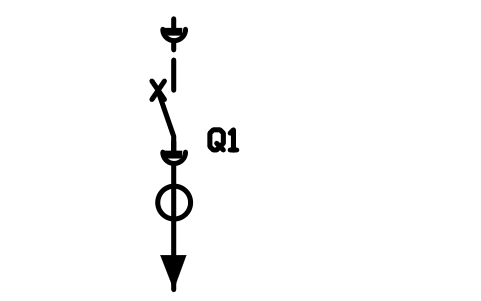
MV panel: withdrawable breaker, CT, cable
WNS_BAY_MV_PANELAttributes
TAGRATED_KVRATED_CURRENT_ASHORT_CIRCUIT_KABAY_NAMEMANUFACTURERMODELREMARKSDESCMoulded case circuit breaker
WNS_LV_MCCBAttributes
TAGRATED_CURRENT_AVOLTAGEBREAKING_KATRIP_UNITPOLESMANUFACTURERMODELREMARKSDESCMiniature circuit breaker
WNS_LV_MCBAttributes
TAGRATED_CURRENT_AVOLTAGEBREAKING_KATRIP_UNITPOLESMANUFACTURERMODELREMARKSDESC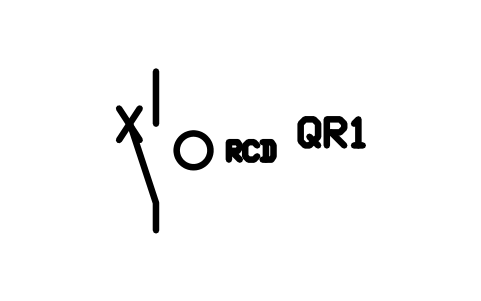
Residual current device
WNS_LV_RCDAttributes
TAGRATED_CURRENT_AVOLTAGEBREAKING_KATRIP_UNITPOLESMANUFACTURERMODELREMARKSDESC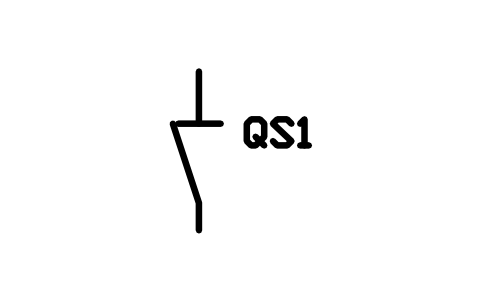
Isolating switch
WNS_LV_ISOLATORAttributes
TAGRATED_CURRENT_AVOLTAGEBREAKING_KATRIP_UNITPOLESMANUFACTURERMODELREMARKSDESC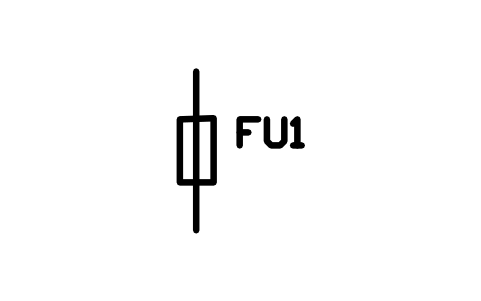
Fuse, low voltage
WNS_LV_FUSEAttributes
TAGRATED_CURRENT_AVOLTAGEBREAKING_KATRIP_UNITPOLESMANUFACTURERMODELREMARKSDESCSurge protective device
WNS_LV_SPDAttributes
TAGRATED_CURRENT_AVOLTAGEBREAKING_KATRIP_UNITPOLESMANUFACTURERMODELREMARKSDESCDistribution board
WNS_LV_DBAttributes
TAGRATED_CURRENT_AVOLTAGEBREAKING_KATRIP_UNITPOLESMANUFACTURERMODELREMARKSDESC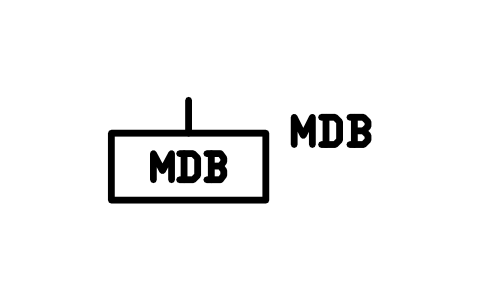
Main distribution board
WNS_LV_MDBAttributes
TAGRATED_CURRENT_AVOLTAGEBREAKING_KATRIP_UNITPOLESMANUFACTURERMODELREMARKSDESC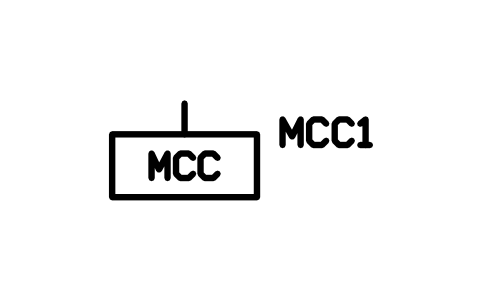
Motor control centre
WNS_LV_MCCAttributes
TAGRATED_CURRENT_AVOLTAGEBREAKING_KATRIP_UNITPOLESMANUFACTURERMODELREMARKSDESC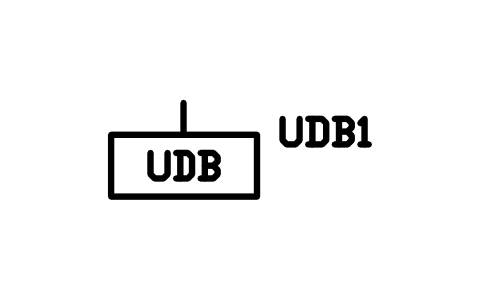
UPS distribution board
WNS_LV_UPSDBAttributes
TAGRATED_CURRENT_AVOLTAGEBREAKING_KATRIP_UNITPOLESMANUFACTURERMODELREMARKSDESC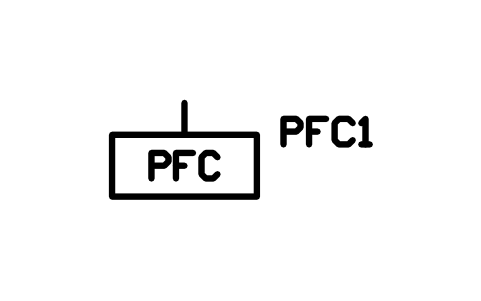
Power factor correction
WNS_LV_PFCAttributes
TAGRATED_CURRENT_AVOLTAGEBREAKING_KATRIP_UNITPOLESMANUFACTURERMODELREMARKSDESC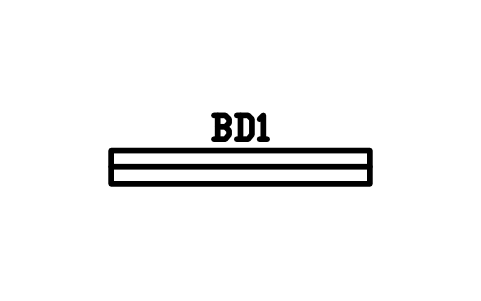
Busduct
WNS_LV_BUSDUCTAttributes
TAGRATED_CURRENT_AVOLTAGEBREAKING_KATRIP_UNITPOLESMANUFACTURERMODELREMARKSDESC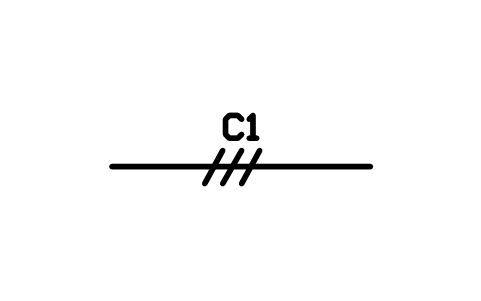
Cable, low voltage
WNS_LV_CABLEAttributes
TAGRATED_CURRENT_AVOLTAGEBREAKING_KATRIP_UNITPOLESMANUFACTURERMODELREMARKSDESC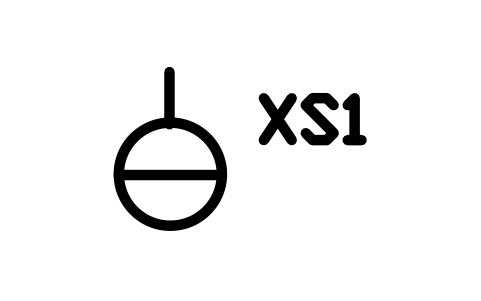
Socket outlet
WNS_LV_SOCKETAttributes
TAGRATED_CURRENT_AVOLTAGEBREAKING_KATRIP_UNITPOLESMANUFACTURERMODELREMARKSDESC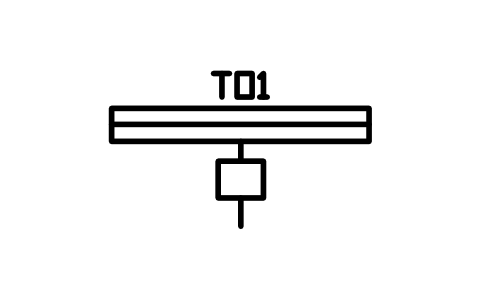
Busway tap-off unit
WNS_BUSWAY_TAPAttributes
TAGRATED_CURRENT_AVOLTAGEBREAKING_KATRIP_UNITPOLESMANUFACTURERMODELREMARKSDESC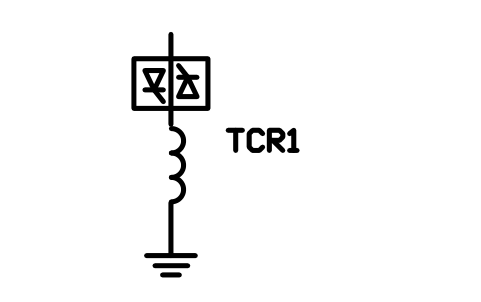
Thyristor controlled reactor (TCR)
WNS_TCRAttributes
TAGRATINGRATED_KVRATED_CURRENT_ATYPEMANUFACTURERMODELREMARKSDESC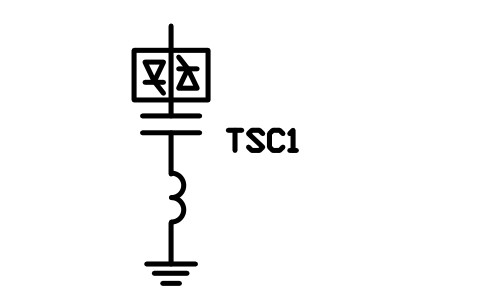
Thyristor switched capacitor (TSC)
WNS_TSCAttributes
TAGRATINGRATED_KVRATED_CURRENT_ATYPEMANUFACTURERMODELREMARKSDESC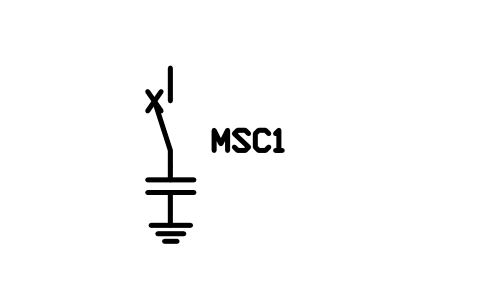
Mechanically switched capacitor (MSC)
WNS_MSCAttributes
TAGRATINGRATED_KVRATED_CURRENT_ATYPEMANUFACTURERMODELREMARKSDESC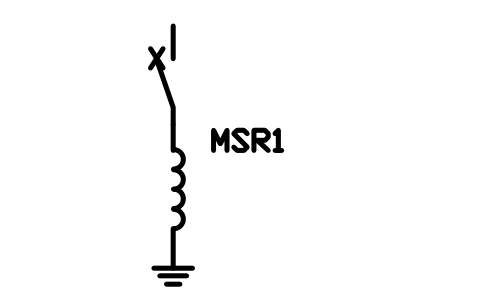
Mechanically switched reactor (MSR)
WNS_MSRAttributes
TAGRATINGRATED_KVRATED_CURRENT_ATYPEMANUFACTURERMODELREMARKSDESC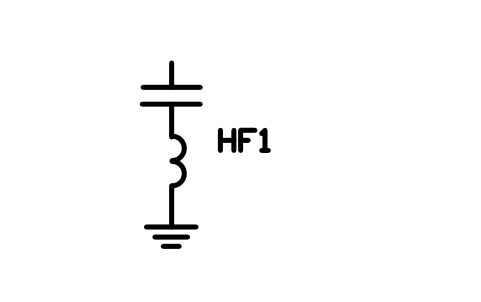
Harmonic filter, single tuned
WNS_FILTER_TUNEDAttributes
TAGRATINGRATED_KVRATED_CURRENT_ATYPEMANUFACTURERMODELREMARKSDESC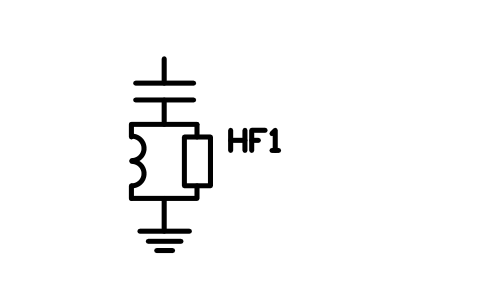
Harmonic filter, high pass (damped)
WNS_FILTER_HPAttributes
TAGRATINGRATED_KVRATED_CURRENT_ATYPEMANUFACTURERMODELREMARKSDESC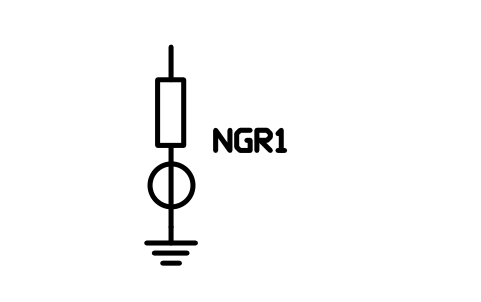
Neutral earthing resistor with CT
WNS_NGR_CTAttributes
TAGRATINGRATED_KVRATED_CURRENT_ATYPEMANUFACTURERMODELREMARKSDESC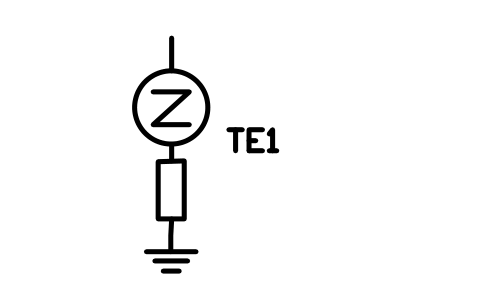
Earthing transformer with resistor
WNS_EARTHING_TX_RAttributes
TAGRATINGRATED_KVRATED_CURRENT_ATYPEMANUFACTURERMODELREMARKSDESC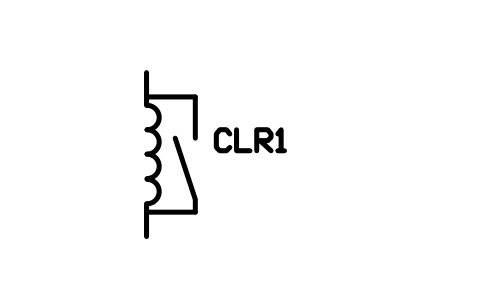
Current limiting reactor with bypass
WNS_CLR_BYPASSAttributes
TAGRATINGRATED_KVRATED_CURRENT_ATYPEMANUFACTURERMODELREMARKSDESC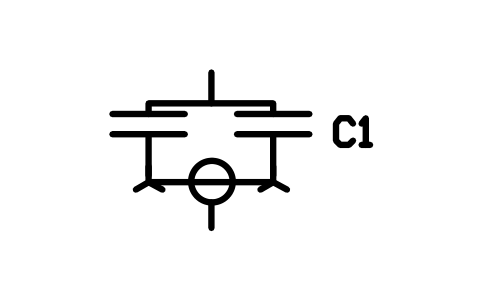
Capacitor bank, double star, unbalance CT
WNS_CAP_DBL_STARAttributes
TAGRATINGRATED_KVRATED_CURRENT_ATYPEMANUFACTURERMODELREMARKSDESC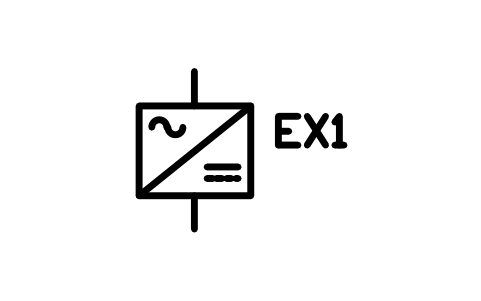
Excitation, static (thyristor)
WNS_EXC_STATICAttributes
TAGFUNCTIONSUPPLYCOMMUNICATIONMANUFACTURERMODELREMARKSDESC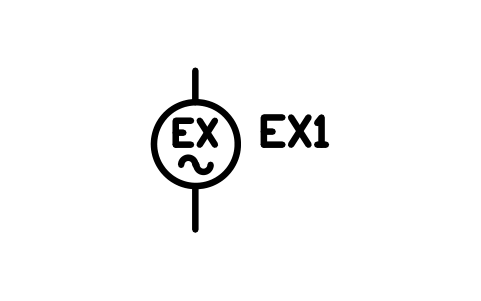
Excitation, rotating (brushless)
WNS_EXC_ROTATINGAttributes
TAGFUNCTIONSUPPLYCOMMUNICATIONMANUFACTURERMODELREMARKSDESC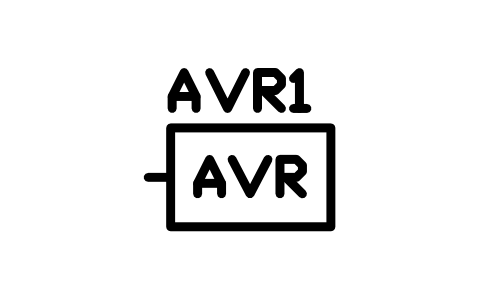
Automatic voltage regulator (AVR)
WNS_AVRAttributes
TAGFUNCTIONSUPPLYCOMMUNICATIONMANUFACTURERMODELREMARKSDESC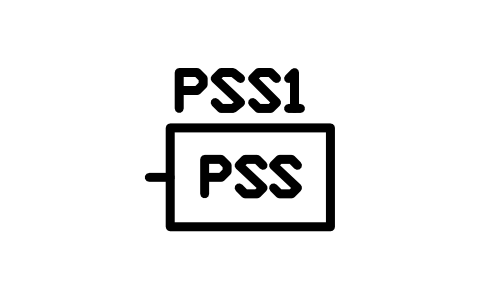
Power system stabiliser (PSS)
WNS_PSSAttributes
TAGFUNCTIONSUPPLYCOMMUNICATIONMANUFACTURERMODELREMARKSDESC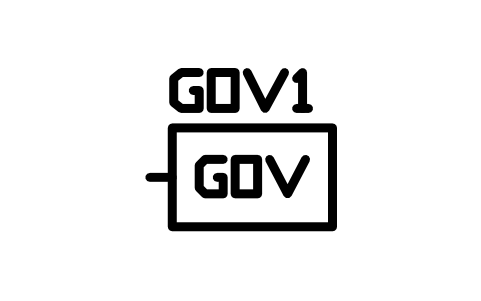
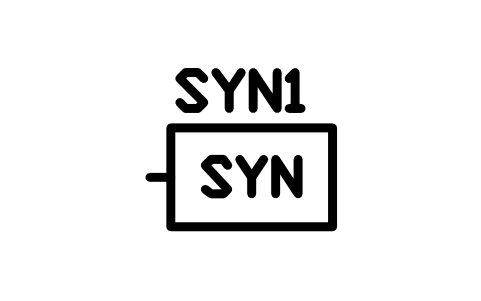
Automatic synchroniser
WNS_SYNCHRONISERAttributes
TAGFUNCTIONSUPPLYCOMMUNICATIONMANUFACTURERMODELREMARKSDESC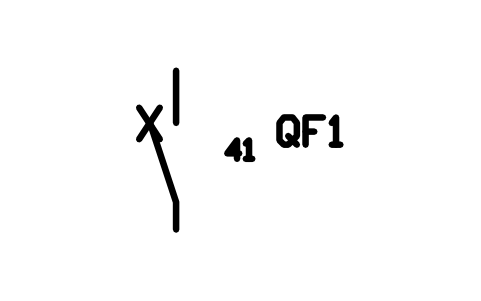
Field circuit breaker (41)
WNS_FIELD_BREAKERAttributes
TAGRATED_KVRATED_CURRENT_ABREAKING_KAINTERRUPTERMECHANISMCONTROL_VOLTAGEMANUFACTURERMODELREMARKSDESC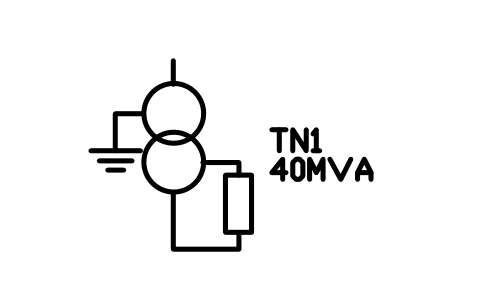
Generator neutral earthing transformer
WNS_GEN_NEUTRAL_TXAttributes
TAGRATING_MVAVOLTAGE_RATIOVECTOR_GROUPIMPEDANCE_PCTTAP_RANGECOOLINGNEUTRAL_EARTHINGMANUFACTURERMODELREMARKSDESC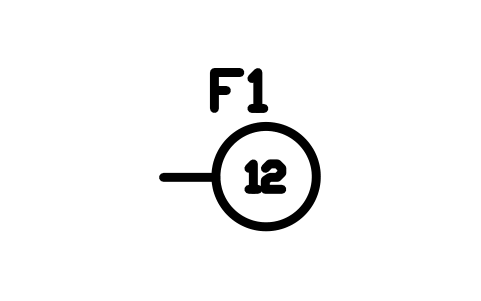
Relay, overspeed (12)
WNS_R_12Attributes
TAGFUNCTIONSETTINGTRIPSCT_INPUTVT_INPUTMANUFACTURERMODELREMARKSDESC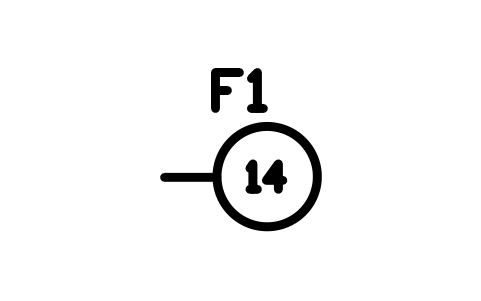
Relay, underspeed (14)
WNS_R_14Attributes
TAGFUNCTIONSETTINGTRIPSCT_INPUTVT_INPUTMANUFACTURERMODELREMARKSDESC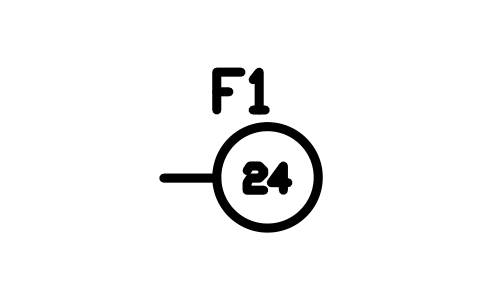
Relay, overexcitation V/Hz (24)
WNS_R_24Attributes
TAGFUNCTIONSETTINGTRIPSCT_INPUTVT_INPUTMANUFACTURERMODELREMARKSDESC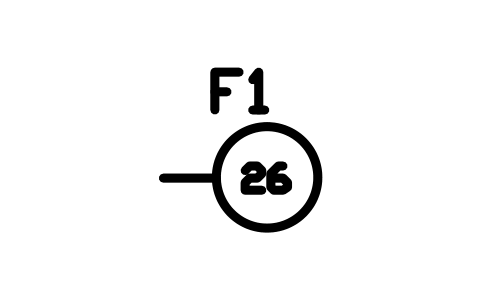
Relay, apparatus thermal (26)
WNS_R_26Attributes
TAGFUNCTIONSETTINGTRIPSCT_INPUTVT_INPUTMANUFACTURERMODELREMARKSDESC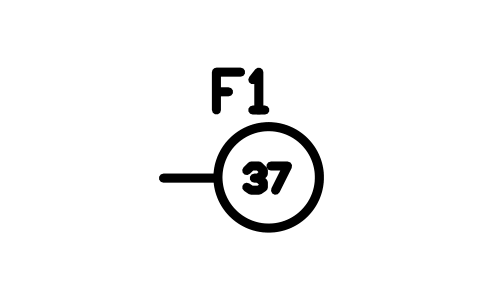
Relay, undercurrent / underpower (37)
WNS_R_37Attributes
TAGFUNCTIONSETTINGTRIPSCT_INPUTVT_INPUTMANUFACTURERMODELREMARKSDESC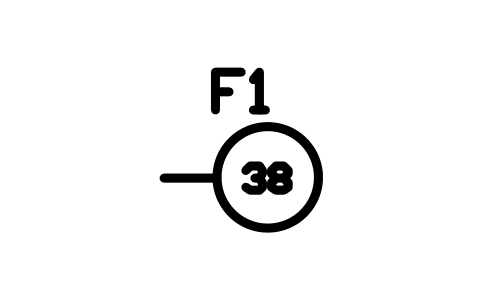
Relay, bearing protection (38)
WNS_R_38Attributes
TAGFUNCTIONSETTINGTRIPSCT_INPUTVT_INPUTMANUFACTURERMODELREMARKSDESC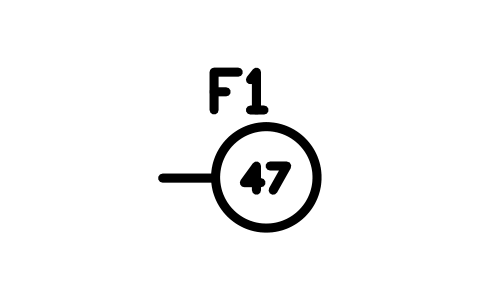
Relay, phase sequence / voltage (47)
WNS_R_47Attributes
TAGFUNCTIONSETTINGTRIPSCT_INPUTVT_INPUTMANUFACTURERMODELREMARKSDESC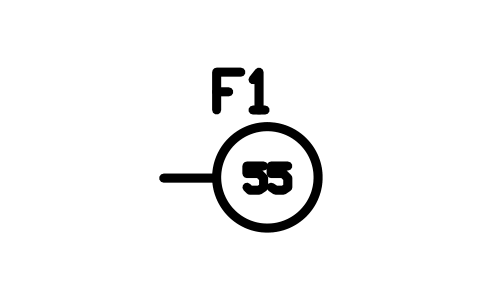
Relay, power factor (55)
WNS_R_55Attributes
TAGFUNCTIONSETTINGTRIPSCT_INPUTVT_INPUTMANUFACTURERMODELREMARKSDESC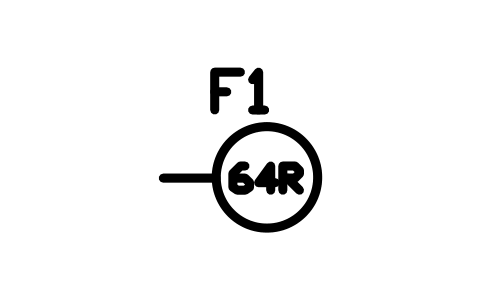
Relay, rotor earth fault (64R)
WNS_R_64RAttributes
TAGFUNCTIONSETTINGTRIPSCT_INPUTVT_INPUTMANUFACTURERMODELREMARKSDESC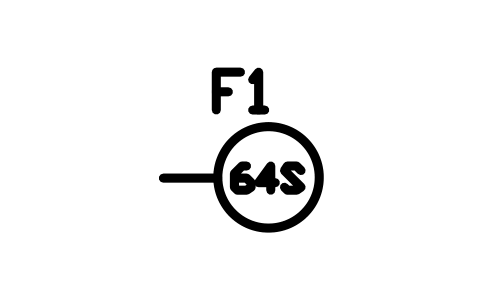
Relay, stator earth fault (64S)
WNS_R_64SAttributes
TAGFUNCTIONSETTINGTRIPSCT_INPUTVT_INPUTMANUFACTURERMODELREMARKSDESC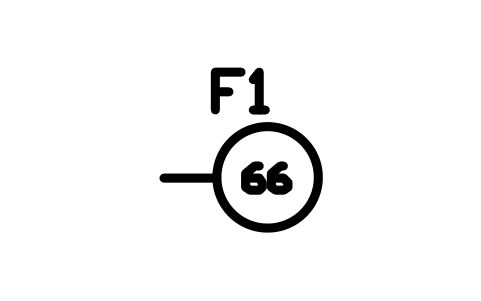
Relay, starts per hour (66)
WNS_R_66Attributes
TAGFUNCTIONSETTINGTRIPSCT_INPUTVT_INPUTMANUFACTURERMODELREMARKSDESC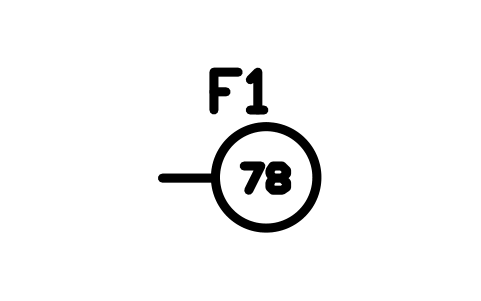
Relay, out of step (78)
WNS_R_78Attributes
TAGFUNCTIONSETTINGTRIPSCT_INPUTVT_INPUTMANUFACTURERMODELREMARKSDESC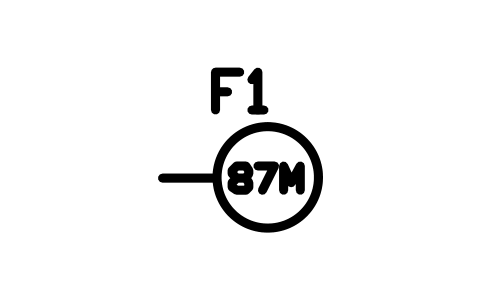
Relay, motor differential (87M)
WNS_R_87MAttributes
TAGFUNCTIONSETTINGTRIPSCT_INPUTVT_INPUTMANUFACTURERMODELREMARKSDESC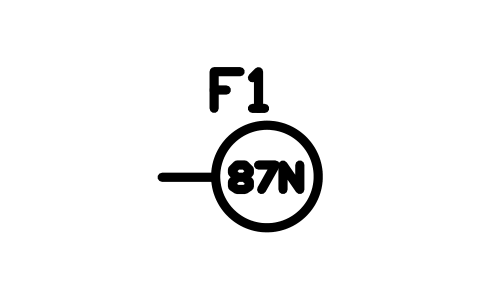
Relay, restricted earth fault (87N)
WNS_R_87NAttributes
TAGFUNCTIONSETTINGTRIPSCT_INPUTVT_INPUTMANUFACTURERMODELREMARKSDESC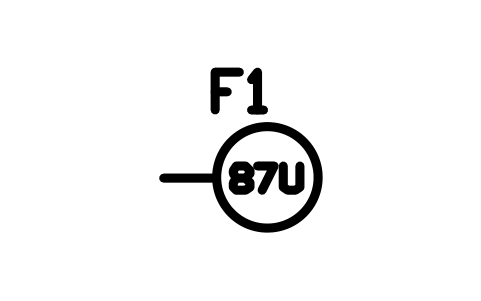
Relay, unit differential (87U)
WNS_R_87UAttributes
TAGFUNCTIONSETTINGTRIPSCT_INPUTVT_INPUTMANUFACTURERMODELREMARKSDESC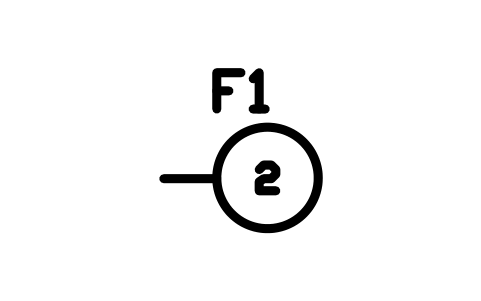
Relay, time delay starting (2)
WNS_R_2Attributes
TAGFUNCTIONSETTINGTRIPSCT_INPUTVT_INPUTMANUFACTURERMODELREMARKSDESC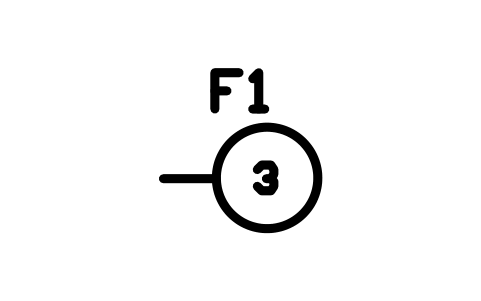
Relay, checking / interlocking (3)
WNS_R_3Attributes
TAGFUNCTIONSETTINGTRIPSCT_INPUTVT_INPUTMANUFACTURERMODELREMARKSDESC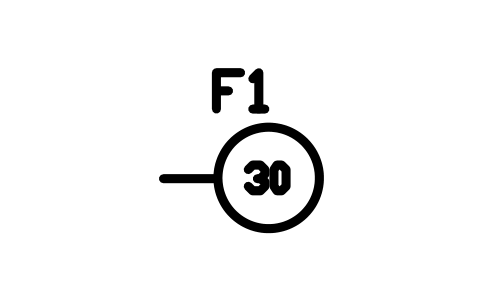
Relay, annunciator (30)
WNS_R_30Attributes
TAGFUNCTIONSETTINGTRIPSCT_INPUTVT_INPUTMANUFACTURERMODELREMARKSDESC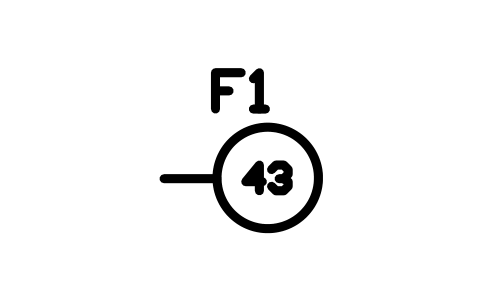
Selector device (43)
WNS_R_43Attributes
TAGFUNCTIONSETTINGTRIPSCT_INPUTVT_INPUTMANUFACTURERMODELREMARKSDESC
Relay, breaker failure (50BF)
WNS_R_50BFAttributes
TAGFUNCTIONSETTINGTRIPSCT_INPUTVT_INPUTMANUFACTURERMODELREMARKSDESC
Relay, ground overcurrent (51G)
WNS_R_51GAttributes
TAGFUNCTIONSETTINGTRIPSCT_INPUTVT_INPUTMANUFACTURERMODELREMARKSDESC
Relay, voltage-restrained overcurrent (51V)
WNS_R_51VAttributes
TAGFUNCTIONSETTINGTRIPSCT_INPUTVT_INPUTMANUFACTURERMODELREMARKSDESC
Relay, voltage balance (60)
WNS_R_60Attributes
TAGFUNCTIONSETTINGTRIPSCT_INPUTVT_INPUTMANUFACTURERMODELREMARKSDESC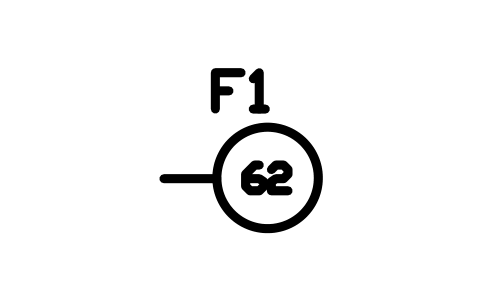
Relay, time delay stopping (62)
WNS_R_62Attributes
TAGFUNCTIONSETTINGTRIPSCT_INPUTVT_INPUTMANUFACTURERMODELREMARKSDESC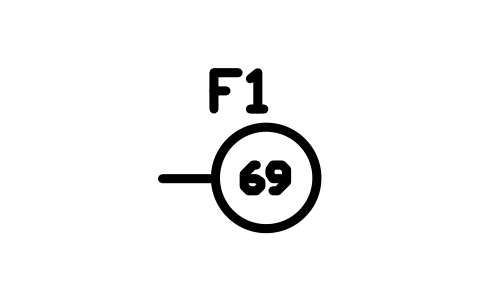
Permissive control device (69)
WNS_R_69Attributes
TAGFUNCTIONSETTINGTRIPSCT_INPUTVT_INPUTMANUFACTURERMODELREMARKSDESC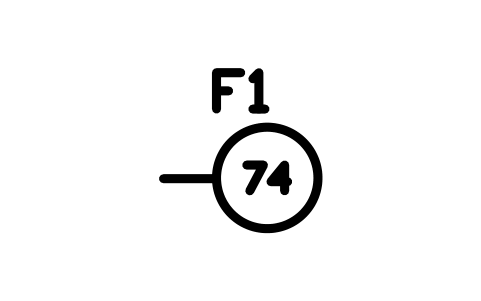
Relay, alarm (74)
WNS_R_74Attributes
TAGFUNCTIONSETTINGTRIPSCT_INPUTVT_INPUTMANUFACTURERMODELREMARKSDESC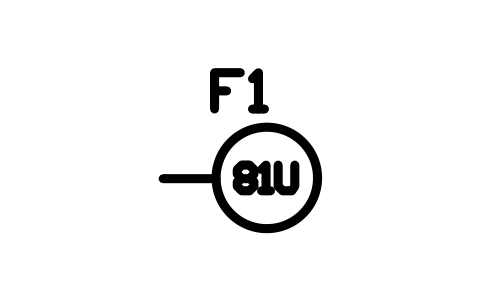
Relay, underfrequency (81U)
WNS_R_81UAttributes
TAGFUNCTIONSETTINGTRIPSCT_INPUTVT_INPUTMANUFACTURERMODELREMARKSDESC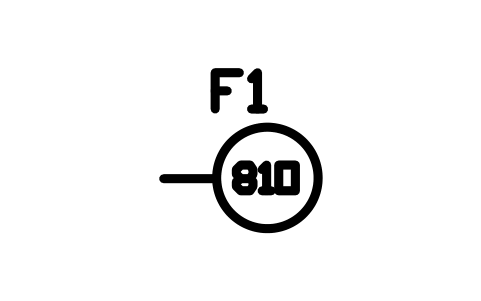
Relay, overfrequency (81O)
WNS_R_81OAttributes
TAGFUNCTIONSETTINGTRIPSCT_INPUTVT_INPUTMANUFACTURERMODELREMARKSDESC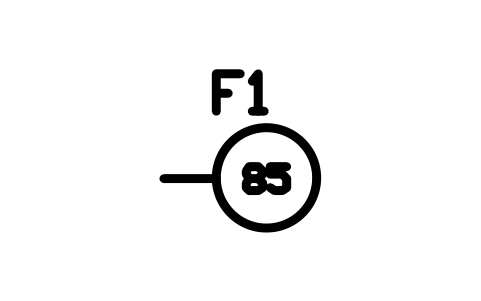
Relay, carrier / pilot wire (85)
WNS_R_85Attributes
TAGFUNCTIONSETTINGTRIPSCT_INPUTVT_INPUTMANUFACTURERMODELREMARKSDESC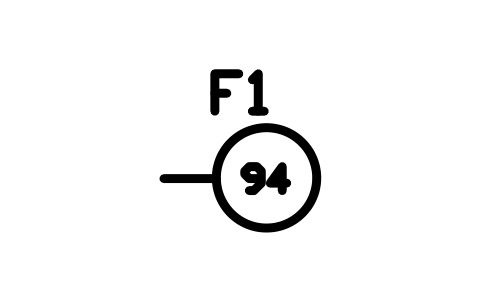
Relay, tripping (94)
WNS_R_94Attributes
TAGFUNCTIONSETTINGTRIPSCT_INPUTVT_INPUTMANUFACTURERMODELREMARKSDESC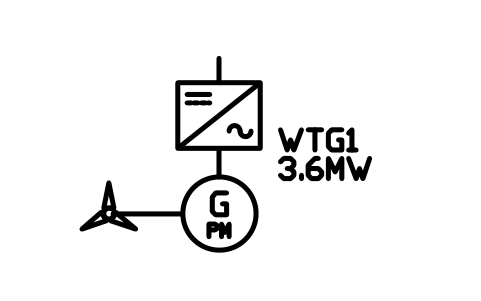
Small turbine, DC output
WND_SMALL_DCAttributes
TAGRATING_MWROTOR_DIAMETER_MHUB_HEIGHT_MVOLTAGE_VSPEED_RPMWIND_CLASSMANUFACTURERMODELREMARKSDESC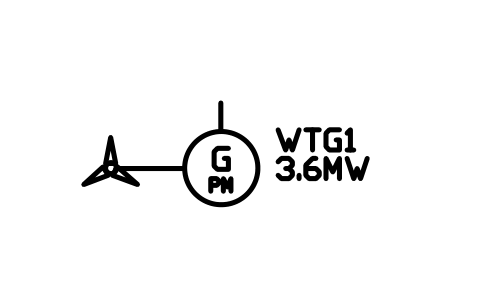
Small turbine, AC output
WND_SMALL_ACAttributes
TAGRATING_MWROTOR_DIAMETER_MHUB_HEIGHT_MVOLTAGE_VSPEED_RPMWIND_CLASSMANUFACTURERMODELREMARKSDESC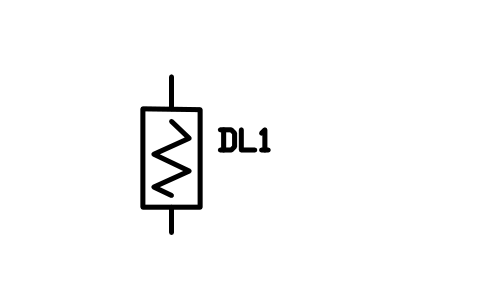
Diversion (dump) load
WND_DUMP_LOADAttributes
TAGPOWER_KWVOLTAGEPOWER_FACTORSTARTINGSERVICEMANUFACTURERMODELREMARKSDESC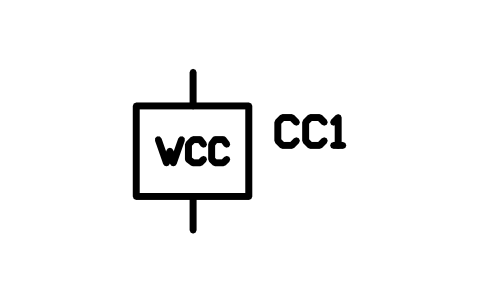
Wind charge controller
WND_CHARGE_CTRLAttributes
TAGFUNCTIONSUPPLYCOMMUNICATIONMANUFACTURERMODELREMARKSDESC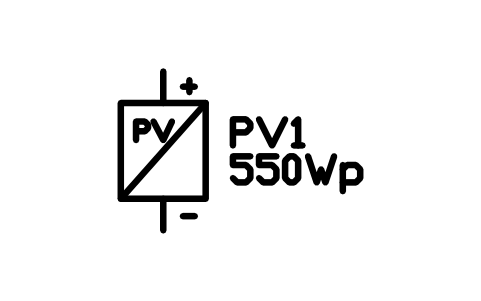
PV module
WNH_MODULEAttributes
TAGPOWER_WPVOC_VISC_AVMP_VIMP_AEFFICIENCY_PCTTECHNOLOGYQUANTITYMANUFACTURERMODELREMARKSDESC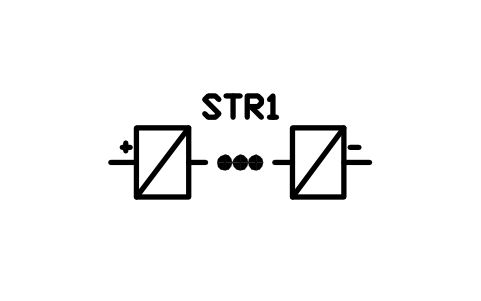
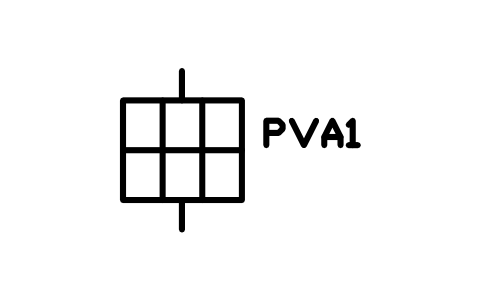
PV array
WNH_ARRAYAttributes
TAGPOWER_KWPSTRINGSMODULES_PER_STRINGTILT_DEGAZIMUTH_DEGMOUNTINGMANUFACTURERMODELREMARKSDESC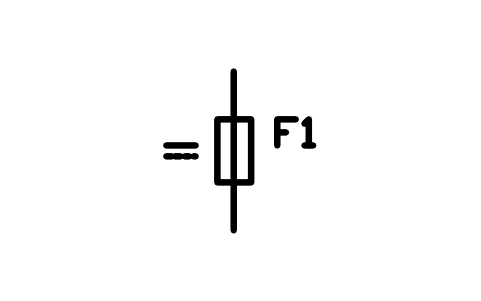
DC fuse (string fuse)
WNH_DC_FUSEAttributes
TAGRATED_CURRENT_ARATED_VOLTAGE_VPOLESBREAKING_KACHARACTERISTICMANUFACTURERMODELREMARKSDESC
DC isolator
WNH_DC_ISOLATORAttributes
TAGRATED_CURRENT_ARATED_VOLTAGE_VPOLESBREAKING_KACHARACTERISTICMANUFACTURERMODELREMARKSDESC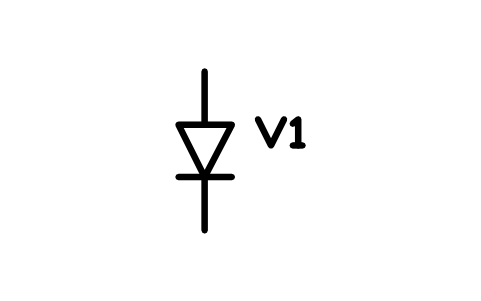
String blocking diode
WNH_DIODEAttributes
TAGRATED_CURRENT_AREVERSE_VOLTAGE_VMANUFACTURERMODELREMARKSDESC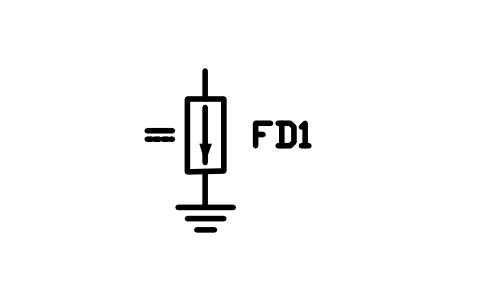
DC surge protective device
WNH_DC_SPDAttributes
TAGTYPEUC_VUP_KVIN_KAREMOTE_CONTACTMANUFACTURERMODELREMARKSDESC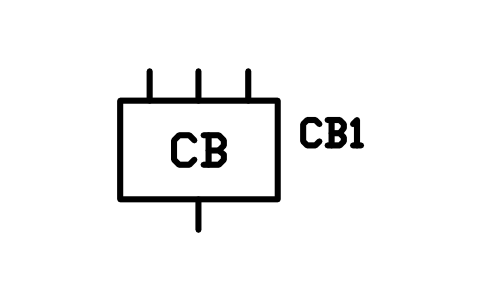
String combiner box
WNH_COMBINERAttributes
TAGINPUTSOUTPUTSRATED_VOLTAGE_VRATED_CURRENT_ASTRING_FUSE_ASPDMONITORINGENCLOSURE_IPMANUFACTURERMODELREMARKSDESC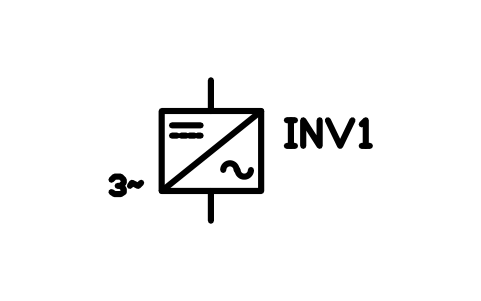
String inverter, three phase
WNH_INV_STRING_3PAttributes
TAGPOWER_KWMPPT_COUNTMPPT_RANGE_VMAX_DC_VOLTAGE_VMAX_INPUT_AAC_OUTPUTEFFICIENCY_PCTCOMMUNICATIONMANUFACTURERMODELREMARKSDESC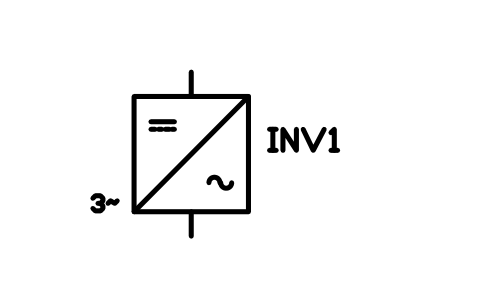
Central inverter
WNH_INV_CENTRALAttributes
TAGPOWER_KWMPPT_COUNTMPPT_RANGE_VMAX_DC_VOLTAGE_VMAX_INPUT_AAC_OUTPUTEFFICIENCY_PCTCOMMUNICATIONMANUFACTURERMODELREMARKSDESC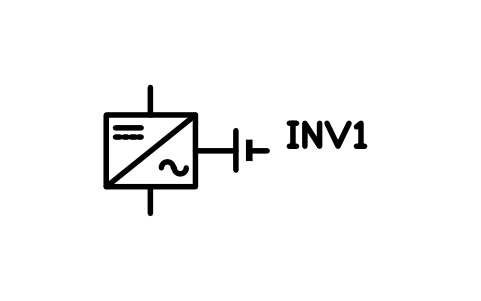
Hybrid inverter
WNH_INV_HYBRIDAttributes
TAGPOWER_KWMPPT_COUNTMPPT_RANGE_VMAX_DC_VOLTAGE_VMAX_INPUT_AAC_OUTPUTEFFICIENCY_PCTCOMMUNICATIONMANUFACTURERMODELREMARKSDESC
Bidirectional PCS
WNH_PCSAttributes
TAGPOWER_KWINPUT_VOLTAGE_VOUTPUT_VOLTAGE_VMAX_CURRENT_AEFFICIENCY_PCTCOMMUNICATIONMANUFACTURERMODELREMARKSDESC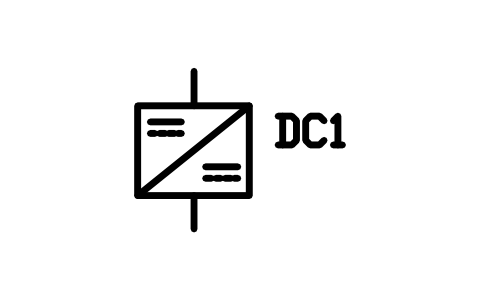
DC/DC converter (MPPT)
WNH_MPPTAttributes
TAGPOWER_KWINPUT_VOLTAGE_VOUTPUT_VOLTAGE_VMAX_CURRENT_AEFFICIENCY_PCTCOMMUNICATIONMANUFACTURERMODELREMARKSDESC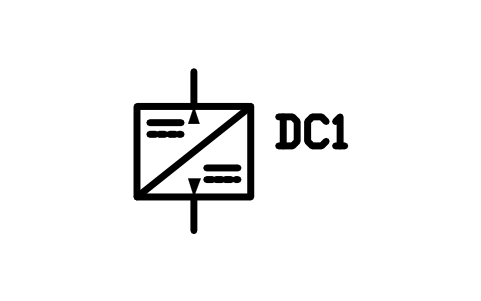
DC/DC converter, bidirect.
WNH_DCDC_BIAttributes
TAGPOWER_KWINPUT_VOLTAGE_VOUTPUT_VOLTAGE_VMAX_CURRENT_AEFFICIENCY_PCTCOMMUNICATIONMANUFACTURERMODELREMARKSDESC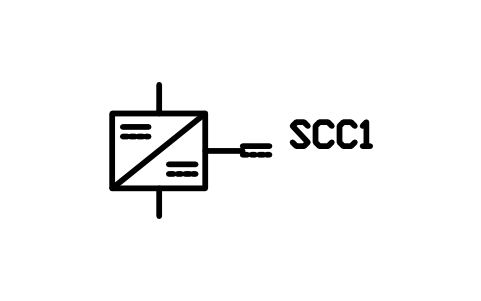
MPPT charge controller
WNH_CHARGE_CTRLAttributes
TAGPOWER_KWINPUT_VOLTAGE_VOUTPUT_VOLTAGE_VMAX_CURRENT_AEFFICIENCY_PCTCOMMUNICATIONMANUFACTURERMODELREMARKSDESC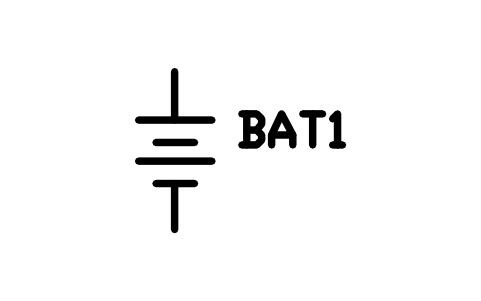
Battery (series cells)
WNH_BATAttributes
TAGCAPACITY_KWHVOLTAGE_VCHEMISTRYMAX_POWER_KWC_RATECYCLE_LIFECOOLINGMANUFACTURERMODELREMARKSDESC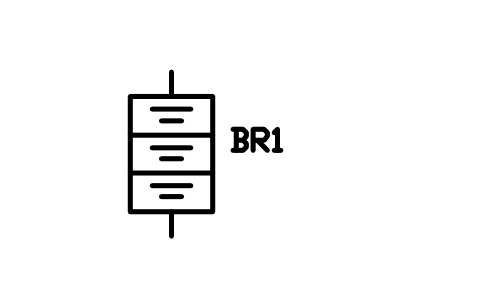
Battery rack
WNH_BAT_RACKAttributes
TAGCAPACITY_KWHVOLTAGE_VCHEMISTRYMAX_POWER_KWC_RATECYCLE_LIFECOOLINGMANUFACTURERMODELREMARKSDESC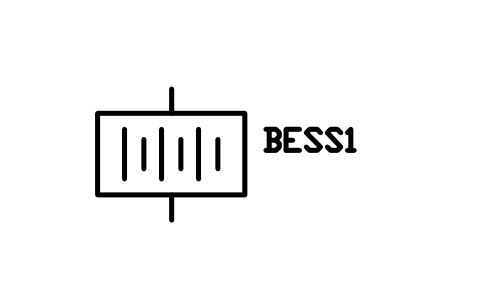
Battery storage container
WNH_BAT_CONTAINERAttributes
TAGPOWER_KWVOLTAGEENCLOSURECONTENTSMANUFACTURERMODELREMARKSDESC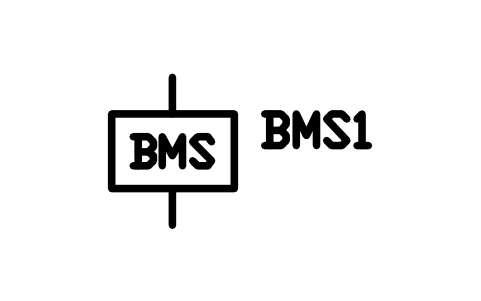
Battery management system
WNH_BMSAttributes
TAGFUNCTIONCELLS_MONITOREDMAX_VOLTAGE_VMAX_CURRENT_ACOMMUNICATIONMANUFACTURERMODELREMARKSDESC
Energy management system
WNH_EMSAttributes
TAGFUNCTIONSUPPLYCOMMUNICATIONINPUTSMANUFACTURERMODELREMARKSDESC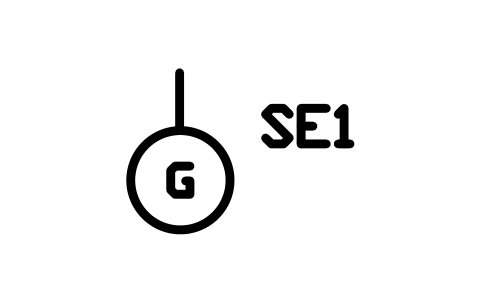
Pyranometer (irradiance)
WNH_PYRANOMETERAttributes
TAGMEASURESRANGEACCURACYOUTPUTMOUNTINGMANUFACTURERMODELREMARKSDESC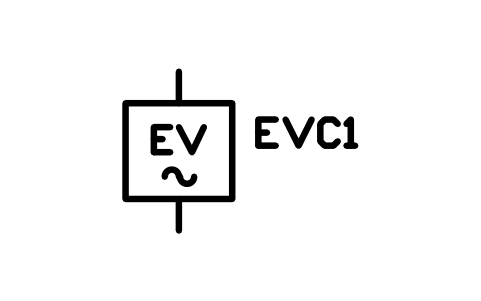
EV charger, AC
WNH_EV_ACAttributes
TAGPOWER_KWCONNECTORPHASESCOMMUNICATIONBIDIRECTIONALMANUFACTURERMODELREMARKSDESC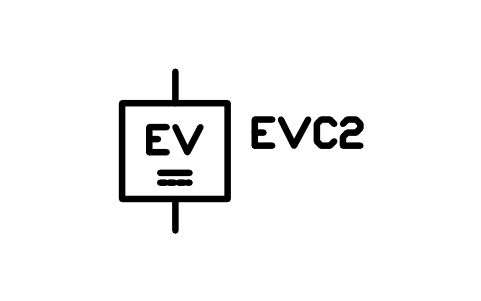
EV charger, DC fast
WNH_EV_DCAttributes
TAGPOWER_KWCONNECTORPHASESCOMMUNICATIONBIDIRECTIONALMANUFACTURERMODELREMARKSDESC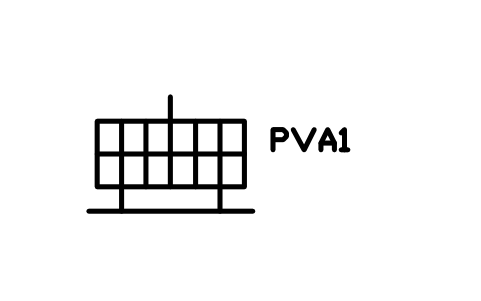
Fixed-tilt array
WNH_SITE_FIXEDAttributes
TAGPOWER_KWPSTRINGSMODULES_PER_STRINGTILT_DEGAZIMUTH_DEGMOUNTINGMANUFACTURERMODELREMARKSDESC
Single-axis tracker array
WNH_SITE_TRACKER1Attributes
TAGPOWER_KWPAXESROW_LENGTH_MTRACKING_RANGE_DEGBACKTRACKINGSTRINGSMANUFACTURERMODELREMARKSDESC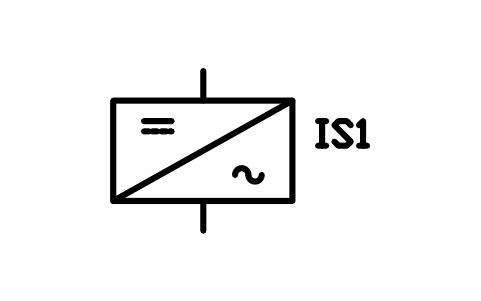
Inverter station (skid)
WNH_STATION_INVAttributes
TAGPOWER_KWVOLTAGEENCLOSURECONTENTSMANUFACTURERMODELREMARKSDESC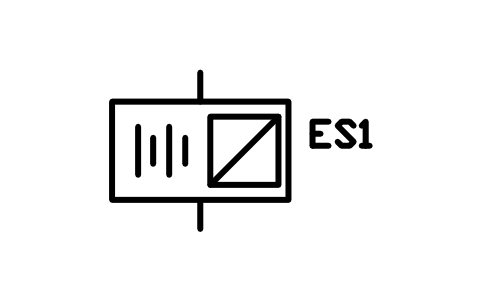
Energy storage station
WNH_STATION_ESSAttributes
TAGPOWER_KWVOLTAGEENCLOSURECONTENTSMANUFACTURERMODELREMARKSDESC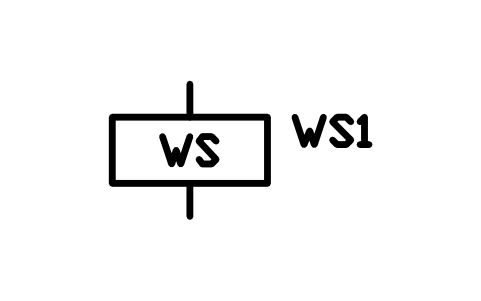
Weather station
WNH_STATION_WSAttributes
TAGPOWER_KWVOLTAGEENCLOSURECONTENTSMANUFACTURERMODELREMARKSDESC
Copyright CADXChange. Use and modify the symbols freely in your own drawings and projects, including commercial ones; credit and a link are needed only when you publish them. Please do not redistribute or resell the library. Each ZIP holds one plain DWG file in AutoCAD 2018 format and a README; no add-in needed. Provided as is, without warranty. Library terms (CXL-1.0)
Related symbol libraries
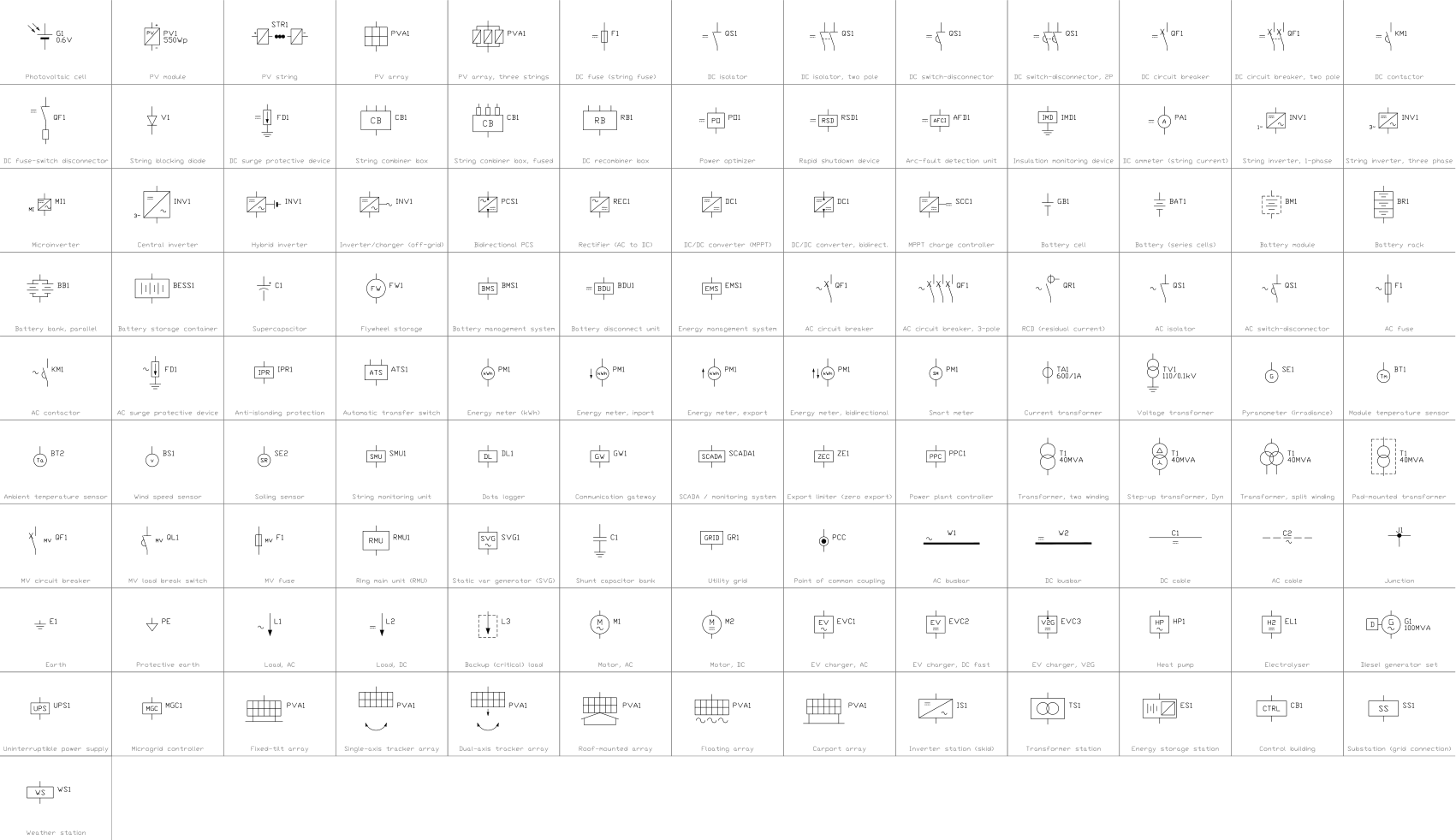
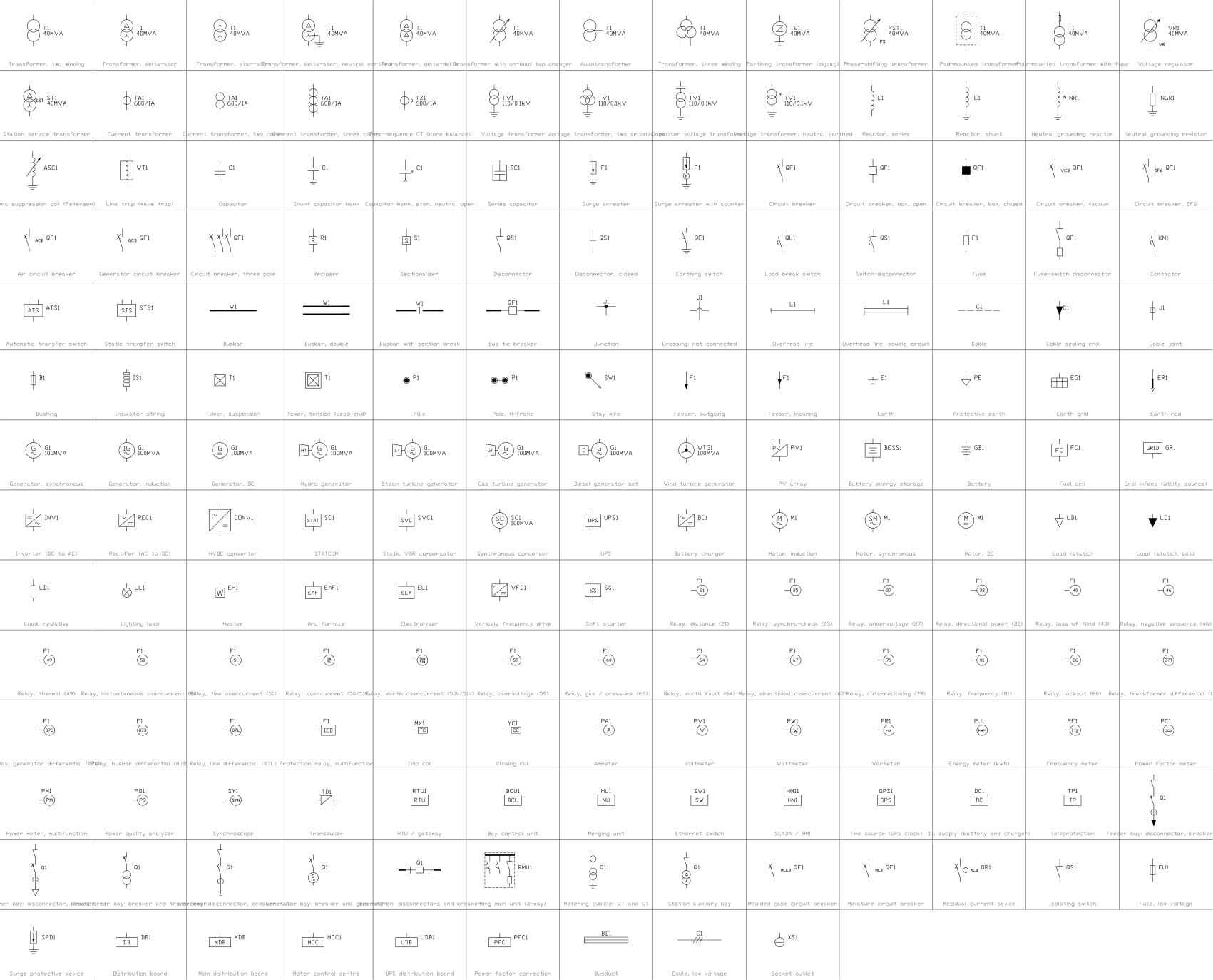
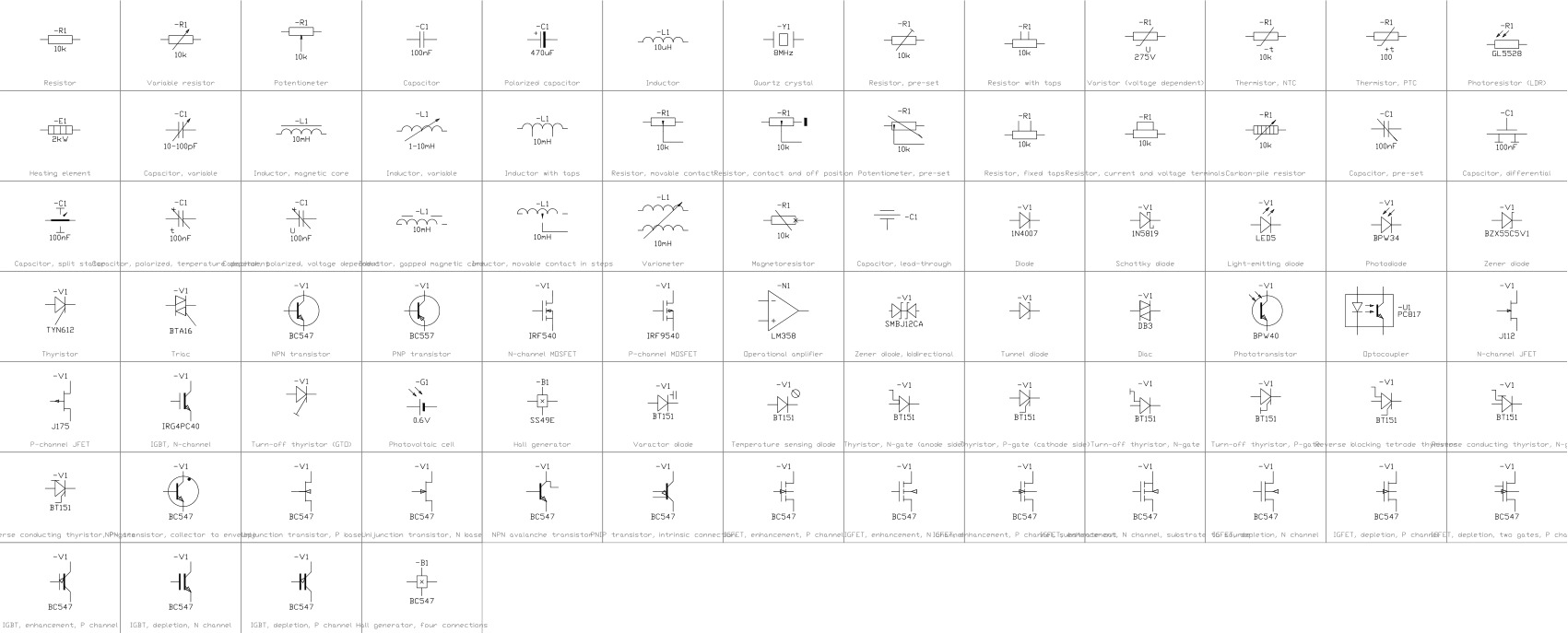
All 411 symbols
411 of 411 symbols
Fixed-speed turbine
WND_T_FIXEDAttributes
TAGRATING_MWROTOR_DIAMETER_MHUB_HEIGHT_MVOLTAGE_VSPEED_RPMWIND_CLASSMANUFACTURERMODELREMARKSDESCWound-rotor turbine
WND_T_WRIMAttributes
TAGRATING_MWROTOR_DIAMETER_MHUB_HEIGHT_MVOLTAGE_VSPEED_RPMWIND_CLASSMANUFACTURERMODELREMARKSDESCDoubly fed turbine
WND_T_DFIGAttributes
TAGRATING_MWROTOR_DIAMETER_MHUB_HEIGHT_MVOLTAGE_VSPEED_RPMWIND_CLASSMANUFACTURERMODELREMARKSDESCFull-converter turbine
WND_T_FCAttributes
TAGRATING_MWROTOR_DIAMETER_MHUB_HEIGHT_MVOLTAGE_VSPEED_RPMWIND_CLASSMANUFACTURERMODELREMARKSDESCDirect-drive PM turbine
WND_T_FC_PMSGAttributes
TAGRATING_MWROTOR_DIAMETER_MHUB_HEIGHT_MVOLTAGE_VSPEED_RPMWIND_CLASSMANUFACTURERMODELREMARKSDESCExcited synchronous turbine
WND_T_FC_EESGAttributes
TAGRATING_MWROTOR_DIAMETER_MHUB_HEIGHT_MVOLTAGE_VSPEED_RPMWIND_CLASSMANUFACTURERMODELREMARKSDESCFull-converter induction
WND_T_FC_INDAttributes
TAGRATING_MWROTOR_DIAMETER_MHUB_HEIGHT_MVOLTAGE_VSPEED_RPMWIND_CLASSMANUFACTURERMODELREMARKSDESCMedium-speed PM turbine
WND_T_MEDIUMAttributes
TAGRATING_MWROTOR_DIAMETER_MHUB_HEIGHT_MVOLTAGE_VSPEED_RPMWIND_CLASSMANUFACTURERMODELREMARKSDESCFull-converter, parallel
WND_T_FC_PARALLELAttributes
TAGRATING_MWROTOR_DIAMETER_MHUB_HEIGHT_MVOLTAGE_VSPEED_RPMWIND_CLASSMANUFACTURERMODELREMARKSDESCBack-to-back converter
WND_CONV_B2BAttributes
TAGPOWER_KVAVOLTAGE_VDC_LINK_VTOPOLOGYCOOLINGMANUFACTURERMODELREMARKSDESCMachine-side converter
WND_CONV_MACHINEAttributes
TAGPOWER_KVAVOLTAGE_VDC_LINK_VTOPOLOGYCOOLINGMANUFACTURERMODELREMARKSDESCGrid-side converter
WND_CONV_GRIDAttributes
TAGPOWER_KVAVOLTAGE_VDC_LINK_VTOPOLOGYCOOLINGMANUFACTURERMODELREMARKSDESCCrowbar protection
WND_CROWBARAttributes
TAGPOWER_KVAVOLTAGE_VDC_LINK_VTOPOLOGYCOOLINGMANUFACTURERMODELREMARKSDESCDC brake chopper
WND_DC_CHOPPERAttributes
TAGPOWER_KVAVOLTAGE_VDC_LINK_VTOPOLOGYCOOLINGMANUFACTURERMODELREMARKSDESCDC link with capacitor
WND_DC_LINKAttributes
TAGPOWER_KVAVOLTAGE_VDC_LINK_VTOPOLOGYCOOLINGMANUFACTURERMODELREMARKSDESCRotor circuit contactor
WND_ROTOR_CIRCUITAttributes
TAGPOWER_KVAVOLTAGE_VDC_LINK_VTOPOLOGYCOOLINGMANUFACTURERMODELREMARKSDESCPitch drive
WND_PITCH_DRIVEAttributes
TAGPOWER_KWVOLTAGE_VTORQUE_NMSPEED_RPMMANUFACTURERMODELREMARKSDESCPitch battery backup
WND_PITCH_BATAttributes
TAGVOLTAGE_VCAPACITY_AHCHEMISTRYAXESMANUFACTURERMODELREMARKSDESCSlip ring unit
WND_SLIPRINGAttributes
TAGPOWER_KWVOLTAGE_VTORQUE_NMSPEED_RPMMANUFACTURERMODELREMARKSDESCDown-tower cable with twist
WND_TOWER_CABLEAttributes
TAGCABLE_TYPEVOLTAGE_KVLENGTH_MTWIST_TURNSRATED_CURRENT_AREMARKSDESCAuxiliary transformer
WND_AUX_TXAttributes
TAGRATING_MVAVOLTAGE_RATIOVECTOR_GROUPIMPEDANCE_PCTTAP_RANGECOOLINGNEUTRAL_EARTHINGMANUFACTURERMODELREMARKSDESCNacelle control cabinet
WND_NACELLE_CTRLAttributes
TAGFUNCTIONSUPPLYCOMMUNICATIONMANUFACTURERMODELREMARKSDESCTower base control cabinet
WND_BASE_CTRLAttributes
TAGFUNCTIONSUPPLYCOMMUNICATIONMANUFACTURERMODELREMARKSDESCCondition monitoring unit
WND_CMSAttributes
TAGFUNCTIONSUPPLYCOMMUNICATIONMANUFACTURERMODELREMARKSDESCIce detector
WND_ICE_DETECTAttributes
TAGMEASURESRANGEACCURACYOUTPUTHEATINGMANUFACTURERMODELREMARKSDESCVibration sensor
WND_VIBRATIONAttributes
TAGMEASURESRANGEACCURACYOUTPUTHEATINGMANUFACTURERMODELREMARKSDESCLightning event counter
WND_LIGHTNING_COUNTAttributes
TAGMEASURESRANGEACCURACYOUTPUTHEATINGMANUFACTURERMODELREMARKSDESCAviation light controller
WND_AVIATION_CTRLAttributes
TAGFUNCTIONSUPPLYCOMMUNICATIONMANUFACTURERMODELREMARKSDESCTurbine transformer, Dyn
WND_BOXTX_DYNAttributes
TAGRATING_MVAVOLTAGE_RATIOVECTOR_GROUPIMPEDANCE_PCTTAP_RANGECOOLINGNEUTRAL_EARTHINGMANUFACTURERMODELREMARKSDESCTurbine transformer, Dy, fuse
WND_BOXTX_DYAttributes
TAGRATING_MVAVOLTAGE_RATIOVECTOR_GROUPIMPEDANCE_PCTTAP_RANGECOOLINGNEUTRAL_EARTHINGMANUFACTURERMODELREMARKSDESCNacelle-integrated transformer
WND_BOXTX_INTEGAttributes
TAGRATING_MVAVOLTAGE_RATIOVECTOR_GROUPIMPEDANCE_PCTTAP_RANGECOOLINGNEUTRAL_EARTHINGMANUFACTURERMODELREMARKSDESCPad-mount TX, loop feed
WND_BOXTX_PADAttributes
TAGRATING_MVAVOLTAGE_RATIOVECTOR_GROUPIMPEDANCE_PCTTAP_RANGECOOLINGNEUTRAL_EARTHINGMANUFACTURERMODELREMARKSDESCTurbine switchgear, 2 ways
WND_RMU_2WAttributes
TAGRATED_KVRATED_CURRENT_ASHORT_TIME_KAINSULATIONWAYSMANUFACTURERMODELREMARKSDESCTurbine switchgear, 3 ways
WND_RMU_3WAttributes
TAGRATED_KVRATED_CURRENT_ASHORT_TIME_KAINSULATIONWAYSMANUFACTURERMODELREMARKSDESCTurbine switchgear, breaker
WND_TURB_SWG_CBAttributes
TAGRATED_KVRATED_CURRENT_ASHORT_TIME_KAINSULATIONWAYSMANUFACTURERMODELREMARKSDESCCollector feeder, string
WND_FEEDER_STRINGAttributes
TAGVOLTAGE_KVTURBINESCABLE_TYPELENGTH_MRATED_CURRENT_AFROM_TOREMARKSDESCCollector feeder, radial
WND_FEEDER_RADIALAttributes
TAGVOLTAGE_KVTURBINESCABLE_TYPELENGTH_MRATED_CURRENT_AFROM_TOREMARKSDESCCollector feeder, ring
WND_FEEDER_RINGAttributes
TAGVOLTAGE_KVTURBINESCABLE_TYPELENGTH_MRATED_CURRENT_AFROM_TOREMARKSDESCCollector feeder, T-off
WND_FEEDER_TAPAttributes
TAGVOLTAGE_KVTURBINESCABLE_TYPELENGTH_MRATED_CURRENT_AFROM_TOREMARKSDESCCollector busbar, 4 feeders
WND_COLLECTOR_BUSAttributes
TAGVOLTAGE_KVRATED_CURRENT_ACONDUCTORSHORT_CIRCUIT_KAREMARKSDESCFeeder protection, 50/51
WND_FEEDER_PROTAttributes
TAGFUNCTIONSETTINGTRIPSCT_INPUTVT_INPUTMANUFACTURERMODELREMARKSDESCGrounding TX and resistor
WND_COLL_GND_TXAttributes
TAGRATING_MVAVOLTAGE_RATIOVECTOR_GROUPIMPEDANCE_PCTTAP_RANGECOOLINGNEUTRAL_EARTHINGMANUFACTURERMODELREMARKSDESCTurbine TX, two LV windings
WND_BOXTX_2LVAttributes
TAGRATING_MVAVOLTAGE_RATIOVECTOR_GROUPIMPEDANCE_PCTTAP_RANGECOOLINGNEUTRAL_EARTHINGMANUFACTURERMODELREMARKSDESCDry-type turbine transformer
WND_BOXTX_DRYAttributes
TAGRATING_MVAVOLTAGE_RATIOVECTOR_GROUPIMPEDANCE_PCTTAP_RANGECOOLINGNEUTRAL_EARTHINGMANUFACTURERMODELREMARKSDESCRevenue meter at the PCC
WND_METER_PCCAttributes
TAGMETER_TYPECT_RATIOACCURACY_CLASSPHASESCOMMUNICATIONMETERING_POINTMANUFACTURERMODELREMARKSDESCWind power forecast system
WND_WPFSAttributes
TAGFUNCTIONSUPPLYCOMMUNICATIONMANUFACTURERMODELREMARKSDESCFault ride-through control
WND_FRT_CTRLAttributes
TAGFUNCTIONSUPPLYCOMMUNICATIONMANUFACTURERMODELREMARKSDESCFrequency response control
WND_FREQ_RESPAttributes
TAGFUNCTIONSUPPLYCOMMUNICATIONMANUFACTURERMODELREMARKSDESCTurbine controller
WND_SCADA_TURBAttributes
TAGFUNCTIONSUPPLYCOMMUNICATIONMANUFACTURERMODELREMARKSDESCWind farm SCADA server
WND_SCADA_SRVAttributes
TAGFUNCTIONSUPPLYCOMMUNICATIONMANUFACTURERMODELREMARKSDESCTurbine network switch
WND_NET_SWITCHAttributes
TAGFUNCTIONSUPPLYCOMMUNICATIONMANUFACTURERMODELREMARKSDESCTubular tower
WND_ELEV_TOWERAttributes
TAGHEIGHT_MBASE_DIAMETER_MTOP_DIAMETER_MMATERIALMASS_TMANUFACTURERMODELREMARKSDESCLattice tower
WND_ELEV_LATTICEAttributes
TAGHEIGHT_MBASE_DIAMETER_MTOP_DIAMETER_MMATERIALMASS_TMANUFACTURERMODELREMARKSDESCConcrete-steel hybrid tower
WND_ELEV_HYBRIDAttributes
TAGHEIGHT_MBASE_DIAMETER_MTOP_DIAMETER_MMATERIALMASS_TMANUFACTURERMODELREMARKSDESCNacelle, side view
WND_ELEV_NACELLEAttributes
TAGHEIGHT_MBASE_DIAMETER_MTOP_DIAMETER_MMATERIALMASS_TMANUFACTURERMODELREMARKSDESCRotor hub with blade roots
WND_ELEV_HUBAttributes
TAGHEIGHT_MBASE_DIAMETER_MTOP_DIAMETER_MMATERIALMASS_TMANUFACTURERMODELREMARKSDESCRotor blade
WND_ELEV_BLADEAttributes
TAGHEIGHT_MBASE_DIAMETER_MTOP_DIAMETER_MMATERIALMASS_TMANUFACTURERMODELREMARKSDESCRotor with swept circle
WND_ELEV_ROTORAttributes
TAGHEIGHT_MBASE_DIAMETER_MTOP_DIAMETER_MMATERIALMASS_TMANUFACTURERMODELREMARKSDESCGravity foundation section
WND_FND_GRAVITYAttributes
TAGDIAMETER_MDEPTH_MCONCRETE_M3REBAR_TSOILREMARKSDESCPiled foundation section
WND_FND_PILEDAttributes
TAGDIAMETER_MDEPTH_MCONCRETE_M3REBAR_TSOILREMARKSDESCMet mast elevation
WND_ELEV_METAttributes
TAGHEIGHT_MBASE_DIAMETER_MTOP_DIAMETER_MMATERIALMASS_TMANUFACTURERMODELREMARKSDESCAviation warning light
WND_LIGHT_REDAttributes
TAGHEIGHT_MBASE_DIAMETER_MTOP_DIAMETER_MMATERIALMASS_TMANUFACTURERMODELREMARKSDESCBlade tip marking
WND_MARK_BLADEAttributes
TAGHEIGHT_MBASE_DIAMETER_MTOP_DIAMETER_MMATERIALMASS_TMANUFACTURERMODELREMARKSDESCTransformer, two winding
WNS_TX_2WAttributes
TAGRATING_MVAVOLTAGE_RATIOVECTOR_GROUPIMPEDANCE_PCTTAP_RANGECOOLINGNEUTRAL_EARTHINGMANUFACTURERMODELREMARKSDESCTransformer, delta-star
WNS_TX_DYAttributes
TAGRATING_MVAVOLTAGE_RATIOVECTOR_GROUPIMPEDANCE_PCTTAP_RANGECOOLINGNEUTRAL_EARTHINGMANUFACTURERMODELREMARKSDESCTransformer, star-star
WNS_TX_YYAttributes
TAGRATING_MVAVOLTAGE_RATIOVECTOR_GROUPIMPEDANCE_PCTTAP_RANGECOOLINGNEUTRAL_EARTHINGMANUFACTURERMODELREMARKSDESCTransformer, delta-star, neutral earthed
WNS_TX_DYNAttributes
TAGRATING_MVAVOLTAGE_RATIOVECTOR_GROUPIMPEDANCE_PCTTAP_RANGECOOLINGNEUTRAL_EARTHINGMANUFACTURERMODELREMARKSDESCTransformer, delta-delta
WNS_TX_DDAttributes
TAGRATING_MVAVOLTAGE_RATIOVECTOR_GROUPIMPEDANCE_PCTTAP_RANGECOOLINGNEUTRAL_EARTHINGMANUFACTURERMODELREMARKSDESCTransformer with on-load tap changer
WNS_TX_OLTCAttributes
TAGRATING_MVAVOLTAGE_RATIOVECTOR_GROUPIMPEDANCE_PCTTAP_RANGECOOLINGNEUTRAL_EARTHINGMANUFACTURERMODELREMARKSDESCAutotransformer
WNS_TX_AUTOAttributes
TAGRATING_MVAVOLTAGE_RATIOVECTOR_GROUPIMPEDANCE_PCTTAP_RANGECOOLINGNEUTRAL_EARTHINGMANUFACTURERMODELREMARKSDESCTransformer, three winding
WNS_TX_3WAttributes
TAGRATING_MVAVOLTAGE_RATIOVECTOR_GROUPIMPEDANCE_PCTTAP_RANGECOOLINGNEUTRAL_EARTHINGMANUFACTURERMODELREMARKSDESCEarthing transformer (zigzag)
WNS_TX_ZIGZAGAttributes
TAGRATING_MVAVOLTAGE_RATIOVECTOR_GROUPIMPEDANCE_PCTTAP_RANGECOOLINGNEUTRAL_EARTHINGMANUFACTURERMODELREMARKSDESCPhase-shifting transformer
WNS_TX_PHASEAttributes
TAGRATING_MVAVOLTAGE_RATIOVECTOR_GROUPIMPEDANCE_PCTTAP_RANGECOOLINGNEUTRAL_EARTHINGMANUFACTURERMODELREMARKSDESCPad-mounted transformer
WNS_TX_PADAttributes
TAGRATING_MVAVOLTAGE_RATIOVECTOR_GROUPIMPEDANCE_PCTTAP_RANGECOOLINGNEUTRAL_EARTHINGMANUFACTURERMODELREMARKSDESCPole-mounted transformer with fuse
WNS_TX_POLEAttributes
TAGRATING_MVAVOLTAGE_RATIOVECTOR_GROUPIMPEDANCE_PCTTAP_RANGECOOLINGNEUTRAL_EARTHINGMANUFACTURERMODELREMARKSDESCVoltage regulator
WNS_TX_REGULATORAttributes
TAGRATING_MVAVOLTAGE_RATIOVECTOR_GROUPIMPEDANCE_PCTTAP_RANGECOOLINGNEUTRAL_EARTHINGMANUFACTURERMODELREMARKSDESCStation service transformer
WNS_TX_STATIONAttributes
TAGRATING_MVAVOLTAGE_RATIOVECTOR_GROUPIMPEDANCE_PCTTAP_RANGECOOLINGNEUTRAL_EARTHINGMANUFACTURERMODELREMARKSDESCTransformer, star-delta
WNS_TX_YDAttributes
TAGRATING_MVAVOLTAGE_RATIOVECTOR_GROUPIMPEDANCE_PCTTAP_RANGECOOLINGNEUTRAL_EARTHINGMANUFACTURERMODELREMARKSDESCTransformer, star-delta, neutral earthed
WNS_TX_YNDAttributes
TAGRATING_MVAVOLTAGE_RATIOVECTOR_GROUPIMPEDANCE_PCTTAP_RANGECOOLINGNEUTRAL_EARTHINGMANUFACTURERMODELREMARKSDESCTransformer, star-star, both neutrals earthed
WNS_TX_YNYNAttributes
TAGRATING_MVAVOLTAGE_RATIOVECTOR_GROUPIMPEDANCE_PCTTAP_RANGECOOLINGNEUTRAL_EARTHINGMANUFACTURERMODELREMARKSDESCTransformer, three winding, delta tertiary
WNS_TX_3W_YYDAttributes
TAGRATING_MVAVOLTAGE_RATIOVECTOR_GROUPIMPEDANCE_PCTTAP_RANGECOOLINGNEUTRAL_EARTHINGMANUFACTURERMODELREMARKSDESCTransformer, delta-star, on-load tap changer
WNS_TX_DY_OLTCAttributes
TAGRATING_MVAVOLTAGE_RATIOVECTOR_GROUPIMPEDANCE_PCTTAP_RANGECOOLINGNEUTRAL_EARTHINGMANUFACTURERMODELREMARKSDESCTransformer, star-delta, on-load tap changer
WNS_TX_YD_OLTCAttributes
TAGRATING_MVAVOLTAGE_RATIOVECTOR_GROUPIMPEDANCE_PCTTAP_RANGECOOLINGNEUTRAL_EARTHINGMANUFACTURERMODELREMARKSDESCTransformer, three winding, on-load tap changer
WNS_TX_3W_OLTCAttributes
TAGRATING_MVAVOLTAGE_RATIOVECTOR_GROUPIMPEDANCE_PCTTAP_RANGECOOLINGNEUTRAL_EARTHINGMANUFACTURERMODELREMARKSDESCAutotransformer, on-load tap changer
WNS_TX_AUTO_OLTCAttributes
TAGRATING_MVAVOLTAGE_RATIOVECTOR_GROUPIMPEDANCE_PCTTAP_RANGECOOLINGNEUTRAL_EARTHINGMANUFACTURERMODELREMARKSDESCCurrent transformer, two cores
WNS_CT_2COREAttributes
TAGRATIOCLASSBURDEN_VACORESRATED_KVMANUFACTURERMODELREMARKSDESCCurrent transformer, three cores
WNS_CT_3COREAttributes
TAGRATIOCLASSBURDEN_VACORESRATED_KVMANUFACTURERMODELREMARKSDESCZero-sequence CT (core balance)
WNS_CT_ZEROAttributes
TAGRATIOCLASSBURDEN_VACORESRATED_KVMANUFACTURERMODELREMARKSDESCVoltage transformer
WNS_VTAttributes
TAGRATIOCLASSBURDEN_VAWINDINGSRATED_KVMANUFACTURERMODELREMARKSDESCVoltage transformer, two secondaries
WNS_VT_OPENAttributes
TAGRATIOCLASSBURDEN_VAWINDINGSRATED_KVMANUFACTURERMODELREMARKSDESCCapacitor voltage transformer
WNS_CVTAttributes
TAGRATIOCLASSBURDEN_VAWINDINGSRATED_KVMANUFACTURERMODELREMARKSDESCVoltage transformer, neutral earthed
WNS_VT_NEUTRALAttributes
TAGRATIOCLASSBURDEN_VAWINDINGSRATED_KVMANUFACTURERMODELREMARKSDESCCurrent transformer, four cores
WNS_CT_4COREAttributes
TAGRATIOCLASSBURDEN_VACORESRATED_KVMANUFACTURERMODELREMARKSDESCLow power current sensor (Rogowski)
WNS_CT_LPCTAttributes
TAGRATIOCLASSBURDEN_VACORESRATED_KVMANUFACTURERMODELREMARKSDESCVoltage transformer, star-star
WNS_VT_YYAttributes
TAGRATIOCLASSBURDEN_VAWINDINGSRATED_KVMANUFACTURERMODELREMARKSDESCVoltage transformer, star, open delta
WNS_VT_YODAttributes
TAGRATIOCLASSBURDEN_VAWINDINGSRATED_KVMANUFACTURERMODELREMARKSDESCVoltage transformer with fuse
WNS_VT_FUSEDAttributes
TAGRATIOCLASSBURDEN_VAWINDINGSRATED_KVMANUFACTURERMODELREMARKSDESCCapacitor voltage transformer, two secondaries
WNS_CVT_2SECAttributes
TAGRATIOCLASSBURDEN_VAWINDINGSRATED_KVMANUFACTURERMODELREMARKSDESCVoltage transformer, withdrawable
WNS_VT_WDAttributes
TAGRATIOCLASSBURDEN_VAWINDINGSRATED_KVMANUFACTURERMODELREMARKSDESCReactor, series
WNS_REACTORAttributes
TAGRATINGRATED_KVRATED_CURRENT_ATYPEMANUFACTURERMODELREMARKSDESCReactor, shunt
WNS_REACTOR_SHUNTAttributes
TAGRATINGRATED_KVRATED_CURRENT_ATYPEMANUFACTURERMODELREMARKSDESCNeutral grounding reactor
WNS_REACTOR_NEUTRALAttributes
TAGRATINGRATED_KVRATED_CURRENT_ATYPEMANUFACTURERMODELREMARKSDESCNeutral grounding resistor
WNS_NGRAttributes
TAGRATINGRATED_KVRATED_CURRENT_ATYPEMANUFACTURERMODELREMARKSDESCArc suppression coil (Petersen)
WNS_PETERSENAttributes
TAGRATINGRATED_KVRATED_CURRENT_ATYPEMANUFACTURERMODELREMARKSDESCLine trap (wave trap)
WNS_WAVE_TRAPAttributes
TAGRATINGRATED_KVRATED_CURRENT_ATYPEMANUFACTURERMODELREMARKSDESCShunt capacitor bank
WNS_CAP_SHUNTAttributes
TAGRATINGRATED_KVRATED_CURRENT_ATYPEMANUFACTURERMODELREMARKSDESCCapacitor bank, star, neutral open
WNS_CAP_SHUNT_YAttributes
TAGRATINGRATED_KVRATED_CURRENT_ATYPEMANUFACTURERMODELREMARKSDESCSeries capacitor
WNS_CAP_SERIESAttributes
TAGRATINGRATED_KVRATED_CURRENT_ATYPEMANUFACTURERMODELREMARKSDESCSurge arrester
WNS_ARRESTERAttributes
TAGRATED_KVMCOV_KVDISCHARGE_KAHOUSINGMANUFACTURERMODELREMARKSDESCSurge arrester with counter
WNS_ARRESTER_COUNTERAttributes
TAGRATED_KVMCOV_KVDISCHARGE_KAHOUSINGMANUFACTURERMODELREMARKSDESCCircuit breaker
WNS_CBAttributes
TAGRATED_KVRATED_CURRENT_ABREAKING_KAINTERRUPTERMECHANISMCONTROL_VOLTAGEMANUFACTURERMODELREMARKSDESCCircuit breaker, box, open
WNS_CB_BOX_OPENAttributes
TAGRATED_KVRATED_CURRENT_ABREAKING_KAINTERRUPTERMECHANISMCONTROL_VOLTAGEMANUFACTURERMODELREMARKSDESCCircuit breaker, box, closed
WNS_CB_BOX_CLOSEDAttributes
TAGRATED_KVRATED_CURRENT_ABREAKING_KAINTERRUPTERMECHANISMCONTROL_VOLTAGEMANUFACTURERMODELREMARKSDESCCircuit breaker, vacuum
WNS_CB_VCBAttributes
TAGRATED_KVRATED_CURRENT_ABREAKING_KAINTERRUPTERMECHANISMCONTROL_VOLTAGEMANUFACTURERMODELREMARKSDESCCircuit breaker, SF6
WNS_CB_SF6Attributes
TAGRATED_KVRATED_CURRENT_ABREAKING_KAINTERRUPTERMECHANISMCONTROL_VOLTAGEMANUFACTURERMODELREMARKSDESCAir circuit breaker
WNS_CB_ACBAttributes
TAGRATED_KVRATED_CURRENT_ABREAKING_KAINTERRUPTERMECHANISMCONTROL_VOLTAGEMANUFACTURERMODELREMARKSDESCGenerator circuit breaker
WNS_CB_GENAttributes
TAGRATED_KVRATED_CURRENT_ABREAKING_KAINTERRUPTERMECHANISMCONTROL_VOLTAGEMANUFACTURERMODELREMARKSDESCCircuit breaker, three pole
WNS_CB_3PAttributes
TAGRATED_KVRATED_CURRENT_ABREAKING_KAINTERRUPTERMECHANISMCONTROL_VOLTAGEMANUFACTURERMODELREMARKSDESCRecloser
WNS_RECLOSERAttributes
TAGRATED_KVRATED_CURRENT_ABREAKING_KAINTERRUPTERMECHANISMCONTROL_VOLTAGEMANUFACTURERMODELREMARKSDESCSectionalizer
WNS_SECTIONALIZERAttributes
TAGRATED_KVRATED_CURRENT_ABREAKING_KAINTERRUPTERMECHANISMCONTROL_VOLTAGEMANUFACTURERMODELREMARKSDESCDisconnector
WNS_DISCONNECTORAttributes
TAGRATED_KVRATED_CURRENT_ASHORT_TIME_KAEARTHING_SWITCHMECHANISMMANUFACTURERMODELREMARKSDESCDisconnector, closed
WNS_DISCONNECTOR_CLOSEDAttributes
TAGRATED_KVRATED_CURRENT_ASHORT_TIME_KAEARTHING_SWITCHMECHANISMMANUFACTURERMODELREMARKSDESCEarthing switch
WNS_EARTH_SWITCHAttributes
TAGRATED_KVRATED_CURRENT_ASHORT_TIME_KAEARTHING_SWITCHMECHANISMMANUFACTURERMODELREMARKSDESCLoad break switch
WNS_LOAD_BREAKAttributes
TAGRATED_KVRATED_CURRENT_ASHORT_TIME_KAEARTHING_SWITCHMECHANISMMANUFACTURERMODELREMARKSDESCSwitch-disconnector
WNS_SWITCH_DISCAttributes
TAGRATED_KVRATED_CURRENT_ASHORT_TIME_KAEARTHING_SWITCHMECHANISMMANUFACTURERMODELREMARKSDESCFuse
WNS_FUSEAttributes
TAGRATED_KVRATED_CURRENT_ABREAKING_KACHARACTERISTICMANUFACTURERMODELREMARKSDESCFuse-switch disconnector
WNS_FUSE_SWITCHAttributes
TAGRATED_KVRATED_CURRENT_ABREAKING_KACHARACTERISTICMANUFACTURERMODELREMARKSDESCContactor
WNS_CONTACTORAttributes
TAGRATED_KVRATED_CURRENT_ABREAKING_KAINTERRUPTERMECHANISMCONTROL_VOLTAGEMANUFACTURERMODELREMARKSDESCAutomatic transfer switch
WNS_ATSAttributes
TAGRATED_KVRATED_CURRENT_ABREAKING_KAINTERRUPTERMECHANISMCONTROL_VOLTAGEMANUFACTURERMODELREMARKSDESCStatic transfer switch
WNS_STSAttributes
TAGRATED_KVRATED_CURRENT_ABREAKING_KAINTERRUPTERMECHANISMCONTROL_VOLTAGEMANUFACTURERMODELREMARKSDESCDisconnector with earthing switch
WNS_DISC_ESAttributes
TAGRATED_KVRATED_CURRENT_ASHORT_TIME_KAEARTHING_SWITCHMECHANISMMANUFACTURERMODELREMARKSDESCDisconnector with two earthing switches
WNS_DISC_2ESAttributes
TAGRATED_KVRATED_CURRENT_ASHORT_TIME_KAEARTHING_SWITCHMECHANISMMANUFACTURERMODELREMARKSDESCDisconnector, three pole
WNS_DISC_3PAttributes
TAGRATED_KVRATED_CURRENT_ASHORT_TIME_KAEARTHING_SWITCHMECHANISMMANUFACTURERMODELREMARKSDESCEarthing switch, three pole
WNS_ES_3PAttributes
TAGRATED_KVRATED_CURRENT_ASHORT_TIME_KAEARTHING_SWITCHMECHANISMMANUFACTURERMODELREMARKSDESCLoad break switch, three pole
WNS_LBS_3PAttributes
TAGRATED_KVRATED_CURRENT_ASHORT_TIME_KAEARTHING_SWITCHMECHANISMMANUFACTURERMODELREMARKSDESCLoad break switch with earthing switch
WNS_LBS_ESAttributes
TAGRATED_KVRATED_CURRENT_ASHORT_TIME_KAEARTHING_SWITCHMECHANISMMANUFACTURERMODELREMARKSDESCLoad break switch with fuse
WNS_LBS_FUSEAttributes
TAGRATED_KVRATED_CURRENT_ABREAKING_KACHARACTERISTICMANUFACTURERMODELREMARKSDESCContactor with fuse
WNS_CONTACTOR_FUSEAttributes
TAGRATED_KVRATED_CURRENT_ABREAKING_KACHARACTERISTICMANUFACTURERMODELREMARKSDESCCircuit breaker with earthing switch
WNS_CB_ESAttributes
TAGRATED_KVRATED_CURRENT_ABREAKING_KAINTERRUPTERMECHANISMCONTROL_VOLTAGEMANUFACTURERMODELREMARKSDESCFuse cutout (drop-out)
WNS_FUSE_CUTOUTAttributes
TAGRATED_KVRATED_CURRENT_ABREAKING_KACHARACTERISTICMANUFACTURERMODELREMARKSDESCFuse, three pole
WNS_FUSE_3PAttributes
TAGRATED_KVRATED_CURRENT_ABREAKING_KACHARACTERISTICMANUFACTURERMODELREMARKSDESCCurrent limiter (power cable)
WNS_CURRENT_LIMITERAttributes
TAGRATED_KVRATED_CURRENT_ABREAKING_KACHARACTERISTICMANUFACTURERMODELREMARKSDESCCircuit breaker, withdrawable
WNS_CB_WDAttributes
TAGRATED_KVRATED_CURRENT_ABREAKING_KAINTERRUPTERMECHANISMCONTROL_VOLTAGEMANUFACTURERMODELREMARKSDESCContactor, withdrawable
WNS_CONTACTOR_WDAttributes
TAGRATED_KVRATED_CURRENT_ABREAKING_KAINTERRUPTERMECHANISMCONTROL_VOLTAGEMANUFACTURERMODELREMARKSDESCBusbar, double
WNS_BUS_DOUBLEAttributes
TAGVOLTAGE_KVRATED_CURRENT_ACONDUCTORSHORT_CIRCUIT_KAREMARKSDESCBusbar with section break
WNS_BUS_SECTIONAttributes
TAGVOLTAGE_KVRATED_CURRENT_ACONDUCTORSHORT_CIRCUIT_KAREMARKSDESCBus tie breaker
WNS_BUS_TIEAttributes
TAGVOLTAGE_KVRATED_CURRENT_ACONDUCTORSHORT_CIRCUIT_KAREMARKSDESCCrossing, not connected
WNS_CROSSINGAttributes
TAGVOLTAGE_KVRATED_CURRENT_ACONDUCTORSHORT_CIRCUIT_KAREMARKSDESCOverhead line
WNS_OHLAttributes
TAGVOLTAGE_KVCONDUCTORLENGTH_KMRATED_CURRENT_ACIRCUITSFROM_TOREMARKSDESCOverhead line, double circuit
WNS_OHL_DOUBLEAttributes
TAGVOLTAGE_KVCONDUCTORLENGTH_KMRATED_CURRENT_ACIRCUITSFROM_TOREMARKSDESCCable sealing end
WNS_CABLE_ENDAttributes
TAGVOLTAGE_KVCABLE_TYPELENGTH_MRATED_CURRENT_AFROM_TOREMARKSDESCCable joint
WNS_CABLE_JOINTAttributes
TAGVOLTAGE_KVCABLE_TYPELENGTH_MRATED_CURRENT_AFROM_TOREMARKSDESCInsulator string
WNS_INSULATORAttributes
TAGVOLTAGE_KVCABLE_TYPELENGTH_MRATED_CURRENT_AFROM_TOREMARKSDESCTower, suspension
WNS_TOWER_SUSPAttributes
TAGVOLTAGE_KVCONDUCTORLENGTH_KMRATED_CURRENT_ACIRCUITSFROM_TOREMARKSDESCTower, tension (dead-end)
WNS_TOWER_TENSAttributes
TAGVOLTAGE_KVCONDUCTORLENGTH_KMRATED_CURRENT_ACIRCUITSFROM_TOREMARKSDESCPole, H-frame
WNS_POLE_HAttributes
TAGVOLTAGE_KVCONDUCTORLENGTH_KMRATED_CURRENT_ACIRCUITSFROM_TOREMARKSDESCFeeder, outgoing
WNS_FEEDER_OUTAttributes
TAGVOLTAGE_KVCABLE_TYPELENGTH_MRATED_CURRENT_AFROM_TOREMARKSDESCFeeder, incoming
WNS_FEEDER_INAttributes
TAGVOLTAGE_KVCABLE_TYPELENGTH_MRATED_CURRENT_AFROM_TOREMARKSDESCOverhead line (IEC mark)
WNS_LINE_OH_IECAttributes
TAGVOLTAGE_KVCONDUCTORLENGTH_KMRATED_CURRENT_ACIRCUITSFROM_TOREMARKSDESCUnderground line
WNS_LINE_UGAttributes
TAGVOLTAGE_KVCABLE_TYPELENGTH_MRATED_CURRENT_AFROM_TOREMARKSDESCSubmarine line
WNS_LINE_SUBAttributes
TAGVOLTAGE_KVCABLE_TYPELENGTH_MRATED_CURRENT_AFROM_TOREMARKSDESCCable manhole (chamber)
WNS_MANHOLEAttributes
TAGVOLTAGE_KVCABLE_TYPELENGTH_MRATED_CURRENT_AFROM_TOREMARKSDESCGas-insulated enclosure
WNS_GIS_ENCLAttributes
TAGRATED_KVRATED_CURRENT_ASHORT_CIRCUIT_KABAY_NAMEMANUFACTURERMODELREMARKSDESCGas-insulated busbar
WNS_GIBAttributes
TAGVOLTAGE_KVRATED_CURRENT_ACONDUCTORSHORT_CIRCUIT_KAREMARKSDESCCable separable connector
WNS_CABLE_SEPARABLEAttributes
TAGVOLTAGE_KVCABLE_TYPELENGTH_MRATED_CURRENT_AFROM_TOREMARKSDESCLink box (sheath bonding)
WNS_LINK_BOXAttributes
TAGVOLTAGE_KVCABLE_TYPELENGTH_MRATED_CURRENT_AFROM_TOREMARKSDESCOptical ground wire (OPGW)
WNS_OPGWAttributes
TAGVOLTAGE_KVCONDUCTORLENGTH_KMRATED_CURRENT_ACIRCUITSFROM_TOREMARKSDESCIsolated phase busduct
WNS_BUS_ISOPHASEAttributes
TAGVOLTAGE_KVRATED_CURRENT_ACONDUCTORSHORT_CIRCUIT_KAREMARKSDESCOverhead line with ground wire
WNS_OHL_GROUNDWIREAttributes
TAGVOLTAGE_KVCONDUCTORLENGTH_KMRATED_CURRENT_ACIRCUITSFROM_TOREMARKSDESCLoad (static)
WNS_LOADAttributes
TAGPOWER_KWVOLTAGEPOWER_FACTORSTARTINGSERVICEMANUFACTURERMODELREMARKSDESCLoad, resistive
WNS_LOAD_RESISTIVEAttributes
TAGPOWER_KWVOLTAGEPOWER_FACTORSTARTINGSERVICEMANUFACTURERMODELREMARKSDESCLighting load
WNS_LOAD_LIGHTAttributes
TAGPOWER_KWVOLTAGEPOWER_FACTORSTARTINGSERVICEMANUFACTURERMODELREMARKSDESCLoad, inductive
WNS_LOAD_INDAttributes
TAGPOWER_KWVOLTAGEPOWER_FACTORSTARTINGSERVICEMANUFACTURERMODELREMARKSDESCLoad, capacitive
WNS_LOAD_CAPAttributes
TAGPOWER_KWVOLTAGEPOWER_FACTORSTARTINGSERVICEMANUFACTURERMODELREMARKSDESCRelay, distance (21)
WNS_R_21Attributes
TAGFUNCTIONSETTINGTRIPSCT_INPUTVT_INPUTMANUFACTURERMODELREMARKSDESCRelay, synchro-check (25)
WNS_R_25Attributes
TAGFUNCTIONSETTINGTRIPSCT_INPUTVT_INPUTMANUFACTURERMODELREMARKSDESCRelay, undervoltage (27)
WNS_R_27Attributes
TAGFUNCTIONSETTINGTRIPSCT_INPUTVT_INPUTMANUFACTURERMODELREMARKSDESCRelay, directional power (32)
WNS_R_32Attributes
TAGFUNCTIONSETTINGTRIPSCT_INPUTVT_INPUTMANUFACTURERMODELREMARKSDESCRelay, loss of field (40)
WNS_R_40Attributes
TAGFUNCTIONSETTINGTRIPSCT_INPUTVT_INPUTMANUFACTURERMODELREMARKSDESCRelay, negative sequence (46)
WNS_R_46Attributes
TAGFUNCTIONSETTINGTRIPSCT_INPUTVT_INPUTMANUFACTURERMODELREMARKSDESCRelay, thermal (49)
WNS_R_49Attributes
TAGFUNCTIONSETTINGTRIPSCT_INPUTVT_INPUTMANUFACTURERMODELREMARKSDESCRelay, instantaneous overcurrent (50)
WNS_R_50Attributes
TAGFUNCTIONSETTINGTRIPSCT_INPUTVT_INPUTMANUFACTURERMODELREMARKSDESCRelay, time overcurrent (51)
WNS_R_51Attributes
TAGFUNCTIONSETTINGTRIPSCT_INPUTVT_INPUTMANUFACTURERMODELREMARKSDESCRelay, overcurrent (50/51)
WNS_R_5051Attributes
TAGFUNCTIONSETTINGTRIPSCT_INPUTVT_INPUTMANUFACTURERMODELREMARKSDESCRelay, earth overcurrent (50N/51N)
WNS_R_5051NAttributes
TAGFUNCTIONSETTINGTRIPSCT_INPUTVT_INPUTMANUFACTURERMODELREMARKSDESCRelay, overvoltage (59)
WNS_R_59Attributes
TAGFUNCTIONSETTINGTRIPSCT_INPUTVT_INPUTMANUFACTURERMODELREMARKSDESCRelay, gas / pressure (63)
WNS_R_63Attributes
TAGFUNCTIONSETTINGTRIPSCT_INPUTVT_INPUTMANUFACTURERMODELREMARKSDESCRelay, earth fault (64)
WNS_R_64Attributes
TAGFUNCTIONSETTINGTRIPSCT_INPUTVT_INPUTMANUFACTURERMODELREMARKSDESCRelay, directional overcurrent (67)
WNS_R_67Attributes
TAGFUNCTIONSETTINGTRIPSCT_INPUTVT_INPUTMANUFACTURERMODELREMARKSDESCRelay, auto-reclosing (79)
WNS_R_79Attributes
TAGFUNCTIONSETTINGTRIPSCT_INPUTVT_INPUTMANUFACTURERMODELREMARKSDESCRelay, frequency (81)
WNS_R_81Attributes
TAGFUNCTIONSETTINGTRIPSCT_INPUTVT_INPUTMANUFACTURERMODELREMARKSDESCRelay, lockout (86)
WNS_R_86Attributes
TAGFUNCTIONSETTINGTRIPSCT_INPUTVT_INPUTMANUFACTURERMODELREMARKSDESCRelay, transformer differential (87T)
WNS_R_87TAttributes
TAGFUNCTIONSETTINGTRIPSCT_INPUTVT_INPUTMANUFACTURERMODELREMARKSDESCRelay, generator differential (87G)
WNS_R_87GAttributes
TAGFUNCTIONSETTINGTRIPSCT_INPUTVT_INPUTMANUFACTURERMODELREMARKSDESCRelay, busbar differential (87B)
WNS_R_87BAttributes
TAGFUNCTIONSETTINGTRIPSCT_INPUTVT_INPUTMANUFACTURERMODELREMARKSDESCRelay, line differential (87L)
WNS_R_87LAttributes
TAGFUNCTIONSETTINGTRIPSCT_INPUTVT_INPUTMANUFACTURERMODELREMARKSDESCProtection relay, multifunction
WNS_R_GENERICAttributes
TAGFUNCTIONSETTINGTRIPSCT_INPUTVT_INPUTMANUFACTURERMODELREMARKSDESCClosing coil
WNS_R_CLOSEAttributes
TAGFUNCTIONSETTINGTRIPSCT_INPUTVT_INPUTMANUFACTURERMODELREMARKSDESCPower meter, multifunction
WNS_M_PMAttributes
TAGRANGEACCURACY_CLASSINPUTOUTPUTMANUFACTURERMODELREMARKSDESCPower quality analyser
WNS_M_PQAttributes
TAGRANGEACCURACY_CLASSINPUTOUTPUTMANUFACTURERMODELREMARKSDESCTime source (GPS clock)
WNS_C_GPSAttributes
TAGFUNCTIONSUPPLYCOMMUNICATIONMANUFACTURERMODELREMARKSDESCDC supply (battery and charger)
WNS_C_DCSUPPLYAttributes
TAGFUNCTIONSUPPLYCOMMUNICATIONMANUFACTURERMODELREMARKSDESCEnergy meter, import / export
WNS_M_WH_BIAttributes
TAGRANGEACCURACY_CLASSINPUTOUTPUTMANUFACTURERMODELREMARKSDESCEnergy meter, revenue (MWh)
WNS_M_MWHAttributes
TAGRANGEACCURACY_CLASSINPUTOUTPUTMANUFACTURERMODELREMARKSDESCDisturbance fault recorder
WNS_C_DFRAttributes
TAGFUNCTIONSUPPLYCOMMUNICATIONMANUFACTURERMODELREMARKSDESCPhasor measurement unit
WNS_C_PMUAttributes
TAGFUNCTIONSUPPLYCOMMUNICATIONMANUFACTURERMODELREMARKSDESCSequence of events recorder
WNS_C_SERAttributes
TAGFUNCTIONSUPPLYCOMMUNICATIONMANUFACTURERMODELREMARKSDESCTap changer controller (90)
WNS_C_TAPCTRLAttributes
TAGFUNCTIONSUPPLYCOMMUNICATIONMANUFACTURERMODELREMARKSDESCLoad shedding controller
WNS_C_LSCAttributes
TAGFUNCTIONSUPPLYCOMMUNICATIONMANUFACTURERMODELREMARKSDESCDC distribution board
WNS_C_DCBOARDAttributes
TAGFUNCTIONSUPPLYCOMMUNICATIONMANUFACTURERMODELREMARKSDESCFeeder bay: disconnector, breaker, CT
WNS_BAY_FEEDERAttributes
TAGRATED_KVRATED_CURRENT_ASHORT_CIRCUIT_KABAY_NAMEMANUFACTURERMODELREMARKSDESCIncomer bay: disconnector, breaker, CT
WNS_BAY_INCOMERAttributes
TAGRATED_KVRATED_CURRENT_ASHORT_CIRCUIT_KABAY_NAMEMANUFACTURERMODELREMARKSDESCTransformer bay: breaker and transformer
WNS_BAY_TXAttributes
TAGRATED_KVRATED_CURRENT_ASHORT_CIRCUIT_KABAY_NAMEMANUFACTURERMODELREMARKSDESCLine bay: disconnector, breaker, CT
WNS_BAY_LINEAttributes
TAGRATED_KVRATED_CURRENT_ASHORT_CIRCUIT_KABAY_NAMEMANUFACTURERMODELREMARKSDESCGenerator bay: breaker and generator
WNS_BAY_GENAttributes
TAGRATED_KVRATED_CURRENT_ASHORT_CIRCUIT_KABAY_NAMEMANUFACTURERMODELREMARKSDESCBus section: disconnectors and breaker
WNS_BAY_TIEAttributes
TAGRATED_KVRATED_CURRENT_ASHORT_CIRCUIT_KABAY_NAMEMANUFACTURERMODELREMARKSDESCRing main unit (3-way)
WNS_RMUAttributes
TAGRATED_KVRATED_CURRENT_ASHORT_CIRCUIT_KABAY_NAMEMANUFACTURERMODELREMARKSDESCMetering cubicle: VT and CT
WNS_BAY_METERINGAttributes
TAGRATED_KVRATED_CURRENT_ASHORT_CIRCUIT_KABAY_NAMEMANUFACTURERMODELREMARKSDESCStation auxiliary bay
WNS_BAY_SSAttributes
TAGRATED_KVRATED_CURRENT_ASHORT_CIRCUIT_KABAY_NAMEMANUFACTURERMODELREMARKSDESCDouble busbar feeder bay
WNS_BAY_DB_FEEDERAttributes
TAGRATED_KVRATED_CURRENT_ASHORT_CIRCUIT_KABAY_NAMEMANUFACTURERMODELREMARKSDESCDouble busbar coupler bay
WNS_BAY_DB_COUPLERAttributes
TAGRATED_KVRATED_CURRENT_ASHORT_CIRCUIT_KABAY_NAMEMANUFACTURERMODELREMARKSDESCOne-and-a-half breaker diameter
WNS_BAY_ONE_HALFAttributes
TAGRATED_KVRATED_CURRENT_ASHORT_CIRCUIT_KABAY_NAMEMANUFACTURERMODELREMARKSDESCCapacitor bay: breaker, reactor, bank
WNS_BAY_CAPAttributes
TAGRATED_KVRATED_CURRENT_ASHORT_CIRCUIT_KABAY_NAMEMANUFACTURERMODELREMARKSDESCReactor bay: breaker and shunt reactor
WNS_BAY_REACTORAttributes
TAGRATED_KVRATED_CURRENT_ASHORT_CIRCUIT_KABAY_NAMEMANUFACTURERMODELREMARKSDESCVoltage transformer bay: fuse and VT
WNS_BAY_VTAttributes
TAGRATED_KVRATED_CURRENT_ASHORT_CIRCUIT_KABAY_NAMEMANUFACTURERMODELREMARKSDESCMotor feeder bay: contactor, fuse, motor
WNS_BAY_MOTORAttributes
TAGRATED_KVRATED_CURRENT_ASHORT_CIRCUIT_KABAY_NAMEMANUFACTURERMODELREMARKSDESCGIS feeder bay: gas-insulated
WNS_BAY_GIS_FEEDERAttributes
TAGRATED_KVRATED_CURRENT_ASHORT_CIRCUIT_KABAY_NAMEMANUFACTURERMODELREMARKSDESCTransformer feeder: disconnector, breaker, TX
WNS_BAY_TX_FEEDERAttributes
TAGRATED_KVRATED_CURRENT_ASHORT_CIRCUIT_KABAY_NAMEMANUFACTURERMODELREMARKSDESCGenerator unit: transformer, GCB, generator
WNS_BAY_GEN_UNITAttributes
TAGRATED_KVRATED_CURRENT_ASHORT_CIRCUIT_KABAY_NAMEMANUFACTURERMODELREMARKSDESCMV panel: withdrawable breaker, CT, cable
WNS_BAY_MV_PANELAttributes
TAGRATED_KVRATED_CURRENT_ASHORT_CIRCUIT_KABAY_NAMEMANUFACTURERMODELREMARKSDESCMoulded case circuit breaker
WNS_LV_MCCBAttributes
TAGRATED_CURRENT_AVOLTAGEBREAKING_KATRIP_UNITPOLESMANUFACTURERMODELREMARKSDESCMiniature circuit breaker
WNS_LV_MCBAttributes
TAGRATED_CURRENT_AVOLTAGEBREAKING_KATRIP_UNITPOLESMANUFACTURERMODELREMARKSDESCResidual current device
WNS_LV_RCDAttributes
TAGRATED_CURRENT_AVOLTAGEBREAKING_KATRIP_UNITPOLESMANUFACTURERMODELREMARKSDESCIsolating switch
WNS_LV_ISOLATORAttributes
TAGRATED_CURRENT_AVOLTAGEBREAKING_KATRIP_UNITPOLESMANUFACTURERMODELREMARKSDESCFuse, low voltage
WNS_LV_FUSEAttributes
TAGRATED_CURRENT_AVOLTAGEBREAKING_KATRIP_UNITPOLESMANUFACTURERMODELREMARKSDESCSurge protective device
WNS_LV_SPDAttributes
TAGRATED_CURRENT_AVOLTAGEBREAKING_KATRIP_UNITPOLESMANUFACTURERMODELREMARKSDESCDistribution board
WNS_LV_DBAttributes
TAGRATED_CURRENT_AVOLTAGEBREAKING_KATRIP_UNITPOLESMANUFACTURERMODELREMARKSDESCMain distribution board
WNS_LV_MDBAttributes
TAGRATED_CURRENT_AVOLTAGEBREAKING_KATRIP_UNITPOLESMANUFACTURERMODELREMARKSDESCMotor control centre
WNS_LV_MCCAttributes
TAGRATED_CURRENT_AVOLTAGEBREAKING_KATRIP_UNITPOLESMANUFACTURERMODELREMARKSDESCUPS distribution board
WNS_LV_UPSDBAttributes
TAGRATED_CURRENT_AVOLTAGEBREAKING_KATRIP_UNITPOLESMANUFACTURERMODELREMARKSDESCPower factor correction
WNS_LV_PFCAttributes
TAGRATED_CURRENT_AVOLTAGEBREAKING_KATRIP_UNITPOLESMANUFACTURERMODELREMARKSDESCBusduct
WNS_LV_BUSDUCTAttributes
TAGRATED_CURRENT_AVOLTAGEBREAKING_KATRIP_UNITPOLESMANUFACTURERMODELREMARKSDESCCable, low voltage
WNS_LV_CABLEAttributes
TAGRATED_CURRENT_AVOLTAGEBREAKING_KATRIP_UNITPOLESMANUFACTURERMODELREMARKSDESCSocket outlet
WNS_LV_SOCKETAttributes
TAGRATED_CURRENT_AVOLTAGEBREAKING_KATRIP_UNITPOLESMANUFACTURERMODELREMARKSDESCBusway tap-off unit
WNS_BUSWAY_TAPAttributes
TAGRATED_CURRENT_AVOLTAGEBREAKING_KATRIP_UNITPOLESMANUFACTURERMODELREMARKSDESCThyristor controlled reactor (TCR)
WNS_TCRAttributes
TAGRATINGRATED_KVRATED_CURRENT_ATYPEMANUFACTURERMODELREMARKSDESCThyristor switched capacitor (TSC)
WNS_TSCAttributes
TAGRATINGRATED_KVRATED_CURRENT_ATYPEMANUFACTURERMODELREMARKSDESCMechanically switched capacitor (MSC)
WNS_MSCAttributes
TAGRATINGRATED_KVRATED_CURRENT_ATYPEMANUFACTURERMODELREMARKSDESCMechanically switched reactor (MSR)
WNS_MSRAttributes
TAGRATINGRATED_KVRATED_CURRENT_ATYPEMANUFACTURERMODELREMARKSDESCHarmonic filter, single tuned
WNS_FILTER_TUNEDAttributes
TAGRATINGRATED_KVRATED_CURRENT_ATYPEMANUFACTURERMODELREMARKSDESCHarmonic filter, high pass (damped)
WNS_FILTER_HPAttributes
TAGRATINGRATED_KVRATED_CURRENT_ATYPEMANUFACTURERMODELREMARKSDESCNeutral earthing resistor with CT
WNS_NGR_CTAttributes
TAGRATINGRATED_KVRATED_CURRENT_ATYPEMANUFACTURERMODELREMARKSDESCEarthing transformer with resistor
WNS_EARTHING_TX_RAttributes
TAGRATINGRATED_KVRATED_CURRENT_ATYPEMANUFACTURERMODELREMARKSDESCCurrent limiting reactor with bypass
WNS_CLR_BYPASSAttributes
TAGRATINGRATED_KVRATED_CURRENT_ATYPEMANUFACTURERMODELREMARKSDESCCapacitor bank, double star, unbalance CT
WNS_CAP_DBL_STARAttributes
TAGRATINGRATED_KVRATED_CURRENT_ATYPEMANUFACTURERMODELREMARKSDESCExcitation, static (thyristor)
WNS_EXC_STATICAttributes
TAGFUNCTIONSUPPLYCOMMUNICATIONMANUFACTURERMODELREMARKSDESCExcitation, rotating (brushless)
WNS_EXC_ROTATINGAttributes
TAGFUNCTIONSUPPLYCOMMUNICATIONMANUFACTURERMODELREMARKSDESCAutomatic voltage regulator (AVR)
WNS_AVRAttributes
TAGFUNCTIONSUPPLYCOMMUNICATIONMANUFACTURERMODELREMARKSDESCPower system stabiliser (PSS)
WNS_PSSAttributes
TAGFUNCTIONSUPPLYCOMMUNICATIONMANUFACTURERMODELREMARKSDESCAutomatic synchroniser
WNS_SYNCHRONISERAttributes
TAGFUNCTIONSUPPLYCOMMUNICATIONMANUFACTURERMODELREMARKSDESCField circuit breaker (41)
WNS_FIELD_BREAKERAttributes
TAGRATED_KVRATED_CURRENT_ABREAKING_KAINTERRUPTERMECHANISMCONTROL_VOLTAGEMANUFACTURERMODELREMARKSDESCGenerator neutral earthing transformer
WNS_GEN_NEUTRAL_TXAttributes
TAGRATING_MVAVOLTAGE_RATIOVECTOR_GROUPIMPEDANCE_PCTTAP_RANGECOOLINGNEUTRAL_EARTHINGMANUFACTURERMODELREMARKSDESCRelay, overspeed (12)
WNS_R_12Attributes
TAGFUNCTIONSETTINGTRIPSCT_INPUTVT_INPUTMANUFACTURERMODELREMARKSDESCRelay, underspeed (14)
WNS_R_14Attributes
TAGFUNCTIONSETTINGTRIPSCT_INPUTVT_INPUTMANUFACTURERMODELREMARKSDESCRelay, overexcitation V/Hz (24)
WNS_R_24Attributes
TAGFUNCTIONSETTINGTRIPSCT_INPUTVT_INPUTMANUFACTURERMODELREMARKSDESCRelay, apparatus thermal (26)
WNS_R_26Attributes
TAGFUNCTIONSETTINGTRIPSCT_INPUTVT_INPUTMANUFACTURERMODELREMARKSDESCRelay, undercurrent / underpower (37)
WNS_R_37Attributes
TAGFUNCTIONSETTINGTRIPSCT_INPUTVT_INPUTMANUFACTURERMODELREMARKSDESCRelay, bearing protection (38)
WNS_R_38Attributes
TAGFUNCTIONSETTINGTRIPSCT_INPUTVT_INPUTMANUFACTURERMODELREMARKSDESCRelay, phase sequence / voltage (47)
WNS_R_47Attributes
TAGFUNCTIONSETTINGTRIPSCT_INPUTVT_INPUTMANUFACTURERMODELREMARKSDESCRelay, power factor (55)
WNS_R_55Attributes
TAGFUNCTIONSETTINGTRIPSCT_INPUTVT_INPUTMANUFACTURERMODELREMARKSDESCRelay, rotor earth fault (64R)
WNS_R_64RAttributes
TAGFUNCTIONSETTINGTRIPSCT_INPUTVT_INPUTMANUFACTURERMODELREMARKSDESCRelay, stator earth fault (64S)
WNS_R_64SAttributes
TAGFUNCTIONSETTINGTRIPSCT_INPUTVT_INPUTMANUFACTURERMODELREMARKSDESCRelay, starts per hour (66)
WNS_R_66Attributes
TAGFUNCTIONSETTINGTRIPSCT_INPUTVT_INPUTMANUFACTURERMODELREMARKSDESCRelay, out of step (78)
WNS_R_78Attributes
TAGFUNCTIONSETTINGTRIPSCT_INPUTVT_INPUTMANUFACTURERMODELREMARKSDESCRelay, motor differential (87M)
WNS_R_87MAttributes
TAGFUNCTIONSETTINGTRIPSCT_INPUTVT_INPUTMANUFACTURERMODELREMARKSDESCRelay, restricted earth fault (87N)
WNS_R_87NAttributes
TAGFUNCTIONSETTINGTRIPSCT_INPUTVT_INPUTMANUFACTURERMODELREMARKSDESCRelay, unit differential (87U)
WNS_R_87UAttributes
TAGFUNCTIONSETTINGTRIPSCT_INPUTVT_INPUTMANUFACTURERMODELREMARKSDESCRelay, time delay starting (2)
WNS_R_2Attributes
TAGFUNCTIONSETTINGTRIPSCT_INPUTVT_INPUTMANUFACTURERMODELREMARKSDESCRelay, checking / interlocking (3)
WNS_R_3Attributes
TAGFUNCTIONSETTINGTRIPSCT_INPUTVT_INPUTMANUFACTURERMODELREMARKSDESCRelay, annunciator (30)
WNS_R_30Attributes
TAGFUNCTIONSETTINGTRIPSCT_INPUTVT_INPUTMANUFACTURERMODELREMARKSDESCSelector device (43)
WNS_R_43Attributes
TAGFUNCTIONSETTINGTRIPSCT_INPUTVT_INPUTMANUFACTURERMODELREMARKSDESCRelay, breaker failure (50BF)
WNS_R_50BFAttributes
TAGFUNCTIONSETTINGTRIPSCT_INPUTVT_INPUTMANUFACTURERMODELREMARKSDESCRelay, ground overcurrent (51G)
WNS_R_51GAttributes
TAGFUNCTIONSETTINGTRIPSCT_INPUTVT_INPUTMANUFACTURERMODELREMARKSDESCRelay, voltage-restrained overcurrent (51V)
WNS_R_51VAttributes
TAGFUNCTIONSETTINGTRIPSCT_INPUTVT_INPUTMANUFACTURERMODELREMARKSDESCRelay, voltage balance (60)
WNS_R_60Attributes
TAGFUNCTIONSETTINGTRIPSCT_INPUTVT_INPUTMANUFACTURERMODELREMARKSDESCRelay, time delay stopping (62)
WNS_R_62Attributes
TAGFUNCTIONSETTINGTRIPSCT_INPUTVT_INPUTMANUFACTURERMODELREMARKSDESCPermissive control device (69)
WNS_R_69Attributes
TAGFUNCTIONSETTINGTRIPSCT_INPUTVT_INPUTMANUFACTURERMODELREMARKSDESCRelay, alarm (74)
WNS_R_74Attributes
TAGFUNCTIONSETTINGTRIPSCT_INPUTVT_INPUTMANUFACTURERMODELREMARKSDESCRelay, underfrequency (81U)
WNS_R_81UAttributes
TAGFUNCTIONSETTINGTRIPSCT_INPUTVT_INPUTMANUFACTURERMODELREMARKSDESCRelay, overfrequency (81O)
WNS_R_81OAttributes
TAGFUNCTIONSETTINGTRIPSCT_INPUTVT_INPUTMANUFACTURERMODELREMARKSDESCRelay, carrier / pilot wire (85)
WNS_R_85Attributes
TAGFUNCTIONSETTINGTRIPSCT_INPUTVT_INPUTMANUFACTURERMODELREMARKSDESCRelay, tripping (94)
WNS_R_94Attributes
TAGFUNCTIONSETTINGTRIPSCT_INPUTVT_INPUTMANUFACTURERMODELREMARKSDESCSmall turbine, DC output
WND_SMALL_DCAttributes
TAGRATING_MWROTOR_DIAMETER_MHUB_HEIGHT_MVOLTAGE_VSPEED_RPMWIND_CLASSMANUFACTURERMODELREMARKSDESCSmall turbine, AC output
WND_SMALL_ACAttributes
TAGRATING_MWROTOR_DIAMETER_MHUB_HEIGHT_MVOLTAGE_VSPEED_RPMWIND_CLASSMANUFACTURERMODELREMARKSDESCDiversion (dump) load
WND_DUMP_LOADAttributes
TAGPOWER_KWVOLTAGEPOWER_FACTORSTARTINGSERVICEMANUFACTURERMODELREMARKSDESCWind charge controller
WND_CHARGE_CTRLAttributes
TAGFUNCTIONSUPPLYCOMMUNICATIONMANUFACTURERMODELREMARKSDESCPV module
WNH_MODULEAttributes
TAGPOWER_WPVOC_VISC_AVMP_VIMP_AEFFICIENCY_PCTTECHNOLOGYQUANTITYMANUFACTURERMODELREMARKSDESCPV array
WNH_ARRAYAttributes
TAGPOWER_KWPSTRINGSMODULES_PER_STRINGTILT_DEGAZIMUTH_DEGMOUNTINGMANUFACTURERMODELREMARKSDESCDC fuse (string fuse)
WNH_DC_FUSEAttributes
TAGRATED_CURRENT_ARATED_VOLTAGE_VPOLESBREAKING_KACHARACTERISTICMANUFACTURERMODELREMARKSDESCDC isolator
WNH_DC_ISOLATORAttributes
TAGRATED_CURRENT_ARATED_VOLTAGE_VPOLESBREAKING_KACHARACTERISTICMANUFACTURERMODELREMARKSDESCString blocking diode
WNH_DIODEAttributes
TAGRATED_CURRENT_AREVERSE_VOLTAGE_VMANUFACTURERMODELREMARKSDESCDC surge protective device
WNH_DC_SPDAttributes
TAGTYPEUC_VUP_KVIN_KAREMOTE_CONTACTMANUFACTURERMODELREMARKSDESCString combiner box
WNH_COMBINERAttributes
TAGINPUTSOUTPUTSRATED_VOLTAGE_VRATED_CURRENT_ASTRING_FUSE_ASPDMONITORINGENCLOSURE_IPMANUFACTURERMODELREMARKSDESCString inverter, three phase
WNH_INV_STRING_3PAttributes
TAGPOWER_KWMPPT_COUNTMPPT_RANGE_VMAX_DC_VOLTAGE_VMAX_INPUT_AAC_OUTPUTEFFICIENCY_PCTCOMMUNICATIONMANUFACTURERMODELREMARKSDESCCentral inverter
WNH_INV_CENTRALAttributes
TAGPOWER_KWMPPT_COUNTMPPT_RANGE_VMAX_DC_VOLTAGE_VMAX_INPUT_AAC_OUTPUTEFFICIENCY_PCTCOMMUNICATIONMANUFACTURERMODELREMARKSDESCHybrid inverter
WNH_INV_HYBRIDAttributes
TAGPOWER_KWMPPT_COUNTMPPT_RANGE_VMAX_DC_VOLTAGE_VMAX_INPUT_AAC_OUTPUTEFFICIENCY_PCTCOMMUNICATIONMANUFACTURERMODELREMARKSDESCBidirectional PCS
WNH_PCSAttributes
TAGPOWER_KWINPUT_VOLTAGE_VOUTPUT_VOLTAGE_VMAX_CURRENT_AEFFICIENCY_PCTCOMMUNICATIONMANUFACTURERMODELREMARKSDESCDC/DC converter (MPPT)
WNH_MPPTAttributes
TAGPOWER_KWINPUT_VOLTAGE_VOUTPUT_VOLTAGE_VMAX_CURRENT_AEFFICIENCY_PCTCOMMUNICATIONMANUFACTURERMODELREMARKSDESCDC/DC converter, bidirect.
WNH_DCDC_BIAttributes
TAGPOWER_KWINPUT_VOLTAGE_VOUTPUT_VOLTAGE_VMAX_CURRENT_AEFFICIENCY_PCTCOMMUNICATIONMANUFACTURERMODELREMARKSDESCMPPT charge controller
WNH_CHARGE_CTRLAttributes
TAGPOWER_KWINPUT_VOLTAGE_VOUTPUT_VOLTAGE_VMAX_CURRENT_AEFFICIENCY_PCTCOMMUNICATIONMANUFACTURERMODELREMARKSDESCBattery (series cells)
WNH_BATAttributes
TAGCAPACITY_KWHVOLTAGE_VCHEMISTRYMAX_POWER_KWC_RATECYCLE_LIFECOOLINGMANUFACTURERMODELREMARKSDESCBattery rack
WNH_BAT_RACKAttributes
TAGCAPACITY_KWHVOLTAGE_VCHEMISTRYMAX_POWER_KWC_RATECYCLE_LIFECOOLINGMANUFACTURERMODELREMARKSDESCBattery storage container
WNH_BAT_CONTAINERAttributes
TAGPOWER_KWVOLTAGEENCLOSURECONTENTSMANUFACTURERMODELREMARKSDESCBattery management system
WNH_BMSAttributes
TAGFUNCTIONCELLS_MONITOREDMAX_VOLTAGE_VMAX_CURRENT_ACOMMUNICATIONMANUFACTURERMODELREMARKSDESCEnergy management system
WNH_EMSAttributes
TAGFUNCTIONSUPPLYCOMMUNICATIONINPUTSMANUFACTURERMODELREMARKSDESCPyranometer (irradiance)
WNH_PYRANOMETERAttributes
TAGMEASURESRANGEACCURACYOUTPUTMOUNTINGMANUFACTURERMODELREMARKSDESCEV charger, AC
WNH_EV_ACAttributes
TAGPOWER_KWCONNECTORPHASESCOMMUNICATIONBIDIRECTIONALMANUFACTURERMODELREMARKSDESCEV charger, DC fast
WNH_EV_DCAttributes
TAGPOWER_KWCONNECTORPHASESCOMMUNICATIONBIDIRECTIONALMANUFACTURERMODELREMARKSDESCFixed-tilt array
WNH_SITE_FIXEDAttributes
TAGPOWER_KWPSTRINGSMODULES_PER_STRINGTILT_DEGAZIMUTH_DEGMOUNTINGMANUFACTURERMODELREMARKSDESCSingle-axis tracker array
WNH_SITE_TRACKER1Attributes
TAGPOWER_KWPAXESROW_LENGTH_MTRACKING_RANGE_DEGBACKTRACKINGSTRINGSMANUFACTURERMODELREMARKSDESCInverter station (skid)
WNH_STATION_INVAttributes
TAGPOWER_KWVOLTAGEENCLOSURECONTENTSMANUFACTURERMODELREMARKSDESCEnergy storage station
WNH_STATION_ESSAttributes
TAGPOWER_KWVOLTAGEENCLOSURECONTENTSMANUFACTURERMODELREMARKSDESCWeather station
WNH_STATION_WSAttributes
TAGPOWER_KWVOLTAGEENCLOSURECONTENTSMANUFACTURERMODELREMARKSDESC
Missing a symbol? Tell us which one.
Attributes for parts lists
Every block has a visible tag next to the symbol (for example WTG1 for a turbine, T1 for a transformer, L1 for a feeder). The data of your equipment list are invisible attributes: RATING_MW, ROTOR_DIAMETER_M, HUB_HEIGHT_M, VOLTAGE_V, SPEED_RPM and WIND_CLASS for turbines; VOLTAGE_KV, CABLE_TYPE, LENGTH_M and RATED_CURRENT_A for feeders; SHORT_CIRCUIT_MVA and SCR for the point of connection; EASTING_M, NORTHING_M and ELEVATION_M for site items; DIAMETER_M, DEPTH_M and CONCRETE_M3 for foundations.
How to use the library
- Unzip the file and open the DWG. Copy the symbols you need into your plan, or drag the blocks in from DesignCenter (ADCENTER).
- The single-line symbols are drawn at the plotted size in millimetres, 15 to 25 mm long, in the same size and style as the power system and solar libraries, so they can share a drawing. The plan and elevation icons are small pictograms of about 25 mm: insert them at scale 1 and scale the block to the size of your layout.
- Vertical devices have the connection at the top, which is the insertion point, and the other end below; busbars, links and plan icons are horizontal and centred. Elevations stand on the base line, so a tower, a foundation and a blade can be set on the same ground level. The rotor is drawn as three blades around a hub.
- Several items come in more than one form (nine turbine types, four feeder layouts, two- and three-way turbine switchgear, three tower types), so you can match the level of detail of the drawing. The plan icons are pictograms for layouts and permit drawings; use your survey data for true coordinates and sizes.
About the symbols
The basic electrical forms (transformers, switching devices, busbars, lines, meters, earthing) follow IEC 60617. Wind-specific items such as turbine types, converters, pitch and yaw drives, collector feeder layouts and plan icons have no standard figure; they are drawn with the same elements, as is usual in the trade.
The blocks are our own drawings, not copies of a standard, and the library is not certified. Check them against the legend of your project or company and change a block if yours differs.
What changed in each version
Version 1.0 · November 24, 2026
New symbols (411)
Fixed-speed turbine · Wound-rotor turbine · Doubly fed turbine · Full-converter turbine · Direct-drive PM turbine · Excited synchronous turbine · Full-converter induction · Medium-speed PM turbine · Full-converter, parallel · Gearbox · Back-to-back converter · Machine-side converter · Grid-side converter · Crowbar protection · DC brake chopper · DC link with capacitor · Rotor circuit contactor · Pitch drive · Pitch battery backup · Yaw drive · Slip ring unit · Down-tower cable with twist · Auxiliary transformer · Turbine UPS · Mechanical brake · Cooling fan · Anemometer · Wind vane · Nacelle control cabinet · Tower base control cabinet · Condition monitoring unit · Ice detector · Vibration sensor · Lightning event counter · Hydraulic power unit · Blade de-icing heater · Aviation light controller · Service lift · Turbine transformer, Dyn · Turbine transformer, Dy, fuse · 371 more
Frequently asked questions
- Which turbine types are included?
- Fixed speed with squirrel-cage generator, wound-rotor with variable rotor resistance, doubly fed induction, and full converter with a permanent magnet, an excited synchronous or an induction generator, each with and without gearbox where it applies, plus a medium-voltage turbine. Drive train, converter, crowbar, DC link and rotor circuit blocks let you draw the detail inside a turbine.
- Can I draw the collector network of a whole wind farm?
- Yes. Turbine transformers, turbine switchgear, the four feeder layouts, the collector busbar, feeder protection, grounding transformer, reactive compensation, storage and the point of common coupling are in the library, together with the general transformer, breaker and busbar symbols for the substation. Put the same blocks side by side for as many turbines as the plant has.
- Can I use the symbols in commercial projects?
- Yes. You may use and modify them in your own projects, including commercial ones. They are provided as is, without warranty. Please do not redistribute or resell the library; see the library terms.
- How is this library different from the power system and solar libraries?
- The power system library covers generation, transmission and distribution in general, and the solar library the devices of PV and storage plants. This library holds the wind-specific devices and, repeated from those two, the general and the solar and storage symbols a wind farm drawing uses, so one file is enough for a wind or a wind-solar hybrid plant. Blocks of the same shape are named differently, so the libraries can still share a drawing.
- Can I change a symbol or add attributes?
- Yes. Open the DWG, edit a block with BEDIT to change it or add attributes, and save. To update drawings that already contain the block, run ATTSYNC or replace the block. Make a backup first: attribute values can be lost if ATTSYNC is used carelessly.
- Where do I find a ready-made set of these symbols for AutoCAD?
- AutoCAD itself ships only a small set of sample blocks, so a full symbol set has to come from a library. Download the ZIP on this page and open the DWG: every symbol is a block. Insert one with INSERT (Blocks palette, Libraries tab, then pick the DWG) or drag it from DesignCenter (ADCENTER). You can also download a single symbol on its own.