
ResourcesElectrical schematic symbolsHousehold appliance circuit diagrams
Lamp dimmer
Phase-control dimmer for a 60 W lamp: fuse, choke, triac fired by a diac, RC trigger network with a variable resistor and a snubber across the triac.
Free to use and modify in your own projects, including commercial ones. The ZIP holds the sample drawing, a template, a plot style table and a README; no add-in needed. The data in the drawing is made up, so it is not for design or construction. Provided as is, without warranty. Library terms (CXL-1.0)
Version 1.0 · updated October 21, 2026
This sample uses these resources
The symbols are blocks from our own libraries, with their attributes filled in. The sheet and its title block come from our ISO A3 title block template. Download them to draw your own diagrams.
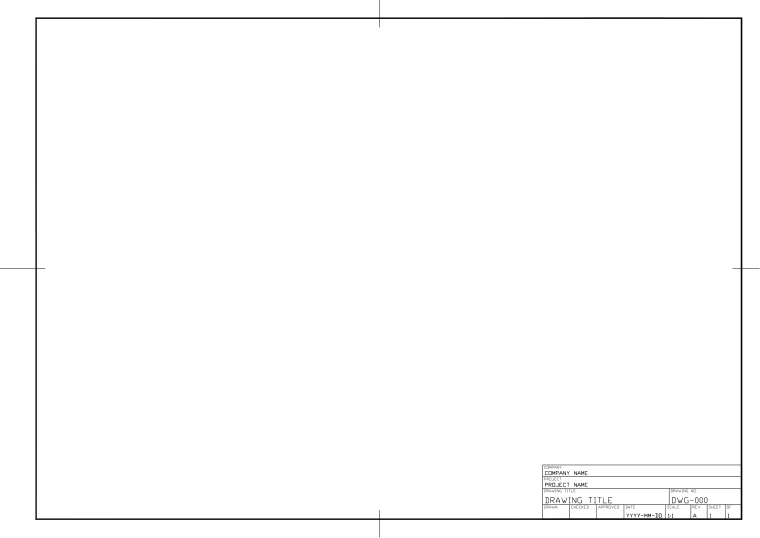
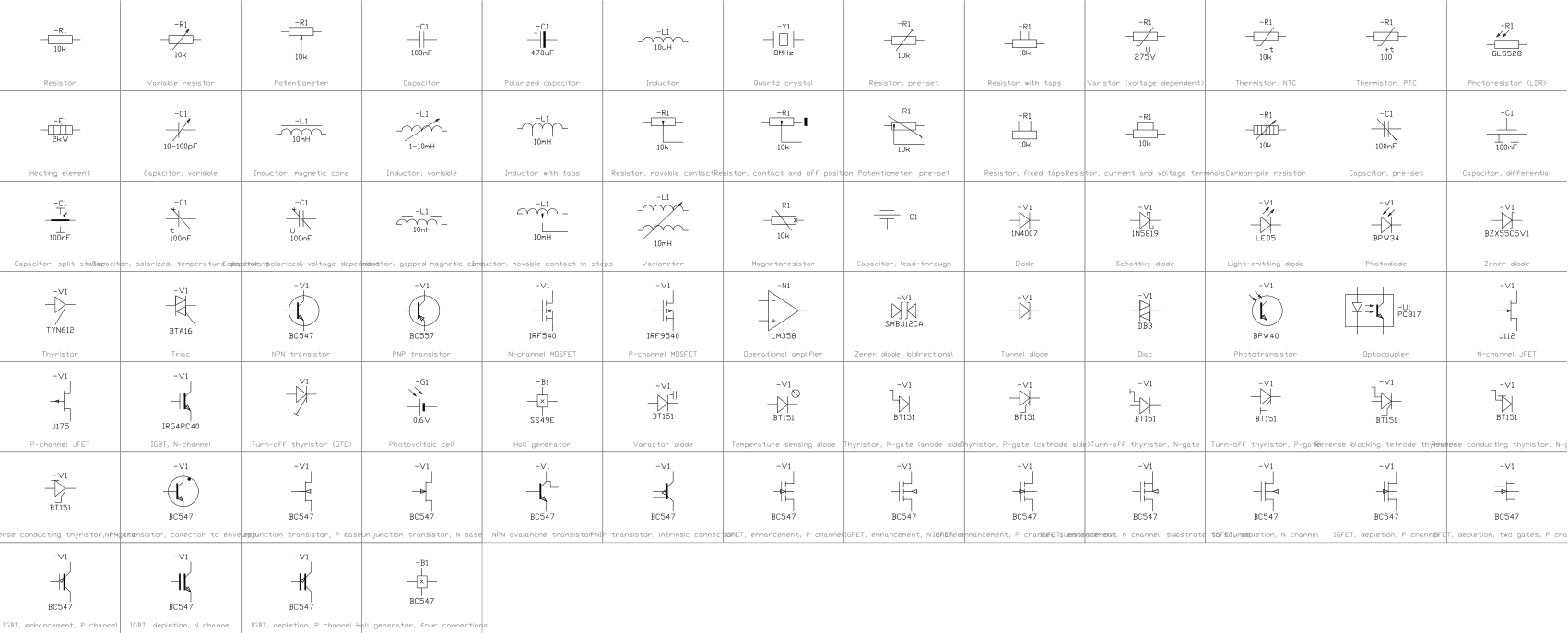
Layers, styles and sheet setup are the same for every drawing in the series; they are described on the series page: Household appliance circuit diagrams
Title block fields
The attributes of the title block. Double-click it to fill them in, or write them for a whole set of drawings with BlockSync.
| Attribute | Field on the sheet | Value in this sample |
|---|---|---|
| COMPANY | COMPANY | CADXChange |
| PROJECT | PROJECT | Household Appliances |
| AREA | AREA | Living room |
| SYSTEM | SYSTEM | 230 V AC |
| CLIENT | CLIENT | Sample |
| TITLE | DRAWING TITLE | Lamp dimmer |
| DRAWING_NO | DRAWING NO. | E-303 |
| CONTRACT_NO | CONTRACT NO. | — |
| REV | REV | A |
| DRAWN | DRAWN | — |
| CHECKED | CHECKED | — |
| APPROVED | APPROVED | — |
| DATE | DATE | 2026-10-21 |
| SCALE | SCALE | NTS |
| SHEET | SHEET | 1 |
| SHEET_OF | OF | 1 |
Revision table: R1 to R4, each with REV, DATE, DESCRIPTION and BY (16 attributes, empty in this sample).
Blocks in the drawing
The equipment list of the drawing: block name, symbol and how many times it is placed. BlockSync exports the same list from your own drawings.
| Symbol | Block | Placed |
|---|---|---|
 Junction Junction | IEC_JUNCTION | 5 |
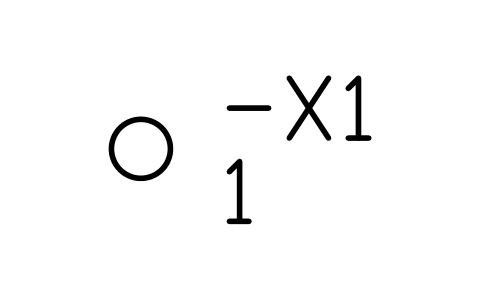 Terminal Terminal | IEC_TERMINAL | 2 |
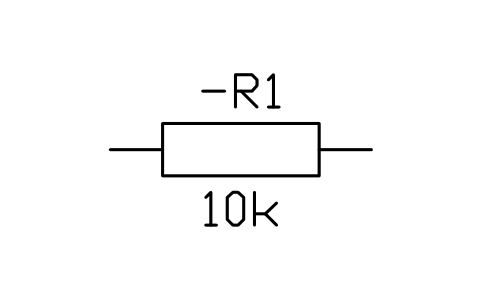 Resistor Resistor | IEC_RESISTOR | 2 |
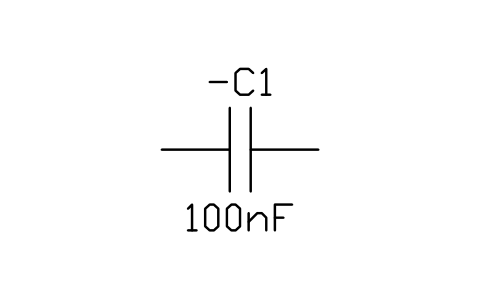 Capacitor Capacitor | IEC_CAPACITOR | 2 |
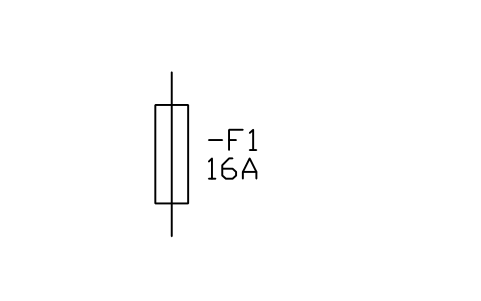 Fuse Fuse | IEC_FUSE | 1 |
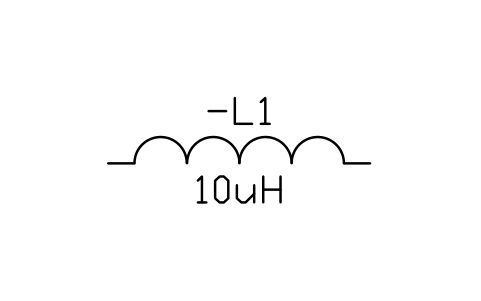 Inductor Inductor | IEC_INDUCTOR | 1 |
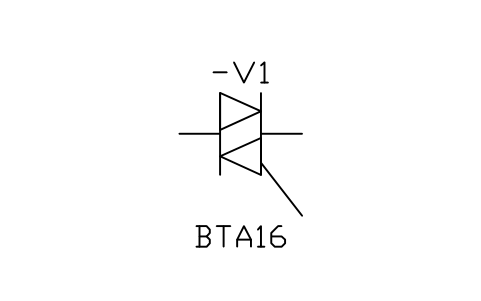 Triac Triac | IEC_TRIAC | 1 |
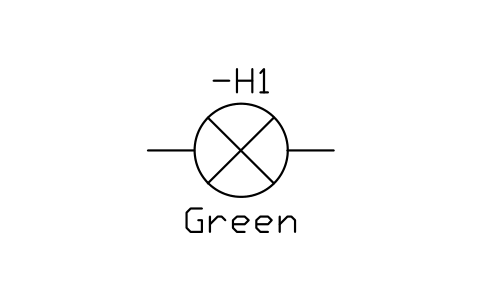 Signal lamp Signal lamp | IEC_LAMP | 1 |
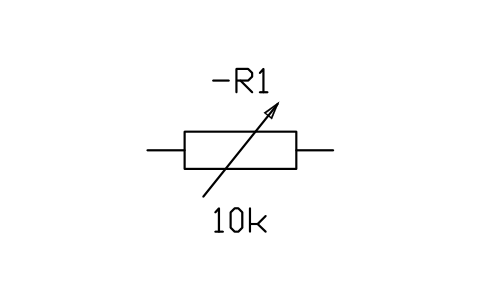 Variable resistor Variable resistor | IEC_RESISTOR_VARIABLE | 1 |
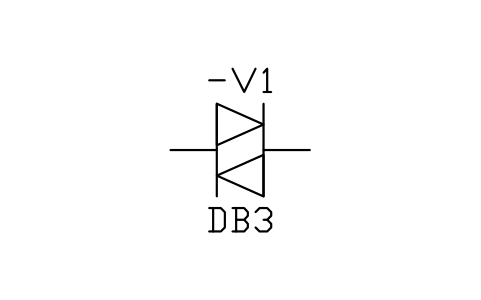 Diac Diac | IEC_DIAC | 1 |
Equipment schedule
One row per placed symbol, read from the attributes of the blocks in the drawing: what is shown on the sheet, and the schedule attributes that were filled in but are not shown. BlockSync exports these same attributes from your own drawings.
| Tag | Description | Shown on the sheet | Filled in, not shown |
|---|---|---|---|
| F1 | FuseIEC_FUSE | RATING_A = 2 A | VOLTAGE = 250 VCLASS = Time-lagBREAKING_KA = 1.5 |
| X1 | TerminalIEC_TERMINAL | TERMINAL_NO = 1 | |
| L1 | InductorIEC_INDUCTOR | VALUE = 1 mH | CURRENT = 2 A |
| V2 | TriacIEC_TRIAC | TYPE = BT136-600 | VOLTAGE = 600 VCURRENT = 4 A |
| X1 | TerminalIEC_TERMINAL | TERMINAL_NO = 2 | |
| EL1 | Signal lampIEC_LAMP | VOLTAGE = 230 V ACPOWER = 60 W | |
| RV1 | Variable resistorIEC_RESISTOR_VARIABLE | VALUE = 500 kohm | POWER = 0.25 W |
| R1 | ResistorIEC_RESISTOR | VALUE = 3.3 kohm | POWER = 0.25 WTOLERANCE = 5% |
| C1 | CapacitorIEC_CAPACITOR | VALUE = 100 nF | VOLTAGE = 275 V ACTOLERANCE = 10% |
| V1 | DiacIEC_DIAC | TYPE = DB3 | VOLTAGE = 32 V |
| R2 | ResistorIEC_RESISTOR | VALUE = 100 ohm | POWER = 1 WTOLERANCE = 5% |
| C2 | CapacitorIEC_CAPACITOR | VALUE = 100 nF | VOLTAGE = 275 V ACTOLERANCE = 10% |
Manufacturer, model and remarks are left empty on every block, ready for your data. The values are examples.
More drawings in this series
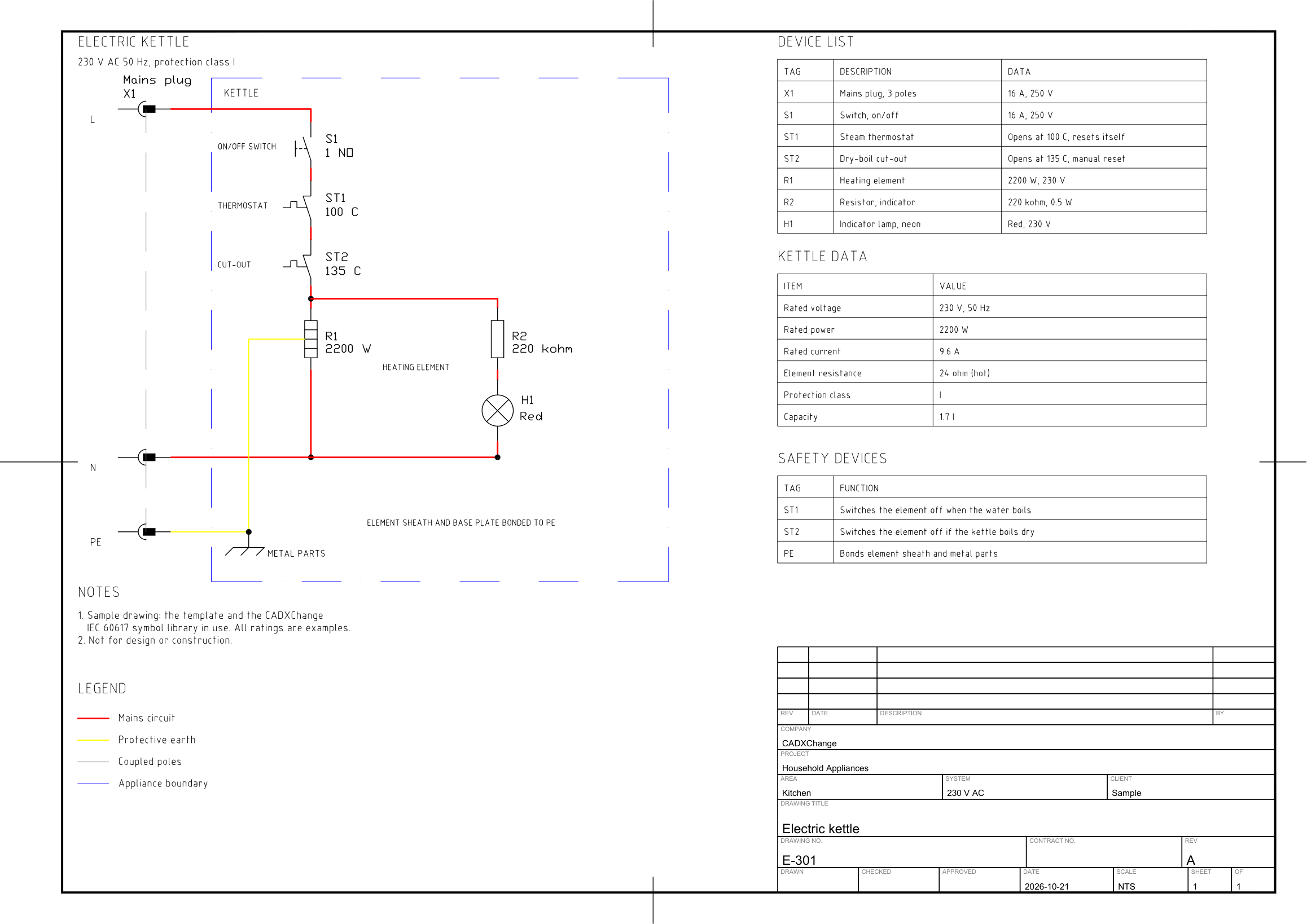 Electric kettleMains plug, on/off switch, steam thermostat, dry-boil cut-out, 2200 W heating element, neon indicator lamp with series resistor and protective earth to the metal parts.
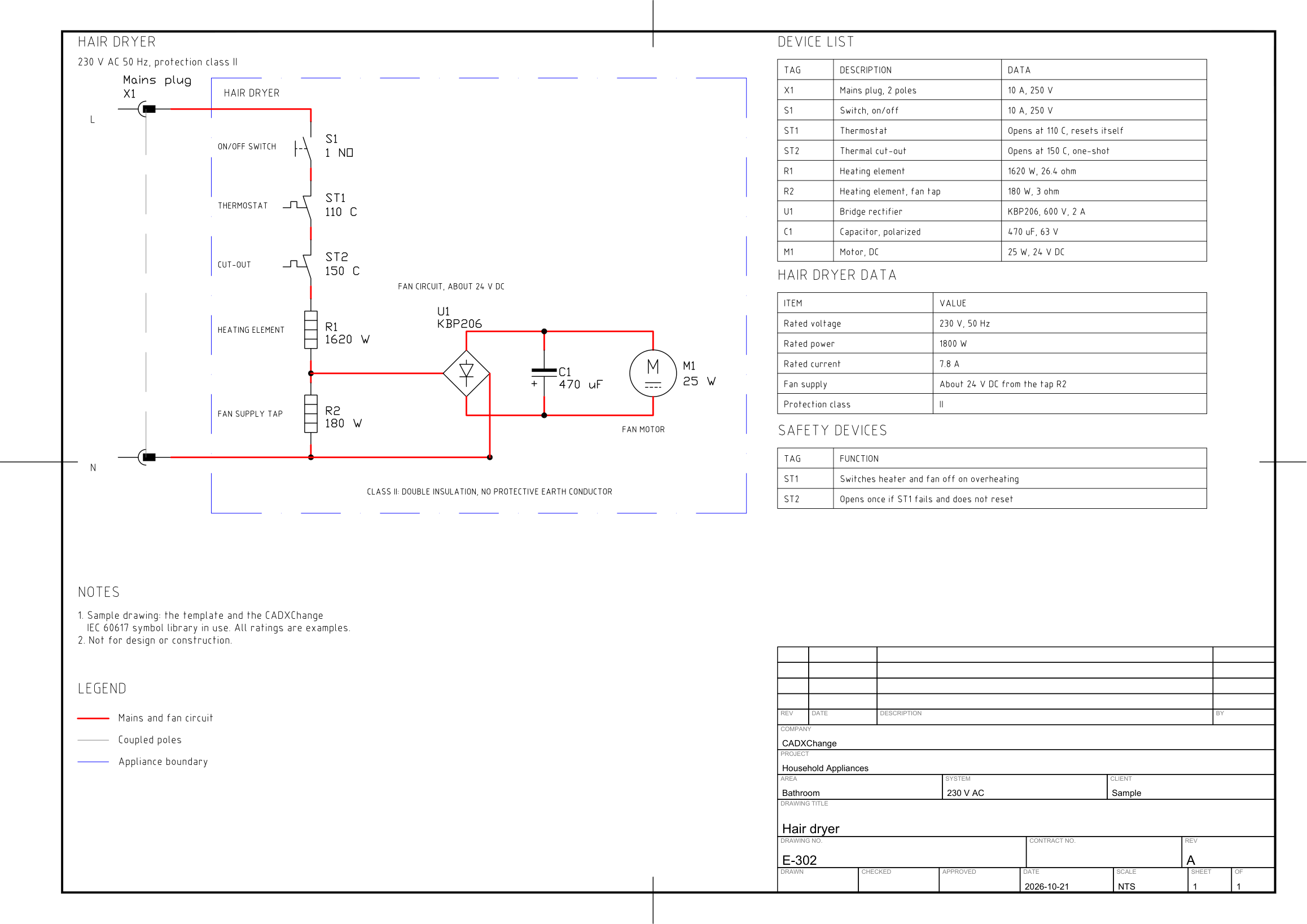 Hair dryer1800 W heater with a tap for the DC fan motor, bridge rectifier and smoothing capacitor, thermostat and one-shot thermal cut-out, double insulated.