ResourcesAnnotation and GD&T symbolsWelded structure drawing
AWS A2.4 weld symbols
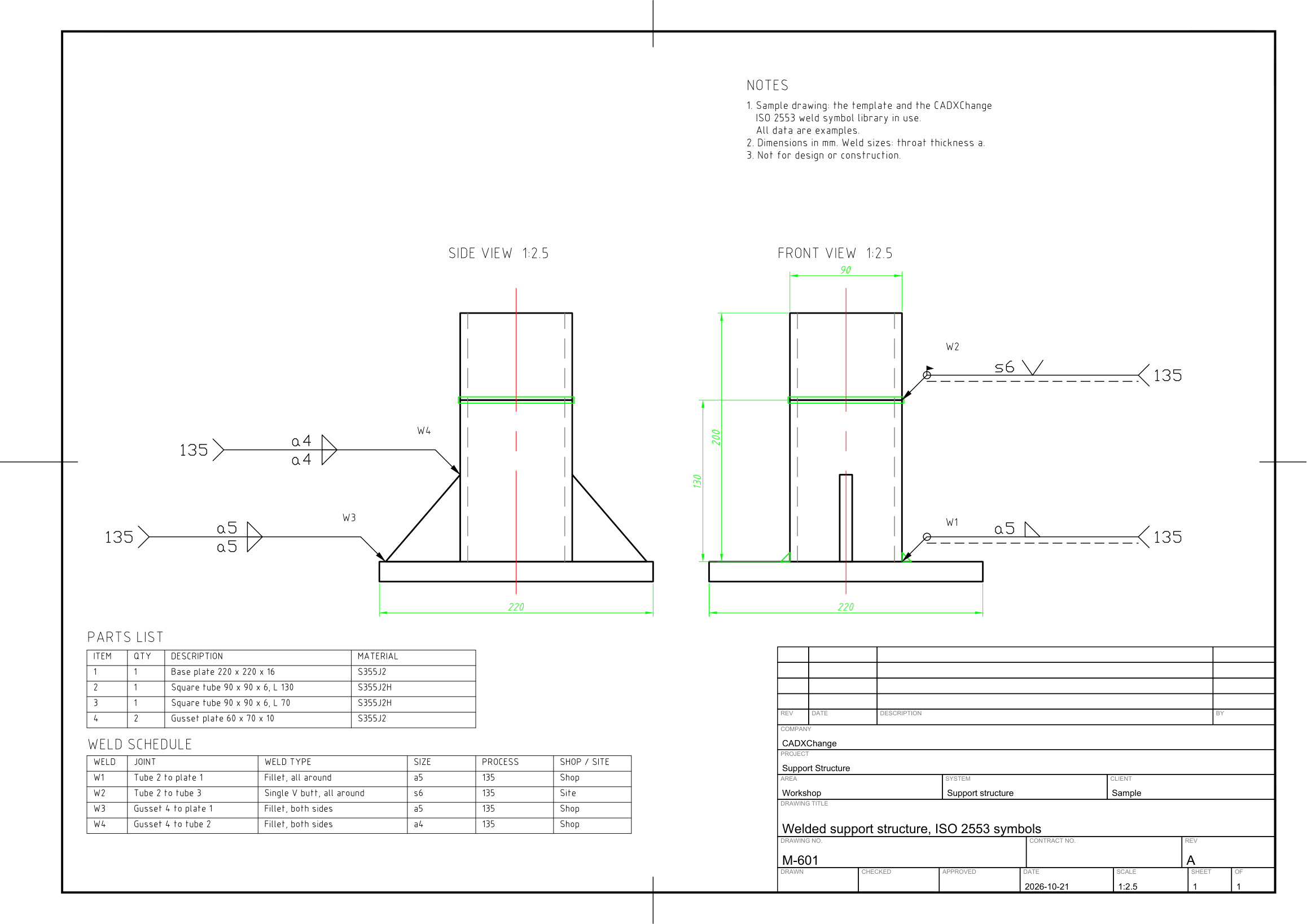
The same welded support with the four welds marked to AWS A2.4: all-around fillet, single-V groove weld with root opening and groove angle made in the field, two double fillet welds, leg size and process GMAW.
Free to use and modify in your own projects, including commercial ones. The ZIP holds the sample drawing, a template, a plot style table and a README; no add-in needed. The data in the drawing is made up, so it is not for design or construction. Provided as is, without warranty. Library terms (CXL-1.0)
Version 1.0 · updated October 21, 2026
This sample uses these resources
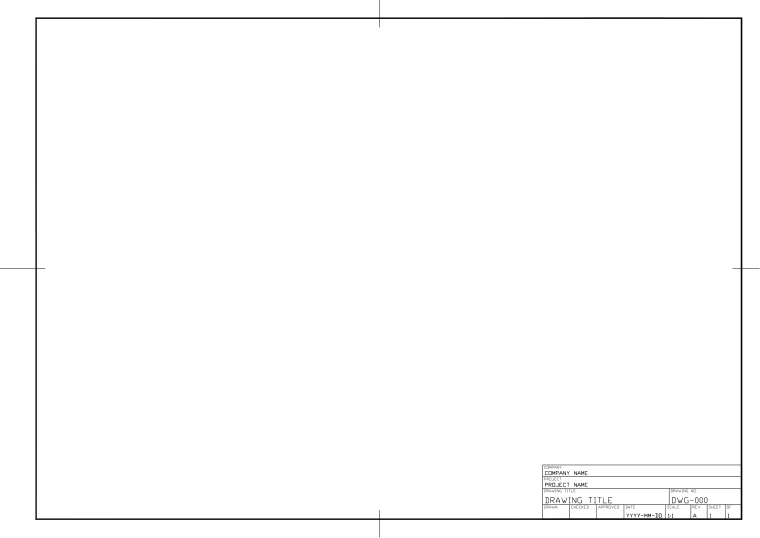
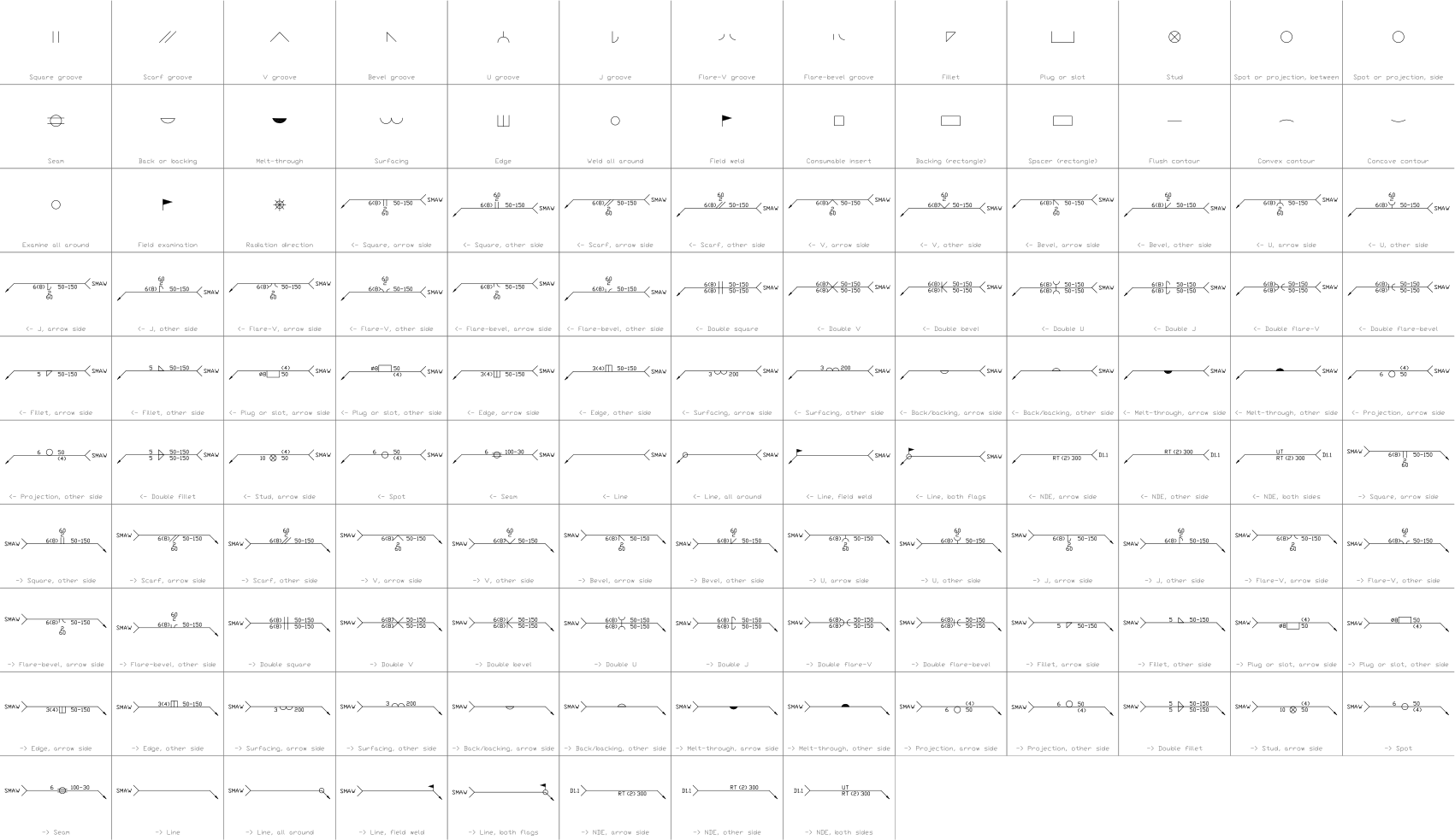
The symbols are blocks from our own libraries, with their attributes filled in. The sheet and its title block come from our ISO A3 title block template. Download them to draw your own diagrams.
Layers, styles and sheet setup are the same for every drawing in the series; they are described on the series page: Welded structure drawing
Title block fields
The attributes of the title block. Double-click it to fill them in, or write them for a whole set of drawings with BlockSync.
| Attribute | Field on the sheet | Value in this sample |
|---|---|---|
| COMPANY | COMPANY | CADXChange |
| PROJECT | PROJECT | Support Structure |
| AREA | AREA | Workshop |
| SYSTEM | SYSTEM | Support structure |
| CLIENT | CLIENT | Sample |
| TITLE | DRAWING TITLE | Welded support structure, AWS A2.4 symbols |
| DRAWING_NO | DRAWING NO. | M-602 |
| CONTRACT_NO | CONTRACT NO. | — |
| REV | REV | A |
| DRAWN | DRAWN | — |
| CHECKED | CHECKED | — |
| APPROVED | APPROVED | — |
| DATE | DATE | 2026-10-21 |
| SCALE | SCALE | 1:2.5 |
| SHEET | SHEET | 1 |
| SHEET_OF | OF | 1 |
Revision table: R1 to R4, each with REV, DATE, DESCRIPTION and BY (16 attributes, empty in this sample).
Blocks in the drawing
The equipment list of the drawing: block name, symbol and how many times it is placed. BlockSync exports the same list from your own drawings.
| Symbol | Block | Placed |
|---|---|---|
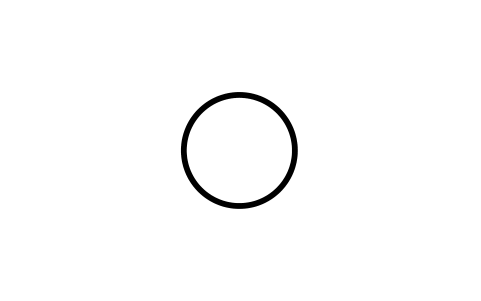 Weld all around Weld all around | WLA_SUP_ALL_AROUND | 2 |
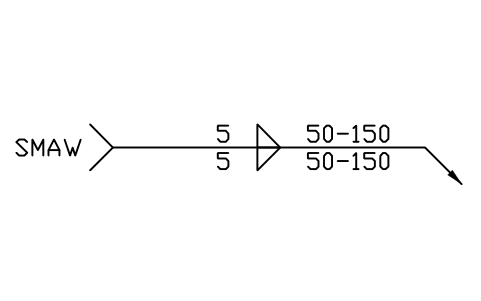 -> Double fillet -> Double fillet | WLA_R_DOUBLE_FILLET | 2 |
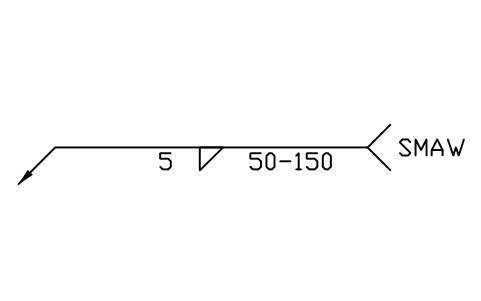 <- Fillet, arrow side <- Fillet, arrow side | WLA_L_FILLET_ARROW | 1 |
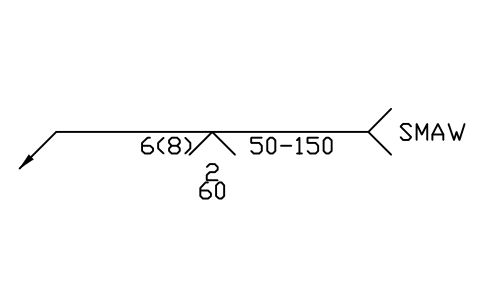 <- V, arrow side <- V, arrow side | WLA_L_V_ARROW | 1 |
 Field weld Field weld | WLA_SUP_FIELD_WELD | 1 |
Equipment schedule
One row per placed symbol, read from the attributes of the blocks in the drawing: what is shown on the sheet, and the schedule attributes that were filled in but are not shown. BlockSync exports these same attributes from your own drawings.
| Tag | Description | Shown on the sheet | Filled in, not shown |
|---|---|---|---|
| W1 | <- Fillet, arrow sideWLA_L_FILLET_ARROW | SIZE = 5 | PROCESS = GMAWSPECIFICATION = AWS D1.1FILLER = ER70S-6WPS_NO = WPS-001POSITION = 2FJOINT_TYPE = T-jointMATERIAL = ASTM A36 / A500 Gr BNDE = VT |
| W2 | <- V, arrow sideWLA_L_V_ARROW | SIZE = 6 | PROCESS = GMAWSPECIFICATION = AWS D1.1FILLER = ER70S-6WPS_NO = WPS-001POSITION = 1GMATERIAL = ASTM A36 / A500 Gr BNDE = VT |
| W3 | -> Double filletWLA_R_DOUBLE_FILLET | SIZE = 5 | PROCESS = GMAWSPECIFICATION = AWS D1.1FILLER = ER70S-6WPS_NO = WPS-001POSITION = 2FJOINT_TYPE = T-jointMATERIAL = ASTM A36 / A500 Gr BNDE = VT |
| W4 | -> Double filletWLA_R_DOUBLE_FILLET | SIZE = 4 | PROCESS = GMAWSPECIFICATION = AWS D1.1FILLER = ER70S-6WPS_NO = WPS-001POSITION = 2FJOINT_TYPE = T-jointMATERIAL = ASTM A36 / A500 Gr BNDE = VT |
Manufacturer, model and remarks are left empty on every block, ready for your data. The values are examples.