
ResourcesContemporary modular furniture plan symbols
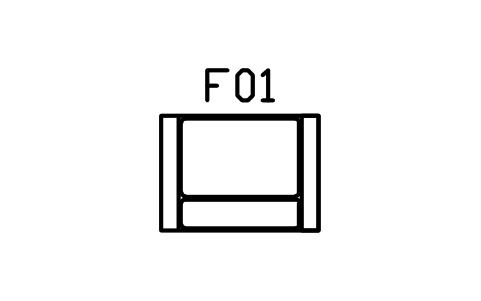
Module, arm right, 1000 symbol (DWG block)
Module, arm right, 1000 is a ready-to-use AutoCAD block named CMM_MOD_ARM_RIGHT in the Contemporary modular furniture plan symbols, group “Modular sofas and sectionals”. It carries 12 attributes, 1 of them visible, so it works in equipment lists and BlockSync exports.
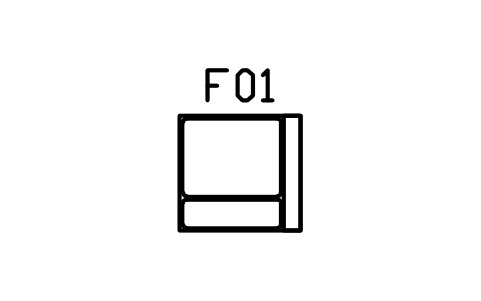
Block details
| Block name | CMM_MOD_ARM_RIGHT |
|---|---|
| Library | Contemporary modular furniture plan symbols |
| Group | Modular sofas and sectionals |
| Attributes | 12 attributes, 1 visible |
Attributes
Visible on the drawing: TAG.
Hidden, they carry the data for schedules: DESCRIPTION, WIDTH_MM, DEPTH_MM, HEIGHT_MM, MATERIAL, FINISH, QTY, MANUFACTURER, MODEL, REMARKS, DESC.
Export the attributes of every copy in a drawing to Excel with BlockSync, check them and write the corrections back in one run.
How to use it
- Download the ZIP and unzip it. It holds one DWG with the block CMM_MOD_ARM_RIGHT.
- Open the DWG and copy the block into your drawing, or insert it from the DWG with INSERT.
- Double-click a copy to fill in the tag and the other attributes.
The symbol is our own drawing after the common form of Contemporary modular furniture plan symbols, not a certified copy. The library page explains how the symbols relate to the standard.
Names in other languages
The same symbol under its name in the other site languages.
- English
- Module, arm right, 1000
- Simplified Chinese
- 模块,右扶手,1000
- Traditional Chinese
- 模組,右扶手,1000
- Japanese
- モジュール、右アーム、1000
- Korean
- 모듈, 오른쪽 팔걸이, 1000
- German
- Modul, Armlehne rechts, 1000
- French
- Module, accoudoir droit, 1000
- Italian
- Modulo, bracciolo destro, 1000
- Spanish
- Módulo, brazo derecho, 1000
More symbols in the group “Modular sofas and sectionals”
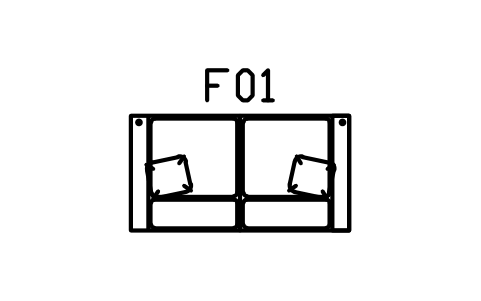 Sofa, slab arms, two seater
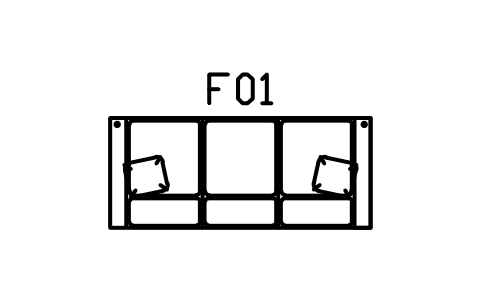 Sofa, slab arms, three seater
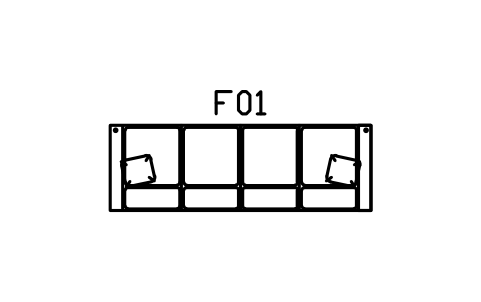 Sofa, slab arms, four seater
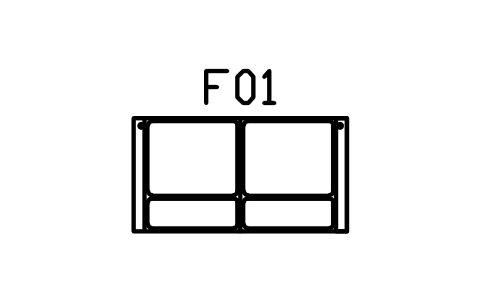 Sofa, slim arms, two seater
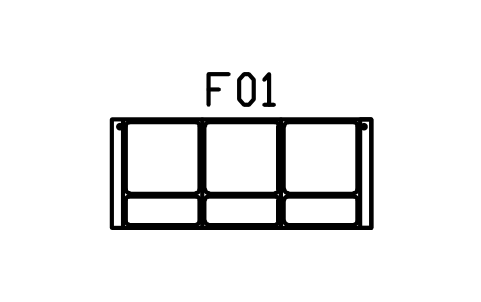 Sofa, slim arms, three seater
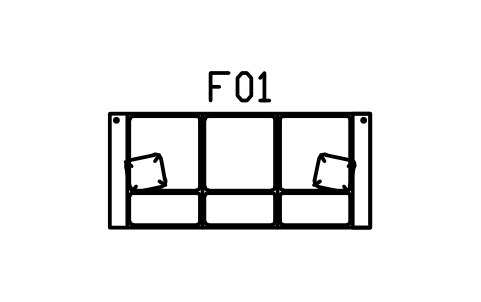 Sofa, deep seat, three seater
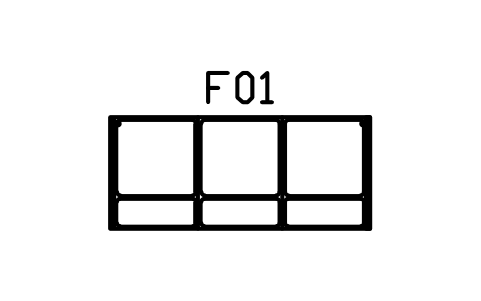 Sofa, armless, three seater
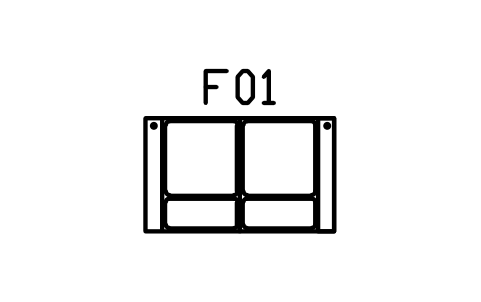 Loveseat, slab arms, 1500
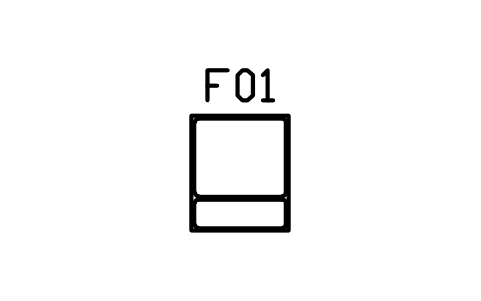 Module, armless, 800
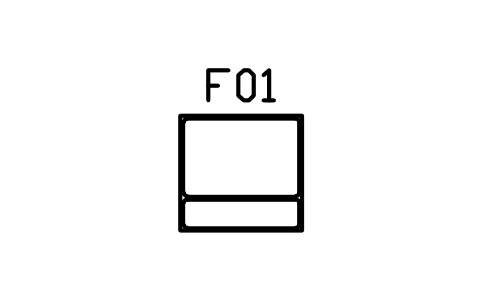 Module, armless, 1000
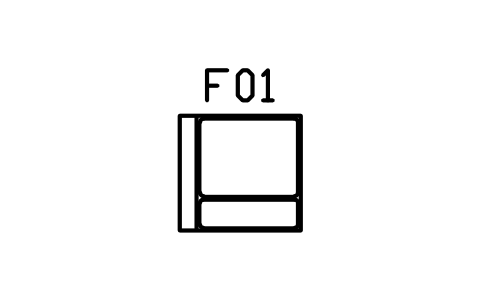 Module, arm left, 1000
 Module, arms both sides, 1300