
Topics:Instrumentation and control symbols
Free AutoCAD symbols for DCS and shared display (DWG), ISA 5.3 style
DCS and shared display symbols (ISA 5.3): 64 ready-made AutoCAD blocks (DWG). A starter pack of 24 symbols is free; the Standard edition is $19.
Free starter pack: 24 symbols
The most-used symbols of this library, as AutoCAD blocks in one DWG. Free for everyone, for any project.
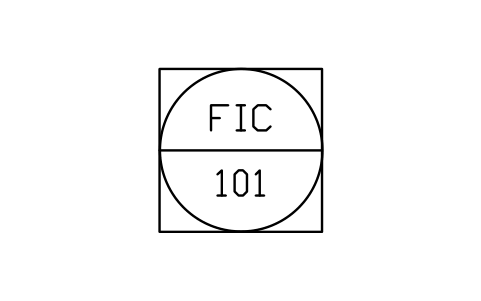 Shared, operator accessible
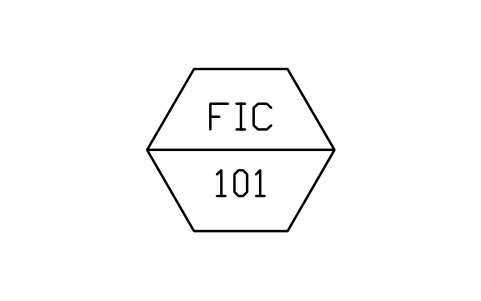 Computer, operator accessible
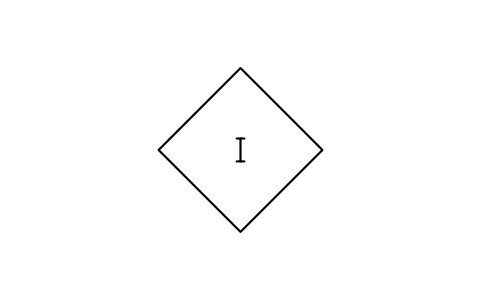 Complex logic, general
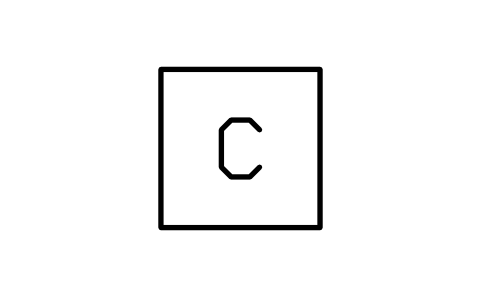 Computation block
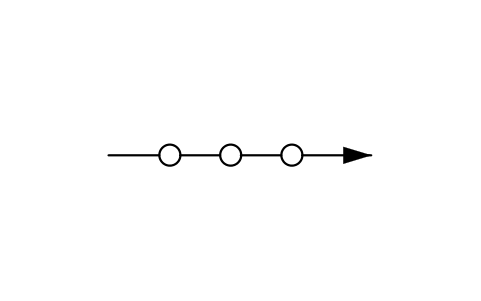
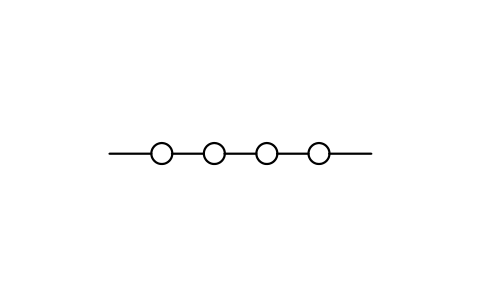 System link, horizontal
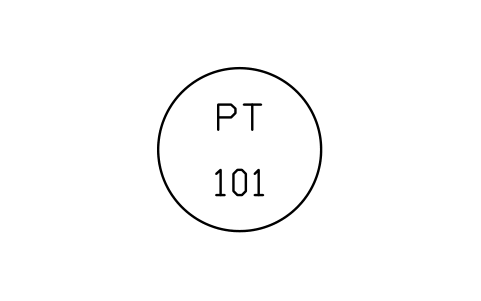 Field instrument bubble
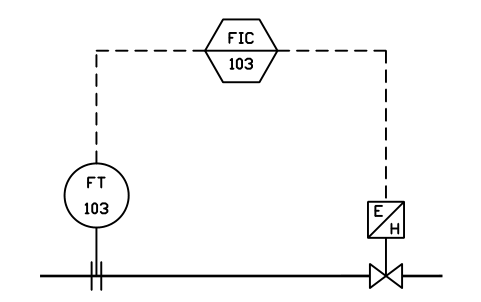 Computer loop, no backup
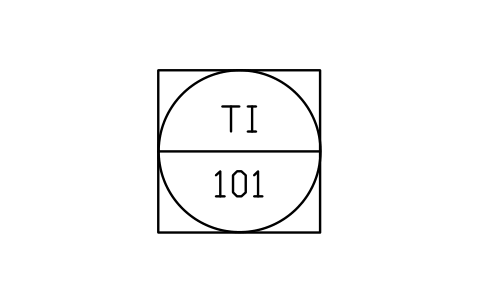 Shared display, indicator
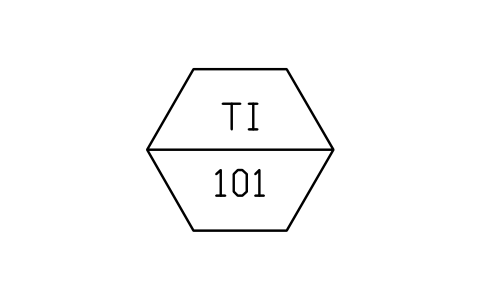 Computer display, indicator
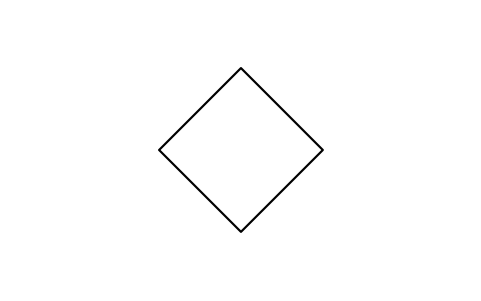 Complex logic, blank
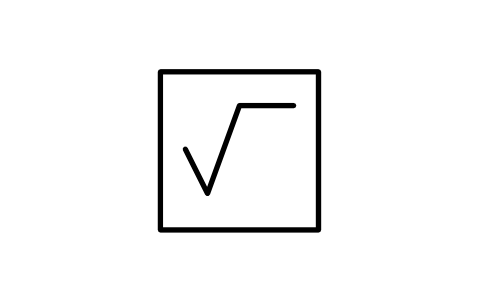 Square root
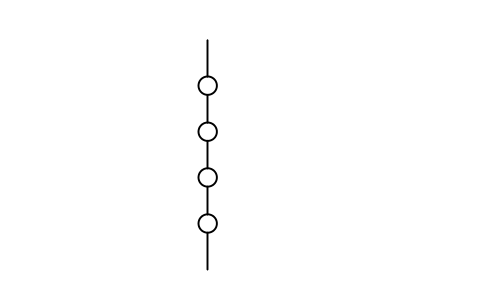 System link, vertical
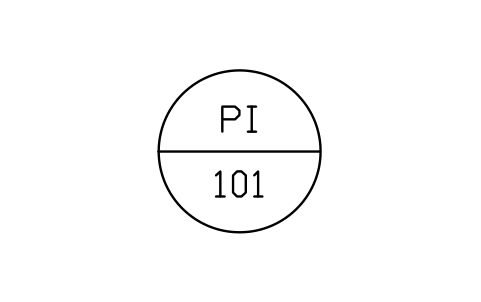 Panel instrument bubble
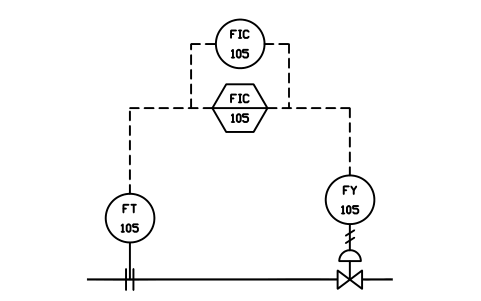 Computer loop, analog backup
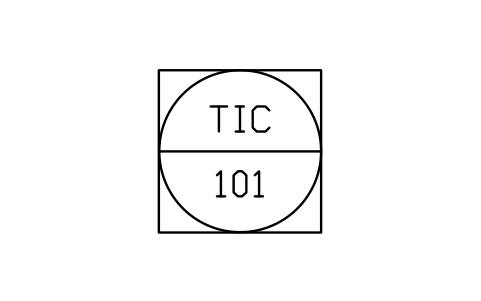 Shared control, controller
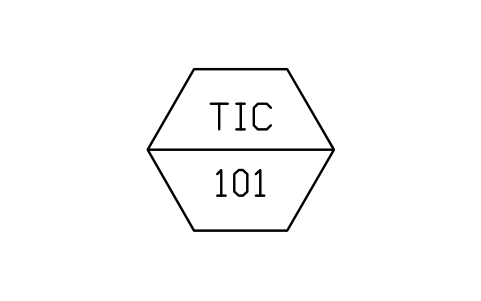 Computer display, controller
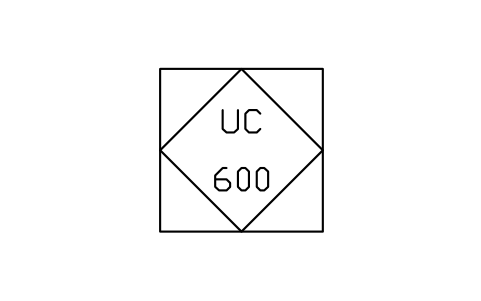 Logic controller, blind
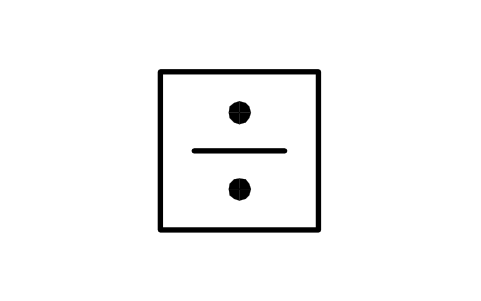
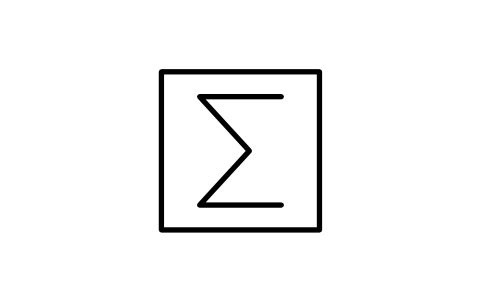 Summing
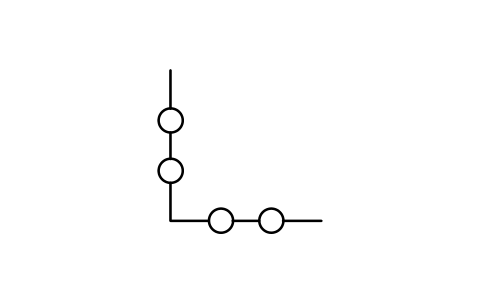 System link, corner
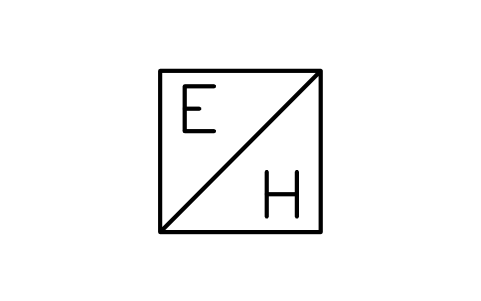 Signal converter box
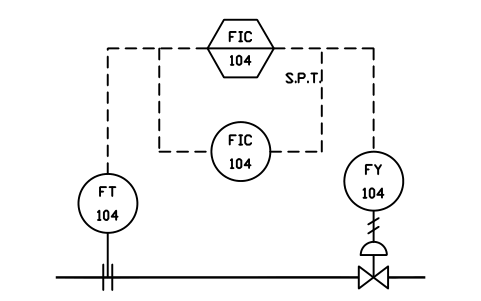 Computer loop, SPT backup
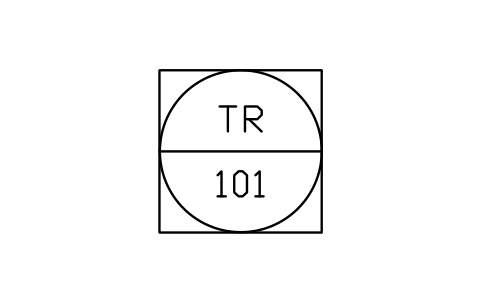 Shared display, recorder
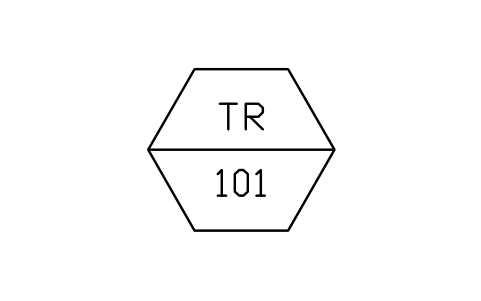 Computer display, recorder
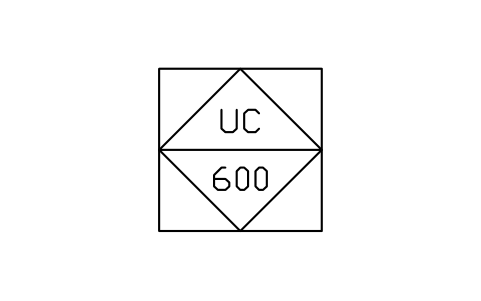 Logic controller, accessible
Standard: 64 symbols
All 64 symbols of the Standard edition in one download, ready to insert in AutoCAD. Pay once and keep the files.
Free starter pack
$0For everyone, for any project
- 24 symbols
- No sign-in
- One DWG
Library licence
$19
For one person
Education: free
- Pay once
Student or teacher?
Free for one year with your school e-mail address. Renew it with the same address.
Sign in with your school e-mail address, we check it, and the licence is added to your account.
Available soonEducation licences are for study and teaching, valid for one year, and renewed with your school e-mail address.
What each version contains
The symbols by group, and how many of each group every version holds.
| Content | Free | Standard |
|---|---|---|
| All symbols | 24 | 64 |
| Added by this version | — | +40 |
| Shared display and control | 4 | 13 |
| Computer | 4 | 9 |
| Logic and sequential control | 4 | 4 |
| Internal system functions | 3 | 12 |
| System links and alarms | 3 | 7 |
| Devices used with the loops | 3 | 6 |
| Typical loops | 3 | 13 |
The free pack is a hand-picked selection. Standard is one purchase and gives you every symbol as DWG files.
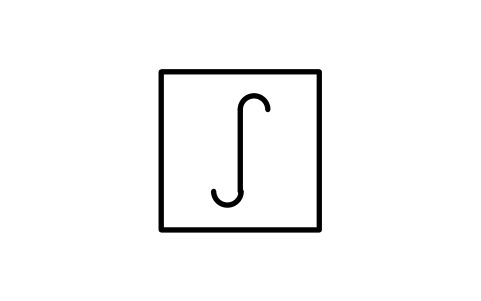
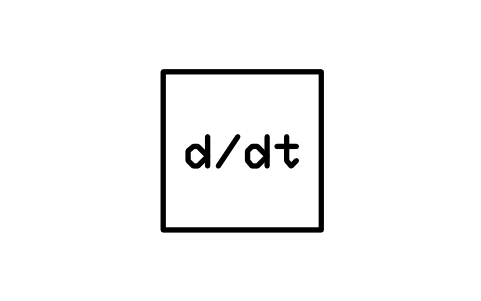
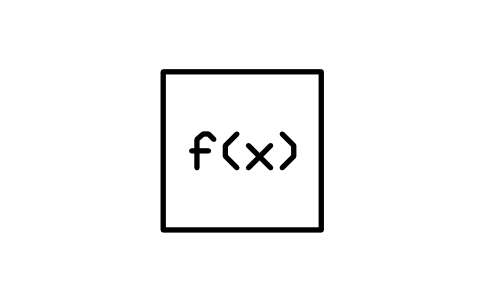
64 symbols for control loop drawings and flow diagrams of distributed control systems, as ready-to-use AutoCAD blocks drawn after ISA 5.3: shared display and shared control bubbles (operator accessible, auxiliary interface, not accessible), computer hexagons, logic and sequential controllers, computation blocks (square root, summing, difference, multiplication, division, bias, high and low select, integration, derivative, characterizer), system links, software alarm marks and the 13 example loops of the standard's appendix, from computer control with analog backup to supervisory set point control.
Version 1.0 · updated October 17, 2026
All 64 symbols
64 of 64 symbols
Shared, operator accessible
IS3_SHARED_ACCESSIBLEAttributes
TAG_FUNCLOOP_NOSERVICEAREARANGEUNITSIGNAL_TYPEIO_ADDRESSCABINETPID_NOMANUFACTURERMODELDATASHEET_NODESCShared display, indicator
IS3_SHARED_ACC_INDAttributes
TAG_FUNCLOOP_NOSERVICEAREARANGEUNITSIGNAL_TYPEIO_ADDRESSCABINETPID_NOMANUFACTURERMODELDATASHEET_NODESCShared control, controller
IS3_SHARED_ACC_CTRLAttributes
TAG_FUNCLOOP_NOSERVICEAREARANGEUNITSIGNAL_TYPEIO_ADDRESSCABINETPID_NOMANUFACTURERMODELDATASHEET_NODESCShared display, recorder
IS3_SHARED_ACC_RECAttributes
TAG_FUNCLOOP_NOSERVICEAREARANGEUNITSIGNAL_TYPEIO_ADDRESSCABINETPID_NOMANUFACTURERMODELDATASHEET_NODESC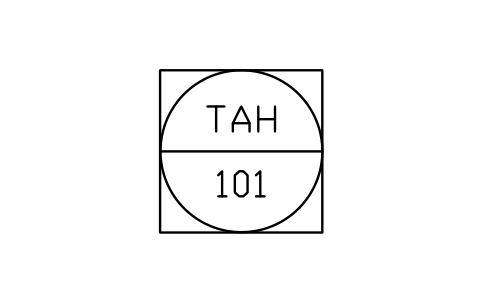
Shared display, alarm point
IS3_SHARED_ACC_ALARMAttributes
TAG_FUNCLOOP_NOSERVICEAREARANGEUNITSIGNAL_TYPEIO_ADDRESSCABINETPID_NOMANUFACTURERMODELDATASHEET_NODESC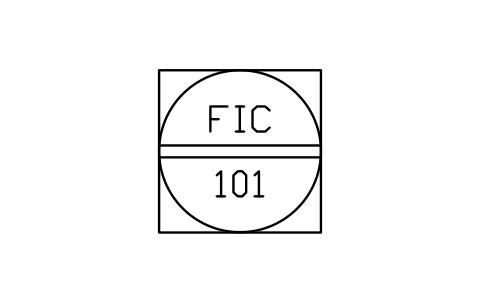
Shared, auxiliary interface
IS3_SHARED_AUXILIARYAttributes
TAG_FUNCLOOP_NOSERVICEAREARANGEUNITSIGNAL_TYPEIO_ADDRESSCABINETPID_NOMANUFACTURERMODELDATASHEET_NODESC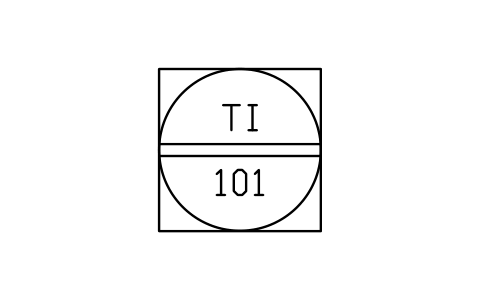
Auxiliary interface, indicator
IS3_SHARED_AUX_INDAttributes
TAG_FUNCLOOP_NOSERVICEAREARANGEUNITSIGNAL_TYPEIO_ADDRESSCABINETPID_NOMANUFACTURERMODELDATASHEET_NODESC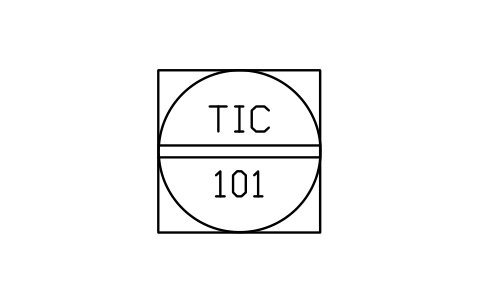
Auxiliary interface, controller
IS3_SHARED_AUX_CTRLAttributes
TAG_FUNCLOOP_NOSERVICEAREARANGEUNITSIGNAL_TYPEIO_ADDRESSCABINETPID_NOMANUFACTURERMODELDATASHEET_NODESC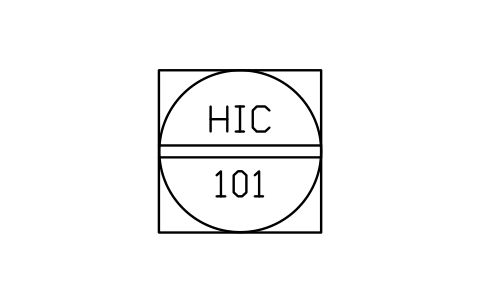
Auxiliary interface, manual
IS3_SHARED_AUX_MANUALAttributes
TAG_FUNCLOOP_NOSERVICEAREARANGEUNITSIGNAL_TYPEIO_ADDRESSCABINETPID_NOMANUFACTURERMODELDATASHEET_NODESC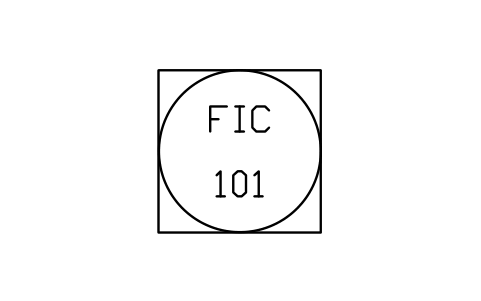
Shared, not accessible
IS3_SHARED_BLINDAttributes
TAG_FUNCLOOP_NOSERVICEAREARANGEUNITSIGNAL_TYPEIO_ADDRESSCABINETPID_NOMANUFACTURERMODELDATASHEET_NODESC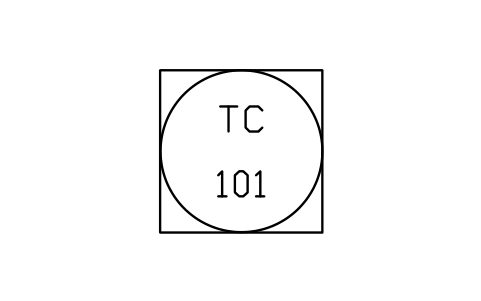
Shared blind controller
IS3_SHARED_BLIND_CTRLAttributes
TAG_FUNCLOOP_NOSERVICEAREARANGEUNITSIGNAL_TYPEIO_ADDRESSCABINETPID_NOMANUFACTURERMODELDATASHEET_NODESC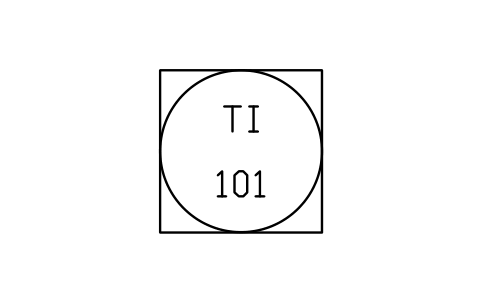
Shared display, in field
IS3_SHARED_BLIND_FIELDAttributes
TAG_FUNCLOOP_NOSERVICEAREARANGEUNITSIGNAL_TYPEIO_ADDRESSCABINETPID_NOMANUFACTURERMODELDATASHEET_NODESC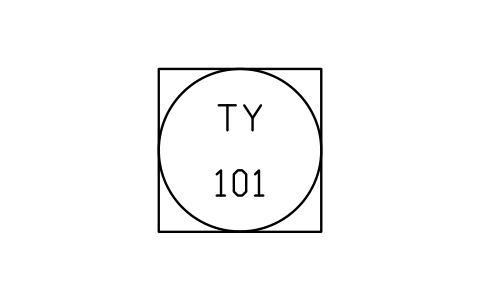
Shared computation module
IS3_SHARED_BLIND_CALCAttributes
TAG_FUNCLOOP_NOSERVICEAREARANGEUNITSIGNAL_TYPEIO_ADDRESSCABINETPID_NOMANUFACTURERMODELDATASHEET_NODESCComputer, operator accessible
IS3_COMPUTER_ACCESSIBLEAttributes
TAG_FUNCLOOP_NOSERVICEAREARANGEUNITSIGNAL_TYPEIO_ADDRESSCABINETPID_NOMANUFACTURERMODELDATASHEET_NODESCComputer display, indicator
IS3_COMPUTER_ACC_INDAttributes
TAG_FUNCLOOP_NOSERVICEAREARANGEUNITSIGNAL_TYPEIO_ADDRESSCABINETPID_NOMANUFACTURERMODELDATASHEET_NODESCComputer display, controller
IS3_COMPUTER_ACC_CTRLAttributes
TAG_FUNCLOOP_NOSERVICEAREARANGEUNITSIGNAL_TYPEIO_ADDRESSCABINETPID_NOMANUFACTURERMODELDATASHEET_NODESCComputer display, recorder
IS3_COMPUTER_ACC_RECAttributes
TAG_FUNCLOOP_NOSERVICEAREARANGEUNITSIGNAL_TYPEIO_ADDRESSCABINETPID_NOMANUFACTURERMODELDATASHEET_NODESC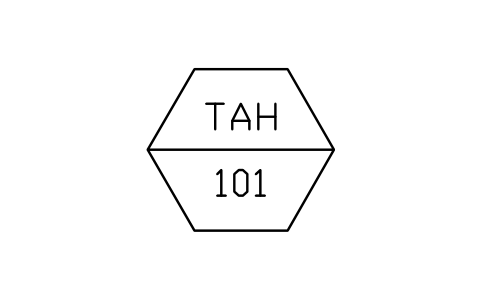
Computer display, alarm point
IS3_COMPUTER_ACC_ALARMAttributes
TAG_FUNCLOOP_NOSERVICEAREARANGEUNITSIGNAL_TYPEIO_ADDRESSCABINETPID_NOMANUFACTURERMODELDATASHEET_NODESC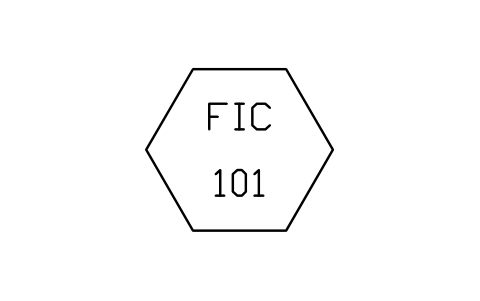
Computer, not accessible
IS3_COMPUTER_BLINDAttributes
TAG_FUNCLOOP_NOSERVICEAREARANGEUNITSIGNAL_TYPEIO_ADDRESSCABINETPID_NOMANUFACTURERMODELDATASHEET_NODESC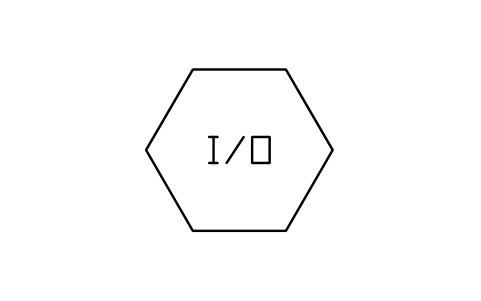
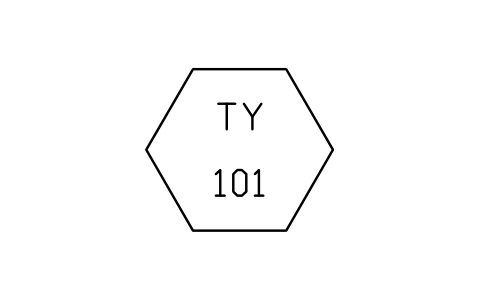
Computer, computation
IS3_COMPUTER_CALCAttributes
TAG_FUNCLOOP_NOSERVICEAREARANGEUNITSIGNAL_TYPEIO_ADDRESSCABINETPID_NOMANUFACTURERMODELDATASHEET_NODESC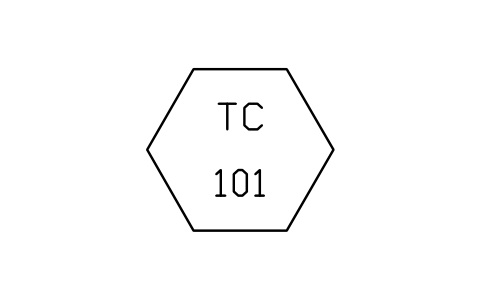
Computer, blind controller
IS3_COMPUTER_BLIND_CTRLAttributes
TAG_FUNCLOOP_NOSERVICEAREARANGEUNITSIGNAL_TYPEIO_ADDRESSCABINETPID_NOMANUFACTURERMODELDATASHEET_NODESCLogic controller, blind
IS3_PLC_BLINDAttributes
TAG_FUNCLOOP_NOSERVICEAREARANGEUNITSIGNAL_TYPEIO_ADDRESSCABINETPID_NOMANUFACTURERMODELDATASHEET_NODESCLogic controller, accessible
IS3_PLC_ACCESSIBLEAttributes
TAG_FUNCLOOP_NOSERVICEAREARANGEUNITSIGNAL_TYPEIO_ADDRESSCABINETPID_NOMANUFACTURERMODELDATASHEET_NODESC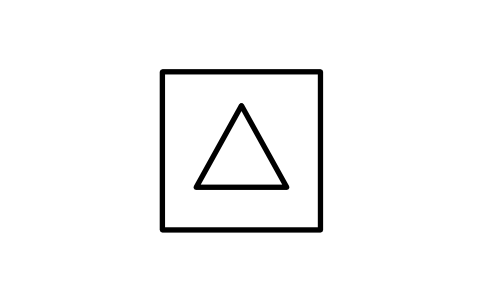
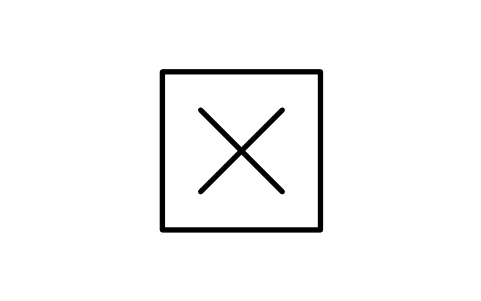
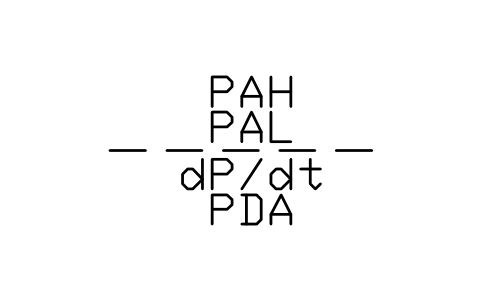
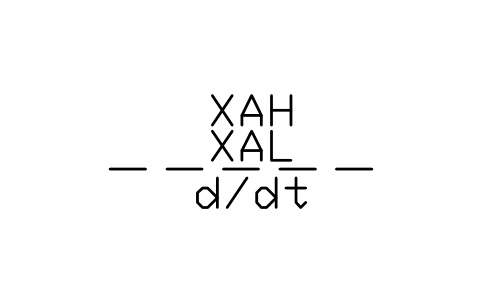
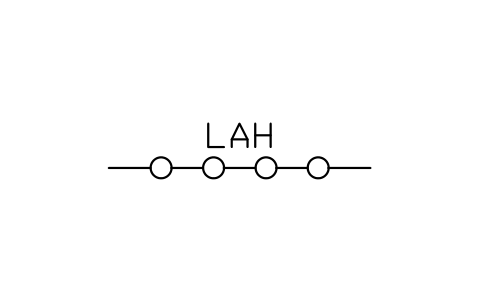
Field instrument bubble
IS3_FIELD_INSTRUMENTAttributes
TAG_FUNCLOOP_NOSERVICEAREARANGEUNITSIGNAL_TYPEIO_ADDRESSCABINETPID_NOMANUFACTURERMODELDATASHEET_NODESCPanel instrument bubble
IS3_PANEL_INSTRUMENTAttributes
TAG_FUNCLOOP_NOSERVICEAREARANGEUNITSIGNAL_TYPEIO_ADDRESSCABINETPID_NOMANUFACTURERMODELDATASHEET_NODESC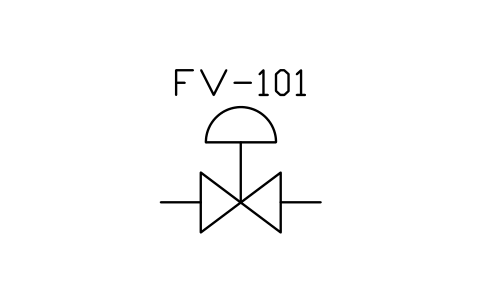
Control valve, diaphragm
IS3_VALVE_DIAPHRAGMAttributes
TAGSIZEFAIL_POSITIONCVMANUFACTURERMODELREMARKSDESC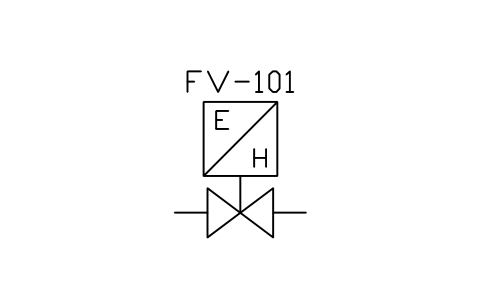
Control valve, E/H converter
IS3_VALVE_CONVERTERAttributes
TAGSIZEFAIL_POSITIONCVMANUFACTURERMODELREMARKSDESC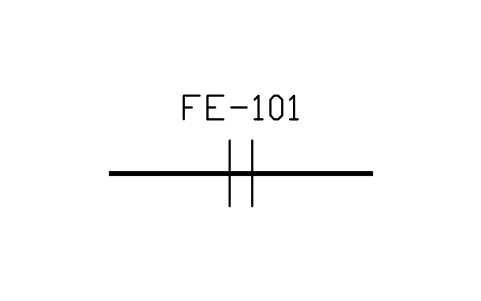
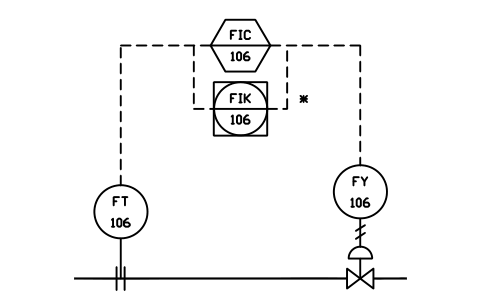
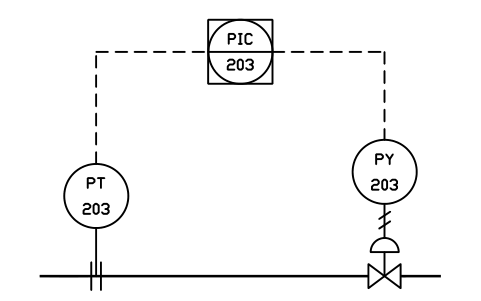
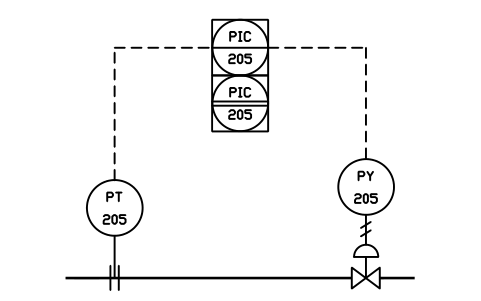
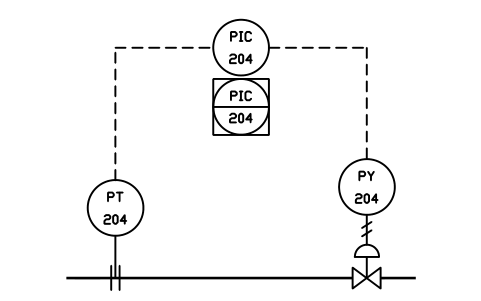
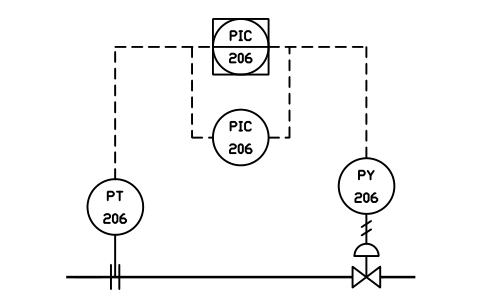
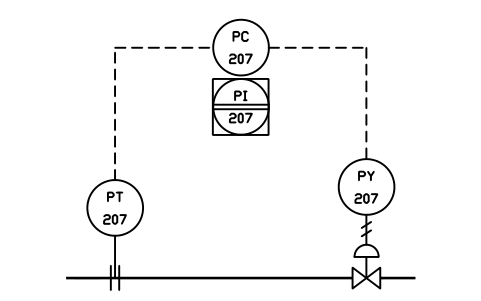
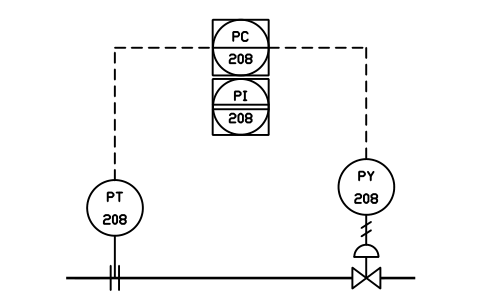
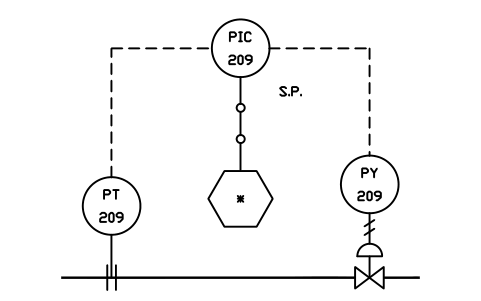
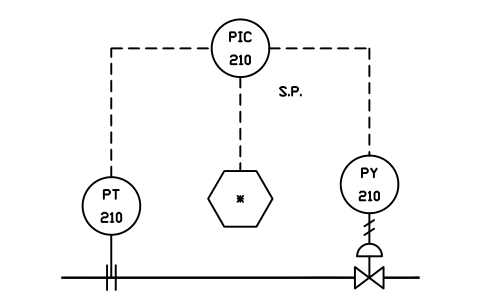
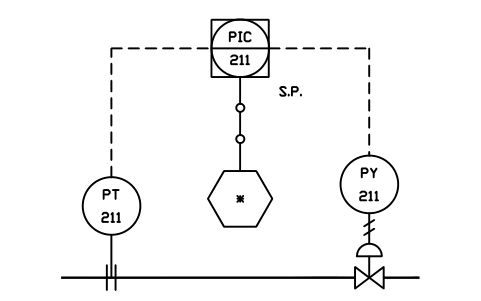
Copyright CADXChange. Use and modify the symbols freely in your own drawings and projects, including commercial ones; credit and a link are needed only when you publish them. Please do not redistribute or resell the library. Each ZIP holds one plain DWG file in AutoCAD 2018 format and a README; no add-in needed. Provided as is, without warranty. Library terms (CXL-1.0)
Related symbol libraries
Missing a symbol? Tell us which one.
Attributes for parts lists
A bubble has two visible attributes inside it: TAG_FUNC for the function letters (for example FIC) and LOOP_NO for the loop number (for example 101). The other attributes are invisible: SERVICE, AREA, RANGE, UNIT, SIGNAL_TYPE, IO_ADDRESS, CABINET, PID_NO, MANUFACTURER, MODEL and DATASHEET_NO. Computation blocks carry FUNCTION and BLOCK_NO.
The loop blocks carry the function letters and loop number of every bubble as attributes, so you set them once per bubble after inserting.
How to use the library
- Unzip the file and open the DWG. Copy the symbols you need into your loop or flow diagram, or drag the blocks in from DesignCenter (ADCENTER).
- Bubbles and logic symbols are inserted by their centre and are drawn at the usual instrument bubble size, so they fit next to symbols from the ISA 5.1 library. The loop blocks are small complete drawings at half size: insert one, explode it if you want to rearrange the parts, or copy single symbols out of it.
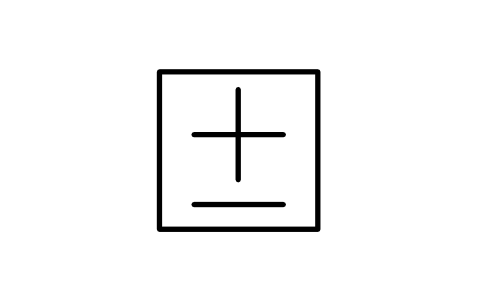
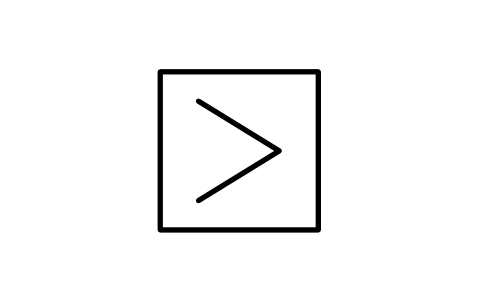
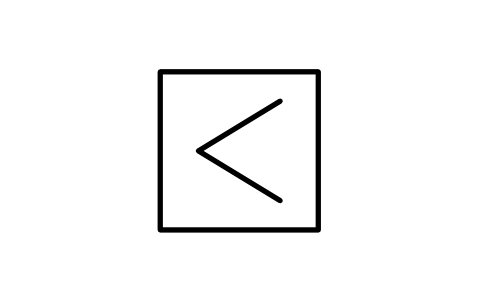
- Choose the shape for the kind of device: a circle in a square is a shared display or shared control function, a hexagon is a computer function, a diamond is logic or sequential control. The line across the symbol shows where the operator reaches it: one line for normally accessible, two lines for an auxiliary interface device, no line for not accessible. Computation blocks are small squares with the function mark inside, and the system link is a line with small circles.
- Double-click the block (or run EATTEDIT) and fill in the function letters, the loop number and the instrument data.
About ISA 5.3 and ISA 5.1
ISA 5.3-1983, Graphic Symbols for Distributed Control/Shared Display Instrumentation, Logic and Computer Systems, was written for control systems with microprocessors and shared displays. Its content has since been merged into ISA 5.1-2009, which no longer exists as a separate document, but drawings, specifications and engineers still refer to ISA 5.3. This library follows the figures and the grouping of ISA 5.3. For discrete instruments, valves, primary elements and signal lines see the ISA 5.1 library, and use the two together.
These symbols are our own drawings after the figures of the standard. They are not copied from it, and the library is not certified against it. Company and project standards often differ in details such as the bubble size; change a block if your legend differs.
Frequently asked questions
- ISA 5.3 was merged into ISA 5.1. Why a separate library?
- Because people still look for it by that name, and many existing drawings and specifications are written to ISA 5.3. The library collects its symbols and example loops in one file, named the way you search for them. The same shapes appear in the ISA 5.1 library as the shared, computer and logic bubbles.
- How is this library different from the ISA 5.1 library?
- The ISA 5.1 library is the broad one: instrument bubbles for every location, primary elements, signal lines, valves and actuators. This library is focused on distributed control and adds what ISA 5.3 shows beyond the bubbles: computation blocks, system links, software alarm marks and the complete example loops. The devices needed to finish a loop are included here too.
- Can I use the symbols in commercial projects?
- Yes. They are free to use and modify in your own projects, including commercial ones. They are provided as is, without warranty. Please do not redistribute or resell the library; see the library terms.
- Can I use the symbols in commercial projects?
- Yes. They are free to use and modify in your own projects, including commercial ones. They are provided as is, without warranty. Please do not redistribute or resell the library; see the library terms.
- Can I change a symbol or add attributes?
- Yes. Open the DWG, edit a block with BEDIT to change it or add attributes, and save. To update drawings that already contain the block, run ATTSYNC or replace the block. Make a backup first: attribute values can be lost if ATTSYNC is used carelessly.
- Where do I find a ready-made set of these symbols for AutoCAD?
- AutoCAD itself ships only a small set of sample blocks, so a full symbol set has to come from a library. Download the ZIP on this page and open the DWG: every symbol is a block. Insert one with INSERT (Blocks palette, Libraries tab, then pick the DWG) or drag it from DesignCenter (ADCENTER). You can also download a single symbol on its own.