
Topics:Instrumentation and control symbols
Free AutoCAD symbols for process displays (DWG), ISA 5.5 style
Process display symbols (ISA 5.5): 72 ready-made AutoCAD blocks (DWG). A starter pack of 24 symbols is free; the Standard edition is $19.
Free starter pack: 24 symbols
The most-used symbols of this library, as AutoCAD blocks in one DWG. Free for everyone, for any project.
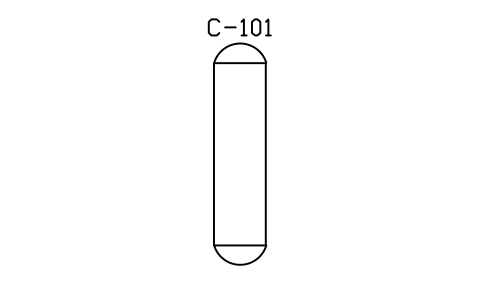 Distillation tower
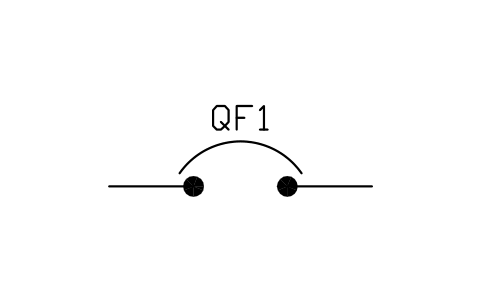 Circuit breaker
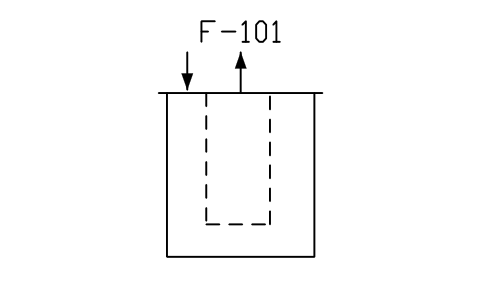 Liquid filter
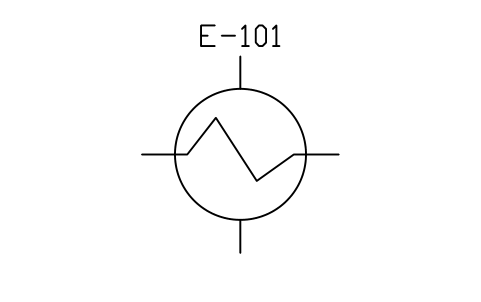 Exchanger
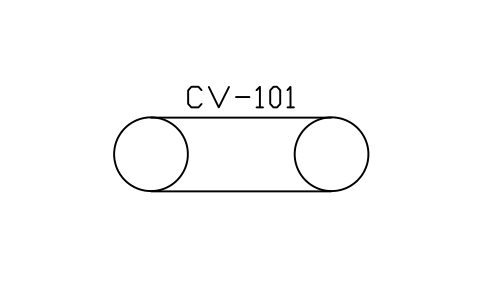 Conveyor
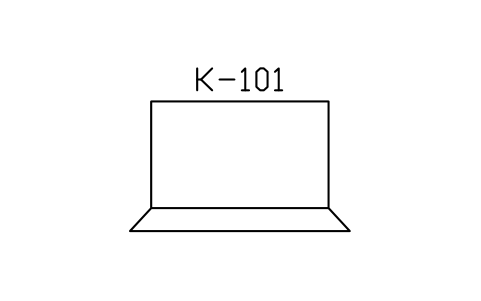 Reciprocating compressor
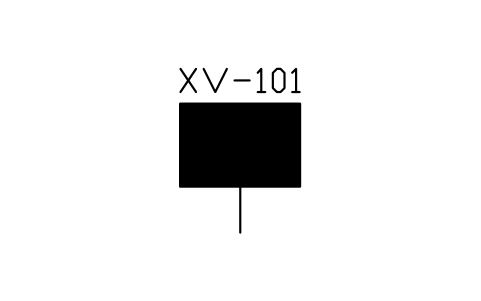
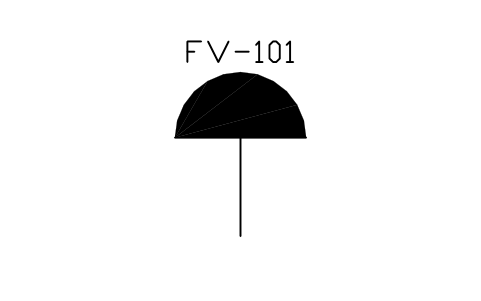
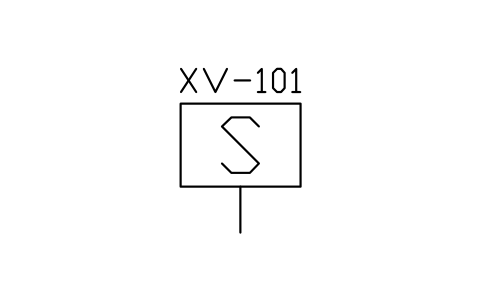 Actuator, solenoid, closed
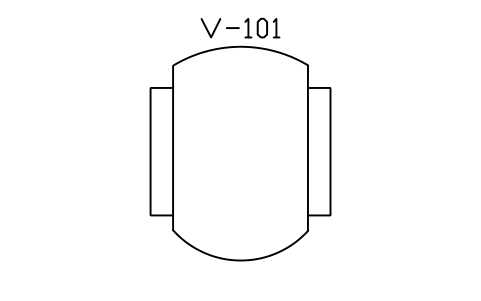 Jacketed vessel
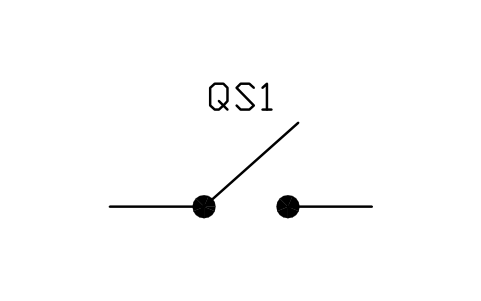 Manual contactor, open
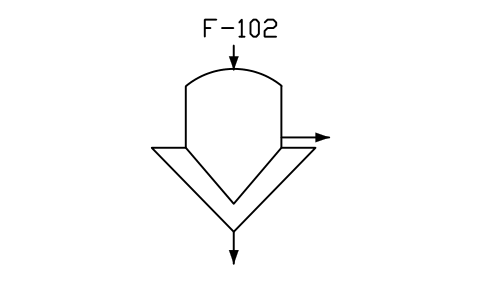 Vacuum filter
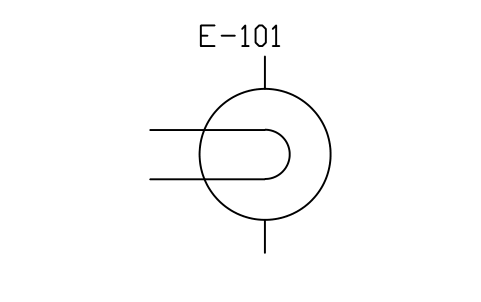 Exchanger, alternative form
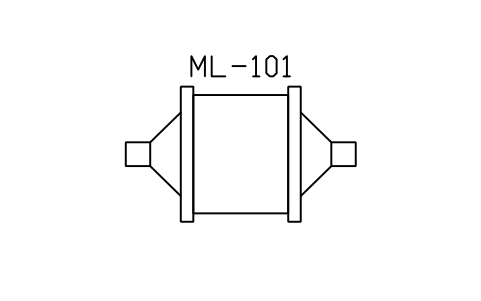 Mill
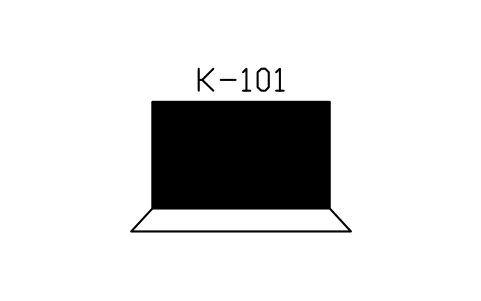 Reciprocating compressor, running
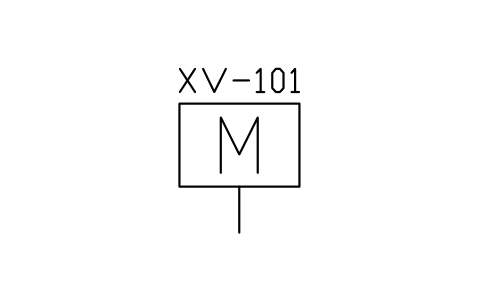 Actuator, electric motor, closed
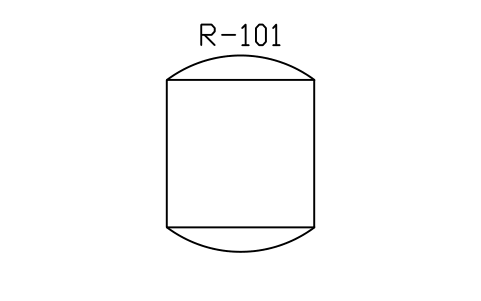 Reactor
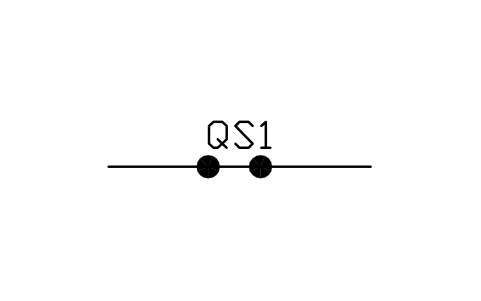 Manual contactor, closed
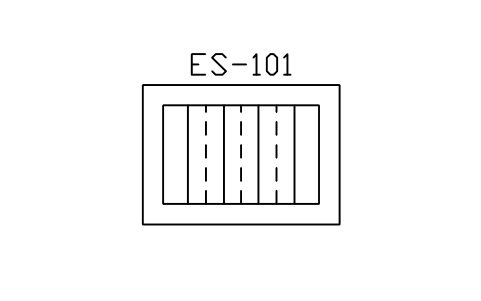 Electrostatic precipitator
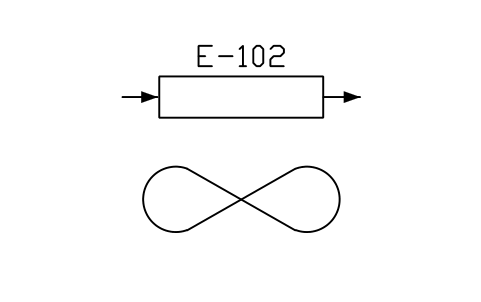 Forced air exchanger
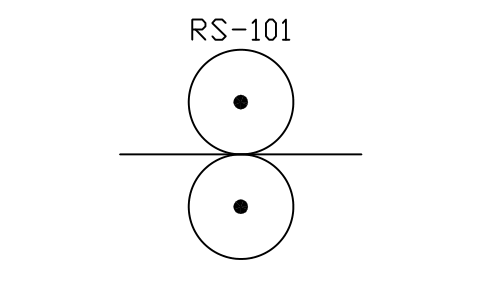 Roll stand
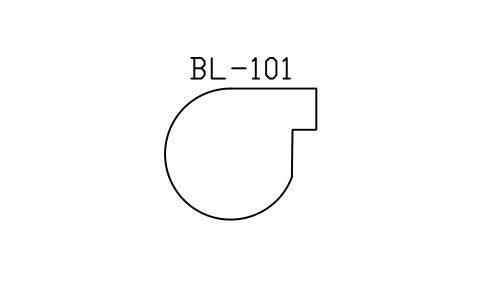 Blower
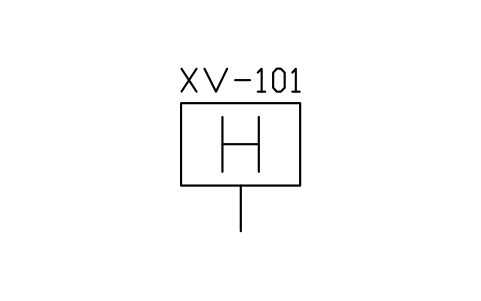 Actuator, hydraulic, closed
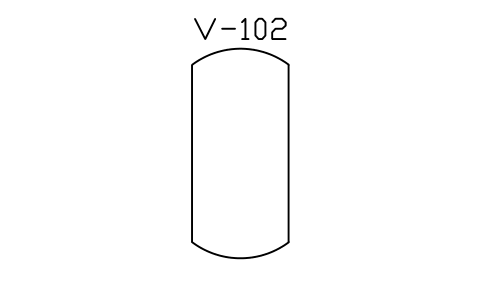 Vessel
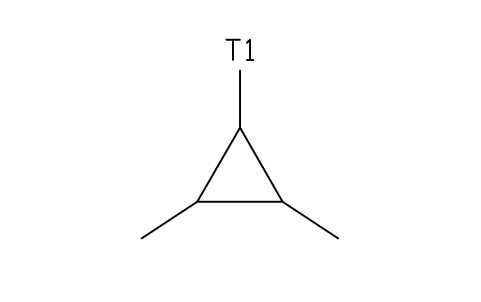 Delta connection
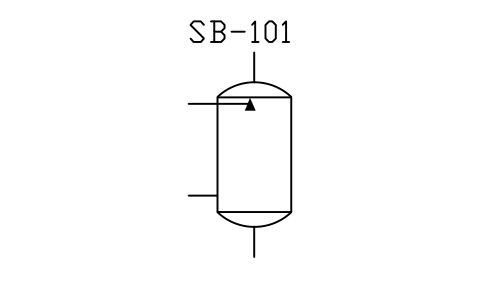 Scrubber
Standard: 72 symbols
All 72 symbols of the Standard edition in one download, ready to insert in AutoCAD. Pay once and keep the files.
Free starter pack
$0For everyone, for any project
- 24 symbols
- No sign-in
- One DWG
Library licence
$19
For one person
Education: free
- Pay once
Student or teacher?
Free for one year with your school e-mail address. Renew it with the same address.
Sign in with your school e-mail address, we check it, and the licence is added to your account.
Available soonEducation licences are for study and teaching, valid for one year, and renewed with your school e-mail address.
What each version contains
The symbols by group, and how many of each group every version holds.
| Content | Free | Standard |
|---|---|---|
| All symbols | 24 | 72 |
| Added by this version | — | +48 |
| Containers and vessels | 4 | 10 |
| Electrical | 4 | 11 |
| Filters, scrubbers and separators | 4 | 7 |
| Heat transfer and HVAC | 3 | 8 |
| Material handling and mixing | 3 | 7 |
| Rotating and reciprocating equipment | 3 | 13 |
| Valves and actuators | 3 | 16 |
The free pack is a hand-picked selection. Standard is one purchase and gives you every symbol as DWG files.
72 symbols for process displays and operator screens, as ready-to-use AutoCAD blocks drawn after ISA 5.5: vessels and tanks, columns, reactors, hoppers, heat exchangers, furnaces, cooling towers, conveyors, mills, feeders, agitators, pumps, compressors, blowers and turbines, filters, scrubbers and separators, circuit breakers, motor contactors, motors, transformers, valves of every kind and their actuators. Machines, motors and valves come in two states, outline for stopped or closed and solid for running or open, and every block keeps the four-letter mnemonic of the standard as an attribute.
Version 1.0 · updated October 17, 2026
All 72 symbols
72 of 72 symbols
Distillation tower
IS5_DTWRAttributes
TAGSERVICEVOLUME_M3DESIGN_PRESSURE_BARDESIGN_TEMP_CMATERIALMANUFACTURERMODELREMARKSMNEMONICDESCJacketed vessel
IS5_JVSLAttributes
TAGSERVICEVOLUME_M3DESIGN_PRESSURE_BARDESIGN_TEMP_CMATERIALMANUFACTURERMODELREMARKSMNEMONICDESCReactor
IS5_RCTRAttributes
TAGSERVICEVOLUME_M3DESIGN_PRESSURE_BARDESIGN_TEMP_CMATERIALMANUFACTURERMODELREMARKSMNEMONICDESCVessel
IS5_VSSLAttributes
TAGSERVICEVOLUME_M3DESIGN_PRESSURE_BARDESIGN_TEMP_CMATERIALMANUFACTURERMODELREMARKSMNEMONICDESC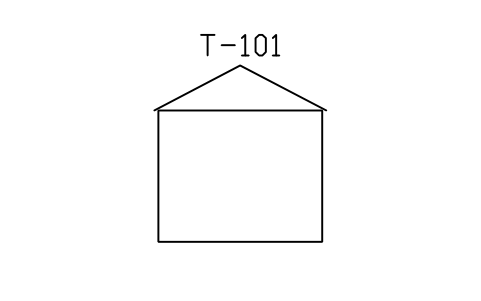
Atmospheric tank
IS5_ATNKAttributes
TAGSERVICEVOLUME_M3DESIGN_PRESSURE_BARDESIGN_TEMP_CMATERIALMANUFACTURERMODELREMARKSMNEMONICDESC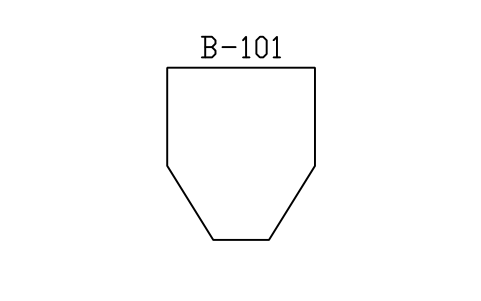
Bin
IS5_BINNAttributes
TAGSERVICEVOLUME_M3DESIGN_PRESSURE_BARDESIGN_TEMP_CMATERIALMANUFACTURERMODELREMARKSMNEMONICDESC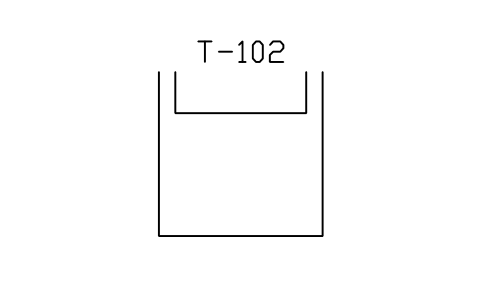
Floating roof tank
IS5_FTNKAttributes
TAGSERVICEVOLUME_M3DESIGN_PRESSURE_BARDESIGN_TEMP_CMATERIALMANUFACTURERMODELREMARKSMNEMONICDESC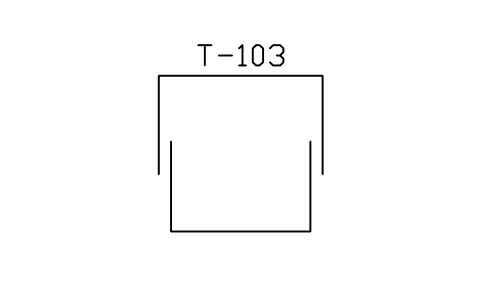
Gas holder
IS5_GHDRAttributes
TAGSERVICEVOLUME_M3DESIGN_PRESSURE_BARDESIGN_TEMP_CMATERIALMANUFACTURERMODELREMARKSMNEMONICDESC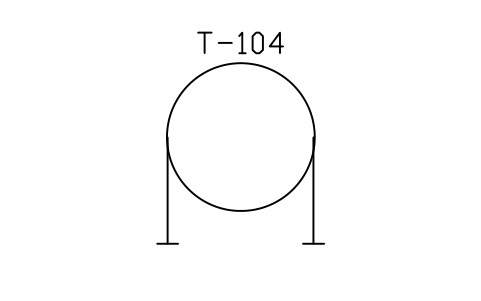
Pressure storage vessel
IS5_PVSLAttributes
TAGSERVICEVOLUME_M3DESIGN_PRESSURE_BARDESIGN_TEMP_CMATERIALMANUFACTURERMODELREMARKSMNEMONICDESC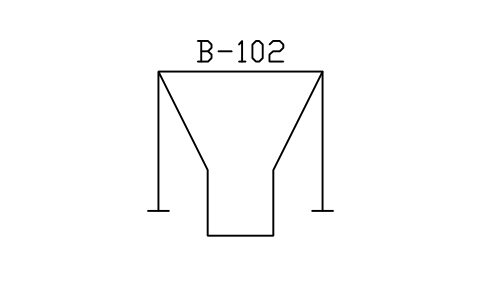
Weigh hopper
IS5_WHPRAttributes
TAGSERVICEVOLUME_M3DESIGN_PRESSURE_BARDESIGN_TEMP_CMATERIALMANUFACTURERMODELREMARKSMNEMONICDESCManual contactor, open
IS5_MCTR_OPENAttributes
TAGRATINGVOLTAGECURRENT_AMANUFACTURERMODELREMARKSMNEMONICDESCManual contactor, closed
IS5_MCTR_CLOSEDAttributes
TAGRATINGVOLTAGECURRENT_AMANUFACTURERMODELREMARKSMNEMONICDESC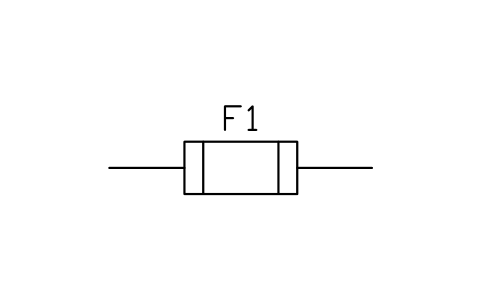
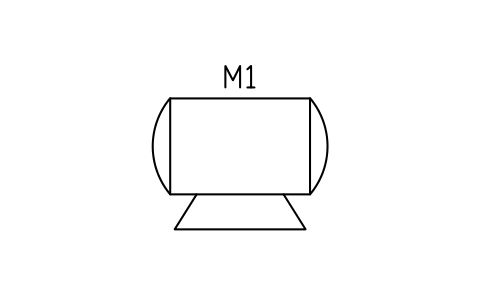
Motor, process form
IS5_MOTR_PROCESSAttributes
TAGSERVICEFLOW_M3HPOWER_KWSPEED_RPMMATERIALMANUFACTURERMODELREMARKSMNEMONICDESC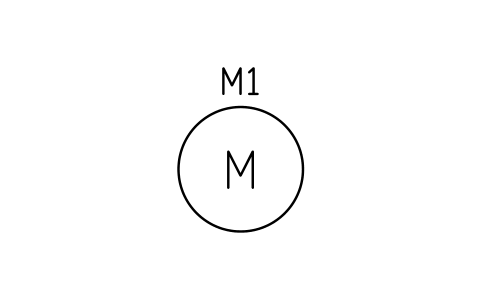
Motor, electrical form
IS5_MOTR_CIRCLEAttributes
TAGSERVICEFLOW_M3HPOWER_KWSPEED_RPMMATERIALMANUFACTURERMODELREMARKSMNEMONICDESC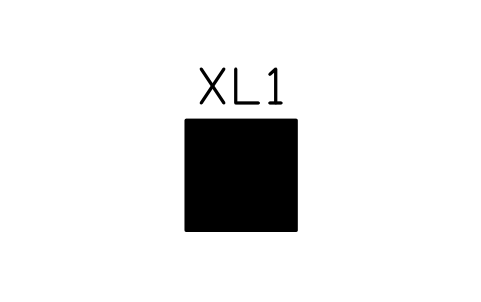
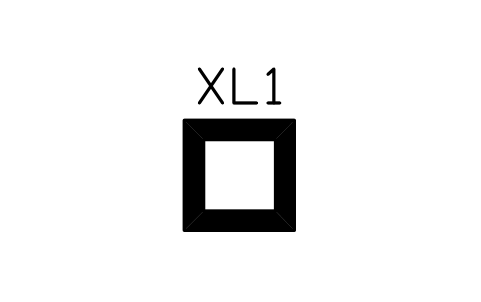
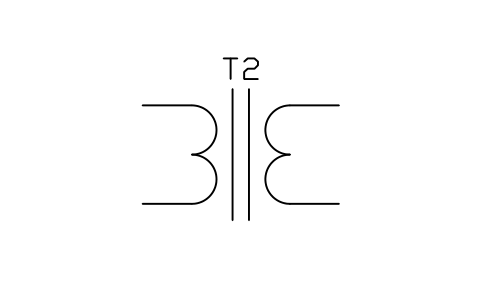
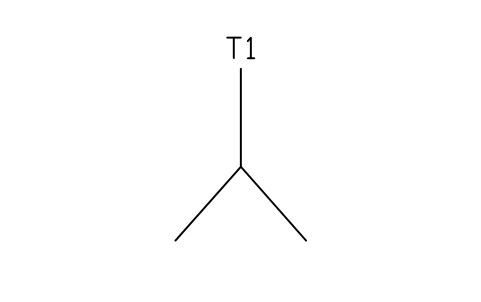
Liquid filter
IS5_LFLTAttributes
TAGSERVICEFLOW_M3HDESIGN_PRESSURE_BARDESIGN_TEMP_CMATERIALMANUFACTURERMODELREMARKSMNEMONICDESCVacuum filter
IS5_VFLTAttributes
TAGSERVICEFLOW_M3HDESIGN_PRESSURE_BARDESIGN_TEMP_CMATERIALMANUFACTURERMODELREMARKSMNEMONICDESCExchanger
IS5_XCHGAttributes
TAGSERVICEDUTY_KWAREA_M2DESIGN_PRESSURE_BARDESIGN_TEMP_CMATERIALMANUFACTURERMODELREMARKSMNEMONICDESCExchanger, alternative form
IS5_XCHG_ALTAttributes
TAGSERVICEDUTY_KWAREA_M2DESIGN_PRESSURE_BARDESIGN_TEMP_CMATERIALMANUFACTURERMODELREMARKSMNEMONICDESCForced air exchanger
IS5_FAXRAttributes
TAGSERVICEDUTY_KWAREA_M2DESIGN_PRESSURE_BARDESIGN_TEMP_CMATERIALMANUFACTURERMODELREMARKSMNEMONICDESC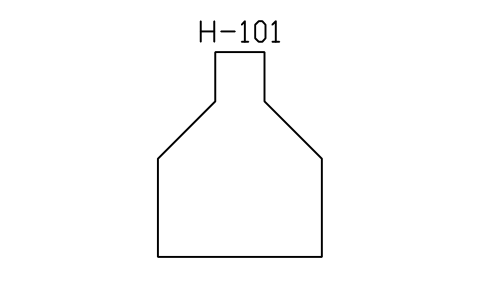
Furnace
IS5_FURNAttributes
TAGSERVICEDUTY_KWAREA_M2DESIGN_PRESSURE_BARDESIGN_TEMP_CMATERIALMANUFACTURERMODELREMARKSMNEMONICDESC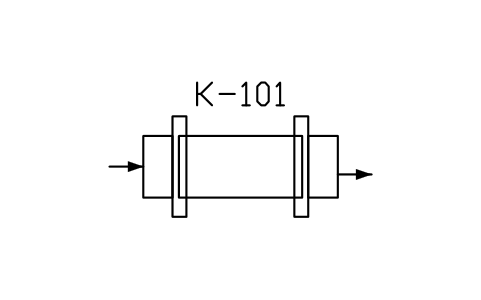
Rotary kiln
IS5_KILNAttributes
TAGSERVICEDUTY_KWAREA_M2DESIGN_PRESSURE_BARDESIGN_TEMP_CMATERIALMANUFACTURERMODELREMARKSMNEMONICDESC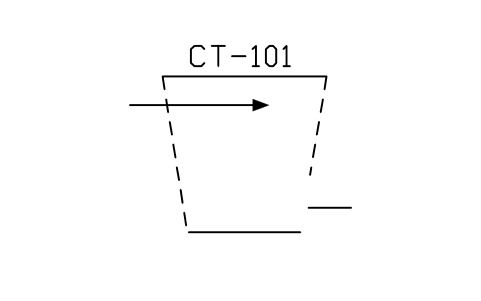
Cooling tower
IS5_CTWRAttributes
TAGSERVICEDUTY_KWAREA_M2DESIGN_PRESSURE_BARDESIGN_TEMP_CMATERIALMANUFACTURERMODELREMARKSMNEMONICDESC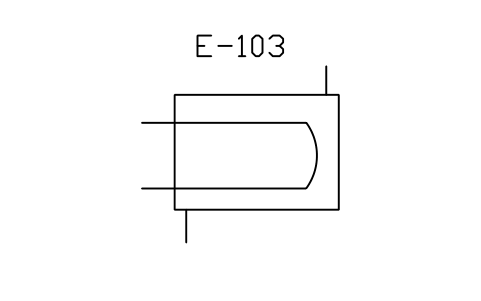
Evaporator
IS5_EVPRAttributes
TAGSERVICEDUTY_KWAREA_M2DESIGN_PRESSURE_BARDESIGN_TEMP_CMATERIALMANUFACTURERMODELREMARKSMNEMONICDESC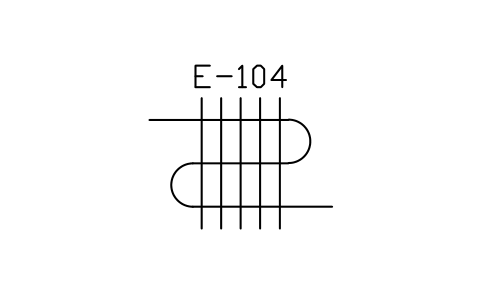
Finned exchanger
IS5_FNXRAttributes
TAGSERVICEDUTY_KWAREA_M2DESIGN_PRESSURE_BARDESIGN_TEMP_CMATERIALMANUFACTURERMODELREMARKSMNEMONICDESCConveyor
IS5_CNVRAttributes
TAGSERVICECAPACITY_TPHPOWER_KWMATERIALMANUFACTURERMODELREMARKSMNEMONICDESCRoll stand
IS5_RSTDAttributes
TAGSERVICECAPACITY_TPHPOWER_KWMATERIALMANUFACTURERMODELREMARKSMNEMONICDESC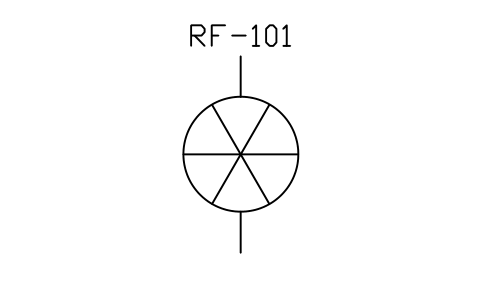
Rotary feeder
IS5_RFDRAttributes
TAGSERVICECAPACITY_TPHPOWER_KWMATERIALMANUFACTURERMODELREMARKSMNEMONICDESC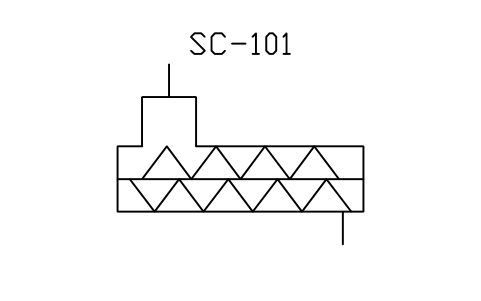
Screw conveyor
IS5_SCNVAttributes
TAGSERVICECAPACITY_TPHPOWER_KWMATERIALMANUFACTURERMODELREMARKSMNEMONICDESC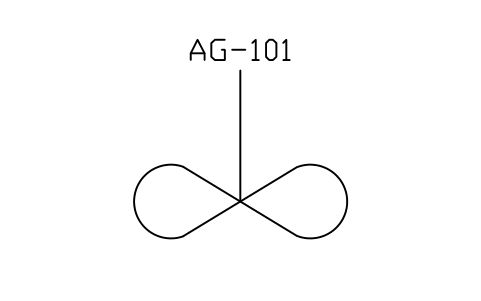
Agitator
IS5_AGITAttributes
TAGSERVICEFLOW_M3HPOWER_KWSPEED_RPMMATERIALMANUFACTURERMODELREMARKSMNEMONICDESC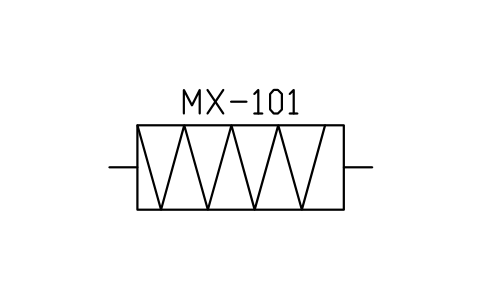
Inline mixer
IS5_IMIXAttributes
TAGSERVICEFLOW_M3HPOWER_KWSPEED_RPMMATERIALMANUFACTURERMODELREMARKSMNEMONICDESCReciprocating compressor
IS5_RECPAttributes
TAGSERVICEFLOW_M3HPOWER_KWSPEED_RPMMATERIALMANUFACTURERMODELREMARKSMNEMONICDESCReciprocating compressor, running
IS5_RECP_RUNAttributes
TAGSERVICEFLOW_M3HPOWER_KWSPEED_RPMMATERIALMANUFACTURERMODELREMARKSMNEMONICDESCBlower
IS5_BLWRAttributes
TAGSERVICEFLOW_M3HPOWER_KWSPEED_RPMMATERIALMANUFACTURERMODELREMARKSMNEMONICDESC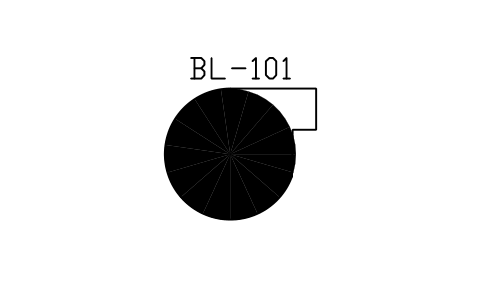
Blower, running
IS5_BLWR_RUNAttributes
TAGSERVICEFLOW_M3HPOWER_KWSPEED_RPMMATERIALMANUFACTURERMODELREMARKSMNEMONICDESC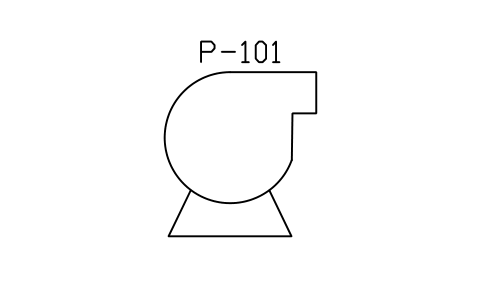
Pump
IS5_PUMPAttributes
TAGSERVICEFLOW_M3HPOWER_KWSPEED_RPMMATERIALMANUFACTURERMODELREMARKSMNEMONICDESC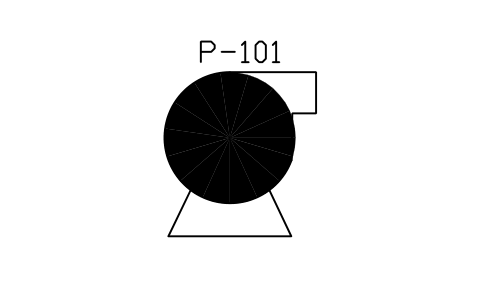
Pump, running
IS5_PUMP_RUNAttributes
TAGSERVICEFLOW_M3HPOWER_KWSPEED_RPMMATERIALMANUFACTURERMODELREMARKSMNEMONICDESC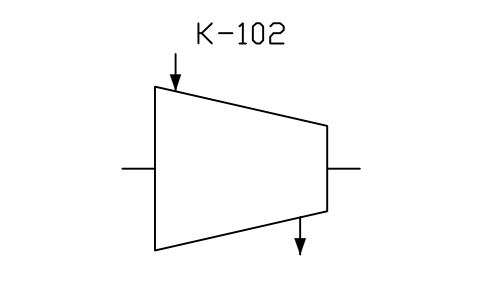
Compressor
IS5_CMPRAttributes
TAGSERVICEFLOW_M3HPOWER_KWSPEED_RPMMATERIALMANUFACTURERMODELREMARKSMNEMONICDESC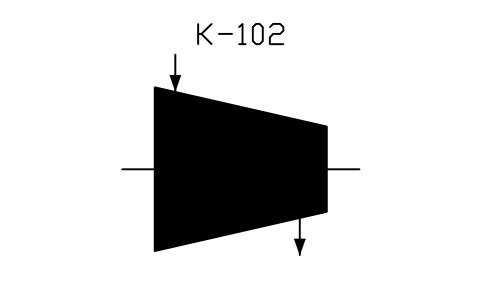
Compressor, running
IS5_CMPR_RUNAttributes
TAGSERVICEFLOW_M3HPOWER_KWSPEED_RPMMATERIALMANUFACTURERMODELREMARKSMNEMONICDESC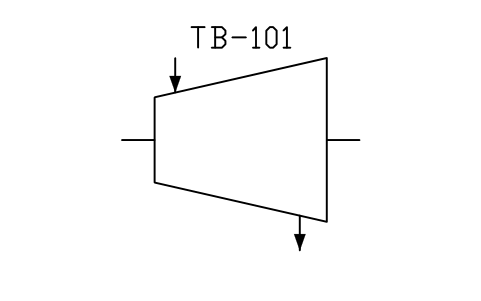
Turbine
IS5_TURBAttributes
TAGSERVICEFLOW_M3HPOWER_KWSPEED_RPMMATERIALMANUFACTURERMODELREMARKSMNEMONICDESC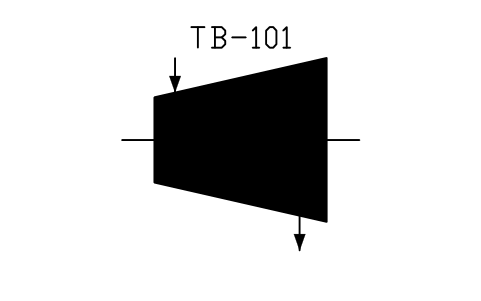
Turbine, running
IS5_TURB_RUNAttributes
TAGSERVICEFLOW_M3HPOWER_KWSPEED_RPMMATERIALMANUFACTURERMODELREMARKSMNEMONICDESC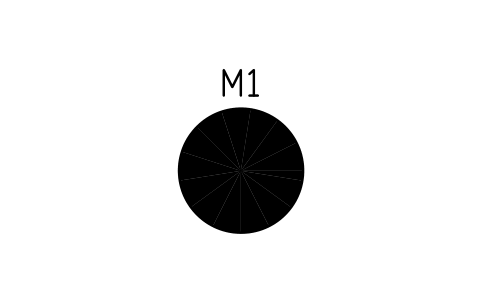
Motor, running
IS5_MOTR_CIRCLE_RUNAttributes
TAGSERVICEFLOW_M3HPOWER_KWSPEED_RPMMATERIALMANUFACTURERMODELREMARKSMNEMONICDESC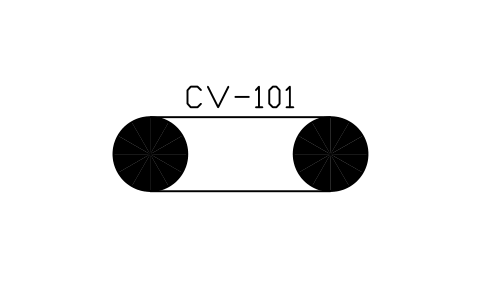
Conveyor, running
IS5_CNVR_RUNAttributes
TAGSERVICECAPACITY_TPHPOWER_KWMATERIALMANUFACTURERMODELREMARKSMNEMONICDESC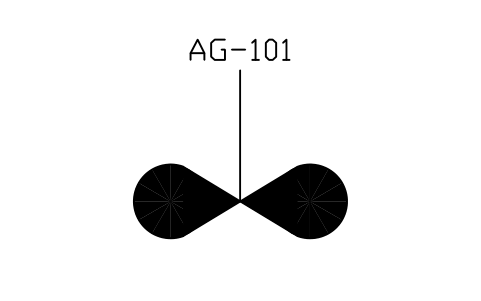
Agitator, running
IS5_AGIT_RUNAttributes
TAGSERVICEFLOW_M3HPOWER_KWSPEED_RPMMATERIALMANUFACTURERMODELREMARKSMNEMONICDESCElectrostatic precipitator
IS5_EPCPAttributes
TAGSERVICEFLOW_M3HDESIGN_PRESSURE_BARDESIGN_TEMP_CMATERIALMANUFACTURERMODELREMARKSMNEMONICDESCScrubber
IS5_SCBRAttributes
TAGSERVICEFLOW_M3HDESIGN_PRESSURE_BARDESIGN_TEMP_CMATERIALMANUFACTURERMODELREMARKSMNEMONICDESC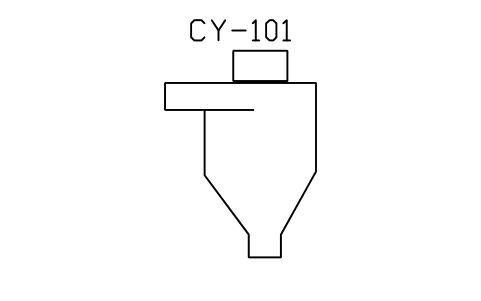
Cyclone separator
IS5_CSEPAttributes
TAGSERVICEFLOW_M3HDESIGN_PRESSURE_BARDESIGN_TEMP_CMATERIALMANUFACTURERMODELREMARKSMNEMONICDESC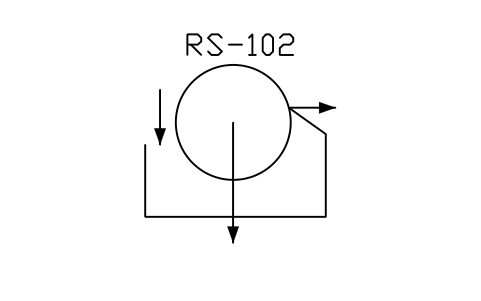
Rotary separator
IS5_RSEPAttributes
TAGSERVICEFLOW_M3HDESIGN_PRESSURE_BARDESIGN_TEMP_CMATERIALMANUFACTURERMODELREMARKSMNEMONICDESC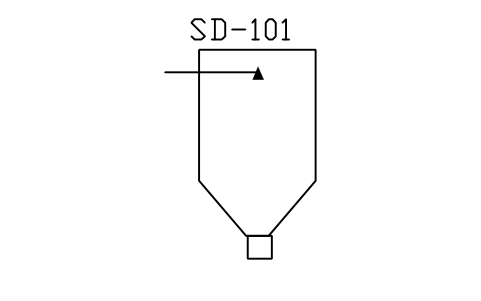
Spray dryer
IS5_SDRYAttributes
TAGSERVICEFLOW_M3HDESIGN_PRESSURE_BARDESIGN_TEMP_CMATERIALMANUFACTURERMODELREMARKSMNEMONICDESCActuator, electric motor, closed
IS5_ACTR_MAttributes
TAGSIZEVOLTAGEMANUFACTURERMODELREMARKSMNEMONICDESC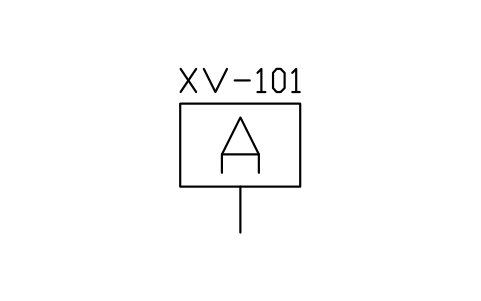
Valve, closed
IS5_VLVE_CLOSEDAttributes
TAGSIZEFAIL_POSITIONPRESSURE_RATINGMATERIALMANUFACTURERMODELREMARKSMNEMONICDESC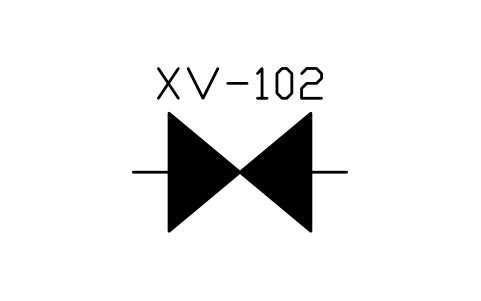
Valve, open
IS5_VLVE_OPENAttributes
TAGSIZEFAIL_POSITIONPRESSURE_RATINGMATERIALMANUFACTURERMODELREMARKSMNEMONICDESC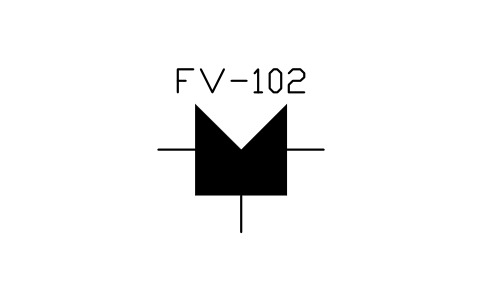
3-way valve, throttling
IS5_VLV3_THROTTLINGAttributes
TAGSIZEFAIL_POSITIONPRESSURE_RATINGMATERIALMANUFACTURERMODELREMARKSMNEMONICDESC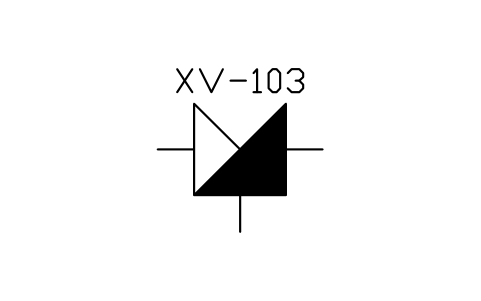
3-way valve, ports 2 and 3 open
IS5_VLV3_SELECT_23Attributes
TAGSIZEFAIL_POSITIONPRESSURE_RATINGMATERIALMANUFACTURERMODELREMARKSMNEMONICDESC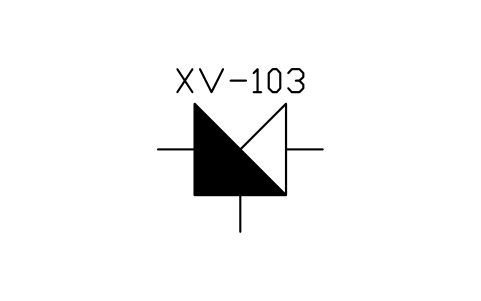
3-way valve, ports 1 and 3 open
IS5_VLV3_SELECT_13Attributes
TAGSIZEFAIL_POSITIONPRESSURE_RATINGMATERIALMANUFACTURERMODELREMARKSMNEMONICDESC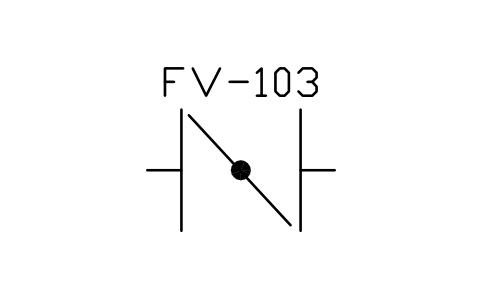
Butterfly valve
IS5_BVLVAttributes
TAGSIZEFAIL_POSITIONPRESSURE_RATINGMATERIALMANUFACTURERMODELREMARKSMNEMONICDESC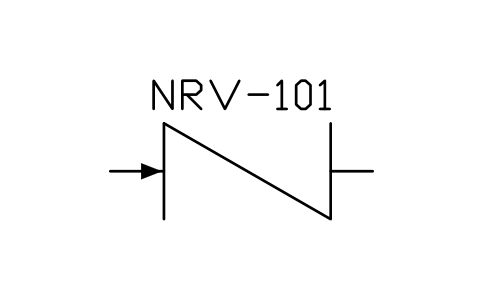
Check valve
IS5_CVLVAttributes
TAGSIZEFAIL_POSITIONPRESSURE_RATINGMATERIALMANUFACTURERMODELREMARKSMNEMONICDESC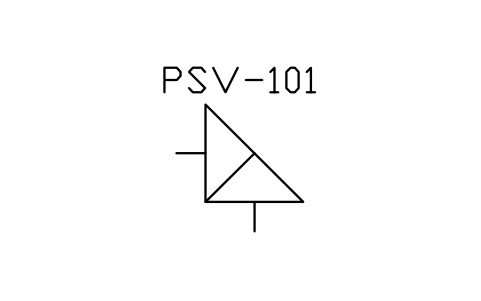
Relief valve, closed
IS5_RVLV_CLOSEDAttributes
TAGSIZEFAIL_POSITIONPRESSURE_RATINGMATERIALMANUFACTURERMODELREMARKSMNEMONICDESC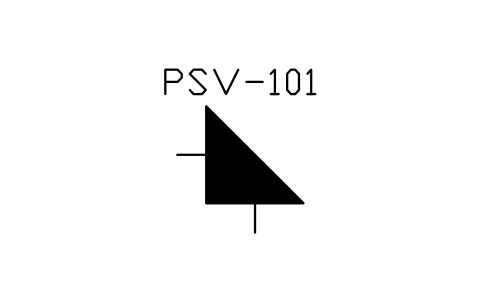
Relief valve, open
IS5_RVLV_OPENAttributes
TAGSIZEFAIL_POSITIONPRESSURE_RATINGMATERIALMANUFACTURERMODELREMARKSMNEMONICDESC
Copyright CADXChange. Use and modify the symbols freely in your own drawings and projects, including commercial ones; credit and a link are needed only when you publish them. Please do not redistribute or resell the library. Each ZIP holds one plain DWG file in AutoCAD 2018 format and a README; no add-in needed. Provided as is, without warranty. Library terms (CXL-1.0)
Related symbol libraries
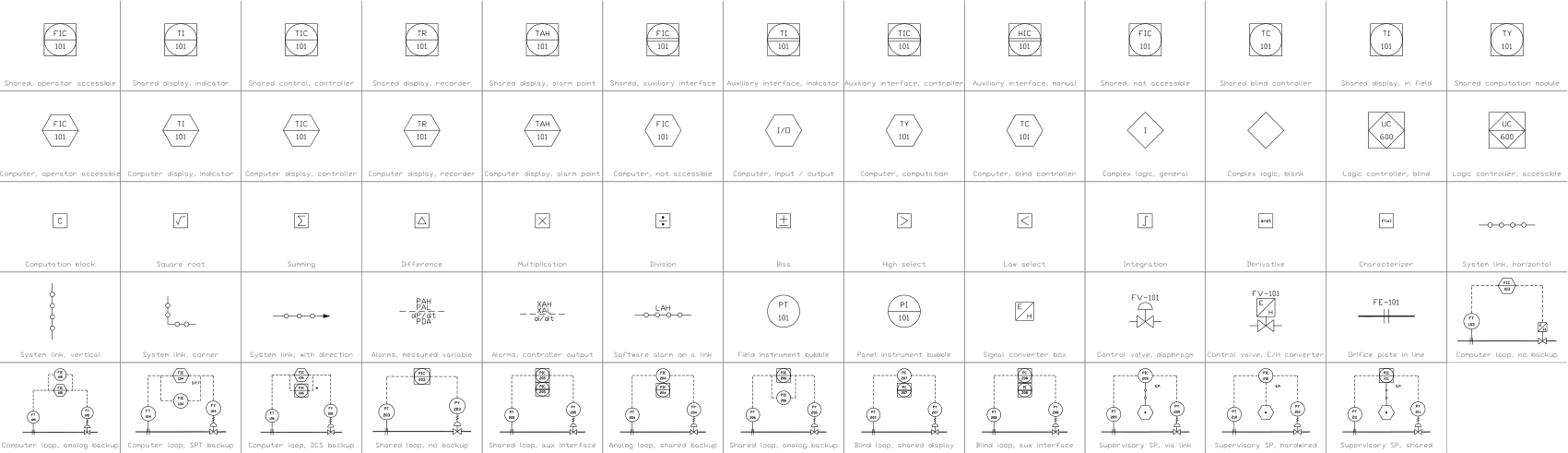
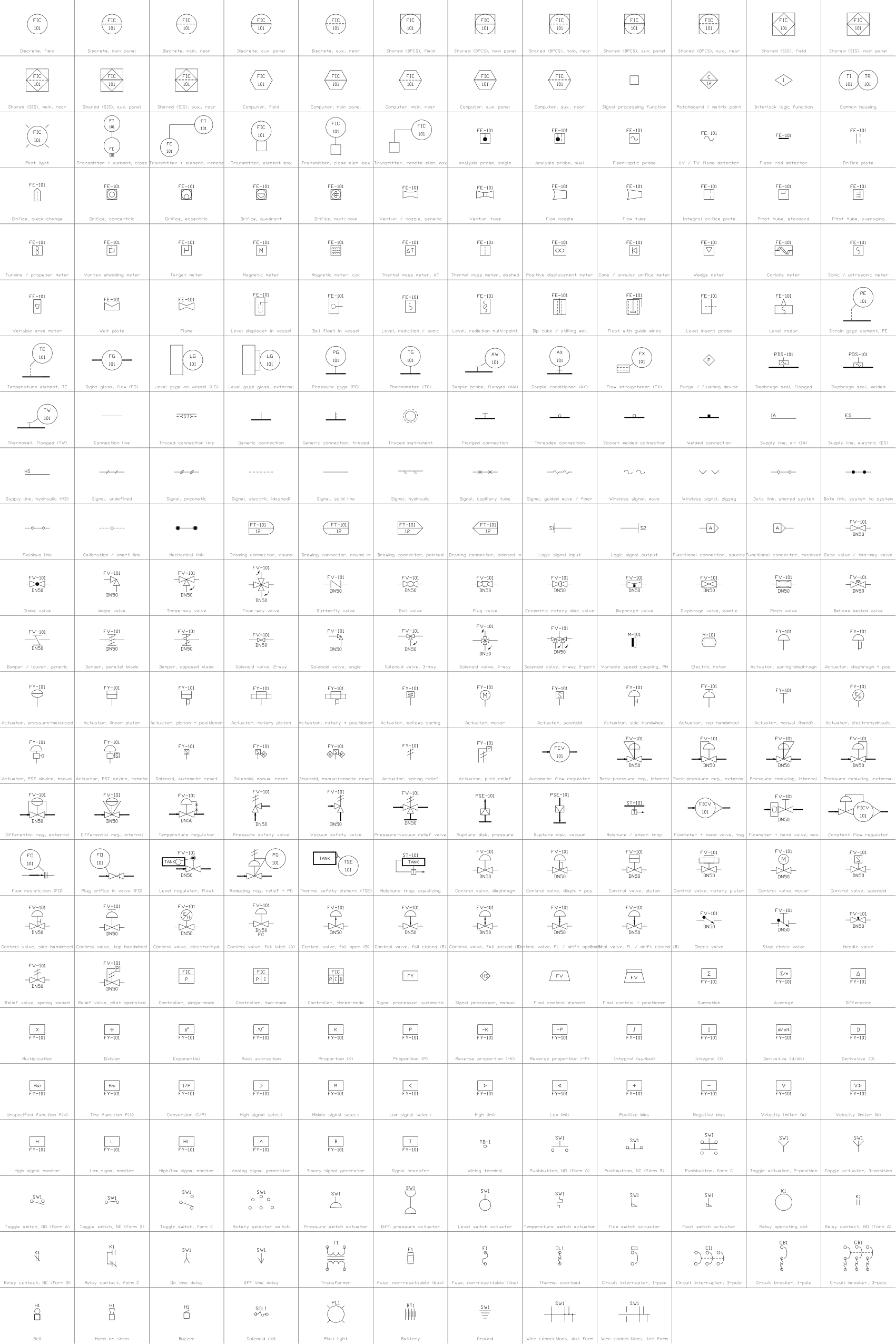
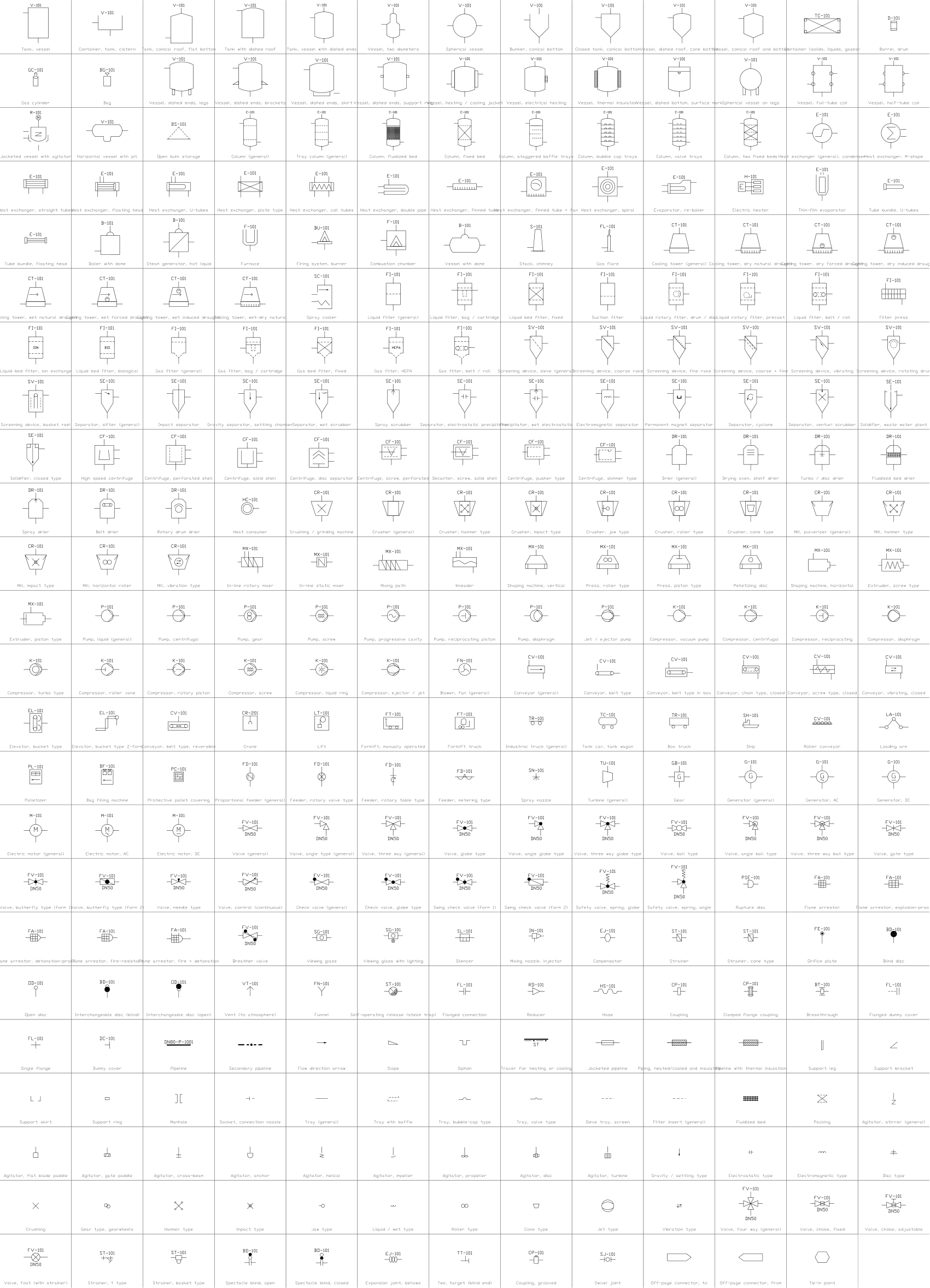
Missing a symbol? Tell us which one.
Attributes for parts lists
Every symbol has a visible TAG (for example P-101 for a pump) and one more visible attribute for the main data: SERVICE for process equipment, RATING for electrical devices, SIZE for valves and actuators. The other attributes are invisible and depend on the kind of equipment: for example VOLUME_M3, FLOW_M3H, POWER_KW, DUTY_KW, DESIGN_PRESSURE_BAR, DESIGN_TEMP_C, MATERIAL, FAIL_POSITION, MANUFACTURER, MODEL and REMARKS. MNEMONIC holds the four-letter name of the standard, such as PUMP, CMPR or VLVE.
How to use the library
- Unzip the file and open the DWG. Copy the symbols you need into your display drawing, or drag the blocks in from DesignCenter (ADCENTER).
- The symbols are 20 to 30 mm high and inserted by their centre; valves, actuators and connection stubs sit on a 2.5 mm grid, so lines meet them cleanly. Scale a block to the size of your screen layout, and explode it if you need to change a connection.
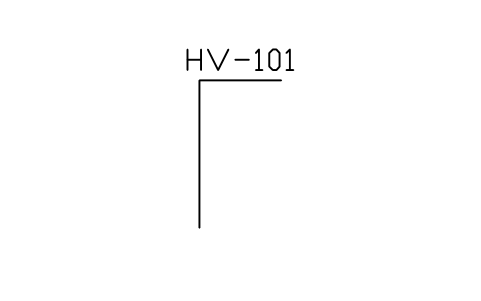
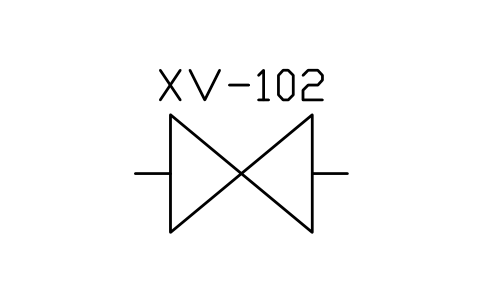
- Pick the state that fits: the outline form is a stopped, closed or off device, the solid form is a running, open or on device. When the state changes on a display, replace the block with the other form. Actuators are drawn as a small box with a letter for the kind (S solenoid, M motor, H hydraulic, A air), valves have variants for closed, open, throttling and selecting.
- Double-click the block (or run EATTEDIT) and fill in the tag, the service and the equipment data.
About ISA 5.5
ISA 5.5-1985, Graphic Symbols for Process Displays, defines the shapes used on operator screens of control systems: process equipment, electrical devices, valves and actuators, drawn in an outline form when stopped or closed and in a solid form when running or open, each with a four-letter mnemonic. This library follows the figures and the grouping of the standard. It is for displays and simple flow graphics. For piping and instrumentation diagrams see the P&ID library (ISO 10628-2) and the ISA 5.1 and ISA 5.3 libraries.
These symbols are our own drawings after the figures of the standard. They are not copied from it, and the library is not certified against it. Company and project standards differ in details such as colour, size and state convention; change a block if your legend differs.
Frequently asked questions
- What is the difference between outline and solid symbols?
- ISA 5.5 shows the state of a device by its fill. The outline form means stopped, closed or inactive, the solid form means running, open or active. The library contains both forms of pumps, compressors, blowers, turbines, motors, conveyors, agitators, valves and actuators, so you can use the one that matches the situation on your display.
- How is this library different from the P&ID and ISA 5.1 libraries?
- The P&ID library draws equipment and valves for piping and instrumentation diagrams, and the ISA 5.1 library draws instruments and their signals. This library is for process displays and screens: the figures are simpler, they have the two states, and they carry the standard's mnemonics. Use it together with the others when a project needs both drawings and screens.
- Can I use the symbols in commercial projects?
- Yes. They are free to use and modify in your own projects, including commercial ones. They are provided as is, without warranty. Please do not redistribute or resell the library; see the library terms.
- Can I use the symbols in commercial projects?
- Yes. They are free to use and modify in your own projects, including commercial ones. They are provided as is, without warranty. Please do not redistribute or resell the library; see the library terms.
- Can I change a symbol or add attributes?
- Yes. Open the DWG, edit a block with BEDIT to change it or add attributes, and save. To update drawings that already contain the block, run ATTSYNC or replace the block. Make a backup first: attribute values can be lost if ATTSYNC is used carelessly.
- Where do I find a ready-made set of these symbols for AutoCAD?
- AutoCAD itself ships only a small set of sample blocks, so a full symbol set has to come from a library. Download the ZIP on this page and open the DWG: every symbol is a block. Insert one with INSERT (Blocks palette, Libraries tab, then pick the DWG) or drag it from DesignCenter (ADCENTER). You can also download a single symbol on its own.