
Free ISO metric fastener blocks for AutoCAD (DWG): bolts M3 to M36, socket screws, nuts, washers
ISO metric fasteners: 211 ready-made AutoCAD blocks (DWG), free to download and use in your own projects, as a ZIP or one symbol at a time.
211 ISO metric fastener blocks, M3 to M36, at real size in millimetres: hex head bolts partially threaded (ISO 4014) and fully threaded (ISO 4017), socket head cap screws (ISO 4762), countersunk socket screws (ISO 10642, to M20), button head screws (ISO 7380, to M16), hex nuts (ISO 4032), thin nuts (ISO 4035), nylon insert lock nuts (ISO 7040), plain washers (ISO 7089), large washers (ISO 7093) and bolt, washer and nut assemblies from M6 to M36. Every block shows the side view and the end view, with threads drawn as ISO 6410 asks. Size, length, standard, property class, finish and part number are attributes, so a bill of materials can be counted straight from the drawings.
Version 1.1 · updated November 16, 2026 · Check out what's changed
Using AutoCAD 2017 or an earlier version? Download the 2010 format
Copyright CADXChange. Use and modify the symbols freely in your own drawings and projects, including commercial ones; credit and a link are needed only when you publish them. Please do not redistribute or resell the library. Each ZIP holds one plain DWG file in AutoCAD 2018 format and a README; no add-in needed. Provided as is, without warranty. Library terms (CXL-1.0)
Related symbol libraries
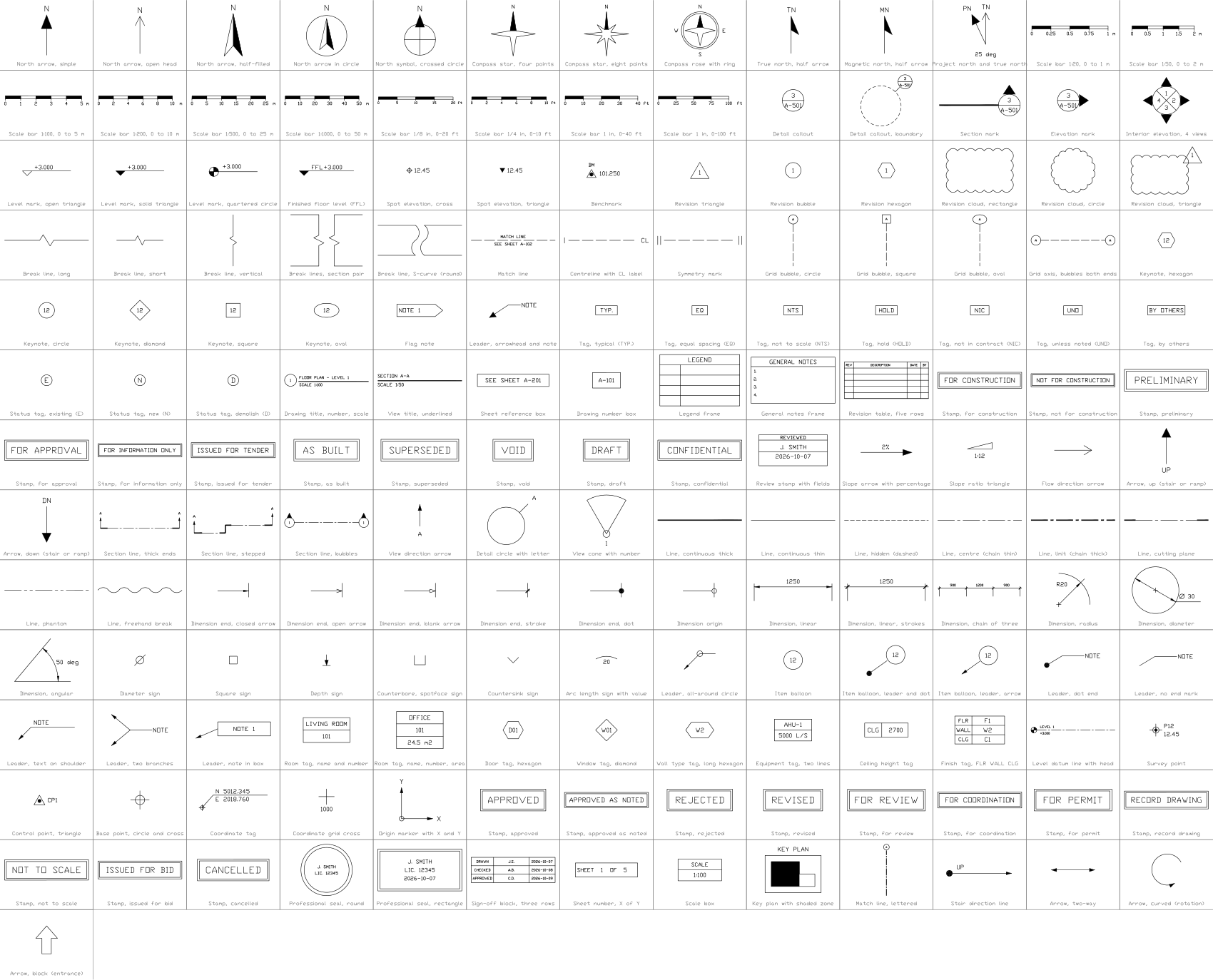
All 211 symbols
211 of 211 symbols
- New in 1.1
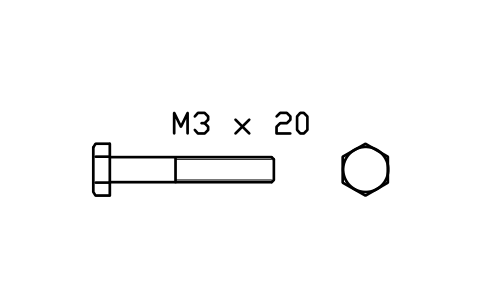
Hex head bolt ISO 4014 M3 x 20
FAS_ISO4014_M3X20Attributes
DESIGNATIONSTANDARDPROPERTY_CLASSMATERIALFINISHPART_NOMANUFACTURERQTYREMARKSDESC - New in 1.1
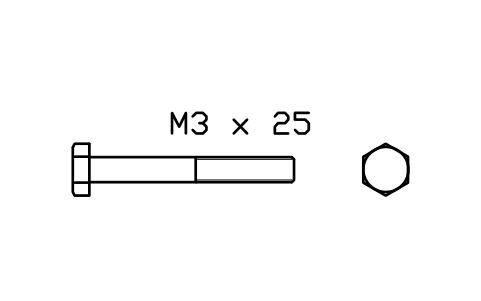
Hex head bolt ISO 4014 M3 x 25
FAS_ISO4014_M3X25Attributes
DESIGNATIONSTANDARDPROPERTY_CLASSMATERIALFINISHPART_NOMANUFACTURERQTYREMARKSDESC - New in 1.1
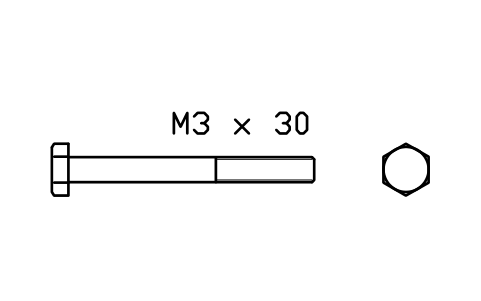
Hex head bolt ISO 4014 M3 x 30
FAS_ISO4014_M3X30Attributes
DESIGNATIONSTANDARDPROPERTY_CLASSMATERIALFINISHPART_NOMANUFACTURERQTYREMARKSDESC - New in 1.1
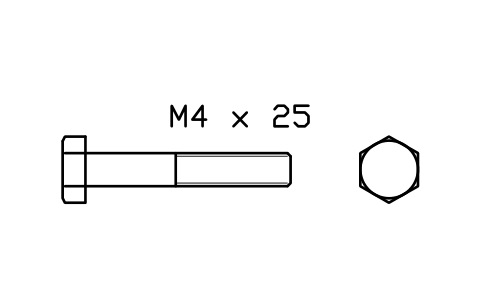
Hex head bolt ISO 4014 M4 x 25
FAS_ISO4014_M4X25Attributes
DESIGNATIONSTANDARDPROPERTY_CLASSMATERIALFINISHPART_NOMANUFACTURERQTYREMARKSDESC - New in 1.1
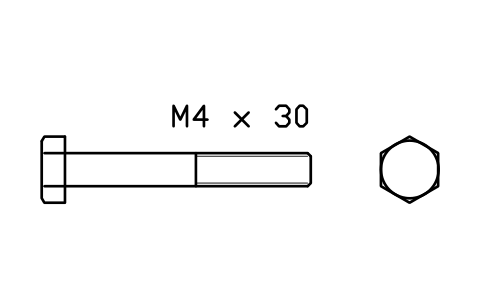
Hex head bolt ISO 4014 M4 x 30
FAS_ISO4014_M4X30Attributes
DESIGNATIONSTANDARDPROPERTY_CLASSMATERIALFINISHPART_NOMANUFACTURERQTYREMARKSDESC - New in 1.1
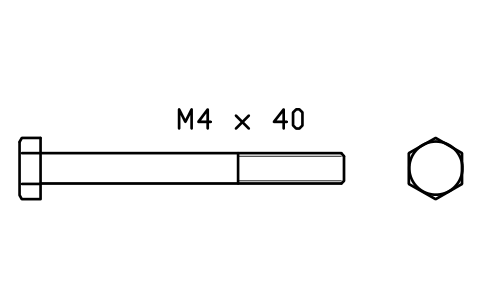
Hex head bolt ISO 4014 M4 x 40
FAS_ISO4014_M4X40Attributes
DESIGNATIONSTANDARDPROPERTY_CLASSMATERIALFINISHPART_NOMANUFACTURERQTYREMARKSDESC - New in 1.1
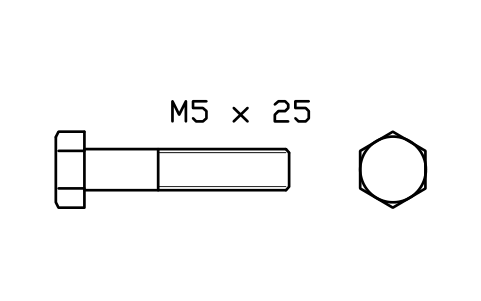
Hex head bolt ISO 4014 M5 x 25
FAS_ISO4014_M5X25Attributes
DESIGNATIONSTANDARDPROPERTY_CLASSMATERIALFINISHPART_NOMANUFACTURERQTYREMARKSDESC - New in 1.1
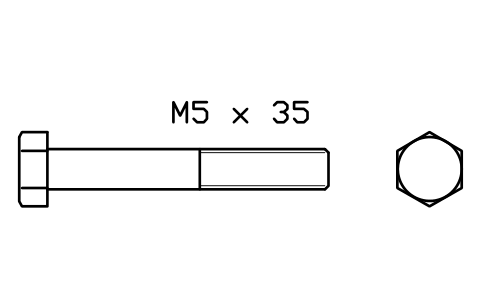
Hex head bolt ISO 4014 M5 x 35
FAS_ISO4014_M5X35Attributes
DESIGNATIONSTANDARDPROPERTY_CLASSMATERIALFINISHPART_NOMANUFACTURERQTYREMARKSDESC - New in 1.1
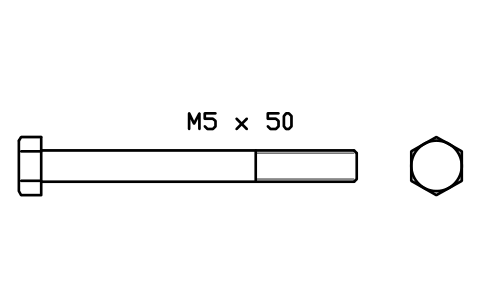
Hex head bolt ISO 4014 M5 x 50
FAS_ISO4014_M5X50Attributes
DESIGNATIONSTANDARDPROPERTY_CLASSMATERIALFINISHPART_NOMANUFACTURERQTYREMARKSDESC - New in 1.1
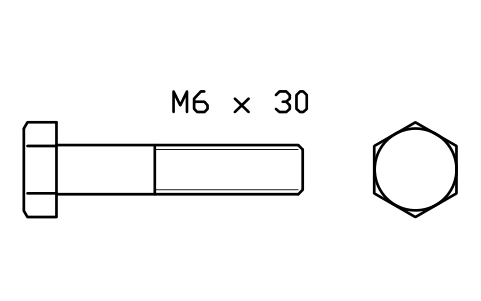
Hex head bolt ISO 4014 M6 x 30
FAS_ISO4014_M6X30Attributes
DESIGNATIONSTANDARDPROPERTY_CLASSMATERIALFINISHPART_NOMANUFACTURERQTYREMARKSDESC - New in 1.1
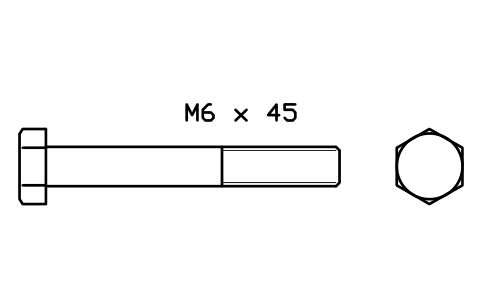
Hex head bolt ISO 4014 M6 x 45
FAS_ISO4014_M6X45Attributes
DESIGNATIONSTANDARDPROPERTY_CLASSMATERIALFINISHPART_NOMANUFACTURERQTYREMARKSDESC - New in 1.1
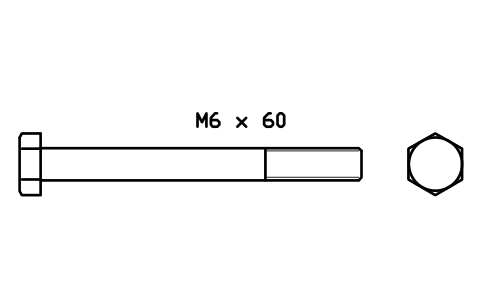
Hex head bolt ISO 4014 M6 x 60
FAS_ISO4014_M6X60Attributes
DESIGNATIONSTANDARDPROPERTY_CLASSMATERIALFINISHPART_NOMANUFACTURERQTYREMARKSDESC - New in 1.1
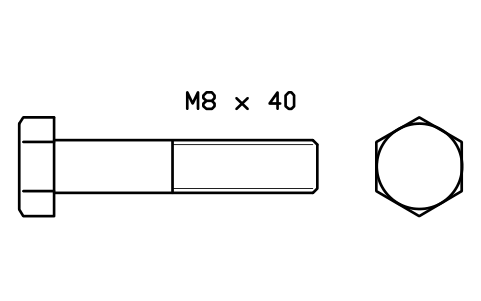
Hex head bolt ISO 4014 M8 x 40
FAS_ISO4014_M8X40Attributes
DESIGNATIONSTANDARDPROPERTY_CLASSMATERIALFINISHPART_NOMANUFACTURERQTYREMARKSDESC - New in 1.1
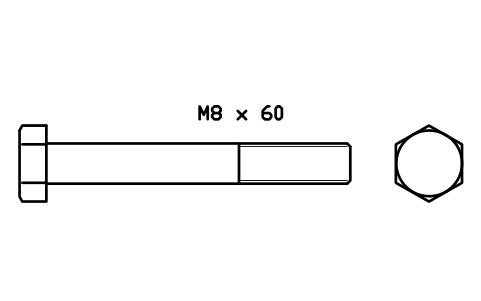
Hex head bolt ISO 4014 M8 x 60
FAS_ISO4014_M8X60Attributes
DESIGNATIONSTANDARDPROPERTY_CLASSMATERIALFINISHPART_NOMANUFACTURERQTYREMARKSDESC - New in 1.1
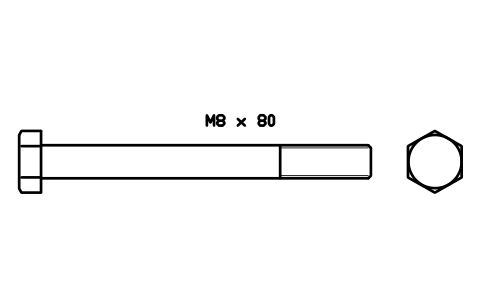
Hex head bolt ISO 4014 M8 x 80
FAS_ISO4014_M8X80Attributes
DESIGNATIONSTANDARDPROPERTY_CLASSMATERIALFINISHPART_NOMANUFACTURERQTYREMARKSDESC - New in 1.1
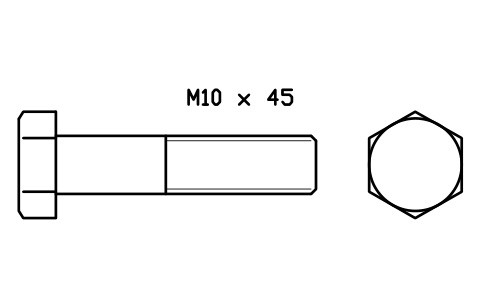
Hex head bolt ISO 4014 M10 x 45
FAS_ISO4014_M10X45Attributes
DESIGNATIONSTANDARDPROPERTY_CLASSMATERIALFINISHPART_NOMANUFACTURERQTYREMARKSDESC - New in 1.1
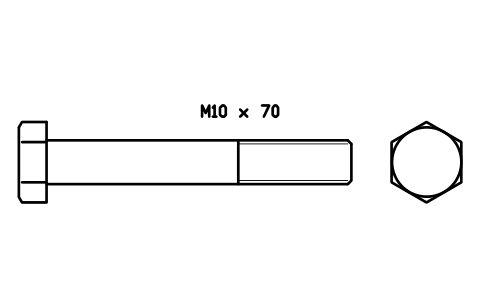
Hex head bolt ISO 4014 M10 x 70
FAS_ISO4014_M10X70Attributes
DESIGNATIONSTANDARDPROPERTY_CLASSMATERIALFINISHPART_NOMANUFACTURERQTYREMARKSDESC - New in 1.1
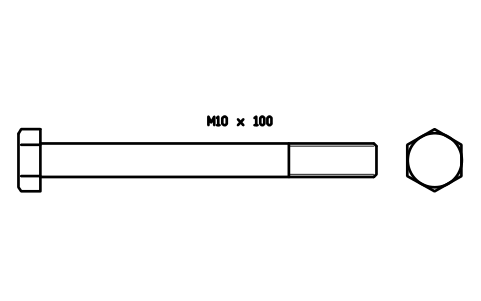
Hex head bolt ISO 4014 M10 x 100
FAS_ISO4014_M10X100Attributes
DESIGNATIONSTANDARDPROPERTY_CLASSMATERIALFINISHPART_NOMANUFACTURERQTYREMARKSDESC - New in 1.1
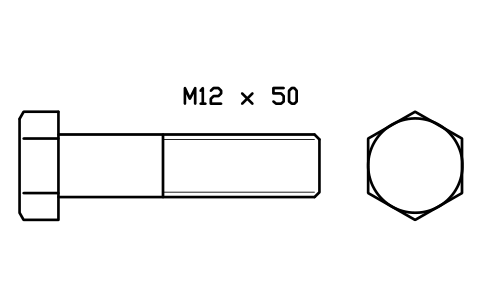
Hex head bolt ISO 4014 M12 x 50
FAS_ISO4014_M12X50Attributes
DESIGNATIONSTANDARDPROPERTY_CLASSMATERIALFINISHPART_NOMANUFACTURERQTYREMARKSDESC - New in 1.1
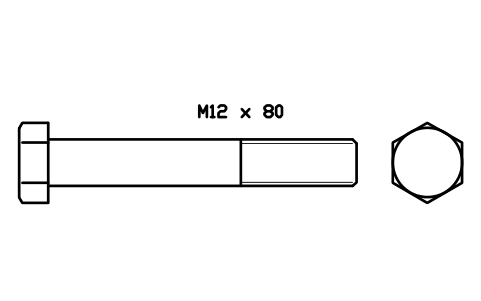
Hex head bolt ISO 4014 M12 x 80
FAS_ISO4014_M12X80Attributes
DESIGNATIONSTANDARDPROPERTY_CLASSMATERIALFINISHPART_NOMANUFACTURERQTYREMARKSDESC - New in 1.1
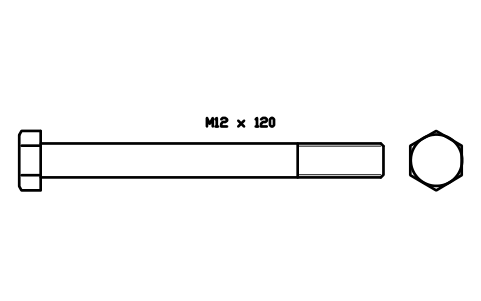
Hex head bolt ISO 4014 M12 x 120
FAS_ISO4014_M12X120Attributes
DESIGNATIONSTANDARDPROPERTY_CLASSMATERIALFINISHPART_NOMANUFACTURERQTYREMARKSDESC - New in 1.1
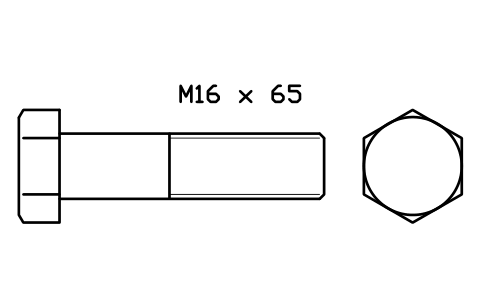
Hex head bolt ISO 4014 M16 x 65
FAS_ISO4014_M16X65Attributes
DESIGNATIONSTANDARDPROPERTY_CLASSMATERIALFINISHPART_NOMANUFACTURERQTYREMARKSDESC - New in 1.1
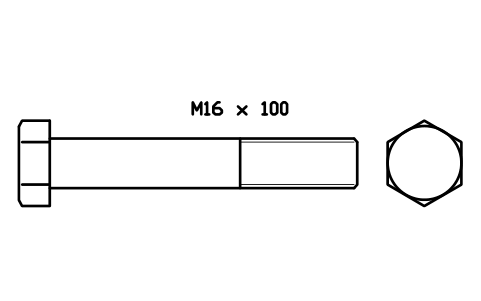
Hex head bolt ISO 4014 M16 x 100
FAS_ISO4014_M16X100Attributes
DESIGNATIONSTANDARDPROPERTY_CLASSMATERIALFINISHPART_NOMANUFACTURERQTYREMARKSDESC - New in 1.1
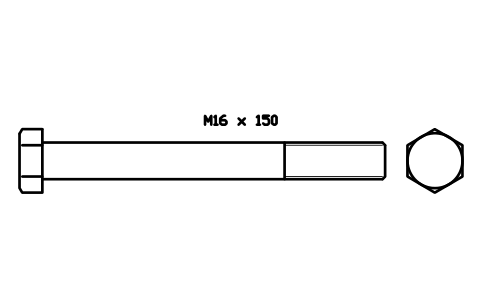
Hex head bolt ISO 4014 M16 x 150
FAS_ISO4014_M16X150Attributes
DESIGNATIONSTANDARDPROPERTY_CLASSMATERIALFINISHPART_NOMANUFACTURERQTYREMARKSDESC - New in 1.1
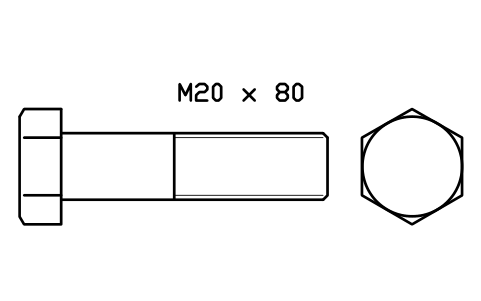
Hex head bolt ISO 4014 M20 x 80
FAS_ISO4014_M20X80Attributes
DESIGNATIONSTANDARDPROPERTY_CLASSMATERIALFINISHPART_NOMANUFACTURERQTYREMARKSDESC - New in 1.1
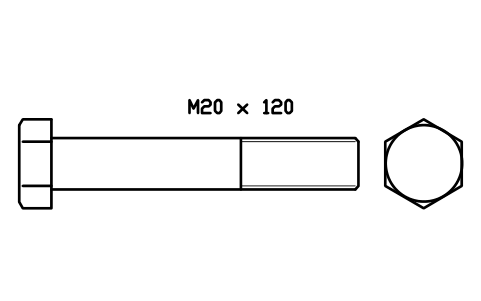
Hex head bolt ISO 4014 M20 x 120
FAS_ISO4014_M20X120Attributes
DESIGNATIONSTANDARDPROPERTY_CLASSMATERIALFINISHPART_NOMANUFACTURERQTYREMARKSDESC - New in 1.1
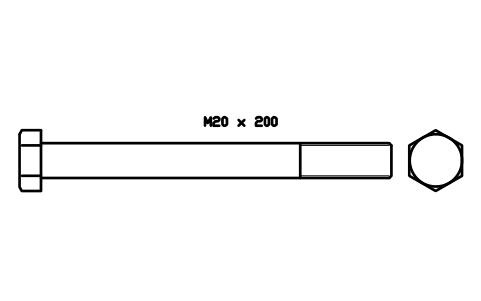
Hex head bolt ISO 4014 M20 x 200
FAS_ISO4014_M20X200Attributes
DESIGNATIONSTANDARDPROPERTY_CLASSMATERIALFINISHPART_NOMANUFACTURERQTYREMARKSDESC - New in 1.1
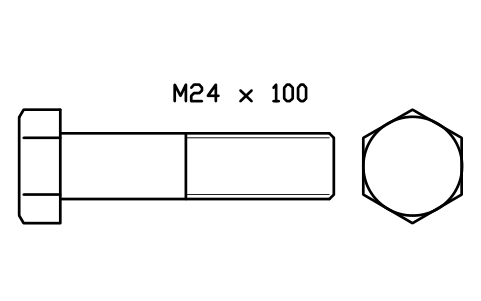
Hex head bolt ISO 4014 M24 x 100
FAS_ISO4014_M24X100Attributes
DESIGNATIONSTANDARDPROPERTY_CLASSMATERIALFINISHPART_NOMANUFACTURERQTYREMARKSDESC - New in 1.1
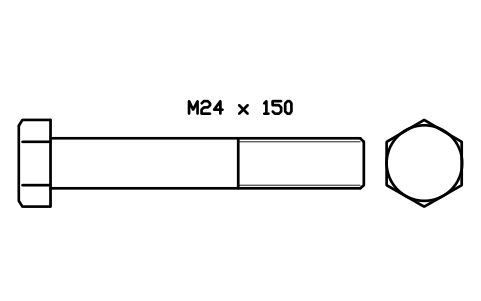
Hex head bolt ISO 4014 M24 x 150
FAS_ISO4014_M24X150Attributes
DESIGNATIONSTANDARDPROPERTY_CLASSMATERIALFINISHPART_NOMANUFACTURERQTYREMARKSDESC - New in 1.1
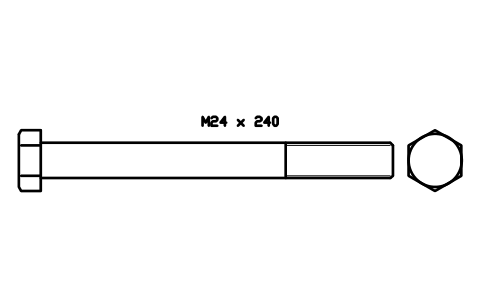
Hex head bolt ISO 4014 M24 x 240
FAS_ISO4014_M24X240Attributes
DESIGNATIONSTANDARDPROPERTY_CLASSMATERIALFINISHPART_NOMANUFACTURERQTYREMARKSDESC - New in 1.1
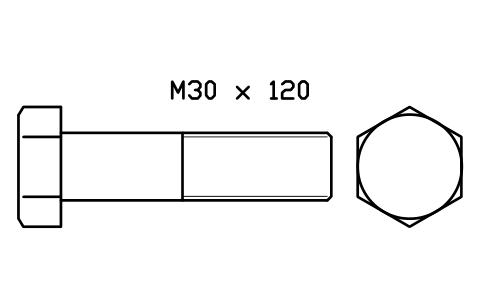
Hex head bolt ISO 4014 M30 x 120
FAS_ISO4014_M30X120Attributes
DESIGNATIONSTANDARDPROPERTY_CLASSMATERIALFINISHPART_NOMANUFACTURERQTYREMARKSDESC - New in 1.1
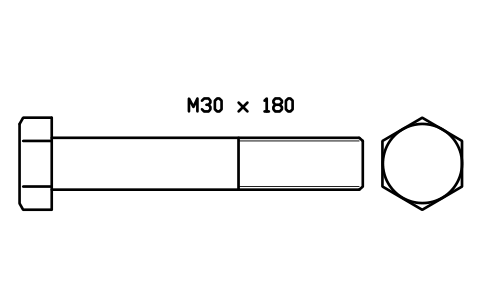
Hex head bolt ISO 4014 M30 x 180
FAS_ISO4014_M30X180Attributes
DESIGNATIONSTANDARDPROPERTY_CLASSMATERIALFINISHPART_NOMANUFACTURERQTYREMARKSDESC - New in 1.1
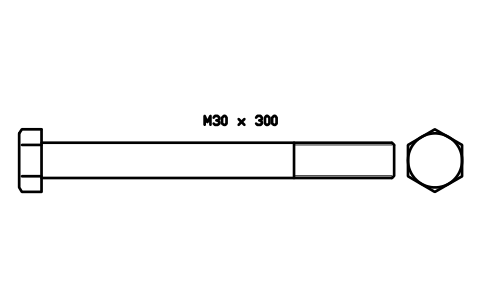
Hex head bolt ISO 4014 M30 x 300
FAS_ISO4014_M30X300Attributes
DESIGNATIONSTANDARDPROPERTY_CLASSMATERIALFINISHPART_NOMANUFACTURERQTYREMARKSDESC - New in 1.1
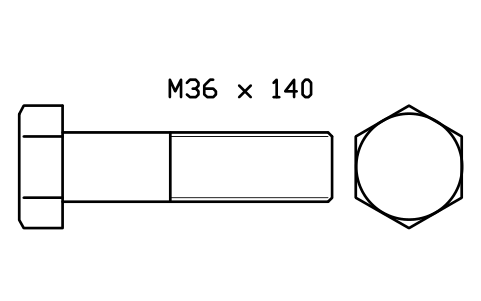
Hex head bolt ISO 4014 M36 x 140
FAS_ISO4014_M36X140Attributes
DESIGNATIONSTANDARDPROPERTY_CLASSMATERIALFINISHPART_NOMANUFACTURERQTYREMARKSDESC - New in 1.1
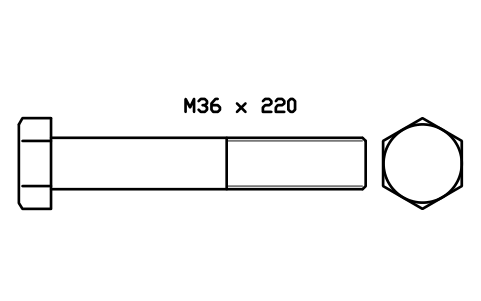
Hex head bolt ISO 4014 M36 x 220
FAS_ISO4014_M36X220Attributes
DESIGNATIONSTANDARDPROPERTY_CLASSMATERIALFINISHPART_NOMANUFACTURERQTYREMARKSDESC - New in 1.1
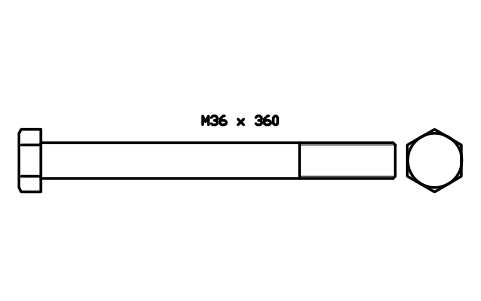
Hex head bolt ISO 4014 M36 x 360
FAS_ISO4014_M36X360Attributes
DESIGNATIONSTANDARDPROPERTY_CLASSMATERIALFINISHPART_NOMANUFACTURERQTYREMARKSDESC 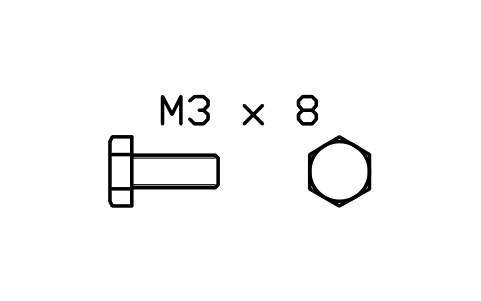
Hex head bolt ISO 4017 M3 x 8
FAS_ISO4017_M3X8Attributes
DESIGNATIONSTANDARDPROPERTY_CLASSMATERIALFINISHPART_NOMANUFACTURERQTYREMARKSDESC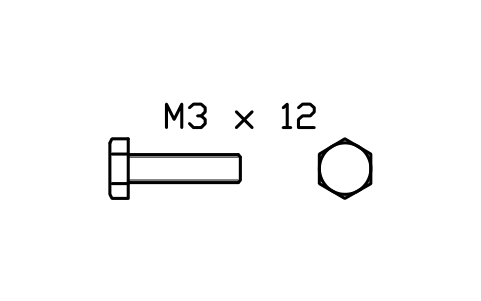
Hex head bolt ISO 4017 M3 x 12
FAS_ISO4017_M3X12Attributes
DESIGNATIONSTANDARDPROPERTY_CLASSMATERIALFINISHPART_NOMANUFACTURERQTYREMARKSDESC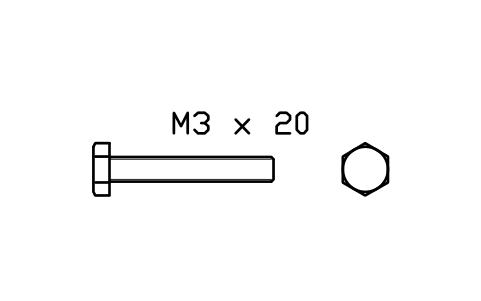
Hex head bolt ISO 4017 M3 x 20
FAS_ISO4017_M3X20Attributes
DESIGNATIONSTANDARDPROPERTY_CLASSMATERIALFINISHPART_NOMANUFACTURERQTYREMARKSDESC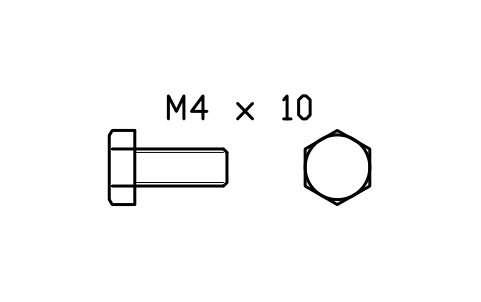
Hex head bolt ISO 4017 M4 x 10
FAS_ISO4017_M4X10Attributes
DESIGNATIONSTANDARDPROPERTY_CLASSMATERIALFINISHPART_NOMANUFACTURERQTYREMARKSDESC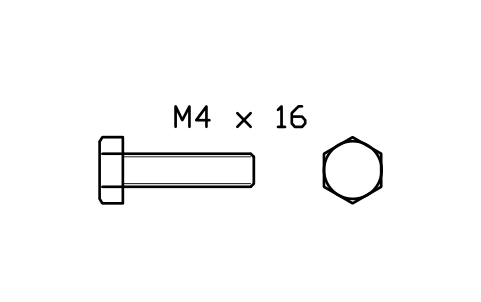
Hex head bolt ISO 4017 M4 x 16
FAS_ISO4017_M4X16Attributes
DESIGNATIONSTANDARDPROPERTY_CLASSMATERIALFINISHPART_NOMANUFACTURERQTYREMARKSDESC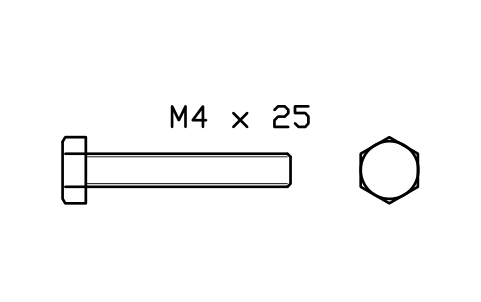
Hex head bolt ISO 4017 M4 x 25
FAS_ISO4017_M4X25Attributes
DESIGNATIONSTANDARDPROPERTY_CLASSMATERIALFINISHPART_NOMANUFACTURERQTYREMARKSDESC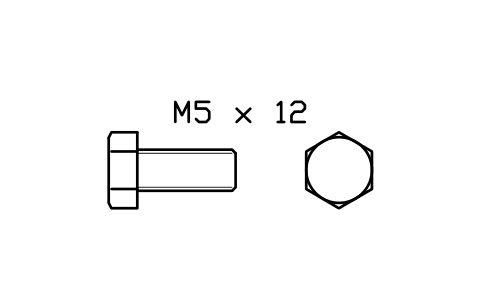
Hex head bolt ISO 4017 M5 x 12
FAS_ISO4017_M5X12Attributes
DESIGNATIONSTANDARDPROPERTY_CLASSMATERIALFINISHPART_NOMANUFACTURERQTYREMARKSDESC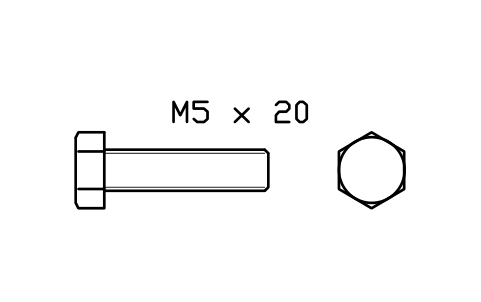
Hex head bolt ISO 4017 M5 x 20
FAS_ISO4017_M5X20Attributes
DESIGNATIONSTANDARDPROPERTY_CLASSMATERIALFINISHPART_NOMANUFACTURERQTYREMARKSDESC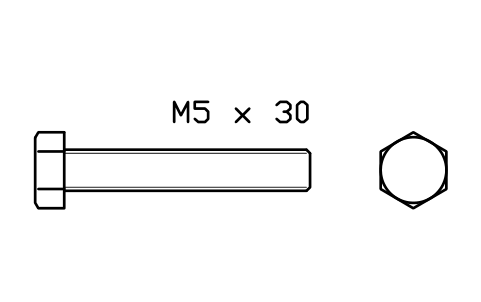
Hex head bolt ISO 4017 M5 x 30
FAS_ISO4017_M5X30Attributes
DESIGNATIONSTANDARDPROPERTY_CLASSMATERIALFINISHPART_NOMANUFACTURERQTYREMARKSDESC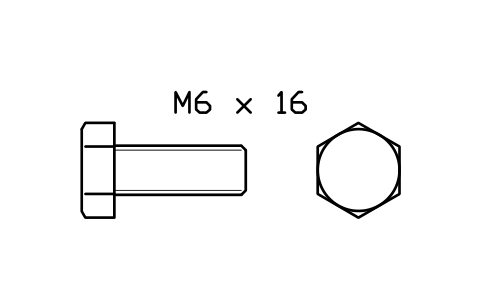
Hex head bolt ISO 4017 M6 x 16
FAS_ISO4017_M6X16Attributes
DESIGNATIONSTANDARDPROPERTY_CLASSMATERIALFINISHPART_NOMANUFACTURERQTYREMARKSDESC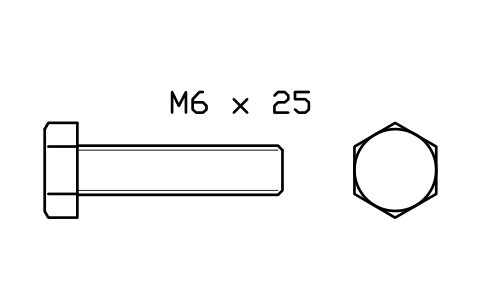
Hex head bolt ISO 4017 M6 x 25
FAS_ISO4017_M6X25Attributes
DESIGNATIONSTANDARDPROPERTY_CLASSMATERIALFINISHPART_NOMANUFACTURERQTYREMARKSDESC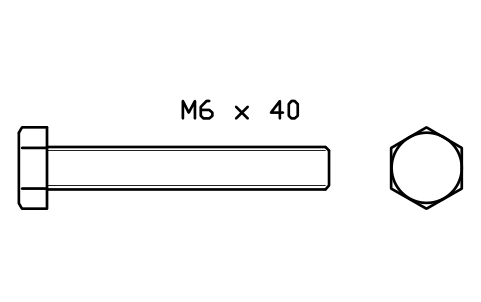
Hex head bolt ISO 4017 M6 x 40
FAS_ISO4017_M6X40Attributes
DESIGNATIONSTANDARDPROPERTY_CLASSMATERIALFINISHPART_NOMANUFACTURERQTYREMARKSDESC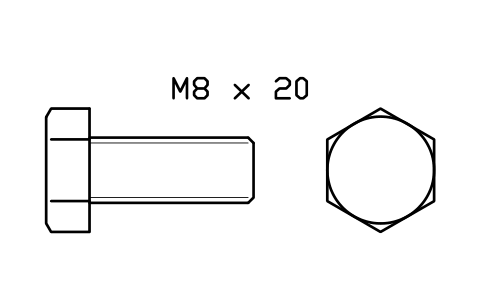
Hex head bolt ISO 4017 M8 x 20
FAS_ISO4017_M8X20Attributes
DESIGNATIONSTANDARDPROPERTY_CLASSMATERIALFINISHPART_NOMANUFACTURERQTYREMARKSDESC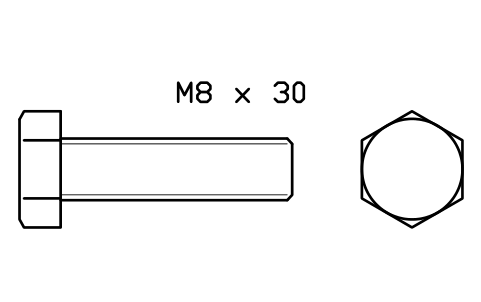
Hex head bolt ISO 4017 M8 x 30
FAS_ISO4017_M8X30Attributes
DESIGNATIONSTANDARDPROPERTY_CLASSMATERIALFINISHPART_NOMANUFACTURERQTYREMARKSDESC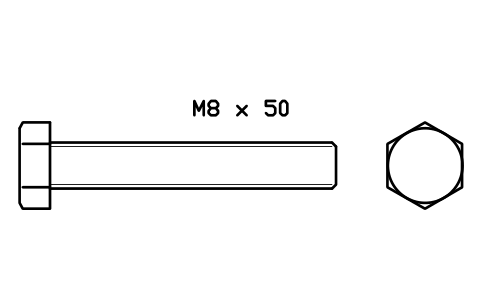
Hex head bolt ISO 4017 M8 x 50
FAS_ISO4017_M8X50Attributes
DESIGNATIONSTANDARDPROPERTY_CLASSMATERIALFINISHPART_NOMANUFACTURERQTYREMARKSDESC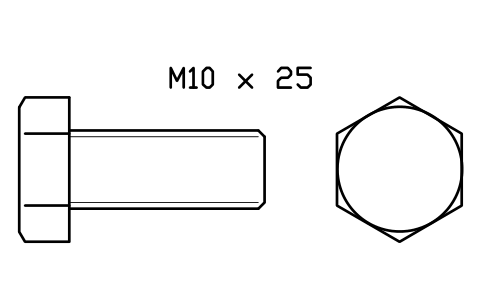
Hex head bolt ISO 4017 M10 x 25
FAS_ISO4017_M10X25Attributes
DESIGNATIONSTANDARDPROPERTY_CLASSMATERIALFINISHPART_NOMANUFACTURERQTYREMARKSDESC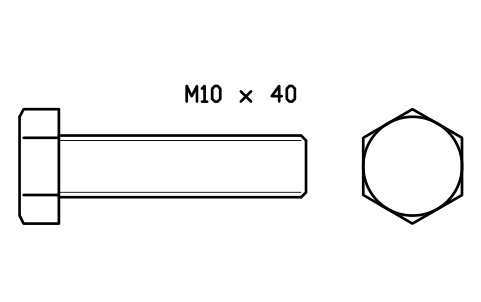
Hex head bolt ISO 4017 M10 x 40
FAS_ISO4017_M10X40Attributes
DESIGNATIONSTANDARDPROPERTY_CLASSMATERIALFINISHPART_NOMANUFACTURERQTYREMARKSDESC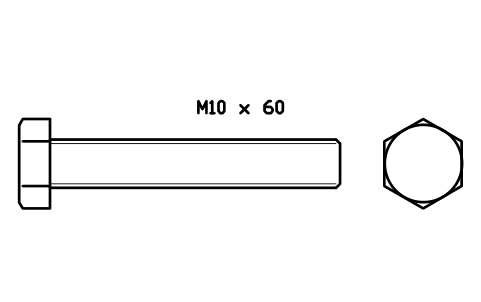
Hex head bolt ISO 4017 M10 x 60
FAS_ISO4017_M10X60Attributes
DESIGNATIONSTANDARDPROPERTY_CLASSMATERIALFINISHPART_NOMANUFACTURERQTYREMARKSDESC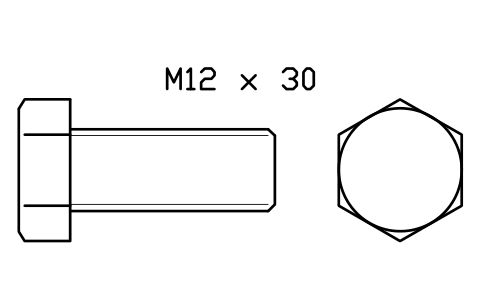
Hex head bolt ISO 4017 M12 x 30
FAS_ISO4017_M12X30Attributes
DESIGNATIONSTANDARDPROPERTY_CLASSMATERIALFINISHPART_NOMANUFACTURERQTYREMARKSDESC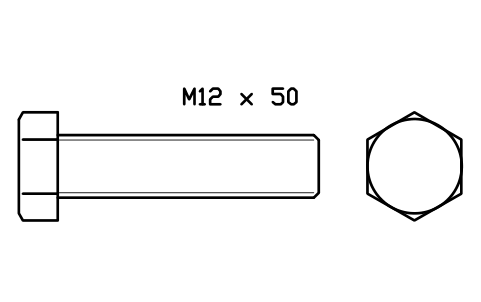
Hex head bolt ISO 4017 M12 x 50
FAS_ISO4017_M12X50Attributes
DESIGNATIONSTANDARDPROPERTY_CLASSMATERIALFINISHPART_NOMANUFACTURERQTYREMARKSDESC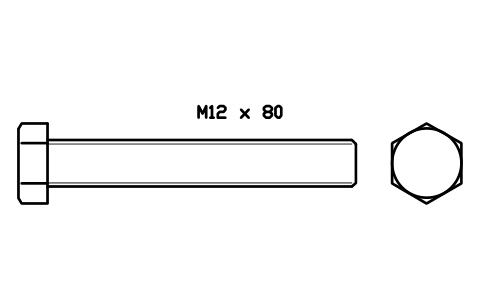
Hex head bolt ISO 4017 M12 x 80
FAS_ISO4017_M12X80Attributes
DESIGNATIONSTANDARDPROPERTY_CLASSMATERIALFINISHPART_NOMANUFACTURERQTYREMARKSDESC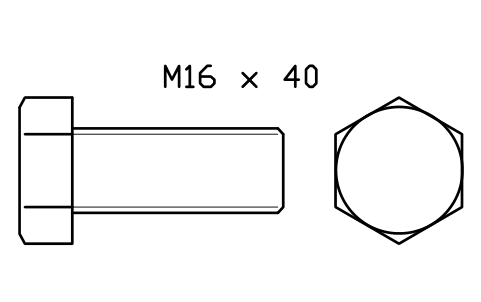
Hex head bolt ISO 4017 M16 x 40
FAS_ISO4017_M16X40Attributes
DESIGNATIONSTANDARDPROPERTY_CLASSMATERIALFINISHPART_NOMANUFACTURERQTYREMARKSDESC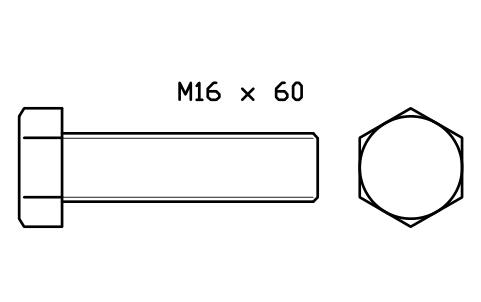
Hex head bolt ISO 4017 M16 x 60
FAS_ISO4017_M16X60Attributes
DESIGNATIONSTANDARDPROPERTY_CLASSMATERIALFINISHPART_NOMANUFACTURERQTYREMARKSDESC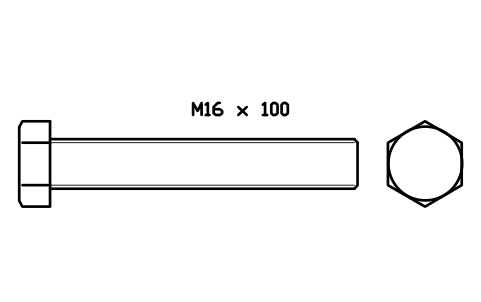
Hex head bolt ISO 4017 M16 x 100
FAS_ISO4017_M16X100Attributes
DESIGNATIONSTANDARDPROPERTY_CLASSMATERIALFINISHPART_NOMANUFACTURERQTYREMARKSDESC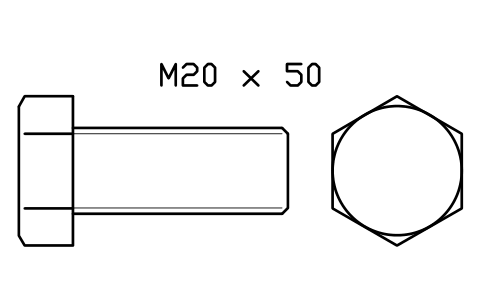
Hex head bolt ISO 4017 M20 x 50
FAS_ISO4017_M20X50Attributes
DESIGNATIONSTANDARDPROPERTY_CLASSMATERIALFINISHPART_NOMANUFACTURERQTYREMARKSDESC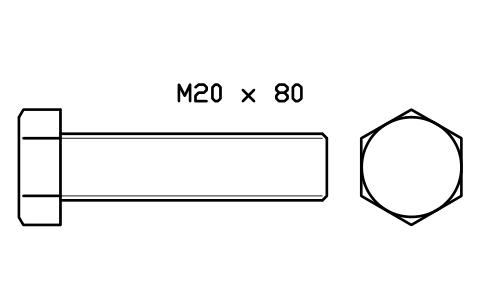
Hex head bolt ISO 4017 M20 x 80
FAS_ISO4017_M20X80Attributes
DESIGNATIONSTANDARDPROPERTY_CLASSMATERIALFINISHPART_NOMANUFACTURERQTYREMARKSDESC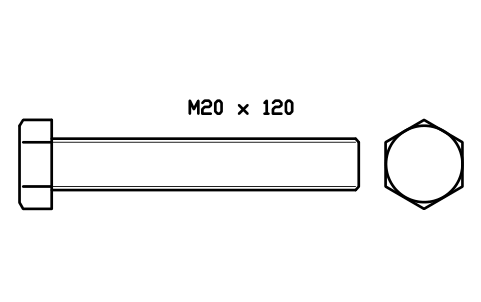
Hex head bolt ISO 4017 M20 x 120
FAS_ISO4017_M20X120Attributes
DESIGNATIONSTANDARDPROPERTY_CLASSMATERIALFINISHPART_NOMANUFACTURERQTYREMARKSDESC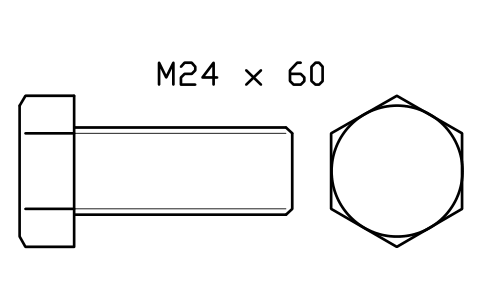
Hex head bolt ISO 4017 M24 x 60
FAS_ISO4017_M24X60Attributes
DESIGNATIONSTANDARDPROPERTY_CLASSMATERIALFINISHPART_NOMANUFACTURERQTYREMARKSDESC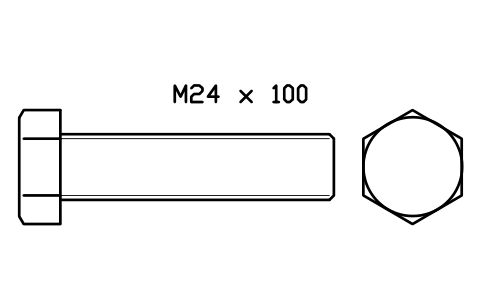
Hex head bolt ISO 4017 M24 x 100
FAS_ISO4017_M24X100Attributes
DESIGNATIONSTANDARDPROPERTY_CLASSMATERIALFINISHPART_NOMANUFACTURERQTYREMARKSDESC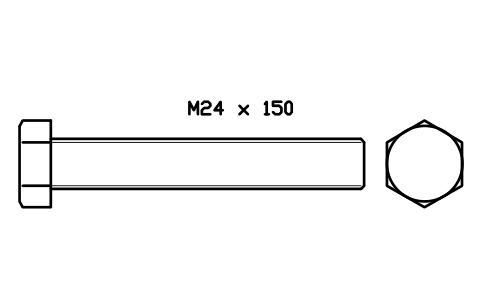
Hex head bolt ISO 4017 M24 x 150
FAS_ISO4017_M24X150Attributes
DESIGNATIONSTANDARDPROPERTY_CLASSMATERIALFINISHPART_NOMANUFACTURERQTYREMARKSDESC- New in 1.1
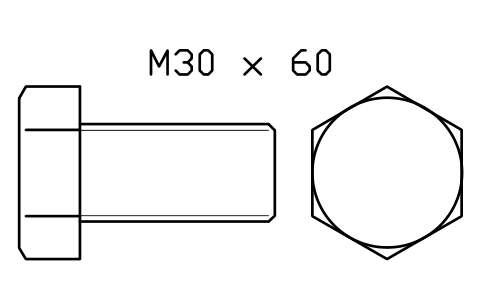
Hex head bolt ISO 4017 M30 x 60
FAS_ISO4017_M30X60Attributes
DESIGNATIONSTANDARDPROPERTY_CLASSMATERIALFINISHPART_NOMANUFACTURERQTYREMARKSDESC - New in 1.1
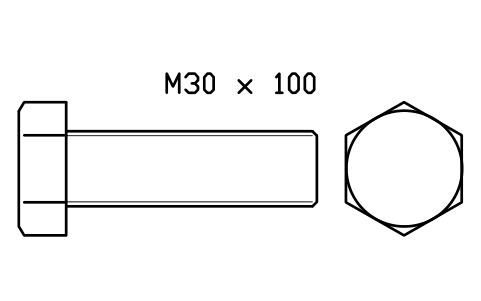
Hex head bolt ISO 4017 M30 x 100
FAS_ISO4017_M30X100Attributes
DESIGNATIONSTANDARDPROPERTY_CLASSMATERIALFINISHPART_NOMANUFACTURERQTYREMARKSDESC - New in 1.1
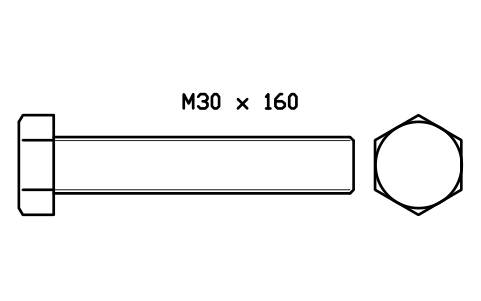
Hex head bolt ISO 4017 M30 x 160
FAS_ISO4017_M30X160Attributes
DESIGNATIONSTANDARDPROPERTY_CLASSMATERIALFINISHPART_NOMANUFACTURERQTYREMARKSDESC - New in 1.1
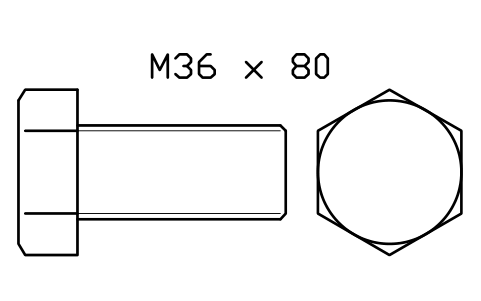
Hex head bolt ISO 4017 M36 x 80
FAS_ISO4017_M36X80Attributes
DESIGNATIONSTANDARDPROPERTY_CLASSMATERIALFINISHPART_NOMANUFACTURERQTYREMARKSDESC - New in 1.1
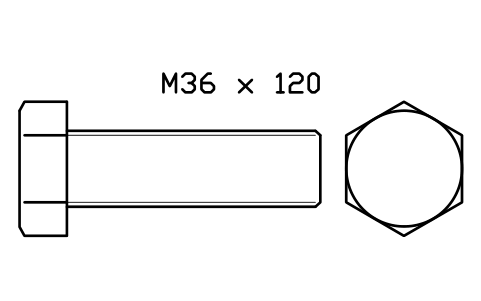
Hex head bolt ISO 4017 M36 x 120
FAS_ISO4017_M36X120Attributes
DESIGNATIONSTANDARDPROPERTY_CLASSMATERIALFINISHPART_NOMANUFACTURERQTYREMARKSDESC - New in 1.1
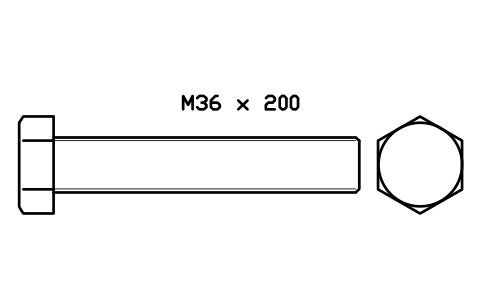
Hex head bolt ISO 4017 M36 x 200
FAS_ISO4017_M36X200Attributes
DESIGNATIONSTANDARDPROPERTY_CLASSMATERIALFINISHPART_NOMANUFACTURERQTYREMARKSDESC 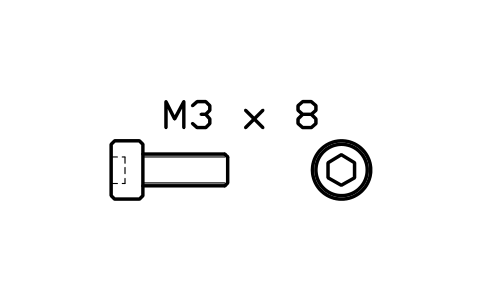
Socket head cap screw ISO 4762 M3 x 8
FAS_ISO4762_M3X8Attributes
DESIGNATIONSTANDARDPROPERTY_CLASSMATERIALFINISHPART_NOMANUFACTURERQTYREMARKSDESC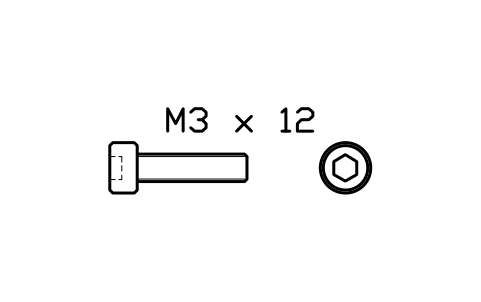
Socket head cap screw ISO 4762 M3 x 12
FAS_ISO4762_M3X12Attributes
DESIGNATIONSTANDARDPROPERTY_CLASSMATERIALFINISHPART_NOMANUFACTURERQTYREMARKSDESC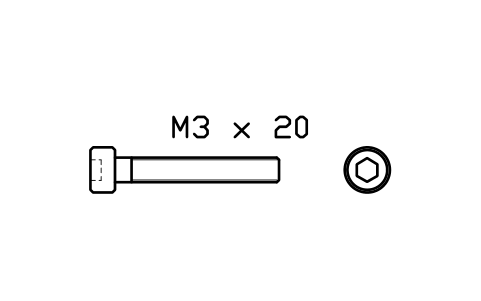
Socket head cap screw ISO 4762 M3 x 20
FAS_ISO4762_M3X20Attributes
DESIGNATIONSTANDARDPROPERTY_CLASSMATERIALFINISHPART_NOMANUFACTURERQTYREMARKSDESC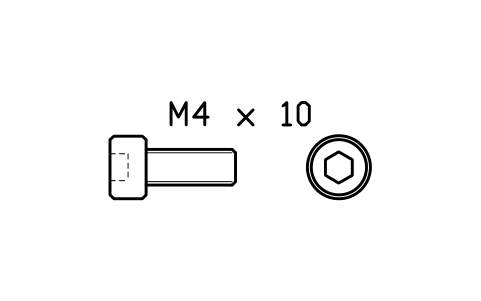
Socket head cap screw ISO 4762 M4 x 10
FAS_ISO4762_M4X10Attributes
DESIGNATIONSTANDARDPROPERTY_CLASSMATERIALFINISHPART_NOMANUFACTURERQTYREMARKSDESC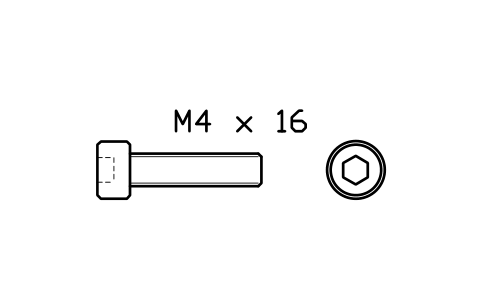
Socket head cap screw ISO 4762 M4 x 16
FAS_ISO4762_M4X16Attributes
DESIGNATIONSTANDARDPROPERTY_CLASSMATERIALFINISHPART_NOMANUFACTURERQTYREMARKSDESC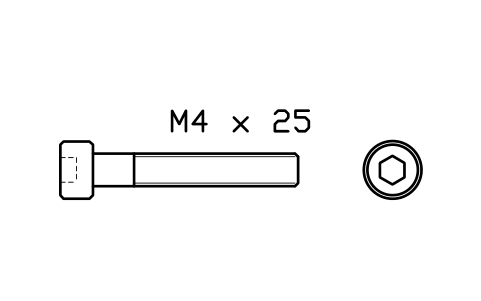
Socket head cap screw ISO 4762 M4 x 25
FAS_ISO4762_M4X25Attributes
DESIGNATIONSTANDARDPROPERTY_CLASSMATERIALFINISHPART_NOMANUFACTURERQTYREMARKSDESC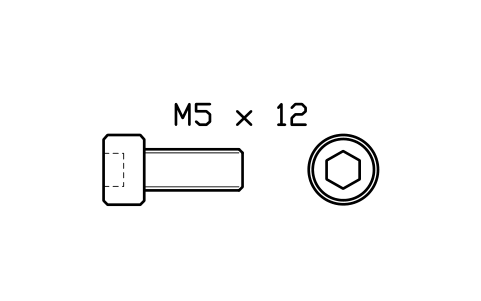
Socket head cap screw ISO 4762 M5 x 12
FAS_ISO4762_M5X12Attributes
DESIGNATIONSTANDARDPROPERTY_CLASSMATERIALFINISHPART_NOMANUFACTURERQTYREMARKSDESC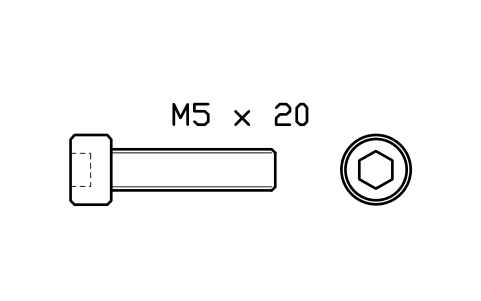
Socket head cap screw ISO 4762 M5 x 20
FAS_ISO4762_M5X20Attributes
DESIGNATIONSTANDARDPROPERTY_CLASSMATERIALFINISHPART_NOMANUFACTURERQTYREMARKSDESC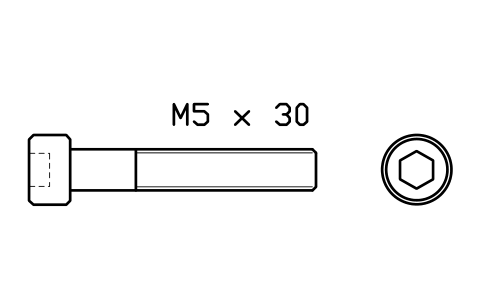
Socket head cap screw ISO 4762 M5 x 30
FAS_ISO4762_M5X30Attributes
DESIGNATIONSTANDARDPROPERTY_CLASSMATERIALFINISHPART_NOMANUFACTURERQTYREMARKSDESC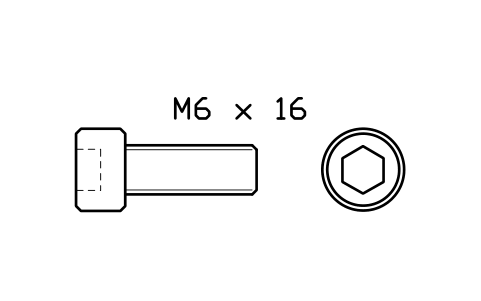
Socket head cap screw ISO 4762 M6 x 16
FAS_ISO4762_M6X16Attributes
DESIGNATIONSTANDARDPROPERTY_CLASSMATERIALFINISHPART_NOMANUFACTURERQTYREMARKSDESC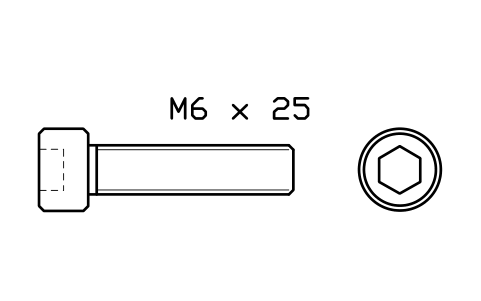
Socket head cap screw ISO 4762 M6 x 25
FAS_ISO4762_M6X25Attributes
DESIGNATIONSTANDARDPROPERTY_CLASSMATERIALFINISHPART_NOMANUFACTURERQTYREMARKSDESC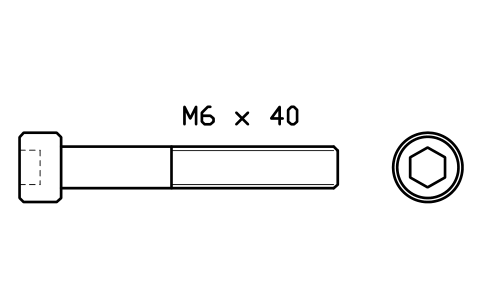
Socket head cap screw ISO 4762 M6 x 40
FAS_ISO4762_M6X40Attributes
DESIGNATIONSTANDARDPROPERTY_CLASSMATERIALFINISHPART_NOMANUFACTURERQTYREMARKSDESC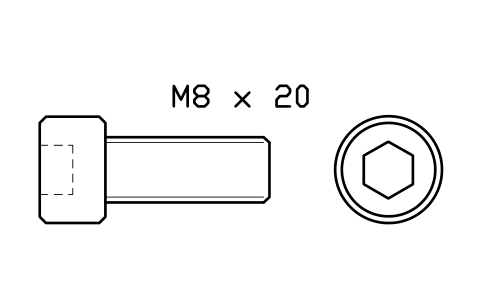
Socket head cap screw ISO 4762 M8 x 20
FAS_ISO4762_M8X20Attributes
DESIGNATIONSTANDARDPROPERTY_CLASSMATERIALFINISHPART_NOMANUFACTURERQTYREMARKSDESC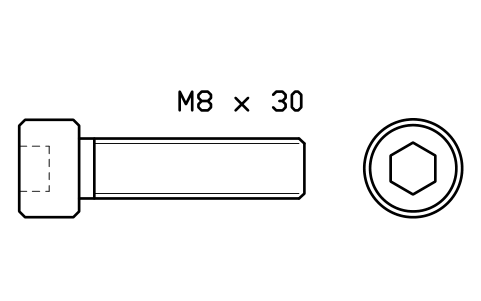
Socket head cap screw ISO 4762 M8 x 30
FAS_ISO4762_M8X30Attributes
DESIGNATIONSTANDARDPROPERTY_CLASSMATERIALFINISHPART_NOMANUFACTURERQTYREMARKSDESC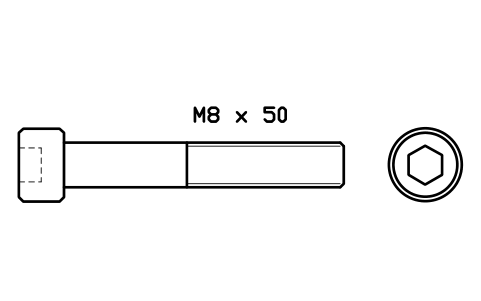
Socket head cap screw ISO 4762 M8 x 50
FAS_ISO4762_M8X50Attributes
DESIGNATIONSTANDARDPROPERTY_CLASSMATERIALFINISHPART_NOMANUFACTURERQTYREMARKSDESC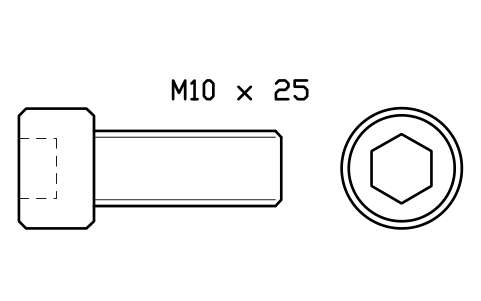
Socket head cap screw ISO 4762 M10 x 25
FAS_ISO4762_M10X25Attributes
DESIGNATIONSTANDARDPROPERTY_CLASSMATERIALFINISHPART_NOMANUFACTURERQTYREMARKSDESC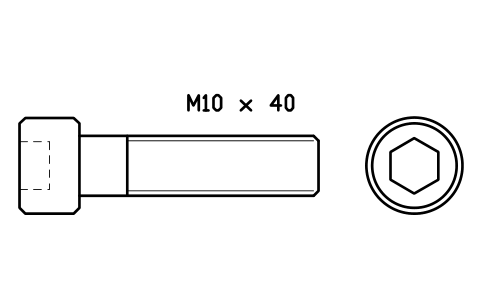
Socket head cap screw ISO 4762 M10 x 40
FAS_ISO4762_M10X40Attributes
DESIGNATIONSTANDARDPROPERTY_CLASSMATERIALFINISHPART_NOMANUFACTURERQTYREMARKSDESC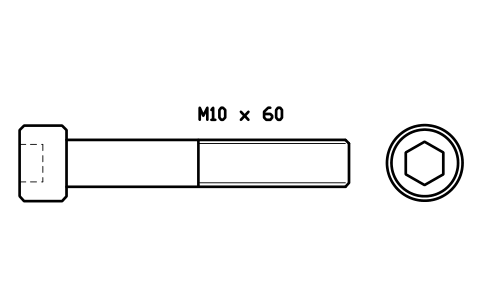
Socket head cap screw ISO 4762 M10 x 60
FAS_ISO4762_M10X60Attributes
DESIGNATIONSTANDARDPROPERTY_CLASSMATERIALFINISHPART_NOMANUFACTURERQTYREMARKSDESC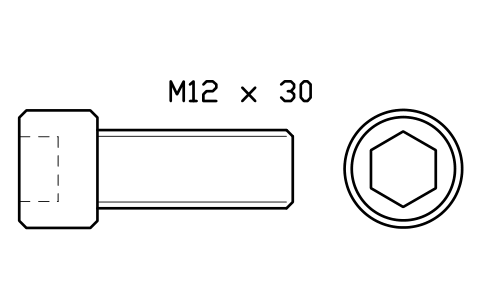
Socket head cap screw ISO 4762 M12 x 30
FAS_ISO4762_M12X30Attributes
DESIGNATIONSTANDARDPROPERTY_CLASSMATERIALFINISHPART_NOMANUFACTURERQTYREMARKSDESC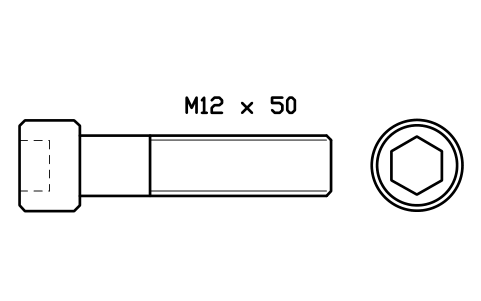
Socket head cap screw ISO 4762 M12 x 50
FAS_ISO4762_M12X50Attributes
DESIGNATIONSTANDARDPROPERTY_CLASSMATERIALFINISHPART_NOMANUFACTURERQTYREMARKSDESC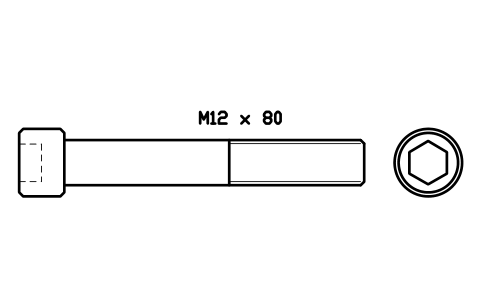
Socket head cap screw ISO 4762 M12 x 80
FAS_ISO4762_M12X80Attributes
DESIGNATIONSTANDARDPROPERTY_CLASSMATERIALFINISHPART_NOMANUFACTURERQTYREMARKSDESC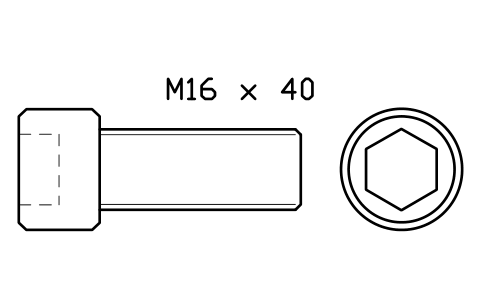
Socket head cap screw ISO 4762 M16 x 40
FAS_ISO4762_M16X40Attributes
DESIGNATIONSTANDARDPROPERTY_CLASSMATERIALFINISHPART_NOMANUFACTURERQTYREMARKSDESC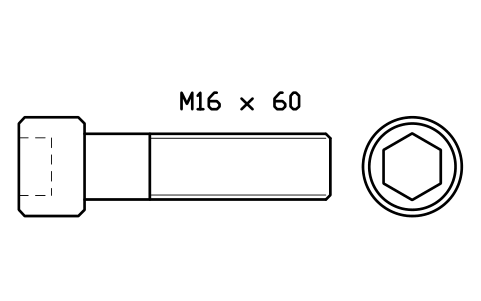
Socket head cap screw ISO 4762 M16 x 60
FAS_ISO4762_M16X60Attributes
DESIGNATIONSTANDARDPROPERTY_CLASSMATERIALFINISHPART_NOMANUFACTURERQTYREMARKSDESC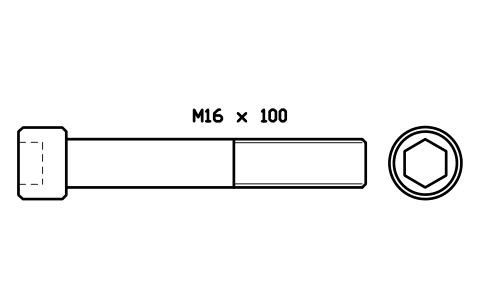
Socket head cap screw ISO 4762 M16 x 100
FAS_ISO4762_M16X100Attributes
DESIGNATIONSTANDARDPROPERTY_CLASSMATERIALFINISHPART_NOMANUFACTURERQTYREMARKSDESC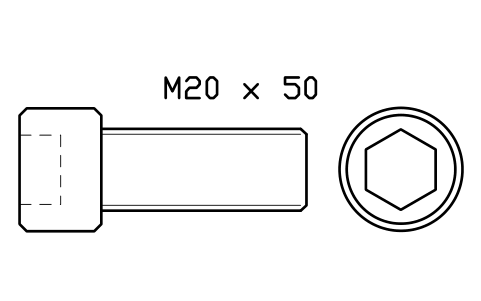
Socket head cap screw ISO 4762 M20 x 50
FAS_ISO4762_M20X50Attributes
DESIGNATIONSTANDARDPROPERTY_CLASSMATERIALFINISHPART_NOMANUFACTURERQTYREMARKSDESC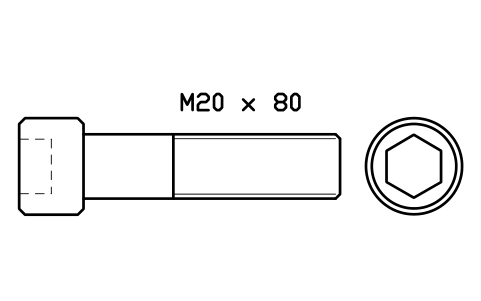
Socket head cap screw ISO 4762 M20 x 80
FAS_ISO4762_M20X80Attributes
DESIGNATIONSTANDARDPROPERTY_CLASSMATERIALFINISHPART_NOMANUFACTURERQTYREMARKSDESC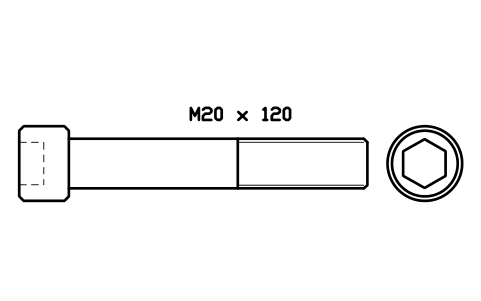
Socket head cap screw ISO 4762 M20 x 120
FAS_ISO4762_M20X120Attributes
DESIGNATIONSTANDARDPROPERTY_CLASSMATERIALFINISHPART_NOMANUFACTURERQTYREMARKSDESC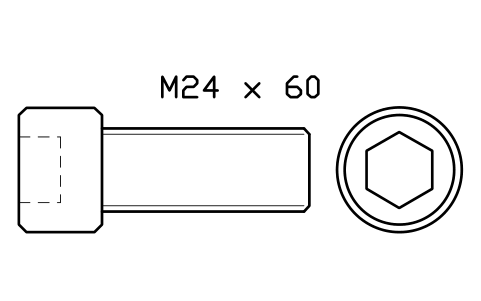
Socket head cap screw ISO 4762 M24 x 60
FAS_ISO4762_M24X60Attributes
DESIGNATIONSTANDARDPROPERTY_CLASSMATERIALFINISHPART_NOMANUFACTURERQTYREMARKSDESC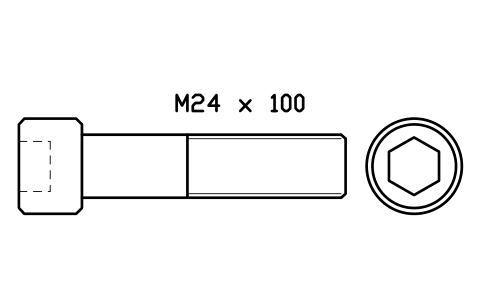
Socket head cap screw ISO 4762 M24 x 100
FAS_ISO4762_M24X100Attributes
DESIGNATIONSTANDARDPROPERTY_CLASSMATERIALFINISHPART_NOMANUFACTURERQTYREMARKSDESC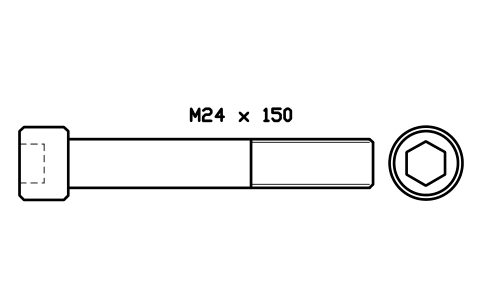
Socket head cap screw ISO 4762 M24 x 150
FAS_ISO4762_M24X150Attributes
DESIGNATIONSTANDARDPROPERTY_CLASSMATERIALFINISHPART_NOMANUFACTURERQTYREMARKSDESC- New in 1.1
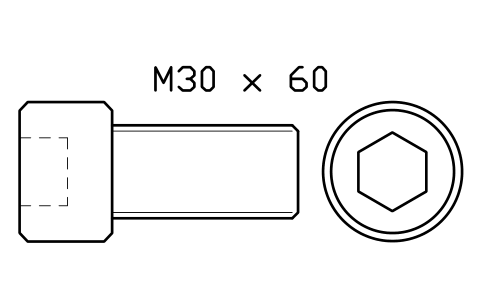
Socket head cap screw ISO 4762 M30 x 60
FAS_ISO4762_M30X60Attributes
DESIGNATIONSTANDARDPROPERTY_CLASSMATERIALFINISHPART_NOMANUFACTURERQTYREMARKSDESC - New in 1.1
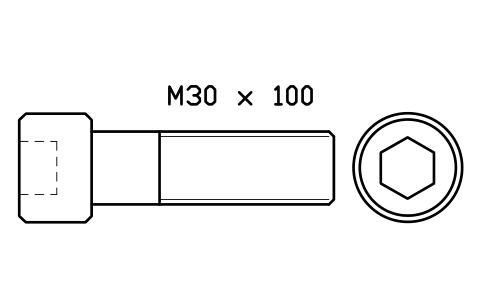
Socket head cap screw ISO 4762 M30 x 100
FAS_ISO4762_M30X100Attributes
DESIGNATIONSTANDARDPROPERTY_CLASSMATERIALFINISHPART_NOMANUFACTURERQTYREMARKSDESC - New in 1.1
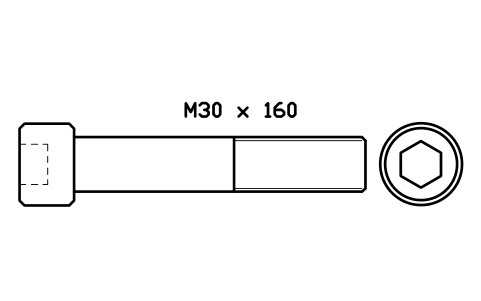
Socket head cap screw ISO 4762 M30 x 160
FAS_ISO4762_M30X160Attributes
DESIGNATIONSTANDARDPROPERTY_CLASSMATERIALFINISHPART_NOMANUFACTURERQTYREMARKSDESC - New in 1.1
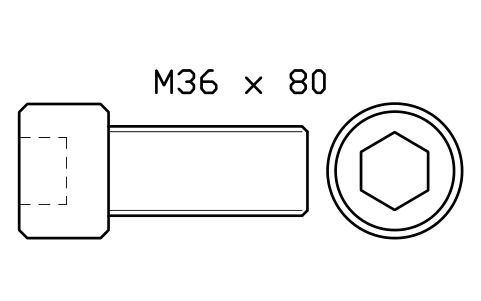
Socket head cap screw ISO 4762 M36 x 80
FAS_ISO4762_M36X80Attributes
DESIGNATIONSTANDARDPROPERTY_CLASSMATERIALFINISHPART_NOMANUFACTURERQTYREMARKSDESC - New in 1.1
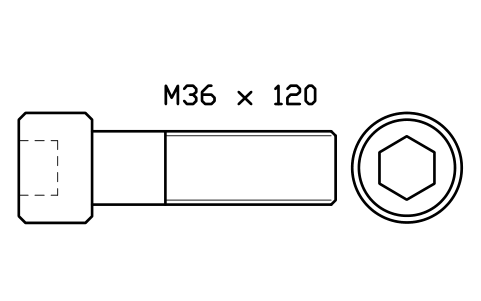
Socket head cap screw ISO 4762 M36 x 120
FAS_ISO4762_M36X120Attributes
DESIGNATIONSTANDARDPROPERTY_CLASSMATERIALFINISHPART_NOMANUFACTURERQTYREMARKSDESC - New in 1.1
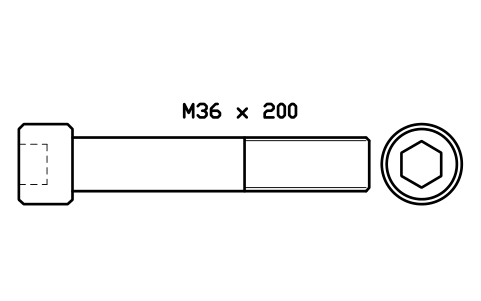
Socket head cap screw ISO 4762 M36 x 200
FAS_ISO4762_M36X200Attributes
DESIGNATIONSTANDARDPROPERTY_CLASSMATERIALFINISHPART_NOMANUFACTURERQTYREMARKSDESC - New in 1.1
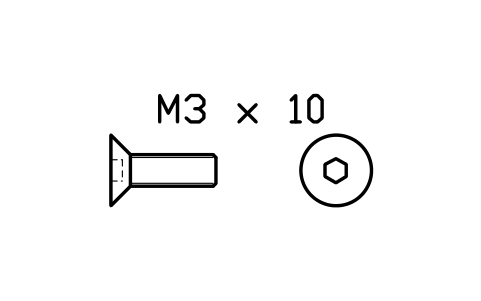
Countersunk screw ISO 10642 M3 x 10
FAS_ISO10642_M3X10Attributes
DESIGNATIONSTANDARDPROPERTY_CLASSMATERIALFINISHPART_NOMANUFACTURERQTYREMARKSDESC - New in 1.1
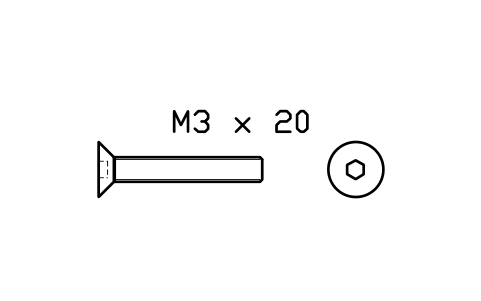
Countersunk screw ISO 10642 M3 x 20
FAS_ISO10642_M3X20Attributes
DESIGNATIONSTANDARDPROPERTY_CLASSMATERIALFINISHPART_NOMANUFACTURERQTYREMARKSDESC - New in 1.1
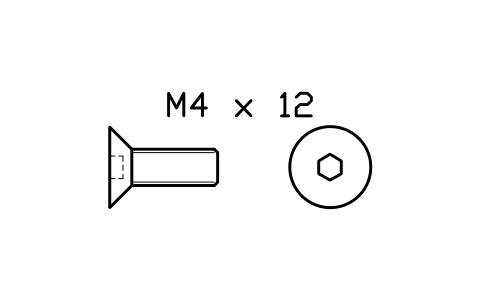
Countersunk screw ISO 10642 M4 x 12
FAS_ISO10642_M4X12Attributes
DESIGNATIONSTANDARDPROPERTY_CLASSMATERIALFINISHPART_NOMANUFACTURERQTYREMARKSDESC - New in 1.1
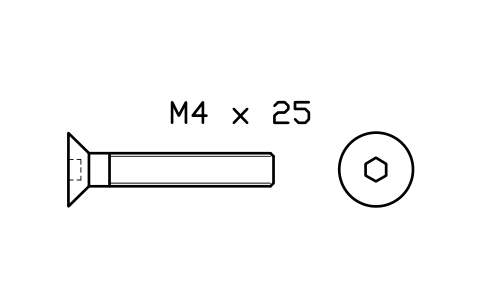
Countersunk screw ISO 10642 M4 x 25
FAS_ISO10642_M4X25Attributes
DESIGNATIONSTANDARDPROPERTY_CLASSMATERIALFINISHPART_NOMANUFACTURERQTYREMARKSDESC - New in 1.1
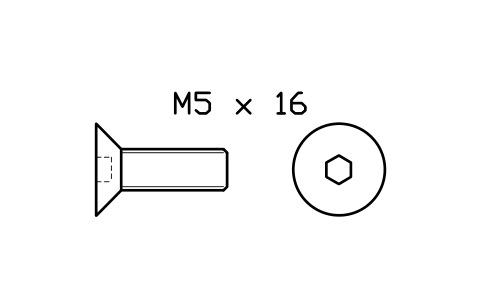
Countersunk screw ISO 10642 M5 x 16
FAS_ISO10642_M5X16Attributes
DESIGNATIONSTANDARDPROPERTY_CLASSMATERIALFINISHPART_NOMANUFACTURERQTYREMARKSDESC - New in 1.1
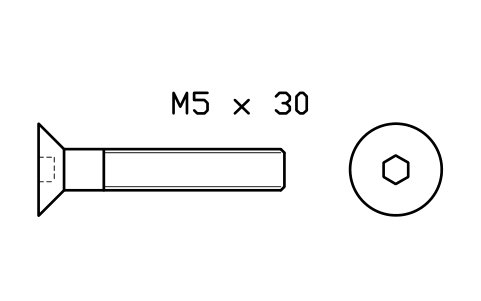
Countersunk screw ISO 10642 M5 x 30
FAS_ISO10642_M5X30Attributes
DESIGNATIONSTANDARDPROPERTY_CLASSMATERIALFINISHPART_NOMANUFACTURERQTYREMARKSDESC - New in 1.1
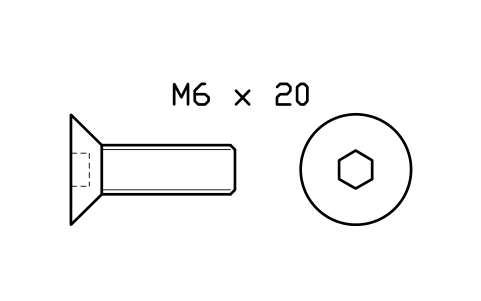
Countersunk screw ISO 10642 M6 x 20
FAS_ISO10642_M6X20Attributes
DESIGNATIONSTANDARDPROPERTY_CLASSMATERIALFINISHPART_NOMANUFACTURERQTYREMARKSDESC - New in 1.1
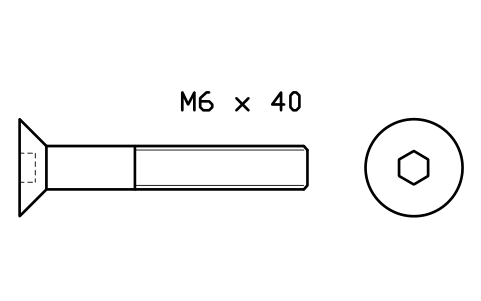
Countersunk screw ISO 10642 M6 x 40
FAS_ISO10642_M6X40Attributes
DESIGNATIONSTANDARDPROPERTY_CLASSMATERIALFINISHPART_NOMANUFACTURERQTYREMARKSDESC - New in 1.1
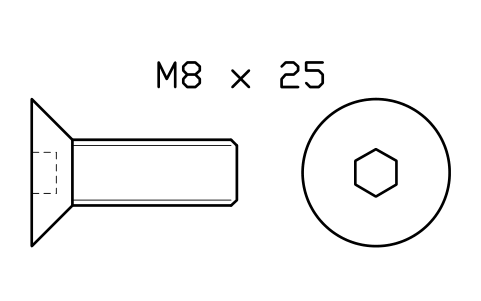
Countersunk screw ISO 10642 M8 x 25
FAS_ISO10642_M8X25Attributes
DESIGNATIONSTANDARDPROPERTY_CLASSMATERIALFINISHPART_NOMANUFACTURERQTYREMARKSDESC - New in 1.1
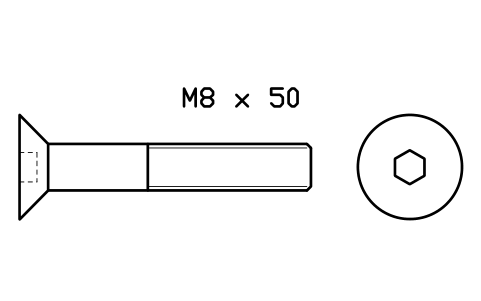
Countersunk screw ISO 10642 M8 x 50
FAS_ISO10642_M8X50Attributes
DESIGNATIONSTANDARDPROPERTY_CLASSMATERIALFINISHPART_NOMANUFACTURERQTYREMARKSDESC - New in 1.1
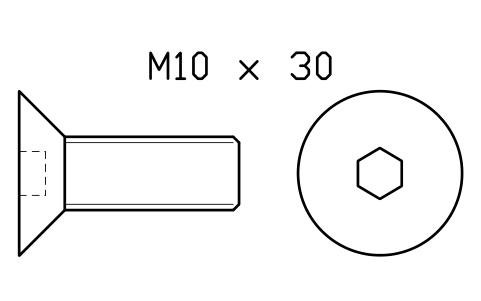
Countersunk screw ISO 10642 M10 x 30
FAS_ISO10642_M10X30Attributes
DESIGNATIONSTANDARDPROPERTY_CLASSMATERIALFINISHPART_NOMANUFACTURERQTYREMARKSDESC - New in 1.1
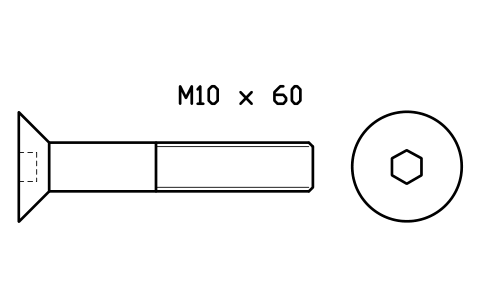
Countersunk screw ISO 10642 M10 x 60
FAS_ISO10642_M10X60Attributes
DESIGNATIONSTANDARDPROPERTY_CLASSMATERIALFINISHPART_NOMANUFACTURERQTYREMARKSDESC - New in 1.1
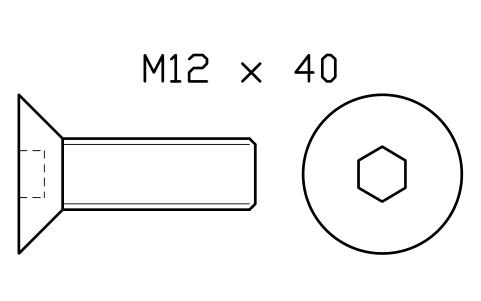
Countersunk screw ISO 10642 M12 x 40
FAS_ISO10642_M12X40Attributes
DESIGNATIONSTANDARDPROPERTY_CLASSMATERIALFINISHPART_NOMANUFACTURERQTYREMARKSDESC - New in 1.1
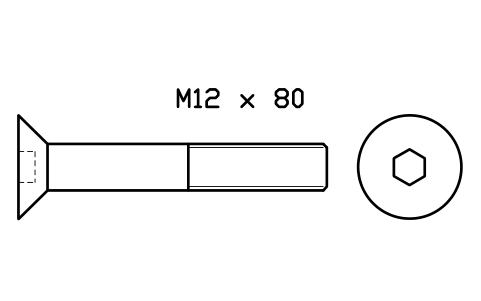
Countersunk screw ISO 10642 M12 x 80
FAS_ISO10642_M12X80Attributes
DESIGNATIONSTANDARDPROPERTY_CLASSMATERIALFINISHPART_NOMANUFACTURERQTYREMARKSDESC - New in 1.1
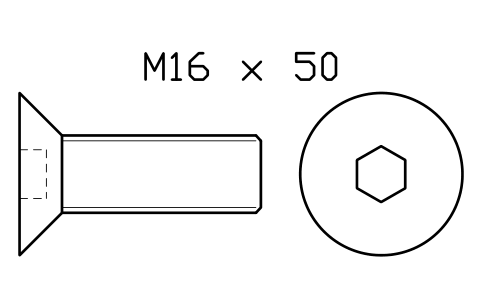
Countersunk screw ISO 10642 M16 x 50
FAS_ISO10642_M16X50Attributes
DESIGNATIONSTANDARDPROPERTY_CLASSMATERIALFINISHPART_NOMANUFACTURERQTYREMARKSDESC - New in 1.1
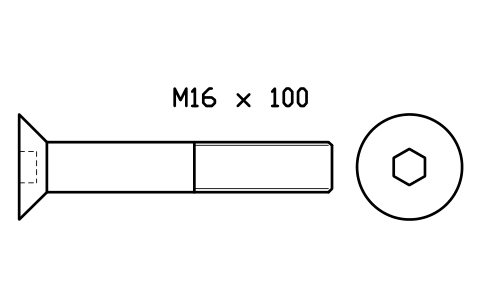
Countersunk screw ISO 10642 M16 x 100
FAS_ISO10642_M16X100Attributes
DESIGNATIONSTANDARDPROPERTY_CLASSMATERIALFINISHPART_NOMANUFACTURERQTYREMARKSDESC - New in 1.1
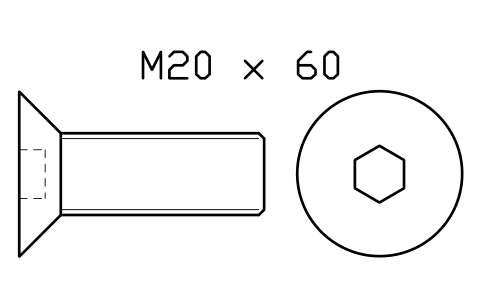
Countersunk screw ISO 10642 M20 x 60
FAS_ISO10642_M20X60Attributes
DESIGNATIONSTANDARDPROPERTY_CLASSMATERIALFINISHPART_NOMANUFACTURERQTYREMARKSDESC - New in 1.1
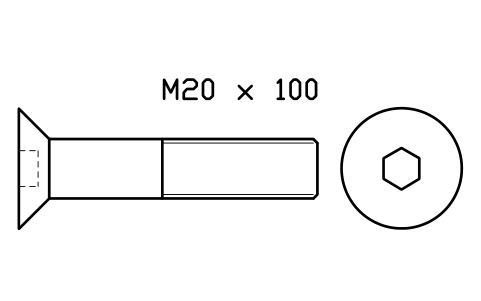
Countersunk screw ISO 10642 M20 x 100
FAS_ISO10642_M20X100Attributes
DESIGNATIONSTANDARDPROPERTY_CLASSMATERIALFINISHPART_NOMANUFACTURERQTYREMARKSDESC - New in 1.1
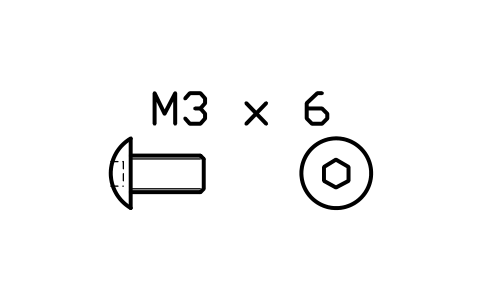
Button head screw ISO 7380 M3 x 6
FAS_ISO7380_M3X6Attributes
DESIGNATIONSTANDARDPROPERTY_CLASSMATERIALFINISHPART_NOMANUFACTURERQTYREMARKSDESC - New in 1.1
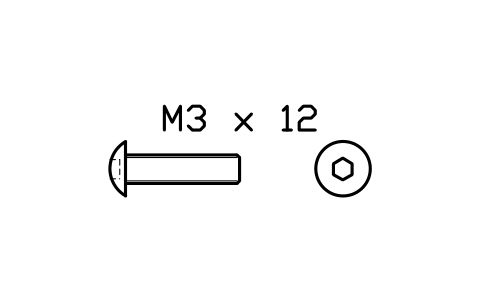
Button head screw ISO 7380 M3 x 12
FAS_ISO7380_M3X12Attributes
DESIGNATIONSTANDARDPROPERTY_CLASSMATERIALFINISHPART_NOMANUFACTURERQTYREMARKSDESC - New in 1.1
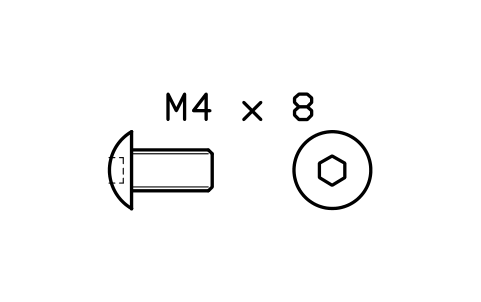
Button head screw ISO 7380 M4 x 8
FAS_ISO7380_M4X8Attributes
DESIGNATIONSTANDARDPROPERTY_CLASSMATERIALFINISHPART_NOMANUFACTURERQTYREMARKSDESC - New in 1.1
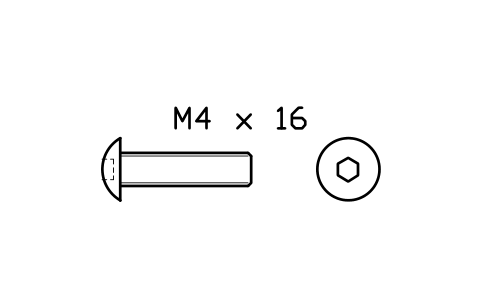
Button head screw ISO 7380 M4 x 16
FAS_ISO7380_M4X16Attributes
DESIGNATIONSTANDARDPROPERTY_CLASSMATERIALFINISHPART_NOMANUFACTURERQTYREMARKSDESC - New in 1.1
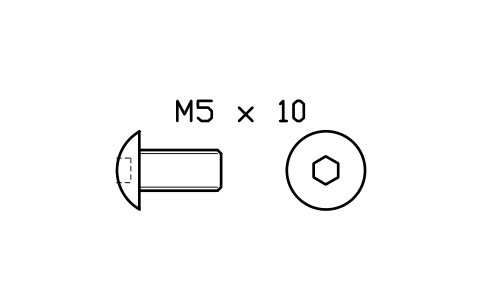
Button head screw ISO 7380 M5 x 10
FAS_ISO7380_M5X10Attributes
DESIGNATIONSTANDARDPROPERTY_CLASSMATERIALFINISHPART_NOMANUFACTURERQTYREMARKSDESC - New in 1.1
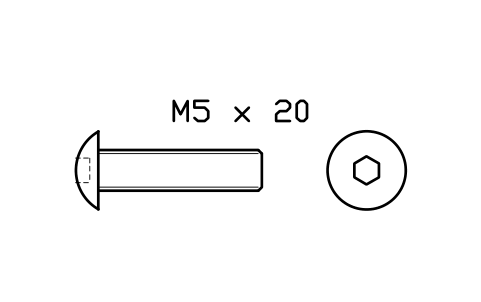
Button head screw ISO 7380 M5 x 20
FAS_ISO7380_M5X20Attributes
DESIGNATIONSTANDARDPROPERTY_CLASSMATERIALFINISHPART_NOMANUFACTURERQTYREMARKSDESC - New in 1.1
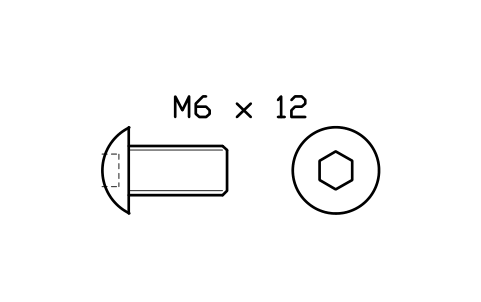
Button head screw ISO 7380 M6 x 12
FAS_ISO7380_M6X12Attributes
DESIGNATIONSTANDARDPROPERTY_CLASSMATERIALFINISHPART_NOMANUFACTURERQTYREMARKSDESC - New in 1.1
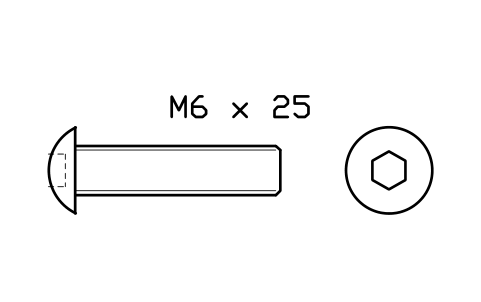
Button head screw ISO 7380 M6 x 25
FAS_ISO7380_M6X25Attributes
DESIGNATIONSTANDARDPROPERTY_CLASSMATERIALFINISHPART_NOMANUFACTURERQTYREMARKSDESC - New in 1.1
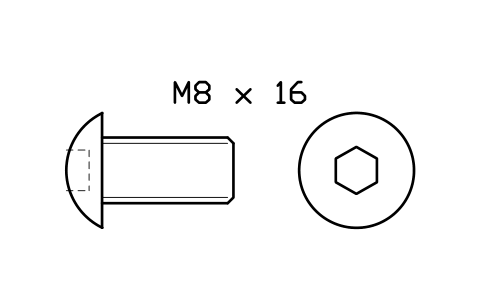
Button head screw ISO 7380 M8 x 16
FAS_ISO7380_M8X16Attributes
DESIGNATIONSTANDARDPROPERTY_CLASSMATERIALFINISHPART_NOMANUFACTURERQTYREMARKSDESC - New in 1.1
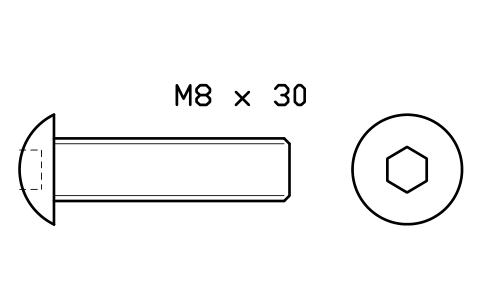
Button head screw ISO 7380 M8 x 30
FAS_ISO7380_M8X30Attributes
DESIGNATIONSTANDARDPROPERTY_CLASSMATERIALFINISHPART_NOMANUFACTURERQTYREMARKSDESC - New in 1.1
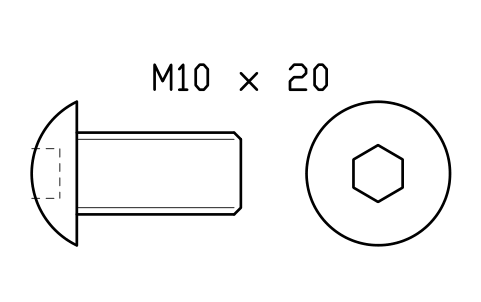
Button head screw ISO 7380 M10 x 20
FAS_ISO7380_M10X20Attributes
DESIGNATIONSTANDARDPROPERTY_CLASSMATERIALFINISHPART_NOMANUFACTURERQTYREMARKSDESC - New in 1.1
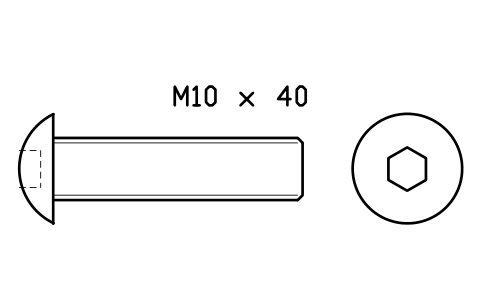
Button head screw ISO 7380 M10 x 40
FAS_ISO7380_M10X40Attributes
DESIGNATIONSTANDARDPROPERTY_CLASSMATERIALFINISHPART_NOMANUFACTURERQTYREMARKSDESC - New in 1.1
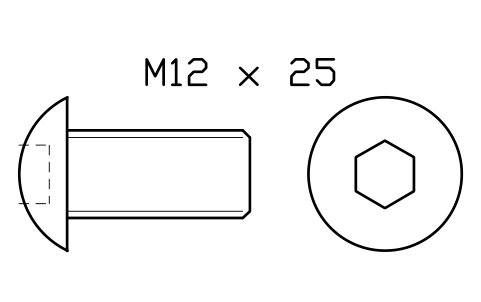
Button head screw ISO 7380 M12 x 25
FAS_ISO7380_M12X25Attributes
DESIGNATIONSTANDARDPROPERTY_CLASSMATERIALFINISHPART_NOMANUFACTURERQTYREMARKSDESC - New in 1.1
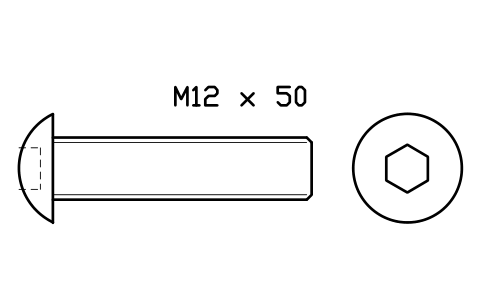
Button head screw ISO 7380 M12 x 50
FAS_ISO7380_M12X50Attributes
DESIGNATIONSTANDARDPROPERTY_CLASSMATERIALFINISHPART_NOMANUFACTURERQTYREMARKSDESC - New in 1.1
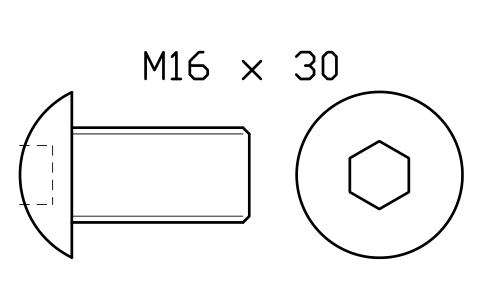
Button head screw ISO 7380 M16 x 30
FAS_ISO7380_M16X30Attributes
DESIGNATIONSTANDARDPROPERTY_CLASSMATERIALFINISHPART_NOMANUFACTURERQTYREMARKSDESC - New in 1.1
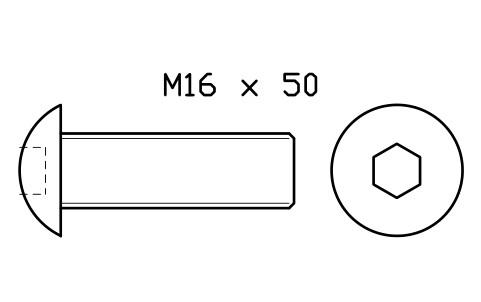
Button head screw ISO 7380 M16 x 50
FAS_ISO7380_M16X50Attributes
DESIGNATIONSTANDARDPROPERTY_CLASSMATERIALFINISHPART_NOMANUFACTURERQTYREMARKSDESC 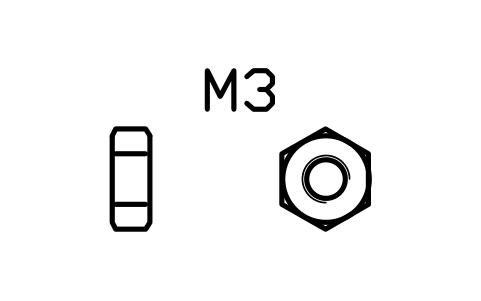
Hex nut ISO 4032 M3
FAS_ISO4032_M3Attributes
DESIGNATIONSTANDARDPROPERTY_CLASSMATERIALFINISHPART_NOMANUFACTURERQTYREMARKSDESC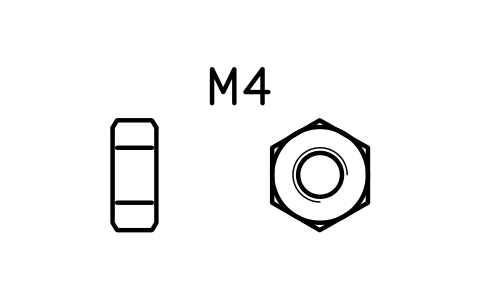
Hex nut ISO 4032 M4
FAS_ISO4032_M4Attributes
DESIGNATIONSTANDARDPROPERTY_CLASSMATERIALFINISHPART_NOMANUFACTURERQTYREMARKSDESC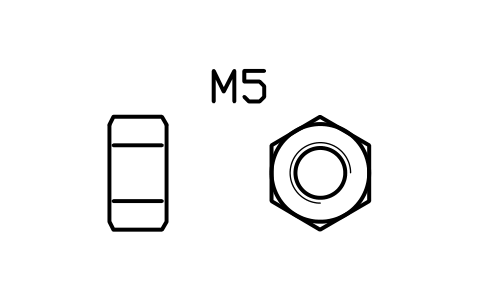
Hex nut ISO 4032 M5
FAS_ISO4032_M5Attributes
DESIGNATIONSTANDARDPROPERTY_CLASSMATERIALFINISHPART_NOMANUFACTURERQTYREMARKSDESC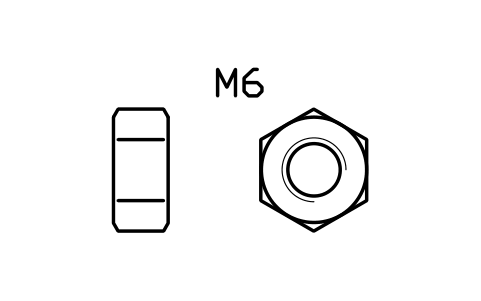
Hex nut ISO 4032 M6
FAS_ISO4032_M6Attributes
DESIGNATIONSTANDARDPROPERTY_CLASSMATERIALFINISHPART_NOMANUFACTURERQTYREMARKSDESC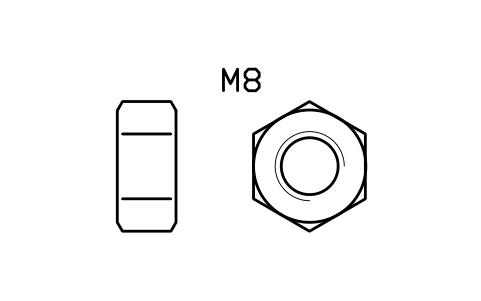
Hex nut ISO 4032 M8
FAS_ISO4032_M8Attributes
DESIGNATIONSTANDARDPROPERTY_CLASSMATERIALFINISHPART_NOMANUFACTURERQTYREMARKSDESC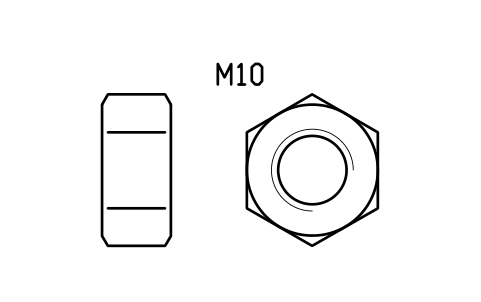
Hex nut ISO 4032 M10
FAS_ISO4032_M10Attributes
DESIGNATIONSTANDARDPROPERTY_CLASSMATERIALFINISHPART_NOMANUFACTURERQTYREMARKSDESC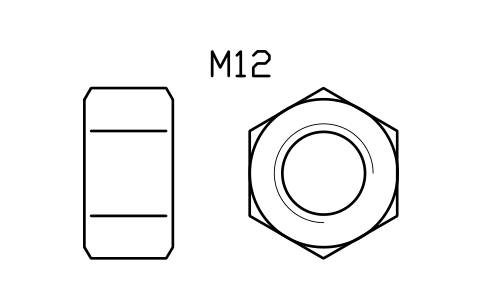
Hex nut ISO 4032 M12
FAS_ISO4032_M12Attributes
DESIGNATIONSTANDARDPROPERTY_CLASSMATERIALFINISHPART_NOMANUFACTURERQTYREMARKSDESC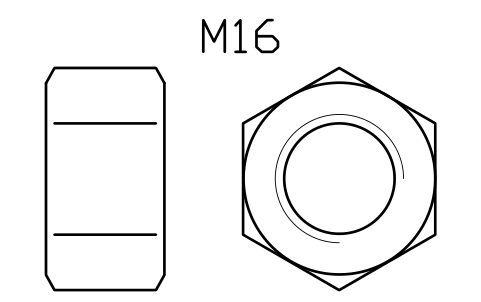
Hex nut ISO 4032 M16
FAS_ISO4032_M16Attributes
DESIGNATIONSTANDARDPROPERTY_CLASSMATERIALFINISHPART_NOMANUFACTURERQTYREMARKSDESC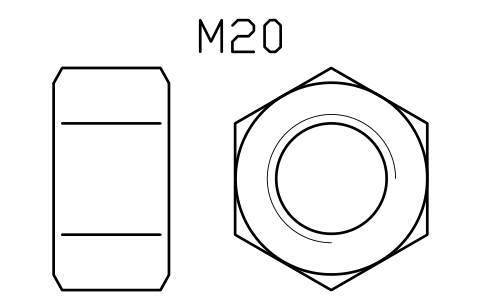
Hex nut ISO 4032 M20
FAS_ISO4032_M20Attributes
DESIGNATIONSTANDARDPROPERTY_CLASSMATERIALFINISHPART_NOMANUFACTURERQTYREMARKSDESC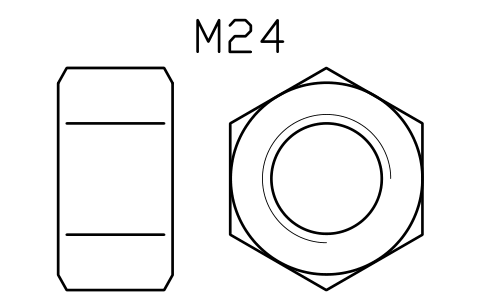
Hex nut ISO 4032 M24
FAS_ISO4032_M24Attributes
DESIGNATIONSTANDARDPROPERTY_CLASSMATERIALFINISHPART_NOMANUFACTURERQTYREMARKSDESC- New in 1.1
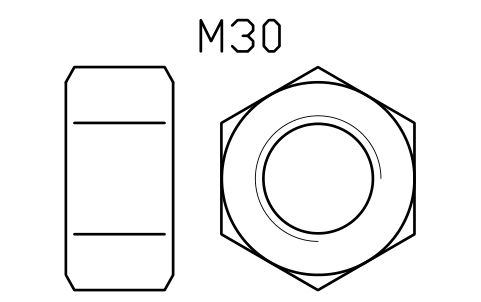
Hex nut ISO 4032 M30
FAS_ISO4032_M30Attributes
DESIGNATIONSTANDARDPROPERTY_CLASSMATERIALFINISHPART_NOMANUFACTURERQTYREMARKSDESC - New in 1.1
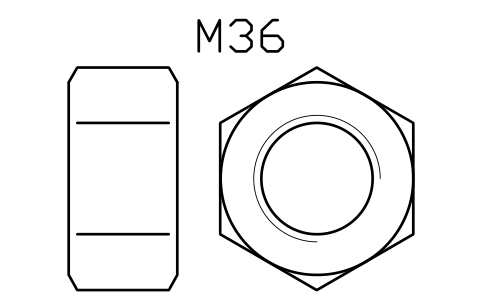
Hex nut ISO 4032 M36
FAS_ISO4032_M36Attributes
DESIGNATIONSTANDARDPROPERTY_CLASSMATERIALFINISHPART_NOMANUFACTURERQTYREMARKSDESC - New in 1.1
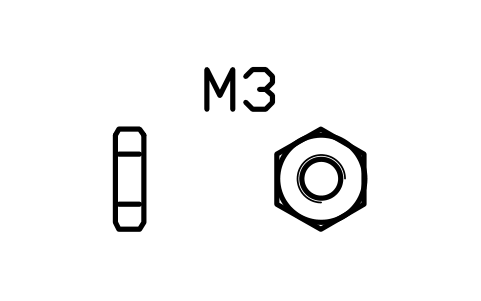
Thin hex nut ISO 4035 M3
FAS_ISO4035_M3Attributes
DESIGNATIONSTANDARDPROPERTY_CLASSMATERIALFINISHPART_NOMANUFACTURERQTYREMARKSDESC - New in 1.1
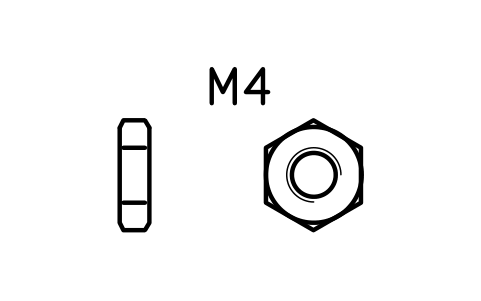
Thin hex nut ISO 4035 M4
FAS_ISO4035_M4Attributes
DESIGNATIONSTANDARDPROPERTY_CLASSMATERIALFINISHPART_NOMANUFACTURERQTYREMARKSDESC - New in 1.1
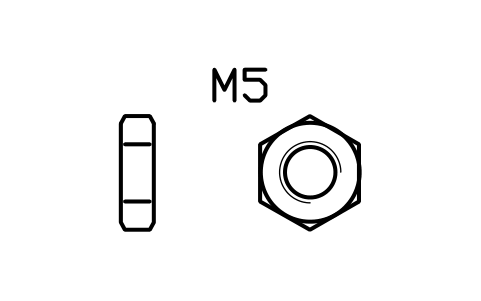
Thin hex nut ISO 4035 M5
FAS_ISO4035_M5Attributes
DESIGNATIONSTANDARDPROPERTY_CLASSMATERIALFINISHPART_NOMANUFACTURERQTYREMARKSDESC - New in 1.1
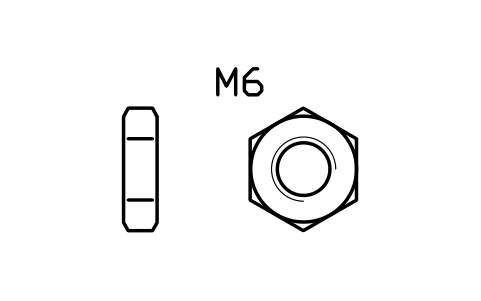
Thin hex nut ISO 4035 M6
FAS_ISO4035_M6Attributes
DESIGNATIONSTANDARDPROPERTY_CLASSMATERIALFINISHPART_NOMANUFACTURERQTYREMARKSDESC - New in 1.1
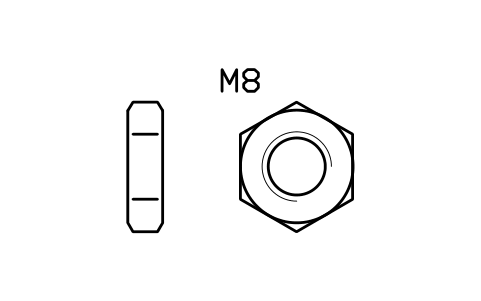
Thin hex nut ISO 4035 M8
FAS_ISO4035_M8Attributes
DESIGNATIONSTANDARDPROPERTY_CLASSMATERIALFINISHPART_NOMANUFACTURERQTYREMARKSDESC - New in 1.1
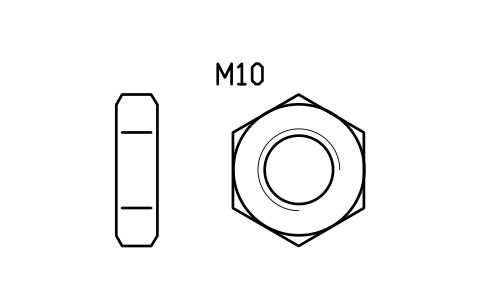
Thin hex nut ISO 4035 M10
FAS_ISO4035_M10Attributes
DESIGNATIONSTANDARDPROPERTY_CLASSMATERIALFINISHPART_NOMANUFACTURERQTYREMARKSDESC - New in 1.1
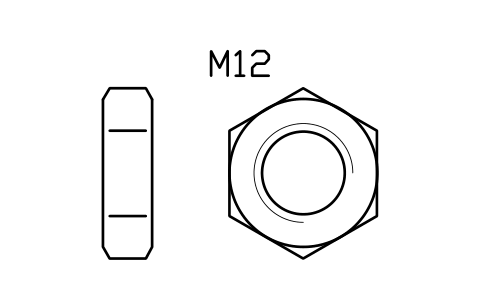
Thin hex nut ISO 4035 M12
FAS_ISO4035_M12Attributes
DESIGNATIONSTANDARDPROPERTY_CLASSMATERIALFINISHPART_NOMANUFACTURERQTYREMARKSDESC - New in 1.1
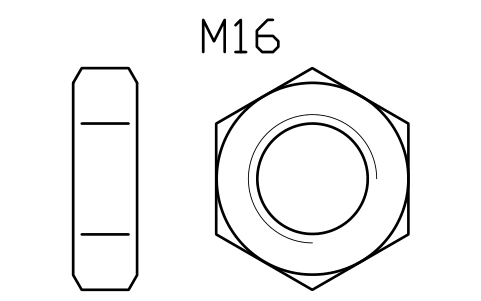
Thin hex nut ISO 4035 M16
FAS_ISO4035_M16Attributes
DESIGNATIONSTANDARDPROPERTY_CLASSMATERIALFINISHPART_NOMANUFACTURERQTYREMARKSDESC - New in 1.1
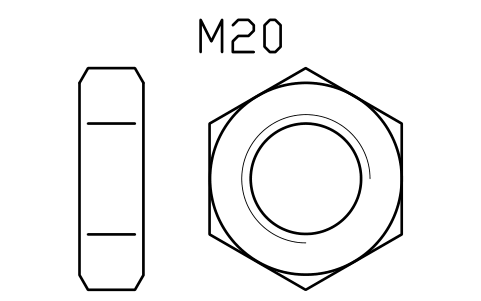
Thin hex nut ISO 4035 M20
FAS_ISO4035_M20Attributes
DESIGNATIONSTANDARDPROPERTY_CLASSMATERIALFINISHPART_NOMANUFACTURERQTYREMARKSDESC - New in 1.1
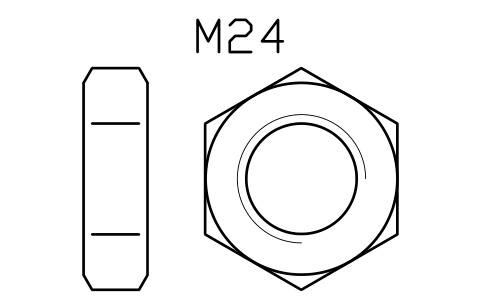
Thin hex nut ISO 4035 M24
FAS_ISO4035_M24Attributes
DESIGNATIONSTANDARDPROPERTY_CLASSMATERIALFINISHPART_NOMANUFACTURERQTYREMARKSDESC - New in 1.1
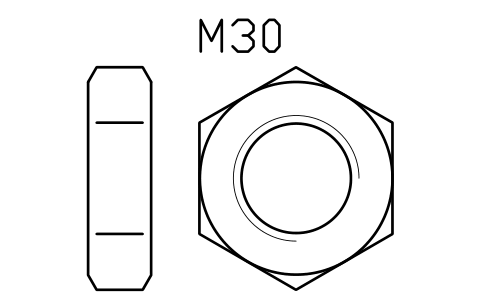
Thin hex nut ISO 4035 M30
FAS_ISO4035_M30Attributes
DESIGNATIONSTANDARDPROPERTY_CLASSMATERIALFINISHPART_NOMANUFACTURERQTYREMARKSDESC - New in 1.1
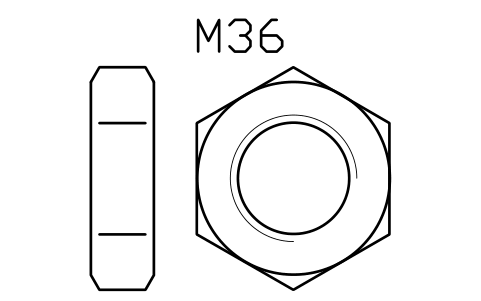
Thin hex nut ISO 4035 M36
FAS_ISO4035_M36Attributes
DESIGNATIONSTANDARDPROPERTY_CLASSMATERIALFINISHPART_NOMANUFACTURERQTYREMARKSDESC - New in 1.1
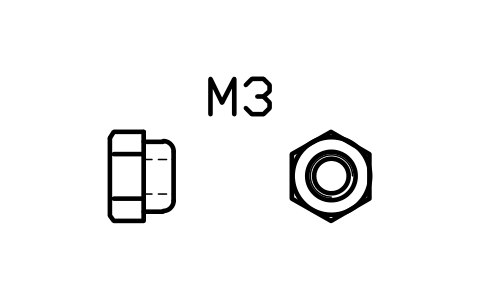
Nylon insert nut ISO 7040 M3
FAS_ISO7040_M3Attributes
DESIGNATIONSTANDARDPROPERTY_CLASSMATERIALFINISHLOCKINGPART_NOMANUFACTURERQTYREMARKSDESC - New in 1.1
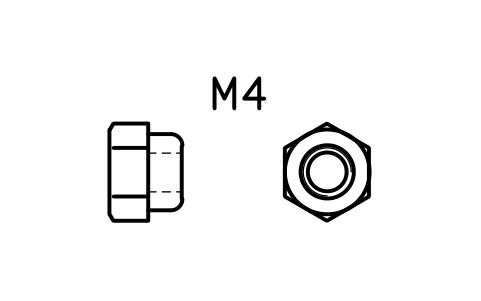
Nylon insert nut ISO 7040 M4
FAS_ISO7040_M4Attributes
DESIGNATIONSTANDARDPROPERTY_CLASSMATERIALFINISHLOCKINGPART_NOMANUFACTURERQTYREMARKSDESC - New in 1.1
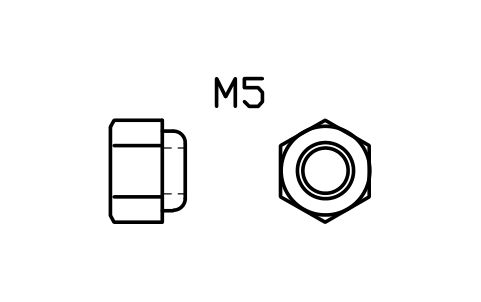
Nylon insert nut ISO 7040 M5
FAS_ISO7040_M5Attributes
DESIGNATIONSTANDARDPROPERTY_CLASSMATERIALFINISHLOCKINGPART_NOMANUFACTURERQTYREMARKSDESC - New in 1.1
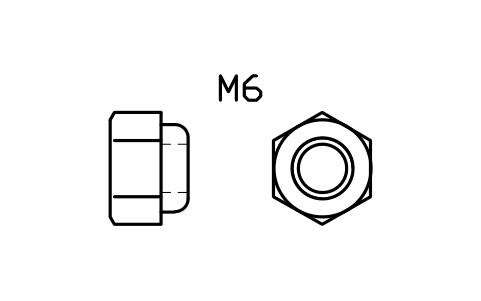
Nylon insert nut ISO 7040 M6
FAS_ISO7040_M6Attributes
DESIGNATIONSTANDARDPROPERTY_CLASSMATERIALFINISHLOCKINGPART_NOMANUFACTURERQTYREMARKSDESC - New in 1.1
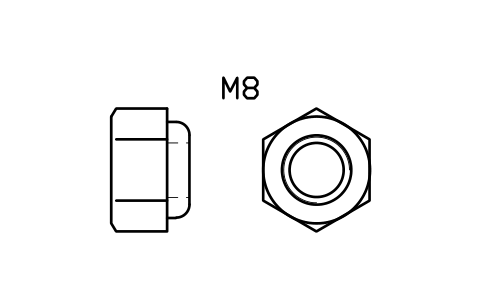
Nylon insert nut ISO 7040 M8
FAS_ISO7040_M8Attributes
DESIGNATIONSTANDARDPROPERTY_CLASSMATERIALFINISHLOCKINGPART_NOMANUFACTURERQTYREMARKSDESC - New in 1.1
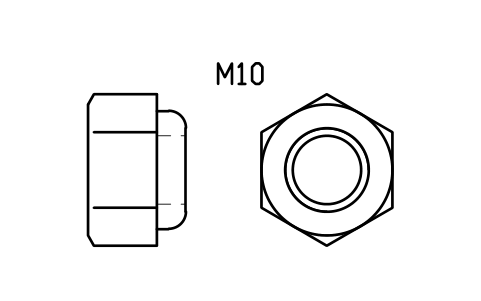
Nylon insert nut ISO 7040 M10
FAS_ISO7040_M10Attributes
DESIGNATIONSTANDARDPROPERTY_CLASSMATERIALFINISHLOCKINGPART_NOMANUFACTURERQTYREMARKSDESC - New in 1.1
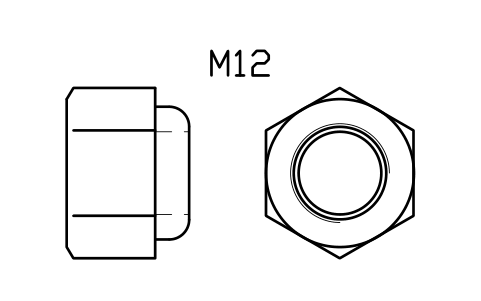
Nylon insert nut ISO 7040 M12
FAS_ISO7040_M12Attributes
DESIGNATIONSTANDARDPROPERTY_CLASSMATERIALFINISHLOCKINGPART_NOMANUFACTURERQTYREMARKSDESC - New in 1.1
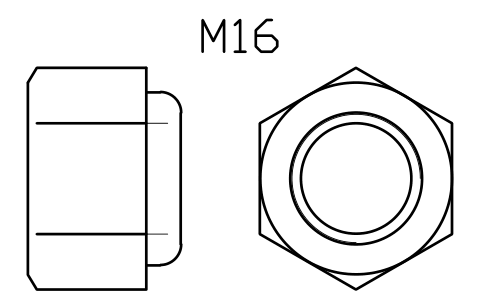
Nylon insert nut ISO 7040 M16
FAS_ISO7040_M16Attributes
DESIGNATIONSTANDARDPROPERTY_CLASSMATERIALFINISHLOCKINGPART_NOMANUFACTURERQTYREMARKSDESC - New in 1.1
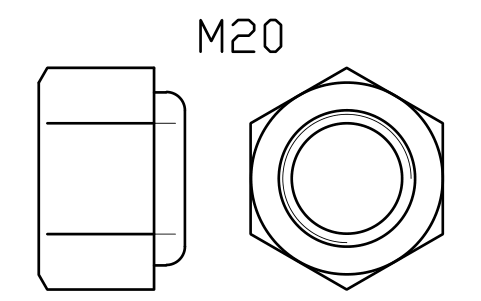
Nylon insert nut ISO 7040 M20
FAS_ISO7040_M20Attributes
DESIGNATIONSTANDARDPROPERTY_CLASSMATERIALFINISHLOCKINGPART_NOMANUFACTURERQTYREMARKSDESC - New in 1.1
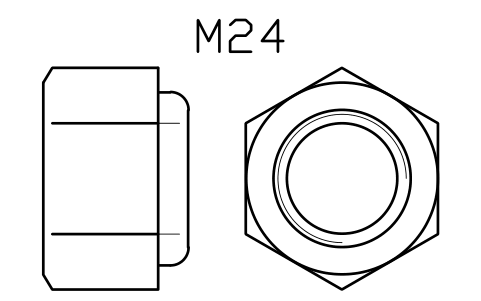
Nylon insert nut ISO 7040 M24
FAS_ISO7040_M24Attributes
DESIGNATIONSTANDARDPROPERTY_CLASSMATERIALFINISHLOCKINGPART_NOMANUFACTURERQTYREMARKSDESC - New in 1.1
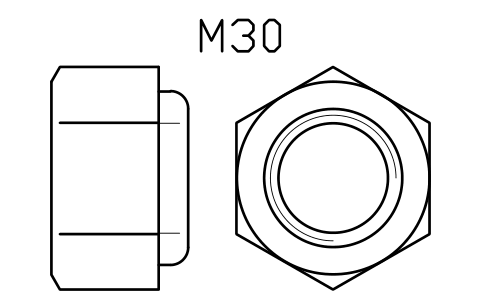
Nylon insert nut ISO 7040 M30
FAS_ISO7040_M30Attributes
DESIGNATIONSTANDARDPROPERTY_CLASSMATERIALFINISHLOCKINGPART_NOMANUFACTURERQTYREMARKSDESC - New in 1.1
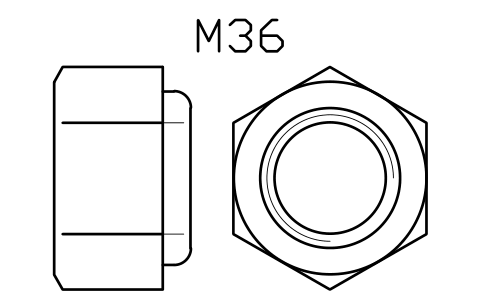
Nylon insert nut ISO 7040 M36
FAS_ISO7040_M36Attributes
DESIGNATIONSTANDARDPROPERTY_CLASSMATERIALFINISHLOCKINGPART_NOMANUFACTURERQTYREMARKSDESC 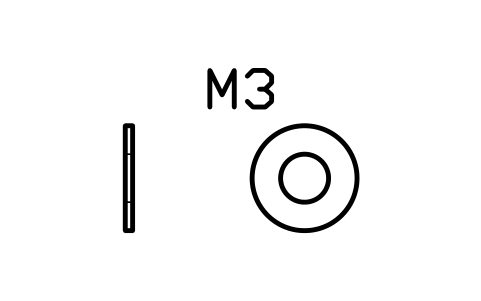
Plain washer ISO 7089 M3
FAS_ISO7089_M3Attributes
DESIGNATIONSTANDARDHARDNESSMATERIALFINISHPART_NOMANUFACTURERQTYREMARKSDESC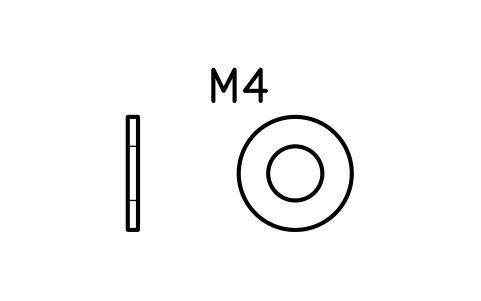
Plain washer ISO 7089 M4
FAS_ISO7089_M4Attributes
DESIGNATIONSTANDARDHARDNESSMATERIALFINISHPART_NOMANUFACTURERQTYREMARKSDESC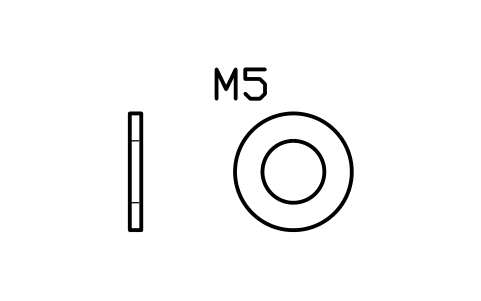
Plain washer ISO 7089 M5
FAS_ISO7089_M5Attributes
DESIGNATIONSTANDARDHARDNESSMATERIALFINISHPART_NOMANUFACTURERQTYREMARKSDESC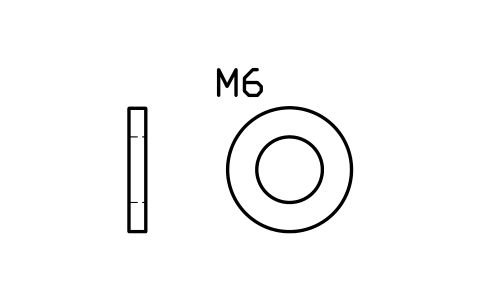
Plain washer ISO 7089 M6
FAS_ISO7089_M6Attributes
DESIGNATIONSTANDARDHARDNESSMATERIALFINISHPART_NOMANUFACTURERQTYREMARKSDESC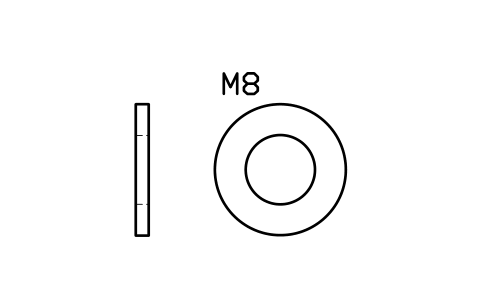
Plain washer ISO 7089 M8
FAS_ISO7089_M8Attributes
DESIGNATIONSTANDARDHARDNESSMATERIALFINISHPART_NOMANUFACTURERQTYREMARKSDESC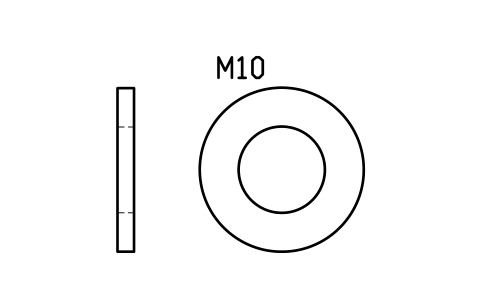
Plain washer ISO 7089 M10
FAS_ISO7089_M10Attributes
DESIGNATIONSTANDARDHARDNESSMATERIALFINISHPART_NOMANUFACTURERQTYREMARKSDESC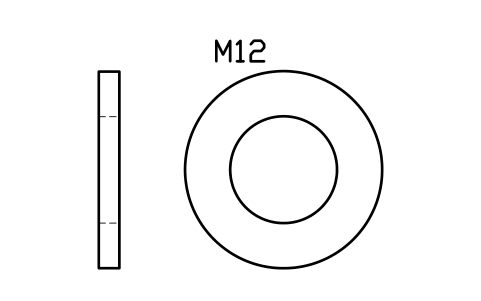
Plain washer ISO 7089 M12
FAS_ISO7089_M12Attributes
DESIGNATIONSTANDARDHARDNESSMATERIALFINISHPART_NOMANUFACTURERQTYREMARKSDESC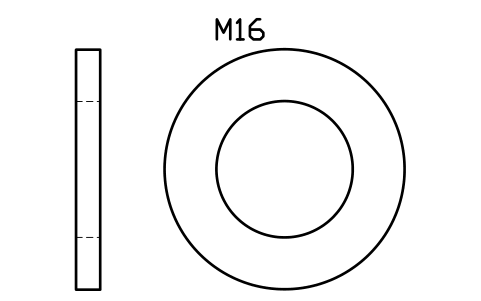
Plain washer ISO 7089 M16
FAS_ISO7089_M16Attributes
DESIGNATIONSTANDARDHARDNESSMATERIALFINISHPART_NOMANUFACTURERQTYREMARKSDESC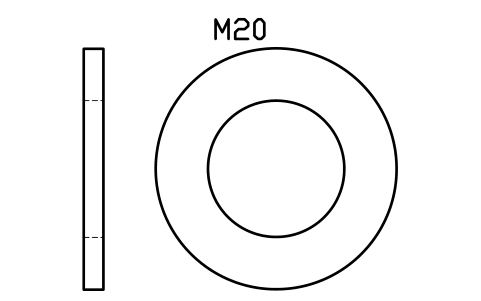
Plain washer ISO 7089 M20
FAS_ISO7089_M20Attributes
DESIGNATIONSTANDARDHARDNESSMATERIALFINISHPART_NOMANUFACTURERQTYREMARKSDESC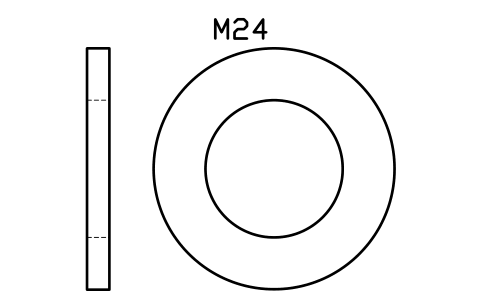
Plain washer ISO 7089 M24
FAS_ISO7089_M24Attributes
DESIGNATIONSTANDARDHARDNESSMATERIALFINISHPART_NOMANUFACTURERQTYREMARKSDESC- New in 1.1
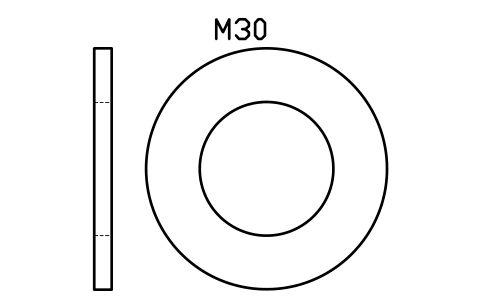
Plain washer ISO 7089 M30
FAS_ISO7089_M30Attributes
DESIGNATIONSTANDARDHARDNESSMATERIALFINISHPART_NOMANUFACTURERQTYREMARKSDESC - New in 1.1
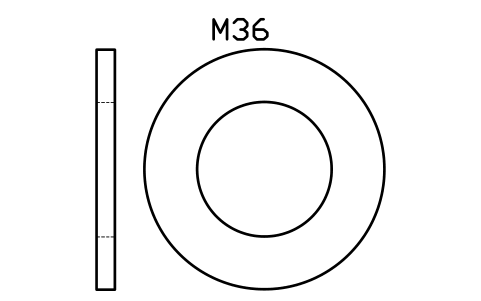
Plain washer ISO 7089 M36
FAS_ISO7089_M36Attributes
DESIGNATIONSTANDARDHARDNESSMATERIALFINISHPART_NOMANUFACTURERQTYREMARKSDESC - New in 1.1
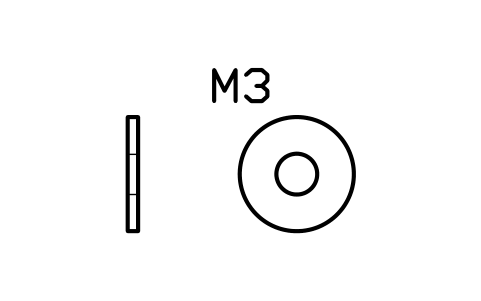
Large washer ISO 7093 M3
FAS_ISO7093_M3Attributes
DESIGNATIONSTANDARDHARDNESSMATERIALFINISHPART_NOMANUFACTURERQTYREMARKSDESC - New in 1.1
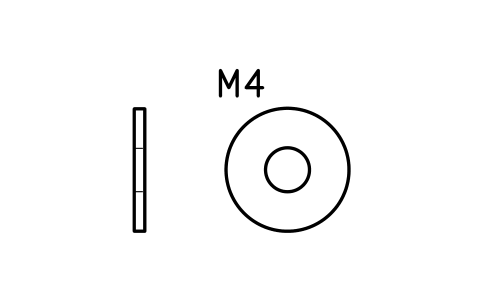
Large washer ISO 7093 M4
FAS_ISO7093_M4Attributes
DESIGNATIONSTANDARDHARDNESSMATERIALFINISHPART_NOMANUFACTURERQTYREMARKSDESC - New in 1.1
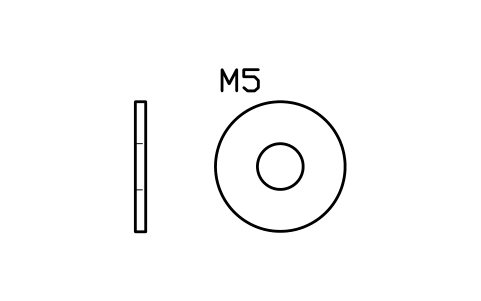
Large washer ISO 7093 M5
FAS_ISO7093_M5Attributes
DESIGNATIONSTANDARDHARDNESSMATERIALFINISHPART_NOMANUFACTURERQTYREMARKSDESC - New in 1.1
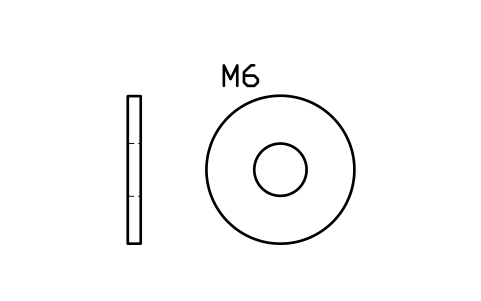
Large washer ISO 7093 M6
FAS_ISO7093_M6Attributes
DESIGNATIONSTANDARDHARDNESSMATERIALFINISHPART_NOMANUFACTURERQTYREMARKSDESC - New in 1.1
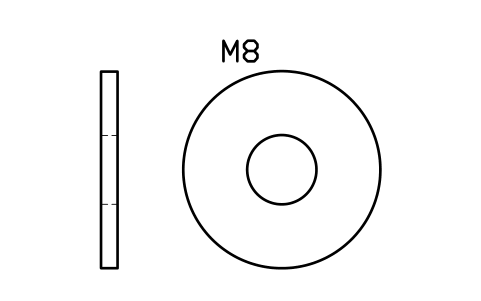
Large washer ISO 7093 M8
FAS_ISO7093_M8Attributes
DESIGNATIONSTANDARDHARDNESSMATERIALFINISHPART_NOMANUFACTURERQTYREMARKSDESC - New in 1.1
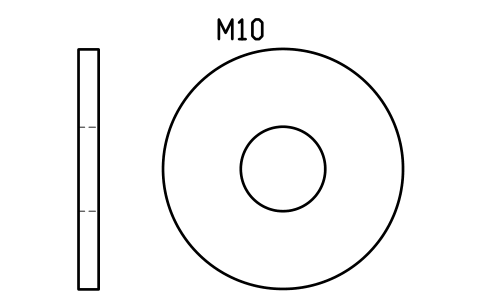
Large washer ISO 7093 M10
FAS_ISO7093_M10Attributes
DESIGNATIONSTANDARDHARDNESSMATERIALFINISHPART_NOMANUFACTURERQTYREMARKSDESC - New in 1.1
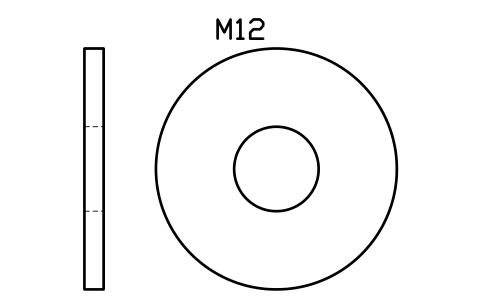
Large washer ISO 7093 M12
FAS_ISO7093_M12Attributes
DESIGNATIONSTANDARDHARDNESSMATERIALFINISHPART_NOMANUFACTURERQTYREMARKSDESC - New in 1.1
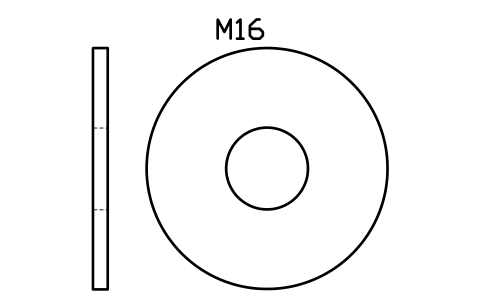
Large washer ISO 7093 M16
FAS_ISO7093_M16Attributes
DESIGNATIONSTANDARDHARDNESSMATERIALFINISHPART_NOMANUFACTURERQTYREMARKSDESC - New in 1.1
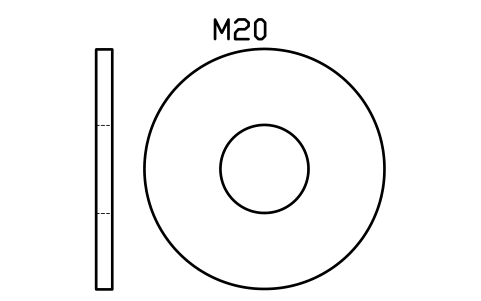
Large washer ISO 7093 M20
FAS_ISO7093_M20Attributes
DESIGNATIONSTANDARDHARDNESSMATERIALFINISHPART_NOMANUFACTURERQTYREMARKSDESC - New in 1.1
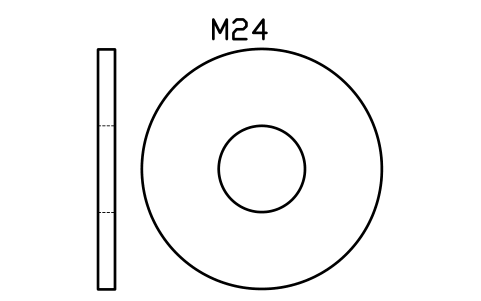
Large washer ISO 7093 M24
FAS_ISO7093_M24Attributes
DESIGNATIONSTANDARDHARDNESSMATERIALFINISHPART_NOMANUFACTURERQTYREMARKSDESC - New in 1.1
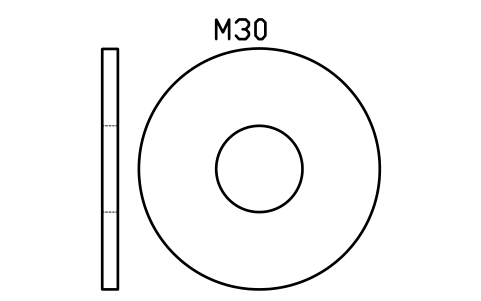
Large washer ISO 7093 M30
FAS_ISO7093_M30Attributes
DESIGNATIONSTANDARDHARDNESSMATERIALFINISHPART_NOMANUFACTURERQTYREMARKSDESC - New in 1.1
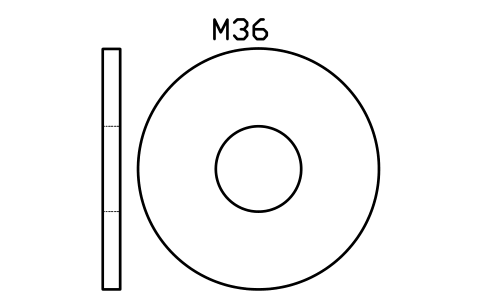
Large washer ISO 7093 M36
FAS_ISO7093_M36Attributes
DESIGNATIONSTANDARDHARDNESSMATERIALFINISHPART_NOMANUFACTURERQTYREMARKSDESC - New in 1.1
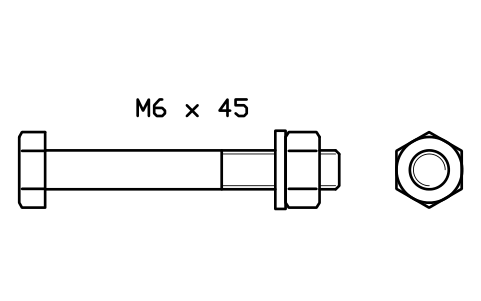
Bolt, washer, nut M6 x 45
FAS_ASM_ISO4014_M6X45Attributes
DESIGNATIONSTANDARDPROPERTY_CLASSMATERIALFINISHCLAMP_LENGTH_MMPART_NOMANUFACTURERQTYREMARKSDESC - New in 1.1
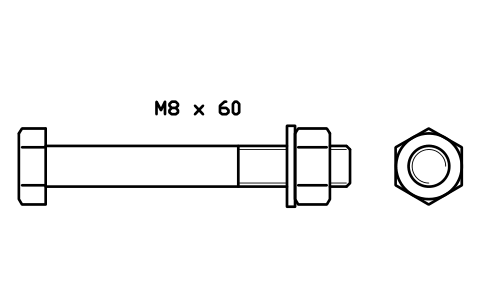
Bolt, washer, nut M8 x 60
FAS_ASM_ISO4014_M8X60Attributes
DESIGNATIONSTANDARDPROPERTY_CLASSMATERIALFINISHCLAMP_LENGTH_MMPART_NOMANUFACTURERQTYREMARKSDESC - New in 1.1
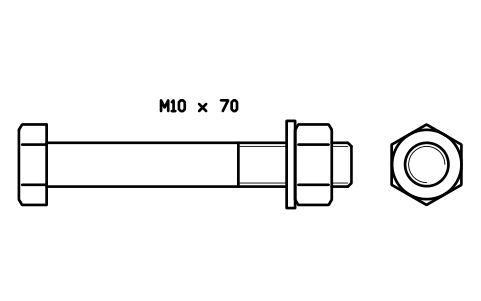
Bolt, washer, nut M10 x 70
FAS_ASM_ISO4014_M10X70Attributes
DESIGNATIONSTANDARDPROPERTY_CLASSMATERIALFINISHCLAMP_LENGTH_MMPART_NOMANUFACTURERQTYREMARKSDESC - New in 1.1
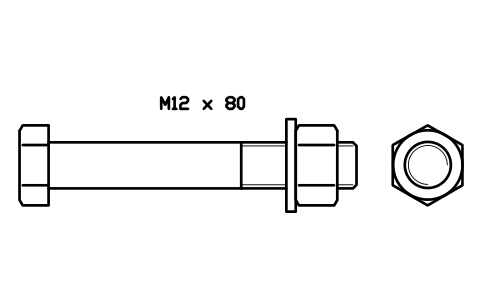
Bolt, washer, nut M12 x 80
FAS_ASM_ISO4014_M12X80Attributes
DESIGNATIONSTANDARDPROPERTY_CLASSMATERIALFINISHCLAMP_LENGTH_MMPART_NOMANUFACTURERQTYREMARKSDESC - New in 1.1
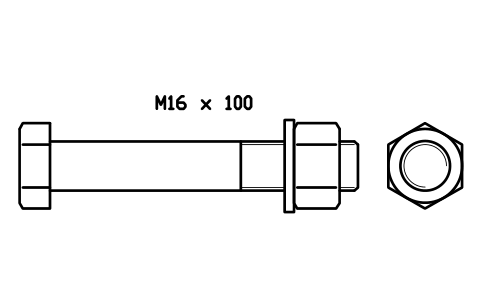
Bolt, washer, nut M16 x 100
FAS_ASM_ISO4014_M16X100Attributes
DESIGNATIONSTANDARDPROPERTY_CLASSMATERIALFINISHCLAMP_LENGTH_MMPART_NOMANUFACTURERQTYREMARKSDESC - New in 1.1
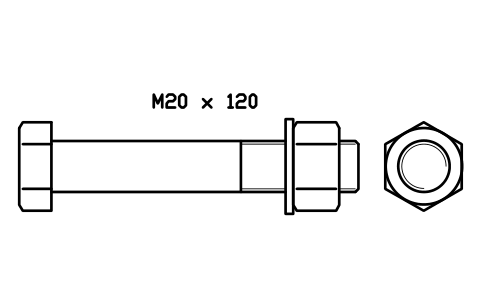
Bolt, washer, nut M20 x 120
FAS_ASM_ISO4014_M20X120Attributes
DESIGNATIONSTANDARDPROPERTY_CLASSMATERIALFINISHCLAMP_LENGTH_MMPART_NOMANUFACTURERQTYREMARKSDESC - New in 1.1
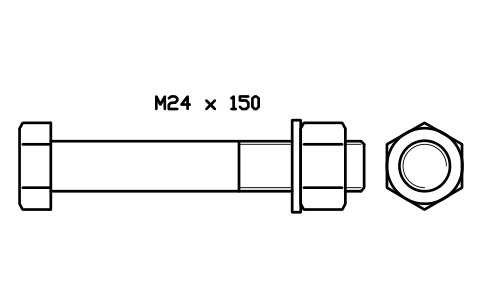
Bolt, washer, nut M24 x 150
FAS_ASM_ISO4014_M24X150Attributes
DESIGNATIONSTANDARDPROPERTY_CLASSMATERIALFINISHCLAMP_LENGTH_MMPART_NOMANUFACTURERQTYREMARKSDESC - New in 1.1
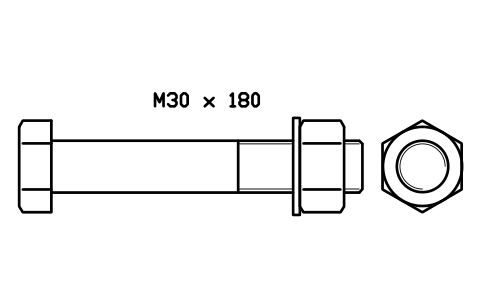
Bolt, washer, nut M30 x 180
FAS_ASM_ISO4014_M30X180Attributes
DESIGNATIONSTANDARDPROPERTY_CLASSMATERIALFINISHCLAMP_LENGTH_MMPART_NOMANUFACTURERQTYREMARKSDESC - New in 1.1
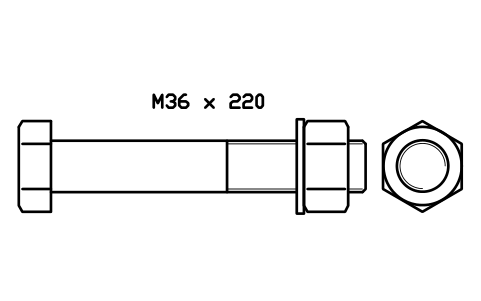
Bolt, washer, nut M36 x 220
FAS_ASM_ISO4014_M36X220Attributes
DESIGNATIONSTANDARDPROPERTY_CLASSMATERIALFINISHCLAMP_LENGTH_MMPART_NOMANUFACTURERQTYREMARKSDESC
Missing a symbol? Tell us which one.
Attributes for parts lists
Every block has a visible DESIGNATION attribute (for example M8 x 30) above it, sized to the part. The data a parts list needs are invisible attributes: STANDARD, PROPERTY_CLASS, MATERIAL, FINISH, PART_NO, MANUFACTURER and QTY. Washers carry the hardness class instead of the property class, nylon insert nuts add LOCKING, and the assemblies add CLAMP_LENGTH_MM, the grip between head and washer.
How to use the library
- Unzip the file and open the DWG. Copy the symbols you need into your plan, or drag the blocks in from DesignCenter (ADCENTER).
- The blocks are drawn at real size in millimetres, 1 drawing unit = 1 mm. Insert them at scale 1 in model space.
- Bolts and screws are inserted at the underside of the head on the axis, head on the left and tip to the right, with the end view to the right. Countersunk screws are inserted at the flat top of the head, because their length includes the head. Nuts and washers are inserted at their left face. Rotate or mirror the block to put the fastener where you need it.
- Hex bolts and cap screws come in three lengths per size, countersunk and button head screws in two. For another length, stretch the shank with STRETCH and update the length in DESIGNATION. Partially threaded bolts use the ISO thread length (2d + 6 up to 125 mm, 2d + 12 up to 200 mm, 2d + 25 above). The thin lines are the minor diameter of the thread.
About the ISO standards and the dimensions
The dimensions come from the tables of ISO 4014, ISO 4017, ISO 4762, ISO 10642, ISO 7380-1, ISO 4032, ISO 4035, ISO 7040, ISO 7089 and ISO 7093-1 and were checked against published tables. Where ISO and DIN differ we use ISO: for M10 and M12 the width across flats is 16 and 18 mm, not the 17 and 19 mm of DIN. The insert collar of the nylon insert nut is drawn simplified.
The blocks are our own drawings, not copies of the standards, and the library is not certified. The dimensions are nominal drawing dimensions without tolerances. Check them against the edition of the standard your client requires, since values can differ between editions and national versions.
What changed in each version
Version 1.1 · November 16, 2026
Now M3 to M36: added M30 and M36, partially threaded hex bolts ISO 4014, countersunk and button head socket screws, thin nuts, nylon insert lock nuts, large washers and bolt, washer and nut assemblies. The socket head cap screws now have the thread length of the ISO table, and the size text above every block shows that block's own size.
New symbols (131)
Hex head bolt ISO 4014 M3 x 20 · Hex head bolt ISO 4014 M3 x 25 · Hex head bolt ISO 4014 M3 x 30 · Hex head bolt ISO 4014 M4 x 25 · Hex head bolt ISO 4014 M4 x 30 · Hex head bolt ISO 4014 M4 x 40 · Hex head bolt ISO 4014 M5 x 25 · Hex head bolt ISO 4014 M5 x 35 · Hex head bolt ISO 4014 M5 x 50 · Hex head bolt ISO 4014 M6 x 30 · Hex head bolt ISO 4014 M6 x 45 · Hex head bolt ISO 4014 M6 x 60 · Hex head bolt ISO 4014 M8 x 40 · Hex head bolt ISO 4014 M8 x 60 · Hex head bolt ISO 4014 M8 x 80 · Hex head bolt ISO 4014 M10 x 45 · Hex head bolt ISO 4014 M10 x 70 · Hex head bolt ISO 4014 M10 x 100 · Hex head bolt ISO 4014 M12 x 50 · Hex head bolt ISO 4014 M12 x 80 · Hex head bolt ISO 4014 M12 x 120 · Hex head bolt ISO 4014 M16 x 65 · Hex head bolt ISO 4014 M16 x 100 · Hex head bolt ISO 4014 M16 x 150 · Hex head bolt ISO 4014 M20 x 80 · Hex head bolt ISO 4014 M20 x 120 · Hex head bolt ISO 4014 M20 x 200 · Hex head bolt ISO 4014 M24 x 100 · Hex head bolt ISO 4014 M24 x 150 · Hex head bolt ISO 4014 M24 x 240 · Hex head bolt ISO 4014 M30 x 120 · Hex head bolt ISO 4014 M30 x 180 · Hex head bolt ISO 4014 M30 x 300 · Hex head bolt ISO 4014 M36 x 140 · Hex head bolt ISO 4014 M36 x 220 · Hex head bolt ISO 4014 M36 x 360 · Hex head bolt ISO 4017 M30 x 60 · Hex head bolt ISO 4017 M30 x 100 · Hex head bolt ISO 4017 M30 x 160 · Hex head bolt ISO 4017 M36 x 80 · 91 more
Redrawn with more detail (30)
Socket head cap screw ISO 4762 M3 x 8 · Socket head cap screw ISO 4762 M3 x 12 · Socket head cap screw ISO 4762 M3 x 20 · Socket head cap screw ISO 4762 M4 x 10 · Socket head cap screw ISO 4762 M4 x 16 · Socket head cap screw ISO 4762 M4 x 25 · Socket head cap screw ISO 4762 M5 x 12 · Socket head cap screw ISO 4762 M5 x 20 · Socket head cap screw ISO 4762 M5 x 30 · Socket head cap screw ISO 4762 M6 x 16 · Socket head cap screw ISO 4762 M6 x 25 · Socket head cap screw ISO 4762 M6 x 40 · Socket head cap screw ISO 4762 M8 x 20 · Socket head cap screw ISO 4762 M8 x 30 · Socket head cap screw ISO 4762 M8 x 50 · Socket head cap screw ISO 4762 M10 x 25 · Socket head cap screw ISO 4762 M10 x 40 · Socket head cap screw ISO 4762 M10 x 60 · Socket head cap screw ISO 4762 M12 x 30 · Socket head cap screw ISO 4762 M12 x 50 · Socket head cap screw ISO 4762 M12 x 80 · Socket head cap screw ISO 4762 M16 x 40 · Socket head cap screw ISO 4762 M16 x 60 · Socket head cap screw ISO 4762 M16 x 100 · Socket head cap screw ISO 4762 M20 x 50 · Socket head cap screw ISO 4762 M20 x 80 · Socket head cap screw ISO 4762 M20 x 120 · Socket head cap screw ISO 4762 M24 x 60 · Socket head cap screw ISO 4762 M24 x 100 · Socket head cap screw ISO 4762 M24 x 150
Frequently asked questions
- Are these fasteners to ISO dimensions?
- Yes. The dimensions of each block come from the tables of the standard named in its group. They are nominal drawing dimensions, without tolerances.
- Why is the wrench size of M10 and M12 16 and 18 mm?
- Those are the ISO values. Many suppliers still sell M10 and M12 bolts and nuts with the older DIN sizes, 17 and 19 mm, so check the head size of the part you actually buy.
- Can I use the symbols in commercial projects?
- Yes. They are free to use and modify in your own projects, including commercial ones. They are provided as is, without warranty. Please do not redistribute or resell the library; see the library terms.
- Is there a bolt with nut and washer already put together?
- Yes. The assemblies group has an ISO 4014 bolt with an ISO 7089 washer and an ISO 4032 nut for M6, M8, M10, M12, M16, M20, M24, M30 and M36, with the thread showing about three pitches past the nut. The free shank between head and washer is the clamp length, also stored in the CLAMP_LENGTH_MM attribute. For another grip, stretch the bolt and move the washer and nut.
- Can I change a symbol or add attributes?
- Yes. Open the DWG, edit a block with BEDIT to change it or add attributes, and save. To update drawings that already contain the block, run ATTSYNC or replace the block. Make a backup first: attribute values can be lost if ATTSYNC is used carelessly.
- Where do I find a ready-made set of these symbols for AutoCAD?
- AutoCAD itself ships only a small set of sample blocks, so a full symbol set has to come from a library. Download the ZIP on this page and open the DWG: every symbol is a block. Insert one with INSERT (Blocks palette, Libraries tab, then pick the DWG) or drag it from DesignCenter (ADCENTER). You can also download a single symbol on its own.