
Free AutoCAD game room, mahjong and hobby room symbols (DWG): mahjong tables, pool, arcade, gaming desks, craft
Game room and hobby room furniture: 135 ready-made AutoCAD blocks (DWG), free to download and use in your own projects, as a ZIP or one symbol at a time.
135 blocks at real size in plan view: manual and automatic mahjong tables of 800 to 1000 mm, folding tables, four-chair sets and mahjong room zones; square, round, oval, octagon and blackjack card and poker tables with their seats; chess, go, board game, tabletop role-playing and jigsaw tables; pool tables of 6, 7 and 8 ft with cue clearance, air hockey, foosball, shuffleboard, table tennis and darts; gaming desks, standing desks, racing and flight simulator rigs, VR play areas, TV units and TVs, arcade cabinets, pinball, claw and dance machines and a jukebox; bean bags, poufs, recliners, sofas, sectionals and stools; craft, sewing, cutting, model railway, model building, painting, drafting and soldering tables, easels and workbenches; and clearance, TV viewing and projector zones with complete corners and rooms for gaming, esports, arcade, lounge, pool and mahjong.
Using AutoCAD 2017 or an earlier version? Download the 2010 format
Copyright CADXChange. Use and modify the symbols freely in your own drawings and projects, including commercial ones; credit and a link are needed only when you publish them. Please do not redistribute or resell the library. Each ZIP holds one plain DWG file in AutoCAD 2018 format and a README; no add-in needed. Provided as is, without warranty. Library terms (CXL-1.0)
Related symbol libraries
All 135 symbols
135 of 135 symbols
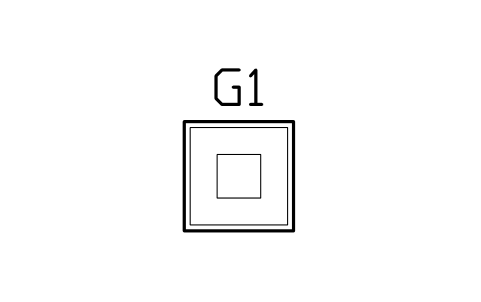
Mahjong table, manual, 800
GMR_MJ_MANUAL_800Attributes
TAGITEM_TYPESIZEMATERIALMANUFACTURERMODELPOWER_WQTYREMARKSDESC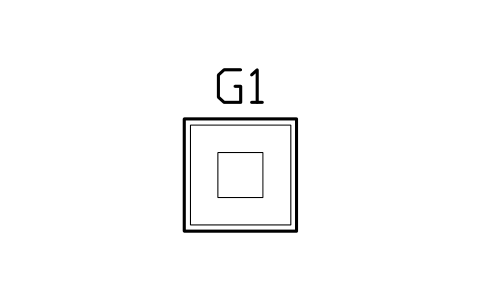
Mahjong table, manual, 850
GMR_MJ_MANUAL_850Attributes
TAGITEM_TYPESIZEMATERIALMANUFACTURERMODELPOWER_WQTYREMARKSDESC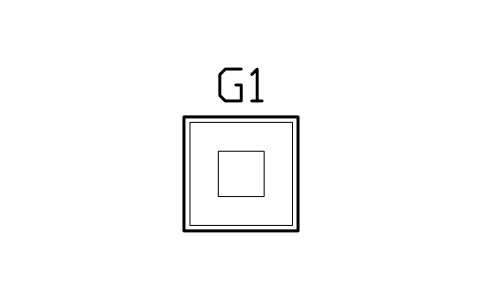
Mahjong table, manual, 900
GMR_MJ_MANUAL_900Attributes
TAGITEM_TYPESIZEMATERIALMANUFACTURERMODELPOWER_WQTYREMARKSDESC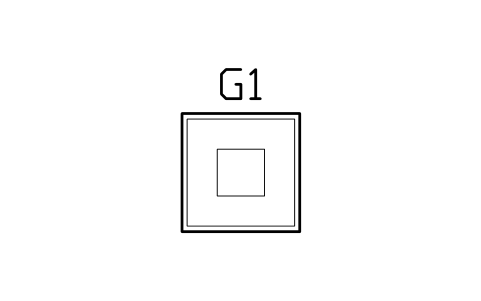
Mahjong table, manual, 1000
GMR_MJ_MANUAL_1000Attributes
TAGITEM_TYPESIZEMATERIALMANUFACTURERMODELPOWER_WQTYREMARKSDESC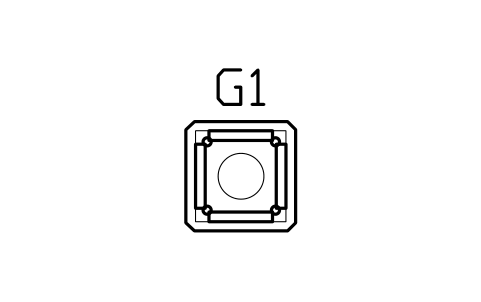
Mahjong table, automatic, 800
GMR_MJ_AUTO_800Attributes
TAGITEM_TYPESIZEMATERIALMANUFACTURERMODELPOWER_WQTYREMARKSDESC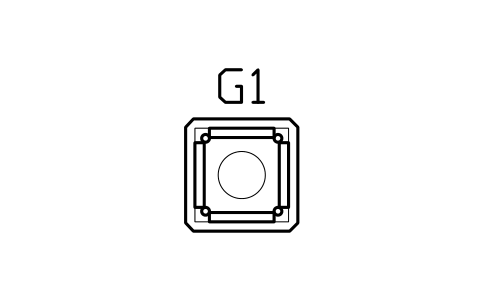
Mahjong table, automatic, 850
GMR_MJ_AUTO_850Attributes
TAGITEM_TYPESIZEMATERIALMANUFACTURERMODELPOWER_WQTYREMARKSDESC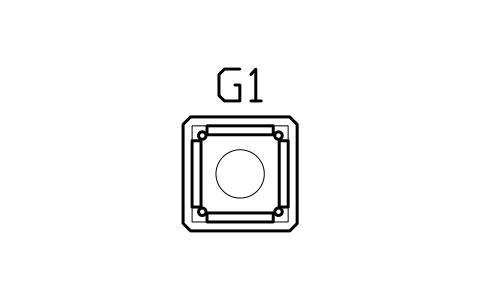
Mahjong table, automatic, 900
GMR_MJ_AUTO_900Attributes
TAGITEM_TYPESIZEMATERIALMANUFACTURERMODELPOWER_WQTYREMARKSDESC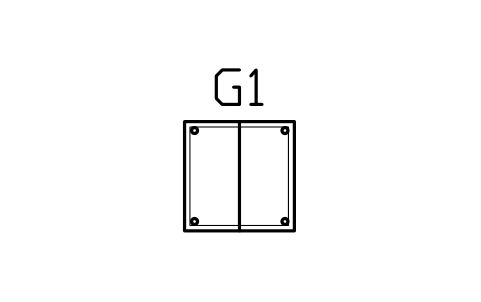
Mahjong table, folding, 800
GMR_MJ_FOLD_800Attributes
TAGITEM_TYPESIZEMATERIALMANUFACTURERMODELPOWER_WQTYREMARKSDESC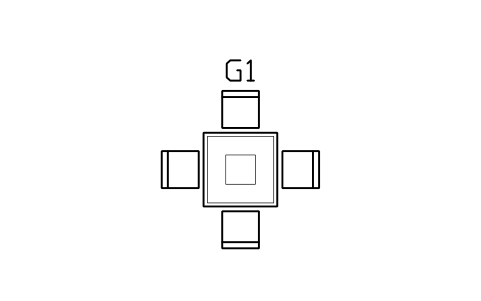
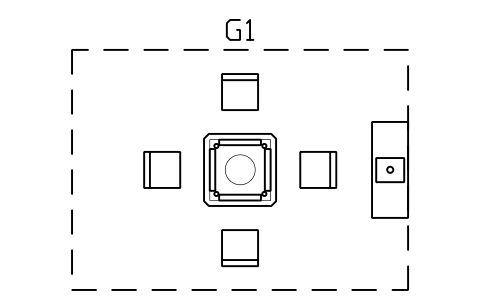
Mahjong set, manual 900, 4 chairs
GMR_MJ_SET_MANUALAttributes
TAGITEM_TYPESIZEMATERIALMANUFACTURERMODELPOWER_WQTYREMARKSDESC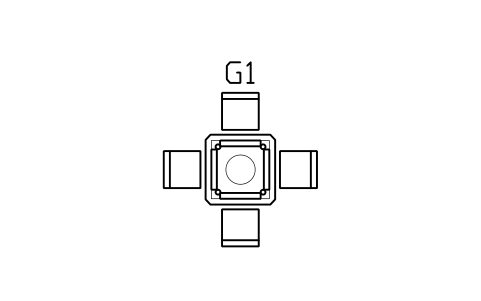
Mahjong set, automatic 850, 4 chairs
GMR_MJ_SET_AUTO_850Attributes
TAGITEM_TYPESIZEMATERIALMANUFACTURERMODELPOWER_WQTYREMARKSDESC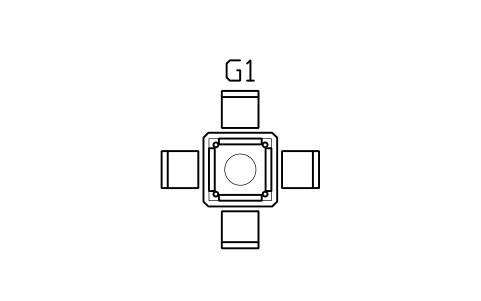
Mahjong set, automatic 900, 4 chairs
GMR_MJ_SET_AUTO_900Attributes
TAGITEM_TYPESIZEMATERIALMANUFACTURERMODELPOWER_WQTYREMARKSDESC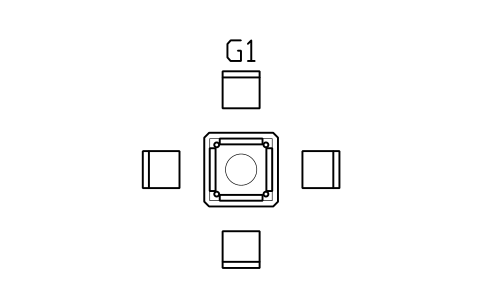
Mahjong set 900, chairs pulled out
GMR_MJ_SET_PULLEDAttributes
TAGITEM_TYPESIZEMATERIALMANUFACTURERMODELPOWER_WQTYREMARKSDESC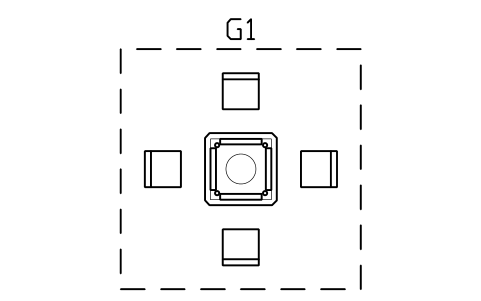
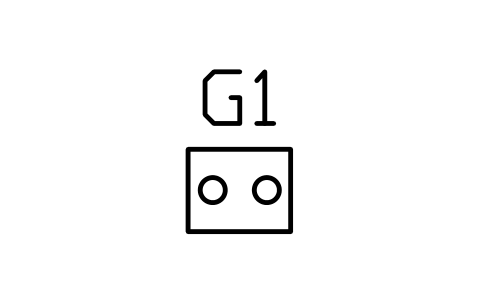
Mahjong side table 500 x 400
GMR_MJ_SIDE_TABLEAttributes
TAGITEM_TYPESIZEMATERIALMANUFACTURERMODELPOWER_WQTYREMARKSDESC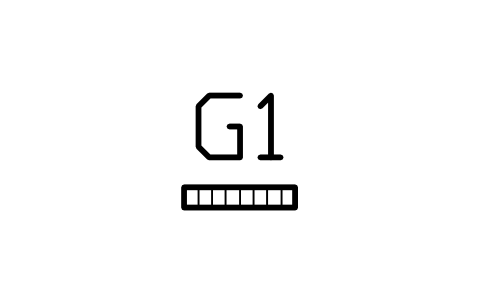
Mahjong tile rack 450 x 80
GMR_MJ_TILE_RACKAttributes
TAGITEM_TYPESIZEMATERIALMANUFACTURERMODELPOWER_WQTYREMARKSDESC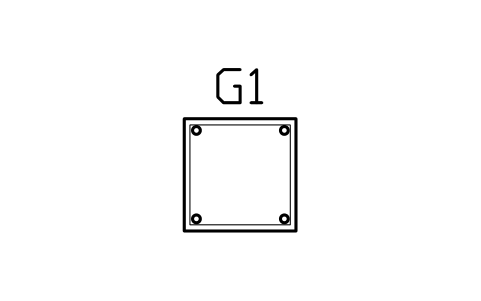
Card table, square, 850
GMR_CARD_SQ_850Attributes
TAGITEM_TYPESIZEMATERIALMANUFACTURERMODELPOWER_WQTYREMARKSDESC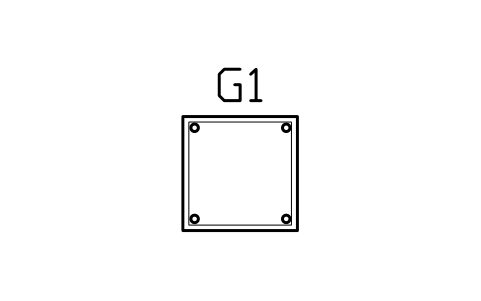
Card table, square, 900
GMR_CARD_SQ_900Attributes
TAGITEM_TYPESIZEMATERIALMANUFACTURERMODELPOWER_WQTYREMARKSDESC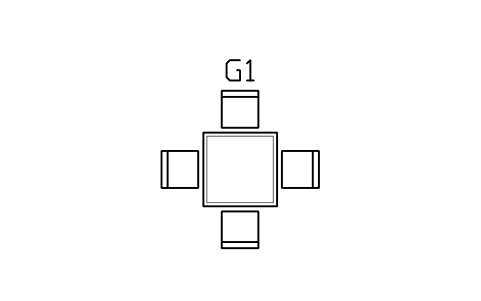
Card table 900, 4 chairs
GMR_CARD_SQ_SETAttributes
TAGITEM_TYPESIZEMATERIALMANUFACTURERMODELPOWER_WQTYREMARKSDESC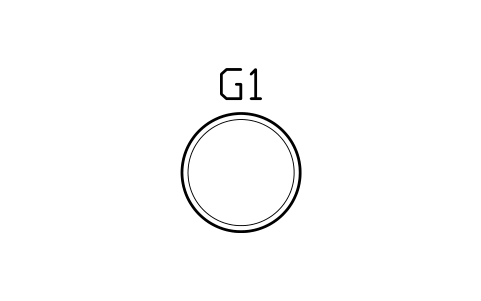
Card table, round, 1000
GMR_CARD_ROUND_1000Attributes
TAGITEM_TYPESIZEMATERIALMANUFACTURERMODELPOWER_WQTYREMARKSDESC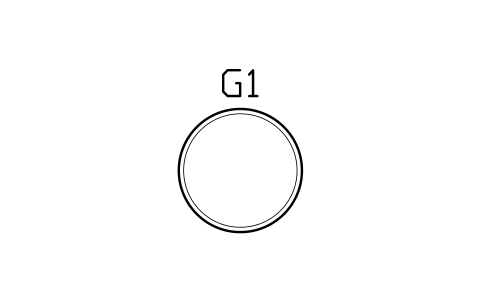
Card table, round, 1200
GMR_CARD_ROUND_1200Attributes
TAGITEM_TYPESIZEMATERIALMANUFACTURERMODELPOWER_WQTYREMARKSDESC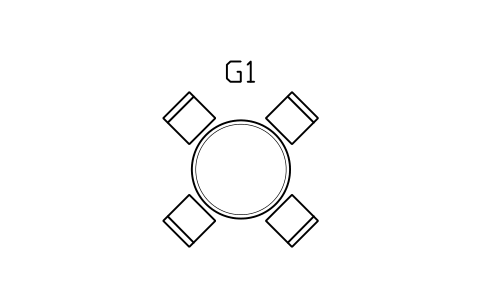
Card table 1200, 4 chairs
GMR_CARD_ROUND_SETAttributes
TAGITEM_TYPESIZEMATERIALMANUFACTURERMODELPOWER_WQTYREMARKSDESC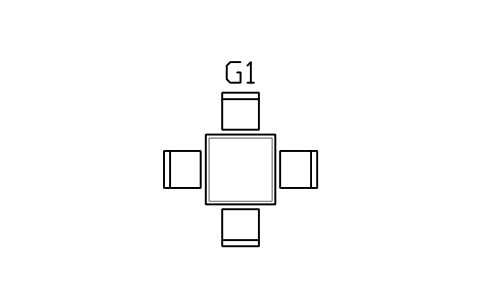
Bridge table 850, 4 chairs
GMR_BRIDGE_850Attributes
TAGITEM_TYPESIZEMATERIALMANUFACTURERMODELPOWER_WQTYREMARKSDESC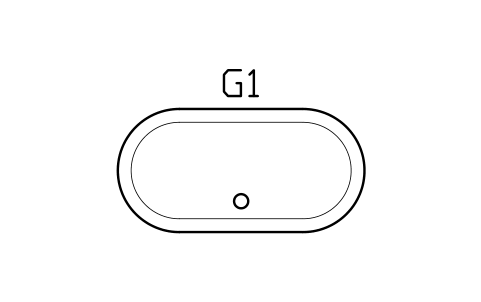
Poker table, oval, 2400 x 1200
GMR_POKER_OVALAttributes
TAGITEM_TYPESIZEMATERIALMANUFACTURERMODELPOWER_WQTYREMARKSDESC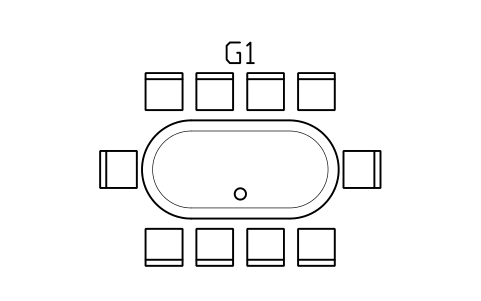
Poker table, oval, 10 seats
GMR_POKER_OVAL_SETAttributes
TAGITEM_TYPESIZEMATERIALMANUFACTURERMODELPOWER_WQTYREMARKSDESC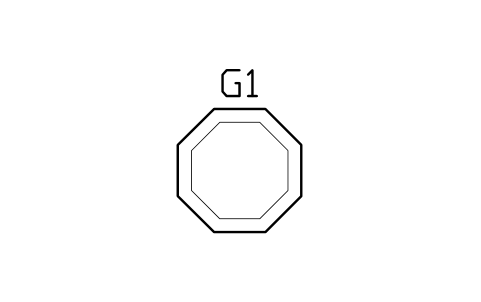
Poker table, octagon, 1200
GMR_POKER_OCT_1200Attributes
TAGITEM_TYPESIZEMATERIALMANUFACTURERMODELPOWER_WQTYREMARKSDESC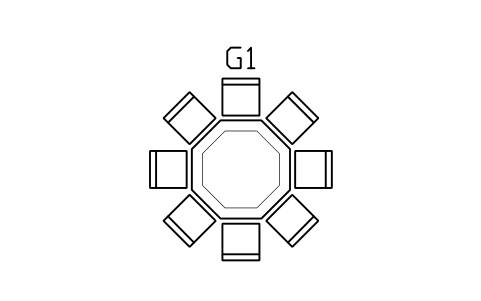
Poker table, octagon, 8 seats
GMR_POKER_OCT_SETAttributes
TAGITEM_TYPESIZEMATERIALMANUFACTURERMODELPOWER_WQTYREMARKSDESC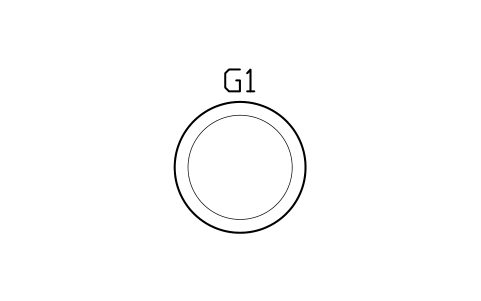
Poker table, round, 1500
GMR_POKER_ROUND_1500Attributes
TAGITEM_TYPESIZEMATERIALMANUFACTURERMODELPOWER_WQTYREMARKSDESC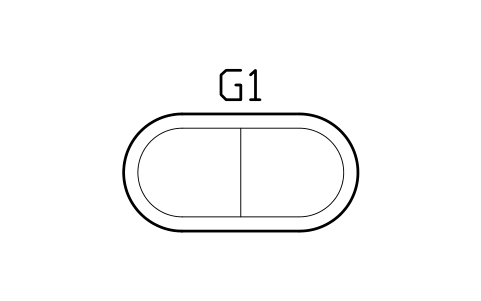
Poker table topper 2000 x 1000
GMR_POKER_FOLDAttributes
TAGITEM_TYPESIZEMATERIALMANUFACTURERMODELPOWER_WQTYREMARKSDESC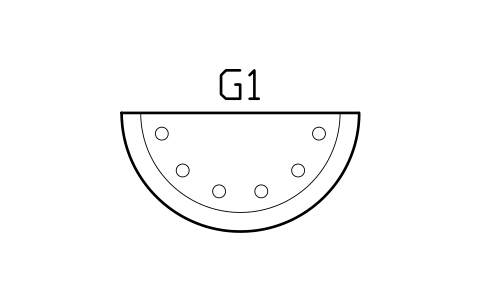
Blackjack table, semicircle, 2100
GMR_BLACKJACK_2100Attributes
TAGITEM_TYPESIZEMATERIALMANUFACTURERMODELPOWER_WQTYREMARKSDESC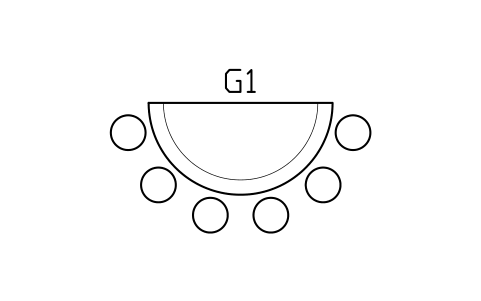
Blackjack table, 6 seats
GMR_BLACKJACK_SETAttributes
TAGITEM_TYPESIZEMATERIALMANUFACTURERMODELPOWER_WQTYREMARKSDESC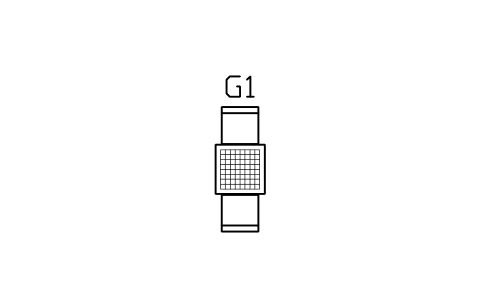
Chess table 600 with 2 chairs
GMR_CHESS_600Attributes
TAGITEM_TYPESIZEMATERIALMANUFACTURERMODELPOWER_WQTYREMARKSDESC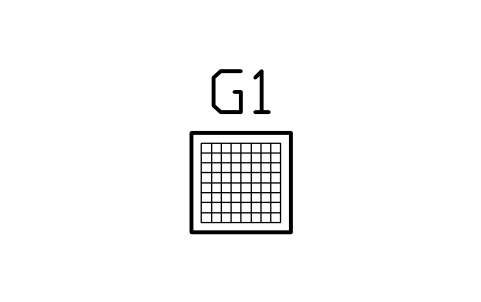
Chess table 600
GMR_CHESS_TABLEAttributes
TAGITEM_TYPESIZEMATERIALMANUFACTURERMODELPOWER_WQTYREMARKSDESC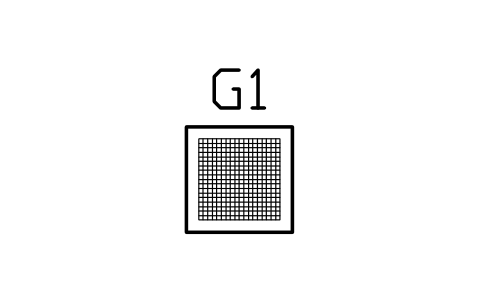
Go table 700 x 700
GMR_GO_TABLEAttributes
TAGITEM_TYPESIZEMATERIALMANUFACTURERMODELPOWER_WQTYREMARKSDESC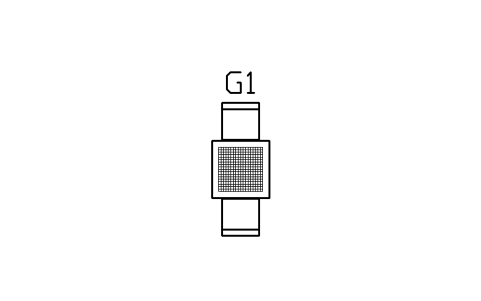
Go table 700, 2 chairs
GMR_GO_SETAttributes
TAGITEM_TYPESIZEMATERIALMANUFACTURERMODELPOWER_WQTYREMARKSDESC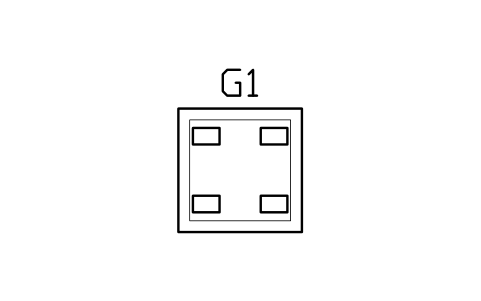
Board game table 1200 x 1200
GMR_BOARD_1200Attributes
TAGITEM_TYPESIZEMATERIALMANUFACTURERMODELPOWER_WQTYREMARKSDESC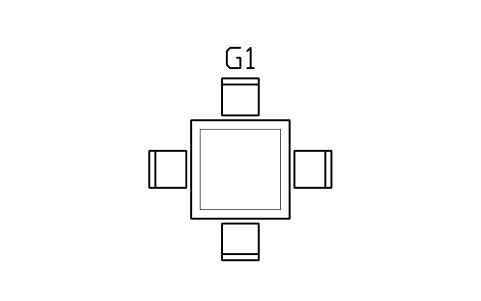
Board game table 1200, 4 chairs
GMR_BOARD_1200_SETAttributes
TAGITEM_TYPESIZEMATERIALMANUFACTURERMODELPOWER_WQTYREMARKSDESC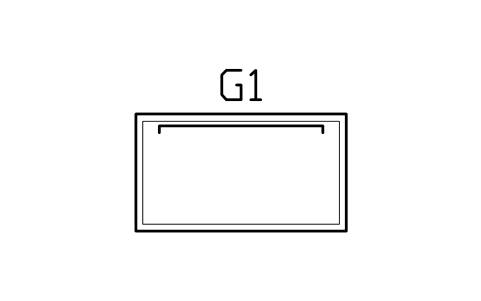
Tabletop RPG table 1800 x 1000
GMR_RPG_1800Attributes
TAGITEM_TYPESIZEMATERIALMANUFACTURERMODELPOWER_WQTYREMARKSDESC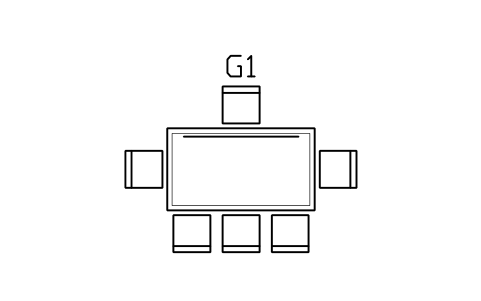
Tabletop RPG table, 6 seats
GMR_RPG_SETAttributes
TAGITEM_TYPESIZEMATERIALMANUFACTURERMODELPOWER_WQTYREMARKSDESC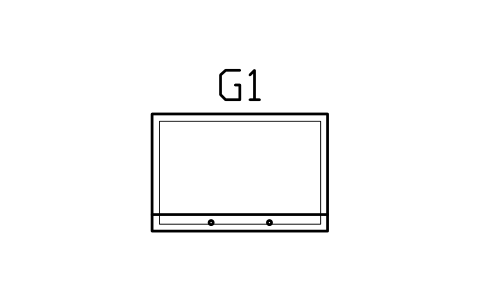
Jigsaw table 1500 x 1000
GMR_JIGSAW_1500Attributes
TAGITEM_TYPESIZEMATERIALMANUFACTURERMODELPOWER_WQTYREMARKSDESC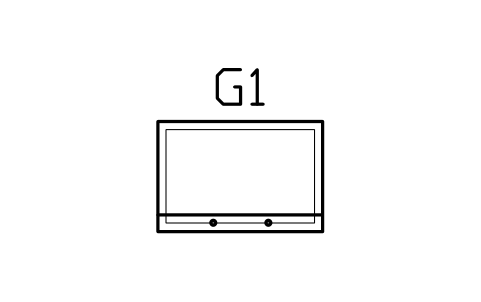
Jigsaw table 1200 x 800
GMR_JIGSAW_1200Attributes
TAGITEM_TYPESIZEMATERIALMANUFACTURERMODELPOWER_WQTYREMARKSDESC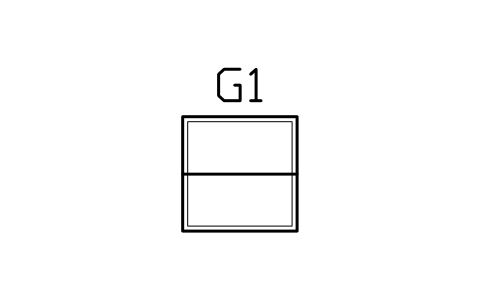
Folding game table 900 x 900
GMR_FOLDGAME_900Attributes
TAGITEM_TYPESIZEMATERIALMANUFACTURERMODELPOWER_WQTYREMARKSDESC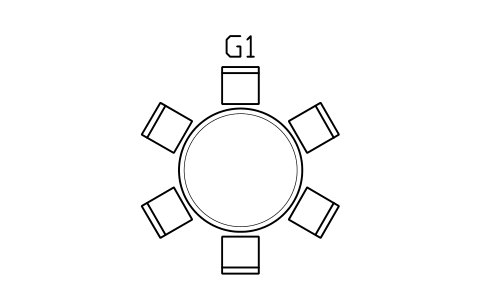
Game night table 1500, 6 seats
GMR_GAMENIGHT_RNDAttributes
TAGITEM_TYPESIZEMATERIALMANUFACTURERMODELPOWER_WQTYREMARKSDESC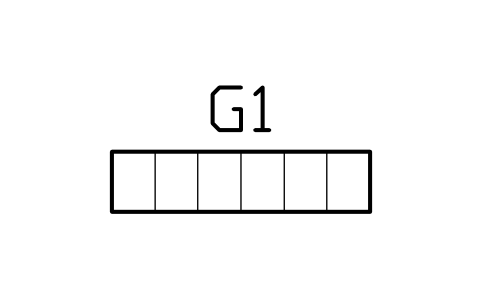
Board game shelf 1500 x 350
GMR_BOARDGAME_SHELFAttributes
TAGITEM_TYPESIZEMATERIALMANUFACTURERMODELPOWER_WQTYREMARKSDESC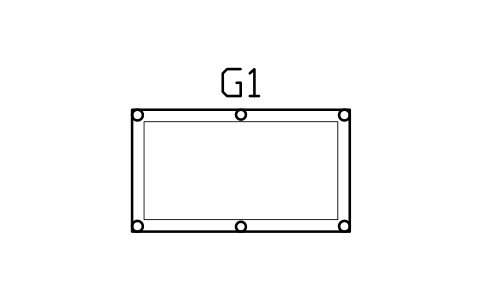
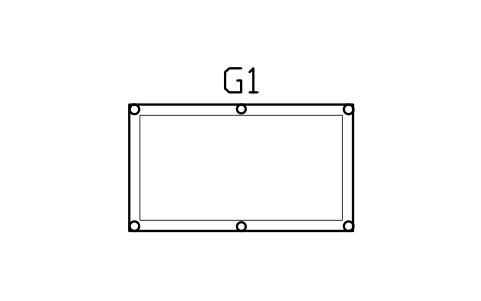
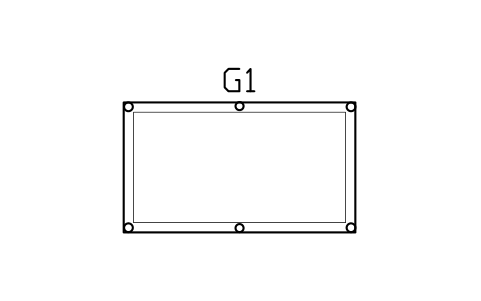
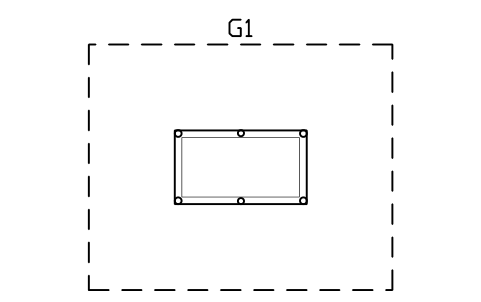
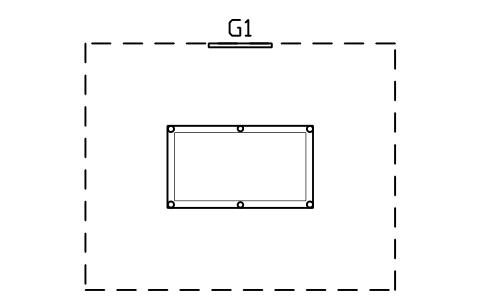
Pool table 6 ft with cue clearance
GMR_POOL_6FT_CLRAttributes
TAGITEM_TYPESIZEMATERIALMANUFACTURERMODELPOWER_WQTYREMARKSDESC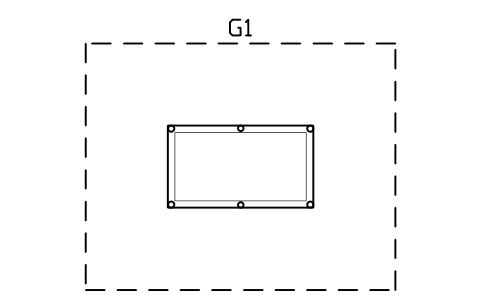
Pool table 7 ft with cue clearance
GMR_POOL_7FT_CLRAttributes
TAGITEM_TYPESIZEMATERIALMANUFACTURERMODELPOWER_WQTYREMARKSDESC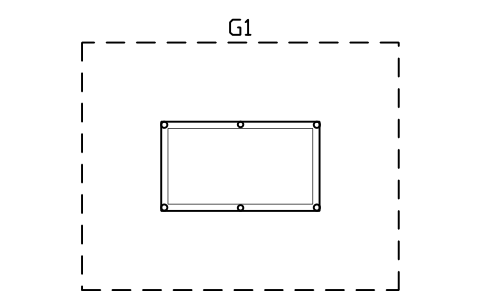
Pool table 8 ft with cue clearance
GMR_POOL_8FT_CLRAttributes
TAGITEM_TYPESIZEMATERIALMANUFACTURERMODELPOWER_WQTYREMARKSDESC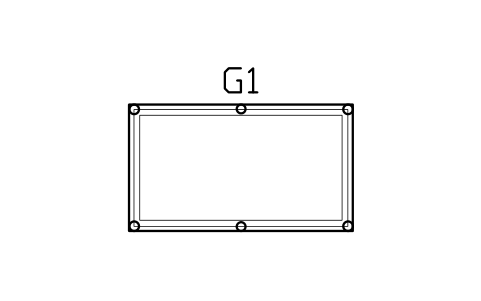
Pool table, dining top, 7 ft
GMR_POOL_DININGAttributes
TAGITEM_TYPESIZEMATERIALMANUFACTURERMODELPOWER_WQTYREMARKSDESC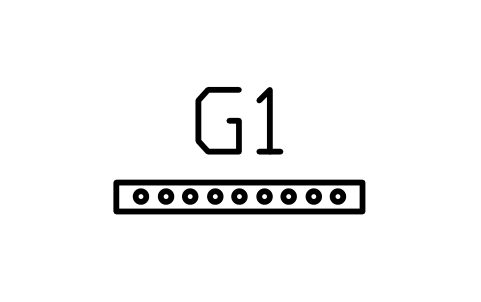
Cue rack, wall, 1000 x 120
GMR_CUE_RACKAttributes
TAGITEM_TYPESIZEMATERIALMANUFACTURERMODELPOWER_WQTYREMARKSDESC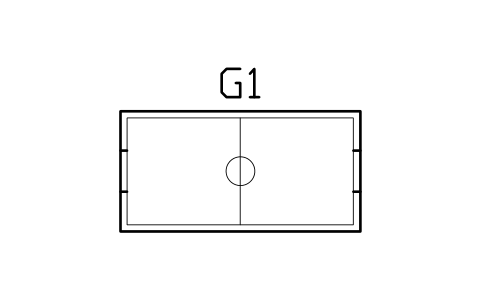
Air hockey table 7 ft
GMR_AIRHOCKEY_7Attributes
TAGITEM_TYPESIZEMATERIALMANUFACTURERMODELPOWER_WQTYREMARKSDESC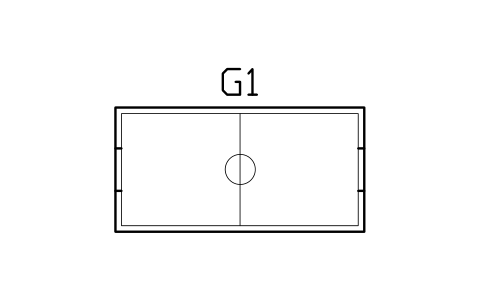
Air hockey table 8 ft
GMR_AIRHOCKEY_8Attributes
TAGITEM_TYPESIZEMATERIALMANUFACTURERMODELPOWER_WQTYREMARKSDESC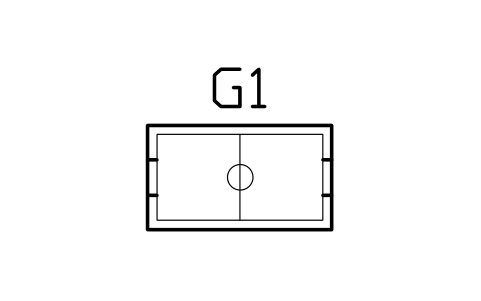
Air hockey table 4 ft, compact
GMR_AIRHOCKEY_4Attributes
TAGITEM_TYPESIZEMATERIALMANUFACTURERMODELPOWER_WQTYREMARKSDESC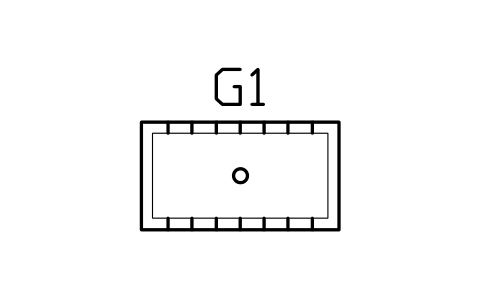
Foosball table 1400 x 760
GMR_FOOSBALLAttributes
TAGITEM_TYPESIZEMATERIALMANUFACTURERMODELPOWER_WQTYREMARKSDESC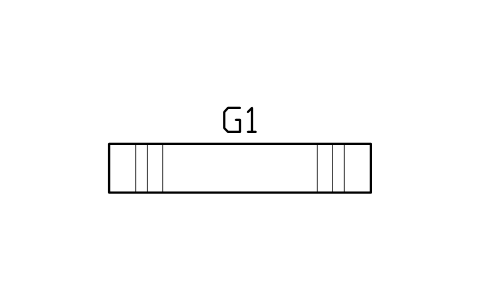
Shuffleboard table 9 ft
GMR_SHUFFLE_9Attributes
TAGITEM_TYPESIZEMATERIALMANUFACTURERMODELPOWER_WQTYREMARKSDESC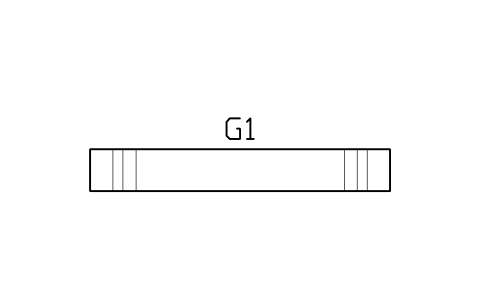
Shuffleboard table 12 ft
GMR_SHUFFLE_12Attributes
TAGITEM_TYPESIZEMATERIALMANUFACTURERMODELPOWER_WQTYREMARKSDESC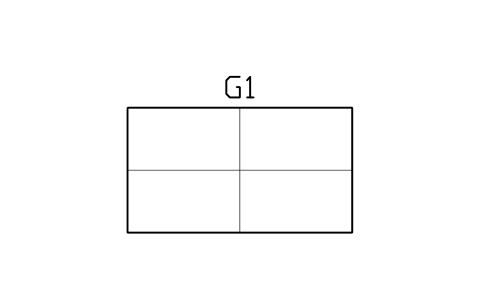
Table tennis table 2740 x 1525
GMR_TT_2740Attributes
TAGITEM_TYPESIZEMATERIALMANUFACTURERMODELPOWER_WQTYREMARKSDESC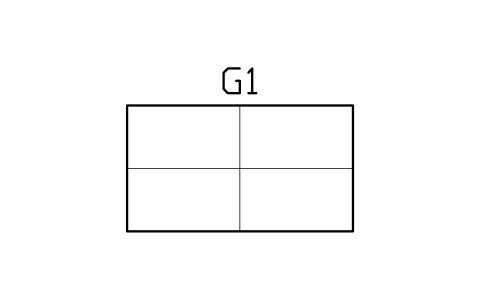
Table tennis table, compact 2300
GMR_TT_COMPACTAttributes
TAGITEM_TYPESIZEMATERIALMANUFACTURERMODELPOWER_WQTYREMARKSDESC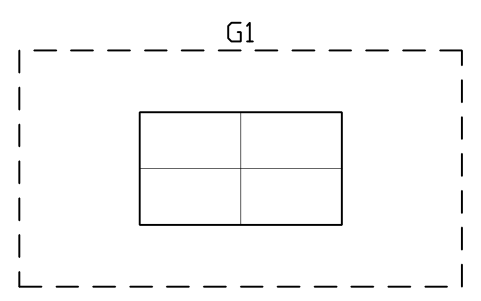
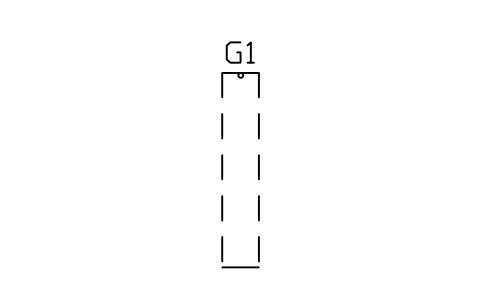
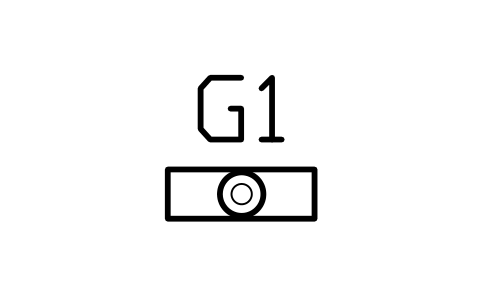
Dartboard cabinet 600 x 200
GMR_DARTS_CABAttributes
TAGITEM_TYPESIZEMATERIALMANUFACTURERMODELPOWER_WQTYREMARKSDESC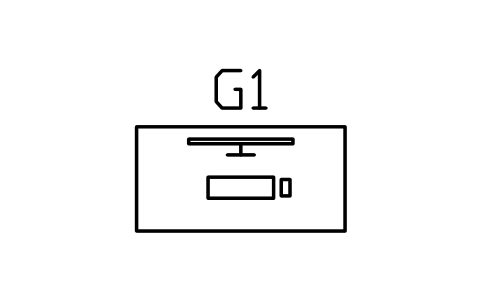
Gaming desk 1400 x 700
GMR_DESK_1400Attributes
TAGITEM_TYPESIZEMATERIALMANUFACTURERMODELPOWER_WQTYREMARKSDESC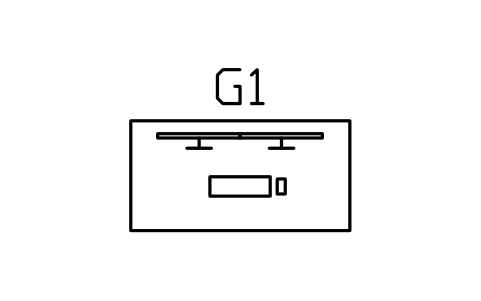
Gaming desk 1600, dual monitors
GMR_DESK_1600_DUALAttributes
TAGITEM_TYPESIZEMATERIALMANUFACTURERMODELPOWER_WQTYREMARKSDESC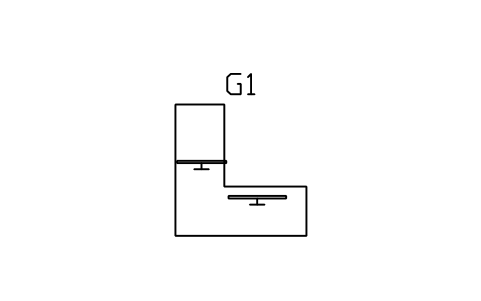
Gaming desk, L-shaped, 1600
GMR_DESK_L_1600Attributes
TAGITEM_TYPESIZEMATERIALMANUFACTURERMODELPOWER_WQTYREMARKSDESC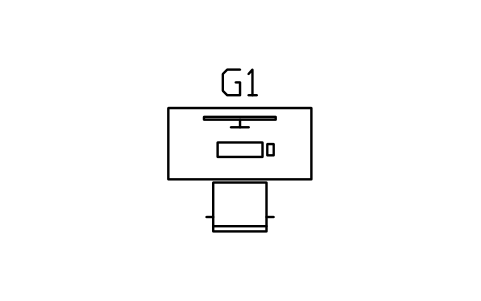
Gaming desk 1400 with chair
GMR_DESK_SETAttributes
TAGITEM_TYPESIZEMATERIALMANUFACTURERMODELPOWER_WQTYREMARKSDESC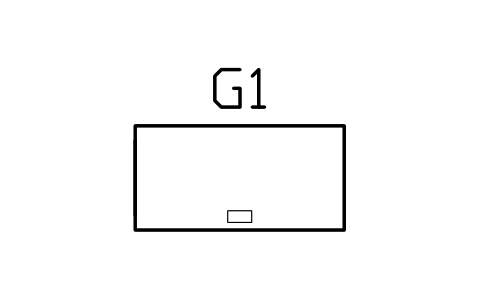
Standing desk 1400 x 700
GMR_STAND_DESKAttributes
TAGITEM_TYPESIZEMATERIALMANUFACTURERMODELPOWER_WQTYREMARKSDESC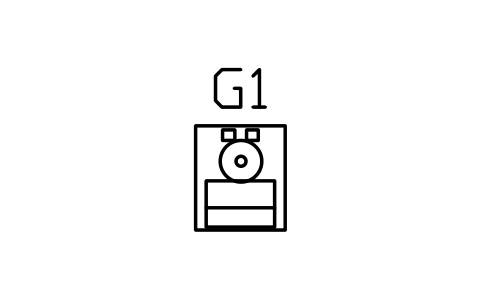
Racing simulator rig 1400 x 700
GMR_SIM_RACINGAttributes
TAGITEM_TYPESIZEMATERIALMANUFACTURERMODELPOWER_WQTYREMARKSDESC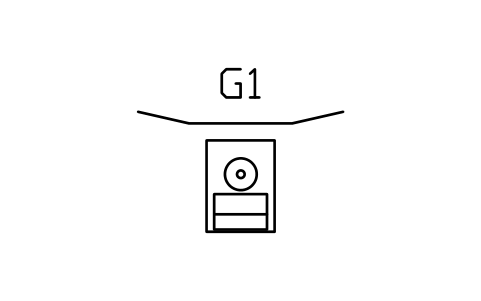
Racing simulator, triple screen
GMR_SIM_TRIPLEAttributes
TAGITEM_TYPESIZEMATERIALMANUFACTURERMODELPOWER_WQTYREMARKSDESC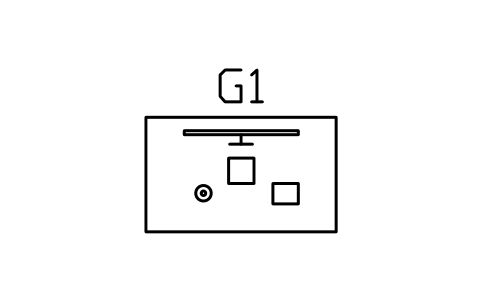
Flight simulator station 1500 x 900
GMR_SIM_FLIGHTAttributes
TAGITEM_TYPESIZEMATERIALMANUFACTURERMODELPOWER_WQTYREMARKSDESC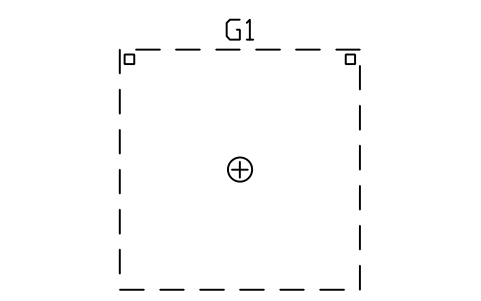
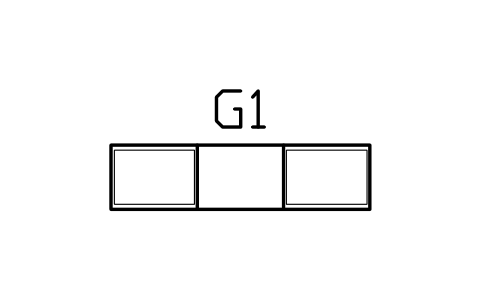
Console TV unit 1800 x 450
GMR_TV_UNIT_1800Attributes
TAGITEM_TYPESIZEMATERIALMANUFACTURERMODELPOWER_WQTYREMARKSDESC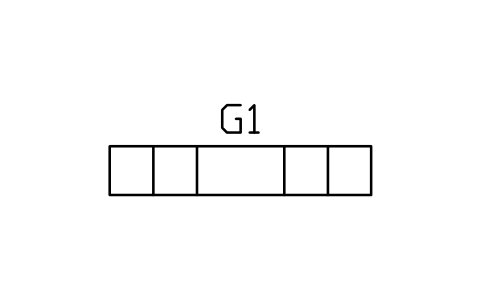
Console TV unit 2400 x 450
GMR_TV_UNIT_2400Attributes
TAGITEM_TYPESIZEMATERIALMANUFACTURERMODELPOWER_WQTYREMARKSDESC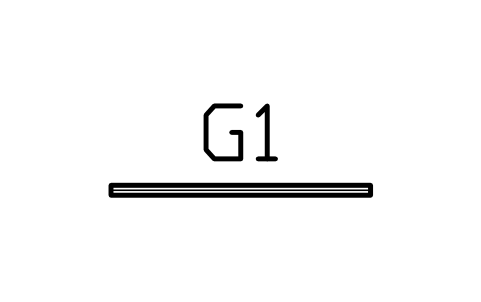
TV on wall, 55 in
GMR_TV_1230Attributes
TAGITEM_TYPESIZEMATERIALMANUFACTURERMODELPOWER_WQTYREMARKSDESC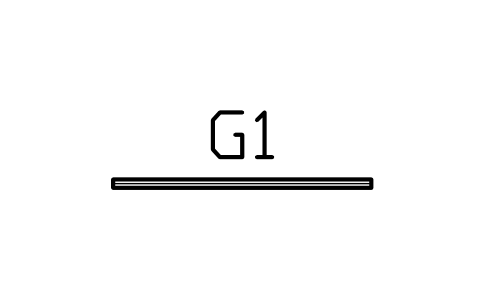
TV on wall, 65 in
GMR_TV_1450Attributes
TAGITEM_TYPESIZEMATERIALMANUFACTURERMODELPOWER_WQTYREMARKSDESC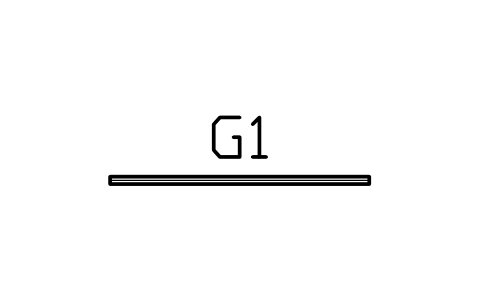
TV on wall, 75 in
GMR_TV_1650Attributes
TAGITEM_TYPESIZEMATERIALMANUFACTURERMODELPOWER_WQTYREMARKSDESC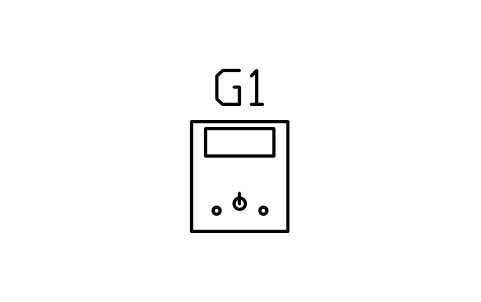
Arcade cabinet, upright, 700 x 800
GMR_ARCADE_UPRIGHTAttributes
TAGITEM_TYPESIZEMATERIALMANUFACTURERMODELPOWER_WQTYREMARKSDESC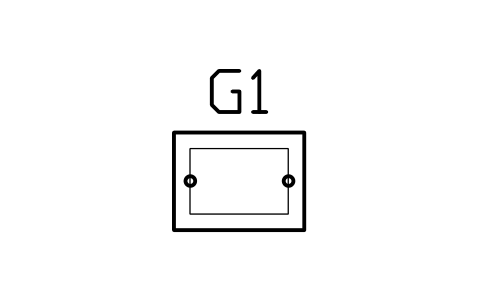
Arcade cocktail table 800 x 600
GMR_ARCADE_COCKTAILAttributes
TAGITEM_TYPESIZEMATERIALMANUFACTURERMODELPOWER_WQTYREMARKSDESC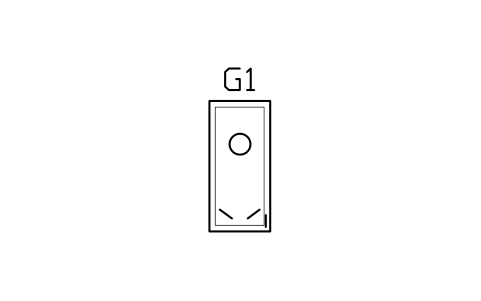
Pinball machine 700 x 1500
GMR_PINBALLAttributes
TAGITEM_TYPESIZEMATERIALMANUFACTURERMODELPOWER_WQTYREMARKSDESC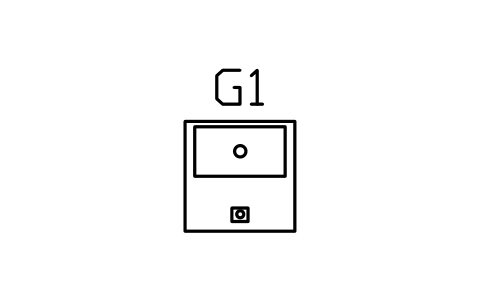
Claw machine 800 x 800
GMR_CLAWAttributes
TAGITEM_TYPESIZEMATERIALMANUFACTURERMODELPOWER_WQTYREMARKSDESC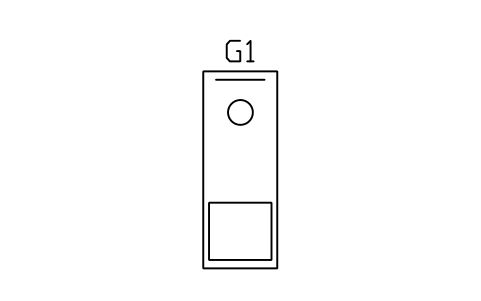
Arcade basketball 900 x 2400
GMR_BASKETBALLAttributes
TAGITEM_TYPESIZEMATERIALMANUFACTURERMODELPOWER_WQTYREMARKSDESC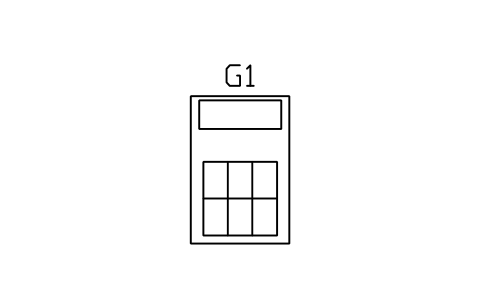
Dance machine 1200 x 1800
GMR_DANCEAttributes
TAGITEM_TYPESIZEMATERIALMANUFACTURERMODELPOWER_WQTYREMARKSDESC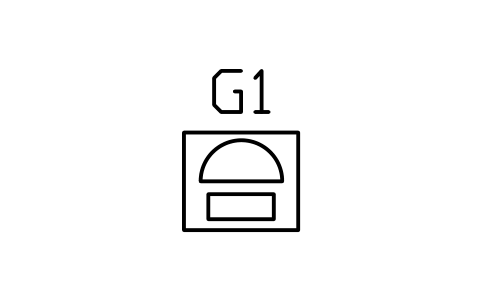
Jukebox 700 x 600
GMR_JUKEBOXAttributes
TAGITEM_TYPESIZEMATERIALMANUFACTURERMODELPOWER_WQTYREMARKSDESC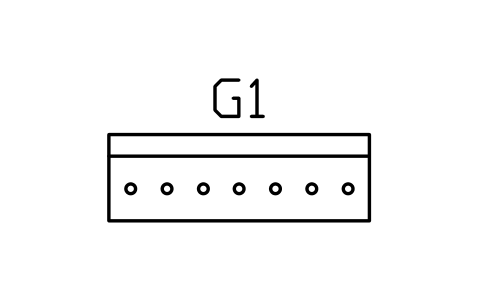
Ticket redemption counter 1800 x 600
GMR_REDEMPTIONAttributes
TAGITEM_TYPESIZEMATERIALMANUFACTURERMODELPOWER_WQTYREMARKSDESC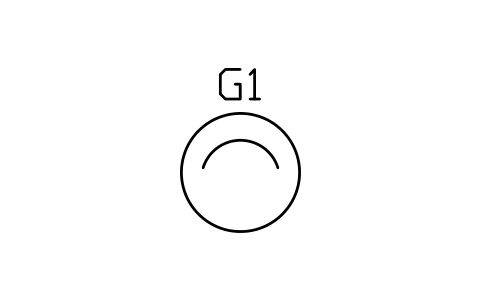
Bean bag 1000
GMR_BEANBAG_1000Attributes
TAGITEM_TYPESIZEMATERIALMANUFACTURERMODELPOWER_WQTYREMARKSDESC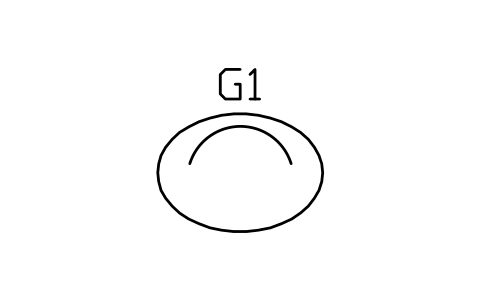
Bean bag, large, 1400 x 1000
GMR_BEANBAG_LARGEAttributes
TAGITEM_TYPESIZEMATERIALMANUFACTURERMODELPOWER_WQTYREMARKSDESC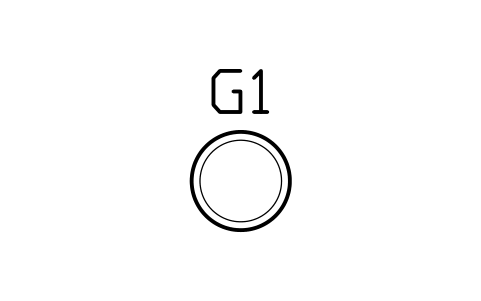
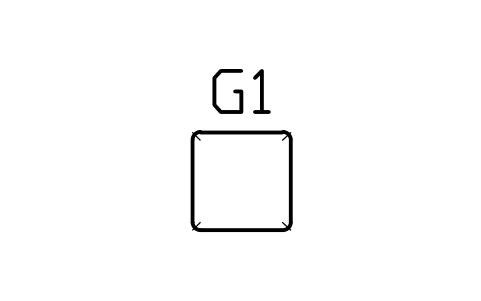
Floor cushion 600 x 600
GMR_FLOOR_CUSHIONAttributes
TAGITEM_TYPESIZEMATERIALMANUFACTURERMODELPOWER_WQTYREMARKSDESC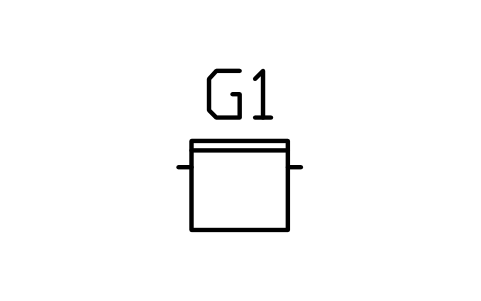
Gaming chair 700 x 700
GMR_GAMING_CHAIRAttributes
TAGITEM_TYPESIZEMATERIALMANUFACTURERMODELPOWER_WQTYREMARKSDESC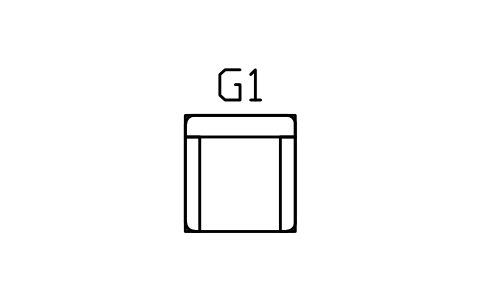
Recliner 900 x 950
GMR_RECLINER_900Attributes
TAGITEM_TYPESIZEMATERIALMANUFACTURERMODELPOWER_WQTYREMARKSDESC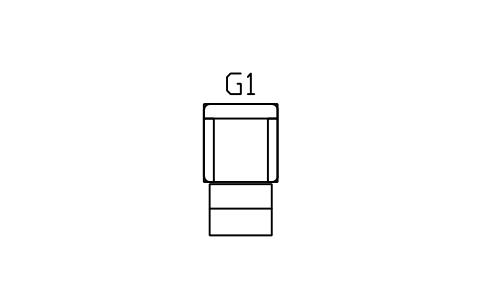
Recliner, footrest open, 900 x 1600
GMR_RECLINER_OPENAttributes
TAGITEM_TYPESIZEMATERIALMANUFACTURERMODELPOWER_WQTYREMARKSDESC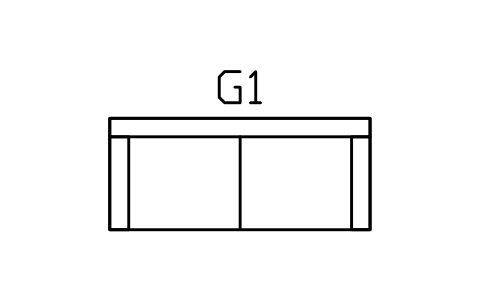
Game room sofa 2100 x 900
GMR_SOFA_2100Attributes
TAGITEM_TYPESIZEMATERIALMANUFACTURERMODELPOWER_WQTYREMARKSDESC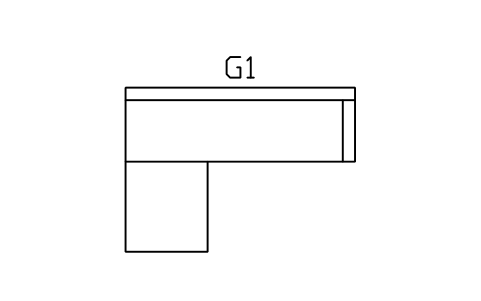
Game room sectional, L, 2800 x 2000
GMR_SOFA_L_2800Attributes
TAGITEM_TYPESIZEMATERIALMANUFACTURERMODELPOWER_WQTYREMARKSDESC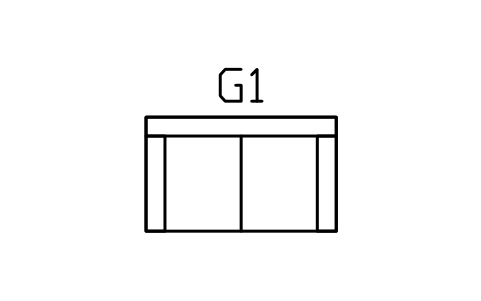
Loveseat 1500 x 900
GMR_LOVESEAT_1500Attributes
TAGITEM_TYPESIZEMATERIALMANUFACTURERMODELPOWER_WQTYREMARKSDESC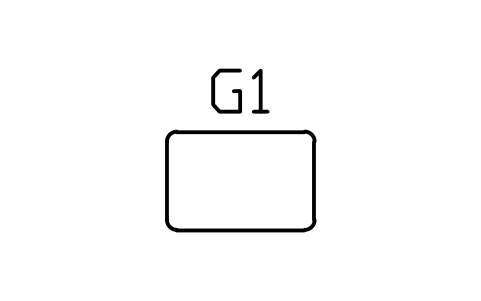
Ottoman 900 x 600
GMR_OTTOMAN_900Attributes
TAGITEM_TYPESIZEMATERIALMANUFACTURERMODELPOWER_WQTYREMARKSDESC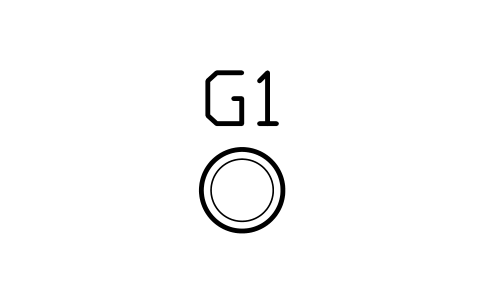
Game room bar stool 400
GMR_STOOL_BARAttributes
TAGITEM_TYPESIZEMATERIALMANUFACTURERMODELPOWER_WQTYREMARKSDESC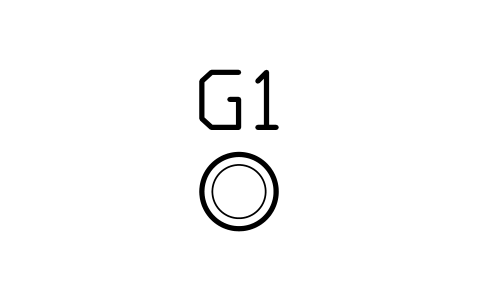
Arcade stool 330
GMR_STOOL_ARCADEAttributes
TAGITEM_TYPESIZEMATERIALMANUFACTURERMODELPOWER_WQTYREMARKSDESC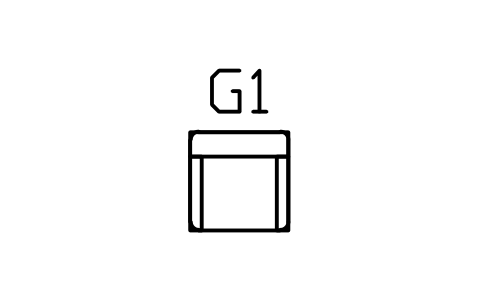
Poker chair 600 x 600
GMR_POKER_CHAIRAttributes
TAGITEM_TYPESIZEMATERIALMANUFACTURERMODELPOWER_WQTYREMARKSDESC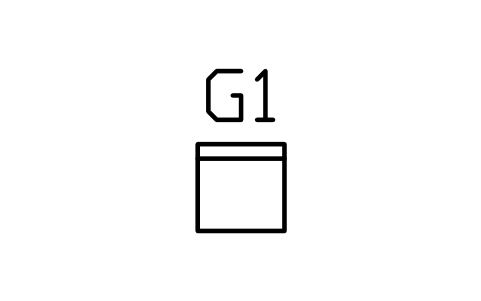
Folding game chair 450
GMR_FOLD_CHAIRAttributes
TAGITEM_TYPESIZEMATERIALMANUFACTURERMODELPOWER_WQTYREMARKSDESC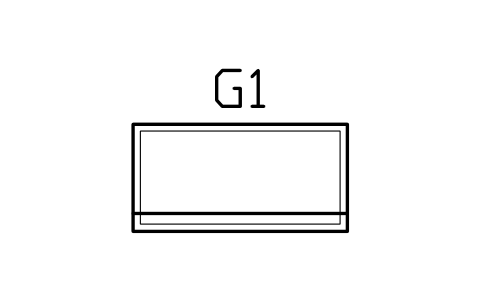
Craft table 1500 x 750
GMR_CRAFT_1500Attributes
TAGITEM_TYPESIZEMATERIALMANUFACTURERMODELPOWER_WQTYREMARKSDESC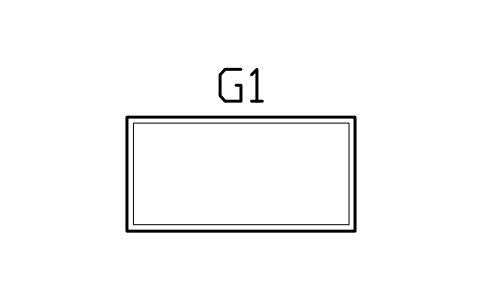
Craft table 1800 x 900
GMR_CRAFT_1800Attributes
TAGITEM_TYPESIZEMATERIALMANUFACTURERMODELPOWER_WQTYREMARKSDESC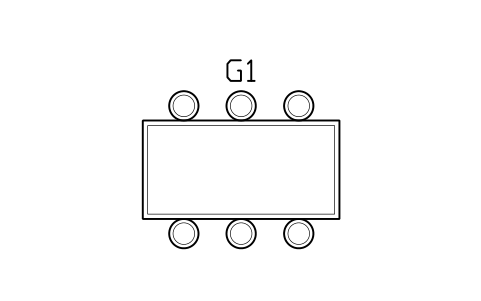
Craft table 2400 x 1200, 6 stools
GMR_CRAFT_2400_SETAttributes
TAGITEM_TYPESIZEMATERIALMANUFACTURERMODELPOWER_WQTYREMARKSDESC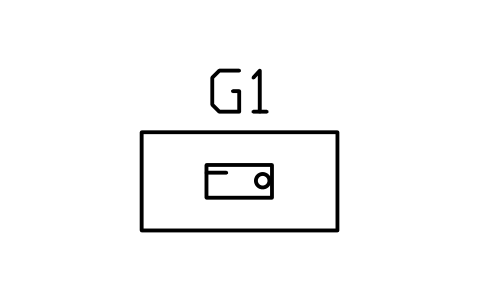
Sewing table 1200 x 600
GMR_SEW_1200Attributes
TAGITEM_TYPESIZEMATERIALMANUFACTURERMODELPOWER_WQTYREMARKSDESC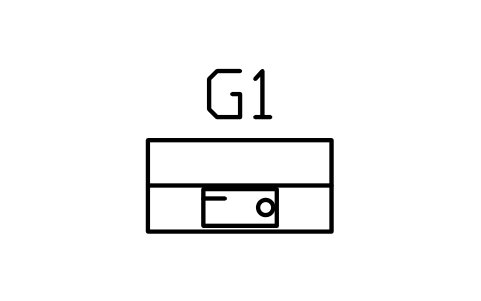
Sewing cabinet 1000 x 500
GMR_SEW_CABINETAttributes
TAGITEM_TYPESIZEMATERIALMANUFACTURERMODELPOWER_WQTYREMARKSDESC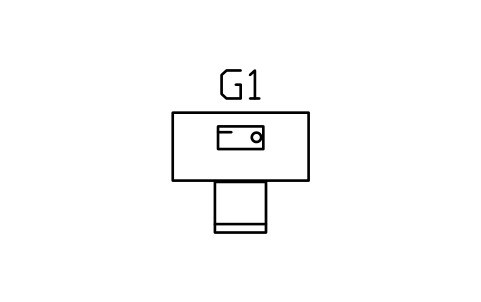
Sewing table 1200 with chair
GMR_SEW_SETAttributes
TAGITEM_TYPESIZEMATERIALMANUFACTURERMODELPOWER_WQTYREMARKSDESC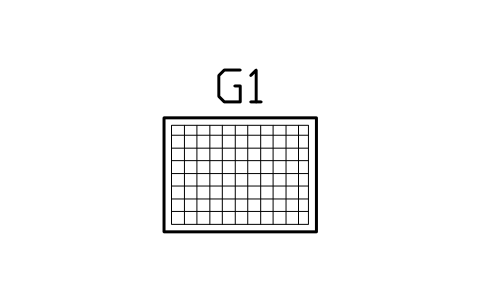
Cutting table 1200 x 900
GMR_CUT_1200Attributes
TAGITEM_TYPESIZEMATERIALMANUFACTURERMODELPOWER_WQTYREMARKSDESC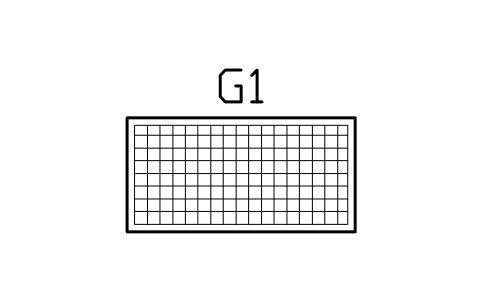
Cutting table 1800 x 900
GMR_CUT_1800Attributes
TAGITEM_TYPESIZEMATERIALMANUFACTURERMODELPOWER_WQTYREMARKSDESC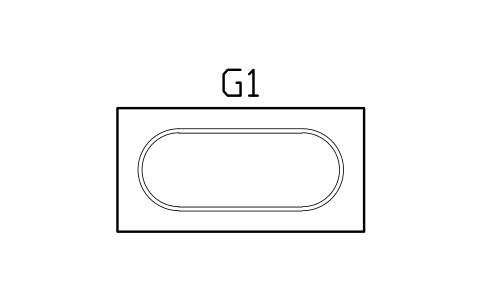
Model railway table 2400 x 1200
GMR_RAIL_2400Attributes
TAGITEM_TYPESIZEMATERIALMANUFACTURERMODELPOWER_WQTYREMARKSDESC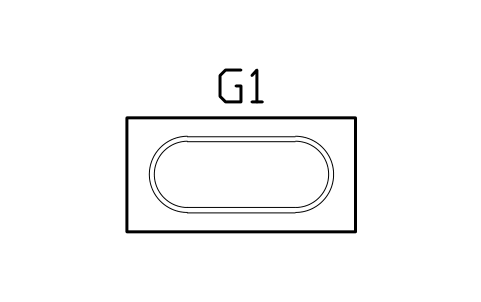
Model railway table 1800 x 900
GMR_RAIL_1800Attributes
TAGITEM_TYPESIZEMATERIALMANUFACTURERMODELPOWER_WQTYREMARKSDESC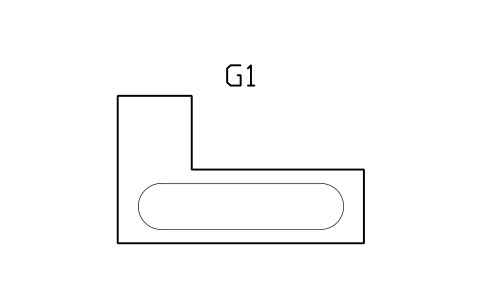
Model railway, L-shaped, 3000 x 1800
GMR_RAIL_L_3000Attributes
TAGITEM_TYPESIZEMATERIALMANUFACTURERMODELPOWER_WQTYREMARKSDESC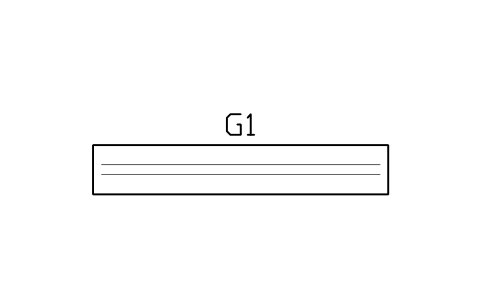
Model railway shelf 3600 x 600
GMR_RAIL_SHELFAttributes
TAGITEM_TYPESIZEMATERIALMANUFACTURERMODELPOWER_WQTYREMARKSDESC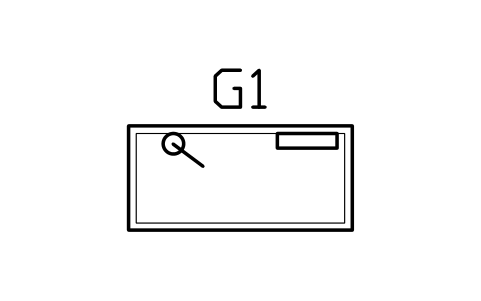
Model building bench 1500 x 700
GMR_BENCH_1500Attributes
TAGITEM_TYPESIZEMATERIALMANUFACTURERMODELPOWER_WQTYREMARKSDESC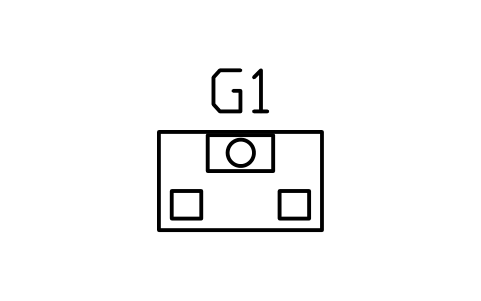
Hobby paint bench with extractor
GMR_BENCH_PAINTAttributes
TAGITEM_TYPESIZEMATERIALMANUFACTURERMODELPOWER_WQTYREMARKSDESC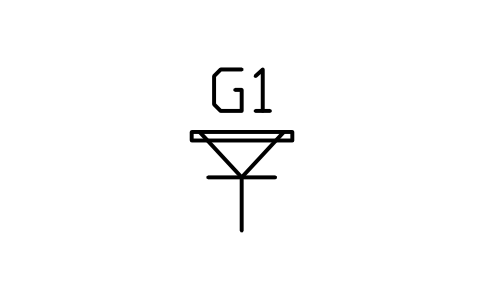
Easel 700 x 700
GMR_EASEL_700Attributes
TAGITEM_TYPESIZEMATERIALMANUFACTURERMODELPOWER_WQTYREMARKSDESC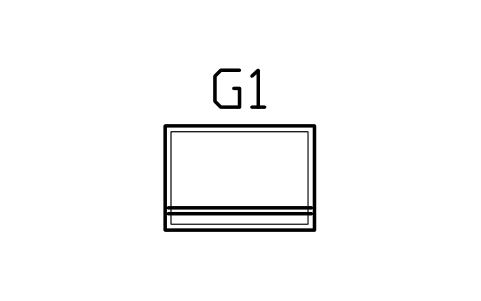
Drafting table 1000 x 700
GMR_DRAFT_1000Attributes
TAGITEM_TYPESIZEMATERIALMANUFACTURERMODELPOWER_WQTYREMARKSDESC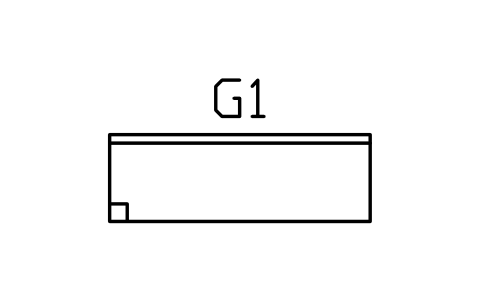
Hobby workbench 1800 x 600
GMR_WORKBENCH_1800Attributes
TAGITEM_TYPESIZEMATERIALMANUFACTURERMODELPOWER_WQTYREMARKSDESC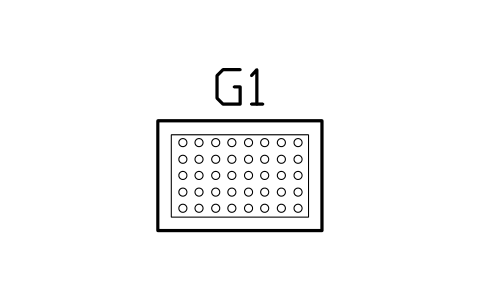
Brick building table 1200 x 800
GMR_LEGO_1200Attributes
TAGITEM_TYPESIZEMATERIALMANUFACTURERMODELPOWER_WQTYREMARKSDESC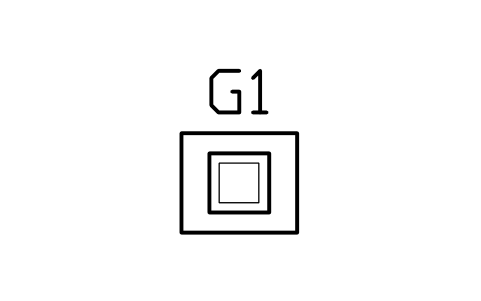
3D printer station 700 x 600
GMR_PRINTER3DAttributes
TAGITEM_TYPESIZEMATERIALMANUFACTURERMODELPOWER_WQTYREMARKSDESC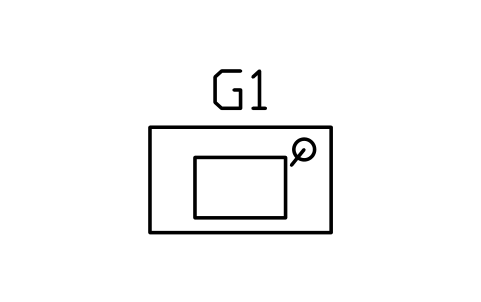
Soldering bench 1200 x 700
GMR_SOLDER_1200Attributes
TAGITEM_TYPESIZEMATERIALMANUFACTURERMODELPOWER_WQTYREMARKSDESC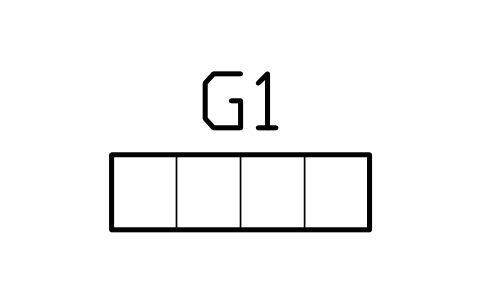
Hobby shelf unit 1200 x 350
GMR_STORAGE_1200Attributes
TAGITEM_TYPESIZEMATERIALMANUFACTURERMODELPOWER_WQTYREMARKSDESC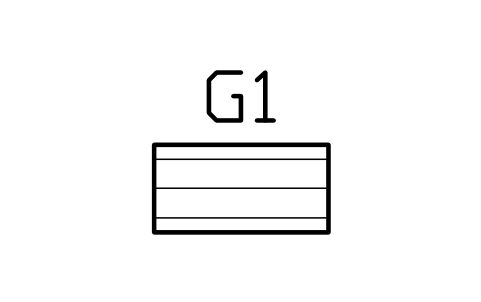
Hobby drawer unit 900 x 450
GMR_STORAGE_DRAWERSAttributes
TAGITEM_TYPESIZEMATERIALMANUFACTURERMODELPOWER_WQTYREMARKSDESC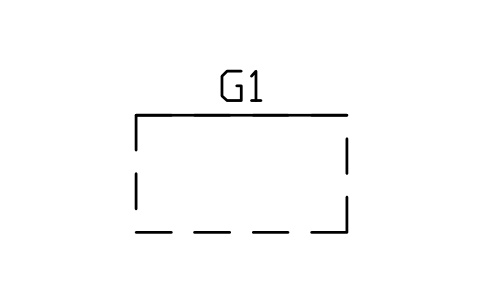
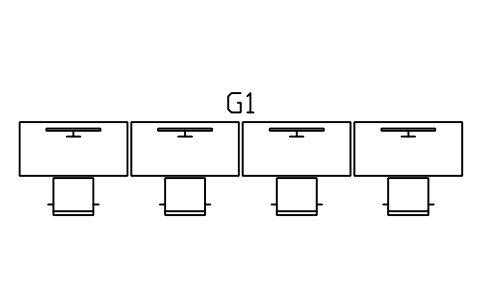
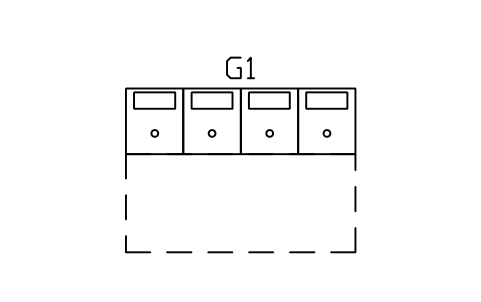
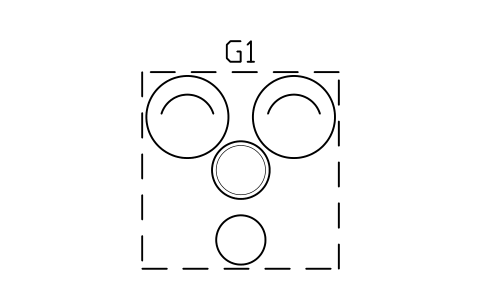
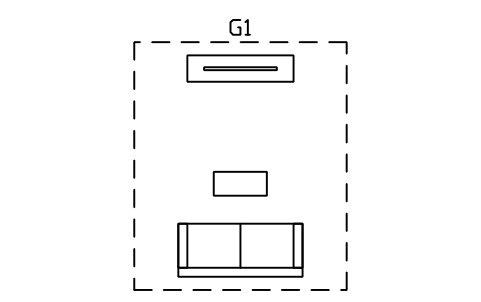
Missing a symbol? Tell us which one.
Attributes for parts lists
Every block carries a tag you can number and invisible attributes for the schedule. An item holds ITEM_TYPE, SIZE, MATERIAL, MANUFACTURER, MODEL, POWER_W, QTY and REMARKS; a zone or room layout holds ZONE_TYPE, SIZE and REMARKS.
Export the blocks of a game room plan to Excel with BlockSync to list tables, machines and seating as a schedule, check quantities against the brief and write the changes back in one run, with preview and backup.
How to use the library
- Unzip the file and open the DWG. Copy the symbols you need into your plan, or drag the blocks in from DesignCenter (ADCENTER).
- The blocks are drawn at real size in millimetres, 1 drawing unit = 1 mm, so a mahjong table of 900 x 900 is 900 x 900 units on the plan. Mahjong tables come in 800, 850, 900 and 1000, pool tables are the outer size of the frame, and the sets show the chairs with a gap of 60 (300 when pulled out).
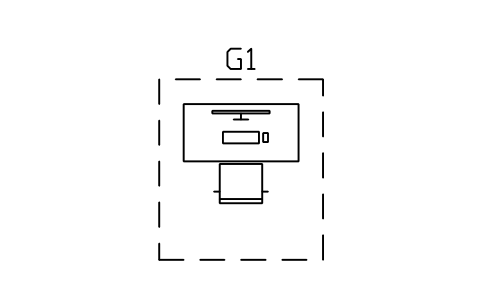
- Plan items are centred on their middle. Desks, machines and tables have the side where the user sits or stands towards -Y; the chairs of a set are drawn facing the table, a free-standing chair or sofa faces -Y. Zones and complete corners have the origin at the middle of the main item, so you can drop a layout in as a starting point or take single items from it.
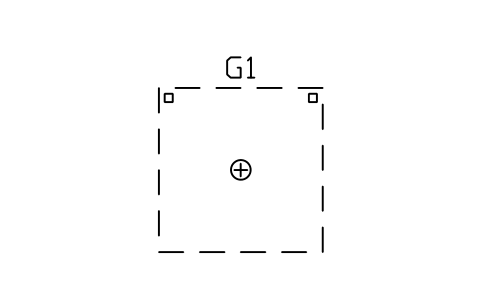
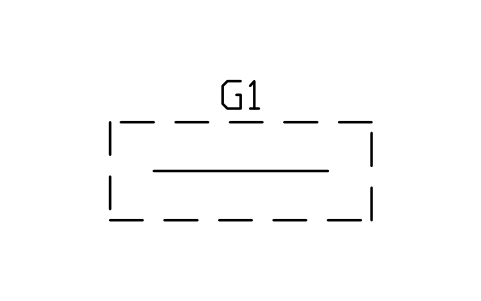
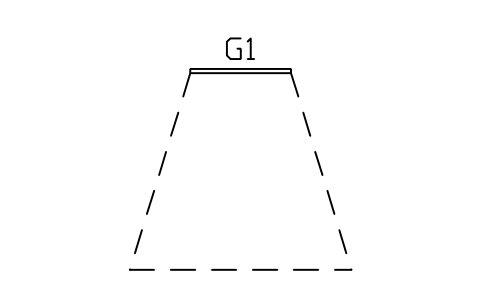
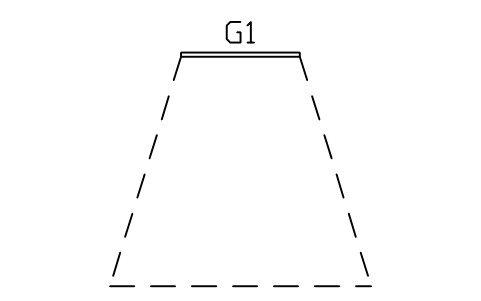
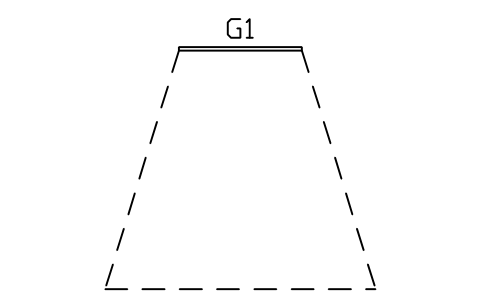
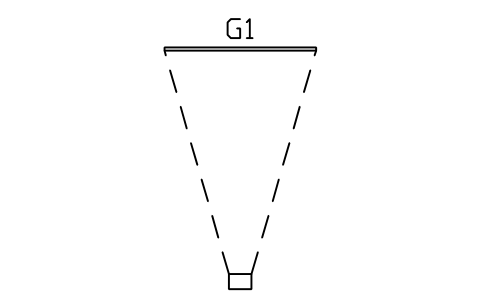
- A zone is a dashed outline of the clear space a user needs: a cue clearance of 1300 around a pool table, a chair clearance of 1000 behind a table, a 900 walkway, a TV viewing zone for 55, 65 and 75 inch screens and a projector throw. They carry no product attributes; scale them to the values of your project.
About the drawings
There is no standard for the symbols of game rooms and hobby rooms. The blocks follow the common conventions of furniture plans: tables as outlines with their playing surface, chairs with a back line, machines with their controls on the user side, a pool table with its six pockets.
The blocks are our own drawings, not copies, and the library is not certified. The sizes are common supplier and planning values; clearances, viewing distances and room sizes depend on your own requirements and local rules, so check every part against the data sheet of the product you specify.
Frequently asked questions
- Which mahjong table sizes are included?
- Manual tables of 800, 850, 900 and 1000 mm, automatic tables of 800, 850 and 900 mm with the central well, tile slots and cup holders, and a folding table of 800. There are sets with four chairs (tucked in or pulled out) and a mahjong room zone, plus a side table and a tile rack.
- Does the library include pool tables and table tennis?
- Yes, pool tables of 6, 7 and 8 ft with and without a cue clearance, air hockey, foosball, shuffleboard, table tennis and a dartboard with its throw line. If you plan a bar or a sports hall, the bar and pub library and the sports court library have more of them.
- Can I use the symbols in commercial projects?
- Yes. They are free to use and modify in your own projects, including commercial ones. They are provided as is, without warranty. Please do not redistribute or resell the library; see the library terms.
- How do I lay out a game room?
- Start with the zones: put the pool or table tennis table with its clearance, add the seating group and a TV unit with its viewing zone, then place the arcade machines along one wall with an aisle of at least 1200. The gaming corner, esports row, arcade row, TV lounge and pool room layouts show a starting point for each.
- Can I change a symbol or add attributes?
- Yes. Open the DWG, edit a block with BEDIT to change it or add attributes, and save. To update drawings that already contain the block, run ATTSYNC or replace the block. Make a backup first: attribute values can be lost if ATTSYNC is used carelessly.
- Where do I find a ready-made set of these symbols for AutoCAD?
- AutoCAD itself ships only a small set of sample blocks, so a full symbol set has to come from a library. Download the ZIP on this page and open the DWG: every symbol is a block. Insert one with INSERT (Blocks palette, Libraries tab, then pick the DWG) or drag it from DesignCenter (ADCENTER). You can also download a single symbol on its own.