
Free AutoCAD NFPA 704 hazard diamond symbols (DWG): editable fire diamond
NFPA 704 hazard diamonds: 65 ready-made AutoCAD blocks (DWG), free to download and use in your own projects, as a ZIP or one symbol at a time.
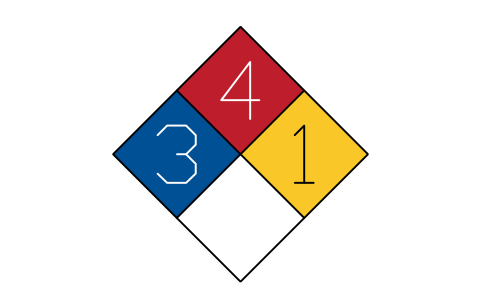
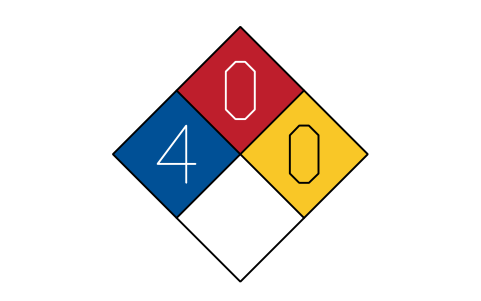
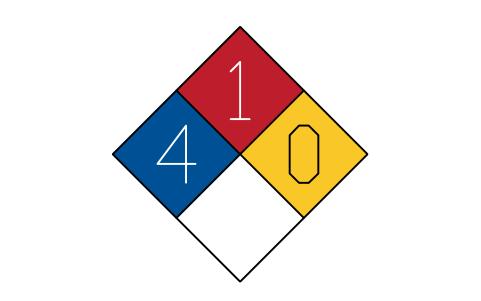
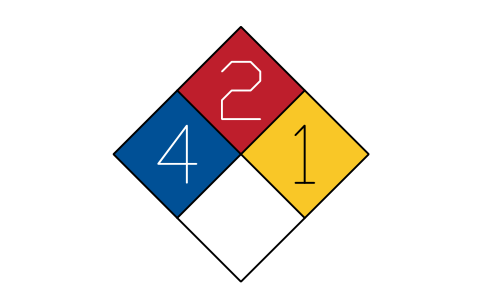
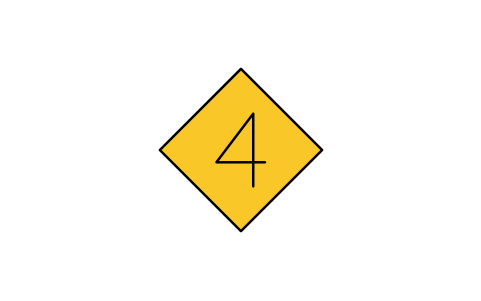
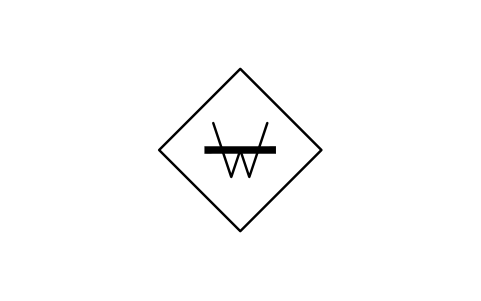
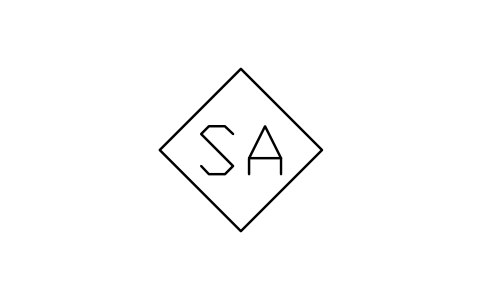
65 hazard diamond symbols as ready-to-use AutoCAD blocks with solid colour fields: editable diamonds whose health, flammability and instability ratings are attributes, with and without the special hazard marks W, OX, SA and W with OX, a blank diamond and the white background form; 38 finished examples for common rating combinations, including W, OX and SA examples; the 15 single fields, health 0 to 4 on blue, flammability 0 to 4 on red and instability 0 to 4 on yellow; and the special hazard marks on their own.
Using AutoCAD 2017 or an earlier version? Download the 2010 format
Free to use and modify in your own projects, including commercial ones. The ZIP holds one plain DWG file in AutoCAD 2018 format and a README; no add-in needed. Provided as is, without warranty.
Works well with these tools
 Putting these symbols into 30 drawings?Replace a changed symbol in every drawing in one run, without opening each file.See BlockCopy
 Need to count these symbols across your drawings?Export every symbol and its attributes from a whole drawing set to Excel, edit the rows and write them back.See BlockSync
 Which drawings use this symbol?Search blocks and text across hundreds of drawings at once, then jump straight to the match.See DwgSearch
All 65 symbols
65 of 65 symbols
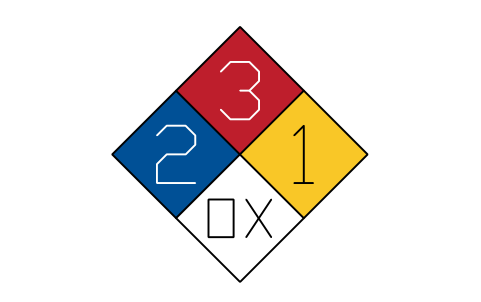
Hazard diamond, editable
NFP_DIAMONDAttributes
HEALTHFLAMMABILITYINSTABILITYSPECIALSUBSTANCELOCATIONREMARKSDESC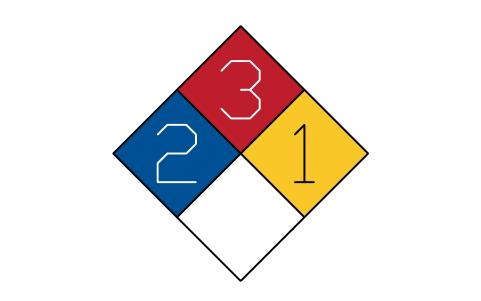
Hazard diamond, no special
NFP_DIAMOND_NO_SPECIALAttributes
HEALTHFLAMMABILITYINSTABILITYSUBSTANCELOCATIONREMARKSDESC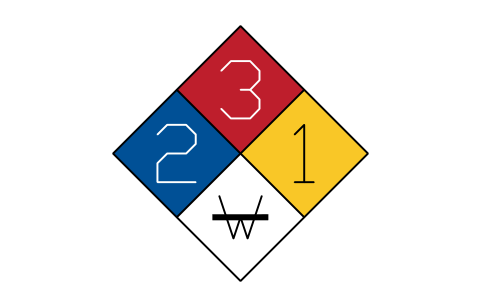
Hazard diamond, W
NFP_DIAMOND_WAttributes
HEALTHFLAMMABILITYINSTABILITYSUBSTANCELOCATIONREMARKSDESC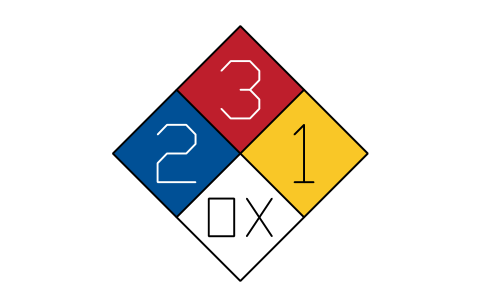
Hazard diamond, OX
NFP_DIAMOND_OXAttributes
HEALTHFLAMMABILITYINSTABILITYSUBSTANCELOCATIONREMARKSDESC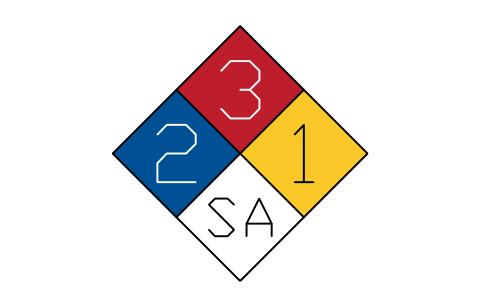
Hazard diamond, SA
NFP_DIAMOND_SAAttributes
HEALTHFLAMMABILITYINSTABILITYSUBSTANCELOCATIONREMARKSDESC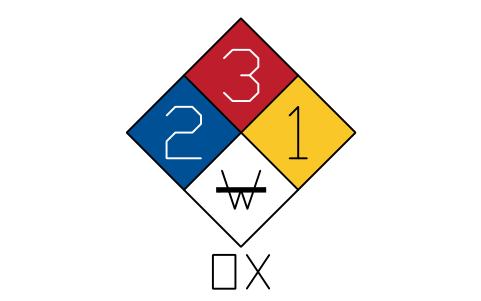
Hazard diamond, W and OX
NFP_DIAMOND_W_OXAttributes
HEALTHFLAMMABILITYINSTABILITYSUBSTANCELOCATIONREMARKSDESC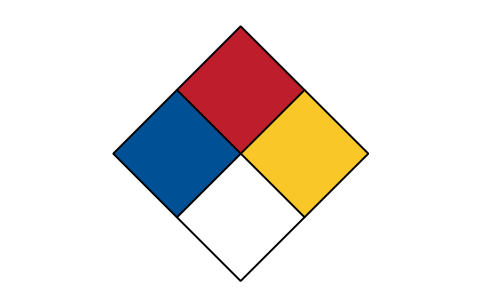
Hazard diamond, blank
NFP_DIAMOND_BLANKAttributes
HEALTHFLAMMABILITYINSTABILITYSPECIALSUBSTANCELOCATIONREMARKSDESC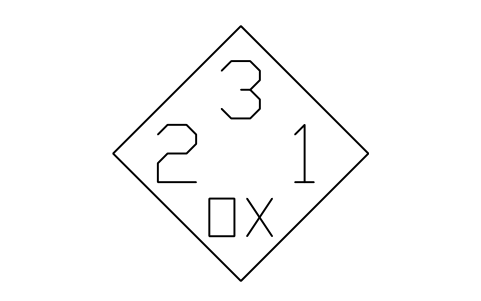
Diamond, white background
NFP_DIAMOND_WHITEAttributes
HEALTHFLAMMABILITYINSTABILITYSPECIALSUBSTANCELOCATIONREMARKSDESC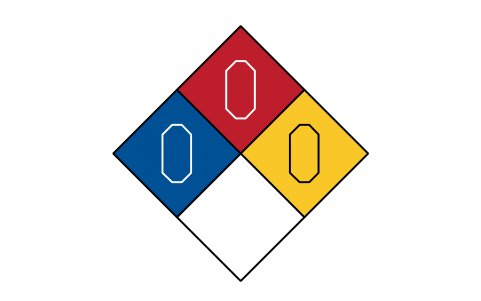
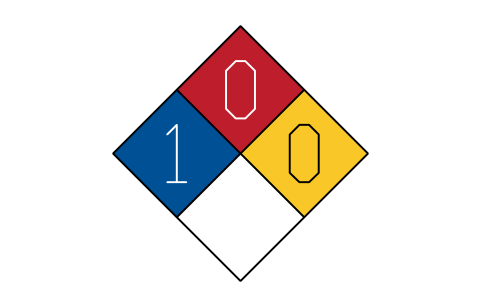
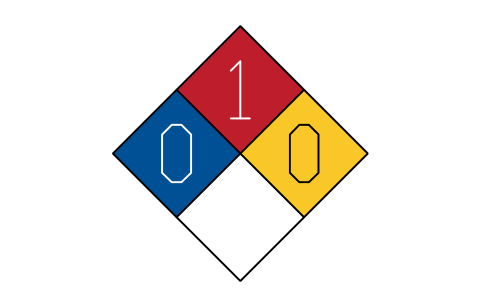
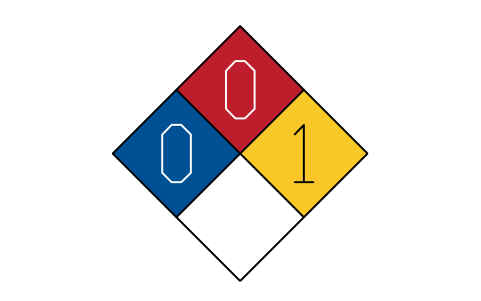
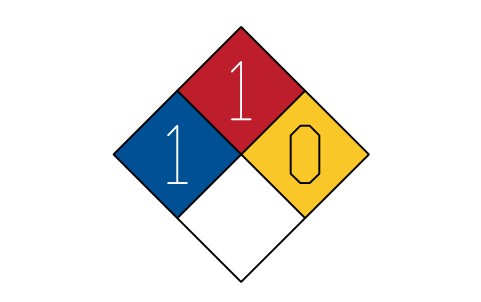
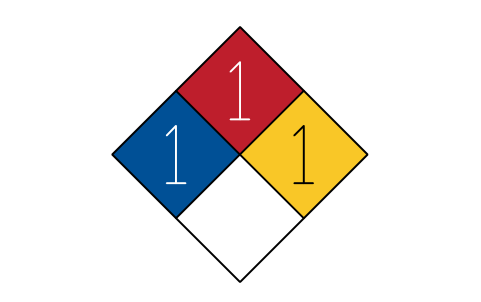
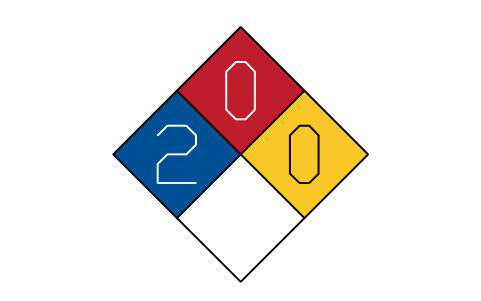
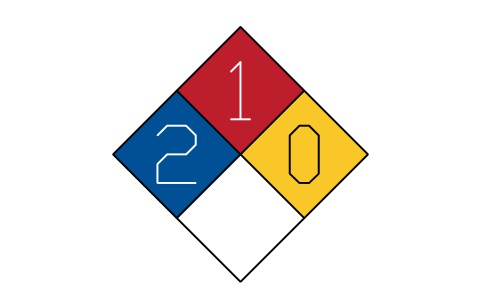
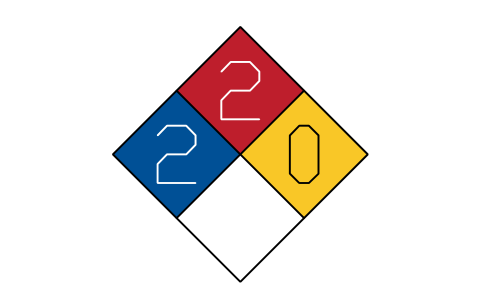
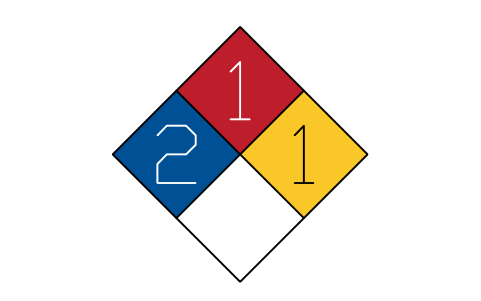
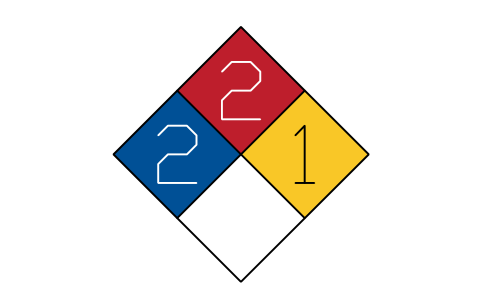
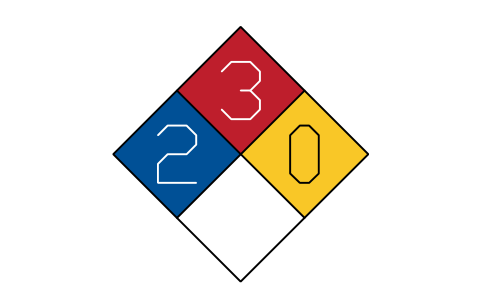
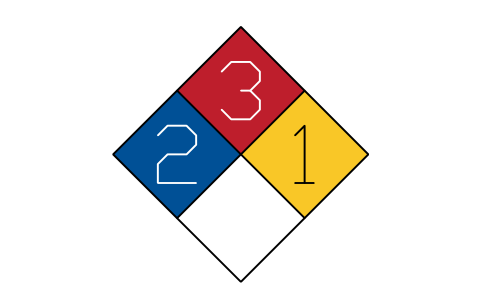
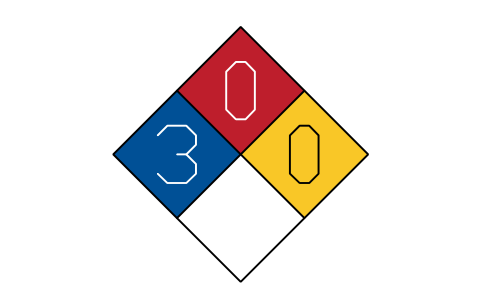
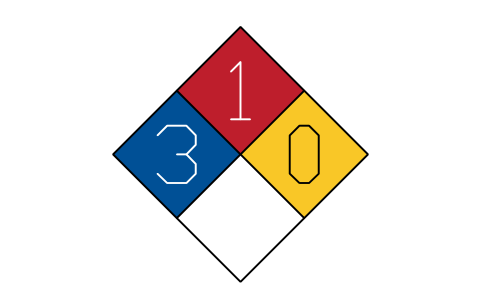
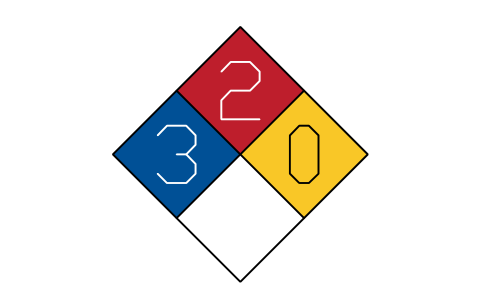
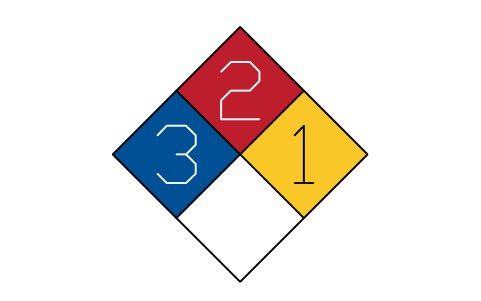
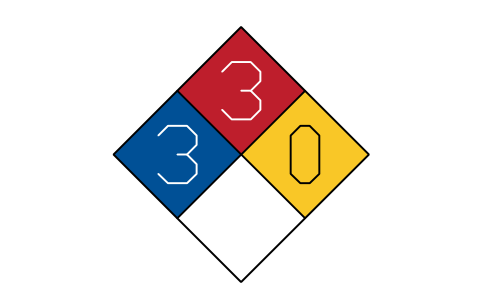
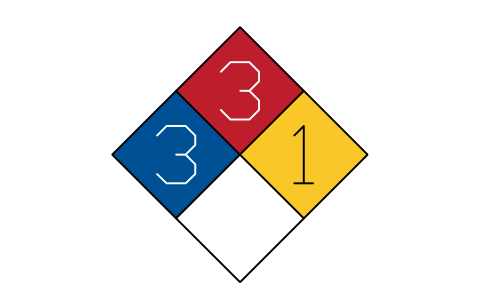
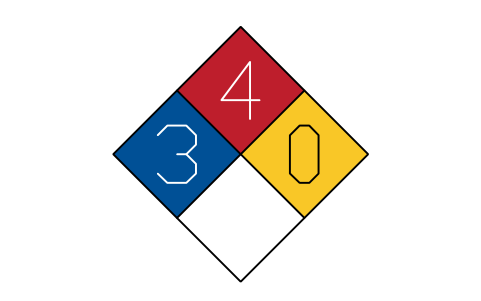
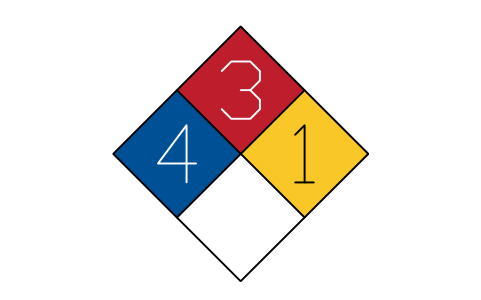
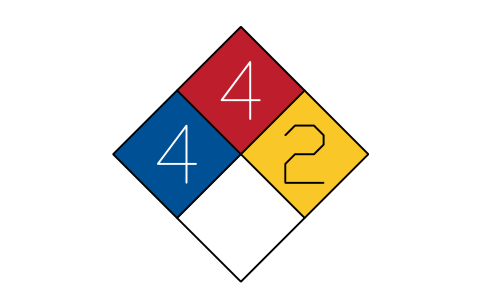
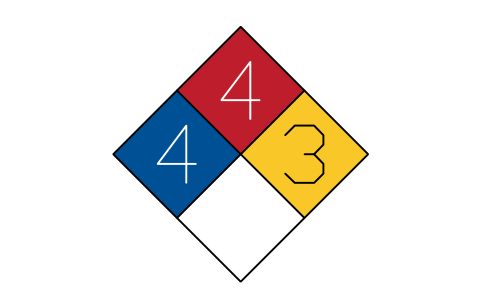
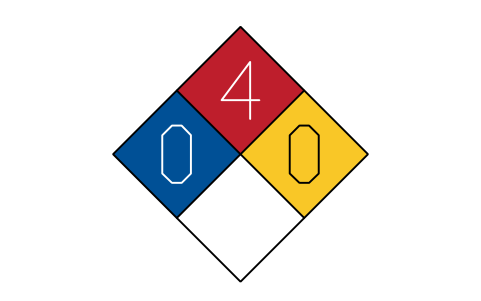
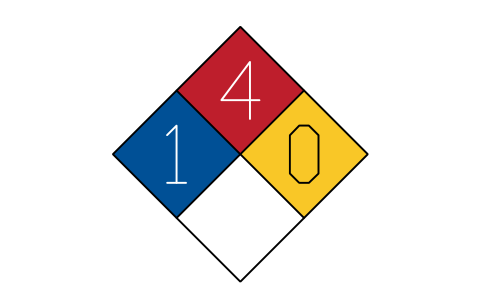
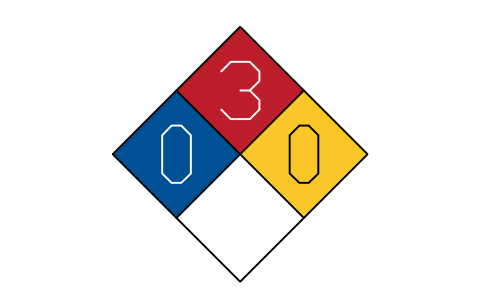
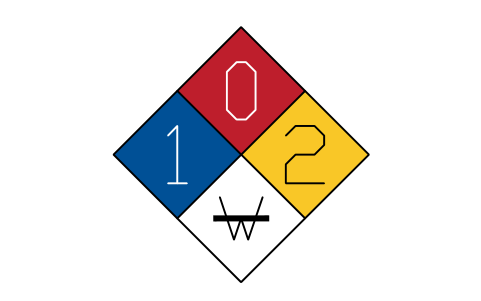
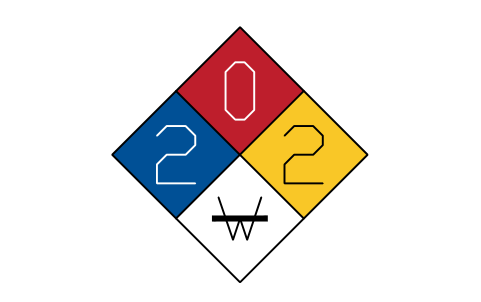
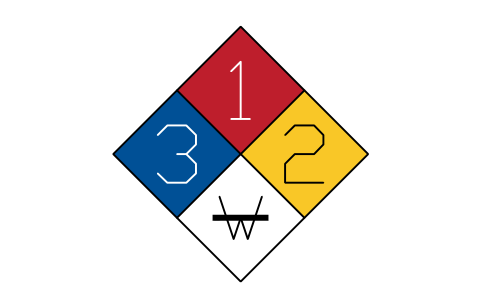
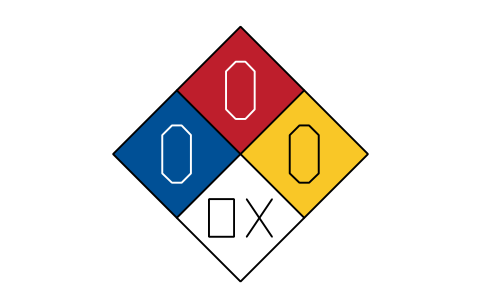
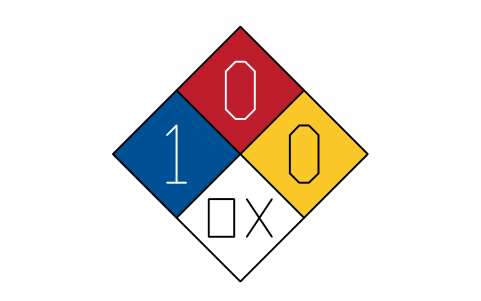
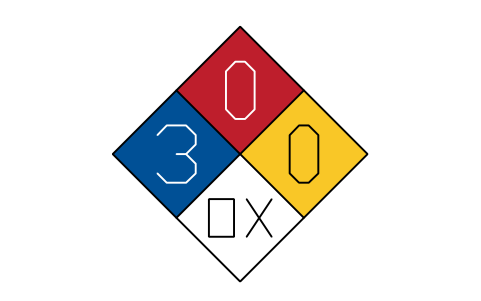
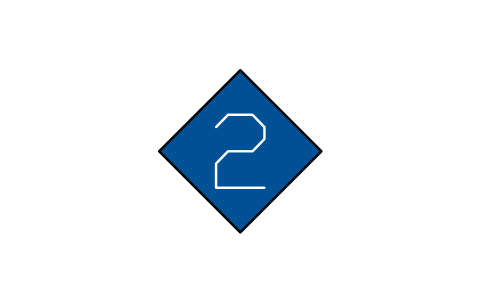
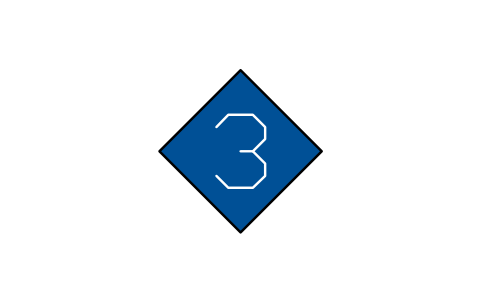
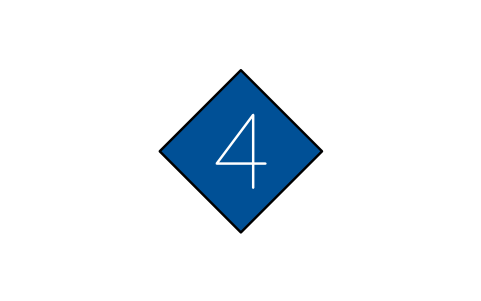
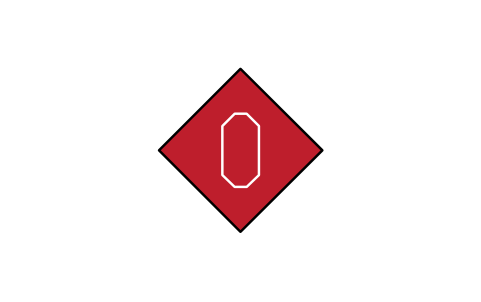

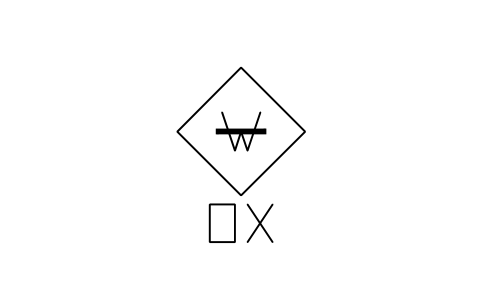
Water reactive and oxidizer
NFP_SPECIAL_W_OXAttributes
SUBSTANCELOCATIONREMARKSDESC
Missing a symbol? Tell us which one.
Attributes for parts lists
The visible attributes of the editable diamonds are HEALTH, FLAMMABILITY and INSTABILITY (0 to 4) and, where there is a special hazard field, SPECIAL (W, OX, SA or empty). Change them with a double click or the attribute editor. Invisible attributes carry SUBSTANCE, LOCATION and REMARKS for your chemical inventory or placard list.
Export the diamonds of a plan to Excel with BlockSync to get a list of storage areas with their ratings in one sheet, check it against your hazard assessments and write corrections back in one run, with preview and backup.
How to use the library
- Unzip the file and open the DWG. Copy the symbols you need into your plan, or drag the blocks in from DesignCenter (ADCENTER).
- A diamond is drawn 22 mm on the side (31 mm tall), so it fits a plan or a drawing sheet directly. For a real placard scale the block to the size you need; the standard gives sizes from 64 mm to 254 mm on the side. The insertion point is the centre of the diamond.
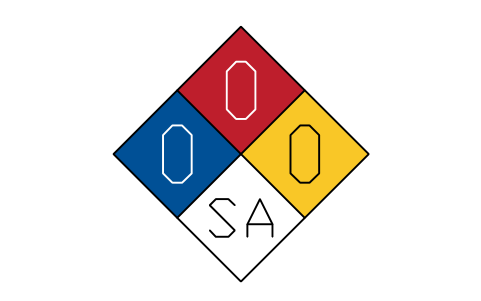
- The fields are solid colour fills on their own layers, blue for health on the left, red for flammability on top, yellow for instability on the right and white for the special hazards at the bottom. The outline and dividing lines are on layer SYMBOL, so the colours stay visible on any background and you can switch a colour layer off or change it.
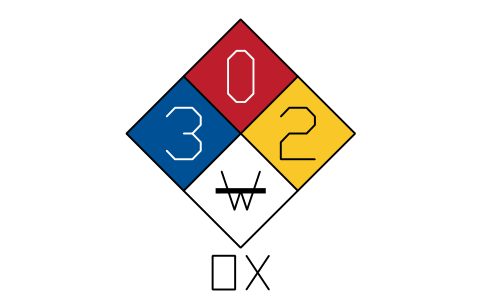
- Use the editable diamonds when the ratings come from your own assessment and the finished examples to see how a layout looks. The W with a bar and the OX, SA marks of the fixed forms are drawn; the editable diamond with the SPECIAL attribute takes the text you type. With both W and OX, W goes inside the field and OX directly below the diamond, as the standard asks.
About the standard
The symbols follow NFPA 704, Standard System for the Identification of the Hazards of Materials for Emergency Response, 2012 edition: the diamond with four fields in the positions and colours of the standard, ratings 0 to 4 for health, flammability and instability, and the special hazard marks W (water reactive, drawn with a bar through it), OX (oxidizer) and SA (simple asphyxiant). The 2012 edition is the one we checked; later editions exist.
The blocks are our own drawings after the figures of the standard, not copies, and the library is not certified. The library does not assign ratings: the criteria for each rating are in the standard and your hazard assessment decides. Check the current edition and the rules of your local authority.
Frequently asked questions
- What do the colours and positions mean?
- Left blue is health, top red is flammability, right yellow is instability, bottom white is for special hazards. Each of the first three carries a number from 0 (no special hazard) to 4 (severe hazard). The special field may hold W, OX or SA. The criteria for each number are in the standard.
- What size should I use for a real placard?
- The standard gives minimum sizes by the viewing distance, from 64 mm to 254 mm on the side of the diamond. Draw the block at 22 mm for plans and scale it for placards, for example by 2.9 for a 64 mm diamond or by 5.8 for 127 mm. The standard's table lists the numeral sizes that go with each diamond.
- Can I use the symbols in commercial projects?
- Yes. They are free to use and modify in your own projects, including commercial ones. They are provided as is, without warranty.
- Do the examples tell me the ratings of a chemical?
- No. The examples only show how a combination of ratings looks, for example 3-2-1. The rating of a substance comes from the criteria of the standard and your own hazard assessment or the data sheet of the product.
- Can I change a symbol or add attributes?
- Yes. Open the DWG, edit a block with BEDIT to change it or add attributes, and save. To update drawings that already contain the block, run ATTSYNC or replace the block. Make a backup first: attribute values can be lost if ATTSYNC is used carelessly.
- Where do I find a ready-made set of these symbols for AutoCAD?
- AutoCAD itself ships only a small set of sample blocks, so a full symbol set has to come from a library. Download the ZIP on this page and open the DWG: every symbol is a block. Insert one with INSERT (Blocks palette, Libraries tab, then pick the DWG) or drag it from DesignCenter (ADCENTER). You can also download a single symbol on its own.
Count the symbols and build a parts list
Because ratings and part numbers are attributes, the symbols of a whole project can be counted and listed without opening the drawings. Export the blocks to Excel, total them with a pivot table and write corrections back in one run, with preview and backup.
See how to count blocks with BlockSync