
ResourcesRadiation protection and nuclear facility layout
Injection chair, shielded symbol (DWG block)
Injection chair, shielded is a ready-to-use AutoCAD block named RAD_INJECTION_CHAIR in the Radiation protection and nuclear facility layout, group “Nuclear medicine and radiotherapy”. It carries 9 attributes, 1 of them visible, so it works in equipment lists and BlockSync exports.
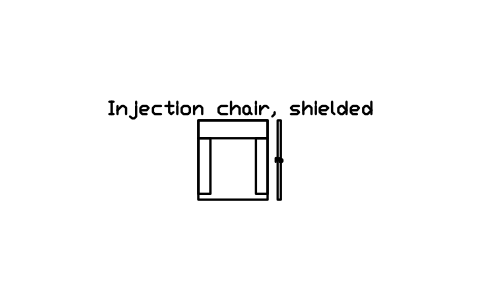
Block details
| Block name | RAD_INJECTION_CHAIR |
|---|---|
| Library | Radiation protection and nuclear facility layout |
| Group | Nuclear medicine and radiotherapy |
| Attributes | 9 attributes, 1 visible |
Attributes
Visible on the drawing: DESIGNATION.
Hidden, they carry the data for schedules: SIZE, LEAD_EQUIVALENT_MM, RADIONUCLIDE, MANUFACTURER, MODEL, QTY, REMARKS, DESC.
Export the attributes of every copy in a drawing to Excel with BlockSync, check them and write the corrections back in one run.
How to use it
- Download the ZIP and unzip it. It holds one DWG with the block RAD_INJECTION_CHAIR.
- Open the DWG and copy the block into your drawing, or insert it from the DWG with INSERT.
- Double-click a copy to fill in the tag and the other attributes.
Used in sample drawings
The Injection chair, shielded symbol is placed in these finished sample drawings, so you can see how it is used on a real sheet:
The symbol is our own drawing after the common form of Radiation protection and nuclear facility layout, not a certified copy. The library page explains how the symbols relate to the standard.
Names in other languages
The same symbol under its name in the other site languages.
- English
- Injection chair, shielded
- Simplified Chinese
- 注射椅,带屏蔽
- Traditional Chinese
- 注射椅,帶遮蔽
- Japanese
- 注射用チェア、遮蔽付き
- Korean
- 주사 의자, 차폐형
- German
- Injektionsstuhl, abgeschirmt
- French
- Fauteuil d'injection, blindé
- Italian
- Poltrona per iniezione, schermata
- Spanish
- Sillón de inyección, blindado
More symbols in the group “Nuclear medicine and radiotherapy”
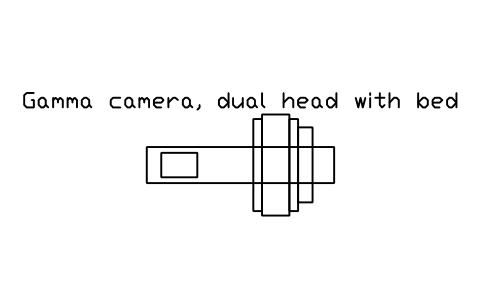 Gamma camera, dual head with bed
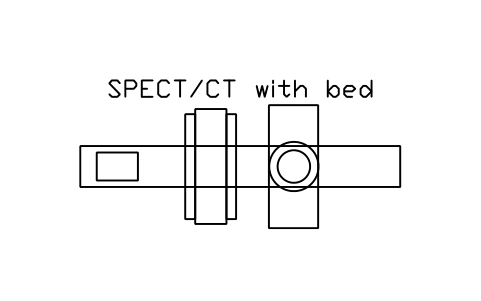 SPECT/CT with bed
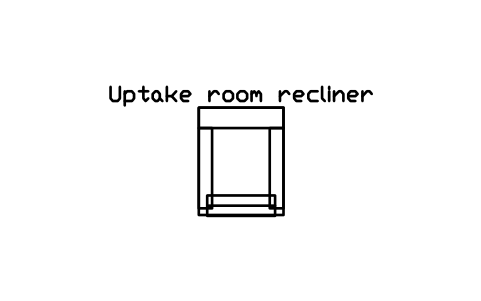 Uptake room recliner
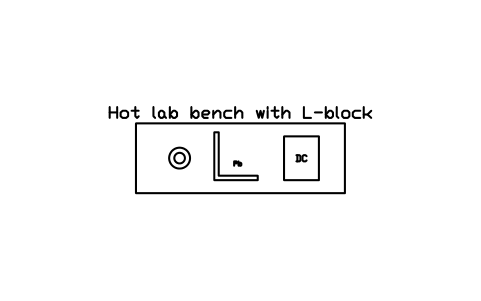 Hot lab bench with L-block
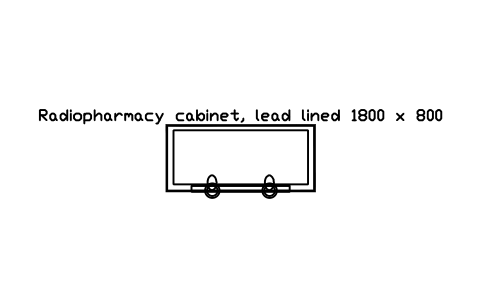 Radiopharmacy cabinet, lead lined 1800 x 800
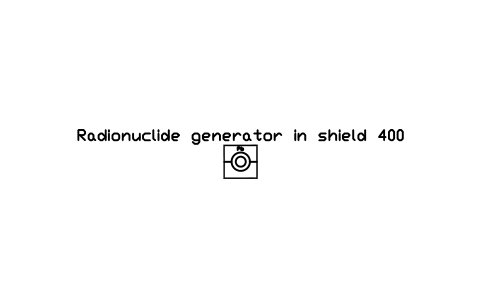 Radionuclide generator in shield 400
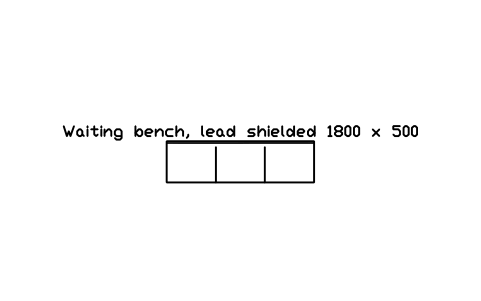 Waiting bench, lead shielded 1800 x 500
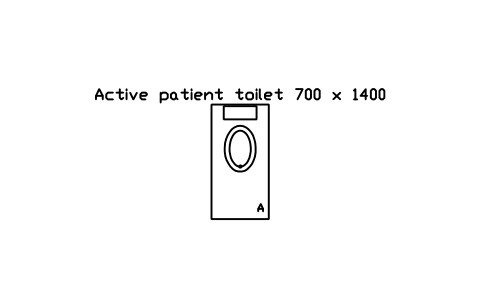 Active patient toilet 700 x 1400
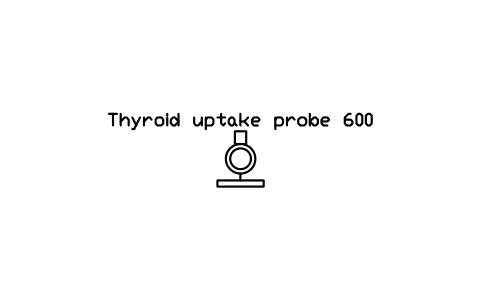 Thyroid uptake probe 600
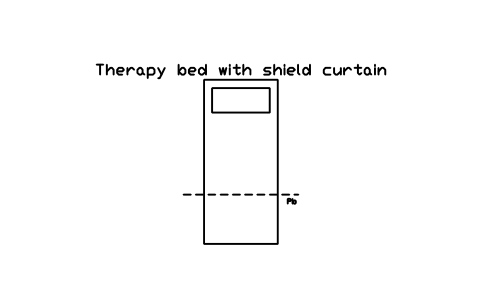 Therapy bed with shield curtain
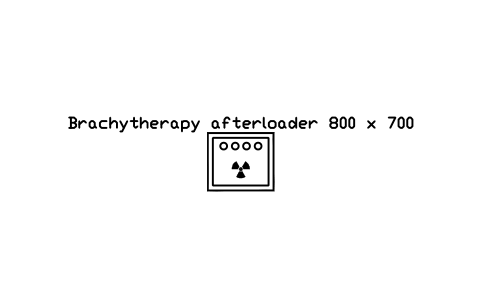 Brachytherapy afterloader 800 x 700
 Linear accelerator, plan