
ResourcesRadiation protection and nuclear facility layout
Labyrinth entrance, 2 legs symbol (DWG block)
Labyrinth entrance, 2 legs is a ready-to-use AutoCAD block named RAD_LABYRINTH in the Radiation protection and nuclear facility layout, group “Shielding walls and doors”. It carries 6 attributes, 1 of them visible, so it works in equipment lists and BlockSync exports.
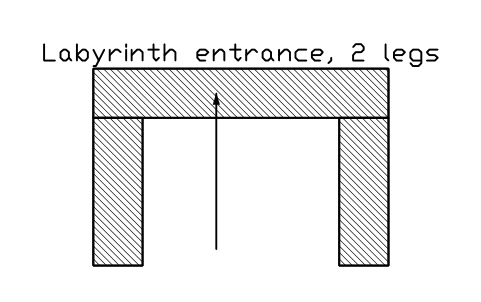
Block details
| Block name | RAD_LABYRINTH |
|---|---|
| Library | Radiation protection and nuclear facility layout |
| Group | Shielding walls and doors |
| Attributes | 6 attributes, 1 visible |
Attributes
Visible on the drawing: DESIGNATION.
Hidden, they carry the data for schedules: SIZE, SHIELD_THICKNESS_MM, DOSE_RATE_USV_H, REMARKS, DESC.
Export the attributes of every copy in a drawing to Excel with BlockSync, check them and write the corrections back in one run.
How to use it
- Download the ZIP and unzip it. It holds one DWG with the block RAD_LABYRINTH.
- Open the DWG and copy the block into your drawing, or insert it from the DWG with INSERT.
- Double-click a copy to fill in the tag and the other attributes.
The symbol is our own drawing after the common form of Radiation protection and nuclear facility layout, not a certified copy. The library page explains how the symbols relate to the standard.
Names in other languages
The same symbol under its name in the other site languages.
- English
- Labyrinth entrance, 2 legs
- Simplified Chinese
- 迷道入口,2段
- Traditional Chinese
- 迷道入口,2段
- Japanese
- 迷路入口、2脚
- Korean
- 미로 출입구, 2단
- German
- Labyrintheingang, 2 Schenkel
- French
- Entrée en labyrinthe, 2 branches
- Italian
- Ingresso a labirinto, 2 tratti
- Spanish
- Entrada en laberinto, 2 tramos
More symbols in the group “Shielding walls and doors”
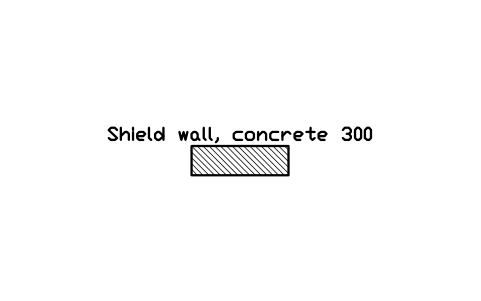 Shield wall, concrete 300
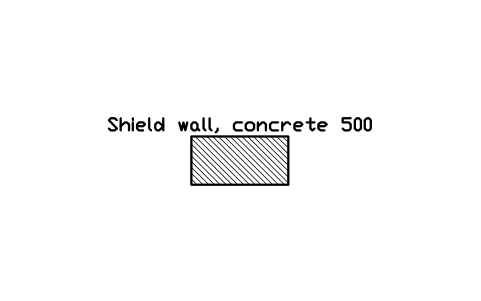 Shield wall, concrete 500
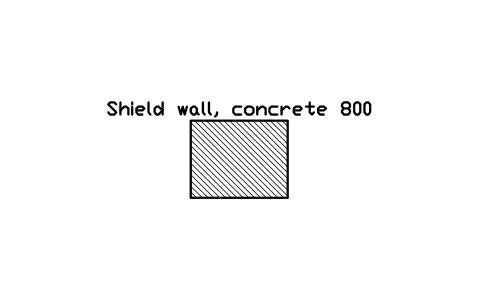 Shield wall, concrete 800
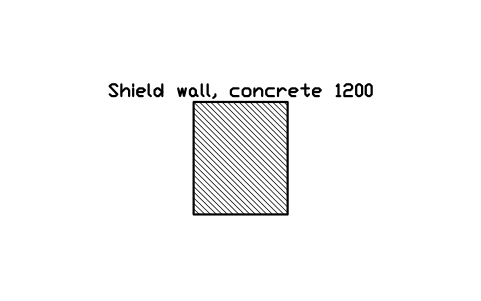 Shield wall, concrete 1200
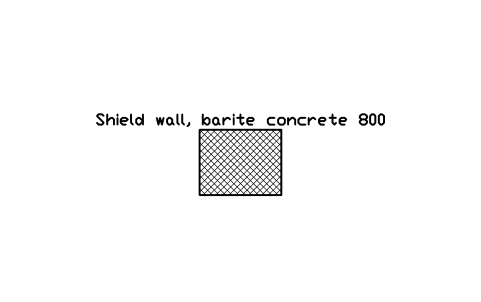 Shield wall, barite concrete 800
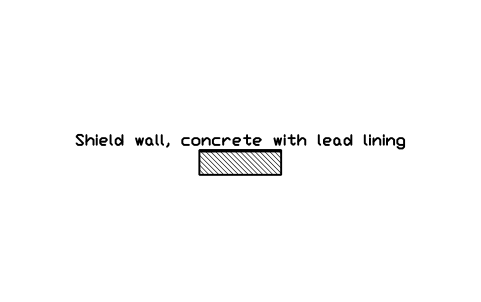 Shield wall, concrete with lead lining
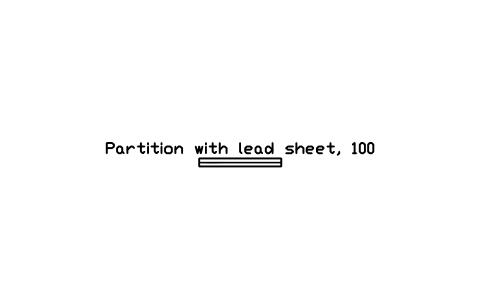 Partition with lead sheet, 100
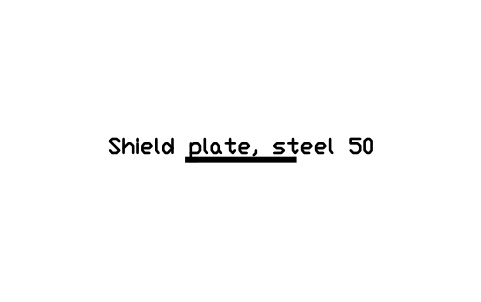 Shield plate, steel 50
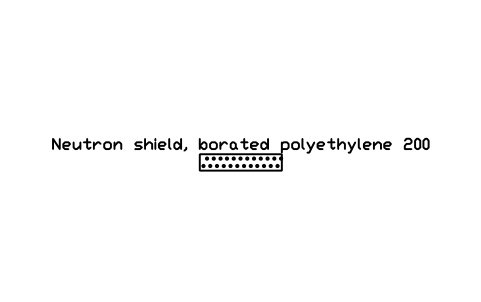 Neutron shield, borated polyethylene 200
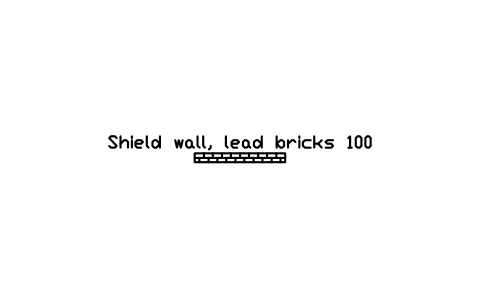 Shield wall, lead bricks 100
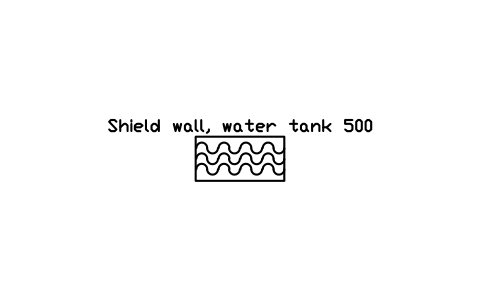 Shield wall, water tank 500
 Shield blocks, stacked 1200 x 800