
ResourcesRadiation protection and nuclear facility layout
Lead pig, 300 symbol (DWG block)
Lead pig, 300 is a ready-to-use AutoCAD block named RAD_LEAD_PIG in the Radiation protection and nuclear facility layout, group “Hot cells, glove boxes and handling”. It carries 10 attributes, 1 of them visible, so it works in equipment lists and BlockSync exports.
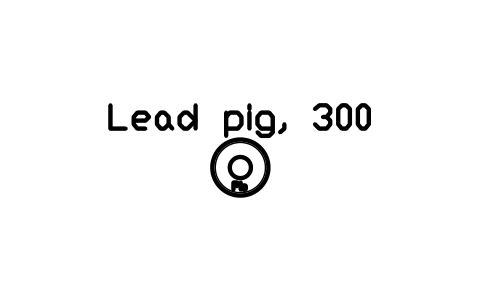
Block details
| Block name | RAD_LEAD_PIG |
|---|---|
| Library | Radiation protection and nuclear facility layout |
| Group | Hot cells, glove boxes and handling |
| Attributes | 10 attributes, 1 visible |
Attributes
Visible on the drawing: DESIGNATION.
Hidden, they carry the data for schedules: SIZE, LEAD_EQUIVALENT_MM, RADIONUCLIDE, ACTIVITY_MBQ, MANUFACTURER, MODEL, QTY, REMARKS, DESC.
Export the attributes of every copy in a drawing to Excel with BlockSync, check them and write the corrections back in one run.
How to use it
- Download the ZIP and unzip it. It holds one DWG with the block RAD_LEAD_PIG.
- Open the DWG and copy the block into your drawing, or insert it from the DWG with INSERT.
- Double-click a copy to fill in the tag and the other attributes.
The symbol is our own drawing after the common form of Radiation protection and nuclear facility layout, not a certified copy. The library page explains how the symbols relate to the standard.
Names in other languages
The same symbol under its name in the other site languages.
- English
- Lead pig, 300
- Simplified Chinese
- 铅罐,300
- Traditional Chinese
- 鉛罐,300
- Japanese
- 鉛ピッグ、300
- Korean
- 납 용기, 300
- German
- Bleibehälter, 300
- French
- Conteneur en plomb, 300
- Italian
- Contenitore di piombo, 300
- Spanish
- Contenedor de plomo, 300
More symbols in the group “Hot cells, glove boxes and handling”
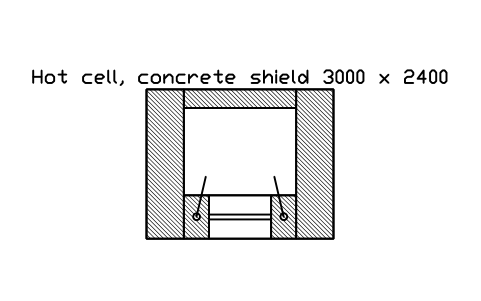 Hot cell, concrete shield 3000 x 2400
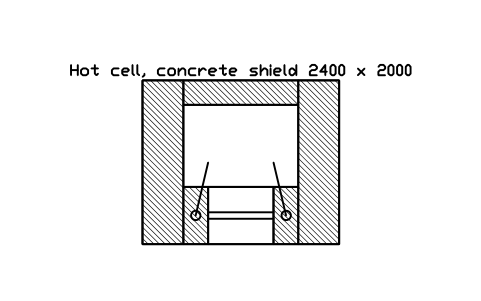 Hot cell, concrete shield 2400 x 2000
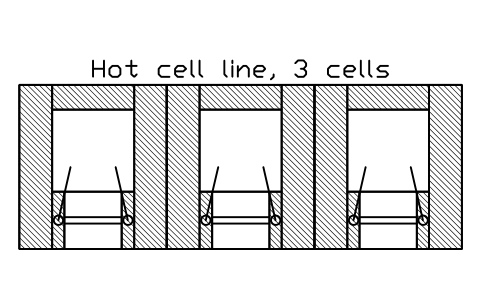 Hot cell line, 3 cells
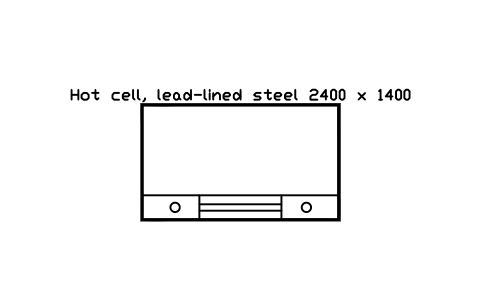 Hot cell, lead-lined steel 2400 x 1400
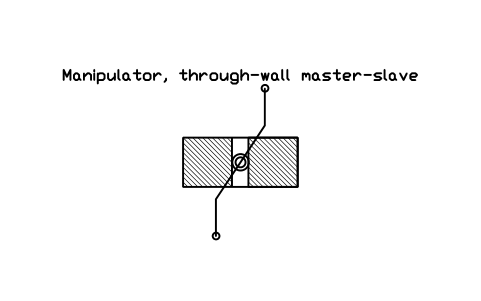 Manipulator, through-wall master-slave
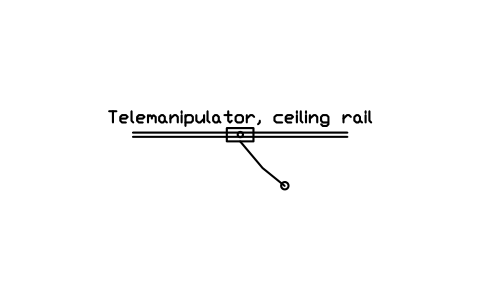 Telemanipulator, ceiling rail
 Rapid transfer port, 270
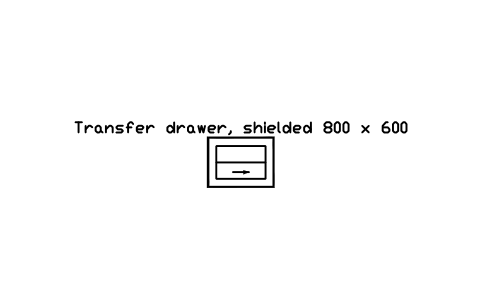 Transfer drawer, shielded 800 x 600
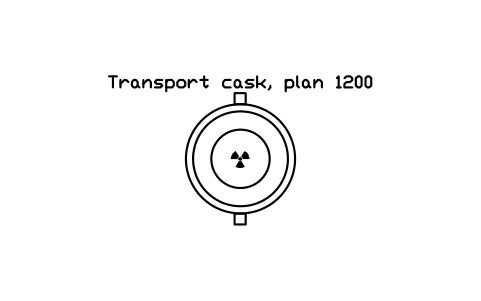 Transport cask, plan 1200
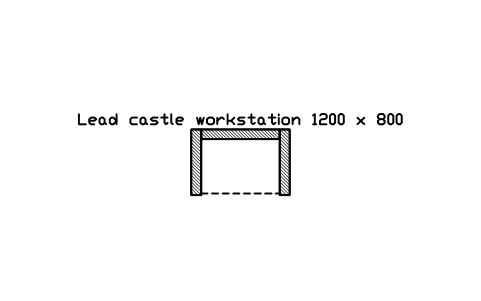 Lead castle workstation 1200 x 800
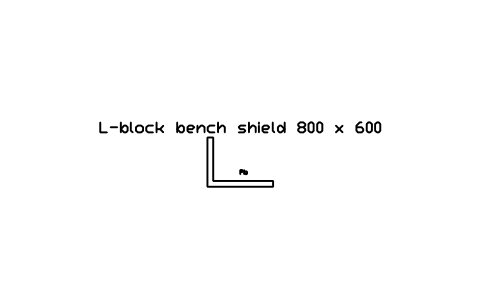 L-block bench shield 800 x 600
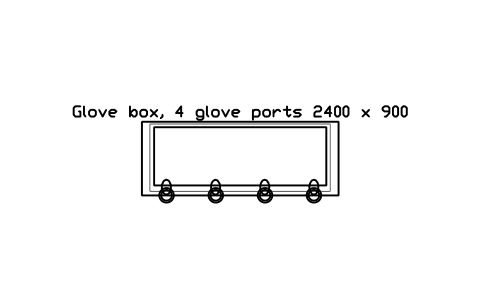 Glove box, 4 glove ports 2400 x 900