
ResourcesRailings, balustrades and handrails
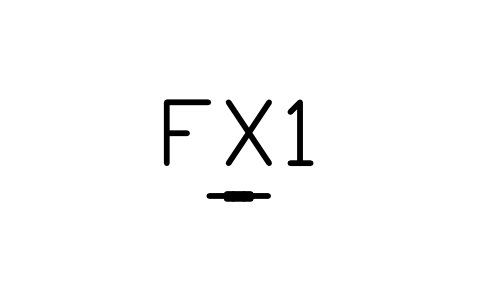
Post, in kerb sleeve symbol (DWG block)
Post, in kerb sleeve is a ready-to-use AutoCAD block named RLG_FIX_KERB in the Railings, balustrades and handrails, group “Fixings and connections”. It carries 12 attributes, 1 of them visible, so it works in equipment lists and BlockSync exports.
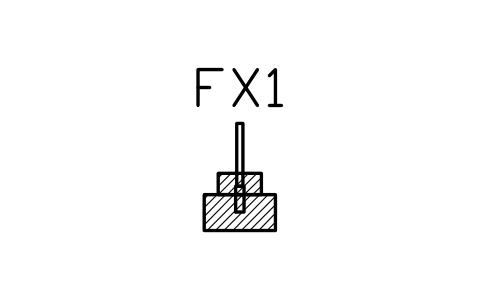
Block details
| Block name | RLG_FIX_KERB |
|---|---|
| Library | Railings, balustrades and handrails |
| Group | Fixings and connections |
| Attributes | 12 attributes, 1 visible |
Attributes
Visible on the drawing: TAG.
Hidden, they carry the data for schedules: FIXING, FIXINGS, PLATE_MM, MATERIAL, FINISH, SUBSTRATE, MANUFACTURER, MODEL, QTY, REMARKS, DESC.
Export the attributes of every copy in a drawing to Excel with BlockSync, check them and write the corrections back in one run.
How to use it
- Download the ZIP and unzip it. It holds one DWG with the block RLG_FIX_KERB.
- Open the DWG and copy the block into your drawing, or insert it from the DWG with INSERT.
- Double-click a copy to fill in the tag and the other attributes.
The symbol is our own drawing after the common form of Railings, balustrades and handrails, not a certified copy. The library page explains how the symbols relate to the standard.
Names in other languages
The same symbol under its name in the other site languages.
- English
- Post, in kerb sleeve
- Simplified Chinese
- 立柱,路缘套筒
- Traditional Chinese
- 立柱,路緣套筒
- Japanese
- 支柱、縁石スリーブ
- Korean
- 기둥, 연석 슬리브
- German
- Pfosten, in Bordsteinhülse
- French
- Poteau, fourreau en bordure
- Italian
- Montante, bussola nel cordolo
- Spanish
- Poste, manguito en bordillo
More symbols in the group “Fixings and connections”
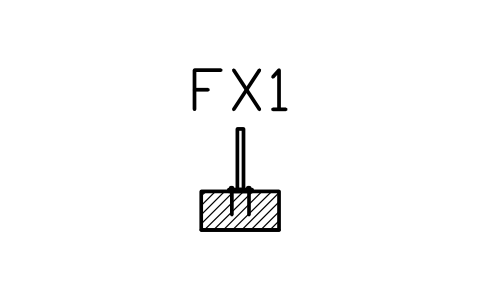 Post, top-fixed base plate
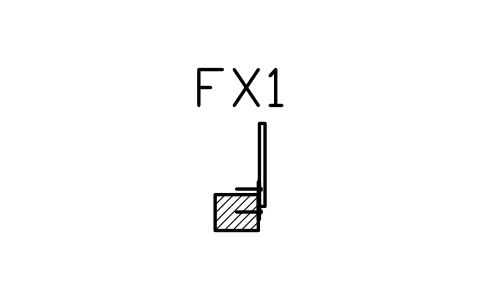 Post, side-fixed to fascia
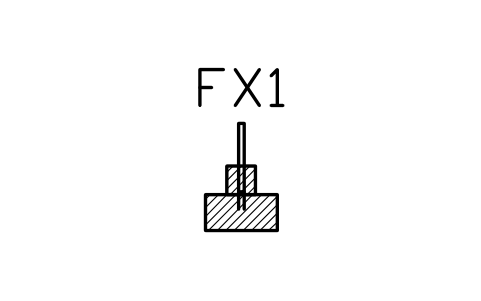 Post, cast into upstand
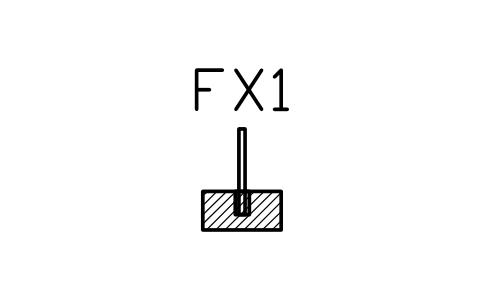 Post, core-drilled and grouted
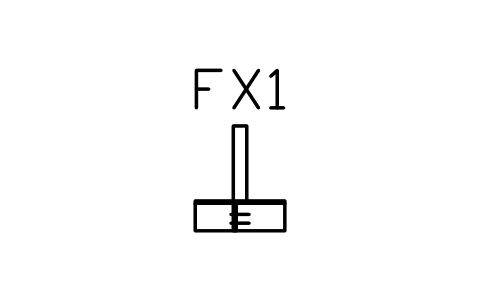 Timber post, bolted to joist
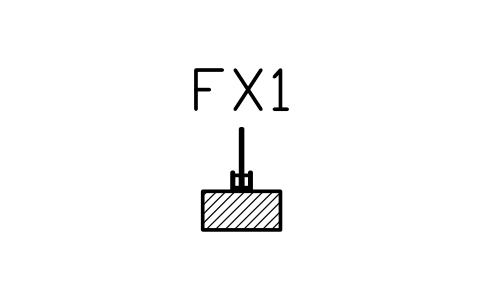 Glass, base channel on slab
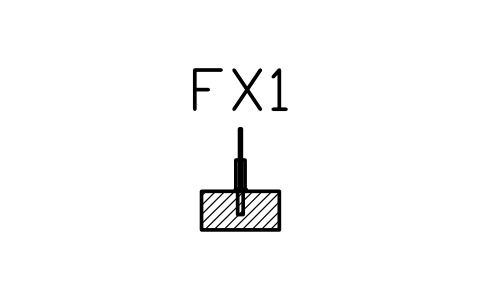 Glass, spigot on slab
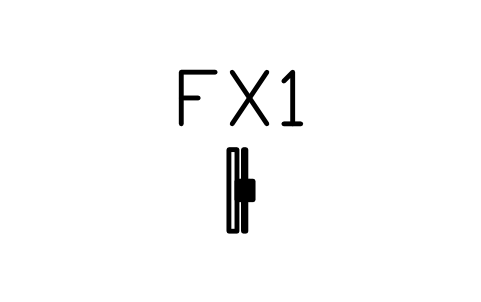 Glass, clamp on post
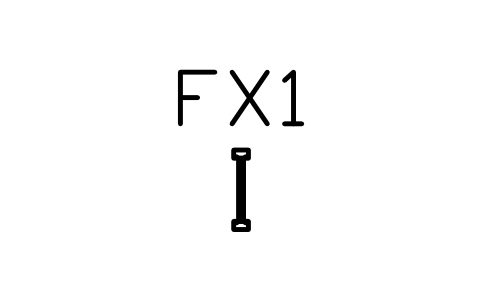 Baluster, welded to rails
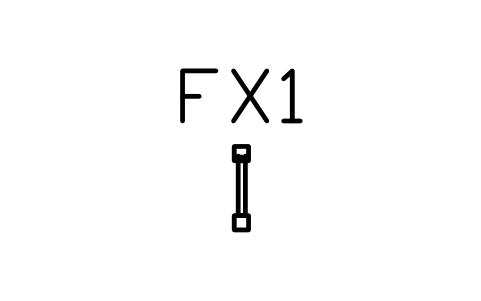 Baluster, housed in timber rails
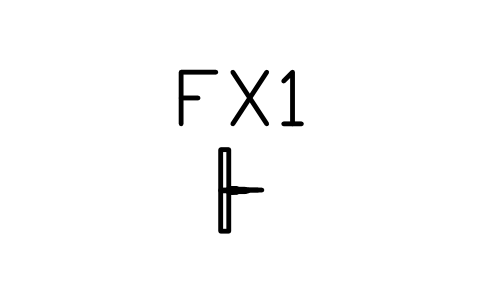 Cable end terminal, swaged
 Cable tensioner, turnbuckle