
Guides/AutoCAD troubleshooting
How to Hide or Show the AutoCAD Start Tab — STARTMODE 0 and 1
Updated November 24, 2026
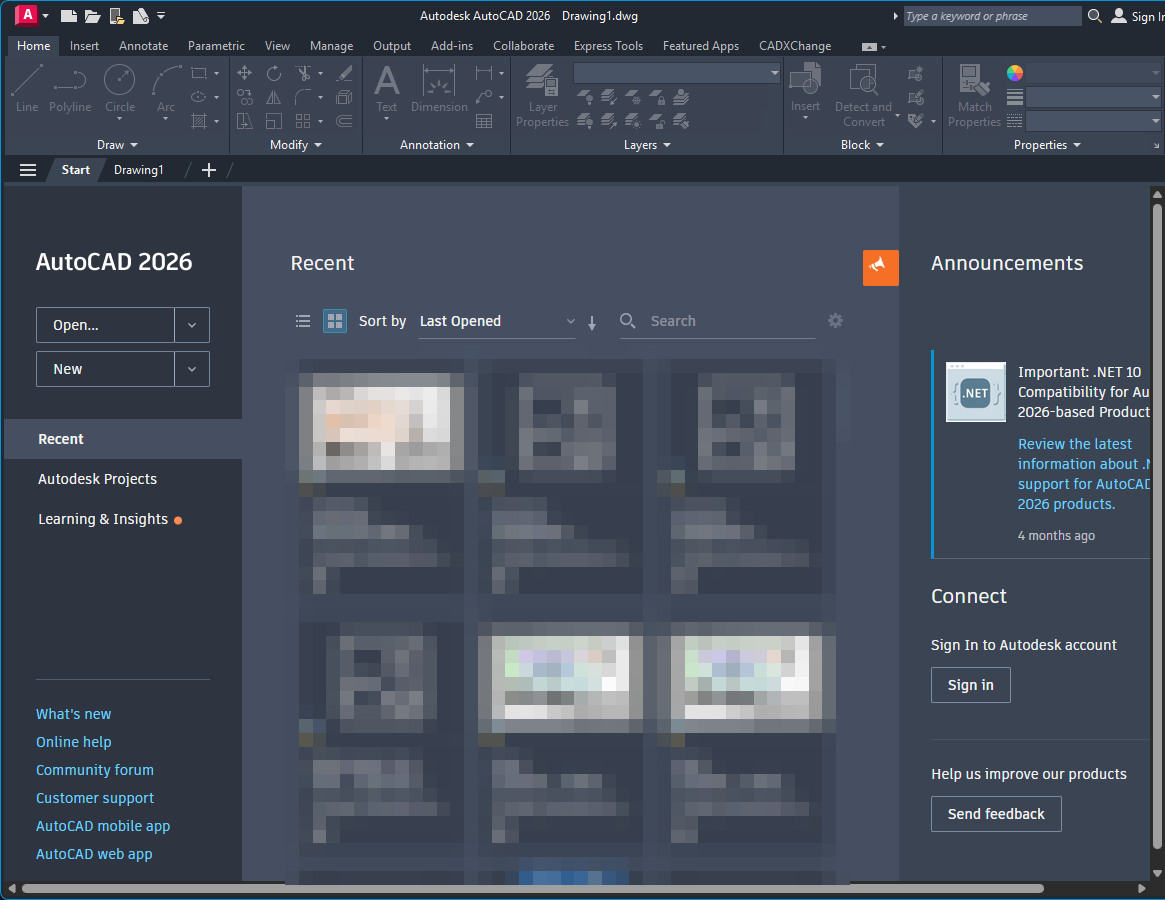
The first tab in AutoCAD is the Start tab: Open and New buttons, a list of recent drawings, announcements and links. Some people use it every day. Others find it gets in the way, or they want it back after it has disappeared.
The Start tab is controlled by one system variable, STARTMODE. 0 turns it off, 1 turns it on. This guide covers both directions, what you see when you do it, and why GOTOSTART sometimes answers that the Start tab is turned off. The screenshots are from AutoCAD 2026. STARTMODE exists in AutoCAD and AutoCAD LT from version 2016.
1. Turn the Start tab off: set STARTMODE to 0
The Start tab itself has no command line, so switch to a drawing tab first. Then type STARTMODE and press Enter. AutoCAD shows the current value in angle brackets. The normal value is 1, which means the Start tab is on. Type 0 and press Enter.

2. What you see afterwards
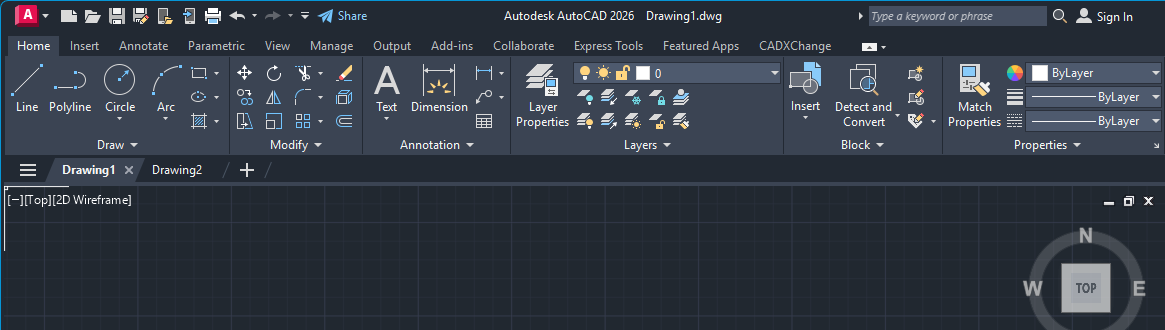
The Start tab closes at once. The tab bar now begins with your drawings, followed by the + button. The setting is saved in the registry, so the Start tab also stays off the next time you start AutoCAD.
In our test AutoCAD then opened Drawing1 at startup. What opens at startup also depends on the STARTUP system variable (it was 3 in our test, which is the Start tab with the ribbon preloaded), so the exact startup behavior can differ on your installation.
The + button keeps working: with the Start tab off it creates a new drawing from the default template.
3. GOTOSTART when the Start tab is off
While the Start tab is on, the GOTOSTART command switches from the current drawing back to it. When STARTMODE is 0, GOTOSTART has nothing to switch to. The command line says Start tab is currently turned off and ends with Not applicable.
This is the message that tells you the Start tab did not vanish by accident: it was turned off with STARTMODE.

4. Bring the Start tab back: set STARTMODE to 1
Type STARTMODE again and enter 1. The Start tab doesn't appear straight away. AutoCAD tells you it is unable to display it now and that it will be restored after the application is restarted. Autodesk's documentation says the same: changing the value from 0 to 1 needs a restart.
So close AutoCAD and start it again.

5. After the restart
The Start tab is back as the first tab, next to your drawing. From now on GOTOSTART takes you to it from any drawing, and the + button and the New button on the Start tab both start new drawings from your default template.
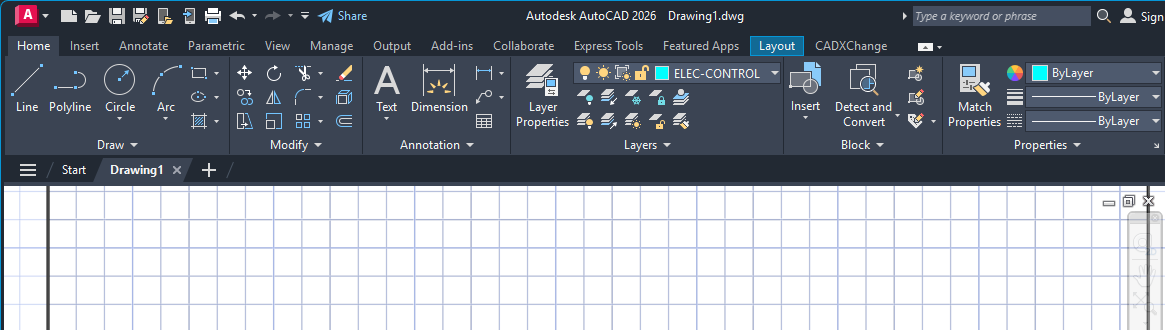
To hide the Start tab, type STARTMODE and enter 0; it goes away immediately and stays off. To get it back, enter 1 and restart AutoCAD. If GOTOSTART says the Start tab is turned off, that is STARTMODE at 0.
Before you start — common questions
- How do I turn off the Start tab in AutoCAD?
- Switch to a drawing, type STARTMODE and enter 0. The Start tab closes immediately and stays off the next time AutoCAD starts. The value is saved in the registry.
- Why is the Start tab missing in AutoCAD?
- STARTMODE is most likely set to 0. Type STARTMODE to see the value. If it is 0, enter 1 and restart AutoCAD to get the Start tab back.
- I set STARTMODE to 1 but the Start tab doesn't appear. Why?
- Changing STARTMODE from 0 to 1 only takes effect after you restart AutoCAD. AutoCAD says so on the command line: Unable to display Start tab. The Start tab will be restored after the application is restarted.
- What does GOTOSTART do, and why does it say the Start tab is turned off?
- GOTOSTART switches from the current drawing to the Start tab. If STARTMODE is 0 the Start tab is off, so the command reports Start tab is currently turned off and does nothing. Set STARTMODE to 1 and restart to use it again.
- Is STARTMODE saved in the drawing?
- No. It is saved in the registry, so it applies to every drawing and persists between sessions.