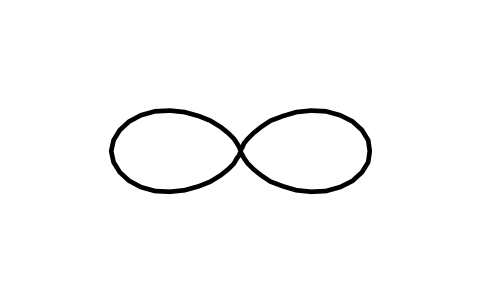
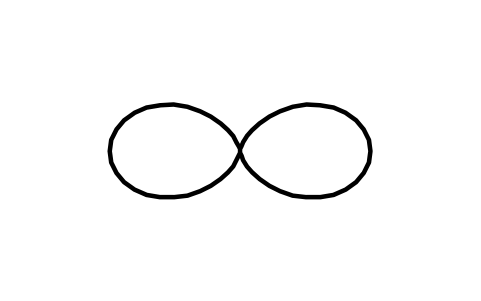
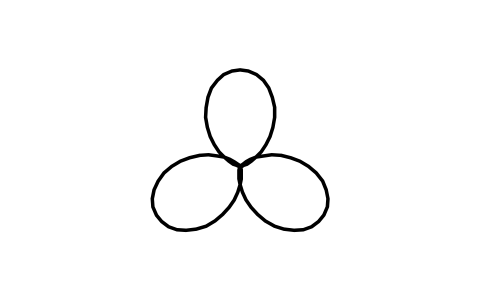
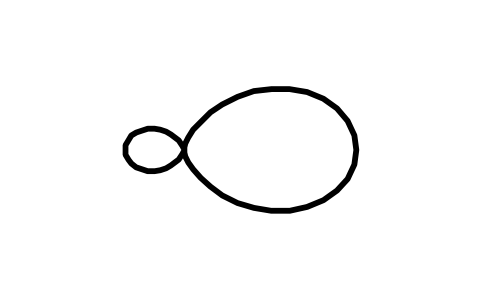
Free chemical structure drawing symbols for AutoCAD (DWG): rings, functional groups, reaction arrows
Chemical structure drawing symbols: 222 ready-made AutoCAD blocks (DWG), free to download and use in your own projects, as a ZIP or one symbol at a time.
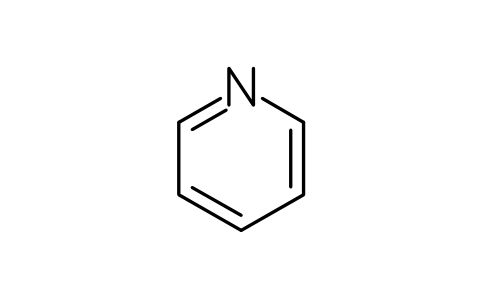
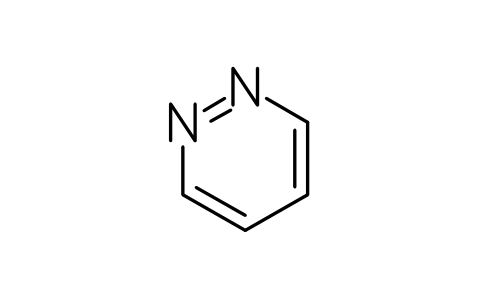
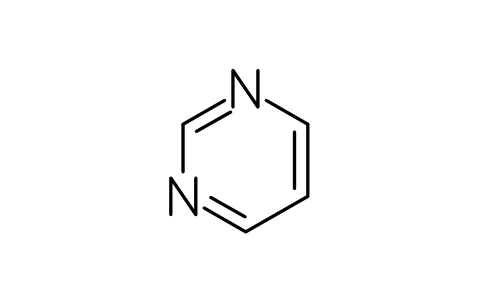
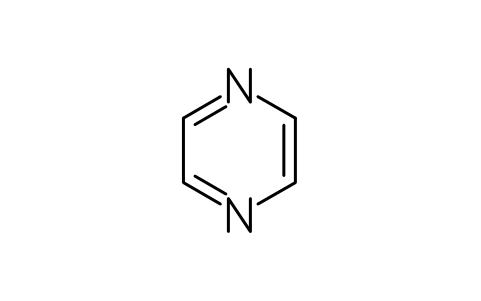
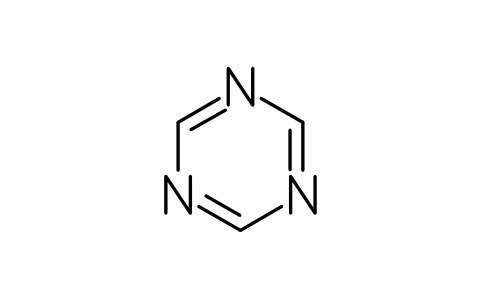
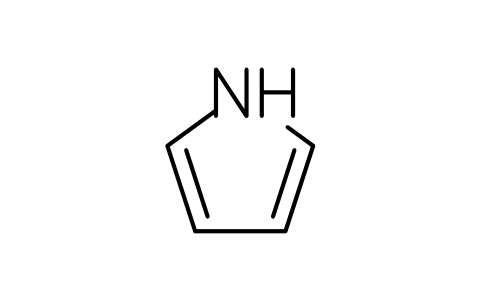
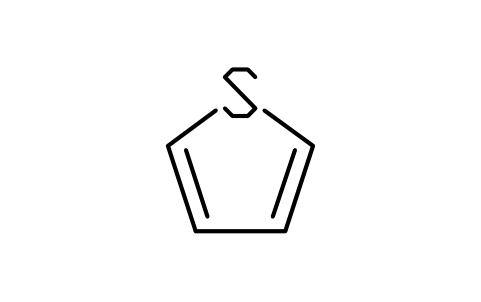
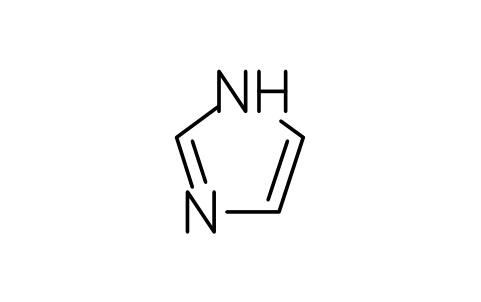
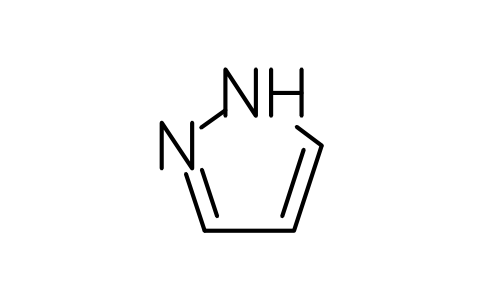
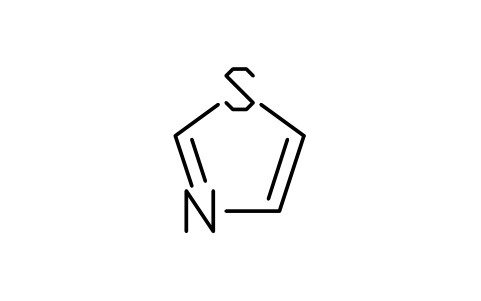
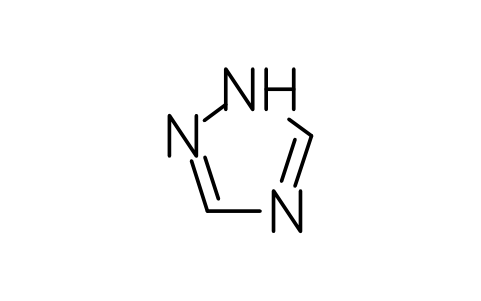
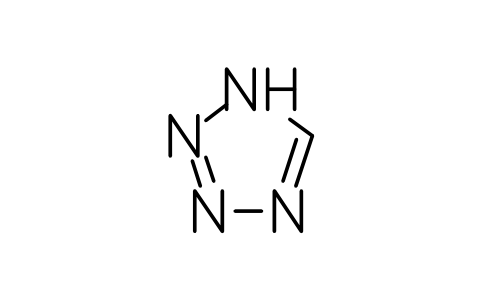
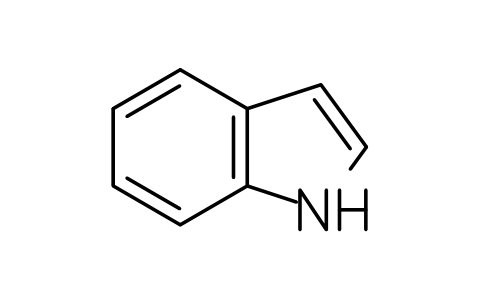
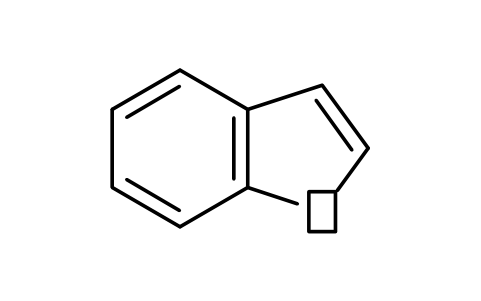
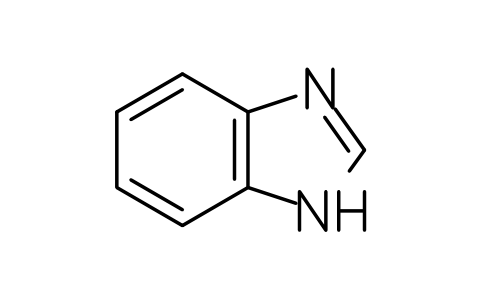
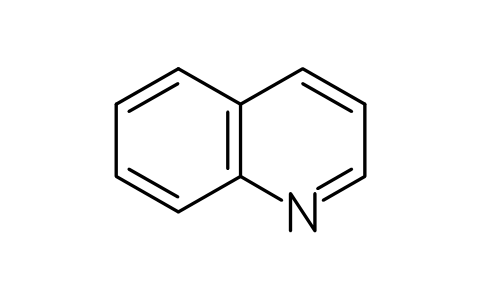
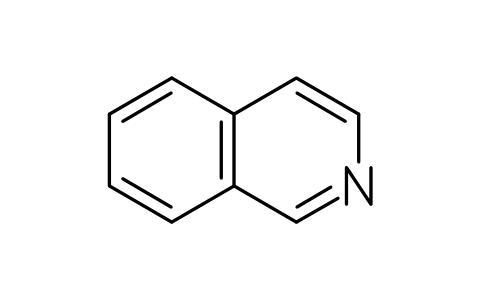
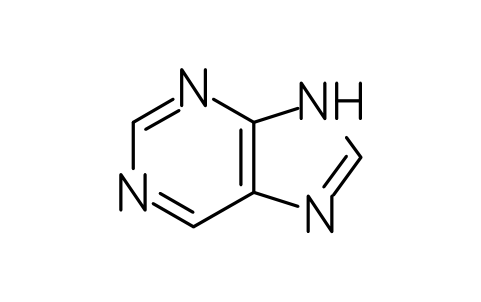
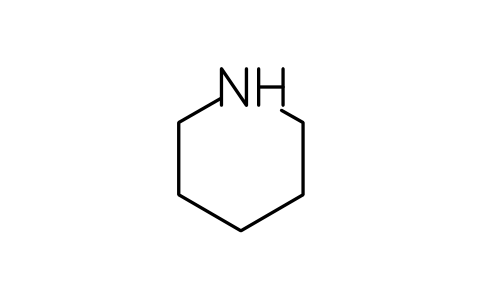
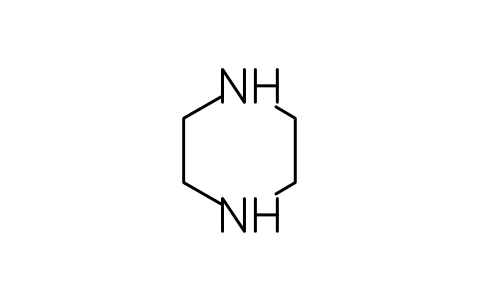
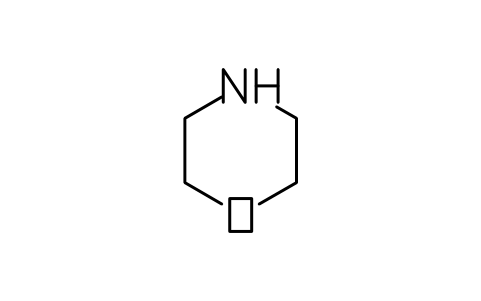
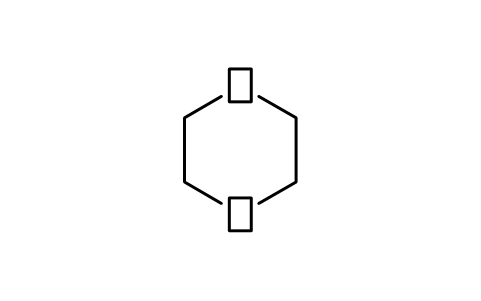
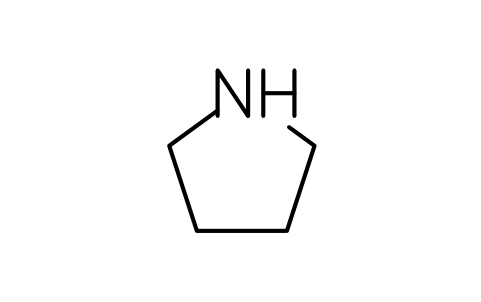
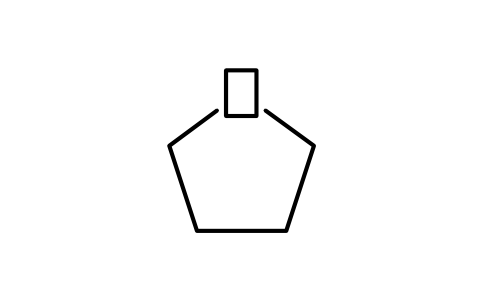
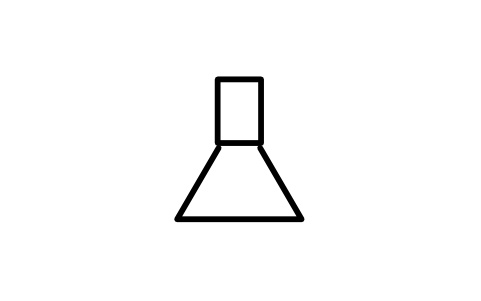
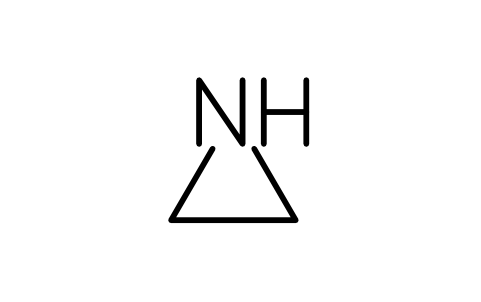
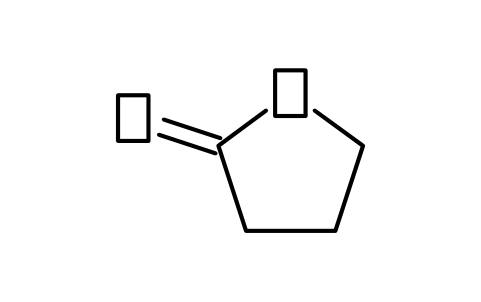
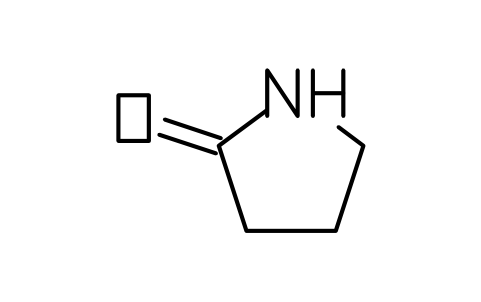
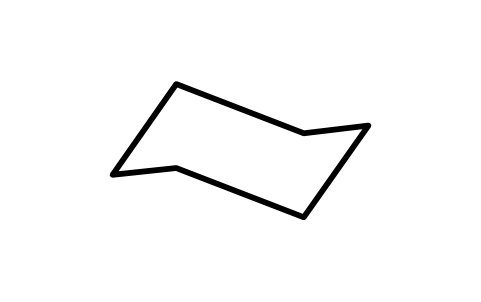
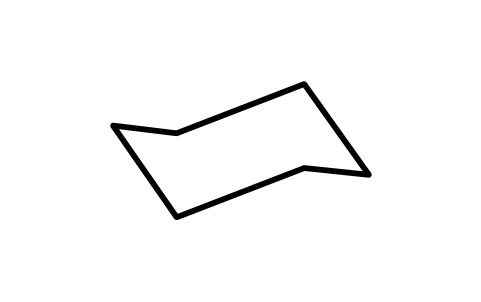
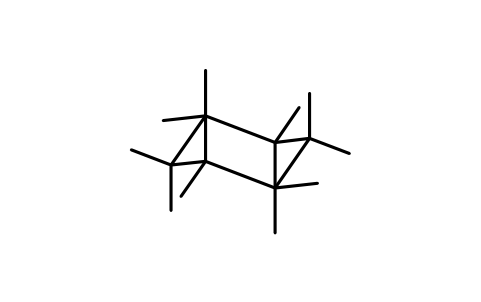
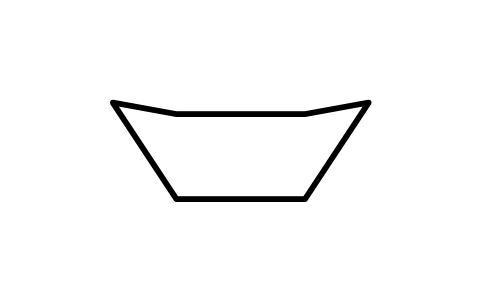
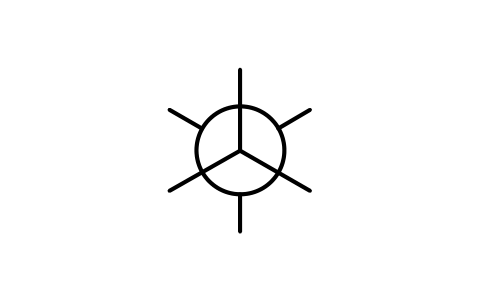
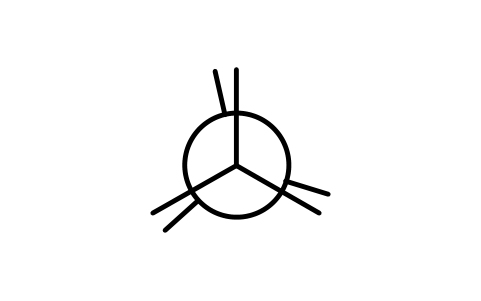
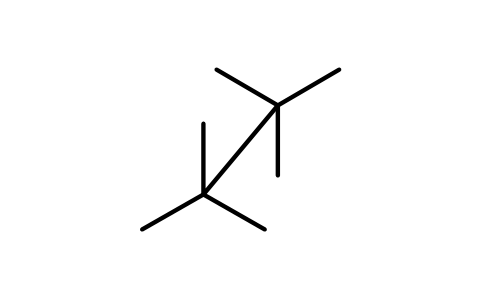
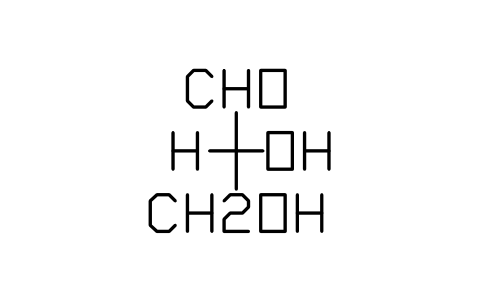
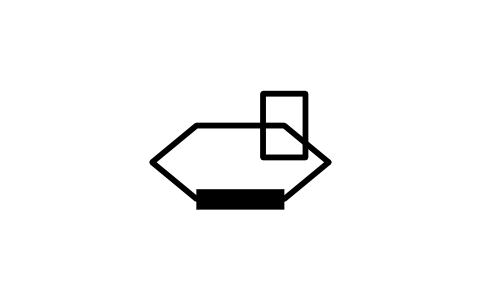
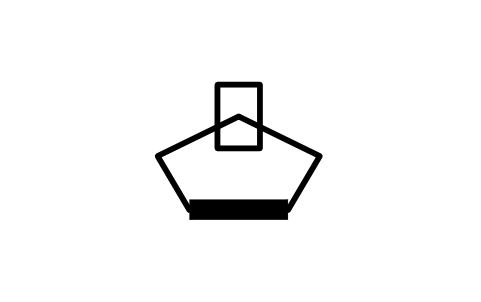
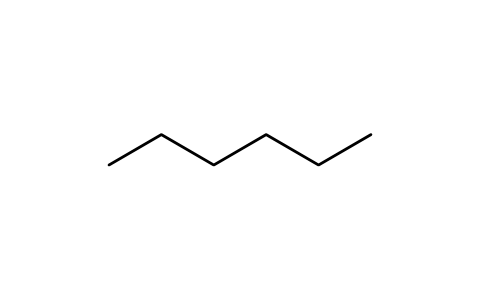
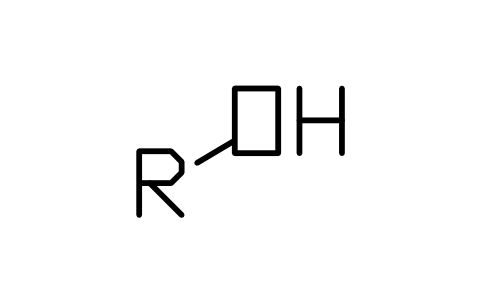
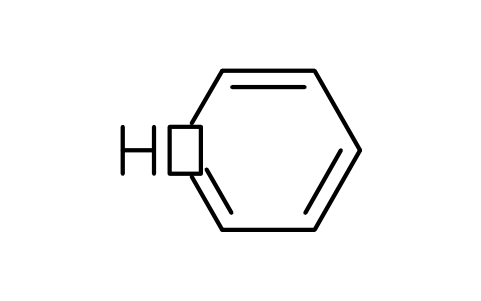
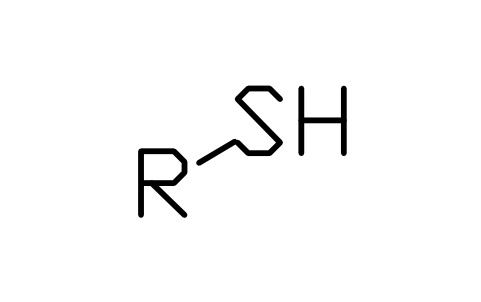
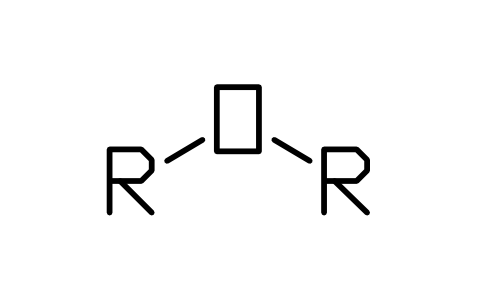
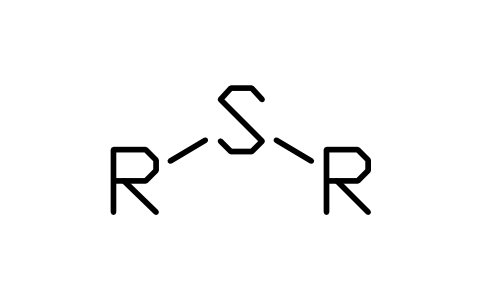
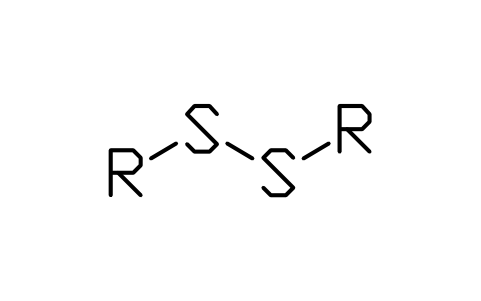
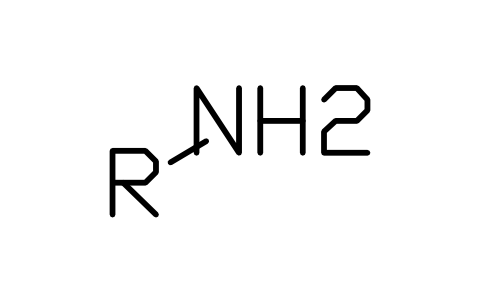
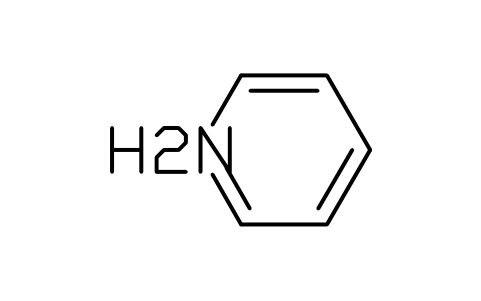
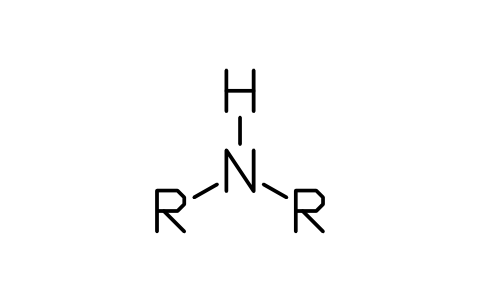
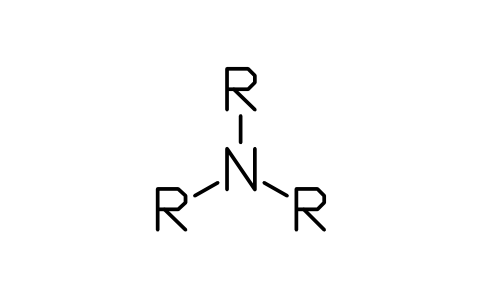
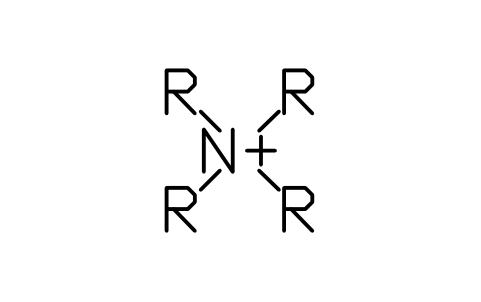
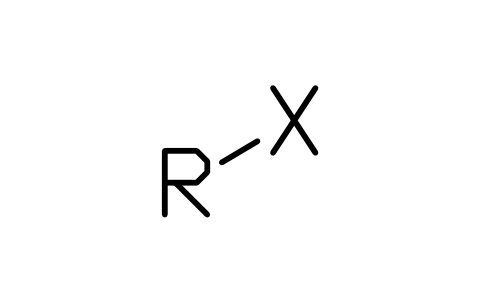
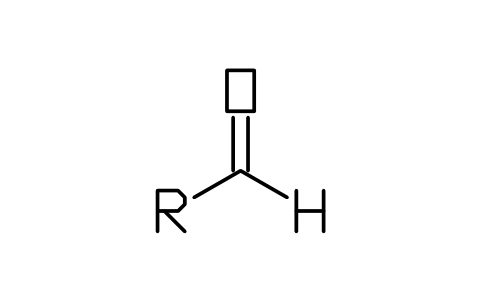
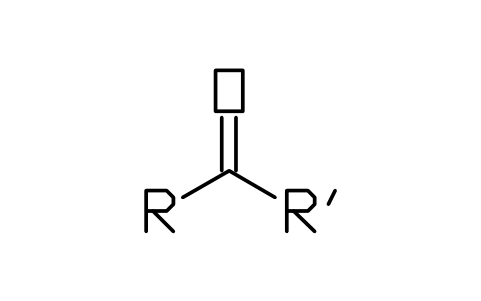
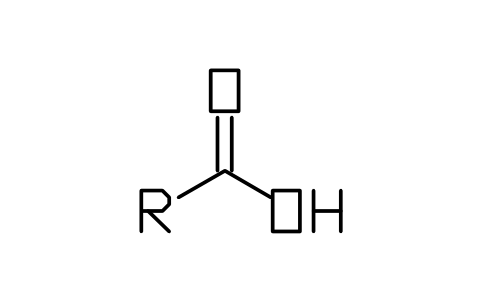
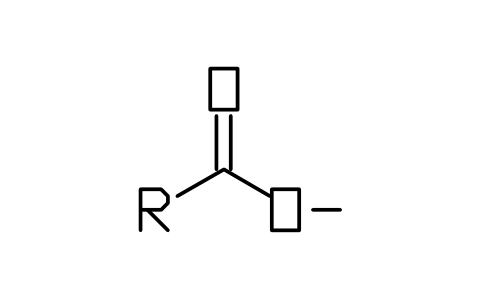
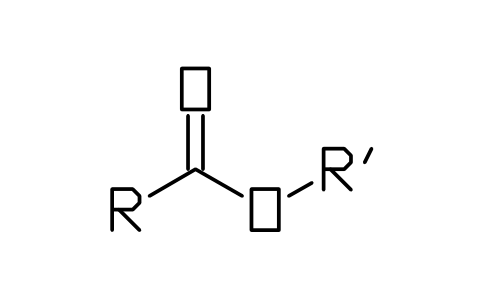
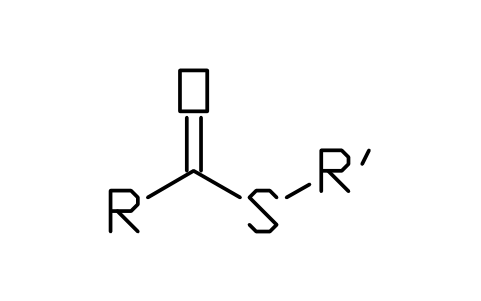
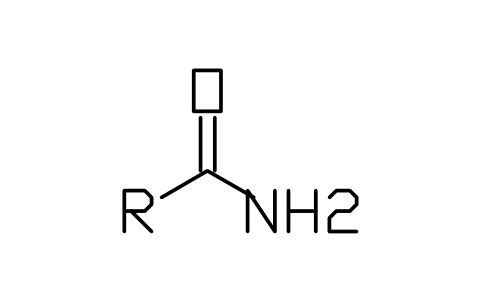
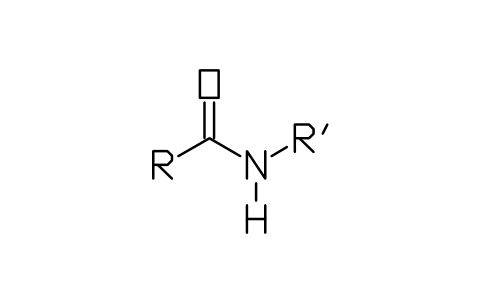
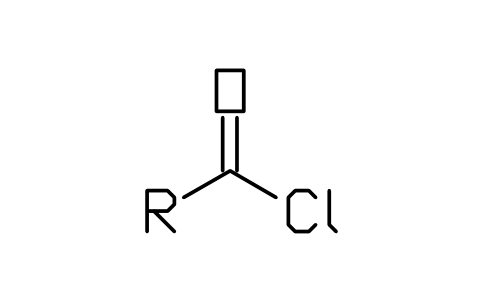
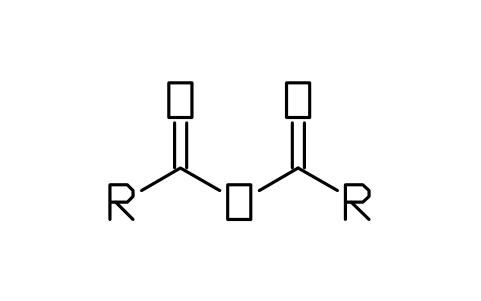
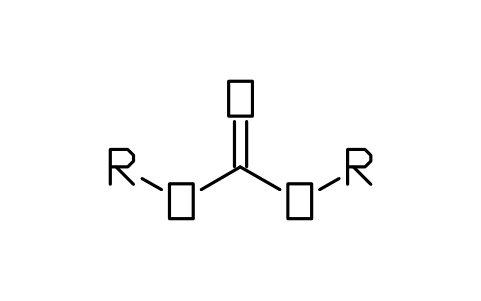
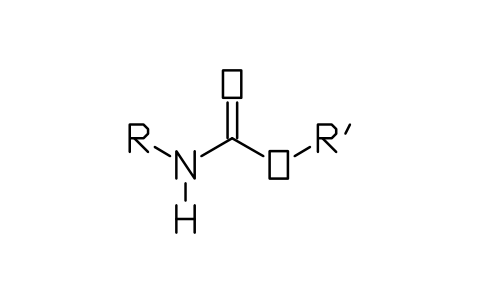
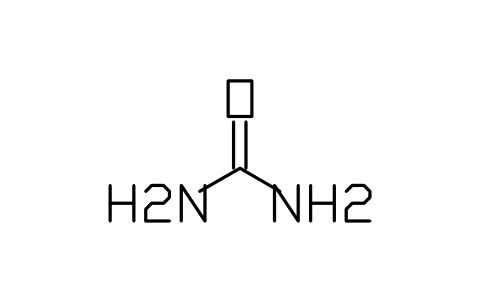
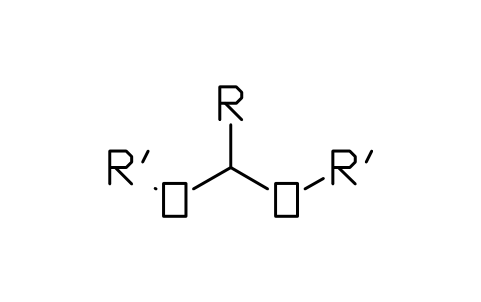
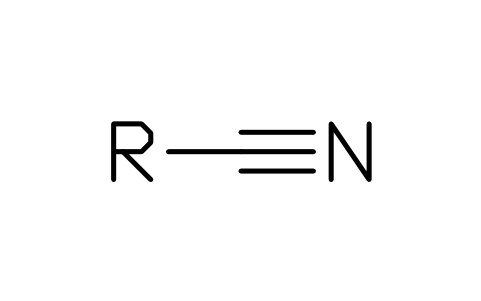
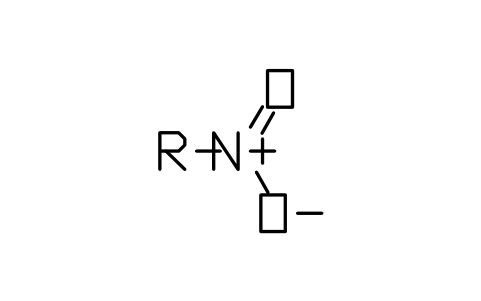
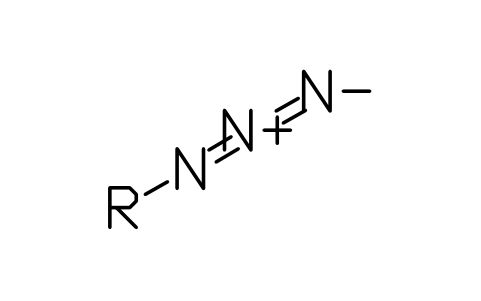
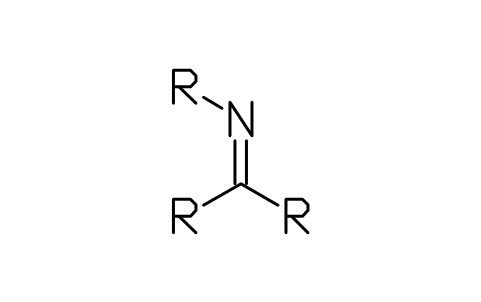
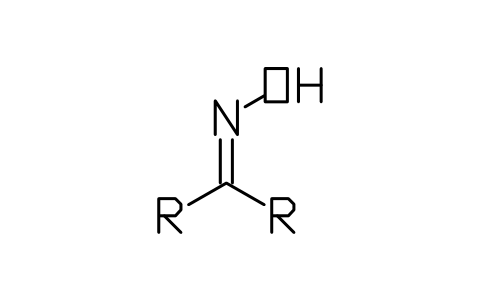
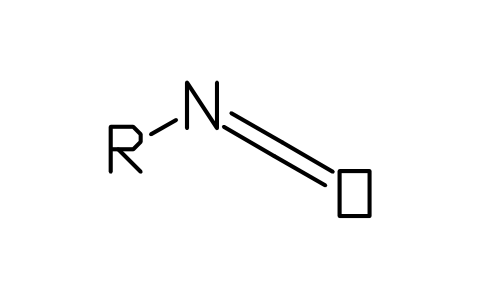
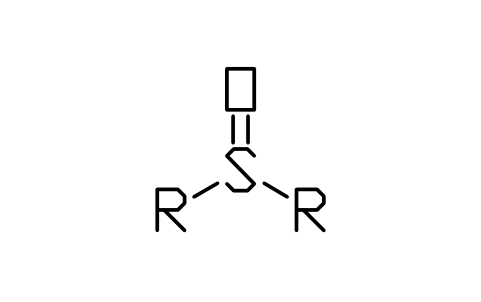
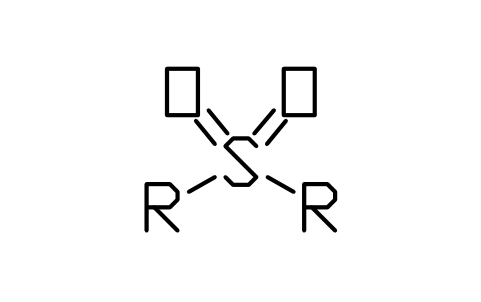
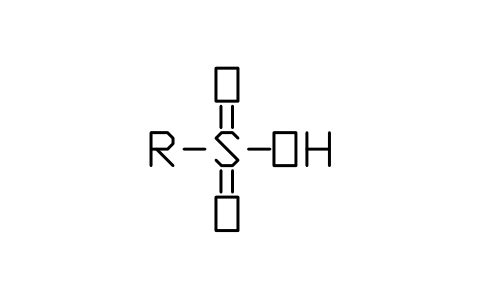
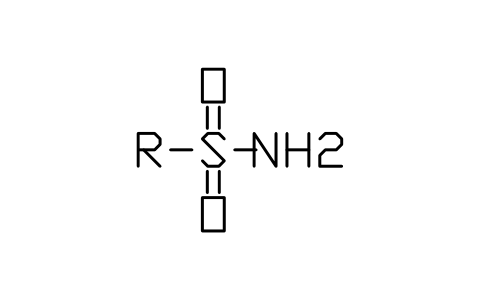
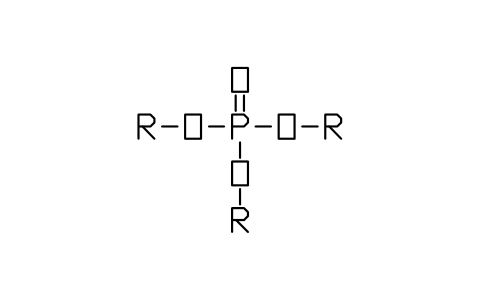
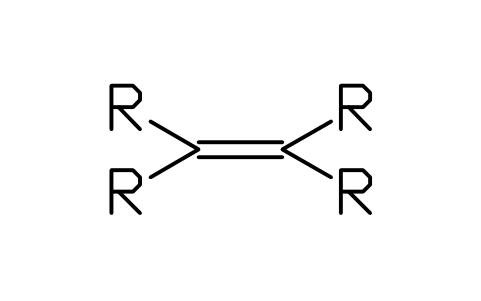
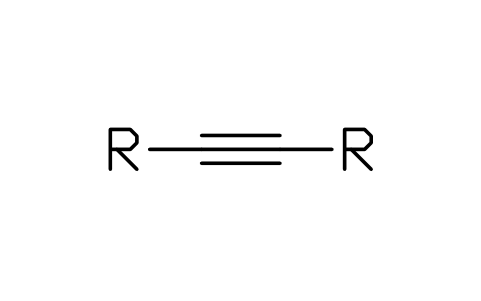
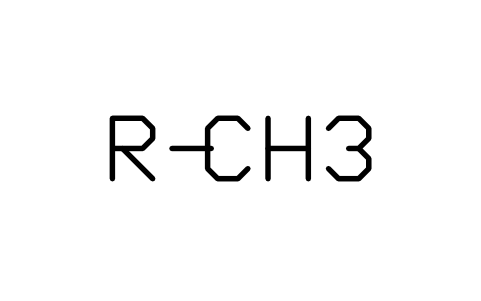
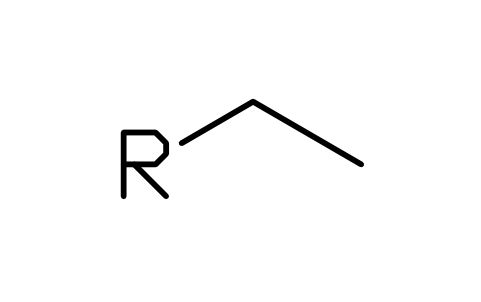
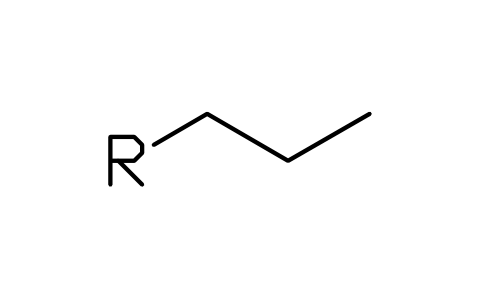
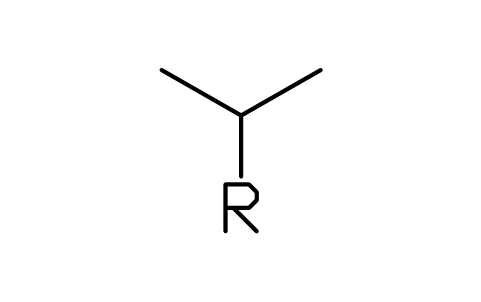
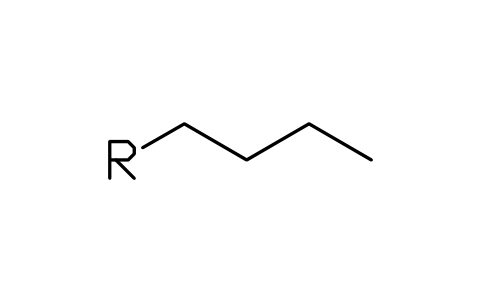
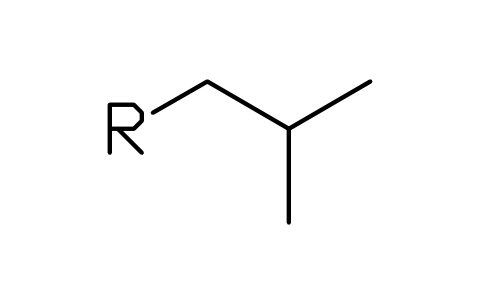
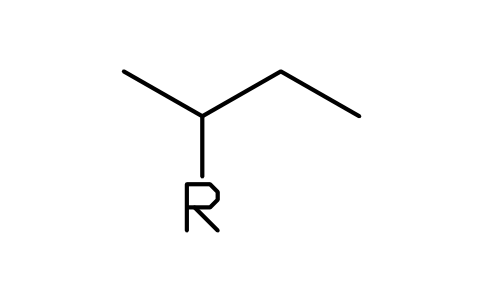
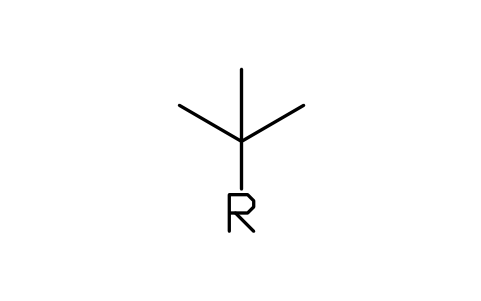
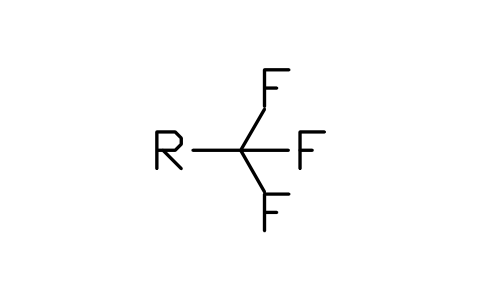
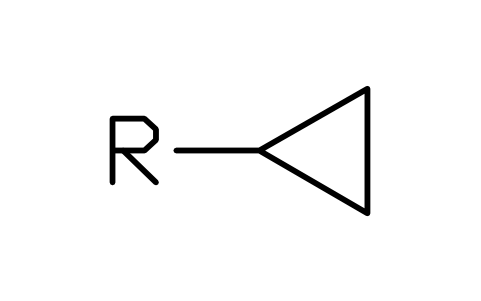
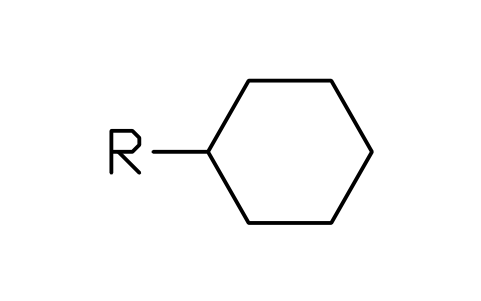
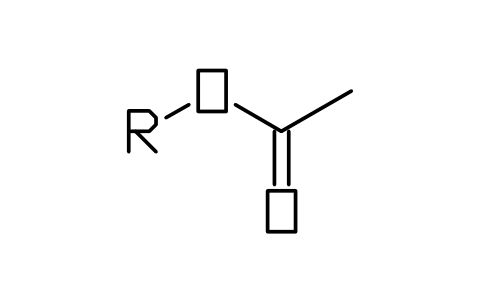
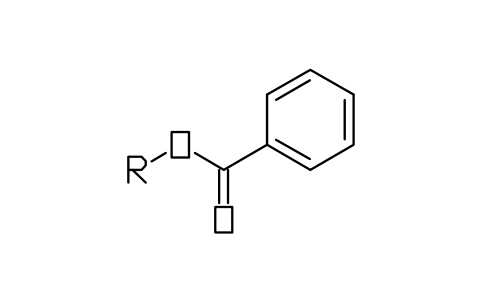
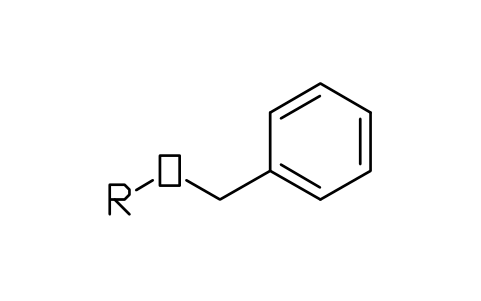
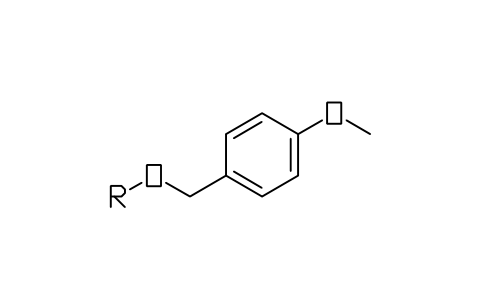
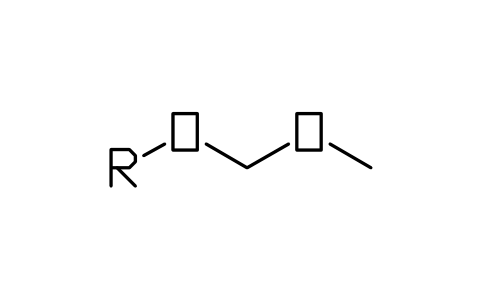
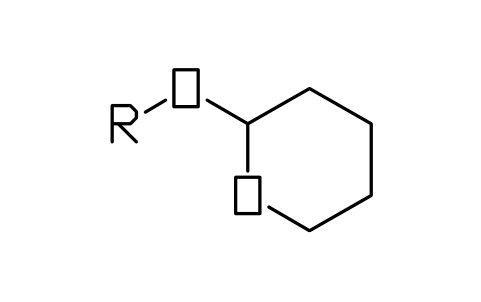
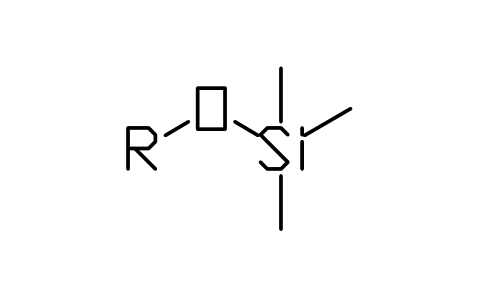
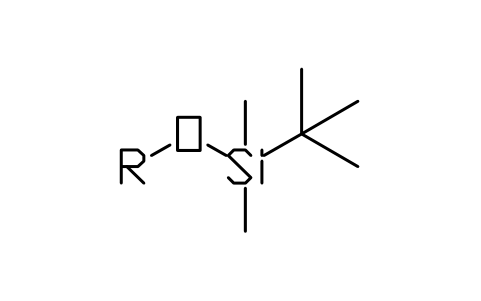
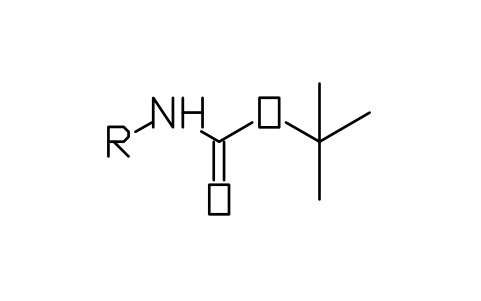
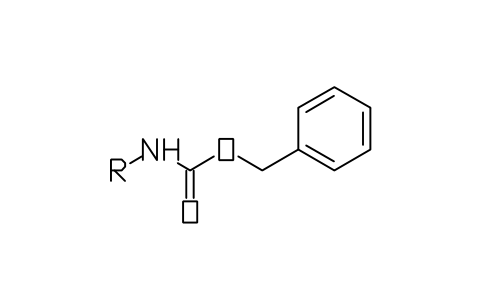
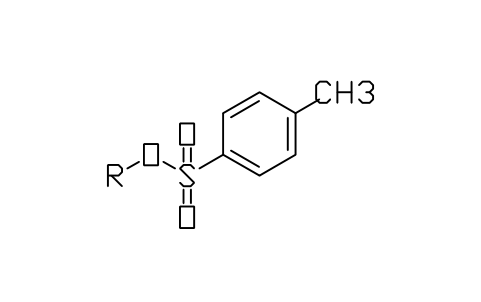
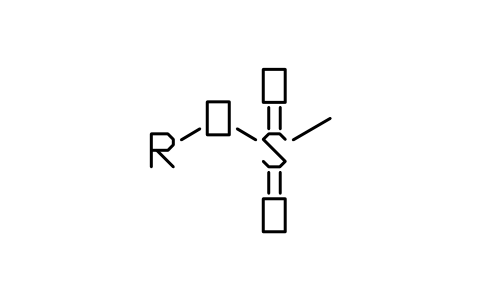
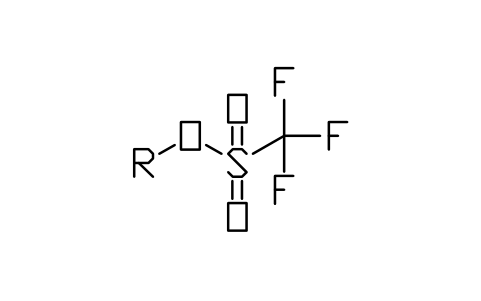
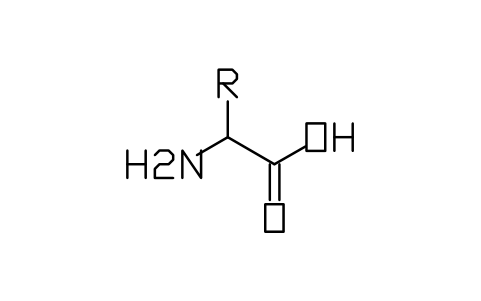
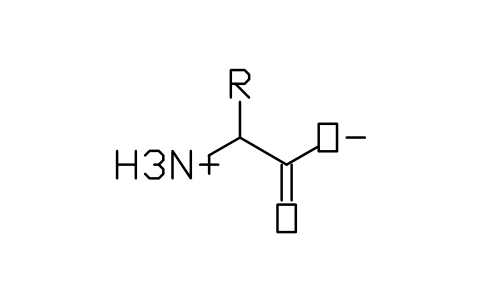
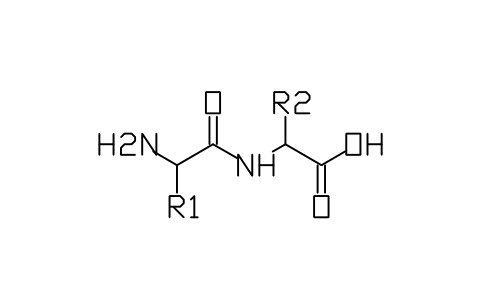
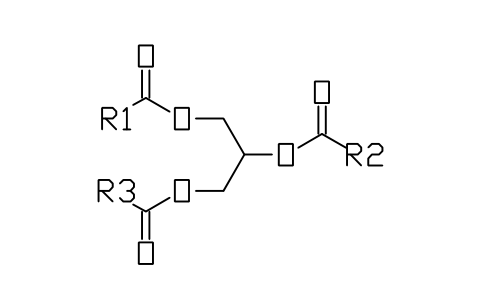
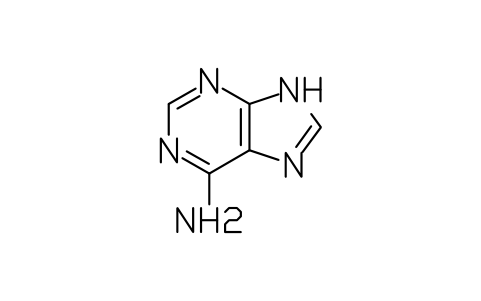
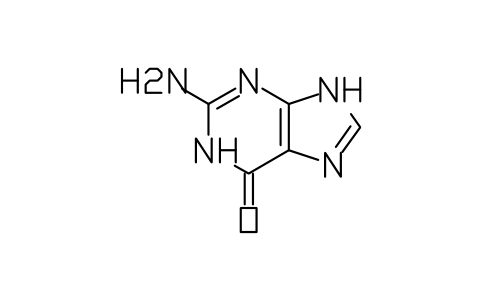
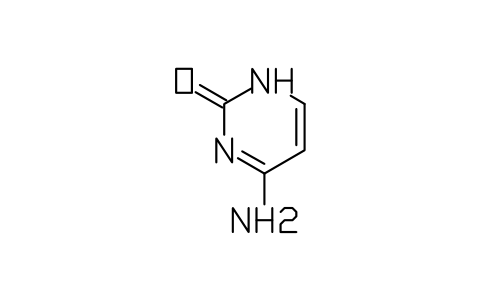
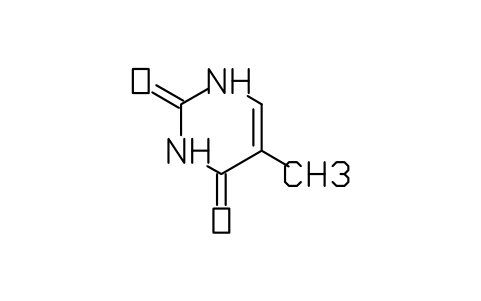
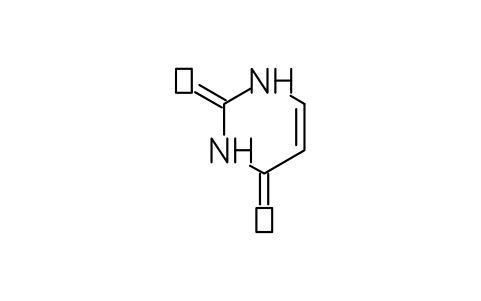
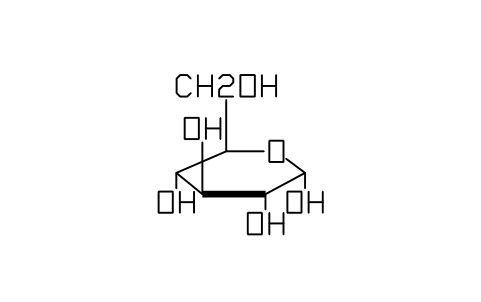
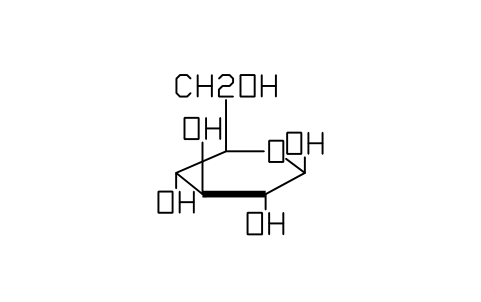
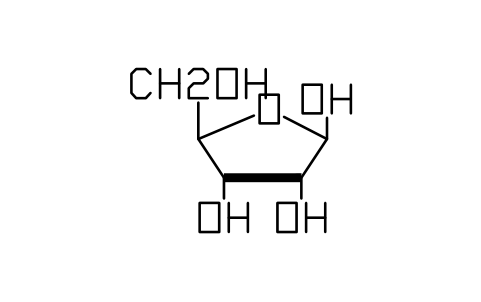
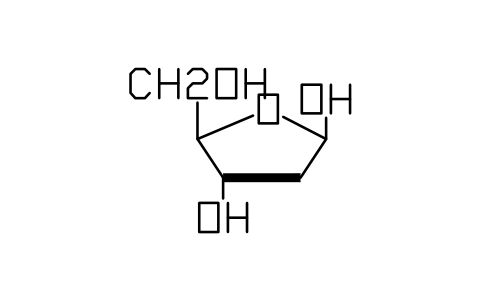
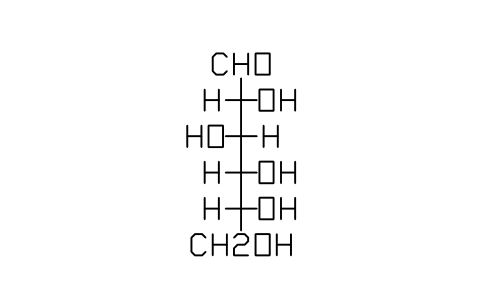
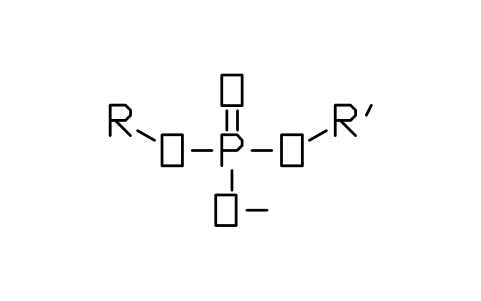
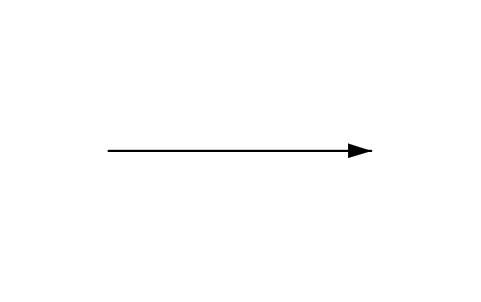
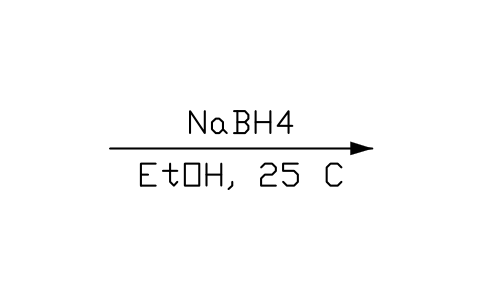
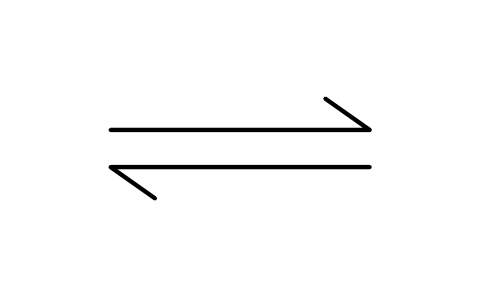
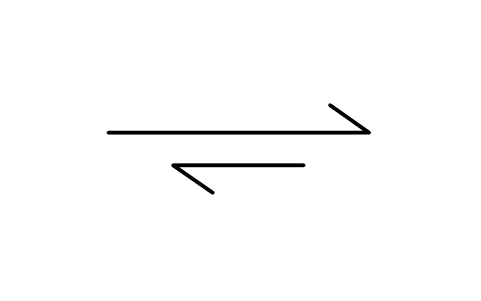
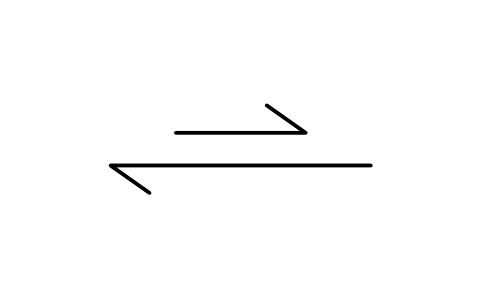
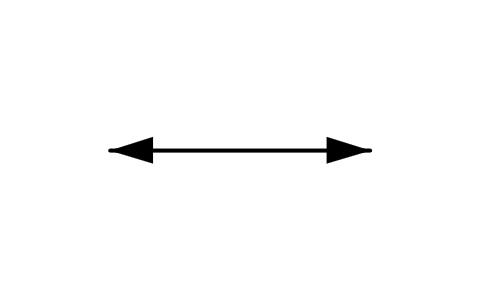
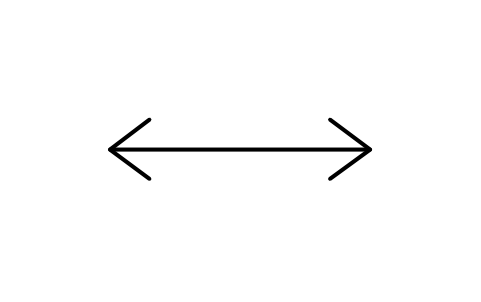
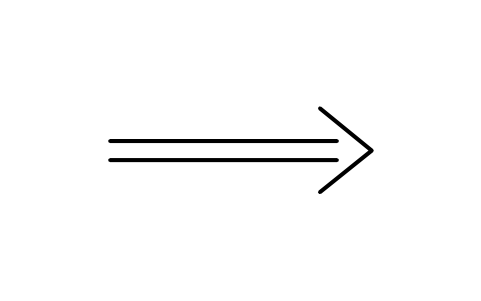
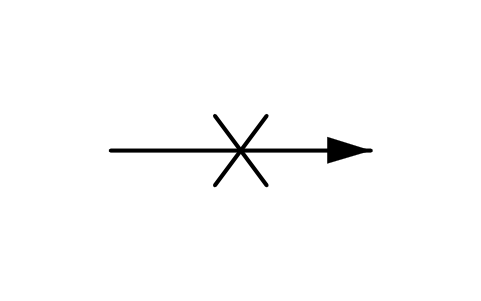
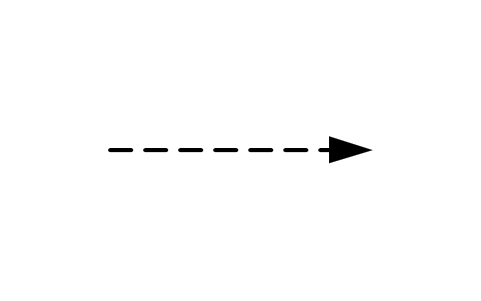
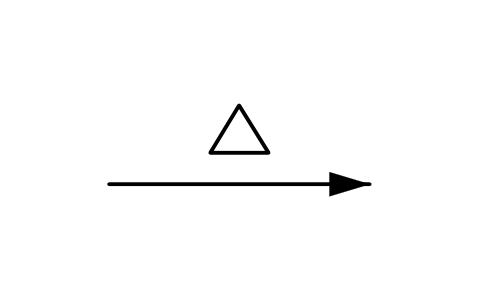
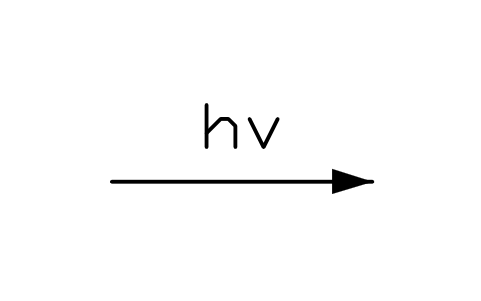
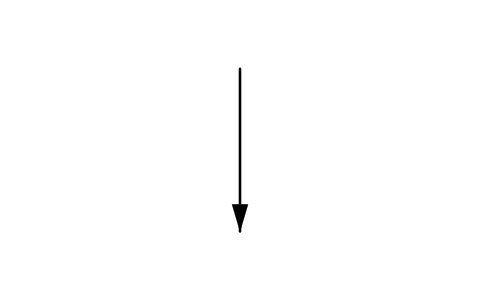
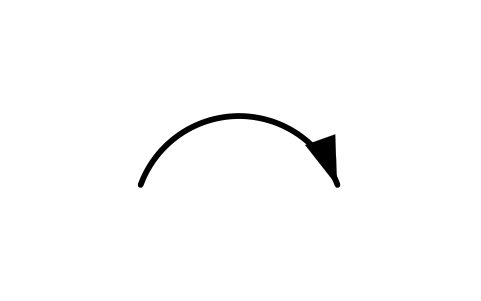
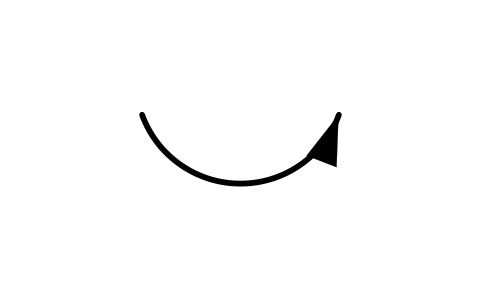
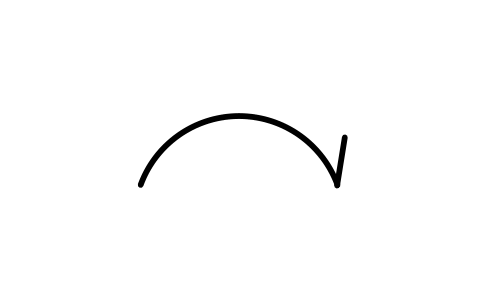
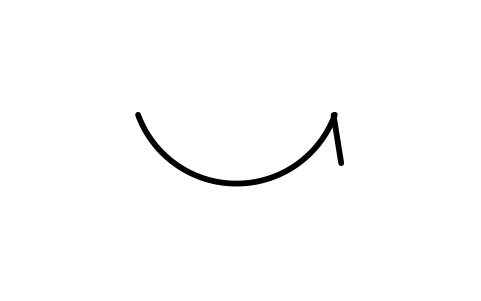
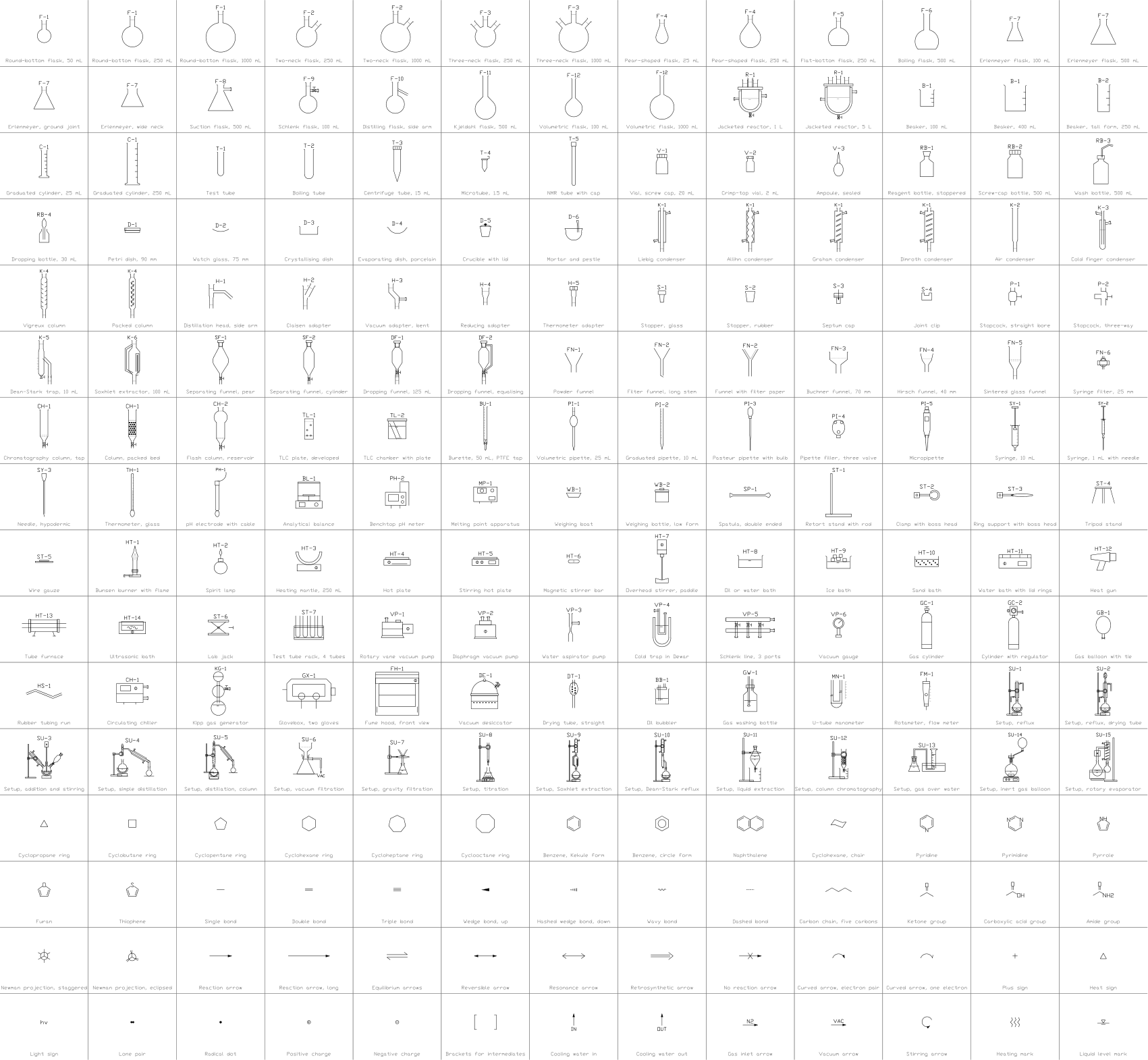
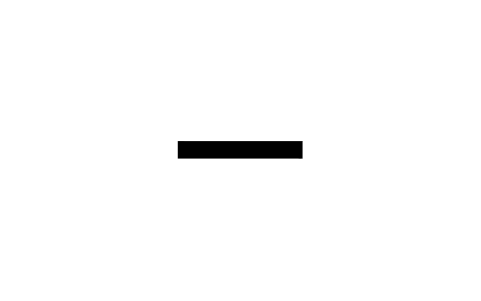
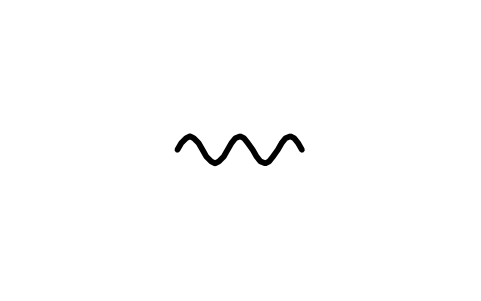
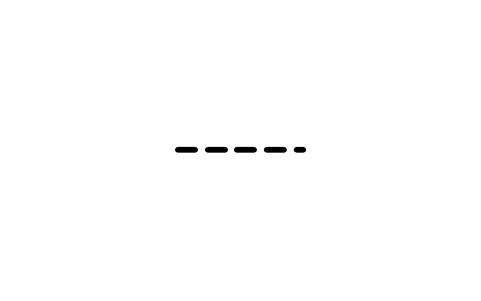
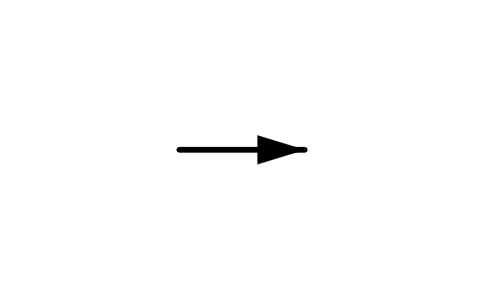
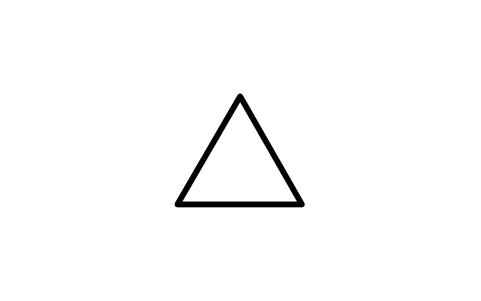
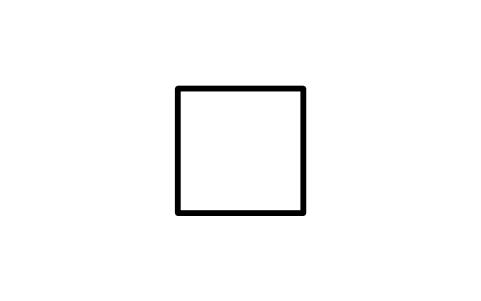
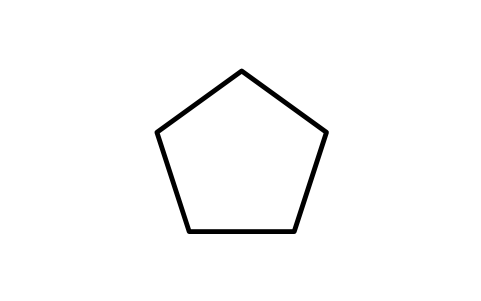
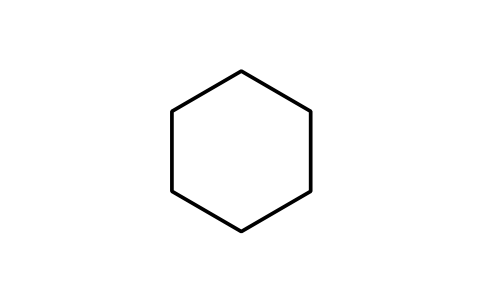
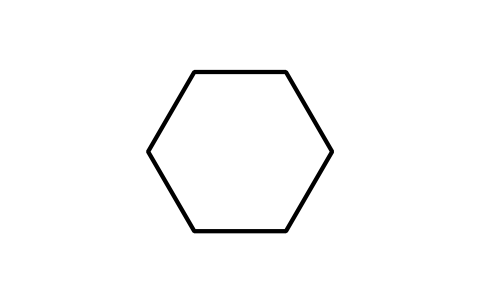
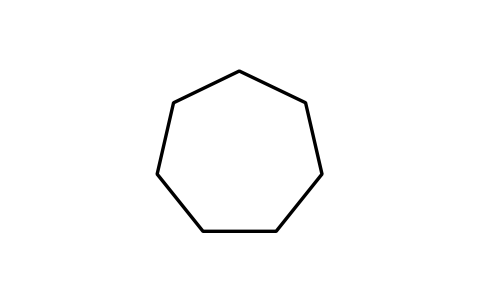
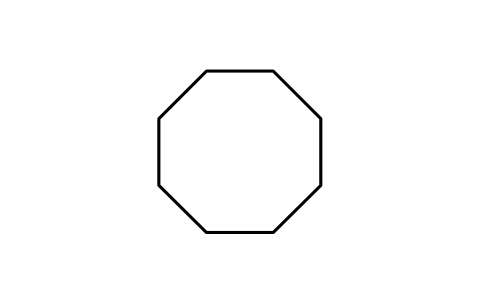
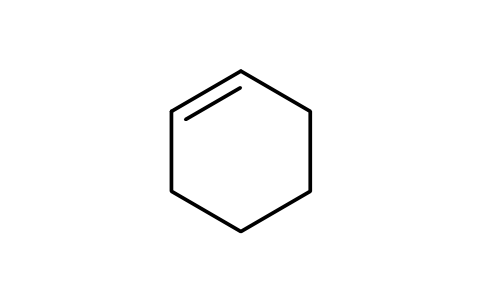
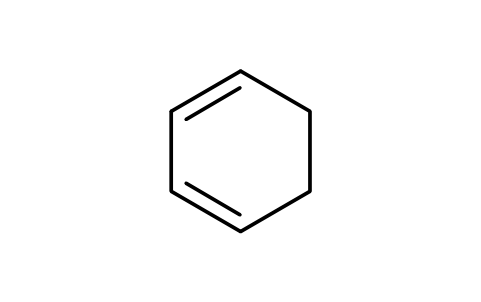
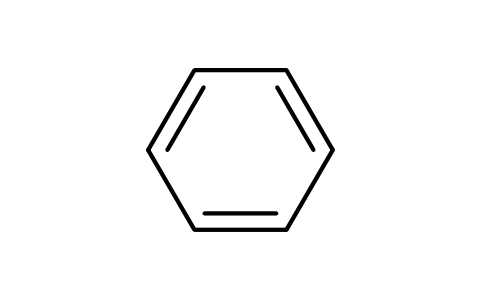
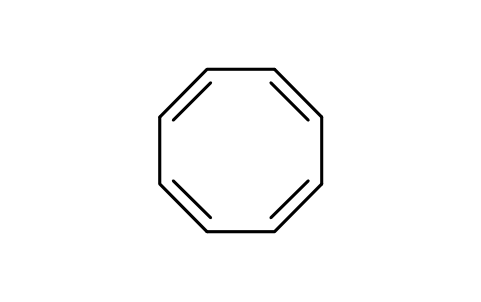
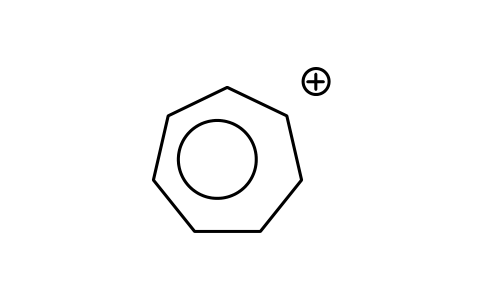
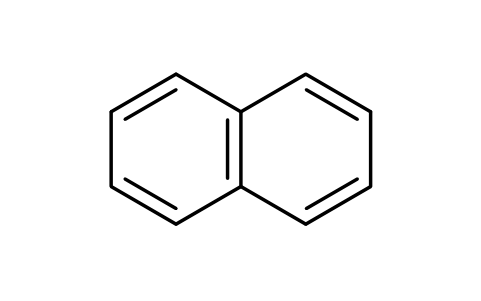
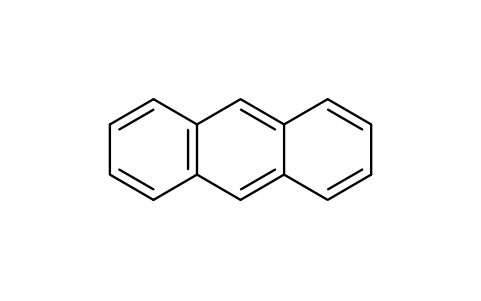
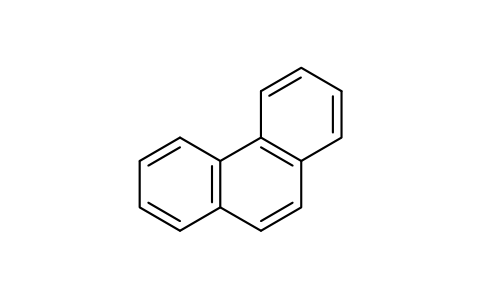
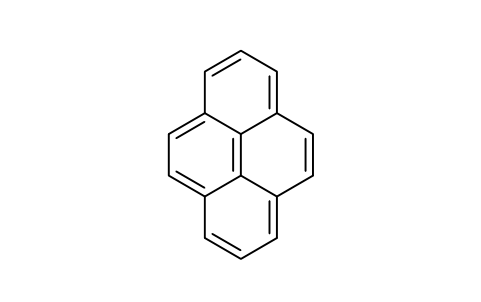
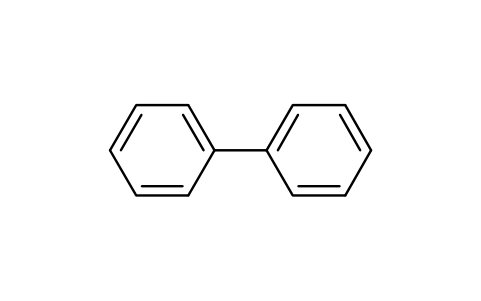
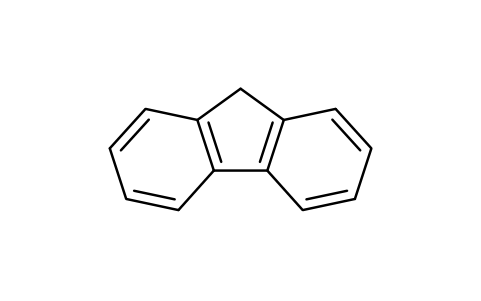
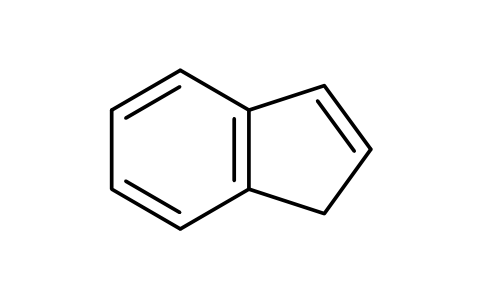
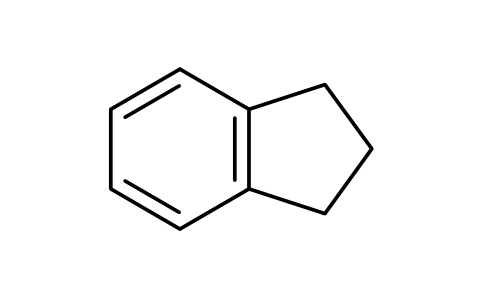
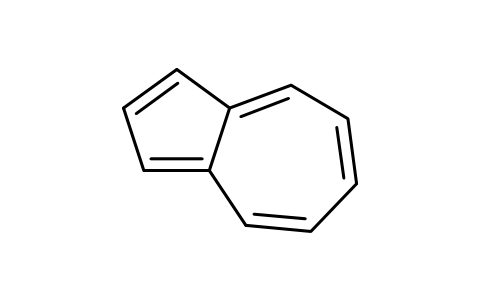
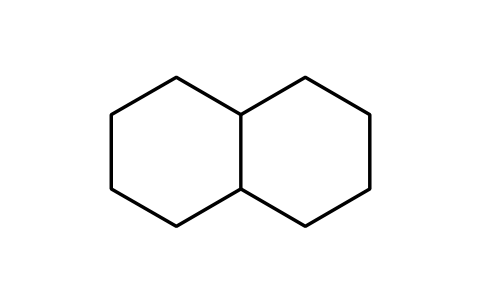
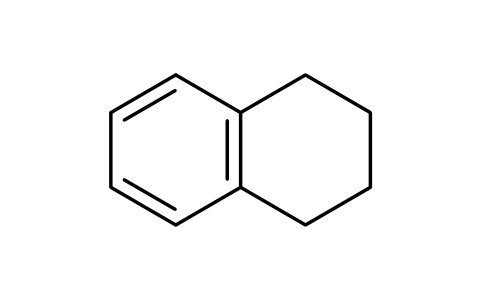
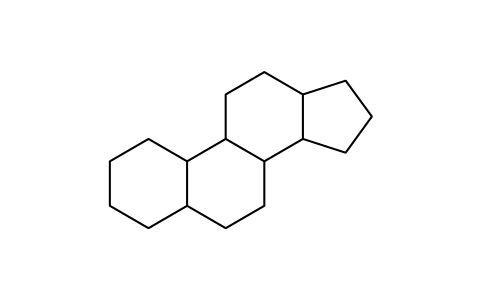
222 skeletal structure blocks for organic and biochemical schemes, at plotted size in millimetres (bond length 5.08 mm, regular angles): bonds (single, double, triple, wedge, hashed, hollow wedge, bold, wavy, dashed, dative, hydrogen, aromatic); rings from cyclopropane to cyclooctane, cyclohexene, benzene in three forms, cyclooctatetraene, tropylium; fused and spiro rings (naphthalene, anthracene, phenanthrene, pyrene, biphenyl, fluorene, indene, azulene, decalin, tetralin, steroid skeleton); 32 heterocycles (pyridine, pyrimidine, pyrrole, furan, thiophene, imidazole, indole, quinoline, purine, piperidine, morpholine, THF, epoxide and more); conformations and projections (chair, boat, Newman, sawhorse, Fischer, Haworth); 40 functional groups; 28 substituents and protecting groups (alkyl groups, phenyl, benzyl, Ac, Bz, Bn, PMB, MOM, THP, TMS, TBS, Boc, Cbz, Ts, Ms, Tf); biomolecules (amino acid, dipeptide, triglyceride, the five nucleobases, glucose, ribose, deoxyribose); 20 reaction arrows (equilibrium, resonance, retrosynthetic, curved and fishhook arrows, arrow with conditions); charges, electron pairs, stereo labels, brackets and labels; and s, p, sp, sp2, sp3, pi and sigma orbitals.
Free to use and modify in your own projects, including commercial ones. The ZIP holds one plain DWG file in AutoCAD 2018 format and a README; no add-in needed. Provided as is, without warranty.
Rings and compounds carry the invisible attributes NAME, FORMULA and CAS_NO, every block carries REMARKS. The arrow with conditions shows REAGENTS above and CONDITIONS below the arrow, and the compound number, R group and yield labels show their text, so you only type the value.
Export the blocks of a reaction scheme to Excel with BlockSync to get a list of the compounds with their names and formulas, check it against the drawing and write corrections back in one run, with preview and backup.
How to use the library
Unzip the file and open the DWG. Copy the symbols you need into your plan, or drag the blocks in from DesignCenter (ADCENTER).
The blocks are drawn at plotted size, 1 drawing unit = 1 mm, with a bond length of 5.08 mm and text of 2.6 mm. Insert them at scale 1 in a drawing in millimetres; in a drawing in metres scale them by 0.001, and scale a whole scheme with one factor to keep the bond lengths equal.
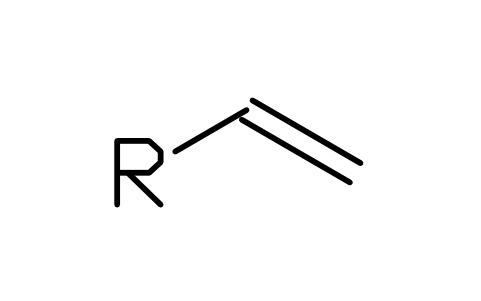
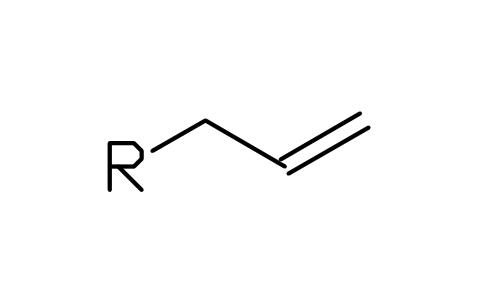
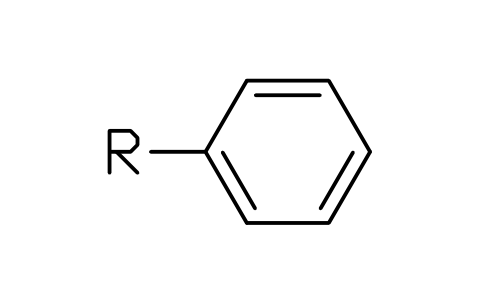
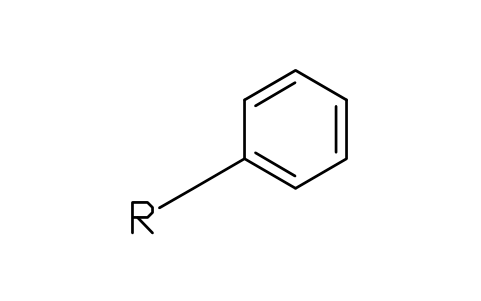
The origin is the centre of the drawing. Rings have a vertex at the top, the flat-top forms a vertex at the left, and fused rings share exact vertices, so rings from the single ring blocks line up with the fused ones. Functional groups and substituents show an open end marked R (or R'): snap it onto an atom of the chain you draw. Rotate a bond block to the angle you need.
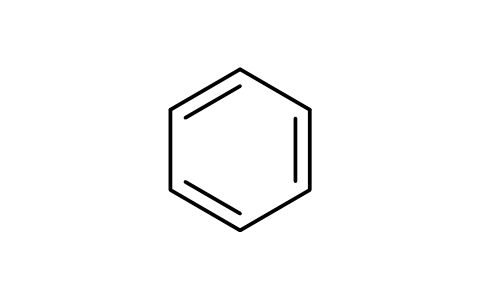
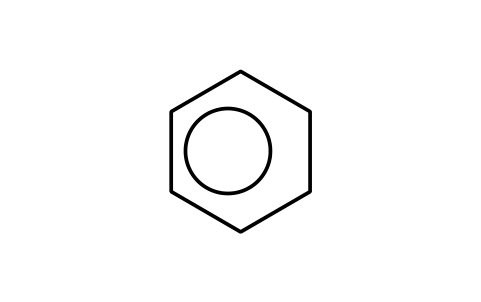
Atom labels are ordinary text and the geometry is plain lines, so you can explode a block and edit it: change a label, add a substituent or turn a double bond. The Kekule form of each ring shows one of its two equivalent arrangements; the circle form of benzene is a separate block.
About the drawing conventions
Structure drawing follows widely used conventions rather than one binding standard: regular ring angles, equal bond lengths, double bonds drawn on the inner side of a ring, wedges that widen toward the stereocentre, text at a fixed height. The IUPAC recommendations for structure diagrams give the same kind of guidance, and the blocks follow it in spirit.
The blocks are our own drawings, not copies of any program's templates, and the library is not certified. Check structures, stereochemistry and names against your own sources before they go into a paper, a patent or a safety document: the blocks show a drawing, they do not check a structure.
What changed in each version
Version 1.0 · October 22, 2026
New symbols (222)
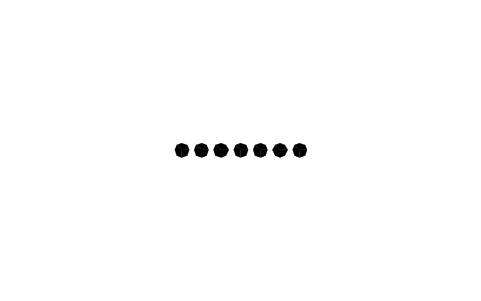
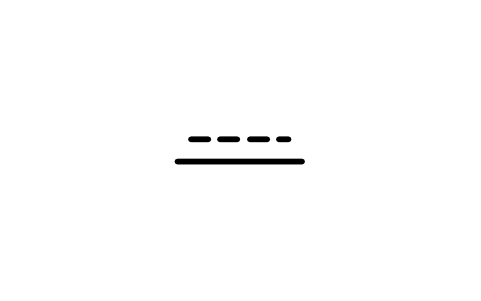
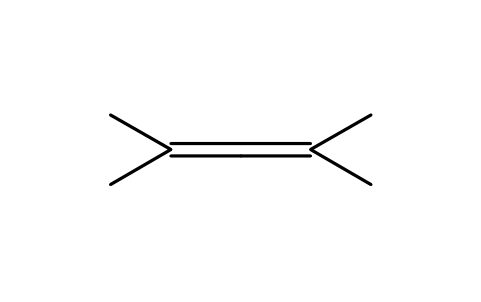
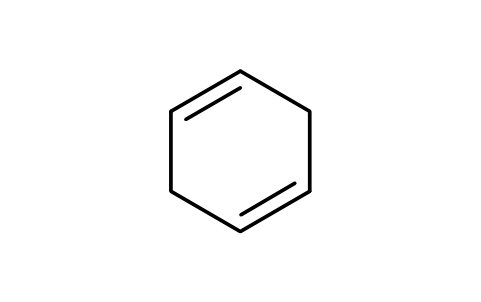
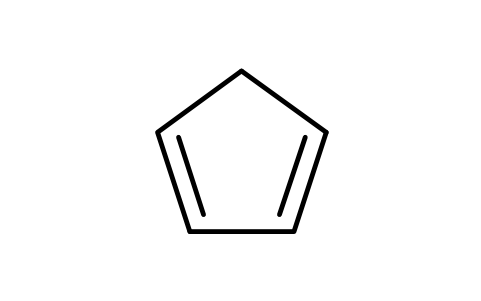
Single bond · Double bond · Double bond, offset · Triple bond · Wedge bond · Hashed wedge bond · Hollow wedge bond · Bold bond · Wavy bond · Dashed bond · Dative bond · Hydrogen bond · Aromatic bond, dashed inner · Allene, cumulated double bonds · Cyclopropane · Cyclobutane · Cyclopentane · Cyclohexane · Cyclohexane, flat top · Cycloheptane · Cyclooctane · Cyclohexene · 1,3-Cyclohexadiene · 1,4-Cyclohexadiene · Cyclopentadiene · Benzene, Kekule form · Benzene, circle form · Benzene, flat top Kekule · Cyclooctatetraene · Tropylium cation · Naphthalene · Anthracene · Phenanthrene · Pyrene · Biphenyl · Fluorene · Indene · Indane · Azulene · Decalin · 182 more
Frequently asked questions
Which items are in the library?
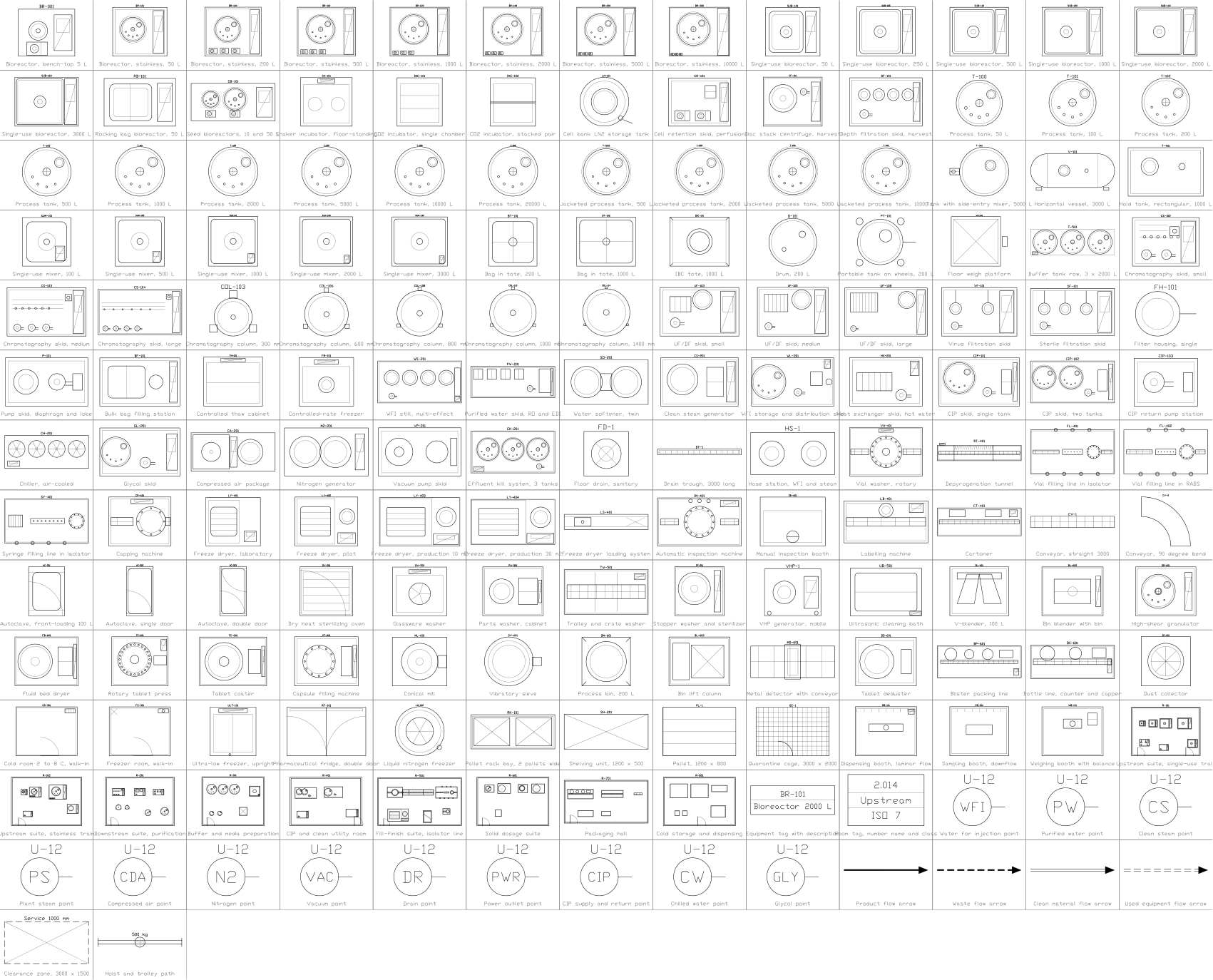
Bonds, rings, fused and spiro rings, heterocycles, conformations and projections, functional groups, substituents and protecting groups, biomolecules, reaction arrows, charges, electrons and marks, and orbitals. The glassware and apparatus drawings of a laboratory setup are in the laboratory apparatus library, which also has a short set of the most common structure templates; the benches and rooms of a laboratory are in the laboratory layout library.
Can I build a whole molecule from the blocks?
Yes. Start from a ring or a chain block, snap the R end of a functional group or substituent onto an atom, and join further bonds with the bond blocks. For a larger molecule it is quicker to explode one block and draw on from its lines. Keep one scale for the whole scheme so that all bonds have the same length.
Can I use the symbols in commercial projects?
Yes. They are free to use and modify in your own projects, including commercial ones. They are provided as is, without warranty.
How is this different from the laboratory apparatus library?
The apparatus library draws the equipment: flasks, condensers, stands and complete setups, and it has about forty structure templates for a quick sketch. This library is the full set for drawing structures and schemes: over two hundred blocks, with the heterocycles, protecting groups, sugars, nucleobases, conformations, arrows and orbitals that a reaction scheme or a lecture slide needs. The shared shapes use the same bond length, so you can mix the two.
Can I change a symbol or add attributes?
Yes. Open the DWG, edit a block with BEDIT to change it or add attributes, and save. To update drawings that already contain the block, run ATTSYNC or replace the block. Make a backup first: attribute values can be lost if ATTSYNC is used carelessly.
Where do I find a ready-made set of these symbols for AutoCAD?
AutoCAD itself ships only a small set of sample blocks, so a full symbol set has to come from a library. Download the ZIP on this page and open the DWG: every symbol is a block. Insert one with INSERT (Blocks palette, Libraries tab, then pick the DWG) or drag it from DesignCenter (ADCENTER). You can also download a single symbol on its own.
Count the symbols and build a parts list
Because ratings and part numbers are attributes, the symbols of a whole project can be counted and listed without opening the drawings. Export the blocks to Excel, total them with a pivot table and write corrections back in one run, with preview and backup.

 Need to count these symbols across your drawings?Export every symbol and its attributes from a whole drawing set to Excel, edit the rows and write them back.See BlockSync
 Revised a symbol and need to know what changed?Compare two revisions of a drawing set block by block and get a report of what was added, removed or modified.See BlockCompare
 Which drawings use this symbol?Search blocks and text across hundreds of drawings at once, then jump straight to the match.See DwgSearch
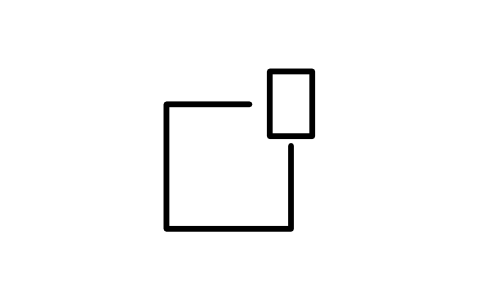
![Preview of the Spiro[5.5]undecane symbol, block CHM_F_SPIRO](https://res.cadxchange.net/symbol-libraries/chemical-structure-drawing-symbols/symbols/CHM_F_SPIRO.png)