
Free deep groove ball bearing blocks for AutoCAD (DWG): ISO 15 series 618 to 64
Deep groove ball bearings, ISO 15: 190 ready-made AutoCAD blocks (DWG). A starter pack of 30 symbols is free; the Standard edition is $19.
Free starter pack: 30 symbols
The most-used symbols of this library, as AutoCAD blocks in one DWG. Free for everyone, for any project.
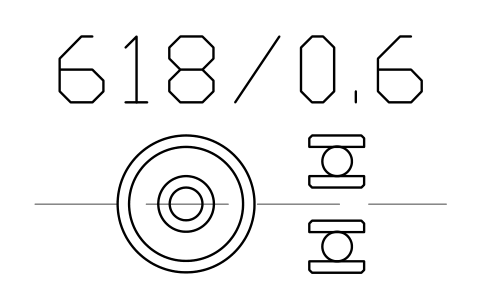 Bearing 618/0.6 0.6x2.5x1
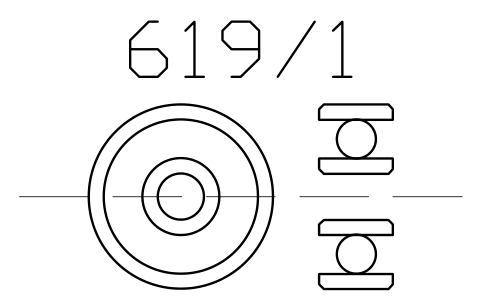 Bearing 619/1 1x4x1.6
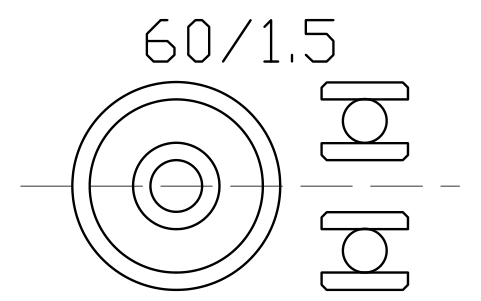 Bearing 60/1.5 1.5x6x2.5
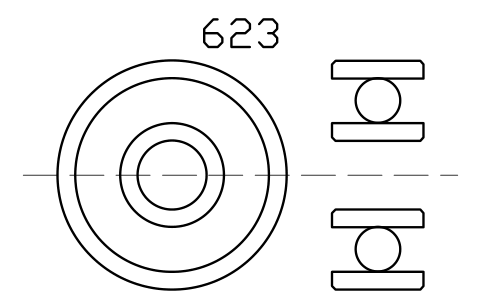 Bearing 623 3x10x4
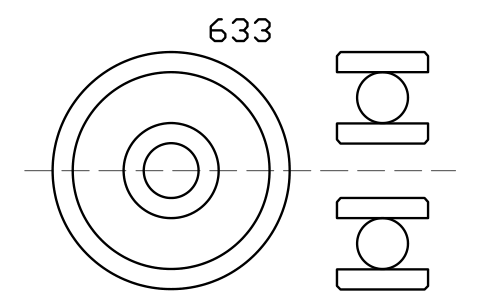 Bearing 633 3x13x5
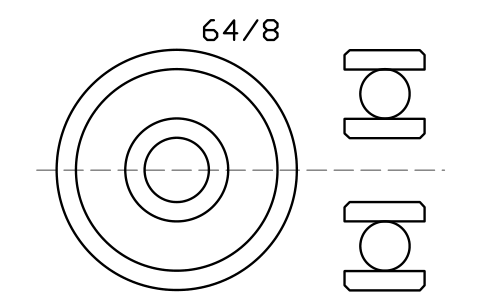 Bearing 64/8 8x30x10
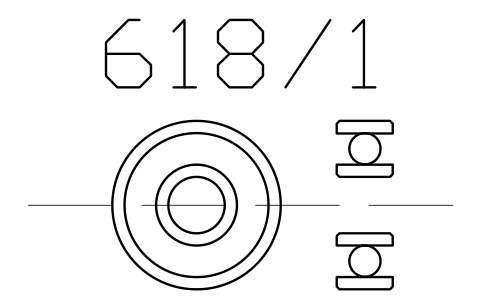 Bearing 618/1 1x3x1
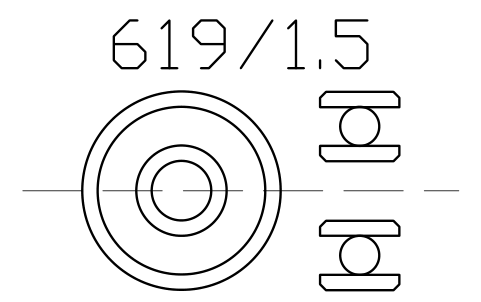 Bearing 619/1.5 1.5x5x2
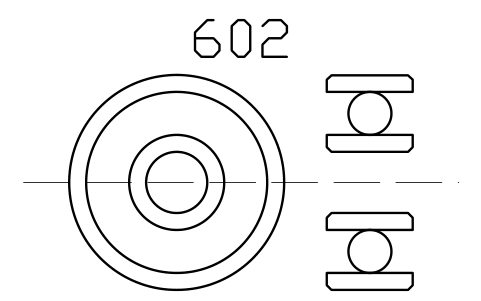 Bearing 602 2x7x2.8
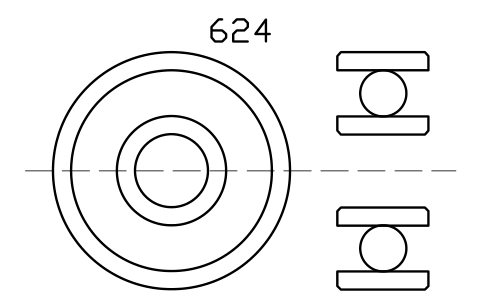 Bearing 624 4x13x5
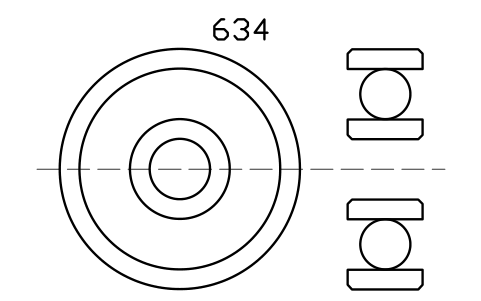 Bearing 634 4x16x5
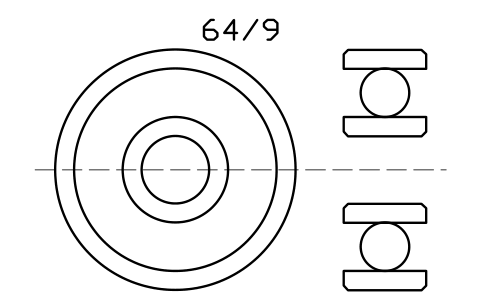 Bearing 64/9 9x32x11
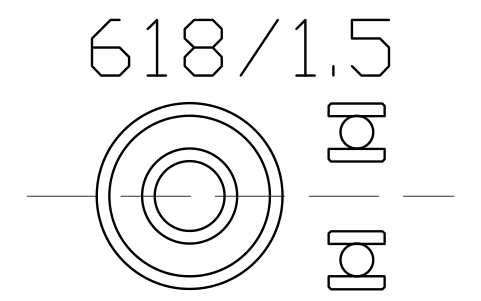 Bearing 618/1.5 1.5x4x1.2
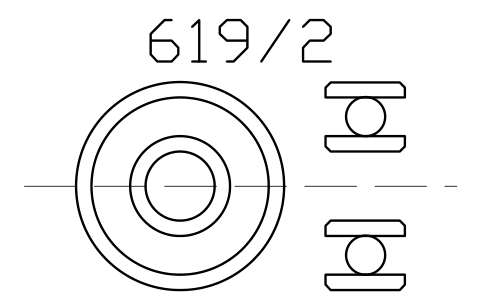 Bearing 619/2 2x6x2.3
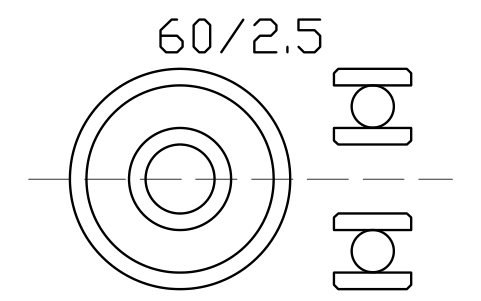 Bearing 60/2.5 2.5x8x2.8
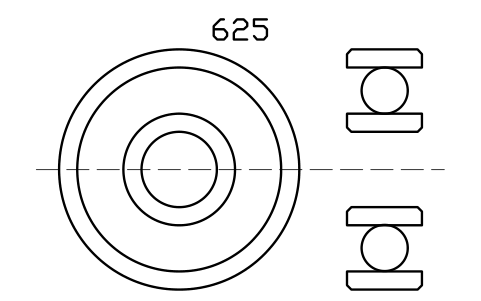 Bearing 625 5x16x5
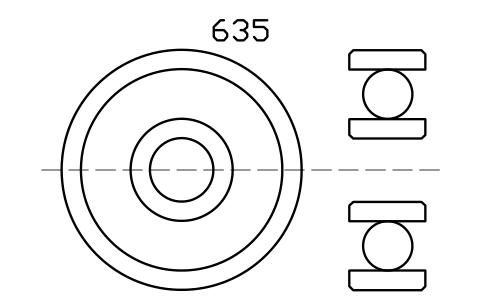 Bearing 635 5x19x6
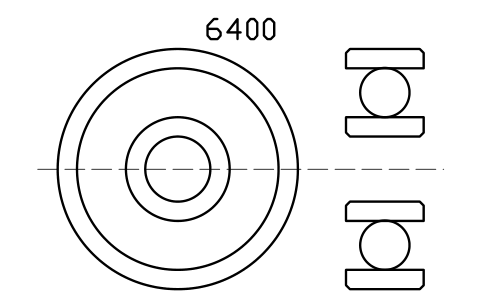 Bearing 6400 10x37x12
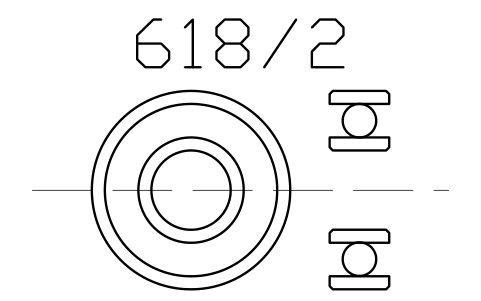 Bearing 618/2 2x5x1.5
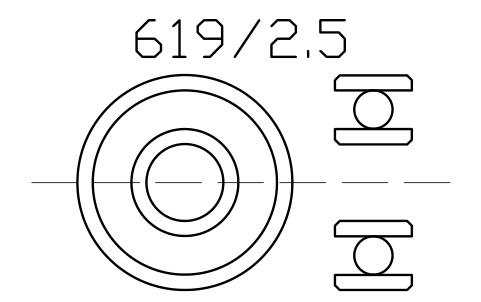 Bearing 619/2.5 2.5x7x2.5
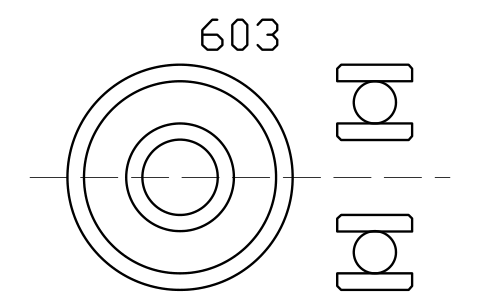 Bearing 603 3x9x3
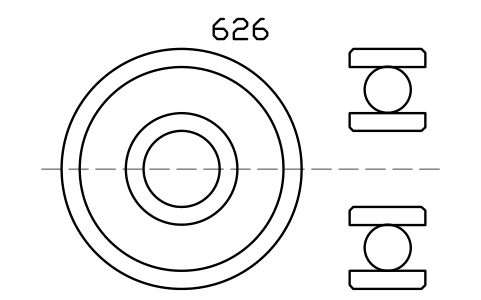 Bearing 626 6x19x6
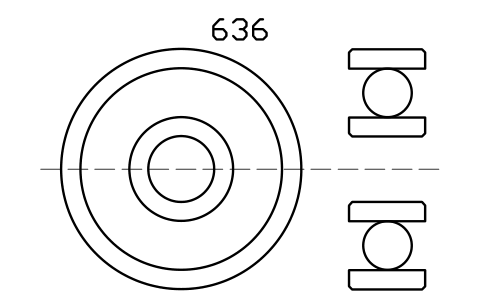 Bearing 636 6x22x7
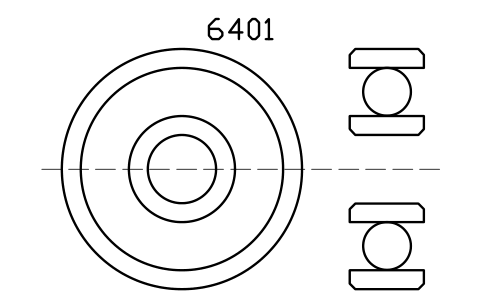 Bearing 6401 12x42x13
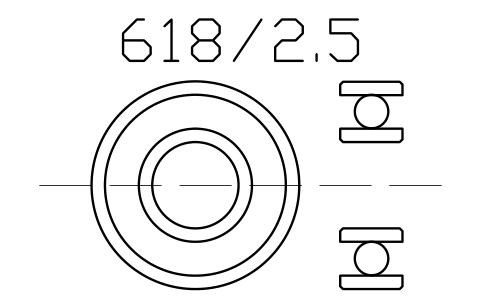 Bearing 618/2.5 2.5x6x1.8
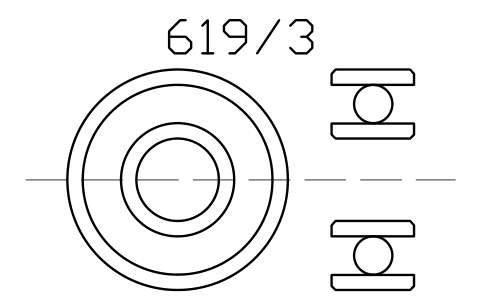 Bearing 619/3 3x8x3
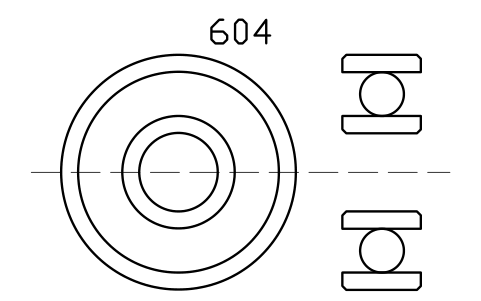 Bearing 604 4x12x4
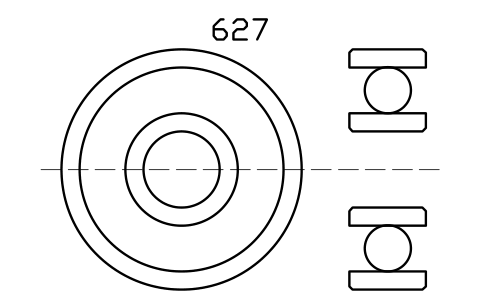 Bearing 627 7x22x7
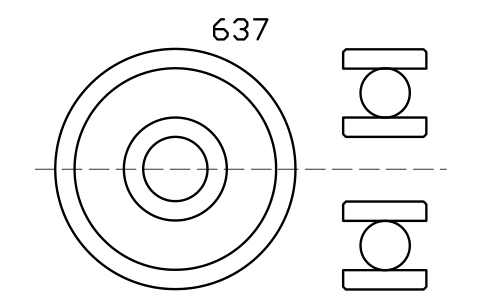 Bearing 637 7x26x9
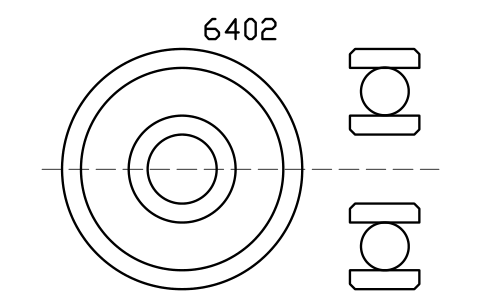 Bearing 6402 15x52x15
Standard: 190 symbols
All 190 symbols of the Standard edition in one download, ready to insert in AutoCAD. Pay once and keep the files.
Free starter pack
$0For everyone, for any project
- 30 symbols
- No sign-in
- One DWG
Library licence
$19
For one person
Education: free
- Pay once
Student or teacher?
Free for one year with your school e-mail address. Renew it with the same address.
Sign in with your school e-mail address, we check it, and the licence is added to your account.
Available soonEducation licences are for study and teaching, valid for one year, and renewed with your school e-mail address.
What each version contains
The symbols by group, and how many of each group every version holds.
| Content | Free | Standard |
|---|---|---|
| All symbols | 30 | 190 |
| Added by this version | — | +160 |
| Deep groove, series 618 | 5 | 36 |
| Deep groove, series 619 | 5 | 35 |
| Deep groove, series 60 | 5 | 34 |
| Deep groove, series 62 | 5 | 31 |
| Deep groove, series 63 | 5 | 31 |
| Deep groove, series 64 | 5 | 23 |
The free pack is a hand-picked selection. Standard is one purchase and gives you every symbol as DWG files.
190 deep groove ball bearings as ready-to-use AutoCAD blocks: the series 618, 619, 60, 62, 63 and 64 with every bore from 0.6 to 100 mm that ISO 15 lists. Each block shows the bearing in end view and, beside it, the section through the axis with both rings and the ball, drawn at real size in millimetres. The designation (for example 6205), the bore, the outside diameter, the width and the smallest chamfer are filled in, ready for your parts list.
Version 1.0 · updated October 17, 2026
All 190 symbols
190 of 190 symbols
Bearing 618/0.6 0.6x2.5x1
BRG_618-0.6Attributes
DESIGNATIONSERIESBORE_MMOD_MMWIDTH_MMCHAMFER_MIN_MMSTANDARDMATERIALSEALCLEARANCEPART_NOMANUFACTURERQTYREMARKSDESCBearing 618/1 1x3x1
BRG_618-1Attributes
DESIGNATIONSERIESBORE_MMOD_MMWIDTH_MMCHAMFER_MIN_MMSTANDARDMATERIALSEALCLEARANCEPART_NOMANUFACTURERQTYREMARKSDESCBearing 618/1.5 1.5x4x1.2
BRG_618-1.5Attributes
DESIGNATIONSERIESBORE_MMOD_MMWIDTH_MMCHAMFER_MIN_MMSTANDARDMATERIALSEALCLEARANCEPART_NOMANUFACTURERQTYREMARKSDESCBearing 618/2 2x5x1.5
BRG_618-2Attributes
DESIGNATIONSERIESBORE_MMOD_MMWIDTH_MMCHAMFER_MIN_MMSTANDARDMATERIALSEALCLEARANCEPART_NOMANUFACTURERQTYREMARKSDESCBearing 618/2.5 2.5x6x1.8
BRG_618-2.5Attributes
DESIGNATIONSERIESBORE_MMOD_MMWIDTH_MMCHAMFER_MIN_MMSTANDARDMATERIALSEALCLEARANCEPART_NOMANUFACTURERQTYREMARKSDESC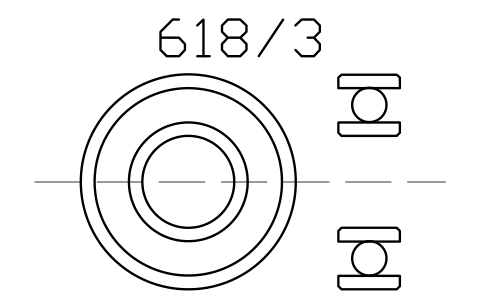
Bearing 618/3 3x7x2
BRG_618-3Attributes
DESIGNATIONSERIESBORE_MMOD_MMWIDTH_MMCHAMFER_MIN_MMSTANDARDMATERIALSEALCLEARANCEPART_NOMANUFACTURERQTYREMARKSDESC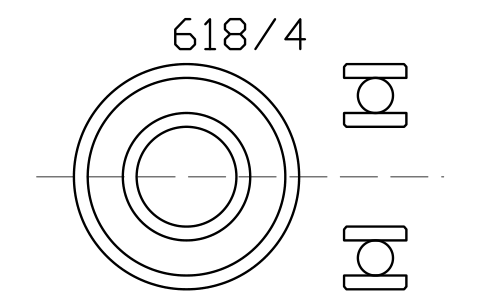
Bearing 618/4 4x9x2.5
BRG_618-4Attributes
DESIGNATIONSERIESBORE_MMOD_MMWIDTH_MMCHAMFER_MIN_MMSTANDARDMATERIALSEALCLEARANCEPART_NOMANUFACTURERQTYREMARKSDESC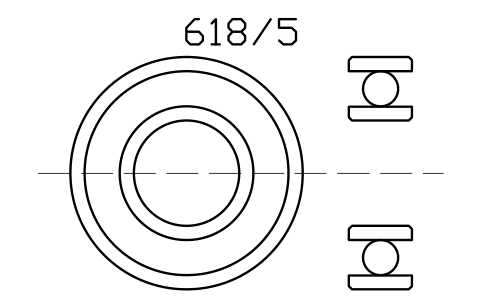
Bearing 618/5 5x11x3
BRG_618-5Attributes
DESIGNATIONSERIESBORE_MMOD_MMWIDTH_MMCHAMFER_MIN_MMSTANDARDMATERIALSEALCLEARANCEPART_NOMANUFACTURERQTYREMARKSDESC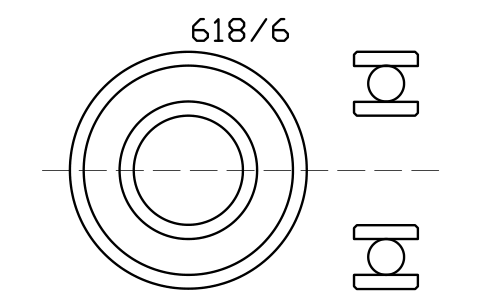
Bearing 618/6 6x13x3.5
BRG_618-6Attributes
DESIGNATIONSERIESBORE_MMOD_MMWIDTH_MMCHAMFER_MIN_MMSTANDARDMATERIALSEALCLEARANCEPART_NOMANUFACTURERQTYREMARKSDESC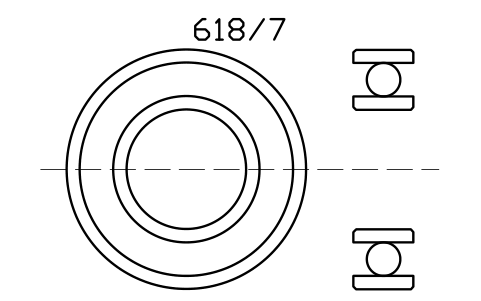
Bearing 618/7 7x14x3.5
BRG_618-7Attributes
DESIGNATIONSERIESBORE_MMOD_MMWIDTH_MMCHAMFER_MIN_MMSTANDARDMATERIALSEALCLEARANCEPART_NOMANUFACTURERQTYREMARKSDESC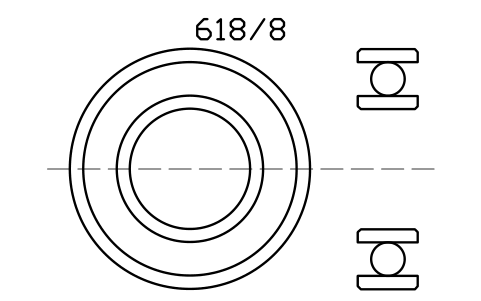
Bearing 618/8 8x16x4
BRG_618-8Attributes
DESIGNATIONSERIESBORE_MMOD_MMWIDTH_MMCHAMFER_MIN_MMSTANDARDMATERIALSEALCLEARANCEPART_NOMANUFACTURERQTYREMARKSDESC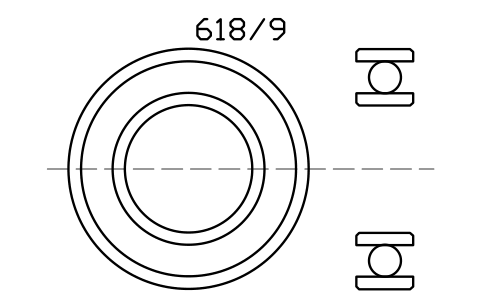
Bearing 618/9 9x17x4
BRG_618-9Attributes
DESIGNATIONSERIESBORE_MMOD_MMWIDTH_MMCHAMFER_MIN_MMSTANDARDMATERIALSEALCLEARANCEPART_NOMANUFACTURERQTYREMARKSDESC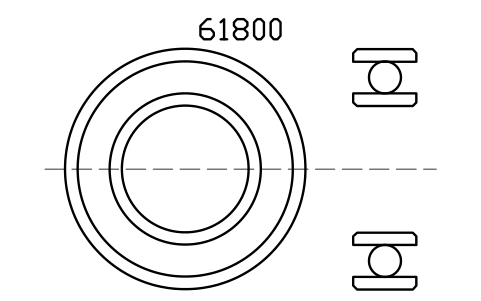
Bearing 61800 10x19x5
BRG_61800Attributes
DESIGNATIONSERIESBORE_MMOD_MMWIDTH_MMCHAMFER_MIN_MMSTANDARDMATERIALSEALCLEARANCEPART_NOMANUFACTURERQTYREMARKSDESC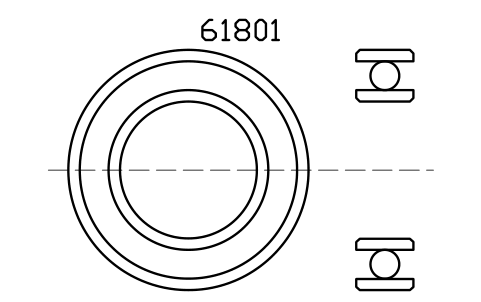
Bearing 61801 12x21x5
BRG_61801Attributes
DESIGNATIONSERIESBORE_MMOD_MMWIDTH_MMCHAMFER_MIN_MMSTANDARDMATERIALSEALCLEARANCEPART_NOMANUFACTURERQTYREMARKSDESC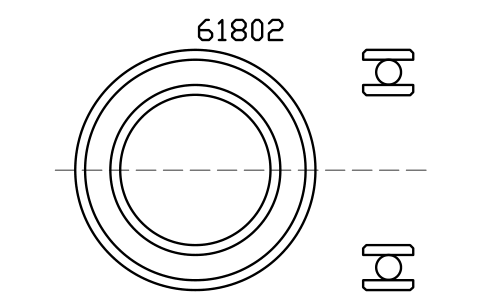
Bearing 61802 15x24x5
BRG_61802Attributes
DESIGNATIONSERIESBORE_MMOD_MMWIDTH_MMCHAMFER_MIN_MMSTANDARDMATERIALSEALCLEARANCEPART_NOMANUFACTURERQTYREMARKSDESC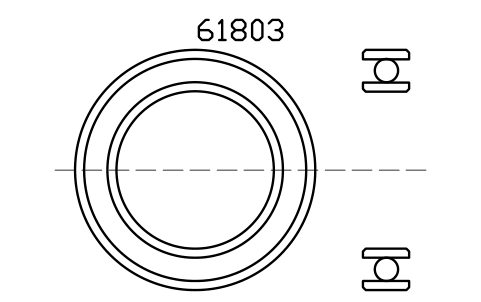
Bearing 61803 17x26x5
BRG_61803Attributes
DESIGNATIONSERIESBORE_MMOD_MMWIDTH_MMCHAMFER_MIN_MMSTANDARDMATERIALSEALCLEARANCEPART_NOMANUFACTURERQTYREMARKSDESC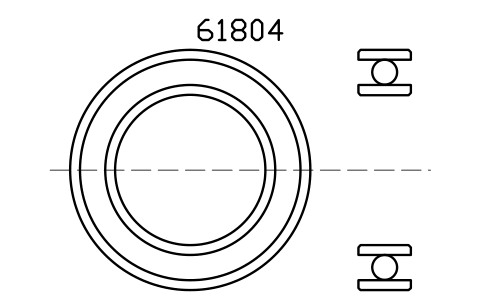
Bearing 61804 20x32x7
BRG_61804Attributes
DESIGNATIONSERIESBORE_MMOD_MMWIDTH_MMCHAMFER_MIN_MMSTANDARDMATERIALSEALCLEARANCEPART_NOMANUFACTURERQTYREMARKSDESC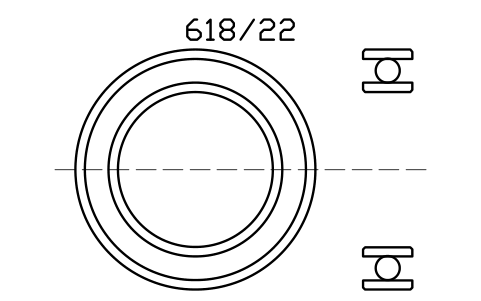
Bearing 618/22 22x34x7
BRG_618-22Attributes
DESIGNATIONSERIESBORE_MMOD_MMWIDTH_MMCHAMFER_MIN_MMSTANDARDMATERIALSEALCLEARANCEPART_NOMANUFACTURERQTYREMARKSDESC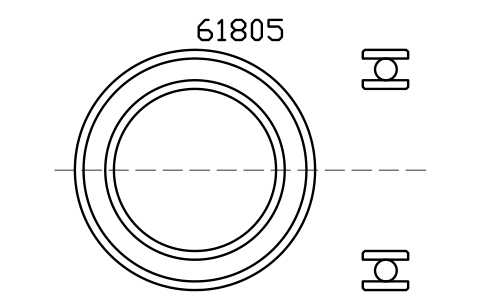
Bearing 61805 25x37x7
BRG_61805Attributes
DESIGNATIONSERIESBORE_MMOD_MMWIDTH_MMCHAMFER_MIN_MMSTANDARDMATERIALSEALCLEARANCEPART_NOMANUFACTURERQTYREMARKSDESC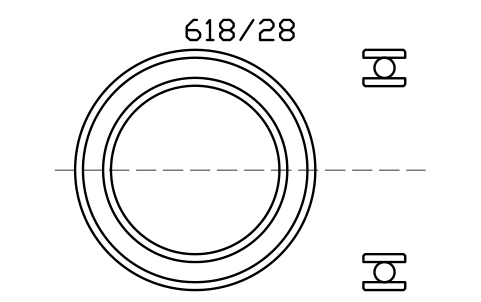
Bearing 618/28 28x40x7
BRG_618-28Attributes
DESIGNATIONSERIESBORE_MMOD_MMWIDTH_MMCHAMFER_MIN_MMSTANDARDMATERIALSEALCLEARANCEPART_NOMANUFACTURERQTYREMARKSDESC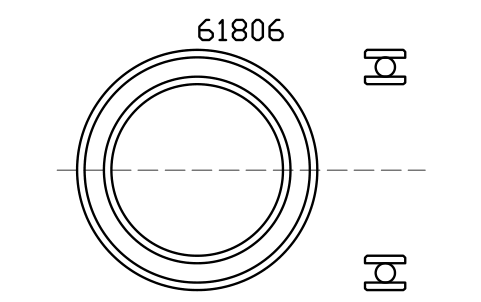
Bearing 61806 30x42x7
BRG_61806Attributes
DESIGNATIONSERIESBORE_MMOD_MMWIDTH_MMCHAMFER_MIN_MMSTANDARDMATERIALSEALCLEARANCEPART_NOMANUFACTURERQTYREMARKSDESC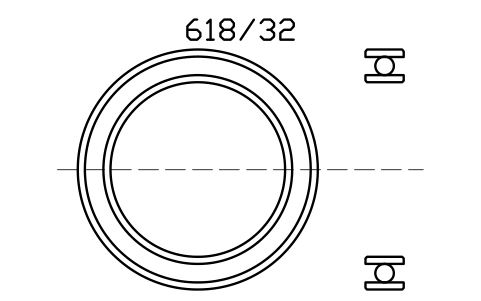
Bearing 618/32 32x44x7
BRG_618-32Attributes
DESIGNATIONSERIESBORE_MMOD_MMWIDTH_MMCHAMFER_MIN_MMSTANDARDMATERIALSEALCLEARANCEPART_NOMANUFACTURERQTYREMARKSDESC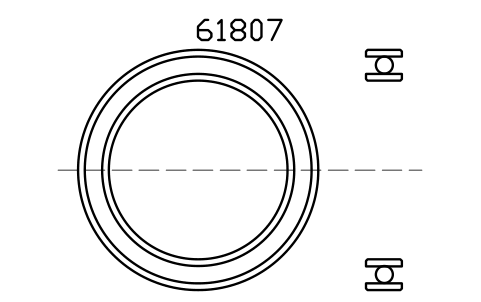
Bearing 61807 35x47x7
BRG_61807Attributes
DESIGNATIONSERIESBORE_MMOD_MMWIDTH_MMCHAMFER_MIN_MMSTANDARDMATERIALSEALCLEARANCEPART_NOMANUFACTURERQTYREMARKSDESC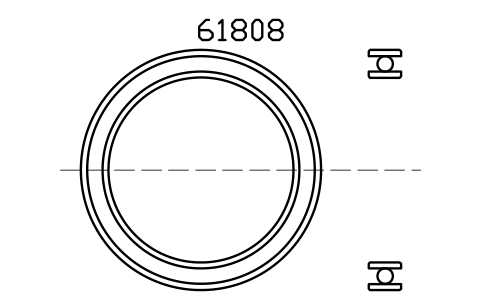
Bearing 61808 40x52x7
BRG_61808Attributes
DESIGNATIONSERIESBORE_MMOD_MMWIDTH_MMCHAMFER_MIN_MMSTANDARDMATERIALSEALCLEARANCEPART_NOMANUFACTURERQTYREMARKSDESC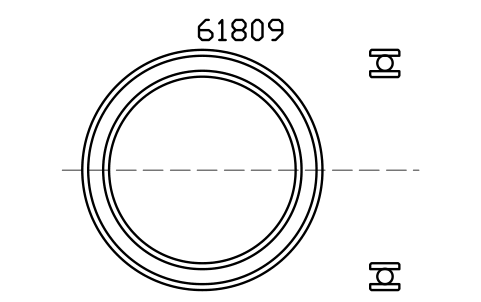
Bearing 61809 45x58x7
BRG_61809Attributes
DESIGNATIONSERIESBORE_MMOD_MMWIDTH_MMCHAMFER_MIN_MMSTANDARDMATERIALSEALCLEARANCEPART_NOMANUFACTURERQTYREMARKSDESC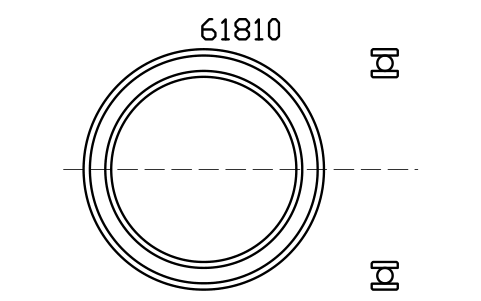
Bearing 61810 50x65x7
BRG_61810Attributes
DESIGNATIONSERIESBORE_MMOD_MMWIDTH_MMCHAMFER_MIN_MMSTANDARDMATERIALSEALCLEARANCEPART_NOMANUFACTURERQTYREMARKSDESC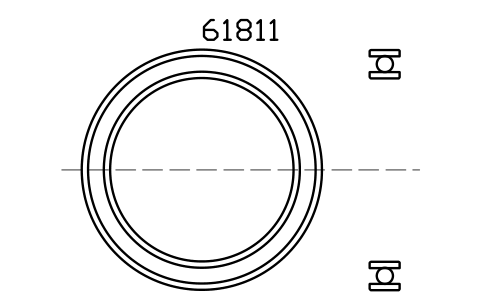
Bearing 61811 55x72x9
BRG_61811Attributes
DESIGNATIONSERIESBORE_MMOD_MMWIDTH_MMCHAMFER_MIN_MMSTANDARDMATERIALSEALCLEARANCEPART_NOMANUFACTURERQTYREMARKSDESC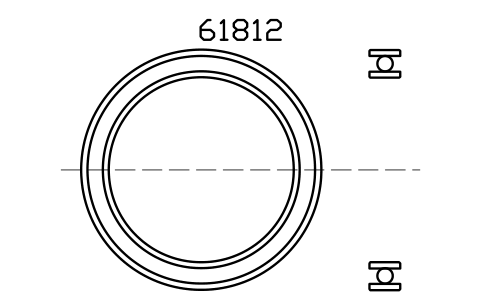
Bearing 61812 60x78x10
BRG_61812Attributes
DESIGNATIONSERIESBORE_MMOD_MMWIDTH_MMCHAMFER_MIN_MMSTANDARDMATERIALSEALCLEARANCEPART_NOMANUFACTURERQTYREMARKSDESC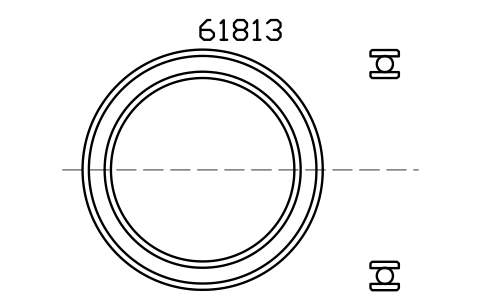
Bearing 61813 65x85x10
BRG_61813Attributes
DESIGNATIONSERIESBORE_MMOD_MMWIDTH_MMCHAMFER_MIN_MMSTANDARDMATERIALSEALCLEARANCEPART_NOMANUFACTURERQTYREMARKSDESC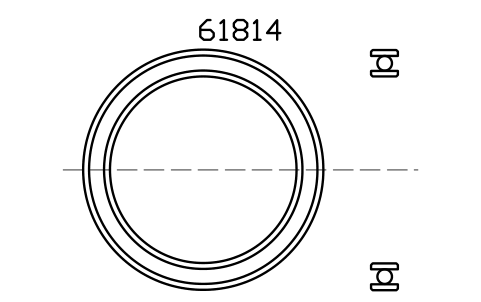
Bearing 61814 70x90x10
BRG_61814Attributes
DESIGNATIONSERIESBORE_MMOD_MMWIDTH_MMCHAMFER_MIN_MMSTANDARDMATERIALSEALCLEARANCEPART_NOMANUFACTURERQTYREMARKSDESC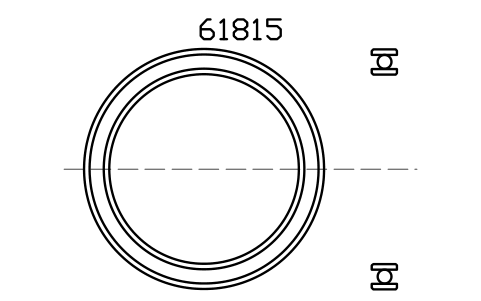
Bearing 61815 75x95x10
BRG_61815Attributes
DESIGNATIONSERIESBORE_MMOD_MMWIDTH_MMCHAMFER_MIN_MMSTANDARDMATERIALSEALCLEARANCEPART_NOMANUFACTURERQTYREMARKSDESC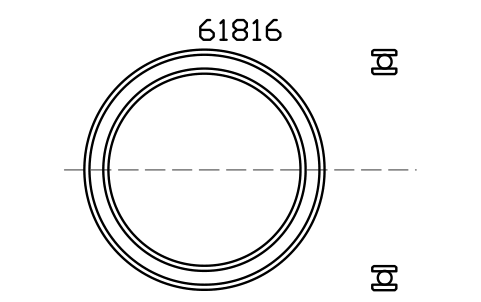
Bearing 61816 80x100x10
BRG_61816Attributes
DESIGNATIONSERIESBORE_MMOD_MMWIDTH_MMCHAMFER_MIN_MMSTANDARDMATERIALSEALCLEARANCEPART_NOMANUFACTURERQTYREMARKSDESC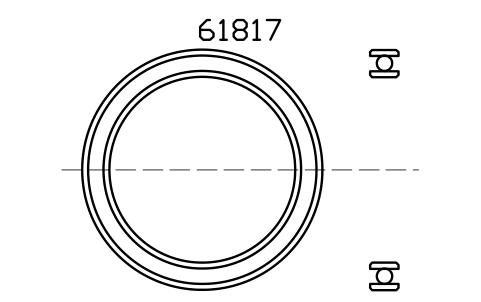
Bearing 61817 85x110x13
BRG_61817Attributes
DESIGNATIONSERIESBORE_MMOD_MMWIDTH_MMCHAMFER_MIN_MMSTANDARDMATERIALSEALCLEARANCEPART_NOMANUFACTURERQTYREMARKSDESC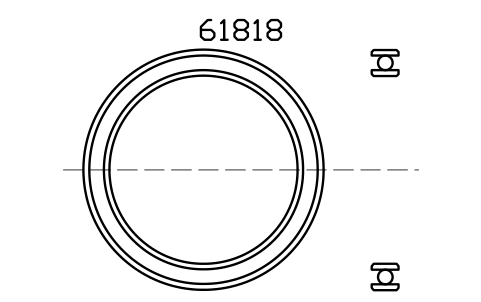
Bearing 61818 90x115x13
BRG_61818Attributes
DESIGNATIONSERIESBORE_MMOD_MMWIDTH_MMCHAMFER_MIN_MMSTANDARDMATERIALSEALCLEARANCEPART_NOMANUFACTURERQTYREMARKSDESC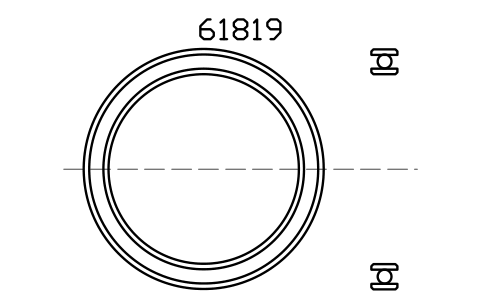
Bearing 61819 95x120x13
BRG_61819Attributes
DESIGNATIONSERIESBORE_MMOD_MMWIDTH_MMCHAMFER_MIN_MMSTANDARDMATERIALSEALCLEARANCEPART_NOMANUFACTURERQTYREMARKSDESC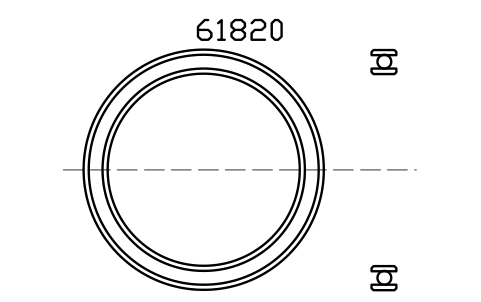
Bearing 61820 100x125x13
BRG_61820Attributes
DESIGNATIONSERIESBORE_MMOD_MMWIDTH_MMCHAMFER_MIN_MMSTANDARDMATERIALSEALCLEARANCEPART_NOMANUFACTURERQTYREMARKSDESCBearing 619/1 1x4x1.6
BRG_619-1Attributes
DESIGNATIONSERIESBORE_MMOD_MMWIDTH_MMCHAMFER_MIN_MMSTANDARDMATERIALSEALCLEARANCEPART_NOMANUFACTURERQTYREMARKSDESCBearing 619/1.5 1.5x5x2
BRG_619-1.5Attributes
DESIGNATIONSERIESBORE_MMOD_MMWIDTH_MMCHAMFER_MIN_MMSTANDARDMATERIALSEALCLEARANCEPART_NOMANUFACTURERQTYREMARKSDESCBearing 619/2 2x6x2.3
BRG_619-2Attributes
DESIGNATIONSERIESBORE_MMOD_MMWIDTH_MMCHAMFER_MIN_MMSTANDARDMATERIALSEALCLEARANCEPART_NOMANUFACTURERQTYREMARKSDESCBearing 619/2.5 2.5x7x2.5
BRG_619-2.5Attributes
DESIGNATIONSERIESBORE_MMOD_MMWIDTH_MMCHAMFER_MIN_MMSTANDARDMATERIALSEALCLEARANCEPART_NOMANUFACTURERQTYREMARKSDESCBearing 619/3 3x8x3
BRG_619-3Attributes
DESIGNATIONSERIESBORE_MMOD_MMWIDTH_MMCHAMFER_MIN_MMSTANDARDMATERIALSEALCLEARANCEPART_NOMANUFACTURERQTYREMARKSDESC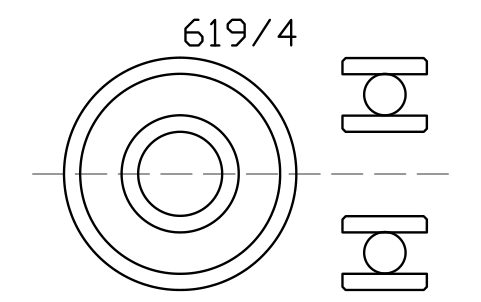
Bearing 619/4 4x11x4
BRG_619-4Attributes
DESIGNATIONSERIESBORE_MMOD_MMWIDTH_MMCHAMFER_MIN_MMSTANDARDMATERIALSEALCLEARANCEPART_NOMANUFACTURERQTYREMARKSDESC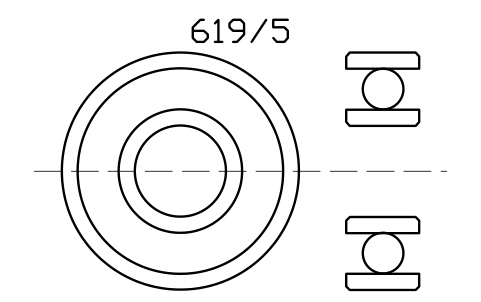
Bearing 619/5 5x13x4
BRG_619-5Attributes
DESIGNATIONSERIESBORE_MMOD_MMWIDTH_MMCHAMFER_MIN_MMSTANDARDMATERIALSEALCLEARANCEPART_NOMANUFACTURERQTYREMARKSDESC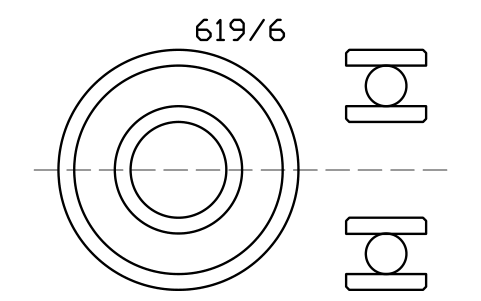
Bearing 619/6 6x15x5
BRG_619-6Attributes
DESIGNATIONSERIESBORE_MMOD_MMWIDTH_MMCHAMFER_MIN_MMSTANDARDMATERIALSEALCLEARANCEPART_NOMANUFACTURERQTYREMARKSDESC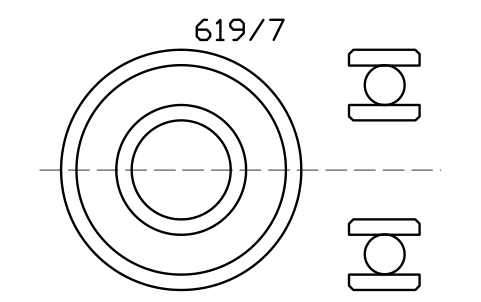
Bearing 619/7 7x17x5
BRG_619-7Attributes
DESIGNATIONSERIESBORE_MMOD_MMWIDTH_MMCHAMFER_MIN_MMSTANDARDMATERIALSEALCLEARANCEPART_NOMANUFACTURERQTYREMARKSDESC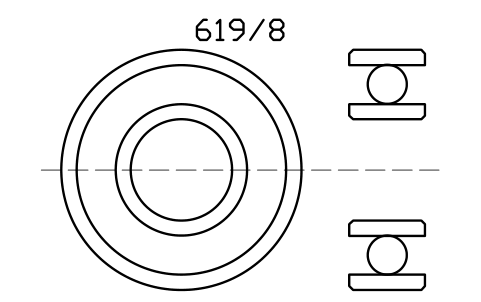
Bearing 619/8 8x19x6
BRG_619-8Attributes
DESIGNATIONSERIESBORE_MMOD_MMWIDTH_MMCHAMFER_MIN_MMSTANDARDMATERIALSEALCLEARANCEPART_NOMANUFACTURERQTYREMARKSDESC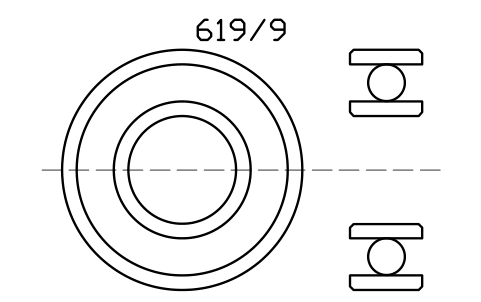
Bearing 619/9 9x20x6
BRG_619-9Attributes
DESIGNATIONSERIESBORE_MMOD_MMWIDTH_MMCHAMFER_MIN_MMSTANDARDMATERIALSEALCLEARANCEPART_NOMANUFACTURERQTYREMARKSDESC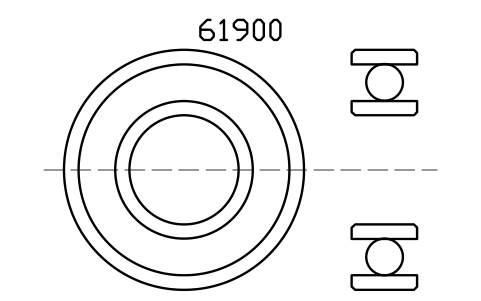
Bearing 61900 10x22x6
BRG_61900Attributes
DESIGNATIONSERIESBORE_MMOD_MMWIDTH_MMCHAMFER_MIN_MMSTANDARDMATERIALSEALCLEARANCEPART_NOMANUFACTURERQTYREMARKSDESC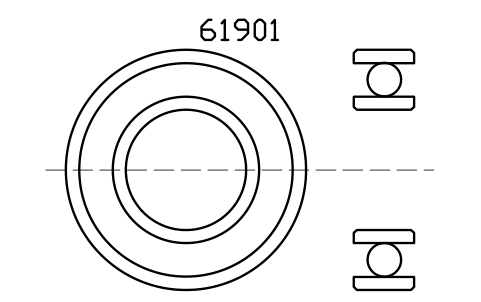
Bearing 61901 12x24x6
BRG_61901Attributes
DESIGNATIONSERIESBORE_MMOD_MMWIDTH_MMCHAMFER_MIN_MMSTANDARDMATERIALSEALCLEARANCEPART_NOMANUFACTURERQTYREMARKSDESC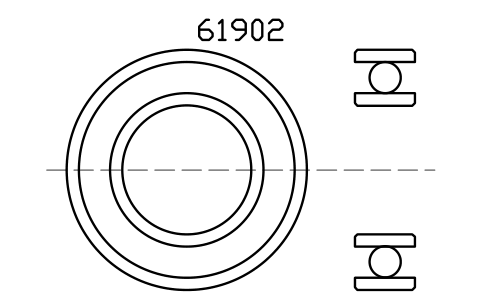
Bearing 61902 15x28x7
BRG_61902Attributes
DESIGNATIONSERIESBORE_MMOD_MMWIDTH_MMCHAMFER_MIN_MMSTANDARDMATERIALSEALCLEARANCEPART_NOMANUFACTURERQTYREMARKSDESC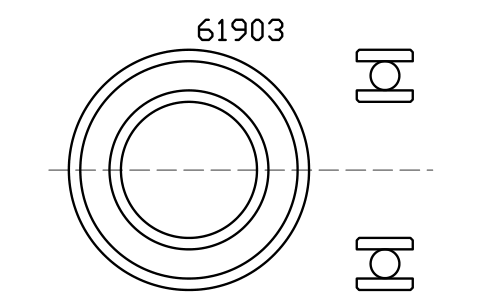
Bearing 61903 17x30x7
BRG_61903Attributes
DESIGNATIONSERIESBORE_MMOD_MMWIDTH_MMCHAMFER_MIN_MMSTANDARDMATERIALSEALCLEARANCEPART_NOMANUFACTURERQTYREMARKSDESC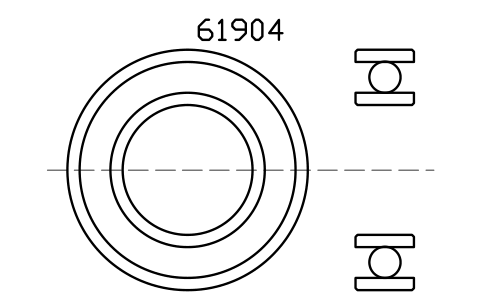
Bearing 61904 20x37x9
BRG_61904Attributes
DESIGNATIONSERIESBORE_MMOD_MMWIDTH_MMCHAMFER_MIN_MMSTANDARDMATERIALSEALCLEARANCEPART_NOMANUFACTURERQTYREMARKSDESC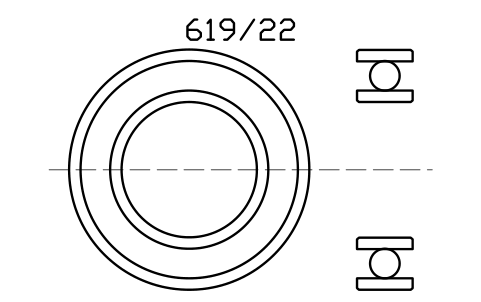
Bearing 619/22 22x39x9
BRG_619-22Attributes
DESIGNATIONSERIESBORE_MMOD_MMWIDTH_MMCHAMFER_MIN_MMSTANDARDMATERIALSEALCLEARANCEPART_NOMANUFACTURERQTYREMARKSDESC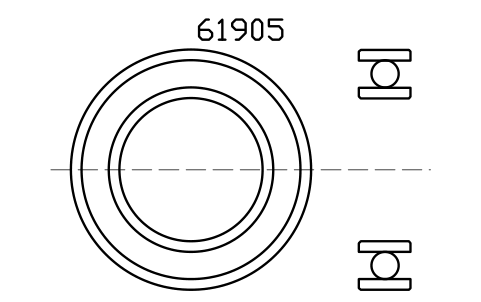
Bearing 61905 25x42x9
BRG_61905Attributes
DESIGNATIONSERIESBORE_MMOD_MMWIDTH_MMCHAMFER_MIN_MMSTANDARDMATERIALSEALCLEARANCEPART_NOMANUFACTURERQTYREMARKSDESC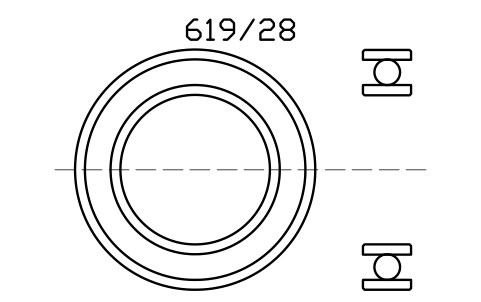
Bearing 619/28 28x45x9
BRG_619-28Attributes
DESIGNATIONSERIESBORE_MMOD_MMWIDTH_MMCHAMFER_MIN_MMSTANDARDMATERIALSEALCLEARANCEPART_NOMANUFACTURERQTYREMARKSDESC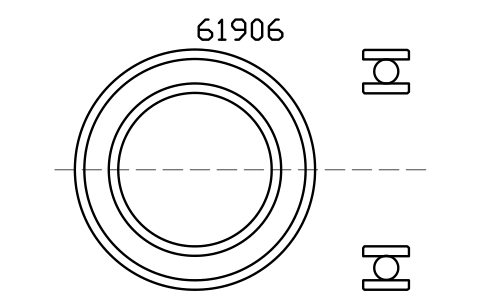
Bearing 61906 30x47x9
BRG_61906Attributes
DESIGNATIONSERIESBORE_MMOD_MMWIDTH_MMCHAMFER_MIN_MMSTANDARDMATERIALSEALCLEARANCEPART_NOMANUFACTURERQTYREMARKSDESC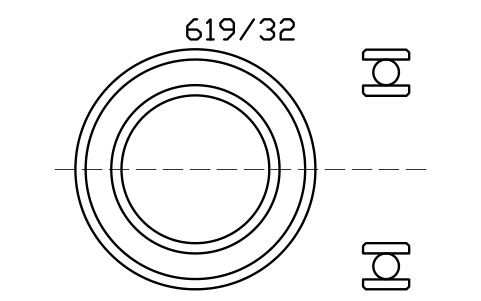
Bearing 619/32 32x52x10
BRG_619-32Attributes
DESIGNATIONSERIESBORE_MMOD_MMWIDTH_MMCHAMFER_MIN_MMSTANDARDMATERIALSEALCLEARANCEPART_NOMANUFACTURERQTYREMARKSDESC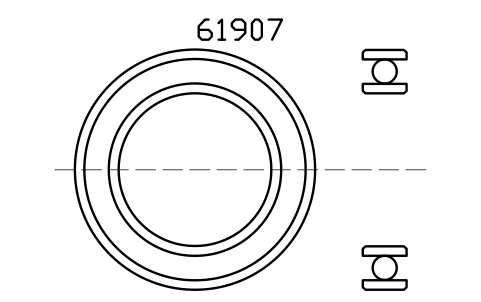
Bearing 61907 35x55x10
BRG_61907Attributes
DESIGNATIONSERIESBORE_MMOD_MMWIDTH_MMCHAMFER_MIN_MMSTANDARDMATERIALSEALCLEARANCEPART_NOMANUFACTURERQTYREMARKSDESC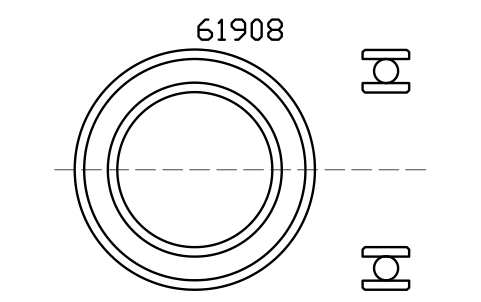
Bearing 61908 40x62x12
BRG_61908Attributes
DESIGNATIONSERIESBORE_MMOD_MMWIDTH_MMCHAMFER_MIN_MMSTANDARDMATERIALSEALCLEARANCEPART_NOMANUFACTURERQTYREMARKSDESC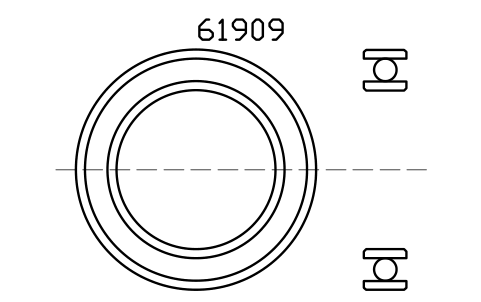
Bearing 61909 45x68x12
BRG_61909Attributes
DESIGNATIONSERIESBORE_MMOD_MMWIDTH_MMCHAMFER_MIN_MMSTANDARDMATERIALSEALCLEARANCEPART_NOMANUFACTURERQTYREMARKSDESC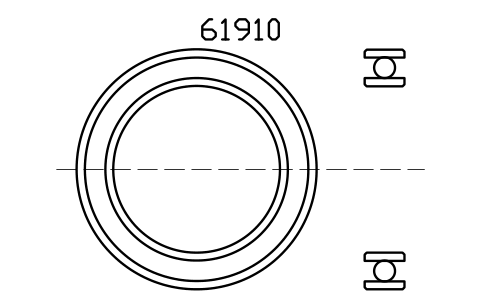
Bearing 61910 50x72x12
BRG_61910Attributes
DESIGNATIONSERIESBORE_MMOD_MMWIDTH_MMCHAMFER_MIN_MMSTANDARDMATERIALSEALCLEARANCEPART_NOMANUFACTURERQTYREMARKSDESC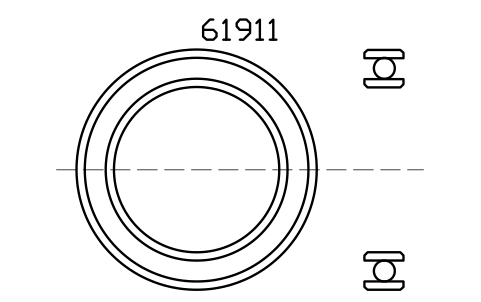
Bearing 61911 55x80x13
BRG_61911Attributes
DESIGNATIONSERIESBORE_MMOD_MMWIDTH_MMCHAMFER_MIN_MMSTANDARDMATERIALSEALCLEARANCEPART_NOMANUFACTURERQTYREMARKSDESC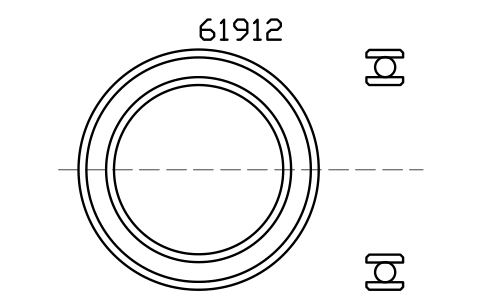
Bearing 61912 60x85x13
BRG_61912Attributes
DESIGNATIONSERIESBORE_MMOD_MMWIDTH_MMCHAMFER_MIN_MMSTANDARDMATERIALSEALCLEARANCEPART_NOMANUFACTURERQTYREMARKSDESC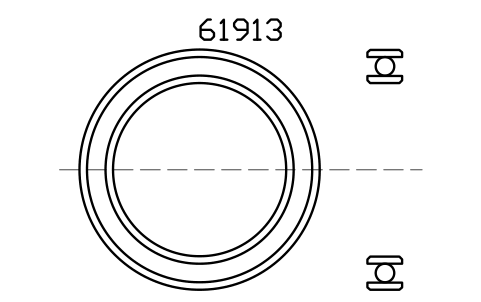
Bearing 61913 65x90x13
BRG_61913Attributes
DESIGNATIONSERIESBORE_MMOD_MMWIDTH_MMCHAMFER_MIN_MMSTANDARDMATERIALSEALCLEARANCEPART_NOMANUFACTURERQTYREMARKSDESC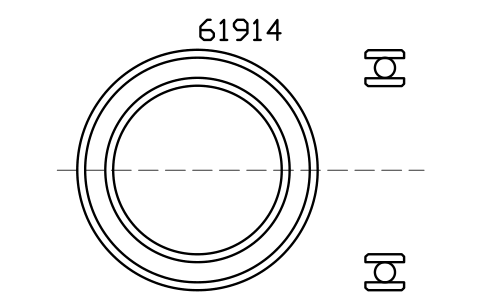
Bearing 61914 70x100x16
BRG_61914Attributes
DESIGNATIONSERIESBORE_MMOD_MMWIDTH_MMCHAMFER_MIN_MMSTANDARDMATERIALSEALCLEARANCEPART_NOMANUFACTURERQTYREMARKSDESC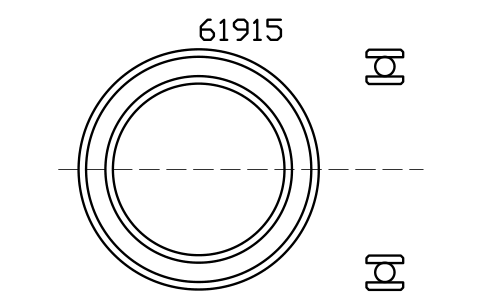
Bearing 61915 75x105x16
BRG_61915Attributes
DESIGNATIONSERIESBORE_MMOD_MMWIDTH_MMCHAMFER_MIN_MMSTANDARDMATERIALSEALCLEARANCEPART_NOMANUFACTURERQTYREMARKSDESC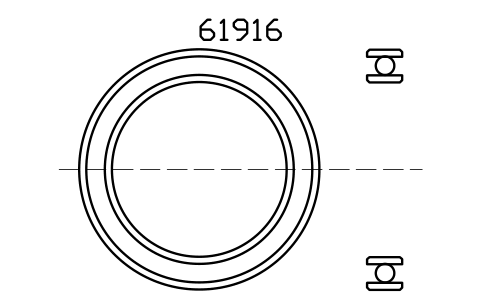
Bearing 61916 80x110x16
BRG_61916Attributes
DESIGNATIONSERIESBORE_MMOD_MMWIDTH_MMCHAMFER_MIN_MMSTANDARDMATERIALSEALCLEARANCEPART_NOMANUFACTURERQTYREMARKSDESC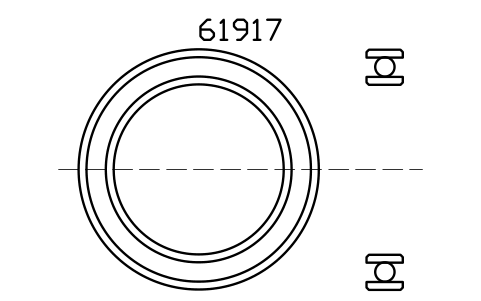
Bearing 61917 85x120x18
BRG_61917Attributes
DESIGNATIONSERIESBORE_MMOD_MMWIDTH_MMCHAMFER_MIN_MMSTANDARDMATERIALSEALCLEARANCEPART_NOMANUFACTURERQTYREMARKSDESC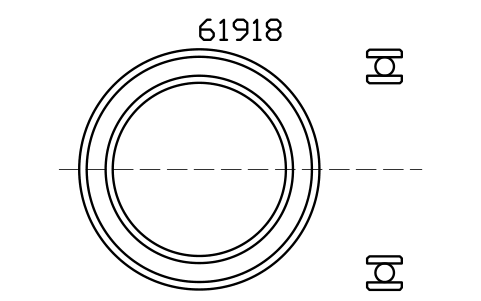
Bearing 61918 90x125x18
BRG_61918Attributes
DESIGNATIONSERIESBORE_MMOD_MMWIDTH_MMCHAMFER_MIN_MMSTANDARDMATERIALSEALCLEARANCEPART_NOMANUFACTURERQTYREMARKSDESC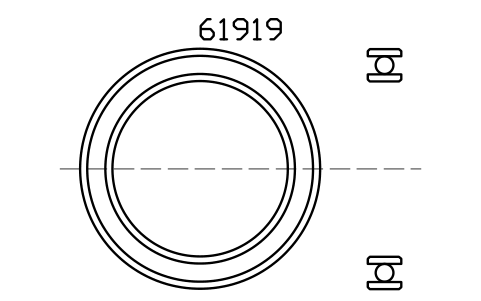
Bearing 61919 95x130x18
BRG_61919Attributes
DESIGNATIONSERIESBORE_MMOD_MMWIDTH_MMCHAMFER_MIN_MMSTANDARDMATERIALSEALCLEARANCEPART_NOMANUFACTURERQTYREMARKSDESC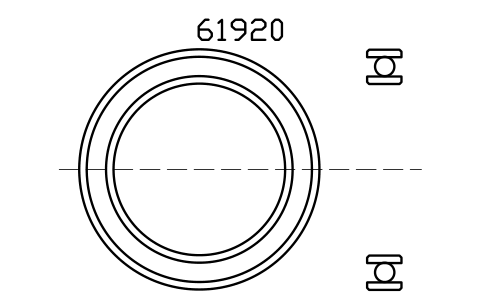
Bearing 61920 100x140x20
BRG_61920Attributes
DESIGNATIONSERIESBORE_MMOD_MMWIDTH_MMCHAMFER_MIN_MMSTANDARDMATERIALSEALCLEARANCEPART_NOMANUFACTURERQTYREMARKSDESCBearing 60/1.5 1.5x6x2.5
BRG_60-1.5Attributes
DESIGNATIONSERIESBORE_MMOD_MMWIDTH_MMCHAMFER_MIN_MMSTANDARDMATERIALSEALCLEARANCEPART_NOMANUFACTURERQTYREMARKSDESCBearing 602 2x7x2.8
BRG_602Attributes
DESIGNATIONSERIESBORE_MMOD_MMWIDTH_MMCHAMFER_MIN_MMSTANDARDMATERIALSEALCLEARANCEPART_NOMANUFACTURERQTYREMARKSDESCBearing 60/2.5 2.5x8x2.8
BRG_60-2.5Attributes
DESIGNATIONSERIESBORE_MMOD_MMWIDTH_MMCHAMFER_MIN_MMSTANDARDMATERIALSEALCLEARANCEPART_NOMANUFACTURERQTYREMARKSDESCBearing 603 3x9x3
BRG_603Attributes
DESIGNATIONSERIESBORE_MMOD_MMWIDTH_MMCHAMFER_MIN_MMSTANDARDMATERIALSEALCLEARANCEPART_NOMANUFACTURERQTYREMARKSDESCBearing 604 4x12x4
BRG_604Attributes
DESIGNATIONSERIESBORE_MMOD_MMWIDTH_MMCHAMFER_MIN_MMSTANDARDMATERIALSEALCLEARANCEPART_NOMANUFACTURERQTYREMARKSDESC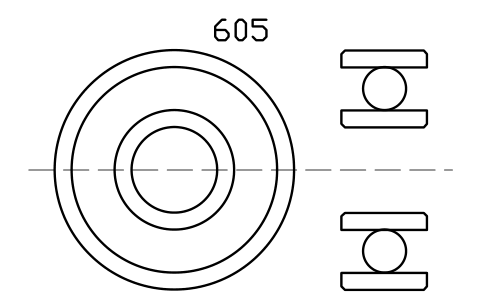
Bearing 605 5x14x5
BRG_605Attributes
DESIGNATIONSERIESBORE_MMOD_MMWIDTH_MMCHAMFER_MIN_MMSTANDARDMATERIALSEALCLEARANCEPART_NOMANUFACTURERQTYREMARKSDESC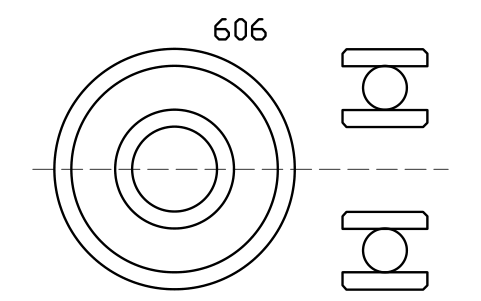
Bearing 606 6x17x6
BRG_606Attributes
DESIGNATIONSERIESBORE_MMOD_MMWIDTH_MMCHAMFER_MIN_MMSTANDARDMATERIALSEALCLEARANCEPART_NOMANUFACTURERQTYREMARKSDESC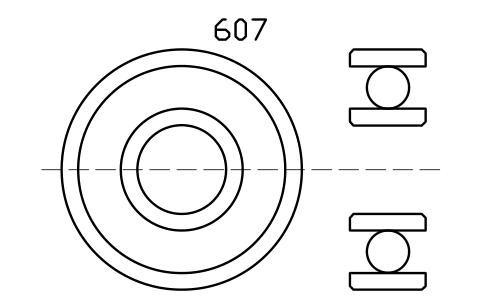
Bearing 607 7x19x6
BRG_607Attributes
DESIGNATIONSERIESBORE_MMOD_MMWIDTH_MMCHAMFER_MIN_MMSTANDARDMATERIALSEALCLEARANCEPART_NOMANUFACTURERQTYREMARKSDESC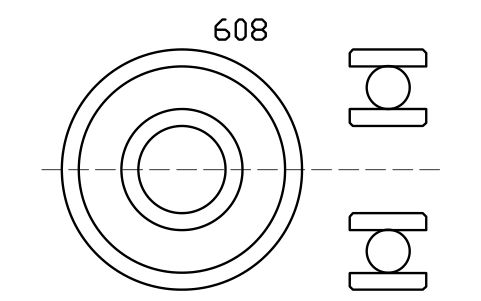
Bearing 608 8x22x7
BRG_608Attributes
DESIGNATIONSERIESBORE_MMOD_MMWIDTH_MMCHAMFER_MIN_MMSTANDARDMATERIALSEALCLEARANCEPART_NOMANUFACTURERQTYREMARKSDESC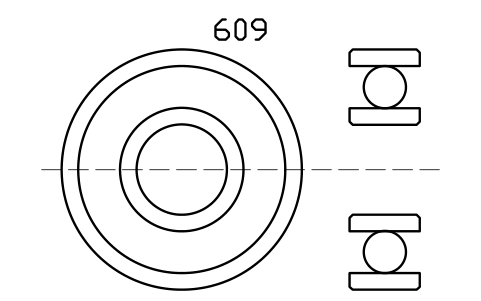
Bearing 609 9x24x7
BRG_609Attributes
DESIGNATIONSERIESBORE_MMOD_MMWIDTH_MMCHAMFER_MIN_MMSTANDARDMATERIALSEALCLEARANCEPART_NOMANUFACTURERQTYREMARKSDESC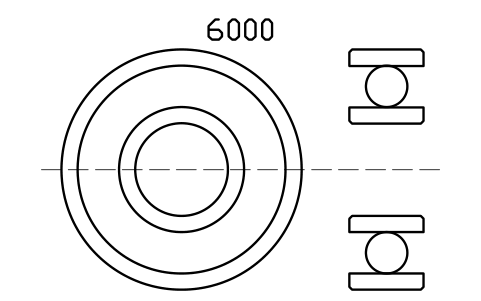
Bearing 6000 10x26x8
BRG_6000Attributes
DESIGNATIONSERIESBORE_MMOD_MMWIDTH_MMCHAMFER_MIN_MMSTANDARDMATERIALSEALCLEARANCEPART_NOMANUFACTURERQTYREMARKSDESC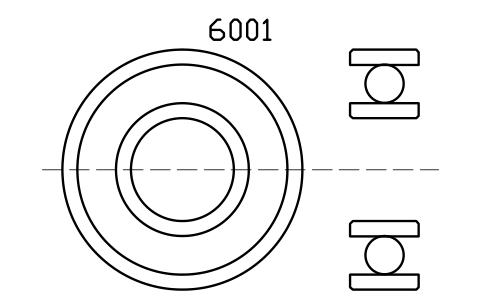
Bearing 6001 12x28x8
BRG_6001Attributes
DESIGNATIONSERIESBORE_MMOD_MMWIDTH_MMCHAMFER_MIN_MMSTANDARDMATERIALSEALCLEARANCEPART_NOMANUFACTURERQTYREMARKSDESC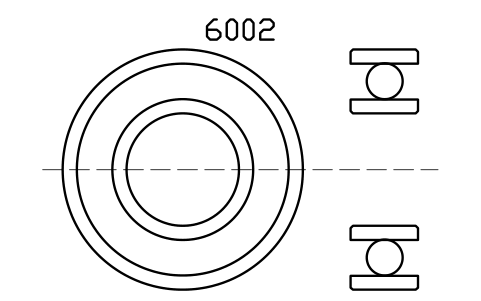
Bearing 6002 15x32x9
BRG_6002Attributes
DESIGNATIONSERIESBORE_MMOD_MMWIDTH_MMCHAMFER_MIN_MMSTANDARDMATERIALSEALCLEARANCEPART_NOMANUFACTURERQTYREMARKSDESC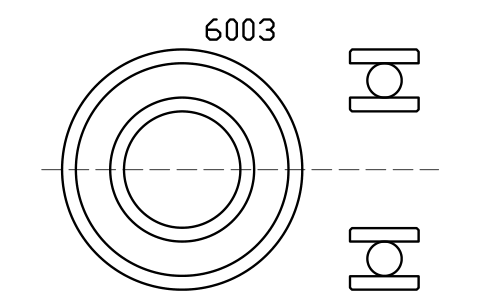
Bearing 6003 17x35x10
BRG_6003Attributes
DESIGNATIONSERIESBORE_MMOD_MMWIDTH_MMCHAMFER_MIN_MMSTANDARDMATERIALSEALCLEARANCEPART_NOMANUFACTURERQTYREMARKSDESC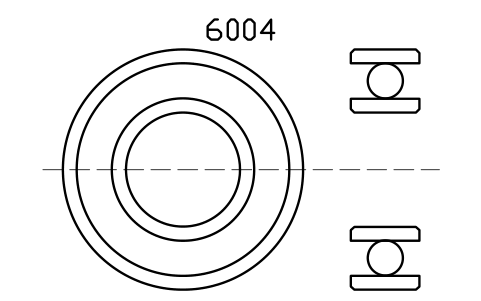
Bearing 6004 20x42x12
BRG_6004Attributes
DESIGNATIONSERIESBORE_MMOD_MMWIDTH_MMCHAMFER_MIN_MMSTANDARDMATERIALSEALCLEARANCEPART_NOMANUFACTURERQTYREMARKSDESC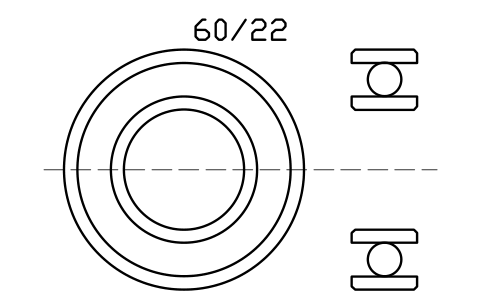
Bearing 60/22 22x44x12
BRG_60-22Attributes
DESIGNATIONSERIESBORE_MMOD_MMWIDTH_MMCHAMFER_MIN_MMSTANDARDMATERIALSEALCLEARANCEPART_NOMANUFACTURERQTYREMARKSDESC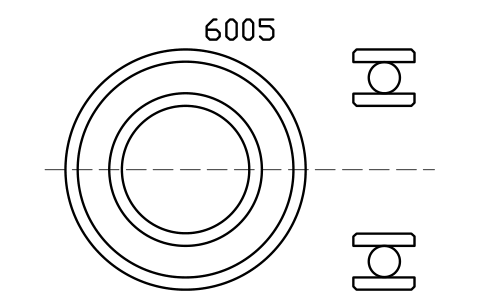
Bearing 6005 25x47x12
BRG_6005Attributes
DESIGNATIONSERIESBORE_MMOD_MMWIDTH_MMCHAMFER_MIN_MMSTANDARDMATERIALSEALCLEARANCEPART_NOMANUFACTURERQTYREMARKSDESC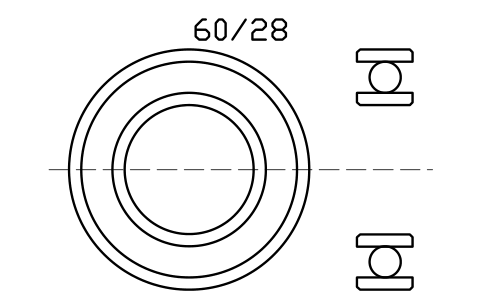
Bearing 60/28 28x52x12
BRG_60-28Attributes
DESIGNATIONSERIESBORE_MMOD_MMWIDTH_MMCHAMFER_MIN_MMSTANDARDMATERIALSEALCLEARANCEPART_NOMANUFACTURERQTYREMARKSDESC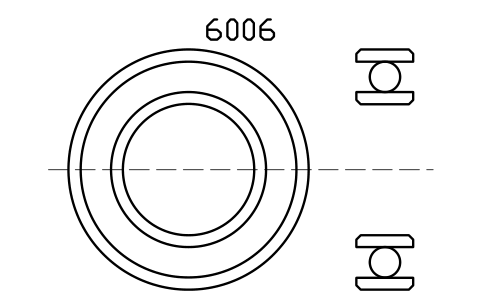
Bearing 6006 30x55x13
BRG_6006Attributes
DESIGNATIONSERIESBORE_MMOD_MMWIDTH_MMCHAMFER_MIN_MMSTANDARDMATERIALSEALCLEARANCEPART_NOMANUFACTURERQTYREMARKSDESC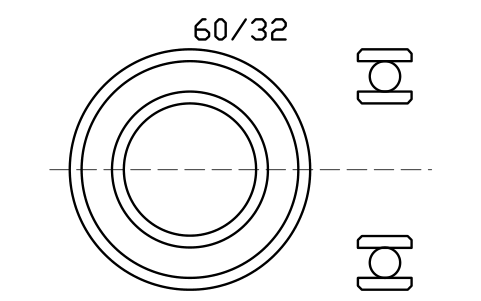
Bearing 60/32 32x58x13
BRG_60-32Attributes
DESIGNATIONSERIESBORE_MMOD_MMWIDTH_MMCHAMFER_MIN_MMSTANDARDMATERIALSEALCLEARANCEPART_NOMANUFACTURERQTYREMARKSDESC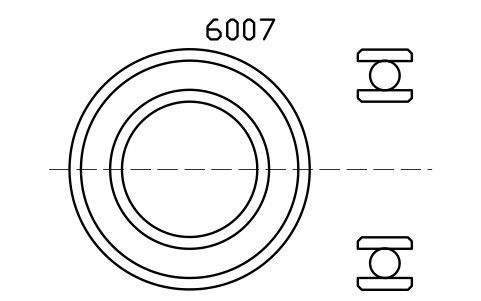
Bearing 6007 35x62x14
BRG_6007Attributes
DESIGNATIONSERIESBORE_MMOD_MMWIDTH_MMCHAMFER_MIN_MMSTANDARDMATERIALSEALCLEARANCEPART_NOMANUFACTURERQTYREMARKSDESC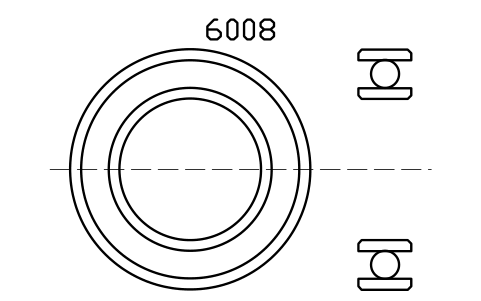
Bearing 6008 40x68x15
BRG_6008Attributes
DESIGNATIONSERIESBORE_MMOD_MMWIDTH_MMCHAMFER_MIN_MMSTANDARDMATERIALSEALCLEARANCEPART_NOMANUFACTURERQTYREMARKSDESC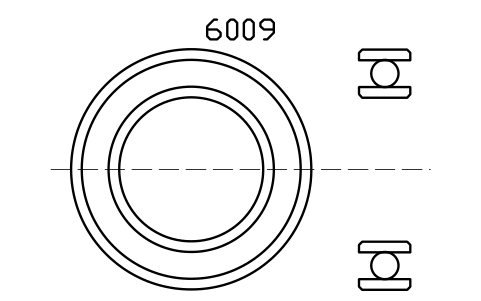
Bearing 6009 45x75x16
BRG_6009Attributes
DESIGNATIONSERIESBORE_MMOD_MMWIDTH_MMCHAMFER_MIN_MMSTANDARDMATERIALSEALCLEARANCEPART_NOMANUFACTURERQTYREMARKSDESC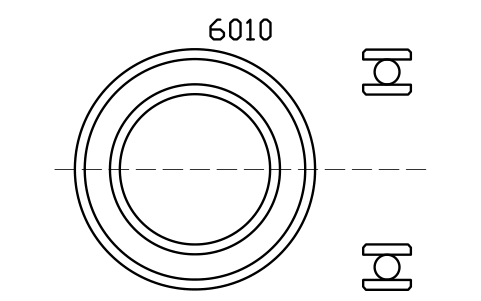
Bearing 6010 50x80x16
BRG_6010Attributes
DESIGNATIONSERIESBORE_MMOD_MMWIDTH_MMCHAMFER_MIN_MMSTANDARDMATERIALSEALCLEARANCEPART_NOMANUFACTURERQTYREMARKSDESC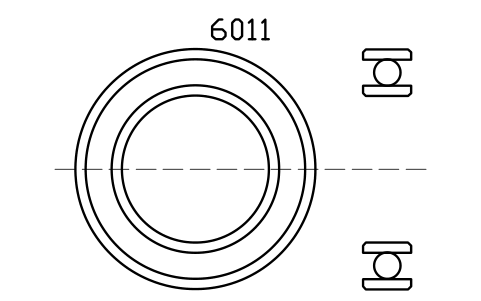
Bearing 6011 55x90x18
BRG_6011Attributes
DESIGNATIONSERIESBORE_MMOD_MMWIDTH_MMCHAMFER_MIN_MMSTANDARDMATERIALSEALCLEARANCEPART_NOMANUFACTURERQTYREMARKSDESC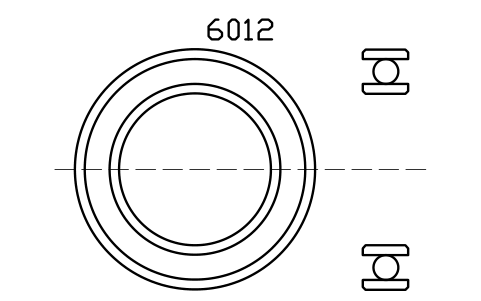
Bearing 6012 60x95x18
BRG_6012Attributes
DESIGNATIONSERIESBORE_MMOD_MMWIDTH_MMCHAMFER_MIN_MMSTANDARDMATERIALSEALCLEARANCEPART_NOMANUFACTURERQTYREMARKSDESC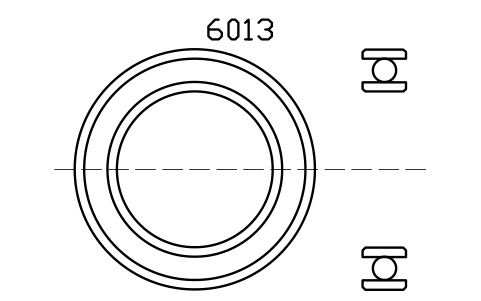
Bearing 6013 65x100x18
BRG_6013Attributes
DESIGNATIONSERIESBORE_MMOD_MMWIDTH_MMCHAMFER_MIN_MMSTANDARDMATERIALSEALCLEARANCEPART_NOMANUFACTURERQTYREMARKSDESC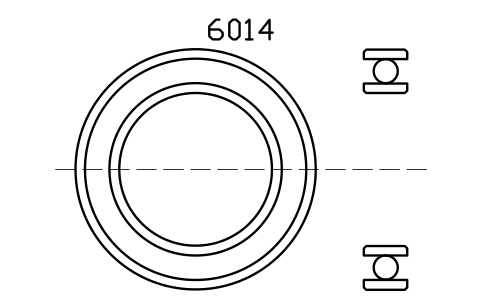
Bearing 6014 70x110x20
BRG_6014Attributes
DESIGNATIONSERIESBORE_MMOD_MMWIDTH_MMCHAMFER_MIN_MMSTANDARDMATERIALSEALCLEARANCEPART_NOMANUFACTURERQTYREMARKSDESC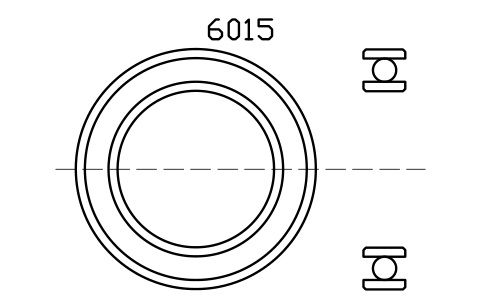
Bearing 6015 75x115x20
BRG_6015Attributes
DESIGNATIONSERIESBORE_MMOD_MMWIDTH_MMCHAMFER_MIN_MMSTANDARDMATERIALSEALCLEARANCEPART_NOMANUFACTURERQTYREMARKSDESC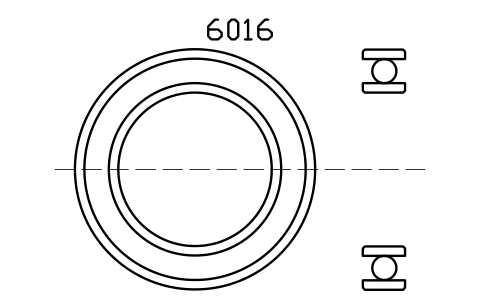
Bearing 6016 80x125x22
BRG_6016Attributes
DESIGNATIONSERIESBORE_MMOD_MMWIDTH_MMCHAMFER_MIN_MMSTANDARDMATERIALSEALCLEARANCEPART_NOMANUFACTURERQTYREMARKSDESC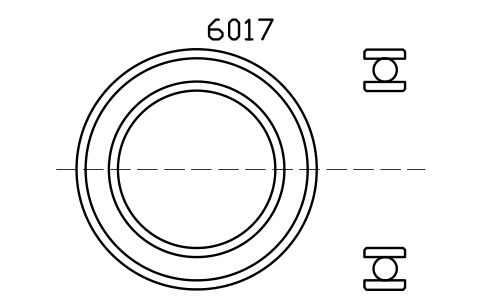
Bearing 6017 85x130x22
BRG_6017Attributes
DESIGNATIONSERIESBORE_MMOD_MMWIDTH_MMCHAMFER_MIN_MMSTANDARDMATERIALSEALCLEARANCEPART_NOMANUFACTURERQTYREMARKSDESC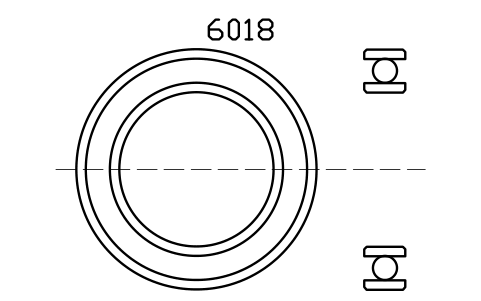
Bearing 6018 90x140x24
BRG_6018Attributes
DESIGNATIONSERIESBORE_MMOD_MMWIDTH_MMCHAMFER_MIN_MMSTANDARDMATERIALSEALCLEARANCEPART_NOMANUFACTURERQTYREMARKSDESC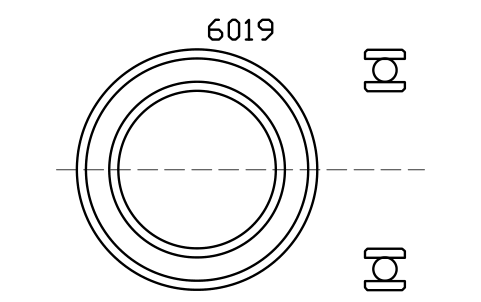
Bearing 6019 95x145x24
BRG_6019Attributes
DESIGNATIONSERIESBORE_MMOD_MMWIDTH_MMCHAMFER_MIN_MMSTANDARDMATERIALSEALCLEARANCEPART_NOMANUFACTURERQTYREMARKSDESC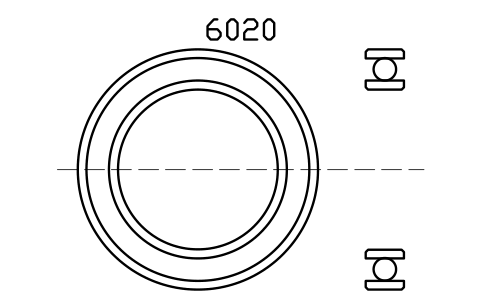
Bearing 6020 100x150x24
BRG_6020Attributes
DESIGNATIONSERIESBORE_MMOD_MMWIDTH_MMCHAMFER_MIN_MMSTANDARDMATERIALSEALCLEARANCEPART_NOMANUFACTURERQTYREMARKSDESCBearing 623 3x10x4
BRG_623Attributes
DESIGNATIONSERIESBORE_MMOD_MMWIDTH_MMCHAMFER_MIN_MMSTANDARDMATERIALSEALCLEARANCEPART_NOMANUFACTURERQTYREMARKSDESCBearing 624 4x13x5
BRG_624Attributes
DESIGNATIONSERIESBORE_MMOD_MMWIDTH_MMCHAMFER_MIN_MMSTANDARDMATERIALSEALCLEARANCEPART_NOMANUFACTURERQTYREMARKSDESCBearing 625 5x16x5
BRG_625Attributes
DESIGNATIONSERIESBORE_MMOD_MMWIDTH_MMCHAMFER_MIN_MMSTANDARDMATERIALSEALCLEARANCEPART_NOMANUFACTURERQTYREMARKSDESCBearing 626 6x19x6
BRG_626Attributes
DESIGNATIONSERIESBORE_MMOD_MMWIDTH_MMCHAMFER_MIN_MMSTANDARDMATERIALSEALCLEARANCEPART_NOMANUFACTURERQTYREMARKSDESCBearing 627 7x22x7
BRG_627Attributes
DESIGNATIONSERIESBORE_MMOD_MMWIDTH_MMCHAMFER_MIN_MMSTANDARDMATERIALSEALCLEARANCEPART_NOMANUFACTURERQTYREMARKSDESC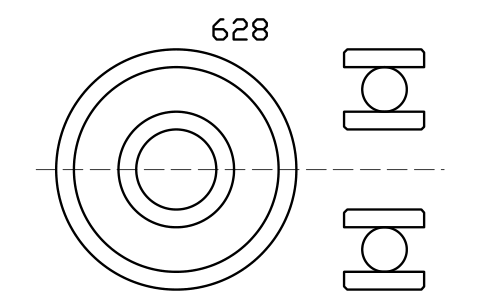
Bearing 628 8x24x8
BRG_628Attributes
DESIGNATIONSERIESBORE_MMOD_MMWIDTH_MMCHAMFER_MIN_MMSTANDARDMATERIALSEALCLEARANCEPART_NOMANUFACTURERQTYREMARKSDESC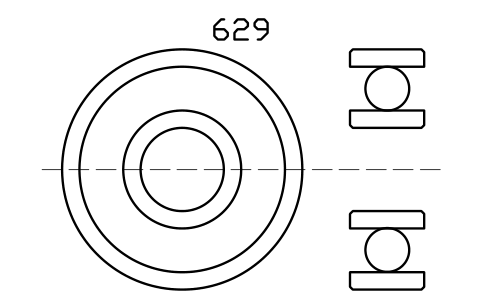
Bearing 629 9x26x8
BRG_629Attributes
DESIGNATIONSERIESBORE_MMOD_MMWIDTH_MMCHAMFER_MIN_MMSTANDARDMATERIALSEALCLEARANCEPART_NOMANUFACTURERQTYREMARKSDESC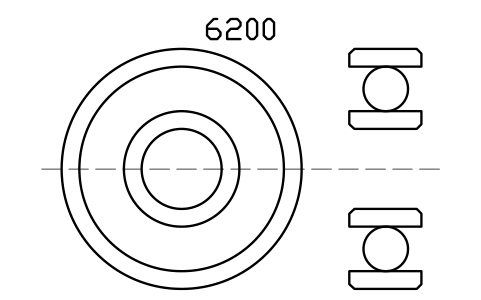
Bearing 6200 10x30x9
BRG_6200Attributes
DESIGNATIONSERIESBORE_MMOD_MMWIDTH_MMCHAMFER_MIN_MMSTANDARDMATERIALSEALCLEARANCEPART_NOMANUFACTURERQTYREMARKSDESC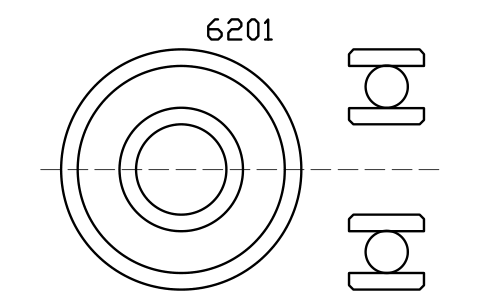
Bearing 6201 12x32x10
BRG_6201Attributes
DESIGNATIONSERIESBORE_MMOD_MMWIDTH_MMCHAMFER_MIN_MMSTANDARDMATERIALSEALCLEARANCEPART_NOMANUFACTURERQTYREMARKSDESC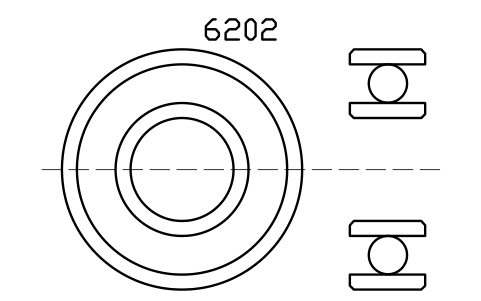
Bearing 6202 15x35x11
BRG_6202Attributes
DESIGNATIONSERIESBORE_MMOD_MMWIDTH_MMCHAMFER_MIN_MMSTANDARDMATERIALSEALCLEARANCEPART_NOMANUFACTURERQTYREMARKSDESC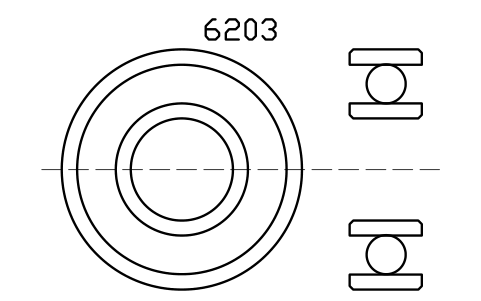
Bearing 6203 17x40x12
BRG_6203Attributes
DESIGNATIONSERIESBORE_MMOD_MMWIDTH_MMCHAMFER_MIN_MMSTANDARDMATERIALSEALCLEARANCEPART_NOMANUFACTURERQTYREMARKSDESC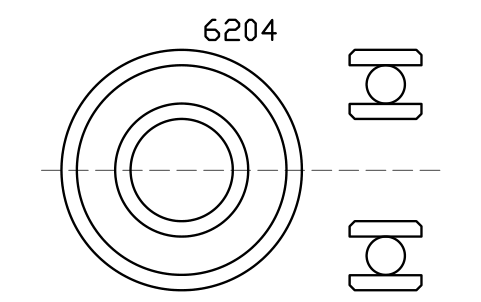
Bearing 6204 20x47x14
BRG_6204Attributes
DESIGNATIONSERIESBORE_MMOD_MMWIDTH_MMCHAMFER_MIN_MMSTANDARDMATERIALSEALCLEARANCEPART_NOMANUFACTURERQTYREMARKSDESC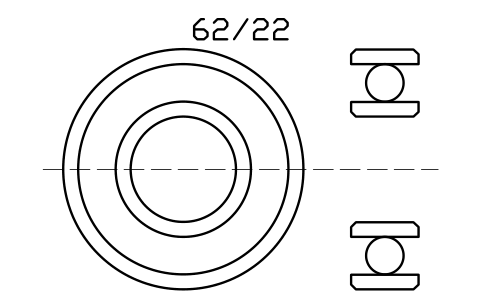
Bearing 62/22 22x50x14
BRG_62-22Attributes
DESIGNATIONSERIESBORE_MMOD_MMWIDTH_MMCHAMFER_MIN_MMSTANDARDMATERIALSEALCLEARANCEPART_NOMANUFACTURERQTYREMARKSDESC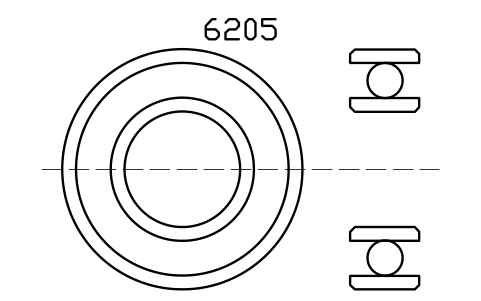
Bearing 6205 25x52x15
BRG_6205Attributes
DESIGNATIONSERIESBORE_MMOD_MMWIDTH_MMCHAMFER_MIN_MMSTANDARDMATERIALSEALCLEARANCEPART_NOMANUFACTURERQTYREMARKSDESC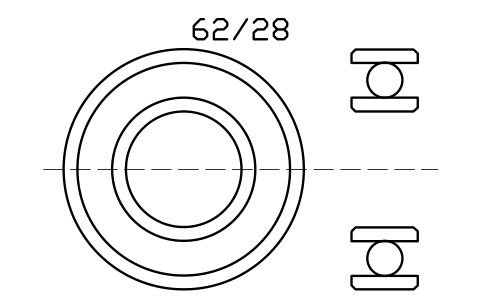
Bearing 62/28 28x58x16
BRG_62-28Attributes
DESIGNATIONSERIESBORE_MMOD_MMWIDTH_MMCHAMFER_MIN_MMSTANDARDMATERIALSEALCLEARANCEPART_NOMANUFACTURERQTYREMARKSDESC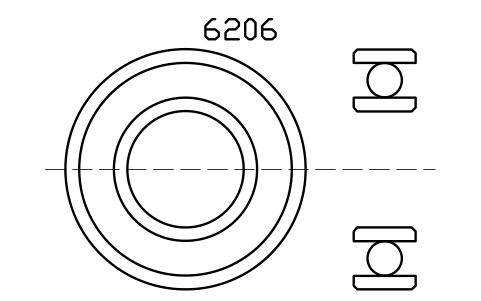
Bearing 6206 30x62x16
BRG_6206Attributes
DESIGNATIONSERIESBORE_MMOD_MMWIDTH_MMCHAMFER_MIN_MMSTANDARDMATERIALSEALCLEARANCEPART_NOMANUFACTURERQTYREMARKSDESC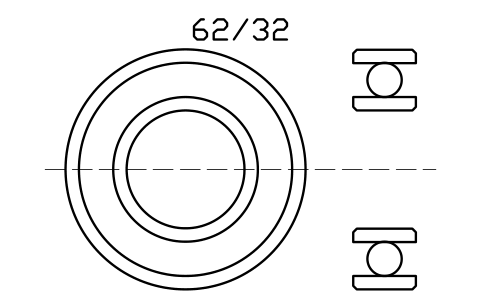
Bearing 62/32 32x65x17
BRG_62-32Attributes
DESIGNATIONSERIESBORE_MMOD_MMWIDTH_MMCHAMFER_MIN_MMSTANDARDMATERIALSEALCLEARANCEPART_NOMANUFACTURERQTYREMARKSDESC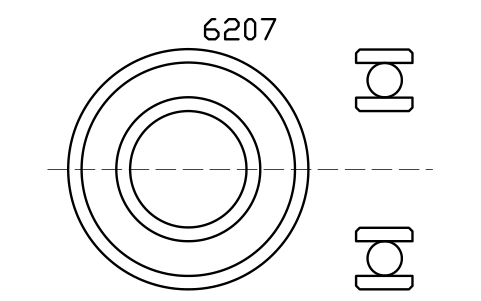
Bearing 6207 35x72x17
BRG_6207Attributes
DESIGNATIONSERIESBORE_MMOD_MMWIDTH_MMCHAMFER_MIN_MMSTANDARDMATERIALSEALCLEARANCEPART_NOMANUFACTURERQTYREMARKSDESC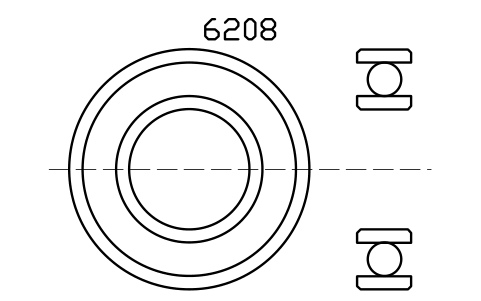
Bearing 6208 40x80x18
BRG_6208Attributes
DESIGNATIONSERIESBORE_MMOD_MMWIDTH_MMCHAMFER_MIN_MMSTANDARDMATERIALSEALCLEARANCEPART_NOMANUFACTURERQTYREMARKSDESC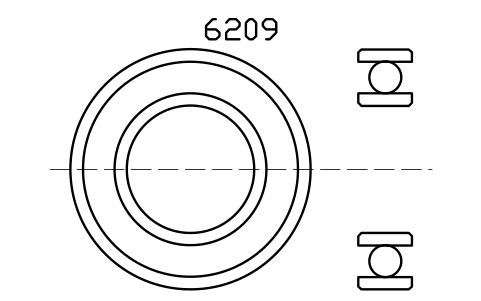
Bearing 6209 45x85x19
BRG_6209Attributes
DESIGNATIONSERIESBORE_MMOD_MMWIDTH_MMCHAMFER_MIN_MMSTANDARDMATERIALSEALCLEARANCEPART_NOMANUFACTURERQTYREMARKSDESC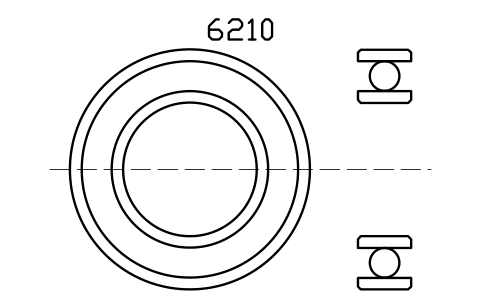
Bearing 6210 50x90x20
BRG_6210Attributes
DESIGNATIONSERIESBORE_MMOD_MMWIDTH_MMCHAMFER_MIN_MMSTANDARDMATERIALSEALCLEARANCEPART_NOMANUFACTURERQTYREMARKSDESC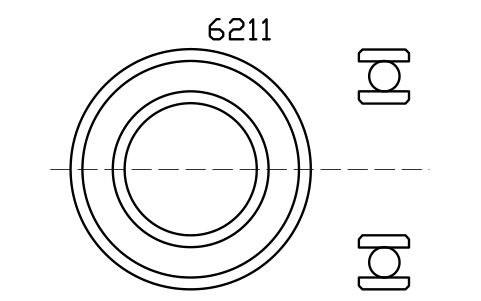
Bearing 6211 55x100x21
BRG_6211Attributes
DESIGNATIONSERIESBORE_MMOD_MMWIDTH_MMCHAMFER_MIN_MMSTANDARDMATERIALSEALCLEARANCEPART_NOMANUFACTURERQTYREMARKSDESC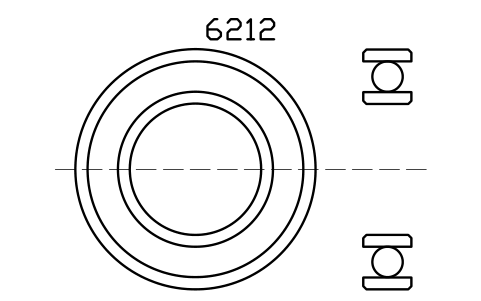
Bearing 6212 60x110x22
BRG_6212Attributes
DESIGNATIONSERIESBORE_MMOD_MMWIDTH_MMCHAMFER_MIN_MMSTANDARDMATERIALSEALCLEARANCEPART_NOMANUFACTURERQTYREMARKSDESC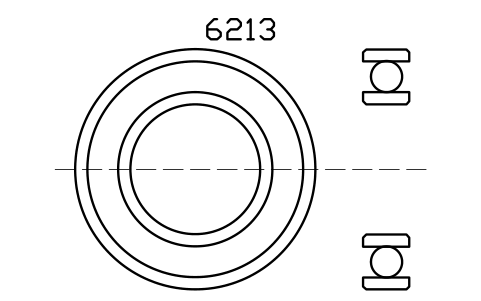
Bearing 6213 65x120x23
BRG_6213Attributes
DESIGNATIONSERIESBORE_MMOD_MMWIDTH_MMCHAMFER_MIN_MMSTANDARDMATERIALSEALCLEARANCEPART_NOMANUFACTURERQTYREMARKSDESC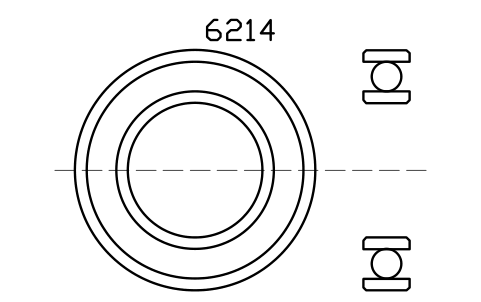
Bearing 6214 70x125x24
BRG_6214Attributes
DESIGNATIONSERIESBORE_MMOD_MMWIDTH_MMCHAMFER_MIN_MMSTANDARDMATERIALSEALCLEARANCEPART_NOMANUFACTURERQTYREMARKSDESC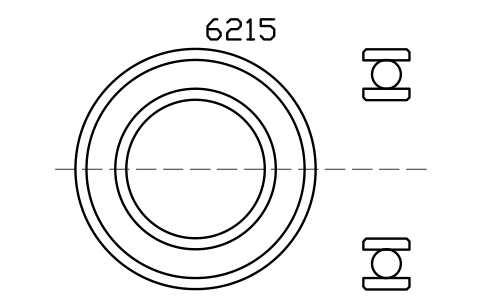
Bearing 6215 75x130x25
BRG_6215Attributes
DESIGNATIONSERIESBORE_MMOD_MMWIDTH_MMCHAMFER_MIN_MMSTANDARDMATERIALSEALCLEARANCEPART_NOMANUFACTURERQTYREMARKSDESC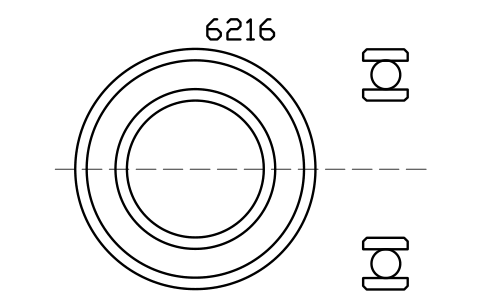
Bearing 6216 80x140x26
BRG_6216Attributes
DESIGNATIONSERIESBORE_MMOD_MMWIDTH_MMCHAMFER_MIN_MMSTANDARDMATERIALSEALCLEARANCEPART_NOMANUFACTURERQTYREMARKSDESC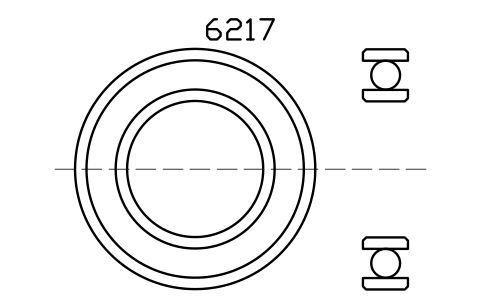
Bearing 6217 85x150x28
BRG_6217Attributes
DESIGNATIONSERIESBORE_MMOD_MMWIDTH_MMCHAMFER_MIN_MMSTANDARDMATERIALSEALCLEARANCEPART_NOMANUFACTURERQTYREMARKSDESC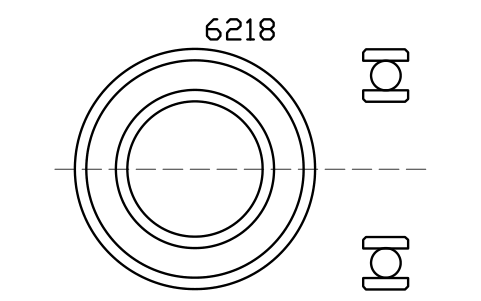
Bearing 6218 90x160x30
BRG_6218Attributes
DESIGNATIONSERIESBORE_MMOD_MMWIDTH_MMCHAMFER_MIN_MMSTANDARDMATERIALSEALCLEARANCEPART_NOMANUFACTURERQTYREMARKSDESC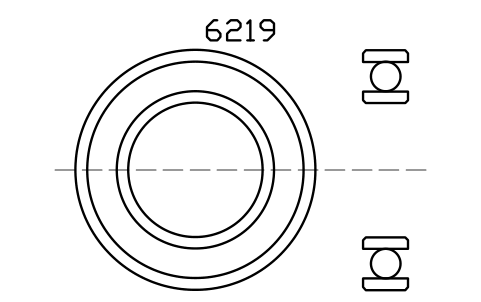
Bearing 6219 95x170x32
BRG_6219Attributes
DESIGNATIONSERIESBORE_MMOD_MMWIDTH_MMCHAMFER_MIN_MMSTANDARDMATERIALSEALCLEARANCEPART_NOMANUFACTURERQTYREMARKSDESC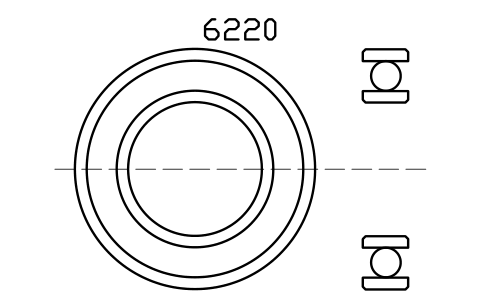
Bearing 6220 100x180x34
BRG_6220Attributes
DESIGNATIONSERIESBORE_MMOD_MMWIDTH_MMCHAMFER_MIN_MMSTANDARDMATERIALSEALCLEARANCEPART_NOMANUFACTURERQTYREMARKSDESCBearing 633 3x13x5
BRG_633Attributes
DESIGNATIONSERIESBORE_MMOD_MMWIDTH_MMCHAMFER_MIN_MMSTANDARDMATERIALSEALCLEARANCEPART_NOMANUFACTURERQTYREMARKSDESCBearing 634 4x16x5
BRG_634Attributes
DESIGNATIONSERIESBORE_MMOD_MMWIDTH_MMCHAMFER_MIN_MMSTANDARDMATERIALSEALCLEARANCEPART_NOMANUFACTURERQTYREMARKSDESCBearing 635 5x19x6
BRG_635Attributes
DESIGNATIONSERIESBORE_MMOD_MMWIDTH_MMCHAMFER_MIN_MMSTANDARDMATERIALSEALCLEARANCEPART_NOMANUFACTURERQTYREMARKSDESCBearing 636 6x22x7
BRG_636Attributes
DESIGNATIONSERIESBORE_MMOD_MMWIDTH_MMCHAMFER_MIN_MMSTANDARDMATERIALSEALCLEARANCEPART_NOMANUFACTURERQTYREMARKSDESCBearing 637 7x26x9
BRG_637Attributes
DESIGNATIONSERIESBORE_MMOD_MMWIDTH_MMCHAMFER_MIN_MMSTANDARDMATERIALSEALCLEARANCEPART_NOMANUFACTURERQTYREMARKSDESC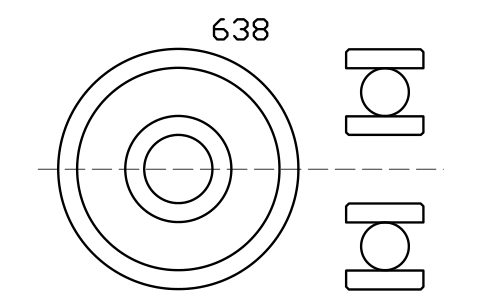
Bearing 638 8x28x9
BRG_638Attributes
DESIGNATIONSERIESBORE_MMOD_MMWIDTH_MMCHAMFER_MIN_MMSTANDARDMATERIALSEALCLEARANCEPART_NOMANUFACTURERQTYREMARKSDESC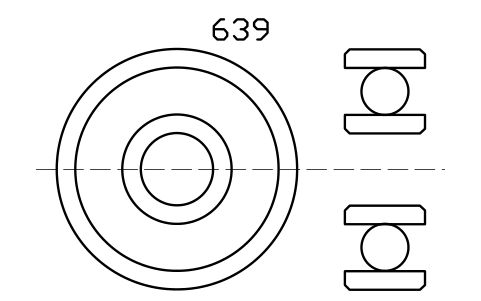
Bearing 639 9x30x10
BRG_639Attributes
DESIGNATIONSERIESBORE_MMOD_MMWIDTH_MMCHAMFER_MIN_MMSTANDARDMATERIALSEALCLEARANCEPART_NOMANUFACTURERQTYREMARKSDESC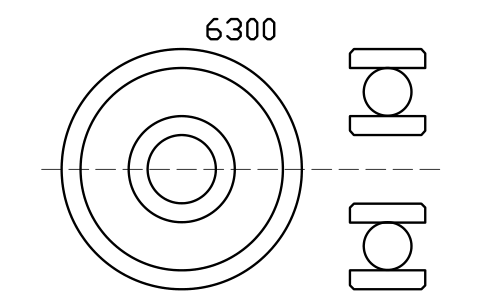
Bearing 6300 10x35x11
BRG_6300Attributes
DESIGNATIONSERIESBORE_MMOD_MMWIDTH_MMCHAMFER_MIN_MMSTANDARDMATERIALSEALCLEARANCEPART_NOMANUFACTURERQTYREMARKSDESC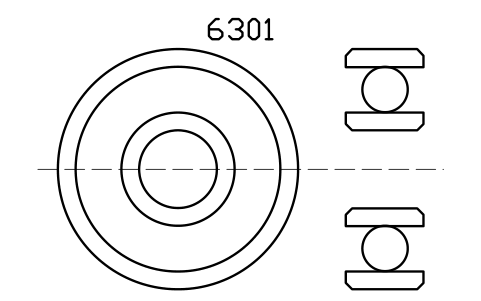
Bearing 6301 12x37x12
BRG_6301Attributes
DESIGNATIONSERIESBORE_MMOD_MMWIDTH_MMCHAMFER_MIN_MMSTANDARDMATERIALSEALCLEARANCEPART_NOMANUFACTURERQTYREMARKSDESC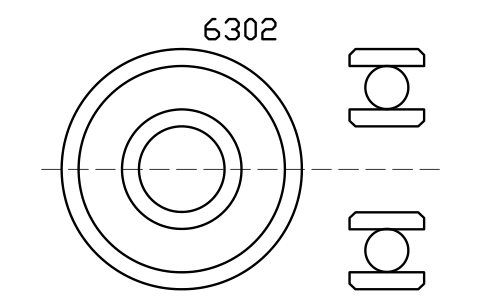
Bearing 6302 15x42x13
BRG_6302Attributes
DESIGNATIONSERIESBORE_MMOD_MMWIDTH_MMCHAMFER_MIN_MMSTANDARDMATERIALSEALCLEARANCEPART_NOMANUFACTURERQTYREMARKSDESC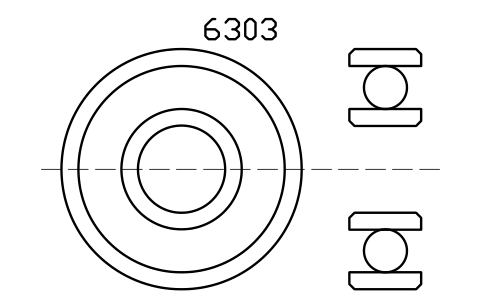
Bearing 6303 17x47x14
BRG_6303Attributes
DESIGNATIONSERIESBORE_MMOD_MMWIDTH_MMCHAMFER_MIN_MMSTANDARDMATERIALSEALCLEARANCEPART_NOMANUFACTURERQTYREMARKSDESC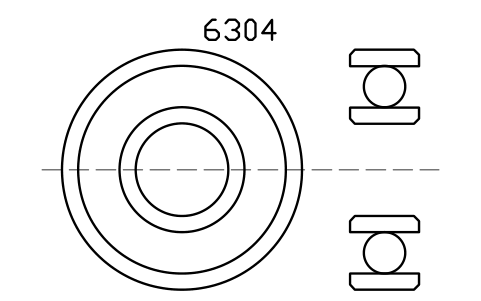
Bearing 6304 20x52x15
BRG_6304Attributes
DESIGNATIONSERIESBORE_MMOD_MMWIDTH_MMCHAMFER_MIN_MMSTANDARDMATERIALSEALCLEARANCEPART_NOMANUFACTURERQTYREMARKSDESC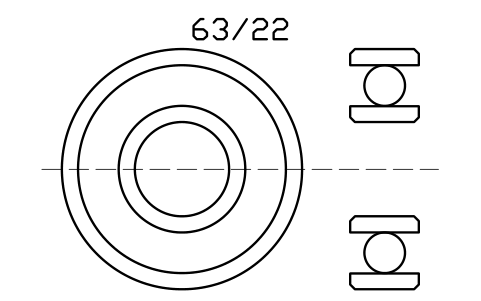
Bearing 63/22 22x56x16
BRG_63-22Attributes
DESIGNATIONSERIESBORE_MMOD_MMWIDTH_MMCHAMFER_MIN_MMSTANDARDMATERIALSEALCLEARANCEPART_NOMANUFACTURERQTYREMARKSDESC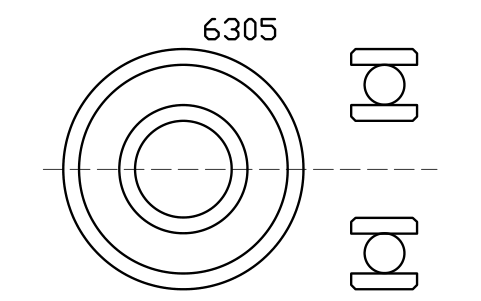
Bearing 6305 25x62x17
BRG_6305Attributes
DESIGNATIONSERIESBORE_MMOD_MMWIDTH_MMCHAMFER_MIN_MMSTANDARDMATERIALSEALCLEARANCEPART_NOMANUFACTURERQTYREMARKSDESC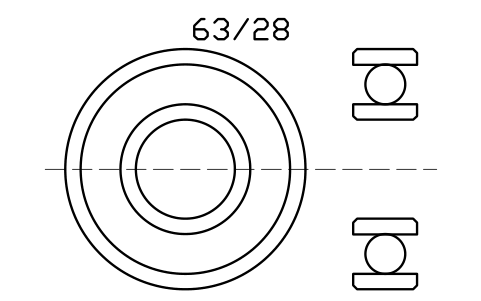
Bearing 63/28 28x68x18
BRG_63-28Attributes
DESIGNATIONSERIESBORE_MMOD_MMWIDTH_MMCHAMFER_MIN_MMSTANDARDMATERIALSEALCLEARANCEPART_NOMANUFACTURERQTYREMARKSDESC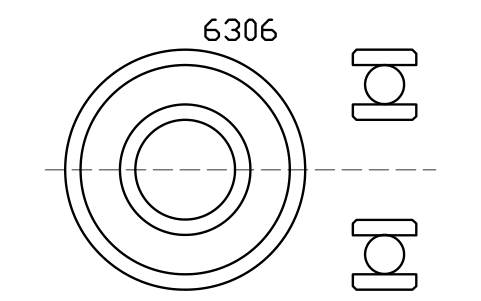
Bearing 6306 30x72x19
BRG_6306Attributes
DESIGNATIONSERIESBORE_MMOD_MMWIDTH_MMCHAMFER_MIN_MMSTANDARDMATERIALSEALCLEARANCEPART_NOMANUFACTURERQTYREMARKSDESC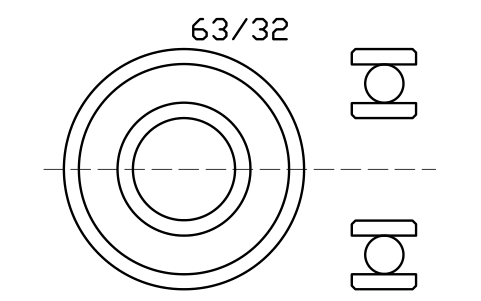
Bearing 63/32 32x75x20
BRG_63-32Attributes
DESIGNATIONSERIESBORE_MMOD_MMWIDTH_MMCHAMFER_MIN_MMSTANDARDMATERIALSEALCLEARANCEPART_NOMANUFACTURERQTYREMARKSDESC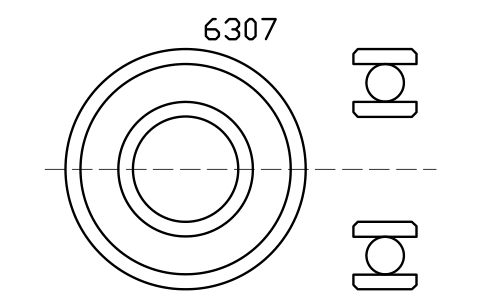
Bearing 6307 35x80x21
BRG_6307Attributes
DESIGNATIONSERIESBORE_MMOD_MMWIDTH_MMCHAMFER_MIN_MMSTANDARDMATERIALSEALCLEARANCEPART_NOMANUFACTURERQTYREMARKSDESC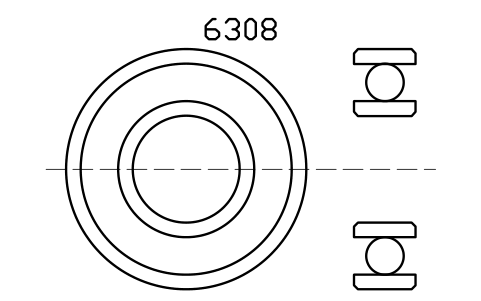
Bearing 6308 40x90x23
BRG_6308Attributes
DESIGNATIONSERIESBORE_MMOD_MMWIDTH_MMCHAMFER_MIN_MMSTANDARDMATERIALSEALCLEARANCEPART_NOMANUFACTURERQTYREMARKSDESC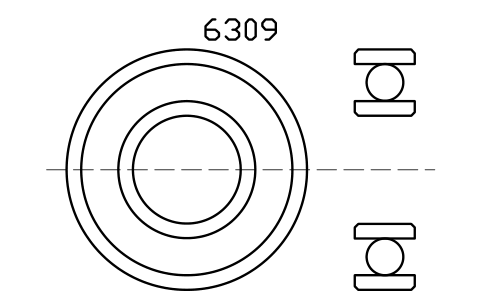
Bearing 6309 45x100x25
BRG_6309Attributes
DESIGNATIONSERIESBORE_MMOD_MMWIDTH_MMCHAMFER_MIN_MMSTANDARDMATERIALSEALCLEARANCEPART_NOMANUFACTURERQTYREMARKSDESC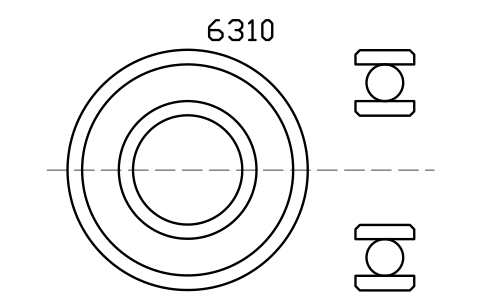
Bearing 6310 50x110x27
BRG_6310Attributes
DESIGNATIONSERIESBORE_MMOD_MMWIDTH_MMCHAMFER_MIN_MMSTANDARDMATERIALSEALCLEARANCEPART_NOMANUFACTURERQTYREMARKSDESC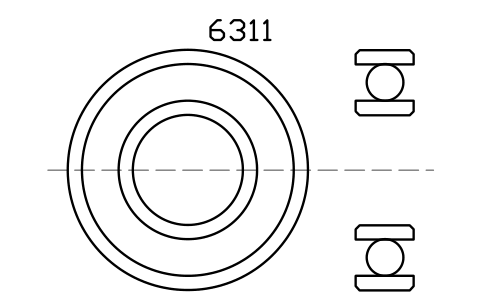
Bearing 6311 55x120x29
BRG_6311Attributes
DESIGNATIONSERIESBORE_MMOD_MMWIDTH_MMCHAMFER_MIN_MMSTANDARDMATERIALSEALCLEARANCEPART_NOMANUFACTURERQTYREMARKSDESC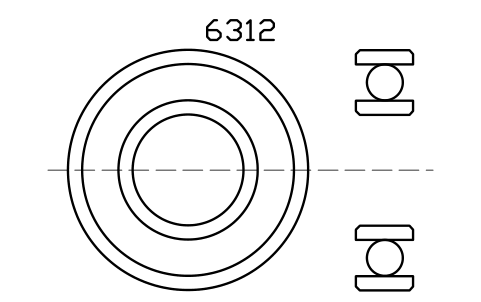
Bearing 6312 60x130x31
BRG_6312Attributes
DESIGNATIONSERIESBORE_MMOD_MMWIDTH_MMCHAMFER_MIN_MMSTANDARDMATERIALSEALCLEARANCEPART_NOMANUFACTURERQTYREMARKSDESC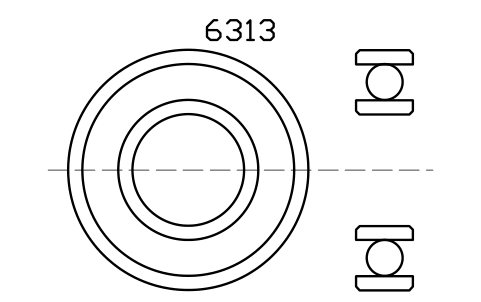
Bearing 6313 65x140x33
BRG_6313Attributes
DESIGNATIONSERIESBORE_MMOD_MMWIDTH_MMCHAMFER_MIN_MMSTANDARDMATERIALSEALCLEARANCEPART_NOMANUFACTURERQTYREMARKSDESC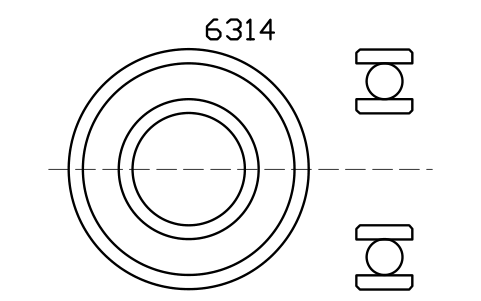
Bearing 6314 70x150x35
BRG_6314Attributes
DESIGNATIONSERIESBORE_MMOD_MMWIDTH_MMCHAMFER_MIN_MMSTANDARDMATERIALSEALCLEARANCEPART_NOMANUFACTURERQTYREMARKSDESC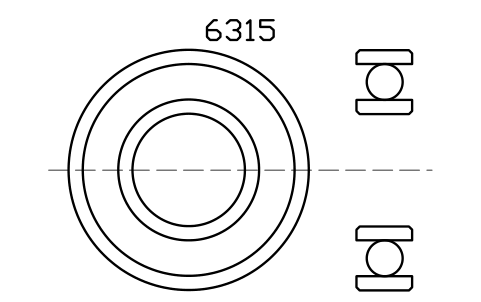
Bearing 6315 75x160x37
BRG_6315Attributes
DESIGNATIONSERIESBORE_MMOD_MMWIDTH_MMCHAMFER_MIN_MMSTANDARDMATERIALSEALCLEARANCEPART_NOMANUFACTURERQTYREMARKSDESC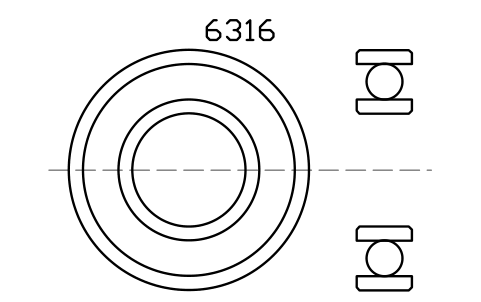
Bearing 6316 80x170x39
BRG_6316Attributes
DESIGNATIONSERIESBORE_MMOD_MMWIDTH_MMCHAMFER_MIN_MMSTANDARDMATERIALSEALCLEARANCEPART_NOMANUFACTURERQTYREMARKSDESC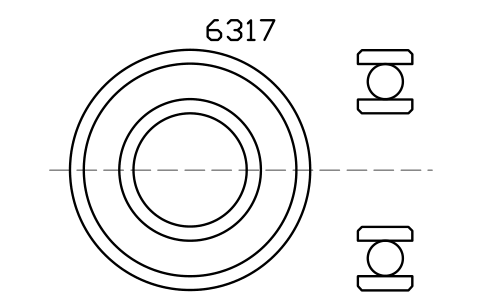
Bearing 6317 85x180x41
BRG_6317Attributes
DESIGNATIONSERIESBORE_MMOD_MMWIDTH_MMCHAMFER_MIN_MMSTANDARDMATERIALSEALCLEARANCEPART_NOMANUFACTURERQTYREMARKSDESC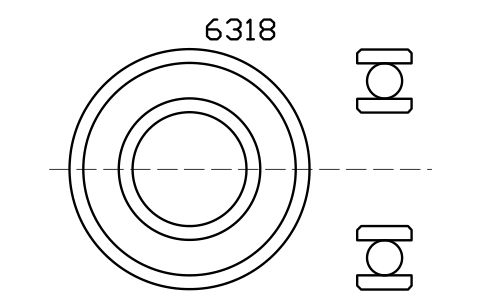
Bearing 6318 90x190x43
BRG_6318Attributes
DESIGNATIONSERIESBORE_MMOD_MMWIDTH_MMCHAMFER_MIN_MMSTANDARDMATERIALSEALCLEARANCEPART_NOMANUFACTURERQTYREMARKSDESC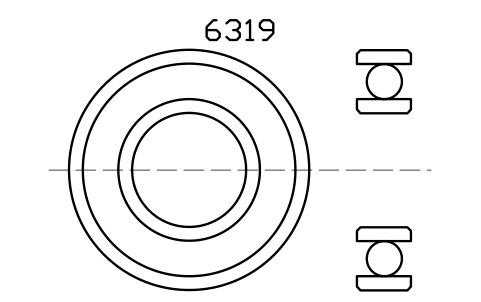
Bearing 6319 95x200x45
BRG_6319Attributes
DESIGNATIONSERIESBORE_MMOD_MMWIDTH_MMCHAMFER_MIN_MMSTANDARDMATERIALSEALCLEARANCEPART_NOMANUFACTURERQTYREMARKSDESC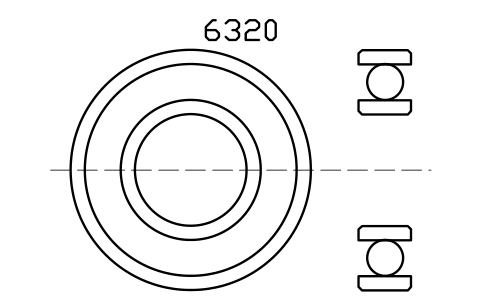
Bearing 6320 100x215x47
BRG_6320Attributes
DESIGNATIONSERIESBORE_MMOD_MMWIDTH_MMCHAMFER_MIN_MMSTANDARDMATERIALSEALCLEARANCEPART_NOMANUFACTURERQTYREMARKSDESCBearing 64/8 8x30x10
BRG_64-8Attributes
DESIGNATIONSERIESBORE_MMOD_MMWIDTH_MMCHAMFER_MIN_MMSTANDARDMATERIALSEALCLEARANCEPART_NOMANUFACTURERQTYREMARKSDESCBearing 64/9 9x32x11
BRG_64-9Attributes
DESIGNATIONSERIESBORE_MMOD_MMWIDTH_MMCHAMFER_MIN_MMSTANDARDMATERIALSEALCLEARANCEPART_NOMANUFACTURERQTYREMARKSDESCBearing 6400 10x37x12
BRG_6400Attributes
DESIGNATIONSERIESBORE_MMOD_MMWIDTH_MMCHAMFER_MIN_MMSTANDARDMATERIALSEALCLEARANCEPART_NOMANUFACTURERQTYREMARKSDESCBearing 6401 12x42x13
BRG_6401Attributes
DESIGNATIONSERIESBORE_MMOD_MMWIDTH_MMCHAMFER_MIN_MMSTANDARDMATERIALSEALCLEARANCEPART_NOMANUFACTURERQTYREMARKSDESCBearing 6402 15x52x15
BRG_6402Attributes
DESIGNATIONSERIESBORE_MMOD_MMWIDTH_MMCHAMFER_MIN_MMSTANDARDMATERIALSEALCLEARANCEPART_NOMANUFACTURERQTYREMARKSDESC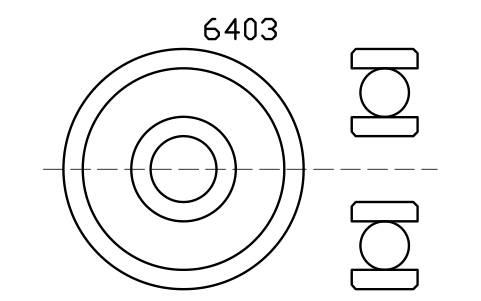
Bearing 6403 17x62x17
BRG_6403Attributes
DESIGNATIONSERIESBORE_MMOD_MMWIDTH_MMCHAMFER_MIN_MMSTANDARDMATERIALSEALCLEARANCEPART_NOMANUFACTURERQTYREMARKSDESC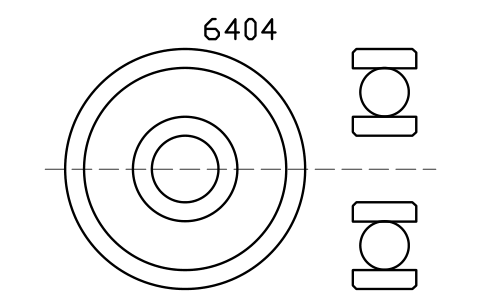
Bearing 6404 20x72x19
BRG_6404Attributes
DESIGNATIONSERIESBORE_MMOD_MMWIDTH_MMCHAMFER_MIN_MMSTANDARDMATERIALSEALCLEARANCEPART_NOMANUFACTURERQTYREMARKSDESC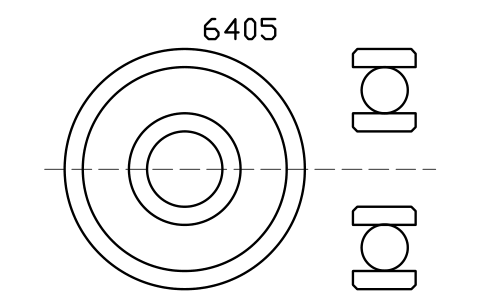
Bearing 6405 25x80x21
BRG_6405Attributes
DESIGNATIONSERIESBORE_MMOD_MMWIDTH_MMCHAMFER_MIN_MMSTANDARDMATERIALSEALCLEARANCEPART_NOMANUFACTURERQTYREMARKSDESC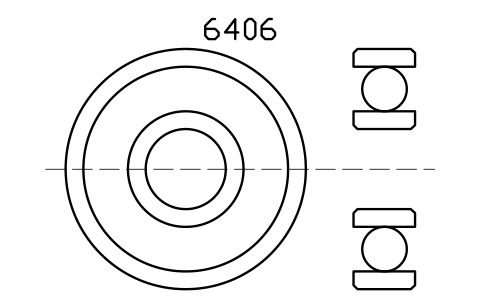
Bearing 6406 30x90x23
BRG_6406Attributes
DESIGNATIONSERIESBORE_MMOD_MMWIDTH_MMCHAMFER_MIN_MMSTANDARDMATERIALSEALCLEARANCEPART_NOMANUFACTURERQTYREMARKSDESC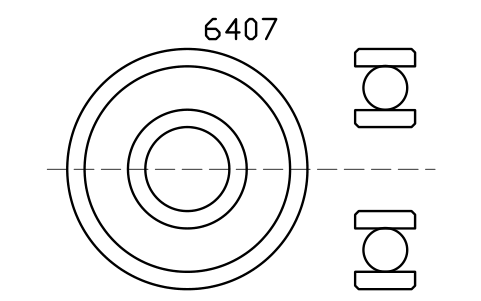
Bearing 6407 35x100x25
BRG_6407Attributes
DESIGNATIONSERIESBORE_MMOD_MMWIDTH_MMCHAMFER_MIN_MMSTANDARDMATERIALSEALCLEARANCEPART_NOMANUFACTURERQTYREMARKSDESC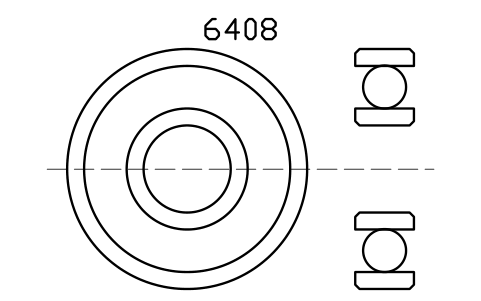
Bearing 6408 40x110x27
BRG_6408Attributes
DESIGNATIONSERIESBORE_MMOD_MMWIDTH_MMCHAMFER_MIN_MMSTANDARDMATERIALSEALCLEARANCEPART_NOMANUFACTURERQTYREMARKSDESC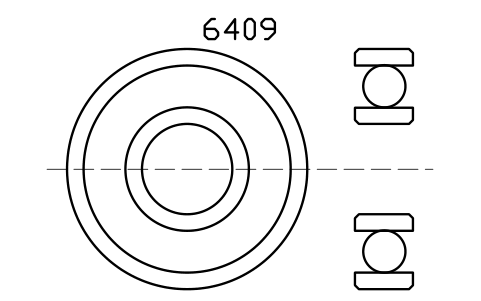
Bearing 6409 45x120x29
BRG_6409Attributes
DESIGNATIONSERIESBORE_MMOD_MMWIDTH_MMCHAMFER_MIN_MMSTANDARDMATERIALSEALCLEARANCEPART_NOMANUFACTURERQTYREMARKSDESC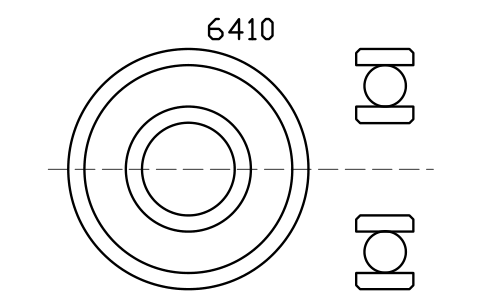
Bearing 6410 50x130x31
BRG_6410Attributes
DESIGNATIONSERIESBORE_MMOD_MMWIDTH_MMCHAMFER_MIN_MMSTANDARDMATERIALSEALCLEARANCEPART_NOMANUFACTURERQTYREMARKSDESC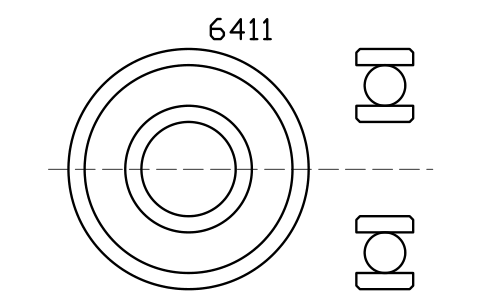
Bearing 6411 55x140x33
BRG_6411Attributes
DESIGNATIONSERIESBORE_MMOD_MMWIDTH_MMCHAMFER_MIN_MMSTANDARDMATERIALSEALCLEARANCEPART_NOMANUFACTURERQTYREMARKSDESC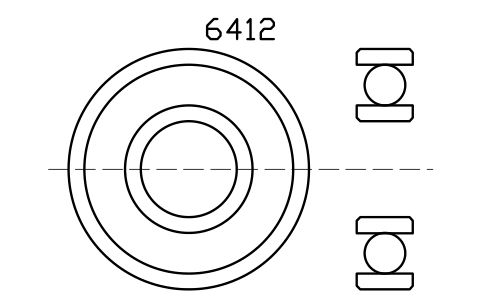
Bearing 6412 60x150x35
BRG_6412Attributes
DESIGNATIONSERIESBORE_MMOD_MMWIDTH_MMCHAMFER_MIN_MMSTANDARDMATERIALSEALCLEARANCEPART_NOMANUFACTURERQTYREMARKSDESC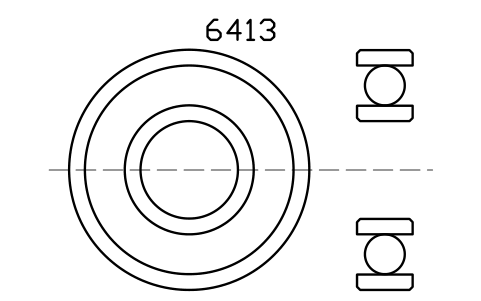
Bearing 6413 65x160x37
BRG_6413Attributes
DESIGNATIONSERIESBORE_MMOD_MMWIDTH_MMCHAMFER_MIN_MMSTANDARDMATERIALSEALCLEARANCEPART_NOMANUFACTURERQTYREMARKSDESC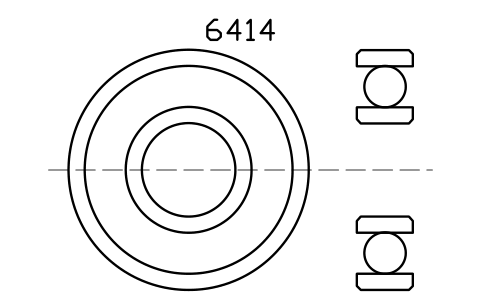
Bearing 6414 70x180x42
BRG_6414Attributes
DESIGNATIONSERIESBORE_MMOD_MMWIDTH_MMCHAMFER_MIN_MMSTANDARDMATERIALSEALCLEARANCEPART_NOMANUFACTURERQTYREMARKSDESC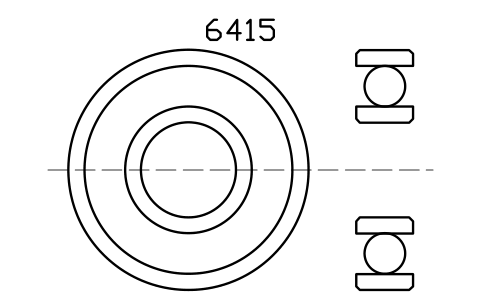
Bearing 6415 75x190x45
BRG_6415Attributes
DESIGNATIONSERIESBORE_MMOD_MMWIDTH_MMCHAMFER_MIN_MMSTANDARDMATERIALSEALCLEARANCEPART_NOMANUFACTURERQTYREMARKSDESC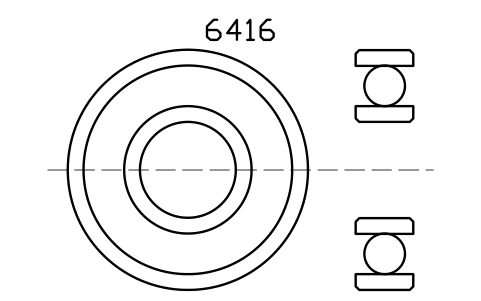
Bearing 6416 80x200x48
BRG_6416Attributes
DESIGNATIONSERIESBORE_MMOD_MMWIDTH_MMCHAMFER_MIN_MMSTANDARDMATERIALSEALCLEARANCEPART_NOMANUFACTURERQTYREMARKSDESC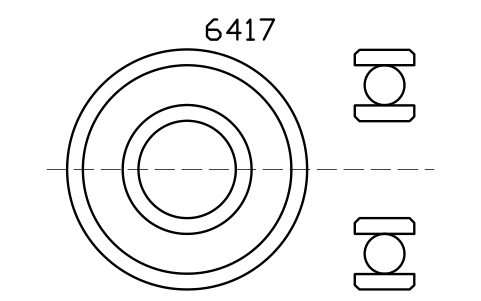
Bearing 6417 85x210x52
BRG_6417Attributes
DESIGNATIONSERIESBORE_MMOD_MMWIDTH_MMCHAMFER_MIN_MMSTANDARDMATERIALSEALCLEARANCEPART_NOMANUFACTURERQTYREMARKSDESC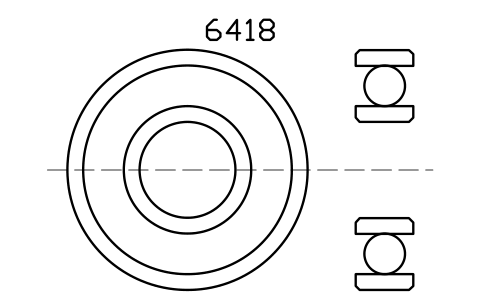
Bearing 6418 90x225x54
BRG_6418Attributes
DESIGNATIONSERIESBORE_MMOD_MMWIDTH_MMCHAMFER_MIN_MMSTANDARDMATERIALSEALCLEARANCEPART_NOMANUFACTURERQTYREMARKSDESC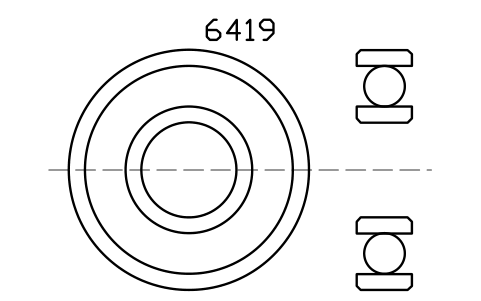
Bearing 6419 95x240x55
BRG_6419Attributes
DESIGNATIONSERIESBORE_MMOD_MMWIDTH_MMCHAMFER_MIN_MMSTANDARDMATERIALSEALCLEARANCEPART_NOMANUFACTURERQTYREMARKSDESC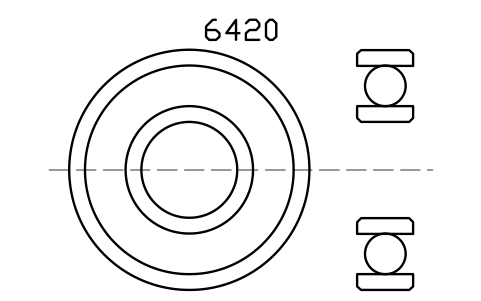
Bearing 6420 100x250x58
BRG_6420Attributes
DESIGNATIONSERIESBORE_MMOD_MMWIDTH_MMCHAMFER_MIN_MMSTANDARDMATERIALSEALCLEARANCEPART_NOMANUFACTURERQTYREMARKSDESC
Copyright CADXChange. Use and modify the symbols freely in your own drawings and projects, including commercial ones; credit and a link are needed only when you publish them. Please do not redistribute or resell the library. Each ZIP holds one plain DWG file in AutoCAD 2018 format and a README; no add-in needed. Provided as is, without warranty. Library terms (CXL-1.0)
Related symbol libraries
Missing a symbol? Tell us which one.
Attributes for parts lists
Each block has the designation as a visible attribute (for example 6205). The invisible attributes are SERIES, BORE_MM, OD_MM, WIDTH_MM, CHAMFER_MIN_MM, STANDARD, MATERIAL, SEAL, CLEARANCE, PART_NO, MANUFACTURER, QTY and REMARKS. The dimensions are already filled in; set the seal type (open, ZZ, 2RS) and the clearance (CN, C3) to what you order.
How to use the library
- Unzip the file and open the DWG. Copy the symbols you need into your plan, or drag the blocks in from DesignCenter (ADCENTER).
- The bearings are drawn at real size, 1 drawing unit = 1 mm, so the bore, the outside diameter and the width are the catalog values. Insert them at scale 1. The catalog sheet enlarges the small bearings and reduces the large ones only so that you can see them.
- The insertion point is the centre of the bearing in the end view. The end view is on the left and the section through the axis, both halves on a centre line, is on the right, so the same block serves a plan view and a section view. Explode the block and keep the view you need.
- The blocks are named BRG_ followed by the designation, for example BRG_6205; a slash in the designation becomes a hyphen (BRG_62-32). The six series are separate groups: 618 and 619 are the thin ones, 60 the light ones, 62 the medium and 63 and 64 the heavy ones.
About the dimensions
The dimensions are the boundary dimensions of ISO 15: bore d, outside diameter D, width B and the smallest chamfer rs min, for the dimension series 18, 19, 10, 02, 03 and 04 and bores up to 100 mm, 190 bearings in total. Tolerances, internal clearance, load ratings, shoulder diameters and sealed or shielded versions are not part of the blocks.
The bearings are our own simplified drawings, not copies of the standard, and the library is not certified. The rings and the ball show the size and the space the bearing needs, not the internal design of a particular maker. Take tolerances, load ratings and fits from the standard and from the catalogue of your bearing supplier.
Frequently asked questions
- Which bearings are included?
- The deep groove ball bearings of the series 618, 619, 60, 62, 63 and 64 with all bores from 0.6 to 100 mm listed in ISO 15: 36 of the series 618, 35 of 619, 34 of 60, 31 of 62, 31 of 63 and 23 of 64. Larger bores, the series 7, 8 and 9, angular contact, roller and thrust bearings are not included.
- Are the bearings drawn at real size?
- Yes. Bore, outside diameter and width are in millimetres at scale 1:1, so a 6205 measures 25 mm in the bore, 52 mm outside and 15 mm wide. The block is usable in an assembly drawing, for a shaft and housing layout or for a clearance check.
- Can I use the symbols in commercial projects?
- Yes. They are free to use and modify in your own projects, including commercial ones. They are provided as is, without warranty. Please do not redistribute or resell the library; see the library terms.
- Can I use the blocks for the shaft and housing design?
- The blocks give the bearing envelope: bore, outside diameter, width and chamfer. Use them to place the bearing in the assembly, and take the shoulder diameters, fits and tolerances from the standard or from your bearing supplier.
- Can I change a symbol or add attributes?
- Yes. Open the DWG, edit a block with BEDIT to change it or add attributes, and save. To update drawings that already contain the block, run ATTSYNC or replace the block. Make a backup first: attribute values can be lost if ATTSYNC is used carelessly.
- Where do I find a ready-made set of these symbols for AutoCAD?
- AutoCAD itself ships only a small set of sample blocks, so a full symbol set has to come from a library. Download the ZIP on this page and open the DWG: every symbol is a block. Insert one with INSERT (Blocks palette, Libraries tab, then pick the DWG) or drag it from DesignCenter (ADCENTER). You can also download a single symbol on its own.