
Free O-ring blocks for AutoCAD (DWG): all ISO 3601 sizes
O-rings, ISO 3601: 344 ready-made AutoCAD blocks (DWG). A starter pack of 30 symbols is free; the Standard edition is $29.
Free starter pack: 30 symbols
The most-used symbols of this library, as AutoCAD blocks in one DWG. Free for everyone, for any project.
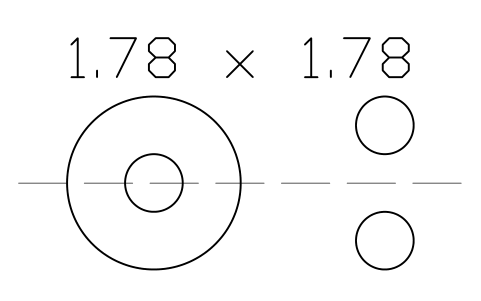 O-ring 1.78 x 1.78
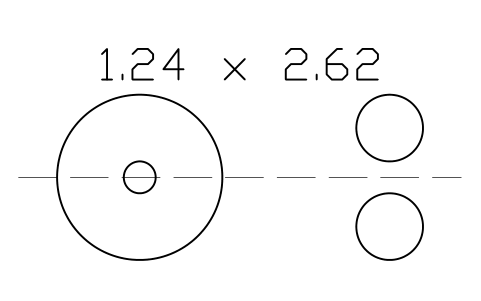 O-ring 1.24 x 2.62
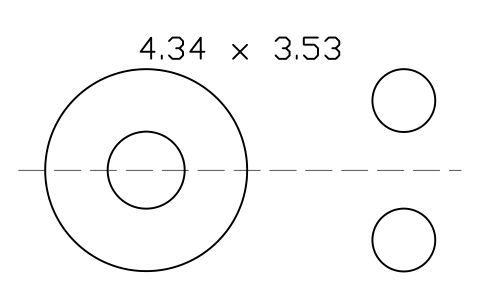 O-ring 4.34 x 3.53
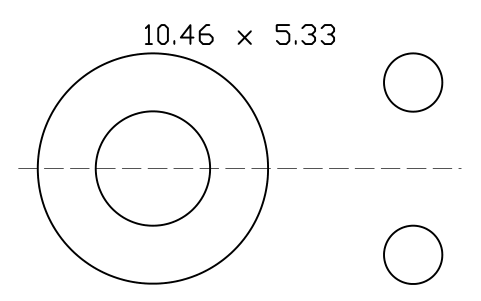 O-ring 10.46 x 5.33
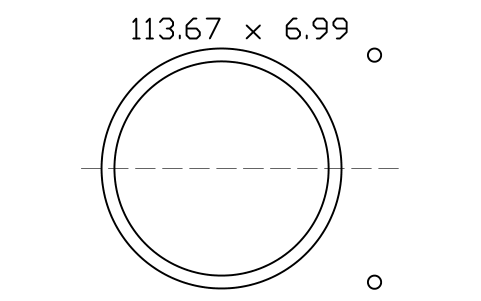 O-ring 113.67 x 6.99
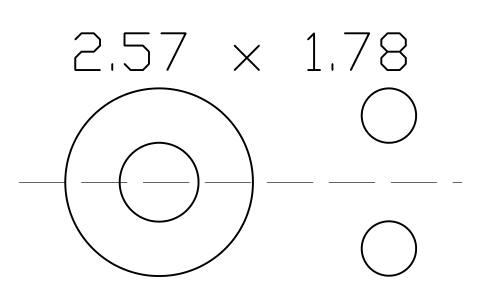 O-ring 2.57 x 1.78
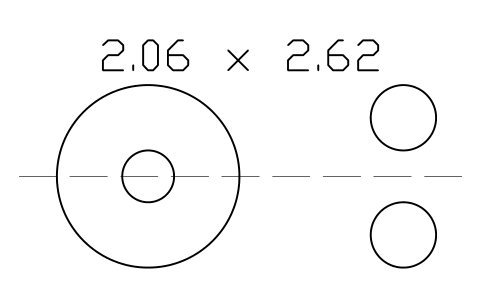 O-ring 2.06 x 2.62
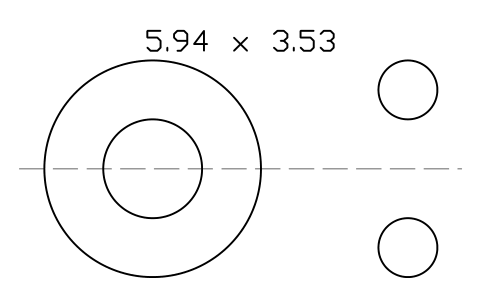 O-ring 5.94 x 3.53
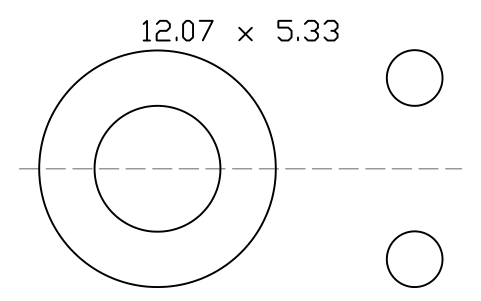 O-ring 12.07 x 5.33
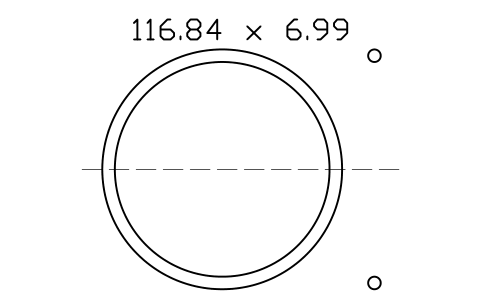 O-ring 116.84 x 6.99
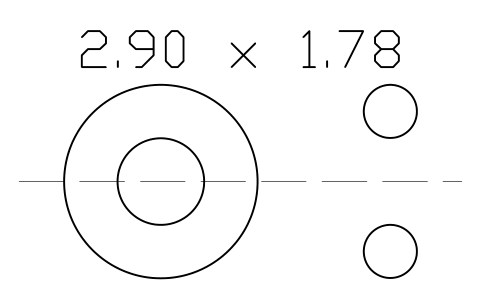 O-ring 2.90 x 1.78
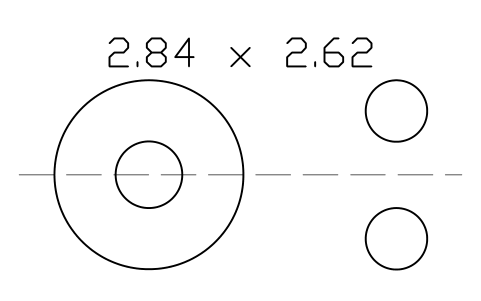 O-ring 2.84 x 2.62
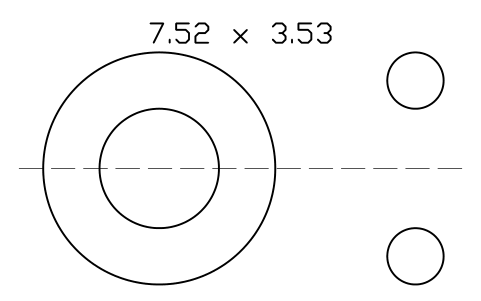 O-ring 7.52 x 3.53
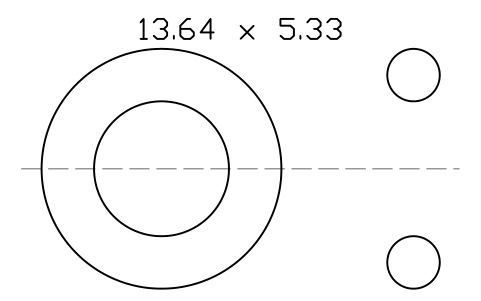 O-ring 13.64 x 5.33
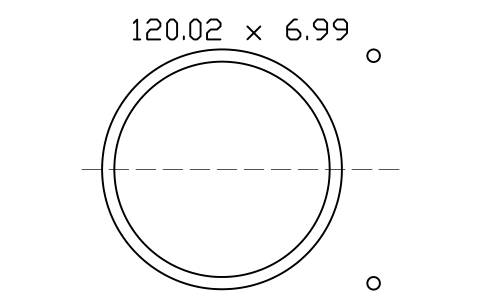 O-ring 120.02 x 6.99
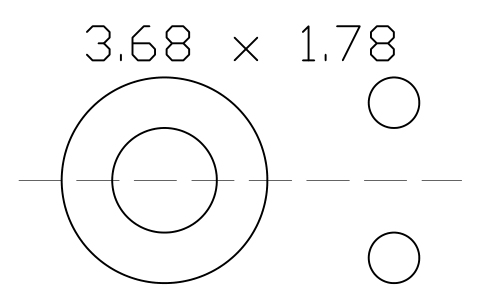 O-ring 3.68 x 1.78
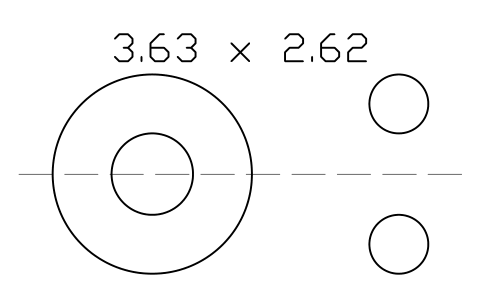 O-ring 3.63 x 2.62
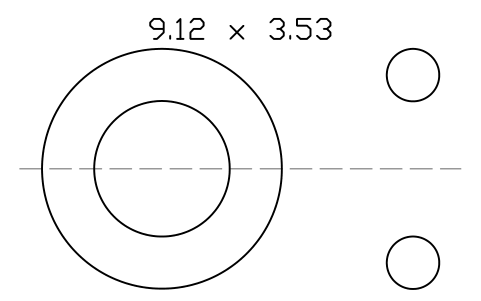 O-ring 9.12 x 3.53
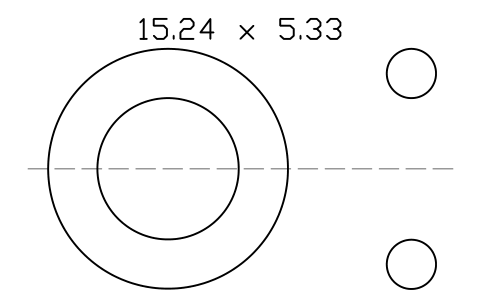 O-ring 15.24 x 5.33
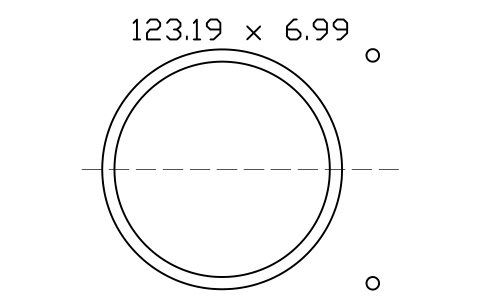 O-ring 123.19 x 6.99
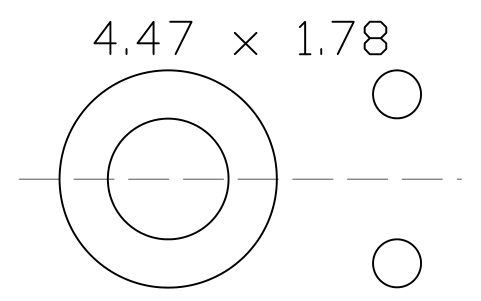 O-ring 4.47 x 1.78
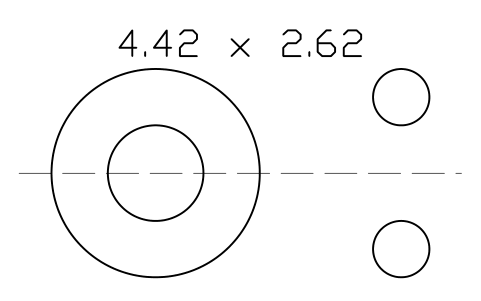 O-ring 4.42 x 2.62
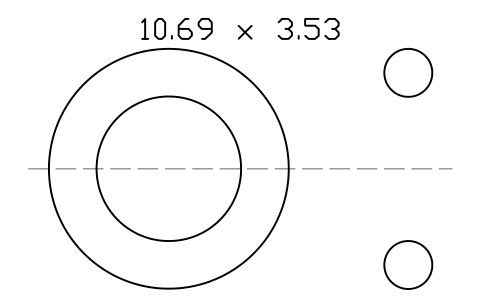 O-ring 10.69 x 3.53
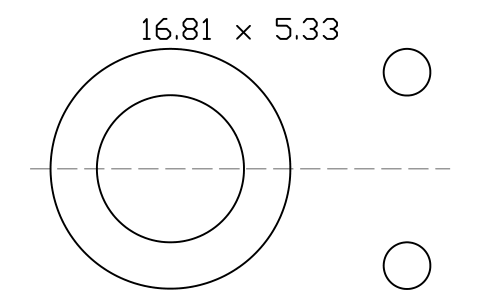 O-ring 16.81 x 5.33
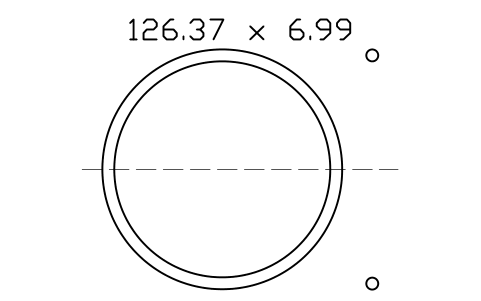 O-ring 126.37 x 6.99
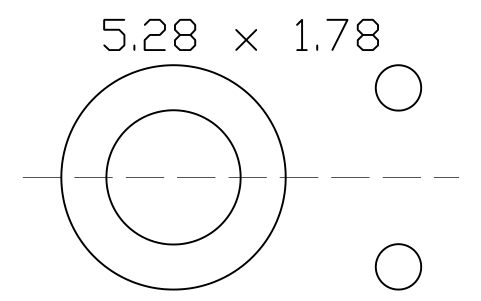 O-ring 5.28 x 1.78
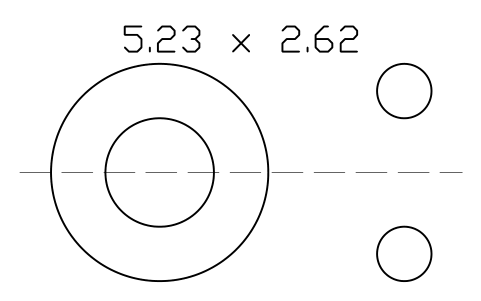 O-ring 5.23 x 2.62
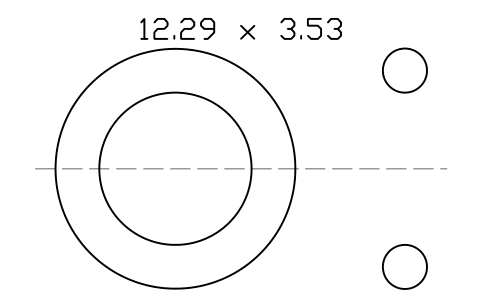 O-ring 12.29 x 3.53
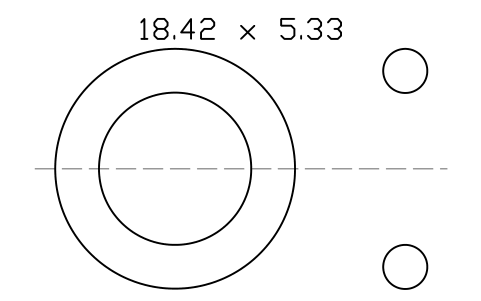 O-ring 18.42 x 5.33
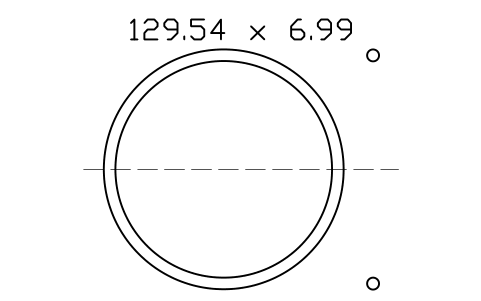 O-ring 129.54 x 6.99
Standard: 344 symbols
All 344 symbols of the Standard edition in one download, ready to insert in AutoCAD. Pay once and keep the files.
Free starter pack
$0For everyone, for any project
- 30 symbols
- No sign-in
- One DWG
Library licence
$29
For one person
Education: free
- Pay once
Student or teacher?
Free for one year with your school e-mail address. Renew it with the same address.
Sign in with your school e-mail address, we check it, and the licence is added to your account.
Available soonEducation licences are for study and teaching, valid for one year, and renewed with your school e-mail address.
What each version contains
The symbols by group, and how many of each group every version holds.
| Content | Free | Standard |
|---|---|---|
| All symbols | 30 | 344 |
| Added by this version | — | +314 |
| O-rings, cross-section 1.78 mm | 6 | 47 |
| O-rings, cross-section 2.62 mm | 6 | 76 |
| O-rings, cross-section 3.53 mm | 6 | 84 |
| O-rings, cross-section 5.33 mm | 6 | 86 |
| O-rings, cross-section 6.99 mm | 6 | 51 |
The free pack is a hand-picked selection. Standard is one purchase and gives you every symbol as DWG files.
344 O-rings as ready-to-use AutoCAD blocks, one for every size of ISO 3601, in five downloads by cross-section: 1.78, 2.62, 3.53, 5.33 and 6.99 mm. Each block shows the ring in end view and, beside it, the cut cross-section, drawn at real size in millimetres with the centre line. The designation (for example O-ring 29.87 x 3.53), the size code, the inside diameter and the cross-section are filled in, ready for your parts list.
Free to use and modify in your own projects, including commercial ones. The ZIP holds one plain DWG file in AutoCAD 2018 format and a README; no add-in needed. Provided as is, without warranty.
Related symbol libraries
Missing a symbol? Tell us which one.
Attributes for parts lists
Each block has the designation as a visible attribute (for example O-ring 29.87 x 3.53). The invisible attributes are SIZE_CODE, ID_MM, CS_MM, STANDARD, MATERIAL, HARDNESS_IRHD, PART_NO, MANUFACTURER, QTY and REMARKS. The size code, inside diameter and cross-section are already filled in; set the material and hardness to what you order.
How to use the library
- Unzip the file and open the DWG. Copy the symbols you need into your plan, or drag the blocks in from DesignCenter (ADCENTER).
- The rings are drawn at real size, 1 drawing unit = 1 mm: the inside circle is the inside diameter and the outside circle is the inside diameter plus twice the cross-section. Insert them at scale 1. Small rings are drawn small; the catalog sheet enlarges them only so that you can see them.
- The insertion point is the centre of the ring. The end view is on the left and the cut cross-section, two circles of the cross-section diameter above and below the centre line, is on the right, so you can use the same block in a plan view and in a section view. Explode the block and keep the view you need.
- The five libraries differ only by cross-section, so take the library of the cross-section you need and look up the size by its code or by its inside diameter. The block name is ORG_ followed by the size code, for example ORG_210.
About the sizes
The sizes are the nominal inside diameter d1 and cross-section d2 of the size series in ISO 3601-2, 344 sizes in total. The block name carries the size code of the standard. Tolerances, the larger series of other cross-sections and the housing (groove) dimensions are not part of these blocks.
The rings are our own simplified drawings, not copies of the standard, and the libraries are not certified. They show the size of the ring, not its tolerances or its material. Take tolerances, housing dimensions and the choice of material from the standard and from your seal supplier.
Frequently asked questions
- Which O-ring sizes are included?
- All 344 sizes of the size series of ISO 3601-2, in five cross-sections: 1.78 mm (codes 004 to 050), 2.62 mm (102 to 178), 3.53 mm (201 to 284), 5.33 mm (309 to 395) and 6.99 mm (425 to 475). Each cross-section is a separate download, so you load only the rings you use.
- Are the rings drawn at real size?
- Yes. The inside diameter and the cross-section are in millimetres at scale 1:1, so a 29.87 x 3.53 ring measures 29.87 mm inside. That makes the block usable in an assembly drawing, for checking a groove or for a clearance check.
- Can I use the symbols in commercial projects?
- Yes. They are free to use and modify in your own projects, including commercial ones. They are provided as is, without warranty. Please do not redistribute or resell the library; see the library terms.
- Can I use the blocks for the housing (groove) design?
- The blocks show the ring itself. Use the inside diameter and cross-section as the basis of your groove drawing, and take the groove depth, width and tolerances from the housing tables of the standard or from your seal supplier's catalogue.
- Can I change a symbol or add attributes?
- Yes. Open the DWG, edit a block with BEDIT to change it or add attributes, and save. To update drawings that already contain the block, run ATTSYNC or replace the block. Make a backup first: attribute values can be lost if ATTSYNC is used carelessly.
- Where do I find a ready-made set of these symbols for AutoCAD?
- AutoCAD itself ships only a small set of sample blocks, so a full symbol set has to come from a library. Download the ZIP on this page and open the DWG: every symbol is a block. Insert one with INSERT (Blocks palette, Libraries tab, then pick the DWG) or drag it from DesignCenter (ADCENTER). You can also download a single symbol on its own.