
ResourcesISO 14617: Graphical symbols for diagrams
Correlation between two motions symbol (DWG block)
Correlation between two motions is a ready-to-use AutoCAD block named ISX_X260_CORRELATION_BETWEEN_TWO_MOTION in the ISO 14617: Graphical symbols for diagrams, group “Directions: examples”. It carries 5 attributes, 1 of them visible, so it works in equipment lists and BlockSync exports.

Block details
| Block name | ISX_X260_CORRELATION_BETWEEN_TWO_MOTION |
|---|---|
| Library | ISO 14617: Graphical symbols for diagrams |
| Group | Directions: examples |
| Standard | ISO 14617 |
| Attributes | 5 attributes, 1 visible |
Attributes
Visible on the drawing: TAG.
Hidden, they carry the data for schedules: REMARKS, STD_CLAUSE, STD_REF, DESC.
Export the attributes of every copy in a drawing to Excel with BlockSync, check them and write the corrections back in one run.
How to use it
- Download the ZIP and unzip it. It holds one DWG with the block ISX_X260_CORRELATION_BETWEEN_TWO_MOTION.
- Open the DWG and copy the block into your drawing, or insert it from the DWG with INSERT.
- Double-click a copy to fill in the tag and the other attributes.
The symbol is our own drawing after the common form of ISO 14617, not a certified copy. The library page explains how the symbols relate to the standard.
Names in other languages
The same symbol under its name in the other site languages.
- English
- Correlation between two motions
- Simplified Chinese
- 两种运动之间的关联
- Traditional Chinese
- 兩種運動之間的關聯
- Japanese
- 二つの運動の相関
- Korean
- 두 운동 간 상관
- German
- Korrelation zwischen zwei Bewegungen
- French
- Corrélation entre deux mouvements
- Italian
- Correlazione tra due moti
- Spanish
- Correlación entre dos movimientos
More symbols in the group “Directions: examples”
 Direction of mass flow in pipeline
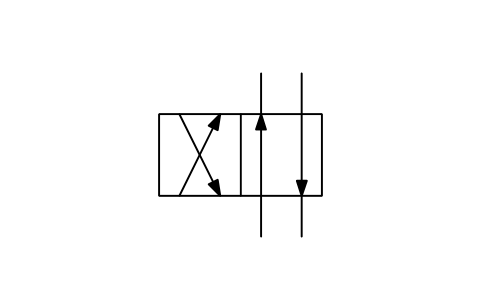 Direction of mass flow in a valve
 Hydraulic power source, simplified
 Gear pair, speed increasing
 Reciprocating motion
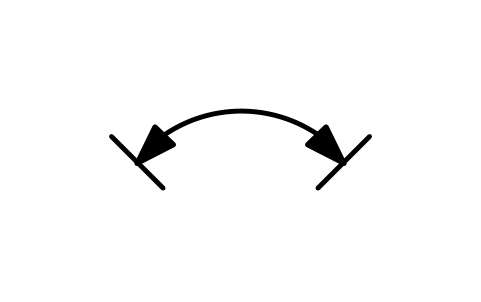 Limited circular motion
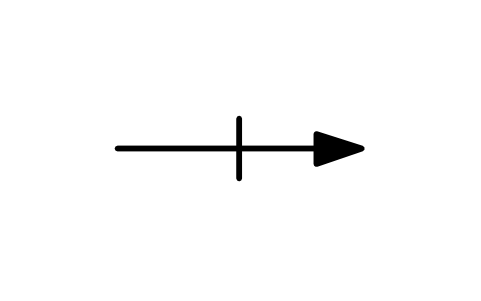 Linear motion, stop and restart
 Linear motion, timed restart
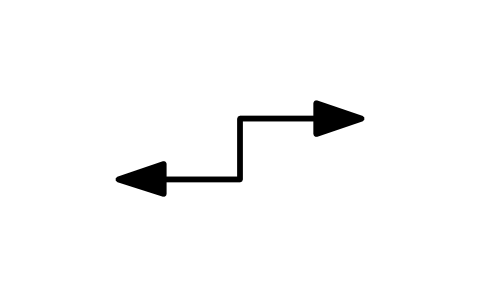 Linear motion, alternating, dwell
 Linear motion, return with dwell
 Linear motion, partial reversal
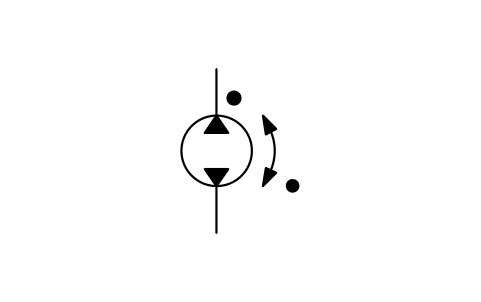 Pump rotation and flow direction