
ResourcesISO 14617: Graphical symbols for diagrams
Filter with spray symbol (DWG block)
Filter with spray is a ready-to-use AutoCAD block named ISX_X2607_FILTER_SPRAY in the ISO 14617: Graphical symbols for diagrams, group “Devices for separating: examples”. It carries 12 attributes, 1 of them visible, so it works in equipment lists and BlockSync exports.
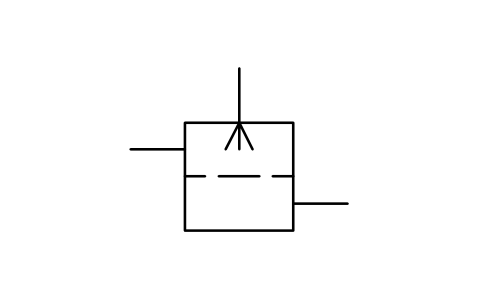
Block details
| Block name | ISX_X2607_FILTER_SPRAY |
|---|---|
| Library | ISO 14617: Graphical symbols for diagrams |
| Group | Devices for separating: examples |
| Standard | ISO 14617 |
| Attributes | 12 attributes, 1 visible |
Attributes
Visible on the drawing: TAG.
Hidden, they carry the data for schedules: SERVICE, CAPACITY, DESIGN_PRESSURE_BAR, DESIGN_TEMP_C, MATERIAL, MANUFACTURER, MODEL, REMARKS, STD_CLAUSE, STD_REF, DESC.
Export the attributes of every copy in a drawing to Excel with BlockSync, check them and write the corrections back in one run.
How to use it
- Download the ZIP and unzip it. It holds one DWG with the block ISX_X2607_FILTER_SPRAY.
- Open the DWG and copy the block into your drawing, or insert it from the DWG with INSERT.
- Double-click a copy to fill in the tag and the other attributes.
The symbol is our own drawing after the common form of ISO 14617, not a certified copy. The library page explains how the symbols relate to the standard.
Names in other languages
The same symbol under its name in the other site languages.
- English
- Filter with spray
- Simplified Chinese
- 带喷淋的过滤器
- Traditional Chinese
- 帶噴淋的過濾器
- Japanese
- スプレー付きフィルター
- Korean
- 스프레이 포함 필터
- German
- Filter mit Besprühung
- French
- Filtre avec pulvérisation
- Italian
- Filtro con spruzzo
- Spanish
- Filtro con rociado
More symbols in the group “Devices for separating: examples”
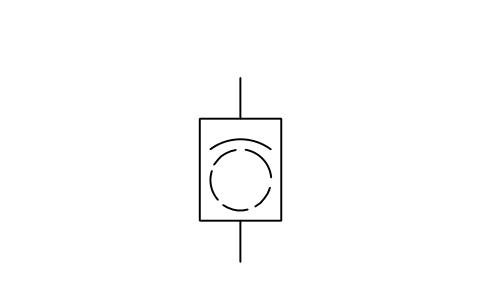 Screen, filter with rotating drum
 Rotating drum screen with scraper
 Vibrating screen, sieve
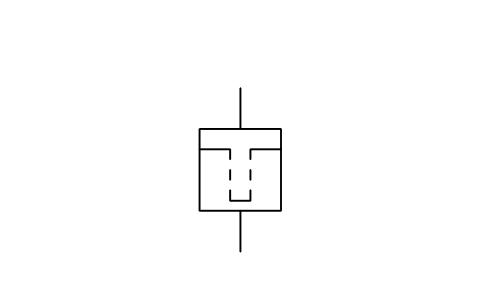 Bag, candle, leaf or cartridge filter
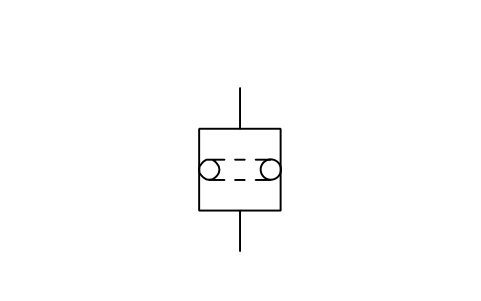 Belt filter, roll filter
 Bed filter of fixed type
 Bed filter of fluidized type
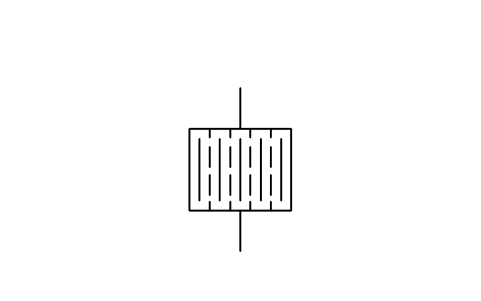 Filter press; press filter
 Compression filter
 Vacuum cleaner
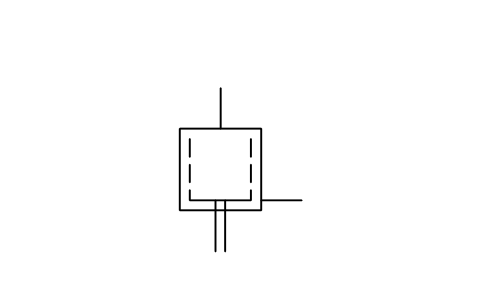 Centrifugal filter
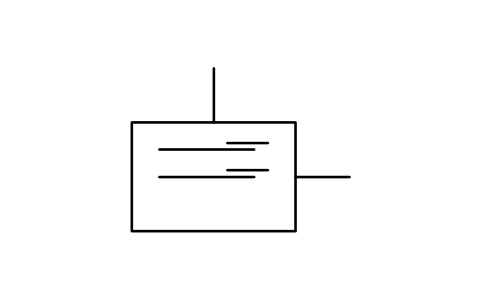 Disc and plate separator