
ResourcesISO 14617: Graphical symbols for diagrams
Temperature switching symbol (DWG block)
Temperature switching is a ready-to-use AutoCAD block named ISX_X1063_TEMPERATURE_SWITCHING in the ISO 14617: Graphical symbols for diagrams, group “Information-processing functions: examples”. It carries 12 attributes, 1 of them visible, so it works in equipment lists and BlockSync exports.

Block details
| Block name | ISX_X1063_TEMPERATURE_SWITCHING |
|---|---|
| Library | ISO 14617: Graphical symbols for diagrams |
| Group | Information-processing functions: examples |
| Standard | ISO 14617 |
| Attributes | 12 attributes, 1 visible |
Attributes
Visible on the drawing: TAG.
Hidden, they carry the data for schedules: SERVICE, RANGE, UNIT, SIGNAL, LOCATION, MANUFACTURER, MODEL, REMARKS, STD_CLAUSE, STD_REF, DESC.
Export the attributes of every copy in a drawing to Excel with BlockSync, check them and write the corrections back in one run.
How to use it
- Download the ZIP and unzip it. It holds one DWG with the block ISX_X1063_TEMPERATURE_SWITCHING.
- Open the DWG and copy the block into your drawing, or insert it from the DWG with INSERT.
- Double-click a copy to fill in the tag and the other attributes.
The symbol is our own drawing after the common form of ISO 14617, not a certified copy. The library page explains how the symbols relate to the standard.
Names in other languages
The same symbol under its name in the other site languages.
- English
- Temperature switching
- Simplified Chinese
- 温度开关
- Traditional Chinese
- 溫度開關
- Japanese
- 温度スイッチング
- Korean
- 온도 스위칭
- German
- Temperaturschaltung
- French
- Commutation en température
- Italian
- Commutazione di temperatura
- Spanish
- Conmutación de temperatura
More symbols in the group “Information-processing functions: examples”
 Function with negated input
 Function with negated output
 Function with enabling
 Function with negated enabling
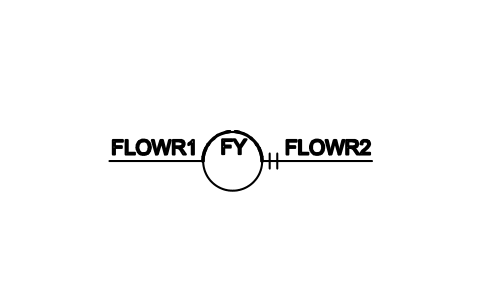 Function with retained output
 Manual switching, indication
 Manual setting with indication
 Flow rate indication
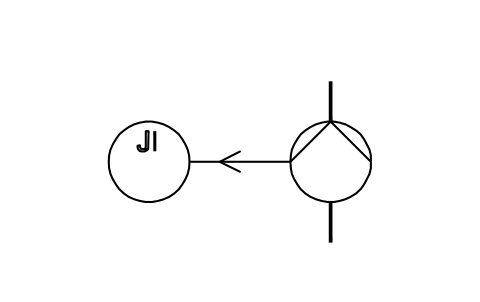 Pump motor power indication
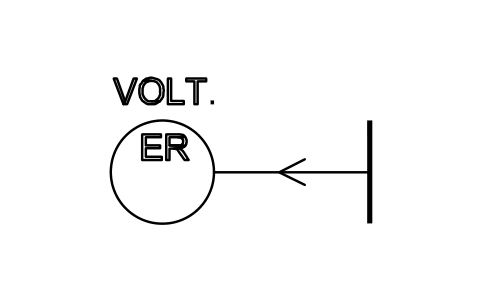 Voltage registering
 Pressure transmitting
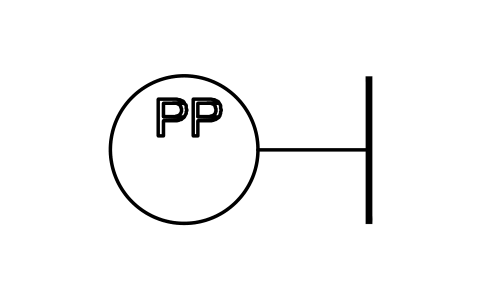 Pressure test connection