
ResourcesISO 14084-2 power plant symbols
Vacuum band filter symbol (DWG block)
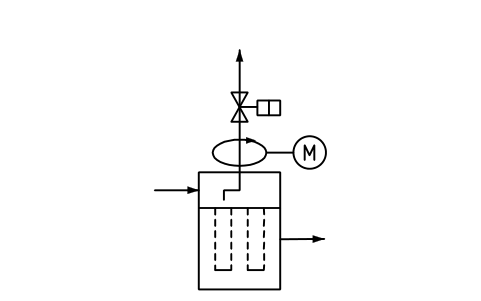
Vacuum band filter is a ready-to-use AutoCAD block named PPD_X6513_VACUUM_BAND_FILTER in the ISO 14084-2 power plant symbols, group “Filters and screens of liquids”. It carries 14 attributes, 1 of them visible, so it works in equipment lists and BlockSync exports.

Block details
| Block name | PPD_X6513_VACUUM_BAND_FILTER |
|---|---|
| Library | ISO 14084-2 power plant symbols |
| Group | Filters and screens of liquids |
| Standard | ISO 14084-2 |
| Attributes | 14 attributes, 1 visible |
Attributes
Visible on the drawing: TAG.
Hidden, they carry the data for schedules: SERVICE, MEDIUM, FLOW_M3H, DESIGN_PRESSURE_BAR, DESIGN_TEMP_C, FILTER_RATING_UM, MATERIAL, MANUFACTURER, MODEL, REMARKS, STD_CLAUSE, STD_REF, DESC.
Export the attributes of every copy in a drawing to Excel with BlockSync, check them and write the corrections back in one run.
How to use it
- Download the ZIP and unzip it. It holds one DWG with the block PPD_X6513_VACUUM_BAND_FILTER.
- Open the DWG and copy the block into your drawing, or insert it from the DWG with INSERT.
- Double-click a copy to fill in the tag and the other attributes.
The symbol is our own drawing after the common form of ISO 14084-2, not a certified copy. The library page explains how the symbols relate to the standard.
Names in other languages
The same symbol under its name in the other site languages.
- English
- Vacuum band filter
- Simplified Chinese
- 真空带式过滤机
- Traditional Chinese
- 真空帶式過濾機
- Japanese
- 真空ベルトフィルタ
- Korean
- 진공 벨트 필터
- German
- Vakuumbandfilter
- French
- Filtre à bande sous vide
- Italian
- Filtro a nastro sottovuoto
- Spanish
- Filtro de banda de vacío
More symbols in the group “Filters and screens of liquids”
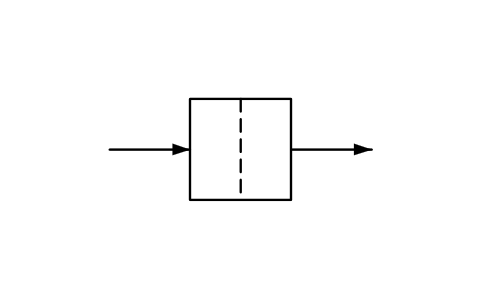 Screen, strainer, general
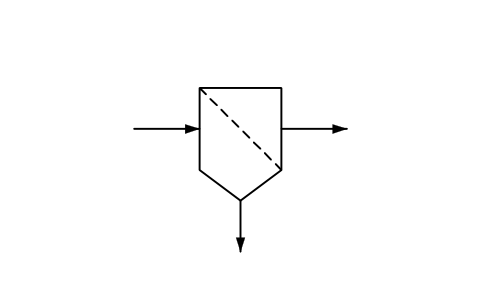 Screen, strainer, with drain pit
 Strainer, inline
 Pump suction strainer, check valve
 Cartridge or bag filter, general
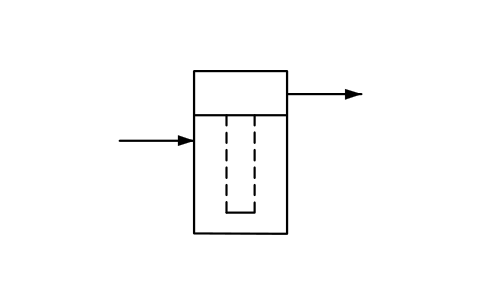 Cartridge filter, outside-in flow
 Cartridge filter, inside-out flow
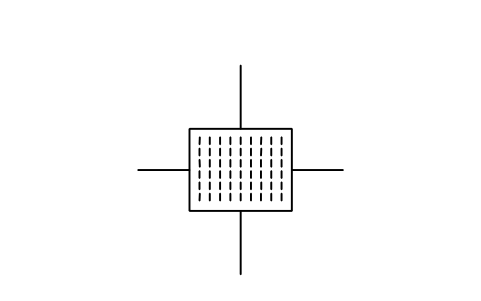 Filter press
 Filter, back flush, Bernoulli type
 Filter with back flush
 Bar screen with rake
 Basket screen, travelling type