
Topics:P&ID symbolsPower plant symbols
ISO 14084-2 power plant process diagram symbols for AutoCAD (DWG)
ISO 14084-2 power plant symbols: 477 ready-made AutoCAD blocks (DWG). A starter pack of 30 symbols is free; the Standard edition is $29.
Free starter pack: 30 symbols
The most-used symbols of this library, as AutoCAD blocks in one DWG. Free for everyone, for any project.
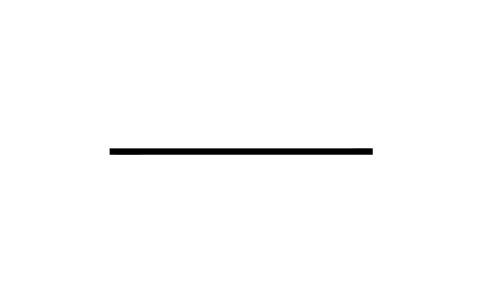 Pipeline, duct
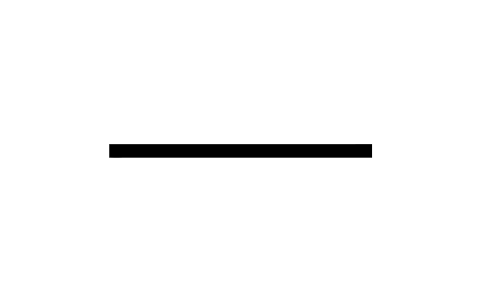 Steam
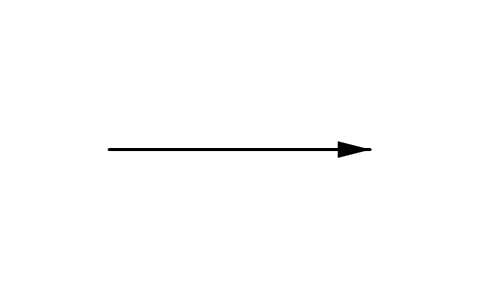 Direction, general (arrow)
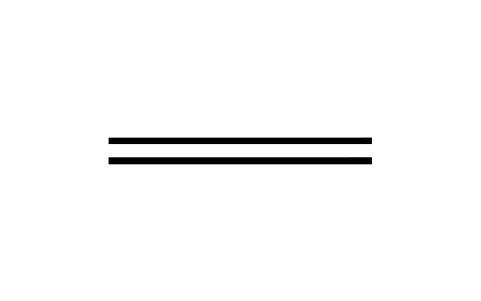 Mechanical connection, shaft, form 1
 Mechanical connection, shaft, form 1
 Flange joint
 Drain, funnel
 Pipe reducer, change of dimension
 Pipe, insulated
 2-way on-off valve, straight type
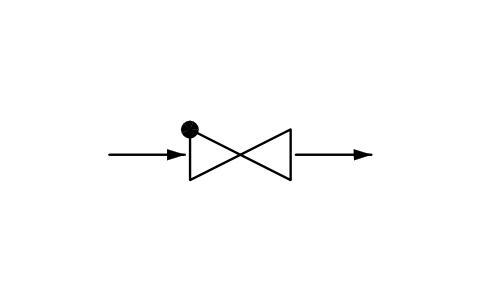 Non-return valve, form 1
 Control valve
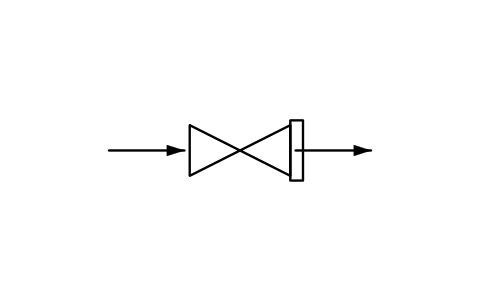 Safety valve
 Steam trap
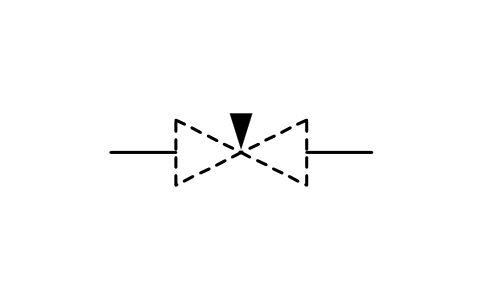 Valve, needle type
 Valve, sealing fluid connection
 2-way on-off damper
 Flame arrester
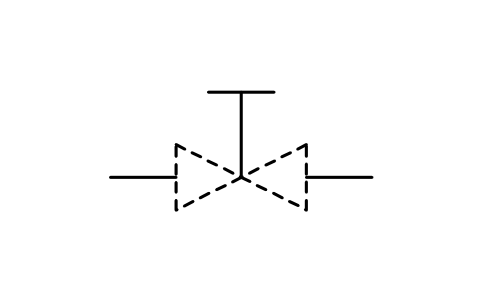 Manual actuator
 Automatic return, fail to close
 Pump, general
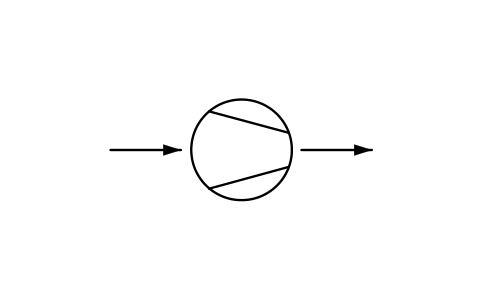 Fan, blower, compressor, general
 Vacuum pump, liquid ring type
 Heating or cooling surface, form 1
 Spray nozzle
 Cooling tower, general
 Separation, general
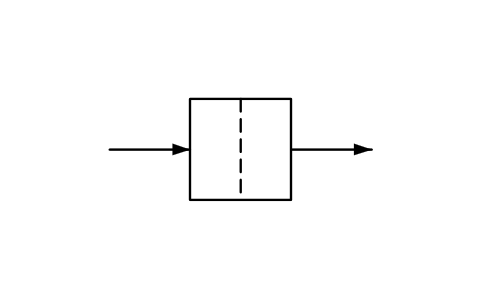 Screen, strainer, general
 RO membrane element, form 1
 Separator, impact type
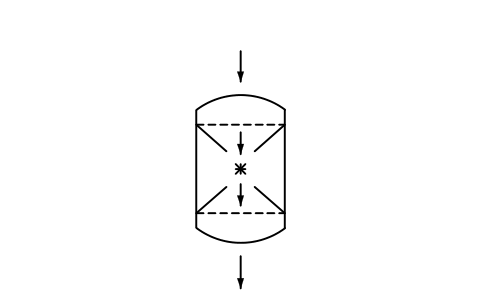 Bed filter, general
Standard: 300 symbols
All 300 symbols of the Standard edition in one download, ready to insert in AutoCAD. Pay once and keep the files.
- Pipeline, duct
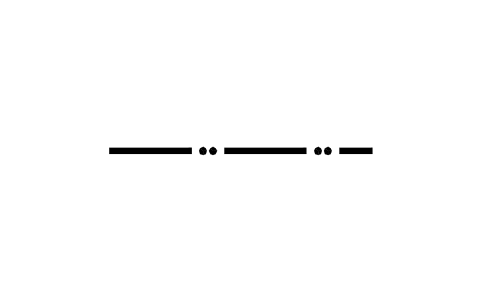 Pipeline in adjacent diagram
- Steam
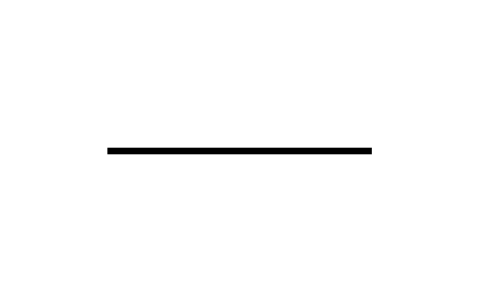 Condensate, cooling water, feed water
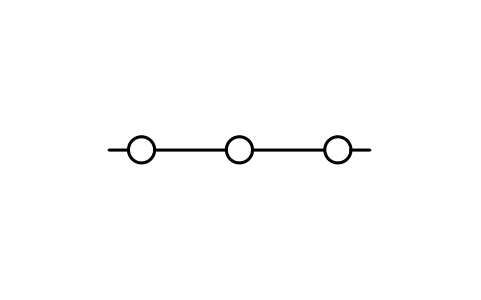 Water, oil contaminated
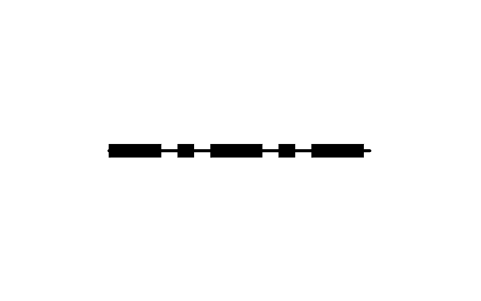 Raw water, untreated water
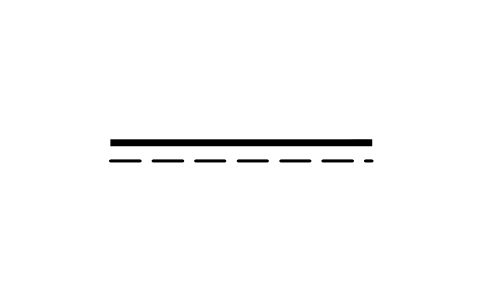 Air
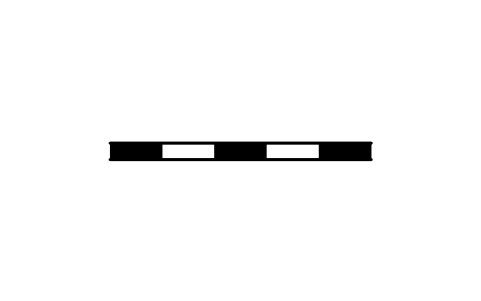 Solid fuels, bulk fuels
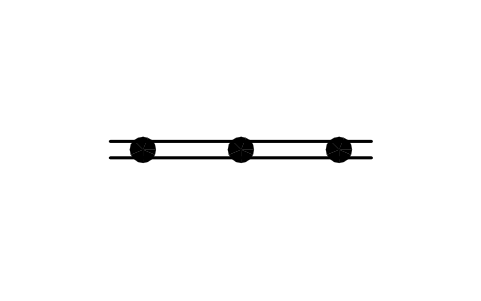 Combustible waste
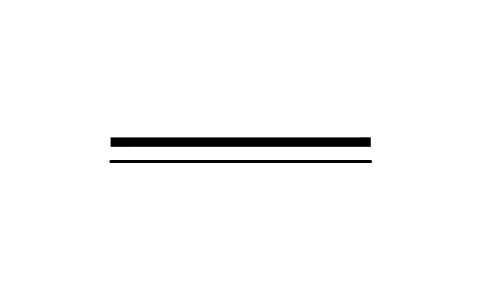 Combustible gases
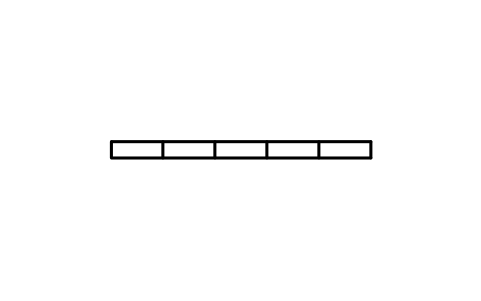 Ash, slag
- Direction, general (arrow)
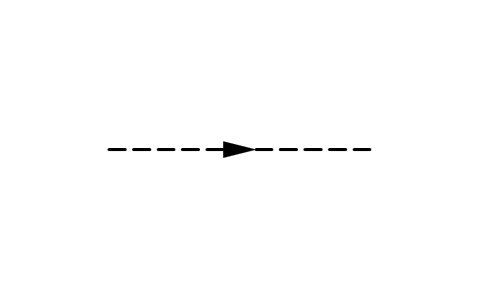 Direction, general (dashed line)
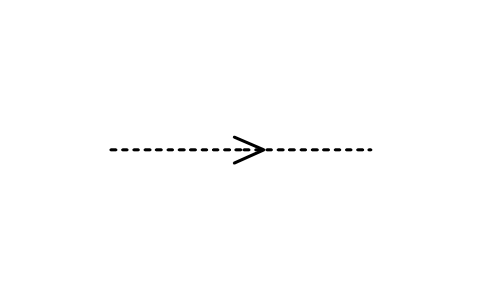 Energy or signal flow
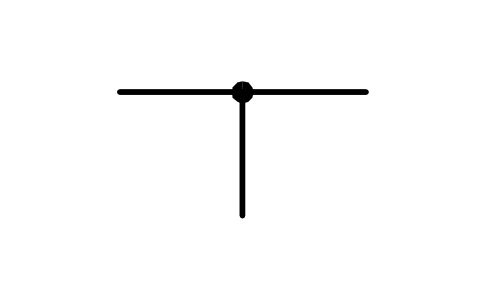 T-branch, form 2
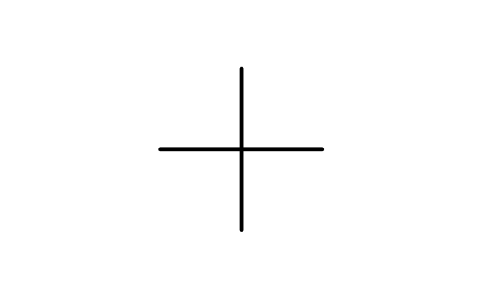 Crossing without connection
- Mechanical connection, shaft, form 1
- Mechanical connection, shaft, form 1
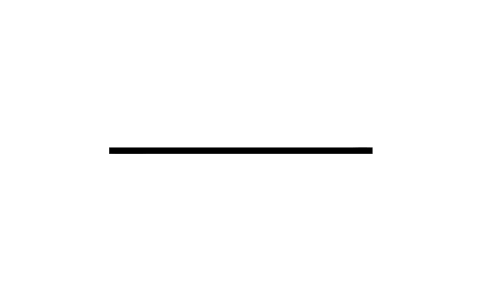 Mechanical connection, shaft, form 2
 Mechanical connection, shaft, form 2
- Flange joint
 Flange coupling, clamped
 Threaded joint
 Quick-release coupling, uncoupled
- Drain, funnel
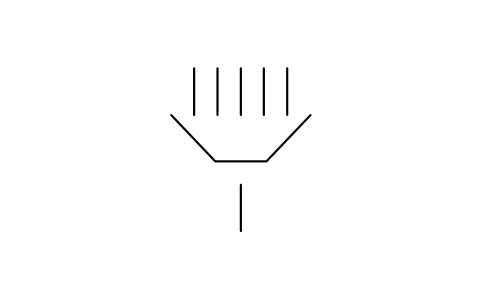 Drain pan
 Vent, outlet to atmosphere
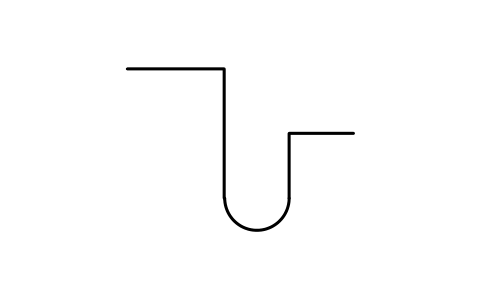 Siphon
 Slope
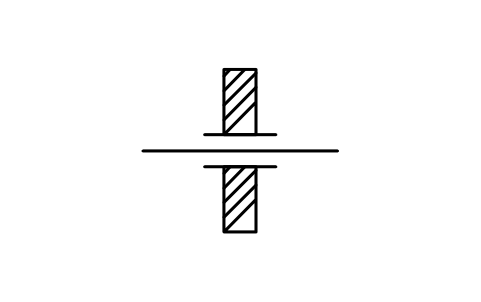 Penetration through wall, general
- Pipe reducer, change of dimension
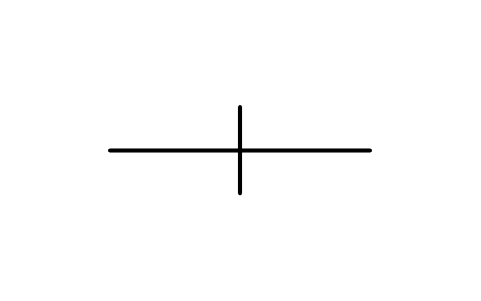 Flange, single
 Blind flange
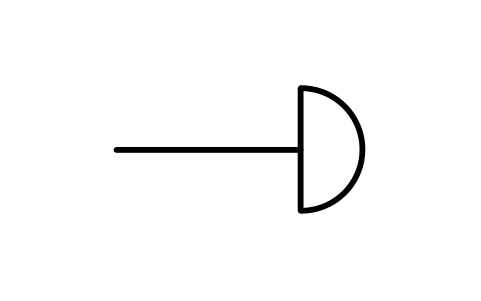 End cap
 Compensator, form 1
 Flexible pipe, hose
 Restrictor, multistage type
 Orifice plate between flanges, form 1
 Swing blind, closed
 Swing blind, open
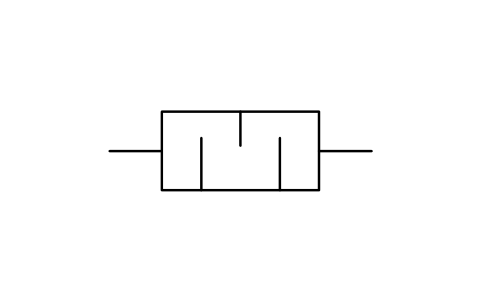 Silencer
 Viewing glass
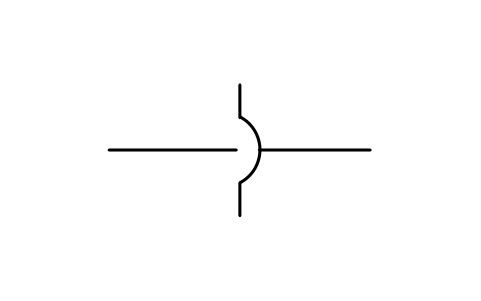 Rupture disc
- Pipe, insulated
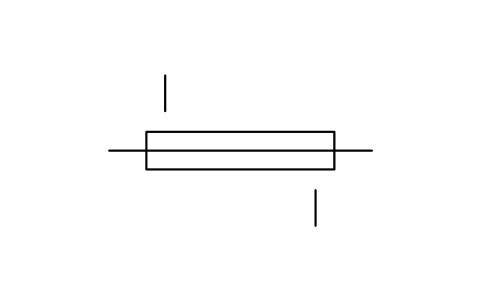 Jacketed pipe
 Heating or cooling
- 2-way on-off valve, straight type
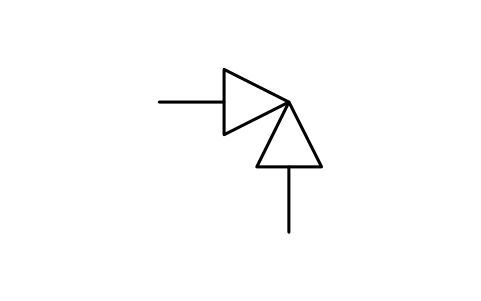 2-way valve, angle type
 3-way valve
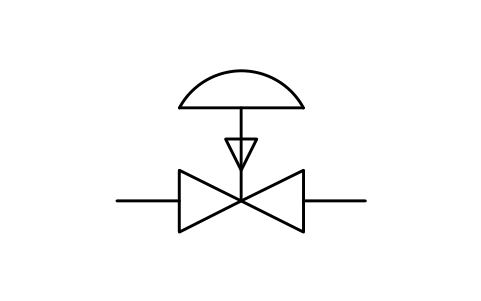 Valve, diaphragm, fail to close
 On-off valve, cylinder actuator
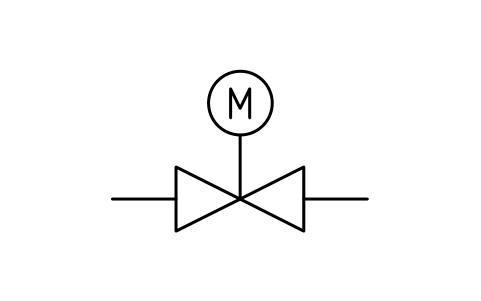 On-off valve, motor actuator
- Non-return valve, form 1
 Non-return valve, form 2
 Non-return and manual stop valve
 Non-return valve, assist cylinder
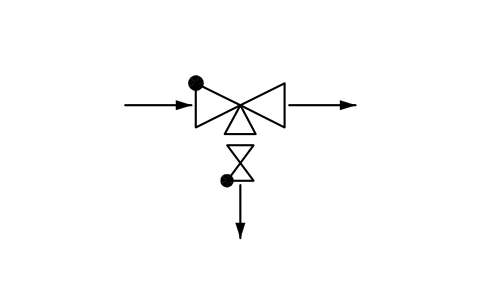 Pump check/recirc. valve, with NRV
- Control valve
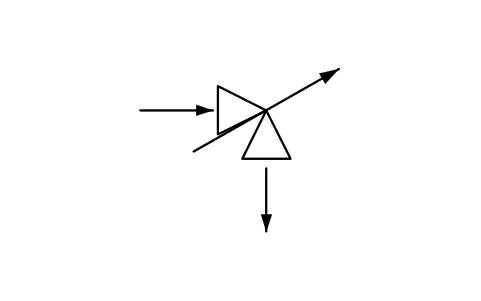 Control valve, angle type
 Control valve, 3-way distributing
 Control valve, double diaphragm
 Steam conditioning, integral water
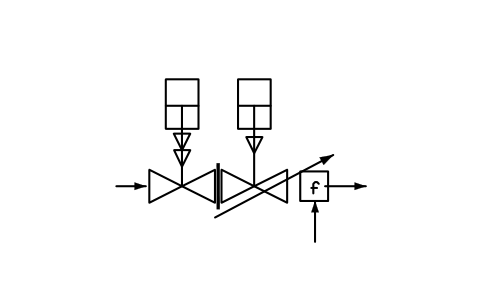 Steam conditioning + safety valve
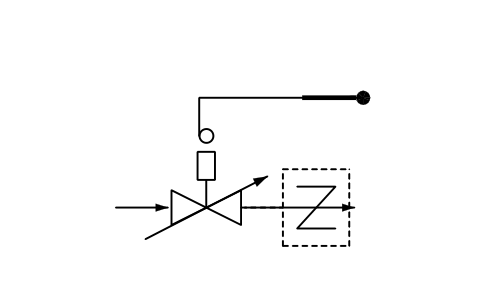 Temperature valve, self-acting
 Pressure reducer, self-acting
- Safety valve
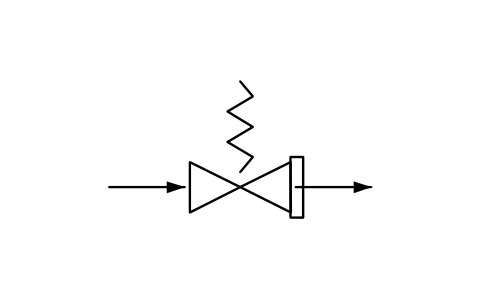 Safety valve, spring, straight
 Breather valve, safety function
- Steam trap
- Valve, needle type
 Valve, globe type
 Valve, piston or plunger type
 Valve, butterfly type, form 1
 Valve, ball type
 Valve, plug type
 Valve, hose type
 Valve, T-bore, 3-way or 4-way
- Valve, sealing fluid connection
 Valve, suction connection
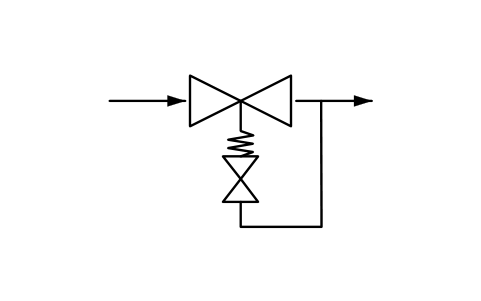 Cavity relief valve, downstream
 Valve, normally closed (NC)
- 2-way on-off damper
 Multi-leaf damper, louvre damper
 3-way on-off damper
 Non-return damper
 Non-return safety damper, fail close
 Control damper, diverter or mixer, form 1
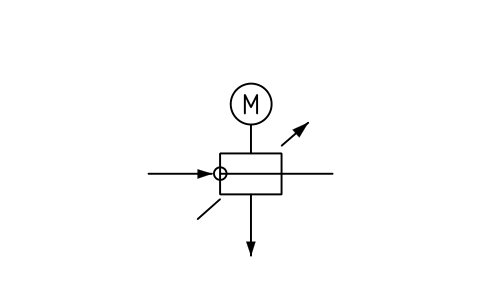 Control damper, diverter or mixer, form 2
 Safety damper
- Flame arrester
 Flame arrester, explosion proof
 Flame arrester, detonation proof
- Manual actuator
 Actuator, weight
 Actuator, fluid level (float)
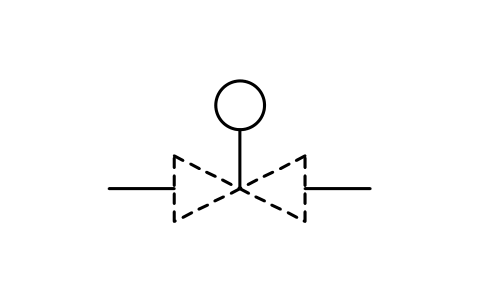 Actuator, type not indicated
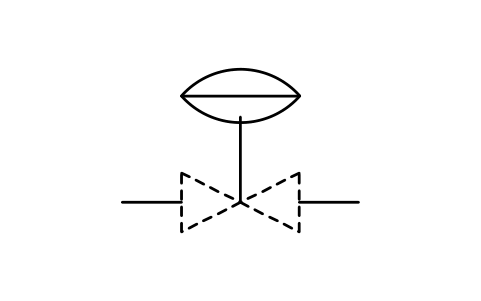 Diaphragm actuator, double acting
 Electromagnetic actuator
- Automatic return, fail to close
 Automatic return, quick closing
 Automatic return, fail to open
 Double acting, freeze, drift open allowed
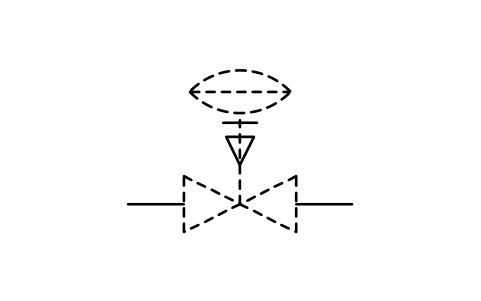 Double acting, freeze, drift close allowed
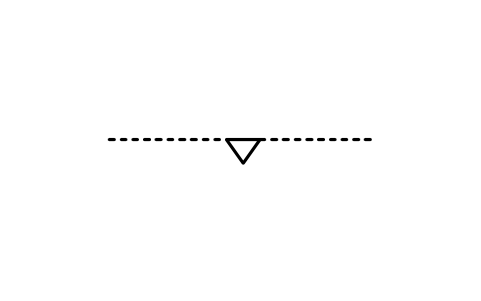 Interlocking device
- Pump, general
 Pump, gear type
 Pump, screw type
 Pump, reciprocating piston type
 Pump, diaphragm type
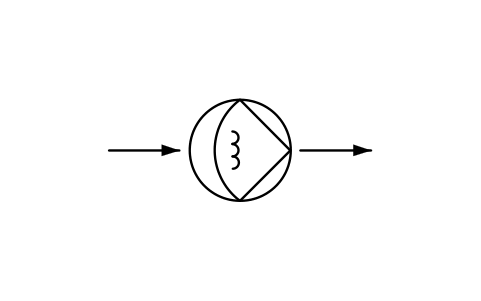 Pump, diaphragm, electromagnetic
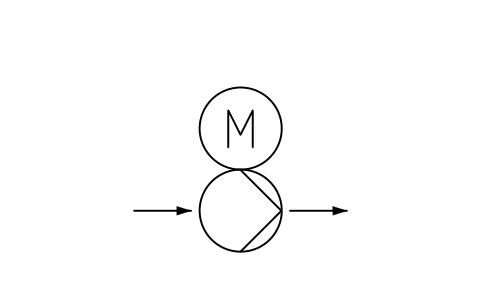 Pump, integrated motor
 Pump, glandless, magnet transmission
- Fan, blower, compressor, general
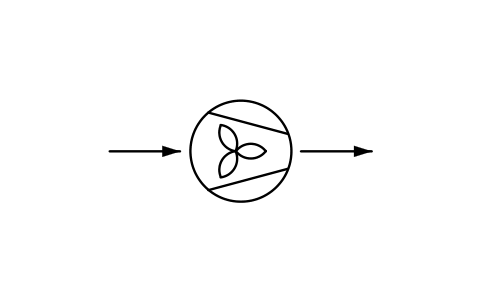 Fan, blower, impeller type
 Fan (integrated in another object)
 Compressor, reciprocating piston
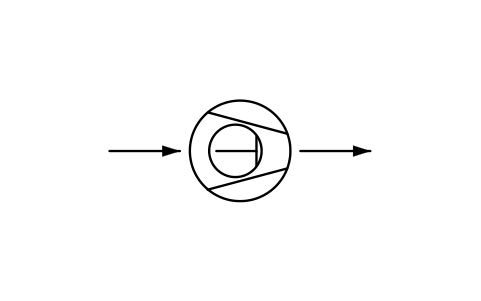 Compressor, rotary reciprocating piston
 Compressor, turbo type
 Compressor, rotary piston (Roots)
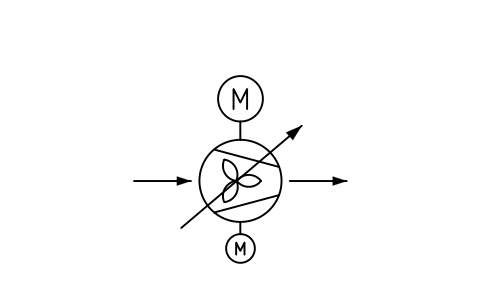 Fan, vane or blade control, electric
- Vacuum pump, liquid ring type
- Heating or cooling surface, form 1
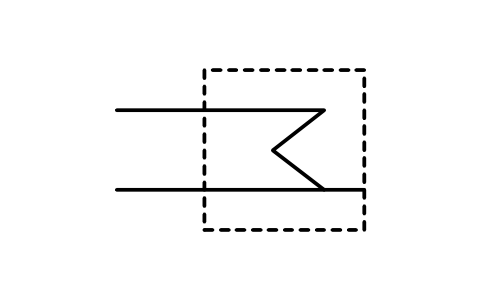 Heating or cooling surface, form 2
- Spray nozzle
 Finned tube
 Heat exchanger, general
 Condenser, 2 water passes, form 1
 Condenser, 2 water passes, form 2
 Evaporator, reboiler
 Plate heat exchanger, form 2
 Regenerative pre-heater, rotating
 Fin tube air cooler, condenser
 Mixing nozzle, injector
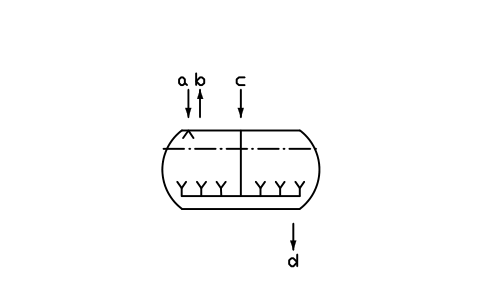 Feed water tank, spray de-aerator
 De-superheater
- Cooling tower, general
 Cooling tower, wet, natural draught
 Cooling tower, wet, forced draught
 Cooling tower, dry, natural draught
 Cooling tower, dry, induced draught
- Separation, general
- Screen, strainer, general
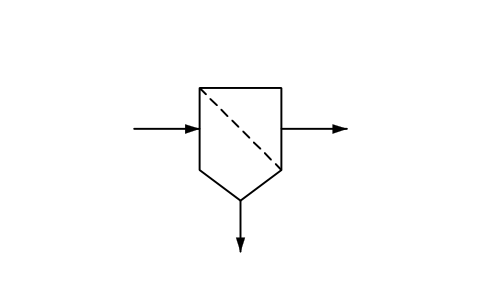 Screen, strainer, with drain pit
 Strainer, inline
 Cartridge or bag filter, general
 Cartridge filter, inside-out flow
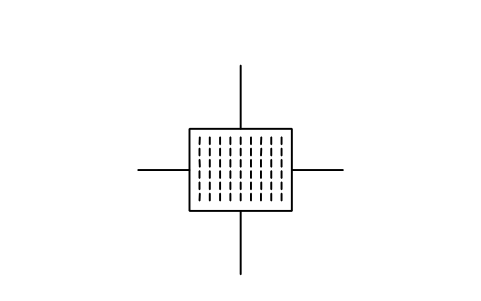 Filter press
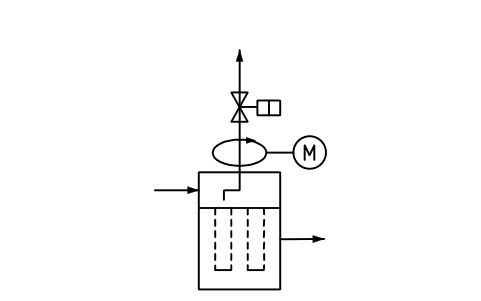 Filter with back flush
 Basket screen, travelling type
 Vacuum band filter
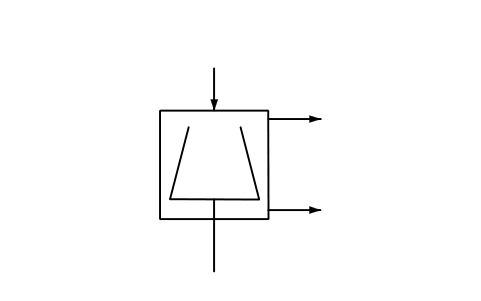 Centrifuge, general
- RO membrane element, form 1
 RO membrane element, form 2
- Separator, impact type
 Separator vessel
 Bag filter, two sections
 Electrostatic precip., two sections
- Bed filter, general
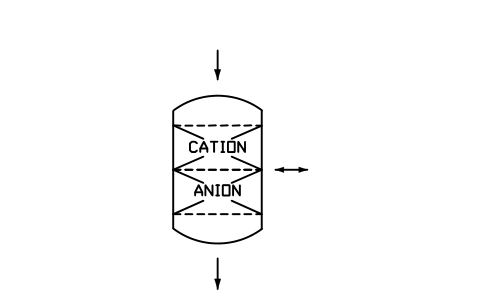 Bed filter, two different fillings
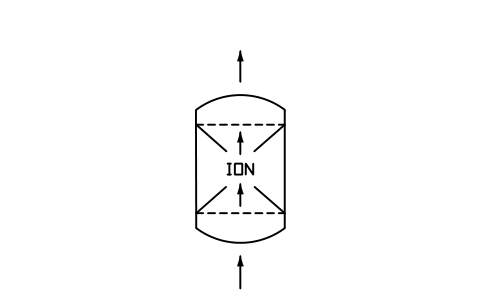 Bed filter, ion exchange type
 De-aerator, spray nozzle type
 Column packing section, general
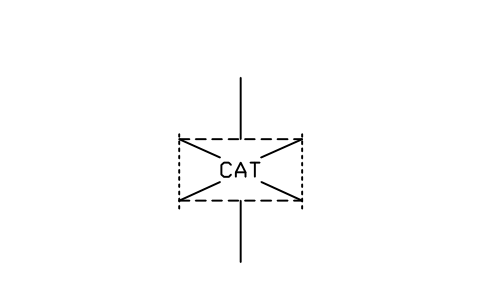 Catalytic elements, duct mounted
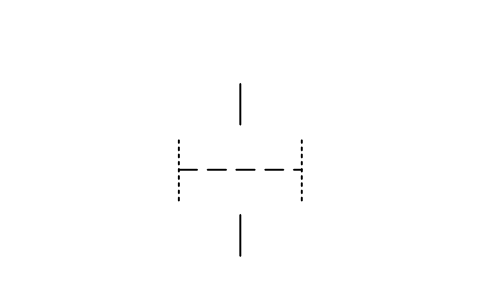 Column tray, general
 Column tray, valve type
 Mixing, general
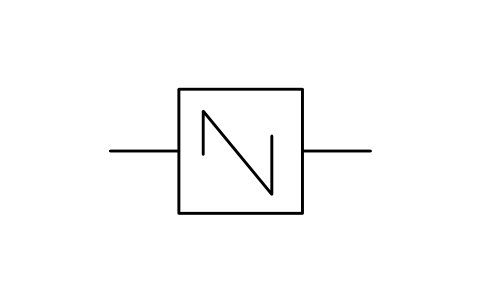 In-line static mixer, form 1
 Mixer, dynamic, general
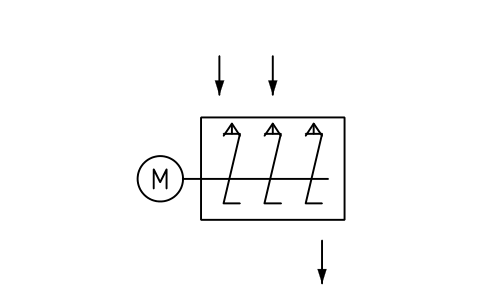 Mixer, dynamic (ash humidifier)
 Open tank, basin, pond
 Closed tank
 Tank, flat bottom, dished roof
 Vessel with dished ends
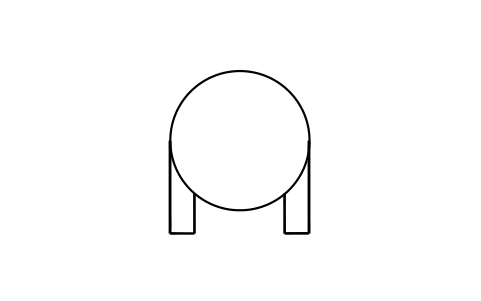 Spherical tank with supporting legs
 Bunker with conical bottom
 Supporting legs
 Supporting skirt
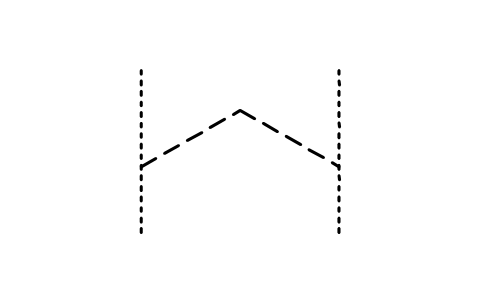 Indication of surface in bunker
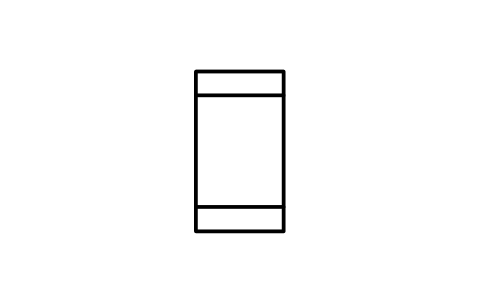 Barrel, drum
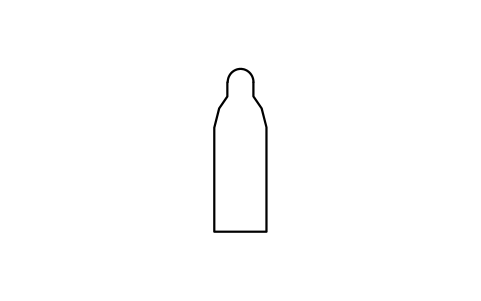 Gas cylinder
 Bag
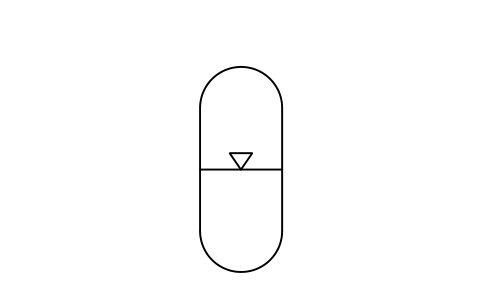 Accumulator, diaphragm, gas loaded
 Accumulator, bladder, gas loaded
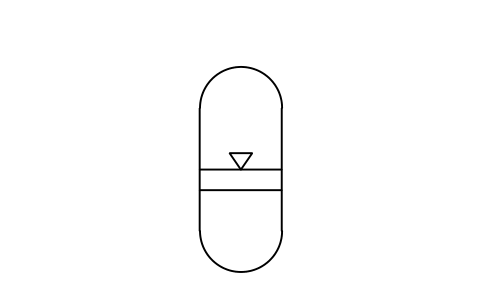 Accumulator, piston, gas loaded
 Conveyor, general
 Conveyor, reversible, general
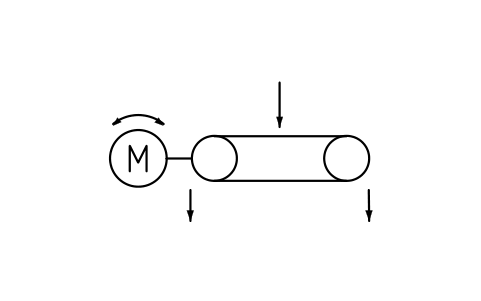 Belt conveyor, reversible type
 Belt conveyor, air belt type
 Belt conveyor with scraper flights
 Chain conveyor, general
 Submerged boiler slag conveyor
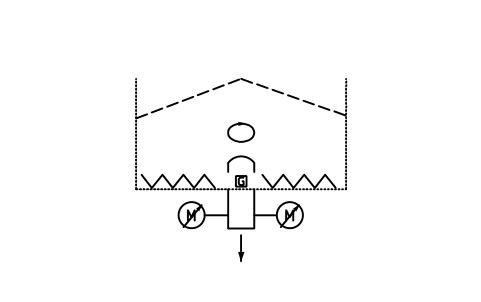 Screw unloader, rotating type
 Screw unloader, traversing type
 Conveyor, fluidized type
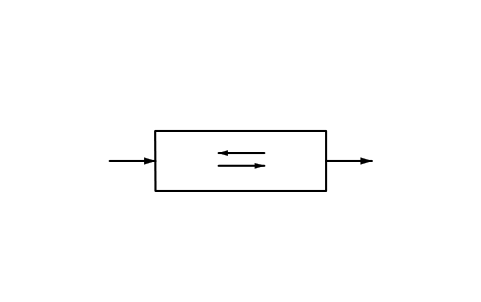 Conveyor, vibrating type
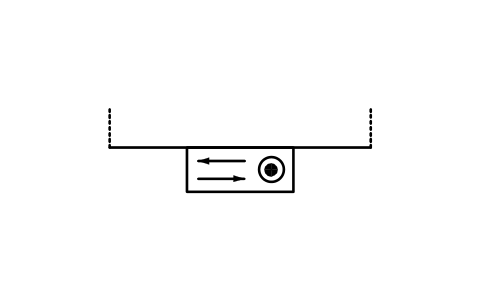 Conveyor vibrator, eccentric motor
 Funnel
 Chute
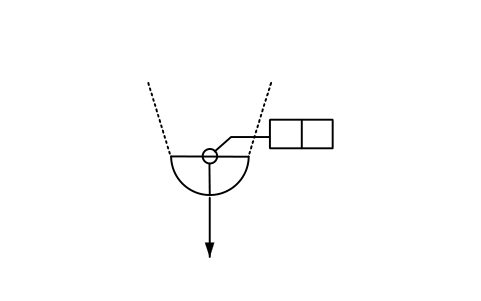 Bin gate, cylinder operated
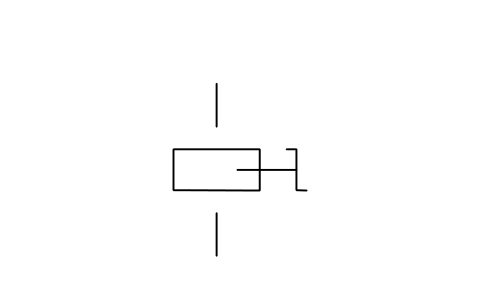 Damper, manually operated (turning)
 Diverter gate, cylinder operated
 Feeder, general
 Rotary vane feeder, air lock
 Belt feeder, weighing, variable speed
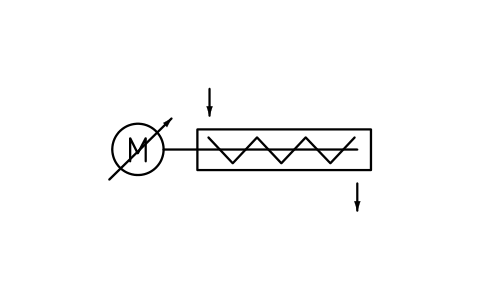 Screw feeder, variable speed motor
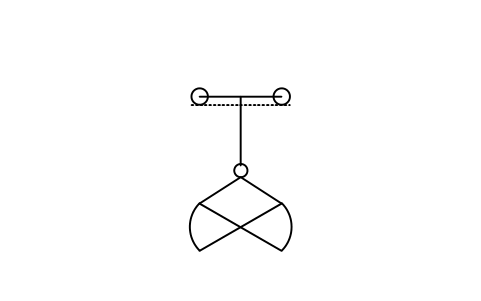 Overhead crane, grab type
 Overhead crane, straw bales
 Railway wagon, bulk type, form 1
 Railway wagon, bulk type, form 2
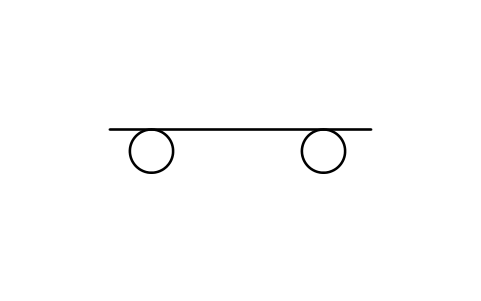 Railway wagon, open type
 Wagon tippler, rotary type, form 1
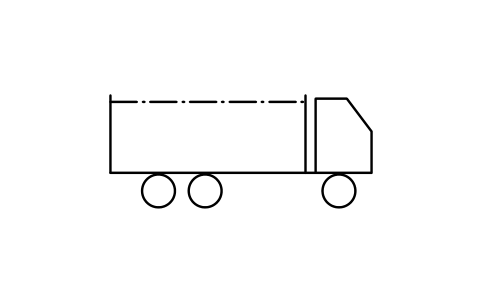 Road truck, bulk type
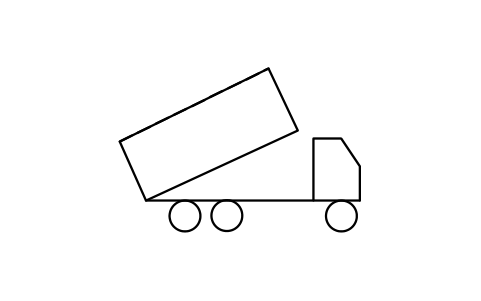 Road truck, bulk, unloading
 Forklift truck
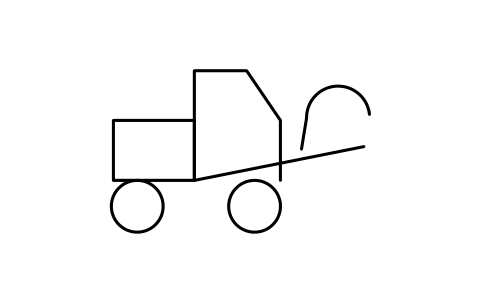 Log loader
 Ship, form 1
 Screen, general
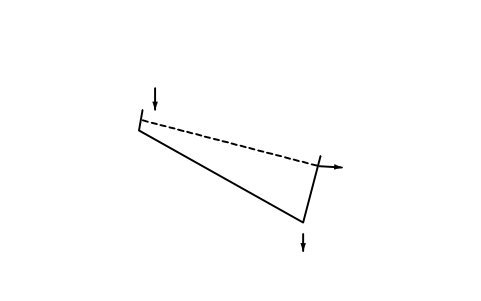 Screen, incline, coarse, single
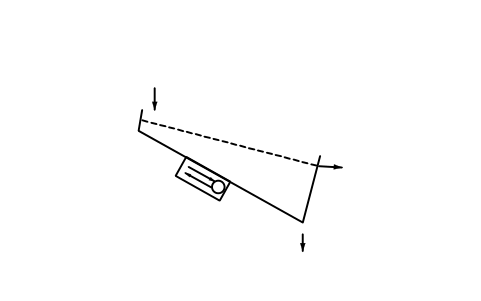 Screen, vibration type
 Magnet separator, general
 Size reduction machine, general
 Crusher, general
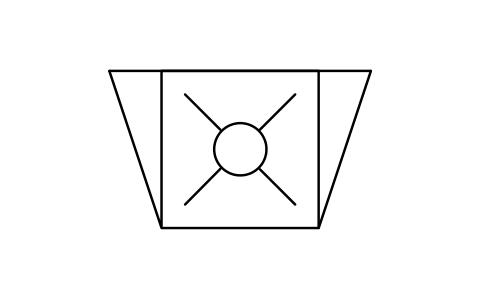 Crusher, impact type
 Crusher, jaw type
 Mill, hammer type
 Mill, ball type, vertical rotation
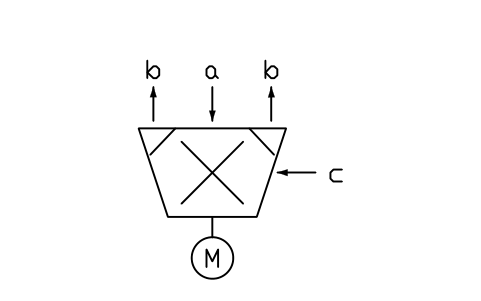 Mill, indication of connections
 Shredder, general
 Belt conveyor with spray nozzles
 Hot water shell boiler
 Steam shell boiler
 Steam tube boiler with drum
 Steam tube boiler
 Fluidized bed boiler (CFB, BFB)
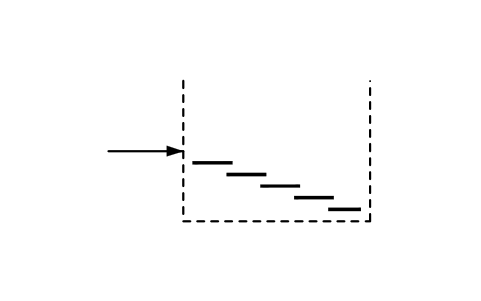 Incline grate boiler
 Electrical boiler, resistance
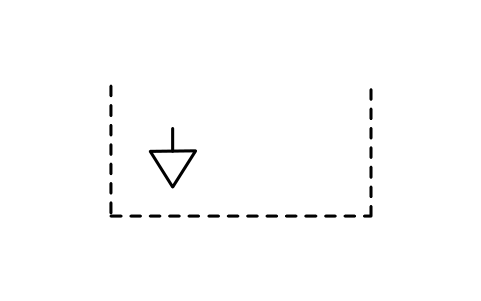 Electrical boiler, electrode
 Heating surface
 Header, form 1
 De-superheater
 Burner
 Duct burner, afterburner
 Soot blower, steam type
 Thermal solar panel
 Steam turbine, centre inlet
 Gas turbine, free power turbine
 Gas turbine, separate combustors
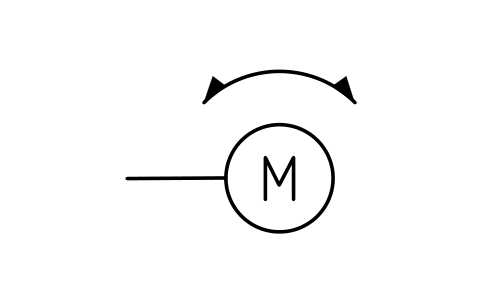 Electrical motor, reversible
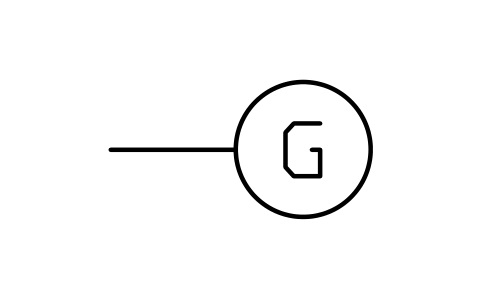 Electrical generator
 Electrical generator, DC type
 Bearing, general type
 Gearwheel
 Gear wheels
 Gear, fixed ratio, speed decreasing
 Coupling, general
 Coupling, pneumatic type
 Coupling, SSS type
 Coupling, variable, hydraulic
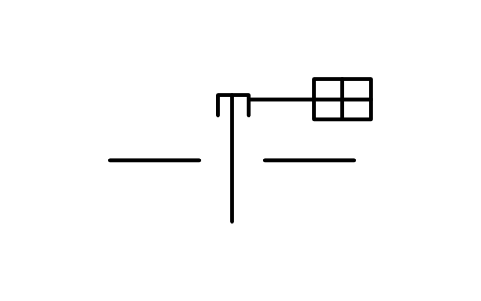 Brake, disc type, cylinder actuated
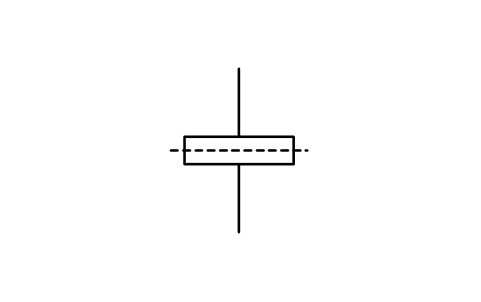 Drive wheel, chain type
 PCI, circle form, field mounted
 PCI, extended form, field mounted
 PCI, extended form, local control system
 PCI, circle form, central control system
 Point of measurement
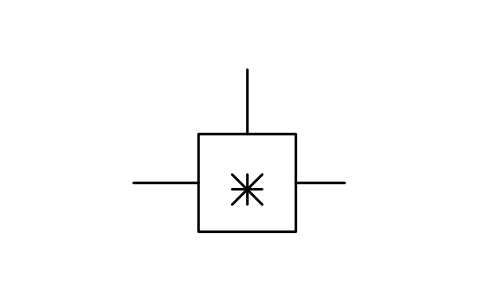 Sensor, built-in type, general
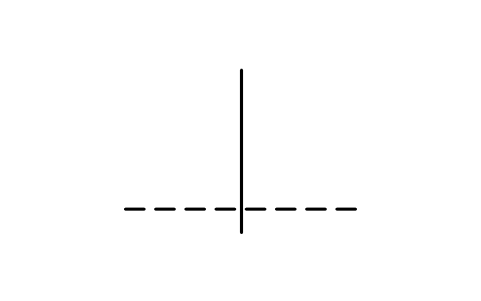 Temperature measurement in line or duct
 Temperature gradient, outside
 Temperature gradient, inside
 Temperature gradient on Y-piece
 Level, general
 Level, ultrasonic or radar type
 Level, electrode type, general
 Weighing cell
 Weighing cell on tank
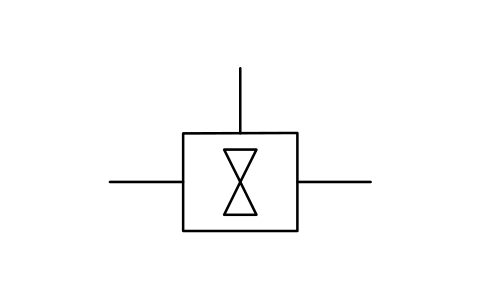 Propeller or turbine meter
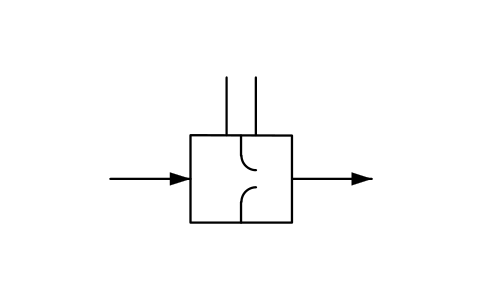 Flow nozzle
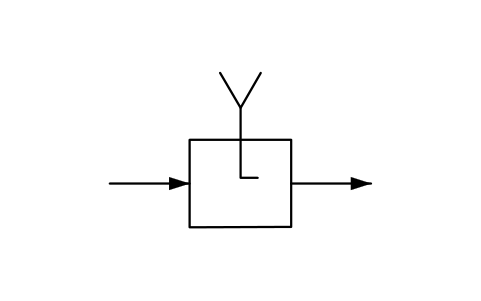 Pitot tube
 Vortex flow meter
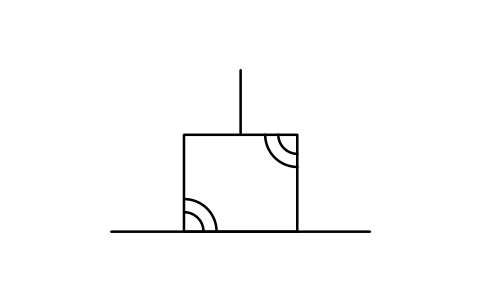 Ultrasonic flow meter, clamp-on
 Magnetic flow meter
 Variable area flow meter
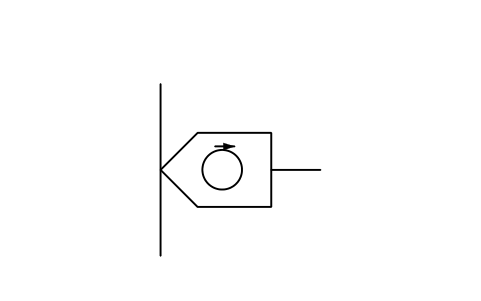 Sensor, rotation
 Sensor, vibration, general
 Limit switch, mechanical type
 Sensor, axial displacement
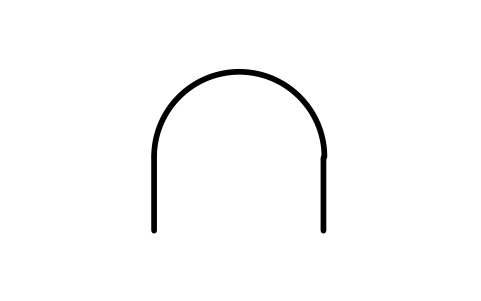 Signal, analogue
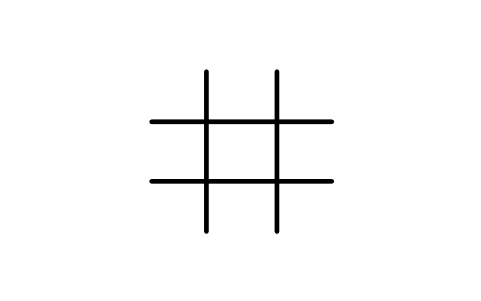 Signal, digital
 Emergency stop
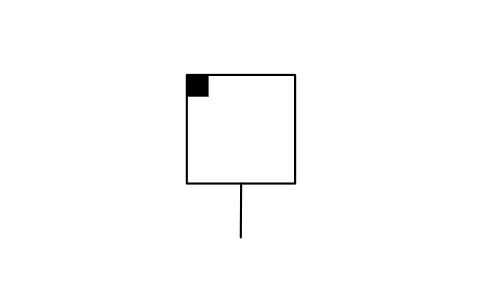 Set point, form 1
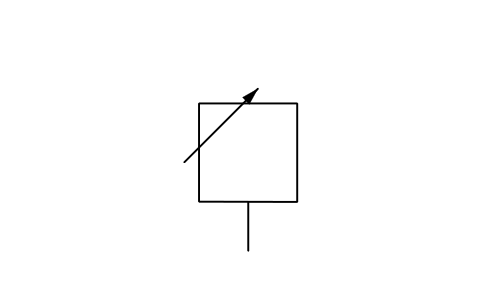 Set point, form 2
 Control integrator
 Dead band
 Limit value, high or low
 Minimum selector
 Selector
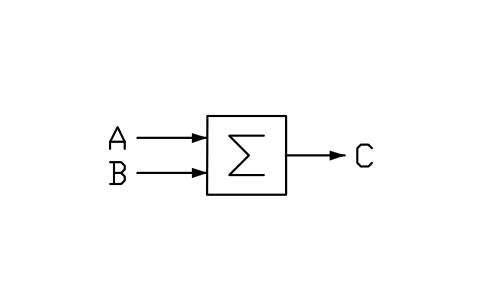 Summation
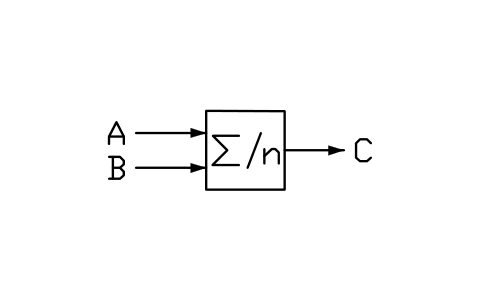 Average
 Multiplication
 Differentiation
Pro: all 477 symbols
Every symbol of the library, 477 in all, in one download. Standard holds 300 of them. Pay once and keep the files.
Free starter pack
$0For everyone, for any project
- 30 symbols
- No sign-in
- One DWG
Library licence
$29
For one person
Education: free
- Pay once
Student or teacher?
Free for one year with your school e-mail address. Renew it with the same address.
Sign in with your school e-mail address, we check it, and the licence is added to your account.
Available soonEducation licences are for study and teaching, valid for one year, and renewed with your school e-mail address.
Pro licence
$49
For one person
Education: $24.50
- Pay once
Student or teacher?
Half price ($24.50) for one year with your school e-mail address. Buy again next year to renew.
Sign in with your school e-mail address, we check it, and you pay half price.
Available soonHalf price ($24.50) for one year with your school e-mail address. Buy again next year to renew.
What each version contains
The symbols by group, and how many of each group every version holds.
| Content | Free | Standard | Pro |
|---|---|---|---|
| All symbols | 30 | 300 | 477 |
| Added by this version | — | +270 | +177 |
| Functional connections | 1 | 2 | 5 |
| Process medium lines | 1 | 9 | 15 |
| Direction, branching and crossing | 1 | 5 | 8 |
| Mechanical links | 1 | 2 | 3 |
| Pipeline joints and couplings | 1 | 4 | 6 |
| Drains, vents and wall penetrations | 1 | 6 | 9 |
| Pipeline components | 1 | 13 | 20 |
| Insulation, jackets and tracing | 1 | 3 | 4 |
Show 47 more groupsShow fewer groups
| On-off valves | 1 | 6 | 9 |
|---|---|---|---|
| Non-return valves | 1 | 5 | 8 |
| Control valves | 1 | 8 | 12 |
| Safety and relief valves | 1 | 3 | 6 |
| Special valves | 1 | 1 | 2 |
| Valve type symbols | 1 | 8 | 13 |
| Specific valve features | 1 | 4 | 7 |
| Dampers | 1 | 8 | 12 |
| Flame arresters | 1 | 3 | 4 |
| Actuators | 1 | 6 | 10 |
| Actuator supplementary symbols | 1 | 6 | 9 |
| Pumps | 1 | 8 | 13 |
| Fans, blowers and compressors | 1 | 8 | 12 |
| Vacuum pumps | 1 | 1 | 2 |
| Heat exchangers | 1 | 10 | 18 |
| Energy transfer by mixing | 1 | 4 | 6 |
| Cooling towers | 1 | 5 | 8 |
| Separation, general and strainers | 1 | 1 | 1 |
| Filters and screens of liquids | 1 | 10 | 16 |
| Membrane separation | 1 | 2 | 3 |
| Separation of solids in gases | 1 | 4 | 7 |
| Bed filters and de-aerators | 1 | 4 | 6 |
| Columns, packings and trays | — | 4 | 7 |
| Mixing and agitating | — | 4 | 6 |
| Permanent storage | — | 6 | 9 |
| Storage devices and indications | — | 3 | 5 |
| Mobile storage devices | — | 3 | 4 |
| Energy storage and expansion devices | — | 3 | 4 |
| Conveyors and elevators | — | 10 | 17 |
| Unloaders | — | 2 | 3 |
| Material flow control | — | 5 | 8 |
| Feeders | — | 4 | 6 |
| Handling equipment | — | 2 | 3 |
| Mobile transport equipment | — | 9 | 14 |
| Screening and magnetic separation | — | 4 | 7 |
| Size reduction | — | 8 | 12 |
| Humidifying | — | 1 | 2 |
| Boilers and fired heat generators | — | 9 | 14 |
| Boiler devices and chimney | — | 6 | 9 |
| Turbines, engines and electrical machines | — | 6 | 11 |
| Shafts, gears, couplings and drives | 1 | 12 | 19 |
| Process control information | — | 4 | 6 |
| Sensors and temperature | — | 6 | 9 |
| Level, weight and flow | — | 12 | 19 |
| Speed, vibration and position | — | 4 | 7 |
| Signals and emergency stop | — | 3 | 4 |
| Control processing elements | — | 11 | 18 |
Pro holds every symbol of Standard plus the Pro-only ones.
475 AutoCAD blocks for process diagrams of power plants, drawn after the entries of ISO 14084-2 "Process diagrams for power plants - Graphical symbols": connection and medium lines, pipe fittings, valves, dampers and safety devices, pumps, fans and compressors, heat exchangers and cooling towers, fluid processing, storage, material transport and processing, boilers, turbines, generators, gears and couplings, and instrumentation and control. The library follows the sections of the standard: each section is its own DWG and ZIP, so you download only what your diagram needs.
Free to use and modify in your own projects, including commercial ones. The ZIP holds one plain DWG file in AutoCAD 2018 format and a README; no add-in needed. Provided as is, without warranty.
Related symbol libraries
Missing a symbol? Tell us which one.
Attributes for parts lists
Every block has a visible tag next to the symbol (for example B-101 for a boiler, ST-101 for a steam turbine, M-101 for a motor, G-101 for a generator). The data of your equipment list are invisible attributes such as SERVICE, POWER_MW, SPEED_RPM, INLET_PRESSURE_BAR, FUEL and MANUFACTURER. STD_CLAUSE and STD_REF hold the entry number and the registration number of the symbol in ISO 14084-2 (for example X6904), so you can find it in the standard.
How to use the library
- Unzip the file and open the DWG. Copy the symbols you need into your plan, or drag the blocks in from DesignCenter (ADCENTER).
- The symbols are drawn in millimetres on the 2.5 mm module of the standard and are 5 to 30 mm in size. Insert them at scale 1 and scale the block to the size of your diagram. A few very large symbols, such as the chimney and gas turbines, are reduced so that they stay a usable size.
- The connections are short lines or arrows where the standard draws them. Where the standard shows a * on a boiler, the type of the combustion or heating system is meant: place the matching symbol from the section on boilers next to it.
- A symbol that appears in two sections of the standard, such as the shaft, has the same block name in both sections, so the two DWG files can be used in one drawing.
About ISO 14084-2
ISO 14084-2:2015 defines the graphical symbols for process diagrams of power plants: pipes and media lines, fittings, valves, machines, boilers, turbines and instrumentation. Each entry has an entry number, a registration number and a code letter pair after IEC 81346-2. This library redraws the entries of the standard as blocks.
The blocks are our own drawings after the standard, not copies, and the library is not certified. It has not been compared with national power plant standards such as the Chinese DL/T 5028.2. Check the symbols against the legend of your project and change a block if yours differs.
Engineering calculators
Frequently asked questions
- Does the library contain every symbol of ISO 14084-2?
- It follows the standard section by section and redraws the symbols of each section; the sections are listed on this page with the number of symbols in each. The entry number and the registration number of a symbol are stored in the block, so you can check a block against the standard.
- Why is the library split into several DWG files?
- The standard has about 480 symbols. One DWG with all of them is slow to browse, so the library follows the sections of the standard: boilers and machines, valves, pumps, instrumentation and so on. Download the sections you need; the block names do not overlap, so you can use several in one drawing.
- Can I use the symbols in commercial projects?
- Yes. They are free to use and modify in your own projects, including commercial ones. They are provided as is, without warranty. Please do not redistribute or resell the library; see the library terms.
- Are pumps and valves drawn the same way as in the P&ID and power system libraries?
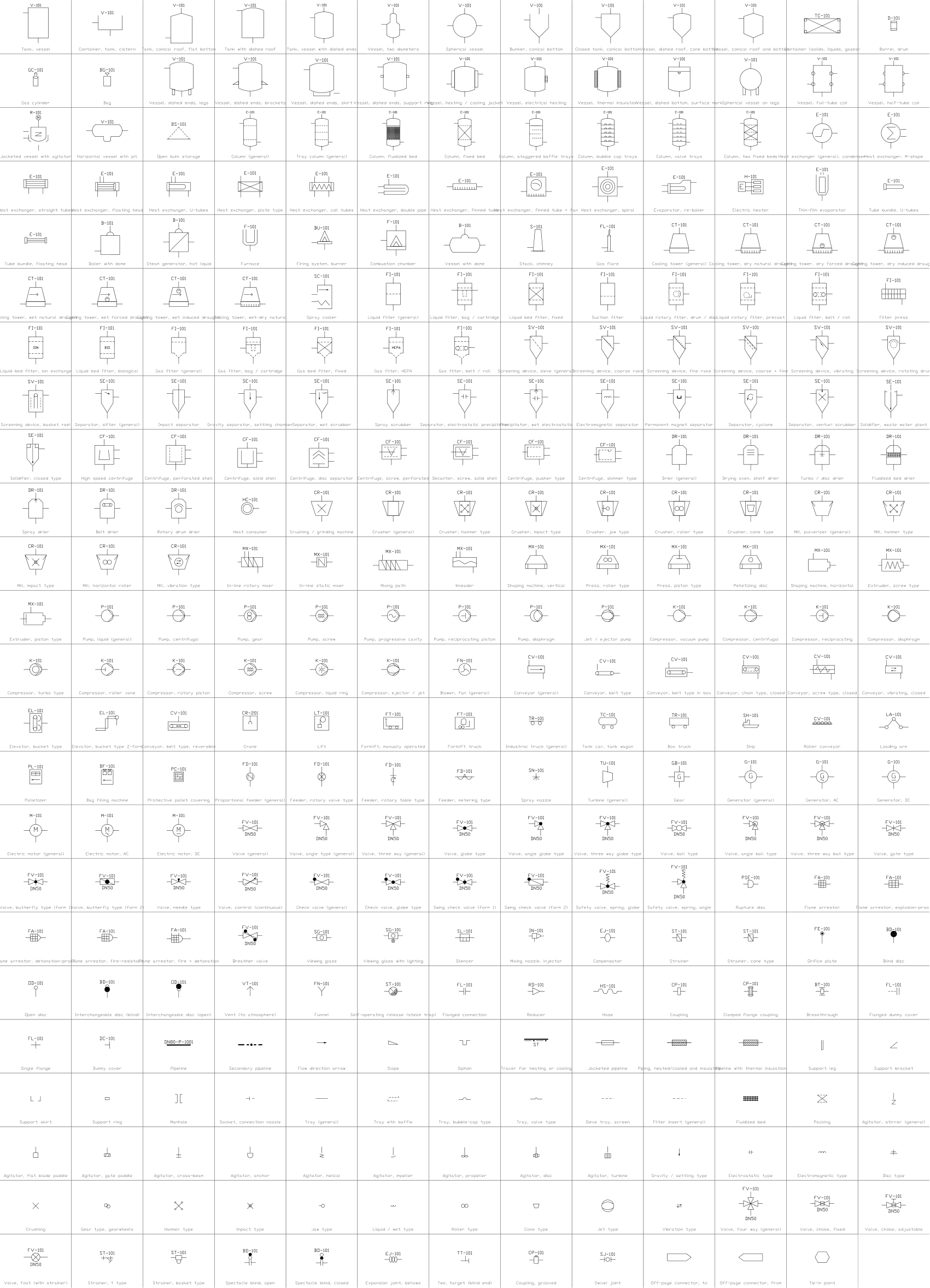
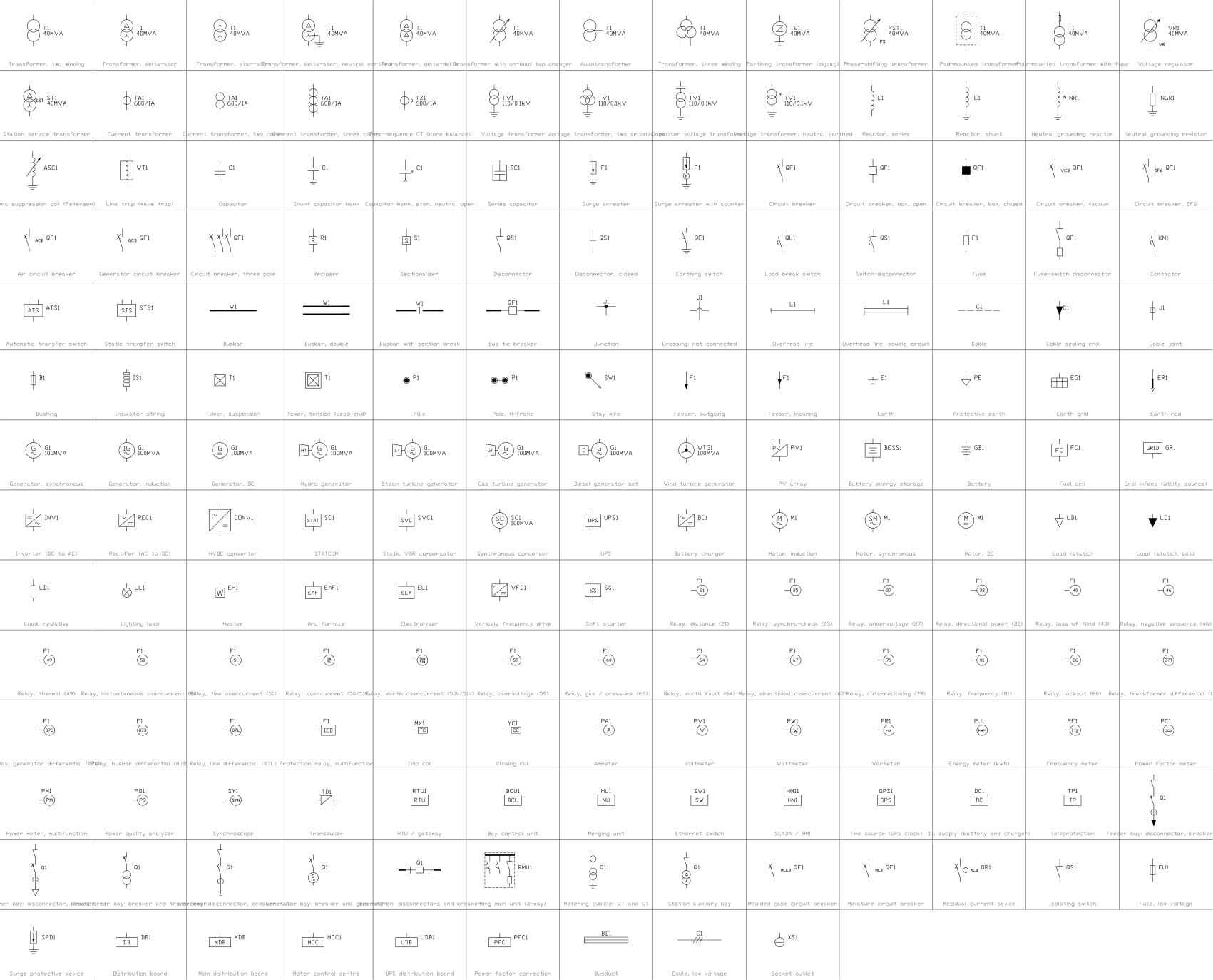
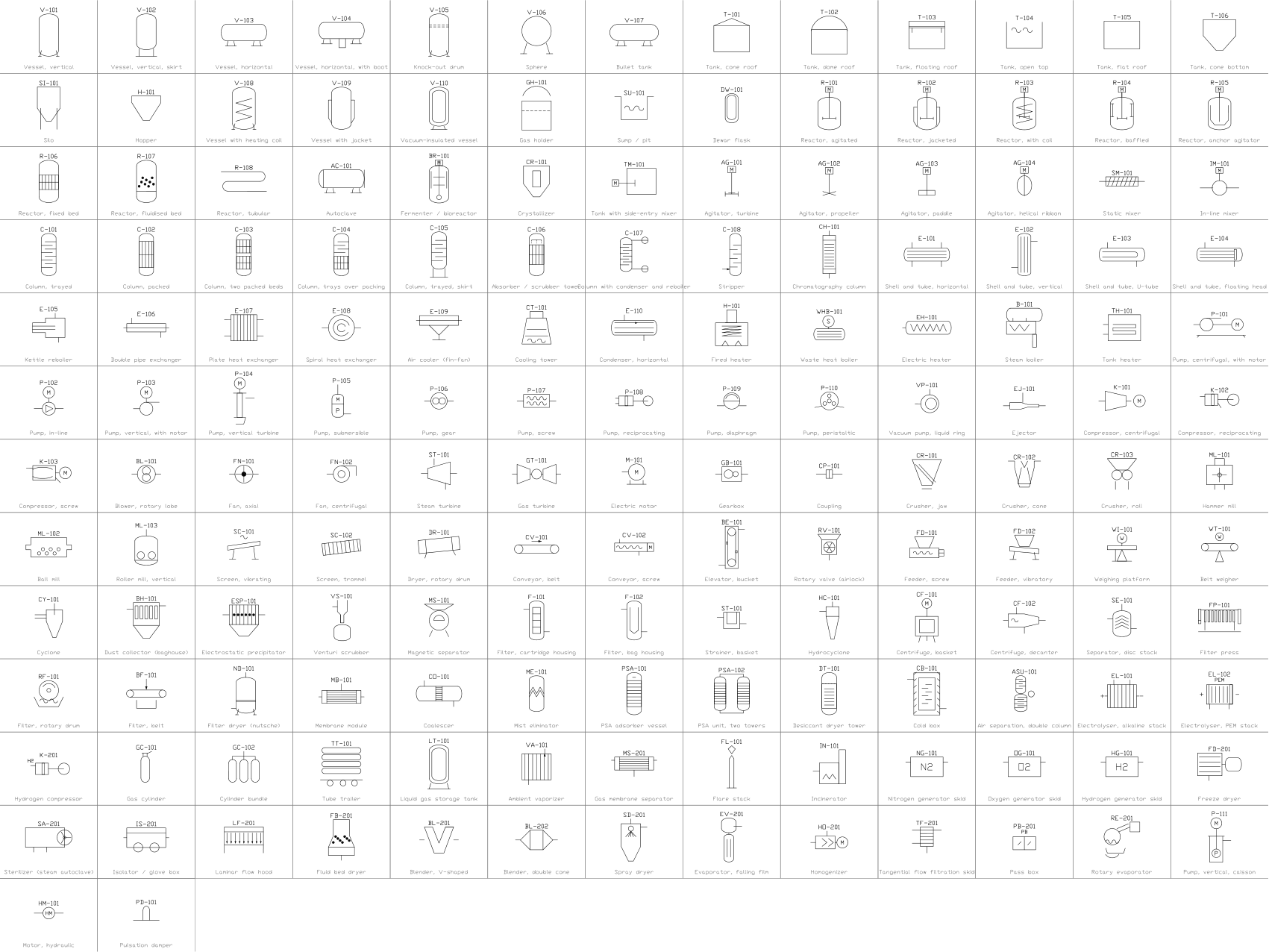
- Where ISO 14084-2 has its own form for the power industry the block follows the standard. The P&ID library (ISO 10628-2) and the power system library hold the general and electrical forms. Use the one that matches the standard of your diagram.
- Can I change a symbol or add attributes?
- Yes. Open the DWG, edit a block with BEDIT to change it or add attributes, and save. To update drawings that already contain the block, run ATTSYNC or replace the block. Make a backup first: attribute values can be lost if ATTSYNC is used carelessly.
- Where do I find a ready-made set of these symbols for AutoCAD?
- AutoCAD itself ships only a small set of sample blocks, so a full symbol set has to come from a library. Download the ZIP on this page and open the DWG: every symbol is a block. Insert one with INSERT (Blocks palette, Libraries tab, then pick the DWG) or drag it from DesignCenter (ADCENTER). You can also download a single symbol on its own.